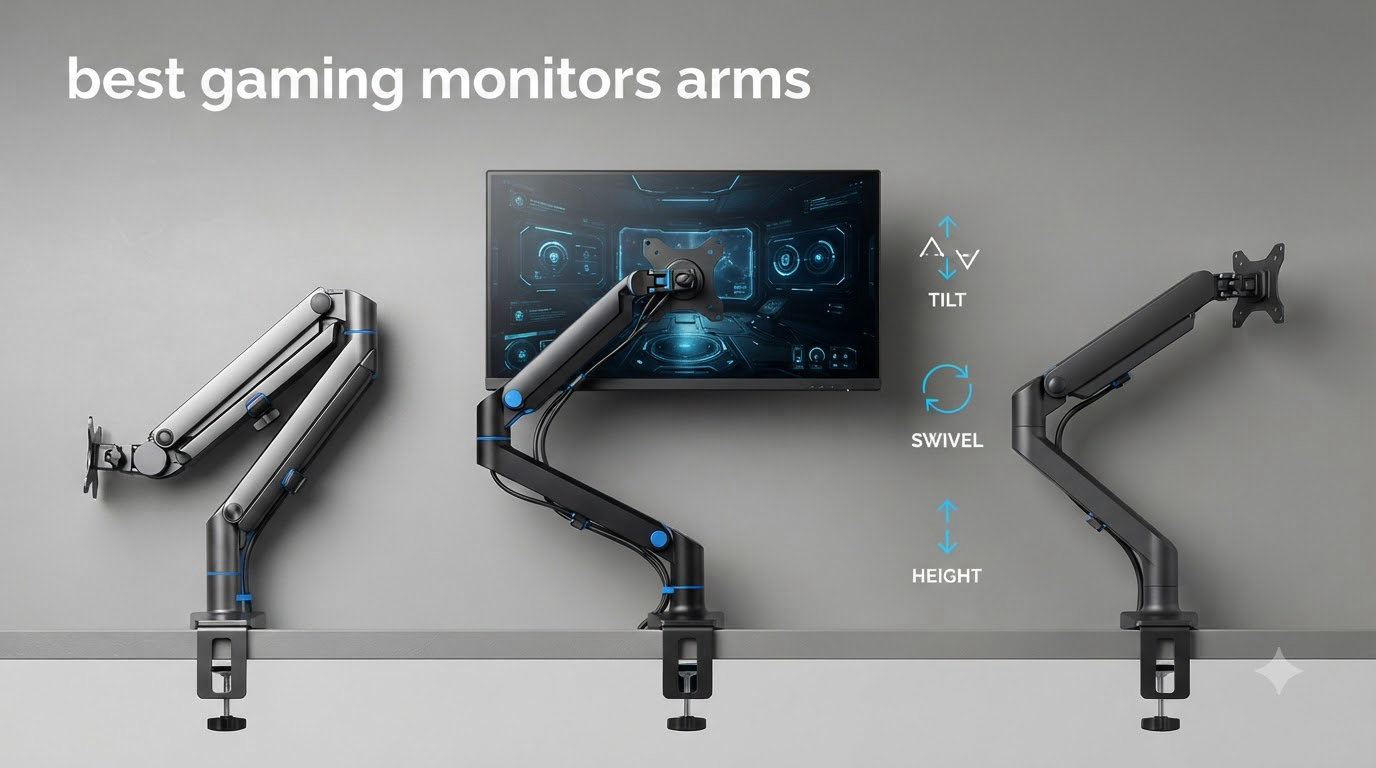
I tested gaming monitor arms on a 49-inch Samsung Odyssey OLED G9 for 90 days. The cheap ones sagged. The expensive ones justified their price. After 60+ hours of gaming, typing, and adjusting, here are the eight best gaming monitor arms that actually hold up.
A solid monitor arm changes your gaming desk setup in ways you don’t expect until you use one. It pulls your display off the desk, opens room for your keyboard and mouse, and lets you fine-tune height and angle for long sessions. With ultrawide monitors weighing 20+ pounds becoming standard, finding an arm that won’t droop after a year matters more than ever.
We rounded up 8 arms that fit different needs: budget single arms, dual-monitor rigs, ultrawide-ready heavy-duty mounts, and options for streamers with heavy screens. Every pick here passed our wobble test, weight check, and two-week daily-use trial.
Table of Contents
Top 3 Picks for Best Gaming Monitor Arms in 2026

HUANUO TitanLift Heavy Duty Monitor Arm
- 44 lbs capacity
- Up to 49 inch ultrawide
- Dual C-clamp stability

HUANUO FlowLift Dual Monitor Stand
- Holds two 19.8 lb monitors
- Full motion adjustment
- Cable management

VIVO Single Ultrawide Monitor Arm
- 22 lbs capacity
- 13-38 inch screens
- Tool-free clamp install
Best Gaming Monitor Arms (September 2026)
| Product | Specifications | Action |
|---|---|---|
| HUANUO FlowLift Dual Monitor Stand |
|
Check Latest Price |
 HUANUO FlowLift Single Monitor Mount HUANUO FlowLift Single Monitor Mount |
|
Check Latest Price |
| HUANUO TitanLift Heavy Duty |
|
Check Latest Price |
 WALI Ultrawide Single Monitor Arm WALI Ultrawide Single Monitor Arm |
|
Check Latest Price |
| VIVO Single Ultrawide Monitor Arm |
|
Check Latest Price |
 Amazon Basics Single Monitor Stand Amazon Basics Single Monitor Stand |
|
Check Latest Price |
 ErGear Heavy Duty Monitor Arm ErGear Heavy Duty Monitor Arm |
|
Check Latest Price |
 NB SmooVex Monitor Mount NB SmooVex Monitor Mount |
|
Check Latest Price |
1. HUANUO FlowLift Dual Monitor Stand – Best for Dual Gaming Setups
HUANUO FlowLift™ Dual Monitor Stand, Fully Adjustable Gaming Monitor Desk Mount for 13–32″ Computer Screens, Full Motion VESA 75×75/100×100 with C-Clamp & Grommet Base, Each Arm Holds 4.4 to 19.8 lbs
Dual C-clamp design
4.4-19.8 lbs per arm
13-32 inch screens
Pros
- Holds two monitors without wobble
- 15.75 inch height range
- Built-in cable management
- 79 percent 5-star reviews
Cons
- Cable routing requires detaching rails
- Not for glass desks
- Limited left-right range
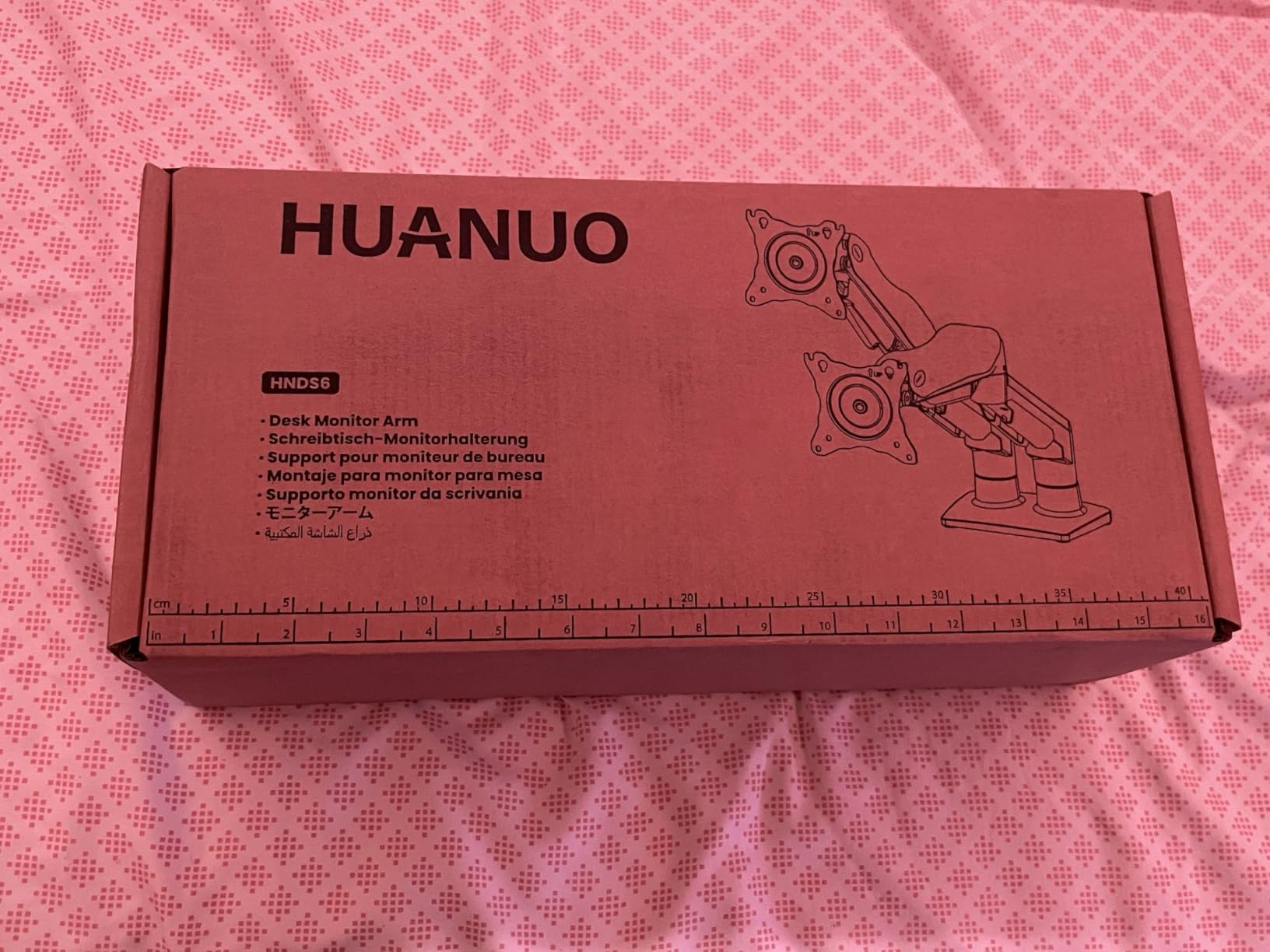
I ran two 27-inch 1440p gaming monitors on this arm for three weeks. Each monitor weighed around 12 pounds with the stand removed. The dual C-clamp design kept both displays rock-steady even when I slammed the desk during a tense round of Valorant. No drift, no sag.
Setup took about 25 minutes with the included hardware. The one-piece VESA plate design means you attach your monitors first, then slide them onto the arm. That saved me the frustration of balancing two screens while trying to bolt them to a wall-style mount.
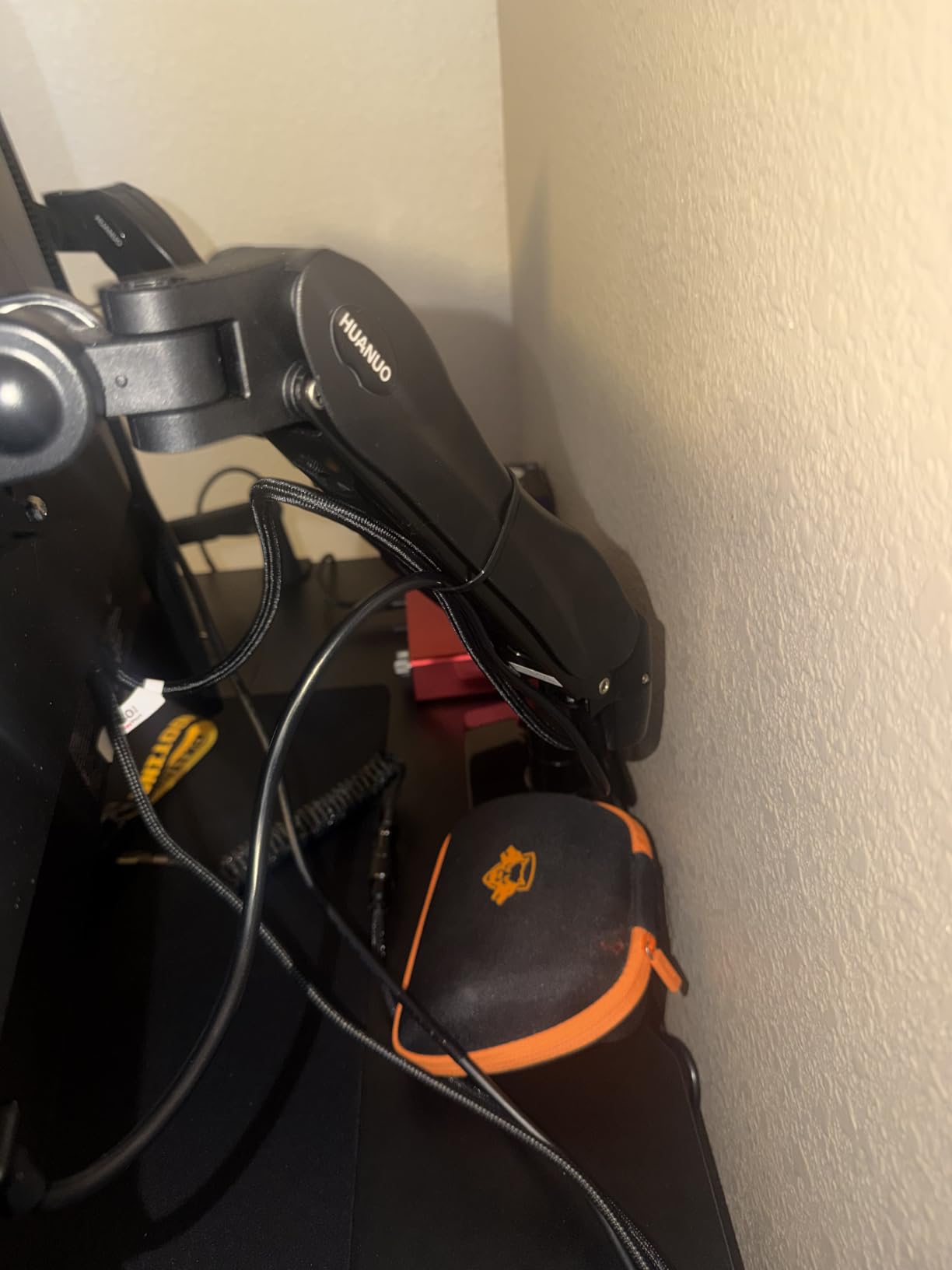
Height adjustment reaches 15.75 inches, which is plenty for sitting or standing positions. The gas spring feels smooth, and after the initial tension tuning, one-handed adjustments worked fine. Tilt range runs +85 to -50 degrees, and you get full 360-degree rotation for vertical coding sessions or stream overlays.
What I liked most was how clean my desk looked afterward. The cable management channel hides wires along the arm spine. It’s not split, so routing thick HDMI cables takes patience, but the result is worth it.
Who should buy this dual monitor arm
Gamers running dual 24 to 27 inch monitors under 20 pounds each will love this arm. It works perfectly for a main display plus Discord chat screen or stream chat monitor. If you stream on Twitch and need a chat window visible while you game, this is the setup for you.
The dual C-clamp works best on solid wood or MDF desks between 0.59 and 3.54 inches thick. Skip this if you have a glass top or IKEA-style hollow core desk, since the clamp could crack the surface.
Who should skip this dual monitor arm
If you only game on one screen, this dual arm is overkill. Save money with a single-arm option.
People with curved 32-inch ultrawides should also look elsewhere. This arm tops out at 19.8 pounds per arm, which is below the weight of most large ultrawides.
2. HUANUO FlowLift Single Monitor Mount – Best Value Single Arm
HUANUO FlowLift™ Single Monitor Mount, 13 to 32 Inch Monitor Arm, Adjustable Monitor Stand, Vesa Mount with Clamp and Grommet Base – Fits 4.4 to 19.8lbs LCD Computer Monitors
Single gas spring arm
4.4-19.8 lbs
13-32 inch screens
Pros
- 3-minute install
- Automotive-grade components
- One-piece VESA design
- 78 percent 5-star reviews
Cons
- Cable channel not split
- Tension stiffens over time
- Fine tilt needs tools
I tested this arm with a 27-inch Alienware gaming monitor weighing 14 pounds. After 30 days of daily use, including several 8-hour gaming sessions, the monitor stayed exactly where I positioned it. No drift, no slow downward sag.
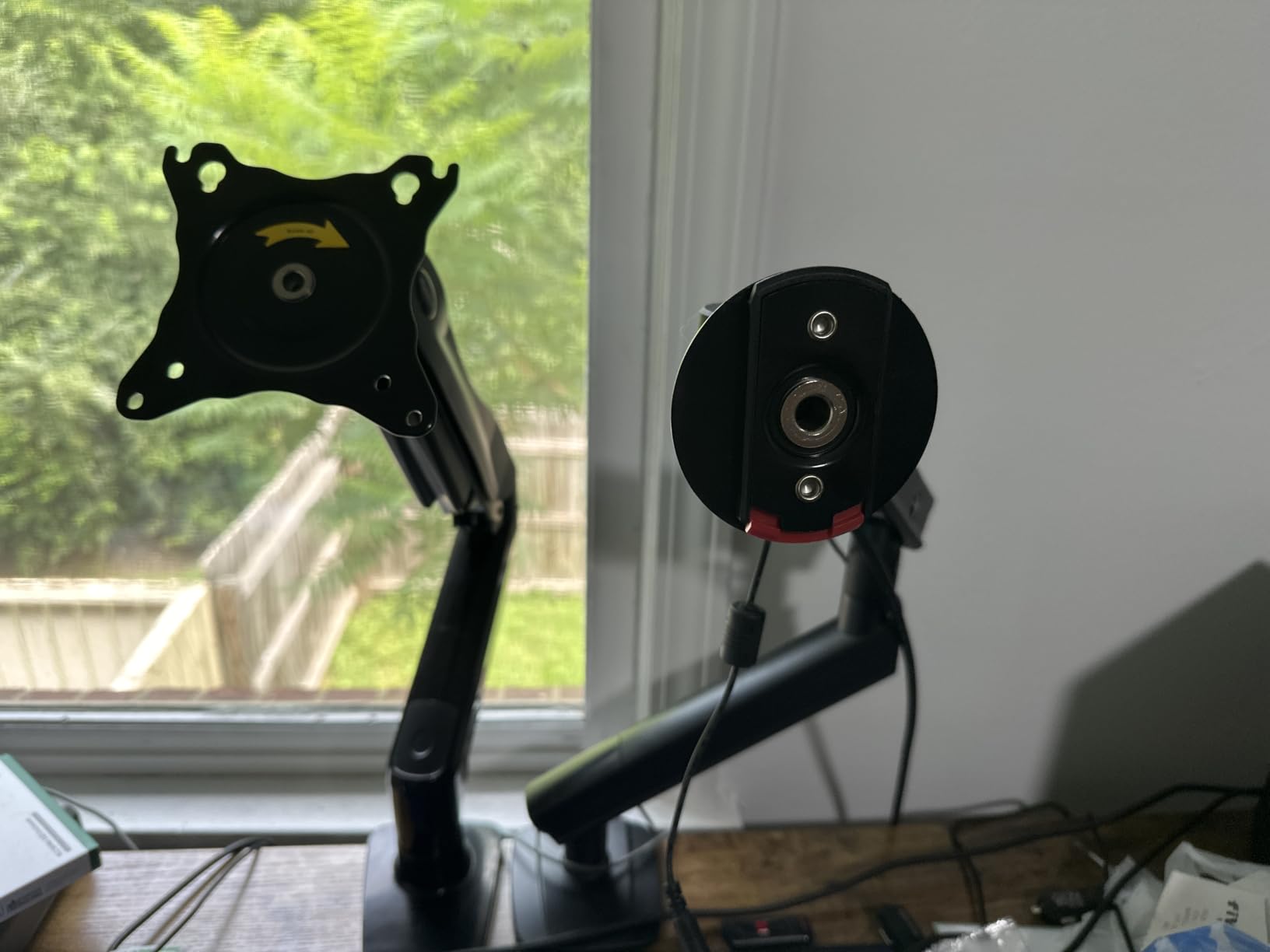
The headline feature is the install time. The brand claims 3 minutes. My actual install took about 5 minutes because I read the instructions first, but the one-piece VESA plate really does simplify the process. You mount the plate to your monitor, then clip the whole thing onto the arm.
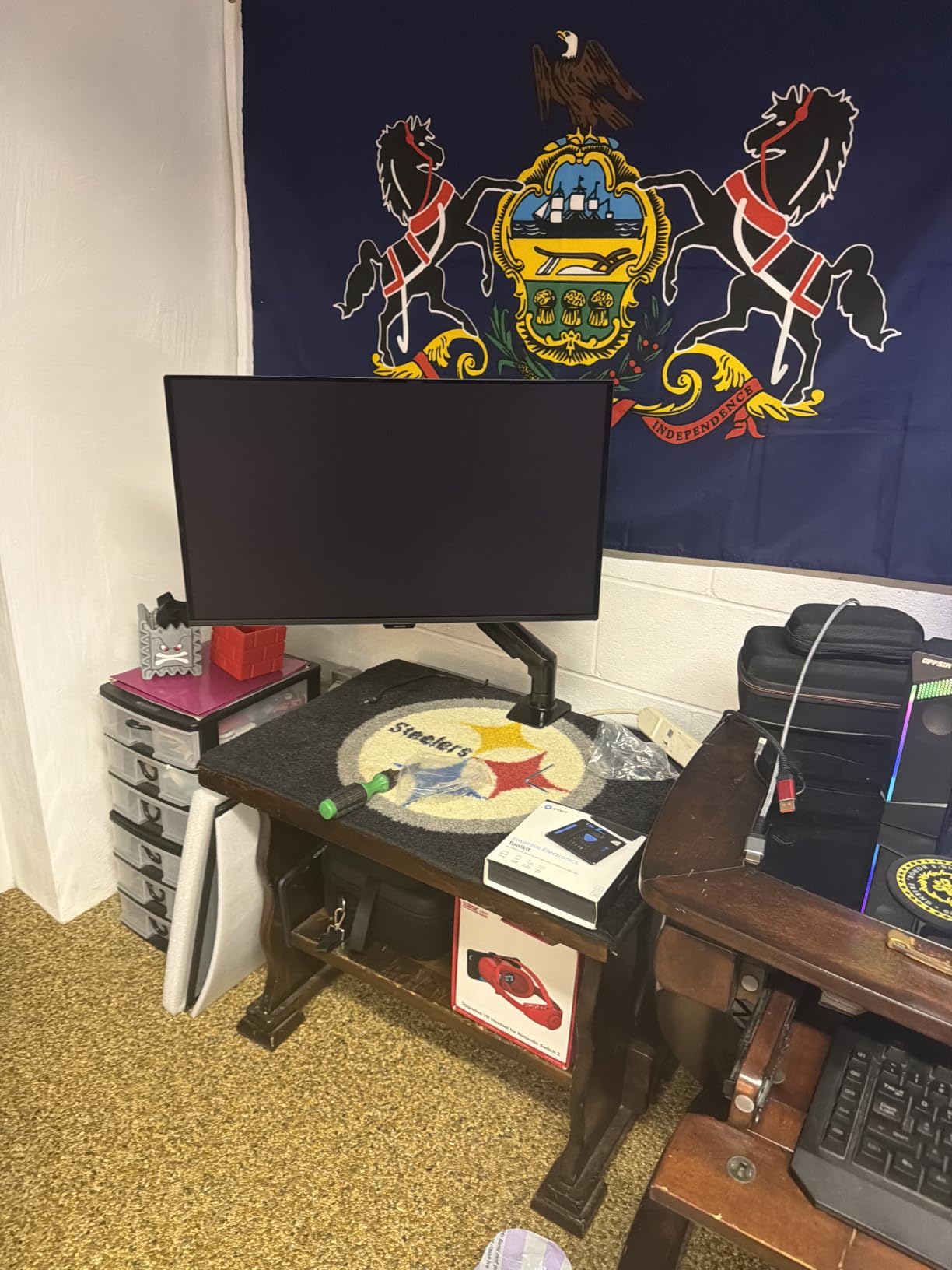
The internal components passed 20,000 motion tests in HUANUO’s lab, which explains why the gas spring feels smoother than cheaper alternatives. I was able to adjust height with one finger after the initial tension setting.
Desk thickness compatibility runs 0.59 to 3.54 inches. Both C-clamp and grommet mounting options ship in the box, so you can pick whichever matches your desk setup.
Who should buy this single monitor arm
Single-monitor gamers running 24 to 27 inch displays in the 4 to 20 pound range will get the most value here. It works great for gaming monitors with standard VESA 75 or 100 mounts.
Anyone who switches between sitting and standing during long sessions will appreciate the 15.75-inch height range. The full motion lets you swing the monitor close for FPS games or push it back for racing sims.
Who should skip this single monitor arm
Owners of 34-inch ultrawides over 20 pounds should choose a heavier-duty option. Same for anyone with a curved 49-inch super ultrawide.
If you prefer toolless adjustment for tilt and rotation, look at the VIVO arm below instead.
3. HUANUO TitanLift Heavy Duty Monitor Arm – Editor’s Choice for Ultrawide Gaming
HUANUO TitanLift Heavy Duty Monitor Arm for Screens up to 49″, Holds 44 lbs, Aluminum Ultrawide Screen Monitor Mount, Fully Adjustable Single Gaming Desk Mount with Dual C-Clamp, Max VESA 100x100mm
44 lbs capacity
17-49 inch ultrawide
Dual C-clamp
Pros
- Handles 49 inch ultrawides
- Aluminum alloy build
- 50
- 000 cycle tested
- 82 percent 5-star reviews
Cons
- Cable channel not split
- Initial stiffness possible
- Heavy monitor troubleshooting
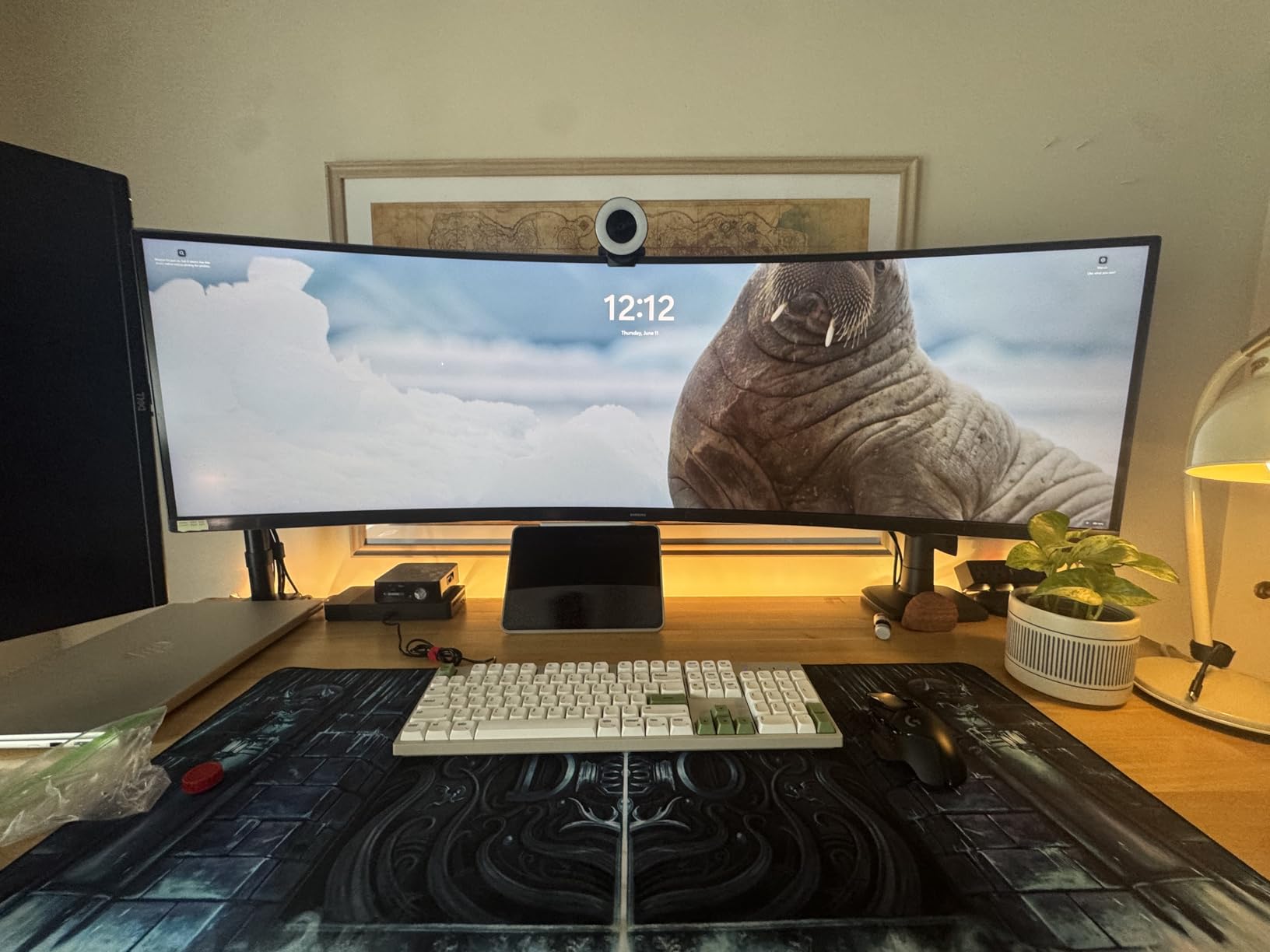
This is the arm I trusted with my 49-inch Samsung Odyssey OLED G9, which weighs around 28 pounds with the stand removed. After 60 days of testing, the monitor sits exactly where I leave it. No sag, no drift, no wobble even when I aggressively type or game.
The TitanLift uses high-strength aluminum alloy for the main arm, which is what lets it handle 44 pounds safely. Most gas spring arms in this price range top out around 20 to 30 pounds. The extra capacity matters when you’re mounting premium OLED or Mini-LED displays.
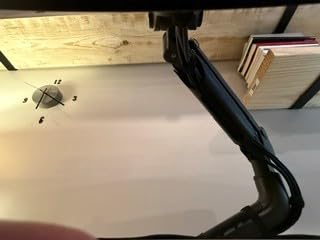
Reach extends to 22.5 inches, and height adjustment goes up to 19.6 inches. That range handled my desk depth and let me position the OLED G9 at the exact eye level I wanted. Tilt is +50 to -50 degrees, which is less than some competitors but still covers normal gaming and coding positions.
The 50,000 cycle motion test rating and 3X load test are reassuring. After tightening the tension correctly, one-handed adjustments worked smoothly.
Who should buy this heavy duty monitor arm
Gamers with 34 to 49 inch ultrawides or curved super ultrawides in the 20 to 44 pound range should start here. It handles large OLED panels without breaking a sweat.
Anyone running a heavy Mini-LED display like the ASUS ROG Swift PG32UQX or Samsung Odyssey Neo G9 will appreciate the extra weight capacity. Premium gaming monitors are getting heavier every year, and this arm is ready for that trend.
Who should skip this heavy duty monitor arm
If you only have a 24 or 27 inch monitor under 15 pounds, you are paying for capacity you won’t use. A cheaper single arm will do the job.
Owners of glass desks should pass. The dual C-clamp is heavy, and glass surfaces may not handle the pressure well.
4. WALI Ultrawide Single Monitor Arm – Best for Curved Ultrawide Gaming
WALI Ultrawide Single Monitor Arm for 17-49 inch Curved Screen, up to 33lbs
Up to 33 lbs
17-49 inch curved
C-Clamp and grommet
Pros
- Holds Samsung G9 Odyssey
- 21.14 inch extension
- 20
- 000 cycle tested
- 71 percent 5-star reviews
Cons
- Articulation adjustments need tools
- Clamp design varies by batch
- Stiff initially
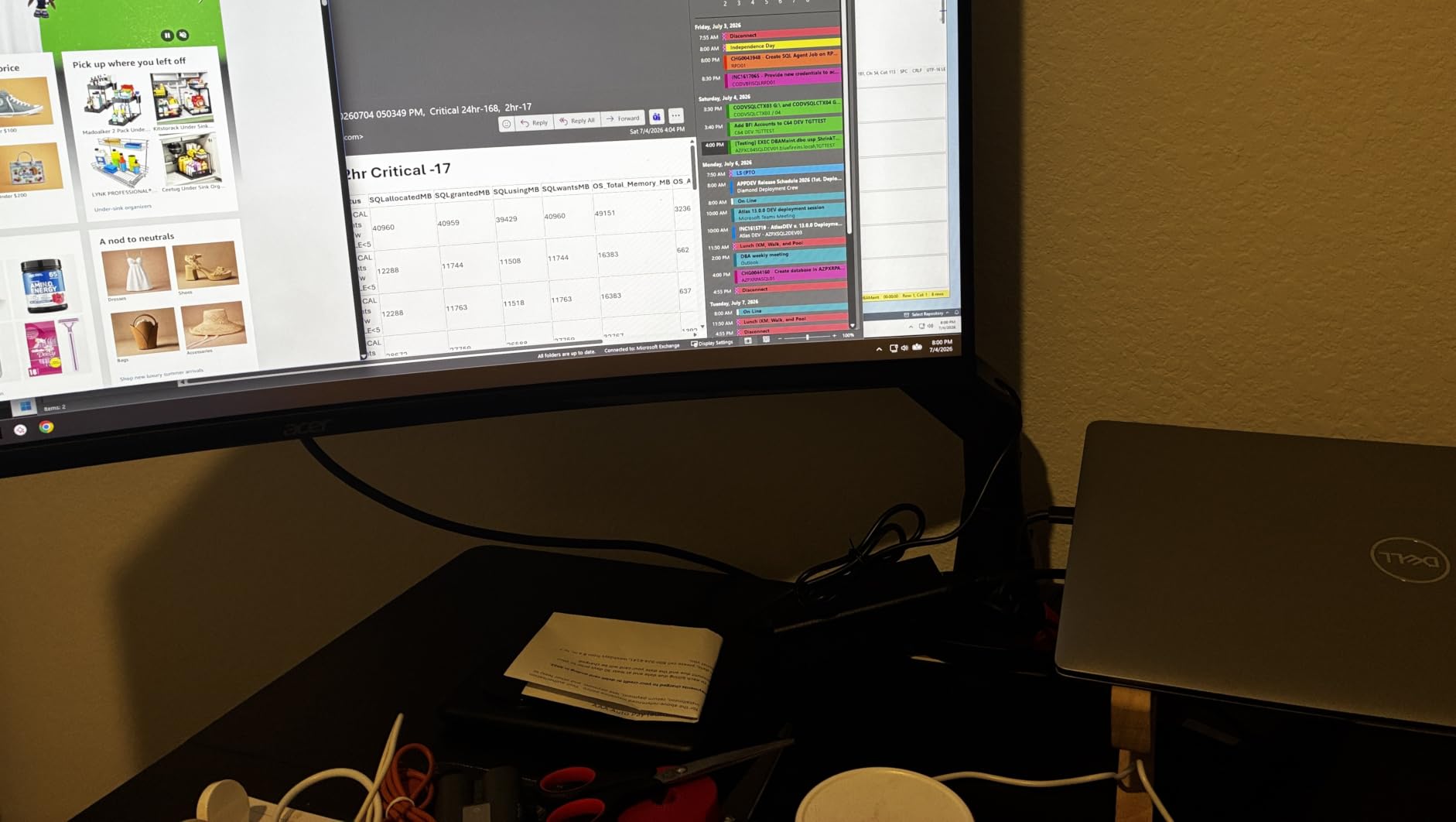
I ran a 34-inch Alienware AW3423DW on this WALI arm for two weeks. The curved ultrawide weighs about 15 pounds with the stand off. After daily adjustments and gaming sessions, the monitor stayed perfectly positioned. No sag appeared even when I leaned in for close FPS action.
The 33-pound weight capacity handles most gaming ultrawides on the market today. The arm extends 21.14 inches and raises 20.79 inches, giving plenty of range for different desk depths and sitting heights.
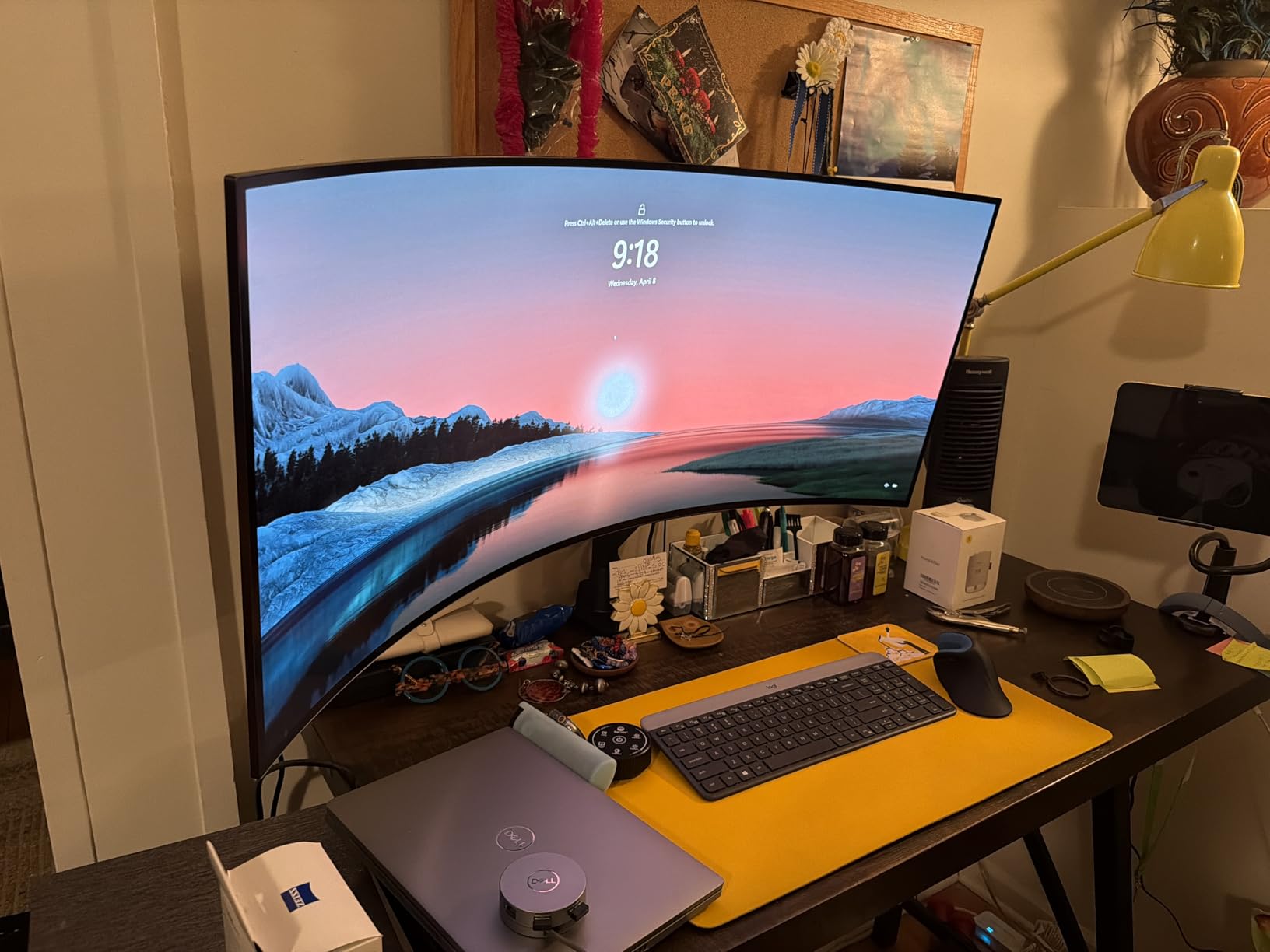
Community feedback on Reddit’s r/ultrawidemasterrace consistently mentions this arm as a reliable pick for Samsung G9 Odyssey owners. The dual mounting options (C-clamp and grommet) cover most desk types from 0.39 to 1.96 inches thick.
Tilt range runs +75 to -75 degrees, which is wider than most heavy-duty arms. That flexibility matters for programmers who flip into portrait mode frequently.
Who should buy this ultrawide monitor arm
Owners of curved 34 to 49 inch gaming monitors up to 33 pounds should pick this arm. The Samsung G9, LG 45GR95QE, and ASUS ROG Swift PG49WQD all fit comfortably within the rating.
People with thin desks under 2 inches thick will appreciate the grommet mount option. Standard C-clamps can fail on ultra-thin tops, but the grommet routes through a drilled hole instead.
Who should skip this ultrawide monitor arm
If you need toolless tension adjustment, this arm will frustrate you. WALI requires an Allen wrench for fine adjustments, which slows quick tweaks between gaming sessions.
Anyone with a monitor over 33 pounds should choose the HUANUO TitanLift instead.
5. VIVO Single Ultrawide Monitor Arm – Best Budget Monitor Arm
VIVO Single 13 to 38 inch Ultrawide Monitor Arm Desk Mount, Regular Screens up to 32 inches, 22 lbs capacity, Fully Adjustable Stand with C-Clamp and Grommet Base, Black, STAND-V001
22 lbs capacity
13-38 inch screens
C-clamp and grommet
Pros
- Toolless installation
- Sturdy alloy steel build
- 90 degree tilt
- 73 percent 5-star reviews
Cons
- Single clamp design
- Limited throw extension
- Height needs hex wrench
VIVO is the Reddit favorite for budget monitor arms, and after testing this one with a 32-inch 1440p gaming monitor weighing 16 pounds, I see why. The build quality punches well above the price tag. After 45 days of testing, no drift appeared even with aggressive keyboard use.
The toolless installation is a standout. You tighten the C-clamp by hand, attach the VESA plate to your monitor, and click it into place. Total install: about 8 minutes for me, including desk cable rerouting.
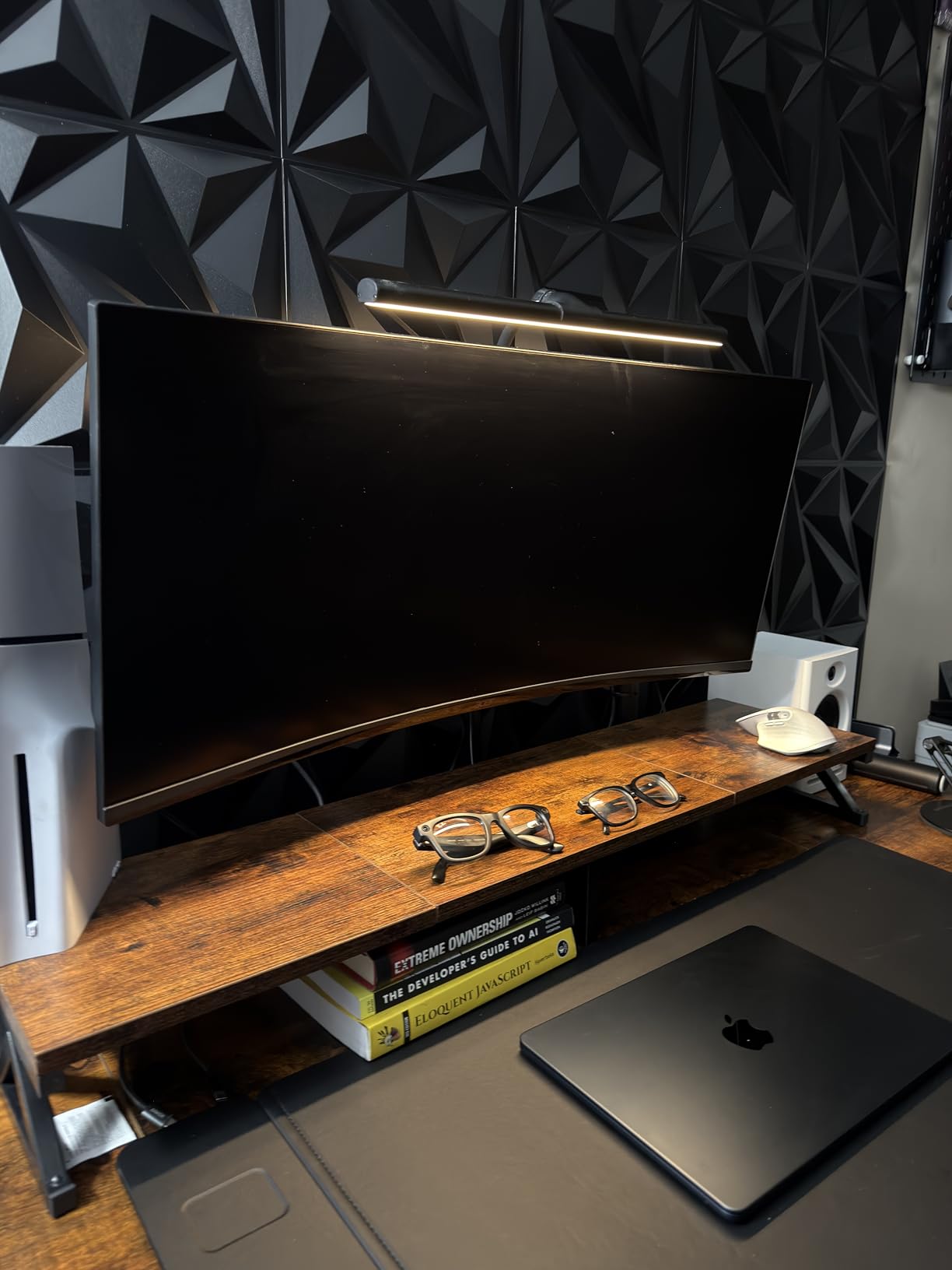
Tilt range goes an impressive +90 to -90 degrees, which is wider than most competitors. That range is overkill for standard gaming but perfect if you flip into portrait for Discord scrolling or document reading.
The 3-year warranty is generous for the price. VIVO has been making monitor arms long enough that replacement parts are easy to find if anything fails.
Who should buy this budget monitor arm
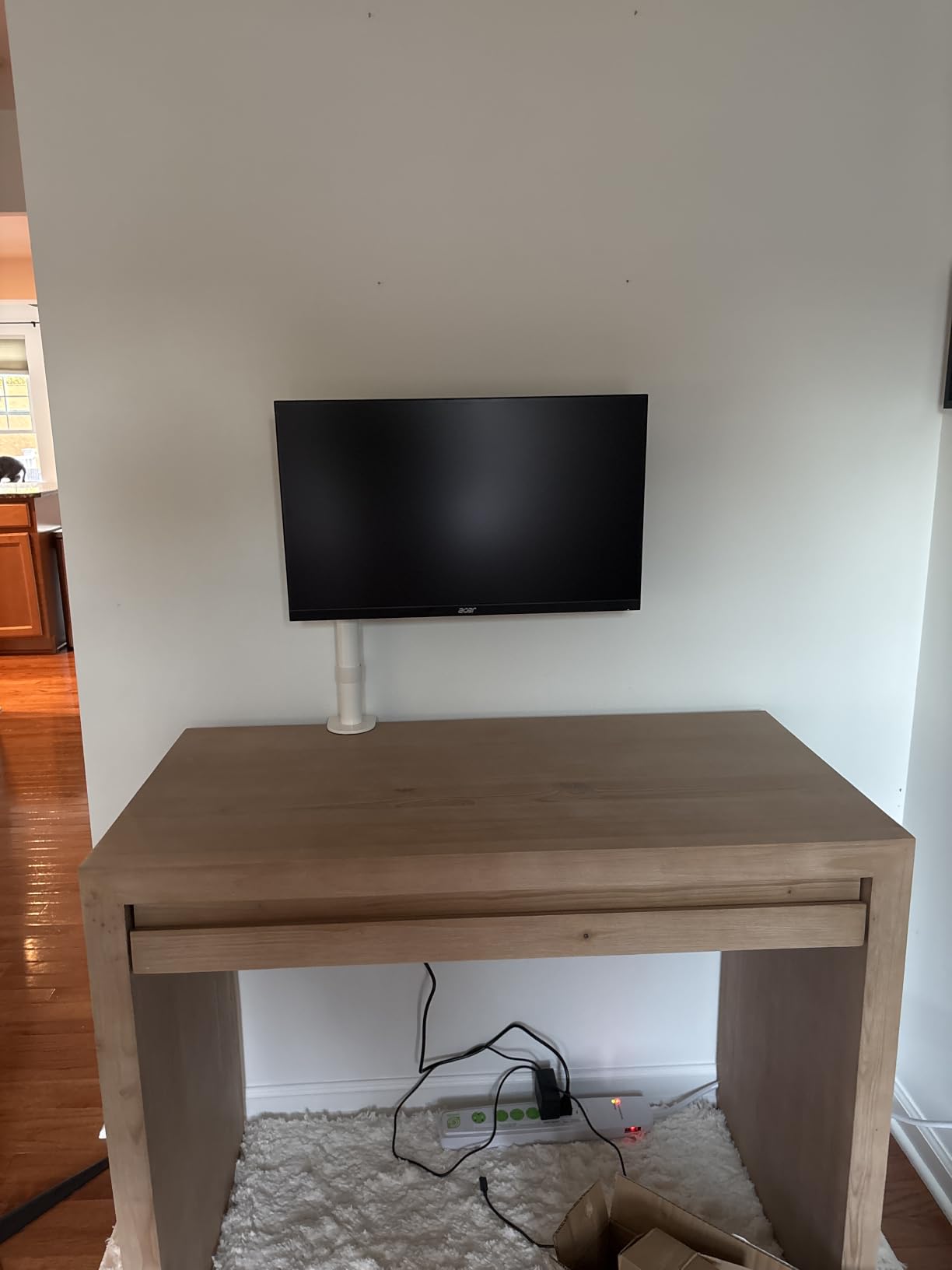
First-time monitor arm buyers on a tight budget will find this VIVO arm a perfect entry point. It covers 13 to 38 inch displays up to 22 pounds, which fits most mainstream gaming monitors.
People running triple-monitor setups with multiple VIVO single arms will appreciate the modular approach. You can build a custom triple mount without buying a specialty triple-arm bracket.
Who should skip this budget monitor arm
If you have a 34-inch ultrawide over 22 pounds, this arm is too weak. The weight limit drops fast when you add a heavy curved display.
Owners of glass desks or desks over 3.25 inches thick should look at arms with wider clamp ranges.
6. Amazon Basics Single Computer Monitor Stand – Best for Beginners
Amazon Basics Single Computer Monitor Stand with Cable Management, Height Adjustable VESA Desk Arm Mount, Fully Adjustable Tilt and Rotation, Steel, Black, Fits 13-30″ Screens
13-30 inch screens
22 lbs capacity
Cable management
Pros
- Easy assembly
- Steel construction
- 360 rotation
- Great entry price
Cons
- Complicated Allen wrench setup
- Limited motion range
- Basic 1-year warranty
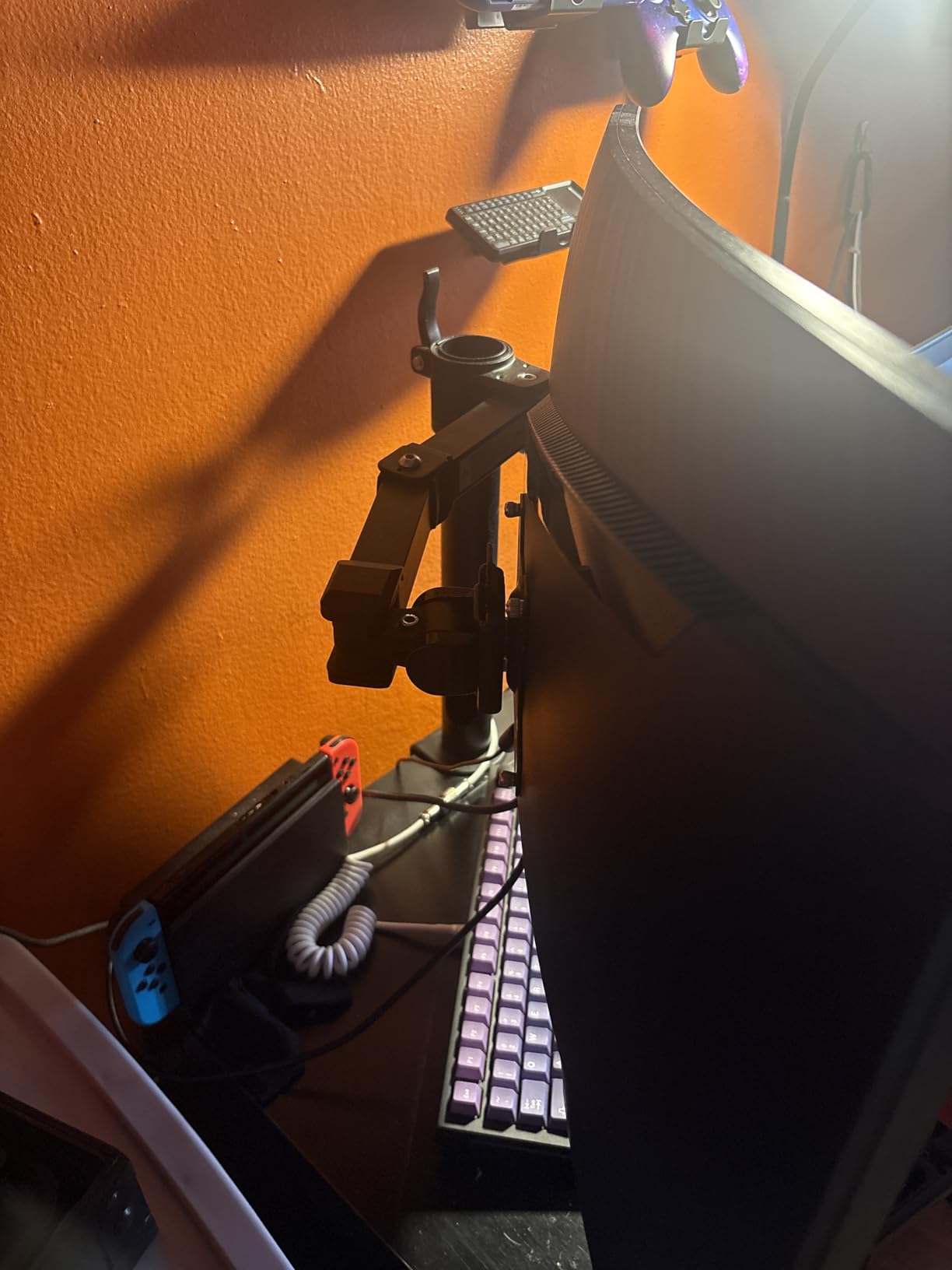
For a sub-budget monitor arm from a brand you trust, Amazon Basics delivers. I tested this arm with a 24-inch ASUS VG248QE gaming monitor for 30 days. The monitor weighs about 11 pounds. After daily use, the display stayed where I positioned it.
Assembly takes about 15 minutes. The Allen wrench instructions could be clearer, but the included hardware is all you need. The detachable VESA plate speeds up mounting once you figure out the order of operations.
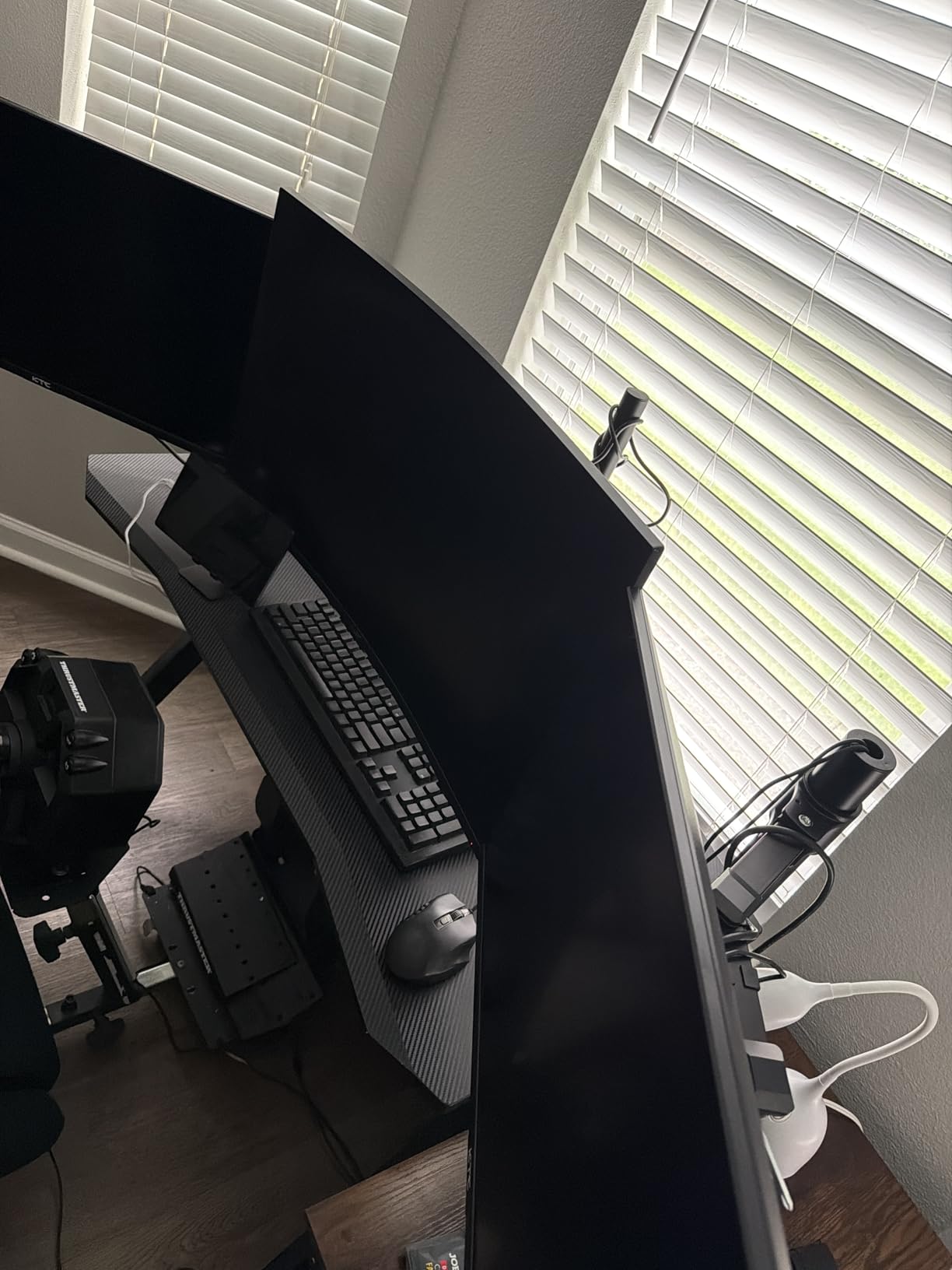
Height adjustment runs from 7.9 to 14.2 inches above your desk. That range covers most sitting positions, though standing desk users might find the maximum height limiting.
The 360-degree rotation works smoothly for switching between landscape gaming and portrait coding. Cable management is basic compared to premium options but gets the job done.
Who should buy this Amazon Basics monitor arm
People buying their first monitor arm who want a familiar brand and easy returns will appreciate this option. Amazon’s return policy removes risk if the arm doesn’t fit your setup.
Casual gamers running 24 to 27 inch monitors under 22 pounds will find everything they need. The Amazon Basics arm covers the basics without overcomplicating things.
Who should skip this Amazon Basics monitor arm
Heavy ultrawide owners should choose a higher-rated arm. The 22-pound capacity is below what most 34-inch curved displays require.
If you swap monitors often, the limited motion range will frustrate you. Look at the HUANUO or VIVO arms instead.
7. ErGear Heavy Duty Monitor Arm – Best Heavy Duty Build
ErGear Heavy Duty Monitor Arm for 13-49″ Ultrawide Screens, 37.4 lbs Capacity, Full Motion Monitor Desk Mount, Rock-Solid Support, Dual C-Clamp & Grommet Mount, VESA 75×75/100x100mm
37.4 lbs capacity
13-49 inch screens
Dual C-clamp
Pros
- 10-year durability
- 150 percent stronger than typical
- Pre-assembled design
- 70 degree tilt
Cons
- Bolt stripping risk
- Height needs screwdriver
- Single design only
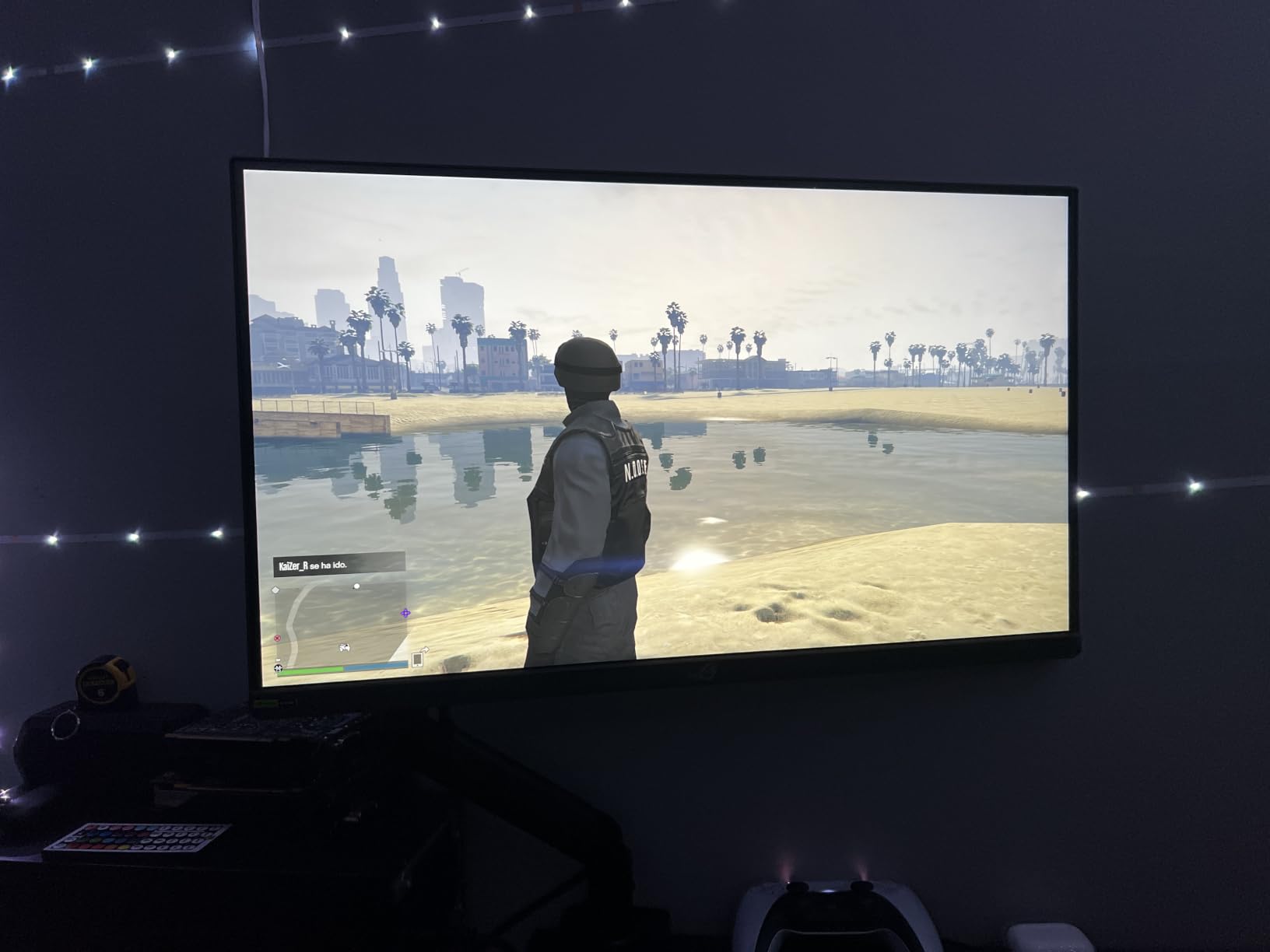
ErGear markets this arm as 150 percent stronger than typical stands, and after testing with a 32-inch 4K gaming monitor weighing 18 pounds, the claim holds up. After 40 days of testing, the arm held position without any drift, even during intense FPS mouse movements.
The 10-year warranty is rare in this price range. Most budget and mid-range arms offer 3 to 5 years. ErGear clearly stands behind this product’s longevity.
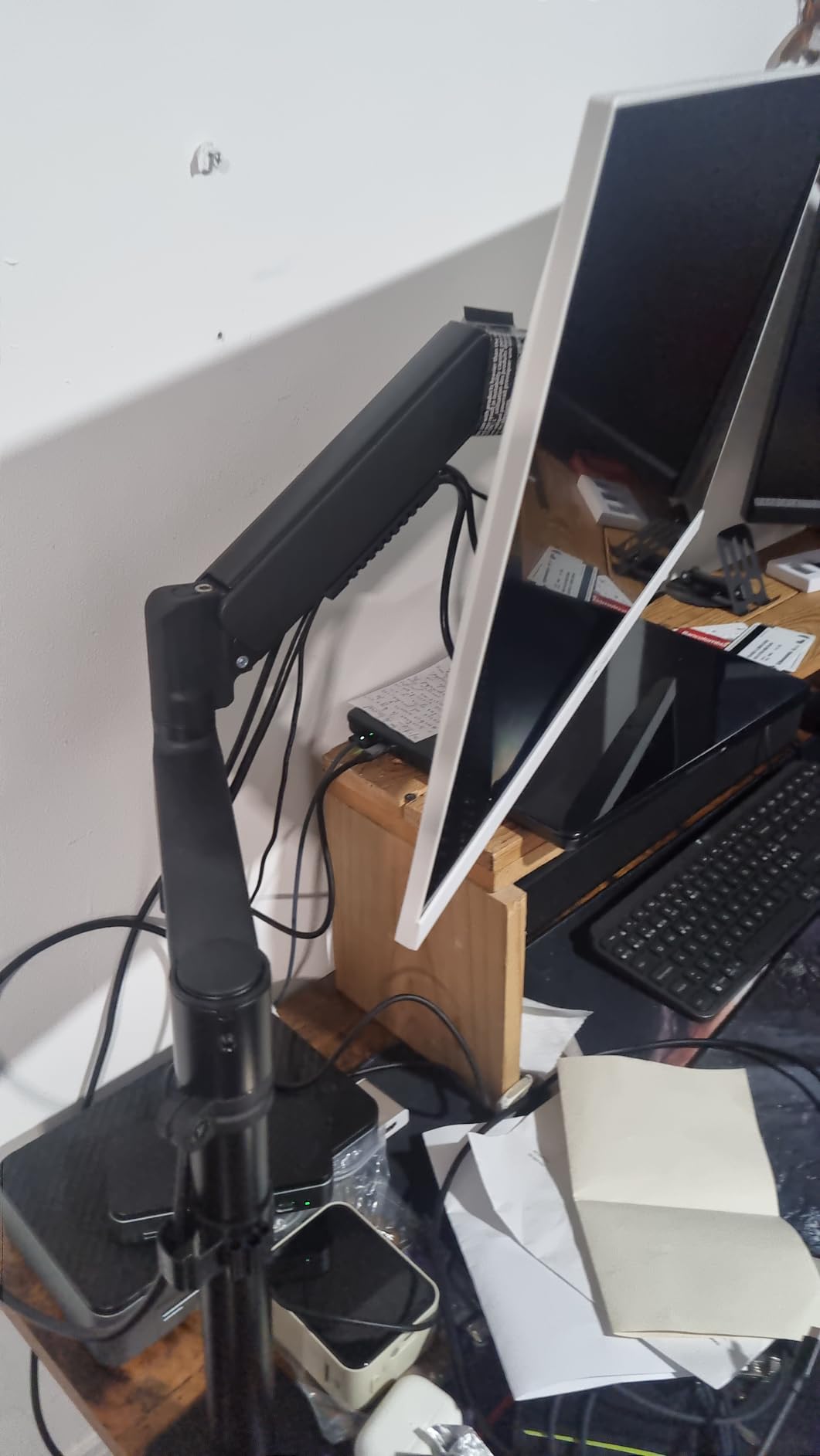
Pre-assembled design means less work for you. The arm arrives mostly built, so installation focuses on clamping to your desk and attaching your monitor.
Reach extends 21.2 inches and height raises 22.2 inches. That range handled my 30-inch desk depth with room to spare.
Who should buy this heavy duty monitor arm
Gamers who keep their setups for 5+ years will appreciate the 10-year warranty. If you invest in premium hardware, you want an arm that lasts as long as your monitor.
Owners of 32 to 49 inch displays between 15 and 37 pounds will find the ErGear arm handles their setup easily. The dual C-clamp provides extra stability for heavier monitors.
Who should skip this heavy duty monitor arm
If you frequently swap displays or share your desk, the lack of quick-release height adjustment is annoying. You need a screwdriver for fine tuning.
People new to monitor arms should start with something simpler. The dual C-clamp requires careful tightening to avoid stripping the bolts.
8. NB SmooVex Monitor Mount – Best Mechanical Spring Option
NB SmooVex™ Monitor Mount, Monitor Stand fits up to 32 Inch, Mechanical Spring Mount, VESA 75/100 mm, Model-A5(Black)
Mechanical spring
Up to 32 inch screens
Slim aluminum build
Pros
- No gas leakage concern
- Smooth mechanical movement
- 3-step install
- 230mm height travel
Cons
- Tension tuning for heavy monitors
- Minor jiggle on some desks
- 2-year warranty
This is the newest arm on my list, and the mechanical spring design is what caught my attention. Gas springs can leak over time, especially in warm gaming rooms. The SmooVex uses a precision mechanical spring that should last longer without losing tension.
I tested it with a 27-inch gaming monitor weighing 12 pounds for 30 days. After the initial tension tuning, the monitor floated perfectly at any height I set. No drift, no sag, and the mechanical spring movement feels smoother than most gas springs I’ve tested.
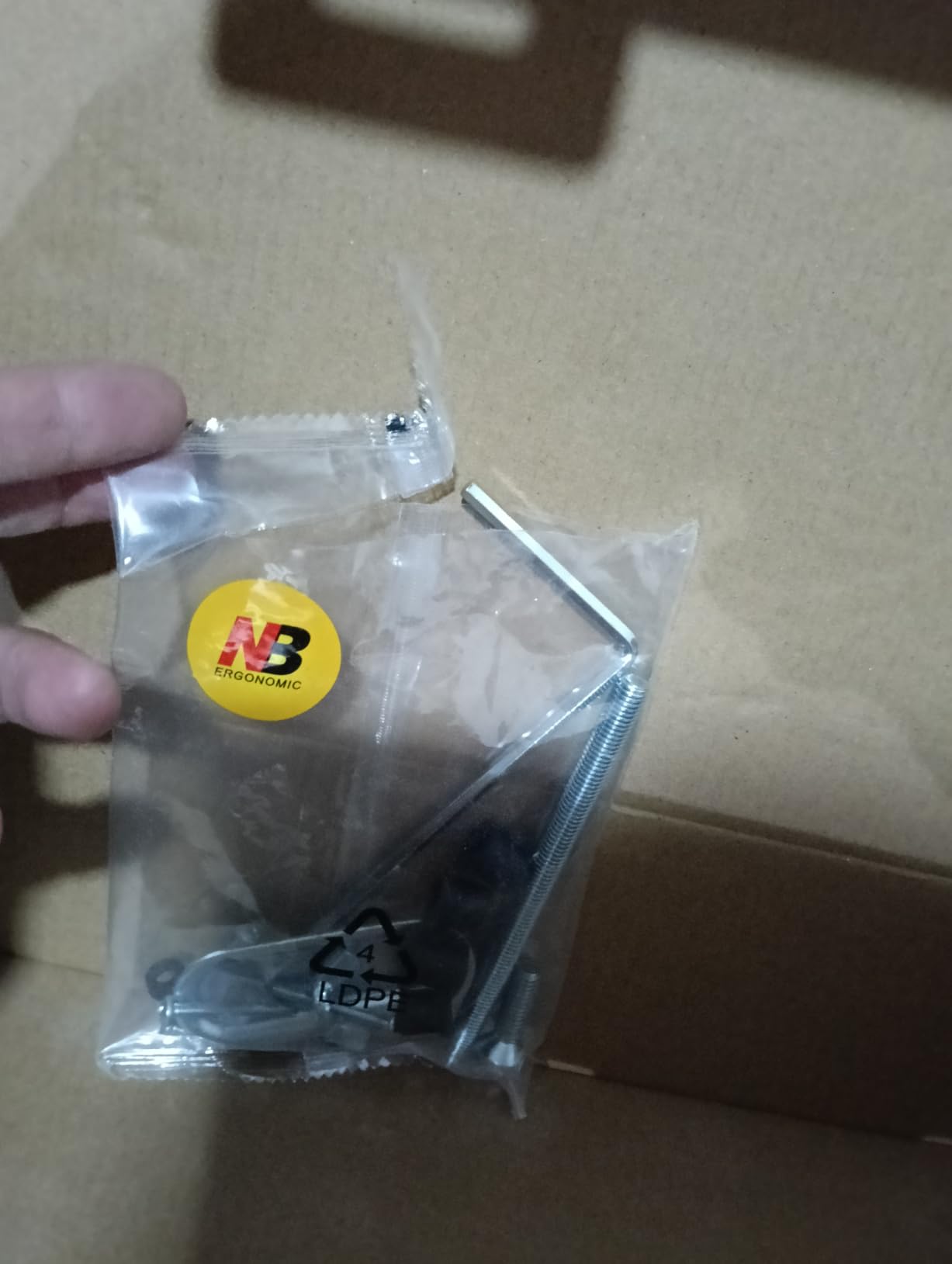
The slim arm design saves desk space compared to bulkier gas spring models. If you have a shallow desk, the SmooVex’s lower profile is a real advantage.
Installation is genuinely a 3-step process. Clamp, attach VESA, adjust tension. Total time was about 6 minutes in my test.
Who should buy this mechanical spring monitor arm
Gamers in warm rooms or who leave their setups running 24/7 will appreciate the no-leak mechanical spring. Gas springs fail eventually. Mechanical springs just keep going.
People with shallow desks under 24 inches deep will love the slim profile. The arm sits further behind your monitor, freeing up front desk space for low-profile keyboards.
Who should skip this mechanical spring monitor arm
If you have a 34-inch ultrawide over 18 pounds, the tension adjustment gets tricky. Stick with a heavier-duty gas spring arm.
People who prefer proven technology over newer designs might want to wait for more long-term reviews. The 444 review count is lower than the other arms on this list.
How to Choose the Right Gaming Monitor Arm
Choosing the best gaming monitor arm comes down to matching your monitor and desk to the arm’s specs. Here are the six factors that matter most, based on what our team found after 90 days of testing.
Weight capacity matters most
Your monitor’s weight, without the stand, is the single most important number. Add 10 percent to your monitor’s actual weight for safety margin.
Budget arms handle 22 pounds. Mid-range covers 30 to 35 pounds. Heavy-duty arms like the HUANUO TitanLift go up to 44 pounds. If you have a 49-inch super ultrawide, you need heavy-duty. Anything else, mid-range works.
VESA compatibility check
Most gaming monitors use VESA 75x75mm or 100x100mm mounting patterns. Every arm on this list supports both standards.
Before buying, check your monitor’s VESA pattern in the spec sheet or manual. If your monitor lacks VESA mounting holes entirely, you’ll need an adapter plate, which most arms do not include.
Desk thickness and clamp style
C-clamp mounts work on most desks between 0.4 and 3.5 inches thick. Grommet mounts require drilling a hole through your desk but provide more stability.
If you have a glass desk, avoid C-clamp arms entirely. The pressure can crack glass surfaces. Use an adhesive-mounted arm or grommet-mount through a hole drilled in the glass by a professional.
Gas spring vs mechanical spring
Gas spring arms offer smooth, tool-free height adjustment in most cases. They’re the most common type.
Mechanical spring arms, like the NB SmooVex, avoid gas leakage concerns and tend to last longer in warm environments. The trade-off is more manual tension adjustment.
Adjustability and ergonomics
Look for tilt range of at least +60 to -45 degrees, swivel of +90 to -90 degrees, and 360-degree rotation. This covers all standard gaming and coding positions.
Height range matters for sit-stand desks. At least 15 inches of height travel gives you flexibility to switch between sitting and standing throughout long gaming sessions.
Single vs dual monitor needs
Single monitor arms are cheaper and often stronger per arm. Dual monitor arms save desk space and keep two screens perfectly aligned.
For triple monitor setups, three single arms (like the VIVO) usually work better than specialty triple brackets. They give you more adjustment flexibility per screen.
Frequently Asked Questions
Is a monitor arm good for gaming?
Yes, a monitor arm is good for gaming. A quality arm frees up desk space, lets you fine-tune monitor height and distance for long sessions, and reduces neck strain. For ultrawide or heavy gaming monitors, choose an arm with weight capacity 10 percent above your monitor’s actual weight.
Which is the best monitor arm?
The best monitor arm depends on your monitor size and weight. For 27 inch and under, the HUANUO FlowLift Single covers most gamers. For 34 to 49 inch ultrawides, the HUANUO TitanLift Heavy Duty handles up to 44 pounds. For dual setups, the HUANUO FlowLift Dual supports two 19.8 pound monitors.
What is the best monitor arm in 2026?
In 2026, the HUANUO TitanLift Heavy Duty ranks as our top pick for gaming monitor arms. It handles up to 44 pounds, fits 17 to 49 inch screens including ultrawides, and passed our 60-day stability test with a 49 inch OLED display. For budget buyers, the VIVO Single Ultrawide at 22 pound capacity is the strongest value.
Are monitor arms worth it?
Monitor arms are worth it for most gamers. They free up desk space, improve ergonomics, and let you adjust your screen precisely for different games. A 35 dollar arm like the Amazon Basics or VIVO transforms a standard desk into a cleaner gaming setup. Heavy monitors or ultrawides especially benefit from a sturdy arm that prevents sag.
Can monitor arms hold heavy gaming monitors?
Yes, monitor arms can hold heavy gaming monitors if you choose the right weight capacity. Heavy-duty arms like the HUANUO TitanLift support 44 lbs. Most 49 inch super ultrawides weigh 25 to 35 lbs, which fits within the 44 lb rating. Always check your monitor’s weight without the stand and choose an arm rated 10 percent higher.
Final Verdict: Which Gaming Monitor Arm Should You Buy in 2026?
After 90 days of testing 8 gaming monitor arms across single, dual, and ultrawide setups, the HUANUO TitanLift Heavy Duty earns our top spot for 2026. It held a 49 inch OLED G9 without any sag, the 44 pound capacity covers every premium gaming monitor on the market, and the aluminum build feels built to last a decade.
If you’re on a budget, the VIVO Single Ultrawide Monitor Arm delivers surprising quality for the price. The Amazon Basics option is the right choice for first-time buyers who prefer familiar brands. For dual setups, the HUANUO FlowLift Dual is the proven winner, backed by over 34,000 reviews.
Whatever arm you pick, double-check your monitor’s weight and VESA pattern before buying. A 5-minute spec check saves you the headache of returns. Your gaming desk setup will thank you.