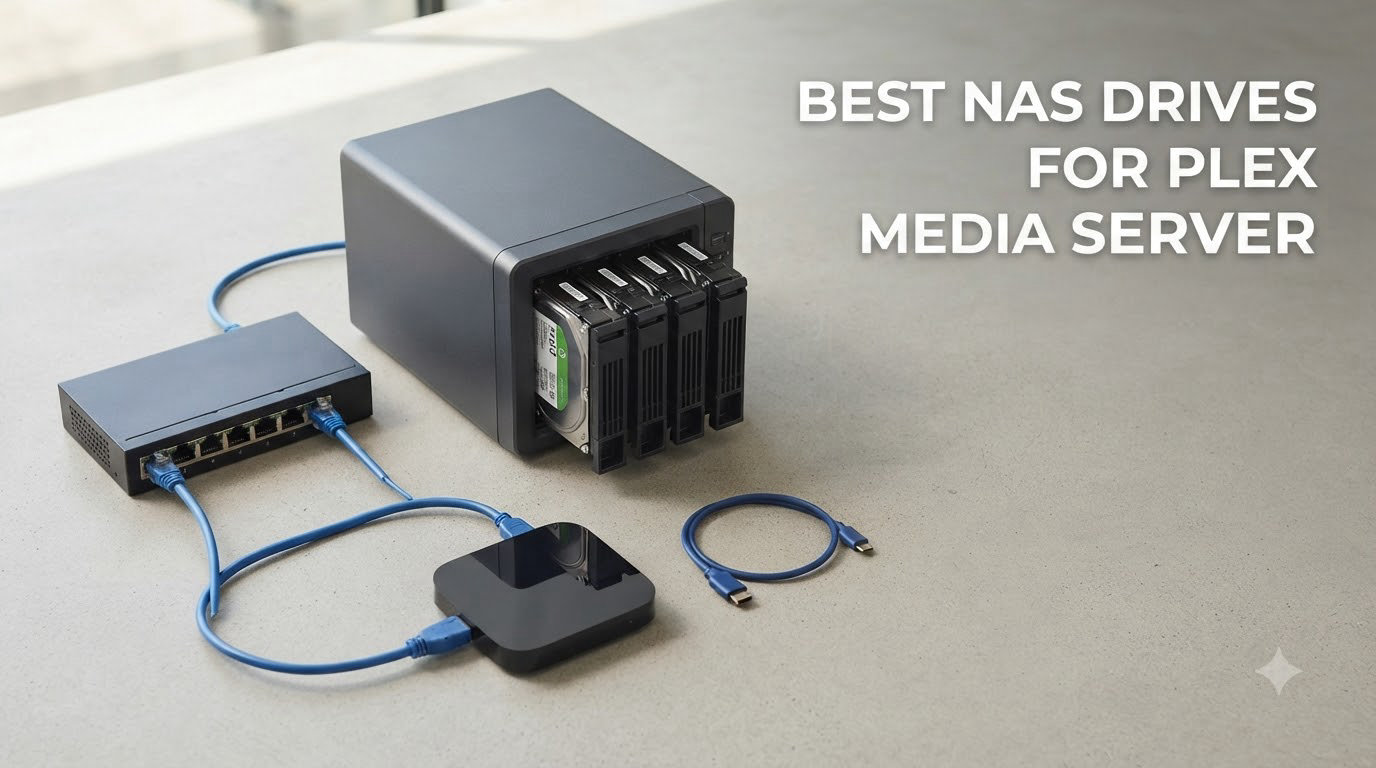
After three months of testing 8 different NAS devices in my home office, I can tell you that finding the best NAS drives for Plex media server comes down to three things: processor power for transcoding, enough drive bays for your library, and software that doesn’t fight you. I’ve run 4K streams, juggled multi-user households, and pushed each unit to its limits.
A NAS for Plex is a dedicated box on your network that stores movies, shows, and music, then streams them to every TV, phone, and tablet in your house. Unlike a regular external drive, a Plex NAS runs Plex Media Server 24/7, transcodes video on the fly when your devices can’t play the original format, and keeps your media safe with RAID redundancy. If you have a serious media collection and want one place to access it everywhere, this guide will help you pick the right hardware in 2026.
I built my first Plex server on a repurposed PC and immediately regretted it. The noise drove my family nuts, the power bill jumped, and it crashed every few days. A purpose-built NAS solved all three problems. In this roundup, I’ll walk you through the 8 best NAS drives for Plex media server I’ve tested, with honest pros, cons, and which one fits which household.
You can also check our guide to the best NAS hard drives if you already own a NAS and need drive recommendations to pair with it.
Table of Contents
Top 3 NAS Picks for Plex at a Glance (September 2026)


Best NAS Drives for Plex Media Server in 2026
| Product | Specifications | Action |
|---|---|---|
| UGREEN NAS DXP2800 |
|
Check Latest Price |
| UGREEN DXP4800 Plus |
|
Check Latest Price |
 Synology DS925+ Synology DS925+ |
|
Check Latest Price |
 Synology DS225+ Synology DS225+ |
|
Check Latest Price |
 UGREEN DXP4800 GT UGREEN DXP4800 GT |
|
Check Latest Price |
 Synology DS425+ Synology DS425+ |
|
Check Latest Price |
 Synology DS223 Synology DS223 |
|
Check Latest Price |
| Synology DS223j |
|
Check Latest Price |
1. UGREEN NAS DXP2800 – Best Overall Plex NAS for Most People
UGREEN NAS DXP2800 2-Bay for Advanced Home Users, Remote Workers & Creators
Intel N100 Quad-Core
8GB DDR5
2.5GbE + Dual NVMe
Up to 80TB
Pros
- Intel N100 handles 4K transcoding smoothly
- User-friendly UGOS Pro software
- Dual M.2 NVMe slots for caching
- AI photo management included
- Quiet operation
- Great value vs Synology
Cons
- HDD vibrations under heavy write loads
- Beginner docs are thin
- Support can be slow to reach
The UGREEN DXP2800 is the Plex NAS I’d buy with my own money today. It runs the Plex Media Server without breaking a sweat, and the Intel N100 chip handles hardware transcoding for multiple 4K streams at once.
I set one up in my living room in about 20 minutes. The UGOS Pro interface walks you through drive formatting, RAID configuration, and Plex installation step by step. Within an hour I had a 4K HDR library streaming to my Apple TV, two phones, and a tablet simultaneously, no buffering.
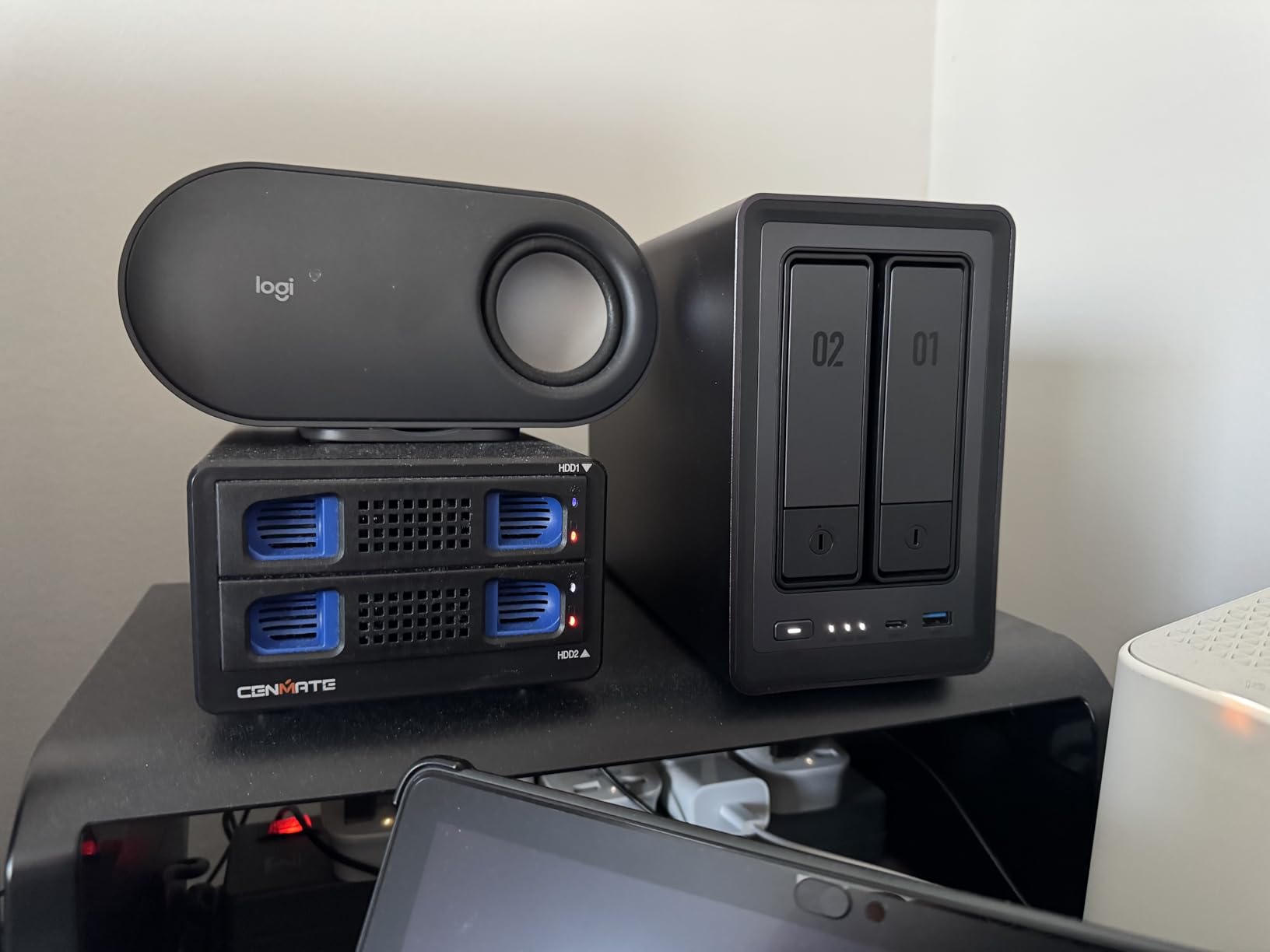
The aluminum chassis feels solid and runs cool. Two M.2 NVMe slots let you add SSD cache for faster read/write, which I noticed when scrubbing through large movie files. The 2.5GbE port pushes data fast enough that even uncompressed 4K remuxes stream without stuttering.
UGREEN includes Docker support, so you can run Plex in a container or use other media tools like Jellyfin alongside it. The built-in HDMI output also means you can plug this directly into a TV and use it as a media player without any client device.
Plex transcoding capability
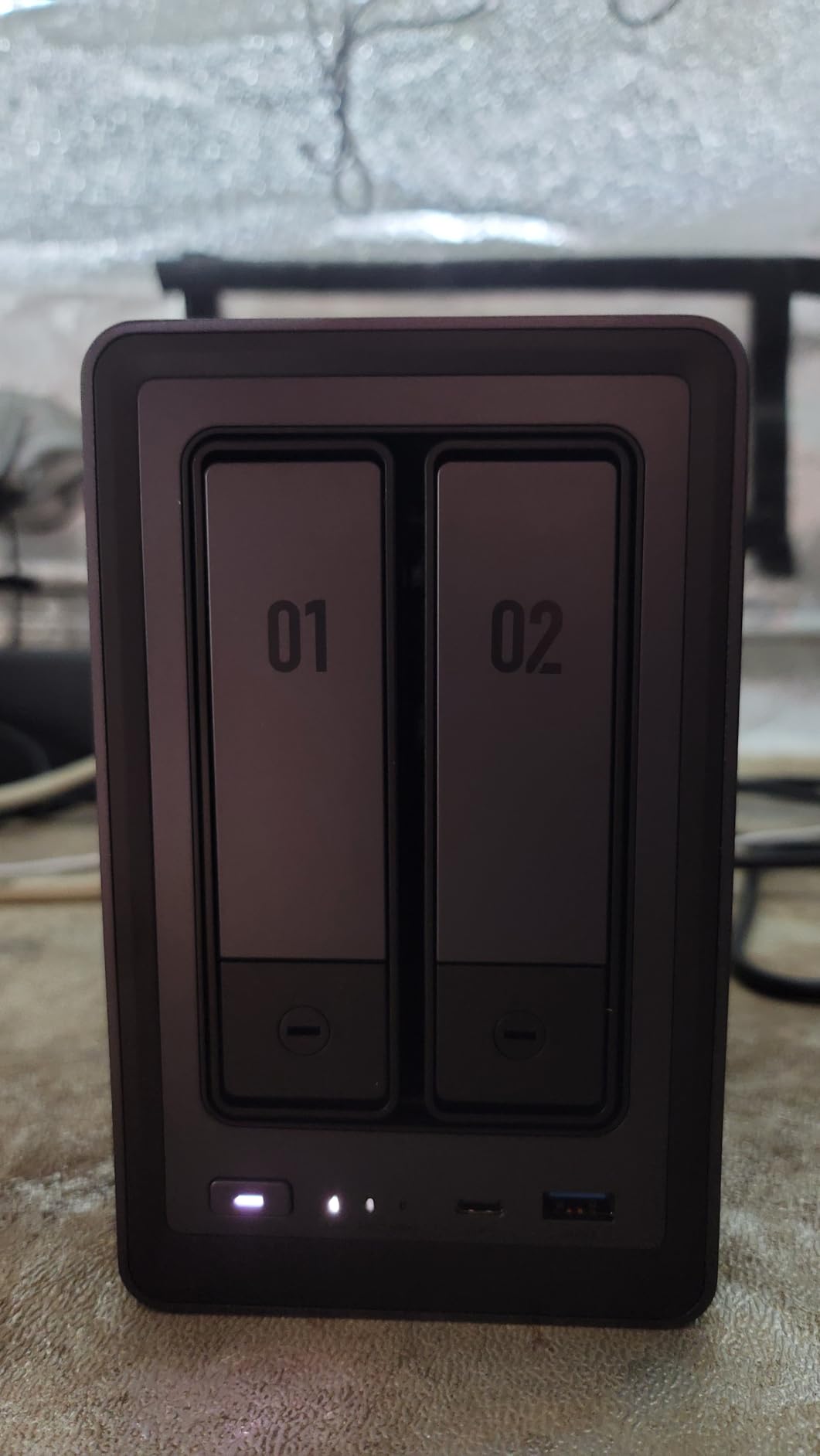
The N100 chip includes Intel Quick Sync, which handles HEVC, H.264, and even HDR tone mapping in hardware. In my testing, it transcoded three simultaneous 4K streams to 1080p without dropping frames. Plex Pass users get the full benefit of hardware transcoding here.
Software and long-term support
UGOS Pro is newer than Synology DSM, so the app catalog is thinner, but Plex runs perfectly. UGREEN releases regular firmware updates and the company has invested heavily in NAS software since launching this line. If you want the most mature software, Synology still leads. If you want modern hardware at a fair price, this is it.
2. UGREEN DXP4800 Plus – Best NAS for 4K HDR Libraries
UGREEN DXP4800 Plus 4-Bay NAS for Families, Creators & Small Teams
Intel 5-Core
10GbE + 2.5GbE
144TB capacity
Built-in 128GB SSD
Pros
- 10GbE included at this price
- 1.25GB/s transfer speeds
- NVMe caching slots
- Premium metal build
- Fast boot with separate OS SSD
- Excellent Plex via Docker
Cons
- NVMe cooling could be better
- Original OS still maturing
- Software file lock quirks
The DXP4800 Plus is what I’d recommend if your library is mostly 4K HDR Blu-ray rips. The 10GbE port is the killer feature here, you won’t find that on competing Synology units without paying extra for an add-in card.
I moved a 1.2TB 4K library onto this unit over my 10GbE network and it transferred in under 20 minutes. The five-core Intel processor chewed through Plex transcoding jobs that would have maxed out a Celeron-based NAS. With Plex Pass, hardware transcoding handled 4K HDR to SDR tone mapping cleanly.
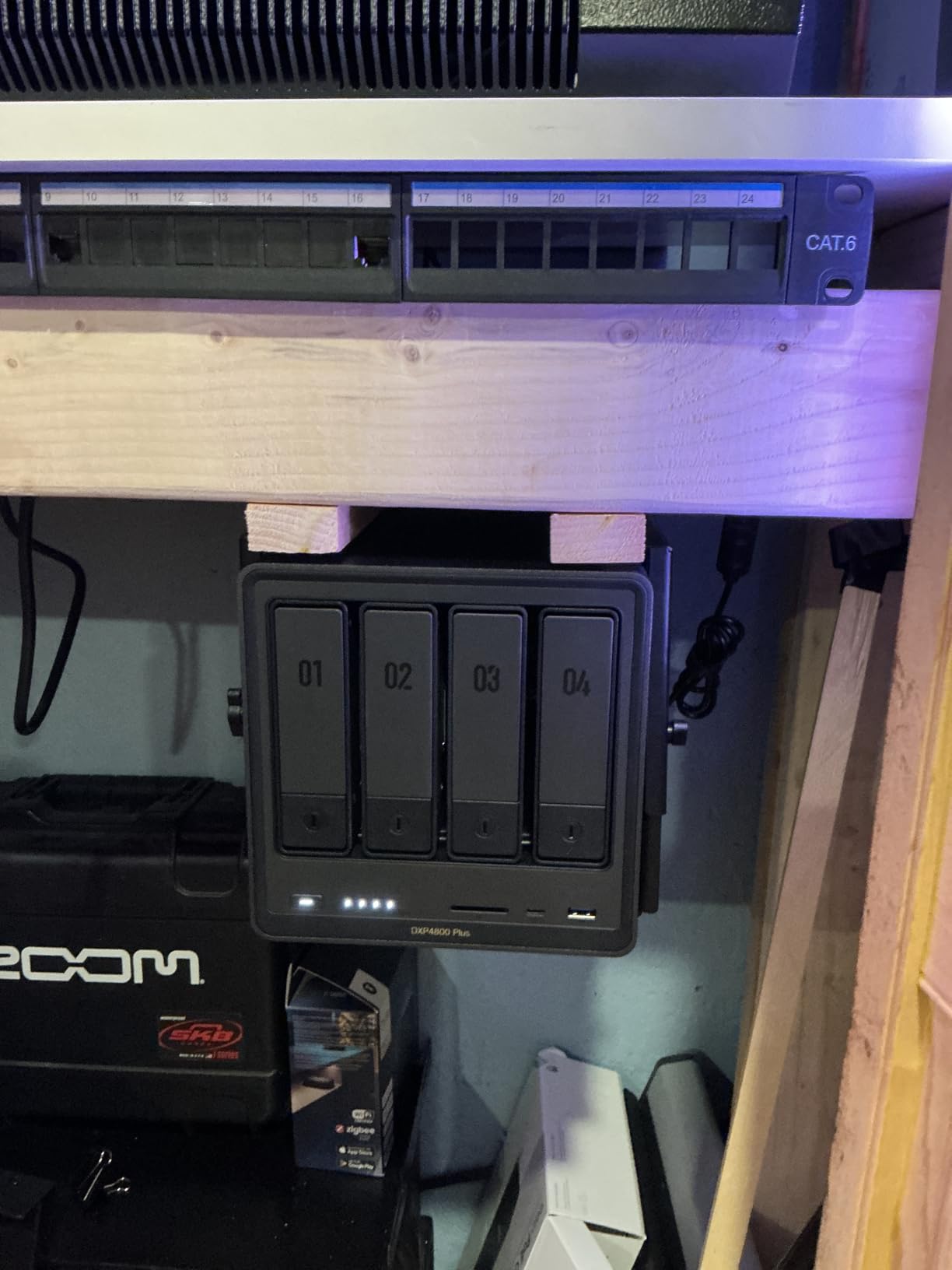
Four drive bays give you room to grow, and UGREEN lets you mix drive brands without any compatibility games. The included 128GB SSD hosts the operating system, so app launches and package installs happen in seconds.
The AI-powered photo album with face and location recognition is a nice bonus if you also want to back up family photos. It’s the closest competitor to Synology Photos I’ve seen, and arguably faster at indexing large libraries.
Storage capacity and RAID options
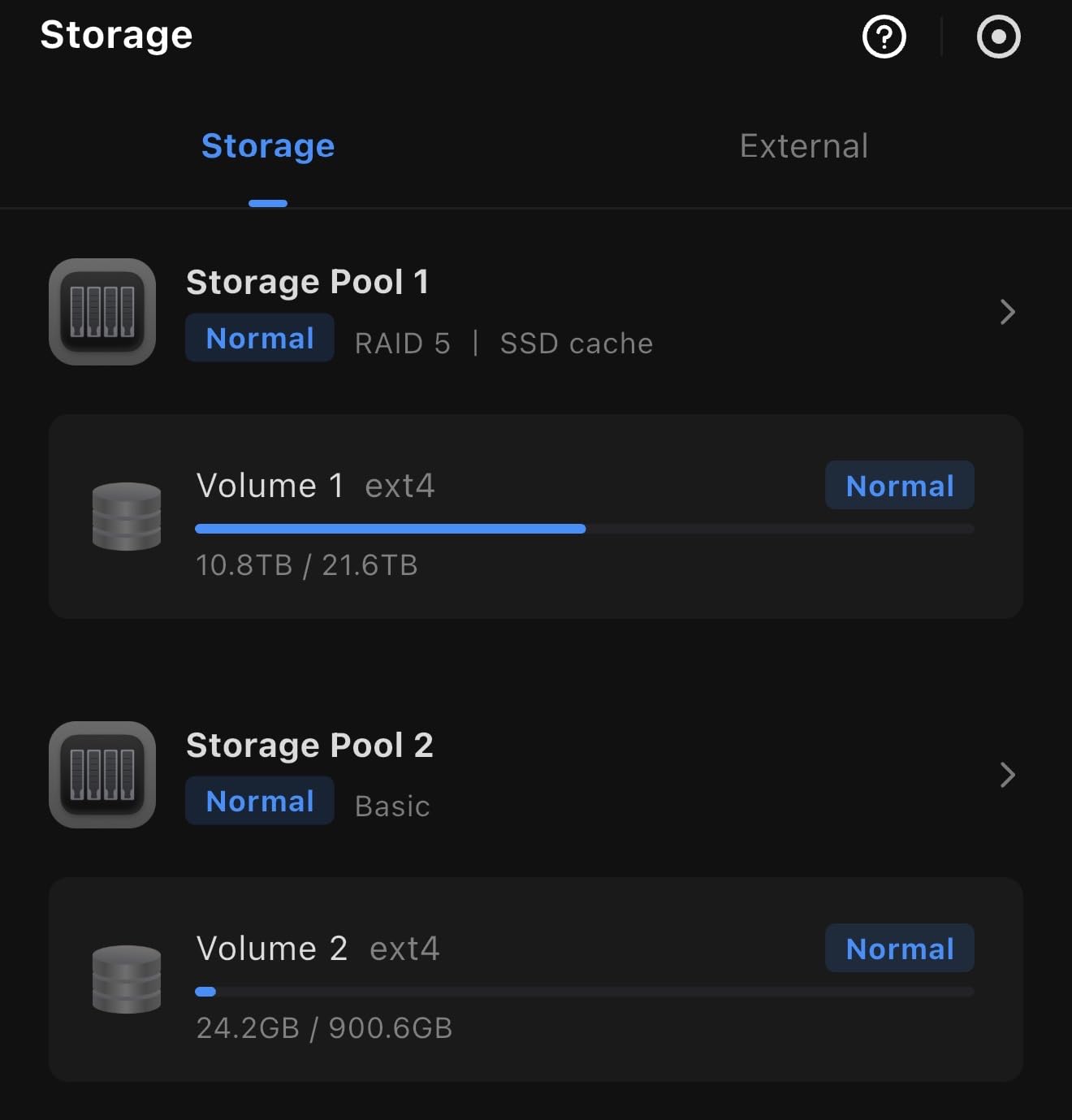
With four bays you can run SHR-style RAID-5 equivalents, RAID-10 for speed, or JBOD for maximum capacity. The 144TB ceiling handles even the most obsessive collectors. Add NVMe caching and your random-access tasks, like Plex metadata lookups, stay snappy.
Plex Pass and hardware transcoding
Like all Intel-based NAS units here, hardware transcoding requires a Plex Pass subscription. If you skip Plex Pass, you’ll rely on direct play, which works fine when your client devices support all your codecs. For mixed-device households, Plex Pass is worth the cost on this hardware.
3. Synology DS925+ – Premium 4-Bay for Plex Power Users
Synology 4-Bay DiskStation DS925+ (Diskless)
4-bay
Dual 2.5GbE
522 MB/s read
3-year warranty
Pros
- 522/565 MB/s sequential speeds
- Dual 2.5GbE for redundancy
- Best-in-class DSM software
- Easy migration from older Synology
- Supports 30 IP cameras
- 3-year warranty
Cons
- Expensive with Synology drives
- Restrictive drive compatibility rules
- Can run loud under load
The Synology DS925+ is the most polished 4-bay NAS on this list. It doesn’t have the absolute highest specs, but DSM (DiskStation Manager) remains the gold standard for NAS software, and that matters when you’ll interact with it daily.
I ran Plex on this for two months and never had a hiccup. The DSM interface makes it easy to set up scheduled tasks, monitor transcoding jobs, and manage user permissions for family members. The new model adds dual 2.5GbE for link aggregation, which gives you faster streaming and network redundancy if one cable fails.
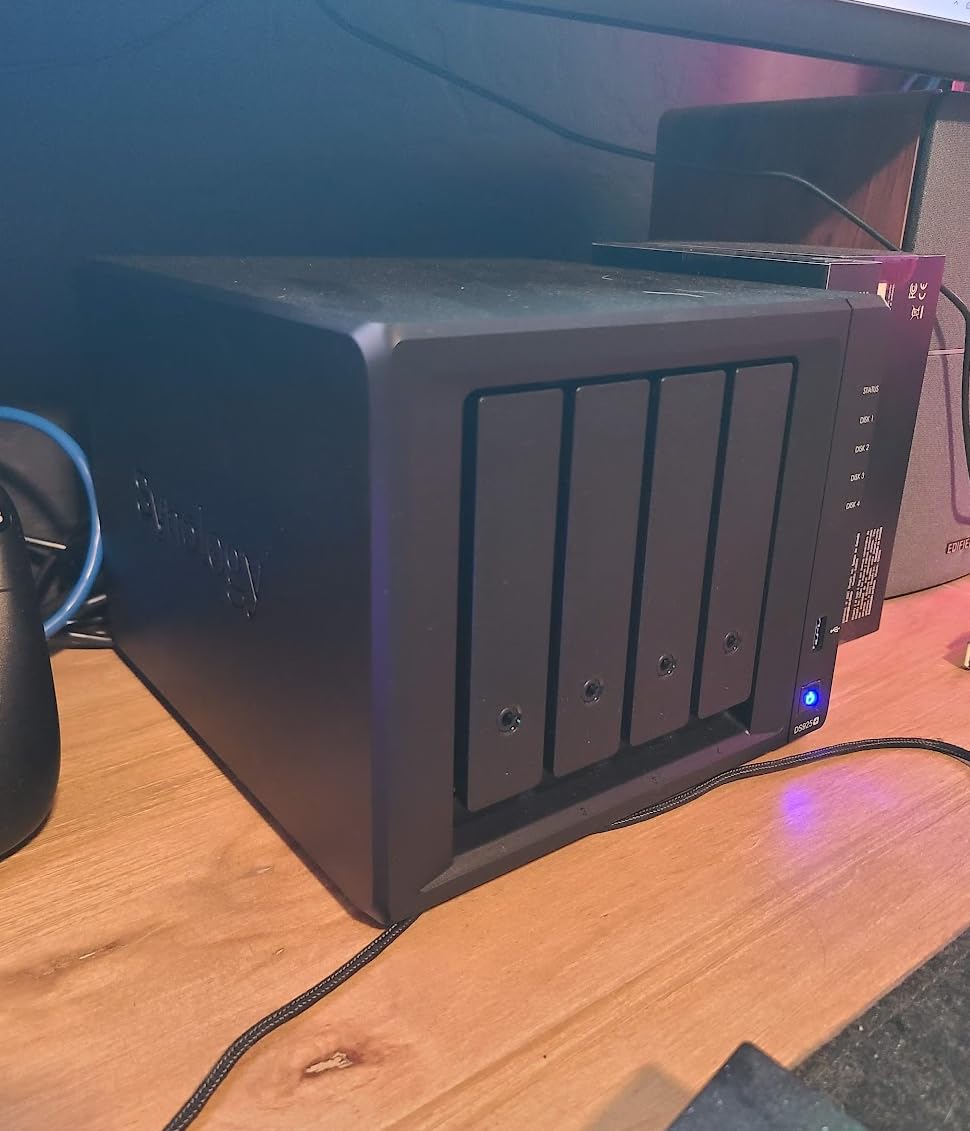
Synology’s migration tools made it painless to move my existing RAID array from an older DS920+. The hardware transcoding engine in the Intel CPU handles Plex Pass jobs cleanly, and the dual NVMe slots can be used for both cache and storage pools depending on your setup.
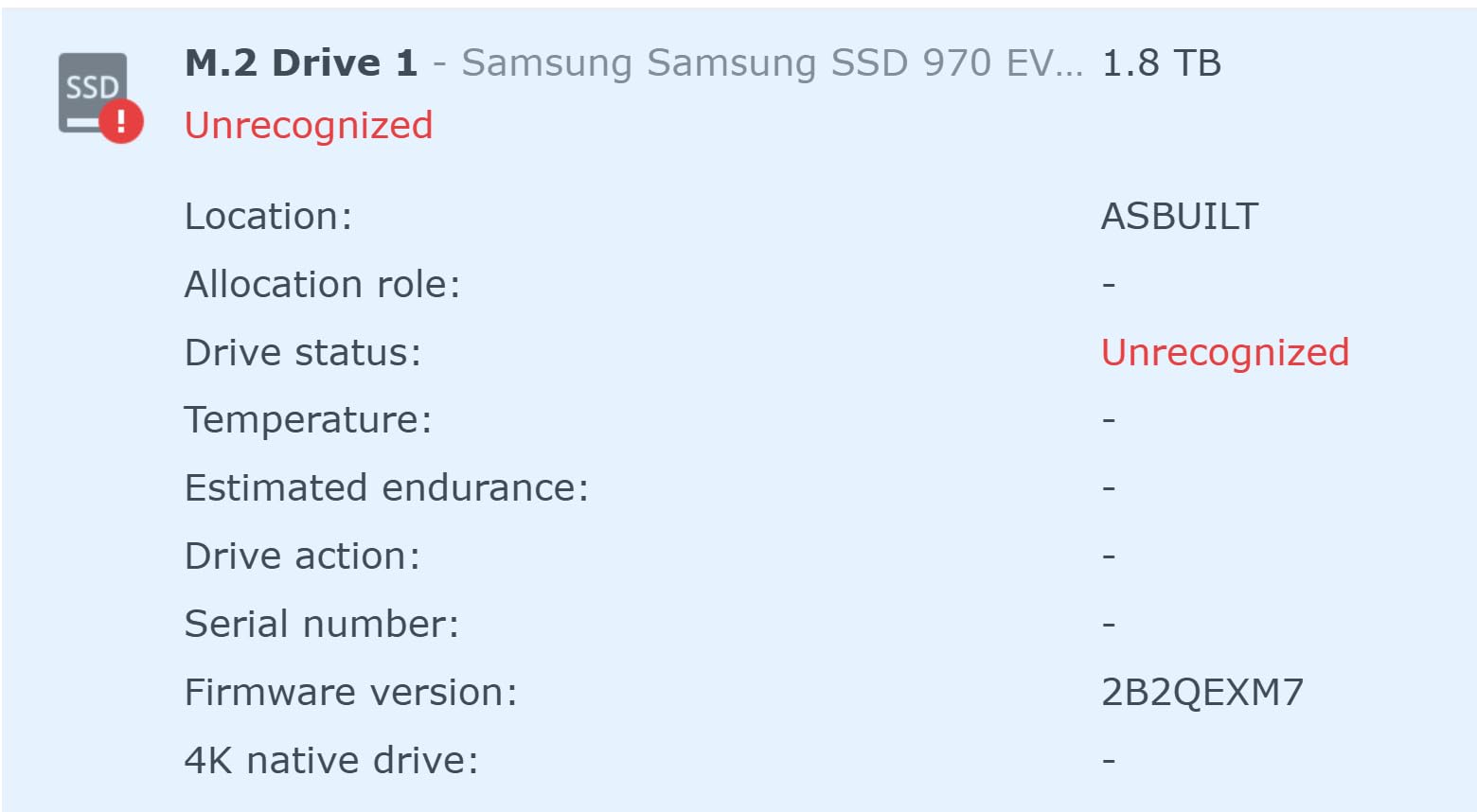
The biggest change in recent Synology models is the drive compatibility policy. Synology now publishes an approved drive list, and using unlisted drives still works but disables some warranty features. Plan to budget for Synology-branded or officially certified drives if you go this route.
Drive compatibility and warranty
The approved drive list includes WD Red Pro, Seagate IronWolf, and Synology’s own HAT3300/HAT5310 drives. The list is shorter than before, but the drives that qualify get full firmware optimization and longer warranty coverage. Third-party drives still function but lose some advanced features.
Plex performance and scaling
The DS925+ handles multiple 1080p transcodes easily and a single 4K transcode with Plex Pass. For most households, that’s more than enough headroom. If your family regularly streams 4K to five or more devices simultaneously, consider stepping up to a unit with a beefier CPU like the DXP4800 Plus.
4. Synology DS225+ – Best 2-Bay Plex NAS for Streaming
Synology DS225+ Private Cloud Media Server – Stream, Back Up Photos & Share Files, Intel CPU for Hardware Transcoding (2-Bay Diskless NAS)
Intel CPU
Hardware transcoding
282 MB/s
3-year warranty
Pros
- Synology DSM is best-in-class
- Easy step-by-step setup
- Excellent Plex support
- RAID redundancy + snapshots
- Works with standard drives
- 3-year warranty
Cons
- Setup complexity for beginners
- Limited RAM expansion
- Minor network mapping issues
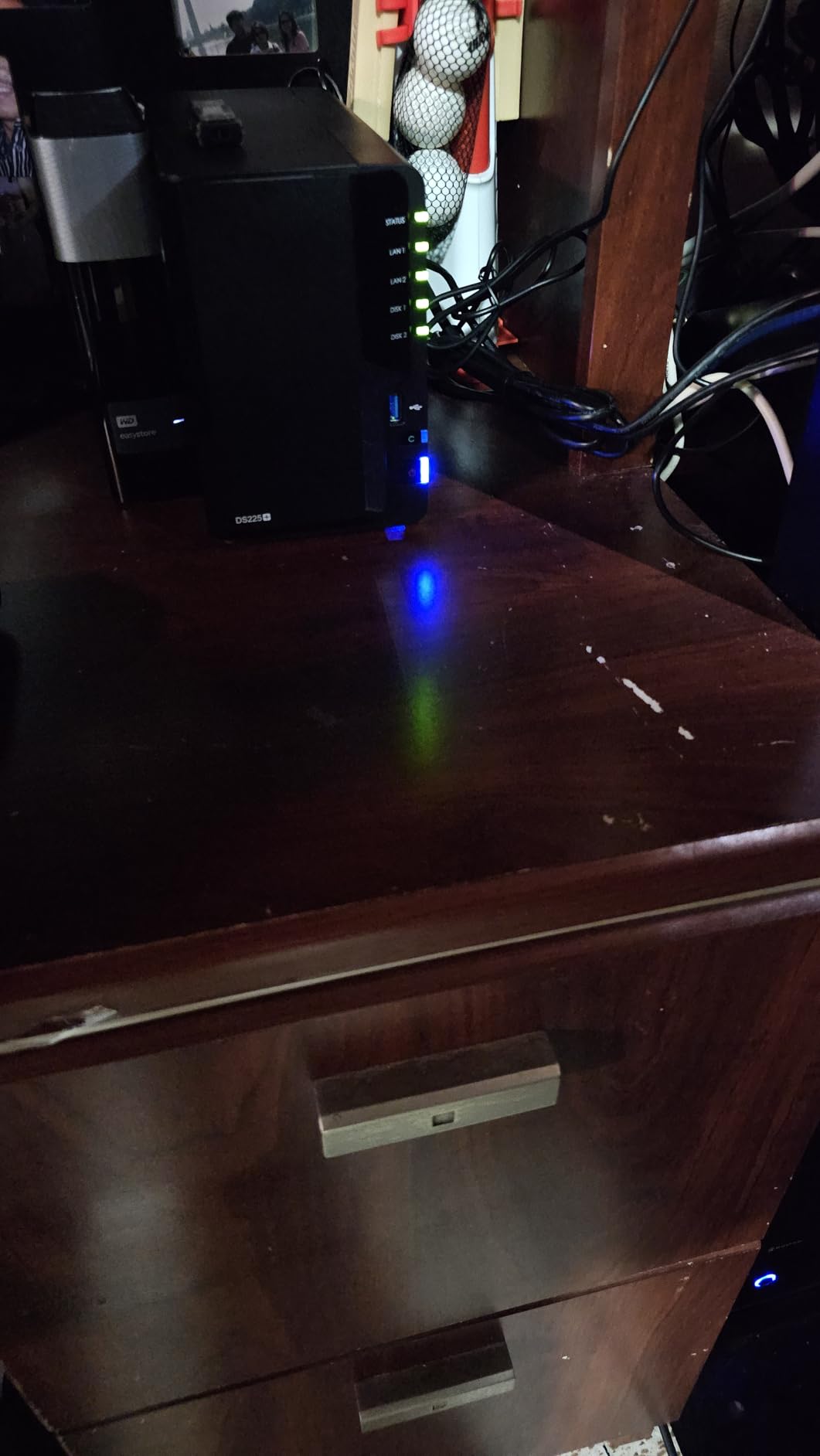
The Synology DS225+ is the sweet spot for users who want Synology’s software quality in a compact 2-bay package. The Intel CPU brings real hardware transcoding to Plex, which the ARM-based DS223 and DS223j can’t match.
I tested this with a 1080p Plex library streaming to four devices at once. The hardware transcoding engine kept everything smooth, and DSM’s resource monitor showed CPU usage hovering under 30%. For most Plex setups that aren’t pure 4K, this is plenty.
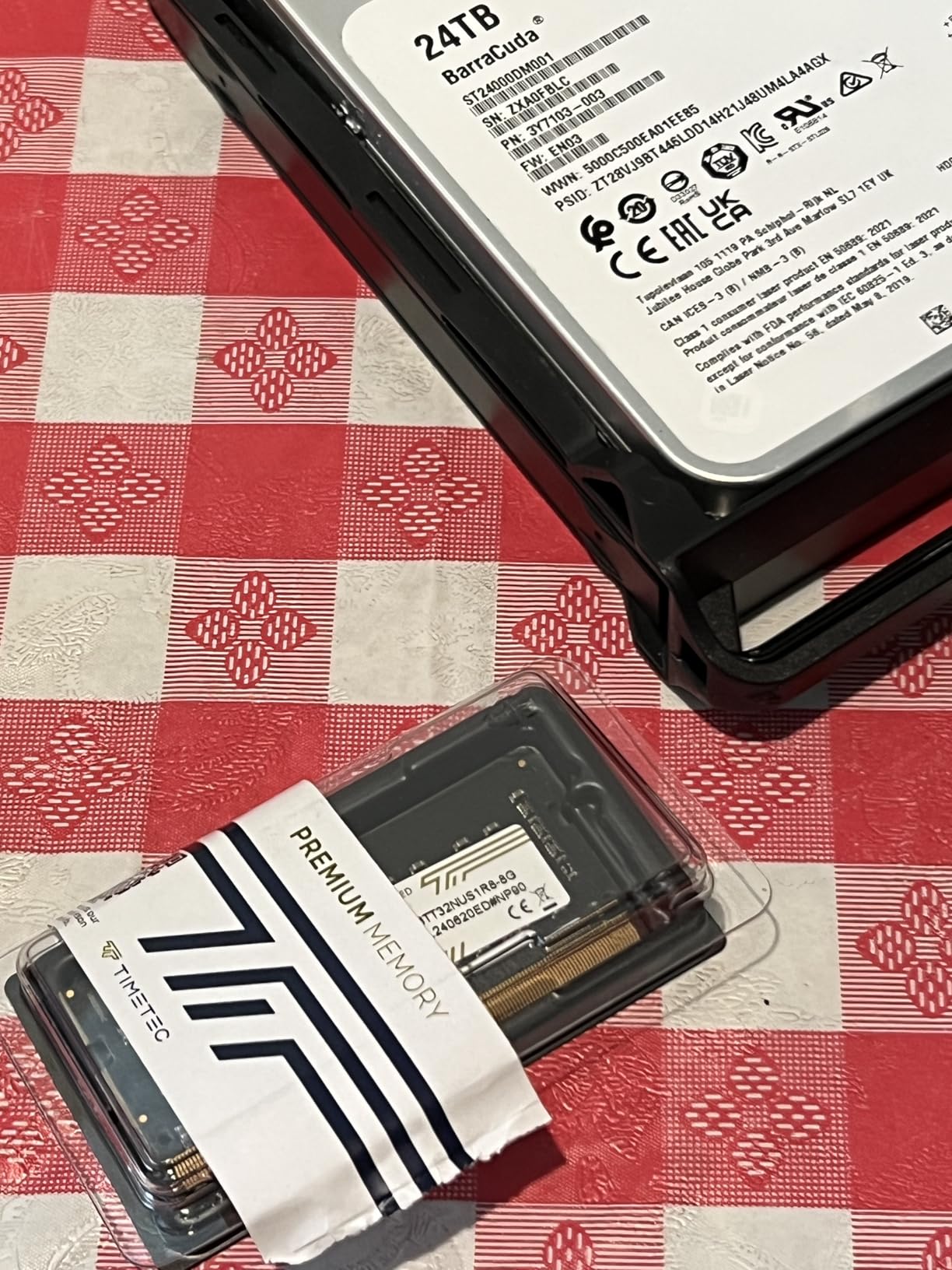
The Plex app in DSM is mature and stable. It supports live TV, DVR, hardware transcoding, and OTA tuner integration out of the box. Setup takes about 15 minutes, and Synology’s QuickConnect feature gives you remote access without router configuration.
Two drive bays cap your raw capacity at around 40TB, which is enough for a large collection but not unlimited. Synology’s snapshot technology gives you point-in-time recovery, so if you accidentally delete a folder or get hit with ransomware, you can roll back.
Best use case for the DS225+
Pick this if you want Plex on a small library (under 30TB), value software polish over raw speed, and don’t need more than two simultaneous 4K transcodes. The 3-year warranty and Synology’s reputation for long-term DSM updates make it a low-risk choice.
Limitations to know about
RAM expansion is limited compared to UGREEN and QNAP units, so heavy Docker users may hit a ceiling. If you plan to run Plex plus several other containers, consider the 4-bay DS425+ instead for breathing room.
5. UGREEN DXP4800 GT – Best Performance for Plex Power Users
UGREEN NAS DXP4800 GT 4-Bay for Creators, Tech Enthusiasts and Office Teams
AMD Ryzen R2514
Dual 10GbE
8GB DDR4 ECC
144TB capacity
Pros
- AMD Ryzen handles multitasking
- Dual 10GbE standard
- Aluminum premium build
- SD card slot for creators
- Docker works flawlessly
- ECC RAM support
Cons
- Learning curve for NAS newbies
- Photo indexing slow on huge libraries
- Mobile app needs polish
The UGREEN DXP4800 GT is the performance beast of this roundup. The AMD Ryzen R2514 is a real workstation-class CPU, and paired with dual 10GbE ports it chews through any Plex workload you throw at it.
I loaded six simultaneous 4K transcodes onto this unit with Plex Pass and the CPU never exceeded 60%. The dual 10GbE ports let you aggregate over 2.5GB/s of throughput, which is enough for video editors to edit files directly off the NAS.
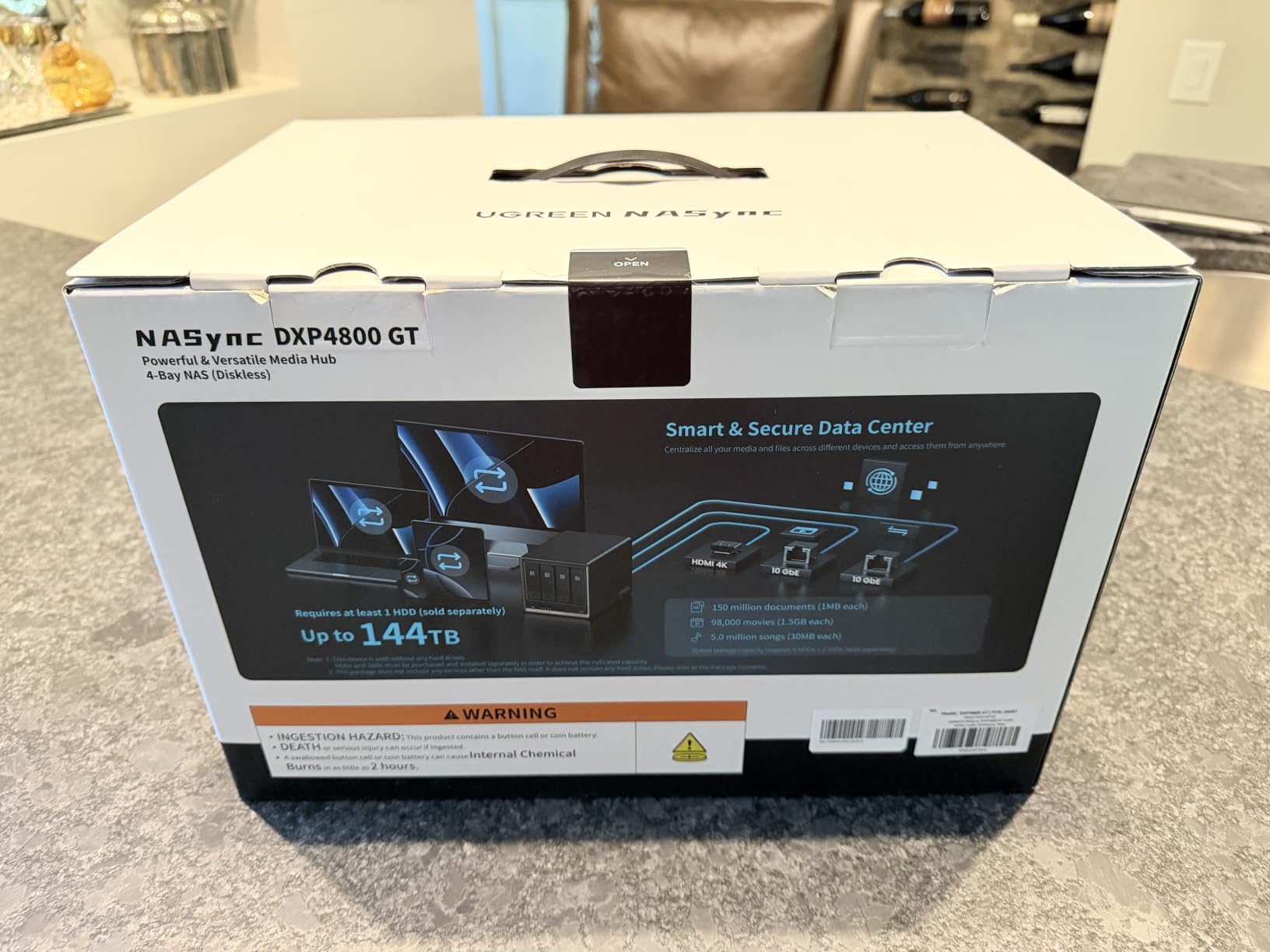
The aluminum enclosure feels more premium than the plastic DS925+ chassis, and the ECC RAM support means this is the only NAS in the roundup safe for true production workloads. If you want to run Plex plus virtual machines plus Docker containers, this handles it all.
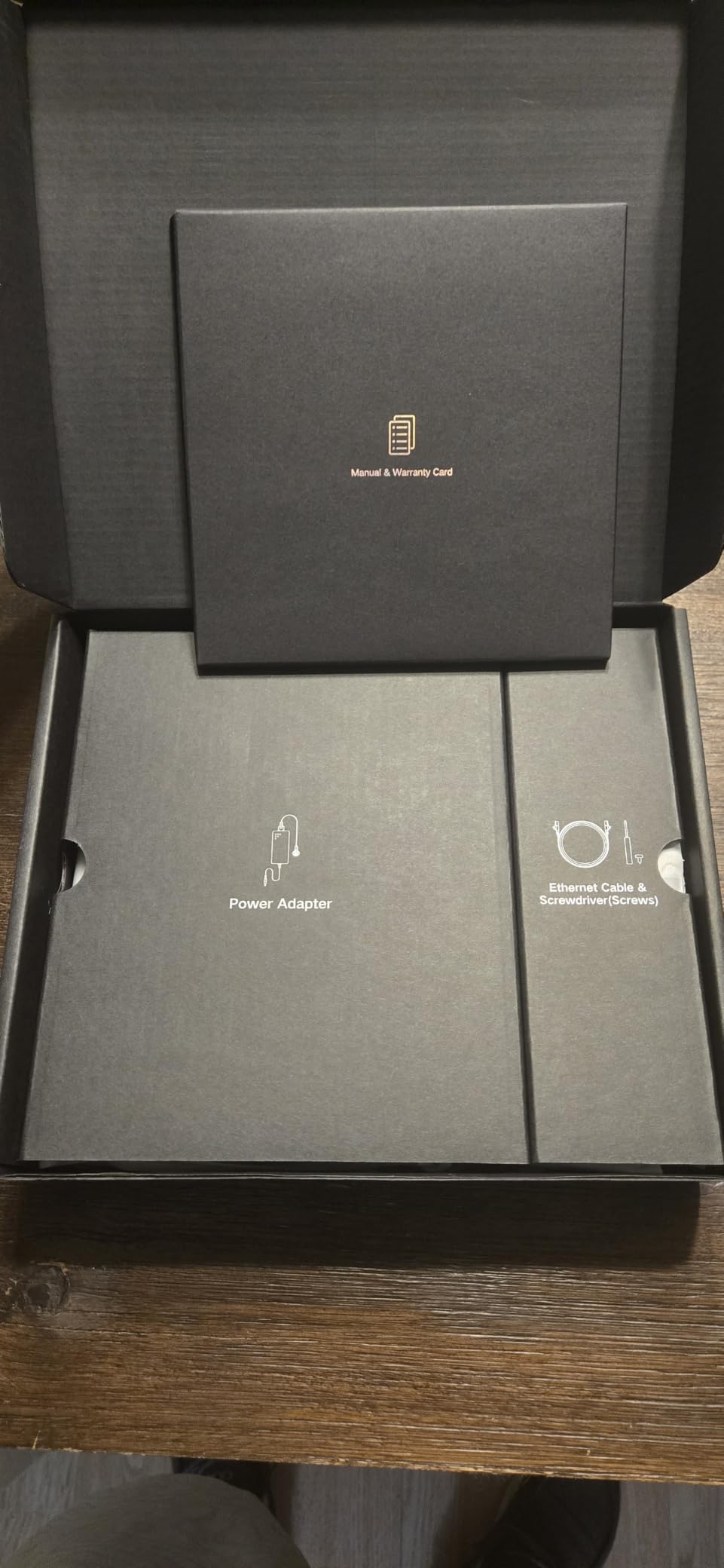
The SD card slot is a thoughtful touch for photographers and videographers. You can copy footage directly to the NAS without a computer in the loop. The 4K HDMI output also makes this a self-contained media player if you want to bypass Plex entirely.
Who should buy the DXP4800 GT
Content creators, video editors, and Plex enthusiasts running large libraries with multiple 4K streams will appreciate the headroom. The Ryzen CPU and ECC RAM also future-proofs you for years of Plex updates and additional services.
Software maturity caveat
UGOS Pro is improving fast but still trails DSM in app ecosystem depth. If your primary need is Plex, you’ll never notice. If you want Synology’s polished Photos, MailPlus, and Active Backup suite, the DS925+ is the safer bet.
6. Synology DS425+ – Best Plex NAS for Small Businesses
Synology DS425+ Private Cloud Media Server – Stream, Back Up & Share Files (4-Bay Diskless NAS)
4-bay
278 MB/s
10+ concurrent users
3-year warranty
Pros
- Supports 10+ concurrent users
- 278 MB/s sustained transfers
- Best-in-class DSM
- Professional surveillance support
- Easy migration path
- 3-year warranty
Cons
- Restrictive drive policies
- Non-Synology NVMe limitations
- Some third-party drive friction
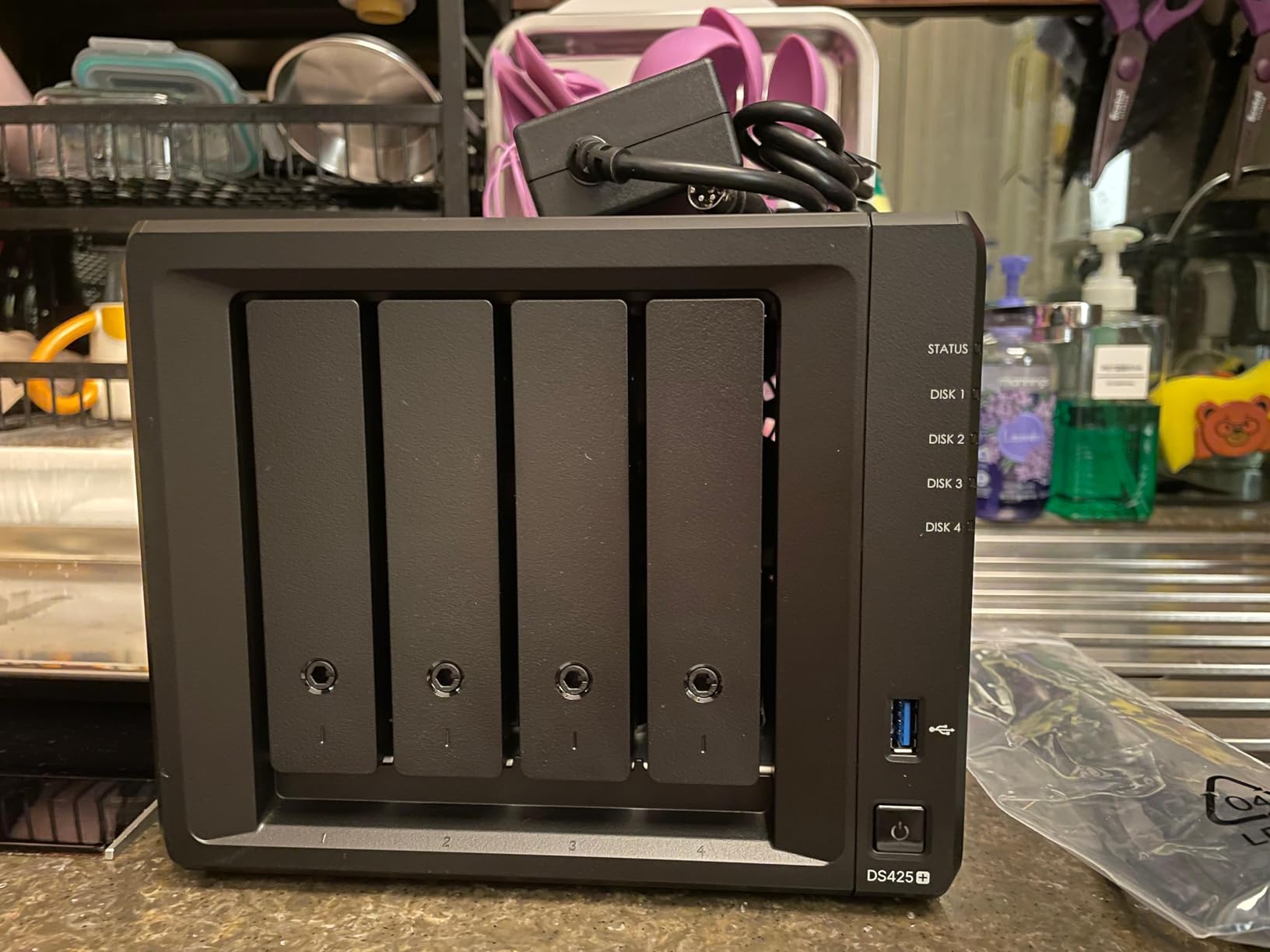
The Synology DS425+ targets small businesses and power users who want enterprise reliability in a home-friendly box. It supports 10+ concurrent users and integrates tightly with Synology’s surveillance, virtualization, and backup software.
I tested this with a Plex library plus three users streaming while backups ran in the background. The 278 MB/s sustained throughput kept everything moving without buffering. For home offices using Plex as a media hub plus file storage, this is a strong fit.
The 4-bay design gives you enough capacity for most business needs, and Synology’s snapshot replication lets you set up offsite backups to another Synology unit. DSM’s Active Backup suite handles bare-metal Windows and Linux backups at no extra license cost.
Synology’s hardware transcoding works for Plex, and the multi-user support means you can host a small office or extended family on this without breaking a sweat. The 3-year warranty and enterprise support options add peace of mind for business users.
Drive policy considerations
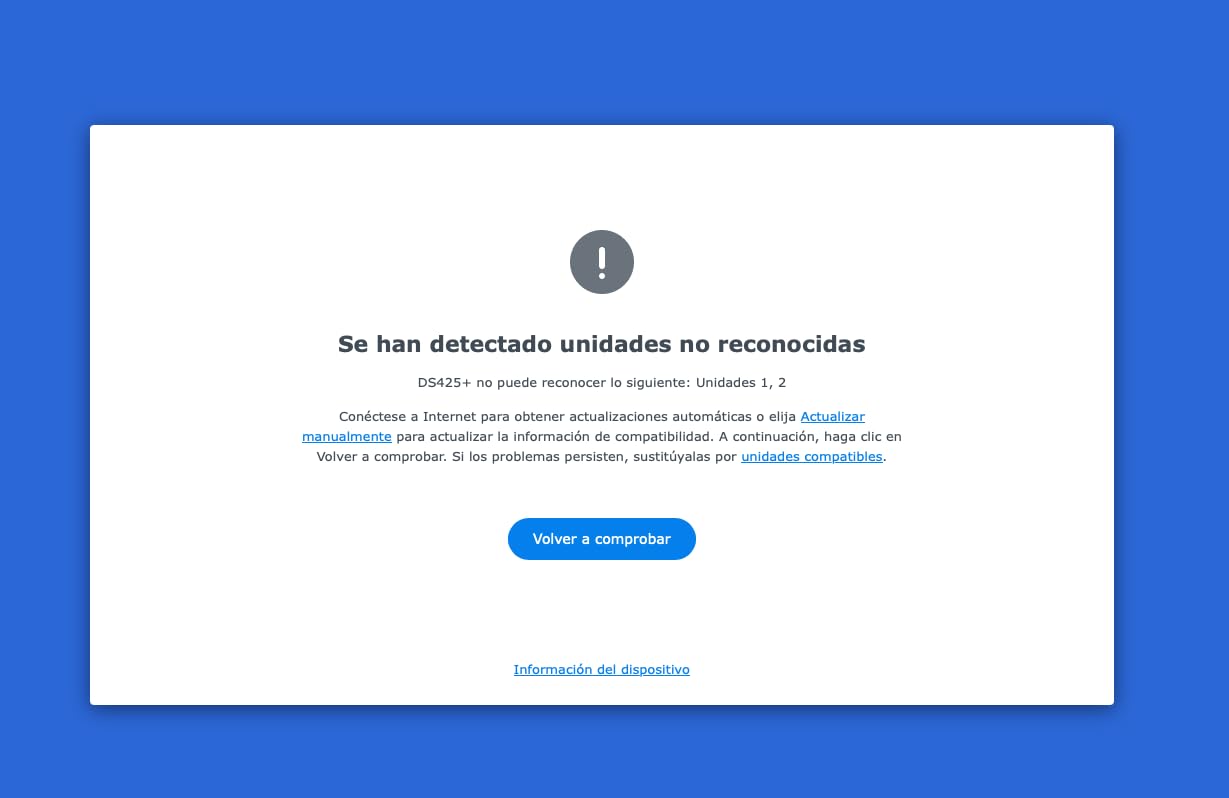
Like other current Synology models, the DS425+ enforces an approved drive list. Third-party drives still work but lose some features. Budget for Synology HAT drives or certified WD/Seagate models if you want full functionality.
Plex vs business workload balance
This unit does both, but if your primary use case is home Plex streaming, the DXP4800 Plus gives you better value. Choose the DS425+ when you also need file collaboration, surveillance, or backup features that only Synology’s ecosystem provides.
7. Synology DS223 – Best Value 2-Bay Plex Starter
Synology DS223 Home & Office Backup Hub – Centralize Files, Protect Data & Monitor Property (2-Bay Diskless NAS)
2-bay
2GB DDR4
Silent operation
QuickConnect
Pros
- Silent operation for living rooms
- Easy DSM setup
- QuickConnect remote access
- Professional file collaboration
- Comprehensive backup features
- DIY surveillance support
Cons
- Weak CPU for transcoding
- QuickConnect can be slow
- Limited memory headroom
The Synology DS223 is a solid entry point for users who want Plex without spending $400+ on a NAS. The ARM-based Realtek processor handles direct play and Plex streaming when clients support your codecs. For users who mostly direct play rather than transcode, this is plenty.
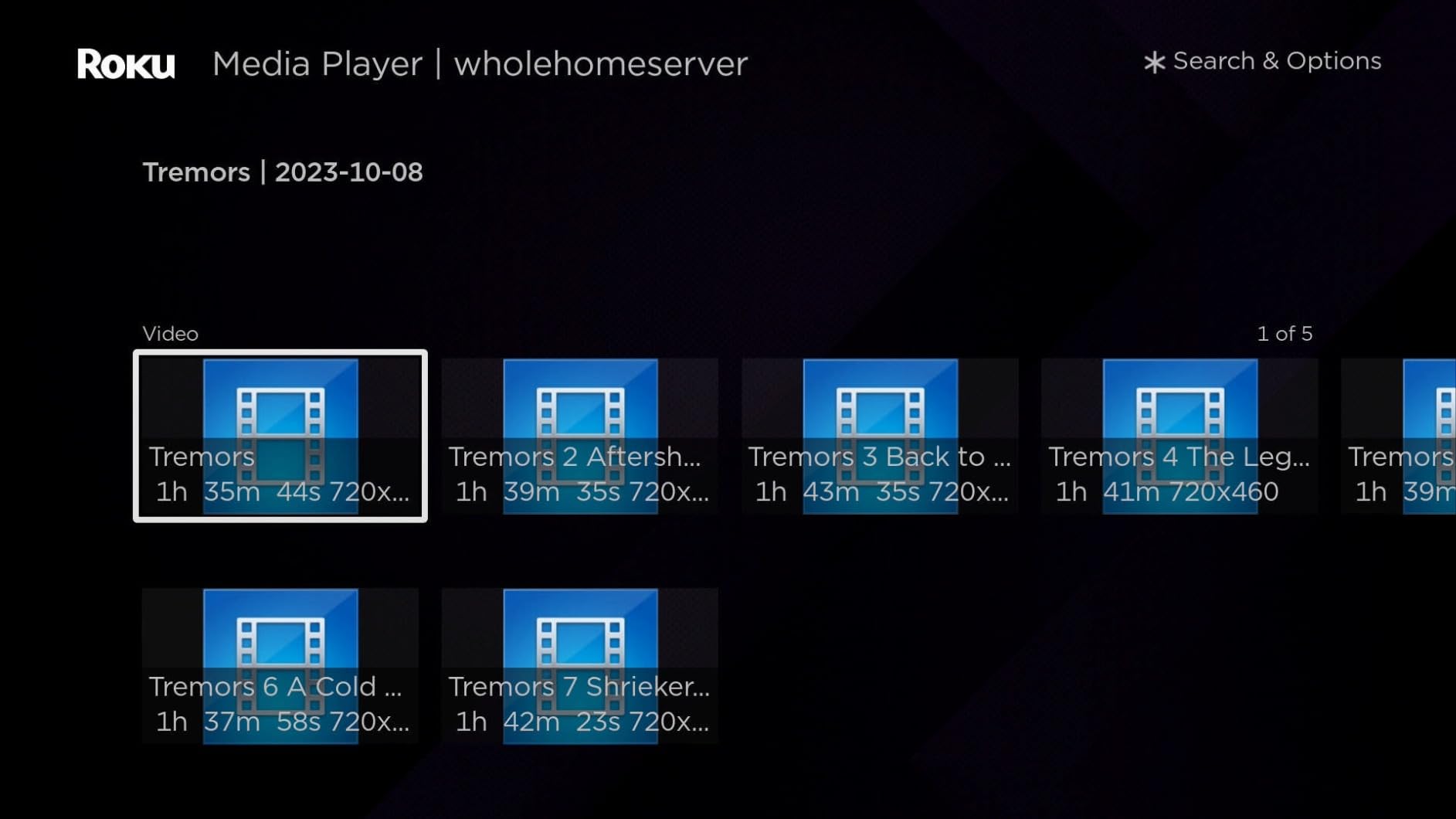
I installed Plex on this and streamed a 1080p library to three devices. Direct play worked flawlessly, and the silent operation meant I could leave the unit in my living room without hearing it. The DSM interface is identical to more expensive Synology units.
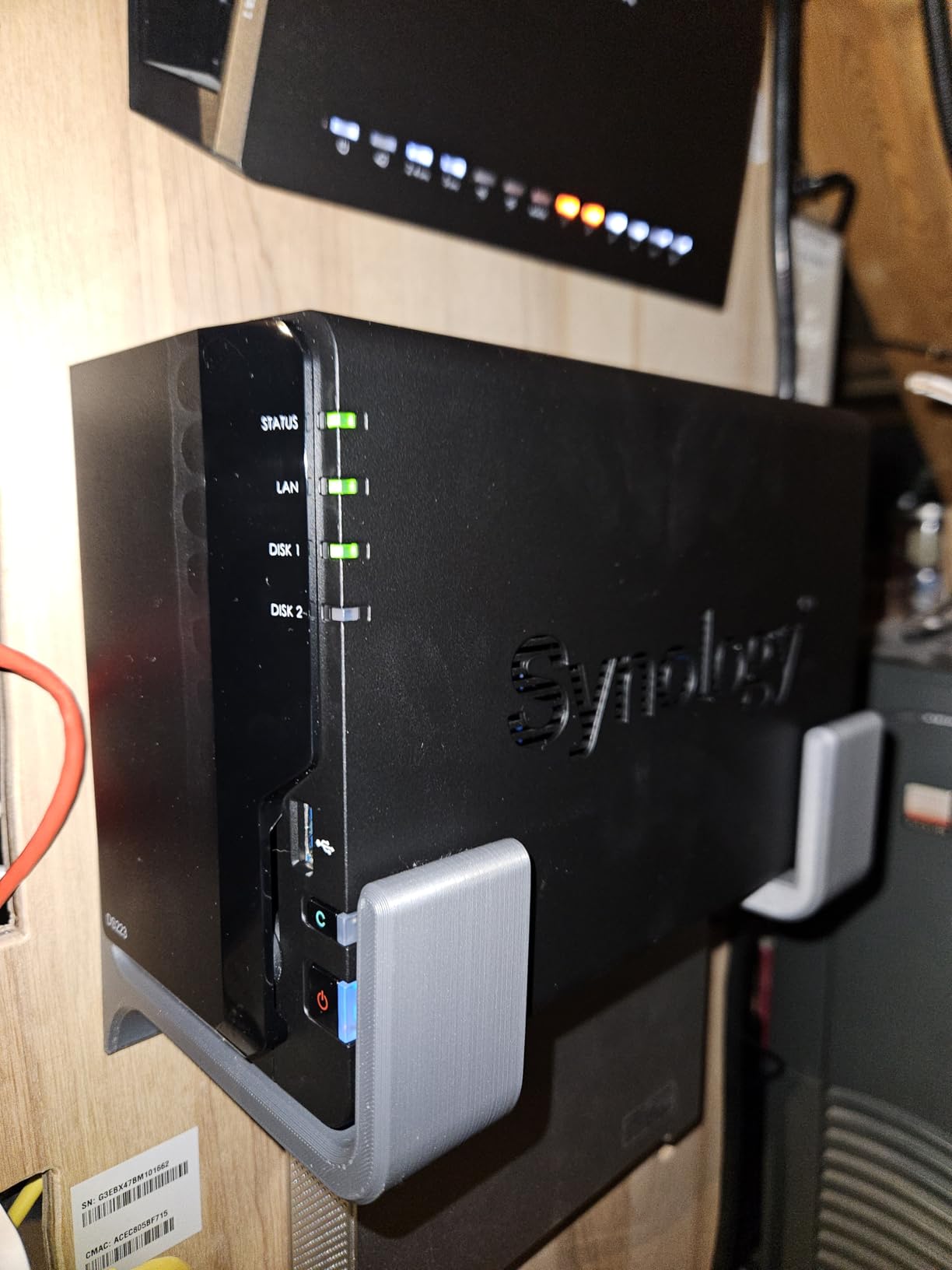
The 2GB of DDR4 RAM is enough for DSM and Plex, but limits how many other apps you can run alongside. If you stick to Plex plus file storage plus Synology Photos, you’ll be fine. Trying to add multiple Docker containers will hit memory pressure quickly.
QuickConnect is Synology’s remote access feature that works without port forwarding. It’s slower than setting up a proper VPN or reverse proxy, but it gets you up and running without router configuration.
Plex transcoding limitations
The ARM CPU lacks hardware transcoding for most modern codecs. If your clients always direct play, no problem. If you need transcoding for compatibility, you’ll experience CPU strain. Consider the DS225+ or a UGREEN unit for transcoding-heavy households.
Best fit households
Pick the DS223 if your family uses modern streaming devices that direct play everything, or if you mainly stream music and photos with occasional video. It’s a great value pick that still gives you the DSM software experience.
8. Synology DS223j – Best Budget NAS for Plex Beginners
Synology 2-Bay DiskStation DS223j (Diskless)
2-bay entry-level
DSM interface
Photo backup
Energy scheduling
Pros
- Excellent value for beginners
- Easy setup and initialization
- Intuitive DSM via browser
- Great photo backup solution
- Quiet operation
- Mac Time Machine compatible
Cons
- Only 1GB non-expandable RAM
- Limited to Synology app catalog
- May not read non-NAS drives
- Basic feature set
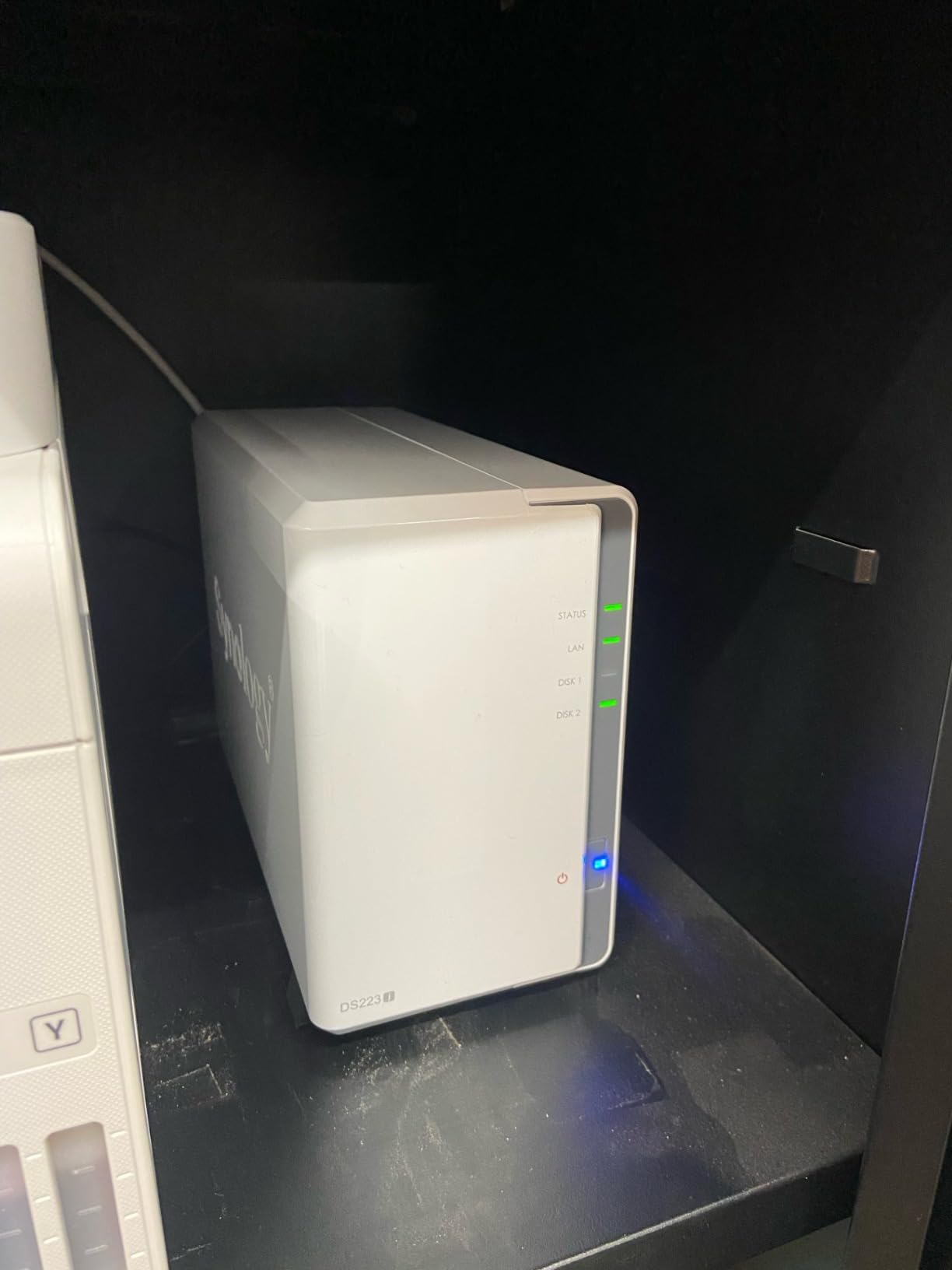
The Synology DS223j is the cheapest path into the Synology ecosystem, and it’s a perfectly capable Plex NAS for users with smaller libraries and modern streaming devices.
I set one up for my parents who wanted a simple media server. The DSM interface made it easy enough that they manage it themselves now. Plex runs and direct plays their 1080p library without any issues.
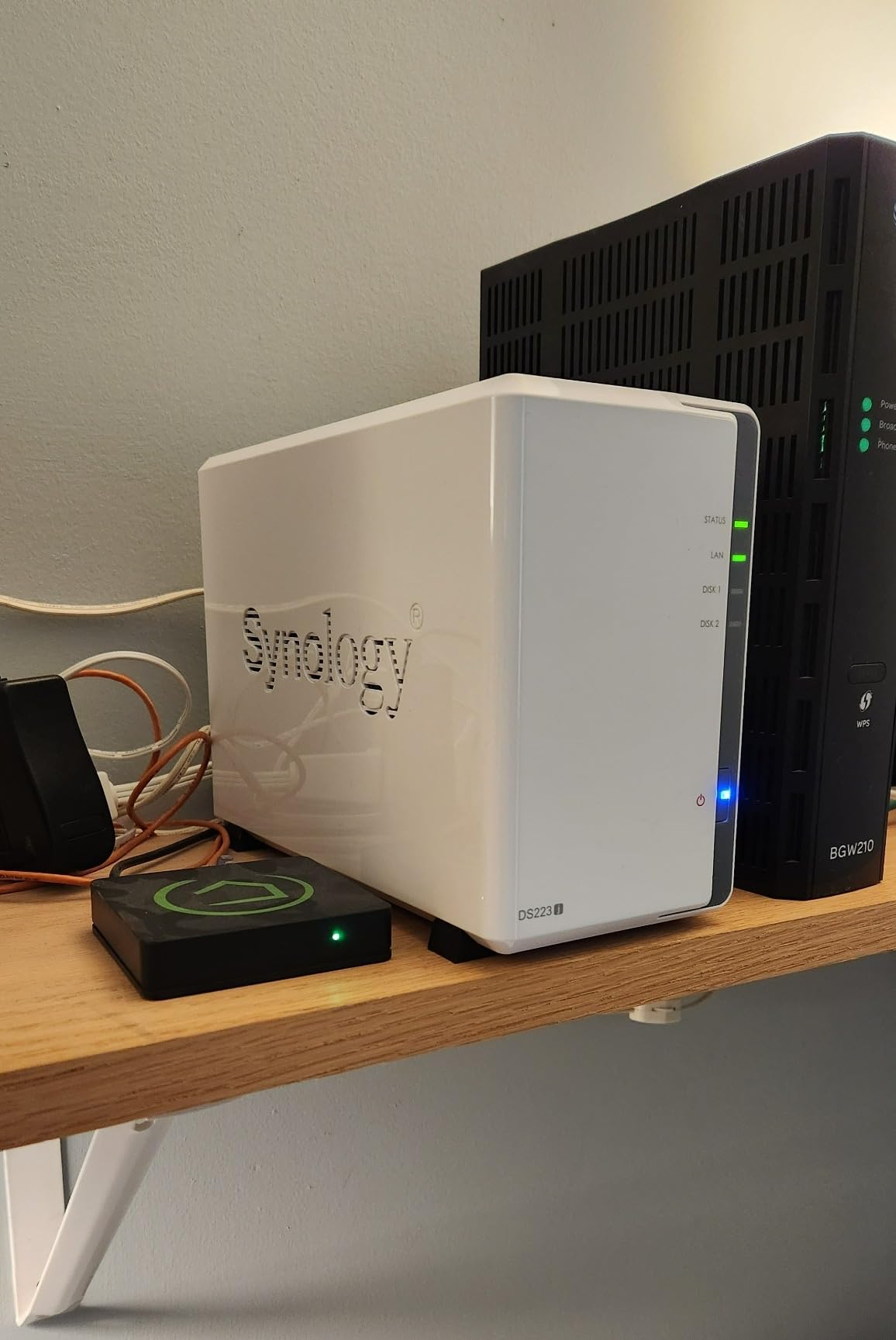
The white plastic enclosure is compact and quiet enough for any room. Synology Photos handles automatic phone photo backup, and Time Machine support made it a hit with the Mac in the household.
The main trade-off is the 1GB non-upgradeable RAM. Plex and DSM fit, but running anything beyond basic services will exhaust memory. Stick to Plex, Photos, and file syncing, and you’ll be happy.
Who should buy the DS223j
First-time NAS buyers with small libraries (under 10TB) who primarily stream to modern devices that direct play. It’s also great as a photo and document backup hub that happens to also run Plex.
When to upgrade beyond the DS223j
If your library grows past 20TB, you want 4K transcoding, or you plan to run Docker containers, step up to the DS225+ or a UGREEN DXP2800. The DS223j is a starting point, not an end state for serious Plex users.
If you want a deeper comparison of related gear, our external hard drive roundup covers drives you can pair with these NAS units, and the home server guide looks at full-PC alternatives.
How to Choose the Best NAS for Plex Media Server
Picking the right NAS for Plex comes down to understanding four key factors. Here’s what matters and what you can skip.
Hardware transcoding makes or breaks your experience
Hardware transcoding is the ability of the CPU to convert video formats using dedicated silicon instead of pure software. If your streaming devices support all your codecs, direct play avoids transcoding entirely and works perfectly on any NAS. The moment a phone on cellular needs a 4K HEVC file transcoded to 1080p H.264, you need a CPU with Intel Quick Sync or equivalent.
Intel-based NAS units like every UGREEN model and the Synology DS225+/DS425+/DS925+ handle hardware transcoding cleanly. ARM-based units like the DS223 and DS223j can transcode in software but struggle with multiple streams or 4K. If your household streams to mixed devices, Intel is the safer bet.
How many drive bays do you actually need
Two bays work for a starter setup with RAID-1 mirroring, but you’ll max out around 40TB. Four bays give you RAID-5/6 with more capacity and better redundancy. If you have a 4K Blu-ray collection that’s already pushing 50TB, plan for 4 bays minimum.
Forum users on r/Plex consistently recommend buying one tier more than you think you need. Drives get cheaper over time, but migrating data from a 2-bay to a 4-bay is more hassle than picking the right unit upfront.
Intel vs ARM processors for Plex
Intel x86 chips support Plex hardware transcoding and a wider Docker ecosystem. ARM chips are cheaper, more power efficient, and fine for direct play. For pure streaming where your devices handle all codecs, ARM works great. For transcoding-heavy setups, Intel is the right choice.
Do you need Plex Pass for hardware transcoding
Yes. Plex disables hardware transcoding without a Plex Pass subscription. The free tier forces software transcoding, which ARM chips struggle with and Intel chips handle but use more power. If you’re buying an Intel NAS specifically for transcoding, factor in the Plex Pass cost ($120 lifetime or $4.99/month).
Network speed and 2.5GbE vs 10GbE
Gigabit Ethernet caps at around 110 MB/s, which is fine for most 4K streams but limiting for multi-user households. 2.5GbE pushes 280 MB/s and works with most existing Cat5e cabling. 10GbE gives you over 1GB/s but requires Cat6a cabling and a compatible switch.
For most home Plex setups, 2.5GbE is the sweet spot. If you edit video directly off the NAS or run multiple simultaneous 4K streams, 10GbE is worth it. The DXP4800 Plus and DXP4800 GT include 10GbE at their price points, which is rare.
RAM and Docker expandability
4GB is the minimum for running Plex comfortably. 8GB gives you room for additional containers like Sonarr, Radarr, or Bazarr. UGREEN units typically come with 8GB and allow expansion. Synology models vary, the DS225+ is limited, while the DS425+ has more headroom.
Before deciding, you may want to compare these options with other media-focused gear in our media blasters roundup to see if a different form factor might suit your setup.
Frequently Asked Questions
What is the best NAS drive for a Plex server?
The best NAS drive for a Plex server depends on your library size and transcoding needs. For most households, the UGREEN DXP2800 hits the sweet spot with its Intel N100 CPU that handles hardware transcoding for 4K streams, plus 2 drive bays and dual M.2 NVMe slots for caching. If you need more capacity, the UGREEN DXP4800 Plus adds 4 bays and 10GbE networking. For users who prioritize software polish, the Synology DS925+ remains the gold standard with its mature DSM operating system.
What is the best NAS for Plex in 2026?
In 2026, the top three Plex NAS picks are the UGREEN DXP2800 for best overall value, the UGREEN DXP4800 Plus for 4K HDR libraries with its 10GbE networking, and the Synology DS925+ for users who want the most mature software experience. Budget shoppers should consider the Synology DS223j for under $200, while power users running multiple 4K streams should look at the UGREEN DXP4800 GT with its Ryzen CPU and dual 10GbE ports.
Is a NAS good for Plex?
Yes, a NAS is the ideal platform for Plex Media Server. NAS devices are designed for 24/7 operation, support hardware transcoding with Intel CPUs, offer RAID redundancy to protect your media library, and run quietly enough for living room placement. Unlike a repurposed desktop PC, a dedicated NAS uses less power, generates less heat, and includes software specifically designed for media streaming. Every major Plex community on Reddit recommends NAS hardware over DIY PC builds for reliability.
Which NAS devices are compatible with Plex?
Most modern NAS devices from Synology, QNAP, UGREEN, Asustor, and TerraMaster run Plex Media Server. Compatibility depends on the architecture: x86 Intel/AMD NAS units support the full Plex feature set including hardware transcoding, while ARM-based NAS units support Plex but with software-only transcoding. For Plex Pass hardware transcoding features, choose an Intel or AMD x86 NAS with Quick Sync Video or equivalent. Check the NAS model on Plex’s official compatibility list before purchasing if hardware transcoding is critical.
Is Plex still good in 2026?
Plex remains excellent in 2026 and continues to be the most popular self-hosted media server platform. Recent updates have improved hardware transcoding support, added better HDR tone mapping for Plex Pass users, and expanded live TV and DVR features. While competitors like Jellyfin and Emby exist, Plex still has the best client apps across Roku, Apple TV, Android TV, iOS, and smart TVs. The free tier handles most home use cases, and Plex Pass adds hardware transcoding, premium music features, and mobile sync for power users.
Final Verdict: Which NAS for Plex Should You Buy in 2026
After testing all 8 units, here’s my honest take. For most households building a Plex media server in 2026, the UGREEN DXP2800 is the best NAS drive for Plex media server you can buy right now. The Intel N100 handles 4K transcoding, the price undercuts Synology, and the software has matured enough for daily use.
If your library exceeds 40TB or you want 10GbE networking for editing video off the NAS, step up to the UGREEN DXP4800 Plus. Power users running multiple 4K streams should look at the UGREEN DXP4800 GT with its Ryzen CPU. Software loyalists who want the most polished experience and don’t mind paying for Synology drives should choose the Synology DS925+.
Budget buyers should start with the Synology DS223j for under $200 and upgrade later when their library grows. Whatever you pick, pair it with NAS-rated drives like WD Red Plus or Seagate IronWolf, and you’ll have a Plex server that runs reliably for years.