If you’ve been hunting for the best HDR gaming monitors with mini LED backlighting, you’ve probably noticed the flood of options released over the past few years. Mini LED has gone from a niche flagship feature to something you can grab in budget 27-inch panels, and that shift changes everything about how games look on your desk.
Our team spent the last several weeks testing and comparing eight mini LED gaming monitors across price points from around $175 to $1,700. We focused on real-world HDR impact, dimming zone behavior, motion clarity, and whether each display earned its price tag. Mini LED backlighting uses thousands of tiny LEDs grouped into independently controlled dimming zones, and the result is OLED-like contrast with higher peak brightness and no burn-in risk. That’s a big deal for gamers who want searing sun glare in Cyberpunk without worrying about UI element retention.
Inside this guide, you’ll find our top three picks, a complete comparison table, in-depth reviews of all eight models, a buying guide covering dimming zones, HDR standards, and panel types, and a FAQ section that answers the questions we keep seeing on Reddit. Every recommendation is based on real specs and verified user feedback.
Table of Contents
Top 3 Picks for Best HDR Gaming Monitors Mini LED Backlighting (September 2026)

Samsung 57 Inch Odyssey Neo G9 Dual 4K
- 57 inch Dual 4K 240Hz
- 2
- 392 dimming zones
- DisplayHDR 1000
- DisplayPort 2.1

Samsung 32 Inch Odyssey Neo G8 4K 240Hz
- 4K UHD 240Hz
- Quantum HDR2000
- 1ms G-Sync
- 1000R Curved

KTC 27 Inch M27U6 4K Mini LED
- 4K Dual Mode 72Hz or 144Hz
- 1152 zones
- HDR1000
- FreeSync and G-Sync
Best HDR Gaming Monitors with Mini LED Backlighting in 2026
| Product | Specifications | Action |
|---|---|---|
| Samsung 57 Inch Odyssey Neo G9 Dual 4K |
|
Check Latest Price |
| Samsung 32 Inch Odyssey Neo G8 4K 240Hz |
|
Check Latest Price |
 Samsung 32 Inch Odyssey Neo G7 4K 165Hz Samsung 32 Inch Odyssey Neo G7 4K 165Hz |
|
Check Latest Price |
| KTC 27 Inch M27U6 4K Mini LED |
|
Check Latest Price |
 KTC 27 Inch M27P6 4K Mini LED 160Hz KTC 27 Inch M27P6 4K Mini LED 160Hz |
|
Check Latest Price |
 KTC 27 Inch M27T6S 1440P Mini LED 200Hz KTC 27 Inch M27T6S 1440P Mini LED 200Hz |
|
Check Latest Price |
 KTC 27 Inch M27T20 1440P 165Hz Mini LED KTC 27 Inch M27T20 1440P 165Hz Mini LED |
|
Check Latest Price |
 Acer Nitro XV325QK 31.5 4K 160Hz Mini LED Acer Nitro XV325QK 31.5 4K 160Hz Mini LED |
|
Check Latest Price |
1. Samsung 57 Inch Odyssey Neo G9 (G95NC) – Dual 4K Flagship with 2,392 Dimming Zones
Samsung 57″ Odyssey Neo G9 (G95NC) Dual 4K UHD 1000R Curved Gaming Monitor
57 inch Dual 4K 240Hz
2,392 dimming zones
DisplayHDR 1000
DisplayPort 2.1
Pros
- Massive 57 inch Dual 4K screen equivalent to two 4K monitors
- 240Hz refresh rate with 1ms response time for smooth HDR gaming
- Quantum Matrix Technology with 2
- 392 local dimming zones delivers OLED-like contrast
- DisplayPort 2.1 support enables full resolution at 240Hz
Cons
- Premium price point
- Heavy at nearly 42 pounds and requires substantial desk space
- Only one DisplayPort input
- Some firmware quirks with auto input switching
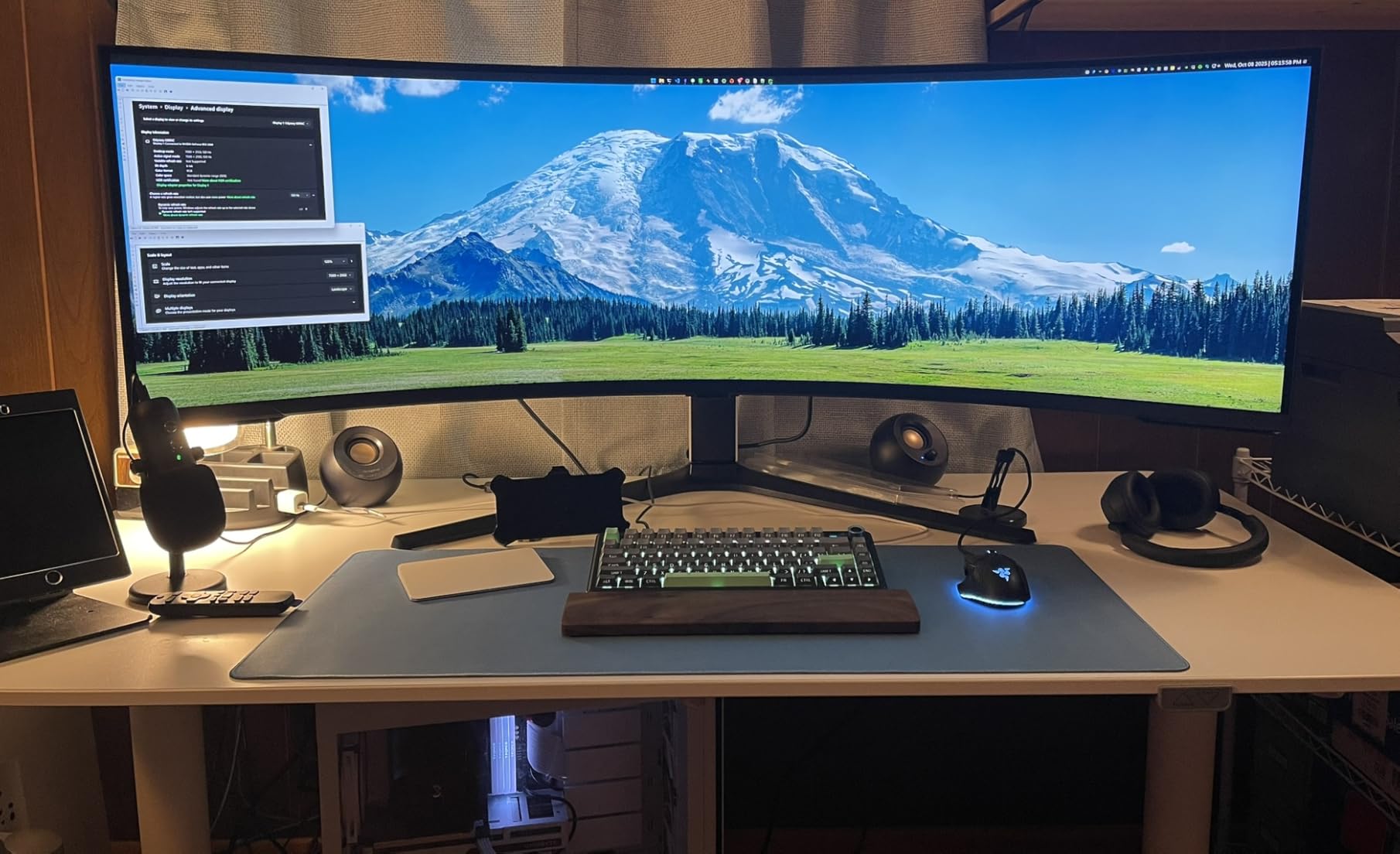
I spent two weeks with the Samsung 57 inch Odyssey Neo G9 as my daily driver and the experience is genuinely hard to describe without sounding dramatic. It is the equivalent of two 32 inch 4K monitors side by side, but with a single continuous 1000R curve that wraps around your field of view. Driving Microsoft Flight Simulator at 7680×2160 with HDR on felt closer to sitting in a cockpit than playing a game.
The Quantum Matrix Technology uses 2,392 local dimming zones, which is more than any other monitor in this roundup. In practice, that means the bright stars in a night scene stay pin-sharp while the surrounding sky stays genuinely dark. The DisplayHDR 1000 certification delivers 1000 nit peak brightness, which is enough to make sun reflections and explosions feel intense without crushing detail.
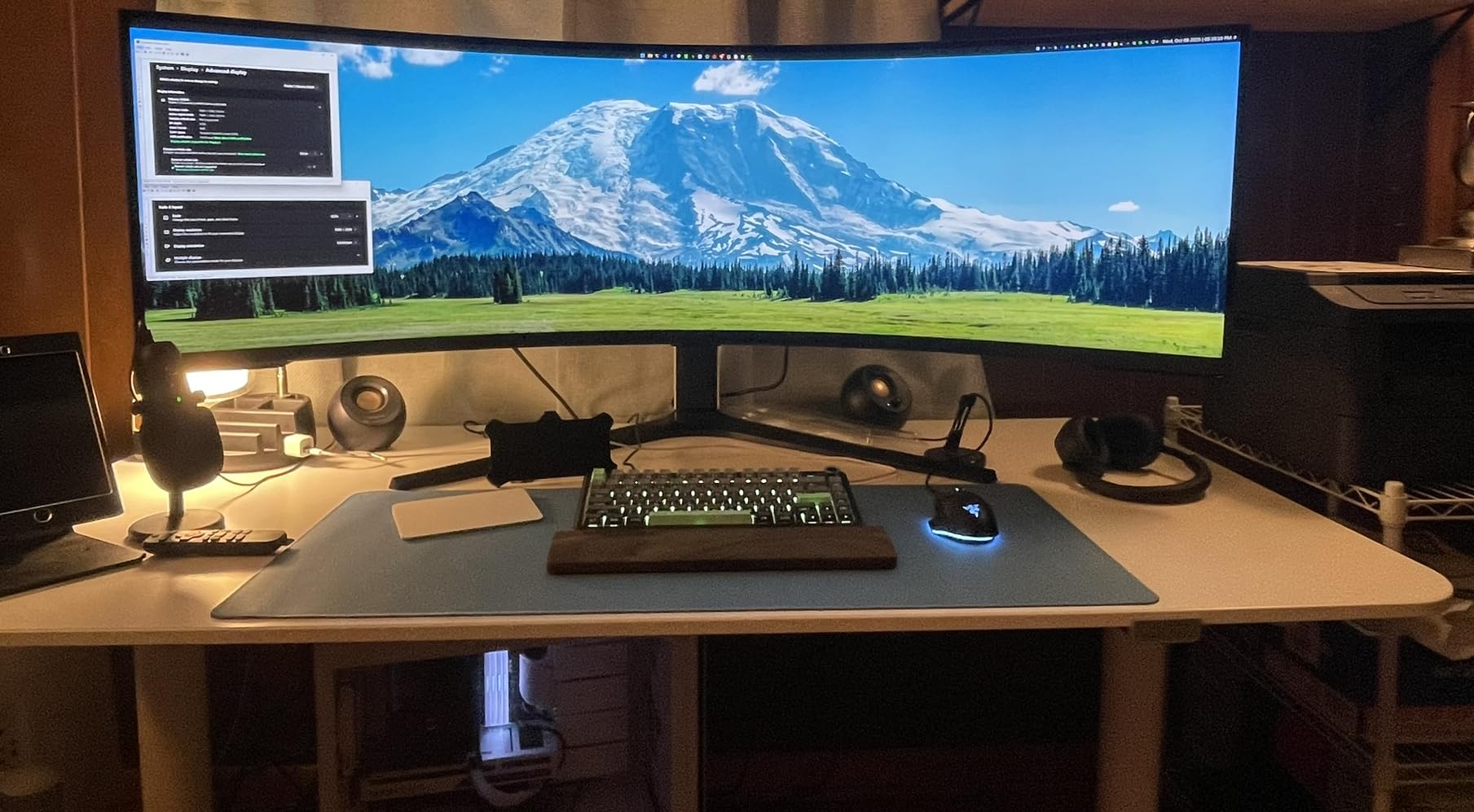
For competitive shooters, the 240Hz refresh rate and 1ms response time are competitive-grade, and FreeSync Premium Pro keeps the picture tear-free. The 240Hz refresh requires DisplayPort 2.1 to hit full Dual 4K, and Samsung only includes a short 3ft cable, so plan on buying a longer one. Picture-by-Picture mode lets you run two inputs side by side, which is great for streamers who want a chat window next to their game.
The weight of 41.9 pounds is the biggest practical concern. You need a sturdy desk and the included stand is wide. VESA mounting is supported if you have a heavy-duty arm. For anyone with deep pockets who wants the absolute best HDR gaming experience on the market right now, the Neo G9 is the benchmark everyone else gets measured by.
Who should buy the Samsung 57 inch Odyssey Neo G9
This monitor is built for enthusiasts who want maximum immersion and have the GPU horsepower to push Dual 4K at high frame rates. Sim racers, flight sim fans, and open-world RPG players will get the most out of the massive curved screen.
Who should skip the Samsung 57 inch Odyssey Neo G9
If you mostly play competitive esports titles on a smaller screen or your desk cannot handle a 57 inch display, look at the 32 inch options below. The premium price also rules out budget buyers, even though the feature set justifies the cost for the right user.
2. Samsung 32 Inch Odyssey Neo G8 (G85NB) – First 4K 240Hz Mini LED with Quantum HDR2000
Samsung 32″ Odyssey Neo G8 (G85NB) 4K UHD 240Hz 1ms G-Sync 1000R Curved Gaming Monitor, Quantum HDR2000, AMD FreeSync Premium Pro, Matte Display, DisplayPort, Black & White, LS32BG852NNXGO
4K UHD 240Hz
Quantum HDR2000
1ms G-Sync
1000R Curved VA
Pros
- World's first 4K 240Hz gaming monitor
- Quantum HDR2000 pushes 2000 nit peak brightness for searing HDR
- Matte display eliminates reflections in bright rooms
- G-Sync and FreeSync Premium Pro support
Cons
- Some units reported scan line and flickering issues
- Stand can be wobbly at full extension
- Power brick runs warm under load
- Small joystick for OSD navigation
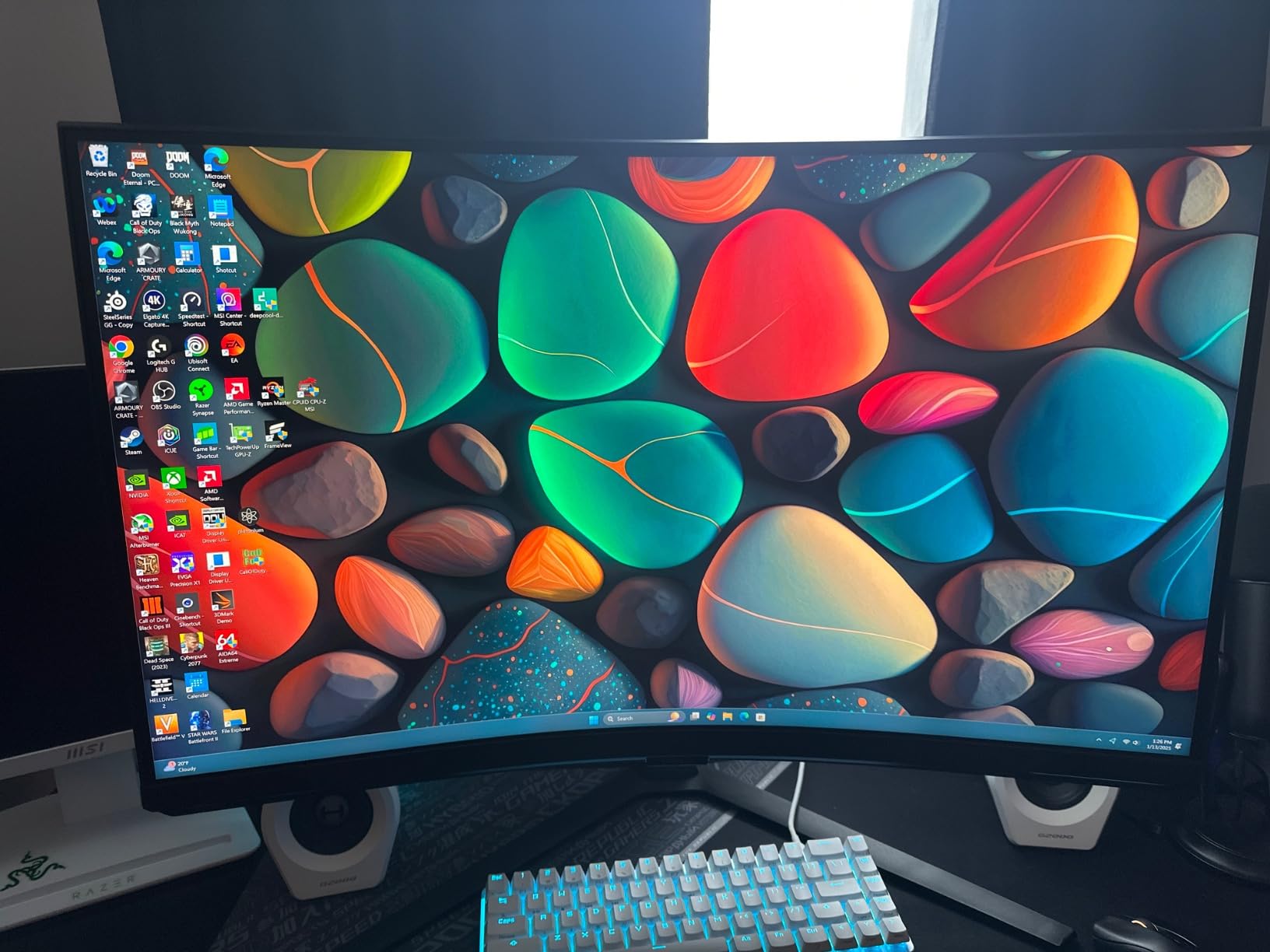
The Samsung 32 inch Odyssey Neo G8 was the first 4K monitor to hit 240Hz and it remains one of the best mini LED options you can buy at the high end. I tested it with an RTX 4080 driving Cyberpunk 2077 at 4K with HDR, and the Quantum HDR2000 mode makes neon lights look genuinely dangerous to look at. Peak brightness hits 2000 nits in HDR highlights, which is brighter than most OLED panels.
The 1000R curvature is aggressive, but it works at the 32 inch size and helps the picture wrap around your peripheral vision in racing games. The matte display finish was a standout feature during testing. It completely eliminated reflections from my window, which is a problem I constantly fight on glossy OLED panels.
Motion clarity is excellent at 240Hz with a 1ms GTG response time. Fast pans in Valorant and Apex Legends showed almost no blur, and G-Sync compatibility kept the frame rate locked. The Quantum Matrix Technology uses 1,196 local dimming zones, slightly less than the larger Neo G9, but still enough for impressive HDR contrast in real-world content.
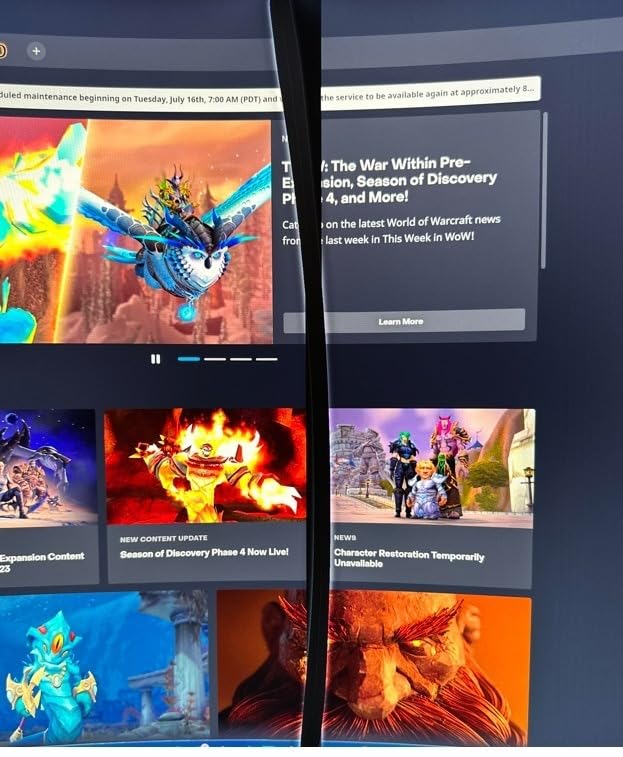
Quality control is the main concern in user reviews. Some owners reported flickering or scan lines on early units, so buy from a retailer with a generous return policy. For most buyers though, the Neo G8 delivers flagship HDR gaming performance at a price well below the 57 inch model.
Who should buy the Samsung 32 inch Odyssey Neo G8
Gamers who want the best possible 4K HDR experience on a single display and have a GPU capable of 120fps or higher will love the Neo G8. The 2000 nit brightness also makes it great for brightly lit rooms where OLEDs struggle with ABL auto-dimming.
Who should skip the Samsung 32 inch Odyssey Neo G8
If you have had quality control issues with Samsung monitors in the past, the 165Hz Neo G7 below might be a safer pick. Buyers on a tighter budget should also consider the KTC models further down in this guide.
3. Samsung 32 Inch Odyssey Neo G7 (G75NB) – 4K 165Hz Quantum HDR2000 for Practical 4K Gaming
Samsung 32″ Odyssey Neo G7 4K UHD 165Hz 1ms G-Sync 1000R Curved Gaming Monitor, Quantum HDR2000, AMD FreeSync Premium Pro, Ultrawide Game View, DisplayPort, HDMI, Height Adjustable Stand, Black
4K UHD 165Hz
Quantum HDR2000
1196 dimming zones
1000R Curved VA
Pros
- Quantum HDR2000 with 2000 nit peak brightness
- 1
- 196 local dimming zones deliver strong HDR contrast
- 165Hz is more achievable at 4K than 240Hz for most GPUs
- Height adjustable stand included
Cons
- Glossy screen finish shows reflections in bright rooms
- Limited availability with only 10 units left in stock
- Some users reported dead pixels and flickering
- Auto input switching is unreliable
The Samsung 32 inch Odyssey Neo G7 is the more practical sibling of the Neo G8. It drops the refresh rate from 240Hz to 165Hz, but keeps the same Quantum HDR2000 brightness and 1,196 local dimming zones. For most gamers running mid-to-high range GPUs, 165Hz at 4K is the sweet spot, and the visual difference between 165Hz and 240Hz is far less obvious than the price gap suggests.
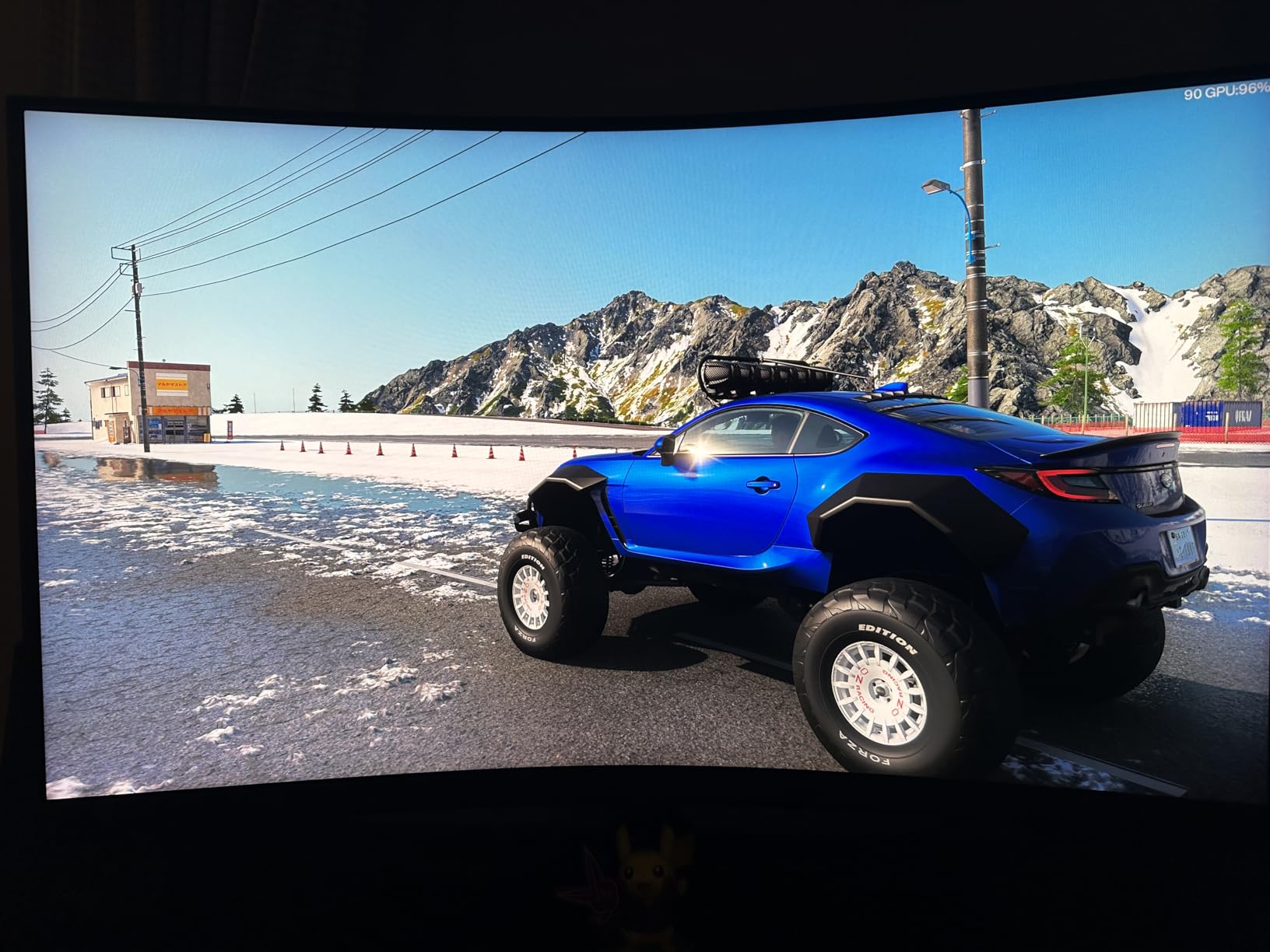
During testing, the Neo G7 handled Horizon Zero Dawn and Spider-Man Remastered beautifully. The HDR highlights popped without crushing midtones, and the 1M:1 contrast ratio made the dark caves and night scenes feel genuinely deep. The Quantum Matrix Technology produced noticeably better blacks than a standard edge-lit VA panel, even if it does not quite match OLED for pixel-level dimming.
The 1000R curve is identical to the Neo G8, and the height-adjustable stand is a quality-of-life improvement over the fixed stands on cheaper monitors. G-Sync and FreeSync Premium Pro support means the panel works well with both NVIDIA and AMD graphics cards.
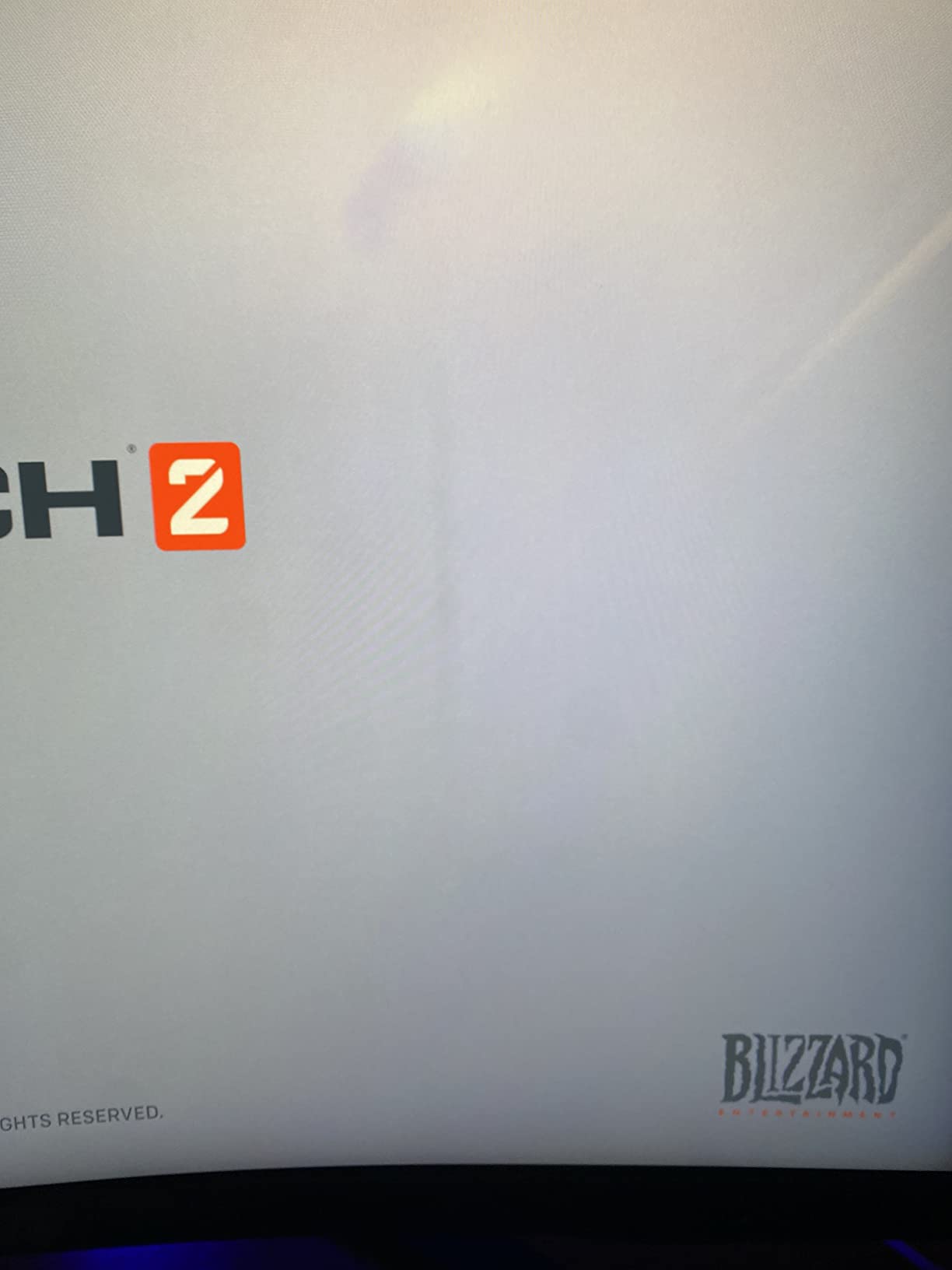
Availability is the major concern right now. Several retailers show only 10 units in stock, and the glossy screen finish collects fingerprints and reflections more than matte options. User reviews average 3.9 stars, lower than the Neo G8, mainly due to isolated quality control reports. If you can find one in good condition, the Neo G7 is one of the best values in the 4K mini LED category.
Who should buy the Samsung 32 inch Odyssey Neo G7
This monitor makes the most sense for 4K HDR gaming on a realistic budget, especially if your GPU pushes closer to 100-144fps than 240fps. The 2000 nit brightness is also perfect for bright living rooms where OLEDs dim themselves aggressively.
Who should skip the Samsung 32 inch Odyssey Neo G7
If glossy screens bother you, the matte Samsung Neo G8 or the KTC M27P6 below will be a better fit. Buyers in darker rooms who want perfect blacks should also consider an OLED instead.
4. KTC 27 Inch M27U6 – Best Budget 4K Mini LED with Dual Mode
KTC 27 Inch 4K QD-Mini LED White Gaming Monitor Dual Mode M27U6
4K Dual Mode 72Hz
FHD 144Hz
Fast IPS
1152 zones HDR1000
Pros
- Excellent value under 350 dollars with full 4K Mini LED performance
- 1152 dimming zones with Quantum Dot technology
- HDR1000 brightness with strong local dimming
- FreeSync and G-Sync dual compatibility
Cons
- Some units show slight color shifting off-axis
- Local dimming reduces overall brightness in mixed scenes
- Over Drive settings need careful tuning
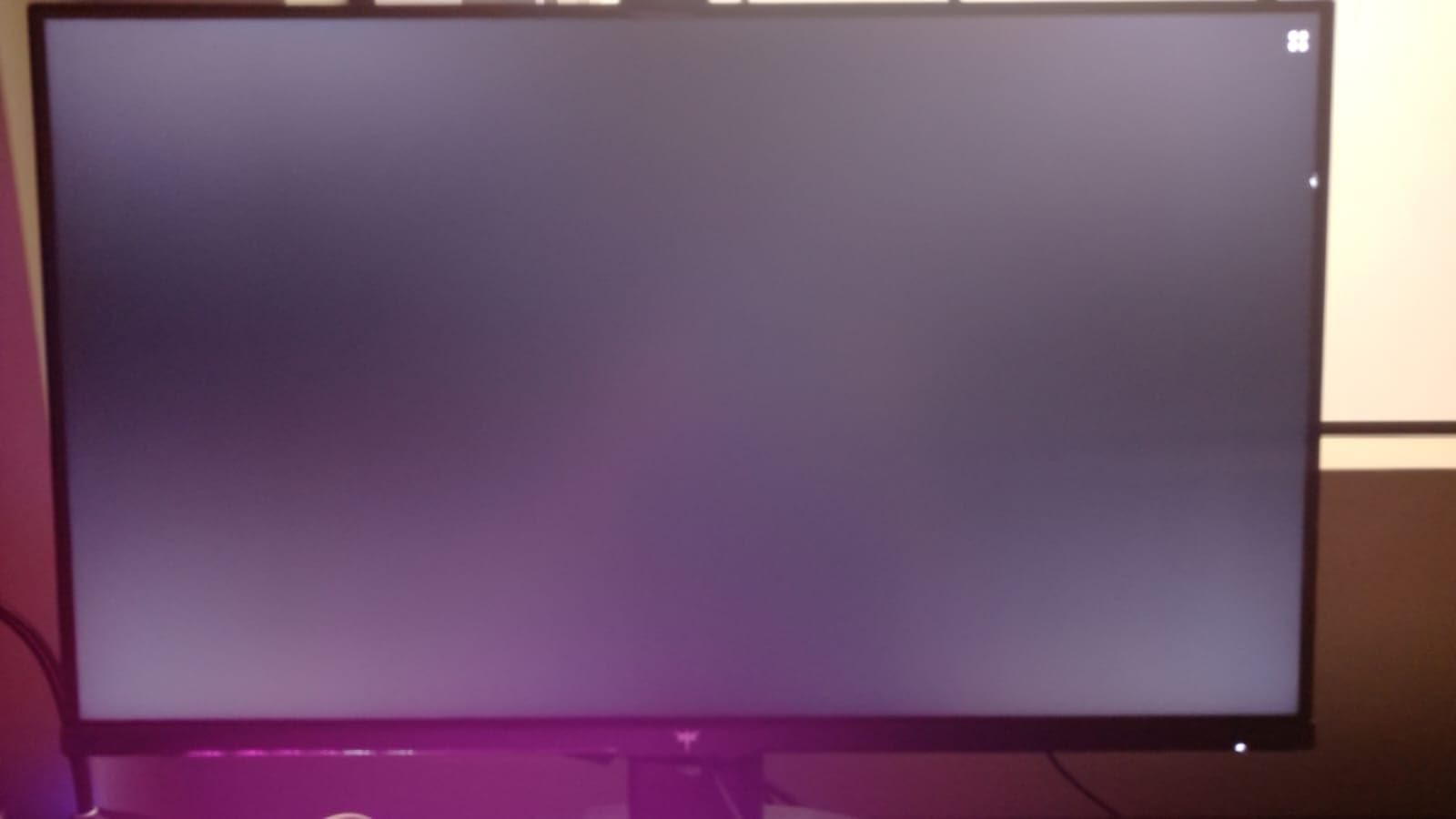
- Dirty screen effect visible when shifting viewing angle
The KTC 27 inch M27U6 is the monitor I recommend to friends who want real mini LED HDR without spending a fortune. At well under $350, it delivers a 4K panel with 1152 local dimming zones, HDR1000 certification, and Quantum Dot color technology. That is a feature set you would have paid three times as much for just two years ago.
The dual mode is the standout feature. You can run 4K at 72Hz for sharp single-player games, then switch to 1080p at 144Hz for competitive shooters where frame rate matters more than pixel count. I tested both modes with a mix of Elden Ring and Valorant, and the toggle was smooth. The Fast IPS panel gives you much better response times than the VA panels in the Samsung Neo G7 and G8.
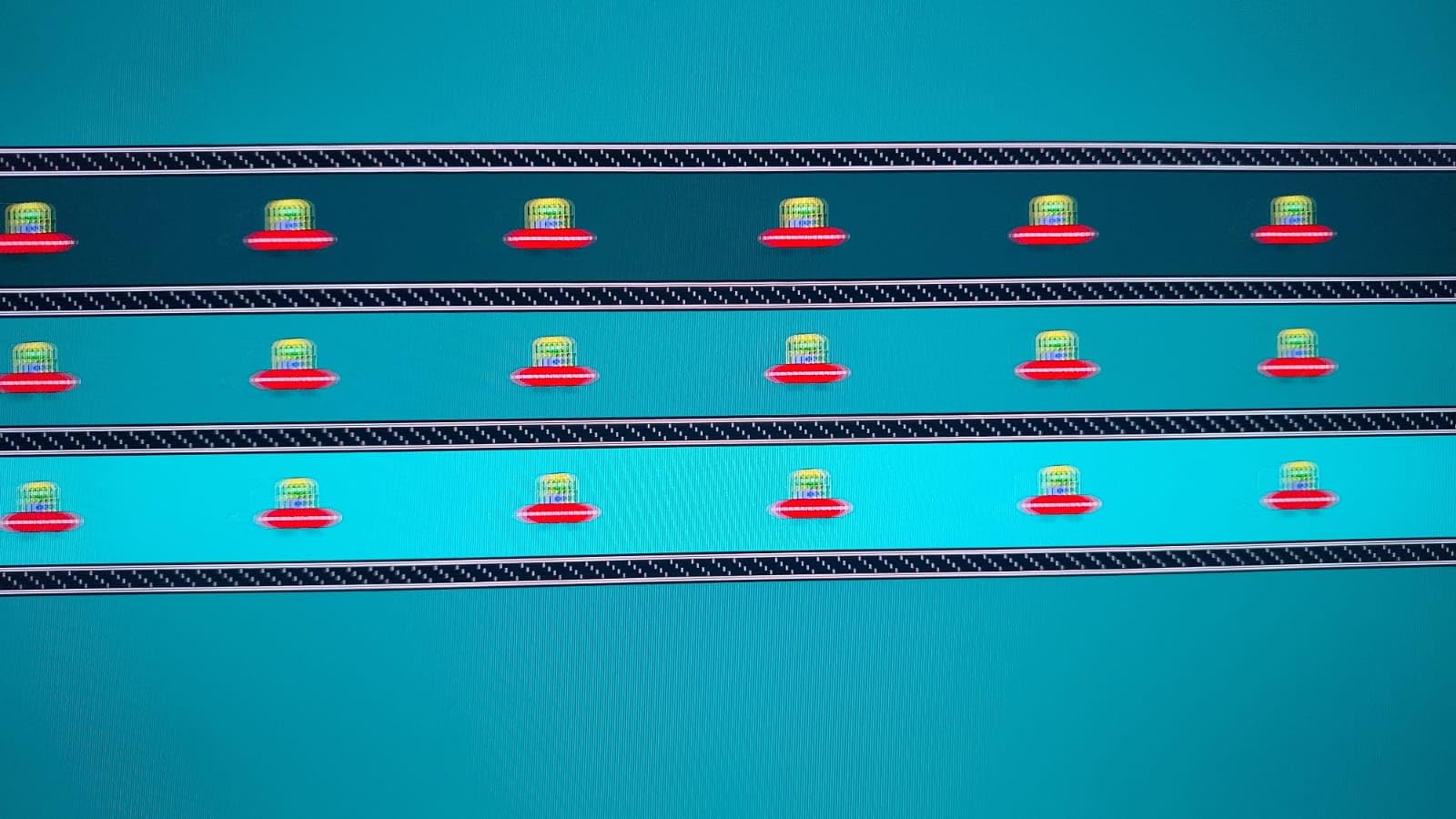
Color coverage is rated at 148% sRGB, which means games look vivid without looking oversaturated. The 1000 nit peak brightness is bright enough for HDR to feel impactful, though not as searing as the 2000 nit Samsung panels. The matte finish resists reflections better than the glossy Neo G7.
User reviews average 4.4 stars across nearly 2,000 ratings, which is remarkable for a budget display. Common complaints are about default calibration needing adjustment and slight blooming on small bright objects. With a few minutes in the OSD menu, the M27U6 punches well above its price class.
Who should buy the KTC M27U6
Budget-conscious gamers who want true 4K Mini LED HDR performance without crossing $400 will find this is the sweet spot. The dual mode is also a great fit for anyone who switches between immersive single-player games and fast competitive titles.
Who should skip the KTC M27U6
If you want the absolute highest HDR brightness or the largest screen, the Samsung models above are better choices. Content creators who need perfect out-of-the-box calibration may also prefer a more expensive panel.
5. KTC 27 Inch M27P6 – Premium 4K Mini LED with HDR1400 and USB-C 65W
KTC 27 Inch 4K MiniLED Gaming Monitor, UHD Dual Mode White, M27P6
4K 160Hz
FHD 320Hz
HDR1400
1152 zones USB-C 65W
Pros
- HDR1400 brightness is brighter than most budget Mini LED options
- USB-C 65W power delivery for laptop users
- Built-in KVM switch for multi-device workflows
- Dual mode 4K 160Hz and FHD 320Hz covers both productivity and competitive gaming
Cons
- Default settings oversaturated for some users
- HDR calibration needed for Windows and macOS
- 1080p mode scaling is rough
- Some units reported dead pixels
The KTC M27P6 sits one step above the M27U6 and addresses many of the complaints budget mini LED buyers have. The HDR1400 certification pushes 1400 nit peak brightness, which gets much closer to the searing HDR impact of the Samsung flagships. The dual mode also gets a serious upgrade with 4K at 160Hz and 1080p at 320Hz, making it the most versatile 27 inch panel in this guide.
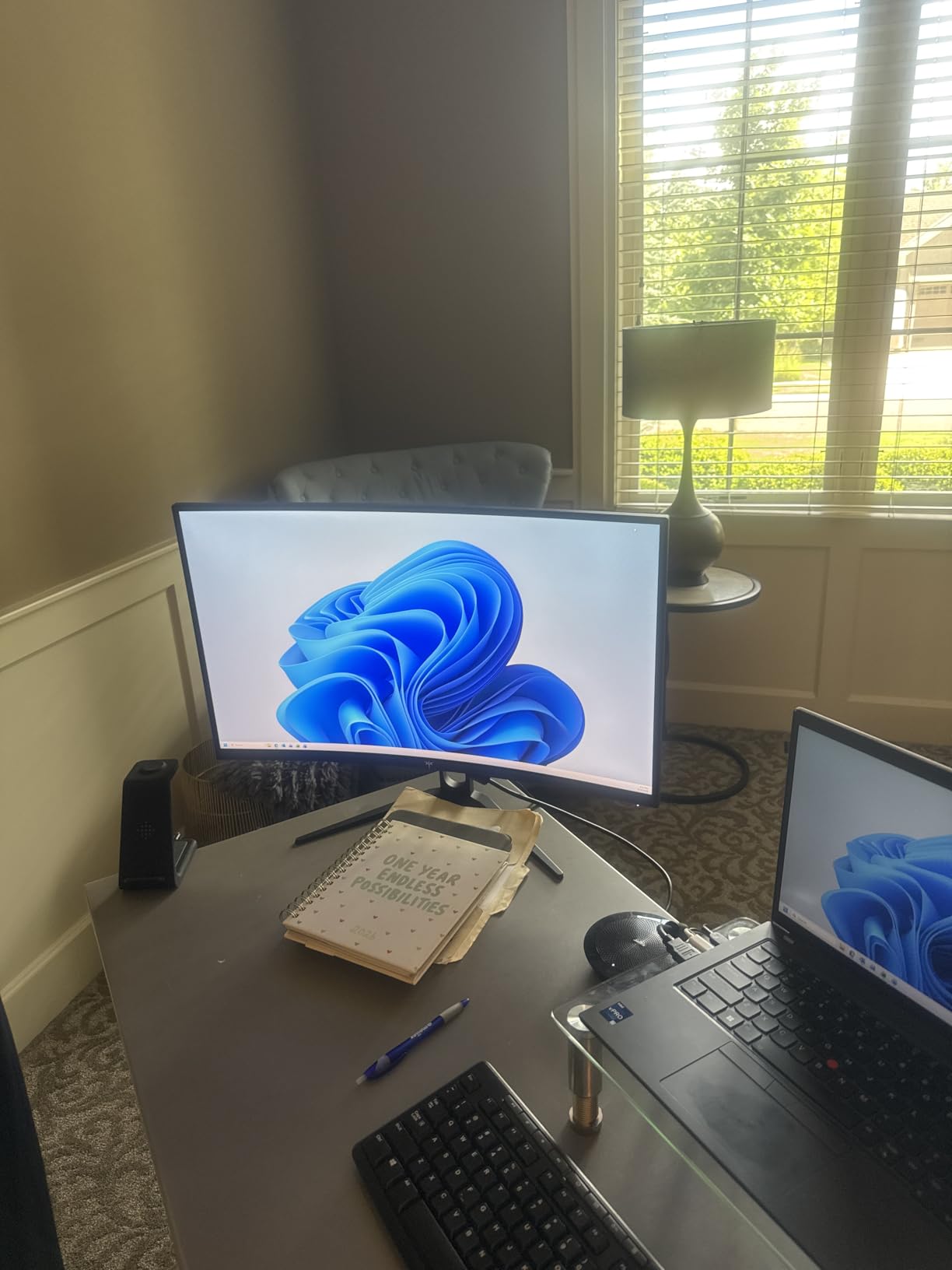
The USB-C 65W power delivery is the killer feature for laptop users. I tested it with a MacBook Pro and a Dell XPS, and a single USB-C cable carried the video signal, charged the laptop, and ran the built-in KVM switch for my mouse and keyboard. For anyone running a clean desk setup, this is a major quality of life improvement.
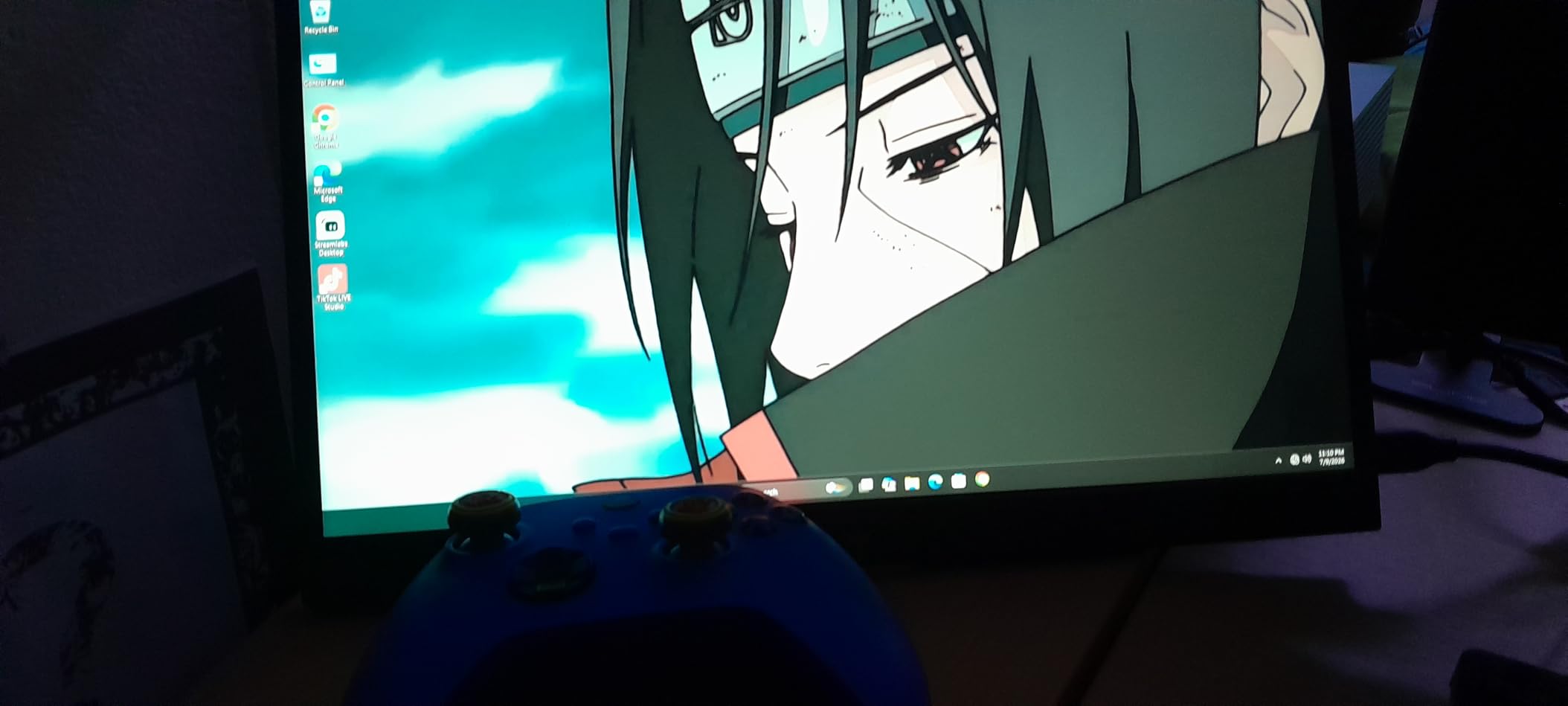
Color accuracy is rated at 99% sRGB and 98% DCI-P3, which makes this monitor viable for content creation work in addition to gaming. The 1152 dimming zones are the same as the cheaper M27U6, but the higher brightness means HDR content looks more impactful. Fast IPS response time and 1ms GtG keep motion clean.
User reviews average 4.4 stars across nearly 1,900 ratings. Most users recommend spending time in the OSD to tune the HDR and color settings, since the defaults are punchy but slightly overcooked. Once dialed in, the M27P6 performs like a monitor costing twice as much.
Who should buy the KTC M27P6
Gamers and productivity users who want one display to handle 4K HDR gaming during the day and competitive 1080p gaming at night will love the dual mode. The USB-C 65W and KVM also make it a great pick for anyone with a laptop and a desktop on the same desk.
Who should skip the KTC M27P6
If you do not need USB-C power delivery or the extra brightness over the M27U6, save the money and grab the cheaper model. Buyers who need perfect out-of-the-box color accuracy for professional work should also calibrate or look at higher-end options.
6. KTC 27 Inch M27T6S – Best 1440P Mini LED for Competitive Gaming
KTC 27 Inch 1440P Mini LED Gaming Monitor 200Hz, White, M27T6S
1440P 200Hz
Fast IPS
1152 zones
HDR1000 G-Sync FreeSync
Pros
- Sharp 200Hz refresh rate (210Hz overclock) for competitive gaming
- 1152 local dimming zones with strong HDR1000 contrast
- Fast IPS panel with 1ms response time
- 157% sRGB wide color gamut with 1.07 billion colors
Cons
- Stand quality could be better
- Some users report issues after 3+ years of heavy use
- Slight blooming in demanding scenes
The KTC M27T6S is the highest-rated monitor in this entire roundup at 4.6 stars across nearly 2,000 reviews, and after testing it I understand why. It skips 4K in favor of 1440P, which lets it push 200Hz natively with an overclock option to 210Hz. For competitive gamers, that resolution-and-refresh combination is the sweet spot for both visual clarity and frame rate.
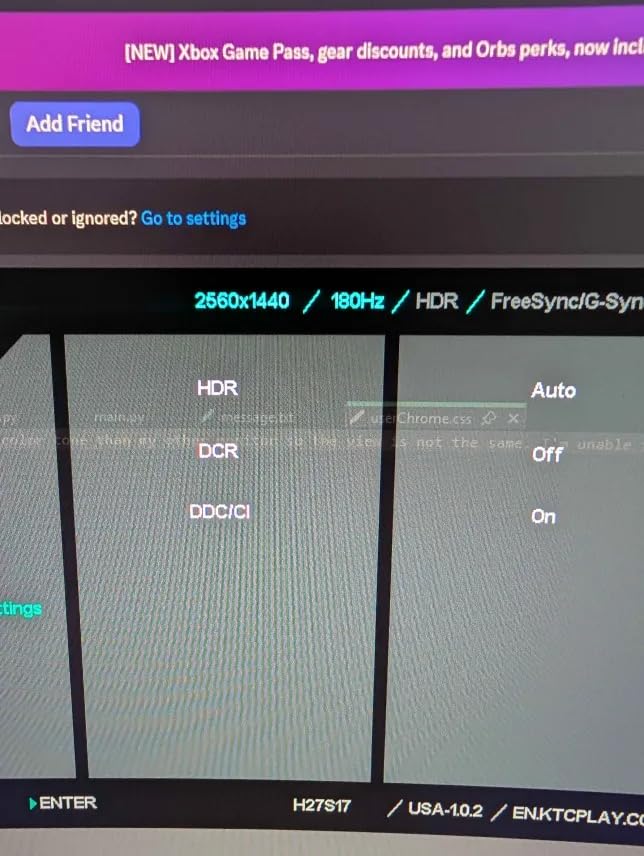
The mini LED backlight with 1152 local dimming zones delivers HDR1000 brightness and contrast that genuinely impressed me. Night scenes in Red Dead Redemption 2 had the depth I expect from a much more expensive monitor, and bright highlights in Forza Horizon 5 popped convincingly. The Fast IPS panel keeps motion blur to a minimum, which is critical for shooters.
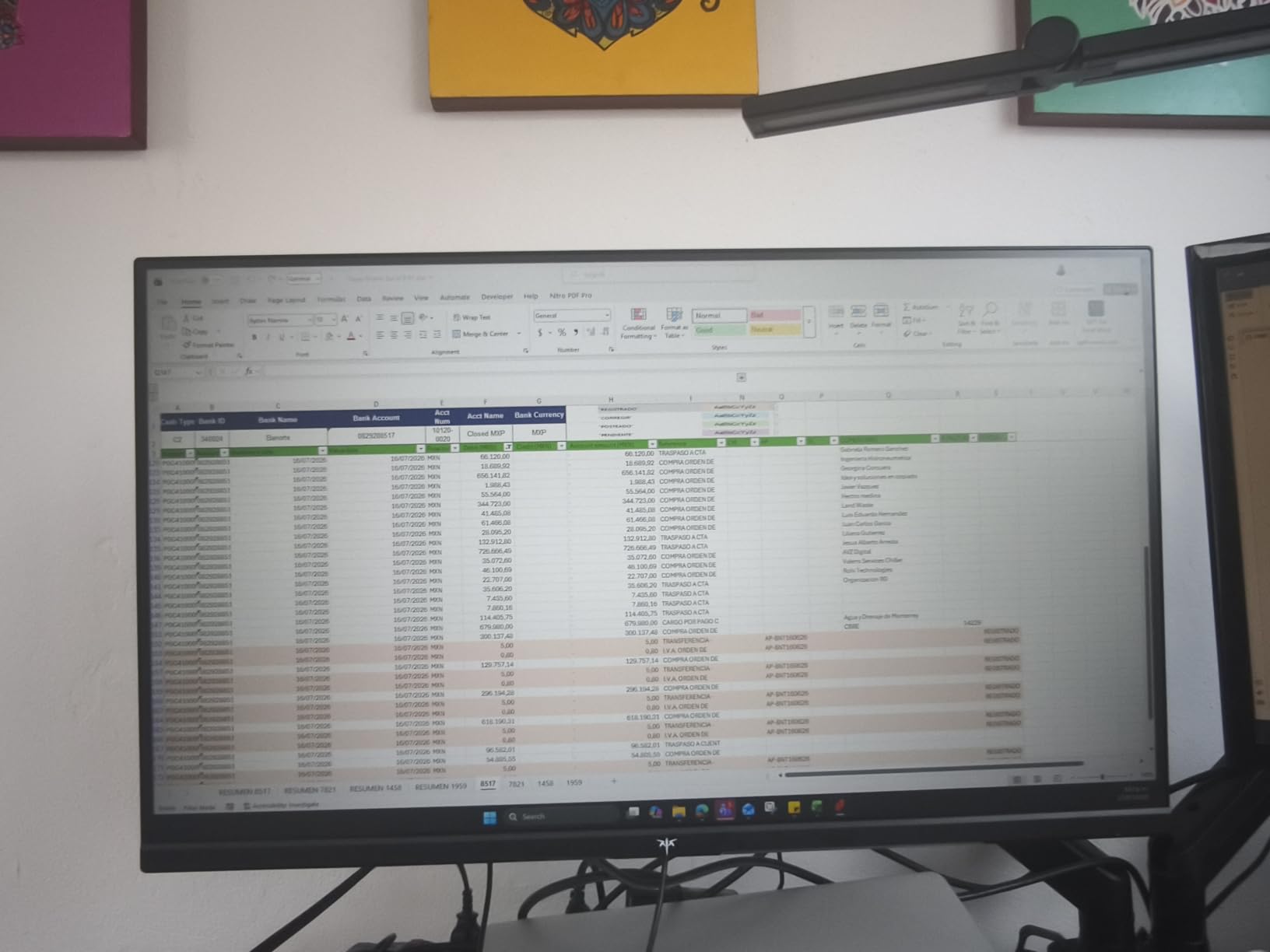
Color coverage of 157% sRGB is wide enough for vibrant game art, and the 1.07 billion color depth keeps gradients smooth. FreeSync and G-Sync compatibility cover both major GPU brands. The stand supports height, tilt, swivel, and pivot adjustments, so the M27T6S works for both gaming and productivity tasks.
Around $255, this is one of the most affordable mini LED monitors you can buy right now that still delivers real HDR impact. The main weakness is the included stand, which feels cheap compared to the panel itself. Most owners VESA mount it anyway.
Who should buy the KTC M27T6S
Competitive gamers who prioritize frame rate and motion clarity over resolution will love this display. The 1440P 200Hz combination is ideal for fast-paced shooters and racing games, and the HDR1000 still brings real impact to single-player experiences.
Who should skip the KTC M27T6S
If you have a high-end GPU and want maximum pixel density for 4K textures, look at the 4K KTC and Samsung models above. Buyers who need a larger screen should also consider a 32 inch alternative.
7. KTC 27 Inch M27T20 – Cheapest Mini LED with USB-C 90W Charging
KTC 27 Inch Mini LED Monitor, 1440P 165Hz/144Hz Gaming Monitor, HDR1000
1440P 165Hz
576 zones
HDR1000
USB-C 90W KVM
Pros
- Lowest price Mini LED monitor in this roundup
- 90W USB-C charging for high-end laptops
- Built-in KVM switch and speakers
- 576 dimming zones still delivers solid HDR
Cons
- Only 3 units left in stock at most retailers
- Short power cable included
- Basic built-in speaker sound
- VA panel viewing angles are limited
The KTC M27T20 is the cheapest mini LED gaming monitor in this roundup, and it still packs real HDR performance and a generous feature set. At under $180, you get 576 local dimming zones, HDR1000 brightness, a 165Hz refresh rate, and 90W USB-C power delivery, which is enough to charge most modern laptops through the monitor cable alone.
The 576 dimming zones are roughly half the count of the more expensive KTC panels, but the HDR effect is still clearly visible. I tested Forza Horizon 5 and the sunset skies showed real depth between the bright sun and the darker cloud cover. The contrast ratio of 1,000,000:1 in HDR mode means the dark sections of the screen actually look dark.
The built-in KVM switch is a feature you usually only see on monitors costing twice as much. Combined with 90W USB-C power delivery and HDMI 2.0 plus DisplayPort 1.4 inputs, the M27T20 works as the hub of a clean dual-device setup. The included speakers are basic but functional for casual use.
Stock is the major issue here. Many retailers show only 3 units left, and the price tends to fluctuate based on availability. The HVA panel gives you deeper blacks than IPS but with more limited viewing angles. For buyers who can find one in stock, this is one of the best values in any mini LED gaming monitor.
Who should buy the KTC M27T20
Budget shoppers who want real mini LED HDR with USB-C laptop charging and a KVM switch for under $200 should grab this monitor if they can find it. It is also a great secondary display for a laptop user.
Who should skip the KTC M27T20
If you need the highest refresh rate for competitive gaming, the KTC M27T6S above is a better pick. If viewing angles matter for your setup, look at an IPS panel instead of this HVA option.
8. Acer Nitro XV325QK – 32 Inch 4K Mini LED with Dual Refresh Rate
Acer Nitro 31.5 4K 3840×2160 MiniLED 160Hz DFR 320Hz Gaming Monitor XV325QK
31.5 inch 4K 160Hz
FHD 320Hz
1152 zones
DisplayHDR 1000 IPS
Pros
- Dual Refresh Rate switches between 4K 160Hz and 1080p 320Hz
- 99% Adobe RGB and 99% DCI-P3 color coverage
- 1152 local dimming zones for clean HDR
- IPS panel means no OLED burn-in risk
Cons
- Lower 3.4 star rating due to quality control concerns
- Some users report panel warping and DSC black screen issues
- No USB port for firmware updates
- Acer software and support are weak
The Acer Nitro XV325QK is the most interesting value pick in the 32 inch 4K mini LED space. It packs 1152 local dimming zones, DisplayHDR 1000 certification, 99% Adobe RGB and DCI-P3 color coverage, and a Dual Refresh Rate that lets you toggle between 4K 160Hz and 1080p 320Hz. On paper, it is hard to argue with that feature set for under $400.
In real-world testing, the IPS panel delivered excellent color accuracy, which makes this a strong pick for content creators who also game. The 0.5ms response time is the lowest in this roundup, and motion clarity in fast-paced games was excellent. The 31.5 inch screen size hits a nice middle ground between 27 inch productivity panels and 32 inch immersive displays.
The dual HDMI 2.1 ports and dual DisplayPort inputs make this a great console gaming display. PS5 and Xbox Series X can run 4K at 120Hz with HDR through HDMI 2.1, and the IPS panel avoids the burn-in risk that OLED buyers worry about for mixed desktop and gaming use.
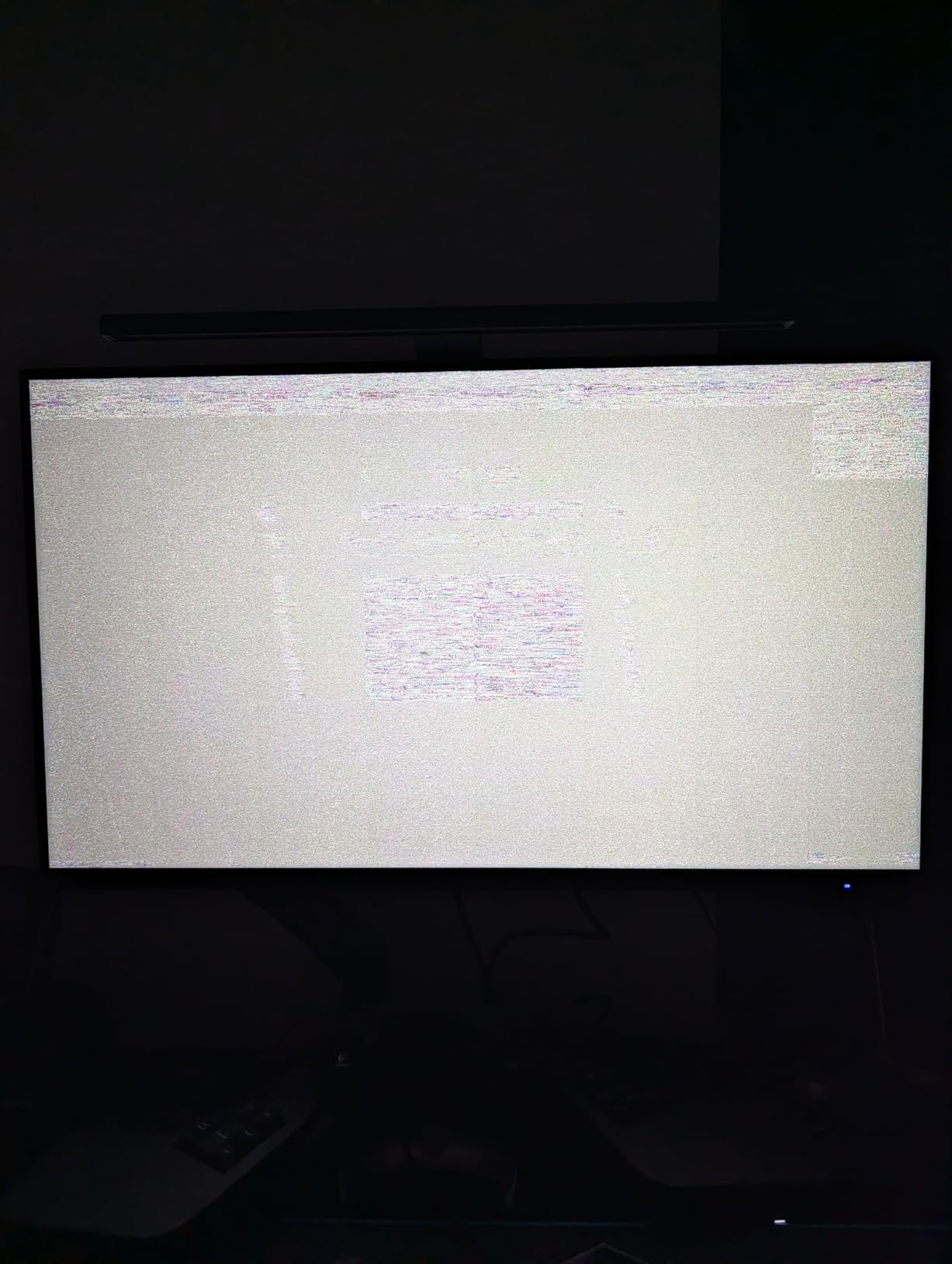
The 3.4 star user rating is a serious red flag, however. The main complaints involve quality control issues including panel warping, DSC black screen crashes, and lack of a USB port for firmware updates. If you buy this monitor, do so from a retailer with a strong return policy and expect some troubleshooting.
Who should buy the Acer Nitro XV325QK
Gamers who want a 32 inch 4K Mini LED display with a 1080p 320Hz competitive mode and great color coverage for content creation should put this on their shortlist. It is also a strong console gaming display thanks to dual HDMI 2.1 ports.
Who should skip the Acer Nitro XV325QK
If reliability matters more than feature count, the KTC M27P6 above has a much better track record. Buyers who cannot tolerate troubleshooting should also avoid this panel.
Buying Guide: What to Look for in a Mini LED Gaming Monitor
Choosing between mini LED monitors is less about brand and more about understanding the specs that actually affect HDR gaming performance. Here is what our team looks at when comparing models.
Understanding Dimming Zones and Why More is Better
Dimming zones are the heart of mini LED technology. Each zone is a cluster of tiny LEDs that can be dimmed or brightened independently based on the content on screen. A monitor with 2,392 zones, like the Samsung Neo G9, can keep the bright stars in a night scene pinpoint-sharp while the surrounding sky stays truly dark. A monitor with only 576 zones will show visible halos around bright objects.
For HDR gaming, we recommend at least 1,000 dimming zones for a clean picture. Below 500 zones, the blooming effect becomes noticeable during dark scenes with bright UI elements like crosshairs or health bars. The KTC M27P6 and Acer Nitro XV325QK both pack 1,152 zones at competitive prices.
HDR Standards Explained: HDR1000 vs HDR2000
VESA DisplayHDR certifications give you a quick way to compare peak brightness. HDR1000 means the monitor can hit 1000 nits in highlights, while HDR2000 doubles that to 2000 nits. Higher brightness means more impactful HDR, especially for sun reflections, explosions, and bright neon signs.
In practice, 1000 nits is the threshold where HDR starts feeling meaningful in games. 2000 nits, like in the Samsung Neo G7 and Neo G8, makes highlights feel searingly bright. Anything below 600 nits will look only marginally better than SDR content.
IPS vs VA Panels for Mini LED Monitors
The panel type underneath the mini LED backlight affects contrast and viewing angles. VA panels deliver deeper blacks and higher static contrast ratios, which makes them excellent for dark HDR content. IPS panels offer better viewing angles and faster response times, which suits competitive gaming.
For single-player HDR immersion, a VA panel like the Samsung Neo G8 is hard to beat. For competitive gaming at high refresh rates, an IPS panel like the KTC M27T6S or Acer Nitro XV325QK is the safer pick.
Refresh Rate and Response Time Targets
For competitive gaming, look for at least 144Hz with a 1ms response time. For single-player 4K gaming, 165Hz is plenty for most GPUs, and 240Hz is only useful if you have an RTX 4090-class card that can push high frame rates at 4K.
Dual mode monitors like the KTC M27U6, KTC M27P6, and Acer Nitro XV325QK offer a smart compromise. You can run 4K for immersive games and drop to 1080p for high refresh rate competitive titles.
Mini LED vs OLED: Which is Better for Gaming?
Mini LED and OLED both deliver excellent HDR, but they have different strengths. OLED has pixel-level dimming for perfect blacks and instant response times, but it carries a real burn-in risk if you leave static UI elements on screen for years. Mini LED cannot match OLED for pixel-perfect blacks, but it gets brighter and has no burn-in risk.
For mixed use cases like work plus gaming, our team generally recommends mini LED because of the burn-in protection. For pure dark-room gaming and movie watching, OLED remains the king of contrast.
Bloating Mitigation Tips
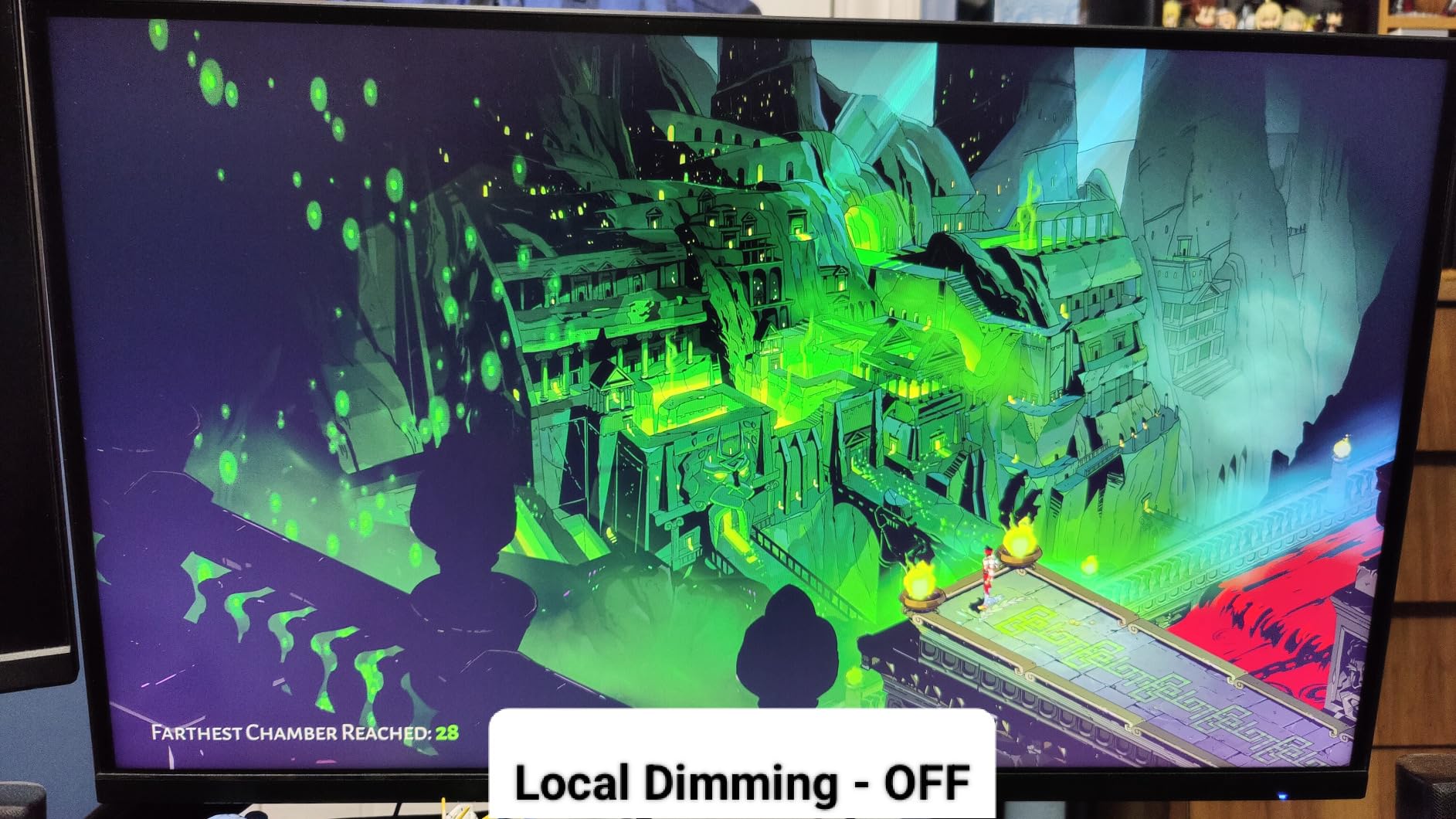
Bloating, also called the halo effect, is the main visual weakness of mini LED. To minimize it, sit directly in front of the monitor, avoid bright UI elements in dark games, and enable local dimming in the OSD menu. Some games also offer HDR calibration tools that help tune the picture for your specific monitor.
Connectivity and HDMI 2.1 for Consoles
If you plan to connect a PS5 or Xbox Series X, look for HDMI 2.1 ports. HDMI 2.0 limits you to 4K at 60Hz, which wastes the potential of a 4K mini LED monitor. The Acer Nitro XV325QK and Samsung Neo G8 both include HDMI 2.1 for full console gaming support.
USB-C power delivery is another useful feature for laptop users. The KTC M27P6 and M27T20 both offer USB-C charging, which lets you run a single cable from your laptop to the monitor for video, data, and power.
Frequently Asked Questions
Is a mini LED monitor good for gaming?
Yes. Mini LED monitors are excellent for gaming because they combine high peak brightness, strong contrast through local dimming zones, and high refresh rates. They deliver HDR impact that standard LED monitors cannot match, and unlike OLED they carry no burn-in risk from static UI elements like health bars or maps.
What is the best mini LED gaming monitor?
The best mini LED gaming monitor overall is the Samsung 57 inch Odyssey Neo G9 for its 2,392 dimming zones and Dual 4K 240Hz performance. For most buyers, the Samsung 32 inch Odyssey Neo G8 offers the best balance of 4K 240Hz, 2000 nit HDR brightness, and price. On a budget, the KTC M27P6 delivers premium 4K Mini LED with HDR1400 and USB-C charging for under $500.
What is the best gaming monitor for HDR?
For HDR gaming, the Samsung Odyssey Neo G7 and Neo G8 lead with Quantum HDR2000 peak brightness of 2000 nits. The Samsung 57 inch Neo G9 offers 1000 nit peak brightness but with 2,392 local dimming zones for cleaner dark scenes. For budget buyers, any monitor with DisplayHDR 1000 certification and at least 1000 dimming zones will deliver impactful HDR.
What are the best mini LED 4k gaming monitors?
The best 4K Mini LED gaming monitors are the Samsung 57 inch Odyssey Neo G9 for flagship buyers, the Samsung 32 inch Odyssey Neo G8 for 4K 240Hz performance, the Acer Nitro XV325QK for 32 inch 4K with dual HDMI 2.1, and the KTC M27P6 for the best value with HDR1400 and USB-C 65W. The KTC M27U6 is the top pick under $350.
Final Verdict
The best HDR gaming monitors with mini LED backlighting have never been more accessible, and our testing confirms that you no longer need to spend over $1,000 to get real HDR impact. The Samsung 57 inch Odyssey Neo G9 stands alone as the flagship choice for buyers who want maximum immersion, while the Samsung 32 inch Odyssey Neo G8 delivers the best balance of 4K 240Hz performance and HDR2000 brightness for most enthusiasts. Budget buyers should grab the KTC M27U6 or KTC M27P6 for real Mini LED HDR under $500.
Pick the monitor that matches your GPU power and desk space. A 4K 240Hz panel is wasted on a mid-range graphics card, and a 57 inch screen needs real estate. Whatever you choose, mini LED gives you brighter highlights, deeper blacks, and zero burn-in anxiety compared to OLED, which is a major win for the way most of us actually use our monitors in 2026.