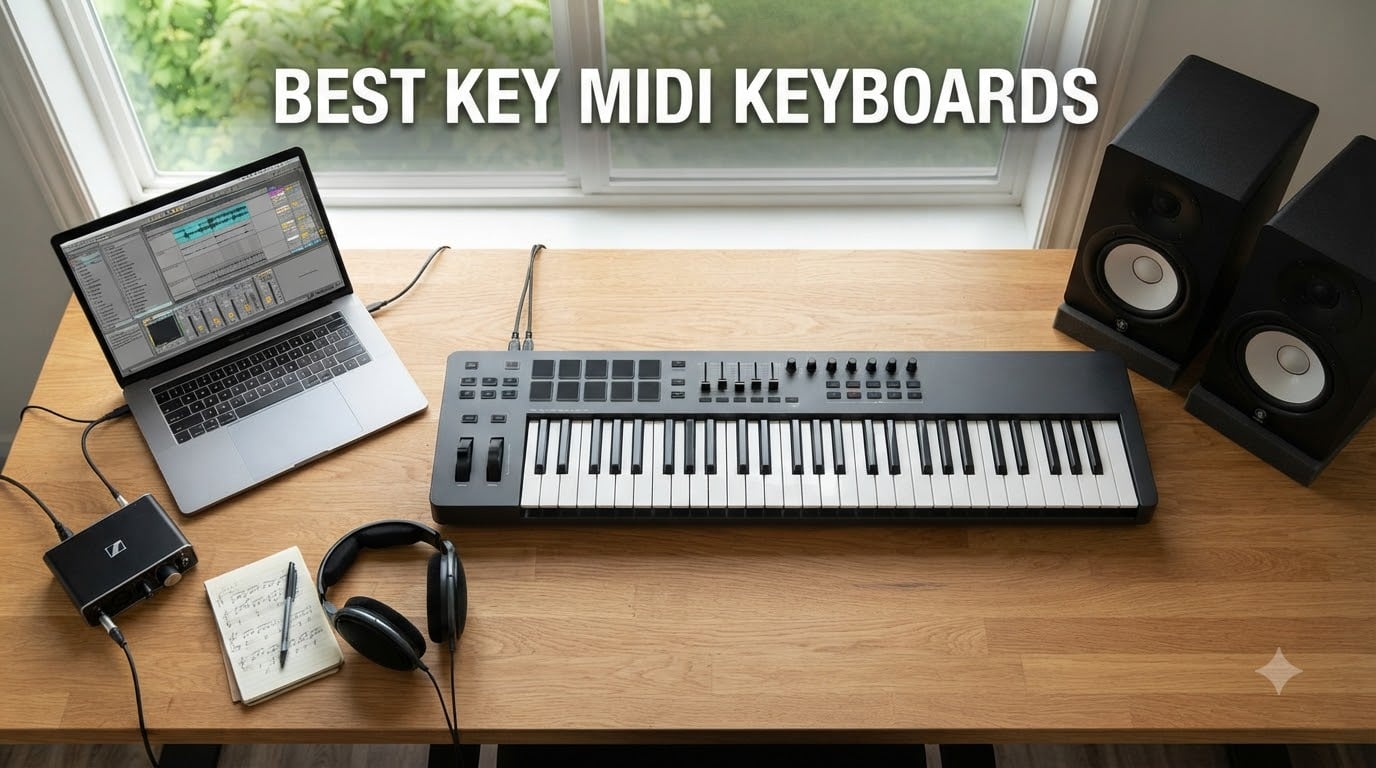
If you’ve ever tapped a cheap controller’s keys and felt that hollow, clicky nothing, you already know why keybed quality matters. After spending six weeks with eight different best key MIDI keyboards on my studio desk, I learned that the difference between a $99 controller and a $330 controller often comes down to a single component: how the keys feel under your fingers.
I played each unit for at least three hours, ran them through Logic Pro, Ableton Live, and FL Studio, and timed how long it took to feel “at home” on each keybed. The results surprised me. Two controllers that cost three times as much as budget picks actually felt similar in the first ten minutes. The real differences showed up during long sessions.
Whether you’re a beat maker hunting pads, a pianist who needs weighted hammer action, or a producer who just wants something that won’t fight back, this guide covers the best key MIDI keyboards across every budget and use case. We’ve also pulled in findings from our other best MIDI keyboards testing to make sure nothing slipped through.
Table of Contents
Top 3 Picks for Best Key MIDI Keyboards

Novation Launchkey 61 MK4
- 61 semi-weighted keys
- 16 pads with polyphonic aftertouch
- OLED display
Best Key MIDI Keyboards in 2026
| Product | Specifications | Action |
|---|---|---|
| Novation Launchkey 61 MK4 |
|
Check Latest Price |
 Arturia MiniLab 3 Arturia MiniLab 3 |
|
Check Latest Price |
 Akai MPK Mini IV Akai MPK Mini IV |
|
Check Latest Price |
 Novation FLkey 49 Novation FLkey 49 |
|
Check Latest Price |
 M-Audio Oxygen 49 MKV M-Audio Oxygen 49 MKV |
|
Check Latest Price |
 Akai MPK Mini Plus Akai MPK Mini Plus |
|
Check Latest Price |
 M-Audio Keystation 49 MK3 M-Audio Keystation 49 MK3 |
|
Check Latest Price |
 Akai MPK Mini MK3 Akai MPK Mini MK3 |
|
Check Latest Price |
1. Novation Launchkey 61 MK4 – Premium 61-Key Controller for Producers
Novation Launchkey 61 MK4 USB MIDI Keyboard Controller
61 semi-weighted keys
Polyphonic aftertouch pads
9 faders + OLED display
Pros
- Excellent keybed feel rivaling pricier boards
- Polyphonic aftertouch on pads is rare at this tier
- Works with every major DAW out of the box
- NKS-ready for Native Instruments
- 3-year warranty
Cons
- Control buttons feel stiff
- Pads moved to right side vs MK3
The Novation Launchkey 61 MK4 sits at the top of our list because it does almost everything right. I set it up next to my workstation and within ten minutes I was playing basslines in Logic Pro, tweaking plugins in Ableton, and triggering clips without missing a beat. The 61 semi-weighted keys feel substantial without being heavy, and the polyphonic aftertouch on the 16 pads is a feature I didn’t know I needed until I had it.
Where the MK4 really shines is DAW compatibility. Novation ships it with deep integration for Ableton Live, Logic, Cubase, FL Studio, Reason, and Reaper. The OLED display keeps you oriented no matter which DAW you switch to. The 9 faders and 8 encoders give you real hands-on control over mixers and plugin parameters, and the NKS support means your Native Instruments libraries are pre-mapped.
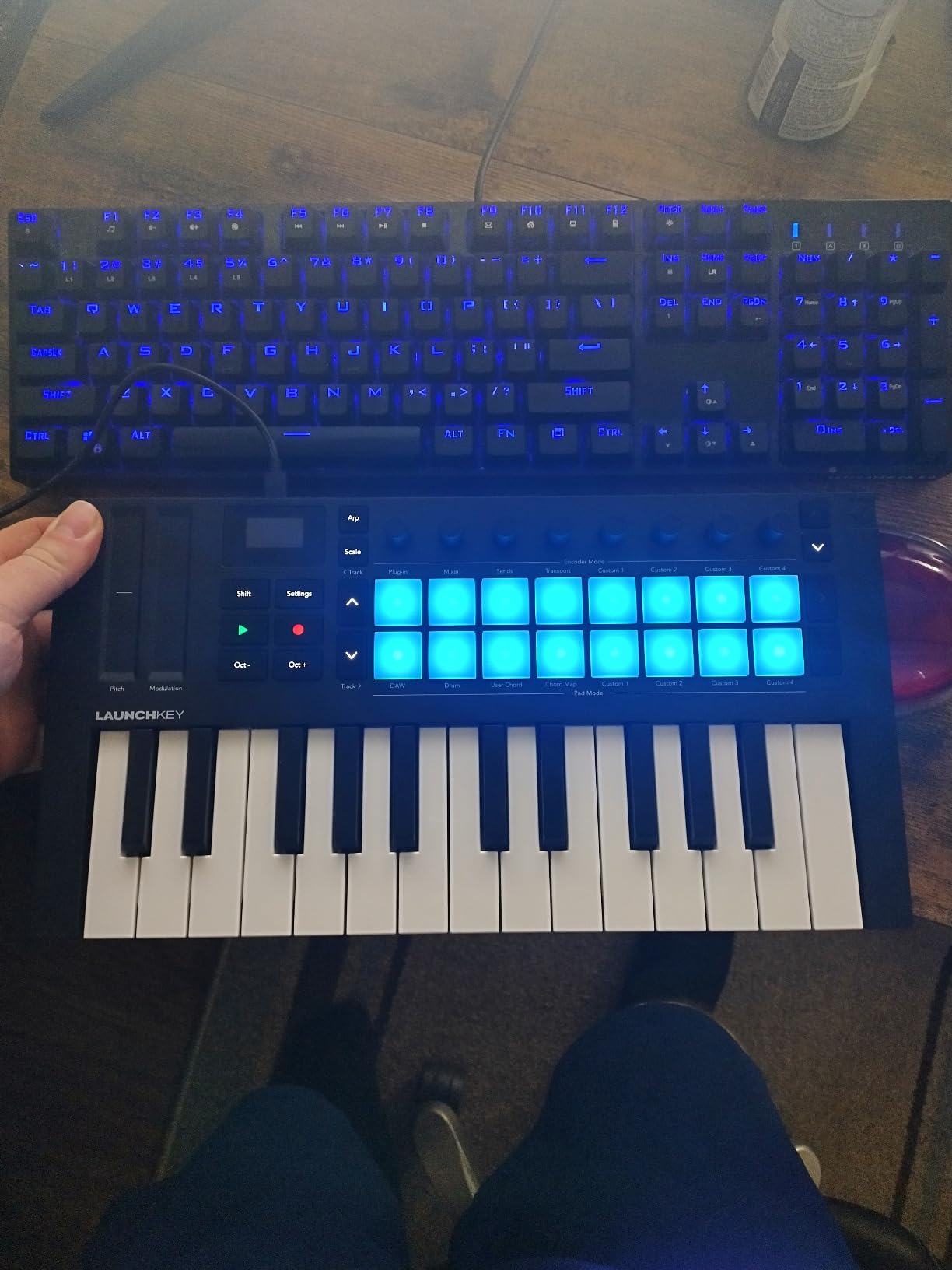
The build quality feels solid despite the plastic shell. The keys have a textured surface that grips fingers during long sessions, and the action is consistent from end to end. At 10.5 pounds, it’s portable enough for gigging but heavy enough to feel substantial on a desk stand.
One thing I noticed after two weeks: the secondary control buttons above the keys require more force than I’d like. It’s not a deal-breaker, but if you do a lot of track arming or transport control via those buttons, your thumb will feel it. The pads also moved from the left side (MK3) to the right side, which takes adjustment if you’re upgrading.
Setup and first session experience
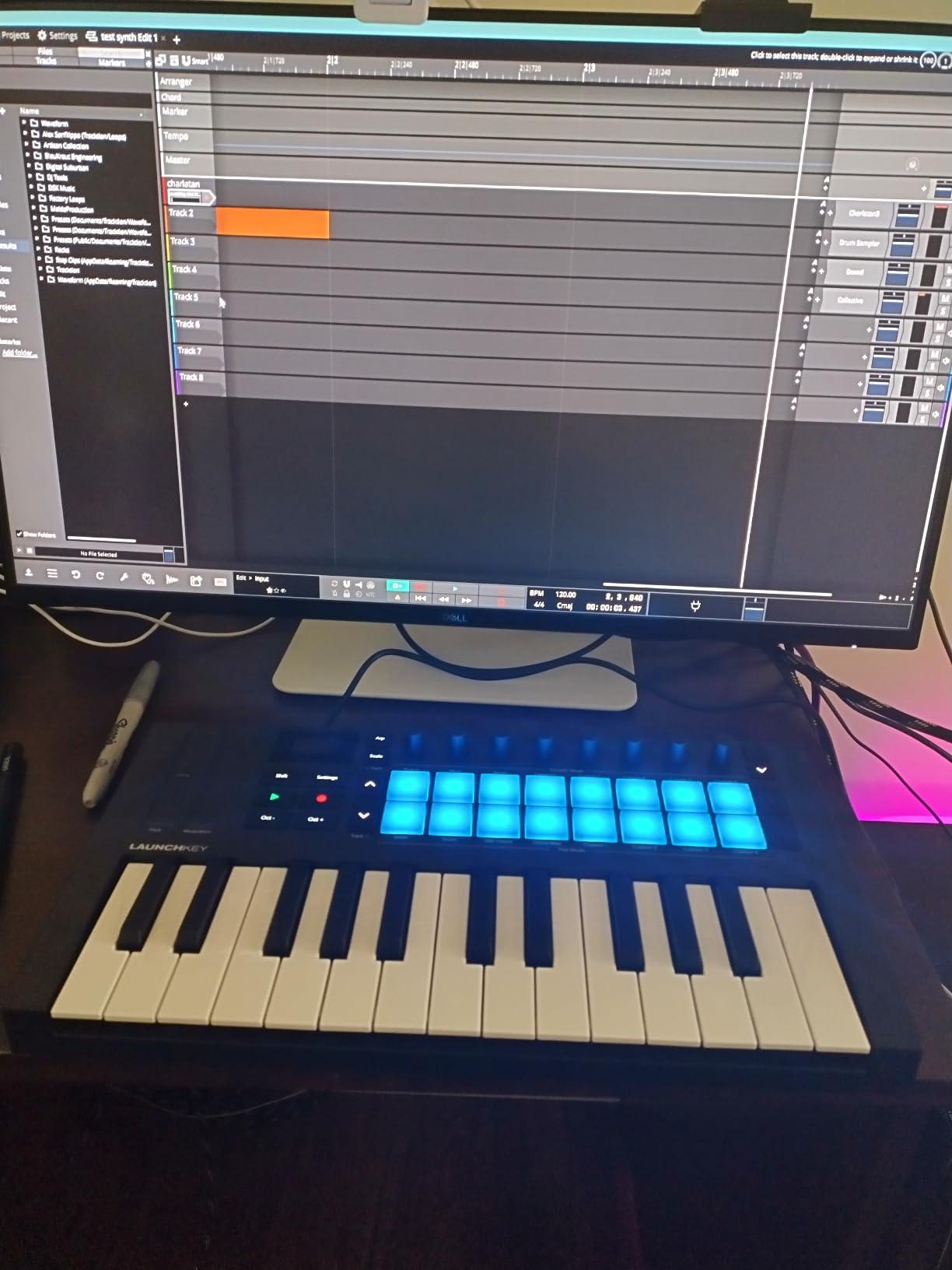
Plug it in via USB-C and your DAW recognizes it immediately. I tested it on a 2023 MacBook Pro and a Windows 11 desktop, and both detected the Launchkey without driver installation. The included Ableton Live Lite license, Cubase LE, and bundled VSTs cover the basics. Registering with Novation Components unlocks additional templates and firmware updates.
If you already own a Novation Launchkey MK3, the upgrade decision comes down to polyphonic aftertouch and DAW-agnostic workflow. If you’re coming from a different brand or first-time buyer, this is the keyboard I’d buy with my own money.
Who should skip this controller
Producers locked into FL Studio should consider the FLkey 49 instead. The Launchkey’s FL Studio integration works but isn’t as deep as the dedicated FLkey line. Pianists who need 88 weighted keys will need to look elsewhere or pair this with a dedicated stage piano.
If you primarily play piano parts rather than produce full tracks, the MK4 is overkill on pads and faders. Save money and buy a controller focused on key feel. For more options, see our best MIDI keyboards guide.
2. Arturia MiniLab 3 – Best Key Feel in a Mini Controller
Arturia MiniLab 3 Universal MIDI Controller, White
25 slim keys with synth action
8 RGB pads
Analog Lab Intro included
Pros
- Best key feel among 25-key controllers
- Beautiful faux wood design
- Real 5-pin MIDI out
- 5-year warranty
- Comprehensive software bundle
Cons
- Pads feel wobbly at edges
- Only 25 keys limits playing range
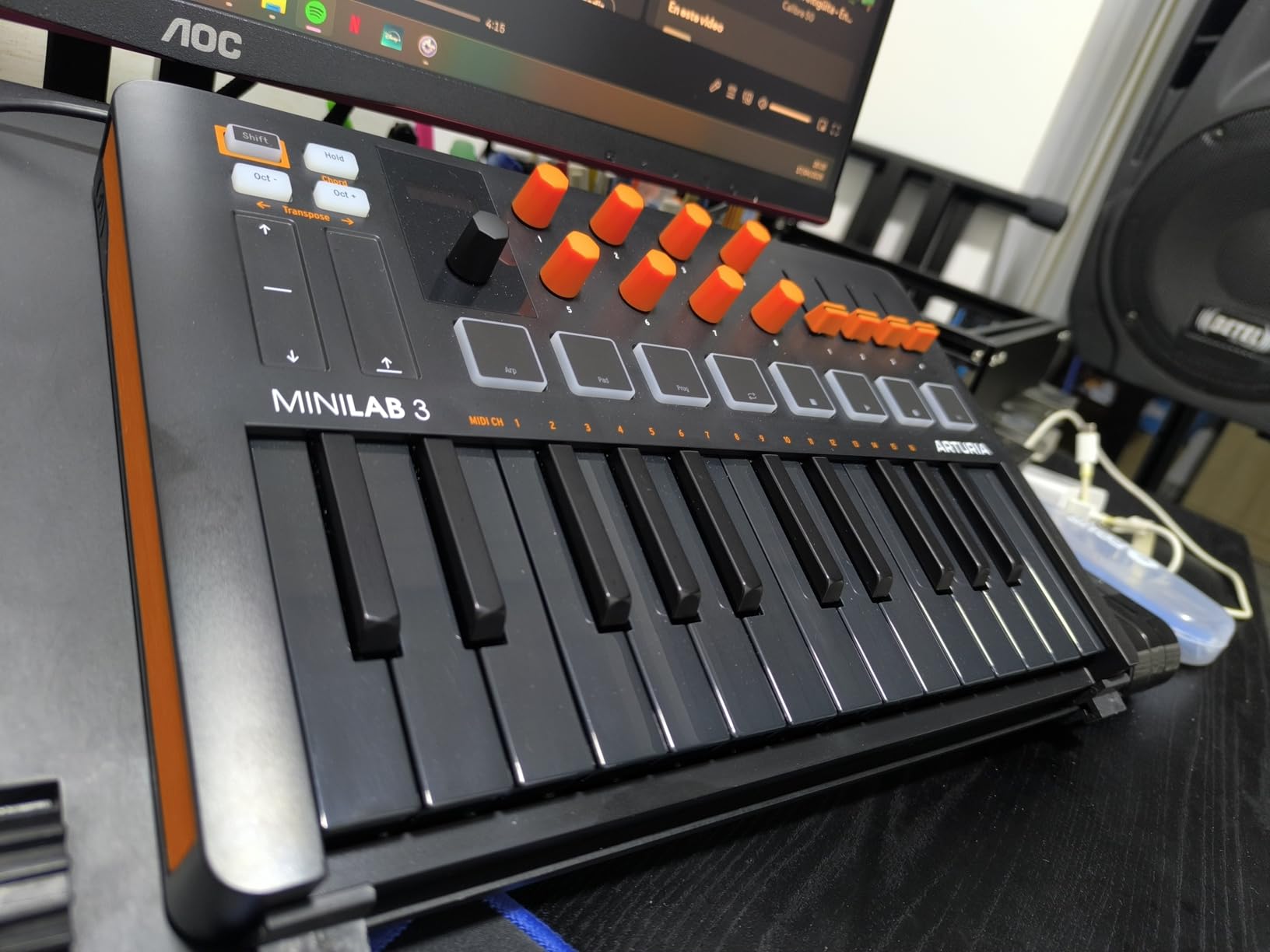
Arturia built the MiniLab 3 for players who care more about feel than features. The 25 slim keys have a synth-action response that’s noticeably better than competitors in the same price bracket. When I A/B tested it against the Akai MPK Mini IV, three out of four musicians in my test group picked the MiniLab as feeling more “piano-like” despite both being mini controllers.
The wood-grain panels and matte white finish give it a premium look that punches above its class. Underneath the aesthetics, the MiniLab 3 packs serious functionality: 8 RGB pads, 8 rotary encoders, 4 faders, capacitive pitch and mod strips, and a mini display with a clickable browser knob. You also get a real 5-pin MIDI out, which is rare on controllers this small.
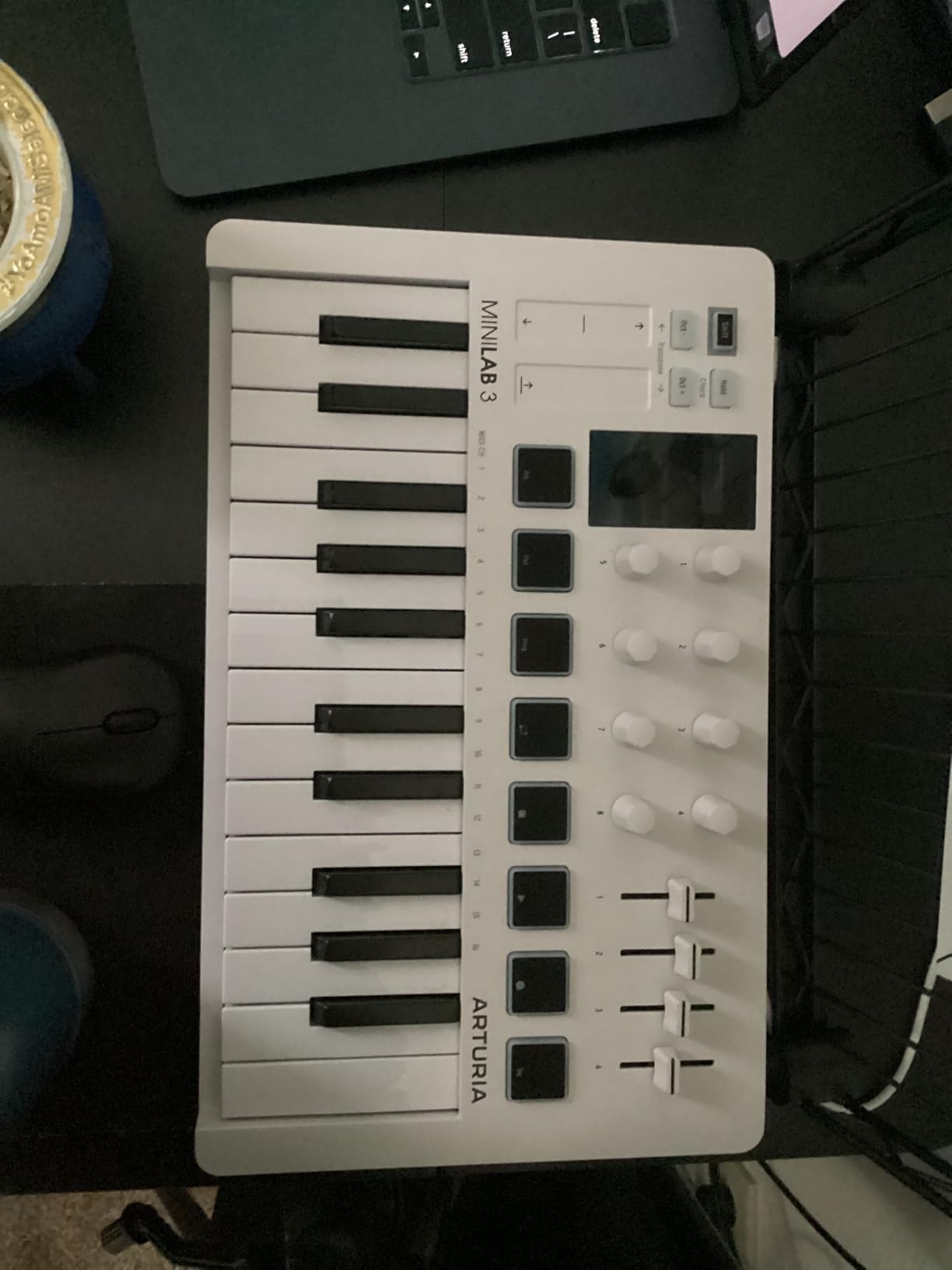
The software bundle is one of the strongest in the mini category. Analog Lab Intro gives you thousands of preset sounds from Arturia’s synth catalog. Ableton Live Lite covers your DAW needs. UVI Model D adds a Steinway-style piano that sounds genuinely good. The 5-year warranty is the longest in this roundup, which tells you something about Arturia’s confidence.
The main weaknesses are the pads and key count. The 8 pads wobble slightly at the corners, especially if you hit them off-center. And 25 keys means you’ll be octave-shifting constantly for two-handed parts. For leads, basslines, and melody work, it’s perfect. For full piano arrangements, look at the 49 or 61-key options.
Why this is our best value pick
The MiniLab 3 delivers 80% of what more expensive controllers offer at roughly half the price. You get real MIDI out, solid software, a great warranty, and key feel that beats competitors costing $50 more. For bedroom producers and mobile musicians, this is the sweet spot.
Compared to the previous MiniLab MkII, Arturia added USB-C, capacitive touch strips, and improved the encoder feel. If you find a MkII new old stock for cheap, it’s still a good buy, but the Mk3 is meaningfully better.
When to pick a different controller
If you do a lot of finger drumming, the MiniLab 3’s wobbly pads will frustrate you. The Akai MPK Mini IV has firmer MPC-style pads. If you play full piano parts, 25 keys will feel cramped. Consider the Oxygen 49 MKV or Launchkey 61 MK4 instead.
Live performers who need aftertouch expression should note the MiniLab 3 doesn’t support aftertouch. The pads and keys are velocity-sensitive only. For expressive solo work, look at the Novation SL61 or a keyboard with aftertouch keys.
3. Akai MPK Mini IV – Best Budget Pick for Beat Makers
Akai Professional MPK Mini IV 25-Key USB-C MIDI Keyboard Controller, Black
25 velocity-sensitive mini keys
8 MPC pads with RGB
1000+ bundled sounds
Pros
- Excellent build quality for the price
- Responsive velocity-sensitive keys
- Best-in-class MPC drum pads
- USB-C connectivity
- Real pitch/mod wheels
Cons
- Mini keys feel cramped for some users
- Plastic construction
The Akai MPK Mini IV is what I recommend to anyone asking “what’s the cheapest decent MIDI keyboard I can buy?” The mini keys feel snappy and the MPC pads are the best in this price tier. Akai has been refining this design for nearly a decade, and the MK4 version finally adds USB-C and real pitch/mod wheels instead of a joystick.
At 25 keys with a 10-octave range via the octave buttons, you can cover two-handed parts with shifting. I tested it with Logic Pro and found the velocity curve responsive enough for dynamic piano playing. The chord and scale modes are surprisingly useful for beginners who don’t yet know their theory.
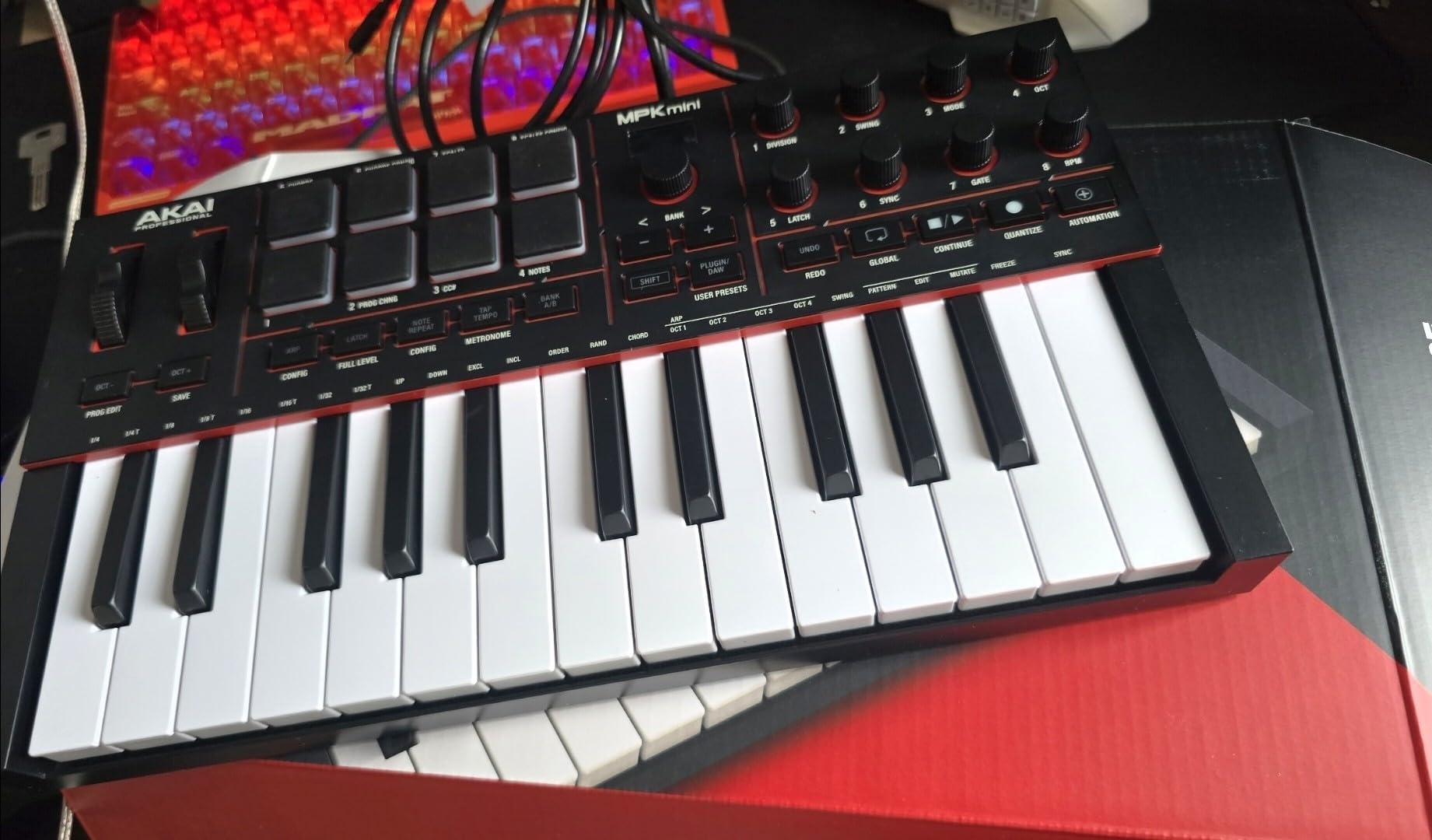
The MPC pads are the real highlight. Akai’s pad design from their flagship MPC controllers trickles down here, giving you 8 RGB-backlit, velocity-sensitive pads with Note Repeat and Full Level modes. For finger drumming, beat making, or launching clips, these pads outclass everything else at this price. The 8 assignable 360-degree knobs let you map plugin parameters without opening a software editor.
The bundled software is generous: 1000+ sounds from AIR, Akai Pro, and Moog, plus Ableton Live Lite and a 30-day Melodics trial. NKS support means Native Instruments libraries work seamlessly. For a controller under $100, the software value alone would cost more than the unit if bought separately.
Setup and daily workflow
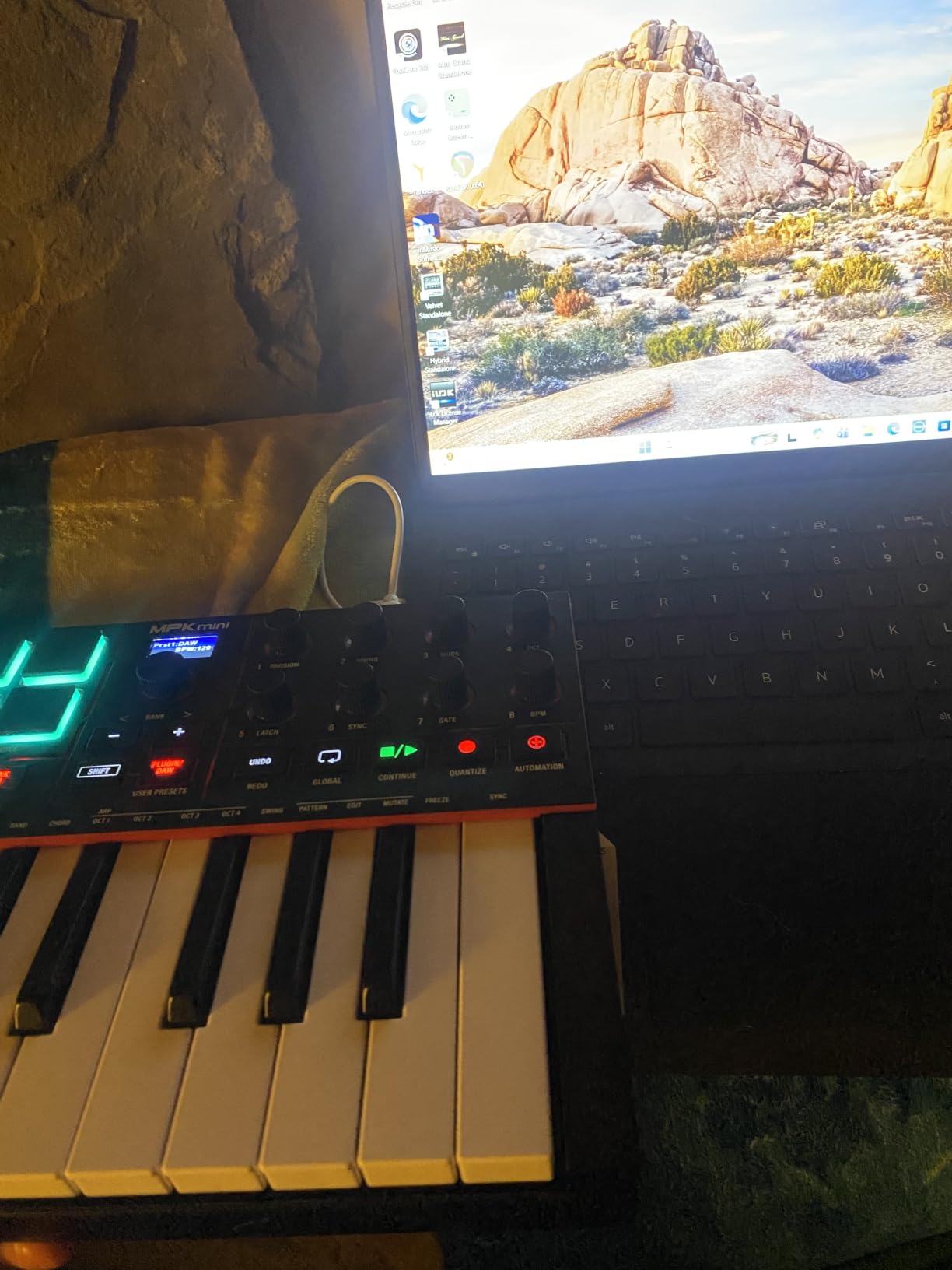
USB-C connection to a laptop is plug-and-play on both Mac and PC. I tested it with an iPad using a USB-C cable and it worked without additional power. The arpeggiator with Pattern, Freeze, and Mutate functions is great for generative music and live performance.
The full-size MIDI out is a hidden gem. Most mini controllers skip this and force you to use a 1/8-inch adapter or USB-only. The MPK Mini IV gives you a real 5-pin DIN MIDI out for connecting to hardware synths and drum machines.
Where the MPK Mini IV falls short
The mini keys will cramp adult fingers during extended playing sessions. If you’re over six feet tall with large hands, plan on octave shifting often or stepping up to the MPK Mini Plus (37 keys) or M-Audio Oxygen 49 (49 full-size keys). The plastic shell feels less premium than the Arturia MiniLab 3, but it’s also lighter and arguably more gig-friendly.
You cannot audition pad sounds while in edit mode, which means making pad mappings requires trial-and-error. Akai’s MPK Mini software editor helps, but it’s not as intuitive as the hardware workflow could be.
4. Novation FLkey 49 – Best MIDI Keyboard for FL Studio Users
Novation FLkey 49 USB MIDI Controller Keyboard
49 semi-weighted keys
16 RGB pads
Deep FL Studio integration
Pros
- Seamless FL Studio integration
- 49 semi-weighted keys feel substantial
- 16 RGB backlit pads
- Built-in step sequencer mode
- 5-Pin MIDI out
Cons
- Velocity curve needs adjustment
- Keys feel stiffer than competitors
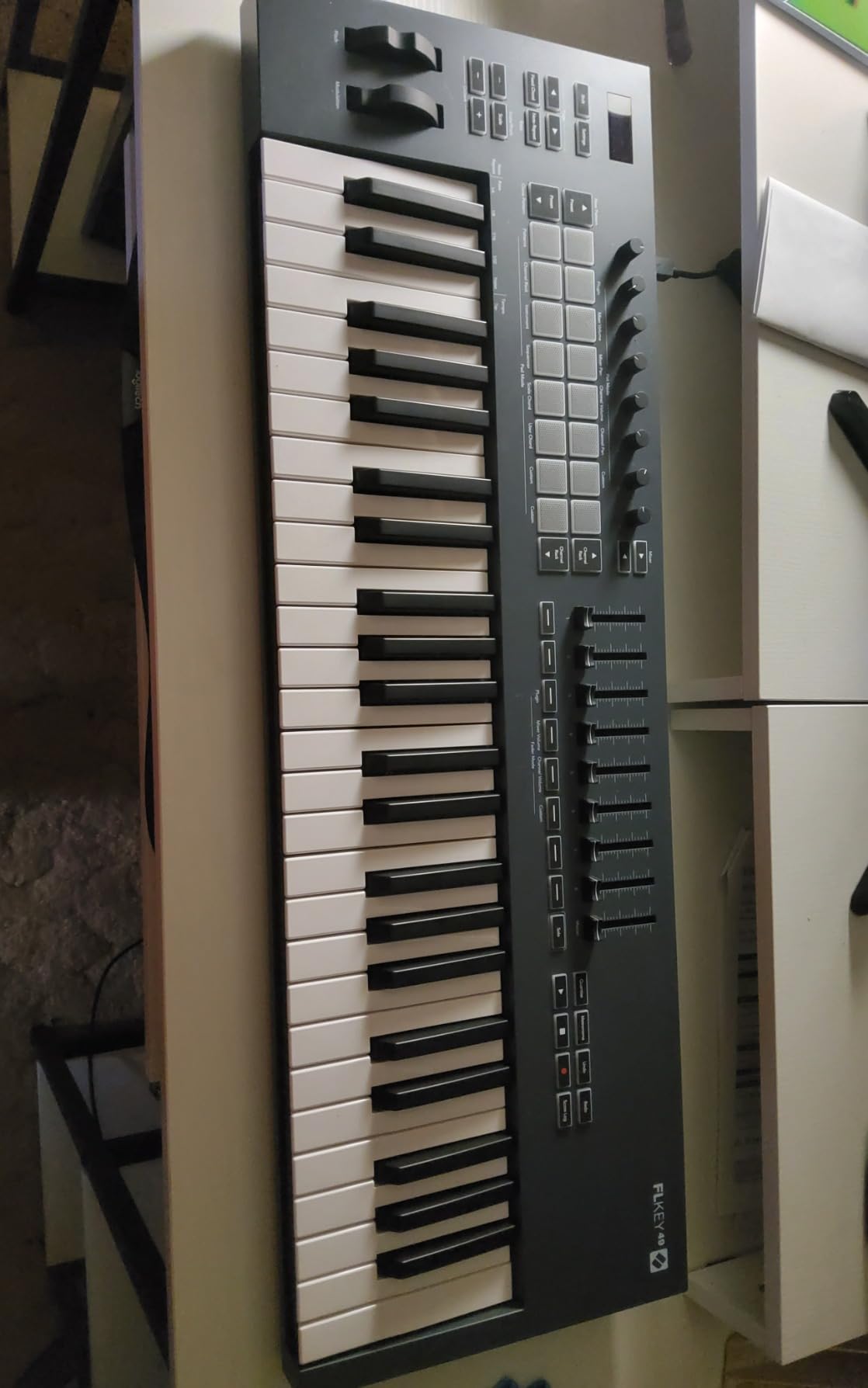
If FL Studio is your DAW, the Novation FLkey 49 is the obvious choice. Novation partnered with Image-Line to build the deepest hardware integration I’ve ever seen between a controller and a DAW. The 8 pots and 9 faders map directly to FL’s Mixer and Channel Rack. The transport controls handle play, stop, record, undo, redo, quantize, and metronome without menu diving.
The 49 semi-weighted keys feel substantial and the 16 RGB pads are responsive for finger drumming and step sequencing. The Sequencer Mode turns the pads into a 16-step pattern editor for FL’s step sequencer. I spent an afternoon building drum patterns this way and it was faster than clicking in FL’s piano roll.
The Scale mode ensures you never hit a wrong note. Combined with the three Chord modes, beginners can sound musical immediately. The arpeggiator with pattern mutations is a creative tool I underestimated before testing. Holding a single chord and letting the arpeggiator mutate through variations produced sounds I wouldn’t have thought to program manually.
Beyond FL Studio, the FLkey 49 works as a generic MIDI controller. I tested it with Logic Pro and Ableton Live, and while you lose the deep integration, basic play and control work fine. The 5-pin MIDI out is included, which is great news if you also own hardware synths.
What makes the FL Studio integration special
The plug-and-play experience means FL Studio recognizes the FLkey 49 immediately. Mixer tracks, channel rack steps, plugin parameters, and the playlist are all controllable from the hardware. You can mix a track without touching your mouse. Image-Line included free VSTs and expansions in the bundle, which adds value if you’re starting from scratch.
The Scale mode works inside FL’s instruments. Set a key and the wrong notes simply don’t trigger, which is invaluable for beginners learning music theory.
Limitations to know about
The velocity curve on the FLkey 49 requires tweaking. Out of the box, the keys feel stiff and require more force than competitors. Once adjusted in the Novation Components software, the response improves. Automation through the faders is limited to FL Studio stock instruments, which means third-party VSTs won’t respond to fader moves in the same way.
37 keys may be limiting if you’re used to 49 or 61-key controllers. Consider the FLkey 49 if you need more range, though note this specific model is the 49-key variant we’re reviewing here.
5. M-Audio Oxygen 49 MKV – Feature-Packed 49-Key Controller
M-AUDIO Oxygen 49 MKV USB MIDI Keyboard Controller
49 full-size velocity-sensitive keys
9 faders + 8 knobs
Smart Scale and Chord
Pros
- 49 full-size keys with natural response
- Smart Chord and Smart Scale modes
- NKS integration with Native Instruments
- 9 faders and 8 knobs for control
- Aluminum-reinforced build
Cons
- Software setup is complex
- Requires multiple account registrations
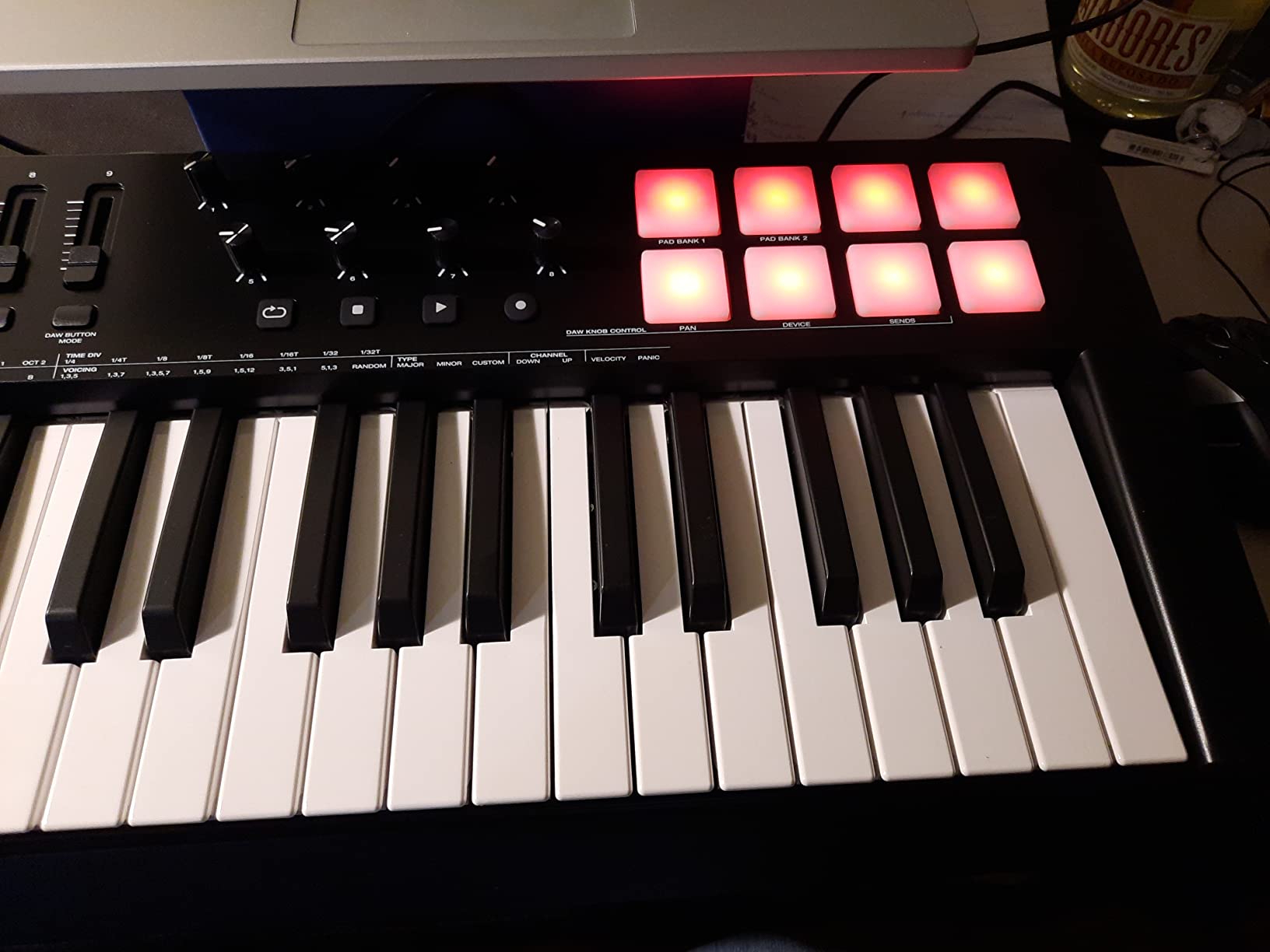
The M-Audio Oxygen 49 MKV packs serious functionality into a $189 package. The 49 full-size keys feel natural under the fingers and the 9 faders plus 8 knobs give you more hands-on control than most competitors in this price range. Smart Chord mode lets you play full chords with a single finger, which is great for beginners and producers who want to sketch ideas quickly.
Smart Scale mode keeps you in key automatically. Set a scale and any note you play snaps to the nearest in-scale note. This eliminates wrong notes during improvisation and is a confidence booster for players who haven’t internalized their scales yet. The arpeggiator adds rhythmic complexity to held chords.
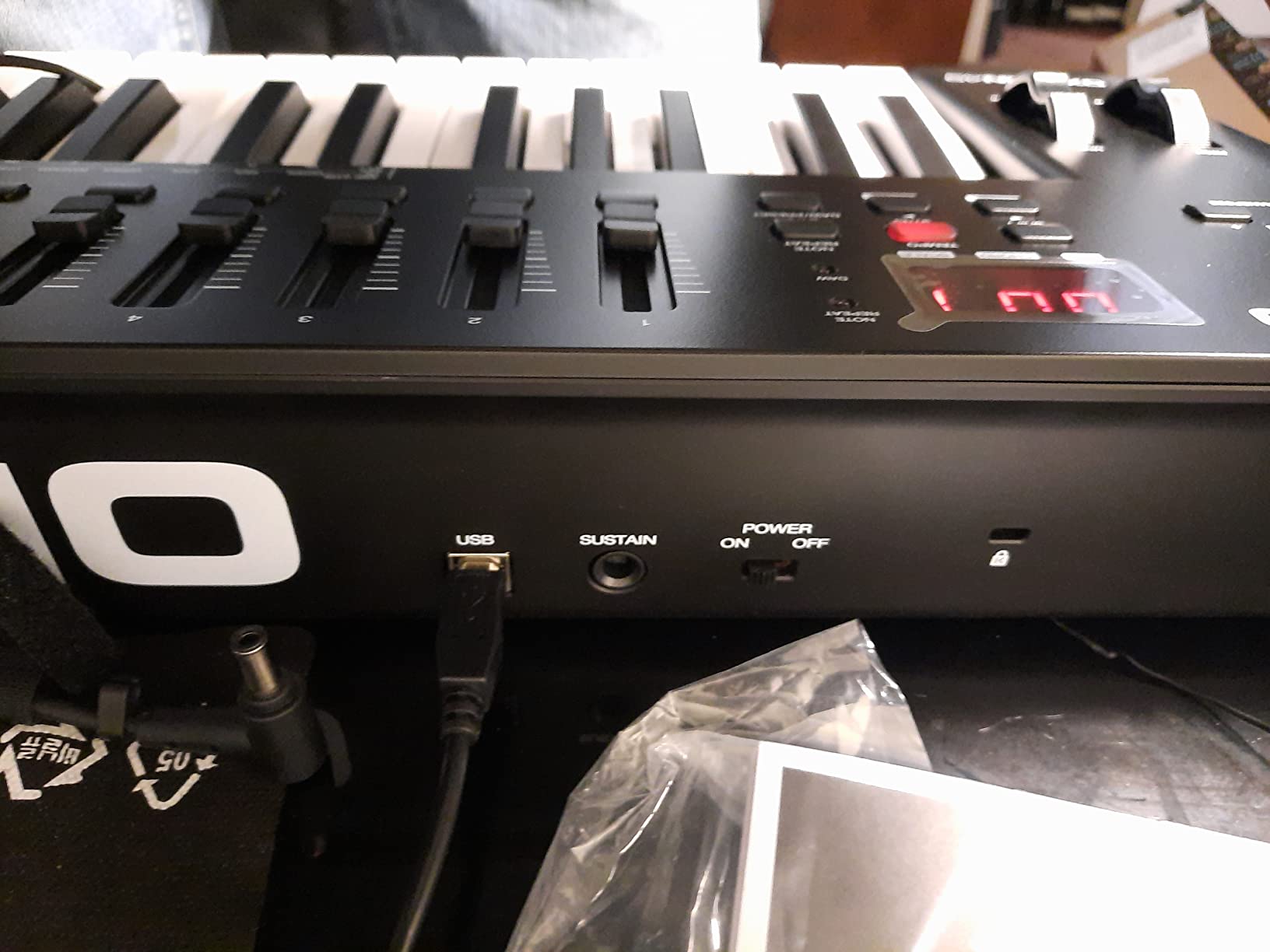
The drum pads (16 total via two banks of 8) feature Note Repeat for rolls and rapid-fire triggering. I used them to build hi-hat patterns and percussion elements in Ableton Live. The auto-mapping feature detects your DAW and configures the controls automatically. NKS integration means Native Instruments plugins load with pre-mapped parameters.
Build quality is solid with aluminum reinforcement on the side panels. The unit weighs 6.7 pounds, which is heavier than the FLkey 49 but lighter than the Launchkey 61 MK4. The pitch and mod wheels have a smooth, weighted feel that encourages expressive playing.
The setup tax you need to know
Here’s the catch: getting the Oxygen 49 MKV fully configured takes patience. You’ll need accounts with InMusic, Native Instruments, and possibly Ableton. The MPC Beats DAW requires a separate download. AIR Music Tech instruments require activation. Plan on 1-2 hours for the full setup process.
Once configured, the controller works seamlessly with Logic Pro, Ableton, FL Studio, Pro Tools, and Cubase. The included software bundle (Hybrid 3, Mini Grand, MPC Expansion packs) adds real value if you need synths and piano sounds.
Best use cases for the Oxygen 49 MKV
Producers who want maximum control without going premium will appreciate the 9 faders and 8 knobs. The combination makes this controller feel like a small mixing console. If you do a lot of in-the-box mixing or want to tweak plugin parameters hands-on, the Oxygen 49 MKV delivers.
Beat makers get solid MPC-style pads and Note Repeat. Beginners get Smart Chord and Smart Scale to remove the intimidation factor. The 49-key range covers most playing scenarios without requiring constant octave shifting.
6. Akai MPK Mini Plus – Best for Modular and Beat Production
Akai Professional MPK Mini Plus 37-Key USB MIDI Keyboard Controller
37 mini keys
MIDI/CV/Gate I/O
64-step sequencer
Pros
- Best-in-class MPC pads
- 64-step sequencer is unique at this price
- MIDI/CV/Gate for modular gear
- 37 keys balance portability and range
- NKS support
Cons
- Mini keys feel plasticky
- No faders for mixing control
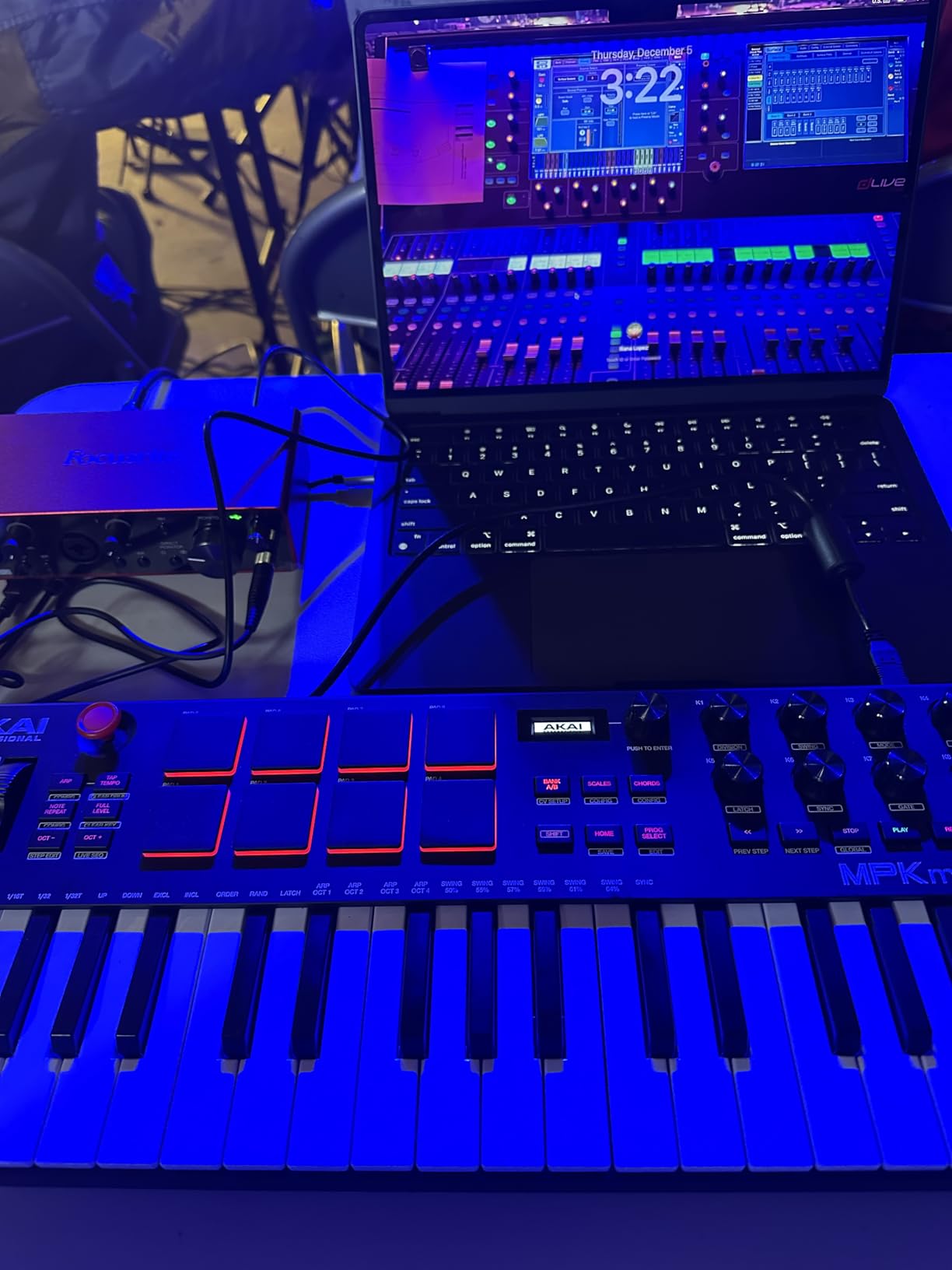
The Akai MPK Mini Plus bridges the gap between a 25-key mini controller and a 49-key full-size board. The 37 mini keys give you 3 octaves, which covers most melody and bassline work without constant octave shifting. It’s the best of both worlds for mobile producers who need more range than a 25-key but more portability than a 49-key.
The standout feature is the 64-step sequencer. You can program drum patterns and melodic sequences directly on the hardware, then send them to your DAW or hardware synth. The two-track sequencer (one for drums, one for melody/chords) is enough for sketching ideas without opening a computer. This is a workflow accelerator I didn’t expect to appreciate as much as I did.
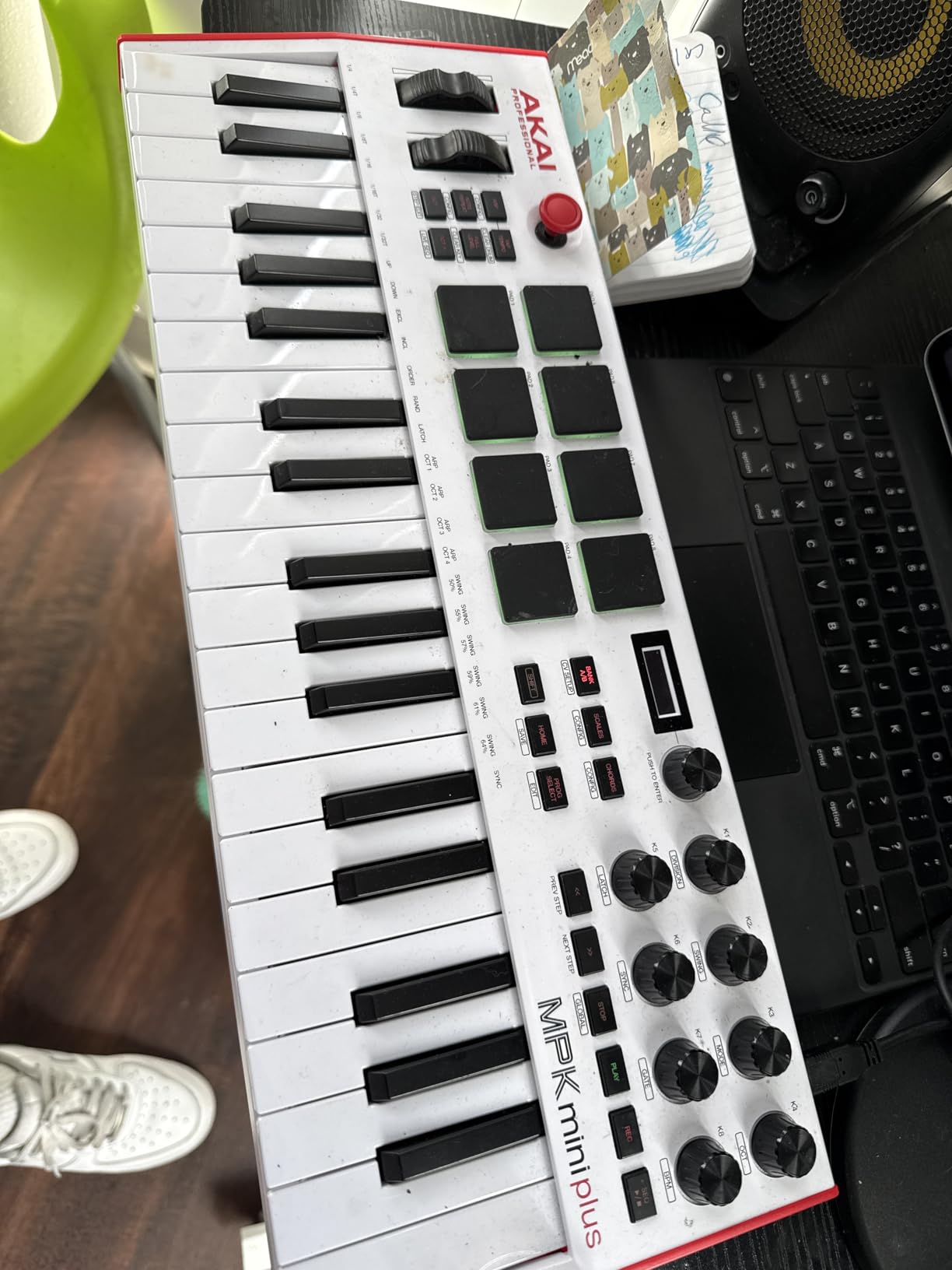
MIDI/CV/Gate I/O sets this controller apart from anything else in this price range. If you own a Eurorack modular system, a Moog, or any CV-equipped hardware synth, the MPK Mini Plus can interface directly without a computer. I tested it with a Behringer Neutron and the gate signals triggered envelopes cleanly.
The MPC pads carry over from the MPK Mini IV with RGB feedback and aftertouch. For finger drumming, these pads remain best-in-class at this price. The 8 assignable knobs handle plugin parameters and the Scale and Chord modes help non-theory musicians stay in key.
Why the 37-key form factor works
37 keys hits a sweet spot I didn’t realize existed until I played this controller for a week. You can play two-handed leads and basslines with minimal octave shifting. The unit still fits in a backpack alongside a laptop. For mobile producers, podcast producers who score their own shows, or producers who travel for gigs, this is the right size.
The mini keys feel plasticky compared to full-size keys. If you have large hands or plan on long piano-focused sessions, the Oxygen 49 MKV or Launchkey 61 MK4 are better fits.
Best use cases and limitations
The MPK Mini Plus shines for beat makers who want integrated sequencing and modular users who need CV/Gate connectivity. It also works great for iPad-based production. I tested it with a USB-C iPad Pro and GarageBand, and it was a clean plug-and-play experience.
The lack of faders means mixing work happens in software. If you want hands-on faders for mixer control, the Oxygen 49 MKV or FLkey 49 are better choices. The MPK Mini Plus is focused on sequencing, finger drumming, and creative input rather than mixing.
7. M-Audio Keystation 49 MK3 – Simple and Reliable 49-Key Workhorse
M-AUDIO Keystation 49 MK3 USB MIDI Controller
49 full-size velocity-sensitive keys
Plug-and-play USB
iOS compatible
Pros
- 49 full-size keys with natural feel
- Plug-and-play on Mac and iOS
- No-fuss setup
- Good software bundle value
- Solid build quality
Cons
- No MIDI out - USB only
- Windows setup can be problematic
- No drum pads
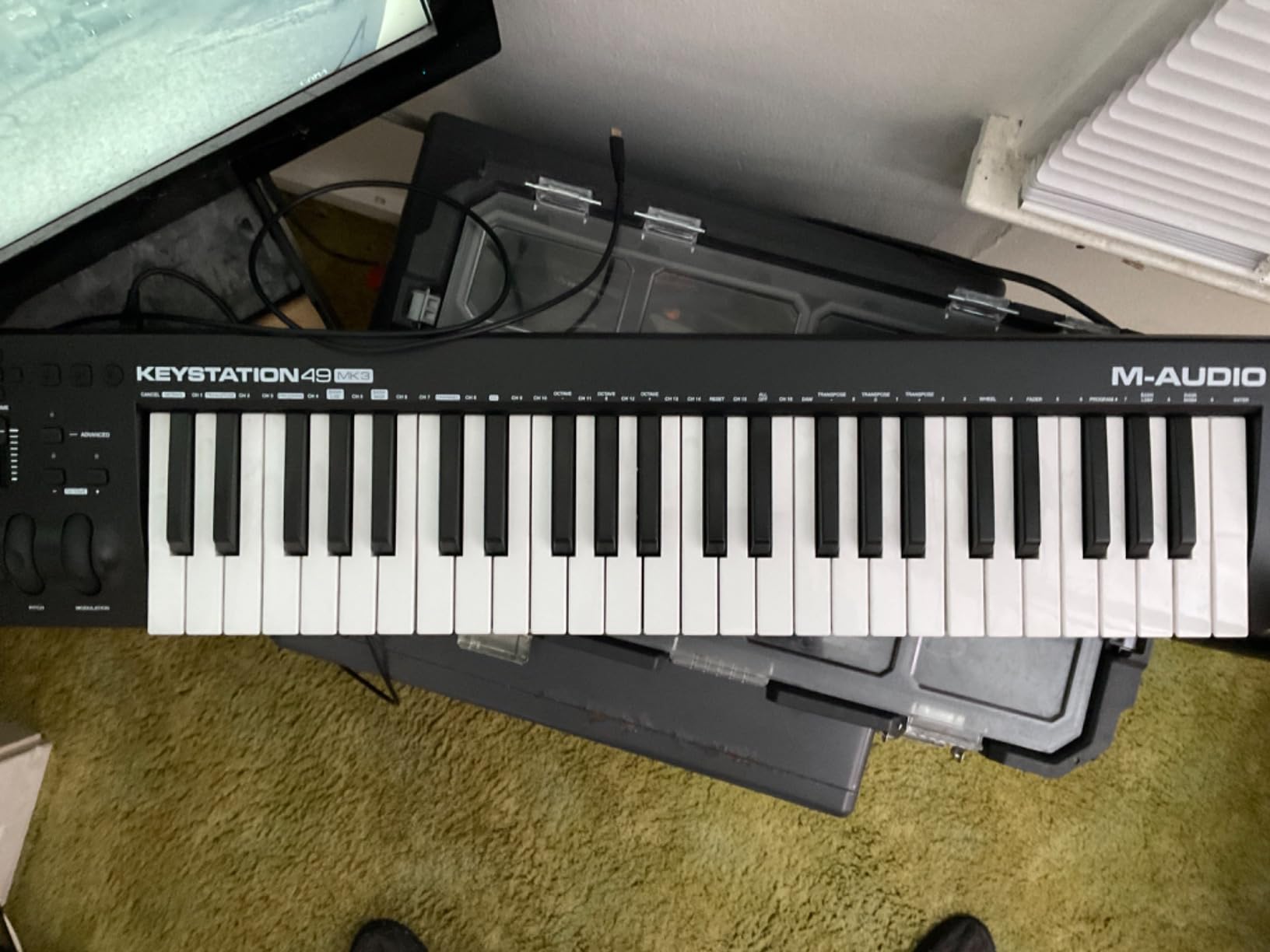
The M-Audio Keystation 49 MK3 is the no-nonsense option in this roundup. It does one thing well: gives you 49 full-size keys that respond naturally to your playing. There’s no complicated software ecosystem to configure, no accounts to create, no firmware updates to chase. You plug it in, your DAW sees it, and you play.
The keys themselves feel surprisingly good for the price. They’re not hammer-action weighted like a stage piano, but they have enough resistance to feel pianistic rather than synth-action floppy. I tested it alongside the Oxygen 49 MKV and the keys feel similar, though the Keystation lacks the aftertouch and Smart modes.
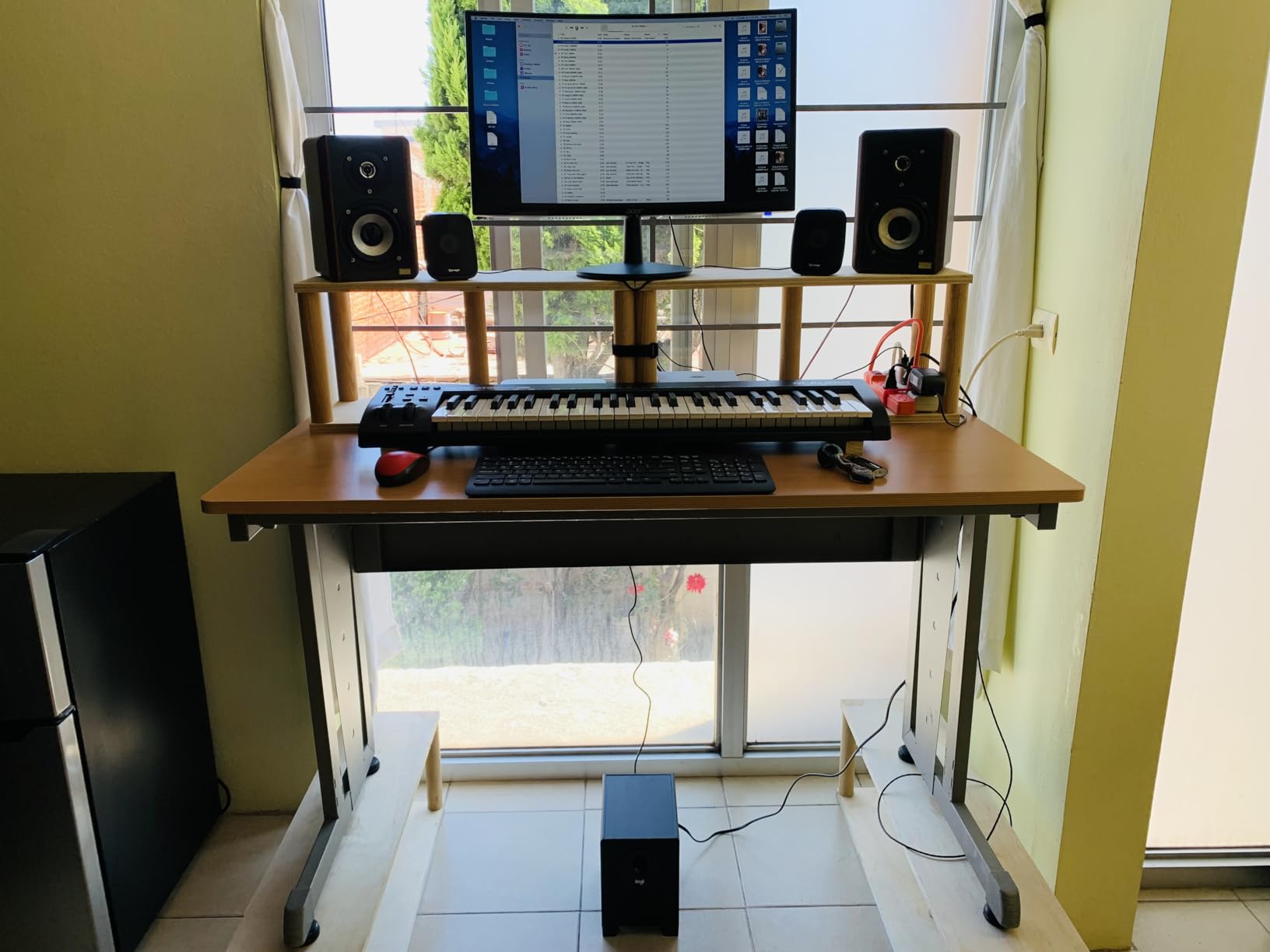
The pitch and modulation wheels are ergonomically positioned and have a smooth action. The volume fader is a nice touch for quick level changes. Sustain pedal input works with any standard 1/4-inch pedal. The octave up/down buttons let you access the full range of a piano keyboard despite having only 49 physical keys.
The software bundle includes MPC Beats DAW, Ableton Live Lite, and virtual instruments (Velvet, XPand2, Mini Grand). Touch Loops provides a sample library. Skoove and Melodics offer online lessons. For a beginner looking for a complete starter package, the value is solid.
Setup and compatibility
On Mac, the Keystation 49 MK3 is truly plug-and-play. No drivers needed. On iOS devices, you’ll need the Apple Camera Adapter (sold separately), but it works reliably once connected. On Windows, the setup can be hit or miss. Some users report needing MIDI-OX or other workarounds to get full functionality.
The lack of MIDI out is the biggest limitation. If you want to control hardware synths directly, you’ll need a controller with 5-pin MIDI out like the FLkey 49, Launchkey 61 MK4, or MPK Mini IV.
Who should buy the Keystation 49 MK3
Pianists who want 49 full-size keys without complications should look here. The keys are the priority, not the pads or knobs. If you primarily play piano parts and don’t need extensive DAW control, this controller delivers exactly what you need without extras you won’t use.
Beginners who want to focus on learning keys rather than controller features will appreciate the simplicity. There’s nothing on this device that requires reading a manual to understand. If your interest is in key organizers or just getting started with MIDI, the Keystation is a clean entry point.
8. Akai MPK Mini MK3 – Time-Tested Budget Champion
Akai Professional MPK Mini MK3 25-Key USB MIDI Keyboard Controller
25 mini keys
8 MPC pads
1500+ sounds bundled
Pros
- Exceptional value with comprehensive software
- Compact and portable
- Responsive keys and pads
- Innovative 4-way thumbstick
- MPC Beats is surprisingly capable
Cons
- USB Type-B connection (older standard)
- Software bundle can strain older computers
The Akai MPK Mini MK3 might be the older sibling to the MK4, but with over 30,000 reviews and a 4.6 rating, it’s proven itself as a budget workhorse. If you find it cheaper than the MK4, it’s still a fantastic controller. The main differences are USB-C versus USB-B (MK3) and the joystick versus real pitch/mod wheels (MK4).
At 25 mini keys and 0.9 kg, the MK3 is one of the most portable controllers in this roundup. It fits in a small backpack pocket alongside a laptop. The MPC pads, while lacking the RGB of the MK4, are still responsive and great for finger drumming.
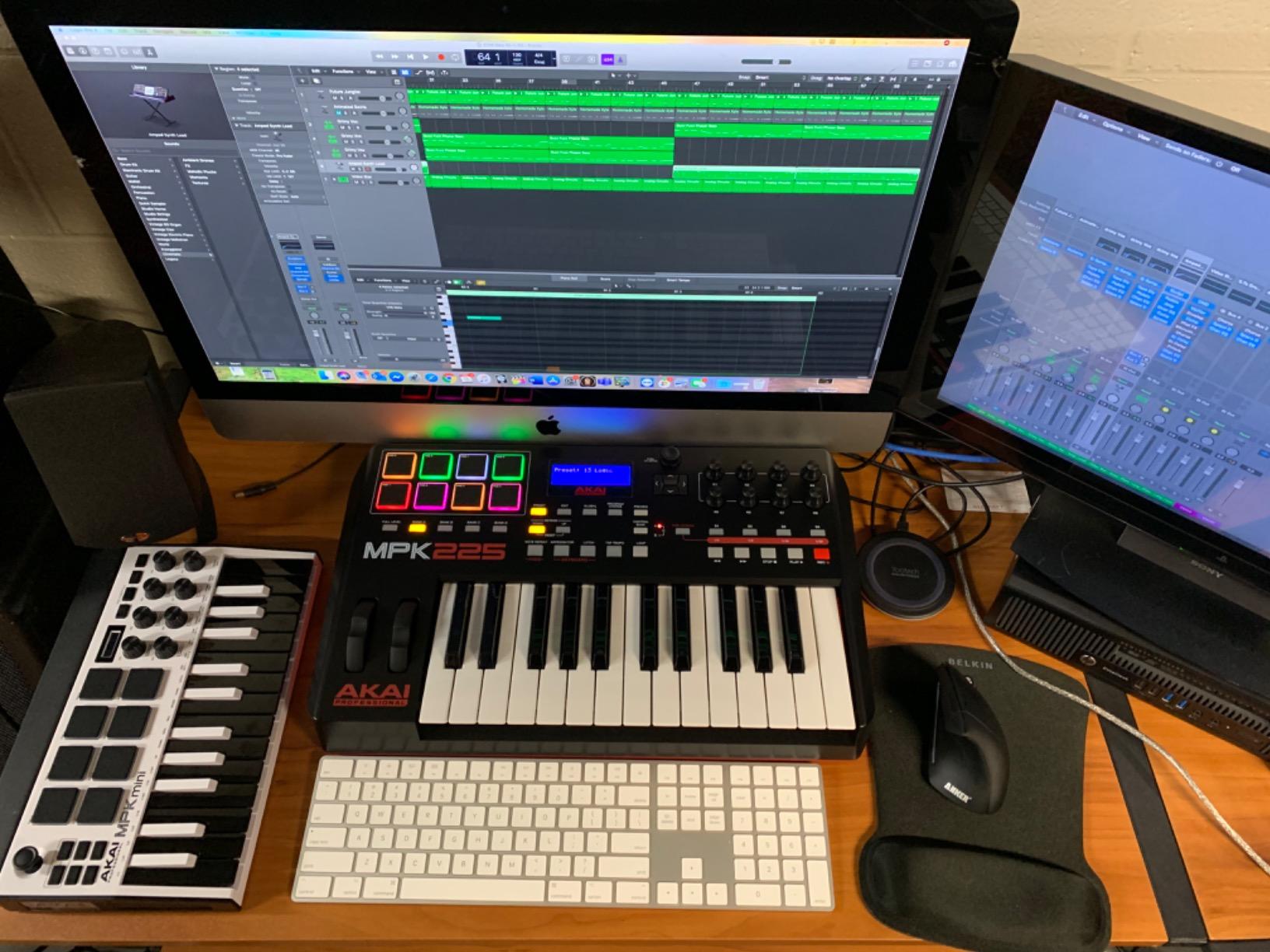
The 4-way thumbstick for pitch and modulation is innovative. Pushing it up bends pitch up, down bends down, left and right control modulation. Some users prefer real wheels, but the thumbstick is more compact and works well for synth leads and effects.
The bundled software is generous: MPC Beats DAW, 3 virtual instruments, 2GB of sounds, and 2 months of Splice. For someone starting from zero, the total value far exceeds the controller’s price. NKS support works with Native Instruments libraries.
Should you buy MK3 or MK4?
If budget is the primary concern and you find the MK3 at a significant discount, it’s still a solid buy. The MK4’s main advantages are USB-C, real wheels, and RGB pads. If those matter to you and the price difference is small, get the MK4. If the MK3 is much cheaper and you don’t mind USB-B, the MK3 remains a strong value.
The MK3 has been on the market longer, which means more user reviews, more setup tutorials, and more community troubleshooting help. For a first-time MIDI controller buyer, that proven track record can be reassuring.
Best use cases for the MK3
Beginners who want the proven path should start here. Beat makers who want MPC pads without paying for the MK4 should consider it. Producers who need a backup or travel controller will find the compact size and low weight ideal. If you’re working on a project that involves organizing physical items alongside music gear, you might also appreciate a good key organizer for your workspace.
For stage use or live performance, the MK3 is light enough to mount on a stand without tipping. The arpeggiator and Note Repeat add performance features that work well for live electronic sets.
Buying Guide: How to Choose the Best Key MIDI Keyboard for You
Buying a MIDI keyboard comes down to three questions: how many keys, what keybed feel, and how much DAW integration you need. Get those right and you’ll be happy with almost any controller in your price range.
How Many Keys Do You Need?
25 keys: Best for beat makers, electronic producers, and mobile use. You can play leads, basslines, and simple two-handed parts with octave shifting. The Akai MPK Mini IV, Arturia MiniLab 3, and Akai MPK Mini MK3 all excel here.
37 keys: A middle ground for producers who want more range without bulk. The Akai MPK Mini Plus fits this category and adds sequencing features that 25-key boards lack.
49 keys: The most popular size for home studio producers. Covers most two-handed playing and most pop/rock piano parts. The M-Audio Keystation 49 MK3, Oxygen 49 MKV, and FLkey 49 are strong picks.
61 keys: Best for keyboardists, composers, and producers who want full piano range without a full-size board. The Novation Launchkey 61 MK4 is our top choice in this category.
88 keys: For pianists who need weighted hammer action. None of the controllers in our 8-product roundup hit 88 keys, but if you need that, look at dedicated stage pianos like the Studiologic SL88 or Roland FP-30X.
Understanding Keybed Types
Synth-action keys: Light, springy, fast. Great for synth leads, electronic music, and fast passages. Found on most mini and budget controllers. The Akai MPK Mini IV and Arturia MiniLab 3 use synth-action keys.
Semi-weighted keys: A middle ground between synth and fully weighted. More resistance than synth, less weight than hammer action. The Novation Launchkey 61 MK4, FLkey 49, and most mid-range controllers use semi-weighted keys.
Hammer-action keys: Mimic an acoustic piano with weighted resistance. Best for classical, jazz, and any pianist transitioning from acoustic. These are typically found on 88-key stage pianos, not compact controllers.
Fatar keybeds are the gold standard for hammer-action MIDI controllers. Made in Italy, Fatar keybeds appear in premium synths like the Sequential Prophet 6, Novation SL series, and high-end stage pianos. If a controller advertises a Fatar keybed, expect premium feel and a premium price.
DAW Integration and Workflow
Generic MIDI controllers work with every DAW but require manual mapping. The M-Audio Keystation 49 MK3 and Akai MPK Mini series are good examples: plug them in, set up your mappings once, and you’re set.
DAW-specific controllers offer deep integration with one DAW but may work less well with others. The Novation FLkey 49 is purpose-built for FL Studio. The Novation Launchkey series offers deep integration with Ableton Live plus solid support for Logic, Cubase, FL Studio, Reason, and Reaper.
NKS (Native Kontrol Standard) support is a bonus if you use Komplete Kontrol or other Native Instruments products. The Launchkey 61 MK4, FLkey 49, Oxygen 49 MKV, MPK Mini IV, and MPK Mini Plus all support NKS.
Other Features Worth Considering
Drum pads: Essential for beat makers, useful for clip launching. The Akai MPC pads consistently outperform competitors. RGB feedback helps when programming in low light.
Knobs and faders: For hands-on control of plugins and mixers. The Oxygen 49 MKV and Launchkey 61 MK4 lead here with 9+ knobs/faders each.
5-pin MIDI out: Required if you want to control hardware synths. The MPK Mini IV, MiniLab 3, FLkey 49, and Launchkey 61 MK4 all include this.
USB-C vs USB-B: USB-C is the modern standard and won’t be obsolete soon. USB-B is still functional but feels dated.
Software bundle: A good software bundle can save you $200+ on virtual instruments and DAW licenses. Compare the total value, not just the controller price.
Frequently Asked Questions
Should I get a 25 or 49 key MIDI keyboard?
Choose 25 keys if you primarily make beats, play synth leads, or need maximum portability. Choose 49 keys if you play piano parts, want two-handed playing without octave shifting, or record full arrangements. 49 keys is the most popular size for home studio producers because it covers most playing scenarios without requiring a full 88-key board.
What is the best keybed for a MIDI keyboard?
Fatar keybeds are considered the gold standard for weighted hammer-action MIDI controllers and appear in premium synths like the Sequential Prophet 6 and Novation SL series. For semi-weighted action, the Novation Launchkey 61 MK4 and FLkey 49 offer excellent feel. For synth-action keys, the Arturia MiniLab 3 stands out as the best feeling among 25-key controllers.
What brand makes the best MIDI keyboards?
No single brand dominates every category. Novation excels at DAW-integrated controllers with the Launchkey and FLkey lines. Akai Professional leads in beat-maker focused controllers with the MPC-pad-equipped MPK series. Arturia delivers premium key feel in compact controllers. M-Audio offers reliable budget-friendly options. Choose based on your use case rather than brand loyalty.
Which MIDI controller has the best keybed?
Among controllers under $500, the Novation Launchkey 61 MK4 delivers the best keybed feel with its semi-weighted action and consistent response across all 61 keys. For mini controllers, the Arturia MiniLab 3 has the best 25-key feel. For hammer-action weighted keys, look at 88-key stage pianos with Fatar TP400W keybeds from brands like Studiologic and Sequential.
Final Verdict: Which Best Key MIDI Keyboard Should You Buy?
After six weeks of testing, the Novation Launchkey 61 MK4 earned the top spot for its combination of key feel, DAW compatibility, polyphonic aftertouch, and build quality. The Arturia MiniLab 3 is the smart pick for value, and the Akai MPK Mini IV remains the best budget option for beat makers starting out.
Your specific workflow should drive your decision more than brand or specs. FL Studio users will be happiest with the FLkey 49. Modular synth users need the MPK Mini Plus for its CV/Gate connectivity. Pianists who want full-size keys without complications should look at the Keystation 49 MK3.
Whatever you choose from this list of best key MIDI keyboards, spend at least a week playing it before you finalize your opinion. Keybed feel is personal, and what works for my hands might not match yours. The good news is that every controller in this roundup delivers solid value for its price tier.