
If you want the most useful laptop for the least fuss during Amazon’s Prime Big Deal Days sale, start with the Dell 15 DC15250. It pairs a 15.6-inch 1080p 120Hz panel with a 12th-generation Intel Core 3 100U, 512GB of storage and a full-size keyboard with a numeric keypad, which is the combination most sub-$500 shopping lists are actually asking for.
The Lenovo IdeaPad Slim 3 16 goes further on memory and screen size, and the Acer Aspire Go 15 answers to bigger desk setups. Every offer below moves through Prime Big Deal Days, which runs October 6-7, 2026, and most of them need a Prime membership to unlock.
Table of Contents
Our Top 3 Picks for Amazon Prime Big Deal Days Laptop Deals Under $500


Amazon Prime Big Deal Days Laptop Deals Under $500 Compared (October 2026)
| Product | Specifications | Action |
|---|---|---|
 Dell 15 DC15250 Dell 15 DC15250 |
|
Check Deal Price |
| Lenovo IdeaPad Slim 3 16 |
|
Check Deal Price |
| Acer Aspire Go 15 |
|
Check Deal Price |
 HP Pavilion 15-dw0083wm HP Pavilion 15-dw0083wm |
|
Check Deal Price |
 HP Chromebook 14a HP Chromebook 14a |
|
Check Deal Price |
 Lenovo Kompanio 520 Chromebook Lenovo Kompanio 520 Chromebook |
|
Check Deal Price |
 Samsung Galaxy Chromebook Go Samsung Galaxy Chromebook Go |
|
Check Deal Price |
 Dell Chromebook 3100 Renewed Dell Chromebook 3100 Renewed |
|
Check Deal Price |
 HP 14-inch Chromebook HP 14-inch Chromebook |
|
Check Deal Price |
 Acer Chromebook 15 Renewed Acer Chromebook 15 Renewed |
|
Check Deal Price |
How We Chose
Every machine here was compared on the specs that decide whether a budget laptop survives a school year or a working one: processor generation, memory and storage type, panel size and resolution, battery claims, port layout and upgrade paths. Owner ratings and review counts on Amazon carried as much weight as the spec sheet, and the figures were checked on October 2026.
1. Dell 15 DC15250: Best Overall
Dell 15 DC15250
Type: Windows 11 laptop
Standout: Core 3 100U with 512GB SSD
Weight: 4.2 lb
Display: 15.6 in
Pros
- FHD 120Hz anti-glare IPS panel
- Roomy keyboard with numeric keypad
- 512GB SSD with memory expandable to 16GB
- Lifted hinges for a comfortable typing angle
- One year onsite service
Cons
- 8GB RAM is modest and shared with graphics
- 250-nit panel is dim in bright rooms
- No fingerprint reader
The one to buy if you just want a laptop that works. Nothing else in this list does the ordinary Windows job with so little to apologise for.
The spec sheet is unusually balanced for the money. The Core 3 100U runs at up to 4.7 GHz, storage is a full 512GB SSD rather than the 128GB or 64GB slivers that show up on cheaper machines, and the 15.6-inch 1920×1080 IPS panel runs at 120Hz with anti-glare treatment and Dell’s ComfortView blue-light filter.
Owners single out the full-size keyboard with its separate numeric keypad and calculator hotkey, which matters more than it sounds if you spend hours in spreadsheets. The lifted hinges also push the keyboard to a better typing angle than a flat slab, and the machine ships with a one-year onsite service plan after remote diagnosis.
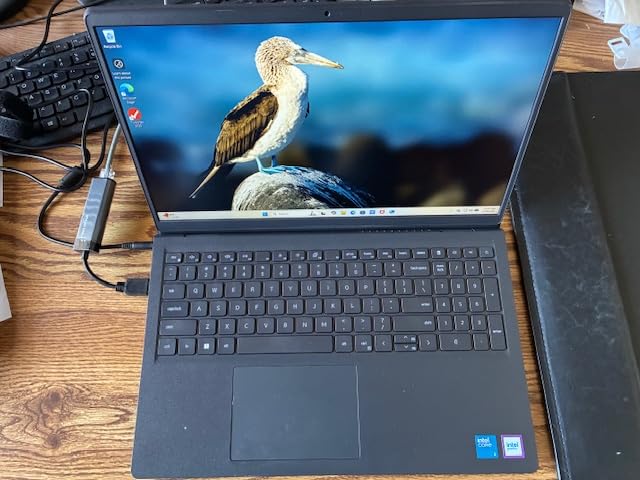
Two limits are worth knowing before you commit. The 8GB of DDR4 memory is shared with the integrated graphics, so heavy multitasking will hit the ceiling sooner than on the Lenovo IdeaPad Slim 3 16. And 250 nits of brightness is genuinely dim next to the Samsung Galaxy Chromebook Go’s 450-nit panel, so this is a desk-and-couch laptop rather than a window-seat one.
- 1920×1080 IPS at 120Hz, a rarity below the ceiling
- 512GB SSD instead of the usual 128GB compromise
- Memory expandable to 16GB through one slot
- HDMI, SD card reader and headphone jack
Compared with the Acer Aspire Go 15, you trade an open M.2 storage slot for twice the storage out of the box and a faster chip class. Compared with the HP Pavilion 15-dw0083wm, you get four times the memory and a far sharper screen, at the cost of that Pavilion’s simpler, longer-lasting charm.
Good to know: Windows 11 Home is installed rather than the S-mode variant, so nothing blocks your software installs on day one.
2. Lenovo IdeaPad Slim 3 16: Best for Multitasking
Lenovo IdeaPad Slim 3 16
Type: Windows 11 laptop
Standout: Core i5 with 16GB DDR5
Weight: 3.7 lb
Display: 16 in
Pros
- Core i5-13420H handles busy multitask loads
- 16GB DDR5 expandable to 40GB
- 512GB PCIe Gen4 NVMe SSD
- Light 3.7 lb aluminum chassis
- MIL-STD-810H tested build
Cons
- 720p webcam has no Windows Hello
- 45 percent NTSC gamut is weak for creative work
- Integrated graphics only
This is the machine to stretch for if your day involves more than three windows at once. It is also the only pick here with a Core i5 H-series chip, and that difference is felt the moment you leave a dozen browser tabs open next to a video call.
The memory is the real headline: 16GB of DDR5 running at 4800 MHz, expandable to 40GB. Storage is a 512GB PCIe Gen4 NVMe drive, a genuine fast drive rather than the onboard flash or eMMC used by most of the Chromebooks further down this list. The 16-inch WUXGA panel runs 1920×1200 at 300 nits with anti-glare, and the chassis carries a numeric keypad.
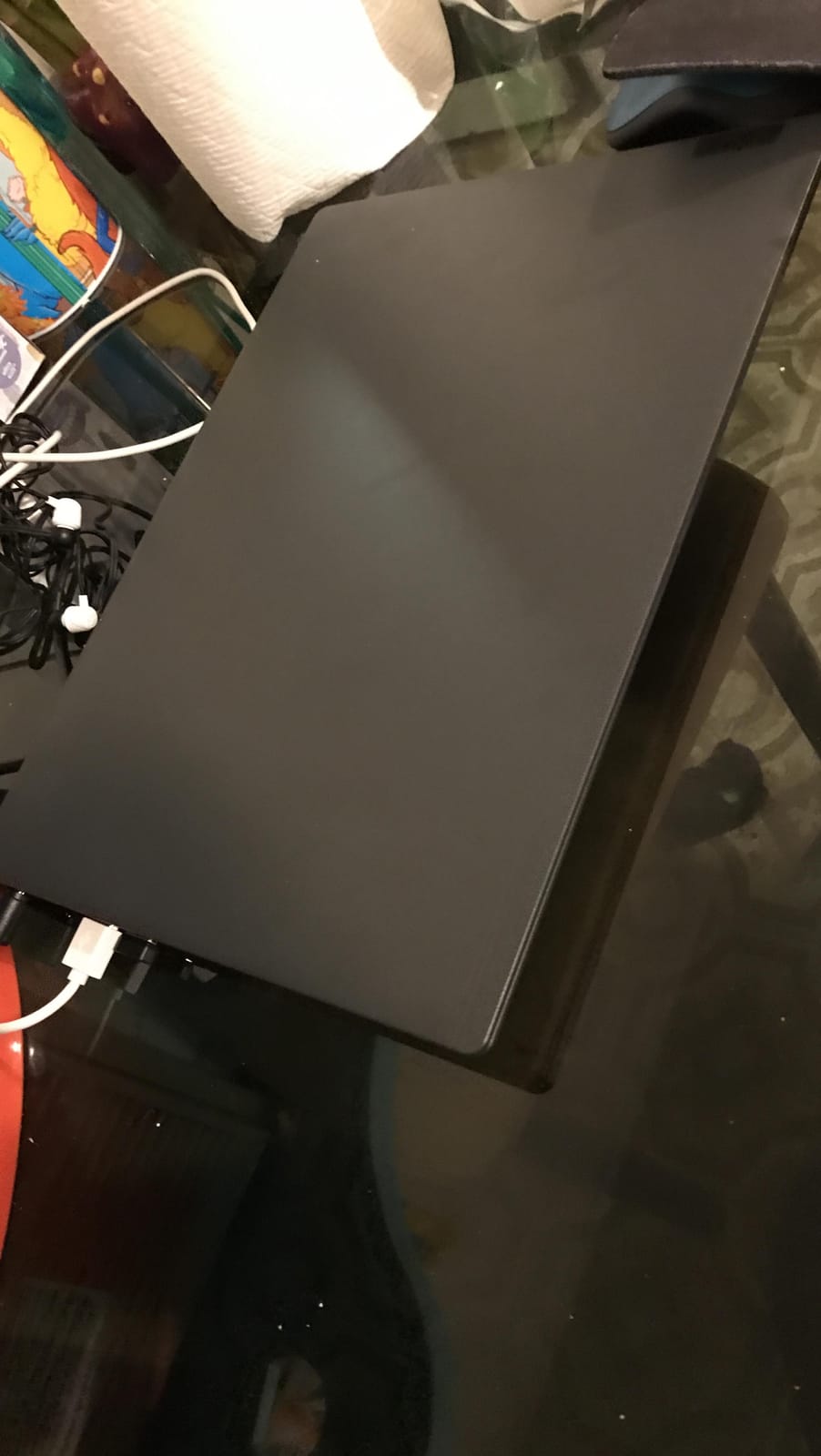
Owners like the light 1.68 kg aluminium body, the quick responses and the generous file storage. The recurring complaints are narrow: the 720p webcam does not support Windows Hello facial login, so you type a PIN instead of looking at the camera, and the 45 percent NTSC colour gamut makes photo and video editing a compromise rather than a pleasure.
- Core i5-13420H, 8 cores and 12 threads, up to 4.6 GHz
- USB-C with power delivery and DisplayPort output
- Camera privacy shutter and firmware TPM 2.0
- Wi-Fi 6 and Bluetooth 5.2
Against the Dell 15 DC15250, you gain memory and a faster drive and lose the 120Hz refresh rate and 512GB-at-1080p simplicity. Against the Acer Aspire Go 15, you get a real H-series processor where the Aspire has an efficient but slower N-series chip. If your work touches Adobe or Blender at all, look past this list.
One caveat before you plan a budget around it: this pick sits above the sub-$500 ceiling most of the time, so it belongs on your watch list for the sale rather than in your baseline range.
3. Acer Aspire Go 15: Best for Big-Screen Office Work
Acer Aspire Go 15
Type: Windows 11 laptop
Standout: Core i3-N305 with M.2 slot
Weight: 3.9 lb
Display: 15.6 in
Pros
- 1080p IPS panel with BluelightShield
- M.2 slot for a storage upgrade
- Core i3-N305 with eight cores
- Tool-less Windows 11 S mode removal
- HDMI 2.1 and USB-C charging
Cons
- 128GB onboard storage is very tight
- Only two USB-A ports
- Windows S mode limits installs until switched
Best for: someone setting up a fixed desk who wants a 1080p panel and room to add storage later.
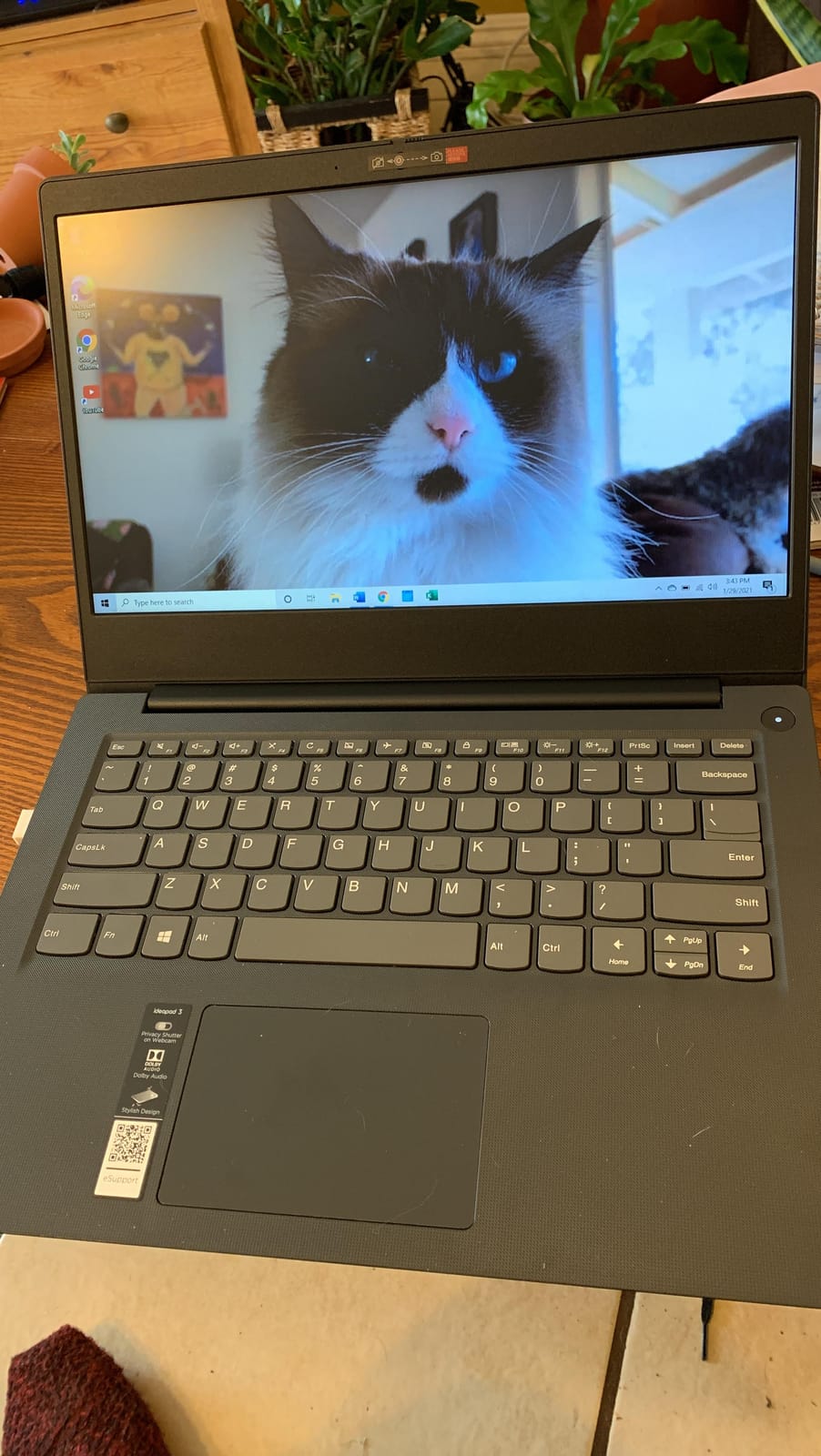
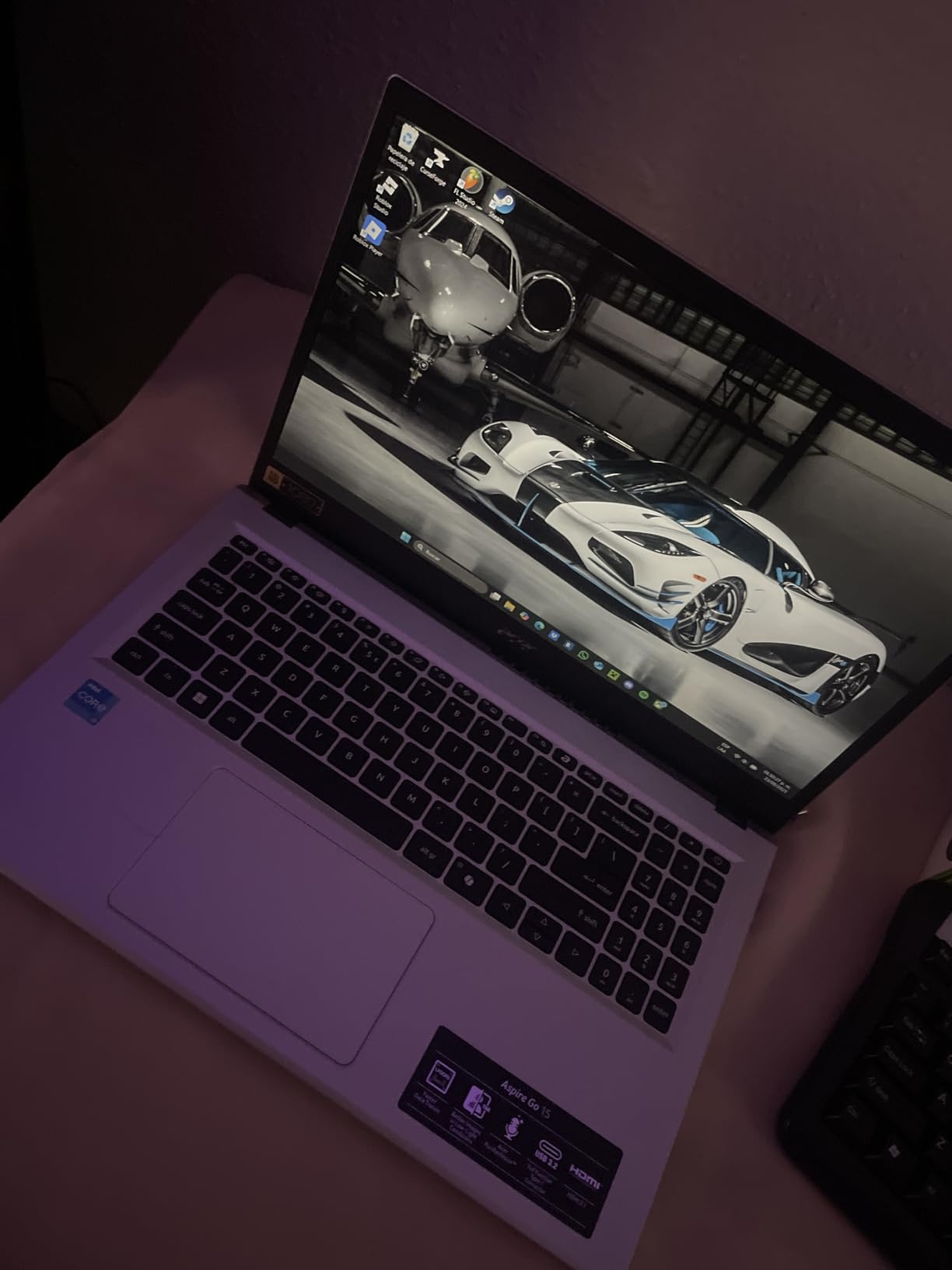
The Core i3-N305 is an eight-core efficient chip that handles browsing, documents and video calls without the fan noise a full-power processor generates. Acer pairs it with a 15.6-inch 1920×1080 IPS display with narrow bezels, Acer BluelightShield, and a footprint of 9.44 by 14.29 inches, which is unusually compact for a 15.6-inch machine.
Battery life is listed at around 10 hours, Wi-Fi 6 is standard, and the port set includes USB-C with charging and DisplayPort plus HDMI 2.1. Owners also point out the tool-less switch out of Windows 11 S mode, a five-minute job that most budget Windows laptops make tedious.
The compromise is storage. The 128GB of onboard UFS is thin for anything but cloud work, though the open M.2 slot means you can drop in a larger NVMe drive yourself. Two USB-A ports is one fewer than you will want with a mouse, an external drive and a charger all in use.
Skip it if you want to run heavy software: the integrated graphics are entry-level and this machine is not built for gaming or creative work. If your main pain is a small screen, pair it with an external monitor instead of paying more for a bigger internal one.
Good to know: Linux users rate this chassis highly partly because of that M.2 slot, which makes the storage limit easy to fix on day one.
4. HP Pavilion 15-dw0083wm: Top Rated
HP Pavilion 15-dw0083wm
Type: Windows 10 laptop
Standout: Long battery life for the tier
Weight: 4.4 lb
Display: 15.6 in
Pros
- Battery life owners praise over years of use
- Full 15.6-inch screen for films and calls
- Backlit keyboard
- SSD boot and steady responsiveness
- Distinctive red chassis
Cons
- 4GB RAM is the real limitation
- 1366x768 display is low resolution
- Windows 10 S mode blocks third-party installs
More than 2,200 owners have rated this one, and the 4.5 average has held up for years, which tells you something about build quality that spec sheets do not. Several buyers describe owning more than one over a multi-year span.
The Quad Core Pentium Silver N5000 is not fast, and nobody pretends otherwise. What it does well is last: owners repeatedly report years of trouble-free use, with a 15.6-inch HD LED panel, backlit keyboard, HDMI, DTS Studio Sound and an HD webcam for the whole package.
It arrives in a red chassis with a silver keyboard, which is unusual enough that you will notice it on a desk. At 4.4 pounds it is not a carry-everywhere machine, but it is at home on a kitchen table or a study desk for browsing, writing and light office work.
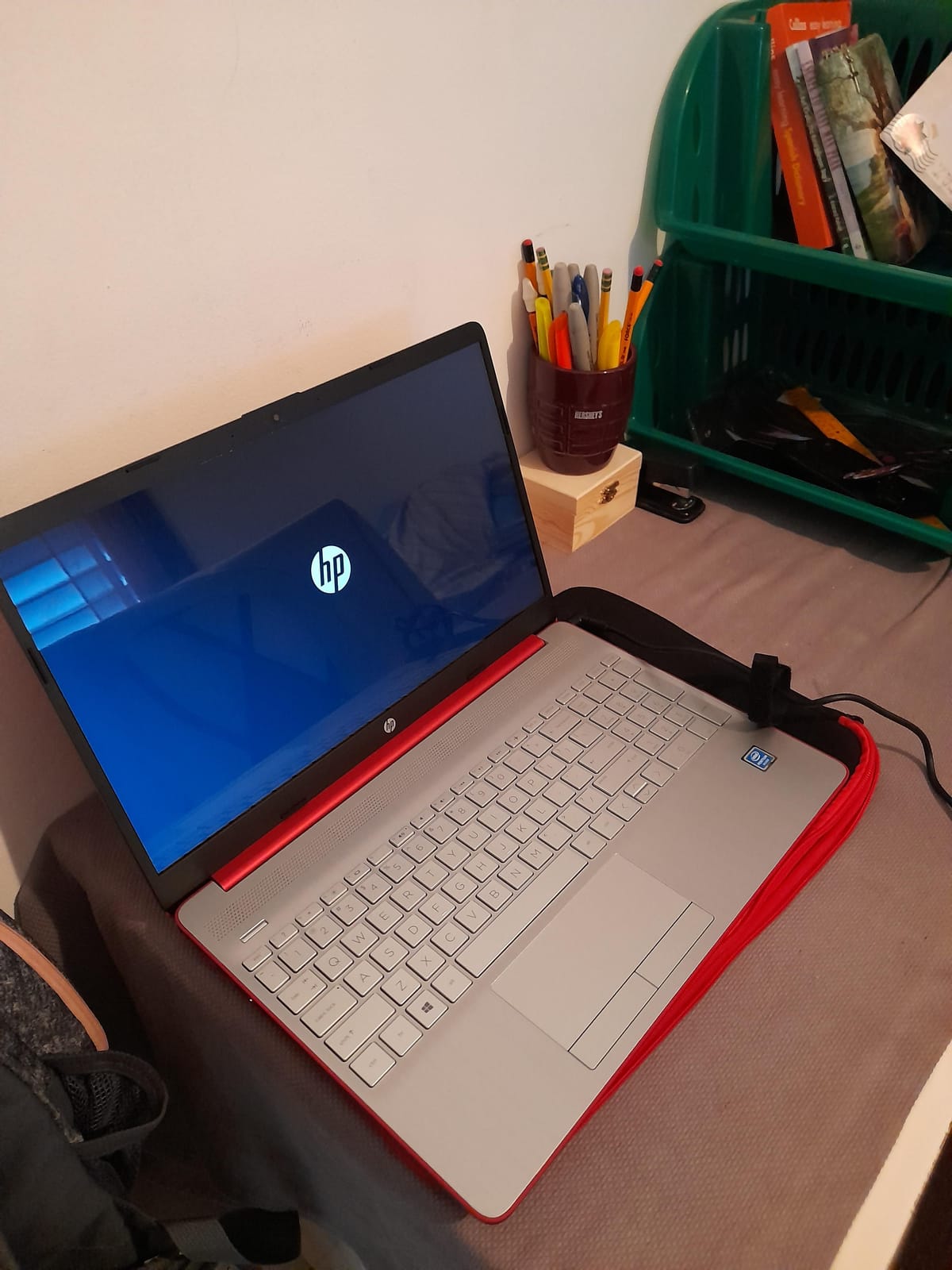
Two honest warnings. The 4GB of DDR4 memory is the constraint that defines this machine; it is fine until Windows updates and a dozen apps are all resident at once. The 1366×768 resolution also looks soft next to a 1080p panel, so if text crispness matters to you, move up to the Dell 15 DC15250.
Owners also report that the key legends are low contrast against the silver keyboard, which slows down typing until you get used to it. This is a 2020-era design running Windows 10, so check that your required software supports that platform before you commit.
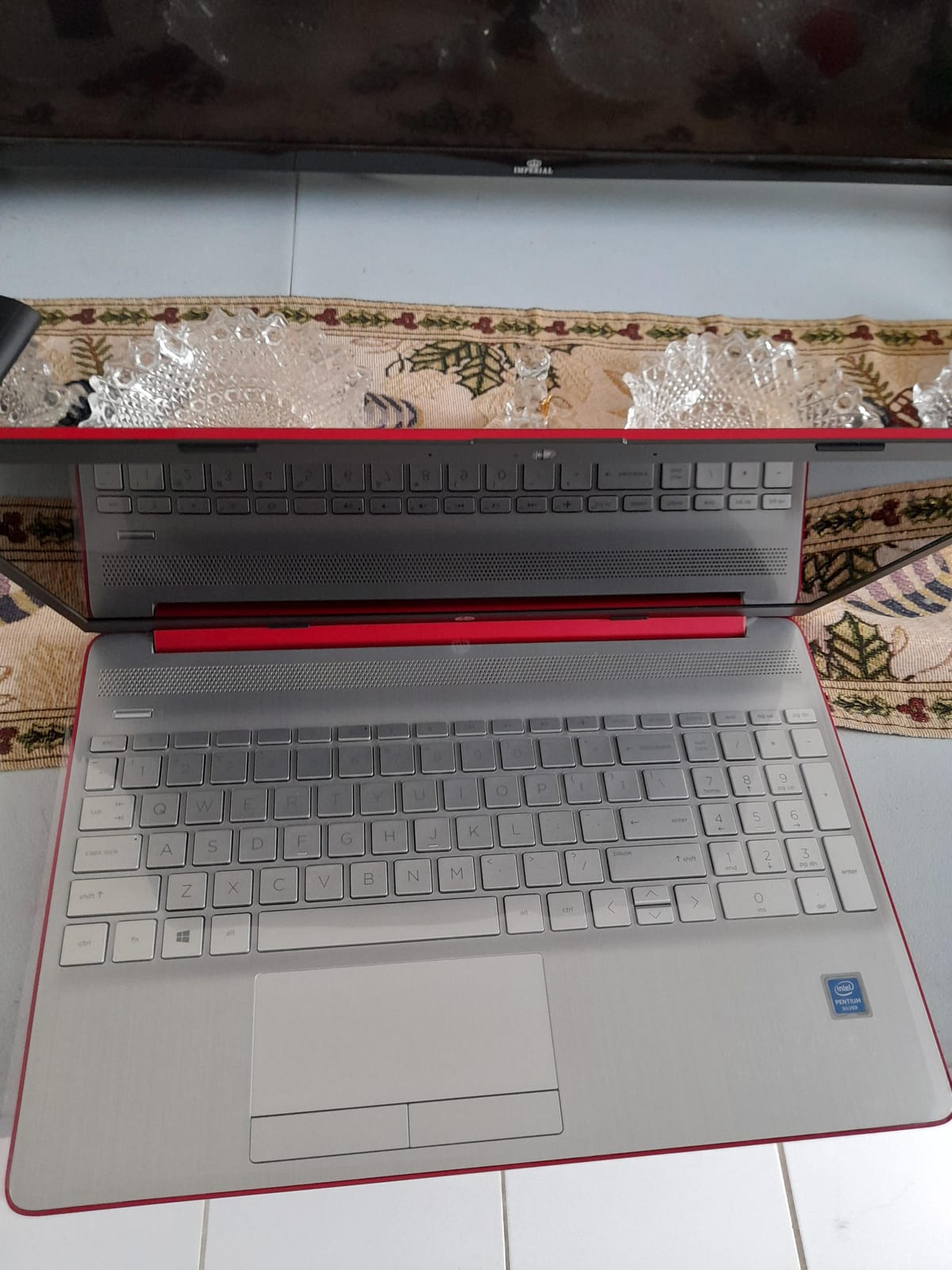
Set against the Dell 15, you give up memory, resolution and modern processing for durability and battery life that owners keep praising years later. Set against the Lenovo Kompanio 520 Chromebook, you gain full Windows application support and lose the touchscreen and the 1080p panel. The red chassis and silver keyboard are part of the charm, though the low-contrast legends are the one part owners complain about most.
5. HP Chromebook 14a: Best for School and Streaming
HP Chromebook 14a
Type: Chromebook
Standout: Up to 14 hours battery life
Weight: 3.2 lb
Display: 14 in
Pros
- Up to 14 hours stated battery life
- Thin 3.2 lb 14-inch design
- Anti-glare micro-edge display
- Stereo speakers tuned for streaming
- Fast charge to 50 percent in 45 minutes
Cons
- 1366x768 panel is low resolution
- 4GB RAM and 64GB eMMC are minimal
- Entry-level Celeron processor
The deepest review base in this roundup, more than 3,000 ratings, and the reason is simple: it does one job for a whole day without charging. A school day of classes, documents and a video call fits inside the stated battery figure, and the machine weighs 3.2 pounds.
The 14-inch micro-edge anti-glare display handles indoor light well, and the custom-tuned stereo speakers make it a decent second screen for streaming. The Celeron N4120 is a quad-core chip that keeps browser work smooth, and HP’s fast charge takes the battery to about half in 45 minutes, which is the number that matters when you have ten minutes between classes.
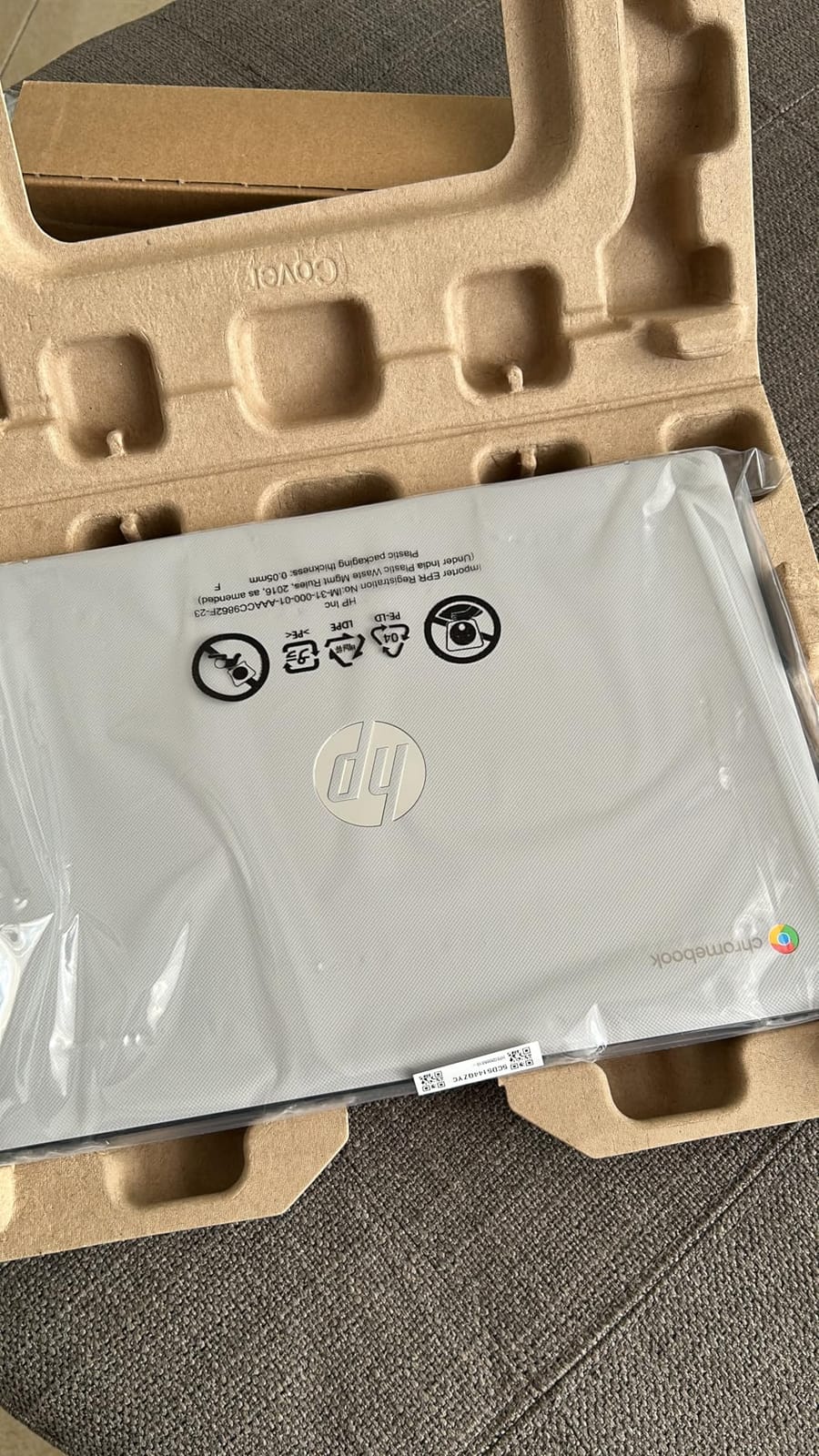
Where it falls short is the specification floor. 4GB of RAM and 64GB of eMMC is the bare minimum, and the 1366×768 resolution is noticeably softer than the 1080p panels elsewhere in this list. There is no touchscreen despite the touchpad supporting it, which is a miss at this screen size.
If you want a sharper screen at the same form factor, the Lenovo Kompanio 520 Chromebook gives you 1920×1080 IPS with touch. If you want more hours between charges, the Samsung Galaxy Chromebook Go is close, but its 450-nit panel handles bright rooms better than this one.
That is ChromeOS, so confirm your course or workplace software runs in the browser or as an Android app before you buy. Two minutes checking that now beats discovering it inside the return window.
6. Lenovo Kompanio 520 Chromebook: Best for Touchscreen Value
Lenovo Kompanio 520 Chromebook
Type: Chromebook
Standout: 1080p IPS touchscreen
Weight: 2.9 lb
Display: 14 in
Pros
- 1080p IPS touchscreen at this tier
- Very light at 2.9 lb
- Up to 13.5 hours battery life
- Backlit keyboard with privacy shutter
- microSD reader for extra storage
Cons
- 4GB RAM and 64GB eMMC cap multitasking
- Weak touchpad can drop inputs
- Only two USB ports and no HDMI
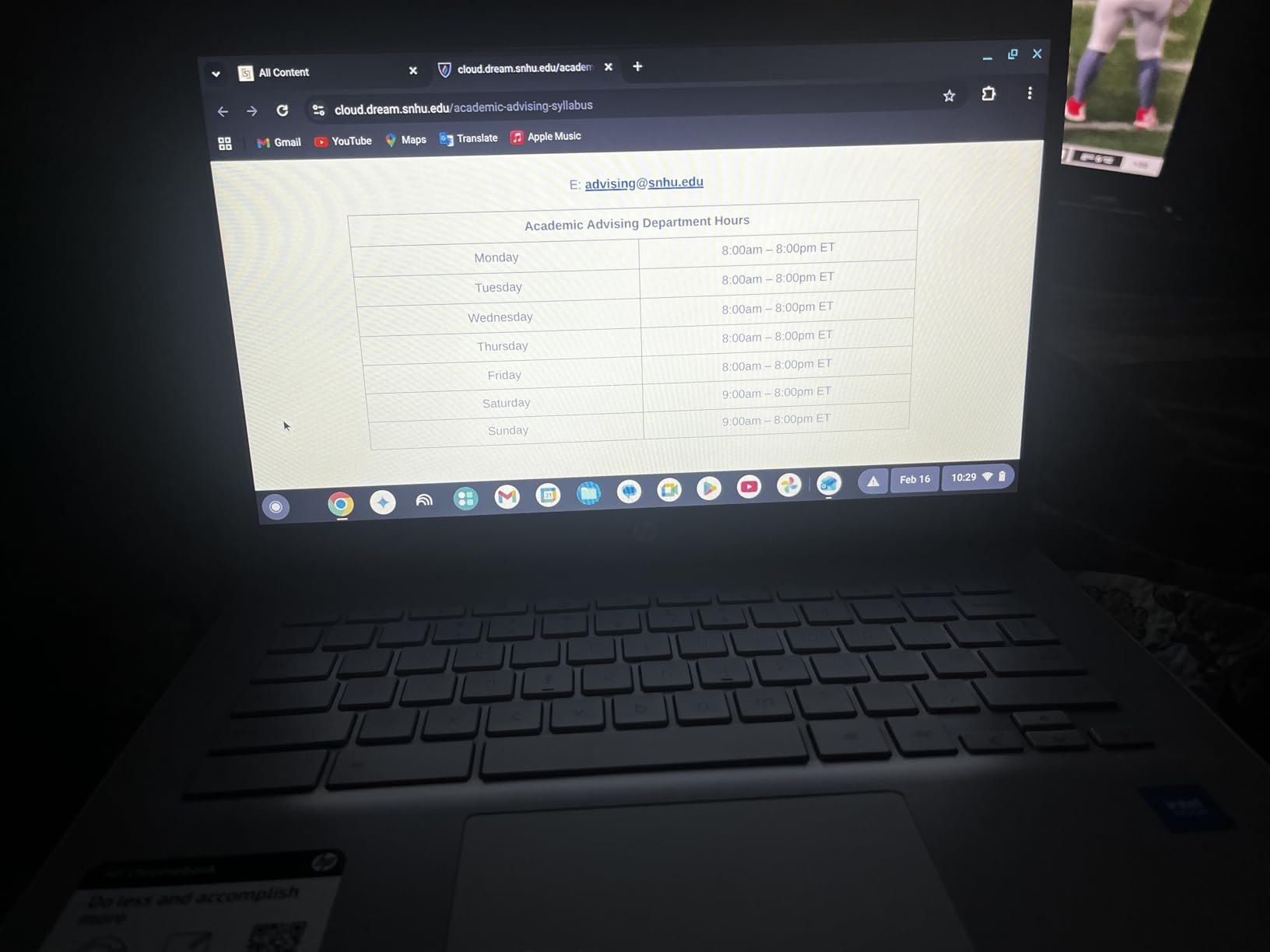
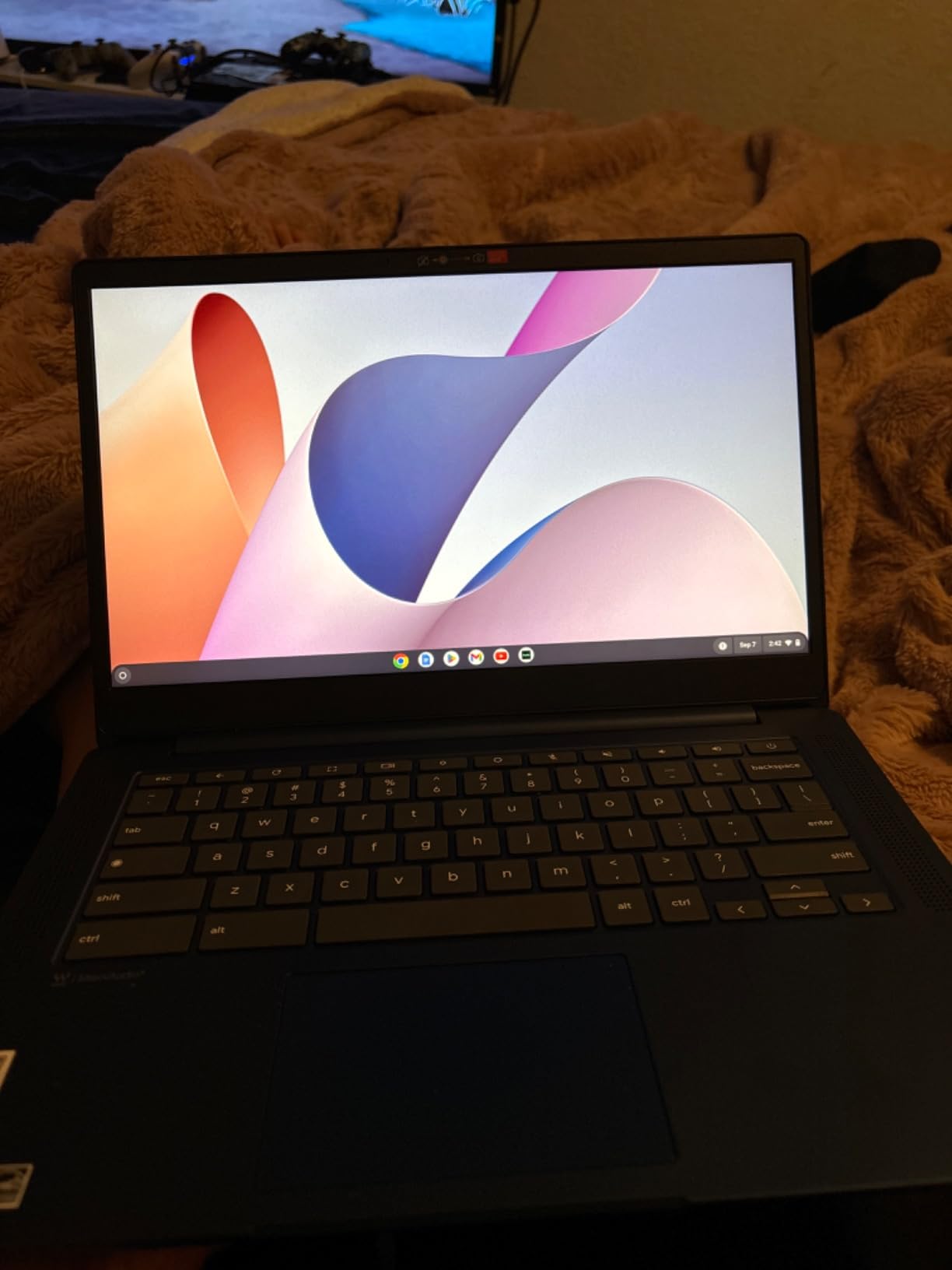
A 1920×1080 IPS touchscreen is the feature that sets this Chromebook apart from its neighbours, and at under three pounds it is also the lightest machine here. For a shared family laptop or a student who reads a lot on screen, that combination is hard to argue with.
Inside sits a MediaTek Kompanio 520 octa-core processor, 4GB of RAM and 64GB of eMMC, with battery life listed at 13.5 hours. The webcam has a privacy shutter, the keyboard is backlit, and a microSD reader gives you an easy storage path when 64GB runs out.
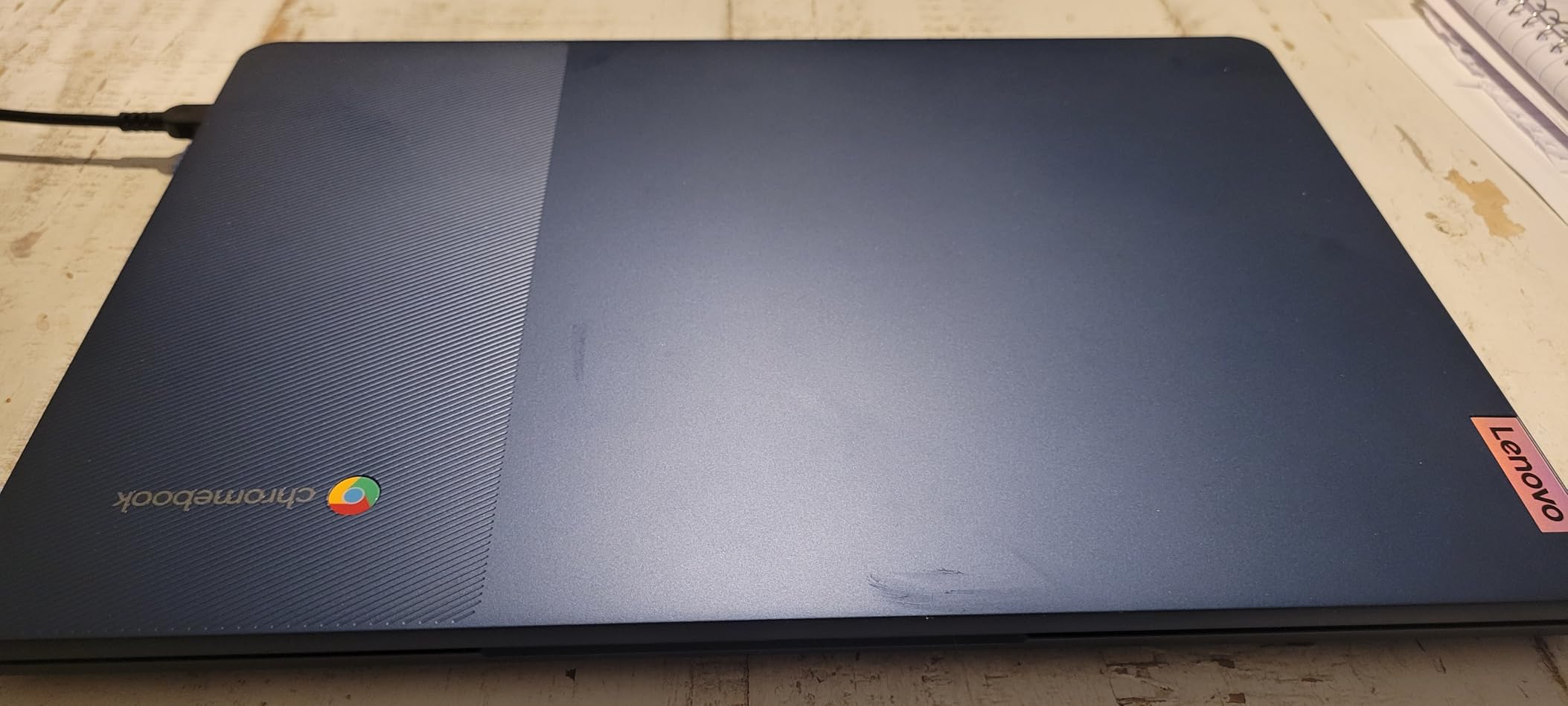
Owners warn about the touchpad. It is described as weak, sometimes missing or delaying movements, and an external mouse is the usual advice. The keyboard layout also catches people out, with the caps lock key replaced by an apps key that is unfamiliar if you are coming from a full-size Windows layout.
Ports are the other limitation: one USB-A, one USB-C and no HDMI. If you plan to connect to a projector or a television, the Samsung Galaxy Chromebook Go or the HP 14-inch Chromebook are better equipped.
The trade against the HP Chromebook 14a is battery headroom and port count for a sharper touchscreen panel, and the trade against the Acer Aspire Go 15 is full Windows for a machine that starts faster, carries lighter and runs all day without a charger.
Setup is close to instant once a Google account is signed in, which is what makes this a low-friction first laptop for a household that does not want to wrestle with a Windows install.
7. Samsung Galaxy Chromebook Go: Best for Android Integration
Samsung Galaxy Chromebook Go
Type: Chromebook
Standout: 450-nit panel with phone pairing
Weight: 3.2 lb
Display: 14 in
Pros
- 450-nit panel is the brightest here
- 12-hour battery covers a full day
- 3.2 lb military-tough build
- Smooth Android phone integration
- Google AI Pro trial with cloud storage
Cons
- 720p display with muted color
- 64GB storage and 4GB RAM
- Keys can double or triple letters
Owners who come from Samsung phones tend to love this one, because file transfer and phone control from ChromeOS work without friction. For everyone else, the standout is physical: at 450 nits it is the brightest panel in this roundup, and the 0.63-inch-thick chassis disappears into a bag.
The build is described as military-tough, and owners talk about replacing an older Galaxy Chromebook after five years of daily use, which is the durability signal you want from a machine meant for a child or a student. Battery life is listed at 12 hours, with Wi-Fi 6 and Bluetooth 5.1 and a microSD reader.
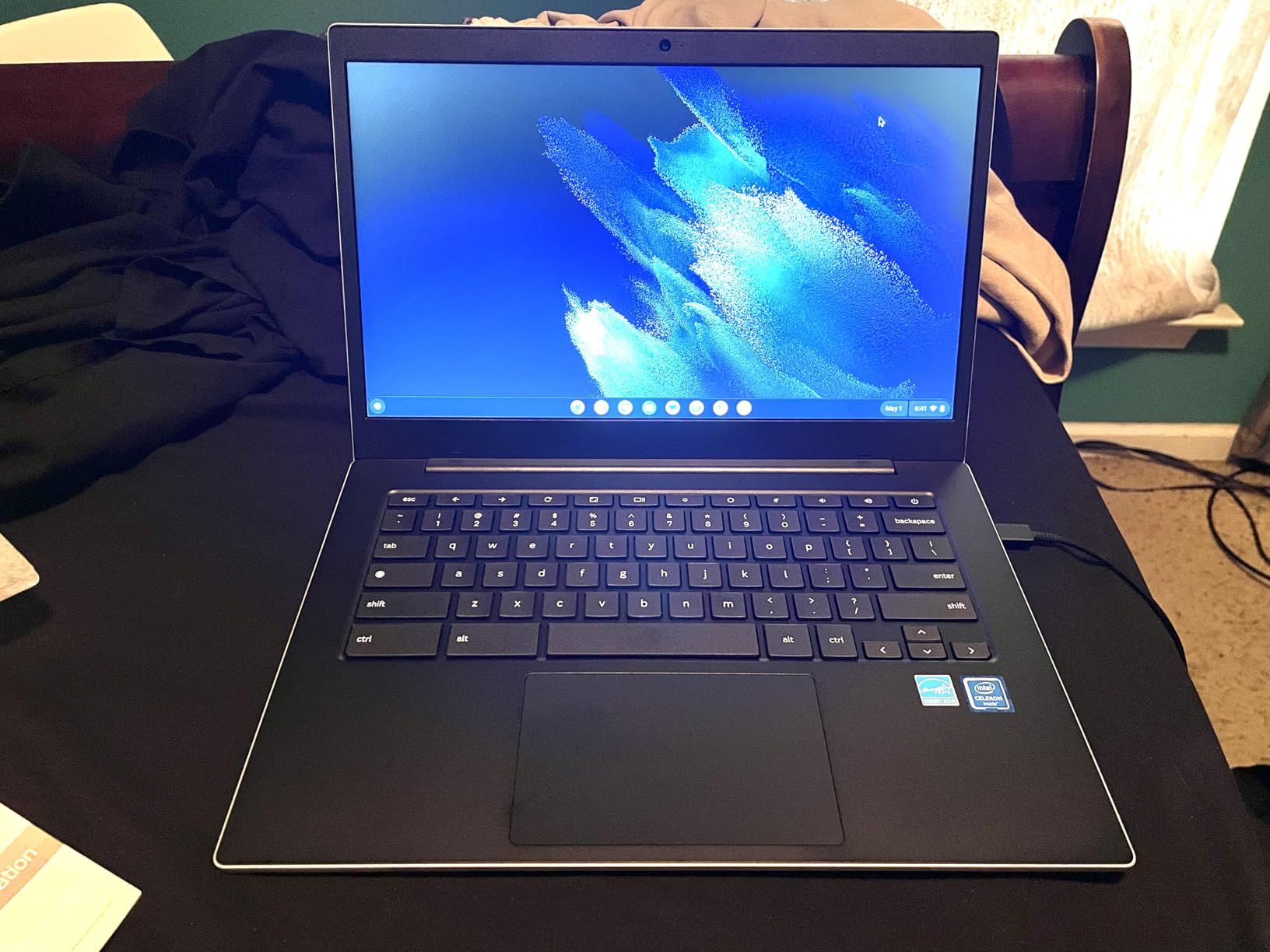
The display resolution is 1280×720 native, upscaled to 1366×768, and colour reproduction is muted. If your day is text-heavy documents, that resolution is a real downgrade from the Lenovo Kompanio 520 Chromebook’s 1080p touch panel. There is also no touchscreen on this model.
Two smaller notes from owners: keys are very sensitive and can double or triple letters until you adjust, and the shell edges are sharp enough to notice when used without a sleeve. A few buyers also report random shutdowns or black screen flashes, so keep Amazon’s return window in mind.
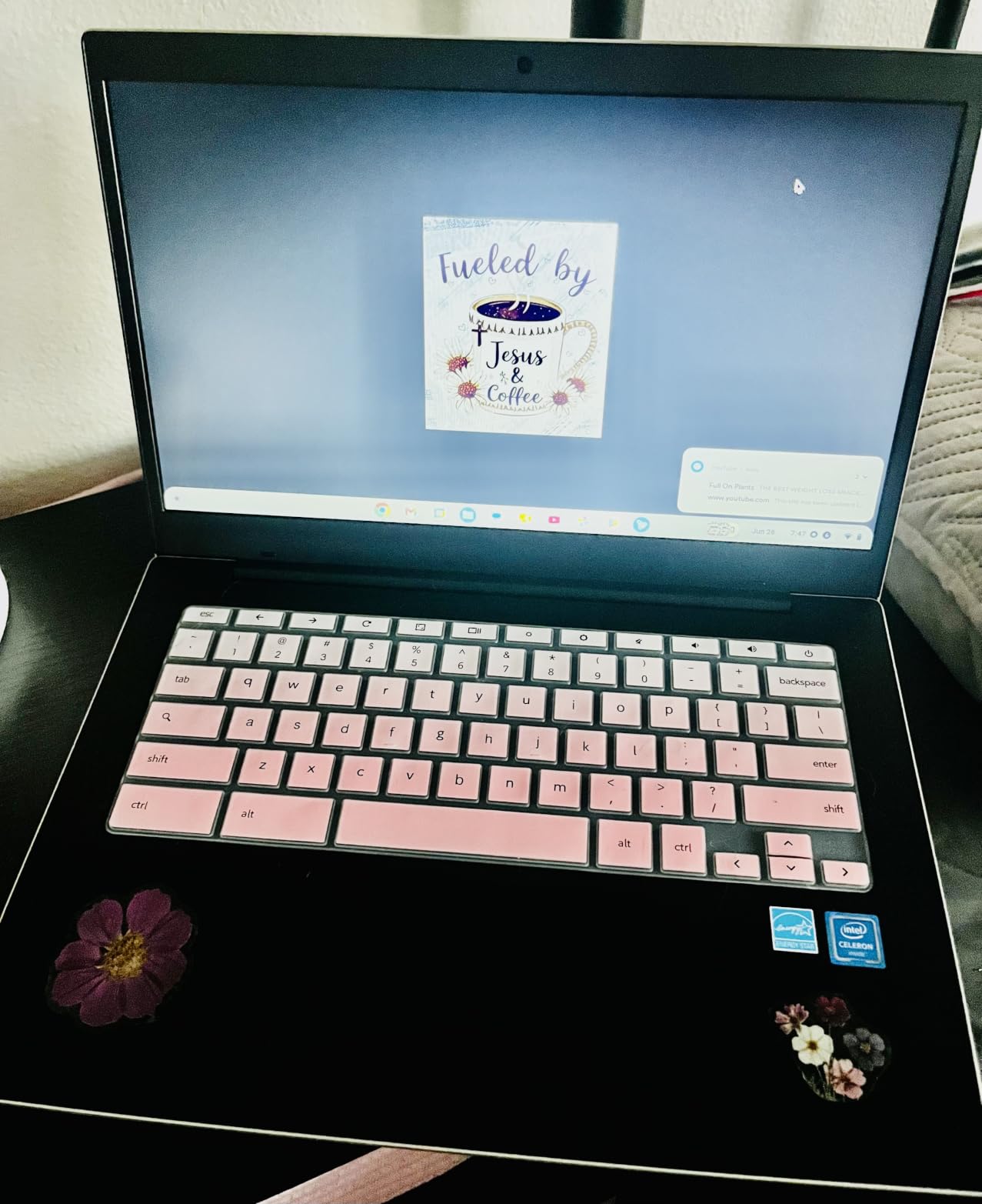
Compared with the HP Chromebook 14a, you get a brighter screen, a thinner body and better phone integration, and you lose some colour quality and sharpness. Compared with the Acer Aspire Go 15, you get a machine you can carry all day instead of one that stays on a desk.
8. Dell Chromebook 3100 Renewed: Budget Pick
Dell Chromebook 3100 Renewed
Type: Renewed Chromebook
Standout: Cheapest route to Chrome OS
Weight: 2.9 lb
Display: 11.6 in
Pros
- Lowest cost route to a working laptop
- Condition reported as near-new
- Dell keyboard does not feel cramped
- 2.9 lb compact and sturdy shell
- Sellers handle returns quickly
Cons
- 16GB flash storage is extremely limited
- Noticeably slow page loads
- Renewed hardware varies between machines
Skip it if: you need speed. Everyone else on a tight budget gets a genuinely usable second machine here for browsing, email, streaming and video calls.
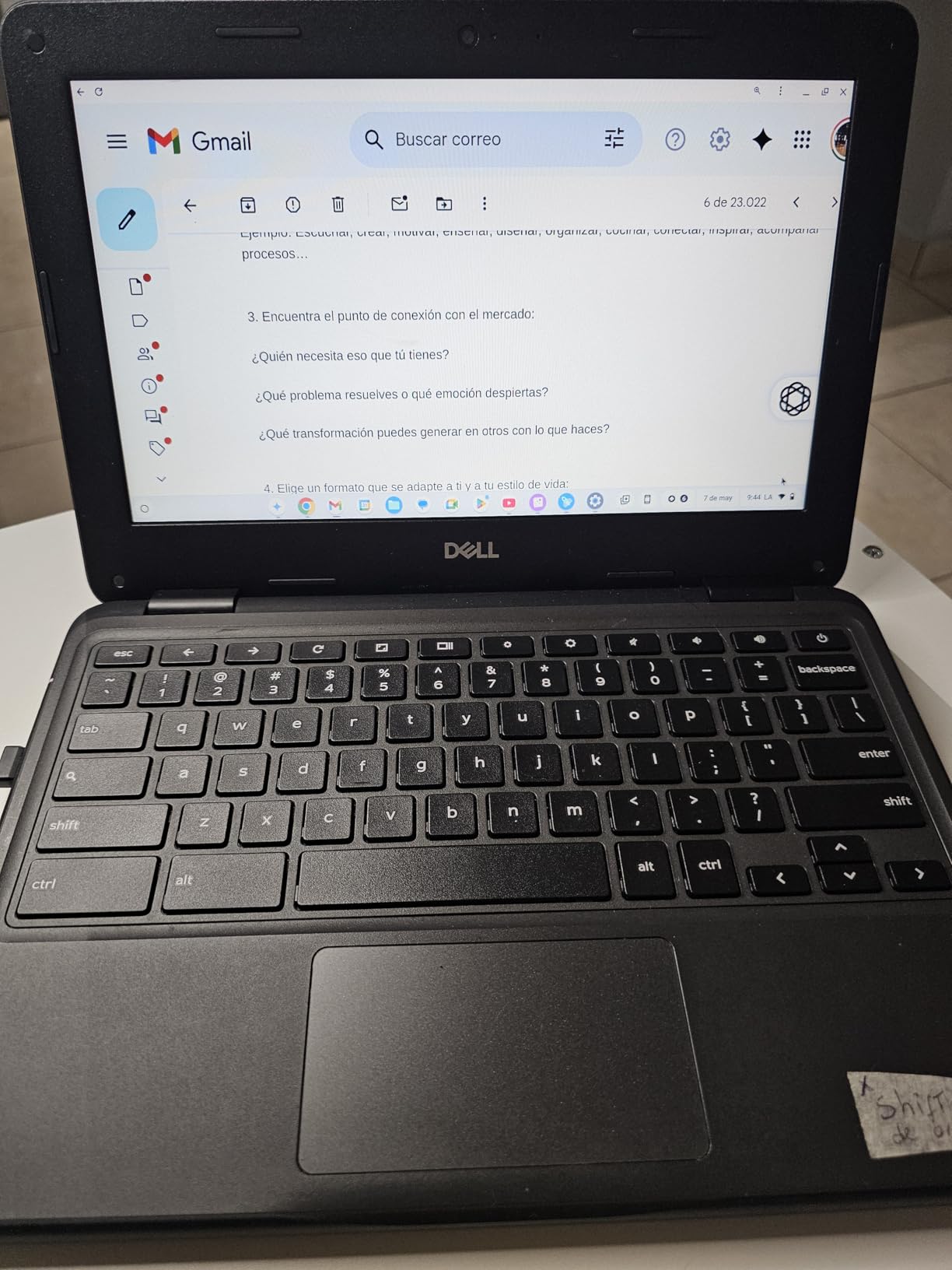
Buyers routinely describe the renewed condition as near-new, with no scratches and everything working. The Dell keyboard is the part people mention most, and at 11.6 inches it does not feel cramped. Four USB ports and a weight of 2.9 pounds make it easy to move between rooms.
The processing is an Intel Celeron N4020, which is enough for ChromeOS work if you keep the tab count sensible. Real-world battery time tends to land between 4 and 8 hours depending on what you are doing, short of the figures printed on the box.
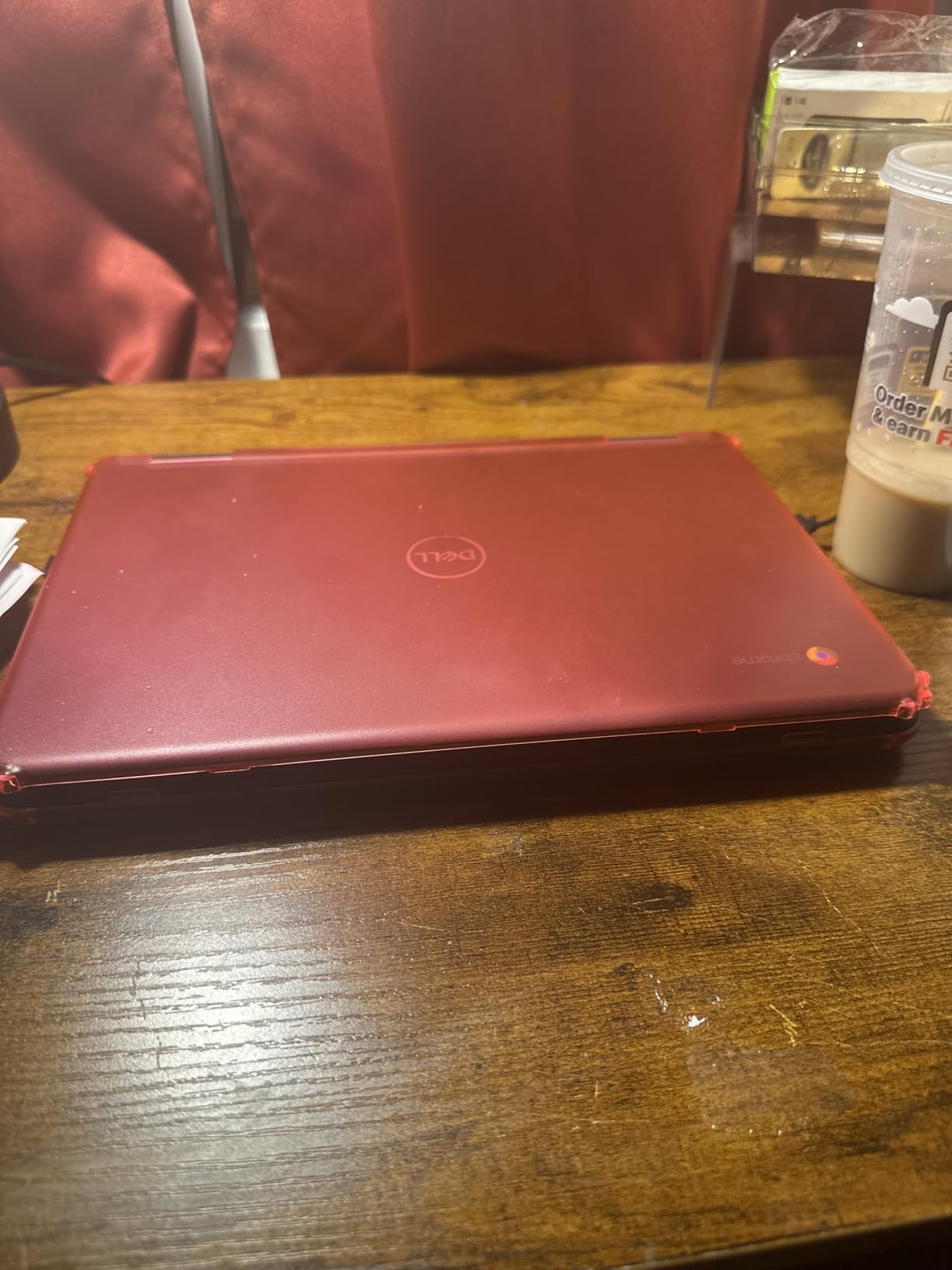
The trade-offs are clear and worth stating plainly. Sixteen gigabytes of flash storage is extremely tight, and some buyers find less usable space than the listing suggests once the system is set up. Pages time out and need refreshing, and the 11.6-inch screen is small enough that scrolling becomes noticeable.
Renewed hardware also varies from one machine to the next, with reports of units not charging or keys failing early, and the warranty here is 90 days rather than a full year. If that variability worries you, the Acer Chromebook 15 Renewed carries a similar window but a larger screen and four USB ports.
Good to know: this machine suits a second device, a child’s homework laptop or a shared household computer, not a primary work machine.
9. HP 14-inch Chromebook: Best for Everyday Home Use
HP 14-inch Chromebook
Type: Chromebook
Standout: M.2 slot plus HDMI
Weight: 3.4 lb
Display: 14 in
Pros
- Quad-core chip handles several tabs
- Up to 14 hours battery life
- USB-A and USB-C plus HDMI
- Webcam with privacy shutter
- M.2 slot for more storage
Cons
- 4GB RAM and 64GB eMMC are minimal
- 1366x768 with a 45 percent color gamut
- Listing specs conflict on memory configuration
This is the pick for a household computer that gets used a bit by everyone. The quad-core Celeron N4120 handles several browser tabs and Android apps at once, the stated battery life reaches 14 hours, and the webcam has a privacy shutter for the times someone takes a call in a bedroom.
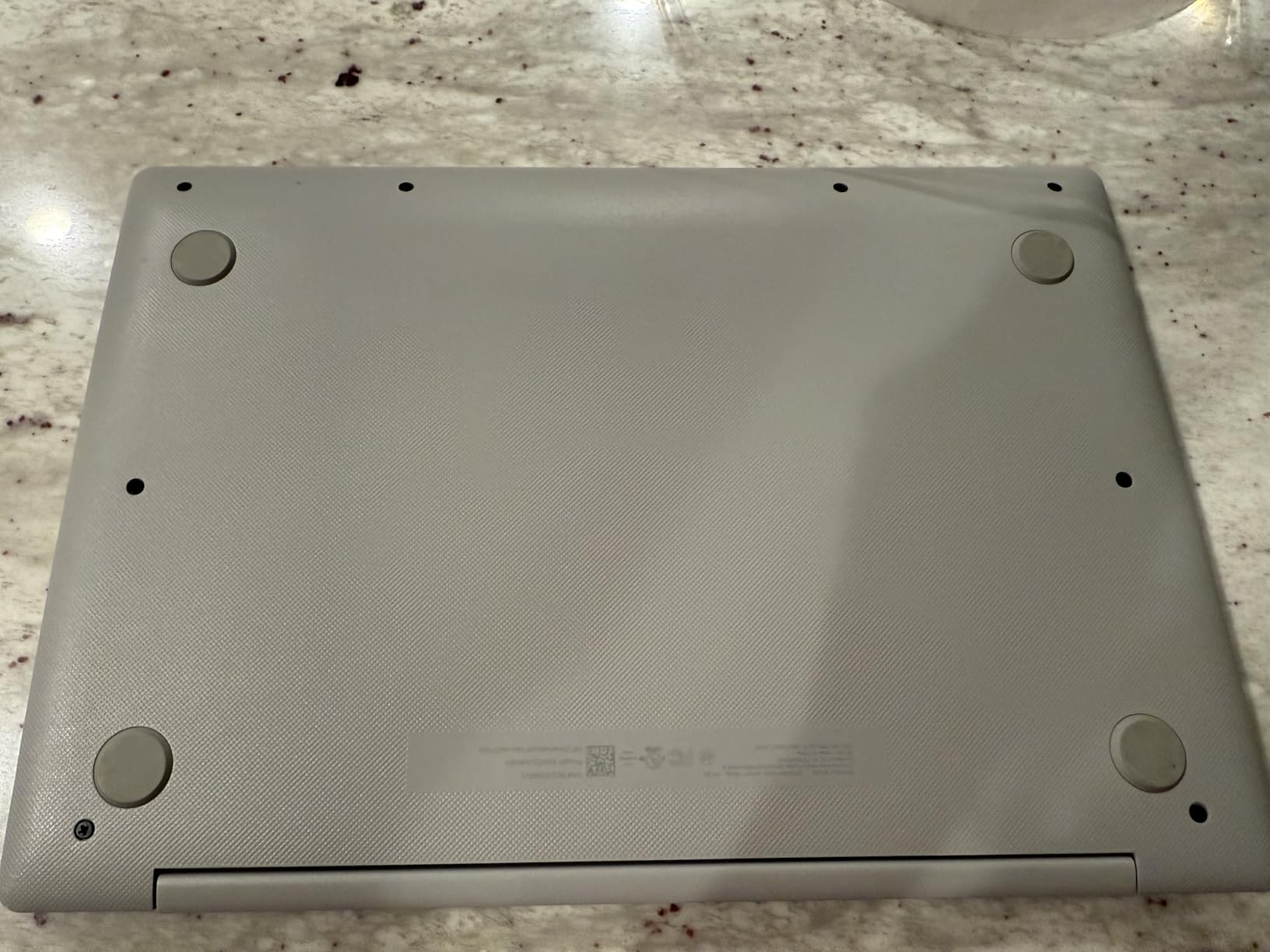
Ports are unusually good for the tier: two USB-A, one USB-C and HDMI, which means a projector or a second screen is not a problem. There is also an M.2 expansion slot, so the 64GB of eMMC is a starting point rather than a ceiling.
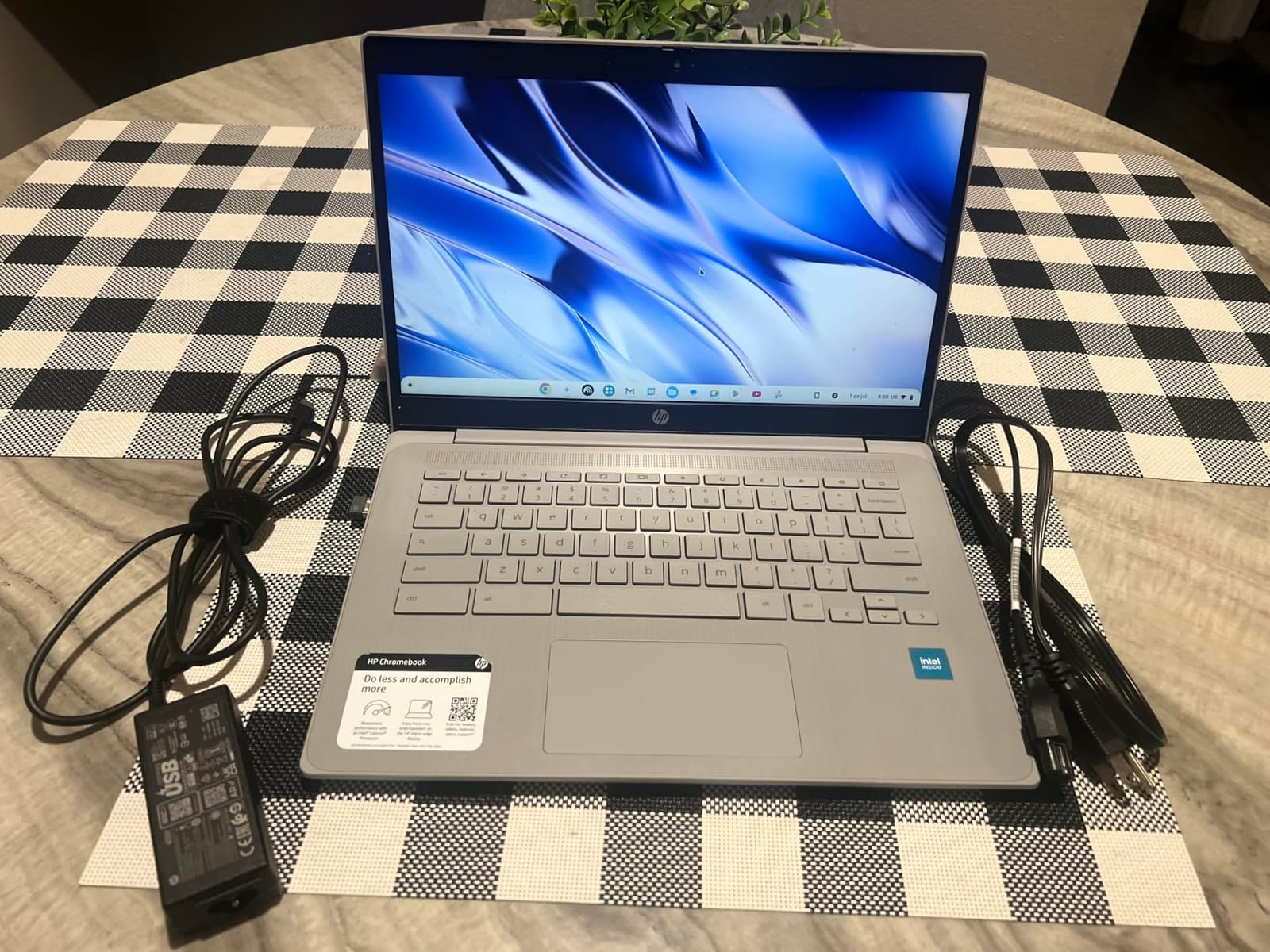
Owners rate it at 4.4 across 319 ratings, which is the second-highest average in this roundup. The screen is 1366×768 with a 45 percent colour gamut, so it is fine for browsing and calls but not a panel for colour work, and 4GB of RAM caps how much you can leave open.
Listing detail is worth reading here: some pages for this model conflict on the memory and storage configuration, so check the spec table rather than the headline. It ships with the laptop, power cord and user manual, and a one-year seller warranty covers the first year.
10. Acer Chromebook 15 Renewed: Best for Big-Screen Browsing
Acer Chromebook 15 Renewed
Type: Renewed Chromebook
Standout: 15 in IPS with four USB ports
Weight: 4 lb
Display: 15 in
Pros
- 15-inch IPS ComfyView panel
- Four USB ports including two USB-C
- AC charger included in the box
- Renewed copies reported clean
- 4.4 average rating
Cons
- 4GB RAM and 64GB eMMC limit it to the browser
- HD resolution looks soft on a 15-inch panel
- Celeron slows under multiple apps
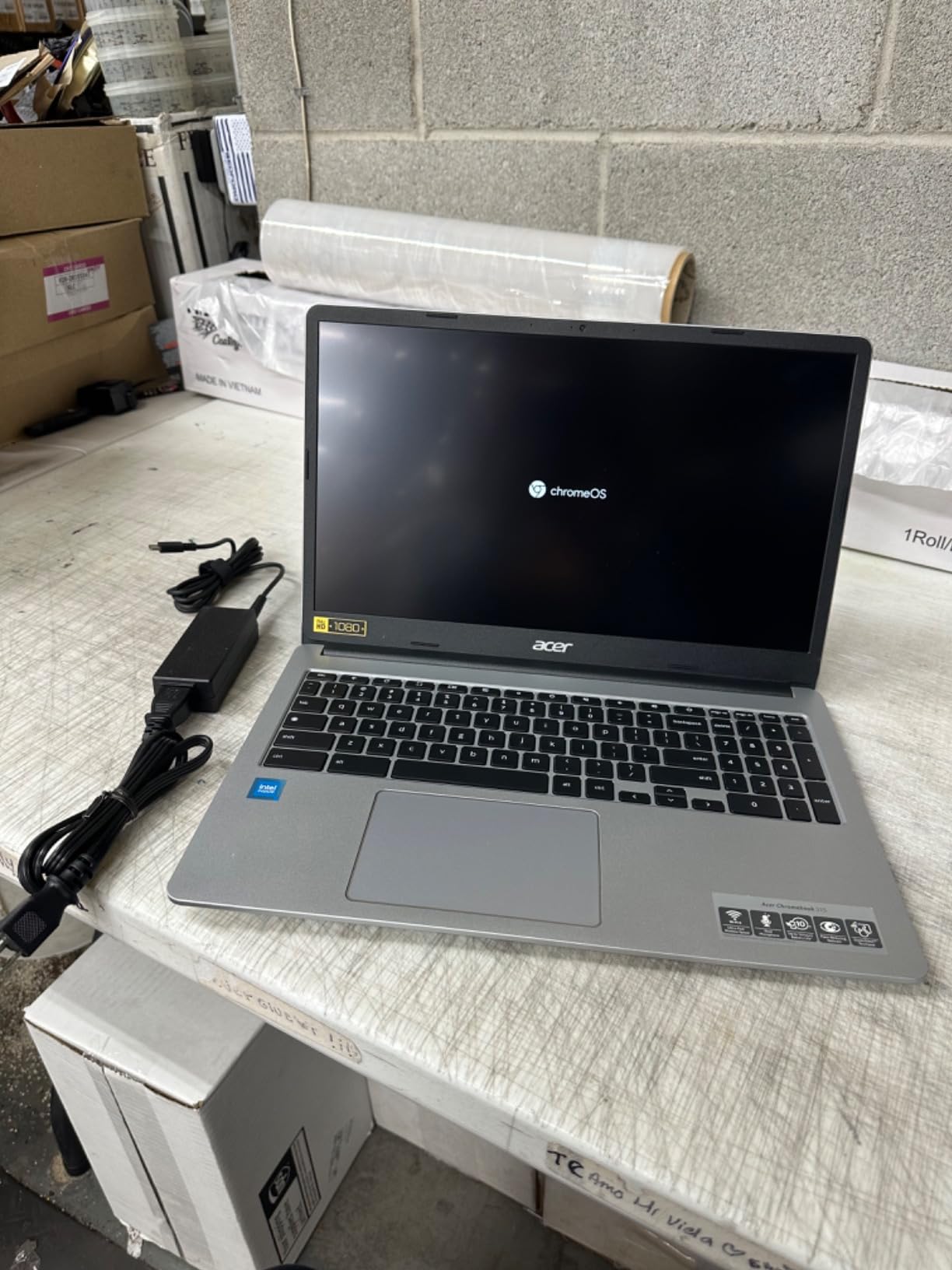
A 15-inch screen for the price of a small one, and the IPS ComfyView panel gives better viewing angles and colour than the cheap TN panels on most machines at this level. For a kitchen table computer that the whole family leans over, that is the whole argument.
Owners also like the port count: two USB-A and two USB-C, with 6th-generation Wi-Fi and Bluetooth, plus an integrated webcam and an AC charger in the box. Renewed copies are widely reported as clean and fully functional, and the 4.4 average across 529 ratings backs that up.
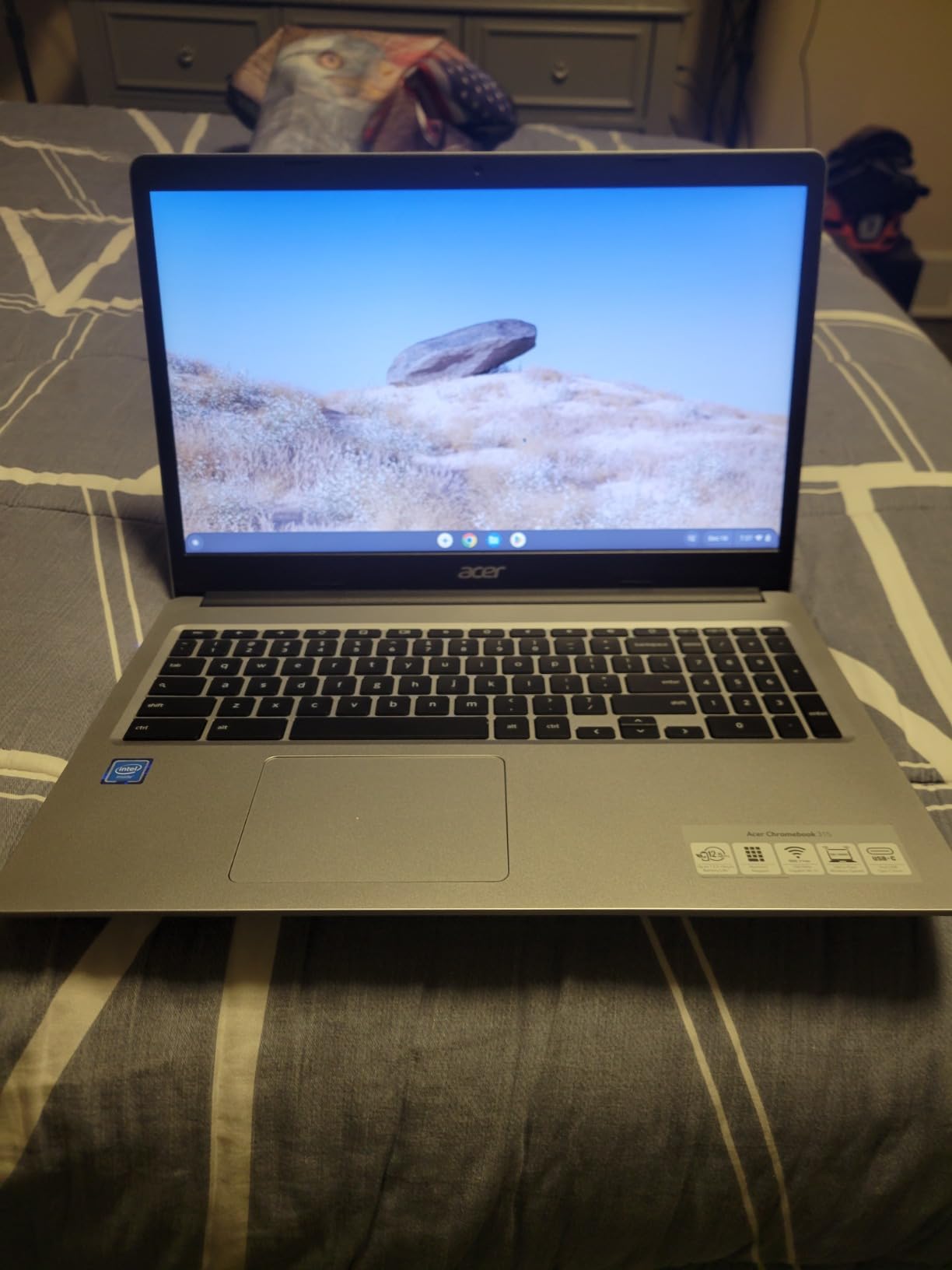
The limits are honest ones. Four gigabytes of RAM and 64GB of eMMC keep it firmly in browser territory, and the entry-level Celeron slows once several apps are open at once. HD resolution spread across 15 inches looks softer than it would on a smaller panel, so sit closer than you would at a desk monitor.
The 90-day warranty is shorter than a new-machine cover, which matters more for renewed hardware than for anything else on this list. At 4 pounds it stays on the table rather than in the bag.
The set against the Dell Chromebook 3100 Renewed is a bigger, better panel and USB-C ports in exchange for some of the portability that made that model appealing. Against the HP 14-inch Chromebook you gain screen size and lose the M.2 expansion slot, so plan around cloud storage here.
A 4.4 average across 529 ratings makes this one of the best-liked machines here, and the IPS panel explains most of why: it is the same viewing-angle quality you would pay real money for in a mid-range laptop, at a fraction of the cost.
How to Choose Laptops During Prime Big Deal Days
Processor and Everyday Performance
For browsing, documents, video calls and coursework, any modern four-core chip is enough, and the Celeron N-series in the Chromebooks here proves it. Windows machines benefit from more: the Core 3 100U in the Dell 15 DC15250 and the Core i5-13420H in the Lenovo IdeaPad Slim 3 16 handle more open programs before slowing down.
Watch the cooling, not just the core count. Efficient N-series chips run cool and silent, which matters on a lap, while H-series chips push harder and get warmer under load. If your work involves code, containers or large data sets, read our laptops for programming guide before settling on a four-core budget chip.
Memory and Storage Configuration
Treat 8GB as the floor for Windows and 4GB as the absolute minimum for ChromeOS, where the browser is already doing the heavy lifting. Memory is soldered on almost every machine here, so this is a decision you cannot undo: the Dell 15 DC15250 tops out at 16GB, the Lenovo IdeaPad Slim 3 16 at 40GB, and the Acer Aspire Go 15 is fixed at 8GB.
Storage type matters more than capacity at this budget. NVMe drives, as in the IdeaPad Slim 3, load noticeably faster than onboard flash, while 128GB of UFS in the Acer Aspire Go 15 and 64GB of eMMC in four of the Chromebooks fill up fast. Look for an M.2 slot or a microSD reader before you accept a small drive.
Display Size and Quality
Resolution is where budget laptops show their age. A 1920×1080 IPS panel, found in the Dell 15 DC15250, the Acer Aspire Go 15 and the Lenovo Kompanio 520 Chromebook, makes text crisp and gives you room for two windows side by side. A 1366×768 panel is noticeably soft, whatever the screen size.
Brightness is the second filter. Around 250 nits suits a room with controlled lighting; the Samsung Galaxy Chromebook Go’s 450 nits handle windows and shared rooms. Bigger is not automatically better, since a 15.6-inch panel at 4 pounds becomes a desk machine. For work that depends on colour and screen real estate, our laptops for SketchUp roundup sets out the bar.
Battery Life and Everyday Mobility
Weight decides how often you charge. Everything under 3 pounds, like the Lenovo Kompanio 520 Chromebook and the Dell Chromebook 3100 Renewed, disappears into a bag, while 4-pound machines such as the HP Pavilion 15-dw0083wm stay at home. Stated battery figures are a useful filter, but owners’ reported hours usually land lower.
For travel, weight and charger size matter more than anything else on the spec sheet. If the machine has to survive drops, heat or dust rather than commute gracefully, our rugged laptops for fieldwork guide covers the build standards to look for.
Connectivity and Compatibility
Two USB-A ports and one USB-C is the bare minimum, and USB-C that supports DisplayPort lets you drive an external monitor with a single cable. Check for HDMI if you present to a room or a class, and for a full-size SD or microSD reader if you work with photos or camera files.
Wireless matters more than it used to: Wi-Fi 6 is standard on most of the Windows picks here, while some Chromebooks list older 802.11ac. Bluetooth 5.1 or better pairs peripherals cleanly. A 720p webcam is the norm across this list, so treat any higher-resolution claim as worth checking twice.
How to Shop Laptop Deals During the Sale
Read the model number, not the headline. A listing can carry a family name while describing a different configuration, so check the exact SKU on the detail page and confirm the processor, memory, storage and screen match what you want. For these machines that means verifying the RAM and storage figures, since several listings disagree with each other.
Then check what is in the box, whether the machine is new or renewed, who sells it and who ships it, and whether the return window suits your plan. Renewed models here carry 90-day or one-year cover rather than a full new-machine warranty.
Most offers need a Prime membership, a free trial counts, and prices move through the event rather than staying put.
- Confirm the exact model number and the memory and storage figures on the detail page
- Check whether the listing is new, renewed or open-box, and read the warranty length
- Confirm USB-C charging, HDMI and card-reader presence for your peripherals
- Verify the screen resolution and brightness for the room you will use it in
- Look at the review count as well as the star rating before trusting either
- Compare against Amazon’s price history so you know whether the offer is a real drop
Frequently Asked Questions
When does Amazon Prime Big Deal Days run, and is Prime membership required?
Prime Big Deal Days runs October 6-7, 2026. Most of the offers during the event need a Prime membership, and a 30-day free trial counts if you have not had one before. A small number of offers run for everyone, so check whether the price shown on the listing includes membership before you decide.
Which are the best Amazon Prime Big Deal Days laptop deals under $500?
The Dell 15 DC15250 leads for most people because it pairs a Core 3 100U with a 512GB SSD and a 1080p 120Hz panel. The Lenovo IdeaPad Slim 3 16 is the stronger choice for heavy multitasking, with 16GB DDR5 and NVMe storage, and the Acer Aspire Go 15 suits anyone who wants a big screen and an open M.2 slot.
What is the minimum RAM I should look for in a sub-$500 laptop?
Eight gigabytes is the practical minimum for a Windows machine you intend to keep, and sixteen gigabytes is much more comfortable for multitasking. On a Chromebook, 4GB works for browser-based work but feels tight once many tabs or Android apps are open. Memory is soldered on most budget laptops, so treat this as a permanent decision.
Is a 256 GB SSD enough for everyday use?
Yes, for most people it is comfortable, especially with cloud storage for documents and photos. It gets tight once you install large applications or keep a video library locally. Check for an M.2 slot or a microSD reader, because adding storage later is far easier than replacing a drive that cannot be upgraded.
Should I buy a renewed laptop during Amazon’s sale?
Renewed is a sensible option when you need a machine for browsing, streaming and light schoolwork on a small budget. Expect a shorter warranty, typically 90 days, and some variation in condition between units. For your primary work machine, a new laptop with a full-year warranty is the safer bet.
How do I confirm which laptop configuration I am purchasing?
Open the detail panel and read the model number and full specification list rather than the headline, since family listings often cover several configurations. Confirm the processor, RAM, storage type, screen resolution and whether the machine is new or renewed, and check that the ports match the accessories you already own.
Final Verdict: Amazon Prime Big Deal Days Laptop Deals Under $500
Buy the Dell 15 DC15250 if you want the most dependable everyday Windows machine in the roundup: a 512GB SSD, a 1080p 120Hz panel and a keyboard with a numeric keypad, without any storage guesswork. Buy the Lenovo IdeaPad Slim 3 16 if memory headroom matters more than sticking to a strict ceiling, since 16GB of DDR5 and NVMe storage buy years of headroom that a soldered 8GB cannot.
Choose the Acer Aspire Go 15 for a fixed desk with a big screen and a wish to add storage later. Choose the HP Pavilion 15-dw0083wm if you value years of durability and long battery life over sharp text. Choose the HP Chromebook 14a for school days and streaming, the Lenovo Kompanio 520 Chromebook for a 1080p touchscreen under three pounds, the Samsung Galaxy Chromebook Go for Android users and bright rooms, and the HP 14-inch Chromebook for a shared household computer.
For a second laptop on a small budget, the Dell Chromebook 3100 Renewed does the job for the least, and the Acer Chromebook 15 Renewed does it on a bigger screen. Set your shortlist now, check Amazon’s price history before you commit, and use the buttons above to see where each machine sits today.