
If you are replacing a slow drive or adding storage this year, the SanDisk Extreme 2TB is the one to watch during Amazon’s Prime Big Deal Days on October 6-7, 2026: it is the most-reviewed drive in this list by a wide margin, holds 1050 MB/s in a body you can clip to a bag, and shrugs off dust and rain. For something you can carry in a shirt pocket, the Samsung T7 1TB does the same job at half the capacity. For a laptop or desktop that needs an internal upgrade, the Kingston NV3 1TB is the pick.
One honest note before the list, because deal hunters ask it every year: in the current market, a struck-through price on a storage listing tells you very little. Storage costs have run high through 2026 on demand from data centres, so a badge on a page is a reason to look, not proof of value. Every pick below was chosen on the specs and owner feedback that hold up over years, not on a discount claim.
Table of Contents
Our Top 3 Picks for Best Amazon Prime Big Deal Days SSD Deals
These three cover the most common jobs: a rugged backup drive, a pocket drive, and an internal upgrade. Ranked in that order, with the reasoning below.

SanDisk Extreme 2TB
- 1050 MB/s read
- IP65 and 3-meter drop rating
- 2TB capacity
- 256-bit AES encryption

Samsung T7 1TB
- 1050 MB/s read
- Aluminum unibody body
- 1TB capacity
- Works with consoles and phones

Kingston NV3 1TB
- 6000 MB/s read
- Single-sided M.2 2280
- Runs cool without a heatsink
- 1TB capacity
The SanDisk Extreme 2TB leads on evidence. Ninety thousand owner reviews at a 4.6 average is the deepest well of long-term feedback here, and it consistently describes one thing: owners stop thinking about the drive because it just works. The Samsung T7 1TB takes second place for people who want a thinner, lighter body with the same speed class, and the Kingston NV3 1TB takes third for anyone cracking open a laptop or desktop.
Best Amazon Prime Big Deal Days SSD Deals Compared
All ten picks, with the same fields for each so you can scan down a column rather than read ten paragraphs. Speed figures are the manufacturers’ stated sequential read ratings.
| Product | Specifications | Action |
|---|---|---|
| SanDisk Extreme 2TB |
|
Check Deal Price |
| Samsung T7 1TB |
|
Check Deal Price |
| Kingston NV3 1TB |
|
Check Deal Price |
 WD_BLACK SN850P 1TB WD_BLACK SN850P 1TB |
|
Check Deal Price |
 Crucial P310 1TB Crucial P310 1TB |
|
Check Deal Price |
 WD_BLACK SN850X 2TB WD_BLACK SN850X 2TB |
|
Check Deal Price |
 fanxiang S500 Pro 256GB fanxiang S500 Pro 256GB |
|
Check Deal Price |
 Samsung T9 1TB Samsung T9 1TB |
|
Check Deal Price |
 SSK 500GB SSK 500GB |
|
Check Deal Price |
 Samsung 990 PRO 2TB Samsung 990 PRO 2TB |
|
Check Deal Price |
Two patterns jump out. First, every portable drive in this list lands in the same speed class except the Samsung T9, which doubles it. Second, the internal drives cluster tightly between 7100 and 7450 MB/s, so once you are past about 7000 MB/s the differences that matter are thermals and warranty, not headline numbers.
How We Chose
Every drive here was compared on the specifications that decide how a storage upgrade actually performs: interface, form factor, capacity, stated read and write speeds, thermal design, warranty length, and what is in the box. We weighted that against Amazon star ratings and the volume of owner reviews on the specific listing, and checked the data on October 2026.
1. SanDisk Extreme 2TB: Editor’s Choice for Rugged Backups
SanDisk Extreme 2TB
Type: Portable SSD
Capacity: 2TB
Read speed: 1050 MB/s
Warranty: 5 years
Pros
- Deepest review record of any drive in this list
- IP65 sealing and 3-meter drop rating
- 1050 MB/s read confirmed in real transfers
- 256-bit AES hardware encryption
- Carabiner loop for belt or bag
Cons
- Picky about cable quality and can fail to mount on slow USB cables
- Runs slightly warm during very long transfers
- No support for iPhone 11-series devices
The safest all-round pick here, and the one with the deepest owner record behind it. At 1.76 ounces it disappears into a bag, and the carabiner loop means you actually attach it rather than leave it in a drawer.
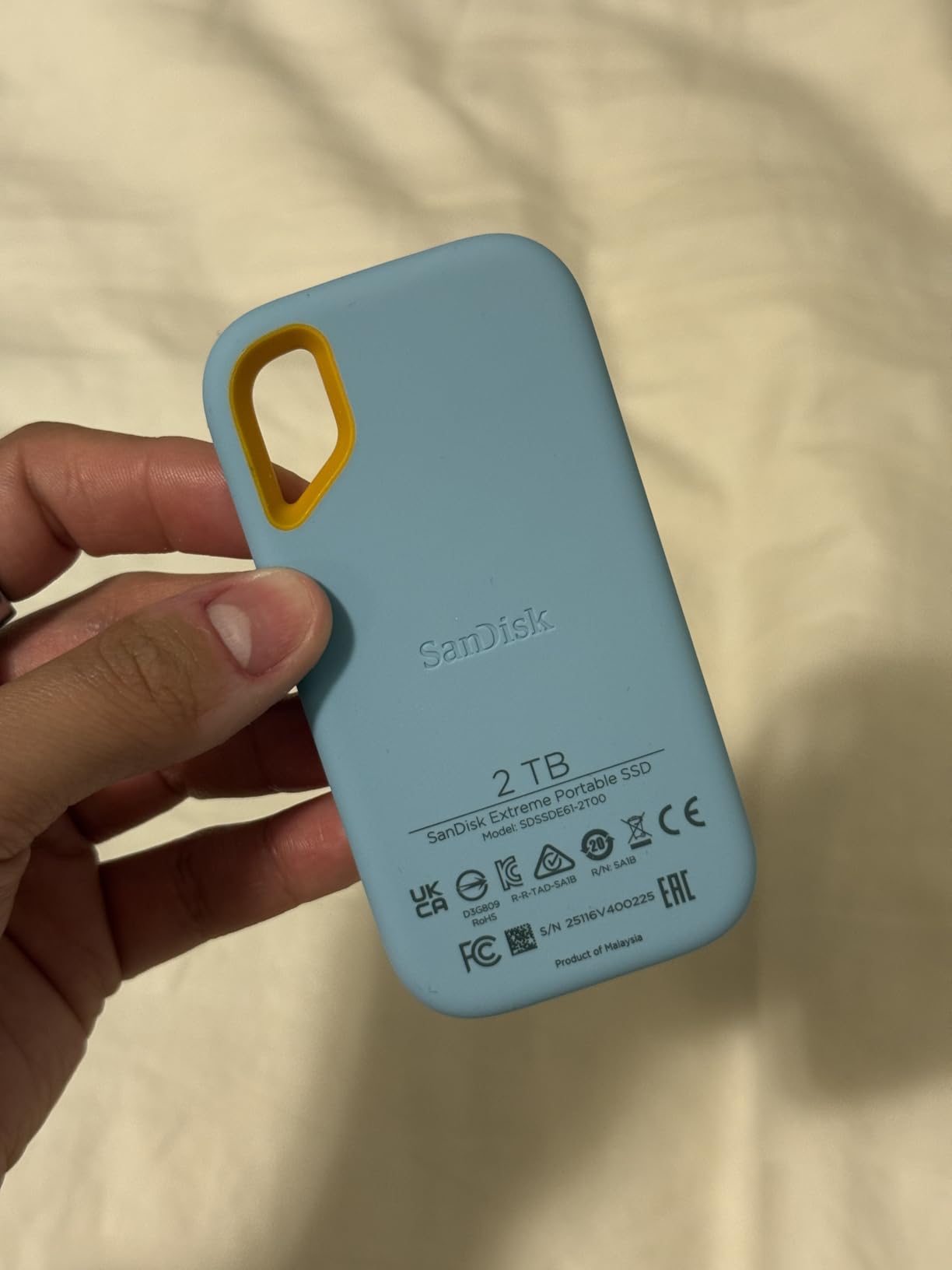
What stands out is the combination of sealing and speed. IP65 water and dust resistance plus a 3-meter drop rating covers the situations that actually ruin backup drives: a bag on wet grass, a beach trip, a dropped laptop bag. Read speeds up to 1050 MB/s mean a full 2TB of footage off a camera clears in minutes rather than turning into an evening project. Owners also point to hardware encryption as a genuine plus for anything sensitive.
The recurring complaint is the cable, not the drive. Reviews repeatedly describe intermittent unmounts that vanish the moment a different USB-C cable is used, which tells you the drive is fine and the thin cable in the box is the weak link. A second thread mentions mild warmth under long sustained transfers, and one reviewer notes it will not work with iPhone 11-series hardware.
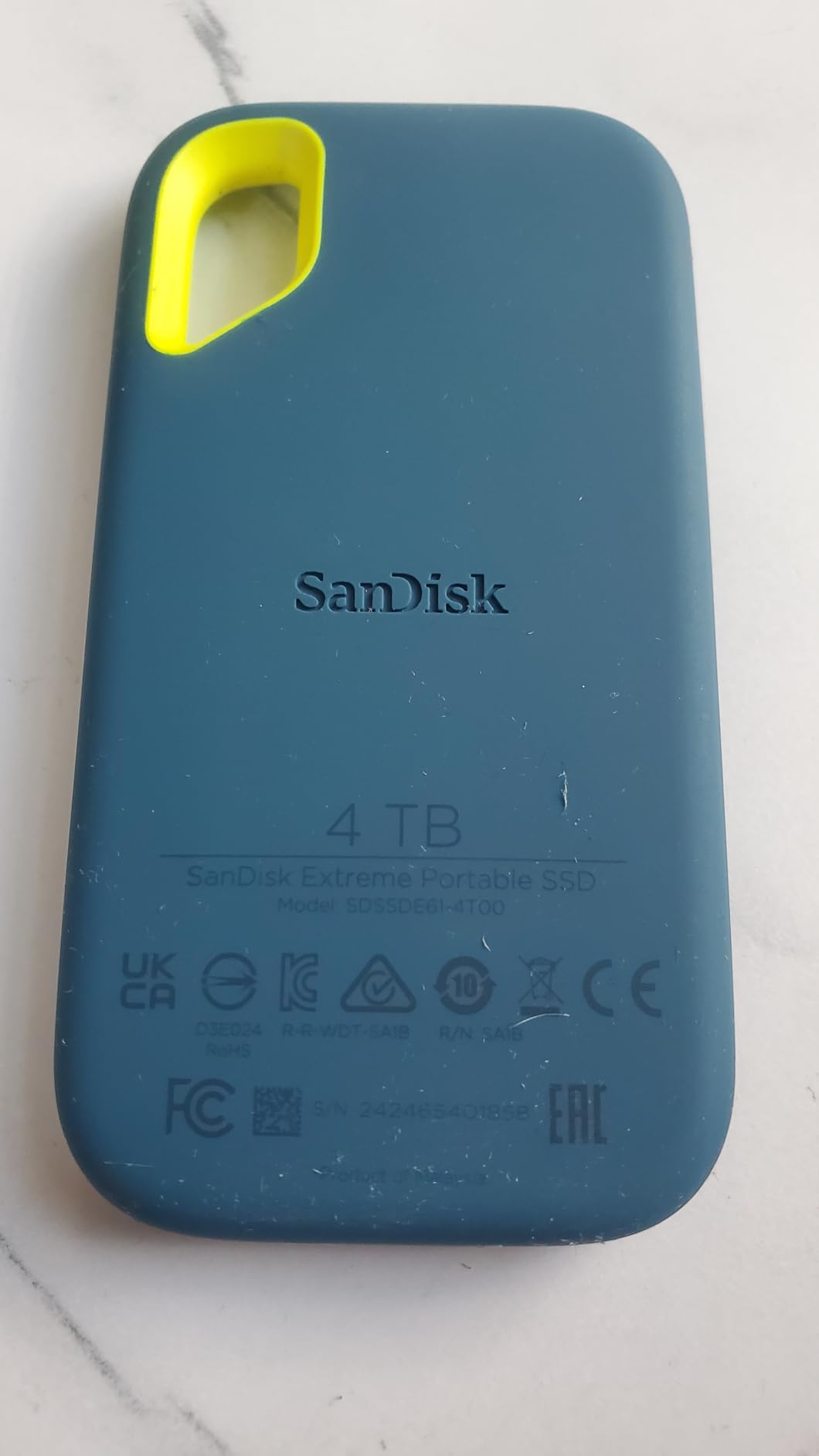
Compared with the Samsung T7 1TB, which shares its speed class, this drive carries twice the capacity and a 5-year warranty against 3 years. The T7 wins on the aluminum unibody and on recording 4K 60fps video straight to it from a camera or phone. If your backup set is measured in hundreds of gigabytes, take the SanDisk; if it is a working scratch drive that travels in a pocket, the T7 is the tidier object.
Good to know: it comes pre-formatted as exFAT, so it works on both Windows and macOS without a reformat. Formatting the drive to your own system’s file system at first use is worth doing once you commit to it as your main backup target.
2. Samsung T7 1TB: Best for Pocket Backups
Samsung T7 1TB
Type: Portable SSD
Capacity: 1TB
Read speed: 1050 MB/s
Warranty: 3 years
Pros
- Solid aluminum unibody rated to 6-foot drops
- 1050 MB/s read and 1000 MB/s write
- Records 4K 60fps directly from cameras and phones
- Works across PCs consoles Macs phones and tablets
- 256-bit AES hardware encryption
Cons
- Three-year warranty is shorter than most rivals in this list
- A 1TB capacity fills quickly with 4K footage
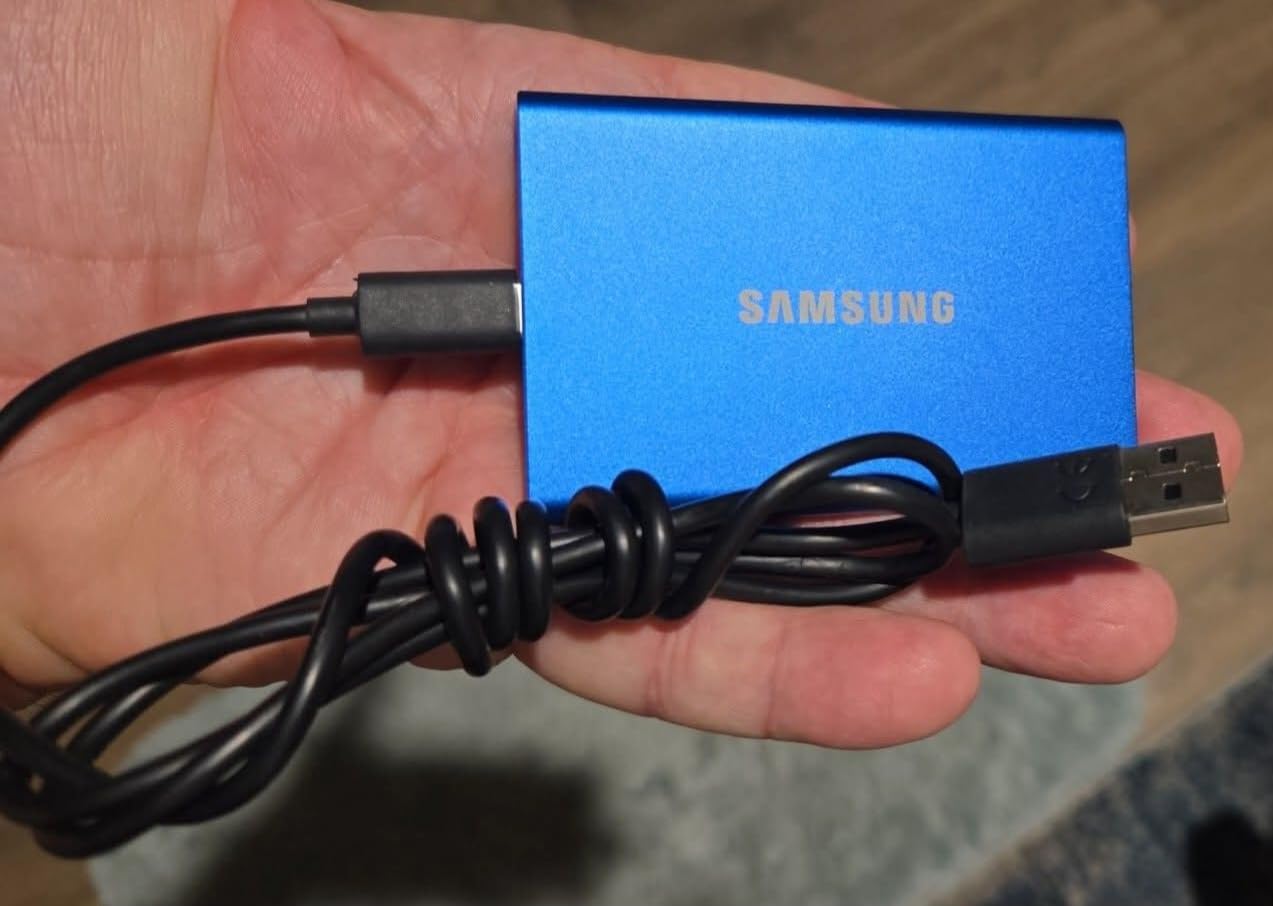
Buy the T7 when the drive lives in a pocket and travels more than it sits at a desk. At 2.08 ounces and 3.3 by 2.2 inches, it is slim enough to forget, which is the entire argument for a portable SSD.
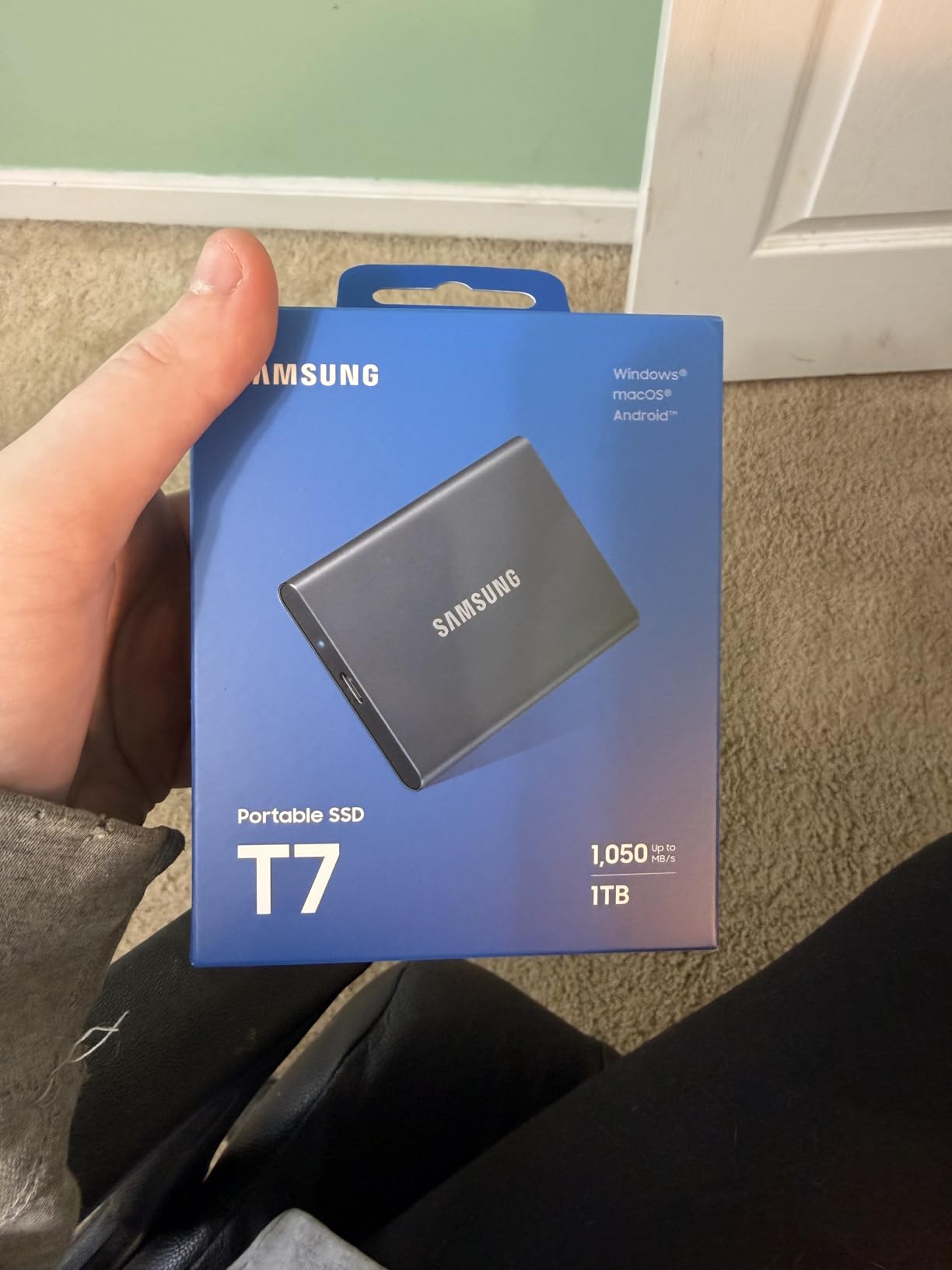
Owners describe it as quiet, solid, and fast for its size, and the 4.7 rating across more than twenty thousand reviews reflects that consistency. The aluminum unibody does double duty as structure and heat spreader, and the drive is listed as compatible with gaming consoles, Macs, PCs, smartphones and tablets, so one device covers a lot of ground. Direct 4K 60fps recording means a camera or phone can write footage straight to it without filling internal memory first.
The honest drawback is the 3-year warranty. Several reviews call it out as shorter than the 5-year terms on competing portable drives, and for something you rely on for irreplaceable files that gap is worth thinking about. The T7 is also available in capacities up to 4TB, so the 1TB version here is the entry point rather than a fixed ceiling.
The SanDisk Extreme 2TB is the direct comparison here. The two are effectively identical on speed, so capacity and warranty decide it. The SanDisk carries more space and one more year of cover but weighs the same and is a little longer. Compared with the Samsung T9 1TB, the T7 is slower and built for less demanding work: the T9 doubles the read speed to 2000 MB/s and extends the warranty to 5 years, and is the better choice for large video offloads.
Skip it if your backup set is measured in terabytes. One terabyte of 4K video goes quickly, and a drive that constantly runs full is a drive that slows down.
3. Kingston NV3 1TB: Best for Laptops
Kingston NV3 1TB
Type: Internal NVMe
Capacity: 1TB
Read speed: 6000 MB/s
Warranty: 3 years
Pros
- Single-sided M.2 2280 fits tight laptop slots
- Runs around 42-48C under load with no throttling
- DRAM-less HMB design stays smooth when mostly full
- Acronis cloning software included
- No BIOS changes needed for a drop-in install
Cons
- DRAM-less design dips on 40-50GB transfers
- Endurance rating is lower than premium Gen4 drives
For a laptop with one cramped M.2 slot and no room for a fat heatsink, the NV3 is the one to look at. The single-sided design and 4.54 g weight are what make it fit where taller boards do not.
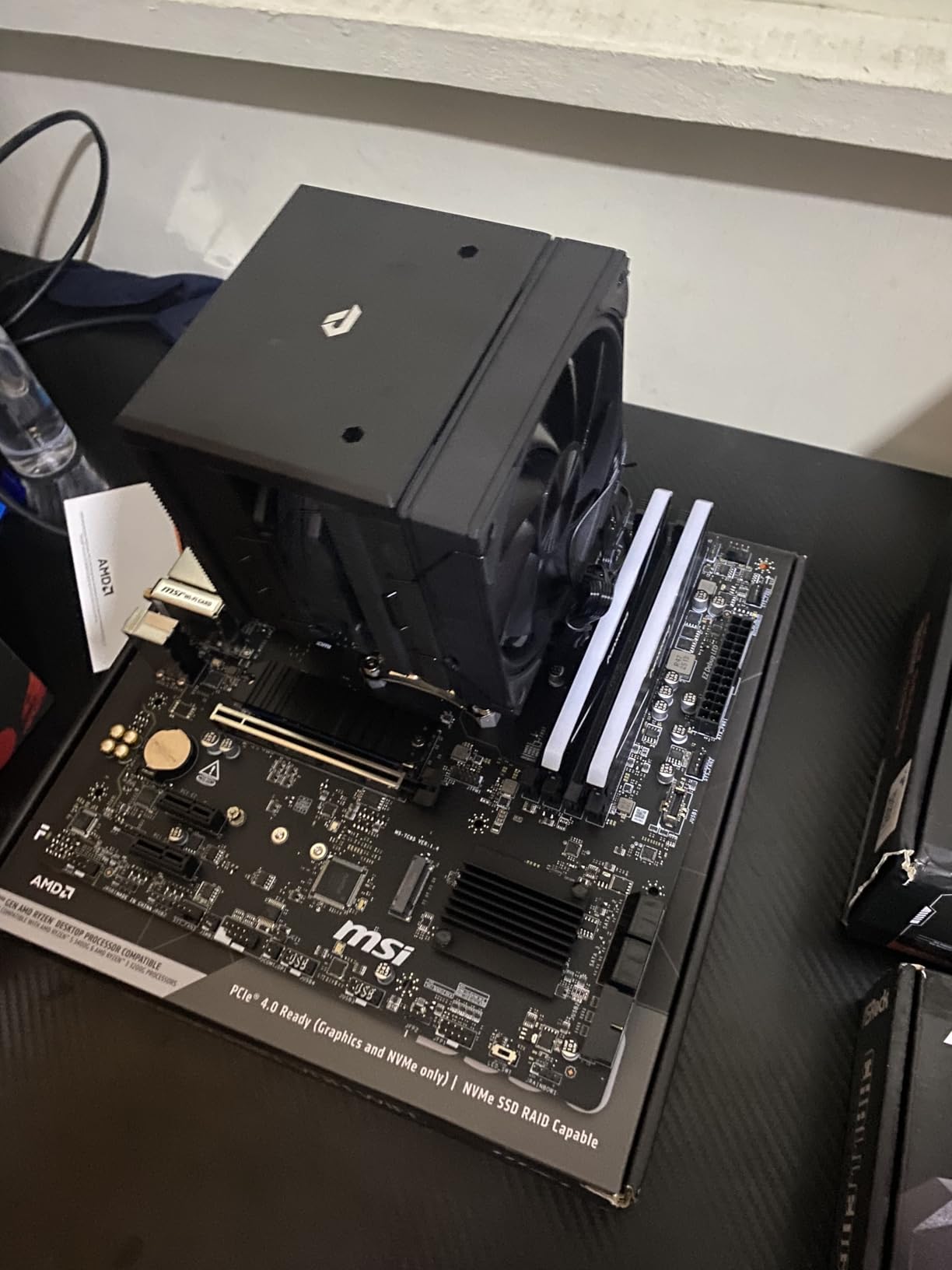
Owners report sequential reads close to the advertised 6000 MB/s in benchmark software, and the thing that matters more on a laptop is the thermal picture. Reviews describe it running around 42-48C under load with no throttling, which in practice means you can leave a thermal pad off and still get consistent performance. The DRAM-less design using host memory buffers is smooth day to day, and included Acronis software makes the migration from an old drive painless.
The limitation shows up in extremes rather than in normal use. Several reviews mention a slight speed dip on very large 40-50GB transfers once the internal cache is exhausted, and the endurance figure is lower than what premium Gen4 drives carry, so sustained heavy writing wears it sooner. If you are moving enormous project files daily, look at the Samsung 990 PRO 2TB instead.
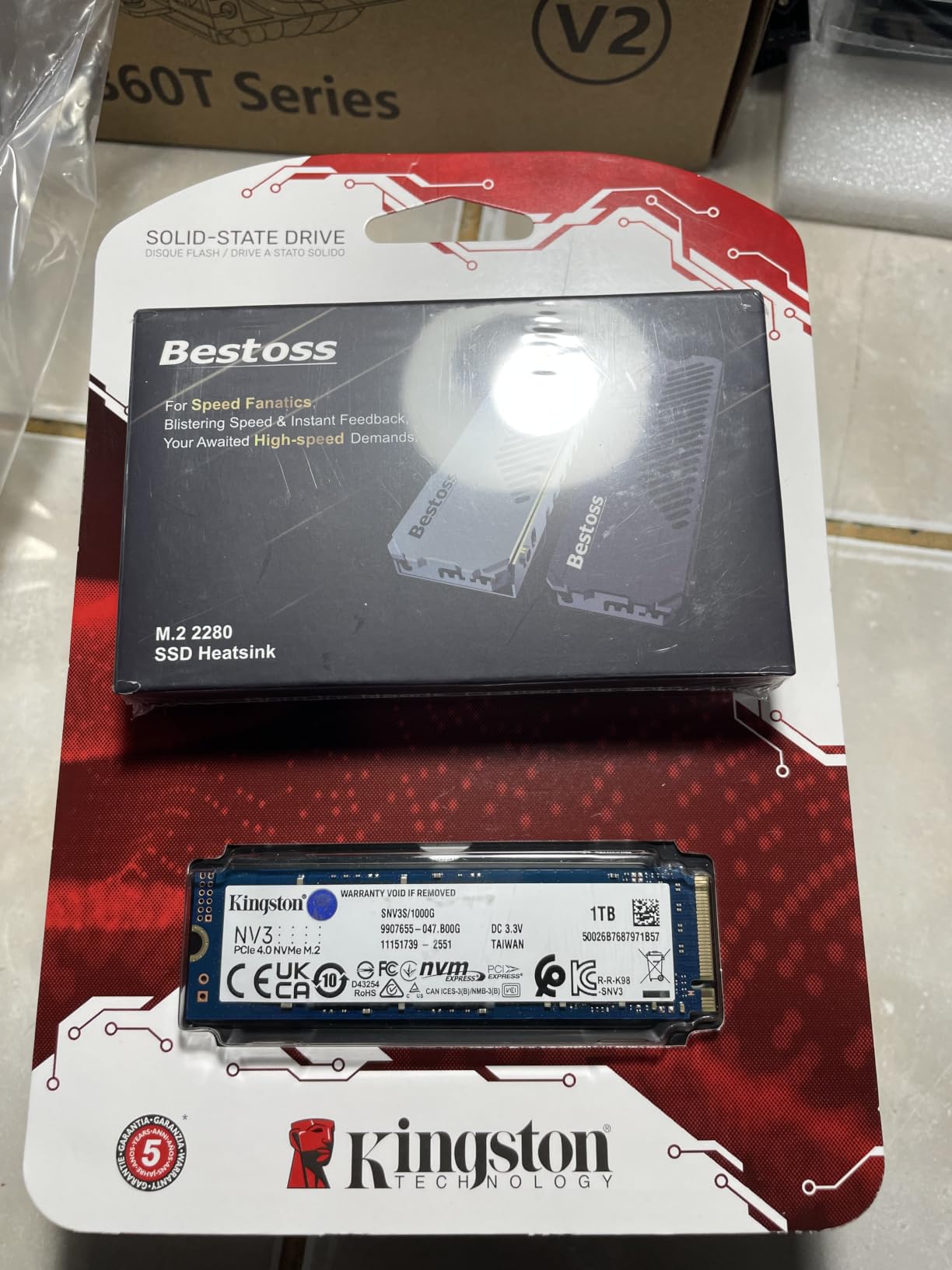
Compared with the Crucial P310 1TB, the P310 claims more headroom on paper at 7100 MB/s and carries a 5-year warranty, while the NV3 runs cooler in a thin chassis. Both are DRAM-less budget-friendly boards. In a desktop with airflow the P310 is the better buy; in a laptop that never sees a screwdriver’s worth of cooling, the NV3 is the calmer option.
Good to know: the warranty listed for this model is 3 years, shorter than most picks here, so keep the purchase receipt and use the drive inside its rated workload.
4. WD_BLACK SN850P 1TB: Best for PS5
WD_BLACK SN850P 1TB
Type: PS5 expansion SSD
Capacity: 1TB
Read speed: 7300 MB/s
Warranty: 5 years
Pros
- Officially licensed for the PlayStation 5
- Heatsink shaped for the console expansion bay
- Load times match the onboard drive
- Installs in about a minute
- Games run directly from the drive
Cons
- Heatsink runs warm and can keep the console fan spinning
- Higher cost per terabyte than generic M.2 drives
This is the pick if you own a PlayStation 5 and want to stop deleting games. Being officially licensed removes every compatibility question, and the heatsink is shaped for the expansion bay rather than being an add-on you have to source separately.
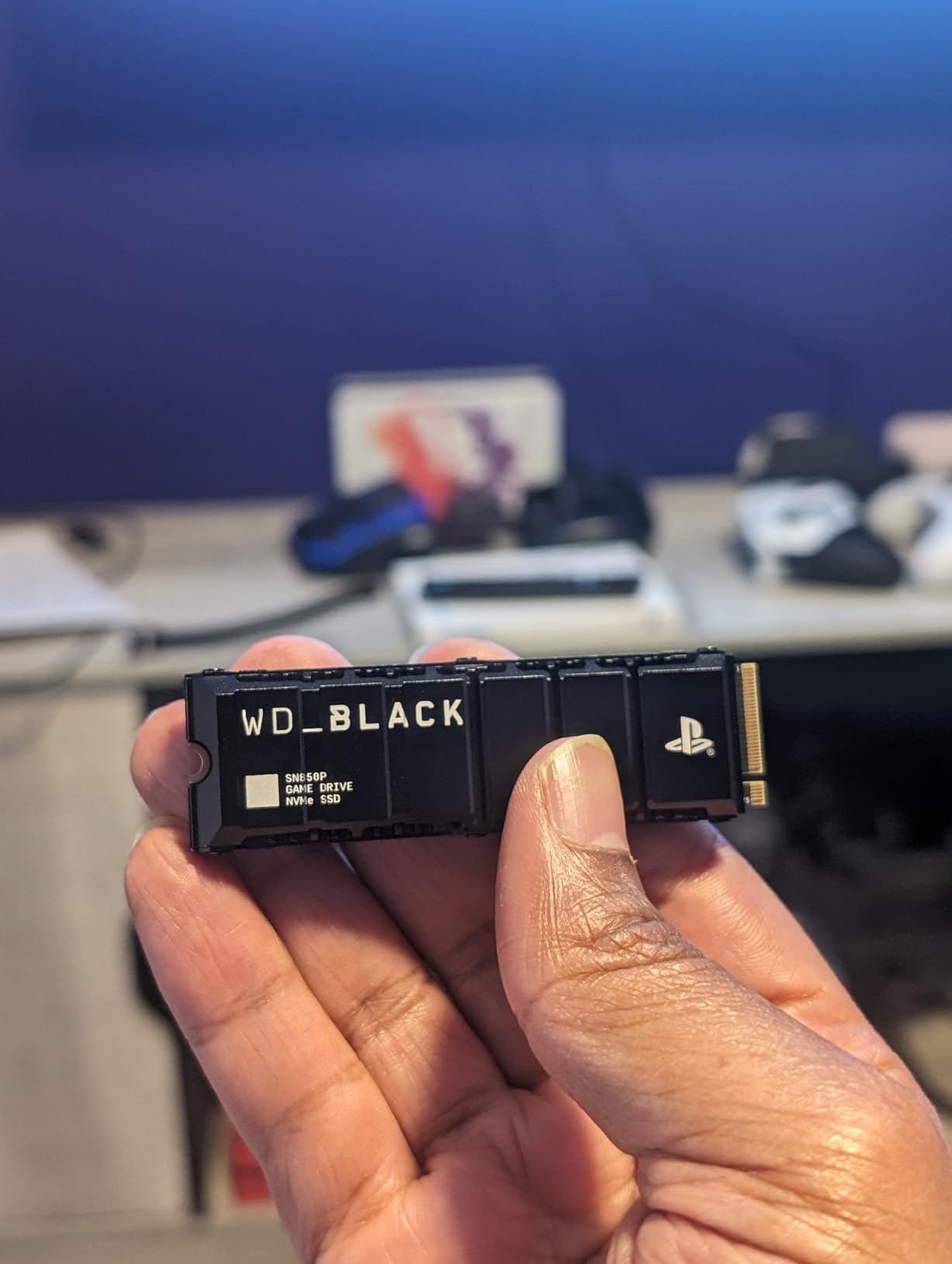
Owners consistently report the drive being recognised on first boot with load times indistinguishable from the console’s internal storage, which is the only benchmark that matters here. At 1TB it holds a substantial library, and because the drive is licensed you can run games from it directly without transferring or clearing anything. Its 4.8 rating matches the highest in this list, on more than eleven thousand reviews.
Two caveats. The heatsink warms during storage-heavy gaming, and several reviews note the console fan runs more often as a result, though nobody reports a matching drop in performance. The second is cost per terabyte: the licence and the included cooler mean you pay more per unit of space than a generic M.2 drive, and in a large library that maths eventually shows up.
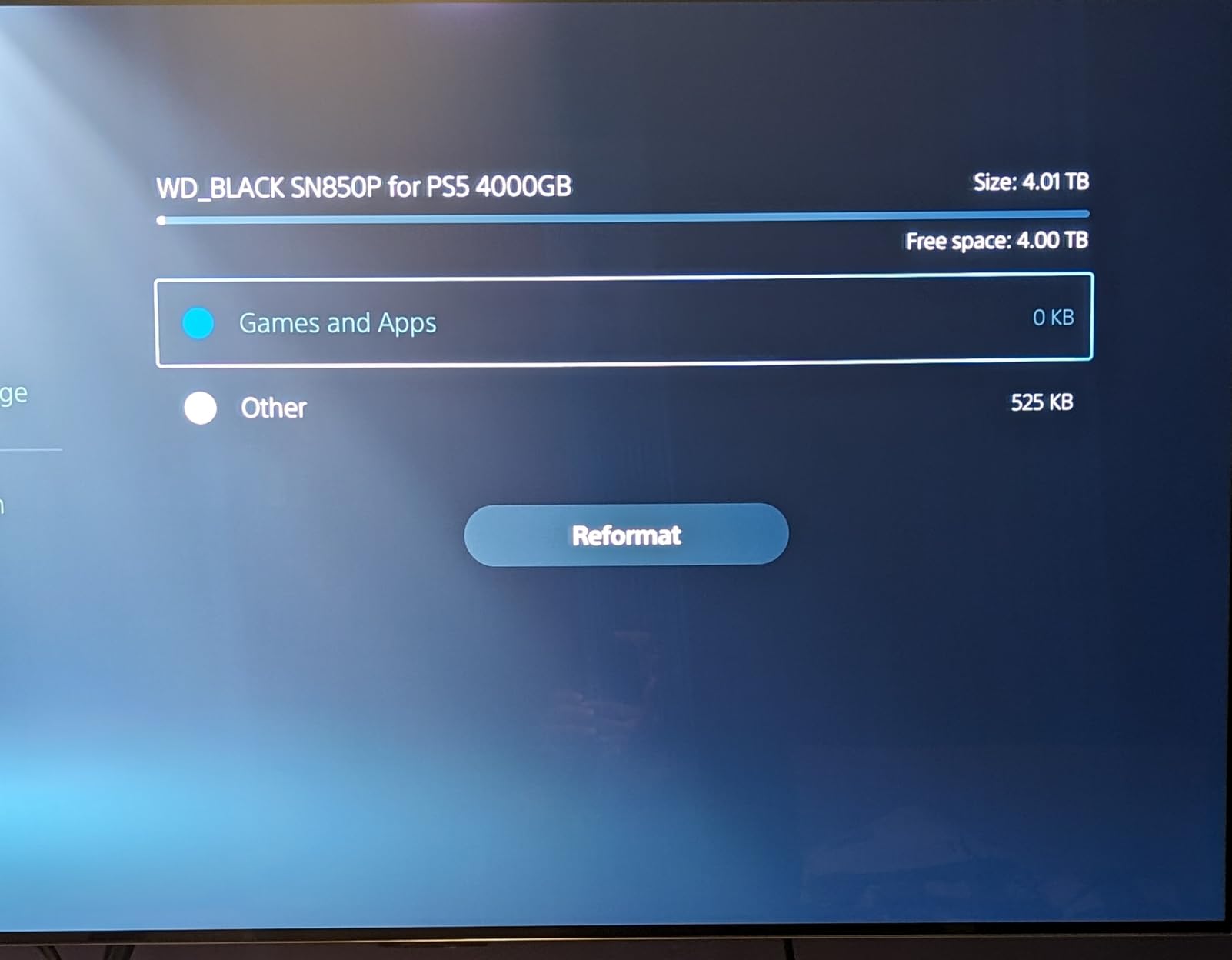
Against the WD_BLACK SN850X 2TB, the SN850X doubles the capacity and suits a desktop or console that will hold a much bigger library, while this drive is the tidier choice for a PS5 with a single expansion bay and a tighter budget.
Expect the console fan to work a little harder than before: the drive weighs 30.4 g with the heatsink fitted, and it is a Gen4 part that pairs naturally with the console rather than with a PCIe 5.0 board.
5. Crucial P310 1TB: Best for Handhelds
Crucial P310 1TB
Type: Internal NVMe
Capacity: 1TB
Read speed: 7100 MB/s
Warranty: 5 years
Pros
- Single-sided low-profile design fits handhelds and laptops
- Recognised on install with no driver issues
- Runs cool under sustained heavy multitasking
- Low power draw suits battery-powered devices
- Acronis software included for cloning
Cons
- Full Gen4 speeds need a PCIe 4.0 host
- Older PCIe 3.0 systems see roughly 3100 MB/s
The P310 is the one to consider if your machine has a single M.2 slot under a tight shell, whether that is a handheld console or a slim laptop. The low-profile single-sided board is 10 g and 0.09 inches thick, which is about as thin as these drives get.
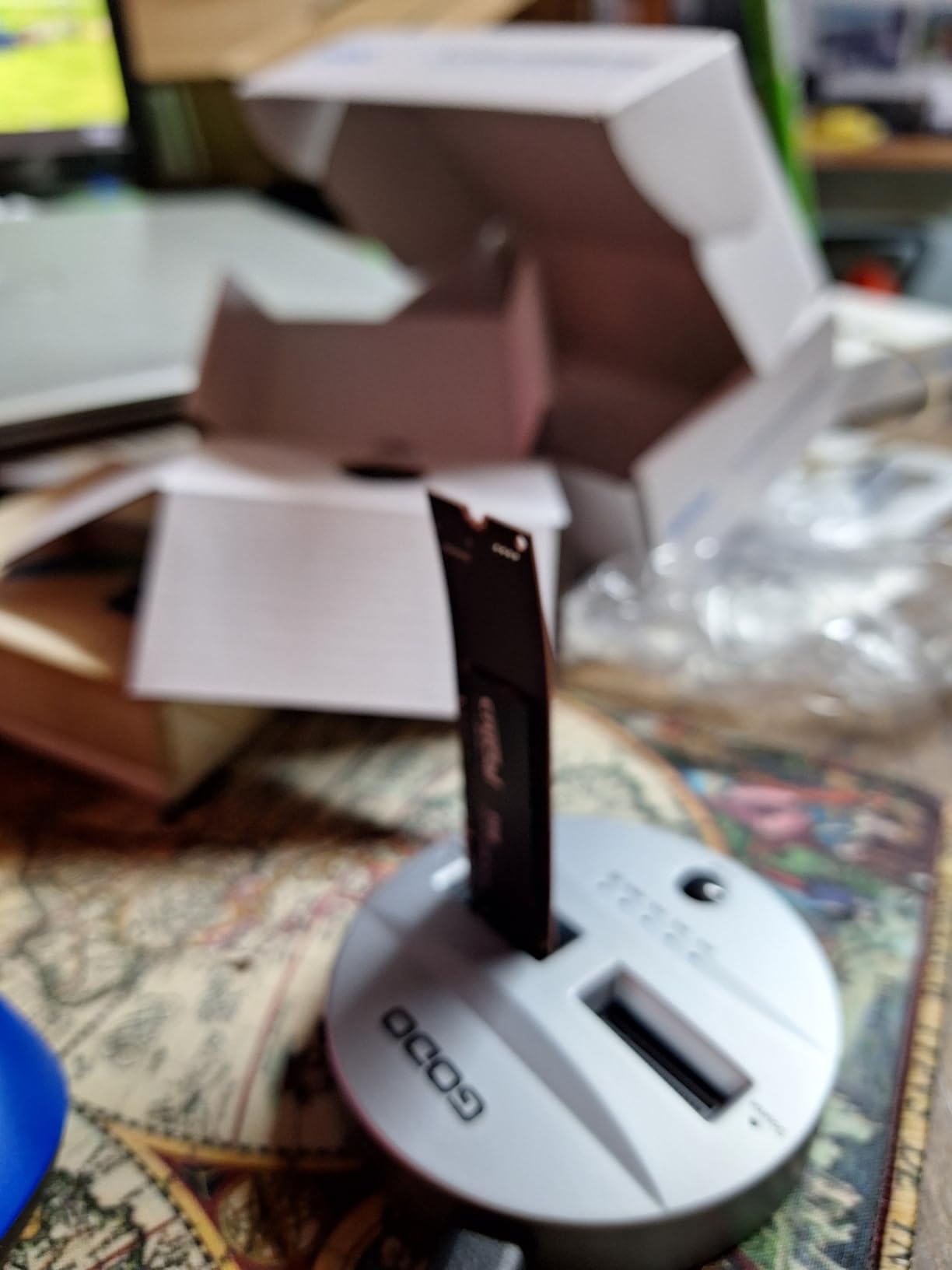
Owners describe the install as painless: the drive is recognised immediately, boot and load times improve noticeably, and low power draw helps battery-powered machines run longer between charges. The compatibility list is unusually specific for this category, naming the ROG Ally X, Lenovo Legion Go, AYANEO Kun and Steam Deck alongside standard laptops and desktops. Stable sustained throughput under heavy multitasking is another theme, with no crash reports in the reviews we looked at.
The one recurring limitation is generational. Advertised throughput up to 7100 MB/s assumes a PCIe 4.0 host, and reviewers on PCIe 3.0 systems measure roughly 3100 MB/s. That is still a large improvement over the drive you are replacing, but it is worth knowing before you judge the number on a benchmark you find online.
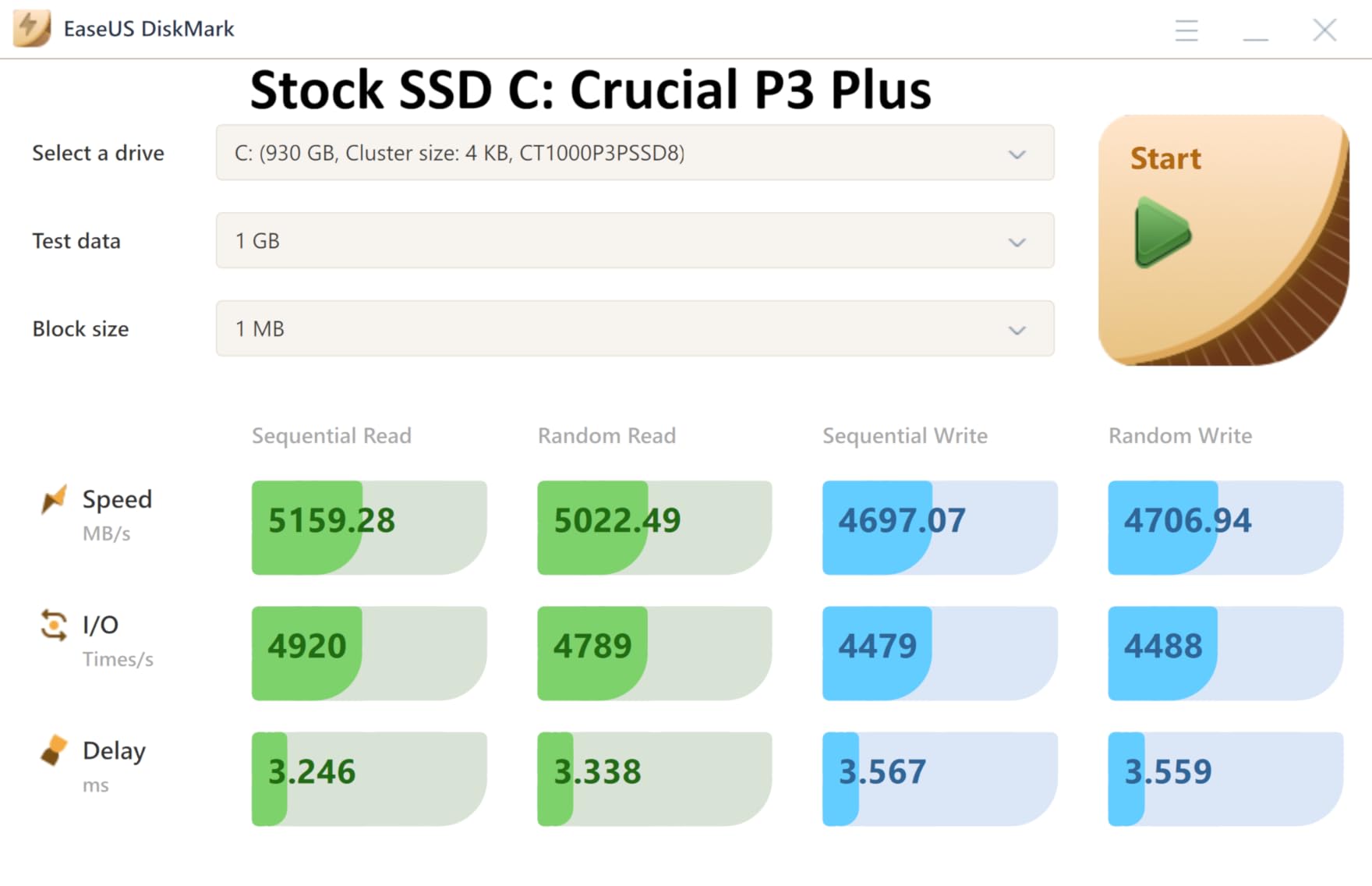
Set it against the Kingston NV3 1TB and the trade-off is plain. The P310 claims more speed on paper and carries a 5-year warranty against 3, while the NV3 is the calmer option in a laptop with no airflow. For a handheld, which is a sealed and thermally limited box, the P310’s low profile and stated handheld compatibility make it the safer recommendation.
One buyer consideration beyond the hardware: long-term support matters more for a drive you may keep for years, and the 5-year term here is longer than the budget boards in this list.
6. WD_BLACK SN850X 2TB: Top Rated
WD_BLACK SN850X 2TB
Type: Internal NVMe
Capacity: 2TB
Read speed: 7300 MB/s
Warranty: 5 years
Pros
- Most-reviewed internal NVMe here with a 4.8 rating
- Integrated heatsink holds temperatures without throttling
- Works in desktops gaming PCs and the PS5
- Tool-free install in most M.2 slots
- 2TB suits large libraries and project work
Cons
- Tall heatsink can conflict with motherboard heat spreaders
- Mounting screw is not included in the box
The sensible default for a desktop gaming build, and the drive most owners come back to. A 4.8 rating, the highest in the list, across nearly sixteen thousand reviews, with unusually steady feedback from owners over long periods.
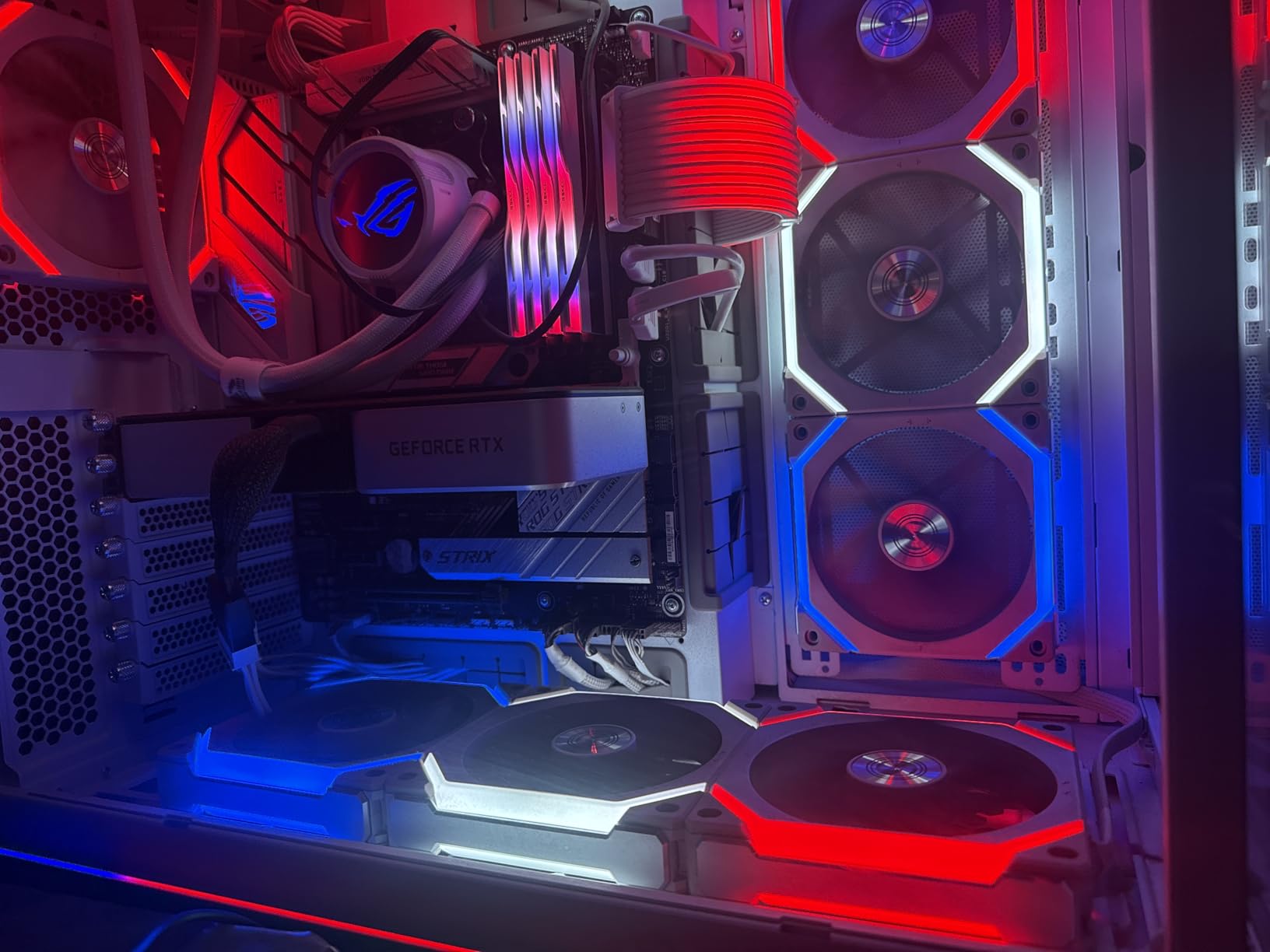
Owners cite dramatic improvements in boot and game load times, sustained throughput at or above spec in independent testing, and multi-year reports with no failures at all. The integrated Dynamic Thermal Guard heatsink is the part that separates it from bare-bones Gen4 boards: it holds temperature through long sustained writes without dropping performance, which matters on a desktop that runs warm. It works in the PS5 as well as a desktop, and installing it is straightforward in any standard M.2 slot.
The caveats are mechanical rather than electronic. The heatsink is tall, so it may not clear a motherboard that ships with its own M.2 heat spreader, and no mounting screw is supplied, which is a minor but real annoyance on a first build. Check your board layout before ordering rather than after.
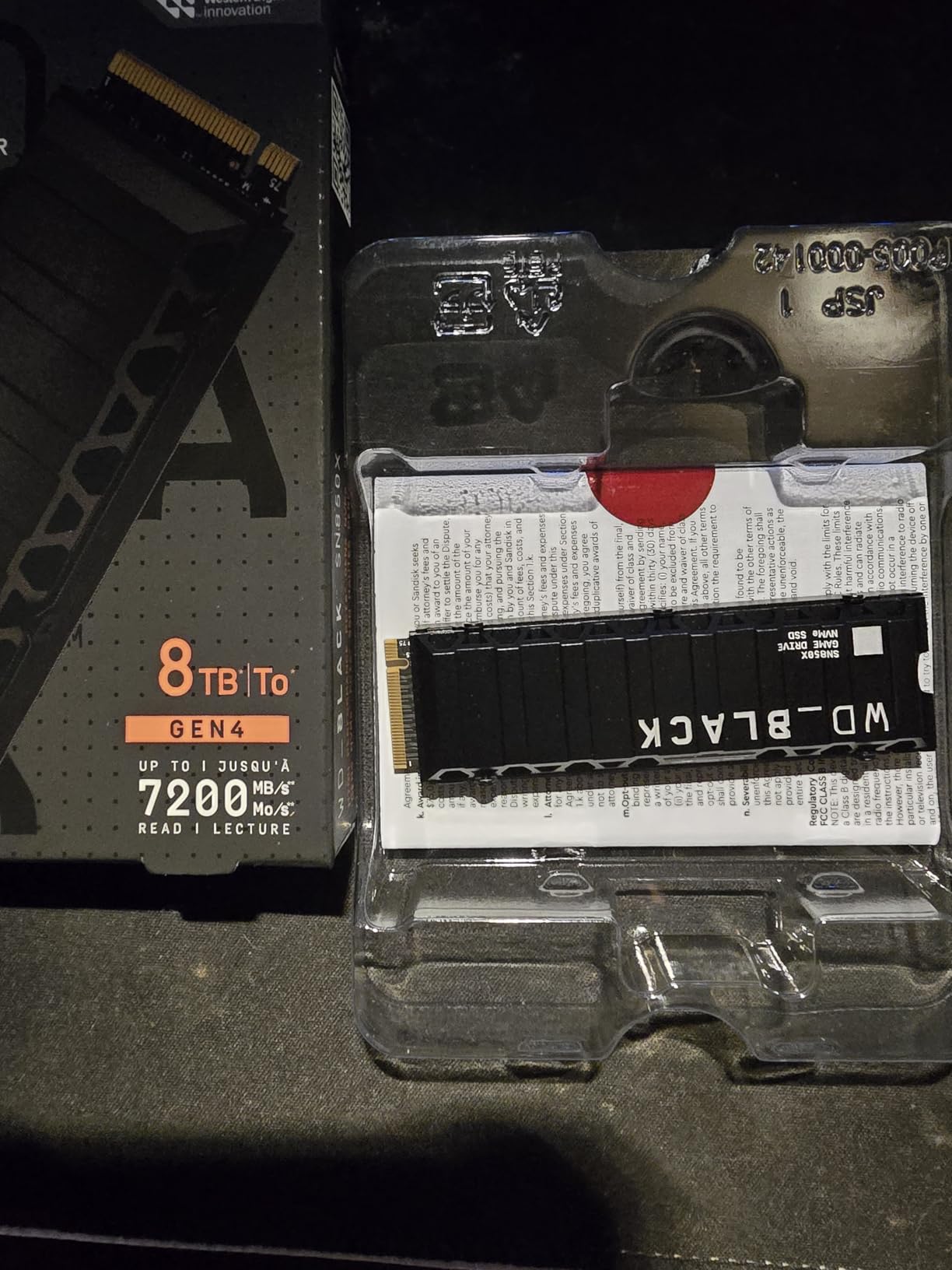
Compared with the Samsung 990 PRO 2TB, the two sit at the top of this list together: the SN850X ships with a heatsink and skews toward gaming, the 990 PRO reaches slightly higher read speeds and is the enthusiast and content-creation choice. Compared with the WD_BLACK SN850P 1TB, this one is the same family at twice the capacity, so pick it if your library or project set is genuinely large.
Before ordering, spend five minutes checking your motherboard’s cooler height.
7. fanxiang S500 Pro 256GB: Best for Budget Builds
fanxiang S500 Pro 256GB
Type: Internal NVMe
Capacity: 256GB
Read speed: 3000 MB/s
Warranty: 3 years
Pros
- Genuine PCIe Gen3 x4 NVMe at the entry tier
- Box includes a mounting screw and a small screwdriver
- Noticeable boot and responsiveness gain over a slow factory drive
- Graphite heat dissipation stickers
- Works on Windows macOS and Linux
Cons
- Reviewers report silent failure with healthy SMART readings
- Quality control varies between production lots
- After-sales support described as limited
This is a rescue drive, not a long-term one. Most owners use it to bring an ageing laptop back to a usable boot time for very little money, and in that job it succeeds often enough to be worth it.
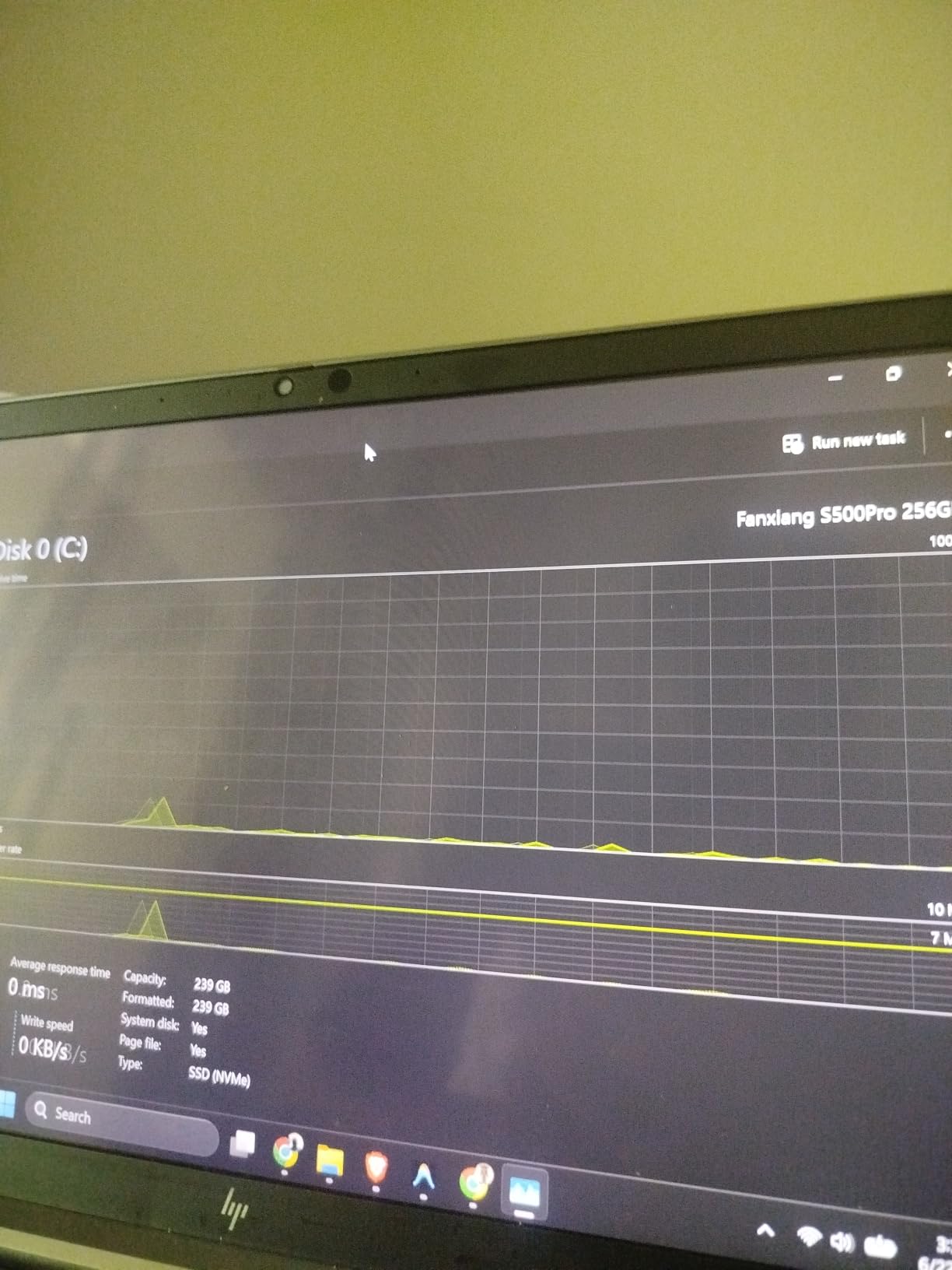
It is genuine PCIe Gen3 x4 NVMe with 3D NAND TLC, up to 3000 MB/s read using an SLC cache, and an endurance figure of 160TBW. The box including a mounting screw and a small screwdriver is a genuinely practical touch at this tier, and the graphite stickers help with heat. Owners upgrading from a slow factory drive report a clear improvement in boot and general responsiveness, and compatibility covers Windows, macOS and Linux.
The critical reviews deserve more weight here than usual. One owner reports the drive failed silently after three months while SMART still showed it as healthy, and another flags lot-to-lot quality variance and weak after-sales support. That combination is why this is listed last: for anything you cannot afford to lose, move up.
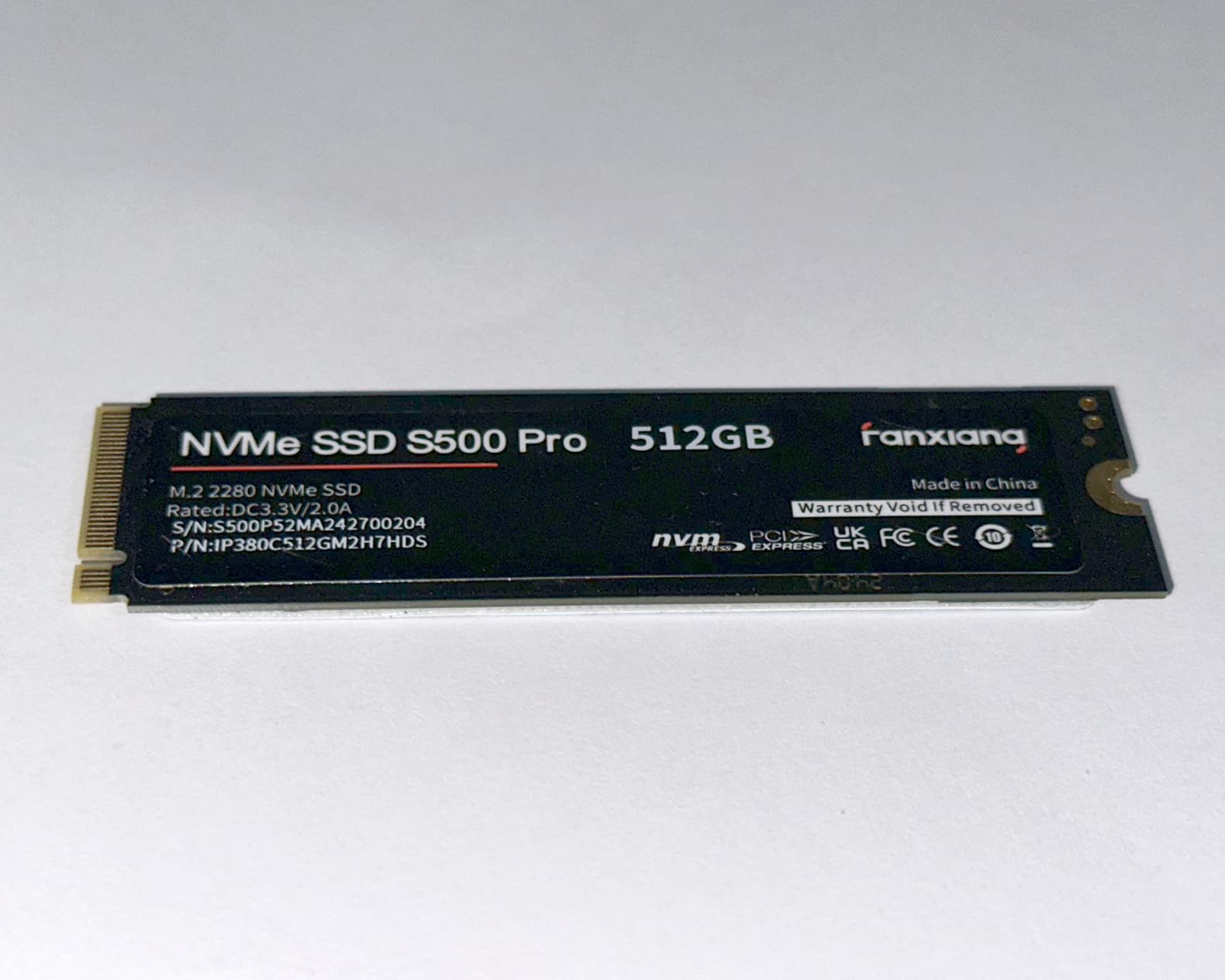
Against the Kingston NV3 1TB, the differences are stark in both directions. The NV3 is faster on paper, runs cooler, carries a longer record of stability reports, and gives you four times the capacity. What the S500 Pro adds is a smaller 256GB size that suits a small boot partition or an older machine with no room for anything larger, at the entry point for internal upgrades.
Treat it as secondary or scratch storage, not as the drive holding your only copy of anything.
8. Samsung T9 1TB: Best for 4K Video
Samsung T9 1TB
Type: Portable SSD
Capacity: 1TB
Read speed: 2000 MB/s
Warranty: 5 years
Pros
- Roughly 2000 MB/s sustained on a 20Gbps USB-C connection
- Dynamic Thermal Guard holds speed through long offloads
- Rugged body tested to 9.8-foot drops
- Works with PS5 PS4 and Xbox Series consoles
- Samsung Magician for health checks and firmware
Cons
- Runs slightly warm during heavy sustained transfers
- No protective case included
- Some higher capacities struggle to initialise on low-power older hardware
If your work involves moving raw footage, this is the fastest portable drive in the list. Everything else here tops out around 1050 MB/s; the T9 runs to 2000 MB/s on a 20Gbps USB-C connection, which is a different experience rather than a marginally better one.
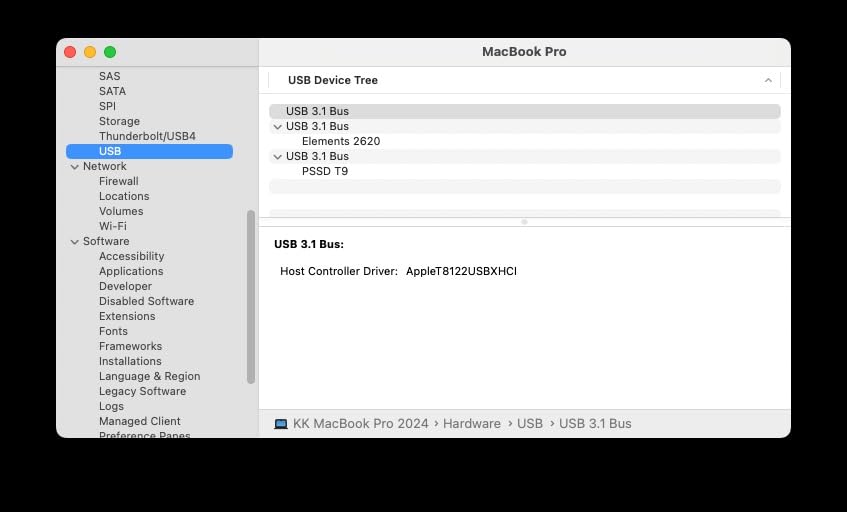
Owners use it for 4K video offloads, RAW photo backups, console game libraries, and one reviewer even runs dashcam footage to it. Sustained speeds near 2000 MB/s are confirmed with the included cable, and the Dynamic Thermal Guard is what keeps those speeds from collapsing partway through a long transfer. The rubberized body is rated to 9.8-foot drops, both USB-C to C and C to A cables come in the box, and Samsung Magician makes health monitoring straightforward. Console compatibility spans the PS5, PS4 and both Xbox Series consoles.
The trade-off is physical. It is 4.32 ounces, noticeably heavier and bulkier than the 1.76-ounce SanDisk Extreme, it runs warm under sustained load, and no case is included. A smaller review base means fewer long-term data points than most drives here, so treat the 5-year warranty as part of the deal rather than relying on owner history alone.
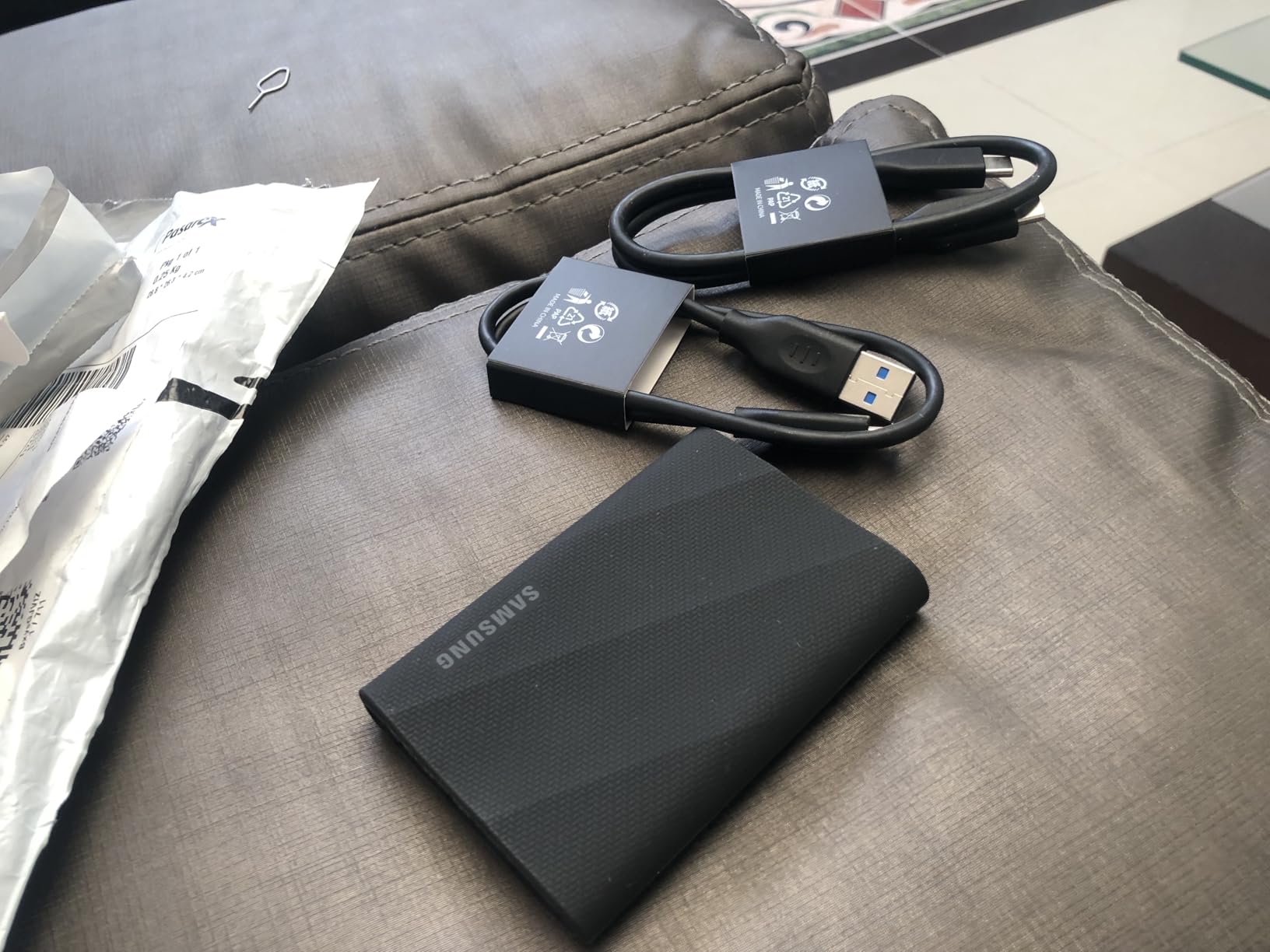
Compared with the Samsung T7 1TB, this is the same brand and a straightforward step up in interface: Gen 2×2 instead of Gen 2, 2000 MB/s instead of 1050 MB/s, a longer warranty, and a body built for rougher handling. If your files are documents, the T7 is the sensible buy. If they are hours of footage, the T9 pays for itself in time saved.
Skip it if your computer only has 10Gbps USB ports. You will be capped well below the drive’s rating, and the Samsung T7 will match what you actually get.
9. SSK 500GB: Best for iPhone Offloads
SSK 500GB
Type: Portable SSD
Capacity: 500GB
Read speed: 1050 MB/s
Warranty: 3 years
Pros
- Very small at 33.8g and easy to carry
- Both USB-C to C and C to A cables included
- Reads directly on iPhone and iPad for 4K ProRes capture
- Low 2.4W power draw
Cons
- Windows shows about 465GB of the 500GB
- One reviewer documented files going missing during transfers
- Aluminum housing reported with a slight seam gap
A phone-shaped problem: iPhone storage fills up fast, and this is one of the simpler ways to move footage off it. The drive is listed as compatible with iPhone and iPad and supports 4K60Hz ProRes HDR capture, drawing under 2.4W.
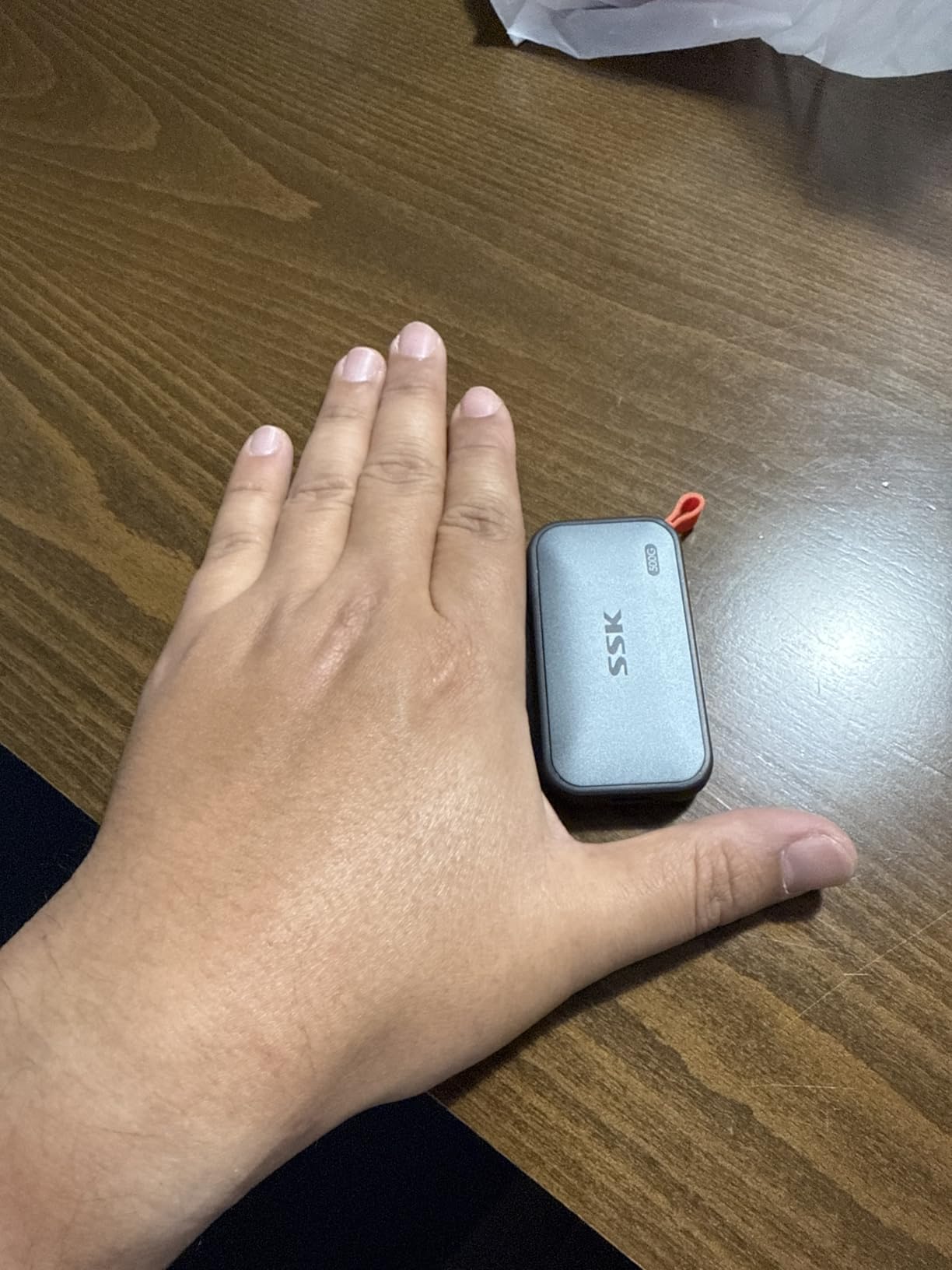
Owners like the size, at 33.8g, and the fact that both cable types are in the box, which removes the most common reason a portable SSD goes unused. Measured speeds come in around 800 MB/s write on a Mac Studio, close enough to the 1050 MB/s read rating for most workflows. The aluminum case and low 2.4W draw keep it cool and efficient, and TRIM support plus S.M.A.R.T. diagnostics are unusual features at this tier.
Be careful with this one, though. Windows reports roughly 465GB of the nominal 500GB, which surprises people and reads like a fault when it is a binary-versus-decimal calculation. More seriously, one reviewer documented files going missing or creating empty image files during transfers, another flagged a slight seam gap in the housing, and several mentioned confusing documentation. Verify a copy before wiping a card.
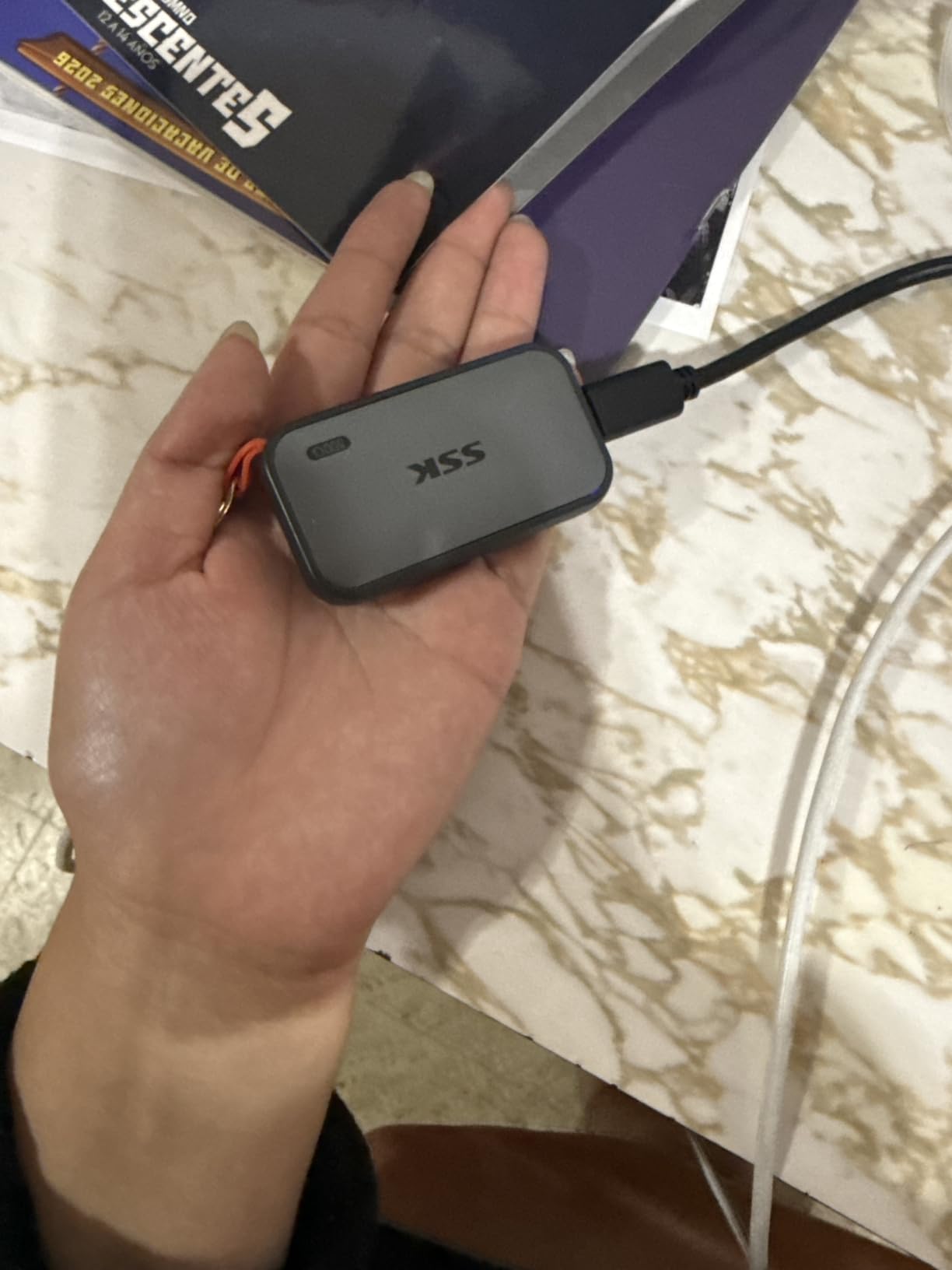
The Samsung T9 1TB is faster, roomier and better documented, which makes it the pick for anyone working at a computer. Compared with the SanDisk Extreme 2TB, the SanDisk is a full tier class higher in owner feedback and has a longer warranty. The SSK earns its place through phone integration and size, and half a terabyte is enough for a working offload buffer rather than an archive.
On an older iPhone model, check the compatibility list on the listing before you rely on direct recording to it.
10. Samsung 990 PRO 2TB: Best for Desktop Gamers
Samsung 990 PRO 2TB
Type: Internal NVMe
Capacity: 2TB
Read speed: 7450 MB/s
Warranty: 5 years
Pros
- Flagship speeds up to 7450 MB/s read and 6900 MB/s write
- Over 55 percent better random performance than the 980 PRO
- Up to 50 percent better performance per watt
- Samsung Magician simplifies cloning and maintenance
- Reliable in heavy daily use over a year
Cons
- A fan-equipped M.2 heatsink is advisable under sustained load
- Magician and firmware updates blocked inside RAID arrays or enclosures
The fastest internal drive here on stated read speed, and the one to buy for a desktop that already has cooling. At 7450 MB/s read and 6900 MB/s write with 2TB of capacity, it has room for a large library and a work drive at the same time.
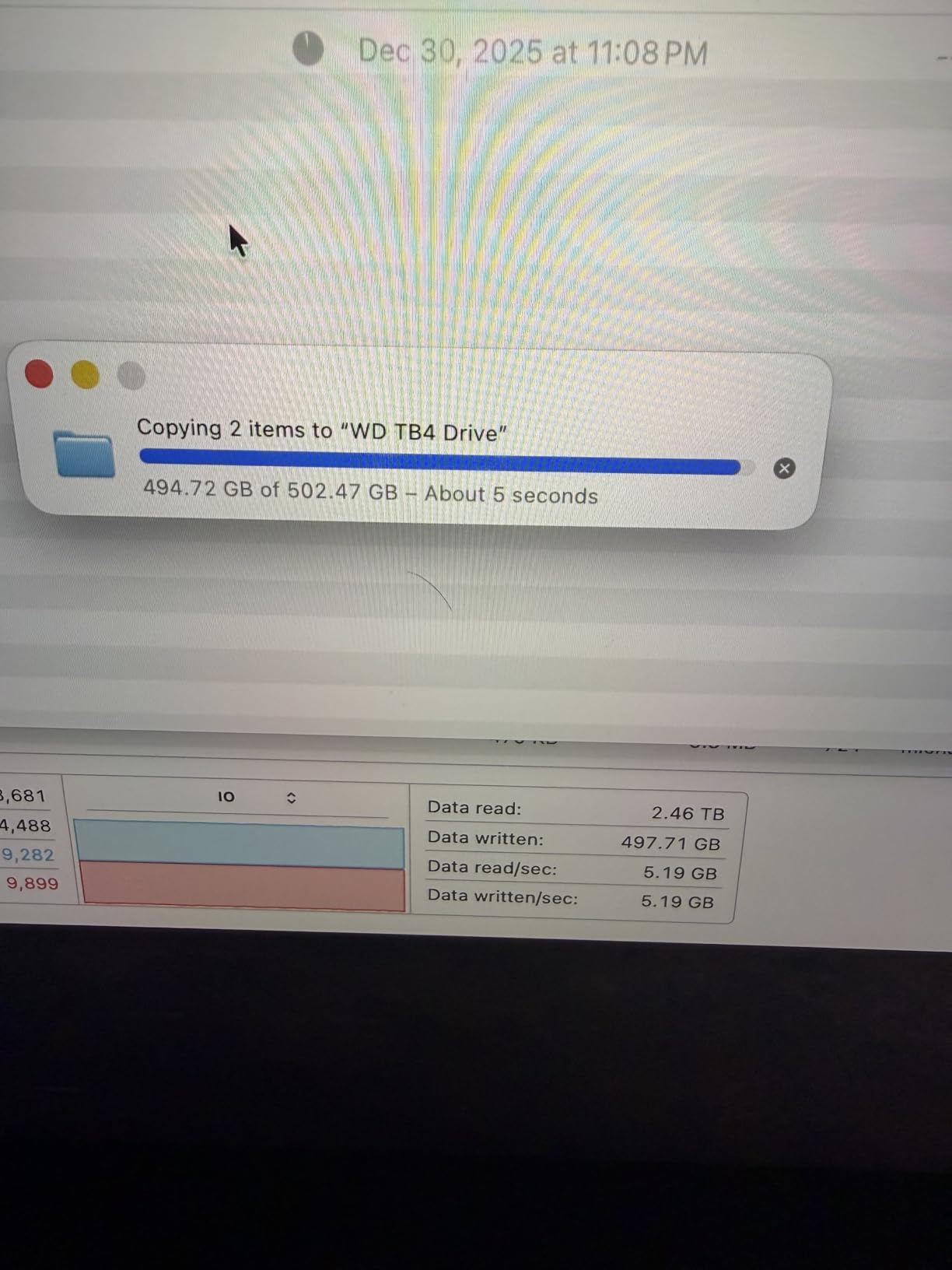
Owners describe flawless performance across gaming, content creation and NAS workloads, with no data loss or degradation reported after a year of heavy use. The random performance improvement of more than 55 percent over the 980 PRO is what shows up in everyday loading rather than in sequential file copies, and the efficiency gain of up to 50 percent per watt matters in a machine with a modest power supply. With more than thirteen thousand reviews on the listing, a lot of long-term feedback sits behind it.
Two advisories recur. Several users recommend a fan-equipped heatsink to avoid throttling during sustained heavy writes, and a handful note that Samsung Magician and firmware updates become inaccessible when the drive is masked inside a RAID array or a USB enclosure. Plan where the drive will live before you commit to it.
The WD_BLACK SN850X 2TB is the near-identical alternative, and the choice between them comes down to cooling and use case. The SN850X arrives with an integrated heatsink and is the easier install in a gaming PC or a PS5; the 990 PRO is the bare drive for a desktop where you already own a cooler, and it reads marginally faster. Both carry 2TB and a 5-year warranty, so this is genuinely close.
The Crucial P310 1TB sits at the other end of the range, and stepping up to the 990 PRO buys roughly the same real-world responsiveness in normal use and noticeably more headroom when the drive is genuinely loaded.
How to Choose an SSD During Prime Big Deal Days
Storage listings are full of numbers that only matter after you have matched them to the machine and the workload. Five checks cover almost every case.
Capacity and Intended Workload
Size the drive around what you actually store, not around the biggest number on the page. An operating system plus everyday applications sits comfortably in 500GB to 1TB. A modern game library wants 2TB, since individual titles now run to well over 100GB. Photos and video projects, or a media library, push toward 4TB and beyond. For console storage, 1TB is a sensible starting point and 2TB removes most of the deleting. Our PS5 SSD upgrades guide goes deeper on the console side, including how much usable space a formatted drive really gives you.
Among these picks, the 256GB fanxiang is the only one sized for a boot drive, the 1TB drives suit a general upgrade, and the 2TB drives suit a library you never want to prune.
NVMe or SATA SSD
NVMe drives talk to the motherboard over PCIe lanes and run at the speeds listed above. SATA drives top out near 550 MB/s and use a completely different connector. Every internal pick in this list is NVMe in M.2 2280 form, so check that your machine has an M.2 slot first, because a SATA-only desktop simply has nowhere to put them. A SATA SSD is a reasonable fallback for an older laptop, and it is also the only internal option on machines that predate M.2.
Speed Caching and Thermal Design
Headline sequential speed is the least interesting number on the page. What changes daily experience is sustained performance: a DRAM-less drive with host memory buffering handles normal use well but can dip on transfers of 40GB or more once the internal cache is exhausted. Then look at heat. A drive with an integrated heatsink holds its rated speed through long writes; one without may throttle in a cramped enclosure. On a laptop or handheld, the low-profile single-sided boards like the Crucial P310 are the ones that actually fit.
Endurance Warranty and Build Quality
Endurance is written as terabytes written, and 160TBW on a 256GB drive is a reasonable figure for a secondary drive while a 2TB drive intended for heavy project work deserves far more headroom than the budget tier offers. Warranty length is the more practical filter: it ranges from 3 years on several picks to 5 years on the SanDisk Extreme, the WD_BLACK drives, the Crucial P310 and the Samsung T9. A longer term matters more than usual right now, because a replacement in years to come may be valued very differently from what you paid today.
How to Shop SSD Deals During the Sale
Check the model number in the listing against the capacity you mean to buy, since the same family name covers 256GB through 4TB and a sale on one capacity says nothing about another. Look at the form factor and interface in the specification table, not the title, and confirm whether a heatsink is included, because a bare drive plus a cooler is a different total from a drive that ships with one. Check the condition wording for renewed or refurbished units, and see who sells and who ships the item, since a marketplace reseller carries a different return path than Amazon itself. Most Prime Big Deal Days offers need a Prime membership, a free trial counts, and individual offers come and go through the event, so use the buttons on this page to see the current price rather than a screenshot from earlier.
- Match capacity to the workload before looking at speed.
- Confirm your machine has an M.2 slot for any NVMe drive.
- Treat sustained speed and thermals as more useful than peak read ratings.
- Check whether a heatsink is included or needs buying separately.
- Prefer the longer warranty when two drives cost the same.
- Verify the model number and seller on the listing before paying.
Frequently Asked Questions
When does Amazon Prime Big Deal Days run?
Amazon’s Prime Big Deal Days runs October 6-7, 2026. Most offers in the event need a Prime membership, and a free trial counts toward that. Individual storage offers appear and expire through the two days rather than lasting the whole event.
How do I verify an Amazon Prime Big Deal Days SSD deal is real?
Check the price per gigabyte rather than the discount percentage, then look at the listing’s price history to see whether the struck-through figure was the normal selling price. Confirm the exact model number and capacity, and read the reviews on that specific listing rather than the product family.
How do I know whether my computer can use an NVMe or SATA SSD?
Check whether your machine has an M.2 2280 slot, which is what every NVMe drive in this list needs. Older laptops and desktops without one require a 2.5-inch SATA drive instead, which is a different connector and much slower. Laptops with a single slot under a tight shell favor low-profile single-sided boards.
How much SSD storage do I need for a gaming PC?
For a game library, 2TB is the practical starting point these days, since individual titles now run well over 100GB. One terabyte suits a mixed system with a few large games, and 4TB is for libraries you never want to prune. Add your operating system and applications on top of the game space when sizing.
Do Prime Big Deal Days storage offers change during the event?
Yes. Individual offers are time-boxed, so the same listing can change price more than once across the two days. If an offer you were watching disappears, check the listing again rather than assuming the deal was cancelled, and decide on capacity and interface first so you can move quickly.
What should I check before buying an SSD?
Check the model number and capacity, the interface and form factor against your machine, whether a heatsink is included, the warranty length, the condition wording, and who sells and ships the item. Also compare the price per gigabyte against other capacities in the same family before committing.
Final Verdict: Best Amazon Prime Big Deal Days SSD Deals
For most people, the SanDisk Extreme 2TB is the pick worth watching during this sale. It has the deepest owner record of anything here, it survives real weather and real bags, and 2TB covers a serious backup set in a 1.76-ounce body.
Buy the Samsung T7 1TB if you want the same speed in something smaller. Buy the Kingston NV3 1TB for a laptop upgrade, and the Crucial P310 1TB for a handheld or a slim machine. The WD_BLACK SN850P 1TB is the safe choice for a PS5, the WD_BLACK SN850X 2TB is the strongest all-round internal drive, and the Samsung 990 PRO 2TB is the one for a cooled desktop. The Samsung T9 1TB handles 4K footage fastest, the SSK 500GB makes sense for phone offloading, and the fanxiang S500 Pro 256GB is a budget rescue drive rather than a keeper.
Decide capacity and interface first, then use the buttons above to see today’s price for the model you want.