
The Kindle Paperwhite 16GB leads this list because nothing else in the range pairs a 7-inch glare-free display, up to 12 weeks of battery per charge and a white-to-amber front light without stepping into Signature territory. The Kindle Basic 16GB is the pick if you read on a bus and want the lightest thing Amazon builds, and the Kindle Paperwhite Signature 32GB makes sense once you want 32GB of storage, auto-adjusting brightness and wireless charging.
Amazon’s Prime Big Deal Days runs October 6-7, 2026, and Kindle hardware sits at its normal price for long stretches outside that window, so this is the practical week to check what’s on offer. Two accessories here matter as much as the devices if you already own a Paperwhite, and one dock only fits the wireless-charging Signature models. Offers shift through the event, so read this as a shortlist worth watching rather than a set of confirmed price cuts, and use the buttons to see today’s actual number.
Table of Contents
Our Top 3 Picks for Best Amazon Prime Big Deal Days Kindle Deals

Kindle Paperwhite 16GB
- 7-inch glare-free display
- Up to 12 weeks of battery per charge
- 16GB storage
- Waterproof build

Kindle Basic 16GB
- Lightest Kindle at about 158 g
- 6-inch glare-free display
- Up to 6 weeks of battery
- 16GB storage

Kindle Paperwhite Signature 32GB
- Auto-adjusting front light
- 32GB storage
- Wireless charging dock support
- Up to 12 weeks of battery
Best Amazon Prime Big Deal Days Kindle Deals Compared (October 2026)
| Product | Specifications | Action |
|---|---|---|
| Kindle Paperwhite 16GB |
|
Check Deal Price |
| Kindle Basic 16GB |
|
Check Deal Price |
| Kindle Paperwhite Signature 32GB |
|
Check Deal Price |
 Kindle Scribe 64GB Kindle Scribe 64GB |
|
Check Deal Price |
 Kindle Colorsoft 16GB Kindle Colorsoft 16GB |
|
Check Deal Price |
 Anker Wireless Charging Dock Anker Wireless Charging Dock |
|
Check Deal Price |
 MoKo Paperwhite Case MoKo Paperwhite Case |
|
Check Deal Price |
 Supershieldz Matte Protector Supershieldz Matte Protector |
|
Check Deal Price |
 CoBak Clear Case CoBak Clear Case |
|
Check Deal Price |
 CoBak Screen Protector 3-Pack CoBak Screen Protector 3-Pack |
|
Check Deal Price |
How We Chose
Every Kindle here was compared on the specs that decide a purchase: screen size and lighting, battery life, storage, waterproofing, weight and what the box includes. Ratings and owner reviews on Amazon carried equal weight, and the data was checked in October 2026.
1. Kindle Paperwhite 16GB: The Editor’s Choice for Long Reading Sessions
Amazon Kindle Paperwhite 16GB (newest model) – 20% faster, with new 7″ glare-free display and weeks of battery life – Black
Type: Kindle e-reader
Standout: 7-inch glare-free display with 12-week battery
Pros
- Crisp 7-inch glare-free screen readable in sun and at night
- Up to 12 weeks of battery on one USB-C charge
- Front light runs from white to amber
- Waterproof for bath and travel
Cons
- No third-party apps so library apps must be transferred from a phone
- Power button sits low and is easy to brush with a thumb
- Occasional software glitches or temporary freezes
The safe, sensible buy. Owners consistently call it the best balance of features and value in the whole Kindle range, and with more than 23,000 reviews behind the 4.6 rating, that consensus is well earned. It is the device most people mean when they say they want a Kindle.
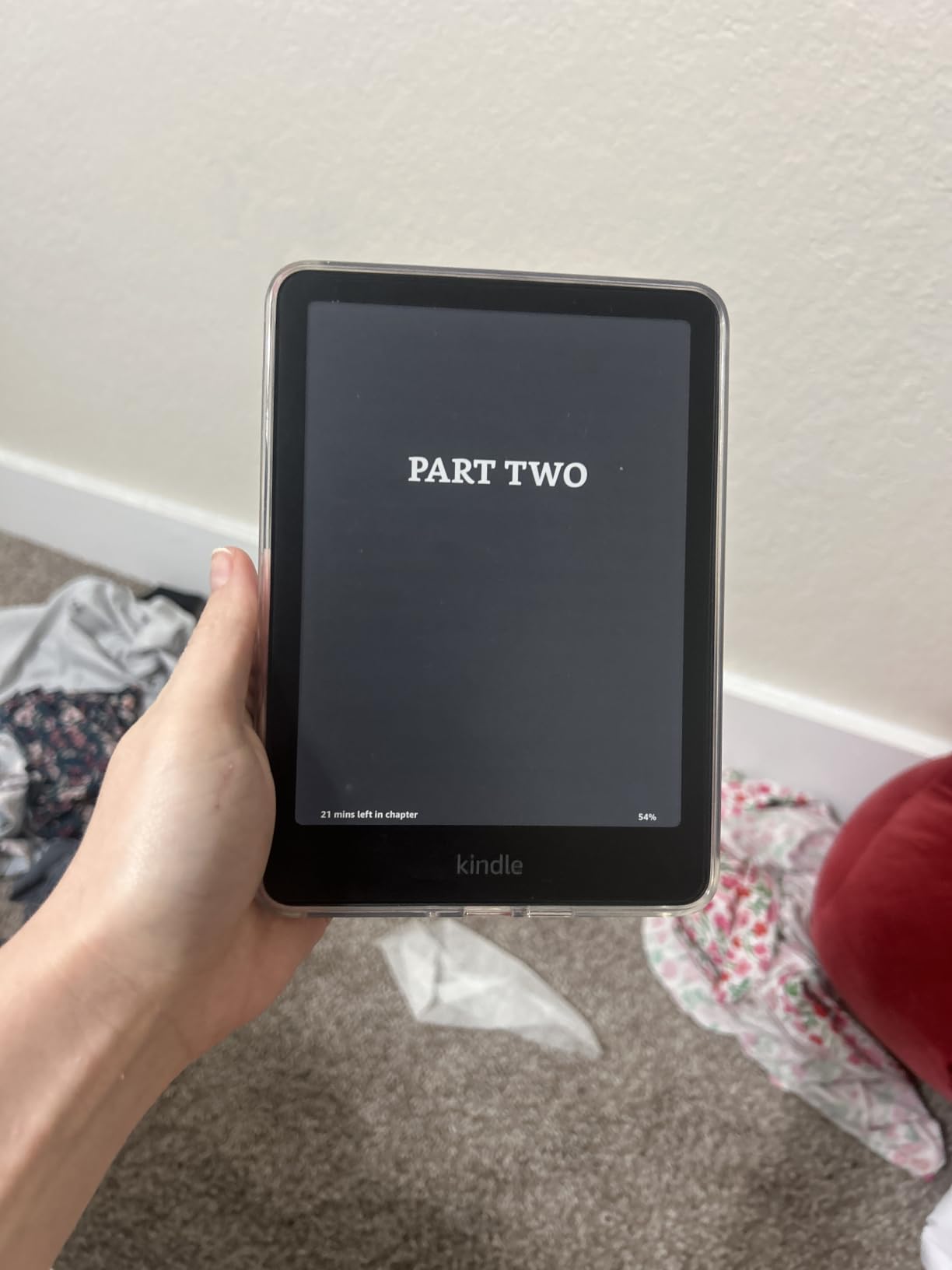
Page turns are reported about 25% faster than the previous generation, with near-instant menu and search response. That sounds like marketing filler until you have used a first-generation Paperwhite, where the screen lagged visibly behind your thumb.
The battery figure is the one that changes habits. Owners talk about going a full season between charges, which is the difference between a device you pack without thinking and one you remember to plug in. Warm light also matters more than expected: most people end up somewhere in the middle of the white-to-amber range rather than at either end.
Read it beside a bath or in a hotel and the waterproof build earns its place, since the screen is the part you would miss most if water got in. The one thing you give up is app support, and owners who miss Libby have a workaround: borrow on a phone and send the loan to the Kindle over Wi-Fi.
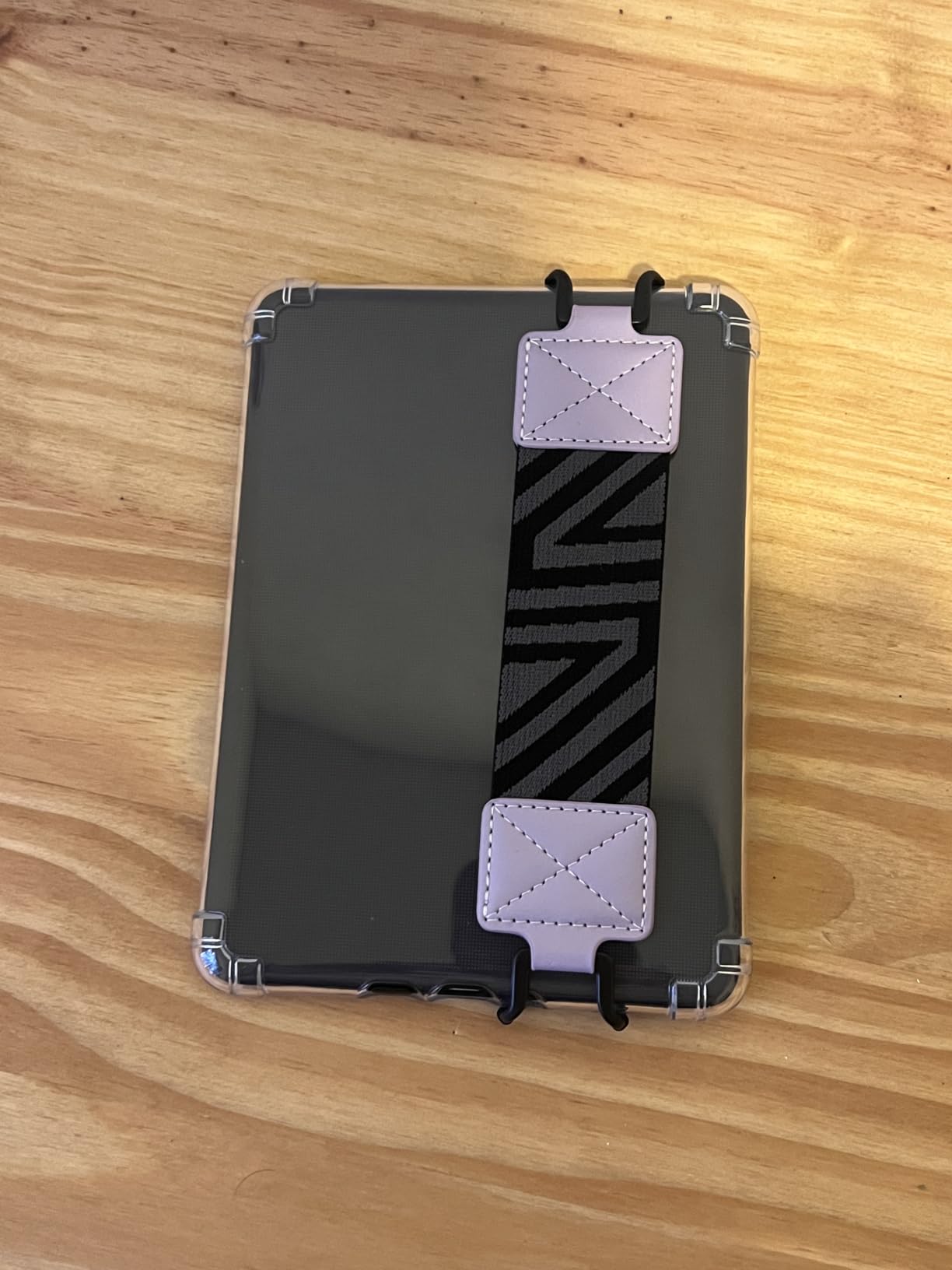
Compared with the Basic 16GB: the Paperwhite costs you a few extra ounces and gives up a larger screen with warm lighting and waterproofing in return. Pick the Paperwhite unless you genuinely read one-handed for long stretches and want the lightest thing possible.
Buy now or wait? Watch this one closely during the event. It is the highest-volume Kindle in the list, which historically means it is the easiest model to find an offer on.
2. Kindle Basic 16GB: Best Value for Commuters and Small Hands
Amazon Kindle 16 GB (newest model) – Lightest and most compact Kindle, now with faster page turns, and higher contrast ratio, for an enhanced reading experience – Black
Type: Kindle e-reader
Standout: lightest body at about 158 g with 6-week battery
Pros
- Lightest and most compact Kindle at roughly 158 g
- Faster page turns and higher contrast than the last version
- Up to 6 weeks of battery per charge
- Front light 25% brighter at maximum with dark mode
- USB-C charging and no swipe-to-open lock screen
Cons
- No warm amber front light
- Not waterproof
- No page-turn buttons so touch gestures only
Buyers moving up from a tablet single out one thing: it weighs roughly 158 g. That is the reason this model exists, and reviewers who chose it over the Paperwhite repeatedly say they do not regret the trade.
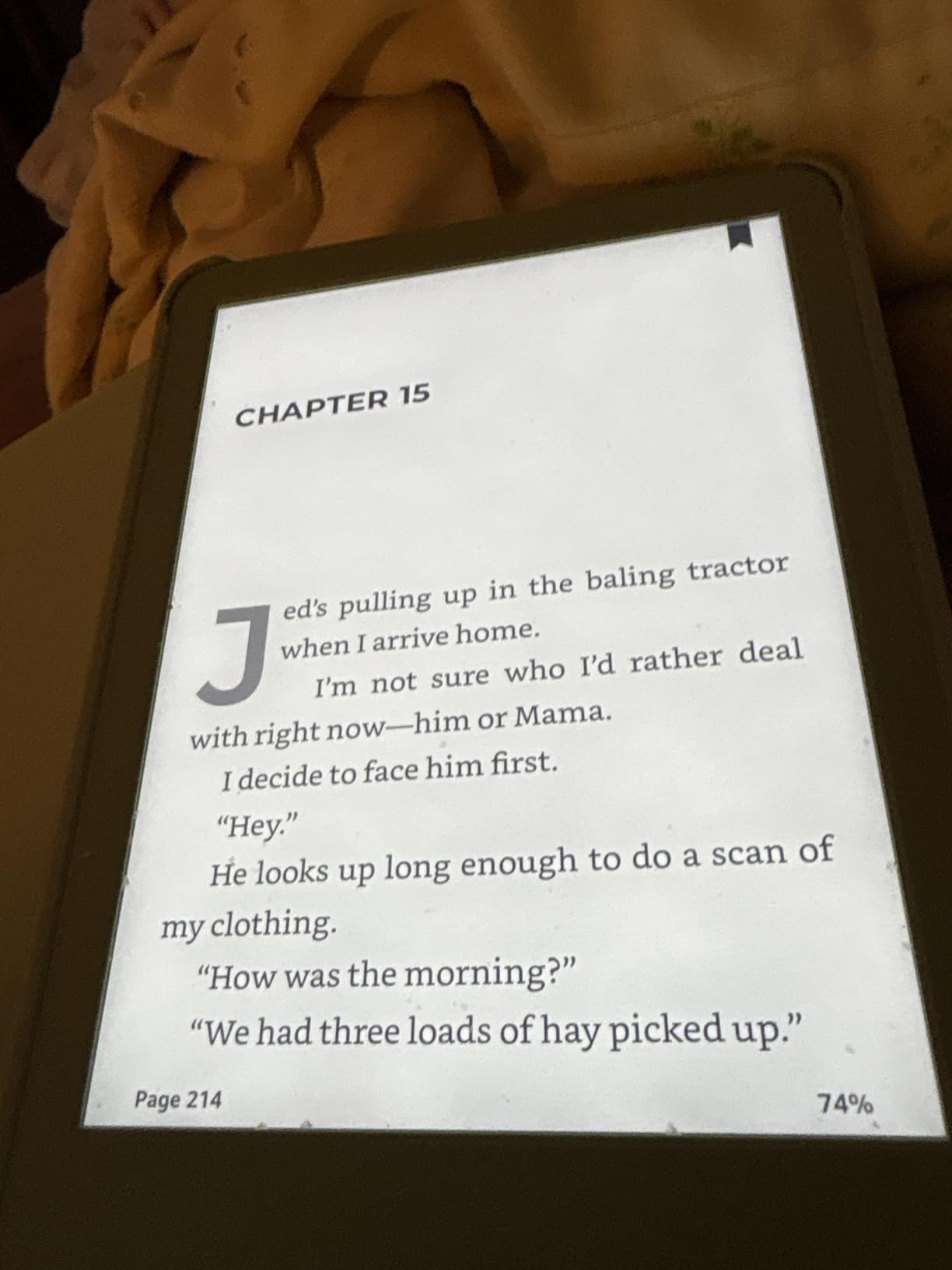
The 6-inch screen is smaller than the Paperwhite’s 7-inch, which sounds like a downgrade and mostly is not for prose. Owners also like the matte plastic body, which feels less cold in the hand than metal, and the front light is now 25% brighter at maximum, with a dark mode for reading in a dark carriage.
Battery life lands at up to 6 weeks per charge, roughly half the Paperwhite figure. For most readers that is still a full holiday without a charger, which is why this stays near the top of the list for travel and commute reading.
Be clear about what you give up. There is no amber front light, so the reading experience at night is cooler than the Paperwhite’s. The body is not waterproof, there are no page-turn buttons, and the soft plastic back scratches easily without a sleeve, which is exactly why the clear case later in this list exists.
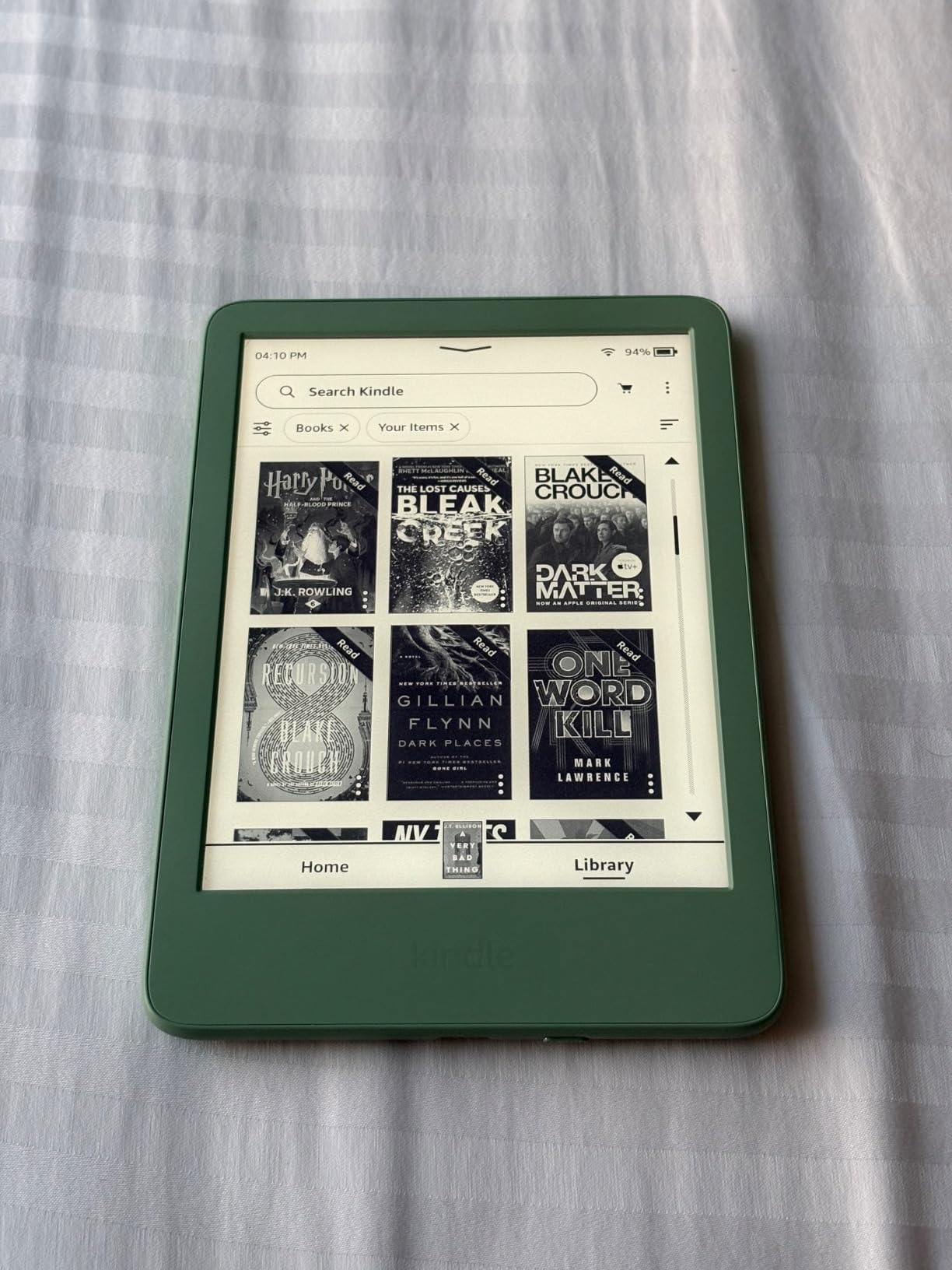
Skip it if you read near water or you want warm light. Those two needs send you to the Paperwhite 16GB, and the weight difference only matters if you hold a book in one hand for an hour at a time.
3. Kindle Paperwhite Signature 32GB: Most Versatile for Readers Who Fill the Storage
Amazon Kindle Paperwhite Signature Edition 32GB (newest model) – 20% faster with auto-adjusting front light, wireless charging, and weeks of battery life – Metallic Black
Type: Kindle e-reader
Standout: 32GB with auto light and wireless charging
Pros
- Auto-adjusting front light tunes itself to the room
- 32GB with room to spare after 150 downloaded books
- Downloads generally finish in under a minute
- Wireless charging dock support for a nightstand
- Comfortable screen with warm tone and full dark mode
Cons
- No built-in speakers so audiobooks need Bluetooth or an app
- Menu system can occasionally feel slow
- Signature extras are not essential for most readers
Reviewers treat this as the premium Paperwhite, and the extra storage is the quiet reason it earns its place. Owners who keep 150 or more books downloaded report plenty of room still left, which is the point when a large library is the reason you bought an e-reader.
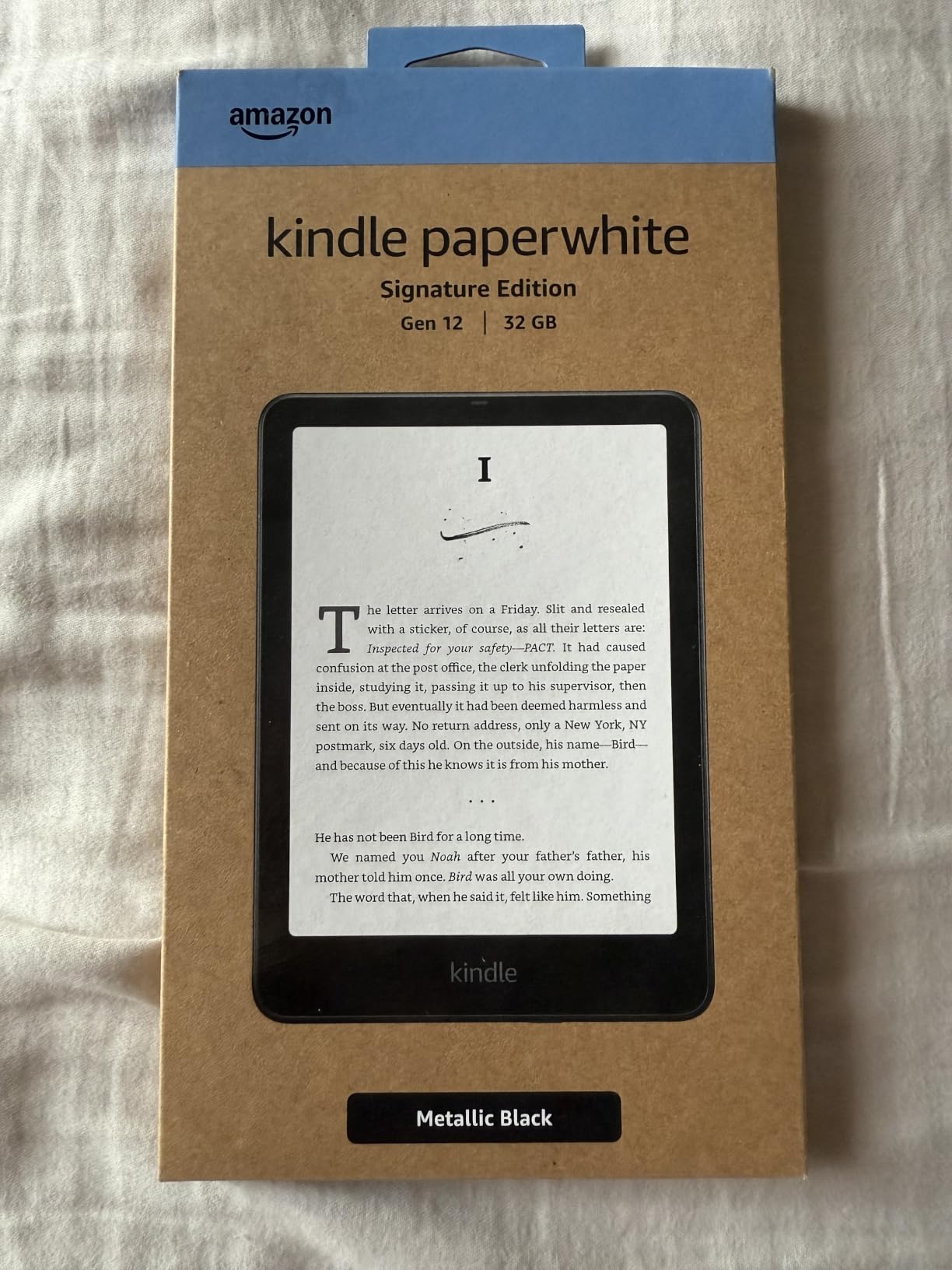
The auto-adjusting front light is the feature people notice daily. It tunes to the ambient brightness of the room, so you stop thinking about it. The dark mode is full, and the warm tone is there for night reading, both of which make long sessions easier on the eyes than the standard model.
Wireless charging is the other half of the upgrade, and it works with the dock in this list. Set the device down at night and it stays topped up, which also removes cable handling and the port wear that comes with it.
Now the honest trade-off. Several owners say the Signature-specific extras are not essential next to a standard Paperwhite, and that view is fair if you read serially rather than hoarding. There are no built-in speakers, so audiobooks need Bluetooth headphones or a phone app, and the menu system can feel clunky at times.
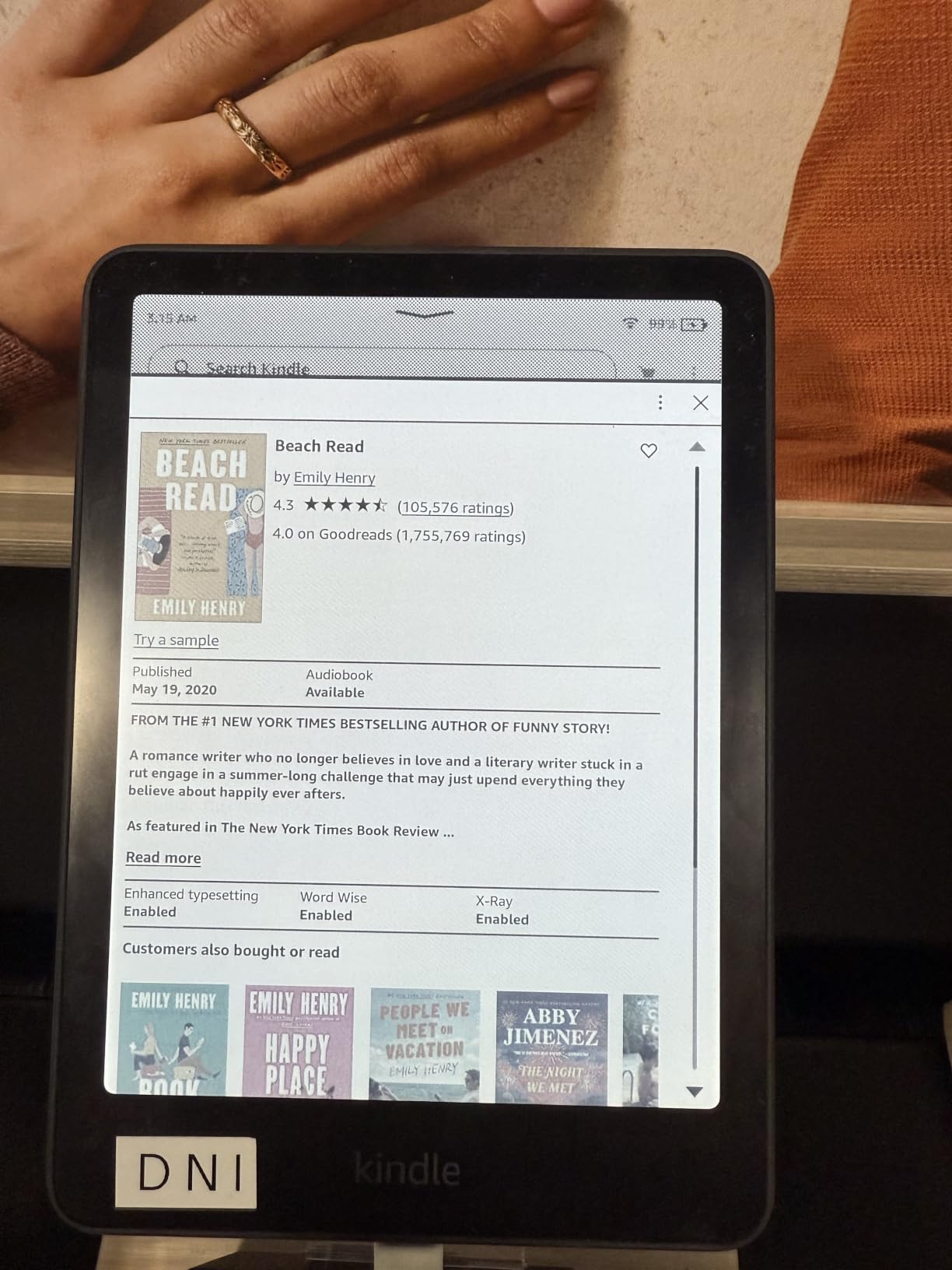
Compared with the Paperwhite 16GB: same screen size and similar battery life, so the decision is storage plus the auto light. Migrating a large library from an older Kindle is the most common source of confusion, and owners who stumble through it rate the device itself very highly afterward.
4. Kindle Scribe 64GB: Best for Notes and Annotated Documents
Amazon Kindle Scribe (64GB) – Your notes, documents and books, all in one place. With built-in AI notebook summarization. Includes Premium Pen – Metallic Jade
Type: Kindle e-reader
Standout: 10.2-inch 300 ppi surface with included pen
Pros
- Writing surface that feels like pen on paper
- Premium Pen included with no charging or setup
- AI tools turn handwriting into readable font and summarize notes
- Active Canvas adds note space beside the page text
- PDFs can be imported and marked up directly
Cons
- Premium Pen is pressure-based so it can slide on the surface
- Larger and heavier than a reading-only e-reader
- AI notebook tools need an active connection
This is a notebook that also reads, and that framing matters. The 10.2-inch 300 ppi front-lit display is the largest in this roundup, and the included Premium Pen writes the moment it touches the surface because there is nothing to charge or pair.
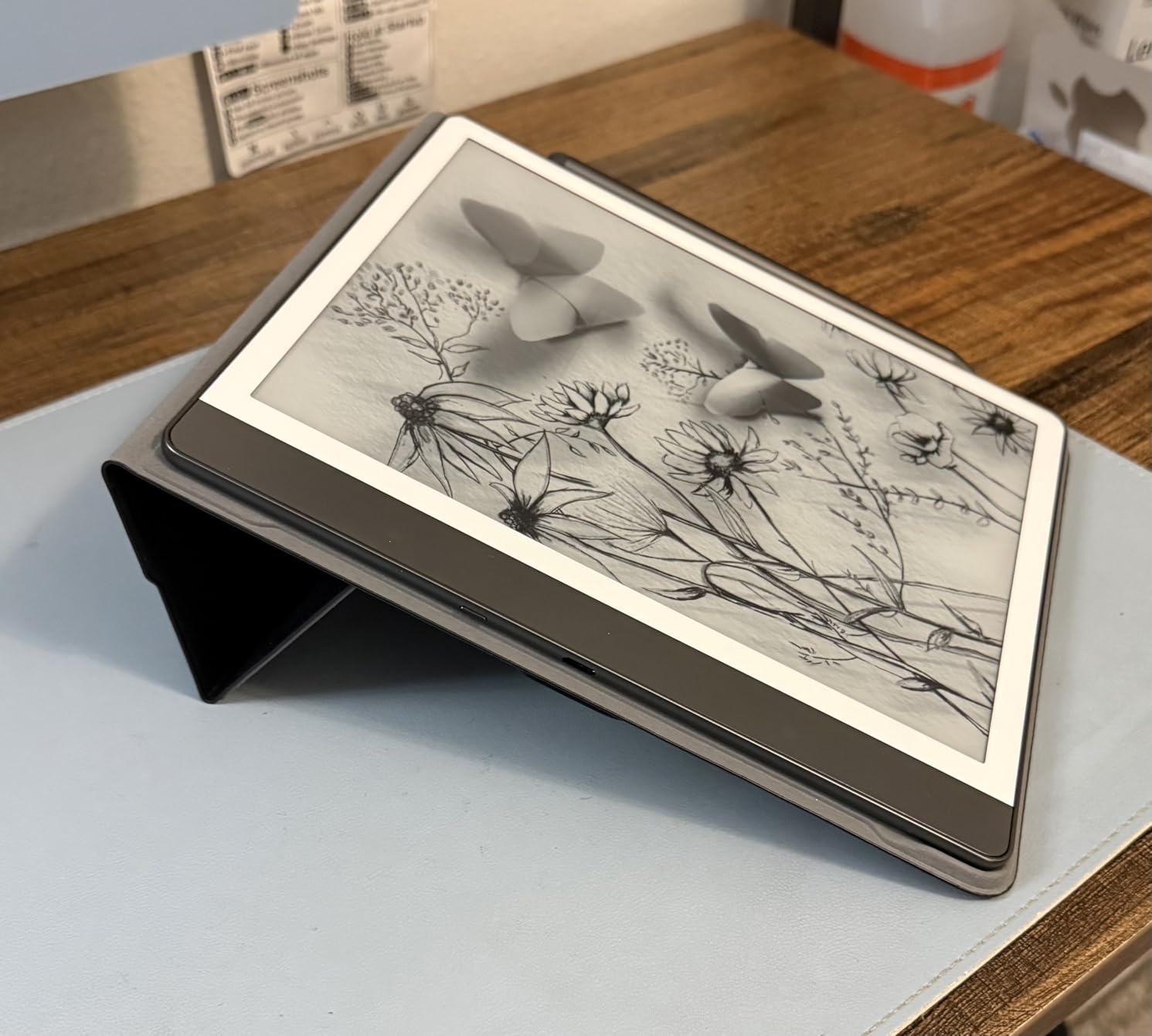
For students and anyone who works through documents, the useful parts are the markup tools. You can import PDFs and mark them up directly, and Active Canvas creates space for notes beside the text of a book while you read it rather than afterwards.
The built-in AI notebook tools are the part that impressed reviewers most. Messy handwriting gets converted into a clean font, notes get summarized, and length and tone can be adjusted. Owners who use them heavily note they work best with an active connection.
Two drawbacks stand out. The Premium Pen is pressure-based rather than a true stylus, so it can slide across the surface on a fast stroke, and the body is large and heavy enough that one-handed reading stops being realistic. If your reading is mostly prose, this is the wrong shape of device.
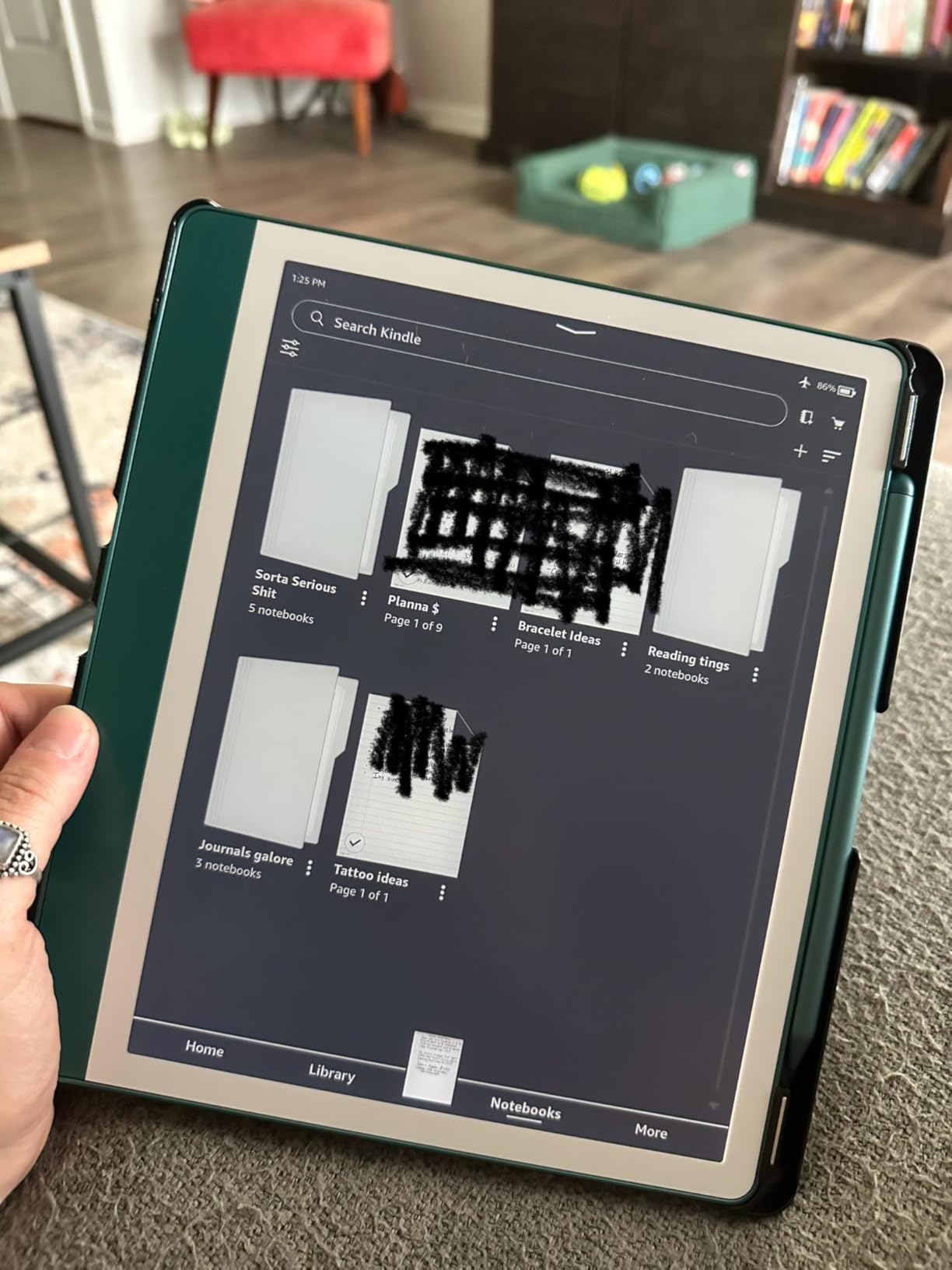
Good to know: the pen is in the box, so there is no extra purchase to make on day one. Compared with the Paperwhite Signature, you trade portability for a writing surface, and that trade only pays off if you actually annotate.
5. Kindle Colorsoft 16GB: Best for Comics, Manga and Picture Books
Amazon Kindle Colorsoft 16 GB (newest model) – With color display that brings covers and content to life, now highlight in color – No Ads – Black
Type: Kindle e-reader
Standout: 7-inch color display with color highlights
Pros
- Paper-like color display suited to comics and illustrated books
- Soft pastel tones read calmly rather than like a screen
- Color highlighting in yellow orange blue and pink
- Full dark mode keeps highlights and pen strokes colored
- Ad-free with screen saver artwork
Cons
- Text is slightly less crisp than on the Paperwhite
- Front light is dimmer so it needs a higher brightness setting
- No microSD so storage stays fixed at 16GB
Reviewers are split into two camps here, and the split is worth understanding before you buy. If you want vivid color, a tablet is better. If you want a calm, paper-like page where color helps rather than shouts, this is the Kindle that gets there.

For manga, graphic novels and children’s picture books, the softer color is described as a genuine step up rather than a gimmick. The tones are muted and pastel-like, and most comparisons note the Paperwhite is sharper for pure text but that the difference is negligible unless you hold both side by side.
Color highlighting in yellow, orange, blue and pink works on the same page, and full dark mode keeps those highlights and pen strokes colored on a black background. The device is also the ad-free variant, and owners like the screen saver artwork for a bit of personality on the lock screen.
The trade-off is text crispness. The front light is dimmer than the Paperwhite’s, so you end up running a higher brightness setting, and some owners report that battery life falls well short of the quoted figure when brightness is high. There is no microSD expansion, so 16GB is all the storage you get.
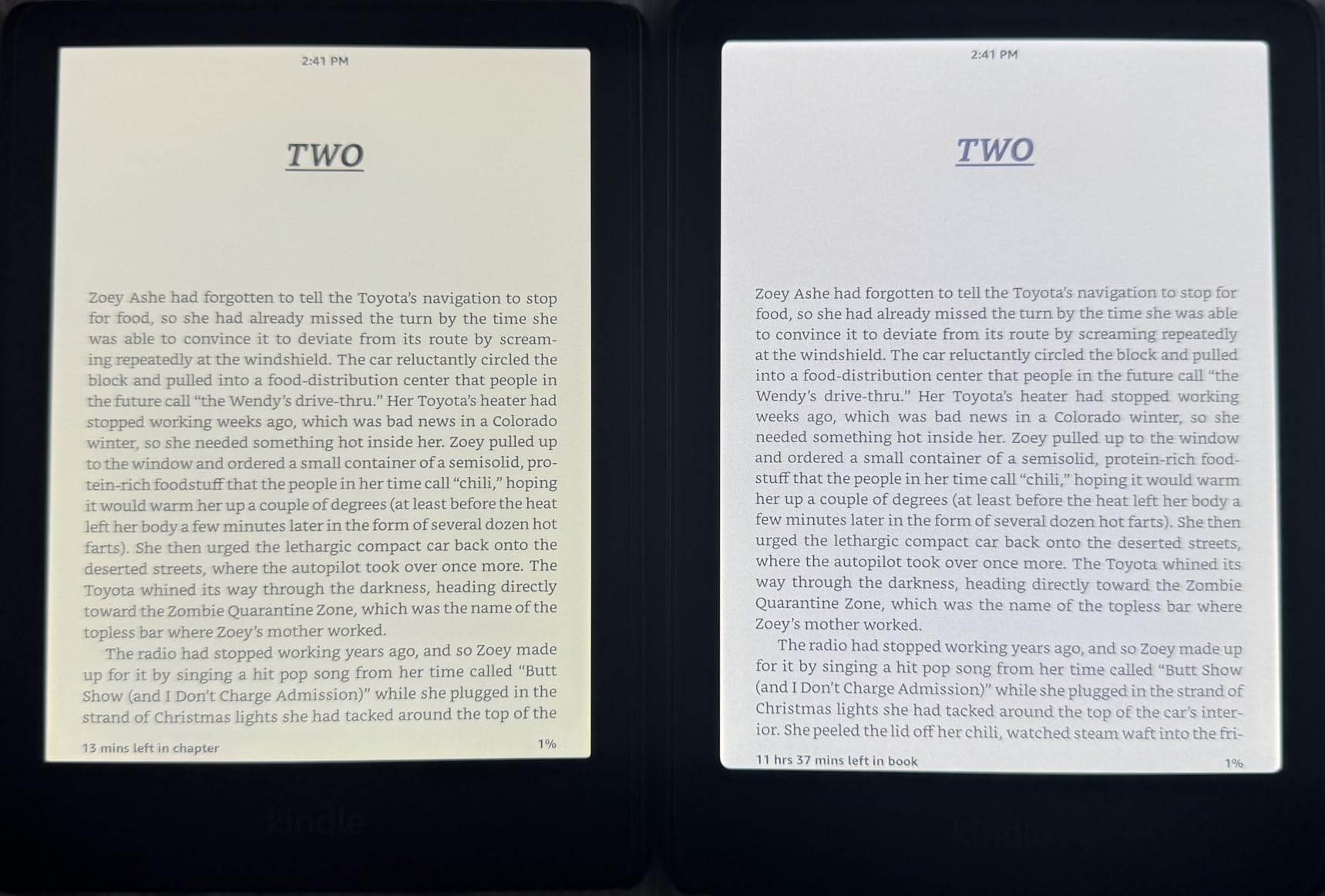
Same 7-inch size as the Paperwhite 16GB, different panel, and that difference decides this one. Read only novels and the Paperwhite is the sharper, brighter, longer-lasting choice. Read comics regularly and the softer text is a fair price for the color.
6. Anker Wireless Charging Dock: Best for Bedside and Desk Charging
Made for Amazon, Wireless Charging Dock for Kindle Paperwhite Signature Editions (2022 & 2024 Releases) and Kindle Colorsoft Signature Edition
Type: Kindle accessory
Standout: 7.5W drop-and-charge dock for Signature models
Pros
- Drop the Kindle on the dock and it charges without a cable
- Charges through a case up to 4mm thick in portrait mode
- Fills the battery in as little as 2.5 hours
- Doubles as a reading stand at a comfortable angle
- LED shows misalignment and charging status
Cons
- Only fits the wireless-charging Signature Edition models
- A small number of units charge inconsistently or stall partway
- Front cradle area collects dust quickly
Owners describe this as one of those accessories they did not know they needed until they started using it. Set the Kindle down at night and it stays charged, which removes the cable and the port wear that comes with daily plugging in.
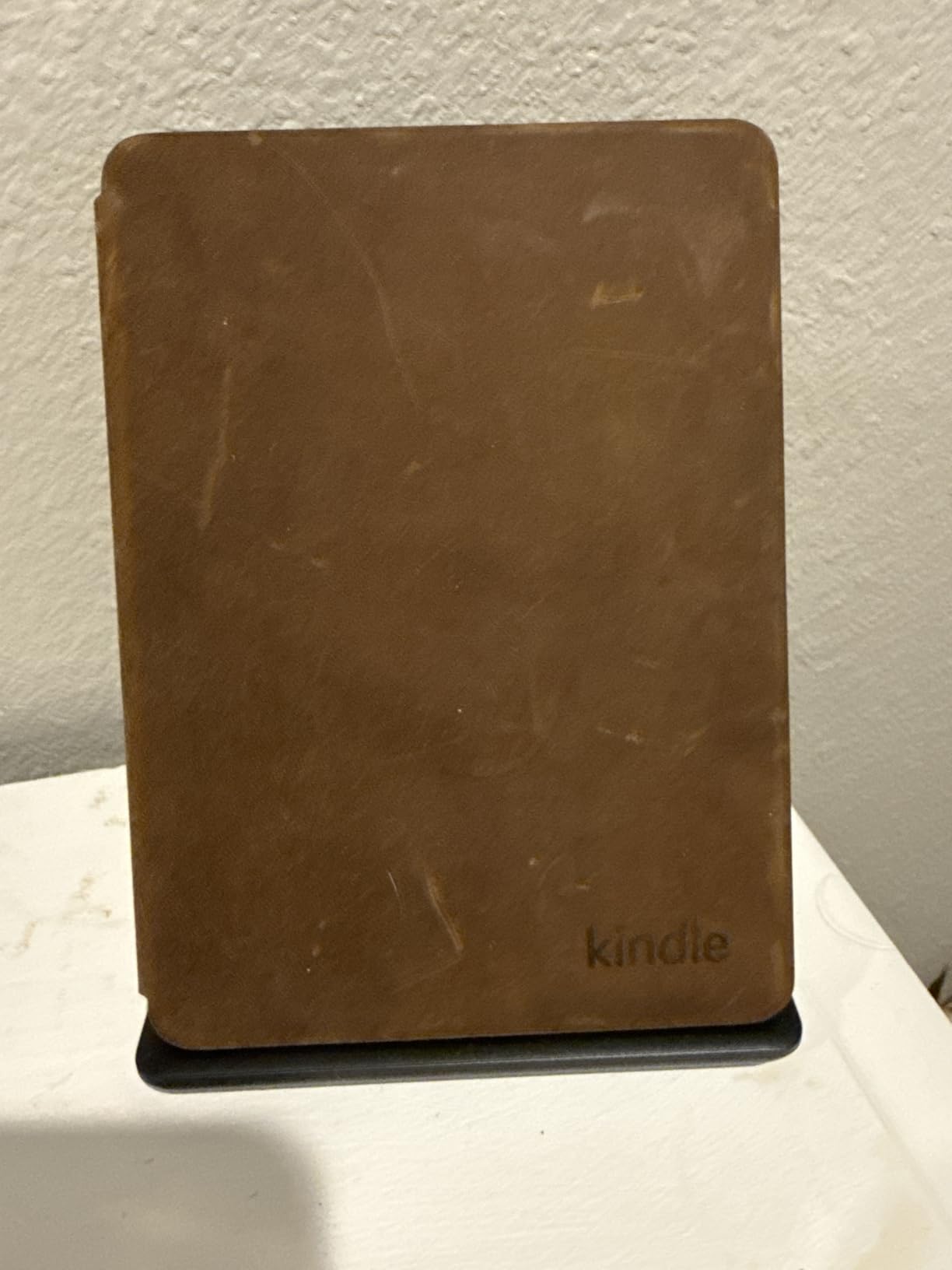
The design is the other half of the appeal. It looks at home on a nightstand or a desk, and it doubles as a reading stand at a comfortable angle, so the device is not lying flat face-up collecting dust all evening.
Charging runs at 7.5W and reaches full in as little as 2.5 hours. It charges through a case up to 4mm thick, and owners report it working across several different Kindle cases without any fiddling.
Check compatibility before anything else, because this is the constraint that decides the purchase. It works with the Paperwhite Signature Edition from the 2022 and 2024 releases and the Colorsoft Signature Edition, and it does not work with standard Kindles. A small number of units charge inconsistently, and the LED blinks if the device is not perfectly aligned, which usually means re-seating it.
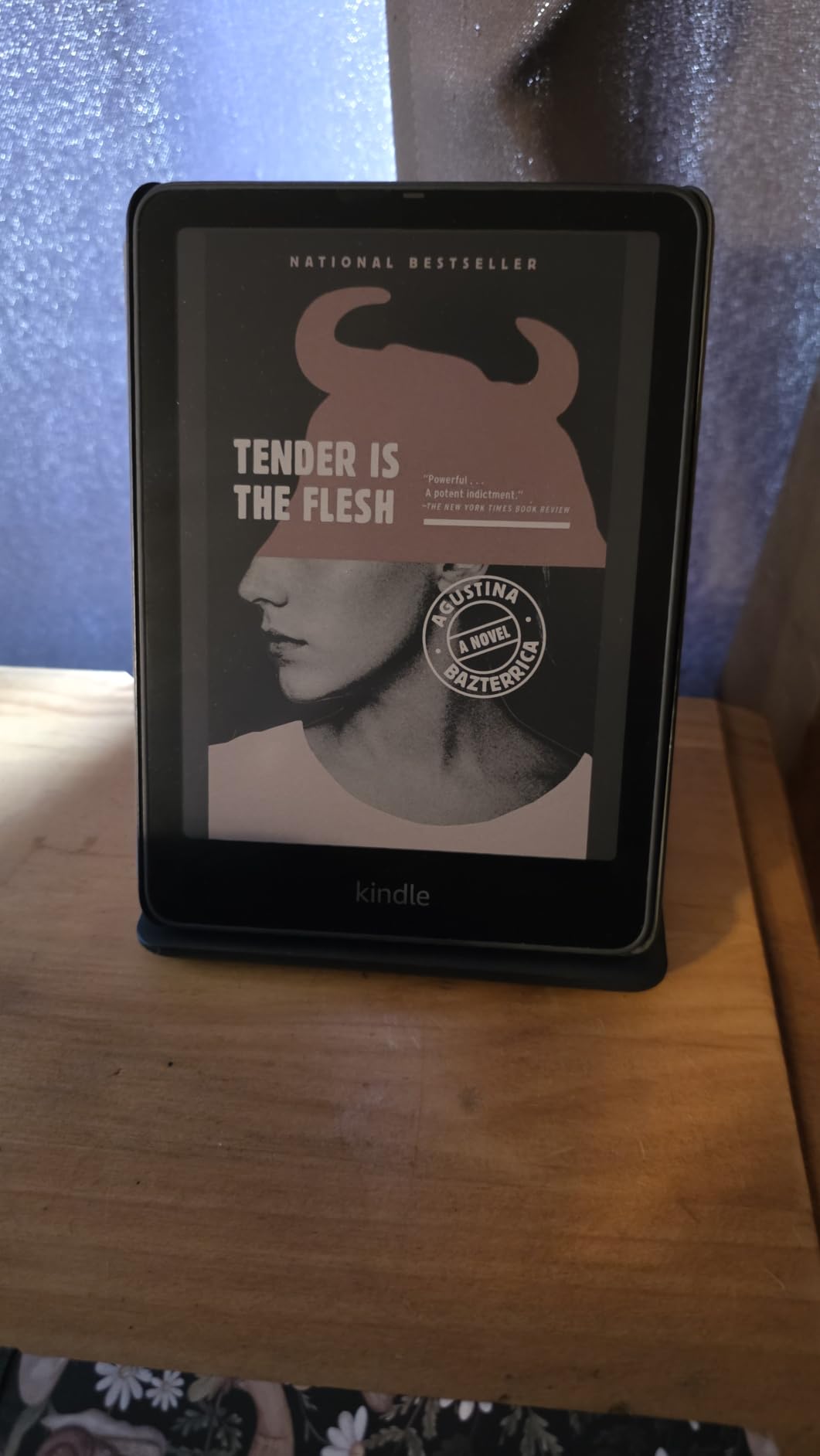
Good to know: the box includes the dock, the power supply and a quick start guide, so there is no extra cable hunt. Pair it with the Paperwhite Signature 32GB in this list and the two are a complete bedside setup.
7. MoKo Paperwhite Case: Best for Paperwhite Owners Who Want a Stand
Moko Case for 7″/6.8″ Kindle Paperwhite 12/13th Gen & Kindle Colorsoft 2026
Type: Kindle case
Standout: PU leather case that folds back into a stand
Pros
- Slim PU leather with a no-scratch microfiber interior
- Folds back into a stand for hands-free reading
- Interior and exterior hand straps reduce drops
- Built-in card slot for cards and cash
- Magnetic closure wakes and sleeps the device
Cons
- Only fits specific Paperwhite generations and the Colorsoft Signature Edition
- Slim synthetic leather can wear or peel over long heavy use
The stand-back design is what earns this case its place. Fold the cover behind the device and it holds a reading angle on a tray table, a desk or a lap, which turns any flat surface into a reading position.
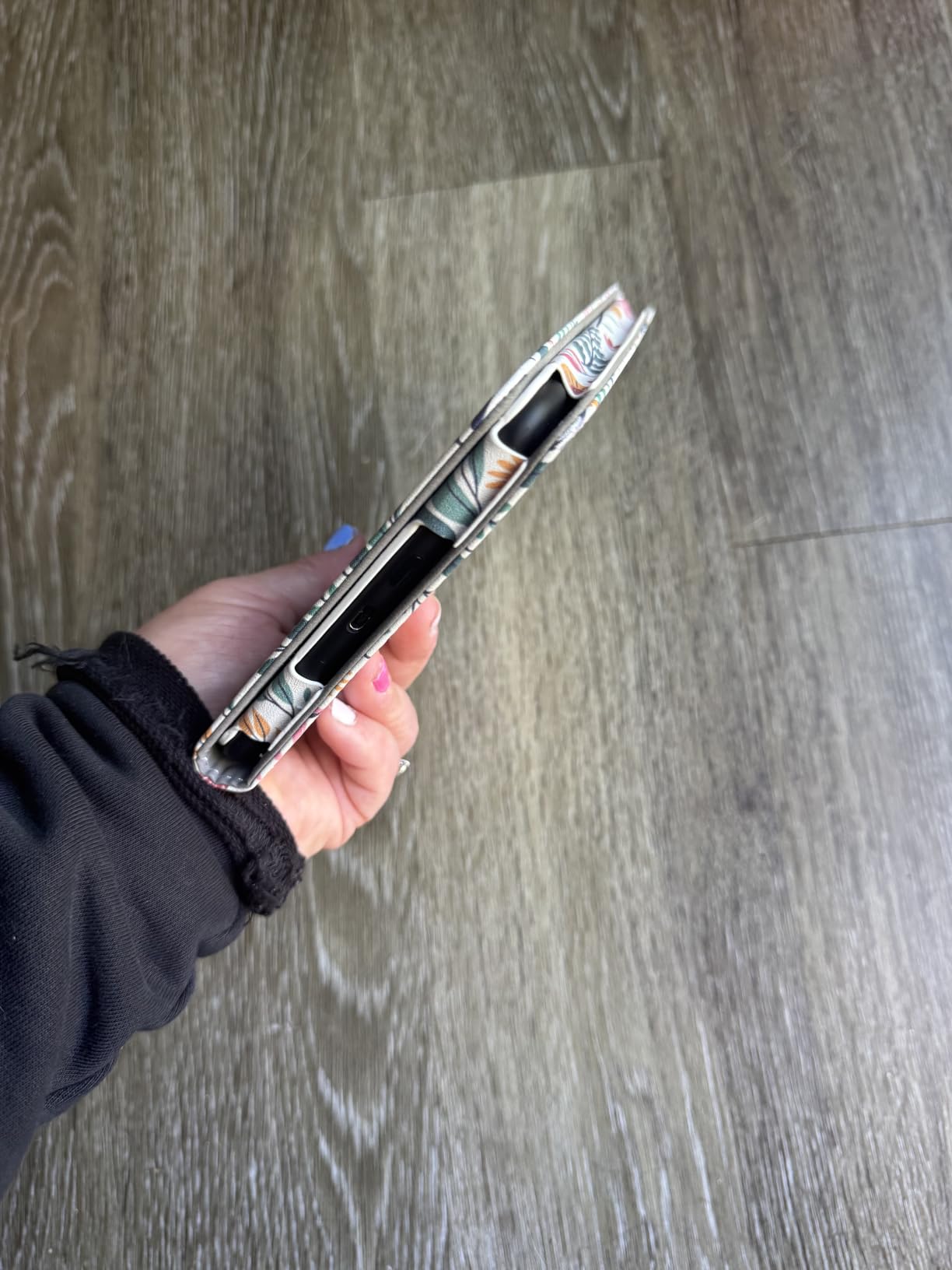
The hand straps matter more than they sound. An interior strap and an exterior one keep the device from sliding during one-handed reading, and the built-in card slot takes a transit card or some cash without a separate wallet.
The magnetic closure wakes and sleeps the Kindle as you open and close the lid, which saves a tap every single time. Inside is a no-scratch microfiber lining, and the cutouts are precise enough that every control stays reachable.
Fit is specific and worth double-checking before you order. It covers the 7-inch and 6.8-inch Paperwhite from the 12th and 11th generations, the 2024 and 2021 releases, and the Colorsoft Signature Edition from 2024. It does not cover other Kindle models, and the thin synthetic leather can show wear or peeling with years of heavy use.
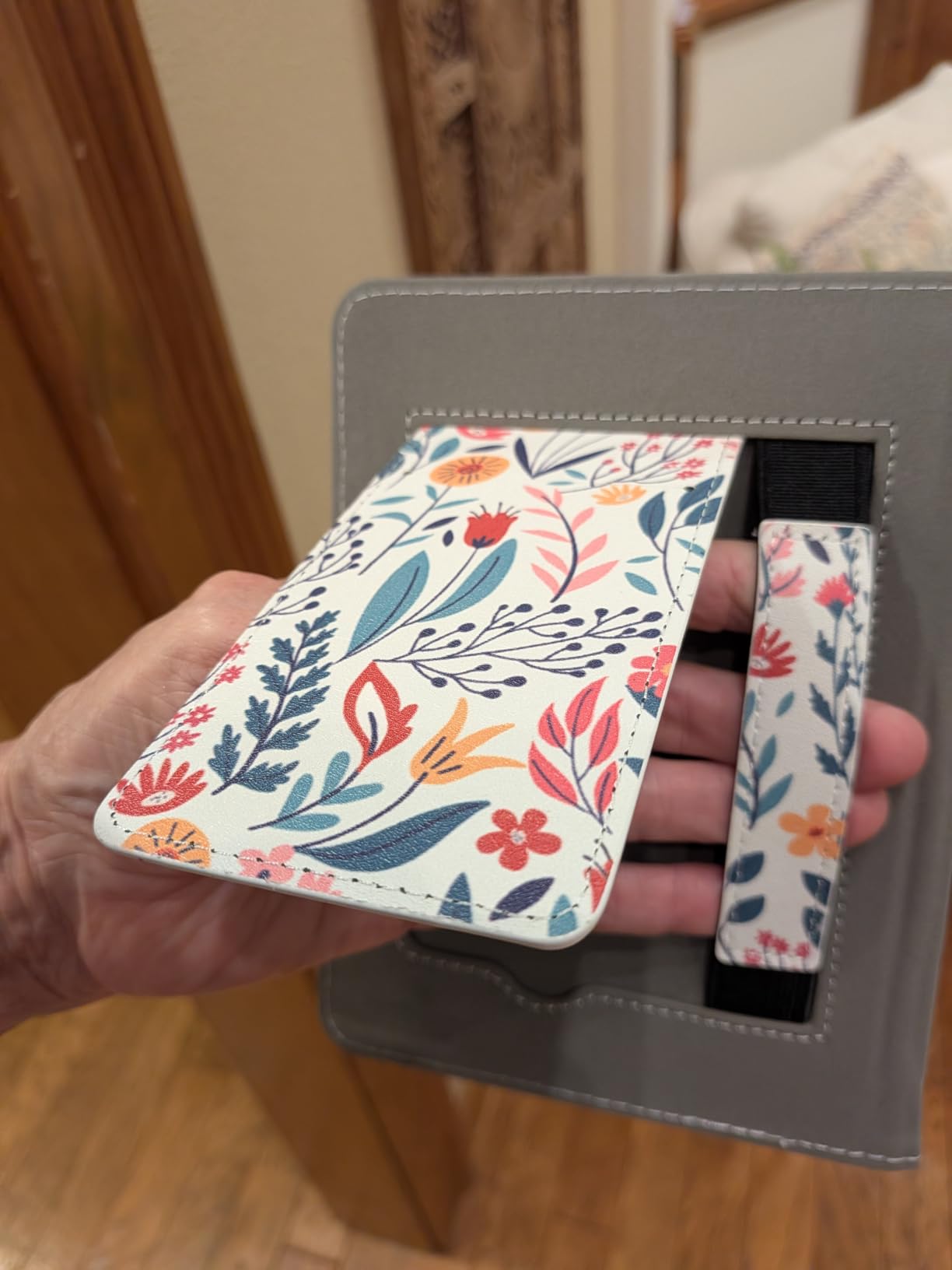
Compared with the CoBak clear case: choose this one for the stand and the straps, and the clear TPU option for a case that shows the device colour and adds grip to a slippery body. The weight here is 5.45 ounces, which is light in a bag.
8. Supershieldz Matte Protector: Best for Bright Rooms and Harsh Lighting
Supershieldz (3 Pack) Anti-Glare (Matte) Screen Protector for all-New Kindle Paperwhite & Kindle Paperwhite Signature Edition 7-inch (12th Generation – 2024 release)
Type: Screen protector
Standout: matte 3H film with three per pack
Pros
- Matte finish visibly reduces reflections and softens the page look
- Three protectors per pack so a bad install can be fixed
- Cleaning wipes dust sticker and cloth included
- Touch response and page turns stay smooth after application
- Film can be lifted and repositioned if it goes on crooked
Cons
- Dust and specks get trapped under the film especially on the flat 2024 screen
- Matte layer can make text look slightly blurry in spots
- Corners do not always adhere firmly and can lift
The matte anti-glare finish is the entire point. Reviewers credit it with cutting reflections in bright light and making long sessions easier on the eyes, which is the opposite trade-off to the glossy protectors that show every fingerprint and overhead light.
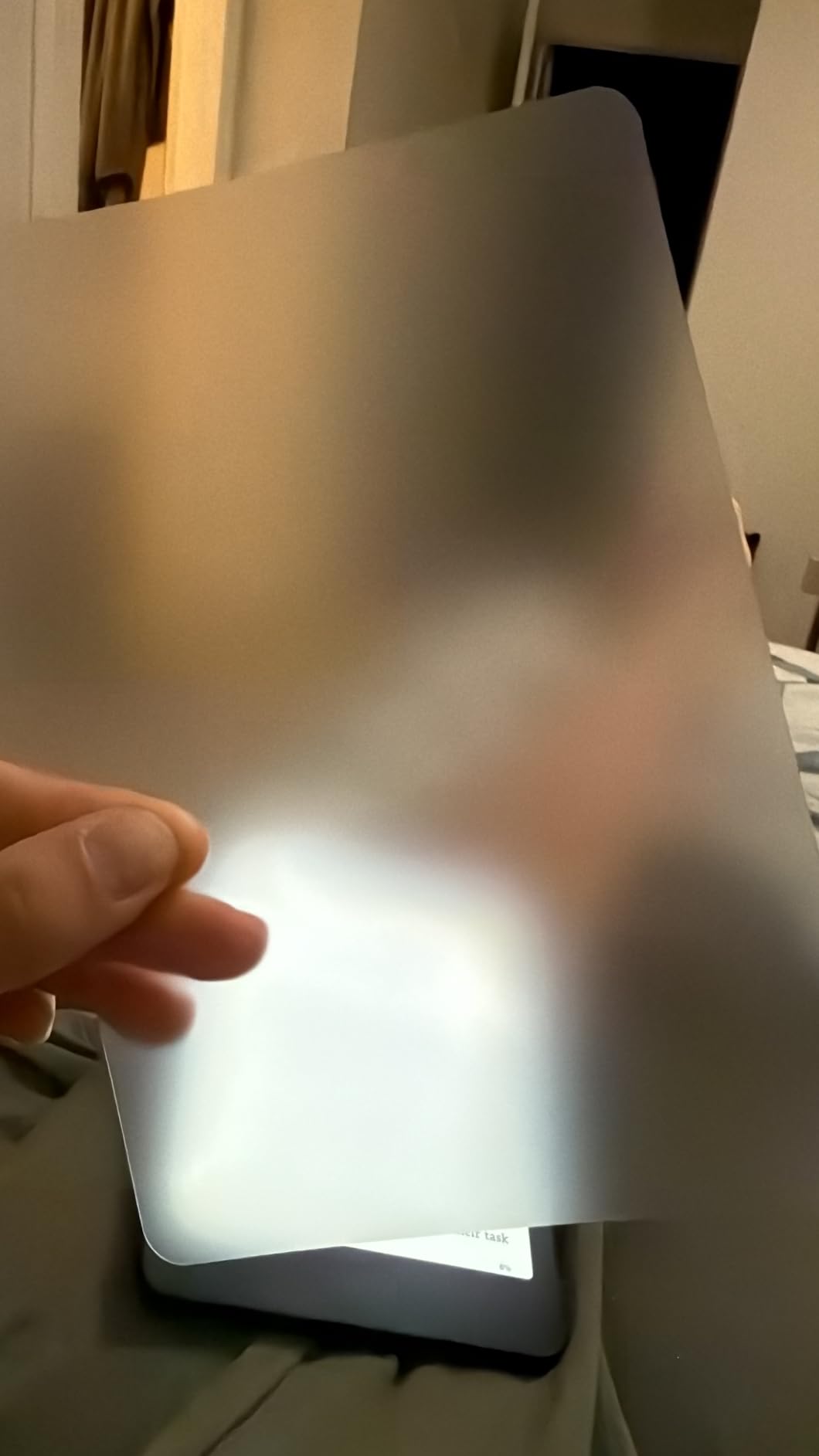
Three films per pack matters more than it sounds, because installation on the flat-edged 2024 Paperwhite screen is genuinely fiddly. A dusty or bubbly first attempt is common, and the spare is what saves the evening. The kit includes cleaning wipes, a dust sticker and a cloth.
Once it is on, the device keeps behaving normally. Owners report that touch response, page turns and menu taps stay smooth, and the film can be lifted and repositioned if it goes on crooked rather than having to be thrown away.
The honest downside is clarity. The matte layer can make text look slightly blurry at certain points, and the corners do not always adhere firmly, so edges can lift after a few weeks of being carried in a bag. A small number of sheets arrive with pinholes or persistent bubbles, which is where the three-pack earns its place.
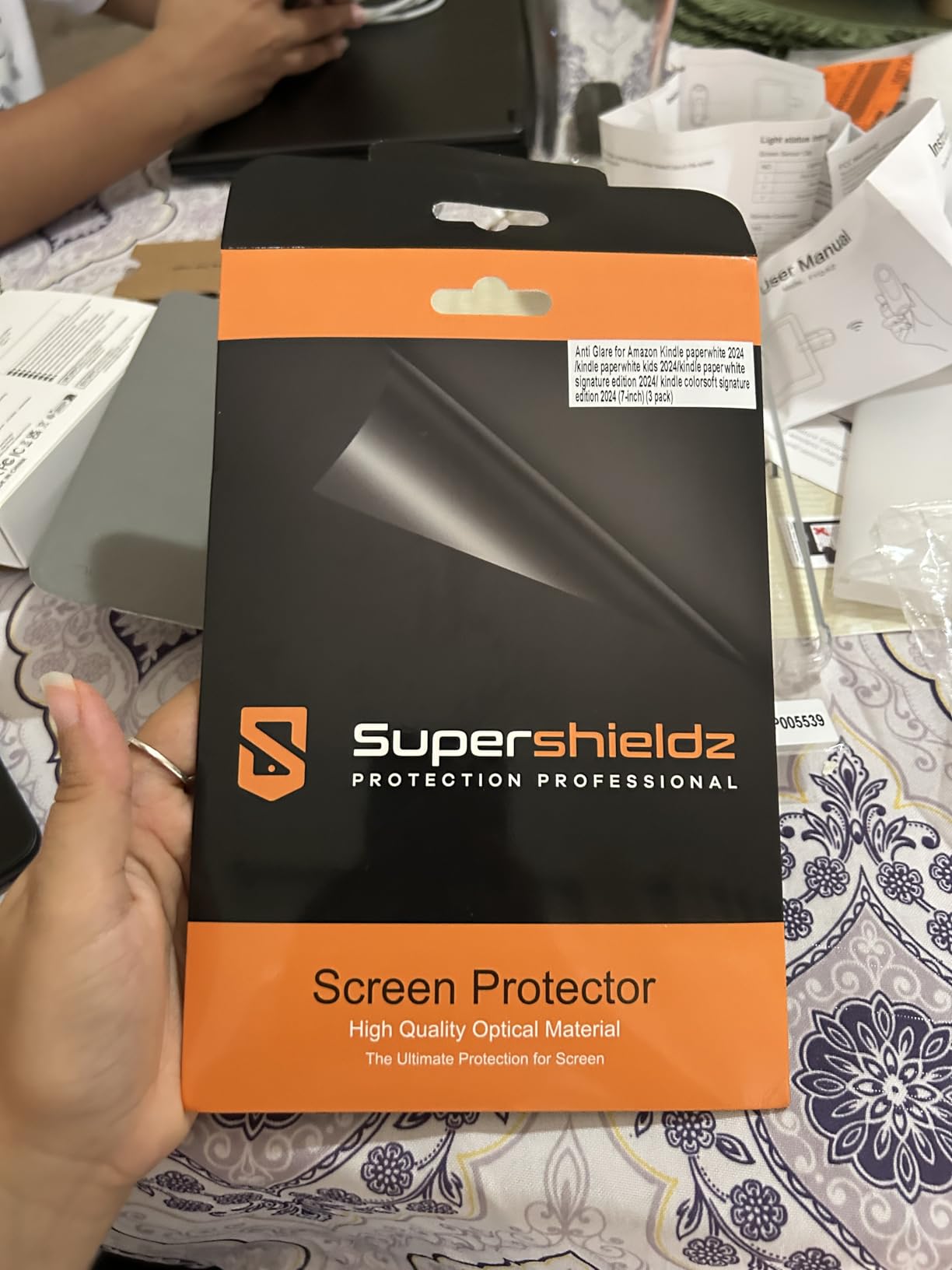
Good to know: this fits the 7-inch Paperwhite from the 2024 release only. The 6-inch versions in this list need a different protector, so check the generation on the box before you add it to a cart.
9. CoBak Clear Case: Best for Grip and Showing the Device Colour
CoBak Clear Case Exclusively for 6″ Kindle 2024 & 2022(11th Generation)
Type: Kindle case
Standout: clear soft TPU that adds grip
Pros
- Genuinely clear rather than cloudy or frosted
- Slim and light at 65 g with almost no added bulk
- Soft TPU gives real grip on a slippery device
- Snaps on securely and fits ports buttons and charging
- Resists yellowing cracking and warping
Cons
- No magnets so there is no auto sleep or wake on opening
- Power button cutout is covered making the button harder to press
- Fingerprints show on the clear surface
It carries the highest rating of anything in this roundup, and the reason is that it does one job without fuss. The TPU is genuinely transparent rather than cloudy, so the device colour and any stickers show through.
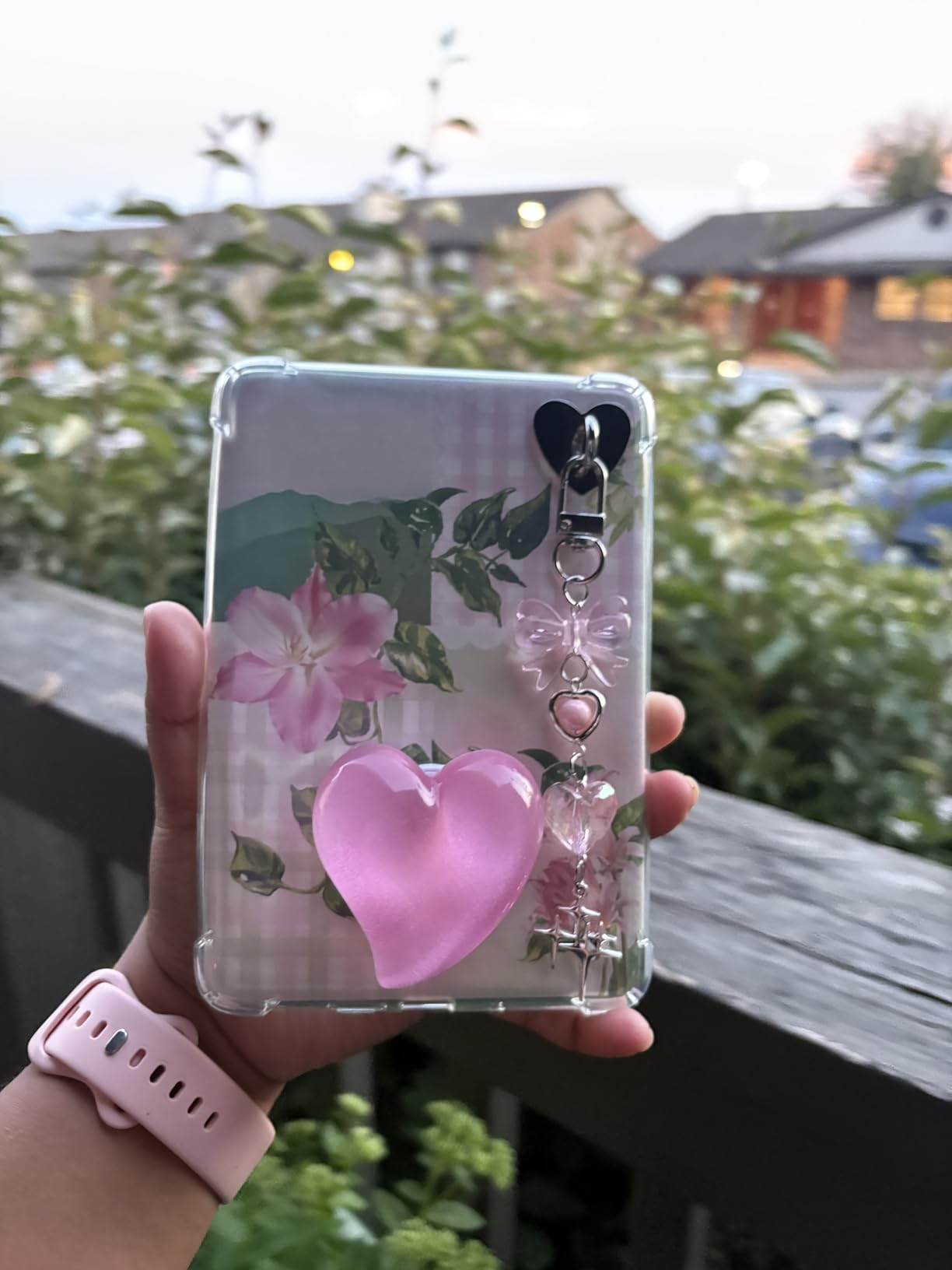
The grip is the sleeper benefit. The 2024 base Kindle has a smooth, slightly slippery back, and owners say this soft shell fixes that in a way a leather case does not, while adding almost no bulk or weight at 65 g.
It snaps on securely and the cutouts line up with the ports, buttons and charging, and the material resists yellowing, cracking and warping with regular use. The glitter and hand-strap variants are popular for adding some interest without hiding the device.
Two complaints repeat. There are no magnets, so there is no automatic sleep or wake when the case opens, and the power button area is covered by rubber, which makes the button noticeably harder to press. Fingerprints are visible on any clear surface, and the product is made for the 6-inch Kindle from the 2024 and 2022 releases only.
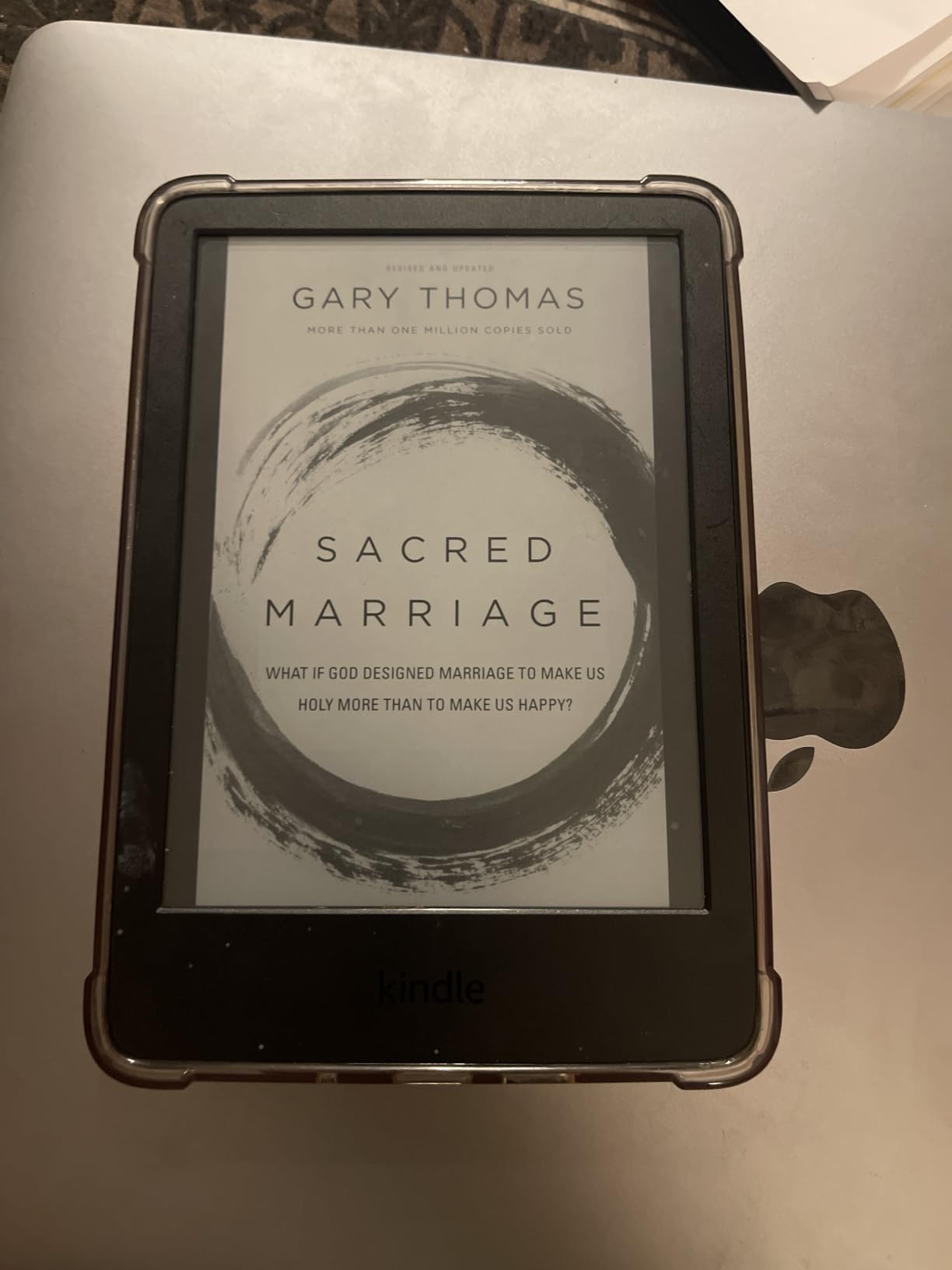
The choice against the MoKo case is about posture more than protection. The MoKo folds into a stand and adds a card slot, while this one is thinner, clearer and better at grip. If you read propped up in bed, take the MoKo; if you read on the move, take this.
10. CoBak Screen Protector 3-Pack: Best Budget Pick for 6-Inch Kindles
CoBak 3 PackScreen Protector for 6″ Kindle 2024 and 2022 (11 Generation)
Type: Screen protector
Standout: matte 3-pack at 97% clarity
Pros
- Full-coverage matte fit for the 6-inch Kindle
- Anti-glare surface cuts fingerprints stains and reflections
- 97% clarity so reading quality is not diminished
- PET material leaves no residue when removed
- Kit includes three protectors plus cleaning and application tools
Cons
- Matte surface can slightly dull text sharpness
- Application still takes care to avoid dust and bubbles
Budget pick is the right label here, and the first thing to notice is the compatibility list. Beyond the 6-inch Kindle from the 2024 and 2022 releases, these fit the Kobo Nia and a range of PocketBook models, so the pack is useful even if you switch e-readers later.
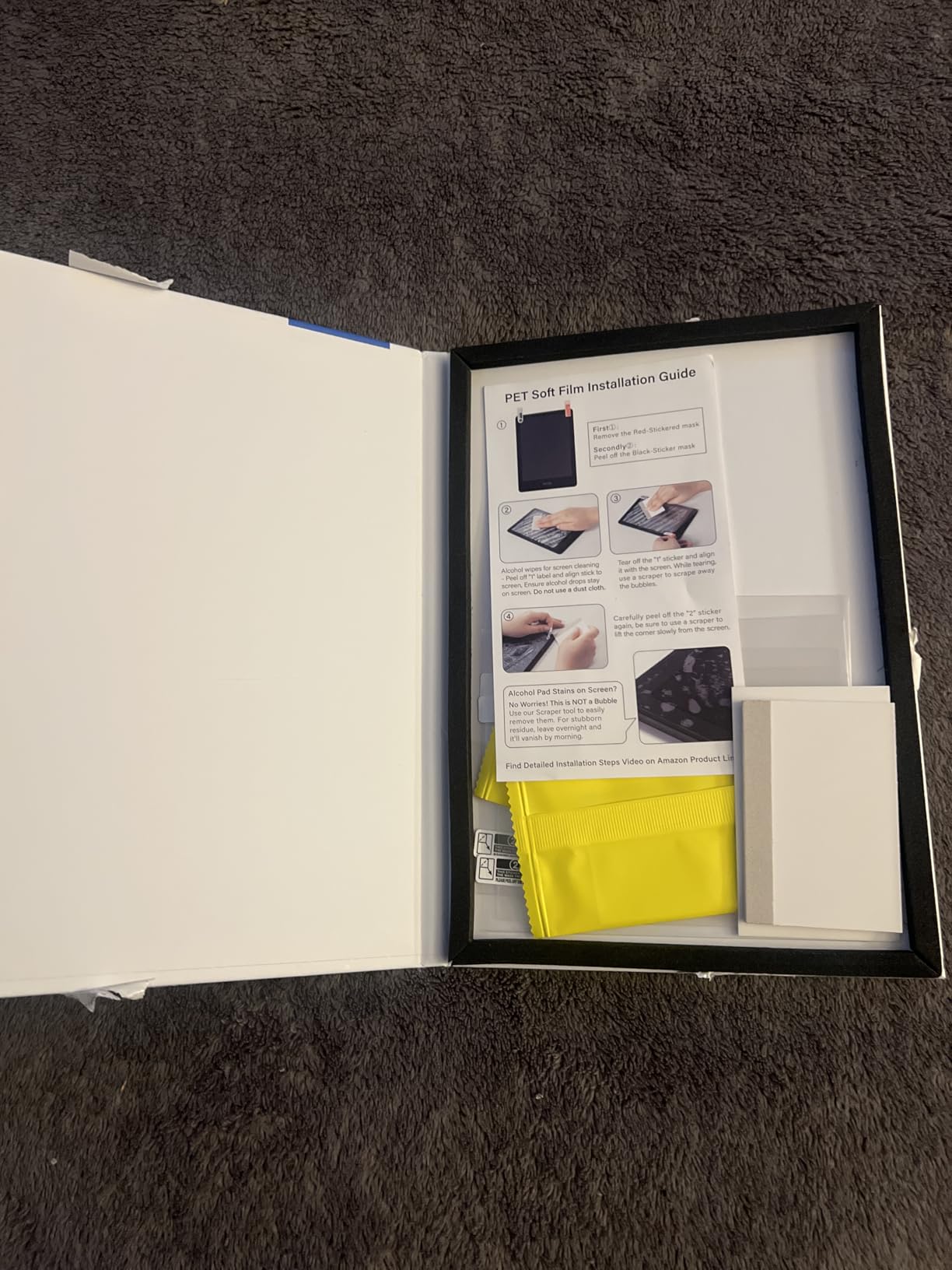
Owners point to the anti-glare matte finish as the main benefit, making reading under bright light more comfortable and keeping fingerprints off the screen. At 97% clarity the loss in sharpness is small, though some readers notice text looking a touch duller than bare glass.
The kit is thorough: three protectors, dust removal stickers, a microfibre cloth, alcohol wipes and a bubble-free application tool. The PET material leaves no adhesive residue when you eventually peel it off, which matters if you sell the device later.
Nothing here removes the usual fitting risk. Dust and bubbles still show up if you rush it, and the flat screens on these models collect dust in a hurry. Taking five minutes in a clean room is the whole trick.
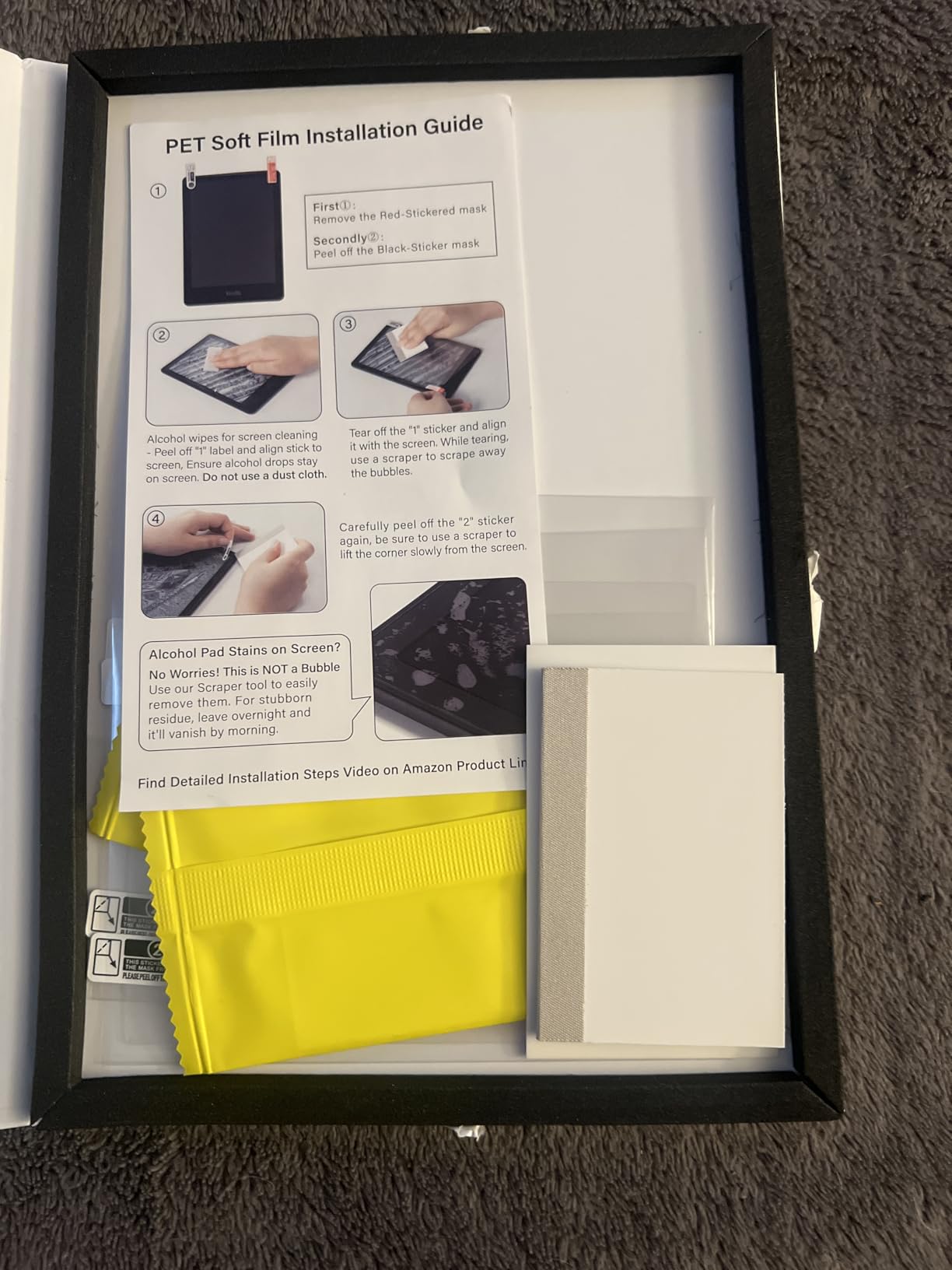
Pick by screen size, not by brand. The Supershieldz pack is built for the 7-inch 2024 Paperwhite and uses a harder matte film, while this one covers the smaller devices and several rival e-readers.
How to Choose Kindles During Prime Big Deal Days
Match the Kindle to Your Reading Habits
Start with how you actually read rather than with the spec sheet. Long evening sessions and travel suit the Paperwhite 16GB with its 12-week battery and waterproof build, while commuting on a crowded train points to the Basic 16GB, which is the lightest thing in the range at roughly 158 g.
Note-taking and PDF markup belong to the Scribe 64GB with its 10.2-inch 300 ppi surface and included pen. Comics, manga and children’s picture books are the Colorsoft’s reason to exist, and anyone who wants a stand on a tray table should look at a case rather than a bigger device.
Check Storage and File Compatibility
Storage runs from 16GB on the Basic, Paperwhite and Colorsoft to 32GB on the Signature Edition and 64GB on the Scribe. For most readers 16GB is plenty of downloaded books; the step up matters when you keep a large library or store documents and notebooks alongside your reading.
Check formats and library access before you commit. These Kindles are built for Kindle Store titles and Kindle Unlimited, and there are no third-party apps, so library loans usually have to be arranged on a phone or computer and sent over Wi-Fi. Colour changes the file question too: comics and manga in colour are a different download from a black-and-white novel.
Compare Screen Size and Reading Comfort
Two sizes cover almost everyone: 6 inches on the Basic and 7 inches on the Paperwhite, Signature and Colorsoft. Larger pages suit large print and comics; smaller pages travel better in a small bag and sit more comfortably in one hand.
Lighting matters at night. Only the Paperwhite, Signature and Colorsoft give you a front light that runs from white to amber, and if you read in the dark that warmth is a genuine comfort upgrade. The Colorsoft trades text sharpness for colour, and its front light is dimmer, so you run a higher brightness setting to compensate.
Weigh Portability and Battery Life
Battery life on these listings is quoted per charge: up to 12 weeks for the Paperwhite and Signature, up to 8 weeks for the Colorsoft and up to 6 weeks for the Basic. In practice heavy readers on the Colorsoft report getting less than the quoted figure at high brightness.
Pair that with weight. The Basic is the lightest at roughly 158 g, the Scribe is the largest and heaviest by a wide margin, and everything else sits between them. If you read for more than an hour at a stretch, weight matters more than any spec on the list.
Review Special Features and Accessories
Waterproofing is the feature most people regret not having, and it appears on the Paperwhite, Signature and Colorsoft but not the Basic. Stylus support is unique to the Scribe, and the Premium Pen in that box needs no charging. Wireless charging runs through the Signature Edition hardware and works with the dock in this list.
Protection is generation-specific, which is the most common accessory mistake. The MoKo case covers specific Paperwhite generations and the Colorsoft Signature Edition, the clear case fits the 6-inch Kindle from 2022 and 2024, and each screen protector is cut for one screen size. Match the generation before you add anything to a cart.
How to Shop Kindle Deals During the Sale
Read the listing carefully rather than the headline. Confirm the model year and generation code in the title, the storage size, the screen variant, the colour, and exactly what the box contains, because a bundle with a case or a pen is not the same offer as the bare device. Check whether the item is new or renewed, who sells it, and whether Amazon or a third party ships it, since that changes both the delivery estimate and the return path.
For this product line it is also worth checking the same model in a different colourway, since offers on accessories and bundles are often narrower than offers on the device. Most Kindle offers during Prime Big Deal Days need a Prime membership, and a free trial counts, but book title deals frequently do not. Offers can change hour by hour through the event, so confirm what you see before you check out.
A short checklist for the best Kindle deals in Amazon’s Prime Big Deal Days sale:
- Match the model year and generation code in the listing title to the device you actually want to replace
- Confirm storage size and screen size together, since accessories and films are cut for one generation
- Check the listing is new or renewed and who the seller and shipper are
- Read the box contents carefully, since bundles change what arrives with the device
- Look at price history rather than trusting a struck-through number as the real deal
- Have your trade-in details ready before you start, since the credit applies at checkout
Frequently Asked Questions
When are Amazon Prime Big Deal Days Kindle deals available?
Amazon Prime Big Deal Days runs October 6-7, 2026, and Kindle hardware offers are concentrated across those two days. Outside that window the devices sit at their normal price for long stretches, which is why most owners treat the event as the one moment to buy an e-reader. Offers can start early for members and can change hour by hour, so check the listing rather than a saved page.
Do I need a Prime membership to get Kindle deals?
Most Kindle device offers during Prime Big Deal Days require a Prime membership, and a free trial counts as membership for the length of the trial. Kindle Unlimited trial offers and Prime-only bundles also need membership. Book and ebook title deals frequently do not, which is the distinction that confuses people most often during the event.
Can I use a Kindle without a Prime membership?
Yes. The device works fully for buying books, borrowing library titles, sideloading files and reading without any membership. Membership only matters at the point of purchase for the offers themselves, and for the subscription bundles that come with the event. Nothing on the reading side is held back behind a Prime subscription.
When are Kindle prices actually lowest outside the event?
Historically the event windows and the November and December sales are the reliable low points, with the occasional mid-year promotion in between. Between events, prices sit at their normal level for months, so a modest event discount is often the best realistic number available. Checking a price history rather than the struck-through figure is the only honest way to tell a genuine reduction from a padded one.
Should I buy a new or renewed Kindle during the sale?
New is the safer choice if the difference is small, because renewed devices can carry a different return window and condition terms than new ones. Renewed is worth it when the saving is large and the device is one of the models listed as covered. Check the condition description and the warranty terms on the specific listing before you decide, since they vary by seller.
Do all Kindle models support notes and handwriting?
No. Handwriting and note-taking are the Scribe’s job, and it ships with a Premium Pen that needs no charging, plus AI tools that convert handwriting to text and summarize notes. The Paperwhite models can highlight and make light notes, but they are not writing surfaces. Check the device you are buying if handwriting is a requirement rather than a nice-to-have.
Final Verdict: Best Amazon Prime Big Deal Days Kindle Deals
Buy the Kindle Paperwhite 16GB if you want one device that handles novels, travel and the bath without compromise; it is the model most worth watching during the event. Take the Kindle Basic 16GB as the budget-friendly alternative if weight is the thing that stops you reading, and step up to the Paperwhite Signature 32GB when you want storage headroom, auto light and wireless charging.
For comics and children’s books, the Colorsoft 16GB is the pick, and the Scribe 64GB earns its place only if you annotate documents or journal by hand. If you already own a Kindle, the accessories matter more: the Anker dock for the Signature models, the MoKo case for a stand and hand straps, the CoBak clear case for grip, and the matching protector for whichever screen size you have.
Check the generation code on the listing, confirm what is in the box, and look at price history rather than the struck-through number before you commit. The best Kindle deals in Amazon’s Prime Big Deal Days sale are the ones that hold up once the event ends.