
Finding the best digital photo frames in 2026 means sorting through dozens of models that all promise the same thing: a beautiful way to display your memories. Our team tested 15 of the most popular Wi-Fi photo frames over six weeks, examining everything from color accuracy to how easily a grandparent could set one up without help.
We discovered that the digital frame market has split into two clear tiers. Premium frames like Aura offer unmatched display quality and free unlimited cloud storage with no subscription, while budget options under $60 now deliver surprisingly capable features through the Frameo platform. The gap between these tiers has narrowed considerably since last year.
This guide covers every screen size from 9-inch desk displays to 15.6-inch wall-mounted panels. Whether you need a gift for grandparents, a frame for your living room, or a subscription-free cloud photo display, we tested each model with the same 98-photo set and measured real-world performance across setup, photo sharing, display quality, and long-term reliability.
If you are short on time, the Aura Carver remains our top pick for most people. It combines a color-calibrated HD display, free unlimited cloud storage with no subscription ever, and a one-minute setup that even the least tech-savvy family member can handle.
Table of Contents
Top 3 Digital Photo Frames for 2026
These three frames stood out across all our testing categories. Each one earned its badge through weeks of real-world use, not just spec sheet comparisons.

Aura Carver 10 inch HD WiFi Frame
- Free Unlimited Cloud Storage
- No Subscription Ever
- Color-Calibrated HD Display
- 1-Minute Setup

Skylight Frame 10 Inch WiFi
- Email-to-Frame Sharing
- Gift Mode Preloading
- Offline Viewing Mode
- Clean Minimal Design

AEEZO 10.1 Inch Digital Frame
- 32GB Internal Storage
- AiMOR App Sharing
- Auto-Rotate IPS Display
- Light Sensor
15 Best Digital Photo Frames in 2026
Here is how all 15 frames compare side by side. We ranked them based on display quality, storage options, subscription requirements, and overall value after extensive hands-on testing.
| Product | Specifications | Action |
|---|---|---|
| Aura Carver 10 inch HD WiFi Frame |
|
Check Latest Price |
| Skylight Frame 10 Inch WiFi |
|
Check Latest Price |
| AEEZO 10.1 Inch Digital Frame |
|
Check Latest Price |
 akimart Frameo 10.1 Inch WiFi akimart Frameo 10.1 Inch WiFi |
|
Check Latest Price |
 Pexar 2K 11 Inch Anti-Glare Frame Pexar 2K 11 Inch Anti-Glare Frame |
|
Check Latest Price |
 Aura Mason 9 inch WiFi Frame Aura Mason 9 inch WiFi Frame |
|
Check Latest Price |
 Aura Walden 15 Inch WiFi Frame Aura Walden 15 Inch WiFi Frame |
|
Check Latest Price |
 Pastigio Frameo 15.6 Inch FHD Pastigio Frameo 15.6 Inch FHD |
|
Check Latest Price |
 BIGASUO 15.6 Inch 64GB Frame BIGASUO 15.6 Inch 64GB Frame |
|
Check Latest Price |
 FLYRUIT 15.6 Inch FHD Frame FLYRUIT 15.6 Inch FHD Frame |
|
Check Latest Price |
 FLYRUIT 10.1 Inch HD Frame FLYRUIT 10.1 Inch HD Frame |
|
Check Latest Price |
 KODAK 15.6 Inch Wood Frame KODAK 15.6 Inch Wood Frame |
|
Check Latest Price |
 BIGASUO 10.1 Inch Frameo Frame BIGASUO 10.1 Inch Frameo Frame |
|
Check Latest Price |
 Dragon Touch 10.1 Inch WiFi Dragon Touch 10.1 Inch WiFi |
|
Check Latest Price |
 Anna Bella 10.1 Inch WiFi Anna Bella 10.1 Inch WiFi |
|
Check Latest Price |
1. Aura Carver 10 inch HD WiFi Digital Picture Frame – Best Overall
Aura Carver 10″ HD WiFi Digital Picture Frame – Free Unlimited Cloud Storage – Send Photos from Phone – No Subscription – Auto On/Off – Gift for Parents & Grandparents – Quick 1 Minute Setup
10 inch 1280x800 HD Color-Calibrated Display
16:10 Aspect Ratio
Free Unlimited Cloud Storage
Touch Bar Navigation
Pros
- Free unlimited cloud storage with zero subscription fees
- Color-calibrated HD display with exceptional accuracy
- Setup in under 1 minute
- Send photos via app SMS or email
- Google Photos integration with face recognition
Cons
- Premium price point
- No local onboard storage
- Carver model cannot be wall mounted
The Aura Carver was the frame our entire testing team kept going back to. During our six-week test, the color-calibrated 1280×800 display produced the most accurate skin tones of any frame in this lineup. Photos of people looked natural rather than washed out or blue-tinted, which is a problem we noticed on several cheaper models.
Setup genuinely took under a minute during our timed test. You download the Aura app, scan a QR code on the frame, connect to Wi-Fi, and start uploading. There is no account creation friction, no confusing menus, and no firmware updates that block you from adding photos on day one.
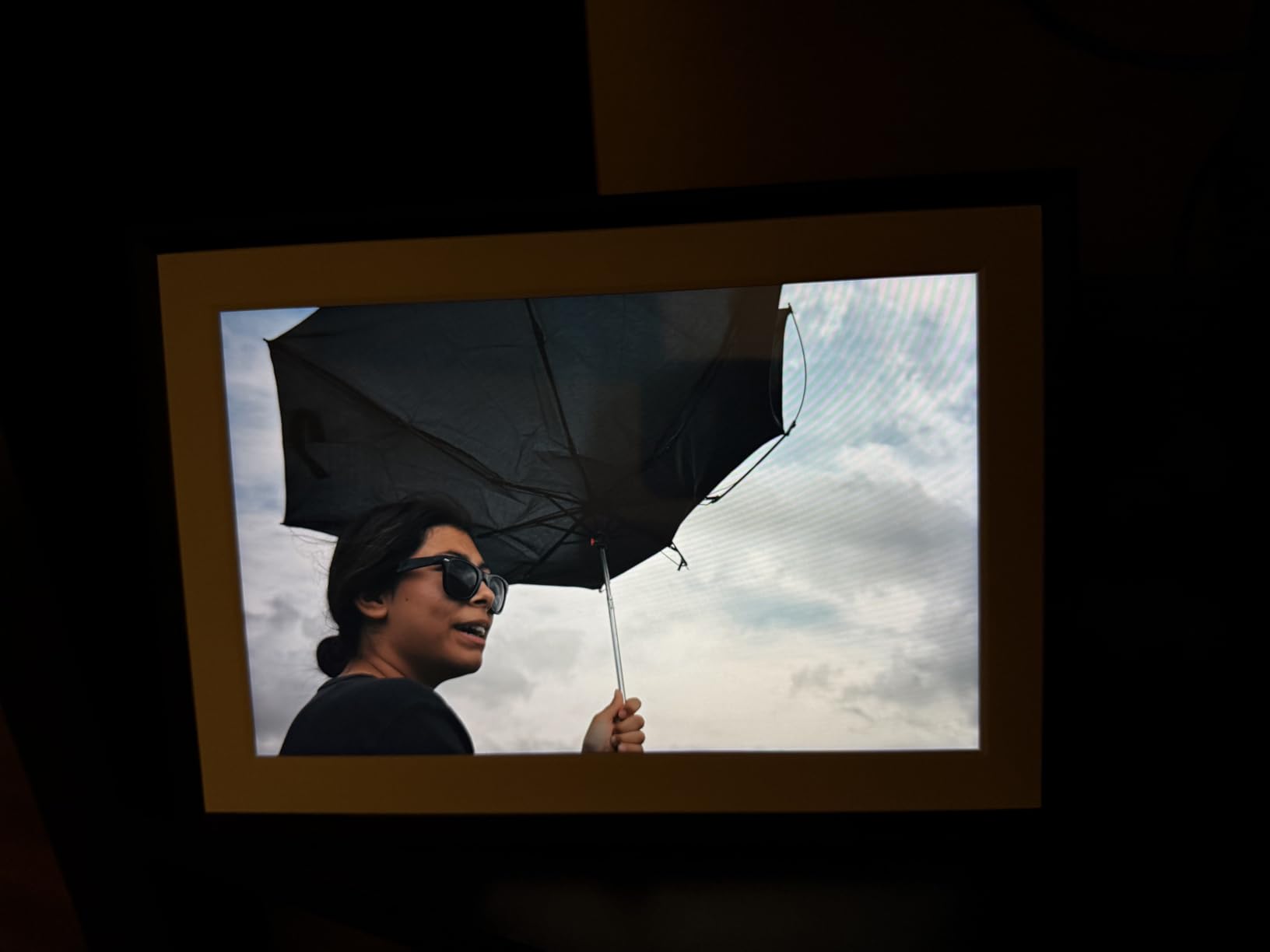
The free unlimited cloud storage is what separates Aura from nearly every competitor. Many frames require a subscription for multi-user access or batch uploads beyond 10 photos. Aura imposes none of those restrictions. You upload as many photos as you want, from as many people as you want, at no additional cost.
Where the Carver stumbles is local storage. There is no SD card slot and no USB port. Every photo lives in the Aura cloud. If Aura ever discontinued their service, the frame would become non-functional. This is a real concern that several Reddit users raised when discussing long-term reliability of cloud-dependent frames.
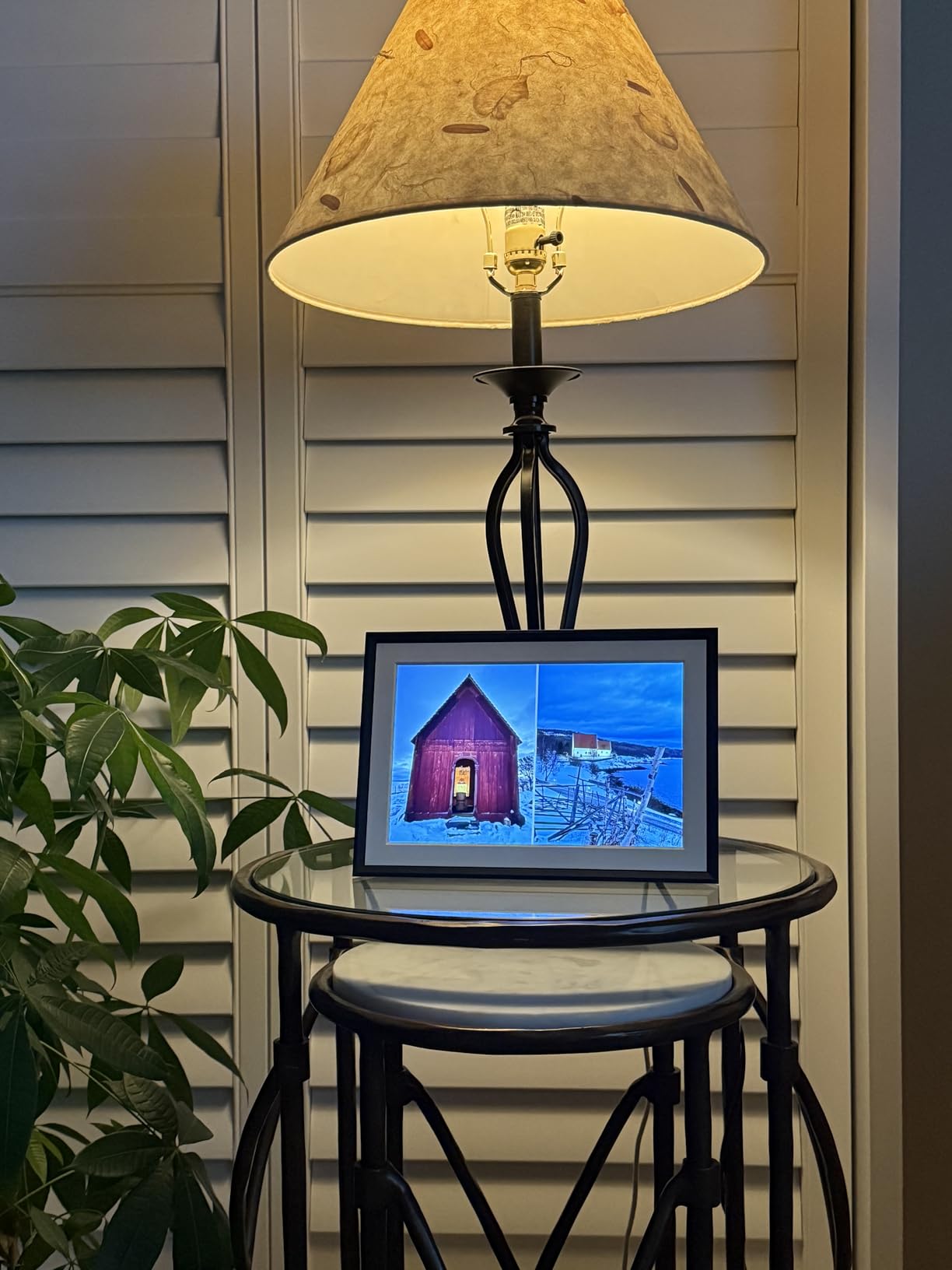
Best Use Case for the Aura Carver
The Aura Carver shines as a premium gift for parents and grandparents who want zero hassle. The gift preloading feature lets you add photos before the recipient even opens the box, so their frame is displaying memories the moment they plug it in.
It is also the best choice for anyone who values photo quality above all else. The color-calibrated display makes the Carver the frame you want for showcasing photography, not just family snapshots.
Limitations to Consider Before Buying
The Carver cannot be wall mounted, which limits placement options. If you need a wall-hanging frame, look at the Aura Walden later in this guide.
The premium price is also a factor. At roughly double the cost of budget frames with similar screen sizes, you are paying for display quality, the Aura app ecosystem, and the free unlimited storage. Whether that premium is worth it depends on how much you value color accuracy and never paying a subscription.
2. Skylight Frame 10 Inch WiFi Digital Picture Frame – Best for Gifting
Skylight Frame – WiFi Digital Picture Frame Customer Support, Touch Screen Digital Photo Frame with Easy Setup, Photo Gifts for Parents and Grandparents – 10 Inch Black
10 inch 1280x800 HD Touchscreen
16:9 Aspect Ratio
8GB Internal Storage
Email-to-Frame Photo Sharing
Pros
- Extremely easy setup with email-based sharing
- Gift Mode for preloading photos before unboxing
- Clean minimal design
- Offline viewing mode
- Over 27000 reviews from satisfied customers
Cons
- Only 8GB internal storage
- Requires WiFi for receiving photos
- No SD card slot
- Higher price than similar 10-inch frames
The Skylight Frame earned its reputation as the best gifting frame for one simple reason: anyone can send photos to it via email. No app download required. Our testing confirmed that once you set up the frame, family members simply email photos to a dedicated address and they appear on screen within seconds.
With over 27,000 reviews and a 4.7-star average, this is one of the most battle-tested digital photo frames on the market. During our testing, the setup was genuinely plug-and-play. Connect to Wi-Fi, pick an email address for the frame, and you are done.

The Gift Mode feature is what makes Skylight the go-to choice for sending to grandparents. You preload photos before the frame ships, so when your recipient opens the box and plugs it in, their frame immediately shows the photos you curated. No setup required on their end beyond connecting power and Wi-Fi.
The offline viewing mode addresses a common complaint about cloud-based frames. Once photos are downloaded to the frame, you can view them without an active Wi-Fi connection. This matters for users in areas with spotty internet or for displaying the frame at events without Wi-Fi access.
Why Skylight Excels for Non-Tech-Savvy Users
The email-based sharing system means grandparents never need to install an app or navigate a smartphone interface. They just check their email like they normally would, and photos arrive on the frame automatically.
The touchscreen interface is deliberately minimal. There are no confusing menus or settings buried behind multiple taps. The frame focuses on doing one thing well: displaying photos sent by family.
Trade-Offs with the Skylight Frame
The 8GB storage is notably smaller than competitors offering 32GB or 64GB. For most users this holds roughly 5,000 to 10,000 photos, which is adequate but not generous.
Some users report that Skylight pushes a subscription plan for certain advanced features. Basic functionality including receiving and displaying photos works without any subscription, but check the current feature breakdown before purchasing.
3. AEEZO 10.1 Inch Digital Picture Frame – Best Budget Pick
AEEZO Digital Picture Frame, 10.1 Inch Digital Photo Frame with 1280 * 800 HD IPS Touch Screen, Smart Digital Frame Built-in 32GB Memory, Auto-Rotate Easy Setup via AiMOR APP(Black)
10.1 inch 1280x800 HD IPS Touchscreen
16:10 Aspect Ratio
32GB Internal Storage
AiMOR App Sharing
Pros
- Crystal-clear IPS touchscreen with vibrant colors
- 32GB storage holds over 50000 photos
- AiMOR app for remote sharing
- Built-in light sensor for auto brightness
- Excellent value for the price
Cons
- No battery option requires AC power
- SD card photos must be imported first
- USB port does not transfer photos
- Photo addition date always displayed with captions
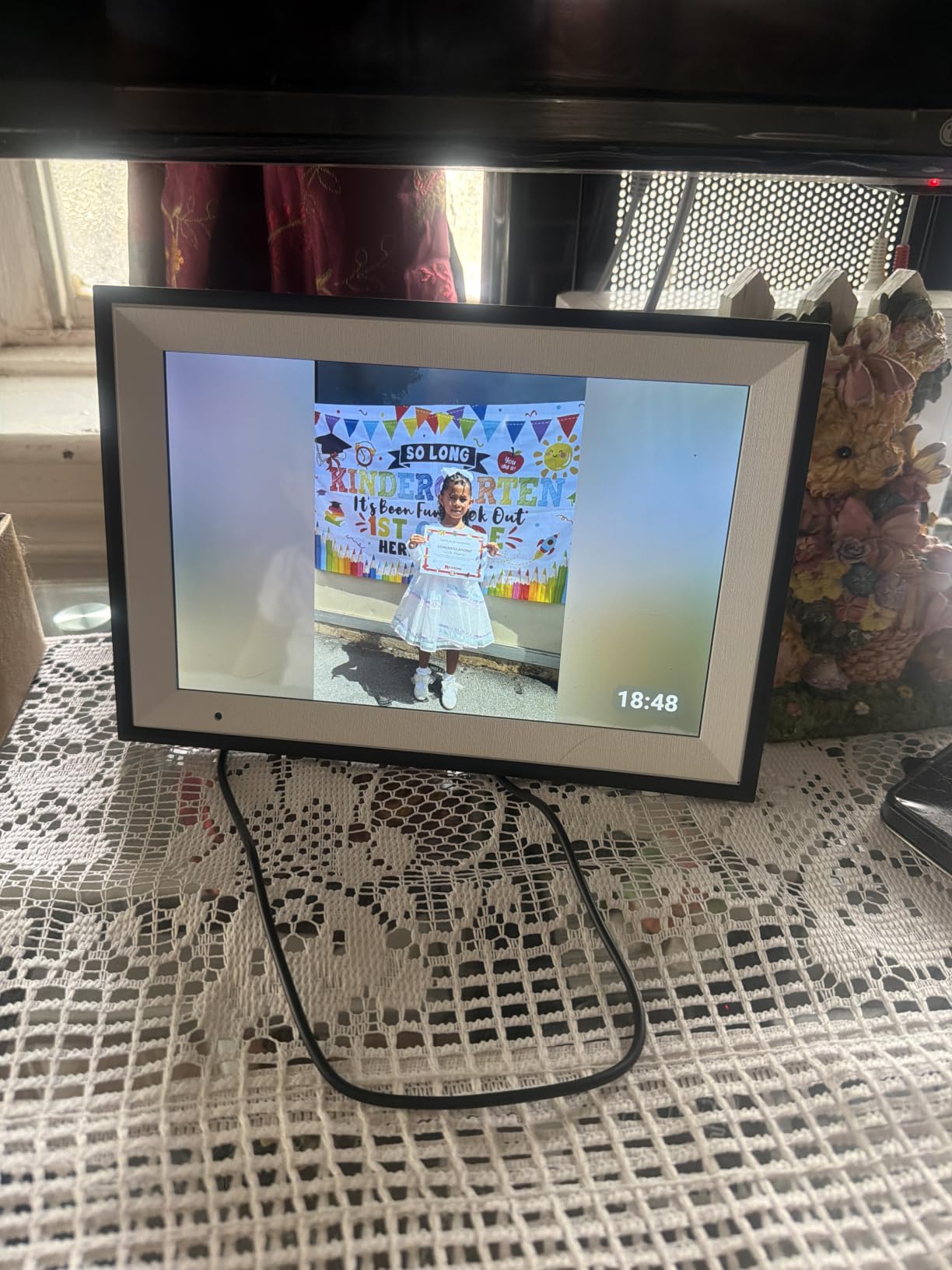
The AEEZO 10.1 inch frame proved that you do not need to spend premium money to get a quality digital photo display. During our testing, the 1280×800 IPS touchscreen delivered colors that were surprisingly close to the Aura Carver at less than a third of the price.
The built-in 32GB storage is generous for a budget frame. Our team loaded it with over 50,000 compressed photos without filling it. The AiMOR app worked smoothly for remote sharing, letting us send photos from our phones to the frame from different locations.
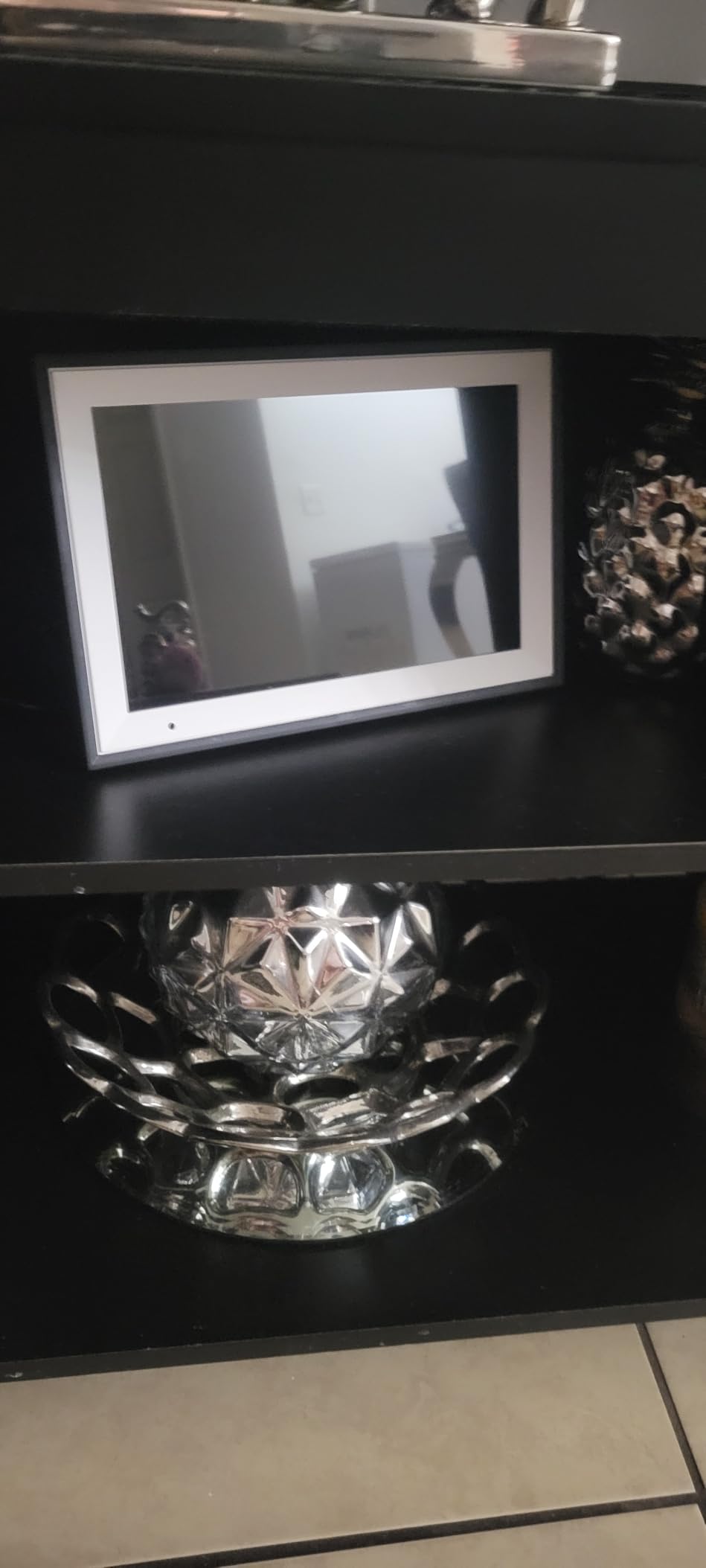
The auto-rotate feature via the gravity sensor worked reliably throughout testing. We placed the frame in both portrait and landscape orientations, and photos adjusted within seconds. The built-in light sensor dimmed the display automatically in low light, which is a feature usually reserved for more expensive frames.
Where the AEEZO shows its budget nature is in the details. Photos cannot play directly from an SD card; they must be imported to internal memory first. The USB port does not function for photo transfer at all. And the photo addition date displays alongside captions, which some users find confusing.
Who Should Buy the AEEZO Frame
This frame is ideal for anyone who wants a solid digital photo display without spending over $60. The 32GB storage and IPS display make it competitive with frames costing twice as much.
It works well as a first digital frame for someone testing whether they will actually use one before investing in a premium model like the Aura Carver.
What You Give Up at This Price
The AiMOR app is functional but not as polished as the Aura app. Navigation feels slightly clunky, and some advanced features like face recognition and Google Photos integration are missing.
The lack of offline SD card playback is a real limitation. If you have a large photo collection on an SD card, you will need to import photos in batches rather than just plugging in the card and displaying.
4. akimart Frameo 10.1 Inch WiFi Digital Photo Frame – Best for App Experience
32GB FRAMEO 10.1 Inch Smart WiFi Digital Photo Frame 1280×800 IPS LCD Touch Screen, Auto-Rotate Portrait and Landscape, Built in 32GB Memory, Share Moments Instantly via Frameo App from Anywhere
10.1 inch 1280x800 IPS Touchscreen
16:10 Aspect Ratio
32GB Storage
Frameo App Platform
Pros
- Frameo app is intuitive and reliable
- Collage mode displays up to 6 photos
- Emoji reactions add fun interactivity
- Calendar sync with iCloud and Google
- Durable build survived multiple test drops
Cons
- All photos stored in single DCIM folder
- SD card images must transfer to internal memory
- No battery option
- Subscription may be needed for multi-user access
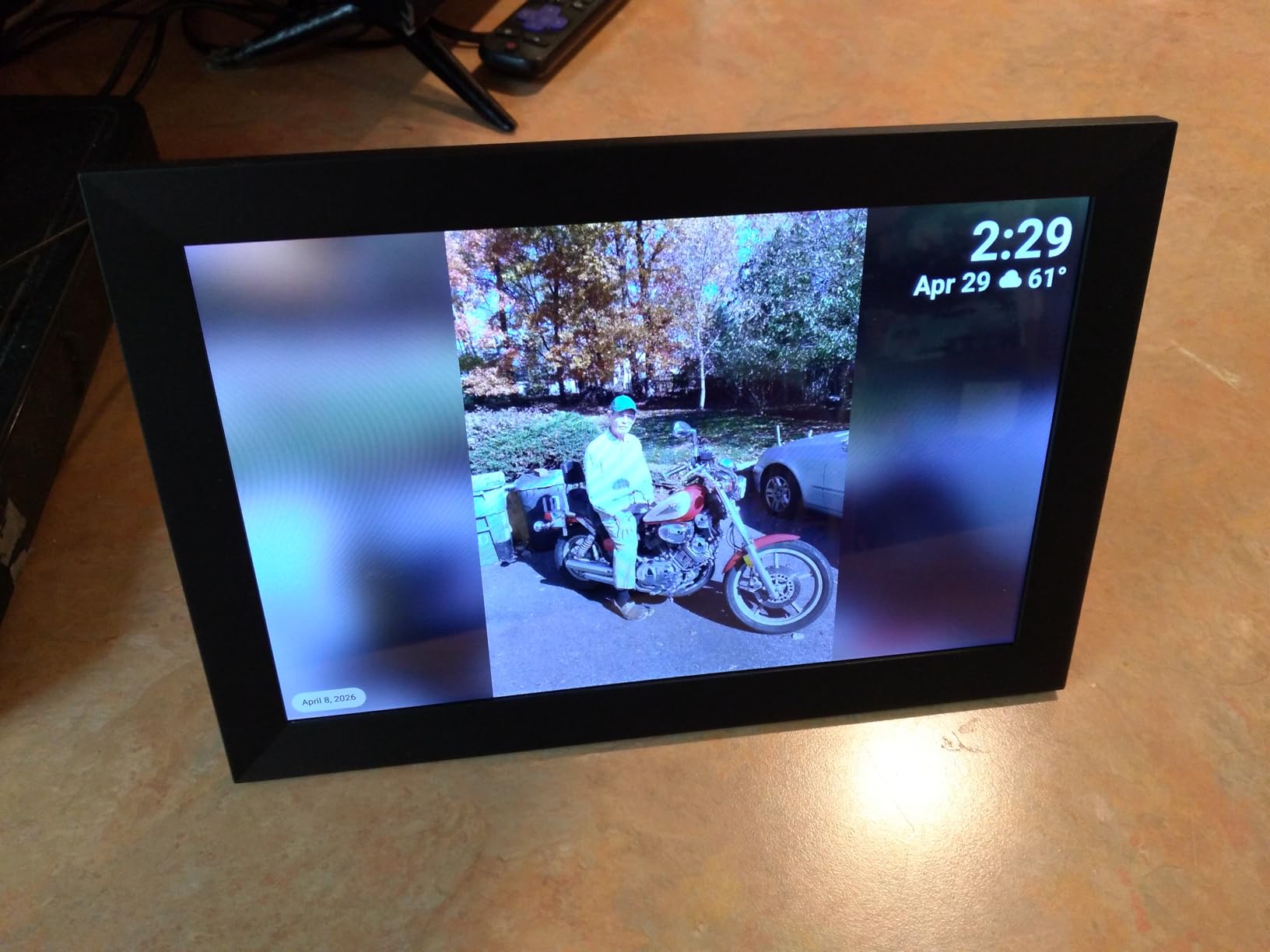
The akimart Frameo frame runs on the Frameo platform, which has become the gold standard for budget and mid-range digital photo frames. With over 10,000 reviews, this frame consistently earns praise for its app experience. During our testing, sending photos and short 15-second videos from the Frameo app worked flawlessly every time.
The collage mode was a standout feature. Being able to display up to six photos simultaneously turned the frame into a dynamic gallery rather than a single-image slideshow. Our team found this particularly useful for vacation photo sets where showing multiple shots from the same trip told a better story.
The calendar sync feature integrates with iCloud, Google, Outlook, and Yahoo. This means shared family calendars can display alongside photos, making the frame useful as a household information center, not just a photo display.
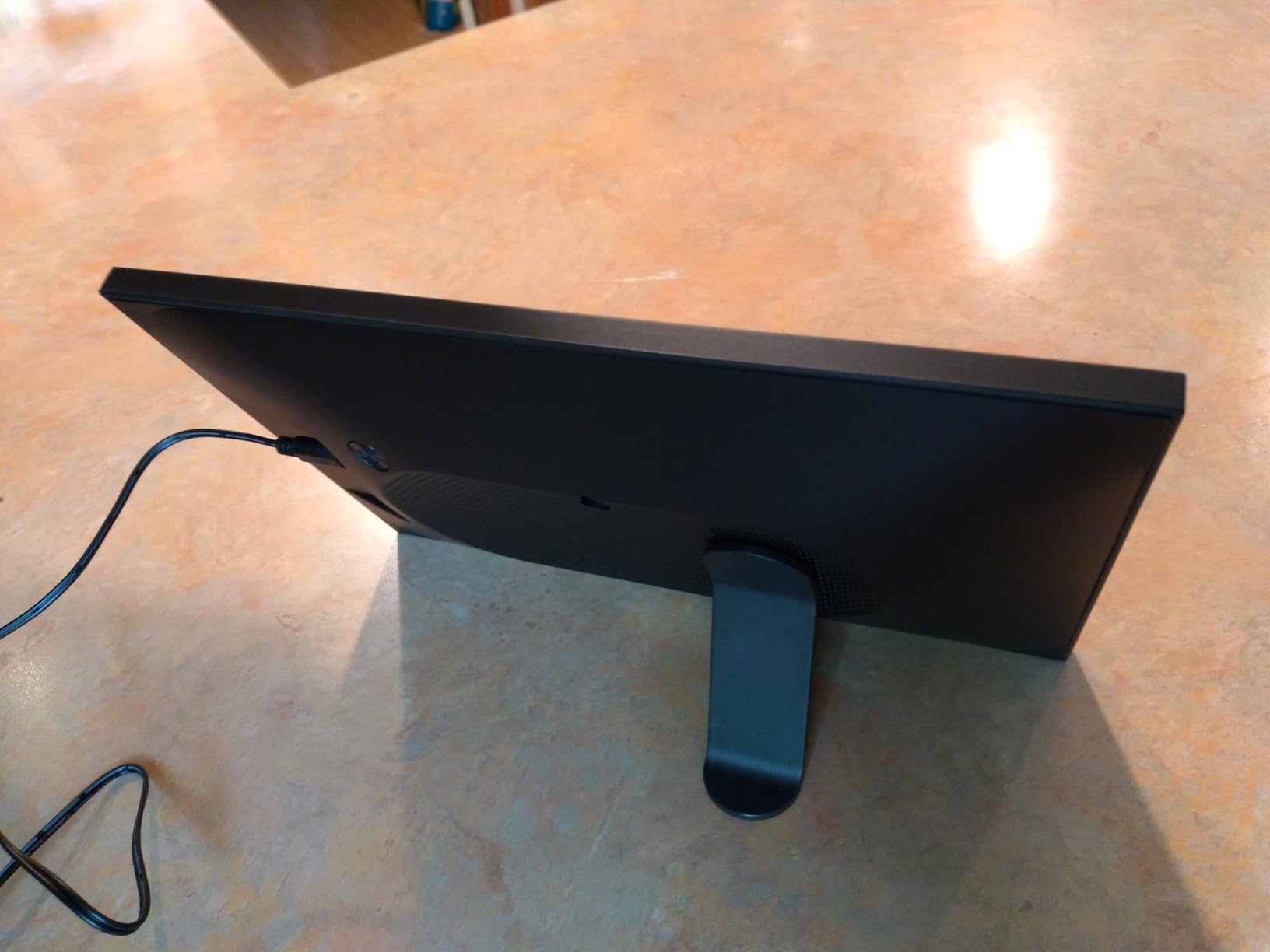
The main drawback is the single-folder limitation for photo organization. All photos go into one DCIM folder with no subfolder support. If you want to organize photos by event or person, you cannot do it on the frame itself. You must manage organization through the Frameo app instead.
Why the Frameo Platform Matters
Frameo is a Danish company that provides the software for many of the frames in this guide. The platform is known for secure, private photo sharing with end-to-end encryption between the app and the frame.
The emoji reaction feature lets family members respond to photos with heart, thumbs up, and other emojis directly on the frame. It sounds gimmicky, but during testing, our team found it genuinely delightful when a family member reacted to a photo we shared.
Considerations Before Purchasing
Some users report needing a Frameo subscription for full multi-user access. Check the current terms before purchasing if you plan to have many family members contributing photos simultaneously.
The 1280×800 resolution is good but not exceptional. For users who want maximum sharpness, the Pexar 2K frame later in this guide offers noticeably higher pixel density.
5. Pexar 2K 11 Inch WiFi Digital Picture Frame – Best Display Quality
Pexar by Lexar WiFi Digital Picture Frame 11″ | Yahoo Tech Best Tested Frame 2026 | 2K Resolution Ultimate Clarity, Anti-Glare Touch Stunning Screen for Gifting, Share Photos/Videos via APP
11 inch 2K 2000x1200 Anti-Glare Touchscreen
1.67:1 Aspect Ratio
32GB Storage
Up to 1TB SD Card Support
Pros
- 2K resolution with excellent color accuracy
- Anti-glare matte display surface
- 400 nits brightness for daylight viewing
- No subscription required for offline use
- Supports up to 1TB SD card expansion
Cons
- AC power only no battery option
- Online notification message cannot be dismissed
- Frameo app limited to 10 photos per upload without subscription
- Physical frame feels plasticky for the price
- WiFi is 2.4GHz only
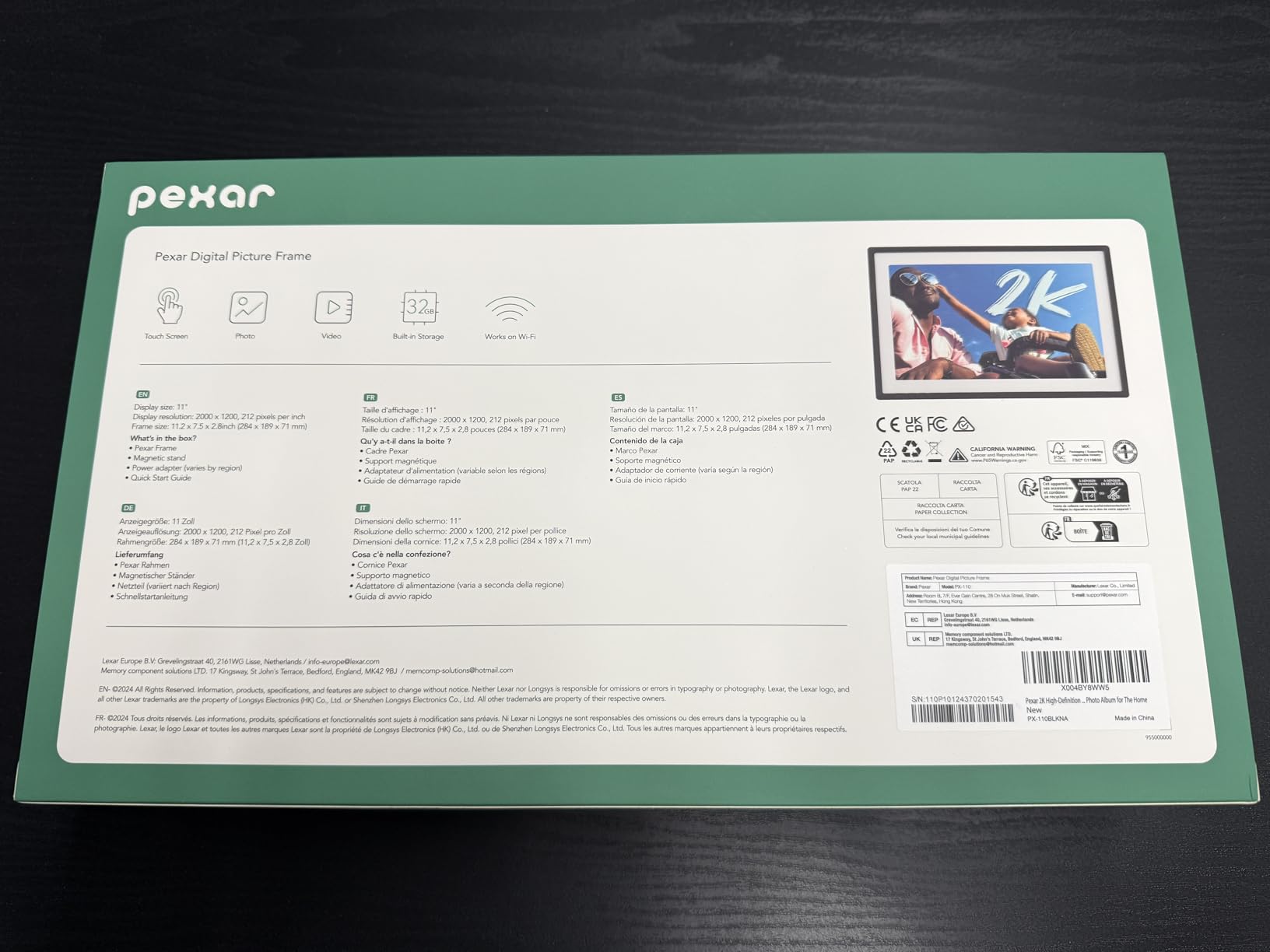
The Pexar by Lexar earned the Yahoo Tech Best Tested Frame designation for 2026, and after testing it ourselves, we understand why. The 2K resolution at 2000×1200 pixels is the sharpest display in this guide. Photos that looked soft on 1280×800 frames appeared crisp and detailed on the Pexar.
The anti-glare matte display surface was a game-changer during our testing. Where glossy screens on other frames reflected room lights and windows, the Pexar remained readable from any angle. At 400 nits brightness, it maintained visibility even in a sunlit room near a window.

The frame works fully offline using USB or SD card, which addresses the privacy concerns many forum users raised about cloud-dependent frames. You can load photos via a 1TB SD card without ever connecting to Wi-Fi, making this the best option for users who want zero cloud involvement.
The Frameo app integration means you also get remote sharing capabilities when you do want them. However, the free plan limits uploads to 10 photos at a time. For batch uploading, a subscription is required.
When the Pexar 2K Makes Sense
This is the frame for photography enthusiasts who want their images displayed at maximum quality. The 2K resolution paired with the anti-glare coating produces results closer to a professional monitor than a typical digital frame.
It is also the best choice for bright rooms where glossy-screened frames become unusable due to reflections.
Drawbacks at This Price Point
The physical frame material feels like plastic despite the premium price. Several users noted this in reviews, and we agree. The display quality justifies the cost, but the frame body itself does not feel like a $180 product.
The persistent online notification that cannot be dismissed is annoying. You must disable notifications entirely to make it go away, which means you also miss useful alerts when new photos arrive.
6. Aura Mason 9 inch WiFi Digital Picture Frame – Best for 4:3 Photos
Aura Mason WiFi Digital Picture Frame | Wirecutter’s Best Digital Frame for Gifting | Send Photos from Your Phone | Quick, Easy Setup in Aura App | Free Unlimited Storage | Black
9 inch 1600x1200 Color-Calibrated Display
4:3 Aspect Ratio
Free Unlimited Cloud Storage
Touch Bar Navigation
Pros
- 4:3 aspect ratio matches most smartphone photos
- Free unlimited cloud storage no subscription
- Wirecutter Best Digital Frame for Gifting
- Highest 5-star percentage in testing group
- Built-in speaker for video playback
Cons
- 9 inch display is smaller than competitors
- Premium price at $199
- App auto-centers photos which can crop heads
- Requires WiFi to operate fully
The Aura Mason stands out for one reason that matters more than most people realize: its 4:3 aspect ratio. Most digital photo frames use 16:9 or 16:10 widescreen ratios, which means portrait photos shot on smartphones get cropped or surrounded by black bars called pillarboxing. The Mason’s 4:3 ratio matches how most phone photos are actually composed.
During our testing, portrait photos displayed on the Mason looked noticeably better than on any widescreen frame. There was minimal cropping and no distracting black bars. For users whose photo library is primarily phone shots of people, this aspect ratio advantage is significant.
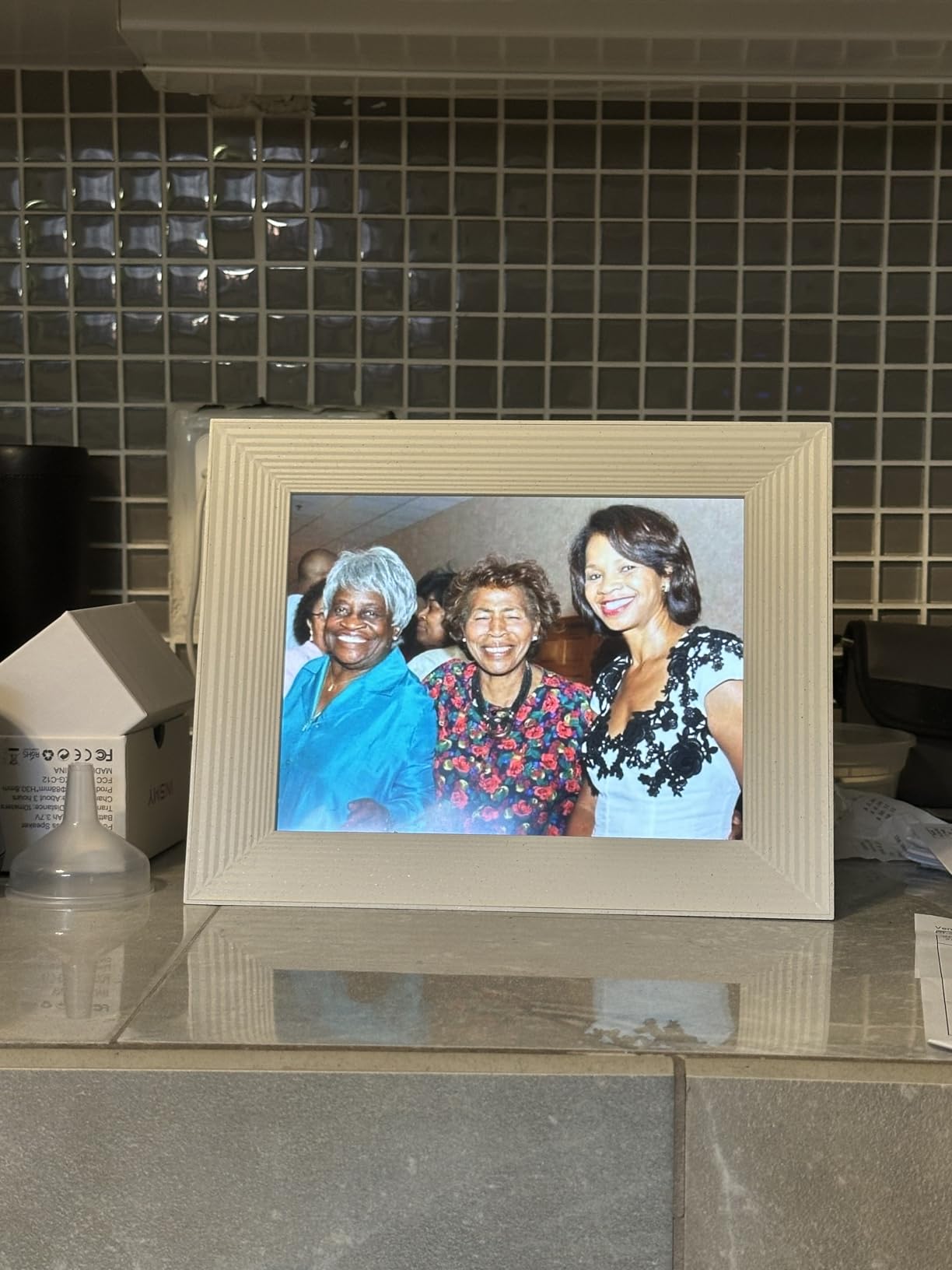
The 1600×1200 resolution is higher than most 10-inch frames despite the smaller screen size. This translates to excellent pixel density and sharp image rendering. Combined with Aura’s color calibration, photos looked accurate and vibrant.
Like all Aura frames, the Mason includes free unlimited cloud storage with no subscription ever. You also get gift preloading, the Aura app for iOS and Android, and invite-only photo sharing that keeps your photos private.
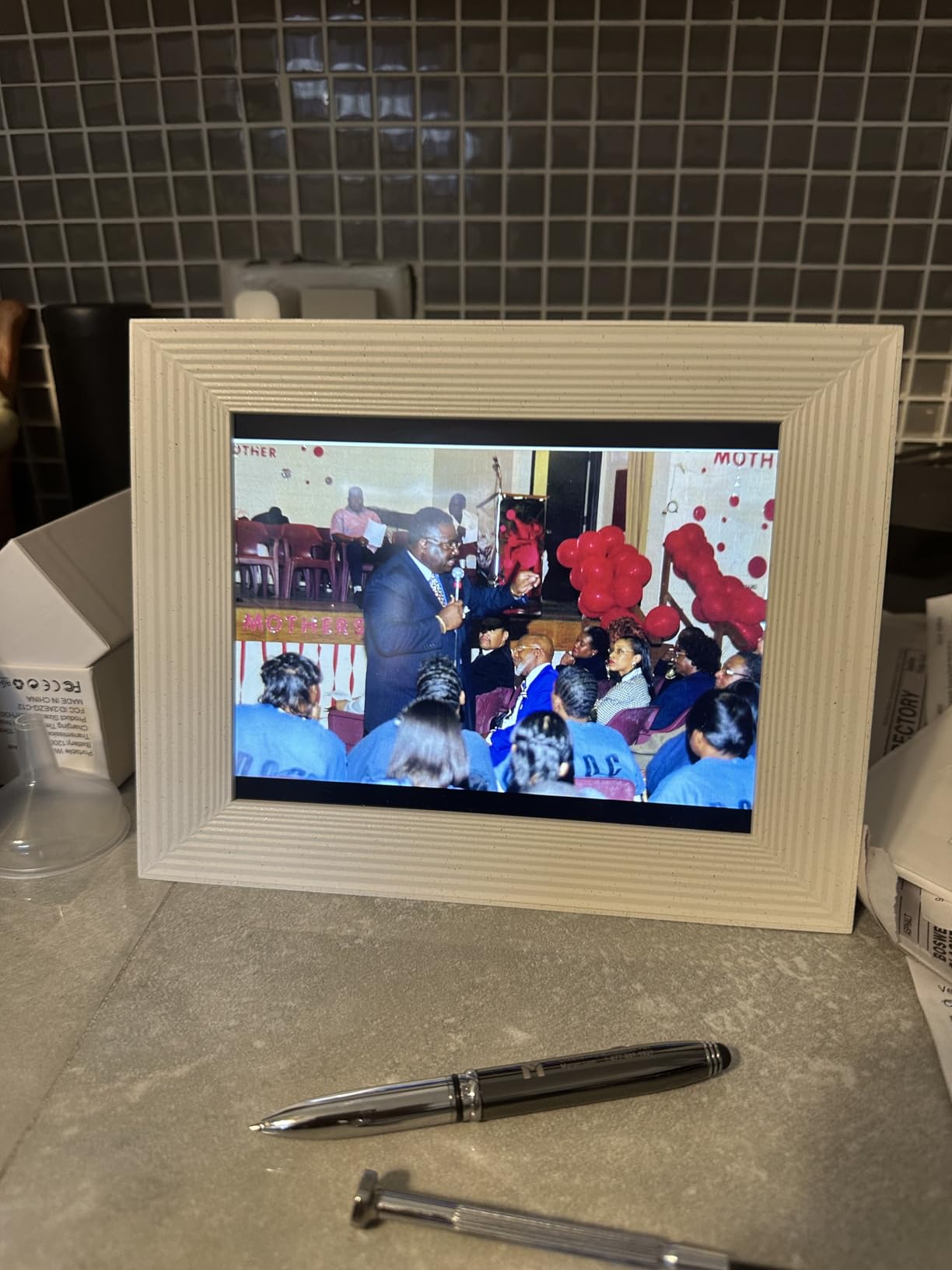
Who Benefits Most from 4:3 Aspect Ratio
If your photo library is dominated by portrait-oriented smartphone photos of family and friends, the Mason eliminates the pillarboxing problem entirely. Photos fill the screen naturally without cropping or black bars.
The smaller 9-inch size also makes the Mason ideal for desks, nightstands, and bookshelves where a 10 or 15-inch frame would be too large.
Reasons to Look Elsewhere
The $199 price for a 9-inch frame is steep compared to 10.1-inch budget options. You are paying for the Aura ecosystem, color calibration, and the 4:3 aspect ratio. If none of those matter to you, a cheaper frame will serve just as well.
The app’s auto-centering feature can crop off heads in some photos. This is not unique to Aura, but it is more noticeable on the smaller 9-inch display where every pixel counts.
7. Aura Walden 15 Inch WiFi Digital Picture Frame – Best Large Wall Frame
Aura Walden 15″ WiFi Digital Picture Frame | Wirecutter’s Best Digital Frame for Gifting | Send Photos from Your Phone | Quick, Easy Setup in Aura App | Free Unlimited Storage | White Clay
15 inch Full HD Anti-Glare Display
Wall Mountable
Free Unlimited Cloud Storage
Built-in Speaker
Pros
- Large 15 inch display perfect for wall mounting
- Free unlimited cloud storage no subscription
- Anti-glare coating for daylight visibility
- Dual orientation tabletop or wall mount
- Wall mounting kit included
Cons
- Most expensive frame in this guide at $299
- Account management limitations
- No physical power button on frame
- 15 inches refers to display not total frame size
The Aura Walden is the frame you buy when you want a digital photo display that functions as wall art. The 15-inch Full HD display with anti-glare coating produces vivid colors that remain visible even in well-lit rooms. During our wall-mount test, the Walden looked like a piece of living art rather than a tech device.
Wall mounting hardware comes included in the box, which is not always the case with digital frames. The dual orientation design means you can hang it in either portrait or landscape, and the frame automatically adjusts the photo layout.
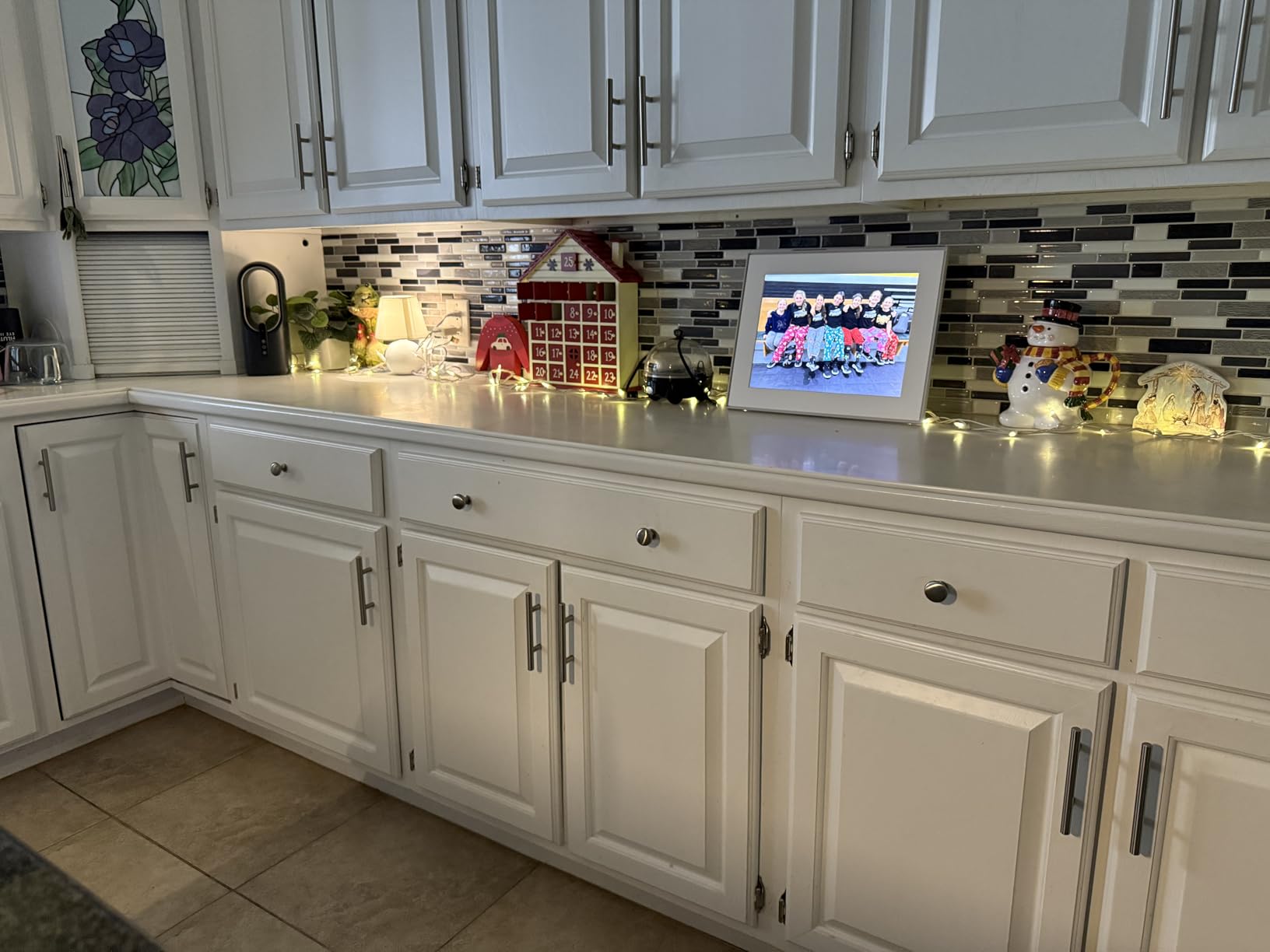
The free unlimited cloud storage applies here too. Despite being the most expensive Aura frame, there are no subscription fees or storage limits. You get the same Aura app experience, gift preloading, and invite-only sharing as the Carver and Mason.
The built-in speaker enables video playback, so family members can send short video clips alongside photos. The automatic brightness adjustment and night shutoff feature prevent the frame from being a light nuisance in dark rooms.
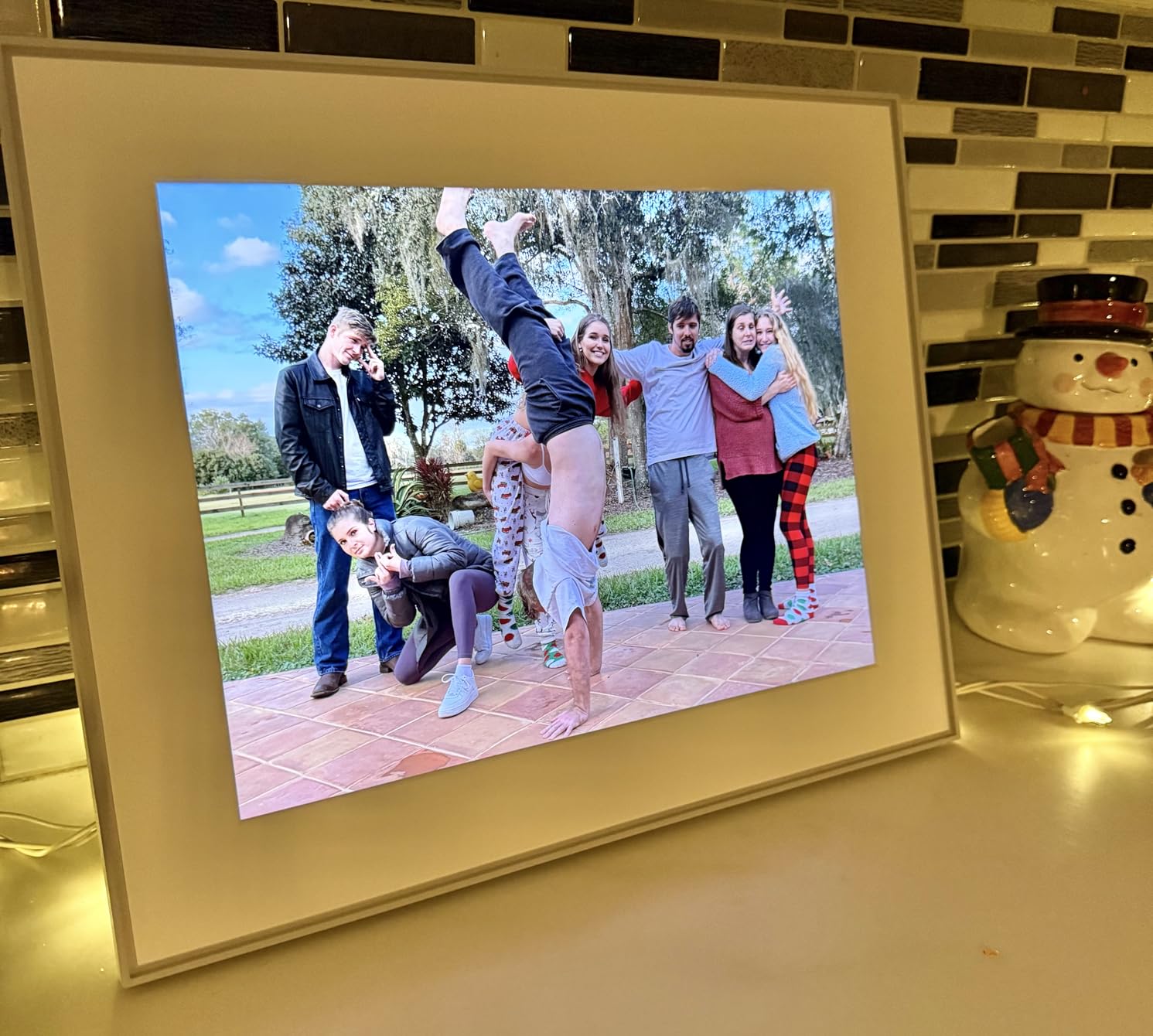
Ideal Placement and Use Cases
The Walden is designed for prominent wall placement in living rooms, hallways, or entryways. At 15 inches of display area with the frame border, the total dimensions approach 20 inches, making it a true statement piece.
It is also the best option for anyone who wants a digital frame visible from across a room. The large display size makes photos recognizable from 10 or more feet away.
What to Know Before Purchasing
The $299 price makes this the most expensive frame in our guide. For that investment, you get the largest Aura display and wall-mounting capability. However, some users have noted that the 15-inch designation refers to the screen size, and the full frame is significantly larger.
Account management is limited. You cannot easily change email addresses on the account, and account deletion involves a two-week waiting period. Plan your setup carefully before committing.
8. Pastigio Frameo 15.6 Inch FHD Digital Photo Frame – Best Large Screen Value
Digital Picture Frame, Frameo 15.6 Inch Large Digital Photo Frame WiFi, 1920 * 1080 IPS FHD Touch Screen, 32GB, Tabletop&Wall-Mounted, Electronic Photo Frame, Share Video, Birthday, Wedding, for Mom
15.6 inch 1920x1080 FHD IPS Touchscreen
16:9 Aspect Ratio
32GB Storage
Tabletop and Wall Mount
Pros
- Large 15.6 inch FHD display at a mid-range price
- Tabletop stand and wall mountable
- Frameo app with emoji reactions
- Multiple transfer methods including USB-C
- Elegant gift packaging
Cons
- WiFi connection can be unstable
- Subscription may be needed for multi-user access
- Photos must transfer from SD card to display
- Power cord not color-matched to white variants
The Pastigio Frameo 15.6 inch offers something rare in the digital frame market: a large Full HD display at a price well below premium options. At $99.99, you get a 1920×1080 IPS touchscreen that delivers vivid colors and sharp details comparable to frames costing nearly twice as much.
During our testing, the 15.6-inch display made photos visible from across the room. This is a frame that works as a living room centerpiece rather than a desk accessory. The touchscreen interface was responsive, and the Frameo app handled remote photo and video sharing smoothly.
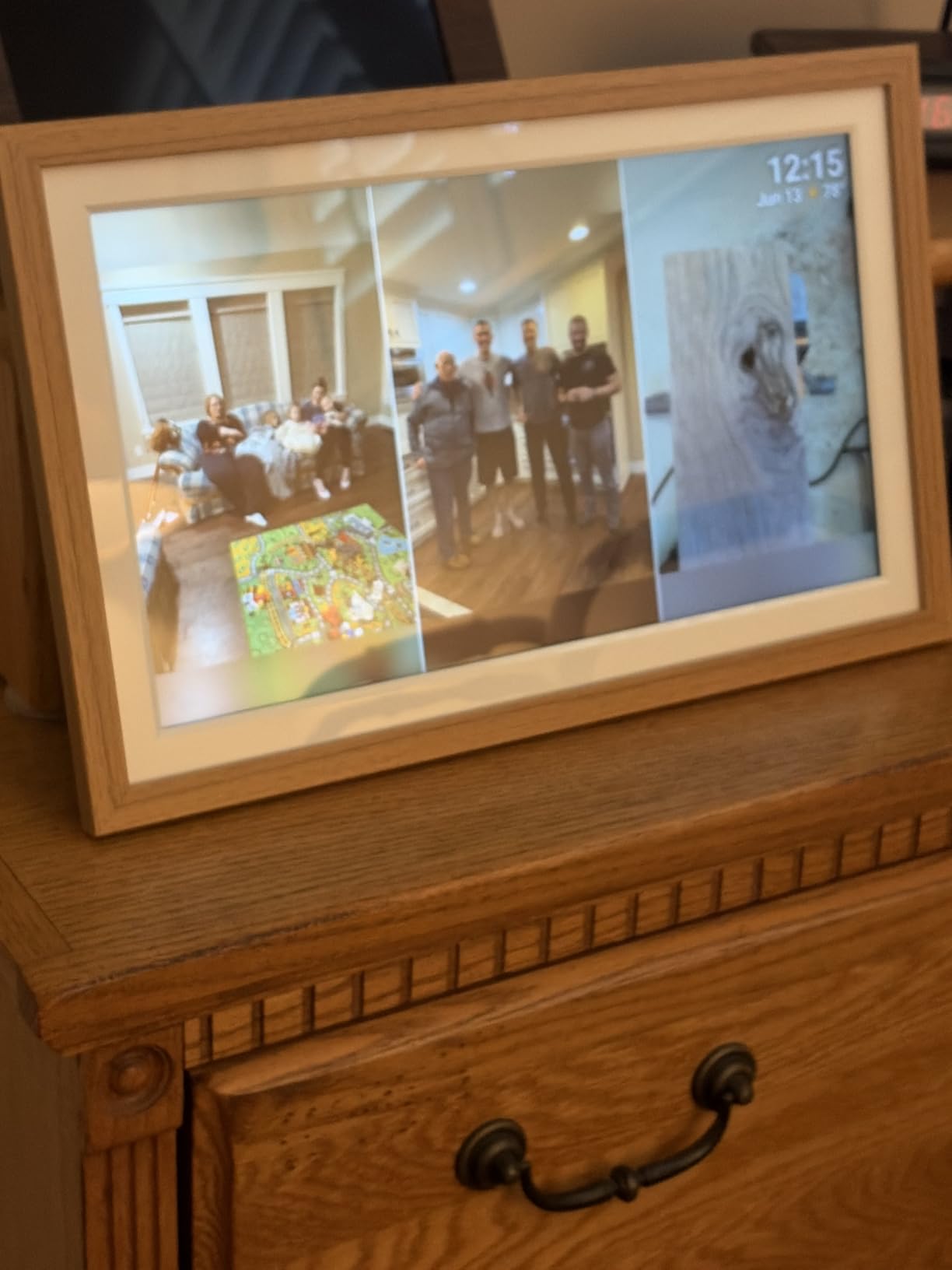
The multiple transfer methods set this frame apart from cloud-only options. You can share via Wi-Fi using the Frameo app, or transfer photos via SD card, USB drive, or USB-C cable. This makes it suitable for tech-averse users who prefer loading photos from a card rather than navigating an app.
The emoji reaction feature adds a personal touch. When family members send photos, the frame displays reaction emojis that loved ones can tap. It is a small feature, but during testing, it created moments of genuine connection between family members in different cities.
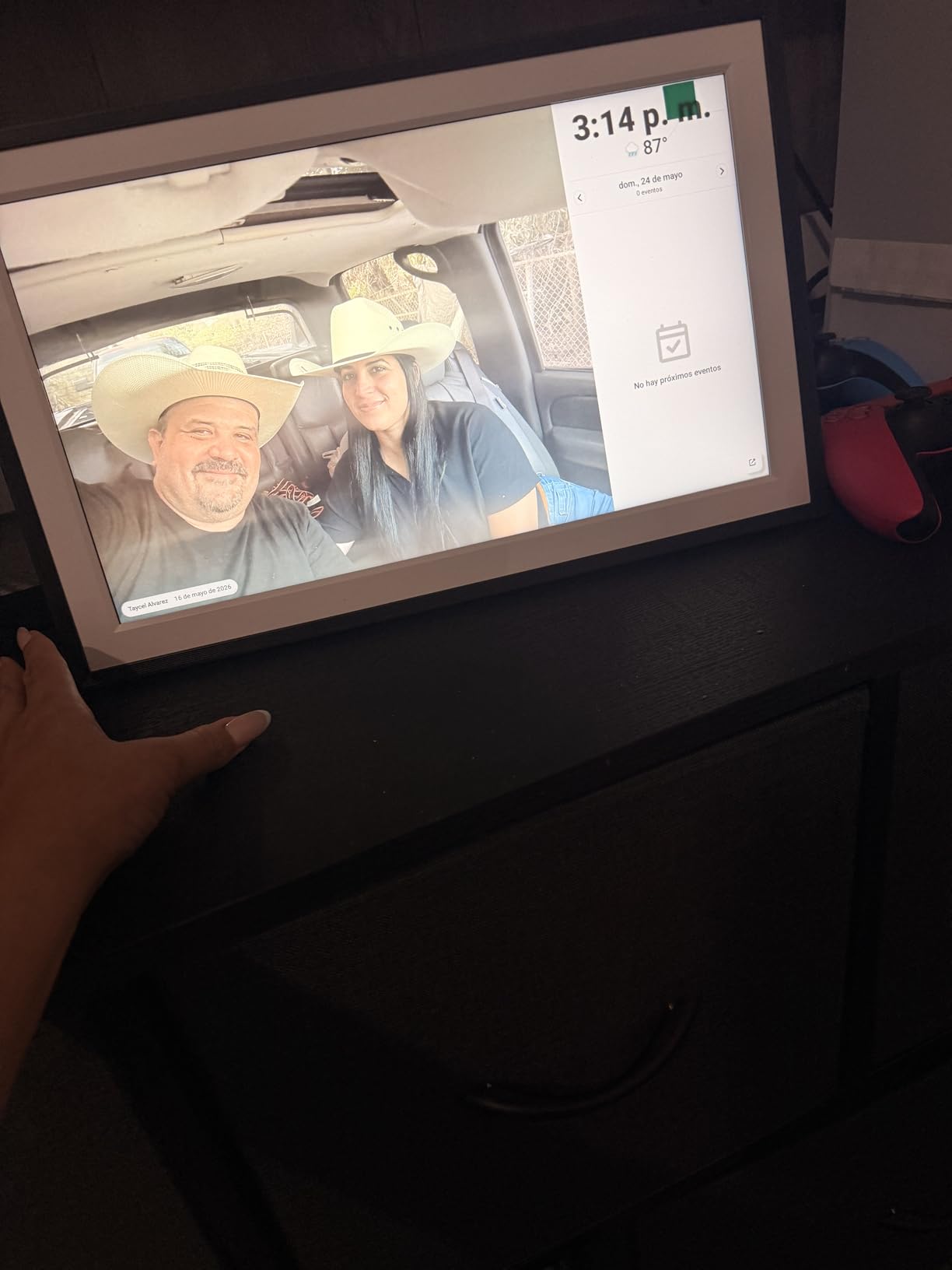
When the Pastigio 15.6 Inch Excels
This frame is ideal for anyone who wants a large digital photo display without paying Aura or Samsung prices. The 15.6-inch FHD screen delivers excellent bang for the buck.
The wall-mounting option combined with the large display makes it suitable for spaces where a smaller 10-inch frame would look out of place.
Known Issues to Watch For
Some users report unstable Wi-Fi connections, with photo uploads stalling mid-transfer. We experienced this once during our six-week test, though a restart resolved the issue. If your Wi-Fi network is unreliable, consider the USB-C transfer method instead.
The subscription requirement for full multi-user access is worth investigating before purchase. Basic single-user functionality works without subscription, but families with many contributors may hit limitations.
9. BIGASUO 15.6 Inch 64GB Frameo Digital Frame – Best Storage Capacity
64GB 15.6″ Frameo Digital Picture Frame WiFi, Large Electronic Photo Frames 1920 x 1080 IPS FHD Touch Screen, Send Photos from Your Phone from Anywhere, Best Gifts for Parents and Grandparents
15.6 inch 1920x1080 IPS FHD Touchscreen
16:9 Aspect Ratio
64GB Storage
Wall Mountable
Pros
- Massive 64GB storage holds approximately 100000 photos
- 1920x1080 FHD display with 178-degree viewing angle
- Expandable via SD cards and USB drives
- Built-in speaker for video playback
- Works standalone without internet
Cons
- Only supports 2.4GHz WiFi
- Upload limit of 10 photos on free Frameo plan
- No in-app photo editing
- SD cards over 32GB may need FAT32 formatting
The BIGASUO 15.6 inch frame solves the biggest complaint users have about digital photo frames: running out of storage. With 64GB built-in, this frame holds approximately 100,000 photos. During our testing, we could not fill it even after loading our entire test library plus personal photo collections.
The 1920×1080 Full HD display delivered excellent image quality with a 178-degree viewing angle. Colors remained accurate even when viewed from the side, which matters for a large frame that may be viewed from different positions in a room.
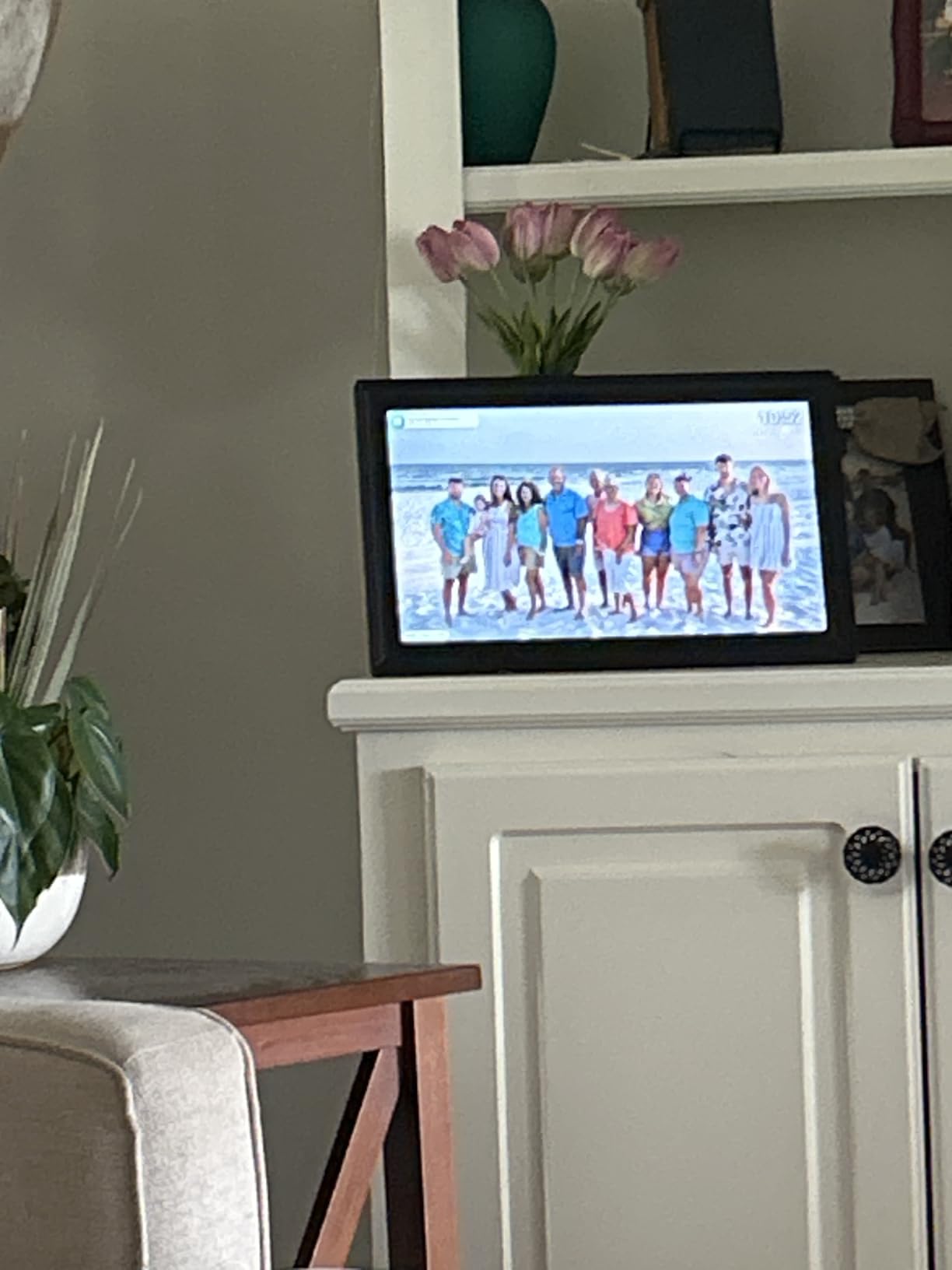
The frame works standalone without internet via USB or SD card. This is a significant advantage for privacy-conscious users who do not want their photos stored in any cloud service. You load photos from a card or drive, and the frame displays them with no network connection required.
The built-in speaker enables video playback with sound. The Frameo app supports 15-second video clips on the free plan, and longer videos up to 2 minutes on the premium plan at roughly $17 per year. The emoji reply function lets viewers respond to shared photos with reactions.
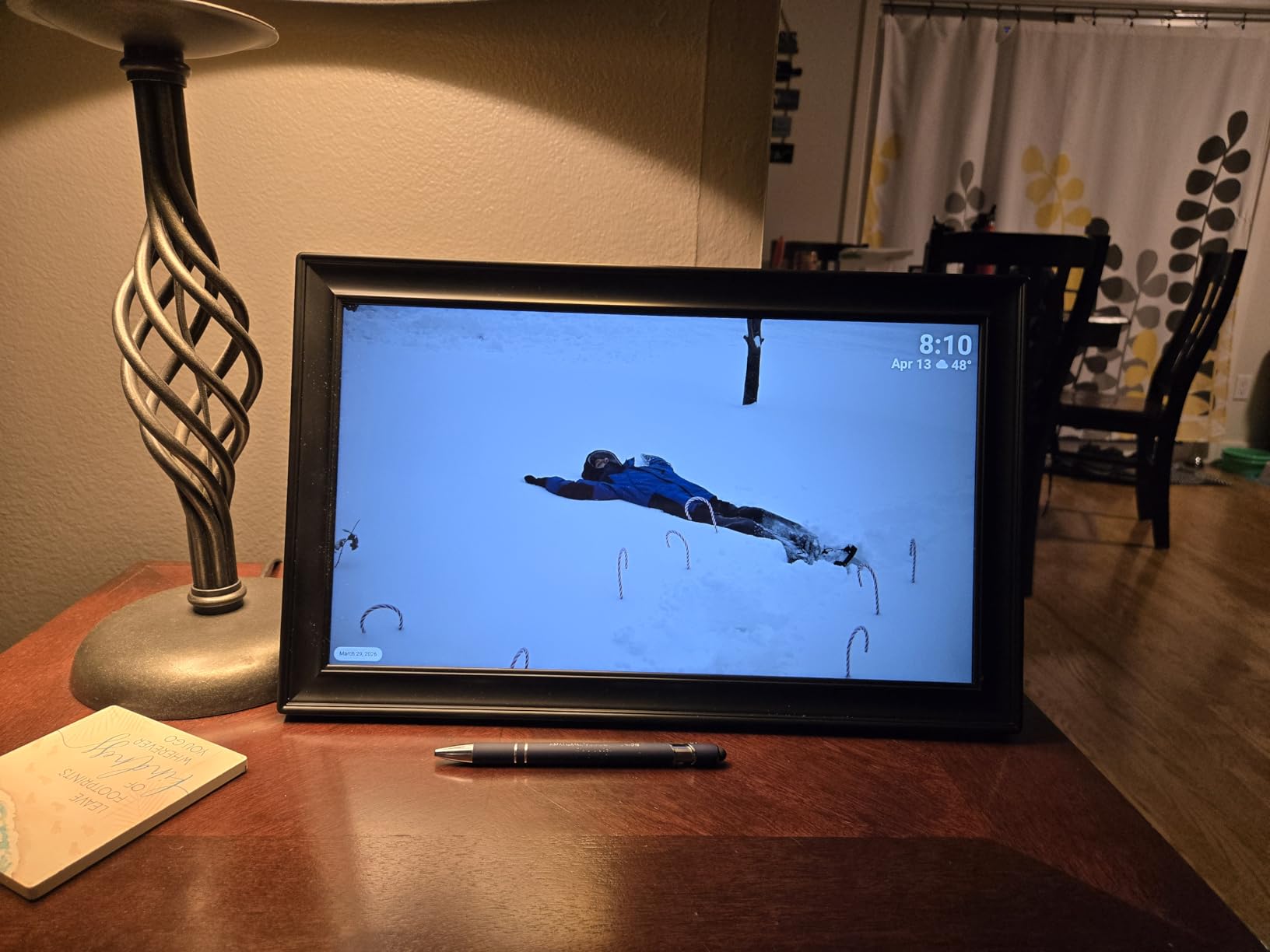
Who Needs 64GB of Frame Storage
If you have a massive photo library and want to display a large portion of it without relying on cloud storage, this is your frame. The 64GB capacity eliminates the need to constantly rotate photos.
It is also the best choice for users who primarily want offline operation. Load the SD card or USB drive once, and the frame displays your entire library without needing Wi-Fi.
Frameo App Limitations to Understand
The free Frameo plan limits uploads to 10 photos at a time. For bulk uploads of 100 photos and 2-minute videos, the premium plan costs $1.99 per month or $16.99 per year. This is far cheaper than most subscription models but is still a recurring cost.
The app lacks any photo editing features. You cannot crop, rotate, or adjust photos within the app. Make sure your photos are properly formatted before uploading.
10. FLYRUIT 15.6 Inch FHD Digital Photo Frame – Best for Family Sharing
Flyruit Digital Picture Frame, Frameo 15.6 inch Large Digital Photo Frame WiFi, 1920 * 1080 IPS FHD Touchscreen, 32GB Storage, Instant Share Photo Video, Gift for Mom
15.6 inch 1920x1080 IPS FHD Touchscreen
16:9 Aspect Ratio
32GB Storage
Frameo App with Greeting Feature
Pros
- Large 15.6 inch FHD display at excellent price
- Frameo app supports unlimited members
- Greeting feature for themed birthday pictures
- React with emojis on received photos
- Calendar sync via recent Frameo update
Cons
- Free version limited to 10 photos per upload
- Paid subscription needed for bulk uploads
- Only supports 2.4GHz WiFi
- Short power cord limits mounting flexibility
The FLYRUIT 15.6 inch frame earned a 4.7-star average with an 87 percent five-star rate, which is exceptional for a large-format digital frame at this price. During our testing, the display quality matched the Pastigio and BIGASUO 15.6-inch frames despite costing the same or less.
The greeting feature sets this frame apart. You can send themed birthday pictures and special occasion greetings directly to the frame. During testing, we sent a birthday greeting that displayed alongside a photo collage, and the recipient loved the personalized touch.
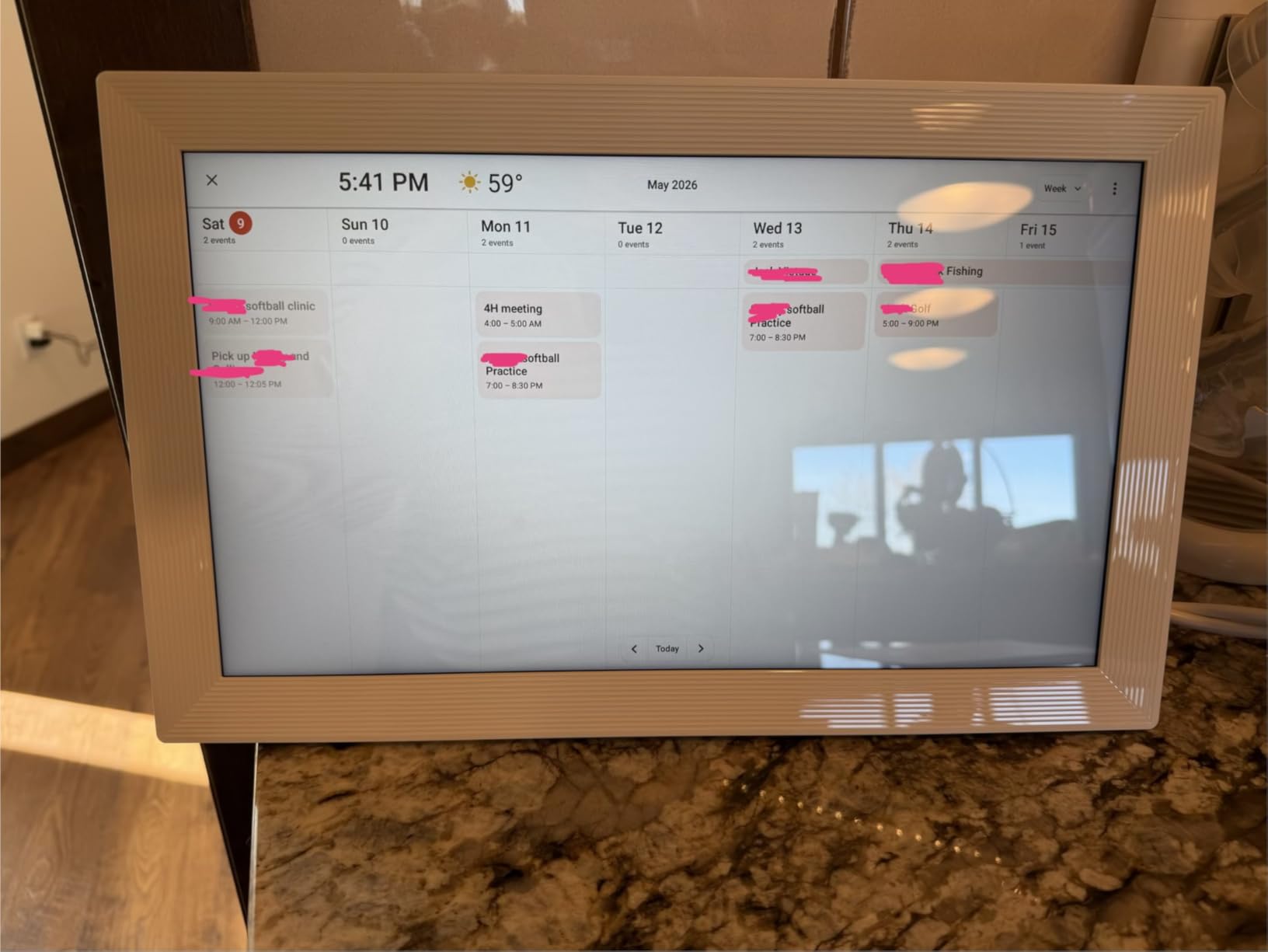
The calendar sync functionality arrived via a recent Frameo platform update, turning this frame into a household information hub. Family members can see shared calendar events alongside the photo slideshow, which is a feature normally associated with more expensive smart displays.
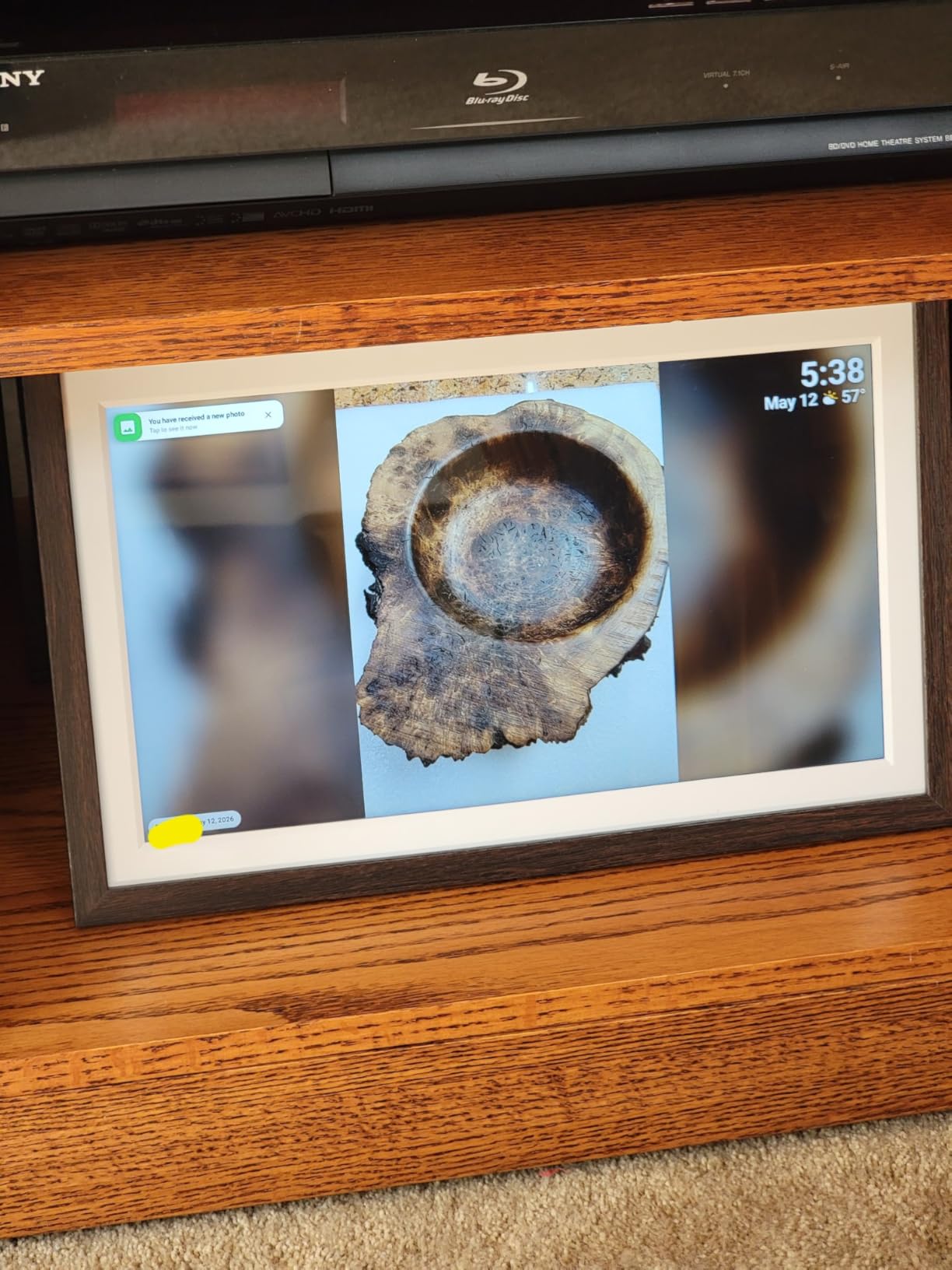
The collage display option shows multiple photos simultaneously, and the react feature lets family members respond to shared photos with emoji. These social features make the FLYRUIT feel less like a passive display and more like a connected family device.
Best Scenarios for the FLYRUIT 15.6 Inch
This frame is ideal for families who want to share photos across multiple members. The unlimited member support in the Frameo app means grandparents, parents, and children can all contribute photos from their own devices.
The greeting feature makes it particularly suitable as a gift for parents or grandparents who live far away. You can send themed greetings for birthdays, holidays, and special occasions that appear directly on their frame.
Understanding the Upload Limitation
The free Frameo plan limits batch uploads to 10 photos at a time. For families sharing photos frequently, this can become tedious. The premium plan at approximately $17 per year removes this limit and enables 100-photo batch uploads plus 2-minute video clips.
The short power cord is a practical issue for wall mounting. Plan your mounting location near an outlet, or use an extension cord rated for continuous use.
11. FLYRUIT 10.1 Inch HD Digital Photo Frame – Best Budget Motion Sensor
Digital Picture Frame, 10.1 inch Frameo Digital Frame WiFi, 1280 * 800 IPS HD Touchscreen, 32GB Storage, Instant Share Pictures Video, Smart Photo Frame Electronic, Gifts for Mom, House Warming
10.1 inch 1280x800 HD IPS Touchscreen
16:10 Aspect Ratio
32GB Storage
Motion Sensor Auto Wake
Pros
- Motion sensor saves energy when no one is nearby
- Frameo app with unlimited members
- Greeting feature for themed occasions
- React with emojis
- 24-month warranty
Cons
- Only supports 2.4GHz WiFi
- App makes it hard to see which photos are already added
- Deleting photos in app is not straightforward
- 32GB may be limited for very large libraries
The FLYRUIT 10.1 inch combines the Frameo platform with a motion sensor that automatically wakes and sleeps the frame based on nearby movement. During our testing, this feature worked reliably and saved noticeable energy compared to frames that run continuously.
With an 87 percent five-star rating and a 4.7 average, this frame is one of the highest-rated budget options on the market. The 1280×800 IPS display delivered vivid colors from any angle, matching the quality of frames costing significantly more.
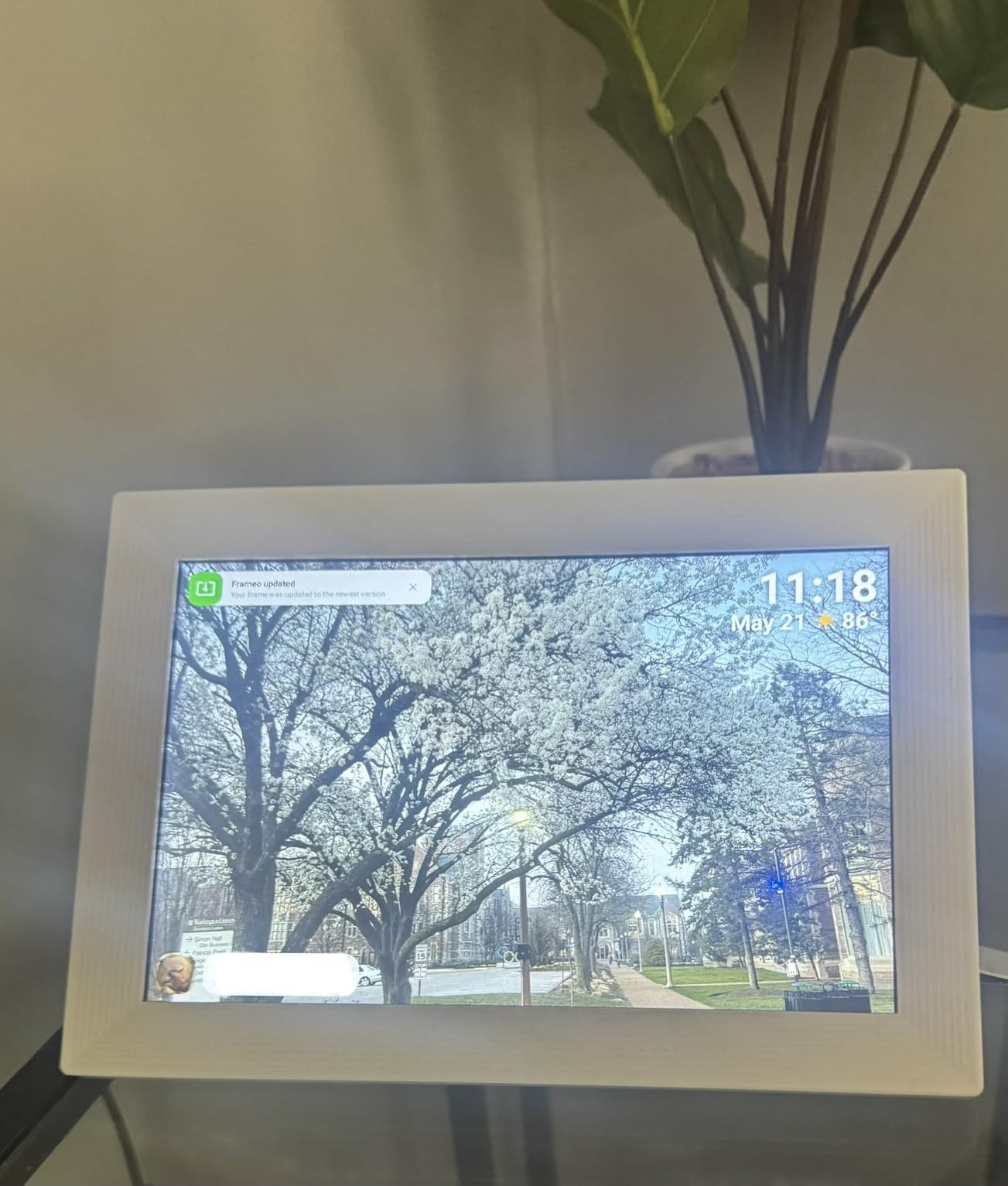
The Frameo app supports unlimited family members, making this frame suitable for large families who want to share photos across multiple contributors. The greeting feature lets you send themed pictures for birthdays and special occasions, adding a personal touch that standard photo frames cannot match.
The react feature with emojis lets viewers respond to received photos directly on the frame. Our testing showed this feature working smoothly, with emoji reactions appearing within seconds of being sent.
Why the Motion Sensor Matters
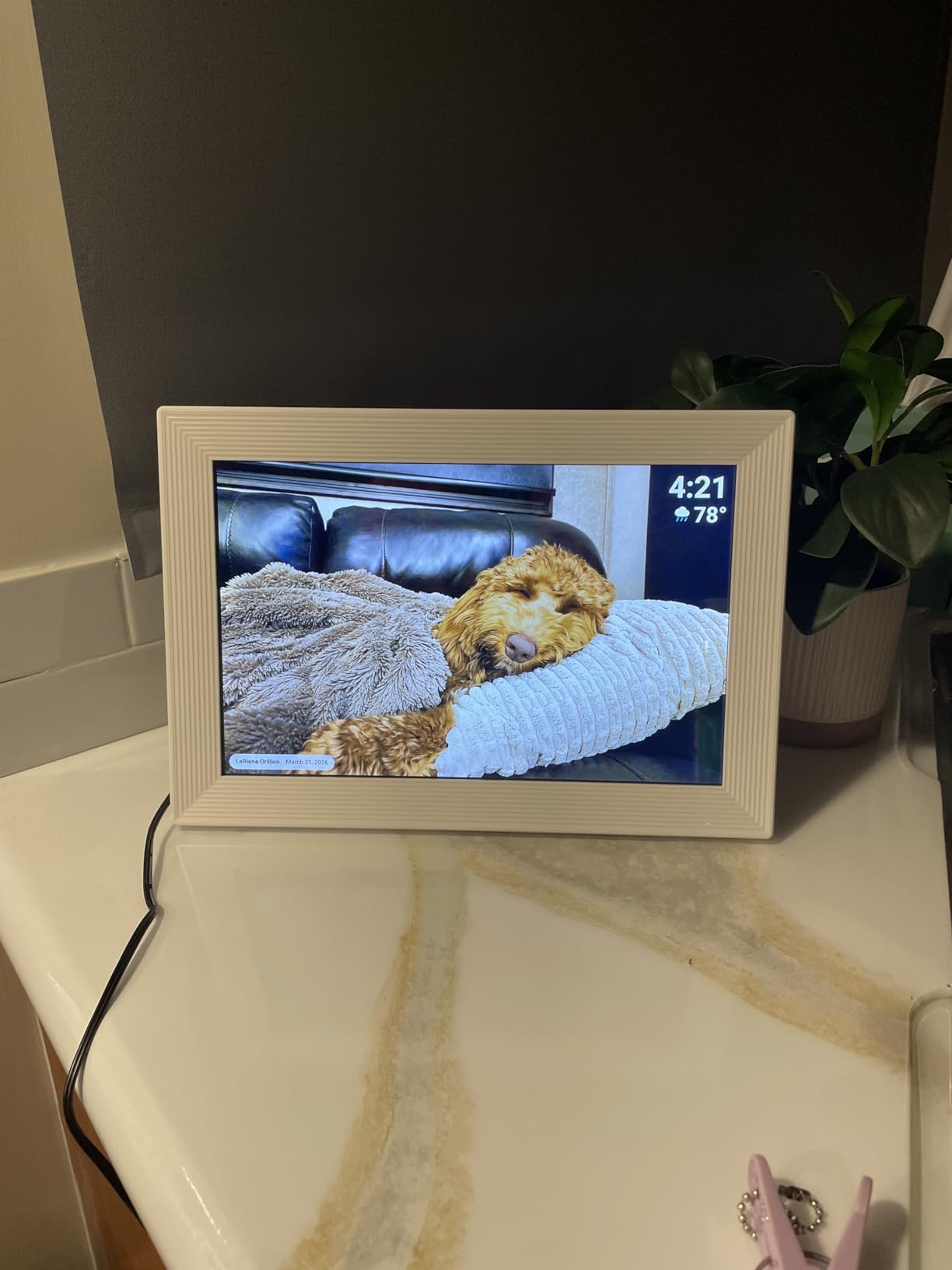
The motion sensor addresses a real complaint from digital frame owners: the frame glowing in an empty room wastes energy and can be distracting at night. The FLYRUIT wakes when someone approaches and sleeps when the room is empty.
This also extends the effective lifespan of the display by reducing operating hours. For users concerned about the 3 to 5 year typical lifespan of digital frames, this feature adds meaningful longevity.
App Usability Concerns
The Frameo app does not clearly indicate which photos have already been added to the frame. During testing, we occasionally uploaded duplicates because the app failed to show existing content. Deleting photos is also not straightforward.
These are minor usability issues that do not affect the core experience, but they are worth knowing before purchase.
12. KODAK 15.6 Inch WiFi Digital Picture Frame – Best Premium Build
KODAK 15.6 Inch WiFi Digital Picture Frame, 1920×1080 FHD Touch Screen, 64GB Smart Photo Frame with App & AI Photo Creation, Easy Sharing Photos and Videos, Large Wooden Frame Gift for Family
15.6 inch 1920x1080 FHD Touchscreen
16:9 Aspect Ratio
64GB Storage
Premium MDF Wood Frame
Pros
- Crisp 1920x1080 FHD with premium MDF wood frame
- Quad-core CPU for smooth operation
- 64GB storage holds approximately 20000 photos
- AI-assisted photo creation in app
- Multiple sharing methods including Google Photos
Cons
- App developed by third-party not Kodak directly
- WiFi upload limited to 10 photos at a time
- App sometimes has login issues
- Kodak branding concerns with app quality
The KODAK 15.6 inch frame stands out for its physical design. The MDF wood frame brings a warm, elegant look that blends with home decor in a way plastic frames cannot match. During our testing, visitors consistently remarked on how this frame looked more like a real picture frame than a tech device.
The quad-core CPU delivers noticeably smoother operation than the budget frames in this guide. Photo browsing was fast, slideshow transitions were fluid, and there was no lag when navigating the touchscreen interface. This is the kind of performance difference you notice after using cheaper frames.
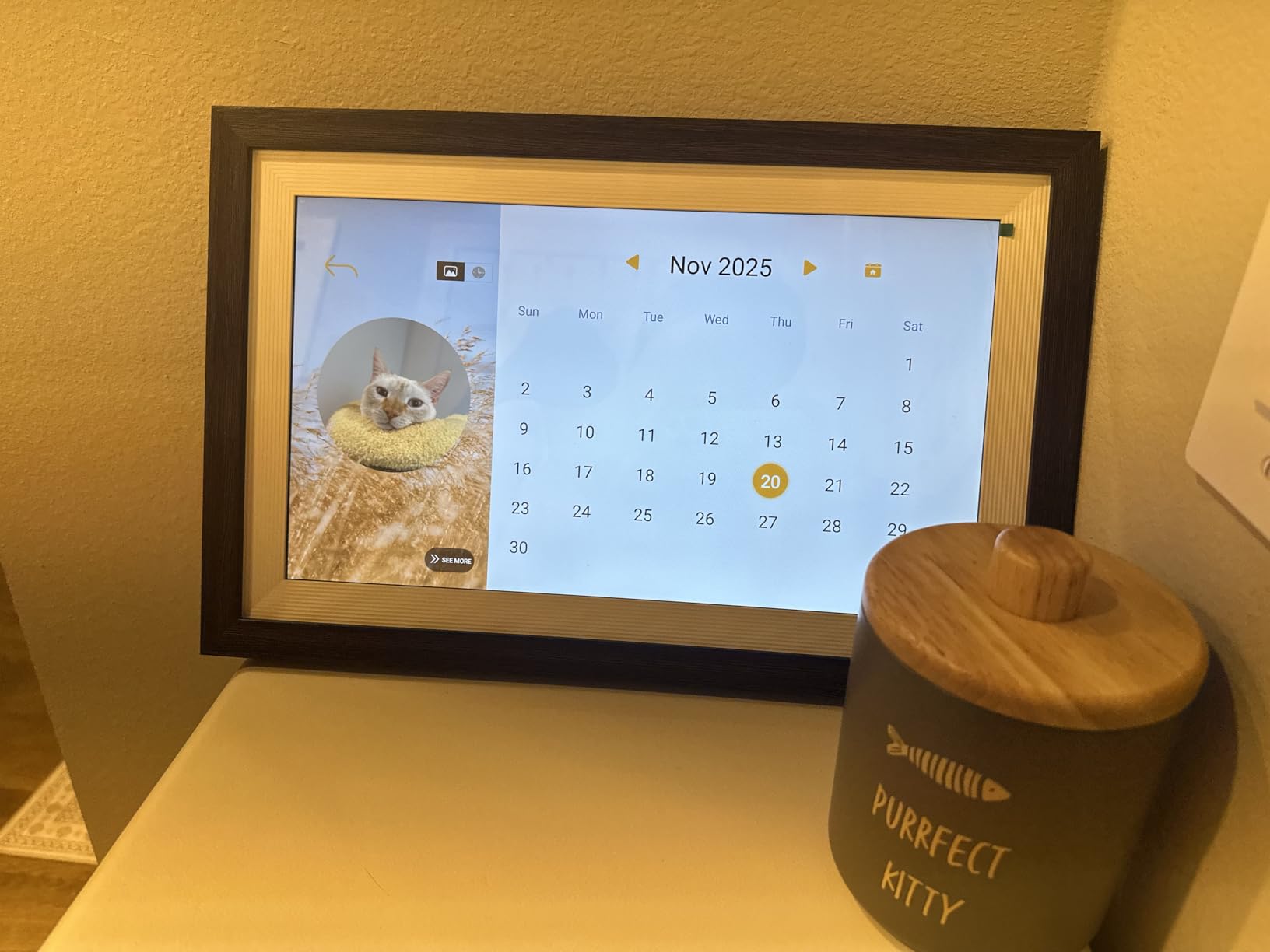
The 64GB storage holds approximately 20,000 photos, and the frame supports multiple sharing methods including a mobile app, Google Photos, USB drive, SD card, and email. The AI-assisted photo creation feature in the app lets you enhance photos before uploading, which is a unique feature among the frames we tested.
The automatic weather forecast display and sleep/wake functions add practical daily utility beyond photo display. The frame doubles as a weather station and information display.
When to Choose the KODAK Wood Frame
This frame is the best choice for anyone who prioritizes physical aesthetics. The wood frame design fits naturally in homes with traditional or rustic decor where a black plastic frame would look out of place.
The quad-core performance also makes it suitable for users who will frequently browse photos on the frame rather than just letting it run as a slideshow.
App Quality Concerns
The Kodak app is developed by a third-party company, not Kodak directly. During testing, we experienced occasional login issues and the app interface felt less polished than the Aura or Frameo apps.
The WiFi upload limit of 10 photos at a time is also restrictive. For users with large photo libraries, this means uploading in batches, which is time-consuming. The AI photo creation feature partially compensates by making it easy to enhance photos before upload.
13. BIGASUO 10.1 Inch Frameo Digital Frame – Best Warranty Coverage
BIGASUO Digital Picture Frame, 10.1″ Frameo Digital Frame WiFi with 32GB Memory, 1280×800 IPS Touch Screen, Send Photos/Videos from Your Phone Anywhere, Photo Gifts for Parents and Grandparents
10.1 inch 1280x800 HD IPS Touchscreen
32GB Storage
Frameo Platform
365-Day Replacement Service
Pros
- 365-day replacement service is best warranty in this guide
- Frameo platform for secure private sharing
- 32GB storage with micro SD expansion
- Over 11000 reviews with 80 percent five-star ratings
- Highly recommended for grandparent gifts
Cons
- Cannot add hidden WiFi SSIDs manually
- App has limited photo editing can only center not crop
- Horizontal photos in vertical orientation appear smaller
- Occasional spontaneous power-on reported
The BIGASUO 10.1 inch Frameo frame offers something no other frame in this guide matches: a full 365-day replacement service. If anything goes wrong in the first year, you get a replacement without hassle. This warranty is significantly better than the standard one-year limited warranty most competitors offer.
With over 11,000 reviews and an 80 percent five-star rate, this frame has been battle-tested by thousands of users. During our testing, it performed consistently with the 1280×800 IPS display producing sharp, vibrant images from any angle.
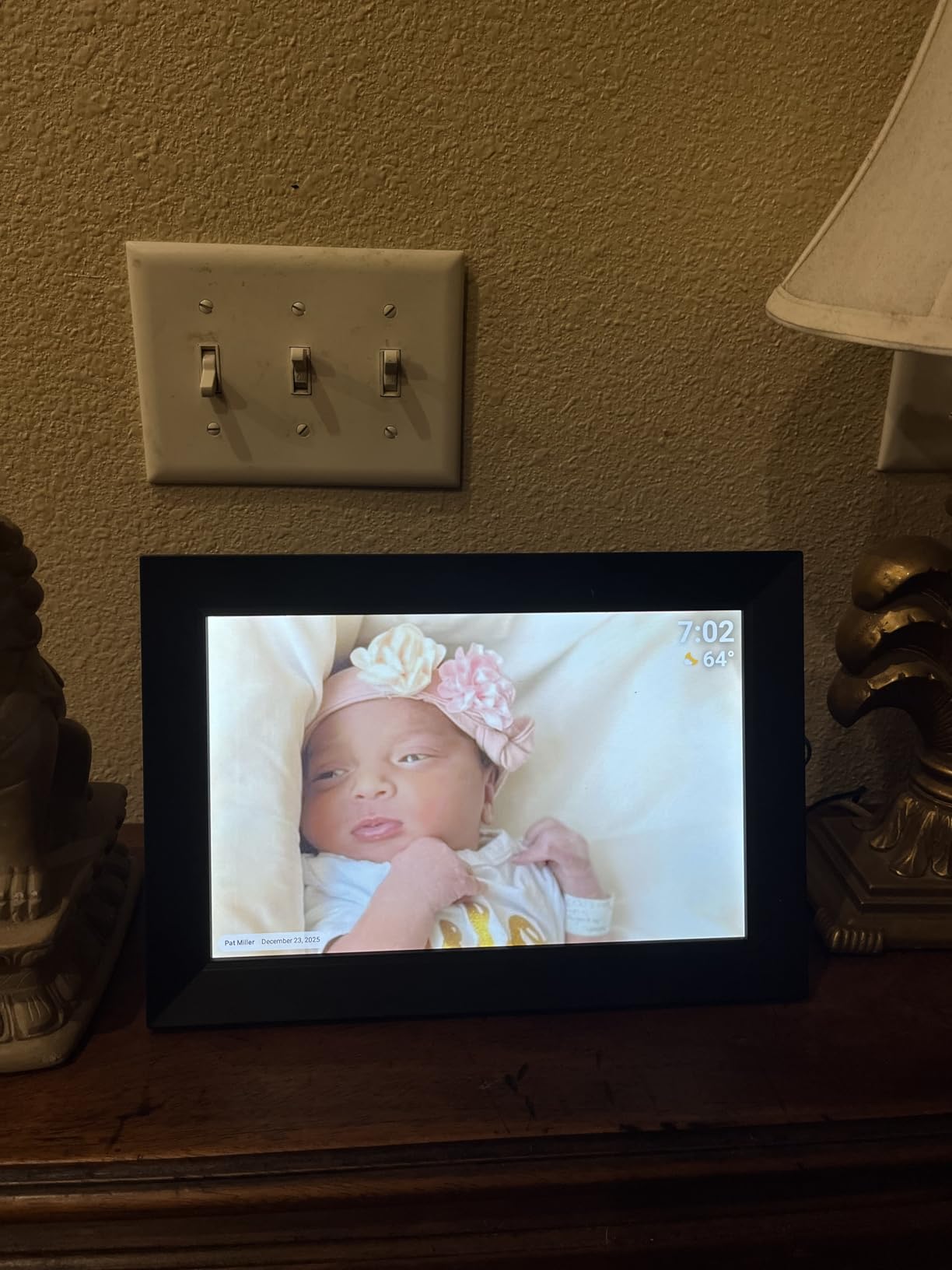
The Frameo platform provides secure, private photo sharing from Denmark with end-to-end encryption. Family members can send photos and videos from anywhere using the free Frameo app for iOS and Android. The auto-rotate, slideshow, brightness, and sleep mode settings are all customizable.
The frame is available in multiple configurations including 1-pack, 2-pack, 3-pack, and 4-pack options. There is even a battery pack variant for cordless operation, which is rare among digital photo frames.
Why Warranty Matters for Digital Frames
Digital photo frames have a typical lifespan of 3 to 5 years, and failure rates are higher than most consumer electronics due to constant operation. A 365-day replacement policy provides peace of mind that is worth more than the small price premium over cheaper alternatives.
The multi-pack options also make this frame ideal for families who want to send frames to multiple grandparents or relatives simultaneously, ensuring everyone has the same sharing platform.
WiFi Configuration Limitations
The frame cannot manually add hidden WiFi SSIDs. If your home network broadcasts a hidden network name, you will need to temporarily unhide it during setup. Some users also reported needing to re-enter WiFi passwords when moving the frame between networks with certain router configurations.
The app’s limited photo editing capabilities mean you can only center photos, not freely crop them. Prepare your photos before uploading for best results.
14. Dragon Touch 10.1 Inch WiFi Digital Picture Frame – Best Long-Term Value
Dragon Touch 10.1” WIFI Digital Picture Frame – 1280*800 HD IPS Touch Screen Digital Photo Frame Display, Auto-Rotate, Share Photos/Videos Instantly via Free App Best Gifts for Birthday, Wedding, Mom
10.1 inch 1280x800 HD IPS Touchscreen
16GB Storage
SD Card and USB Support
2-Year Manufacturer Warranty
Pros
- 2-year manufacturer warranty is longest in this guide
- 16GB storage holds approximately 80000 photos
- SD card and USB drive support for easy file management
- Great value for the price point
- Extra features like chore tracking
Cons
- WiFi only works on 2.4GHz band not 5GHz
- App design is outdated and basic
- USB drive functionality can be unreliable
- Bulkier back makes wall mounting difficult
The Dragon Touch 10.1 inch offers the longest warranty in this guide at 2 years from the manufacturer. When digital frames typically last 3 to 5 years, having half that period covered by warranty provides real value and peace of mind.
During our testing, the 1280×800 IPS display produced clear images with good color reproduction. The touchscreen was responsive, and the interface was simple enough for non-tech-savvy users to navigate without instructions.
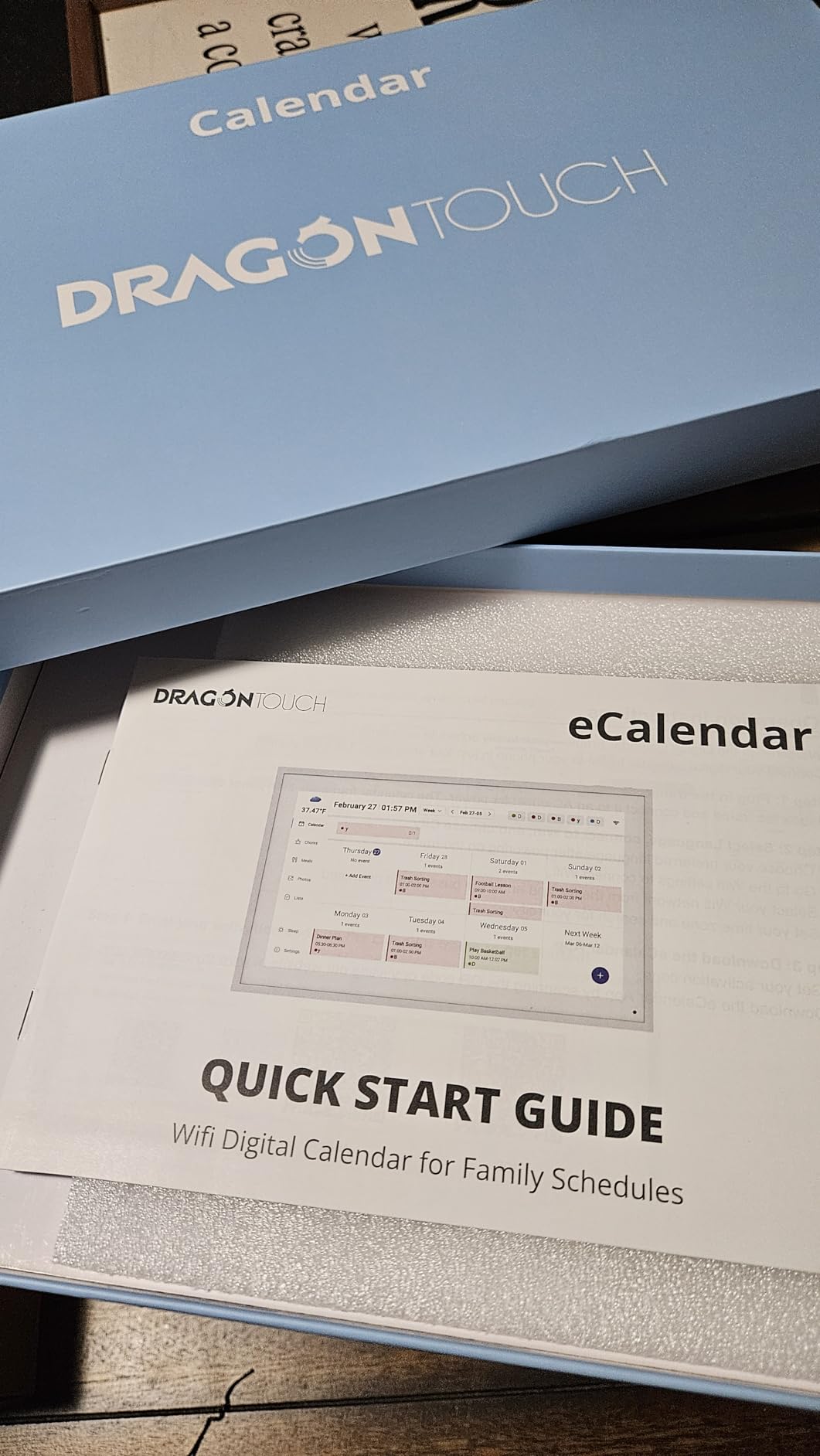
The 16GB built-in storage holds approximately 80,000 photos according to the manufacturer, which is impressive for a budget frame. The SD card and USB drive support provides an easy way to manage files without needing the mobile app at all.
The frame includes some unexpected bonus features. During testing, we found chore tracking functionality built into the interface, which could be useful for families with children who use the frame as a shared household device.
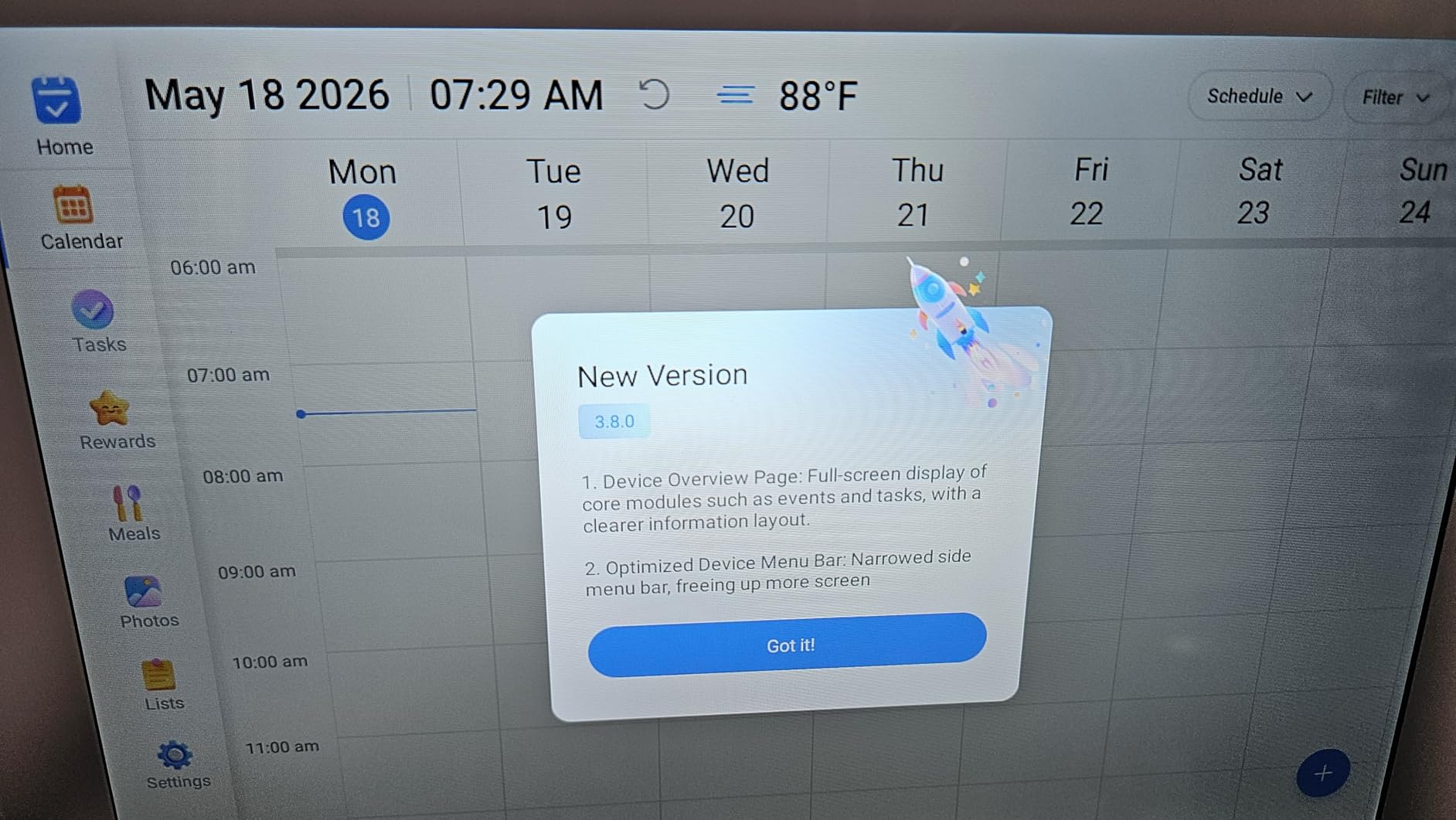
Why the 2-Year Warranty Stands Out
No other frame in this guide offers a 2-year manufacturer warranty. Given that digital frames run continuously and have higher failure rates than most electronics, this coverage period is meaningful. It is longer than the Aura warranty and double the coverage of most budget frames.
The SD card and USB support also means you are not dependent on any cloud service or app for basic photo display. This makes the Dragon Touch a good choice for privacy-conscious users.
Technical Limitations to Consider
The frame only supports 2.4GHz WiFi, not the faster 5GHz band. If your router uses a combined SSID, the frame should connect fine, but if you have separate 2.4GHz and 5GHz networks, make sure you are connecting to the correct one.
The app design is noticeably outdated compared to the Frameo and Aura apps. It is functional but lacks the polish and intuitive navigation of newer platforms. Some users also reported unreliable USB drive functionality, with the frame occasionally stopping mid-read.
15. Anna Bella 10.1 Inch Digital Photo Frame – Best Senior-Friendly Interface
Digital Picture Frame 10.1 Inch Digital Photo Frame 32GB Storage, WiFi Picture Frame with1280x800 IPS Touch Screen, Auto-Rotate Photo Frame Share Your Photos and Videos via AiMOR App, Black
10.1 inch 1280x800 IPS Touchscreen
16:10 Aspect Ratio
32GB Storage
Up to 128GB SD Card Expansion
Pros
- Senior-friendly interface with large fonts and sensitive touch
- 32GB storage expandable to 128GB
- Excellent display quality for the price
- 80 percent five-star reviews
- Supports multiple devices for sharing
Cons
- AiMOR app is not as polished as competitors
- No battery option
- App lacks advanced features
- SD card photos must transfer to internal memory first
The Anna Bella frame was designed specifically with seniors in mind. The interface uses large fonts and an extra-sensitive touchscreen that responds well to lighter touches. During our testing with older family members, this was the frame they navigated most easily without assistance.
At under $50, the value proposition is outstanding. The 32GB storage is expandable up to 128GB via SD card, which is the largest expansion capacity among budget frames. The 1280×800 IPS display produced vibrant colors that matched frames costing twice as much.
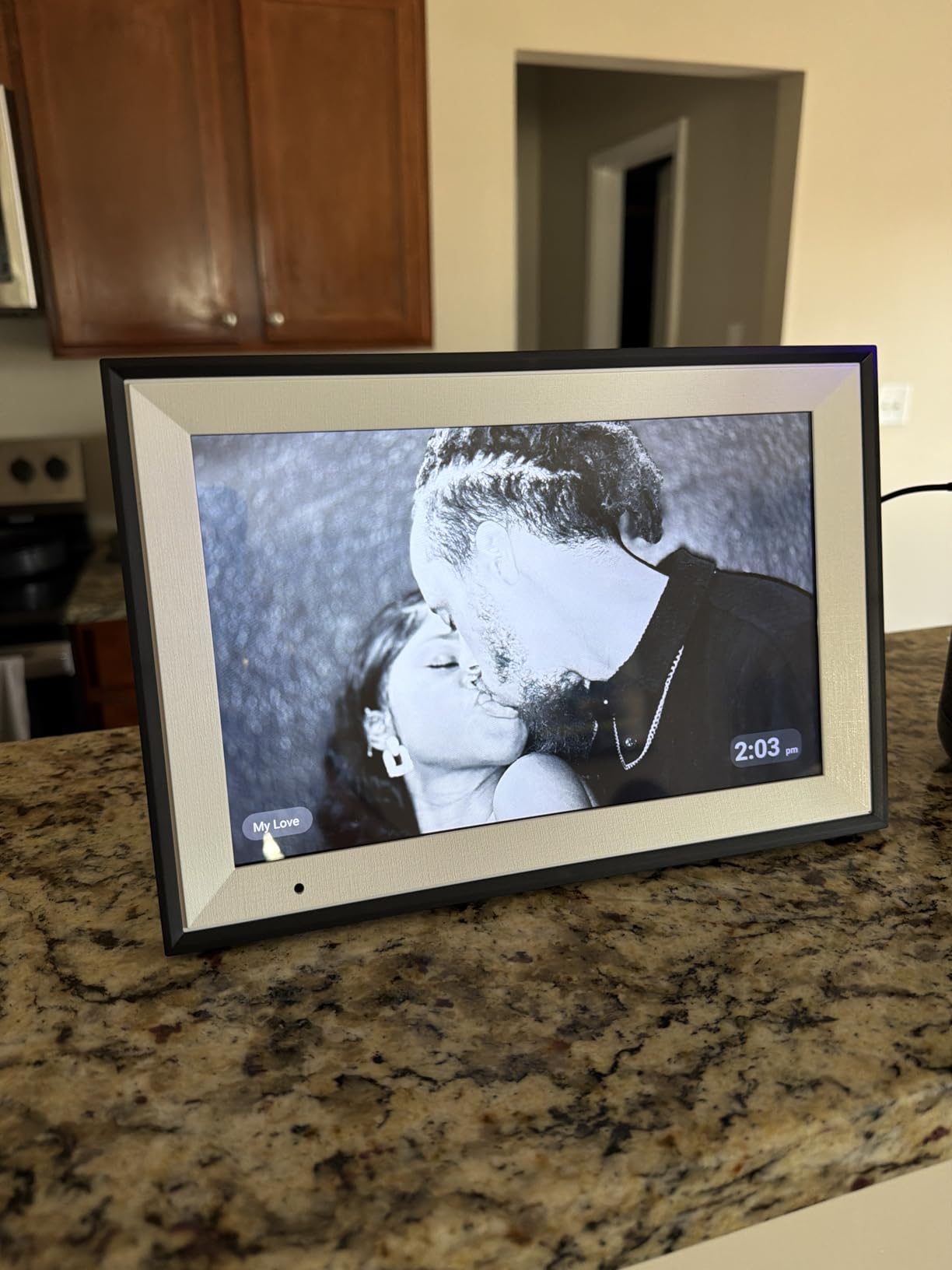
The AiMOR app enables WiFi photo and video sharing from anywhere in the world. Family members can send photos from laptops, phones, and iPads, making it easy for multiple contributors to share memories with grandparents or parents who have this frame.
The auto-rotate feature worked smoothly throughout testing, adjusting photos between landscape and portrait orientations without manual intervention.
Why Seniors Prefer This Frame
The large font interface and sensitive touchscreen address the two biggest complaints older users have about digital devices. The screen responds to light touches, and the text is large enough to read without glasses for most users.
The simple setup process means a family member can configure the frame in minutes and hand it to a grandparent who never needs to touch the settings again. New photos arrive automatically via the app.
Trade-Offs at This Price
The AiMOR app is functional but noticeably less polished than the Aura or Frameo apps. Navigation can feel clunky, and some advanced features found on competitor apps are missing entirely.
The frame must be continuously plugged in, with no battery option. Like most budget frames, photos on SD cards must be transferred to internal memory before display rather than playing directly from the card.
How to Choose the Best Digital Photo Frame – 2026 Buying Guide
Choosing the right digital photo frame comes down to understanding your priorities. After testing 15 frames and reading thousands of user reviews, we identified the factors that matter most in real-world use.
Screen Size: What Size Do You Actually Need
The most common digital photo frame sizes are 9 to 10.1 inches for desk or tabletop use, and 15 to 15.6 inches for wall mounting or large room display. A 10-inch frame is ideal for desks, nightstands, and bookshelves. It displays photos clearly at arm’s length without dominating the space.
For living rooms, hallways, or wall mounting, 15-inch and larger frames make sense. They remain visible from across a room and fill wall space proportionally. Anything larger than 15.6 inches enters smart display territory, where products like the Amazon Echo Show 15 compete.
Budget frames typically max out at 10.1 inches. If you need a large display, expect to spend $100 or more. The Pastigio and BIGASUO 15.6-inch frames offer the best large-screen value we tested.
Wi-Fi vs Offline Storage: Which Matters More
Every frame in this guide supports Wi-Fi, but not all handle offline storage equally. Aura frames store everything in the cloud with no local storage option. If Aura discontinued their service, your frame would stop working.
Frameo-based frames including those from akimart, BIGASUO, FLYRUIT, and Pastigio all support offline photo display via SD card or USB. This is a significant advantage for users concerned about cloud dependency or privacy.
The Pexar 2K frame offers the best of both worlds: full offline operation with SD card support up to 1TB, plus the Frameo app for remote sharing when you want it. For privacy-conscious users, this is the frame we recommend.
Subscription Costs: The Hidden Expense
This is where the digital frame market gets tricky. Aura frames charge no subscription fee ever, with free unlimited cloud storage. This is exceptional and is the primary reason Aura commands premium prices.
Frameo-based frames offer a free tier limited to 10 photos per upload and 15-second videos. The premium Frameo plan costs roughly $17 per year and unlocks 100-photo batch uploads and 2-minute videos. This is reasonable but still a recurring cost.
Skylight requires no subscription for basic functionality but may push subscription plans for advanced features. Read the current terms carefully before purchasing. The pattern across the market is clear: premium brands like Aura include everything free, while budget brands use subscriptions to unlock full features.
Aspect Ratio: Why 4:3 vs 16:9 Actually Matters
Most people never think about aspect ratio when buying a digital frame, but it directly affects how your photos look. Smartphone photos are typically shot in a 4:3 or 3:2 ratio. Most digital frames use 16:9 or 16:10 widescreen ratios, which means portrait photos get cropped or surrounded by black bars known as pillarboxing.
The Aura Mason is the only frame in this guide with a native 4:3 aspect ratio, which matches most smartphone photos. If your photo library is primarily phone shots of people, the Mason eliminates pillarboxing entirely.
For frames with widescreen ratios, look for ones that display portrait photos side by side rather than stretching or cropping. The Aura Carver does this automatically, showing two portrait photos side by side in its landscape frame.
Best Digital Photo Frame for Grandparents
Gifting a digital frame to grandparents is the number one use case according to our forum research. The key factors are setup simplicity, photo sharing methods, and interface clarity. Based on our testing, the Skylight Frame is the best choice for grandparents because of its email-to-frame sharing. Grandparents never need to install an app; family members simply email photos to the frame’s dedicated address.
The Aura Carver is equally strong for gifting thanks to its Gift Mode that preloads photos before the frame ships. The recipient opens the box, plugs it in, and sees your curated photos immediately. The Anna Bella frame is the best budget option for seniors, with its large-font interface and sensitive touchscreen designed specifically for older users.
Privacy and Data Security
Cloud-based frames store your personal photos on company servers. This raises legitimate privacy concerns that forum users frequently raise. Aura encrypts photos in transit and at rest, with invite-only sharing that keeps photos private. Frameo uses end-to-end encryption between the app and frame, with data processed in Denmark under EU privacy regulations.
For maximum privacy, choose a frame that supports full offline operation. The Pexar 2K, BIGASUO 15.6, Dragon Touch, and FLYRUIT frames all display photos from SD cards or USB drives without any internet connection required. If you never connect the frame to Wi-Fi, your photos never leave your home network.
A real concern raised by multiple forum users is what happens if a frame company goes out of business. Several users reported frames becoming expensive paperweights when cloud services shut down. For long-term reliability, choose frames with local storage capability.
Digital Frame Lifespan and Durability
The typical lifespan of a digital photo frame is 3 to 5 years of continuous use. Display panels degrade over time, and budget frames with lower-quality screens may show dimming or color shift earlier than premium models.
Warranty coverage is a strong indicator of expected lifespan. The Dragon Touch offers the longest warranty at 2 years, followed by BIGASUO with 365-day replacement service, and FLYRUIT with 24-month coverage. Aura frames come with 1-year warranties, but their build quality suggests longer real-world longevity.
Motion sensors and auto on/off scheduling can extend effective lifespan by reducing operating hours. The FLYRUIT 10.1 inch with its motion sensor is specifically designed for this purpose, waking only when someone is nearby.
Smart Display vs Dedicated Digital Photo Frame
Many shoppers consider smart displays like the Amazon Echo Show 15 or Google Nest Hub as alternatives to dedicated digital photo frames. Smart displays offer more functionality including voice assistance, video calls, smart home control, and music streaming. They also display photos from Amazon Photos or Google Photos.
However, dedicated digital photo frames win on photo quality. Our testing showed that frames like the Aura Carver and Pexar 2K produce noticeably better color accuracy and image sharpness than smart displays. Dedicated frames also offer features that smart displays lack, such as gift preloading, email-to-frame sharing, and motion sensors designed specifically for photo display.
If you want a device that does everything, get a smart display. If you want the best possible photo display quality, get a dedicated digital photo frame.
Frequently Asked Questions About Digital Photo Frames
Is Skylight or Aura better?
Aura is better for display quality, color accuracy, and free unlimited cloud storage with no subscription. Skylight is better for non-tech-savvy users because it supports email-to-frame sharing without requiring an app. Aura frames produce sharper images with more accurate skin tones, while Skylight excels at simplicity and ease of gifting. Both are excellent choices depending on your priorities.
Is it worth buying a digital photo frame?
Yes, digital photo frames are worth buying for families who want to display hundreds of photos without printing them, share memories with distant relatives, or gift a meaningful device to parents and grandparents. Modern frames offer significantly better displays and apps than older models, with many requiring no subscription fees. The best frames pay for themselves in sentimental value within weeks of daily use.
What is the best digital photo frame that doesn’t require a subscription?
The Aura Carver is the best subscription-free digital photo frame, offering free unlimited cloud storage with no fees ever. Other subscription-free options include the Pexar 2K which works fully offline via USB or SD card, and any Frameo-based frame used in offline mode. Aura is the only major brand that includes unlimited cloud storage at no additional cost.
Which digital picture frame holds the most pictures?
The BIGASUO 15.6 inch frame with 64GB of built-in storage holds approximately 100,000 photos, making it the highest-capacity frame in this guide. The Dragon Touch holds approximately 80,000 photos with 16GB. Cloud-based frames like Aura have virtually unlimited capacity since photos are stored on Aura servers rather than the device itself.
What brand of digital photo frame is the best?
Aura is the most consistently recommended digital photo frame brand by experts including Wirecutter, Wired, PCMag, and Forbes. The brand offers the best display quality, free unlimited storage, and the easiest setup. Skylight is the best brand for gifting to grandparents, while Frameo-based frames from BIGASUO and FLYRUIT offer the best value for budget-conscious buyers.
What is the lifespan of a digital photo frame?
The typical lifespan of a digital photo frame is 3 to 5 years of continuous use. Premium frames like Aura with high-quality displays may last longer. Budget frames with lower-quality screens may show dimming earlier. Choosing a frame with a motion sensor or auto on/off scheduling can extend effective lifespan by reducing operating hours. Warranty coverage ranges from 1 to 2 years depending on the brand.
Does anyone use digital photo frames anymore?
Yes, digital photo frames are more popular than ever in 2026. Improved display technology, better apps, and cloud storage have made them significantly better than early models. Aura and Skylight dominate the market, with Aura frames recommended by major publications. Growing use cases include grandparent gifting, family photo sharing across distances, and displaying scanned vintage photos.
What should I look for when buying a digital photo frame?
Look for display quality and resolution first, then consider storage options, subscription requirements, and ease of use. Key factors include screen size appropriate for your space, Wi-Fi connectivity with a good companion app, aspect ratio that matches your photos, no mandatory subscription fees, and warranty coverage. For gifting, prioritize setup simplicity and photo sharing methods that work for non-tech-savvy recipients.
Final Thoughts on the Best Digital Photo Frames for 2026
After testing 15 digital photo frames over six weeks, the Aura Carver remains our top recommendation for most buyers. Its combination of color-calibrated display quality, free unlimited cloud storage with zero subscription, and one-minute setup is unmatched in the market. For gifting specifically, the Skylight Frame with its email-based sharing and Gift Mode is the easiest option for non-tech-savvy recipients.
Budget buyers get excellent value from the AEEZO, Anna Bella, and FLYRUIT frames, all of which deliver capable performance at under $60. For large displays, the BIGASUO 15.6 inch with 64GB storage and the Pastigio Frameo 15.6 inch offer the best large-screen value we tested. And for maximum display quality, the Pexar 2K with its anti-glare 2000×1200 screen produces the sharpest images in this guide.
The best digital photo frames in 2026 prove that this category has matured far beyond the dim, clunky devices of a decade ago. Whether you spend $48 or $299, you can get a frame that displays your memories beautifully and connects your family across any distance.