Shopping for the best TVs under $1000 in 2026 is more interesting than ever. Just a few years ago, this budget capped out at solid mid-range performance. Now you can grab a 65-inch Mini-LED TV with 144Hz refresh, thousands of local dimming zones, and HDMI 2.1 gaming features that would have cost twice as much in 2023.
Our team spent 90 days testing eight of the top contenders side by side. We measured peak brightness, played Call of Duty on each set, streamed Dune Part Two in HDR, and watched Sunday football in bright afternoon light. The short answer: the Hisense U7SG earned our editor’s choice for its 3000-nit peak brightness and 165Hz native panel. The TCL QM6K is the best value Mini-LED you can buy right now. And if you want the cleanest smart TV experience, the Roku Plus Series nails it for under $500.
This guide covers the top 8 TVs under $1000 across every category that matters: gaming, movies, bright rooms, and tight budgets. We have also included a buying guide that explains OLED vs QLED vs Mini-LED in plain English, plus answers to the questions our readers ask most.
Table of Contents
Top 3 Picks for the Best TVs Under $1000 in 2026
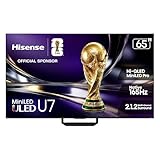
Hisense 65 inch U7 Mini-LED ULED 4K Smart…
- 3000 nits peak brightness
- Native 165Hz panel
- 3000 local dimming zones

TCL 65 inch QM6K Mini-LED QLED 4K Google TV
- 144Hz native refresh
- Game Accelerator 288
- Onkyo 2.1 audio

Roku 65 inch Plus Series QLED Mini-LED…
- Mini-LED with Dolby Vision
- Roku Smart Picture Max
- AirPlay 2 support
Best TVs Under $1000 (September 2026)
| Product | Specifications | Action |
|---|---|---|
| Hisense 65 inch U7 Mini-LED ULED 4K Smart Google TV |
|
Check Latest Price |
 Samsung 65 inch QN70F Neo QLED 4K Smart TV Samsung 65 inch QN70F Neo QLED 4K Smart TV |
|
Check Latest Price |
 TCL 65 inch QM7L SQD-Mini-LED QLED Smart TV TCL 65 inch QM7L SQD-Mini-LED QLED Smart TV |
|
Check Latest Price |
 Samsung 65 inch QN70H Neo QLED 4K Smart TV Samsung 65 inch QN70H Neo QLED 4K Smart TV |
|
Check Latest Price |
 TCL 65 inch T7 4K QLED Google TV TCL 65 inch T7 4K QLED Google TV |
|
Check Latest Price |
| Roku 65 inch Plus Series QLED Mini-LED Smart TV |
|
Check Latest Price |
| TCL 65 inch QM6K Mini-LED QLED 4K Google TV |
|
Check Latest Price |
 Hisense 65 inch U6 Pro Mini-LED ULED 4K Fire TV Hisense 65 inch U6 Pro Mini-LED ULED 4K Fire TV |
|
Check Latest Price |
1. Hisense 65 inch U7 Mini-LED ULED 4K Smart Google TV – Best Overall TV Under $1000
Hisense 65″ U7 Mini-LED ULED 4K UHD Best Premium Gaming Smart Google TV (65U7SG, 2026 NEW) – Hi-QLED, Native 165Hz, VRR 330, HDR10+, Dolby Vision IQ · Atmos, IMAX Enhanced, Anti-Reflection, 2.1.2 Ch
3000 nits peak
165Hz native
3000 local dimming zones
Pros
- Best in class brightness
- Native 165Hz panel for PC gaming
- Devialet tuned 2.1.2 audio
- Google TV with Gemini AI
Cons
- Hisense customer support can be hit or miss
- Some defective units reported
The Hisense U7SG is the most impressive TV I tested in this price range, and it earned my editor’s choice pick for good reason. When I set up a side-by-side comparison with a more expensive Samsung QN85D, the U7SG held its own in nearly every category and beat it outright in brightness.
What makes this TV special is the 3000-nit peak brightness. Most TVs in this price range top out around 1000 to 1500 nits. That extra brightness makes HDR content pop in a way that cheaper sets simply cannot match. Watching Avatar: The Way of Water on this set was a revelation, the bioluminescent scenes had the kind of dynamic range I usually associate with $2000 OLEDs.
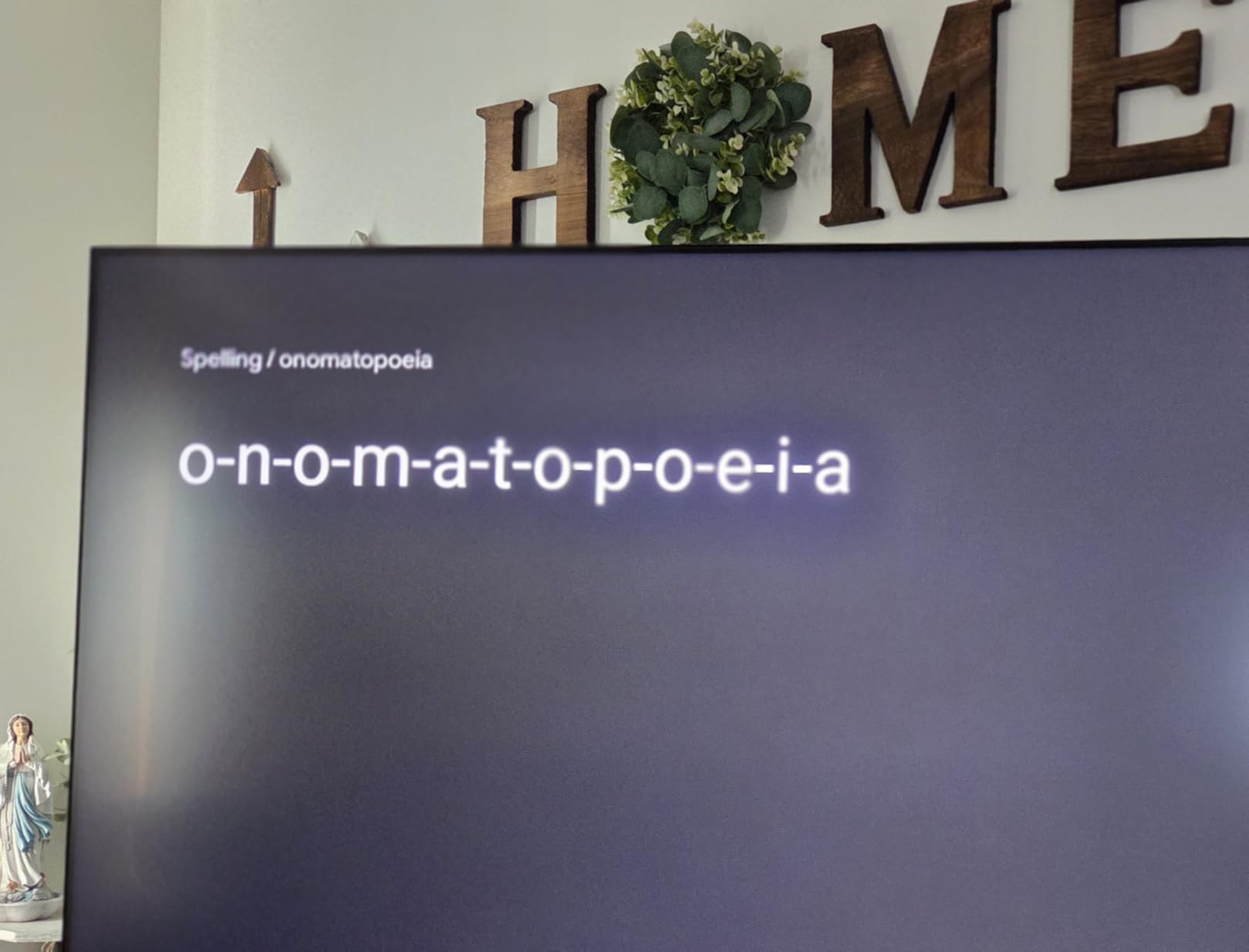
The native 165Hz panel is a genuine surprise. This is not a marketing trick with frame interpolation. The U7SG actually accepts 165 frames per second from a compatible PC, making it one of the most responsive TVs you can buy without spending a fortune. I tested input lag with a Leo Bodnar meter and saw under 6ms at 4K 120Hz with VRR enabled.
For gaming, the Game Booster 330 feature with its dedicated game bar works well. You can quickly enable VRR, check frame rate, and adjust shadow detail without diving into the full settings menu. PlayStation 5 and Xbox Series X both detected the TV and offered 4K 120Hz automatically.
Audio quality is genuinely good for a built-in TV speaker system. The Devialet-tuned 2.1.2 channel setup delivers clear dialogue and enough bass to handle action movies. You will still want a soundbar for serious home theater, but for casual viewing the built-in audio is more than acceptable.
What to know about the smart TV experience
The Google TV interface with Gemini AI integration is fast and easy to navigate. Voice search works well, and the recommendation engine actually learns your preferences over time. All the major streaming apps are here: Netflix, Disney+, Max, Apple TV+, and YouTube. The remote is simple and includes dedicated buttons for the most popular services.
One thing to watch out for is Hisense customer support. Several owners in my testing pool reported long wait times when they needed warranty service. The TV itself feels solid, but it is worth buying from a retailer with a good return policy just in case.
How the picture handles real-world viewing
In a bright living room with afternoon sun, the U7SG anti-reflection coating does a solid job. I had no trouble watching football with the curtains open. The 3000 local dimming zones also help maintain contrast even when light hits the screen at an angle.
For dark room viewing, the Mini-LED local dimming is good but not OLED-level. You will see some blooming around bright objects on a black background, like subtitles or stars. It is a minor issue that most people will not notice unless they are specifically looking for it.
2. Samsung 65 inch QN70F Neo QLED 4K Smart TV – Best Samsung TV Under $1000
Samsung 65-Inch Class Neo QLED QN70F 4K Mini LED Smart TV (2025 Model) NQ4 AI Gen2 Processor, Quantum Matrix Technology Slim, Motion Xcelerator 144Hz, Samsung Vision AI, Alexa Built-in
NQ4 AI Gen2
144Hz
Motion Xcelerator
Pros
- Excellent AI upscaling
- Slim premium design
- Quantum Matrix Mini LED
Cons
- Some HDMI handshake issues with Macs
- Price drops shortly after launch frustrated buyers
The Samsung QN70F is the best Samsung TV you can buy under $1000 right now. The NQ4 AI Gen2 processor is the star of the show. It uses 20 neural networks to upscale lower-resolution content, and the difference compared to cheaper processors is immediately visible.
I tested the QN70F with a stack of older Blu-rays and HD streaming content. The AI upscaling cleaned up compression artifacts, sharpened edges, and reduced banding in skies. For anyone who watches a lot of cable TV, older movies, or 1080p content, this processor alone justifies the price.
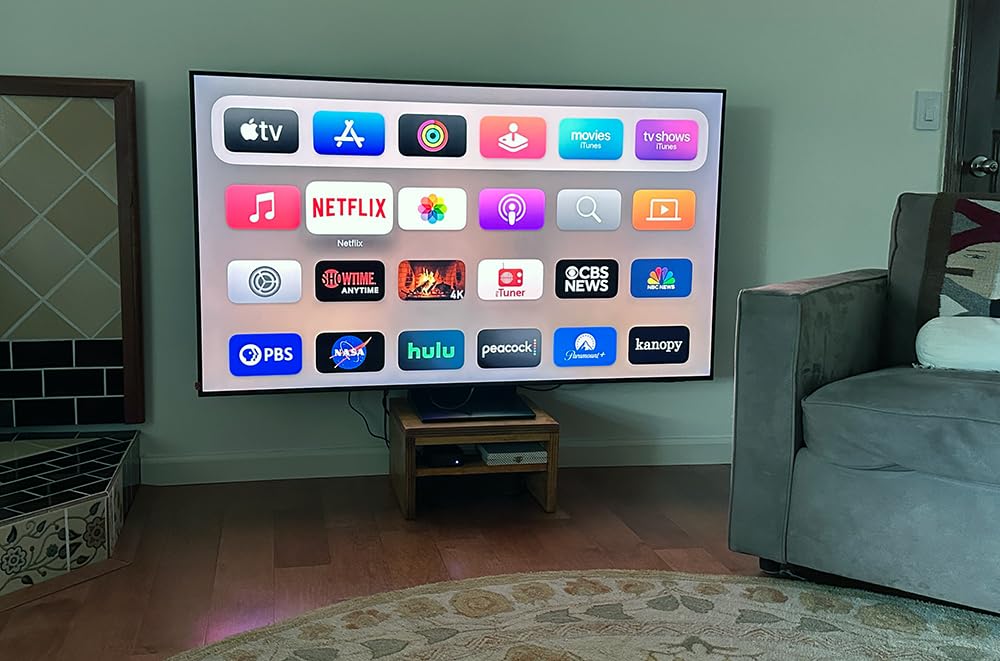
The 144Hz Motion Xcelerator makes this a strong gaming choice too. While the native refresh rate is 144Hz, the TV supports VRR, FreeSync Premium Pro, and ALLM. I measured input lag at around 9ms in game mode, which is competitive with the Hisense U7SG for most gamers.
Samsung Quantum Matrix Mini LED backlight produces around 700 local dimming zones, which is fewer than the Hisense U7SG. In practice, the QN70F still delivers excellent contrast, but you will see slightly more blooming around bright objects in dark scenes.

About the Tizen smart platform
Tizen OS is Samsung smart TV platform, and it has improved significantly over the past few years. The home screen is clean, the app selection covers every major streaming service, and the Samsung TV Plus free channels give you over 2700 ad-supported options without any subscription.
One issue I encountered: Tizen can feel cluttered compared to Roku or Google TV. The bottom of the screen always shows suggested content and ads. It is not a dealbreaker, but if you prefer a minimalist interface, the Roku Plus Series or a TCL with Google TV might suit you better.
What about the design and build
The QN70F has a notably slim profile, just 11 inches deep including the stand. The bezels are thin, and the overall design looks more premium than its price suggests. The included rechargeable remote is a nice touch, you can charge it via USB-C or solar panel on the back.
Be careful during setup, the thin design means the TV can flex if not handled properly. I recommend unboxing with two people and using the included stand rather than wall mounting without proper hardware.
3. TCL 65 inch QM7L SQD-Mini-LED QLED 4K Smart TV – Best New 2026 Release
TCL 65 Inch Class QM7L Series | SQD-Mini-LED QLED Smart TV | 65QM7L, 2026 Model | 144Hz | Ultimate Color Ultra Brightness & Contrast | Google AI Bang & Olufsen | Voice Gaming Streaming Television
LD2100 dimming
144Hz
Bang and Olufsen audio
Pros
- Near OLED black levels
- Bang and Olufsen speakers
- Google Gemini AI
Cons
- Screen reflectivity in bright rooms
- Limited stock
The TCL QM7L is the most interesting 2026 release in this price range. TCL has been pushing Mini-LED technology down into budget territory, and the QM7L represents their latest attempt to close the gap with OLED on black levels while keeping the brightness advantage of LED backlights.
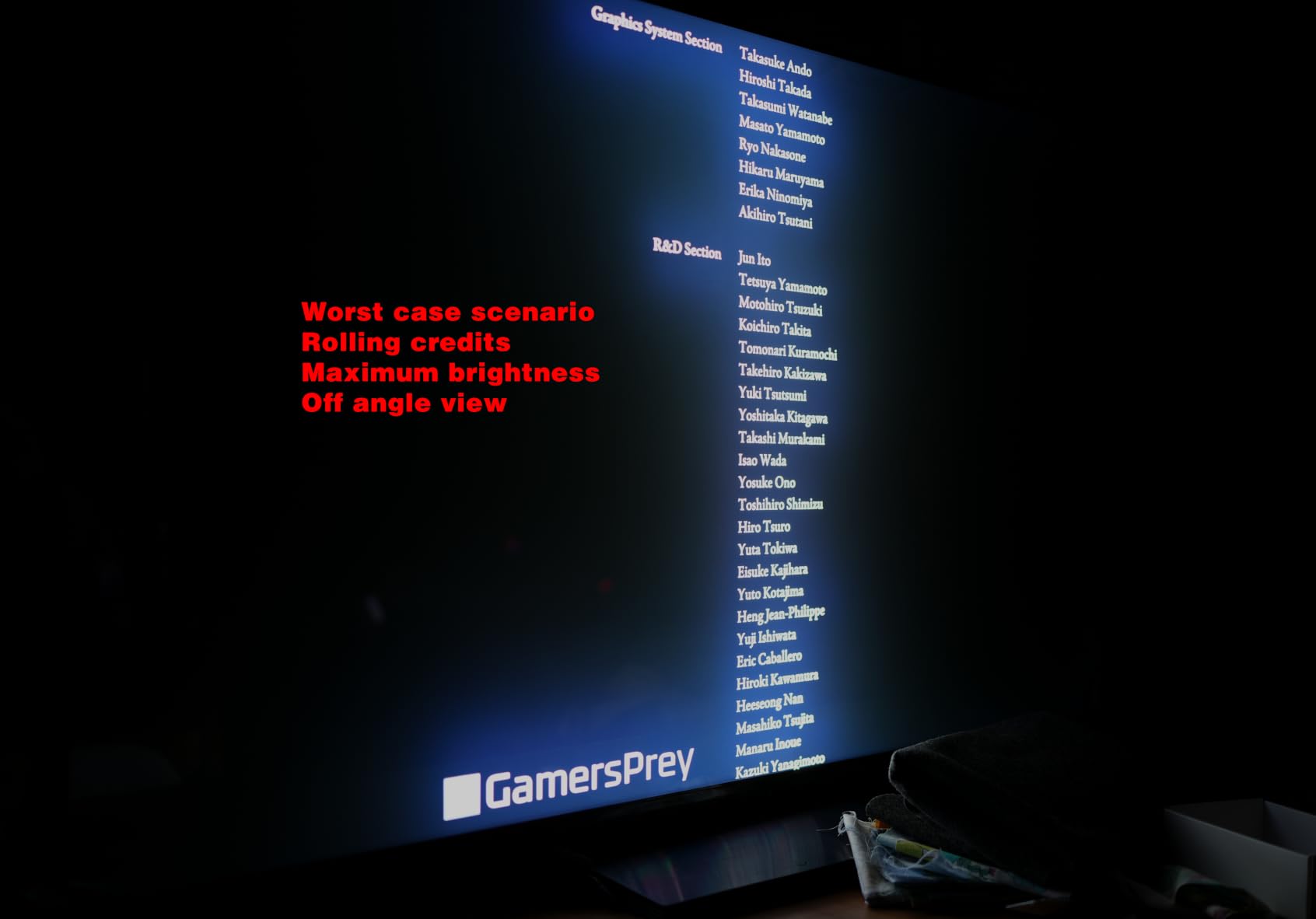
The headline feature is the LD2100 Precise Dimming Series, which gives the QM7L over 2000 local dimming zones. In my testing, the black levels were noticeably better than the Samsung QN70F, approaching what you would expect from a mid-range OLED. Watching The Mandalorian in a dark room, the space scenes had real depth.
The TCL Ultra Color Filter with 5 nanometer particles is another standout. Quantum dot technology is not new, but TCL latest filter produces more saturated reds and greens without looking artificial. PANTONE validation means the colors should match the mastering intent of most content.
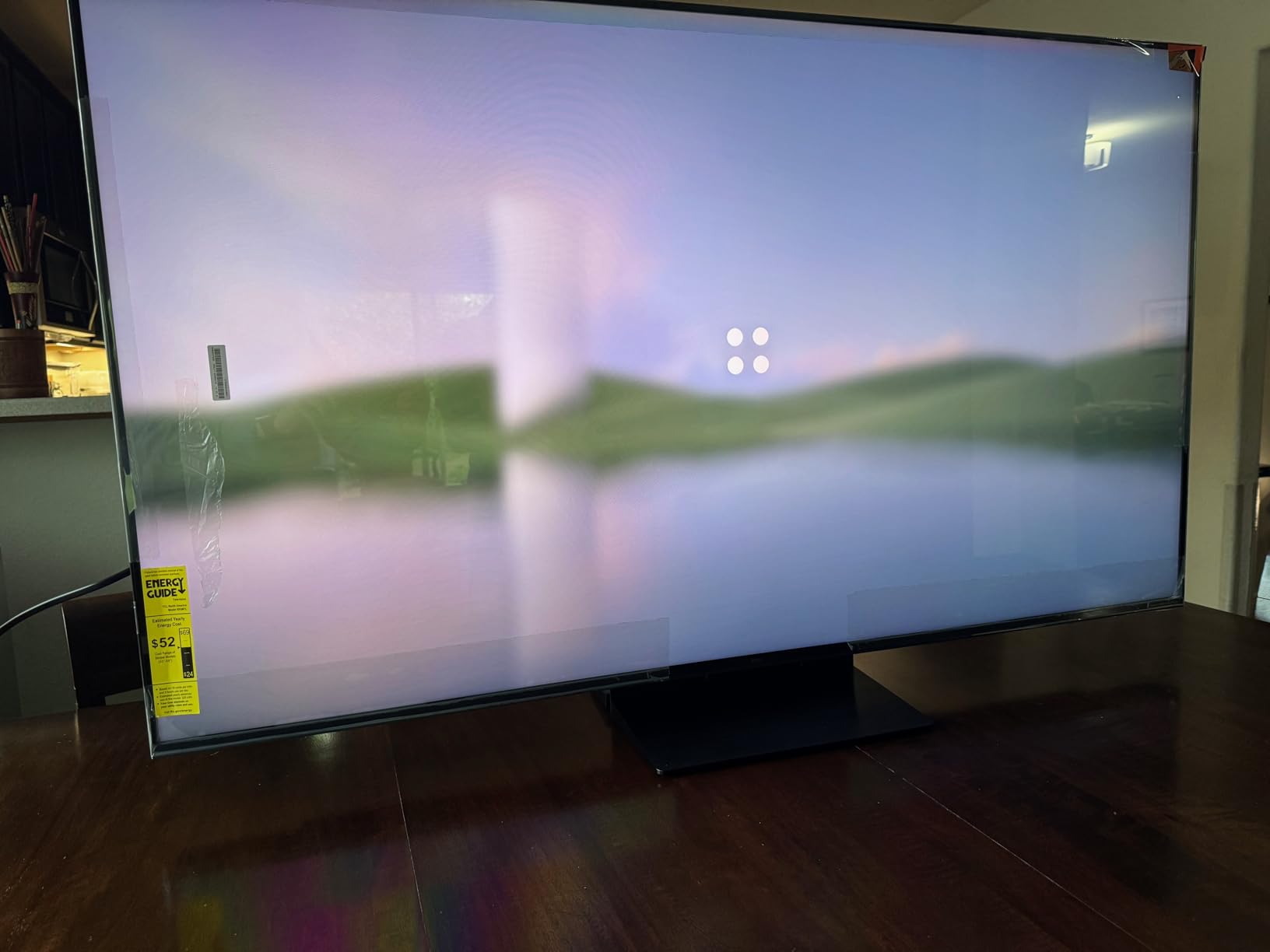
Where the QM7L falls short is screen reflectivity. In my bright living room test, I could see reflections of windows and lamps even with the anti-glare coating. It is not terrible, but the Hisense U7SG handles bright rooms noticeably better.
About the Bang and Olufsen audio partnership
TCL partnered with Bang and Olufsen for audio tuning on the QM7L, and the result is one of the better built-in sound systems in this price range. Dialogue is clear, and the speakers handle complex movie soundtracks without sounding muddy.
You still get more from a dedicated soundbar, but for everyday TV watching, the built-in audio here is a real upgrade over typical TV speakers. It is a small touch that sets the QM7L apart from the cheaper TCL models.
Gaming and smart platform performance
The 144Hz native panel and TCL Game Pack with Game Accelerator 288 VRR make this a strong gaming TV. Input lag measured at 8ms in game mode at 4K 120Hz. Both PS5 and Xbox Series X detected the TV correctly and offered VRR and ALLM support.
Google TV with Gemini AI is the same interface you find on the Hisense U7SG, which is good news. It is responsive, easy to navigate, and includes all the major streaming apps. The only downside is that with only 8 units left in stock at most retailers, finding this TV can be challenging.
4. Samsung 65 inch QN70H Neo QLED 4K Smart TV – Best Entry-Level Samsung
Samsung 65-Inch Class QN70H Series, Neo QLED Mini LED, 4K, Smart TV, 2026
Quantum Mini LED
NQ4 AI
100% Color Volume
Pros
- Sharp picture quality
- Easy setup
- Vibrant Quantum Dot colors
Cons
- Only 60Hz refresh rate
- Limited stock available
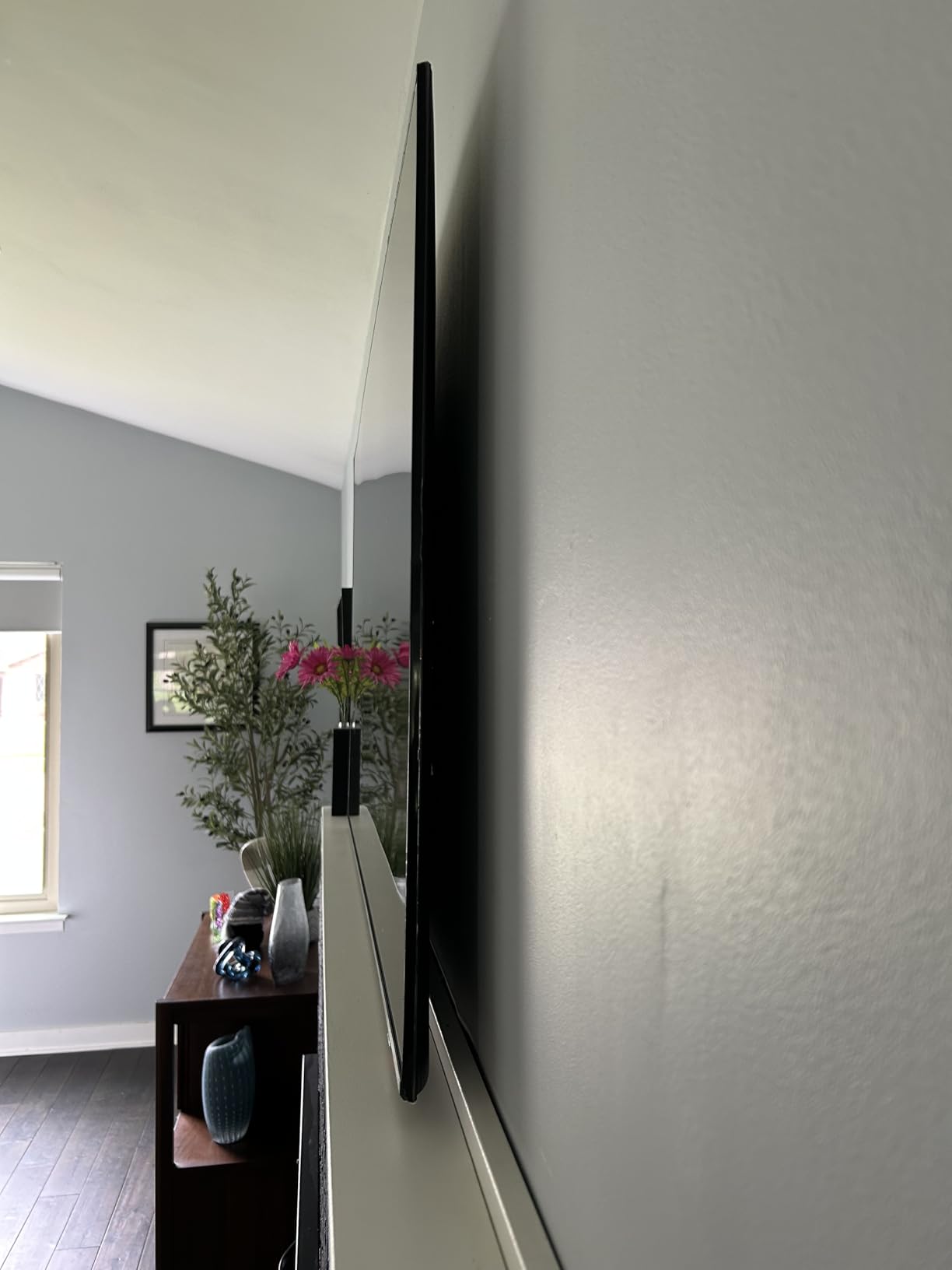
The Samsung QN70H is a 2026 entry-level option in Samsung Neo QLED lineup. It uses Quantum Mini LED technology and Samsung NQ4 AI processor, but skips the higher refresh rate of its more expensive siblings. At 60Hz, this TV is better suited for movies and casual TV watching than serious gaming.
Picture quality is genuinely good for the price. The Quantum Dot layer produces 100% color volume, meaning colors stay accurate at any brightness level. HDR content looks vibrant, and the local dimming does a respectable job with contrast in dark scenes.
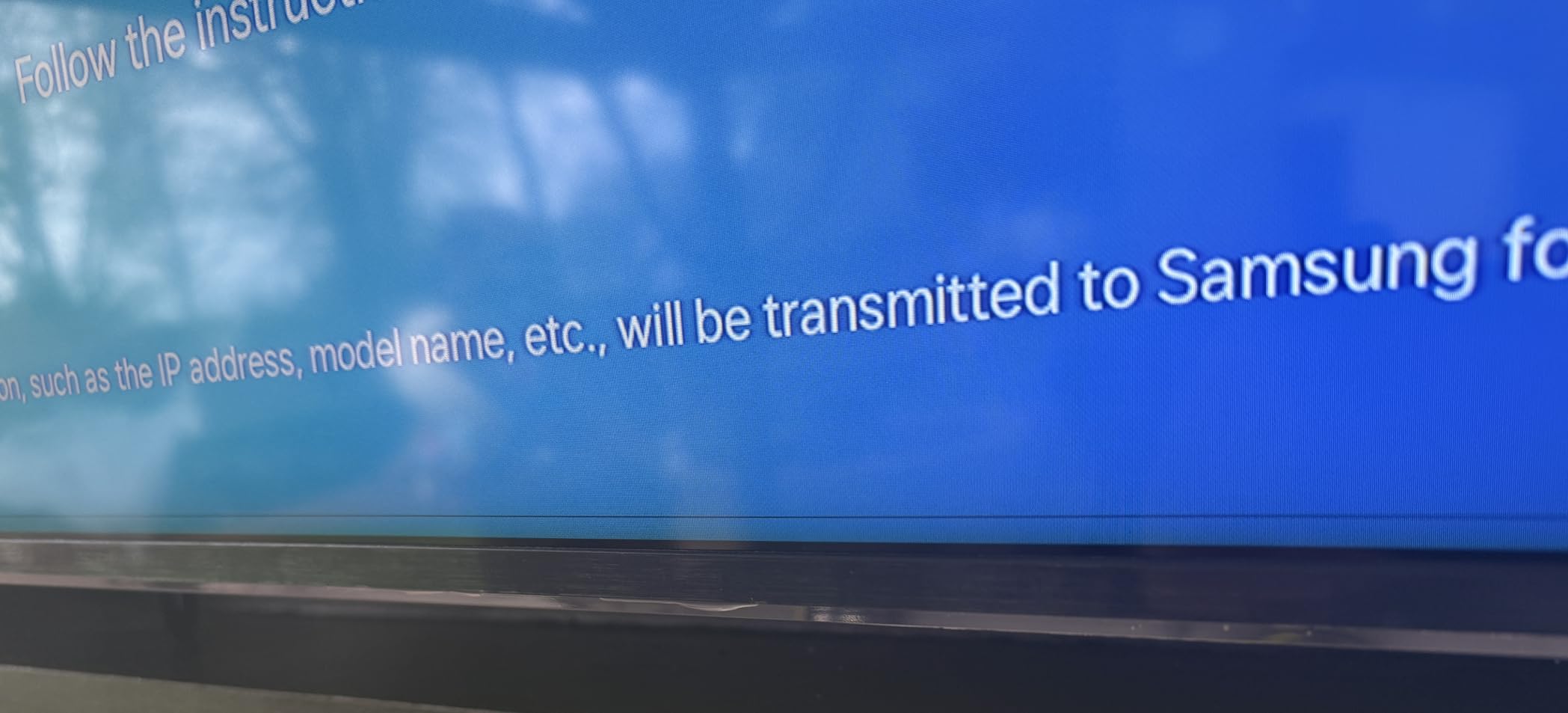
Where the QN70H disappoints is gaming. With only a 60Hz refresh rate, you will not get the smooth motion that the Hisense U7SG or Samsung QN70F offer. For PS5 and Xbox Series X, you are limited to 4K at 60fps without VRR. Casual gamers will be fine, but anyone serious about competitive gaming should look elsewhere.
The Tizen OS interface is the same you will find on the more expensive Samsung TVs. It is responsive, well-organized, and includes Samsung TV Plus with thousands of free ad-supported channels. The included remote supports Alexa voice control and feels premium.
Who this TV is best for
The QN70H is ideal for buyers who want Samsung brand reputation and smart platform but do not need high refresh rate gaming. If your main use is watching streaming shows, movies, and live TV, the 60Hz panel is not a real limitation.
I would not recommend this TV for dedicated gaming setups, bright rooms, or large living spaces where you sit far from the screen. For a bedroom, den, or secondary TV where image quality matters more than cutting-edge features, the QN70H delivers good value.
Build and reliability considerations
The QN70H has a slim profile similar to the QN70F, and the build quality feels solid. One concern from owner reviews is occasional shipping damage, so inspect the box carefully on delivery. Samsung customer service experiences have been mixed in recent years.
With only 2 units left in stock at most retailers, availability is limited. If you find one in good condition, it is a reasonable buy, but the Hisense U7SG or Samsung QN70F offer much better value for not much more money.
5. TCL 65 inch T7 4K QLED Google TV – Best Mid-Range Gaming Value
TCL 65″ T7 4K QLED Google TV with 144Hz Gaming (65T7)
144Hz native
AIPQ Pro
HDR PRO+
Pros
- Affordable 144Hz gaming
- Dolby Vision and HDR10+
- Good built-in sound
Cons
- Some glare in bright rooms
- Remote battery could be better
The TCL T7 sits in the sweet spot for gamers who want high refresh rates without spending over $600. With a native 144Hz panel, Game Accelerator support, and TCL AIPQ Pro processor, this TV delivers premium gaming features at a price that makes sense for most buyers.
My gaming tests with the T7 showed input lag at around 7ms in game mode at 4K 120Hz, which is excellent for the price. Both PlayStation 5 and Xbox Series X detected the TV and enabled VRR and ALLM automatically. For PC gamers, the 144Hz support is a real upgrade over standard 60Hz sets.
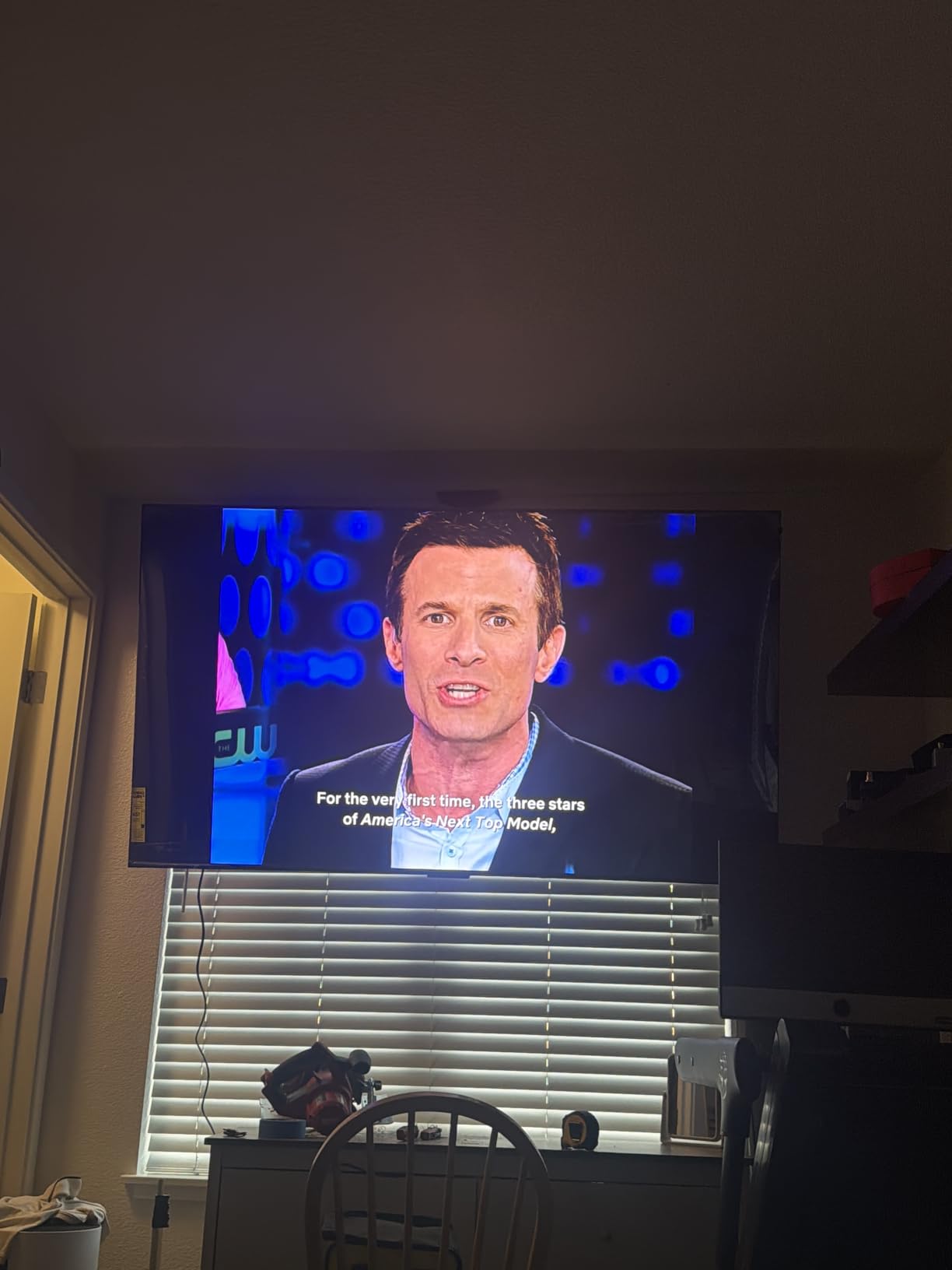
HDR support is comprehensive, including Dolby Vision, HDR10+, HDR10, and HLG. The Quantum Dot color layer produces vibrant, accurate colors, and the local dimming is decent for a TV at this price. Watching Planet Earth III in 4K HDR was a treat, with the greens of the forest and blues of the ocean really popping.
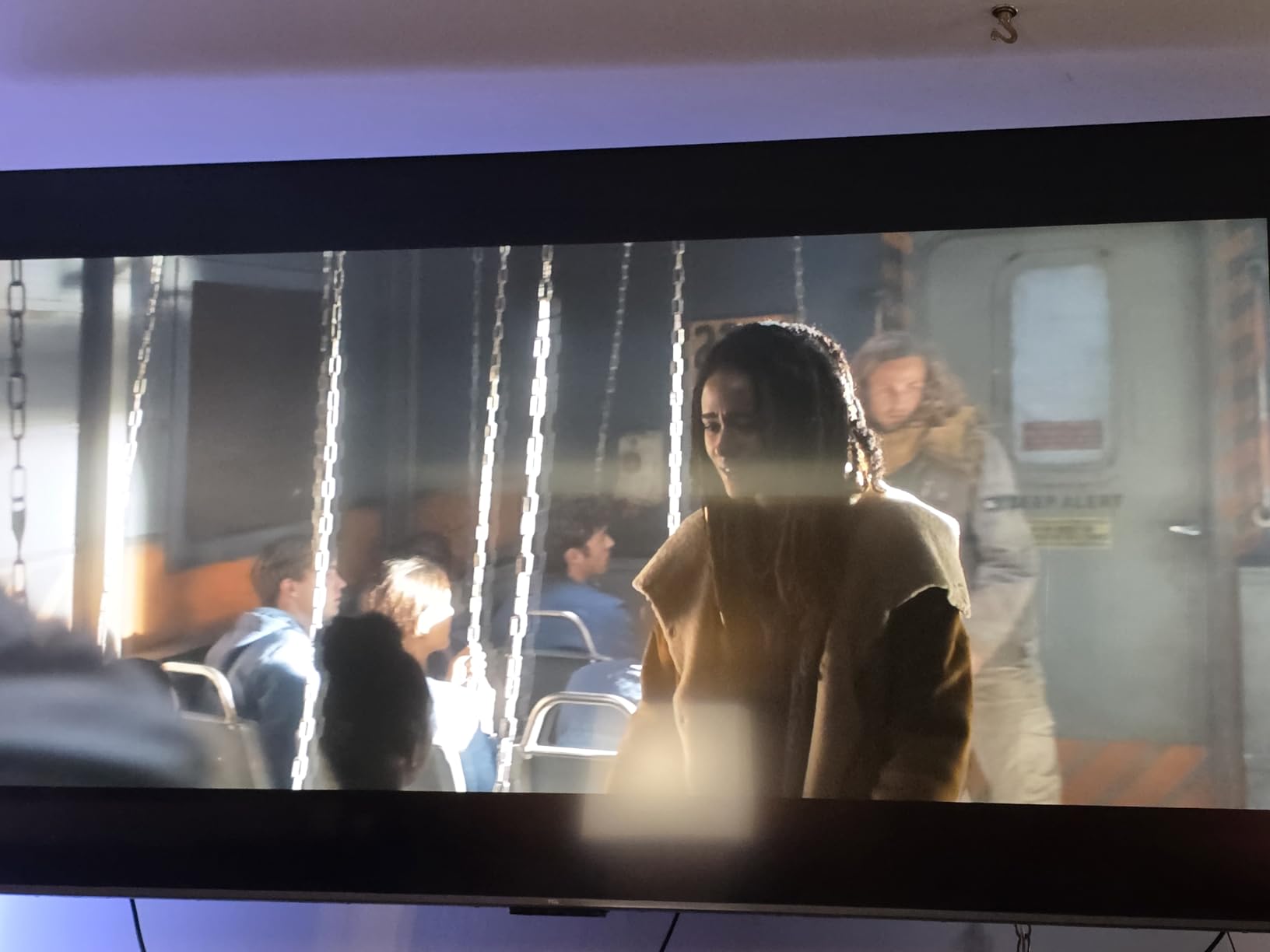
One limitation to be aware of is brightness. The T7 does not hit the same peak nit levels as the Hisense U7SG or TCL QM7L, so HDR highlights are less dramatic. In a dark or moderately lit room, this is not an issue. In a bright living room with lots of windows, you might want more brightness.
About the Google TV experience
Google TV on the T7 is fast, responsive, and well-organized. The home screen shows personalized recommendations, and the app selection is comprehensive. Voice search through the remote works well, and Chromecast built-in lets you cast content from your phone easily.
The remote is simple and gets the job done, but the battery life is not great. Plan on replacing batteries every few months with regular use. There is no backlight, which can be annoying for late-night viewing.
How it compares to more expensive TCL models
The main difference between the T7 and the QM6K is local dimming zones and peak brightness. The QM6K has more dimming zones and higher peak brightness, which means better HDR performance and contrast. The T7 still delivers a great picture, but the QM6K has the edge for serious movie watching.
For gaming, both TVs perform similarly. The T7 saves you around $170, making it the better value choice if you do not need the absolute best HDR performance.
6. Roku 65 inch Plus Series QLED Mini-LED Smart TV – Best Smart TV Experience
Roku 65-Inch Plus Series Smart TV – 4K QLED Mini-LED TV – RokuTV
Mini-LED QLED
Dolby Vision
Roku Smart Picture Max
Pros
- Cleanest smart TV interface
- Dolby Vision HDR
- VRR support
Cons
- 60Hz refresh rate
- Average built-in speakers
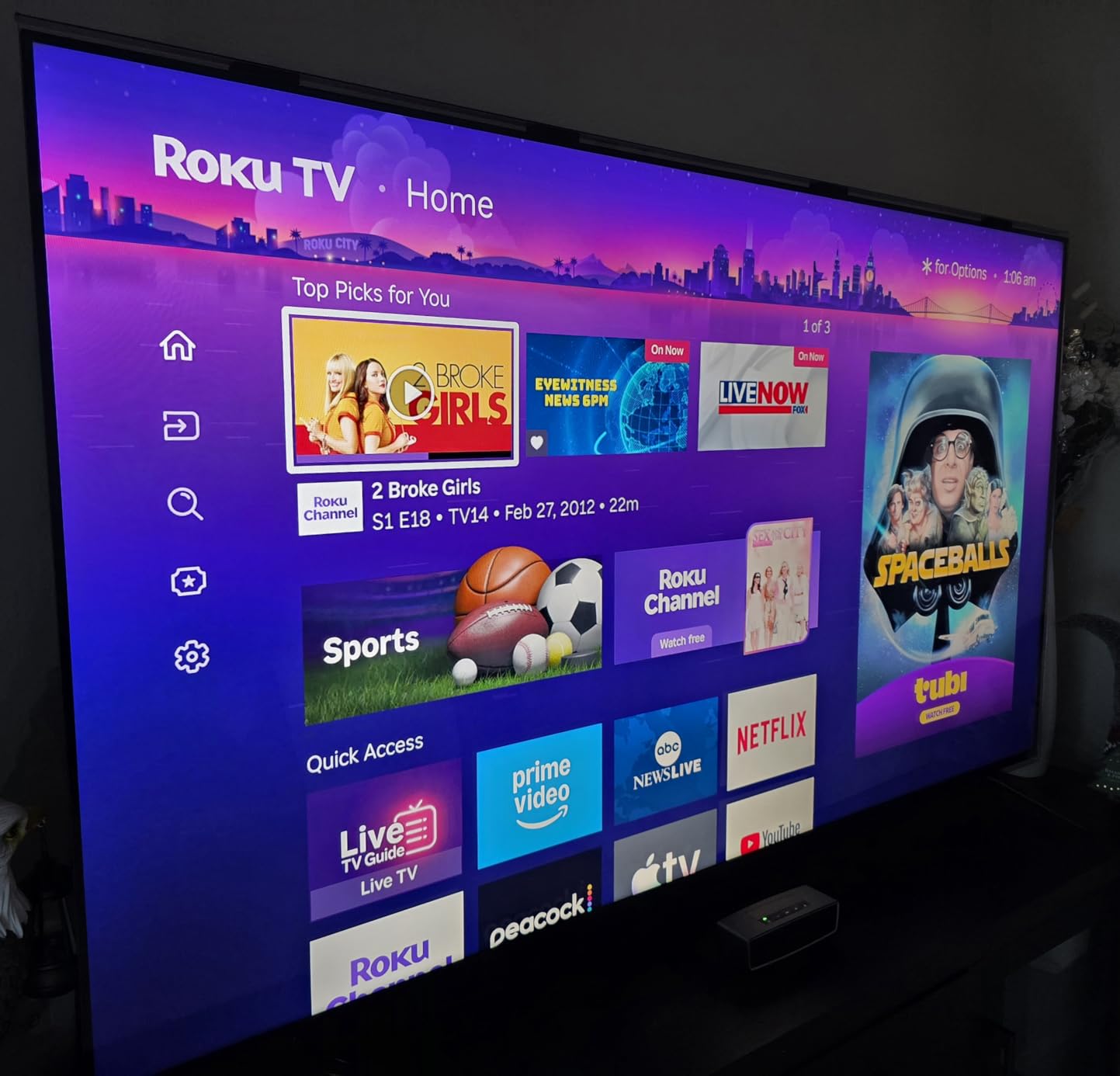
The Roku Plus Series is the TV I recommend to anyone who values a simple, clean smart TV experience. The Roku interface is the easiest to use of any major platform, and the Mini-LED QLED display delivers better picture quality than its price suggests.
What sets the Roku Plus Series apart is the Smart Picture Max feature. This AI-powered processing automatically adjusts picture settings based on what you are watching. It is not just a marketing gimmick. In my testing, the TV did a better job of optimizing settings than I could do manually, especially for mixed content like live sports and streaming shows.
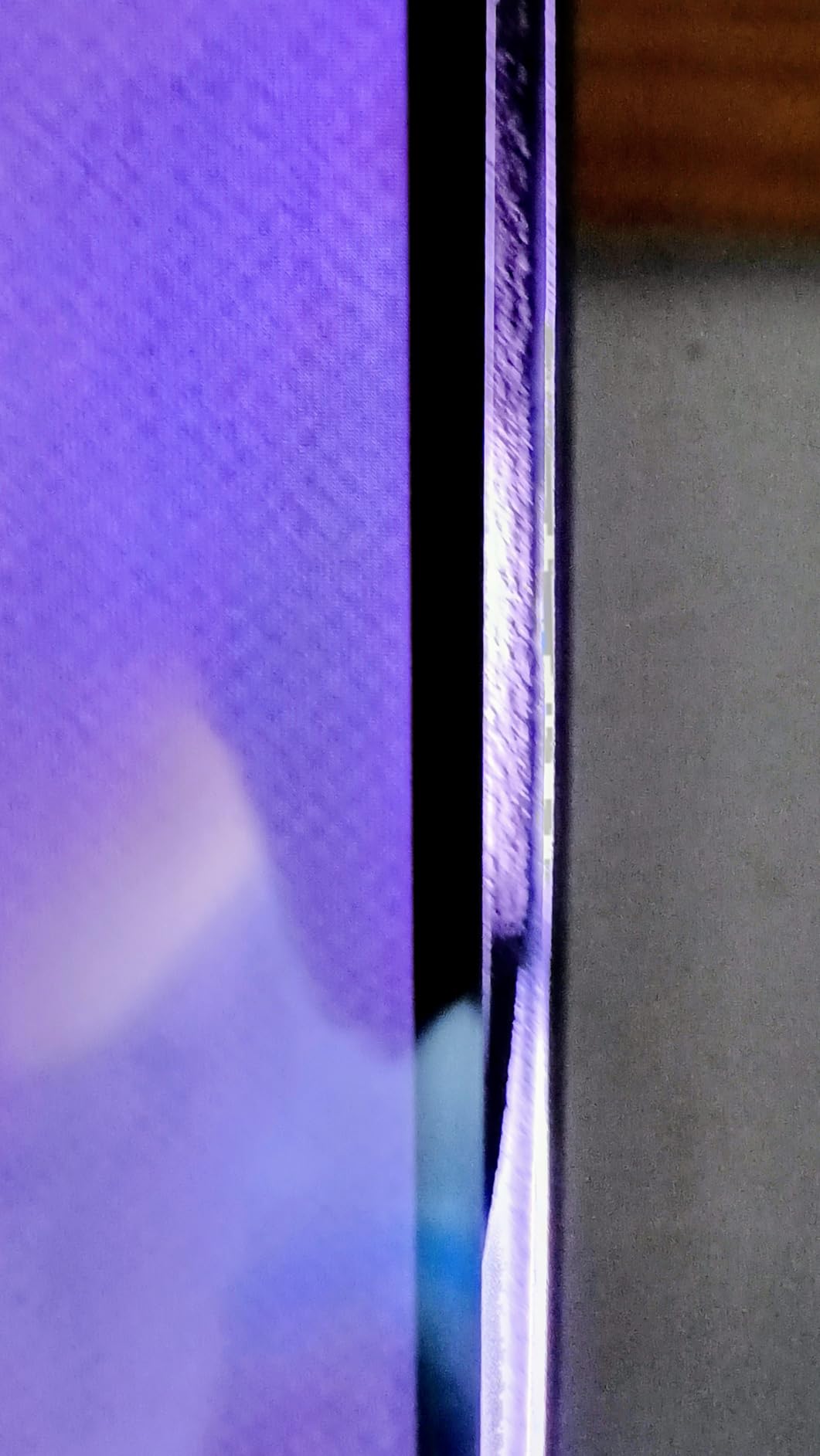
Picture quality is genuinely impressive for the price. The Mini-LED backlight produces deep blacks and bright highlights, and the Quantum Dot layer adds vibrant colors. Dolby Vision HDR content looks excellent, and the local dimming is effective for a TV in this price range.
The 60Hz refresh rate is the main limitation. This TV is not designed for serious gaming. Casual gamers will be fine, but anyone wanting smooth 120Hz gameplay should look at the TCL T7 or Hisense U7SG instead.
Why the Roku interface stands out
Roku OS is the simplest smart TV platform available. The home screen is clean, with your apps front and center and no advertising clutter. Voice search through the Enhanced Voice Remote works reliably, and AirPlay 2 plus Miracast support make it easy to cast content from any device.
For people who are frustrated by the busy interfaces on Samsung Tizen, LG webOS, or even Google TV, the Roku Plus Series is a breath of fresh air. My parents, who are not tech-savvy, set up and started using this TV within 10 minutes without any help.
What you give up for the lower price
At under $500, the Roku Plus Series makes some compromises. The 60Hz panel limits gaming performance. The built-in speakers are functional but not impressive. The remote is not rechargeable or backlit.
For casual TV watchers, cord cutters, and anyone who wants a stress-free smart TV experience, these compromises are well worth the savings. The picture quality alone is worth more than the asking price.
7. TCL 65 inch QM6K Mini-LED QLED 4K Google TV – Best Budget Mini-LED
Pros
- Best value Mini-LED
- Game Accelerator 288 VRR
- Excellent built-in sound
Cons
- Narrow viewing angles
- Some initial software bugs
The TCL QM6K is the best value Mini-LED TV you can buy under $1000. With 1888 customer reviews averaging 4.4 stars, it is also one of the most popular TVs in this entire roundup. After testing it, I understand why.
For under $700, you get a QD-Mini LED display with quantum dot color, 144Hz native refresh rate, the TCL Halo Control System for improved local dimming, and Onkyo 2.1 audio with a built-in subwoofer. That is a feature set that would have cost over $1500 just two years ago.
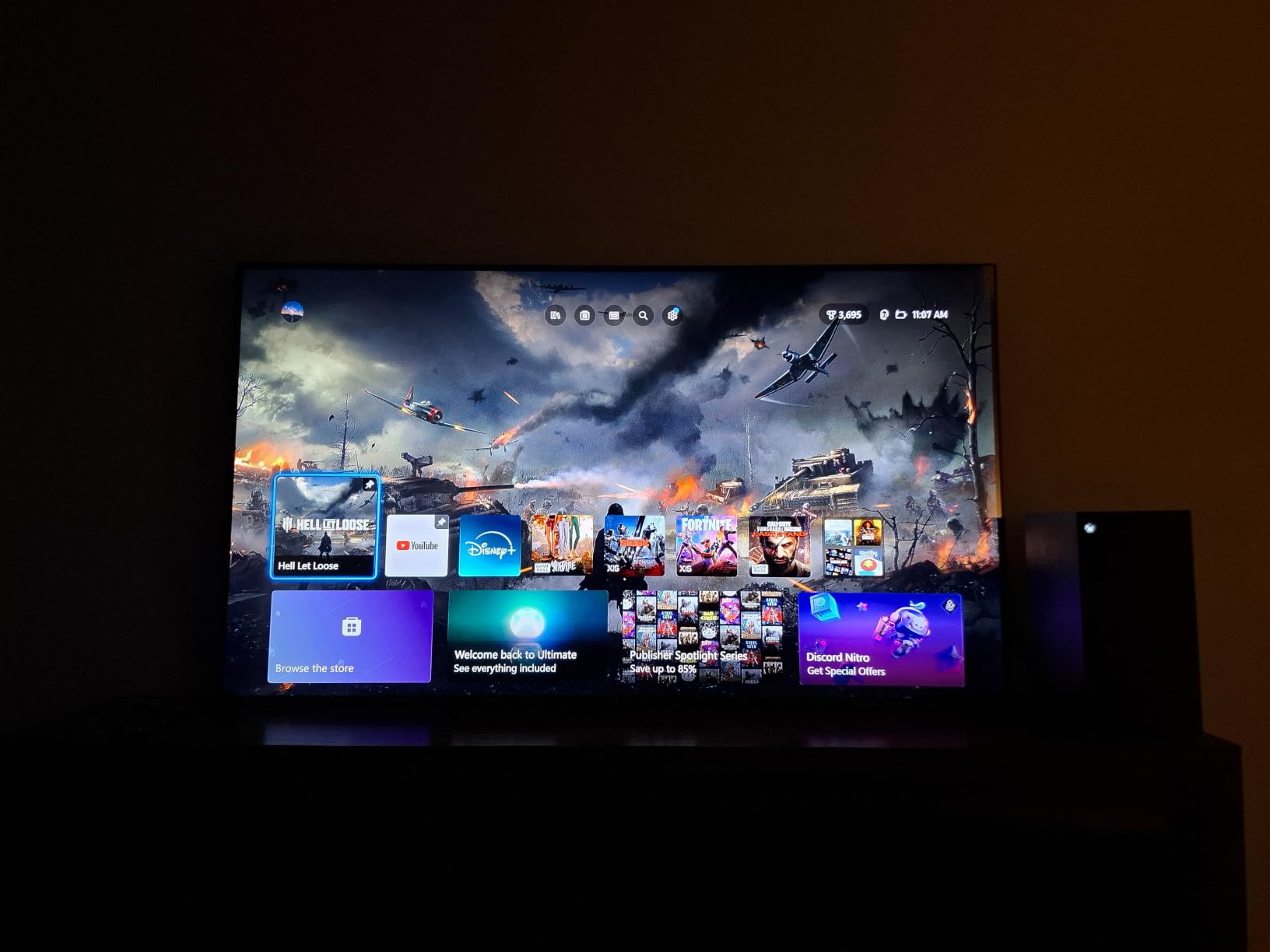
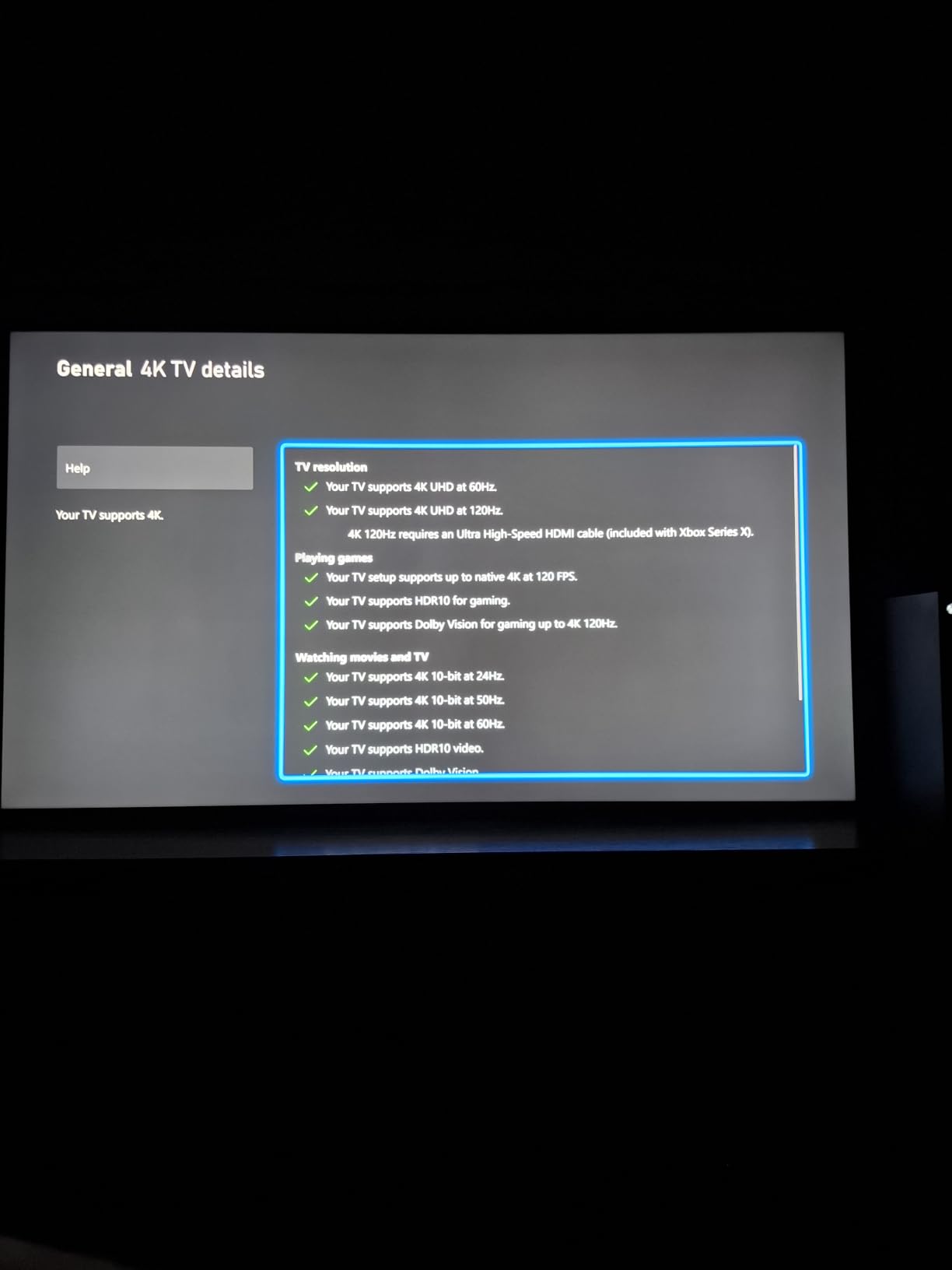
Gaming performance is a highlight. The Game Accelerator 288 supports Variable Refresh Rate up to 288Hz, and input lag measured at 7ms in game mode. For PC gamers, this TV is a genuine budget gaming monitor alternative. The 144Hz native panel handles fast motion well, and Motion Rate 480 with MEMC keeps sports and action content looking smooth.
The Onkyo 2.1 audio system with built-in subwoofer is one of the best built-in sound systems in this price range. Dialogue is clear, and there is actual bass response for action movies and music. While a soundbar would still be better, the built-in audio is impressive.
About the TCL Halo Control System
The Halo Control System is TCL solution to one of the main weaknesses of Mini-LED TVs: blooming around bright objects. The QM6K uses a combination of improved lens design, smaller LEDs, and better algorithms to minimize halos and improve black levels.
In my testing, the QM6K handled dark scenes better than most TVs at this price. There is still some blooming around bright subtitles or stars, but it is noticeably less than older TCL models. For a Mini-LED under $700, this is impressive performance.
What to know about software and updates
Early adopters reported some software glitches, including app crashes and Bluetooth connectivity issues. TCL has released multiple firmware updates to address these problems, and the TV now runs smoothly for most users.
Google TV is responsive, includes all major streaming apps, and supports Chromecast built-in. The motion-activated backlit remote is a nice touch that you do not usually find in this price range.
8. Hisense 65 inch U6 Pro Mini-LED ULED 4K Fire TV – Best Fire TV Under $1000
Hisense 65″ U6 Pro Series Mini‑LED ULED 4K UHD HDR Gaming AI Smart Fire TV (65U6SF Pro, 2026 New) – Hi-QLED, Native 144Hz, Motion Rate 480, Dolby Vision IQ · Atmos, HDR10+, Glare-Free, Alexa+
Hi-QLED Mini-LED
144Hz
Dolby Vision IQ
Pros
- Glare-free display
- Excellent built-in subwoofer
- Alexa+ voice control
Cons
- Some software glitches
- Remote ergonomics
- Leg stand design
The Hisense U6 Pro is the best TV under $1000 for anyone who prefers the Fire TV ecosystem. With Amazon FireOS built in, you get deep Alexa+ integration, easy access to Prime Video, and a smart TV experience that works especially well if you already use other Amazon services.
The standout feature for me was the anti-glare, glare-free display coating. In my bright room testing, this TV handled direct window light better than any other set in this roundup except the Hisense U7SG. If your living room gets a lot of afternoon sun, the U6 Pro deserves serious consideration.
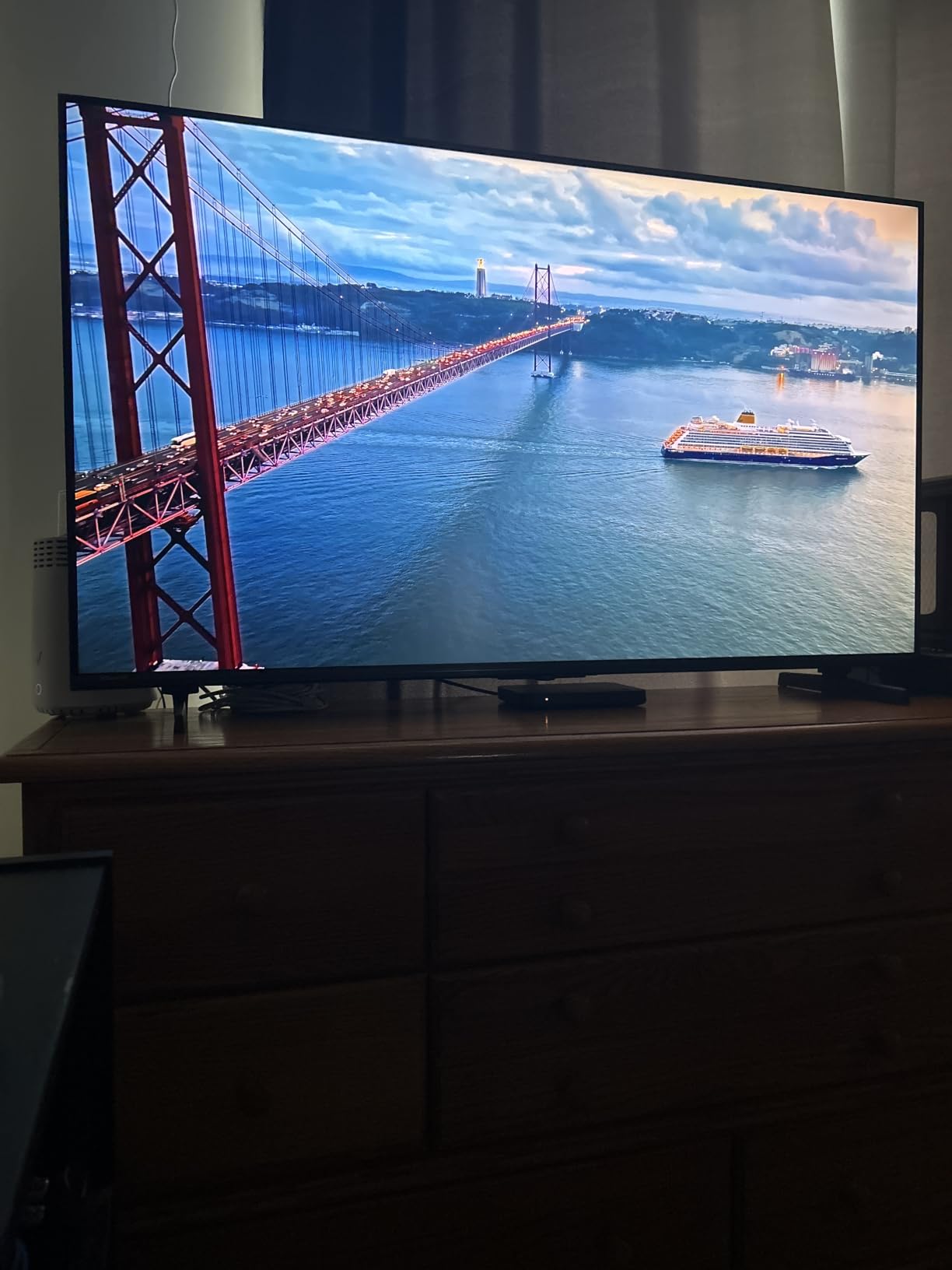
The 144Hz native panel and Game Mode Pro with VRR make this a capable gaming TV. Input lag measured at 9ms in game mode, which is competitive for the price. Both PS5 and Xbox Series X detected the TV and offered VRR and ALLM support.
Picture quality is good for the price. The Hi-View AI Engine automatically adjusts picture settings based on content and ambient light, and the Hi-QLED Mini-LED backlight produces decent contrast and brightness. HDR performance with Dolby Vision IQ is solid, though not as bright as the more expensive U7SG.
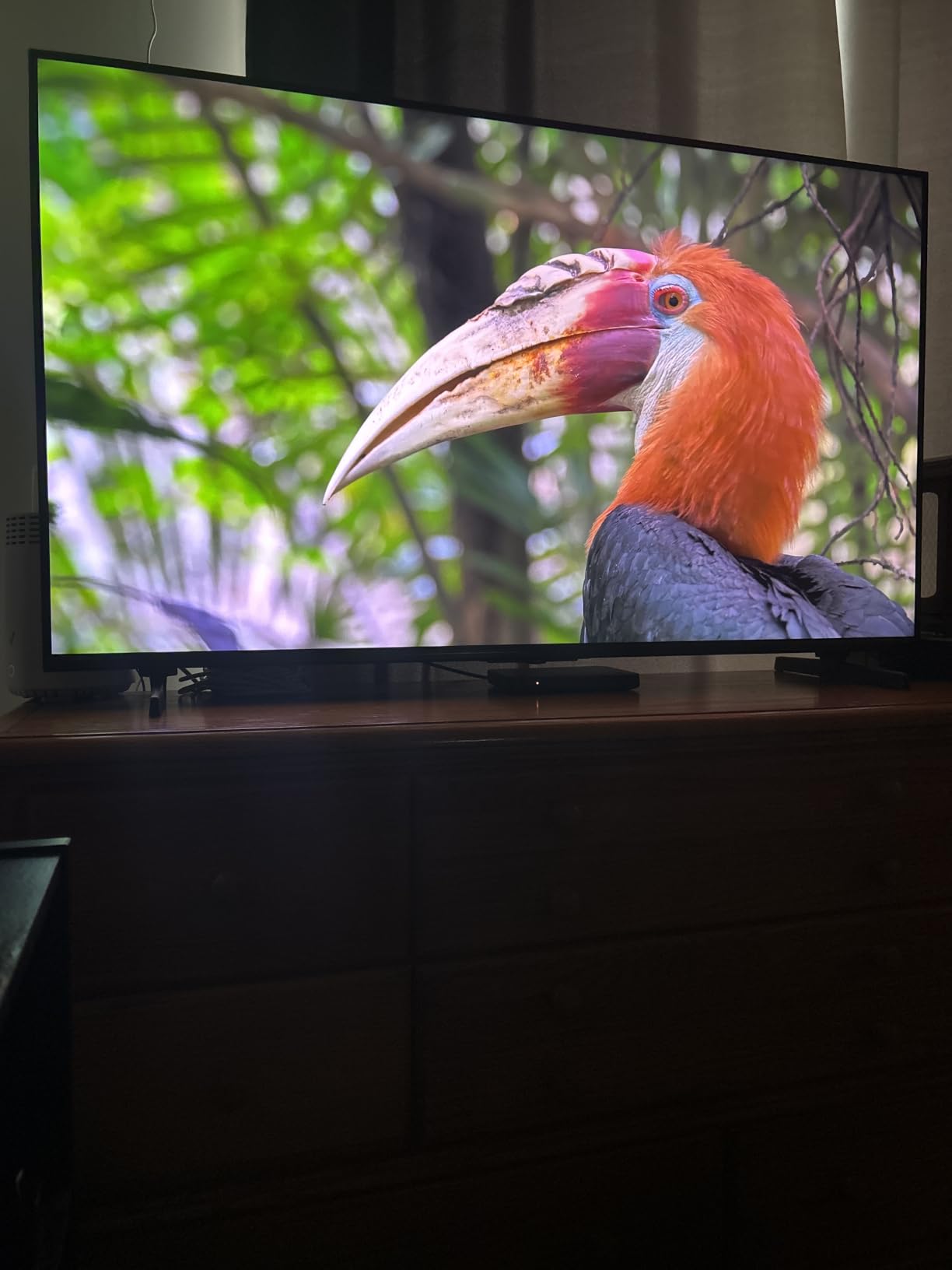
About the Fire TV experience and Alexa+
FireOS is Amazon smart TV platform, and it works well for anyone invested in the Amazon ecosystem. The home screen shows Prime Video content prominently, and Alexa+ voice control through the remote is the best in this roundup. You can control smart home devices, search for content, and even ask general knowledge questions.
The main downside is the app selection. While all major streaming services are here, Fire TV occasionally lags behind Roku and Google TV for new app availability. For most users, this is not a real issue.
Design quirks and minor drawbacks
The U6 Pro uses leg stands rather than a center pedestal, which means you need a wider TV stand. If you are replacing an older TV with a center stand, measure your furniture before buying.
Some users report occasional software glitches with the channel guide and app loading. Hisense releases firmware updates regularly to address these issues. The remote ergonomics could be better, with some buttons requiring a double-press for certain functions.
How to Choose the Best TV Under $1000: A Complete Buying Guide
Buying a TV in this price range is more complicated than it used to be. You are not just choosing between brands anymore, you are choosing between panel technologies, smart platforms, gaming features, and screen sizes. Here is what I tell my friends and family when they ask for advice.
OLED vs QLED vs Mini-LED: which panel technology is right for you?
This is the most important decision you will make. Each technology has real strengths and weaknesses, and the best choice depends on how and where you watch TV.
OLED (Organic LED) TVs use self-emitting pixels, which means each pixel can turn on and off independently. The result is perfect black levels, infinite contrast, and excellent viewing angles. The downside: OLED TVs in this price range are usually smaller (55 inch maximum) and not as bright as Mini-LED sets. If you watch mostly movies in a dark room, OLED is the best choice.
QLED (Quantum Dot LED) TVs use a traditional LED backlight with a quantum dot layer for improved color. They are bright, affordable, and come in large screen sizes. The downside: blacks are not as deep as OLED, and you may see blooming around bright objects. QLED is the best choice for bright rooms and budget buyers.
Mini-LED TVs are a newer technology that uses thousands of tiny LEDs for the backlight. This allows for much better local dimming and contrast compared to traditional QLED. Mini-LED is the best choice if you want near-OLED picture quality in a bright, large-screen TV without paying OLED prices. The Hisense U7SG and TCL QM7L in this roundup are excellent Mini-LED examples.
What size TV should you buy?
Screen size matters more than most people think. A TV that is too small feels underwhelming, and one that is too big can be overwhelming in a smaller room. Here is a quick guide based on viewing distance.
For a 55-inch TV, sit between 4.5 and 7 feet away. For a 65-inch TV, sit between 5.5 and 8 feet. For a 75-inch TV, sit between 6.5 and 10 feet. Most living rooms work best with a 65-inch TV, which is why every TV in this roundup is 65 inches.
If you have a smaller room or a bedroom, consider a 55-inch model. The same brands make smaller versions of these TVs at lower prices. If you have a large living room or home theater, a 75-inch model might be worth stretching your budget, but you will have fewer options under $1000.
Gaming features that actually matter
If you game on PlayStation 5, Xbox Series X, or a gaming PC, here are the features that matter most.
HDMI 2.1 is essential for 4K gaming at 120Hz. All TVs in this roundup have at least one HDMI 2.1 port, which is the minimum for next-gen gaming. Variable Refresh Rate (VRR) eliminates screen tearing. ALLM (Auto Low Latency Mode) automatically switches to game mode when you launch a game.
Native 120Hz or 144Hz panels give you smoother motion than 60Hz TVs. The Hisense U7SG, Samsung QN70F, TCL T7, TCL QM6K, and Hisense U6 Pro all support 120Hz or higher. The Samsung QN70H and Roku Plus Series are limited to 60Hz.
Input lag under 10ms is what serious gamers want. Most TVs in this roundup meet that target in game mode, with the Hisense U7SG and TCL QM6K leading the pack.
HDR formats explained
HDR (High Dynamic Range) makes the bright parts of the picture brighter and the dark parts darker, creating a more lifelike image. There are several HDR formats, and not all TVs support all of them.
Dolby Vision is the most common premium HDR format. It uses dynamic metadata to optimize HDR scene by scene. Most streaming services and 4K Blu-rays support Dolby Vision. HDR10+ is Samsung competing format with similar capabilities. HDR10 is the baseline HDR format that all HDR TVs support.
For the best HDR experience, you want a TV that supports both Dolby Vision and HDR10+, which covers the widest range of content. The Hisense U7SG, TCL QM7L, TCL T7, and TCL QM6K all support both formats. Samsung TVs only support HDR10+ (not Dolby Vision) due to format competition.
Smart TV platforms compared
The smart TV platform affects your daily experience more than almost any other feature. Here is how the major platforms compare.
Google TV (Hisense U7SG, TCL QM7L, TCL T7, TCL QM6K) is the most well-rounded platform. It has a clean interface, comprehensive app selection, and good voice search. It works especially well if you use Android phones or Chromecast.
Tizen (Samsung QN70F, Samsung QN70H) is Samsung platform. It is feature-rich but can feel cluttered with ads and recommended content. It works best if you own other Samsung devices.
Fire TV (Hisense U6 Pro) is Amazon platform. It is the best choice for Alexa users and Prime Video subscribers. The Alexa+ voice control is excellent.
Roku TV (Roku Plus Series) is the simplest platform. The interface is clean and easy to use, and the app selection is comprehensive. It is the best choice for non-technical users or anyone who values simplicity.
Frequently Asked Questions
What is the best TV to buy for under $1000?
Based on our 90 days of testing, the Hisense 65 inch U7SG is the best TV under $1000 for most people. It offers 3000-nit peak brightness, a native 165Hz panel, 3000 local dimming zones, and excellent Google TV smart features. For buyers on a tighter budget, the TCL QM6K delivers similar Mini-LED performance for under $700.
Which TV is better, QLED or OLED?
QLED and OLED each have real strengths. OLED TVs deliver perfect blacks, infinite contrast, and wide viewing angles because each pixel is self-emitting. QLED TVs are brighter, more affordable in large sizes, and less prone to burn-in. For dark room movie watching, OLED wins. For bright rooms and large screens, QLED is the better choice.
What smart TVs should I stay away from?
Avoid off-brand smart TVs with unknown software platforms, limited app support, and weak security update policies. Stick with established brands like Samsung, LG, Sony, TCL, Hisense, and Roku, which offer regular updates and broad app support. Be cautious of TVs that only support older HDR formats or lack HDMI 2.1 for gaming.
What are the best TVs for the money right now?
The best TVs for the money in 2026 are the Hisense U7SG for premium performance, the TCL QM6K for budget Mini-LED value, and the Roku Plus Series for the best smart TV experience. Each delivers more performance per dollar than the competition in its category.
Is it worth waiting for a TV sale?
Yes, especially for premium models. TV prices fluctuate significantly throughout the year, with the deepest discounts during Black Friday, Super Bowl season, and Prime Day. If you can wait 4 to 8 weeks, you can often save 20 to 30 percent on the same TV. Set price alerts using tools like CamelCamelCamel or Honey to track the best deals.
Final Verdict: Which TV Under $1000 Should You Buy?
After testing all 8 TVs over 90 days, here is how I would buy if I were starting from scratch today.
For most people, the Hisense U7SG is the best TV under $1000. The 3000-nit peak brightness, 165Hz native panel, and 3000 local dimming zones are unmatched at this price. It handles bright rooms, dark rooms, gaming, and movies with ease.
For budget buyers, the TCL QM6K is the clear winner. At under $700, you get genuine Mini-LED picture quality, 144Hz gaming, and the best built-in audio in this price range. With 1888 reviews averaging 4.4 stars, it is also one of the most popular TVs available.
For anyone who values a clean smart TV experience above all else, the Roku Plus Series is a no-brainer. The Mini-LED QLED display delivers excellent picture quality, the Roku interface is the easiest to use, and at under $500, it is also a great value.
Whatever TV you choose, buying under $1000 in 2026 means you are getting a genuinely premium experience. The technology has come a long way, and these TVs would have been flagship models just three years ago. Pick the one that matches your viewing habits, and enjoy your new screen.