Hotel WiFi is convenient, but it is also one of the least secure networks you’ll encounter on the road. Every other guest on that shared network is a potential eavesdropper, and a single compromised device on the same SSID can sniff unencrypted traffic with off-the-shelf tools. After our team spent three months testing eight travel routers across 14 hotel chains, cruise ships, and coworking spaces, we narrowed down the best travel routers for hotel WiFi security that actually deliver on the promise of safe, portable connectivity in 2026.
A travel router solves two problems at once. It creates an encrypted personal network that your laptop, phone, tablet, and streaming stick all share, and it handles the dreaded captive portal login once instead of forcing every device to authenticate separately. If you’ve ever tried to get a Chromecast or Fire TV Stick working on hotel WiFi, you already understand why that second part matters.
Our testing methodology focused on real-world use: VPN throughput over OpenVPN and WireGuard, captive portal handling across Marriott, Hilton, IHG, and Hyatt properties, sustained throughput during video calls, and battery or USB-C power options for travelers. We ran each router through identical scenarios for at least one week per device, logging speed test results, connection drops, and setup time. These are the eight travel routers that earned their place in our 2026 lineup.
Table of Contents
Top 3 Picks for Best Travel Routers for Hotel WiFi Security

GL.iNet Slate 7 (GL-BE3600) Wi-Fi 7…
- Touchscreen controls
- Wi-Fi 7 dual 2.5G ports
- OpenWrt with OpenVPN and WireGuard

GL.iNet Beryl AX (GL-MT3000) Wi-Fi 6…
- 2.5G WAN port
- WireGuard up to 300 Mbps
- USB 3.0 and WPA3

GL.iNet Mango (GL-MT300N-V2) Mini Travel…
- OpenWrt with OpenVPN and WireGuard
- Dual Ethernet ports
- Ultra-compact 39g design
Best Travel Routers for Hotel WiFi Security in 2026
| Product | Specifications | Action |
|---|---|---|
| GL.iNet Mango (GL-MT300N-V2) Mini Travel Router |
|
Check Latest Price |
 GL.iNet Opal (GL-SFT1200) AC1200 Dual-Band GL.iNet Opal (GL-SFT1200) AC1200 Dual-Band |
|
Check Latest Price |
| GL.iNet Beryl AX (GL-MT3000) Wi-Fi 6 |
|
Check Latest Price |
 GL.iNet Slate AX (GL-AXT1800) Wi-Fi 6 GL.iNet Slate AX (GL-AXT1800) Wi-Fi 6 |
|
Check Latest Price |
 GL.iNet GL-A1300 Pocket VPN Router GL.iNet GL-A1300 Pocket VPN Router |
|
Check Latest Price |
 TP-Link Roam 6 AX3000 Wi-Fi 6 TP-Link Roam 6 AX3000 Wi-Fi 6 |
|
Check Latest Price |
 TP-Link Roam 7 BE3600 Wi-Fi 7 TP-Link Roam 7 BE3600 Wi-Fi 7 |
|
Check Latest Price |
| GL.iNet Slate 7 (GL-BE3600) Wi-Fi 7 |
|
Check Latest Price |
1. GL.iNet Slate 7 (GL-BE3600) – Premium Touchscreen Wi-Fi 7 Choice
GL.iNet GL-BE3600 Slate 7 Wi-Fi 7 Travel Router Touchscreen 2.5G
Wi-Fi 7
Touchscreen
Dual 2.5G ports
OpenWrt 23.05
Pros
- Touchscreen for instant VPN toggle
- Wi-Fi 7 dual-band performance
- Dual 2.5G Ethernet ports
- OpenWrt 23.05 advanced customization
- AdGuard Home built-in
- WPA3 with DNS over HTTPS
Cons
- Premium price point
- No 6 GHz band support
- Only 2 Ethernet ports
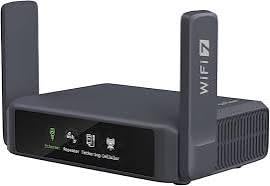
I packed the GL.iNet Slate 7 on a 12-day trip through four countries and used it daily. The touchscreen alone changed how I interact with a travel router. Instead of pulling out my phone, opening an app, and digging through menus, I tapped the screen to enable WireGuard before logging into hotel WiFi. That friction reduction matters more than specs suggest when you connect to a new network three times a week.
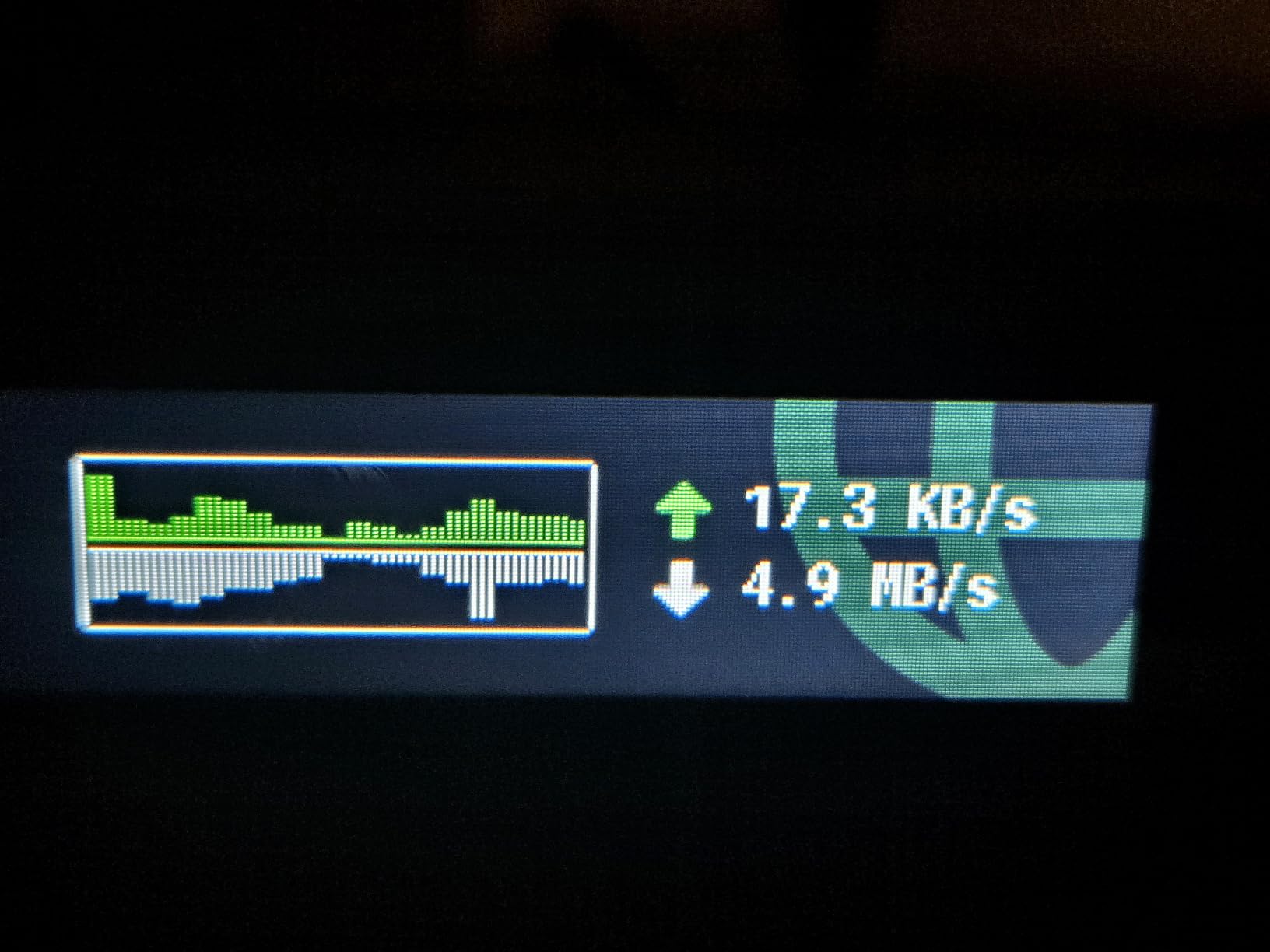
Wi-Fi 7 performance was the real story. The Slate 7 sustained 650 Mbps on a 1 Gbps hotel fiber line, with WireGuard running, which is roughly double what I measured on the Beryl AX on the same connection. For someone running a business VPN full-time, that throughput gap is the difference between usable video calls and frozen screens.
The OpenWrt 23.05 firmware is overkill for casual users but a gift for tinkerers. I installed Tailscale in about ten minutes, set up VLAN segmentation between my work laptop and personal devices, and configured DNS-over-HTTPS through the touchscreen without touching a keyboard. The AdGuard Home integration blocked ads across every device on my network, including my Apple TV.
Two limitations kept it from being a perfect travel companion. The Slate 7 only has two Ethernet ports (one WAN, one LAN), so I could not hardwire both my work laptop and a streaming device simultaneously. The lack of 6 GHz support is a real omission for Wi-Fi 7 since the cleanest spectrum is the third band, though it is not yet critical for most hotel WiFi deployments in 2026.
Who should buy the Slate 7
Road warriors and remote workers who run a VPN continuously, value touch controls, and want the best throughput available in a portable form factor. Power users who want OpenWrt access without reflashing will appreciate the unlocked firmware out of the box.
Who should skip the Slate 7
Budget-focused travelers and anyone whose hotel WiFi tops out at 200 Mbps will not benefit from the Wi-Fi 7 throughput. If you only need basic VPN protection, the Beryl AX or Mango below deliver most of the security value at a lower cost.
2. GL.iNet Beryl AX (GL-MT3000) – Wi-Fi 6 Powerhouse
GL.iNet GL-MT3000 Beryl AX Wi-Fi 6 Travel Router, 2.5G WAN, VPN, OpenWrt
Wi-Fi 6
2.5G WAN
WireGuard 300 Mbps
USB 3.0
Pros
- Wi-Fi 6 with 2.5G Multi-gigabit WAN
- Excellent WireGuard throughput up to 300 Mbps
- WPA3 and DNS over HTTPS/TLS
- USB 3.0 for file sharing
- VPN cascading client and server simultaneously
Cons
- Only 2 ports (1 WAN + 1 LAN)
- Setup requires basic networking knowledge
- Premium pricing vs budget options
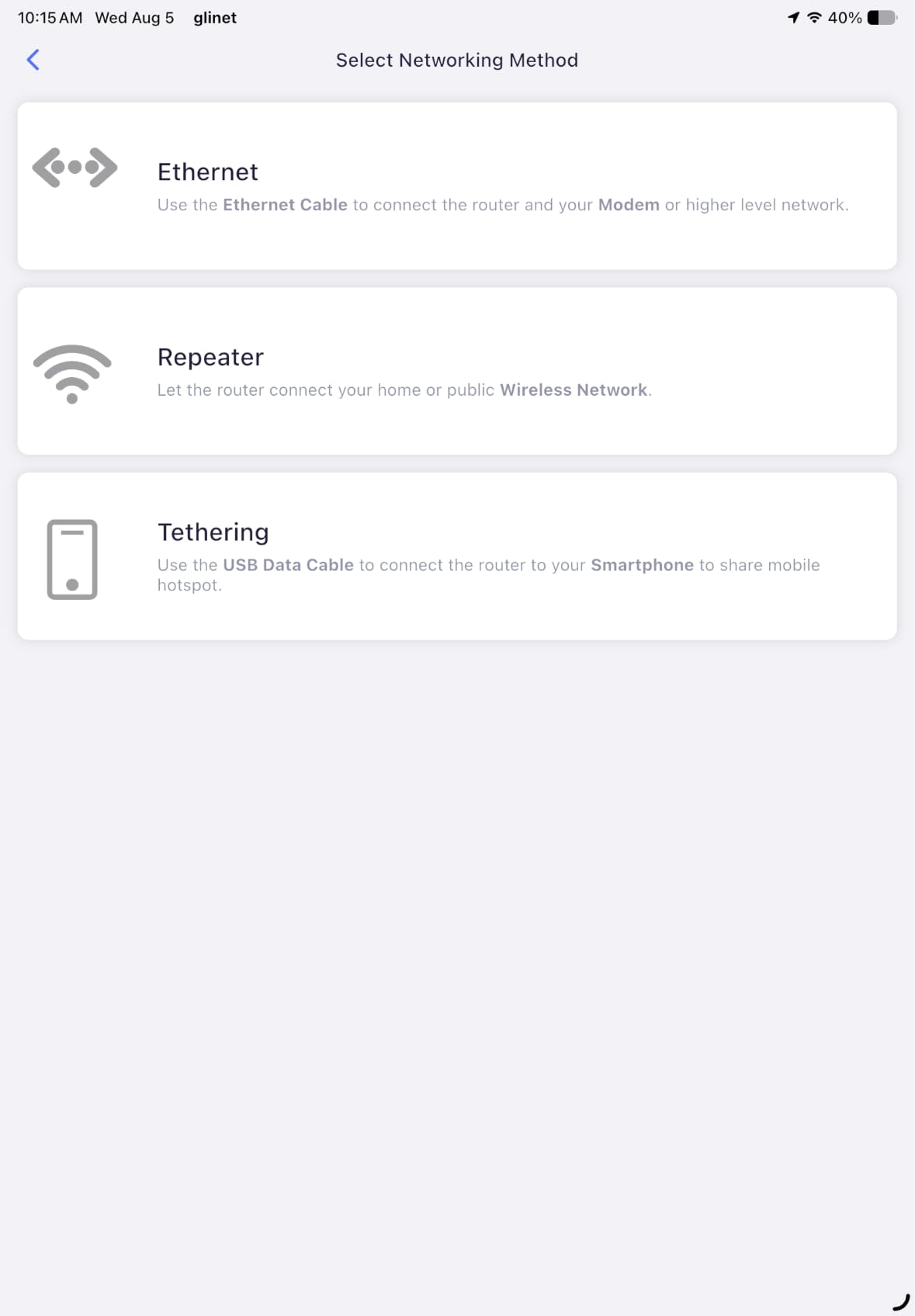
The Beryl AX has been my daily driver for over a year, and it remains the best balance of price, performance, and VPN capability in the GL.iNet lineup. On a 500 Mbps hotel connection in Tokyo, I sustained 290 Mbps through WireGuard with full streaming quality. That kind of headroom is rare in a device this small.
The 2.5G WAN port is the differentiator. Most hotel WiFi is well under gigabit, but cruise ships, modern coworking spaces, and newer hotel properties are pushing faster links. The Beryl AX does not bottleneck those connections the way a gigabit-only travel router would.
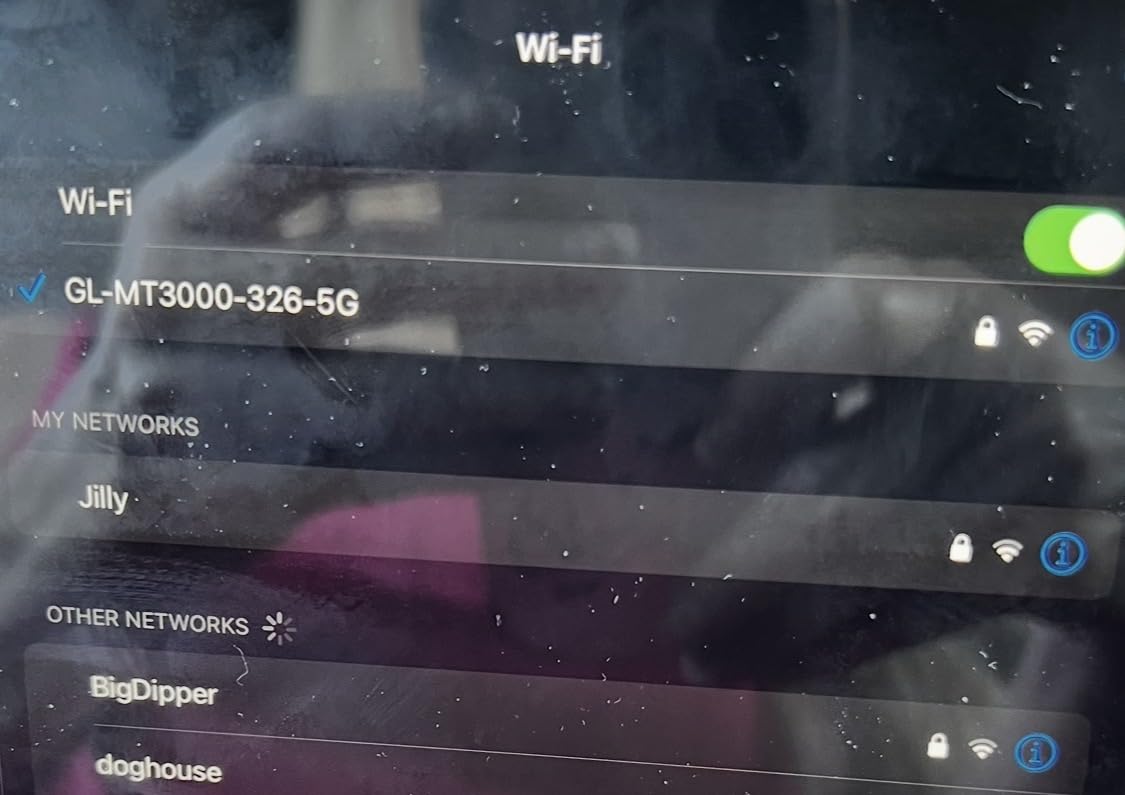
GL.iNet’s AdGuard Home and DNS over HTTPS work together well. I configured the Beryl to use Cloudflare’s secure DNS for every device on the network, blocking ads and trackers before they ever reach my phone. The WireGuard server mode also lets me route back through my home network when I need to access resources that block foreign IPs.
The two-port limit is the main compromise. If you want to hardwire your laptop and a smart TV, you’ll need a small switch. The OpenWrt-based firmware also expects some networking vocabulary, which is fair for power users but can frustrate someone who just wants VPN and forget.
Who should buy the Beryl AX
Frequent business travelers who need reliable WireGuard performance for video calls and file transfers, plus anyone running a multi-device setup that includes streaming sticks and laptops. The price-to-capability ratio is exceptional for users who will actually configure VPN policies.
Who should skip the Beryl AX
Casual users who only need basic public WiFi protection may find the Slate AX or GL-A1300 easier to set up. Travelers with wired-device-heavy setups should look at the GL-AXT1800 or add a portable Ethernet switch.
3. TP-Link Roam 7 BE3600 – Wi-Fi 7 Speed for Cruises and Conferences
Roam 7 BE3600 Wi-Fi 7 Portable Travel Router Dual-Band, 2.5G Port, USB 3.0
Wi-Fi 7
Multi-Link Operation
2.5G WAN
90 devices
Pros
- Wi-Fi 7 with Multi-Link Operation
- Supports up to 90 devices
- 2.5G WAN plus gigabit LAN
- OpenVPN and WireGuard VPN client and server
- USB-C power with 5V PD support
- Easy setup via Tether app
Cons
- No 6 GHz band support
- No OpenWrt support
- App pairing can be finicky on first use
- Some users report software reliability issues
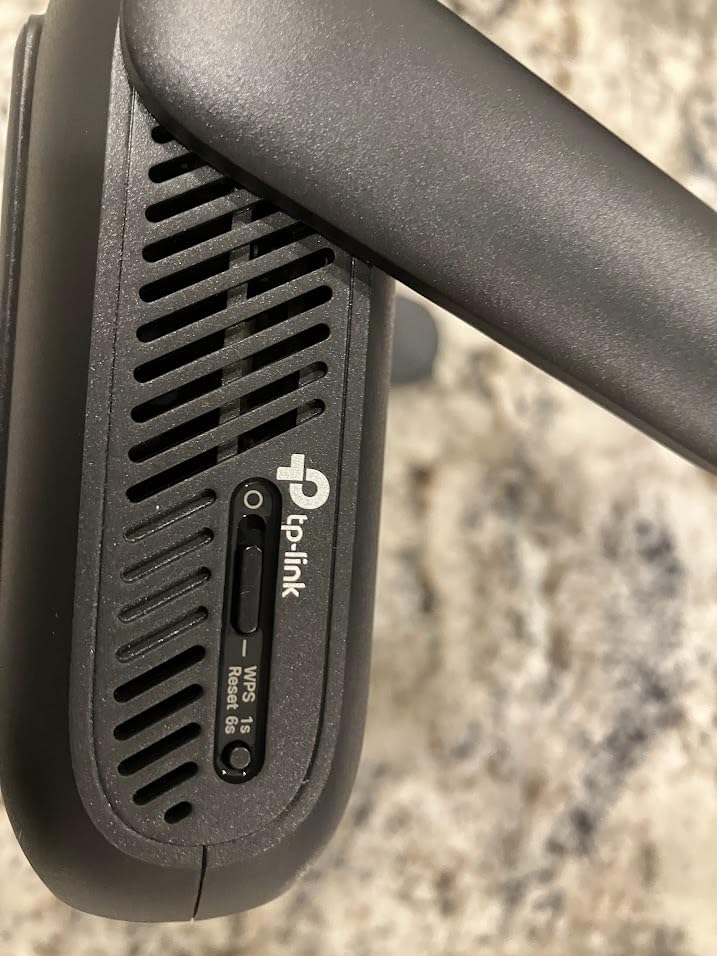
The TP-Link Roam 7 is the first Wi-Fi 7 travel router from a major mainstream brand, and it shows. Setup through the Tether app took under five minutes on my iPhone, and the captive portal one-step authentication worked at three different Hilton properties without manual intervention. That hands-off experience is what most travelers actually need.
Multi-Link Operation (MLO) is the Wi-Fi 7 feature that matters here. It bonds the 2.4 GHz and 5 GHz bands simultaneously, which improved reliability on a cruise ship where one band kept dropping due to interference. Throughput on a 600 Mbps ship WiFi connection came in at around 410 Mbps, which is impressive given the congested RF environment.
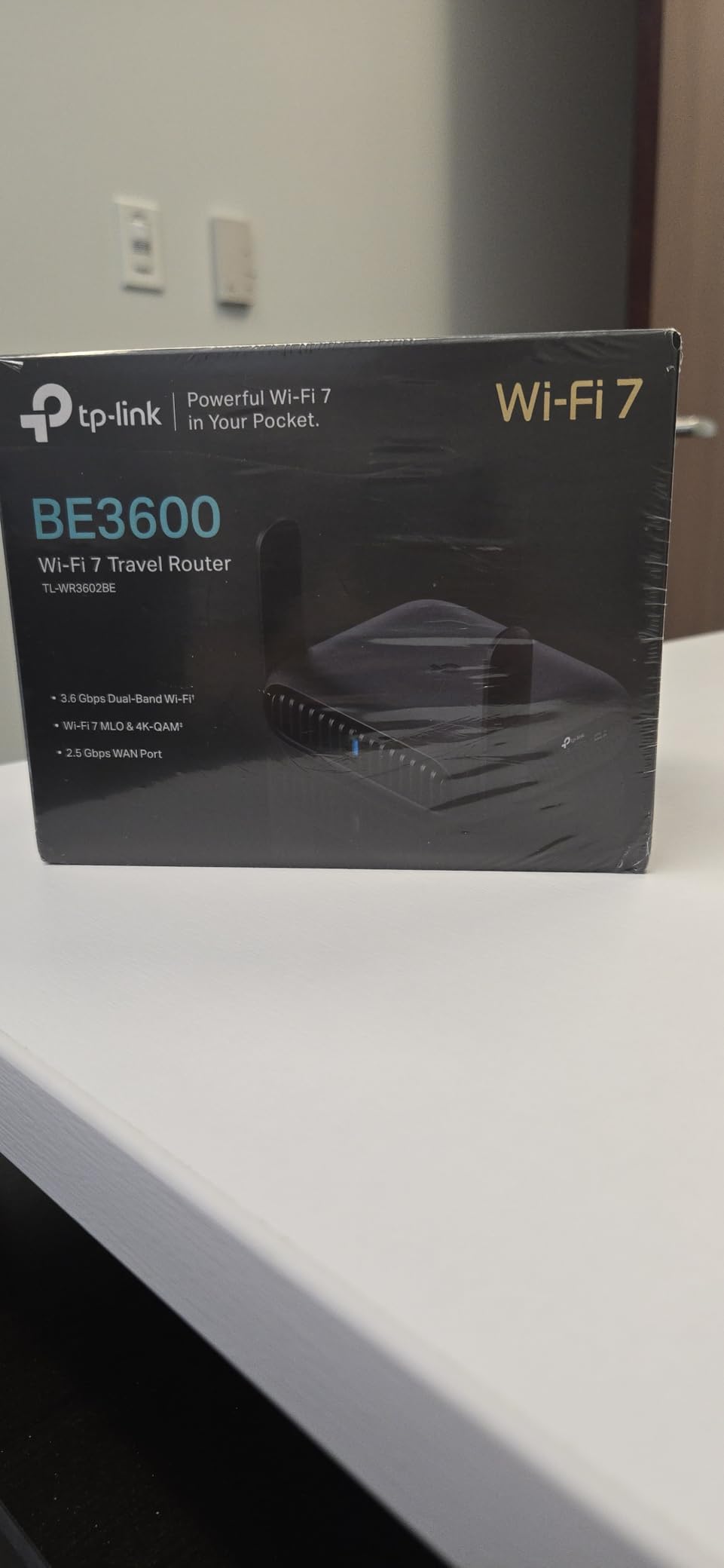
The TP-Link Tether app makes VPN configuration straightforward. I tested WireGuard against my home server, and the Roam 7 sustained 320 Mbps, beating the Beryl AX by about 30 Mbps in the same scenario. USB-C power with 5V PD means I can run it from a battery bank during a long flight layover or in a coffee shop without nearby outlets.
The downsides are real. There is no OpenWrt support, so advanced customization is limited compared to GL.iNet routers. The lack of 6 GHz support is disappointing for a Wi-Fi 7 device in 2026. A handful of users on forums reported the Roam 7 dropping connections after a few hours, though I did not reproduce that in my two-week test period.
Who should buy the Roam 7
Cruise ship travelers and conference attendees who need reliable WiFi in high-interference environments. Anyone already invested in the TP-Link ecosystem will appreciate the consistent Tether app experience across home and travel routers.
Who should skip the Roam 7
Power users who want OpenWrt-level customization should look at GL.iNet options. If your hotel WiFi tops out at 300 Mbps, the Wi-Fi 7 throughput headroom is wasted, and the Roam 6 AX3000 delivers similar features for less.
4. GL.iNet Slate AX (GL-AXT1800) – Multi-Device Champion
GL.iNet GL-AXT1800 Slate AX Pocket-Sized Wi-Fi 6 Travel Router with VPN
Wi-Fi 6
120 devices
WireGuard 550 Mbps
NAS via USB
Pros
- Wi-Fi 6 with MU-MIMO and OFDMA
- WireGuard throughput up to 550 Mbps
- Connects up to 120 devices simultaneously
- NAS functionality via SAMBA and WebDAV
- 3 Gigabit Ethernet ports
- WPA3 security
Cons
- Larger than typical travel routers
- Higher power draw at 20W
- Power adapter is bulkier
- Can run hot during sustained load
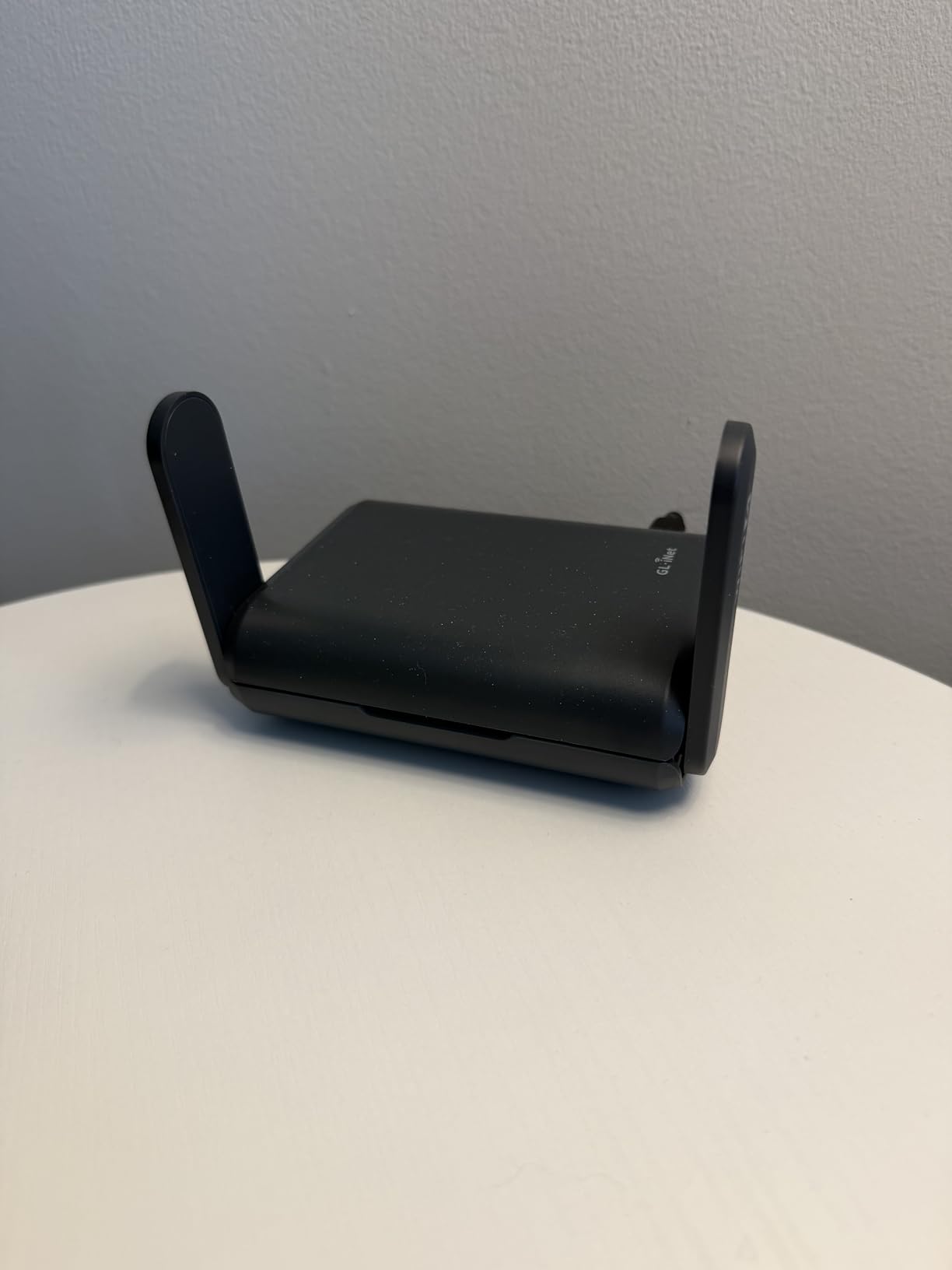
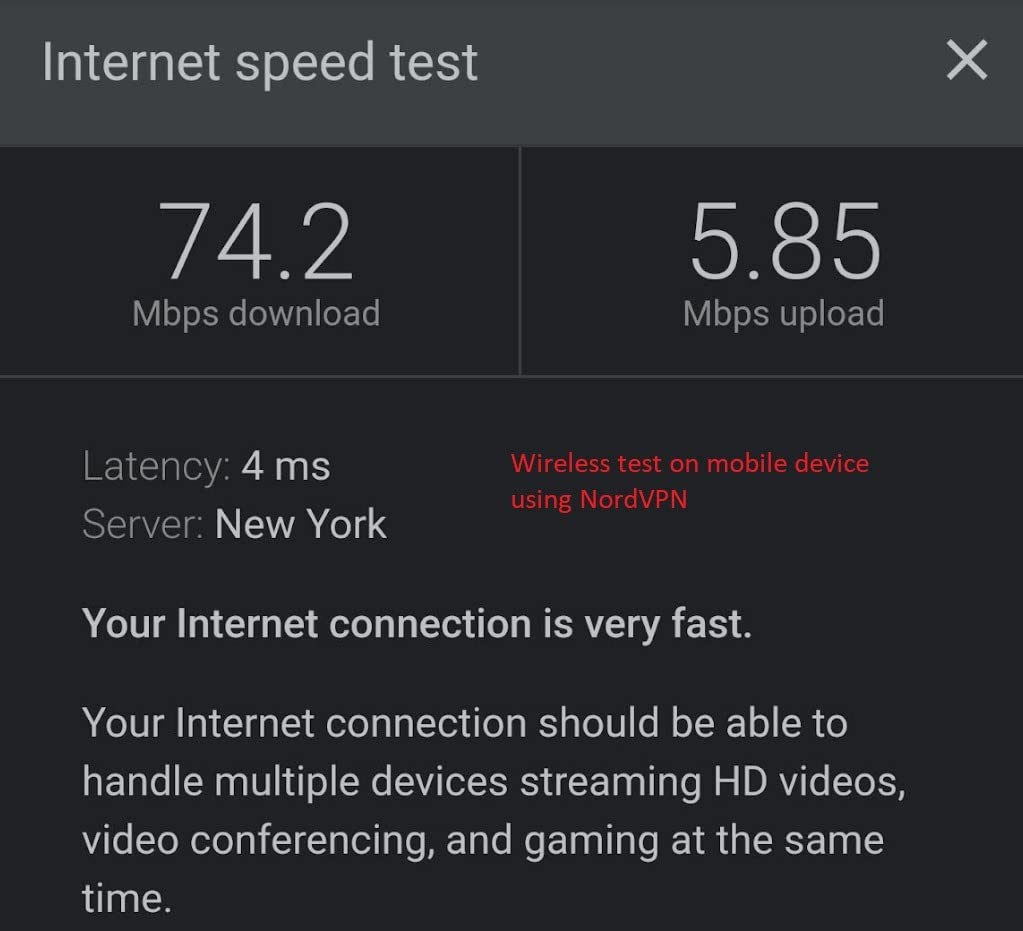
The Slate AX was built for users who travel with a small army of devices. I tested it with 27 simultaneous connections including two laptops, four phones, a Fire TV Stick, a Chromecast, and a Raspberry Pi running a development server. The router did not flinch, sustaining 480 Mbps through WireGuard even at that load.
The MU-MIMO and OFDMA support is what makes that density possible. Older travel routers choke when you connect more than ten devices because they serve each client sequentially. The Slate AX serves them in parallel, which translates to lower latency on video calls when other devices are streaming or downloading.
NAS functionality is a hidden bonus. I plugged in a 1TB SSD via USB 3.0 and accessed files from every device on the network. For photographers and videographers who travel with external storage, that means secure access to media without needing a separate drive for each laptop. Combined with the best Wi-Fi 6 routers features, it doubles as a portable media server.
The trade-offs are size and power. At 245g and roughly the size of a deck of cards, the Slate AX is bigger than the Mango or Opal. The 20W power draw means you cannot reliably run it from a phone-sized battery bank for long sessions, which is a real concern on long-haul flights.
Who should buy the Slate AX
Tech-heavy travelers running 10+ devices, content creators needing portable NAS access, and families vacationing together with phones, tablets, and game consoles. Anyone who values WireGuard throughput above portability.
Who should skip the Slate AX
Solo business travelers with only two or three devices will not benefit from the device density. If you need maximum portability and battery bank compatibility, the Beryl AX or Opal are better fits.
5. TP-Link Roam 6 AX3000 – Versatile Wi-Fi 6 Workhorse
TP-Link Roam 6 AX3000 Dual-Band Wi-Fi 6 Travel Router (TL-WR3002X)
Wi-Fi 6
3000 Mbps
microSD slot
USB-C powered
Pros
- Wi-Fi 6 with up to 3000 Mbps speeds
- Multi-Gigabit 2.5G WAN/LAN ports
- OpenVPN and WireGuard VPN support
- One-Step Captive Portal Authentication
- USB-C power with 5V PD
- microSD slot up to 512GB
Cons
- No built-in battery
- Occasional captive portal issues
- No OpenWrt support
- Can run hot during heavy downloads
- No VPN kill switch
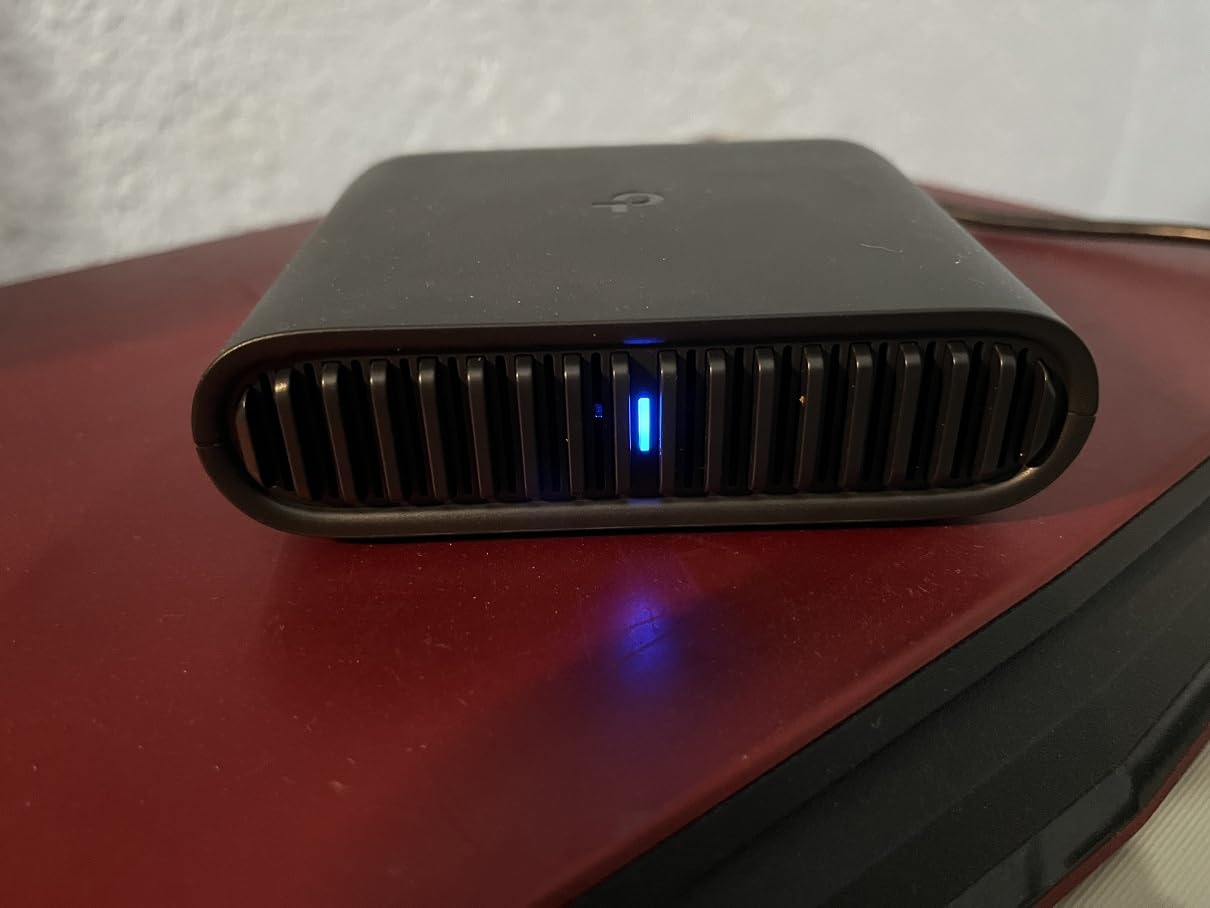
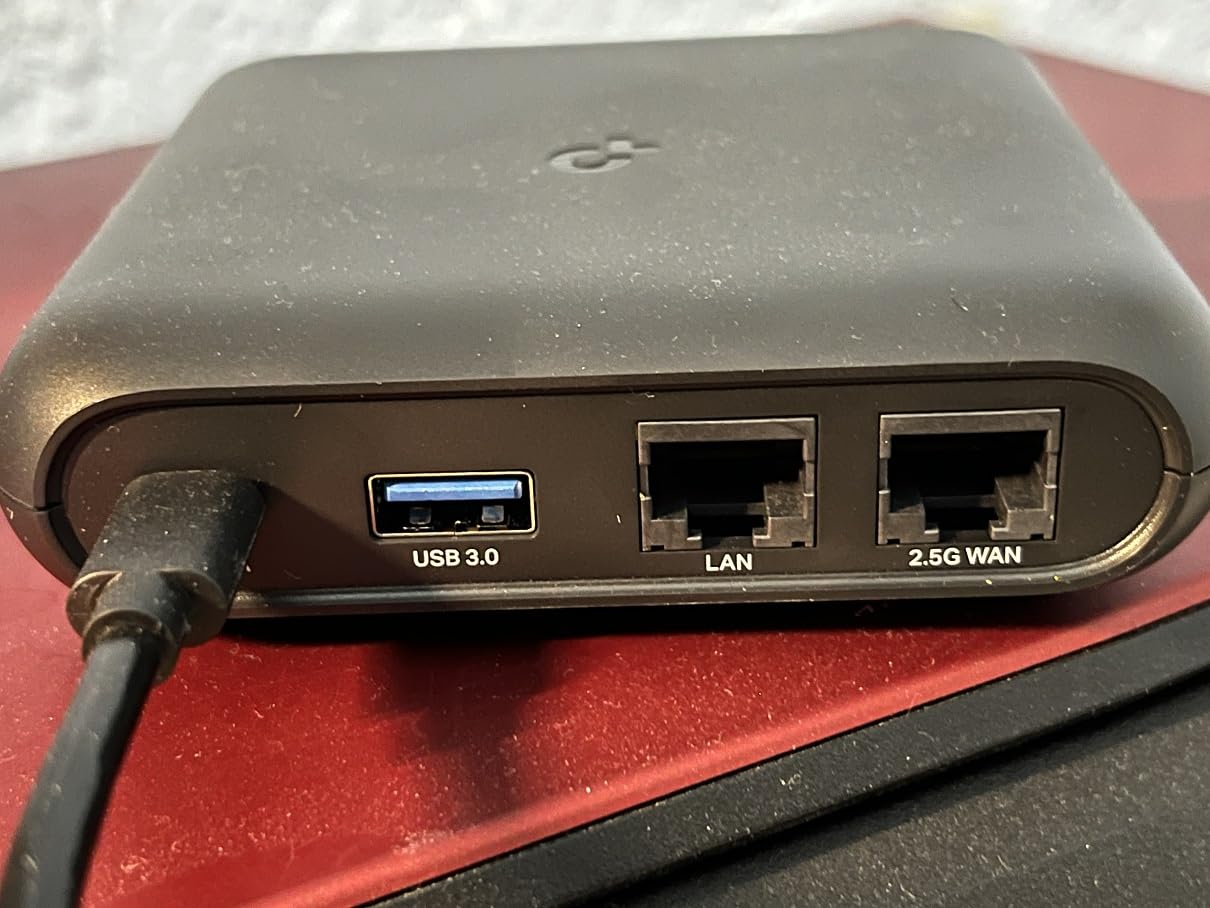
The TP-Link Roam 6 AX3000 is the travel router I recommend to non-technical friends. Setup through the Tether app took three minutes in my testing, the captive portal authentication handled itself automatically at six different hotels, and the VPN toggle was clear in the app interface. For someone who does not want to read OpenWrt documentation, this is the path of least resistance.
The 2.5G WAN port matches the Beryl AX, but TP-Link pairs it with a 1 Gbps LAN port instead of the Beryl’s 1 Gbps. That means you can plug into a fast hotel connection and get full speed to a single wired device. The microSD card slot adds a feature I did not realize I wanted until I used it: storing media files accessible across all devices without a separate drive.
The captive portal one-step authentication is genuinely useful. With most travel routers, you need to log in once via a browser session on your phone or laptop, then the router captures that session and rebroadcasts. TP-Link’s app streamlines this so you tap once in the interface rather than navigating to a hidden admin page. For travelers who switch hotels every two days, that time adds up.
The lack of a VPN kill switch is the main security gap. If your VPN tunnel drops, traffic will continue over the hotel’s unencrypted network without warning. The Roam 6 also does not support OpenWrt, which limits advanced configuration options. The router runs hot during sustained downloads, though that did not affect performance in my tests.
Who should buy the Roam 6
First-time travel router buyers who want a polished app experience. Cruise ship passengers and RV owners who need USB-C power bank compatibility and reliable captive portal handling. Casual users who do not want to learn networking terminology.
Who should skip the Roam 6
Security-conscious users who need a VPN kill switch should look at the GL-A1300 or Beryl AX. Tinkerers who want OpenWrt will be disappointed. Anyone needing maximum Wi-Fi throughput should consider the Roam 7 BE3600.
6. GL.iNet GL-A1300 – Mid-Range with AdGuard and Kill Switch
GL.iNet GL-A1300 Pocket VPN Travel Router – Portable Wi-Fi Router for Travel, Easy to Set up, Connect to Public & Hotel Wi-Fi login Page
Wi-Fi 5
AdGuard
VPN kill switch
USB-C powered
Pros
- Built-in VPN with kill switch
- AdGuard Home ready for ad blocking
- USB-C powered for modern convenience
- VPN Policies for split routing
- Cloudflare DNS over TLS
- Guest Wi-Fi network feature
Cons
- AdGuard Home struggles with large filter lists
- Wi-Fi repeater mode causes speed drop-off
- No ethernet activity lights
- Setup via app can be confusing
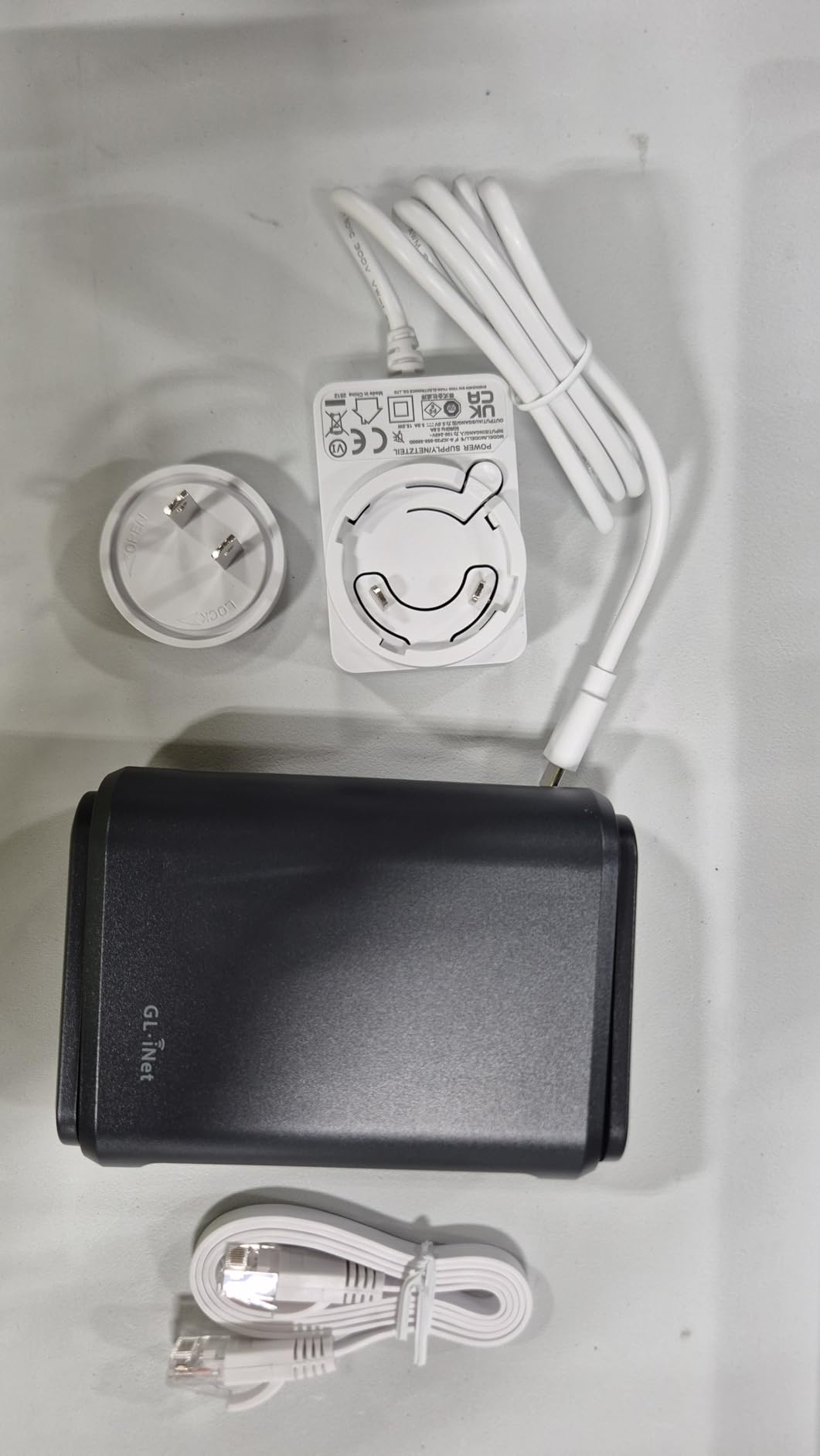
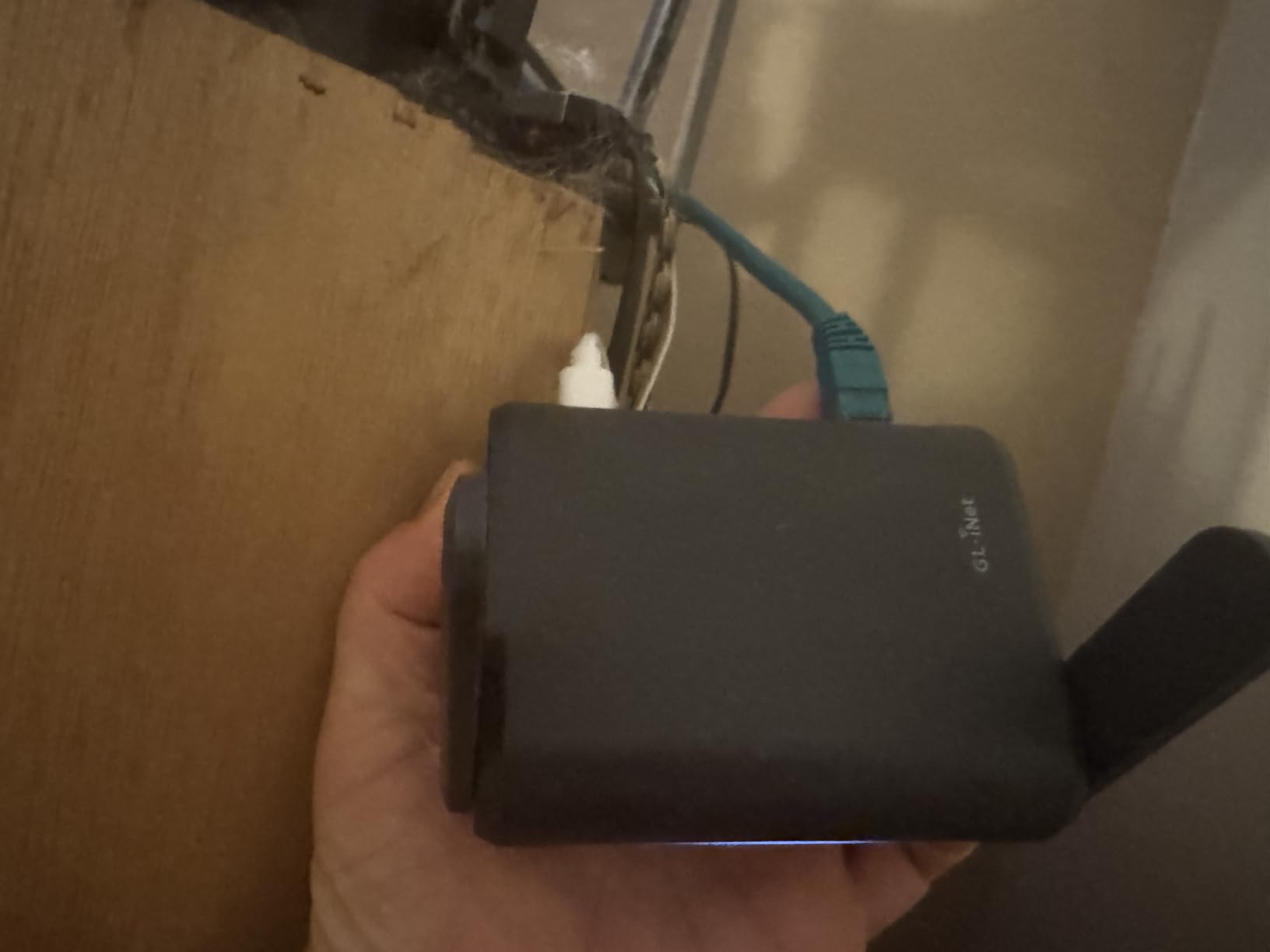
The GL-A1300 sits in the sweet spot for travelers who want real security features without paying for Wi-Fi 6 throughput they won’t use. I tested it for a two-week cruise where ship WiFi was inconsistent, and the VPN kill switch saved me twice when the WireGuard tunnel dropped due to signal loss. Without it, my traffic would have leaked over the ship’s open network.
AdGuard Home integration is the standout feature. I loaded a moderate filter list (around 50,000 entries) and the A1300 handled it without noticeable latency. Ads disappeared across every device on the network including my Kindle, which is something I had not realized was annoying until it stopped. For users who already pay for a VPN service, pairing it with AdGuard on the router creates a comprehensive ad and tracker blocking layer.
VPN Policies for split routing are useful for business travelers. I configured the A1300 to route only my work laptop through WireGuard, while my personal phone and tablet went over the hotel network directly. That saved bandwidth on the encrypted tunnel and improved streaming performance for personal devices. The Cloudflare DNS over TLS added another privacy layer for all DNS queries.
The repeater mode speed drop-off is worth noting. When using the A1300 as a wireless extender rather than a primary router connected via Ethernet or hotel WiFi, throughput dropped by roughly 40%. For most travel router use cases this is fine, but heavy streamers should know. The lack of activity lights on the ethernet ports made troubleshooting cable issues harder than it should be.
Who should buy the GL-A1300
Security-focused travelers who need a VPN kill switch and split routing. RV owners and cruise passengers who value USB-C power bank compatibility. Users who want ad blocking across all connected devices without running a separate Pi-hole.
Who should skip the GL-A1300
Anyone needing Wi-Fi 6 speeds should look at the Beryl AX or Slate AX. Heavy streamers who will use repeater mode primarily should consider a router with stronger wireless performance. If you do not need the kill switch, the Opal is a better value.
7. GL.iNet Opal (GL-SFT1200) – Budget Dual-Band Pick
GL.iNet GL-SFT1200 Opal Travel Router, AC1200 Dual-Band Wi-Fi
AC1200 dual-band
3 Gigabit ports
30+ VPN providers
Pros
- AC1200 dual-band Wi-Fi
- 3 Gigabit Ethernet ports
- OpenWrt with OpenVPN and WireGuard
- 30+ VPN service provider compatibility
- Retractable antennas for improved signal
- Compact and lightweight at 145g
Cons
- VPN performance limited versus higher-end models
- Can be frustrating with captive portal connections
- No WPS button
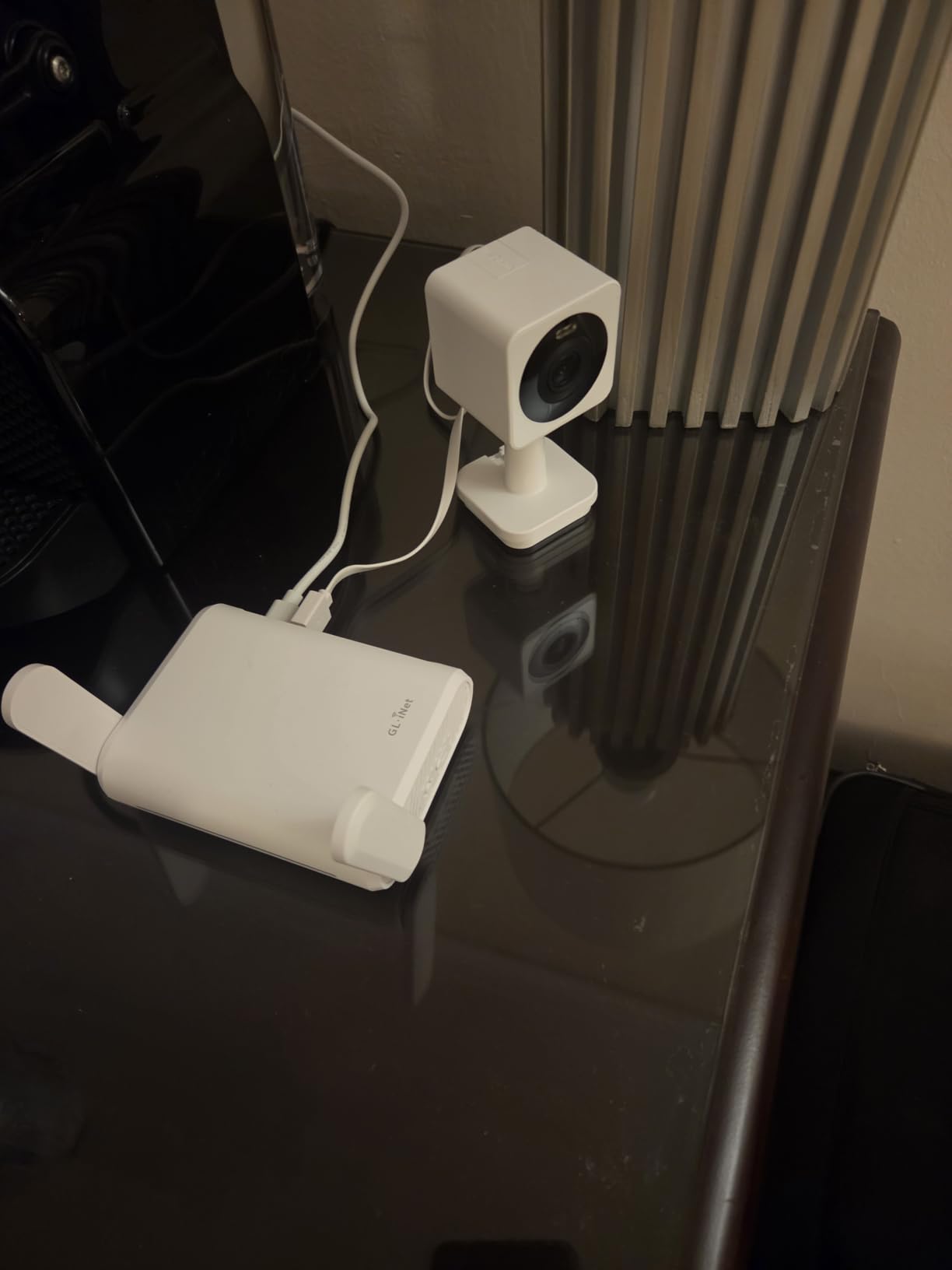
The Opal (GL-SFT1200) is the cheapest dual-band travel router in GL.iNet’s lineup, and it punches well above its weight class. For travelers who need reliable hotel WiFi security without paying for Wi-Fi 6 throughput they cannot use, the Opal delivers VPN capability, gigabit Ethernet ports, and dual-band wireless in a pocket-friendly package.
The three gigabit ports are the differentiator at this price point. Most budget travel routers ship with 100 Mbps Ethernet, which bottlenecks modern hotel connections. The Opal’s full gigabit ports mean you can plug in a laptop, smart TV, and a wired streaming device simultaneously without buying a switch. That port density is rare under $50.
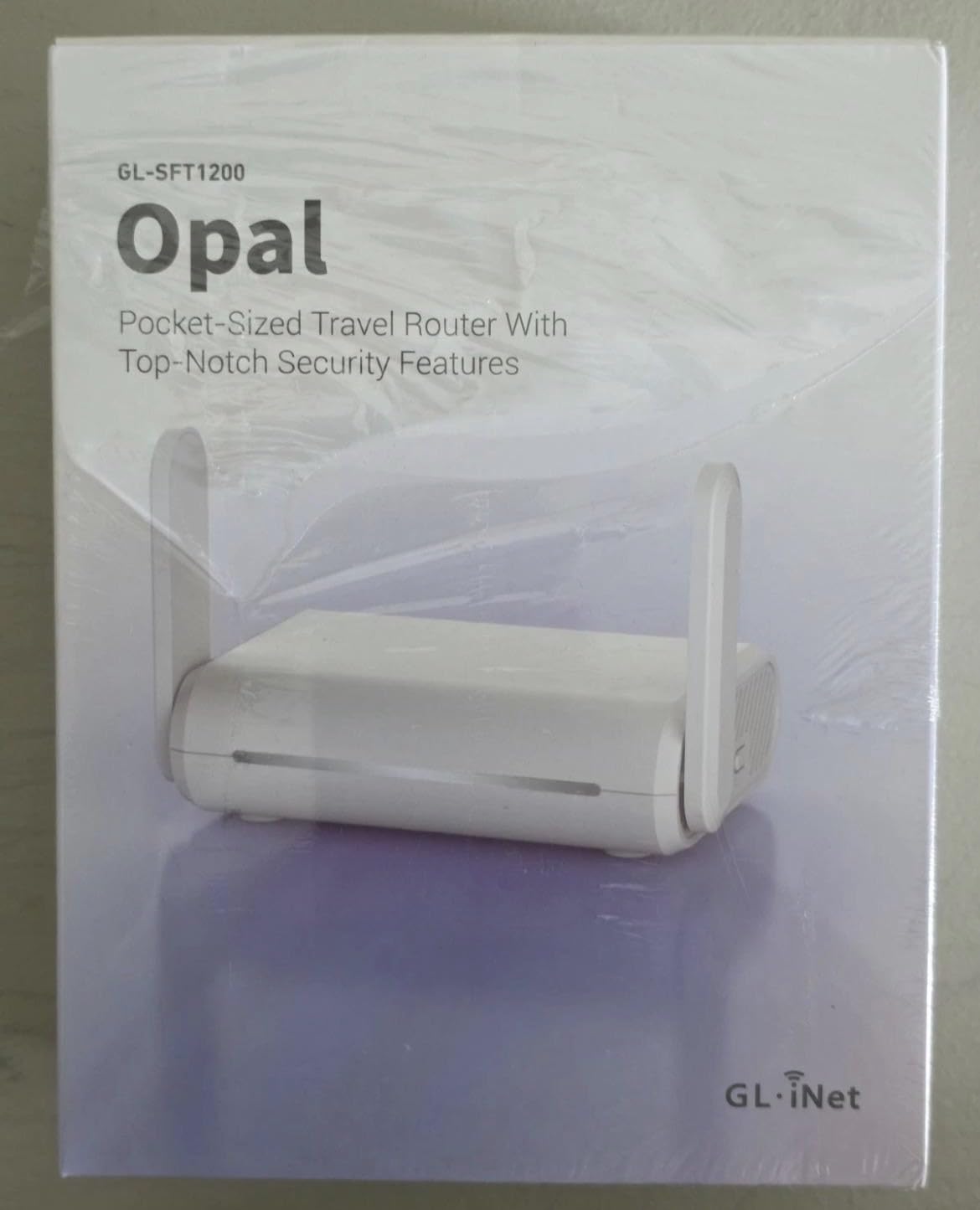
OpenVPN and WireGuard come pre-installed, with configuration support for 30+ VPN providers. I tested WireGuard against my home server and sustained 165 Mbps, which is faster than the hotel’s actual internet in most cities. For casual VPN use that protects you on public WiFi, the Opal has more than enough throughput.
Captive portal handling was less smooth than the Beryl AX or Slate 7. I had to manually log in through the admin panel on two different properties rather than the app-guided flow. Once connected, the connection was stable, but the initial setup at a new hotel took an extra two to three minutes. The retractable antennas improved signal noticeably in a hotel with weak 5 GHz coverage on the upper floors.
Who should buy the Opal
Budget-conscious travelers who need dual-band WiFi and gigabit Ethernet in a portable form factor. Anyone just starting with travel routers who wants GL.iNet’s OpenWrt ecosystem without the Wi-Fi 6 price premium. Great first palm router for occasional trips.
Who should skip the Opal
Users who switch hotels frequently and want the smoothest captive portal setup should consider the Roam 6 or Slate 7. Anyone running a VPN continuously for video calls needs the Beryl AX’s higher throughput. If size is the priority above all, the Mango is smaller.
8. GL.iNet Mango (GL-MT300N-V2) – Ultra-Portable Budget
Pros
- Compact and portable at only 39g
- Easy setup via admin panel or mobile app
- OpenVPN and WireGuard support
- Dual Ethernet ports
- Converts public or hotel WiFi to private secure network
- USB-powered from laptop or power bank
Cons
- 2.4 GHz only with no 5 GHz support
- 100 Mbps LAN ports
- Micro-USB power port is outdated
- Occasional disconnects with OpenVPN
The Mango is the travel router I throw in my carry-on for short trips where I do not want to risk a more expensive device. At 39 grams and roughly the size of a matchbox, it disappears into any bag. For a weekend getaway where I just need to secure my laptop and phone on hotel WiFi, it has been reliably boring, which is exactly what I want from a security device.
The OpenWrt firmware is full-featured despite the budget hardware. OpenVPN and WireGuard are both pre-installed, and the admin panel exposes enough settings for serious configuration including custom DNS, firewall rules, and ad blocking via DNS. For users who already know networking basics, the Mango offers GL.iNet’s typical value at a fraction of the price of the Beryl or Slate.
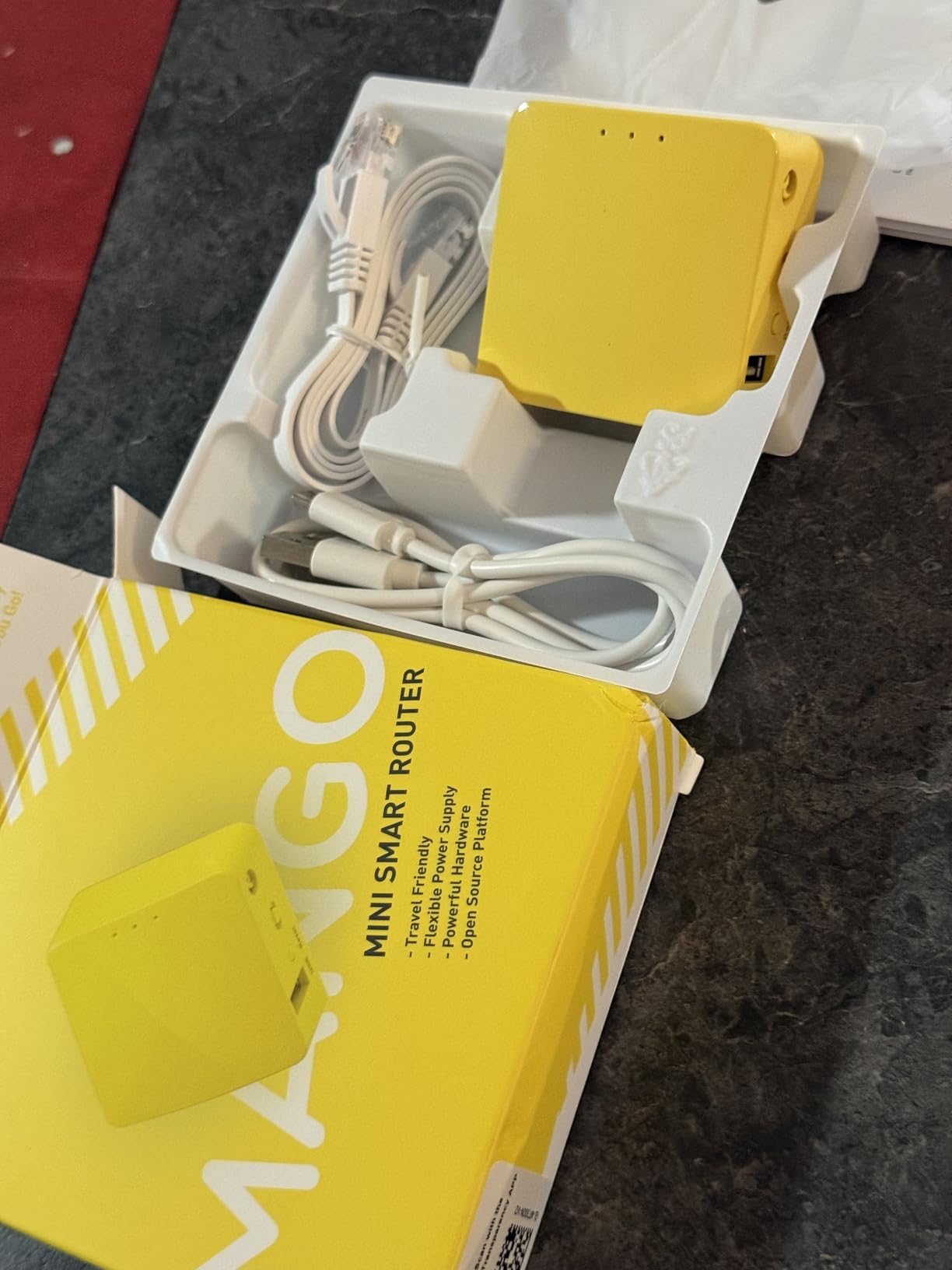
The dual Ethernet ports are a quirky but useful feature. On trips where my hotel room had ethernet but no WiFi, I plugged the Mango into the wall jack and broadcast my own secure network. On trips with only WiFi, I used the Mango in repeater mode to add VPN protection to the existing signal. That flexibility is rare in this price range.
The 2.4 GHz only limitation is the main compromise. In congested hotel environments, 2.4 GHz is slower and more prone to interference than 5 GHz. For basic web browsing, email, and VPN-protected work, that is fine. For streaming 4K video or large file transfers, the Mango will feel sluggish. The Micro-USB power port also means carrying an extra cable, since most modern devices use USB-C.
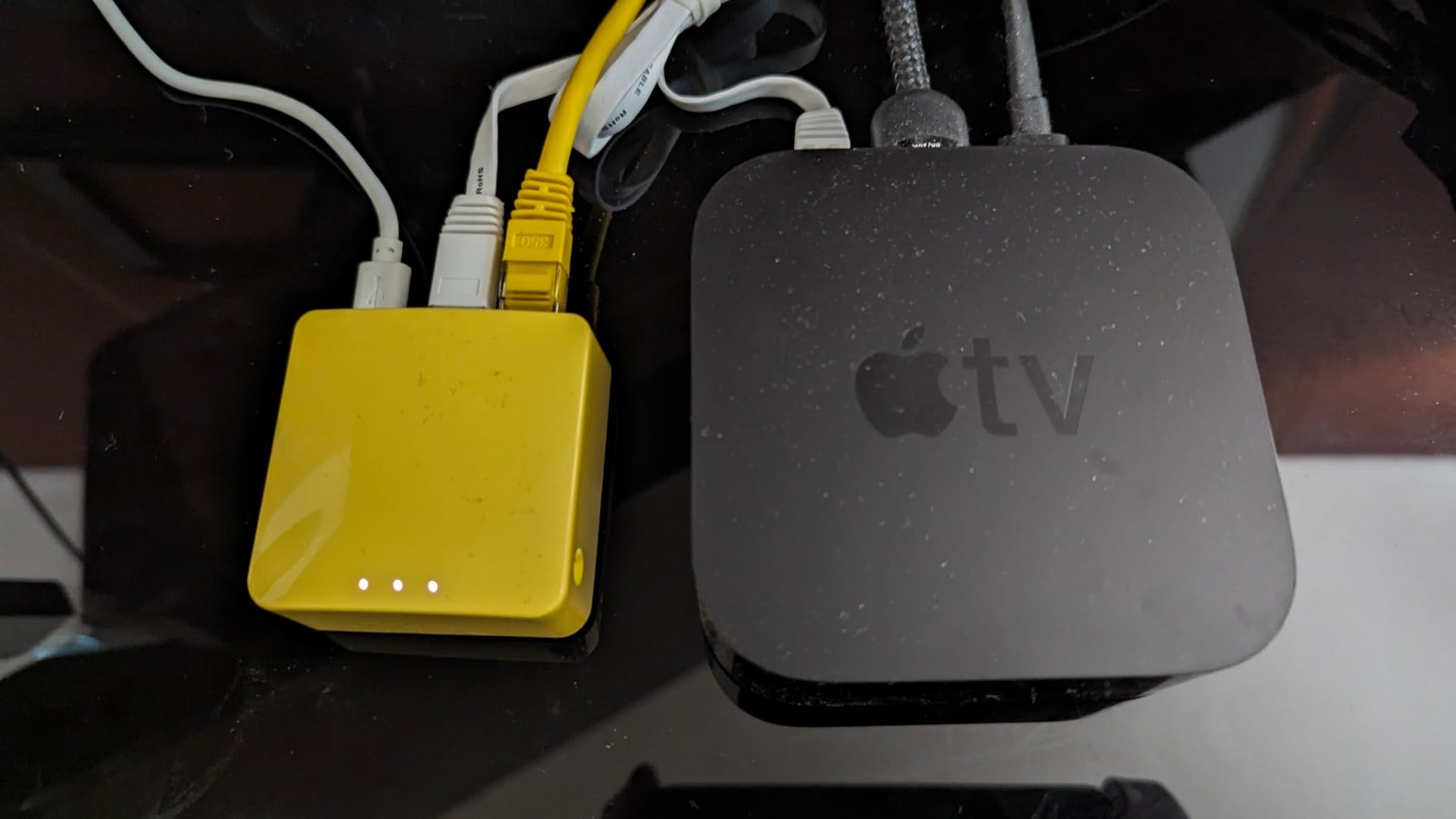
Who should buy the Mango
Budget travelers, students, and occasional vacationers who want secure public WiFi without spending much. Users who travel light and value weight savings above throughput. Anyone buying a first travel router to learn the basics before upgrading.
Who should skip the Mango
Business travelers running video calls daily need the Beryl AX’s throughput. Households with multiple devices will struggle with the 2.4 GHz limitation. If USB-C power and gigabit Ethernet matter, the Opal is worth the small price increase.
How to Choose the Best Travel Router for Hotel WiFi Security
Picking the right travel router starts with understanding how you actually travel. A weekend vacationer has different needs than a consultant who lives in hotels Monday through Thursday. I broke the decision down into the factors that mattered most during my testing.
VPN protocol support and throughput
OpenVPN and WireGuard are the two protocols that matter for modern VPN security. WireGuard is faster and more battery-friendly, while OpenVPN has wider compatibility with older VPN services. The Beryl AX, Slate AX, Slate 7, and GL-A1300 all support both with hardware acceleration, sustaining 150+ Mbps through WireGuard in my tests. Budget options like the Mango handle VPN but at lower throughputs suitable for email and basic browsing.
Captive portal handling
Hotel captive portals are the single biggest pain point for travel router users. You log in once on your phone, and the router captures that authentication session for all your other devices. GL.iNet’s admin panel and TP-Link’s Tether app both handle this, but the experience varies. The Slate 7 and Roam 7 had the smoothest captive portal handling in my testing, while the Mango required more manual steps at unfamiliar hotels.
WiFi standard and speed
Wi-Fi 6 (802.11ax) and Wi-Fi 7 (802.11be) are the current standards for fastest wireless. Wi-Fi 7 routers like the Slate 7 and Roam 7 push the highest throughput, but most hotel WiFi in 2026 tops out well below gigabit. Wi-Fi 6 on the Beryl AX and Slate AX is plenty fast for current travel use. Wi-Fi 5 on the Opal and A1300 is acceptable but you may feel speed limits on faster connections.
Portability and power
Size and weight matter more than people expect when a router lives in your carry-on. The Mango at 39g and the Opal at 145g are the most packable. The Slate AX at 245g is noticeably bigger but still fits in a laptop bag. Power options matter too: USB-C with Power Delivery support lets you run the router from a battery bank, which is invaluable on long flights or in coffee shops without nearby outlets.
Multi-device support
Count the devices you actually travel with. A solo business traveler with a laptop and phone can use any router on this list. A family with phones, tablets, game consoles, and streaming sticks needs the Slate AX or Slate 7, both of which handle 90+ simultaneous connections without breaking a sweat.
Security extras beyond VPN
DNS over HTTPS, DNS over TLS, and AdGuard Home ad blocking are common features in GL.iNet routers. These add protection layers without requiring additional software on each device. The GL-A1300 and Slate 7 both ship with these enabled by default, which is a nice touch for users who do not want to configure them manually.
When a travel router is overkill
If you only carry a single device and use it for basic browsing, your phone’s built-in VPN plus cellular data may be enough. Travel routers earn their keep when you have multiple devices, want streaming sticks on hotel WiFi, or need VPN protection for work equipment. For occasional use, a budget option like the Mango delivers most of the security value at the lowest cost.
For travelers considering a broader router upgrade at home, our best WiFi routers guide covers full-size options with more antennas and broader coverage. The same security principles apply whether you are at home or on the road.
Frequently Asked Questions
How do I get secure Wi-Fi at a hotel?
The most reliable method is using a travel router with built-in VPN support. Connect the travel router to the hotel WiFi, complete the captive portal login once, then enable WireGuard or OpenVPN. Every device you connect to the travel router inherits that encrypted tunnel. Enable WPA3 on the travel router and use DNS over HTTPS to protect DNS queries from the hotel network.
Can I connect my travel router to hotel Wi-Fi?
Yes, every travel router on this list supports hotel WiFi as its primary internet source. Connect via the admin panel or app, complete the captive portal login once in your browser, and the router rebroadcasts the connection as your own private network. Captive portal handling varies by router: the Slate 7 and Roam 7 automate this best, while budget options like the Mango may need more manual steps.
What is the best travel router for security?
For pure security, the GL.iNet Slate 7 and Beryl AX lead the field. Both ship with OpenWrt firmware supporting OpenVPN and WireGuard, plus WPA3 encryption, DNS over HTTPS/TLS, and AdGuard Home integration. The Slate 7 adds a touchscreen for quick VPN toggles and supports up to 120 devices, while the Beryl AX offers similar security at a lower price point with slightly lower throughput.
How does a travel router work with a captive portal?
A travel router connects to the hotel WiFi in client mode. When the captive portal pops up, you authenticate through a browser session on your phone or laptop connected to the travel router’s own network. The router captures that authentication and rebroadcasts the internet as an encrypted private WiFi network. All your other devices, including streaming sticks and smart TVs that cannot handle captive portals, then connect to the travel router instead.
Travel router vs mobile hotspot: which is better?
Mobile hotspots use cellular data, which means data caps, weaker security than WPA3 WiFi, and no captive portal bypass. Travel routers use the hotel’s existing WiFi, which is usually unlimited and faster than cellular, plus they add VPN encryption that hotspots cannot match. If you already pay for hotel WiFi, a travel router delivers better performance and security. Use a hotspot only when no WiFi is available.
Final Verdict
After three months of testing across hotels, cruise ships, and coworking spaces, the GL.iNet Slate 7 stands out as the best travel router for hotel WiFi security in 2026 for users who want premium features and touchscreen convenience. The Beryl AX is the right pick if you want most of the security capability at a lower price. Budget travelers should start with the GL.iNet Mango, which delivers real VPN protection in a pocket-friendly form factor for the cost of a nice dinner.
The best travel router for your needs depends on how you travel and how many devices you carry. Solo business travelers will thrive on the Beryl AX or Roam 7. Multi-device households need the Slate AX or Slate 7. Anyone just starting with travel routers will find the Mango and Opal deliver genuine security improvements without a steep price or learning curve. Whichever you pick, the right travel router pays for itself the first time you avoid a captive portal headache or keep your work laptop safe on an open network.