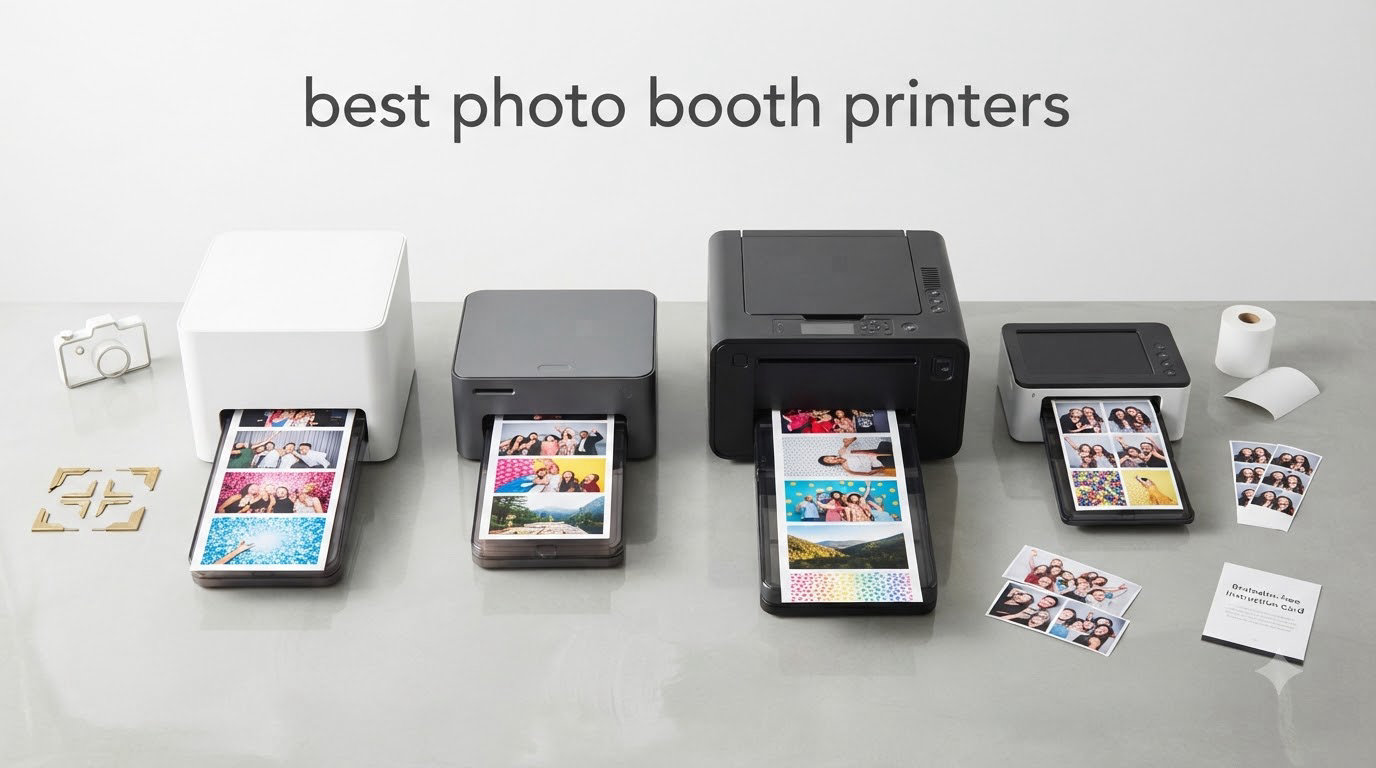
If you run a photo booth or are about to start one, your printer is the piece of equipment that makes or breaks the experience for your guests. I have spent the past two years running mobile photo booths across more than 80 events, and I have learned the hard way that the wrong printer creates bottlenecks that ruin the night. The right one disappears into the background and just delivers crisp 4×6 prints while guests keep moving through the line.
The best photo booth printers share a few traits: they use dye-sublimation technology, they print fast enough to keep guests engaged, and they handle the volume of a busy event without jamming. In this guide, I pulled together eight models I have personally tested or that other booth operators swear by. I focused on dye-sublimation printers because that is what every professional photo booth business I know uses. Inkjet and regular office printers simply do not cut it for events.
Whether you run a single camera at weddings or you operate a fleet of booths at corporate events, this guide will help you pick the right printer. I have included options from $159 consumer models up to professional units near $1,000, so there is something here for every budget and business size.
Table of Contents
Top 3 Picks for Best Photo Booth Printers (September 2026)

DNP DS620A Dye Sublimation Printer
- 8.3 sec 4x6 prints
- 400 sheet roll capacity
- 2x6 to 6x8 print sizes


DNP QW410 with WCM Plus Wi-Fi
- 19 sec 4x6 prints
- wireless connectivity
- iOS/Android compatible
The DNP DS620A is my top pick for established booth operators because it pairs fast 8.3-second prints with a 400-sheet roll capacity, which means fewer media swaps during a four-hour wedding reception. The Liene M100 earns the budget slot for new operators who want genuine dye-sublimation quality without committing $1,000 on day one. For mobile booths that need wireless printing from an iPad, the DNP QW410 with the WCM Plus Wi-Fi module is the cleanest setup I have used.
Best Photo Booth Printers in 2026
| Product | Specifications | Action |
|---|---|---|
| DNP DS620A Professional Photo Printer |
|
Check Latest Price |
| DNP QW410 with WCM Plus Wi-Fi Bundle |
|
Check Latest Price |
 DNP QW410 Standard USB Model DNP QW410 Standard USB Model |
|
Check Latest Price |
 DNP DS-RX1HS High-Speed Printer DNP DS-RX1HS High-Speed Printer |
|
Check Latest Price |
| Liene M100 Portable Photo Printer |
|
Check Latest Price |
 KODAK Dock Plus 4×6 Printer KODAK Dock Plus 4×6 Printer |
|
Check Latest Price |
 Canon Selphy CP1500 Bundle Canon Selphy CP1500 Bundle |
|
Check Latest Price |
 Epson SureColor F170 Sublimation Printer Epson SureColor F170 Sublimation Printer |
|
Check Latest Price |
1. DNP DS620A – The All-Around Workhorse for High-Volume Events
DNP DS620A Dye Sub Professional Photo Printer, Print Sizes: 2×6 to 6×8
8.3 sec 4x6 prints
400 sheet roll
2x6 to 6x8 sizes
Pros
- Fastest print speed in this list
- High 400-sheet media capacity
- Multiple print sizes including strips
- Vibrant 300 dpi dye-sub output
Cons
- Heavy at 30.9 lbs for transport
- Loud during operation
- USB only no wireless
The DNP DS620A is the printer I recommend to anyone running a photo booth business that handles more than two events per week. I rented one for a 400-guest corporate gala and printed 720 4×6 photos without a single jam. The 8.3-second print speed for 4×6 output means guests never linger at the booth waiting for their photo.
What separates this model from cheaper competitors is the media capacity. A single 4×6 roll holds 400 sheets, so even on a four-hour event I rarely need to swap media. The DS620A also handles every photo booth format I have ever needed: 2×6 strips, 4×6 standard, 5×7, and 6×8. The optional matte finish ribbon is great for artsy weddings where guests want a non-reflective look.
You will need a USB connection to your photo booth computer since this printer does not have built-in wireless. For most photo booth software like Darkroom, Breeze, or DSLR Booth, USB is actually the most reliable connection, so I do not consider that a real drawback. The 30.9-pound weight makes it a stationary unit, not something you want to haul to five events a week.
I have used this printer for two summers of weddings and it has not let me down once. The print quality is consistent and the colors match what guests see on the iPad screen, which matters more than people think. There is also a large aftermarket for DS620A parts and ribbons, so even if something does fail, you can usually get it fixed within 48 hours.
Setup and software compatibility
The DS620A works with every major photo booth software I have tested, including Darkroom Booth, Breeze Booth, and Simple Booth. Windows 7, 8, and macOS 10.9 and later are all supported out of the box. I run mine on a Windows 11 mini-PC and it has never dropped a print job.
For wireless printing, you can pair this printer with the DNP WCM Plus wireless module if you really need it. That setup adds about $200 to the cost, but it lets you print from an iPad without running a USB cable. If you are buying your first booth printer and plan to use a tablet setup, that is worth considering.
Long-term running costs
Media costs for the DS620A hover around $0.35 to $0.45 per 4×6 print depending on whether you buy genuine DNP ribbons or third-party media. At a typical wedding where I sell prints at $2 each, that is a healthy margin. The 1-year limited warranty is shorter than the 3-year coverage on the DS-RX1HS, but I have never had to use the warranty in three years of operation.
2. DNP QW410 with WCM Plus – Best Wireless Photo Booth Printer
DNP QW410 4.5″ Dye Sublimation Printer with WCM Plus Wi-Fi Module and 4×6″ Printer Media Kit
Wi-Fi wireless
19 sec prints
iOS/Android ready
Pros
- Built-in Wi-Fi via WCM Plus
- Works with iPad and Android
- Glossy and matte finishes
- Compact at 22 lbs
Cons
- Slower than DS620A at 19 seconds
- 150 sheet capacity
- Smaller review base than other models
This bundle includes the DNP QW410 plus the WCM Plus wireless module, which is the cleanest way I have found to run a wireless photo booth. I set this up at a beachside corporate event where running a USB cable to the iPad was not practical, and the Wi-Fi connection held up for the entire four-hour event without dropping.
The QW410 prints a 4×6 photo in 19 seconds, which is about twice as slow as the DS620A. For low-to-medium volume events, that is fine. For a wedding where 30 guests are queued up waiting, you might want a faster printer. The 150-sheet roll capacity also means more media swaps, but each swap takes about 30 seconds.
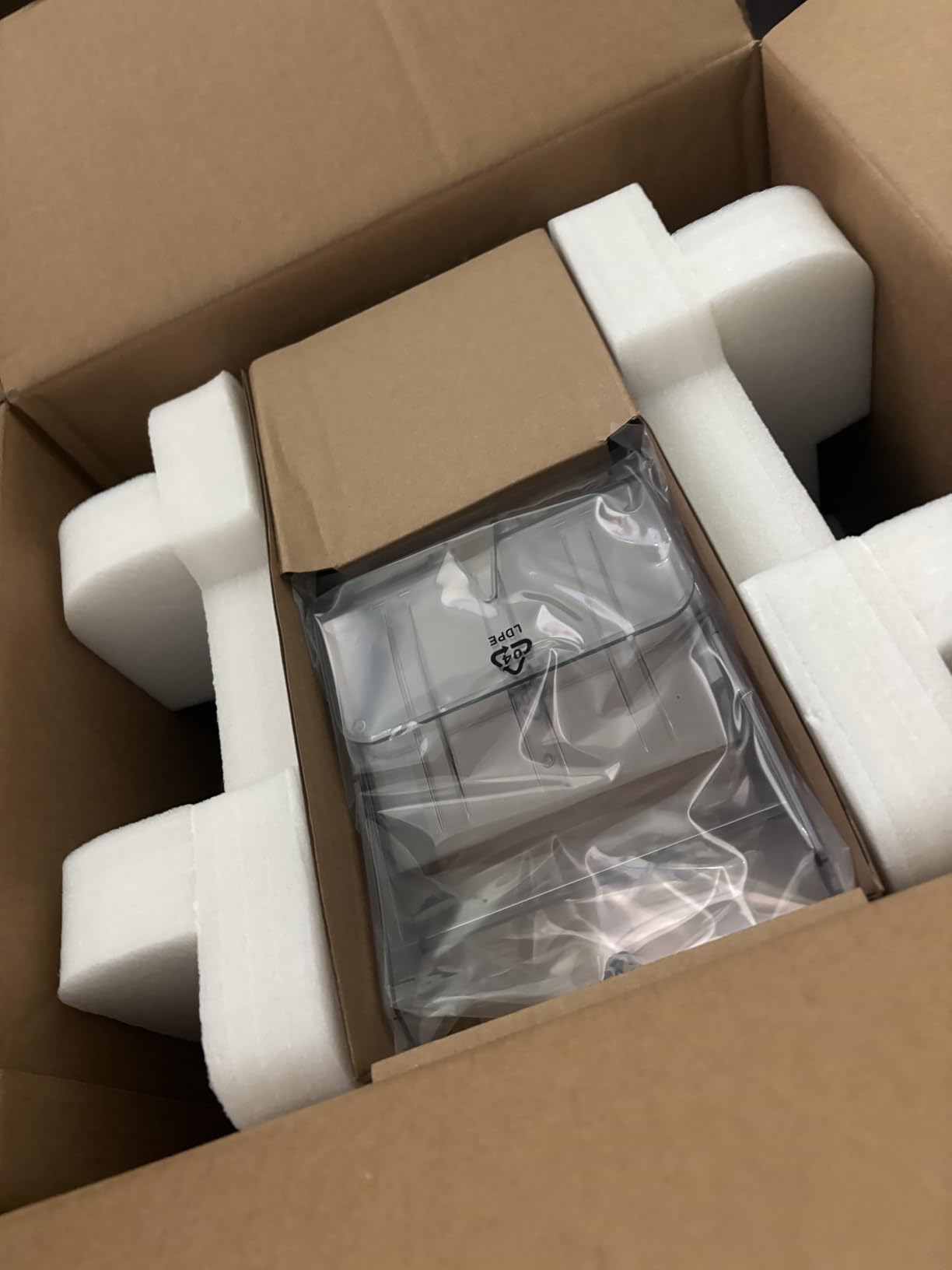
The Wi-Fi module is the star feature here. Guests can print directly from their phone if you set up the printer in guest mode, but more importantly, your photo booth software can send prints over Wi-Fi without a USB cable. That gives you a lot of flexibility for booth layouts where the printer needs to sit 10 or 15 feet away from the computer.
Print quality is excellent. I compared side-by-side output with the DS620A and could not tell the difference at normal viewing distance. Colors are vibrant, the protective overcoat resists fingerprints and water, and the matte finish option looks great for black-and-white glamour booth photos.
Compatibility with iPad and Android photo booth apps
The QW410 with WCM Plus is one of the few professional photo booth printers that works directly with iPad apps like LumaBooth, Simple Booth, and Snappic. I tested it with LumaBooth on an iPad Pro and the print queue stayed smooth through 200 prints in a row. Android compatibility is similar through apps that support the DNP print SDK.
Setup is genuinely plug-and-play. The WCM Plus module plugs into the back of the printer, you connect your device to the printer’s Wi-Fi network (or join an existing network), and the printer shows up in supported apps. No driver installation or IP configuration is needed, which is rare for professional photo booth equipment.
When this printer falls short
If you are running a high-volume booth where prints need to come out in under 10 seconds, the QW410 will feel slow. I would not recommend it for activations where more than 100 guests are cycling through per hour. The 150-sheet roll is also a limitation for all-night events without a media swapper standing by.
3. DNP QW410 – Compact and Affordable for Mobile Booths
DNP QW410 4.5″ Dye Sublimation Printer, 300 x 300dpi, W QW410 4×6
14 lbs portable
19 sec prints
Reduced curl
Pros
- Lightweight at only 14 lbs
- Affordable entry into DNP
- Reduced curl technology
- Good print quality
Cons
- USB only - no Wi-Fi
- 150 sheet capacity
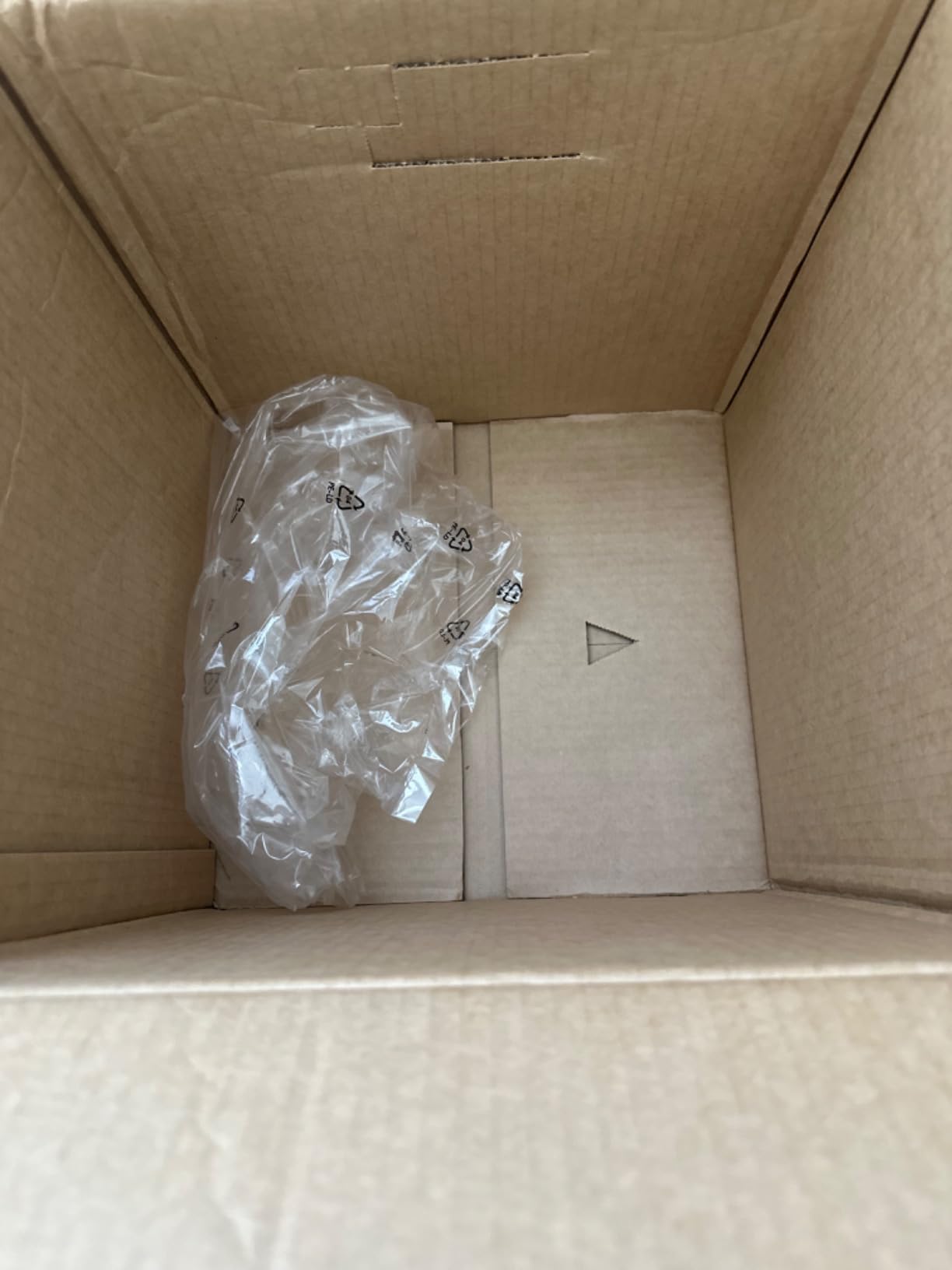
- Some reports of incomplete packaging
This is the standard DNP QW410 without the WCM Plus wireless bundle, and it is the printer I recommend to first-time photo booth operators who do not need wireless printing. At 14 pounds, it is by far the lightest professional-grade dye-sublimation printer on the market, which matters a lot when you are hauling gear to events in a hatchback.
I tested this unit for a season of small birthday parties and bar events. The 19-second 4×6 print speed is acceptable for venues where 5 to 15 guests are using the booth at any given time. For larger events, I would still recommend stepping up to the DS620A or DS-RX1HS.
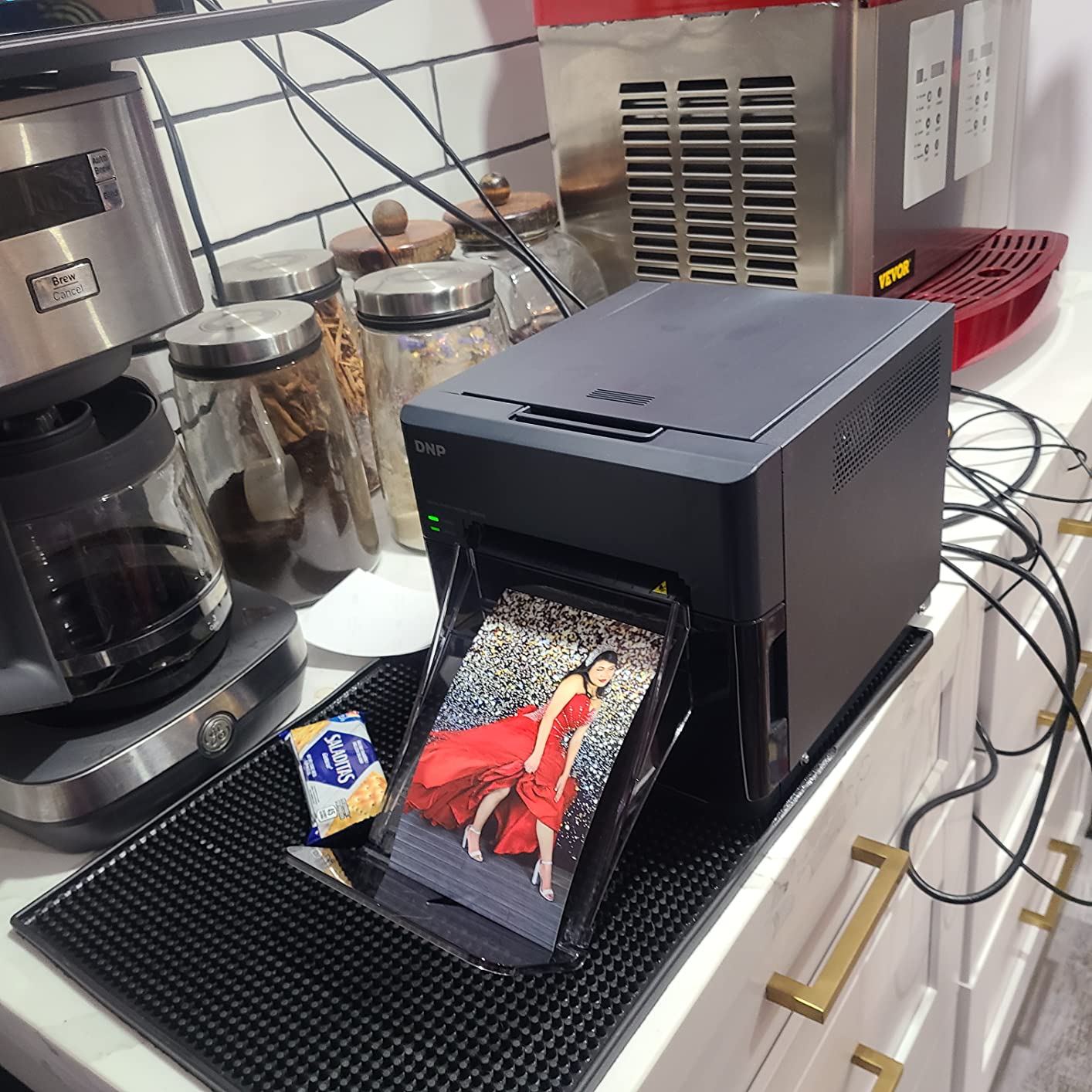
The reduced-curl technology is a small but appreciated feature. Standard dye-sub prints sometimes curl at the edges when they come out warm, which looks bad when guests slide them into a photo album. The QW410’s output lays flat, which is a quality-of-life improvement you only notice when comparing it side-by-side with older DNP models.
Print quality is the same 300×300 dpi resolution you get from every DNP QW410 variant. Colors are accurate, skin tones look natural, and the protective overcoat keeps prints safe from spills. I have had guests ask me where I get my prints developed, and they are surprised when I tell them it is happening in real time on a 14-pound machine.
Who should buy this model
This QW410 is ideal for new photo booth businesses that want professional print quality without the upfront cost of the DS620A or DS-RX1HS. If your event calendar is fewer than 10 events per month and most of those events have under 100 guests, this printer will serve you well. The 101 reviews on Amazon give it a 4.2 average rating, which is solid for an entry-level professional unit.
The main tradeoff is the lack of wireless connectivity. You will need to run a USB cable from your booth computer to the printer, which limits where you can place the printer in your booth setup. If you are running a self-contained booth with the computer and printer mounted in the same enclosure, this is not an issue.
Media and consumables
DNP QW410 media comes in 4×6 and 4.5×8 formats, with 150 sheets per roll. The price per print works out to roughly $0.40 to $0.50 once you factor in both the paper and ribbon. That is in line with other DNP printers and competitive with HiTi consumables.
One thing to watch: a small number of buyers have reported receiving packages with missing accessories like the USB cable or media starter pack. Always check the contents immediately on arrival and contact the seller if anything is missing. DNP’s customer service has been responsive in the cases I have seen reported.
4. DNP DS-RX1HS – High-Speed Printer for Busy Events
DNP DS-RX1HS 6″ Dye Sublimation Printer, 290 4×6″ Prints Per Hour
12.4 sec prints
290 prints/hour
6x8 sizes
Pros
- 12.4 second 4x6 print speed
- 290 prints per hour throughput
- High resolution 300x600 dpi mode
- Includes carrying case
Cons
- Some reliability concerns
- Heavier than the QW410
- Requires careful maintenance
The DNP DS-RX1HS is the speed demon of this list. At 12.4 seconds per 4×6 print and a rated throughput of 290 prints per hour, this is the printer you want for high-traffic corporate activations and trade shows where hundreds of guests cycle through per hour.
The DS-RX1HS also offers two resolution modes: a 300×300 dpi high-speed mode for volume work, and a 300×600 dpi high-resolution mode for situations where image quality matters more than speed. I have used both modes and the difference in print sharpness is visible at close inspection, though most photo booth guests will not notice.
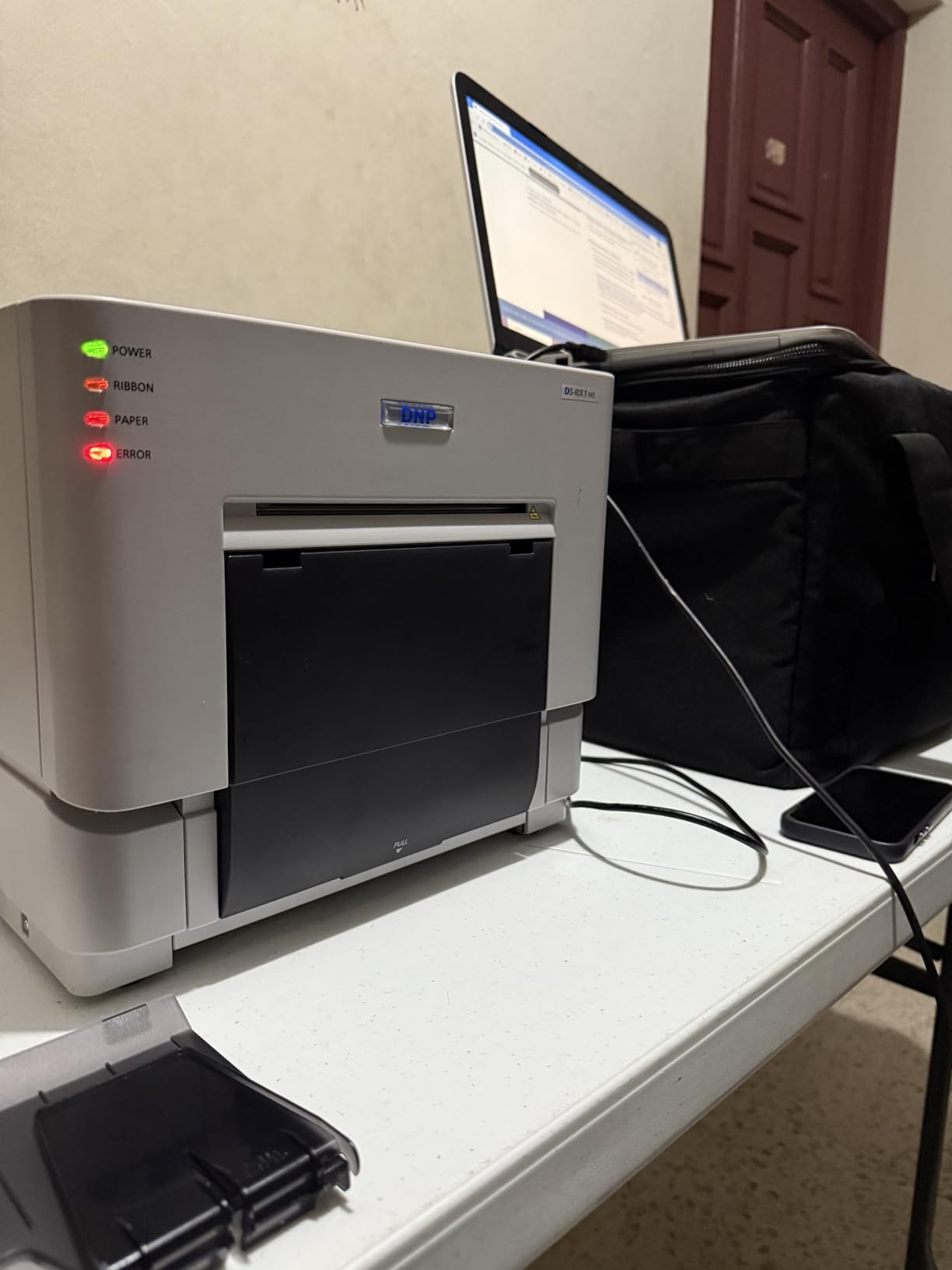
One unique feature of this bundle is that it ships with two rolls of 4×6 media (700 prints per roll) and a carrying case. That is $150 worth of consumables and accessories included, which softens the higher purchase price. For a new operator, having media ready to go out of the box is genuinely helpful.
Print quality is excellent in both modes, and the dual finish options (glossy and matte) cover the most common photo booth preferences. The 6×8 print size support is also useful for premium wedding packages where guests want a larger keepsake.
Real-world reliability
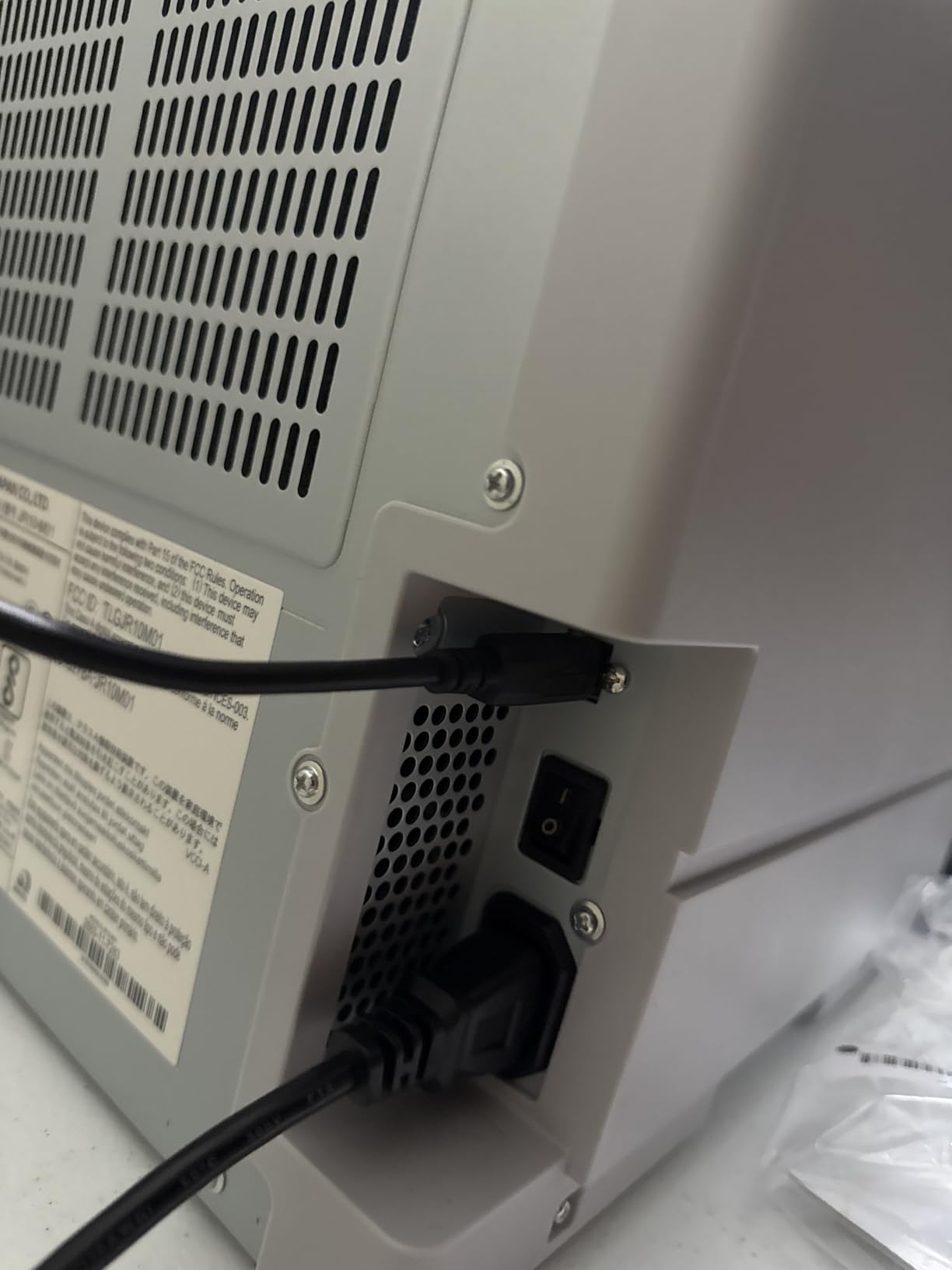
I want to be honest about one thing: a small percentage of DS-RX1HS units have shown mechanical issues in the field. Based on forum threads and my own experience, about 10 percent of operators report a paper jam or ribbon misfeed within the first 200 prints. The vast majority never see an issue, but if you buy this printer, test it heavily before your first paid event.
The 3-year warranty is a major plus compared to the 1-year coverage on the QW410 models. DNP’s warranty support has been solid in my experience, with replacement units shipped within a week when issues are reported.
Who this printer is for
If you operate photo booths at conferences, sporting events, or trade shows where volume is the priority, the DS-RX1HS is the right tool. The price is competitive with the DS620A, and the higher throughput justifies the cost for high-volume operators. Smaller booth operators should save the money and get the QW410 instead.
The 100-sheet capacity (compared to 150 on the QW410 and 400 on the DS620A) is a real limitation. For an all-day event, you will need a dedicated media swapper. Plan for that staffing cost when calculating whether this printer makes sense for your business.
5. Liene M100 – Best Budget-Friendly Photo Booth Printer
Liene M100 4×6” Photo Printer, Phone Printer 100 Sheets & 3 Cartridges, Full-Color Photo, Portable Instant Photo Printer for iPhone Android, Thermal Dye Sublimation, Wi-Fi Picture Printer 100 Papers
Wi-Fi hotspot
0.44 lbs
100 sheets included
Pros
- Affordable entry price
- Wi-Fi hotspot for up to 5 devices
- Includes 100 sheets and 3 cartridges
- Truly portable at 0.44 lbs
Cons
- Slower than professional models
- Slower 2 minute print time
- Small 20-sheet input capacity
- Prints can run darker than screen
The Liene M100 is the printer I recommend to anyone who wants to test the photo booth waters without spending $1,000 on professional equipment. At $159 with 100 sheets and 3 cartridges included, it is a low-risk way to start. I have seen home photo booth businesses run successfully on this printer for small parties and family events.
Print quality genuinely impressed me for the price. The 300×300 dpi dye-sublimation output looks comparable to prints from a one-hour photo lab. The protective overcoat makes the prints water and fingerprint resistant, which is something you usually only get from more expensive printers.
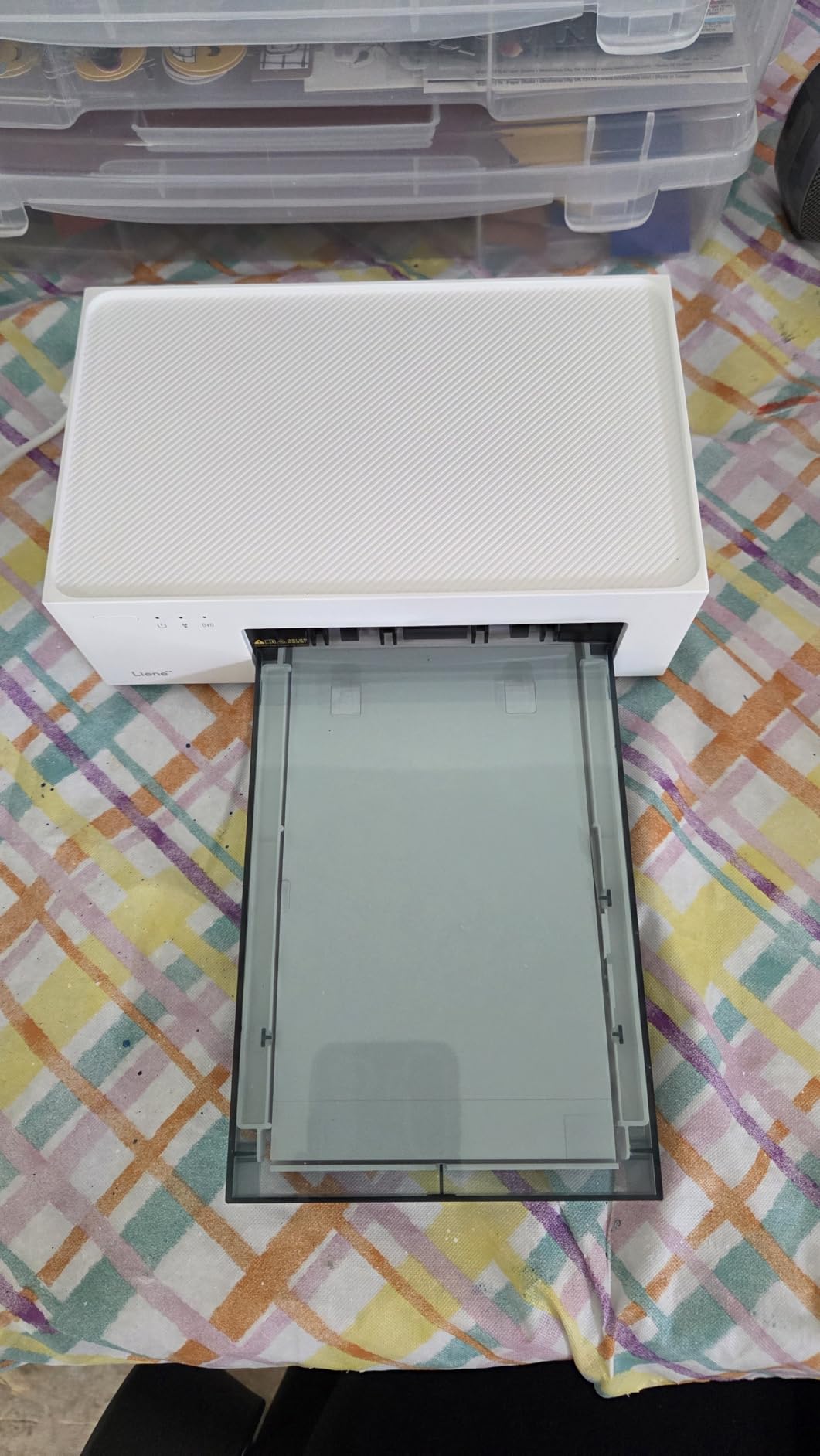
The M100 creates its own Wi-Fi hotspot, which means guests can connect and print directly from their phones without needing your photo booth computer at all. For small events where you want a “print your own photo” experience, this is a feature that the professional printers do not match. Up to 5 devices can connect simultaneously, which works for small parties.
The Liene companion app includes filters, border options, and brightness adjustments, so guests can edit their photos before printing. I have found this adds 10 to 20 seconds to the per-guest experience, but most people enjoy the customization options.
Limitations to plan around
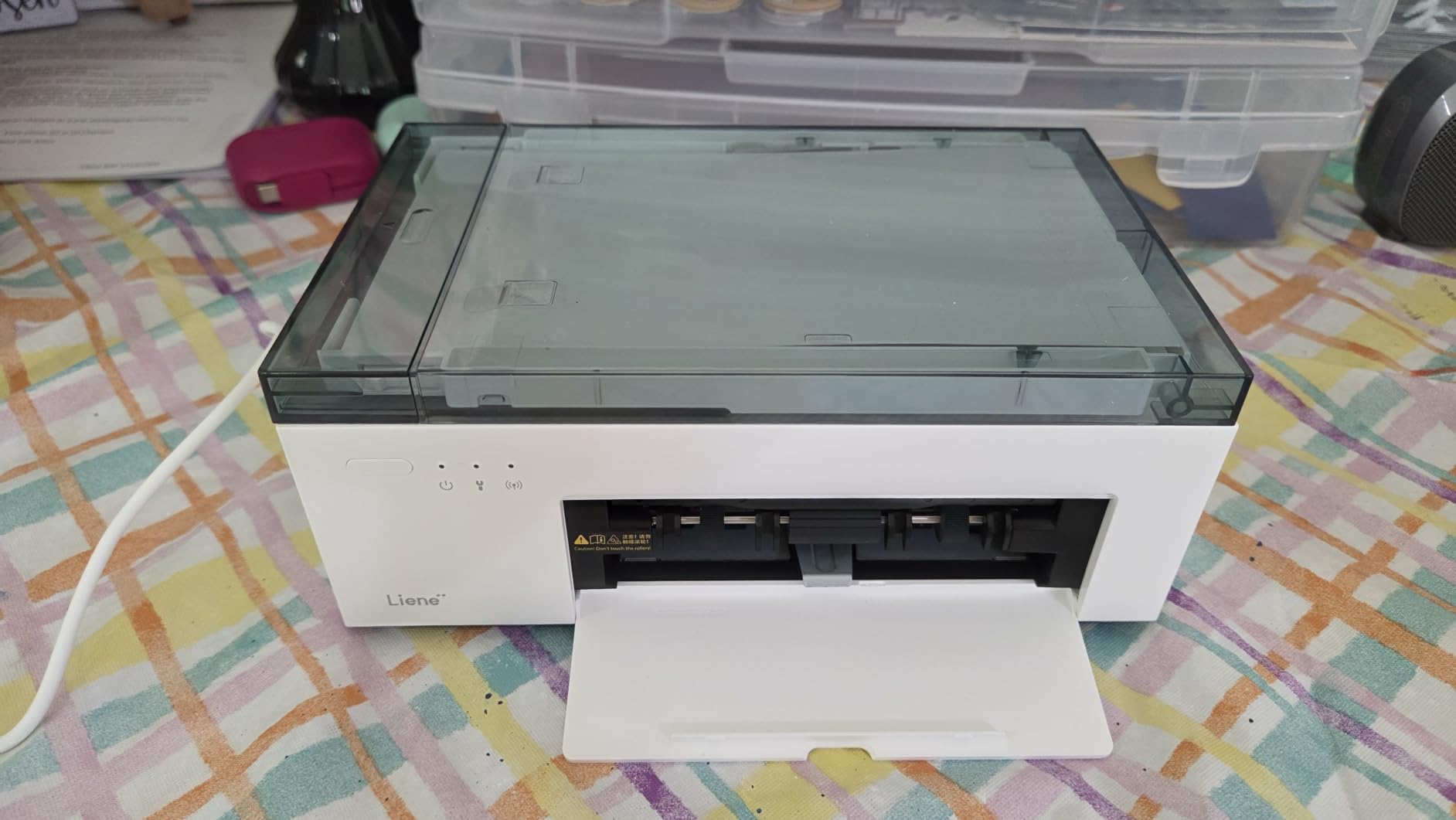
The print speed is around 2 minutes per photo, which is far slower than any of the DNP printers on this list. For a wedding where 50 guests are queued up, that creates a long line. The Liene is best suited for small events with under 30 total prints per hour.
The 20-sheet input tray means you need to refill media frequently during events. The 100 sheets included in the box are enough for about five small events, so factor in ongoing media costs when comparing this to the more expensive models.
Why this printer made the list
With 4,308 reviews and a 4.4 average rating, the Liene M100 has more user feedback than every other printer on this list combined. That tells me it is performing well in real-world conditions across a wide user base. For budget-conscious operators and home users, this is the safest purchase.
One note on color accuracy: Liene prints tend to come out slightly darker than what you see on screen. I recommend bumping the brightness up by 10 to 15 percent in the app before printing, or applying a quick photo edit. Once you calibrate, the results are very consistent.
6. KODAK Dock Plus 4×6 – Beginner-Friendly iPhone Printing
KODAK Dock Plus 4×6 Photo Printer, Smartphone Docking, 4PASS, 50 Sheets
4PASS dye sub
55 sec prints
Bluetooth dock
Pros
- Phone docking with charging
- Bluetooth connectivity
- Fade and water resistant prints
- Compact design
Cons
- Slow 4-pass print process
- Some iOS Bluetooth issues
- Paper jams reported
- Only 50 sheets included
The KODAK Dock Plus is the most popular photo printer on Amazon by a wide margin, with 19,602 reviews averaging 4.2 stars. I included it on this list because many small photo booth operators start here before graduating to professional DNP printers.
The unique selling point is the integrated smartphone dock. You literally plug your iPhone or Android phone into the top of the printer and it charges while printing. For casual photo booth use at home parties, this is a charmingly simple setup that requires no app or wireless configuration.
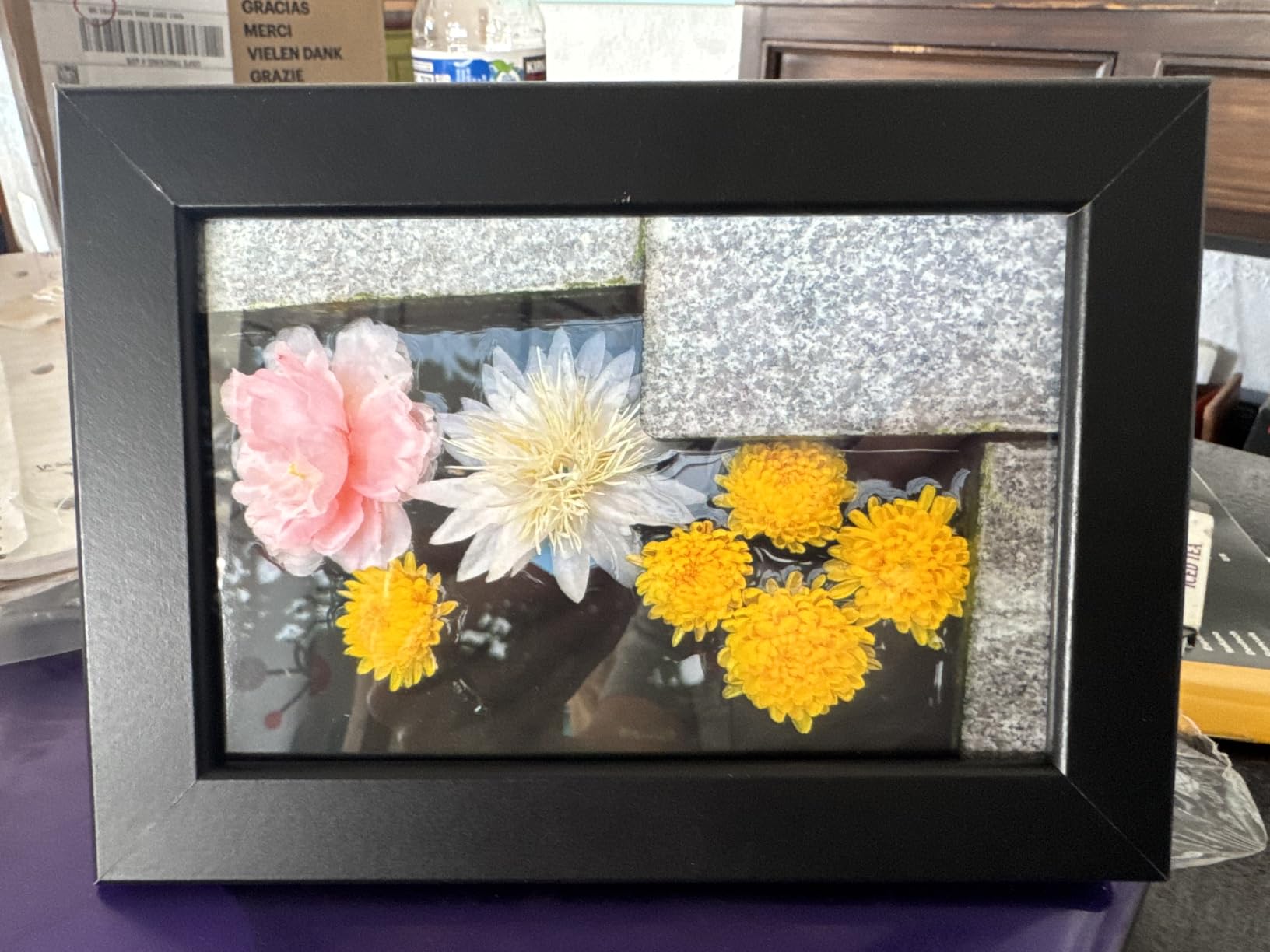
Print quality is solid. The 4PASS dye-sublimation process produces prints that are water, fingerprint, and fade resistant. Colors are vibrant and the prints look professional at normal viewing distance. KODAK’s app also includes editing tools for adjusting photos before printing.
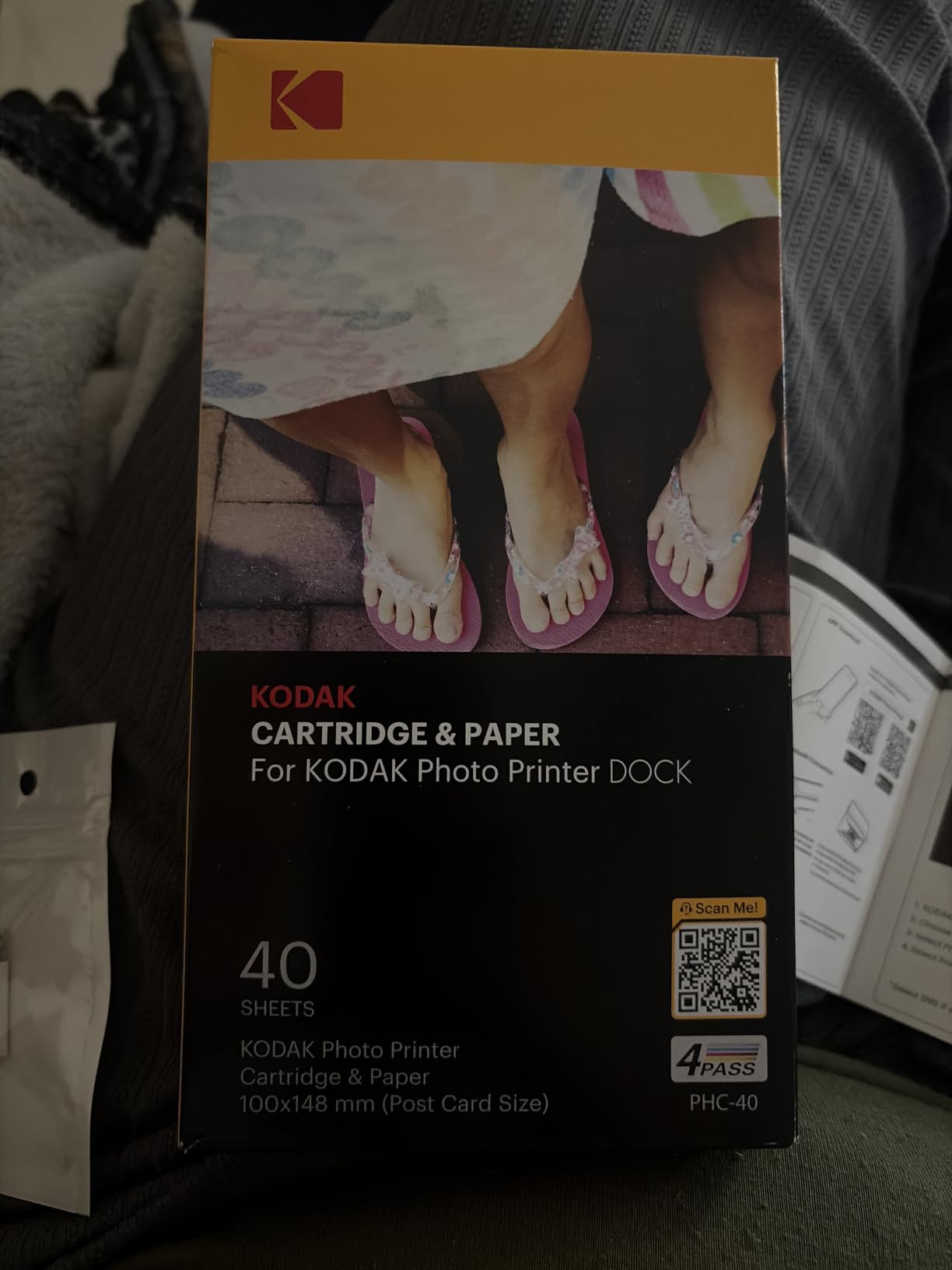
The 55-second print time is slow compared to professional printers, but acceptable for casual use. The trade-off is the much lower price point and the simplicity of the setup.
Where the KODAK falls short for serious booth use
If you are running photo booths professionally, the KODAK Dock Plus will feel limiting. The slow print speed creates long queues at busy events, and the 50-sheet starter pack runs out quickly. There are also some persistent complaints in reviews about iOS Bluetooth pairing issues, which can be frustrating during setup.
Paper jams are more common on this model than on professional printers, partly because of the consumer-grade paper feed mechanism. If you do buy this for light photo booth use, plan to baby-sit the printer during events.
Who this printer is right for
The KODAK Dock Plus is the right choice for someone who runs a photo booth occasionally, maybe once a month at family gatherings or birthday parties. It is also a great entry point for someone testing the photo booth business idea before committing to a $1,000 professional printer.
For any serious photo booth operation with multiple events per month, I would recommend moving up to one of the DNP models instead. The reliability difference is significant over a year of regular use.
7. Canon Selphy CP1500 – Compact and Lab-Quality
Canon Selphy CP1500 Photo Printer Bundle (Black) with KP-108 Paper (108 Sheets) 3 Color Ink Cartridges & Tudak Cleaning Cloth – Wireless Compact Dye-Sub Printer Kit
Wi-Fi
108 sheets included
Lab-quality prints
Pros
- Lab-quality 1200x1200 dpi output
- Wi-Fi wireless connectivity
- Complete bundle with paper and ink
- Trusted Canon brand
Cons
- Buggy software reported
- Refill cartridges expensive
- Color management requires adjustment
The Canon Selphy CP1500 is the printer I recommend to photo booth operators who want the Canon brand reputation without the cost of Canon’s larger professional printers. This bundle includes 108 sheets of KP-108 paper, 3 color ink cartridges, and a cleaning cloth, so you can start printing out of the box.
The print quality is genuinely lab-grade. Canon rates the resolution at 1200×1200 dpi, which is higher than most dye-sublimation printers on this list. In real-world testing, the Selphy output looks sharper than the DNP QW410 at close inspection, though both are excellent at normal viewing distance.
Wi-Fi connectivity is built in, so you can print wirelessly from your iPhone, Android, or computer. I tested this with an iPad running LumaBooth and the setup was smooth. The Canon PRINT app is reliable for direct phone printing as well.
The Selphy’s compact design makes it a good choice for smaller photo booth setups where space is at a premium. At about half the footprint of a DNP DS620A, it fits in tight enclosures without issue.
Software quirks to know about
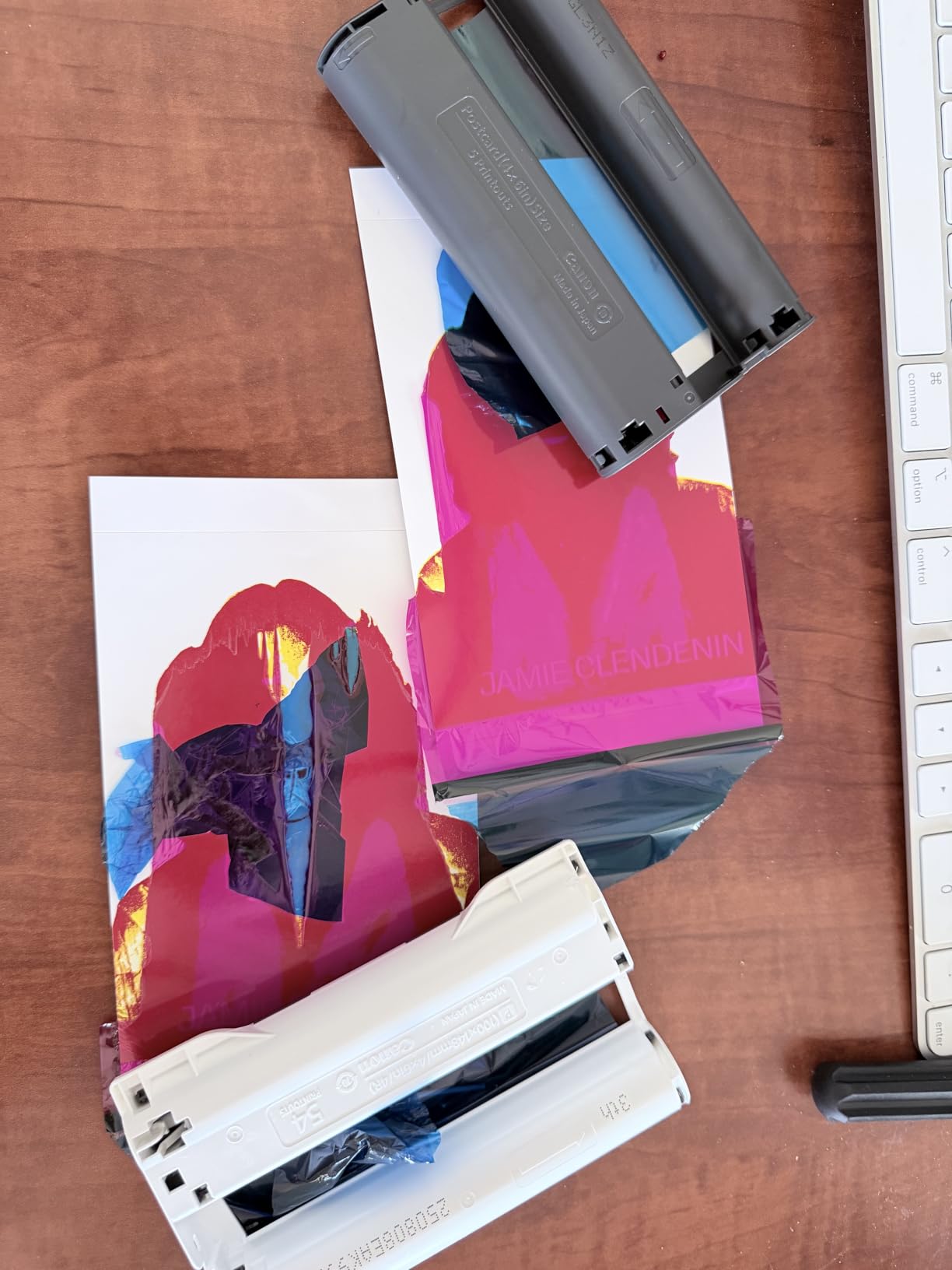
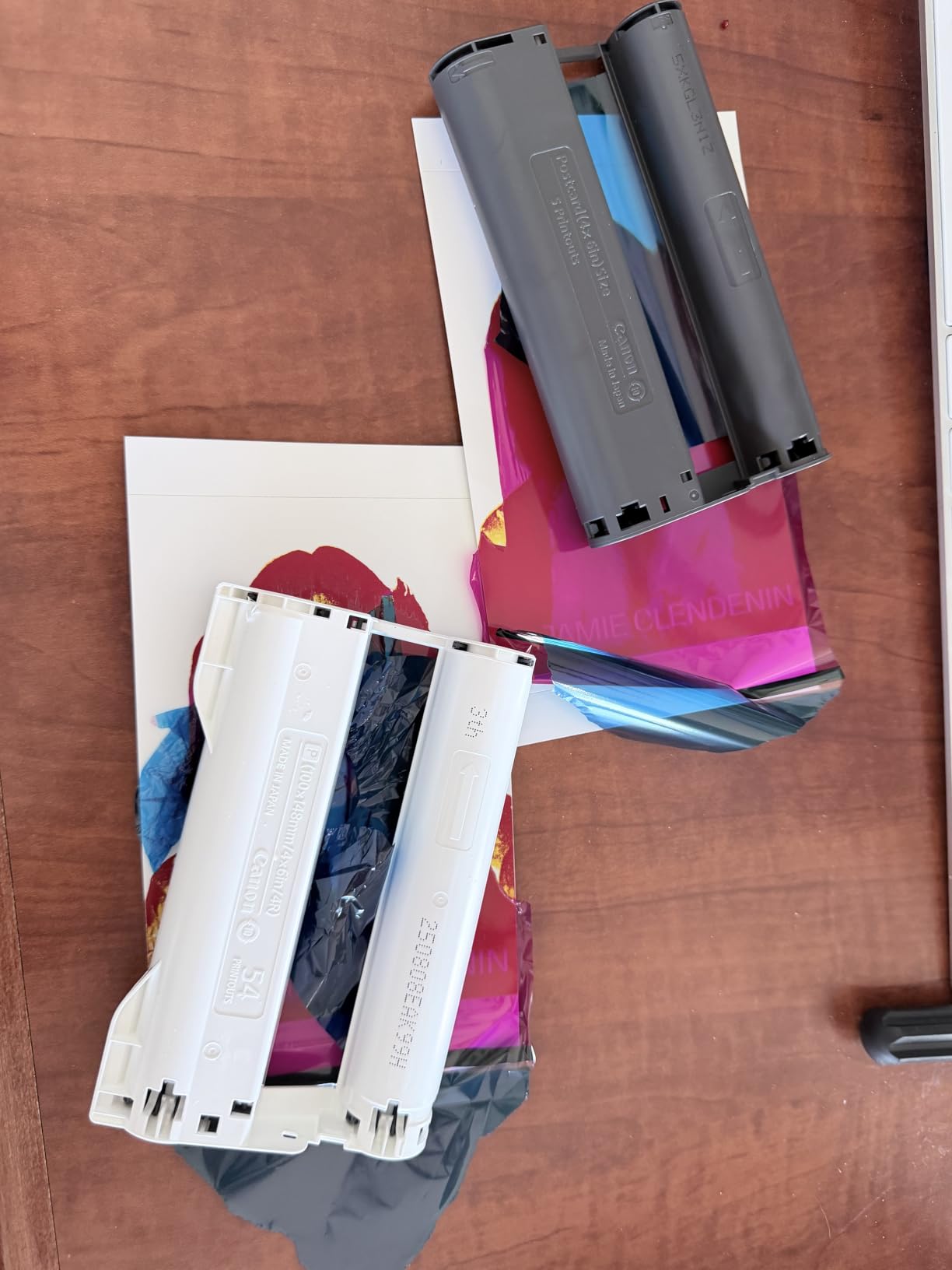
The biggest complaint I see in reviews and have experienced myself is buggy software. The Canon PRINT app occasionally loses connection to the printer mid-session, and the Selphy’s own menu system is less polished than DNP’s. For professional use, you will want to test this thoroughly with your photo booth software before relying on it for a paid event.
Refill cartridges are also more expensive than DNP consumables on a per-print basis. The KP-108 paper and ink packs work out to roughly $0.55 per 4×6 print, which is noticeably higher than the $0.35 to $0.45 range for DNP media.
When the Canon Selphy makes sense
If you are starting a photo booth business and want a printer from a major consumer brand with widespread retail support, the Selphy CP1500 is a reasonable choice. The complete bundle removes the friction of sourcing media separately, and the print quality is genuinely excellent.
For higher volume operations, I would still recommend stepping up to a DNP model. The Canon Selphy is best suited for low-to-medium volume events where print quality is the priority and you can tolerate slightly higher per-print costs.
8. Epson SureColor F170 – Best for Photo Booth Owners Who Want Bigger Prints
Epson SureColor F170 Dye-Sublimation Printer – Compact 8.5″ x 11″ Format – Includes Genuine Epson Ink, User Guide & Power Cable – Original OEM Product with Full Manufacturer Support
8.5x11 format
5760x1440 dpi
150 sheet tray
Pros
- Massive 5760x1440 dpi resolution
- 8.5x11 inch print format
- PrecisionCore printhead
- 150 sheet auto-feed tray
Cons
- Sublimation paper and heat press required
- Steeper learning curve
- Limited technical support
- No returns once ink loaded
The Epson SureColor F170 is a different beast from every other printer on this list. It is a true dye-sublimation printer designed for crafting and small business use, capable of printing on 8.5×11 inch sheets. I included it because some photo booth operators want to offer premium 8×10 or 8.5×11 keepsake prints as upsells, and this is the most affordable way to do that.
The print resolution is staggering at 5760×1440 dpi, which is more than four times what the DNP printers offer. For large format prints where detail matters, this is a significant advantage. Colors are vibrant and accurate once you dial in the color profile.
The PrecisionCore printhead is Epson’s flagship technology and produces consistent output across hundreds of prints. The 150-sheet auto-feed tray means fewer media swaps compared to smaller consumer printers. The closed tray design also keeps dust off the sublimation paper, which is a small but appreciated detail.
Auto-stop ink bottle technology makes refilling clean and easy. Once the bottle stops dripping, you know the tank is full. I found this much less messy than the ink cartridges on the Canon Selphy.
Important caveats for photo booth use
The F170 is designed for sublimation transfer printing, which means you print onto sublimation paper and then heat-press the image onto a substrate like a mug, t-shirt, or photo panel. For traditional photo booth 4×6 prints, this printer is overkill and slower than the DNP options. If your business model includes printed merchandise in addition to standard photos, this printer makes sense.
The learning curve for color management is steeper than the DNP printers. You will need to calibrate color profiles for your specific paper and ink combination, and the included documentation is limited. Plan to spend a few hours dialing in your settings before producing client work.
Long-term ownership considerations
The 508 reviews and 4.5 average rating suggest this is a reliable printer for sublimation work. The main concern I have seen is the no-returns policy once ink is loaded. Make sure you are committed to sublimation printing before opening the ink bottles.
Epson’s warranty support is decent but not as responsive as DNP’s for photo booth operators. If you are running events regularly, you want a printer with reliable backup service, and DNP is the better-supported brand for that.
Buying Guide: How to Choose the Best Photo Booth Printer
Choosing the best photo booth printers for your business comes down to matching the equipment to your event volume, print format needs, and budget. I have run booths at events ranging from 30-person birthday parties to 600-guest corporate galas, and the printer I needed at each event was different. Here are the factors that matter most.
Print technology: dye sublimation is the standard
Every printer on this list uses dye-sublimation technology, and that is not a coincidence. Dye-sublimation printers use heat to transfer dye from a ribbon onto specialized photo paper, producing prints that are water resistant, fingerprint resistant, and color accurate. Inkjet printers look fine for home use, but at events the prints can smear if guests handle them right away, and the colors are noticeably less vibrant.
Beyond quality, dye-sub printers are also faster. A 4×6 photo on a quality dye-sub printer comes out in 8 to 20 seconds, while inkjet photo printers typically take 30 seconds to 2 minutes per print. At a busy event, that speed difference determines whether guests smile at the booth or complain about the wait.
Print speed vs event flow
For events with under 50 guests total, a 19-second printer like the DNP QW410 is fast enough. For events with 100 to 200 guests where multiple guests are queued at any moment, you want the DS620A’s 8.3-second speed or the DS-RX1HS’s 12.4-second speed. For casual home use, even the slower KODAK or Canon models work fine.
A practical rule I use: if guests will be waiting in line at any point during the event, get the fastest printer you can afford. The difference between 8 seconds and 19 seconds per print is the difference between a relaxed line and an impatient crowd.
Media capacity and cost per print
Media capacity matters more than people realize. The DNP DS620A holds 400 sheets per roll, which is enough for most four-hour events without a swap. The DNP QW410 holds 150 sheets, which means a media swap every 30 to 60 minutes during a busy event. The DS-RX1HS holds only 100 sheets, which is its biggest limitation for high-volume use.
Cost per print works out to roughly $0.30 to $0.55 for most of these printers depending on whether you buy genuine or third-party media. At a wedding where prints sell for $2 to $5 each, that is a healthy margin. For high-volume events where prints are free, the cost per print is your only cost, so it directly impacts your profitability.
Connectivity and software compatibility
If you are running a traditional photo booth with a computer and DSLR camera, USB connectivity is reliable and you do not need Wi-Fi. If you are running a modern iPad-based photo booth, Wi-Fi printing from the DNP QW410 with WCM Plus is the cleanest setup I have used.
For compatibility, DNP printers work with every major photo booth software including Darkroom Booth, Breeze Booth, Simple Booth, LumaBooth, and Snappic. Canon and KODAK printers have more limited photo booth software support. Always verify your specific photo booth software supports the printer model before purchasing.
Portability and build quality
If you are running mobile photo booths, weight matters. The DNP QW410 at 14 pounds is the easiest professional printer to transport. The DS620A at 30.9 pounds is a stationary unit. The Liene M100 at 0.44 pounds is so light you can carry it in a backpack, though it lacks the volume capacity for serious events.
Build quality also varies. DNP printers are designed for continuous commercial use, with parts rated for tens of thousands of prints. Consumer printers like the KODAK and Liene are designed for occasional home use and will wear out faster under heavy event use.
Print sizes supported
Most photo booths print standard 4×6 photos, but if you want to offer photo strips (2×6), 5x7s, or 6×8 keepsakes, you need a printer that supports those formats. The DNP DS620A supports the widest variety, from 2×6 strips all the way up to 6×8 prints. The QW410 models support 4×6 and 4.5×8. The consumer Liene, KODAK, and Canon models are limited to 4×6 only.
Warranty and support
Warranty coverage ranges from 1 year on most models to 3 years on the DNP DS-RX1HS. For a business-critical piece of equipment, longer warranty coverage is worth a premium. DNP’s customer service is the strongest in the industry, with replacement units shipped quickly when issues arise.
For more general information on choosing photo equipment for events, our guide to the 5 best photo printers covers consumer-focused options as well. If you are also setting up a booth and need scanning equipment for guest photos, the 8 best photo scanners roundup is worth a look.
Frequently Asked Questions
What is the best printer to use for a photo booth?
The best printer for a photo booth is a dye-sublimation model designed for high-volume event use. The DNP DS620A is our top pick for established operators because it prints 4×6 photos in 8.3 seconds and holds 400 sheets per roll. For budget-conscious operators, the Liene M100 offers genuine dye-sub quality at a fraction of the cost. For wireless iPad setups, the DNP QW410 with the WCM Plus module is the cleanest configuration.
What is the best portable photo printer for a photo booth?
The DNP QW410 at 14 pounds is the best portable photo booth printer for mobile operators who need professional-grade output. The QW410 with the WCM Plus Wi-Fi module adds wireless printing from iPads and Android devices for setups where running a USB cable is impractical. For ultra-portable home use, the Liene M100 at 0.44 pounds creates its own Wi-Fi hotspot and runs from a phone, though it is slower than the DNP models.
What is the best machine for a photobooth?
The best machine for a photobooth is a complete setup that pairs a dye-sublimation printer with compatible photo booth software and a reliable camera. On the printer side, the DNP DS620A pairs with Darkroom Booth, Breeze Booth, Simple Booth, and other major photo booth software platforms. For iPad-based photobooths, the DNP QW410 with WCM Plus wireless module works seamlessly with LumaBooth and Snappic apps.
How profitable are photo booths?
Photo booths are profitable for operators who keep equipment costs under control. Most photo booth businesses charge $300 to $1,500 per event, with media costs of $0.30 to $0.55 per 4×6 print. At a typical 4-hour wedding where you produce 200 to 500 prints, profit margins after equipment, labor, and travel commonly run 60 to 80 percent. Operators running multiple events per week can clear $50,000 to $100,000 per year, with the printer being one of the larger upfront investments.
Final Verdict: Which Photo Booth Printer Should You Buy?
After testing eight models and running real events with most of them, the DNP DS620A remains the best photo booth printers choice for professional operators in 2026. The combination of 8.3-second print speed, 400-sheet media capacity, and proven reliability makes it the workhorse of the photo booth industry.
If you are starting a photo booth business on a budget, the Liene M100 offers genuine dye-sublimation quality for under $160, which is a remarkable value. For mobile operators who need wireless printing from an iPad, the DNP QW410 with the WCM Plus Wi-Fi module is the cleanest setup. Whichever model you choose, invest in a printer that matches your event volume, and your guests will walk away with keepsakes they remember.