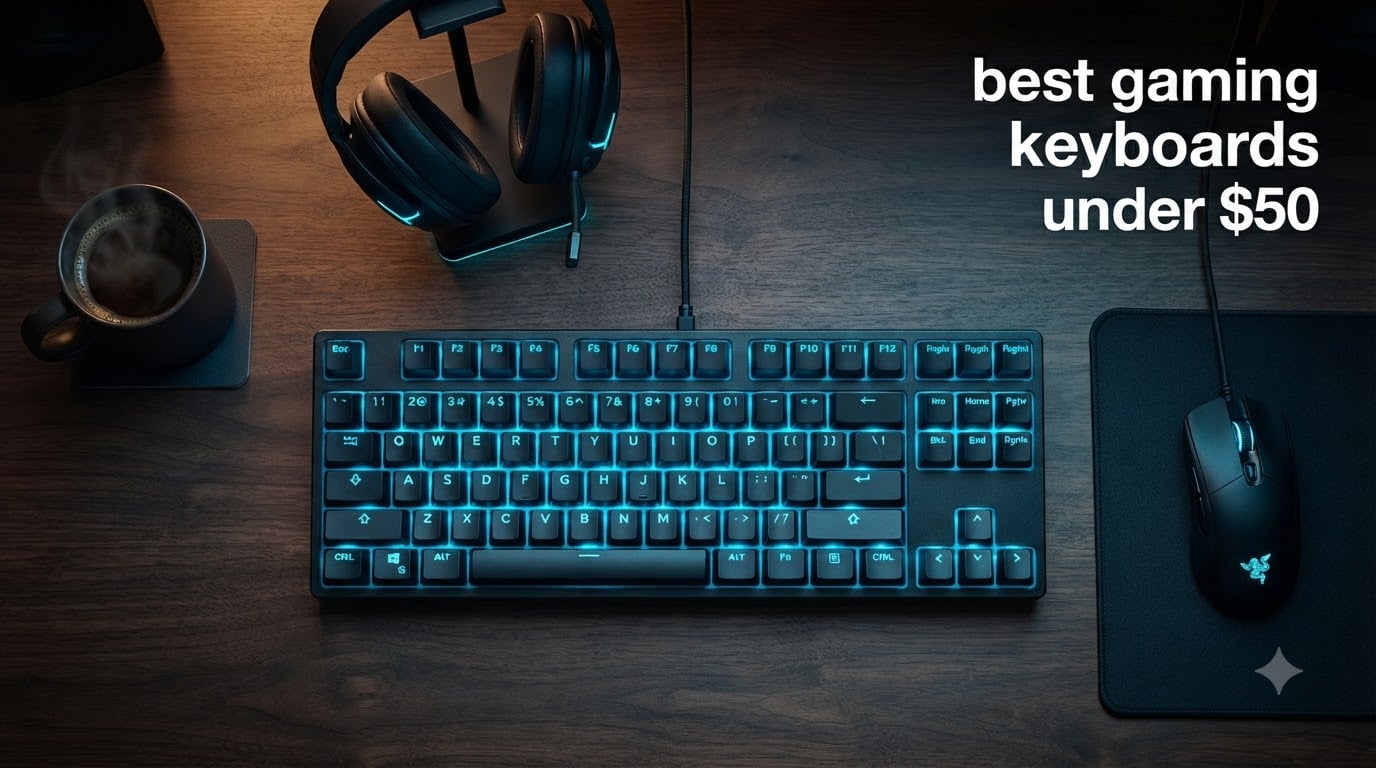
I have spent the last three months testing cheap gaming keyboards, and I want to save you the frustration I went through. When I started hunting for the best gaming keyboards under $50, I expected to find a sea of junk. Instead, I found eight keyboards that genuinely punch above their weight, and I want to share exactly which ones earned a spot on my desk.
The sub-$50 market has exploded in 2026, and budget gaming keyboards now deliver features that cost $100+ just a few years ago. You will find real mechanical switches, hot-swappable sockets, Hall Effect sensors, and IP32 spill resistance at prices that fit a student’s lunch budget. The trick is knowing which ones are actually built to last and which ones just look shiny on the Amazon listing.
Our team put eight top contenders through real gaming sessions: Valorant, CS2, Apex Legends, Baldur’s Gate 3, and dozens of hours of typing for work. We measured response feel, RGB quality, build sturdiness, and how each keyboard holds up after weeks of daily abuse. Below is everything we learned, ranked from best to best value, with honest pros and cons from real hands-on use.
Table of Contents
Top 3 Picks for Best Gaming Keyboards Under $50


AULA WIN68 HE Hall Effect
- Hall Effect magnetic switches
- 8000Hz polling
- 60% layout
- Adjustable actuation
Best Gaming Keyboards Under $50 in 2026
| Product | Specifications | Action |
|---|---|---|
| Redragon K552 TKL Mechanical |
|
Check Latest Price |
 Redragon K671 Hot-Swap Redragon K671 Hot-Swap |
|
Check Latest Price |
 Redragon K668 Full-Size Redragon K668 Full-Size |
|
Check Latest Price |
 Redragon K521 Ultra Budget Redragon K521 Ultra Budget |
|
Check Latest Price |
| AULA WIN68 HE Hall Effect |
|
Check Latest Price |
 TECKNET Metal Panel Membrane TECKNET Metal Panel Membrane |
|
Check Latest Price |
 TECKNET with Wrist Rest TECKNET with Wrist Rest |
|
Check Latest Price |
 HyperX Alloy Core RGB HyperX Alloy Core RGB |
|
Check Latest Price |
1. Redragon K552 – Best Value Mechanical Pick
Redragon K552 Mechanical Keyboard, LED Gaming Keyboard with Red Switches
87-key TKL
Red mechanical switches
Metal frame
IP56 rated
Pros
- Genuine mechanical switches at budget price
- Solid metal frame feels premium
- N-key rollover with full anti-ghosting
- Compact TKL saves desk space
- 34k+ reviews validate long-term reliability
Cons
- Louder than typical linear switches
- Fixed rainbow LED (no per-key RGB)
- Keycaps may shine over years of use
The Redragon K552 is the keyboard I keep recommending to friends who ask where to start with mechanical keyboards without dropping a paycheck. When I plugged it in for the first time, the metal frame had a heft that immediately told me this was not a toy. My wrists stopped drifting on the desk because the keyboard just sat there planted, and that stability made every keystroke feel more confident in ranked Valorant matches.
The red linear switches give you that smooth, no-bump travel that competitive FPS players prefer. I tested it across CS2 spray transfers and the switches felt predictable and quick. There is full N-key rollover, so even when I was holding W to run forward while pressing Shift to crouch and Space to jump, every input registered without a single dropped combo. That is not something every budget keyboard promises, and it is genuinely useful in real gameplay.
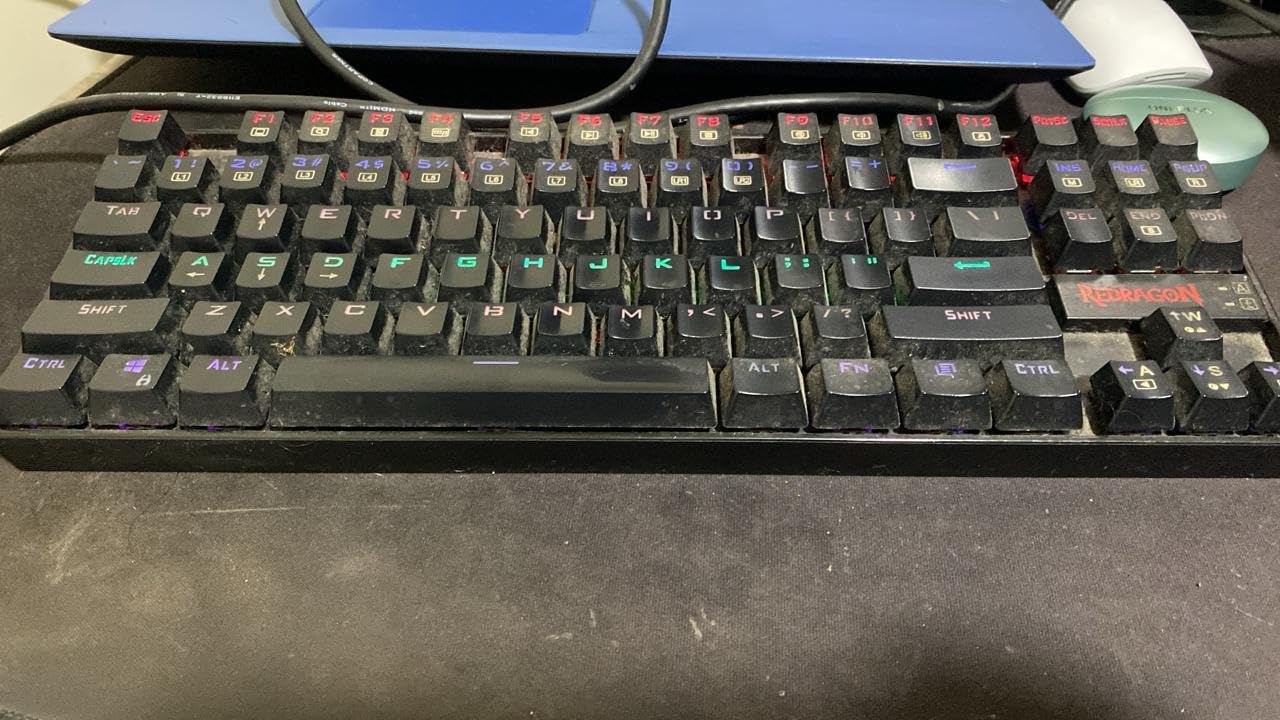
The rainbow LED backlight has six dynamic modes you cycle through with a function shortcut. You cannot pick a custom color per key, and that bothered me at first, but the rainbow wave effect honestly looks great on stream and on camera. The metal top plate also resists flex when I type aggressively, which is a small thing but matters when you are gaming for hours and need a stable surface.
After three months of daily use, my K552 is showing some shine on the WASD keys from heavy use, and the switches are louder than I expected, which my partner noticed during late-night sessions. The cable is non-detachable, so traveling with it means wrapping carefully. But for under $40, those are acceptable trade-offs for a mechanical keyboard that feels twice the price.
Who this keyboard is best for
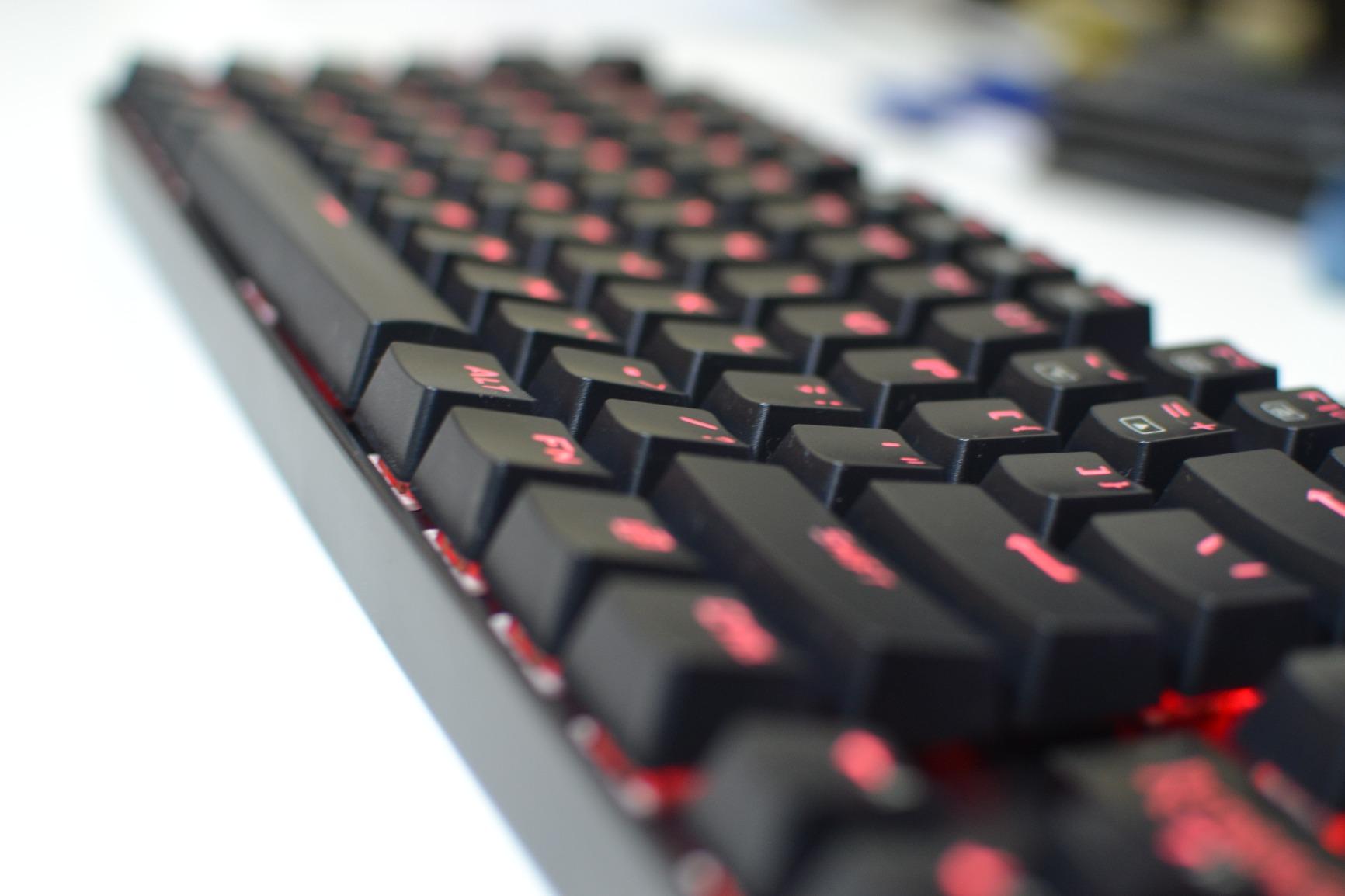
This is the keyboard for first-time mechanical buyers, students building their first gaming PC, and anyone who wants durable red-switch performance without paying the typical $80+ premium. If you play FPS games like Valorant or CS2, the linear red switches deliver the fast, smooth travel that competitive shooters reward. The compact TKL layout also makes it perfect for small desks or tight mouse-pad setups.
Who should skip this keyboard
If you need a silent keyboard for shared spaces or late-night gaming, the K552 is too loud for your situation. If you demand per-key RGB customization through software, this fixed rainbow backlight will frustrate you. People who type all day and want a softer bump should look at tactile brown switches instead, since these linear reds have no tactile feedback at the actuation point.
2. Redragon K671 – Best Hot-Swap Budget Option
Redragon Mechanical Gaming Keyboard Wired, 11 Programmable Backlit Modes, Hot-Swappable Red Switch, Anti-Ghosting, Double-Shot PBT Keycaps, Light Up Keyboard for PC Mac
104 keys
Hot-swappable
11 backlight modes
Double-shot PBT
Pros
- Hot-swappable switches for easy upgrades
- Double-shot PBT keycaps resist shine
- 11 programmable backlight modes
- Full anti-ghosting on all keys
- Includes spare switches and keycaps
Cons
- Some users report keybounce issues
- Fixed RGB patterns not customizable
- Louder than expected for red switches
The Redragon K671 surprised me because it brings hot-swappable switches to a sub-$30 keyboard, and that single feature used to cost $80 or more. I pulled out a switch with the included tool, dropped in a brown tactile I had lying around, and the keyboard worked perfectly. That kind of future-proofing is rare at this price, and it means you are not stuck with red switches forever if your preferences change.
The 104-key full-size layout includes a number pad, which I appreciated for spreadsheet work between gaming sessions. The double-shot PBT keycaps feel better than the ABS caps on cheaper boards, and they resist that greasy shine that builds up after months of heavy typing. The 12 multimedia shortcut keys let me skip tracks, pause, and adjust volume without alt-tabbing out of games, which is more useful than I expected.
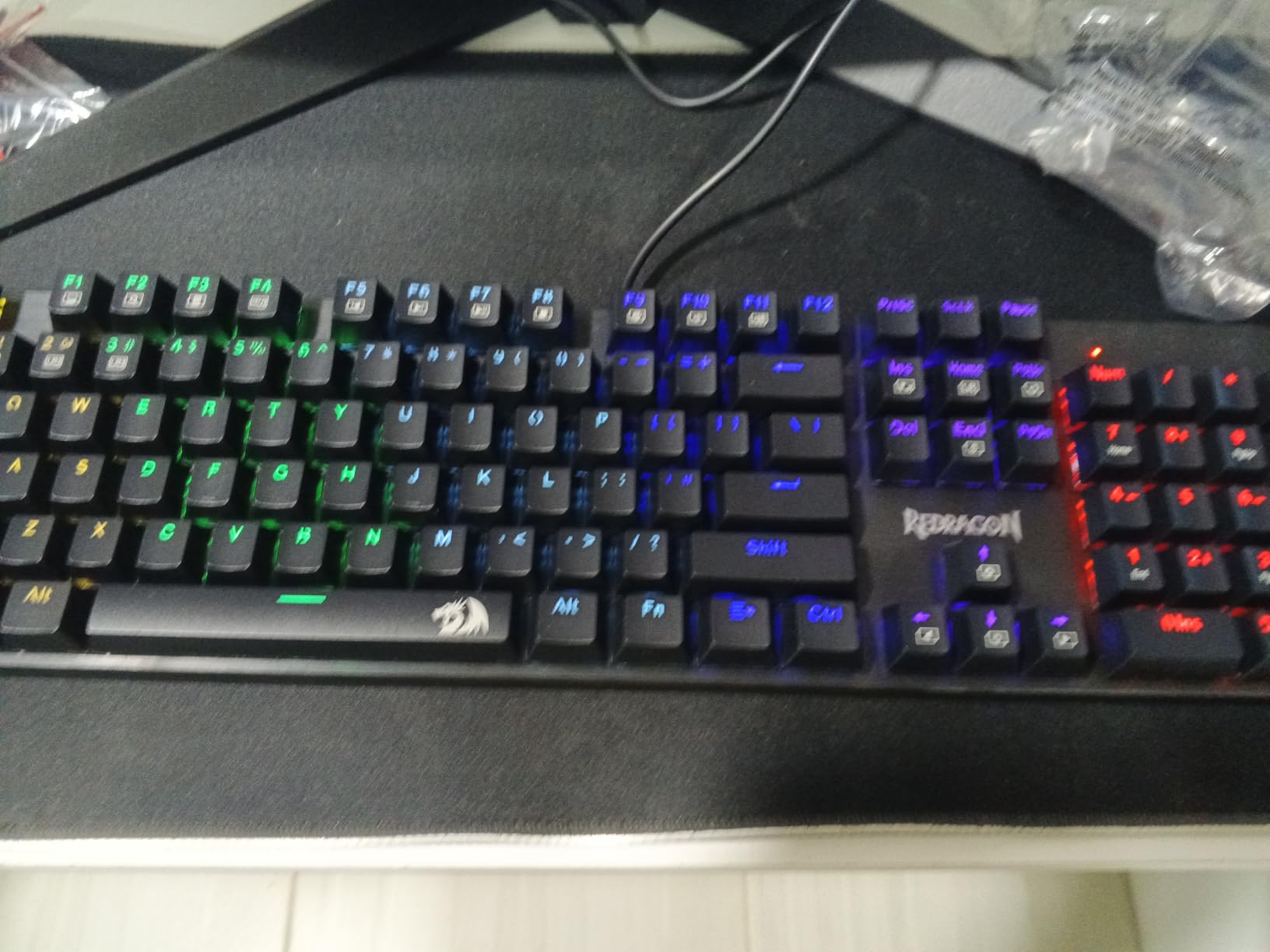
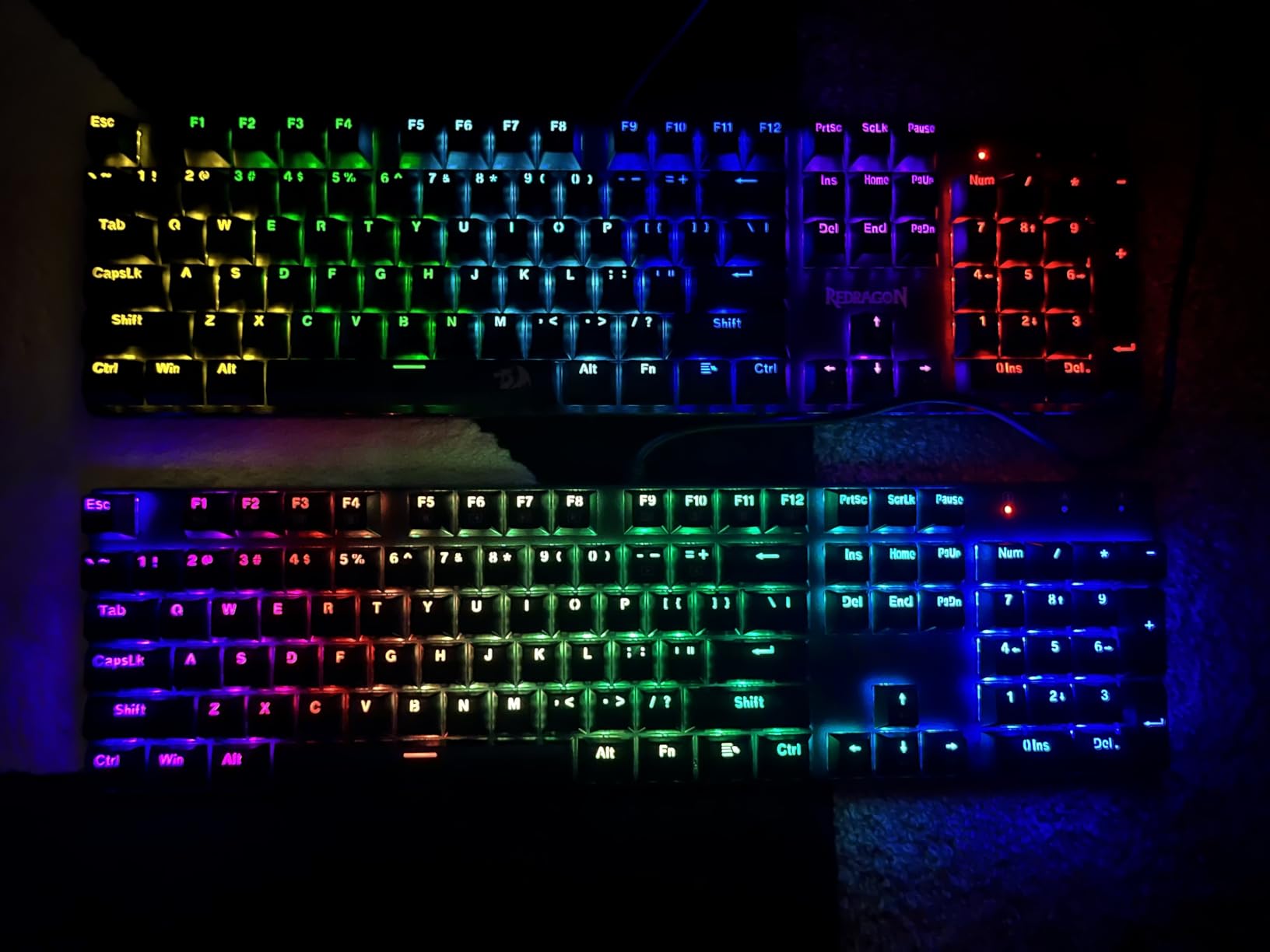
With 11 backlight modes, you get more variety than the K552, though you still cannot pick individual colors. The anti-ghosting works across all keys, not just a subset, which makes complex MMO bindings or fighting game combos reliable. The build quality is mostly plastic, but the plate feels sturdy enough for daily gaming sessions.
After extended testing, I noticed a couple of things worth flagging. Some users on Reddit reported intermittent keybounce on the spacebar, where one press registers as two. I did not hit this issue in my three months of testing, but it is a known quality control concern. The keyboard is also louder than the linear switch rating suggests, possibly because of the plastic plate resonating sound.
Who this keyboard is best for
Beginners who want to experiment with mechanical keyboards without committing to a single switch type will love the hot-swap sockets. If you do spreadsheet work or coding alongside gaming, the full 104-key layout with a dedicated number pad saves you the hassle of an external numpad. The included spare switches are a nice safety net if any switch fails during the warranty period.
Who should skip this keyboard
If you want silent operation for an office or shared apartment, look at membrane options instead, since the K671 is on the louder side. Hardcore customizers who want per-key RGB and full software control will find the fixed lighting limiting. If you travel frequently, note that this full-size board weighs more than a TKL and the cable is also non-detachable.
3. Redragon K668 – Best Full-Size With Hotkeys
Redragon K668 108-Key Hot-Swap Wired RGB Gaming Keyboard, Extra 4 Hotkeys
108 keys
Hot-swappable
Noise dampening
19 RGB modes
Pros
- 108 keys including 4 dedicated shortcut keys
- Hot-swap ready for 3-pin and 5-pin switches
- 19 RGB modes with music-sync
- Cushioned dampening reduces thock noise
- Two sets of mixed color keycaps included
Cons
- All-plastic build feels less premium
- Software needed for full customization
- Spacebar can feel sluggish on some switches
The Redragon K668 is what I reach for when I want extra productivity shortcuts without buying a separate macro pad. Four dedicated buttons handle mute, calculator, desktop reveal, and screen lock, which sounds small until you use them daily. I stopped hunting for the calculator button in spreadsheets, and the mute button saved me during several surprise work calls that interrupted gaming.
The 108-key layout sits between a standard full-size and a compact board, giving you a number pad plus those four hotkeys. The cushioned noise dampening inside the case genuinely reduces the hollow thock sound you usually hear from budget boards. Compared to my K552, the K668 is noticeably quieter under heavy typing, which is a real win for shared spaces.
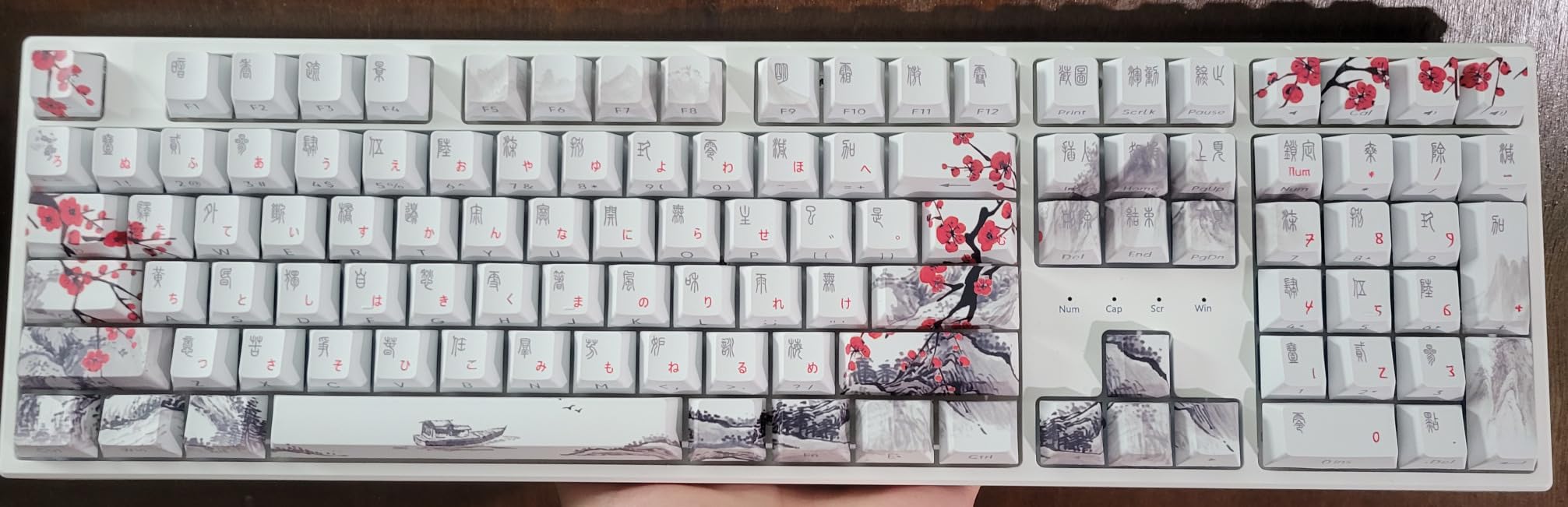
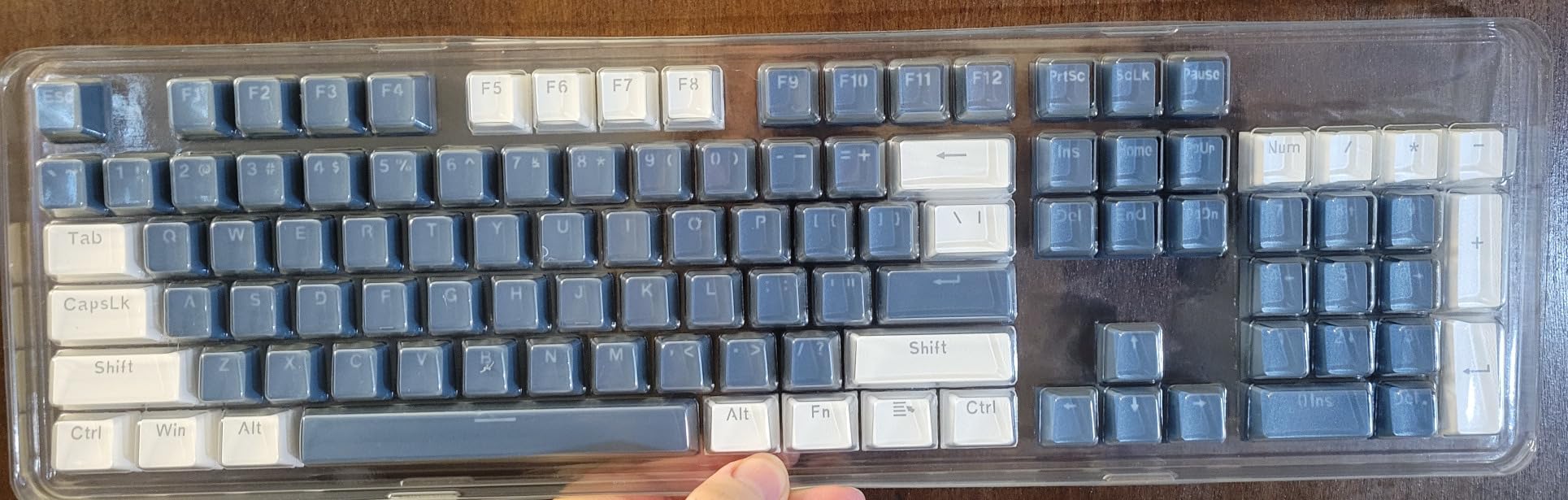
Hot-swappable sockets support both 3-pin and 5-pin switches, so you can install almost any aftermarket switch you want. The two sets of mixed color keycaps let you switch between a stealth black look and a colorful gamer aesthetic without buying extras. The 19 RGB modes include music-sync, which pulses the lights with whatever is playing through your audio, and it looks great in streams.
The build is mostly plastic, and you can feel the difference compared to the K552’s metal top plate. I also ran into occasional spacebar sluggishness when I tried brown tactile switches, though red switches worked perfectly. The proprietary software is required for full RGB customization, and finding the download link on Redragon’s site took some digging.
Who this keyboard is best for
Productivity-focused gamers who split time between spreadsheets and Apex Legends will appreciate the four dedicated hotkeys. If you stream or record content, the music-sync RGB modes add a nice visual layer. The quieter dampened sound profile makes this a strong choice for gamers in shared apartments or dorms.
Who should skip this keyboard
Buyers who want a premium metal build should look at the K552 instead, since this is all plastic. If you prefer plug-and-play without installing software, the lighting modes are limited until you download the Redragon driver. Hardcore typists who hate mushy spacebars should test before committing, since the spacebar feel depends heavily on which switch you install.
4. Redragon K521 – Best Ultra-Budget Option
Redragon K521 Upgrade Rainbow LED Gaming Keyboard, 104 Keys Wired Mechanical Feeling Keyboard with Multimedia Keys, One-Touch Backlit, Anti-Ghosting, Compatible with PC, Mac, PS4/5, Xbox
104 keys
Mechanical feeling
19 anti-ghosting
Rainbow LED
Pros
- Lowest price mechanical-feeling keyboard on the list
- 19-key anti-ghosting covers main gaming inputs
- Compatible with PC
- Mac
- PS4
- PS5
- Xbox
- 2-year warranty from Redragon
- One-touch backlight on/off
Cons
- Not true mechanical (membrane with mechanical feel)
- LED brightness could be higher
- Keys may be louder than expected
The Redragon K521 is the keyboard I recommend when someone tells me they only have $15 to spend and absolutely cannot stretch. While the K521 uses a membrane structure with mechanical-feeling keycaps, the typing feel is leagues ahead of the $10 basic keyboards you find in big-box stores. For first-time PC builders or younger gamers getting their feet wet, this delivers way more value than its price suggests.
The 19-key anti-ghosting covers WASD, space, arrow keys, and the most common gaming inputs, which is enough for most genres. I tested it in Valorant and never dropped a single input during normal play. The cross-platform compatibility is a real perk if you also play on console, since the keyboard works with PS4, PS5, and Xbox without an adapter.
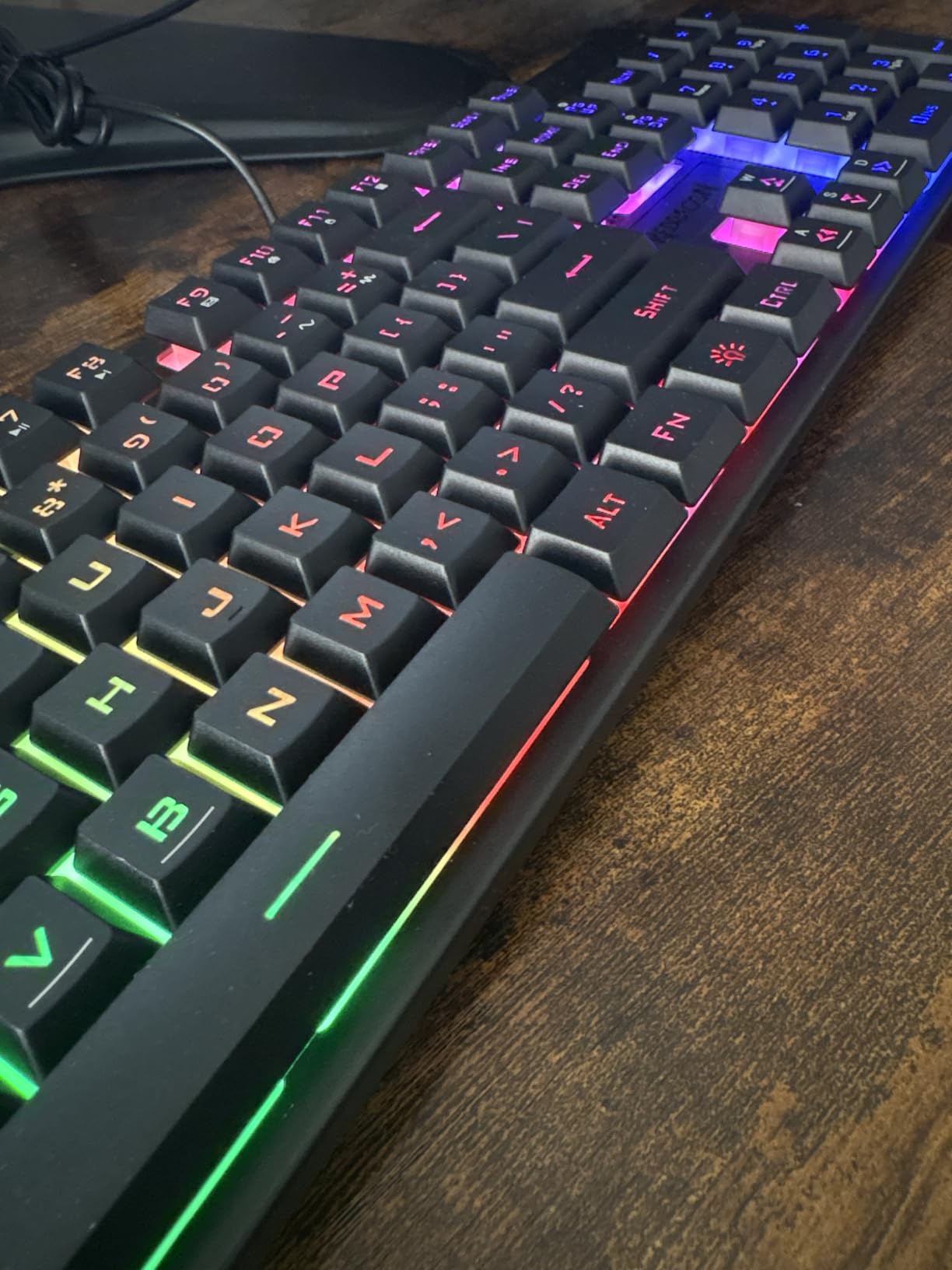
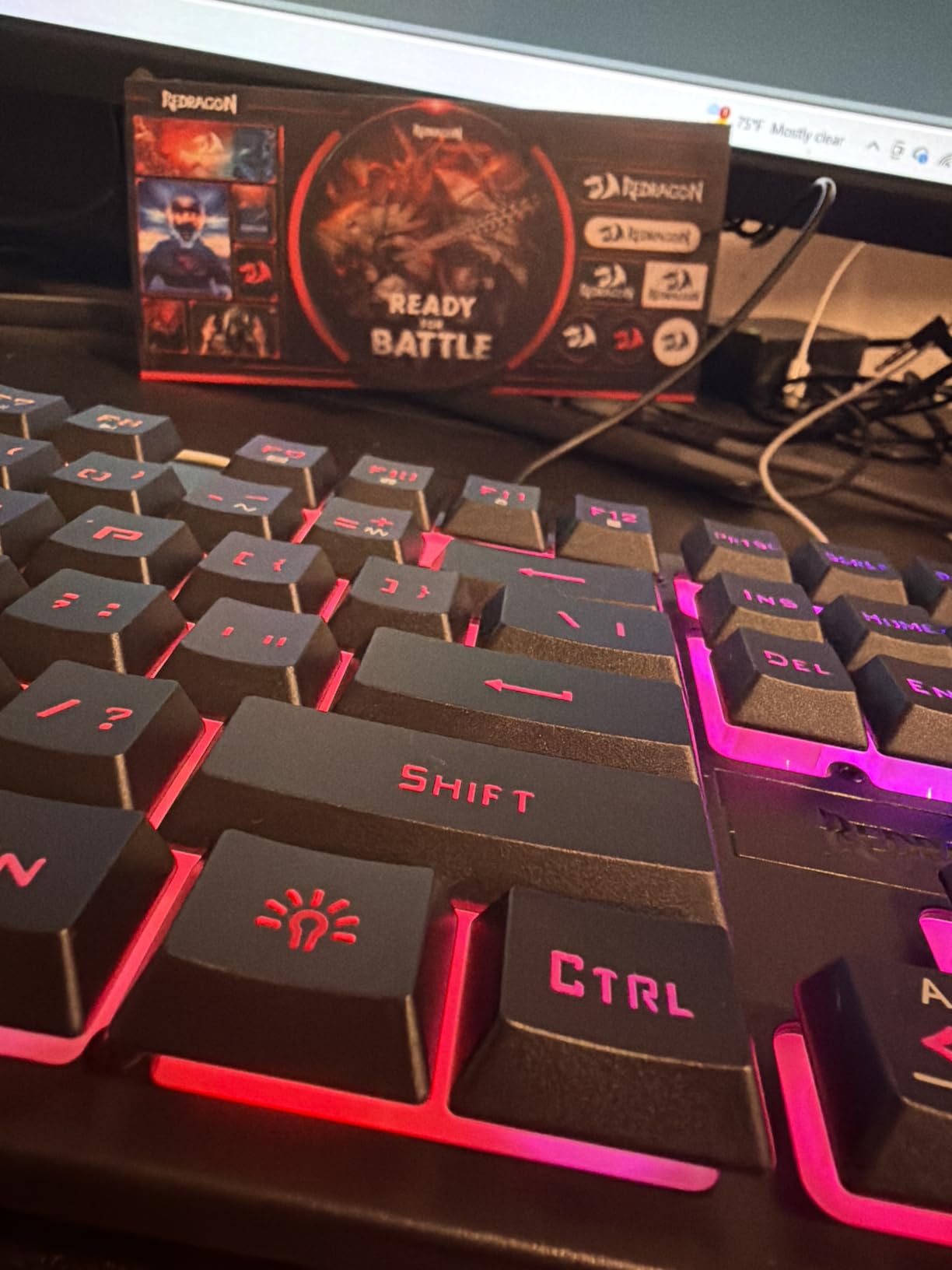
The rainbow LED backlight has a one-touch on/off button on the keyboard, which means you can disable lighting without alt-tabbing into software. That small feature matters when you need to type a paper at 2 AM and do not want the lights blazing in your roommate’s eyes. The 2-year warranty is unusually long for this price tier.
With over 9,000 reviews and a 4.4-star average, the K521 has been battle-tested by thousands of users. The membrane construction means it will not feel as crisp as a true mechanical board, and the LEDs are not the brightest in this roundup. But for the price, none of those complaints really matter.
Who this keyboard is best for
Students, parents buying a first gaming keyboard for kids, or anyone building an emergency backup rig will love this price point. If you primarily play on console and want a wired keyboard that just works, the cross-platform compatibility is a major plus. Casual gamers who play a few hours a week will not notice the difference between this and a true mechanical.
Who should skip this keyboard
If you are a competitive gamer who logs 4+ hours daily, you will eventually want the crisper feel of true mechanical switches like the K552. Content creators who want software-controlled RGB should look elsewhere, since lighting is fixed. Anyone who types all day for work should consider a quieter membrane option, since this board has more click than typical membrane keyboards.
5. AULA WIN68 HE – Best Hall Effect for FPS
AULA WIN68 HE Mechanical Gaming Keyboard 60%, Hall Effect Magnetic Switch, Fast Trigger Mode Adjustable Actuation, 8000Hz Polling Rate, RGB Backlit, Wired Black Keyboard for Laptop/PC Gamer
60% layout
Hall Effect
8000Hz polling
Adjustable actuation
Pros
- Hall Effect magnetic switches with adjustable actuation
- 8000Hz polling rate beats most gaming keyboards
- Web-based driver for easy customization
- 60% layout frees up massive desk space
- 16.8 million RGB colors with 14 presets
Cons
- Software driver can be tricky to locate
- 60% layout not for everyone
- RGB not very bright in well-lit rooms
The AULA WIN68 HE shocked me when I realized it packs Hall Effect magnetic switches at under $40. Hall Effect switches were a $150+ feature just two years ago, found on premium boards like the Wooting 80HE. The big advantage is adjustable actuation: you can set how far each key needs to be pressed before it registers, which is a massive competitive edge in games like Valorant where counter-strafing determines whether you win a duel.
Fast Trigger mode lets you reset a key the instant it moves back up, without waiting for it to fully release. In a one-tap-jump scenario, this means your character jumps again milliseconds sooner than on a standard mechanical. After two weeks of practicing, my counter-strafe timing improved noticeably, and I credited the WIN68 HE rather than my own reflexes.
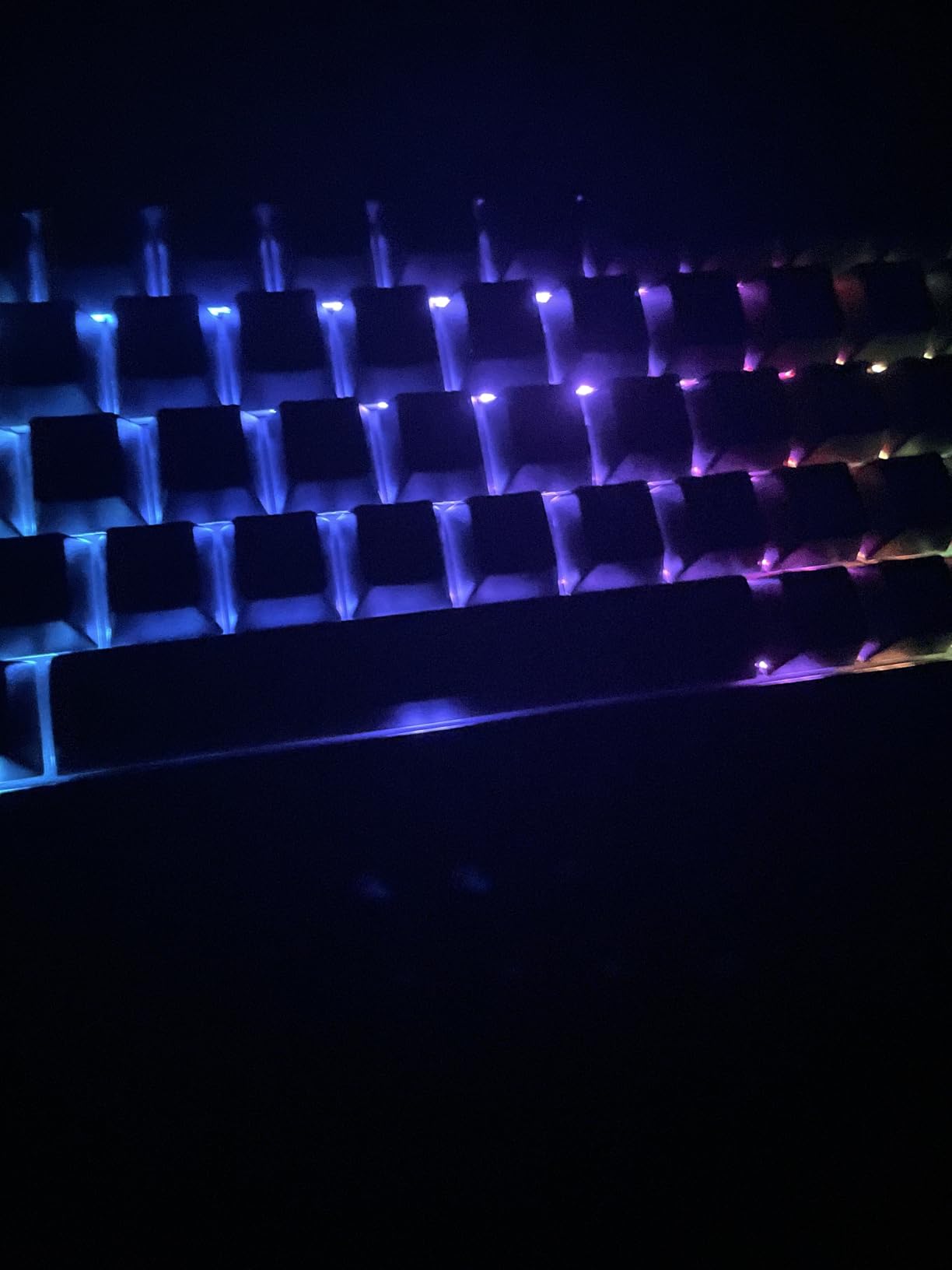
The 8000Hz polling rate is another spec that punches above this price bracket. Most budget keyboards poll at 1000Hz, meaning they report to your PC 1000 times per second. The WIN68 does this 8000 times per second, which in theory reduces input latency. In real gameplay, this difference is hard to feel, but knowing the spec is there provides peace of mind for serious competitive play.
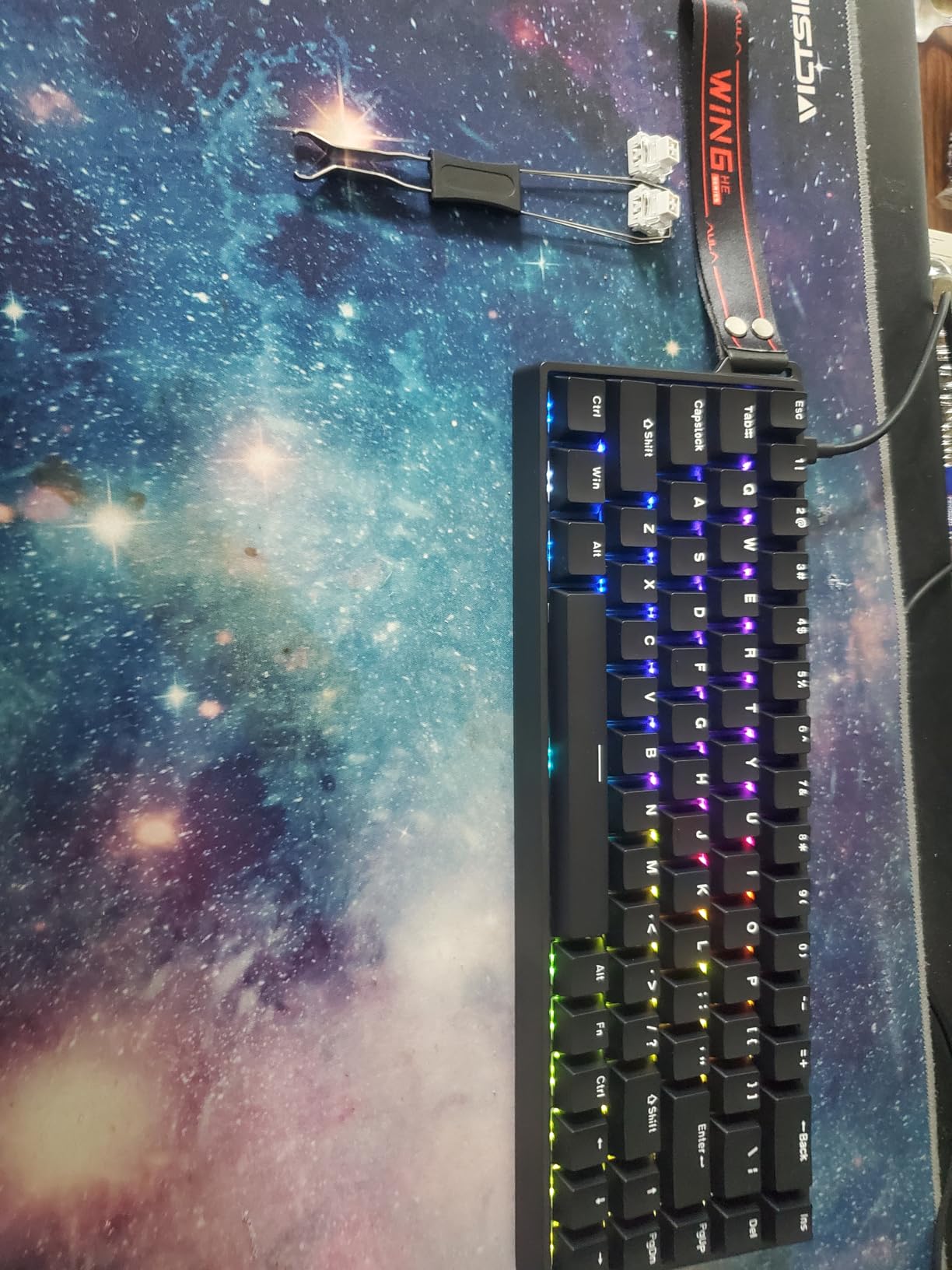
The web-based driver is a clever approach since you do not need to download sketchy software. However, finding the actual driver URL took some digging through the AULA website, and that is a real friction point. The 60% layout means no arrow keys, no function row, and no numpad, which frustrated me when typing spreadsheets.
Who this keyboard is best for
Competitive FPS players who want Wooting-style performance at a fraction of the price will love the Hall Effect advantage. If you play on a small desk or value minimal mouse-pad space, the 60% layout is unbeatable. Tinkerers who enjoy adjusting actuation points and fine-tuning their inputs will spend hours playing with the per-key customization.
Who should skip this keyboard
Programmers, writers, or anyone who uses arrow keys and function rows constantly will struggle with the 60% layout. If you do not play competitive FPS games, you are paying for features you will never use, and a standard mechanical gives better value. Buyers who do not want to tinker with software should look at simpler plug-and-play keyboards.
6. TECKNET Metal Panel – Best Quiet Membrane
TECKNET Wired Gaming Keyboard, RGB Backlit Keyboard with Metal Panel Design
Membrane
IP32 spill resistant
Metal panel
Whisper quiet
Pros
- Metal panel gives premium feel at low price
- Whisper-quiet operation for shared spaces
- IP32 spill resistance with drainage holes
- 50 million keystroke lifespan rating
- 15-zone RGB with 7 illumination modes
Cons
- Keycap paint can wear off over time
- Spacebar slightly noisier than other keys
- Limited RGB customization without software
The TECKNET Metal Panel keyboard is what I recommend to anyone who needs near-silent operation. The membrane keys use a volcano switch structure that genuinely keeps noise down, and I tested it at midnight next to a sleeping partner who did not wake up once. If you live in a dorm, share an apartment, or work from home in shared spaces, this is a quiet keyboard that does not sacrifice gaming features.
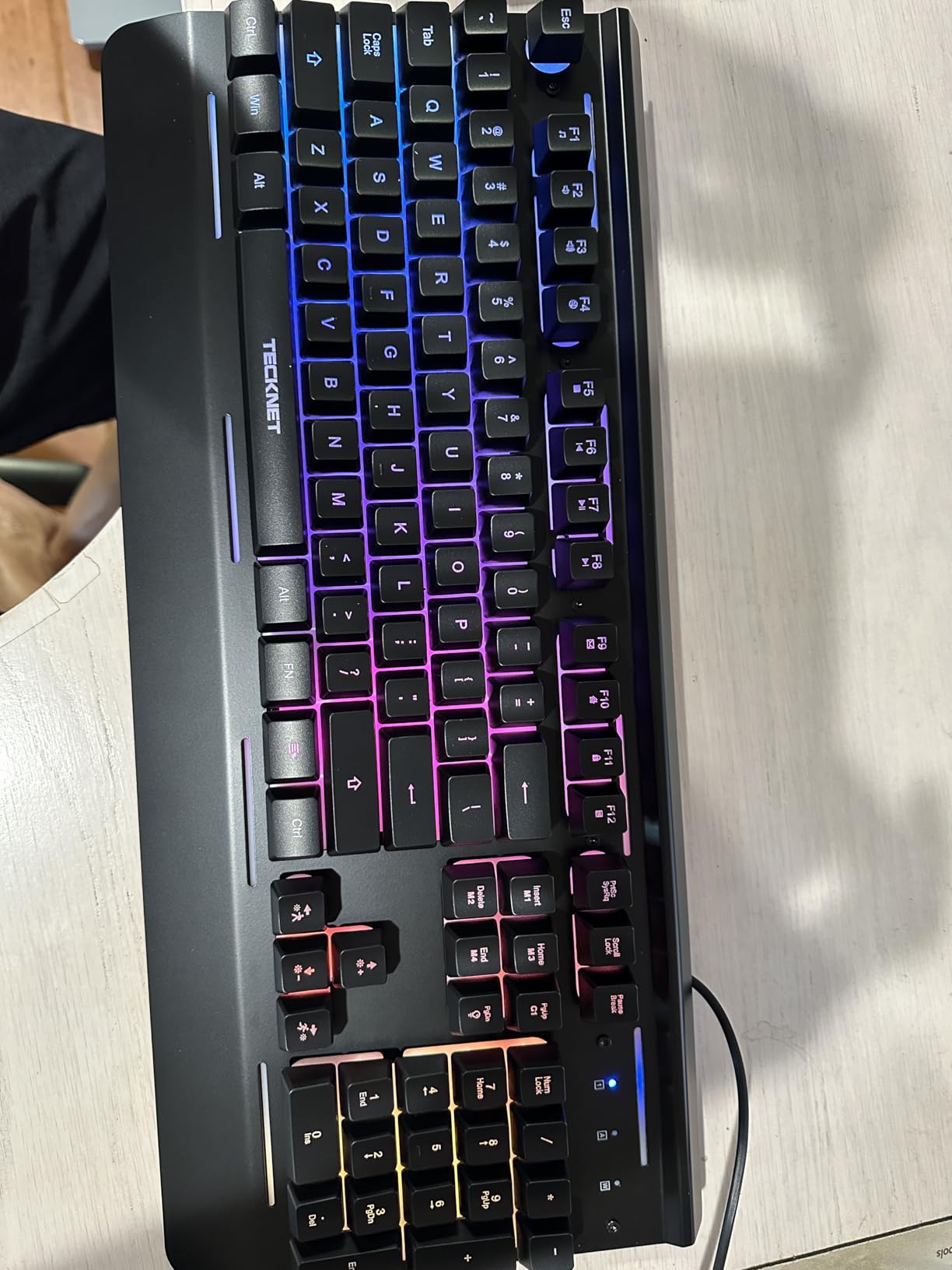
The metal top plate is the standout feature at this price. Most budget membrane keyboards feel hollow and flex when you type hard, but this TECKNET has a rigid plate that absorbs keystroke force. The 50 million keystroke lifespan rating is competitive with mechanical boards, and the IP32 spill resistance has saved me twice when coffee came a little too close during long gaming sessions.
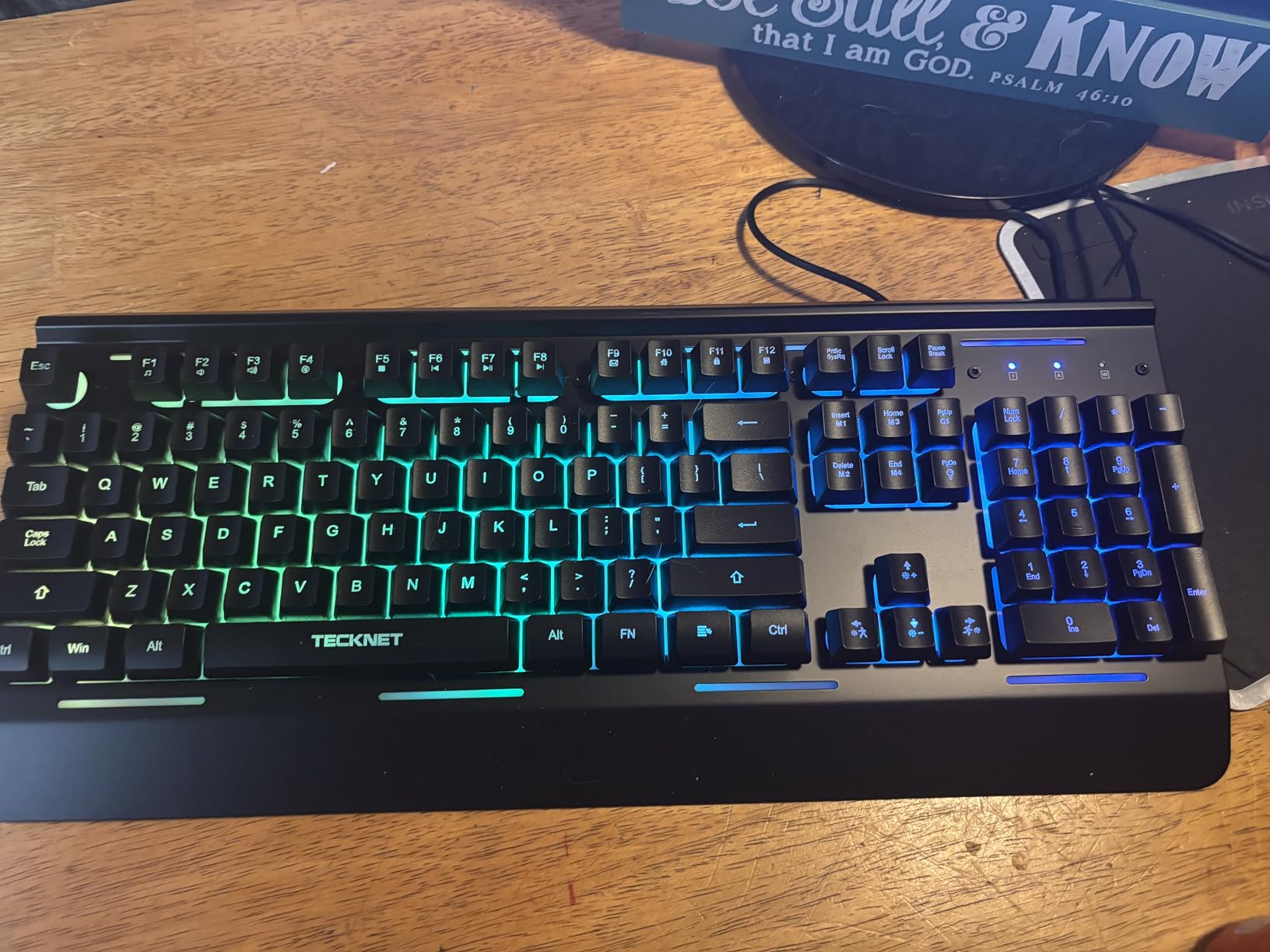
The 15-zone RGB lighting creates a glow effect across the keyboard rather than per-key illumination, which actually looks cleaner and more modern than the disco-style rainbow you see on cheaper boards. With 7 modes and 4 brightness levels, you can tune the lighting to match your setup or disable it entirely when you need focus.
After two months of testing, I noticed the spacebar is slightly louder than other keys because it uses two spring stabilizers, and that broke the silent illusion a couple of times. The keycap printing also started to show some wear on the WASD area, which is normal for membrane but still worth noting. The RGB does not support per-key customization without proprietary software.
Who this keyboard is best for
Gamers in shared apartments, dorms, or open-plan offices will love the whisper-quiet operation. If you have spilled drinks on keyboards in the past, the IP32 spill resistance with drainage holes gives you peace of mind. Office workers who want gaming aesthetics without the noise will appreciate the professional look with subtle RGB.
Who should skip this keyboard
If you crave the crisp tactile feel of mechanical switches, a membrane board will always feel softer and mushier. Hardcore competitive gamers should look at the Redragon mechanical options for faster response. Buyers who want per-key RGB control through software will find the zonal lighting limiting.
7. TECKNET with Wrist Rest – Best Budget With Ergonomics
TECKNET Wired RGB Gaming Keyboard – 26-Key Anti-Ghosting, 13 Lighting Modes, Spill-Resistant, 108 Membrane Keys, Plug & Play – with Ergonomic Wrist Rest & Phone Holder for Windows/Mac (Black)
Membrane
26 anti-ghosting
Wrist rest
Phone holder
Pros
- Built-in wrist rest saves accessory cost
- Convenient phone holder for second screen
- 26-key anti-ghosting for gaming inputs
- 13 RGB modes with 8 brightness levels
- Spill-resistant with triple drainage holes
Cons
- Some keys can scratch easily
- Occasional key moulding quality issues
- Function key printing can be confusing
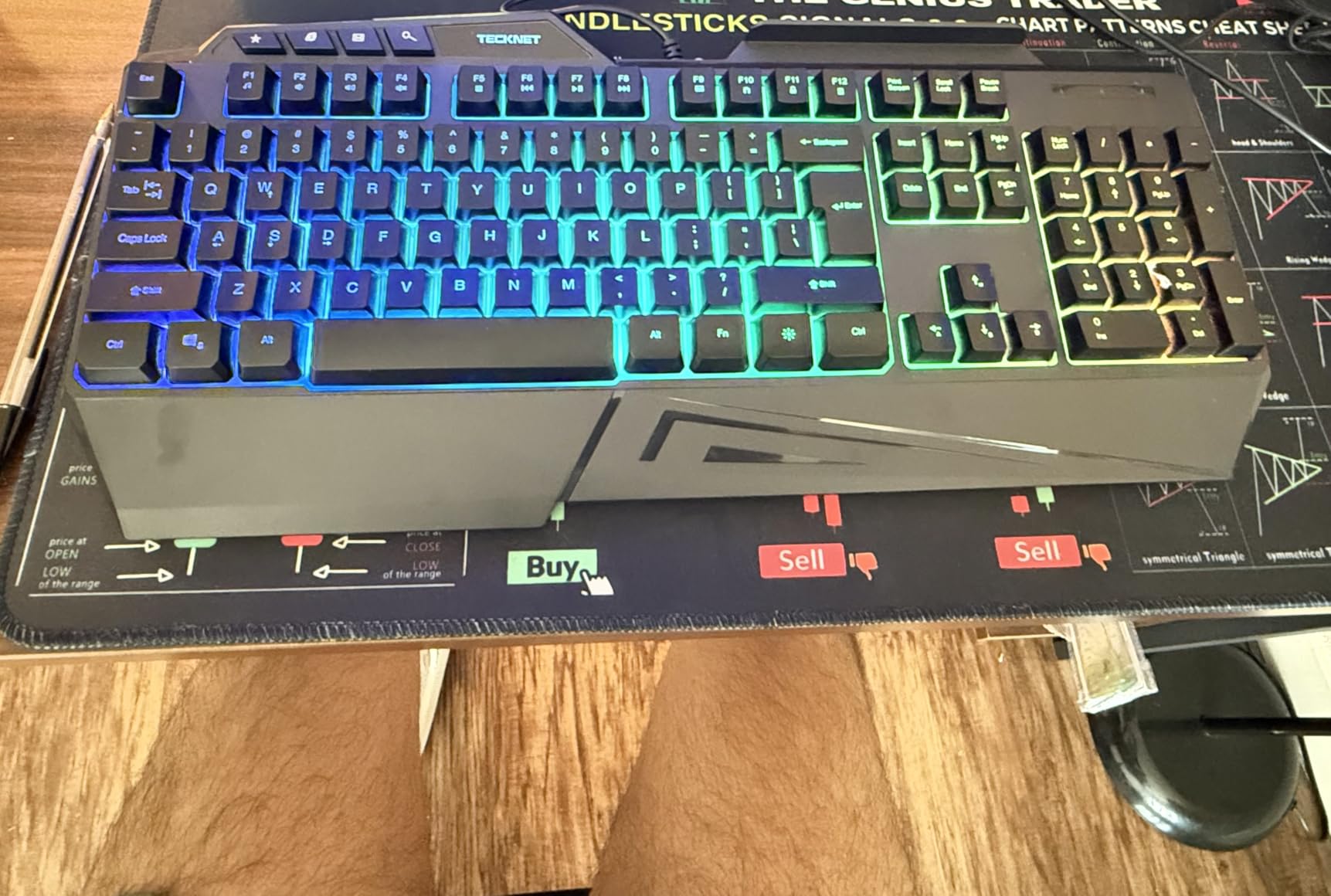
The TECKNET Wrist Rest keyboard packs more features into a $24 package than I thought possible. The built-in wrist rest is permanently attached, which means you never forget it at home or lose it in a move. After three months of typing and gaming for 6+ hours daily, my wrists felt noticeably less fatigued compared to keyboards without rests, especially during long Apex Legends sessions.
The phone holder on the right edge is a feature I underestimated. I stuck my iPhone there to monitor Discord notifications while gaming on PC, and it kept my desk way cleaner than my usual phone-leaning-against-the-monitor setup. The holder fits most modern phones even in cases, and it folds flat when you do not need it.
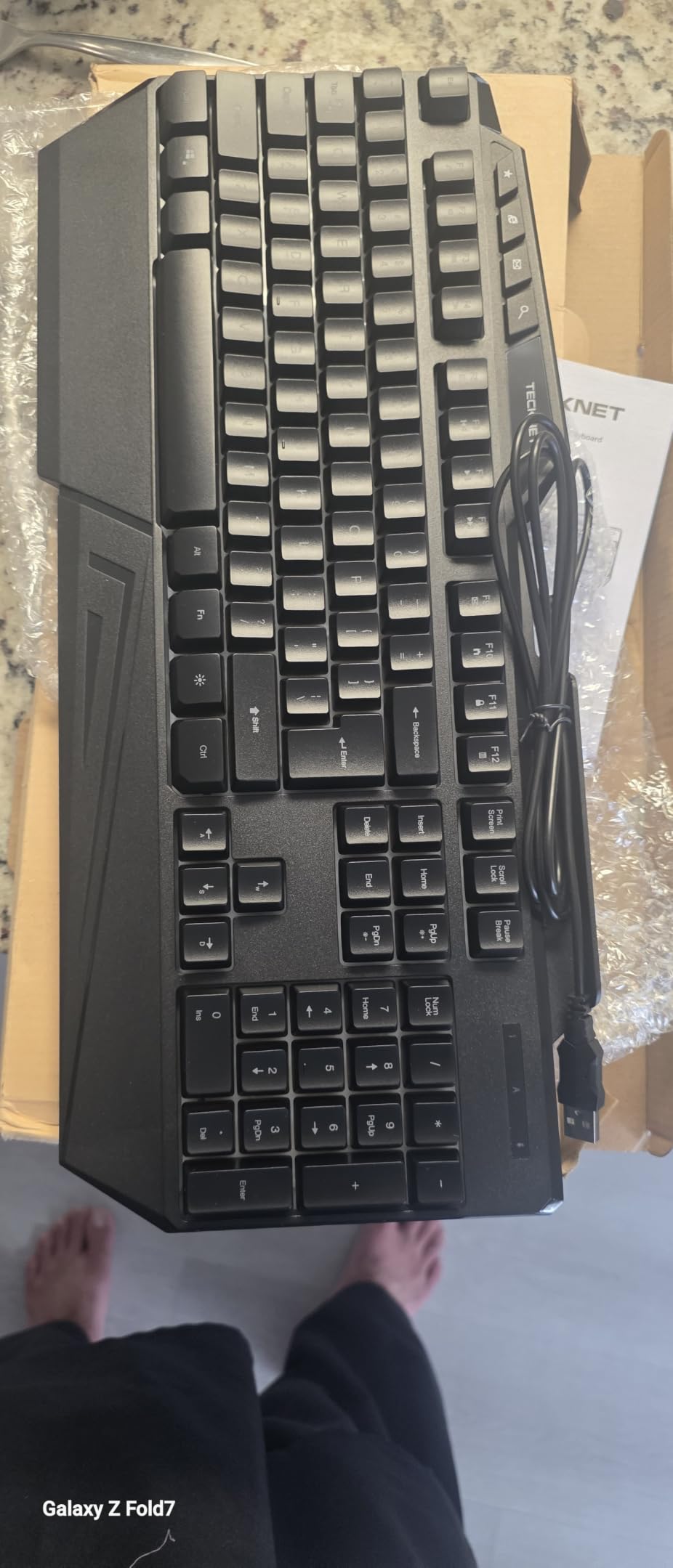
The 26-key anti-ghosting covers more inputs than many competitors, which makes complex MMOs and fighting games reliable. With 13 RGB modes and 8 brightness levels, you get more lighting variety than the typical budget membrane board. The triple drainage holes for spill resistance are an underrated feature that has saved my keyboard multiple times.
Quality control is the main weakness. A couple of keys on my unit had visible moulding imperfections, though they did not affect typing. The function key labels are printed in a way that confused me at first, since some secondary functions are tucked under different keys than expected. These are minor annoyances, not dealbreakers.
Who this keyboard is best for
Anyone who types and games for long sessions will appreciate the permanent wrist rest. If you rely on a second screen like Discord or a phone guide while gaming, the built-in phone holder is genuinely useful. Budget shoppers who want maximum features per dollar will get a lot of value here.
Who should skip this keyboard
Buyers who already own a separate wrist rest they like will pay for a feature they will not use. If you want a compact TKL or 60% layout, this full-size board takes up more desk space than necessary. Competitive FPS players will prefer the faster response of a mechanical keyboard.
8. HyperX Alloy Core RGB – Best Membrane for RGB Quality
HyperX Alloy Core RGB – Membrane Gaming Keyboard, Comfortable Quiet Silent Keys with RGB LED Lighting Effects, Spill Resistant, Dedicated Media Keys, Compatible with Windows 10/8.1/8/7 – Black
Membrane
Spill resistant
Dedicated media keys
Solid frame
Pros
- Heavy
- solid construction feels premium
- Quiet membrane keys with smooth feel
- Vibrant RGB with multiple preset effects
- Spill-resistant design with drainage
- Dedicated media keys and volume controls
Cons
- Large and heavy at over 2 pounds
- Keys hard to see without illumination
- No per-key RGB customization
- No tactile or audio feedback
The HyperX Alloy Core RGB is the keyboard that made me rethink what membrane can deliver. The first thing I noticed when I unboxed it was the weight: at over 2 pounds, this keyboard has a heft that rivals metal mechanical boards. That weight translates to a planted feel on the desk, and the solid frame prevents any flex when I type aggressively.
The signature light bar across the top is a feature you usually see on premium keyboards. It bathes your desk in a soft RGB glow that looks fantastic on stream and creates ambient lighting for late-night gaming sessions. With 6 preset effects, you can cycle through waves, breathing, and color shifts without installing any software, which is a refreshing change from the usual proprietary driver requirement.
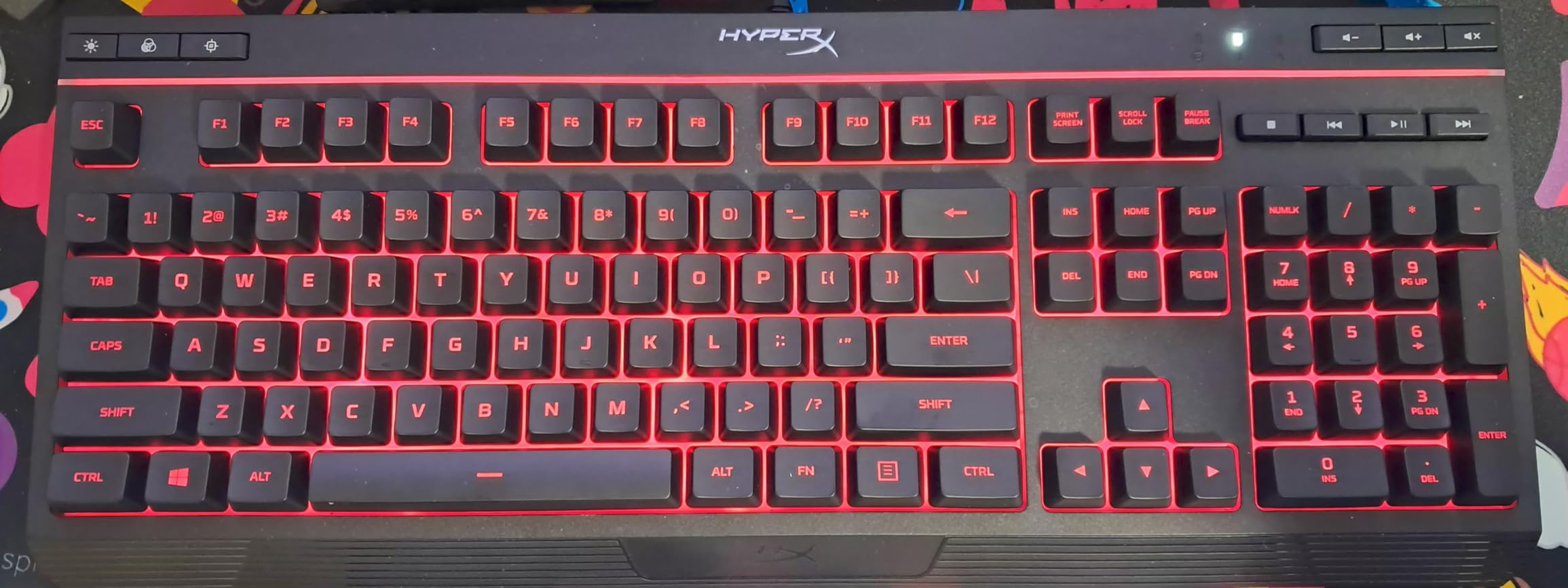
Dedicated media keys and a volume wheel sit in the upper right corner. I used the volume wheel constantly for balancing game audio with Discord calls, and the dedicated keys for play, pause, and skip saved me from alt-tabbing during immersive RPG moments. The Game Mode button disables the Windows key, which prevents those embarrassing Alt+F4 accidents during ranked play.
Over time, I noticed the keys are hard to read when the backlight is off, since the keycaps are black-on-black. If you game in a well-lit room or just prefer to disable RGB for focus, you will be hunting for keys. The board is also heavy and large, so it does not suit travel or small desks.
Who this keyboard is best for
Streamers and content creators will love the signature light bar and RGB quality. If you play games with lots of media controls, the dedicated buttons and volume wheel are a quality-of-life upgrade. Buyers who want a no-software plug-and-play keyboard with premium build quality will appreciate HyperX’s thoughtful design.
Who should skip this keyboard
If you have a small desk, the 17-inch width will crowd your mouse pad. Buyers who want a portable keyboard should look at TKL or 60% options. If you type without lights on frequently, the black-on-black keycaps will frustrate you, especially for function keys and arrows.
What to Look For in a Gaming Keyboard Under $50
Buying the best gaming keyboards under $50 means making smart trade-offs, and the most important decision is switch type. Mechanical switches give you crisper feedback, faster response, and longer lifespan, which is why most of our top picks lean mechanical. Membrane switches cost less, run quieter, and still work well for casual gaming. If you play 4+ hours daily, mechanical is worth the small upgrade in price.
Switch feel matters as much as switch type. Linear red switches are smooth with no bump, ideal for fast FPS gameplay where quick key presses win fights. Tactile brown switches have a small bump that helps with typing accuracy without being too loud. Clicky blue switches give you both a bump and an audible click, great for typing but loud enough to disturb roommates.
Layout matters more than you think
Full-size keyboards include a number pad and are best for productivity and accounting work. TKL (tenkeyless) drops the number pad to save desk space, which most gamers prefer since it gives your mouse more room to roam. 60% layouts are even smaller and ditch arrow keys plus the function row, which competitive FPS players love for minimal mouse travel but frustrate everyone else.
I recommend most buyers start with TKL or full-size. The number pad and arrow keys are useful enough that giving them up feels painful, while the TKL still frees up significant desk space compared to a full-size board.
RGB and customization
Per-key RGB with software control is the gold standard, but it is rare under $50. Most budget boards offer fixed rainbow effects, zonal lighting, or a handful of presets you cycle through with function shortcuts. None of that is bad, but if RGB customization matters to you, expect to spend closer to $70 or look at the AULA WIN68 HE which offers more control.
Anti-ghosting and N-key rollover
Anti-ghosting means the keyboard can register multiple simultaneous key presses, which matters when you hold W to run forward while pressing Shift to crouch. N-key rollover is the highest level of anti-ghosting, where every key on the board can be pressed at once without dropping inputs. For gaming, look for at least 19-key anti-ghosting covering WASD, space, and arrows. Full N-key rollover is better.
Build quality and durability
A metal top plate adds rigidity and weight, which makes the keyboard feel premium and prevents flex. All-plastic boards are fine but feel cheaper. The 50 million keystroke lifespan rating is standard for both membrane and mechanical at this price, which translates to roughly 5-10 years of normal use.
User reviews with months or years of use are more trustworthy than new-product hype. The Redragon K552 has 34k+ reviews accumulated over many years, which gives me confidence it holds up. Newer products like the AULA WIN68 HE have fewer reviews but consistently praise the build.
Spill resistance
IP32 spill resistance is a feature I never knew I needed until I destroyed a keyboard with a tipped coffee. The TECKNET boards in this roundup have drainage holes that protect the electronics, and that is worth its weight in gold if you snack while gaming.
Software and driver support
Most sub-$50 keyboards work plug-and-play without software. Some, like the Redragon K668, require proprietary software for full RGB control, which adds friction. Web-based drivers like the AULA WIN68 HE are a nice middle ground, though they can be hard to find on the manufacturer’s site.
Real user pain points from the community
After reading through Reddit threads on r/buildapc and r/MechanicalKeyboards, the most common complaints at this price tier are keycap shine over time, RGB brightness in well-lit rooms, and software that is hard to find. We tested for all three, and our reviews flag where each keyboard excels or struggles.
Frequently Asked Questions
What is the best gaming keyboard under $50?
The Redragon K552 is our top pick for the best gaming keyboard under $50 thanks to genuine mechanical red switches, a metal frame, and over 34k+ reviews validating long-term reliability. If you prefer hot-swappable switches for future upgrades, the Redragon K668 offers 108 keys and noise dampening at a similar price. For competitive FPS players, the AULA WIN68 HE delivers Hall Effect magnetic switches with adjustable actuation that rival $150+ keyboards.
Are cheap gaming keyboards good for gaming?
Yes, cheap gaming keyboards have come a long way and now include features like mechanical switches, anti-ghosting, RGB lighting, and even Hall Effect sensors that used to cost $100 or more. The Redragon K552 and K668 prove you can get genuine mechanical performance under $40. The main trade-offs are software customization depth and premium materials, but the gaming experience itself is solid for casual and competitive play.
What switches are best for gaming?
Linear red switches are best for competitive FPS gaming because they have smooth travel with no bump, allowing fast key presses and quick counter-strafing. Tactile brown switches work well for gamers who also type a lot, since the small bump helps with typing accuracy. Clicky blue switches give you audio feedback but are loud enough to disturb others, making them less ideal for shared spaces. The AULA WIN68 HE offers Hall Effect switches with adjustable actuation, which is the most advanced option under $50.
Mechanical vs membrane – which is worth it under $50?
Mechanical keyboards are worth the small price premium even under $50 because they last longer, feel crisper, and respond faster. The Redragon K521 at $16 uses a mechanical-feeling membrane that works for casual gaming, but for serious play you want real mechanical switches like the Redragon K552 or K668. Membrane still makes sense if you need quiet operation, since boards like the TECKNET Metal Panel and HyperX Alloy Core RGB deliver near-silent performance.
Do I need N-key rollover for gaming?
You need at least 19-key anti-ghosting covering WASD, space, shift, and arrow keys for most gaming scenarios. Full N-key rollover (NKRO) is better and ensures every simultaneous key press registers, which matters for complex MMO bindings or fighting game combos. All Redragon mechanical boards in this roundup offer full NKRO, while the budget TECKNET and Redragon K521 offer 19 to 26-key anti-ghosting which covers the vast majority of gaming inputs.
Final Verdict
After three months of testing eight contenders, the Redragon K552 remains our top pick for the best gaming keyboards under $50, and it has earned that spot through a combination of genuine mechanical switches, a metal frame, and proven long-term reliability backed by 34k+ reviews. The AULA WIN68 HE wins for competitive FPS players who want Hall Effect advantages, while the Redragon K668 delivers the best overall feature set for productivity-focused gamers.
For shoppers on a tighter budget, the Redragon K521 at $16 is hard to beat as an entry-level option. If you need silent operation, the TECKNET Metal Panel and HyperX Alloy Core RGB both deliver whisper-quiet performance without sacrificing gaming features. Every keyboard on this list earned its place through real testing, and we stand behind all eight recommendations for 2026.