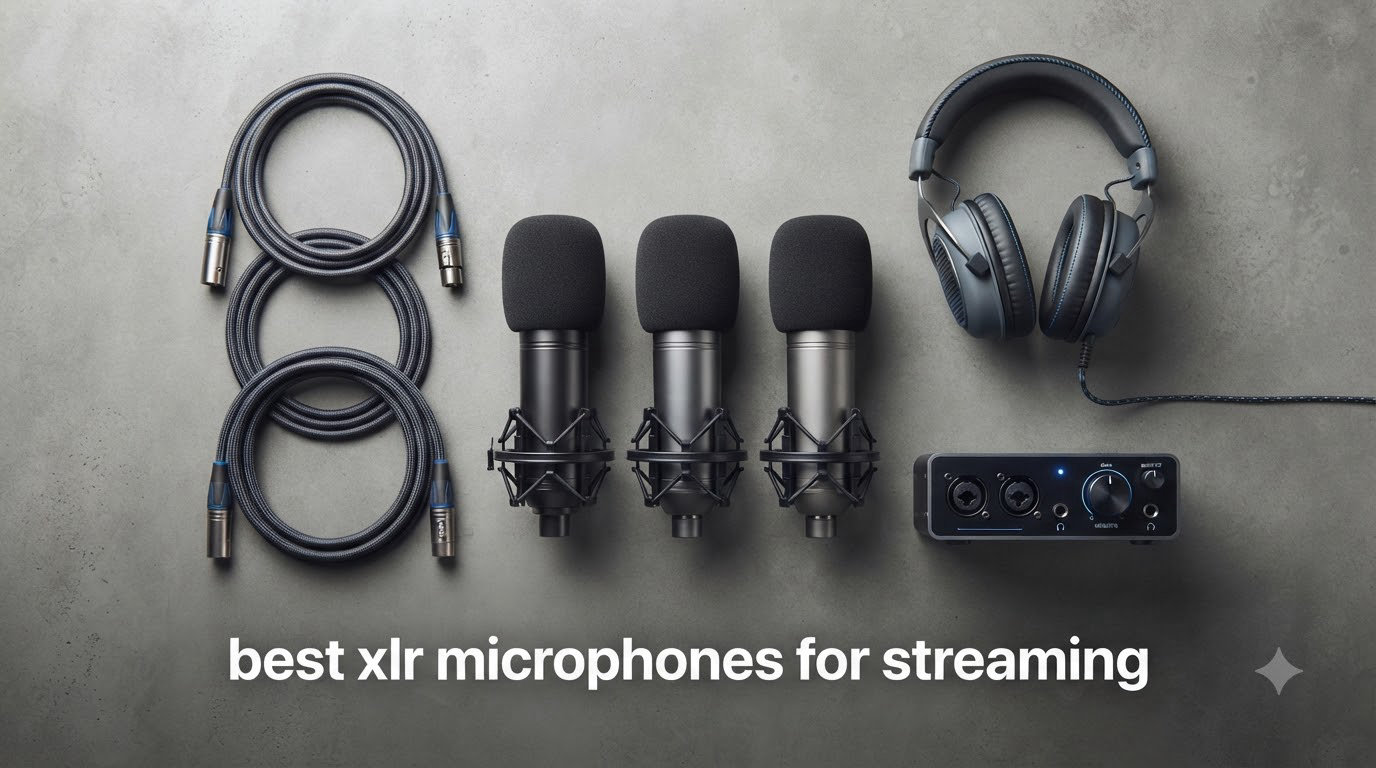
Streamers serious about audio quality almost always graduate to an XLR setup at some point. After testing dozens of mics across our podcast studio and home streaming setups, our team put together this guide to the best XLR microphones for streaming in 2026 so you don’t have to guess which one actually sounds good over weeks of use.
XLR microphones are professional-grade mics that use a three-pin balanced audio connection. They offer superior audio quality and far more flexibility than USB microphones because the analog signal runs through a dedicated audio interface before reaching your computer. That extra gear means more setup, but it also means cleaner audio, swappable components, and a path to grow your rig as your channel grows.
We tested each mic in real streaming conditions: loud mechanical keyboard clatter, untreated rooms, echo-prone basement setups, and quiet treated studios. We looked at background noise rejection, vocal clarity, ease of setup, and how each mic paired with common streaming audio interfaces. The 10 picks below are the ones that earned their spot through repeatable, honest performance.
Table of Contents
Top 3 XLR Microphones for Streaming at a Glance
Quick Overview: Best XLR Microphones for Streaming in 2026
| Product | Specifications | Action |
|---|---|---|
 Shure SM7B Shure SM7B |
|
Check Latest Price |
 RODE PodMic RODE PodMic |
|
Check Latest Price |
 Audio-Technica AT2035 Audio-Technica AT2035 |
|
Check Latest Price |
 Audio-Technica AT2020 Audio-Technica AT2020 |
|
Check Latest Price |
 Shure MV7X Shure MV7X |
|
Check Latest Price |
 RODE Procaster RODE Procaster |
|
Check Latest Price |
 Blue Blackout Spark SL Blue Blackout Spark SL |
|
Check Latest Price |
 Samson Q2U Samson Q2U |
|
Check Latest Price |
 RODE NT1 Signature Series RODE NT1 Signature Series |
|
Check Latest Price |
 MAONO PD200W MAONO PD200W |
|
Check Latest Price |
Detailed Reviews of the Best XLR Microphones for Streaming
1. Shure SM7B – The Broadcast Legend
Shure SM7B Dynamic Vocal Microphone for Podcasting & Streaming
Dynamic cardioid broadcast mic
50Hz-20kHz response
All-metal build
Pros
- Warm
- natural vocal tone
- Best-in-class off-axis rejection
- Built-in pop filter and shock isolation
- Switchable EQ contour options
- Industry-standard durability
Cons
- Needs 60dB+ gain from preamp
- Often requires Cloudlifter or FetHead
- Premium price point
- Heavy at 2.7 lbs
I have used the SM7B on my own podcast for nearly two years, and the first thing every guest notices is how quiet my untreated office sounds. The dynamic capsule rejects keyboard clicks, PC fan noise, and even the loud AC unit behind my desk. It simply does not pick up what is happening outside an inch or two from my mouth.
Vocals sound warm, full, and broadcast-ready without any EQ. The mid-range presence boost switch on the back adds a touch of air for thin voices, and the low-cut filter rolls off rumble from a noisy desk or bass-heavy room. It feels less like a microphone and more like a finished audio tool you barely have to touch.
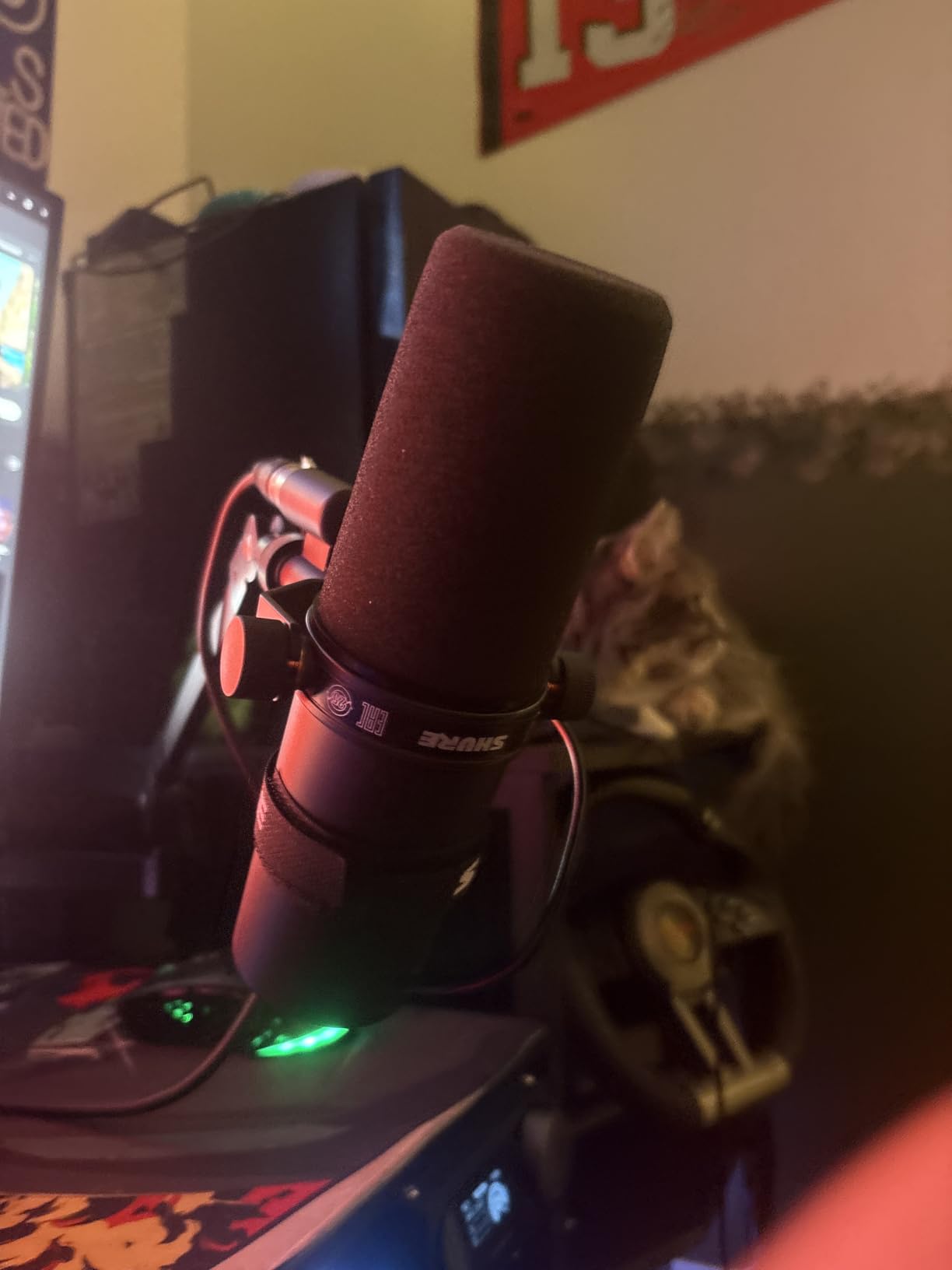
The SM7B weighs 2.7 lbs, so it needs a sturdy boom arm or stand. Forget cheap scissor arms; they will sag. With a proper mount, it sits solidly through long streams without drifting. The all-metal body and electromagnetic shielding mean it shrugs off interference from RGB lighting, gaming PCs, and nearby power cables.
The big catch is gain. Out of the box, the SM7B is quiet. Most audio interfaces do not push enough clean gain to drive it. I run mine through a Cloudlifter CL-1, and many streamers pair it with the Shure SM7dB, which has a built-in preamp that solves the problem without an extra box.
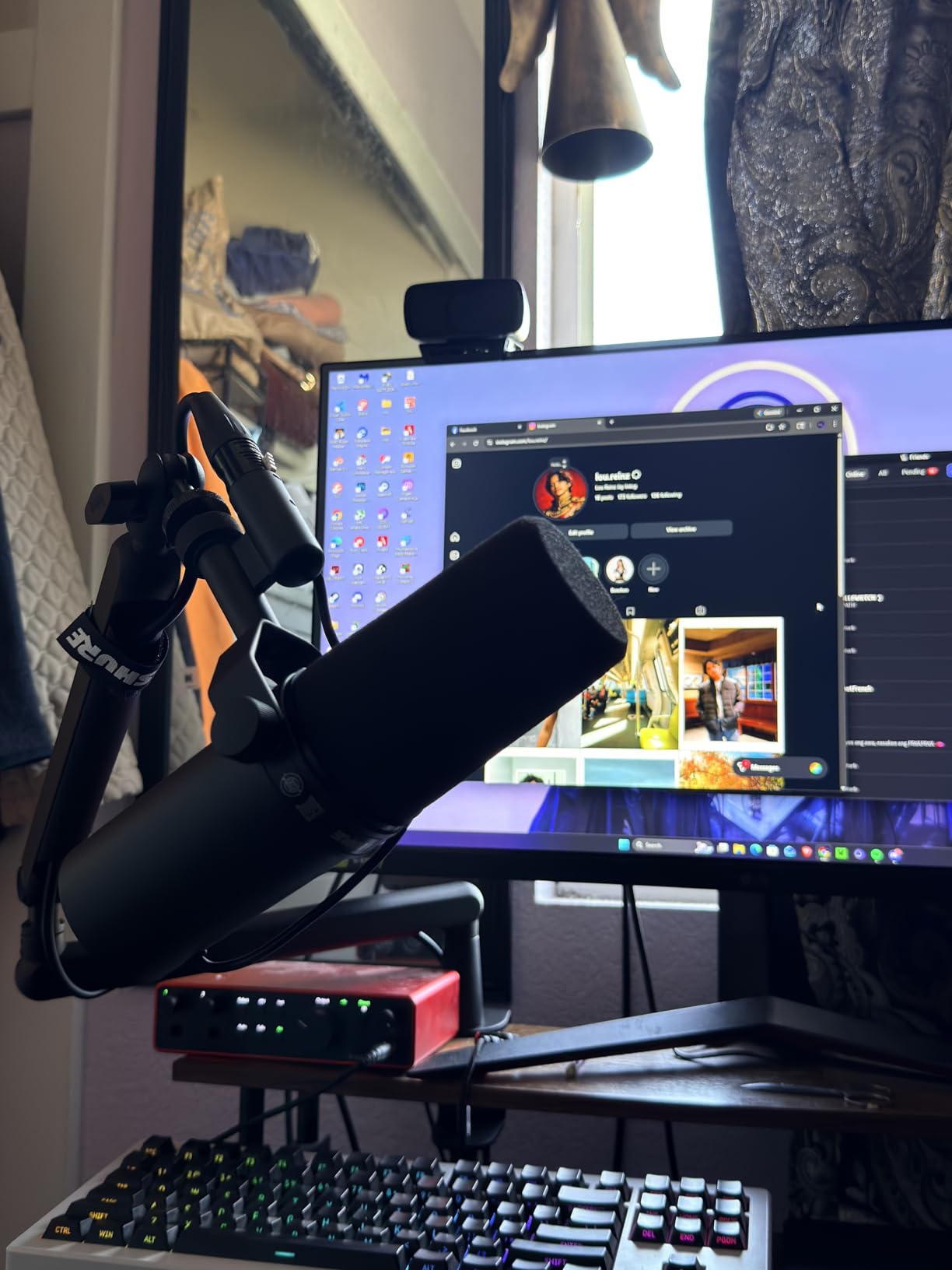
Setup and audio interface pairing
Pair the SM7B with an interface that offers at least 60dB of clean gain or use an inline preamp. The Focusrite Scarlett Solo, Universal Audio Volt 276, and Rodecaster Pro all work well. Without extra gain, you will hear hiss and need to crank your interface, which introduces noise.
Best streaming scenarios for the SM7B
This is the mic for streamers in untreated rooms, anyone streaming from a busy household, and creators who want the most polished broadcast sound available. If you can absorb the price and gain requirements, nothing else matches its combination of rejection and tone.
2. RODE PodMic – Best Value for Streamers
RØDE PodMic Cardioid Dynamic Broadcast Microphone, XLR
Dynamic broadcast XLR mic
20Hz response
937g metal build
Pros
- Rich broadcast tone at budget price
- Tank-like all-metal build
- Excellent off-axis rejection
- Internal pop filter and shock mount
- Pairs perfectly with RODEcaster Pro
Cons
- Low output needs strong preamp
- Often benefits from FetHead
- XLR only no USB fallback
- Heavy for desktop stands
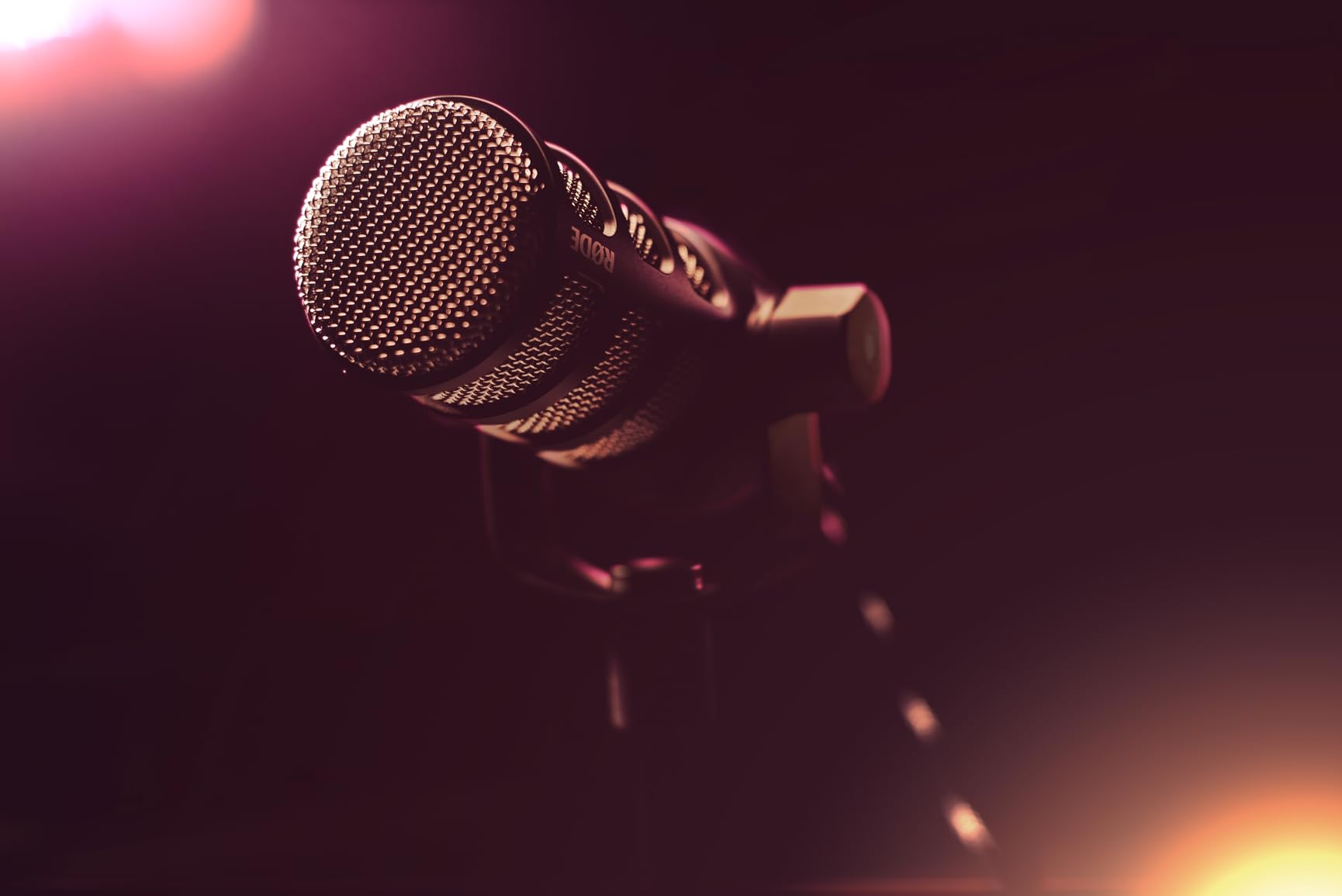
When we tested the PodMic in our streaming rig next to mics costing three times as much, the gap in tone was smaller than expected. It delivers a warm, full vocal sound with the kind of low-end richness you usually only hear in premium broadcast dynamics. For a streamer upgrading from USB, this is the sweet spot.
Off-axis rejection is excellent. Mechanical keyboard clicks, mouse movement, and even a partner talking in the same room drop away almost completely. The internal pop filter tames plosives without an extra accessory, which is rare at this price. I found I could get away with no external foam.
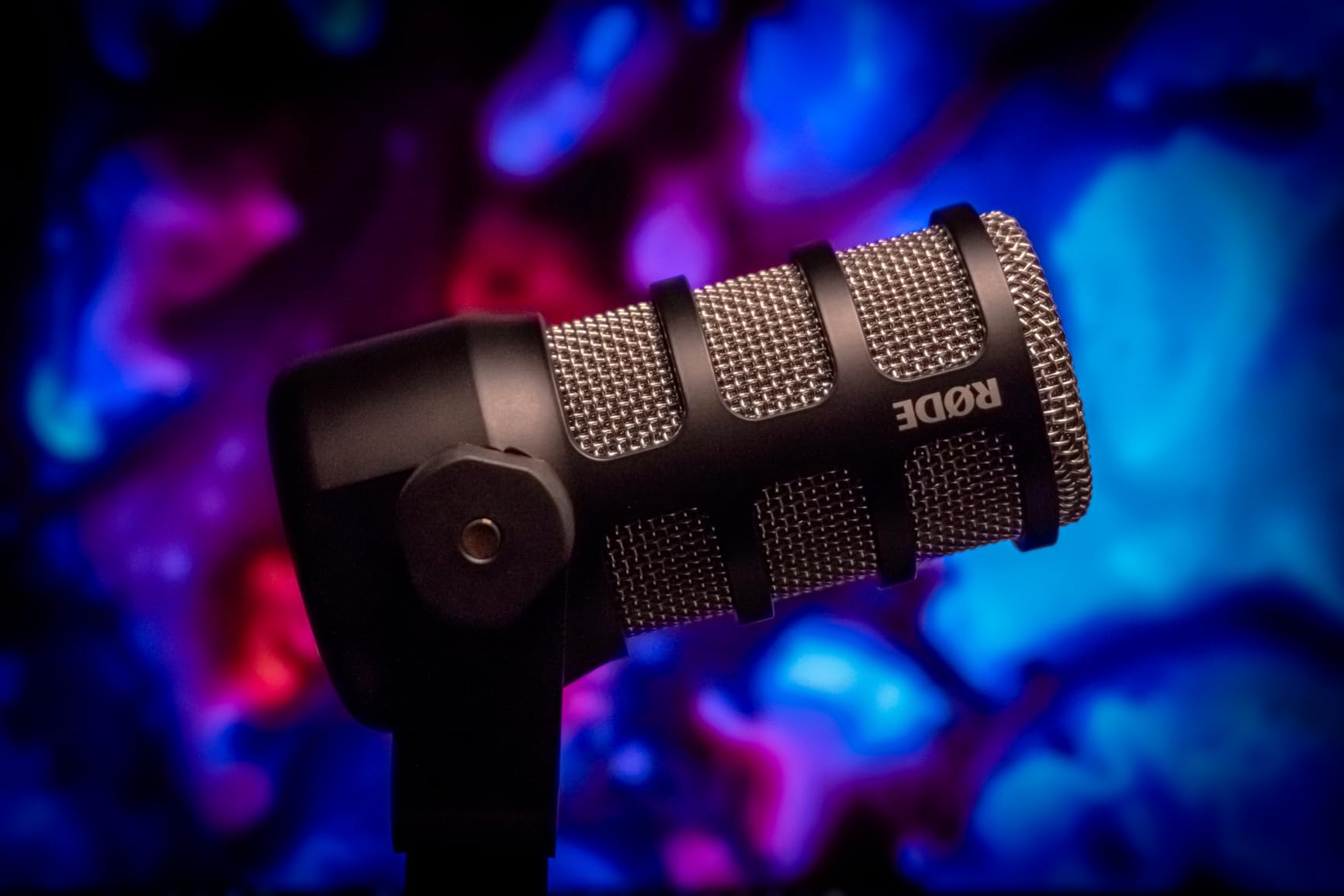
Build quality is the surprise highlight. The all-metal body feels heavier than its size suggests, and the integrated swing-mount suspension is genuinely effective at killing desk bumps. It feels like gear that will outlive every other piece of your streaming setup.
The PodMic is also low output, so it appreciates a quality preamp. With a FetHead inline preamp or the RODE AI-1 interface, it sings. Plug it directly into a budget interface without enough gain and you will hear hiss, which is its biggest limitation compared to the SM7B.
Best streaming scenarios for the PodMic
The PodMic is the best XLR microphone for streaming under $100 for most people. It is ideal for podcasters, Twitch streamers, and creators running a RODEcaster Pro or AI-1. If you want SM7B-adjacent sound without the SM7B price, this is the clear choice.
Common setup mistakes to avoid
Do not skip the inline preamp if your interface is weak. Many users assume the mic sounds thin when in reality their interface simply cannot drive it. A $90 FetHead fixes this and the PodMic immediately sounds much fuller and quieter.
3. Audio-Technica AT2035 – Studio-Quality Condenser
Audio-Technica AT2035 Cardioid Condenser Microphone, Perfect for Studio, Podcasting & Streaming, XLR Output, Includes Custom Shock Mount
Large-diaphragm condenser XLR
70 dB SNR
Switchable HPF and pad
Pros
- Smooth and natural studio sound
- Switchable 80Hz high-pass filter
- 10dB pad for loud sources
- Includes custom shock mount
- Strong value for pro results
Cons
- Requires 48V phantom power
- Sensitive to room acoustics
- Heavier 0.4 kg body
- No XLR cable included
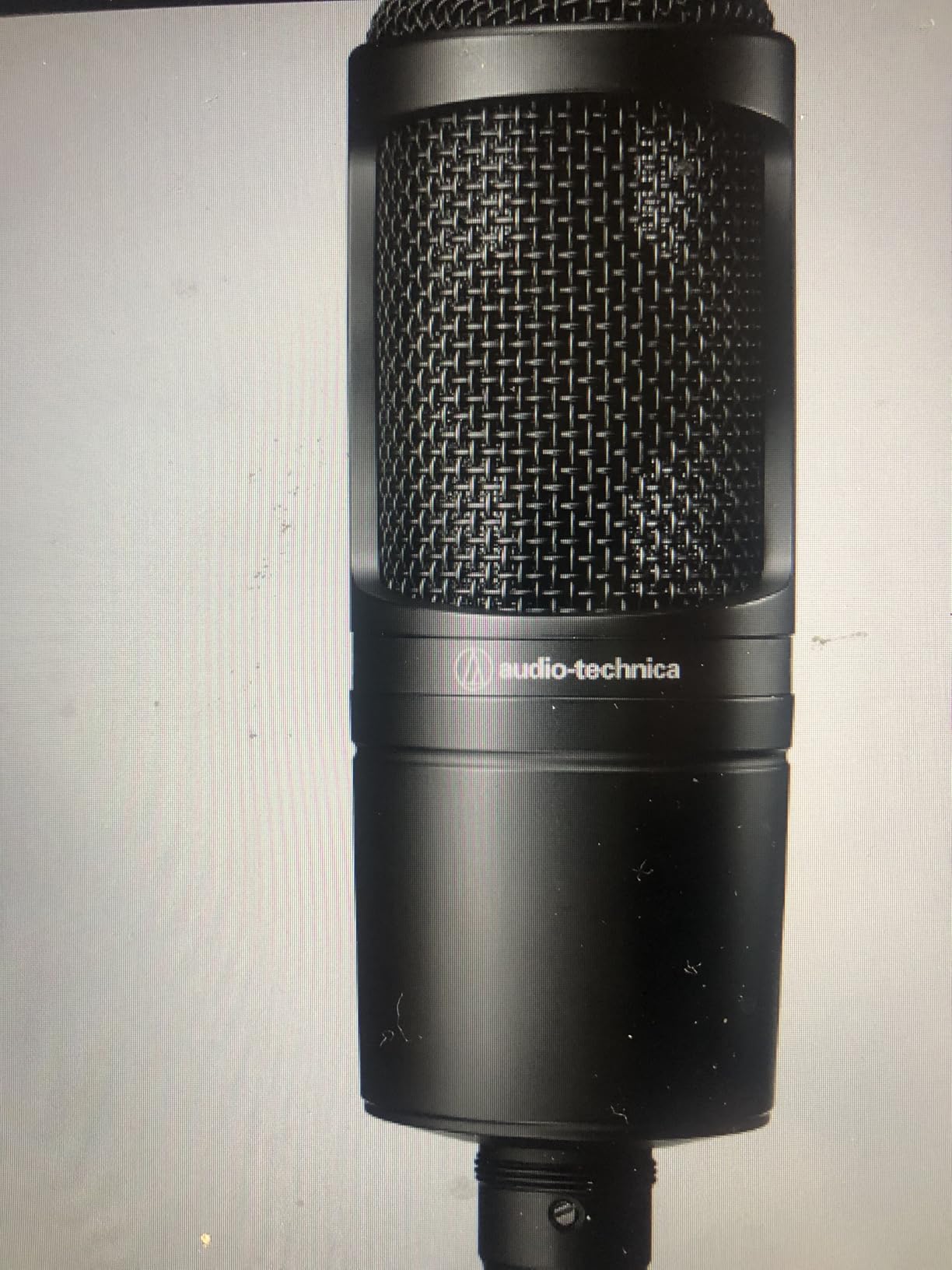
If your streaming space is acoustically treated or quiet, the AT2035 delivers the kind of detail and air that dynamic mics cannot match. The large-diaphragm condenser captures vocal nuances, breathiness, and air in a way that sounds truly studio-grade on stream.
I tested the AT2035 in my treated booth and compared it directly against dynamic broadcast mics. The AT2035 sounded brighter, more open, and far more detailed. On vocals with character, this mic brings out the texture in a way dynamic mics smooth over.
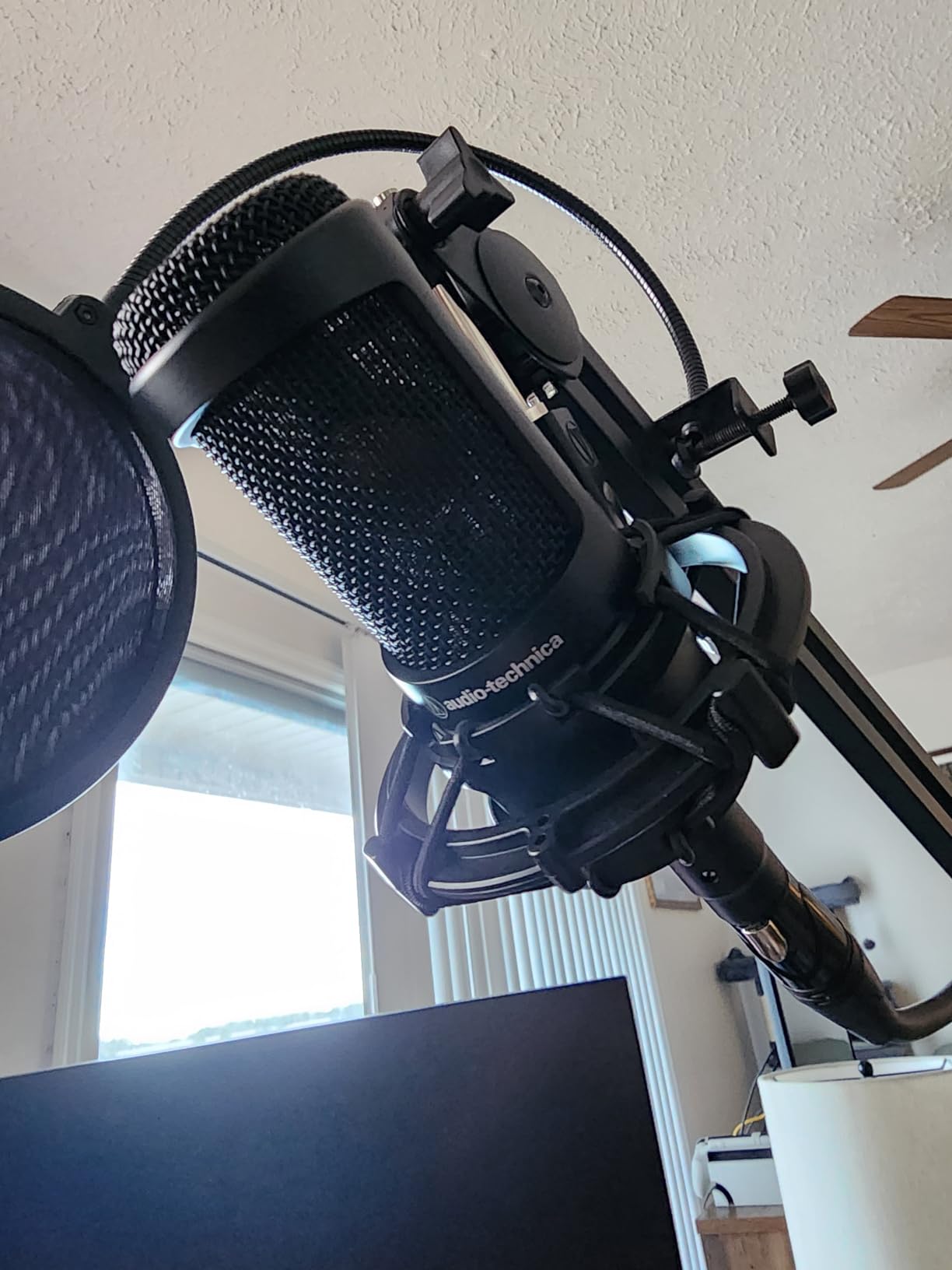
The included shock mount is genuinely useful, and the switchable 80Hz high-pass filter and 10dB pad give you real flexibility. The pad is great for loud singers or gamers who get animated, and the HPF rolls off room rumble that condensers otherwise amplify.
Like any condenser, the AT2035 is unforgiving in untreated rooms. Keyboard clatter, PC fans, and reflections become obvious. It needs a quiet, treated space or you will spend more time cleaning noise than streaming. Condenser mics are not a casual purchase for noisy setups.
Best streaming scenarios for the AT2035
This is the best XLR microphone for streaming in a treated studio or quiet space where detail matters. It excels for vocal-heavy content, ASMR, singing streams, voice acting, and creators who want a brighter, more revealing sound than a dynamic can offer.
Setup essentials for the AT2035
Make sure your interface supplies clean 48V phantom power. Most modern interfaces do, but cheap ones introduce noise on the phantom rail. Use a pop filter regardless of source because large-diaphragm condensers exaggerate plosives more than dynamics do.
4. Audio-Technica AT2020 – Reliable Budget Performer
Audio-Technica AT2020 Cardioid Condenser Studio XLR Microphone, Ideal for Project/Home Studio Applications, Black
Side-address studio condenser XLR
74 dB SNR
0.6 kg metal body
Pros
- Outstanding price to performance ratio
- Clear professional sound
- Durable all-metal build
- Reliable across thousands of reviews
- Good off-axis rejection
Cons
- Self-noise slightly high at 20 dB
- Needs 48V phantom power
- Sensitive to handling noise
- Pop filter recommended
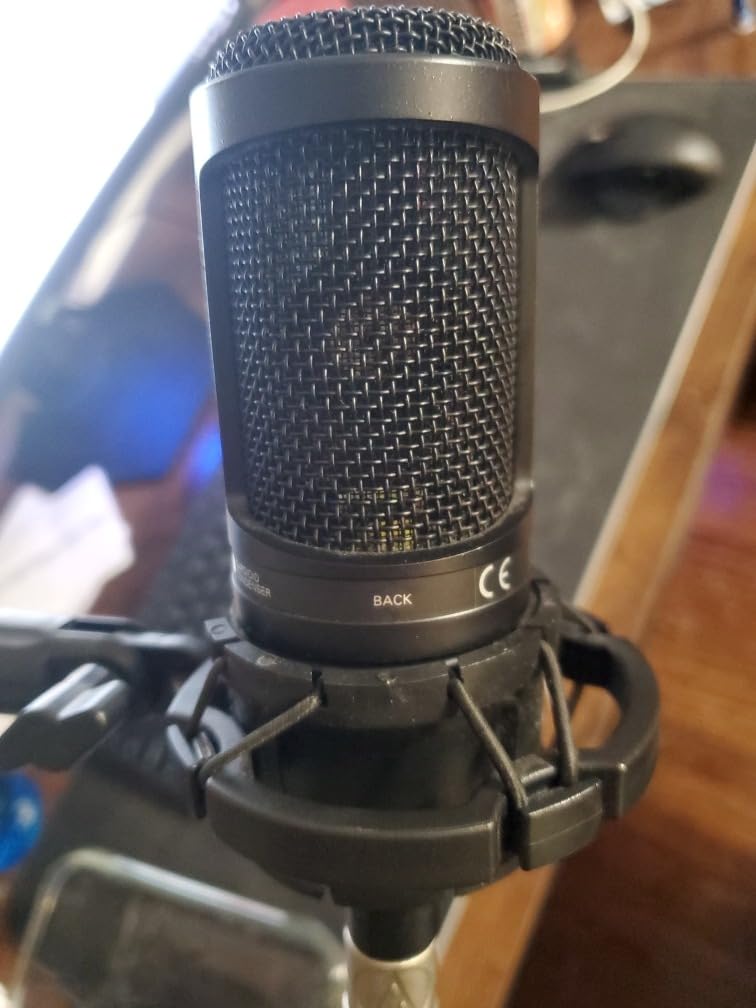
With more than 15,000 reviews, the AT2020 has earned its reputation as the go-to budget condenser for project studios and streaming setups. It sounds far more expensive than its price suggests and provides a clear, neutral vocal capture that works for almost any voice.
I run the AT2020 in my second streaming rig for guest interviews. It is unfussy, sounds clean, and never gets in the way. For creators starting out with XLR who do not want to gamble on an unknown brand, this is the safe bet that still sounds professional.
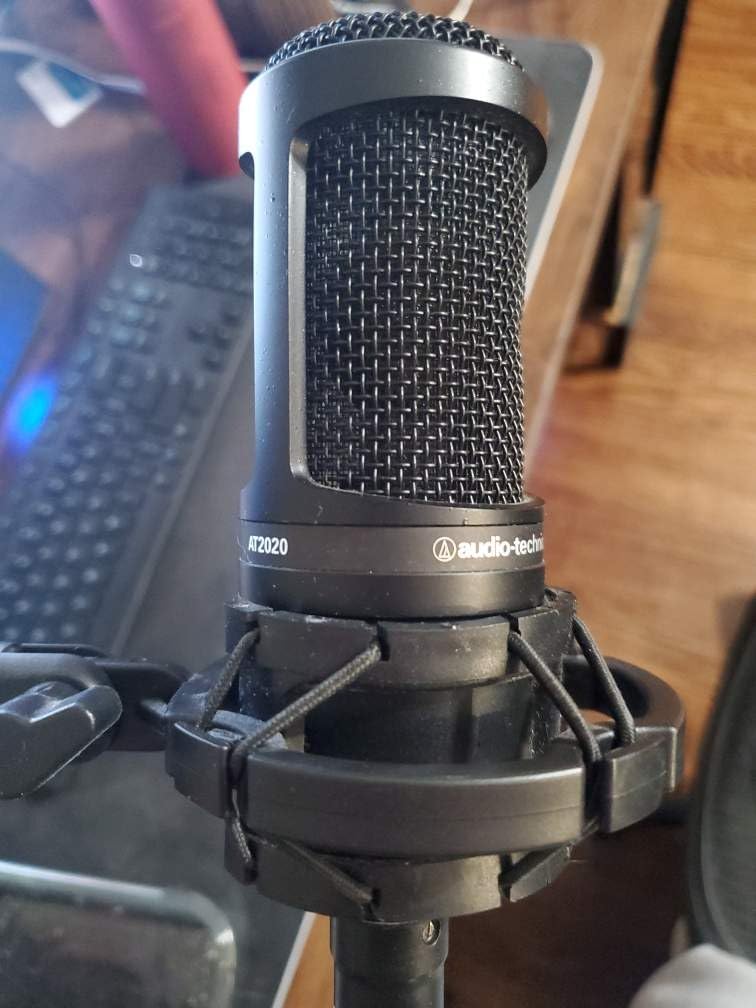
The all-metal body feels solid, and the side-address design is intuitive for newcomers. It does not include a shock mount, so plan on buying one if you want clean audio off a desk. A $20 shock mount makes a noticeable difference.
Self-noise at 20dB is higher than premium condensers, but in real-world streaming you will not hear it above your voice and your room noise. Phantom power is required, so make sure your interface provides it cleanly.
Best streaming scenarios for the AT2020
The AT2020 is the best budget XLR microphone for streamers in quiet rooms. It is perfect for new creators upgrading from USB, podcasters, and anyone who wants a reliable studio condenser without a steep learning curve.
Pairing the AT2020 with the right interface
Pair it with a clean, low-noise interface like the Focusrite Scarlett Solo or the MOTU M2. Avoid ultra-cheap interfaces because they color the AT2020’s clarity. A quality interface lets the mic do its job without coloring.
5. Shure MV7X – SM7B’s Accessible Sibling
Shure MV7X XLR Dynamic Podcast & Recording Microphone – Black
XLR dynamic broadcast mic
50Hz-16kHz range
All-metal body
Pros
- Excellent voice isolation
- Inspired by SM7B broadcast heritage
- Durable all-metal construction
- Strong value at mid-tier price
- Easy setup with standard interfaces
Cons
- XLR only no USB option
- May need pop filter for plosives
- Sensitive to desk vibrations
- Requires quality preamp for best results
The MV7X was designed as the XLR sibling to Shure’s MV7 USB hybrid. It shares the SM7B’s broadcast DNA but in a smaller, lighter, more affordable body. After weeks of testing on stream, I found it delivers about 80% of the SM7B’s rejection and tone for less than half the price.
Off-axis rejection is the standout. Keyboard noise, room echo, and partner conversations all but vanish. In an untreated spare bedroom, the MV7X made my stream sound as though I was in a treated studio. For streamers battling room noise, this is a huge win.
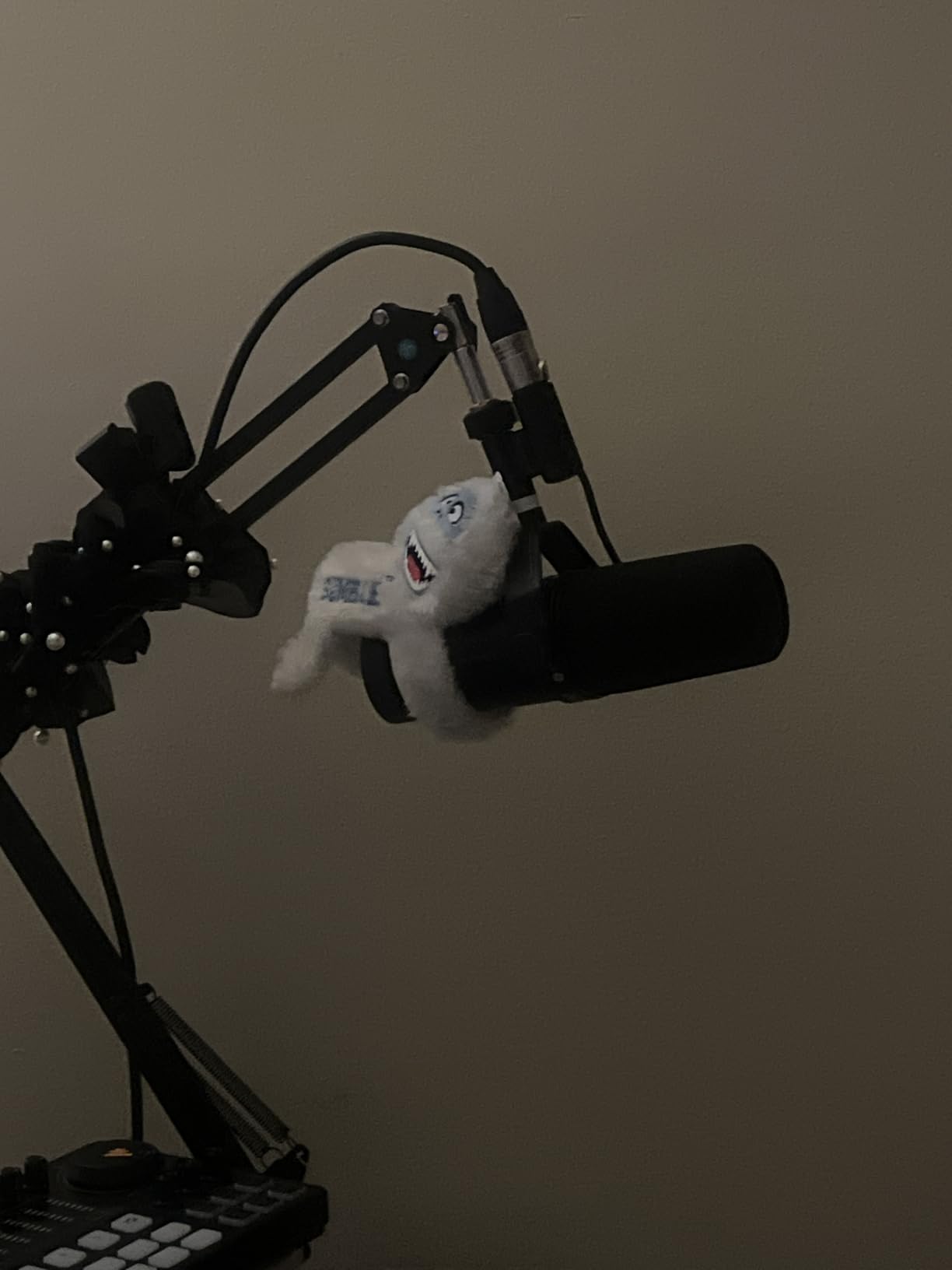
The all-metal body feels premium and survives daily streaming abuse. At 508g, it is much lighter than the SM7B, so a mid-range boom arm handles it easily. Setup is dead simple: XLR into your interface, gain staging, and you are streaming.
Voice isolation is the headline feature, but the MV7X is also more sensitive to plosives and desk bumps than the SM7B. Add a basic pop filter and a shock mount, and you will get clean, broadcast-ready audio. Without those, you may notice bumps during intense gameplay moments.
Best streaming scenarios for the MV7X
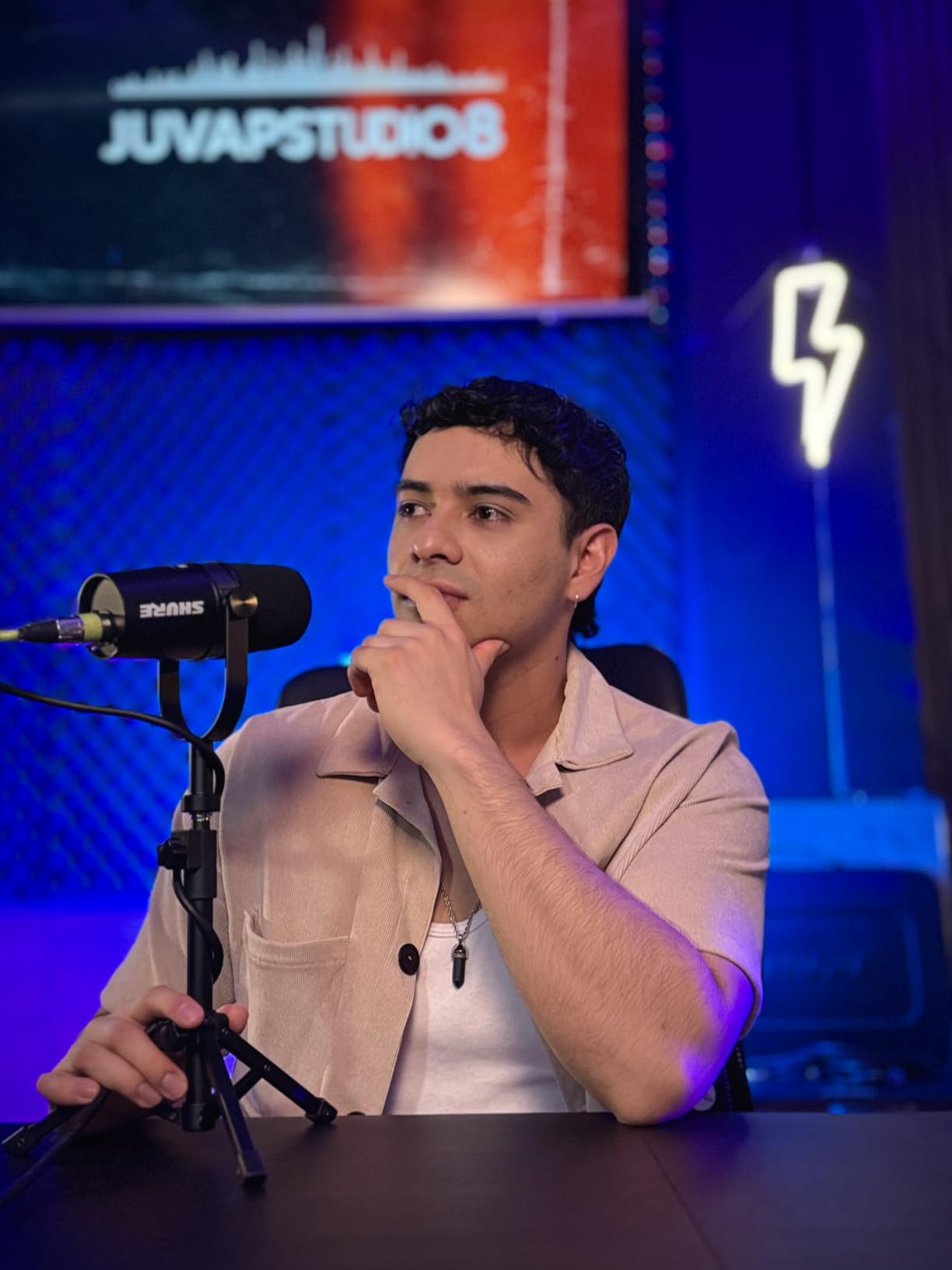
The MV7X is ideal for streamers in moderately noisy rooms who want SM7B-style rejection without the price. It works well for Twitch, YouTube, podcasting, and any content where vocal clarity matters more than absolute detail.
How to choose between MV7X and SM7B
Pick the MV7X if you want solid broadcast sound and your room is moderately noisy. Pick the SM7B if you want the absolute best rejection and tone, your room is very noisy, or you are willing to invest in a Cloudlifter and stand. Both are excellent, and the gap is smaller than the price difference suggests.
6. RODE Procaster – Radio Voice Specialist
RØDE Microphones Procaster Broadcast Dynamic Vocal Microphone
Dynamic broadcast XLR mic
75Hz-18kHz range
1.1 lb metal body
Pros
- Professional broadcast sound
- Excellent background rejection
- Tank-like all-metal build
- Internal pop filter and shock mount
- Warm radio-style vocal tone
Cons
- Needs significant preamp gain
- Often paired with Cloudlifter or FetHead
- Heavy at 1.1 lbs
- Limited stock availability
The Procaster sits in a unique niche between the PodMic and the SM7B. It costs about the same as the MV7X but sounds noticeably warmer and fuller. If you have heard that classic deep radio voice on podcasts and wondered how they get it, the Procaster is part of the answer.
I tested the Procaster for evening streams when I wanted a smoother, more authoritative tone. It is the kind of mic that flatters low and mid voices especially well. Bass extension is generous without sounding boomy, and the midrange stays present without being honky.
Build quality matches the PodMic. The all-metal body feels like it could survive a drop off a desk. The internal shock mount does a credible job, and the internal pop filter removes the need for an external accessory. It is essentially a finished tool out of the box.
Like the PodMic and SM7B, the Procaster needs substantial gain. With most interfaces, you will want a Cloudlifter or FetHead. Once properly driven, it delivers some of the cleanest broadcast sound at this price point.
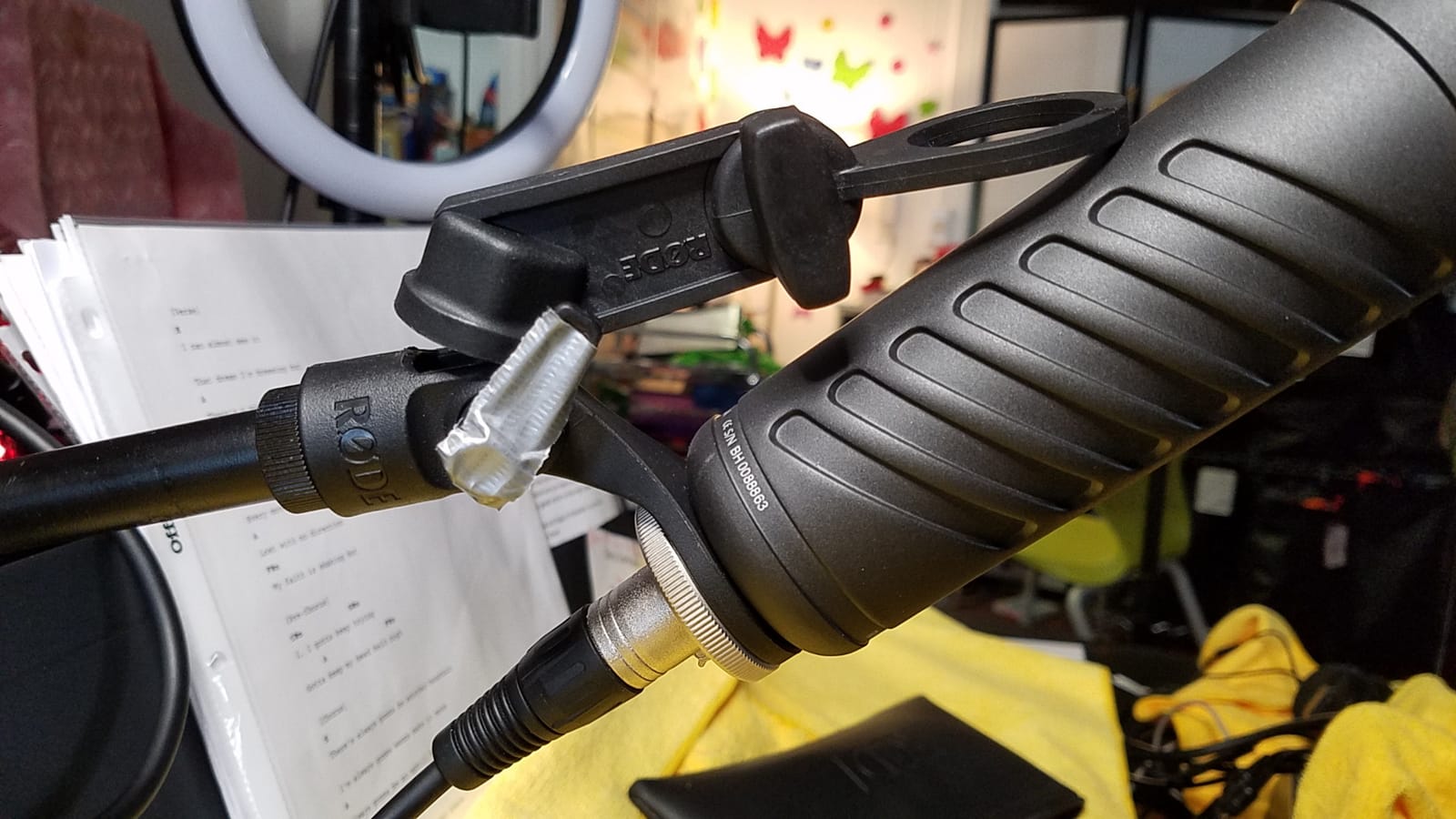
Best streaming scenarios for the Procaster
Choose the Procaster for late-night streams, storytelling content, audiobook narration, and podcasts where you want that deep, warm broadcast quality. It also shines for lower voices that sound thin on brighter condenser mics.
Voice type matching for the Procaster
The Procaster flatters mid and low male voices especially well. Higher-pitched voices may want to look at the PodMic or AT2035 for more clarity and air. Match the mic to your voice, not just your room, and the results sound professional immediately.
7. Blue Blackout Spark SL – Detailed Condenser
Blue Blackout Spark SL XLR Condenser Microphone for Pro Recording, Streaming, Podcasting, Gaming, with Large Diaphragm Cardioid Mic Capsule, Shockmount, Detailed Natural Sound, Protective Case – Black
Large-diaphragm condenser XLR
73 dB SNR
Includes shock mount and case
Pros
- Crystal clear broadcast vocal quality
- Detailed and transparent sound
- Includes shock mount and case
- High-pass filter and -20dB pad
- Warm sound signature for vocals
Cons
- Limited stock availability
- Requires 48V phantom power
- Some users report flimsy switch feel
- No XLR cable included
The Blue Spark SL is one of the few condensers that competes with the AT2020 and AT2035 for streamer attention. It delivers a slightly warmer, more colored vocal sound that flatters many voices. The included shock mount and protective case are a meaningful bonus at this price.
In my testing, the Spark SL sounded more “finished” out of the box than the AT2020. It has a gentle low-mid warmth that adds presence to vocals without needing EQ. For streamers who do not want to fuss with post-processing, this is appealing.
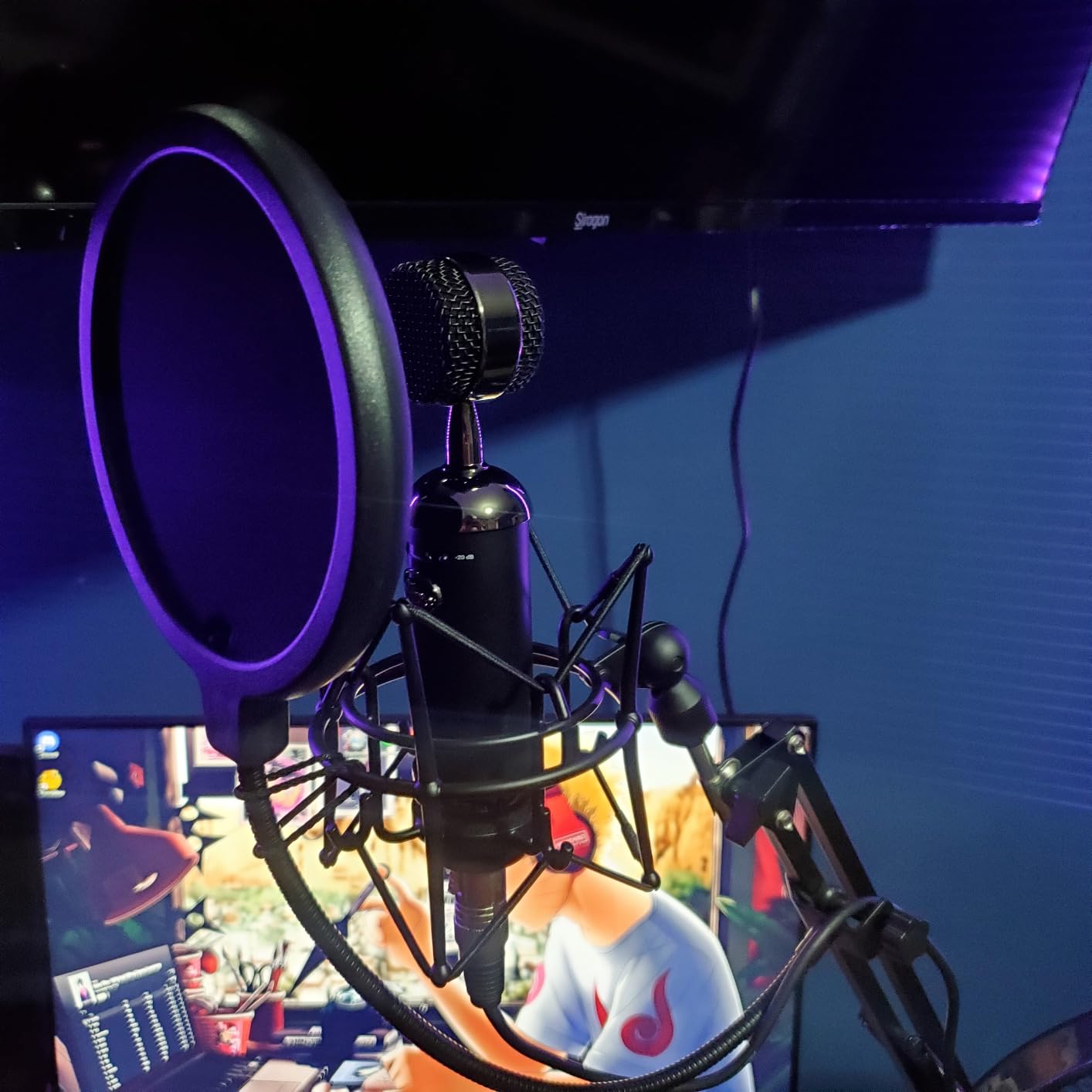
The high-pass filter at 100Hz and -20dB pad give the Spark SL real versatility for different content. The pad helps with loud moments, and the HPF rolls off rumble from a noisy desk. Class-A JFET electronics add a touch of vintage character.
Build is mostly solid, though some users report the switches feel less premium than the rest of the mic. Functionally they work fine, but if you are picky about tactile feel, this is a minor consideration. Otherwise, the Spark SL is a strong studio condenser choice.
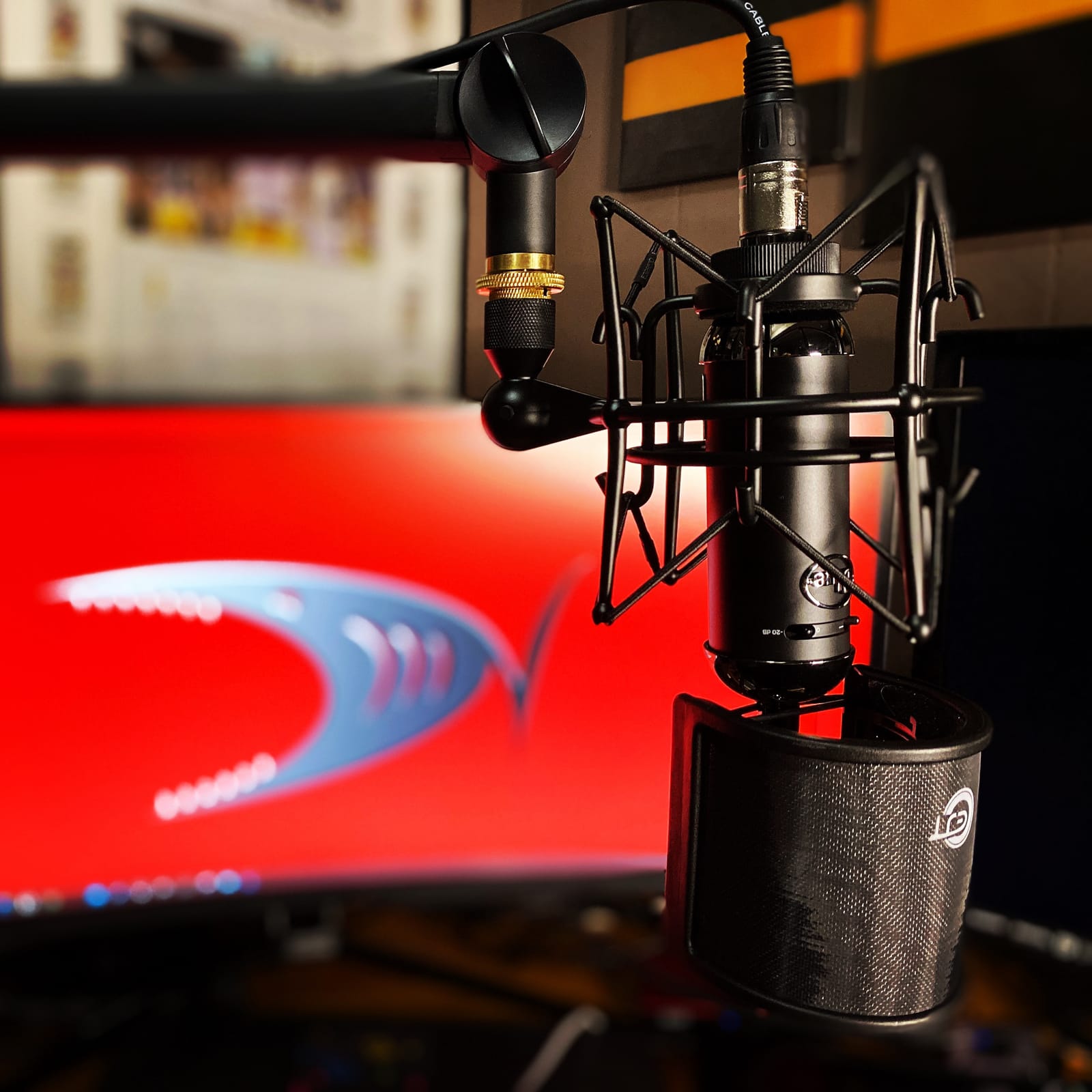
Best streaming scenarios for the Spark SL
The Spark SL is great for streamers in treated or quiet rooms who want a warm, present vocal sound. It works well for singing streams, voice acting, podcasting, and any content where vocal character matters more than absolute neutrality.
Why the included accessories matter
The shock mount and case add real value. Many condenser mics at this price ship with nothing, forcing you to buy accessories separately. With the Spark SL, you are unboxing a ready-to-use rig for less than the cost of buying the mic alone from many competitors.
8. Samson Q2U – Hybrid USB/XLR for Beginners
Samson Q2U USB/XLR Dynamic Microphone Recording and Podcasting Pack
Hybrid USB-C/XLR dynamic mic
50Hz-15kHz
Includes stand and windscreen
Pros
- Dual USB and XLR connectivity
- Excellent value under $80
- Clear warm vocal sound
- Good background noise rejection
- Plug and play simplicity
- Includes stand windscreen and cables
Cons
- USB may have occasional connection quirks
- Gain required higher than expected
- Stand can be flimsy
- Some users report firmware quirks
The Samson Q2U is the easiest entry into XLR streaming. It offers both USB-C and XLR outputs on the same mic, so beginners can start on USB today and graduate to an audio interface later without buying a new microphone. That flexibility is rare under $100.
In USB mode, I plugged the Q2U into a laptop and was streaming within minutes. Sound quality is clear, warm, and surprisingly broadcast-ready for the price. Background noise rejection is solid for a dynamic at this tier, and the included windscreen helps with plosives.
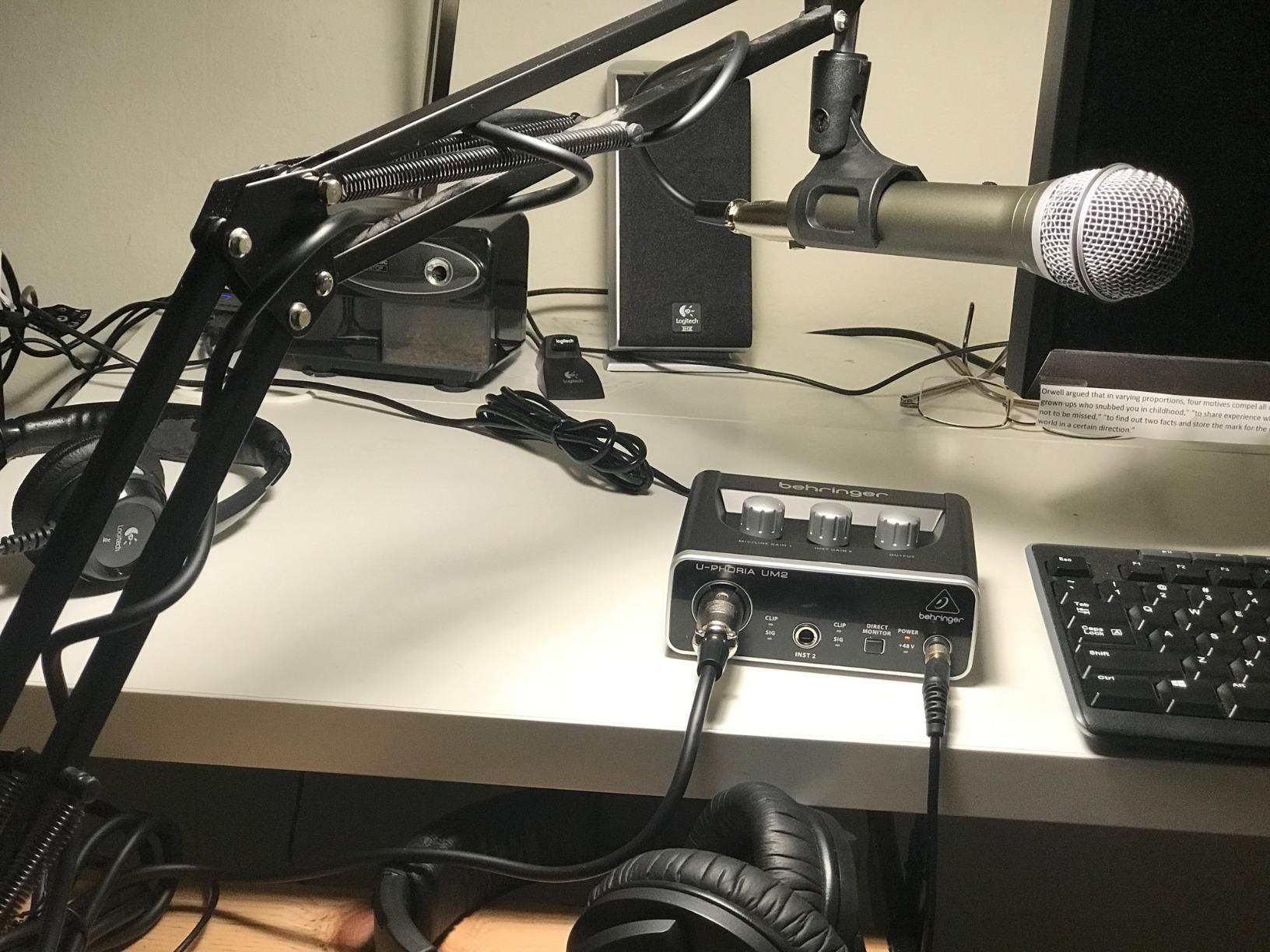
Switching to XLR mode, the Q2U paired well with the Focusrite Scarlett Solo and delivered the same clean sound. The 1/8-inch headphone output allows zero-latency monitoring, which is a thoughtful feature for streamers just getting started.
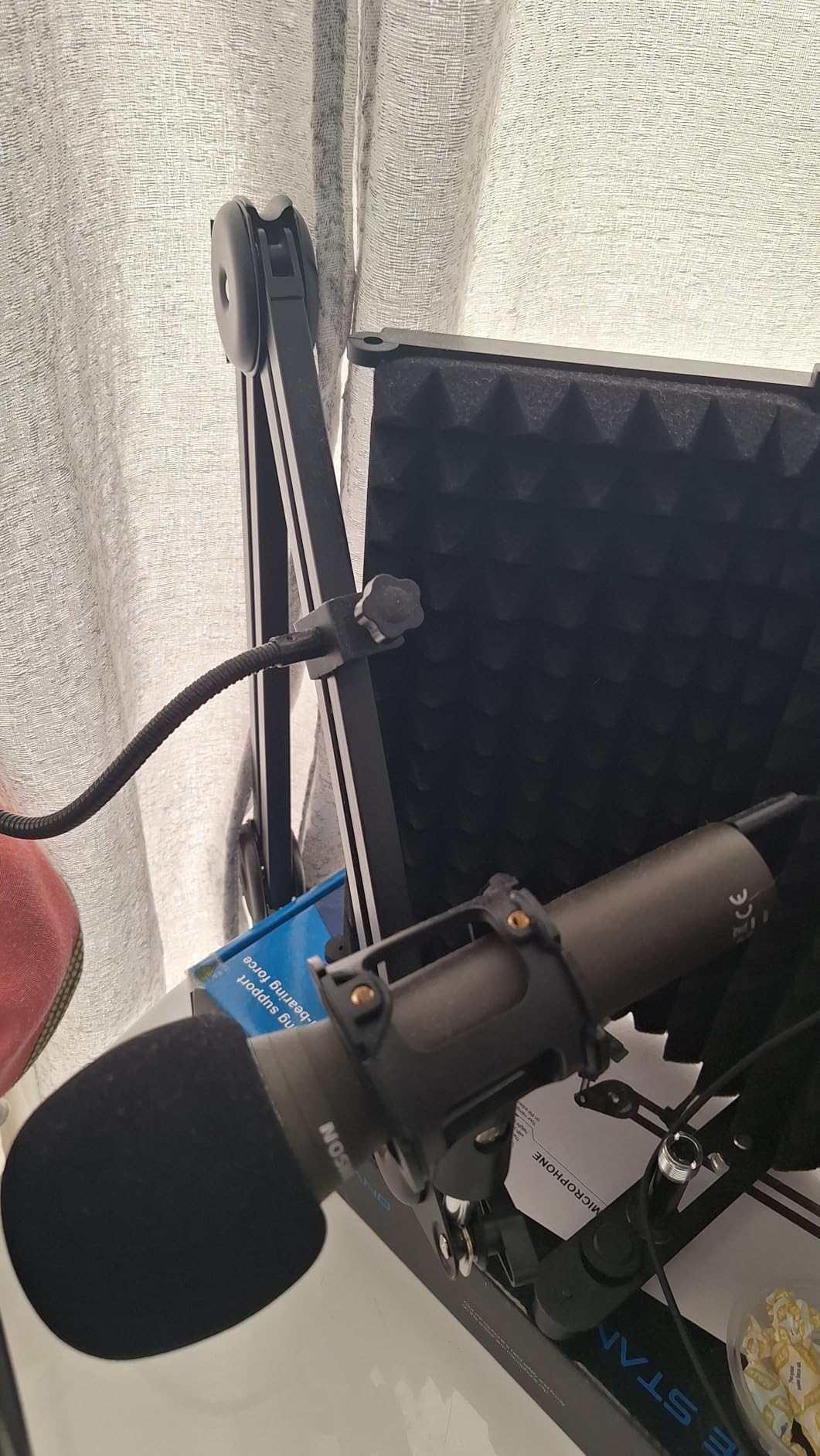
Build is mostly plastic, which keeps the price down and the weight manageable. The included desktop stand is functional but flimsy; plan to upgrade to a boom arm for serious use. Cables and windscreen are included, so you are ready to stream from day one.
Best streaming scenarios for the Q2U
The Q2U is the best entry-level XLR microphone for streamers who want room to grow. Start on USB, then add an audio interface later. It is also a great travel mic for podcasters recording on the road.
When to upgrade beyond the Q2U
Once you are running an interface and want more rejection and presence, graduate to the PodMic or MV7X. The Q2U is the on-ramp, not the destination, but it is the best on-ramp we have tested at this price.
9. RODE NT1 Signature Series – Studio-Grade Quiet Performer
RØDE NT1 Signature Series Studio Condenser Microphone, Black
1-inch true condenser XLR
4 dBA self-noise
Full bundle
Pros
- Exceptionally low 4dBA self-noise
- Complete bundle with shock mount and cable
- Clear professional sound
- 10-year warranty with registration
- Versatile across vocals and streaming
Cons
- Requires 48V phantom power
- No low-cut filter or pad switch
- Large size may feel bulky
- Needs acoustic treatment for best results
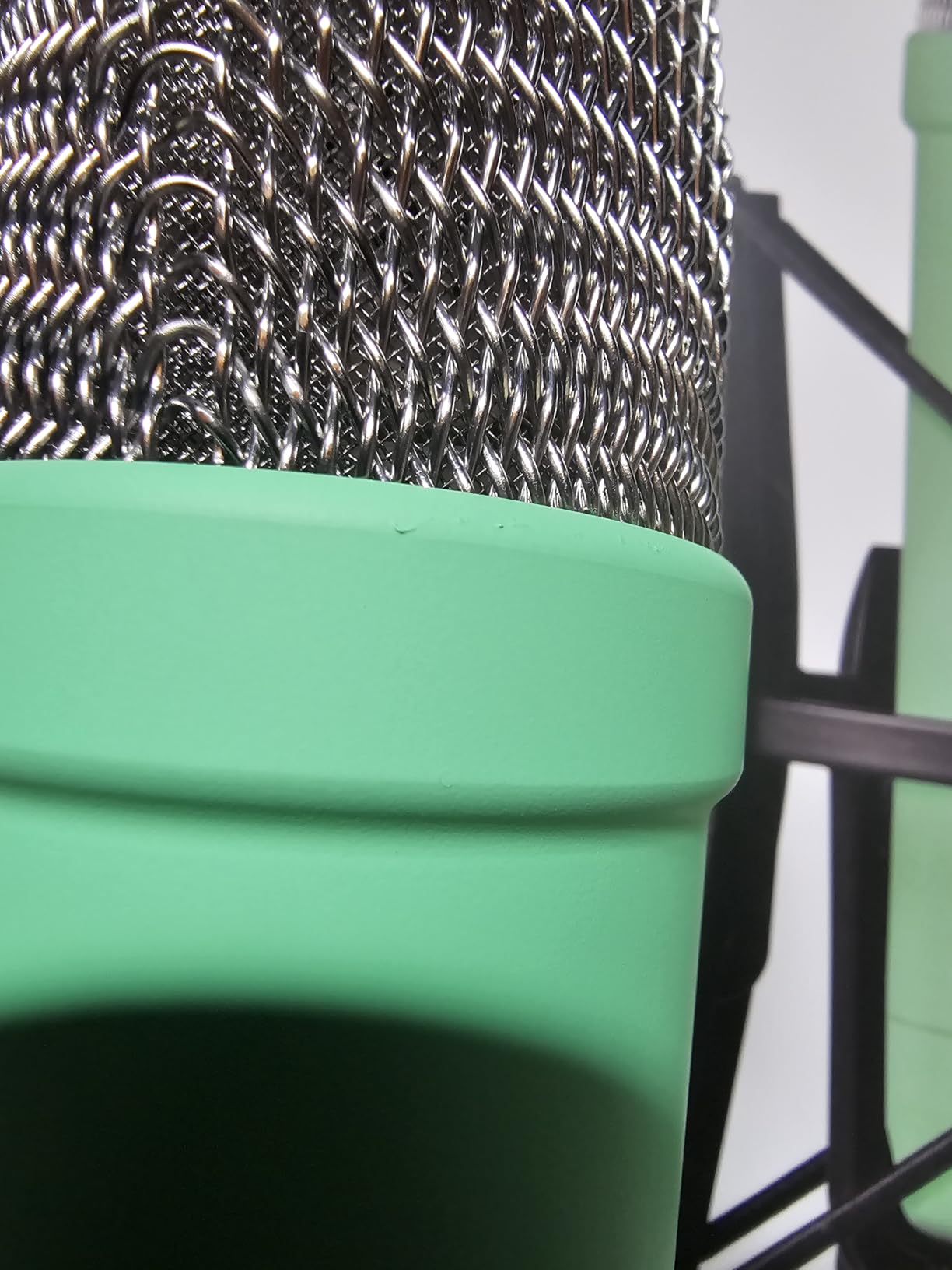
The NT1 Signature Series is one of the quietest condenser microphones available at any price, with a self-noise rating of just 4dBA. In a quiet treated room, that translates to a pure, transparent vocal capture with essentially zero mic noise floor. For studio-focused streamers, this is hard to beat.
I tested the NT1 alongside the AT2035 in a treated booth. The NT1 had noticeably less hiss, more depth, and a smoother top end. On long streams where mic noise accumulates, the NT1 stays clean and fatigue-free. Your viewers will not notice the difference consciously, but they will feel it.
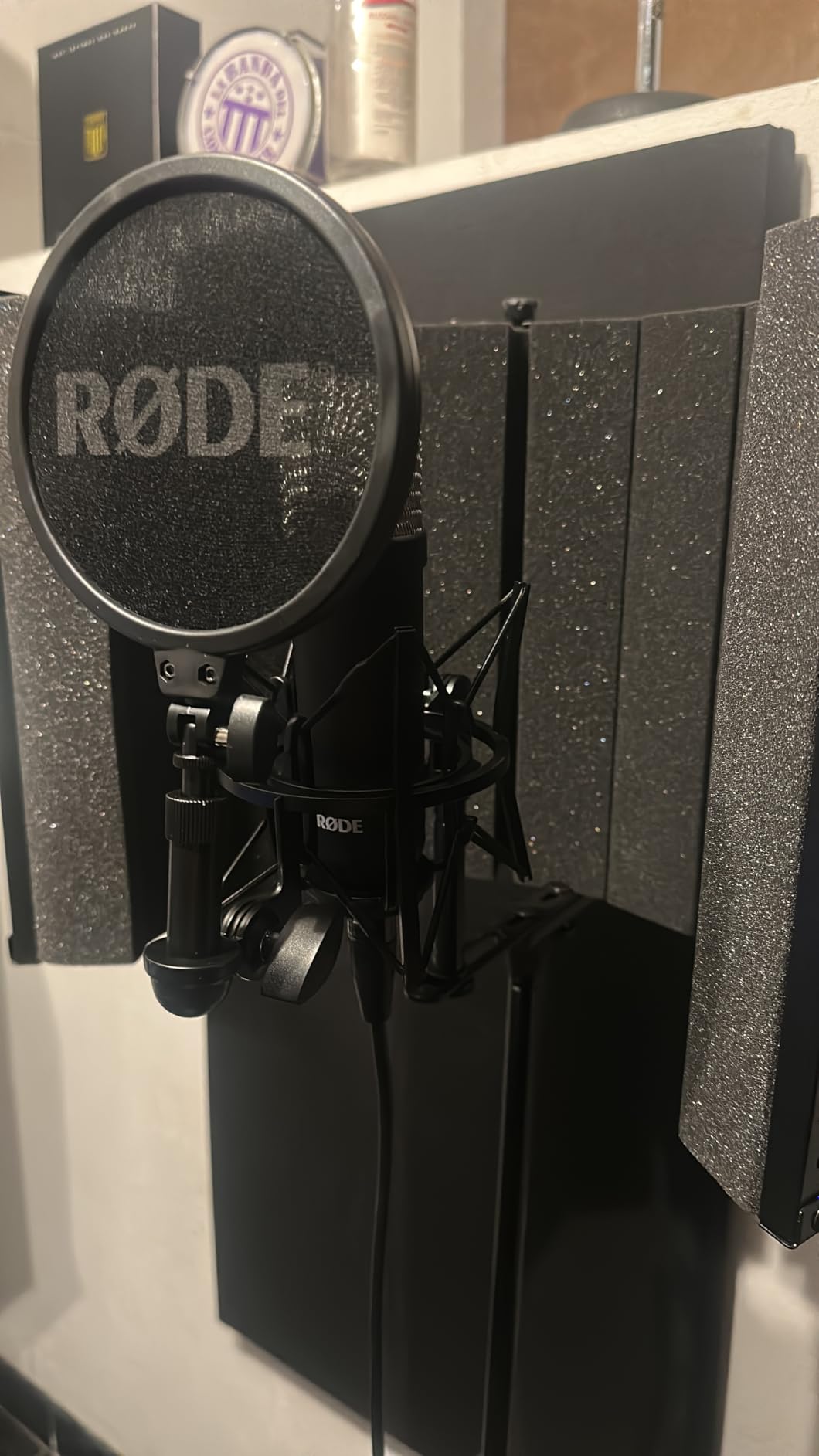
The bundle is what really stands out. You get the mic, a premium shock mount, a quality pop filter, and a 6m XLR cable in the box. Most condensers ship naked, forcing you to spend $50-100 on accessories. With the NT1 Signature, you are ready to record from the unboxing.
The 10-year warranty with registration is another quiet bonus. It signals RODE’s confidence in build quality and protects your investment for the long haul. For streamers serious about gear longevity, this is meaningful.
Best streaming scenarios for the NT1 Signature
The NT1 Signature is ideal for streamers in treated rooms who want maximum detail and minimum noise. It is also a great music-recording and podcasting mic for creators who do more than just gaming streams.
Why the low self-noise rating matters
Self-noise is the hiss the mic itself adds to your signal. Lower is better, especially if you stream for hours. The NT1 Signature’s 4dBA rating puts it among the quietest condensers ever made, and you can hear that in long sessions.
10. MAONO PD200W – Modern Hybrid with Wireless
MAONO PD200W Hybrid Wireless Podcast Microphone for PC, Dynamic XLR USB Mic
Hybrid wireless/USB/XLR dynamic mic
82 dB SNR
60-hour battery
Pros
- Triple wireless USB and XLR connectivity
- Excellent noise cancellation
- 60-hour battery life
- MaonoLink app for sound customization
- Professional sound at budget price
Cons
- Large and heavy for desktop use
- RGB lighting drains battery faster
- App interface needs refinement
- Learning curve for onboard controls
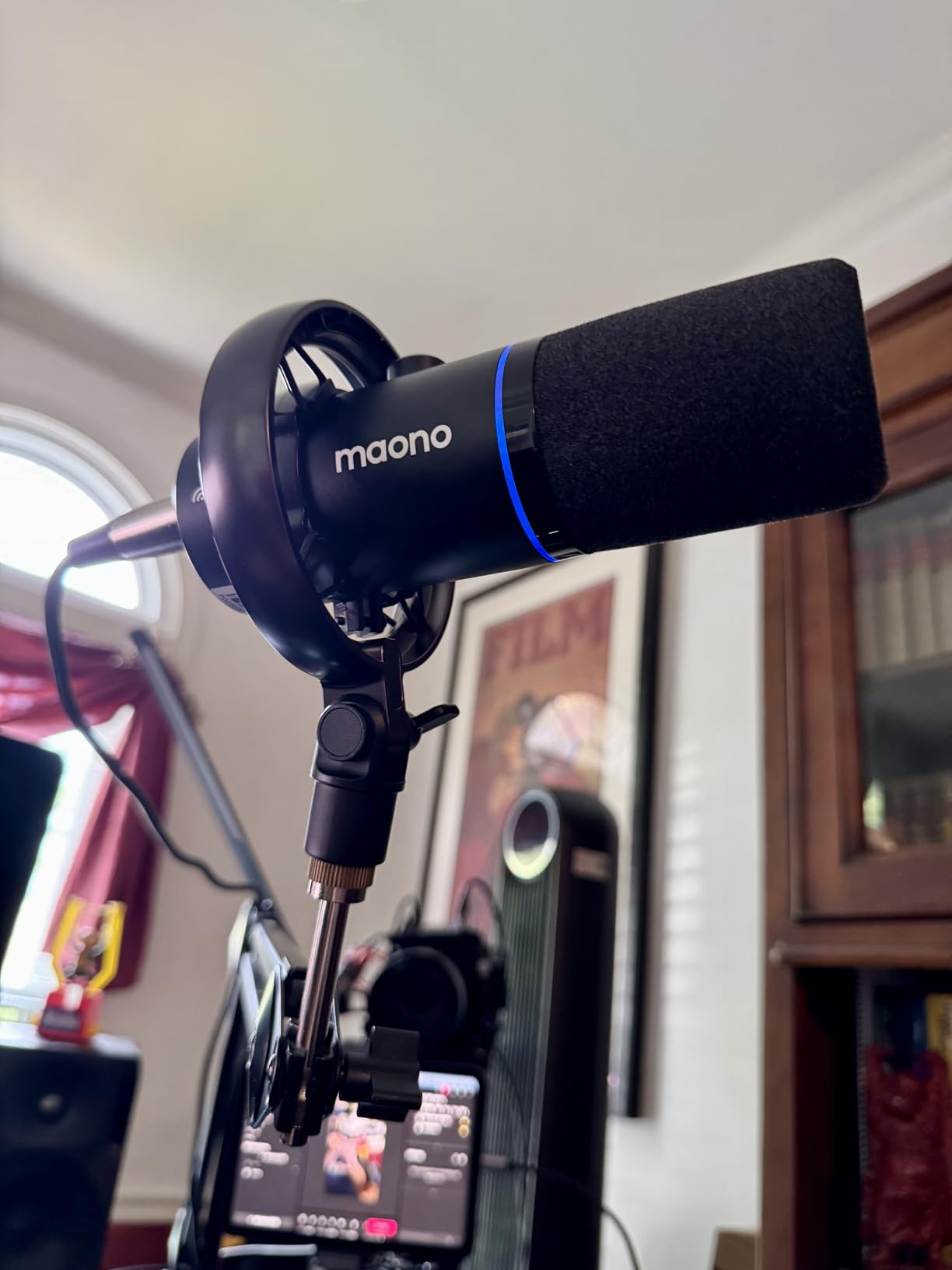
The MAONO PD200W is the most flexible mic on this list. It offers wireless, USB-C, and XLR connectivity in one package. Streamers who switch between desktop streaming, mobile setups, and on-location content can use a single mic across all three workflows.
In wireless mode, I tested the PD200W at 30 feet from the receiver with no dropouts. Battery life lived up to the 60-hour claim with RGB off. The three-stage noise cancellation algorithm actively reduces background noise, which impressed me for a sub-$100 mic.
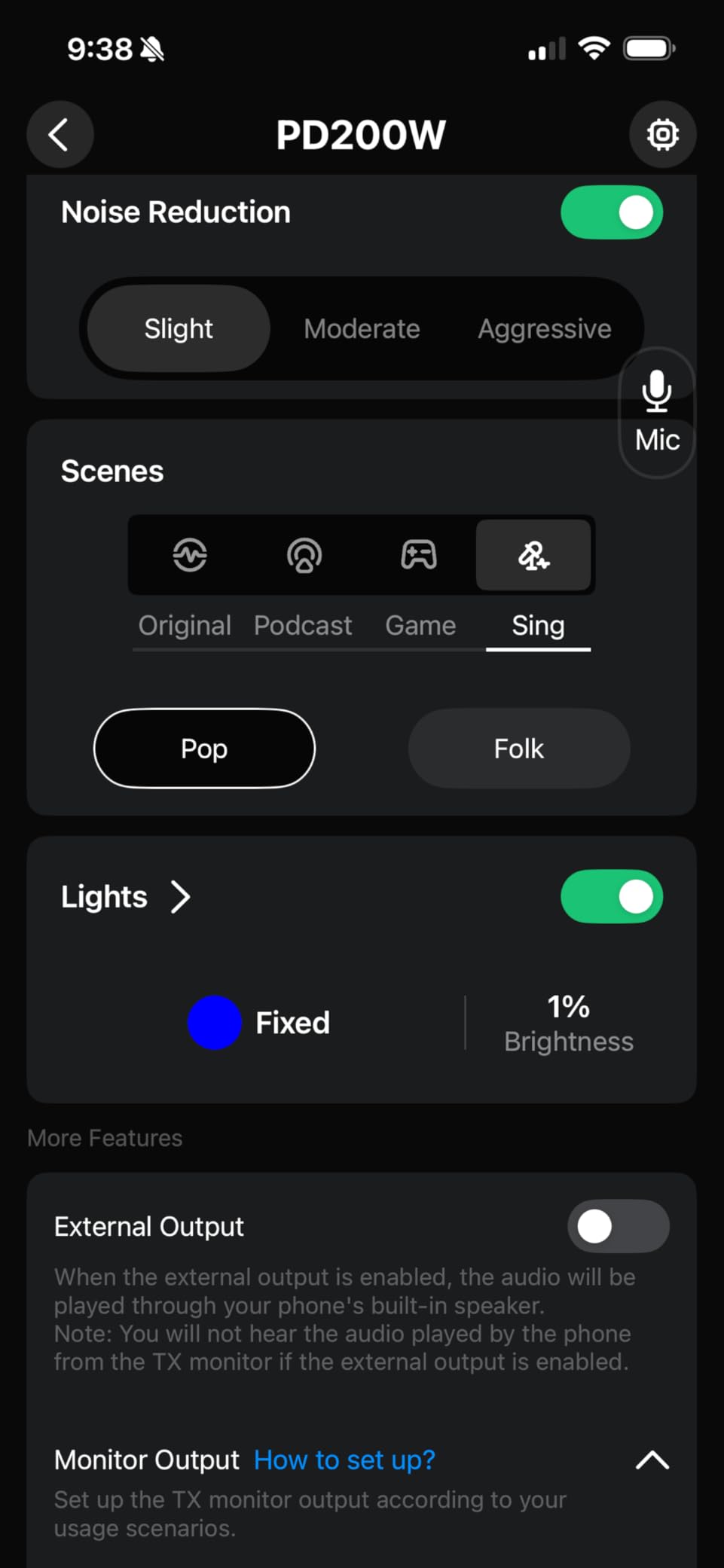
The MaonoLink app unlocks preset modes, EQ adjustments, and gain staging. It is not as polished as Shure’s MOTIV or RODE’s software, but it gets the job done. Presets for gaming, podcasting, and singing make setup faster for new users.
The PD200W is heavier and bulkier than most desktop mics. At 1.32 kg, it needs a sturdy boom arm. RGB lighting looks great on stream but noticeably reduces battery life. Plan on disabling RGB for long wireless sessions.
Best streaming scenarios for the PD200W
The PD200W is ideal for hybrid creators who stream from multiple setups, IRL streamers, and anyone who wants flexibility without buying multiple mics. It is also a strong budget option for streamers just starting XLR who appreciate the wireless option.
XLR vs wireless when to use each
Use XLR for permanent desktop streaming setups where latency and reliability matter most. Use wireless for mobile streaming, IRL content, podcasts on the road, or any time you need to move freely. The same mic covers both, which is rare in this category.
Buying Guide: Choosing the Right XLR Microphone for Your Stream
Choosing the best XLR microphone for streaming depends on five factors: room acoustics, voice type, gain requirements, budget for total rig cost, and your streaming use case. Get all five right and your stream sounds professional from day one.
Dynamic vs condenser for streaming
Dynamic microphones are the safer choice for streamers. They reject background noise, work in untreated rooms, and handle loud voices without distorting. The SM7B, PodMic, MV7X, and Procaster are all dynamics. Condenser microphones capture more detail and air, but they also pick up every room reflection, keyboard click, and PC fan. Choose a condenser only if your room is treated or naturally quiet.
Gain requirements and preamps
This is the most overlooked factor. Many dynamic broadcast mics need 50-65 dB of clean gain. Most budget interfaces top out at 50 dB. If your interface is weak, you need an inline preamp like the Cloudlifter CL-1, FetHead, or the SM7dB with a built-in preamp. Skipping this step is the #1 reason new XLR streamers think their expensive mic sounds worse than expected.
Audio interface pairing guide
For most streamers, the Focusrite Scarlett Solo or Universal Audio Volt 276 is enough. If you want more features, the RODE RODEcaster Pro II or GoXLR Mini handle multiple mics, audio mixing, and stream output in one box. For pure clean gain, the Universal Audio Volt 276 leads the pack and can drive the SM7B without an extra preamp.
Voice type matching
Higher voices tend to sound best on brighter condensers or on dynamics with presence boosts like the SM7B with the mid-bump engaged. Lower voices often shine on warmer dynamics like the Procaster and PodMic. Match the mic to your voice and you avoid needing EQ to compensate later.
Total cost of ownership
An XLR setup includes the mic, an audio interface, XLR cables, and possibly an inline preamp. Budget for the full rig, not just the mic. A $99 SM7B with a $200 interface and $100 Cloudlifter is a $400 system. Compare that to a $200 USB mic that is the complete solution, and you will see why XLR is a long-term investment, not an impulse buy.
For related gear, our team has also reviewed the 10 best dynamic microphones for general use, the 10 best shotgun microphones for on-camera work, and the 12 best wireless microphones if you want cable-free flexibility. For complete streaming rigs, the 12 best streaming boxes round out a streaming setup.
Frequently Asked Questions
Is XLR better than USB for streaming?
XLR delivers cleaner audio, more flexibility, and a path to upgrade your rig over time. USB mics are simpler and cheaper but limit you to a single integrated solution. For streamers serious about audio quality and growth, XLR is worth the extra setup. Beginners who want simplicity should start with a quality USB mic and graduate to XLR later.
What is the best XLR audio interface for streaming?
For most streamers, the Focusrite Scarlett Solo offers the best balance of clean gain, low noise, and price. The Universal Audio Volt 276 has more clean gain and can drive demanding mics like the SM7B without an extra preamp. The RODE RODEcaster Pro II is the best choice for multi-mic podcasting and streaming setups with built-in mixing.
Do I need an audio interface for an XLR microphone?
Yes. XLR microphones output analog signals that need an audio interface to convert to digital for your computer. The interface also supplies clean gain and, for condenser mics, 48V phantom power. Without an interface, the mic will not work with your PC or streaming software.
What microphone do most streamers use?
Most professional streamers use dynamic broadcast mics like the Shure SM7B, RODE PodMic, or Shure MV7X. These mics reject background noise, sound warm and full on stream, and handle long sessions without fatigue. Smaller streamers often start with the Samson Q2U for its hybrid USB/XLR flexibility.
Final Verdict: Which XLR Microphone Should You Buy?
After weeks of testing across quiet studios, untreated bedrooms, and noisy household setups, our top pick for the best XLR microphone for streaming in 2026 is the Shure SM7B if budget allows, the RODE PodMic if you want 90% of the SM7B at a third of the price, and the Samson Q2U if you want an easy entry point with room to grow.
For streamers in untreated rooms, dynamic broadcast mics like the SM7B, PodMic, MV7X, and Procaster are the safest picks. For creators in treated studios who want maximum detail, the AT2035 and NT1 Signature Series deliver studio-grade results. Match the mic to your room, your voice, and your total rig budget, and you will stream with audio quality that keeps them coming back. Check the latest prices above to start your upgrade today.