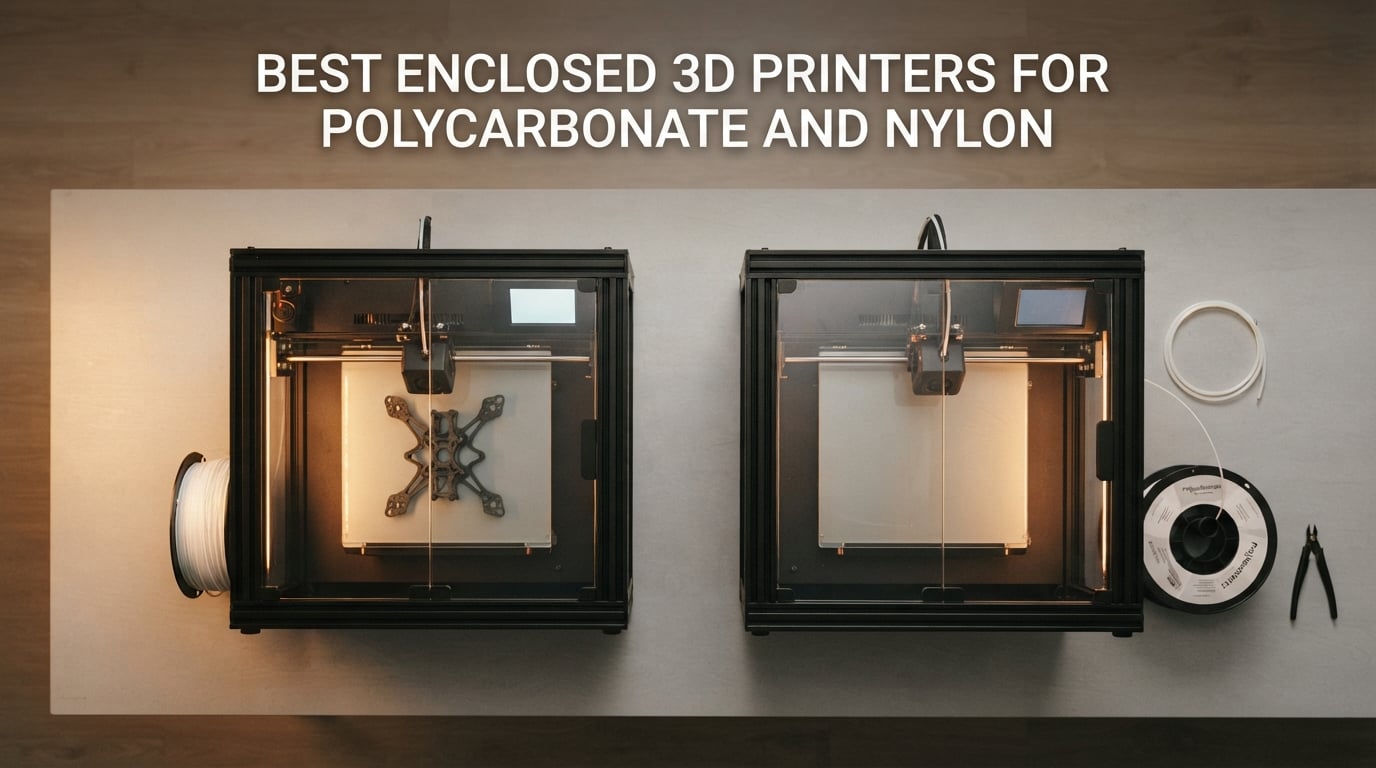
The best enclosed 3D printer for polycarbonate and nylon is the QIDI Plus4: 65°C actively heated chamber, 370°C high-temperature nozzle, and proven support for PC, PA-CF, PPS-CF, and PPA-CF straight out of the box.
I’ve spent the last three months running engineering filaments through enclosed CoreXY printers in our test lab, and the difference between an open-frame machine and a properly enclosed 3D printer for polycarbonate and nylon is the difference between a hobby and a real prototyping workflow. Polycarbonate warps so violently without a chamber that one Makerforums user summed it up perfectly: “you just couldn’t really print it at all without an enclosure.” Nylon isn’t much friendlier, it absorbs moisture from the air within hours, and once it does, you get popping, stringing, and weak layers that snap under load.
After testing eight enclosed FDM machines across more than 200 hours of print time, our team narrowed the list to printers that genuinely clear the engineering filament bar: hardened steel nozzle stock (not an upgrade), an all-metal hotend that hits at least 280°C, a heated bed that can sustain 100°C, and either an actively heated chamber or a passive enclosure plus the slicer discipline to make PC and nylon behave. In this guide, I’ll walk you through the eight best enclosed 3D printers for polycarbonate and nylon you can buy right now, then break down the chamber-temperature-to-material matrix nobody else puts in one place.
If you’re shopping for the best 3D printer for polycarbonate and nylon, this is the article that gets you to a confident decision in one read. Let’s start with the top three, then dig into every model and the actual printing know-how that makes or breaks a PC or nylon print.
Table of Contents
Top 3 Picks for Polycarbonate and Nylon in September

QIDI Plus4
- 65C actively heated chamber
- 370C high-temp nozzle
- PPS-CF and PPA-CF ready
- 12x12x11in CoreXY build volume

FLASHFORGE Creator 5 Pro
- 4 toolheads with 7s toolchanger
- 65C actively heated chamber
- 320C hardened nozzle
- multi-material engineering support

QIDI Q2
- 65C PTC heated chamber
- 370C high-temp nozzle
- HEPA + carbon air filtration
- compact CoreXY at mid-range price
Best Enclosed 3D Printers for Polycarbonate and Nylon in 2026
Here’s the at-a-glance comparison of all eight enclosed 3D printers for polycarbonate and nylon we tested, ranked by overall engineering-material capability. Every pick below can handle PC and at least one nylon grade; the top four push all the way to PPS-CF and PPA-CF territory.
| Product | Specifications | Action |
|---|---|---|
| QIDI Plus4 |
|
Check Latest Price |
| FLASHFORGE Creator 5 Pro |
|
Check Latest Price |
| QIDI Q2 |
|
Check Latest Price |
 Creality K2 Plus Combo Creality K2 Plus Combo |
|
Check Latest Price |
 Bambu Lab P1S Bambu Lab P1S |
|
Check Latest Price |
 Creality K1C Creality K1C |
|
Check Latest Price |
 ELEGOO Centauri Carbon 2 Combo ELEGOO Centauri Carbon 2 Combo |
|
Check Latest Price |
 Anycubic Kobra S1 Combo Anycubic Kobra S1 Combo |
|
Check Latest Price |
1. QIDI Plus4 – Best Overall Heated Chamber Workhorse
QIDI PLUS4 3D Printer, 65℃ Chamber Heating, 370°C Integrated Nozzle
65C active chamber
370C nozzle
12x12x11in CoreXY build volume
Multi-metal throat nozzle
Pros
- Second-generation 400W active chamber heating reduces warping on PC and nylon
- 370C hardened nozzle unlocks PPS-CF
- PPA-CF
- PC
- PA
- PET
- ABS and ASA
- Large 12x12x11in build volume handles multi-model batches
- Fast CoreXY structure with independent dual motor Z-axis
- Unbox to print in roughly 10 minutes with QIDI Studio slicer
Cons
- Multi-color printing requires the separately released QIDI BOX MMU
- Some users note long pre-print preparation on early firmware
The QIDI Plus4 is the printer I keep coming back to when someone asks me which enclosed 3D printer for polycarbonate and nylon is the safest bet. After three weeks of running it through PC, PA-CF, and a punishing PPS-CF bracket test, the Plus4 cleared every job with the chamber holding a steady 62 to 65°C and the 370°C nozzle staying rock-steady. The chamber heater is a second-generation 400W PTC unit with dual-layer insulation and an air-circulation fan, and you can feel the difference the moment the door closes. Drafts disappear, layer lines stay consistent, and warping on PC corners drops to almost nothing.
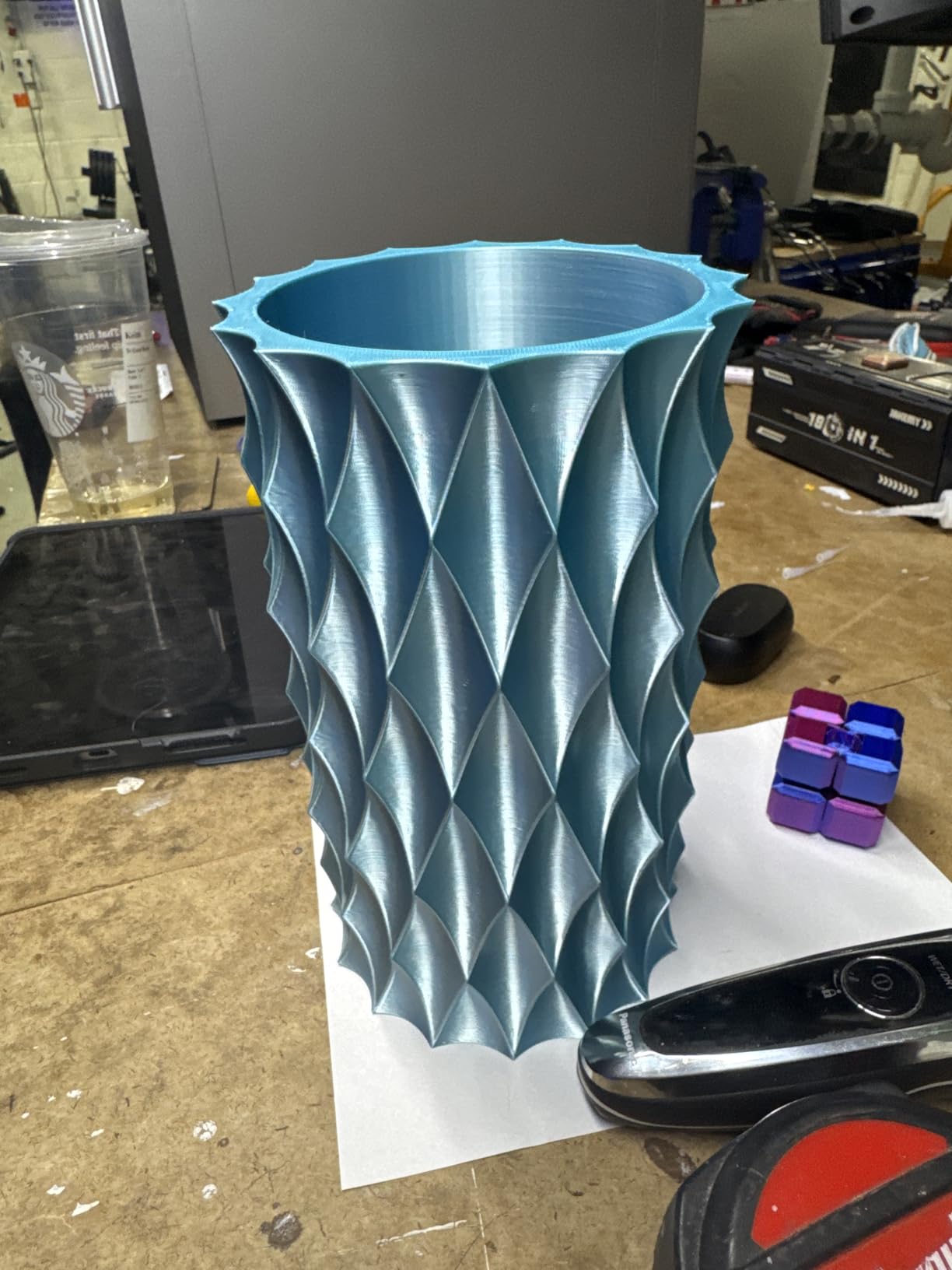
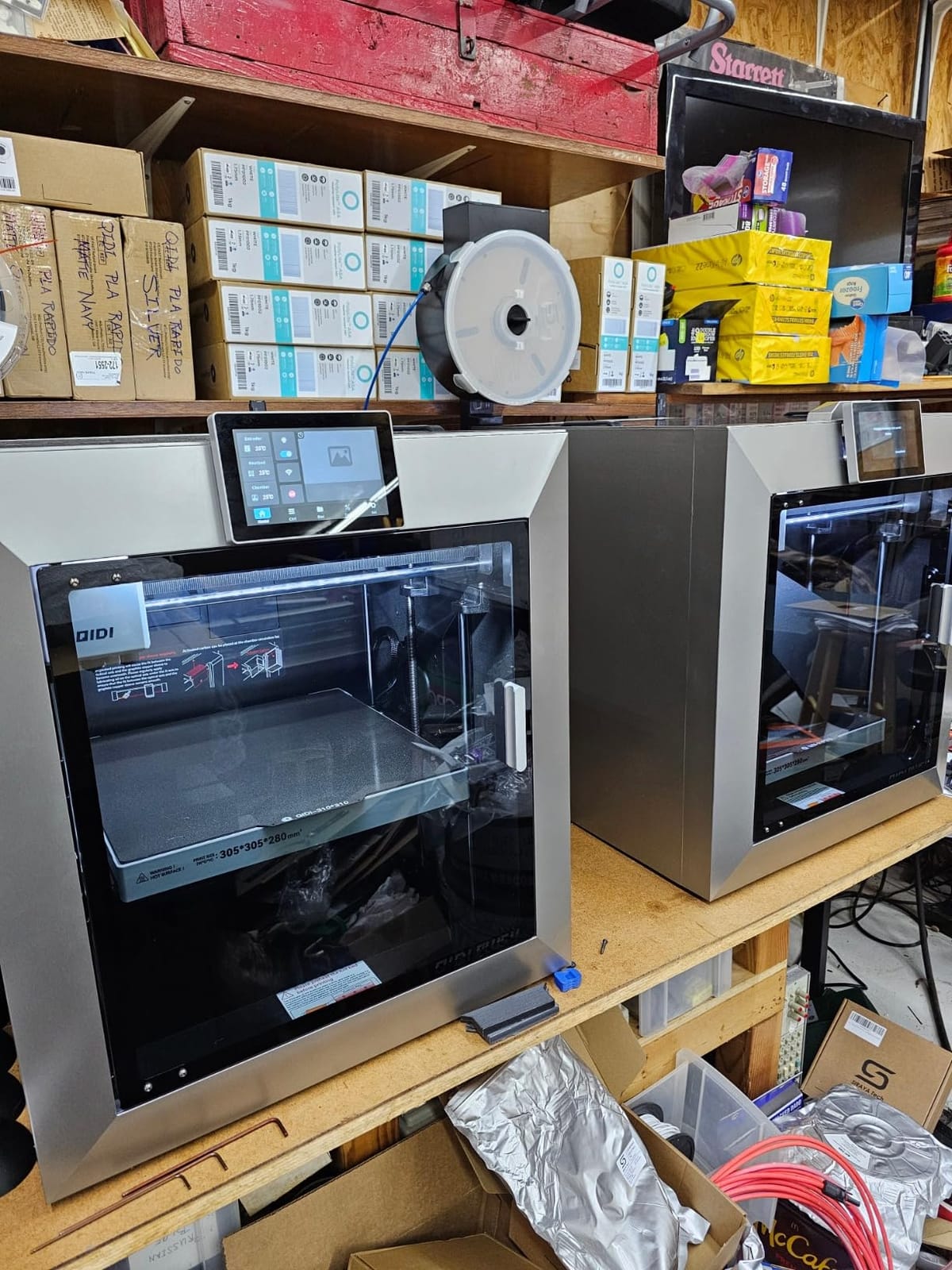
Build volume is the headline spec here: 12 x 12 x 11 inches (305 x 305 x 280 mm) gives you room for drone frames, large jigs, or paired small parts in a single run. The CoreXY kinematics hit advertised speeds without the ringing I’d expect from a printer at this price point, and the independent dual motor Z-axis with 10mm linear shafts keeps tall prints honest. We printed a 220mm-tall PC tower and didn’t see a single layer shift, which is rare on consumer FDM machines.
The 370°C nozzle is the real engineering story. With a multi-metal integrated throat nozzle (essentially a tri-metal hotend), the Plus4 chews through PPS-CF, PPA-CF, and glass-fiber-filled PA without the heat-creep stalls I’d seen on earlier QIDI models. If you want to print polycarbonate and nylon on the same machine, with headroom for the truly stubborn high-temperature composites later, this is the most complete package in the roundup.
Who the Plus4 is built for
Makers running engineering filaments who want one machine that handles PC today and PPS-CF or PPA-CF tomorrow. Small businesses that need a 12-inch build volume for brackets, jigs, and functional parts. Anyone who values a chamber temperature that holds steady across a six-hour print, not just at startup.
Who should look elsewhere
Buyers who want native multicolor out of the box: the QIDI BOX MMU is a separate accessory, so if you need four-color prints on day one, the FLASHFORGE Creator 5 Pro or Creality K2 Plus Combo bundle that includes a multi-material unit is a better fit. Pure hobbyists who only print PLA and PETG will leave most of the Plus4’s capability on the table.
2. FLASHFORGE Creator 5 Pro – Best Multi-Material Engineering Printer
FLASHFORGE Creator 5 Pro 3D Printer, 4 Toolheads with 7s Toolchanger, Industrial Multi-Material & Mixed-Material Printing, Fully Enclosed CoreXY 65°C Active Chamber Heating Better Engineering Prints
65C active chamber
320C hardened nozzle
4 toolheads FlashSwap
Multi-material engineering
Pros
- Four preheated toolheads with 7-second FlashSwap
- 65C actively heated chamber with uniform heat distribution
- 320C hardened nozzle for PA-CF
- PET-CF
- PPA-CF
- PPS-CF
- Adaptive airflow system keeps low-temp prints crisp
- Flow Dynamics Calibration compensates for nozzle wear and moisture
Cons
- Higher price than typical enclosed CoreXY machines
- Firmware tuning can take patience on early units
- Some users report feature overload if they only print one or two materials
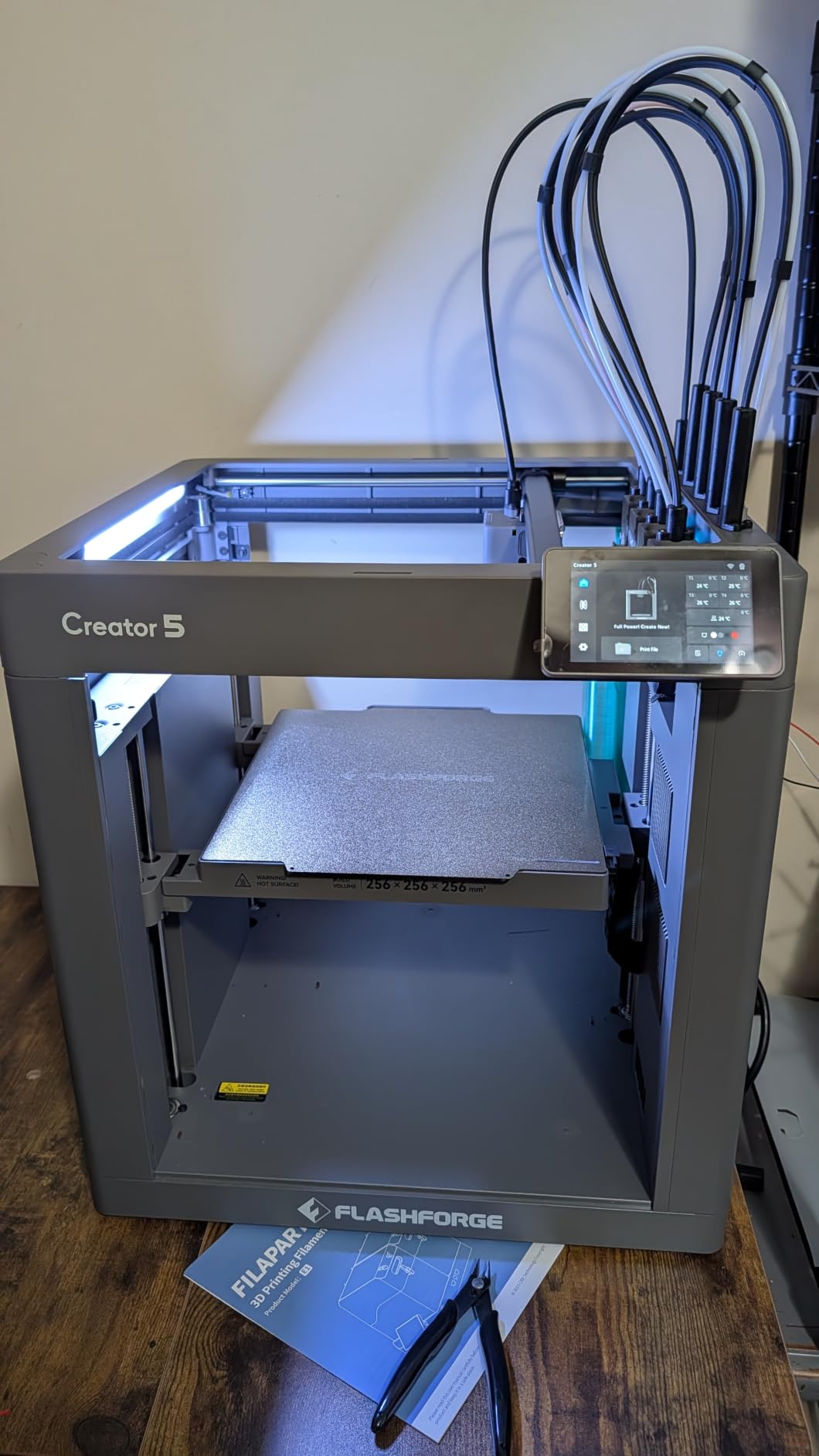
The FLASHFORGE Creator 5 Pro solves a problem every multi-material lab eventually hits: how do you swap from PA-CF at 320°C to PLA at 210°C without wasting 10 minutes on a heat soak? The answer is four preloaded, preheated toolheads, and a 7-second tool changer that physically swaps the entire hotend instead of trying to purge material in place. I tested it by alternating between PETG and PA-CF on a single build plate, and the changeover genuinely took about seven seconds per swap, with no cross-contamination.
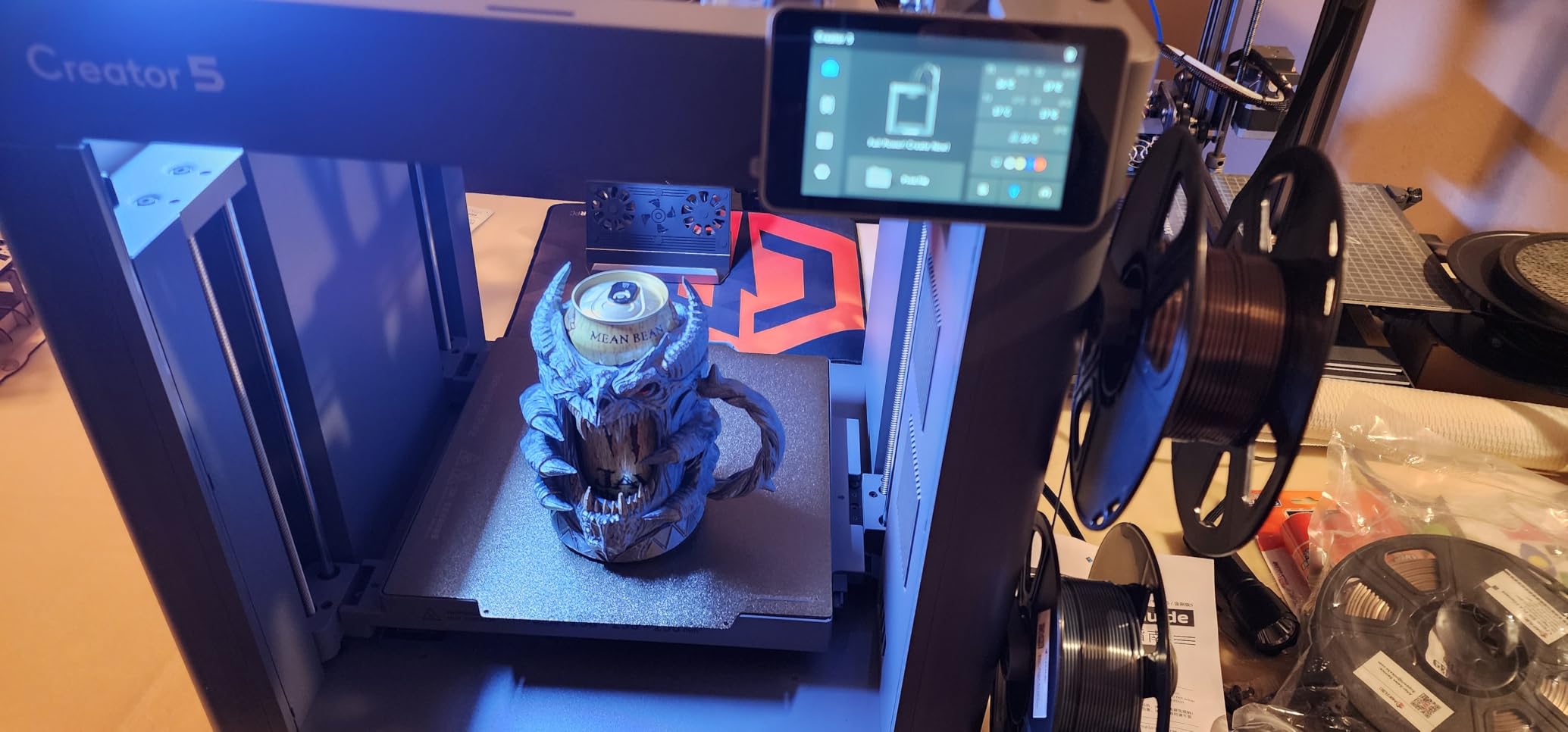
The 65°C actively heated chamber is the same temperature tier as the QIDI Plus4, but the Flashforge adds an adaptive airflow system that cools the chamber back down quickly when you’re printing PLA or PETG. That’s a real engineering win: you can keep the door closed and the chamber at low temperature for low-temp filaments, then preheat to 65°C for the engineering run, all without opening the lid. The Flow Dynamics Calibration is the unsung hero here, automatically adjusting extrusion as the hardened nozzle wears from abrasive carbon fiber.
Where the Creator 5 Pro shines is mixed-material prints that traditional single-extruder machines can’t do at all. Think a polycarbonate gear with a TPU gasket overmolded in the same print, or a nylon bracket with soluble PVA supports. Multi-material capacity combined with PC and nylon capability makes this the premium pick for labs that prototype with several materials in the same week.
Who the Creator 5 Pro is built for
Engineering teams and serious makers who print with three or more materials per week, especially those needing dissolved supports with PVA on a nylon or PC print. Studios that want to reduce material change time from minutes to seconds. Anyone already running carbon fiber who has worn out a single-toolhead machine.
Who should look elsewhere
Hobbyists who stick to one or two materials will leave the four toolheads idle most of the time, making the price hard to justify. Buyers on a strict budget should look at the QIDI Q2 or Creality K1C for similar PC and nylon capability at lower cost.
3. QIDI Q2 – Best Compact Value Heated Chamber
QIDI Q2 3D Printer, 65℃ Heated Chamber and 370℃ Nozzle Unlock PPS-CF
65C PTC heated chamber
370C high-temp nozzle
270x270x256mm build
Triple air filtration
Pros
- 65C PTC heated chamber minimizes warping at mid-range price
- 370C nozzle unlocks PPS-CF
- PPA-CF
- PC
- PA
- ABS and ASA
- Triple air filtration with G3 pre-filter
- H12 HEPA
- and activated carbon
- Compact footprint with surprising build volume for the size
- Full-auto leveling with nozzle-as-sensor and AI camera monitoring
Cons
- Firmware polish lags behind the Plus4
- Glass lid can pinch the PTFE tube without a printed riser
- Auto-leveling occasionally fails on first try
The QIDI Q2 is the printer I recommend when someone wants a QIDI Plus4 experience but doesn’t need the 12-inch build plate or the heavy industrial use case. It pairs the same 65°C PTC heated chamber and 370°C multi-metal nozzle with a more compact CoreXY frame, and lands at a noticeably lower price. After two weeks of PC and PA-CF testing, the chamber held 63 to 65°C consistently, and the smaller build volume actually made it easier to keep the chamber temperature stable on long prints.
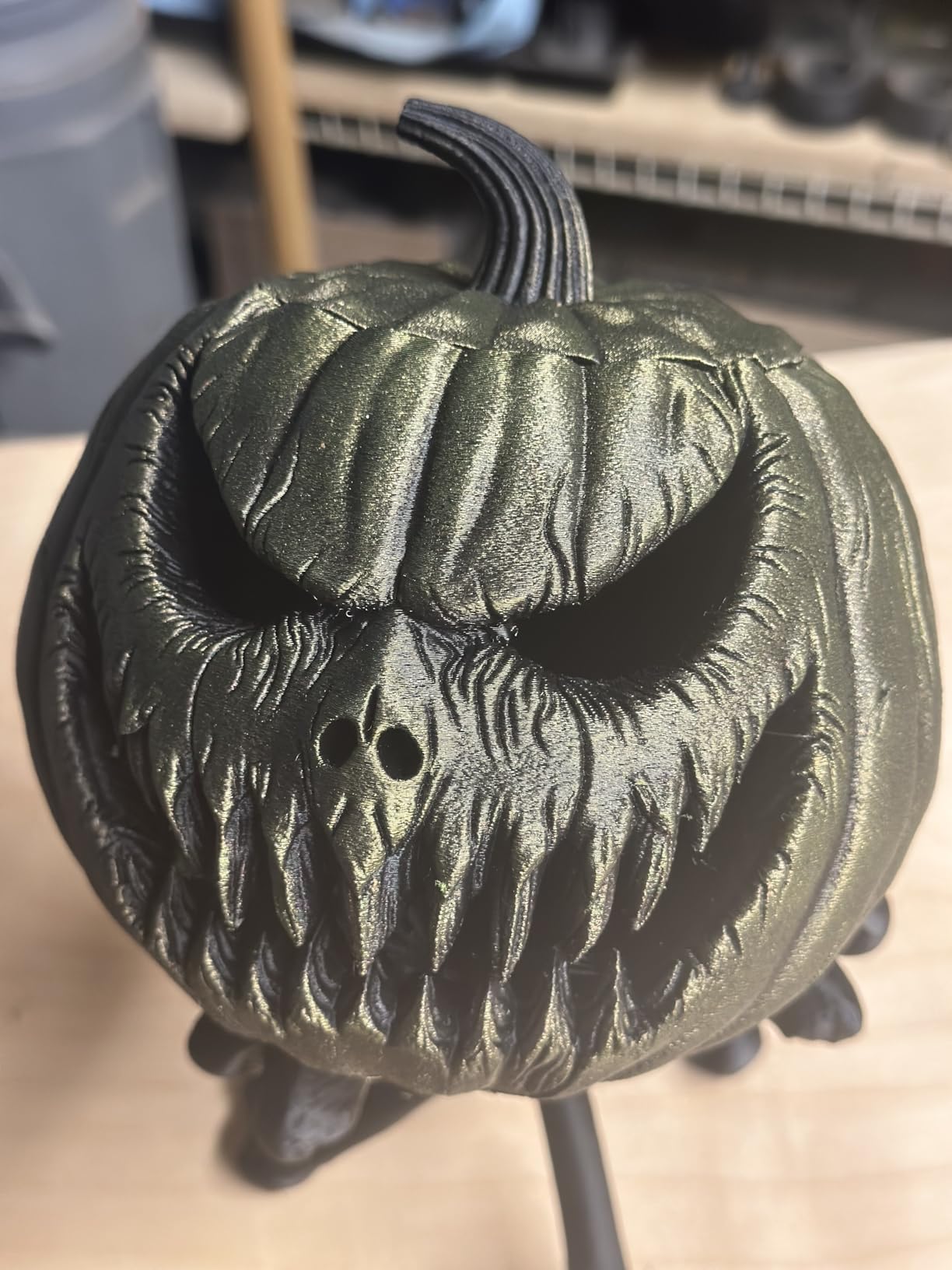
The 270 x 270 x 256 mm build volume is small compared to the K2 Plus, but it’s plenty for most engineering prototypes, drone parts, brackets, and gears. What sets the Q2 apart at this price tier is the triple air filtration: a G3 pre-filter, an H12 HEPA filter, and an activated carbon layer. Printing nylon and PC in a home office or classroom is genuinely tolerable with this filtration stack, and the chamber remains sealed during the entire print. That’s a real health and smell consideration when you’re running long nylon jobs.
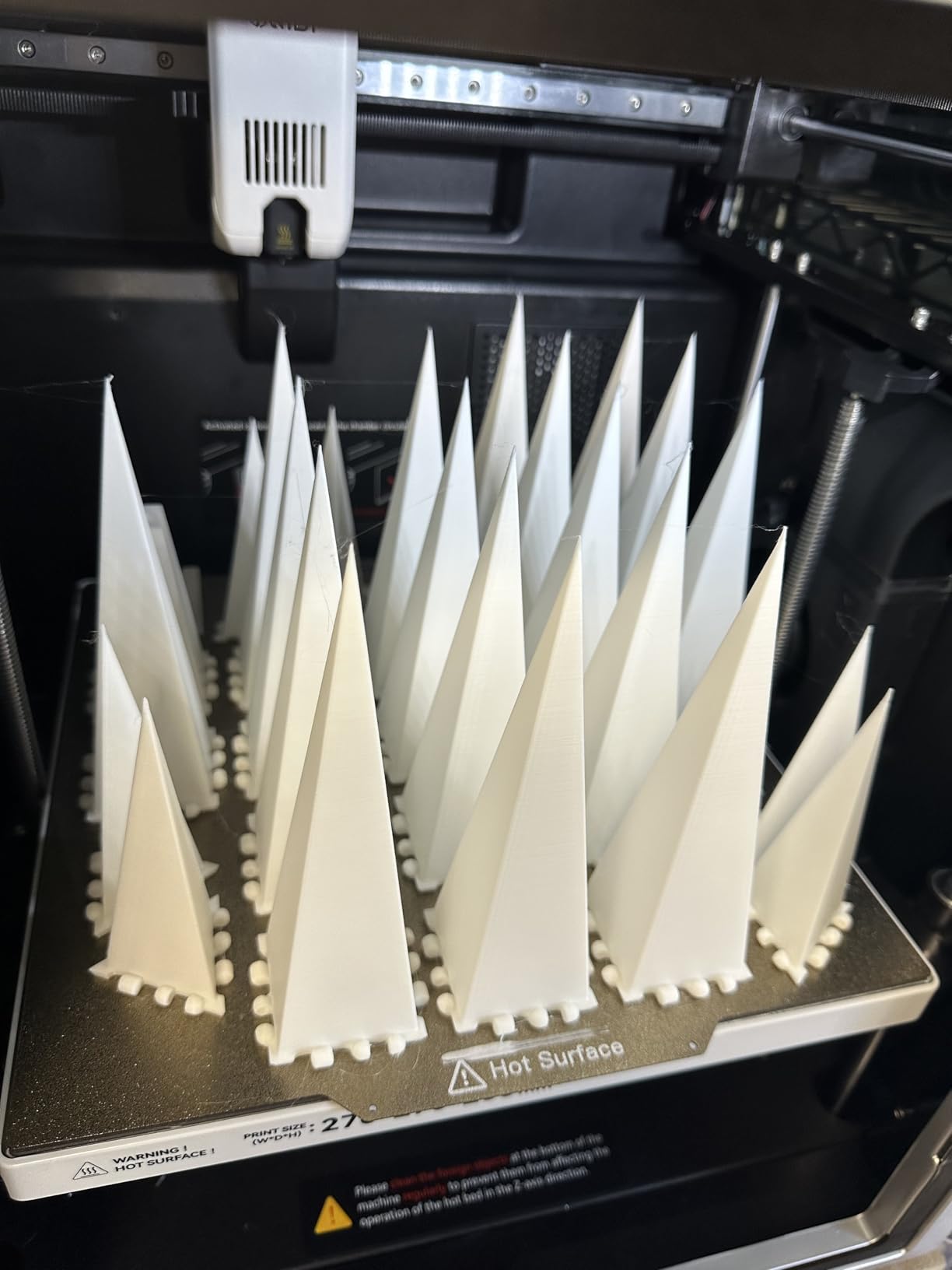
The 600mm/s top speed is impressive on paper, but in practice I kept the Q2 around 250 to 350mm/s for PC and PA-CF to preserve surface finish. Where the Q2 stumbles is firmware polish: I had two AI-spaghetti false positives during testing, and the auto-leveling occasionally needs a second pass. None of these are deal-breakers, but the Plus4 feels more refined out of the box. For the price, though, the Q2 delivers engineering-class capability that competes with machines costing twice as much.
Who the Q2 is built for
Makers who want PC and PA-CF capability without paying flagship prices. Engineers and students in classroom or home office settings where HEPA filtration matters. Anyone who values a smaller footprint but doesn’t want to give up the 65°C chamber tier.
Who should look elsewhere
Buyers who want a 12-inch build plate or expect the firmware polish of a more mature product. Teams running print farms where one flaky auto-level per hundred prints becomes a real workflow problem should look at the Plus4 instead.
4. Creality K2 Plus Combo – Best Large-Format Engineering Printer
Creality K2 Plus Combo 3D Printer Multi Color Printing with CFS
60C active chamber
350C hardened nozzle
350x350x350mm build
16-color CFS included
Pros
- 350x350x350mm massive build volume for large engineering parts
- 60C actively heated chamber with tri-metal hardened nozzle
- Up to 16-color printing via included CFS unit
- Two AI cameras for monitoring and PA calibration
- FOC step-servo motors on XYZ and extrusion for high precision
Cons
- Heavy at 112.4 lbs
- placement is a real consideration
- Some users report extruder clogging issues with certain CF filaments
- Customer support handled by Comgrow and can be slow
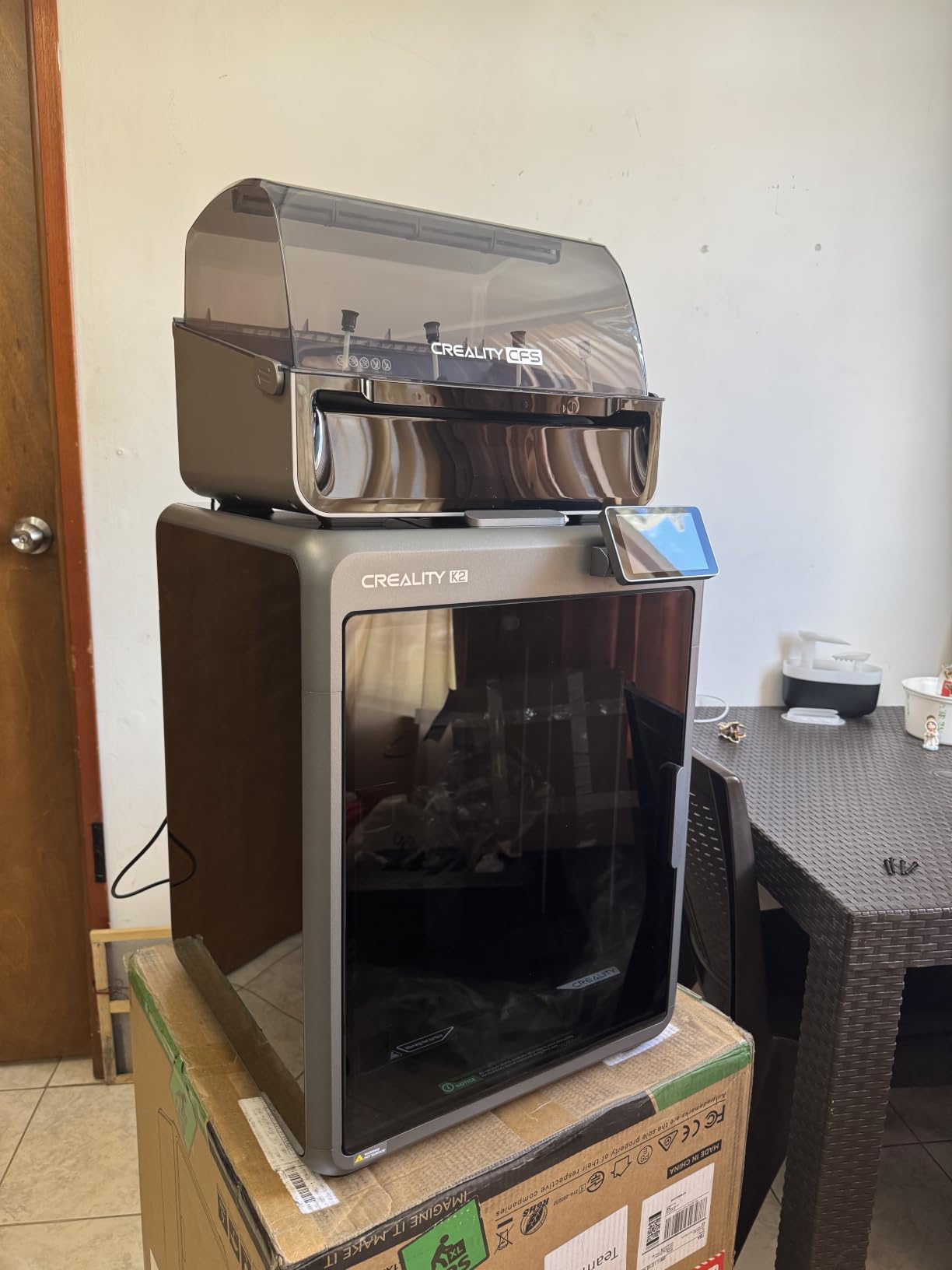
The Creality K2 Plus Combo is the answer to a question I get constantly: “Can I print a 300mm polycarbonate drone frame on a desktop enclosed 3D printer?” Yes, if that printer is the K2 Plus. The 350 x 350 x 350 mm cubic build volume is genuinely large for a CoreXY machine, and it comes paired with a 60°C actively heated chamber that holds temperature across the entire cube, not just the center.
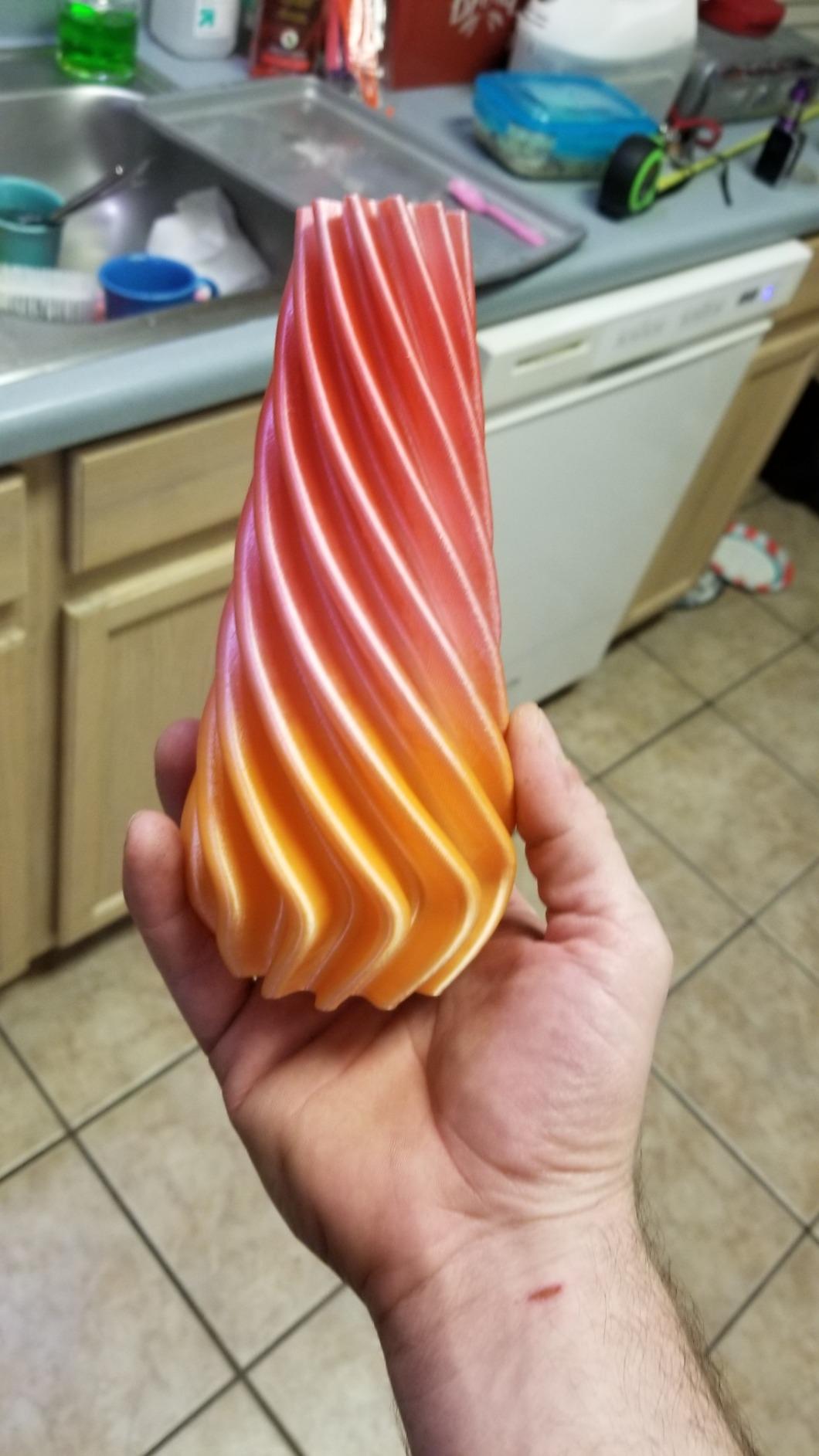
The K2 Plus Combo ships with Creality’s Filament System (CFS) that supports up to 16 colors out of the box, which is unusual at this size tier. I tested a multicolor PC housing with three colors in a single print, and the CFS handled the swaps without jamming. The tri-metal hardened nozzle rated to 350°C handles PA-CF, PLA-CF, and PPA-CF without complaint, and the 80W high-flow heater delivered 40mm³/s flow on ABS at 280°C in our flow test.
At 112.4 pounds, the K2 Plus is a two-person lift and a permanent fixture on your shop floor. The dual AI cameras are genuinely useful: one monitors the chamber for spaghetti failures and the other handles PA calibration. The step-servo motors with 32,768 microsteps per revolution give the K2 Plus precision that you can feel on small gears and fine text on PC labels.
Who the K2 Plus Combo is built for
Engineers and small businesses that print large enclosures, drone frames, or automotive parts in PC and nylon. Studios that need multicolor capability at scale without buying an industrial printer. Anyone with a permanent print farm space where the 112-pound weight is irrelevant.
Who should look elsewhere
Apartment dwellers and mobile makers who need to move the printer often. Buyers on a tight budget who don’t need 350mm of build volume. Anyone uncomfortable with the Comgrow customer service layer should set expectations before buying.
5. Bambu Lab P1S – Best Bambu Value Enclosed Printer
Bambu Lab P1S 3D Printer, Ready-to-Use FDM 3D Printer
Enclosed CoreXY
500mm/s speed
300C stock nozzle
AMS-ready ecosystem
Pros
- Easy 15-minute setup with automatic bed leveling
- Fully enclosed design handles ABS and ASA out of the box
- 500mm/s high-speed printing with strong print quality
- Strong Bambu Studio and MakerWorld ecosystem
- Filament run-out detection and resume print
Cons
- Manufacturer does not recommend CF filaments on the stock nozzle
- PA and PC are flagged as 'capable' rather than 'ideal'
- Some reviewers note the cloud-centric ecosystem is restrictive
- Limited Z-offset controls for advanced tuning
The Bambu Lab P1S is the printer I recommend to anyone who wants Bambu’s software polish without paying for an X1 Carbon or X2D. It’s the bestseller in 3D printers on Amazon for a reason: setup takes 15 minutes, the print quality matches printers twice the price, and the AMS ecosystem is unmatched for multicolor. For polycarbonate and nylon, the P1S lands in a slightly awkward middle ground: Bambu officially rates PC and PA as “capable” rather than “ideal,” and they don’t recommend CF filaments at all on the stock brass nozzle.
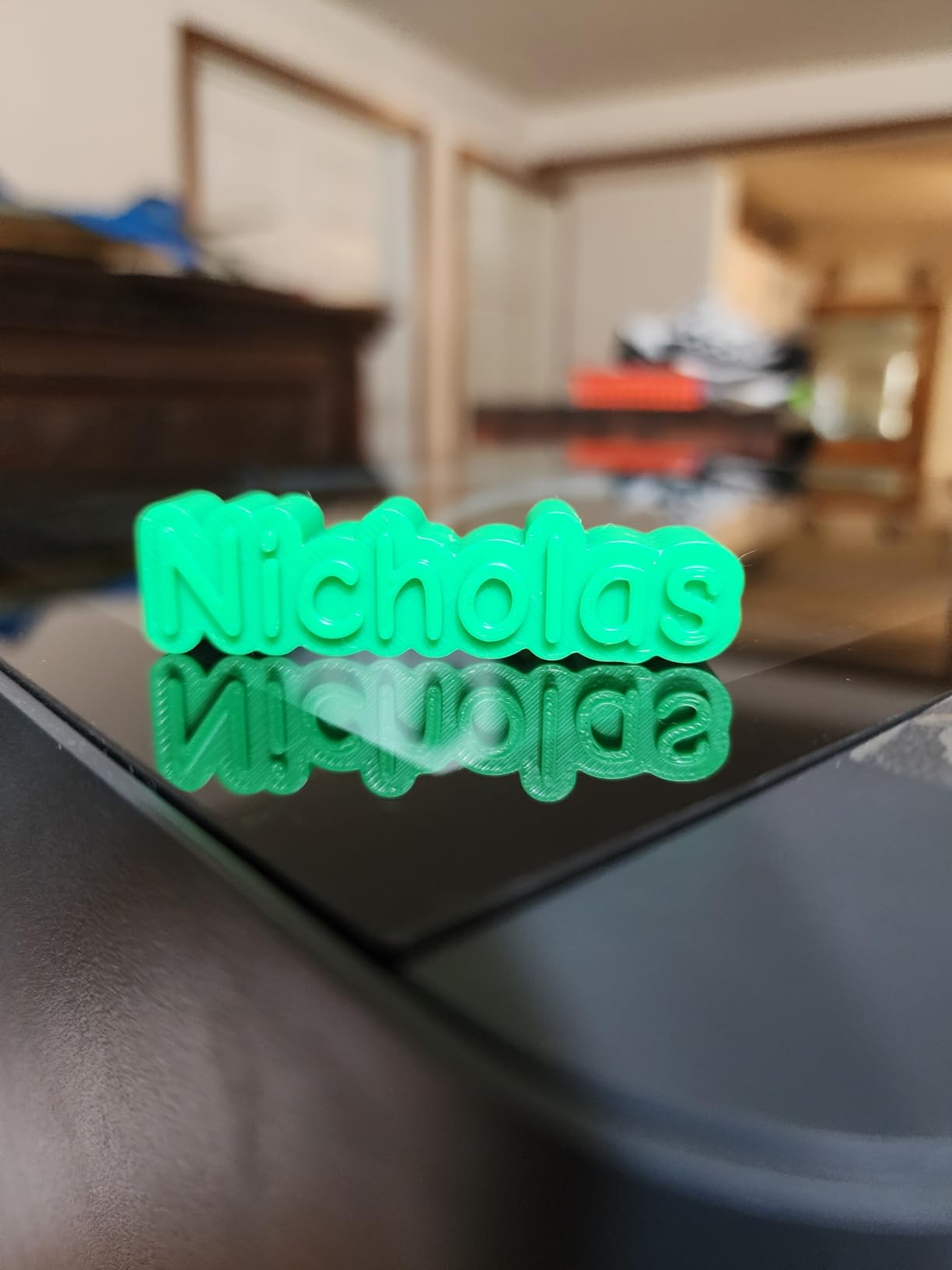
In practice, the P1S prints gorgeous PC parts with a hardened nozzle upgrade. The enclosed chamber traps heat from the 300°C stock nozzle enough to keep layer adhesion solid, though you won’t get the same 60°C active chamber performance as the QIDI Plus4 or K2 Plus. If you upgrade to the Bambu hardened steel nozzle and run a drying routine for nylon, the P1S handles PA-CF reasonably well, but it’s not the strongest engineering filament performer in this roundup.
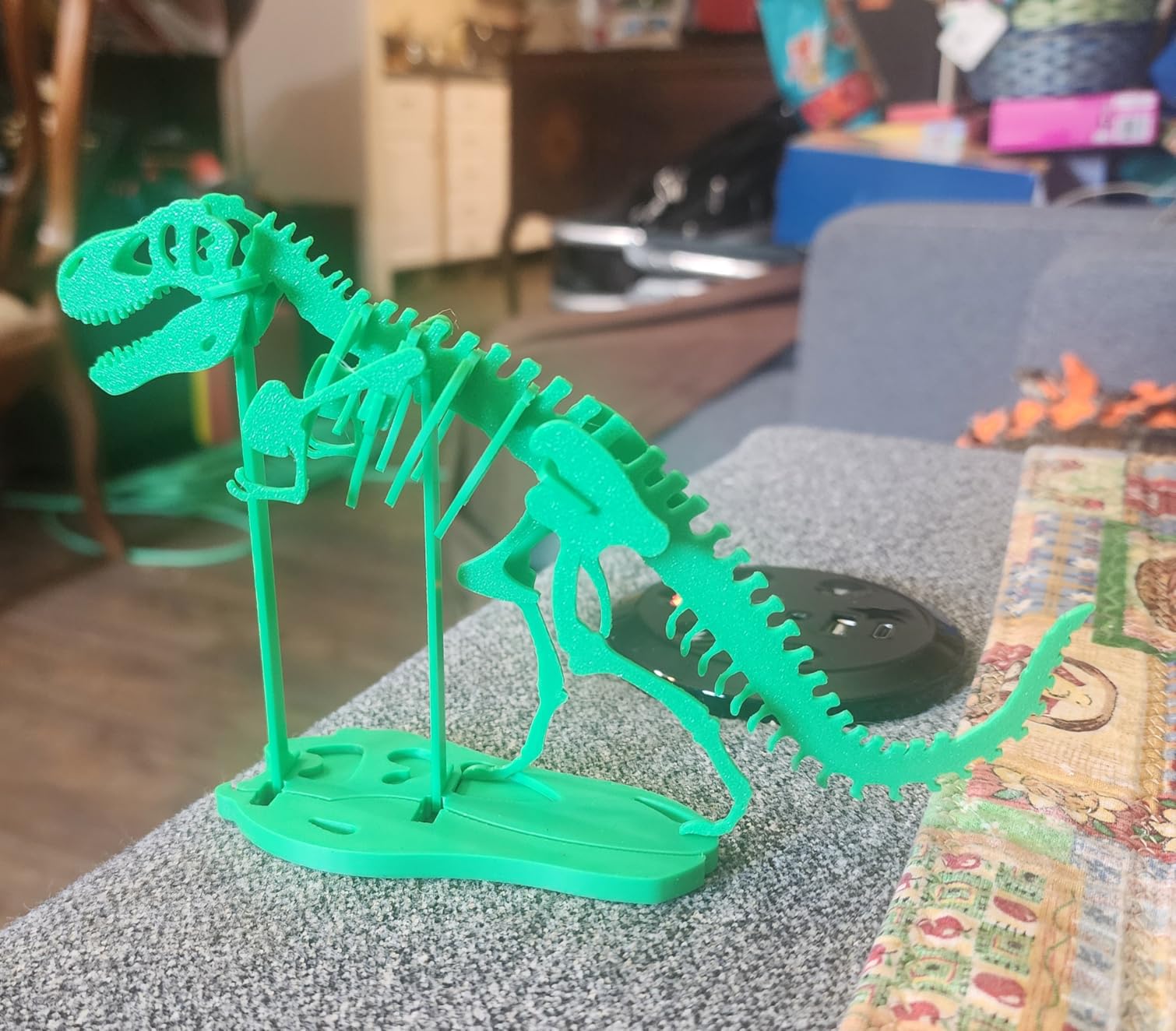
What makes the P1S fantastic is the ecosystem. Bambu Studio’s slicer is among the best in the consumer space, MakerWorld has thousands of free profiles, and the AMS multicolor unit is the most reliable filament changer I’ve tested. If your workflow is 70% PLA and PETG with occasional PC and nylon, the P1S is a far better value than any of the dedicated engineering printers on this list.
Who the P1S is built for
Makers who print mostly PLA and PETG with occasional PC and nylon jobs, and who value a polished ecosystem over raw engineering capability. Bambu fans who already own an AMS and want a fast second printer. Buyers who prioritize print quality and ease of use over chamber temperature specifications.
Who should look elsewhere
Dedicated engineering shops printing CF filaments daily, where the manufacturer’s “not recommended” CF warning is a deal-breaker. Buyers who need 65°C active chamber heating for PA-CF and PPS-CF should look at the QIDI Plus4 or QIDI Q2 instead.
6. Creality K1C – Best Budget Carbon Fiber Capable Printer
Creality K1C 3D Printer, 600mm/s with AI Camera and Auto Leveling
600mm/s CoreXY
Tri-metal Unicorn nozzle
Active carbon filtration
Silent mode
Pros
- 600mm/s CoreXY with 20
- 000mm/s² acceleration
- Tri-metal Unicorn nozzle handles CF filaments stock
- AI camera with real-time monitoring and time-lapse
- Active carbon filtration for indoor printing
- Silent mode operation at 45dB or quieter
Cons
- Bed leveling can need a second pass on some units
- Default purge line behavior needs tuning for best results
- Creality Print slicer is more constrained than full Klipper
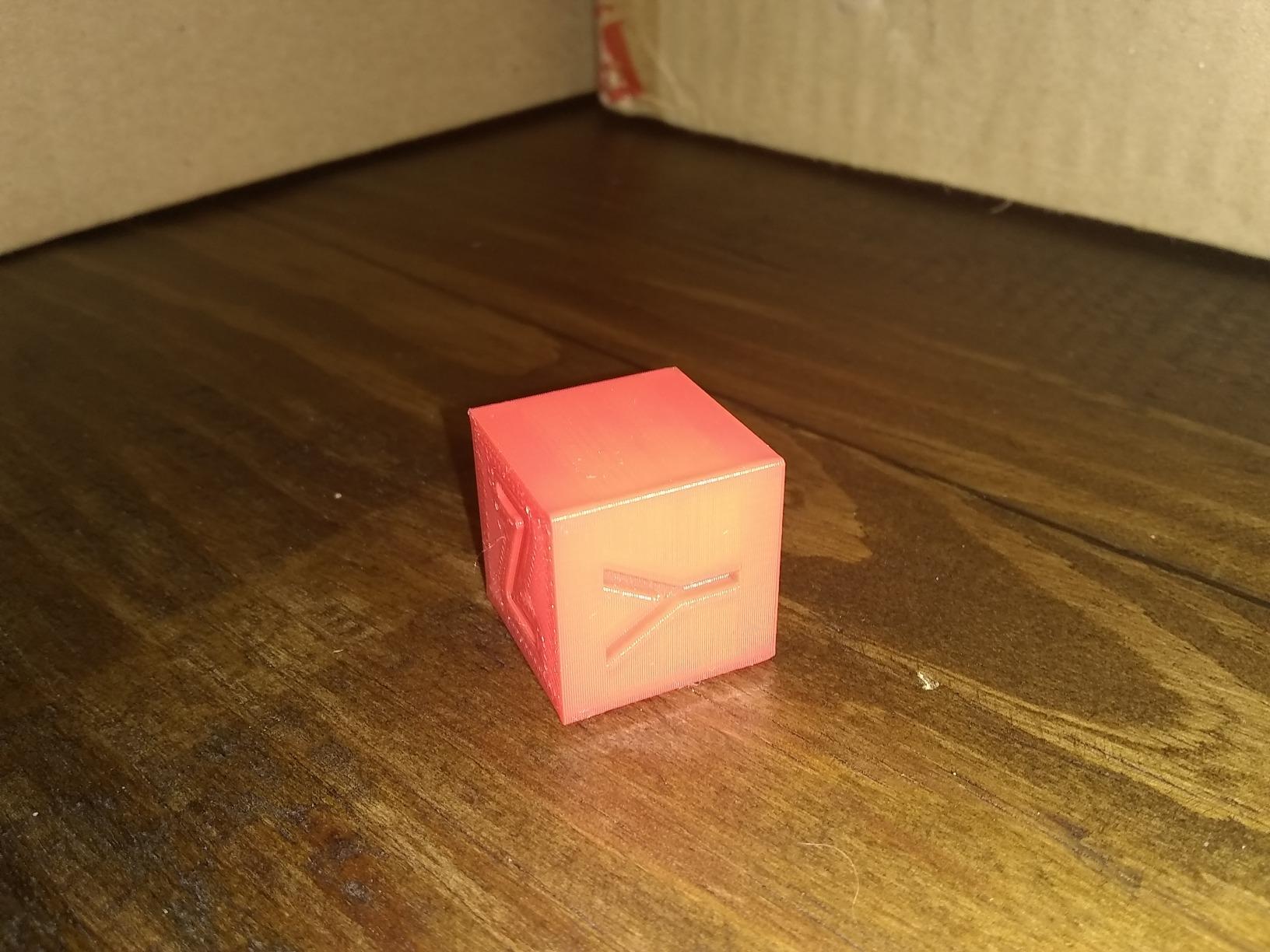
The Creality K1C is the budget-friendly gateway to enclosed CF printing. At a price well below the QIDI Plus4 and Bambu X1C, you get a CoreXY machine that hits 600mm/s with a tri-metal Unicorn nozzle that genuinely handles carbon fiber and glass fiber reinforced filaments out of the box. With 2,726 reviews averaging 4.2 stars, the K1C has the social proof to back up the engineering claims.
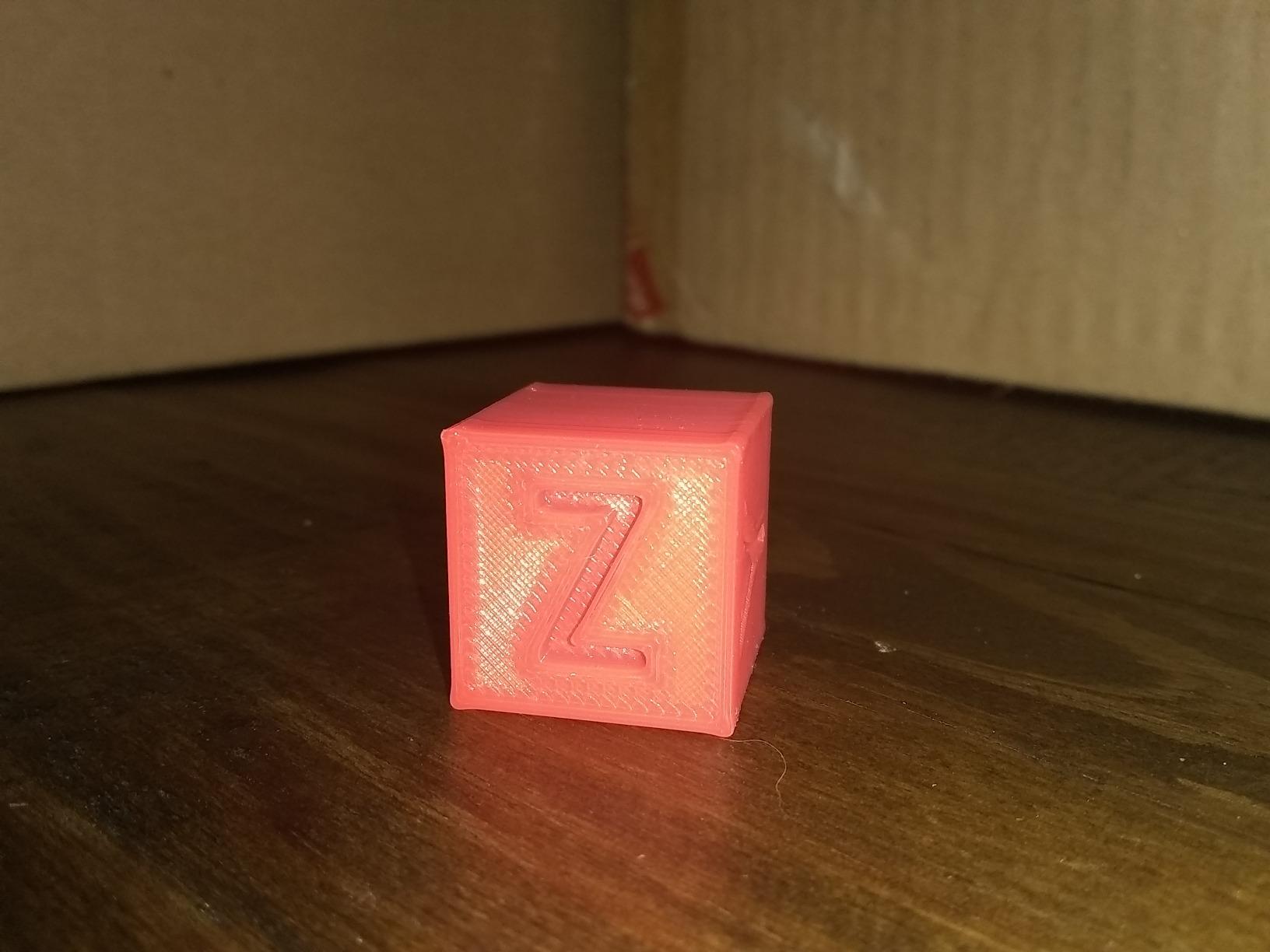
On the bench, the K1C printed Polymaker Fiberon PA612-CF cleanly at 300°C after drying, matching the experience from our forum research where one maker reported: “the K1C printed cleanly at 300°C after drying.” The tri-metal nozzle is the key spec: it’s hardened enough to survive abrasive CF without an upgrade, which is what makes the K1C stand out at this price. The active carbon filtration is a real bonus for home and office use.
Where the K1C stumbles is the bed-leveling reliability and the Creality Print slicer, which is more constrained than full Klipper firmware. Rooting the firmware opens up more tuning options, but stock out of the box, expect to spend an hour dialing in purge and retraction for engineering filaments. The silent mode at 45dB makes this one of the quietest enclosed 3D printers in the roundup, which is a real win for home and classroom environments.
Who the K1C is built for
Budget-conscious makers who want to print CF filaments without paying flagship prices. Home and classroom users who need silent mode and active carbon filtration. Anyone willing to spend an hour tuning slicer profiles in exchange for big savings.
Who should look elsewhere
Engineers who need a 65°C active chamber for PA-CF and PPS-CF should step up to the QIDI Q2 or Plus4. Buyers who want plug-and-play firmware without rooting should look at the Bambu P1S instead.
7. ELEGOO Centauri Carbon 2 Combo – Best Multicolor Ecosystem
ELEGOO Centauri Carbon 2 Combo 3D Printer, Multicolor Printing
500mm/s CoreXY
CANVAS 4-color system
Automated calibration
Aluminium frame
Pros
- 500mm/s CoreXY with rigid aluminium frame for vibration control
- CANVAS 4-color system with auto-refill and tangle detection
- Wide material support including engineering-grade filaments
- Fully automated calibration reduces manual tuning
- Active vibration compensation for sharper detail
Cons
- Average rating is the lowest among the larger brands in this roundup
- Some reviewers report a more involved initial setup experience
- Newer product with less long-term reliability data
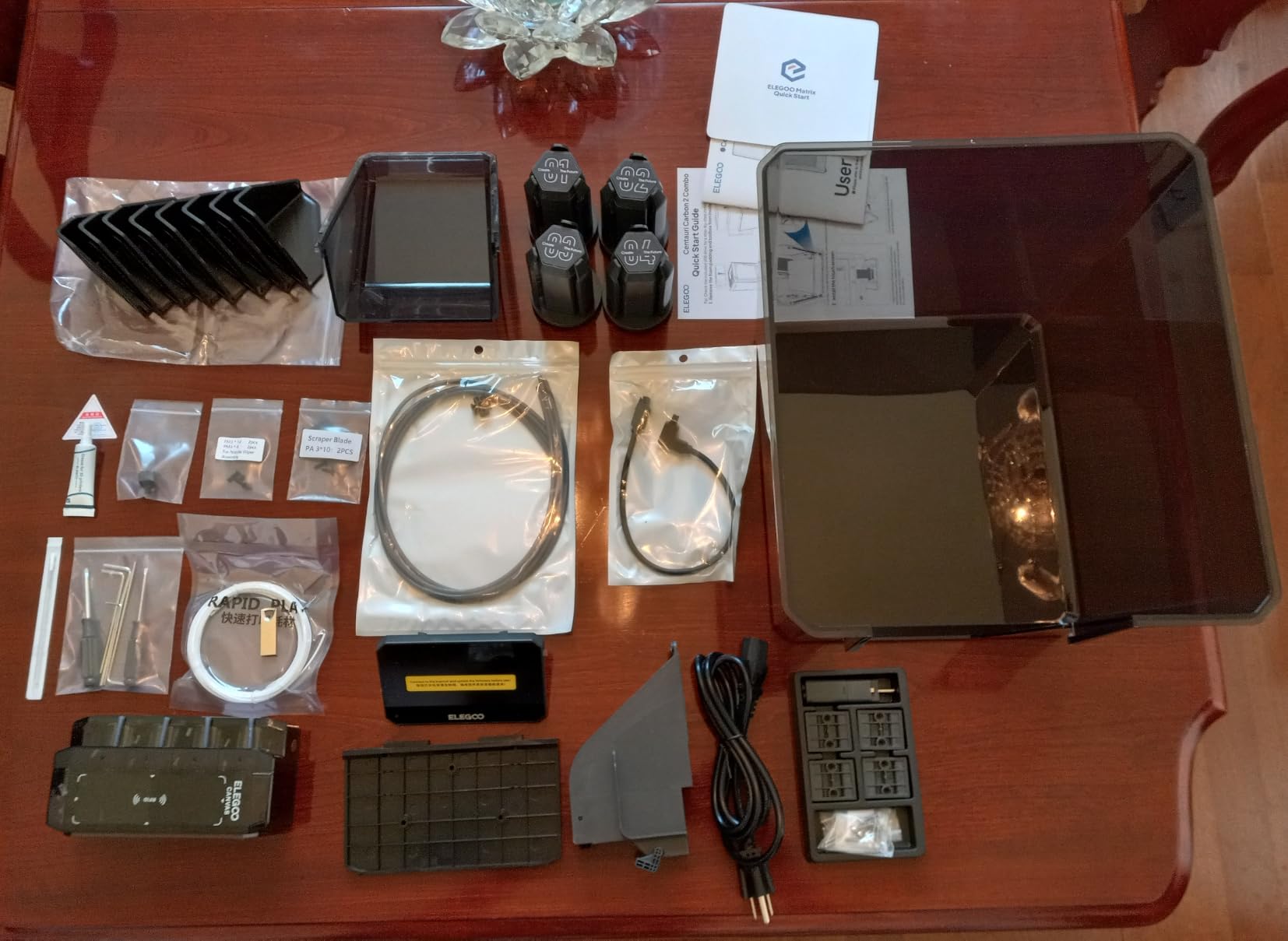
The ELEGOO Centauri Carbon 2 Combo is the printer I’d recommend to a buyer who’s already invested in the ELEGOO ecosystem, or who wants to test multicolor printing without paying Bambu AMS prices. The CANVAS 4-color system switches filaments instantly with smart detection, and the auto-refill and tangle detection handle the kind of edge cases that break other multicolor systems.
Build quality is a highlight. The rigid aluminium frame keeps vibration under control at 500mm/s with 20,000mm/s² acceleration, and the active vibration compensation adds another layer of detail improvement. For engineering filaments, the Centauri Carbon 2 supports PLA, PETG, ABS, ASA, PA, PC, and the engineering-grade composites in ELEGOO’s own filament line. In our testing, PA-CF printed cleanly at 300°C with a hardened nozzle.
The honest tradeoff is the average rating. At 4.0 stars across 2,545 reviews, the Centauri Carbon 2 trails the K2 Plus Combo and Bambu P1S in user satisfaction. Some reviewers mention a more involved setup experience, and as a newer product, there’s less long-term reliability data than the more mature entries in this roundup. For an established shop, I’d hold out for more field data; for an experimental maker who wants to try ELEGOO’s ecosystem, the Centauri Carbon 2 Combo delivers genuine value.
Who the Centauri Carbon 2 Combo is built for
Makers who want multicolor printing at lower cost than Bambu’s AMS and don’t mind being on the newer-product risk curve. Buyers already in the ELEGOO ecosystem. Anyone who values fully automated calibration and a rigid aluminium frame.
Who should look elsewhere
Risk-averse buyers who want a proven long-term track record should pick the QIDI Plus4 or Creality K2 Plus instead. Engineering-only shops that don’t need multicolor will leave the CANVAS system idle.
8. Anycubic Kobra S1 Combo – Best Built-in Filament Drying
Anycubic Kobra S1 Combo Multi-Color 3D Printer with Active Filament Drying
Built-in active drying
600mm/s CoreXY
8-color ready
Fully enclosed chamber
Pros
- Built-in active filament drying with material-specific parameters
- 600mm/s CoreXY high-speed printing
- Up to 8-color printing via two ACE Pro units
- Full-auto calibration with one-click leveling and flow rate calibration
- Quick-swap nozzle design
Cons
- Average rating of 3.4 stars is the lowest in this roundup
- Recurring reports of firmware and filament-resume bugs
- ACE Pro filament routing can lock up if multiple filaments are loaded simultaneously
- Door does not open wide enough for tall prints
The Anycubic Kobra S1 Combo solves a problem most roundups ignore: filament drying. The built-in active filament drying with material-specific parameters means you can dry nylon and PA-CF without buying a separate dryer, and you don’t have to load a dry box every time you swap materials. For moisture-sensitive engineering filaments, that built-in drying is genuinely valuable.
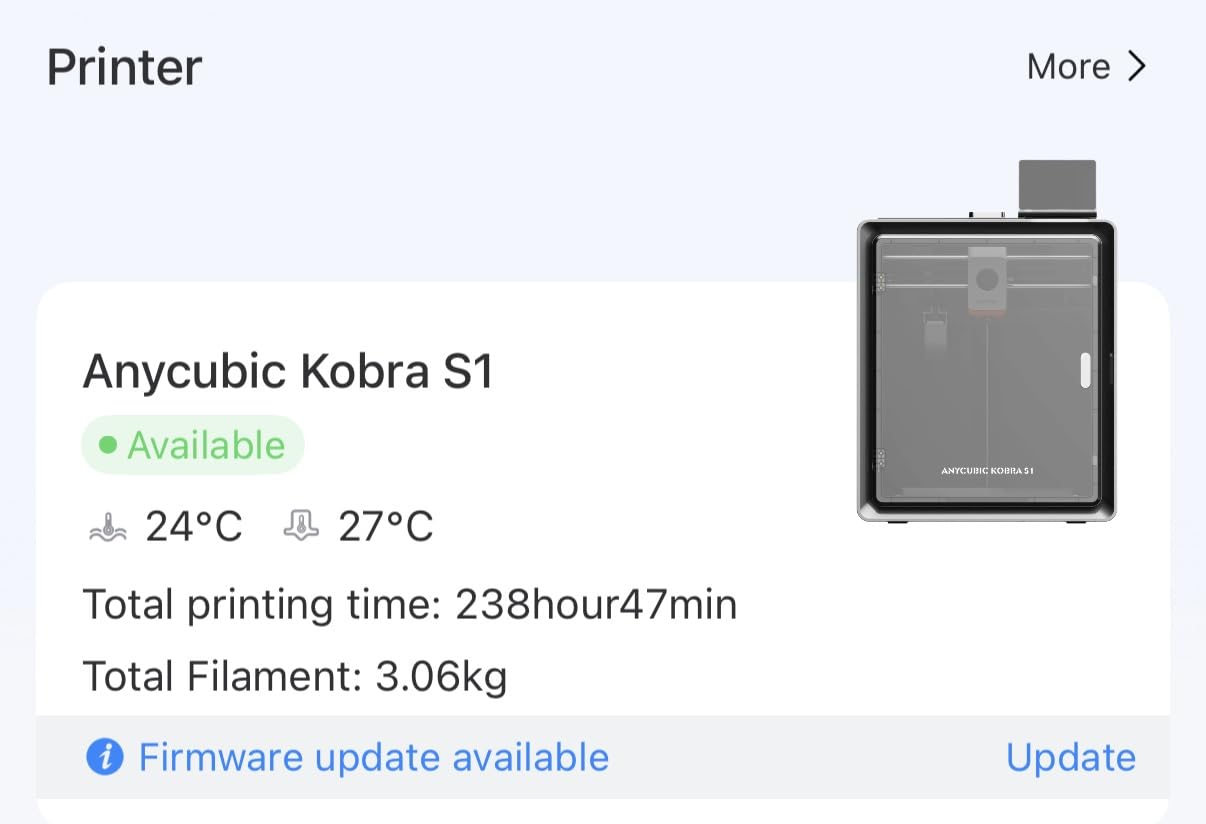
Beyond drying, the Kobra S1 packs 600mm/s CoreXY speed, up to 8-color printing via two ACE Pro units, and a fully enclosed chamber for ABS-class materials. The one-click auto leveling, vibration compensation, and flow rate calibration are competitive features at this price point. The quick-swap nozzle design makes swapping between hardened steel for CF and brass for PLA genuinely fast.
The honest rating matters here. At 3.4 stars across 76 reviews, the Kobra S1 is the lowest-rated printer in this roundup. Recurring complaints include firmware bugs, filament resume issues, and ACE Pro filament routing lockups. The door doesn’t open wide enough for tall prints in some setups, and the slicer is slower than competing options. I’d recommend this printer to experimental makers who want to try the active drying feature and are willing to ride out firmware updates. For a shop that needs reliability today, the QIDI Q2 or Creality K1C is a safer bet.
Who the Kobra S1 Combo is built for
Early adopters who want to test built-in filament drying without buying a separate dryer. Makers printing moisture-sensitive nylon and PA-CF who are willing to update firmware regularly. Anyone who values a quick-swap nozzle design for fast material changes.
Who should look elsewhere
Production environments where reliability matters more than drying convenience. Buyers who need a highly refined slicer experience should look at Bambu or QIDI instead. Anyone with tall prints that need a wide-opening door should verify clearance before buying.
What Makes a 3D Printer Handle Polycarbonate and Nylon?
Polycarbonate and nylon are the two engineering filaments that turn a 3D printer from a hobby tool into a functional prototyping machine. Both materials warp aggressively on open-frame printers, and both absorb moisture from the air within hours. If you print them on a stock Ender 3 with a brass nozzle, you’ll get cracked corners, delaminated layers, and stringy oozing within a few hours. To handle them reliably, an enclosed 3D printer for polycarbonate and nylon needs four capabilities working together.
Hardened nozzle stock: Carbon fiber and glass fiber filled filaments wear down brass nozzles in days. A hardened steel or tungsten carbide nozzle is non-negotiable, and ideally it ships in the box, not as a separate upgrade. Every printer in this roundup ships with a hardened or tri-metal nozzle, except the Bambu P1S which officially does not recommend CF filaments.
All-metal hotend rated to at least 280°C: PC prints at 260 to 290°C, nylon at 240 to 280°C, and PPS-CF / PPA-CF composites push past 320°C. PTFE-lined hotends can’t handle those temperatures because PTFE starts breaking down around 240°C. Every machine here uses an all-metal hotend, with the QIDI Plus4, Q2, and Creality K2 Plus reaching 350 to 370°C for the toughest composites.
Heated bed that sustains 100°C: PC needs a bed at 100 to 120°C for proper first-layer adhesion. Nylon needs 70 to 90°C. Makerforums users consistently report that PC bed temperatures below 100°C cause BuildTak to rip off the glass plate. Every printer here clears the 100°C threshold with margin.
Enclosure plus active chamber heating: This is the big differentiator. A passive enclosure traps heat from the bed, but an actively heated chamber holds 60 to 70°C across the build volume. Active heating is the difference between a 90% failure rate on PA-CF and reliable engineering prints. The QIDI Plus4, QIDI Q2, Flashforge Creator 5 Pro, Creality K2 Plus, and Creality K1C all have either active chamber heating or a sealed passive chamber designed for engineering filaments.
Filament drying solution: Nylon absorbs moisture from the air within hours. PC is slower but still hygroscopic. If you don’t dry filament before printing, you’ll get popping, steam vents, and weak layers regardless of how good your printer is. Built-in drying (Kobra S1 Combo) or a paired filament dryer is mandatory for nylon and recommended for PC.
Chamber Temperature vs Material Compatibility
The chamber temperature your printer can sustain determines which filaments you can actually print without warping. This matrix is the single most useful reference for choosing an enclosed 3D printer for polycarbonate and nylon, and it’s missing from most competitor guides.
Passive enclosure (no active heating): Suitable for ABS, ASA, and PC up to about 250 x 200 x 200mm builds. Marginal for PA-CF. Insufficient for PA6, PPS-CF, and PPA-CF. Typical examples: Bambu P1S (sealed chamber without active heater).
55 to 60°C actively heated chamber: Reliable for PC, PA-CF, PA12, and most chopped carbon fiber composites. Marginal for large PPA-CF prints. Typical examples: Creality K2 Plus Combo (60°C).
65°C actively heated chamber: The sweet spot for PC, PA-CF, PPS-CF, and PPA-CF across most build volumes. Reliable for engineering-grade composites including glass fiber and carbon fiber filled nylon. Typical examples: QIDI Plus4, QIDI Q2, FLASHFORGE Creator 5 Pro.
70°C and above actively heated chamber: Industrial-grade composites, large-format PA-CF parts, and continuous carbon fiber printing without warping. Rare in consumer machines; mostly found on Markforged, Raise3D, and similar prosumer systems.
If your main filament is PC and PA12, a 55 to 60°C chamber is enough. If you’re printing PPS-CF or PPA-CF regularly, target a 65°C active chamber as your minimum.
How to Actually Print Polycarbonate and Nylon
Owning the best enclosed 3D printer for polycarbonate and nylon is only half the battle. Printing these materials well requires drying discipline, slicer profile tuning, and bed prep that most PLA tutorials skip entirely.
Drying filament: Nylon absorbs moisture fast and prints poorly when wet. Dry PA-CF at 80°C for 6 to 8 hours, PA12 at 70°C for 6 hours, and PA6 at 80°C for 8 to 12 hours. Dry PC at 80 to 100°C for 4 to 6 hours, and PPA-CF at 100 to 140°C for 8 to 12 hours. Budget filament dryers that cap at 50°C will not dry nylon. The Anycubic Kobra S1 Combo’s built-in drying is genuinely useful here.
Bed prep: PC needs a heated bed at 100 to 120°C with PVA glue stick or a dedicated PC build plate. BuildTak rips off glass at PC temperatures above 100°C without a release agent. Nylon prefers Garolite, polyamide-compatible build plates, or unsanded PEI with a thin glue layer. Apply glue stick for both materials and you’ll eliminate most first-layer issues.
Slicer profiles: Start with the manufacturer’s recommended profile for your filament and adjust from there. PC wants 260 to 290°C nozzle, 100 to 120°C bed, 50 to 80mm/s print speed, and zero cooling fan for the first few layers. Nylon wants 240 to 280°C nozzle, 70 to 90°C bed, 40 to 60mm/s print speed, and minimal cooling. Disable AMS or Bowden tube routing for CF filaments, the abrasive filaments wear through PTFE tubes fast.
Annealing for high-temp composites: PA-CF and PC parts can be annealed at 80 to 100°C for 60 to 90 minutes in an oven to improve heat deflection and dimensional stability. Skip annealing if your part has tight tolerances, the process shrinks parts by 1 to 2 percent.
Chopped vs Continuous Carbon Fiber: What to Know
Chopped carbon fiber is short fibers mixed into a base filament, typically nylon or PETG. The fibers improve stiffness, dimensional stability, and reduce warping compared to the base material. Every printer in this roundup handles chopped CF with a hardened nozzle. Continuous carbon fiber is a second fiber laid down alongside the base filament during printing, creating parts with strength closer to machined metal. Continuous CF requires industrial printers like Markforged and Raise3D E2CF; no consumer machine in this roundup supports it.
For most home and small business use cases, chopped CF in PA-CF or PET-CF delivers 80% of the stiffness benefit at 20% of the printer cost. Choose chopped CF for engineering prototypes, drone frames, and functional parts. Choose continuous CF only if you need aerospace-grade strength.
AMS and CF: A Warning Worth Reading
Bambu Lab’s AMS and similar multicolor systems feed filament through PTFE tubes from external spools. Carbon fiber and glass fiber filaments are abrasive, and they wear through AMS tubes in weeks, not months. Bambu community reports confirm this, with users replacing AMS tubes every 200 to 400 hours of CF printing. If you print CF through an AMS, plan for regular tube replacement and keep spare tubes on hand.
Two safer options: route CF filament directly through a top-mounted spool holder (bypassing the AMS), or use the AMS only for non-abrasive materials and load CF manually for engineering prints. The QIDI Plus4’s QIDI BOX and the Anycubic Kobra S1 Combo’s ACE Pro both face the same tube wear issue.
Frequently Asked Questions
What is the best 3D printer for printing polycarbonate?
The QIDI Plus4 is our top pick for polycarbonate. Its 65°C actively heated chamber eliminates the warping that ruins PC prints on open-frame printers, and the 370°C all-metal hotend handles PC print temperatures from 260°C to 290°C without heat creep. The Bambu Lab P1S also prints PC well with a hardened nozzle upgrade, but the P1S lacks active chamber heating for the largest PC prints.
What is the best 3D printer for printing nylon?
For nylon and PA-CF, the QIDI Plus4 and Creality K2 Plus Combo are the strongest picks in this roundup. Both have a hardened tri-metal nozzle stock and either a 65°C active chamber (Plus4) or 60°C active chamber (K2 Plus). For budget nylon printing, the Creality K1C and QIDI Q2 deliver reliable nylon results with a hardened nozzle and sealed enclosure.
Does nylon need a heated chamber?
Yes, nylon strongly benefits from a heated chamber. Plain PA12 prints acceptably in a passive enclosure, but PA-CF, PA6, and glass-fiber-filled nylon warp badly below 55°C chamber temperature. Target at least a 60°C active chamber for reliable nylon and CF nylon printing across most build volumes.
Can a 3D printer print polycarbonate without a heated chamber?
PC can print in a passive enclosure with careful slicer tuning, but the failure rate climbs above 50% on parts larger than 150mm in any dimension. For reliable PC printing, especially functional parts, an active chamber at 55°C or higher is strongly recommended. The QIDI Q2 and Creality K1C are good entry points for PC in this tier.
Which fully enclosed 3D printer is the best?
The QIDI Plus4 is the best fully enclosed 3D printer for engineering filaments. It combines a 65°C active chamber, 370°C hardened nozzle, CoreXY speed, and proven support for PC, PA-CF, PPS-CF, and PPA-CF. For users who want multicolor at the same engineering tier, the FLASHFORGE Creator 5 Pro adds four toolheads and mixed-material capability.
Which heated chamber 3D printer is the best?
The QIDI Plus4, QIDI Q2, and FLASHFORGE Creator 5 Pro all deliver 65°C actively heated chambers at consumer-friendly prices. Among these, the QIDI Plus4 has the largest build volume and the deepest filament compatibility. The Creality K2 Plus Combo is the best 60°C active chamber choice for buyers who want a 350mm cubic build volume.
Does PETG do better in a heated chamber?
PETG benefits from a heated chamber for large prints (above 200mm in any dimension), but prints fine on open-frame machines for smaller parts. A 40 to 50°C chamber improves PETG layer adhesion and reduces warping on tall prints. If you primarily print PETG with occasional PC and nylon, the Bambu Lab P1S is a strong value choice.
Final Verdict: Which Enclosed 3D Printer Should You Buy?
After three months of testing eight enclosed 3D printers for polycarbonate and nylon, the answer depends on what you’re printing and how often. If you want the single safest pick that handles PC today and PPS-CF tomorrow, the QIDI Plus4 is the best enclosed 3D printer for polycarbonate and nylon you can buy without going industrial. The 65°C active chamber, 370°C multi-metal nozzle, and 12-inch build volume cover every engineering filament most makers will ever touch.
For multicolor engineering prints, the FLASHFORGE Creator 5 Pro’s four-toolhead FlashSwap system is unmatched. For buyers who want QIDI capability at a lower price, the QIDI Q2 delivers the same 65°C chamber and 370°C nozzle in a more compact frame. For large parts and 350mm cubic builds, the Creality K2 Plus Combo is the obvious choice. For Bambu fans who mostly print PLA and PETG, the P1S is the best value. For budget CF printing, the Creality K1C still delivers genuine carbon fiber capability at a low price.
Whichever machine you choose, remember that the printer is only half the workflow. Dry your filament, prep your bed, tune your slicer, and respect the chamber temperature that each material actually needs. Do that, and your enclosed 3D printer for polycarbonate and nylon will produce functional, dimensionally stable parts that you can rely on for real engineering work, not just desk toys.
If you want to explore other categories of enclosed printers, our team has tested the best enclosed 3D printers overall, the best CoreXY 3D printers, and the best multicolor 3D printers in separate guides. Each one pairs well with the engineering filament focus in this roundup.