
The 14-inch MacBook Pro with the M1 Pro chip is the pick we would watch first during Amazon’s Prime Big Deal Days sale this 2026. Renewed units of that generation show up with the strongest owner rating history in this lineup, and the chip still handles heavy multitasking without the heat or noise newer machines push harder. For a bigger desk and a bigger screen, the 16-inch M1 Pro is the second one to look at; for anyone who wants current-generation silicon and Apple’s full warranty, the base 14-inch M5 comes third.
Prime Big Deal Days runs October 6-7, 2026, and most offers need a Prime membership, with the free trial counting. Prices shift through the 48-hour window, so treat every listing below as a configuration worth watching rather than a confirmed discount.
Table of Contents
Our Top 3 Picks for Best Amazon Prime Big Deal Days MacBook Pro Deals (October 2026)

Apple M1 Pro 14-inch
- 14 inch Liquid Retina XDR
- 16GB unified memory
- 512GB SSD
- Up to 17 hour battery

Apple M1 Pro 16-inch
- 16 inch Liquid Retina XDR
- 16GB unified memory
- 512GB SSD
- 10-core CPU

Apple M5 14-inch
- 10-core M5 chip
- 16GB unified memory
- 1TB SSD
- 1600 nits peak brightness
Best Amazon Prime Big Deal Days MacBook Pro Deals Compared
Every configuration below uses the same fields so you can compare them without scrolling back and forth. Chip generation and unified memory matter more than storage for how long the machine stays useful.
| Product | Specifications | Action |
|---|---|---|
| Apple M1 Pro 14-inch |
|
Check Deal Price |
| Apple M1 Pro 16-inch |
|
Check Deal Price |
| Apple M5 14-inch |
|
Check Deal Price |
 Apple M5 Pro 16-inch Apple M5 Pro 16-inch |
|
Check Deal Price |
 Apple M4 Pro 16-inch Apple M4 Pro 16-inch |
|
Check Deal Price |
 Apple M4 14-inch Apple M4 14-inch |
|
Check Deal Price |
| Apple M3 Pro 14-inch |
|
Check Deal Price |
How We Chose
We compared processor generation, unified memory, storage, screen size, weight, battery claims and port selection across all seven configurations, then read the owner ratings and recurring review themes on each Amazon listing. The specs and review data were checked on October 2026, and the list is refreshed as the event runs.
1. Apple M1 Pro 14-inch: Editor’s Choice for Proven All-Round Value
Apple M1 Pro 14-inch
Chip: M1 Pro
Memory: 16GB
Storage: 512GB
Screen: 14 inch
Pros
- Liquid Retina XDR display at 3024 x 1964
- Up to 17 hours of battery
- 1.6 kg chassis suits daily carry
- Most owner reviews in this lineup
Cons
- M1 Pro sits two generations behind current Apple silicon
- 16GB memory cannot be upgraded
- Renewed units carry a 90-day warranty
The pick that balances screen quality, battery life and everyday weight. Owners of this renewed 14-inch repeatedly single out the Liquid Retina XDR panel and the battery, which Apple rates at up to 17 hours on this generation. At 1.6 kg it is the only machine here that disappears into a laptop bag without a thought.
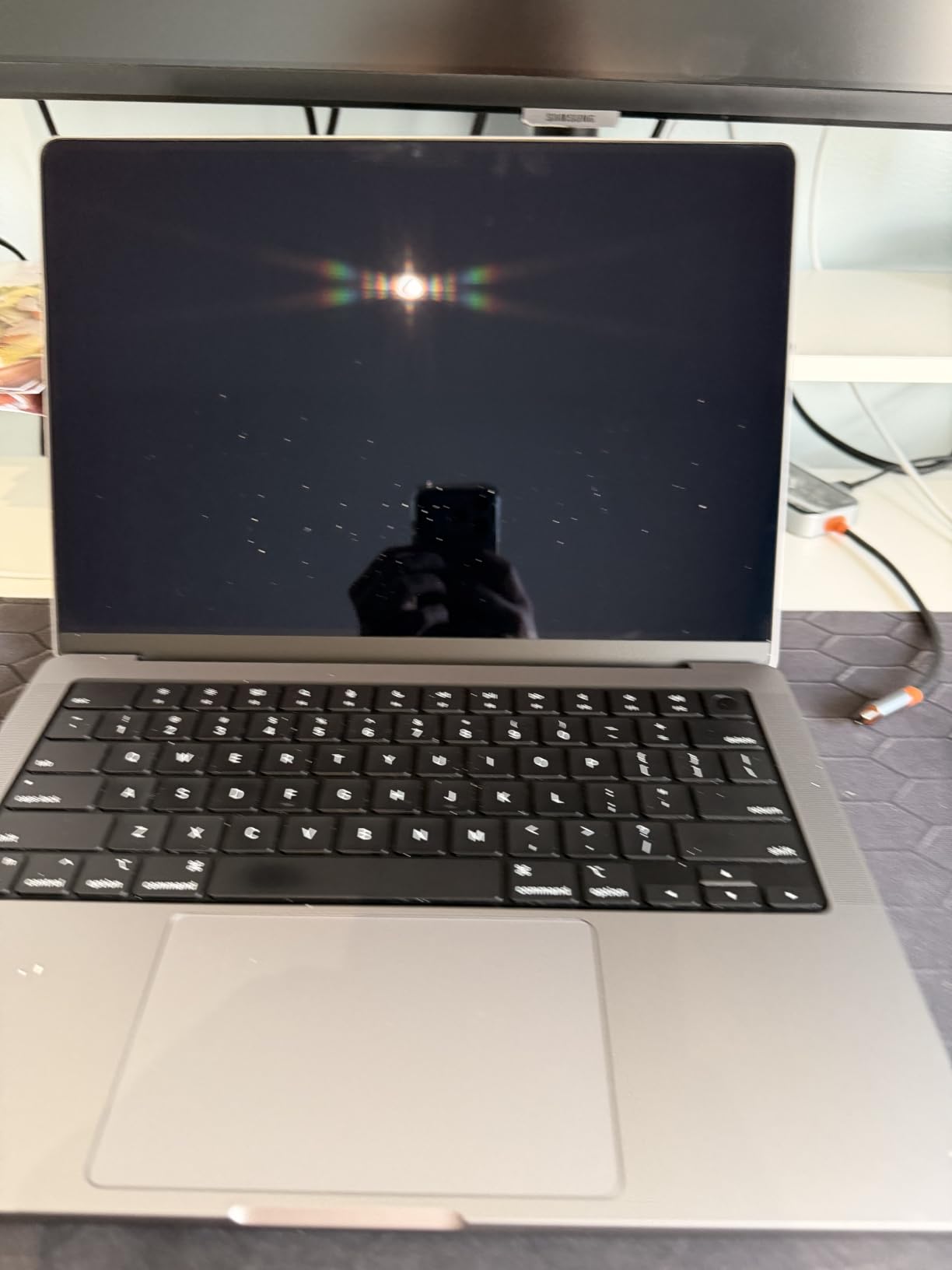
Eight CPU cores and a 14-core GPU cover browsing, spreadsheets, code editing and photo work without breaking a sweat. The audio system is another quiet win: six speakers with spatial audio turn a kitchen table into a decent listening spot.
What you give up is headroom. Sixteen gigabytes of unified memory is soldered in, and it is the number most likely to age badly if you plan to run local AI models or large project files for years. Several reviews mention exactly that limit as the reason they would choose a newer chip next time.
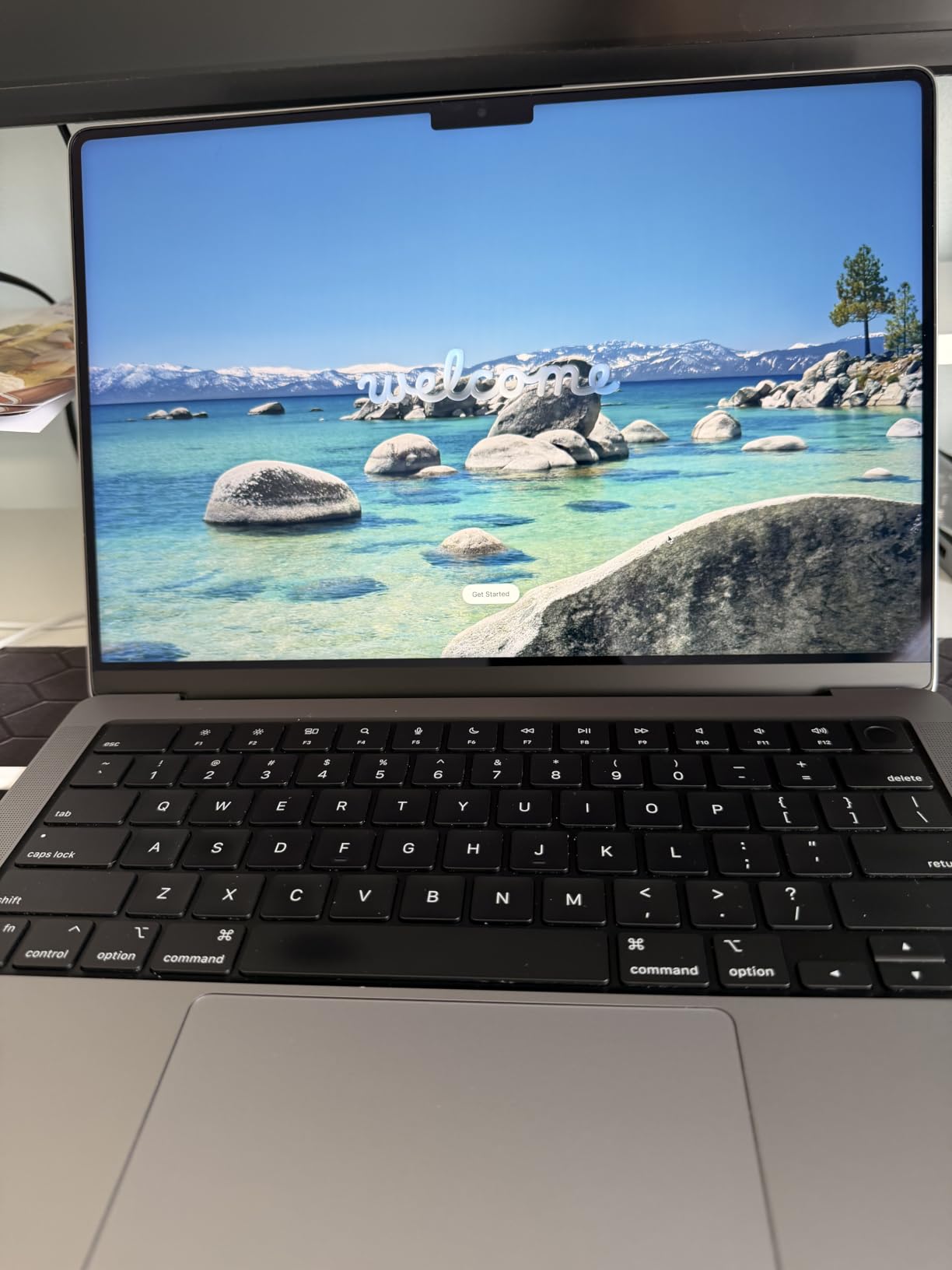
Compared with the Apple M4 14-inch, this one gives up about a generation of efficiency and camera quality but gains a much longer review history to judge it by. Compared with the Apple M5 Pro 16-inch, it wins on price-to-performance by a wide margin and loses everywhere on screen real estate.
Good to know: renewed hardware on this listing is inspected and cleaned by Amazon-qualified suppliers, and coverage is 90 days rather than a full Apple limited warranty. Check the battery health reading in the listing photos before you commit.
2. Apple M1 Pro 16-inch: Best for Big Screens at a Desk
Apple M1 Pro 16-inch
Chip: M1 Pro
Memory: 16GB
Storage: 512GB
Screen: 16 inch
Pros
- 3456 x 2234 Liquid Retina XDR panel
- 10-core CPU and up to 32-core GPU
- Up to 17 hours of battery
- 1080p FaceTime HD camera
Cons
- 4.6 lb chassis is heavy to carry
- Same 16GB memory ceiling as the 14-inch
- M1 Pro trails newer silicon on efficiency
Owners report that the screen is the reason they bought this one, and the review themes back that up: the 3456 x 2234 Liquid Retina XDR panel is described as big, bright and easy to live in for long sessions. Ten CPU cores and a GPU option up to 32 cores mean the machine behaves like a small workstation when a project turns heavy.
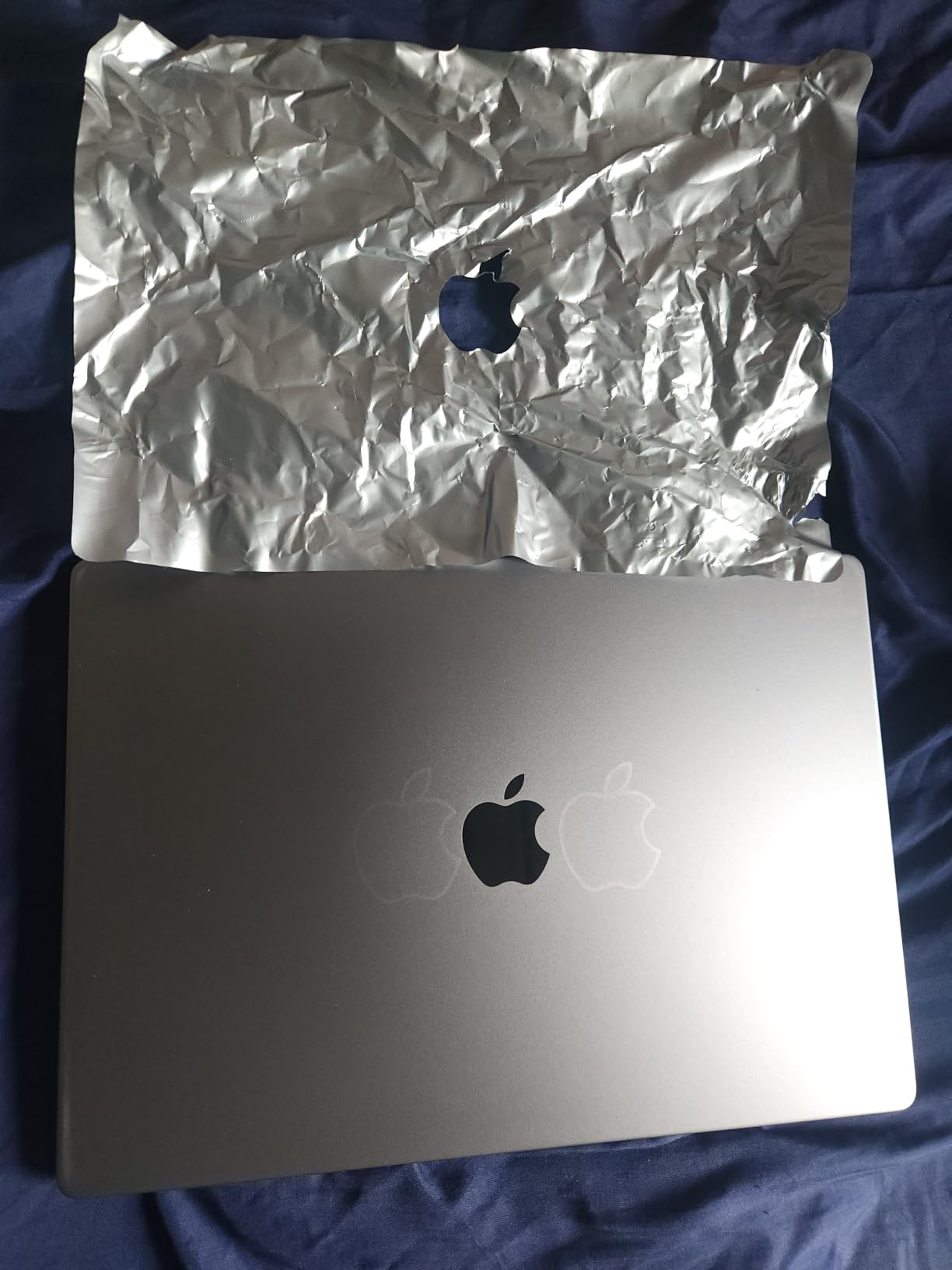
Skip it if your machine spends most of its life on trains and planes. At 4.6 lb this is a desk-first computer, and the extra screen area only pays off if you have somewhere to put it. A good external monitor can cover the same need from a lighter base machine, though the mini-LED brightness here is genuinely excellent for HDR work.
The 16-core Neural Engine was a headline feature on this generation and it still handles on-device transcription and image work well. Battery life is the same up-to-17-hour figure as the 14-inch, which is unusual for a bigger chassis.
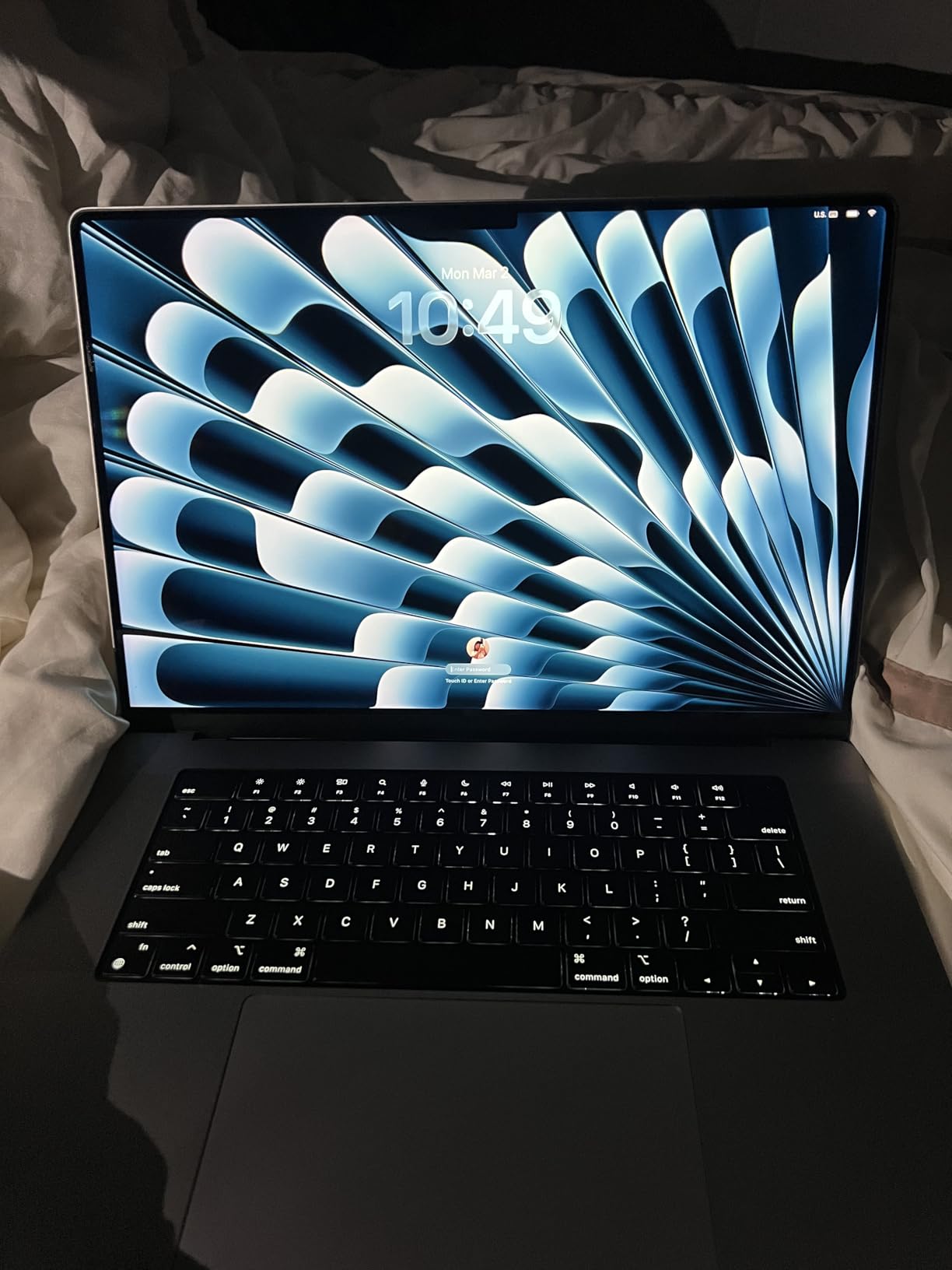
Against the Apple M4 Pro 16-inch, you are choosing an older chip with more owner feedback behind it or a newer one with Thunderbolt 5 and more memory. Against the Apple M1 Pro 14-inch, the only real difference is the screen and the weight.
3. Apple M5 14-inch: Best for Current-Generation Speed
Apple M5 14-inch
Chip: M5
Memory: 16GB
Storage: 1TB SSD
Screen: 14.2 inch
Pros
- 4.7 owner rating across 300+ reviews
- 14.2 inch Liquid Retina XDR at 1600 nits
- 1TB SSD as standard
- 3.41 lb and full Apple warranty
Cons
- 16GB memory is the only option at this tier
- Runs up to two external displays
- Most expensive entry on the list
This is the newest silicon in the lineup and it carries a 4.7 owner rating across more than 300 reviews, the widest base of feedback among the current-generation machines here. The M5 chip pairs a 10-core CPU with a 10-core GPU that carries a Neural Accelerator in each core, which is what makes local AI tasks feel quick rather than theoretical.
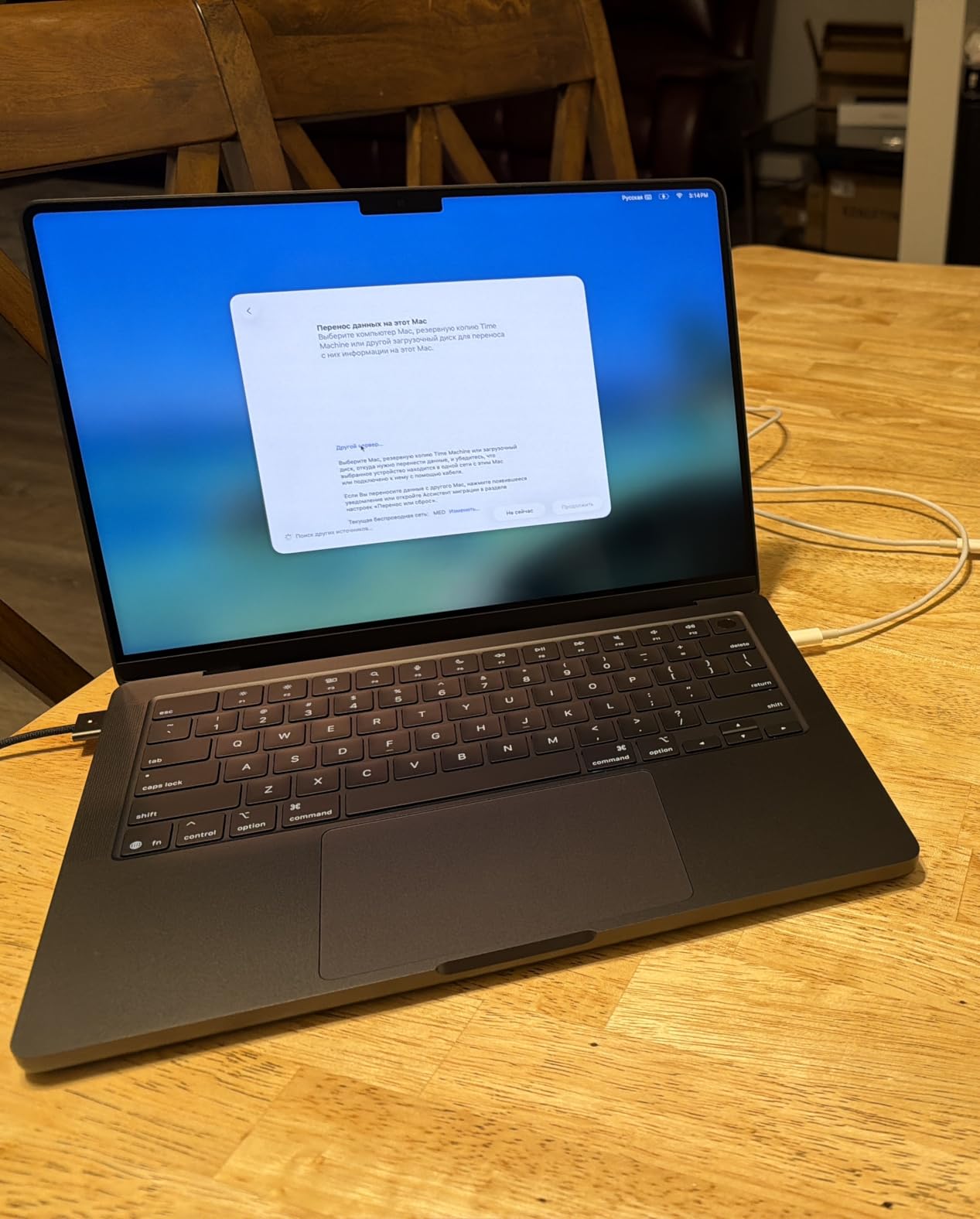
Storage is the quiet upgrade over every other pick here: 1TB as standard means a heavy Xcode or Adobe library stops being a decision. The display hits 1600 nits peak brightness with a 1,000,000:1 contrast ratio, and review summaries keep mentioning screen quality and all-day battery as the two things people notice on day one.
The limit is display count. This configuration supports up to two external displays, so a multi-monitor desk with a laptop screen makes three, and one will not run. If your setup needs more, the Apple M5 Pro 16-inch handles up to three.
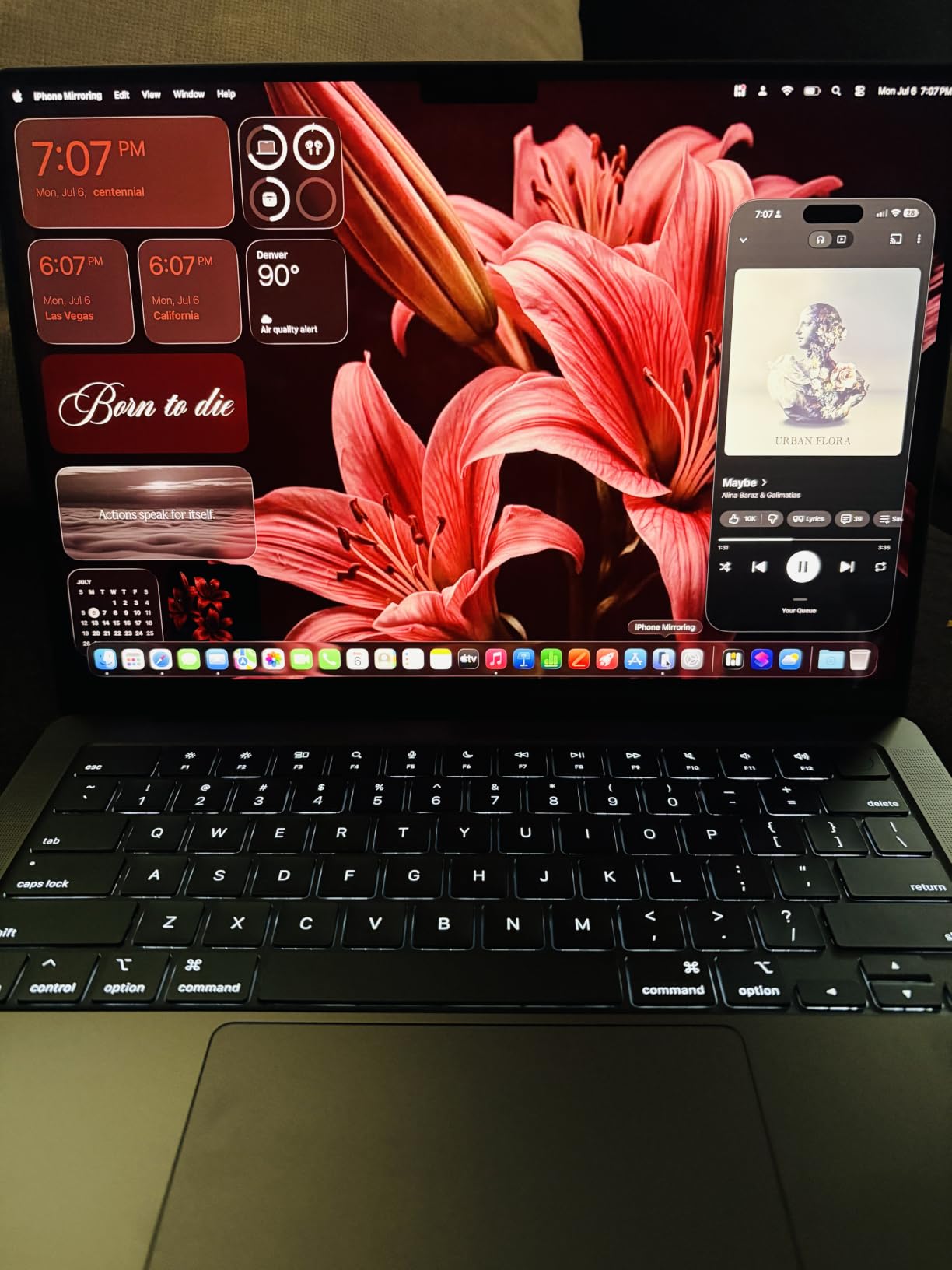
Ports are the familiar set: three Thunderbolt 4 ports, MagSafe 3, an SDXC slot, HDMI and a headphone jack. Compared with the Apple M1 Pro 14-inch, you get Thunderbolt 4 rather than 5, so anyone planning a desk setup around them should check dock compatibility carefully before committing.
Good to know: this is the only non-renewed configuration in the group, which means a full Apple warranty and Apple-certified service options come with it. That difference matters more than a year of chip speed for anyone who keeps a laptop past three years.
4. Apple M5 Pro 16-inch: Best for On-Device AI Work
Apple M5 Pro 16-inch
Chip: M5 Pro
Memory: 24GB
Storage: 1TB
Screen: 16.2 inch
Pros
- 18-core CPU and 20-core GPU with per-core Neural Accelerators
- Up to three external displays
- Thunderbolt 5 and Wi-Fi 7
- Reported battery life beyond 24 hours
Cons
- 4.71 lb and clearly a desktop replacement
- 24GB is the top memory option here
- Highest cost in this roundup
The only configuration here with real headroom for running models on the machine itself. An 18-core CPU and 20-core GPU with a Neural Accelerator in every core, plus faster SSD throughput, is what separates this from a standard M5 when you are training or inferring locally rather than calling a cloud service.
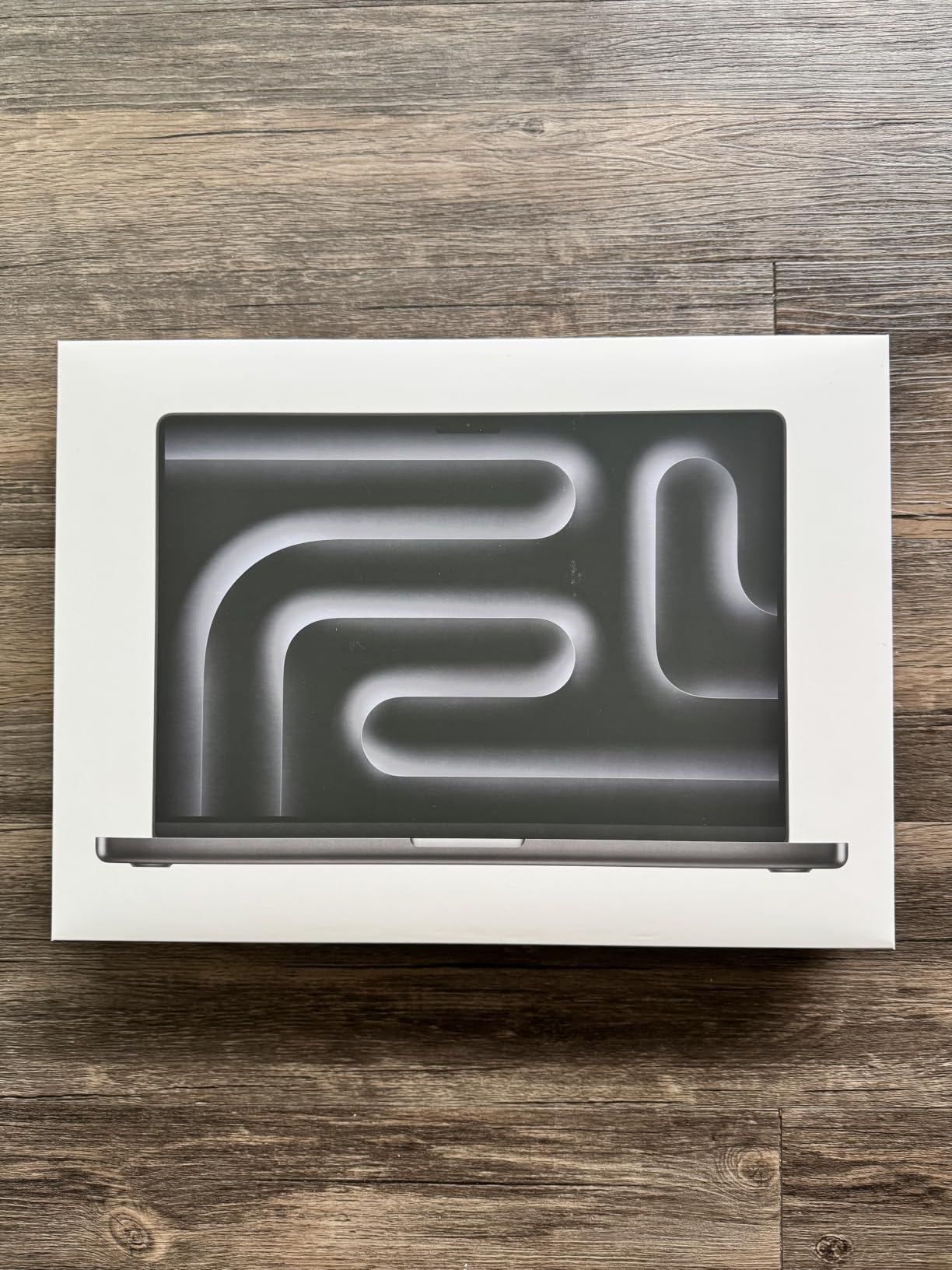
Connectivity is the best in the group. Three Thunderbolt 5 ports, Wi-Fi 7 and Bluetooth 6 through Apple’s N1 chip, and support for up to three external displays make it the natural choice for a desk setup with multiple screens.
Owners describe the machine as running cool and completely silent under sustained heavy load, and one review reports more than 24 hours on a charge. Setup is the only friction: several reviews mention macOS setup and Apple Intelligence opt-in flows feeling intrusive out of the box.
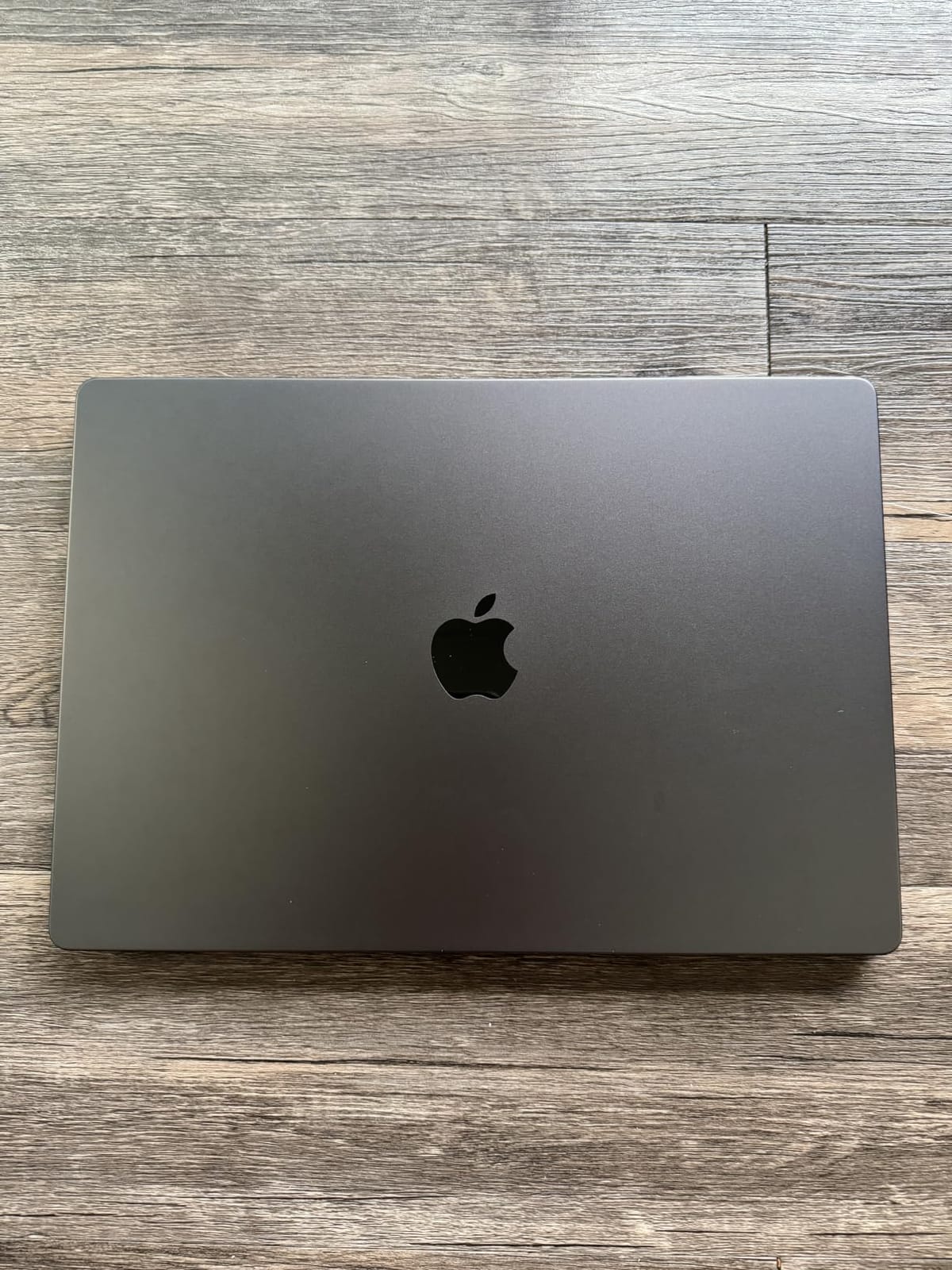
The most common regret in the reviews is not buying more memory. Twenty-four gigabytes is the top configuration here, and buyers doing serious AI work wish they had chosen the 48GB option, which memory cannot be added after purchase. If local models are a five-year plan rather than a weekend experiment, think hard before settling.
Compared with the Apple M4 Pro 16-inch, you are paying for newer silicon, Thunderbolt 5 and Wi-Fi 7. If your workload is compiling code and editing design files rather than running models, the M4 Pro covers that with more memory in the same chassis size.
5. Apple M4 Pro 16-inch: Best for Code and Creative Workflows
Apple M4 Pro 16-inch
Chip: M4 Pro
Memory: 24GB
Storage: 512GB
Screen: 16.2 inch
Pros
- 14-core CPU and 20-core GPU handle large builds
- 24GB unified memory for heavy multitasking
- 1600 nits Liquid Retina XDR display
- 140W adapter and MagSafe 3 cable included
Cons
- 512GB storage is modest for pro media work
- Renewed units are not Apple certified
- Supports up to two external displays
Fourteen CPU cores and a 20-core GPU is a lot of headroom for a machine whose main job is compiling code and working in design apps. Review summaries describe strong performance and display quality for the money, and the 24GB of unified memory means a dozen apps plus a browser full of documentation tabs is not a problem.
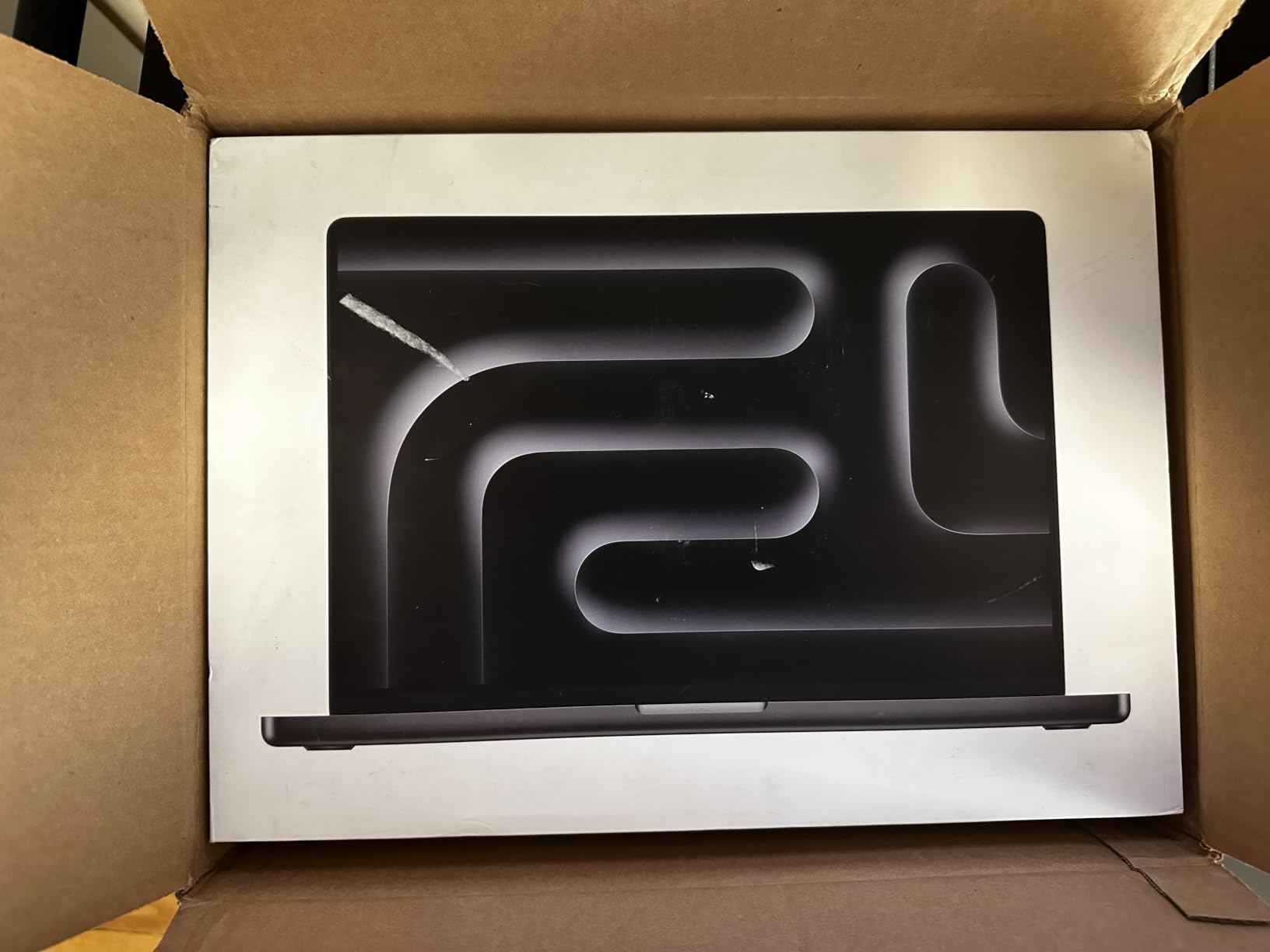
Storage is where this one falls short. Half a terabyte fills up fast with a container library, local ML models or 4K footage, and there is no way to add more later. Everything else about the package is generous, including the 140W USB-C power adapter and the 2 m MagSafe 3 cable in the box.
Renewed means a 90-day warranty and inspection by Amazon-qualified suppliers rather than Apple certification, so repairs outside that window go through third parties. That is the single biggest reason to choose the Apple M5 14-inch instead if you value service access over raw core count.
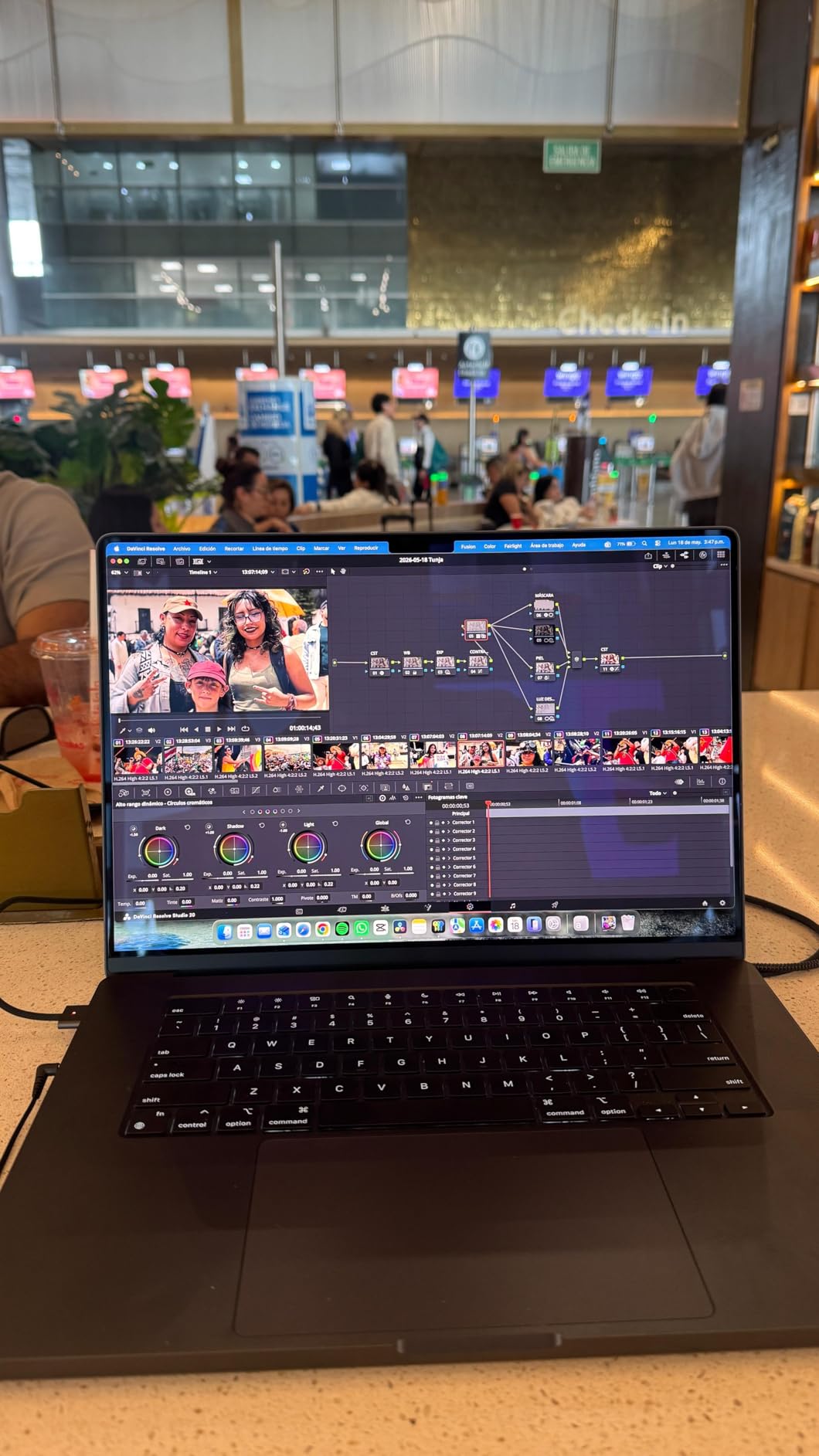
Display-wise it sits alongside the current 16-inch models at 1600 nits peak brightness, so you are not giving up the panel. You are giving up Thunderbolt 5, Wi-Fi 7 and the third external display that the Apple M5 Pro 16-inch supports.
6. Apple M4 14-inch: Best for Near-New Condition
Apple M4 14-inch
Chip: M4
Memory: 16GB
Storage: 512GB
Screen: 14 inch
Pros
- Highest star rating in the lineup at 4.8
- Condition frequently reported as effectively new
- Advertised specs confirmed accurate on arrival
- Battery above 80 percent of new capacity
Cons
- Renewed units arrive in generic packaging
- Accessories may be third-party rather than original
- 90-day replacement window only
What sets this one apart is condition rather than specification. Renewed 14-inch M4 buyers describe units with no visible scratches, matching advertised specs on arrival and easy setup out of the box. At 4.8 stars it carries the highest rating in the group, though on a smaller review base than most.
The M4 chip’s 10-core CPU and 10-core GPU run at up to 3.49 GHz and DDR5 memory runs at 2933 MHz, which is plenty for writing, spreadsheets, light photo work and a full day of calls. The 14-inch Liquid Retina XDR panel at 3024 x 1964 is the same shape of screen as the M5 14-inch.
The trade-off shows up in the small print and in reviews. Packaging may be generic, and a few examples arrive with third-party accessories rather than original ones; one review mentioned a slightly unusual feel to a single keyboard key, and another had a faulty MagSafe cable that Amazon-qualified refurbishment replaced.
Against the Apple M3 Pro 14-inch, this one wins on condition consistency and owner satisfaction even though both are renewed 14-inchers. Against the Apple M1 Pro 14-inch, you get a much newer chip for a similar footprint, with a much thinner pool of reviews to judge it by.
Good to know: this listing carries a 90-day replacement or refund window rather than Apple certification, so check the photos for box and accessory details before ordering.
7. Apple M3 Pro 14-inch: Best for 4K Video Editing
Apple M3 Pro 14-inch
Chip: M3 Pro
Memory: 18GB
Storage: 512GB
Screen: 14 inch
Pros
- 14-core GPU handles 4K timelines
- 18GB memory is unusual at this tier
- Battery covers a full workday
- Build quality feels more durable than a MacBook Air
Cons
- Renewed condition grading varies between units
- Some arrive with screen marks or wear
- Accessories may be third-party
The odd one out on memory, and that is the reason to look. Eighteen gigabytes of unified memory in a 14-inch Pro is more than most configurations here offer at the same tier, and the 12-core processor with a 14-core GPU up to 4.05 GHz is comfortable with 4K timelines plus background rendering.
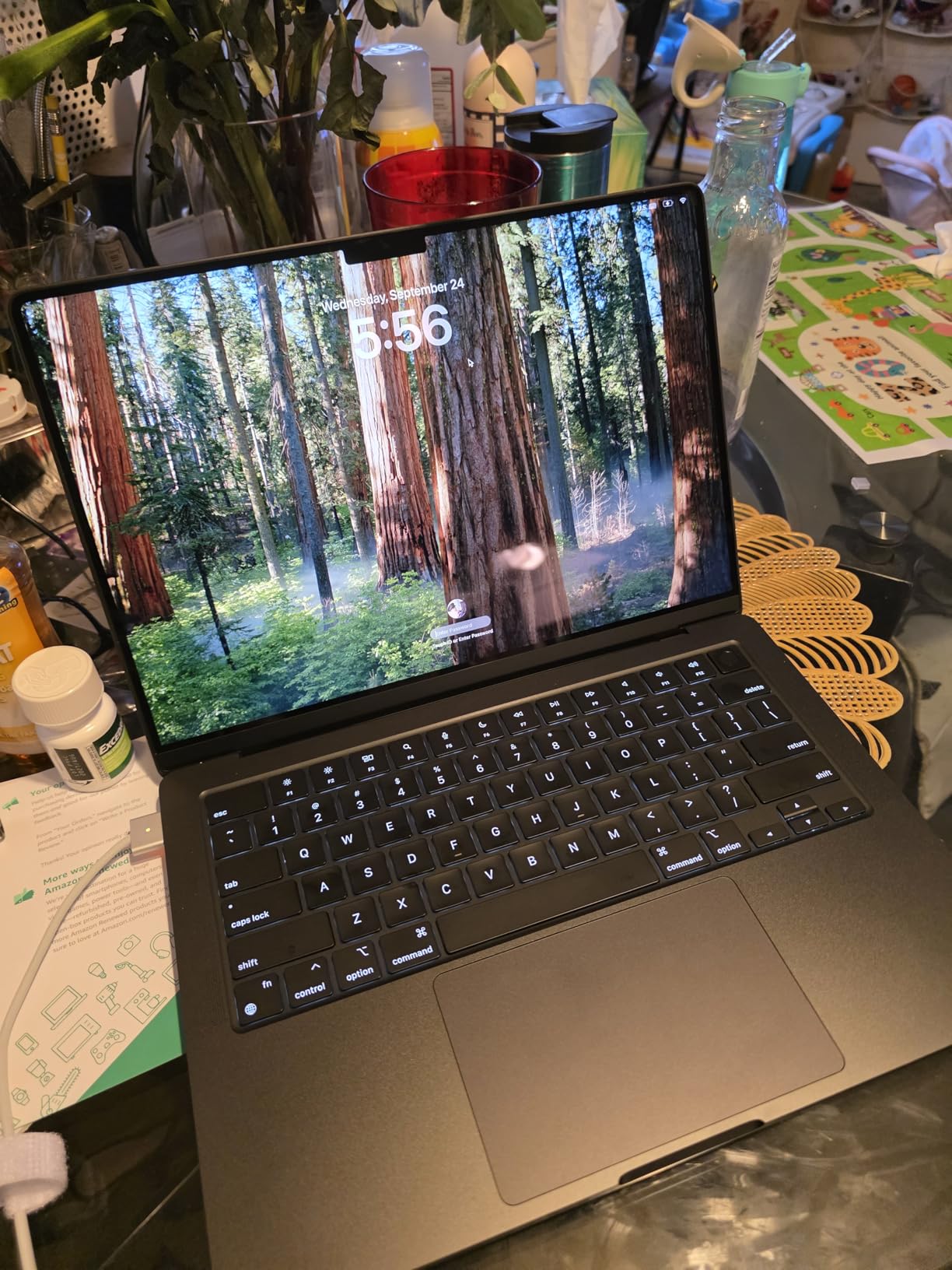
Reviewers report dozens of browser tabs, 4K editing and background processing without fan noise, and battery that easily covers a full workday. Build quality comes up repeatedly as noticeably more robust than a MacBook Air, which matters for anyone who moves the machine around.
This is also the pick with the widest rating spread in the group. Renewed condition grading is inconsistent: some examples arrive with visible wear or screen coating marks, one had a small knick in the screen glass, and packaging during transit is sometimes inadequate. Treat the condition description and buyer photos as part of the price you are paying.
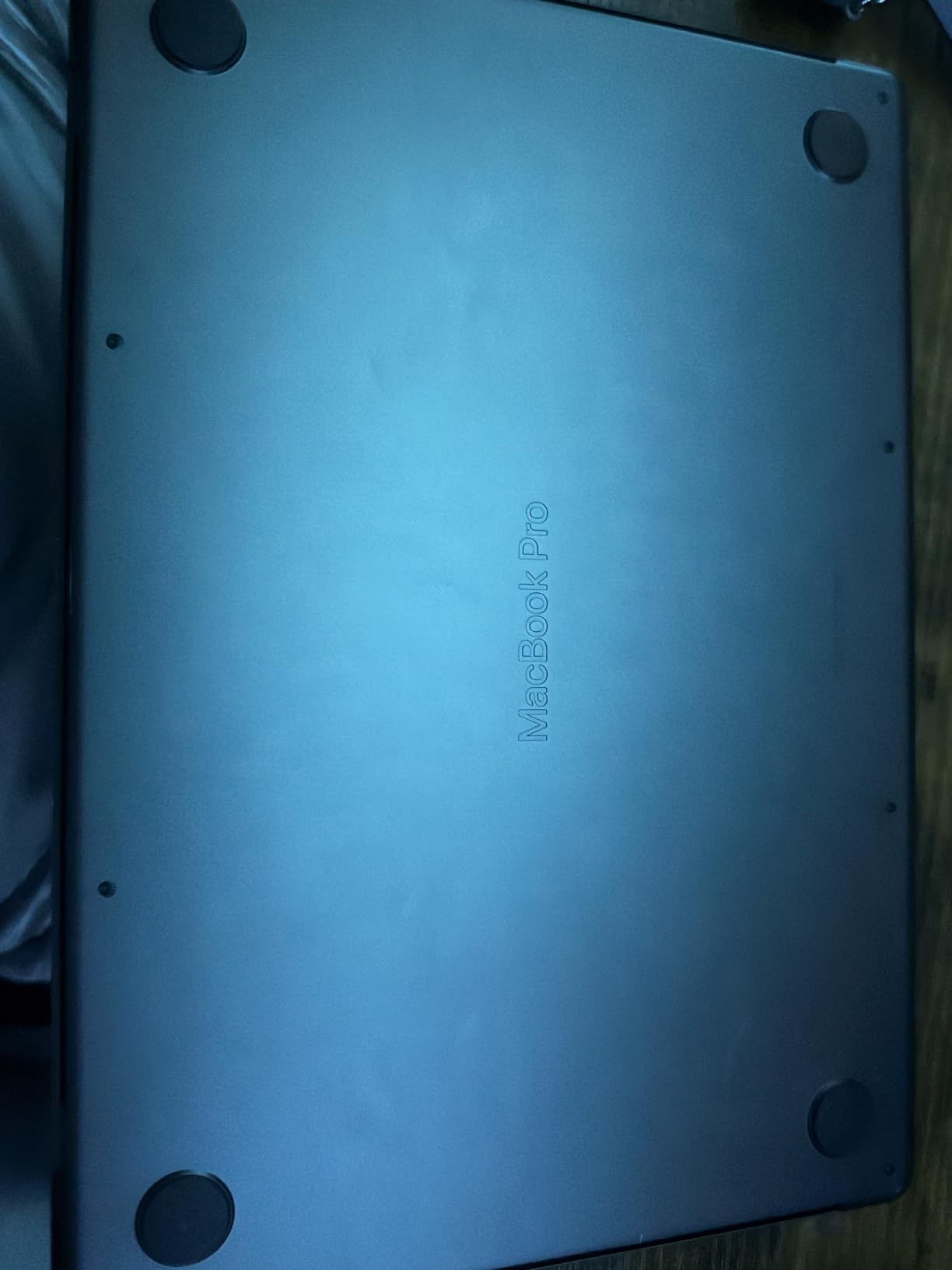
Compared with the Apple M4 14-inch, you get more memory and a Pro-tier GPU for less money, in exchange for a chip that is two generations old and a less predictable refurbishment. Compared with the Apple M5 14-inch, the difference is purely that current-generation silicon, warranty and full storage.
How to Choose a MacBook Pro During Prime Big Deal Days
Which Configuration Wins the Best Amazon Prime Big Deal Days MacBook Pro Deals?
The winner is the one that balances chip performance, memory and display against what you already own, not the one with the biggest number on a discount badge. Weight the display if you work at a desk, weight memory if you keep machines for five years, and weight warranty if you would rather not think about service at all. Discount size on its own is a weak signal, especially on renewed listings where the comparison price is a moving target.
How Much Memory and Storage Do You Need?
Sixteen gigabytes is fine for browsing, documents and light creative work. Eighteen to twenty-four gigabytes is the sensible range once you run video timelines, large codebases or several apps at once, and local AI models want the top of that range. For storage, 512GB works if you keep files in the cloud or on external media; 1TB is the minimum for footage, containers or a local model library, and no MacBook Pro memory can be upgraded after purchase.
Which Chip Generation Matters Most?
Generations here run from the M1 Pro through the M5 Pro, and the practical differences are battery efficiency, media engine capability, port generation and how many external displays you can attach. Older chips still run current macOS fine, but they lose Thunderbolt 5 and Wi-Fi 7, and dock compatibility gets narrower. Our guide to Thunderbolt docks for MacBooks breaks down what each port generation supports before you commit to a machine.
Is Pro or Air Better for Your Workload?
Pick a Pro if you edit 4K video, run sustained compiles, work with large local models or need more than two external displays. A MacBook Air handles writing, browsing, spreadsheets, calls and light photo editing with less weight and no fan noise, and during a sale it is often the cheaper way into the Apple ecosystem. Most people who upgrade from an Air to a Pro end up using the extra cores for a small fraction of the week.
How Much Does Screen Size and Portability Matter?
Fourteen-inch models weigh roughly 3.4 to 3.5 lb and travel well; the 16-inch machines in this list run 4.6 to 4.7 lb and read as desktop replacements. A bigger screen helps with timelines, spreadsheets and code side by side, and it costs you battery headroom and shoulder comfort on long trips. If you work from one desk, 16 inches is the better buy; if the bag moves daily, 14 inches rarely disappoints. Setting up at a fixed desk? Our picks for monitors for MacBook Pro users can give you more screen area from a lighter base machine.
How to Shop MacBook Pro Deals During the Sale
Check the model number in the listing before anything else, since MacBook Pro listings often carry several generations at once. Confirm the chip and core counts, unified memory, storage, screen size and the model year printed on the box, then read the condition notes carefully if the unit is renewed. Look at who sells and who delivers it: Amazon-fulfilled units with a 90-day replacement window behave differently from third-party Marketplace listings with mixed reviews and thinner warranties. Most offers need a Prime membership, with the free trial counting, and prices change through the 48-hour window.
Quick checklist before you commit:
- Match the model number and chip generation to the specs you actually need.
- Confirm unified memory first, because it cannot be added later.
- Decide on 512GB or 1TB based on your heaviest project, not your average one.
- For renewed units, read the condition notes and buyer photos closely.
- Check the seller, the fulfilment arrangement and the warranty length.
- Confirm whether a Prime membership or the free trial covers the offer.
Frequently Asked Questions
Are the best Amazon Prime Big Deal Days MacBook Pro deals worth waiting for?
Often, yes, especially on 14-inch models where renewed units tend to price lowest. Waiting works best when you can check the exact model number, chip and memory against what you need, and when you have a Prime membership already. Waiting does not help if you need a specific configuration quickly, since popular 16-inch and higher-memory builds tend to move first.
When does Amazon Prime Big Deal Days run, and do you need Prime to shop it?
Prime Big Deal Days runs October 6-7, 2026 as a 48-hour event starting at 12:01 AM PT. Most offers need a Prime membership, and the 30-day free trial counts, so you can join, shop and cancel within the same window. New offers appear throughout the event, and prices can change hour by hour.
How do I verify the chip generation and model year of a MacBook Pro listing?
Look for the model number in the specifications, then match it against Apple’s model list to get the exact year and chip. A listing that only says MacBook Pro is not enough, since several generations share that name. Also check the stated core counts for the CPU and GPU, because sellers often reuse the title across configurations.
How much unified memory does a MacBook Pro need for development or video editing?
Sixteen gigabytes handles everyday work and light projects. For large codebases, 4K timelines or several heavy apps at once, aim for 24GB or more, and for running AI models locally go higher still. Memory cannot be upgraded after purchase, so buy for your heaviest project rather than your average day.
Should I choose a 14-inch or 16-inch MacBook Pro for travel?
Choose 14-inch for travel. Models in that size weigh around 3.4 to 3.5 lb and are easier to carry through airports and fit into smaller bags, while the 16-inch machines in this roundup run 4.6 to 4.7 lb. The 16-inch screen is a real advantage at a desk, but the weight is felt every time you move it.
Should I buy during Prime Big Deal Days or wait for the November event?
It depends on the model. Renewed pricing on entry-level 14-inch machines was often beaten later in the same season, which suggests waiting can pay off for those builds. Higher-memory 16-inch configurations are rarer and often move early, so those are worth buying during the event if the configuration fits your needs.
Final Verdict: Best Amazon Prime Big Deal Days MacBook Pro Deals
Buy the Apple M1 Pro 14-inch if you want the best balance of screen quality, battery life and carry weight, and it is the configuration we would watch most closely during the sale. Buy the Apple M5 14-inch if you would rather have current-generation silicon, a 1TB drive and full Apple warranty coverage instead of a lower entry point.
For a fixed desk, the Apple M1 Pro 16-inch gives you the biggest panel for the least money, and the Apple M4 Pro 16-inch is the stronger pick when compiling code and design work matter more than warranty. Run models on the machine itself and you want the Apple M5 Pro 16-inch, accepting the 4.71 lb weight and the 24GB memory ceiling. If 4K timelines are the job, the Apple M3 Pro 14-inch carries 18GB where most rivals carry 16. The Apple M4 14-inch suits buyers who care most about near-new refurbishment condition and can accept generic packaging.
Check the live listing through the button before you buy, confirm the model number and memory, and confirm your Prime membership covers the offer.