
If you are shopping Apple gear this month, the AirPods Pro 3 lead the list: the noise cancelling is rated to remove up to twice as much noise as AirPods Pro 2, the battery runs up to 8 hours with ANC on, and it has been listed on Amazon since September 2025, so there is a full cycle of owner reviews behind it. Buyers who want a wrist that tracks heart rate and sleep can look at the Apple Watch Series 11 instead, and first-time smartwatch owners get the same core health features for less on the Apple Watch SE 3.
Prime Big Deal Days runs October 6-7, 2026, and it is a 48-hour event rather than the multi-day Prime Day of the summer. Nothing below is a confirmed discount. These are the twelve Apple picks worth watching, with the specs and owner feedback that decide whether one is worth buying when the event starts.
Table of Contents
Our Top 3 Picks for Best Amazon Prime Big Deal Days Apple Deals

Apple AirPods Pro 3
- Noise cancelling rated to remove 2x more noise than Pro 2
- Up to 8 hours ANC battery
- Heart rate sensing
- Five ear-tip sizes

Apple Watch Series 11
- ECG and hypertension notifications
- Up to 24 hours battery
- 15-minute fast charge
- 2x scratch-resistant glass

Apple Watch SE 3
- 18-hour battery
- Always-On display now standard
- Sleep apnea notifications
- Under one ounce
Best Amazon Prime Big Deal Days Apple Deals Compared (October 2026)
| Product | Specifications | Action |
|---|---|---|
| Apple AirPods Pro 3 |
|
Check Deal Price |
| Apple Watch Series 11 |
|
Check Deal Price |
| Apple Watch SE 3 |
|
Check Deal Price |
 Apple iPad 11-inch Apple iPad 11-inch |
|
Check Deal Price |
 Apple iPad Air 11-inch Apple iPad Air 11-inch |
|
Check Deal Price |
 Apple MacBook Air 13-inch Apple MacBook Air 13-inch |
|
Check Deal Price |
 Apple MacBook Pro 14-inch Apple MacBook Pro 14-inch |
|
Check Deal Price |
 Apple Pencil Pro Apple Pencil Pro |
|
Check Deal Price |
 Apple Pencil USB-C Apple Pencil USB-C |
|
Check Deal Price |
 Apple AirTag 4-Pack Apple AirTag 4-Pack |
|
Check Deal Price |
 Apple MagSafe Charger Apple MagSafe Charger |
|
Check Deal Price |
 Apple MacBook Air 15-inch Apple MacBook Air 15-inch |
|
Check Deal Price |
How We Chose
We compared the specifications that actually separate these listings: battery runtime, screen size and brightness, ports, chip generation, weight and what is actually in the box. On top of that we read the owner ratings and review volumes on Amazon, then checked the data again in October 2026. No hands-on testing, just specs and what thousands of owners say about them.
1. Apple AirPods Pro 3: The Editor’s Choice for Everyday Audio
Apple AirPods Pro 3
Type: Earbuds
Standout: 2x ANC
Battery: 8 hr ANC
Weight: 2.56 oz
First listed: Sep 2025
Pros
- Noise cancelling rated to remove up to 2x more noise than AirPods Pro 2
- Up to 8 hours per charge with ANC on and 10 in Transparency
- Heart rate sensing across up to 50 workout types
- Five ear-tip sizes for a secure fit
- Works with an iPhone or recent iPad for the full feature set
Cons
- Costs noticeably more than the non-Pro AirPods for casual listeners
- Advanced features like Live Translation need an iPhone or recent iPad
- Stem design does not seal in-ear like fully in-canal earbuds
This is the one to watch if your commute is noisy. The AirPods Pro 3 carry a new acoustic architecture and inward-facing microphones that tune sound in real time, and owners put the noise cancelling above everything else in the reviews. The health side has grown too: heart rate sensing covers up to 50 workout types and pairs with the Move ring, step count and Workout Buddy.
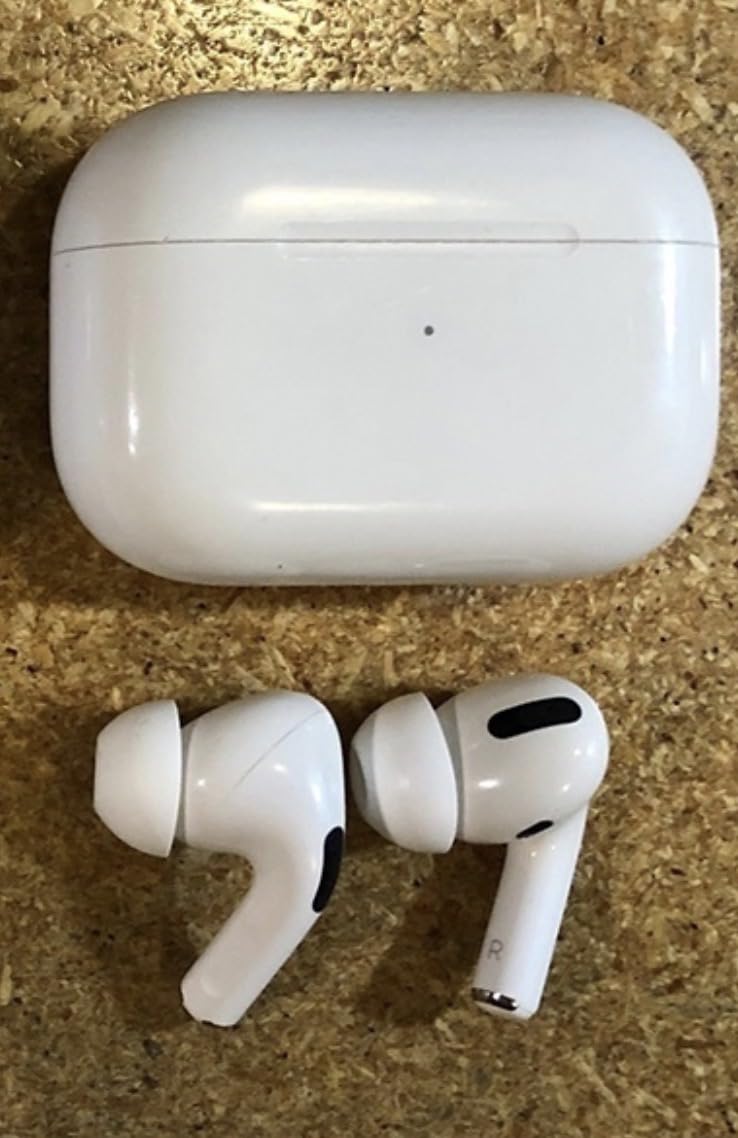
The trade-off is real and worth naming. At 2.56 ounces the whole pair is pocketable, but the price sits well above the standard AirPods, and the full feature set quietly assumes an iPhone or a recent iPad. If you switch between a phone and a laptop, the automatic switching and audio sharing work as advertised, but you are buying into an ecosystem rather than a universal accessory.
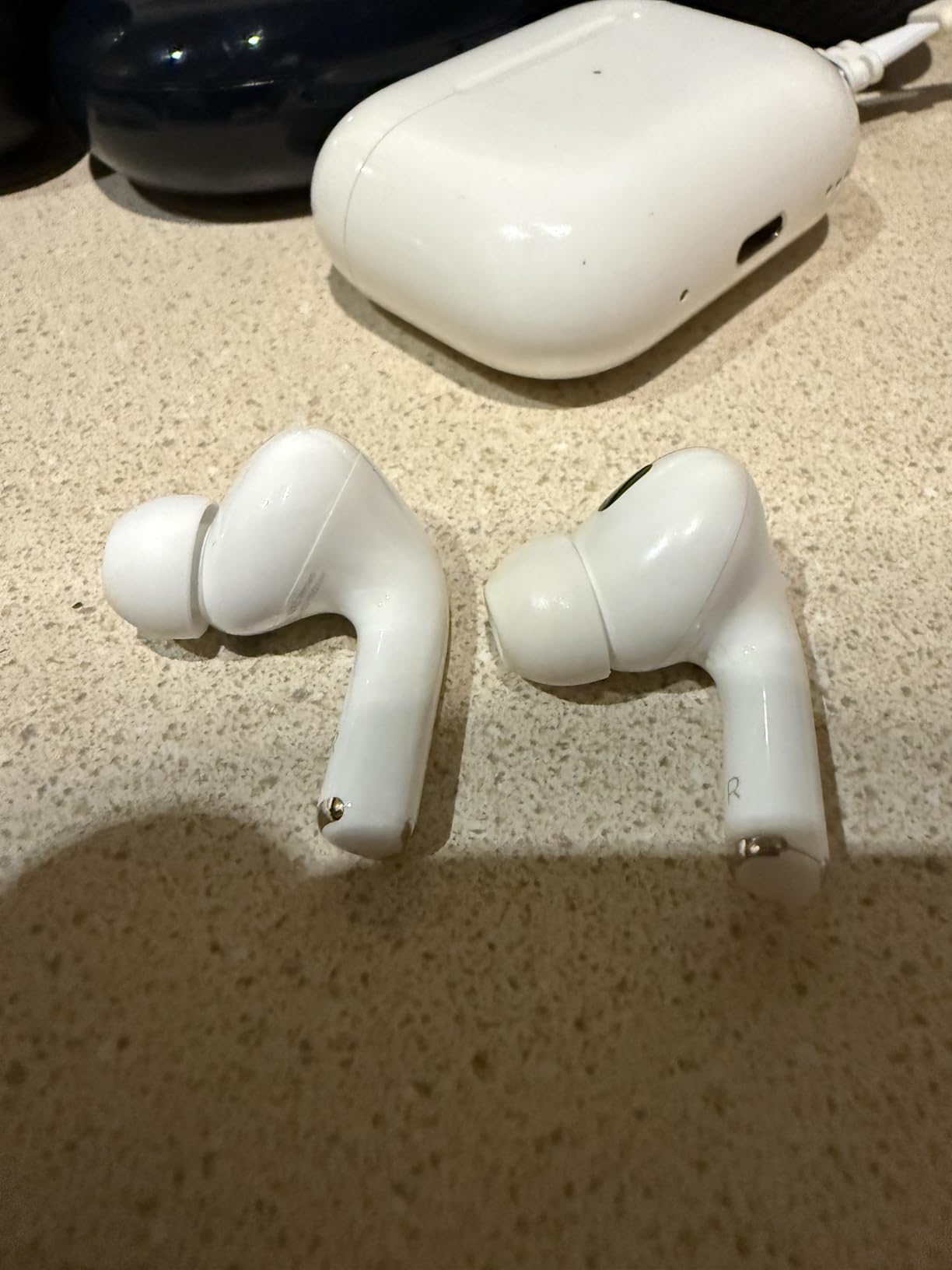
Compared with the Apple Watch Series 11 in this list, the AirPods Pro 3 do a narrower job and do it better in the moment. The watch measures things over weeks; the earbuds are the pair you will notice on the first train ride. Owners also point out that the stem design will not give you the in-ear seal of fully in-canal earbuds, so if you have sensitive ears and a strong seal preference, that matters more than any spec here.
Good to know: the hearing test, Hearing Aid with Conversation Boost and Hearing Protection features are part of this model, which makes it more than a music accessory for people who want an audio health check while they are already in their ears.
2. Apple Watch Series 11: Best for Health and Fitness Tracking
Apple Watch Series 11
Type: Smartwatch
Standout: ECG + hypertension
Battery: 24 hr
Case: 46 mm
Weight: 1.28 oz
Pros
- Daily Sleep Score with Vitals app and possible sleep apnea notifications
- On-demand ECG plus high and low heart rate and irregular rhythm alerts
- Up to 24 hours of battery with 8 hours from a 15-minute charge
- Superdurable glass rated 2x more scratch resistant than Series 10
- Water resistant to 50m with IP6X dust resistance
Cons
- Step counting is less accurate than dedicated fitness trackers
- Rubber sport bands are not breathable and can irritate skin
- Cellular adds real cost for limited everyday payoff
Owners rate this one 4.7 stars across more than 8,600 reviews, and the praise clusters around vitals: a daily Sleep Score, a Vitals app with possible sleep apnea notifications, and hypertension notifications based on vascular response analysis. For someone training for something specific, the Pacer, heart rate zones and training load metrics add more than step counting does.
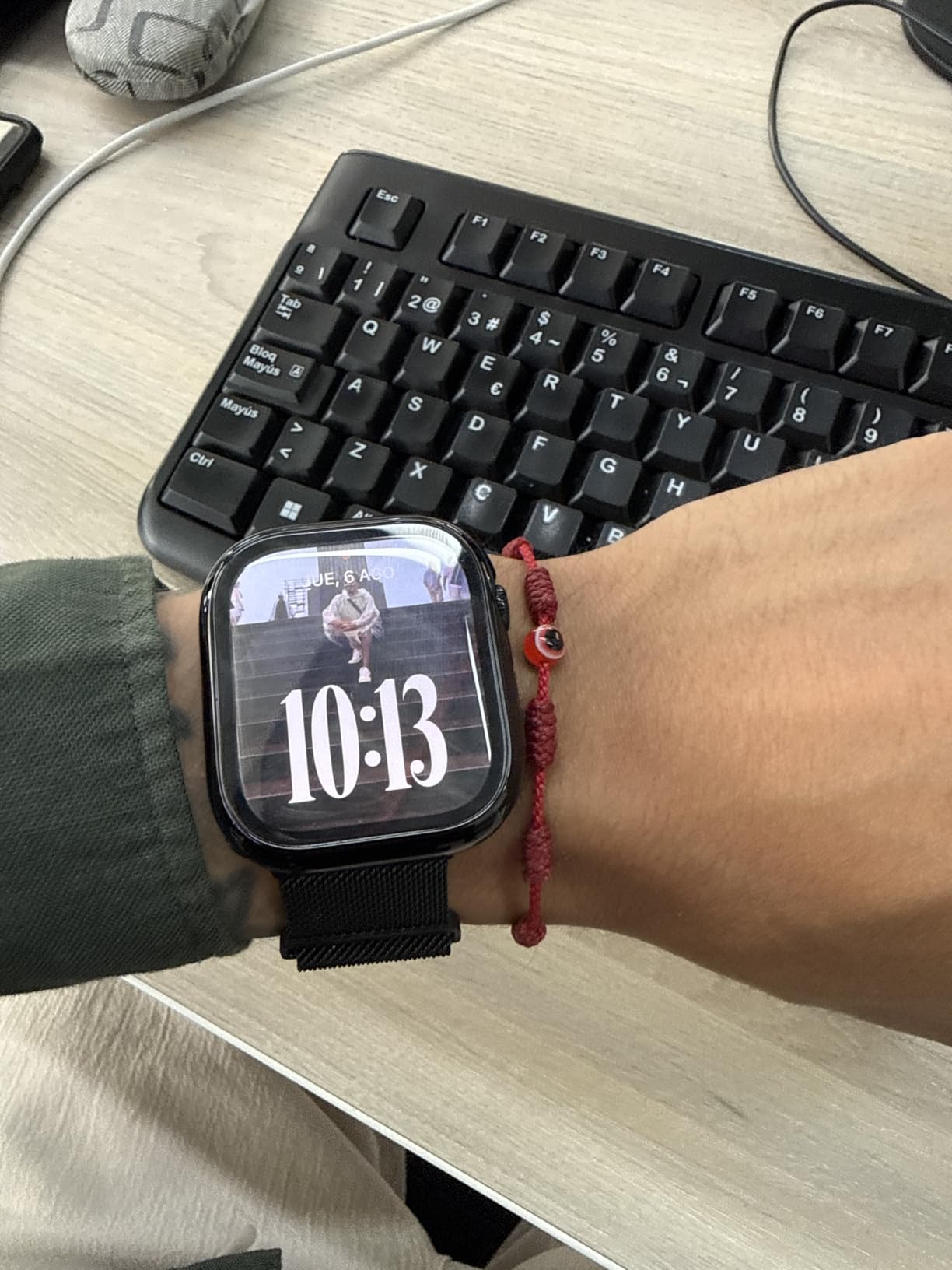
Two practical details decide whether it works for you. The 15-minute fast charge giving up to 8 hours is what rescues the one-day battery, and the Superdurable glass is rated twice as scratch resistant as the Series 10, which matters on a device that spends its life on your wrist. The GPS 46mm case at 1.28 ounces is the larger of the two watches here.
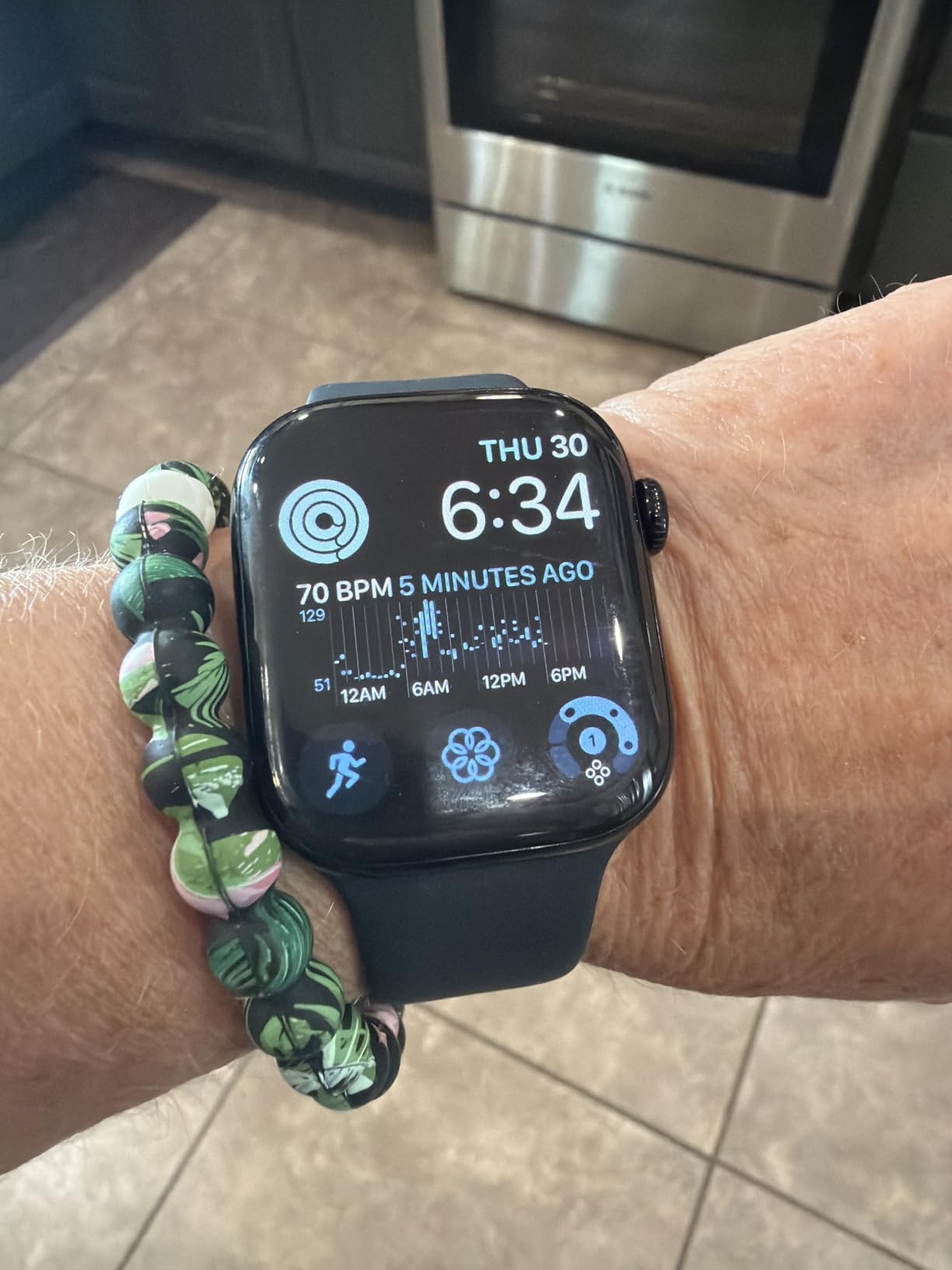
Skip it if step accuracy is your main goal. Reviewers say the counting trails dedicated fitness trackers, and a few mention that Apple’s rubber sport bands trap heat enough to irritate skin, which is usually the first accessory swap anyone makes. The nearest comparison in this list is the Apple Watch SE 3, which is lighter and cheaper but drops the ECG.
Compared with the AirPods Pro 3, this is the opposite purchase. The earbuds are about a good two-hour block; the Series 11 is about a trend line you check every morning.
3. Apple Watch SE 3: Best for First-Time Smartwatch Owners
Apple Watch SE 3
Type: Smartwatch
Standout: Value tier
Battery: 18 hr
Always-On: yes
Weight: 0.96 oz
Pros
- Irregular rhythm and high and low heart rate alerts as standard
- Vitals app with sleep score and sleep apnea notifications
- 18-hour battery with charging up to twice as fast as SE 2
- Always-On display now available on the SE line
- Under one ounce for all-day comfort
Cons
- No ECG or blood oxygen apps
- Shorter battery than the Series 11
- GPS-only model leans on iPhone or Wi-Fi
Buyers treat this as the sensible entry point. It keeps the heart rate alerts, the Vitals app, the sleep score and the sleep apnea notifications, and it stays under an ounce in the 40mm GPS case. The 18-hour battery and faster charging are honest, everyday numbers rather than a spec-sheet promise.
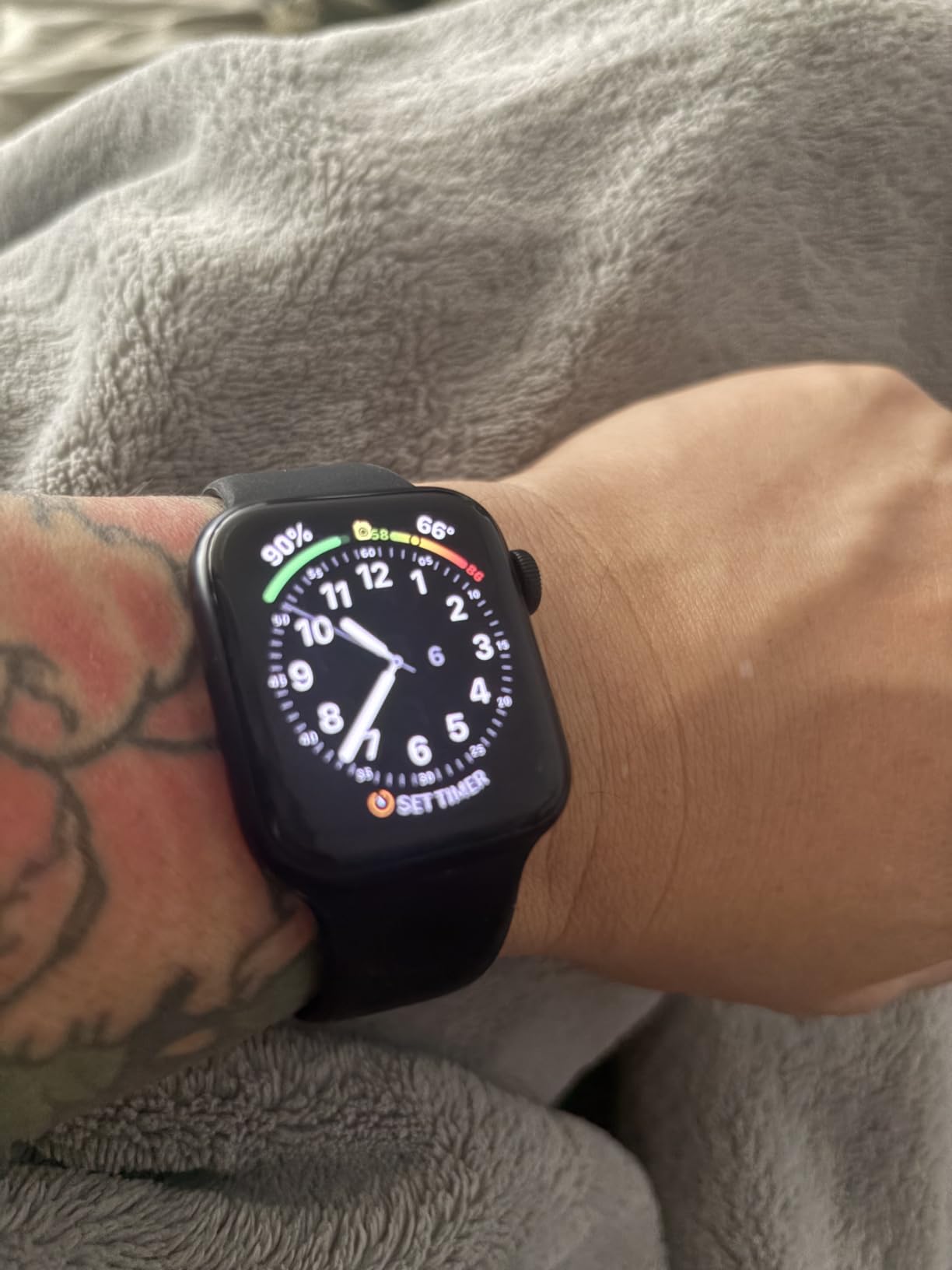
The trade-off is the sensor set. There is no ECG and no blood oxygen app, and the battery is shorter than the Series 11, so if you already charge every night that is a non-issue. The sport band included is the same rubber style reviewers dislike on the Series, so plan on a textile strap eventually.
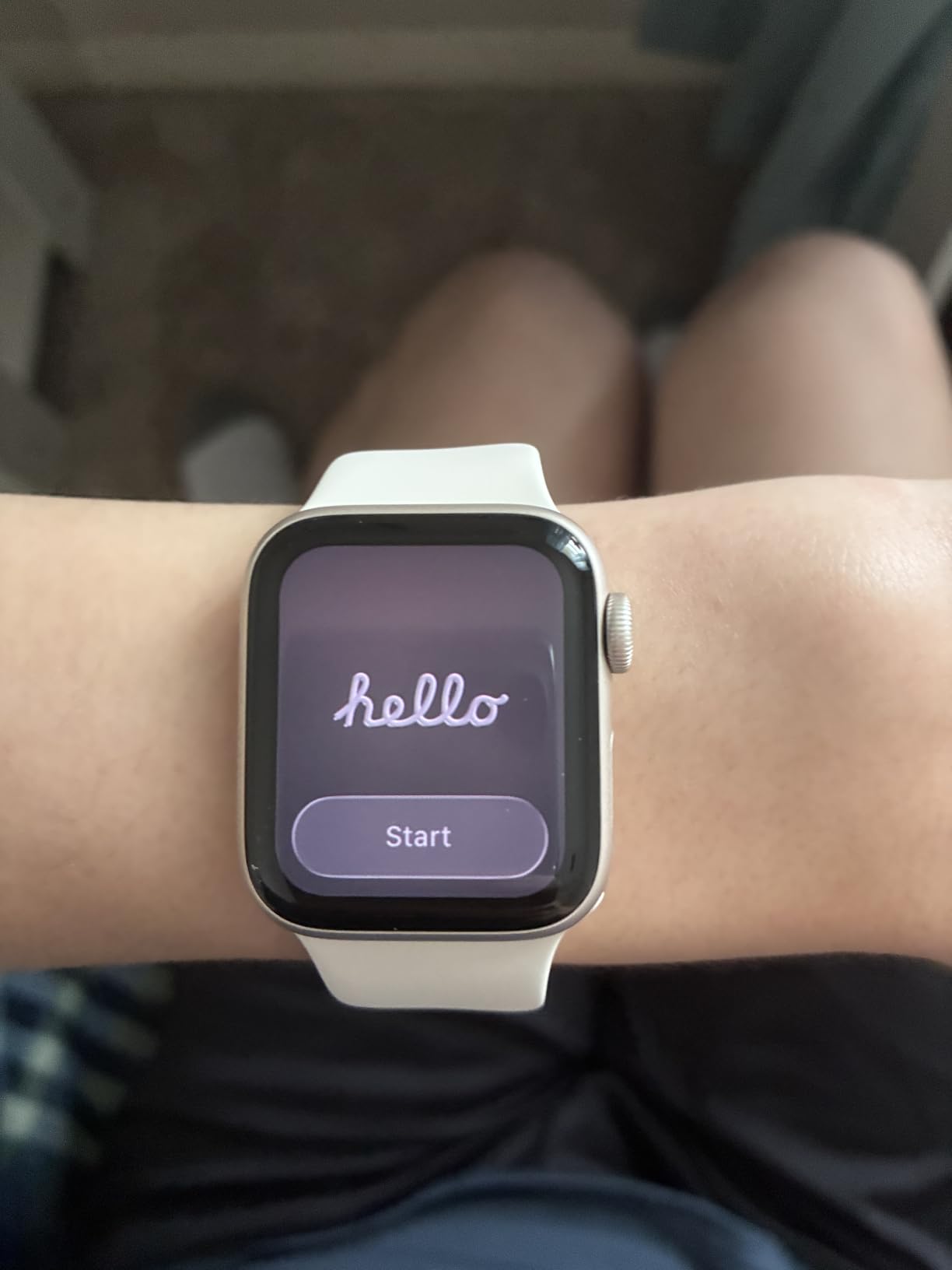
Against the Apple Watch Series 11, the SE 3 makes sense when you want the health dashboard and not the hypertension and ECG features. Both sit at 4.7 stars, and the SE 3 has roughly half the review count, which is worth weighing if you care how many owners have lived with it.
Good to know: wrist temperature tracking and period logging with cycle deviation notifications are on this model, so it is not just a pared-down step counter.
4. Apple iPad 11-inch: Best Value Tablet Pick
Apple iPad 11-inch
Type: Tablet
Chip: A16
Storage: 128GB
Screen: 11 inch
Weight: 1.05 lb
Pros
- A16 chip handles browsing
- streaming
- multitasking and creative apps
- 11-inch Liquid Retina display with True Tone
- All-day battery life with fast charging
- Touch ID in the top button with Apple Pay
- Works with Apple Pencil USB-C and Magic Keyboard Folio
Cons
- Display brightness trails phones and computers
- Only a USB-C cable and wall adapter are included
- 128GB fills up quickly with apps and media
With more than 28,000 reviews at 4.7 stars, this is the most proven product on the list. Owners repeatedly describe it as a laptop replacement for college, note-taking and everyday browsing, and the A16 chip has enough headroom that it rarely feels like the budget option. The 12MP Center Stage front camera handles video calls well enough that people keep it as their meeting device.
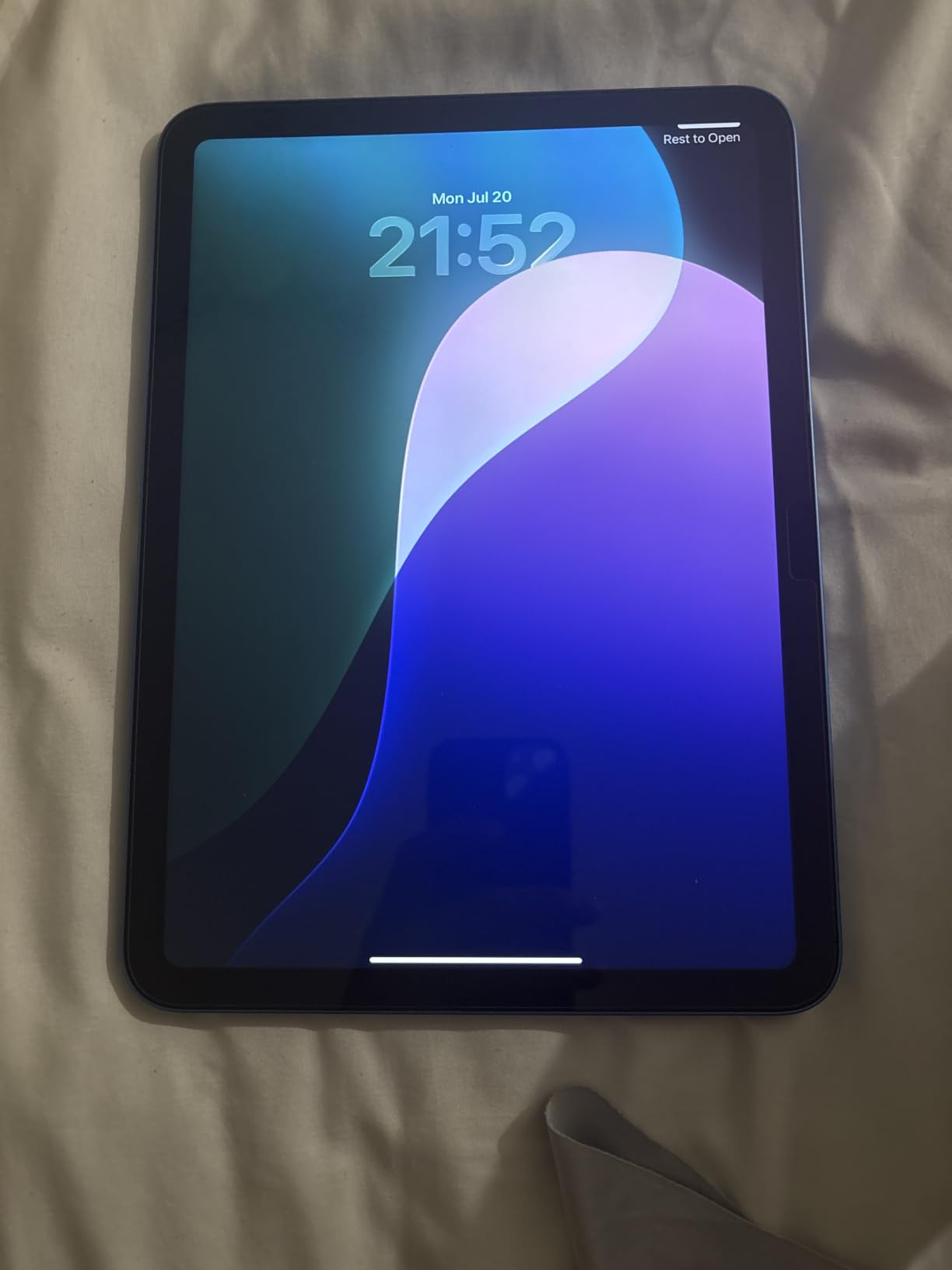
Two limits come up repeatedly in reviews. The display is bright and sharp but noticeably dimmer than a phone or a laptop screen, which matters for outdoor work. And nothing but the cable and adapter is in the box, so the real cost of using it as a laptop replacement includes a keyboard, a case and a Pencil bought separately.
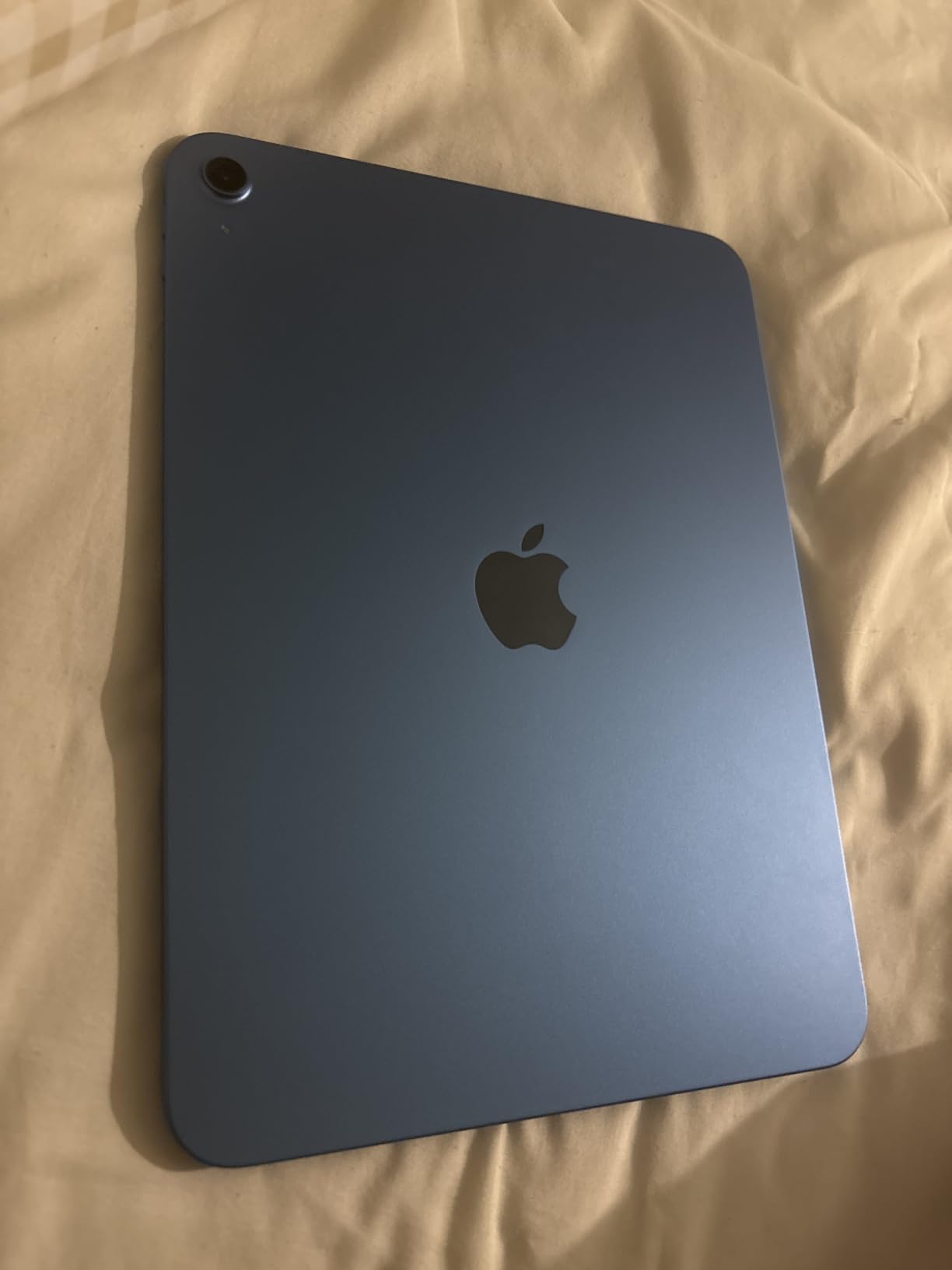
The Apple Pencil USB-C in this list is the one that matches it, since the Pencil Pro does not work with the base iPad. If you want the newer chip and Apple Intelligence, the Apple iPad Air 11-inch costs more for mostly chip and wireless gains. Compared with the MacBook Air 13-inch, this is the lighter option for reading and handwriting.
Good to know: 128GB is the only storage on this configuration, so plan on iCloud or an external drive earlier than you think you will.
5. Apple iPad Air 11-inch: Best for Apple Intelligence
Apple iPad Air 11-inch
Type: Tablet
Chip: M4
Storage: 128GB
Wireless: Wi-Fi 7
Weight: 1.02 lb
Pros
- M4 chip handles advanced graphics and complex tasks
- Wi-Fi 7 with the Apple N1 chip for large photo and video transfers
- Apple Intelligence built in with strong privacy protections
- 11-inch Liquid Retina with P3 wide color and True Tone
- Storage options up to 1TB
Cons
- Costs meaningfully more than the base iPad for mostly chip gains
- Base 128GB can need iCloud for heavy media
- Listing shows a 1 D battery entry reviewers call inconsistent
This is the pick if the on-device AI features are the point. The M4 chip and Wi-Fi 7 with the Apple N1 wireless chip move large photo and video files around quickly, and the review summary on this listing is positive but small, at 773 reviews, so treat it as newer and less proven than the base iPad.

At 1.02 pounds and 9.75 x 7.03 x 0.24 inches, it is lighter and thinner than the base iPad. Storage runs up to 1TB if you want to avoid the iCloud question entirely, and it works with the Apple Pencil Pro, which the base iPad does not.

The honest trade-off is price. Owners reviewing it call out that you are paying mostly for the chip and the wireless upgrade. The base Apple iPad 11-inch remains the better value for reading, streaming and coursework, and it is lighter on the wallet for the same screen size. One reviewer note worth knowing: the listing’s battery spec reads 1 D batteries, which looks like a data entry artifact rather than a real limitation.
Owners using the Pencil with this tablet can start with our picks for essential Apple Pencil apps, since the software side matters as much as the hardware here.
6. Apple MacBook Air 13-inch: Best for Everyday Computing
Apple MacBook Air 13-inch
Type: Laptop
Chip: M5
Memory: 16GB
Storage: 512GB
Weight: 2.71 lb
Pros
- M5 chip with a next-generation GPU and Neural Accelerators per core
- Up to 18 hours of battery for a full day without a charger
- 13.6-inch Liquid Retina display with 1 billion colors
- Four speakers with Spatial Audio and Dolby Atmos
- 2.71 lb thin and light build for students and commuters
Cons
- Only two Thunderbolt 4 ports and no HDMI or SD card slot
- Supports up to two external displays
- Fanless design throttles under sustained heavy load
For a student or commuter, this is the one most people should watch. 16GB of unified memory and a 512GB SSD is a sensible starting configuration, the 18-hour battery claim covers a full day of classes, and 2.71 pounds means you notice the size only in the bag. The M5 chip adds Neural Accelerators per core for AI work, and reviewers describe it as fast and quiet.
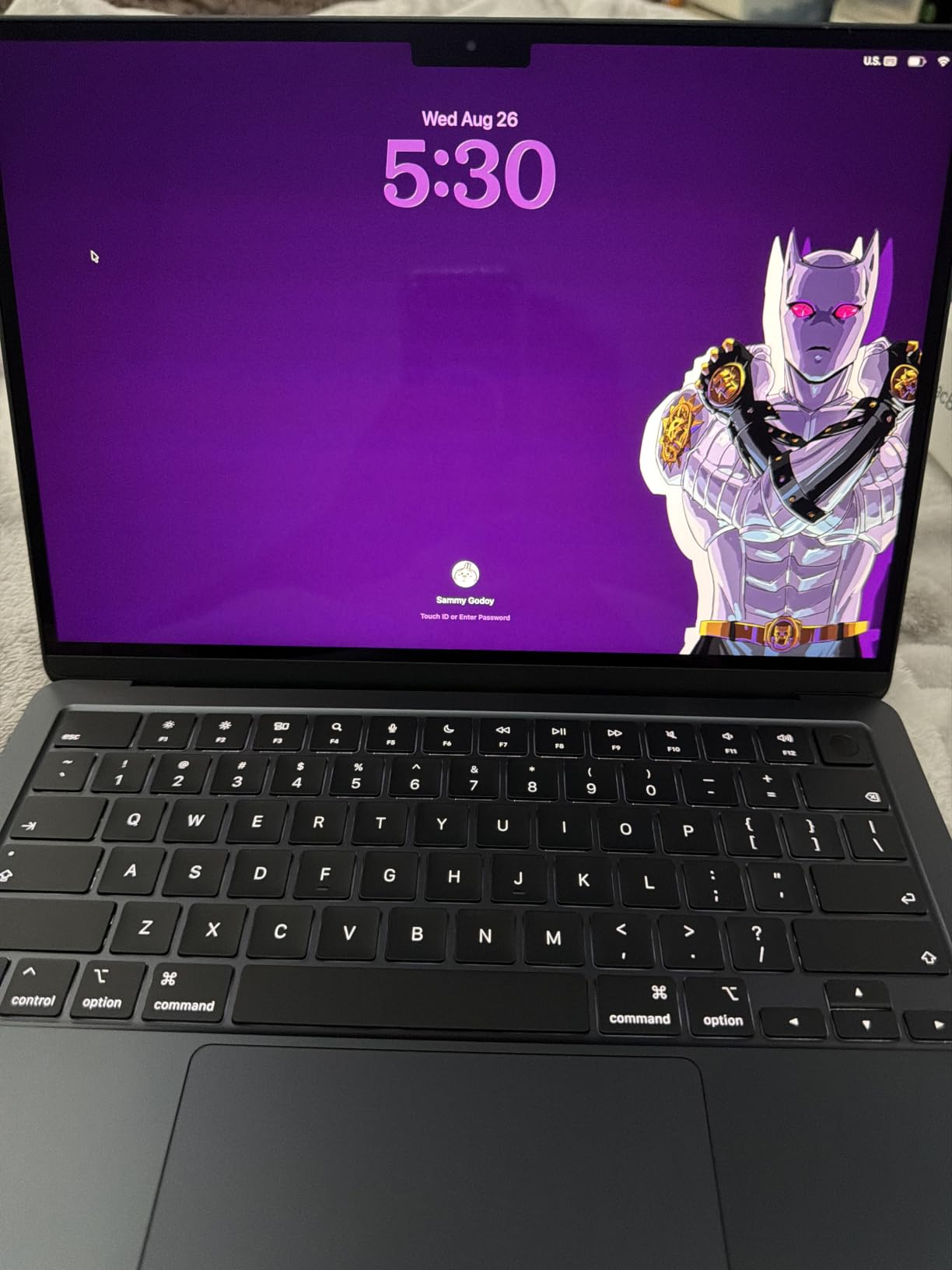
Ports are the recurring complaint. Two Thunderbolt 4 ports, MagSafe, a headphone jack, Wi-Fi 7 and Bluetooth 6 is a good laptop and a mediocre desk. Owners with an external monitor, a camera or an SD card buy a dock, and the two-display limit catches people out too. The fanless design also means long compiles or exports will slow down before they stop.
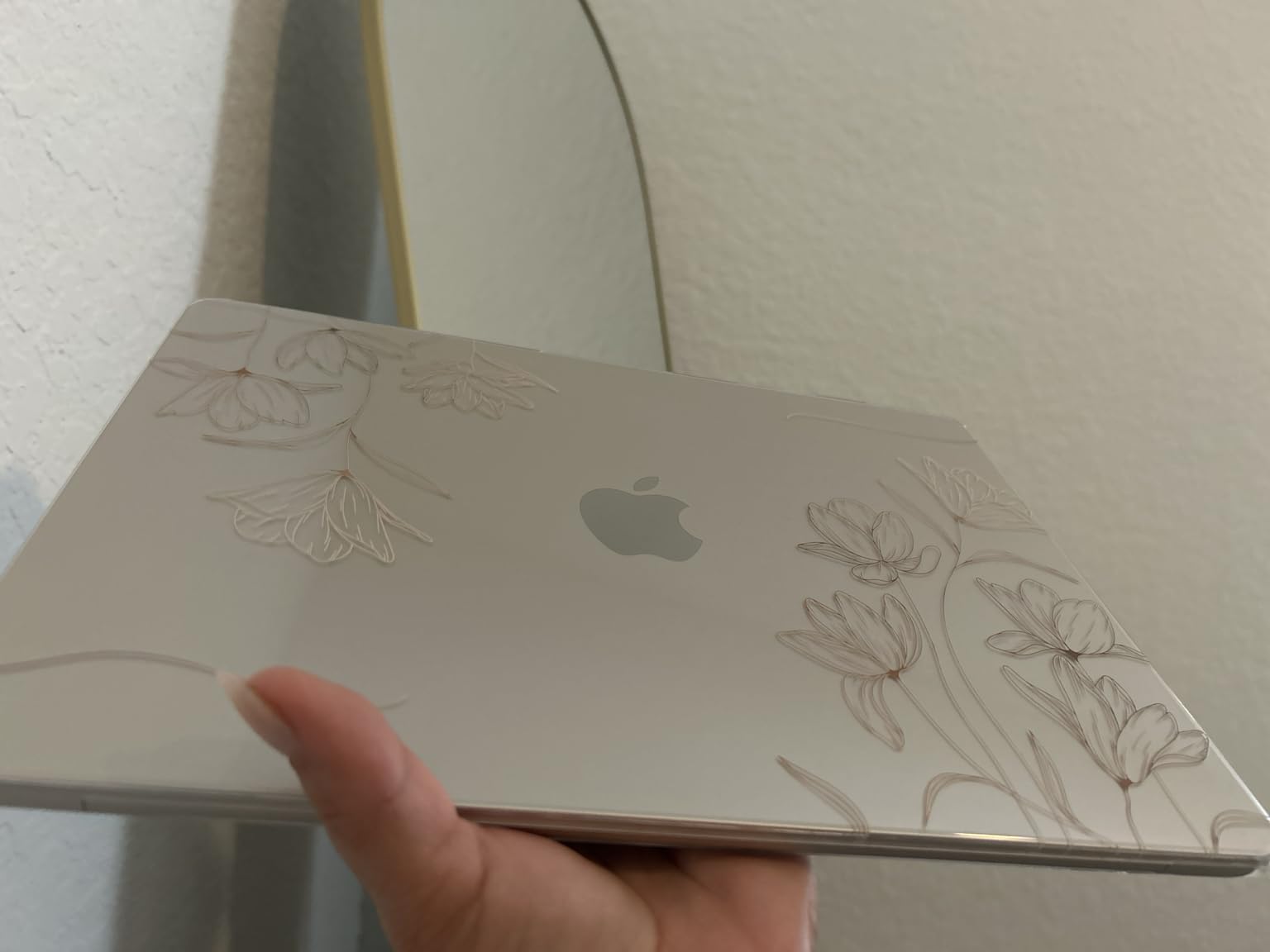
Against the Apple MacBook Air 15-inch, you are choosing the same chip and the same memory for a smaller screen and about half a pound less. Against the MacBook Pro 14-inch, you give up the XDR display, the SDXC slot and the sustained performance, and get roughly twice the battery. The Apple iPad 11-inch covers similar ground for people whose work is mostly reading and writing.
7. Apple MacBook Pro 14-inch: Best for Creative Work
Apple MacBook Pro 14-inch
Type: Laptop
Chip: M5 10-core CPU
Memory: 16GB
Storage: 1TB
Weight: 3.41 lb
Pros
- 14.2-inch Liquid Retina XDR display with 1600 nits peak and 1000000:1 contrast
- 16GB unified memory and 1TB SSD for demanding multi-app work
- Three Thunderbolt 4 ports plus SDXC slot / MagSafe 3 / HDMI
- Active cooling sustains performance under load
- Six speakers and three studio-quality mics
Cons
- Heavier and costlier than the MacBook Air
- Battery life is shorter than the Air despite the bigger screen
- 16GB and 1TB are already the base configuration
The display is the reason to step up. Liquid Retina XDR at 1600 nits peak, 1000 nits sustained and a 1,000,000:1 contrast ratio is a visible step up when you are grading video or working in a bright room, and the SDXC card slot plus HDMI save you a dongle. Owners also note performance stays put on battery, which is unusual for a machine this capable.
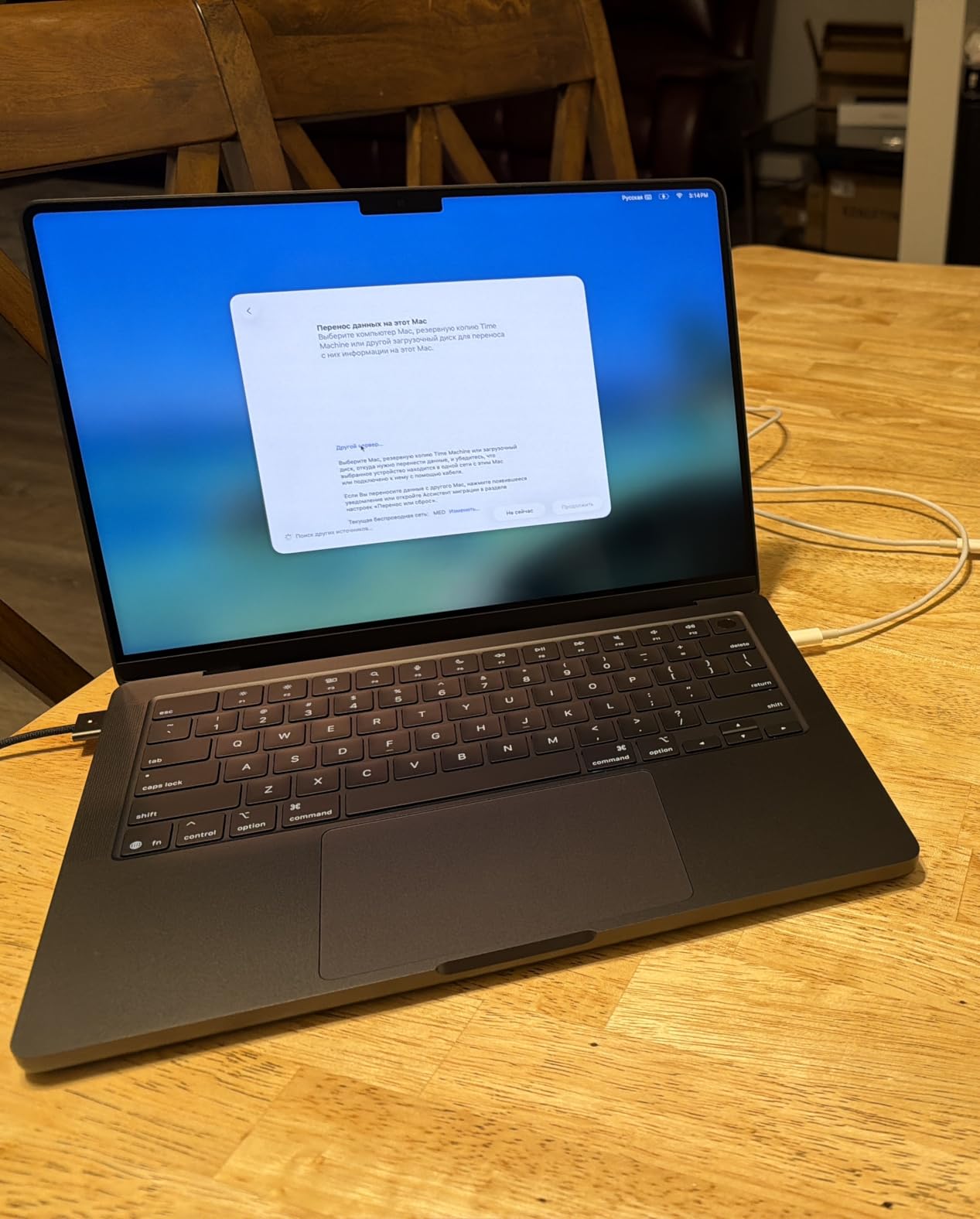
The cost is weight and battery. At 3.41 pounds this is not the laptop you carry every day, and owners comparing it to the MacBook Air point out that the Pro actually runs shorter on a charge than the smaller Air despite the larger screen and the more capable GPU. Active cooling is what buys the sustained performance, and you can hear it under load.
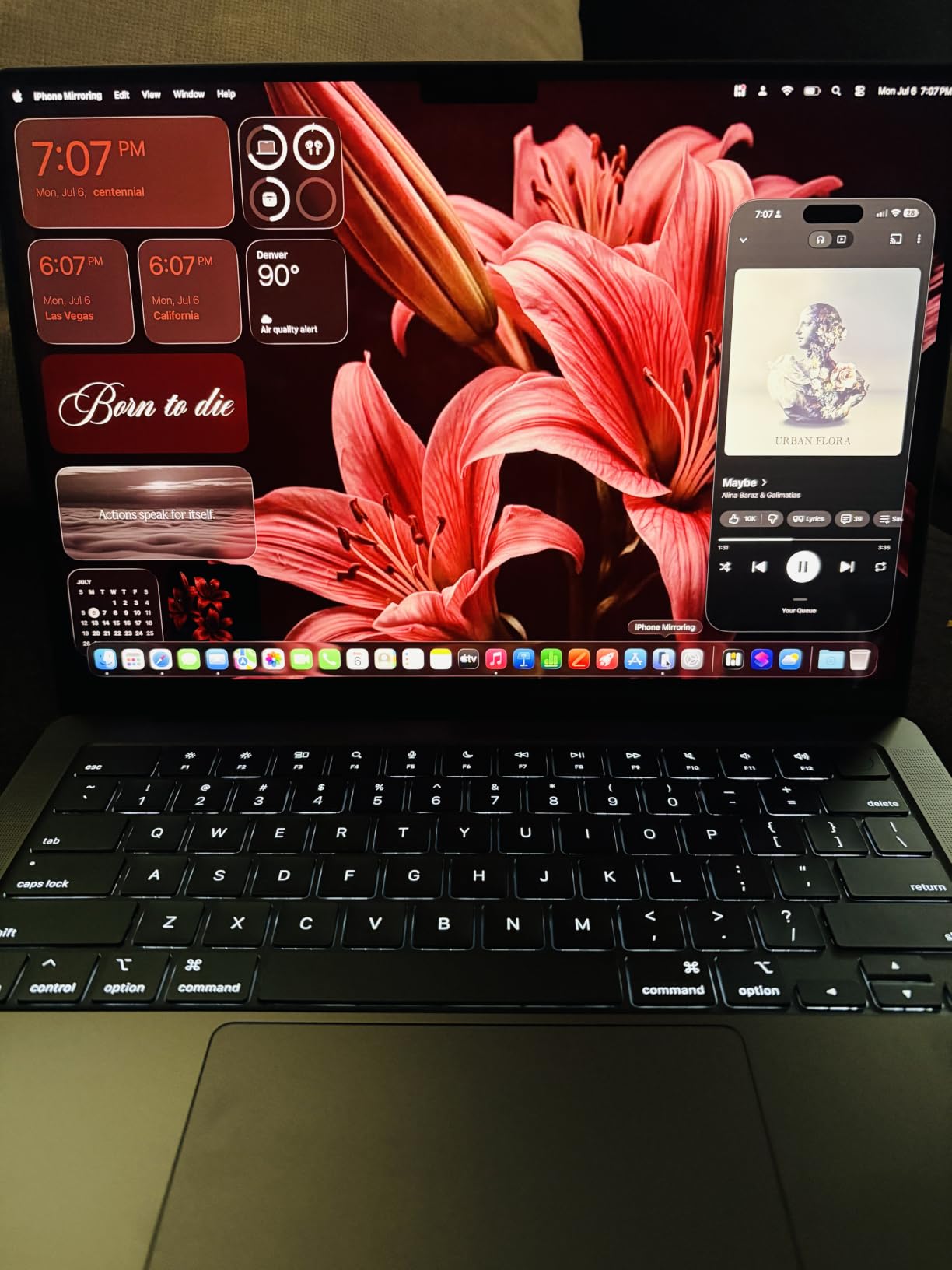
With only 305 reviews on this listing, it is the least proven pick here, so the owner feedback is thinner than the 1,000-plus reviews on the MacBook Air 13-inch. If your work is documents, browsing and writing, that extra display brightness and port selection is money you will not earn back. If you edit video or photos, it is the machine on this list built for it.
8. Apple Pencil Pro: Best for Drawing and Design
Apple Pencil Pro
Type: Stylus
Inputs: Tilt and pressure
Weight: 0.68 oz
Charging: Magnetic
Pros
- Tilt and pressure sensitivity for shading and line-weight variation
- Squeeze and barrel roll gestures with haptics change tools without lifting
- Attaches
- pairs and charges magnetically to the iPad
- Find My support to locate a misplaced pencil
- Hover preview on compatible iPad Pro and iPad Air models
Cons
- Does not work with the base iPad (A16) or earlier models
- Compatibility must be checked before buying
- Magnetic charging can require removing a case
- A screen protector can make the tip slide
Pressure and tilt are what separate this from a cheap stylus, and for illustration or design that is the whole game. The squeeze and barrel roll gestures let you switch tools without lifting your hand, the flat edge means a tap of a finger does the same, and Find My will locate it when it disappears under the sofa. At 0.68 ounces it is the lightest tool here.
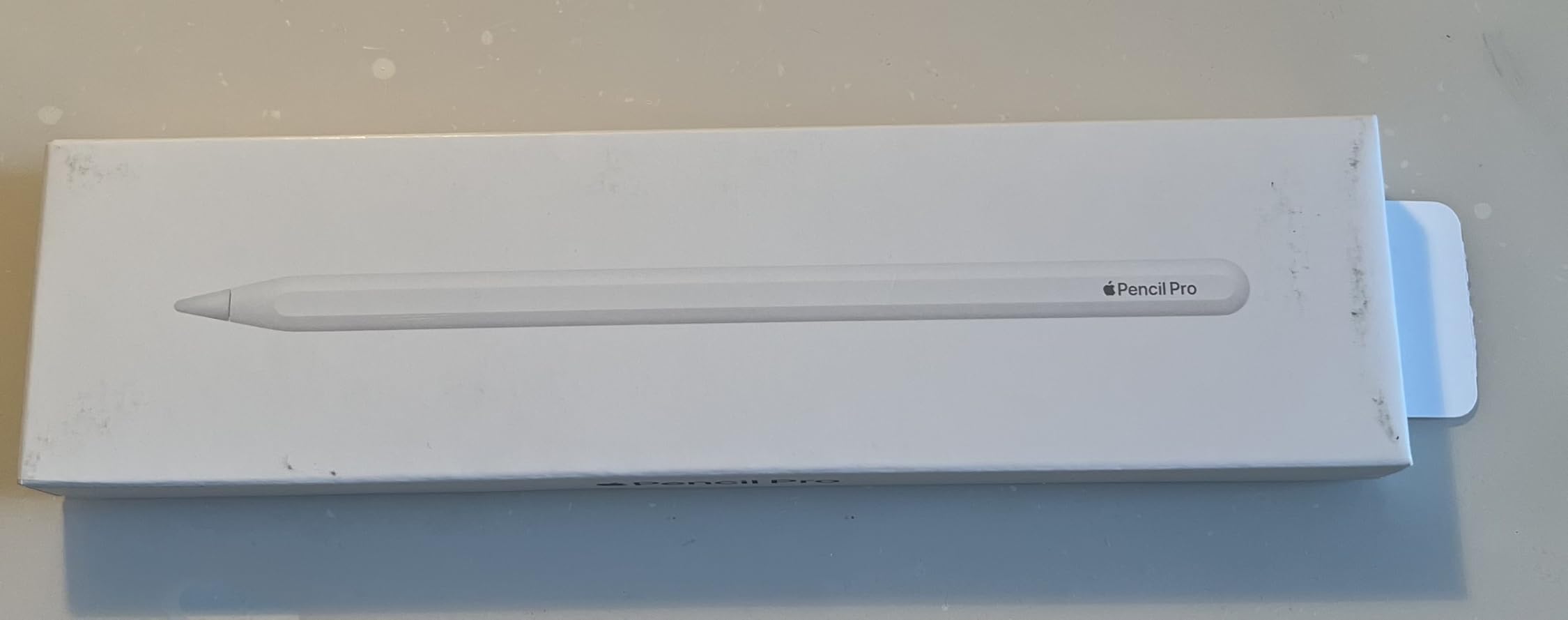
The compatibility list is the thing to check first. It works with iPad Pro M4 and M5 models, iPad Air M2, M3 and M4, and iPad mini (A17 Pro), but not the base iPad with the A16 chip. Owners who skipped this check are the source of the most common return.
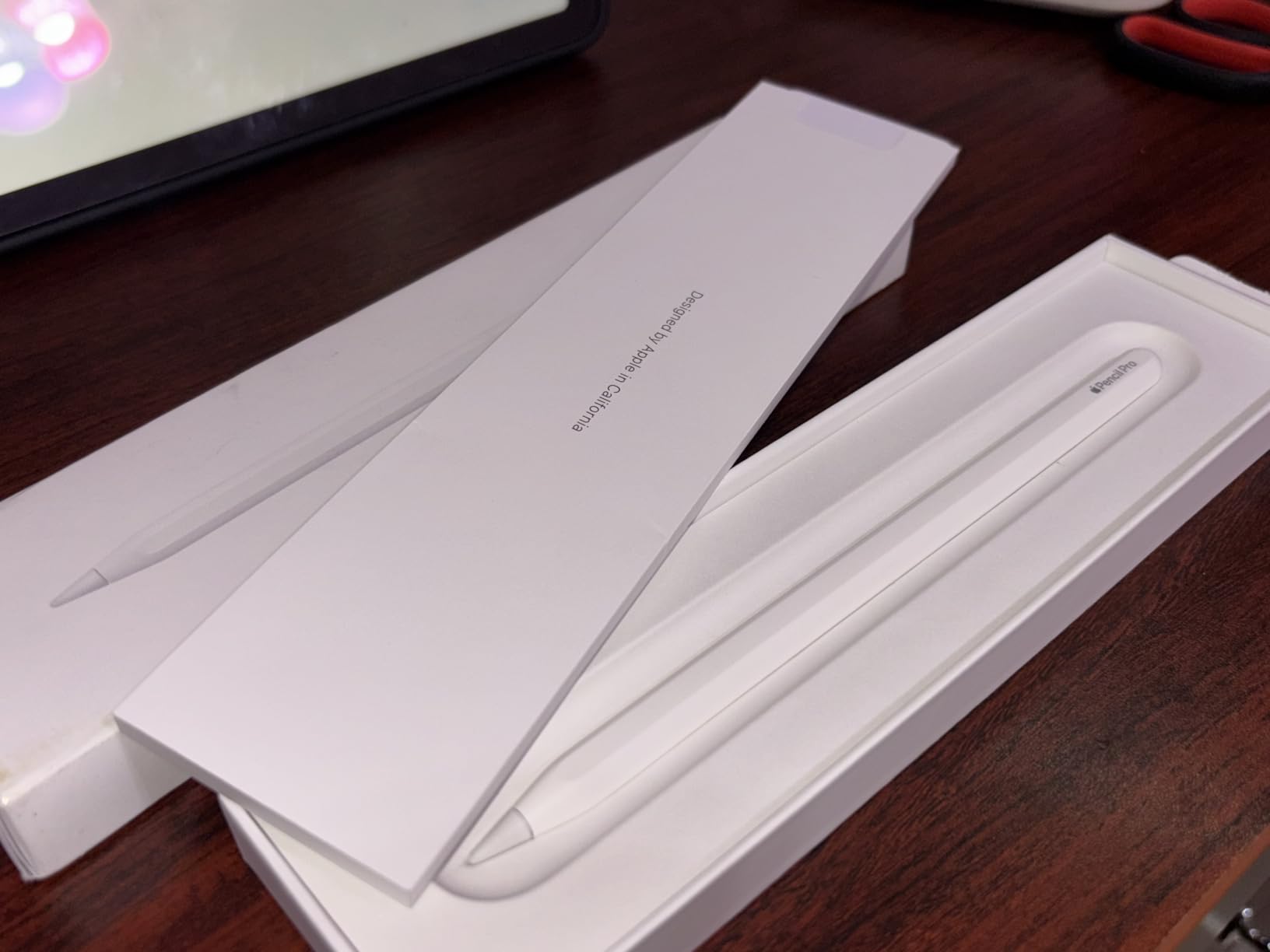
Two smaller notes from reviews: magnetic charging can mean taking off a case depending on its design, and a screen protector can cause the tip to skate across the display instead of registering cleanly. Compared with the Apple Pencil USB-C, you are paying for pressure sensitivity and gestures, not for better note-taking.
9. Apple Pencil USB-C: Best for Schoolwork and Notes
Apple Pencil USB-C
Type: Stylus
Input: Tilt only
Weight: 0.88 oz
Charging: USB-C
Pros
- Pixel-perfect precision with virtually no lag for writing and annotating
- Tilt sensitivity supports natural shading and line weights
- Charges over USB-C so it works with a case on
- Sliding cap protects the charging port
- Magnetically attaches to the side of the iPad
- Works with the base iPad that the Pencil Pro rejects
Cons
- No pressure sensitivity for advanced drawing
- No magnetic or inductive charging and needs a cable each time
- Compatibility list is long and easy to misread
For handwriting, this is the right one and the cheaper one. Owners using it for schoolwork and note-taking report smooth, responsive writing across more than 12,000 reviews, and it works with the base Apple iPad 11-inch that the Pencil Pro cannot touch. Charging over USB-C under a sliding cap means it also works while your iPad is in a case.
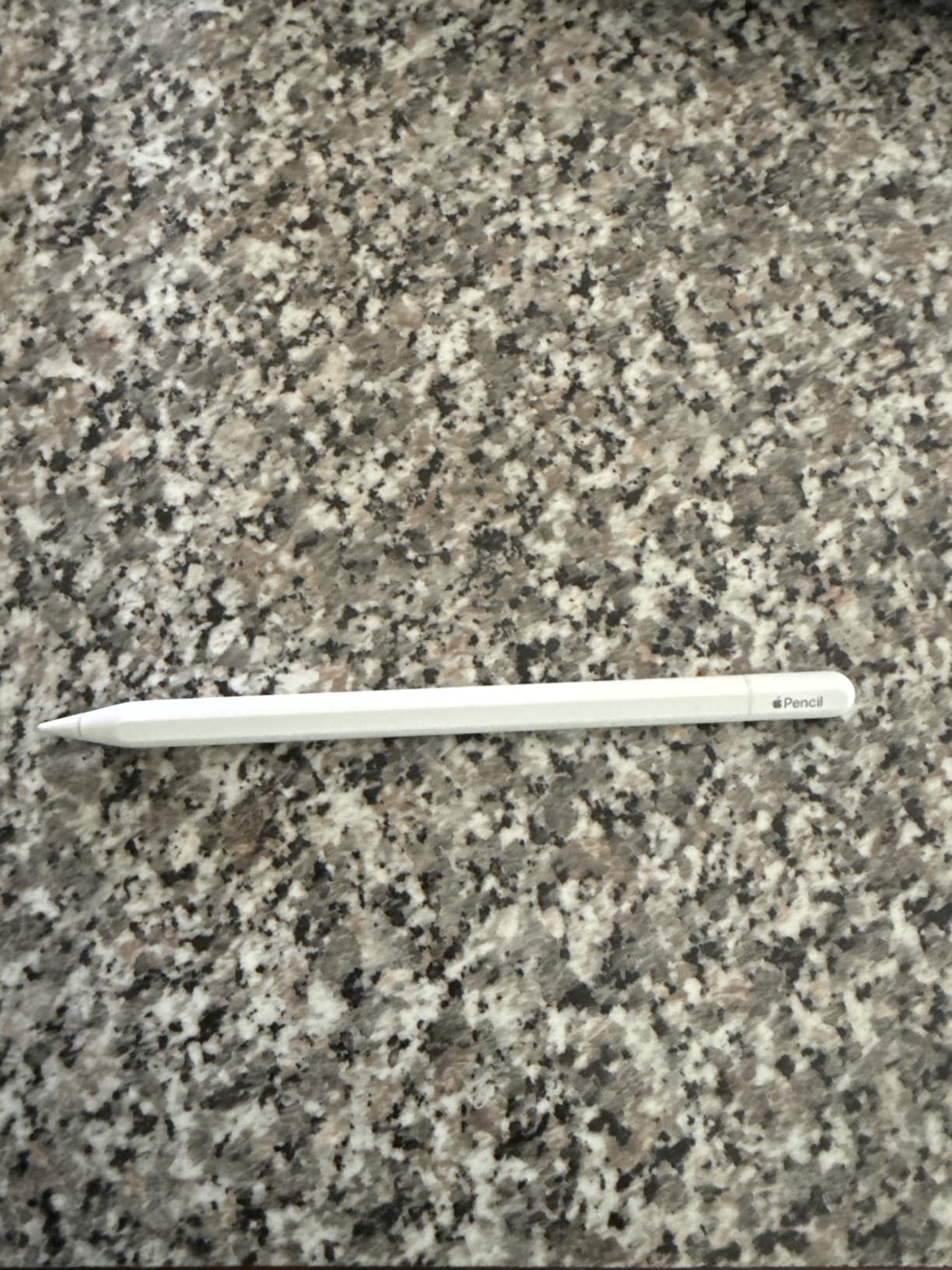
There is no pressure sensitivity, which is fine for notes and a real limit for illustration, and there is no inductive charging, so it needs a physical cable each time. A few reviewers also mention it can take a moment to wake from standby after a long idle stretch, which interrupts a fast-paced lecture.
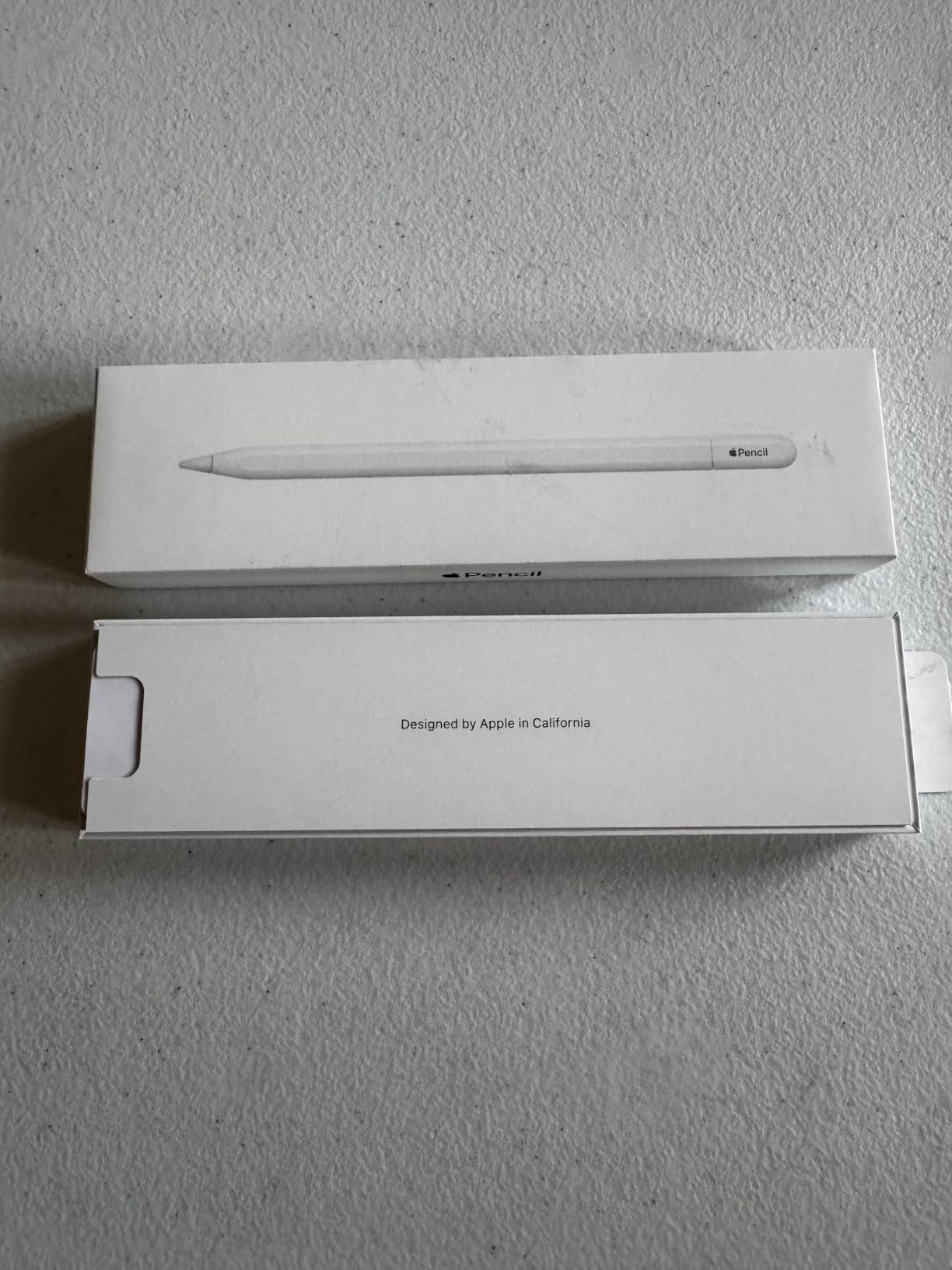
Compared with the Apple Pencil Pro, the choice comes down to the tablet you already own. Base iPad or any iPad with a USB-C port, take this. If you have an iPad Pro or iPad Air and you draw, the pressure and gesture features of the Pro are worth the step up.
Good to know: it is compatible with the iPad Pro, iPad Air and iPad (A16) families, so the model year matters more than the price here.
10. Apple AirTag 4-Pack: Best for Travel and Luggage
Apple AirTag 4-Pack
Type: Tracker
Finding range: 1.5X
Battery: 1 year plus
Weight: 1.44 oz
Pros
- Speaker reported roughly 50 percent louder with a new chime
- Upgraded Ultra Wideband and Bluetooth for longer-range finding
- Step-by-step direction and distance on iPhone and Apple Watch
- Over a year of battery on a standard replaceable coin cell
- Temporary location sharing with contacts and 50-plus airline partners
Cons
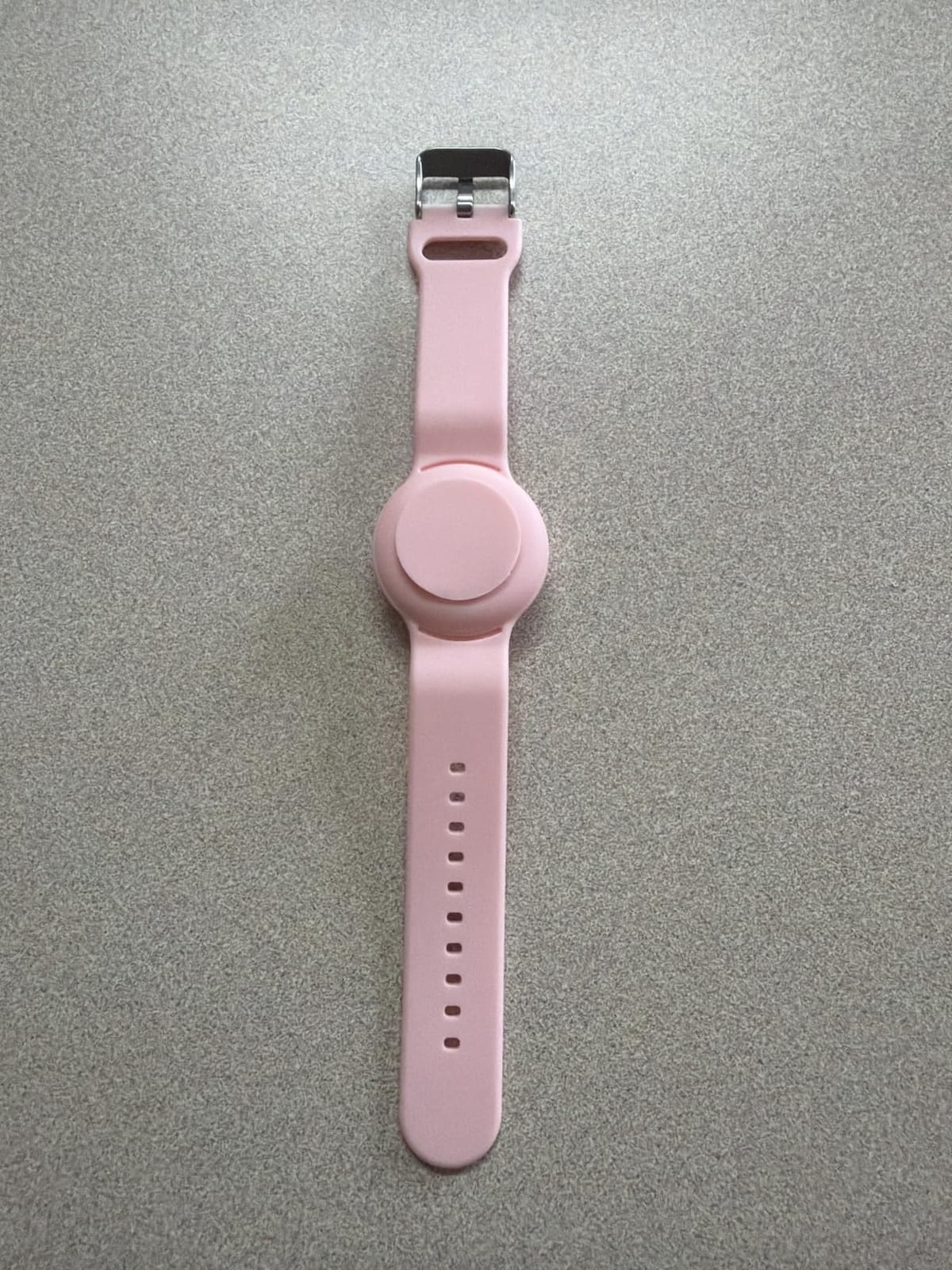
- No built-in keyring hole so a holder or case is needed
- Small and slick enough to be easy to lose if not attached
- Ecosystem dependent and Precision Finding needs iPhone 15 or later
Four trackers at 1.44 ounces for the pack is the setup that makes sense: keys, a bag, luggage and a wallet. The second-generation chip upgrades the finding range, the speaker is reported around 50 percent louder with a more distinct chime, and temporary location sharing works with contacts and more than 50 airline partners, which is the feature that matters most at a baggage claim.
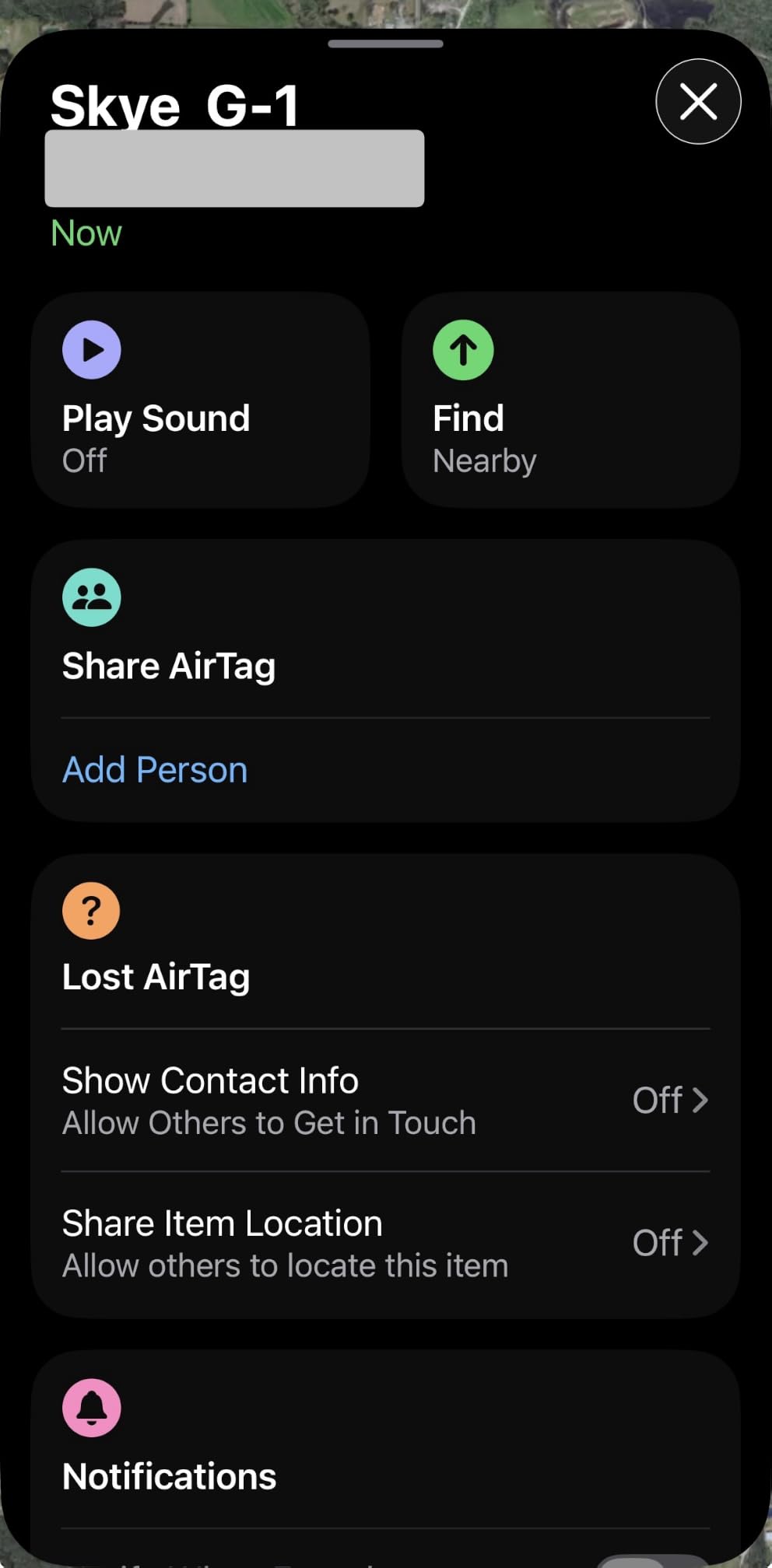
The most repeated practical note in the reviews is that there is still no keyring hole, so most people add a silicone holder or case. The pack is also small, round and slick enough to slip away if it is not physically attached to something.
Two requirements worth checking. It is an Apple-ecosystem tool, and the improved Precision Finding needs an iPhone 15 or later, excluding the iPhone 16e, or iPhone Air. Android users should look at their phone maker’s tracker instead. Against the Apple Watch Series 11 in this list, the watch carries the tags rather than replacing them.
11. Apple MagSafe Charger: Best for Nightstand and Desk Charging
Apple MagSafe Charger
Type: Charger
Output: up to 25W
Cable: 2 m
Cert: Qi2.2 and Qi
Weight: 2.08 oz
Pros
- Magnetic alignment snaps into place every time even in the dark
- 2-meter cable lets you use the phone comfortably while charging
- Up to 25W fast wireless charging with a 30W adapter
- Qi2.2 and Qi certified so it also charges AirPods cases
- Durable build and stays cool during use
Cons
- Runs warm and can warm the phone while it charges
- Magnet is strong enough to make one-handed removal awkward
- Cable is not detachable so damage means replacing the unit
The 2-meter cable is the headline and the reason most people pick this over the shorter version. It reaches from a nightstand or a desk far enough that you can still scroll a video, take a call or use the phone while it charges, and the magnets snap it into place reliably in the dark.

Speed depends on what you plug into. It outputs up to 25W with a 30W power adapter, and Qi2.2 plus Qi certification means it also charges AirPods with a wireless case. Owners note it can run a little warm, sometimes warming the phone too.
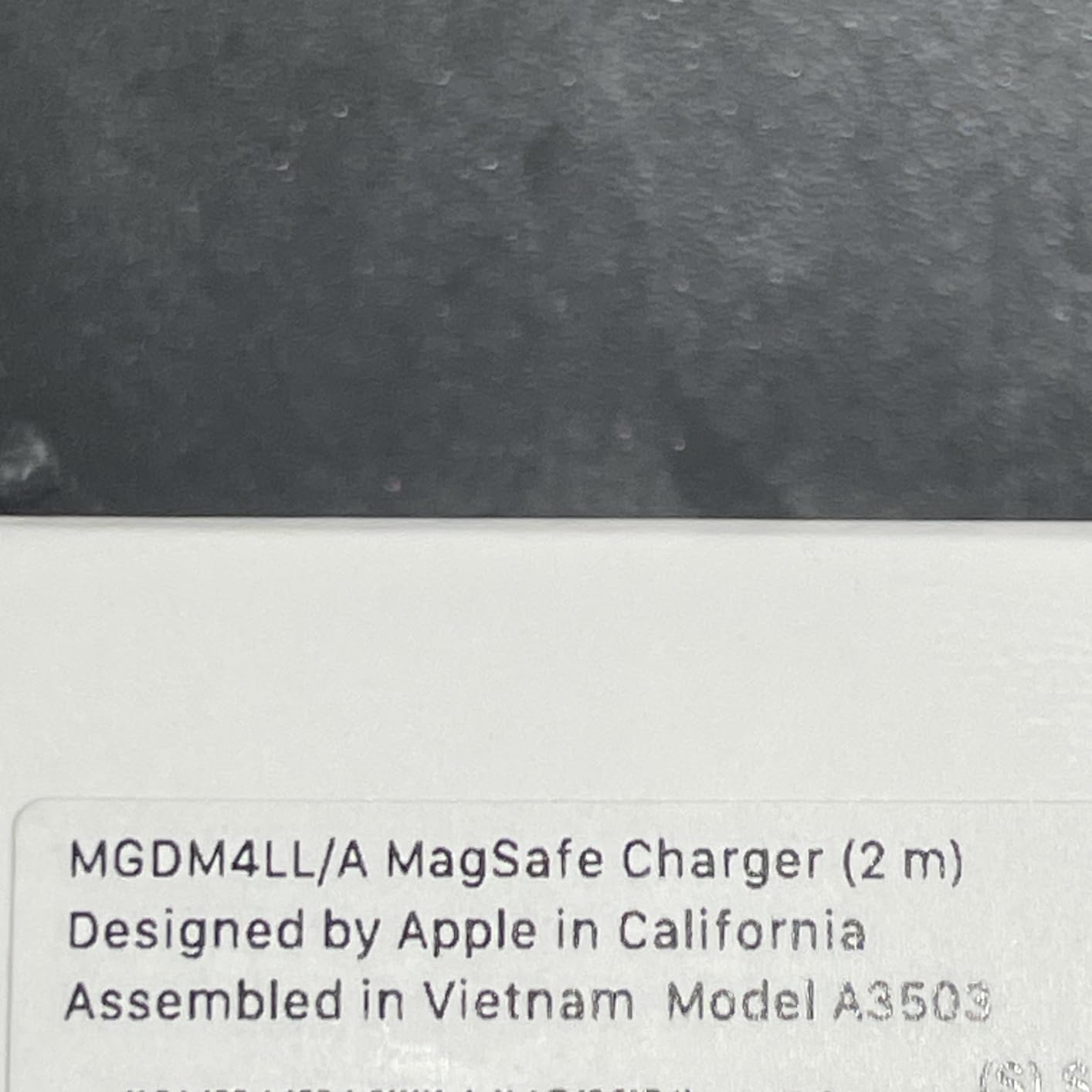
Two gripes recur. The magnet is strong enough that pulling it off one-handed from a nightstand is awkward, and the cable is fixed, so a damaged cable means replacing the whole charger rather than one part. Owners also point out it costs more than plenty of third-party MagSafe-compatible alternatives. Compared with the AirPods Pro 3, this is the accessory that keeps those earbuds topped up in the case.
12. Apple MacBook Air 15-inch: Best for Big Screens
Apple MacBook Air 15-inch
Type: Laptop
Chip: M5
Memory: 16GB
Storage: 512GB
Screen: 15.3 in
Weight: 3.32 lb
Pros
- 15.3-inch Liquid Retina display gives real workspace without feeling bulky
- Up to 18 hours of battery with one owner reporting about four days between charges
- Six-speaker system with Spatial Audio and Dolby Atmos for the size
- M5 chip stays responsive across dozens of apps
- MagSafe plus two Thunderbolt 4 ports and a headphone jack
Cons
- Heavier than the 13-inch Air and a fingerprint magnet on dark finishes
- Only two Thunderbolt 4 ports with no HDMI or SD slot
- Non-XDR panel is dimmer than the MacBook Pro mini-LED
- Fanless design slows under sustained heavy work
This is the highest-rated product in the whole list at 4.8 stars, and the reason is the screen. 15.3 inches of Liquid Retina with 1 billion colors gives you noticeably more room than the 13-inch without the bulk you would expect, and the six-speaker system with Spatial Audio and Dolby Atmos is unusually strong for a thin laptop.

Same M5 chip, same 16GB and 512GB as the 13-inch, same 18-hour battery claim. The cost is 3.32 pounds and the same two-port situation, so a dock is still on your shopping list, and dark finishes show fingerprints.

Owners who are picky about displays notice this is not the XDR panel from the MacBook Pro 14-inch, and the keyboard and trackpad need more deliberate pressure. There is also a fanless design, so long heavy workloads slow down. Compared with the 13-inch MacBook Air, choose this if you work with two windows side by side all day; choose the 13-inch if you carry your laptop between rooms.
How to Choose Apple Gear During Prime Big Deal Days
Device Generation and Model Year
Two Apple listings that look identical in a search result are often different years. Check the model number in the product details and the first-available date before you assume two similar tablets or laptops are the same machine. The A16 iPad listed in March 2025 and the M4 iPad Air listed in March 2026 share an 11-inch screen and very different internals.
Ecosystem Compatibility
Apple gear mostly assumes an iPhone, and several picks here depend on that. The AirPods Pro 3 need an iPhone or recent iPad for Live Translation and the hearing features, Precision Finding on the AirTag needs an iPhone 15 or later, and the GPS-only watch leans on your phone for connectivity. If part of your setup is not Apple, check that assumption first.
Performance and Display Needs
Match the chip and the screen to the work rather than the model name. The A16 in the base iPad handles streaming, coursework and browsing with room to spare, the M4 in the iPad Air adds graphics headroom and Apple Intelligence, and the M5 MacBook Airs cover daily computing while the M5 MacBook Pro brings an XDR display at 1600 nits peak for colour work. If your budget stretches further, our roundup of affordable MacBook Air deals covers the configurations where the Air is the better fit.
Battery Life and Portability
Battery claims are about as close to comparable as Apple specs get: 8 hours with ANC on the AirPods Pro 3, 24 hours on the Watch Series 11, 18 hours on the SE 3, and up to 18 hours on both MacBook Airs. For portability, the Apple Pencil Pro at 0.68 ounces and the Watch SE 3 at 0.96 ounces are the picks you barely notice on a wrist or in a case; the 15-inch Air adds a little over half a pound over the 13-inch for the same battery claim.
Storage, Accessories, and Bundle Contents
Confirm what is in the box. The base iPad ships with only a USB-C cable and a wall adapter, so the Pencil, keyboard and case are separate purchases, and the two MacBook Airs and the MacBook Pro all start at 16GB with different storage ceilings. Accessories often look like an afterthought in a deal listing, so decide whether you need the AirTag holders or an extra Pencil band before checkout.
How to Shop Apple Gear Deals During the Sale
Read the model number and first-available date, confirm the screen size and storage capacity match what you want, and check whether the listing says renewed or new. Look at the sold-by and dispatch-source lines and prefer a first-party seller when two offers differ. Most offers on this event need a Prime membership, and prices can change through the window, so the button on each card is the only reliable place to see where a listing sits right now.
A short checklist before you buy anything during the sale:
- Confirm the generation and model year in the product details, not the listing title.
- Verify the accessories you actually need are bundled rather than assumed.
- Check the seller and fulfilment source, and prefer first-party listings over marketplace offers.
- Match the battery and port count to how you will really use the device.
- Confirm compatibility for anything that depends on a specific iPad or iPhone model.
Frequently Asked Questions
When does Amazon Prime Big Deal Days run in 2026?
Amazon Prime Big Deal Days runs October 6-7, 2026. It is a 48-hour event rather than the longer summer Prime Day, and it opens shortly after Apple has refreshed its fall lineup. Offers typically start early in the morning on October 6 and end the following evening, so if you are watching a specific Apple device, check it at the start of the window rather than at the end.
Is a Prime membership required for Prime Big Deal Days offers?
Most offers on Prime Big Deal Days require a Prime membership, and a free trial counts for the length of the trial. A small number of deals run for everyone, but the Apple hardware worth watching is generally behind the membership. If you already pay for Prime annually, a single MacBook or iPad purchase during the event is usually the easiest way to make the membership pay for itself.
Are Apple deals likely during Amazon’s Prime Big Deal Days sale?
Yes. AirPods, Apple Watches, iPads and MacBooks are consistently among the Apple products that see price changes during the October Prime event, and accessories like AirTags, MagSafe chargers and Pencils are common too. The size of an offer varies by model, and higher memory configurations change what a given offer is worth to you. Treat any pre-event listing as a starting point, not a confirmed deal.
How can I tell whether a sold Apple device is new or renewed?
Look for an explicit condition label on the listing. Renewed items are marked as such and usually come with different packaging and a different warranty path than new units. Check the sold-by and dispatch-source lines too, and compare the warranty language in the listing against what the manufacturer offers on a new device. If the condition is not stated anywhere on the page, treat it as something to confirm before ordering.
Should I wait for an Apple deal during Prime Big Deal Days?
It depends on the product. For AirPods, Apple Watches and accessories, the October event is one of the few reliable times the price moves, so waiting makes sense if you are not in a hurry. For high-value Mac configurations, availability is thinner and the movement is less predictable, so have a current price in mind before the window opens. Either way, check the button on each card during the event rather than trusting a pre-event number.
Final Verdict: Best Amazon Prime Big Deal Days Apple Deals
Watch the Apple AirPods Pro 3 first. The noise cancelling, the 8-hour ANC battery and the health sensing make it the pick with the widest reach, and the 15,000-plus reviews mean you know what you are getting. The budget-friendly alternative in this list is the Apple iPad 11-inch, the strongest value here at 4.7 stars across more than 28,000 owner reviews.
Match the rest to the need. Apple Watch Series 11 if you want ECG and hypertension tracking, the Apple Watch SE 3 if you want the same core health dashboard for less and can live without those sensors. The Apple iPad Air 11-inch if you want Apple Intelligence and Wi-Fi 7, the MacBook Air 13-inch for the everyday laptop, the MacBook Air 15-inch if you want the biggest screen at 4.8 stars, and the MacBook Pro 14-inch for colour-accurate work and the full port selection. The Apple Pencil Pro goes with an iPad Pro or iPad Air, the Apple Pencil USB-C goes with the base iPad, the AirTag 4-Pack covers travel, and the MagSafe Charger fixes the cable length problem.
Open the sale on October 6, check the button on each card, and confirm the model number before you commit.