
The renewed MacBook Air M1 256GB is the configuration worth watching most during Amazon’s Prime Big Deal Days sale, because it pairs the 8-core M1 chip with 256GB of storage and up to 18 hours of stated battery life at a tier that sits well below the newest models. The MacBook Air M2 13-inch is the better all-rounder if you want a brighter Liquid Retina screen and MagSafe charging, while the MacBook Air M2 16GB 512GB makes more sense once you start running heavy apps or keeping large project files on the machine.
Every listing here comes from Amazon Renewed, so the configuration is the thing to check closely rather than the offer. Prime Big Deal Days runs October 6-7, 2026, and most offers need an active Prime membership.
Table of Contents
Our Top 3 Picks for Best Amazon Prime Big Deal Days MacBook Air Deals Under $1000 in 2026

MacBook Air M1 256GB
- Apple M1 8-core chip
- 256GB SSD and 8GB unified memory
- Up to 18 hours of stated battery life

MacBook Air M2 13-inch
- 13.6-inch Liquid Retina display at 500 nits
- MagSafe plus two Thunderbolt 3 ports
- 2.7 lb fanless body

Best Amazon Prime Big Deal Days MacBook Air Deals Under $1000 Compared
| Product | Specifications | Action |
|---|---|---|
| MacBook Air M1 256GB |
|
Check Deal Price |
| MacBook Air M2 13-inch |
|
Check Deal Price |
| MacBook Air M2 16GB 512GB |
|
Check Deal Price |
 MacBook Air M2 15-inch MacBook Air M2 15-inch |
|
Check Deal Price |
 MacBook Air M3 15-inch MacBook Air M3 15-inch |
|
Check Deal Price |
 MacBook Air M1 128GB MacBook Air M1 128GB |
|
Check Deal Price |
How We Chose
We compared the specs that actually decide whether a MacBook Air works for you: chip generation, unified memory, storage, display size and brightness, ports, weight and the stated battery life. Alongside those numbers we read owner reviews and ratings on Amazon, paying particular attention to the complaints that recur on renewed machines. The data was checked in October 2026.
1. MacBook Air M1 256GB: Editor’s Choice for Everyday Work
Apple MacBook Air Late 2020 with Apple M1 Chip (13.3 inch, 8GB RAM, 256GB SSD) Space Gray (Renewed)
Chip: Apple M1
Display: 13.3 inch
Memory: 8GB
Storage: 256GB
Battery: 18 hours
Pros
- M1 chip stays quick and silent for daily work
- 256GB storage is workable where 128GB is tight
- Up to 18 hours of stated battery life
- Largest review base here at 2539 ratings
Cons
- Renewed condition varies from machine to machine
- 8GB unified memory cannot be upgraded
- No MagSafe port on this generation
Storage is the reason this one leads. The 128GB sibling in this list sits a tier below, but 256GB is the point where an Air stops feeling cramped once you add a photo library, a few large apps and a couple of browser profiles.
The M1 inside is an 8-core design with up to eight GPU cores, and the listing quotes up to 18 hours of battery life. For a laptop that mostly lives on a desk, that is plenty of headroom, and the 2560×1600 LED-backlit Retina panel at 60 Hz is sharp enough for documents and streaming.

Two things buyers mention repeatedly. Owners like the value and the battery, and 69% of ratings are five stars. The recurring complaint is cosmetic wear that does not always match the stated grade, plus a small number of machines with defects.
Against the newer chips, the M1 is not the fastest option here. It tops out at eight GPU cores, where the M2 and M3 chips reach 10, so heavy graphics work and large project files will feel slower over time. What it does have is the benefit of mature hardware: the 2560×1600 Retina output and the Wi-Fi 6 radio behave predictably, which matters when your day is filled with calls and screen sharing rather than renders.
The battery figure is worth trusting. With a 49.9 watt-hour cell and up to 18 hours of quoted runtime, owners who use it for email and documents report finishing a working day without reaching for the charger, which is the use case most buyers bring to an Air.
- 8-core Apple M1 chip with up to eight GPU cores
- 2560×1600 native Retina resolution at 60 Hz
- Wi-Fi 6 and Bluetooth 5, with two USB ports
- 49.9 watt-hour lithium ion battery
Owners also mention setup. A fresh macOS install on renewed hardware is usually straightforward, and several reviewers describe getting a working machine within minutes even without previous Mac experience. The backlit QWERTY keyboard, stereo speakers and wide stereo sound round out a package that still feels like a current product rather than a museum piece.

Set against the MacBook Air M1 128GB at the other end of this list, the only real difference is storage and the review base, 2539 against 1420. That is a much bigger sample of real-world condition reports, and if you can live inside 128GB the lower one works, though the margin is thin and you lose the headroom.
Good to know: every machine here comes through Amazon Renewed, so the condition grade wording is the part to read closely before you commit. Check the listing photos against the grade rather than the grade alone.
2. MacBook Air M2 13-inch: Most Versatile for Battery and Display
Apple 2022 MacBook Air with Apple M2 Chip, 13-inch, 8GB RAM, 256GB SSD Storage – Space Gray (Renewed)
Chip: Apple M2
Display: 13.6 inch
Memory: 8GB
Storage: 256GB
Battery: 18 hours
Pros
- 500-nit Liquid Retina display with P3 wide color
- Only 2.7 lb
- MagSafe leaves both Thunderbolt 3 ports free
- Owners report high battery health
Cons
- 8GB unified memory caps multitasking headroom
- MagSafe cable sometimes missing from the box
- Wall adapter sometimes a third-party replacement
Owners pick this one for the display and the charging layout. At 500 nits with P3 wide color, the 13.6-inch Liquid Retina screen is a visible step up from the 60 Hz panel on the M1 machines, and MagSafe means you are not unplugging a peripheral to charge.
The weight matters more than the spec sheet suggests. At 2.7 lb with a fanless design, it is the kind of machine that ends up in a bag every morning without anyone thinking about it.
Model number MLXW3LL/A is the line to match against the listing title, and it identifies the 13-inch body with the M2 inside. Renewed pages often mix the 13-inch and 15-inch Air into one result list, so a quick check of that code before you read anything else saves a lot of backtracking later.
Reviewers also comment on the speakers more than you would expect, describing the sound as better than the price suggests. For a machine that spends its life on a kitchen table or a dorm desk, that counts for something.
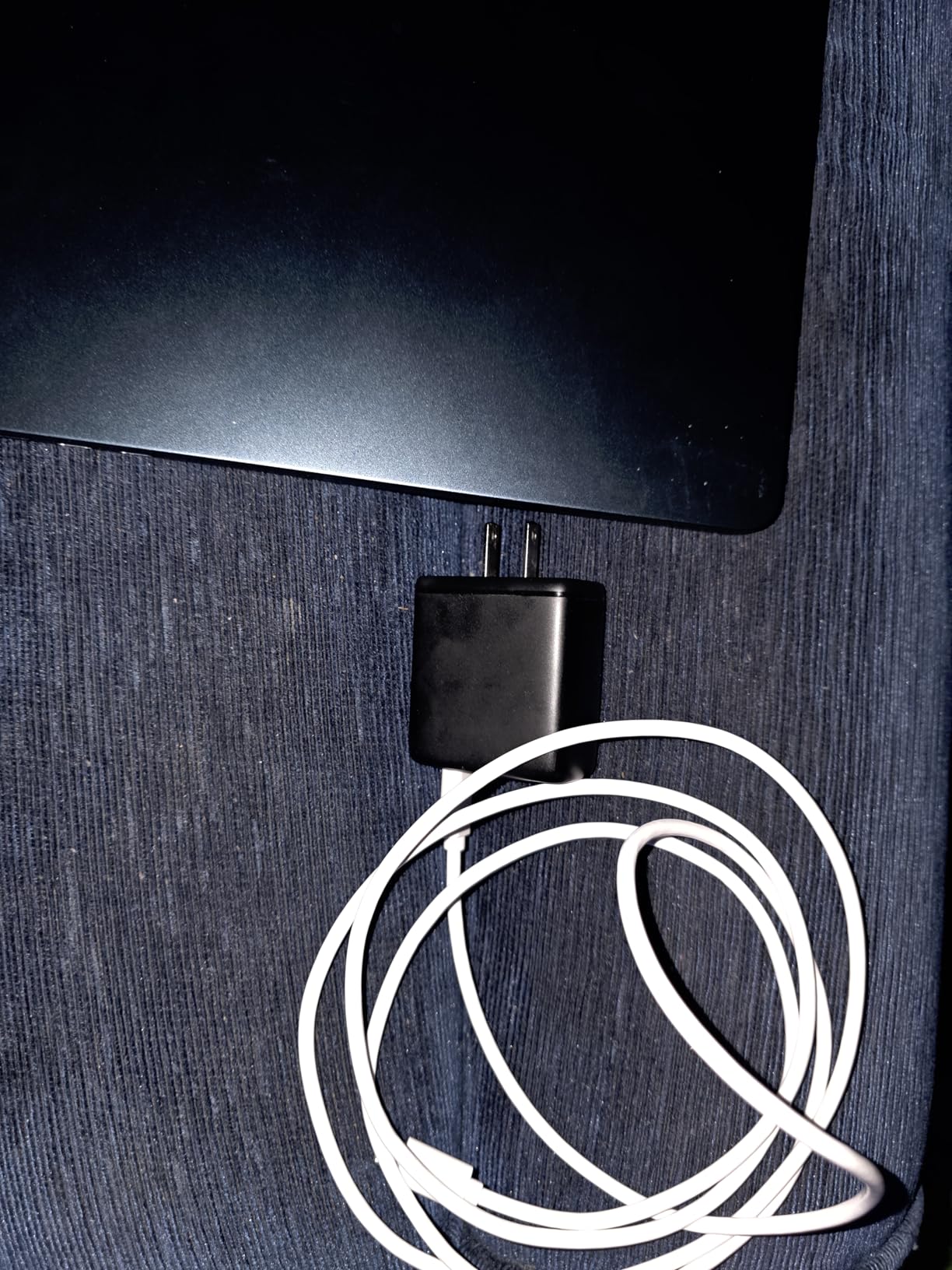
The most repeated negative theme in reviews is not performance. It is what arrives in the box. Several owners report a missing MagSafe cable despite the listing imagery, and some arrived with a third-party wall adapter in place of the original 65W unit.
- Next-generation 8-core CPU with up to a 10-core GPU
- Four-speaker system with Spatial Audio and a 1080p FaceTime camera
- Touch ID, Bluetooth 5 and Wi-Fi 6
- Stated up to 18 hours of battery life
Skip it if: you need more than 8GB of memory. Nothing in the Air line is upgradeable later, so if you plan to run a lot of browser tabs alongside a development environment, look at the MacBook Air M2 16GB 512GB instead.
Set against the MacBook Air M1 256GB that leads this roundup, you give up some review history and gain a lighter chassis, a brighter panel and a dedicated charging port. Most students notice the weight more than the chip.
The 11.97 by 8.46 inch footprint is what makes the 2.7 lb figure meaningful rather than decorative. It fits in a laptop sleeve without the bulge you get from the 15-inch bodies, so it travels with a charger and nothing else.
3. MacBook Air M2 16GB 512GB: Best for More Memory
2022 Apple MacBook Air with Apple M2 Chip (13-inch, 16GB RAM, 512GB SSD Storage) (QWERTY English) Space Gray (Renewed)
Chip: Apple M2
Display: 13.3 inch
Memory: 16GB
Storage: 512GB
Battery: 18 hours
Pros
- The only 16GB and 512GB configuration here
- Double the memory of every other pick
- 512GB removes most cloud-storage pressure
- Retina display with Touch ID
Cons
- Renewed rather than new
- Listing details are sparse
- Fewer owner accounts than the 13-inch M2
This is the configuration people land on when they realise 8GB is not quite enough. Sixteen gigabytes of unified memory and a 512GB SSD in a 2.7 lb body is the combination that stops you thinking about storage, and reviewers point to the extra specs as the main draw here.
The M2 provides an 8-core CPU and 8-core GPU, plus a Retina display at 2560 x 1664 resolution, a fingerprint reader and Thunderbolt connectivity across two USB ports. Stated battery life runs to 18 hours.
That GPU count is a step below the 10-core part in the 15-inch M2, which shows up in heavier graphics work rather than everyday tasks. If your workload is documents and browsing, you will not feel it.
Worth being straight about the trade-off: the listing here is lighter on detail than the other M2 entries, and the review pool is 373 ratings. You are trusting the specification sheet more than owner reports on this one, so read the condition notes carefully.
Where the extra memory actually shows up is in sustained multitasking. With 8GB, macOS is juggling the system, a browser with many tabs, a communications app and a few background services, and the machine leans on swap sooner. At 16GB there is room to leave those running together, which is the difference between a smooth session and one that stalls when you switch back to a project.
Developers feel this first. A local server, an editor and a browser left open together is an ordinary setup, and it is the arrangement that turns an 8GB machine into something that feels slow rather than merely modest.
Storage follows the same logic. A 512GB SSD holds a working project folder plus a system install without constant pruning, and on a machine where you cannot add a second drive later, buying the storage headroom up front is the safer call than planning to clean up later.
Best for: a developer, a student with a large project folder, or anyone editing photos regularly. If your workload fits inside 8GB, the money is better spent on a brighter screen or a newer chip instead.
The MacBook Air M3 15-inch adds newer silicon and a larger screen, but it comes back with 8GB and 256GB again. This is the pick that solves the memory problem the M3 does not.
4. MacBook Air M2 15-inch: Best for a Big Screen
2023 Apple MacBook Air with Apple M2 Chip with 8-Core CPU/10-Core GPU (15-inch, 8GB RAM, 256GB SSD Storage) (QWERTY English) Midnight (Renewed)
Chip: Apple M2
Display: 15.3 inch
Memory: 8GB
Storage: 256GB
Battery: 18 hours
Pros
- 15.3-inch Liquid Retina display at 500 nits
- Fanless design runs completely silent
- 10-core GPU handles graphics work
- Buyers report near-new or sealed machines
Cons
- Condition grade varies noticeably between machines
- Some screens reported faulty on arrival
- 3.3 lb is heavier to carry than the 13-inch
Screen size is the whole argument here. The 15.3-inch Liquid Retina panel gives you a noticeably larger workspace for writing, spreadsheets or editing timelines, and reviewers consistently call out the display quality with no dead pixels reported.
Underneath, the 8-core CPU and 10-core GPU handle more than the base chips, and the fanless design runs silent no matter the task. That silence is a real feature in a shared room or a quiet office.
Owners who work on this machine mention the room for side-by-side windows rather than raw resolution. Documents, a browser and a chat window fit without shrinking anything, which is the practical difference between a 15.3-inch panel and a 13.3-inch one.
The model number MQKW3LL/A identifies this 15-inch body, and it is worth matching against the listing title since the same chip appears in a 13-inch shell with a completely different footprint.
Buyers also note how little the fanless design gives up on sustained work. There is no fan noise to cover a spinning hard drive or a noisy room, which is the quiet win most people notice first.
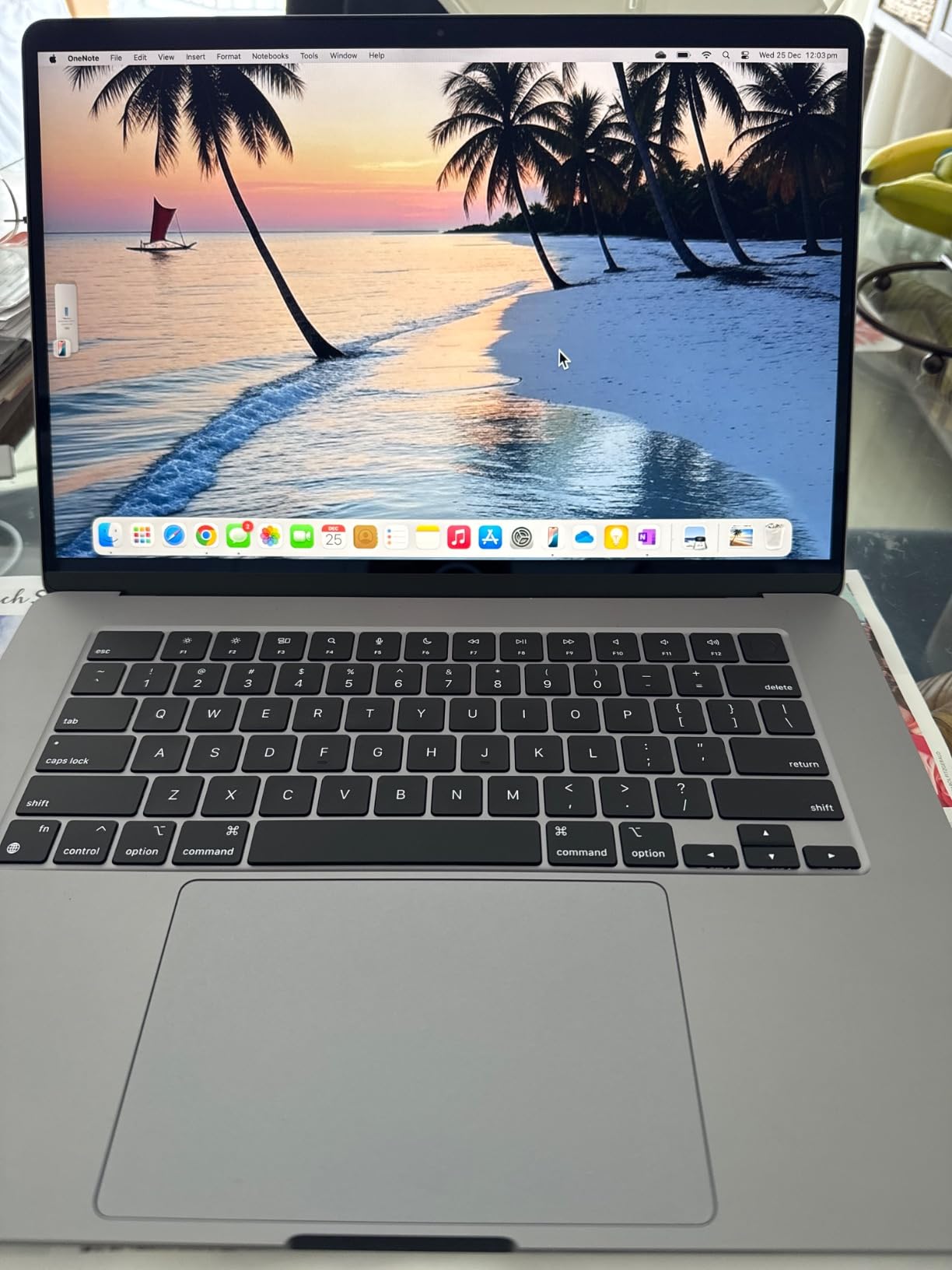
Another thing that comes up in reviews is how new the machine actually is. Some owners received something sealed or effectively sealed, which is not what most people expect from a renewed listing and is worth weighing against the condition spread.
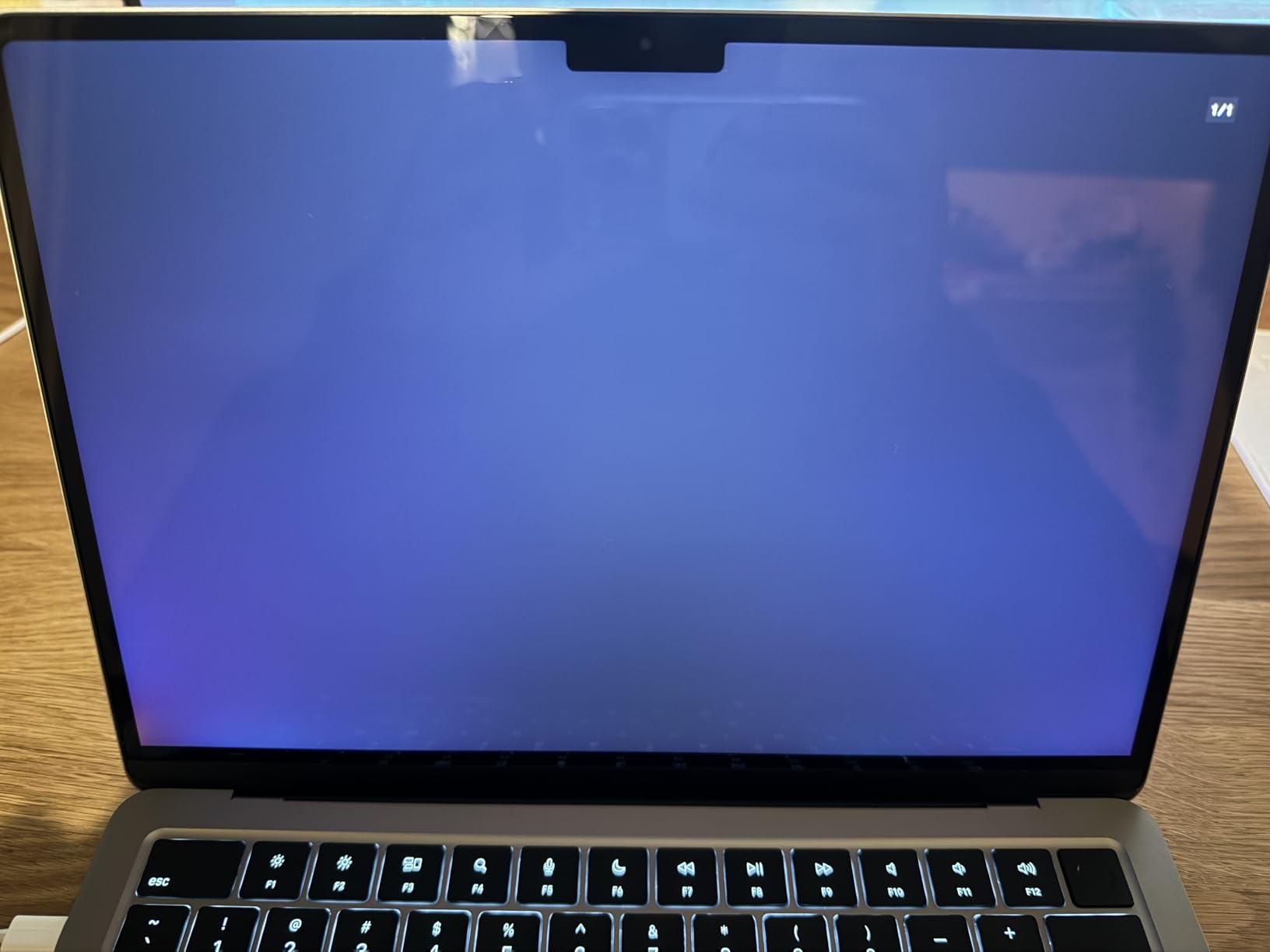
The risk sits in condition rather than specs. Buyers report a spread, with some receiving effectively sealed machines and others getting scratches, dings or a dented lid. A small number of machines had screens that blacked out or only worked while charging.
Because the condition varies, the photos in the listing are worth more than usual here. Compare them against what arrives, and check the return window before you set the machine up permanently.
- High-resolution 15.3-inch Liquid Retina at 500 nits and P3 wide color
- 100 percent recycled aluminum enclosure
- Backlit Magic Keyboard with Touch ID, Wi-Fi 6 and Bluetooth 5.3
- 13.4 inch by 9.34 inch footprint at 0.45 inch thick
Good to know: at 3.3 lb it is a heavier carry than the 13-inch models. If it will live on a desk rather than a shoulder, the extra screen costs you almost nothing.
The MacBook Air M2 13-inch sits at the other end of this list with the same chip in a smaller shell and a 500-nit panel. One of the two is the portable option; this is the desk option.
5. MacBook Air M3 15-inch: Best for the Newest Chip
Apple 2024 MacBook Air with Apple M3 Chip (15-inch, 8GB RAM, 256GB SSD Storage) – Midnight (Renewed)
Chip: Apple M3
Display: 15.3 inch
Memory: 8GB
Storage: 256GB
Battery: 18 hours
Pros
- Newest silicon here with a 16-core Neural Engine
- 15.3-inch 2880x1864 display with a 10-core GPU
- Original 35W adapter and MagSafe 3 cable in the box
- Highest average rating of these picks
Cons
- Only 8GB and 256GB on base spec
- Fewest owner accounts at 99 ratings
- Renewed rather than new
If you want the newest processor in this group, this is it. The M3 chip carries an 8-core CPU, a 10-core GPU and a 16-core Neural Engine, and it runs macOS with Apple Intelligence, which none of the older configurations here can do.
The 2880 x 1864 Liquid Retina display has the highest resolution of any pick, and unlike several renewed listings here, the box includes the original 35W dual USB-C compact adapter and a USB-C to MagSafe 3 cable.
That charging hardware is a genuine advantage on a renewed machine. Accessories are the first thing to go missing, and having the original ones means you are not buying a third-party adapter within a week of setting the machine up.
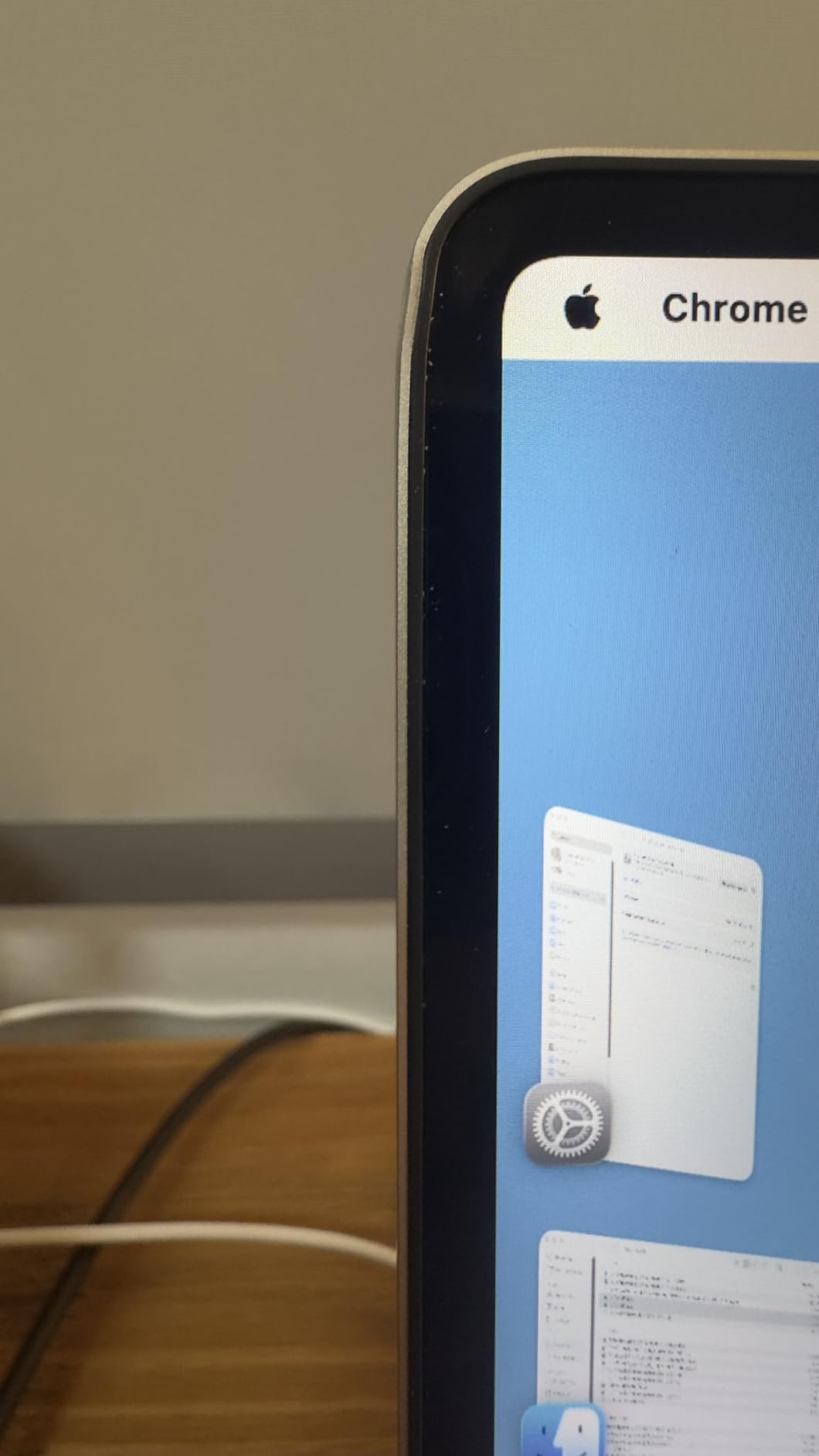
The honest caveat is the sample size. At 99 reviews, this is the least independently documented machine on the list, and a 4.6 rating on that few accounts tells you less than a 4.2 across 2539.
The on-device AI support is the specific reason to reach for this generation. The M2 machines listed here carry a 16-core Neural Engine too, but the M3 pairs that with a faster CPU and GPU, which is where the on-device models feel quicker.
Storage is the sticking point. At 256GB with no option to add internal storage later, you will be offloading to external media or cloud sooner than on the 16GB configuration, and that is worth factoring in before the screen size seduces you.
Also worth noting: the Wi-Fi 6E radio and Bluetooth 5.3 are the newest connectivity here, which matters more than it sounds in shared offices and on crowded campuses.

Best for: someone who wants headroom for on-device AI features and a sharper display, and who plans to keep the machine several years. Skip it if memory matters more than chip generation, since 8GB and 256GB is the floor config.
The MacBook Air M2 15-inch behind it has more reviews and the same screen size but a lower-resolution panel. You are choosing between newer silicon and better-documented hardware.
6. MacBook Air M1 128GB: Budget Pick
Late 2020 Apple MacBook Air with Apple M1 Chip (13.3 inch, 8GB RAM, 128GB SSD) Space Gray (Renewed)
Chip: Apple M1
Display: 13.3 inch
Memory: 8GB
Storage: 128GB
Battery: 18 hours
Pros
- The smallest capacity here at 128GB
- 8-core M1 with 7-core GPU stays silent and fast
- Easy first-time setup
- Touch ID and backlit keyboard work as intended
Cons
- 128GB SSD is small by current standards
- Cosmetic wear often rougher than the stated grade
- Non-original power adapter frequently substituted
This is the floor of the roundup: 8GB of unified memory, a 128GB SSD and the same M1 silicon as the editor’s choice. If your work is documents, browsing and video calls, it does the job quietly.
The 720p FaceTime camera is the older spec here, which is fine for calls and worth knowing about if you stream or record video regularly.
Buyers report battery health commonly sitting between 87% and 96%, and easy setup even for first-time Mac users. The 2560×1600 IPS Retina display, backlit Magic Keyboard and Touch ID are all present.
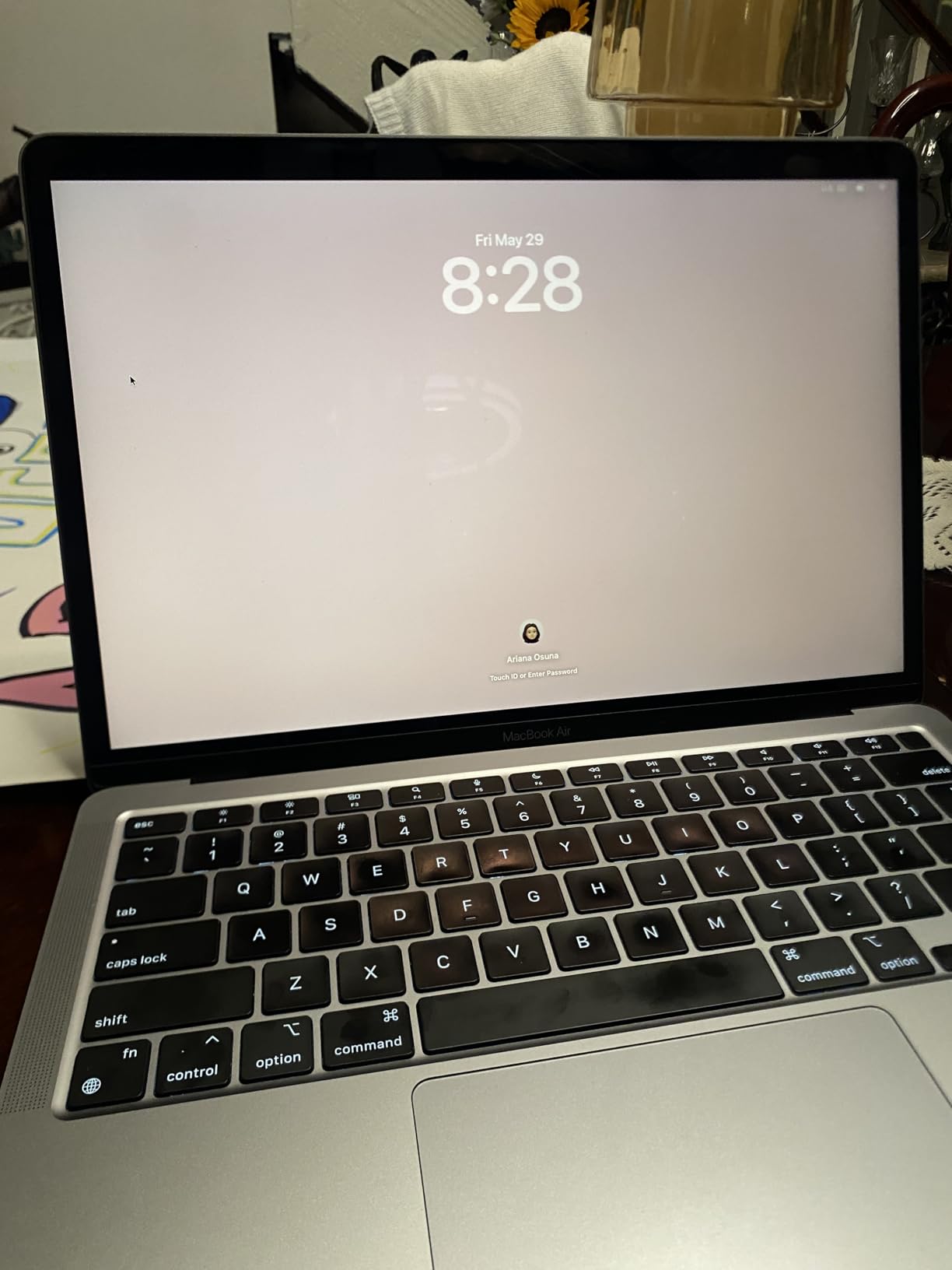
It is also the lowest-rated pick at 4.0 across 1420 ratings, and the complaints cluster around condition. Dents and scuffs that do not match the advertised grade come up often, along with third-party power adapters and the occasional machine with a broken key or a bad software install.
The 7-core GPU here is a step down from the 10-core part in the M2 and M3 machines. It is fine for photo viewing, streaming and light editing, but it is the reason this configuration is not the one to buy for anything graphics-heavy.
Portability is not the problem here. At 2.8 lb it sits close to the 2.7 lb M2 13-inch, so the 128GB drive is the reason to pause, not the size.
The 16-core Neural Engine handles image processing and any on-device model work, even if you never open an AI tool deliberately.
Model number MGND3LL/A identifies this 13-inch M1 body with 128GB of storage, and it is worth matching against the listing title because the 256GB version of the same chip shares most of the wording.
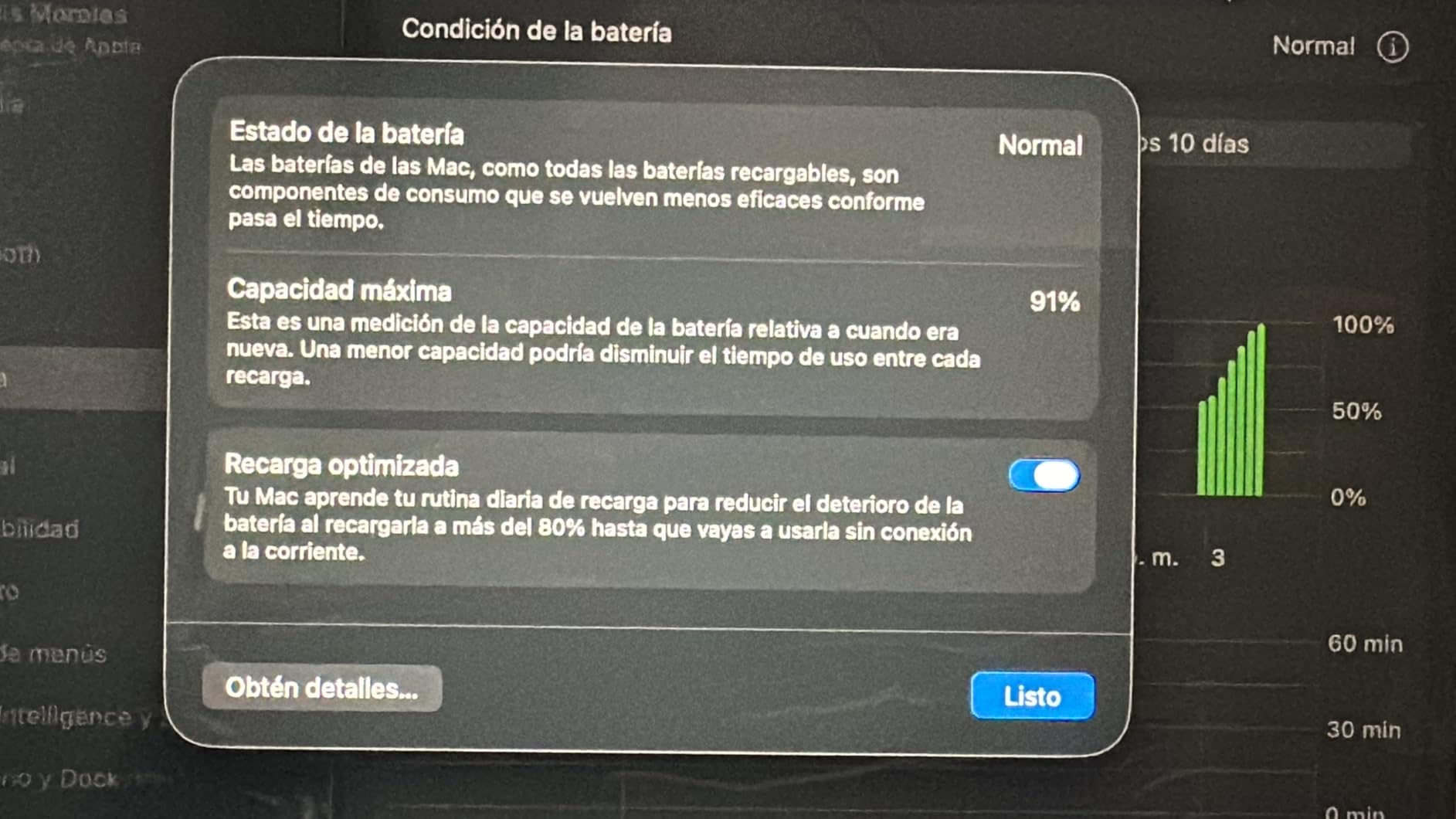
Good to know: 128GB fills up fast once macOS, a few apps and cloud sync are in place. If you already keep photos and documents in iCloud, the smaller drive is easier to live with than it looks.
Against the MacBook Air M1 256GB that leads this roundup, the chip is the same and the storage is one step down, with a rougher condition distribution behind it. For many buyers the whole comparison comes down to whether the condition is described clearly enough.
How to Choose MacBook Air Deals During Prime Big Deal Days
All six configurations sit in the same family of hardware, so the choice is narrower than it looks. Chip generation, memory and screen size do most of the deciding.
Chip Generation and Everyday Performance
M1 and M2 machines handle documents, browsing, spreadsheets and light photo work without strain. The step up matters when you run heavier creative software or a development environment. Compare chip generations carefully at this price tier rather than assuming the newest chip is automatically the better value, and if your workload leans toward video, our budget laptops for video editing roundup covers what each chip realistically handles.
Memory and Storage for Real Workloads
Eight gigabytes is enough for web work and office applications, and 256GB is the practical minimum. Sixteen gigabytes with 512GB is the threshold for programming, photo editing and heavier multitasking, because unified memory cannot be upgraded after purchase.
Storage is the harder one to fix later, since there is no internal expansion slot at all. If you expect to keep large project files or a photo library on the machine rather than in the cloud, buy the 512GB configuration and treat the memory as the cheaper decision.
Portability Versus Screen Size
The 13-inch bodies here start at 2.7 lb, while the 15-inch models sit at 3.3 lb. That extra pound buys a much larger screen. If the laptop travels daily, weight wins; if it sits on a desk, the 15.3-inch panel is worth more than the portability.
Display Quality and External Compatibility
The M1 panels here are 2560 x 1600 at 60 Hz, the M2 13-inch reaches 500 nits with P3 wide color, and the larger models go to 2880 x 1864. Check the ports too: the M2 13-inch uses MagSafe plus two Thunderbolt 3 ports, while others rely on two USB-C Thunderbolt ports. Our picks for monitors for MacBook users cover what to look for when you work at a desk.
How to Shop MacBook Air Deals During the Sale
Read the model number before anything else. Codes like MGND3LL/A, MLXW3LL/A, MQKW3LL/A and MRYU3LL/A tell you which body and which chip you are actually getting, and they are more reliable than the title.
Then confirm the memory and storage in the specification block, since renewed listings often mix models across pages. Check whether the machine is renewed or new, who the seller is and who handles dispatch, and what the condition grade says. Most offers in this event need a Prime membership, and prices change through the two days.
- Match the model number to the configuration you expect
- Confirm unified memory and SSD capacity in the specs
- Read the condition grade wording, not just the grade letter
- Check the warranty term on a renewed machine
- Confirm whether a MagSafe cable or adapter is included
- Have Prime ready before the event starts
Frequently Asked Questions
When does Amazon’s Prime Big Deal Days sale run, and do I need Prime for these MacBook Air deals?
Prime Big Deal Days runs October 6-7, 2026, and most offers in the event require an active Amazon Prime membership. A free trial counts. Renewed configurations like the ones listed here are the ones most often worth comparing, but the exact configurations included change through the two days, so check the live listing before you commit.
How can I tell which MacBook Air generation an Amazon listing includes?
Check the model number in the specification block. MGND3LL/A is a 2020 M1, MLXW3LL/A is a 2022 13-inch M2, MQKW3LL/A is the 2023 15-inch M2, and MRYU3LL/A is the 2024 M3. These codes are more dependable than the listing title, which often mixes details from several variants.
Should I choose 8GB or 16GB of memory for everyday use?
Eight gigabytes is fine for browsing, documents, spreadsheets and video calls. Sixteen gigabytes is the better choice for programming, photo editing or heavy multitasking, because unified memory cannot be upgraded later. If you are unsure, the 8GB machines leave more of your budget for a larger screen or a newer chip.
Is a 256GB MacBook Air enough for college and light creative work?
Yes for most students. A 256GB SSD handles coursework, documents and light photo editing comfortably as long as you lean on iCloud or an external drive for media libraries. It becomes tight once you store large video files locally, and 128GB configurations fill up much faster once macOS and a handful of apps are installed.
Can I use a MacBook Air with a monitor and docking station?
Yes, though you have to plan the ports. The M2 13-inch has MagSafe plus two Thunderbolt 3 ports, while the other configurations use two USB-C Thunderbolt ports, which a dock can occupy directly. Our roundup of u003ca href=u0022https://modelrec.com/best-thunderbolt-docking-stations-for-macbooks/u0022u003eThunderbolt docks for MacBooksu003c/au003e covers the setups that work well with Air-class machines.
Does Amazon’s sale price guarantee that a MacBook Air will be a deal?
No. A sale price tells you what you pay that day, not whether it is the lowest the configuration has reached. Compare against recent price history and check the same configuration at other retailers before buying, and note that renewed machines vary in condition, so two identical listings can be worth very different amounts.
Final Verdict: Best Amazon Prime Big Deal Days MacBook Air Deals Under $1000
The MacBook Air M1 256GB is the one worth watching most closely, because 256GB is where an Air stops feeling tight and 2539 ratings make the condition picture easier to read than any other pick here. The budget-friendly alternative is the MacBook Air M1 128GB, which handles the same work if you already lean on cloud storage.
Buy the MacBook Air M2 13-inch if you want the lightest body and a 500-nit panel, the MacBook Air M2 16GB 512GB if memory is your constraint, the MacBook Air M2 15-inch if it lives on a desk, and the MacBook Air M3 15-inch if you want the newest chip and Apple Intelligence. Check the live listing for your configuration during Prime Big Deal Days, then compare the condition wording before you order.