
Three ASUS picks are worth watching during Amazon’s Prime Big Deal Days sale in 2026, and the ROG Strix G16 leads them: a 16-inch gaming laptop whose RTX 4060 runs at a full 140W, backed by 1048 owner reviews averaging 4.4 stars. The TUF Dash 15 suits buyers who plan to open the chassis later, and the TUF Gaming F16 is the one to watch if you want a taller 16:10 panel. The event runs October 6-7, 2026, and most offers need a Prime membership.
Everything below is chosen on specifications and owner feedback rather than on any claim about what a discount looks like. Offer pricing moves through the event, so use the buttons to see the live figure for each item.
Table of Contents
Our Top 3 Picks for Best Amazon Prime Big Deal Days ASUS Deals



The ROG Strix G16 takes the lead because it is the one pick that pairs a full-power laptop GPU with a Pantone-validated high-refresh panel and liquid-metal CPU cooling. The TUF Dash 15 is the smarter long-term buy when upgradeability matters more than peak graphics power, and the TUF Gaming F16 is a current-generation 16:10 option with a smaller review base so far.
Best Amazon Prime Big Deal Days ASUS Deals Compared (2026)
| Product | Specifications | Action |
|---|---|---|
| ROG Strix G16 |
|
Check Deal Price |
| TUF Dash 15 |
|
Check Deal Price |
| TUF Gaming F16 |
|
Check Deal Price |
 TUF RTX 5070 OC TUF RTX 5070 OC |
|
Check Deal Price |
 TUF VG27AQ3A TUF VG27AQ3A |
|
Check Deal Price |
 ProArt PA278QV ProArt PA278QV |
|
Check Deal Price |
 Dual RTX 3050 Dual RTX 3050 |
|
Check Deal Price |
 ZenScreen MB169CK ZenScreen MB169CK |
|
Check Deal Price |
 VA24DQ VA24DQ |
|
Check Deal Price |
 ROG Rapture GT-BE98 ROG Rapture GT-BE98 |
|
Check Deal Price |
 RT-BE88U RT-BE88U |
|
Check Deal Price |
 RT-AX1800S RT-AX1800S |
|
Check Deal Price |
How We Chose
Every pick was compared on the specifications that actually decide a purchase: graphics power and VRAM for cards, panel resolution and refresh rate for displays, memory slots and wattage for laptops, and port counts and wireless bands for routers. Alongside those numbers we read the Amazon owner reviews and ratings, and the full listings were checked in October 2026.
1. ROG Strix G16: Best All-Round 16-Inch Gaming Laptop
ROG Strix G16
Laptop: 16-inch gaming
GPU: RTX 4060 at 140W
RAM/SSD: 16GB and 1TB
Warranty: 1 year
Pros
- RTX 4060 laptop GPU at 140W Max TGP
- Liquid metal on the CPU with a third intake fan
- FHD 165Hz panel at 100% sRGB with Pantone validation
- 16GB DDR5-4800 with a 1TB PCIe Gen4 SSD
Cons
- 16GB of memory is soldered
- 1080p panel is dated against 2.5K rivals
- About 4 hours of battery life
The laptop to lead with if you want one machine to do everything. The 13th Gen Core i7-13650HX has 14 cores and boost speeds to 5 GHz, and the RTX 4060 is allowed to run at 140W rather than the throttled figures some slim gaming laptops ship with.
Thermal Grizzly Conductonaut Extreme liquid metal sits on the processor, and ASUS added a third intake fan for sustained load. Owners of the G614JV-AS74 single out the cooling improvements as a real gain over earlier ROG Strix models in long sessions.
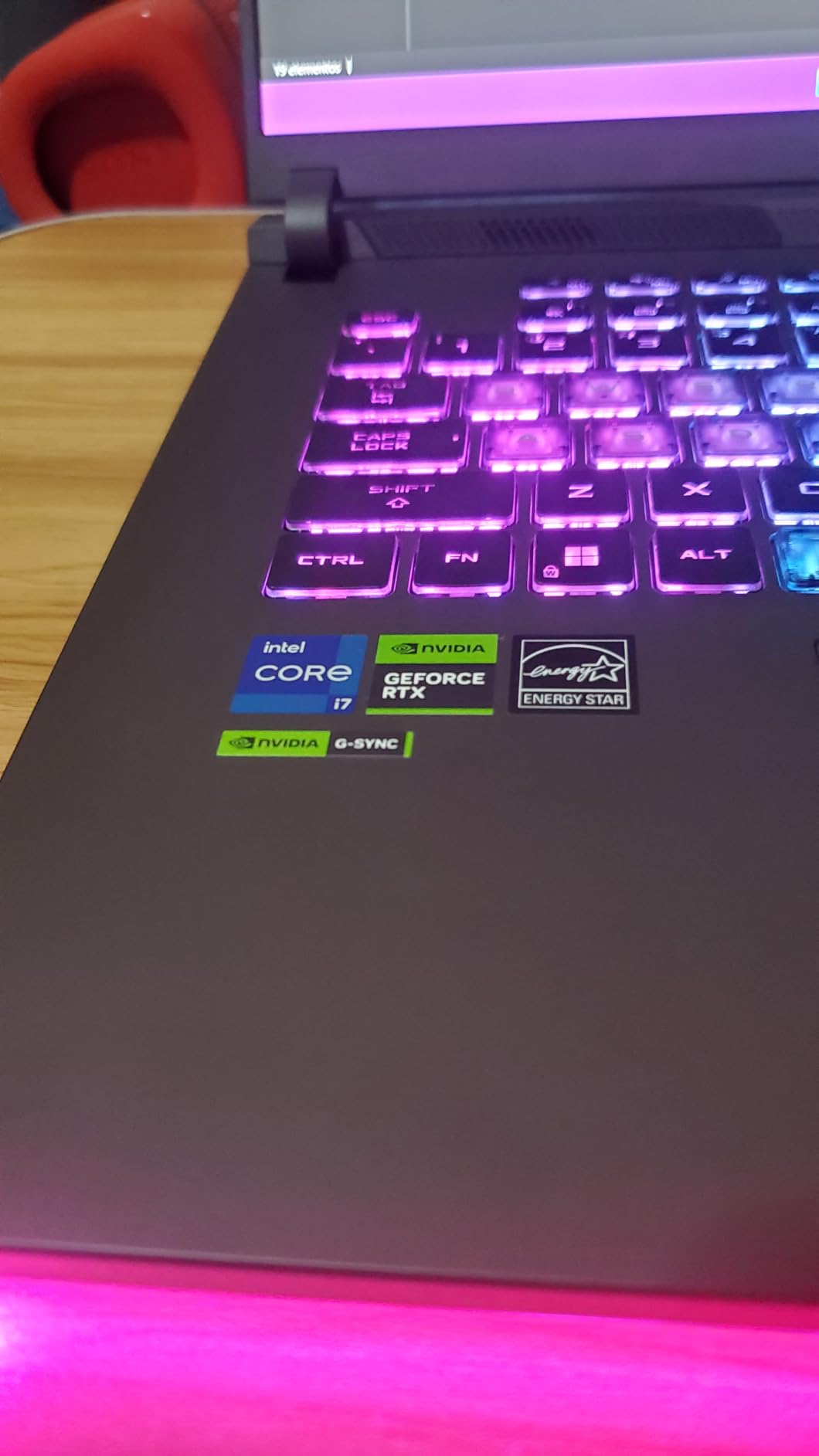
- 4.4 stars across 1048 Amazon reviews, with 78% of those at five stars
- 165Hz FHD matte panel validated by Pantone at 100% sRGB
- Four USB ports plus Thunderbolt 4, HDMI and Ethernet
- A 90-day Xbox Game Pass is included with the machine
The trade-off owners raise most is memory. The 16GB of DDR5 is fixed, so a buyer who wants 32GB for large creative projects or a long life should look at the TUF Dash 15 instead, where both sticks and the storage are replaceable. The 1080p panel is fine for competitive shooters but a 2.5K screen shows more at a desk.
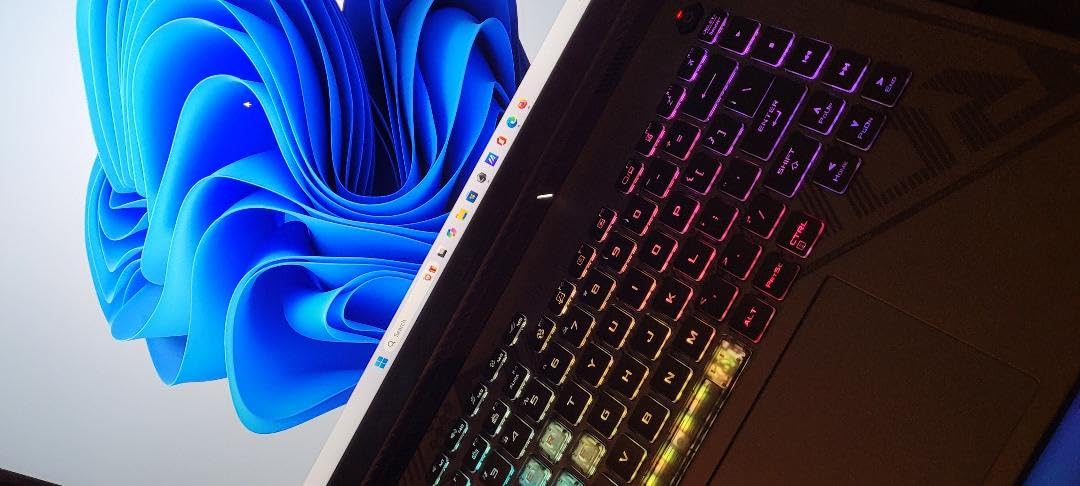
Battery life is quoted at up to four hours on a 90 watt-hour pack, so this is a plugged-in machine. The chassis weighs 5.5 pounds, which suits a desk and is heavy for daily commuting. The full-power graphics, accurate color and strong cooling are what earn it the top slot.
2. TUF Dash 15: Best for Buyers Who Plan to Upgrade
TUF Dash 15
Laptop: 15.6-inch gaming
GPU: RTX 3060 6GB
Memory: 16GB upgradeable
Warranty: 1 year
Pros
- Nothing is soldered and a second M.2 slot is open
- 4.4 lb chassis owners call easy to carry
- RTX 3060 with a MUX switch for lower latency
- Silent Arc Flow cooling in Performance mode
Cons
- Armoury Crate software is buggy for many owners
- Backlight bleed reported in dark scenes
- 76 watt-hour battery is short under load
Skip this if you never want to open a laptop, because that is the whole point of it. The TUF Dash 15 is one of the few gaming machines in this list where the memory and storage can be replaced rather than fixed for the life of the machine, and the pop-open screw makes the job quick.
That matters for a buyer who will keep the machine four or five years. The 16GB configuration is 2x8GB on two slots, and there is a second M.2 bay waiting for storage.
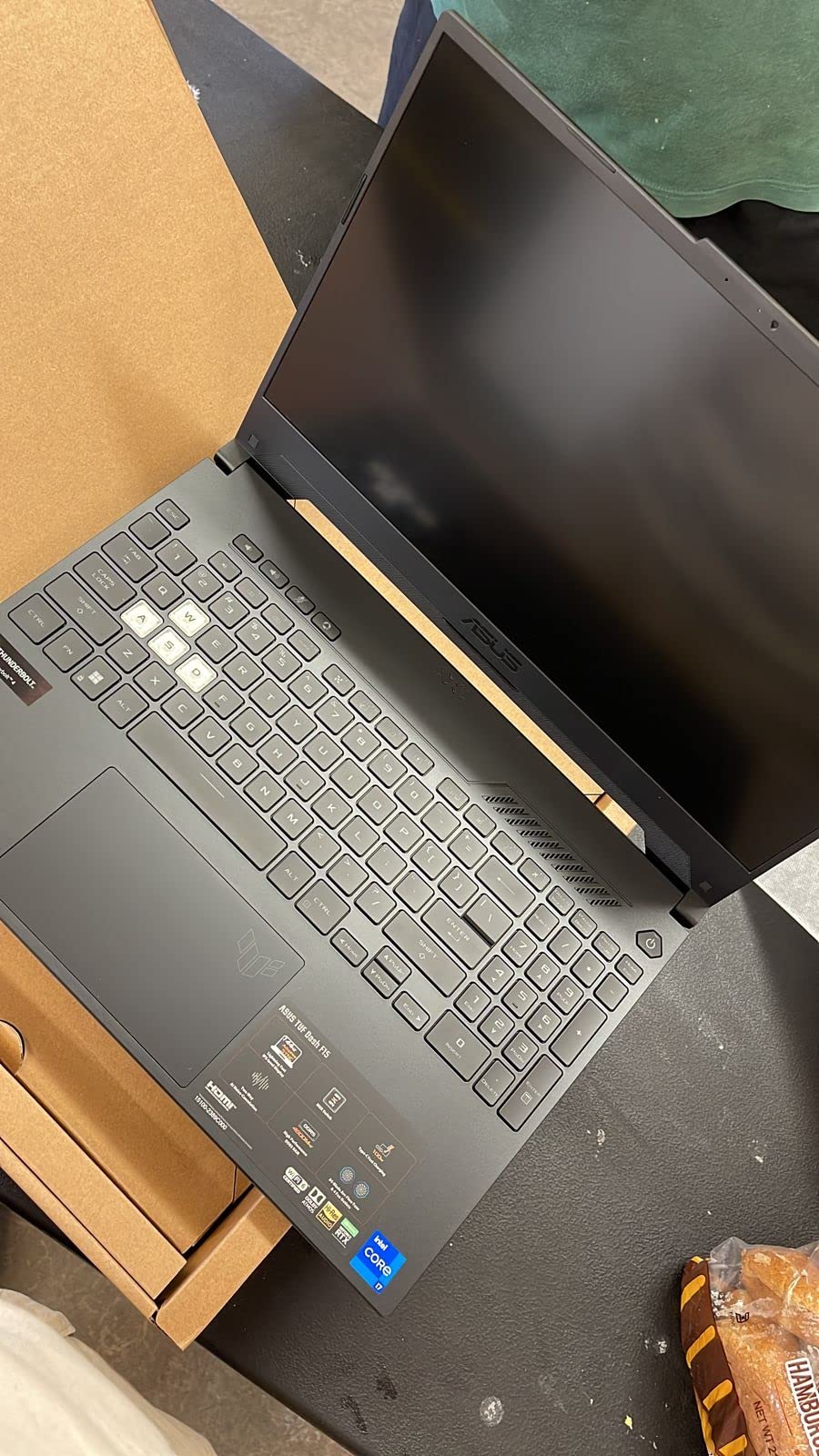
The RTX 3060 carries 6GB of GDDR6 with Dynamic Boost, DLSS and ray tracing, and the MUX switch routes the GPU straight to the panel. Reviewers report high frame rates at maxed settings on a 144Hz FHD IPS display, and at 4.4 pounds this is the lightest of the three laptops here.
- Dual self-cleaning Arc Flow fans with anti-dust channels
- MIL-STD-810H tested against drops, vibration and temperature
- Thunderbolt 4, HDMI 2.0b and three USB ports
- USB-C charging works with a power bank, not just the supplied brick
Armoury Crate draws the most complaints. Owners report it misreading temperatures and GPU utilization and failing to switch performance modes reliably, which is a software annoyance rather than a hardware fault. Backlight bleed shows up in dark scenes for a minority, and a few owners have reported hinge plastics loosening within months.
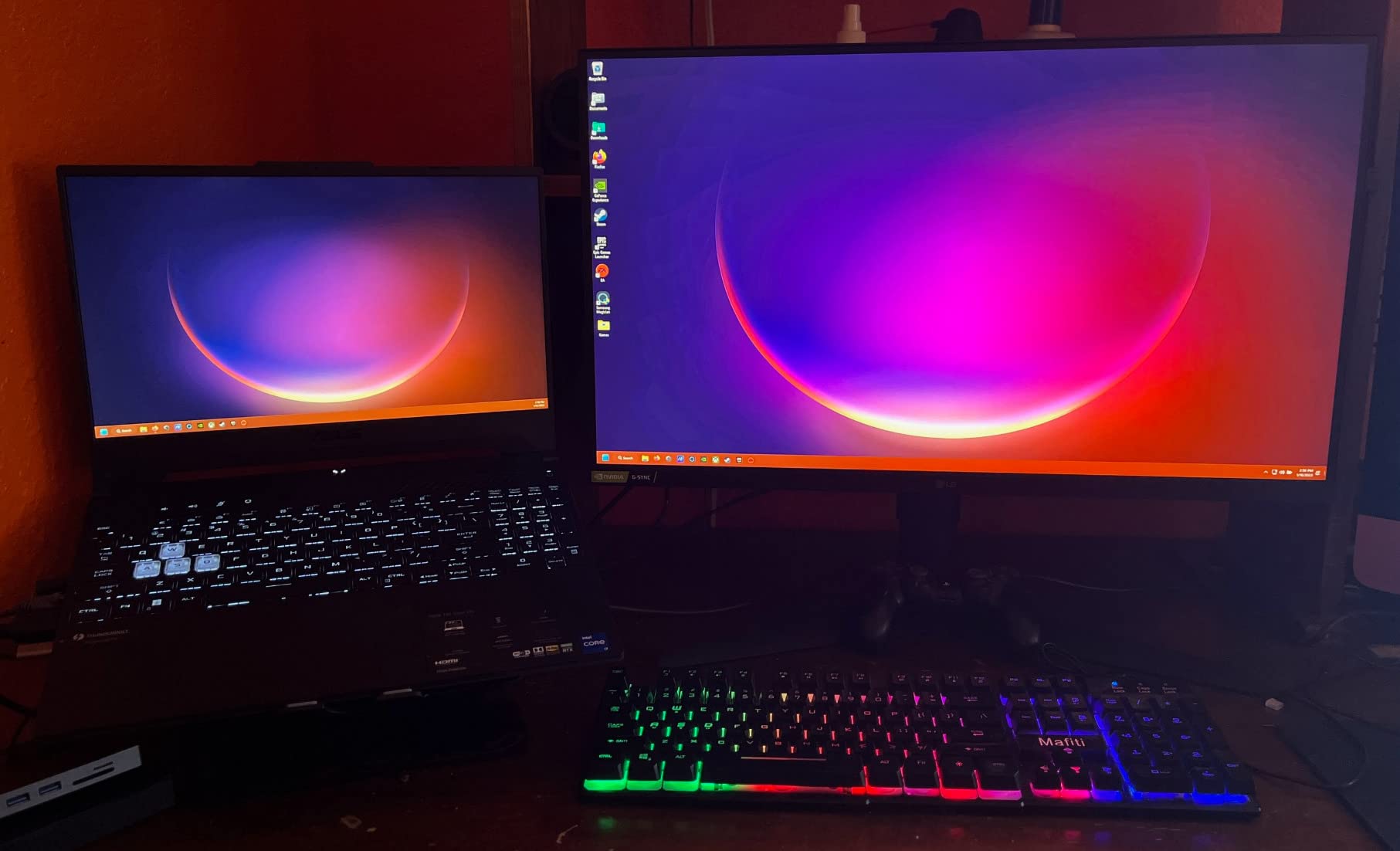
Good to know: the included drive is a Gen3 NVMe SSD rather than Gen4, so an upgrade to a faster drive is one of the first sensible additions. Battery life is quoted at up to eight hours, and several owners report far less under heavy load. If you want a 16:10 panel instead of 16:9, the TUF Gaming F16 covers that. Compared with the ROG Strix G16, this machine trades some graphics power for far more serviceability.
3. TUF Gaming F16: Best for a Taller 16:10 Screen
TUF Gaming F16
Laptop: 16-inch gaming
Screen: 1920x1200 at 144Hz
GPU: RTX 4050 at 115W
Warranty: 1 year
Pros
- 16:10 FHD+ panel at 144Hz with 100% sRGB
- RTX 4050 running at 115W with Advanced Optimus
- Core 5 210H with 16GB of 5200MHz DDR5
- Arc Flow cooling with four exhausts and five heat pipes
Cons
- RTX 4050 6GB caps settings in newer titles
- 16GB is the ceiling for memory
- 56 watt-hour battery is small for a 16-inch body
The FX607VU-SS53 is the newest-looking machine here, and the reason to pick it is the screen. A 16:10 1920×1200 panel at 144Hz gives roughly 11% more vertical workspace than a 16:9 panel of the same width, which is the difference between seeing an entire timeline or scrolling for it.
Color coverage is listed at 100% sRGB with Adaptive-Sync enabled, and reviewers single out the panel sharpness and the well-behaved cooling as the two things that set it above cheaper 16-inch machines.
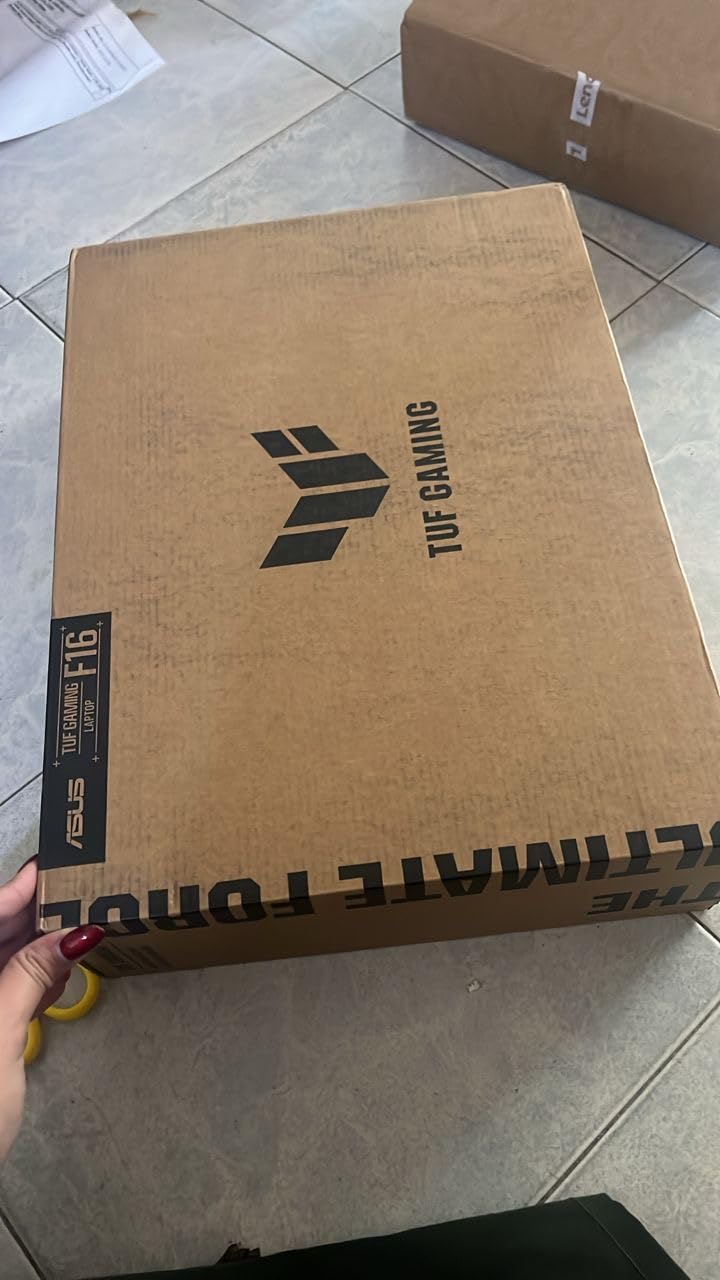
- Intel Core 5 210H with 8 cores boosting to 4.8 GHz
- 512GB PCIe Gen4 SSD, which fills fast with modern game installs
- MIL-STD-810H tested chassis in understated Mecha Gray
- Five dedicated heat pipes and an anti-dust filter
Where it falls short is the graphics card. The RTX 4050 runs at 115W with NVIDIA Advanced Optimus, which is enough for esports titles and older releases at high settings but will cap the newest games. The 56 watt-hour battery is also on the small side for a 16-inch chassis. With only 233 reviews on file, there is less owner history to draw on than the TUF Dash 15 has.
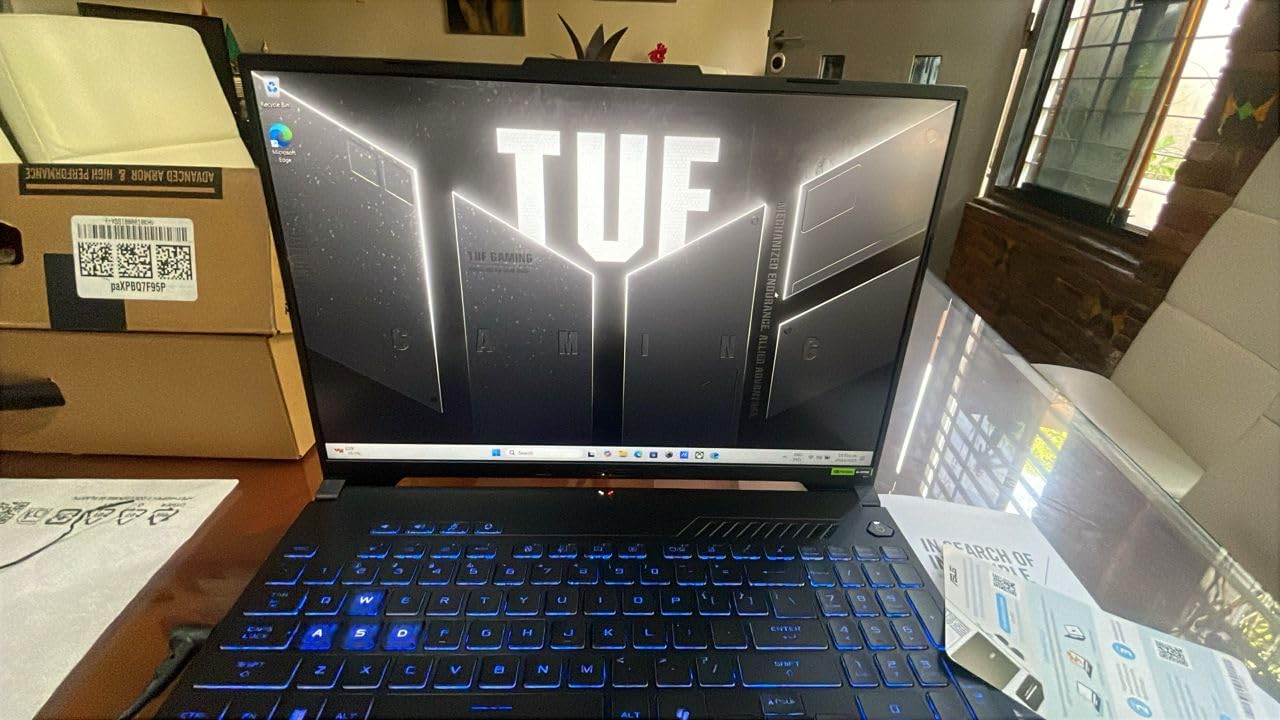
Compared with the ROG Strix G16, the F16 gives up a full GPU tier and some cooling headroom in exchange for the taller screen and a newer platform. Compared with the TUF Dash 15, it is less about servicing and more about the panel. Buyers who need more VRAM than 6GB should be looking at a desktop card rather than stretching this one.
4. TUF RTX 5070 OC: Best for 1440p Ray Tracing
TUF RTX 5070 OC
Card: desktop GPU
VRAM: 12GB GDDR7
Power: 3.125-slot cooler
Warranty: 3 years
Pros
- 4.7 stars across 514 reviews with 86% at five stars
- Max-settings ray tracing at 1440p
- Owners report about 36C idle and 65C under load
- GPU Guard hardware protection and a support bracket in the box
Cons
- Very large and heavy card so check case clearance
- 12GB of VRAM limits high-resolution texture packs
- Needs a PSU with PCIe 5 connectors
This is the most capable discrete card in the list, and it also carries the highest average rating of the two graphics cards here. The TUF-RTX5070-O12G-GAMING runs Blackwell architecture with DLSS 4, boosts to 2640MHz in OC mode against 2610MHz by default, and carries 12GB of GDDR7 on the memory side.
Owners consistently describe it as cool and quiet, with temperatures around 36C idle and roughly 65C under load, and they report solid frame-rate gains over the previous generation at 1440p with ray tracing on maximum. Video editing and 3D work get mentioned just as often as gaming.
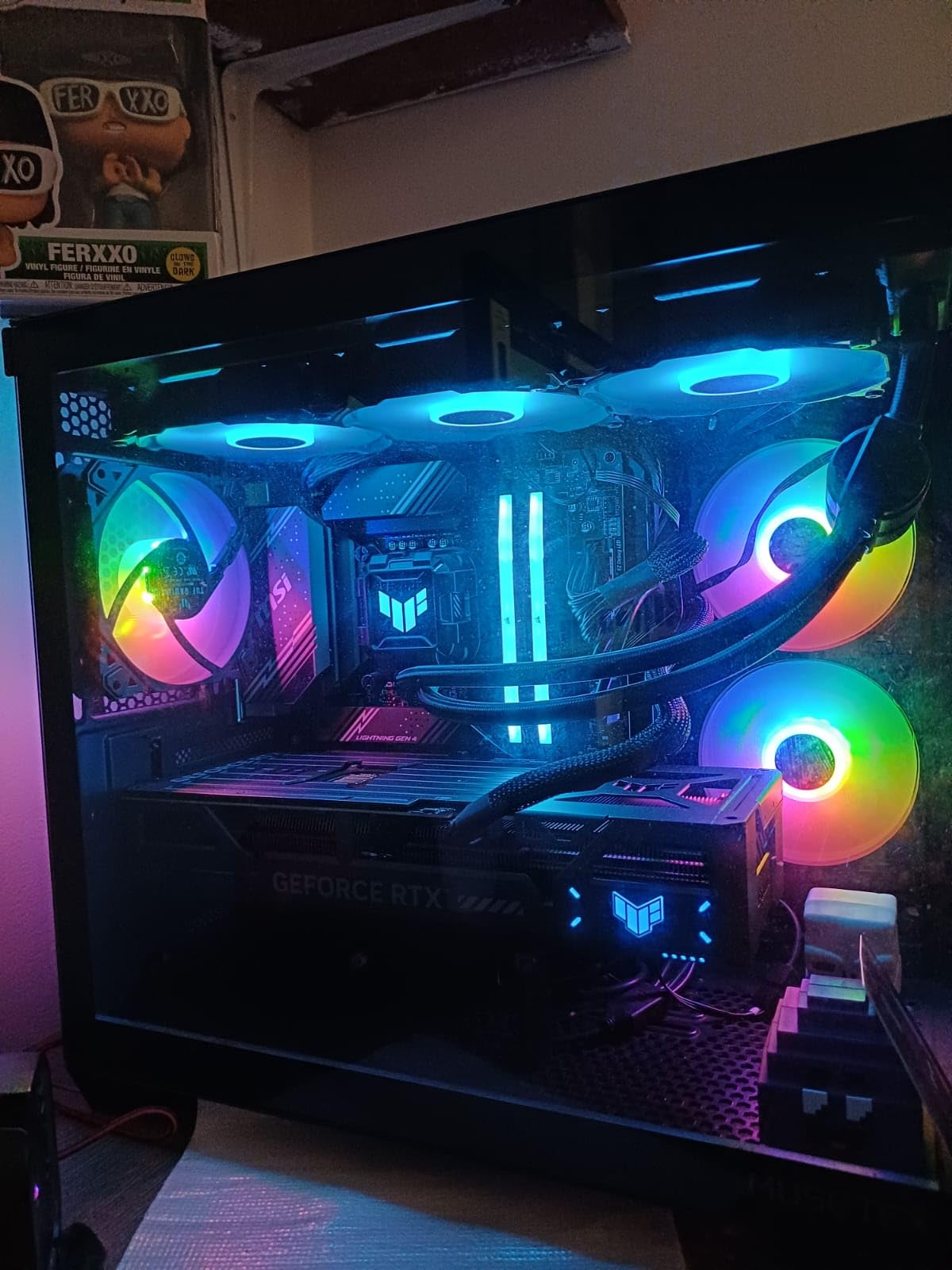
- Three Axial-tech fans across a 3.125-slot cooler with a phase-change thermal pad
- DisplayPort 2.1a x3 and HDMI 2.1b x2, up to 7680×4320
- Protective PCB coating and military-grade components
- A GPU Tweak III utility for clocks, thermal limits and monitoring
Size is the caveat that comes up in nearly every review. At 13 by 5.5 inches and 3.4 pounds it is a long, heavy card, and buyers are urged to measure their case before ordering. Twelve gigabytes of VRAM is comfortable at 1440p but tight for high-resolution texture packs. Some cards get loud at full load, so a fan-curve tweak helps.
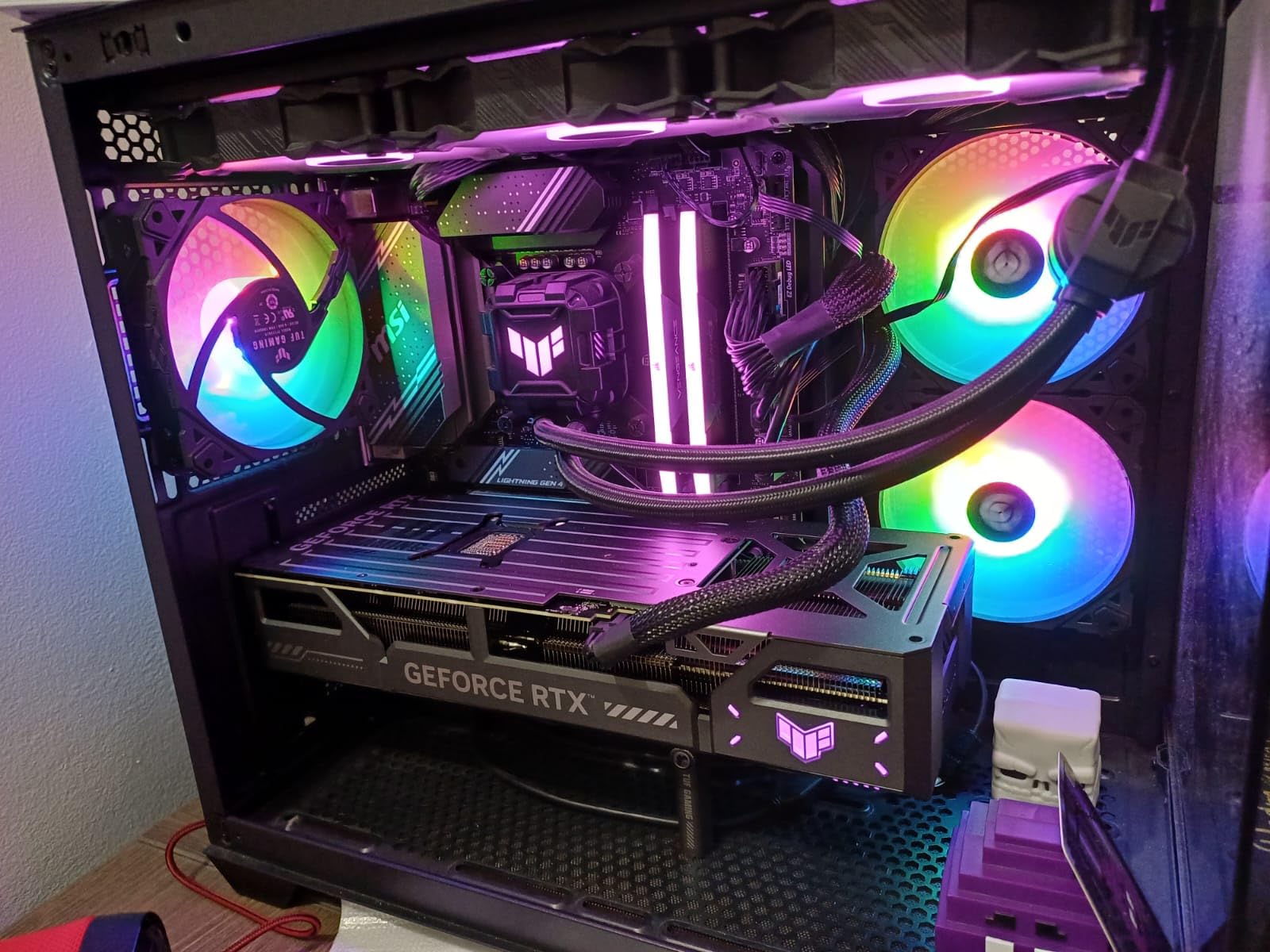
One owner reported a defective card that only resolved through a return and rebuy, which is a single report rather than a pattern but worth knowing. If your build is a compact case, the Dual RTX 3050 is the sensible alternative. More detail on where each card sits in the value tier is in our guide to the best ASUS graphics cards.
5. TUF VG27AQ3A: Best for High-Refresh 1440p Play
TUF VG27AQ3A
Monitor: 27-inch gaming
Panel: Fast IPS 2560x1440
Refresh: 180Hz
Warranty: 3 years
Pros
- 1440p Fast IPS at 1ms with almost no ghosting
- 180Hz with FreeSync Premium and G-SYNC compatible
- DisplayPort and HDMI inputs for a multi-device setup
- Works with PS5 and Xbox Series X at 1440p with HDR
Cons
- Integrated speakers are quiet and tinny
- Stand has no height or pivot adjustment
- DisplayPort 1.4 is needed to reach 180Hz
A 27-inch Fast IPS at 2560×1440 running 180Hz is the specification most gamers on this list are actually shopping for, and 1331 owner reviews at 4.6 stars suggest the panel delivers. The 1ms response and 130% sRGB coverage show up in owner comments alongside praise for the on-screen display and the crosshair overlay.
Variable refresh works out of the box on both AMD and NVIDIA systems, and ELMB Sync combines blur reduction with VRR rather than trading one for the other.
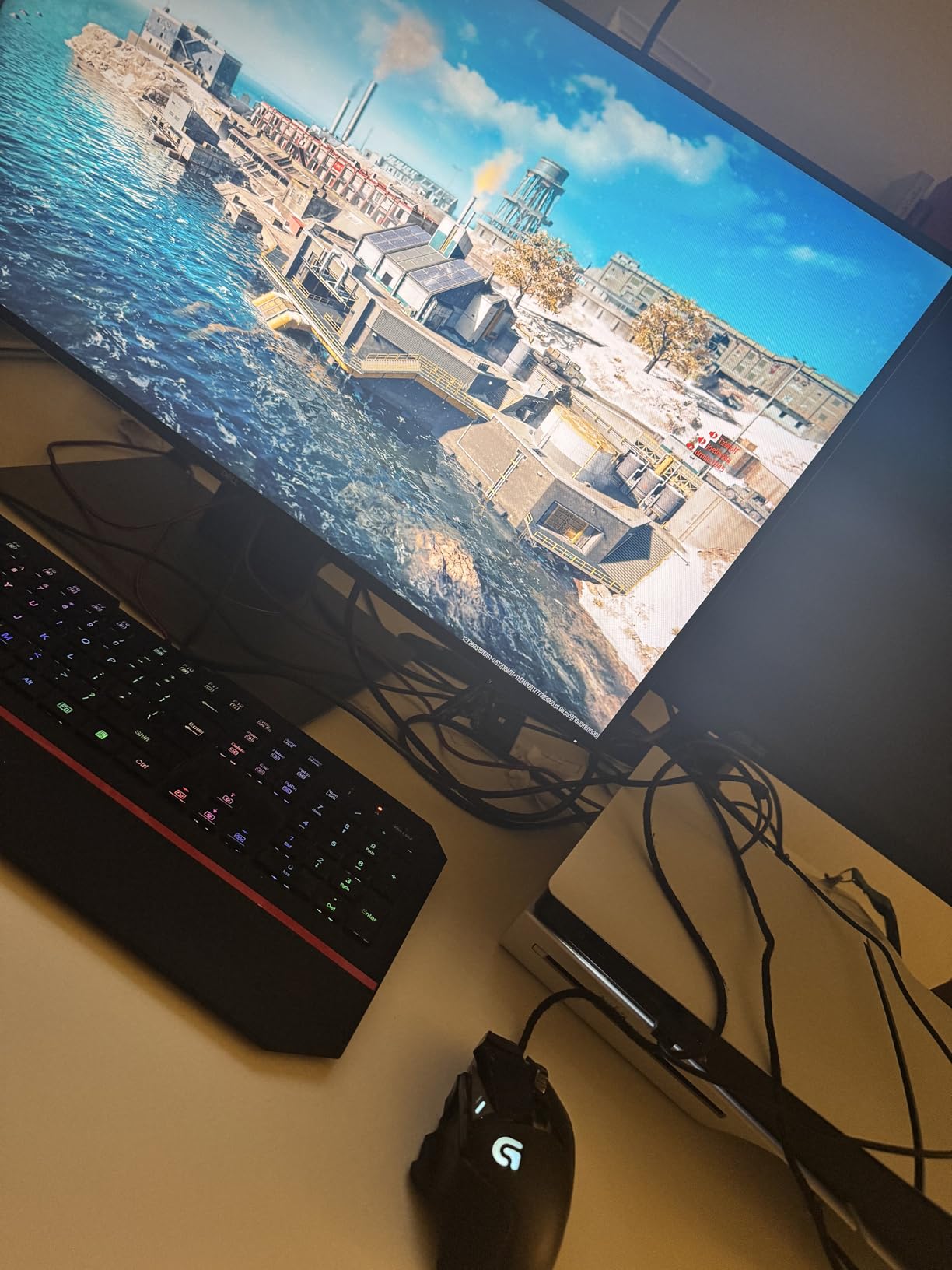
- Console support at 1440p and 120Hz with HDR10 detection
- 1000:1 contrast ratio with a matte anti-glare finish
- Blue light filter, flicker-free operation and built-in speakers
- VESA 100×100 mounting with tilt and swivel
Owners complain most about the speakers, which they describe as quiet, thin and lacking bass even at maximum volume. Plan on headphones or external speakers. The stand adjusts tilt only, with no height or rotation to portrait, which matters in a cramped desk. Full 180Hz needs a DisplayPort 1.4 source since HDMI tops out at 144Hz, and HDR support is basic HDR-10 rather than anything transformative.
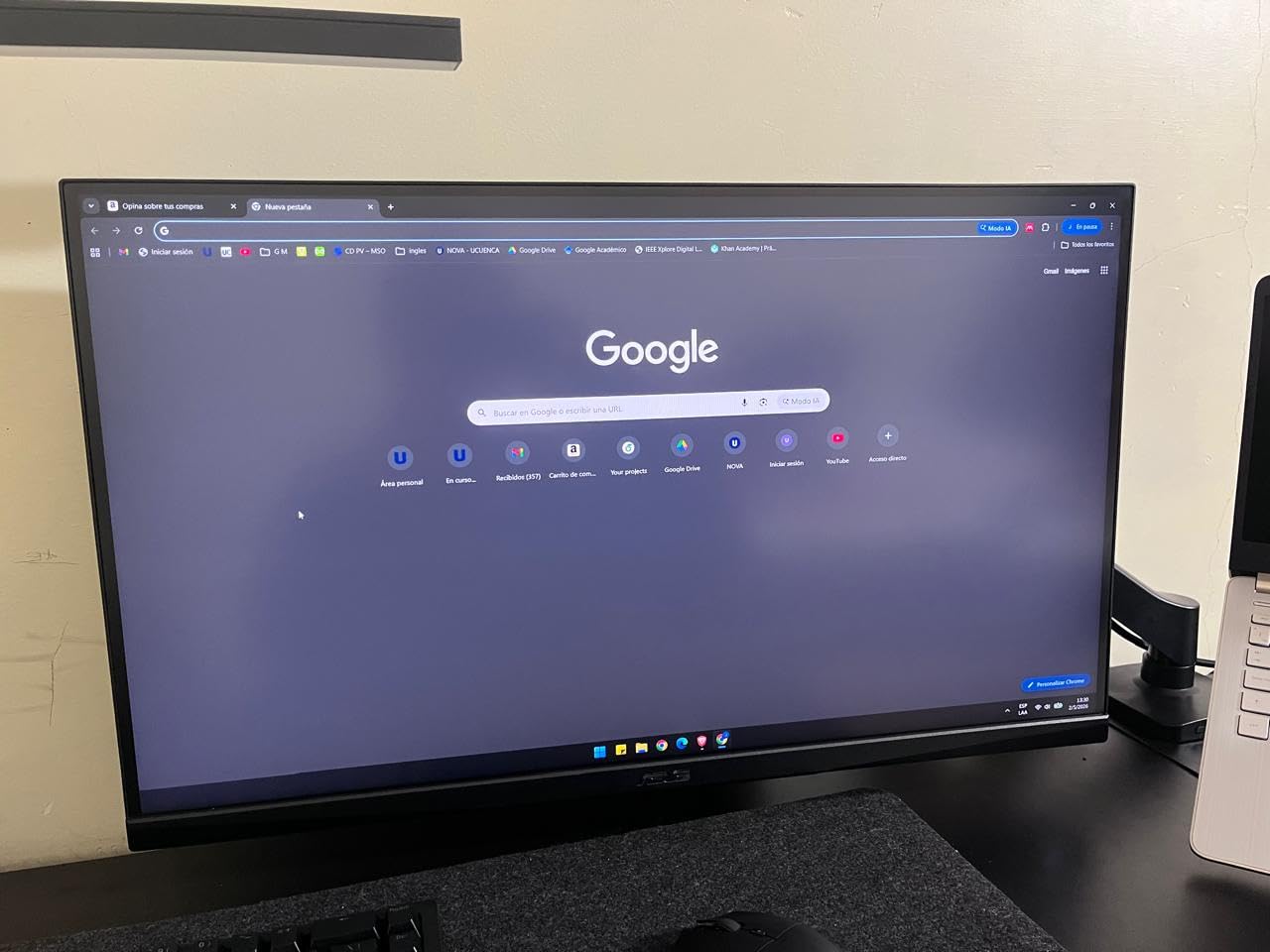
Good to know: one owner received a faulty unit that had already been opened, so inspect the panel and accessories on arrival. If you edit photos for a living, refresh rate matters less than color accuracy and the ProArt PA278QV is the better fit. If you just need a clean second screen for documents, the VA24DQ covers the same job at desk scale and does it for less.
6. ProArt PA278QV: Best for Color-Critical Work
ProArt PA278QV
Monitor: 27-inch pro
Panel: 2560x1440 IPS
Color: Calman Delta E<2
Warranty: 5 years
Pros
- Factory calibrated with a Delta E under 2 and full sRGB and Rec. 709 coverage
- Most reviewed product in this list with 3070 ratings
- DisplayPort HDMI mini DisplayPort DVI-D and a 4-port USB hub
- Fully adjustable stand with height tilt pivot and swivel
Cons
- 75Hz refresh and 5ms response are slow for gaming
- 17 lb weight needs a sturdy desk
- Only one HDMI port
The ProArt PA278QV is the pick for anyone whose work lives in a color-managed application. It ships with a calibration report, is Calman Verified with a Delta E under 2, and covers 100% of both sRGB and Rec. 709, which are the two spaces most photo and video projects are graded in.
At 3070 ratings it is also the most thoroughly reviewed product in this roundup, averaging 4.6 stars with 82% of reviews at five. Editors and photographers cite the out-of-box accuracy as the reason they stopped recalibrating every morning.
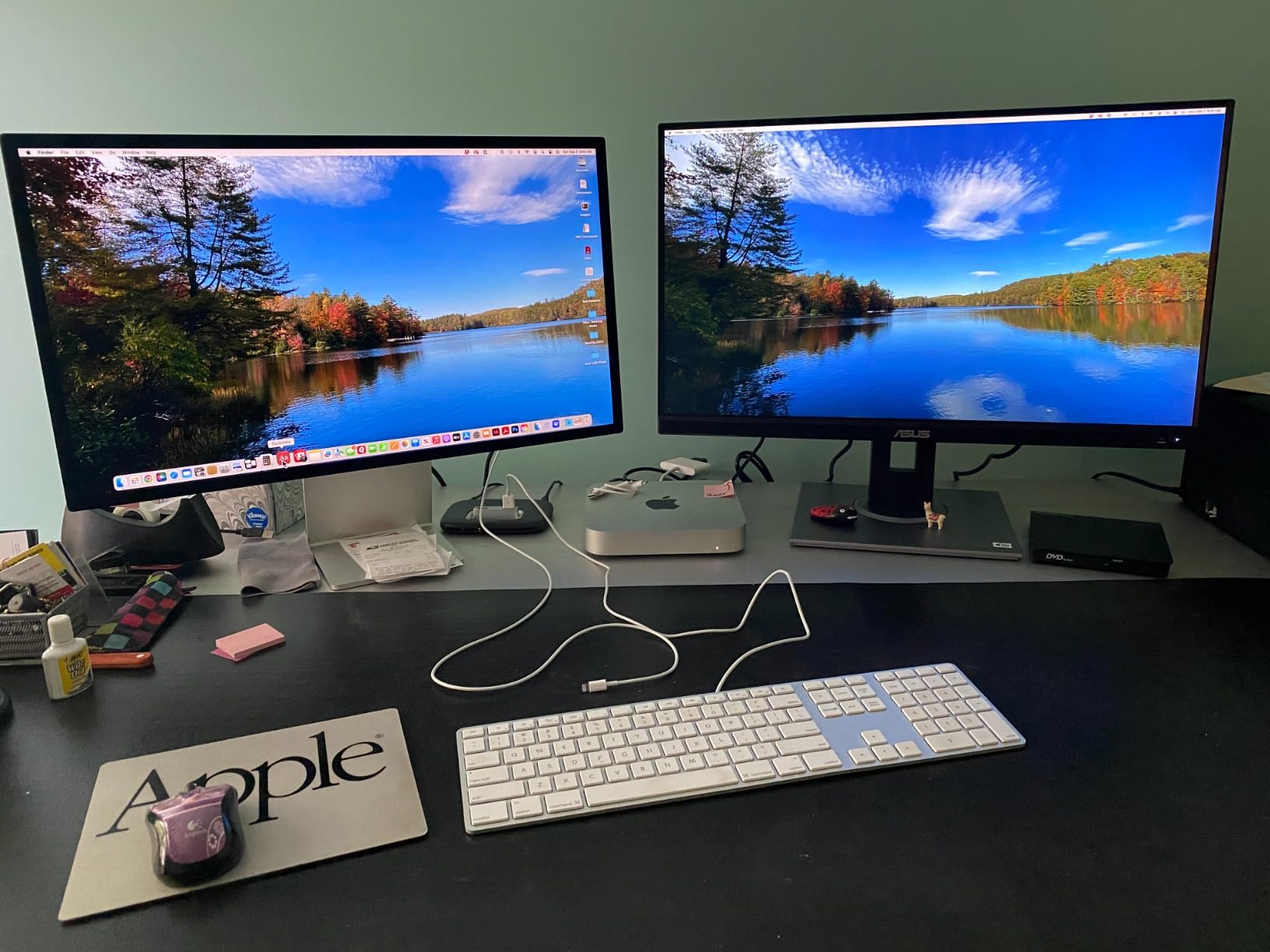
- 27-inch 2560×1440 IPS with 178-degree viewing angles
- Five-year coverage: three years plus a two-year extension on registration
- ProArt Preset and Palette for adjusting black levels and brightness
- Eye Care flicker-free backlighting and an anti-glare coating
What you give up is motion handling. At 75Hz with 5ms response, scrolling and dragging windows feel dated next to the TUF VG27AQ3A, and competitive gaming is out of the question. The listed weight of 17 pounds and the large stand footprint want a solid desk rather than a floating shelf.
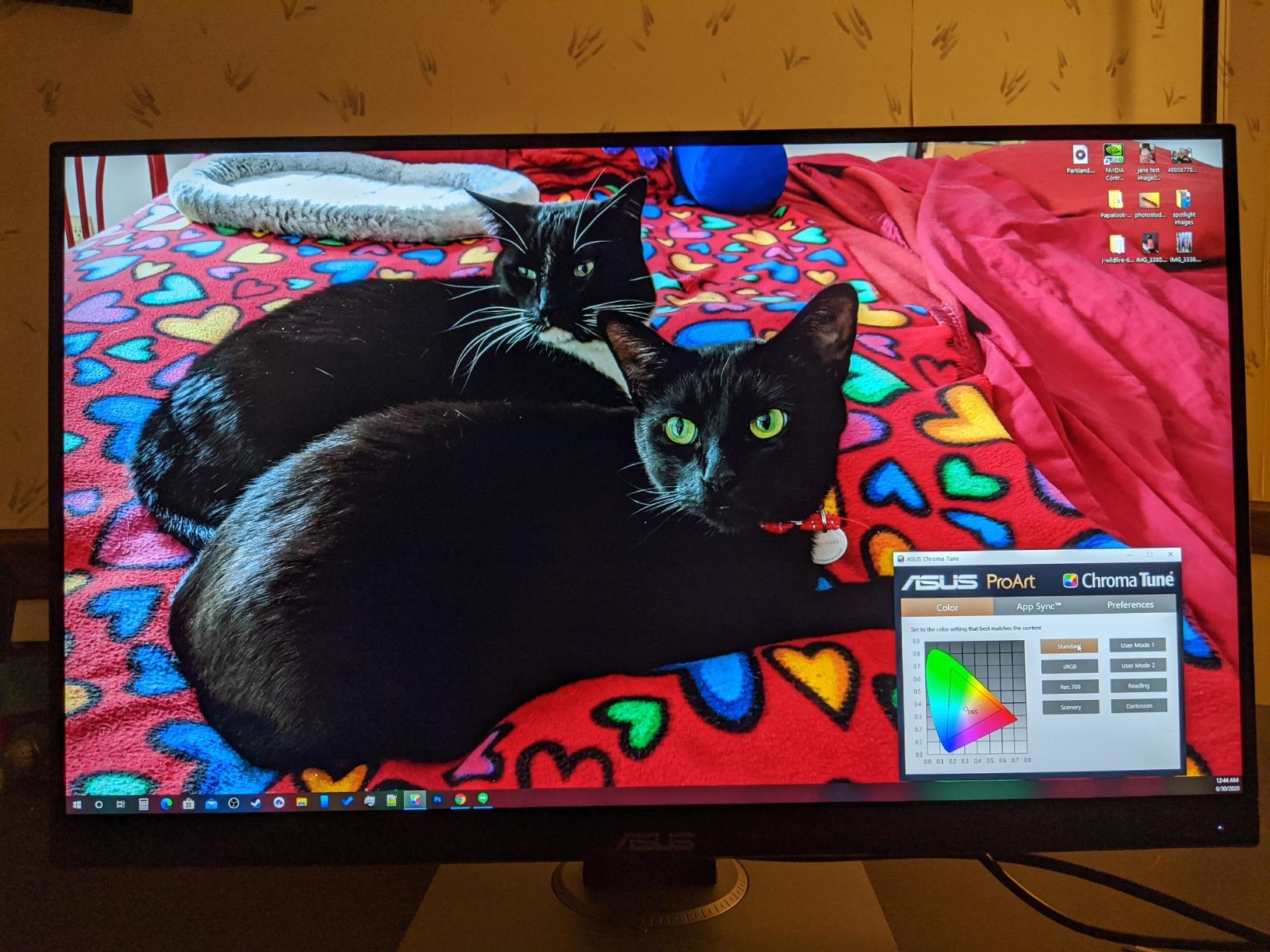
Two smaller notes: there is only one HDMI port, so a dual-laptop or dual-source setup leans on DisplayPort and mini DisplayPort, both of which are included with cables in the box. Calibration may also drift as the panel ages, which is normal for any professional display. The TUF VG27AQ3A is the direct alternative when motion matters more than color.
7. Dual RTX 3050: Best for Compact PC Builds
Dual RTX 3050
Card: compact desktop GPU
VRAM: 6GB GDDR6
Cooler: 2-slot dual fan
Warranty: 3 years
Pros
- Two-slot design fits small and older cases
- Axial-tech fans move air downward efficiently
- IP5X dust resistance and a stainless steel bracket
- 4.6 stars across 1116 reviews
Cons
- 6GB of VRAM is limiting for modern high-detail games
- Entry-level tier is not for 4K high-refresh play
- Two fans run louder in compact cases
Where most desktop cards fight for room, the Dual RTX 3050 is a two-slot, dual-fan design that measures 7.9 by 4.7 inches. For a small-form-factor build, an office chassis being upgraded, or a case with limited clearance, that footprint is the entire reason to pick it.
The card uses Ampere streaming multiprocessors with second-generation RT cores and third-generation Tensor cores, and DLSS 3 is supported. Output covers HDMI 2.1, DisplayPort 1.4a and DVI-D, with a maximum resolution of 3840×2160.
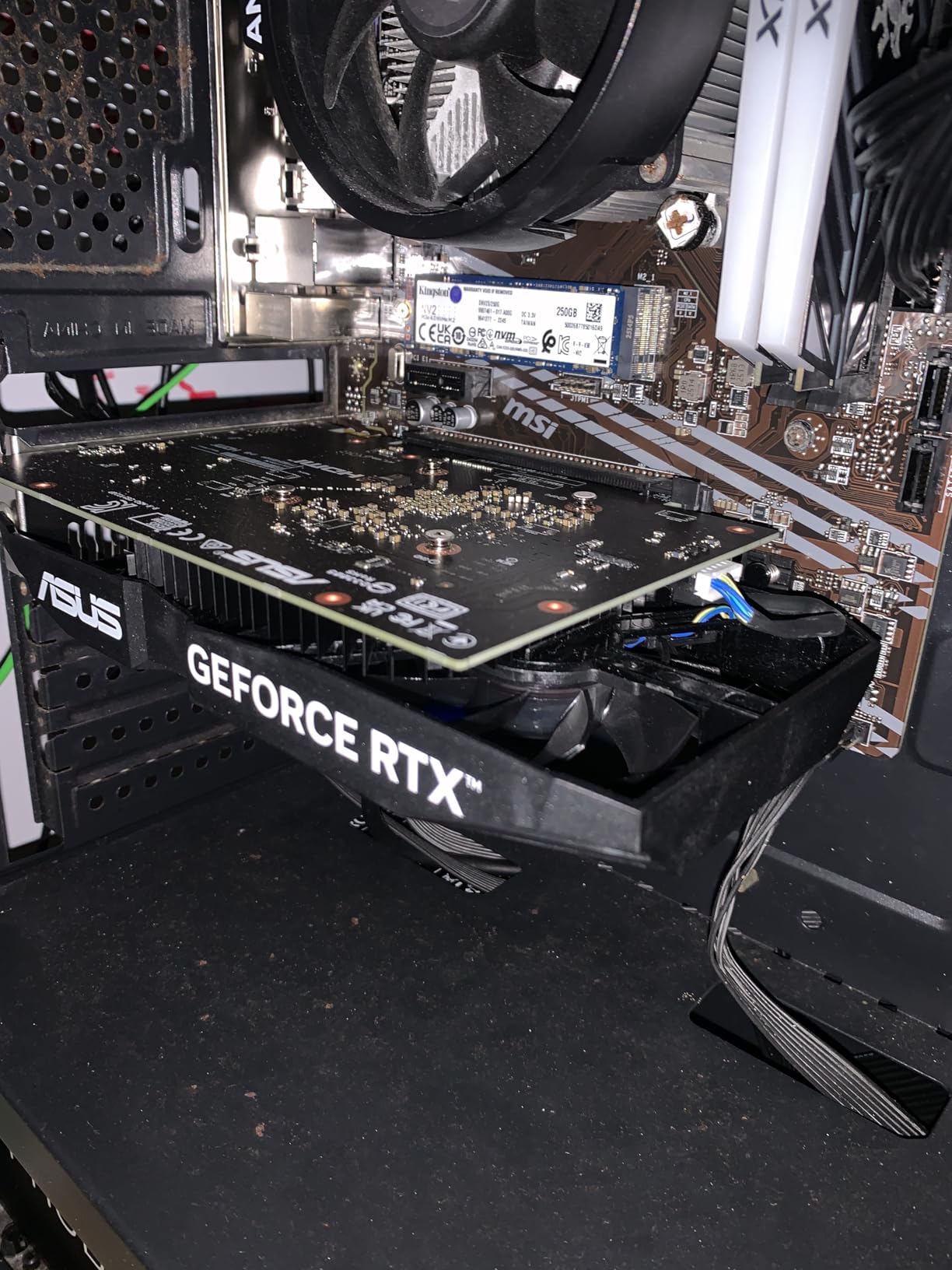
- Boost clock of 1500MHz in OC mode against 1470MHz by default
- Barrier ring and longer blades push air downward onto the board
- Three-year warranty with three-year spare part availability
- PCI Express x16 interface for straightforward installation
The six gigabytes of GDDR6 is the real limitation. Modern titles at high settings will run out of texture memory, and the entry-level 3050 tier is not built for 4K high-refresh gaming. With only two fans, sustained heavy load in a small enclosure is also the loudest scenario. Owners rate it 4.6 across 1116 reviews, with 83% at five stars, and the praise centers on efficiency, the compact design and build quality.
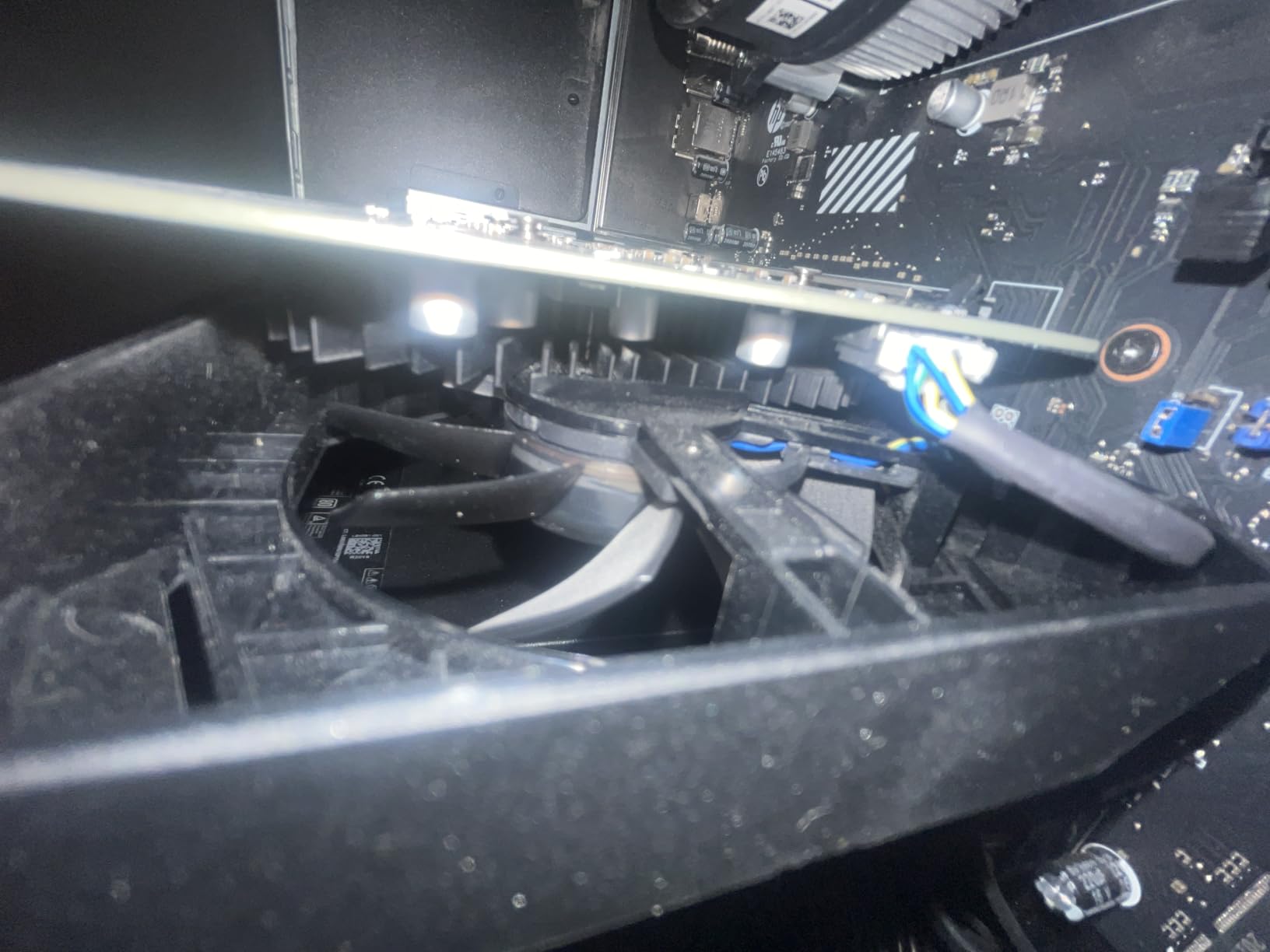
For a 1440p machine built from scratch, the TUF RTX 5070 OC is the card that makes sense, and it is the opposite problem: it needs a large case and a capable power supply. This one fits first and asks questions later.
8. ZenScreen MB169CK: Best for Travel and Hot Desks
ZenScreen MB169CK
Monitor: 15.6-inch portable
Panel: 1920x1080 IPS
Weight: 0.78kg
Warranty: 3 years
Pros
- One USB-C cable carries both power and video
- 0.78kg and 11.8mm thin for a backpack
- 360-degree kickstand plus a tripod socket
- Auto-Rotate software switches portrait and landscape
Cons
- 60Hz refresh is modest
- 15.6-inch 1080p is small for long sessions
- Some laptops need the included mini HDMI adapter
The ZenScreen MB169CK is the low-end pick in this list and the one with the narrowest job description: a second screen you can carry. One USB-C cable handles power and video, which means no dongle, no separate brick and no menu diving in a hotel room.
At 0.78kg and 11.8mm thick it disappears into a laptop bag, and the 360-degree kickstand folds flat while a tripod socket opens up awkward hotel desks and kitchen tables.

- 300 nits brightness with a 2000:1 contrast ratio
- 1920×1080 IPS at 60Hz with 178-degree viewing angles
- Flicker-free and low blue light TV-certified eye care tech
- Three-year warranty with advanced replacement
At 4.2 stars from 357 reviews, this carries the lowest average rating of anything on the list, and the reasons are consistent. Sixty hertz is slow next to almost any desk monitor, and a 15.6-inch 1080p panel is cramped for sustained productivity work even though it is perfectly readable for email, documents and a reference window.
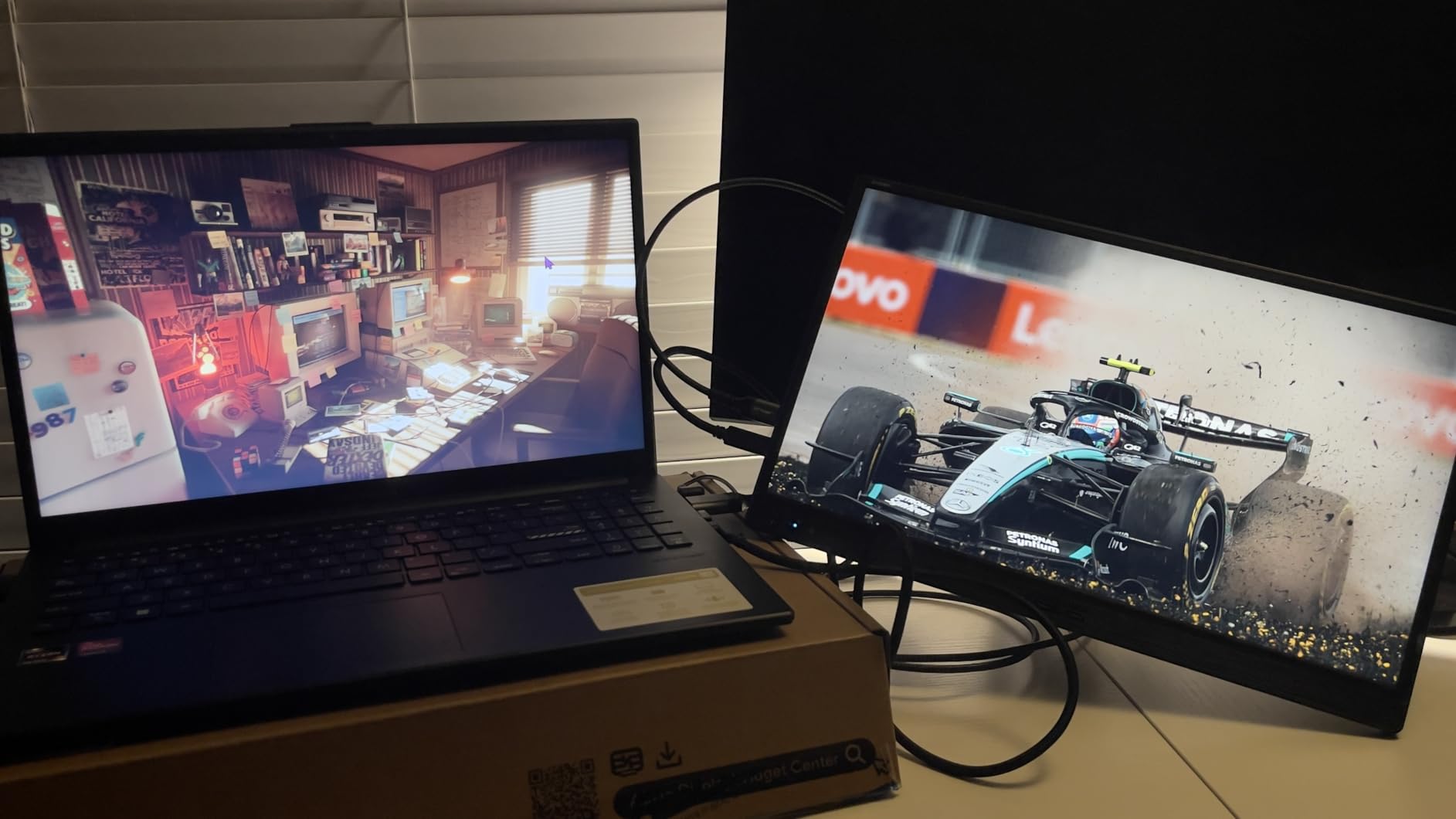
One practical detail worth checking before you commit: some laptops only send video over USB-C with an adapter, and the mini HDMI adapter is in the box for those machines. Buyers who want a permanent desk addition rather than a travel companion should look at the VA24DQ instead.
9. VA24DQ: Best for an Everyday Office Desk
VA24DQ
Monitor: 24-inch office
Panel: 1920x1080 IPS
Refresh: 75Hz
Warranty: 3 years
Pros
- 4.7 stars across 1291 reviews with 82% at five
- HDMI DisplayPort and VGA cover older and newer gear
- Slim frameless bezels suit multi-monitor setups
- Wall-mountable with Eye Care flicker-free certification
Cons
- 75Hz refresh is entry-level
- 72% color gamut is weak for color-critical work
- Tilt adjustment only on the stand
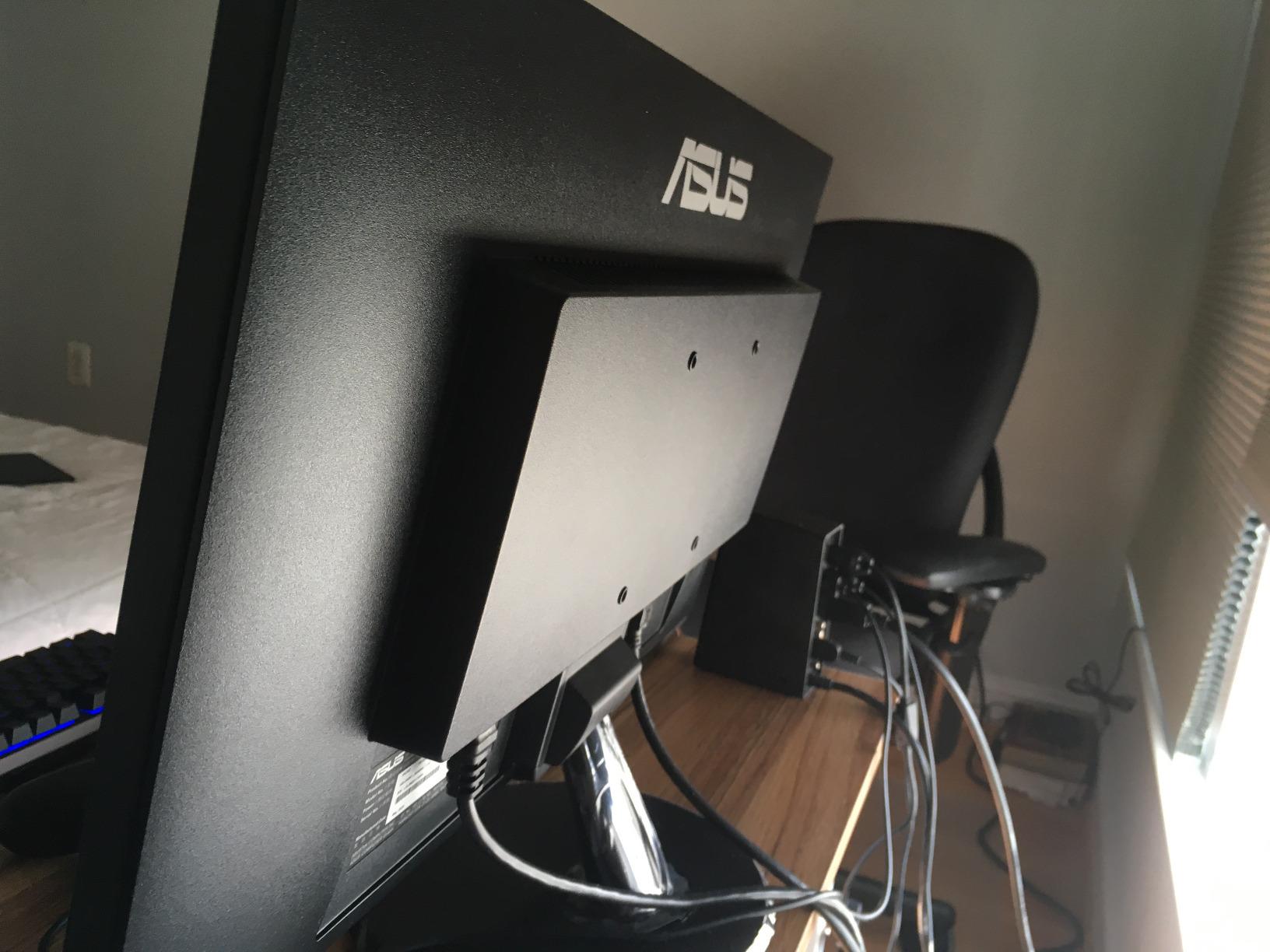
The VA24DQ carries the highest average rating of any display in this roundup at 4.7 stars across 1291 ratings, and it earns that score by doing a modest job predictably. A 24-inch 1920×1080 IPS panel with 178-degree viewing angles is the standard office pairing, and owners keep it for years.
What separates it from a generic monitor is port choice. HDMI, DisplayPort and VGA together mean it accepts a modern laptop, a desktop and a legacy machine without adapters, and a VGA port is increasingly rare in new panels.
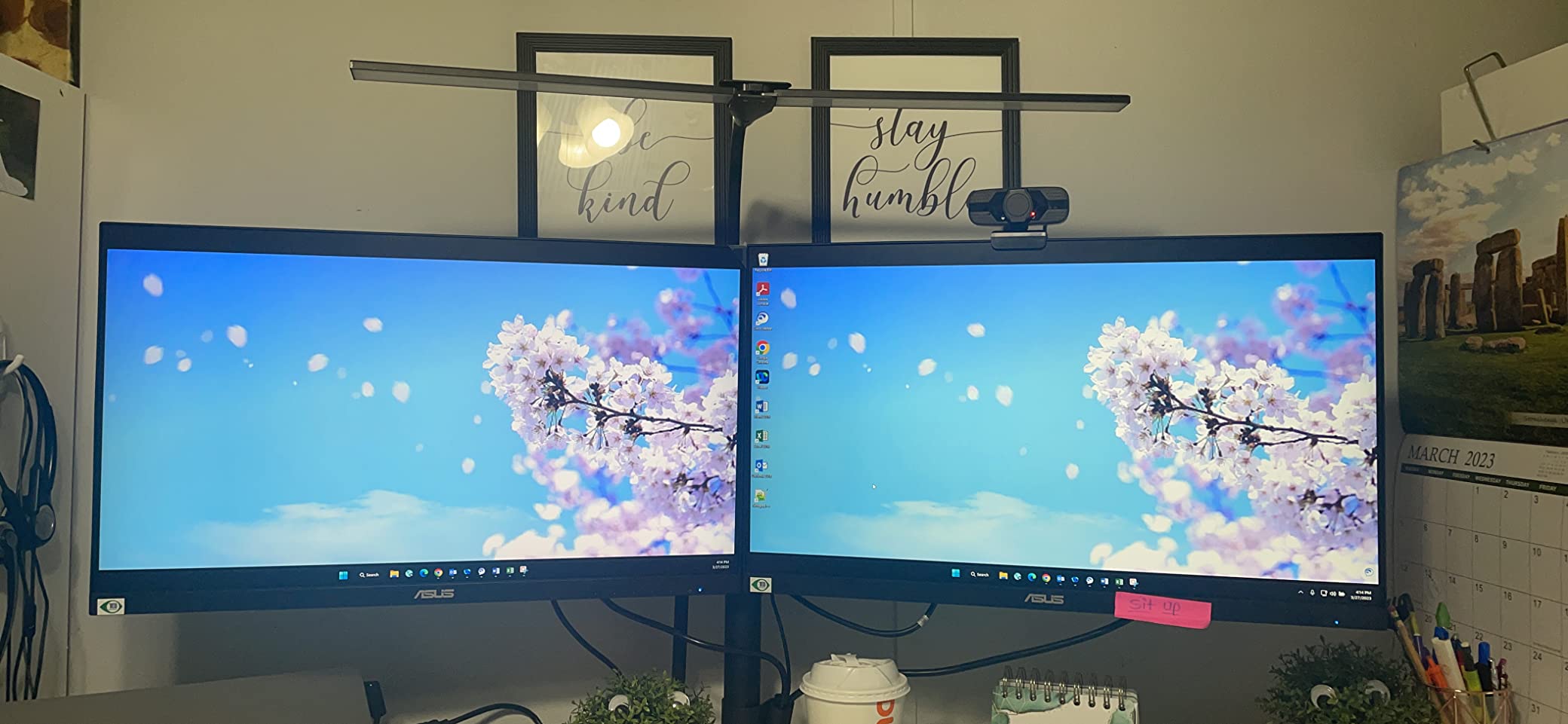
- Adaptive-Sync and FreeSync for smoother motion at up to 75Hz
- Slim bezels that line up cleanly in a two-monitor arrangement
- Tilt adjustment from +23 to -5 degrees
- Consumes about 11 watts
The limits are honest ones. Seventy-five hertz will not satisfy a competitive gamer, and 72% color gamut coverage is not enough for photo or video work, which rules it out as a ProArt substitute. The stand tilts only, with no height or swivel, so set the monitor on a riser if the height is wrong. Three years of warranty with advanced replacement is included.
Compared with the ZenScreen MB169CK, this is the same idea at desk scale with better color and no portability. Compared with the TUF VG27AQ3A, it gives up resolution and refresh rate entirely and gains the port flexibility. Buyers working across a mixed device setup will find that trade straightforward.
10. ROG Rapture GT-BE98 Pro: Best for 10G Home Networks
ROG Rapture GT-BE98
Router: quad-band mesh
Wireless: WiFi 7 30Gbps
Ports: 2x 10G and 4x 2.5G
Warranty: 3 years
Pros
- Quad-band WiFi 7 with 320MHz channels and 4096-QAM
- Multi-Link Operation links several bands at once
- Triple-Level Game Acceleration from LAN port to server
- 2GB RAM supports whole-home mesh expansion
Cons
- Large and heavy with a 13.7 inch square footprint
- Feature depth needs networking knowledge
- Tightly packed ports suit thin cables better
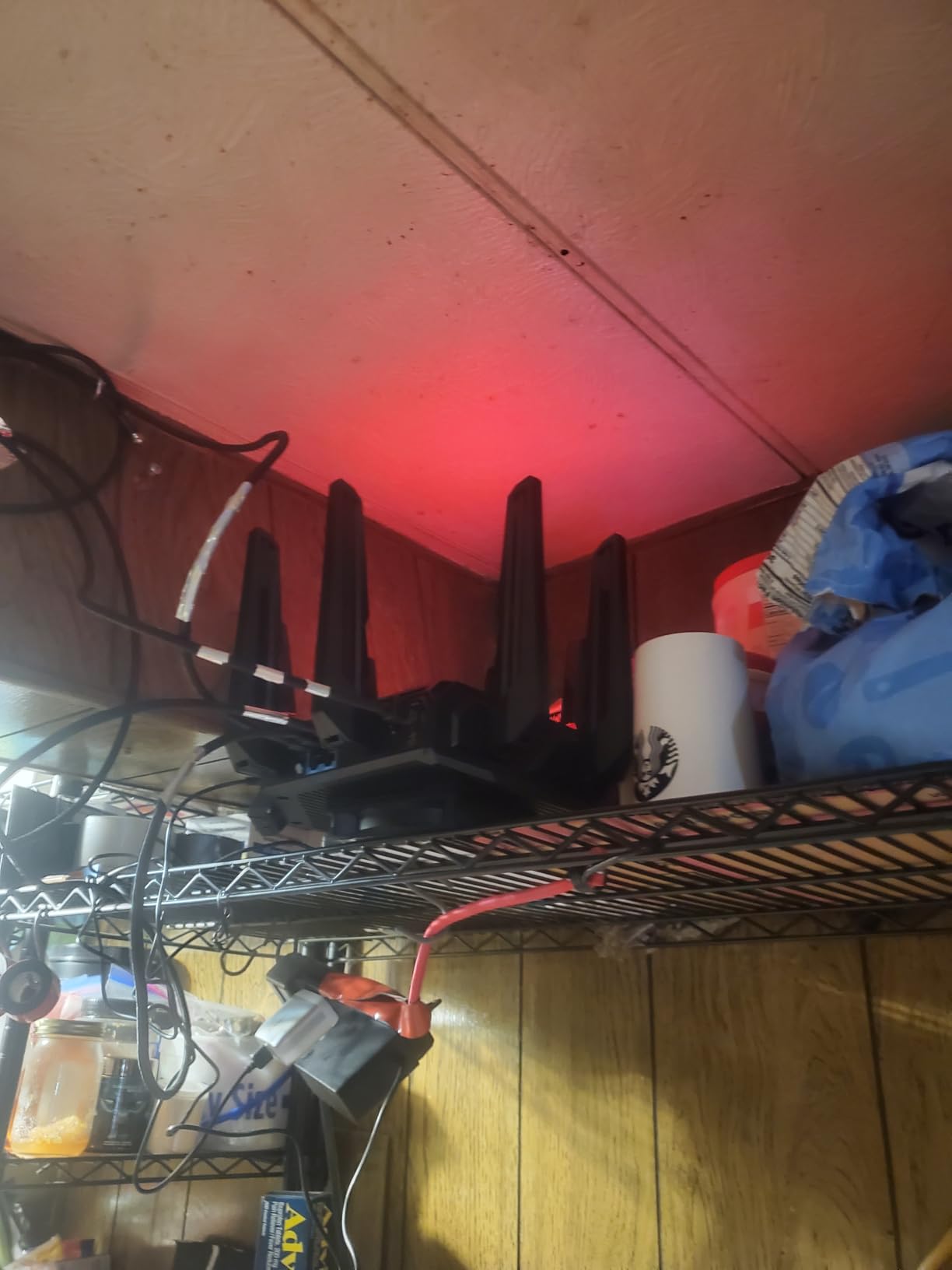
This is the router for a house where the internet connection itself is fast and the problem is wireless reach. The GT-BE98 is quad-band WiFi 7 with 320MHz channels in the 6GHz band, 4096-QAM and Multi-Link Operation, and it is rated up to 30 Gbps with coverage up to 3500 square feet.
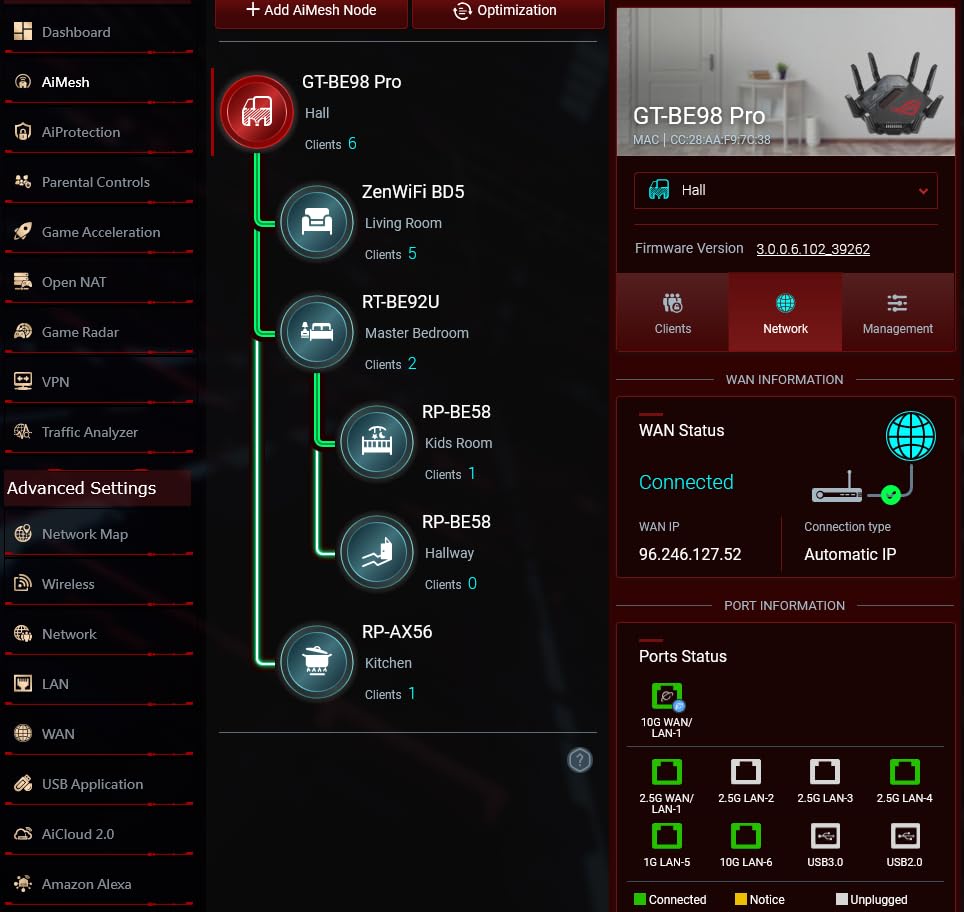
Eight external antennas and 2GB of RAM back that up, and the wired side is unusually generous: two 10G ports plus four 2.5G ports, with seven connections in all.
- Triple-Level Game Acceleration prioritizes gaming traffic to the server
- Access point mode, guest mode, parental controls and QoS
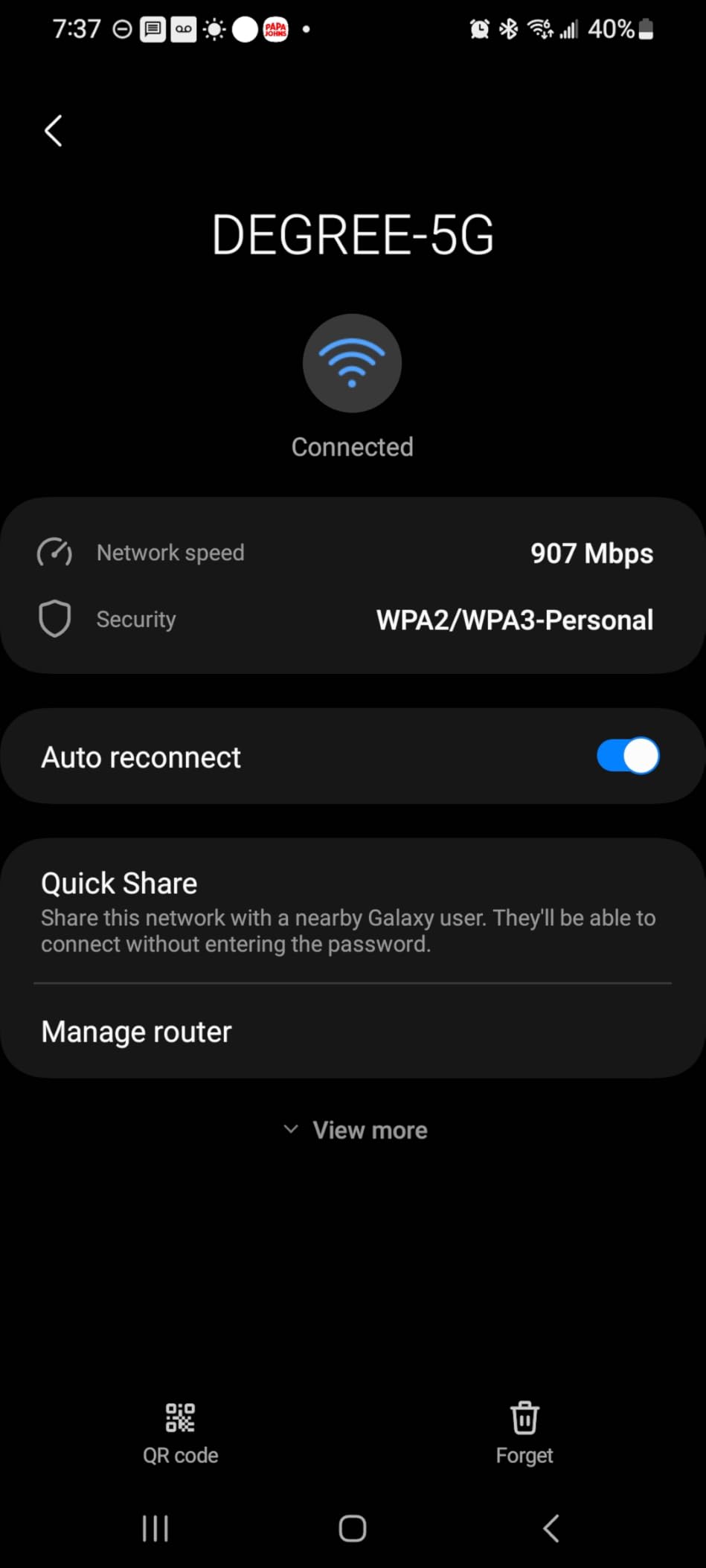
- WPA3-Personal and WPA2-Enterprise security
- 4.4 lb unit controlled by the router app or touch input
Owners rate it 4.3 from 614 reviews with 73% at five stars, and the enthusiasm is mostly from people with multi-gig service. The complaints are practical: at 13.7 inches square and 4.4 pounds it needs a real shelf, not a narrow one, and the port spacing is tight for wide-bodied cables. A minority also find the configuration options too deep for casual use.
If your internet speed tops out well below a gigabit, this hardware is more than the line can feed and the RT-BE88U is the calmer middle ground. For a smaller home or a mesh node, the RT-AX1800S handles the job without the desk space.
11. RT-BE88U: Best for Multi-Gig Wired Setups
RT-BE88U
Router: dual-band WiFi 7
Wireless: 7200 Mbps
Ports: 10G SFP+ 4x 2.5G
Warranty: 3 years
Pros
- WiFi 7 up to 7200 Mbps with Multi-Link Operation
- Eight rear ports remove the need for an external switch
- AiProtection Pro security included with no subscription
- AI WAN detection plus USB for 4G and 5G tethering
Cons
- No 6GHz band despite the WiFi 7 label
- Rear ports are tightly spaced
- A minority report signal dropouts after firmware updates
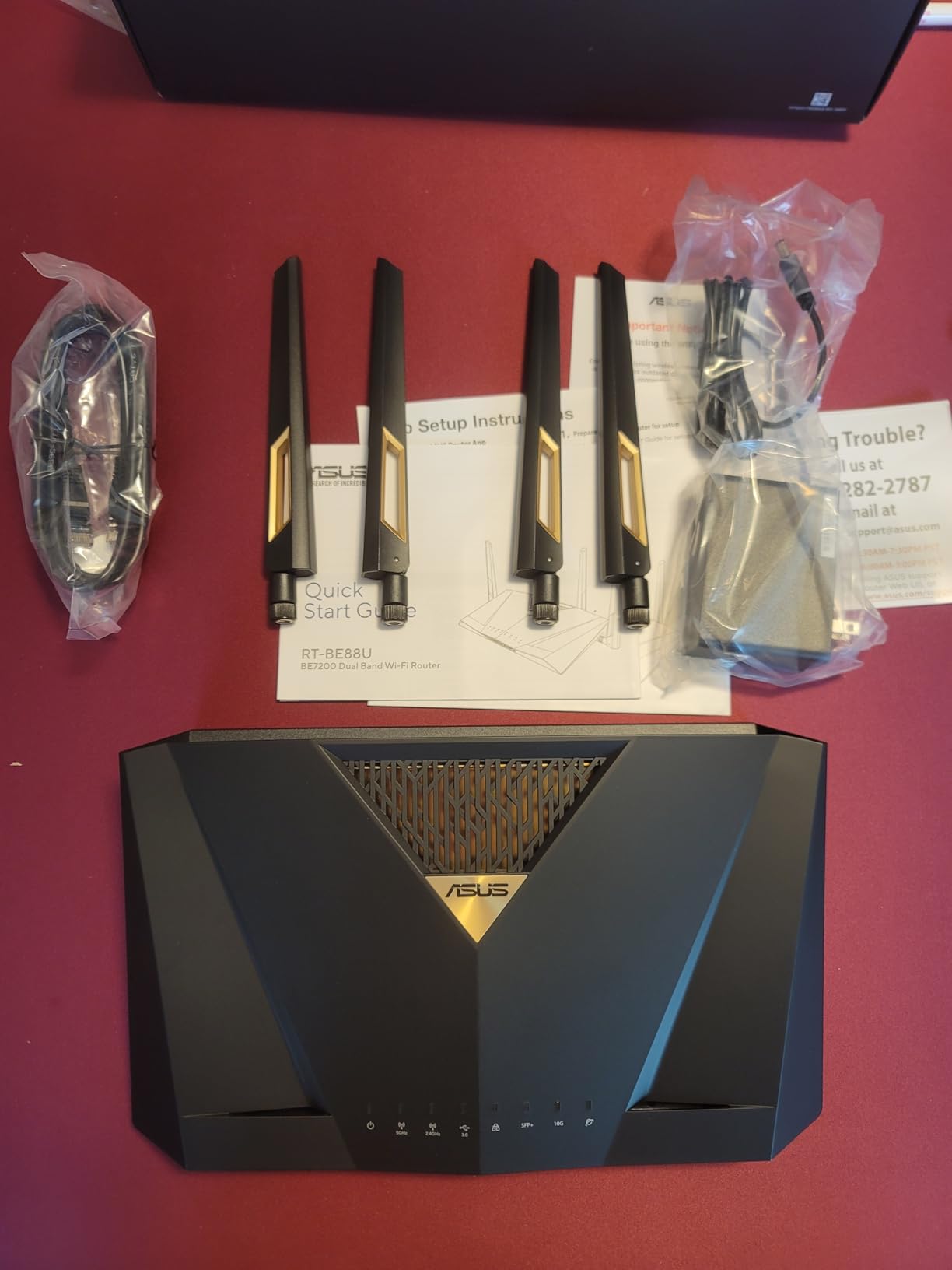
The RT-BE88U is the sensible answer for a home with a NAS, a 2.5G switch and several wired devices. Eight ports on the back panel, including one 10G SFP+ port, one 10G WAN/LAN port and four 2.5G jacks, mean the external switch many people buy can stay in the drawer.
Wireless is dual-band WiFi 7 rated up to 7200 Mbps with 4096-QAM, and a quad-core 2.6GHz processor with 2GB of RAM handles multi-gig workloads. AiMesh support lets it expand into a whole-home system.
- AiProtection Pro network security from Trend Micro with no ongoing fee
- Up to five SSIDs with guest networks and instant VPN connections
- Coverage rated for around 3000 square feet
- Site-to-site VPN support for connecting two locations
There is a real catch: this is a dual-band unit, so despite the WiFi 7 label there is no 6GHz band and the wireless ceiling sits below the quad-band ROG Rapture GT-BE98. A minority of owners have also reported periodic connectivity dropouts following firmware updates, so keeping the software current matters. Wide-booted cables are a tight fit in the rear port cluster.
VLANs, VPN Fusion and Merlin firmware support are all present, which is exactly what makes it appealing to a technical household and exactly what makes it fussy for a beginner. In a small apartment, none of that hardware is necessary.
12. RT-AX1800S: Budget Pick for Small Homes and Mesh Nodes
RT-AX1800S
Router: dual-band WiFi 6
Wireless: 1800 Mbps
Ports: 5 Gigabit
Warranty: 3 years
Pros
- WiFi 6 with MU-MIMO and OFDMA for congested homes
- Five Gigabit Ethernet ports on a compact body
- Subscription-free AiProtection security with Instant Guard VPN
- AiMesh compatible for expanding coverage later
Cons
- 256MB RAM and a dual-core chip cap throughput
- Parental controls lack per-site history and custom lists
- Known firmware bug can drop the 2.4GHz band
The RT-AX1800S is the most straightforward way to build an AiMesh household, and its 2718 ratings make it one of the most reviewed products here. WiFi 6 with 1024-QAM, MU-MIMO and OFDMA handles a busy house with many devices, and the four retractable antennas plus app-based setup keep installation simple.
Security is handled by AiProtection Classic from Trend Micro with no subscription, and ASUS Instant Guard gives one-click VPN access to the home network from anywhere.

- Five Gigabit ports: one WAN and four LAN
- Rated for 1800 Mbps with 1201 Mbps upstream throughput
- 256MB of RAM on a dual-core processor with four VPEs
- Weighs just over 13 ounces, so it fits anywhere
Owners average 4.3 stars, with 72% at five, and the recurring criticisms are specific. There is a documented ASUSWRT firmware bug on MT7915-based units that can drop the 2.4GHz radio when Smart Connect and WiFi 6 are enabled together, so leave one of those off. Parental controls are basic compared with the Pro models, and a few older laptops have reported compatibility trouble.

The 256MB of memory and dual-core chip mean this is not a multi-gig machine, and the 3000 square foot claims on the newer hardware do not apply here. Pair two of them with AiMesh and you have whole-home coverage without moving up to the hardware above. For most apartments and first homes, that is the right amount of networking.
How to Choose ASUS Products During Prime Big Deal Days
Performance and Everyday Use
Start with the workload, not the brand. For general use, documents and streaming, an 8-core processor and 16GB of memory handle everything comfortably, and the TUF Gaming F16’s Core 5 210H is a reasonable baseline. Gaming at 1440p with ray tracing wants a card with real headroom, which is where the TUF RTX 5070 OC and its 12GB of GDDR7 earns its place over the Dual RTX 3050’s 6GB.
Judge a laptop GPU by its wattage, not its model badge. A 140W RTX 4060 in the ROG Strix G16 behaves very differently from a lower-power version of the same chip, and a card’s physical size matters as much as its frame rate once the case is in the way.
Display and Component Compatibility
Match the panel to the source device. A 180Hz screen needs a DisplayPort 1.4 connection, and HDMI usually caps lower, so check your ports before falling for a refresh rate you cannot reach. Physical dimensions matter just as much: the TUF RTX 5070 OC is a 13 by 5.5 inch card that needs case clearance, and the ProArt PA278QV needs a solid desk.
Stand adjustment is the detail people miss. The TUF VG27AQ3A and VA24DQ tilt only, while the ProArt PA278QV offers height, pivot, swivel and tilt. Our picks for the best ASUS monitors cover the range of sizes and panels, and the same fit checks apply to a portable display like the ZenScreen MB169CK.
Memory, Storage and Mobility
Decide whether you will upgrade before you pick a laptop. The TUF Dash 15 has two memory slots, a spare M.2 bay and a pop-open screw, so 16GB today and 32GB in three years is realistic. The ROG Strix G16’s 16GB is fixed, which caps how long it stays comfortable for modern games and heavy multitasking. Storage of 512GB fills quickly with current game installs; 1TB is the safer starting point.
Portability follows from the same numbers. A 4.4-pound chassis travels well, a 5.5-pound one stays on the desk, and a sub-kilogram portable monitor exists precisely for the days you do not want to carry a full display.
Condition, Bundle Contents and Support
Read the condition label before anything else. New, renewed and open-box listings sit side by side in the same search results, and a renewed unit may carry a shorter warranty or none at all. Check what is in the box too: the TUF RTX 5070 OC includes a support bracket and a fitting tool, the TUF VG27AQ3A ships a DisplayPort cable, and the ProArt PA278QV includes a calibration report that a renewed unit may not have.
Warranty lengths vary a lot across this list. Several products carry three years, the ProArt PA278QV offers five with registration, and the laptops here are covered for one year. Note whether coverage is international or domestic, since that changes depending on where you are.
How to Shop ASUS Deals During Prime Big Deal Days
ASUS model numbers carry the year and configuration in the last characters, so a page can look like a different product from one day to the next. Compare the full model number rather than the marketing name, then confirm the configuration lines on the listing: memory amount, storage capacity and the exact GPU. Several TUF laptops and monitors share a family name across generations, and bundle contents shift between them.
Check who sells and fulfills the item as well, since a third-party seller and Amazon itself carry different return terms. Then confirm the condition wording and what the manufacturer warranty covers. Most offers during this event need a Prime membership, and both prices and configurations change through the two days, so check the listing again before you check out.
- Match the full model number, not the family name, before you compare two listings
- Confirm memory, storage and GPU on the configuration section of the page
- Read the condition label and note whether it says new, renewed or open-box
- Check the box contents, especially cables and any support bracket
- Note the warranty length and whether registration is required to extend it
- Check the seller and fulfillment method before adding to cart
Frequently Asked Questions
When does Amazon Prime Big Deal Days run in 2026?
Amazon Prime Big Deal Days runs October 6-7, 2026, a roughly 48-hour window. Early offers often appear in the days before it opens, then lightning deals and limited-time deals fire when the sale starts. Most offers require a Prime membership, and a free trial counts.
Do I need Prime membership to buy during Prime Big Deal Days?
Most offers during the event need a Prime membership, and a free 30-day trial counts for anyone who has not had one. A smaller number of ASUS items are open to everyone. Check the Prime badge on the listing before you plan a purchase around a specific offer.
Are Amazon Prime Big Deal Days ASUS deals worth waiting for?
Often, yes, because the event covers ASUS laptops, graphics cards, monitors and routers more thoroughly than a normal shopping week. Offers shift hourly and configurations change, so research the exact model number beforehand and re-check the listing during the two days rather than buying early on impulse.
What does a limited time deal mean on Amazon?
A limited-time deal is a set-duration discount that ends after a stated window rather than when quantities run out.
Should I buy a renewed ASUS laptop during the sale?
A renewed unit can be a sensible way into a configuration you could not otherwise afford, but check the condition grade, battery health, warranty length and return window on that specific listing. Renewed laptops here often carry one year of cover, which is shorter than some new ASUS models provide.
How do I compare two ASUS product listings with similar model names?
Compare the full model number in the specifications, then line up memory, storage, GPU and panel details. The last characters of an ASUS model number indicate year and configuration, so two listings under one family name can be different machines. For displays, the best ASUS ProArt monitors guide explains the color specs that actually separate one ProArt panel from another.
Final Verdict: Best Amazon Prime Big Deal Days ASUS Deals
The pick most worth watching during the sale is the ROG Strix G16: full-power RTX 4060 graphics, liquid-metal CPU cooling and a color-accurate 165Hz panel in one 16-inch machine, with 1048 owner reviews behind it. Buy the TUF Dash 15 if you plan to add memory and storage later rather than settling for a fixed configuration, and choose the TUF Gaming F16 when a 16:10 panel matters more than GPU headroom.
For a build rather than a laptop, the TUF RTX 5070 OC is the strongest card in this list for 1440p ray tracing, and the Dual RTX 3050 is the sensible answer for a cramped case. On the display side, the ProArt PA278QV is the one to buy for color-critical editing, the TUF VG27AQ3A for high-refresh 1440p play, the VA24DQ as the most highly rated everyday panel, and the ZenScreen MB169CK is the low-cost way to carry a second screen. For networking, the ROG Rapture GT-BE98 covers multi-gig homes, the RT-BE88U is the wired-heavy workhorse, and the RT-AX1800S is the value pick that covers most homes.
Pick your model now, then open the buttons during the event and confirm the current price, the configuration and the condition on the live listing before you check out.