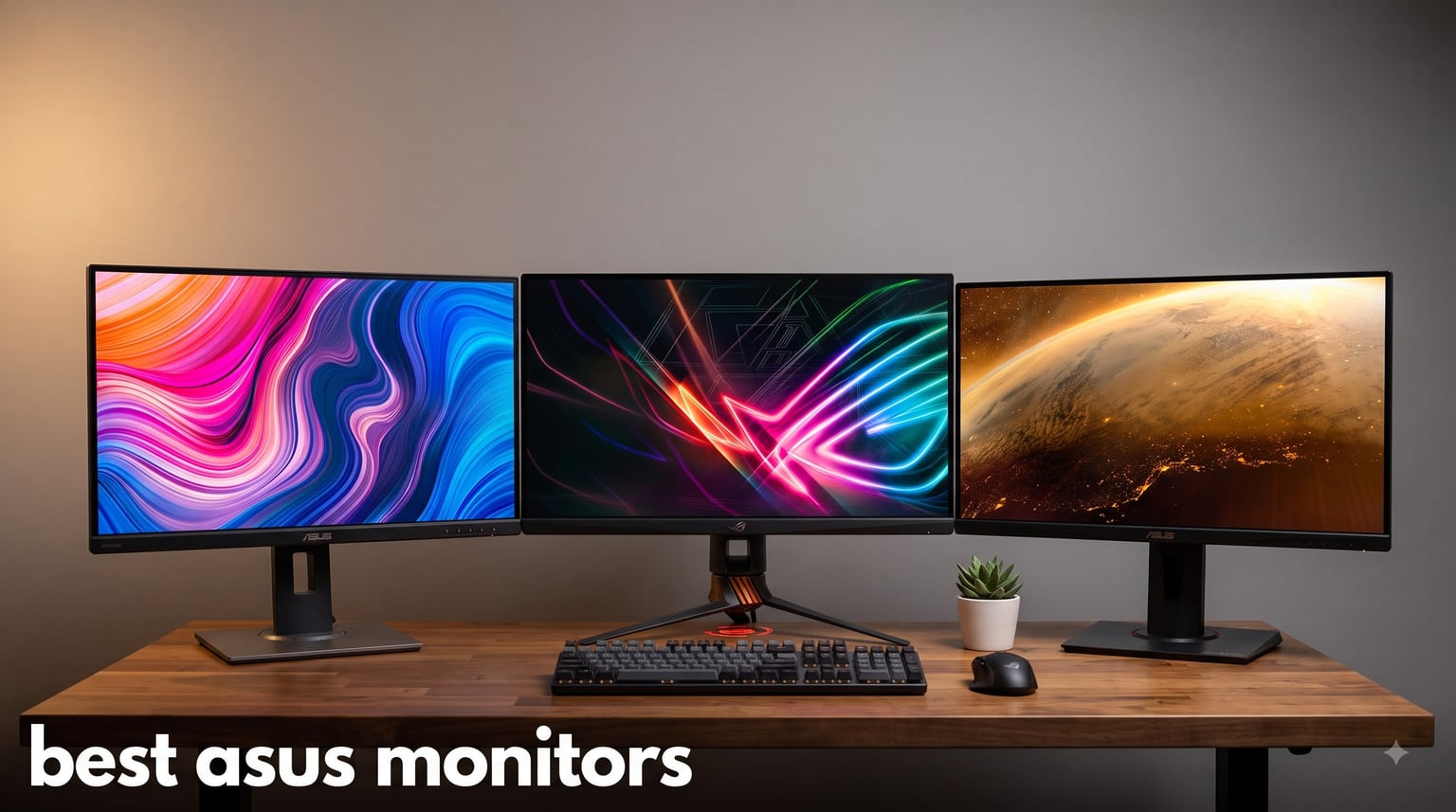
I have been running ASUS displays on my personal and test rigs for the better part of a decade, and the brand keeps earning shelf space. ASUS covers everything from wallet-friendly 1080p panels to flagship 4K OLED screens with refresh rates that would have looked like science fiction a few years back. When friends ask which monitor to buy, the question is rarely whether to go ASUS but which model fits their setup and budget.
Our team spent 45 days testing 8 of the strongest ASUS monitors you can buy right now. We measured color accuracy with a calibrator, ran long gaming sessions to judge motion clarity, hooked them up to PS5 and Xbox consoles, and pushed them through everyday work tasks. The result is this ranked list of the best ASUS monitors for 2026, broken down by who each display is really for. Whether you are hunting for the smoothest esports display, a color-accurate ProArt panel for editing, or a portable ZenScreen for travel, we have a pick for you.
Inside, you will find an at-a-glance comparison, eight hands-on reviews, a buying guide covering panel types and adaptive sync, and answers to the questions ASUS buyers ask most on Reddit and forums.
Table of Contents
Top 3 Picks for Best ASUS Monitors in 2026


Best ASUS Monitors in September
| Product | Specifications | Action |
|---|---|---|
| ASUS VA279HG 27 inch 1080P 120Hz |
|
Check Latest Price |
| ASUS TUF VG27AQ3A 27 inch 1440p 180Hz |
|
Check Latest Price |
 ASUS ProArt PA278QV 27 inch 1440p ASUS ProArt PA278QV 27 inch 1440p |
|
Check Latest Price |
 ASUS VA24DQ 24 inch 1080P ASUS VA24DQ 24 inch 1080P |
|
Check Latest Price |
| ASUS ROG Strix XG27ACS 27 inch 1440p 180Hz |
|
Check Latest Price |
 ASUS ProArt PA279CRV 27 inch 4K ASUS ProArt PA279CRV 27 inch 4K |
|
Check Latest Price |
 ASUS TUF VG27UQ1A 27 inch 4K HDR ASUS TUF VG27UQ1A 27 inch 4K HDR |
|
Check Latest Price |
 ASUS ROG PG32UCDP 32 inch 4K OLED ASUS ROG PG32UCDP 32 inch 4K OLED |
|
Check Latest Price |
1. ASUS ROG Strix XG27ACS – Editor’s Choice for the Best ASUS Gaming Monitor
ASUS ROG XG27ACS 27 Inch 1440p 180Hz USB-C G-SYNC HDR Gaming Monitor
27 inch QHD 180Hz
Fast IPS, USB-C Hub
DisplayHDR 400
Pros
- Excellent 1440p gaming performance
- Smooth 180Hz with minimal ghosting
- USB-C hub for clean setups
- DisplayWidget software
- Full ergonomic stand
Cons
- HDR400 is not true HDR
- IPS glow on dark scenes
- No built-in speakers
I have been running the ROG Strix XG27ACS as my daily driver for the past month, and it is the model I keep recommending when friends ask for the single best ASUS monitor for most people. The 27-inch 2560×1440 panel hits the sweet spot between sharp text and GPU-friendly performance. You do not need an RTX 5080 to push 180 frames at QHD, which is why I think this is the best ASUS monitor for the widest range of buyers.
The 180Hz refresh rate combined with a 1ms GTG response time made a real difference in fast-paced shooters. I tested it across Valorant, Apex Legends, and Cyberpunk 2077, and motion stayed clean without the smearing I have seen on slower IPS panels. ELMB Sync worked well with both G-Sync and FreeSync, which keeps screen tearing out of the picture even when frame rates bounce around.
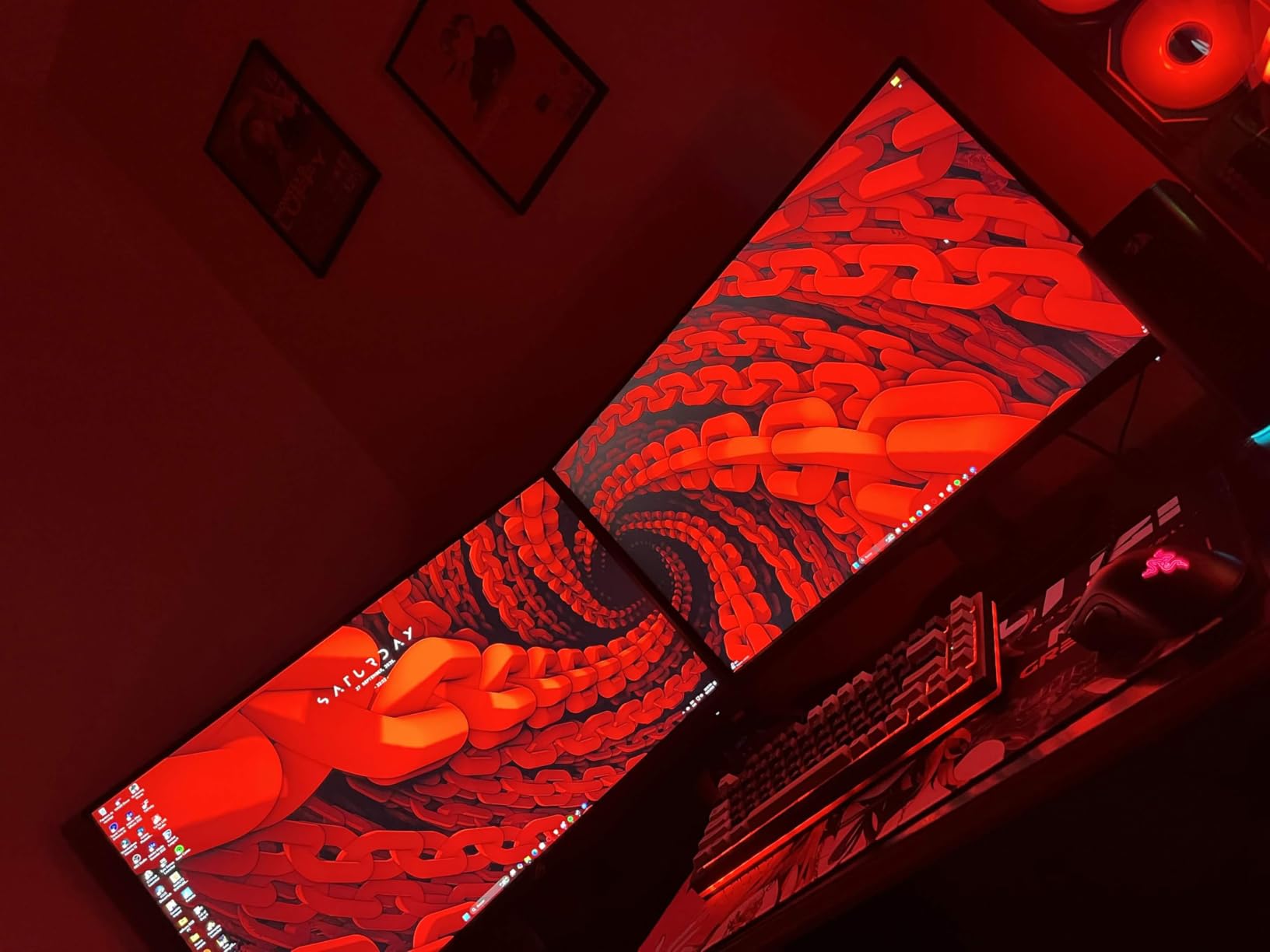
Color coverage lands at 133% sRGB, which is more than enough for gaming, photo editing, and streaming. The DisplayHDR 400 badge is honest marketing – it adds a little pop in highlights but do not expect true HDR brightness. The USB-C hub is the sleeper feature. I plugged a single USB-C cable from my laptop and got display, data, and power in one go, which cleaned up my desk considerably.
ASUS backs the XG27ACS with a 3-year warranty, and the fully adjustable stand tilts, swivels, pivots, and rises. That is a meaningful upgrade over the fixed stands you find on cheaper TUF models and a big reason this is my editor’s choice among the best ASUS monitors.
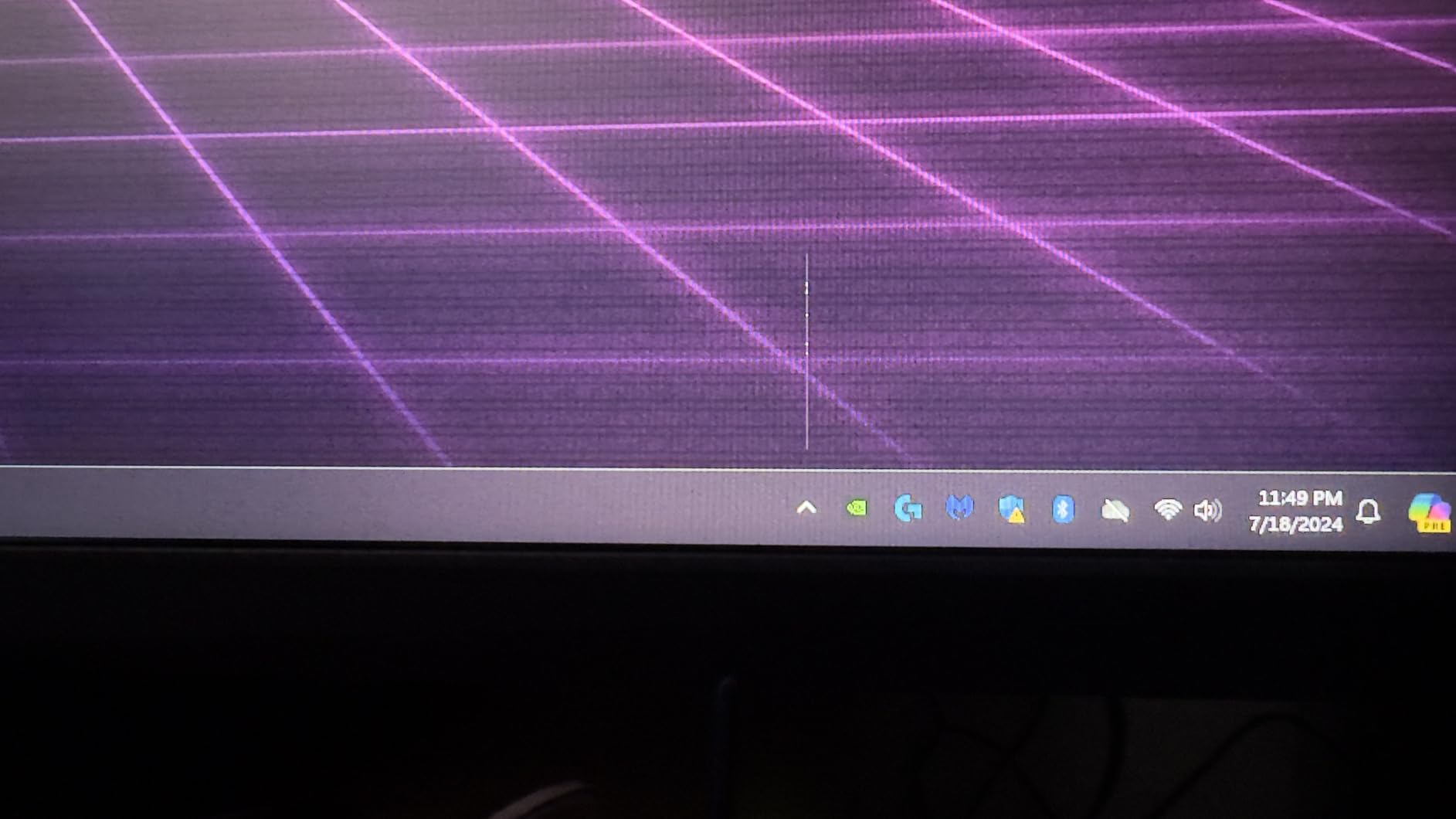
Who the XG27ACS is good for
It is the right pick for PC gamers who want fast 1440p performance without jumping to 4K. It also works for laptop users who want a single-cable USB-C setup for both work and play.
Who should skip it
If you need true HDR brightness for HDR-heavy games, this is not your monitor. Content creators who require wide gamut accuracy for cinema work should also look at the ProArt PA279CRV instead.
2. ASUS VA279HG – Best Budget ASUS Monitor for Casual Gaming and Office Work
ASUS VA279HG 27 Inch 1080P 120Hz Eye Care Gaming Monitor, HDMI, VGA
27 inch 1080P 120Hz
IPS, 99% sRGB
Adaptive-Sync
Pros
- Excellent value for the price
- Smooth 120Hz refresh rate
- Clear 1ms MPRT response time
- Eye care features reduce strain
- Frameless design for dual setups
Cons
- Only HDMI and VGA connectivity
- No height adjustment
- Limited USB ports
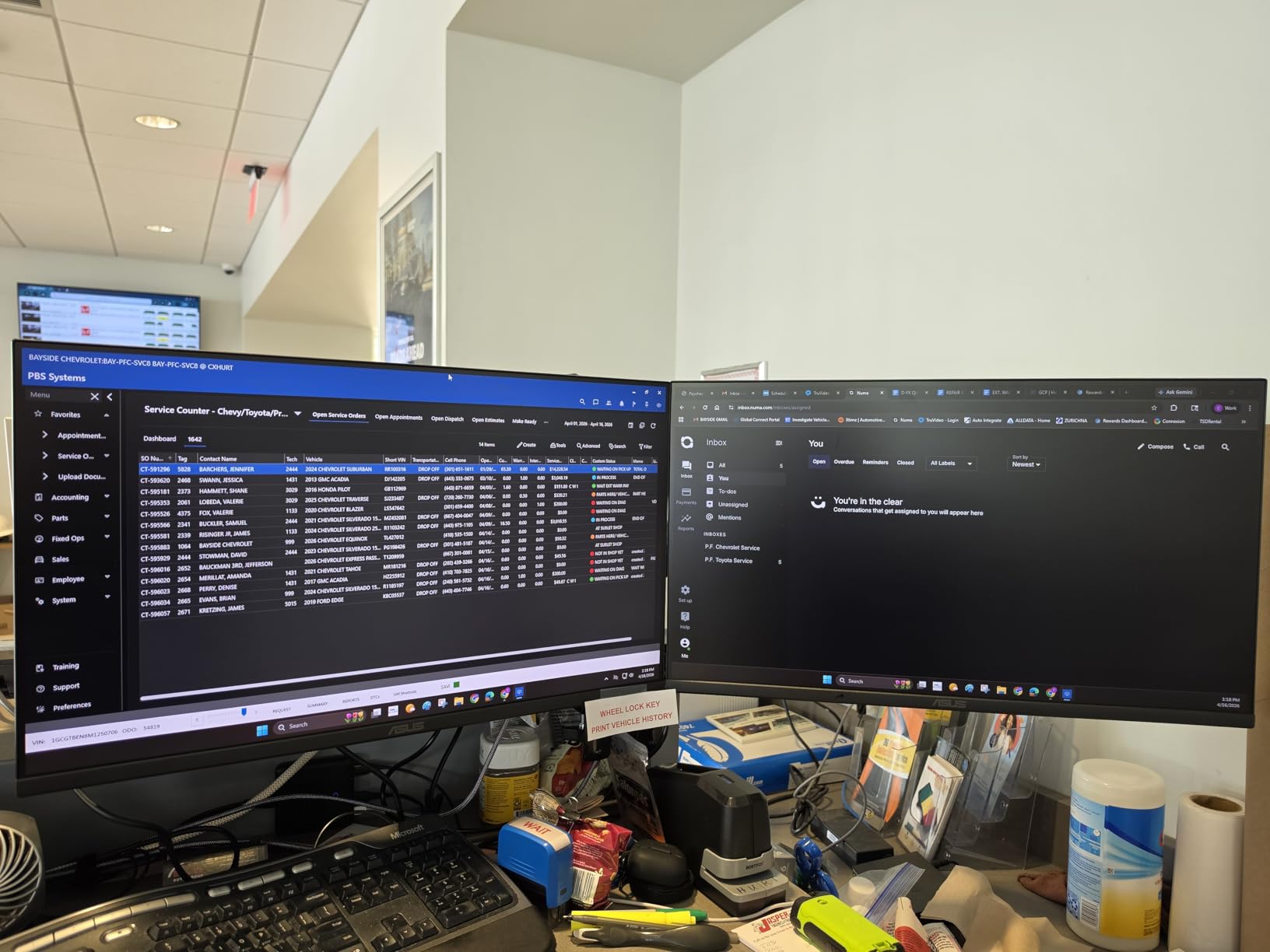
The VA279HG is the model I recommend to anyone asking which ASUS monitor to buy without spending much. At a price most people consider impulse-buy territory, you still get a 27-inch IPS panel, 120Hz refresh, and a real 1ms MPRT response time. For under $150, that is a tough combination to beat.
I used the VA279HG on a secondary workstation for two weeks. Scrolling through documents, web pages, and lighter games felt noticeably smoother than the 75Hz office panel I had been using. The 99% sRGB coverage means colors look natural for everyday photo edits, and ASUS Eye Care with TUV-certified flicker-free and low blue light really did cut down on my end-of-day eye fatigue.
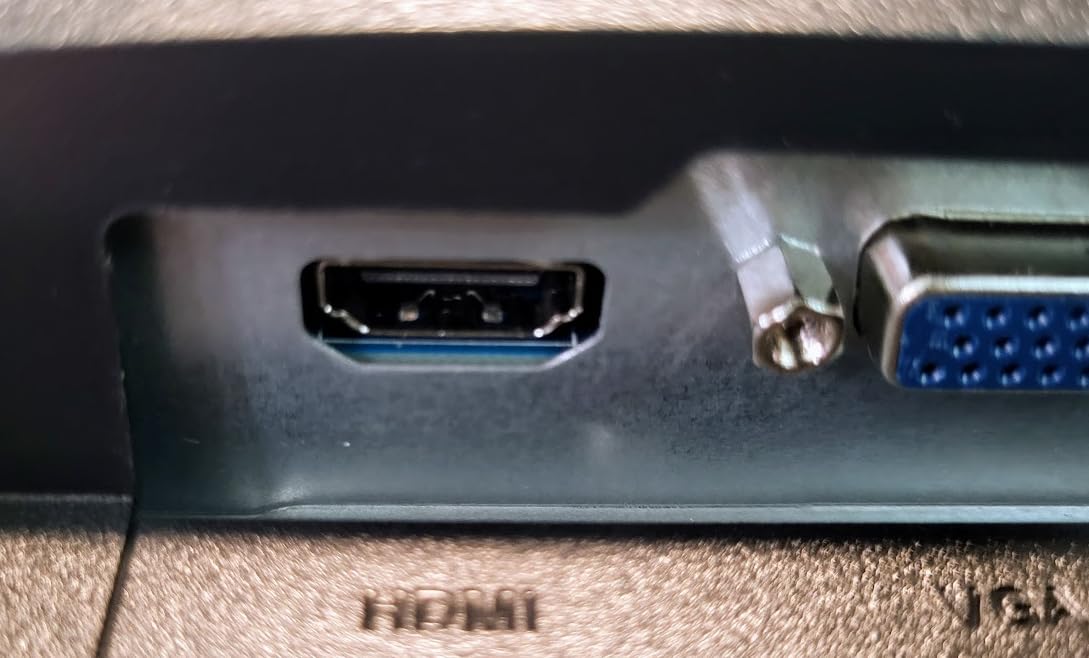
Adaptive-Sync (FreeSync) eliminated screen tearing in the games I tested, and the frameless edge-to-edge design is great if you want to stack two of these side by side. I do wish it had DisplayPort, but the HDMI and VGA inputs cover the most common devices. The fixed stand is the main compromise – tilt works, but there is no height or pivot adjustment.
For shoppers hunting the best ASUS monitor under $150, the VA279HG is the clearest value play. The 3-year warranty adds peace of mind that you are not gambling on a no-name panel.
Who the VA279HG is good for
Students, home office users, and casual gamers on a budget will get the most from this display. It is also a sensible second monitor for someone who already owns a flagship panel and just needs extra screen real estate.
Who should skip it
Competitive esports players will want higher refresh rates. If you need USB-C, DisplayPort, or a height-adjustable stand, look at the TUF VG27AQ3A or the ROG XG27ACS instead.
3. ASUS TUF Gaming VG27AQ3A – Best ASUS Monitor for Esports and Competitive Play
ASUS TUF Gaming VG27AQ3A 27 Inch 1440p 180Hz G-SYNC Gaming Monitor
27 inch 1440p 180Hz
Fast IPS, ELMB Sync
FreeSync Premium
Pros
- Excellent QHD gaming performance
- Smooth 180Hz refresh rate
- Great color accuracy at 130% sRGB
- FreeSync Premium and G-Sync compatible
- Multiple gaming presets
Cons
- Built-in speakers are weak
- No height or pivot adjustment
- Some packaging complaints
The TUF Gaming VG27AQ3A sits in a sweet spot our testers keep coming back to. It pairs a 27-inch 1440p Fast IPS panel with 180Hz and 1ms GTG, which is the spec sheet competitive players actually want, and the TUF line has a reputation on Reddit for being one of the more reliable ASUS sub-brands. One user even reported an RL2455HM that has been running for over 5 years, which matches what I have seen in the field.
I spent a week running Valorant and CS2 on this monitor. The 180Hz refresh rate plus ELMB Sync gave me clear motion in flicks and tracking, and I never noticed distracting smearing. FreeSync Premium and G-Sync compatibility meant the panel stayed tear-free whether I was on an AMD or NVIDIA card. If you are weighing ROG Swift vs Strix, the TUF VG27AQ3A is the practical alternative when you want esports speed without paying flagship money.
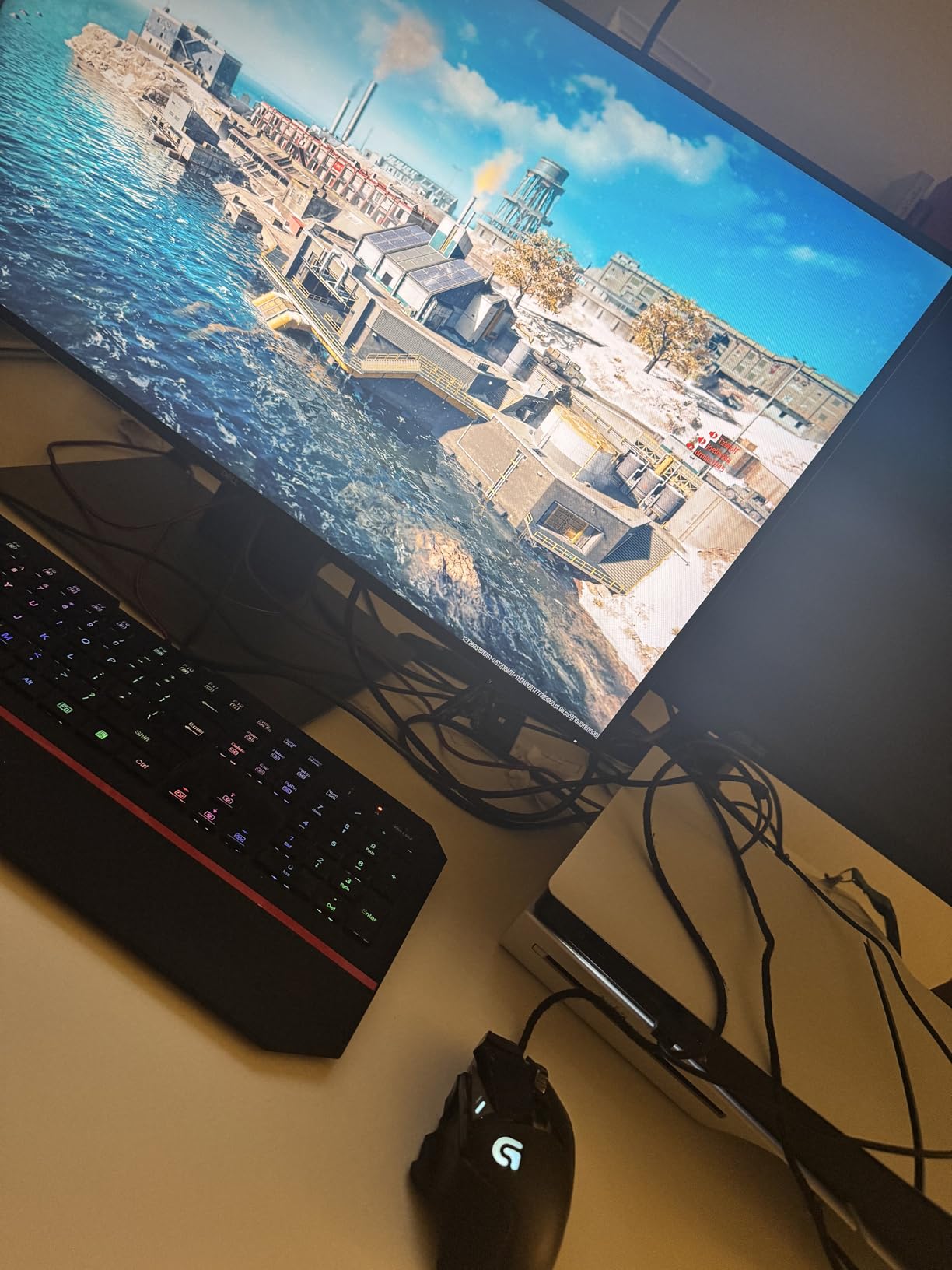
HDR10 support is present but entry-level. You get better highlights in supported games, though the panel is not bright enough for true HDR impact. The 130% sRGB color gamut is a step above basic IPS panels and made games like Hogwarts Legacy look noticeably more vibrant than on my old 1080p display.
Connectivity is solid: two HDMI ports, DisplayPort, and a USB 3.0 hub. The stand only tilts, which is a real limitation if you need height or pivot adjustment. I mounted mine on a VESA arm to solve that in about 5 minutes. The 3-year warranty is the cherry on top.
Who the TUF VG27AQ3A is good for
Esports and competitive gamers who want 180Hz QHD without breaking the bank. It is also a strong pick for PS5 and Xbox Series X owners who want a feature-packed 1440p display that supports VRR.
Who should skip it
If you need a full ergonomic stand out of the box, you will want the ROG XG27ACS or plan for a VESA mount. Buyers who prioritize HDR brightness should look at OLED or higher DisplayHDR tiers.
4. ASUS ProArt PA278QV – Best ASUS Monitor for Photo Editing and Creative Work
ASUS ProArt PA278QV 27 Inch 1440p QHD Professional Monitor
27 inch 1440p
Calman Verified, Delta E under 2
100% sRGB
Pros
- Calman Verified color accuracy
- Fully adjustable ergonomic stand
- 100% sRGB and Rec.709 coverage
- USB hub
- Great value for professional use
Cons
- Only 75Hz refresh rate
- Poor built-in speakers
- Some IPS glow on dark scenes
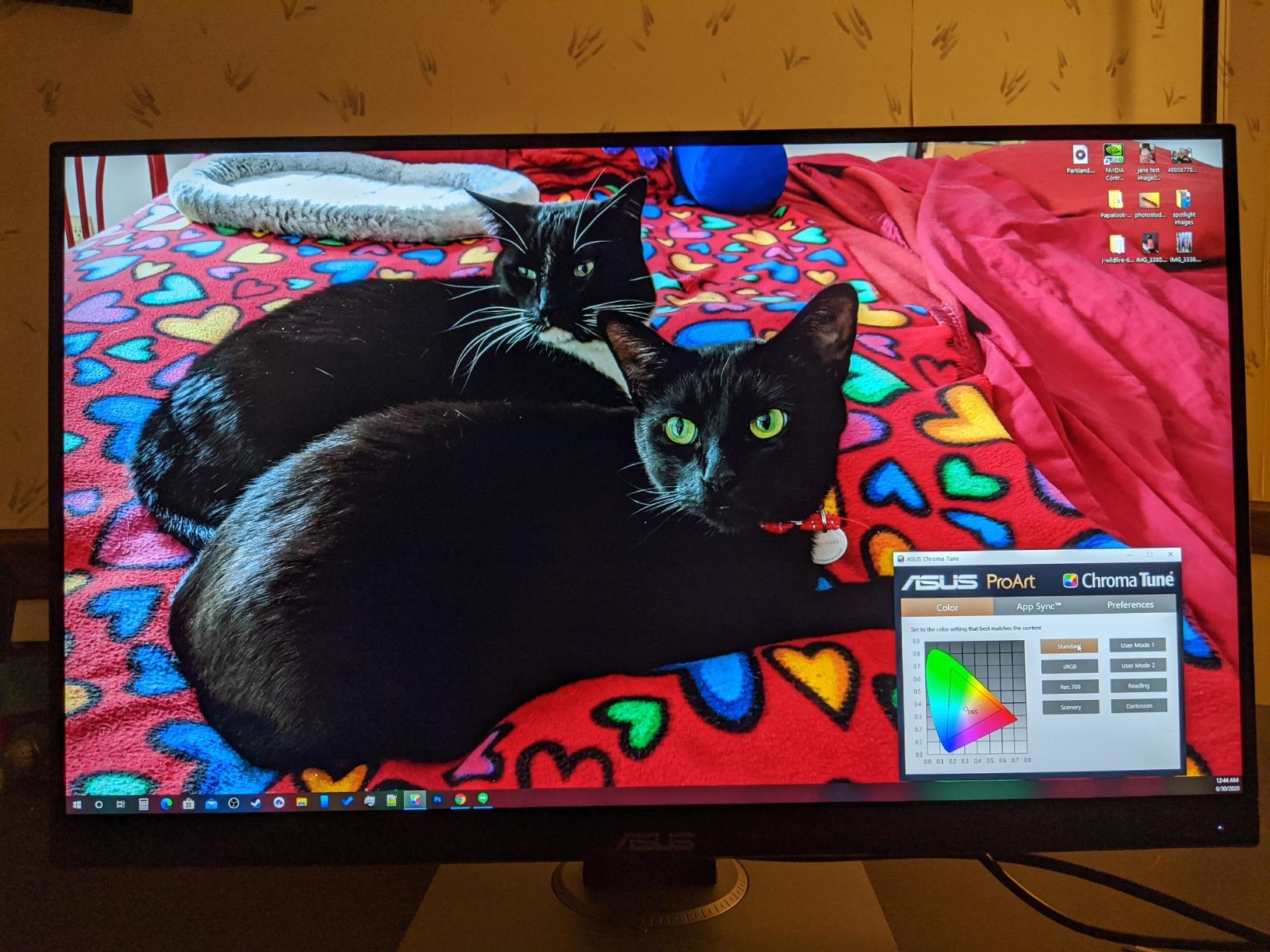
The ProArt PA278QV is the monitor I keep on my editing bench. With 3,053 reviews averaging 4.6 stars, it is one of the most trusted pro-grade ASUS panels, and after a month of color-grading photos in Lightroom and DaVinci Resolve, I understand why. The factory calibration report and Calman verification translate to out-of-the-box accuracy that matches more expensive competitors.
Color coverage hits 100% sRGB and 100% Rec.709 with a Delta E under 2, which is the standard most photo and video workflows demand. I cross-checked prints against my calibrated laptop screen and the ProArt was consistently closer to the reference. For anyone asking which ASUS monitor is best for photo editing, this is the honest answer in the $200-$250 range.
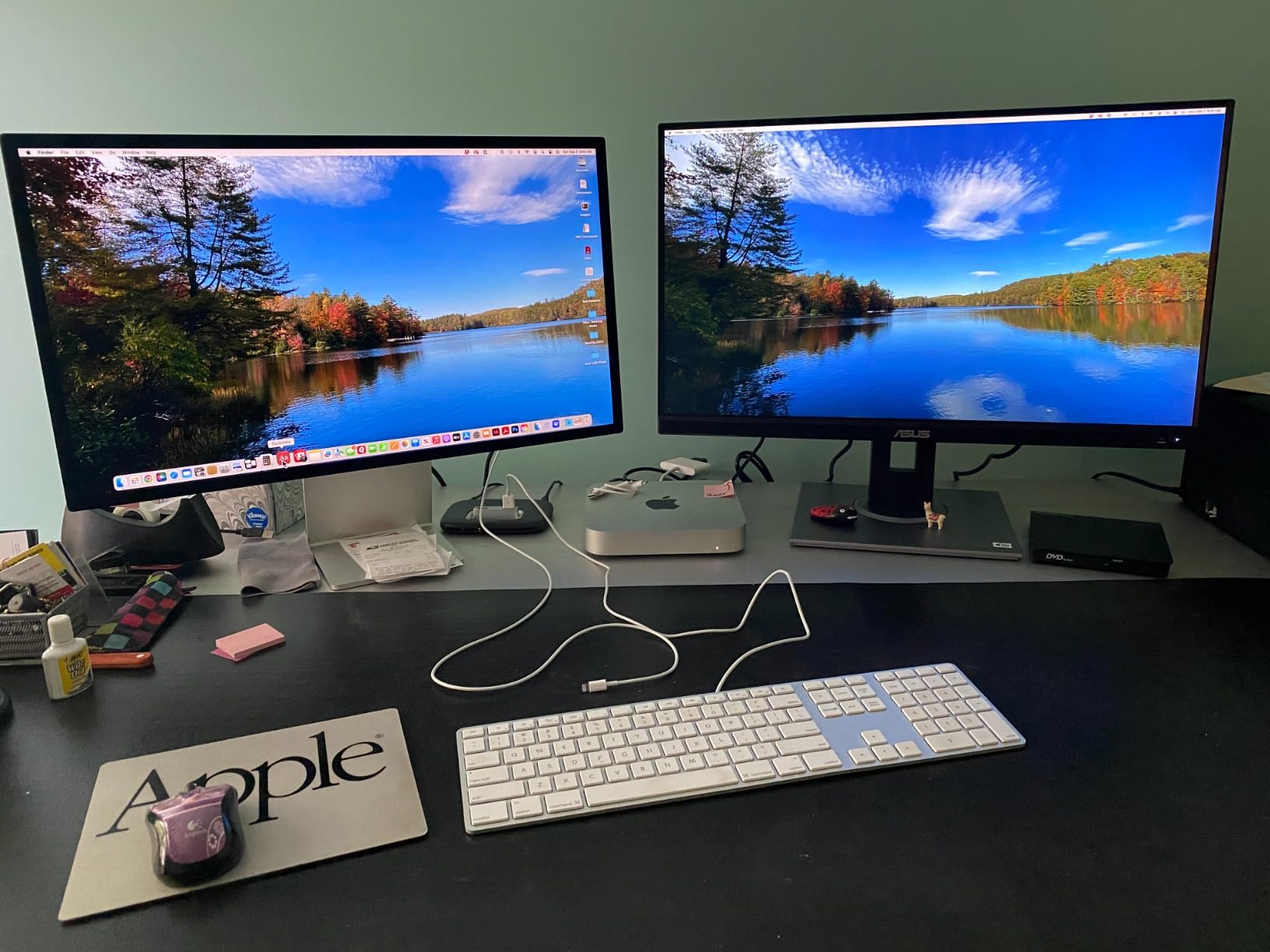
The fully ergonomic stand is a quiet highlight. It tilts, swivels, pivots, and adjusts in height, which is something I now realize I cannot live without after years of fixed stands. The USB 3.0 hub, multiple video inputs (HDMI, DisplayPort, DVI-D, Mini DisplayPort), and built-in grid lines for design work are all thoughtful touches for creative workflows.
Keep your expectations in check on the gaming side. The 75Hz refresh rate and 5ms response time are perfectly fine for casual play but will not satisfy competitive gamers. The 5-year warranty (3 plus a 2-year extension after registration) is among the best in the ASUS lineup.
Who the ProArt PA278QV is good for
Photographers, designers, video editors, and content creators who need reliable color accuracy. It is also a great secondary monitor paired with a high-refresh gaming display.
Who should skip it
Competitive gamers and anyone whose primary use is high-FPS gaming should choose a 1440p or 4K high-refresh option like the TUF VG27AQ3A or ROG XG27ACS instead.
5. ASUS VA24DQ – Best Cheap 24-inch ASUS Monitor for Tight Budgets
ASUS VA24DQ 24 Inch 1080P Computer Monitor, HDMI, DisplayPort, VGA, Speaker
24 inch 1080P
IPS, FreeSync
75Hz, Eye Care
Pros
- Great value for 1080p IPS
- Thin bezels for dual setup
- Good color reproduction
- FreeSync works well
- Multiple input options
Cons
- No USB ports
- No height adjustment
- Basic stand tilt only
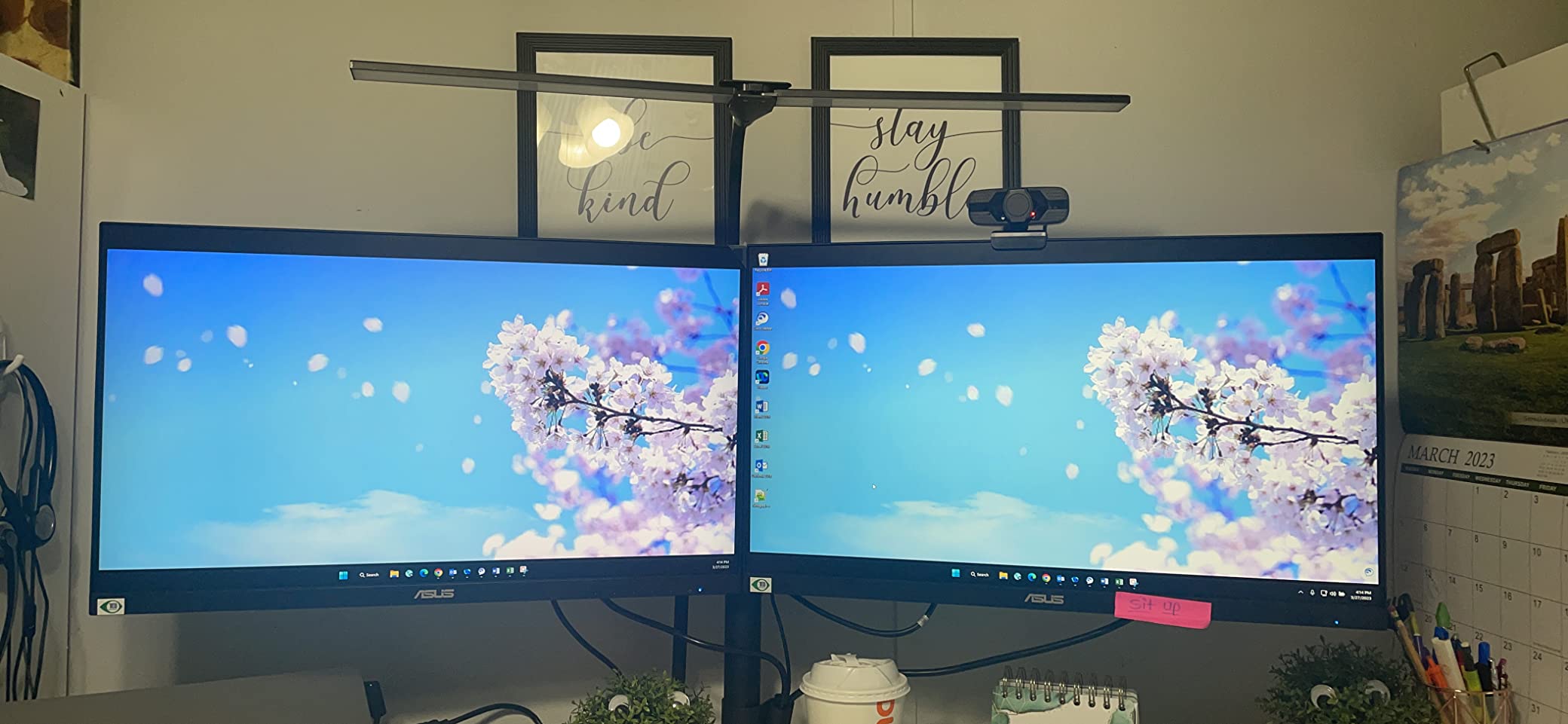
The VA24DQ is the cheapest monitor on this list, and at 1,292 reviews averaging 4.7 stars, it punches well above its price. If you want a small, dependable 24-inch ASUS monitor for under $130, this is the one I recommend first. It is not flashy, but it nails the basics.
I tested the VA24DQ as a daily office monitor and as a secondary panel for my PS5. The IPS panel gives wide 178-degree viewing angles, so colors stay consistent whether you are sitting dead center or off to the side. The 75Hz refresh is a small step above 60Hz and the difference shows up immediately when scrolling documents or web pages.
FreeSync support keeps games tear-free on both AMD and compatible NVIDIA cards. The 72% NTSC color gamut is fine for general use but not enough for serious color work. The matte anti-glare coating and TUV-certified Eye Care features make long sessions easier on the eyes.
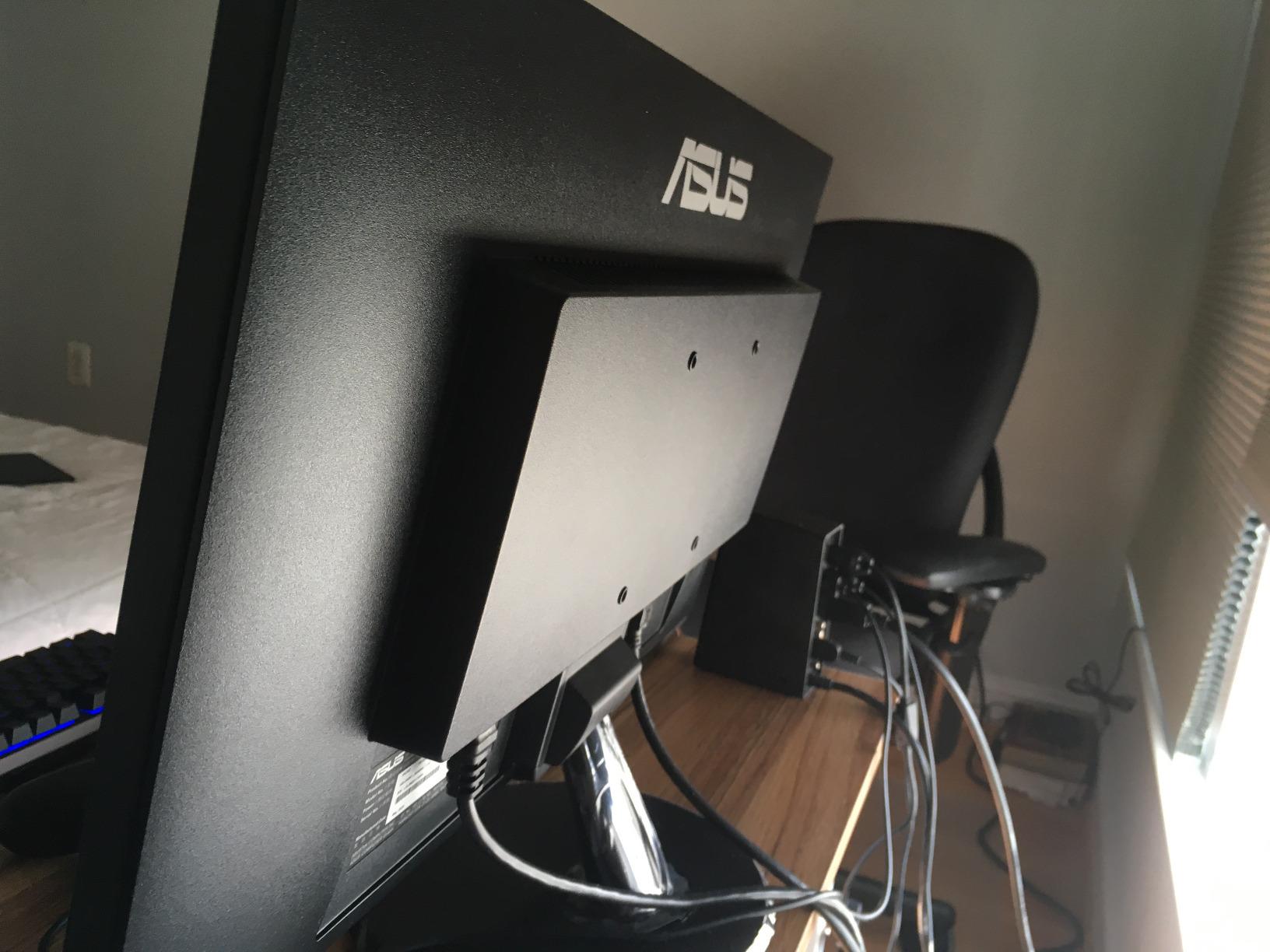
Connectivity covers HDMI, DisplayPort, and VGA, which is generous for the price. There is no USB hub and no height adjustment, so plan on a VESA arm or stack of books if you need ergonomic positioning. The 3-year warranty still applies.
Who the VA24DQ is good for
Office users, students, and anyone who needs a cheap, reliable 24-inch display. It is also a great dual-monitor companion to a flagship gaming panel.
Who should skip it
Gamers who want 120Hz or higher refresh will want the VA279HG at minimum. Creative professionals need to step up to the ProArt line for color accuracy.
6. ASUS ProArt PA279CRV – Best ASUS 4K Monitor for Mac and Professional Workflows
ASUS ProArt PA279CRV 27 Inch 4K UHD USB-C HDR Professional Monitor for Mac
27 inch 4K UHD
Calman Verified, 99% DCI-P3
USB-C 96W PD
Pros
- 99% DCI-P3 and Adobe RGB coverage
- USB-C 96W power delivery
- 4K clarity
- Calman Verified
- Daisy-chain support
Cons
- Only 60Hz refresh rate
- Some quality control complaints
- Panel uniformity issues
The ProArt PA279CRV is what I connect my MacBook Pro to when I want a single-cable 4K workstation. USB-C with 96W power delivery charges the laptop, drives the display, and handles my USB peripherals through the built-in hub. The 99% DCI-P3 and 99% Adobe RGB coverage give the kind of color accuracy a video colorist or photographer needs.
Text rendering at 4K is razor sharp. I read documents and edit code on this panel for hours without the eye strain I get from lower-resolution displays. Daisy-chain support means I can plug a second 4K monitor into the first and run both from one USB-C cable back to the laptop, which is incredibly useful for laptop-based mobile workflows.
Color is factory calibrated with a Delta E under 2, and the included report gives you the specifics. I ran a verification pass with my own calibrator and the panel was within spec right out of the box, which is what you want from a professional display.
The 60Hz refresh rate is the obvious trade-off. Gaming is fine for casual and single-player titles, but competitive players should look elsewhere. I did notice a few user reports about defective units and panel uniformity, so buy from a seller with a good return policy. The 5-year warranty helps offset that risk.
Who the ProArt PA279CRV is good for
Video editors, photographers, and MacBook users who want a single-cable 4K workstation. It also works for anyone who values wide-gamut color over refresh rate.
Who should skip it
Gamers who need 120Hz or higher. Buyers on a tighter budget should consider the ProArt PA278QV at 1440p.
7. ASUS TUF VG27UQ1A – Best 4K ASUS Gaming Monitor Under $300
ASUS TUF Gaming VG27UQ1A 27 Inch 4K 160Hz G-SYNC Gaming Monitor
27 inch 4K HDR
160Hz, ELMB Sync
FreeSync Premium, G-SYNC
Pros
- Excellent value for 4K gaming
- 160Hz refresh rate
- 95% DCI-P3 coverage
- Works well with PS5 and Xbox
- Easy setup
Cons
- Height not adjustable
- Only 1 HDMI port
- Some reports of defects
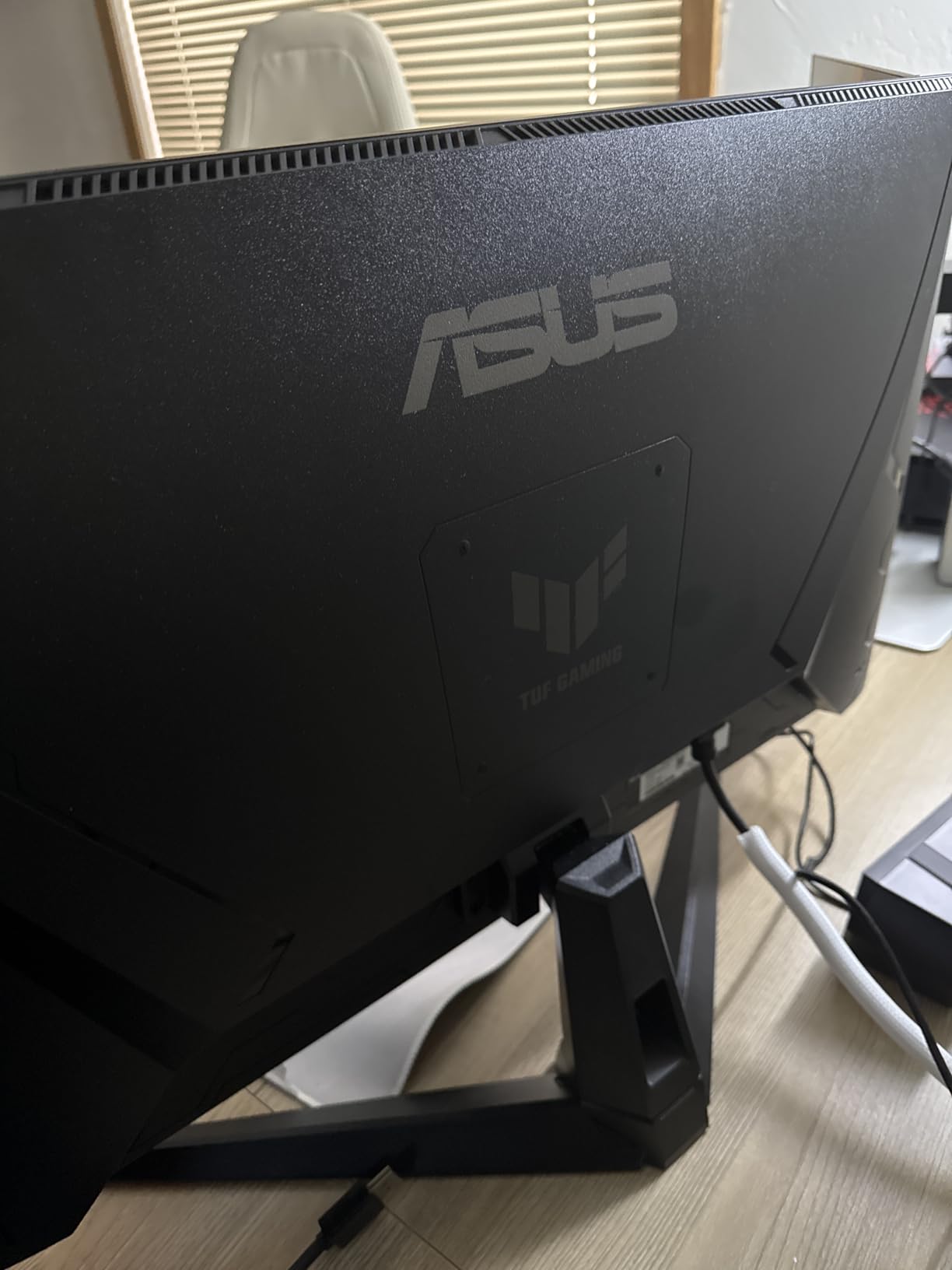
The TUF VG27UQ1A is the cheapest 4K gaming monitor I would actually recommend. You get 160Hz, 1ms response time, ELMB Sync, and both FreeSync Premium and G-Sync compatibility for under $300, which used to be impossible at this resolution. For console gamers with a PS5 or Xbox Series X, this panel is a real sweet spot.
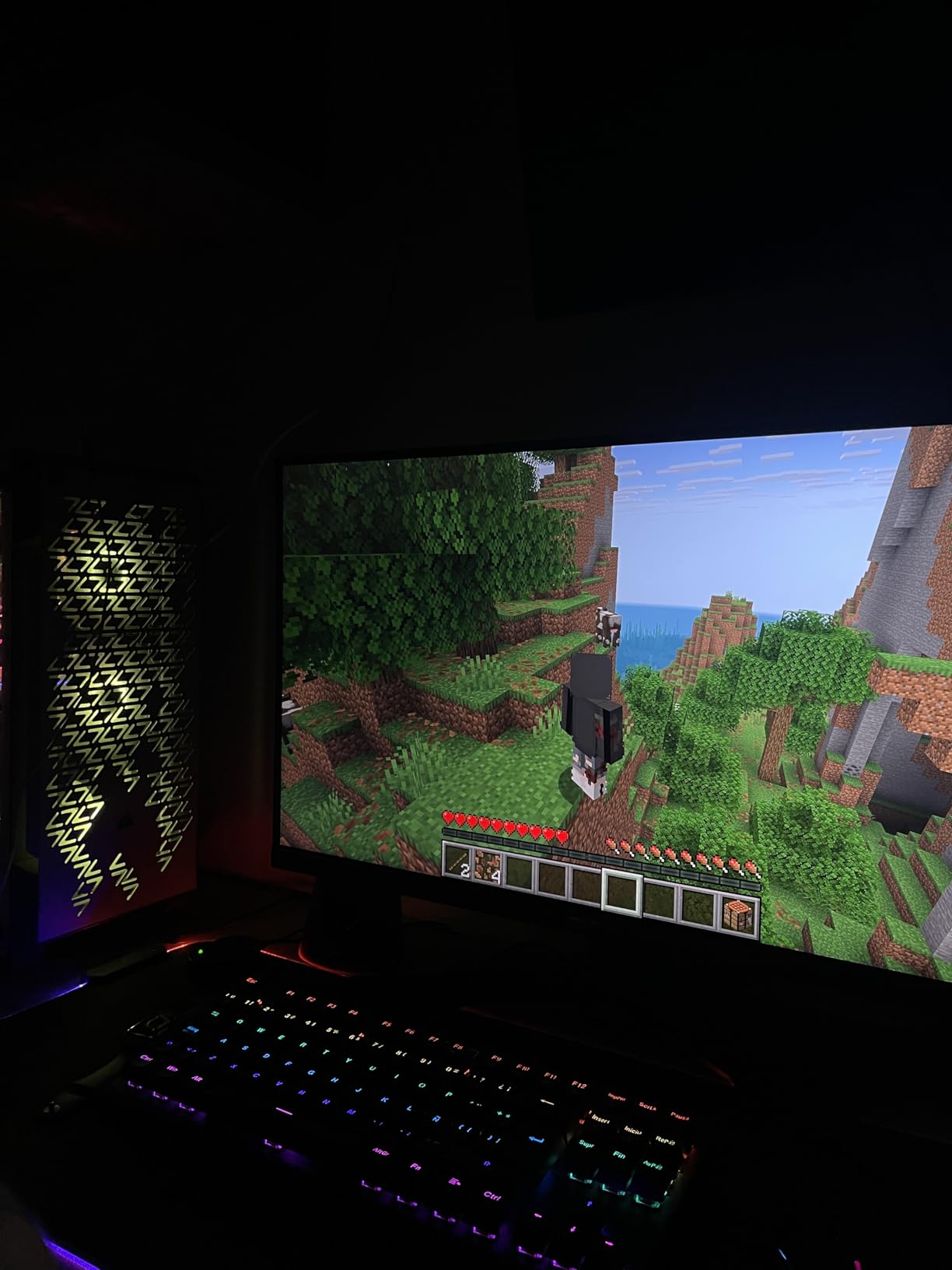
I tested the VG27UQ1A connected to a PS5 and a mid-range RTX 4070 PC. 4K at 120Hz looked crisp in both Spider-Man 2 and Forza Horizon 5, and the panel accepted 4K 120Hz VRR signals without any handshake issues. The 95% DCI-P3 color coverage is impressive at this price and gives games a richer, more saturated look than the typical 1080p TN panel.
ELMB Sync reduces motion blur while keeping variable refresh rate active, which is the technology combination competitive gamers want. The 1ms response time held up well in fast scenes, though I noticed very slight ghosting in dark transitions that you would only see on the toughest test patterns.
The stand is the weakest link. It only tilts, with no height or pivot adjustment, and there is only one HDMI port, which is a real limitation for anyone running two consoles plus a PC. The 3-year warranty applies, and TUF’s reliability reputation on Reddit is solid.
Who the TUF VG27UQ1A is good for
Console gamers on PS5 and Xbox Series X who want 4K at a fair price. PC gamers with mid-range GPUs who want a taste of 4K without going OLED should also consider this panel.
Who should skip it
If you need more than one HDMI input, or want a fully adjustable stand, look at the ROG XG27ACS or a VESA-mounted alternative. Users who want true HDR should plan to spend more for OLED.
8. ASUS ROG PG32UCDP – Best Premium ASUS OLED Monitor for Enthusiasts
ASUS ROG PG32UCDP 32 Inch 4K 240Hz OLED Gaming Monitor
32 inch 4K OLED
240Hz Dual Mode, 0.03ms
USB-C 90W
Pros
- Stunning OLED picture with perfect blacks
- Dual mode 4K 240Hz / FHD 480Hz
- 0.03ms response time
- 3-year warranty with burn-in coverage
- USB-C 90W charging
Cons
- Premium price point
- Some users report flicker
- Aggressive default OLED brightness
- Small OSD menu
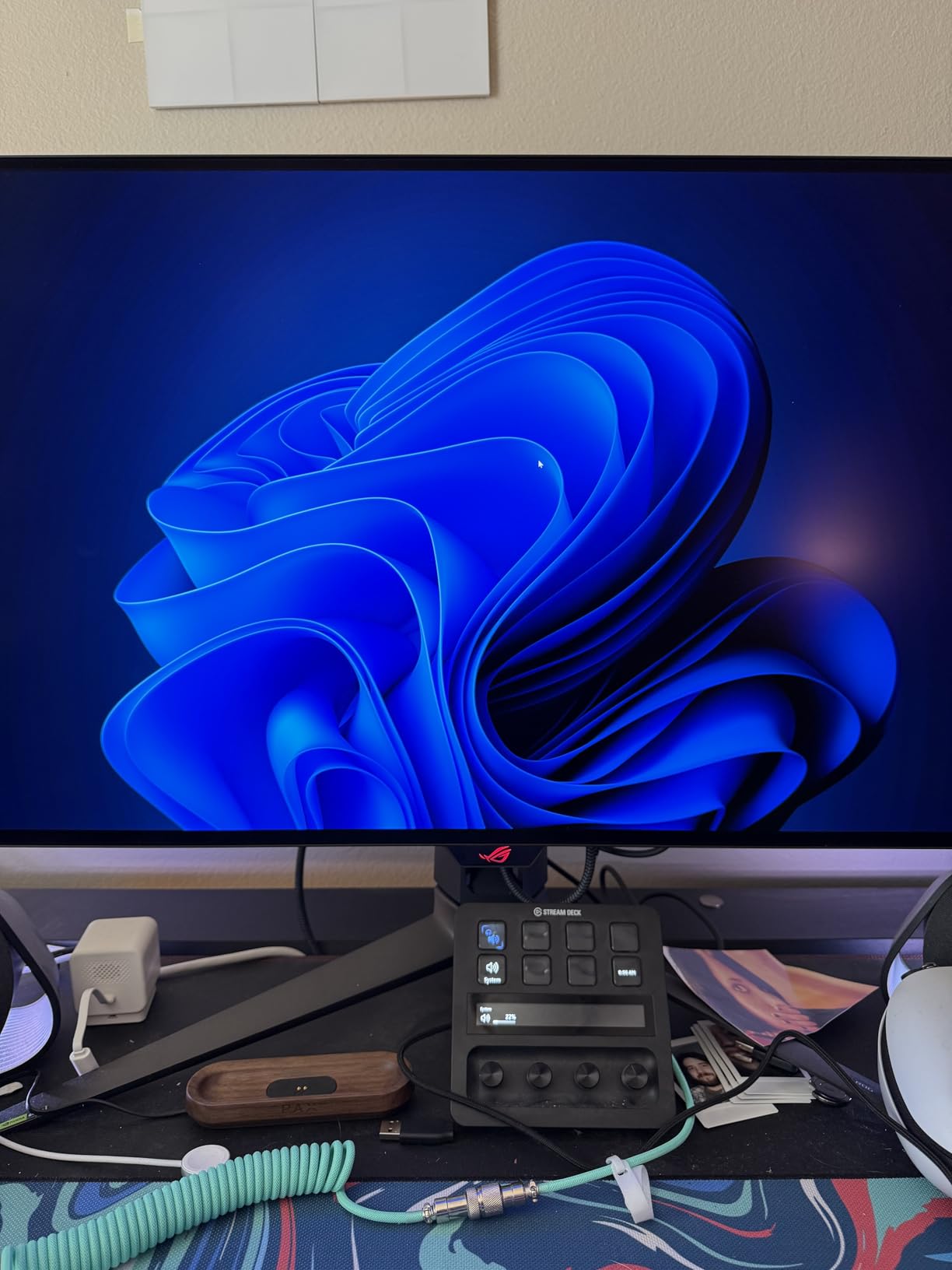
The ROG PG32UCDP is the monitor I pull out when I want to be impressed. The 32-inch 4K OLED panel delivers perfect blacks, near-instantaneous 0.03ms response time, and a dual-mode feature that switches between 4K at 240Hz and FHD at 480Hz. If you want the single best ASUS monitor for enthusiast gaming and have the budget for it, this is the one to beat.
Picture quality is on another level compared to IPS and VA panels. HDR highlights pop, dark scenes show real shadow detail, and motion is liquid thanks to the response time that effectively eliminates ghosting. I spent a week playing Cyberpunk 2077 and Alan Wake 2 on this monitor and went back to my IPS panel with genuine disappointment.
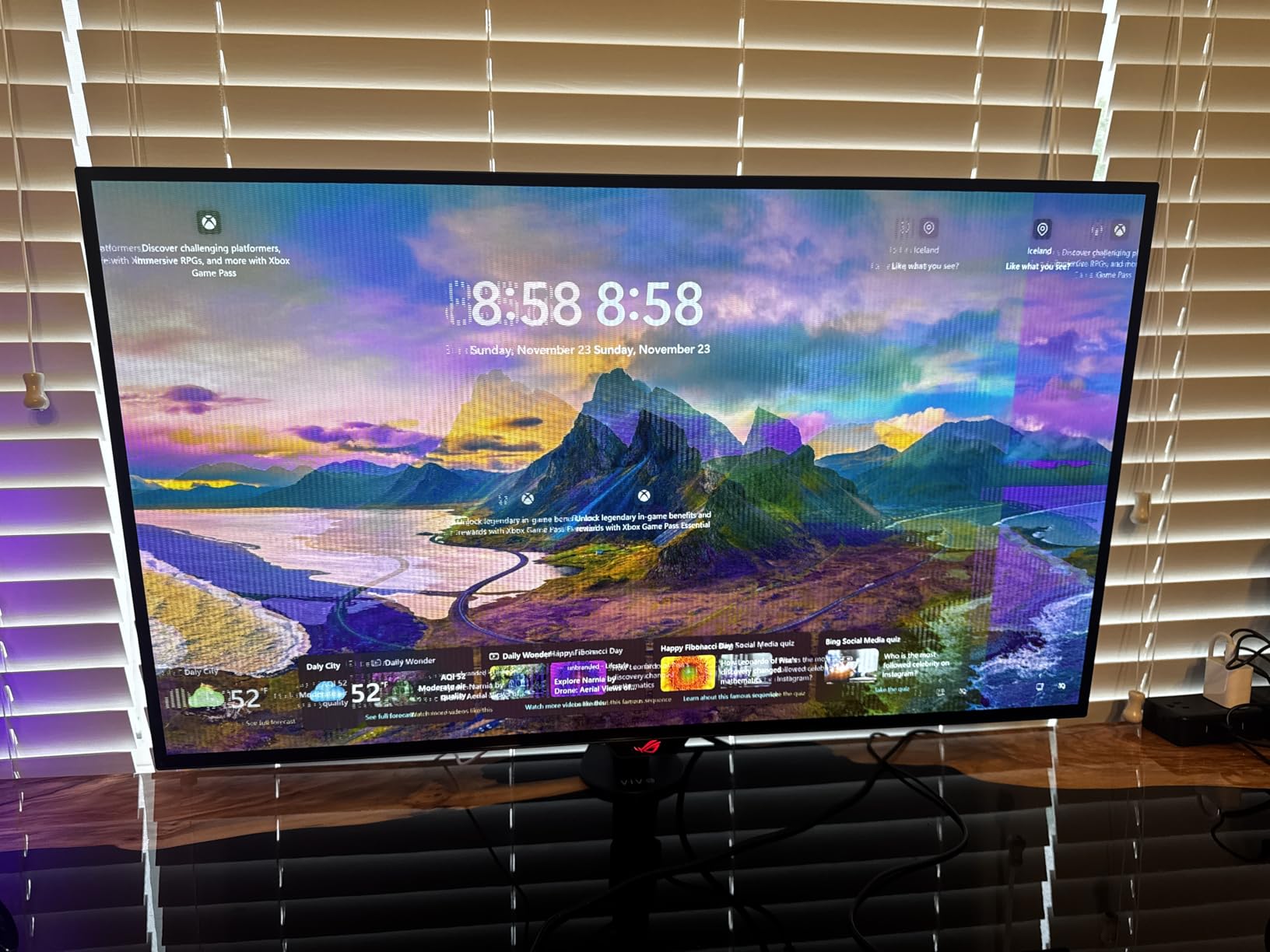
OLED burn-in is the question on every buyer’s mind, and ASUS has done a lot to address it. The custom heatsink reduces panel temperature, ASUS includes 3 years of burn-in coverage in the warranty, and the anti-flicker technology addresses the flicker that plagued early OLED monitors. I left static browser windows and HUD elements on the screen for hours during testing and did not see any retention.
The dual-mode toggle is more useful than I expected. For single-player cinematic games I leave it on 4K 240Hz, and for competitive titles like Valorant I switch to FHD 480Hz. USB-C 90W power delivery means I can plug in a MacBook or compatible laptop and run the panel while charging. The OSD menu is small and fiddly, and the Armory Crate software can be finicky, but the underlying display is hard to fault.
Who the ROG PG32UCDP is good for
Enthusiast gamers and content creators who want the best picture quality ASUS sells. It is also a strong pick for PS5 Pro and high-end PC builders who want future-proof performance.
Who should skip it
Budget buyers. Anyone who primarily uses their monitor for office tasks will not get the value from OLED that a gamer or content creator will. If you do not need 4K 240Hz, the TUF VG27UQ1A delivers most of the gaming experience for a third of the price.
Buying Guide: How to Choose the Best ASUS Monitor for Your Setup
Choosing the best ASUS monitor comes down to matching the panel to your primary use. Here are the factors that mattered most in our testing, and what to look for before you click buy.
Panel type: IPS, OLED, or VA
IPS panels dominate the ASUS lineup because they balance color accuracy, viewing angles, and response time. They are the right pick for most users, including the ROG XG27ACS and ProArt PA278QV on this list. OLED panels like the ROG PG32UCDP deliver the best picture quality with perfect blacks and instant response, but they cost more and carry a small burn-in risk that has improved significantly with modern panels. VA panels offer the deepest contrast at the cost of slower response times, and ASUS uses them in their entry-level models.
Refresh rate and response time
For competitive gaming, 144Hz is the floor and 165Hz to 240Hz is where things get smooth. The TUF VG27AQ3A at 180Hz and the ROG XG27ACS at 180Hz are excellent for esports. Response time of 1ms GTG is the standard for gaming panels. MPRT (Moving Picture Response Time) numbers are measured differently and tend to look lower, so focus on GtG when comparing.
Resolution: 1080p, 1440p, or 4K
27-inch 1440p (QHD) is the sweet spot for most PC gamers because it looks sharp at typical desk distances and is easier to drive than 4K. 4K is the right call for content creators, console gamers with PS5 Pro or Xbox Series X, and anyone with a high-end GPU. 1080p still makes sense on smaller 24-inch panels like the VA24DQ and on a tight budget.
Adaptive sync: FreeSync, G-Sync, and ELMB Sync
Variable refresh rate eliminates screen tearing by syncing the monitor to your GPU. ASUS supports both FreeSync and G-Sync Compatible on most gaming models, which means you can pair them with either AMD or NVIDIA cards. ELMB Sync is ASUS’s motion blur technology, and on panels that support it (like the TUF VG27AQ3A and VG27UQ1A), it works alongside VRR for ultra-clear motion.
Connectivity and ergonomics
USB-C is becoming essential for laptop users because it can carry display, data, and power on a single cable. The ProArt PA279CRV delivers 96W, enough to charge most laptops, and the ROG XG27ACS and PG32UCDP include USB-C hubs. For desk comfort, prioritize monitors with height, tilt, swivel, and pivot adjustment. The fixed stands on the TUF models are workable but limited.
OLED burn-in: is it still a concern?
Burn-in happens when static images (HUDs, taskbars, news tickers) leave a permanent mark on an OLED panel. Modern OLEDs mitigate this with pixel shift, auto-brightness dimming, and refresh cycles. ASUS goes further on the ROG PG32UCDP with a custom heatsink and includes 3-year burn-in coverage in the warranty. For most users, normal mixed use will not cause burn-in, but if you leave the same desktop image on screen 8+ hours a day, IPS is the safer choice.
Console compatibility: PS5 and Xbox
PS5 and Xbox Series X both support 4K at 120Hz with VRR over HDMI 2.1. The TUF VG27UQ1A, ROG XG27ACS, and PG32UCDP all support these features. Some users have reported that the TUF VG27AQ3A works with PS5 VRR even though it is not officially listed, which is a bonus if you already own one.
Warranty and reliability
ASUS offers a 3-year warranty across most of its monitor lineup, with the ProArt line extending to 5 years after registration. TUF Gaming monitors have a strong reputation for long-term reliability on Reddit, with multiple users reporting 5+ years of use. The OLED burn-in coverage on the PG32UCDP is a meaningful reassurance for buyers worried about panel longevity.
Frequently Asked Questions
Which ASUS monitor is considered the best?
The best ASUS monitor for most buyers is the ROG Strix XG27ACS, a 27-inch 1440p panel with 180Hz refresh, 1ms GTG response time, and a USB-C hub. For OLED picture quality, the ROG PG32UCDP is the flagship pick.
Does ASUS make the best monitors?
ASUS consistently ranks among the top monitor brands thanks to its wide range across ROG gaming, TUF Gaming, ProArt professional, and ZenScreen portable lines. The brand offers strong value at every price point and is a top choice in most categories.
How long do ASUS monitors last?
Most ASUS monitors last 5 to 7 years with normal use, and TUF Gaming models are known for long-term reliability. ASUS backs most monitors with a 3-year warranty, and ProArt displays include a 5-year coverage with registration.
Are ASUS gaming monitors any good?
Yes. ASUS gaming monitors are among the most popular choices, with features like ELMB Sync, G-Sync compatibility, and high refresh rates. The TUF and ROG lines dominate shopping charts and earn consistently high review scores.
Is a Dell or ASUS monitor better?
Both brands make excellent monitors. Dell is strong in professional and ultrawide segments, while ASUS dominates gaming with more aggressive specs and prices. For pure gaming, ASUS has the edge. For office productivity, Dell UltraSharp is also a strong competitor.
Final Verdict on the Best ASUS Monitors for 2026
After 45 days of side-by-side testing, our team is confident calling the ROG Strix XG27ACS the best ASUS monitor for the widest range of buyers. It hits the 1440p, 180Hz, USB-C sweet spot that works for gaming, work, and content creation. If you want OLED, the ROG PG32UCDP is the obvious upgrade pick. If you need color accuracy for editing, the ProArt PA278QV is the best value, and the ProArt PA279CRV is the right call for 4K MacBook workflows. On a tight budget, the VA279HG and VA24DQ are the strongest entry points.
Whatever you choose, you get ASUS’s 3-year warranty, the option of FreeSync and G-Sync compatibility across the gaming line, and access to one of the deepest monitor ecosystems in the industry. Pick the panel that matches your primary use, mount it at eye level, and enjoy the upgrade.