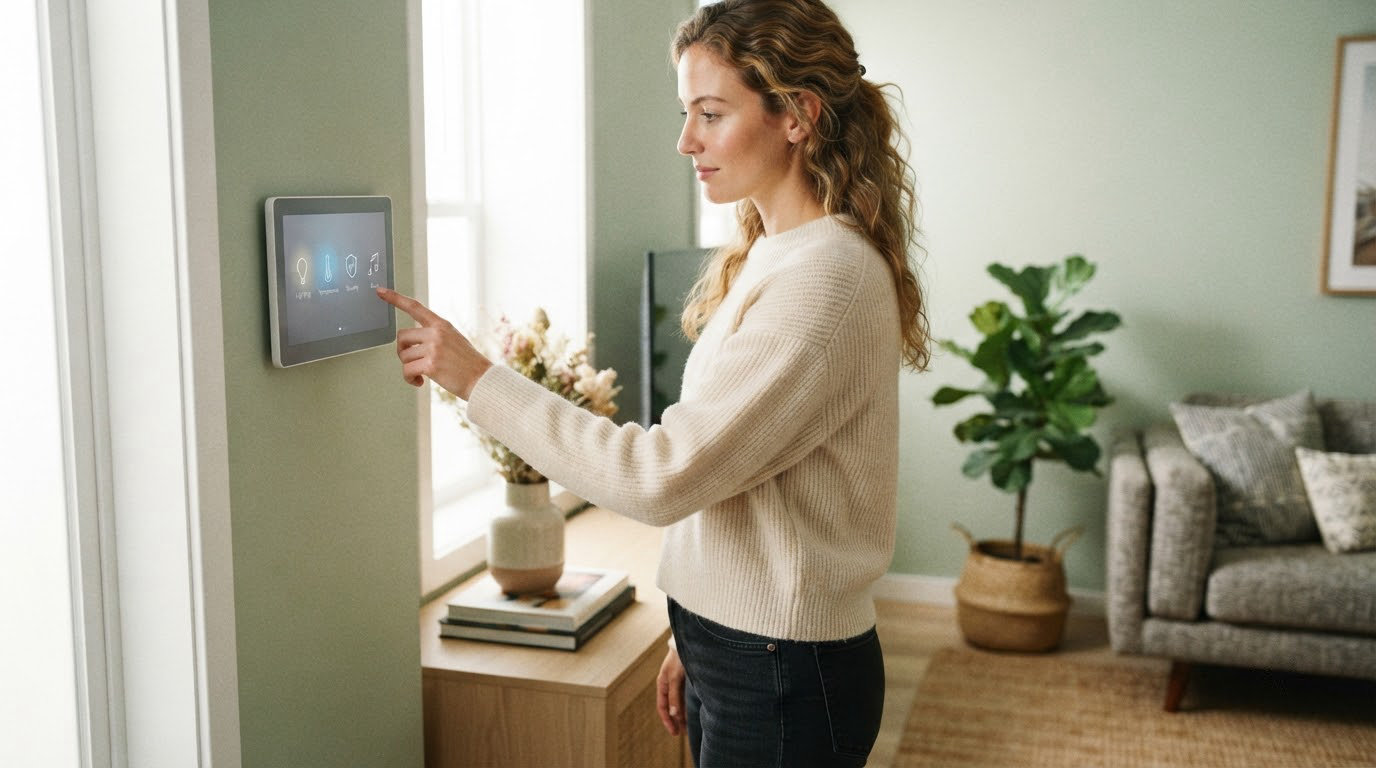
The first smart gadget most people buy is a plug, and that is why the Amazon Smart Plug leads this watch list: it needs no hub, no rewiring and no new app to learn, and it arrives with the largest review base of anything here. The Amazon Echo Dot covers the voice side of a smart home, and the Ring Indoor Cam covers watching one. Smart home gear makes up a big slice of what Amazon cuts during its October event, and Prime Big Deal Days runs October 6-7, 2026. Most of these offers need a Prime membership, and they shift hour by hour, so treat the list below as what to watch rather than a price list.
Nothing here is a bare spec dump. Each pick earns its place because it does one job cleanly, sets up without drama, and keeps working a year after you install it.
Table of Contents
Our Top 3 Picks for Best Amazon Prime Big Deal Days Smart Home Deals
If you only look at three rows of this table, look at these. One is the gateway purchase for a house with nothing smart in it, one is the voice remote that makes the rest of the list usable, and one is the camera people notice most once it is mounted.

Amazon Smart Plug
- No hub required
- Works with the Alexa app
- Timers and lighting schedules
- Compact design

Amazon Echo Dot
- Built-in motion and temperature sensors
- eero Built-in mesh Wi-Fi
- Physical mic off button
- Multi-room pairing

Ring Indoor Cam
- 1080p Color Night Vision
- Advanced Pre-Roll
- Manual Privacy Cover
- Alexa and Echo Show pairing
Best Amazon Prime Big Deal Days Smart Home Deals Compared
Twelve products, sorted by the job they do rather than by brand. Every row below carries the same four fields so you can scan down the column instead of re-reading each listing.
| Product | Specifications | Action |
|---|---|---|
| Amazon Smart Plug |
|
Check Deal Price |
| Amazon Echo Dot |
|
Check Deal Price |
| Ring Indoor Cam |
|
Check Deal Price |
 Ring Floodlight Cam Ring Floodlight Cam |
|
Check Deal Price |
 LEVOIT Vital 200S-P LEVOIT Vital 200S-P |
|
Check Deal Price |
 Govee A19 Color Bulbs Govee A19 Color Bulbs |
|
Check Deal Price |
 Kasa KL125P2 Smart Bulbs Kasa KL125P2 Smart Bulbs |
|
Check Deal Price |
 WYZE Cam OG WYZE Cam OG |
|
Check Deal Price |
 iRobot Roomba 115X Combo iRobot Roomba 115X Combo |
|
Check Deal Price |
 Philips WiFi Keypad Deadbolt Philips WiFi Keypad Deadbolt |
|
Check Deal Price |
 Google Nest Learning Thermostat Google Nest Learning Thermostat |
|
Check Deal Price |
 Amazon Echo Show 11 Amazon Echo Show 11 |
|
Check Deal Price |
How We Chose
We compared the specs that decide whether a smart home device survives contact with daily life: how it connects, what it needs at install time, whether core features sit behind a subscription, and how owners rated it after months of use. Ratings and review counts on Amazon were checked on October 2026.
1. Amazon Smart Plug: Editor’s Choice for First-Time Buyers
Amazon Smart Plug
Type: smart plug
Standout: no hub needed
Setup: plug-and-play
Pros
- Setup takes a couple of minutes with no hub
- Compact body keeps the second outlet free
- Timers and schedules for lights
- Reconnects to Alexa after outages
Cons
- Only suits gear with a physical on/off switch
- Tied to the Alexa app and ecosystem
The number behind this one is hard to argue with: 571k+ reviews at a 4.7 average. That is a bigger sample than anything else on this list by an order of magnitude, and it is why this sits at the top rather than a more feature-heavy device.
What makes it work as a first purchase is how little it asks of you. You plug it into a wall outlet, open the Alexa app, and the outlet becomes voice-controllable. No hub, no bridge, no account migration later. The compact body is the detail people miss: it leaves the second socket on that duplex receptacle usable, so one plug does not cost you the outlet it was meant to add.

The honest limitation is physical, not software. It only controls things that have a real on and off switch, which rules out most small kitchen appliances and anything with a digital button panel. A lamp, a fan, a coffee maker, a set of holiday lights: those are in scope.
Timers and lighting schedules are the second reason it earns the top slot. Set the porch light to come on at dusk and you have an automation that works every night without anyone touching a phone.
Compared with the Echo Dot, which gives you a voice interface for the whole house, this is the cheaper and more universal entry point. If your household already runs on Google Home or Apple Home, check compatibility before you commit, because this plug is built around the Alexa app. Once you have two or three of these, the hub question stops being hypothetical: which one is worth owning and which is just another box on the shelf is the next real decision.

One detail worth knowing before you install: if the Wi-Fi drops, the plug reconnects to Alexa on its own once power is back rather than needing to be re-paired.
2. Amazon Echo Dot: Best for Bedrooms and Offices
Amazon Echo Dot
Type: smart speaker
Standout: motion and temp sensors
Setup: mains power
Pros
- Clear sound for a compact body
- Built-in motion and temperature sensors
- eero Built-in adds mesh coverage
- Physical mic off button
Cons
- Wake word picked up less reliably than larger Echos
- Voice commands stop when Wi-Fi is down
- Not loud enough for a large room
Every device on this list gets easier to use once something is listening for you. The Echo Dot is that something for most homes, and the smallest version of it does the job in a bedroom or a home office.
Two built-in sensors do more work than the spec sheet suggests. Motion detection and an indoor temperature reading can trigger routines on their own, so a lamp can come on when someone walks in, or the heating can nudge itself when a room goes cold, without you saying a word. Owners rate the sound quality higher than the size implies, and pairing extra Echo devices for multi-room audio is a one-tap job.
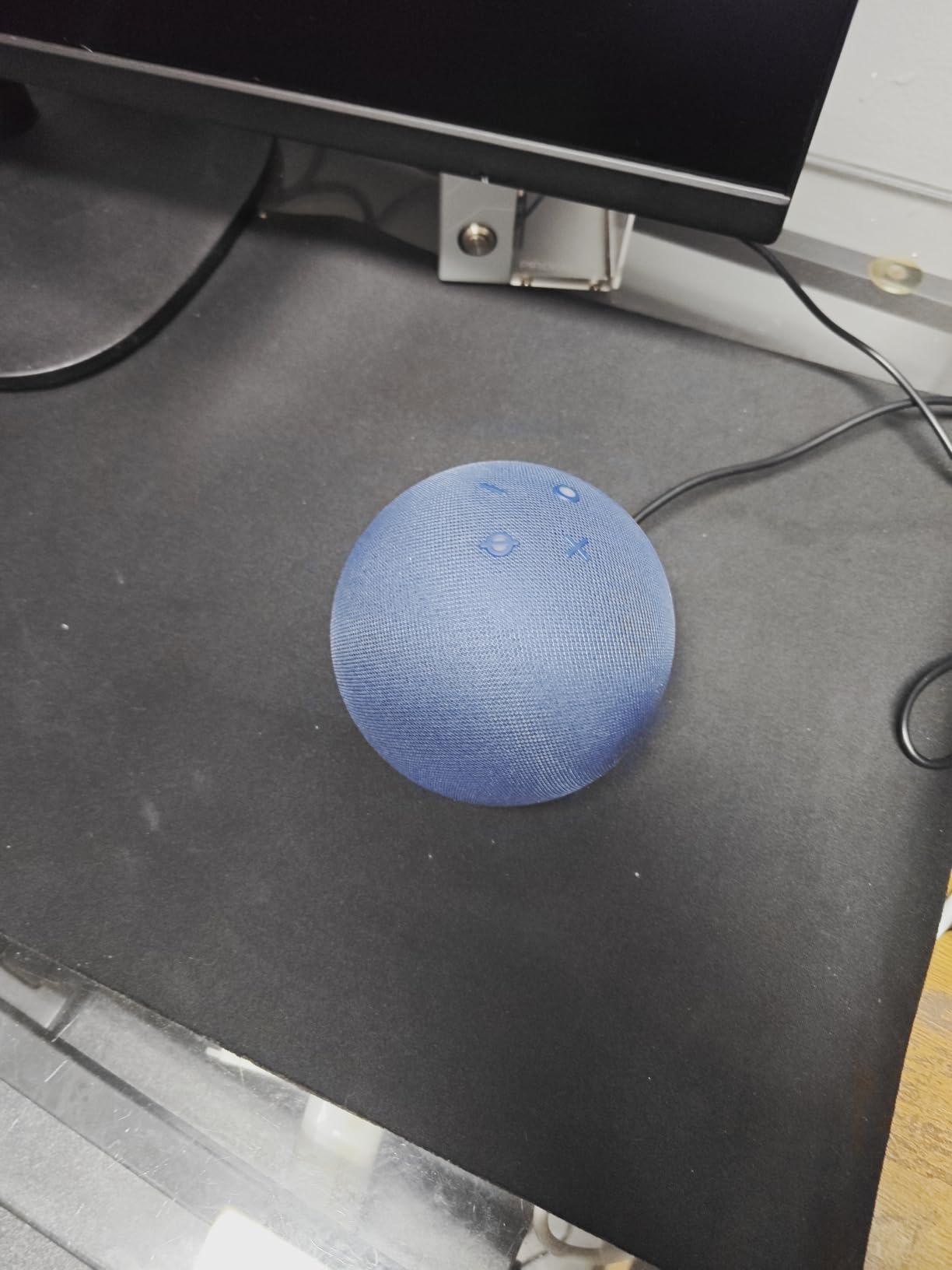
The repeated complaint is the microphone. Far-field pickup on a body this small means you occasionally have to speak more loudly or more directly at it than you would at a full-size Echo. Alarms and voice commands also stop working the moment the Wi-Fi is down, which is worth knowing before you make it the thing that wakes you up.
For a bedroom or an office, that trade is usually fine. For a living room with a big television and a lot of people talking, the Amazon Echo Show 11 is the better voice hardware, since it carries noticeably better spatial audio.
There is also a networking angle. The eero Built-in radio adds mesh coverage to an existing eero network, which in a house with dead spots can be the most valuable thing the device does. On the audio side, speakers at this size trade volume for footprint, so a bigger room is better served by a display with real speakers in it.
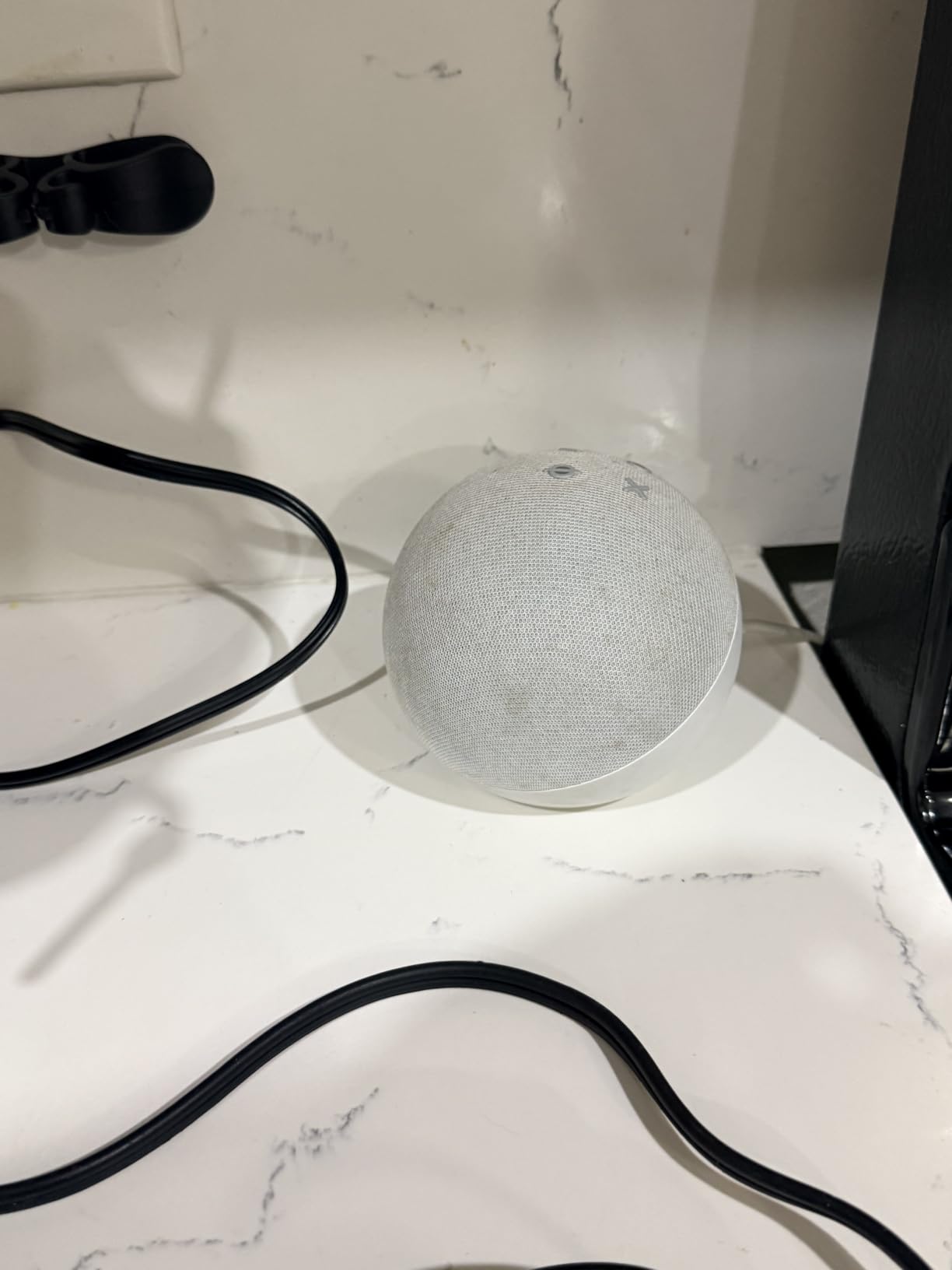
Keep this one out of a child’s room decision. There is a physical mic-off button on the top, and in a bedroom that matters more than any voice feature.
3. Ring Indoor Cam: Best for Indoor Security
Ring Indoor Cam
Type: indoor camera
Standout: 1080p Color Night Vision
Setup: plug-in power
Pros
- Sharp 1080p day and night picture
- Advanced Pre-Roll catches the seconds before motion
- Physical privacy cover for camera and mic
- Table-top or high swivel mount
Cons
- Rewind and AI alerts need a Ring Protect subscription
- Tied to a plug so it cannot be repositioned far
Most indoor cameras are a night-vision gamble: crisp at noon, grainy and green after dark. The Ring Indoor Cam is the one that keeps its color in low light, and for a hallway, a nursery or a room with a window, that single feature changes what the footage is worth.
Advanced Pre-Roll is the other half of the appeal. It keeps recording a few seconds before every motion event, so when an alert fires you see the walk-in rather than an empty room. That is the difference between a notification and usable evidence, and it is the feature owners mention most.
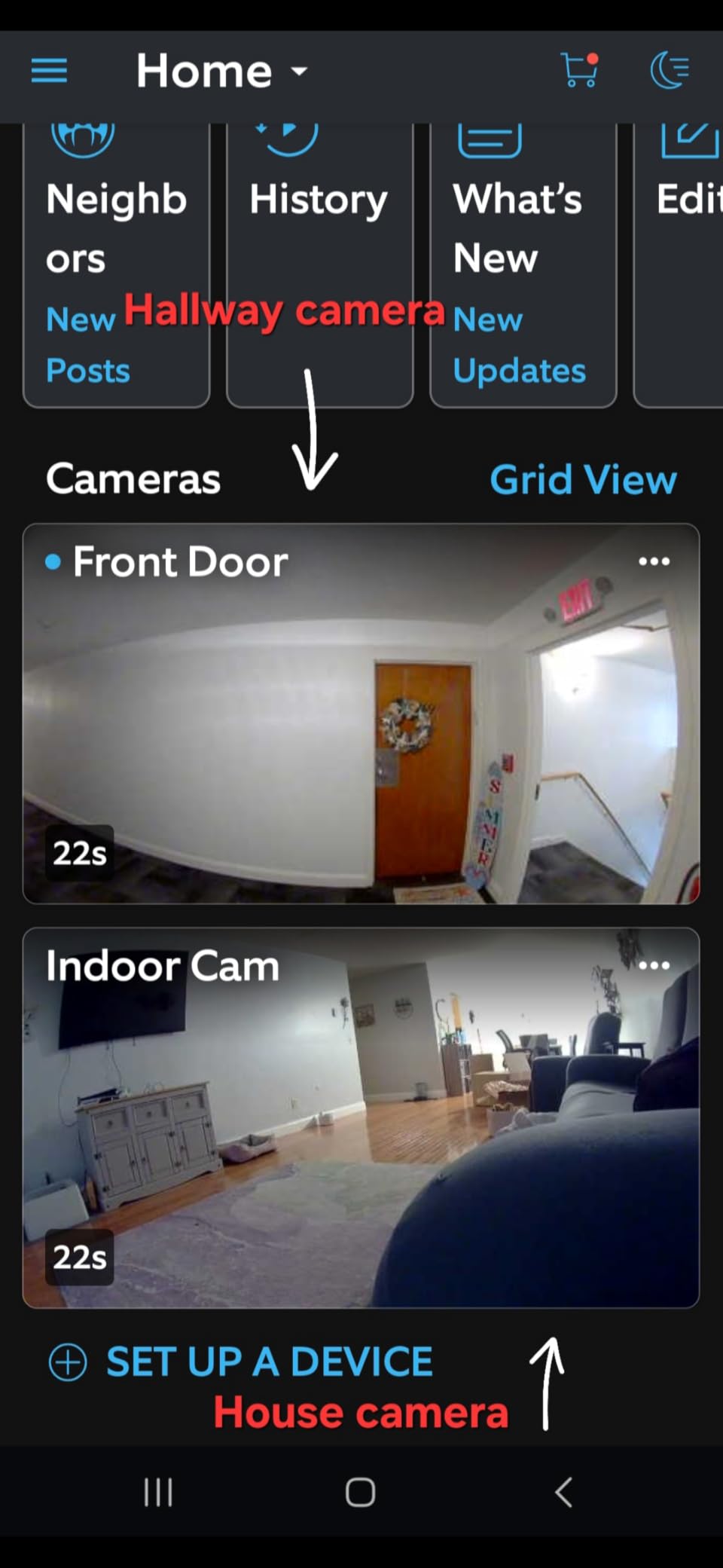
The privacy cover is a physical swivel that cuts camera and microphone. It is a small thing that matters a lot when the camera lives in a bedroom or a child’s room, because nothing is gained by having the hardware on when nobody needs it.
Plan around the subscription. Live view, motion alerts and the privacy cover work without paying anything, but rewind, AI-powered alerts and the extended cloud features sit behind Ring Protect. Buyers who want to record without a recurring fee should look at the WYZE Cam OG further down instead, which writes to a microSD card.
Mounting is flexible: table-top by default, or up high on the swivel mount for a room view. It runs on plug-in power, so unlike a battery camera it never needs charging, and it cannot be moved to a room without an outlet nearby.
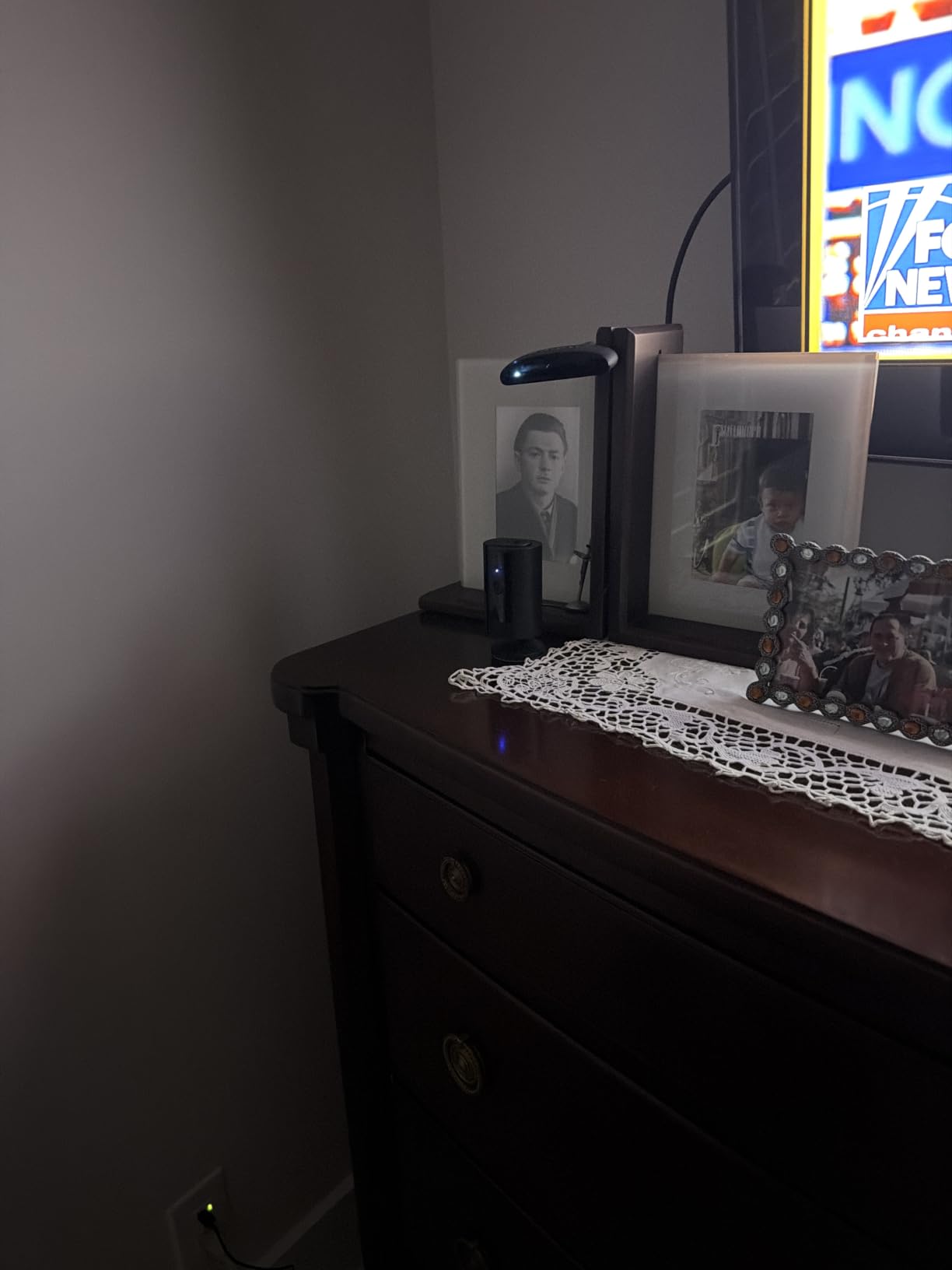
Paired with an Echo Show, it turns that display into the live view panel for this camera rather than a duplicate purchase.
4. Ring Floodlight Cam: Best for Driveways and Back Doors
Ring Floodlight Cam
Type: outdoor camera
Standout: 2000 lumen floodlights
Setup: hardwiring required
Pros
- Very complete mounting kit
- 2000 lumen motion-activated floodlights
- Low false-alert motion detection
- App-activated siren
- Hardwired so it never charges
Cons
- Lights are on or off with no dim setting
- Fixed camera with no pan or tilt
- Needs an electrician if you have no outdoor box
The camera most worth watching for a front or back door, because light is what actually deters people and 2000 lumens is a lot of it. The camera half is solid 1080p with motion-activated recording, and the floodlight half turns a dark driveway into somewhere a visitor does not want to stand.
The kit is unusually complete for this category: multiple screw sizes, a multi-tool, wire nuts and a mounting strap all in the box. Motion Zones let you carve the detection area so a street tree or a passing car does not fill the phone with alerts, and owners report that false-alert rate stays low once those zones are set.
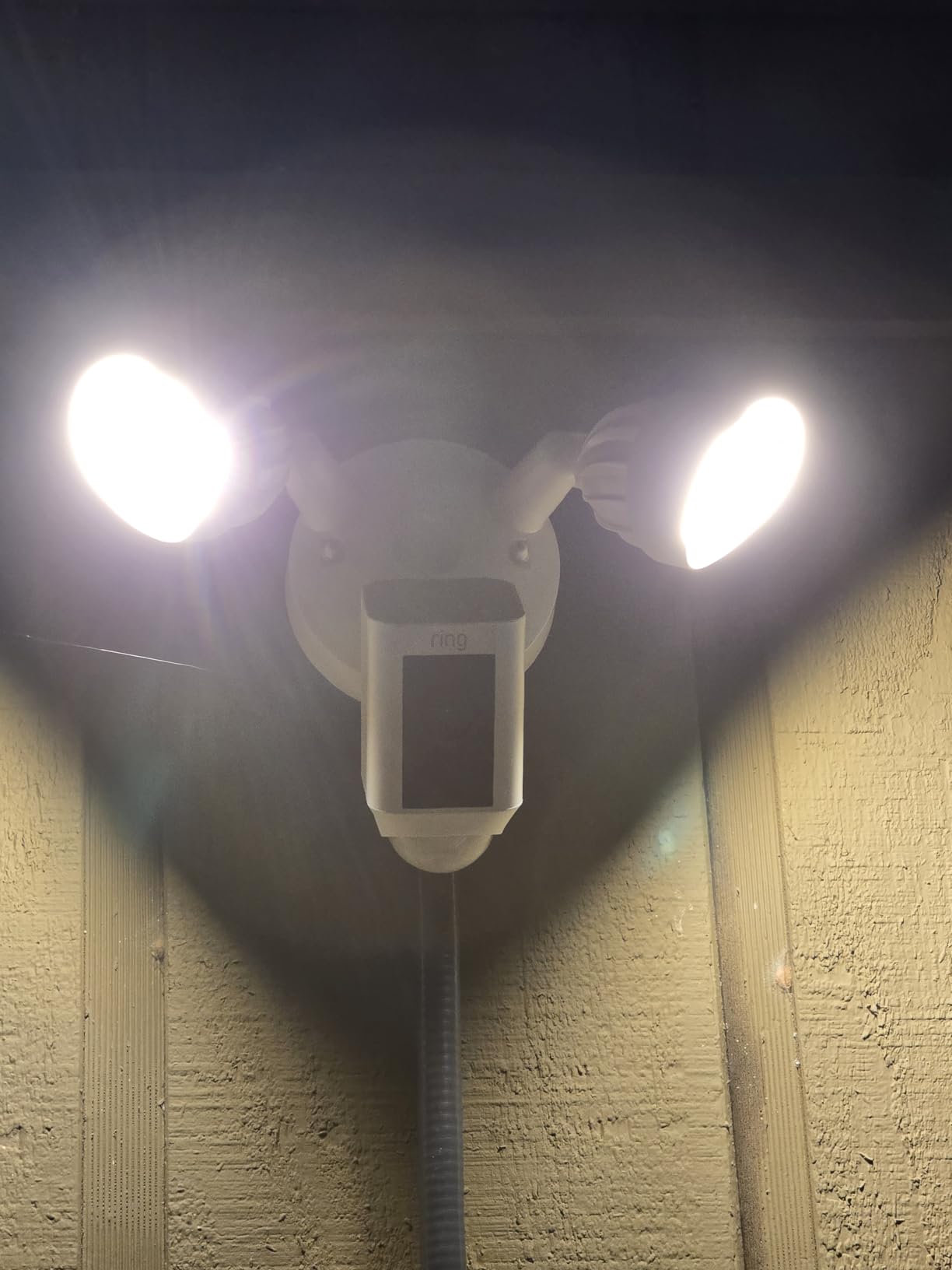
Three limitations are worth planning around. The floodlights are on or off with no dim level, so you cannot have a soft porch glow all evening without triggering the camera. The camera itself is fixed with no pan or tilt, which narrows the field of view on a very wide yard. And it is hardwired, which is a plus for reliability and a real job if your exterior box is full or distant.
If you want wide-area coverage without wiring, the WYZE Cam OG is IP65-rated and takes a weather adapter instead. If you want indoor coverage instead, the Ring Indoor Cam shares this app and this ecosystem, so one account covers both.
The siren is app-activated rather than automatic, which is deliberate. It gives you the option to scare someone off from inside without a neighbour hearing it at 3am.

Budget the subscription once rather than twice. Rewind and AI alerts on both Ring cameras run through a Ring Protect plan.
5. LEVOIT Vital 200S-P: Best for Large Rooms
LEVOIT Vital 200S-P
Type: air purifier
Standout: AHAM CADR 250 for smoke
Setup: mains power
Pros
- AHAM VERIFIDE certified with published CADR numbers
- Covers rooms up to 1875 sq ft
- U-shaped inlet traps pet hair and odors
- Targets pollen and dander
Cons
- Large footprint for a purifier in its class
- Built for whole-room cleaning rather than spot cleaning
Air quality is the one part of a smart home that improves your house whether or not you automate anything, and this is the purifier worth watching if your square footage is real. The rated coverage is rooms up to 1875 sq ft, which suits an open-plan living area or a whole floor without a second unit. The published CADR numbers are the part worth knowing: 250 CFM for smoke, 254 for dust, 289 for pollen, with AHAM VERIFIDE certification behind them. Those are figures you can compare against another machine, instead of a marketing claim about large room coverage.
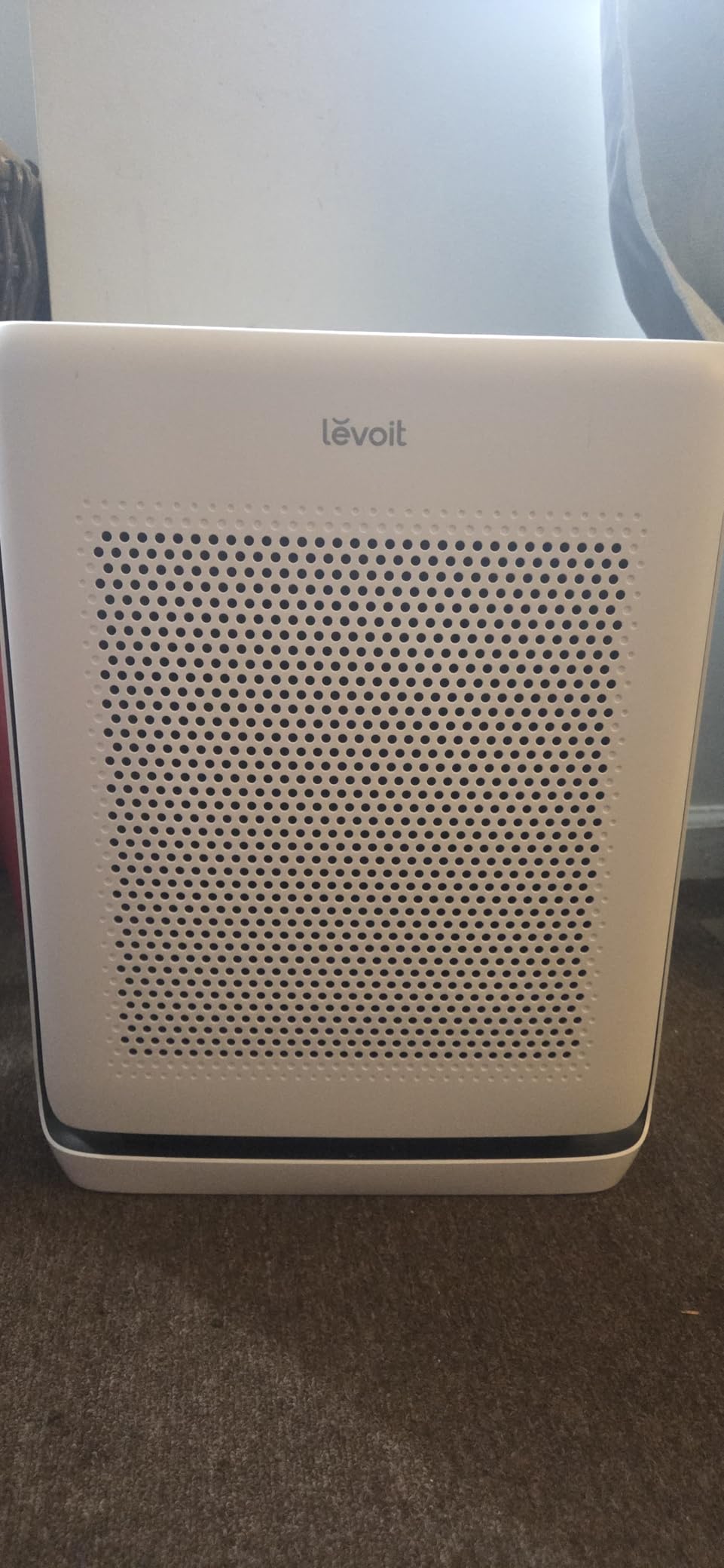
The U-shaped second air inlet is the detail aimed at pet households. Owners with pets point to it as the reason hair and odors get pulled in without the intake clogging the way a flat grille does, which is the usual failure mode after a few months.
The honest trade is size and intent. At 14.96 by 8.66 by 19.69 inches and 13.2 pounds, it needs floor or table space in the middle of a room, and it is built to clean a whole space continuously rather than to spot-clean a corner. If your problem is one smoky corner, this is overkill and you will resent the footprint.
Budget for replacement filters on a schedule, not as an emergency. That recurring cost, more than the machine itself, is what tends to catch first-time buyers out with air care.
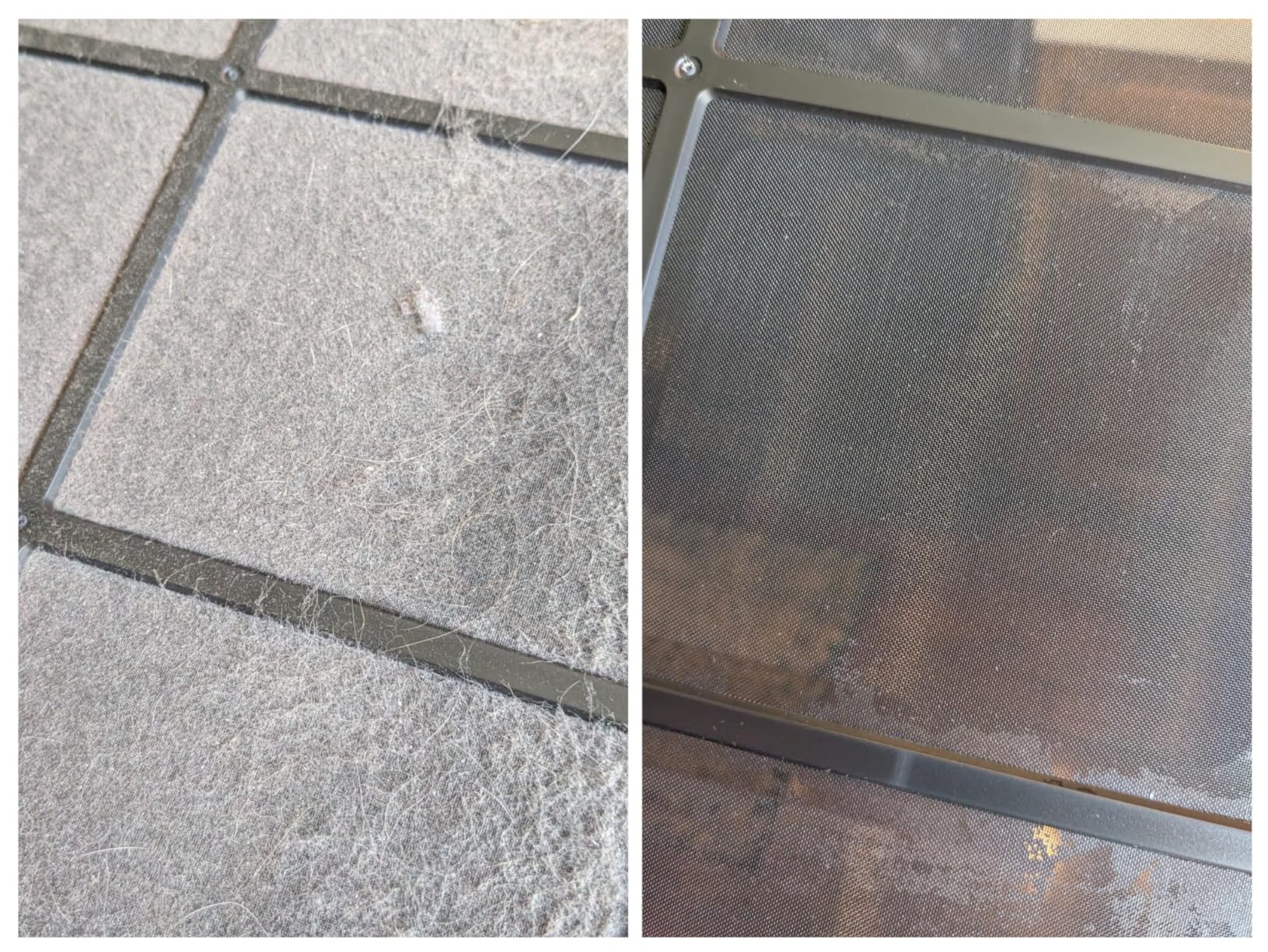
Its washable pre-filter and U-shaped inlet are the two parts you clean on a schedule, and replacement filters are sold separately by the brand, so budget for filters rather than for a replacement machine.
6. Govee A19 Color Bulbs: Best for Color Lighting
Govee A19 Color Bulbs
Type: smart bulbs
Standout: 16 million colors
Setup: E26 screw-in
Pros
- Rich saturated color for the money
- 800 lumens is real room light
- Works with Alexa and Google Assistant
- Music Sync reacts to sound
Cons
- Dimming floor stays too bright for eye comfort
- Bulb is bulky for some older fan fixtures
- Needs the wall switch kept on
The bulb to watch if color is the point. Sixteen million DIY colors and 54 preset scenes, at 800 lumens, which is bright enough to light a room rather than just accent it. A multi-pack covers a living room or a bedroom without a hub.
It pairs with Alexa and Google Assistant through the Govee app, which makes it the safe bulb to buy before you have decided which platform the rest of the house will use. Connectivity is Bluetooth and 2.4GHz Wi-Fi, and pairing is quick.
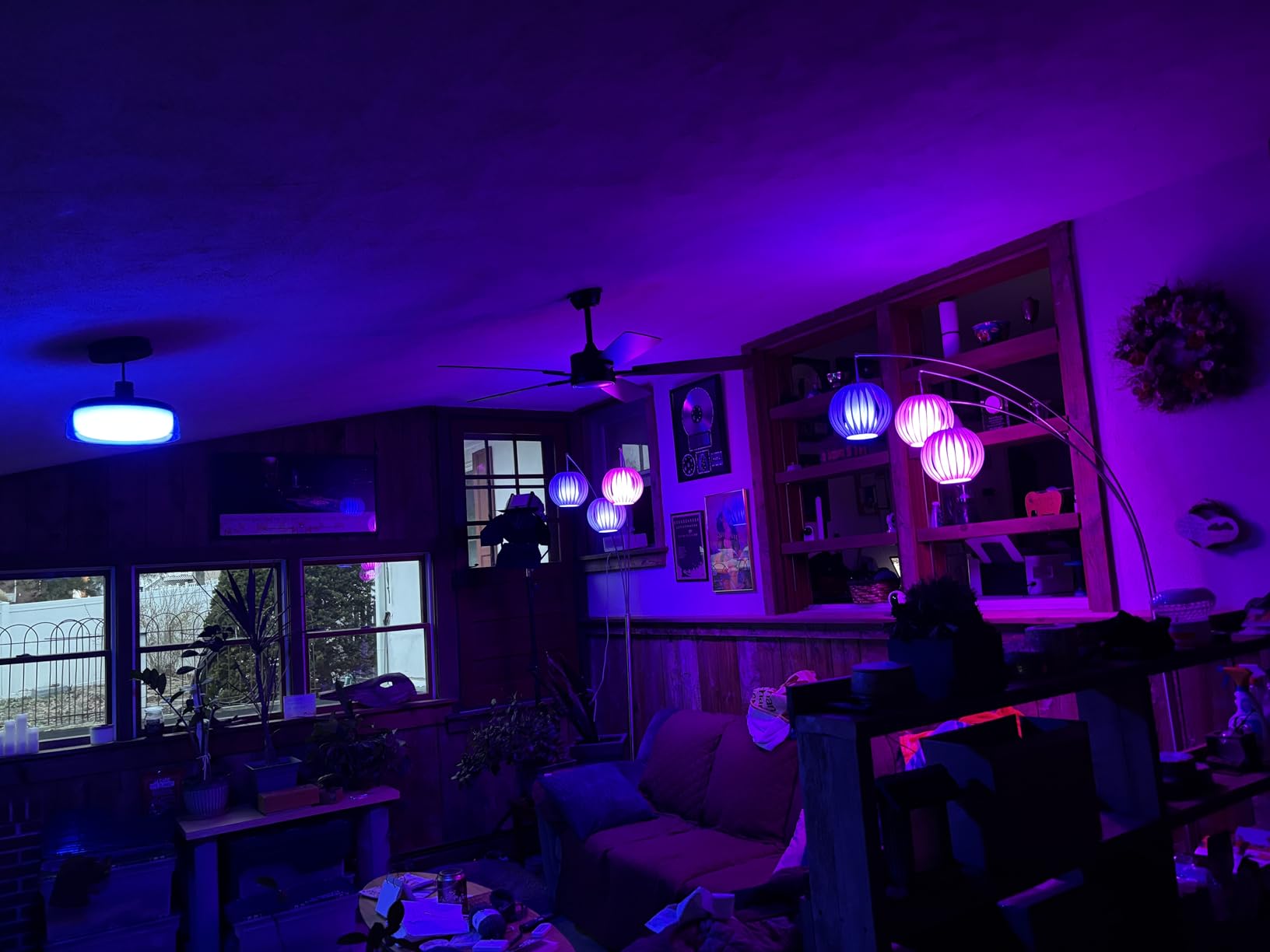
Music Sync is the feature people mention first: the phone microphone picks up sound and drives color and brightness to it. Handy for a party, mildly annoying at 2am if you leave it running.
Three caveats. The dimming range stops at a floor that stays brighter than many people want in a bedroom at night. The A19 body is wide enough that some older ceiling fan light globes will not close over it. And because these bulbs cut power at the switch, a dropped connection leaves you with an ordinary bulb until the wall switch is turned back on.
If you care more about white light quality and tracking what a lamp costs to run, the Kasa pair further down is the better match. If you want saturated color at a sane price, stay here.

Check the fittings before a pack arrives: the A19 body is wide enough that some older ceiling fan light globes will not close over it, and the pack size is worth checking against how many fixtures you actually want to automate.
7. Kasa KL125P2 Smart Bulbs: Best for Energy Monitoring
Kasa KL125P2 Smart Bulbs
Type: smart bulbs
Standout: energy monitoring
Setup: E26 screw-in
Pros
- Real-time energy monitoring in the app
- Tunable white from 2500K to 6500K
- Works over 2.4GHz Wi-Fi with no hub
- Reliable Alexa and Google Assistant voice control
Cons
- Requires a 2.4GHz-only Wi-Fi network
- No Bluetooth fallback when the network is down
Where the Govee bulbs chase color, this pair chases measurement. The Kasa app shows real-time energy use per bulb, which turns a fun gadget into something you can actually check. If you have ever wondered whether the living room lamp is worth automating, this answers it.
The light quality is the better half of the argument. Tunable white runs from 2500K to 6500K, so it warms up as the sun goes down without you touching anything, which is what makes this the better choice of the two bulb sets here for a desk or a hallway. Two bulbs, 800 lumens each, A19 and E26.
Everything runs over 2.4GHz Wi-Fi with no hub, and voice control works through Alexa or Google Assistant.
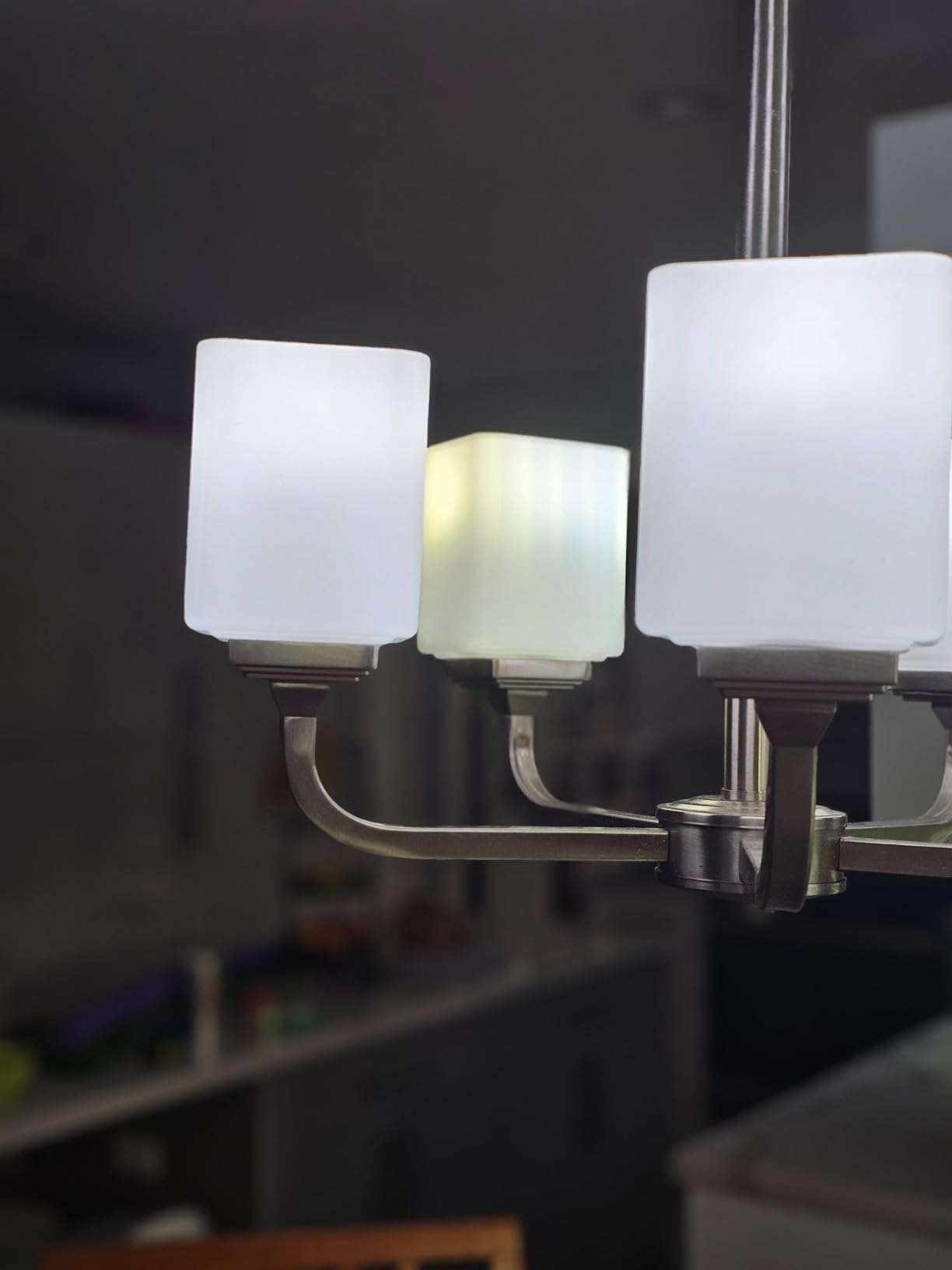
The one real constraint is the network. 2.4GHz only, and no Bluetooth fallback, so if your router has split the two bands onto different SSIDs you will be editing router settings before the bulb will join. That is a five-minute job once and never again, but it catches people out during setup.
Two bulbs in a pack rather than four means a smaller first step, and the per-bulb math tends to work in your favor on multi-packs anyway. If your household runs Google Home rather than Alexa, this pair is the cleaner fit; the Kasa line is built around Google Home first.
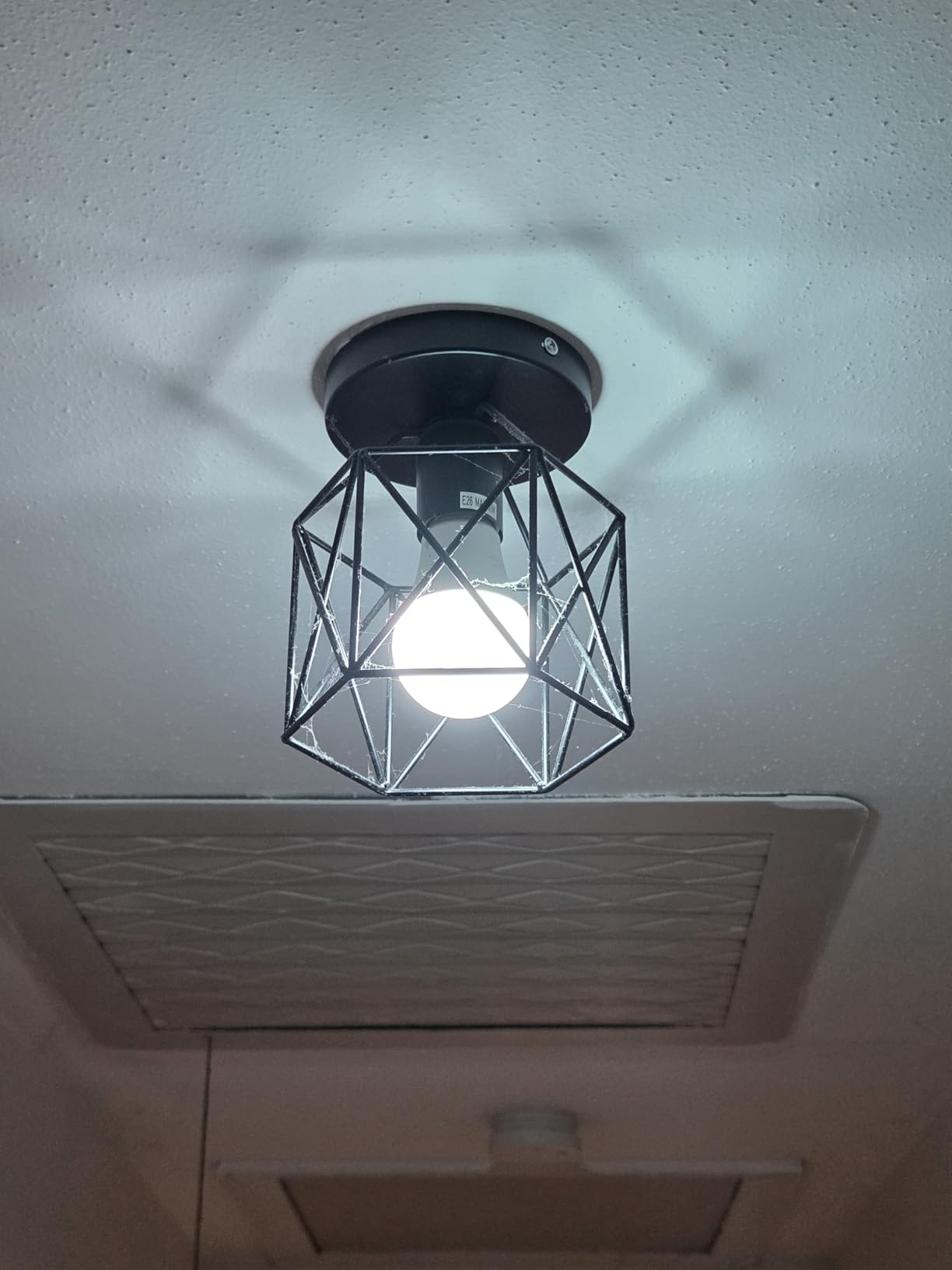
Timers and schedules include a sunrise offset, so the bulbs can follow the actual sunrise rather than a fixed clock time.
8. WYZE Cam OG: Best for Subscription-Free Recording
WYZE Cam OG
Type: security camera
Standout: 30 ft color night vision
Setup: plug-in power
Pros
- microSD recording up to 256 GB with no subscription
- IP65 rated so it works outdoors too
- Color Night Vision out to 30 ft
- Spotlight and 90 dB siren built in
Cons
- Fixed camera with no pan or tracking
- Occasional missed motion events
- Slower live view on weak networks
This is the camera to watch if you refuse to pay a monthly fee to review your own front door. It records 24/7 to a microSD card up to 256 GB with no subscription attached, and the IP65 rating means the same unit works on a covered porch as well as a shelf. Owners consistently name the subscription-free local recording as the reason they bought it.
Night performance is the surprise. Color Night Vision reaching 30 ft is strong for a camera at this level, and the 1080p stream stays clear in a way that cheap indoor units often do not. There is also a built-in spotlight, a 90-decibel siren you trigger yourself, and audio alerts from smoke and carbon monoxide alarms.
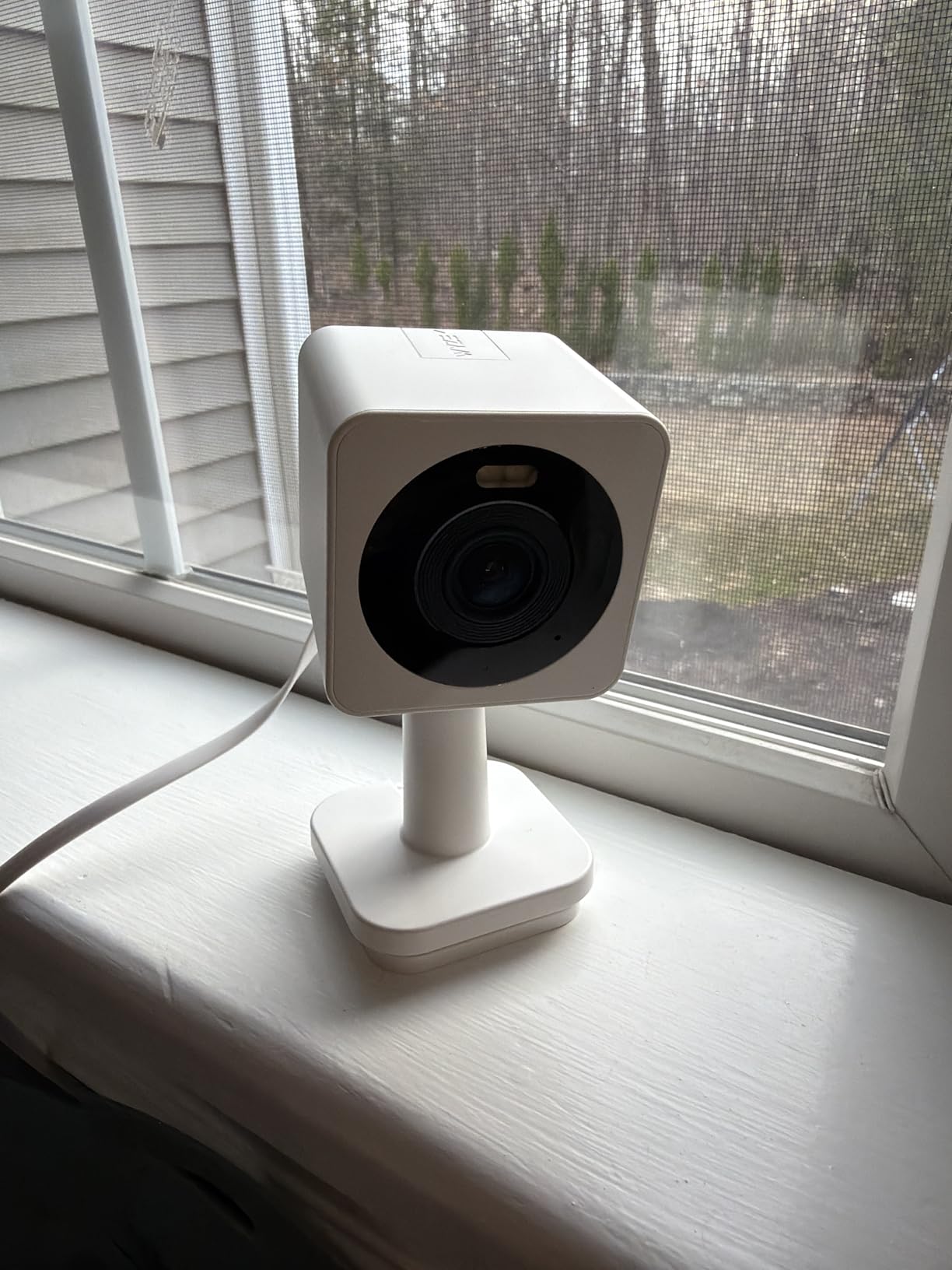
Be honest about the class it sits in. It is a fixed camera with no pan, tilt or tracking, some owners report the odd false motion alert or an event that does not record, and live view can load slowly on a weak network. What drives the lower ratings is reliability rather than picture quality.
The AI alerts and cloud backup do require a Cam Plus plan, so this is not subscription-free in full. What you get without paying is continuous local recording, which is the part that matters for evidence. If dependable event capture is the priority and you want it done well, the Ring Indoor Cam is the safer buy despite the subscription model.
Outdoor use needs a Wyze Outdoor Power Adapter, sold separately, and the supplied power plug is a US two-pin. Outside the US that is worth checking before you commit.
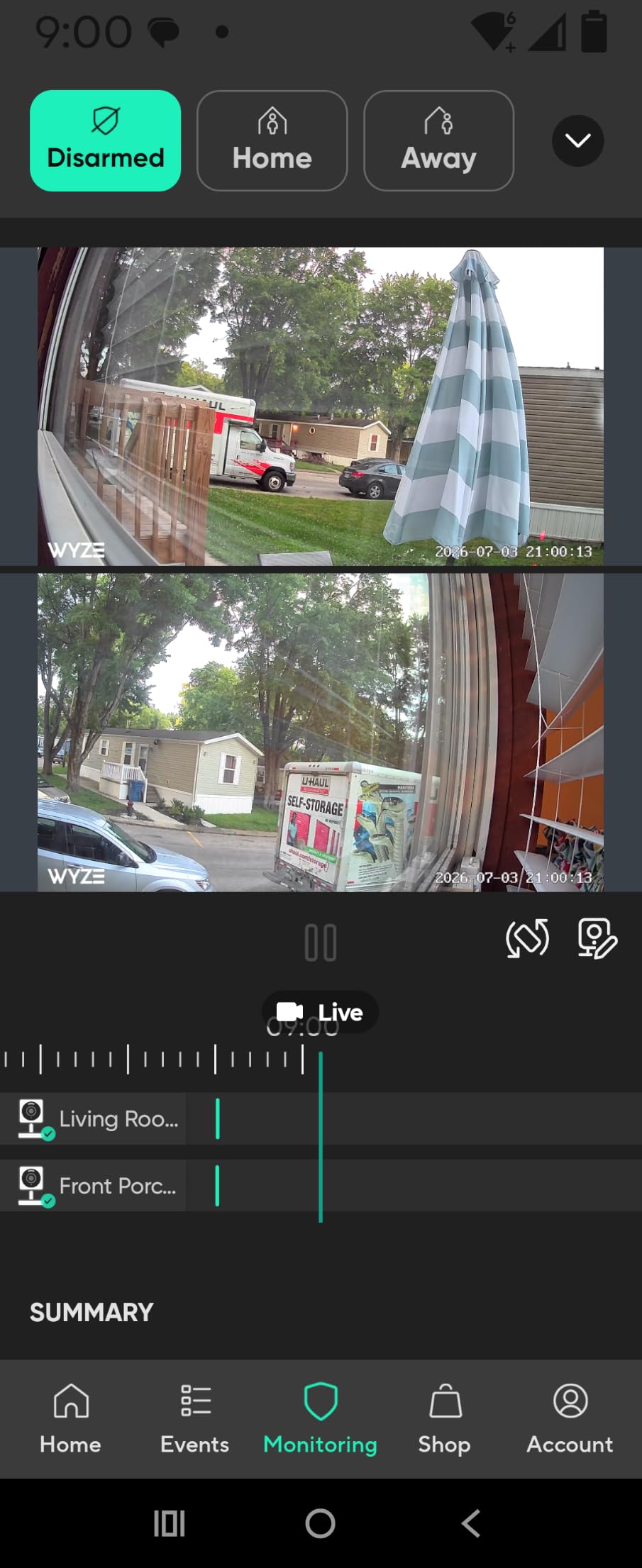
Works with Alexa, Google Assistant and IFTTT, and two cameras can be viewed picture-in-picture on one screen.
9. iRobot Roomba 115X Combo: Best for Pet Homes
iRobot Roomba 115X Combo
Type: robot vacuum and mop
Standout: 15000 Pa suction
Setup: AutoEmpty dock
Pros
- Self-empties for up to 90 days
- 15000 Pa suction vacuums and mops in one pass
- No Mop Zone keeps rugs dry
- ClearView LiDAR works in low light
Cons
- Covers up to 900 sq ft per charge
- Good at light messes rather than stuck-on grime
- Setup needs a 2.4GHz network
The deepest clean on this list and the least connected one, which is a fair trade for a household with a shedding dog and a hard floor. It vacuums and mops in a single pass at 15,000 Pa, and the dock stores three months of debris in a 2.5 L bag before you touch it.
Pet-specific hardware matters more than the suction figure. Long hair around the brush is the usual failure mode in a home with a shedding dog, and the rollers here are built to reduce how often you cut it away. There is also a No Mop Zone, so rugs stay dry while hard floors get the pass, and an edge-sweeping brush that reaches baseboards and corners where a round robot usually gives up.
ClearView LiDAR maps the house and cleans in neat rows, and it keeps working in low light, which matters for a run started before you leave for work.
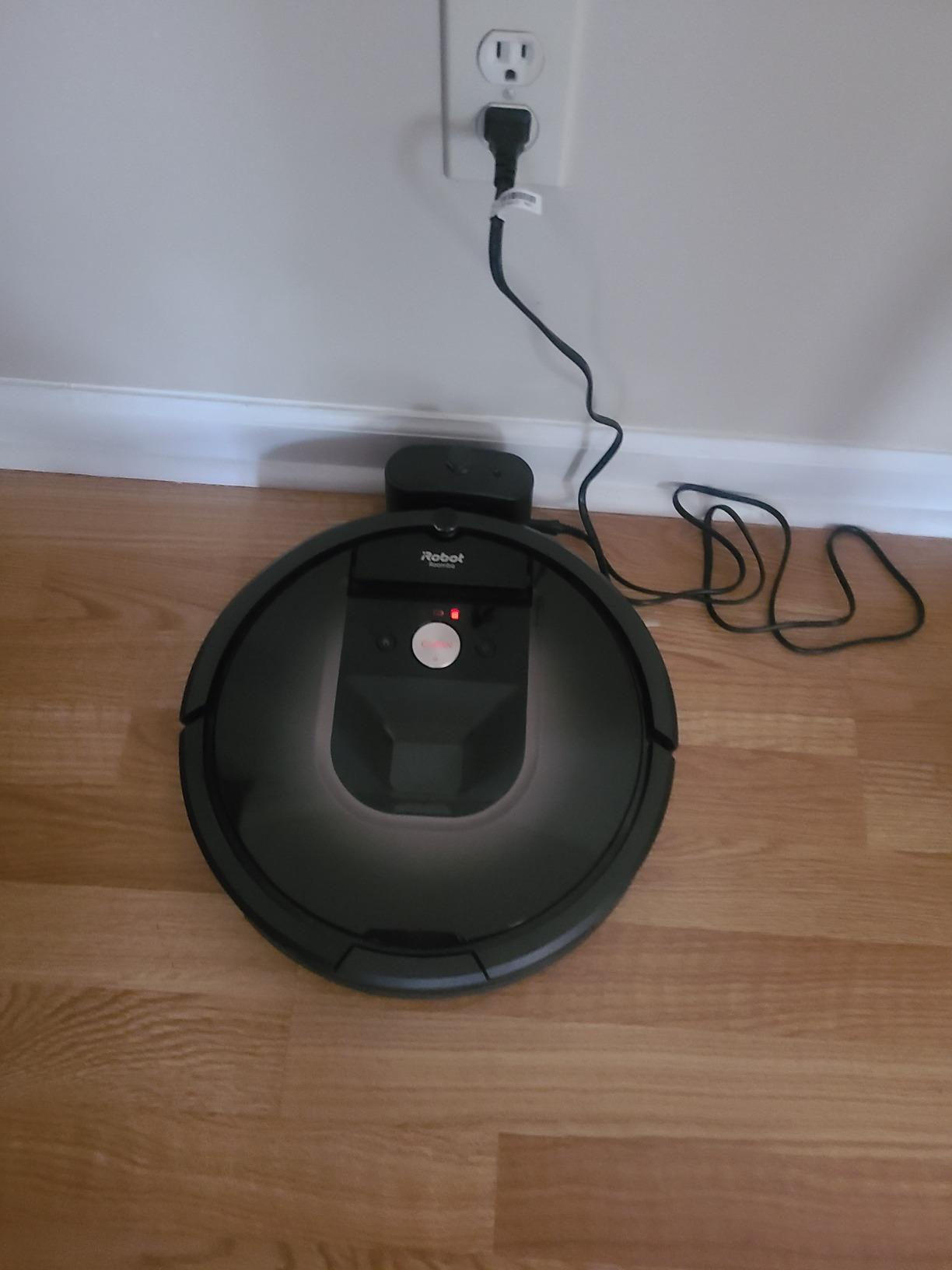
Two honest limits. Coverage of up to 900 sq ft per charge suits small to medium homes; in a large open plan you are looking at one run and a recharge. And the mopping is for everyday film and light spills, not for anything dried on and stuck down. Owners with hard floors and pets are happy; owners with significant tile grime are not.
There are 4 suction levels and 3 water levels to tune, and the dock bag is the one consumable you will replace on a schedule rather than as an emergency.
Setup needs a 2.4GHz network, the same catch as the bulbs on this list. Control afterwards is through the Roomba Home App, the button on the unit, or voice.

Spot Clean sends the robot to one mess and back, which is the feature most used in a busy house with pets.
10. Philips WiFi Keypad Deadbolt: Best for Code and Fingerprint Entry
Philips WiFi Keypad Deadbolt
Type: keypad deadbolt
Standout: 0.3 second fingerprint unlock
Setup: replaces a deadbolt
Pros
- No hub needed over 2.4GHz Wi-Fi
- 0.3 second fingerprint unlock
- Permanent and one-time PIN codes
- Matching handle set in the box
Cons
- Must sit within about 33 ft of the router
- Auto-Lock is off by default until you enable it
- Batteries not included
The front-door pick, and the only lock on this list. It talks to your router directly over 2.4GHz Wi-Fi with no hub and no bridge, which removes the usual first obstacle with smart locks. A matching handle set is in the box, so you are not left with a keypad bolted to an old lever.
Entry options are the reason to buy it. Fingerprints unlock in 0.3 seconds and it stores several of them. Codes can be permanent, one-time, periodic or recurring, which is what makes it usable for a family, a cleaner, a contractor and a short-stay guest without handing anyone a physical key.
Battery life runs up to six months with low-battery alerts, and the auto-lock delay is adjustable from 0 to 180 seconds.
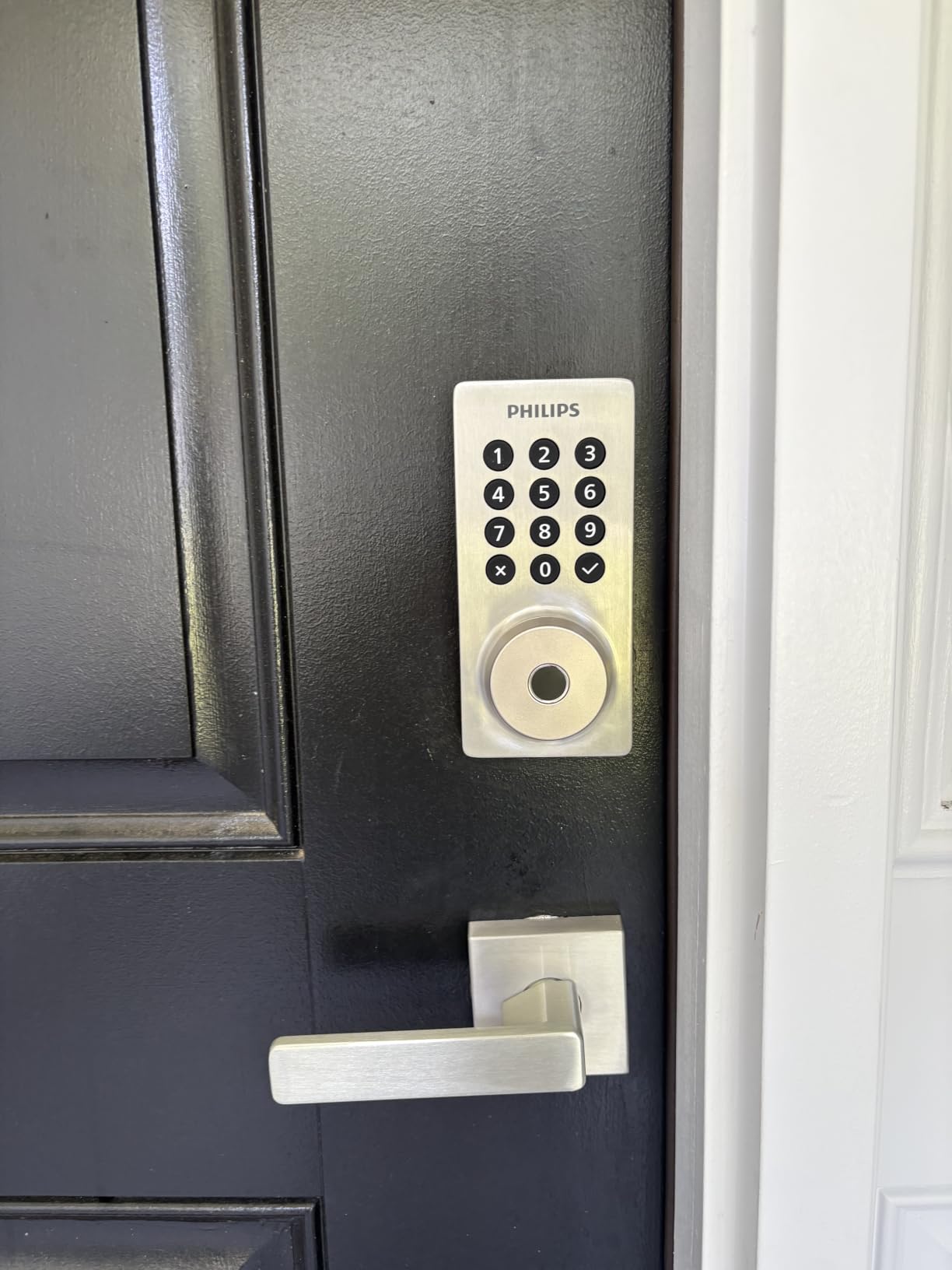
The install caveats are real and specific. It needs to stay within about 33 ft, or 10 m, of your router with few obstacles between them, which matters in a large house or a detached entry. Auto-Lock is turned off by default, so enable it in the app on day one or the lock will sit unlocked. And it fits doors 1-3/8 to 1-3/4 inches thick, no more.
Owners also report that overtightening the mounting screws causes trouble locking and unlocking, so the manual’s torque guidance is worth reading before the drill comes out. Batteries are not included and only standard 1.5V alkaline should be used. The lock is set up for right-opening doors out of the box, with a reset procedure available for doors that swing the other way.
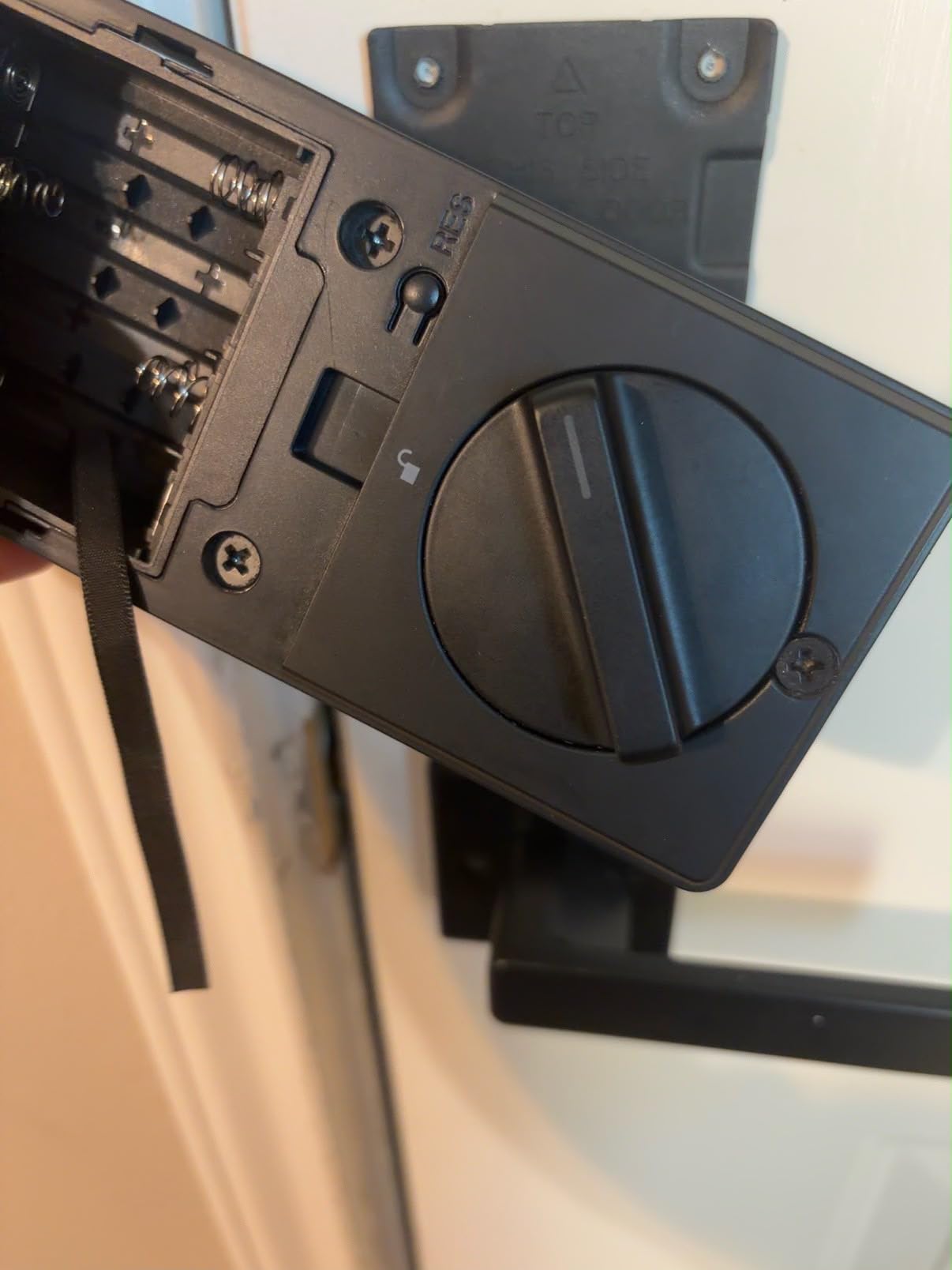
Treat the 4.3 average as newer and less settled than the rest of this list: review volume here is much smaller than the cameras and plugs. Voice status checks work with Alexa and Google Assistant.
11. Google Nest Learning Thermostat: Best for Heating and Cooling Control
Google Nest Learning Thermostat
Type: smart thermostat
Standout: learns your routine
Setup: wires to HVAC
Pros
- Learns a schedule from real usage
- 60 percent larger display with Dynamic Farsight
- Second-gen room sensor in the box
- Works with most 24V systems
Cons
- Can fail setup on some systems without a C wire
- Mounting plate is not compatible with the 3rd gen
- Not for UK heating systems
A thermostat is the device most likely to change an actual bill, and this is the one to watch if your heating and cooling is on a standard 24V system. It works with gas, electric, oil, forced air, heat pump and radiant setups, and most homes do not need a C wire run.
The learning behavior is the whole pitch. Instead of a schedule you program and then abandon, it builds one from how the house is actually used, notices how outdoor temperature affects indoor temperature and pauses accordingly, and Adaptive Eco finds an away setting and returns to comfort within an hour. Owners report noticeable changes in their heating and cooling cycles within the first few weeks.
The bundled second-gen Nest Temperature Sensor is more useful than it sounds. One sensor per room is a lot; one sensor in the room you actually sit in lets the system stop heating the empty bedroom and fix a hot or cold spot at the same time.
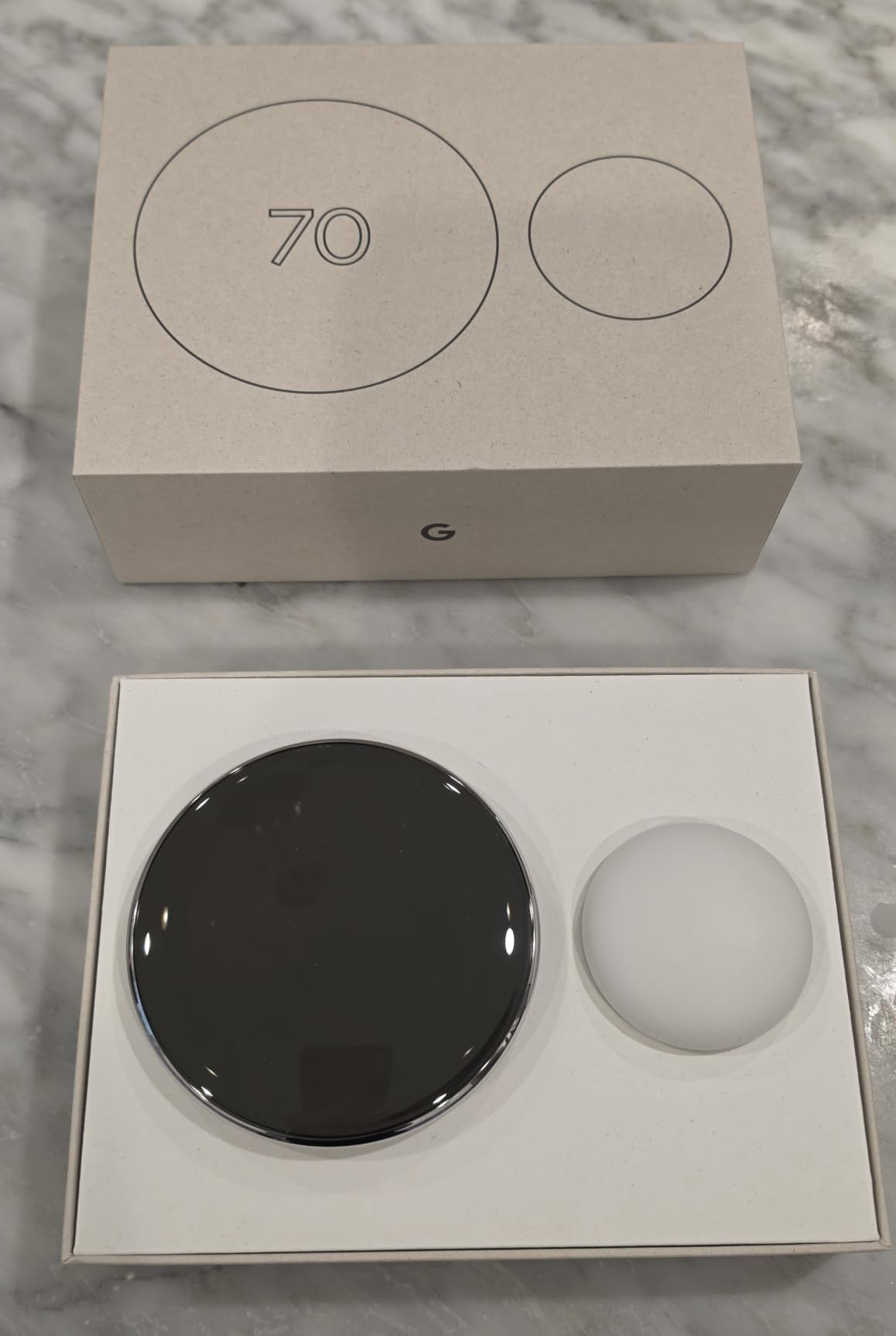
Read the reviews for the one fault that repeats: on some HVAC systems without a C wire it reports no power during setup even though voltage is measurable at the terminals. Know your system before you buy, and have the installer on hand. The 4th gen mounting plate and wiring connector also do not fit a 3rd gen Nest, so this is not a drop-in upgrade if you already own one.
Two more things: it is not ENERGY STAR rated, which can limit utility rebate eligibility, and Adaptive Eco can settle on an away temperature lower than you like, in which case you override it with Hold.
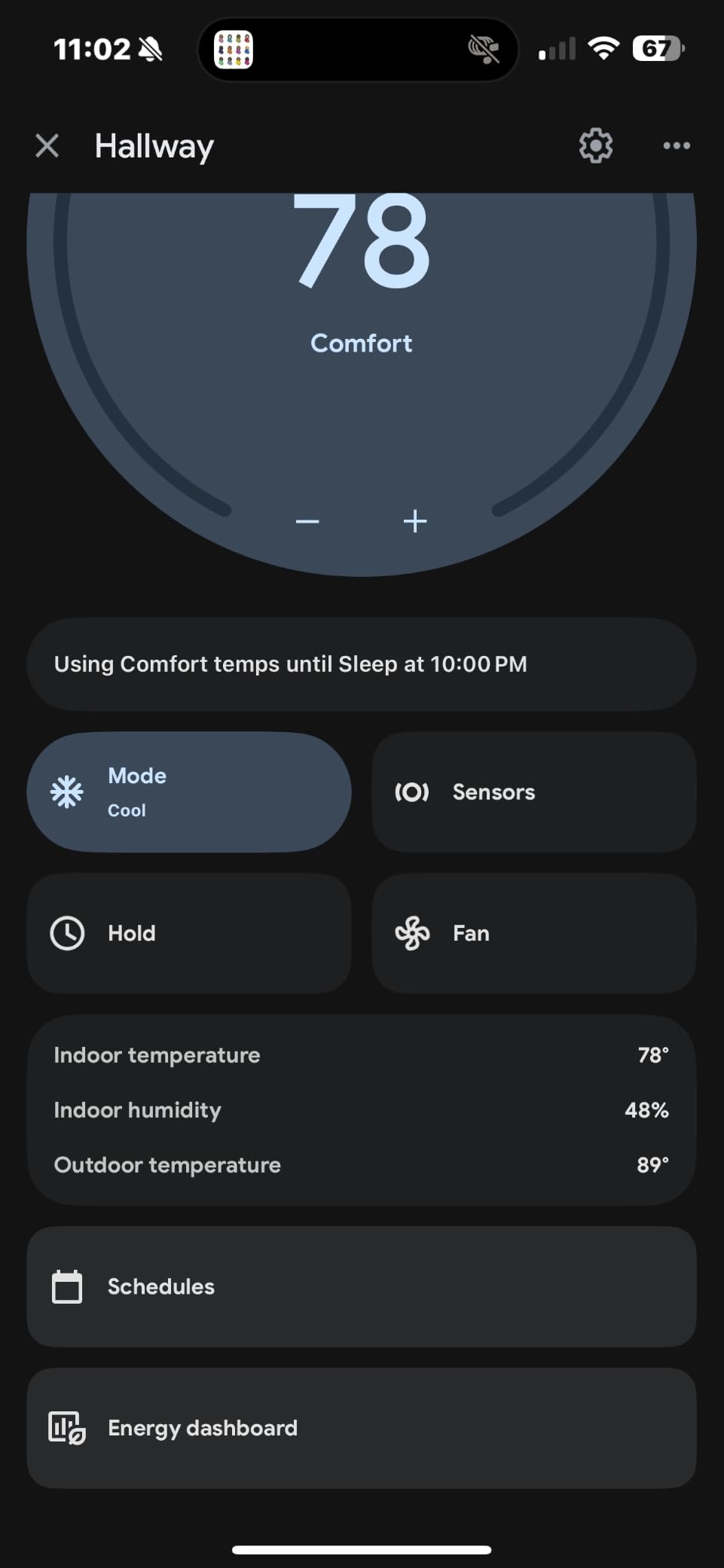
It is not designed for UK heating systems. The display is 60 percent larger than the previous Nest, with Dynamic Farsight brightness adjustment.
12. Amazon Echo Show 11: Best for Kitchen Command Centers
Amazon Echo Show 11
Type: smart display
Standout: built-in smart home hub
Setup: mains power
Pros
- Large 11-inch Full-HD display with 60 percent more area
- Built-in smart home hub removes extra hardware
- Spatial audio with up to 2x the bass
- Centered auto-framing camera for calls
Cons
- Largest Echo Show so it needs counter space
- Costs more than the smaller models
- Alexa+ features depend on region and ecosystem
The one to watch if you want a single screen on the counter that answers questions, shows the cameras and runs the house. At 11 inches Full-HD it has 60 percent more viewing area than the 8-inch model, which is the difference between a glanceable panel and a small television.
The built-in smart home hub is the reason it earns a place in a smart home list at all. It pairs and controls thousands of Alexa-compatible devices without a separate hub, so the Echo Dot and the smart plugs above can come out of the box talking to this thing instead of another box on the shelf.
Audio improved meaningfully too: spatial sound with a wider stage and up to twice the bass of the 8-inch. Owners point to the screen, the audio and the hub as the three real gains over the smaller model.
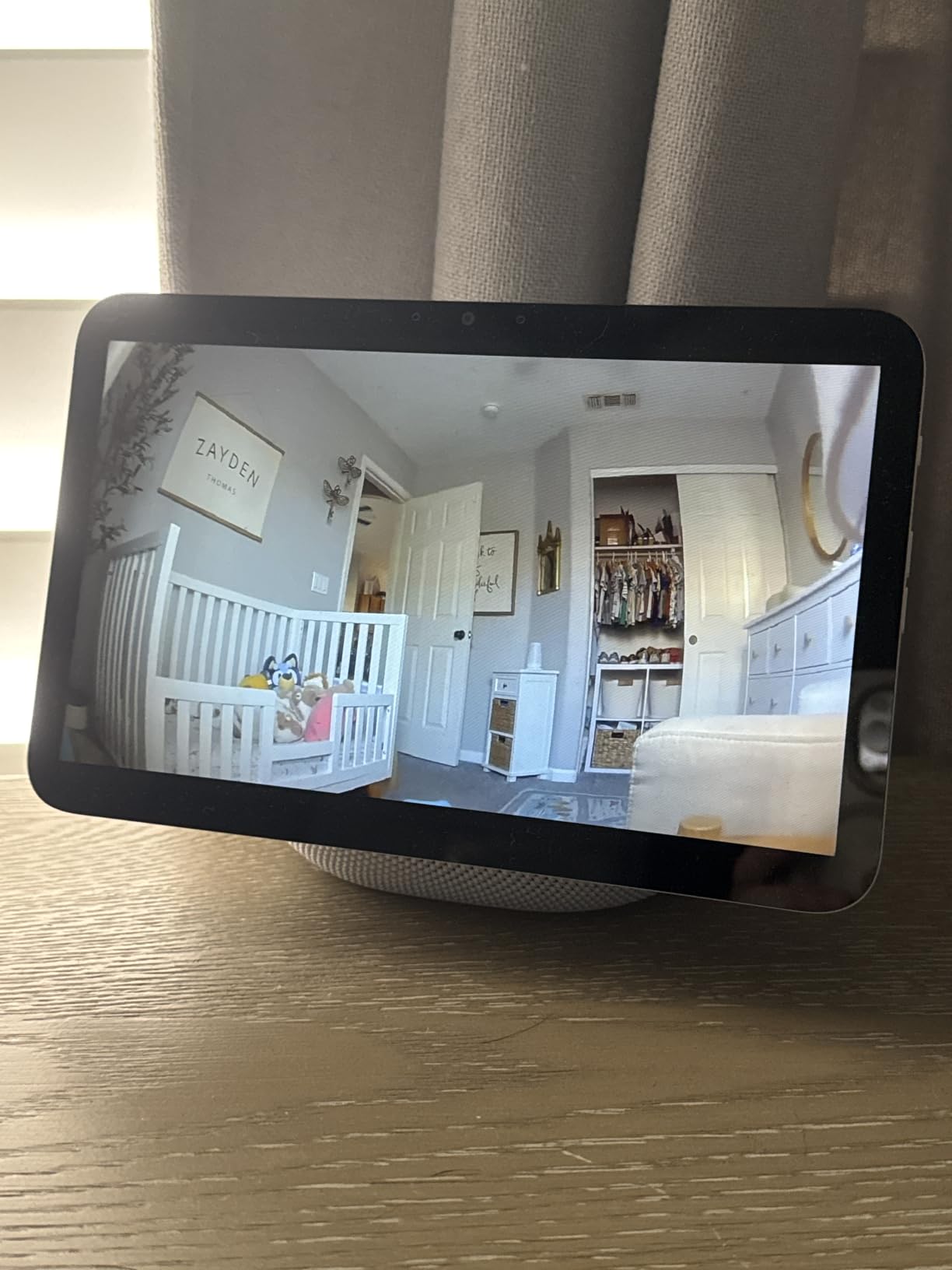
For kitchen use, the everyday assistant functions are what earn their keep: recipes, timers, calendars, a shopping list and a photo slideshow when nobody is looking. Video calls use a centered auto-framing camera with noise reduction, which is fine for standing at a counter.
It is also the largest Echo Show, and it costs more than the smaller models, so it needs real counter or stand space. The value questions dominate the lower reviews, and Alexa+ features vary by region and ecosystem.
It pairs with the Ring cameras on this list for live view, which turns this display into the wall panel for the Ring Indoor Cam and the Ring Floodlight Cam. Privacy controls are physical: one button kills microphones and cameras, with separate camera controls on the device and in the app.
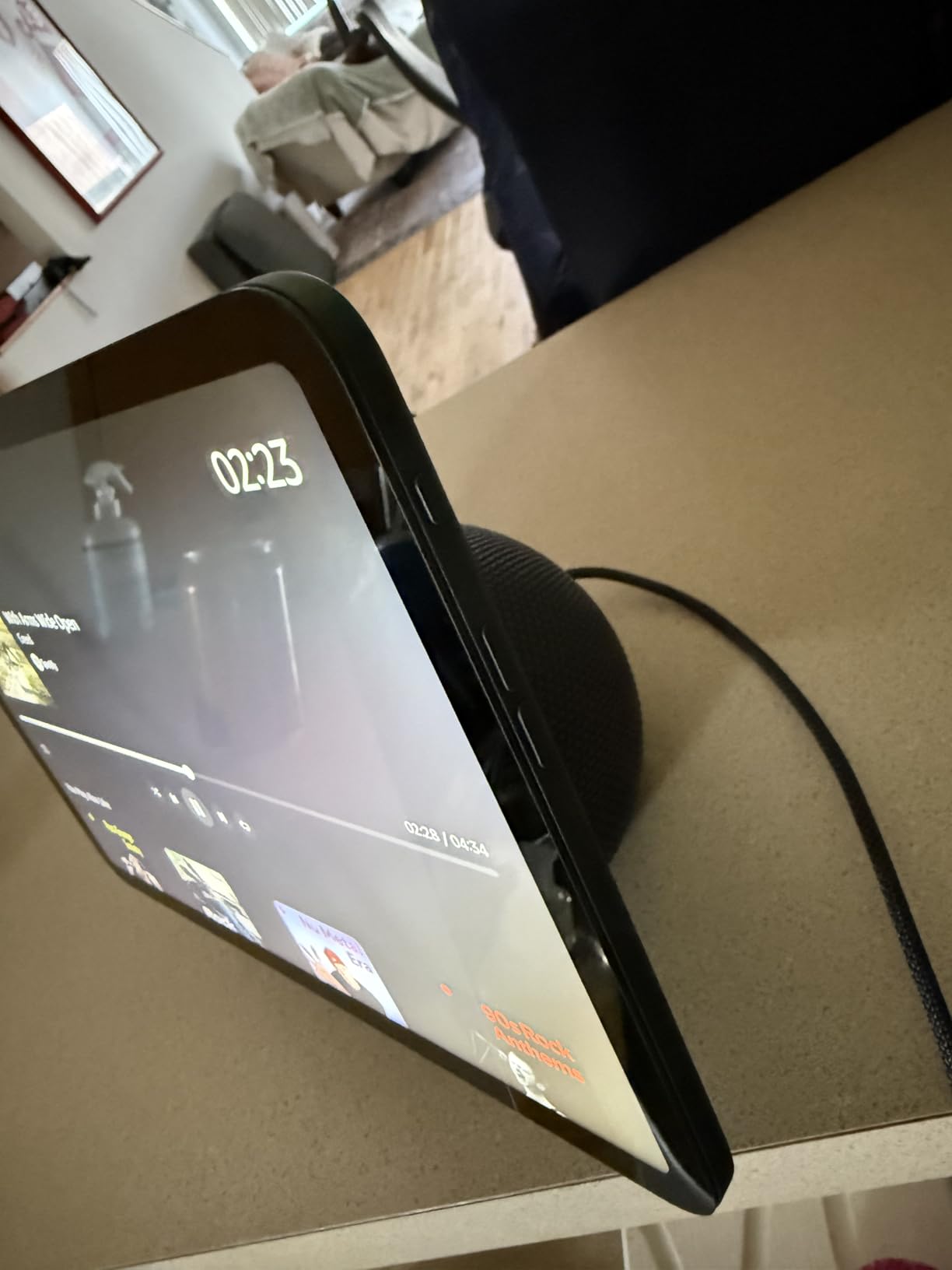
It plays Prime Video and Netflix, so on a kitchen display it earns its counter space even when the smart home side is idle.
How to Choose Smart Home Devices During Prime Big Deal Days
Compatibility decides whether a purchase still works in two years; an offer never does. Sort out these five things before you look at a single listing.
Choose a Compatible Smart Home Ecosystem
Every device on this list is Wi-Fi, Bluetooth or hub-based, and the difference shows up when you want to add the next thing. Wi-Fi devices join your router and nothing else, which is simple and means they rely on the manufacturer’s cloud. Bluetooth is the fallback when the network is down, which is why bulbs that support both are safer in a house with patchy Wi-Fi. Zigbee and Z-Wave are low-power mesh standards that need a hub or a coordinator dongle to reach your network at all. Thread is a low-power mesh that runs over your existing Wi-Fi infrastructure. Matter is the newer cross-ecosystem standard, and only one pick on this list, the Google Nest Learning Thermostat, states support explicitly.
If you might mix brands later, the smart hubs for mixed devices comparison is worth reading before the sale, because buying a Zigbee sensor without a coordinator is the most common way to end up with a box that does nothing. The Govee bulbs, the Amazon Smart Plug and the Philips deadbolt all connect directly over Wi-Fi and keep working without a hub, which makes them the lowest-risk place to start.
Match the Device to the Task
Sort by the problem, not the category. A plug switches something that already has an on and off switch. A bulb changes a room’s light and, in some cases, reports its energy use. A camera records. A lock changes who can get in and how often you carry keys. A thermostat changes when your house burns gas or power. A speaker or display is the interface that ties them together and gives you voice control.
Buying a robot vacuum because a sale made it cheaper is how people end up with an expensive dustbin. Ask what would be annoying to live with, then check the room size or door thickness or network band the device actually needs. For the voice side specifically, the smart speakers for voice control round-up compares the small and large options properly.
Check Installation and Retrofit Requirements
Sort this list into two groups before you buy. Plug-and-play: the Amazon Smart Plug, the Echo Dot, the Echo Show 11, both bulb sets, the WYZE Cam OG and the Ring Indoor Cam, all of which need only an outlet. Retrofit: the Ring Floodlight Cam needs hardwiring, the Philips deadbolt needs an existing deadbolt opening in a door 1-3/8 to 1-3/4 inches thick, and the Nest thermostat needs your HVAC wiring.
Renters should stay firmly in the first group unless a landlord agrees in writing. The in-wall switches that people often want next are a different category altogether, and the smart switches for three-way wiring guide covers what happens when a box has more than two conductors in it.
Review Privacy, Security and Offline Control
Ask two questions of every device. Does it keep working when the manufacturer’s servers or your account are unreachable, and what physical controls does it give you? The Amazon Echo Dot has a mic off button. The Ring Indoor Cam has a physical privacy cover that cuts camera and microphone. The Echo Show 11 has one button for microphones and cameras plus separate in-app camera controls. The Govee and Kasa bulbs have neither, and both need their wall switch kept on to be controllable.
Cloud dependence is the quiet one. A camera that only records to the vendor’s cloud is useless to you the day that service changes or you lose account access. The WYZE Cam OG is the pick here that records locally to a microSD card with no subscription, which is the single strongest privacy argument on this list.
Consider Maintenance and Long-Term Ownership
Look past the purchase at year two. The Ring cameras put rewind and AI alerts behind a Ring Protect plan. The WYZE Cam OG keeps local recording free but puts AI alerts and cloud backup behind Cam Plus. The LEVOIT purifier and the iRobot both consume replacement filters or bags on a schedule, and that recurring cost outlasts any single event offer you saw in October. The Philips deadbolt needs standard alkaline batteries every few months, and they are not included.
Firmware support and account longevity are the other half. A device with no active brand behind it is a device that eventually stops getting security updates. If you run Home Assistant or another local platform, prefer gear that keeps local control, and for a desk or a home office the smart plugs for home office setup doubles as an energy-tracking exercise.
How to Shop Smart Home Devices During the Sale
Read the listing line by line rather than trusting the headline. Confirm the exact model or generation number, because a two-pack and a four-pack of the same bulb carry different ASINs and different value. Check the region, since some hardware and the bundled plugs are US-specific, and confirm whether the box includes the dock, the handle set or the temperature sensor rather than those being add-ons. Note whether the listing is new or renewed, and who the seller and shipper actually are, since a marketplace seller with a low rating is a different purchase from the brand’s own storefront.
Also check what an offer requires. Most of them in this category need a Prime membership, a free trial counts, and offers change through the event rather than sitting still for its length. Use the buttons on each section to see the current price rather than trusting any number you read here.
- Match the exact model or generation number to what the page promises.
- Confirm the region, the door thickness or room size, and the Wi-Fi band the device needs.
- Check what is physically in the box versus sold separately.
- Look at the seller and shipper, not just the brand name on the listing.
- Confirm your Prime membership is active or a trial covers the event.
- Re-check the price on the product page before you commit, since offers move during the sale.
Frequently Asked Questions
When does Amazon Prime Big Deal Days run in 2026?
Amazon Prime Big Deal Days runs October 6-7, 2026. It is a two-day event with the heaviest offer changes in the first morning and again in the evening, so an offer you see today may not be the one still running tomorrow. Check the current offer on each product page before you rely on it.
Is a Prime membership required for Amazon Prime Big Deal Days offers?
Most offers in the event are member offers, so an active Prime membership is the usual requirement. A free trial counts for the length of the trial. Without Prime you can still buy the products at their regular price, you just do not get access to the event pricing on most of them.
Do smart home devices usually have worthwhile offers during Prime Big Deal Days?
Smart home gear is among the most heavily promoted categories in the event, because brands compete hard there. Worthwhile does not always mean large, and multi-packs often vary more per unit than single devices do. Offers move through the two days, so a page you checked in the morning may look different later.
What matters most when comparing smart home devices during a sale?
Compatibility comes first, then whether the device still works when the cloud or your account is unavailable, then installation effort. A smaller discount on a device that fits your ecosystem and your home beats a larger one on something you will have to rewire or replace. Ongoing costs such as subscriptions and filters matter more after the first month.
How can I tell whether a smart home deal is compatible with my home?
Check the connection method first: Wi-Fi and Bluetooth devices need only your router, while Zigbee and Z-Wave devices need a hub or coordinator. Then confirm the physical constraints, such as 2.4GHz-only networks, door thickness for a smart lock, room size for a purifier or hardwiring for an outdoor camera.
What are the best Amazon Prime Big Deal Days smart home deals?
The picks worth watching most closely are the Amazon Smart Plug for a first purchase, the Amazon Echo Dot for voice control in a bedroom or office, and the Ring Indoor Cam for indoor coverage. Beyond those, the list covers outdoor cameras, smart bulbs, a lock, a thermostat, a robot vacuum, an air purifier and a kitchen display.
Final Verdict: Best Amazon Prime Big Deal Days Smart Home Deals
Buy the Amazon Smart Plug if you are starting from nothing. It is the lowest-effort way into the category, it needs no hub, and it is the pick most likely to still be in your house five years from now.
Add the Amazon Echo Dot if you want voice control without a screen. For the buyer who wants to see what is happening rather than automate it, the WYZE Cam OG records locally with no subscription, which is the opposite trade from the Ring Indoor Cam and the smarter long-term one.
The Amazon Echo Show 11 covers households that want one screen doing everything. The Govee A19 Color Bulbs cover mood lighting, while the Kasa KL125P2 Smart Bulbs cover white light quality and energy reporting. For security, the Ring Indoor Cam handles rooms and the Ring Floodlight Cam handles driveways and back doors. The Philips WiFi Keypad Deadbolt is for code and fingerprint entry, the Google Nest Learning Thermostat for heating and cooling, the iRobot Roomba 115X Combo for pet hair on hard floors, and the LEVOIT Vital 200S-P for air in large rooms.
Check the model number, your Wi-Fi band and your door or room constraints first, then confirm the current offer on the product page before you buy, because it can change at any point during the sale.