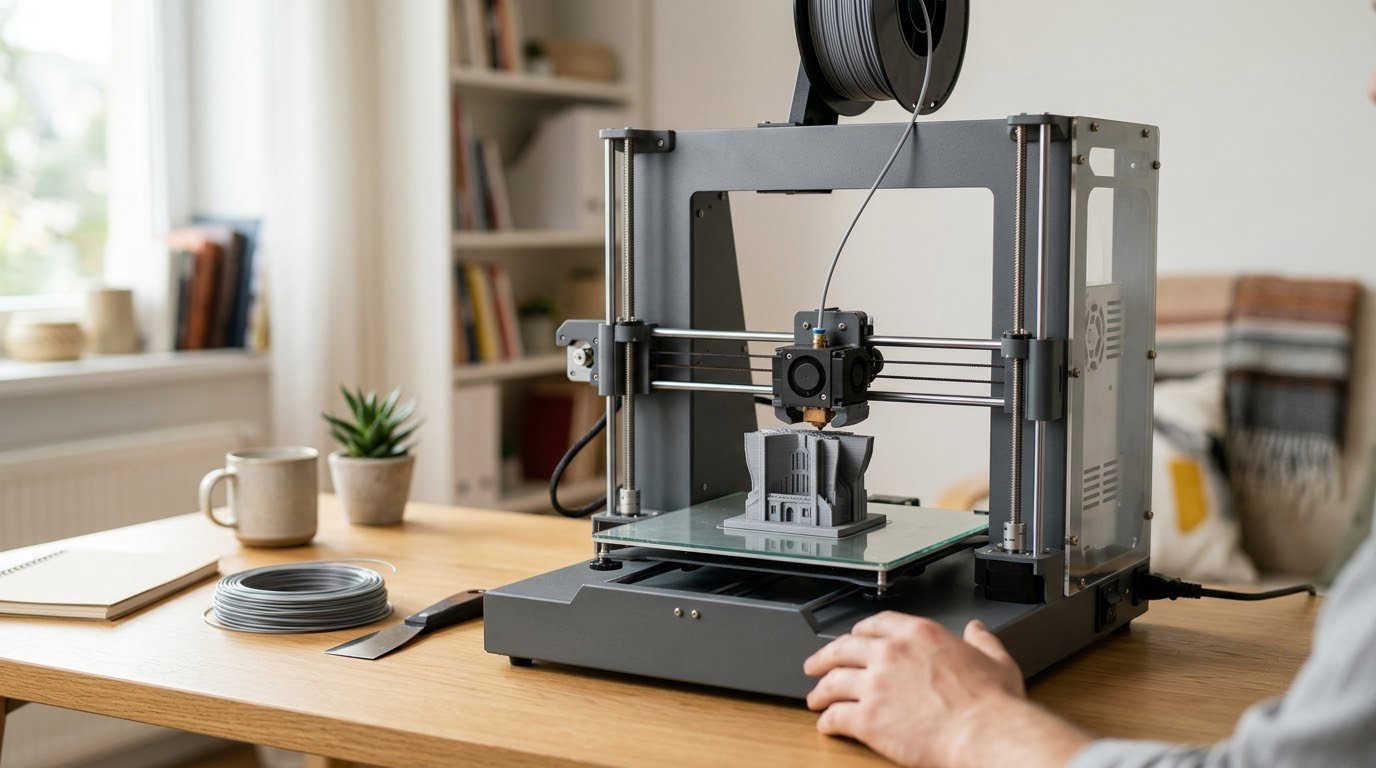
If you are shopping a printer during Amazon’s October Prime event, the Creality K2 Plus Combo is the one to watch: it prints up to 16 colors from four chained CFS modules inside a 350 mm cube, and that combination rarely comes together in a single machine. The Bambu Lab P1S Combo is the calmer buy if you want multi-color in an enclosed body with a proven track record, and the Bambu Lab A1 is the pick for anyone who has never owned a printer and does not want to bed level anything by hand.
Prime Big Deal Days runs October 6-7, 2026, and printer offers shift through the event, so every button below leads to the listing on Amazon where the current number lives.
Table of Contents
Our Top 3 Picks for Best Amazon Prime Big Deal Days 3D Printer Deals

Creality K2 Plus Combo
- 16 colors from 4 linked CFS modules
- 350 mm cube build volume
- 60C actively heated chamber

Bambu Lab P1S Combo
- Bundled AMS multi-filament unit
- 500 mm/s with 20000 mm/s^2 acceleration
- Fully enclosed chamber

The K2 Plus Combo takes the top slot on capability and review volume. The P1S Combo and the A1 are here because most people reading this are not printing 16-color batches; they want a first or second machine that works this week.
Best Amazon Prime Big Deal Days 3D Printer Deals Compared (October 2026)
| Product | Specifications | Action |
|---|---|---|
| Creality K2 Plus Combo |
|
Check Deal Price |
| Bambu Lab P1S Combo |
|
Check Deal Price |
| Bambu Lab A1 |
|
Check Deal Price |
 Flashforge Adventurer 5M Flashforge Adventurer 5M |
|
Check Deal Price |
 Elegoo Mars 5 Ultra Elegoo Mars 5 Ultra |
|
Check Deal Price |
 Bambu Lab A1 mini Bambu Lab A1 mini |
|
Check Deal Price |
 Creality K2 SE 4C Creality K2 SE 4C |
|
Check Deal Price |
 Anycubic Photon Mono 4 Anycubic Photon Mono 4 |
|
Check Deal Price |
 Flashforge Adventurer 5M Pro Flashforge Adventurer 5M Pro |
|
Check Deal Price |
 Elegoo Saturn 4 Ultra Elegoo Saturn 4 Ultra |
|
Check Deal Price |
Two resin machines sit in this list on purpose. FDM and resin are not competing versions of the same product; they are different crafts, and the buying guide below explains which one your projects actually need.
How We Chose
We compared the specs that decide a printer purchase: print technology, build volume, chamber and temperature limits, motion system, automation features and the rating and review volume behind each listing. The data was checked in October 2026. Every verdict below comes from those specifications and from what owners report in reviews.
1. Creality K2 Plus Combo: Editor’s Choice for Large Multi-Color Projects
Creality K2 Plus Combo
Type: FDM
Weight: 70.4 lb
Build: 350 mm cube
Standout: 16 colors
Pros
- 350 mm cube handles oversized models and batch printing
- Four chained CFS modules give 16 colors with RFID detection
- 30000 mm/s^2 acceleration and 40mm^3/s flow
- 18 sensors and dual AI cameras for failure detection
- 60C chamber and 350C hardened nozzle for ASA and PPA
Cons
- Heavy 70.4 lb machine that needs a real stand
- Added complexity from chamber heat and hardened nozzle
Two things decide a large-format purchase: how big the cube is, and how many colors come out without you crossing the room mid-print. The K2 Plus Combo answers both, which is why it leads this list.
The build volume is 350 x 350 x 350 mm, larger than anything else here, and the motion system uses FOC step-servo motors on all three axes with 30000 mm/s^2 acceleration and 40 mm^3/s flow. Dual independently motorized Z-axis rods give the bed tilt auto-correction, so a warped plate gets fixed in software rather than by eye.
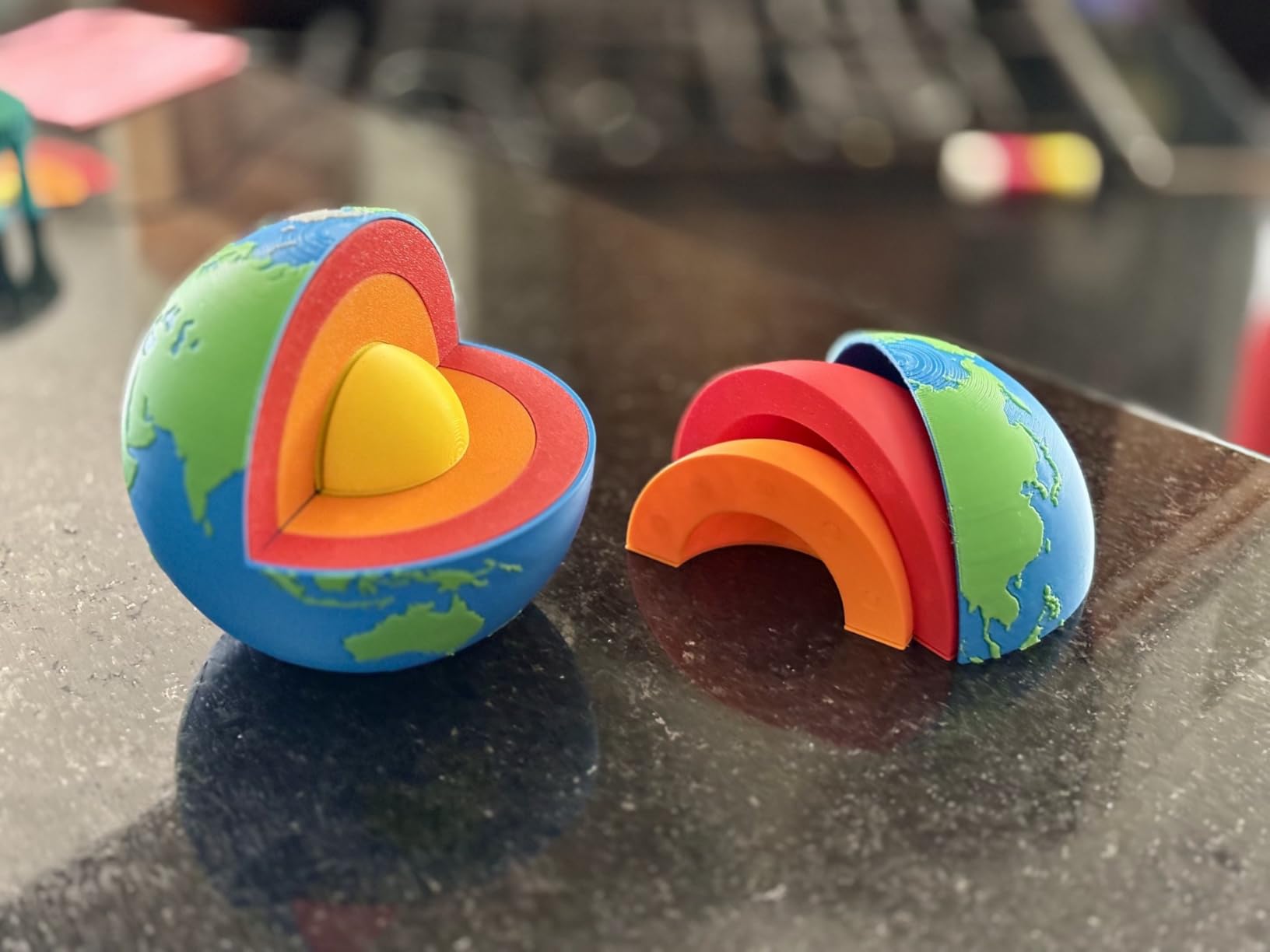
Color is the headline. Four CFS modules can be linked for up to 16 colors, with RFID filament auto-detection and automatic relay between them. Owners buying this machine are usually batching parts, and a four-color run that finishes while you are at work is worth a lot more than a faster single-color print.
The chamber heats actively to 60C for ASA and PPA, and the hardened steel nozzle reaches 350C. That combination is what separates it from the Bambu Lab P1S Combo, which is enclosed but does not list active chamber heating.
Good to know: it weighs 70.4 lb and measures 16.1 x 15.4 x 18.7 inches, so plan the stand before the box arrives. The 4.0 rating across 895 reviews includes a 17 percent one-star share, and owners on early production report reliability concerns, so budget for a support contact rather than assuming a flawless unit.
Skip this one if you print small parts in a small apartment. A printer this size earns its keep with cosplay-scale panels, terrain tiles and batch production, not desk trinkets.
2. Bambu Lab P1S Combo: Best for Enclosed Multi-Color
Bambu Lab P1S Combo
Type: FDM
Weight: 47.5 lb
Speed: 500 mm/s
Standout: bundled AMS
Pros
- AMS makes multi-color and multi-material work automatic
- 500 mm/s with 20000 mm/s^2 acceleration
- Enclosed body handles engineering filaments
- Auto bed leveling on every print start
- Bambu Studio and MakerWorld model library
Cons
- Low resolution monochrome LCD is awkward to navigate
- Software and scenario setup has a learning curve
- Sample files on the bundled SD card do not work with the AMS
The combo matters more than the printer here. The AMS is what turns this from a fast single-color machine into a multi-color one, and bundling it is the sensible order of operations for most buyers.
Reviewers are consistent about the two halves of this machine: the hardware is fast and well built, the software is the part that needs patience. Printing speed is 500 mm/s with 20000 mm/s^2 acceleration, and the fully enclosed body keeps ABS and ASA prints far more consistent than an open frame would.
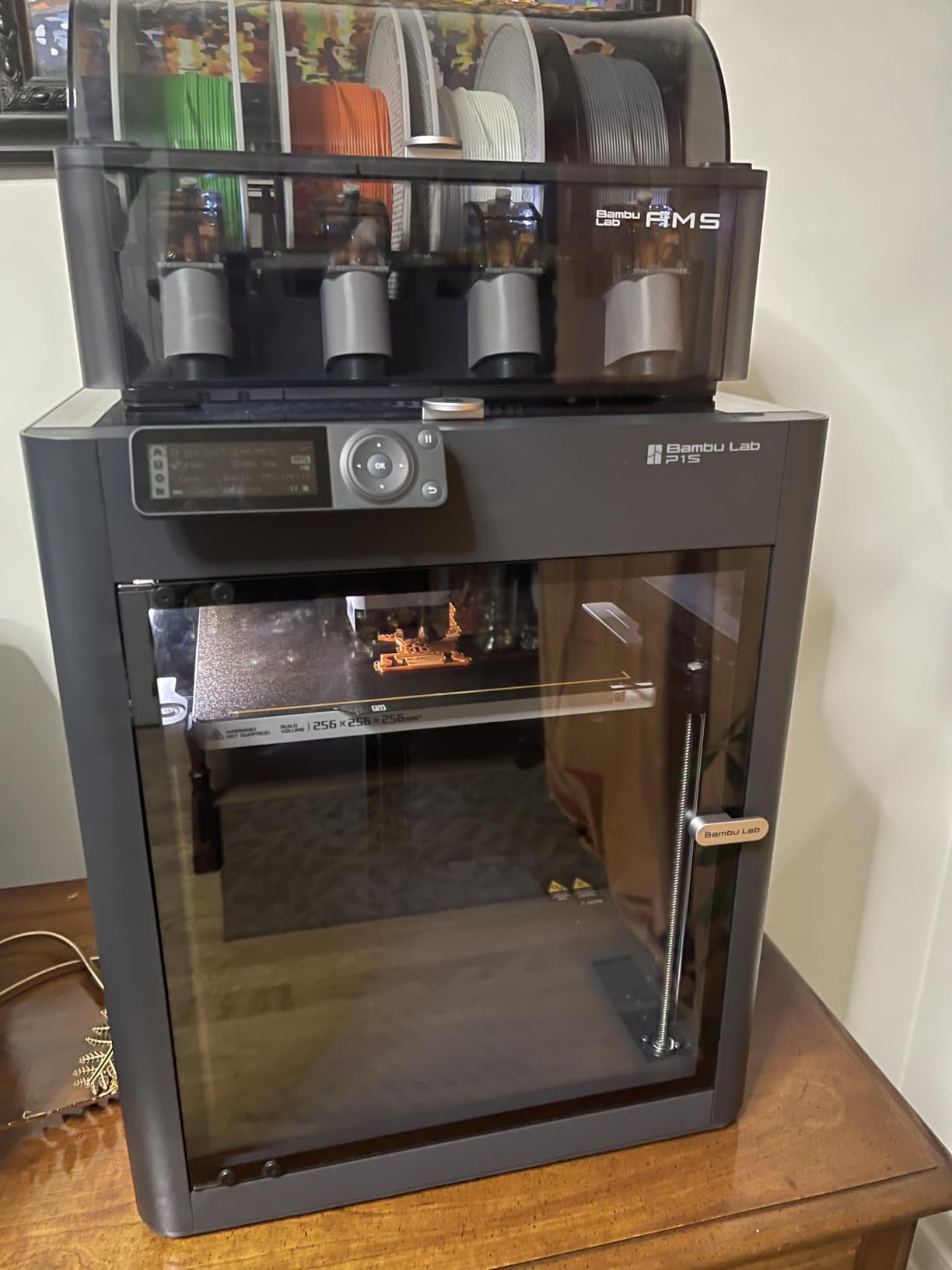
- Filaments listed as ideal: PLA, PETG, TPU, PVA, PET/ABS and ASA, with capability for PA and PC.
- Automatic bed leveling runs at every print start and can be disabled once you trust your own setup.
- Setup is about 15 minutes, and automatic bed leveling cuts down on failed first layers.
Two practical notes from owners. The bundled monochrome screen is low resolution and slow to navigate, so most people drive this machine from a phone instead. And the sample files on the included SD card do not work with the AMS; print them through the app.
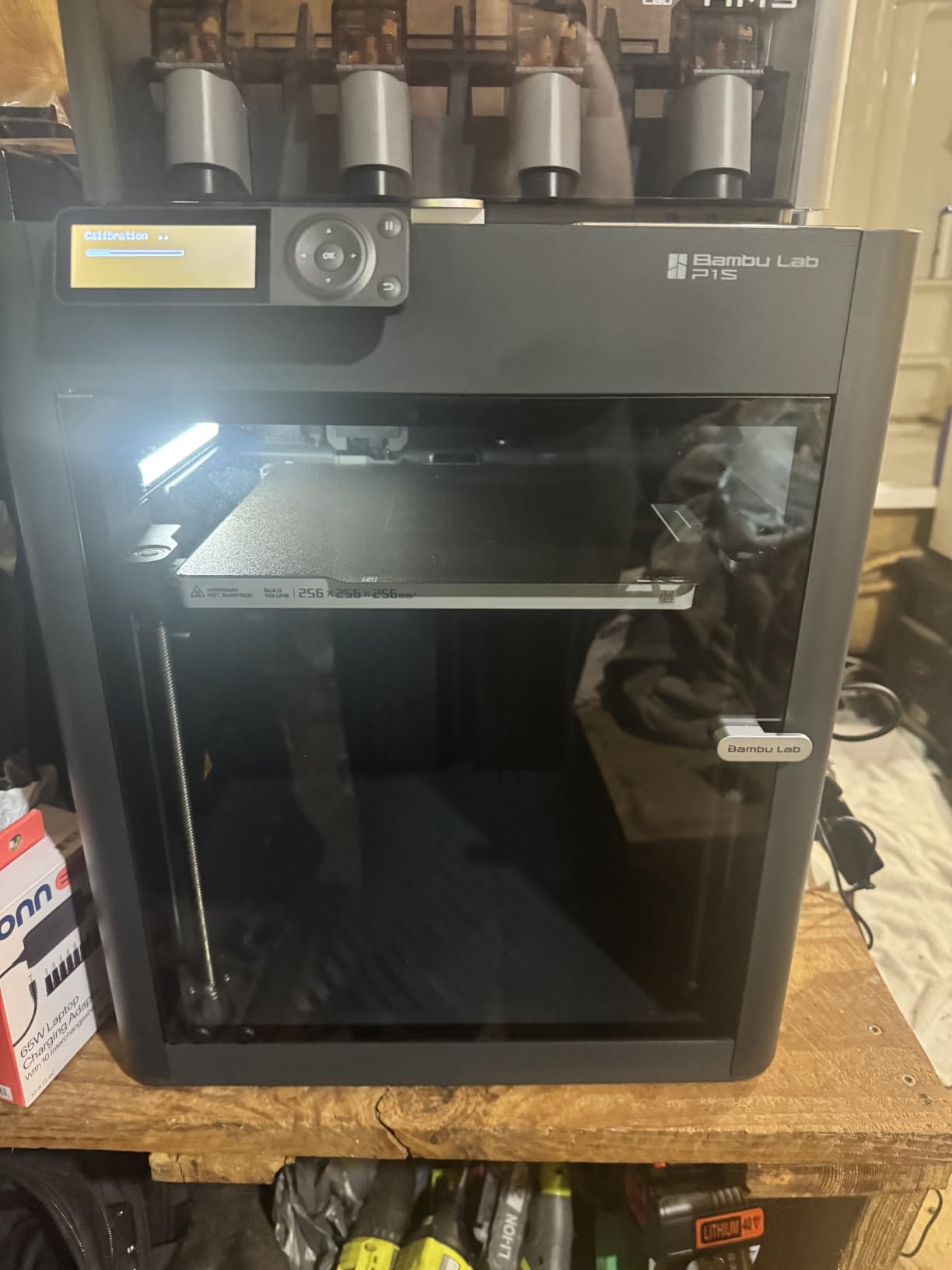
Compared with the Creality K2 Plus Combo, the P1S is lighter at 47.5 lb and far easier on a normal desk, but it gives up the actively heated 60C chamber. Compared with the Bambu Lab A1, it adds an enclosure plus the AMS, which is the upgrade path most people take second.
3. Bambu Lab A1: Top Rated for First-Time Buyers
Bambu Lab A1
Type: FDM
Weight: 22 lb
Accel: 10000 mm/s^2
Standout: auto calibration
Pros
- Highest rated printer in this roundup at 4.7
- Full-auto calibration removes manual bed leveling
- Fast and quiet with active motor noise cancellation
- Phone app control and easy assembly
- Detects filament runout and jams and resumes
Cons
- Multi-color needs the AMS lite added separately or the Combo variant
- Closed-source software ecosystem
- One owner reported a Z-axis fault from a loose USB-C connector
This is the default first printer, and at 4.7 across 671 reviews it is the highest rated machine here. Owners who came from Prusa and Creality machines call it the best printer in its class, which is not faint praise from people who owned the alternatives.
The reason is the automation. Full-auto calibration handles Z-offset and bed leveling, active flow rate compensation adjusts extrusion from sensor readings, and active motor noise cancelling keeps it quiet enough for a shared room. The 1-clip quick swap nozzle means maintenance does not require tools.
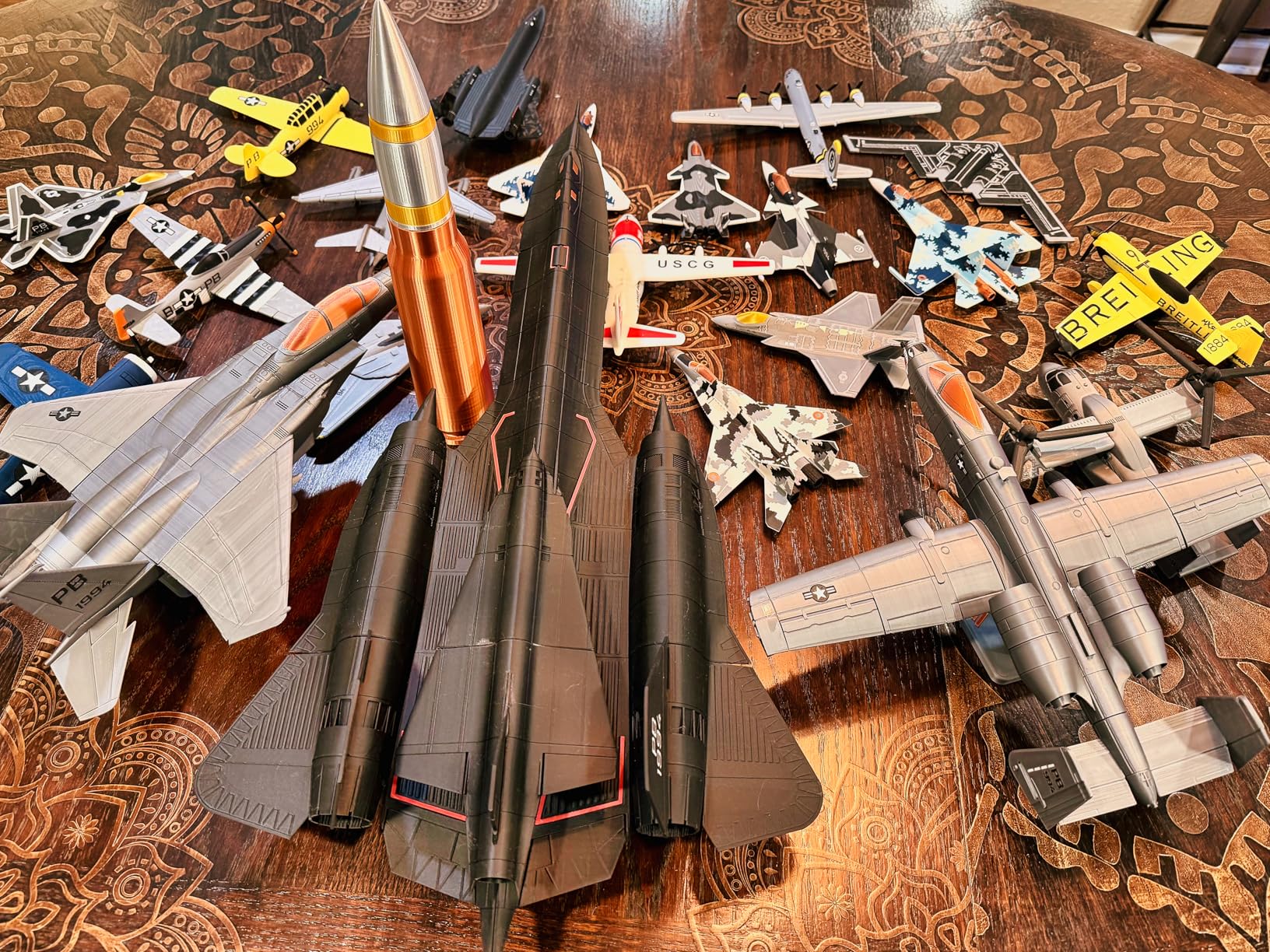
It detects filament runout and jams, stops and resumes, which sounds minor until you have watched a 14-hour print die at hour nine. At 22 lb it moves between rooms easily, and 10000 mm/s^2 acceleration is plenty for daily parts.
The recurring regret in reviews is not quality, it is planning ahead: multi-color needs the AMS lite, so either pick the Combo variant or accept single-color printing from day one. That decision is easier to make now than later.
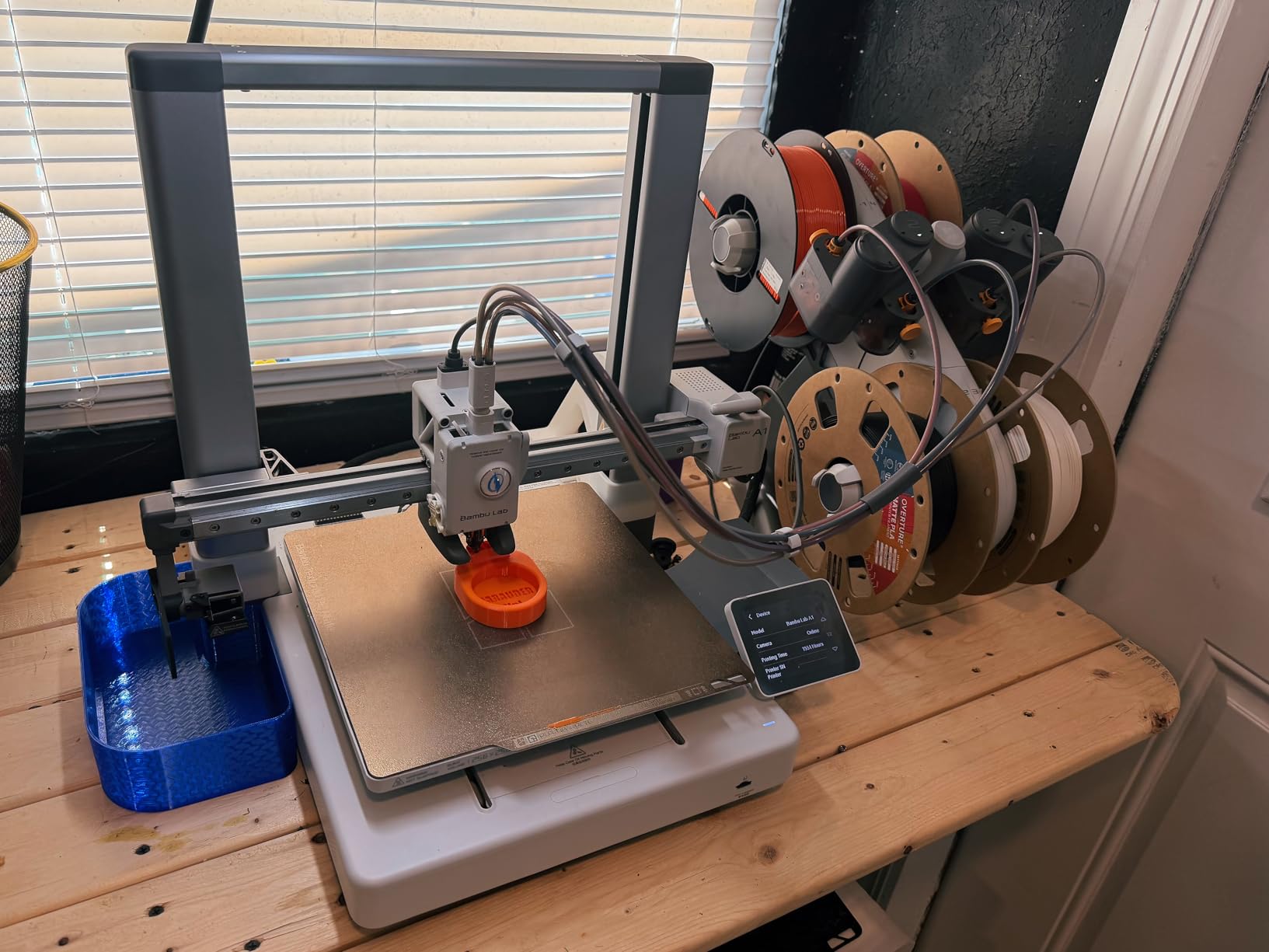
The P1S Combo is the step up if you already know you want an enclosure and multi-color. If you are not sure, the A1 is the simpler way to find out whether you actually enjoy the hobby before you buy into filament systems and enclosed engineering materials.
4. Flashforge Adventurer 5M: Best for Fast Single-Color Prints
Flashforge Adventurer 5M
Type: FDM
Weight: 23.8 lb
Build: 220 mm cube
Speed: 600 mm/s
Pros
- Printing roughly 10 minutes after unboxing
- CoreXY motion at 600 mm/s without bed-slinger movement
- Input shaping and auto leveling run automatically
- One owner logged 2.6 km of filament with few failed prints
- FlashForge support answered quickly and sent free parts
Cons
- Single-color only with no multi-material option
- Open frame rules out ABS and high-temperature materials
- Proprietary network interface restricts slicer choice
A workhorse that shows up in deal threads year after year, and for a simple reason: it prints about ten minutes after you open the box. One-click full auto leveling plus vibration compensation means no manual bed level, no first-layer tuning marathon.
Under the covers it is a serious machine. CoreXY motion reaches 600 mm/s with 20000 mm/s^2 acceleration, the 32 mm^3/s flow nozzle hits 200C in 35 seconds, and the dual-sided flexible removable PEI steel plate swaps between textured and smooth sides in seconds.
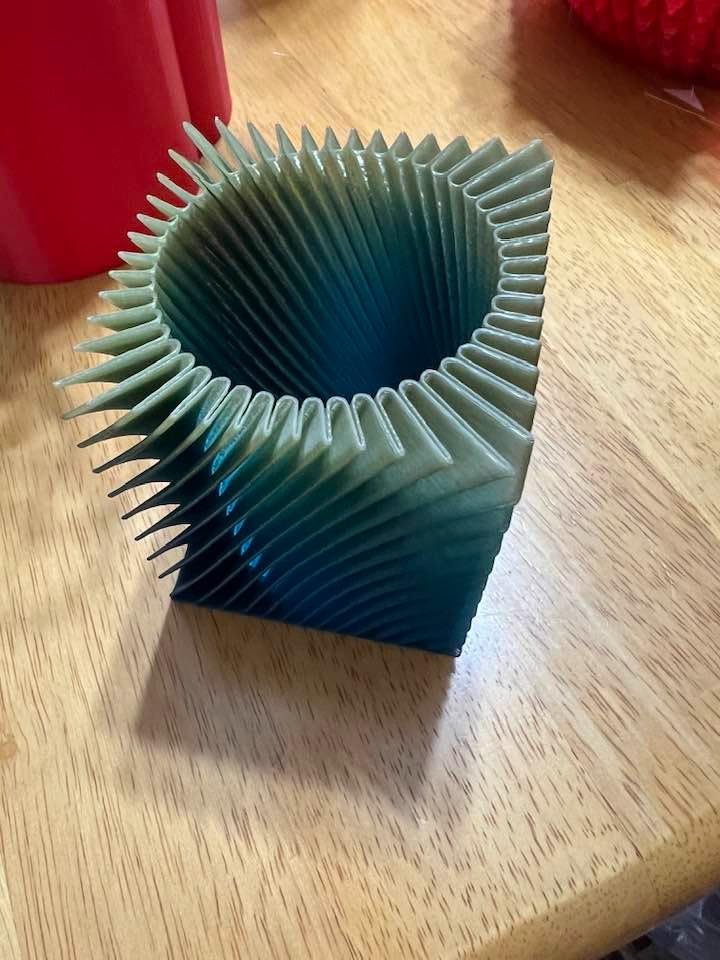
Owners report it as a reliable workhorse. One reviewer logged 2.6 km of filament with very few failed prints, and FlashForge support is repeatedly praised for quick answers and free repair parts. The filament run-out sensor and power loss recovery are standard on this machine, not a paid extra.
Two limits to plan around. It is single-color with no multi-material unit, and the open frame means ABS and other high-temperature materials are out of reach. The filament sensor detects an empty tube, not a tangled spool, so a jam still catches you.
If your list is short and single-color, the Flashforge Adventurer 5M Pro below adds an enclosure, filtration and a camera to the same 220 mm format. If multi-color matters more than enclosure, look at the Creality K2 SE 4C instead.
5. Elegoo Mars 5 Ultra: Best for Miniatures
Elegoo Mars 5 Ultra
Type: resin
Weight: 19.36 lb
Screen: 9K mono
Speed: 150 mm/h
Pros
- 9K resolution gives detail far beyond FDM output
- Tilting vat roughly halves print times versus older Mars models
- Setup is quick and prints need minimal exposure tuning
- Remote camera monitoring with time-lapse
- Self-leveling build plate
Cons
- Lid has no hinges and lifts off entirely
- Rounded resin spout makes pouring messy
- Resin workflow needs post-processing and handling
Resin is a different hobby, not a better filament printer. Where an FDM machine approximates a surface, a 9K mono LCD at 18 micron XY resolution resolves fine detail outright, which is why miniature printers keep showing up in these lists.
The Mars 5 Ultra is the practical resin entry point. Tilt release technology, where the vat leans instead of peeling, pushes print speed to 150 mm/h and roughly halves the time older Mars models needed. The self-leveling build plate removes the leveling step almost entirely.
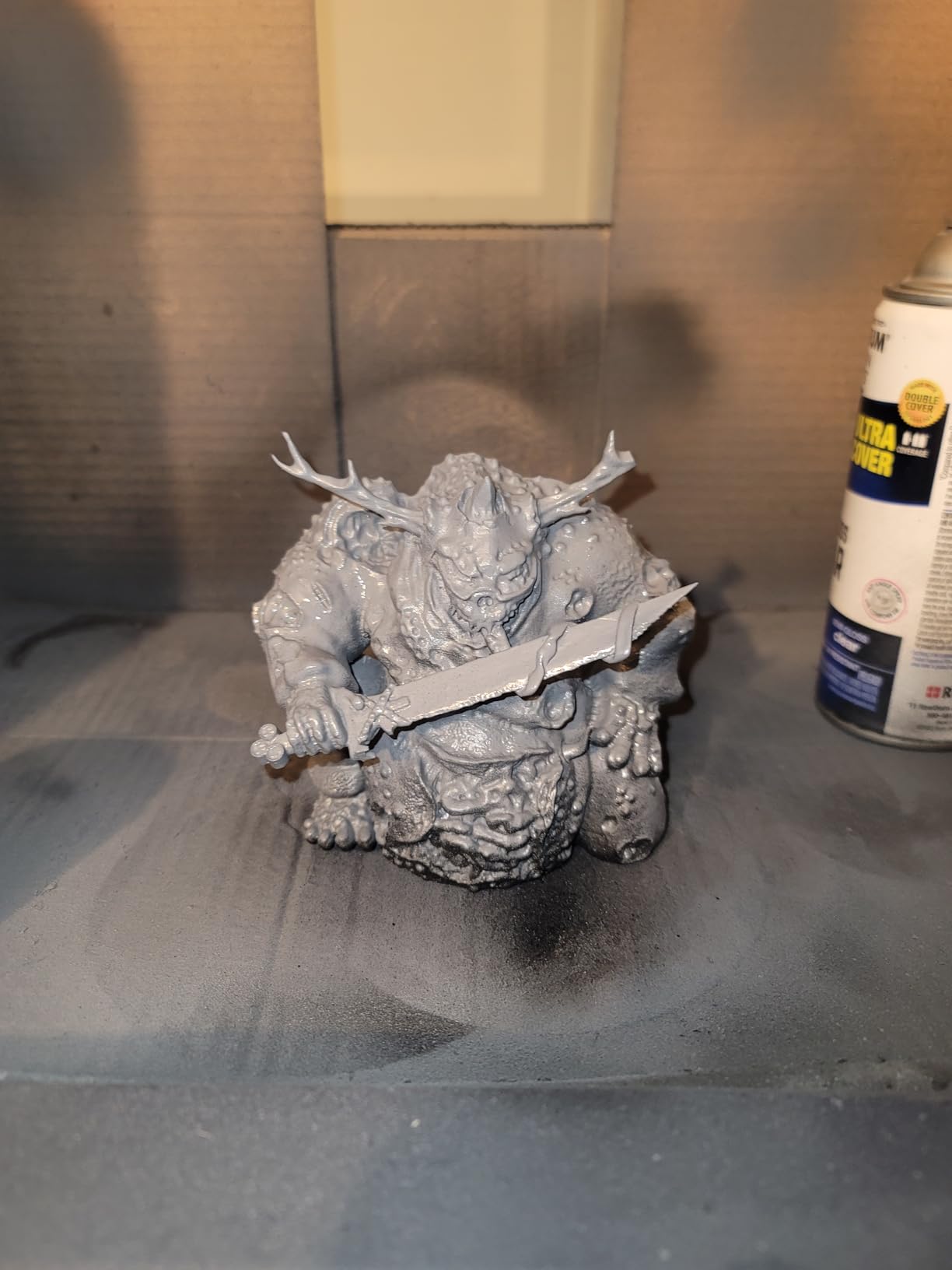
Owners moving up from filament highlight the detail and the speed. An AI camera monitors prints and detects errors in real time, a mechanical residue sensor protects the LCD, and alarms cover resin shortage and leveling. Wi-Fi cluster printing lets you run more than one machine from a single device, and three months of Chitubox Pro are included.
Good to know: the lid has no hinges and lifts off entirely, and the rounded resin spout makes pouring messy. Resin also means gloves, ventilation and post-curing, which is where most households decide this is not for them.
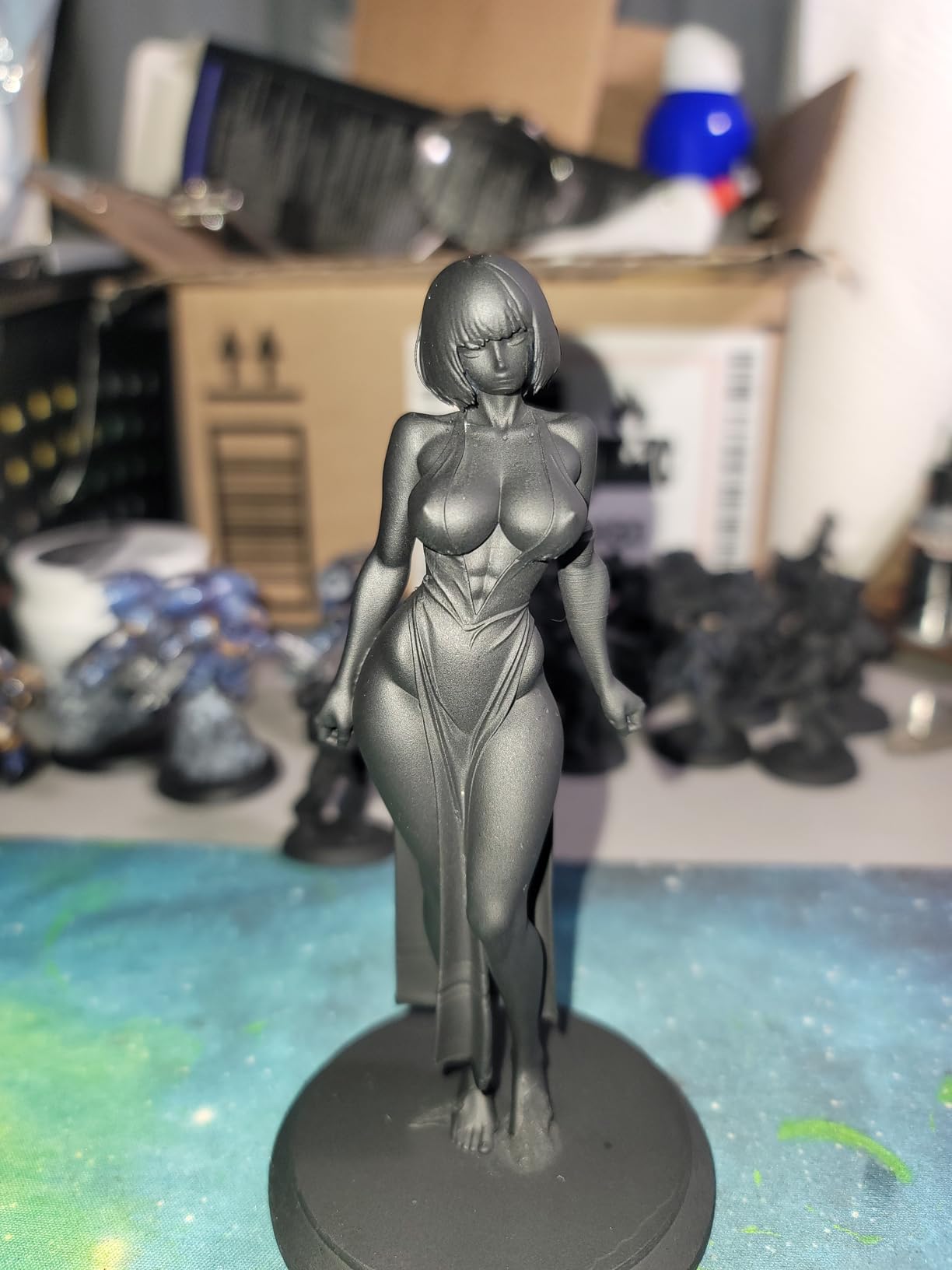
The Anycubic Photon Mono 4 is smaller and simpler for a single hobbyist at a desk. The Saturn 4 Ultra is the pick if your prints are large enough that a bigger build area matters more than footprint.
6. Bambu Lab A1 mini: Best for Small Desks
Bambu Lab A1 mini
Type: FDM
Weight: 12.1 lb
Standout: LED lamp kit
Calm: quiet
Pros
- LED lamp kit bundled for a project straight out of the box
- Automatic calibration and simple setup
- Compact and quiet for an apartment or home office
- MakerWorld library and Bambu Handy app
- Good speed and quality for its size
Cons
- Small build volume against full-size Bambu printers
- No enclosure so engineering filaments are out of reach
- LED lamp models need compatible printed parts
Not every maker needs a 350 mm cube. Some people share a desk with a laptop and a coffee cup, and this is the printer that fits that life at 12.1 lb and quiet enough to sit in a home office.
The distinguishing feature is the bundled LED Lamp Kit, which turns the first weekend into a project instead of a calibration chore. Owners like the creative angle, and the model library plus Bambu Handy app simplify picking something to print.
Automatic calibration makes it approachable for a complete beginner, and the 1-clip quick swap nozzle keeps maintenance trivial. At 4.4 across 204 reviews it is the shortest track record of the Bambu machines here, so temper expectations slightly.
The trade-offs are size and materials. There is no enclosure, so high-temperature and engineering filaments are unreachable, and the build volume is small against the full-size Bambu printers. The lamp models also need compatible printed parts before anything lights up.
If your work is one printed part at a time in PLA or PETG, this is enough. Move up to the Bambu Lab A1 when you start hitting the size limit on props and enclosures.
7. Creality K2 SE 4C: Best for Four-Color Prints in a Small Footprint
Creality K2 SE 4C
Type: FDM
Weight: 35.5 lb
Speed: 500 mm/s
Standout: 4 colors built in
Pros
- Four-color printing works out of the box with no conversion
- Footprint is 37 percent smaller than typical multi-color systems
- CoreXY at 500 mm/s with 20000 mm/s^2 acceleration
- Auto leveling probes only the active print area
- Tangle detection and power loss recovery
Cons
- No heated chamber so ABS is poorly supported
- Open frame limits material choice
- 16 percent one-star share on early reliability reports
Multi-color usually means bolting a box onto the side of a printer and losing a chunk of bench space. The K2 SE 4C builds four colors into the machine itself and takes up 37 percent less room than a typical multi-color system.
There is no conversion step and no assembly. Four-color printing works straight out of the box, and the all-metal frame plus auto bed leveling that probes only the active print area help first-layer reliability where it counts.
Motion is CoreXY at 500 mm/s with 20000 mm/s^2 acceleration. The failure-handling features are unusually thorough: filament run-out sensor, tangle detection, power loss recovery and skip partial failure, which is what keeps an unattended weekend batch from ending in a pile of plastic.
Creality OS with a Fluidd interface, root access and offline USB printing means it is not locked the way some ecosystems are. Supported materials are PLA and PETG, plus dual-material breakaway supports.
The compromise is temperature. There is no heated chamber, so ABS and other high-temperature materials are poorly supported, and the open frame limits your choices. If ABS matters, the Creality K2 Plus Combo or the Flashforge Adventurer 5M Pro are the ones to look at. The 4.0 rating across 559 reviews carries a 16 percent one-star share reflecting early reliability reports, so keep the return window in mind.
8. Anycubic Photon Mono 4: Budget Pick for Fine Detail on a Desk
Anycubic Photon Mono 4
Type: resin
Weight: 7.7 lb
Screen: 10K mono
Build: 153x87x165 mm
Pros
- Detail that suits miniatures and jewelry prototypes
- Layer lines virtually invisible at full resolution
- Laser-engraved platform gives strong adhesion
- Compact and very quiet at 7.7 lb
- Printing within about 30 minutes of unboxing
Cons
- Small build volume means constant resizing
- Prints can stick too hard to the plate
- Vats tend to break and touchscreens fail for some owners
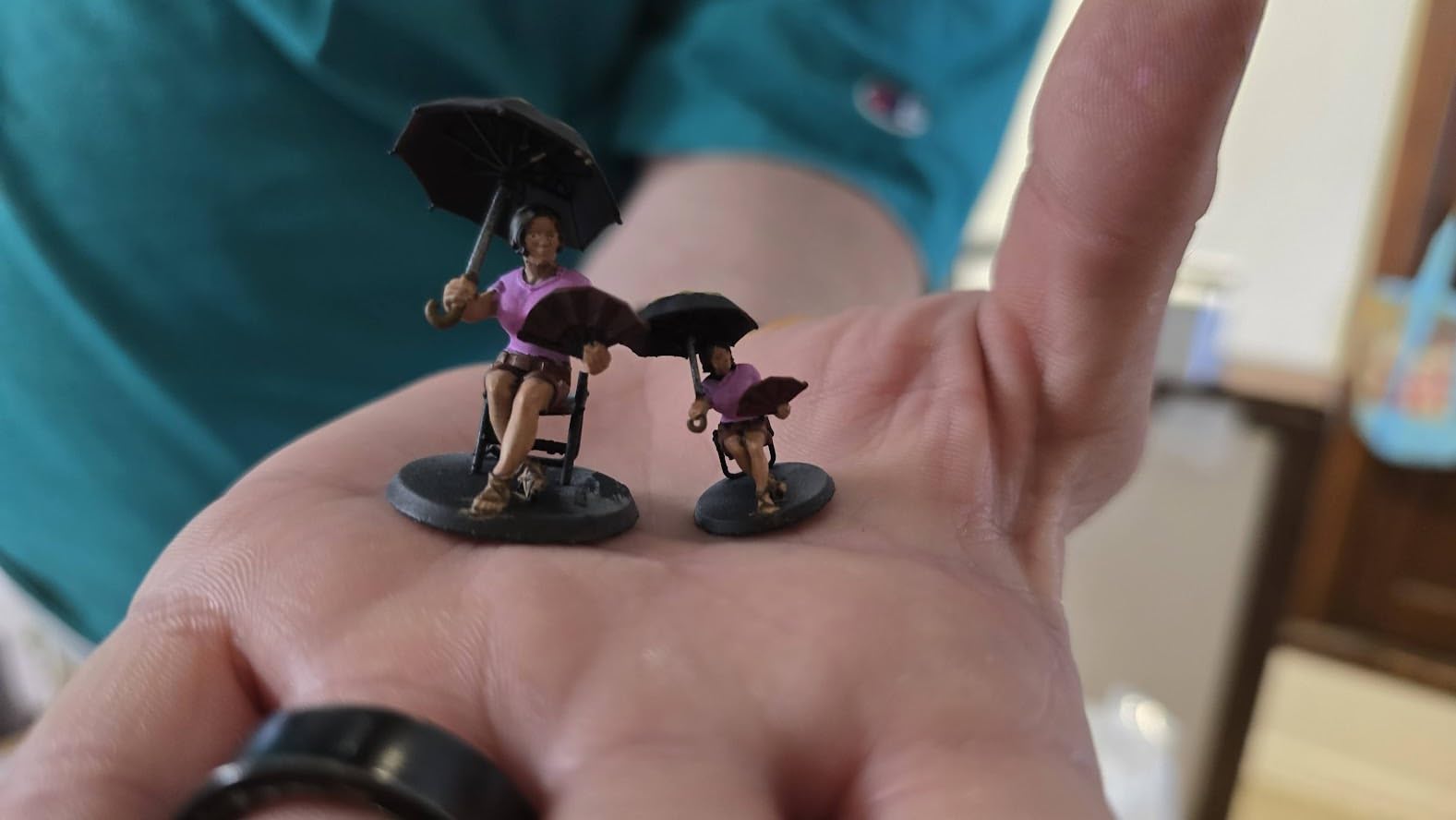
At 7.7 lb this is the smallest and least intrusive machine in the list, and its 4.4 rating across 667 reviews is backed by more owner feedback than any printer here except the Flashforge Adventurer 5M Pro. The 7-inch 10K mono LCD at 9024 x 5120 with 17 x 17 micron XY pixels is where the detail comes from.
The LighTurbo matrix light source spreads light evenly enough that layer lines are close to invisible at full resolution, and the laser-engraved build platform improves adhesion while reducing warping. Four-point leveling is a one-time job; the screws stay set afterwards.
Two things to know before you commit. It needs a desktop computer running Photon Workshop, because the Anycubic app is not supported on this model. And the build volume of 153.4 x 87 x 165 mm is small, so you will be resizing models constantly.
Owners rate the print quality highly once a print is going. Recurring negatives are practical rather than fundamental: prints occasionally stick too hard to the plate, vats have a tendency to break, and some owners report touchscreen failures handled slowly by support.
Reach for the Elegoo Mars 5 Ultra instead if you want a tilting vat workflow and faster resin prints. Reach for the Saturn 4 Ultra if a larger build area matters more than footprint or noise.
9. Flashforge Adventurer 5M Pro: Best for Enclosed Printing
Flashforge Adventurer 5M Pro
Type: FDM
Weight: 22 lb
Build: 220 mm cube
Noise: under 50 dB
Pros
- Enclosed chamber with dual filtration makes ABS and ASA practical
- Under 50 dB suits a home or classroom
- Setup takes 10 to 30 minutes
- Built-in camera with Wi-Fi and Ethernet
- Comes with a filament spool and spare nozzles
Cons
- Nozzle and extruder parts get consumed quickly
- Repeated toolhead crashes and nozzle breaks reported
- Random filament feed stops without halting the print
This is the enclosed, filtered, quiet version of the 5M. The chamber has dual filtration and runs under 50 dB, which is what makes ABS and ASA practical in a home or a classroom rather than a garage.
Temperature headroom is the spec that matters here: a 280C nozzle and a 110C heated bed cover ABS, ASA, PETG-CF, PLA and PETG. The all-metal CoreXY frame reaches 600 mm/s with 20000 mm/s^2 acceleration, and vibration compensation removes ghosting and ringing.
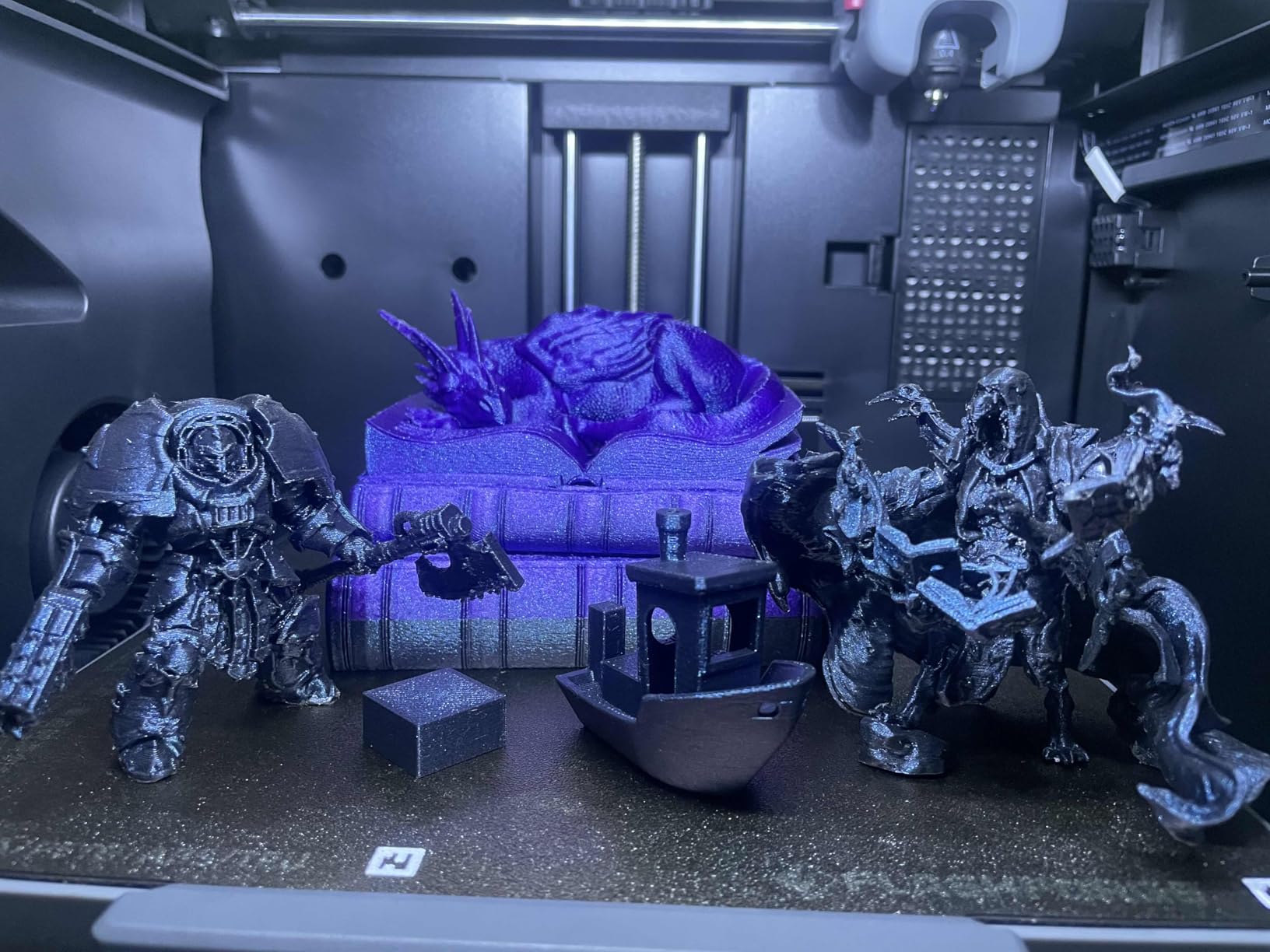
Maintenance is unusually fast. The tool-free nozzle swap takes about three seconds and covers 0.25, 0.4, 0.6 and 0.8 mm sizes, one-click full auto leveling handles the bed, and a 4.3-inch touchscreen plus a built-in camera with Wi-Fi and Ethernet cover monitoring. Owners mention the box includes a filament spool, spare nozzles and a tool kit.
The most-reviewed machine in this roundup at 1061 reviews, and not a clean sheet. The 4.0 rating includes an 18 percent one-star share, with clusters of reports about toolhead crashes, nozzle breakage and prints that stop feeding filament without the machine halting. FlashForge support is praised when it engages.
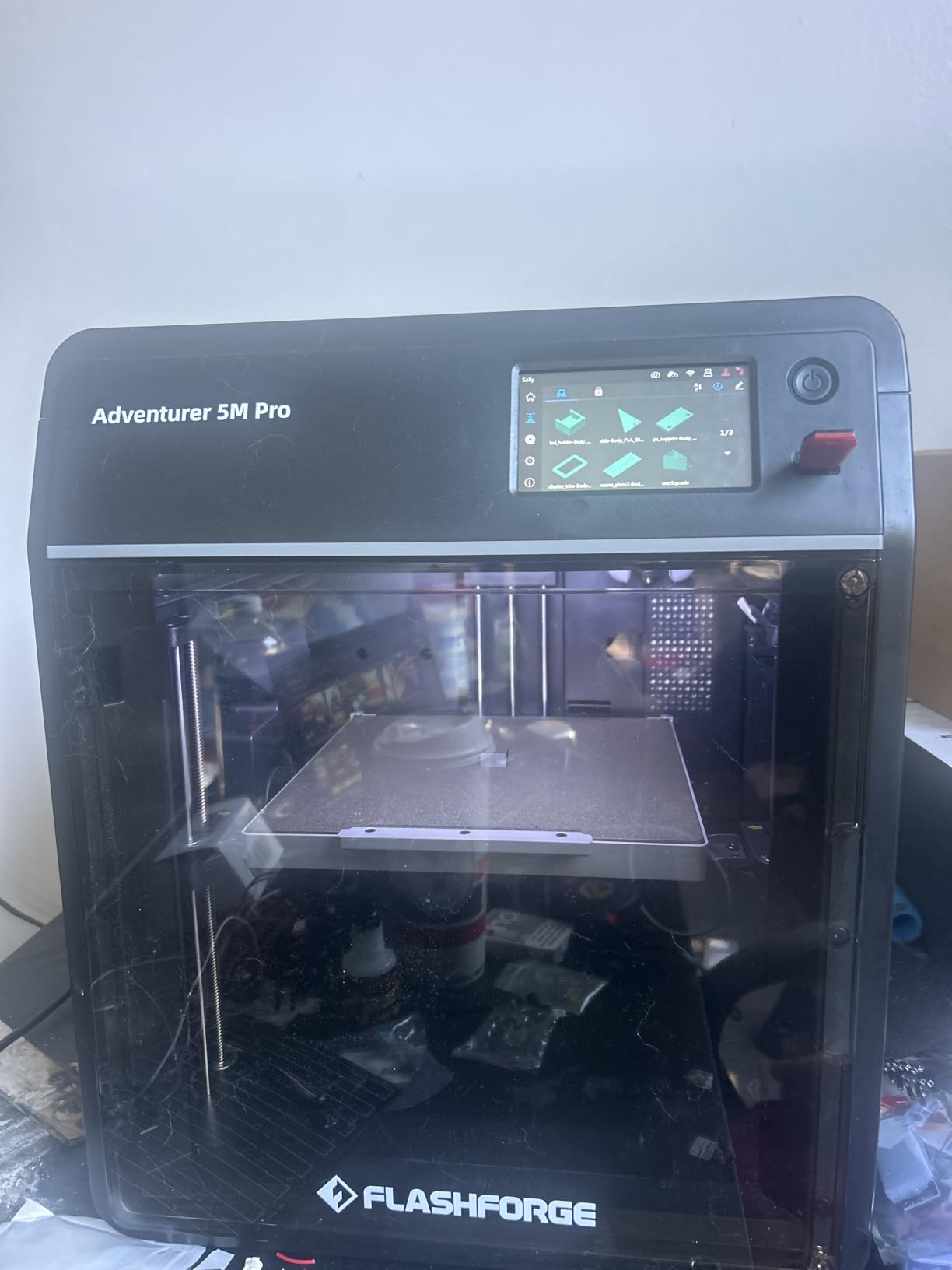
Compared with the Creality K2 Plus Combo, you give up the actively heated 60C chamber and the 350 mm cube. Compared with the open-frame Adventurer 5M, you gain the enclosure, filtration and a camera for a step up in capability. One quirk: the slicer installers on the bundled USB drive may not run on the latest macOS releases.
10. Elegoo Saturn 4 Ultra: Best for Resin Batches
Elegoo Saturn 4 Ultra
Type: resin
Weight: 40 lb
Speed: 150 mm/h
Standout: large build area
Pros
- Sharp detail on miniatures and vehicle-scale parts
- Large build area fits multiple models per print
- Tilt release with fast and slow modes
- Quick-clamp build plate and lifting lid
- Fast for a printer its size once calibrated
Cons
- Rubber feet were not level out of the box on some units
- Advertised smart leveling and AI detection are overstated
- App registration fails to find a serial number
When a resin print needs to be bigger than a figurine, the build area stops being a detail. The Saturn 4 Ultra takes a large build area, which means multiple models per print, and at 40 lb it is a machine you put where it will stay.
Tilt release technology runs at up to 150 mm/h with fast and slow mode switching, and the moving tank leaves no visible layer lines behind it. A mechanical sensor detects foreign objects to protect the LCD, a resin shortage alarm covers the other common failure, and one-touch automatic build plate leveling handles the plate.
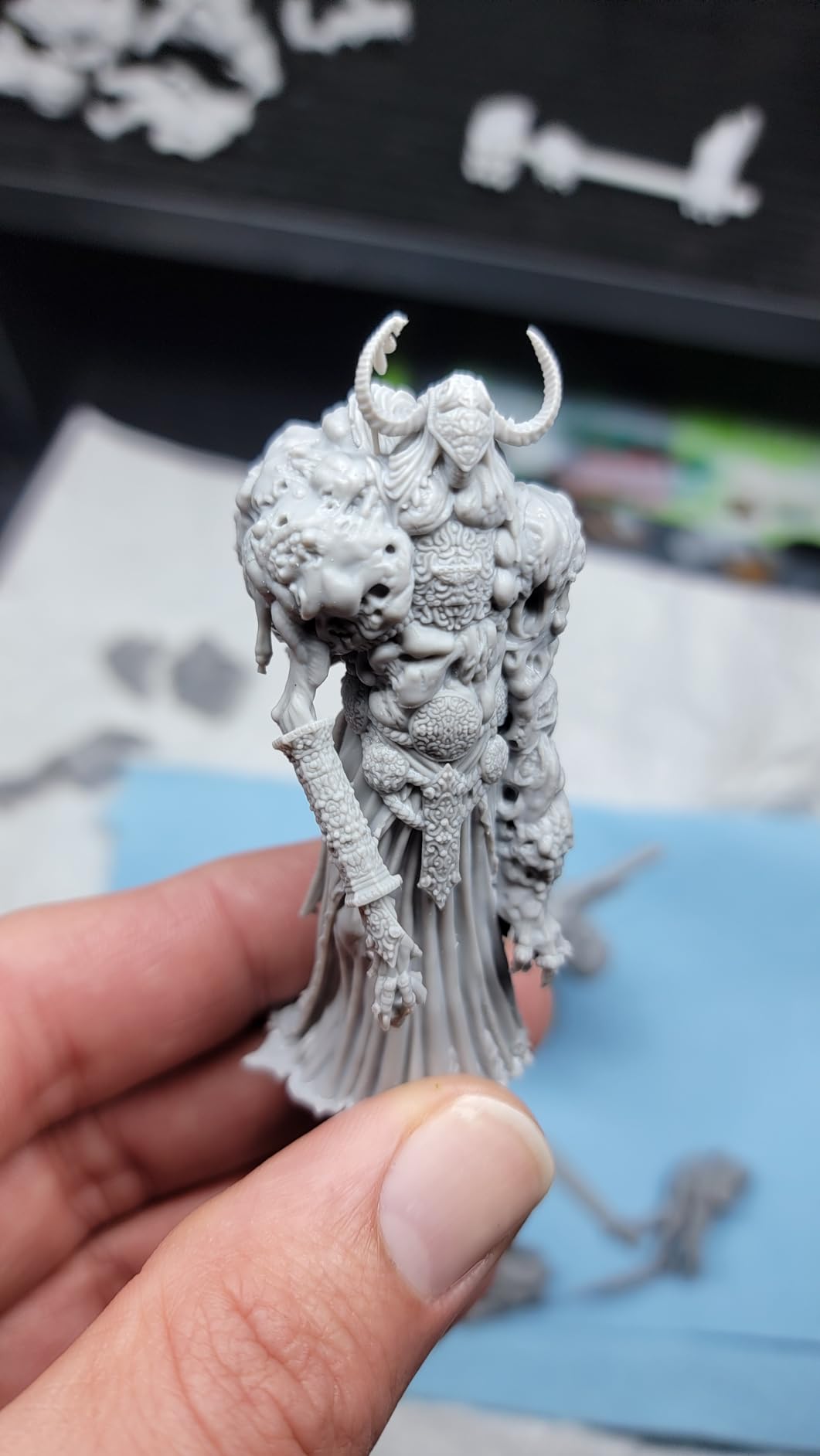
Owners with resin experience report excellent print quality and a genuinely fast workflow once calibrated. Power outage resume and a startup self-check protect long runs, and a temperature detection alarm covers the LED light array.
Be skeptical of the feature list. Owners point out that the advertised AI camera is really time-lapse and remote viewing, and that the factory auto-leveling cannot compensate for an unleveled chassis. Several units needed shimming under the rubber feet, and app registration failed to find a serial number.
The Elegoo Mars 5 Ultra is easier to place and quicker to set up. The Saturn 4 Ultra earns its footprint when you are batching models, and you will want printed handles on the build plate and lid because neither ships with one.
How to Choose 3D Printers During Prime Big Deal Days
Choose Between FDM and Resin Printing
FDM melts filament and needs no chemicals, which makes it the right default for a household. Resin cures liquid plastic under a UV screen and resolves detail an FDM nozzle physically cannot, but it needs gloves, ventilation, post-curing and cleaning afterwards.
Choose resin when the subject is miniatures, figures, jewelry prototypes or fine mechanical detail, and there is a bench you are willing to dedicate to it. Choose FDM for functional parts, cosplay props, organizers and anything that has to survive being handled.
Match Build Volume to Your Projects
Build volume is the number that decides whether a model fits, and larger is not automatically better. A 350 mm cube suits oversized parts and batch work, 220 to 256 mm covers most household and hobby projects, and a compact 153 x 87 x 165 mm resin format suits small miniatures.
Measure the largest object you actually want to print before you buy, and remember that tall prints need headroom for the gantry. If your list is full of armor pieces and helmets, our picks for printers for cosplay props break down the size questions in more detail.
Check Material and Temperature Support
PLA and PETG work on almost everything in this list. Everything beyond that depends on enclosure and heat: an open frame cannot hold ABS or ASA reliably because the chamber lets temperature drop and layers separate, and no firmware fixes that.
Look at three numbers rather than a marketing line. Nozzle temperature decides what the extruder can melt, bed temperature decides whether the first layer sticks, and an actively heated chamber above 50C is what separates ASA and PPA work from ordinary enclosed printing. If ABS is on your list, start with our guide to enclosed printers for ABS printing, and if nylon or polycarbonate is the goal, see our picks for printers set up for nylon.
Assess Print Quality Beyond the Listed Resolution
Resolution is the number resin buyers watch and FDM buyers mostly ignore. For FDM, visible quality comes from motion system and damping: CoreXY, input shaping or vibration compensation, and a rigid frame remove the ringing and ghosting that you actually see on finished parts.
For resin, the LCD resolution and XY pixel size do matter, along with how evenly the light source spreads across the screen. Anti-aliasing and monochrome panels reduce the stair-stepping on curved surfaces. For scale terrain, our picks for printers for miniature terrain compare the two approaches head to head.
Consider Setup, Noise, and Maintenance
One-click or full-auto leveling removes the single most common beginner failure, so it is worth paying for on a first machine. Check the running noise too: under 50 dB machines can sit in a room you work in, while a louder CoreXY is easier to live with in a garage or spare room.
Then look at what wears out. Quick-swap nozzles, replaceable resin vats and a bundled spare nozzle kit decide whether a two-year-old machine needs parts you can order in an afternoon.
How to Shop 3D Printer Deals During the Sale
Read the exact model number on each listing, because several of these printers have near-identical names across generations and differ in chamber, camera and speed. Check whether the seller is the brand itself or a marketplace reseller, and confirm what is included in the box, since a Combo listing and a standalone printer are different purchases. Note whether the unit is new, used or renewed, and keep the printer’s warranty terms in view next to the retailer’s return window. Most offers on these listings need a Prime membership, and offers change through the event.
- Match the model number on the listing to the model number in the comparison above, not just the family name.
- Decide printer-only or Combo before you click, because multi-material bundles are not returnable in every case.
- Check the seller and the warranty separately, since the brand warranty does not always follow a marketplace seller.
- Read the listing for what is included: a Combo bundle and a printer-only listing are different products.
- Keep the return window open until the first few prints finish, not just until the box arrives.
Frequently Asked Questions
When does Amazon Prime Big Deal Days run in 2026?
Amazon Prime Big Deal Days runs October 6-7, 2026. Those are the confirmed dates for the fall event, and printer offers usually appear at the start rather than trickling in. Most offers need an active Prime membership, and a free trial counts.
Is a Prime membership required for Amazon Prime Big Deal Days 3D printer deals?
Most offers on 3D printers and filament during the event are limited to Prime members, and a free trial counts as active membership. A handful of listings run for everyone, but they are the exception rather than the rule, so check the Prime badge before you plan your purchase around a deal.
Can I use the same filament in every FDM 3D printer?
Not quite. PLA and PETG run on almost every FDM printer in this roundup, but ABS, ASA, nylon, fiber-filled and carbon-filled materials need a hot enough nozzle, a heated bed and usually an enclosed chamber. The open-frame Bambu Lab A1 and A1 mini are limited to lower-temperature plastics for that reason.
Is a resin 3D printer suitable for use at home?
Yes, with preparation. Resin printing needs gloves, a wash station, post-curing and ventilation, and the fumes and spills put it off-limits for some households. The Anycubic Photon Mono 4 is the quietest and smallest resin option here at 7.7 lb, which makes it easier to place in a home office.
Do these 3D printer deals include accessories as well as printers?
Printer offers during the event usually sit alongside separate filament, build plate and tool offers in the same category. Some printer bundles include a spool, spare nozzles or a tool kit, so read what is included in the listing before assuming you also need a filament order on the same day.
Final Verdict: Best Amazon Prime Big Deal Days 3D Printer Deals
The most worth-watching pick during Prime Big Deal Days is the Creality K2 Plus Combo: 16 colors from four linked CFS modules, a 350 mm cube and a 60C actively heated chamber in one machine, with 895 reviews behind it. The budget-friendly alternative is the Anycubic Photon Mono 4 for fine detail, or the Flashforge Adventurer 5M if you want filament and no computer.
Buy the Bambu Lab A1 if you have never printed before, the Bambu Lab P1S Combo if you want multi-color inside an enclosed body, the Flashforge Adventurer 5M Pro if ABS and ASA matter more than small size, the Creality K2 SE 4C if four built-in colors in a small footprint is the goal, and the Bambu Lab A1 mini if desk space is the constraint. For resin, the Elegoo Mars 5 Ultra is the balanced pick and the Elegoo Saturn 4 Ultra is the batch one.
Pick the machine that matches the material and the model you actually want to print, then use the button to see where the listing sits right now.