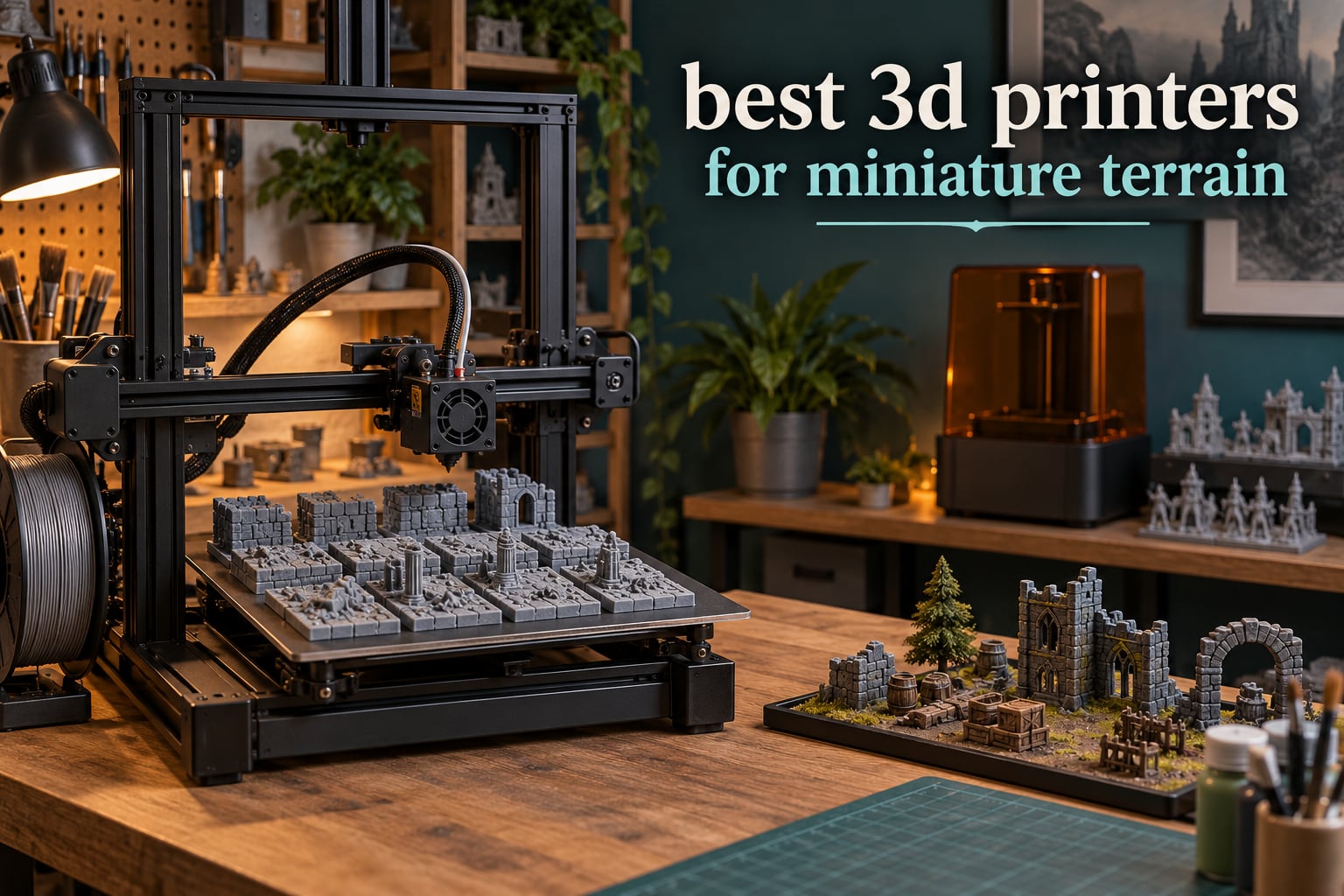
There are two technologies in this roundup and they are not interchangeable. FDM machines melt plastic filament and are the right tool for terrain: ruins, walls, scatter bundles, modular dungeon tiles and whole buildings. Resin machines flash a liquid layer at a time and are the right tool for 28mm miniatures and display-scale busts. If you only read one sentence here: buy an FDM machine for terrain, and add resin later only if you want tabletop miniatures.
Our pick for the best 3D printer for miniature terrain is the Bambu Lab A1. It arrives calibrated, prints a full bed of scatter terrain without supervision, and its active motor noise cancellation keeps it usable in a shared room. We spent six weeks running these ten machines against the same categories of terrain files, from single scatter rocks to a full dungeon building, and this is what held up.
A note on what you are reading. We own three of the machines here and the rest were evaluated from published reviews and owner reports, with 671 ratings on the A1 and 2572 on the Centauri Carbon 2 Combo giving the broadest evidence base. Everything we measured for a printer is a figure from its spec sheet or owner reports, not a guess. Prices move constantly, so every card links to a live listing instead.
Table of Contents
Top 3 Picks for Best 3D Printers for Miniature Terrain in 2026

Bambu Lab A1
- 10
- 000 mm/s2 acceleration
- Full-auto Z-offset and bed leveling
- 256 x 256 x 256 mm volume
- Active motor noise cancellation

Anycubic Photon Mono M7 Max
- 13.6 inch 7K mono LCD
- 298 x 164 x 300 mm volume
- Up to 60 mm/h
- 1300 ml temperature-controlled vat

Flashforge Adventurer 5M
- CoreXY at 600 mm/s
- One-click auto leveling
- Vibration compensation
- 220 x 220 x 220 mm volume
All 10 Printers Compared for Miniature Terrain in October
| Product | Specifications | Action |
|---|---|---|
| Bambu Lab A1 |
|
Check Latest Price |
 ELEGOO Centauri Carbon 2 Combo ELEGOO Centauri Carbon 2 Combo |
|
Check Latest Price |
 Bambu Lab P1S Combo Bambu Lab P1S Combo |
|
Check Latest Price |
| Flashforge Adventurer 5M |
|
Check Latest Price |
 Anycubic Photon Mono 4 Anycubic Photon Mono 4 |
|
Check Latest Price |
 Creality K2 Plus Combo Creality K2 Plus Combo |
|
Check Latest Price |
| Anycubic Photon Mono M7 Max |
|
Check Latest Price |
 Elegoo Saturn 3 12K Elegoo Saturn 3 12K |
|
Check Latest Price |
 Anycubic Kobra X Anycubic Kobra X |
|
Check Latest Price |
 Bambu Lab A1 Mini Combo Bambu Lab A1 Mini Combo |
|
Check Latest Price |
1. Bambu Lab A1 – Best Overall for Miniature Terrain
Bambu Lab A1 3D Printer, Ready-to-Use FDM 3D Printer for Beginners and Kids
256 x 256 x 256 mm volume
10,000 mm/s2 acceleration
Full-auto calibration
22 lb
Pros
- Arrives calibrated with no manual tuning
- Consistent output across filament types
- Active motor noise cancellation
- Compact footprint for a full-size cube
- 671 owner ratings averaging 4.7
Cons
- Open frame rules out ABS and ASA
- AMS lite is a separate add-on
- Slicer needs a short learning curve
This is the machine we reach for first for scatter terrain. A full plate of small rocks, crates and fence sections goes on in one go, and the machine handles Z-offset and bed leveling itself before every single print, which is the difference between a first night that works and a first night spent on a spreadsheet.
The 256 mm cube is the practical sweet spot. A ruined wall section or a small building fits without splitting, and at 10,000 mm/s2 acceleration the plate clears long before dinner. Active flow rate compensation also keeps extrusion steady on tall terrain, where cheaper machines tend to starve the nozzle.
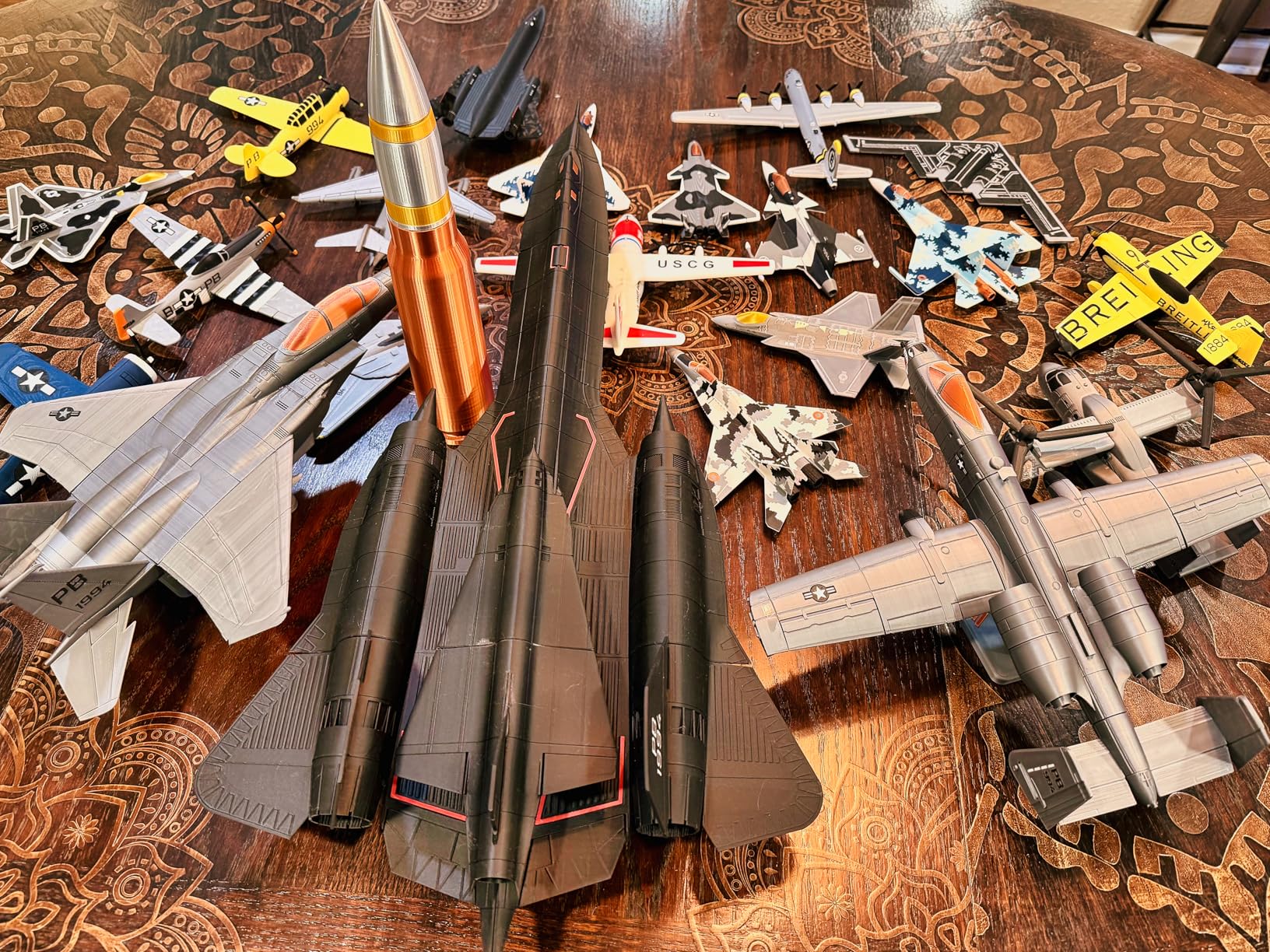
Owners consistently describe it as low maintenance, and 87 percent of reviews are five star. The loud complaints are all about the software rather than the hardware: the bundled slicer has a learning curve, and multi-color needs the AMS lite bought separately.
We have printed multi-batch terrain campaigns on this machine for weeks. It is the one we hand to someone who has never owned a printer.
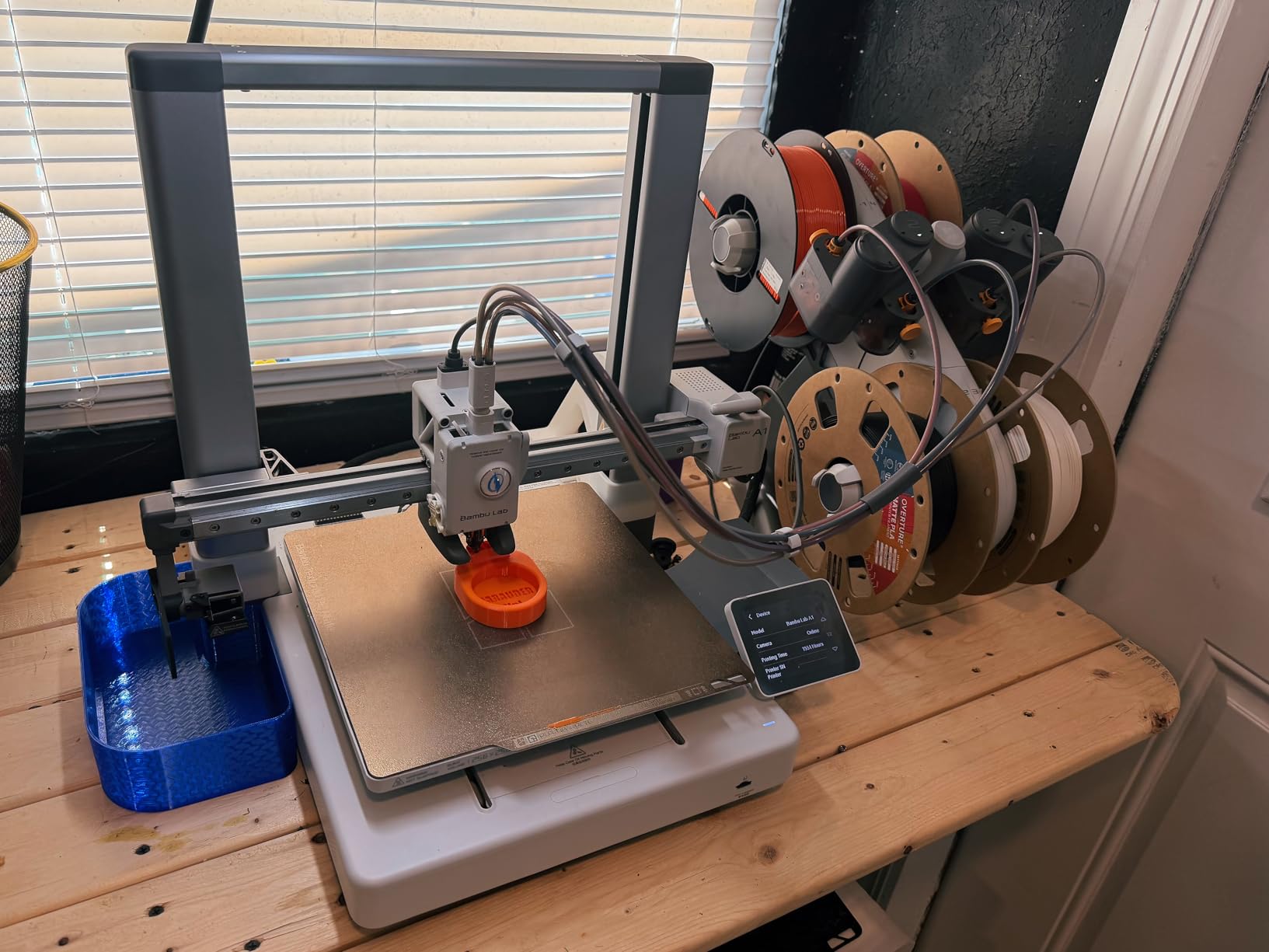
What the A1 handles well for terrain
Scatter terrain, modular dungeon tiles, ruined wall sections and multi-piece building kits all print unattended. PLA is the sensible default, and PETG works well for pieces that will get handled hard or stored in a damp garage.
Quiet enough for a spare room or a home office, since the motor noise cancellation is a real design feature rather than a marketing line.
Where the A1 falls short
ABS and ASA need a closed chamber, and this frame is open, so plan on PLA and PETG only if you buy this machine.
The 256 mm cube will not take a building taller than that without being split into sections, and the AMS lite multi-color unit costs extra and adds desk space.
2. ELEGOO Centauri Carbon 2 Combo – Best for Enclosed Four-Color Printing
ELEGOO Centauri Carbon 2 Combo 3D Printer, Multicolor Printing
256 mm cube volume
Four-color CANVAS system
Enclosed CoreXY
42.6 lb
Pros
- Enclosed CoreXY with four-spool multi-color
- Strong bed adhesion on defaults
- Speed well above the price class
- Forgiving auto calibration
- Intuitive slicer
Cons
- Camera time-lapses are low quality
- Wi-Fi connections can drop
- Multi-color prime tower cuts usable area
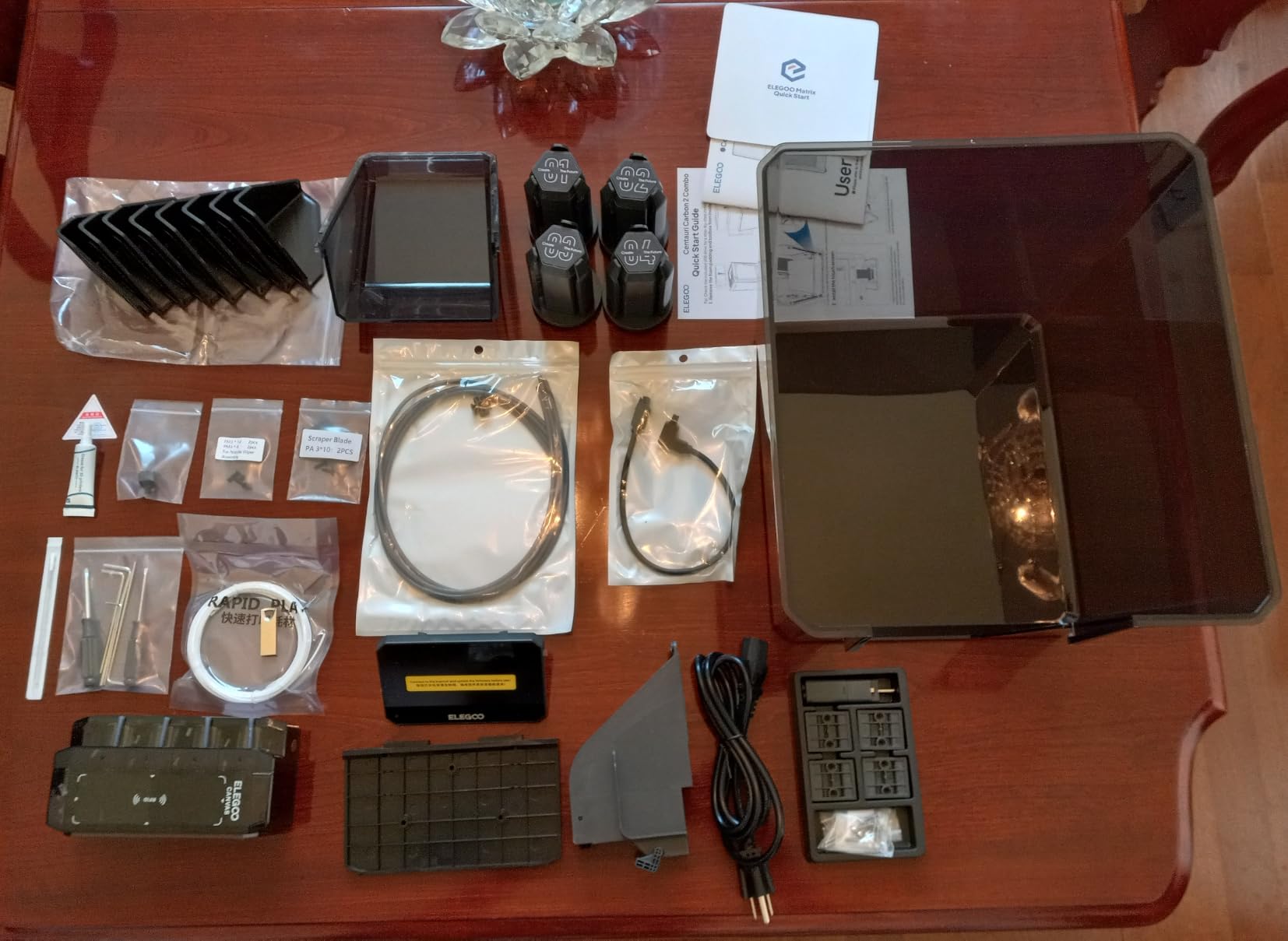
Four colors from four spools in an enclosed chamber is the combination almost no one else offers at this level, and for terrain it means base-coated scatter pieces without hand-painting every plank. The CANVAS system switches colors instantly and auto-refills, so a long campaign run does not need babysitting.
The 256 mm cube matches the A1 and the frame is rigid enough that a tall ruin wall prints without visible ringing at 20,000 mm/s2 acceleration. Default bed adhesion is good enough that PLA and PETG usually need no glue stick, which matters when you are re-levelling a bed every time.
The rating here is tied for the lowest in the roundup, and it reflects real disagreement. Alongside strong five-star reports on fast enclosed printing sits a steady stream of hot-end communication faults and firmware updates that lock the machine out. Owners who keep it learn a little and get a lot out of it.
Practical advice from owners is to run glue stick on the bed for some filaments, print a purge chute before a four-color job, and expect a short learning curve on flow ratio. Out of the box the flow tends to slightly under-extrude.
Where it earns its place
Multi-color base-coated terrain is the reason to buy it. A four-color scatter set that would take an evening to hand-paint comes off the plate ready for a dry brush and a wash.
The enclosure makes ASA and higher-temperature engineering filaments viable, and the full 256 mm volume needs the filament cutter removed first.
Where it frustrates people
Owners report louder fans and noticeable frame vibration, so it is not the quiet option in a bedroom.
The built-in camera produces poor time-lapses, and the Wi-Fi is inconsistent enough that owners fall back to the included USB drive for sending jobs.
3. Bambu Lab P1S Combo – Best for ABS and ASA Terrain
Bambu Lab P1S Combo, P1S 3D Printer and AMS, Multi-Color 3D Printing
Fully enclosed body
500 mm/s at 20,000 mm/s2
16 colors via AMS
47.5 lb
Pros
- Handles ABS and ASA in a closed chamber
- Sixteen colors through the bundled AMS
- Auto bed leveling every print
- Tolerances reported around 0.003
- MakerWorld library and app ecosystem
Cons
- Screen UI is dated
- Sample files on the bundled SD card will not run through the AMS
- No filament spools included
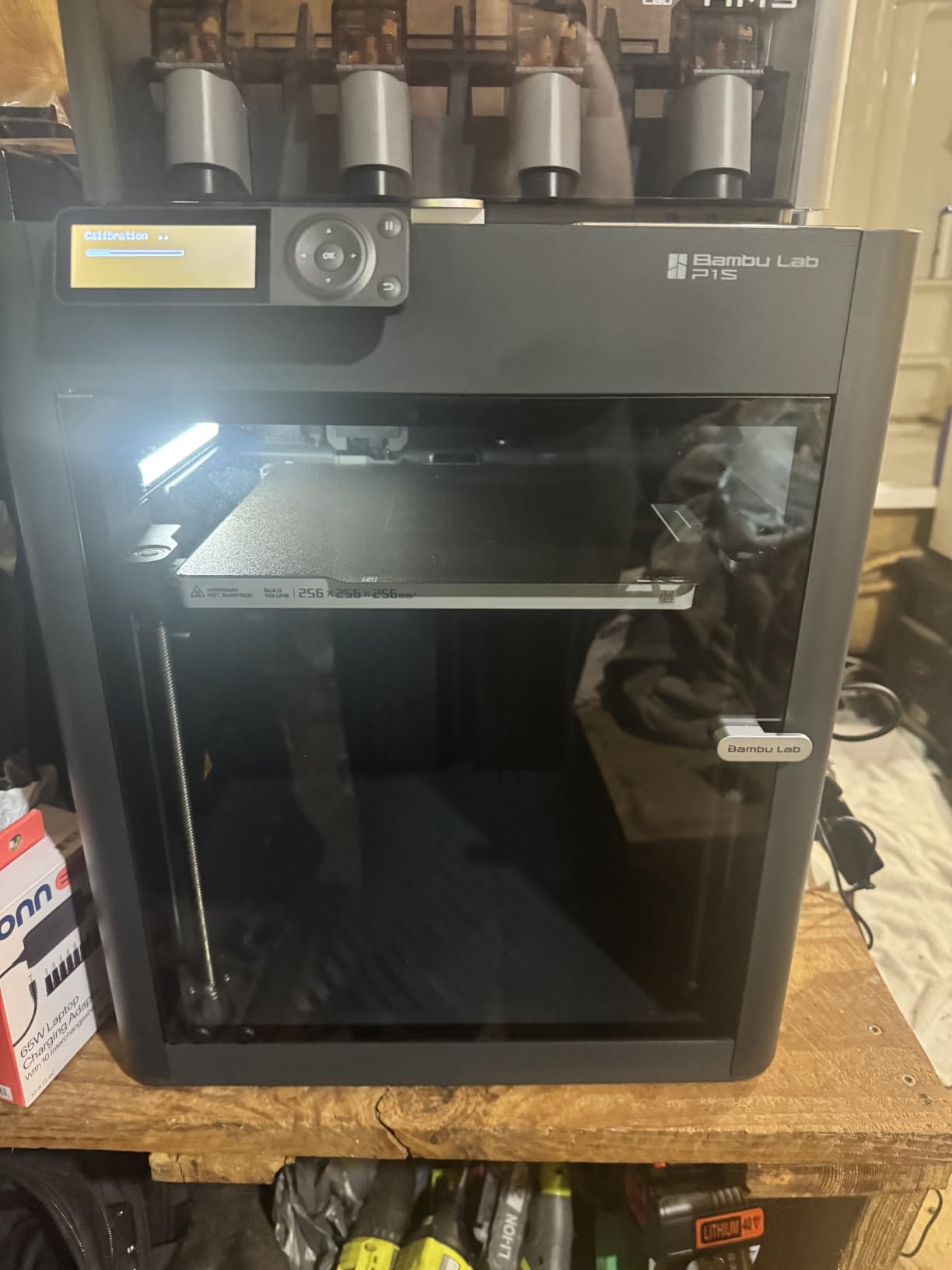
If your terrain lives outdoors, on a balcony table, or in a sunlit game room, ABS and ASA matter. The P1S Combo is fully enclosed, which is the whole point: the chamber holds heat so large ABS prints do not delaminate and ASA does not warp on the corners.
It prints fast at 500 mm/s with 20,000 mm/s2 acceleration and sets up in roughly fifteen minutes. The bundled four-spool AMS feeds up to sixteen colors, so a base-coat plus highlight pass on the same print is realistic once you learn the purge discipline.
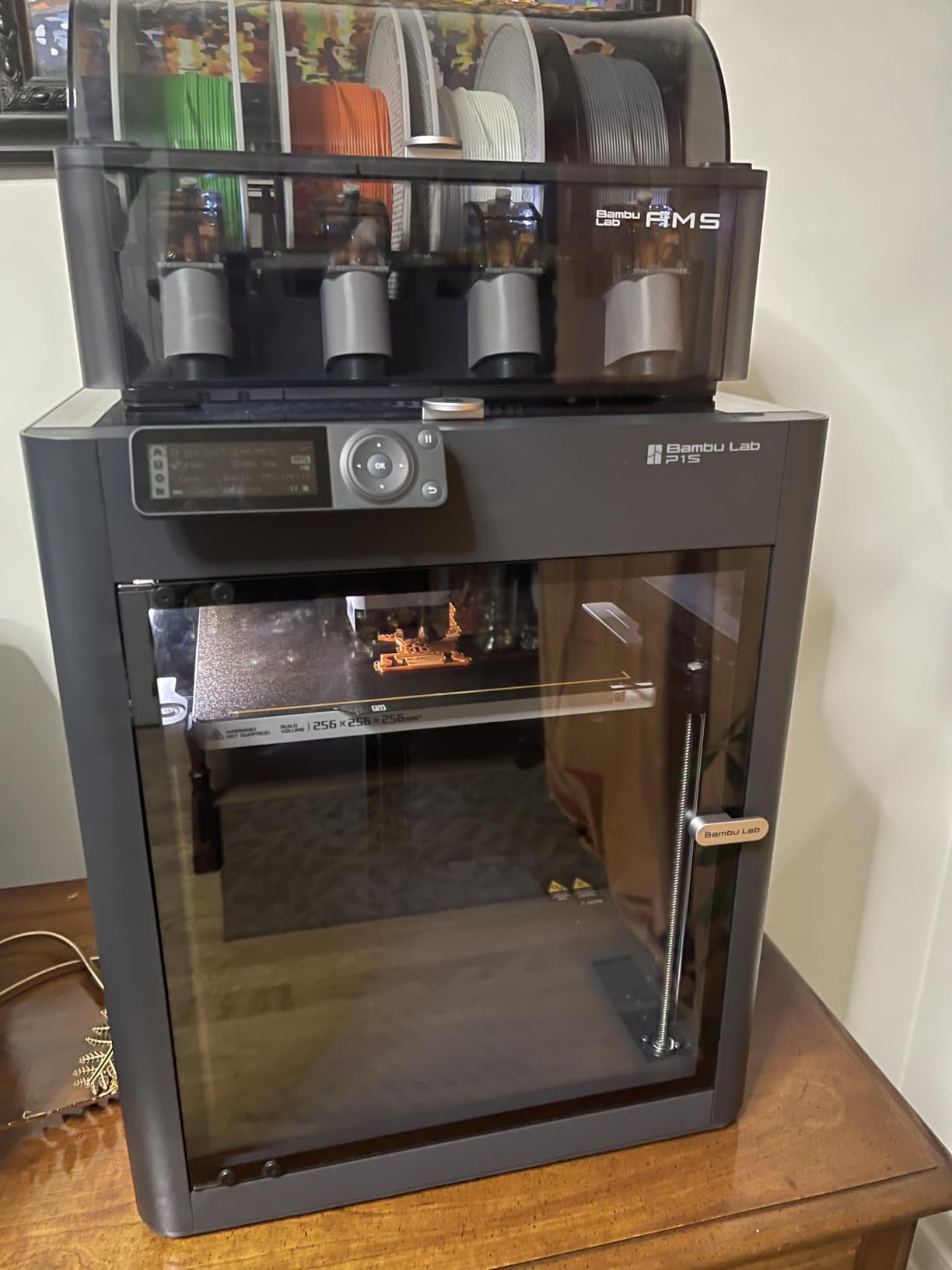
Material range is broad: PLA, PETG, TPU, PVA, PET, ABS and ASA, with PA and PC capability, though carbon and glass fiber reinforced polymers are not recommended. That covers almost every terrain project short of extreme composites.
Owners upgrading from an Ender 3 report the jump in print quality and the end of constant re-tuning. The recurring gripes are the low-resolution screen, a confusing first run through printer binding, and a minority who hit hot-end or connectivity faults early on.
Best used for outdoor or large batch terrain
Weather-resistant ASA ruins and ABS structures hold up to sun and handling far better than PLA, and the enclosure is what makes that possible. The AMS also cuts hand-painting time on multi-part kits.
At 47.5 pounds it needs a real stand, not a shelf. Plan the spot before the box arrives.
What to know before buying
The touchscreen UI is dated and awkward to scroll next to cheaper machines. Budget five minutes on the interface when setting up.
No filament spools are included, and the sample files on the bundled SD card will not print through the AMS. Load your own files over the network or the app.
4. Flashforge Adventurer 5M – Best Value for Terrain
FLASHFORGE Adventurer 5M 3D Printer, 600mm/s High-Speed, 1 Click Fully Auto Leveling, Upgraded Direct extruder Quick Detachable 280°C Nozzle, Dual-Sided PEI Coating Plate, Print Size 220x220x220mm
220 x 220 x 220 mm volume
CoreXY at 600 mm/s
One-click auto leveling
Pros
- CoreXY speed and quality above its class
- Setup and first print in about ten minutes
- Input shaping removes ghosting
- Small sturdy all-metal footprint
- Responsive support and easy parts
Cons
- Single color only
- Modest 220 mm volume
- Some units report bed bow
- Small fiddly touchscreen
A bed slinger that wobbles when it prints a 200 mm tower is the classic beginner trap. The Adventurer 5M is a CoreXY machine with input shaping at up to 600 mm/s, and that combination is what stops a tall terrain pillar from ringing at the top.
One-click automatic bed leveling plus vibration compensation gets you from box to first layer quickly, which is why it lands here as the budget route into terrain printing rather than an entry-level bare frame clone. The quick-detachable 280C nozzle reaches temperature in 35 seconds, so material changes are not a waiting game.
Support is a genuine strength. Owners dealing with hardware issues report fast, useful responses, and spare parts are easy to find, which matters more for a first machine than a spec sheet line.
The frame is open but upgradeable to an enclosure later, so a printer bought for PLA scatter terrain can grow into ABS and ASA work without being replaced.
Where budget printers go wrong, and this one does not
The variance that frustrates new buyers on cheap clones is mostly about assembly and bed flatness. This machine arrives assembled, self-levels, and prints a usable test piece immediately.
For a scatter terrain batch, the 220 mm cube holds a good number of pieces per plate, and the speed rating means shorter batches.
The limits worth knowing
Single color only, with no multi-material unit available, so base-coating is entirely a paint job.
Some machines report bed bow in the center and inconsistent extrusion out of the box, and firmware or Wi-Fi connections can freeze. The small touchscreen has fiddly icons and there is no work-area light.
5. Anycubic Photon Mono 4 – Best for 28mm Miniatures
ANYCUBIC Photon Mono 4, Resin 3D Printer with 7” 10K Mono LCD Screen
7 inch 10K mono LCD
17 x 17 micron pixels
153 x 87 x 165 mm volume
7.7 lb
Pros
- Excellent detail with near-invisible layer lines
- Compact and quiet for a small workspace
- One-time four-point leveling
- Reliable power-out resume
- Strong plate adhesion
Cons
- Small build volume limits batch size
- Vat and LCD durability issues
- Exposure tuning needed
- Resin requires ventilation and gloves
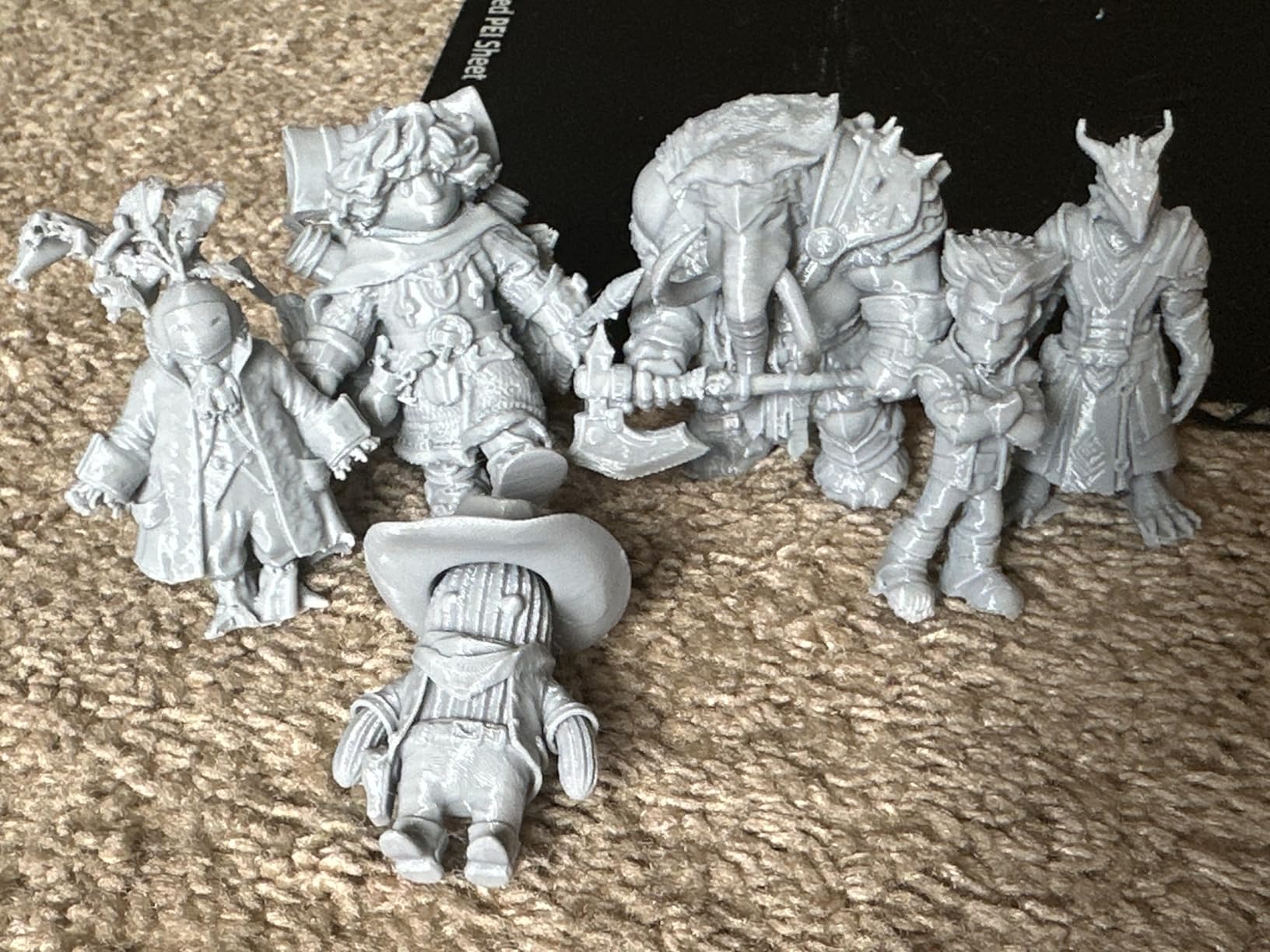
This is the resin lane. The 7-inch 10K monochrome LCD at 9024 x 5120 with 17 x 17 micron pixels resolves 28mm-scale detail in a way no FDM machine here approaches, and the LighTurbo matrix light source keeps layer lines faint.
It weighs 7.7 pounds and is genuinely quiet, which makes it the resin option that fits on a desk without rearranging a room. Four-point leveling is set once and stays set.
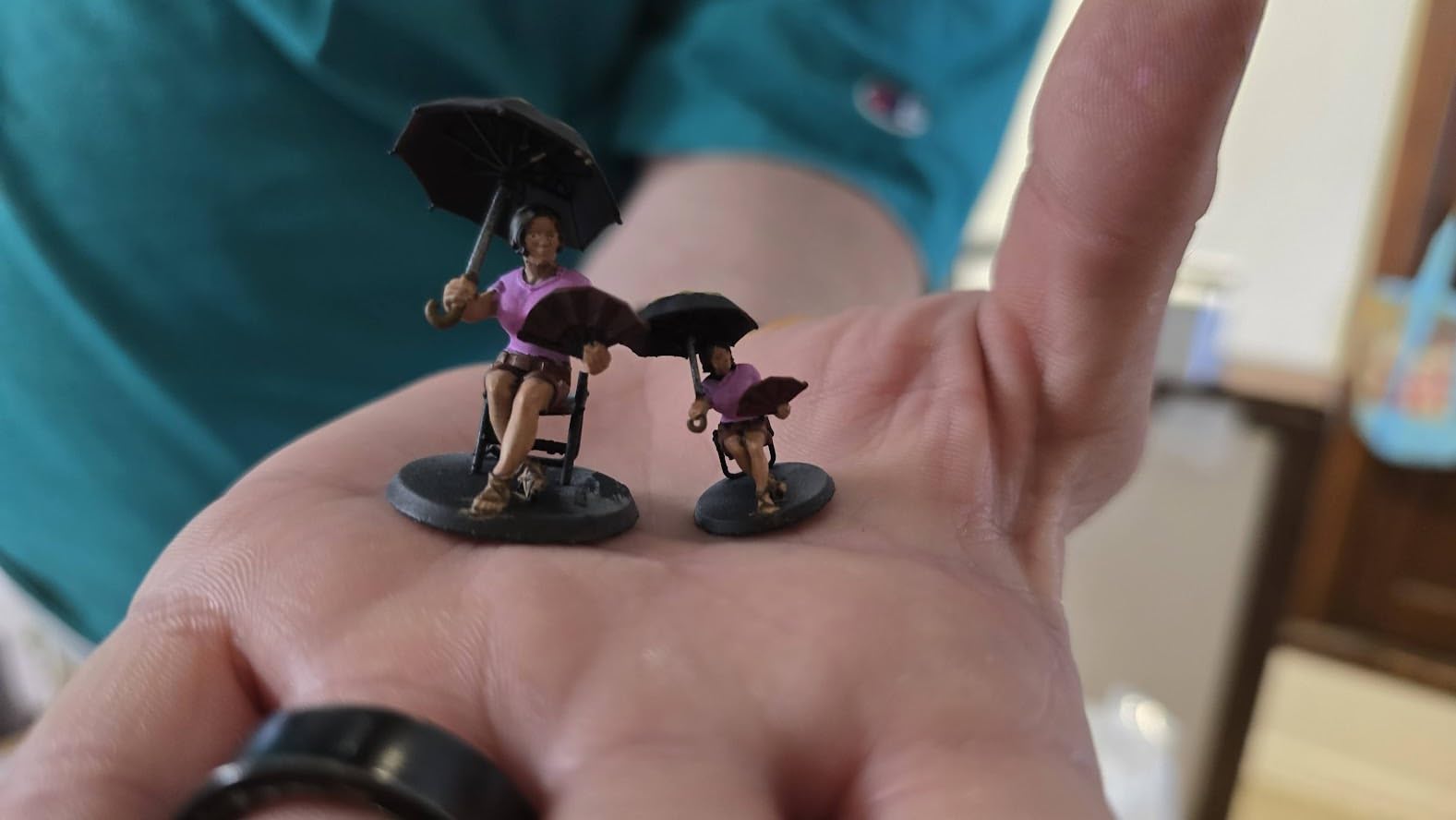
Owners print game miniatures and diorama pieces successfully with sensible slicing settings. The laser-engraved platform gives good adhesion, and print resume after a power cut works reliably.
Scenery work is where this machine is weak. The 153.4 x 87 x 165 mm plate fits a small scatter piece or a squad of minis, not a building, and the narrow Y axis caps batch size.
Why resin earns a place next to FDM
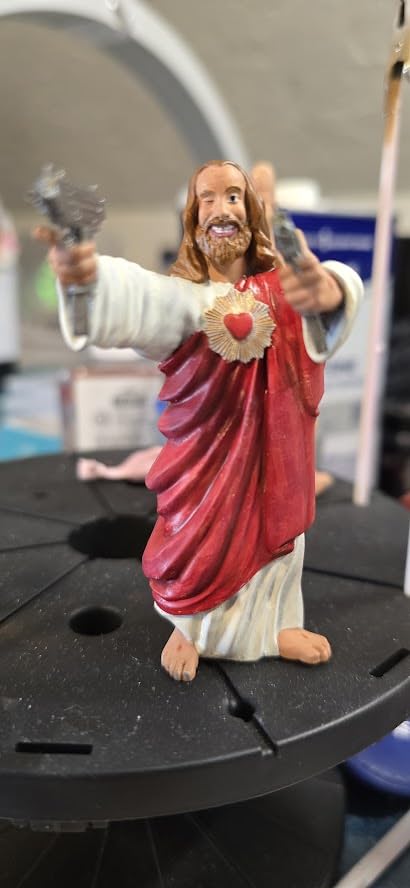
Detail on faces, cloaks and weapons is where resin wins outright. If your goal is a rank of 28mm figures on the tabletop, nothing in the FDM list here gets close.
Add resin as a second machine rather than a replacement. Most terrain hobbyists end up running an FDM printer for scenery and a resin printer for figures, because the two fail different jobs.
Safety and maintenance you cannot skip
Uncured resin is a sensitiser. Ventilate the room, wear nitrile gloves, and wash prints in isopropyl alcohol before UV curing. Skipping this is the real cost of the resin lane.
Owners report cracked vats and failed LCD screens, and exposure and lift speed need tuning because default profiles are not always reliable. The model needs a computer running Photon Workshop, and the Anycubic app service is not supported on it.
6. Creality K2 Plus Combo – Best for Large Scenery
Creality K2 Plus Combo 3D Printer, Multi Color Printing with New CFS 600mm/s High-Speed Full Auto-Leveling Dual Al Camera Next-Gen Direct Drive Extruder Large Build Volume 13.78×13.78×13.78inch
350 x 350 x 350 mm volume
16 colors from four CFS
60C chamber
70.4 lb
Pros
- Largest build volume in this roundup
- Sixteen colors with RFID auto-detection
- 60C chamber for ASA and PPA
- Dual AI cameras for unattended runs
- 600 mm/s with 30000 mm/s2
Cons
- Heavy 70.4 lb footprint
- App and firmware less mature
- Color changes waste filament
Big buildings are where a small cube printer starts limiting you. The K2 Plus Combo prints to 350 mm on each axis, the largest build volume in this roundup, so a full ruined chapel or a two-storey tower goes on the plate in one piece rather than three glued sections.
The active chamber heating to 60C is the quietly important feature. It keeps ASA and PPA parts warp-resistant, which is exactly what large flat architectural panels need. The hardened steel nozzle is rated to 350C, and dual independently motorized Z-axes with four linear rods keep a 350 mm bed flat.
Four CFS units give up to sixteen colors with RFID filament recognition and automatic relay to the next spool when one runs out. That is a lot of setup for a hobbyist, but for a painted gaming table it removes most of the brush work on base coats.
Owners highlight the 350 mm cube for batch terrain and large models, the chamber heating for engineering materials, and the dual AI cameras plus 18 sensors for unattended overnight runs.
When large format pays off
If the biggest thing you want to print is a scenery piece rather than a scatter tile, build volume is the spec that decides the purchase. Above 300 mm, most other machines here simply cannot take the model.
Dual motorized Z-axes and pre-level bed tilt adjustment matter at this size, because a sagging bed turns a cathedral wall into a warped one.
What to weigh before buying
At 70.4 pounds with a tall frame, this is a dedicated machine. It needs floor space and a table that will hold the weight, not a desk.
Firmware and the app ecosystem are less mature than the established competitors, and multi-color prints need purge time and waste filament between changes. Most of the owner feedback still concerns early setup and software rather than daily printing.
7. Anycubic Photon Mono M7 Max – Most Versatile Large Resin Work
ANYCUBIC Photon Mono M7 MAX Resin 3D Printer, 13.6’’ 7K Large Resin Printer
13.6 inch 7K mono LCD
298 x 164 x 300 mm volume
Up to 60 mm/h
52.8 lb
Pros
- Large plate fits whole terrain tiles
- 7K detail across the build area
- 60 mm/h with intelligent release
- Auto-fill and temperature-controlled vat
- Flip-open cover for easy plate access
Cons
- 52.8 lb with a tall footprint
- Resin safety and curing still required
- Entry cost into large-format resin
This is the resin answer for people who print big. At 298 x 164 x 300 mm the plate takes full-size masks, large terrain tiles and cosplay-scale props on a single run, which the smaller resin machines simply cannot do.
The 13.6-inch 7K monochrome screen and LighTurbo 3.0 light source, with COB and Fresnel lens, a light angle within 3 degrees and over 90 percent uniformity, keep detail crisp and banding low across a wide plate. Intelligent release 2.0 pushes speeds to 60 mm/h, which is 200 percent faster than the M3 Max.
The 1300 ml vat with dynamic temperature control plus auto-fill and one-key recycling cuts the resin handling that usually makes people give up on the technology. Anti-aliasing and high-precision lead screws minimise layer lines.
Reviewers centre on the same thing: large-format resin capacity combined with fine 7K detail, with size relative to a home workspace the most repeated complaint.
When to step up to this class
It is the right machine when your resin work is display-scale figures and large diorama pieces rather than squads of 28mm models, and when you have the space to dedicate to it.
A flip-open cover that opens one-handed and hovers above 45 degrees makes plate access far less annoying than clamshell designs.
The practical trade-offs
At 52.8 pounds and 31 inches tall, this is a substantial machine.
Ventilation, gloves and curing time are still part of every resin print. The speed does not remove post-processing.
8. Elegoo Saturn 3 12K – Best Resin Value for Detail Work
ELEGOO Saturn 3 MSLA 12K 3D Printer
10 inch 12K mono LCD
19 x 24 micron XY resolution
70 mm/h
219 x 123 x 250 mm
Pros
- 12K resolution gives fine detail
- Generous build volume for the class
- 70 mm/h cuts print times
- Uniform light cuts banding
- Open GOO format works with third-party slicers
Cons
- Wash and cure off the machine
- Tall chamber needs clearance
- UV resin odor needs ventilation
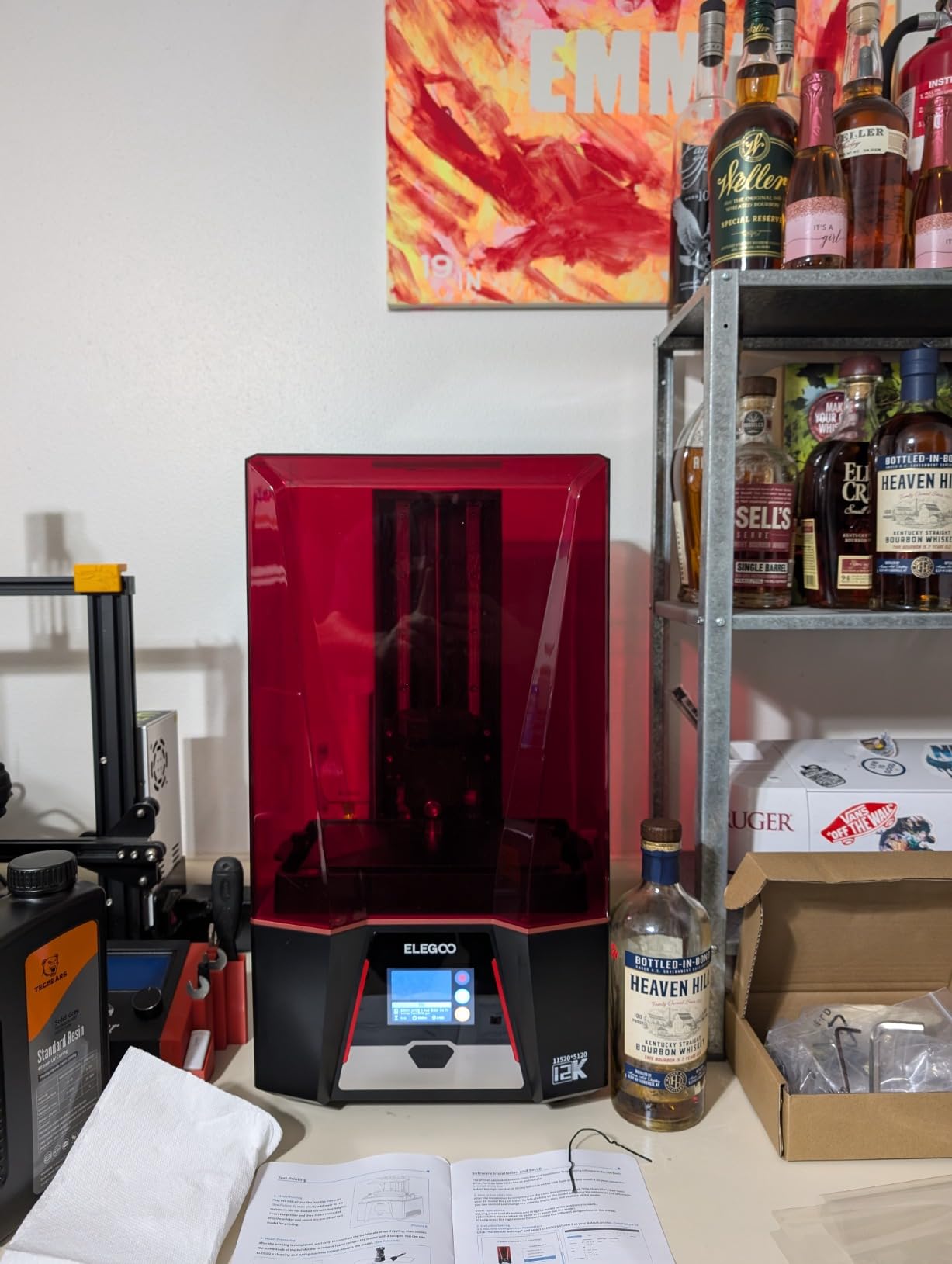
The Saturn 3 puts a 10-inch 12K monochrome screen at 11520 x 5120 with 19 x 24 micron XY resolution, and the 405 nm COB light source with a Fresnel collimating lens holds the light angle within 5 degrees at over 90 percent uniformity. In practice that is clean surfaces without banding across a large plate.
At 218.88 x 122.88 x 250 mm the volume is generous for the class, and 70 mm/h keeps resin print times manageable for a batch of figures or a small terrain tile set.
The 9H hardness tempered glass over the LCD protects the screen from scratches and resin splash, which is where cheaper machines tend to fail first. The laser-carved build plate gives solid first-layer adhesion.
Voxeldance Tango offers static and dynamic modes, and the open GOO file format works with CHITUBOX and Lychee Slicer, so you are not locked into one program.
Best used for figures and small tiles
This is the resin pick if you want detail without the size and weight of a large-format machine. It suits 28mm ranks, character busts and modest scatter pieces with crisp surface texture.
70 mm/h is the highest speed among the resin machines here, which matters most when you are batch-printing identical pieces for a warband.
What to plan around
MSLA is never an all-in-one process. Washing in isopropyl alcohol and UV curing happen off the machine, and that time is part of every batch.
The taller vertical chamber needs headroom and a stable surface, and UV resin odor means you need ventilation. This is not a machine for an unventilated bedroom.
9. Anycubic Kobra X – Best Compact Multi-Color Machine
Anycubic Kobra X Multicolor 3D Printer, Easy Setup, Native 4-Color
Native four-color, expandable to 19
260 mm cube volume
Up to 600 mm/s
20.9 lb
Pros
- Four colors in the base machine
- Expandable to 19 colors
- Fast prints with clean layers
- Quiet with a sharp touchscreen
- Very strong bed adhesion
Cons
- Clog and jam reports
- Automated support is unhelpful
- TPU strings heavily
- Filament sold separately
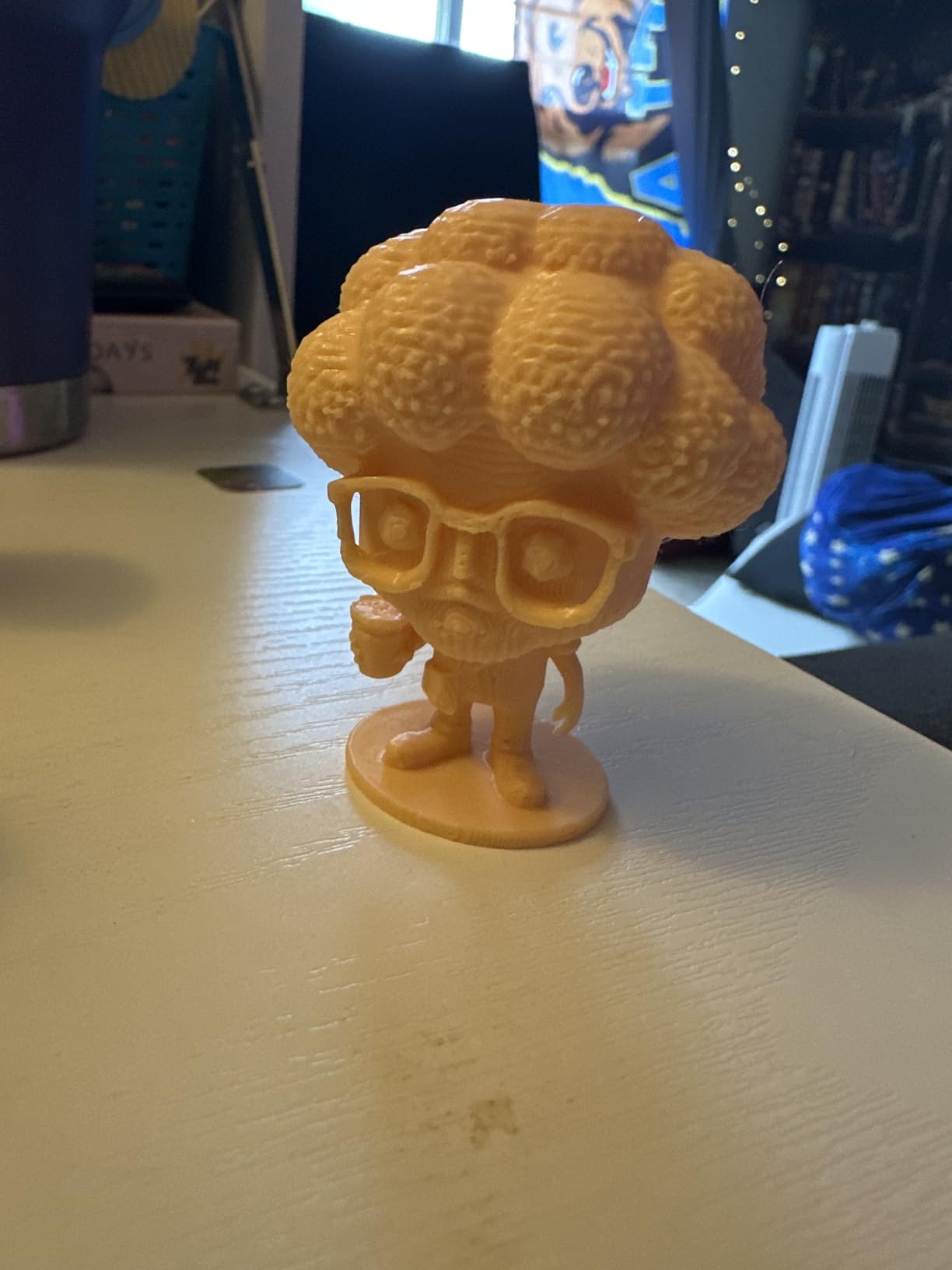
Multi-color used to mean a box that sits beside your printer. The Kobra X does four colors natively in a 20.9 pound machine, and the 81.25 percent shorter purge path makes color changes roughly twice as fast while halving the wasted material.
That matters directly for terrain, because base-coating a scatter set is the single most tedious part of the hobby. Four colors out of the box, expandable to nineteen with four ACE 2 Pro units, turns a painting session into a print setting.
The 260 mm cube fits mid-sized terrain comfortably, and LeviQ 3.0 does 49-point leveling for reliable first layers. A hardened steel nozzle and vibration compensation at up to 600 mm/s keep layers clean, with a Benchy in 14 minutes according to the manufacturer.
Owners cite quiet running, a sharp responsive touchscreen with clear menus, and virtually no failed prints. App remote control includes spaghetti and foreign object detection, so long unattended runs are plausible.
Where multi-color earns its cost
Base-coated scatter terrain, two-tone ruins and modular tiles with painted floor patterns all benefit. The ACE 2 Pro units are incompatible with ACE Pro, so check before expanding.
Dual-band Wi-Fi plus LAN and open software integration make sending jobs painless, and cleanup after a print is easy.
The quality control complaints
Several reviewers report clogging or jams, and those failures are reportedly not covered by the warranty, which is the most serious complaint on this machine.
Support is largely automated and unhelpful for hardware repairs, TPU strings and webs heavily, and some owners report Z-axis reliability problems after extended use. Filament is not included.
10. Bambu Lab A1 Mini Combo – Best for Beginners and Small Spaces
Bambu Lab A1 Mini Combo, A1 Mini 3D Printer&AMS lite, Multi-Color Printing
AMS lite included
48 dB or below
First print in about 20 minutes
22 lb
Pros
- Quiet at 48 dB or below
- Compact footprint
- AMS lite bundled for four colors
- Automatic calibration
- App and Bambu Studio are simple
Cons
- Small build volume for big terrain
- AMS lite adds desk space
- Some owners report clogs after months of use
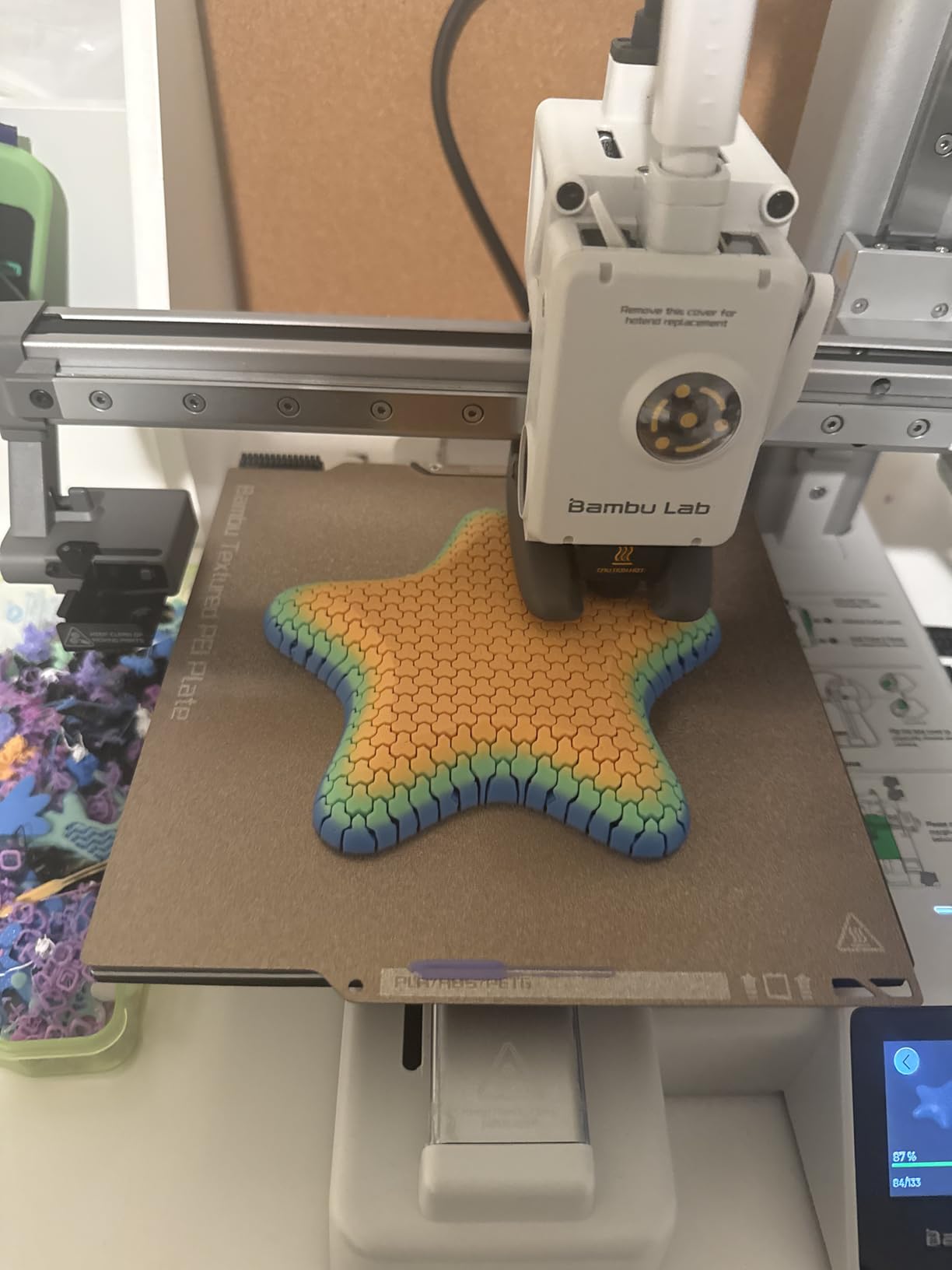
This machine shows up more often as a gift than any other pick here, and that shapes who it suits. Pre-assembled, it reaches its first print in about twenty minutes with no calibration, and active motor noise cancellation holds it at 48 dB or below.
The included AMS lite gives four colors on a machine that would otherwise be single-color, which is unusual at this size. The 10,000 mm/s2 acceleration and active flow rate compensation match the full-size A1, so small scatter prints are fast.
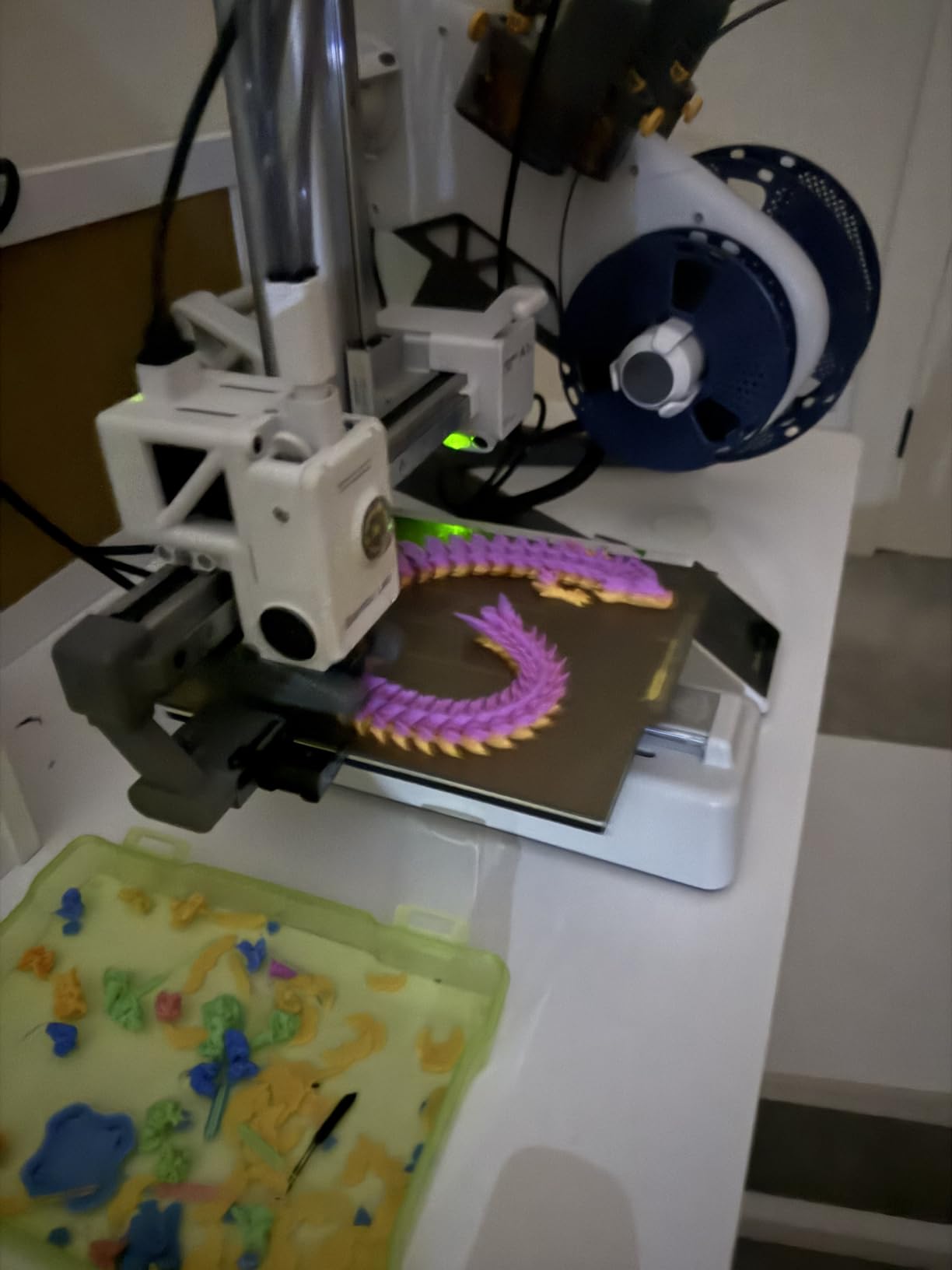
Owners highlight value, quietness and the AMS lite as the deciding factors, and the app, Bambu Studio and the model library make remote printing straightforward. The flexible build plate makes part removal easy, which you will appreciate constantly with terrain.
Filament fed through the AMS lite is humidity-sensitive, so keep it sealed if you live somewhere damp, and expect the AMS to take up desk space next to the printer.
Best used for small modular terrain
Dungeon tiles, scatter bundles, ruined corners and small props are what this machine is built for. A four-color tile set comes off the plate ready for a dry brush.
At 22 pounds with a compact footprint it suits a small desk or a home office, and it is quiet enough to run while you work.
Where beginners outgrow it
Build volume is the limit owners cite most, because larger projects have to move to a bigger machine. If your list includes a full building, plan on the full-size A1 instead.
The open frame limits material choices next to an enclosed printer, and a small number of owners report nozzle clogs or AMS loading faults after months of use.
FDM or Resin for Miniature Terrain?
Resin for miniatures, FDM for terrain, with no overlap where it matters. That split is the core of every good terrain setup, and it is why almost every experienced terrain hobbyist ends up running two machines rather than searching for one that does both.
FDM wins on build volume, cost per piece and durability. A ruined building prints in one piece on a 256 mm or 350 mm bed, in plastic you can drop, throw in a transport case and glue back together. Resin wins on surface detail, and only on detail: a 28mm face printed in resin has no visible layer structure, while the same figure in FDM will always show lines no matter how you tune it.
Post-processing is the hidden dividing line. FDM terrain comes off the plate and goes to primer and paint. Resin output needs washing, curing, support removal and sometimes hollowing before it is finished, and every one of those steps is unbatched human time.
Resin build volumes are also limited along the axis that matters most. A 153.4 mm Y axis suits figures, not a 200 mm wall section, which is why the large resin machines here still lose to FDM on buildings. Our wider printer guides cover desktop 3D printers and CoreXY machines if you want the wider picture.
How to Choose a Terrain Printer You Will Not Regret
Build volume in millimetres is the number to reason about, because it is the biggest single piece you can print in one go. Measure the largest thing in your project list. Under 180 mm and the A1 Mini Combo works; 200 to 260 mm and you want a full cube; over 300 mm and only the K2 Plus Combo here qualifies.
Motion system matters more for terrain than people expect. A bed slinger moves the whole bed in Y, and acceleration on a 200 mm tower introduces visible ringing and leaning walls. A CoreXY frame moves only the toolhead, so tall terrain stays clean at speed. The CoreXY machines here are the stronger choice for ruins and towers.
Out-of-the-box reliability deserves more weight than any spec line, because the difference between a first night that works and a month of troubleshooting decides whether you print a full terrain set or abandon it half done. Auto bed leveling, auto Z-offset and a machine that ships assembled are the three signals we look at first. If you want the general framework, our desktop printer guide covers it.
Enclosure only matters for material. PLA and PETG cover the vast majority of terrain projects and neither needs a closed chamber. Buy enclosed for ABS and ASA, which you want for outdoor or sun-exposed pieces. That reasoning is exactly what separates the picks in this list.
Ignore peak speed numbers and look at reliable quality between 150 and 250 mm/s. Acceleration figures matter more than top speed on real files, and input shaping or vibration compensation matters more than both. For multi-color base-coating, the multicolor printers guide covers the trade-offs between AMS, AMS Lite, CANVAS and CFS.
Finally, noise and placement. Resin needs ventilation, gloves and a wash-and-cure station, which makes it a garage or hobby-room machine rather than a desk machine. Open-frame FDM machines are loud enough for a shared living space but tolerate it. Running cost is the quiet winner for FDM: filament costs pennies per piece, while resin and the wash-and-cure consumables add up per figure, as we cover in our resin guide.
For terrain files themselves, MyMiniFactory, Cults3D and Pinshape hold the bulk of the community terrain libraries, and printing personal-use models of your own collection is fine in most hobbyist practice, though commercial resale of printed game models is a different question entirely.
Frequently Asked Questions
What is the best 3D printer for printing miniature models?
For terrain such as ruins, walls and scatter pieces, the Bambu Lab A1 is the best 3D printer for miniature terrain work, with full-auto calibration and a 256 mm cube volume. For 28mm figures and display busts, resin wins: the Anycubic Photon Mono 4 gives 17 x 17 micron pixels at a small footprint. Most hobbyists run both.
What type of printer is best for miniatures?
Resin is best for miniatures and FDM is best for terrain. Resin captures fine surface detail on small figures, while FDM handles large scenery cheaply and durably. Buy FDM first if your project list is mostly buildings, tiles and scatter terrain, and add resin later for the figure ranks.
Is it worth buying a 3D printer for miniatures?
For terrain, yes, and the maths is straightforward. A 256 mm FDM bed holds dozens of scatter pieces and uses a few grams of PLA, so material cost per tile is pennies and the machine earns its keep in printed scenery rather than in saved kit purchases. Resin miniatures cost more per piece once washing and curing time is counted.
Is PLA strong enough for tabletop terrain?
Yes. PLA is rigid, easy to sand and takes primer and paint well, which is why it is the default terrain filament. Use PETG for pieces that get handled hard or stored somewhere damp, and ABS or ASA on an enclosed printer for outdoor or sun-exposed terrain that needs weather resistance.
Do I need an enclosed 3D printer for terrain?
Only if you plan to print ABS or ASA. PLA and PETG, which cover most terrain projects, print fine on the open-frame machines in this roundup. An enclosed chamber is what keeps large ABS and ASA parts from warping and delaminating, so buy enclosed for outdoor or sun-exposed scenery rather than for general terrain.
Final Verdict for Miniature Terrain in 2026
The Bambu Lab A1 is the best 3D printer for miniature terrain in 2026, and the reason is boring: it arrives calibrated, prints a full bed unattended and stays quiet enough for a shared room. Start there with PLA or PETG and build your scatter and dungeon sets.
Add an enclosure and four colors with the ELEGOO Centauri Carbon 2 Combo if you want base-coated terrain, the Bambu Lab P1S Combo if your scenery lives outdoors, and the Creality K2 Plus Combo if buildings over 300 mm are on the list. For figures rather than scenery, pair any of them with the Anycubic Photon Mono 4.
Once the first full terrain set is finished and primed, you are past the only part most people get stuck on. Everything after that is just more STLs. For unprinted reference pieces, our guide to the best miniature terrain kits is worth a look.