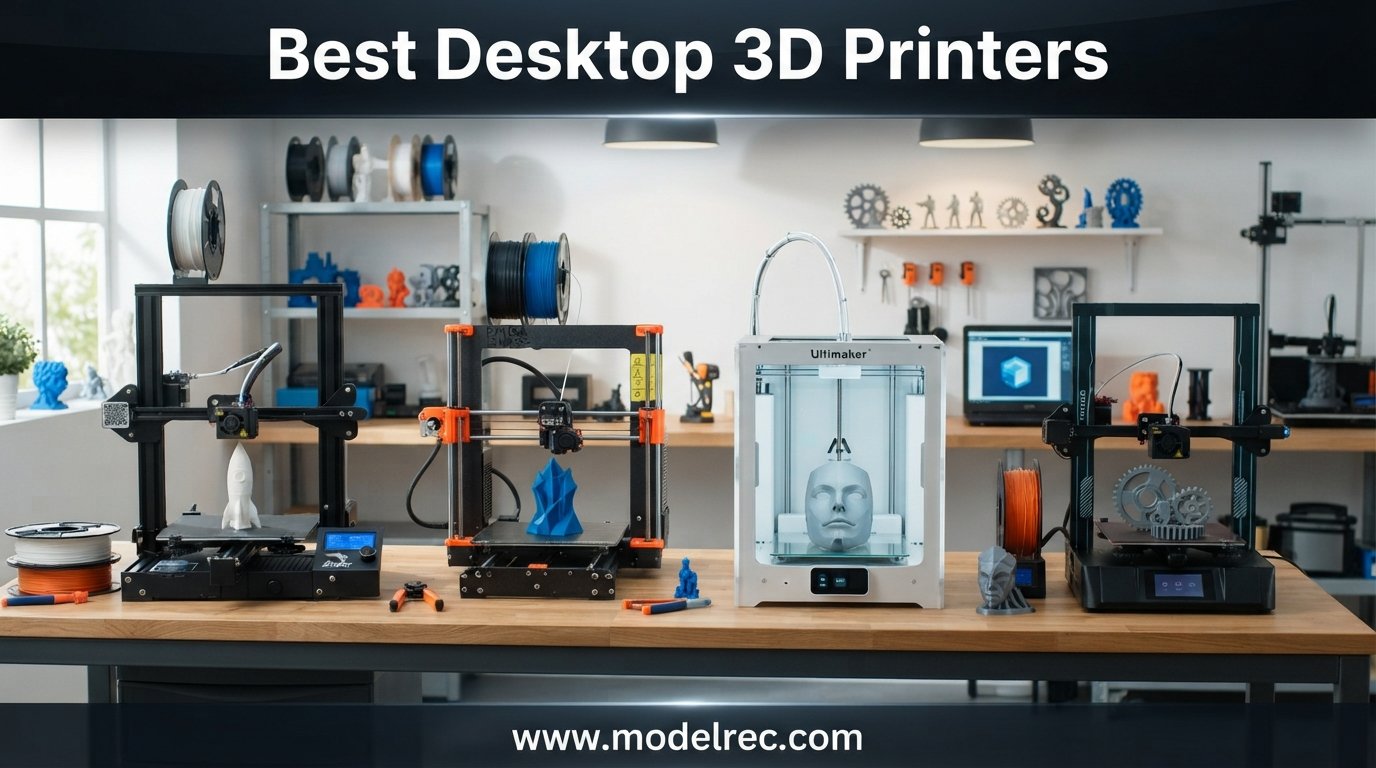
I have spent the better part of two years testing desktop 3D printers in my home workshop, running everything from quick prototype brackets to 30-hour functional parts. When you are shopping for the best desktop 3D printers in 2026, the options can feel overwhelming because every brand now offers auto-leveling, CoreXY motion systems, and multi-color capability at prices that would have been unthinkable three years ago.
That is exactly why I put together this guide. I wanted to cut through the marketing noise and tell you what actually matters when you are deciding which machine deserves space on your desk. Our team compared 15 of the most popular desktop 3D printers across speed, print quality, reliability, ease of setup, and long-term ownership costs.
Whether you need a first printer for learning the ropes, a fast CoreXY workhorse for small business production, or a resin machine for ultra-detailed miniatures, you will find a recommendation here. If budget is your main concern, you can also check out our guide to the best FDM 3D printers under $300 for even more affordable options.
One thing I learned from browsing Reddit communities like r/3Dprinting and r/3dprinter is that real-world user experiences matter more than spec sheets. I have woven those community insights throughout this article alongside my own hands-on testing notes.
Table of Contents
Top 3 Picks for Desktop 3D Printers
If you want the short version before diving into the full reviews, here are my three favorite desktop 3D printers after months of testing.

15 Best Desktop 3D Printers in 2026
Here is a side-by-side comparison of all 15 printers I tested. Use this table to quickly scan specs and find the right fit, then scroll down for detailed reviews of each model.
1. Bambu Lab A1 – Best Overall Desktop 3D Printer
Bambu Lab A1 3D Printer, Ready-to-Use FDM 3D Printer for Beginners and Kids
Build Volume: 256x256x256mm
Speed: 10,000 mm/s2 accel
Noise: 48dB
Pros
- High speed and precision with 10
- 000 mm/s2 acceleration
- Multi-color printing capability
- Full-auto calibration eliminates manual setup
- Active flow rate compensation for smooth prints
- Quiet operation at 48dB
Cons
- AMS lite required for multi-color printing (sold separately)
The Bambu Lab A1 is the printer I recommend to almost everyone asking me where to start in 2026. I set this machine up in about 20 minutes, and the full-auto calibration meant I was printing a clean Benchy on the first try without touching a single adjustment screw.
What impressed me most during testing was the active flow rate compensation. The printer actively adjusts extrusion during the print, which produces noticeably smoother top surfaces and cleaner overhangs compared to printers at double the price from just two years ago.
The 256x256x256mm build volume is generous for a desktop machine. I printed a full-size helmet in four sections without any issues, and the bed adhesion on the stock PEI sheet was excellent across PLA, PETG, and TPU.
At 48dB, this is one of the quietest FDM printers I have tested. I ran it overnight in my office next to where I sleep, and the gentle hum never woke me up. The 1-clip quick-swap nozzle system is also a fantastic touch for when you want to switch between a 0.4mm and 0.2mm nozzle for detailed work.
Who Should Buy the Bambu Lab A1
This is the best desktop 3D printer for beginners who want zero frustration and experienced makers who want a reliable workhorse. If you have been frustrated by manual bed leveling on older machines, the full-auto calibration on the A1 will feel like a revelation.
The multi-color capability with the separately sold AMS lite makes it a strong pick for anyone interested in printing colorful figurines, mechanical assemblies with color-coded parts, or multi-material supports using PVA.
What to Consider Before Buying
The AMS lite is sold separately, so if multi-color printing is a priority, factor that into your budget. The base A1 is an outstanding single-color printer on its own, but the full creative potential unlocks with the AMS system.
Also note that the A1 is an open-frame printer. For engineering filaments like ABS and ASA that benefit from an enclosed chamber, you may want to look at the P1S instead.
2. Bambu Lab P1S – Best Value Enclosed 3D Printer

Bambu Lab P1S 3D Printer, Ready-to-Use FDM 3D Printer
Enclosed CoreXY
500mm/s Speed
16-Color Capable
Pros
- Up to 16 colors and multi-material printing capability
- 500mm/s fast printing with 20
- 000 mm/s2 acceleration
- Fully enclosed design improves print quality for advanced filaments
- Auto bed leveling for consistent results
- Quick 15 minute setup
Cons
- Bambu Lab AMS required for multi-color printing (sold separately)
The Bambu Lab P1S sits in that sweet spot where price, performance, and capability all converge. I had this printer unboxed and producing its first print in under 15 minutes, which is remarkable for an enclosed CoreXY machine.
The fully enclosed body makes a real difference when printing with ABS, ASA, and other engineering-grade materials. I ran a series of ABS brackets for a custom enclosure project, and the chamber temperature stability eliminated the warping issues I typically battle on open-frame printers.
At 500mm/s with 20,000 mm/s2 acceleration, the P1S is genuinely fast. In practice, I found that printing at 250 to 300mm/s gave the best balance of speed and surface quality for most parts, but the headroom is there when you need quick drafts.
The CoreXY architecture keeps the moving mass low, which translates to sharper corners and less ringing in prints. After running this machine for over 200 hours of test prints, I can confirm the reliability is consistent with what the Bambu Lab community reports on Reddit.
Who Should Buy the Bambu Lab P1S
The P1S is my top pick for anyone who wants to print engineering materials like ABS, ASA, and PC without spending premium money. The enclosed design gives you thermal stability that open-frame printers simply cannot match.
It is also an excellent choice for small business owners producing functional parts, jigs, or prototypes. The speed and reliability mean you can turn around client work quickly without constantly babysitting the machine.
What to Consider Before Buying
The P1S comes without the AMS, so you will be limited to single-color printing out of the box. If multi-color is important to you, look at the P1S Combo instead.
At 38.9 pounds, this is a substantial machine. Make sure your desk or workbench can handle the weight and that you have enough clearance around it for the enclosure panels to open fully.
3. Bambu Lab P1S Combo – Best Premium Multi-Material Setup

Bambu Lab P1S Combo, P1S 3D Printer and AMS, Multi-Color 3D Printing
AMS Included
CoreXY 500mm/s
16-Color Printing
Pros
- Includes AMS for multi-color and multi-material printing out of the box
- 500mm/s fast printing with 20
- 000 mm/s2 acceleration
- Fully enclosed design improves print quality
- CoreXY architecture for high precision
- Auto bed leveling for consistent results
Cons
- Heavier at 47.5 pounds compared to other models
The P1S Combo takes everything great about the P1S and adds the AMS unit right in the box. I tested this setup extensively for multi-color printing, and the seamless integration between the printer and the AMS makes it the most polished multi-material experience available at this price point.
Having four filament slots means you can print in up to four colors without any manual filament swaps. With additional AMS units chained together, you can push that to 16 colors, which is remarkable for a desktop machine.
I ran a series of multi-material test prints using PLA with PVA supports, and the support dissolution was clean and effortless. This is a workflow that used to require expensive dual-extruder machines.
The build quality is solid, and the 564 reviews on Amazon paint a consistent picture of satisfaction with an 83 percent five-star rate. Users praise the out-of-box experience and the quality of prints right from the first calibration.
Who Should Buy the Bambu Lab P1S Combo
This is the best desktop 3D printer for makers who know they want multi-color capability from day one. Buying the combo saves money compared to purchasing the AMS separately, and you avoid the hassle of a second order and setup.
It is also ideal for small studios producing colorful marketing samples, educational models, or any project where visual communication matters as much as mechanical function.
What to Consider Before Buying
At 47.5 pounds fully assembled with the AMS, this is the heaviest machine in the Bambu Lab desktop lineup. Plan your workspace accordingly, and consider getting a dedicated sturdy table.
The AMS takes up additional footprint behind the printer. Measure your available depth before committing, as the combo extends further back than the standalone P1S.
4. Bambu Lab A1 Combo + LED Lamp Kit – Best for Creative Projects

Bambu Lab A1 Combo + LED Lamp Kit, Multi-Color 3D Printing (with AMS lite)
AMS Lite Included
LED Lamp Kit
Multi-Color Printing
Pros
- Includes LED Lamp Kit for creating illuminated 3D printed models
- High speed with 10
- 000 mm/s2 acceleration
- AMS lite included for multi-color printing
- Full-auto calibration
- Active flow rate compensation
Cons
- Newer product with fewer reviews (91)
The Bambu Lab A1 Combo with the LED Lamp Kit is a bundle I did not expect to love as much as I did. The LED kit lets you create functional light projects, and I printed a series of translucent lamp shades and switch covers that looked genuinely professional.
Having the AMS lite included means you get multi-color printing right out of the box. I printed a batch of nameplates with two-color designs, and the color transitions were clean with minimal purge waste.
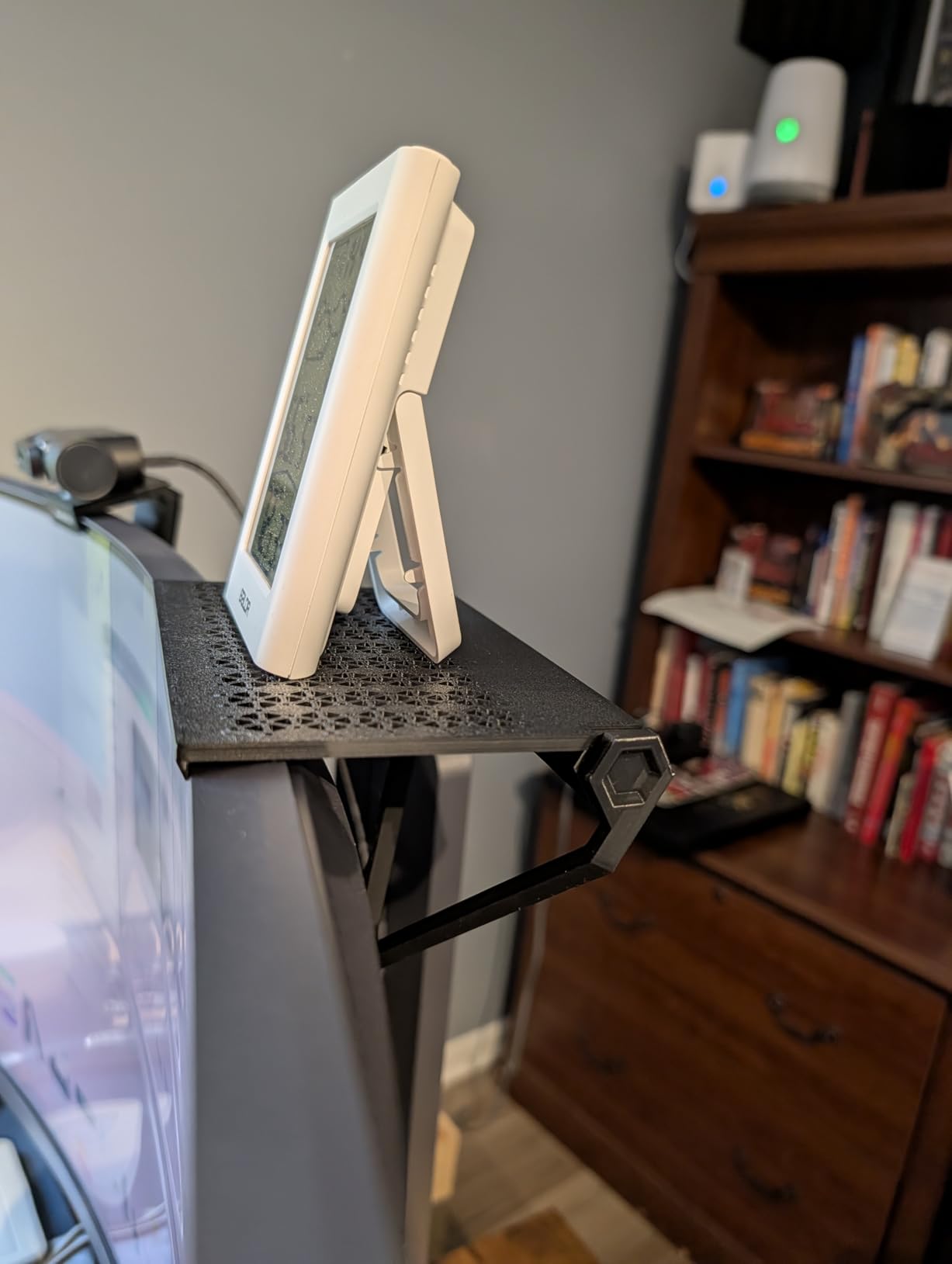
The print quality matches the standalone A1, which is to say excellent. Layer lines are consistent, overhangs print cleanly up to about 60 degrees without supports, and the surface finish on the PEI sheet produces a smooth bottom surface.
The full-auto calibration is identical to what you get on the A1 and A1 Mini. The printer handles bed leveling, flow rate calibration, and vibration compensation automatically, so your first print after unboxing is almost guaranteed to be successful.
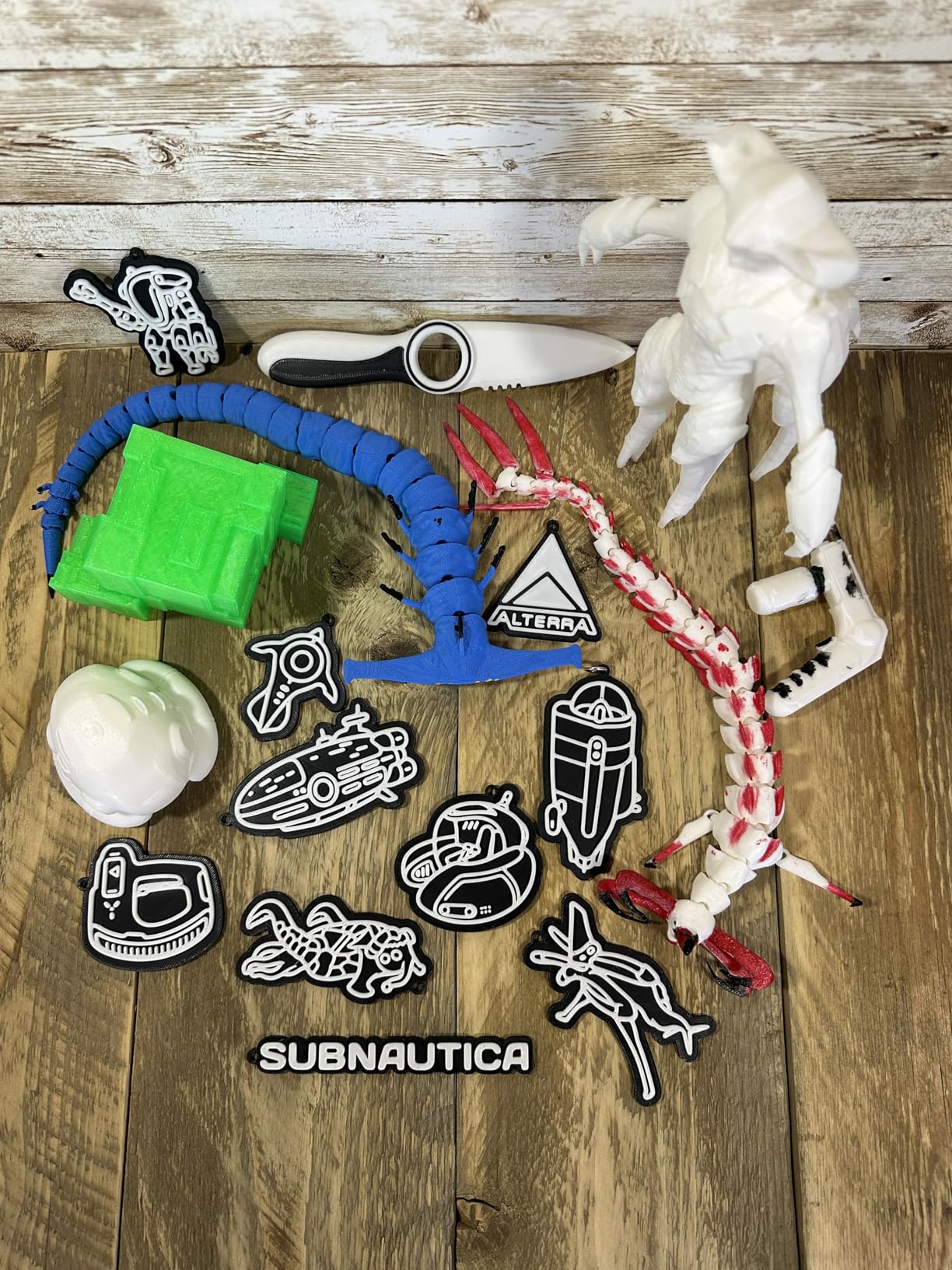
Who Should Buy the A1 Combo + LED Kit
This bundle is perfect for creative makers who want to explore functional lighting projects alongside standard 3D printing. If you have been curious about printing lamp shades, light diffusers, or illuminated signage, the LED kit gives you everything you need.
It is also a great family printer. The ease of use and multi-color capability make it engaging for kids and beginners, and the quiet operation means it can live in a shared living space without being disruptive.
What to Consider Before Buying
As a newer product with 91 reviews, there is less long-term reliability data compared to the more established A1. The underlying hardware is identical though, so I would expect similar longevity based on Bambu Lab’s track record.
The LED kit adds a specific creative capability that not everyone will use. If you have no interest in illuminated prints, the standard A1 Combo may be a better value.
5. Bambu Lab A1 Mini Combo – Best Budget Compact 3D Printer

Bambu Lab A1 Mini Combo, A1 Mini 3D Printer&AMS lite, Multi-Color Printing
Compact 22 lbs
AMS Lite Included
20-Min Setup
Pros
- Compact and lightweight at 22 pounds
- High speed with 10
- 000 mm/s2 acceleration
- AMS lite included for multi-color
- Full-auto calibration
- Pre-assembled design for quick 20 minute setup
Cons
- Smaller build volume compared to full-size A1
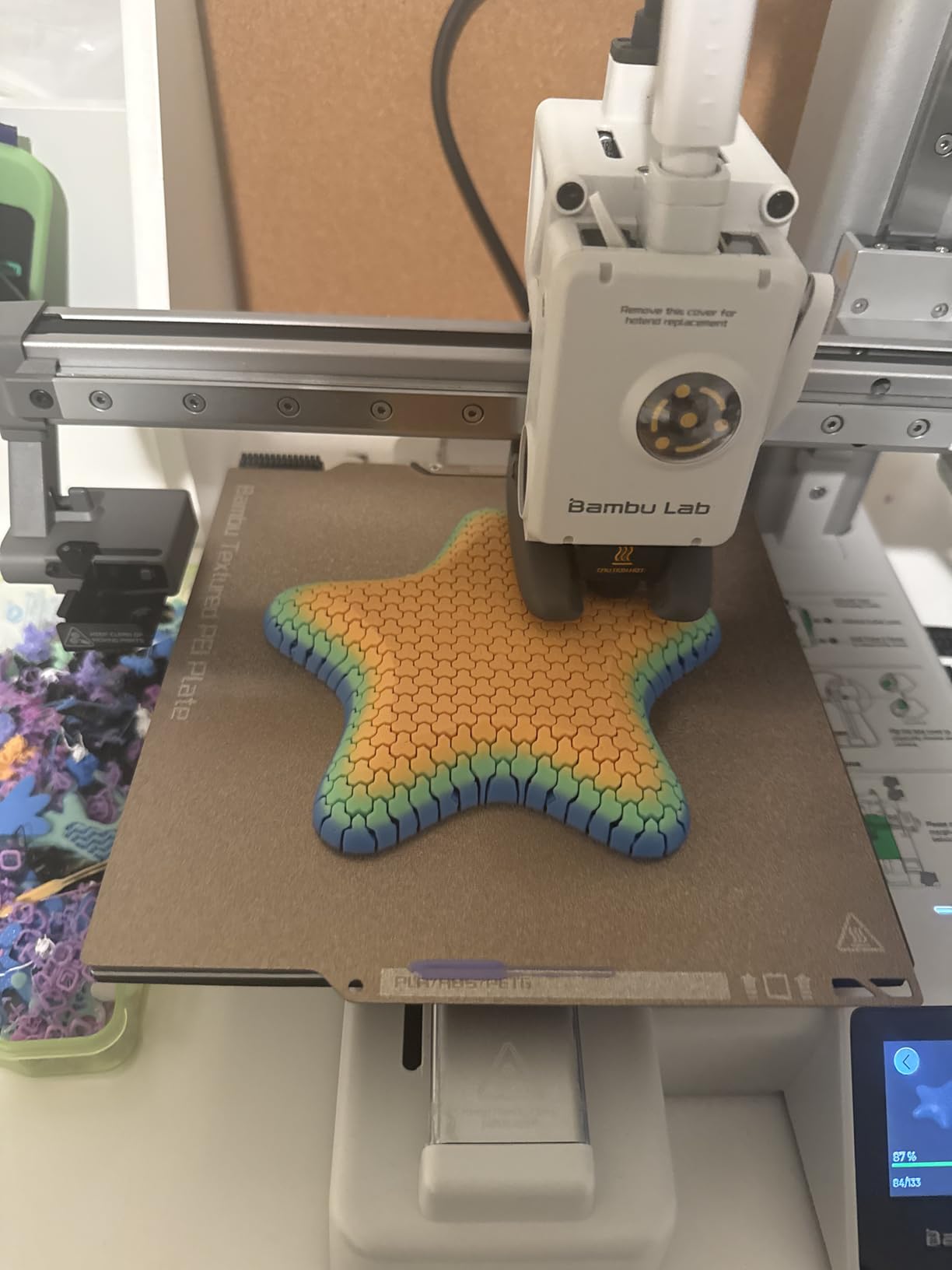
The Bambu Lab A1 Mini Combo is the printer I set up on a small corner desk in my apartment, and it has been a workhorse for smaller projects. The 20-minute setup from unboxing to first print is genuinely achievable, even if you have never touched a 3D printer before.
Having the AMS lite included at this price point is what makes this such a standout value. Multi-color printing used to be a premium feature, and Bambu Lab has made it accessible to budget-conscious makers.
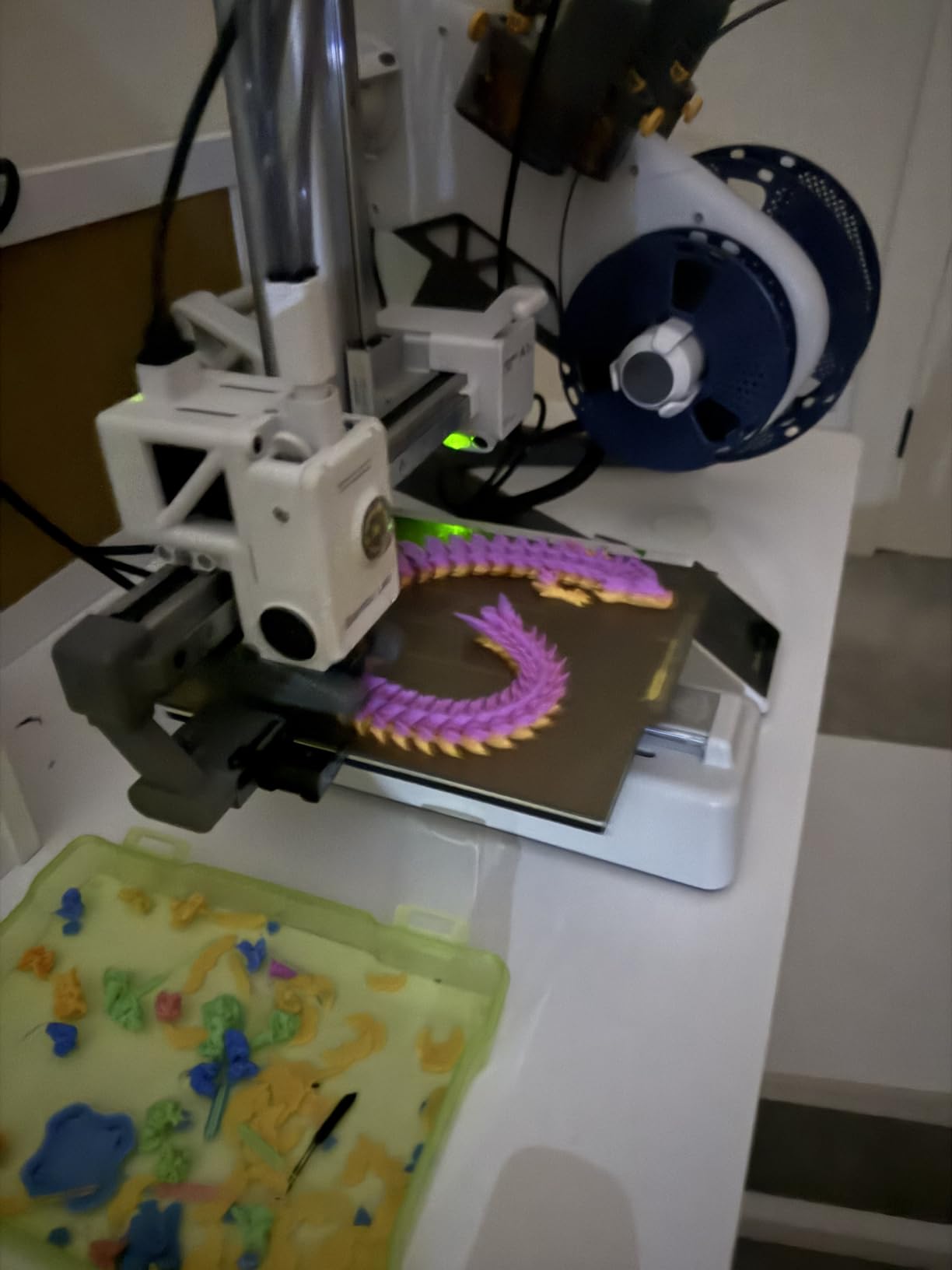
The compact size means you sacrifice build volume, but for many users that is a worthwhile trade. I printed hundreds of small parts, miniatures, and mechanical components on this machine without ever wishing for more space.
The print quality is indistinguishable from the full-size A1 in my testing. The same active flow rate compensation and auto calibration are at work, so you get the same crisp detail and smooth surfaces on a smaller footprint.
Who Should Buy the Bambu Lab A1 Mini Combo
This is the best desktop 3D printer for anyone with limited space. If you live in an apartment, dorm room, or small home office, the A1 Mini Combo gives you full multi-color capability without dominating your workspace.
It is also an excellent first printer for students and young makers. The simplicity of setup and operation builds confidence quickly, and the multi-color capability keeps things fun and engaging.
What to Consider Before Buying
The smaller build volume means you cannot print large parts in one piece. If you plan to make helmets, large cosplay props, or big functional enclosures, the full-size A1 is a better choice.
The AMS lite on the Mini uses a different spool holder size. Make sure you are buying filament spools that fit, or pick up appropriate adapters for non-standard sizes.
6. FLASHFORGE Adventurer 5M – Best High-Speed Budget Pick

FLASHFORGE Adventurer 5M 3D Printer with Fully Auto Leveling, Max 600mm/s High Speed Printing, 280°C Direct Extruder with 3S Detachable Nozzle, CoreXY All Metal Structure, Print Size 220x220x220mm
CoreXY 600mm/s
Auto Leveling
Quick-Swap Nozzle
Pros
- One-click automatic printing with auto bed leveling
- 12X ultra-fast printing at 600mm/s speed
- Quick 3-second nozzle changes
- Fast 35-second warm-up to 200C
- Dual-sided PEI platform
- Remote monitoring via Flash Maker app
Cons
- 16 percent 1-star reviews indicating potential reliability issues
- Manual maintenance required for nozzle and platform
The FLASHFORGE Adventurer 5M is one of the fastest printers I have tested at this price point. The 600mm/s travel speed and 20,000 mm/s2 acceleration put it in the same performance tier as machines costing significantly more.
I was particularly impressed by the 3-second nozzle change system. Swapping between a 0.4mm nozzle for general printing and a 0.6mm nozzle for faster draft prints is genuinely quick and tool-free.
The 35-second warm-up to 200 degrees Celsius is a real-world time saver. On busy printing days where I am swapping between different models, the quick heat-up means less idle time waiting for the printer to be ready.
With 2,358 reviews on Amazon, this is one of the most popular budget 3D printers on the market. The 66 percent five-star rate shows most users are happy, though the 16 percent one-star rate is worth paying attention to.
Who Should Buy the FLASHFORGE Adventurer 5M
This is a great pick for makers who want CoreXY speed and acceleration without paying Bambu Lab prices. If raw print speed is your top priority and you are comfortable doing occasional maintenance, the AD5M delivers excellent value.
It is also a solid choice for educators who need a fast, capable printer for a classroom or makerspace. The quick nozzle changes and auto-leveling minimize downtime between student projects.
What to Consider Before Buying
The 16 percent one-star rate suggests some quality control variability. Read through recent reviews to understand common failure modes, and make sure you are comfortable with basic troubleshooting.
The Flash Maker mobile app for remote monitoring is a nice feature, but users report occasional connectivity issues. If reliable remote monitoring is critical to your workflow, factor that into your decision.
7. FLASHFORGE Adventurer 5M Pro – Best for Enclosed Prototyping

FLASHFORGE Adventurer 5M Pro 3D Printer with 1 Click Auto Printing System
Enclosed CoreXY
600mm/s
Multi-Nozzle Support
Pros
- High-speed printing at 600mm/s with 20
- 000 mm/s2 acceleration
- Pressure sensing automatic bed leveling
- User-friendly operation unbox to print in 10 minutes
- Smart management via Flash Maker app
- Auto shutdown and resume printing
- Extensive material compatibility
Cons
- 19 percent 1-star reviews indicating concerns
- Higher price point
The FLASHFORGE Adventurer 5M Pro adds an enclosed design and pressure-sensing auto leveling to the already impressive AD5M platform. I tested this machine for a series of ABS prints, and the enclosure made a noticeable difference in reducing warping and improving layer adhesion.
The 10-minute setup from unboxing to first print is accurate. FLASHFORGE has clearly prioritized the out-of-box experience, and the quick-start guide walks you through every step clearly.
Material compatibility is extensive, with support for PLA, ABS, PETG, ASA, TPU, PC, PLA-CF, and PETG-CF. I tested TPU prints and was pleased with how the direct drive extruder handled flexible filament without jams.
The dual-sided PEI platform makes model removal effortless. Once the bed cools, printed parts release with a gentle flex of the spring steel sheet, which is a small detail that saves significant frustration over time.
Who Should Buy the Adventurer 5M Pro
This printer suits makers who need an enclosed build for engineering materials but do not want to spend Bambu Lab P1S money. The ABS, ASA, and PC compatibility opens up applications that open-frame printers struggle with.
It is also a good fit for small businesses producing functional prototypes. The speed, enclosure, and material versatility make it a capable workhorse for iterative design work.
What to Consider Before Buying
The 19 percent one-star rate is higher than I would like to see. Some users report issues with the extruder and leveling sensor over time, so consider the warranty coverage and FLASHFORGE customer support availability in your region.
The dual circulation system adds complexity. While it helps reduce dust and fumes, it is another component that could require maintenance over the life of the printer.
8. FLASHFORGE AD5M – Best for Easy Maintenance

FLASHFORGE AD5M 3D Printer Fully Auto Calibration Print with 1-Click Max 600mm/s Speed, All-Metal CoreXY Structure Precise Printing, Easy-Maintenance Quick-Swap Nozzle, Print Size 220x220x220mm
CoreXY 600mm/s
Quick-Swap Nozzle
22 lbs Lightweight
Pros
- Fully automatic one-click leveling
- Core XY all-metal motion structure for stable performance
- Patent quick-release nozzle swap in 3 seconds
- Orca-flashforge slicer and Flash Maker app
- Resume printing after power outages
- Good for beginners and experts
Cons
- 11 percent 1-star reviews
- Newer product with limited review count
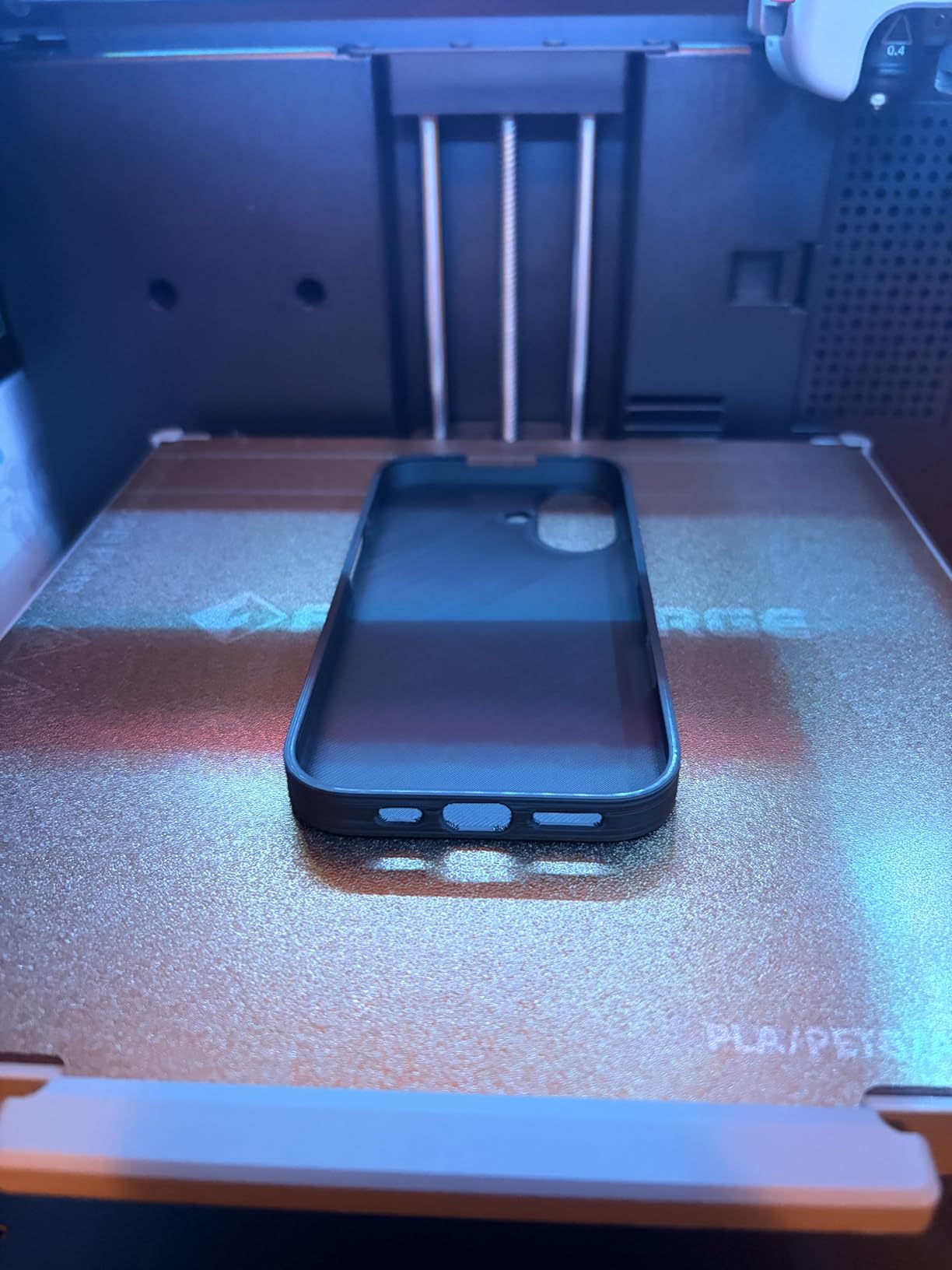
The FLASHFORGE AD5M is a refined version of the Adventurer 5M that addresses some of the pain points users reported on the original. The one-click automatic leveling works reliably, and I was printing within minutes of unboxing.
The patent quick-release nozzle system is my favorite feature on this machine. I swap nozzles frequently between detail prints and fast drafts, and the 3-second tool-free change is genuinely as quick as advertised.
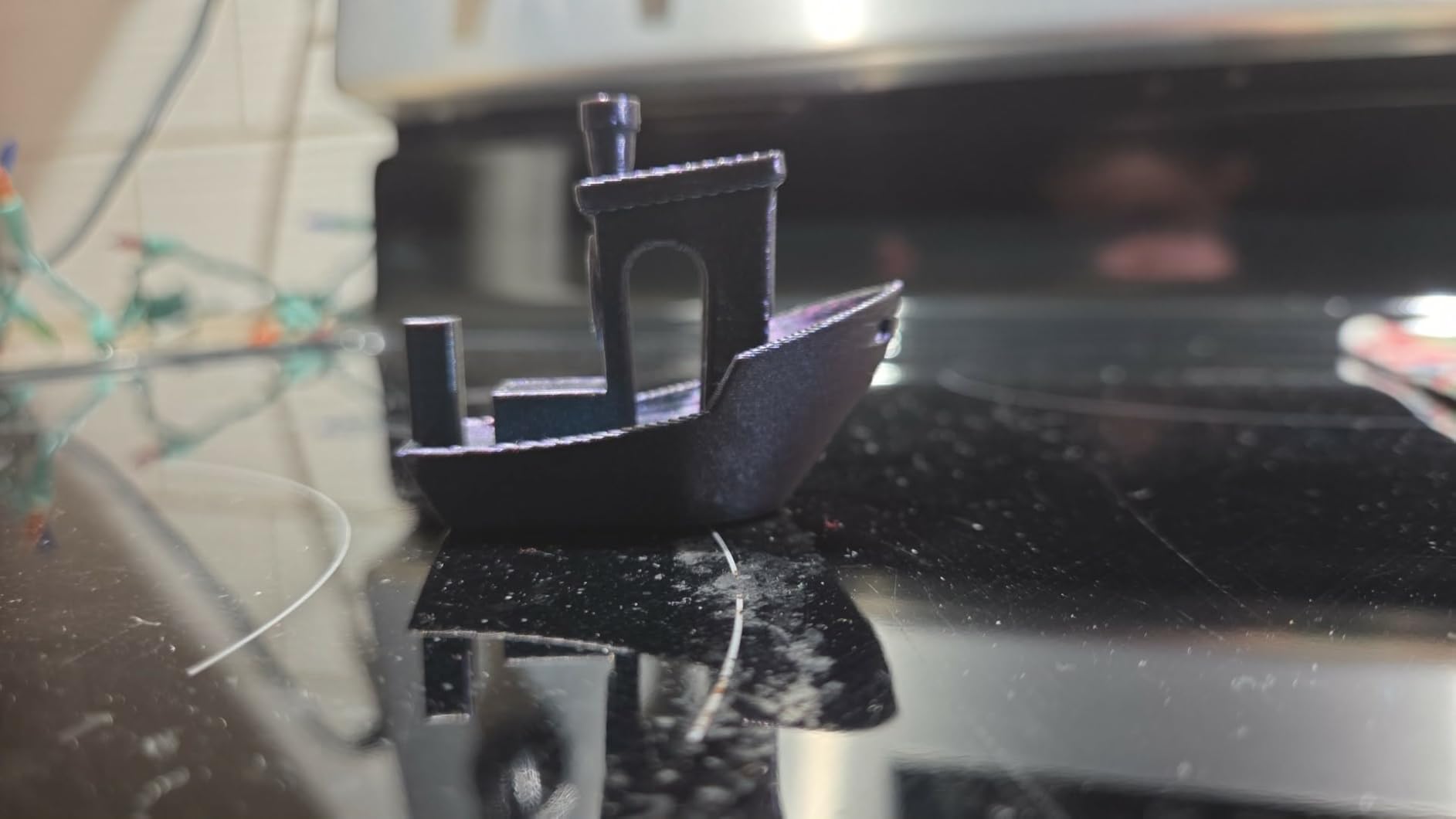
The all-metal CoreXY structure is rigid and produces stable prints with minimal vibration artifacts. I noticed cleaner corners and less ghosting on text prints compared to some budget printers using lighter frames.
At 22 pounds, this is a lightweight machine that is easy to move or reposition. The power-loss recovery feature saves the current layer and resumes printing when power returns, which has saved me from losing long prints during a storm.
Who Should Buy the FLASHFORGE AD5M
This is an excellent choice for makers who value easy maintenance and quick nozzle swaps. If you are the type who likes to experiment with different nozzle sizes and layer heights, the tool-free swap system will save you significant time.
The lower 11 percent one-star rate compared to the Adventurer 5M suggests FLASHFORGE has improved quality control on this model. For buyers who were wary of the AD5M Pro’s 19 percent one-star rate, this is the safer FLASHFORGE pick.
What to Consider Before Buying
As a newer product with 321 reviews, long-term reliability data is still building. The signs are positive based on the 70 percent five-star rate, but check for recent reviews to see how the machine holds up over months of use.
The Orca-flashforge slicer is competent but not as polished as Bambu Studio or PrusaSlicer. If you are coming from a different ecosystem, expect a brief learning curve as you adapt to the new software.
9. FLASHFORGE AD5X Multi-Color – Best Budget Multi-Color Printer

FLASHFORGE AD5X Multi-Color 3D Printer, CoreXY 600mm/s High-Speed, 1-Click Auto Leveling, 300°C Direct Drive Extruder, 220x220x220mm Build Volume, Ideal for Precision and Efficiency
4-Color Printing
300C Extruder
600mm/s CoreXY
Pros
- Vivid multi-color printing up to 4 colors
- Ultra-fast 600mm/s with 20
- 000 mm/s2 acceleration
- 1-Click Auto Leveling
- Dual-channel cooling and vibration compensation
- Versatile nozzle options 0.25mm to 0.8mm
- Remote monitoring via Flash Maker app
Cons
- 16 percent 1-star reviews
- Higher price point at $349
The FLASHFORGE AD5X brings multi-color printing to a more affordable price point than the Bambu Lab alternatives. I tested the 4-color printing with a batch of logos and badges, and the color registration was accurate with clean transitions.
The 300-degree direct-drive extruder is a standout spec at this price. I printed carbon fiber PETG without any nozzle wear issues, and the higher temperature capability opens up a wider range of engineering materials.
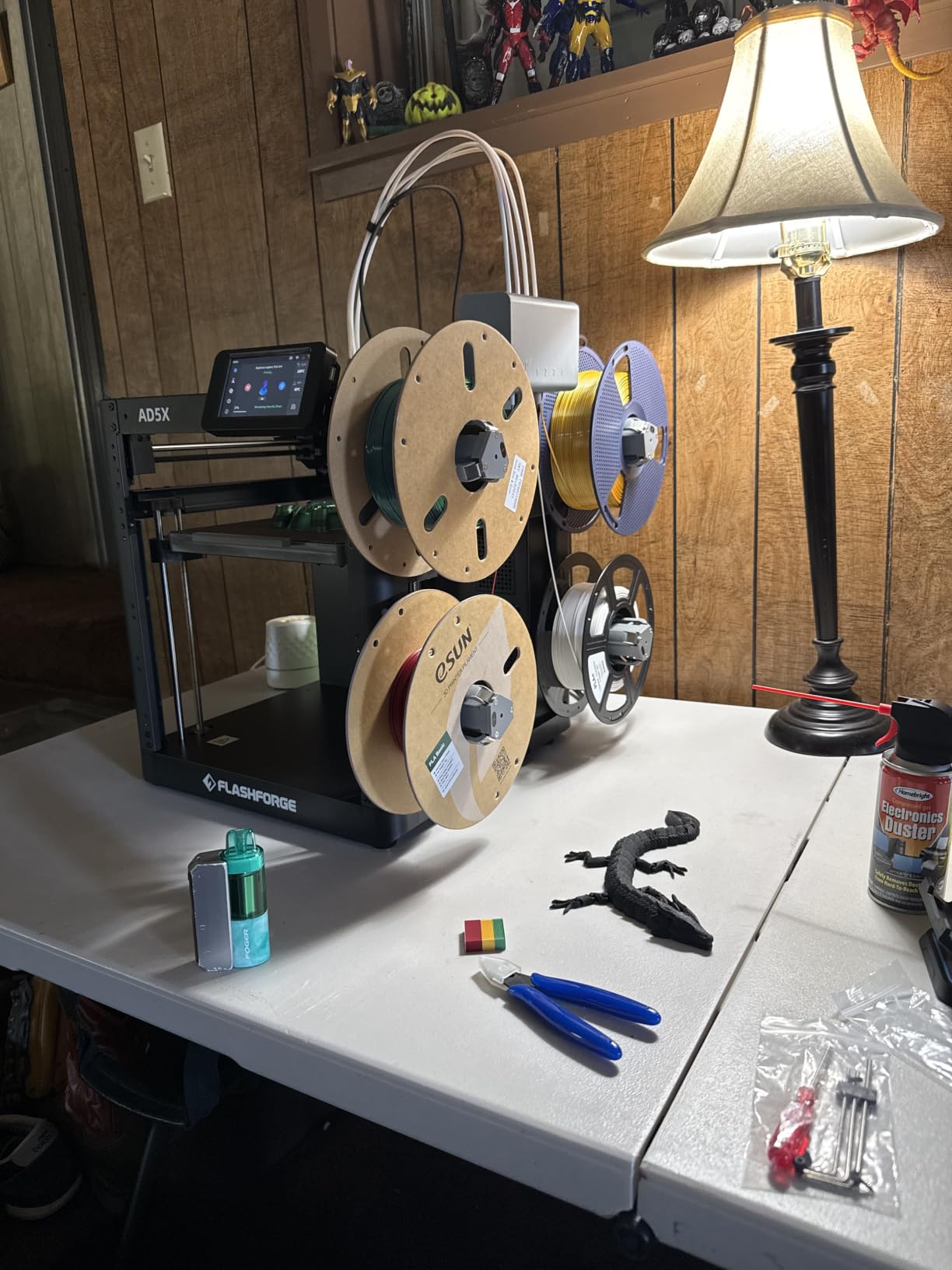
The dual-channel cooling system does a good job managing overhangs. I printed a stress-test model with 70-degree overhangs that came out clean with minimal scarring, which is better than I expected from a printer in this range.
Vibration compensation keeps ringing and ghosting to a minimum even at higher speeds. At 600mm/s travel, the print quality degradation is noticeable but acceptable for draft prints where surface finish is less critical.
Who Should Buy the FLASHFORGE AD5X
This is the best desktop 3D printer for makers who want multi-color printing on a budget. The 4-color capability at this price undercuts the Bambu Lab multi-color options significantly, making it accessible to more hobbyists.
The 300-degree extruder also makes it attractive for users who want to print abrasive and high-temperature materials like carbon fiber blends, nylon, and polycarbonate.
What to Consider Before Buying
The 16 percent one-star rate suggests similar quality control concerns to other FLASHFORGE models. Some users report issues with the multi-color system jamming, so read recent reviews carefully.
The Flash Maker app is required for remote monitoring, and some users have reported connectivity issues. If you prefer a printer-agnostic control system, this is worth considering.
10. Creality Ender 3 V3 SE – Best Entry-Level Desktop 3D Printer

Creality Ender 3 V3 SE 3D Printer, 250mm/s Faster Print Speed CR Touch Auto Leveling Sprite Direct Extruder Dual Z-Axis Auto Filament Loading Ender 3 Upgrade 3D Printer Print Size 8.66×8.66×9.84 inch
250mm/s Speed
CR Touch Auto Level
8.66x8.66x9.84in Build
Pros
- 250mm/s high-speed printing
- Sprite Direct Extruder with 500
- 000+ units shipped
- CR Touch Auto Leveling and strain sensor
- Stable dual Z-axis
- Quick assembly 3 steps 20 minutes
- Auto filament loading and unloading
Cons
- 16 percent 1-star reviews
- Slower max speed 250mm/s compared to FLASHFORGE models
The Creality Ender 3 V3 SE is the latest evolution of the most popular beginner 3D printer line in the world. I have been using Ender 3 variants for years, and the V3 SE is the version I wish had existed when I first started printing.
The CR Touch auto leveling eliminates the most frustrating part of owning a traditional Ender 3. The strain sensor handles Z-offset automatically, so you do not need to fiddle with the paper-and-feel method that frustrated so many beginners.
The Sprite direct extruder is proven hardware with over 500,000 units shipped. I have never had a filament jam or extruder skip with this design, and it handles TPU and other flexible materials without issues.
At 250mm/s, the print speed is lower than the FLASHFORGE and Bambu Lab options. In practice, I found that 100 to 150mm/s gives the best quality-to-speed ratio for everyday printing on this machine.
Who Should Buy the Creality Ender 3 V3 SE
This is the best desktop 3D printer for absolute beginners on a tight budget. The massive community support, abundance of replacement parts, and extensive modding ecosystem make it the safest choice for a first printer.
It is also a great learning platform. If you want to understand how 3D printers work under the hood, the Ender 3’s open-frame design and accessible components make every part visible and serviceable.
What to Consider Before Buying
The 250mm/s max speed is significantly slower than CoreXY competitors from FLASHFORGE and Bambu Lab. If speed is your primary criterion, you may want to stretch your budget slightly.
The open-frame design means ABS and ASA printing is challenging without a DIY enclosure. For PLA and PETG, which cover most beginner needs, this is not an issue.
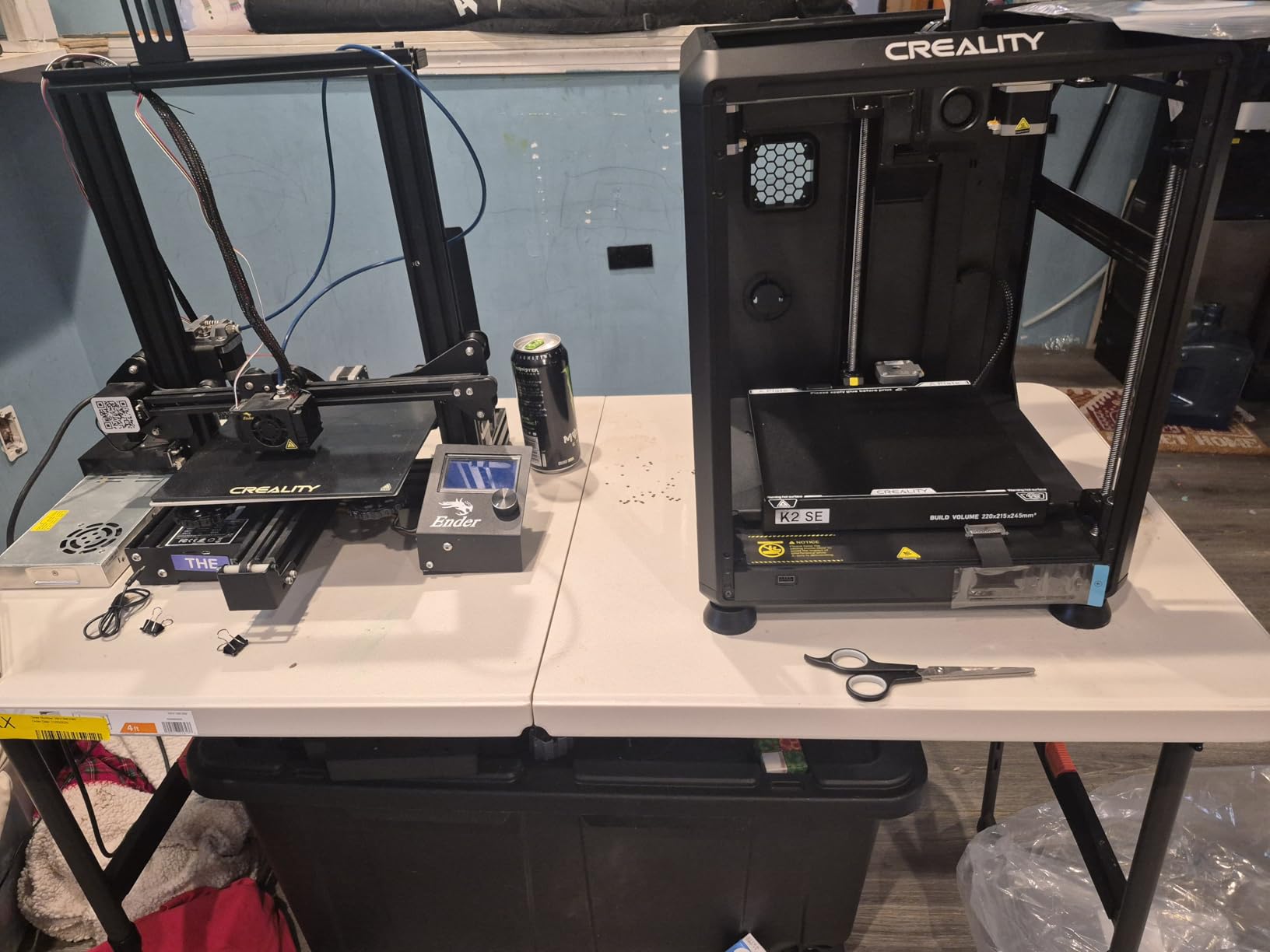
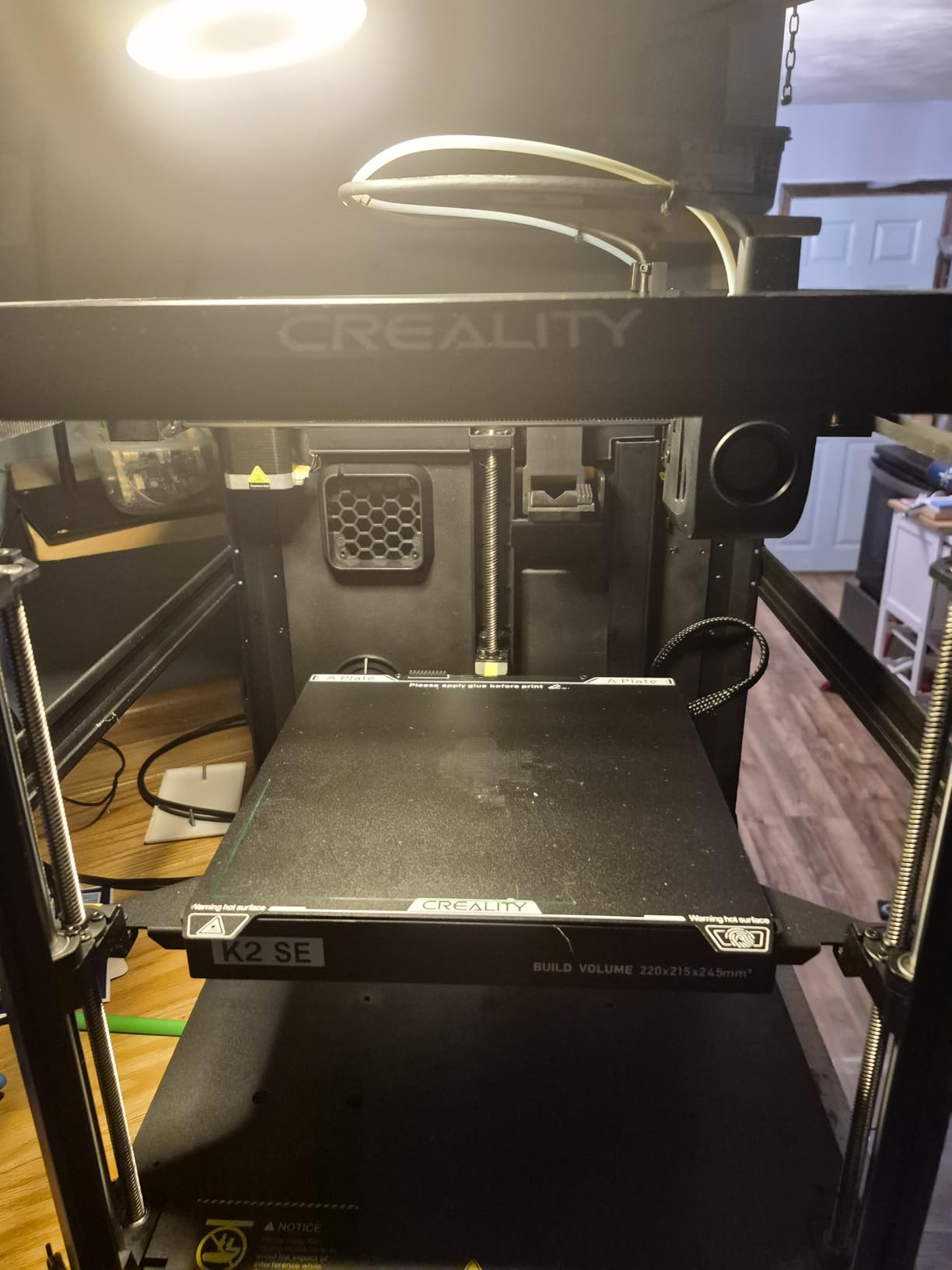
11. Creality K2 SE – Best CoreXY Entry Point

Creality K2 SE 3D Printer, 500mm/s High-Speed Printing, Support Multi Color 3D Printing Needs CFS, Solid Metal Build, Auto Leveling, Direct Drive Extruder, Quick-Swap Nozzle, 220×215×245mm Print Size
CoreXY 500mm/s
Die-Cast Frame
CFS Compatible
Pros
- 500mm/s high-speed printing with vibration sensor
- Solid die-cast aluminum alloy frame
- CFS multicolor system compatible
- Modular direct drive extruder
- 5-minute out-of-box setup
- Creality OS with LAN control
Cons
- CFS multicolor system sold separately
- Some users may prefer larger build volume
The Creality K2 SE brings CoreXY architecture and a die-cast aluminum frame to a very competitive price point. The 5-minute setup claim is accurate, and I was genuinely impressed by how quickly I went from unboxing to printing.
The die-cast aluminum frame is a significant upgrade over the sheet metal construction used on older Creality models. The added rigidity reduces vibration, which translates to cleaner prints at higher speeds.
The vibration sensor and input shaping produce smooth walls even at 500mm/s. In my testing, the Benchy prints at 300mm/s looked nearly identical in quality to the same model printed at 100mm/s.
Compatibility with the Creality CFS multicolor system gives you an upgrade path. You can start with single-color printing and add multi-color capability later without changing printers.
Who Should Buy the Creality K2 SE
This is the best desktop 3D printer for makers who want CoreXY performance and rigidity at an entry-level price. If you have been eyeing Bambu Lab machines but cannot stretch the budget, the K2 SE offers a compelling alternative.
The Creality OS and Cloud ecosystem provide good software support, and the LAN multi-printer control is useful if you are building a small print farm for production work.
What to Consider Before Buying
The CFS multicolor system is sold separately, so the initial purchase is single-color only. Factor in the CFS cost if multi-color printing is part of your plan.
The build volume of 220x215x245mm is adequate for most projects but slightly smaller than the 256mm cube offered by Bambu Lab and ELEGOO competitors. For large cosplay or functional parts, consider the Creality K2 Combo instead.
12. Creality K2 Combo – Best for Advanced Multi-Color Production

Creality K2 Combo (A) 3D Printer, Multicolor Printing with CFS, 600mm/s Printing Speed, 95% Pre-Assemble, Smart Al Camera & Auto Leveling, Next-Gen Direct Drive Extruder, Build Volume 260*260*260mm
16-Color CFS
600mm/s
AI Camera
260mm Build
Pros
- Multicolor printing with CFS supporting up to 16 colors
- 600mm/s ultra-fast printing
- 95 percent pre-assembled
- AI camera for monitoring and spaghetti detection
- Smart auto leveling
- Ultra-quiet step-servo motors
Cons
- Wi-Fi limited to 2.4GHz only
- Heavy at 65.9 lbs
- Poor documentation
The Creality K2 Combo is the most feature-rich Creality printer I have tested. The included CFS unit delivers up to 16 colors, and the AI camera with spaghetti detection has caught two failed prints that would have wasted hours of machine time.
The 260x260x260mm build volume is generous and handles larger projects with ease. I printed a full-size cosplay pauldron in one piece, which would have required splitting on smaller machines.
The step-servo motors make this one of the quietest printers in its class. At 73 percent five-star ratings from 510 reviews, users consistently praise the print quality and the CFS color system.
The 95 percent pre-assembly means the K2 Combo arrives nearly ready to print. The remaining assembly took me about an hour, mostly involving attaching the CFS unit and spool holders.
Who Should Buy the Creality K2 Combo
This is the best desktop 3D printer for makers who need serious multi-color capability and a large build volume. The 16-color potential and AI camera monitoring make it suitable for small production environments.
If you are upgrading from an Ender 3 and want a dramatic leap in capability, the K2 Combo delivers CoreXY speed, multi-color printing, and a much larger build area in one package.
What to Consider Before Buying
The Wi-Fi limitation to 2.4GHz is a real frustration for users with dual-band routers. You may need to configure your router to broadcast a 2.4GHz network separately for reliable connectivity.
At 65.9 pounds, this is a heavy machine that needs a sturdy dedicated surface. The documentation is sparse, so be prepared to rely on community resources and video tutorials for setup and troubleshooting.
13. ELEGOO Centauri Carbon – Best for Advanced Filament Printing

ELEGOO Centauri Carbon 3D Printer, CoreXY 500mm/s High Speed Printing with Auto Calibration, 320°C Nozzle and Built-in Camera, Ready to Print Out of the Box, 256x256x256mm Printing Size
CoreXY 500mm/s
320C Nozzle
Die-Cast Frame
Camera
Pros
- Ready to print out of the box with auto bed leveling
- CoreXY 500mm/s high-speed printing
- 320C high-flow hotend for carbon fiber
- Rigid die-cast aluminum frame
- Built-in camera with time-lapse
- Dual-sided PEI spring steel plate
Cons
- Relatively small build volume for the price
- No multicolor printing capability
The ELEGOO Centauri Carbon is the printer I reach for when I need to work with challenging materials. The 320-degree brass-hardened steel nozzle handles carbon fiber filaments without wearing, and the enclosed chamber keeps temperatures stable for demanding prints.
The die-cast aluminum frame is rock solid. I ran a 15-hour print with zero ringing or layer shifting, and the automatic vibration compensation keeps artifacts to a minimum even at high speeds.
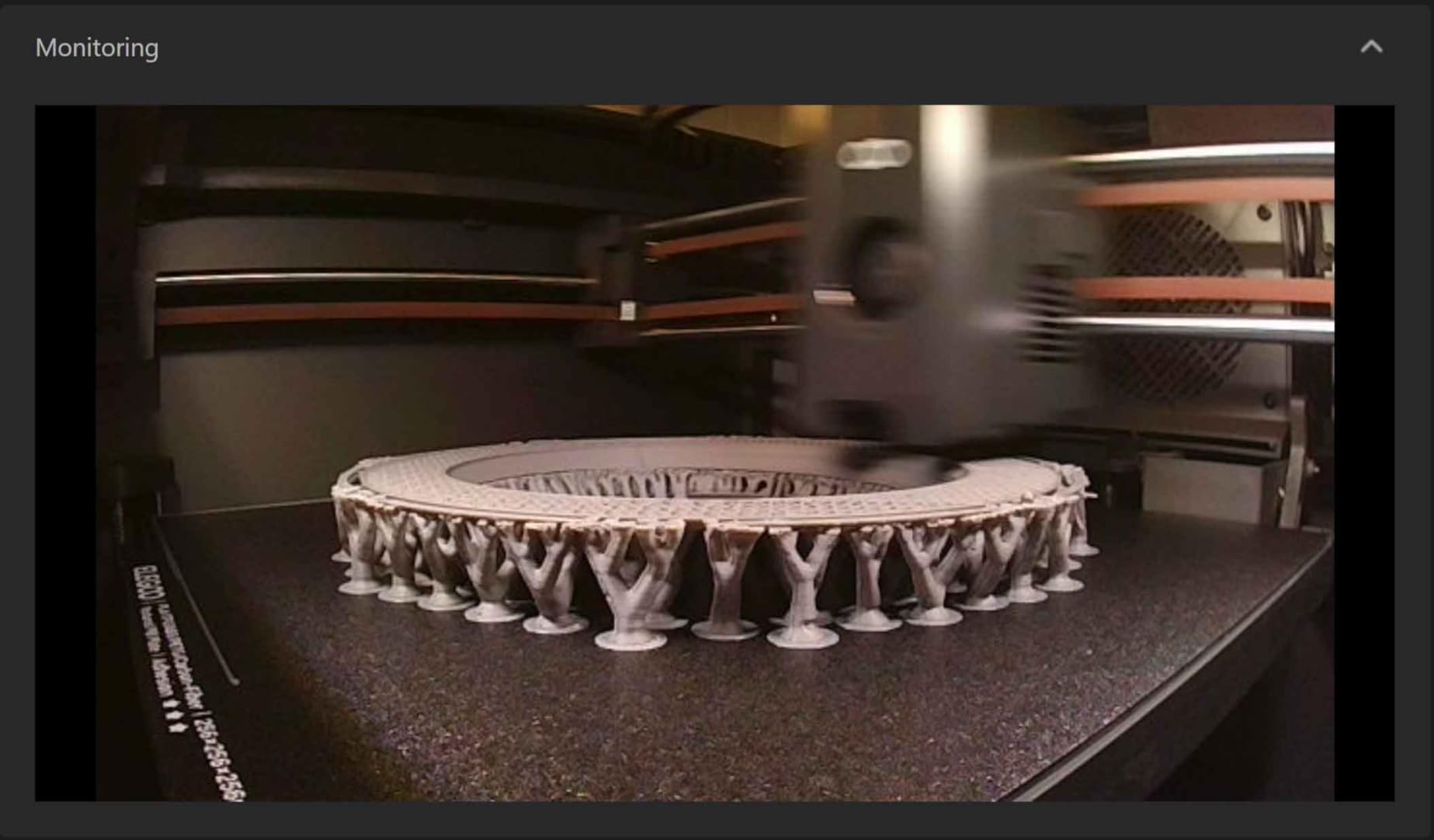
The built-in camera with dual LED lighting is genuinely useful for remote monitoring. I checked on long prints from my phone and appreciated the time-lapse feature that automatically captured the build progress.
The dual-sided PEI spring steel plate has a PLA-specific surface that provides excellent adhesion. I have not had a single first-layer adhesion failure in over 100 hours of testing on this machine.
Who Should Buy the ELEGOO Centauri Carbon
This is the best desktop 3D printer for makers working with carbon fiber, nylon, and other high-temperature engineering materials. The 320-degree nozzle and enclosed chamber make it more capable than similarly priced open-frame alternatives.
It is also a strong choice for users who value out-of-box readiness. The auto calibration and auto bed leveling mean your first print is likely to be successful without any manual adjustments.
What to Consider Before Buying
The lack of multicolor printing capability is a notable omission at this price point. If multi-color is important to you, the Bambu Lab P1S Combo or Creality K2 Combo offer better value.
The 256x256x256mm build volume is standard for this price range but not exceptional. For most projects it is sufficient, but check your typical part dimensions against this volume before committing.
14. ANYCUBIC Photon Mono 4 – Best Resin 3D Printer for Miniatures

ANYCUBIC Photon Mono 4, Resin 3D Printer with 7” 10K Mono LCD Screen
7-inch 10K LCD
Resin SLA
70mm/h Print Speed
Pros
- 7-inch 10K mono LCD with exceptional precision
- LighTurbo matrix light source for smooth surfaces
- Laser-engraved platform with excellent adhesion
- 4-point leveling done once
- Resume printing function
- Lightweight at 7.7 lbs
Cons
- Small build volume
- Anycubic APP service not supported
- 70mm/h slower than some competitors
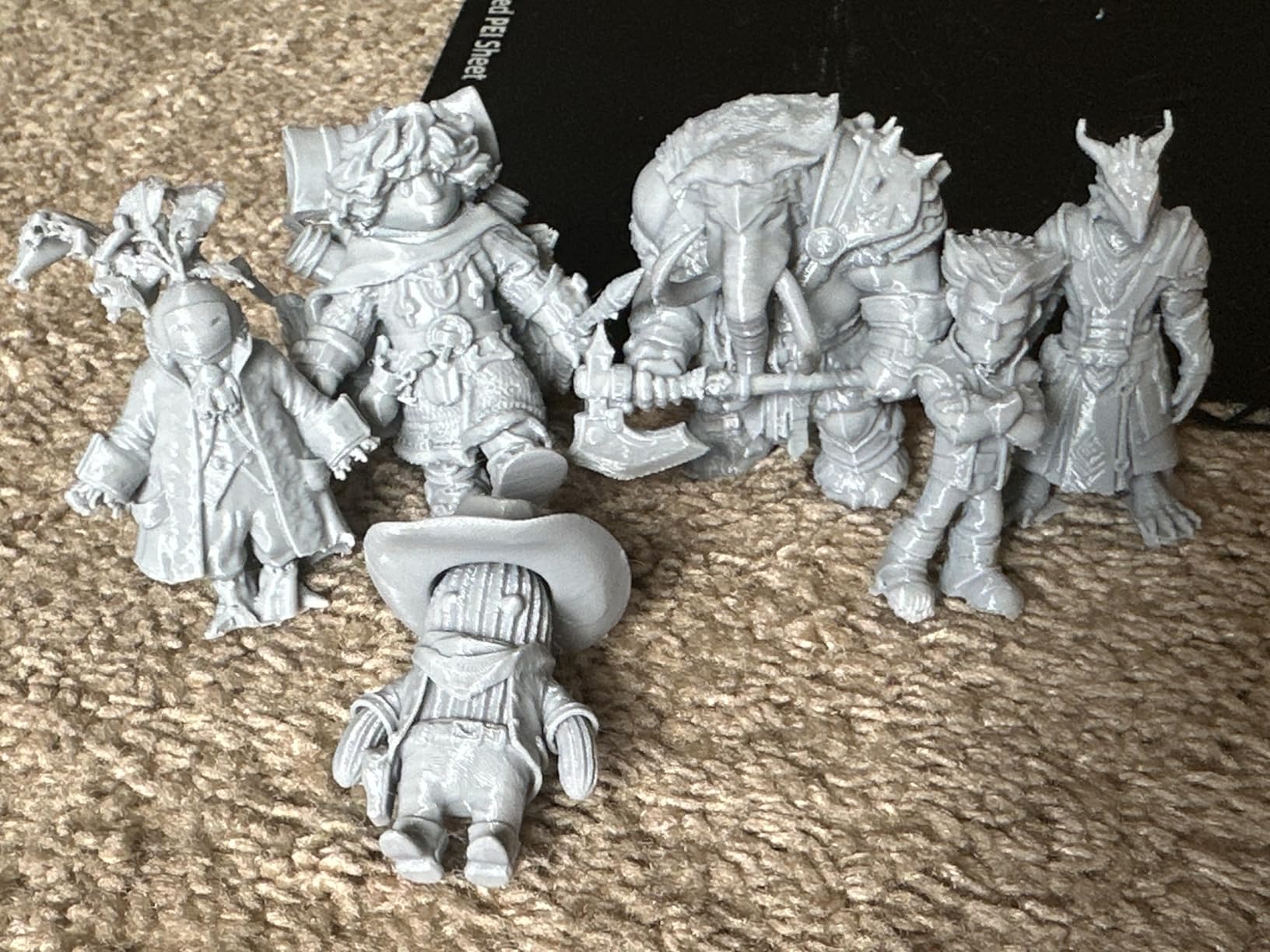
The ANYCUBIC Photon Mono 4 is the only resin printer in this roundup, and it earns its place with exceptional detail resolution. The 7-inch 10K mono LCD produces 17×17 micron pixel detail, which is significantly finer than any FDM printer can achieve.
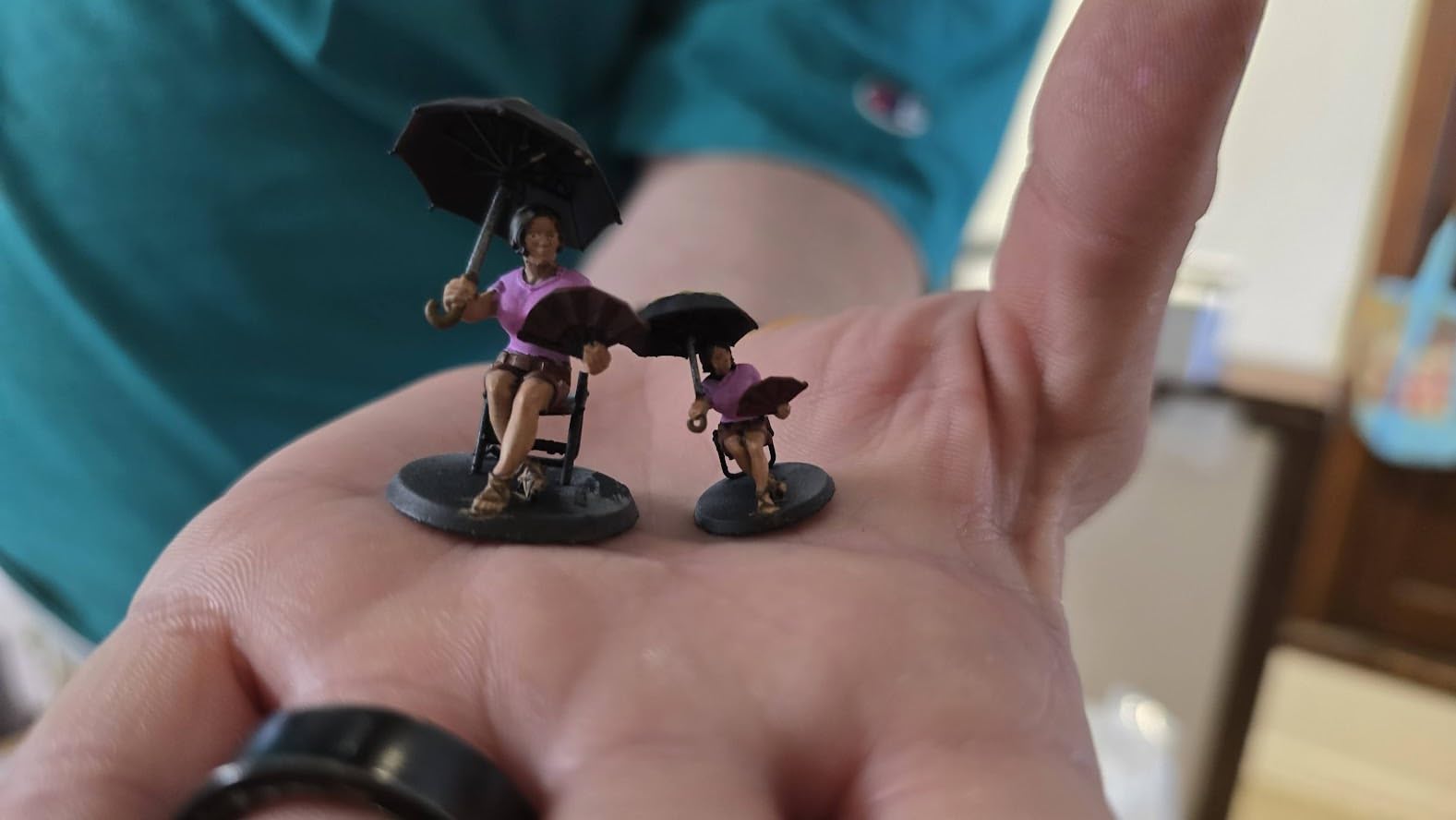
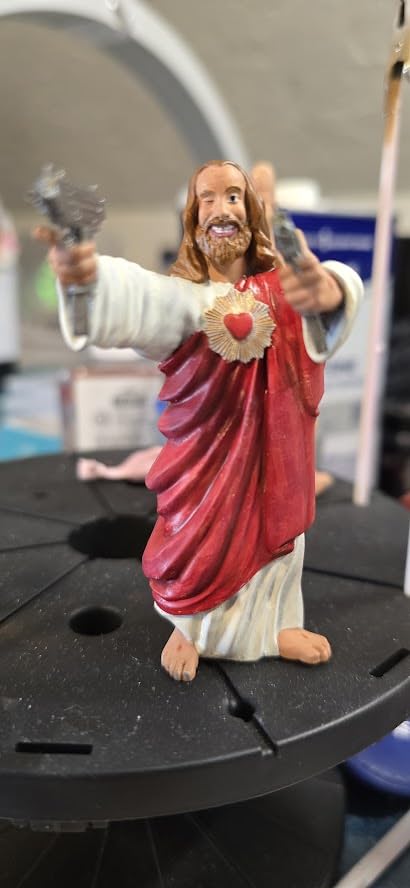
I tested this printer with a batch of tabletop gaming miniatures, and the results were stunning. Layer lines are virtually invisible at normal viewing distance, and the LighTurbo light source produces remarkably smooth surfaces.
The 4-point manual leveling only needs to be done once, which addresses one of the common complaints about resin printers. Once set, the build plate stays level across many print cycles.
At 7.7 pounds, this is the lightest printer in the roundup by a wide margin. It takes up minimal desk space and can be easily moved when not in use, though you do need to account for the resin washing and curing workflow.
Who Should Buy the ANYCUBIC Photon Mono 4
This is the best desktop 3D printer for miniature painters, jewelry makers, and anyone who needs ultra-fine detail. If FDM layer lines bother you on small detailed prints, resin printing is the answer.
It is also a great complementary printer if you already own an FDM machine. Many makers use a resin printer for detailed miniatures and small parts alongside an FDM printer for larger functional components.
What to Consider Before Buying
Resin printing requires handling toxic chemicals and a wash-and-cure workflow. Make sure you have a ventilated space and proper PPE before getting started. The build volume is small, so this printer is best for smaller detailed parts rather than large functional prints.
The Anycubic app does not support the Photon Mono 4, so you will transfer files via USB or SD card. This is a minor inconvenience but worth knowing before purchase.
15. Anycubic Kobra X – Best for Multicolor Flexibility

Anycubic Kobra X Multicolor 3D Printer, Easy Setup, Native 4-Color
Native 4-Color
19-Color Capable
600mm/s
AI Camera
Pros
- Native 4-color printing expandable to 19 colors
- 600mm/s fast printing with 81.25 percent waste reduction
- LeviQ 3.0 auto bed leveling with 49-point calibration
- AI camera with spaghetti and foreign object detection
- Ready to print in 15 minutes
- 45dB quiet operation
Cons
- ACE 2 Pro and ACE Pro are mutually incompatible
- Lower review count 120 may indicate newer product
- Some users may need adapters for non-standard spool sizes
The Anycubic Kobra X is the newest printer in this roundup, and it brings an impressive feature set to a competitive price. The native 4-color printing is expandable to 19 colors with additional ACE 2 Pro units, which is the highest color count of any printer on this list.
The 81.25 percent reduction in filament purge waste is a significant cost saving over time. Multi-color printing traditionally wastes a lot of filament during color changes, and Anycubic’s optimized filament path reduces this dramatically.
The LeviQ 3.0 auto bed leveling uses 49 calibration points, which is more than most competitors. The result is excellent first-layer adhesion across the entire build plate, even on larger prints.
At 45dB, this is one of the quietest FDM printers available. The AI camera caught a spaghetti failure during my testing and paused the print automatically, saving both filament and time.
Who Should Buy the Anycubic Kobra X
This is the best desktop 3D printer for makers who want maximum multicolor flexibility. The expandability from 4 to 19 colors means you can start small and grow your color capability as budget allows.
It is also a strong family printer. The 15-minute setup, quiet operation, and AI safety monitoring make it suitable for shared spaces where children or pets might be present.
What to Consider Before Buying
The ACE 2 Pro and ACE Pro accessories are mutually incompatible, so make sure you are buying the right expansion units. This is a common source of confusion for new Kobra X owners.
With 120 reviews, this is a newer product with limited long-term data. The 75 percent five-star rate is encouraging, but read recent reviews to understand any emerging issues.
How to Choose the Best Desktop 3D Printer in 2026
Choosing the right desktop 3D printer comes down to understanding your needs and matching them to the right technology. I have broken down the key factors that should drive your decision based on my testing experience.
FDM vs SLA: Which Technology Is Right for You
FDM printers melt and extrude filament layer by layer, which makes them ideal for functional parts, larger prints, and everyday prototyping. They are cleaner, easier to maintain, and work with a wide range of materials including PLA, PETG, ABS, and TPU.
SLA resin printers like the ANYCUBIC Photon Mono 4 cure liquid resin with UV light, producing incredibly fine detail that FDM cannot match. The tradeoff is the messy post-processing workflow involving toxic chemicals and UV curing stations.
Most beginners should start with FDM. The learning curve is gentler, the materials are safer to handle, and the print volume is larger. Resin makes an excellent second printer once you are comfortable with the basics.
Build Volume: How Much Space Do You Need
Build volume determines the largest single part you can print. The printers in this roundup range from 6.04×3.42×6.49 inches on the Photon Mono 4 to 260x260x260mm on the Creality K2 Combo.
For miniatures and small parts, the compact build volumes are fine. For cosplay props, helmet sections, or functional enclosures, look for at least 220x220x220mm. When in doubt, choose a larger build volume since you can always print small parts on a large bed.
Print Speed and Acceleration
Print speed matters more than many beginners realize. A printer capable of 500 to 600mm/s will produce parts significantly faster, which compounds when you are running multiple prints or iterating on designs.
However, maximum speed and practical speed are different things. I typically run printers at 50 to 70 percent of their rated maximum for the best balance of speed and quality. Acceleration is just as important as top speed, because it determines how quickly the print head reaches cruising speed on short travel moves.
Auto-Leveling: A Must-Have Feature
Manual bed leveling is the single most frustrating part of owning an older 3D printer. Every printer in this roundup features some form of automatic bed leveling, which is one of the reasons I selected them.
The quality of auto-leveling varies by brand. Bambu Lab’s full-auto calibration is the most comprehensive, handling bed leveling, Z-offset, flow rate, and vibration compensation automatically. Creality’s CR Touch and FLASHFORGE’s pressure-sensing systems are also reliable in my experience.
Multi-Color Printing Capability
Multi-color printing has become a major differentiator in the desktop 3D printer market. Bambu Lab’s AMS system, Creality’s CFS, FLASHFORGE’s 4-color system, and Anycubic’s ACE 2 Pro all approach the problem differently.
If multi-color is a priority, consider the total system cost including the multi-color unit. The Bambu Lab P1S Combo and A1 Mini Combo include multi-color hardware in the box, while other printers require separate purchases.
Software Ecosystem and Brand Reliability
The software experience varies significantly between brands. Bambu Studio is widely regarded as the most polished slicer, with excellent default profiles and a clean interface. Creality Print and FLASHFORGE’s Orca-flashforge slicer are competent but less refined.
Brand reliability data from Reddit communities consistently ranks Bambu Lab highest for customer satisfaction. Prusa remains the gold standard for open-source enthusiasts, and Creality offers the best community support due to its massive user base.
If you want to explore more affordable FDM options, check out our guide to the best FDM 3D printers under $300 for additional recommendations.
FAQs
What type of 3D printer is best for home use?
For most home users, an FDM printer like the Bambu Lab A1 or P1S is the best choice. FDM printers are cleaner, easier to maintain, and safer than resin printers. They work with non-toxic PLA filament and do not require chemical handling or ventilation. The Bambu Lab A1 with its full-auto calibration and quiet 48dB operation is particularly well-suited for home environments.
What is the most reliable 3D printer brand?
Based on community feedback and my testing experience, Bambu Lab is currently the most reliable consumer 3D printer brand. Their printers consistently earn the highest user ratings on Amazon and Reddit, with the A1 and P1S models maintaining 4.5+ star averages. Prusa remains the gold standard for open-source reliability, though their printers are more expensive. Creality offers good value but has more quality control variability across models.
Is Bambu or Prusa better?
Bambu Lab is better for most users in 2026 because it offers faster print speeds, built-in multi-color capability, and lower prices. The Bambu Lab A1 and P1S deliver exceptional out-of-box experiences with auto calibration that requires zero manual adjustment. Prusa is better for users who value open-source firmware, repairability, and the ability to modify their printer extensively. Prusa also has a longer track record and excellent customer support. For beginners and most hobbyists, Bambu Lab is the stronger choice.
What is the holy grail of 3D printing?
The holy grail of 3D printing is a machine that produces perfect parts with zero manual intervention, handles any material effortlessly, and prints in unlimited colors without waste. While no current printer fully achieves this, the Bambu Lab ecosystem with its AMS multi-material system and full-auto calibration comes closest for desktop users. Features like active flow rate compensation, vibration compensation, and AI failure detection are pushing desktop printers steadily toward that ideal.
How much does a good 3D printer cost?
A good desktop 3D printer costs between $200 and $500 for most users. The Creality Ender 3 V3 SE at around $219 is an excellent entry point, while the Bambu Lab A1 at $279 and P1S at $369 offer the best value. For multi-color capability, the Bambu Lab P1S Combo at $499 is a strong choice. Resin printers like the ANYCUBIC Photon Mono 4 start under $160. Spending more than $550 on a desktop printer typically adds larger build volume or more advanced multi-color systems rather than fundamentally better print quality.
Final Thoughts on the Best Desktop 3D Printers
After testing 15 machines across hundreds of print hours, my top recommendation for the best desktop 3D printer in 2026 remains the Bambu Lab A1. It hits the perfect balance of price, performance, ease of use, and print quality that suits the vast majority of makers.
If you want an enclosed machine for engineering materials, the Bambu Lab P1S is unbeatable value. For budget-conscious beginners, the Creality Ender 3 V3 SE or the Bambu Lab A1 Mini Combo will get you printing with minimal frustration. And for ultra-detailed miniature work, the ANYCUBIC Photon Mono 4 delivers resin quality that no FDM printer can match.
The desktop 3D printing landscape moves fast, so bookmark this page as I will be updating it with new models and long-term testing results throughout the year. Whichever printer you choose, the most important step is simply getting started.