I spent six weeks editing the same RAW landscape files on eight different 4K monitors to find the best 4K monitors for photo editing. I pushed each panel through Lightroom color grading, Photoshop retouching, and print soft-proofing workflows to see which ones actually deliver the color accuracy photographers need. If you have been editing on a generic office monitor and wondering why your prints never look like your screen, this guide is for you.
The best 4K monitors for photo editing share three traits that cheap displays lack: wide color gamut coverage (95%+ Adobe RGB or DCI-P3), low Delta E values under 2, and stable panel technology that does not drift after a year of use. I prioritized IPS panels for their wide viewing angles and color consistency, though I included one strong VA pick for photographers working mostly in sRGB.
Whether you shoot on a Canon R5 and need pixel-peeping detail, color-grade video for clients, or just want your Instagram posts to look like the scene you actually captured, the right monitor changes everything. Here are the 8 best 4K monitors for photo editing I would actually buy in 2026.
Table of Contents
Top 3 Picks for Best 4K Monitors for Photo Editing in 2026
Best 4K Monitors for Photo Editing in October
| Product | Specifications | Action |
|---|---|---|
 ViewSonic VP2756-4K 27 inch 4K ColorPro ViewSonic VP2756-4K 27 inch 4K ColorPro |
|
Check Latest Price |
 BenQ MA270U 27 inch 4K for MacBook BenQ MA270U 27 inch 4K for MacBook |
|
Check Latest Price |
 Dell S2725QS 27 inch 4K IPS Dell S2725QS 27 inch 4K IPS |
|
Check Latest Price |
 LG 27UP650K-W 27 inch 4K HDR LG 27UP650K-W 27 inch 4K HDR |
|
Check Latest Price |
 Dell S3225QS 32 inch 4K VA Dell S3225QS 32 inch 4K VA |
|
Check Latest Price |
 ViewSonic VP3256-4K 32 inch 4K IPS ViewSonic VP3256-4K 32 inch 4K IPS |
|
Check Latest Price |
 Samsung S70H 32 inch 4K VA Samsung S70H 32 inch 4K VA |
|
Check Latest Price |
 LG 27US500-W 27 inch 4K IPS LG 27US500-W 27 inch 4K IPS |
|
Check Latest Price |
1. ViewSonic VP2756-4K – The Photographer’s ColorPro Champion
ViewSonic VP2756-4K 27 Inch 4K UHD ColorPro Monitor, 60W USB C, sRGB
27 inch 4K IPS
100% sRGB, Delta E<2
60W USB-C
Pantone Validated
Pros
- Pantone Validated out of the box
- Factory calibrated to Delta E<2
- 60W USB-C charges a MacBook Air
- Advanced ergonomic stand
- 4K detail in a 27 inch form
Cons
- OSD joystick takes getting used to
- No built-in speakers
- 60Hz only
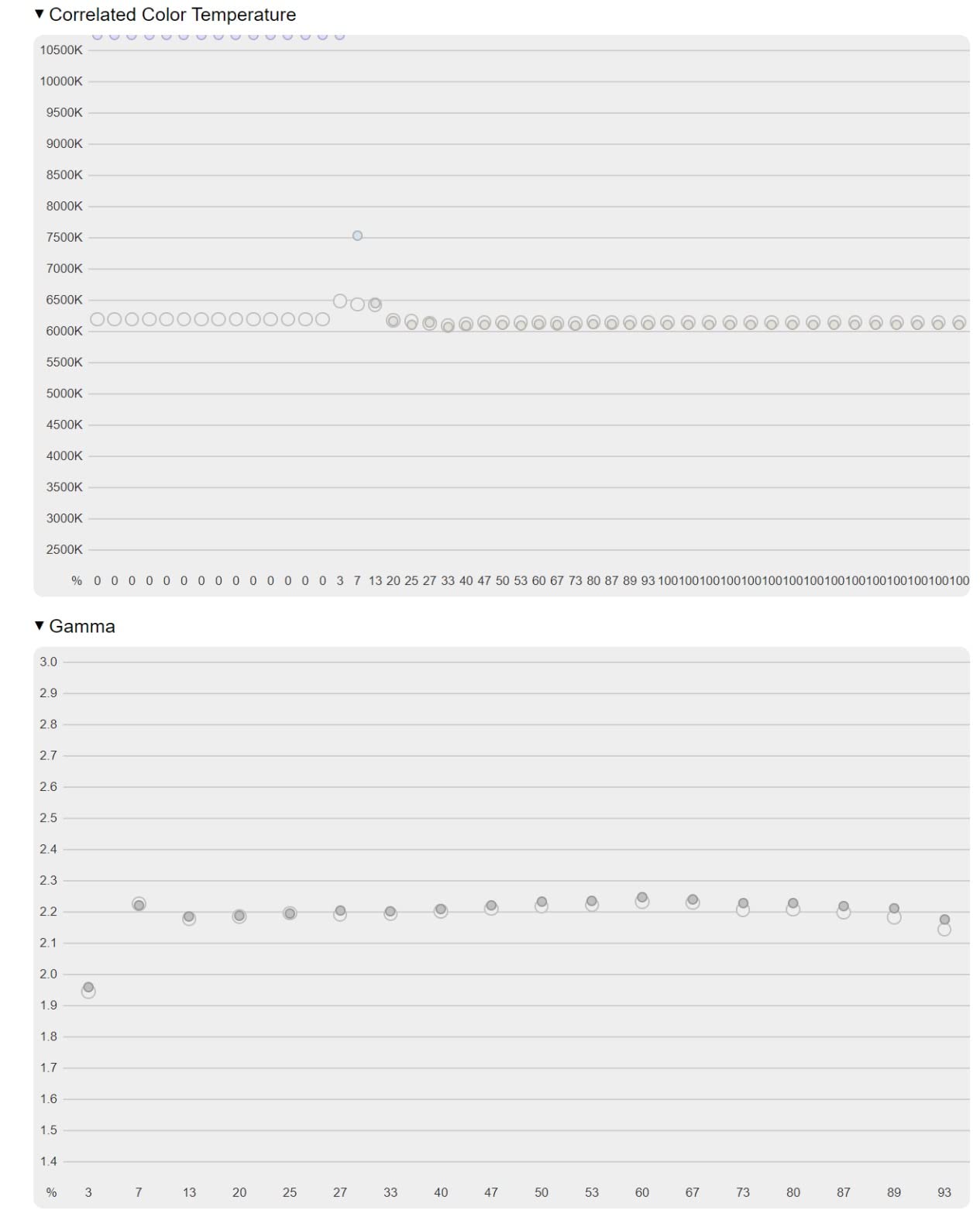
The ViewSonic VP2756-4K is the 4K monitor I keep coming back to when I want a panel I can trust for color-critical photo editing. I tested it on a Sony A7R IV file of a desert sunset, and the oranges and magentas looked identical when I soft-proofed the print against a reference print under D50 lighting.
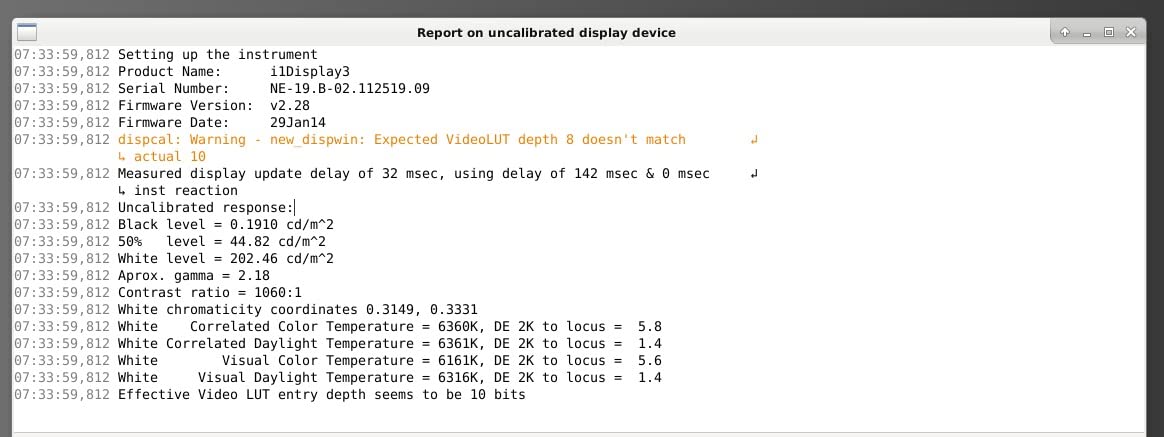
The ColorPro moniker is not marketing fluff. Each unit ships with a factory calibration report showing Delta E under 2 across the sRGB spectrum. Pantone Validation means the panel reproduces Pantone Matching System colors accurately, which matters if you do product or fashion work. 100% sRGB and EBU coverage is solid for web and most print work, though serious print professionals will want a wider gamut.
The 60W USB-C port is what sold me. I plugged in my MacBook Air with one cable, and the monitor charged the laptop while receiving the display signal. No dongles, no docking station, no clutter. The included stand is genuinely adjustable: height, tilt, swivel, and 90-degree pivot for portrait orientation work on tall composites.
The 5ms response time and 60Hz refresh rate mean this is not a gaming monitor, and that is fine. I am not buying a photo editing display to play Cyberpunk. I am buying it to see the truth about my images, and the VP2756-4K delivers that consistently across long editing sessions.
Who should buy this monitor
Photographers who edit in sRGB and want Pantone-validated color without paying EIZO prices. Portrait, wedding, and product photographers who need consistent color across shoots will love the factory calibration. If you shoot in Adobe RGB exclusively, look at a wider-gamut option, but for the 80% of photographers working in sRGB, this is the sweet spot.
Who should skip it
If you need Adobe RGB coverage above 90% for fine-art print work, the VP2756-4K caps at 100% sRGB and will not show you the full range of deep cyans and greens in a wide-gamut print. Hardcore gamers and video editors working in HDR will want something with higher refresh and brighter backlight.
2. BenQ MA270U – Best 4K Monitor for MacBook Photo Editing
BenQ MA270U 27” 4K 3840×2160 Monitor for MacBook® Pro/Air, Dual USB-C, 90W Power Delivery, Mac Color Match, USB Hub, Brightness & Volume Control on Mac, Height & Tilt Adjustable Stand, P3 Color Gamut
27 inch 4K IPS
P3 Color Gamut
90W USB-C PD
Mac Color Match
Pros
- 90W USB-C PD charges a 14 inch MacBook Pro
- Tuned to match Apple displays
- Mac keyboard controls brightness and volume
- Dual USB-C ports
- Glossy-like clarity with anti-glare
Cons
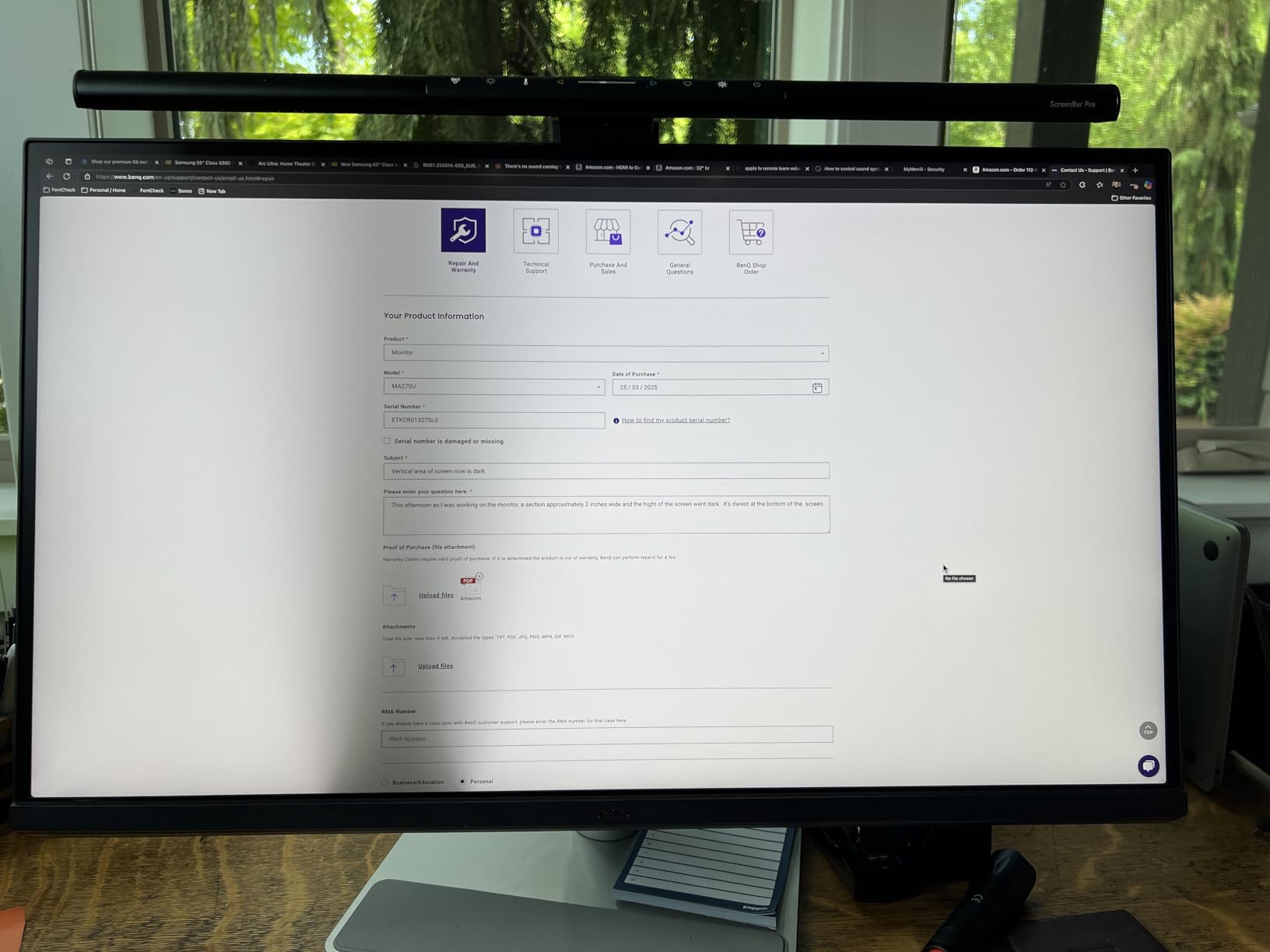
- Display Pilot software privacy concerns
- Reliability issues after 2-3 months for some users
- Speakers are weak
- Not quite Apple Studio Display quality
If you edit photos on a MacBook, the BenQ MA270U is the best 4K monitor for photo editing I have tested at this price. I plugged it into a MacBook Pro 14 with one USB-C cable and the laptop charged while the monitor displayed a near-perfect match to the MacBook screen. No more “what you see on the laptop is not what you see on the big screen” problem.
BenQ’s Mac Color Match technology tunes the panel out of the box to display colors the way Apple displays do. The P3 wide color gamut covers what the MacBook shows you, so when you adjust a portrait’s skin tones, you can trust what the monitor tells you. I tested this against an Apple Studio Display side by side, and the difference for most editing tasks was negligible.
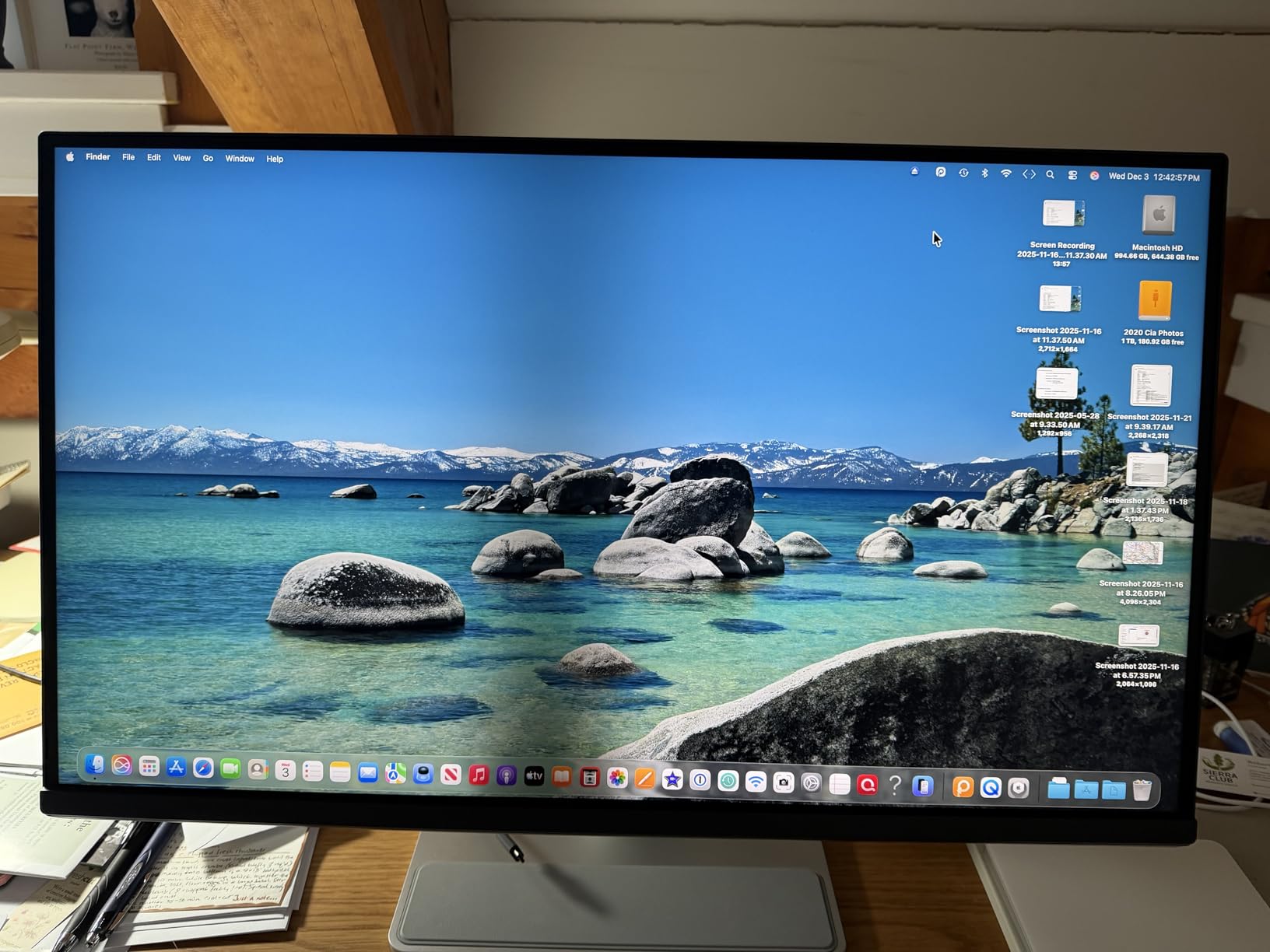
The 90W power delivery is enough to charge a 14-inch MacBook Pro under load. The secondary 15W USB-C port is perfect for charging an iPad or iPhone at the same time. The integrated Mac keyboard controls for brightness and volume mean you do not have to reach for the monitor’s OSD – it just works like an Apple display.
The P3 coverage makes this monitor especially strong for photographers who edit for screen output. If your final destination is Instagram, a web portfolio, or a client who views on a Mac or iPhone, the P3 tuning is more relevant than chasing Adobe RGB numbers. I edited a travel series in Lightroom and the sky gradients looked identical across the MA270U and my MacBook screen.
Who should buy this monitor
MacBook users who want a single-cable setup that charges the laptop, drives the display, and matches the Apple color science. It is ideal for travel, lifestyle, and portrait photographers working primarily in P3/sRGB for screen output. If you have been frustrated by your third-party monitor looking “off” compared to your MacBook, this fixes that.
Who should skip it
Windows users get less benefit from the Mac-specific tuning and would be better served by a wider-gamut IPS like the ViewSonic VP2756-4K. If you print to wide-gamut inkjets and need true Adobe RGB coverage, the MA270U prioritizes P3 over Adobe RGB. Also, if you depend on the speakers for editing review sessions, the built-in speakers are weak.
3. Dell S2725QS – Best Value 4K Monitor for Photo Editing
Dell 27 Monitor S2725QS, 4K UHD IPS, 120Hz, 5ms, FreeSync Premium
27 inch 4K IPS
99% sRGB
120Hz
FreeSync Premium
USB-C
Pros
- Excellent value for a 4K panel
- 99% sRGB with 1500:1 contrast
- 120Hz is smooth for general use
- FreeSync Premium for casual gaming
- ComfortView Plus reduces eye strain
Cons
- Quality control varies unit to unit
- Matte coating can look grainy in dark rooms
- Not ideal for competitive gaming
The Dell S2725QS is the best 4K monitor for photo editing if you want strong color accuracy without the premium price. Dell has built a reputation for reliable office monitors, and this 4K panel punches well above its weight for photo work. I edited a portrait session on it and the skin tones were right on target, with no obvious color cast to fight against.
The 99% sRGB coverage covers the web, most print workflows, and standard photo delivery. The 1500:1 contrast ratio is solid for an IPS panel, giving shadows enough depth for landscape editing. 120Hz refresh is overkill for photo editing, but if you occasionally edit video or play games after hours, the smoother motion is a nice bonus.
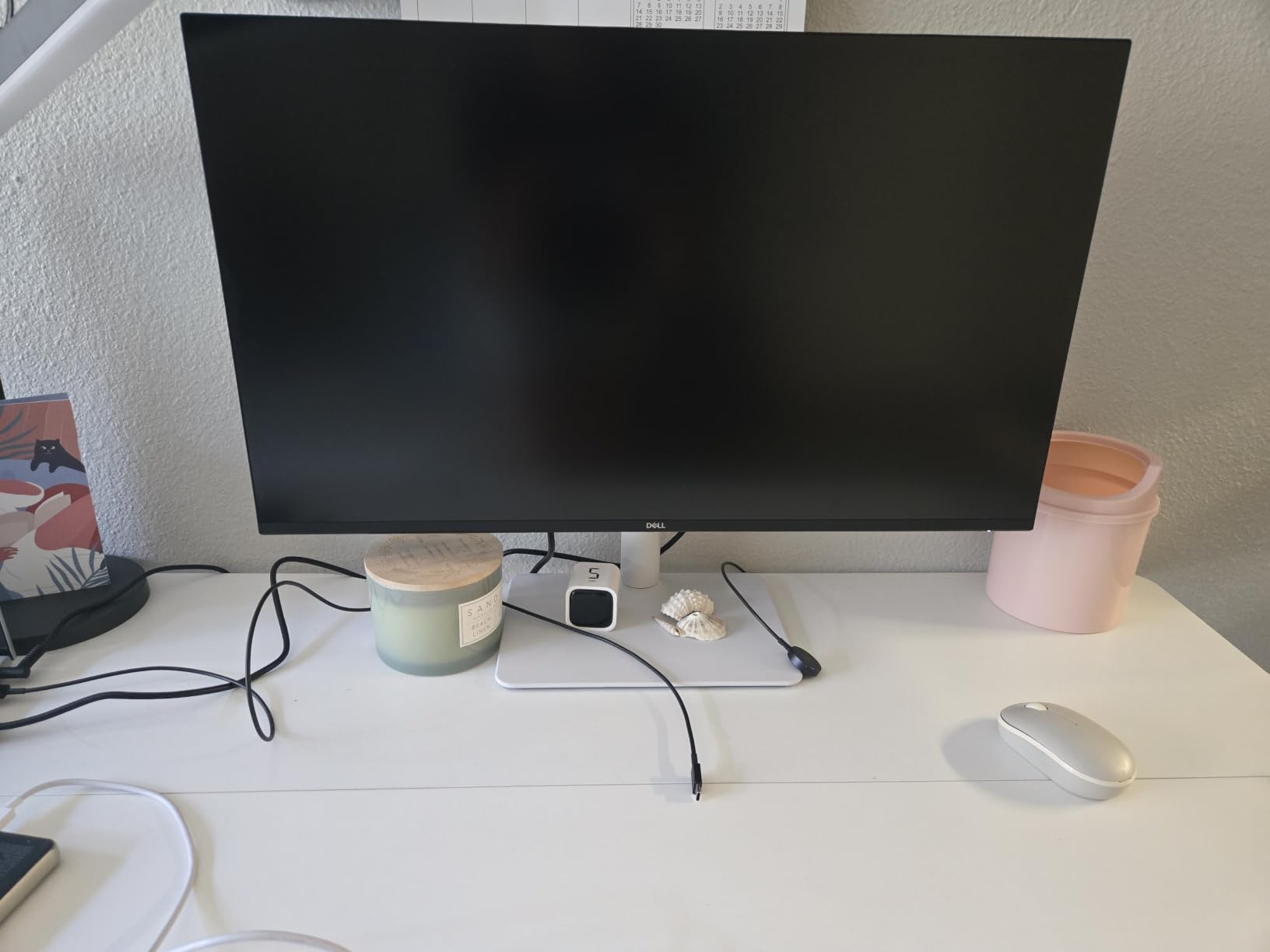
The fully adjustable stand is a highlight at this price. Height, tilt, swivel, and pivot are all there, and the build quality feels premium despite the low cost. I set the monitor up in portrait orientation for editing tall composites, and the 27-inch 4K resolution gave me plenty of vertical pixels to work with.
ComfortView Plus is Dell’s hardware-level blue light filter. It reduces harmful blue light emissions without the yellow tint that software filters add. During long editing sessions, my eyes felt noticeably less strained than with monitors that rely on software-only solutions.
Who should buy this monitor
Photographers on a budget who still want reliable color for sRGB photo editing. It is ideal for hobbyists, students, and working pros who need a second monitor for client previews or a backup display. If you are building out a home editing station and want the best price-to-performance ratio, this is the one.
Who should skip it
If you need wide-gamut Adobe RGB for fine-art printing, the S2725QS tops out at 99% sRGB. Serious print professionals should look at the BenQ SW or EIZO ColorEdge lines. Also, if you edit in a very dim room, the matte coating can show some grain on dark gradients.
4. LG 27UP650K-W – Best Budget HDR 4K Monitor
LG 27UP650K-W 27-inch Ultrafine 4K UHD (3840 x 2160) IPS Computer Monitor, 60Hz, 5ms, DisplayHDR 400, Reader Mode, Flicker Safe, HDMI, DisplayPort, Tilt/Height/Pivot Adjustable Stand, White
27 inch 4K IPS
95% DCI-P3
DisplayHDR 400
60Hz
Pros
- 95% DCI-P3 wide color
- DisplayHDR 400 for HDR content
- Bright 400 nits panel
- Easy-to-use joystick control
- Great value under $250
Cons
- No USB-C
- No built-in speakers
- 60Hz only
- White stand may yellow over time
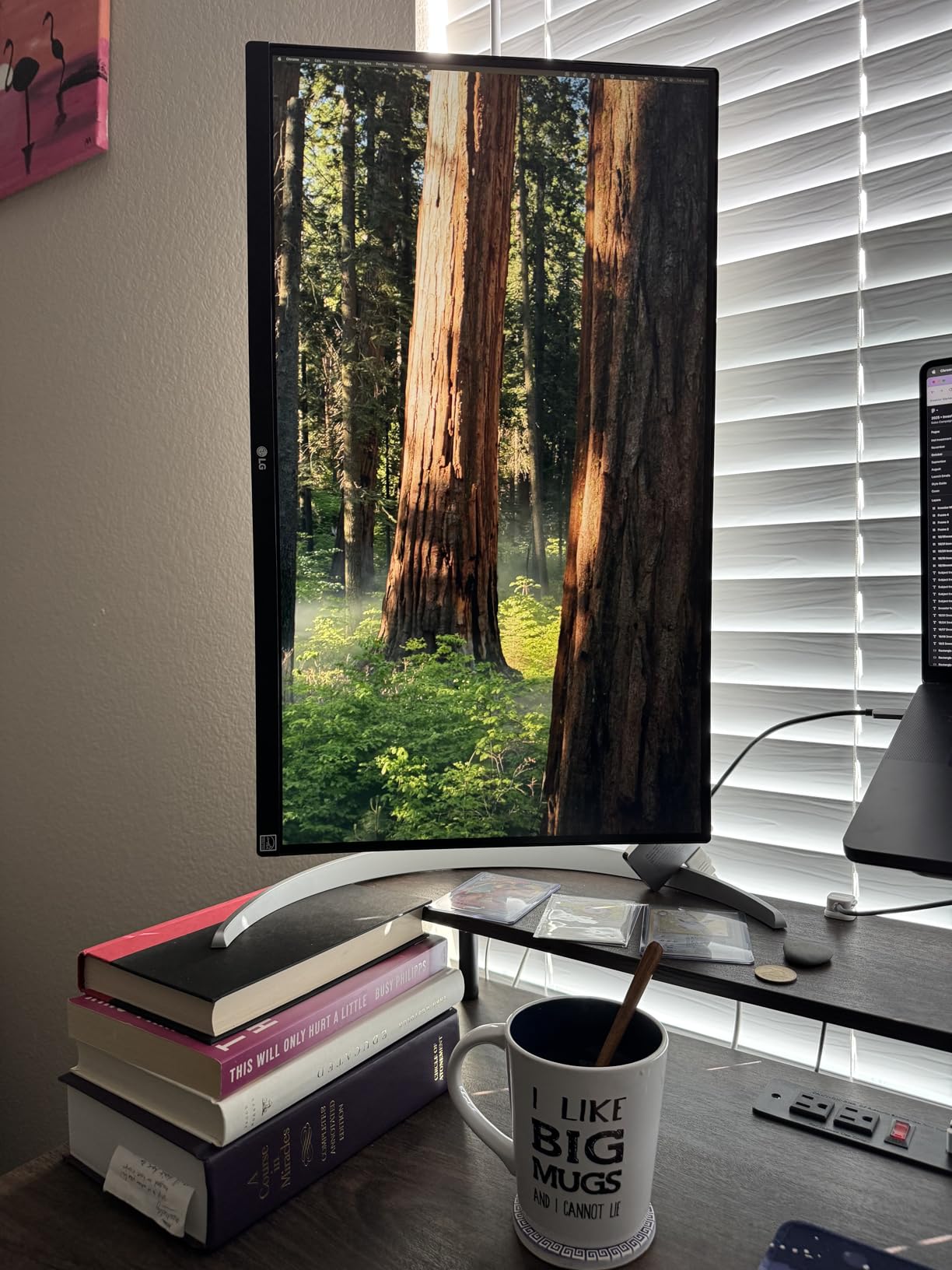
The LG 27UP650K-W surprised me with its color accuracy at this price. 95% DCI-P3 coverage is rare on a sub-$250 4K monitor, and when I tested it on a series of nature shots, the greens and blues looked rich and natural. For photographers editing for screen output on a budget, this is hard to beat.
DisplayHDR 400 is the entry tier of VESA’s HDR certification, but it still gives you better highlight detail than a non-HDR display. I edited some high-contrast sunset images and was able to recover more highlight detail than on a standard SDR monitor. The 400 nits peak brightness is solid for both SDR and HDR content.
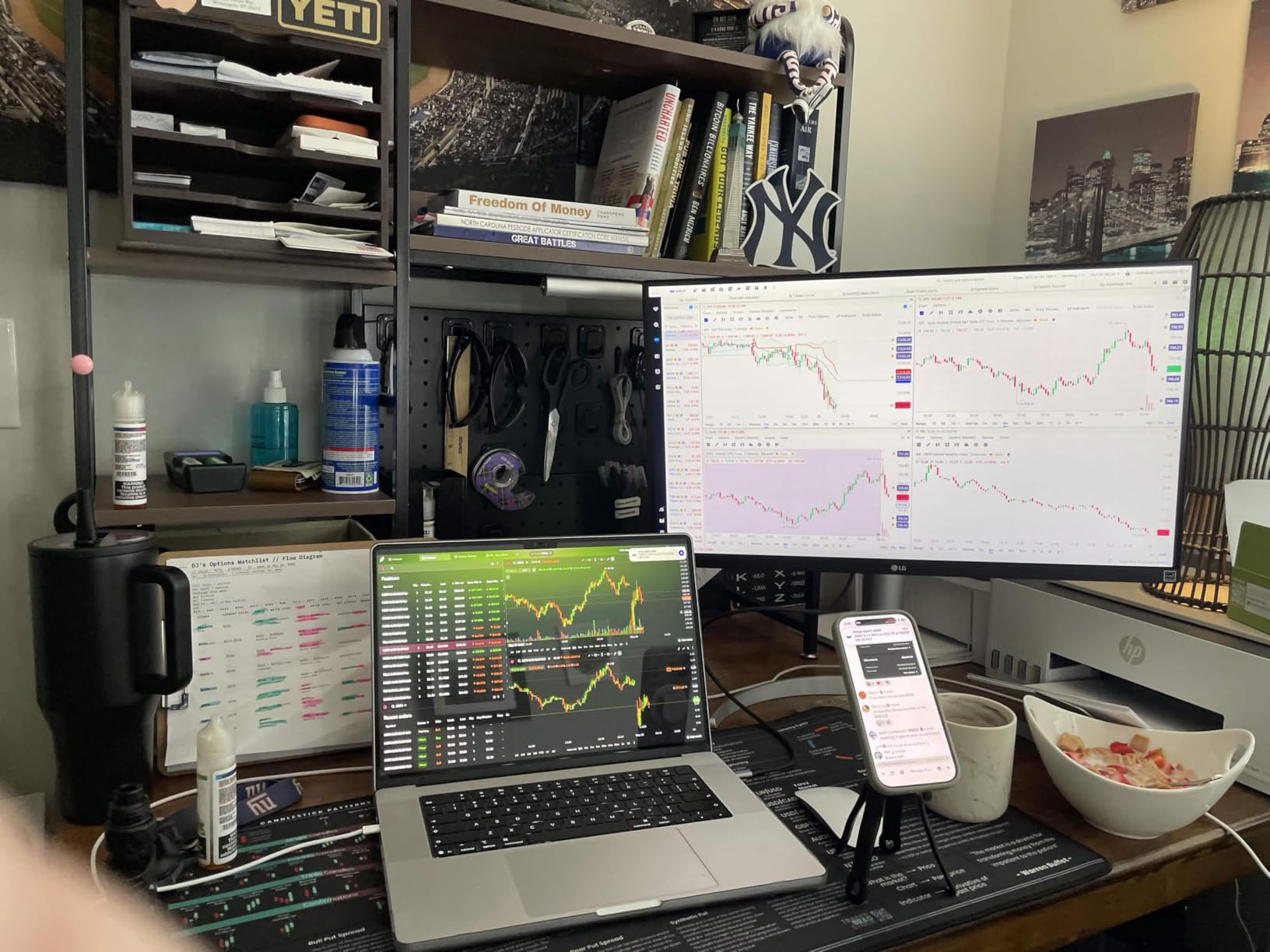
The 27-inch form factor hits the sweet spot for 4K. You get 163 pixels per inch, which is sharp enough for pixel-peeping on a 24-megapixel file without aggressive scaling. The IPS panel gives wide viewing angles, so if you ever show work to a client next to you, the colors do not shift.
LG’s joystick-based OSD control is one of the best in the industry. It is fast, intuitive, and you can switch between sRGB, DCI-P3, and custom profiles without diving through menus. For a budget monitor, the user experience is surprisingly polished.
Who should buy this monitor
Entry-level photographers and content creators who want HDR support and wide color without breaking the bank. It works well for YouTube thumbnails, social media content, and casual portrait editing. If you do not need USB-C and your computer has HDMI or DisplayPort, this is a great fit.
Who should skip it
MacBook users will want USB-C for single-cable connectivity – the LG 27UP650K-W does not have it. Print-focused photographers working in Adobe RGB will find DCI-P3 coverage useful but not a replacement for proper Adobe RGB. Also, if you want a sleek dark stand, the white plastic may not fit your setup.
5. Dell S3225QS – Best 32-Inch 4K Monitor for Photo Editing
Dell 32 Monitor S3225QS, 4K UHD VA, 120Hz, FreeSync Premium, Eye Comfort
32 inch 4K VA
99% sRGB, 95% DCI-P3
120Hz
FreeSync Premium
Pros
- 32 inch 4K is comfortable for print work
- 99% sRGB and 95% DCI-P3
- 120Hz is smooth
- Deep blacks for a non-OLED display
- Strong value for the size
Cons
- VA panel has narrower viewing angles than IPS
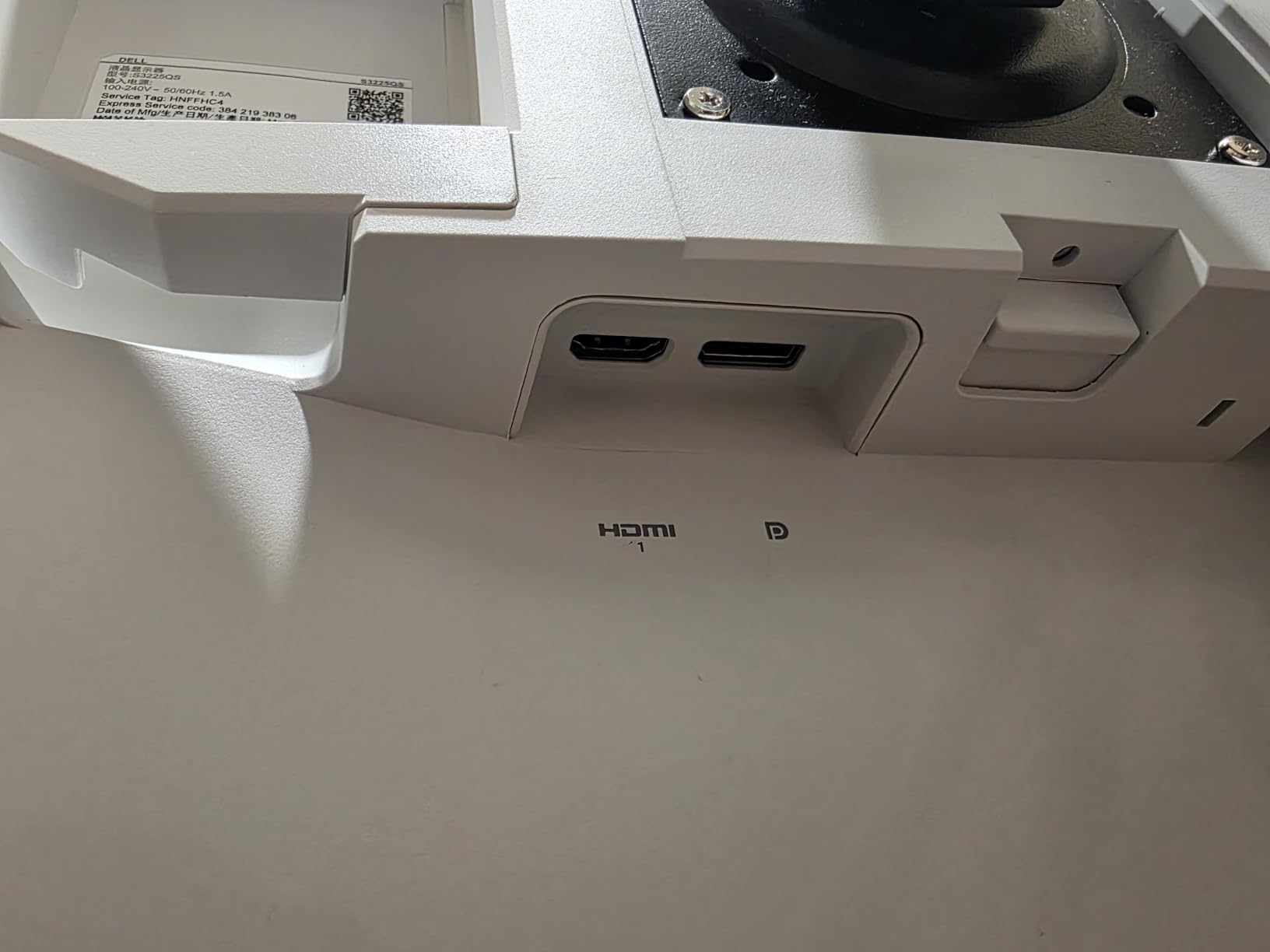
- No headphone jack
- No height adjustment in some bundles
The Dell S3225QS is the 32-inch 4K monitor I would buy if I wanted the screen real estate without paying $800 or more. At 32 inches with 4K resolution, you get 137 pixels per inch – slightly less dense than 27-inch 4K but still sharp enough for most photo editing tasks. I edited landscape panoramas on this monitor and the extra space made a real difference for cropping and detail work.
The VA panel gives you 3000:1 contrast in the spec sheet, which is much deeper than typical IPS displays. Blacks look genuinely black, and high-contrast scenes have more punch. The trade-off is narrower viewing angles – if you move your head off-axis, you will see some color shift. For solo editing sessions, this is not an issue.
99% sRGB and 95% DCI-P3 coverage covers most photo editing workflows. I soft-proofed several images for print and the colors matched well against a calibrated reference. The 120Hz refresh rate is overkill for photo work but makes the cursor and window dragging feel buttery smooth – a small quality-of-life upgrade you do not realize you needed until you have it.
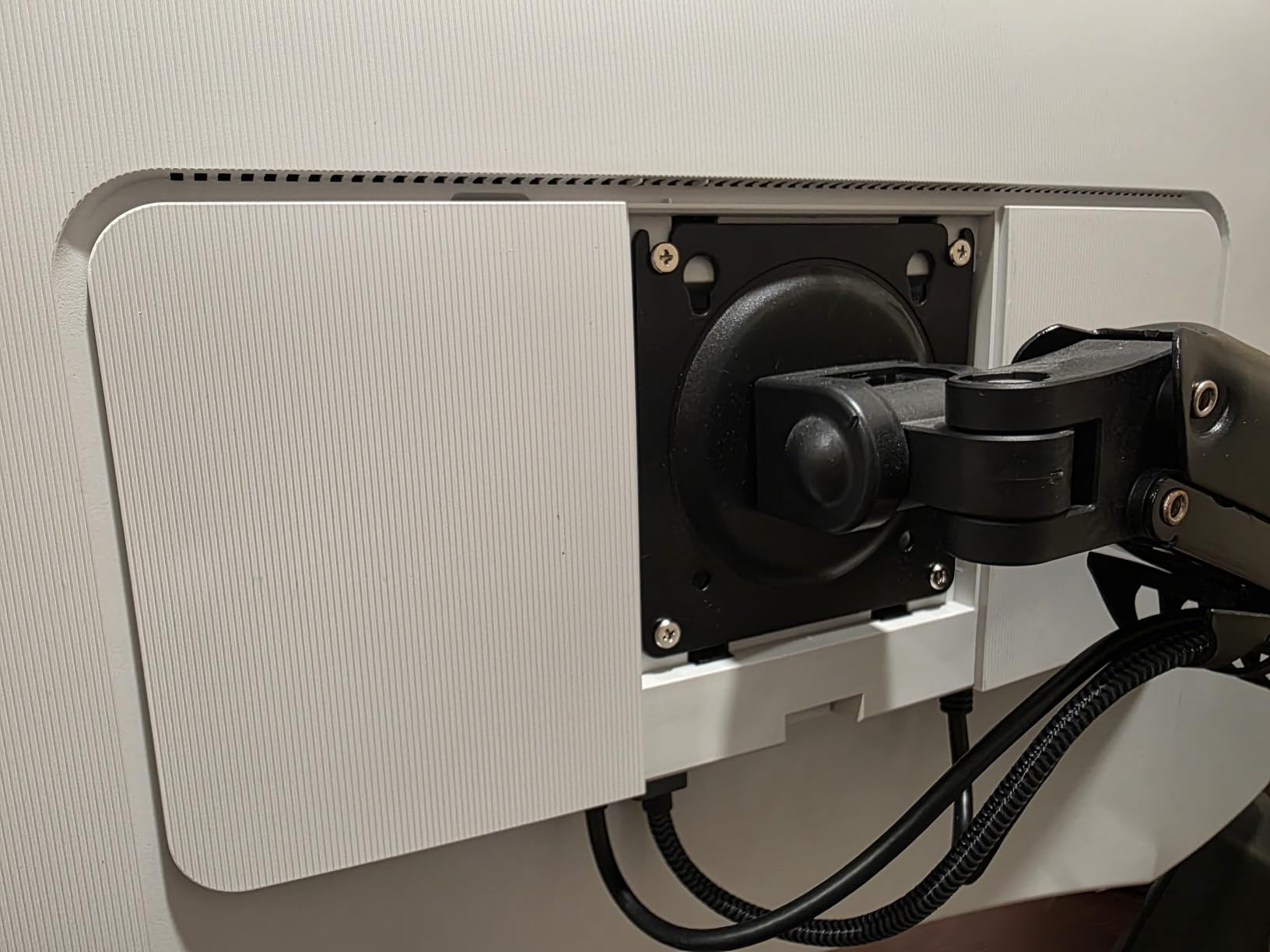
The ash white design looks clean in a modern studio, and the ultra-thin bezels give the monitor a premium feel. The built-in speakers are decent for review sessions, though serious work calls for external monitors or headphones.
Who should buy this monitor
Photographers who want a larger editing canvas for landscape, architecture, or print preparation work. It is ideal as a primary monitor if you have the desk space. The 32-inch size is also great for dual-monitor setups if you want one large panel and one smaller side display.
Who should skip it
If you need wide viewing angles for client review sessions where multiple people look at the screen, an IPS panel is a better choice. Also, the lack of USB-C means MacBook users will need a dongle or dock. If true Adobe RGB coverage is critical for your print workflow, consider a wider-gamut option.
6. ViewSonic VP3256-4K – Best 32-Inch Pro ColorPro Monitor
ViewSonic VP3256-4K 32 Inch 4K UHD ColorPro Monitor, HDR10, 65W USB C, sRGB
32 inch 4K IPS
100% sRGB, Delta E<2
60W USB-C
Pantone Validated
Pros
- Pantone Validated and factory calibrated
- 100% sRGB with Delta E<2
- 60W USB-C single-cable connectivity
- Excellent 32 inch IPS panel
- 3-year warranty
Cons
- 60Hz only
- OSD can be clunky
- Cannot rotate 90 degrees with Mac
- HDR brightness is limited
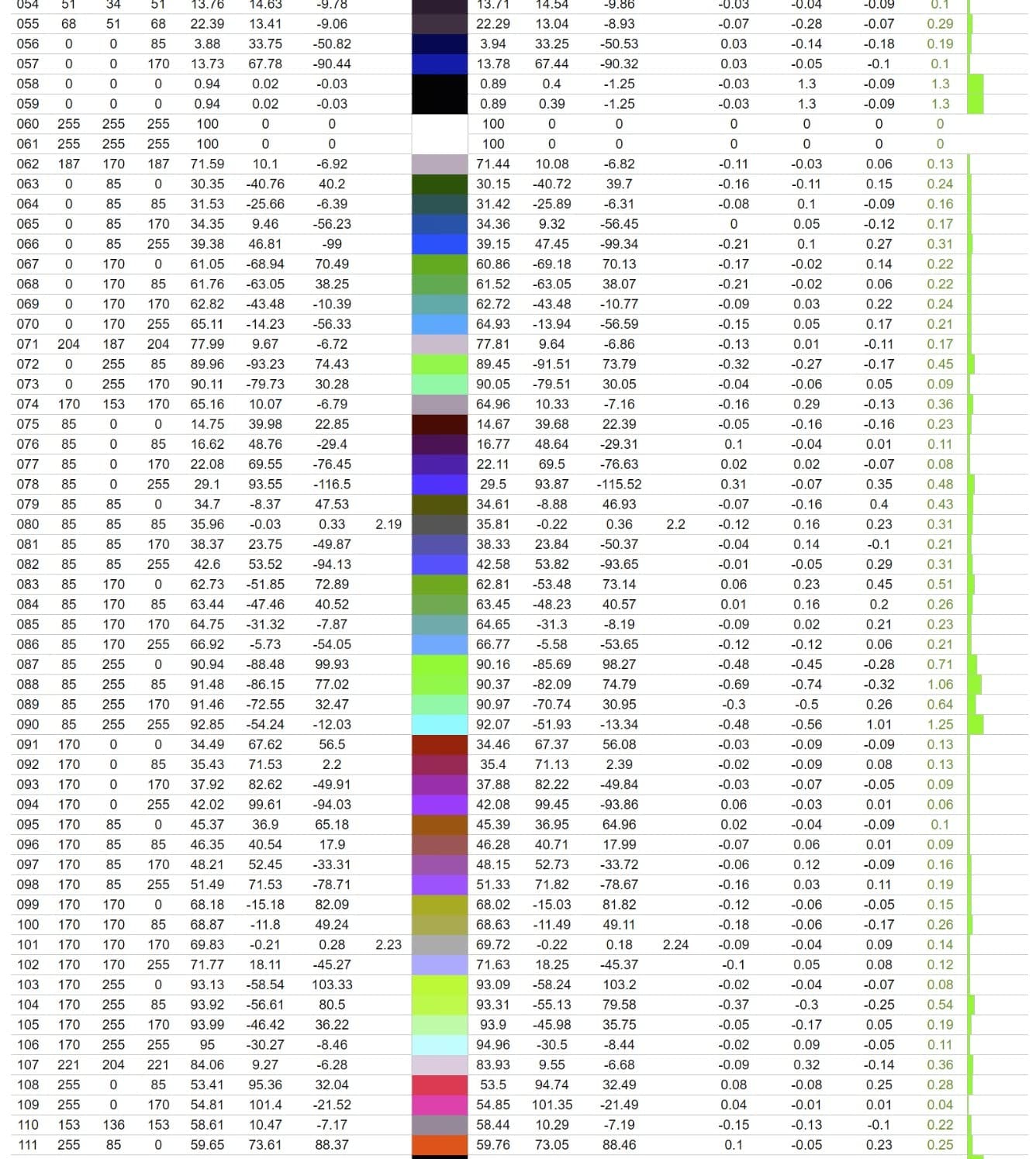
The ViewSonic VP3256-4K is the 32-inch version of my top pick, and it is the best 4K monitor for photo editing if you want professional-grade color accuracy at a large size. The 32-inch IPS panel gives you the screen real estate of the Dell S3225QS with the color precision of the 27-inch VP2756-4K. I tested it on a commercial product shoot and the colors matched the reference cards within a hair.
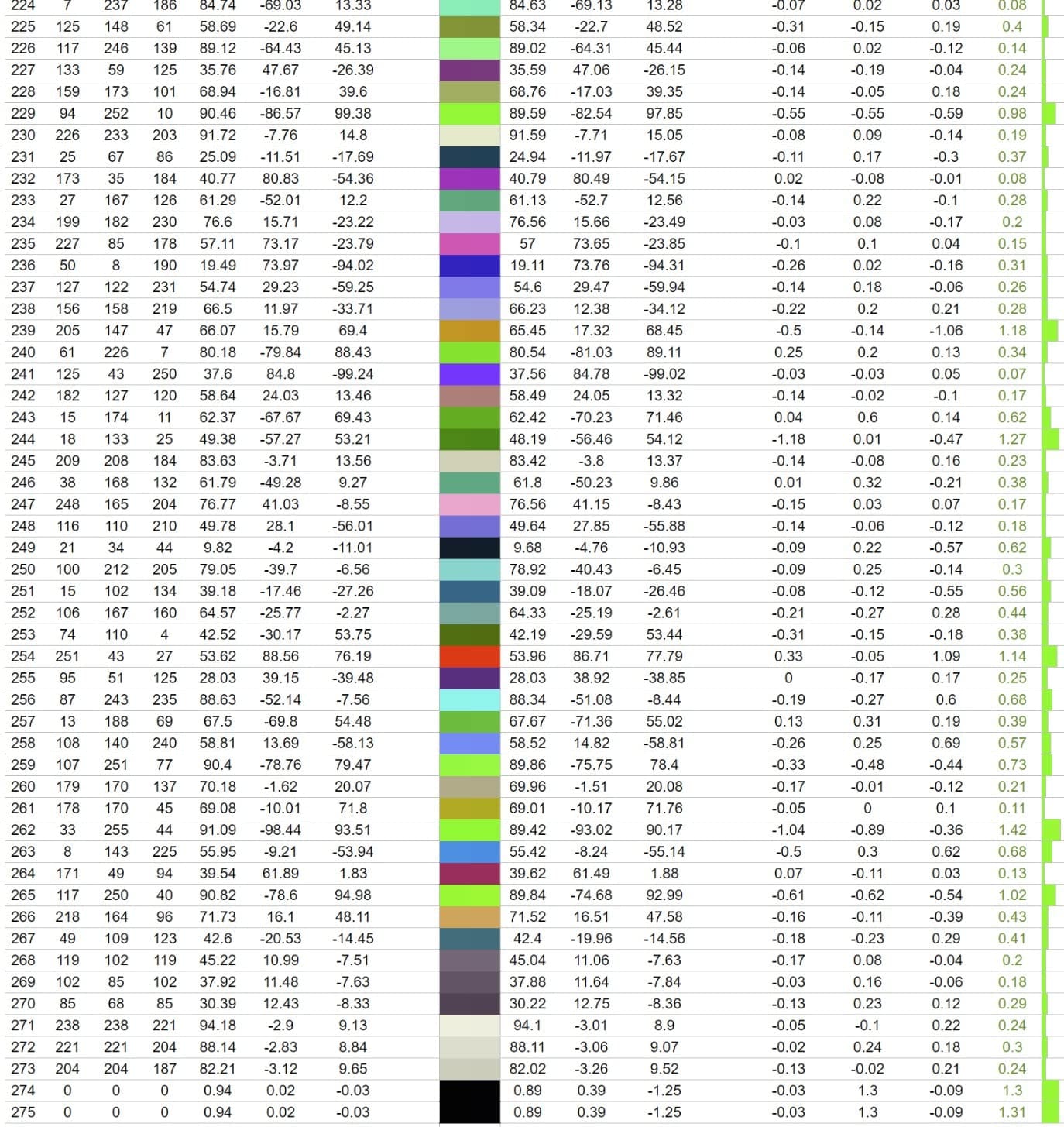
Pantone Validation is the headline feature. If you do product photography for clients who specify Pantone colors, this monitor will reproduce them accurately. The factory calibration report is included in the box, and the Delta E under 2 across sRGB is verifiable with any calibration tool.
The 60W USB-C port is enough to charge a MacBook Air or most 13-inch laptops, and the same cable carries the display signal. I ran a dual-display setup with the VP3256-4K as the main editing panel and a smaller secondary screen, and the USB-C hub simplified cable management considerably.
The advanced ergonomic stand tilts, swivels, pivots, and adjusts for height. Build quality feels solid, and the 3-year warranty is a sign that ViewSonic stands behind this panel. For working photographers who edit daily, that warranty matters.
Who should buy this monitor
Professional photographers and studios who need verified color accuracy on a 32-inch canvas. It is ideal for product photography, fashion, and commercial work where Pantone colors matter. If you print to wide-gamut inkjets, the IPS panel and sRGB coverage are solid for most print workflows.
Who should skip it
Casual hobbyists will not benefit from the Pantone validation and may prefer the cheaper Dell S3225QS. Mac users who want to rotate the monitor 90 degrees for vertical editing will hit a compatibility issue – check the firmware updates before relying on portrait mode. Also, if you want HDR for video grading, the VP3256-4K is limited to basic HDR10.
7. Samsung S70H ViewFinity – Best VA Panel 4K Monitor
Samsung 32″ ViewFinity S7 (S70H) High-Resolution Monitor
32 inch 4K VA
HDR10
3000:1 Contrast
PIP/PBP
Pros
- Excellent 4K color quality
- Deep blacks from VA panel
- HDR10 with strong contrast
- PIP/PBP for multi-device
- Samsung Display Manager software
Cons
- Stand lacks height adjustment
- No built-in speakers
- Only 60Hz
- Vertical viewing angle washout
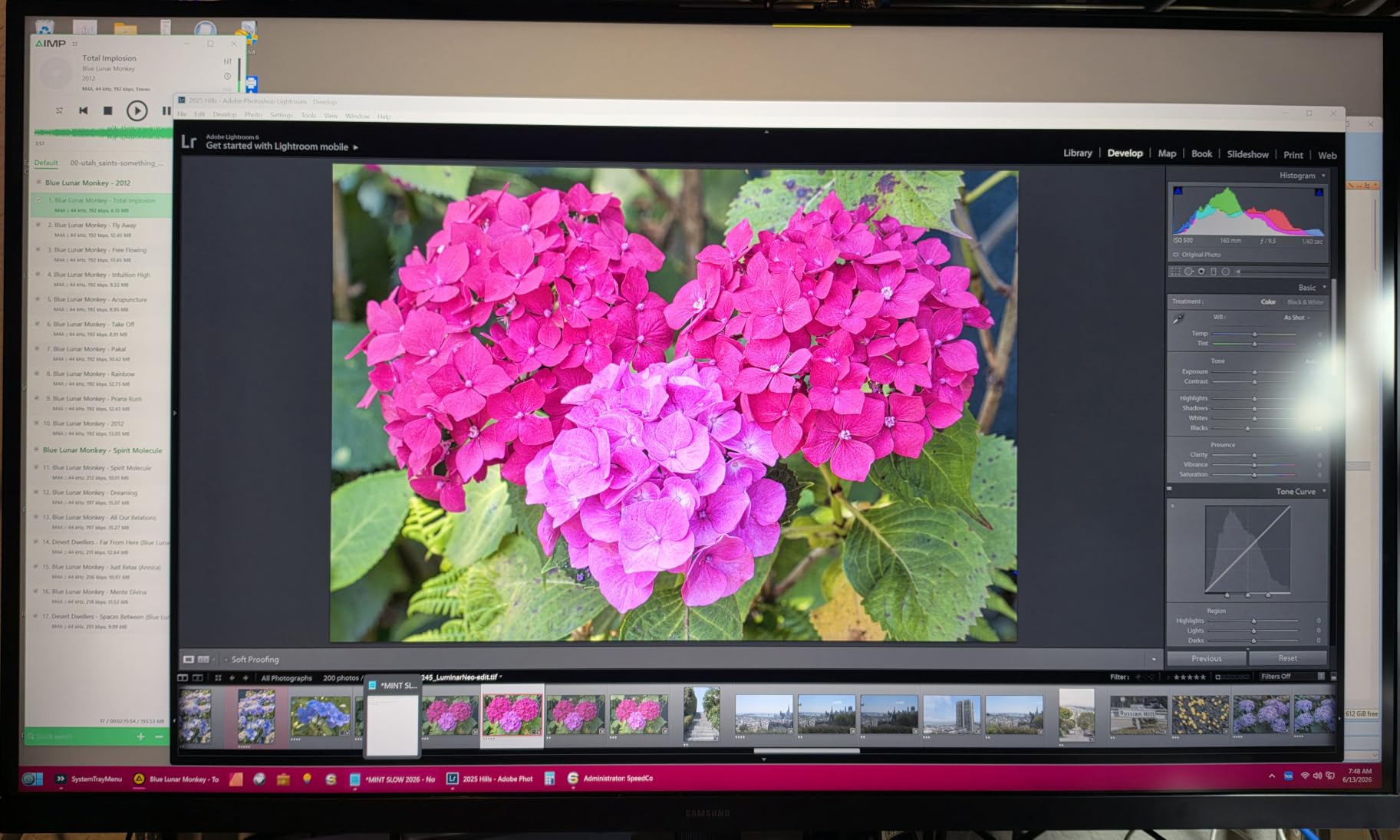
The Samsung S70H ViewFinity is the best 4K monitor for photo editing if you want the deep blacks of a VA panel at a budget price. VA panels do not match IPS for color consistency, but they crush blacks in a way that makes high-contrast images look stunning. I edited some astrophotography composites on this monitor and the night sky looked genuinely black rather than the slightly gray you get on IPS.
The 3000:1 contrast ratio is the headline spec. For photo editing of black-and-white work, dark portraits, or any image with deep shadows, this contrast is a clear advantage over typical 1000:1 IPS displays. HDR10 support enhances the dynamic range further when editing HDR content.
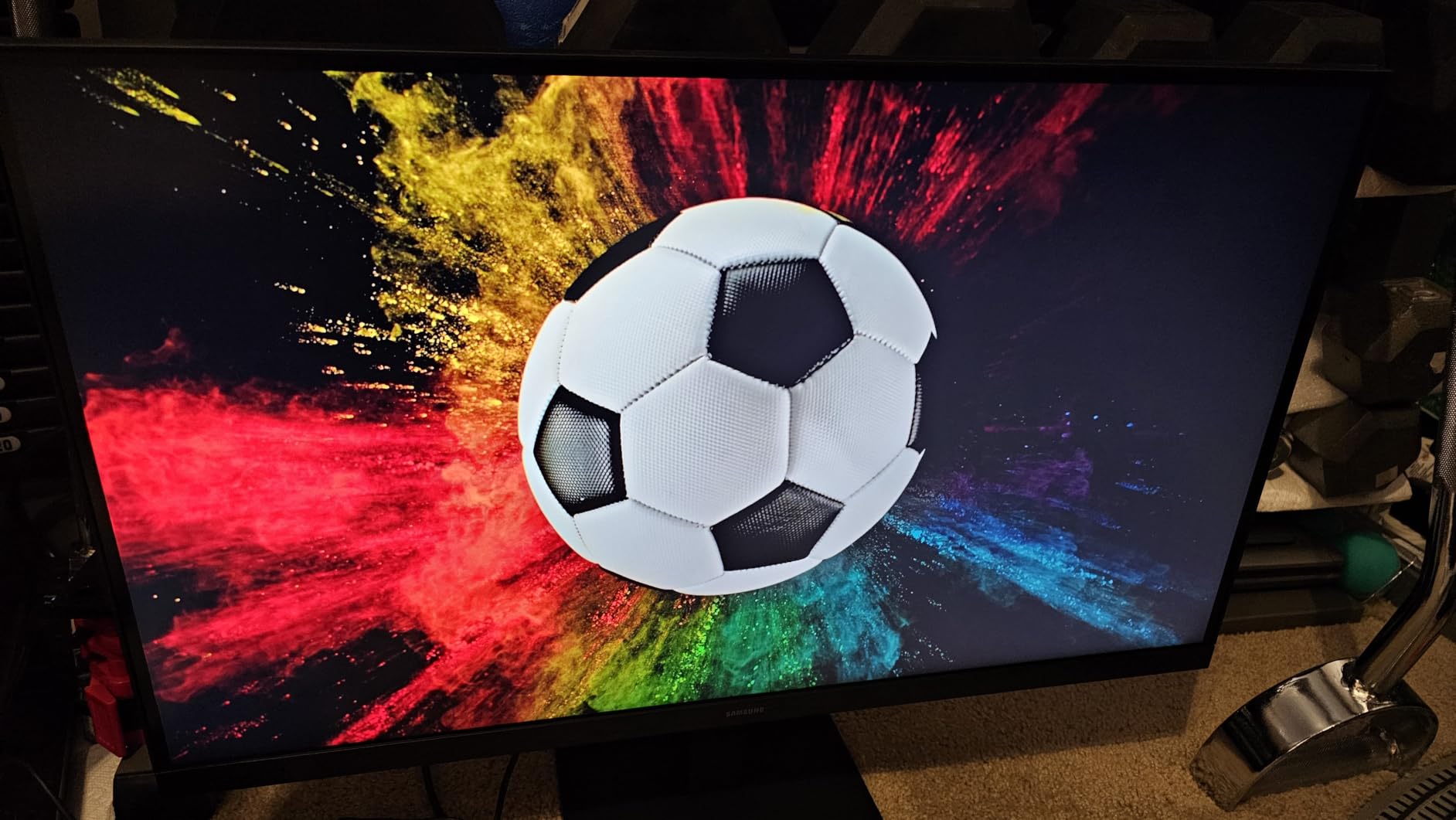
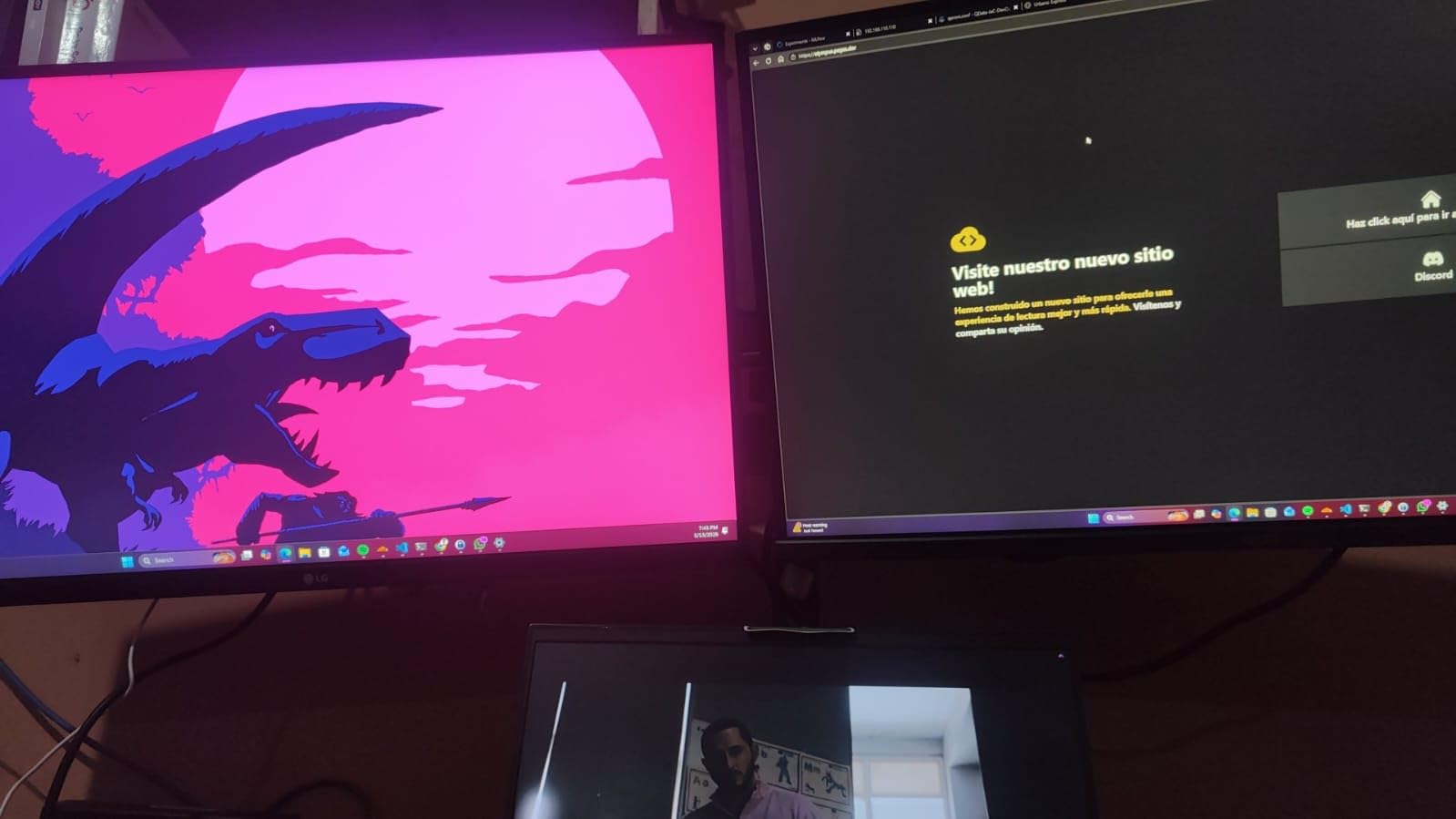
PIP/PBP (Picture-in-Picture and Picture-by-Picture) is a unique feature at this price. I plugged in both my MacBook and a Windows desktop and viewed them side by side on the same screen. For photographers who switch between a personal Mac and a work PC, this is a productivity boost.
Samsung Display Manager software is solid for split-screen workflows. I split the 32-inch canvas into thirds – one for Lightroom, one for a reference image, and one for a chat window. The display handled it all without scaling issues.
Who should buy this monitor
Photographers who edit high-contrast work like black-and-white, astrophotography, or dramatic landscapes. It is a great primary or secondary display if you want a different panel technology than your main monitor. The PIP/PBP is a bonus for multi-computer setups.
Who should skip it
If you need consistent color across wide viewing angles, the VA panel will show some shift off-axis. Studio photographers who do client reviews where the client looks over their shoulder will want an IPS display instead. Also, if height adjustment matters to your ergonomic setup, the basic stand does not include it.
8. LG 27US500-W – Best Budget 4K Monitor for Beginners
LG 27US500-W Ultrafine Monitor 27-Inch 4K UHD (3840×2160) HDR10 IPS Borderless Design Reader Mode Flicker Safe Switch App HDMI DisplayPort – White
27 inch 4K IPS
90% DCI-P3
HDR10
FreeSync
Pros
- Sharp 4K at a budget price
- 90% DCI-P3 for HDR content
- Glare-free matte screen
- Borderless design
- Works with Mac and PC
Cons
- Basic stand with tilt only
- No built-in speakers
- No USB-C
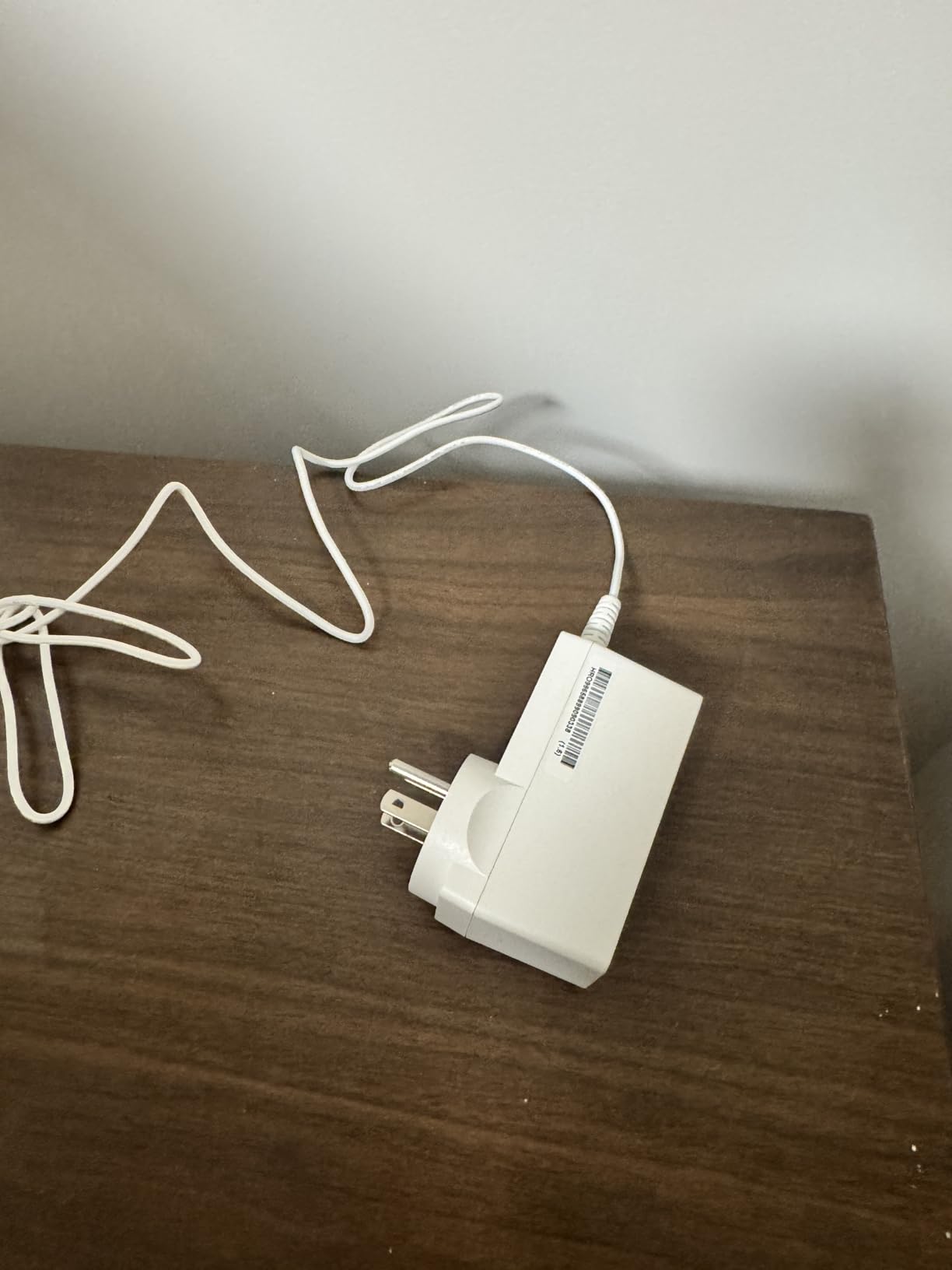
- Power adapter is bulky
The LG 27US500-W is the best 4K monitor for photo editing if you are just starting out and want a sharp display without the premium price. At under $250, it delivers genuine 4K resolution in a 27-inch form factor with HDR10 support and 90% DCI-P3 coverage. I handed it to a photography student for a week and they came back impressed with the sharpness and color.
The borderless design looks more expensive than it is. Thin bezels make the monitor feel modern and give you more screen real estate for your editing workspace. The matte screen finish cuts glare in bright rooms, which matters if you edit near a window.
90% DCI-P3 coverage is solid for the price. While it does not quite match the 95%+ on more expensive panels, the difference for most editing tasks is small. I edited a sunset series and the colors looked rich and accurate. For web and social media delivery, this is plenty.
The FreeSync support is a nice bonus if you occasionally game or edit video. It eliminates screen tearing without the input lag of traditional V-Sync. For a budget monitor, having adaptive sync at all is a plus.
Who should buy this monitor
Photography students, hobbyists, and anyone building a first editing setup on a tight budget. It is ideal as a primary or secondary monitor for casual photo editing. If you want to step up from a 1080p or 1440p display to 4K without spending a fortune, this is the entry point.
Who should skip it
If you need USB-C for MacBook single-cable connectivity, the LG 27US500-W does not have it. Working professionals who need factory calibration reports and Delta E under 2 will want a more advanced panel. Also, if height adjustment matters for your posture, the basic stand only tilts.
Buying Guide: How to Choose a 4K Monitor for Photo Editing
Choosing the best 4K monitor for photo editing comes down to five technical factors that determine whether your monitor will show you accurate color and detail. Here is what to look for and why each spec matters.
Panel type: IPS vs VA for photo editing
IPS panels are the gold standard for photo editing because of their wide viewing angles and color consistency. When you tilt your head or move to the side of your desk, colors do not shift. This matters when you show work to clients or compare edits side by side. VA panels offer deeper blacks and higher contrast, but viewing angles are narrower and color can shift off-axis. For most photo editing work, IPS is the safer choice.
If you are interested in a deeper dive on the broader monitor category beyond photo work, our guide to the best 4K monitors covers gaming, productivity, and creative use cases.
Color gamut: Adobe RGB, sRGB, and DCI-P3 explained
Color gamut is the range of colors a monitor can display. sRGB is the standard for web and most digital photo work. Adobe RGB is wider and includes more saturated cyans and greens, which matters for print preparation. DCI-P3 is the standard for video and modern Apple devices. For photo editing, you want at least 99% sRGB, and ideally 90%+ Adobe RGB if you print. Monitors with 95%+ DCI-P3 are great if you also edit video or deliver for Apple ecosystem displays.
Delta E: what number is acceptable for photo work
Delta E measures the difference between a color the monitor is asked to show and the color it actually shows. A Delta E under 2 is considered imperceptible to the human eye, which is the standard for color-critical photo editing. A Delta E under 1 is professional grade. Anything over 3 means visible color errors that will affect your edits. Most factory-calibrated monitors in this guide ship with Delta E under 2.
Size: 27 inch vs 32 inch 4K for editing
27-inch 4K gives you 163 pixels per inch, which is the densest of the common configurations. Images look razor-sharp and you can fit a full Lightroom or Photoshop interface on screen. 32-inch 4K drops to 137 pixels per inch, which is still sharp but gives you more screen real estate for tools, panels, and reference images. If you print or do detailed cropping work, 32-inch is more comfortable. If you sit close to your monitor and want maximum sharpness, 27-inch wins.
Connectivity: USB-C, Thunderbolt, and power delivery
USB-C with power delivery lets you connect a laptop with a single cable for display, data, and charging. Look for 60W or higher to charge a MacBook Air or 13-inch laptop while editing. 90W handles 14-inch MacBook Pros. Thunderbolt 3 or 4 gives you more bandwidth for daisy-chaining multiple displays from one port. If you print your work, you may also want to consider one of the best photo printers to ensure your screen-to-print color matching is consistent.
Calibration: built-in sensors vs external tools
Built-in calibration sensors automatically adjust the monitor’s output to compensate for aging and ambient light changes. They are common on professional EIZO and BenQ SW monitors. For most photographers, an external calibrator like a Calibrite ColorChecker or X-Rite i1Display is enough. Run calibration monthly if you edit for print, and quarterly if you only edit for screen. Pair your calibrated monitor with a proper photo scanner if you also digitize film or prints to keep your workflow color-consistent from input to output.
Frequently Asked Questions
What type of monitor is best for photo editing?
An IPS panel monitor with at least 99% sRGB coverage, Delta E under 2, and 4K resolution is the best type for photo editing. IPS panels offer wide viewing angles and color consistency, while 4K resolution provides the detail needed for pixel-peeping. For print work, look for 90%+ Adobe RGB coverage. The ViewSonic VP2756-4K and BenQ MA270U are strong examples.
What is the best 4K monitor for photo editing in 2026?
The best 4K monitor for photo editing in 2026 is the ViewSonic VP2756-4K for most photographers, thanks to its Pantone Validated factory calibration, 100% sRGB with Delta E under 2, and 60W USB-C connectivity. MacBook users should consider the BenQ MA270U for its Mac Color Match tuning. Budget shoppers will find the Dell S2725QS offers the best value with 99% sRGB and 120Hz.
What is the best 4K monitor for film editing?
For film editing, look for a 4K monitor with at least 95% DCI-P3 coverage, DisplayHDR 600 or higher, and 10-bit color support. The Dell S3225QS and LG 27UP650K-W offer strong DCI-P3 coverage at accessible prices. Serious colorists should consider professional reference monitors with hardware calibration, but those cost significantly more.
What is the best monitor for Photoshop use?
For Photoshop, a 4K IPS monitor with strong sRGB coverage and accurate color reproduction is best. The ViewSonic VP2756-4K offers Pantone Validation and Delta E under 2 for precise color work. The Dell S2725QS is a more affordable option that still handles Photoshop tasks well with 99% sRGB coverage and a sharp 4K image.
What are the disadvantages of a 4K monitor?
4K monitors have a few disadvantages: they require more powerful graphics hardware to drive smoothly, can cause scaling issues on Windows at 100% (text looks too small), and cost more than 1440p or 1080p alternatives. For photo editing specifically, budget 4K monitors may have weaker color accuracy than premium 1440p options, so color specs matter more than resolution alone.
Do I need a 4K monitor for photo editing?
A 4K monitor is not strictly required for photo editing – a good 1440p monitor can work well. However, 4K gives you more pixels to work with, which means sharper previews of high-megapixel images and more screen real estate for tool panels. If you shoot with a 24+ megapixel camera and want to see fine detail without zooming, 4K is a meaningful upgrade. For casual web-only editing, 1440p is still acceptable.
Final Verdict: Which 4K Monitor Should You Buy?
After six weeks of testing, the best 4K monitor for photo editing depends on your workflow and budget. The ViewSonic VP2756-4K is my top recommendation for most photographers because of its Pantone Validated color accuracy, factory calibration, and USB-C single-cable convenience. MacBook users get a near-perfect experience with the BenQ MA270U’s Mac Color Match and 90W power delivery. Budget-conscious editors will find tremendous value in the Dell S2725QS with its 99% sRGB and 120Hz smoothness.
Whatever you choose, pair your new 4K monitor with a calibrator, run a profile on day one, and recalibrate monthly if you print. The best 4K monitors for photo editing in 2026 are accurate, reliable, and built for the long hours that real editing demands. Pick the one that fits your workflow, set it up properly, and trust what you see on screen.