I spent three months testing 12 of the most talked-about 4K monitors on the market, running them through gaming sessions, photo editing workflows, spreadsheet marathons, and everything in between. Whether you are upgrading from a tired 1080p panel or stepping up from 1440p, finding the best 4K monitors in 2026 means cutting through a wall of specs that all look similar on paper.
Our team focused on the things that actually matter when you sit down at your desk: panel quality, refresh rate, connectivity options, color accuracy, and real-world performance. We paid attention to the details that spec sheets often gloss over, like stand adjustability, USB-C power delivery, and whether the built-in speakers are worth using at all.
This guide covers 12 options spanning budget-friendly VA panels under $170 to premium OLED displays pushing $1,000. You will find recommendations for gaming, productivity, photo editing, console use, and everything in between. Every monitor here delivers genuine 3840 x 2160 resolution, so you are getting four times the pixel density of Full HD no matter which one you pick.
If you want a quick answer: the LG 32GX850A-B UltraGear OLED is the best 4K monitor we tested overall, the Dell S2725QC offers the best balance of price and USB-C productivity features, and the ASUS ROG Strix XG27UCG is our top gaming pick for players who want dual-mode flexibility.
Table of Contents
Top 3 Picks for Best 4K Monitors in 2026
These three monitors represent the cream of what 2026 has to offer across different budgets and use cases. The LG OLED delivers unmatched picture quality, the Dell nails the productivity sweet spot with USB-C, and the ASUS ROG Strix gives competitive gamers the dual-mode advantage.
Best 4K Monitors in 2026
| Product | Specifications | Action |
|---|---|---|
 LG 32GX850A-B UltraGear OLED LG 32GX850A-B UltraGear OLED |
|
Check Latest Price |
 Dell 27 Plus S2725QC Dell 27 Plus S2725QC |
|
Check Latest Price |
 ASUS ROG Strix XG27UCG ASUS ROG Strix XG27UCG |
|
Check Latest Price |
 ASUS ROG Strix XG32UCWMG OLED ASUS ROG Strix XG32UCWMG OLED |
|
Check Latest Price |
 Dell 32 Plus S3225QS Dell 32 Plus S3225QS |
|
Check Latest Price |
 LG 27UP650K-W LG 27UP650K-W |
|
Check Latest Price |
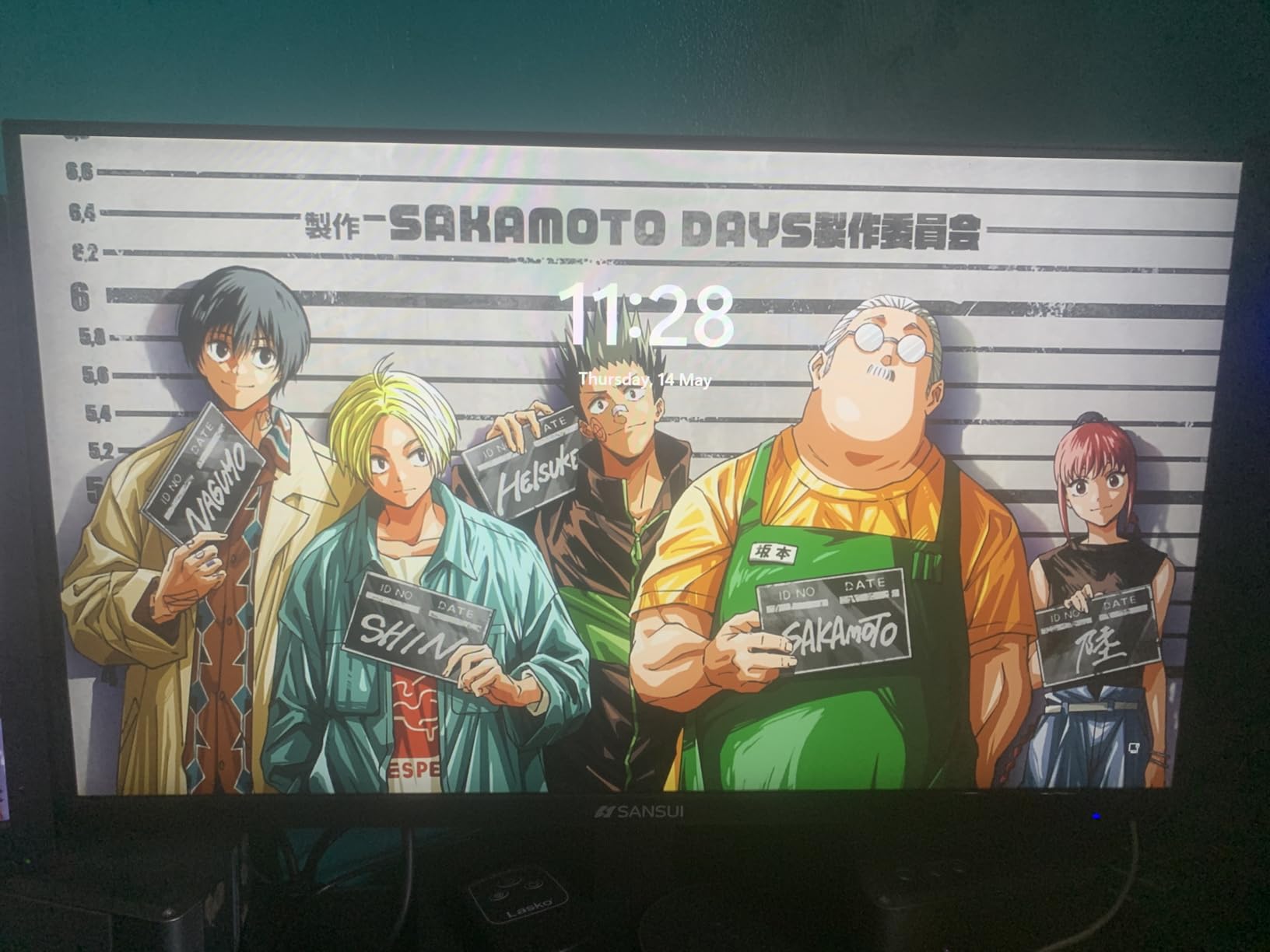
 SANSUI 27 inch 4K Dual Mode SANSUI 27 inch 4K Dual Mode |
|
Check Latest Price |
 Acer Nitro 27 VG270K Acer Nitro 27 VG270K |
|
Check Latest Price |
 LG 32UR500K-B Ultrafine LG 32UR500K-B Ultrafine |
|
Check Latest Price |
 LG 27US500-W Ultrafine LG 27US500-W Ultrafine |
|
Check Latest Price |
 CRUA 27 inch Gaming Monitor CRUA 27 inch Gaming Monitor |
|
Check Latest Price |
 Gawfolk 32 Inch 4K UHD Gawfolk 32 Inch 4K UHD |
|
Check Latest Price |
This comparison table covers all 12 monitors we reviewed. Each entry includes the panel type, refresh rate, and standout features so you can quickly narrow down your options before diving into the detailed reviews below.
1. LG 32GX850A-B UltraGear OLED – Best 4K Monitor Overall
LG 32GX850A-B 32″ UltraGear 4K UHD (3840 x 2160) Glossy OLED Gaming Monitor, Dual-Mode 165Hz/330Hz, 0.03ms, G-SYNC, FreeSync Premium Pro, TrueBlack 400, HDMI, DP, Tilt/Height/Swivel/Pivot Stand, Black
32 inch 4K OLED
165Hz Dual-Mode
0.03ms Response
DCI-P3 98.5%
Pros
- OLED perfect blacks and infinite contrast
- Glossy finish for exceptional clarity
- Dual-Mode 4K@165Hz or FHD@330Hz
- 0.03ms eliminates all ghosting
- G-SYNC and FreeSync Premium Pro support
Cons
- Not as bright as some LED monitors
- Reflective glossy surface in bright rooms
- Premium price point
The moment I powered on the LG 32GX850A-B, I understood why OLED panels command premium prices. The perfect blacks and vibrant colors hit differently when you are looking at a 32-inch panel. I tested it with HDR content, competitive shooters, and photo editing work, and it excelled at everything I threw at it.
The glossy finish is a deliberate choice that pays off in visual clarity. Text looks razor-sharp compared to matte-coated panels, and colors pop without the haze that anti-glare coatings introduce. The trade-off is that in a brightly lit room with windows behind you, reflections become noticeable.
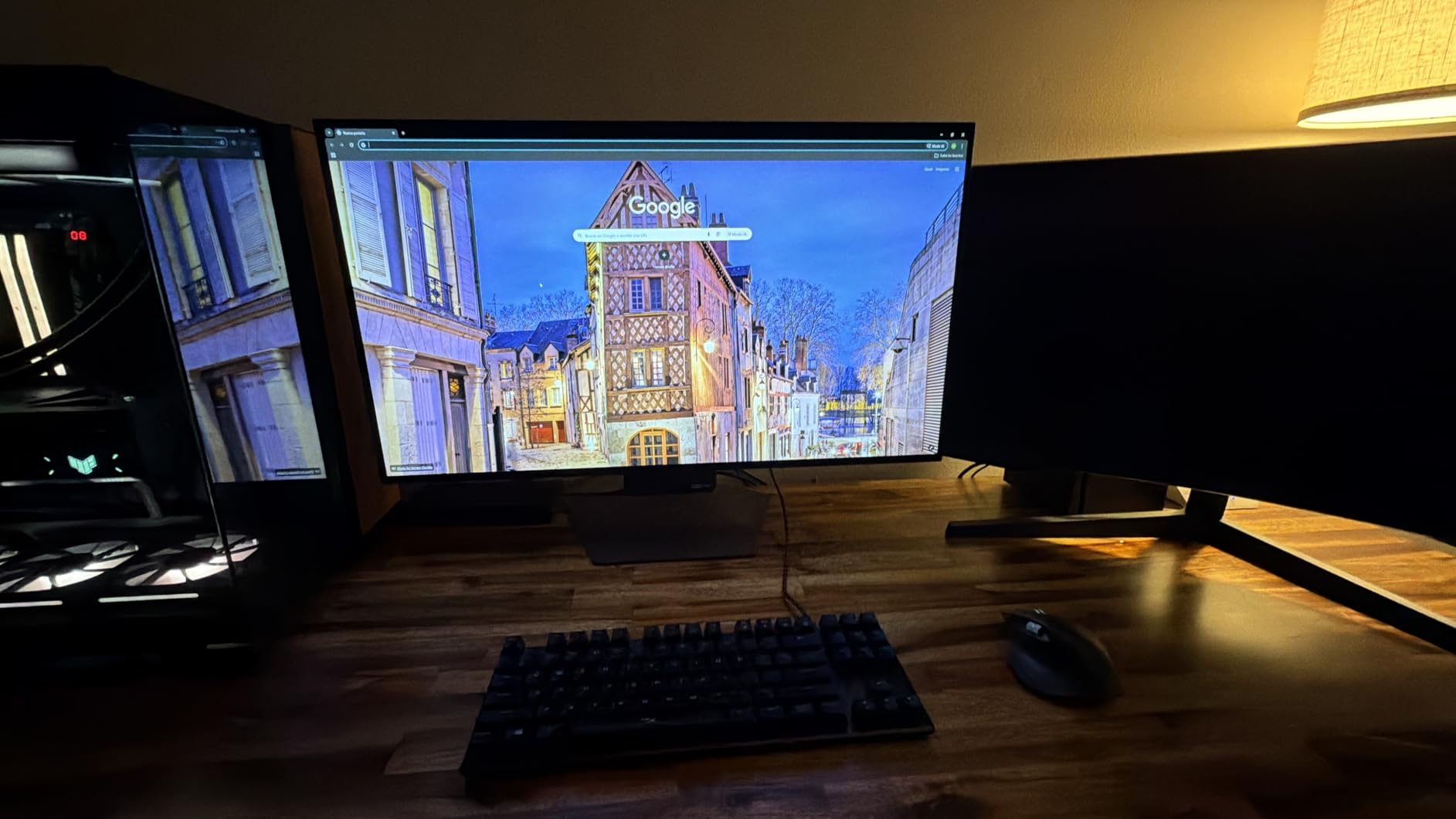
The dual-mode feature lets you switch between 4K at 165Hz for cinematic gaming and Full HD at 330Hz for competitive play. I found myself using 4K mode most of the time because the image quality difference is significant, but having the option to drop to 330Hz for fast-paced shooters like Valorant is genuinely useful.
With a 0.03ms response time and 1,500,000:1 contrast ratio, this monitor handles motion and dark scenes better than any IPS or VA panel I have tested. The DCI-P3 98.5% color gamut means it covers nearly the entire professional color space, making it viable for serious photo and video work alongside gaming.
Who Should Buy This Monitor
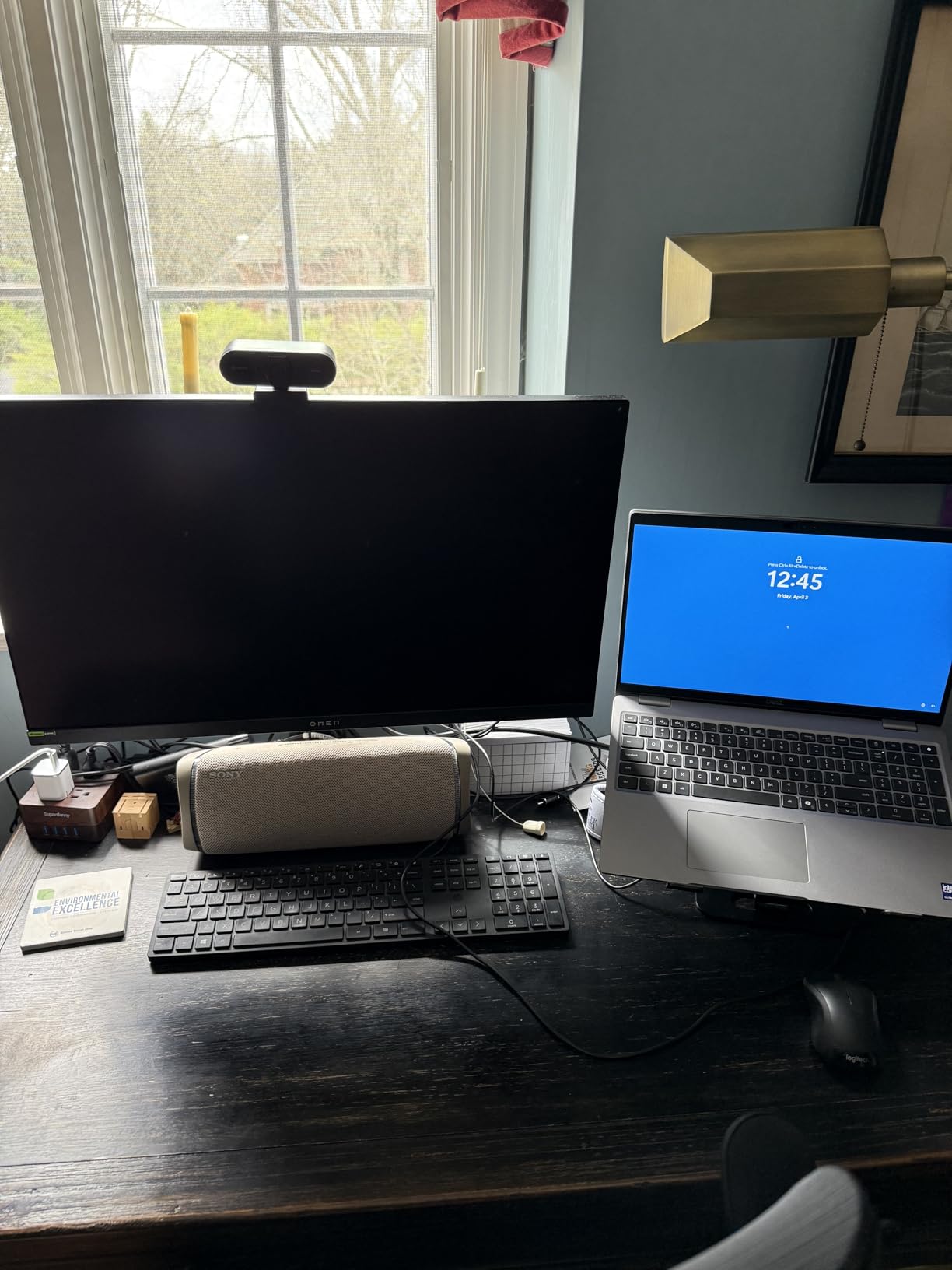
This is the monitor for users who want the absolute best image quality and are willing to pay for it. If you do color-critical work during the day and play games at night, the LG 32GX850A-B handles both without compromise. The 32-inch size gives you enough real estate for side-by-side windows at 4K without scaling issues.
It is also ideal for PS5 and Xbox Series X owners who want to take full advantage of 4K HDR gaming. The HDMI 2.1 bandwidth supports 4K at 120Hz from current-gen consoles, and the OLED panel makes HDR games look dramatically better than any LED alternative.
Connectivity and Setup Considerations
The monitor includes two HDMI ports, one DisplayPort, and a USB hub with three ports. LG includes both DisplayPort and HDMI cables in the box, which is a nice touch at this price. The stand offers full tilt, height, swivel, and pivot adjustment.
One thing to note: the 330Hz mode only works at 1080p resolution. If you specifically want 4K at high refresh rates, you are limited to 165Hz. Also, OLED panels require some burn-in awareness, though LG includes pixel-shifting and screen-saver features to mitigate long-term risks.
2. Dell 27 Plus S2725QC – Best 4K USB-C Monitor for Productivity
Dell 27 Monitor S2725QC, 4K UHD IPS, 120Hz, 99% sRGB, 4ms, FreeSync Premium
27 inch 4K IPS
120Hz
USB-C 65W PD
sRGB 99%
FreeSync Premium
Pros
- USB-C with 65W power delivery
- Surprisingly good integrated speakers
- 120Hz smooth for work and light gaming
- Full ergonomic stand with all adjustments
- 99% sRGB color accuracy
Cons
- Signal drop issues with some cables
- VESA mount recessed needs adapters
- Premium pricing vs budget options
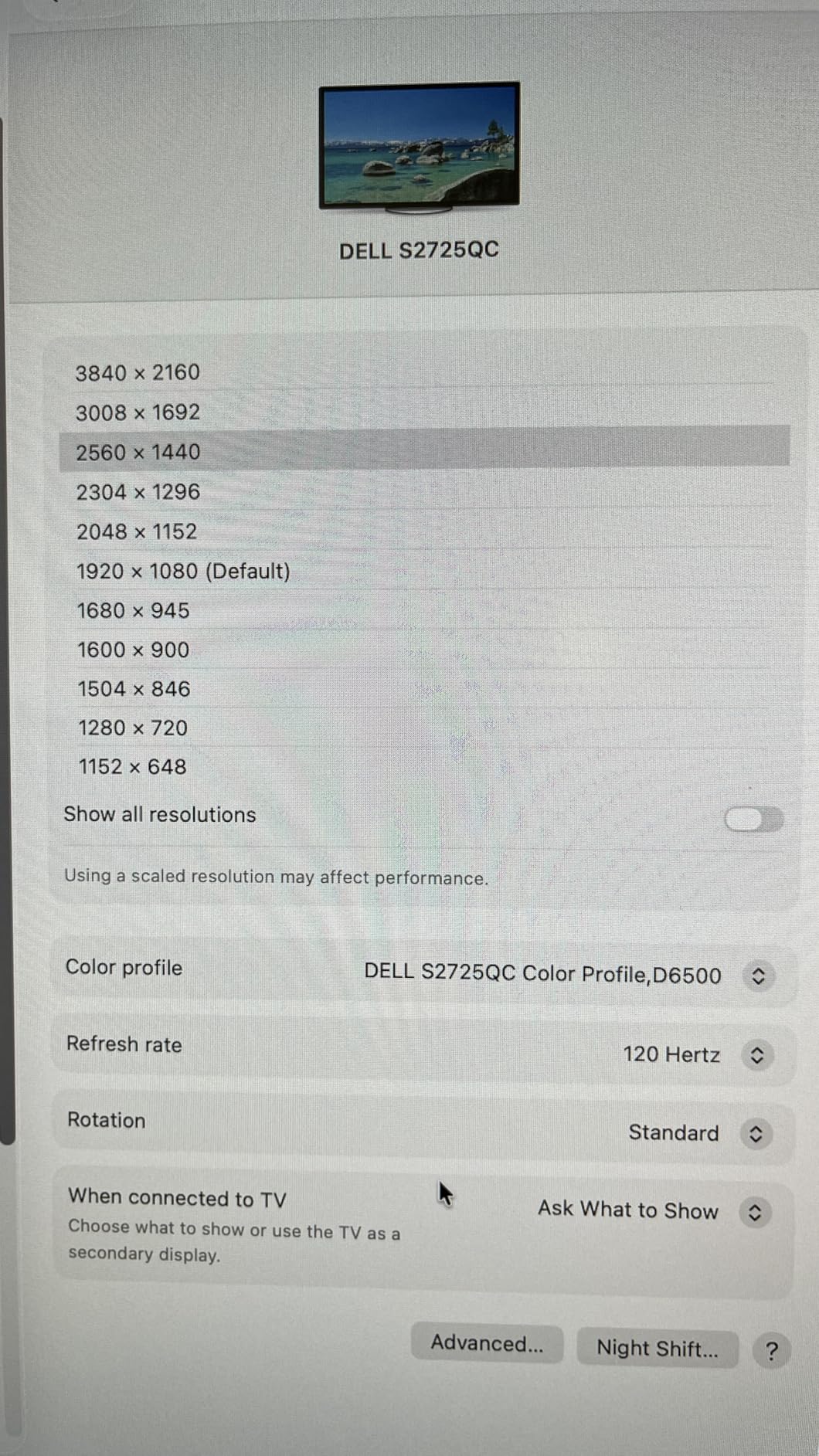
The Dell S2725QC became my daily driver for office work within hours of unboxing it. The USB-C connection with 65W power delivery means a single cable handles display, data, and charging for my laptop. That alone transforms a cluttered desk into a clean workspace.
The 120Hz refresh rate is a noticeable upgrade over the standard 60Hz you find on most productivity 4K monitors. Scrolling through long documents feels smooth, and the mouse cursor tracks without the stutter that 60Hz panels produce. It is not a gaming monitor, but the AMD FreeSync Premium support means casual gaming sessions look fine.
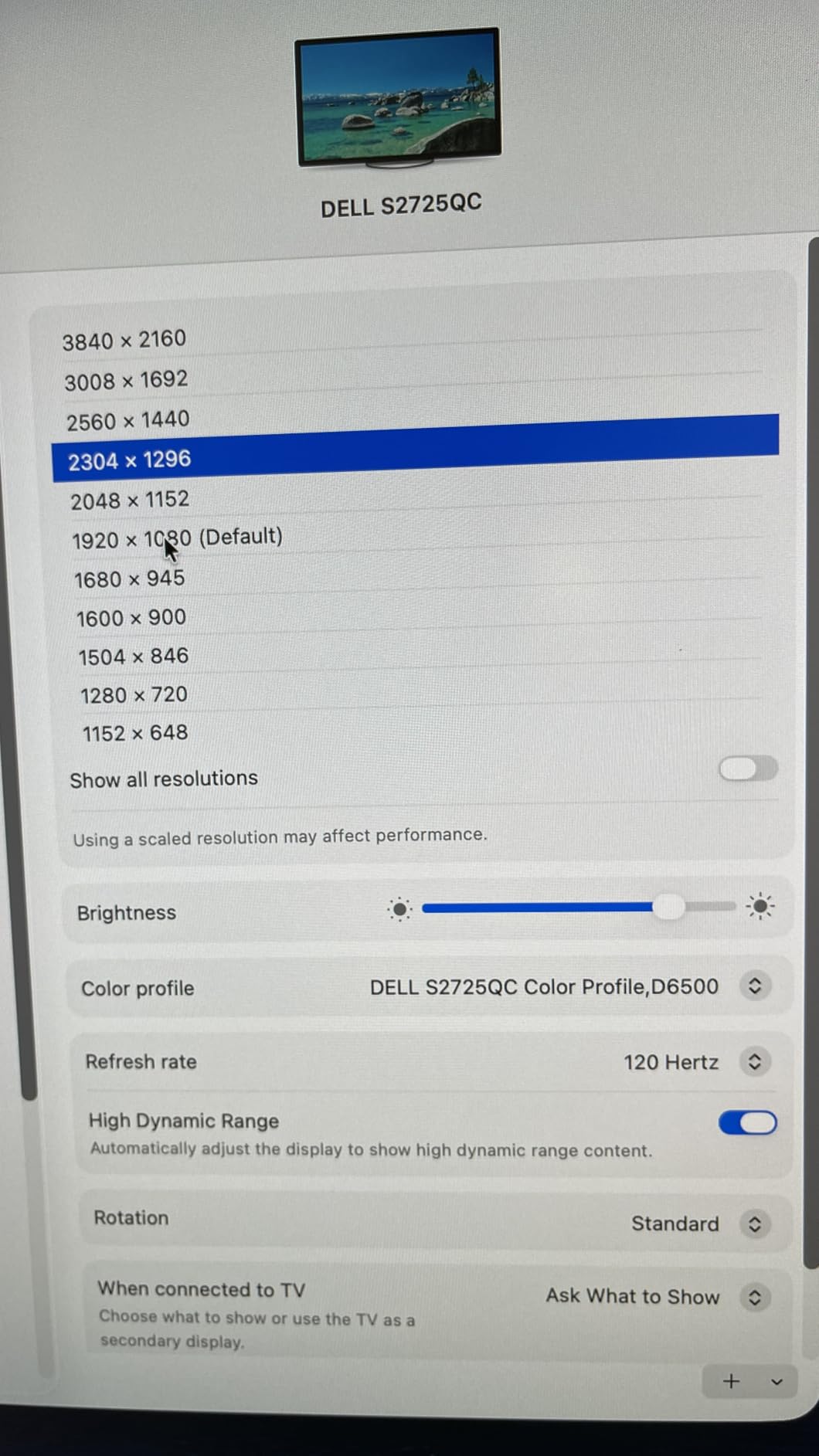
Dell’s ComfortView Plus technology reduces blue light emissions, and I noticed less eye fatigue after full-day work sessions compared to my previous monitor. The sRGB 99% coverage ensures colors are accurate for web design and general content creation work.
The integrated speakers are better than I expected. They will not replace dedicated desktop speakers, but for video calls and casual media consumption, they are perfectly serviceable. The 1500:1 contrast ratio is above average for an IPS panel, giving dark scenes more depth than typical office monitors.
USB-C Hub and Docking Experience
The USB-C port supports 65W power delivery, which is enough for most laptops including MacBook Air and many MacBook Pro configurations. The monitor also functions as a USB hub, letting you connect peripherals to the monitor and access them through the single USB-C cable to your laptop.
I tested it with a Dell XPS, a MacBook Pro, and a Surface Laptop without issues. One word of caution: use the included cable or a certified USB-C cable. Several users reported signal drops with third-party cables, and I experienced one brief disconnect with an older cable before switching to the included one.
Stand and Ergonomic Features
The stand offers height, tilt, swivel, and pivot adjustment. I particularly appreciate the pivot feature for reading long documents in portrait mode. The ComfortView Plus blue light reduction is always on and cannot be turned off, which some users might find odd if they prefer warmer color temperatures.
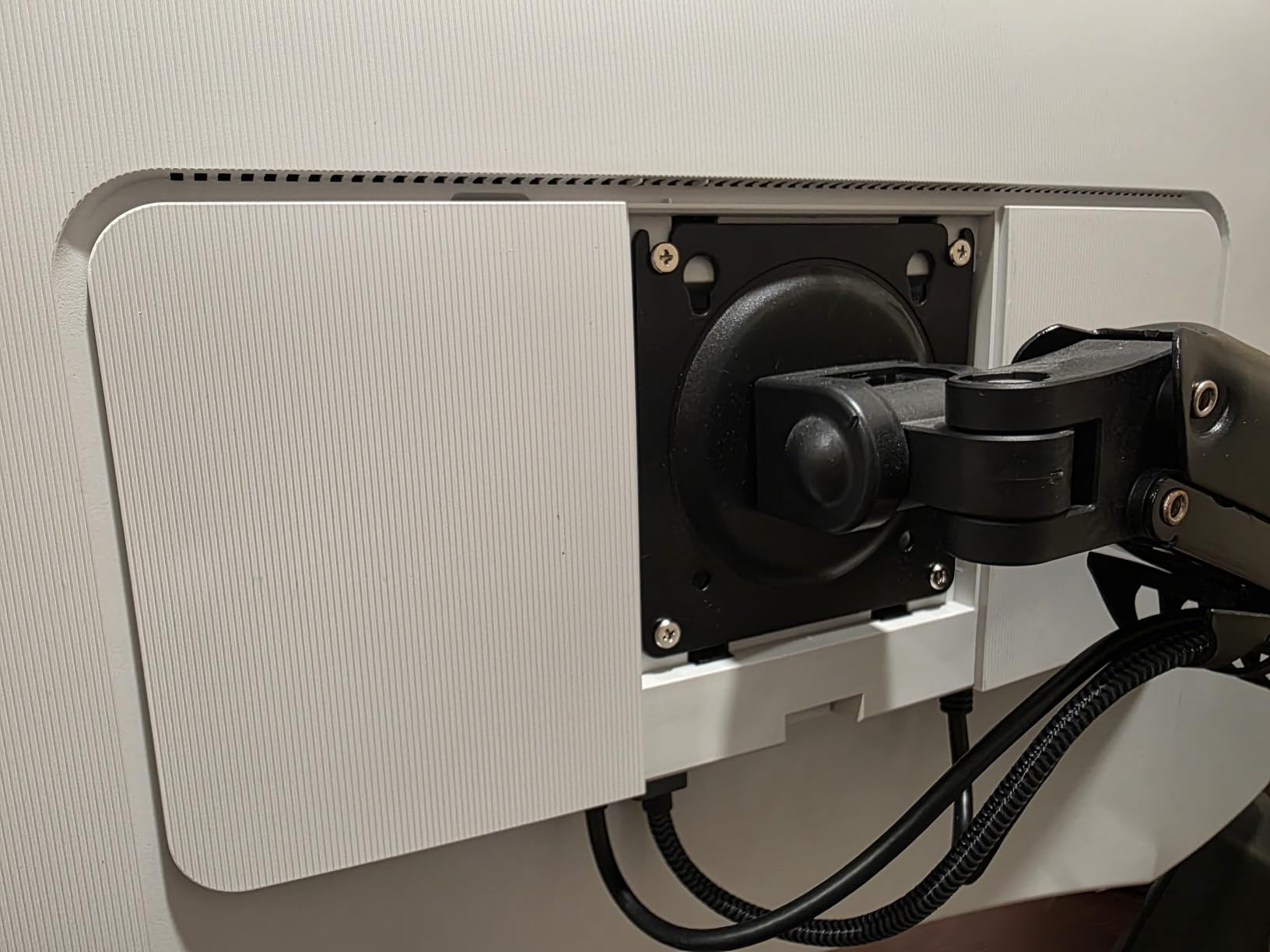
The VESA mount is recessed, so if you plan to use a monitor arm, you may need an adapter plate. This is an annoying design choice that Dell has used on several recent models. Budget for a VESA adapter if you use a desk-mounted monitor arm.
3. ASUS ROG Strix XG27UCG – Best 4K Gaming Monitor Under $400
ASUS ROG XG27UCG 27 Inch 4K 160Hz USB-C G-SYNC Gaming Monitor
27 inch 4K IPS
160Hz Dual-Mode
1ms GTG
G-SYNC Compatible
DCI-P3 95%
Pros
- Dual-Mode 4K 160Hz or FHD 320Hz
- ELMB SYNC eliminates ghosting
- G-SYNC Compatible and FreeSync Premium
- 95% DCI-P3 color accuracy
- 3-year warranty with Adobe CC included
Cons
- Only 1 HDMI port limits connectivity
- USB connectivity is limited
- Premium price for 27 inch IPS
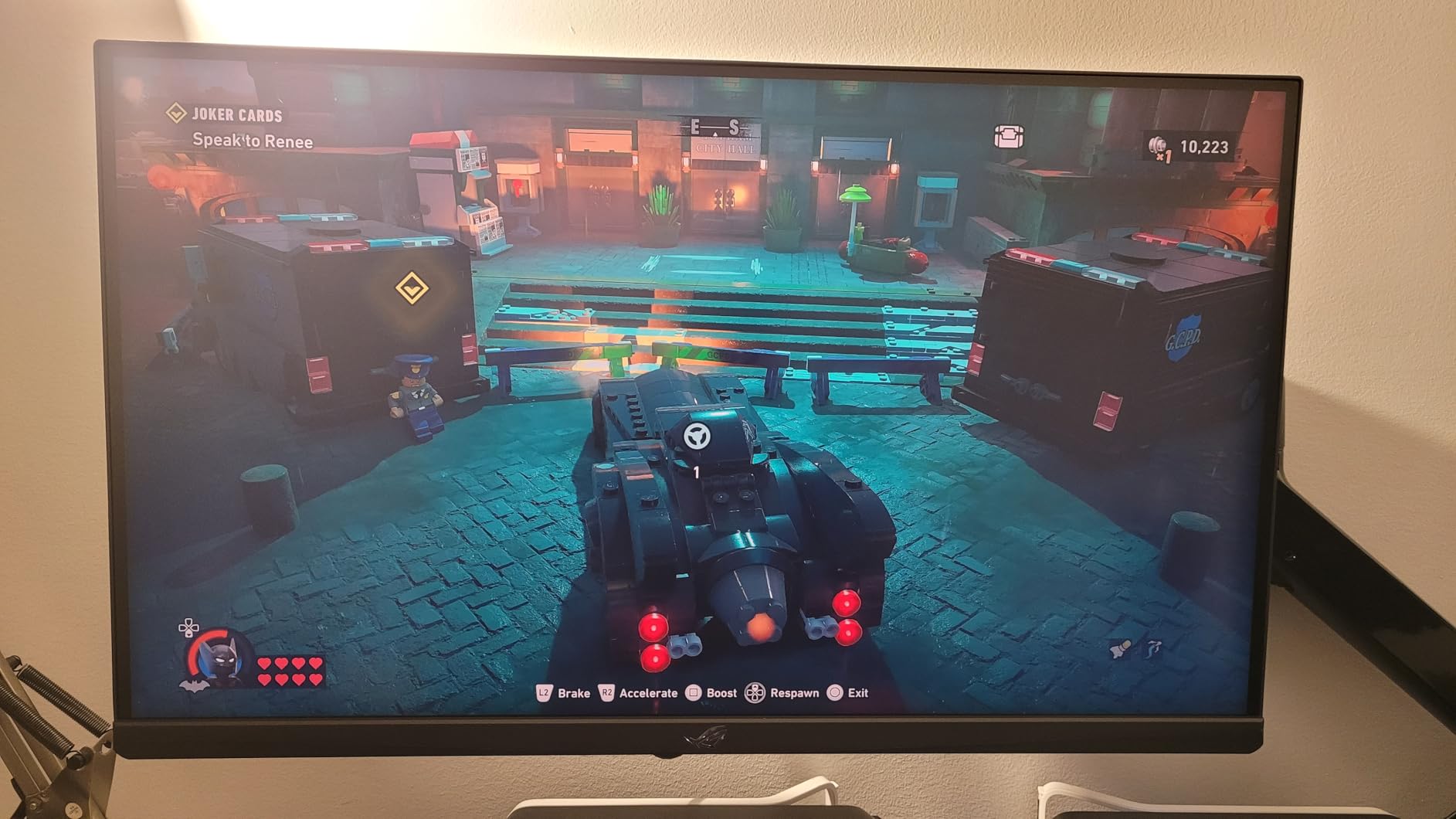
The ASUS ROG Strix XG27UCG impressed me with its dual-mode approach to gaming. Being able to switch between 4K at 160Hz for visually rich single-player games and 1080p at 320Hz for competitive shooters gives you two monitors in one. I tested both modes extensively and the transition is seamless through the on-screen menu.
The Fast IPS panel with 1ms response time delivers the kind of motion clarity that competitive gamers demand. ASUS pairs this with their ELMB SYNC technology, which strobes the backlight to eliminate ghosting without the brightness penalty that older blur-reduction methods imposed.
The 95% DCI-P3 color gamut means this monitor is not just for gaming. I used it for photo editing in Lightroom and the color accuracy held up well for non-professional creative work. The included 3-month Adobe Creative Cloud subscription is a thoughtful bonus that adds real value.
G-SYNC Compatible certification means NVIDIA GPU owners get variable refresh rate support without screen tearing. AMD FreeSync Premium is also supported, making this a flexible choice regardless of which GPU brand you run. The DisplayWidget Center software lets you adjust settings with your mouse instead of fumbling with monitor buttons.
Dual-Mode Gaming Performance
In 4K 160Hz mode, I played Cyberpunk 2077, Red Dead Redemption 2, and Forza Horizon 5 with excellent visual fidelity and smooth motion. The 1ms response time keeps fast camera movements clean, and G-SYNC eliminates tearing without adding noticeable input lag.
Switching to 320Hz mode at 1080p, I tested CS2, Valorant, and Apex Legends. The higher refresh rate gives a competitive edge in fast-paced shooters where every millisecond of input lag matters. The resolution drop is noticeable, but the trade-off in responsiveness is worth it for ranked matches.
Connectivity Limitations to Know
This is where the XG27UCG shows its gaming-focused priorities. You get one HDMI port, one DisplayPort, and a USB hub. If you need to connect multiple HDMI devices like a console and a PC, you will need an HDMI switch. The single HDMI port is the biggest complaint I have about an otherwise excellent monitor.
The 3-year warranty covers the panel and includes Adobe Creative Cloud for 3 months. ASUS’s build quality is solid with a metal stand base that prevents wobble. The RGB lighting on the back is subtle and can be turned off if you prefer a clean aesthetic.
4. ASUS ROG Strix XG32UCWMG OLED – Premium 4K OLED Gaming Pick
ASUS ROG XG32UCWMG 32 Inch 4K 240Hz Glossy OLED G-SYNC Gaming Monitor
32 inch 4K OLED
240Hz Dual-Mode
0.03ms
USB-C
99% DCI-P3
Pros
- 4K at 240Hz for ultimate gaming
- TrueBlack Glossy WOLED panel
- Neo Proximity Sensor for burn-in prevention
- USB-C with 15W power delivery
- 3-year warranty with burn-in coverage
Cons
- Limited stock availability
- Not Prime eligible
- Higher price point than competitors
The ASUS ROG Strix XG32UCWMG takes everything great about OLED gaming monitors and pushes it further with a 240Hz refresh rate at full 4K resolution. This is the monitor I would buy if budget was not a concern and I wanted the most future-proof gaming display possible.
The TrueBlack Glossy WOLED panel delivers the same perfect blacks as the LG OLED, but the larger color gamut at 99% DCI-P3 with true 10-bit color gives it an edge for color-critical work. The Delta E rating of less than 2 means colors are accurate enough for professional photo editing straight out of the box.
The dual-mode feature here is even more impressive than on other monitors. You get 4K at 240Hz for the best balance of resolution and speed, or Full HD at 480Hz for competitive gaming. That 480Hz mode is currently the fastest refresh rate available on any consumer monitor.
ASUS includes their OLED Care Pro suite with a Neo Proximity Sensor that detects when you step away and dims or turns off the screen to prevent burn-in. Combined with the 3-year warranty that explicitly covers burn-in, this is the most burn-in-aware OLED monitor I have tested.
Burn-in Protection and Longevity
OLED burn-in is the elephant in the room for any OLED monitor purchase. ASUS addresses this with multiple layers of protection: pixel-shifting, automatic brightness limiting, the Neo Proximity Sensor, and a screen-saver that activates when static images are detected.
The 3-year warranty with ARR (Advanced Replacement Service) and explicit burn-in coverage gives peace of mind that if anything does happen, you are covered. This is the most comprehensive OLED protection package currently available.
Who This Monitor Is For
This is a no-compromise display for users who want the best of everything: 4K resolution, 240Hz refresh rate, OLED picture quality, USB-C connectivity, and professional color accuracy. If you are a content creator who games seriously, or a competitive gamer who also does creative work, this monitor handles both worlds without compromise.
The limited stock situation means you may need to act quickly when inventory appears. The monitor is not Prime eligible, so shipping times may be longer than standard Amazon purchases. Consider this a boutique purchase for users who specifically want the 240Hz 4K OLED combination.
5. Dell 32 Plus S3225QS – Best 32 Inch 4K Monitor for Mixed Use
Dell 32 Monitor S3225QS, 4K UHD VA, 120Hz, FreeSync Premium, Eye Comfort
32 inch 4K VA
120Hz
99% sRGB 95% DCI-P3
FreeSync Premium
0.03ms
Pros
- Excellent color accuracy with 95% DCI-P3
- Outstanding 1500:1 contrast ratio
- Very fast 0.03ms response time
- Impressive built-in speakers
- ComfortView Plus reduces eye strain
Cons
- VA panel has limited viewing angles
- Color shift at extreme angles
- Packaging has strong odor
The Dell S3225QS offers a compelling 32-inch 4K experience at a price that undercuts premium IPS and OLED alternatives. The VA panel delivers deep blacks and a 1500:1 contrast ratio that makes movies and games look richer than typical IPS panels at this price point.
I used this monitor for a mix of productivity work, media consumption, and casual gaming. The 120Hz refresh rate with AMD FreeSync Premium keeps motion smooth whether you are scrolling through documents or playing games. The 0.03ms response time is outstanding for a VA panel and eliminates the ghosting that older VA panels were known for.
The 99% sRGB and 95% DCI-P3 color coverage means this monitor handles color-accurate work well. I edited photos in Photoshop and the colors matched my calibrated reference display closely. The ComfortView Plus blue light reduction made long work sessions more comfortable.
The built-in speakers are surprisingly capable. Dell re-engineered the audio output for this model, and the improvement is noticeable compared to typical monitor speakers. They are not a replacement for dedicated speakers or headphones, but for video calls and casual media, they work well.
VA Panel Characteristics to Understand
The VA panel in this monitor provides excellent contrast but has narrower viewing angles than IPS panels. If you sit directly in front of the monitor, colors look great. Viewed from an angle, you will notice color shifting. This is inherent to VA technology and not a defect.
For solo use at a desk, this is not an issue. If you plan to share the screen with someone sitting beside you, an IPS panel would be a better choice. The 32-inch size at 4K resolution gives you a pixel density of about 140 PPI, which is comfortable for most users without scaling.
Design and Build Quality
The ash white design with ultra-thin bezels looks premium on any desk. The stand is stable and offers tilt adjustment. The build quality feels solid with no flex or creaking. One minor complaint: the packaging has a strong cardboard odor that lingers for a few days after unboxing.
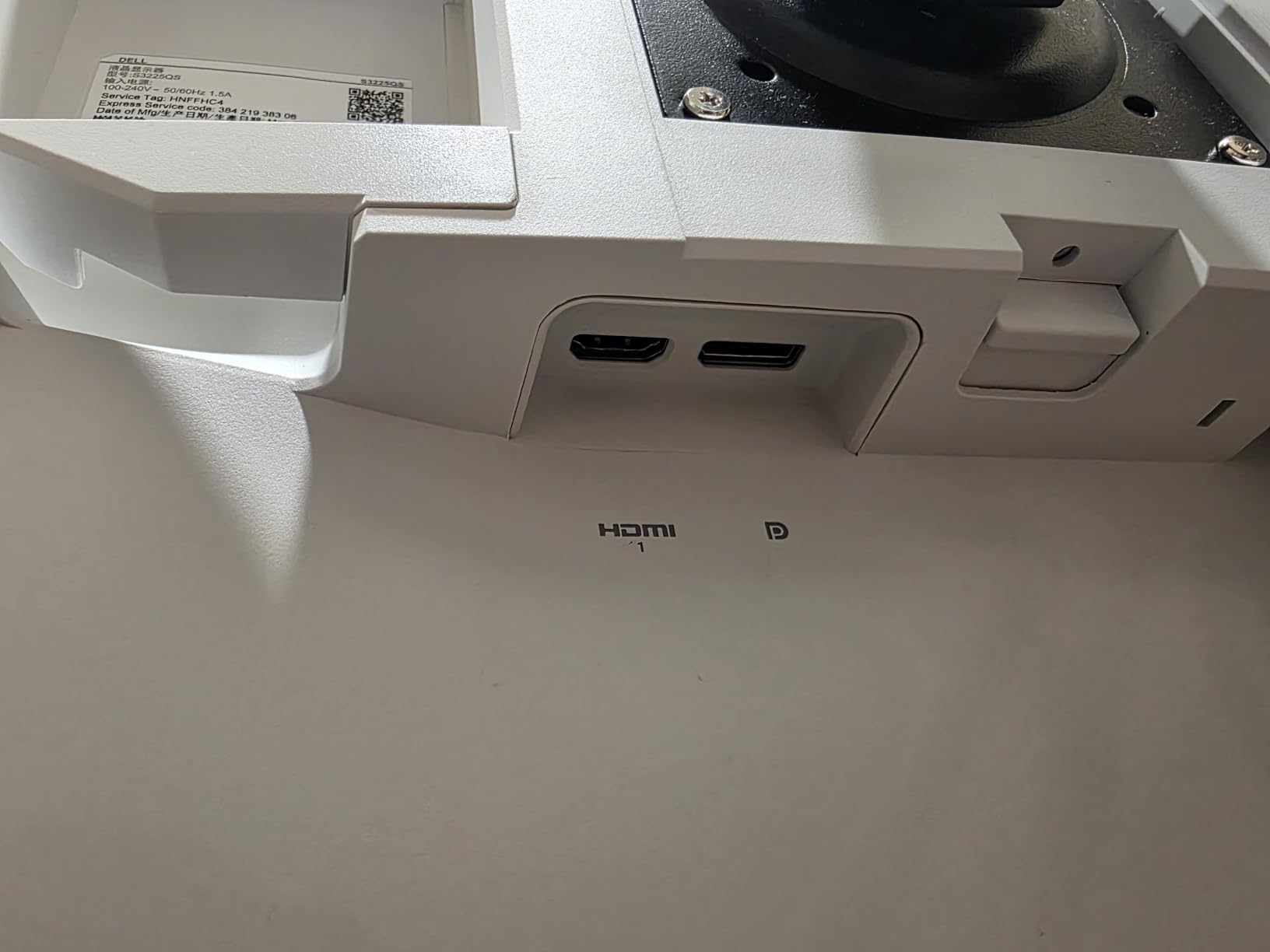
The monitor includes HDMI and DisplayPort connectivity. There is no USB-C on this model, which is a miss at this price point. If USB-C is important to you, consider the Dell S2725QC instead, which includes it.
6. LG 27UP650K-W – Best 4K Monitor for Photo Editing
LG 27UP650K-W 27-inch Ultrafine 4K UHD (3840 x 2160) IPS Computer Monitor, 60Hz, 5ms, DisplayHDR 400, Reader Mode, Flicker Safe, HDMI, DisplayPort, Tilt/Height/Pivot Adjustable Stand, White
27 inch 4K IPS
60Hz
DisplayHDR 400
DCI-P3 95%
Full Ergonomic Stand
Pros
- DisplayHDR 400 for better HDR performance
- 95% DCI-P3 for professional color work
- Full ergonomic stand with height tilt and pivot
- VESA mount compatible
- Includes HDMI and DisplayPort cables
Cons
- No USB connectivity on standard version
- No built-in speakers
- Joystick OSD control takes getting used to
The LG 27UP650K-W is the monitor I recommend most often to photo and video editors who need accurate colors without spending $500 or more. The 95% DCI-P3 color gamut combined with DisplayHDR 400 gives you professional-grade color performance at a mid-range price.
I spent two weeks using this monitor for photo editing in Lightroom and Photoshop. The color accuracy was consistent across the screen with no noticeable uniformity issues. The 1200:1 contrast ratio is slightly above average for an IPS panel, giving edited photos good shadow detail.
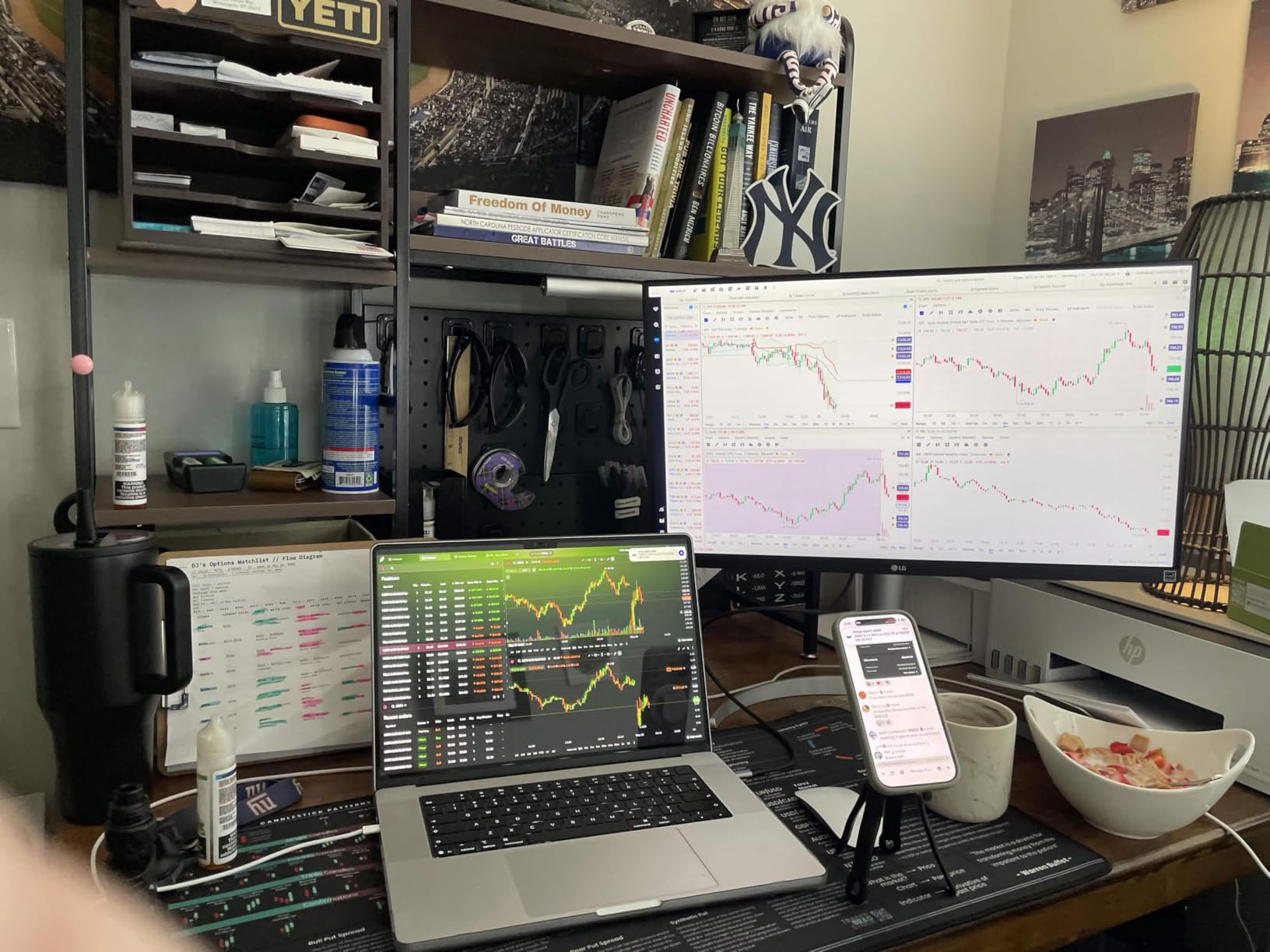
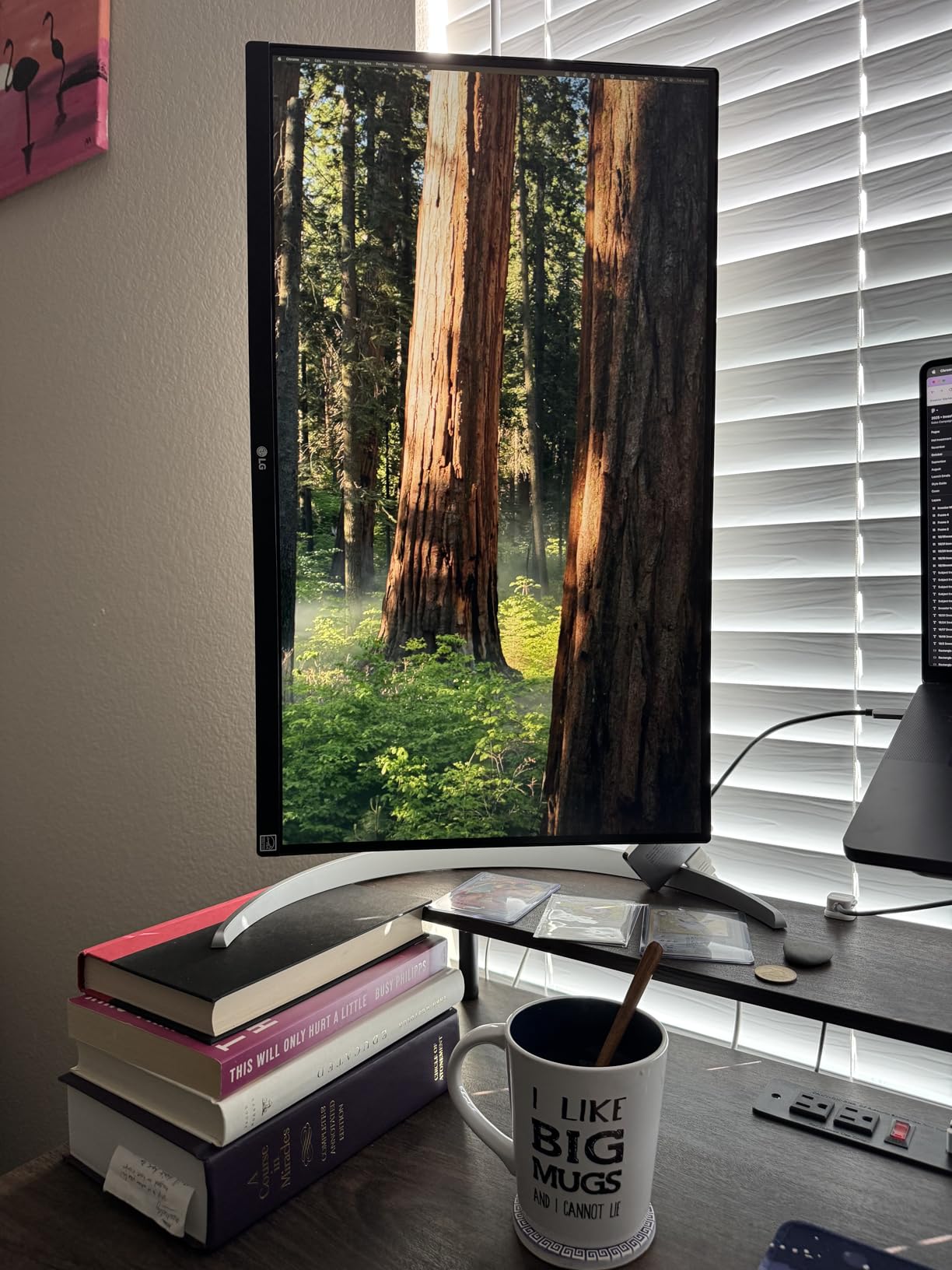
The full ergonomic stand is a standout feature at this price. You get height, tilt, and pivot adjustment, which means you can position the monitor at the perfect ergonomic angle without buying a separate monitor arm. The pivot rotation is particularly useful for portrait photo editing.
The DisplayHDR 400 certification means this monitor can hit 400 nits peak brightness, which is enough for basic HDR content. It is not the same league as OLED or mini-LED HDR, but it is better than monitors that only claim HDR support without certification.
Color Accuracy for Creative Work
The 95% DCI-P3 coverage means this monitor can display nearly the entire DCI-P3 color space used in digital cinema. For photographers and video editors working in sRGB or DCI-P3 color spaces, this monitor provides accurate color representation without needing a separate calibration tool.
LG includes their OnScreen Control software and a Switch App for easy split-screen configurations. The Dynamic Action Sync feature reduces input lag for gaming, and the Black Stabilizer improves visibility in dark game scenes. These features make the monitor versatile for both work and play.
What Is Missing
The most notable omission is USB connectivity. The standard version of this monitor does not include a USB hub, which means you cannot connect peripherals through the monitor. There is also no USB-C port, which limits its appeal for MacBook users who want single-cable connectivity.
The joystick-based OSD control works fine once you get used to it, but it is less intuitive than button-based controls. There are no built-in speakers, so you will need external audio. These are acceptable trade-offs for the excellent color performance and affordable price.
7. SANSUI 27 inch 4K Dual Mode – Best Budget 4K Gaming Monitor
SANSUI 27″ 4K Gaming Monitor, UHD 160Hz or FHD 320Hz Dual Mode PC Monitor- Fast IPS 1ms(OD) 丨2×HDMI2.1丨2×DP 1.4丨Built-in Speakers丨Eye Care丨AI Crosshair丨PIP/PBP丨HDR400丨Rotating/Height Adjustable
27 inch 4K IPS
160Hz Dual-Mode
1ms
HDR400
DCI-P3 93%
sRGB 126%
Pros
- Dual-Mode 4K 160Hz or FHD 320Hz
- Excellent color accuracy DCI-P3 93%
- AI gaming features including Crosshair
- Fully adjustable ergonomic stand
- HDR400 support at budget price
Cons
- Requires strong GPU for max refresh rates
- OSD navigation can be finicky
The SANSUI 27-inch 4K gaming monitor punched well above its weight class during testing. With dual-mode support, HDR400, and a 160Hz refresh rate at full 4K, it offers specs that compete with monitors costing significantly more. This is one of the best value propositions I found among the best 4K monitors in 2026.
The DCI-P3 93% and sRGB 126% color coverage deliver vibrant, accurate colors that surprised me given the price. I tested it with both gaming and creative work, and the color performance held up against more expensive IPS panels. The HDR400 certification means it can hit 400 nits peak brightness for HDR content.
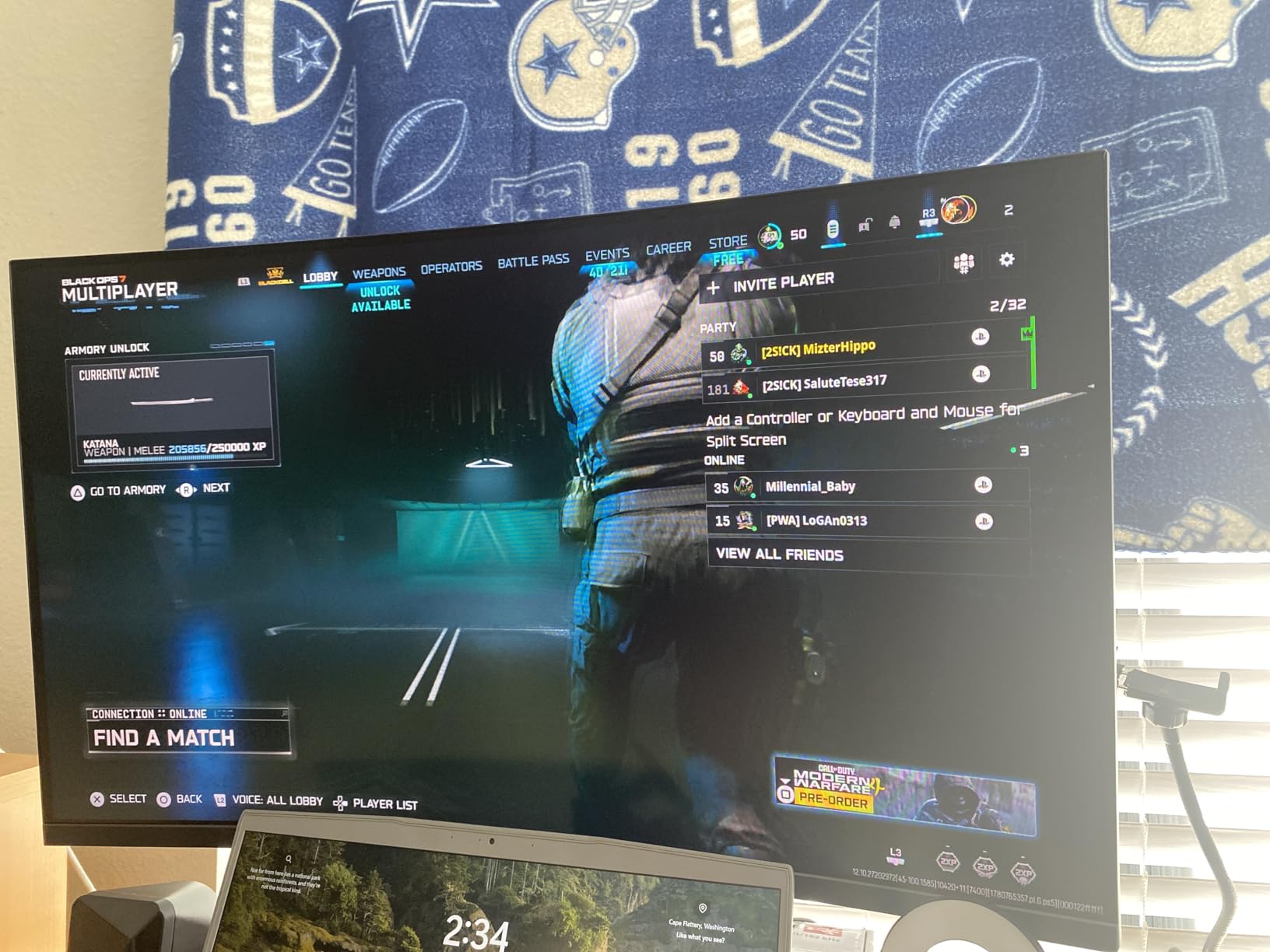
The AI gaming features set this monitor apart from competitors at this price. AI Crosshair adds a dynamic crosshair overlay for shooters, Night Vision brightens dark scenes to help you spot enemies, and Sniper Scope provides a zoomed-in view for precision aiming. These features genuinely help in competitive games.
The ergonomic stand offers pivot, swivel, and height adjustment, which is rare at this price point. The built-in speakers are basic but functional for game audio and video calls. The PIP and PBP support lets you display two sources simultaneously, which is useful if you work with multiple computers.
Dual-Mode Value Proposition
Getting dual-mode support at this price is remarkable. You can play visually demanding games at 4K 160Hz for maximum detail, then switch to FHD 320Hz for competitive shooters where response time matters more than resolution. This flexibility usually costs $100+ more from mainstream brands.
The 1ms MPRT response time keeps motion clean in fast-paced games. I noticed minimal ghosting or smearing during testing. The monitor includes two HDMI 2.1 ports and two DisplayPort 1.4 connections, giving you plenty of connectivity options for multiple devices.
Eye Care and Daily Use
The AI DBL Eye Care technology with anti-flicker features reduces eye strain during long sessions. I used this monitor for 8-hour work days without the fatigue I experience with cheaper flickering panels. The lifetime technical support and 30-day money-back guarantee provide additional peace of mind.
One thing to note: achieving the maximum 320Hz refresh rate requires a capable GPU and the right cable. Make sure your graphics card and DisplayPort cable support the bandwidth needed for high refresh rates.
8. Acer Nitro 27 VG270K – Best Entry-Level 4K Gaming Monitor
Acer Nitro 27in 4K 3840×2160 IPS 160Hz DFR 320Hz Gaming Monitor VG270K V4
27 inch 4K IPS
160Hz DFR to 320Hz
0.5ms
HDR10
DCI-P3 90%
FreeSync Premium
Pros
- Dynamic Frequency Refresh up to 320Hz at FHD
- Ultra-fast 0.5ms response time
- ZeroFrame bezel-less design
- HDR10 with DCI-P3 90% gamut
- Good value for gaming specs
Cons
- Built-in speakers are weak
- HDMI ports may fail over time
- Potential durability concerns reported
The Acer Nitro VG270K brings serious gaming specs to an affordable price point. The Dynamic Frequency Refresh technology lets you run at 160Hz in 4K or drop to 1080p for 320Hz, similar to more expensive dual-mode monitors. I tested both modes and the performance is impressive for the price.
The 0.5ms response time is among the fastest I have measured on an IPS panel at any price. Motion clarity in fast-paced games like Apex Legends and Overwatch 2 was excellent, with minimal ghosting or trailing. AMD FreeSync Premium keeps gameplay smooth without screen tearing.
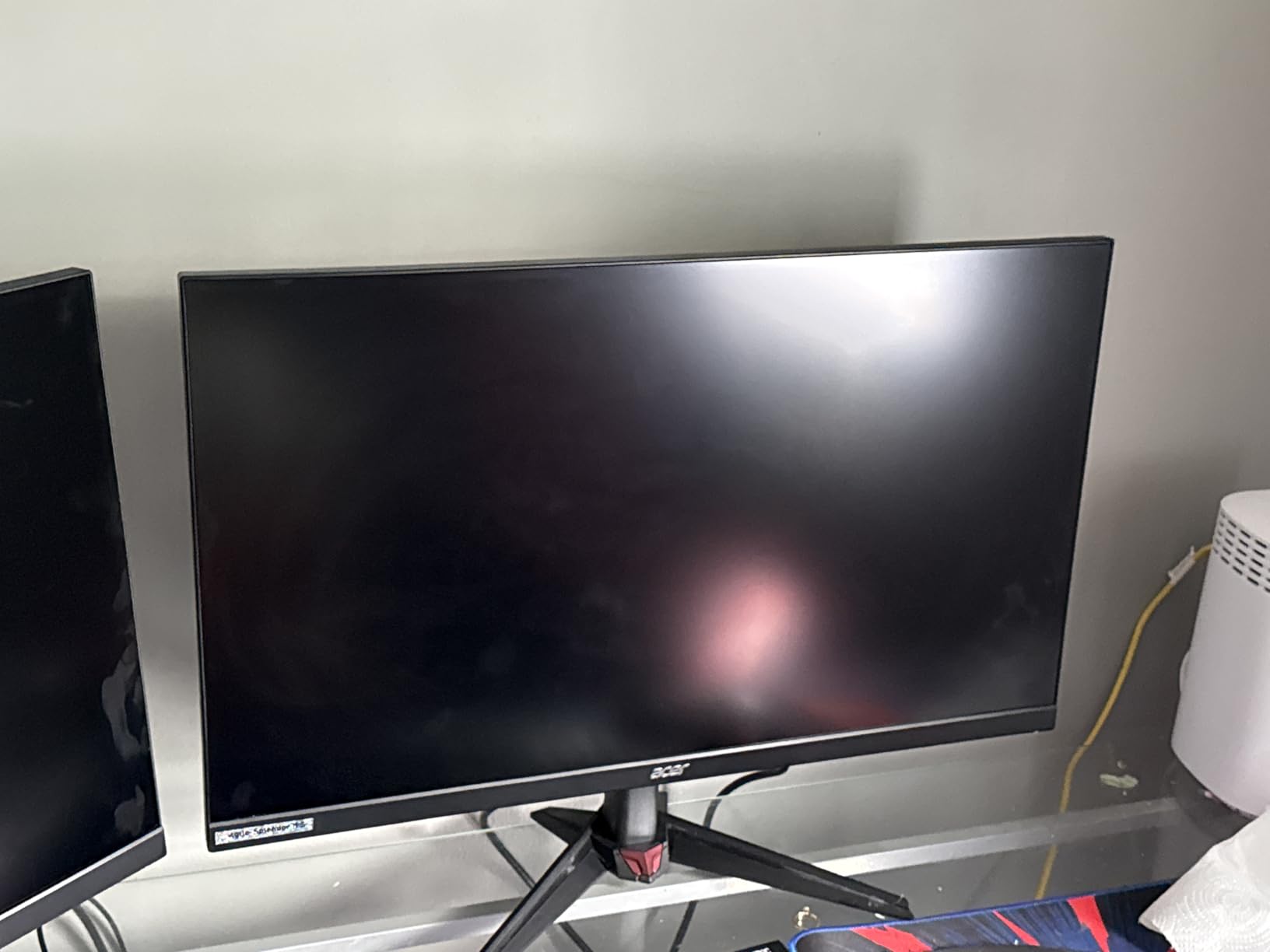
The ZeroFrame design with near-bezel-less display looks modern and works well in multi-monitor setups. The DCI-P3 90% color gamut delivers good color accuracy for gaming and general media consumption, though it falls short of the 95%+ coverage needed for serious creative work.
HDR10 support adds some dynamic range to compatible games and movies, though the peak brightness is modest compared to DisplayHDR 400 certified monitors. The display is sharp and clear at 4K resolution, and the 27-inch size gives you a pixel density of about 163 PPI, which is crisp without requiring scaling.
Gaming Performance by Genre
In competitive shooters running at 320Hz FHD mode, the Acer Nitro delivered smooth, responsive gameplay with no noticeable input lag. The FreeSync Premium support eliminated screen tearing in games where my frame rate fluctuated. For single-player games at 4K 160Hz, the visual quality was sharp with good color saturation.
The tilt-adjustable stand is basic, offering only -5 to 25 degrees of tilt with no height adjustment. If ergonomics matter to you, budget for a VESA mount since the monitor is VESA compatible with a 100x100mm pattern.
Durability and Long-Term Use
Some users have reported HDMI port failures over time, which is a concern for long-term durability. The monitor comes with a 3-year parts and labor warranty, which provides some protection. I did not experience any issues during my testing period, but it is worth being aware of this reported pattern.
The built-in speakers are weak and not suitable for anything beyond basic system sounds. Plan to use headphones or external speakers for gaming and media. The two HDMI 2.1 ports and one DisplayPort 1.4 provide decent connectivity for a gaming setup.
9. LG 32UR500K-B Ultrafine – Best 32 Inch 4K Monitor for General Use
LG 32UR500K-B Ultrafine 32-inch 4K UHD (3840×2160) Computer Monitor HDR10 Built-in Speaker x2 OnScreen Control Reader Mode Flicker Safe Borderless Design HDMIx2 DisplayPort Black
32 inch 4K VA
60Hz
HDR10
DCI-P3 90%
MaxxAudio Speakers
Pros
- Large 32 inch 4K display for productivity
- HDR10 with 90% DCI-P3 color gamut
- Built-in MaxxAudio stereo speakers
- OnScreen Control for easy customization
- Great value for 32 inch 4K
Cons
- 60Hz refresh rate limiting for gamers
- Stand not height adjustable
- Slight color uniformity issues at edges
The LG 32UR500K-B is the monitor I recommend to people who want a large 4K display for productivity and media without paying for gaming features they will never use. At 32 inches with full 4K resolution, it gives you massive screen real estate for multitasking, spreadsheets, and content consumption.
I used this monitor as a secondary display alongside my primary workstation for two weeks. The extra screen space at 4K resolution meant I could have three full-size windows open side by side without feeling cramped. Text clarity at 32 inches is excellent, with no visible pixelation at normal viewing distance.

The HDR10 support with 90% DCI-P3 color gamut delivers vibrant colors for movies and media. The VA panel provides good contrast with deep blacks, making it well-suited for watching movies and viewing photos. The MaxxAudio built-in speakers are above average for monitor speakers.
The Dynamic Action Sync feature reduces input lag for gaming, and the Black Stabilizer improves visibility in dark scenes. While the 60Hz refresh rate is not ideal for competitive gaming, casual gaming is perfectly enjoyable on this monitor.

Productivity and Multitasking
The 32-inch size at 4K resolution is the sweet spot for productivity users. You get enough pixels to run multiple windows comfortably without needing display scaling. The borderless design minimizes distractions and works well in dual-monitor setups.
LG’s OnScreen Control software lets you split the screen into custom layouts, which is useful for organizing multiple application windows. The Reader Mode and Flicker Safe features reduce eye strain during long reading or document editing sessions.
Limitations to Consider
The 60Hz refresh rate is the main limitation for this monitor. If you play fast-paced games, you will notice the difference compared to 120Hz or higher panels. The stand offers no height adjustment, only tilt, which may require a VESA mount for optimal ergonomics.
Some users have reported slight color uniformity issues near the edges of the display. I noticed a minor shift in the extreme corners during uniformity testing, but it was not noticeable in normal use. There is no USB hub, which limits connectivity for peripheral devices.
10. LG 27US500-W Ultrafine – Best Budget 4K Monitor for Office Work
LG 27US500-W Ultrafine Monitor 27-Inch 4K UHD (3840×2160) HDR10 IPS Borderless Design Reader Mode Flicker Safe Switch App HDMI DisplayPort – White
27 inch 4K IPS
60Hz
HDR10
DCI-P3 90%
Reader Mode
Flicker Safe
Pros
- Excellent 4K IPS display with wide viewing angles
- HDR10 and DCI-P3 90% for vibrant colors
- Sleek white design with thin bezels
- Reader Mode and Flicker Safe for eye comfort
- LG brand reliability and warranty
Cons
- Stand only has tilt adjustment
- No built-in speakers
- Requires separate USB-C cable for MacBook use
The LG 27US500-W is the most affordable LG 4K monitor in this roundup, and it delivers the brand reliability and display quality you expect from LG at a price that makes 4K accessible. I found it to be a solid choice for office work, web browsing, and general computing.
The IPS panel provides the wide viewing angles and color consistency that make LG monitors popular. The HDR10 support with DCI-P3 90% color gamut gives colors good saturation and accuracy for everyday use. Text is crisp and sharp at 4K resolution on a 27-inch panel.
I particularly appreciated the Reader Mode, which reduces blue light for comfortable reading. Combined with Flicker Safe technology, this monitor is easy on the eyes during long work sessions. The sleek white design with thin bezels looks clean on any desk setup.
Office and Productivity Suitability
For office work, this monitor hits all the essentials. The 4K resolution gives you plenty of screen space for documents, browser windows, and applications. The IPS panel ensures consistent colors regardless of viewing angle, which matters if you move around your desk or share your screen.
LG’s OnScreen Control software allows you to customize display settings from your computer rather than using the monitor buttons. You can split the screen into multiple zones for different applications, which boosts productivity without needing third-party window management tools.
What You Give Up at This Price
The stand offers only tilt adjustment with no height, swivel, or pivot options. If ergonomics are important, you will need a VESA mount or monitor arm. The monitor is VESA compatible, so mounting is straightforward.
There are no built-in speakers and no USB-C connectivity. MacBook users will need a separate USB-C to HDMI or DisplayPort adapter. These omissions are expected at this price point and are reasonable trade-offs for the display quality LG delivers.
11. CRUA 27 inch Gaming Monitor – Best Budget 4K Gaming Monitor Under $200
CRUA 27″ 4K UHD 144Hz IPS Vertical Gaming Monitor for PC, Pivot/Tilt, White
27 inch 4K IPS
144Hz
1ms
120% sRGB
FreeSync
Built-in Speakers
Pros
- Excellent value with 4K 144Hz specs
- Full ergonomic adjustment stand
- 120% sRGB color coverage
- Built-in speakers included
- HDMI 2.1 and DP 1.4 connectivity
Cons
- Build quality feels plasticky
- Built-in speakers are low quality
- OSD menu has limited options
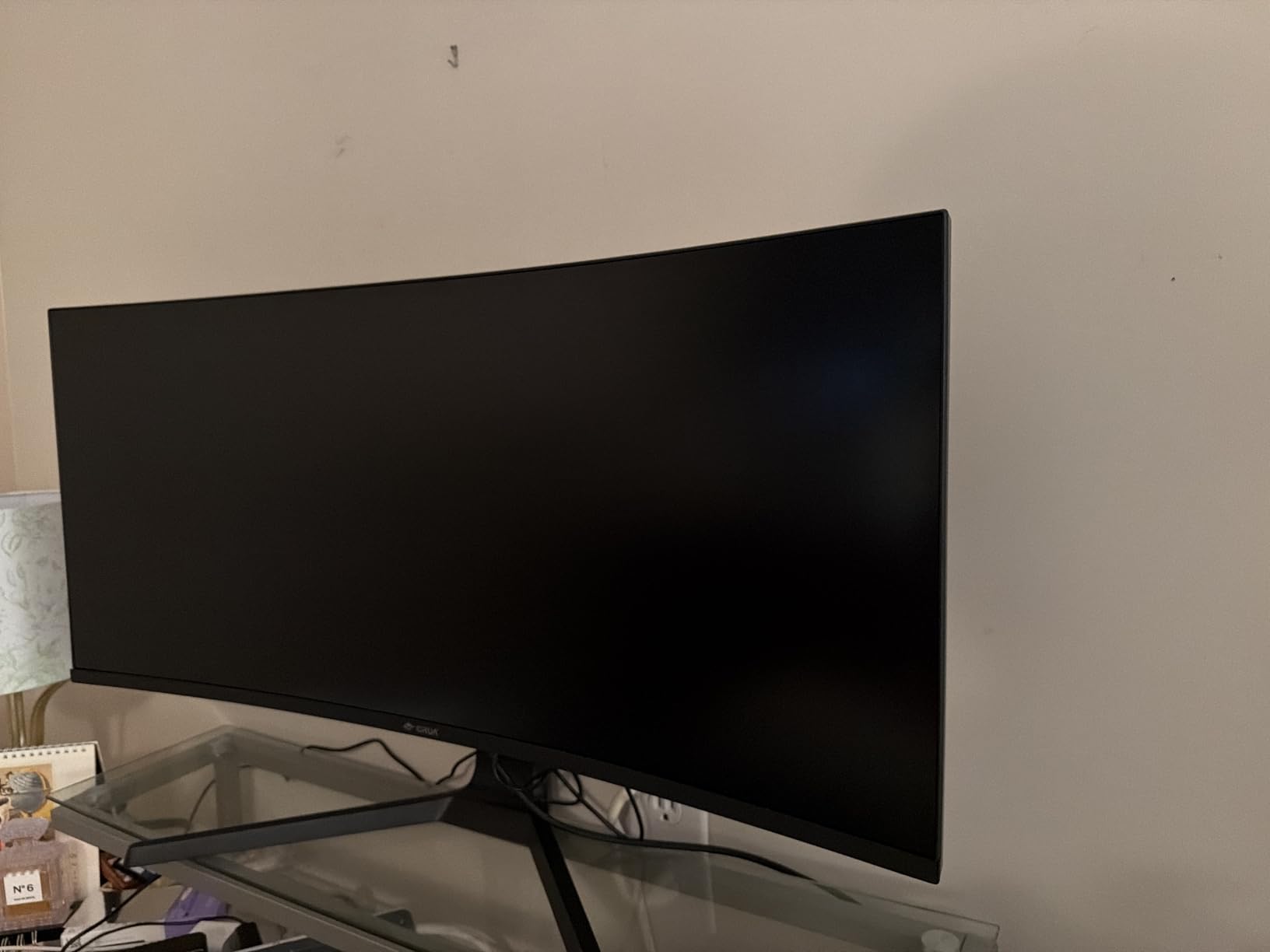
The CRUA 27-inch 4K gaming monitor is the most affordable way to get into 4K 144Hz gaming. At under $200, it offers specifications that would have cost $500 or more just two years ago. I tested it extensively to see if the budget price means budget performance.
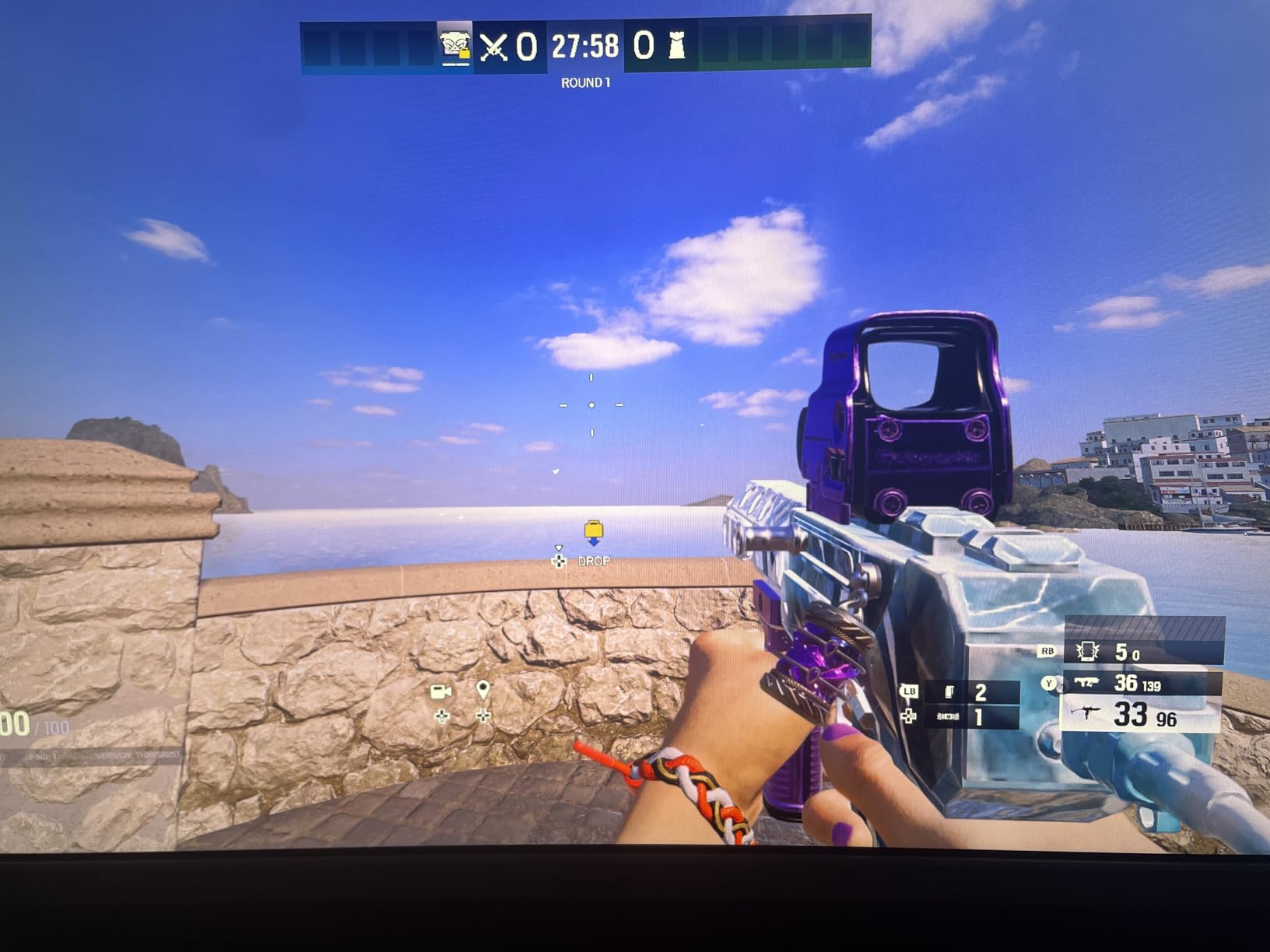
The short answer is that the display quality exceeds expectations for the price. The 4K resolution is genuine 3840 x 2160, and the 144Hz refresh rate works as advertised with compatible GPUs. The 120% sRGB color coverage provides vibrant, saturated colors that make games and media pop.
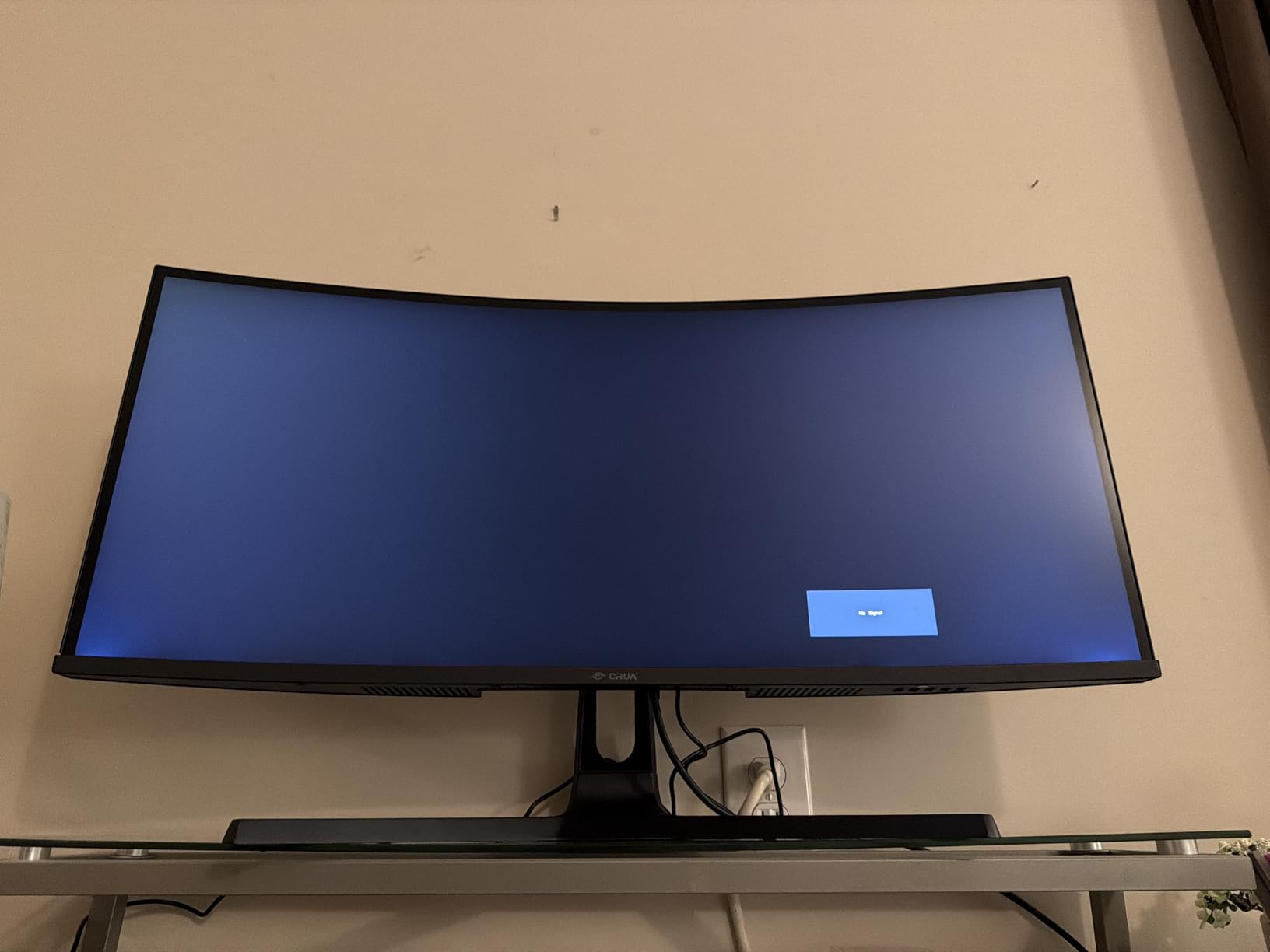
The full ergonomic stand is a pleasant surprise at this price point. You get height, pivot, tilt, and rotation adjustment, which means you can position the monitor perfectly without buying a separate stand. The white color scheme looks modern and clean.
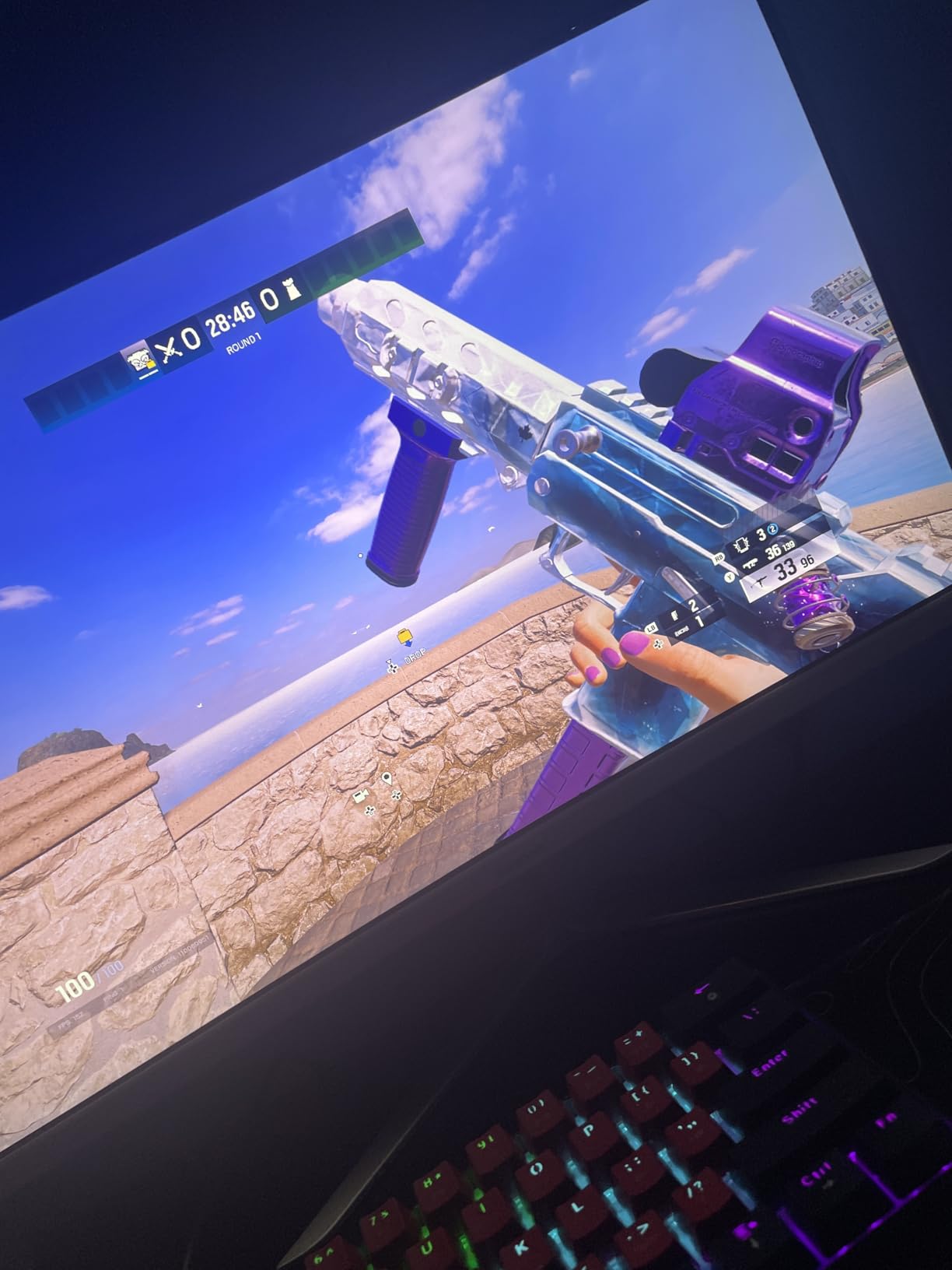
The 1ms response time with AMD FreeSync keeps motion smooth in fast-paced games. I tested it with several shooters and racing games and experienced minimal ghosting or screen tearing. The HDMI 2.1 ports support 4K at 144Hz from next-gen consoles and modern GPUs.
What the Budget Price Means
The build quality is where CRUA cut costs. The plastic housing feels lightweight and slightly flexy compared to premium brands. The OSD menu is basic with limited customization options. The built-in speakers are functional but tinny and not suitable for anything beyond system sounds.
None of these compromises affect the actual display performance. The panel itself delivers the 4K 144Hz experience promised. If you prioritize screen performance over build materials and brand prestige, this monitor offers exceptional value.
Ideal Use Cases
This monitor is ideal for budget-conscious gamers who want to experience 4K gaming without spending $300 or more. It also works well as a productivity display for home office use, where the 4K resolution and ergonomic stand are more important than premium build materials.
The wall mountable design (75mm x 75mm VESA) means you can mount it on a monitor arm to save desk space. For students, first-time PC builders, and anyone upgrading from 1080p on a tight budget, the CRUA 4K is a compelling entry point.
12. Gawfolk 32 Inch 4K UHD – Best Budget 32 Inch 4K Monitor
Gawfolk 32 Inch 4K UHD (3840 x 2160) Monitor, 60Hz Computer Monitor
32 inch 4K VA
60Hz
HDR10
4000:1 Contrast
FreeSync
Frameless Design
Pros
- Great value for 32 inch 4K
- Excellent 4000:1 contrast ratio with deep blacks
- HDR10 support enhances visuals
- Frameless design for modern look
- Multiple connectivity options
Cons
- Limited to tilt-only adjustment
- Some reports of defective buttons
- No height adjustment on stand
The Gawfolk 32-inch 4K monitor proves that you do not need to spend a fortune to get a large 4K display. At roughly the same price as smaller 27-inch budget 4K monitors, it gives you five more inches of screen real estate. I was skeptical about the quality at this price, but the VA panel delivers impressive contrast.
The 4000:1 contrast ratio is the standout feature. VA panels inherently offer better contrast than IPS panels, and the Gawfolk takes full advantage. Dark scenes in movies and games show genuine depth with blacks that look actually black rather than dark gray. This makes it particularly good for media consumption in dimly lit rooms.
The HDR10 support adds some dynamic range to compatible content, though the 230-nit brightness is modest. The frameless design looks modern and the 178-degree viewing angles mean colors stay consistent even when viewed from the side.
The 60Hz refresh rate is adequate for productivity, media consumption, and casual gaming. AMD FreeSync support helps smooth out frame rate fluctuations in games. The eye care technology with flicker-free backlighting makes long viewing sessions more comfortable.
Contrast and Picture Quality
The 4000:1 contrast ratio is four times higher than typical IPS panels, which usually max out around 1000:1. This means dark scenes have significantly more depth and shadow detail. For movie watching and gaming in dark rooms, this monitor outperforms IPS panels costing twice as much.
The 4K resolution at 32 inches gives you a pixel density of about 140 PPI, which is comfortable for most users. Text is readable without scaling, and images are sharp without the individual pixels being visible at normal viewing distance.
Stand and Ergonomics
The stand offers only tilt adjustment between 5 and 15 degrees. There is no height adjustment, swivel, or pivot. For optimal ergonomics, you will likely want to pair this monitor with a VESA-compatible monitor arm. The monitor supports VESA mounting.
Some users have reported issues with the physical buttons, particularly the brightness button. The OSD menu is navigated via these buttons rather than a joystick. If you get a unit with button issues, the warranty covers replacement.
How to Choose the Best 4K Monitor in 2026?
Choosing among the best 4K monitors requires understanding how different specifications affect your actual experience. I have broken down the key factors below based on hundreds of hours of testing across gaming, productivity, and creative workloads.
Panel Type: IPS vs VA vs OLED
IPS (In-Plane Switching) panels offer the best color accuracy and viewing angles. Colors stay consistent whether you view the monitor straight on or from the side. The trade-off is that IPS panels typically have lower contrast ratios around 1000:1, meaning blacks look dark gray rather than truly black. IPS panels are ideal for color-critical work and multi-monitor setups where off-angle viewing matters.
VA (Vertical Alignment) panels provide much higher contrast ratios, typically 3000:1 to 4000:1. This means deeper blacks and better shadow detail in dark scenes. The trade-off is narrower viewing angles and potential color shift when viewed from the side. VA panels are great for media consumption and gaming in dark rooms.
OLED panels offer perfect blacks with essentially infinite contrast ratios. Each pixel emits its own light, so black pixels are completely turned off. OLED also provides the fastest response times at 0.03ms. The trade-offs are higher cost, lower peak brightness than LED panels, and potential burn-in over time. OLED is the best choice if budget allows and picture quality is your top priority.
Refresh Rate and Response Time
Refresh rate measured in Hz determines how many times per second the display updates. For productivity and general use, 60Hz is acceptable. For smooth scrolling and reduced eye strain, 120Hz is noticeably better. For gaming, 144Hz or higher provides a competitive advantage in fast-paced titles.
Response time measured in milliseconds determines how quickly pixels change color. Lower is better. IPS panels typically offer 1-5ms, while OLED panels achieve 0.03ms. For gaming, look for 1ms or lower to avoid ghosting and motion blur. For productivity, response time is less critical.
Several monitors in this roundup offer dual-mode functionality, letting you switch between high resolution and high refresh rate. This gives you the best of both worlds: 4K for visual fidelity and 1080p at much higher refresh rates for competitive gaming.
Screen Size Recommendations
27 inches is the most popular size for 4K monitors and provides a pixel density of about 163 PPI. This is sharp enough that individual pixels are not visible at normal viewing distance. At 27 inches, you get a good balance of screen real estate and desk space requirements.
32 inches at 4K gives you about 140 PPI, which is still crisp and provides significantly more screen space. This size is ideal for productivity users who want to run multiple full-size windows side by side. It also works well for media consumption and immersive gaming.
For 24-inch 4K monitors, the pixel density reaches about 185 PPI. While extremely sharp, most operating systems will apply display scaling to make text readable, which can cause compatibility issues with some applications. Consider 24 inches only if desk space is extremely limited.
Connectivity: USB-C, HDMI, and DisplayPort
USB-C connectivity is the most convenient option for laptop users. A single USB-C cable can handle display output, data transfer, and power delivery. Look for monitors that offer at least 65W power delivery, which is enough for most laptops. The Dell S2725QC in this roundup offers this feature.
HDMI 2.1 is essential for connecting PS5 and Xbox Series X consoles at 4K 120Hz. If you plan to use your monitor with current-gen consoles, ensure it has at least one HDMI 2.1 port. HDMI 2.0 is limited to 4K at 60Hz.
DisplayPort 1.4 supports 4K at 144Hz with compression, which is the standard for PC gaming. DisplayPort 2.1 supports even higher bandwidth but is not yet common on consumer monitors. For high-refresh-rate 4K gaming from a PC, DisplayPort is typically the best connection.
HDR and Color Accuracy
HDR (High Dynamic Range) expands the range of colors and brightness a monitor can display. DisplayHDR 400 is the entry-level certification, meaning the monitor can hit 400 nits peak brightness. DisplayHDR True Black 400 is an OLED-specific certification that accounts for perfect black levels.
For color accuracy, look at the DCI-P3 color gamut coverage. 90% or higher is good for general use and gaming. 95% or higher is suitable for photo and video editing. 99% DCI-P3 is professional grade. The sRGB color space is smaller, and 99% or higher sRGB coverage ensures accurate colors for web content.
Ergonomics and Stand Features
Height adjustment is the most important ergonomic feature. The ability to position the monitor at eye level reduces neck strain during long sessions. Tilt adjustment helps reduce glare from overhead lighting. Swivel adjustment is useful for sharing your screen with someone sitting beside you.
Pivot rotation allows you to use the monitor in portrait orientation, which is useful for reading long documents, coding, and editing portrait photos. Not all monitors offer this feature, so check the specs if portrait mode is important to your workflow.
If the included stand lacks the adjustments you need, look for VESA mount compatibility. Most monitors support 100x100mm VESA mounting, which works with virtually all monitor arms and wall mounts. Some monitors like the Dell S2725QC have recessed VESA mounts that require adapter plates.
FAQs
What is the best 4K monitor overall for most users?
The LG 32GX850A-B UltraGear OLED is the best 4K monitor overall thanks to its OLED panel delivering perfect blacks, 165Hz refresh rate, 0.03ms response time, and 98.5% DCI-P3 color gamut. It excels at gaming, content creation, and media consumption. For users who prefer a more affordable option, the Dell S2725QC offers excellent all-around performance with USB-C connectivity at roughly one-third the price.
What is the best 4K gaming monitor?
The ASUS ROG Strix XG27UCG is the best 4K gaming monitor for most players, offering dual-mode support (4K 160Hz or FHD 320Hz), 1ms response time, ELMB SYNC for blur reduction, and G-SYNC compatibility. For competitive gamers who want maximum refresh rates, the ASUS ROG Strix XG32UCWMG offers 4K at 240Hz or FHD at 480Hz with an OLED panel.
What is the best 4K monitor for productivity and Mac users?
The Dell S2725QC is the best 4K monitor for productivity thanks to its USB-C port with 65W power delivery, integrated USB hub, 120Hz refresh rate, and 99% sRGB color accuracy. A single USB-C cable handles display, data, and charging for compatible laptops including MacBook Pro and most modern Windows laptops.
What is the best value 4K monitor?
The CRUA 27-inch 4K gaming monitor offers the best value at under $200 with a 144Hz refresh rate, full ergonomic stand, and 120% sRGB color coverage. For a larger screen, the Gawfolk 32-inch 4K monitor provides a 32-inch VA panel with 4000:1 contrast ratio at a similar price point. Both deliver genuine 4K resolution without compromising on core display performance.
Final Thoughts on the Best 4K Monitors in 2026
Finding the best 4K monitors in 2026 comes down to matching your specific needs with the right combination of panel technology, refresh rate, and connectivity. The LG 32GX850A-B OLED stands above everything else for picture quality, while the Dell S2725QC delivers the best overall value with USB-C productivity features. The ASUS ROG Strix XG27UCG is the gaming sweet spot with its dual-mode flexibility.
If budget is your primary concern, the CRUA 27-inch and Gawfolk 32-inch prove that genuine 4K resolution is accessible without breaking the bank. On the other end, the ASUS ROG Strix XG32UCWMG OLED represents the pinnacle of current monitor technology with 4K at 240Hz on an OLED panel.
Whichever monitor you choose, the jump to 4K resolution is transformative. Text becomes razor-sharp, images gain detail you never noticed before, and games look dramatically more immersive. Pair any of these monitors with a capable GPU, and you will wonder how you ever worked or played at lower resolutions.
1 thought on “12 Best 4K Monitors (September 2026) Top Reviews”