
The eero 6 is the one to watch if you want the simplest whole-home fix, because it carries more owner reviews than anything else in this group and still covers up to 1,500 sq. ft. on internet plans up to 900 Mbps. The eero 7 3-pack is the smarter buy if you want Wi-Fi 7 hardware without stepping up to a multi-gig system, and the eero Pro 6E 3-pack is the pick for homes full of 6 GHz devices.
Prime Big Deal Days runs October 6-7, 2026, and most offers need a Prime membership. Prices shift through the event, so treat everything below as a shortlist to compare rather than a confirmed discount.
Table of Contents
Our Top 3 Picks for Best Amazon Prime Big Deal Days eero Deals

Best Amazon Prime Big Deal Days eero Deals Compared (October 2026)
| Product | Specifications | Action |
|---|---|---|
 eero 6 eero 6 |
|
Check Deal Price |
 eero 7 3-Pack eero 7 3-Pack |
|
Check Deal Price |
| eero Pro 6E 3-Pack |
|
Check Deal Price |
 eero Pro 7 3-Pack eero Pro 7 3-Pack |
|
Check Deal Price |
 eero Max 7 3-Pack eero Max 7 3-Pack |
|
Check Deal Price |
 eero Outdoor 7 eero Outdoor 7 |
|
Check Deal Price |
 eero Pro 6 Refurbished eero Pro 6 Refurbished |
|
Check Deal Price |
 eero 1st Gen Refurbished eero 1st Gen Refurbished |
|
Check Deal Price |
How We Chose
We compared the specs that decide a mesh purchase: coverage area, supported internet speed, Wi-Fi generation, Ethernet ports, device capacity, condition and warranty. Then we weighed those against owner ratings and the themes that run through the reviews. Everything was checked against the listing data on October 2026.
1. eero 6: Best for Small and Mid-Size Homes
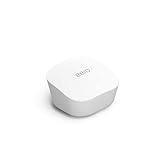
Amazon eero 6 mesh wifi router – Supports internet plans up to 900 Mbps, Coverage up to 1,500 sq. ft., Connect 75+ devices, 1-pack
Wi-Fi: 6
Coverage: up to 1,500 sq. ft.
Speeds: up to 900 Mbps
Pros
- Very easy app-guided setup
- Strong signal that removes dead zones
- 75+ device support
- Built-in Zigbee hub
- Expands with other eero nodes
Cons
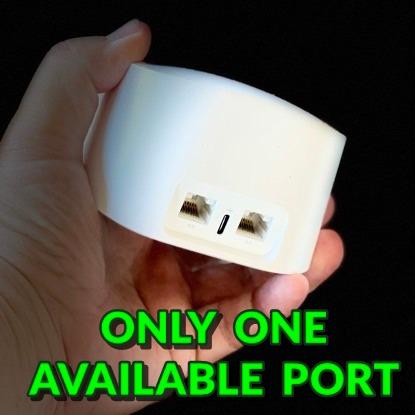
- Only one Ethernet port once the modem is connected
- Some owners report streaming drop-offs
- Setup needs a smartphone with no browser option
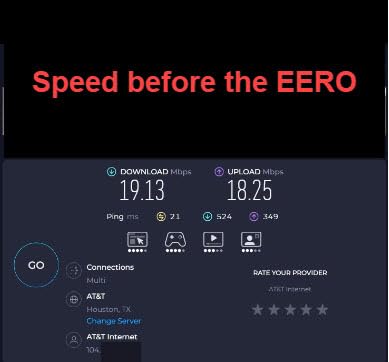
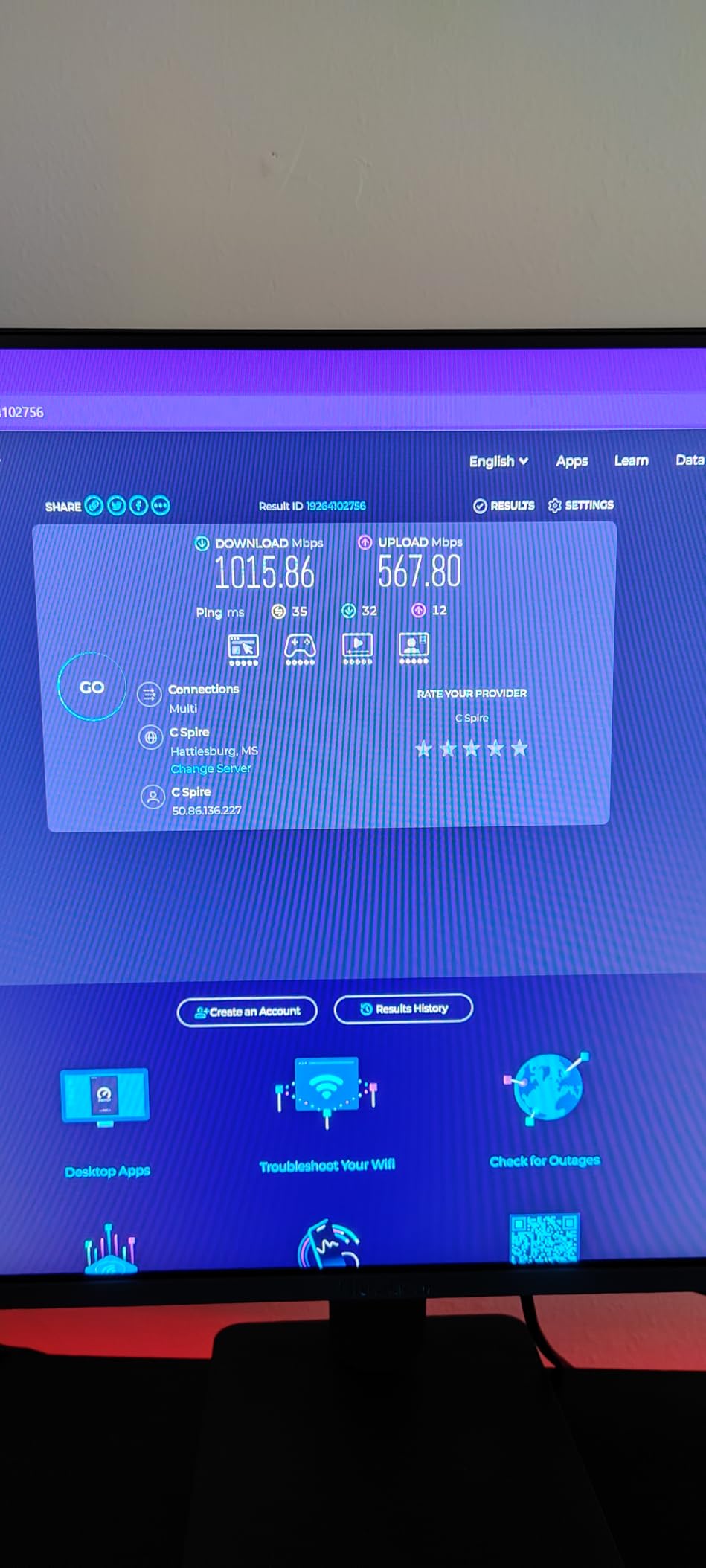
With close to 29,500 ratings behind it, this is the model most households end up owning, and the spec sheet explains why. Up to 1,500 sq. ft. of coverage and support for 75+ connected devices is plenty for a two or three bedroom home or an apartment with thick walls.
Owners repeatedly single out one thing: nothing to configure. There is no modem wizard to fight, no band to pick, and no login to remember. Reviewers also credit the built-in Zigbee hub for removing a separate smart-home bridge from the setup.
The recurring complaint is stability rather than coverage. A small group of owners report video and audio streaming drop-offs after switching over from another brand, and some describe difficulty getting a node to rejoin the mesh after a power cycle. It is not widespread, but it is the thread most worth knowing before you buy.
Skip it if you have gigabit or faster service and a plan to keep growing. The eero 6 tops out at 900 Mbps and leaves a single Ethernet port once the modem is connected, so anything wired beyond that needs a switch.
2. eero 7 3-Pack: Best for Future-Proofing on a Budget
Amazon eero 7 dual-band mesh Wi-Fi 7 router (newest model) – Supports internet plans up to 2.5 Gbps, Coverage up to 6,000 sq. ft., 3-pack
Wi-Fi: 7
Coverage: up to 6,000 sq. ft.
Speeds: up to 2.5 Gbps
Pros
- Entry point into Wi-Fi 7 mesh
- Two auto-sensing 2.5 GbE ports per node
- 120+ devices across three nodes
- Works with earlier eero generations
- Multi-link operation included
Cons
- Dual-band so no dedicated tri-band backhaul
- Wireless speeds stop at 1.8 Gbps
- Security tools sit behind the optional subscription
Three nodes covering up to 6,000 sq. ft. is the number that makes this the value pick in the group. It is a lot of square footage from a single purchase, and each node carries two auto-sensing 2.5 GbE ports, so gigabit-plus internet plans are handled without a separate switch.
Owners describe it as the sensible way into Wi-Fi 7 rather than the enthusiast way. Backwards compatibility with earlier eero generations means you can pair it with hardware you already own, which is easier than starting over.
The trade-off is the dual-band design. Without a dedicated backhaul band, throughput between nodes is shared, and reviewers note the ceiling of 1.8 Gbps wireless. In a three-node home spread over several floors, that gap matters more than the headline number suggests.
Compared with the eero 6, this covers roughly four times the area and adds two 2.5 GbE ports per node. Compared with the eero Pro 7 3-pack, it trades away the dedicated backhaul band and 5 GbE ports, which is the right bargain only if your internet plan is under 2.5 Gbps.
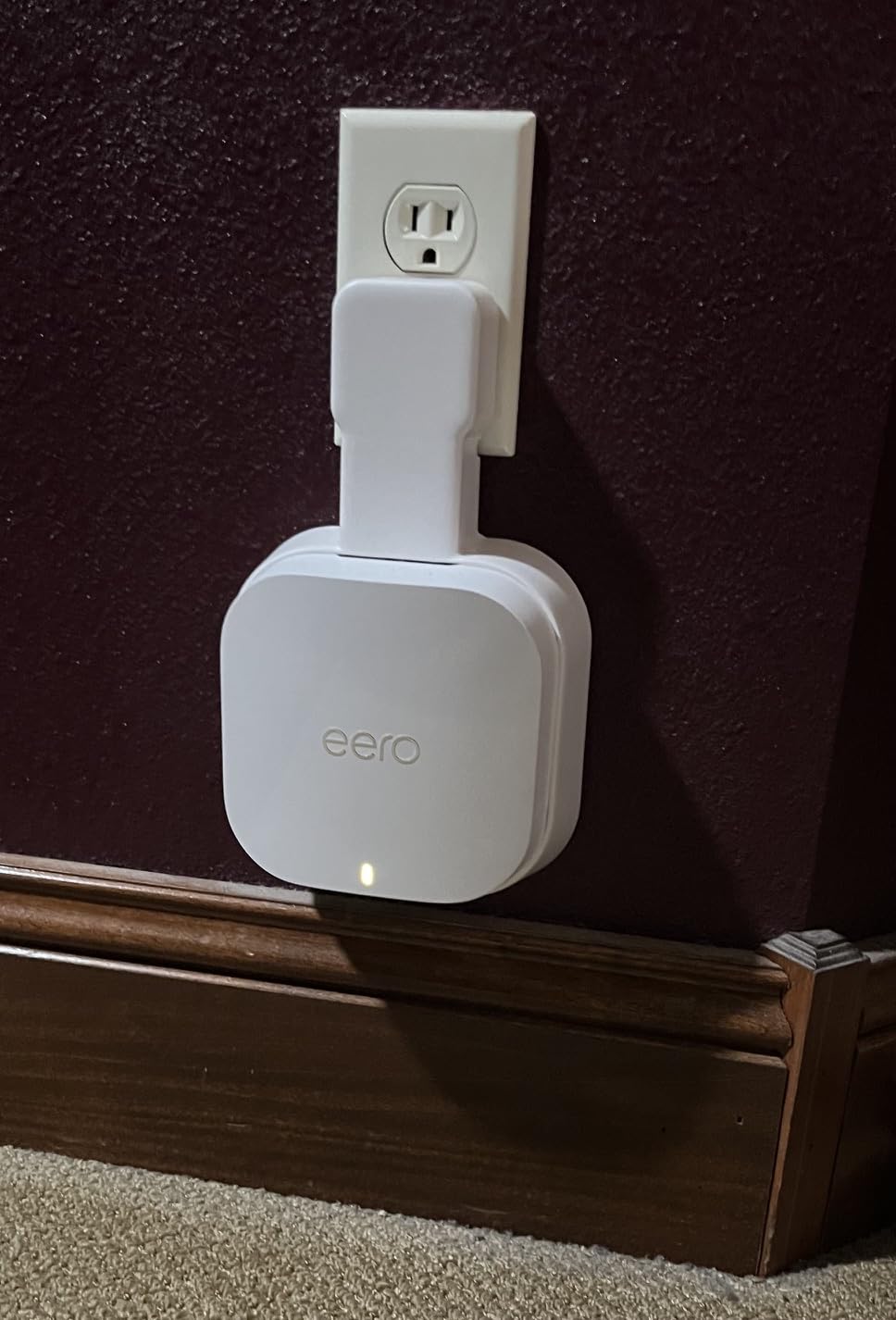
3. eero Pro 6E 3-Pack: Best for 6 GHz Devices
Amazon eero Pro 6E mesh wifi system – Supports internet plans up to 2.5 Gbps, Coverage up to 6,000 sq. ft., Connect 100+ devices, 3-pack
Wi-Fi: 6E
Coverage: up to 6,000 sq. ft.
Speeds: up to 2.3 Gbps
Pros
- Access to the 6 GHz band
- Lower latency on newer phones and laptops
- Handles large smart-home device counts
- Upgrades from Orbi or Deco often go well
- Two Ethernet ports per node
Cons
- Two ports per node so a switch helps
- No separate SSIDs for 2.4 and 5 GHz
- Some owners report nodes failing to rejoin after reboots
This was eero’s first system with the 6 GHz band, and that is the whole argument for it. Recent phones, laptops and tablets that support 6E get a wider, cleaner channel, and owners with several such devices report noticeably better latency in the rooms furthest from the main node.
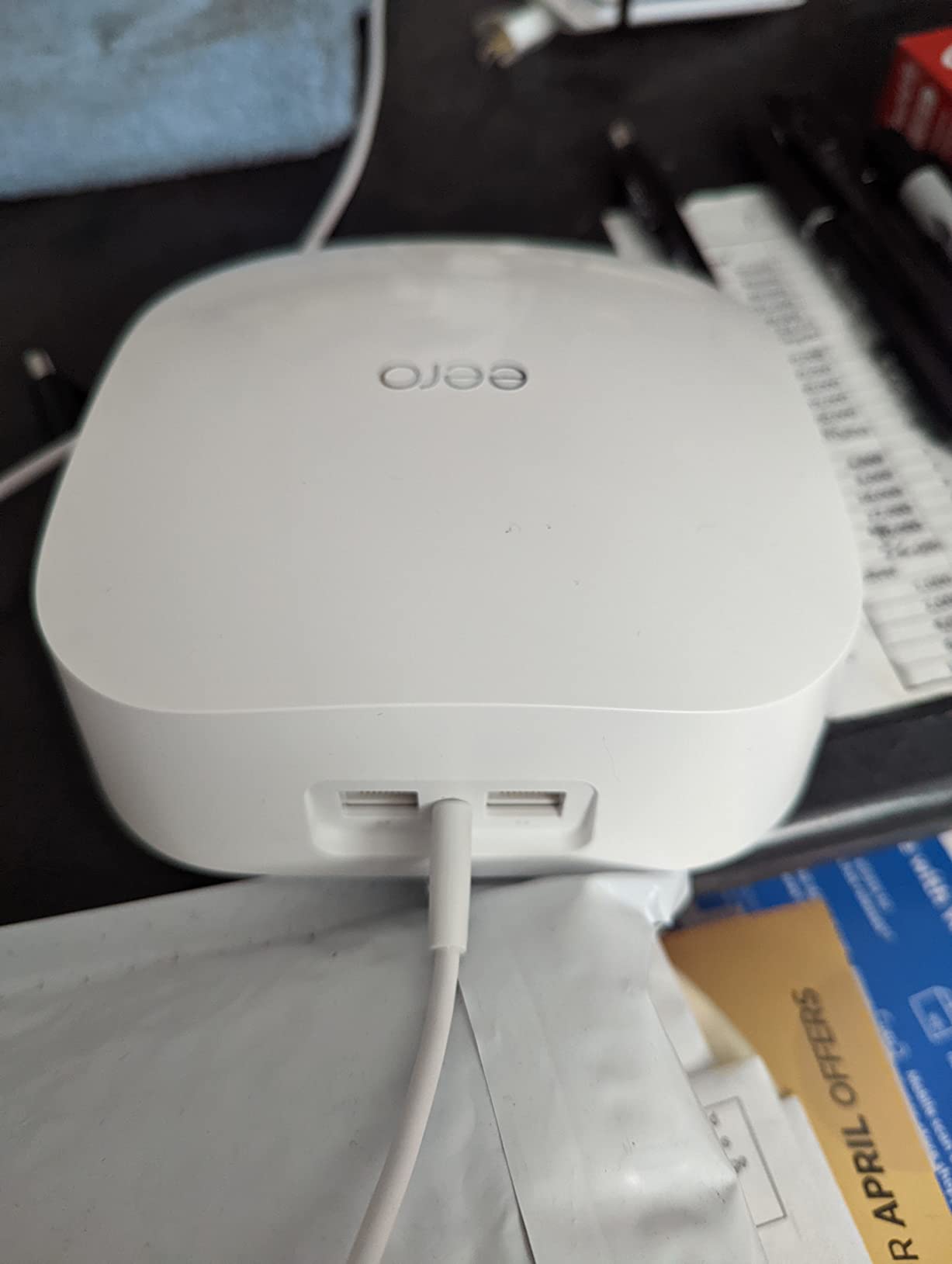
This group of owners tends to be the most technical, and the reviews read like comparisons against Orbi and Deco rather than first impressions. Several describe long-standing problems with dropped nodes on other systems disappearing after the switch, and several run big smart-home device counts without a slowdown.
Two practical limits come up. You cannot put the 2.4 GHz and 5 GHz bands on separate network names, which matters if an older device insists on one of them. And with only two ports per node, a switch makes more sense once the modem takes one.
If none of your devices support 6 GHz, the eero 7 3-pack gives you more room and more ports for similar money. Pick this one when the newest hardware in the house is 6E-capable and you want the wider band on purpose.
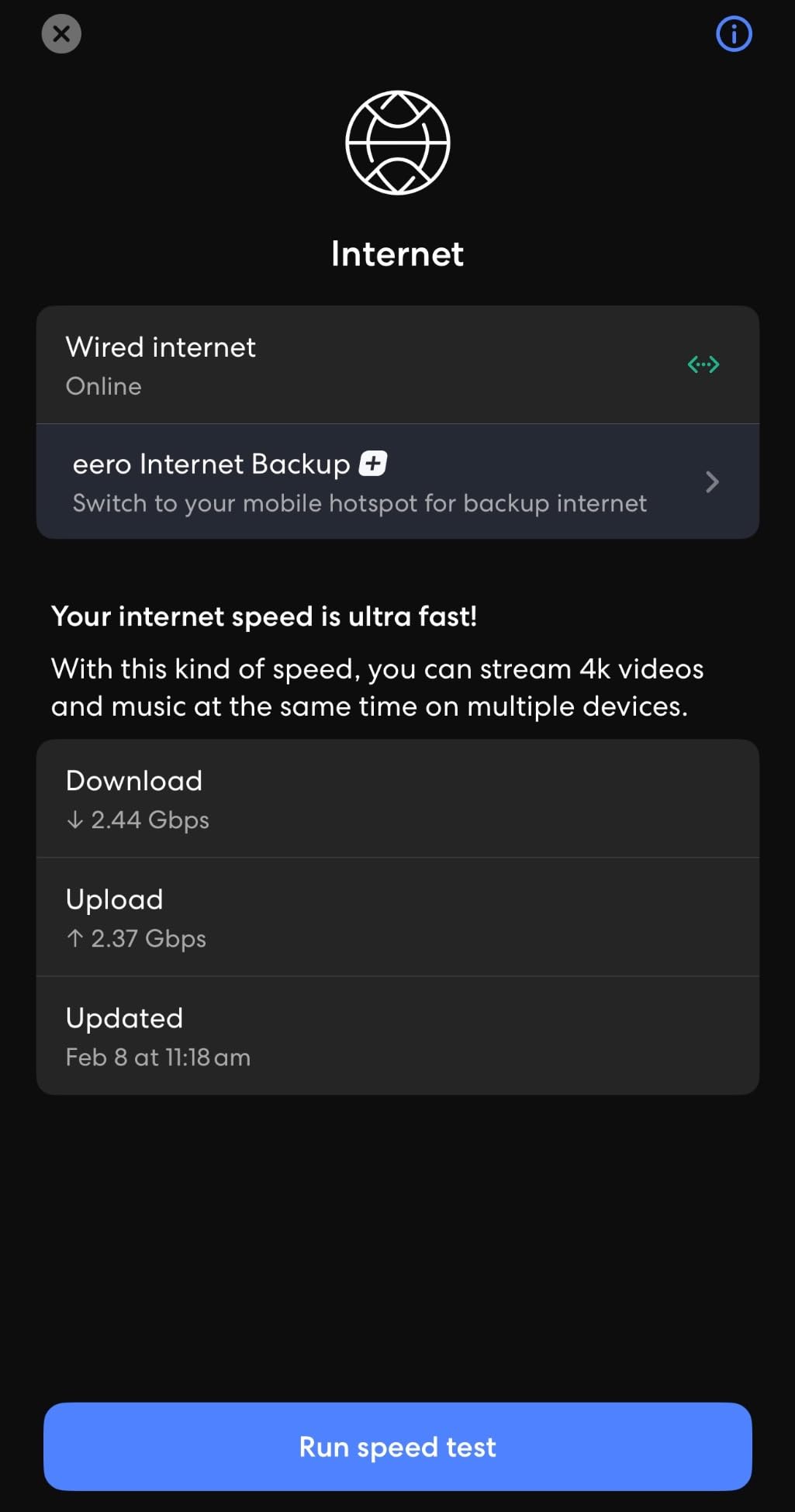
4. eero Pro 7 3-Pack: Best for Multi-Gig and Gaming
Amazon eero Pro 7 tri-band mesh Wi-Fi 7 router (newest model) – Supports internet plans up to 5 Gbps, Coverage up to 6,000 sq. ft., 3-pack
Wi-Fi: 7
Coverage: up to 6,000 sq. ft.
Speeds: up to 5 Gbps
Pros
- Tri-band with dedicated backhaul
- Two 5 GbE ports per node
- Handles 600+ connected devices
- Wireless speeds up to 3.9 Gbps
- Backwards compatible for staged upgrades
Cons
- One of the most expensive systems here
- Needs all three nodes for full mesh performance
- Management features need the paid subscription
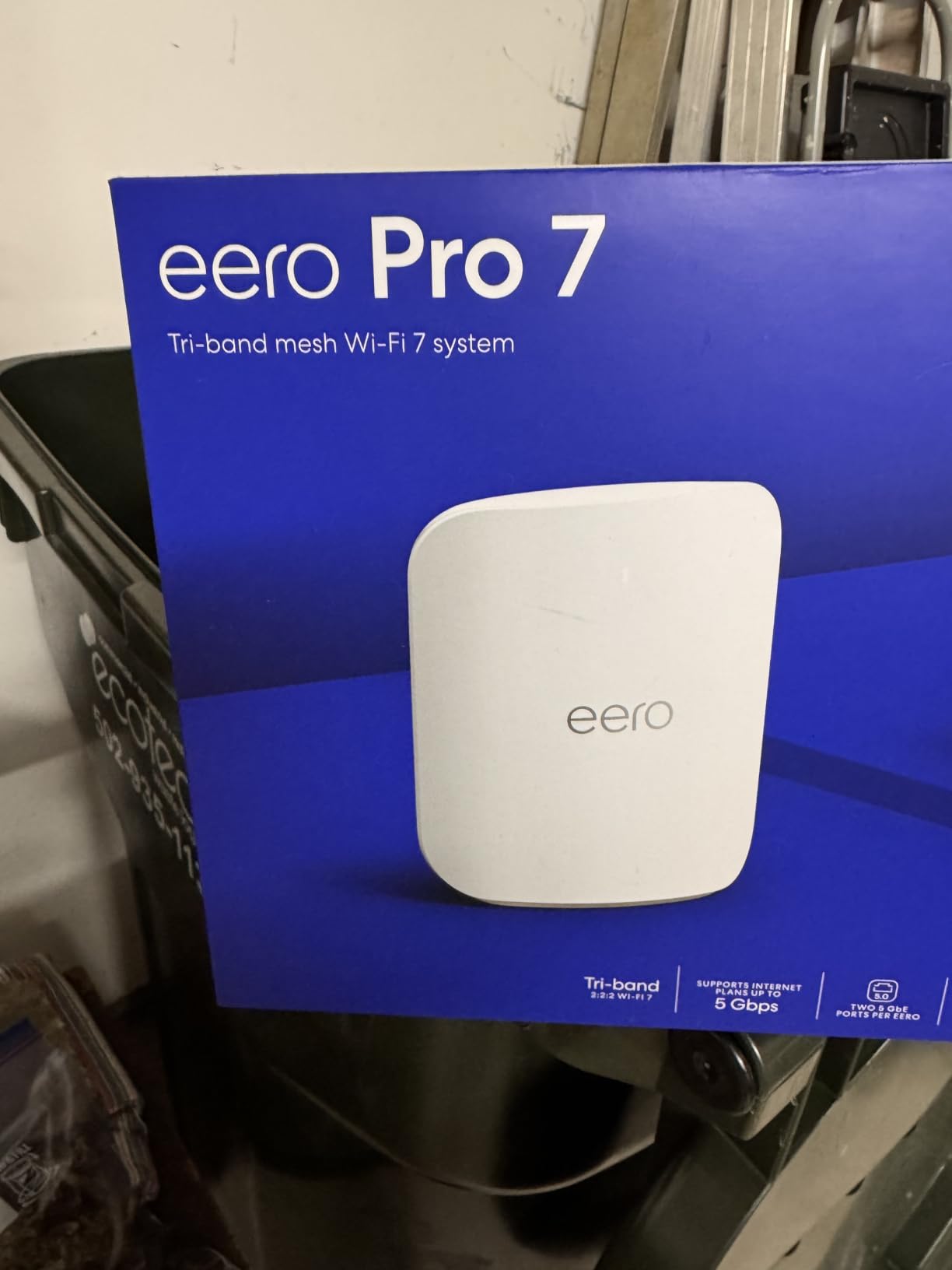
The dedicated backhaul band is what separates this from the eero 7. One band handles the client traffic and another is reserved for talking between nodes, so each floor gets its own bandwidth instead of sharing a single radio pair.
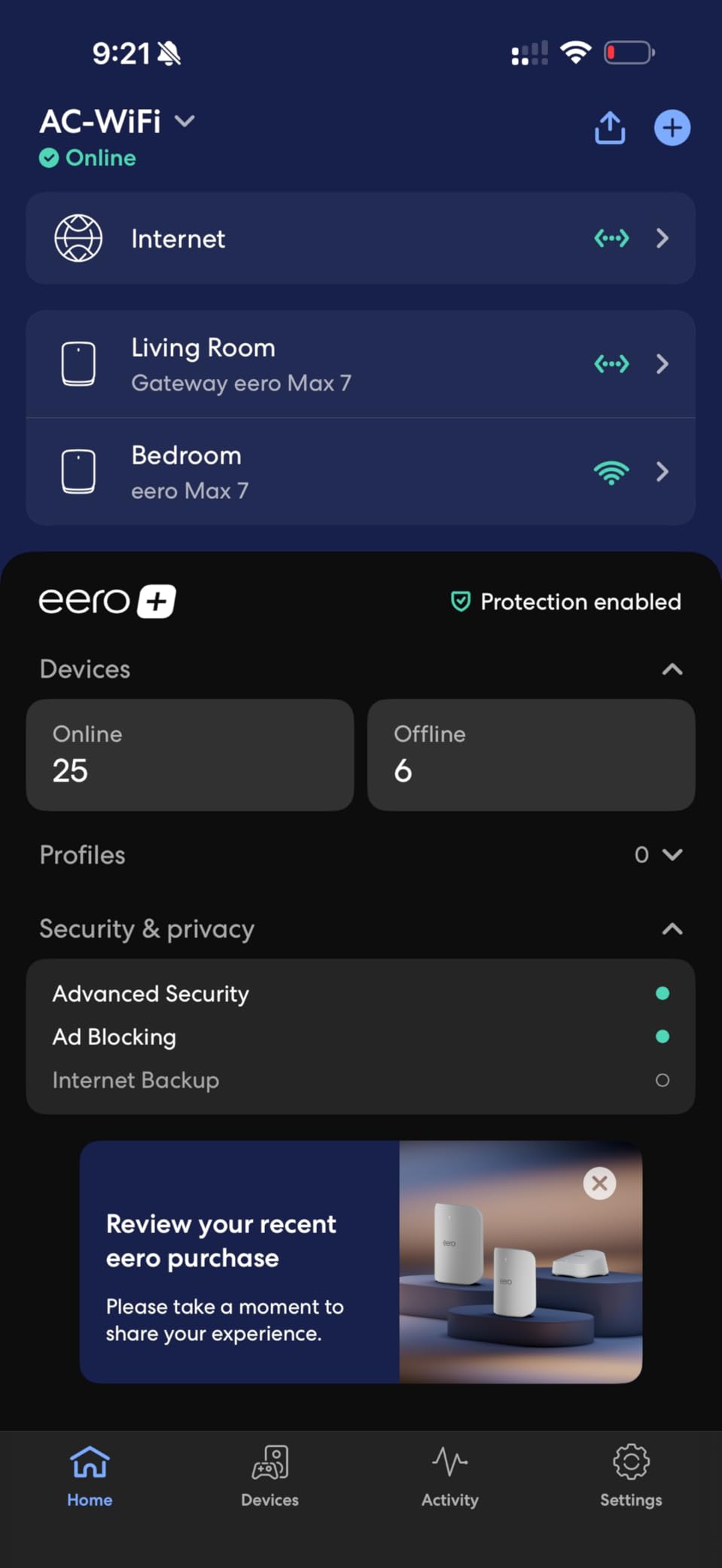
The port count is the other headline: two auto-sensing 5 GbE ports on every node, paired with support for internet plans up to 5 Gbps. Reviews from owners on multi-gig plans talk about steady throughput in the back rooms where a dual-band kit stalls, and 600+ device support covers a busy smart home without complaint.
Good to know: the mesh performance advertised here assumes the full three-pack. Buying one or two and spacing them far apart gives up much of what the tri-band design is for.
Owners upgrading from earlier eero hardware can mix generations, which makes a staged upgrade realistic. If your plan is under gigabit, this is more hardware than you can feed. The eero Pro 6E 3-pack covers the same square footage for less and suits most homes.
5. eero Max 7 3-Pack: Best for Fiber and Very Large Homes
Amazon eero Max 7 mesh wifi system (newest model) – Supports internet plans up to 10 Gbps, Coverage up to 7,500 sq. ft., Connect 750+ devices, 3-pack
Wi-Fi: 7
Coverage: up to 7,500 sq. ft.
Speeds: up to 10 Gbps
Pros
- Two 10 GbE ports on every node
- Up to 7500 sq. ft. and 750+ devices
- Thread Matter and Zigbee smart-home hub
- Multi-gigabit backhaul between nodes
- Strong reviews on fiber connections
Cons
- Highest cost in this list by a wide margin
- Manual device re-adding when moving from another brand
- Some 2.4 GHz devices struggle to reconnect
This is the only system here built for a 10 Gbps fiber connection. Two 10 Gigabit Ethernet ports per node, wired speeds up to 9.4 Gbps and multi-gigabit backhaul between nodes mean desktops, NAS boxes and consoles can all be hardwired and still talk at full speed.
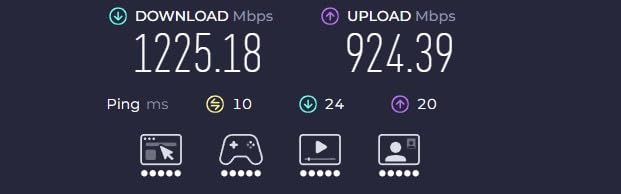
Owners on fiber report several of them exceeding their previous setup, and the smart-home hub covers Thread, Matter and Zigbee as a controller only. Coverage of 7,500 sq. ft. and 750+ devices is the largest capacity in the group.
The trade-offs are real and worth reading before buying. It costs more than anything else here by a wide margin, the average rating is the lowest of the eight at 4.2, and the one-star share is the largest. Complaints cluster around migration from a non-eero system, where devices must be re-added by hand, and around 2.4 GHz smart devices that fail to reconnect after a firmware change.
Most households should stop one tier down. The eero Pro 7 3-pack handles plans up to 5 Gbps with the same tri-band approach at a lower tier of spend.
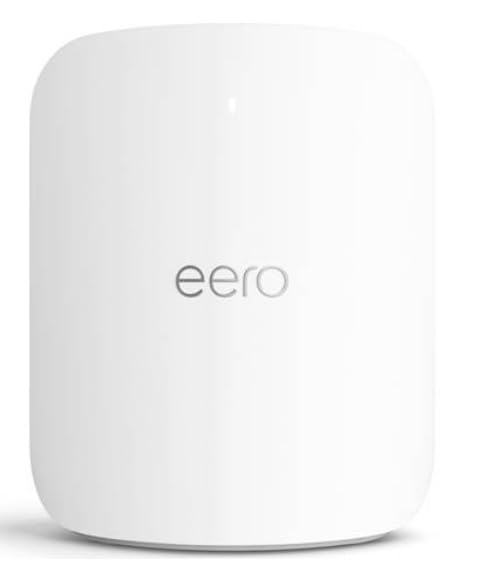
6. eero Outdoor 7: Best for Patios and Outbuildings
Amazon eero Outdoor 7 dual-band mesh wifi router (newest model), Weatherproof rating of IP66, Coverage up to 15,000 sq. ft. outdoors, 1-pack, Includes 30W PoE+ adapter
Wi-Fi: 7
Coverage: 15,000 sq. ft. outdoors
Speeds: up to 2.1 Gbps
Pros
- IP66 weatherproof rating for year-round placement
- 70-foot radius reaches yards and outbuildings
- AC or PoE+ power options
- 30W PoE+ adapter included
- Managed in the same eero app
Cons
- Needs a wired feed or PoE+ run
- Outdoor reach depends on line of sight
- Lower throughput than the indoor Pro 7 and Max 7
An indoor node mounted on the patio wall does not survive a winter, and this one is rated for it. The IP66 enclosure is tested from -40F to 131F, so rain, snow and dust are not reasons to bring it in twice a year.
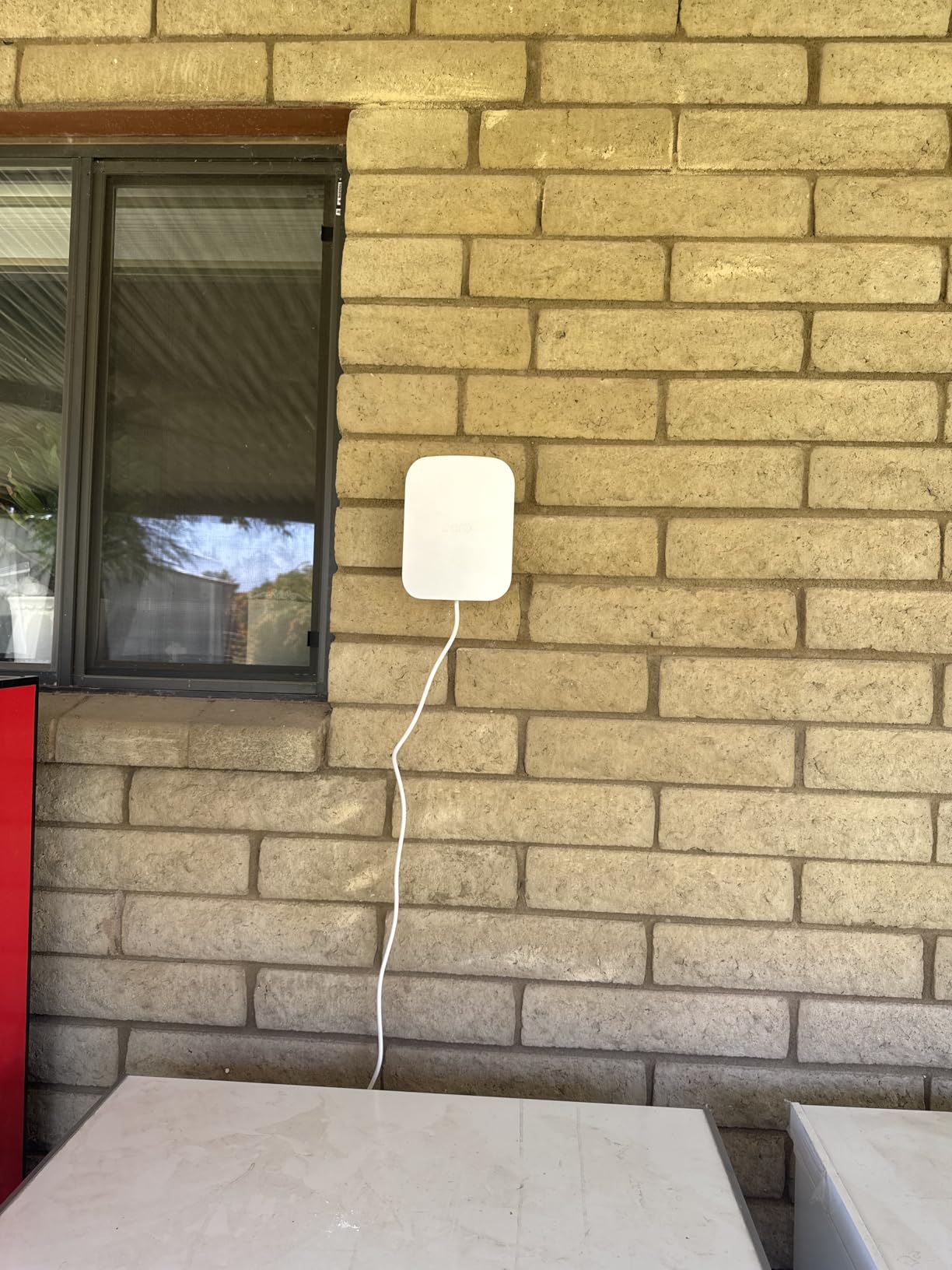
Coverage of up to 15,000 sq. ft. outdoors works out to a 70-foot radius, which is enough to reach a detached garage, a garden office or a pool area that indoor hardware leaves dark. Owners who already ran cabling or PoE+ say installation was simple and the eero app handles it like any indoor node.
Plan the run before you buy. This unit cannot pick up Wi-Fi where it sits, so it needs an Ethernet cable or a PoE+ feed from inside. The 30W PoE+ adapter is in the box, which removes one purchase but not the drilling.
Good to know: the outdoor coverage figure assumes clear line of sight, so a wall between the indoor system and the node cuts the usable radius well short. Pair it with the eero 7 3-pack or the eero 6 indoors, both of which mix with it.

7. eero Pro 6 Refurbished: Best Refurbished Value
Like-New Amazon eero Pro 6 tri-band mesh Wi-Fi 6 router with built-in Zigbee smart home hub
Wi-Fi: 6 tri-band
Coverage: up to 2,000 sq. ft.
Speeds: up to 1 Gbps
Pros
- Tri-band mesh hardware at a low entry point
- Refurbished gear widely reported to look new
- Same limited warranty as a new device
- Built-in Zigbee hub
- Easy app-based setup
Cons
- Generic packaging and occasional missing accessories
- Older client devices stay limited
- Guest network can slow the trusted network
Condition is the first thing to check on this listing, and it is stated plainly: a Like-New unit certified refurbished, carrying the same limited warranty as a new device. Owners confirm it in reviews, describing hardware that arrives looking new and running for years across multiple properties.
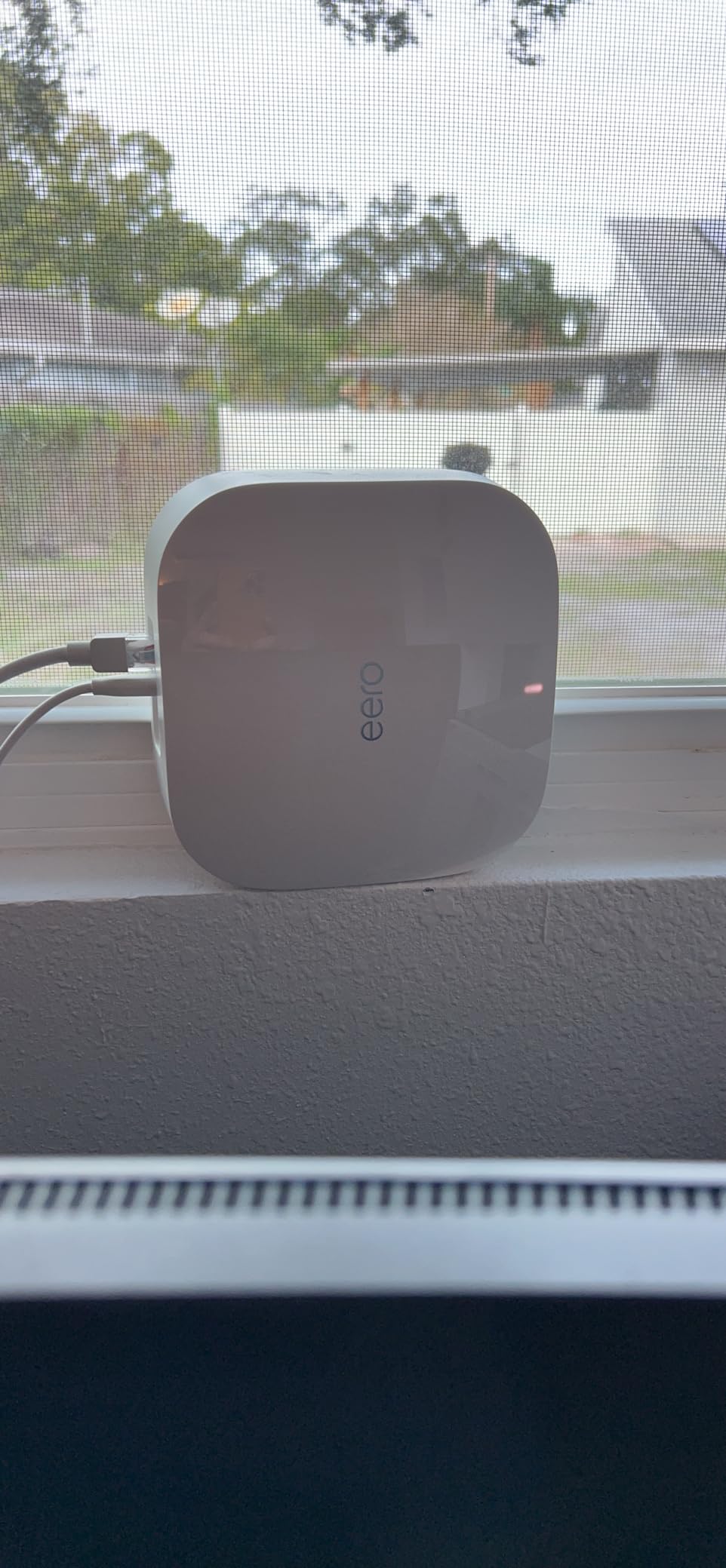
The spec sheet is the reason it is worth a second look. Tri-band Wi-Fi 6 with a built-in Zigbee hub covers up to 2,000 sq. ft. and supports 75+ devices, which is more coverage per purchase than the eero 6 single node.
Two practical warnings. One owner received a unit without a power cord, so check what is in the box before setting up. And if your phones or laptops are still on Wi-Fi 4 or Wi-Fi 5, the faster band will not help them.
Compared with the eero 1st Gen Refurbished, this one adds a third band and a larger coverage figure for a modest step up. Compared with the eero 6, it trades the much larger review pool for tri-band behaviour.
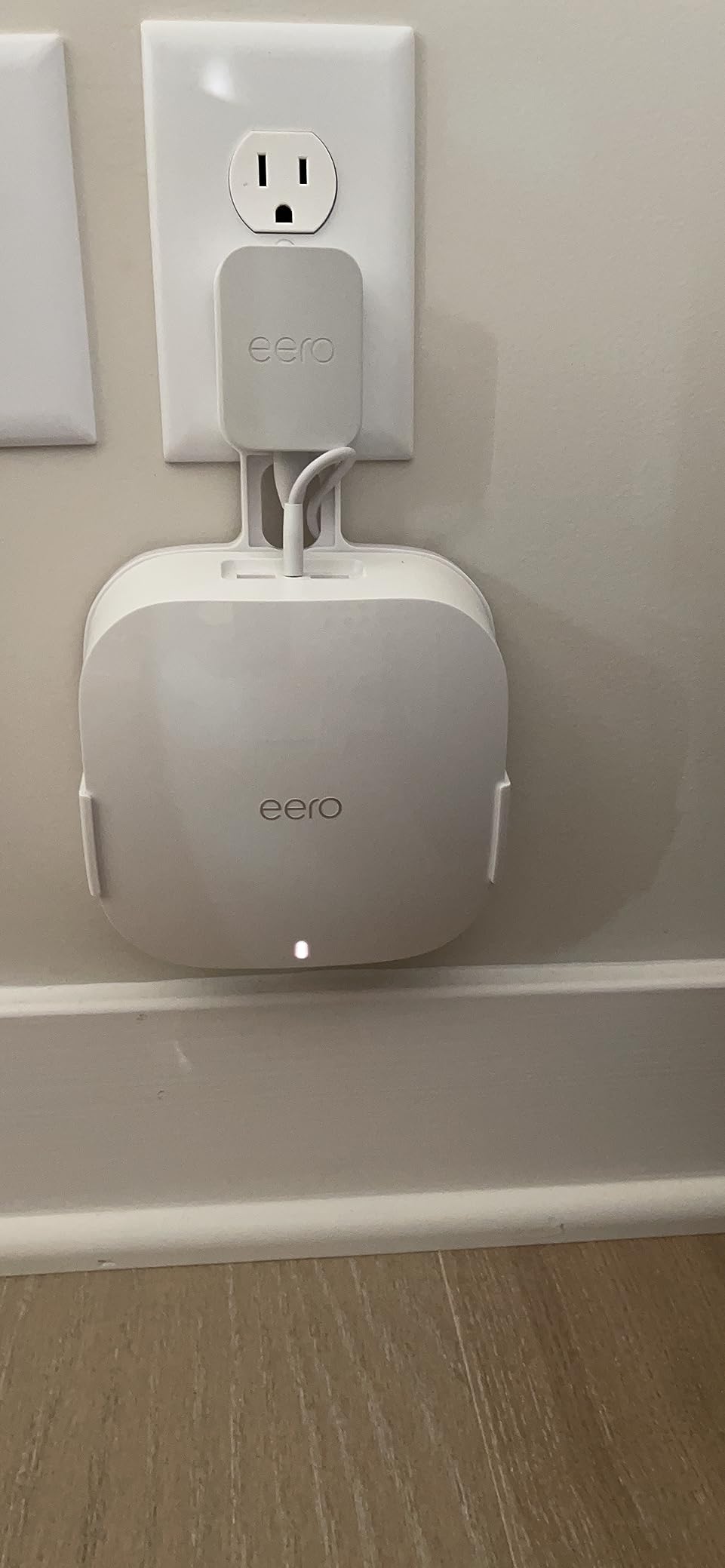
8. eero 1st Gen Refurbished: Best Budget Node to Fill a Dead Zone
Like-New Amazon eero mesh wifi router – Supports internet plans up to 550 Mbps, Coverage up to 1,500 sq. ft., 1-pack
Wi-Fi: 5
Coverage: up to 1,500 sq. ft.
Speeds: up to 550 Mbps
Pros
- Lowest cost per node in the group
- Refurbished gear reported to look brand new
- Two Ethernet ports on each node
- Setup usually finishes in about ten minutes
- Expands an existing eero mesh
Cons
- Wi-Fi 5 hardware caps throughput
- Needs an existing modem or router to join
- Some users reset DHCP settings by hand
Owners buy this one for a specific job: the back bedroom, the basement or the garage corner that the main system misses. It is the cheapest node in the list, it is certified refurbished with the same limited warranty as new, and long-term owners describe units lasting five years or more.
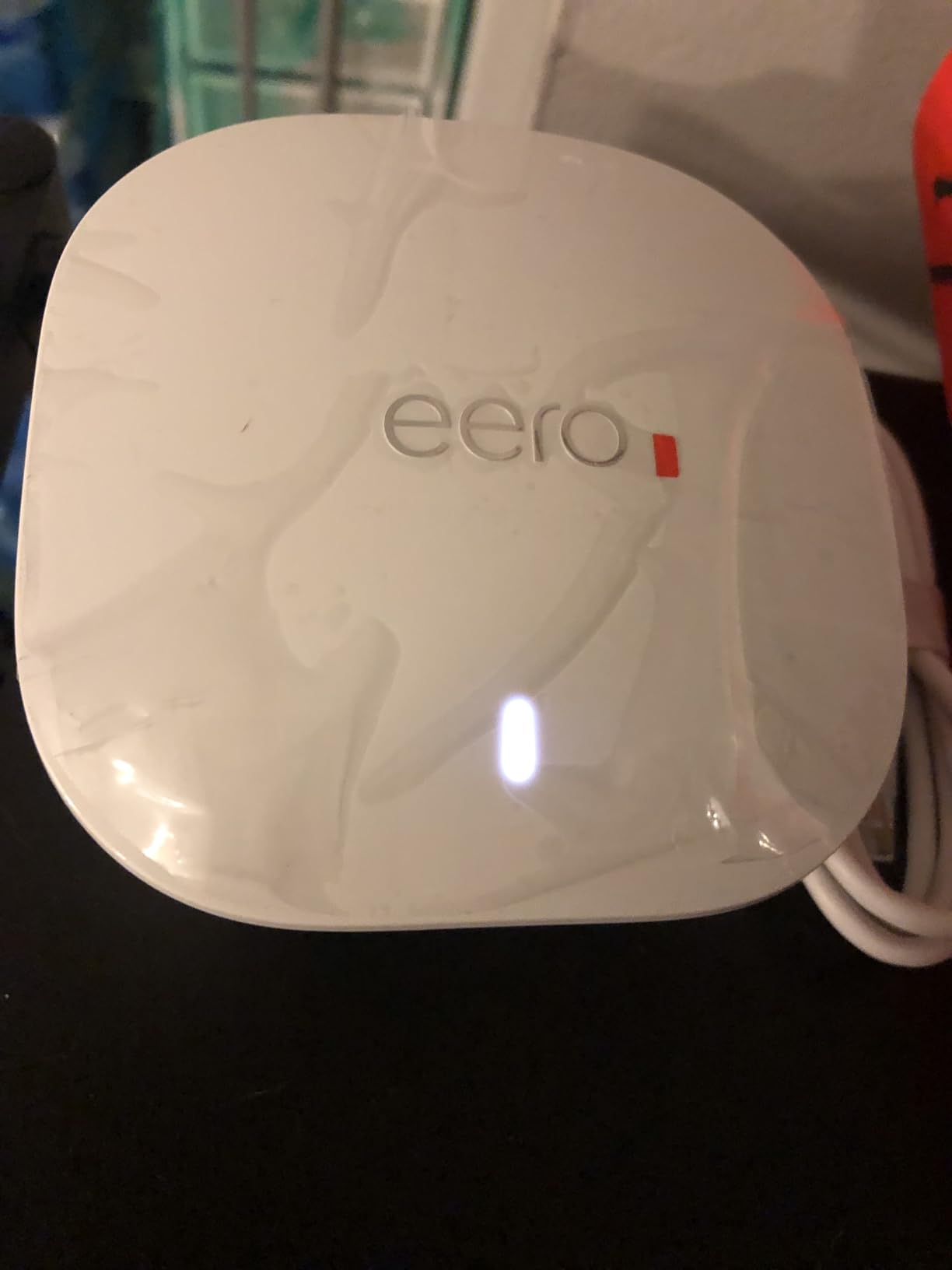
TrueMesh routing moves devices between nodes without you thinking about it, and because eero hardware is cross-compatible it joins an existing mesh without replacing anything. Setup is usually five to ten minutes in the app once the software finishes updating.
Understand what it is before you buy. This is first-generation Wi-Fi 5 hardware that handles internet plans up to 550 Mbps, so it is an addition to a network rather than the core of a new one. Several first-time buyers were tripped up by the fact that it needs an existing modem or router in place first, and some had to reset the DHCP setting manually before it picked up a connection.
For a whole-home rebuild on gigabit, start higher with the eero 7 3-Pack. As a single add-on node, nothing else here does the job for less.
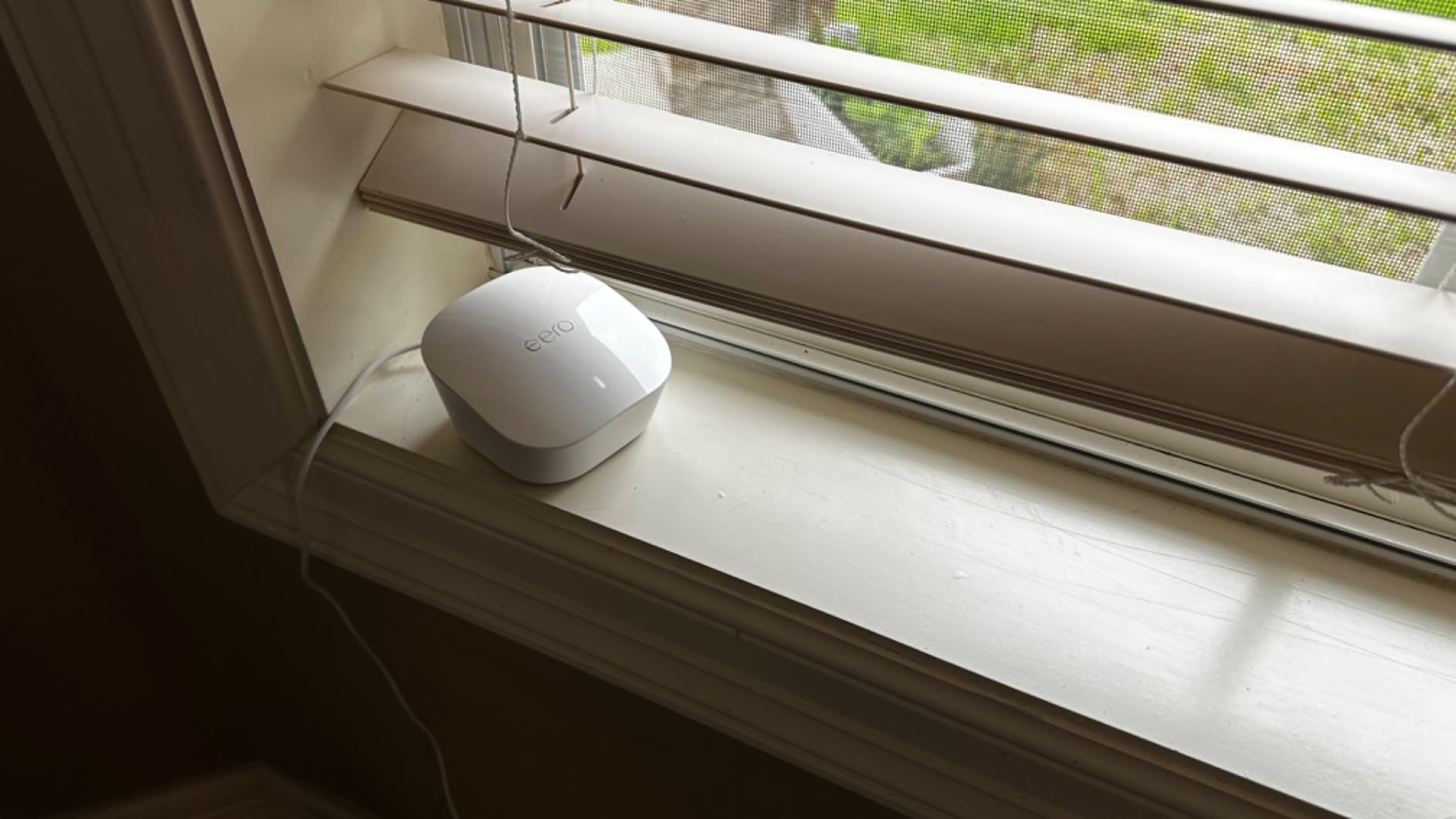
How to Choose Mesh Wi-Fi Systems During Prime Big Deal Days
Home Size and Coverage
Match the square footage to the rooms, not the house listing. One node covering up to 1,500 sq. ft. handles a small house or apartment, and a three-pack covering up to 6,000 sq. ft. covers most large homes. The eero 6 and the refurbished first-gen eero sit at the small end; the three-packs sit at the top.
Wi-Fi Speed and Standard
Match the standard to your internet plan, not to the fastest phone in the house. Wi-Fi 6 with plans up to 900 Mbps suits most gigabit-lite connections, Wi-Fi 6E adds the 6 GHz band for newer devices, and Wi-Fi 7 is worth it once your plan reaches 2.5 Gbps or more. Buying Wi-Fi 7 on a 300 Mbps line is spending on headroom you cannot use.
Ethernet and Network Flexibility
Count the ports before you buy. Every node here uses one port for the modem, and the eero 6 leaves you with a single spare. Two 2.5 GbE ports per node on the eero 7 covers most homes, the Pro 7 adds 5 GbE, and the Max 7 gives 10 GbE for NAS and desktop wiring. Running Ethernet between nodes also gives you the most stable mesh performance.
Smart-Home Features and Subscription Options
Basic networking, parental controls at a basic level and automatic updates work without paying anything. Advanced security, ad blocking, device activity logs, a VPN and a password manager sit behind the optional eero Plus subscription on the current models. Decide before you buy whether you want those tools on a recurring bill, because the renewal is what tends to annoy owners later.
Setup, Updates, and Ownership Considerations
Every model here is set up and managed from a phone app, with automatic updates and remote management, and most carry a three-year warranty on the newer hardware. Check whether the listing is new or Like-New refurbished, since both refurbished models here carry the same limited warranty as new. Expect no browser-based setup and, on the eero 6, a spare port count that pushes you toward a switch.
How to Shop Mesh Wi-Fi Systems During the Sale
Check the generation first, because the model names are close together and eero 6, Pro 6, 6E, 7, Pro 7, Max 7 and Outdoor 7 are not steps on one ladder. Read the pack size in the title, since a one-pack and a three-pack of the same model are entirely different purchases. Look at the condition wording on the two refurbished listings, confirm what ships in the box on a Like-New unit, and note who sells and who ships it. Most offers in this event need a Prime membership and change through the two days, so re-check the listing before you decide.
- Match coverage to the area that actually has weak signal, not the total square footage.
- Buy the Wi-Fi generation your internet plan can feed.
- Count Ethernet ports for the modem plus everything you want wired.
- Decide on the paid subscription before checkout, not after.
- Verify new versus Like-New condition and what is in the box.
- Re-check the listing on the day you buy, since offers shift during the event.
Frequently Asked Questions
What should I look for in Amazon Prime Big Deal Days eero Deals?
Look at four numbers on any listing: coverage area, supported internet speed, Ethernet ports and Wi-Fi generation. Then check the condition wording, because new and Like-New refurbished units are mixed in during the sale. Compare those against your internet plan and the rooms with weak signal, and re-check the listing on the day you buy because offers shift through the event.
When does Prime Big Deal Days 2026 run, and is Prime membership required?
Prime Big Deal Days runs October 6-7, 2026. Most offers in the event need a Prime membership, and a free trial counts. Prices and availability change through the two days, so the current price on the listing is the only reliable figure at the moment you check.
Can I mix different generations of eero mesh nodes?
Yes. Every model in this list is described as backward compatible with earlier eero generations, so a newer Wi-Fi 7 node can join an older mesh you already own. Nodes are interchangeable, which makes a staged upgrade realistic: add the newest model where the signal is worst first, then fill in later.
Is one eero system enough for a large house?
One node usually is not. A single unit covers up to 1,500 sq. ft., which suits a small home or apartment. Above roughly 1,500 sq. ft. with dead zones, a three-pack covering up to 6,000 sq. ft. is the usual answer, and running Ethernet between nodes gives the most stable result.
Does an eero system require a subscription to use the basic networking features?
No. Mesh coverage, the app, automatic updates and standard parental controls work without paying anything. The optional eero Plus subscription adds advanced security, ad blocking, device activity logs, a VPN and a password manager, and it renews on a recurring basis once you start it.
Final Verdict: Best Amazon Prime Big Deal Days eero Deals
Buy the eero 6 if you want the least fuss and you are on a plan under gigabit. Buy the eero 7 3-Pack as the budget-friendly alternative that most homes should pick, since it covers up to 6,000 sq. ft. and adds Wi-Fi 7 plus 2.5 GbE ports.
The eero Pro 6E 3-pack fits homes with 6 GHz devices, the eero Pro 7 3-pack fits multi-gig plans and gaming setups that need a dedicated backhaul band, and the eero Max 7 3-pack is the one to watch on fiber and in very large homes. The eero Outdoor 7 covers patios and outbuildings once you can run a cable, the eero Pro 6 Refurbished is the tri-band value choice, and the eero 1st Gen Refurbished is the cheapest way to kill a single dead zone. Check the current price on each listing before you commit, since the sale runs October 6-7, 2026.