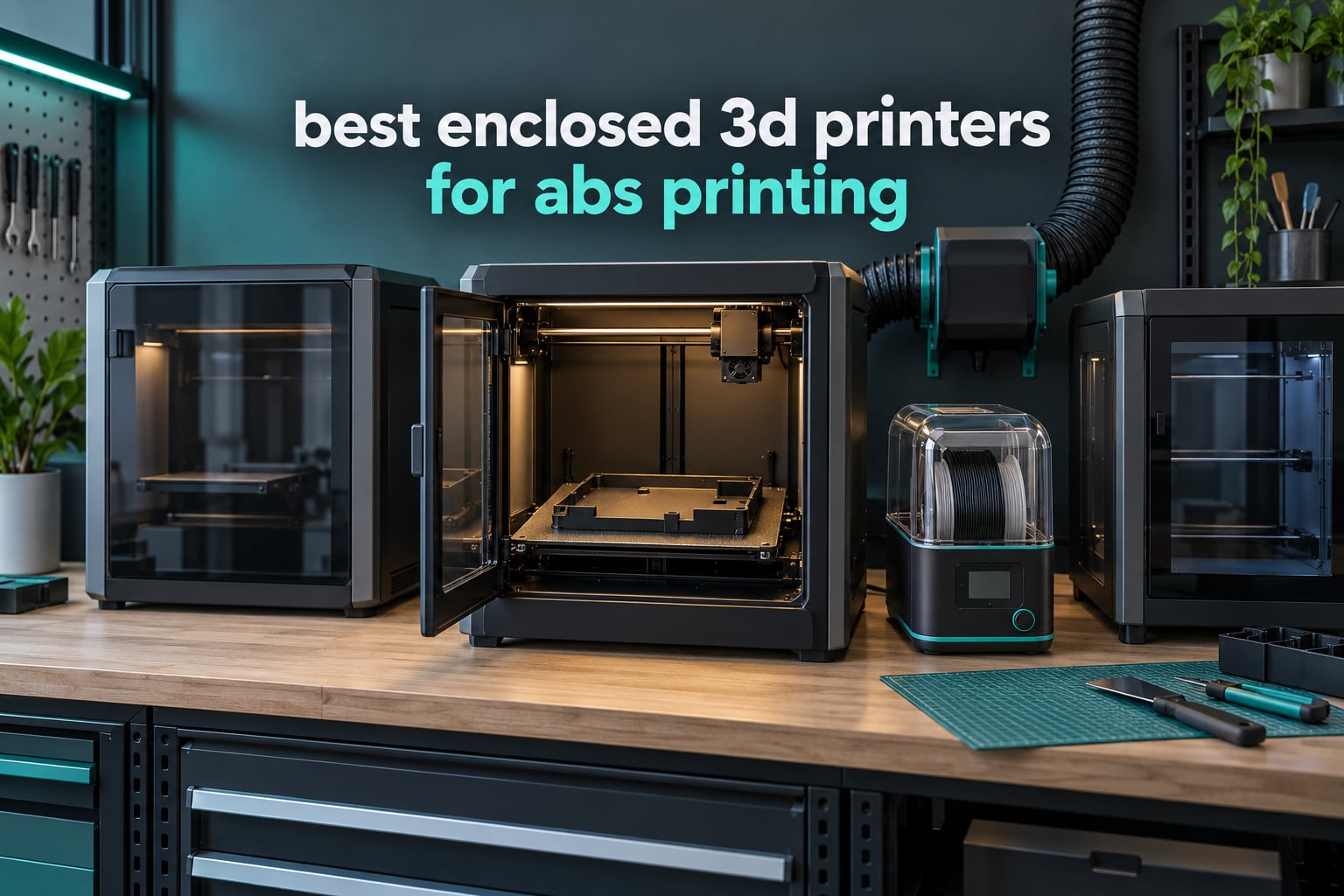
ABS is the material most people buy an enclosure for. Extruded at roughly 240 to 260C and dropped onto a bed sitting in a 22C room, it cools unevenly, the lower layers contract, and the part curls off the plate or splits between layers. A sealed chamber traps waste heat around the print so the plastic cools at the same rate from top to bottom, and that single change fixes most ABS failures.
The best enclosed 3D printers for ABS printing all share four things: a fully sealed chamber rather than optional side panels, an all-metal hotend that holds 260C and above, a heated bed that reaches 100C or more, and some way to move air out. What separates them is chamber temperature control. Six of the ten machines here hold a heated chamber at 50C to 65C on purpose, which is the single biggest predictor of warp-free parts.
Quick answer: the FLASHFORGE Creator 5 Pro is the best enclosed 3D printer for ABS printing overall because its chamber is actively heated to 65C with a 120C bed. The Creality K1C is the best value pick, with the largest owner review base of any machine in this group. The ELEGOO Centauri Carbon 2 Combo is the most affordable route into a fully sealed machine.
We spent several weeks putting ten machines side by side on spec sheets, owner reviews and the practical questions nobody answers on a listing page. This guide covers 2026 models only, and every printer here has a real enclosure rather than a bolt-on tent.
If you also print nylon or polycarbonate, our picks on enclosed 3D printers for polycarbonate and nylon go deeper on the higher-temperature end of the market.
Table of Contents
Top 3 Picks for Best Enclosed 3D Printers for ABS Printing in October

FLASHFORGE Creator 5 Pro
- 65C active chamber heating
- 120C heated bed
- 4 independent toolheads
- HEPA 13 and carbon filtration

Creality K1C
- Fully enclosed CoreXY chamber
- Direct drive tri-metal nozzle
- 600 mm/s
- Activated carbon filtration

ELEGOO Centauri Carbon 2 Combo
- Fully enclosed 256mm cube
- 320C nozzle
- CANVAS 4-color system
- 500 mm/s CoreXY
- Textured build plate
All 10 Enclosed Printers at a Glance in 2026
| Product | Specifications | Action |
|---|---|---|
| FLASHFORGE Creator 5 Pro |
|
Check Latest Price |
| Creality K1C |
|
Check Latest Price |
| ELEGOO Centauri Carbon 2 Combo |
|
Check Latest Price |
 Bambu Lab P1S Bambu Lab P1S |
|
Check Latest Price |
 Bambu Lab P2S Combo Bambu Lab P2S Combo |
|
Check Latest Price |
 QIDI PLUS4 QIDI PLUS4 |
|
Check Latest Price |
 Creality K2 Plus Combo Creality K2 Plus Combo |
|
Check Latest Price |
 QIDI Q2 QIDI Q2 |
|
Check Latest Price |
 QIDI Max4 Combo QIDI Max4 Combo |
|
Check Latest Price |
 Creality K2 Combo Creality K2 Combo |
|
Check Latest Price |
Why ABS Warps and What an Enclosed Chamber Fixes
ABS leaves the nozzle as a 240 to 260C melt. In an open room, the layer touching the bed has already dropped toward ambient while the layer above it is still hot, and the cold part contracts while the hot part does not. That difference in shrinkage is what lifts corners and opens layer splits, and it gets worse as the part grows taller or the room gets colder.
A sealed chamber blocks that draught. The hotend exhaust raises the air inside, and the walls stop it escaping, so the whole part sits in a stable warm environment. The practical target most experienced users work to is a chamber between 40C and 60C. Below 35C you are barely doing better than an open frame; above 60C some users find ABS becomes too soft to hold a crisp top surface.
1. FLASHFORGE Creator 5 Pro: Best Overall for ABS
FLASHFORGE Creator 5 Pro Multi-Color 3D Printer,4-Toolheads,Fully Enclosed
Active chamber heating to 65C
Heated bed to 120C
4 independent toolheads
600 mm/s CoreXY
39.6 lb
Pros
- Actively heated 65C chamber is among the strongest warp control here
- 120C bed gives strong first-layer adhesion on ABS
- Four toolheads print true multi-color and multi-material in one pass
- HEPA 13 plus activated carbon filtration
- Quiet operation rated at 55 dB or less
Cons
- Four toolheads add moving parts that need more maintenance
- Color transitions sometimes need tool offset tuning
- Bulky footprint at 20 inches and 39.6 lb
This is the machine we would put in front of anyone whose main job is ABS. The chamber has its own heater and holds 65C, which is above the 40 to 60C band most people aim for, and the bed goes to 120C. On paper that combination removes most of the two reasons ABS fails: cold-chamber contraction and the first layer letting go when the bed is only at 100C.
The rest of the specification sheet is built for volume. The CoreXY frame travels at 600 mm/s with 30,000 mm/s2 acceleration, and calibration plus dynamic flow compensation run automatically at the start of a job. For a shop that prints brackets, housings and jigs all week, that throughput matters more than the multi-colour headline.
The four independent toolheads are the feature owners react to most, and for ABS specifically the practical benefit is zero purge waste. Each material keeps its own nozzle, so switching from black ABS to grey ASA does not mean flushing the hotend and losing a metre of filament to waste. If you print prototypes in one material and finished display parts in another, that adds up.
Filtration here is real rather than decorative. The HEPA 13 and carbon combination is the right pairing for styrene-based output, and it means the machine is a more reasonable neighbour in a home office than a bare enclosed box would be.
How the heated chamber holds up in daily ABS work
An actively heated chamber is about stability, not just peak temperature. Holding a target means the air temperature around the part stays stable from the first layer to the last, so a 20 hour print behaves like the 20 minute test you did on the same file. Flat panels, long enclosures and snap-fit parts are where you feel the difference most.
Owners also single out the automatic calibration. On a machine that will sit at 120C, a manual bed level drifts as the aluminium expands, so automatic leveling and per-toolhead offset calibration are doing real work here rather than being a convenience feature.
Where four toolheads add friction
Four toolheads means four heaters, four sensors, four nozzles and a purge path to maintain. Owners report needing occasional adjustment to get seamless colour transitions, and the first multi-material job takes longer to set up than a single-extruder equivalent.
It is also a 20-inch-class machine weighing 39.6 lb, so it wants a dedicated table rather than a desk. If you print a single material in a single size, the extra toolheads are hardware you will not use.
Not for you if: you print small parts in a single material and want the smallest footprint on the desk.
2. Creality K1C: Best Value Pick With Deep Owner Feedback
Creality K1C 3D Printer, 600mm/s with AI Camera and Auto Leveling
Fully enclosed CoreXY chamber
Direct drive tri-metal nozzle
600 mm/s with 20000 mm/s2
One-tap auto leveling
35.2 lb
Pros
- The largest owner review base of any machine in this roundup
- Direct drive tri-metal nozzle resists clogging with abrasive filaments
- One-tap auto leveling removes the hardest first layer step
- AI camera catches failures mid-print
- Activated carbon filter reduces enclosure odour
Cons
- Passive chamber means weaker warping control than heated machines
- No multi-material capability without an external CFS unit
- Modest build volume for the class
With over 2,700 owner reviews, the K1C has the longest real-world ABS track record of anything in this roundup, and that consistency is the reason it earns a place near the top. It is a fully enclosed CoreXY with a direct drive extruder and a tri-metal nozzle, which is the combination that survives filled and abrasive filament better than a bowden or a PTFE-lined hotend.
The one-tap auto leveling is genuinely useful here. ABS wants a bed at 100C or above, and bed geometry changes as the plate heats, so a machine that re-levels on demand gets a more reliable first layer than one that relies on a level you set once.
The AI camera is worth more on ABS than on PLA. An ABS print is long and often expensive in material and time, so catching a nozzle clog or a failed first layer in the first two minutes instead of hour four is a real saving.
Speed is the other argument. 600 mm/s with 20,000 mm/s2 acceleration, and Creality balances the print head fans dynamically to suppress ringing, which is the usual trade-off when you push a machine that hard.
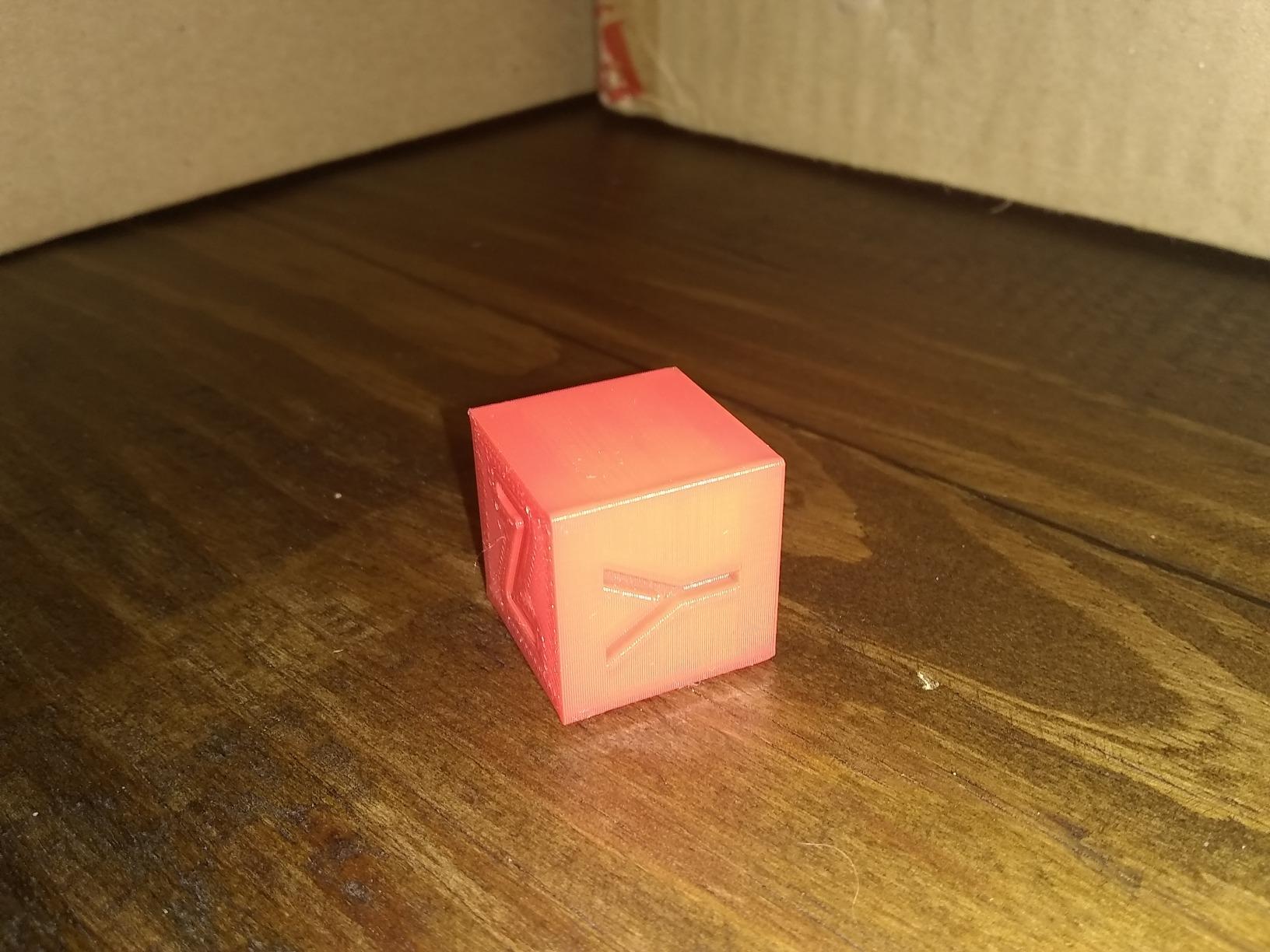
Passive chamber versus heated chamber on ABS
This is the honest limitation. The K1C chamber is sealed but not actively heated, so the air inside settles somewhere in the mid-30s during a long print. That is enough for small and medium parts, and it is a marked improvement over open frame, but high-shrinkage ABS on large flat panels can still lift a corner.
If your work is mostly boxes, brackets and housings under about 150mm, a passive chamber handles it once you tune bed temperature, brim and part cooling. If you routinely print large flat panels or tall thin walls, a machine with an active chamber removes a whole category of tuning work.
Creality software and firmware reality
Users regularly note that Creality OS is less refined than Bambu Studio or OrcaSlicer, and firmware updates occasionally reset settings. For experienced slicer users this is a non-issue. For beginners who want everything in one app, it is a fair reason to look at the Bambu machines instead.
The silencer mode drops the machine to 45 dB or less, which matters if the printer lives in a room you work from.
Not for you if: you print large flat ABS panels and want them first time without tuning.
3. ELEGOO Centauri Carbon 2 Combo: Best Budget Route Into Enclosed ABS
ELEGOO Centauri Carbon 2 Combo 3D Printer, Multicolor Printing
Fully enclosed 256mm cube
320C high-temperature nozzle
500 mm/s CoreXY
CANVAS 4-colour system
42.6 lb
Pros
- Fully enclosed body makes ABS and ASA practical at the entry tier
- 320C nozzle headroom above what ABS needs
- Quick setup with prints running within an hour of unboxing
- Consistent first layers on the supplied textured plate
- Intuitive slicing software
Cons
- Notable vibration and loud fans without a mat
- Wi-Fi connection is inconsistent and the app shows offline
- Low resolution camera and weak time-lapse
- Filament cutter occupies part of the build plate
The route onto this list with a genuinely sealed chamber, this is the pick if cost is the deciding factor. Everything else is respectable: a 320C nozzle, a rigid aluminium CoreXY frame running to 500 mm/s and 20,000 mm/s2, and full automatic calibration.
Owners report the machine printing within an hour of unboxing, which tells you how little setup ABS actually needs once the chamber is sealed. The textured plate supplied with the machine grips well, and first layers on decent ABS are reliable without glue.
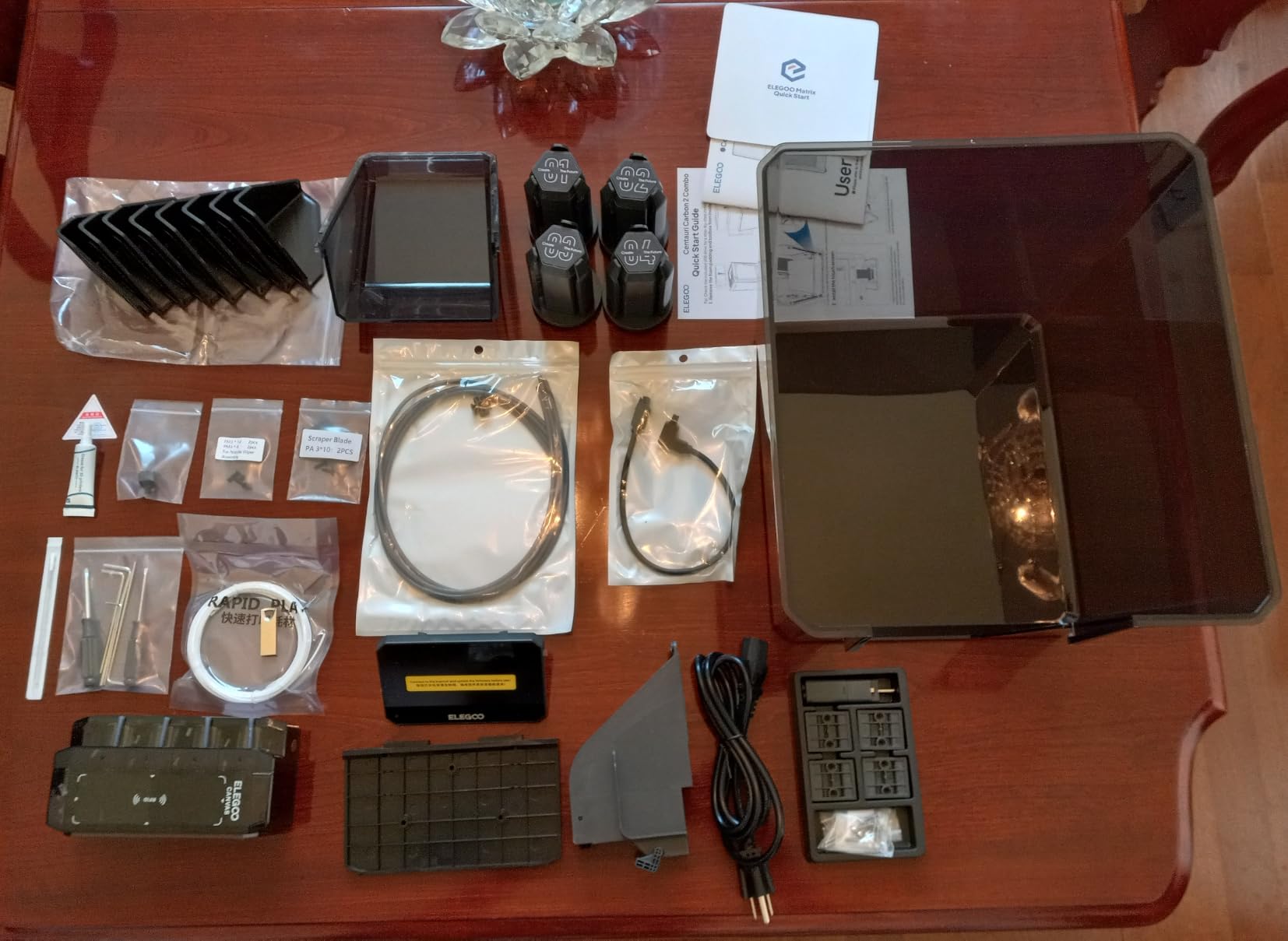
The CANVAS four-colour system uses instant switching with auto refill and tangle detection. Useful for assembly prototypes where you want a part in two materials in one go, and it does not interfere with single-material ABS work at all.
There is a 17 percent one-star share in the reviews, and reading those it is mostly connectivity and purge-glob complaints rather than print quality. The chamber is doing its job on ABS.
First-layer adhesion on the textured plate
ABS adhesion is mostly a function of bed temperature and surface energy. A textured PEI-style plate has more grip than smooth PEI because it gives the molten plastic somewhere to key into, which is why this machine works without an adhesion coat on most filament.
The recurring failure mode in the reviews is not the plate, it is cheap filament. Some owners report needing build plate glue with lower-quality ABS brands, which usually means the plastic is carrying moisture or the first layer is too thin for the plate’s texture.
Noise, connectivity and camera caveats
Vibration and fan noise are the most repeated complaints, and the standard fix owners use is a rubber mat plus closed doors, which is sensible on any enclosed printer. Wi-Fi dropping and the app showing the machine offline is the second most common, and it is the reason the rating sits at 4.0 rather than higher.
Also worth knowing: the filament cutter sits on the build plate, so to use the full 256mm in one direction you remove it. The low resolution camera means time-lapse is not much use for spotting failures.
Not for you if: you need a quiet machine in a shared room, or you rely on the app for remote monitoring.
4. Bambu Lab P1S: Best Value With the Strongest Community Following
Bambu Lab P1S 3D Printer, Ready-to-Use FDM 3D Printer
Fully enclosed body
All-metal 300C hotend
500 mm/s with 20000 mm/s2
Automatic bed leveling
38.9 lb
Pros
- Fully enclosed body with a 300C all-metal hotend takes ABS without drama
- Excellent double-sided adhesion on the supplied PEI plate
- Build quality feels far above the tier
- Printer runs reliably with no manual tuning
- Camera and remote monitoring from phone or computer
Cons
- The supplied 300C hotend clogs with silk and translucent filaments
- Carbon and glass fibre reinforced filament not recommended on that hotend
- No built-in touchscreen so control depends on the app
- Multi-colour needs a separate AMS
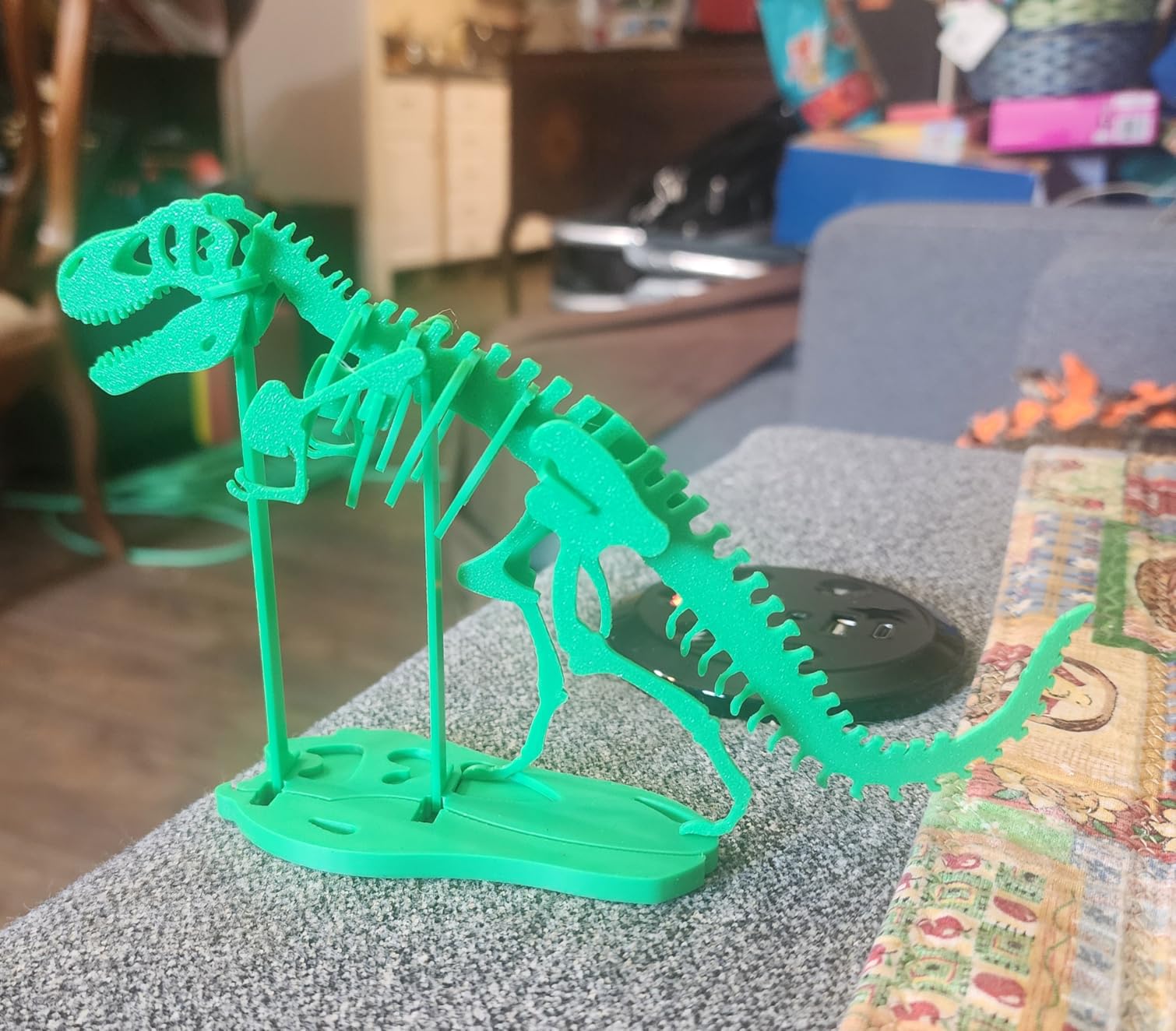
Across the community forums, the most common recommendation for a first enclosed printer for ABS and ASA is a Bambu Lab, and the P1S is the reason. It is a sealed chamber with a 300C all-metal hotend, automatic leveling and a PEI plate that grips on both sides. For most home and hobby ABS work that is enough, and it does it without the tuning cycle that open-frame machines force on you.
There is an 81 percent five-star share in the owner reviews, and the specific praise is about ABS not being a problem. The enclosed body holds enough heat that standard ABS settings work, and the double-sided PEI plate means large flat parts come off without flexing them to break adhesion.
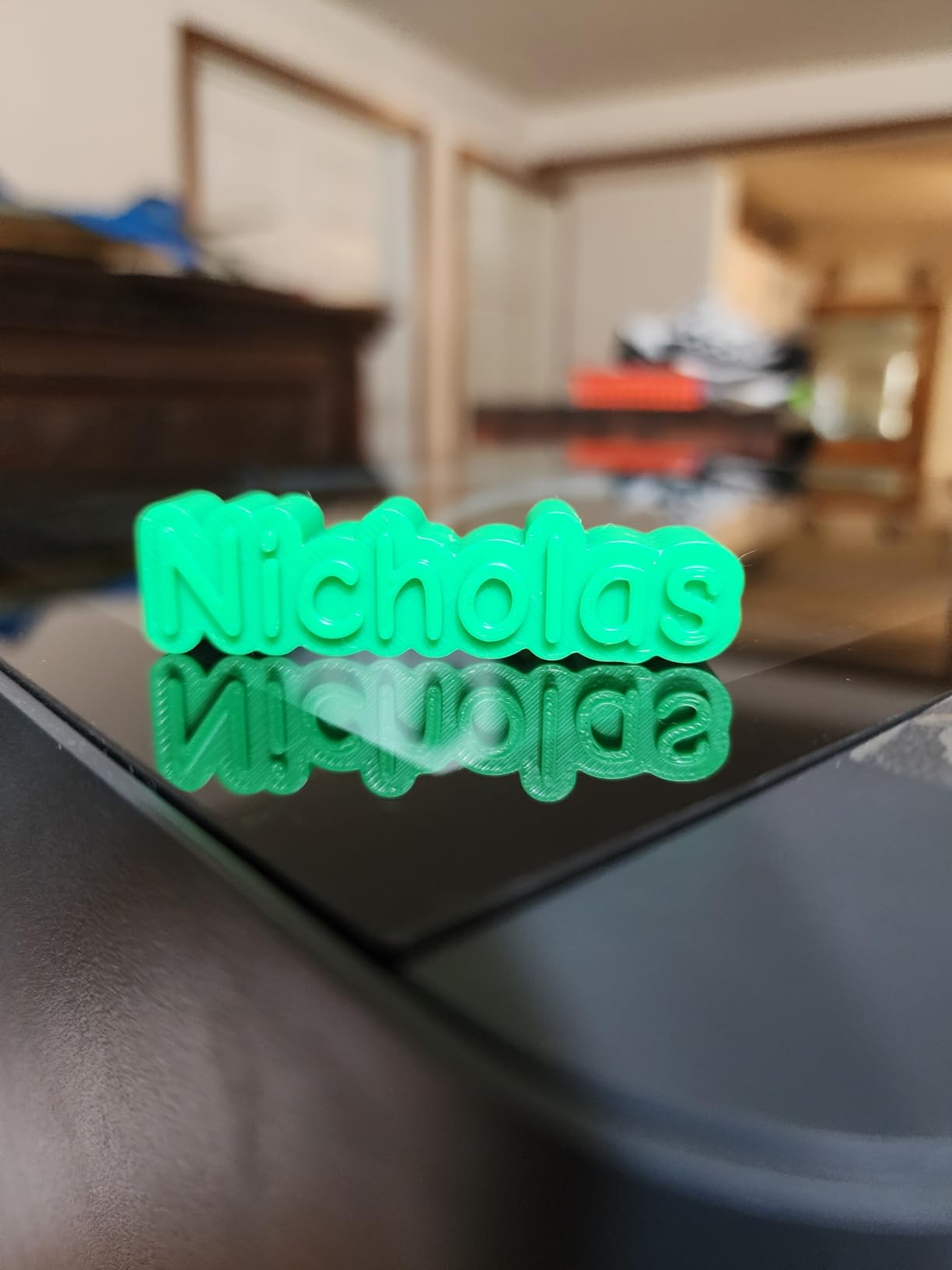
Throughput is good for the money. A calibration benchy finishes in under 15 minutes on this machine, which tells you the acceleration and travel speed are genuinely there rather than quoted.
The workflow around it matters too. The Bambu Studio slicer handles the material profiles for ABS, ASA and PA out of the box, which removes a whole class of first-time user errors.
Which filaments the P1S handles well
Solid colour ABS and ASA are the sweet spot, along with PETG and the usual plastics. The chamber and 300C all-metal hotend cover both materials without a hardware upgrade, and that is what most people buy this machine for.
Two limits are worth stating clearly. The hotend that ships with the machine clogs with silk and translucent filaments because those need a different heat break, and the manufacturer does not recommend carbon or glass fibre reinforced filament on that hotend. If your project needs nylon-CF, this is the wrong machine.
When the P1S is the wrong buy
Three scenarios rule it out. Large flat ABS panels want an actively heated chamber. Multi-material work needs the AMS, which is a separate purchase. And if you want to stay out of the app and firmware ecosystem entirely, there is no on-printer touchscreen here.
None of those are dealbreakers for most people. They are just the reasons to step up rather than reasons to avoid it.
Not for you if: you need filled nylon or a heated chamber for big flat parts.
5. Bambu Lab P2S Combo: Best for Multi-Material ABS With Built-In Drying
Bambu Lab P2S Combo, P2S 3D Printer & AMS 2 Pro, Multi-Color 3D Printing
Chamber held at up to 50C
600 mm/s with servo extruder
AMS 2 Pro with 65C drying
Adaptive airflow system
46.3 lb
Pros
- Holds a 50C chamber which is exactly the range ABS and ASA need
- AMS 2 Pro dries filament at up to 65C inside the unit
- Prints running within 20 minutes of unboxing
- Active flowrate compensation keeps corners consistent at 600 mm/s
- AI failure detection stops a long print early
Cons
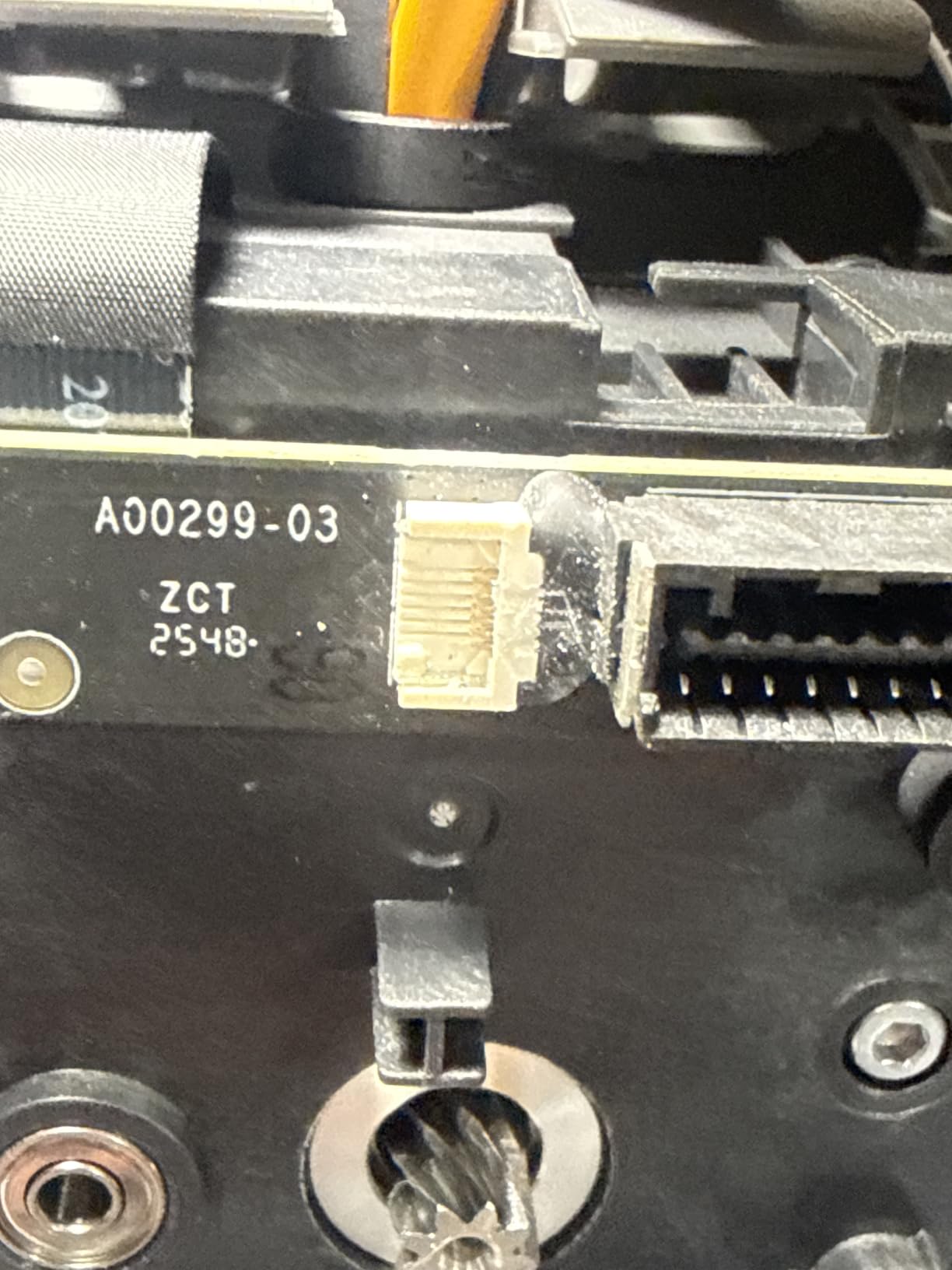
- AMS 2 Pro ribbon cable and sensor reported fragile on early units
- Base P2S needs the Combo bundle for multi-colour
- Audible fan noise at speed without a vibration mat
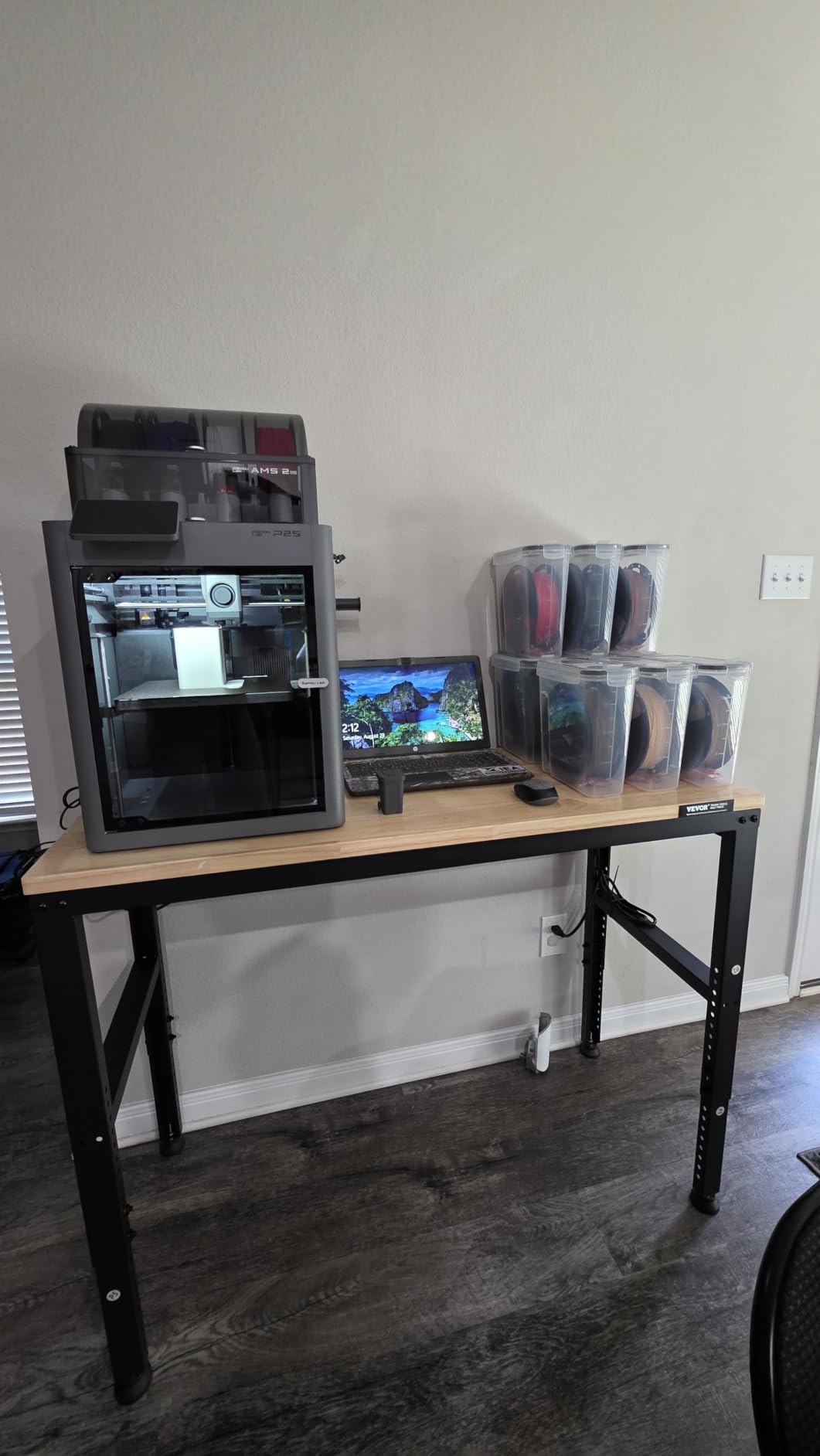
The P2S is the generation step forward from the P1S and the difference that matters for ABS is the controlled chamber. Where the P1S traps waste heat, the P2S holds 50C deliberately through an adaptive airflow system that also backs off for overhangs when you are printing PLA. For high-shrinkage ABS that is a meaningful upgrade, and it is the single reason to choose this over the cheaper machine.
The second reason is the AMS 2 Pro, and it matters more than most people expect. It dries filament at up to 65C inside the unit. Wet ABS is the number one cause of the symptoms people blame on the printer: bubbling at the extruder, stringing, poor layer adhesion and a rough surface finish.
Flow control is handled by a PMSM servo extruder with active flowrate compensation at 600 mm/s. That matters on fast outer walls, where inconsistent extrusion shows up as visible thickness variation on ABS.
There is an 84 percent five-star share and only 91 reviews so far, so this is a young product with a heavily favourable early read rather than a long track record. Owners with long printing histories describe the automation as removing most of the tuning they used to do.
Built-in drying for moisture-sensitive material
ABS absorbs moisture from the air, and the water boils off inside the hotend before it reaches the nozzle. The result is bubbles, surface roughness, stringing and layers that separate under load. Drying the filament before the print is the fix, and having a dryer built into the multi-material unit removes the excuse not to do it.
Dry-while-print is the detail that matters when you run four spools. Each channel manages its own material, so the one in use can be dried without taking the others out of rotation. If you have ever dried filament for eight hours and then found the spool idle overnight, you know the value.
AMS 2 Pro ownership risks
The negative reviews concentrate on the AMS hardware rather than print quality. Owners report the ribbon cable and filament sensor can be fragile on early units, which is a known risk on any multi-material feeder. The manufacturer has been praised repeatedly for fast replacement service.
Also note the base P2S does not include the AMS. The Combo package is the one you want for multi-material ABS, and the carbon filter in the chamber is a modest but real benefit for indoor use.
Not for you if: you print one material only and have no use for a four-spool feeder.
6. QIDI PLUS4: Best for Carbon-Filled Filaments and Large Batches
QIDI PLUS4 3D Printer, 65℃ Chamber Heating, 370°C Integrated Nozzle
65C active chamber with 400W heater
370C integrated multi-metal nozzle
12x12x11in build volume
Dual motor driven Z-axis
59.4 lb
Pros
- 65C active chamber with dual-layer insulation gives top tier warp control
- 370C integrated nozzle opens up PPS-CF and PPA-CF
- Large 12x12x11in volume suits batching functional parts
- Unbox to print in about 10 minutes with no manual leveling
- Dual motor Z and thickened aluminium bed stay flat over long builds
Cons
- Early units reported to need community tuning for Z-axis and adhesion
- Heavy at 59.4 lb and needs a sturdy stand
- Filled filaments still demand nozzle changes and careful drying
ABS is this machine’s comfort zone rather than its ceiling. The second-generation active chamber uses 400W of heating with air circulation and dual-layer insulation to hold 65C, which is genuinely at the top of what this class delivers. The 80W hotend carries an integrated multi-metal throat nozzle rated to 370C, and that is what lets the same machine print PPS-CF and PPA-CF as well as ABS.
The build volume is the other headline. Twelve by twelve by eleven inches means you can batch multiple functional parts in one job or print a large housing without splitting it into sections, which changes how you approach a project.
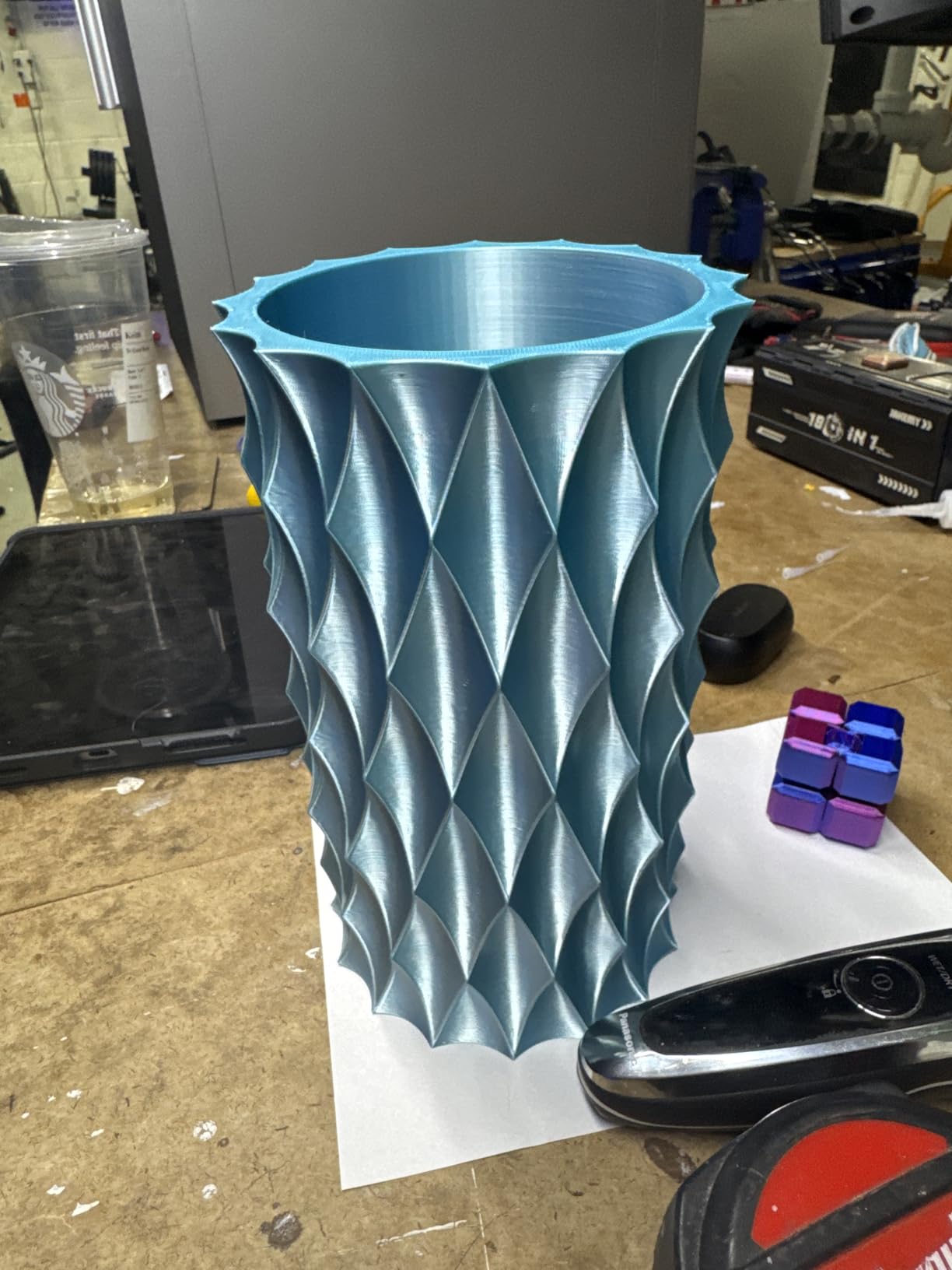
QIDI Studio, the app and open-source firmware appeal to people who like control, and tangle detection saves a long ABS print from becoming an expensive failure at hour six.
There is a 16 percent one-star share here, and reading it, that comes down to early hardware revisions plus firmware and network complaints rather than any doubt about ABS capability.
Chamber heating and the 370C nozzle ceiling
Heating power is what separates a chamber that holds its target from one that drifts. A 400W element with insulated walls reaches 65C quickly and stays there through a long print, so the part sees the same environment from the raft to the final layer. That is what removes corner lift on big flat ABS panels.
The 370C integrated nozzle matters for a different reason. Because the throat is part of the nozzle assembly rather than a separate PTFE-lined tube, there is no weak link to melt when you move to PPS-CF or PA-CF. It is one machine covering ABS, ASA, PC, PA and the filled variants rather than three machines covering them between them.
Build volume, weight and early units
At 59.4 lb and roughly 19 by 20 by 22 inches this needs a proper stand, not a desk. Plan where it goes before you buy it, because the heat and weight are not portable.
Early units have a reputation for Z-axis and bed adhesion quirks that the community tunes out. Check the current revision when you order, and budget an evening with the community guides if you want consistent first layers from day one.
Not for you if: you need a compact printer or want no firmware involvement at all.
7. Creality K2 Plus Combo: Best for Large ASA and PPA Parts
Creality K2 Plus Combo 3D Printer, Multi Color Printing with New CFS 600mm/s High-Speed Full Auto-Leveling Dual Al Camera Next-Gen Direct Drive Extruder Large Build Volume 13.78×13.78×13.78inch
350mm enclosed cube build volume
Active chamber up to 60C
350C hardened steel nozzle
600 mm/s with 30000 mm/s2
Dual AI cameras
Pros
- 350mm cube is one of the biggest enclosed volumes available
- 60C active chamber gives warp-resistant ASA and PPA
- 350C hardened steel nozzle handles abrasive filaments
- 600 mm/s is quick even for a large format machine
- Dual AI cameras catch spaghetti failures and tune flow
Cons
- 70.4 lb weight needs a purpose-built table
- CFS feeders take up a lot of desk space
- Steeper learning curve than entry-level machines
- Firmware and app updates reported as disruptive
Volume plus controlled heat is the combination here. The 350 by 350 by 350mm chamber is one of the biggest sealed build volumes you can buy, and the active chamber holds 60C specifically for ASA and PPA. That is exactly the use case large-format printers get wrong, because a bigger box cools the part more slowly at the edges.
The hardened steel nozzle rated to 350C pushes past ABS into the filled and high-performance materials. Forty cubic millimetres per second of flow means thick walls and solid sections fill properly instead of showing gaps between perimeters.
Eighteen smart sensors and a dual independently motorized Z-axis with auto bed tilt before leveling keep a heavy plate flat across a large area. On a machine this size that is not a gimmick, it is what stops the corners of a big panel drifting out of contact with the nozzle.
Four CFS feeders expand to 16-colour printing with RFID filament identification and automatic relay, which suits production runs where each part is the same colour.
Big flat panels and build volume
Large flat ABS or ASA prints fail at the corners first, because the edges cool fastest and the middle is still hot. An actively heated chamber at 60C narrows that difference, and combined with a bed that holds 100C plus you get panels that stay flat over a 350mm span instead of curling into a taco.
If your project is a single large part rather than many small ones, no smaller machine here will do it in one piece. That is the argument for this model over every other enclosed printer on this list.
Firmware updates and multi-material add-ons
Creality firmware and app updates are the most common complaint, and owners report them disrupting setups that were working. If you are printing production parts, read the update notes rather than applying them blindly.
The CFS feeders are a large desk commitment, and the learning curve is steeper than an entry-level enclosed machine. Plan the layout before buying four of them.
Not for you if: you print small parts and would be paying for volume you never use.
8. QIDI Q2: Best for Engineering Filaments With Serious Filtration
QIDI Q2 3D Printer, 65℃ Heated Chamber and 370℃ Nozzle Unlock PPS-CF
65C PTC heated chamber
370C high temperature nozzle
Full-metal CoreXY to 600 mm/s
Nozzle doubles as leveling sensor
H12 HEPA plus carbon
Pros
- 65C PTC chamber plus 370C nozzle makes engineering materials straightforward
- Nozzle-as-sensor leveling gives consistent first layers without manual tuning
- 1.5GT synchronous belt reduces vertical fine artifacts
- Triple filtration handles styrene-based ABS output
- Full-metal CoreXY on linear rails stays rigid at 600 mm/s
Cons
- QIDI BOX needed for multi-colour and costs extra
- Filled filaments still need nozzle changes and careful drying
- Footprint is oversized for the class
The Q2 is the machine we would choose if ABS is a stepping stone rather than the destination. The second-generation PTC chamber reaches 65C and the nozzle is rated to 370C, so the same hardware covers ABS, ASA, PC, PA and the carbon and glass fibre composites that most home printers cannot touch.
Filtration is the detail that matters most for ABS in a home. Three stages, a G3 pre-filter, an H12 HEPA and activated carbon, with a flame-retardant chamber around it. For a machine you will run overnight in a room with other people in it, that combination is worth a lot.
The nozzle doubling as the bed-leveling sensor is a clever piece of engineering. It measures the bed surface directly with the same hardware that does the printing, which removes the offset errors that come from a separate probe mounted at a fixed distance. For ABS, where the first layer has to survive a 110C bed, that repeatability is valuable.
There is a 70 percent five-star share and only 9 percent one-star, which is one of the cleaner rating distributions in the roundup.
Leveling system and first-layer repeatability
Bed-surface-independent first layers are the goal, and measuring with the nozzle achieves it without a separate probe that can be knocked or thermally offset. On this machine the leveling is automatic, which means a 100C bed does not silently change the geometry under your part an hour into a print.
The 1.5GT synchronous belt is a smaller detail with a visible payoff. Vertical fine artifacts, those faint ridges that show under a raking light on tall walls, come from belt stretch, and reviewers report a noticeable reduction compared with a standard GT2 belt.
Filtration for indoor ABS work
An enclosure contains fumes. It does not remove them. The Q2’s three-stage filtration is the best-equipped answer on this list, combining a particulate pre-filter, a true HEPA stage and carbon for the organic vapour component that styrene produces.
Even so, pair it with ventilation. An inline extraction fan on the exhaust, or simply printing in a room with a window open and the door shut, is the sensible default. Any of our filament dryers for hobbyists recommendations become worth it at this point too, since wet filament undermines everything else on the machine.
Not for you if: multi-colour printing out of the box matters more than warp-free large flat parts.
9. QIDI Max4 Combo: Best for Industrial ABS Parts and Batch Production
QIDI Max4 Combo 3D Printer, 390×390×340mm Build Volume, 65℃ Heated Chamber
390x390x340mm build volume
65C active heated chamber
Full-surface silicone heated bed
800 mm/s closed loop motion
120 lb
Pros
- Build volume prints full-size helmets and large functional parts in one piece
- 65C actively heated chamber produces warp-free ABS consistently
- Fully automatic setup with no manual leveling
- High flow hotend with hardened nozzle resists clogging over heavy use
- Support sends replacement parts quickly with tracking
Cons
- 120 lb needs a dedicated heavy table
- QIDI BOX lacks a real dryer and tangles on retraction
- Box syncing with slicers is inconsistent
- Documentation is sparse for a machine this complex
When one part will not fit anywhere else, the Max4 is the answer. The build volume is 390 by 390 by 340mm, which is 55 percent larger than the machine it replaces, and the 65C active chamber handles ABS-CF, PC and PPS-CF alongside standard ABS. Owners report printing full-size helmets in a single piece.
The full-surface silicone heated bed is unusual and it matters here. A silicone layer spreads heat evenly across the whole plate rather than concentrating it under the centre, which gives consistent adhesion across a surface this large and helps when a print runs for thirty hours.
Speed is the other story. Closed-loop motors on X and Y reach 800 mm/s with 30,000 mm/s2 acceleration, and a 2mm lead screw with an anti-backlash nut on the Z axis reduces the vertical gaps that appear on tall walls in a machine this size.
Reviewers mention no clogging across months of heavy use and large filament distances, and several report taking over jobs that a smaller commercial printer could not hold. Support is also a strength, with replacement parts sent out quickly and tracking provided.
Full-size parts and bed flatness
Flatness over a 390mm span is the hard engineering problem on a machine this size, and it is where the silicone bed earns its cost. Thermal expansion on a large aluminium plate moves the surface enough to change layer height, so a bed that distributes heat uniformly and a bed that stays level are both essential for long prints.
The 40 cubic millimetres per second high-flow hotend with a hardened steel nozzle is what makes thick ABS parts viable rather than hollow. A standard hotend would have to slow down dramatically on solid sections, and slowing down on ABS is where layer adhesion suffers.
Weight, footprint and accessory planning
At 120 lb and 28 inches square, this is a machine that needs its own table, which owners report building themselves. That is a planning issue rather than a defect, but it is worth doing before the printer arrives rather than after.
The QIDI BOX is the weak point in the package. Owners report it lacks a real dryer, tangles on retraction, does not auto-switch spools, and syncs inconsistently with Orca and QIDI Studio. Treat it as an accessory to evaluate on its own. Note also that the Polar Cooler is not included and must be purchased separately.
Not for you if: you print hobby-scale parts and have no space for a dedicated heavy table.
10. Creality K2 Combo: Best for Multi-Colour Enclosed Printing
Creality K2 (A) Combo 3D Printer, Multicolor Printing with CFS
Fully enclosed CoreXY chamber
40 mm3/s direct drive hotend
CFS feeder included, expandable to 4
600 mm/s with 20000 mm/s2
55 lb
Pros
- CFS multi-material feeder included in the box and expandable to four
- 300C hardened steel nozzle covers ABS and engineering filaments
- Direct drive 40 mm3/s hotend handles abrasive material reliably
- Aerospace aluminium frame and dual Z-axis limit wobble at speed
- Built-in air purifier filters ABS VOC output
Cons
- Chamber is passive rather than actively heated
- CFS wiring and switching introduces failure points in multi-colour prints
- 55 lb and a 21x25x20in footprint need a solid surface
- Firmware updates reported to disrupt working setups
The K2 Combo is the machine for someone who wants multi-material work out of the box. One CFS feeder is included and expands to four for 16 colours, with RFID filament identification and automatic relay between spools. That is the feature that distinguishes it from every other passive-chamber machine in this roundup.
The build underneath is solid. A fully enclosed CoreXY chassis, a 40 mm3/s direct drive hotend with a hardened steel nozzle to 300C, an aerospace-grade aluminium frame, a steel X-axis rail and a dual Z-axis. That combination is what keeps 600 mm/s from turning into visible wobble.
RFID filament identification is a small feature with a real benefit on ABS. The machine reads what is actually loaded rather than what you told it, so a misloaded spool is caught before a long print rather than after.
There is also airtight moisture-proof filament storage with desiccants, and a built-in air purifier for the VOCs ABS produces. The chamber camera handles failure detection and time-lapse.
CFS multi-material for ABS workflows
Multi-colour on ABS is a real workflow rather than a novelty. Assembled prototypes with two materials, or a black ABS part with a grey ASA section, save an entire second setup and alignment cycle. Automatic relay means it keeps running when one spool empties.
The cost is complexity. Owners report that CFS wiring and switching introduce their own failure points in longer multi-colour prints, so it pays to test the full colour change sequence before starting a job you cannot easily restart.
What a passive chamber costs you on ABS
This is the recurring caveat in the reviews and it is worth being plain about. The chamber is sealed but not actively heated, so high-shrinkage ABS needs more tuning than on a heated-chamber machine. Expect to spend time on bed temperature, brim settings and part cooling before large prints behave.
Firmware updates are the other repeat complaint, and at 55 lb with a 21 by 25 by 20 inch footprint it needs a solid surface rather than a desk.
Not for you if: you print large flat ABS panels and want them right the first time.
How to Choose an Enclosed 3D Printer for ABS
Chamber type matters more than any other spec
If your prints are small to medium, a passive sealed chamber is enough and you can spend the difference on build volume. If you print large flat panels, tall thin walls or anything that shows a visible surface finish, an actively heated chamber at 50C or above removes a whole category of problems and is worth the step up.
Our rule of thumb: below 150mm in any dimension, passive is fine. Above that, or if ABS is more than an occasional material, go active.
Build plate surfaces for ABS adhesion
No competitor roundup we looked at covers this, and it decides whether your first layer works. Three surface types matter.
Textured PEI has more grip than smooth PEI because it gives the molten plastic texture to key into, which is why this machine works without an adhesion coat on most filament. It is also harder to clean and scores over time, so keep a dedicated cleaning routine and never wipe it with anything oily.
Smooth PEI releases best and gives the best surface finish, but ABS needs more bed temperature and sometimes an adhesion coat to hold. It is the better choice when surface quality matters more than reliability.
Spring steel plates flex, which makes removing a large flat part much easier without flexing it to break adhesion. The spring steel itself is not the surface; it carries a removable PEI or powder-coated sheet, so the surface choice stays with you.
Whichever you choose, clean the plate with 99 percent isopropyl alcohol before every print. Fingerprints are the number one cause of a first layer that sticks everywhere except where you touched it.
ABS, ASA, nylon and polycarbonate compared
ASA is the near-drop-in alternative. It prints at similar temperatures, holds its properties in sunlight far better, and is what most people should use for anything that will live outdoors or in a hot car. The trade-off is a slightly higher chance of layer splitting on tall parts.
Nylon and PA-CF need a hardened steel nozzle, careful drying and usually a heated chamber near 60C. They also absorb so much moisture from air that a dry box is not optional. Polycarbonate needs higher temperatures again and produces its own fumes, so a machine with strong filtration and a real exhaust path is the right home for it.
Our guide to enclosed printers for polycarbonate and nylon covers the temperature and filtration requirements in more detail.
DIY kit versus assembled printer
An assembled machine with automatic leveling will be printing ABS within an hour. A kit needs a build, a firmware decision and a first calibration evening before ABS behaves, and the debugging happens while you are still learning the material.
For a first ABS printer, assembled is almost always the faster route to a good print. If you already print PLA happily and want the machine tuned to your own filaments, our broader enclosed printer guide covers the assembled options in more depth.
Ventilation and fume safety
ABS releases styrene-based VOCs and ultrafine particles while melting. An enclosure contains that output and pushes it through a filter, which helps, but it does not clear it from the room. For indoor printing, add an inline extraction fan on the exhaust port, and print with the room door shut and a window open.
A HEPA stage handles particles and carbon handles most of the organic vapour, but no consumer filter replaces moving the air out of the room. If someone in your home has asthma or chemical sensitivity, treat ventilation as the requirement and the enclosure as the quality tool.
Your first ABS print checklist
Dry the filament first. This is the step most people skip and it causes most of the problems they blame on the printer. Bubbling, heavy stringing and rough surfaces all point at moisture.
Then clean the plate with isopropyl alcohol, set bed temperature to 100 to 110C, nozzle to 245 to 255C for standard ABS, and let the chamber and bed soak for ten minutes before starting so the whole build volume is at temperature. Use a brim rather than a raft on anything with a footprint over 100mm, set part cooling low for the first few layers, and resist the urge to open the door to look at it.
If you want to go further on material choice, our picks for metal filament for 3D printing cover the composite blends that behave more like filled ABS than like plastic.
Frequently Asked Questions
Can 3D printers print with ABS?
Yes. ABS needs an all-metal hotend that holds 260C or above, a heated bed that reaches 100C or more, and ideally a sealed chamber to hold the air around the part between 40C and 60C. Open-frame printers can print ABS, but corner lift and layer splits are common because the layers cool at different rates.
What is the best enclosed 3D printer?
For ABS specifically, the best enclosed 3D printer in 2026 is the FLASHFORGE Creator 5 Pro, because it heats its chamber actively to 65C with a 120C bed. If you want the widest owner feedback behind it, the Creality K1C has over 2,700 reviews, and if you are starting on a budget the ELEGOO Centauri Carbon 2 Combo is the most affordable sealed option here.
Can I 3D print ABS inside?
Yes, with ventilation. ABS emits styrene-based VOCs and ultrafine particles as it melts, and an enclosure contains that output rather than removing it. Print in a room with a window open and the door shut, and add an inline extraction fan on the exhaust port if the machine does not have strong filtration.
What type of 3D printer plate is best for printing ABS?
Textured PEI is the most forgiving choice for ABS because its texture gives the molten plastic something to key into, which reduces corner lift. Smooth PEI gives a better surface finish but needs more bed temperature and sometimes an adhesion coat. Spring steel plates do not change adhesion, but flexing makes large flat parts far easier to remove without cracking them.
Do enclosed 3D printers need ventilation for ABS?
They need it. A HEPA and activated carbon filter inside the machine handles particles and most of the smell, but filtered air still exits into the room. For regular indoor printing, an inline fan or ducted extraction on the exhaust port is the sensible addition, and it matters most on machines with a passive chamber that run hotter and longer.
Final Recommendation by Buyer Type
For the best enclosed 3D printers for ABS printing right now, the choice comes down to how much chamber control you need. Pick the FLASHFORGE Creator 5 Pro if ABS is your primary material and you want large flat parts to land without tuning. Pick the Creality K1C if you want the most proven machine in the group and your parts stay under about 150mm. Pick the ELEGOO Centauri Carbon 2 Combo if budget is the deciding factor.
Step up to a Bambu Lab P2S Combo if you need multi-material work with built-in filament drying, to a QIDI Q2 or QIDI PLUS4 if you are moving into nylon, PC or filled composites, and to the Creality K2 Plus Combo or QIDI Max4 Combo when a single part must exceed what any smaller enclosed machine can hold.
Before your first print, dry the filament and clear your workspace of anything that blocks airflow. Those two steps decide more about your ABS results than the printer you chose. For broader testing, our full enclosed 3D printer reviews cover the machines that are not aimed specifically at ABS.