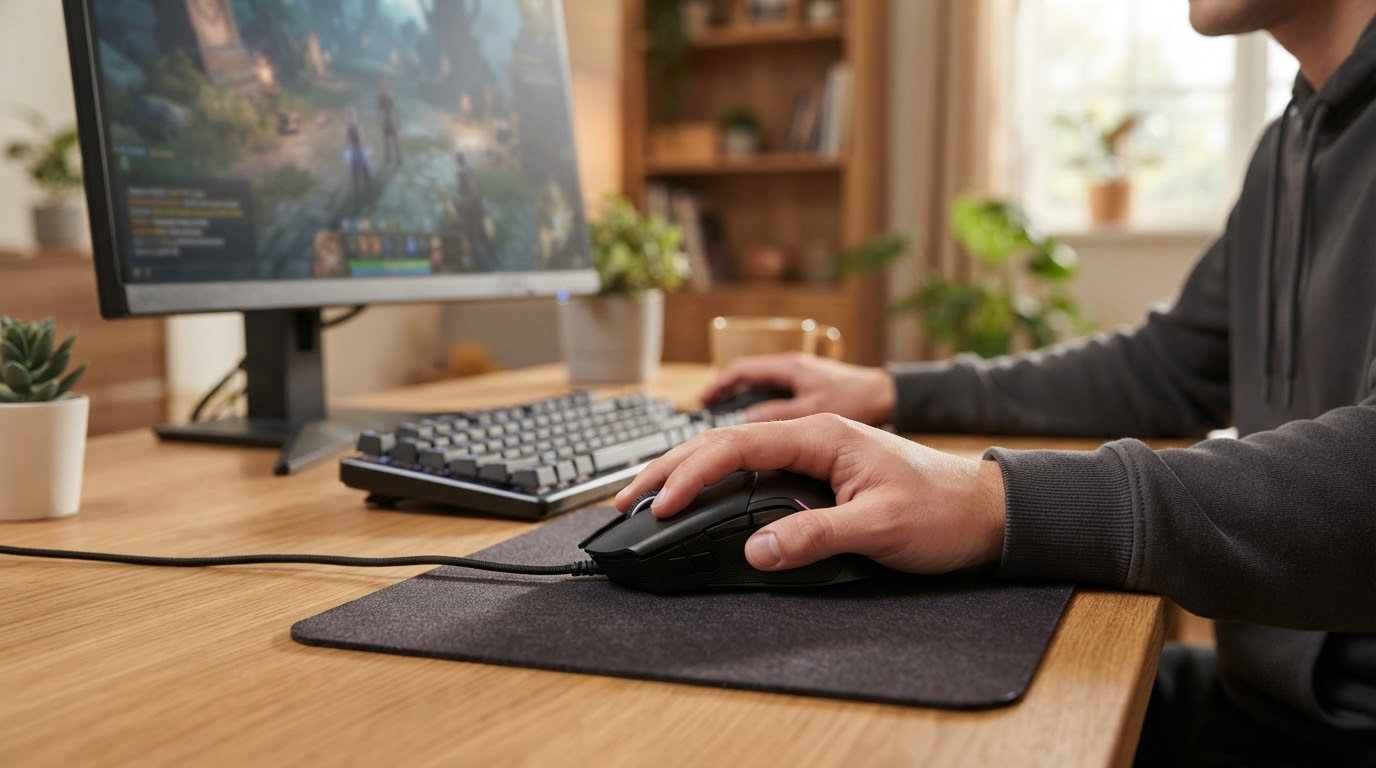
The Logitech G502 Hero is the pick worth watching first during Amazon’s Prime Big Deal Days, because it pairs a 25600 DPI HERO sensor with 11 programmable buttons and a set of five tuning weights, and it has the deepest review base of any mouse on this list at more than 58,000 ratings. Two alternatives serve different desks: the Logitech G305 if you want a cordless setup that runs for months on one AA battery, and the Redragon M602 if you switch between Windows, Mac and Linux and want RGB lighting in the mix. Prime Big Deal Days runs October 6-7, 2026, and most of the offers on these mice need a Prime membership, which a free trial covers.
What follows is a look at the ten gaming mice most worth putting on your watchlist for the event, ordered by how well the specs and owner feedback hold up rather than by any discount that may or may not appear. Prices move hourly during these days, so the buttons are where the current number lives.
Table of Contents
Our Top 3 Picks for Best Amazon Prime Big Deal Days Gaming Mouse Deals in 2026

Logitech G502 Hero
- 25600 DPI HERO sensor
- 11 programmable buttons
- Dual-mode hyper-fast scroll
- Five 3.6 g tuning weights

Logitech G305
- 1 ms LIGHTSPEED wireless
- 12000 DPI HERO sensor
- 250-hour battery on one AA
- 3.4 oz body

Redragon M602
- 7200 adjustable DPI
- 9 programmable buttons
- 7 RGB lighting modes
- Macro remapping software
Best Amazon Prime Big Deal Days Gaming Mouse Deals Compared
| Product | Specifications | Action |
|---|---|---|
| Logitech G502 Hero |
|
Check Deal Price |
| Logitech G305 |
|
Check Deal Price |
| Redragon M602 |
|
Check Deal Price |
 Razer DeathAdder Essential Razer DeathAdder Essential |
|
Check Deal Price |
 Redragon M908 Redragon M908 |
|
Check Deal Price |
 Redragon M612 Redragon M612 |
|
Check Deal Price |
 Razer Basilisk V3 Razer Basilisk V3 |
|
Check Deal Price |
 Logitech G703 Logitech G703 |
|
Check Deal Price |
 Razer Cobra Razer Cobra |
|
Check Deal Price |
 Glorious Model O Eternal Glorious Model O Eternal |
|
Check Deal Price |
How We Chose
Every mouse here was compared on the same fields: the sensor and its maximum DPI, the polling rate where the listing states one, the connection type, the button count, the shell weight, the switch rating, the warranty and the physical dimensions. We also read the owner reviews on Amazon, because the recurring complaints in a large review base tell you more than the spec sheet does. Specs and review data were checked on October 2026.
1. Logitech G502 Hero: Best Overall Pick With the Deepest Review Base
Logitech G502 Hero
Weight: 4.3 oz
DPI: 25600
Connection: wired
Buttons: 11
Pros
- 25600 DPI HERO sensor with no smoothing or acceleration
- Eleven programmable buttons plus a dual-mode scroll wheel
- Five 3.6 g weights let you tune the feel
- Metal pivot hinges and a one-year hardware warranty
Cons
- Wired only so the cable adds desk clutter and drag
- Large shell suits medium to large hands
Buy the G502 Hero if you want one mouse that covers shooters and MMO binds without a second purchase. It is the only pick here with eleven programmable buttons and a physical weight system, and it has been the steady seller of this group for years.
The HERO sensor reads up to 25600 DPI with no smoothing, filtering or acceleration, which is the part competitive players care about. Firing a flick at 4000 DPI and having the cursor land exactly where you stopped is what the sensor is for.
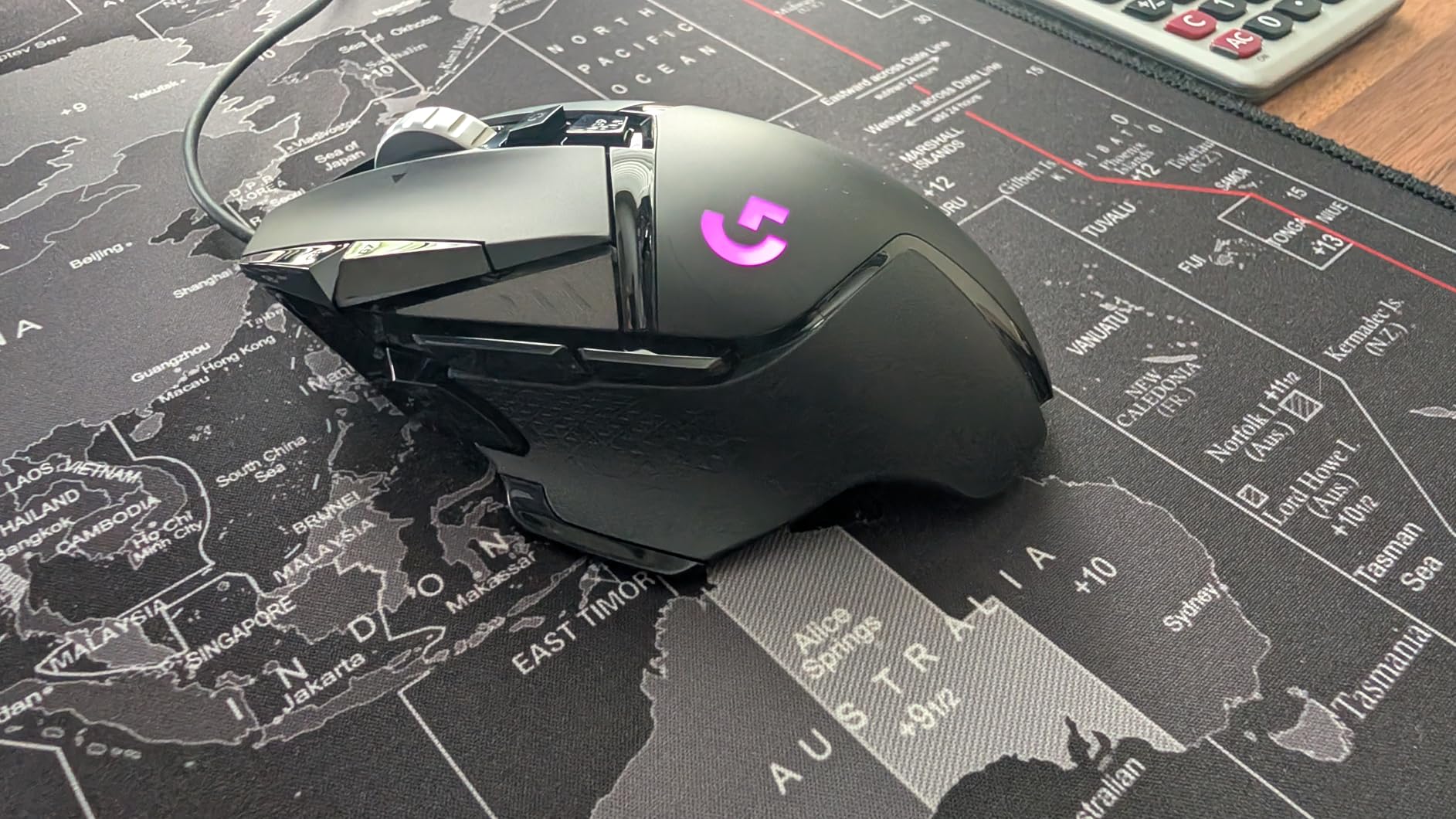
Three things set it apart from the rest of the lineup. The dual-mode hyper-fast scroll wheel switches between ratcheted steps and near-free spin, so one wheel handles a long inventory scroll and a single weapon switch. The weight cartridge takes up to five 3.6 g pieces, letting you move the balance forward or back rather than just adding bulk. And the LIGHTSYNC RGB runs off Logitech Gaming Software, which is where the DPI steps and button profiles live.
Owners report one reservation above all others: it is a wired mouse, so there is no wireless version to fall back on. The second is fit. At 2.95 inches long, it is a full-size shape, and reviewers with smaller hands often end up on the Razer Cobra or the Glorious Model O Eternal instead.
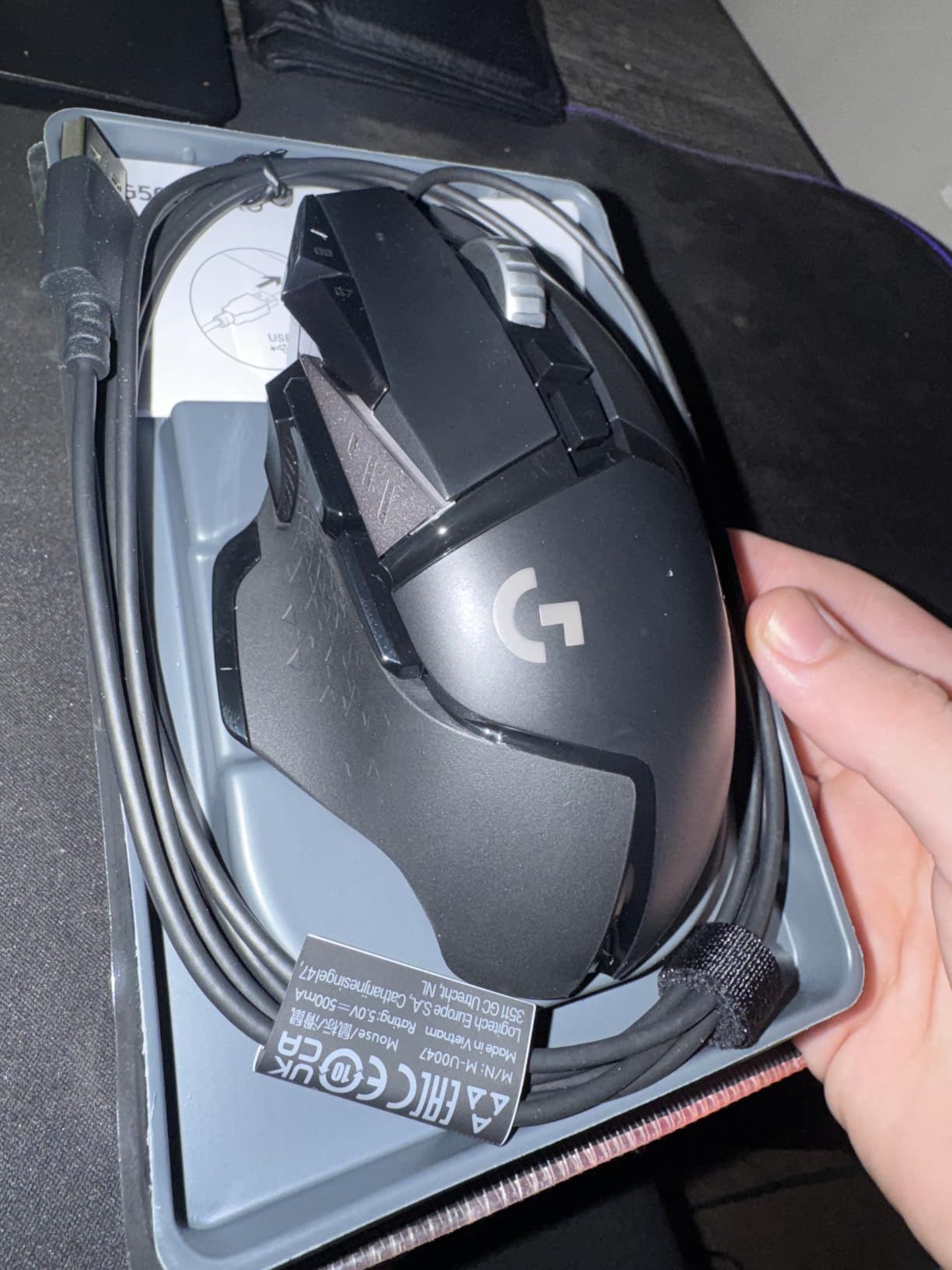
Good to know: the box includes a quickstart guide, and the metal pivot hinges are the part owners single out as feeling better than the plastic on cheaper shells. A one-year hardware limited warranty covers it.
Compared with the Logitech G305, the G502 is the pick for button count and tuning, while the G305 wins on cable-free play and battery. Compared with the Redragon M908, the G502 is lighter and better suited to shooters, where the M908’s eighteen buttons go unused.
2. Logitech G305: Best Value Wireless With a Battery You Forget About
Logitech G305
Weight: 3.4 oz
DPI: 12000
Connection: wireless
Buttons: 6
Pros
- 1 ms LIGHTSPEED wireless reports as fast as a cable
- Up to 250 hours on one AA battery
- Lightest Logitech here at 3.4 oz
- Works on both PC and Mac
Cons
- No RGB lighting at all
- Only two side buttons and a DPI key
- Fits small and medium hands best
Skip the charging cable entirely and pick the G305. The 250-hour battery figure on a single AA is the standout number, and the 1 ms LIGHTSPEED report rate means the wireless connection does not feel like a compromise in a shooter.
It weighs 3.4 oz, and owners consistently describe it as the one mouse they also use for work email afterwards. That is a compliment to the shape, which is a narrow, symmetrical classic rather than an aggressive tournament shell.
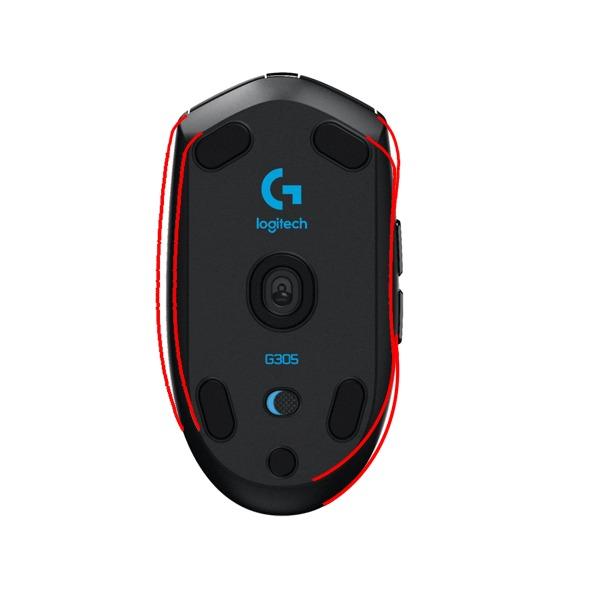
Worth knowing before you commit. The six-button count in the listing includes the standard clicks, so in practice you have two side buttons and a DPI button to bind. The HERO optical sensor tops out at 12000 DPI with 400 IPS tracking, which is plenty for most play but below the G502’s ceiling.
The nano receiver stores inside the mouse when you are not using it, a small detail that decides whether it stays on your desk or ends up lost in a bag. Battery life holds up better without backlighting, and this model does not have any, which is exactly why the battery figure is so long.
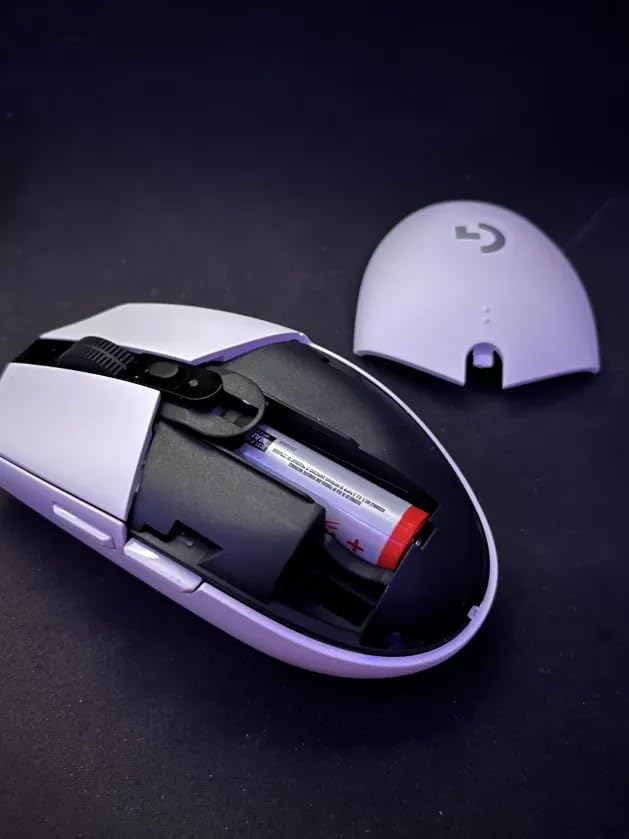
If your hand is on the larger side, the claw-grip narrowness is the thing reviewers flag, and the Logitech G502 Hero or the Razer Basilisk V3 will fit better. Small and medium hands will find this one comfortable straight out of the box.
3. Redragon M602: Best for Mac and Linux Desks That Want RGB
Pros
- The only listing here that names Linux alongside PC and Mac
- Nine programmable buttons with macro remapping
- Seven RGB backlight modes at an entry price
- 7200 DPI sensor tracks consistently
Cons
- Glossy plastic finish shows wear and fingerprints
- Software has to be downloaded separately
- Heavy 9.5 oz shell is tiring over long sessions
The M602 is the one to watch if your setup is not a single Windows tower. It is the only mouse in this roundup whose listing names Linux, Mac and PC as supported platforms, and it still arrives with nine programmable buttons and seven RGB modes.
Its 7200 DPI optical sensor is a modest number next to the 25600 figures on the Logitech boards, but the review base is enormous at more than 27,000 ratings and the five-star share is the strongest of the ten. The tracking is steady rather than exotic.
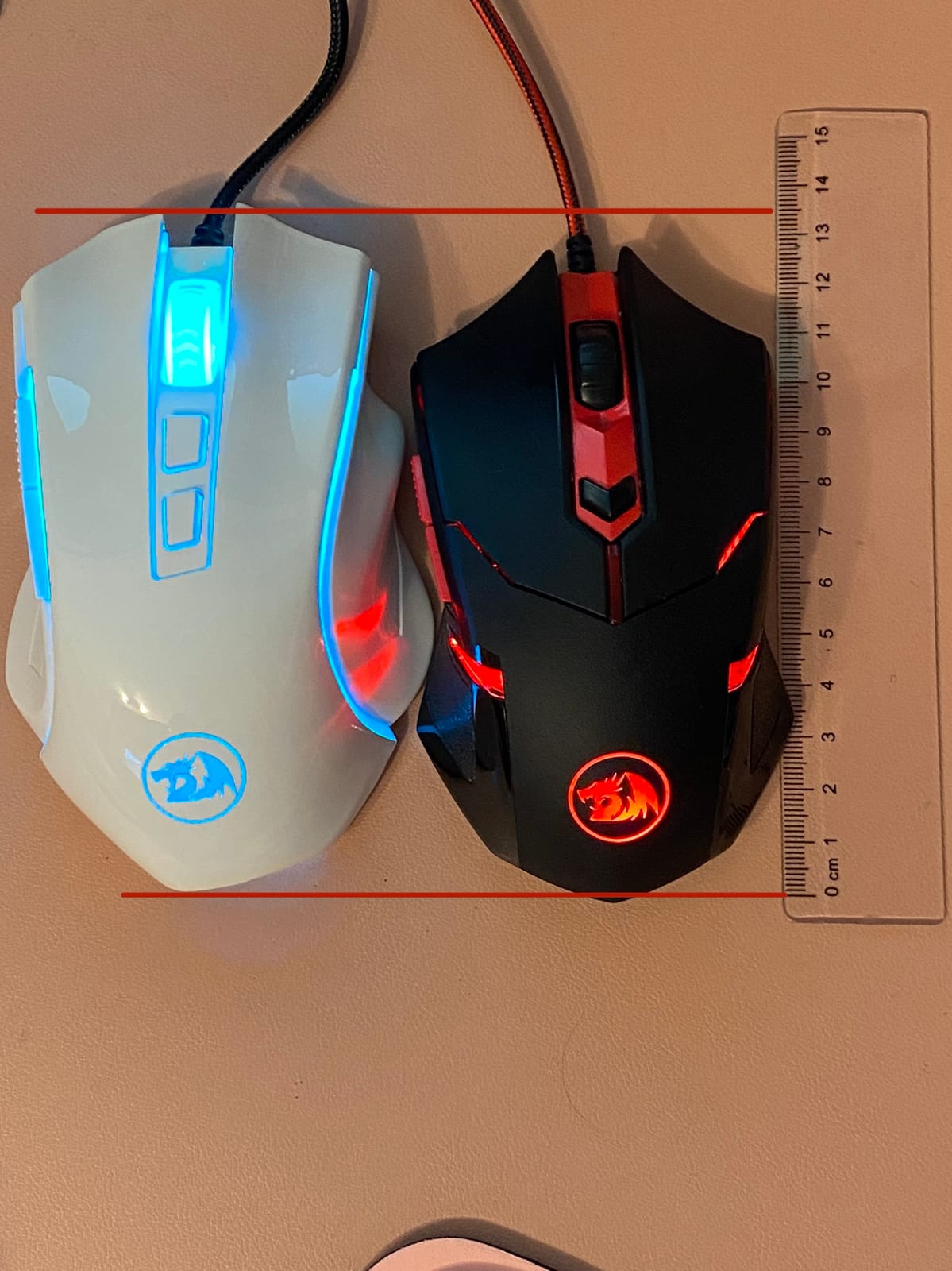
Macro editing and button remapping run through Redragon’s own software, downloaded from the manufacturer’s site. Plan ten minutes with it before your first match, because the out-of-box button layout is not the layout you will keep.
Two practical details. The shell is glossy plastic, and owners note that it shows fingerprints and scuffs faster than a matte finish, which matters if you leave it in plain view. At 9.5 oz it is a weighty desk mouse rather than a fast-flick one, so if you play a lot of movement shooters in long sessions, check the Razer Cobra first.
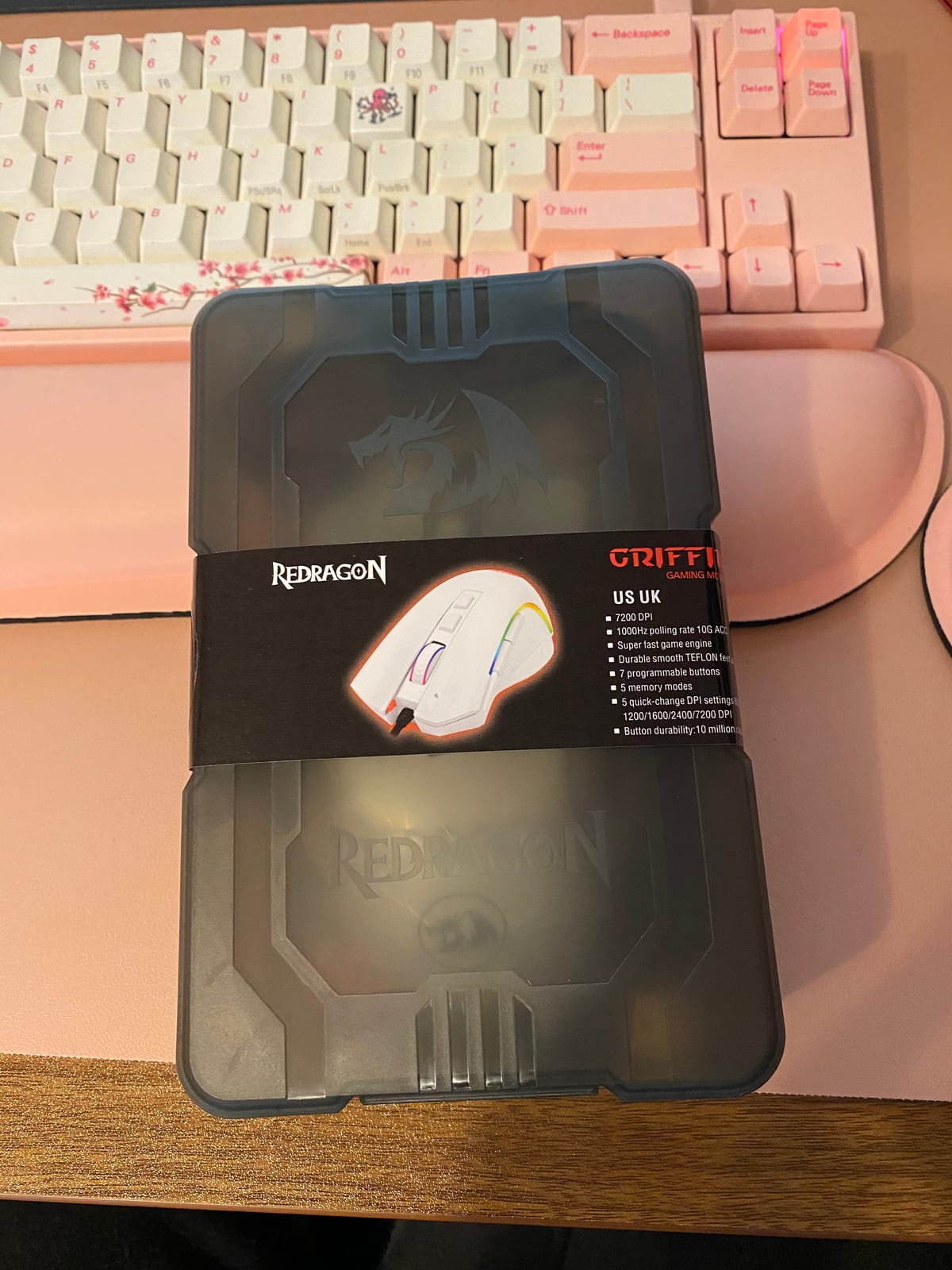
Compare it with the Redragon M612, which shares the remappable-button approach in a lighter, matte shell, and with the Redragon M908 if your games need far more side buttons. Against the Logitech G305, the M602 wins on lighting and platform flexibility and loses on weight and battery-free wireless.
4. Razer DeathAdder Essential: Best Budget Shape for Long Sessions
Razer DeathAdder Essential
Weight: 4.6 oz
DPI: 6400
Connection: wired
Buttons: 5
Pros
- Proven right-hand shape with a rubberized grip
- Light 130 g body that avoids hand fatigue
- 6400 DPI sensor with reprogrammable DPI buttons
- Two-year manufacturer warranty
Cons
- No RGB lighting on this model
- Only five programmable buttons
- Switches rated to 10 million clicks rather than optical
The DeathAdder Essential is the budget answer to a specific problem: a mouse whose shape still feels right after four hours. The rubberized shell and ridged scroll wheel are the parts owners mention, and the two-year warranty is longer than most rivals at this tier offer.
Five programmable buttons and a 6400 DPI optical sensor with dedicated DPI keys is a modest feature set. In practice the absence of side buttons is what people notice first if they come from an MMO mouse, and it is the one thing to weigh before buying.
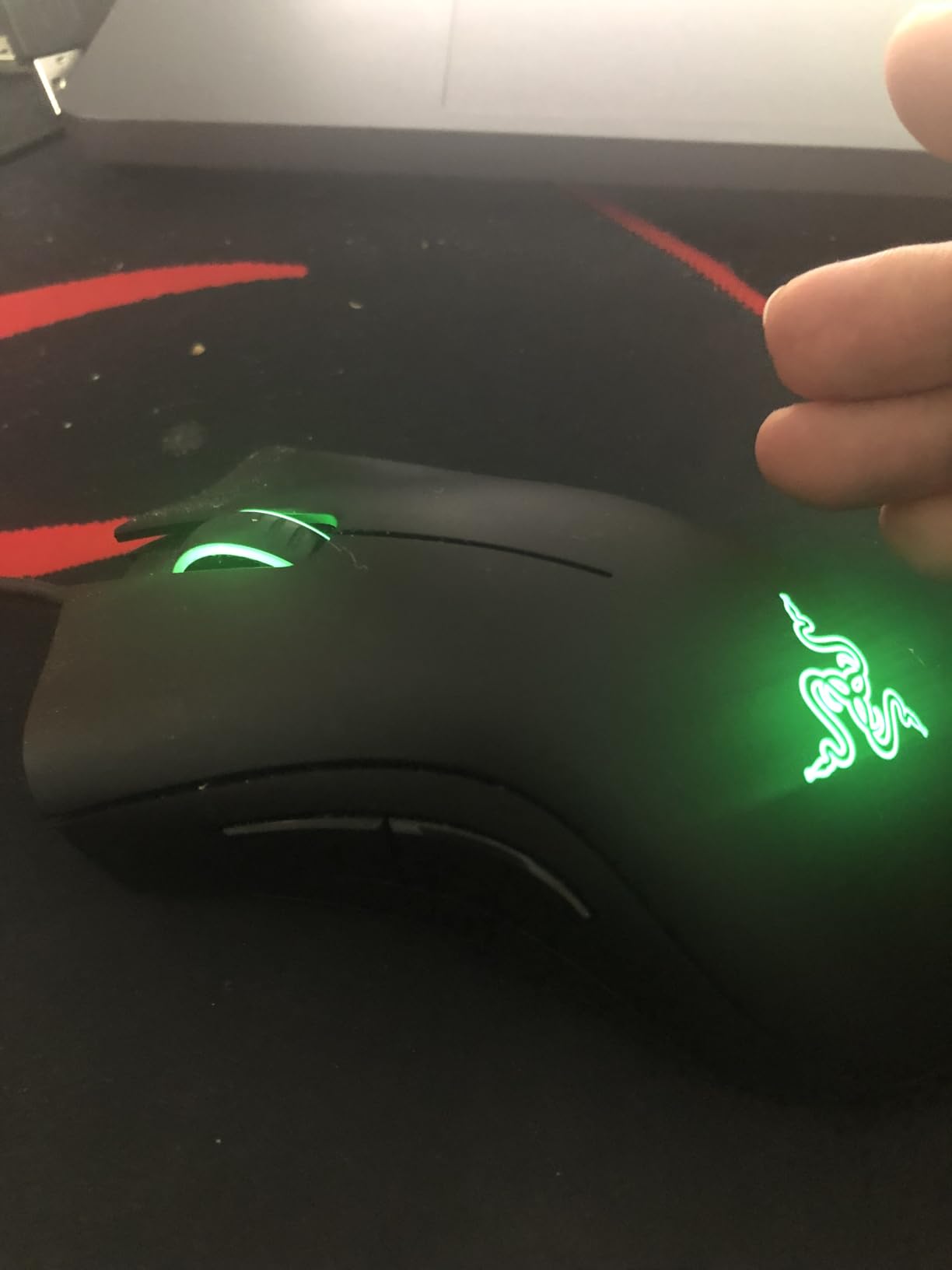
Owners are realistic about the switches. They are rated to 10 million clicks, which is lower than the optical designs in this list, and the Razer Basilisk V3 uses Gen-2 optical switches rated to 70 million. That gap shows up in the rating split rather than in the first year of use.
It runs on Windows, macOS and Linux with no extra software for basic function, and the dimensions are a compact 5 inches long by 2.43 wide. That is smaller than the Logitech G502 Hero, so medium hands will find it roomier than expected.
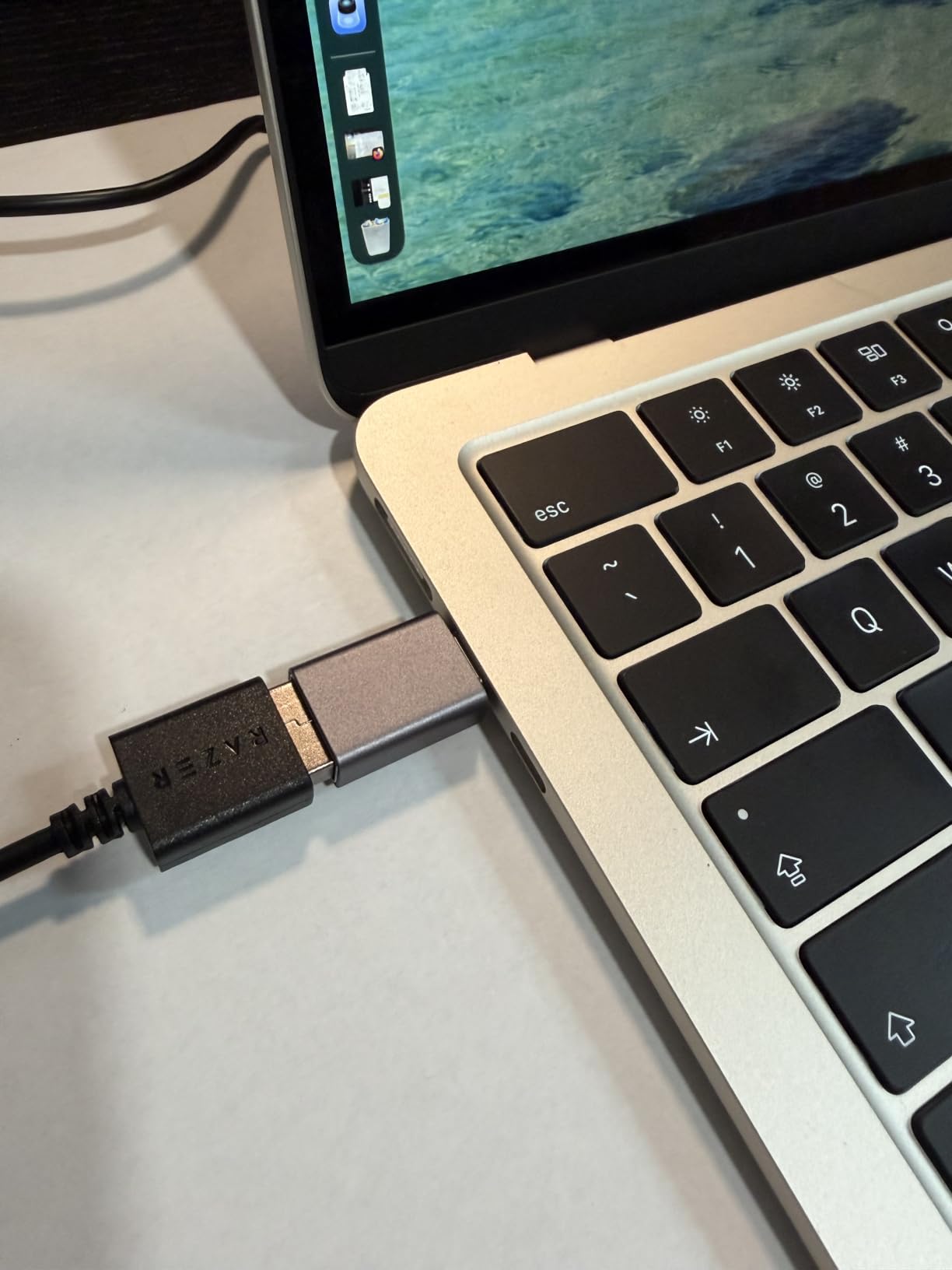
Good to know: the package includes the mouse itself, so nothing else is needed beyond the PC. If you want lighting and a longer switch rating in the same shape family, the Razer Basilisk V3 covers that and the Razer Cobra drops the weight for claw-grip players.
5. Redragon M908: Best for MMO and MOBA Button Binds
Redragon M908
Weight: 6.2 oz
DPI: 12400
Connection: wired
Buttons: 18
Pros
- Eighteen programmable buttons
- twelve of them on the side
- Five onboard memory profiles with their own indicator colours
- Weight tuning set and TEFLON feet included
- 1000 Hz polling with a Pixart PAW3327 sensor
Cons
- Heaviest competitor at 175 g and tiring over long sessions
- Aggressive shape has a learning curve for newcomers
- Mac support is basic
When a single skill bar needs more keys than a thumb can reach, the M908 is the pick. Eighteen programmable buttons with five onboard memory profiles means your MMO hotbars travel with the mouse rather than living in software that has to reload on every PC.
Each profile has its own indicator colour, so you can tell at a glance which set of binds is loaded. That detail sounds small until you are switching characters between raids.
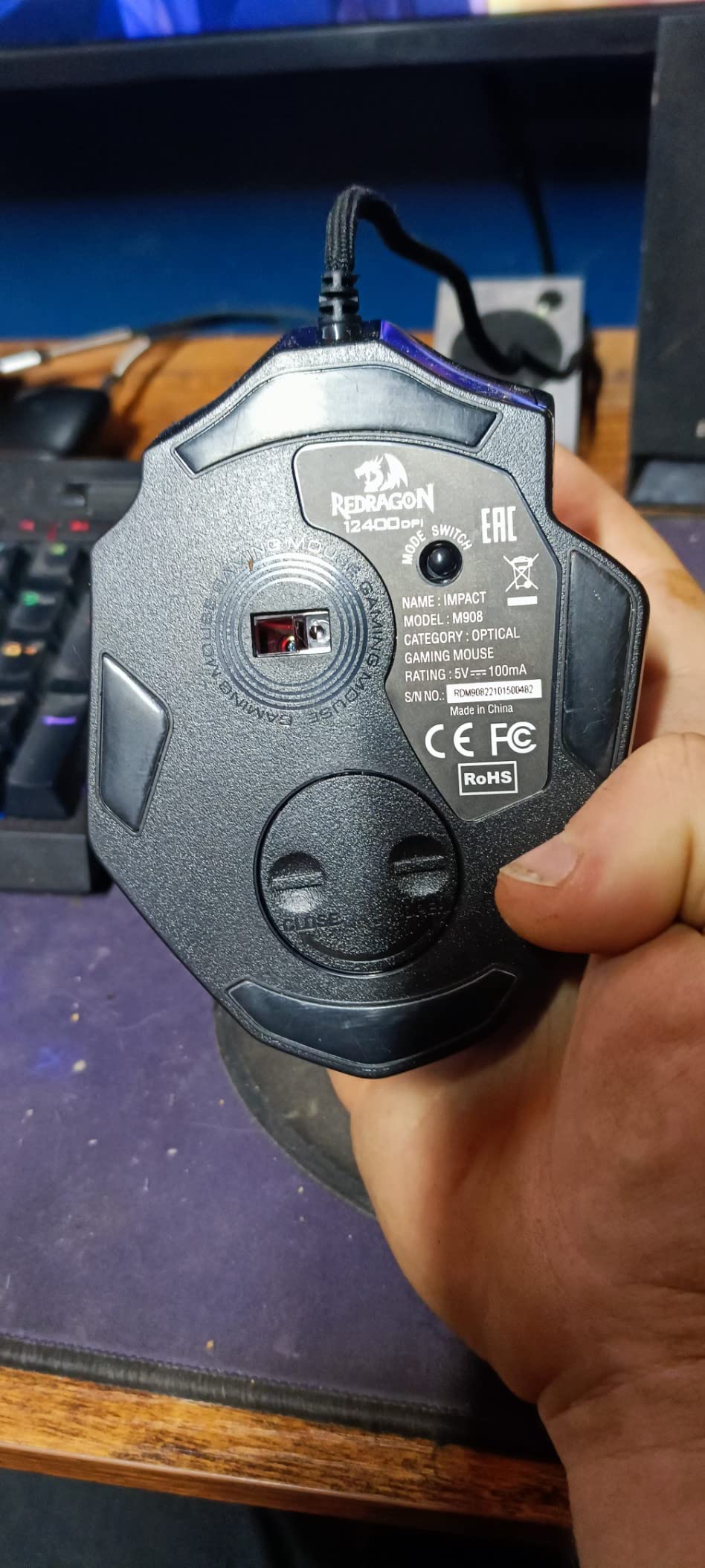
The 1000 Hz polling rate and the Pixart PAW3327 sensor put the tracking in normal range for competitive shooters, and the eight-piece weight tuning set lets you take some of the heft out. The 6-foot braided cable with a gold-plated USB connector is the sort of detail that shows up as a pro in the durability reviews.
Owners are split on weight, and at 175 g this is one of the heavier shells in this roundup. It also carries the lowest rating here at 4.4, and the reviews that go critical are mostly about the bulky shape and tired hands rather than the buttons.
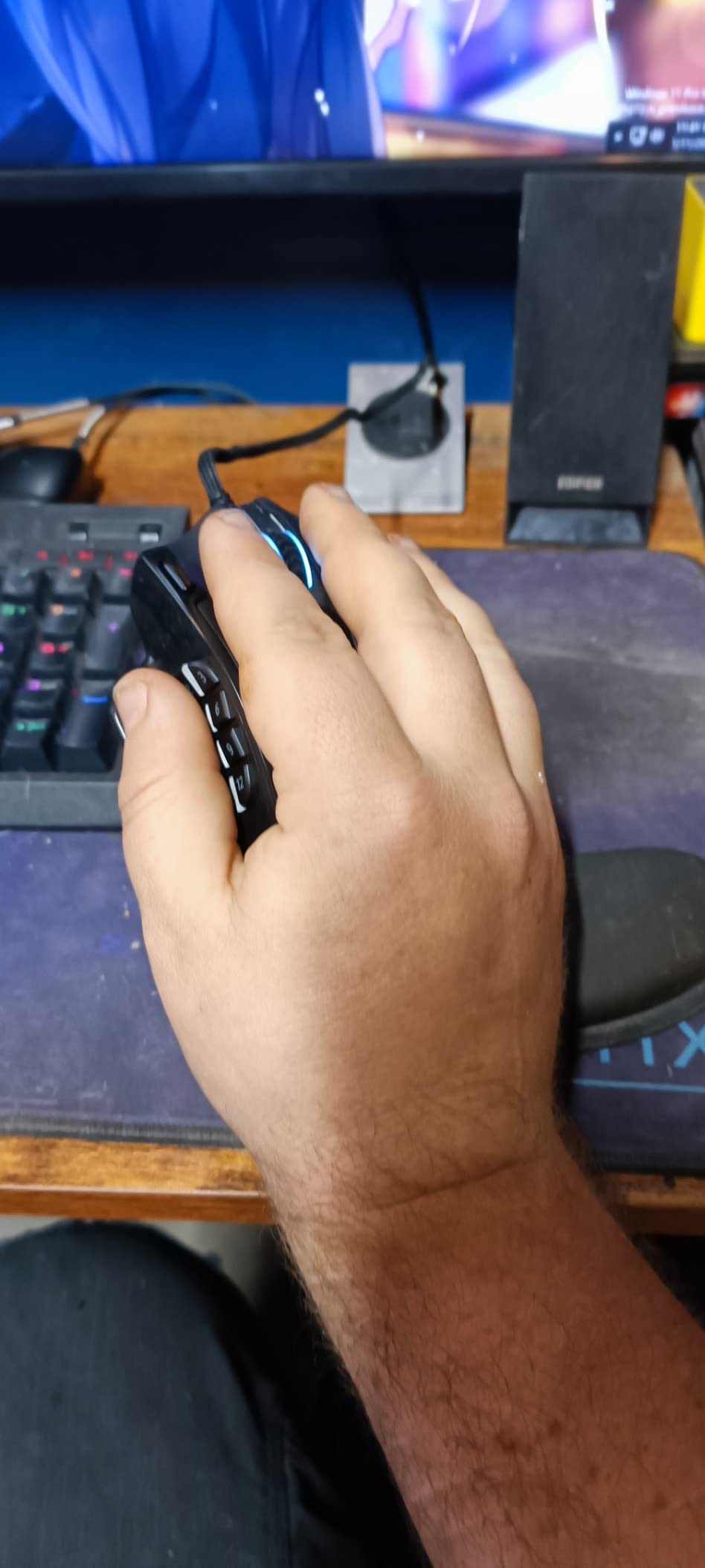
Against the Logitech G502 Hero, the trade is direct: eleven buttons and 4.3 oz against eighteen buttons and 6.2 oz. Shooters should take the G502. If you play Final Fantasy, World of Warcraft or anything with a crowded action bar, the extra seven buttons are worth the extra weight.
6. Redragon M612: Best for Buyers Who Want One Mouse for Years
Redragon M612
Weight: 4.4 oz
DPI: 8000
Connection: wired
Buttons: 11
Pros
- Owners report 3.5 to 5+ years of heavy daily use
- Eleven programmable buttons with rapid fire and macro keys
- Matte frosted coating resists fingerprints
- Five on-board DPI levels plus software adjustment to 8000
Cons
- Middle button and scroll wheel are the reported weak points
- Scroll wheel encoder can feel cheap
- Larger than expected for very small hands
Longest-serving pick in this list. Buyers report running the M612 for three and a half to five-plus years of heavy use, and reviewers frequently mention repurchasing the same model, which is not a sentence you see about most budget mice.
At 126 g and 5.43 inches long, it is neither ultralight nor compact. It is a straightforward claw-grip chassis with a frosted, skin-friendly coating and a rubber-textured left side, and at 4.6 stars from more than 11,500 ratings the feedback is consistent.
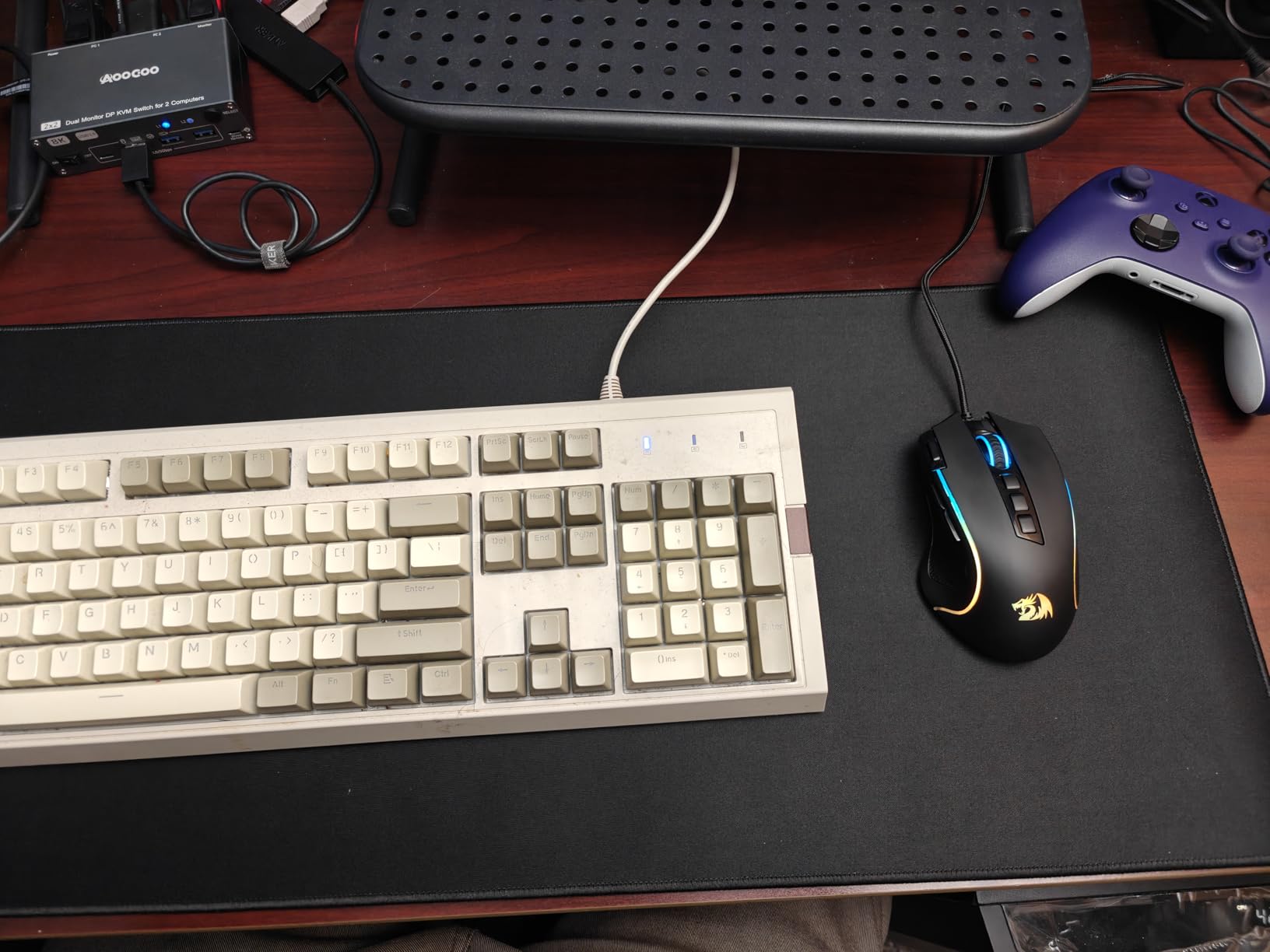
Two settings people should know. Five DPI levels are stored on the board at 500, 1000, 2000, 3000 and 4000, and the software takes the range up to 8000. The eleven buttons include a rapid-fire key and two side macro keys, which is unusual at this price.
The complaints are narrow and worth repeating. The middle button and the scroll wheel encoder are the parts that wear first, not the shell and not the main switches. A few owners also note the rubber side grip adhesive degrades in hot weather.
For a straightforward wired mouse with a long service life, this is the value pick. Step up to the Razer Basilisk V3 if the scroll mechanism matters more to you than the purchase price, or down to the Razer DeathAdder Essential if five buttons is genuinely enough.
7. Razer Basilisk V3: Best for Scroll Control and a Thumb Rest
Razer Basilisk V3
Weight: 3.6 oz
DPI: 26000
Connection: wired
Buttons: 11
Pros
- HyperScroll wheel free-spins or switches to tactile mode
- Focus Plus 26000 DPI optical sensor
- Gen-2 optical switches rated to 70 million clicks
- Eleven Chroma lighting zones and a rubberized thumb rest
Cons
- Heavier and larger than most modern mice
- Synapse settings split across separate apps
- Matte surface can get sweaty in long sessions
The Basilisk V3 is the one to buy if your left hand wants somewhere to sit. The thumb rest and rubberized side grips suit long sessions and every grip style, and owners regularly compare it to the Logitech G502 line and find the build quality a step up.
The HyperScroll tilt wheel is the headline. It free-spins for fast scrolling or clicks into a tactile mode, and reviewers call it the best-feeling scroll mechanism on a gaming mouse, which is a strong claim for a feature nobody asks for until they have it.
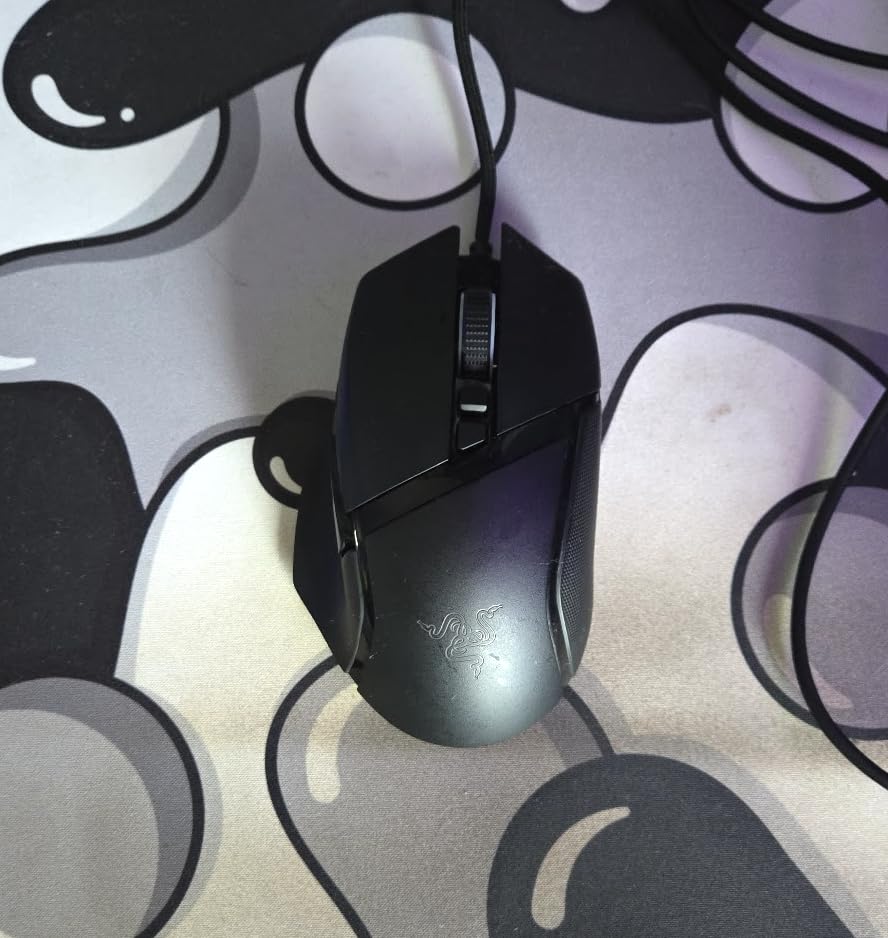
Underneath, the numbers are competitive. The Focus Plus sensor reads to 26000 DPI, above every other wired mouse here, and the Gen-2 optical switches are rated to 70 million clicks at 0.2 ms actuation. Eleven programmable buttons and eleven Chroma lighting zones cover the rest.
Two things temper that. The body is 5.12 inches long and weighs about 101 g, so smaller hands can find it crowded, which is the same caution that applies to the Logitech G502 Hero. And Razer splits Synapse across separate apps for lighting and mouse settings, a small friction that owners mention often.
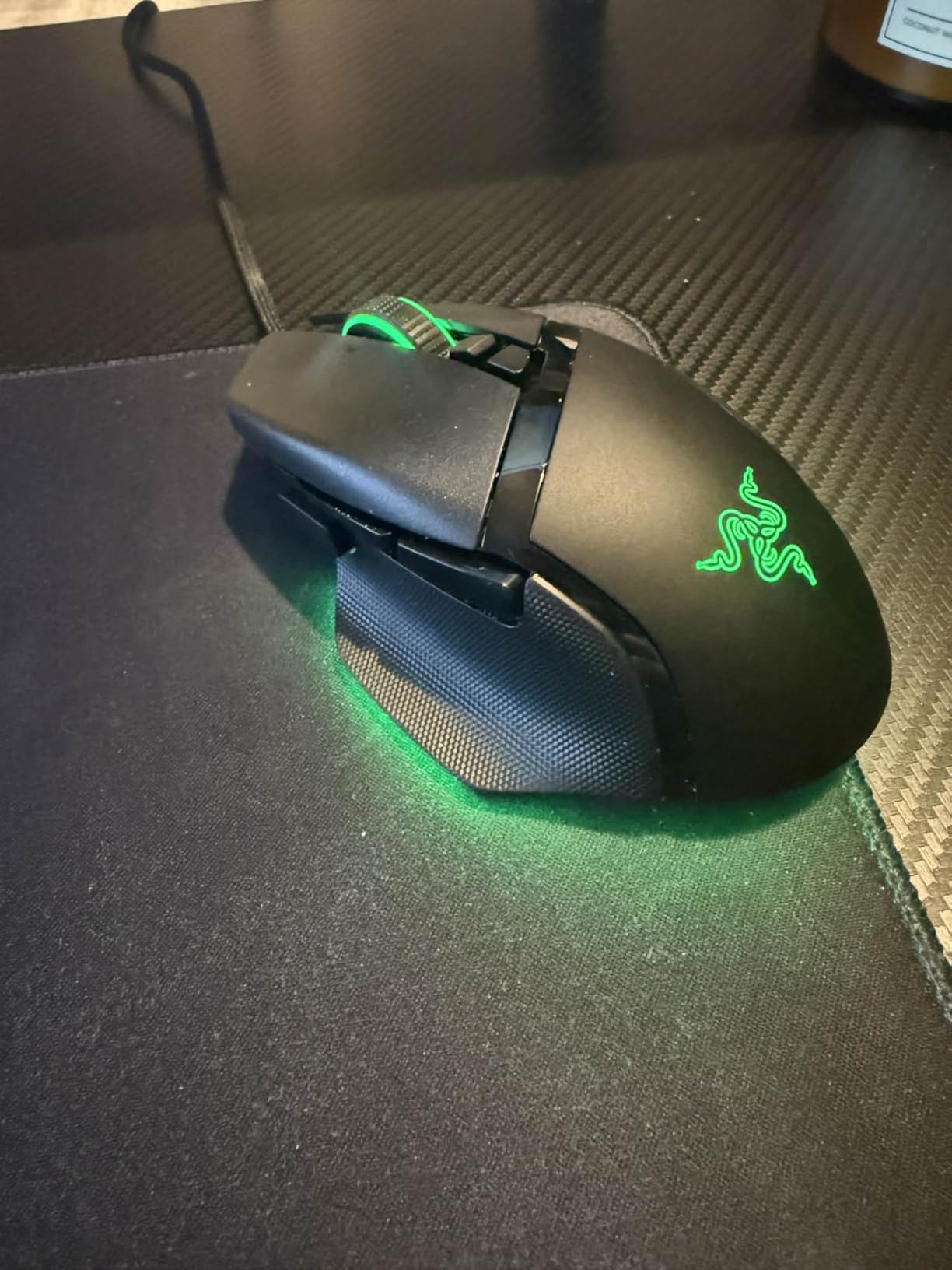
Compared with the Logitech G502 Hero, the Basilisk gives up the weight cartridge and gains a thumb rest and a far better wheel. Compared with the Razer DeathAdder Essential, it is a different animal entirely: eleven buttons instead of five, optical switches instead of mechanical, lighting instead of none.
8. Logitech G703: Best Premium Wireless Build
Logitech G703
Weight: 3.2 oz
DPI: 25600
Connection: wireless
Buttons: 6
Pros
- HERO 25K sensor with 1:1 tracking and 400+ IPS
- Rubber side grips and metal-spring button tensioning
- Optional 10 g weight cartridge
- Works with POWERPLAY wireless charging sold separately
Cons
- Highest price in this lineup
- Up to 35 hours of battery is far short of the G305
- Only six programmable buttons
The G703 is the wireless pick for people who care how the thing feels to touch. The rubber side grips and the metal-spring button tensioning give it a premium feel that the rest of the wireless options here do not reach.
The HERO 25K sensor tracks with 1:1 accuracy at 400+ IPS and up to 25600 DPI, matching the wired G502 Hero’s ceiling. LIGHTSPEED keeps the connection responsive, and an optional 10 g cartridge lets you dial the 95 g body up or down.
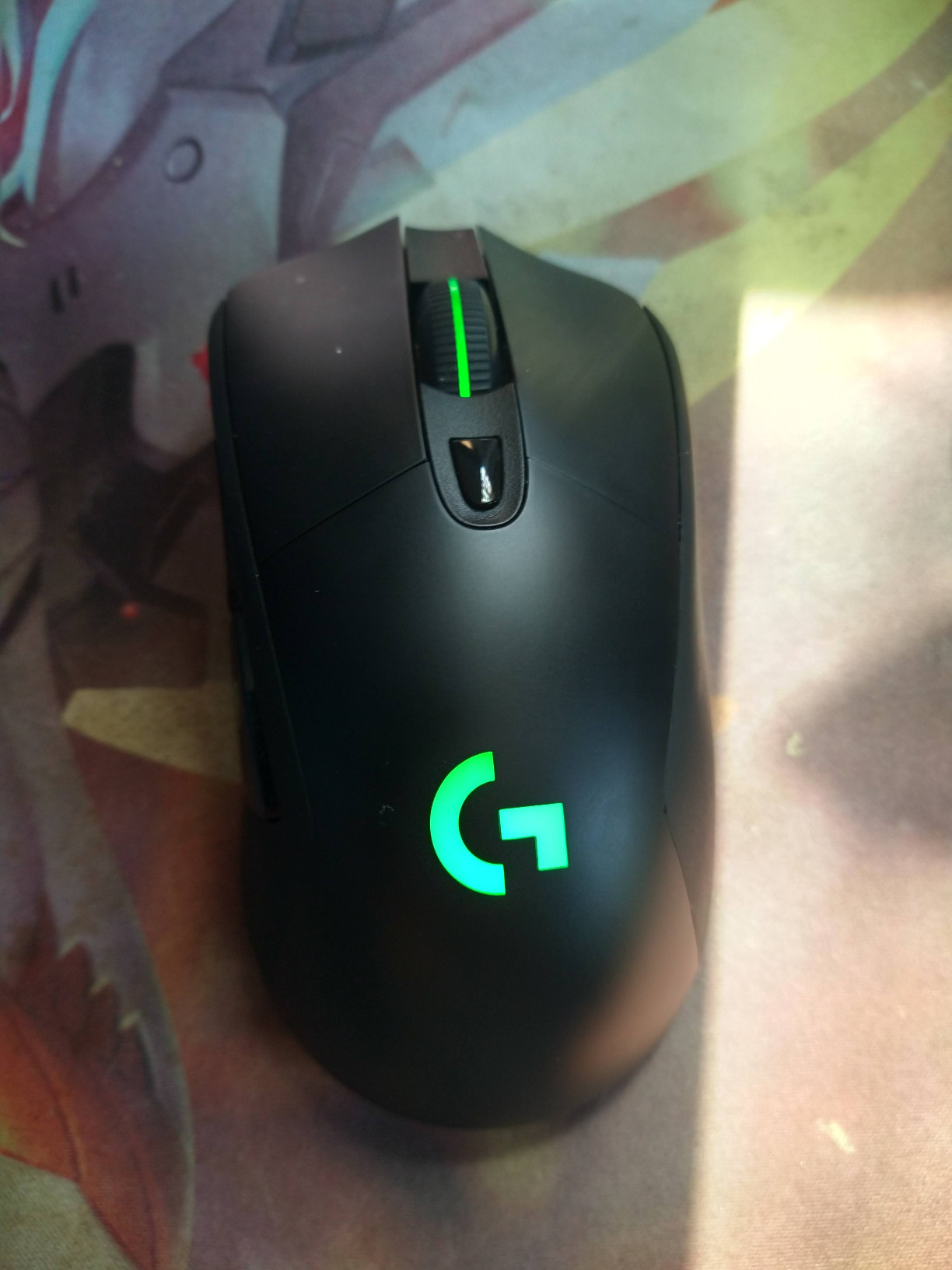
The trade-off is battery life. Up to 35 hours on default LIGHTSYNC lighting is a fraction of the G305’s 250 hours on one AA, and that gap is the single most quoted reservation in the reviews. Owners rate it slightly below the G305 on value for exactly that reason.
Worth knowing: it works with the POWERPLAY wireless charging system, which is sold separately, so budget for that if you want a dock on the desk. Six programmable buttons is also fewer than any MMO-oriented mouse in this roundup.
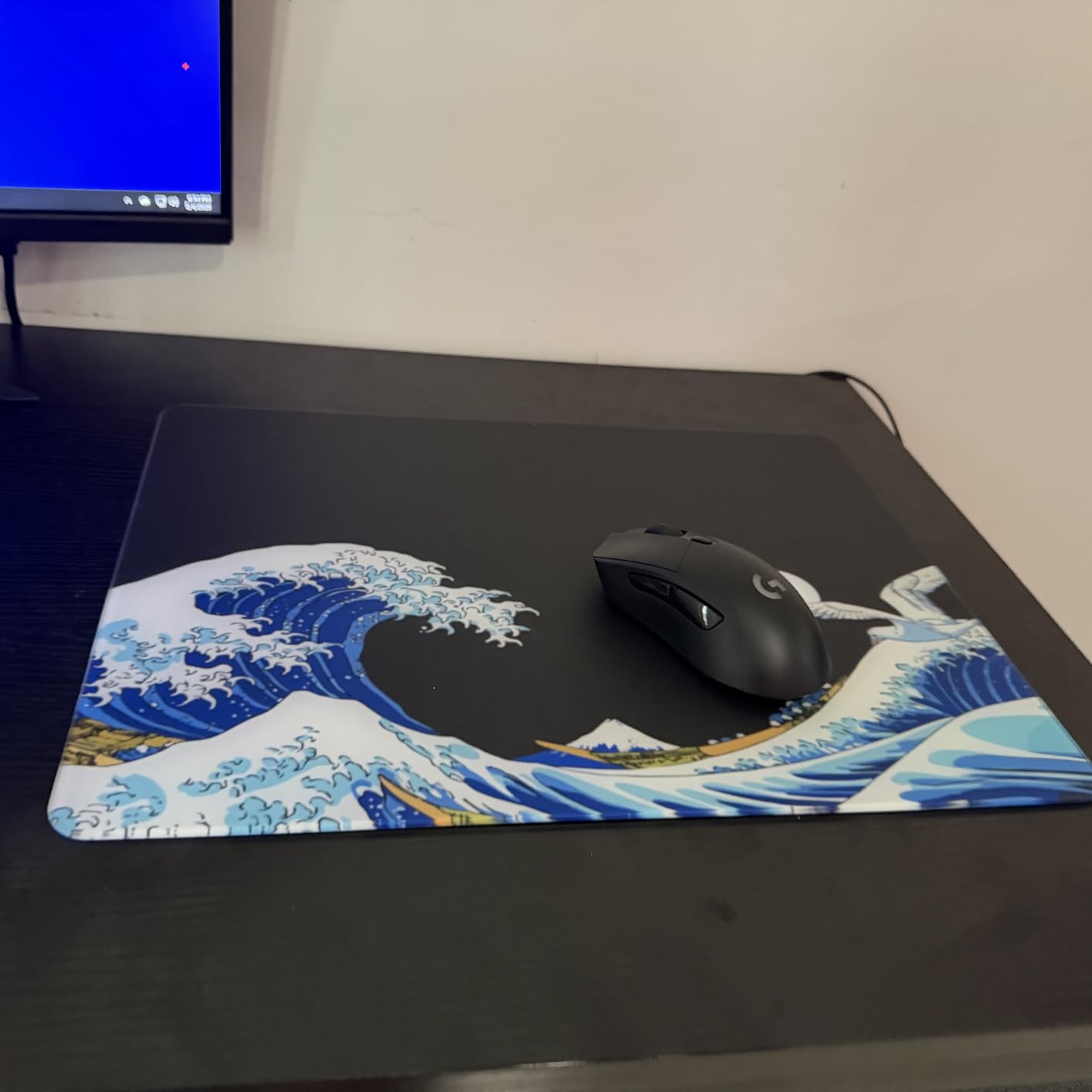
Pick this one if you want wireless without giving up build quality. If battery endurance is the deciding factor, the Logitech G305 wins easily, and if the budget is the deciding factor, the wired Redragon M612 is the one.
9. Razer Cobra: Best for Small Hands and Claw Grip
Pros
- 58 g body is markedly lighter than most rivals
- Gen-3 optical switches rated to 90 million clicks
- 100% PTFE feet glide well with no aftermarket skates
- DPI adjusts in 50 DPI increments
Cons
- Small shape is not built for large hands
- Main clicks feel somewhat mushy
- Clicks are loud
At 58 g the Cobra sits in the ultralight class, and it is built specifically for claw and fingertip grips. If the Logitech G502 Hero and the Razer Basilisk V3 both feel too big, this is the one to try.
Optical switches remove the double-click problem outright, and they are rated to 90 million clicks, the highest figure of any mouse here. The PTFE feet on the front, rear and sensor ring mean you can use it as it comes out of the box instead of buying skates.
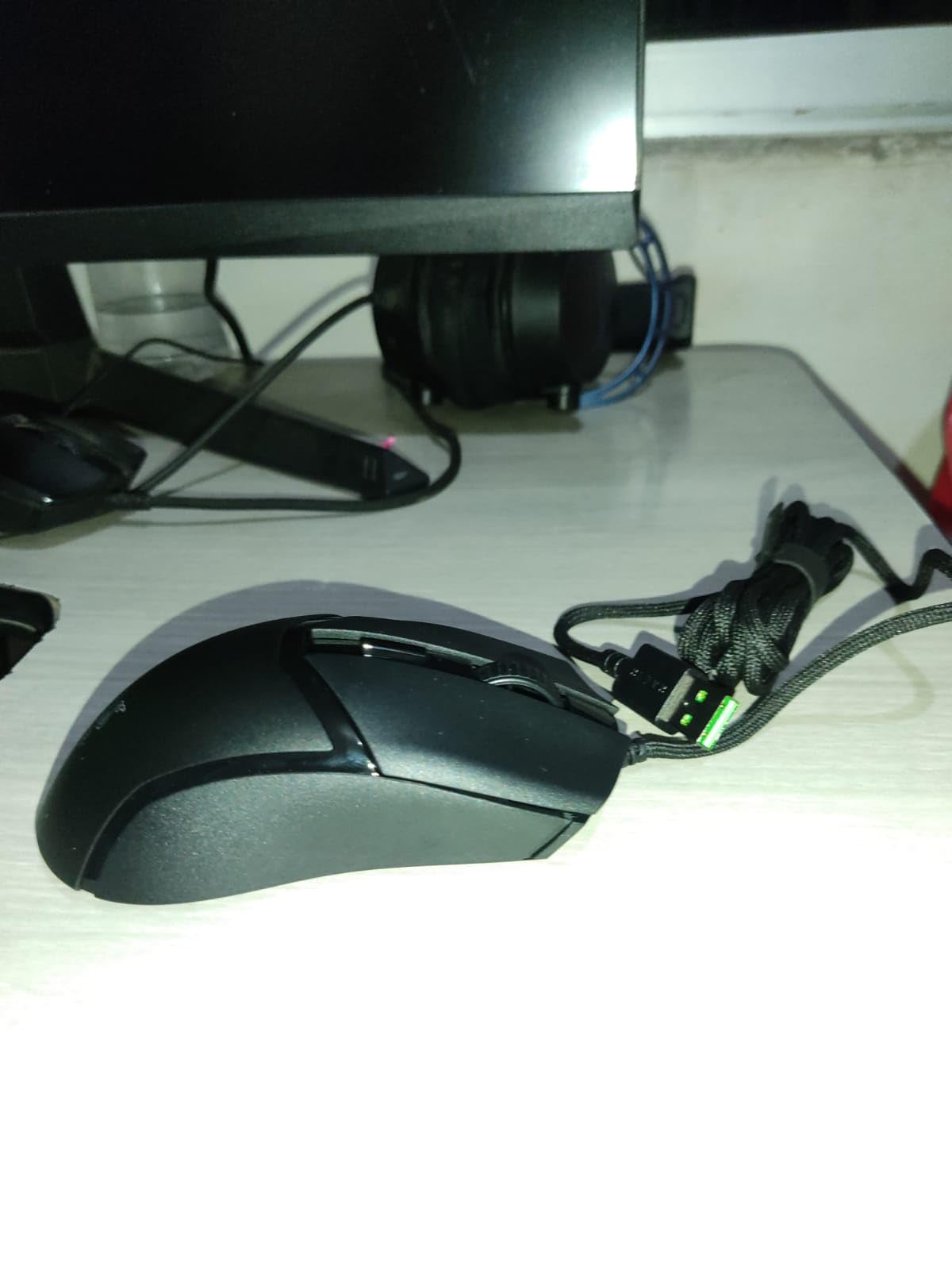
Owners are enthusiastic about the thumb buttons, which they describe as snappy, and the 8500 DPI sensor is adjustable in 50 DPI increments, so fine-tuning a sens is straightforward. It runs on Windows, macOS and Linux.
Two honest warnings. The main clicks are described as somewhat mushy rather than crisp, and the shape is small, so large hands should look elsewhere. There is also a lower durability ceiling than the Redragon M612, whose owners talk about years of use.
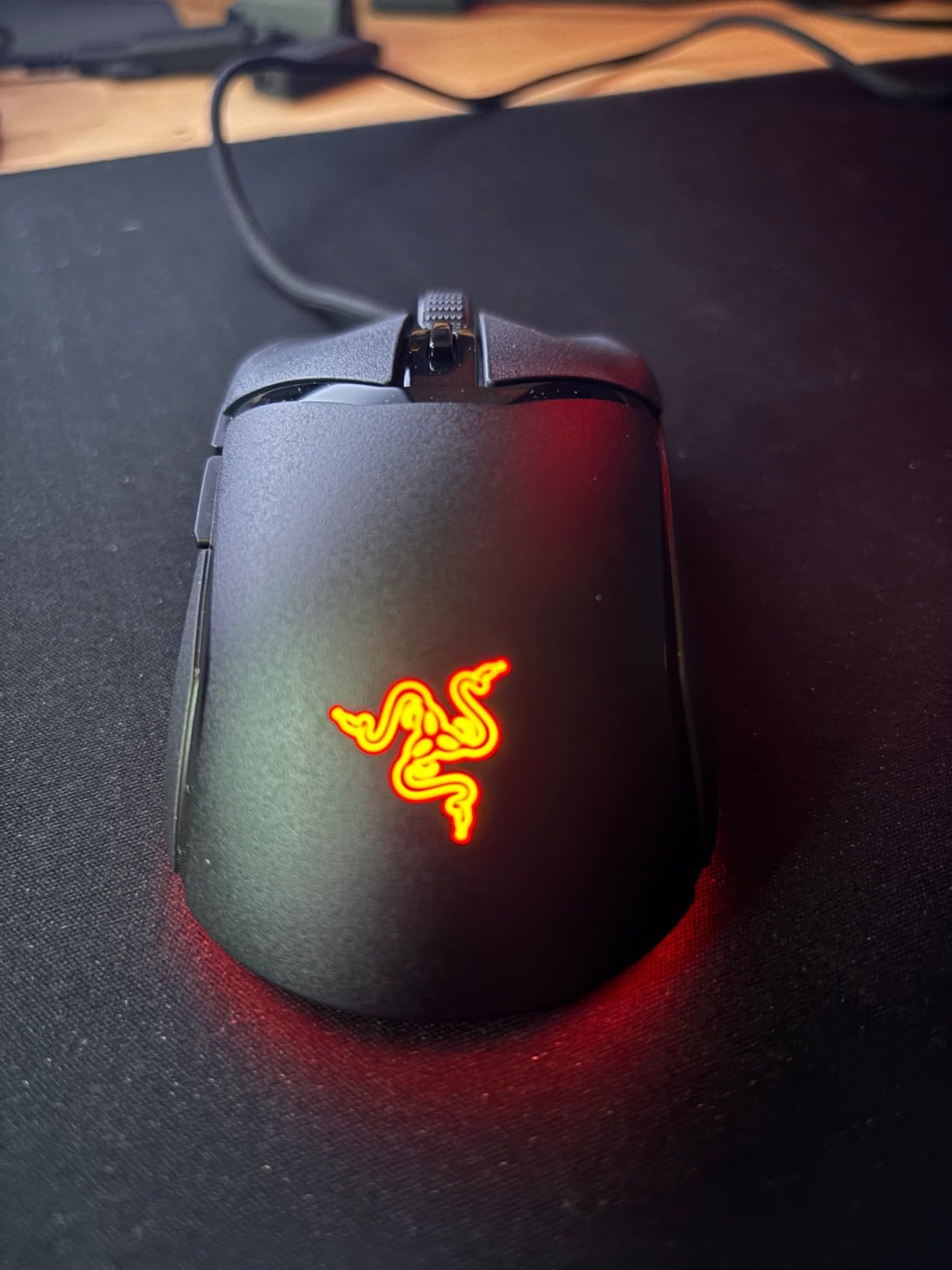
Against the Glorious Model O Eternal, both are ultralight, but the Cobra is a claw-grip shape at 58 g and the Glorious is a symmetrical 55 g shell. Against the Logitech G502 Hero, the Cobra wins on weight and loses on buttons, lighting options and weight tuning.
10. Glorious Model O Eternal: Best Ultralight Shell for Either Hand
Glorious Model O Eternal
Weight: 1.9 oz
DPI: 12000
Connection: wired
Buttons: 6
Pros
- 55 g honeycomb shell for fast swipes and hard stops
- Symmetrical ambidextrous design works for any grip
- Dual-zone RGB across the flared side panels
- 80-million-rated mechanical switches
Cons
- Smallest review base here at just 281 ratings
- Honeycomb shell traps dust and is harder to clean
- Some users find the skeletal shell less solid feeling
The Model O Eternal is the lightest pick in the list at 55 g, and its symmetrical shell suits either hand or any grip style. A 12000 DPI optical sensor and dual-zone RGB across the flared side panels cover the functional ground.
The caveat to weigh first is the feedback base. With 281 ratings, this is the thinnest review history here by a wide margin, so it is worth reading a few reviews before you commit. The critical feedback is about the feel of the shell and the lighting software rather than the sensor, and the five-star share is still the strongest of the ten.
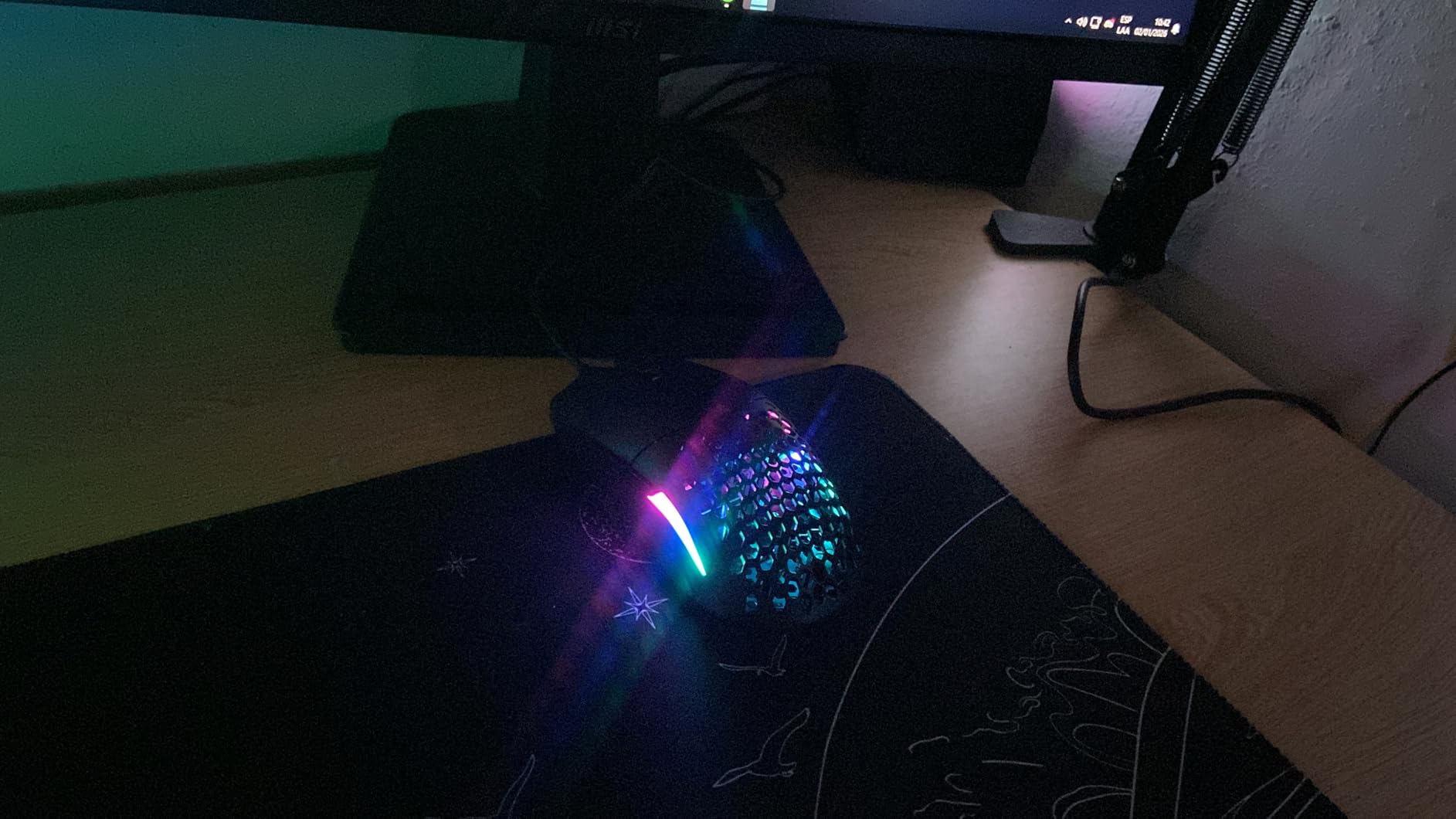
Owners point to the honeycomb shell as both the reason to buy and the reason to pause. At 55 g, up to 35% lighter than the competition according to the listing, it makes fast swipes easy, but the open lattice collects dust and is more work to keep clean than a solid shell.
Six buttons are remappable through Glorious CORE software, and the mechanical switches are rated to 80 million clicks, comfortably ahead of the Redragon M908 and the Razer DeathAdder Essential. A two-year manufacturer warranty is included.
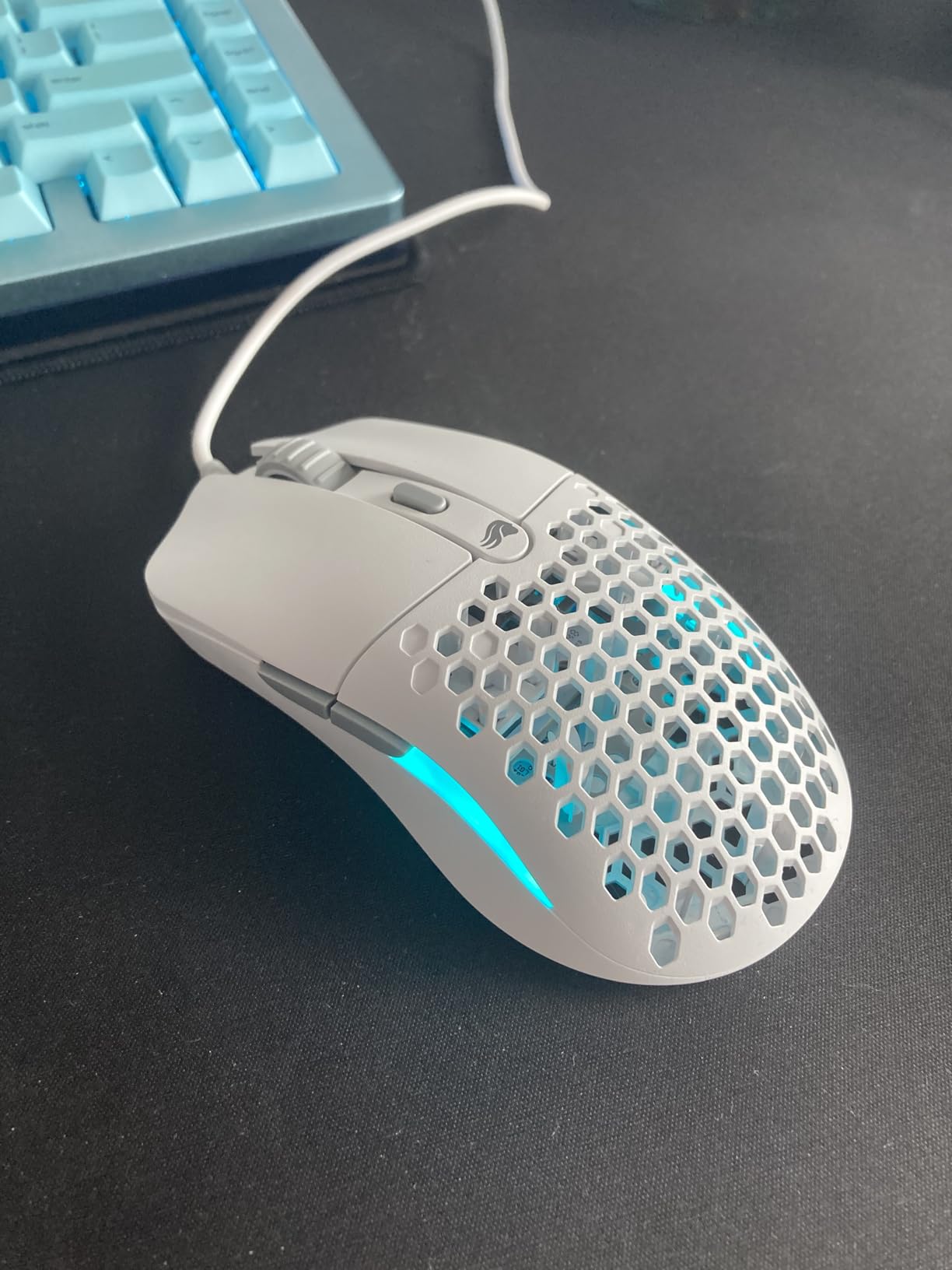
Compared with the Razer Cobra, the Glorious trades the claw-grip geometry for a symmetrical shell and gains a longer warranty and a 12000 DPI ceiling. Compared with the Logitech G502 Hero, it gives up eleven buttons, lighting depth and weight tuning to save more than 3 oz.
How to Choose Gaming Mice During Prime Big Deal Days
Sensor Accuracy and Polling Performance
Look for a sensor with no acceleration or smoothing, because those quietly correct your movement and make a flick feel different from what you intended. Every mouse here uses an optical sensor, and the ceiling ranges from 6400 DPI on the Razer DeathAdder Essential to 26000 DPI on the Razer Basilisk V3.
Polling rate is how often the mouse reports its position to the PC. 1000 Hz is the standard and the Razer Cobra and Razer Basilisk V3 sit there comfortably; anything above that matters mostly at the competitive end. DPI is a different number, measuring sensitivity in counts per inch, and 8000 DPI with 400 IPS tracking is a sensible pairing for most shooters.
Wireless Latency and Connectivity
Wireless is no longer the slow option. The Logitech G305 reports at 1 ms over LIGHTSPEED, which owners describe as indistinguishable from a cable, and the Logitech G703 uses the same technology with a higher-tier sensor.
The catch is battery. The G305 runs up to 250 hours on one AA, while the G703 manages 35 hours on its default lighting. Decide which end of that trade-off matters to you before you look at the event offers.
If you are rebuilding a whole setup rather than just swapping the mouse, PC gaming headsets are the other upgrade that suffers most from cable clutter, and the two decisions tend to get made together.
Shape, Grip and Comfort
The weight spread here is wide. The Glorious Model O Eternal and the Razer Cobra sit in the ultralight class below 60 g, while the Redragon M602 is a heavy desk mouse rather than a fast-flick one, and owners regularly describe the heavier models as tiring over long sessions.
Shape is personal. The Razer Cobra and the Glorious Model O Eternal suit smaller hands and claw grip, the Logitech G502 Hero and the Razer Basilisk V3 need medium-to-large hands, and the Redragon M908 has the most aggressive learning curve. Most regret on this list comes from a shape mismatch rather than a spec problem.
Buttons, Switches and Customization
Count only the buttons you will actually use. The Razer DeathAdder Essential has five, the Logitech G305 and Logitech G703 have six, the Logitech G502 Hero and the Razer Basilisk V3 have eleven, and the Redragon M908 has eighteen.
Onboard memory matters more than button count if you play more than one game. The Redragon M908 stores five profiles with their own indicator colours, so binds travel with the mouse. Onboard DPI buttons matter for the same reason, since re-tuning sensitivity through software interrupts a session.
Switch rating is the durability signal: 10 million clicks on the Razer DeathAdder Essential against 90 million on the Razer Cobra. Higher is better, and it is the number to check before a long-term purchase.
Build Quality and Long-Term Value
Warranty length is a quick proxy for how a brand treats failures. Razer and Glorious list two years on the models here, Logitech lists one year of hardware coverage on the G502 Hero, and the Redragon models list one year.
Then read the durability reports rather than the material descriptions. The Redragon M612 has owners describing three-and-a-half to five-plus years of heavy use, which no shell material claims. The same reviews note where wear actually starts, which on that mouse is the middle button and the scroll wheel.
How to Shop Gaming Mouse Deals During the Sale
Check the model number on the listing, not just the name. Logitech and Razer both keep similar names across generations, and one G502 Hero part number is not the same product as a different number in the same family. Confirm the sensor figure and the connection type in the specifications block, since wireless and wired versions of the same brand look near-identical in photos.
Look at who sells and who sends it, and prefer a listing shipped by Amazon over a marketplace seller offering a newly named accessory bundle. Check the bundle contents too, because receiver and battery variations exist, and read whether the condition is new or renewed before you commit.
Most offers need a Prime membership, which a free trial covers, and the pricing changes through the event rather than holding steady for its full run.
Before you buy, check off these five:
- Confirm the model number and whether the listing is the wired or wireless variant
- Verify the sensor ceiling and polling rate match the shape of game you play
- Check the weight against your hand size and usual session length
- Read the seller and condition, preferring listings sent by Amazon
- Compare the review count, since a low-rating listing tells you far less than a large one
Frequently Asked Questions
What are the best Amazon Prime Big Deal Days gaming mouse deals?
The strongest picks in this roundup are the Logitech G502 Hero for overall play, the Logitech G305 for wireless value and long battery life, and the Redragon M602 for Mac and Linux desks that want RGB lighting. Which one suits you depends on hand size, button count and whether you need a cable.
When does Amazon Prime Big Deal Days run in 2026?
Amazon Prime Big Deal Days runs October 6-7, 2026. Gaming mice are a regular category in the event, though the exact models and offer levels change from year to year, so compare the live listings on the day rather than relying on a list written earlier.
Do I need Prime membership to buy gaming mouse deals during the sale?
Most offers in the event need a Prime membership, and a free trial counts for the length of the trial. A small number of offers run for everyone, so it is worth signing up before the event starts rather than at checkout.
Is a wireless mouse better than a wired one for gaming?
Modern wireless is close behind wired for responsiveness. The Logitech G305 reports at 1 ms over LIGHTSPEED, which owners describe as indistinguishable from a cable, so the real difference is battery life and whether you value a clear desk or a consistent charge.
What gaming mouse sensor is best for competitive shooters?
A sensor with no acceleration or smoothing is the priority, and every optical sensor in this roundup meets that bar. For competitive shooters, the Razer Basilisk V3 leads at 26000 DPI with 400+ IPS tracking, while the Logitech G502 Hero reaches the same ceiling with eleven programmable buttons.
Final Verdict: Best Amazon Prime Big Deal Days Gaming Mouse Deals
Buy the Logitech G502 Hero if you want the single most complete mouse on this list, with an Editor’s Choice label for a reason: the 25600 DPI sensor, eleven buttons and the five-piece weight system cover nearly every play style, and no other pick has a review base anywhere near its 58,000 ratings.
Buy the Logitech G305 if wireless is the priority and battery life is the deciding factor. Its Best Value label covers the 1 ms LIGHTSPEED connection and 250 hours on one AA, and nothing else here comes close on endurance.
Buy the Redragon M602 if your setup is not a single Windows tower, since it is the only pick whose listing names Linux, Mac and PC alongside nine programmable buttons and seven RGB modes.
Buy the Razer DeathAdder Essential for a proven shape at the budget end, the Redragon M908 if MMO hotbars need eighteen buttons and five onboard profiles, the Redragon M612 if longevity is the goal, and the Razer Basilisk V3 when a thumb rest and a HyperScroll wheel matter more than weight tuning.
Buy the Logitech G703 for a premium wireless build, the Razer Cobra for small hands and claw grip, and the Glorious Model O Eternal for the lightest symmetrical shell in the roundup. Check the listing details and seller before you commit, then use the buttons above to see the current figure for your pick.