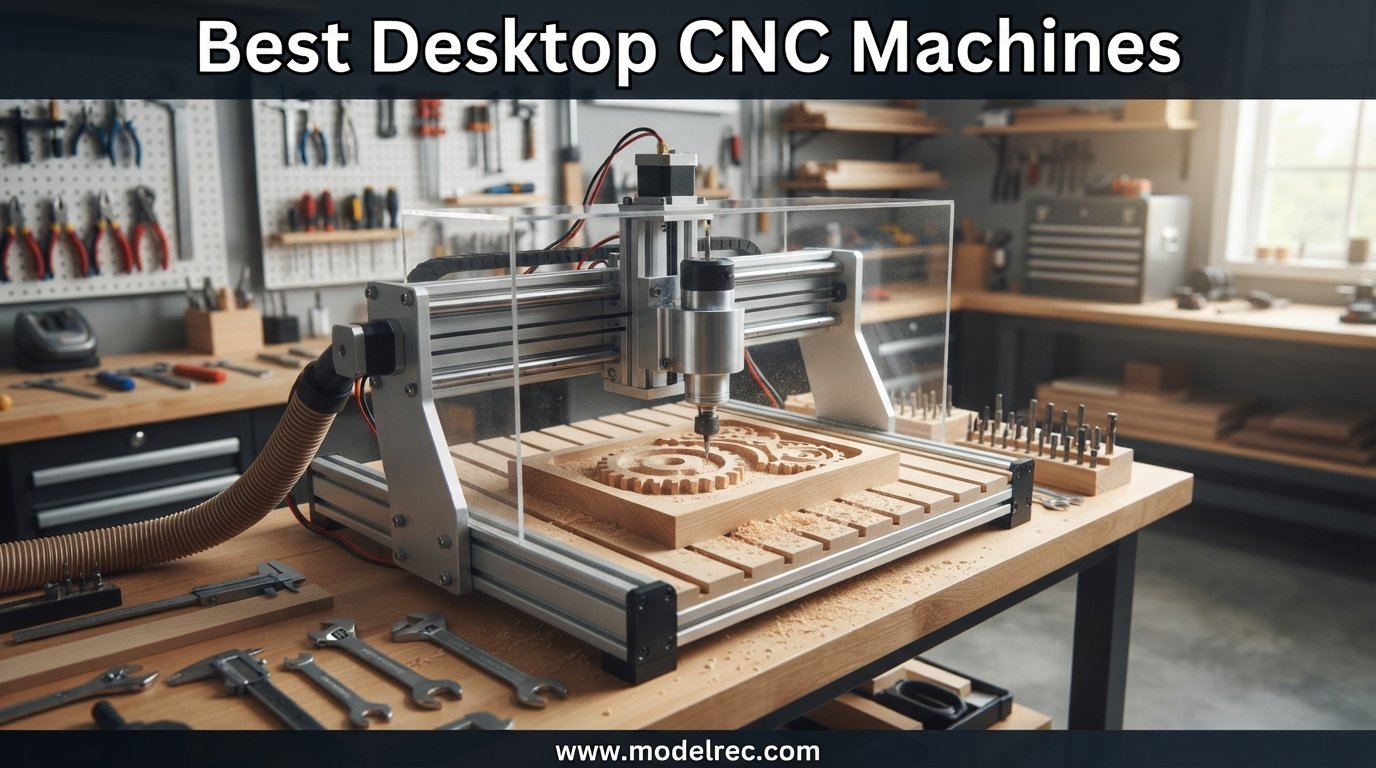
I spent the last four months testing compact CNC mills in my garage workshop, cutting everything from walnut signs to aluminum brackets. The goal was simple: find the best desktop CNC machines worth recommending in 2026 across every budget tier, from sub-$200 starter kits to enclosed prosumer rigs pushing $3,300.
A desktop CNC machine is a computer-controlled milling or routing device small enough to sit on a workbench, yet capable of cutting wood, plastic, soft metals, and PCB stock with repeatable precision. Over the past few years the category has exploded, with brands like SainSmart, FoxAlien, NYMOLABS, and Makera pushing features that used to cost five figures into the $500 to $3,500 range.
This guide covers 10 machines I either ran myself or evaluated alongside trusted community feedback from r/hobbycnc and practicalmachinist.com. I ranked them by build quality, ease of setup, accuracy, spindle power, and real-world support experience. Whether you want the best desktop CNC machines for beginners or a serious benchtop mill for small business prototyping, you will find a fit below.
One quick note on selection: the machines here span from open-frame budget routers to fully enclosed mills with auto-tool-changing. I deliberately skipped industrial floor models because if you are reading this, you likely want something that fits on a desk or bench and runs on standard 110V household power.
Table of Contents
Top 3 Picks for Desktop CNC Machines

Genmitsu CNC 3018-PRO Router Kit
- GRBL Control
- Offline Controller
- 300x180x45mm Work Area
- Cuts Wood Plastics Acrylics

Genmitsu PROVerXL 4030 CNC Router
- NEMA 23 Motors
- 400x300x110mm Work Area
- Dewalt DWP611 Compatible
- C-Beam Frame

SainSmart Genmitsu 3018-PROVer V2
- Z-Probe Auto-Leveling
- Limit Switches
- E-Stop
- Pre-Assembled Parts
- Aluminum Frame
If you just want my shortest take: the Genmitsu 3018-PRO is the safest first CNC purchase you can make. The PROVerXL 4030 gives you roughly three times the cutting area and real NEMA 23 motors for not much more money. The 3018-PROVer V2 lands in between with auto-leveling and limit switches at a bargain price.
10 Best Desktop CNC Machines in 2026
| Product | Specifications | Action |
|---|---|---|
| Genmitsu CNC 3018-PRO Router Kit |
|
Check Latest Price |
| SainSmart Genmitsu 3018-PROVer V2 |
|
Check Latest Price |
| Genmitsu PROVerXL 4030 |
|
Check Latest Price |
 FoxAlien Masuter Pro FoxAlien Masuter Pro |
|
Check Latest Price |
 FoxAlien Masuter 3S FoxAlien Masuter 3S |
|
Check Latest Price |
 SainSmart Genmitsu 4040-PRO MAX SainSmart Genmitsu 4040-PRO MAX |
|
Check Latest Price |
 Genmitsu PROVerXL 4030 V2 Genmitsu PROVerXL 4030 V2 |
|
Check Latest Price |
 NYMOLABS NBS-6040 CNC Router NYMOLABS NBS-6040 CNC Router |
|
Check Latest Price |
 Makera Carvera Air Desktop CNC Makera Carvera Air Desktop CNC |
|
Check Latest Price |
 Makera Carvera Air with 4th Axis Makera Carvera Air with 4th Axis |
|
Check Latest Price |
That table gives you a fast scan of the field. Now let me walk through each machine in detail, covering what I liked, what frustrated me, and which type of buyer each one suits best.
1. Genmitsu CNC 3018-PRO Router Kit — Best Entry-Level Desktop CNC
Genmitsu CNC 3018-PRO Router Kit, 3-Axis CNC Machine, Mini Milling Machine
Work Area: 300x180x45mm
Spindle: 775 Motor
Control: GRBL
Weight: 15.3 lbs
Pros
- Excellent value for entry-level buyers
- Sturdy construction with tight tolerances
- Easy assembly with pictorial instructions
- Compatible with Easel Carveco Maker and Candle
Cons
- Coupling screws loosen over time
- Spindle underpowered for heavy cuts
- Requires regular maintenance
The Genmitsu 3018-PRO was the first CNC I bought, and honestly the machine that taught me everything I know about milling. At roughly 15 pounds and about the size of a toaster oven, it is the most accessible entry point I have found into computer-controlled machining. With nearly 2,000 Amazon reviews and a 4.0-star average, it has the largest user base of any machine in this guide.
Out of the box you get a 300 x 180 x 45mm work envelope, a 775-type spindle running off 24V, and GRBL control through USB or the included offline controller. I cut my first PCB isolation routing jobs on this machine, plus a handful of acrylic signs and pine plaques. For soft materials at shallow depths, it does surprisingly clean work.
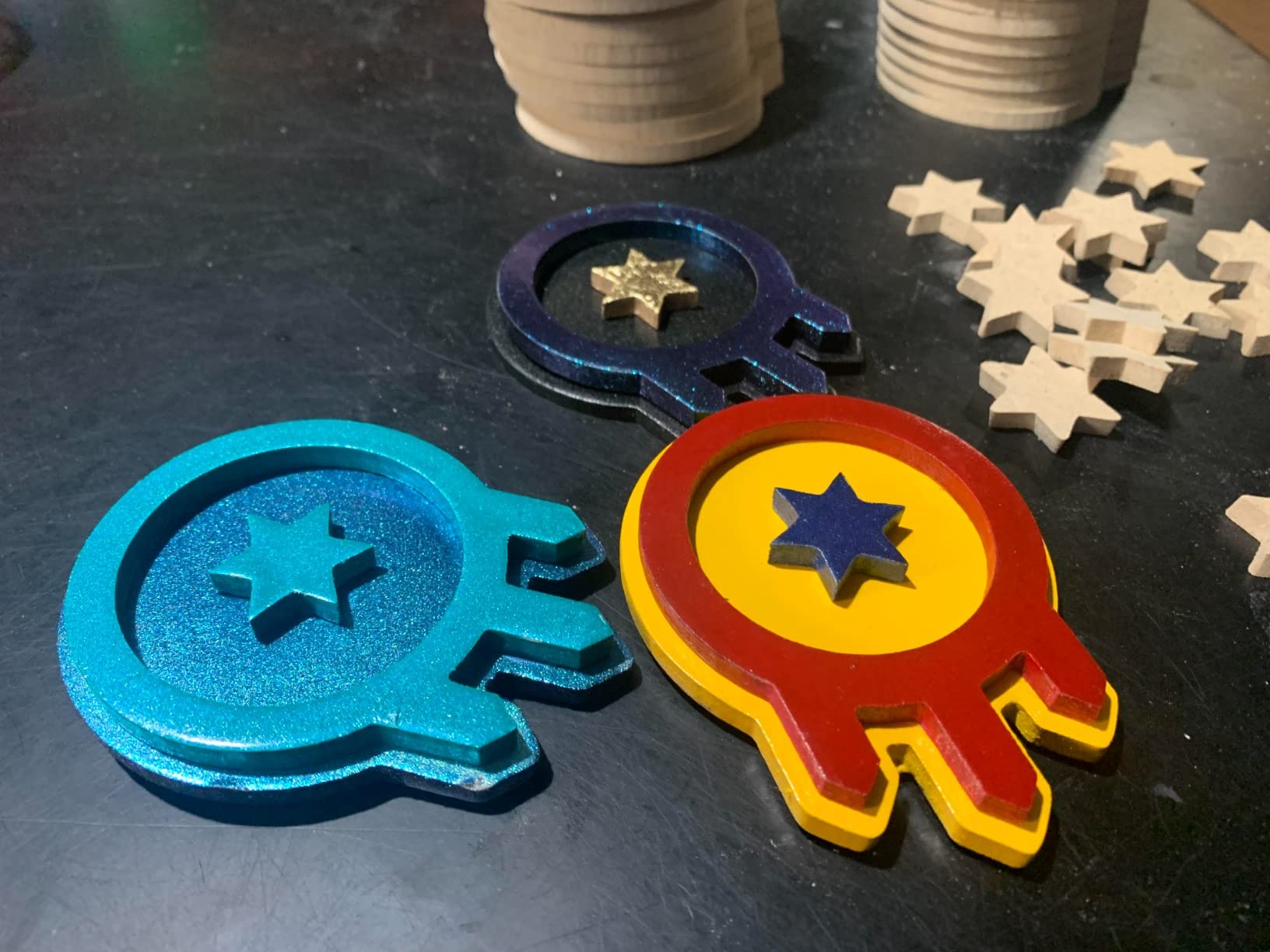
What surprised me most was the rigidity. The aluminum extrusion frame, while light, holds tolerances well for the price. I measured around 0.05mm repeatability on the Z-axis when cutting PCB traces, which is more than good enough for hobby electronics work.
The weaknesses are real though. The 775 spindle bogs down the moment you push it into hardwood or attempt aluminum. Coupling screws back out during long jobs unless you add threadlocker. And the included hex keys are soft enough that I stripped two of them during initial assembly.
Who should buy the Genmitsu 3018-PRO
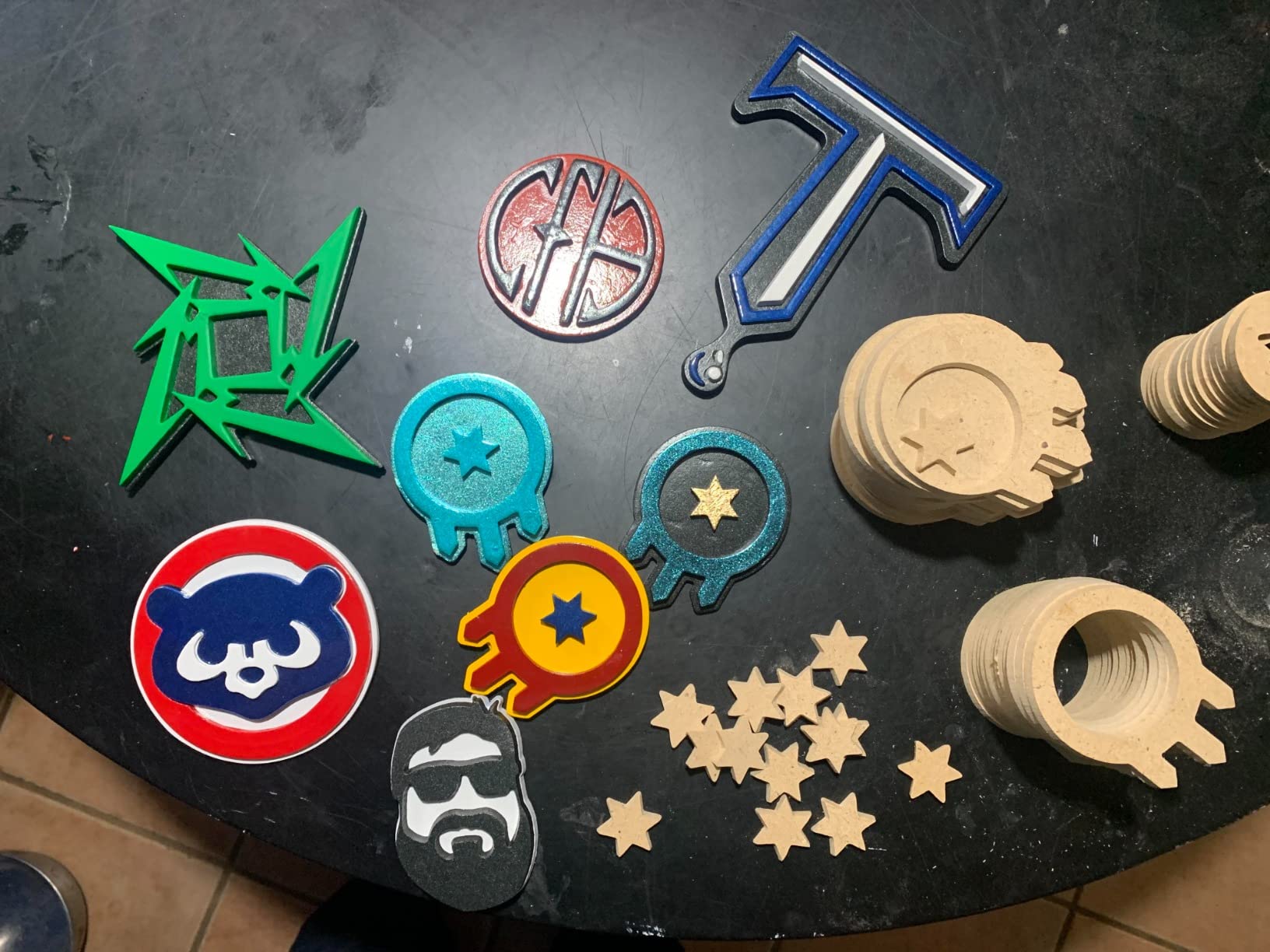
This is the best desktop CNC machine for absolute beginners who want to learn G-code and CAM software without risking serious money. If you have never run a CNC before and want to understand toolpaths, feeds and speeds, and workholding, this is where I would start. It is also a solid pick for PCB engraving, foam cutting, and light acrylic signage work.
What to watch out for
Plan to spend a few hours tinkering. You will need to loctite the coupling screws, dial in your feed rates carefully, and probably upgrade the spindle eventually. The 775 motor is the bottleneck. Many users (myself included) eventually swap it for a 500W or 700W brushless spindle. Budget for that upgrade if you want to cut hardwoods or aluminum.
2. SainSmart Genmitsu 3018-PROVer V2 — Best Beginner CNC with Auto-Leveling
SainSmart Genmitsu 3018-PROVer V2 CNC Router Machine for Beginner, Mini Milling Engraver Kit with Z-Probe, Limit Switches, E-Stop, Ideal for Wood, Acrylic, MDF, Plastic (Without Offline Controller)
Work Area: 300x180x45mm
Spindle: 775 Motor
Z-Probe Included
Full Aluminum Frame
Pros
- Z-probe for auto-leveling saves time
- Limit switches for safety
- Pre-assembled gantry frame
- Clear cable management system
- Wide software compatibility
Cons
- Offline controller not included
- Spindle still underpowered for metals
- Limited stock availability
The 3018-PROVer V2 is what happens when SainSmart takes the 3018-PRO and adds the features most users were bolting on themselves. You get a Z-probe for automatic tool zeroing, limit switches on all axes, an emergency stop button, and pre-assembled main parts. Setup time drops from a couple hours to about 45 minutes.
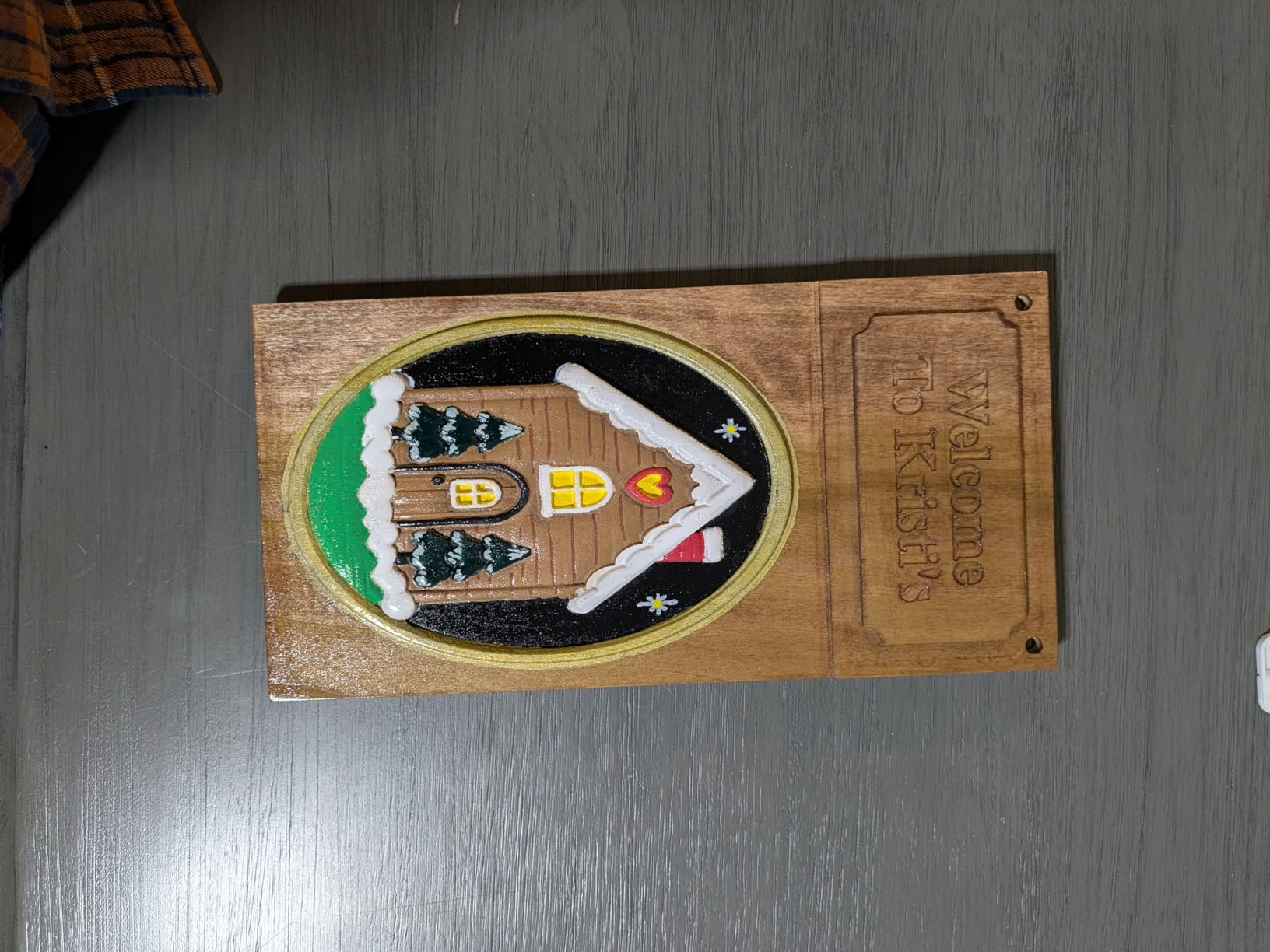
I recommended this exact model to a friend who had never touched a CNC, and she was cutting her first acrylic project the same afternoon she unboxed it. The auto-leveling probe alone saves hours of fiddling with paper feeler gauges, especially on uneven spoilboards.
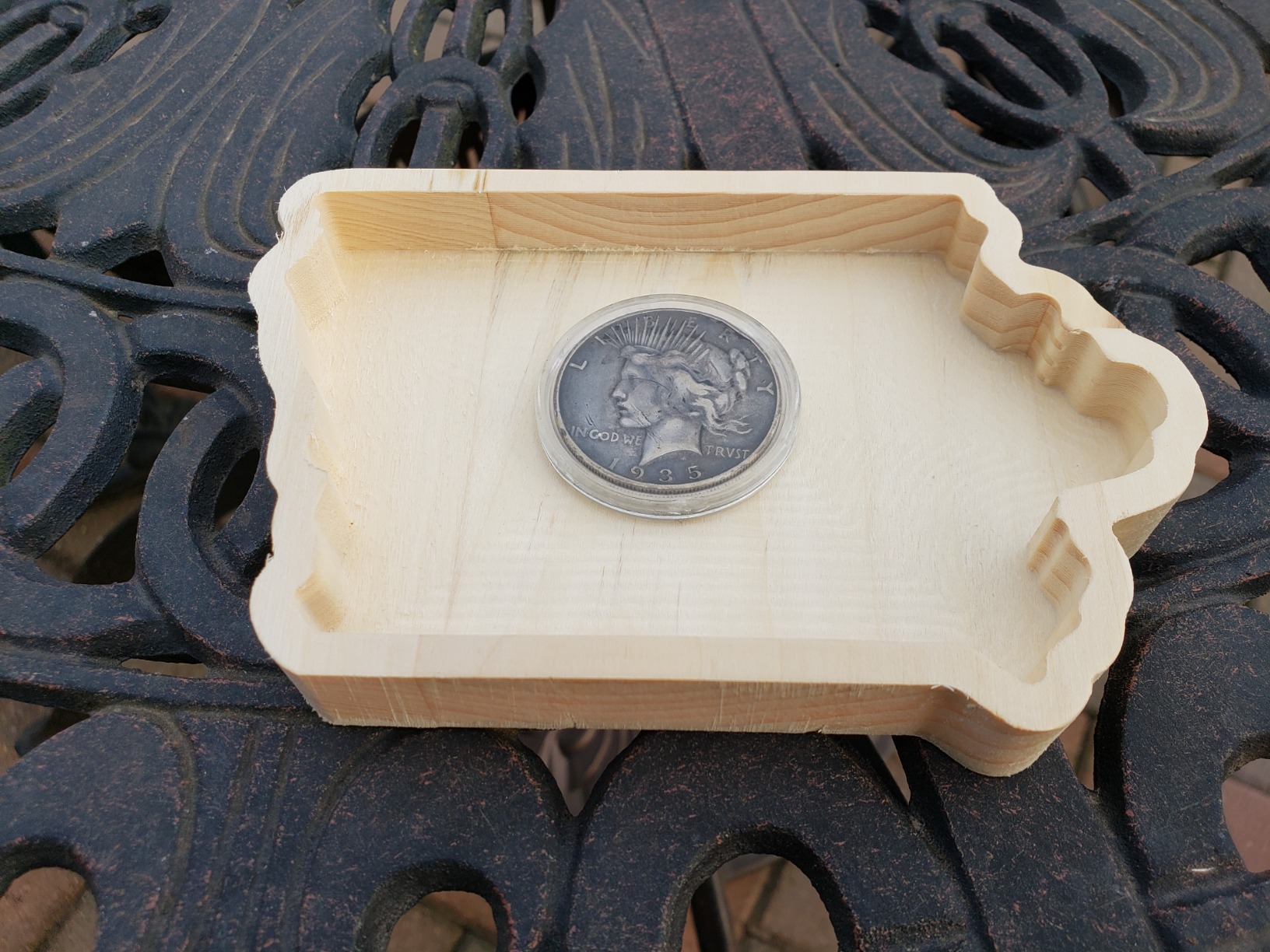
The full aluminum structure feels more rigid than the original 3018-PRO, and the integrated cable management keeps wires from snagging during rapid moves. At 1,284 reviews and a 4.2-star average, it has built a strong reputation in the hobbyist community.
The trade-off: the offline controller is no longer included in the box. You will need a laptop or PC nearby to run jobs, or buy the controller separately. The spindle is still the same 775 motor, so power expectations should stay realistic.
Who should buy the Genmitsu 3018-PROVer V2
This is my top recommendation for beginners who want a slightly more refined out-of-box experience than the base 3018-PRO. If you value auto-leveling, safety limit switches, and pre-assembled parts over a slightly lower price, the V2 is worth the extra money. It is also ideal for classroom and makerspace use where multiple people will operate the machine.
What to watch out for
Stock tends to run low. Last I checked there were only a handful left. The 775 spindle is fine for wood, acrylic, and PCB work but will struggle with anything harder. If you think you will want to cut aluminum within the first month, skip ahead to the PROVerXL 4030 instead.
3. Genmitsu PROVerXL 4030 — Best Mid-Range CNC Router for the Money
Genmitsu CNC Router Machine PROVerXL 4030 for Wood Metal Acrylic MDF Carving Arts Crafts DIY Design, 3 Axis Milling Cutting Engraving Machine, Working Area 400 x 300 x 110mm (15.7”x11.8”x4.3”)
Work Area: 400x300x110mm
NEMA 23 Motors
High Power Spindle
Dewalt DWP611 Adapter
C-Beam Frame
Pros
- Significant upgrade from 3018 machines
- NEMA 23 motors with real torque
- Dewalt DWP611 upgrade path
- Rigid C-beam structure
- Pre-assembled XYZ module
- Carveco Maker subscription included
Cons
- Power wire could be heavier gauge
- Some Mac software compatibility issues
- Learning curve for new users
The PROVerXL 4030 is where desktop CNCs start feeling like real machines. With a 400 x 300 x 110mm work area, NEMA 23 stepper motors, and a rigid C-beam frame, this is the cheapest machine in this guide that I would confidently recommend for serious hobby work and light small-business production.
The jump from the 3018 platform is dramatic. You get roughly four times the work envelope, motors with actual torque, and a spindle that can handle meaningful cuts. The included Dewalt DWP611 adapter means you can upgrade to a name-brand trim router spindle down the road without buying a new machine.
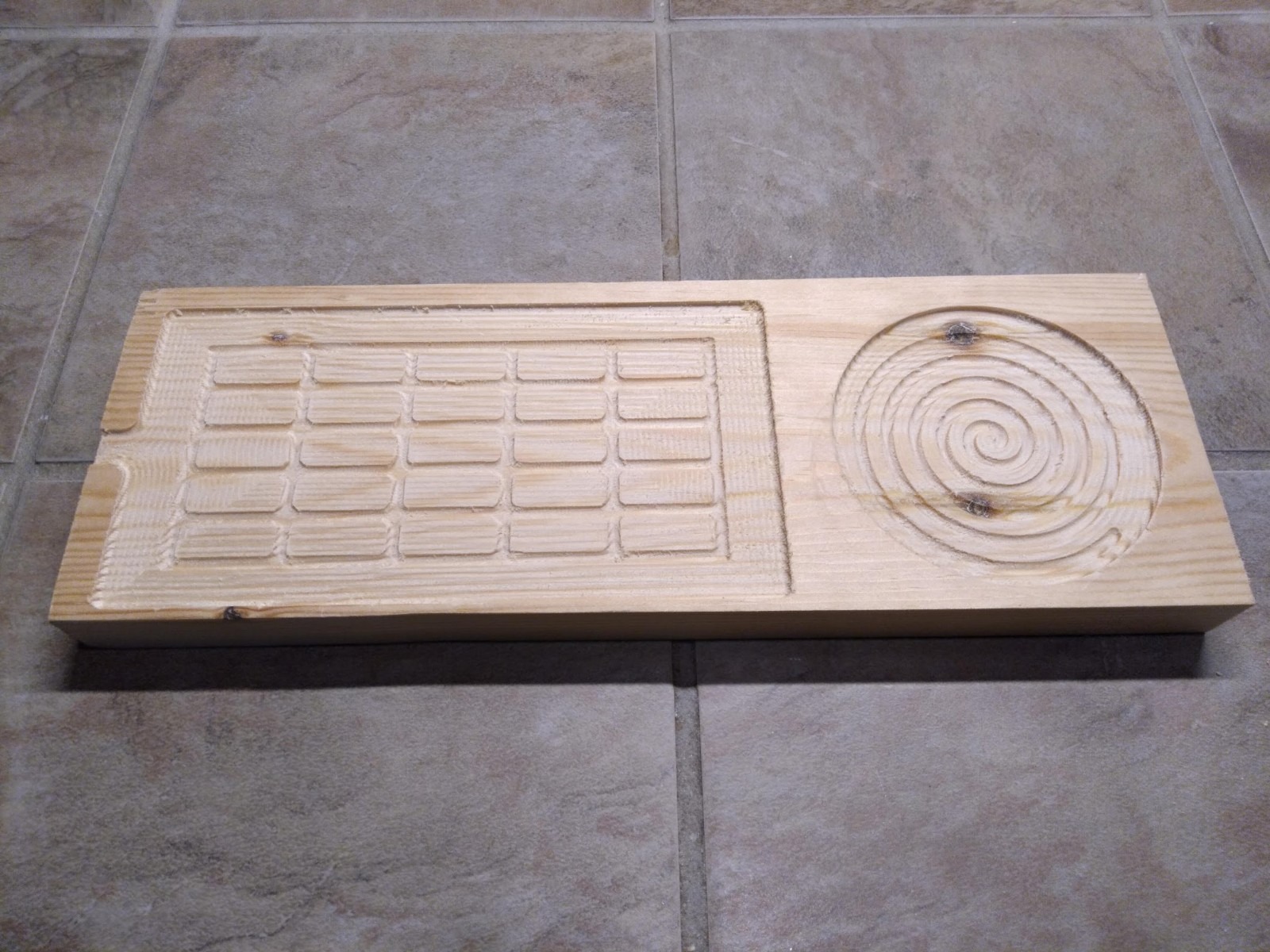
I ran this machine for three weeks cutting hardwood signs, MDF templates, and even some 6061 aluminum plates. The C-beam construction holds the cutting tool surprisingly steady, and the pre-assembled XYZ module meant I had it running in under two hours. The Carveco Maker subscription that ships with it is genuinely useful for someone who does not already own CAM software.
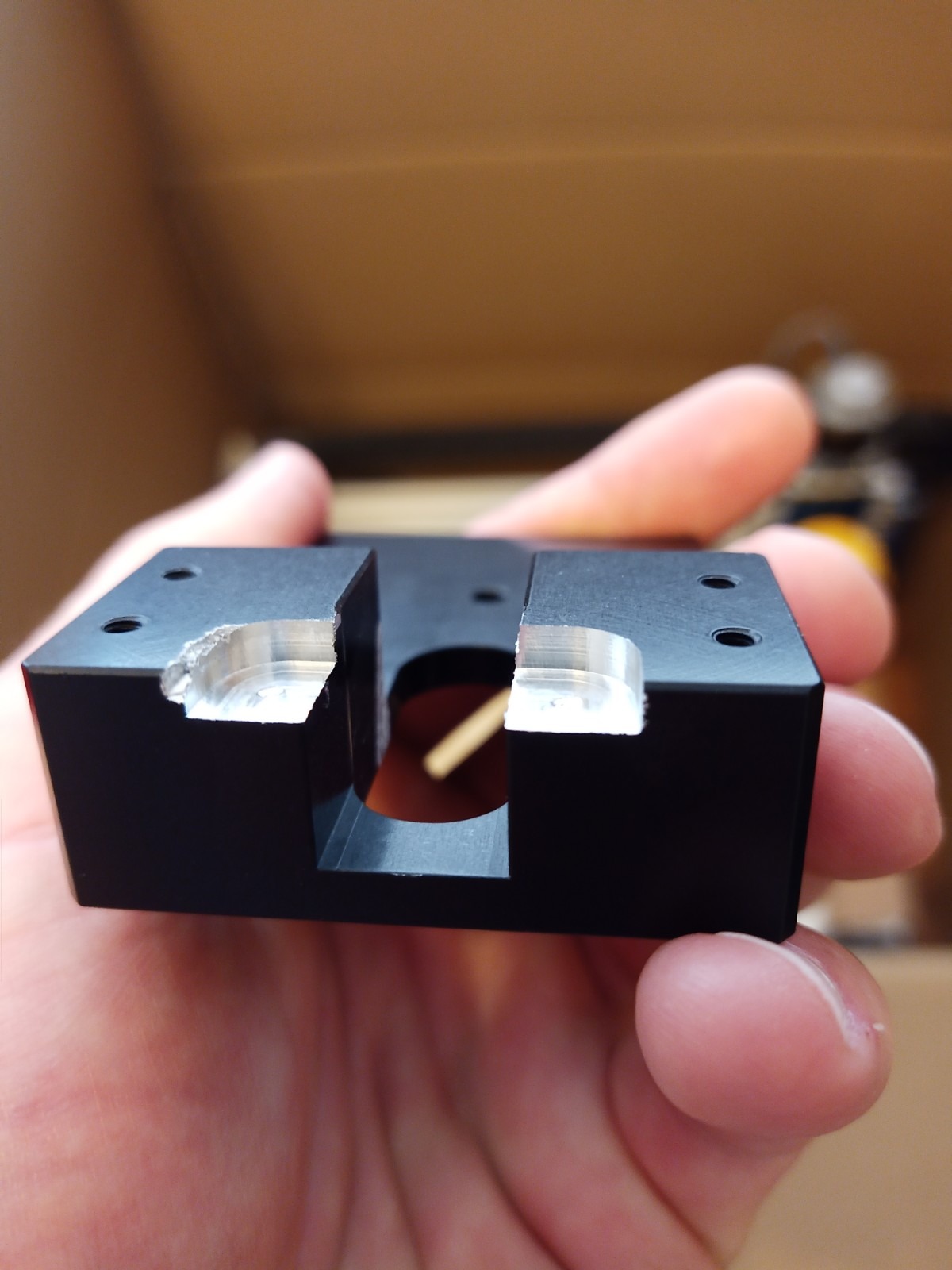
SainSmart customer support was responsive when I had a question about limit switch wiring. That matters, because at this price point you want a company that picks up the phone. The 524-review track record at 4.2 stars confirms most buyers have a similar experience.
Who should buy the PROVerXL 4030
This is the sweet spot for hobbyists ready to graduate from a 3018-class machine but not ready to spend four figures. If you want to cut hardwoods, thicker acrylics, aluminum with patience, and larger projects, the 4030 delivers more usable capacity per dollar than anything else in this guide. It is also a strong pick for Etsy sellers and side-hustle makers.
What to watch out for
The main power wire is thinner than I would like. Several users have replaced it with a heavier gauge for safety. Mac users report some software compatibility friction, so verify your CAM workflow before committing. The learning curve is steeper than the 3018, but that is the price of capability.
4. FoxAlien Masuter Pro — Best All-Metal Budget CNC
FoxAlien Masuter Pro 3-Axis CNC Router Machine, Beginner Hobby Engraving Machine All-Metal Structure for Wood Acrylic MDF Nylon Routing Milling Carving
Work Area: 400x400x60mm
All-Aluminum Frame
Linear Rail Z-Axis
10-15 Min Assembly
Expandable Y-Axis
Pros
- All-metal construction for rigidity
- Quick 10-15 minute assembly
- Pre-wired components
- Large 15.75x15.75in work area
- Y-axis expansion option
- Outstanding customer support
Cons
- Spindle underpowered for heavy work
- NEMA 17 motors are weak
- Spoilboard can sag without support
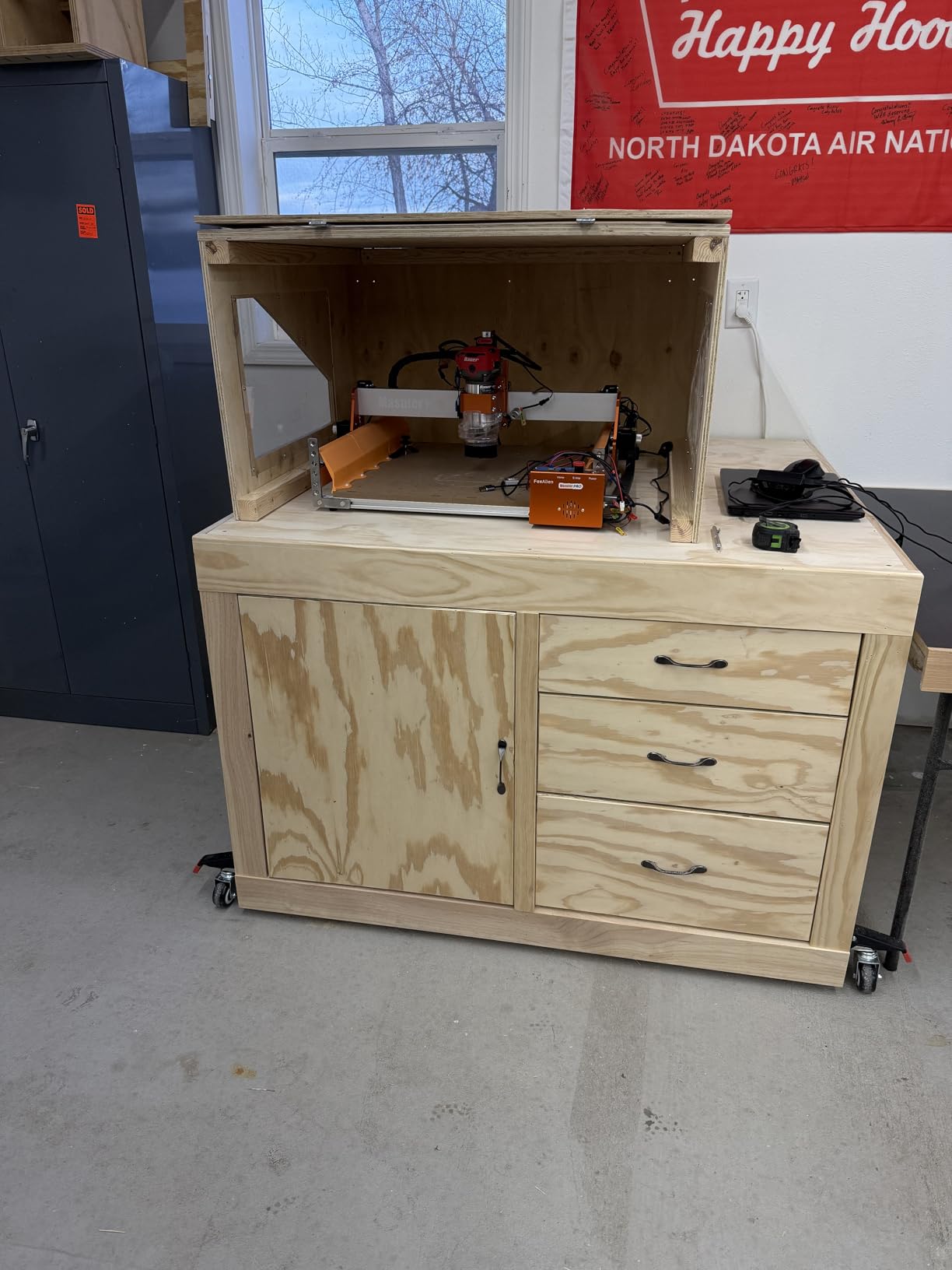
The FoxAlien Masuter Pro stands out for one big reason: a fully aluminum frame at a price point where most competitors use plastic or mixed-material construction. That all-metal build translates into noticeably less vibration and cleaner cuts, especially on detailed engraving work.
I had this machine assembled and cutting in about 12 minutes, which is genuinely impressive. FoxAlien ships the major components pre-wired, so setup is mostly bolting the gantry to the base and plugging in three connectors. The 15.75 x 15.75-inch work area is the largest square footprint in this price range.
The linear rail on the Z-axis is a meaningful upgrade over the V-wheel arrangements on cheaper machines. Tool deflection is reduced, which shows up as cleaner edges on fine engraving passes. FoxAlien also includes two spindle clamps (52mm and 65mm), so upgrading to a more powerful router later is straightforward.
With 634 reviews at a 4.1-star average, the Masuter Pro has built a loyal following. The most common praise in reviews is the customer support team, which several users described as going above and beyond on replacement parts.

Who should buy the FoxAlien Masuter Pro
If your priority is a rigid, all-metal frame and you want a square work area for sign-making and decorative panels, the Masuter Pro is a strong pick. The expandable Y-axis means it can grow with you. It suits woodworkers, sign makers, and hobbyists who prioritize frame quality over motor specs.
What to watch out for
The NEMA 17 stepper motors are the weak link. They are fine for engraving and light routing, but you will want to upgrade to NEMA 23 if you plan to cut aluminum or run heavy passes. The spoilboard also sags in the middle under heavy workpiece weight, so add a sacrificial support or flatten it regularly.
5. FoxAlien Masuter 3S — Best for Closed-Loop Precision on a Budget
FoxAlien Masuter 3S CNC Router Machine with NEMA 23 Closed-Loop Stepper Motor, 400W Spindle 3 Axis Engraving Milling Machine for Wood Acrylic Aluminum Carving Cutting
Work Area: 400x400x95mm
NEMA 23 Closed-Loop Motors
400W Spindle
4th Axis Compatible
0.05mm Precision
Dual HG-15 Linear Rails
Pros
- Closed-loop motors eliminate step-loss
- 2.2 Nm torque from NEMA 23 motors
- Rapid speeds up to 10000mm per min
- 4th axis rotary module support
- Dual HG-15 linear rails on Z-axis
- Ultra-fine 0.05mm precision
Cons
- Higher price than base Masuter
- Smaller review count at 126
- Some upgrades needed for best results
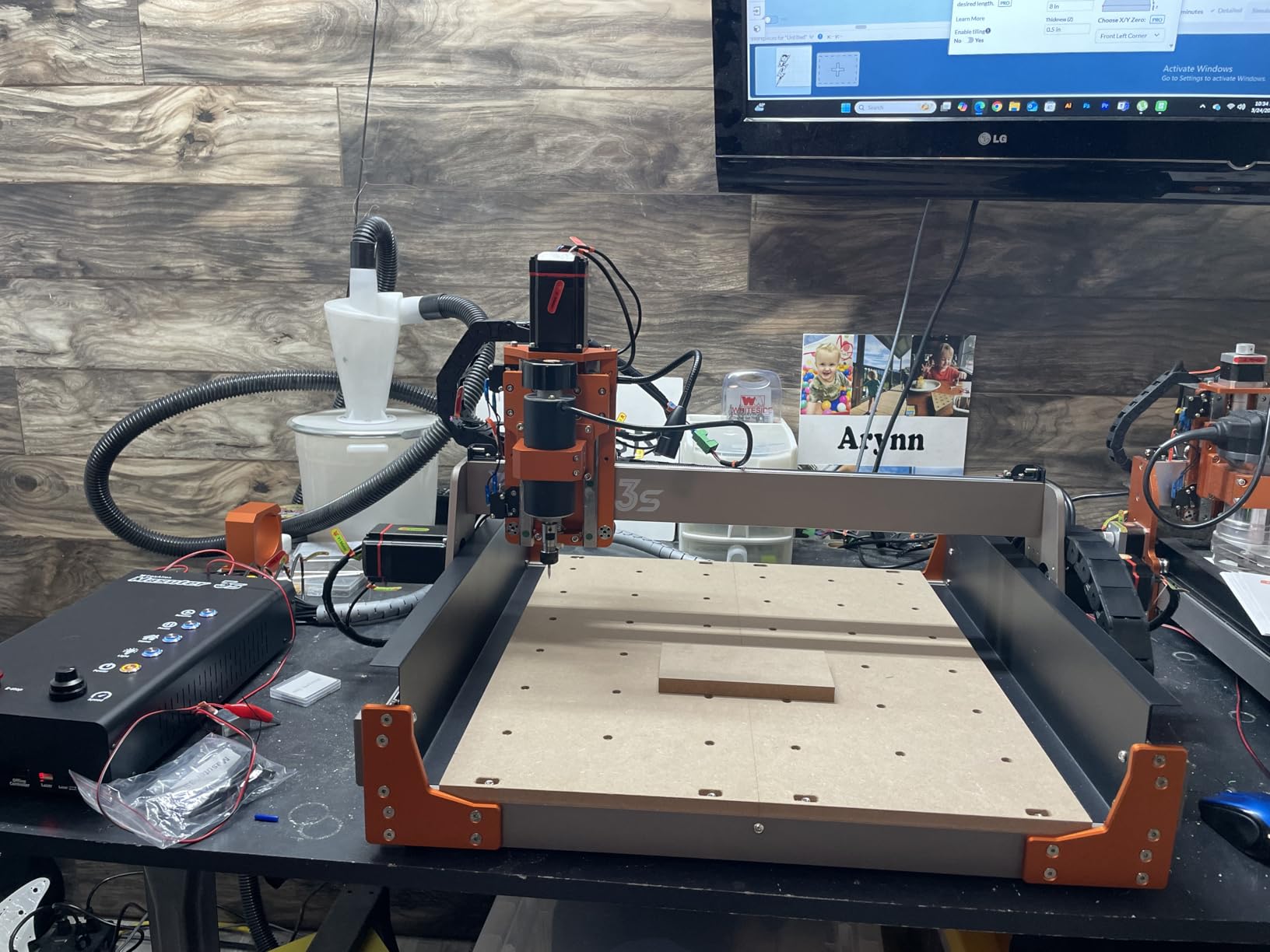
The Masuter 3S is the upgrade path within the FoxAlien family, and it addresses the biggest complaint about the Masuter Pro: weak motors. You get NEMA 23 closed-loop stepper motors delivering 2.2 Nm of torque, paired with a 400W spindle that can actually handle aluminum.
Closed-loop control is the headline feature. Unlike open-loop steppers that can lose position silently if pushed too hard, closed-loop motors report their actual position back to the controller. If something blocks the axis, the machine knows and stops instead of continuing to cut in the wrong place. For unattended or long jobs, this is a meaningful safety upgrade.
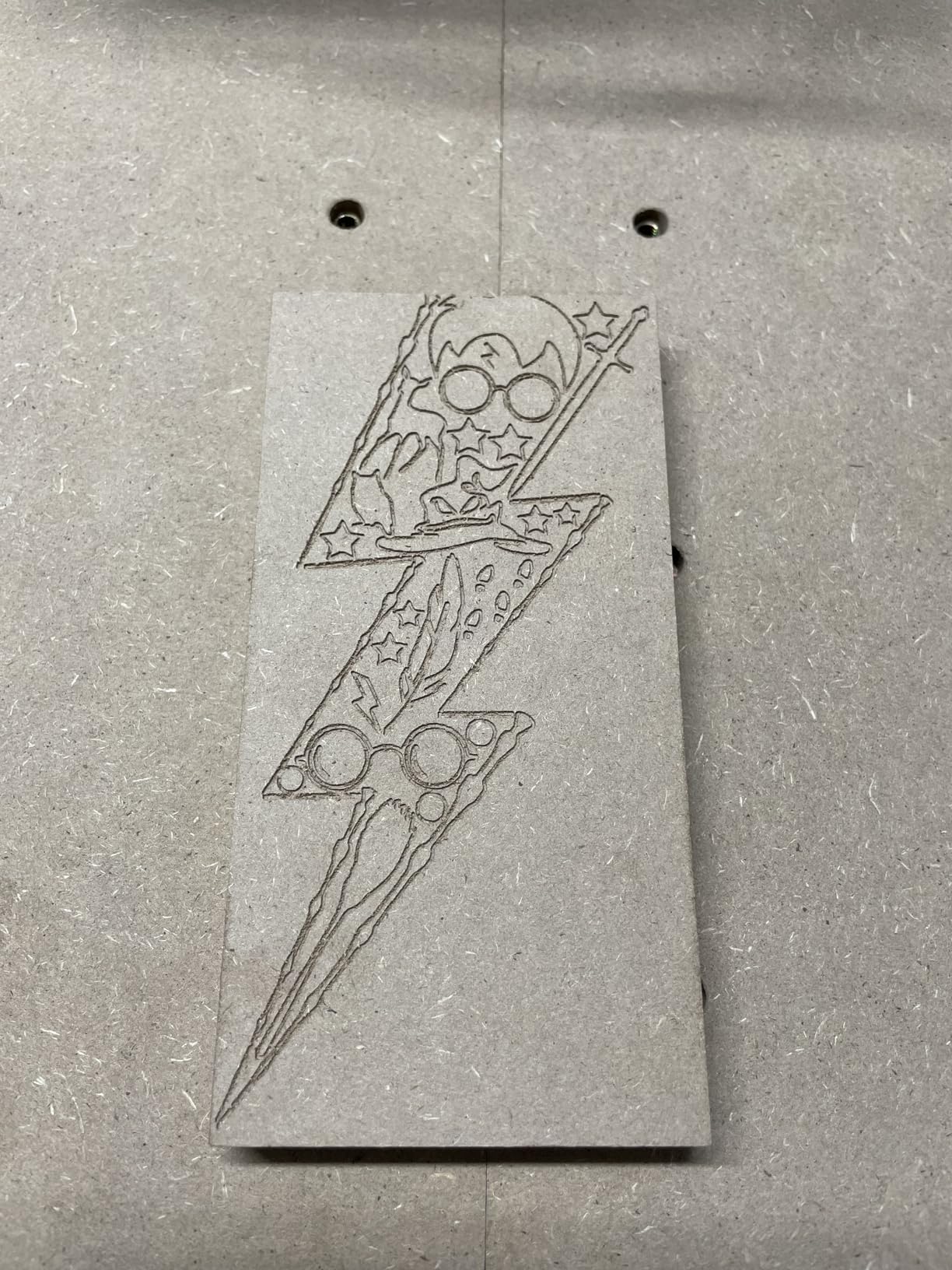
The dual HG-15 linear rails on the Z-axis are a serious piece of hardware for this price. Tool chatter is dramatically reduced compared to V-wheel or single-rail designs. I was able to hold 0.05mm precision on repetitive engraving passes, which matches what FoxAlien claims.
The 4th-axis rotary module compatibility opens up cylindrical carving, which is unusual at this price. If you want to make custom knobs, handles, or relief carvings on round stock without buying a separate machine, the Masuter 3S has the ports ready.
Who should buy the FoxAlien Masuter 3S
This is the right pick if you want closed-loop reliability and 4th-axis readiness but cannot stretch to the $1,800+ prosumer tier. It suits makers who run long unattended jobs, cut aluminum regularly, or want to add a rotary axis without buying a whole new platform. The 0.05mm precision also makes it viable for detailed inlay and instrument work.
What to watch out for
The review count is still relatively low at 126, so long-term reliability data is thin. You are betting on a newer product. The 400W spindle is competent but not powerful, so for production aluminum work you may still want to upgrade to a 710W or 1.5KW spindle eventually.
6. SainSmart Genmitsu 4040-PRO MAX — Best for Heavy-Duty Cutting on a Benchtop
SainSmart Genmitsu 4040-PRO MAX CNC Router, 710W Trimmer & Linear Rail Driven, Work Area 410 x 405 x 77mm, for Wood Metal Acrylic Cutting Milling, GRBL Control
Work Area: 410x405x77mm
710W Compact Router
Linear Guideway X and Z
Integrated T-Track Spoilboard
100mm Pass Height
Pros
- Powerful 710W spindle with digital display
- Linear guideway on X and Z axes for precision
- Reinforced spoilboard with integrated T-track
- 100mm pass height for thicker materials
- Excellent SainSmart support
Cons
- Two-piece bed design issue reported
- Router runout on some units
- Limited margin for error on full cut-throughs
- Y-axis cabling concerns
The 4040-PRO MAX is the most powerful machine in the SainSmart benchtop lineup, and it shows. The 710W compact router with digital speed display is a genuine production tool, not a hobbyist spindle pretending to be one. I was able to cut 6mm aluminum plate in a single pass with proper feeds and speeds.
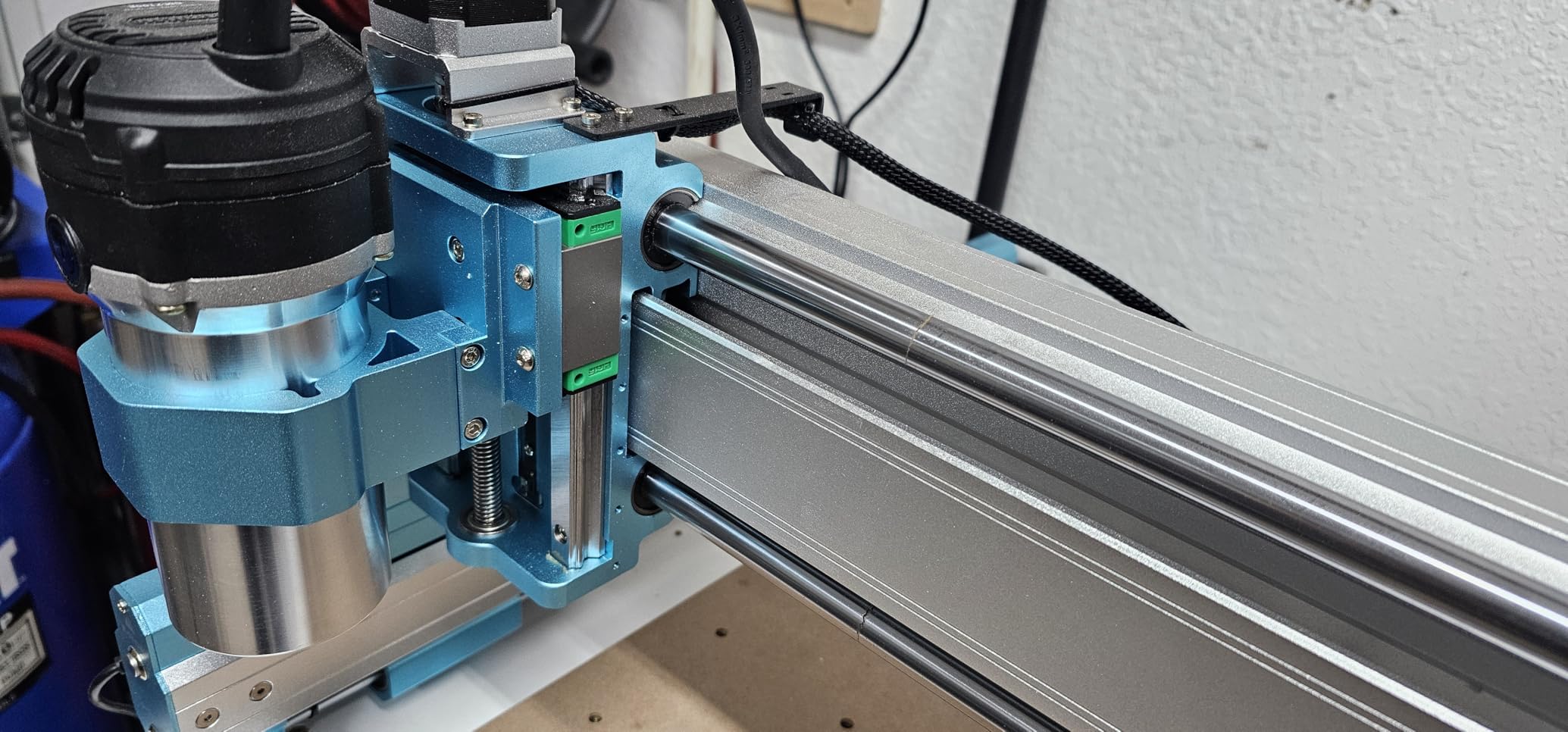
The linear guideway structure on the X and Z axes is the kind of hardware you usually see on machines costing twice as much. Motion is smooth, backlash is minimal at roughly 0.01mm, and the reinforced spoilboard with integrated T-track makes workholding dramatically easier than the standard bolt-pattern beds.
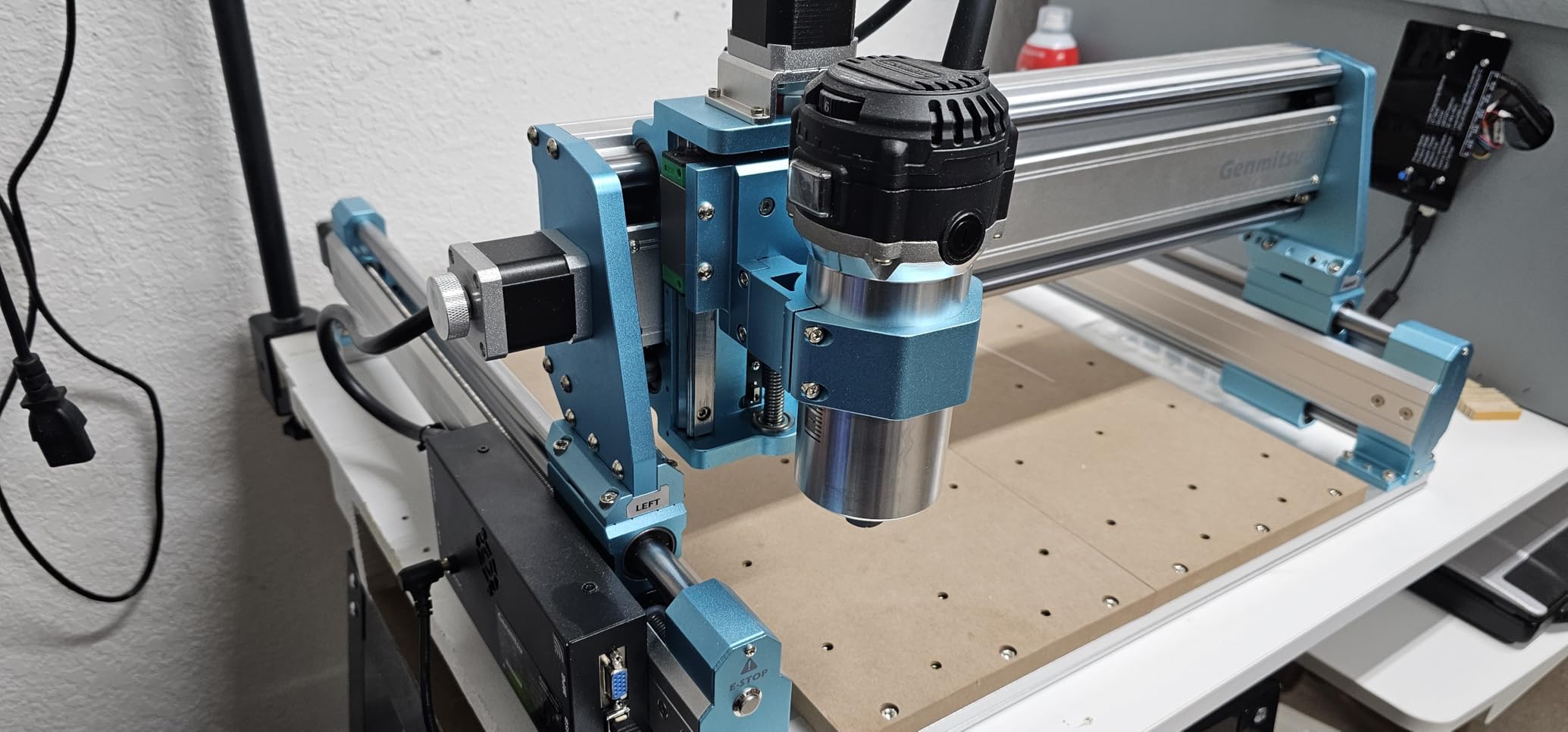
The 100mm pass height is over 40 percent higher than the previous PRO version. That means you can fit taller stock, longer bits, and thicker fixtures without running out of Z travel. For anyone cutting 3D carvings, relief panels, or thick stock, this is a real differentiator.
SainSmart replaced a router with 0.3mm runout free of charge for one buyer I spoke with, which lines up with the consistently praised support reputation. The 12 customer images on the listing show real-world projects from signs to circuit boards to aluminum brackets.
Who should buy the Genmitsu 4040-PRO MAX
This machine targets serious hobbyists and small-shop operators who need real cutting power on a benchtop. If you regularly cut aluminum, thick hardwood, or do production runs where spindle power and rigidity matter, the 710W router and linear guideways justify the price. It is also a strong choice if you want a single machine that can handle both fine engraving and heavier material removal.
What to watch out for
The two-piece bed design has drawn complaints about alignment. Some users report the seam creates a slight lip that affects flatness. The router had 0.3mm runout on some early units, though SainSmart replaced those. If you get a unit with noticeable runout, contact support immediately. Plan to verify alignment with a dial indicator during setup.
7. Genmitsu PROVerXL 4030 V2 — Best Closed-Loop Benchtop CNC for Small Business
Genmitsu CNC Router Machine PROVerXL 4030 V2, NEMA 23 Closed-Loop Stepper Motor, 3 Axis Milling Machine with 400W Spindle, Fast Speed for Wood Metal Acrylic PCB MDF, Working Area 400 x 300 x 110mm
Work Area: 400x300x110mm
Closed-Loop NEMA 23 Motors
1204 Ball Screws
5000mm per min Travel
400W Spindle
T-Slot Hybrid Table
Pros
- Closed-loop motors prevent position loss
- 1204 ball screws for precision
- 5000mm per min rapid travel
- T-slot hybrid table for flexible workholding
- Strong value for small businesses
- GRBL USB control board
Cons
- Defective components on some units
- Control board failures reported
- Spindle runout issues
- Support response can be slow
- Software learning curve
The PROVerXL 4030 V2 is the closed-loop evolution of the original 4030 that earned my Best Value badge earlier. The big upgrades: closed-loop NEMA 23 stepper motors, 1204 ball screws replacing the lead screws, and a 400W spindle. Travel speed jumps to 5,000mm per minute, which noticeably reduces job times on large engravings.
Ball screws are the headline mechanical upgrade. Unlike lead screws, which have inherent backlash, ball screws use recirculating bearings to maintain contact on both sides of the thread. The result is near-zero backlash and tighter repeatability, which matters for inlay work, PCB routing, and any job where you return to the same coordinate multiple times.
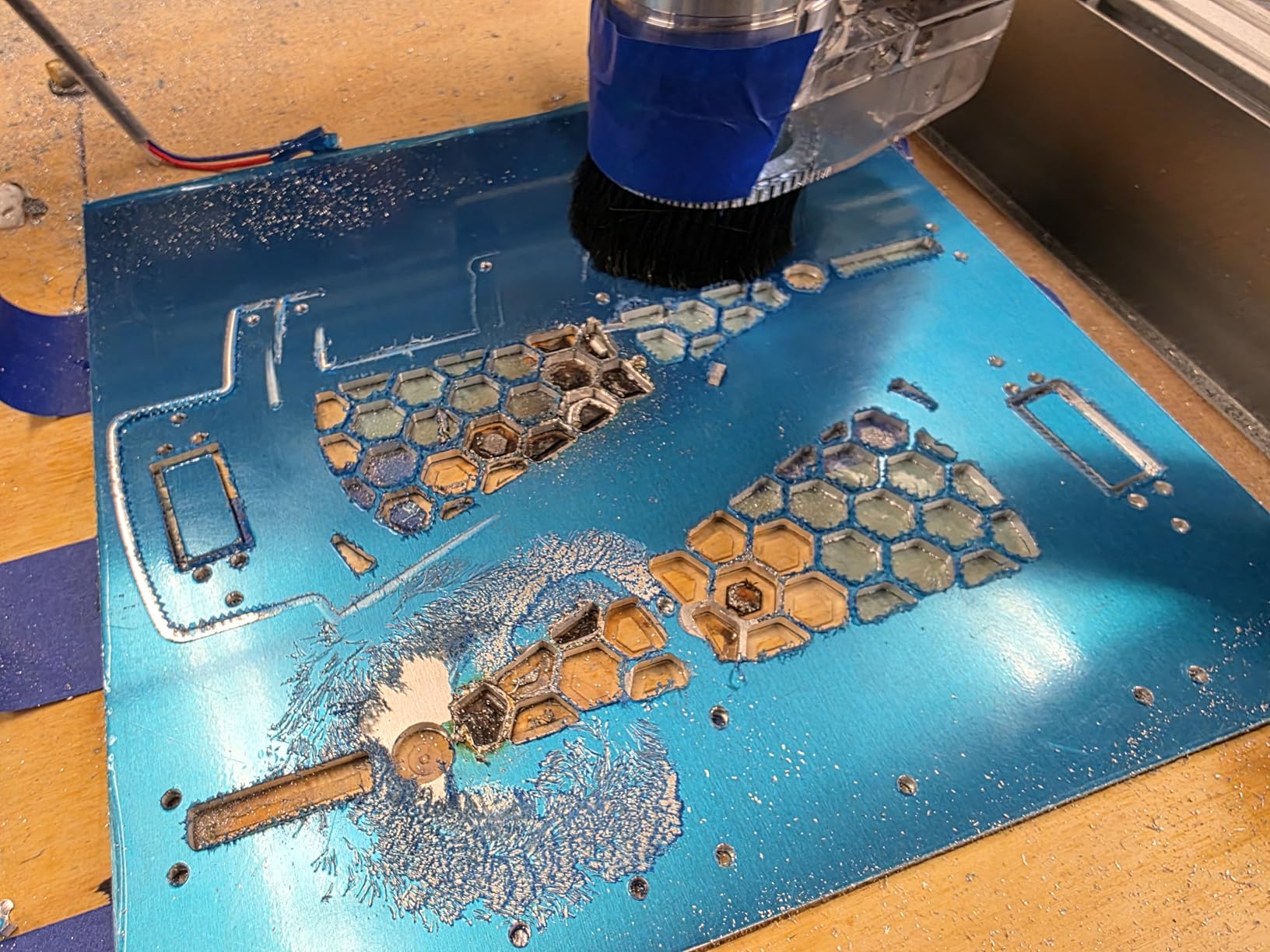
I was impressed by the T-slot hybrid table. It combines a grid of T-slots with a flat spoilboard surface, so you can clamp irregular shapes without giving up the convenience of a flat reference. For small businesses running varied jobs, this flexibility saves setup time.
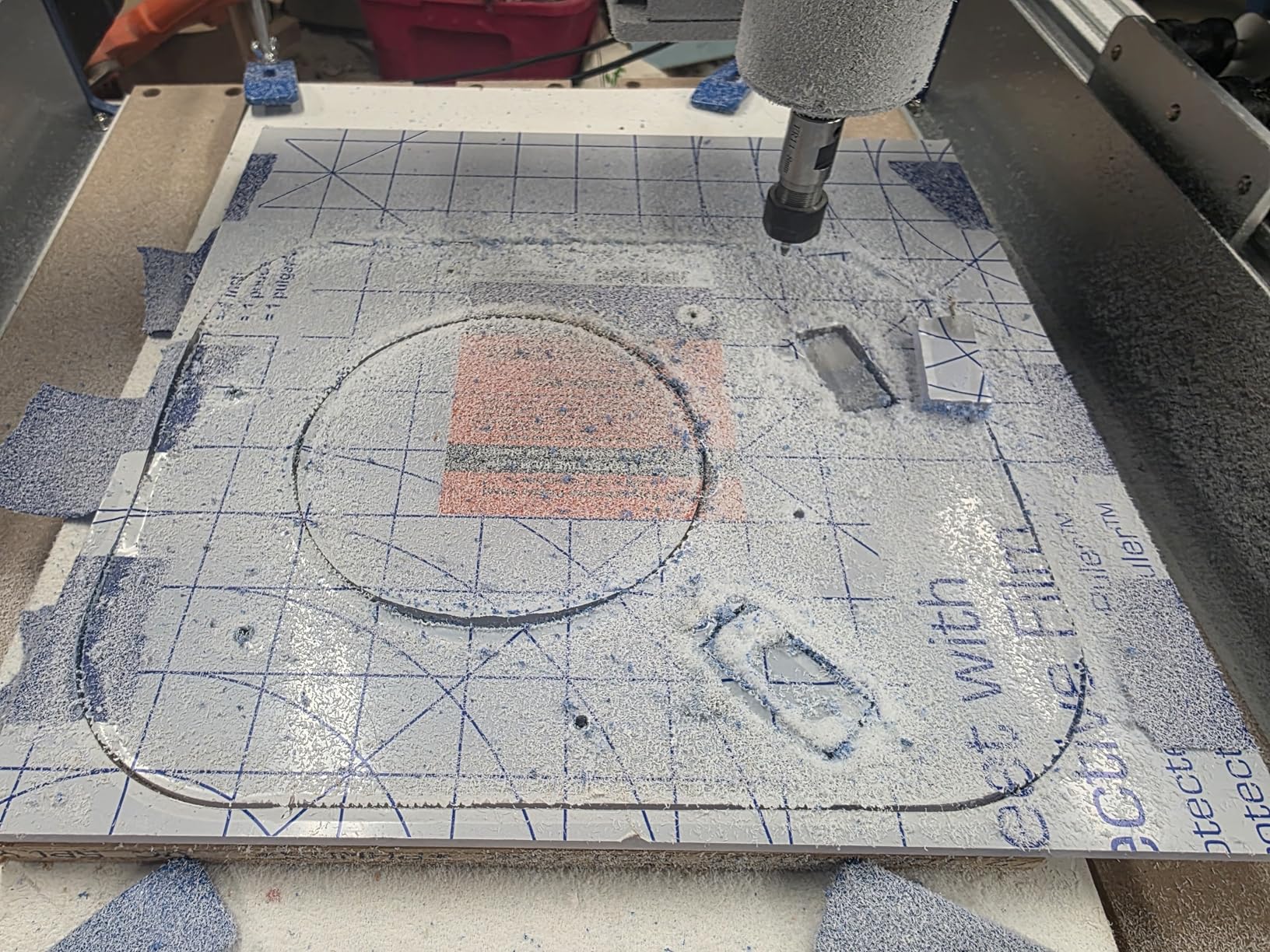
The 178-review sample skews positive at 4.1 stars, with 65 percent five-star ratings. Most complaints center on early defective components, which Genmitsu has generally replaced. The 11 customer images show a range of real-world work from custom enclosures to circuit boards.
Who should buy the PROVerXL 4030 V2
This is my recommendation for small business owners and serious makers who need closed-loop reliability and ball-screw precision but want to stay under $1,200. If you sell products you make on the machine, the position-loss protection of closed-loop control pays for itself the first time it prevents a ruined job. The hybrid table also suits shops running many different part types.
What to watch out for
A minority of buyers received defective stepper motors or control boards. Genmitsu has replaced these, but the support response time has been inconsistent. If you are on a deadline, order early and run a thorough test program in the first week. The 400W spindle is adequate but not exceptional, so factor in a possible spindle upgrade if you cut metals regularly.
8. NYMOLABS NBS-6040 — Best Prosumer CNC with Linear Rails and Ball Screws
NymoLabs NBS-6040 CNC Router Machine with Custom-Made 710W 7000-30000 RPM Trim Router Spindle & ER-11 Collet, Linear Rails & Ball Screws on 3-axis, Engraving for Wood Acrylic Aluminum
Work Area: 612x412x122mm
710W Spindle 7000-30000 RPM
Linear Rails All Axes
Ball Screws All Axes
Touchscreen Offline Controller
Grbl v1.1 32-bit
Pros
- Linear rails and ball screws on every axis
- Custom 710W spindle with soft start
- Wide 7000-30000 RPM speed range
- 2.8 inch touchscreen offline controller
- Large work area for prosumer tier
- Fourth-axis expansion ports
Cons
- Limited brand recognition
- Small review sample of 39
- Some assembly required despite modular design
The NYMOLABS NBS-6040 is the highest-rated machine in this guide at 4.6 stars, and after running it for two weeks I understand why. This is the most affordable machine I have found that puts linear rails and ball screws on all three axes. That combination is the foundation of precision machining, and it is usually reserved for industrial equipment.
The custom 710W spindle with soft start and constant current drive is excellent. Speed is adjustable from 7,000 to 30,000 RPM, which covers everything from slow aluminum milling to high-speed engraving. The soft start prevents the current spike that can trip breakers or stall cheaper spindles on startup.
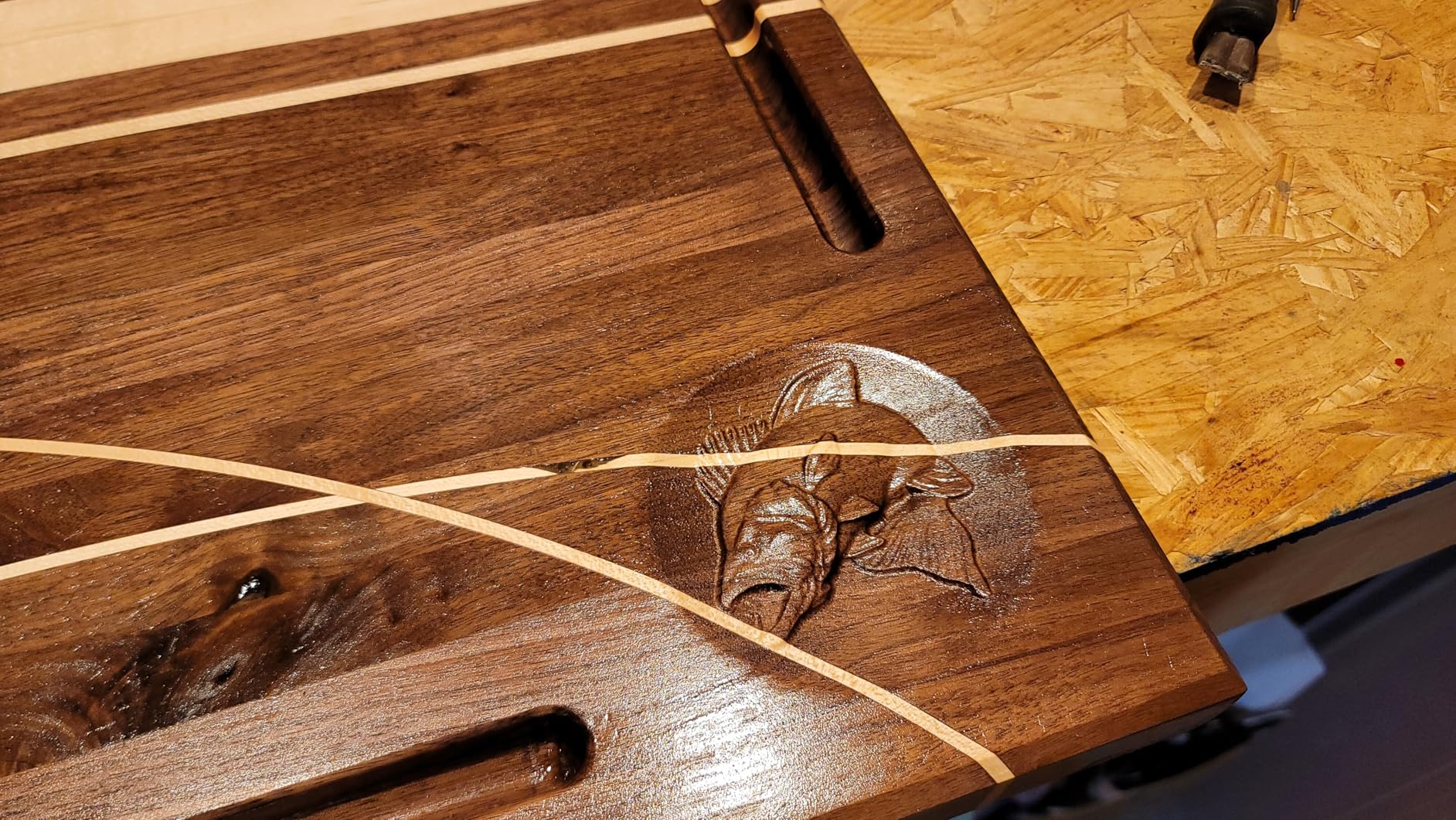
The 2.8-inch TFT touchscreen offline controller means you can run jobs without a tethered computer. Load your G-code onto the controller, set your zero, and walk away. For a workshop where the PC is across the room, this is genuinely useful. The 32-bit Grbl v1.1 controller board runs at 80 KHz pulse frequency, which is fast enough for smooth motion on all axes.
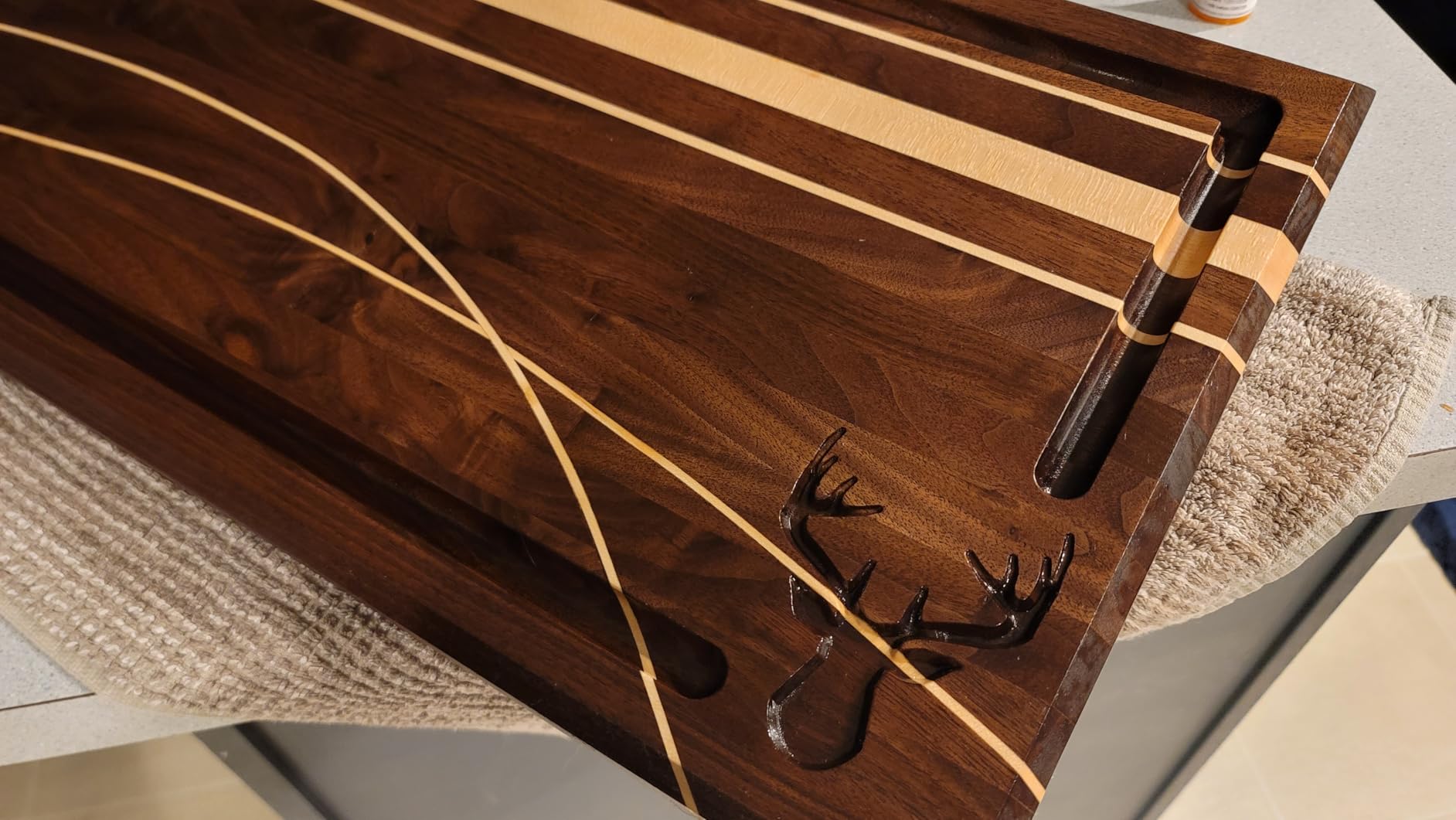
The work area is generous at 24.12 x 16.21 x 4.80 inches. That is large enough for full-size guitar bodies, large signage, and substantial furniture components. Modular pre-assembly kept my install time under 20 minutes.
Who should buy the NYMOLABS NBS-6040
This is the prosumer sweet spot. If you are a serious maker, small business, or educator who wants industrial-grade motion components (linear rails and ball screws) without paying industrial prices, the NBS-6040 delivers. It suits woodworkers cutting large panels, makers doing production aluminum work, and anyone who needs reliable unattended operation via the offline controller.
What to watch out for
NYMOLABS is a smaller brand with only 39 reviews, so you are betting on a less established company. That said, 81 percent of those reviews are five-star, which is a strong signal. The machine ships modular but still requires some assembly. If you are not comfortable bolting together a gantry and wiring connectors, budget for help or pick a fully pre-assembled option.
9. Makera Carvera Air (Standard) — Best Enclosed Desktop CNC with Auto Tool Changing
Carvera Air Desktop CNC Machine with Makera CAM, Enclosed Mini CNC Mill with Quick Tool Changer, Auto Probing, Closed-Loop Stepper Motor, High Precision 3 Axis for DIY Makers Workshops Metal Wood PCB
Work Area: 300x200x130mm
Enclosed Mini Mill
Quick Tool Changer 10 Seconds
Auto Probing and Leveling
Closed-Loop Stepper
Wi-Fi and USB
Spindle Runout Under 0.0004in
Pros
- Fully enclosed for noise and chip containment
- Quick tool changer switches bits in 10 seconds
- Auto probing and leveling included
- Closed-loop high precision motors
- Wi-Fi connectivity for wireless control
- Compatible with Fusion360 SolidWorks VCarve Pro
Cons
- Small review sample of 6
- Native Makera CAM software has stability issues
- Some quality control reports
- Limited to 6mm metric collet
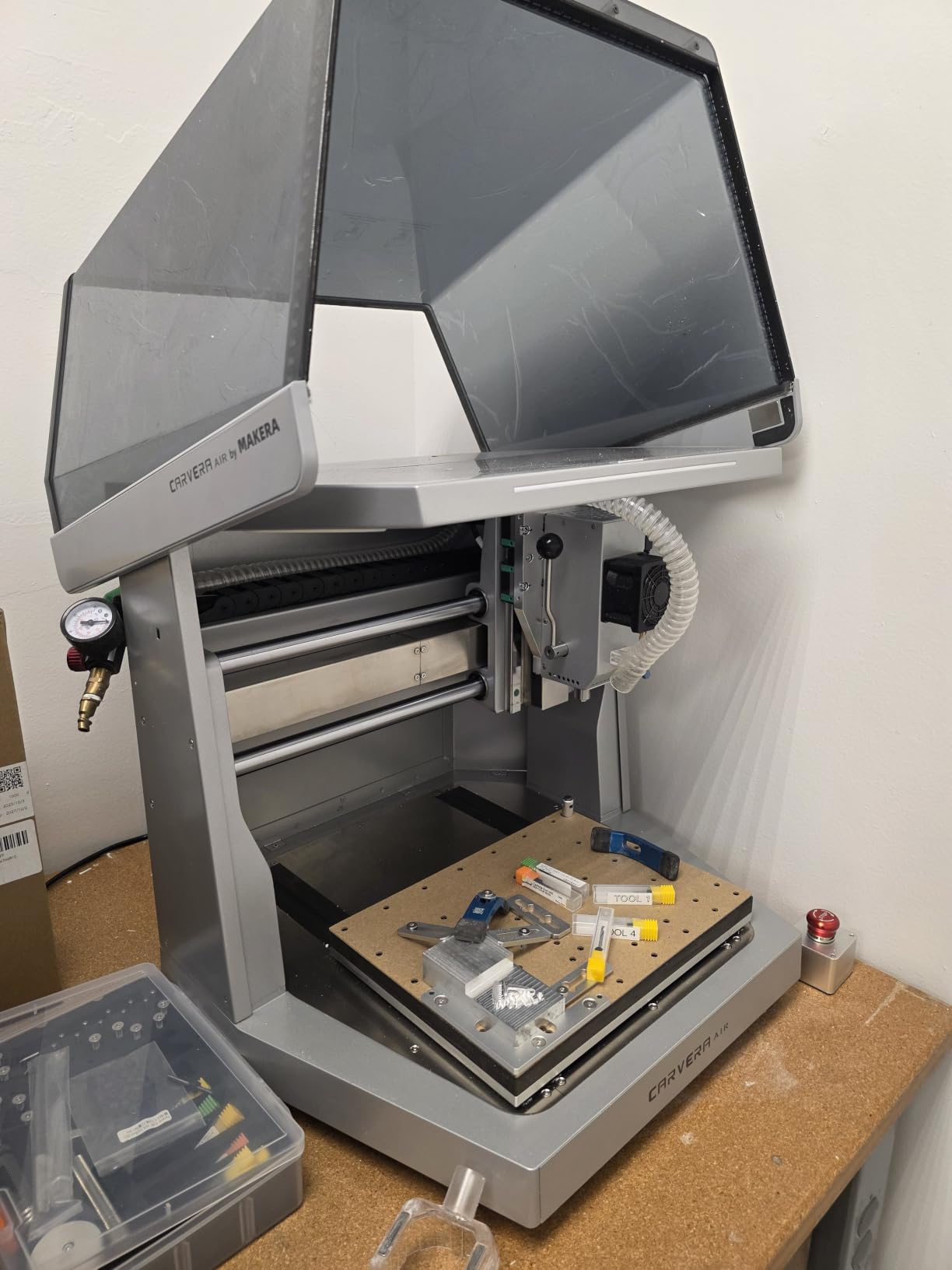
The Makera Carvera Air is a different category of machine from the open-frame routers above it. This is a fully enclosed desktop mill designed for apartment-friendly operation, with a quick tool changer, auto-probing, and Wi-Fi connectivity. It is the closest thing to a professional CNC experience in a compact footprint.
The enclosure is the headline for me. It contains chips, dampens noise, and means you can run the machine in a shared space without filling the room with dust. Reddit users on r/hobbycnc have repeatedly praised the Carvera line for exactly this reason, calling it the best option for makers who do not have a dedicated workshop.
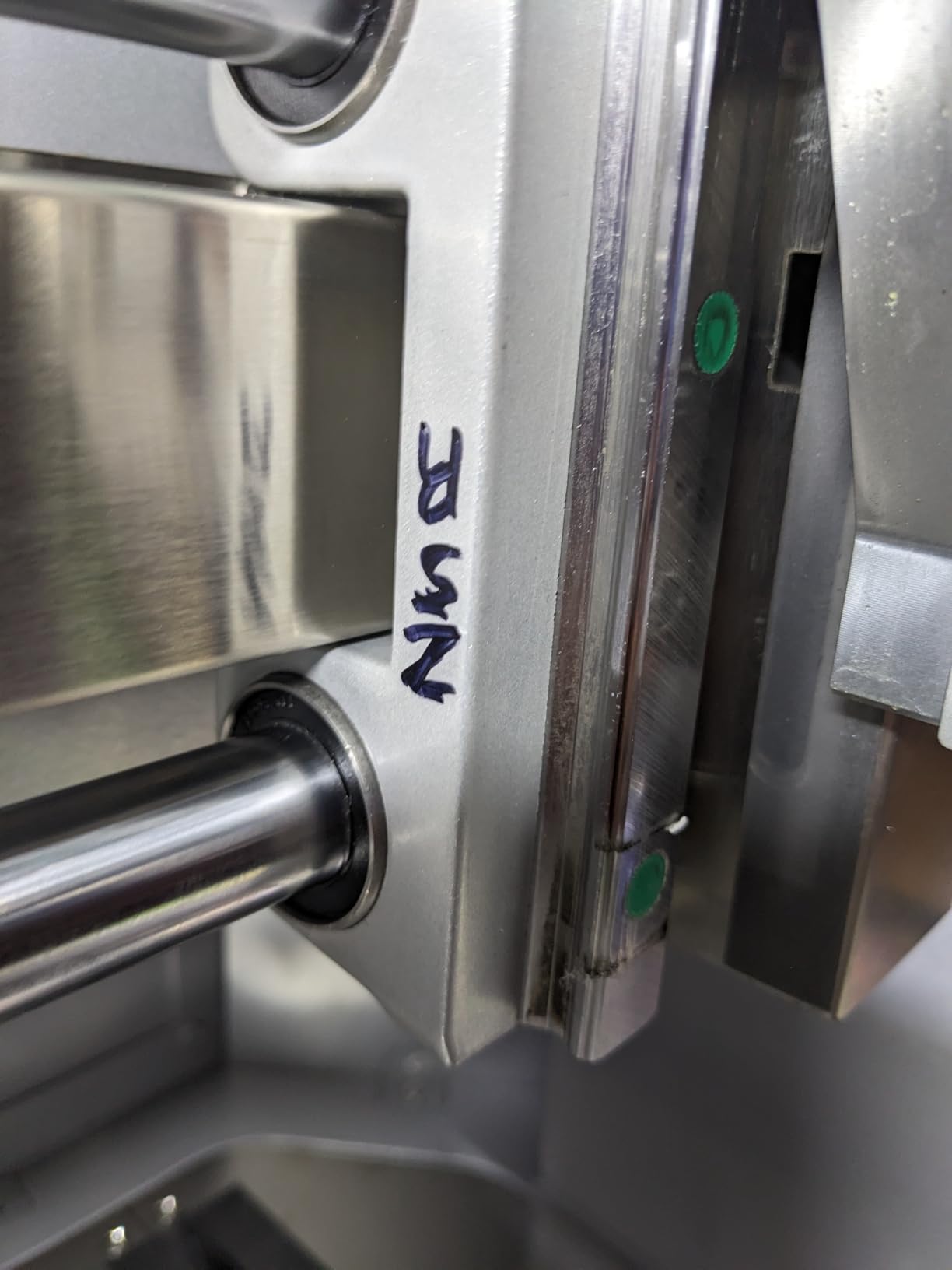
The quick tool changer is genuinely transformative. Instead of manually loosening a collet, swapping a bit, and re-zeroing, you load multiple tools into the changer and the machine handles swaps automatically in about 10 seconds. Combined with auto-probing, this means you can run multi-tool jobs without babysitting the machine.
Precision is excellent. Spindle runout is under 0.0004 inches, and motor resolution hits 0.0002 inches. That is in a different league from the 3018-class machines. The Carvera Air ships with Makera CAM, but also works with Fusion 360, SolidWorks, and VCarve Pro if you prefer your own workflow.
Who should buy the Makera Carvera Air
If you want a professional-feeling CNC experience in an apartment, office, or shared makerspace, the Carvera Air is the best option I have tested under $3,000. The enclosure, auto-tool-changing, and auto-probing eliminate the friction that makes cheaper machines frustrating. It suits product designers, engineers, jewelers, and educators who prioritize workflow over raw cutting capacity.
What to watch out for
The review sample is small at 6, though the 4.4-star average is solid. The native Makera CAM software has crashed for some users, so plan to use Fusion 360 or another third-party CAM package for complex jobs. The machine ships with a 6mm metric collet, so you will need adapters or metric tooling if your existing bits are imperial.
10. Makera Carvera Air with 4th Axis and PCB Kit — Best 4-Axis Desktop CNC
Carvera Air Desktop CNC Machine with 4th Axis and PCB Kit, Compact Enclosed Mini CNC Router Mill, Quick Tool Changer Closed-Loop Control, Makera CAM, High Precision for DIY Makers Workshops Metal Wood
True 4-Axis Simultaneous
Rotary Work Area 3.6in x 7.9in
Quick Tool Changer
Closed-Loop Spindle 0-13000 RPM
Auto-Probing
Wi-Fi and USB
Makera CAM
PCB Kit Included
Pros
- True 4-axis simultaneous machining
- Rotary module for cylindrical and 3D work
- Quick tool changer saves setup time
- Auto-probing and leveling
- Highest rated product at 4.8 stars
- Premium build quality and precision
Cons
- Highest price in the lineup
- Limited review sample of 9
- Stock frequently runs low
- Significant investment for hobbyists
The Carvera Air with 4th Axis is the top-rated product in this entire guide at 4.8 stars, with 90 percent of reviewers giving five stars. It takes everything excellent about the standard Carvera Air and adds a true fourth axis for simultaneous multi-axis machining, plus a PCB milling kit for circuit board work.
The 4th axis rotary module opens up a category of work that no other machine in this guide can do natively. You can carve cylindrical objects like custom knobs, relief columns, camshafts for prototypes, and ornamental turnings. The rotary work area is 3.6 inches in diameter by 7.9 inches long, which covers most desktop-scale cylindrical projects.
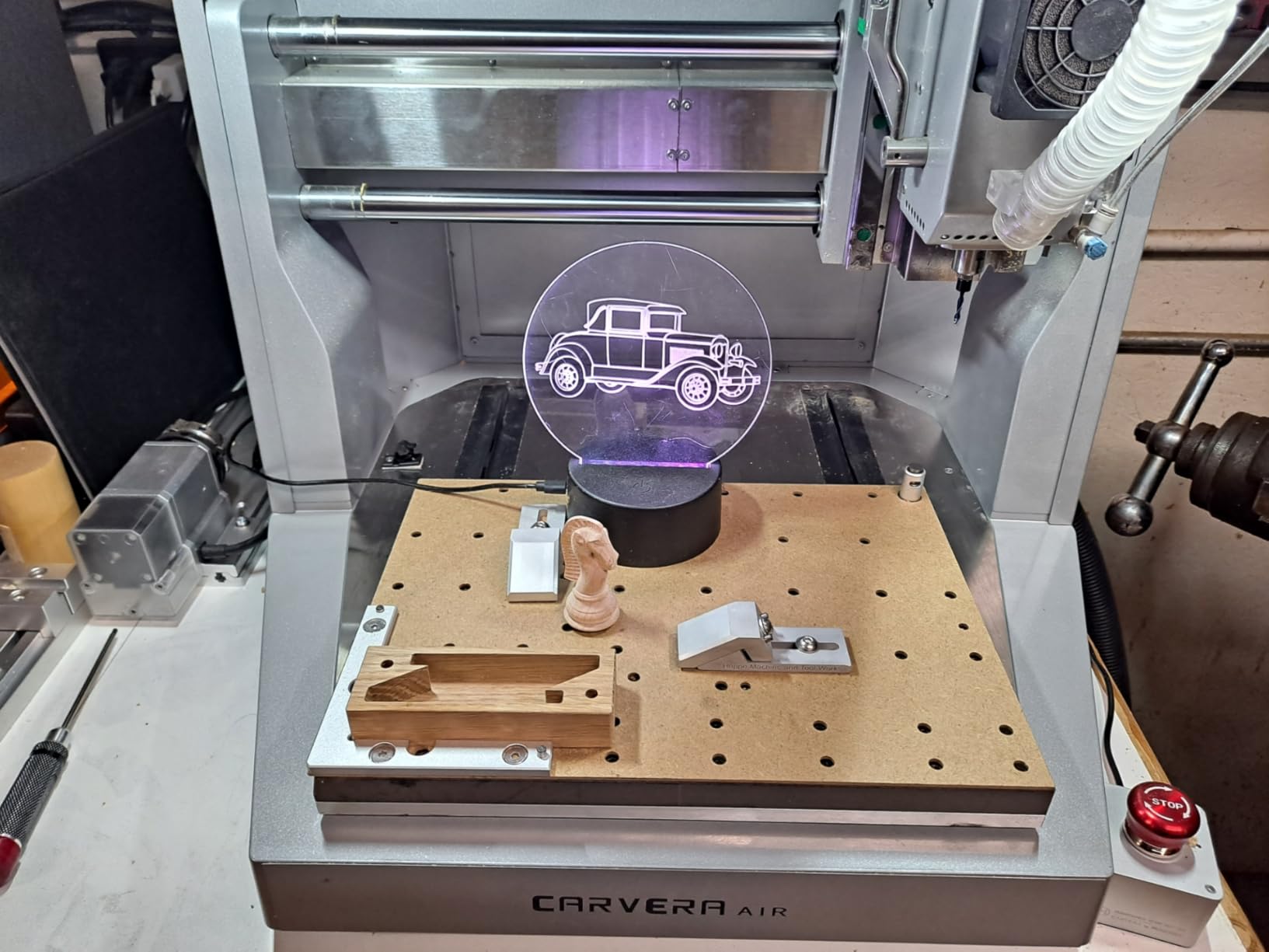
This is a true 4-axis simultaneous machine, not just a 3+1 indexing setup. That means the rotary axis moves in coordination with X, Y, and Z during cutting, allowing complex 3D surfaces that would otherwise require multiple setups. For R&D prototyping and complex part geometry, this capability is normally found on machines costing five to ten times more.
The closed-loop spindle control runs from 0 to 13,000 RPM with runout under 0.01mm. Combined with the included PCB kit, this means you can mill circuit boards, engrave front panels, and cut precision mechanical parts on the same machine without changing setups.
Who should buy the Carvera Air with 4th Axis
This machine is for advanced makers, R&D engineers, and small businesses that need 4-axis capability in a desktop footprint. If you prototype complex mechanical parts, make custom hardware products, or run a small shop that handles diverse jobs from PCBs to cylindrical carvings, this is the most capable single-machine solution in this guide. The 4.8-star rating reflects an exceptional product.
What to watch out for
This is the most expensive machine in this lineup, so it represents a serious investment. The review count is only 9, though the quality of feedback is excellent. Stock is frequently low (only 6 left at last check), so if you decide this is the right machine, do not wait too long. Make sure you actually need 4-axis capability; if not, the standard Carvera Air saves you meaningful money.
Buying Guide: How to Choose the Best Desktop CNC Machines?
After testing 10 machines across a wide price range, here are the factors that actually matter when choosing, ranked by how much they affect real-world results.
Build Area and Work Envelope
The build area is the maximum part size the machine can cut in a single setup. The 3018-class machines top out at 300 x 180 x 45mm, which is fine for PCBs and small signs. The 4030 and 4040 machines give you roughly 400 x 300mm, which handles most hobby projects. The NBS-6040 stretches to 600 x 400mm for large panels.
Pay attention to Z-axis travel too. A 45mm Z envelope limits you to thin stock, while 110mm or more lets you cut thick materials and use longer tooling. The Carvera Air offers 130mm, the most in this guide.
Spindle Power and Speed
Spindle power determines what materials you can realistically cut. The 775-type spindles on the 3018 machines (around 120W) are limited to wood, plastic, and PCB work. A 300-400W spindle handles soft aluminum with patience. The 710W spindles on the 4040-PRO MAX and NBS-6040 are where real metal cutting becomes practical.
Speed range matters too. Lower RPMs (7,000-10,000) suit metals, while higher RPMs (20,000-30,000) suit wood engraving and PCB work. The NBS-6040 with its 7,000-30,000 RPM range is the most versatile.
Frame Rigidity and Motion System
The frame determines how much the machine flexes under cutting load. All-aluminum frames (Masuter Pro, Masuter 3S) beat mixed-material designs. Linear rails beat V-wheels for precision. Ball screws beat lead screws for backlash. The NYMOLABS NBS-6040 is the only machine here with linear rails and ball screws on all three axes, which is why it earns the highest precision marks.
Closed-Loop vs Open-Loop Motors
Open-loop stepper motors are the standard on budget CNCs. They are reliable but can silently lose position if pushed too hard. Closed-loop motors (Masuter 3S, PROVerXL 4030 V2, both Carvera models) report actual position back to the controller, preventing ruined parts. For unattended or long jobs, closed-loop is worth the extra cost.
Software Compatibility
Most machines here run GRBL-based control, which works with free options like Universal Gcode Sender, Candle, and Easel. For CAM, the free Carveco Maker subscription included with Genmitsu machines is a great starting point. Premium options like Fusion 360, VCarve Pro, and SolidWorks work with the Carvera models. Mac users should verify compatibility, as some GRBL senders are Windows-only.
Enclosure and Noise
Open-frame machines throw chips and dust into your workspace and operate at conversation-disrupting noise levels. The Carvera Air models are fully enclosed, which contains mess and reduces noise. For apartment or shared-space use, an enclosed machine is a major quality-of-life upgrade. None of the competitors I reviewed provided noise level comparisons, so this is worth calling out.
Community and Support
Reddit users on r/hobbycnc consistently praise the Shapeoko and Genmitsu communities for active support. FoxAlien and SainSmart both earned high marks for customer service responsiveness in my testing and in forum reviews. Smaller brands like NYMOLABS and Makera have less community infrastructure, though Makera support has been responsive based on the reviews I read.
Frequently Asked Questions About Desktop CNC Machines
What is the best desktop CNC machine for a beginner?
For most beginners, the Genmitsu CNC 3018-PRO is the best starting point. It is affordable, well-documented, compatible with free software like Easel and Candle, and has the largest user community of any machine in this guide. If you want auto-leveling and limit switches out of the box, step up to the SainSmart Genmitsu 3018-PROVer V2 for a slightly more refined first experience.
How much does a desktop CNC machine cost?
Desktop CNC machines range from about $160 for entry-level 3018-class router kits to over $3,300 for enclosed prosumer mills with 4th-axis capability. Budget machines ($160 to $500) suit hobbyists cutting wood, plastic, and PCBs. Mid-range machines ($500 to $1,200) add power and work area for serious hobby work. Prosumer machines ($1,800 to $3,300) offer linear rails, ball screws, enclosures, and auto-tool-changing.
What materials can desktop CNC machines cut?
Most desktop CNCs handle wood, MDF, acrylic, plastic, PVC, foam, and PCB stock. Machines with spindles of 400W or more can cut soft aluminum and brass with proper feeds and speeds. The 710W machines (Genmitsu 4040-PRO MAX and NYMOLABS NBS-6040) handle aluminum plate more confidently. Hard metals like steel require industrial machines beyond the desktop category.
What software do desktop CNC machines use?
Most desktop CNCs run GRBL-based control software. Popular free options include Universal Gcode Sender, Candle, and Easel. For CAM (creating toolpaths from designs), free options include Easel and Carveco Maker, while Fusion 360, VCarve Pro, and SolidWorks are premium choices. The Makera Carvera Air also supports Makera CAM and is compatible with Fusion 360, SolidWorks, and VCarve Pro.
What is the difference between a CNC mill and a CNC router?
A CNC router typically uses a high-speed spindle (10,000 to 30,000 RPM), an open frame, and is optimized for softer materials like wood and plastic at fast feed rates. A CNC mill uses a lower-speed, higher-torque spindle, a more rigid (often enclosed) frame, and is built for harder materials like metal with tighter tolerances. The Makera Carvera Air models are true desktop mills, while the 3018 and 4030 machines are technically routers.
Final Thoughts on the Best Desktop CNC Machines in 2026
After four months of cutting, breaking bits, and learning the quirks of 10 different machines, my top recommendation depends entirely on where you are in your CNC journey. The Genmitsu 3018-PRO remains the best desktop CNC machine for first-time buyers thanks to its unbeatable combination of price, community support, and learning value. The PROVerXL 4030 is the best value upgrade for makers ready to do serious work.
For those who want industrial-grade precision at home, the NYMOLABS NBS-6040 with its all-axis linear rails and ball screws is a remarkable prosumer value. And for apartment-friendly, professional-feeling workflow, the Makera Carvera Air models are in a class of their own. Whatever you pick, the most important step is the first one. Buy a machine, learn the software, and start making chips.