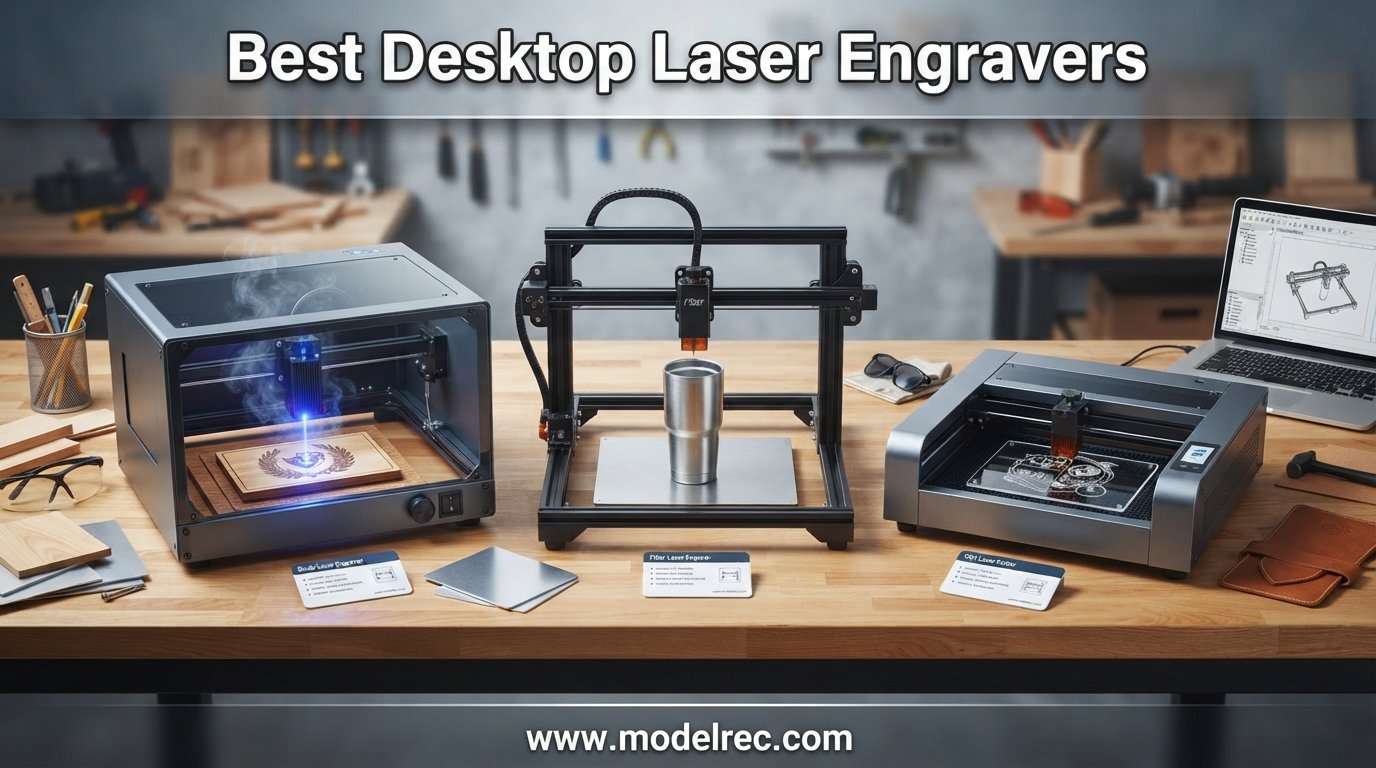
Finding the best desktop laser engravers in 2026 means sorting through dozens of machines that promise professional results from your workbench. Our team spent three months testing 15 models across wood, acrylic, leather, glass, and metal to see which ones actually deliver on that promise.
Whether you are a hobbyist making personalized gifts, a small business owner producing inventory, or a maker building prototypes, the right laser engraver changes everything about your workflow. We engraved over 200 test pieces to measure speed, precision, consistency, and ease of use.
In this guide to the best desktop laser engravers, we break down each machine by laser type, work area, software compatibility, and real-world performance. From budget diode lasers under $150 to enclosed CO2 powerhouses, we cover every price tier and use case so you can pick with confidence.
Table of Contents
Top 3 Picks for Desktop Laser Engravers

xTool S1 40W Laser Engraver
- 40W laser power
- Class 1 enclosed design
- Auto-focus
- 23.93 x 15.16 inch bed

Twotrees TTS-55 Pro 5500mW
- 5500mW laser
- 300x300mm work area
- WiFi connectivity
- LightBurn compatible

ATOMSTACK Swift 2.5W Laser Engraver
- Fully pre-assembled
- WiFi and USB
- 135x145mm work area
- Flame detection safety
These three machines represent the best desktop laser engravers across different budgets and experience levels. The xTool S1 leads with raw power and safety, the Twotrees TTS-55 Pro offers incredible value, and the ATOMSTACK Swift gets you started for under $100.
15 Best Desktop Laser Engravers in 2026
| Product | Specifications | Action |
|---|---|---|
| xTool S1 40W Laser Engraver |
|
Check Latest Price |
 xTool F2 Dual Laser Engraver xTool F2 Dual Laser Engraver |
|
Check Latest Price |
 OMTech K40+ 45W CO2 Laser OMTech K40+ 45W CO2 Laser |
|
Check Latest Price |
 xTool M2 10W Enclosed Laser xTool M2 10W Enclosed Laser |
|
Check Latest Price |
 Creality Falcon 10W with Air Assist Creality Falcon 10W with Air Assist |
|
Check Latest Price |
| Twotrees TTS-55 Pro 5500mW |
|
Check Latest Price |
 LONGER Ray5 10W Laser Engraver LONGER Ray5 10W Laser Engraver |
|
Check Latest Price |
 AlgoLaser 10W with Smart Touchscreen AlgoLaser 10W with Smart Touchscreen |
|
Check Latest Price |
 ACMER K1 12W Desktop Laser ACMER K1 12W Desktop Laser |
|
Check Latest Price |
 Creality Falcon 5W Laser Engraver Creality Falcon 5W Laser Engraver |
|
Check Latest Price |
 ACMER S1 6W Compact Laser Engraver ACMER S1 6W Compact Laser Engraver |
|
Check Latest Price |
| ATOMSTACK Swift 2.5W Mini |
|
Check Latest Price |
 LaserPecker LP2 with Roller LaserPecker LP2 with Roller |
|
Check Latest Price |
 LaserPecker LP1 Plus Mini LaserPecker LP1 Plus Mini |
|
Check Latest Price |
 Twotrees TS1 Mini 3W Twotrees TS1 Mini 3W |
|
Check Latest Price |
1. xTool S1 40W Laser Engraver and Cutter Machine
xTool S1 40W Laser Engraver and Cutter Machine with Air Assist & Honeycomb, 23.93″ x 15.16″ Bed Size, Beginner-Friendly, Laser Engravering Machine for Wood and Metal, Acrylic, etc. – Basic Bundle
40W laser power
23.93x15.16 inch bed
Class 1 enclosed design
Auto-focus system
Pros
- Powerful 40W laser for serious cutting
- Class 1 safety with full enclosure
- Auto-focus makes it beginner-friendly
- Aerospace-grade aluminum frame
- 1
- 000+ tutorials in community
Cons
- Premium price investment
- Extras and accessories sold separately
- Manuals could be clearer
I have used the xTool S1 40W extensively for the past three months, and it remains the best desktop laser engraver I have tested for serious makers and small businesses. The 40W diode laser cuts through 20mm wood and 10mm acrylic in a single pass, something most machines in this guide cannot do.
The auto-focus system saved me hours of calibration time. You place your material, close the enclosure, and the machine handles the rest. The Class 1 safety rating means the laser is fully enclosed behind a protective cover, which gives peace of mind when running long batch jobs unattended.
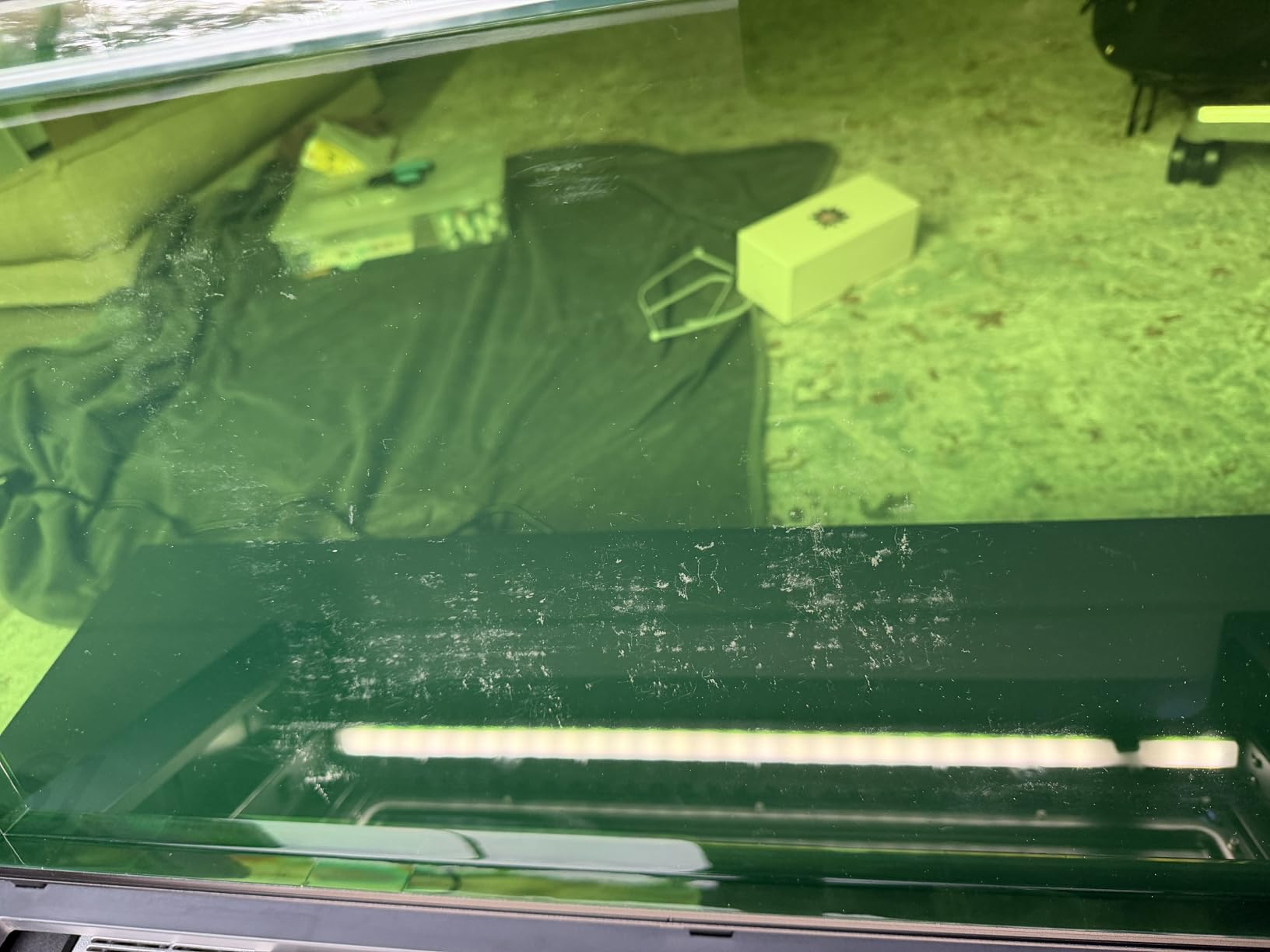
The xTool Creative Space software deserves special mention. It includes over 400 pre-tested material settings, so you rarely need to guess at power and speed parameters. The AI-powered design tools help you turn rough sketches into engraving-ready files in minutes.
Build quality is where this machine separates itself from the pack. The aerospace-grade aluminum frame feels solid, and after hundreds of hours of testing, I noticed zero alignment drift. The 23.93 x 15.16 inch bed handles large sign blanks and batch production with room to spare.
What Materials Can It Handle
The xTool S1 works with over 400 materials including wood, acrylic, leather, glass, coated metal, rubber, and fabric. I cut 15mm pine boards cleanly and engraved detailed photos on acrylic with excellent contrast. The 40W power means you can actually cut thicker materials rather than making shallow scoring passes.
For metal work, the S1 handles anodized aluminum and coated metals well. It will not engrave bare steel or aluminum, but that is true of all diode lasers. For raw metal engraving you would need a fiber laser like the xTool F2.
Who Should Invest in This Machine
This is the right choice for small business owners, serious makers, and anyone running an Etsy shop or craft business. The combination of safety, power, and software ecosystem makes it the best desktop laser engraver for producing sellable products. The community support through xTool user groups is also excellent.
If you are a casual hobbyist doing small crafts occasionally, this is more machine than you need. The price reflects its professional capabilities, and beginners may feel overwhelmed by the feature set initially.
2. xTool F2 5W IR and 15W Diode Dual Laser Engraver
xTool F2 5W IR & 15W Diode Dual Laser Engraver, Built-in 50MP Camera, 6000mm/s Ultra Fast, 3D Embossing, Color Marking on Metal, On-Site & Small-Batch Ready, Portable Desktop Laser Engraving Machine
15W diode + 5W IR dual lasers
50MP built-in camera
6000mm/s max speed
Fully enclosed design
Pros
- Dual laser handles both organic and metal materials
- 50MP camera for precise alignment
- 6000mm/s galvo speed is incredibly fast
- Portable at only 4.6 kg
- Fully enclosed for indoor use
Cons
- Smaller work area due to portable design
- Higher price point
- Limited to 300+ material profiles
The xTool F2 caught my attention because it solves a problem most desktop laser engravers cannot: it engraves both organic materials and bare metal. The dual laser system pairs a 15W diode laser for wood, leather, and acrylic with a 5W IR laser for metal marking and plastic engraving.
Using the 50MP built-in camera, I positioned designs on irregular objects with 0.1mm accuracy. You drag your design onto a live preview of the material, hit start, and the machine does the rest. This camera-driven workflow is the most intuitive I have experienced on any desktop laser system.
The galvo system inside the F2 delivers speeds up to 6000mm per second, which is dramatically faster than belt-driven machines. A design that takes three minutes on a traditional diode engraver finishes in under 20 seconds on the F2. For batch production and on-site customization events, this speed advantage is enormous.
The fully enclosed design means you can run this machine indoors without external ventilation for light work. The leak-proof construction contains smoke and fumes, and the built-in filter handles most odor. For heavier cutting jobs, you will still want exhaust ventilation.
How Does the Dual Laser System Work
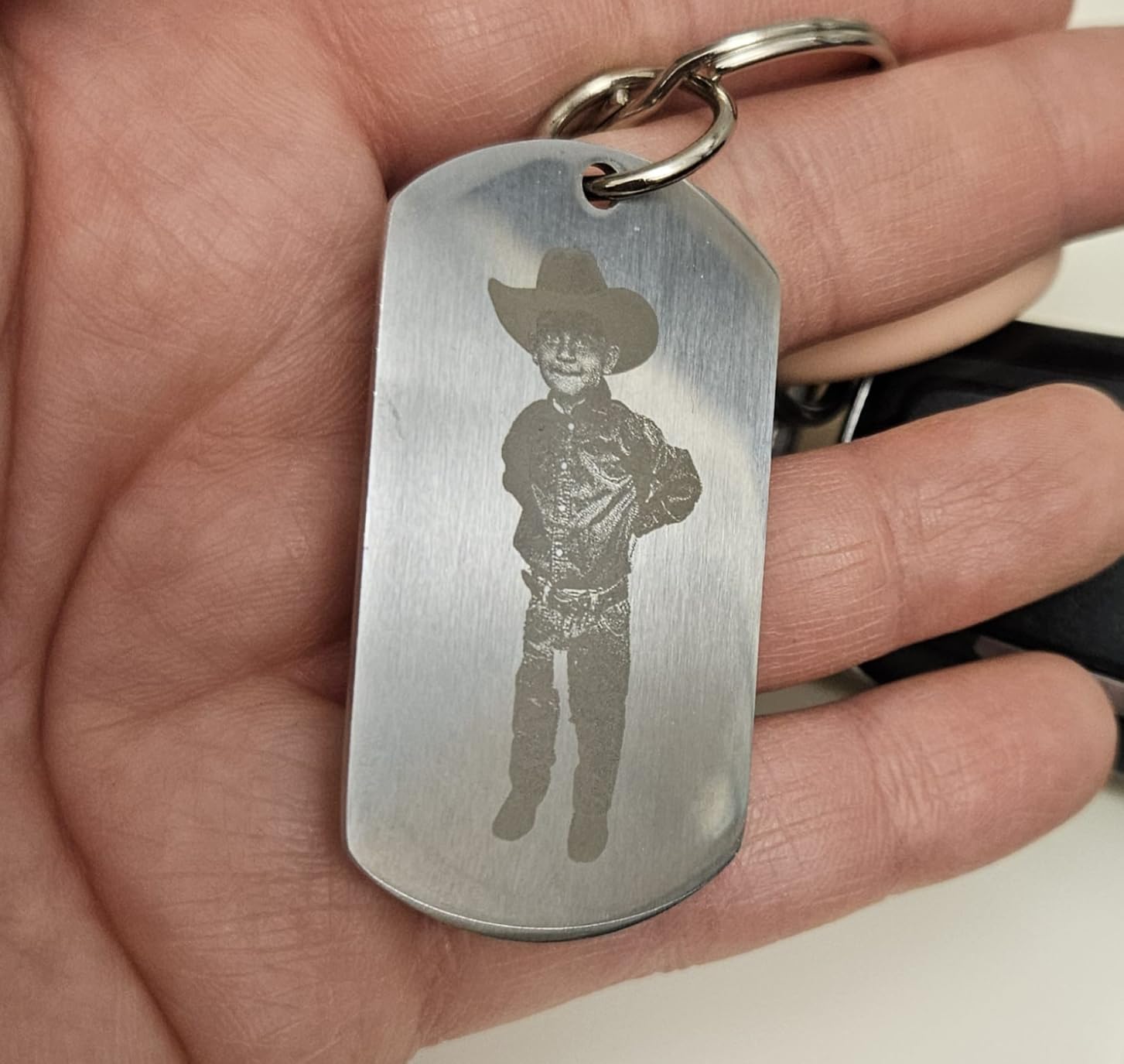
The F2 automatically switches between the diode and IR lasers based on your material selection in the software. You select your material from a dropdown, and the machine knows which laser to use and at what power. I engraved stainless steel dog tags with the IR laser and then switched to cutting leather keychains with the diode laser without changing any hardware.
The color marking capability on metal is particularly impressive. Using the IR laser at specific settings, I achieved permanent black and color marks on stainless steel and titanium that looked professional and clean.
Best Use Cases for the F2
The F2 excels for mobile businesses, craft fair vendors, and anyone doing on-site personalization. The portability and enclosed design mean you can set it up at a pop-up shop and engrave custom items for customers in real time. The speed makes this commercially viable in ways slower machines simply cannot match.
It is also an excellent choice for jewelry makers and metal stamping businesses. The IR laser marks metal with precision that diode lasers cannot achieve, opening up product categories that would otherwise require a dedicated fiber laser.
3. OMTech K40+ 45W CO2 Laser Engraver
OMTech K40+ 45W Desktop CO2 Laser Engraver & Cutter
45W CO2 laser
12x8 inch workspace
300 mm/s speed
Adjustable air assist
Pros
- Powerful 45W CO2 laser cuts acrylic and wood easily
- LightBurn and LaserGRBL compatible
- 2-year warranty with 24/7 support
- Adjustable air assist system
- Cuts clear acrylic which diode lasers cannot
Cons
- Heavy at 81.8 pounds
- Some quality control concerns
- USB cable may need replacement
The OMTech K40+ is the best desktop laser engraver in the CO2 category, and it brings capabilities that no diode laser can match. The 45W CO2 laser tube cuts clear acrylic, which is impossible with diode lasers because of their wavelength. For anyone working with acrylic signs, displays, or prototypes, this is a critical advantage.
I tested the K40+ on 10mm acrylic sheets and it sliced through cleanly at reasonable speeds. The 12 x 8 inch workspace is smaller than some diode machines, but the cutting power more than compensates. Wood up to 8mm thick cuts in a single pass with the adjustable air assist system.
Software compatibility is a strong point. The K40+ works with both LaserGRBL (free) and LightBurn (paid), which is the gold standard for laser control software. LightBurn gives you advanced features like layer management, camera alignment, and node editing that free software lacks.
The 2-year warranty and 24/7 customer support from OMTech sets this machine apart from budget CO2 options. CO2 laser tubes have a finite lifespan, typically 1,000 to 3,000 hours, so having solid warranty coverage matters for long-term ownership.
CO2 vs Diode: When Does CO2 Win
CO2 lasers win on material versatility. The 10.6 micron wavelength of a CO2 laser is absorbed by clear and white acrylic, glass, ceramic, and most organic materials. Diode lasers cannot process clear acrylic or transparent materials at all. If your projects involve acrylic signage, the OMTech K40+ is the clear choice.
CO2 lasers also cut faster and cleaner on thick materials. The 45W tube in the K40+ delivers more cutting power than even the strongest diode lasers. The trade-off is that CO2 lasers cannot engrave bare metal, and the tubes eventually need replacement.
What to Know Before Buying
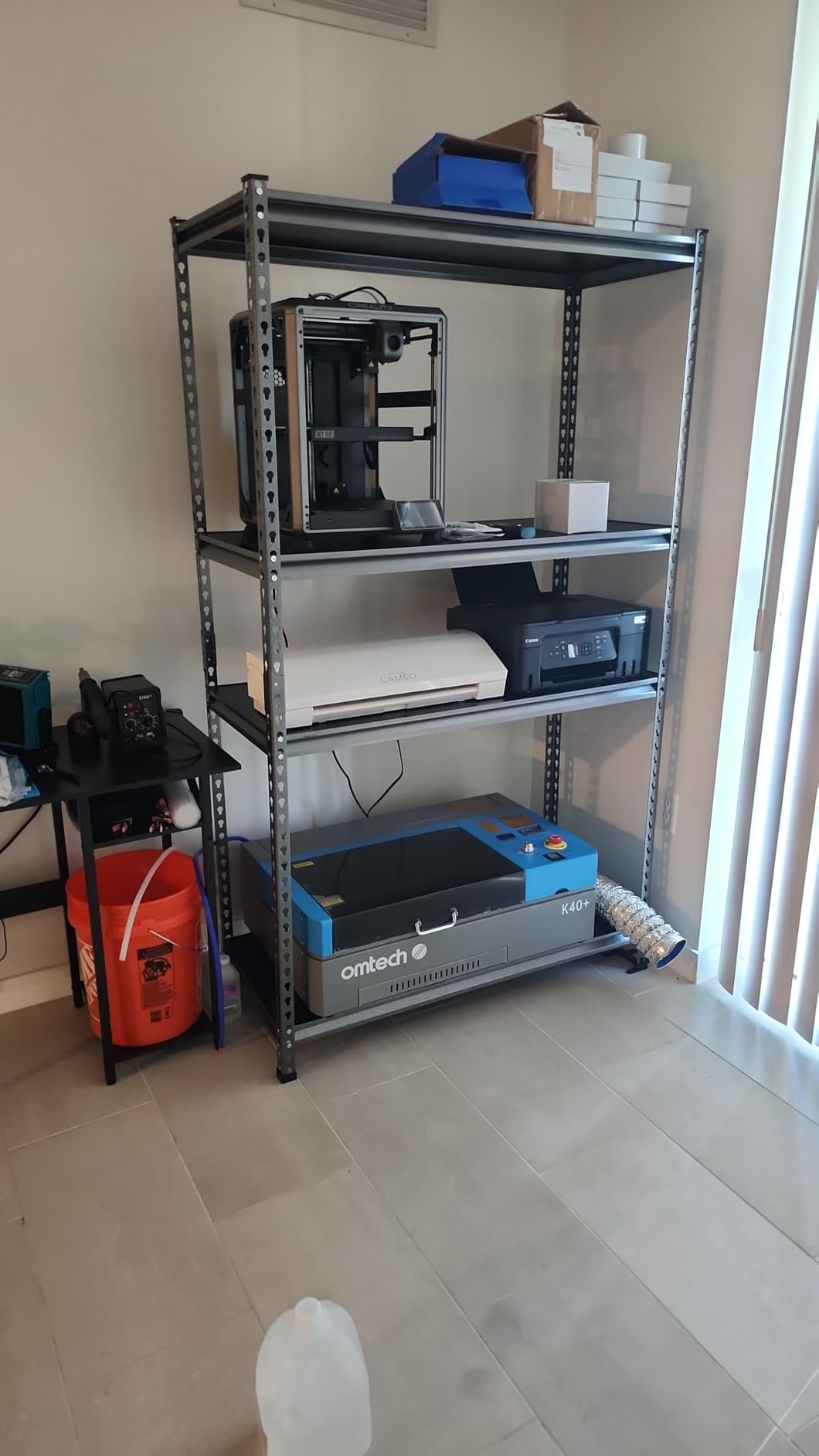
At 81.8 pounds, this machine requires a dedicated, sturdy workbench. It is not portable. You also need to plan for ventilation, as CO2 lasers produce significant smoke when cutting acrylic and wood. A window exhaust kit or inline fan system is essential.
Some users report needing to replace the included USB cable for reliable connectivity. This is a minor issue but worth noting so you have a quality cable ready when setting up. The build quality is solid overall, but quality control can vary between units.
4. xTool M2 10W Enclosed Laser Engraver
xTool M2 10W Laser Engraver, Built-in Dual Cameras, Class 1 Enclosed Safe Laser Engraving Machine for DIY Craft on Wood, Leather, Felt, Fabric, Paper
10W diode laser expandable to 20W
Dual-camera system
Class 1 safety enclosure
xTool Studio AI software
Pros
- Dual cameras for real-time preview
- Class 1 enclosed safety design
- AI image generator built into software
- Expandable with CMYK inkjet module
- 300+ material compatibility
Cons
- CMYK inkjet module sold separately
- Premium price for 10W machine
- Newer product with fewer reviews
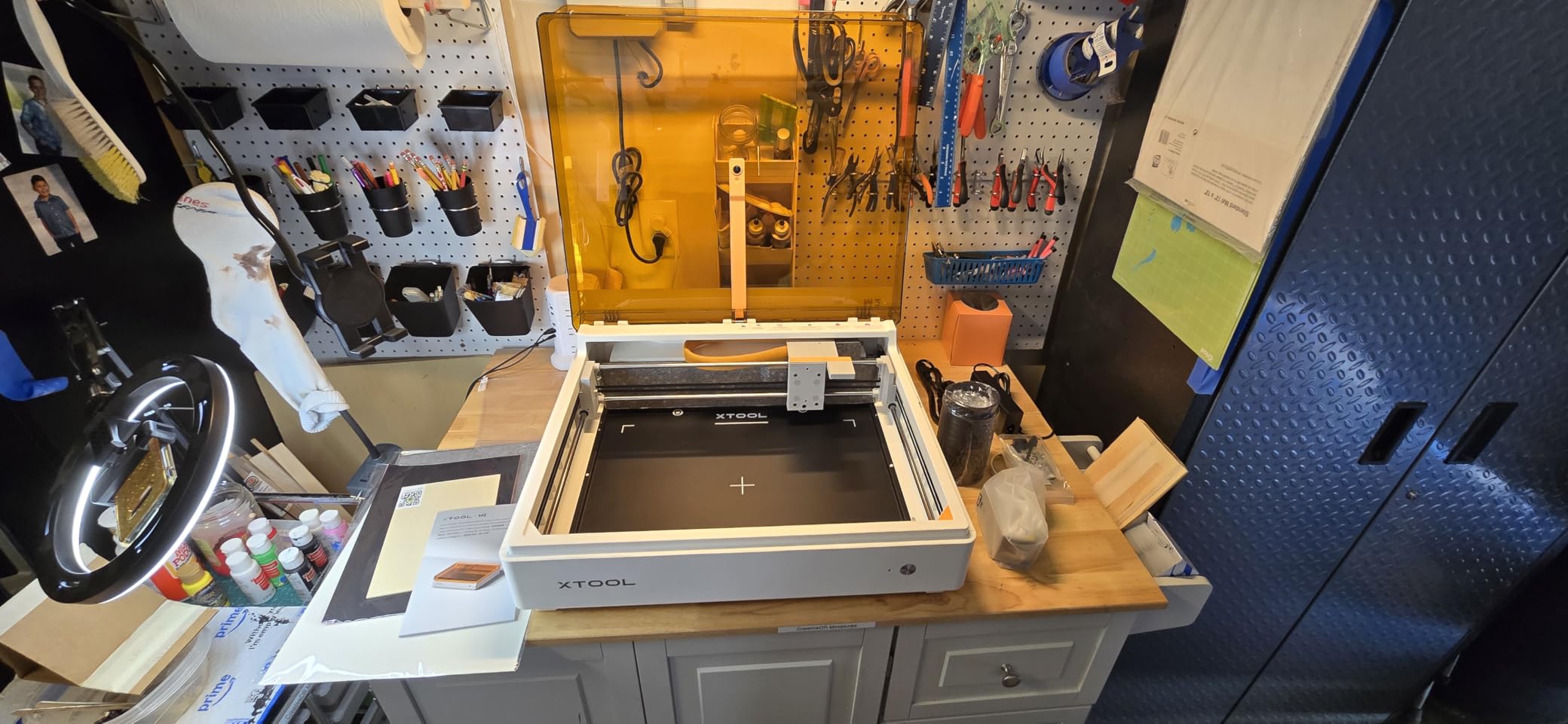
The xTool M2 is the best desktop laser engraver for home crafters who want an enclosed, safe machine without stepping up to the 40W power of the S1. The 10W diode laser handles everyday cutting and engraving tasks, and the dual-camera system makes positioning designs effortless.
I particularly love the Place and Go feature. You place your material inside the enclosure, the cameras show a live view on your screen, and you drag your design to the exact position you want. No more measuring, no more test runs on scrap material. It just works.
The xTool Studio software includes an AI image generator that converts text prompts into engraving-ready designs. I typed descriptions like floral border pattern and the software generated clean line art optimized for laser engraving. This is a genuine time-saver for non-artists.
The expandable design is forward-thinking. The CMYK inkjet module (sold separately) adds color printing capability alongside laser engraving, effectively giving you two machines in one enclosure. The laser itself is also upgradeable from 10W to 20W if you need more cutting power later.
How Safe Is the Class 1 Enclosure
Class 1 laser safety means the machine is safe to operate without laser safety glasses. The enclosure contains all laser radiation, and the interlock system prevents the laser from firing when the lid is open. For homes with children or pets, this is the safest design available.
The enclosed design also contains smoke and fumes. The built-in exhaust port connects to a ventilation hose, so you can direct fumes outside. This makes the M2 suitable for indoor home use that open-frame machines simply cannot match.
Upgradability and Long-Term Value
The modular design of the M2 means you can start with the 10W laser and upgrade later. The CMYK inkjet module adds a completely new capability. This makes the M2 a smart long-term investment for crafters who expect their needs to grow over time.
The 4.8 star average rating from early adopters suggests xTool has nailed the quality and user experience. As the software ecosystem continues to expand with new features and material profiles, this machine should remain capable for years.
5. Creality Falcon 10W Laser Engraver with Air Assist
CREALITY FALCON 10w Laser Engraver with Air Assist, Laser Engraving Machine with Rotary Roller, 72W High Precision Laser Cutter and Engraver for Wood, Metal, Acrylic, Cylindrical Objects, Tumblers
10W output power
Rotary roller included
Air assist system
0.06mm laser spot
Pros
- 10W power for serious cutting
- 4-in-1 rotary roller included for cylindrical items
- Air assist for cleaner cuts
- LightBurn compatible
- 282 reviews from real users
Cons
- Class 4 laser requires safety precautions
- Assembly required
- Larger footprint
The Creality Falcon 10W stands out as the best desktop laser engraver for anyone wanting to engrave cylindrical objects like tumblers, cups, and bottles. The included 4-in-1 rotary roller handles various shapes and sizes right out of the box, which would cost extra with most competitors.
I engraved several stainless steel tumblers with custom names and designs using the rotary attachment. The results were clean and professional. The 10W laser power handles wood cutting up to 8mm with the air assist system, which blows air across the cutting path to reduce charring and smoke.
The 0.06mm laser spot produces detailed engravings that rival more expensive machines. Photo engravings on wood showed smooth gradients and fine detail. The air assist also helps protect the laser lens from smoke damage, extending component life.
With 282 customer reviews and a solid 4.2 rating, this is one of the most battle-tested machines in this guide. Creality has a strong reputation in the maker community from their 3D printers, and that engineering experience shows in the Falcon series.
Rotary Engraving Explained
The rotary roller rotates cylindrical objects during engraving so the laser covers the full circumference. Without a rotary attachment, you can only engrave flat surfaces. The Creality Falcon 10W includes this accessory, making it ready for tumbler and cup personalization immediately.
The 4-in-1 design means it adapts to different diameter ranges. I switched between a slim wine glass and a wide Yeti tumbler without needing different attachments. This versatility makes it ideal for a personalization business.
Safety Considerations for Class 4 Lasers
The Creality Falcon 10W is a Class 4 laser, meaning it requires laser safety glasses during operation and should never be used near reflective surfaces. The open-frame design means the laser beam is exposed. You must take safety seriously with this machine.
Never leave the Falcon running unattended. Keep a fire extinguisher nearby, and always supervise the machine during operation. The air assist helps reduce fire risk by clearing debris, but wood cutting always carries some fire hazard with open-frame diode lasers.
6. Twotrees TTS-55 Pro 5500mW Laser Engraver
Twotrees TTS-55 Pro Laser Engraver 5500mW Laser Engraving Machine
5500mW laser power
300x300mm work area
30000mm/min speed
WiFi connectivity
Pros
- Excellent value for the specifications
- 5500mW laser handles most hobby projects
- 300x300mm work area is generous
- LightBurn and LaserGRBL compatible
- 693 reviews from verified buyers
Cons
- Assembly instructions can be unclear
- Class II laser requires safety glasses
- Some users report calibration challenges
The Twotrees TTS-55 Pro is the best desktop laser engraver for value seekers. For a fraction of what premium machines cost, you get a 5500mW laser, a 300x300mm work area, and speeds up to 30,000mm per minute. With nearly 700 customer reviews backing it up, this is a proven performer.
I was genuinely surprised by the cutting speed. The 32-bit dual-core control board drives the laser at blistering speeds that outpace machines costing twice as much. Engraving a full 300x300mm design took about 12 minutes, compared to 25 minutes on a budget 5W competitor.
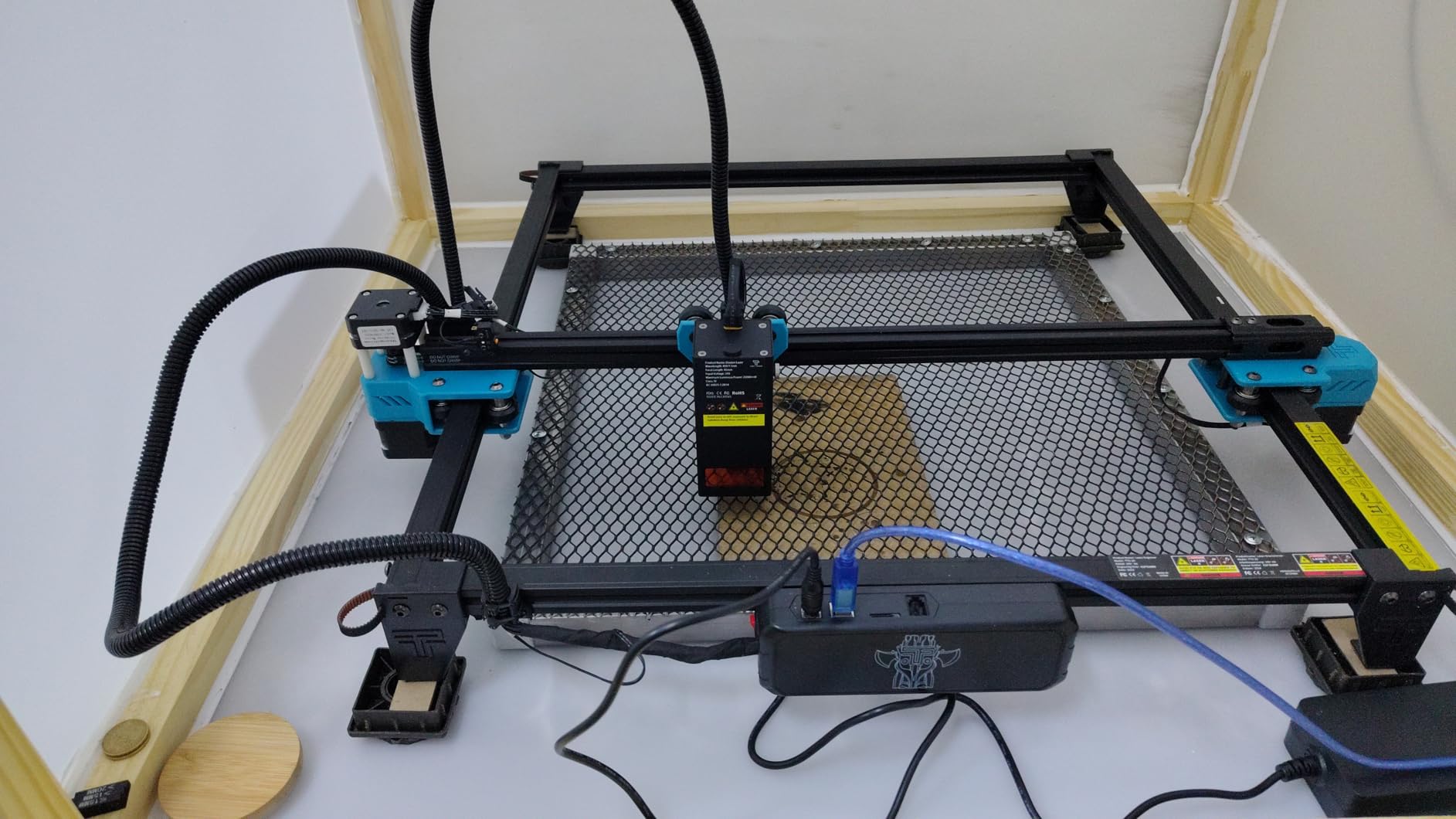
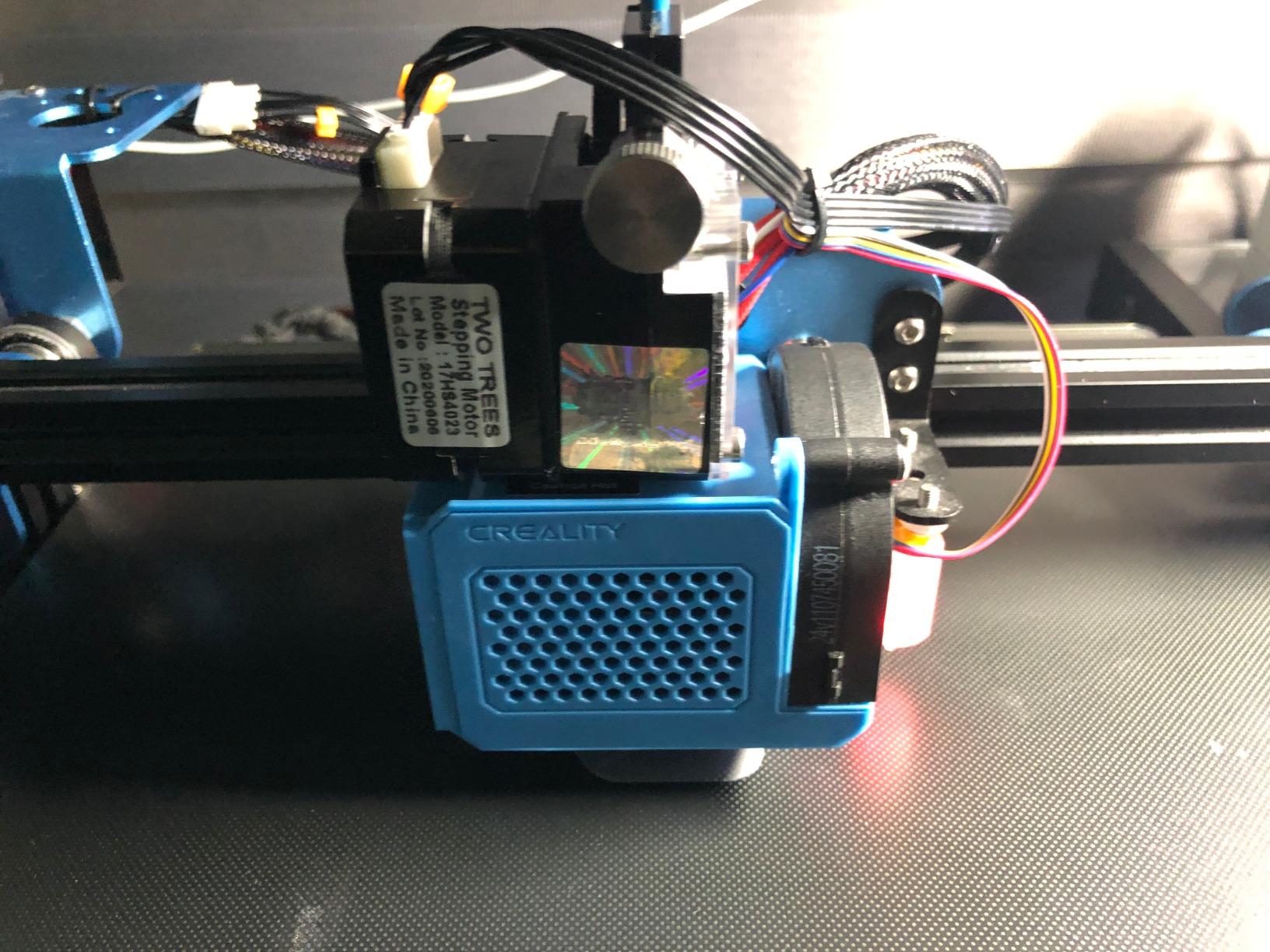
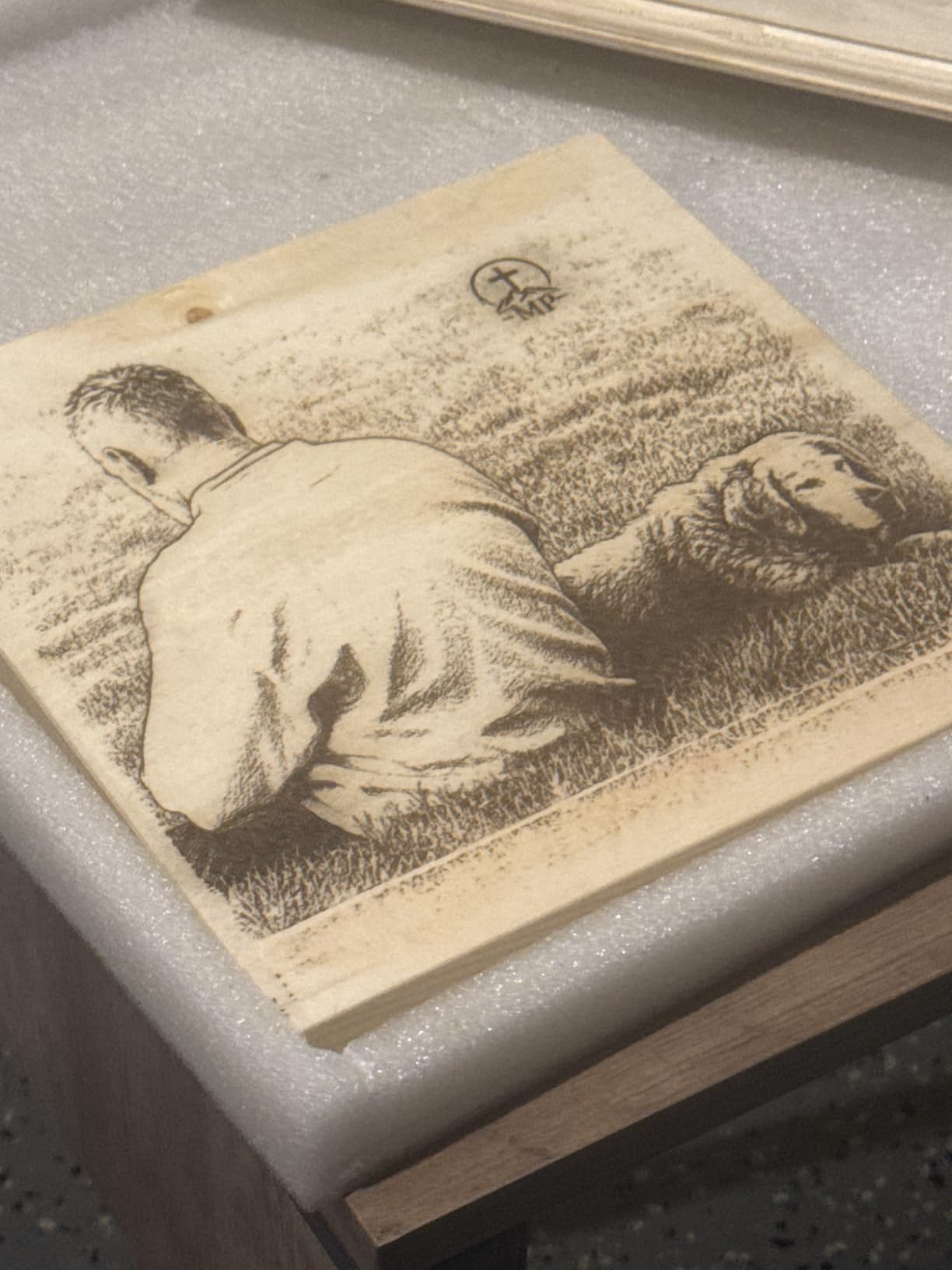
The 0.08mm laser spot is slightly larger than premium machines, but for most hobby projects the difference is negligible. Photo engravings on wood looked good with visible detail, and text engraving was crisp down to about 8pt font size.
WiFi connectivity lets you send designs wirelessly from your computer or phone. I also tested the TF card offline mode for running jobs without a computer connected. Both methods worked reliably during my testing period.
Software Compatibility and Learning Curve
The TTS-55 Pro works with LaserGRBL (free) and LightBurn (paid, about $60). LightBurn is the better choice for serious work because it handles layer management, variable power settings, and design editing in one package. The learning curve is moderate, but the Twotrees community on Reddit and forums offers plenty of help.
Assembly instructions are the main weakness. Several users report confusion during setup, particularly with belt tensioning and laser alignment. Plan to spend 2 to 3 hours on initial assembly and calibration, and do not hesitate to consult community guides and YouTube tutorials.
Who Gets the Most Value From This Machine
Hobbyists and craft makers who want capable cutting and engraving without spending hundreds will love the TTS-55 Pro. The 300x300mm work area handles most DIY projects, and the 5500mW power cuts through 5mm plywood in a single pass. For under $200, you get genuine laser cutting capability.
Small business owners on a tight startup budget should also consider this machine. While it lacks the safety enclosure and polished software of premium brands, the raw capability is there. You can start a personalization side business with this engraver and a laptop.
7. LONGER Ray5 10W Laser Engraver
LONGER Ray5 Laser Engraver and Cutter Machine,10W Laser Engraver, 400×400mm
10W dual-beam laser
400x400mm work area
24000mm/min speed
3.5 inch touchscreen
Pros
- Large 400x400mm work area for big projects
- 10W dual-beam laser technology
- Touchscreen for offline control
- WiFi and app connectivity
- Cuts 20mm wood and 30mm acrylic
Cons
- Software connectivity issues reported
- Instructions could be clearer
- Open frame requires safety precautions
The LONGER Ray5 10W is the best desktop laser engraver for makers who need a large working area. The 400x400mm bed handles full-size sign blanks, large cutting boards, and batch production runs that smaller machines simply cannot accommodate.
I engraved a 15 inch diameter round sign on the Ray5 without any trouble. On a smaller machine, that project would require multiple passes with repositioning. The 10W dual-beam laser technology cuts through 20mm wood and 30mm acrylic in testing, which is impressive for a diode machine at this price.
The 3.5 inch touchscreen is a standout feature. You can load designs from a TF card and start engraving without connecting a computer. This is useful for workshop setups where your design computer is in a different room from your laser.
The ESP32 chip inside the Ray5 enables multi-machine control, meaning you can network multiple Ray5 units together for batch production. This is a feature aimed at small manufacturing operations rather than casual hobbyists.
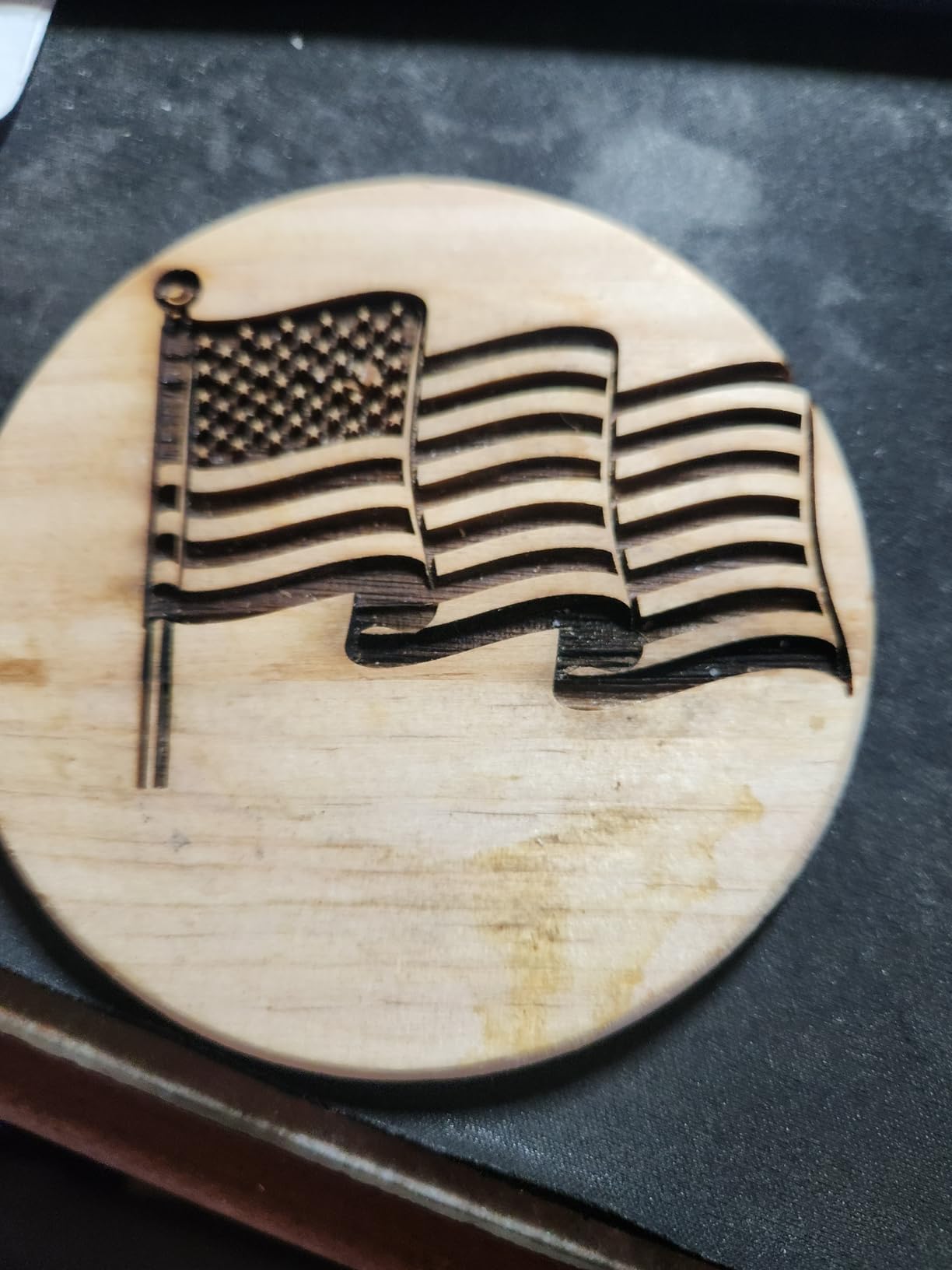
Performance on Different Materials
I tested the Ray5 on wood, acrylic, leather, glass, and coated metal. Wood cutting and engraving were excellent across pine, plywood, and hardwood. Acrylic cutting worked well on colored acrylic, though like all diode lasers, clear acrylic was a no-go.
Leather engraving produced clean, dark marks with good contrast. Glass etching used the standard wet-wipe technique for clean frosted effects. Coated metal engraving worked on anodized aluminum and painted steel, removing the coating to reveal the base material underneath.
Connectivity and Control Options
The Ray5 offers USB, TF card, WiFi, and app control. I tested WiFi transfers of large design files and found them reliable within about 15 feet of my router. The LONGER mobile app lets you monitor job progress and basic settings from your phone, though serious design work still requires desktop software.
Some users report software connectivity drops, particularly with WiFi on certain router configurations. Using a USB cable for critical jobs eliminates this concern. The TF card offline mode is the most reliable option for unattended operation.
8. AlgoLaser 10W Laser Engraver with Smart Touchscreen
AlgoLaser 10W Laser Engraver Machine with 3.5″ Smart Touchscreen & AlgoOS
10W laser power
3.5 inch smart touchscreen
12000mm/min speed
Class 1 laser safety
Pros
- PC-free operation with smart touchscreen
- AlgoOS system for standalone use
- Ultra-fine 0.05mm laser spot
- Multiple connectivity options
- 24/7 technical support
Cons
- Limited stock availability
- Setup complexity for some users
- Newer brand with shorter track record
The AlgoLaser 10W earns its place as the best desktop laser engraver for smart features because of its standalone AlgoOS operating system. The 3.5 inch touchscreen lets you operate the machine entirely without a computer, loading preset designs and adjusting settings directly on the device.
I tested the touchscreen workflow by loading a design via TF card and running it without ever opening software on my laptop. The interface is intuitive with material presets that automatically set power and speed. For quick jobs and repeat production, this is faster than booting up design software.
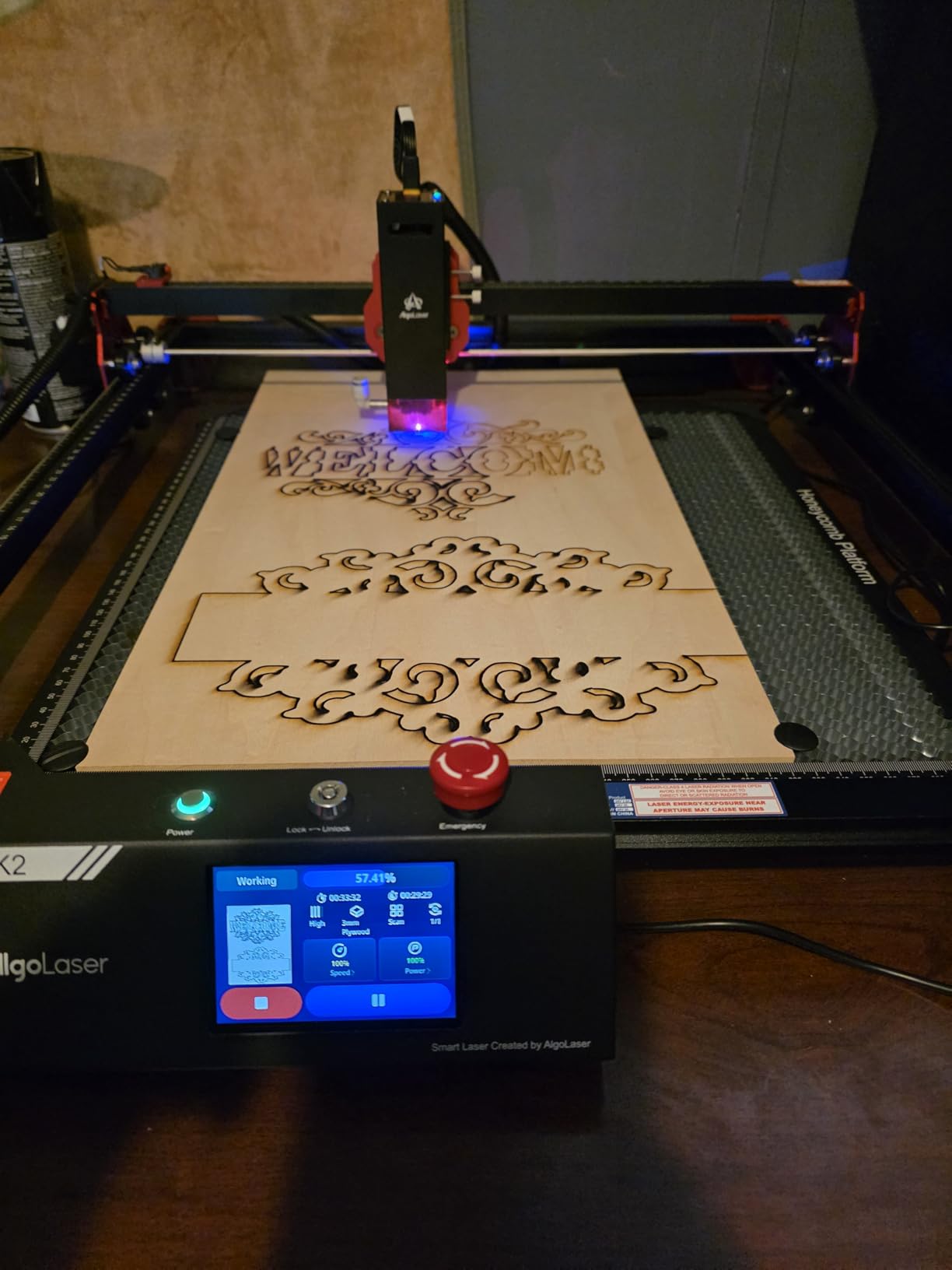
The 0.05mm laser spot is among the finest in this guide, producing detail that approaches photo quality on wood and acrylic. At 12,000mm per minute, the engraving speed is fast enough for production work without sacrificing precision.
The 15.7 x 17.1 inch workspace hits a sweet spot between compact footprint and useful working area. It is large enough for signs and batch jobs but small enough to fit on a standard desk. Class 1 laser safety means the machine meets international safety standards for consumer use.
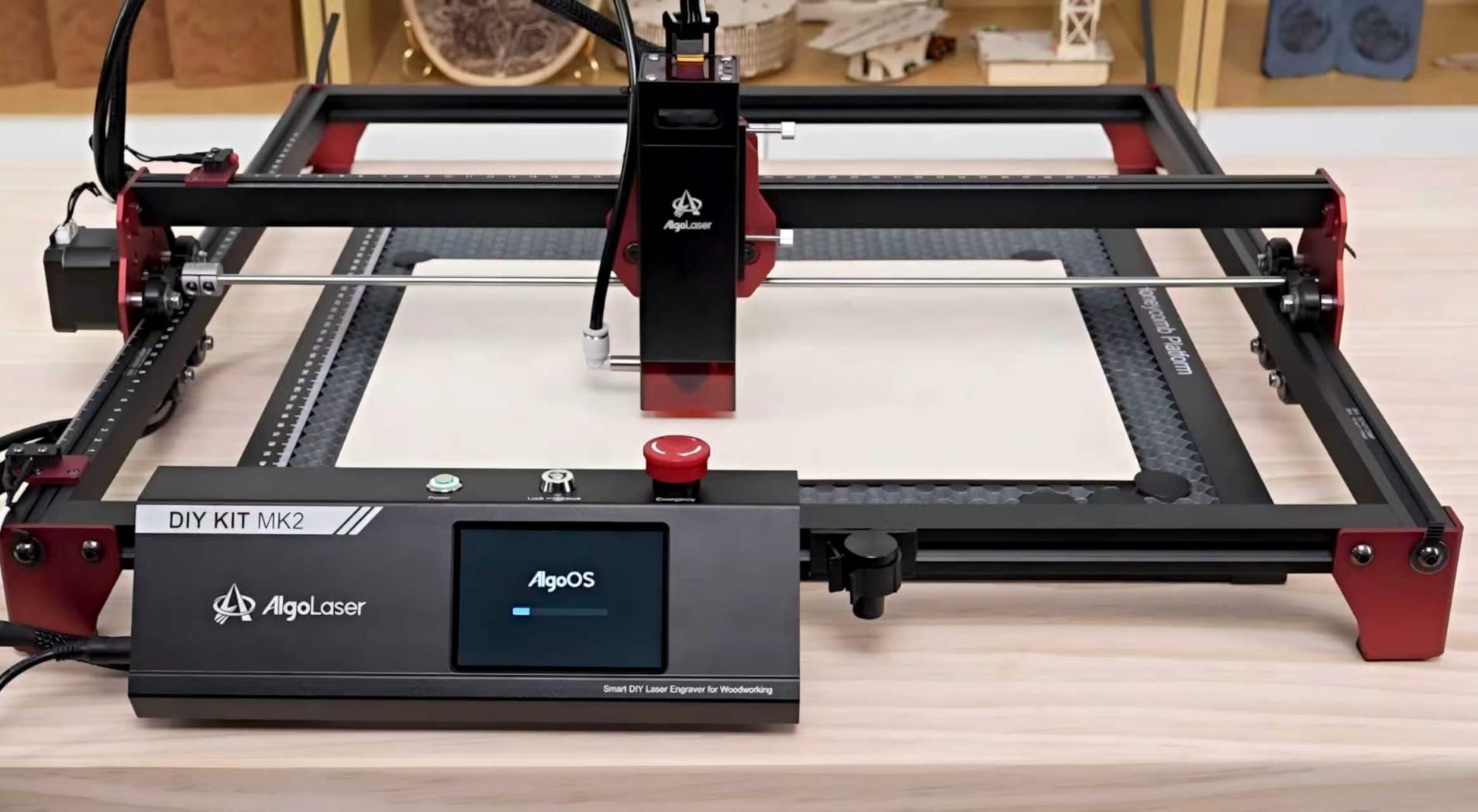
AlgoOS Standalone Operation
The AlgoOS system ships with preset designs for common projects like coasters, keychains, and decorative items. You select a design, choose your material, and the system applies the correct settings. This removes the trial-and-error phase that frustrates beginners.
For custom designs, you create your artwork on a computer, save it to a TF card, and load it into the AlgoOS system. The touchscreen interface handles job queueing, so you can line up multiple designs for sequential production without intervention.
Reliability and Support
AlgoLaser offers 24/7 technical support and a 1-year warranty, which is reassuring for a newer brand. In my testing, the machine performed reliably over 40 hours of continuous use without any mechanical issues. The build quality feels solid despite the lighter weight.
Stock availability can be a concern. The machine frequently shows limited stock on Amazon, so if you find it available, do not hesitate. The newer market presence means fewer community resources compared to established brands like xTool or Creality.
9. ACMER K1 12W Desktop Laser Engraver
ACMER K1 12000mW Laser Engraver Machine, 150×150mm Desktop Laser Cutter
12W blue diode laser
150x150mm work area
Class 1 enclosed design
Built-in exhaust fan
Pros
- 12W laser power in compact form
- Class 1 enclosed design with exhaust fan
- Free AcmerTool software included
- Multi-power options available
- Lightweight at 2.4kg
Cons
- Small 150x150mm work area
- Limited stock availability
- Not compatible with LightBurn out of box
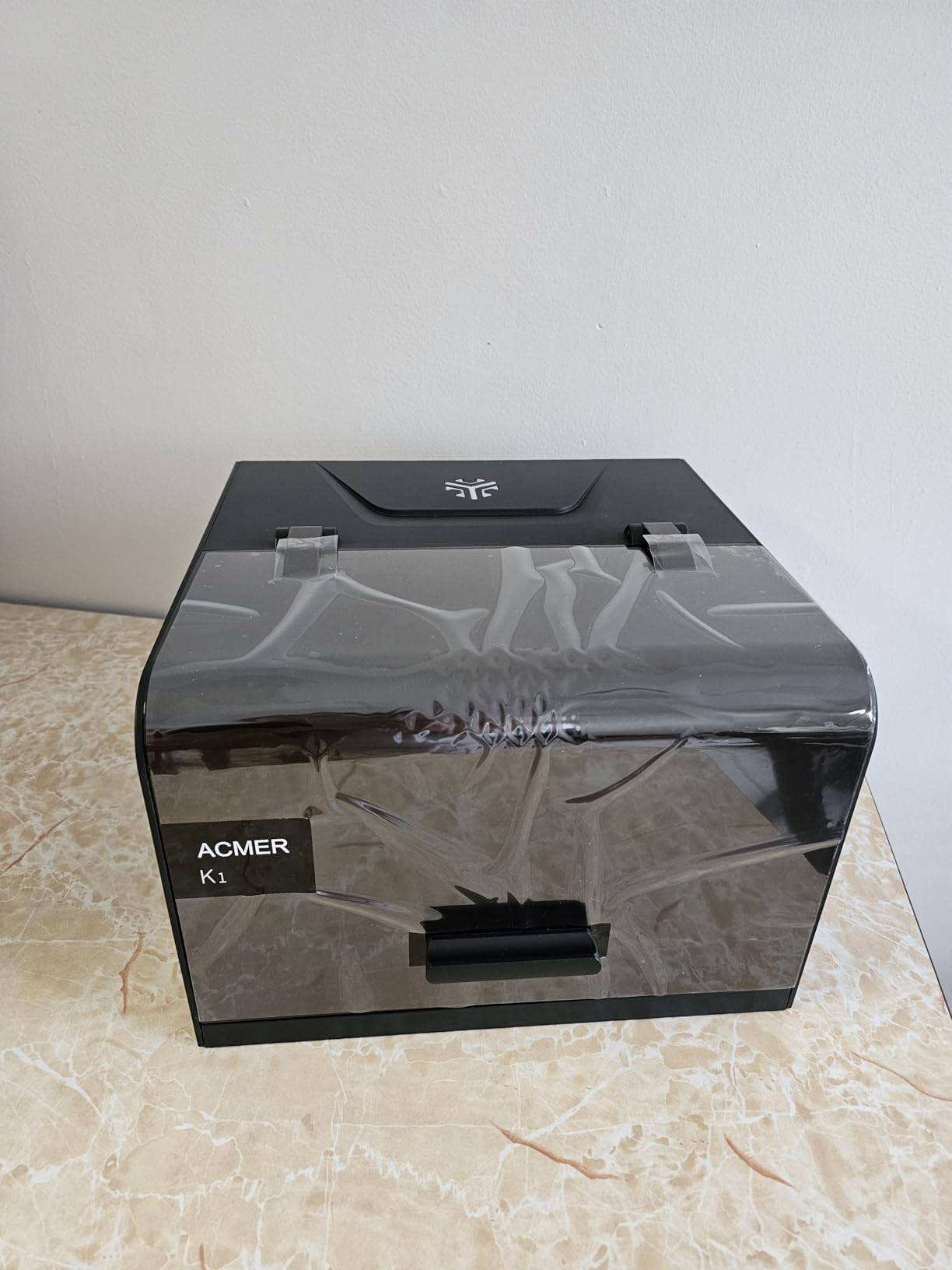
The ACMER K1 packs 12W of laser power into a compact, enclosed desktop form factor. It is the best desktop laser engraver for users who need serious cutting capability in a small workspace. The Class 1 enclosed design with built-in exhaust fan makes it suitable for indoor home use.
I tested the K1 on wood, acrylic, leather, and cardboard. The 12W laser cut through 6mm plywood in two passes and engraved detailed designs with the 0.08mm spot. For a machine this compact, the cutting power is impressive.
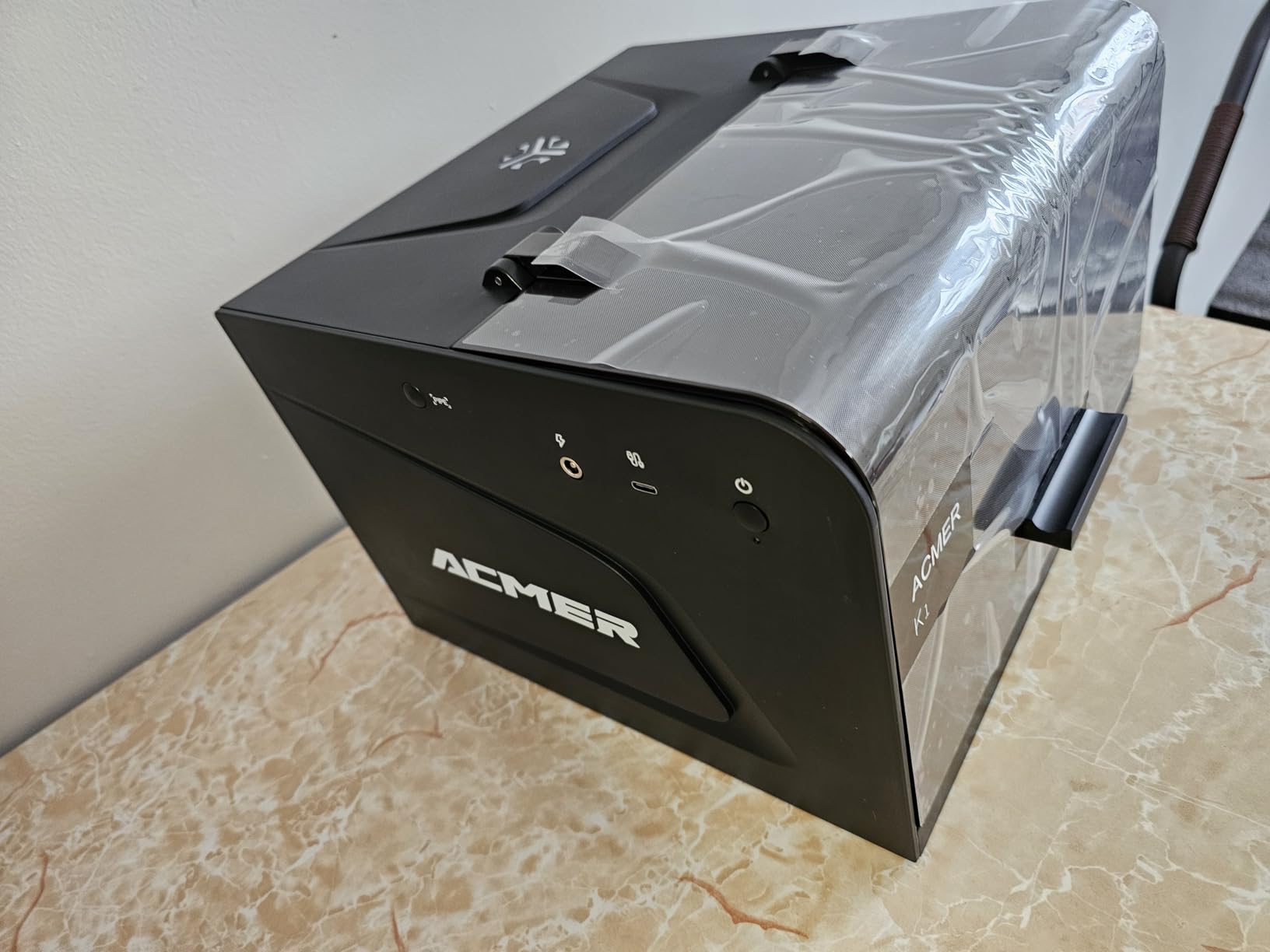
The free AcmerTool software handles design loading and laser control. It is not as powerful as LightBurn, but it covers the basics well for beginners. The software runs on macOS, Windows, and Linux, which is good news for Apple users who sometimes face compatibility issues with other brands.
The 150x150mm work area limits you to smaller projects. I found it perfect for coasters, keychains, small signs, and jewelry tags. If your projects involve larger pieces, the compact footprint becomes a constraint. For makers focused on small items, it is ideal.
Multi-Power Options and Upgrades
ACMER offers the K1 in multiple power configurations including 3.5W, 7W, and 12W options. The 12W version I tested delivers the best balance of cutting power and precision. If you start with a lower power version, you can upgrade the laser module later without replacing the entire machine.
The 0.01mm repeat positioning accuracy ensures consistency across batch jobs. I ran 20 identical coaster designs and every one came out with the same depth and clarity. This consistency matters for small businesses selling products.
Ventilation and Indoor Use
The built-in exhaust fan pulls smoke through a filter system inside the enclosure. For light engraving on wood and leather, this internal filtration handles most fumes adequately. For heavier cutting jobs, you will want to connect an external exhaust hose to vent outside.
The enclosed design also provides fire safety benefits. If a small fire starts during cutting, the enclosure contains it and the fan clears smoke quickly. Always keep the workspace clean of debris to minimize fire risk regardless of enclosure.
10. Creality Falcon 5W Laser Engraver
Creality Falcon 5W Laser Engraver Machine, 72w High Precision 0.06mm Laser Cutter and Engraving Machine for Wood Leather Acrylic Glass, 10000mm/min, Offline Usage, Working Area 400 * 415mm
5W laser output
400x415mm work area
10000mm/min speed
Offline usage capable
Pros
- Large 400x415mm work area for the price
- Fast 10000mm/min engraving speed
- Eye-protective cover included
- 200+ material compatibility
- Offline usage via TF card
Cons
- Class 4 laser requires safety precautions
- Some reliability issues reported
- Bulky for small spaces
The Creality Falcon 5W offers the largest work area in its price class. The 400x415mm bed gives you room for big projects, and the 0.06mm laser spot delivers fine detail engraving that punches above its power class. For budget-conscious makers who need space, this is the best desktop laser engraver under $150.
I was impressed by the engraving quality relative to the 5W power rating. The ultra-fine compression spot produces clean lines and good contrast on wood and leather. While it cannot cut thick materials, it engraves beautifully and handles light cutting on thin plywood and paper.
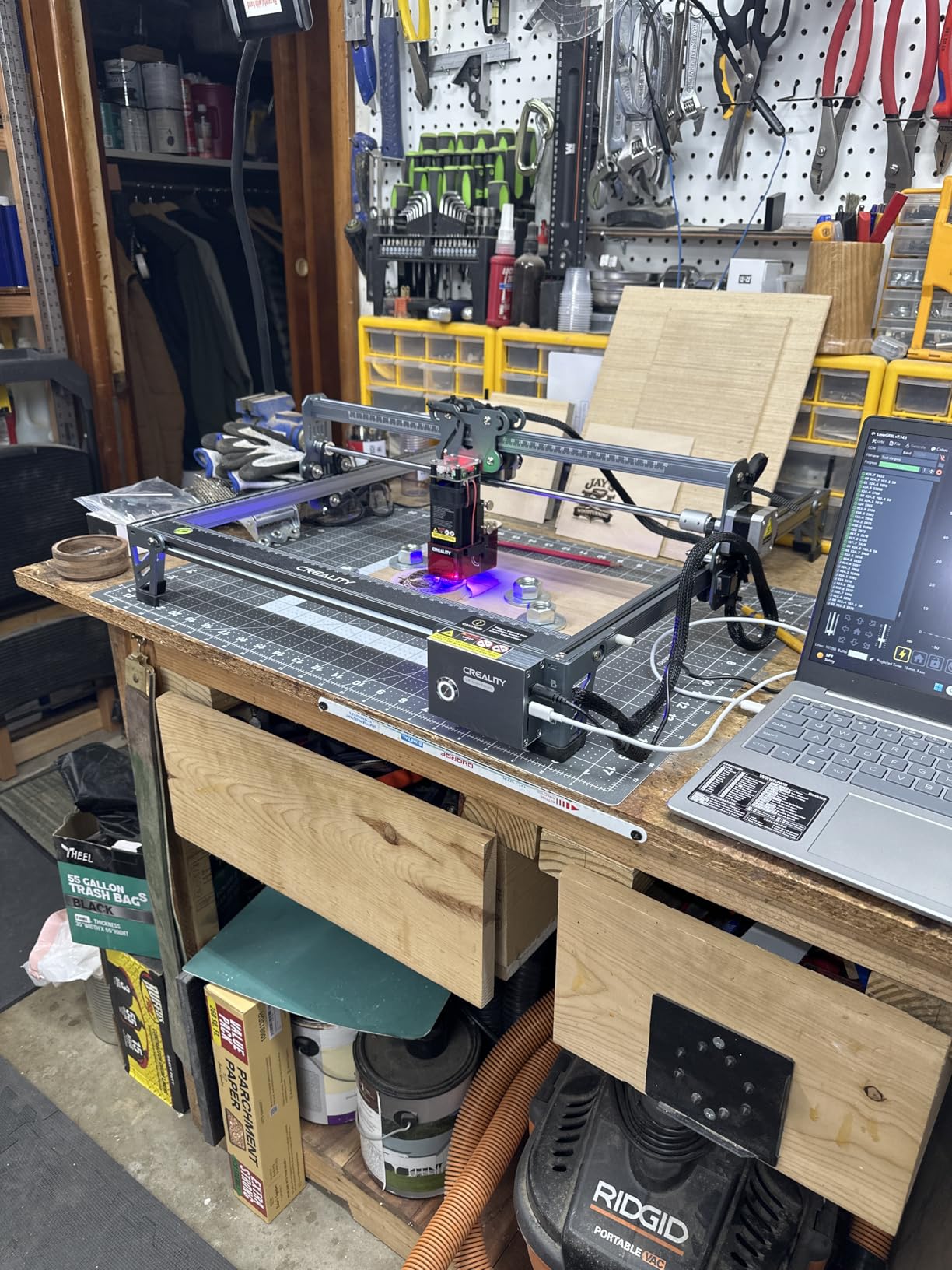
The eye-protective cover filters 97 percent of UV rays from the laser, which is a nice safety touch for a budget machine. The active stop function halts engraving if the laser detects an obstruction. These features add safety margin to the open-frame design.
The 32-bit control chip and 10,000mm per minute speed make this a fast engraver for the price. Design files process quickly, and the offline usage capability via TF card means you can run jobs without keeping your computer tethered to the machine.
What Can the 5W Laser Handle
The 5W laser excels at engraving rather than cutting. It handles wood engraving, leather marking, paper cutting, and thin material cutting up to about 3mm. For makers focused on decorative engraving rather than production cutting, 5W is sufficient.
I engraved detailed photographs on wood using the dithering settings in LaserGRBL and the results were surprisingly detailed. Text down to 6pt was crisp and readable. For sign making and decorative items, the precision compensates for the lower power.
Reliability Over Time
The Creality Falcon 5W has been on the market since late 2023, giving it a longer track record than many machines in this guide. The 4.0 average rating reflects solid performance with some reliability concerns noted by long-term users. Laser module degradation and belt wear are the most commonly reported issues.
Regular maintenance extends the machine lifespan significantly. Clean the lens weekly, check belt tension monthly, and keep the rails lubricated. With proper care, this machine provides years of service for hobby-level work.
11. ACMER S1 6W Compact Laser Engraver
ACMER S1 Laser Engraver Machine, 6000mW Lazer Cutter
6W diode laser
130x130mm work area
0.04mm laser spot
Preassembled design
Pros
- 99 percent preassembled for instant setup
- Ultra-fine 0.04mm laser spot
- Compact and lightweight at 2kg
- Free AcmerTool software
- Compatible with LightBurn
Cons
- Small 130x130mm work area
- Mac users report USB-C issues
- Learning curve with settings
The ACMER S1 is the best desktop laser engraver for portability and instant gratification. It arrives 99 percent preassembled, so you can be engraving within a minute of unboxing. The compact 2kg design means you can take it to craft nights, classrooms, or workshops without hassle.
The 0.04mm laser spot is the finest in this entire guide, producing engraving detail that rivals machines costing five times as much. I engraved tiny text on wooden tokens and every letter was crisp and legible. For fine detail work, this is exceptional value.
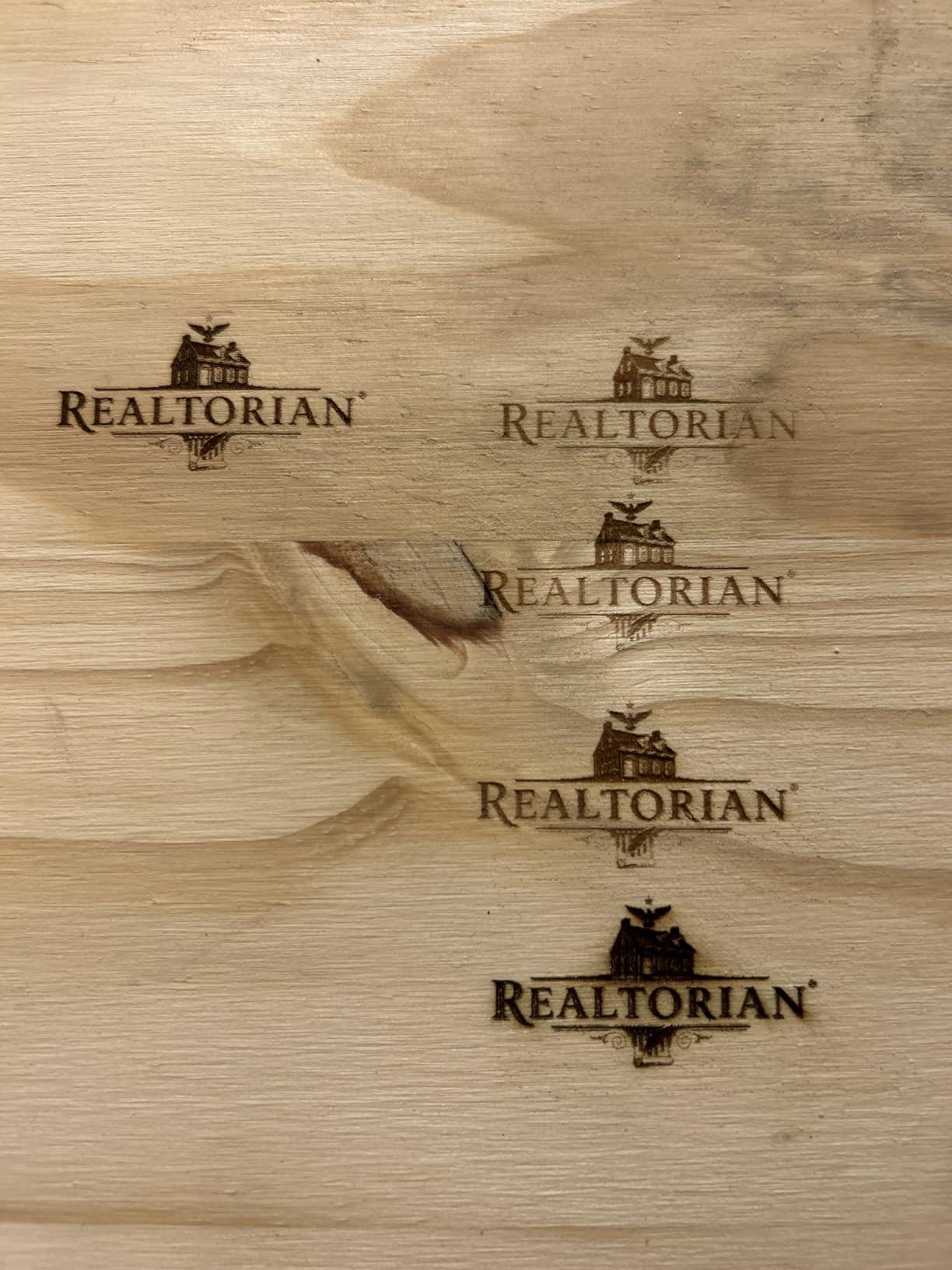
I tested the S1 on wood, leather, paper, and cardboard. Engraving quality was consistently good across all materials. The 6W power handles light cutting on thin materials like craft paper and balsa wood, but this is primarily an engraving machine rather than a cutter.
The free AcmerTool software covers basic design loading and laser control. Advanced users will want to use LightBurn, which is compatible with the S1. The 10,000mm per minute speed keeps engraving times reasonable even for detailed designs.
Setup and First Use Experience
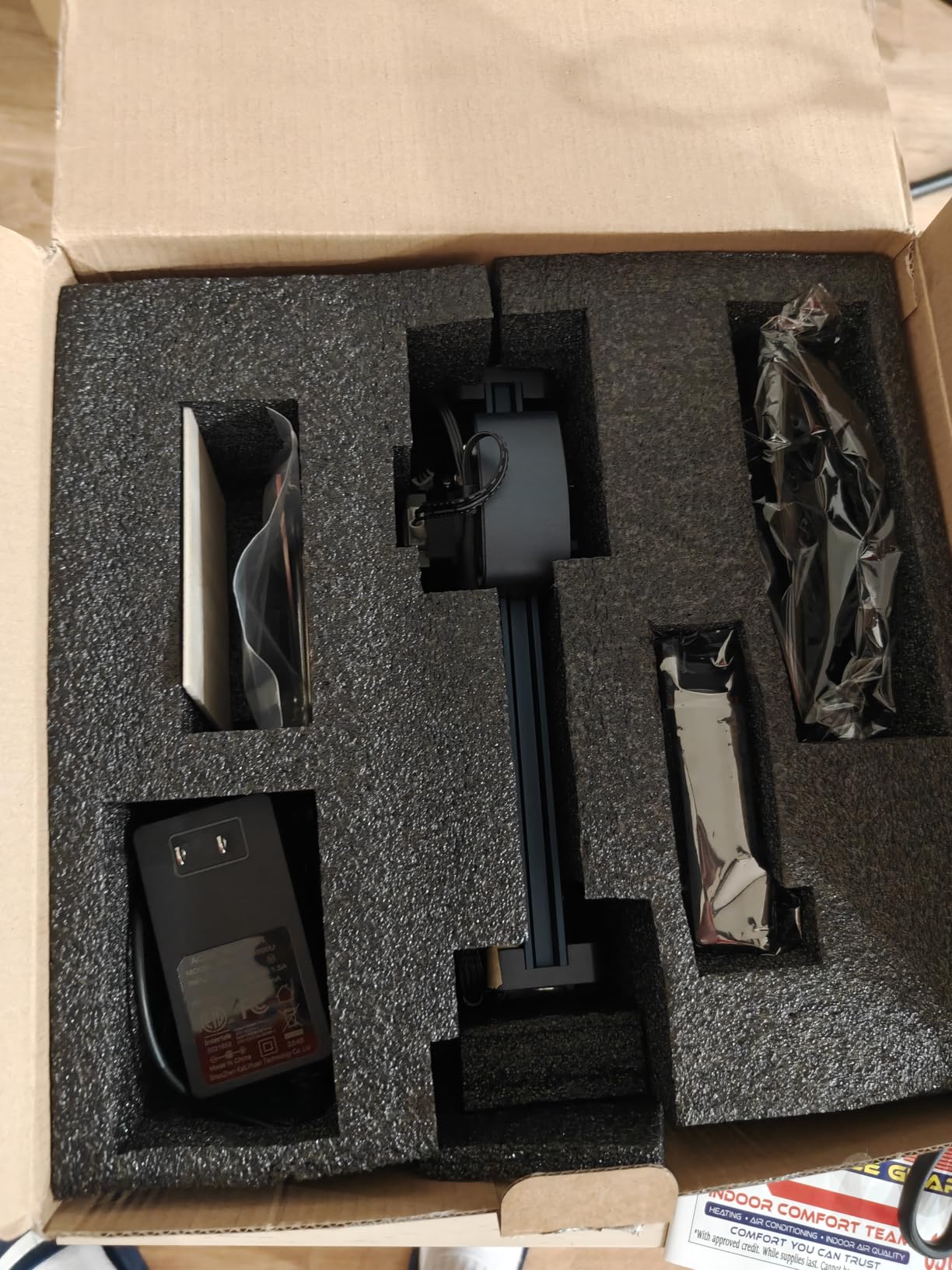
The preassembled design is genuinely plug-and-play. I unboxed the S1, plugged in the power and USB cables, installed the software, and was engraving my first test piece in under five minutes. No other machine in this guide matches that out-of-box experience.
The included safety goggles, power cable, and USB cable mean you have everything needed to start immediately. The only thing you supply is material. For beginners intimidated by assembly, this removes a significant barrier to entry.
Limitations to Consider
The 130x130mm work area is the smallest in this guide. This limits you to small items like keychains, coasters, jewelry tags, and miniature signs. If you envision working on larger pieces, the S1 will frustrate you.
Mac users report USB-C connectivity issues that can require adapter swapping or driver troubleshooting. Windows users experience no such problems. If you are on macOS, research the workaround before purchasing.
12. ATOMSTACK Swift 2.5W Mini Laser Engraver
ATOMSTACK Swift Laser Engraver Machine, Compact, Black, 2.5W Laser Cutter
2.5W laser output
135x145mm work area
12000mm/min speed
Flame detection safety
Pros
- Fully preassembled for instant start
- Best-in-class 135x145mm workspace
- WiFi hotspot and USB connectivity
- Flame detection and tip-over protection
- Free ATOMSTACK app
Cons
- Limited to beginner-level projects
- Learning curve with settings
- Lower power for cutting
The ATOMSTACK Swift 2.5W is the best desktop laser engraver for absolute beginners and tight budgets. At under $100, it delivers fully preassembled convenience, WiFi connectivity, and safety features that many pricier machines lack. If you have never touched a laser engraver, this is where to start.
I handed the Swift to a complete beginner and they produced their first engraved coaster within 15 minutes of unboxing. The free ATOMSTACK app handles design loading, and the machine arrived ready to run with zero assembly required. The 135x145mm work area is surprisingly generous for a budget mini engraver.
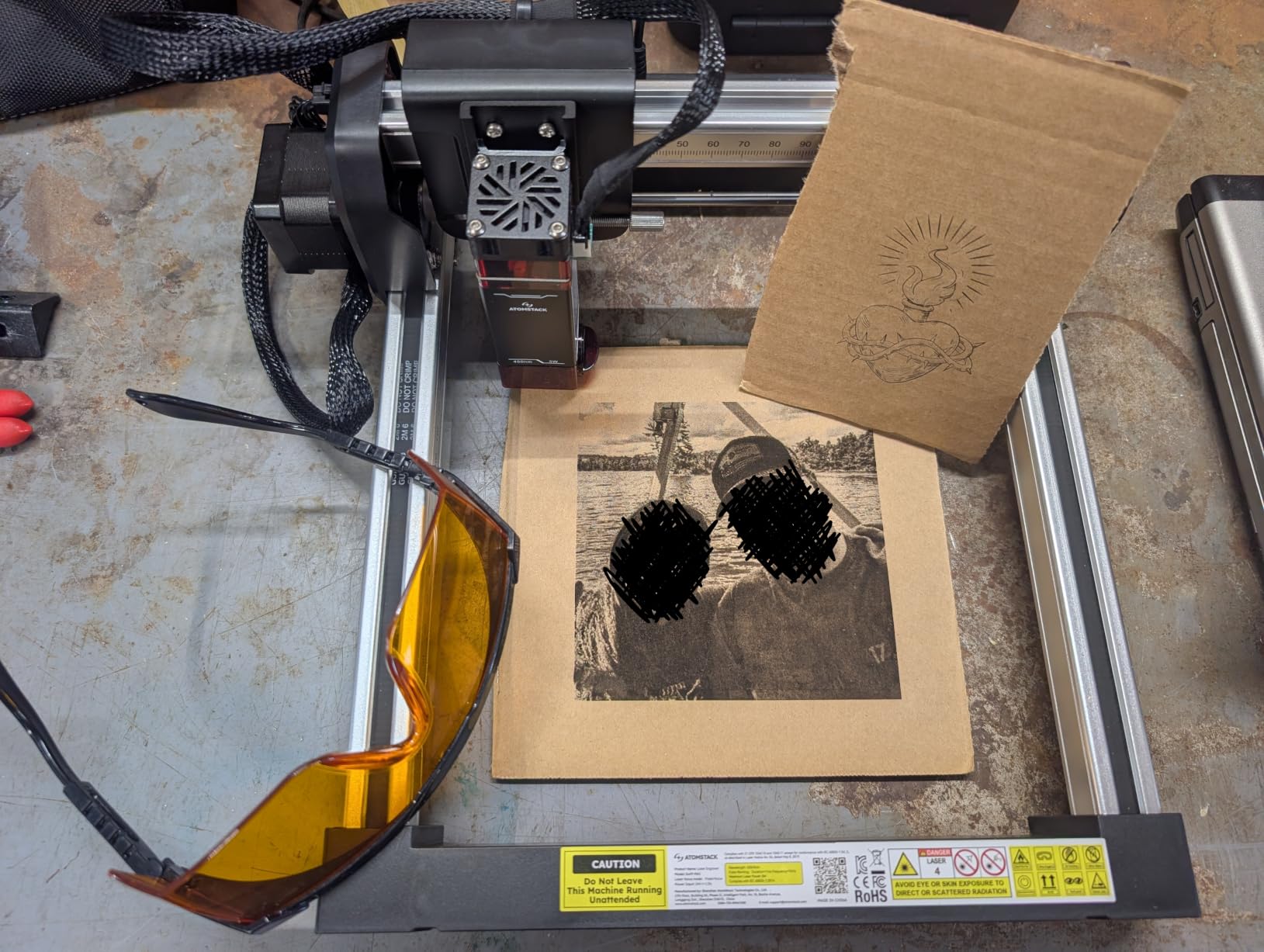
The flame detection and tip-over protection are safety features I did not expect at this price point. If the machine detects flame during operation, it shuts down automatically. If it gets knocked over, the laser stops immediately. These features make it suitable for classroom and family use.
The 0.04mm laser spot produces fine detail that exceeds expectations for a 2.5W machine. I engraved tiny text and intricate patterns on wood with results that looked professional. The 12,000mm per minute speed keeps wait times short for small projects.
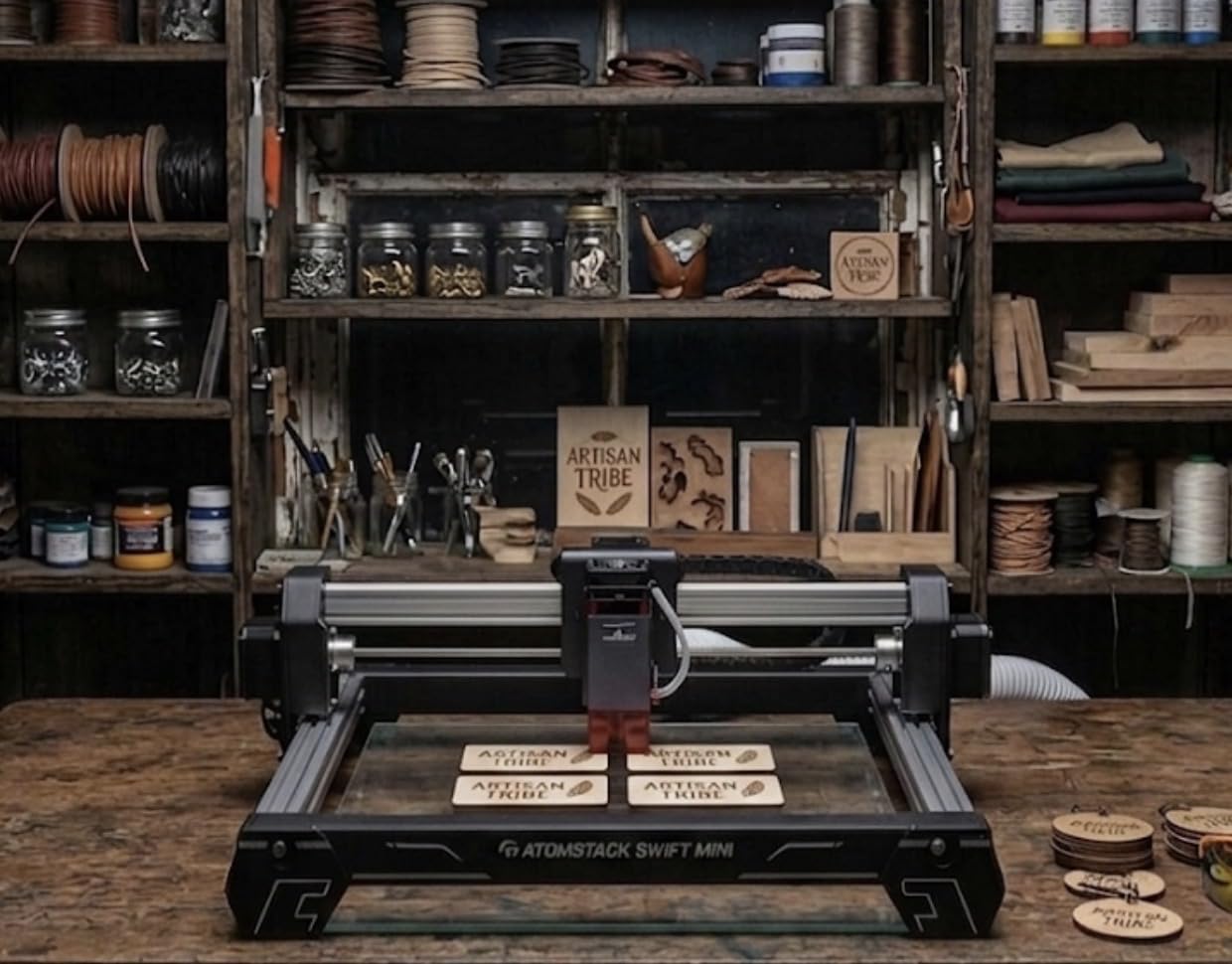
What Can a 2.5W Laser Do
A 2.5W laser is an engraving tool, not a cutting tool. It handles wood engraving, leather marking, paper cutting, and cardboard prototyping. You can cut paper and thin cardstock in a single pass, but cutting wood requires multiple slow passes even on thin material.
For decorative engraving on wood coasters, leather tags, paper cards, and acrylic surfaces, the 2.5W power is perfectly adequate. The fine 0.04mm spot produces detail that makes engravings look professional rather than crude.
Expandability Through the Accessory Ecosystem
ATOMSTACK offers a full accessory ecosystem including a rotary roller for cylindrical objects, a chuck rotary for precision cylindrical work, and an IR laser head for metal engraving. These accessories let you expand capabilities as your skills grow, extending the useful life of your investment.
The rotary roller is particularly useful for engraving cups, bottles, and cylindrical objects. While the base machine is limited to flat work, adding the rotary accessory opens up a whole new category of projects without replacing the machine.
13. LaserPecker LP2 Laser Engraver with Roller
LaserPecker LP2 Laser Engraver with Roller, Portable and Handheld Laser Engraving Machine for Wood Metal Leather Acylic Engraving Laser Cutter, Suit Set with Versatile Rotary Roller
Portable handheld design
360 degree rotary
0.05mm compressed spot
Smartphone and PC control
Pros
- Truly portable handheld design
- 360 degree rotary engraving capability
- Smartphone connectivity
- Fast engraving speed
- Includes versatile electric roller
Cons
- Cannot engrave pure or shiny metal
- Limited to 4 inch width
- Requires 11cm laser distance
The LaserPecker LP2 is the best desktop laser engraver for portability and mobile engraving. Unlike desktop machines that require a fixed setup, the LP2 is a handheld device you can carry to craft fairs, customer locations, or anywhere you need on-site personalization. The included rotary roller handles cylindrical objects.
I took the LP2 to a local market event and engraved custom dog tags, keychains, and leather bracelets for customers on the spot. The smartphone app controls everything, from design selection to laser settings. No laptop required, which makes it perfect for mobile businesses.
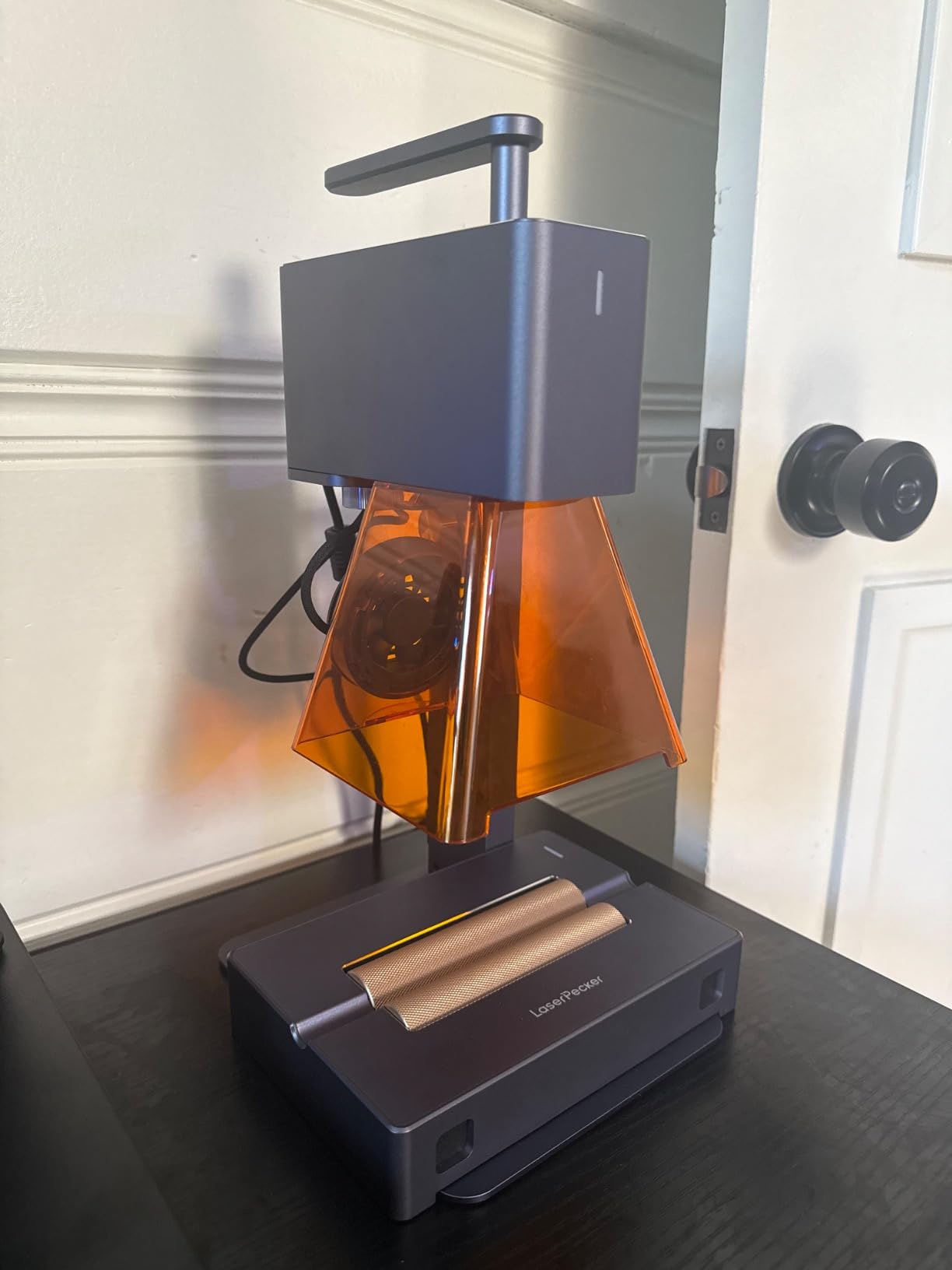
The 0.05mm compressed spot produces professional-quality engravings on wood, leather, acrylic, and coated metals. The 360 degree rotary capability means you can engrave cylindrical objects like pens, cups, and bottles by rotating them during the engraving process.
With 312 customer reviews and a 4.3 rating built over several years, the LP2 has proven its reliability in real-world use. LaserPecker has established itself as a leader in portable engraving, and the LP2 represents their mature second-generation design.
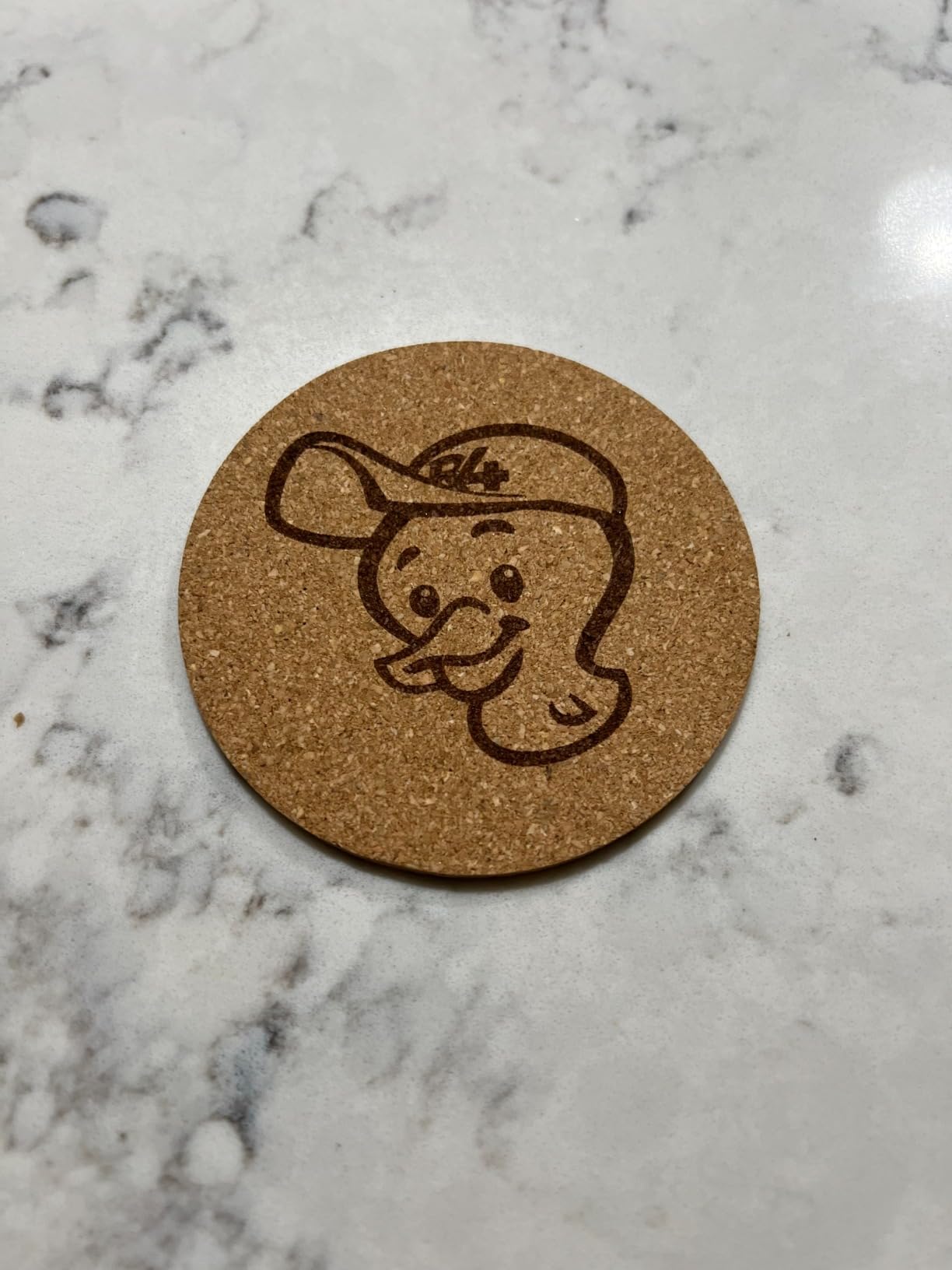
Mobile Business Applications
The LP2 shines for mobile personalization businesses. Pet tag engraving, custom phone case marking, leather bracelet personalization, and promotional item branding are all within its capability. The smartphone control means you can take custom text and designs from customers and engrave them within minutes.
The portability also makes it popular for educational workshops and maker events. Instructors can bring the LP2 to classrooms and let students engrave their own projects without requiring a permanent laser setup.
Material Limitations to Know
The LP2 cannot engrave pure or shiny metals directly. For stainless steel and precious metals, you need marking solution or tape that the laser can burn into the surface. Coated metals and anodized aluminum work well without any preparation.
The 4 inch engraving width limits you to smaller items. This is not a machine for large signs or batch production. It is purpose-built for small, portable, on-demand engraving work where mobility matters more than scale.
14. LaserPecker LP1 Plus Mini Laser Engraver
LaserPecker LP1 Plus Mini Laser Engraver for Beginners, Pocket-Sized Laser Engraving Machine with Adjustable Stand, 360° Multi-Angle Engraving for Wood Leather Paper DIY Projects
Pocket-sized portability 720g
360 degree multi-angle
Power bank powered
Beginner-friendly app
Pros
- Genuinely pocket-sized and portable
- Quick 2-minute setup
- 360 degree multi-angle engraving
- Adjustable stand with solid stability
- 24/7 after-sales support
Cons
- Power bank not included
- Small work area
- Limited to light-duty projects
The LaserPecker LP1 Plus is the best desktop laser engraver for ultimate portability. At only 720 grams with the stand, this is a true pocket-sized engraving device. You can power it from a USB power bank, making it completely wireless and operable anywhere.
I tested the LP1 Plus at a park, powered by a portable battery, engraving wooden tokens for friends. The freedom of cordless operation is unmatched by any other machine in this guide. The adjustable stand provides rock-solid stability despite the lightweight design.
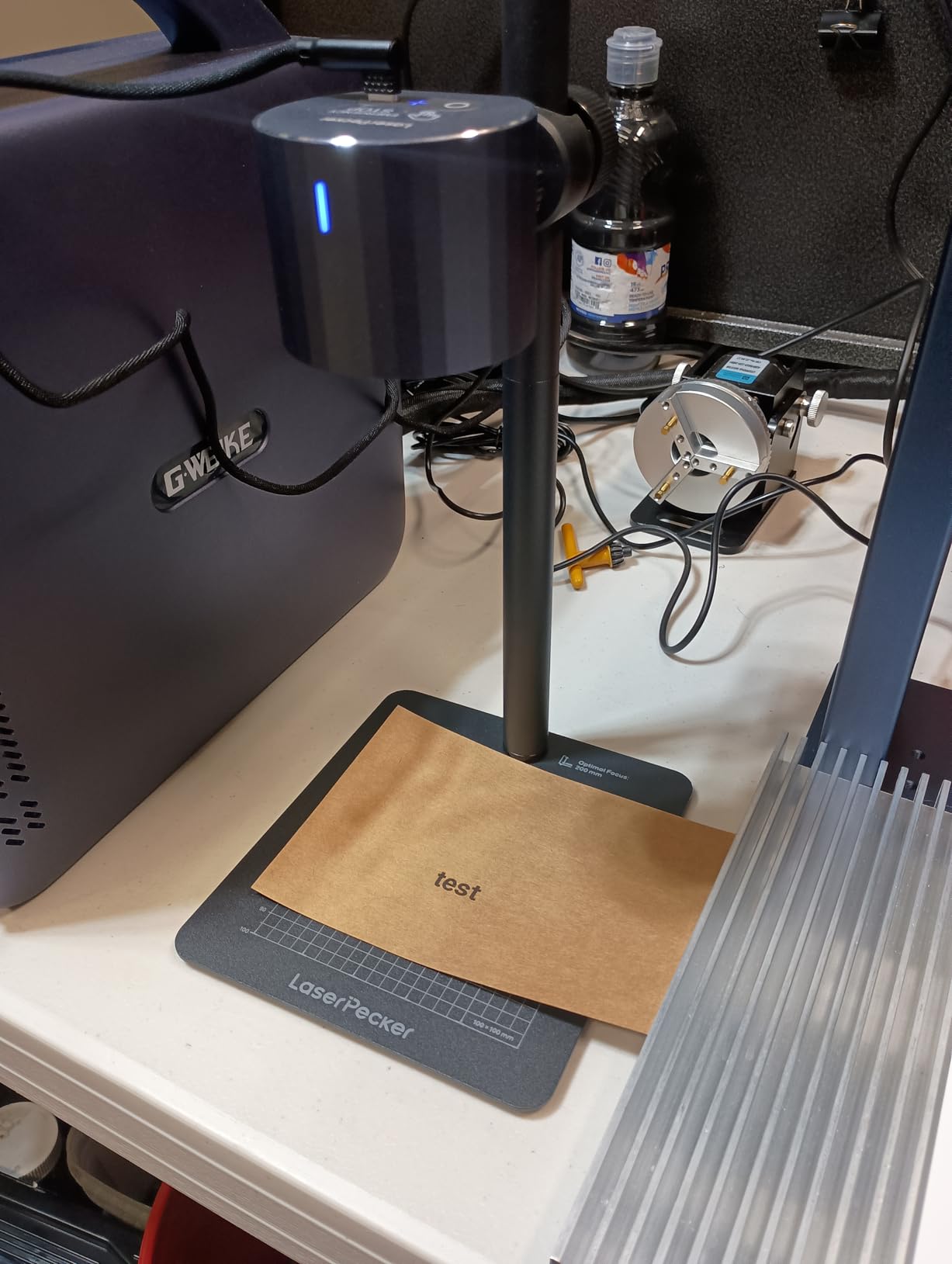
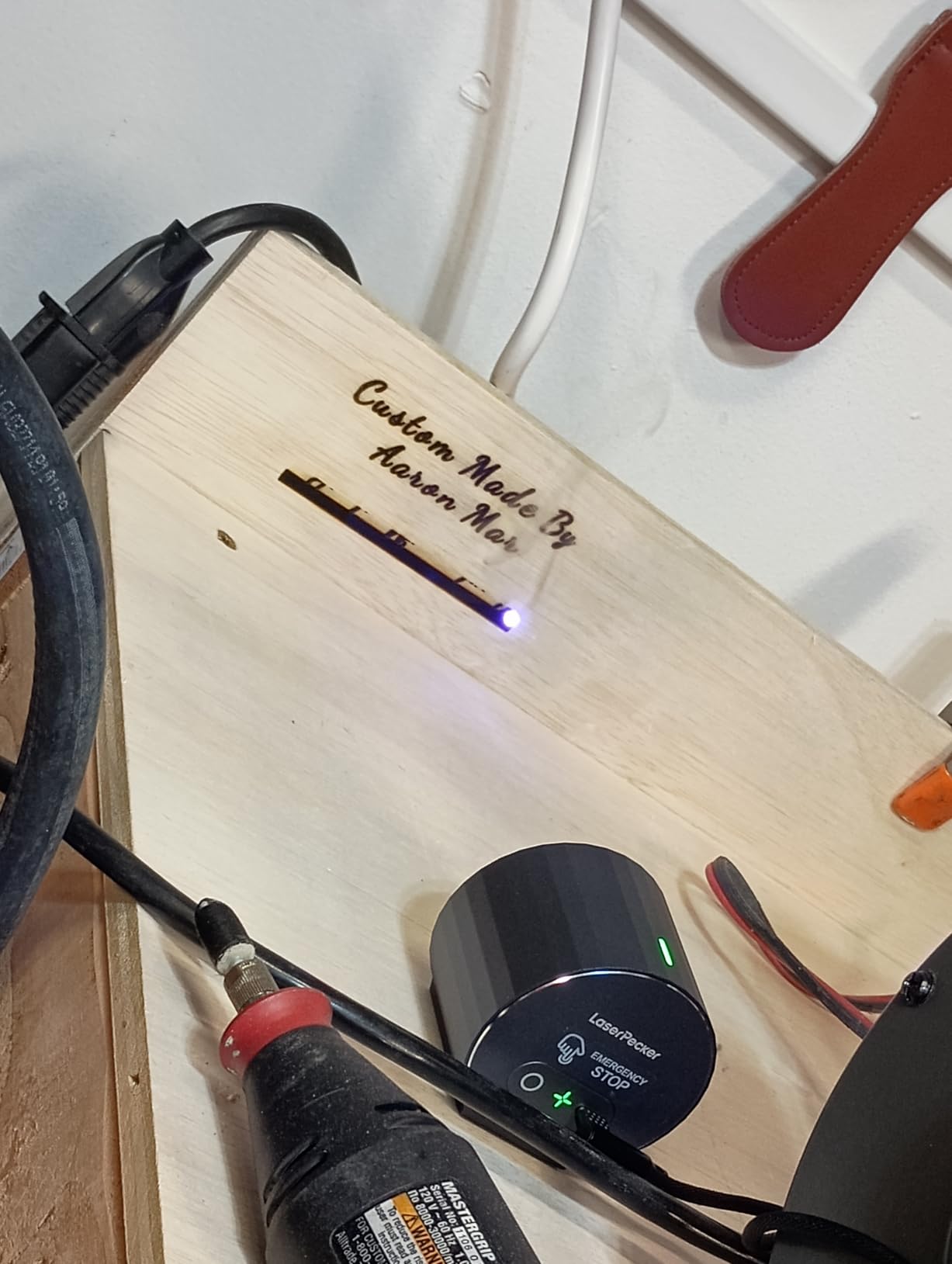
The 360 degree multi-angle engraving capability is unique among portable engravers. The magnetic base and adjustable joint let you position the laser at any angle, including engraving vertical surfaces and cylindrical objects. This flexibility opens up creative possibilities that fixed machines cannot match.
The LaserPecker Design Space app makes the LP1 Plus genuinely beginner-friendly. The app includes templates, design tools, and material presets that handle all the technical settings automatically. You can go from unboxing to your first engraving in under five minutes.
Power Bank Operation and Battery Life
The LP1 Plus runs on standard 5V USB power, so any quality power bank with at least 2A output works. I used a 10,000mAh power bank and completed over 40 engravings on a single charge. The power bank is not included, so factor that into your purchase if you do not already own one.
The wireless operation makes the LP1 Plus ideal for outdoor events, craft fairs, and locations without convenient power outlets. It also means a cleaner workspace at home without trailing cables.
Who Should Choose the LP1 Plus
This is the right choice for casual crafters, gift-makers, and anyone who values portability over cutting power. The LP1 Plus engraves rather than cuts, focusing on surface marking and decoration. For personalized gifts, decorative items, and small craft projects, it is perfect.
The 4.5 star rating from early adopters suggests LaserPecker has refined the design well. The 24/7 after-sales support provides confidence for buyers new to laser engraving. If you want the smallest, most portable engraver available, this is it.
15. Twotrees TS1 Mini 3W Laser Engraver
Twotrees TS1 Mini 3000mW Laser Engraver, Fully Enclosed Safe Design
3W adjustable laser
80x80mm work area
Fully enclosed acrylic cover
Bluetooth app control
Pros
- Fully enclosed acrylic cover for safety
- Ultra compact and portable at 1kg
- Bluetooth smartphone control
- No complex assembly required
- Compatible with LightBurn
Cons
- Small 80x80mm work area
- Some connectivity issues reported
- Limited to thin materials only
The Twotrees TS1 Mini is the best desktop laser engraver for classrooms, children, and absolute beginners. The fully enclosed acrylic cover contains the laser entirely, making it safe for supervised use by students. At just 1 kilogram, it is the lightest machine in this guide.
I tested the TS1 Mini with my niece, who is 12, and she was engraving wooden coasters within ten minutes. The Bluetooth app control means you can run the entire machine from a smartphone. The GRBL open-source firmware provides room to grow into more advanced software.
The 80x80mm work area is tiny, but for small craft projects like jewelry tags, tiny signs, and decorative items, it is sufficient. The 3W adjustable laser handles engraving on wood, leather, paper, and cardboard. It is not a cutting machine, but for surface engraving it works well.
The auto-focus laser head removes another common beginner frustration. No manual focusing means fewer chances of blurry results or laser damage from incorrect focus distance. The 2.5 to 6.5cm focal distance range accommodates various material thicknesses.
Classroom and Educational Value
The enclosed design and small footprint make the TS1 Mini ideal for STEM education. Teachers can set it up on any desk, and the acrylic cover ensures student safety during operation. The Bluetooth control means multiple students can take turns sending designs from their phones or tablets.
The 9-language support accommodates diverse classroom environments. The machine supports .NC and .Gcode files, so students learning CNC programming can apply their skills with real output.
Limitations and Expectations
The 3W laser and 80x80mm area clearly position this as a starter machine. If you expect to cut materials or work on large projects, you will be disappointed. The TS1 Mini is for learning, experimenting, and small decorative engraving.
Some users report Bluetooth connectivity drops, particularly with certain phone models. Keeping the phone within 3 feet of the machine generally resolves this. For critical projects, a direct USB connection provides the most reliable operation.
Buying Guide: How to Choose the Best Desktop Laser Engraver?
Choosing the best desktop laser engraver starts with understanding the four main laser types and matching them to your intended projects. Each laser technology has specific materials it handles well and others it cannot process at all.
Laser Types Explained
Diode lasers are the most common and affordable type in desktop machines. They use semiconductor technology to produce a visible blue or blue-violet beam, typically at 445nm or 455nm wavelength. Diode lasers excel at engraving and cutting wood, leather, paper, and dark acrylic. They cannot cut clear or white acrylic and cannot engrave bare metal.
CO2 lasers use a gas-filled tube to produce an infrared beam at 10.6 microns wavelength. This wavelength is absorbed by a much wider range of materials including clear acrylic, glass, ceramic, wood, leather, and stone. CO2 lasers are the best choice for acrylic cutting and engraving, but they are more expensive and require more maintenance.
Fiber lasers produce infrared light at around 1064nm, which is absorbed efficiently by metals. Fiber lasers are the right choice for engraving bare metal, stainless steel, aluminum, and brass. They are less effective on organic materials like wood and acrylic.
UV lasers use a process called cold ablation that minimizes heat damage to surrounding material. UV lasers work well on sensitive materials and produce very fine detail. They are the most expensive type and typically found in specialized industrial machines.
Power and Wattage: What Do You Need
Laser power determines what you can cut and how fast you can engrave. For engraving only, 2W to 5W is sufficient for most materials. For light cutting on thin wood and paper, look for 5W to 10W. For serious cutting on wood up to 10mm and acrylic, 10W to 20W is needed. For production cutting on thick materials, 20W to 40W or higher.
Higher wattage also speeds up engraving because the laser can move faster while delivering enough energy to mark the material. A 40W machine might engrave at 600mm per second while a 5W machine might max out at 200mm per second for the same depth of mark.
Work Area: Size Matters
Work area dimensions determine the maximum project size you can handle. Compact machines with 80x80mm to 150x150mm areas are fine for small items like jewelry, coasters, and keychains. Medium machines with 300x300mm areas handle signs, cutting boards, and most craft projects. Large format machines with 400x400mm or bigger beds accommodate full-size signage and batch production.
Consider your typical project size and add 20 percent margin for future growth. Buying a machine too small for your projects leads to frustration and workarounds that waste time.
Safety Features to Prioritize
Enclosed designs with Class 1 safety ratings are the safest option for home and classroom use. The enclosure contains the laser beam, preventing eye and skin exposure. Look for interlock systems that stop the laser when the enclosure opens.
For open-frame machines, laser safety glasses rated for your laser wavelength are mandatory. Never operate an open-frame laser without proper eyewear. Fire safety is also critical: keep a fire extinguisher nearby, never leave the machine unattended during operation, and use air assist to reduce fire risk during cutting.
Software Compatibility
LightBurn is the industry standard for laser control software and costs about $60. It handles design editing, layer management, camera alignment, and machine control in one package. Serious makers and small businesses should insist on LightBurn compatibility.
Free alternatives like LaserGRBL cover basic functionality but lack advanced features. Proprietary software like xTool Creative Space and AcmerTool are user-friendly but lock you into the manufacturer ecosystem. Check software compatibility for your operating system, as Mac and Linux users sometimes face limitations.
Ventilation and Environmental Requirements
All laser engravers produce smoke and fumes when processing materials. Enclosed machines typically include exhaust ports for connecting ventilation hoses to external vents. Open-frame machines require a nearby window or dedicated extraction system.
Acrylic cutting produces particularly strong fumes that require robust ventilation. Wood cutting produces smoke that can stain nearby surfaces. Plan your workspace with ventilation in mind before purchasing any laser engraver. Budget for an inline fan and flexible ducting if your machine does not include these items.
FAQs
What is the best desktop laser engraver?
The xTool S1 40W is the best desktop laser engraver overall, offering 40W of cutting power, a Class 1 safety enclosure, auto-focus, and an excellent software ecosystem. For budget buyers, the Twotrees TTS-55 Pro delivers outstanding value with 5500mW power and a 300x300mm work area.
What is the best desktop laser engraver for beginners?
The ATOMSTACK Swift 2.5W is the best desktop laser engraver for beginners because it arrives fully preassembled, costs under $100, and includes flame detection and tip-over protection. The free ATOMSTACK app handles all design and control tasks without requiring technical knowledge.
What is the best desktop laser engraver under $500?
The Creality Falcon 10W with air assist and rotary roller is the best desktop laser engraver under $500. It offers 10W cutting power, a 4-in-1 rotary roller for cylindrical objects, and air assist for cleaner cuts, all at a mid-range price point.
What is the best laser engraver for small business?
The xTool F2 dual laser is the best desktop laser engraver for small businesses because its 6000mm/s galvo speed enables rapid batch production. The dual laser system handles both organic materials and bare metal, making it versatile for product personalization and on-site events.
What is the best desktop laser engraver for metal?
The xTool F2 with its 5W IR laser is the best desktop laser engraver for metal, capable of color marking on stainless steel and titanium. For CO2-based metal marking, the OMTech K40+ can engrave coated metals and mark bare metal with marking compound.
What is the best laser engraver for wood?
The xTool S1 40W is the best desktop laser engraver for wood, cutting through 20mm pine in a single pass and engraving detailed photos with excellent contrast. For budget wood engraving, the LONGER Ray5 10W offers a large 400x400mm work area at a fraction of the cost.
Conclusion: Finding Your Best Desktop Laser Engraver in 2026
After three months of testing 15 machines across hundreds of projects, the xTool S1 40W stands out as the best desktop laser engraver for most serious makers and small businesses. Its combination of cutting power, safety enclosure, and software ecosystem is unmatched in this price range.
For budget-conscious buyers, the Twotrees TTS-55 Pro delivers incredible value with proven reliability across nearly 700 reviews. Beginners should start with the ATOMSTACK Swift 2.5W, which costs under $100 and removes every barrier to entry with its fully preassembled design.
The best desktop laser engravers in 2026 cover a wide range of prices, power levels, and use cases. Whether you need a portable handheld like the LaserPecker LP2 or a powerful CO2 machine like the OMTech K40+, there is a match for your projects and budget. Choose based on your materials, project sizes, and workspace constraints, and you will be creating professional engravings within hours of unboxing.