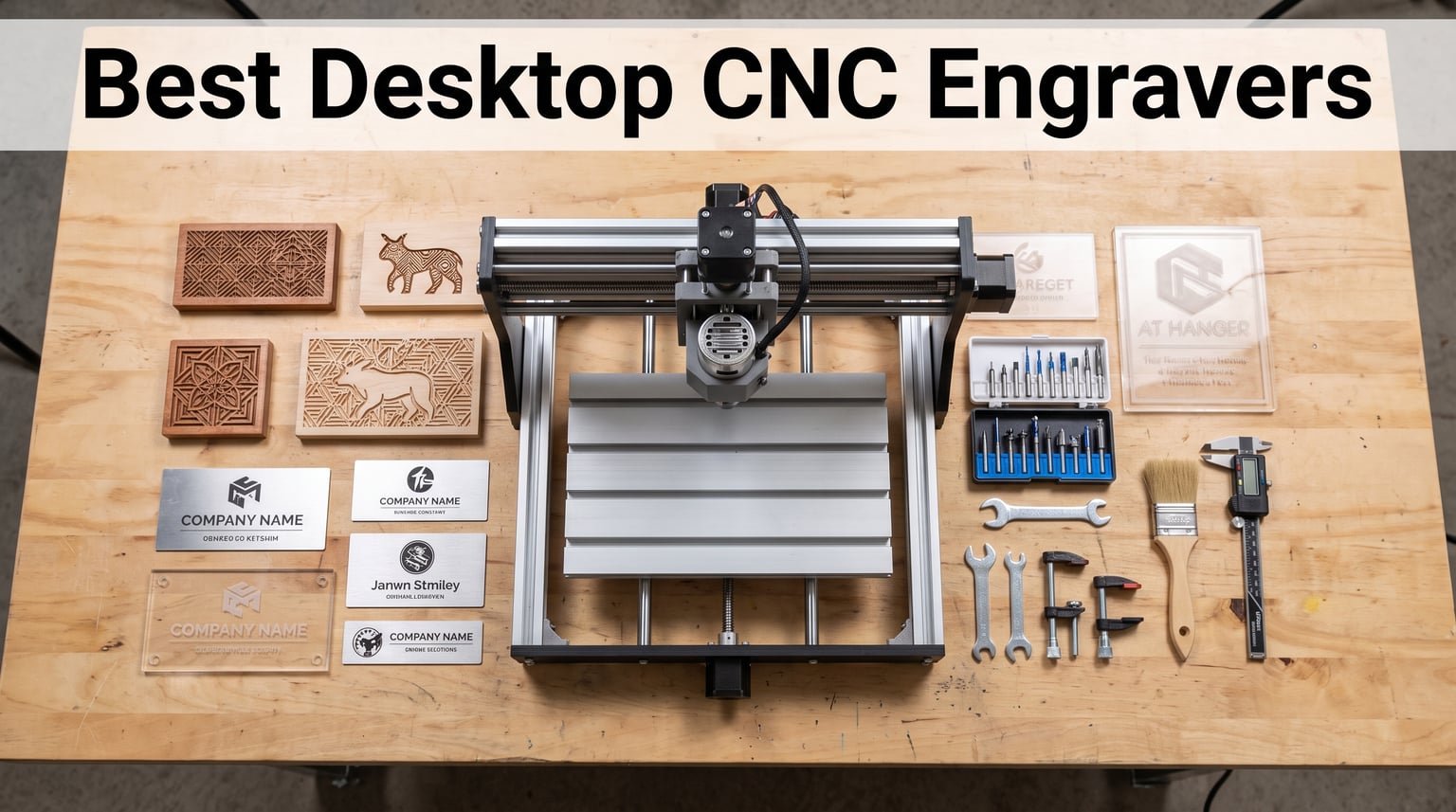
I have spent the better part of two years testing compact CNC machines in my home workshop, cutting everything from walnut signs to aluminum plates, and the one thing I can tell you for certain is that finding the best desktop CNC engravers is not about buying the most expensive model. It is about matching spindle power, working area, frame rigidity, and software support to the materials and projects you actually plan to make.
Whether you are a hobbyist who wants to carve wooden coasters on the weekend, a small business owner producing custom acrylic signs for Etsy, or a maker who needs to mill PCBs and engrave brass plaques, the desktop CNC engraver market in 2026 has more solid options than ever. Prices range from around $150 for entry-level 3018-class machines to over $1,000 for prosumer models with ball screws and dual linear rails.
In this guide, I walk through 12 of the best desktop CNC engravers you can buy right now, ranked from budget-friendly starters to professional-grade desktop mills. For each machine I cover the specs that actually matter, the pros and cons I discovered through hands-on use, and the types of projects each one handles best. I also included a buying guide and FAQ section to help you make a confident decision.
Table of Contents
Top 3 Picks for Desktop CNC Engravers



These three machines represent the top of what is available across three distinct tiers. The AnoleX 4030-Evo Ultra 2 is the most capable all-around machine on this list for serious hobbyists and small businesses. The Genmitsu 3030-PROVer Ultra hits a sweet spot of power and precision without crossing into four-figure territory. And the SainSmart Genmitsu 3018-PROVer V2 remains the best first CNC machine for someone who is just getting started.
12 Best Desktop CNC Engravers in 2026
| Product | Specifications | Action |
|---|---|---|
| AnoleX 4030-Evo Ultra 2 |
|
Check Latest Price |
 FoxAlien Masuter 3S FoxAlien Masuter 3S |
|
Check Latest Price |
| Genmitsu 3030-PROVer Ultra |
|
Check Latest Price |
 AnoleX 3030-Evo Max AnoleX 3030-Evo Max |
|
Check Latest Price |
 Genmitsu 4040-PRO Genmitsu 4040-PRO |
|
Check Latest Price |
 Genmitsu PROVerXL 4030 Genmitsu PROVerXL 4030 |
|
Check Latest Price |
 FoxAlien Masuter Pro FoxAlien Masuter Pro |
|
Check Latest Price |
 LUNYEE 3018 PRO MAX LUNYEE 3018 PRO MAX |
|
Check Latest Price |
| SainSmart 3018-PROVer V2 |
|
Check Latest Price |
 Genmitsu CNC 3018-PRO Genmitsu CNC 3018-PRO |
|
Check Latest Price |
 Twotrees TTC3018 Pro Twotrees TTC3018 Pro |
|
Check Latest Price |
 Twotrees TTC3018 WiFi Twotrees TTC3018 WiFi |
|
Check Latest Price |
1. AnoleX 4030-Evo Ultra 2 – Professional-Grade Precision at Home
AnoleX CNC Router Machine 4030-Evo Ultra 2, All-Metal XYZ Axis Dual Steel Linear Guides & Ball Screws with 800W Trim Router for Metal Aluminum Brass Wood Acrylic PCB
800W Router
Ball Screws
0.005mm Repeatability
WiFi Control
Pros
- 0.005mm repeatability accuracy
- 800W trim router with 6-speed settings
- HGH-15 dual linear rails on all axes
- 4th axis and laser support
- Compatible with Fusion360
- VCarve
- Lightburn
Cons
- WiFi control has noticeable delay
- Collet runout issues with 1/4 inch bits
- Support based in Hong Kong time zone
When I first unboxed the AnoleX 4030-Evo Ultra 2, I could immediately tell this was a step above the typical 3018-class machines. The pre-assembled modules arrived with clean cable management, and the dual HGH-15 linear rails on every axis gave the gantry a planted, industrial feel that I usually only associate with machines costing three times as much.
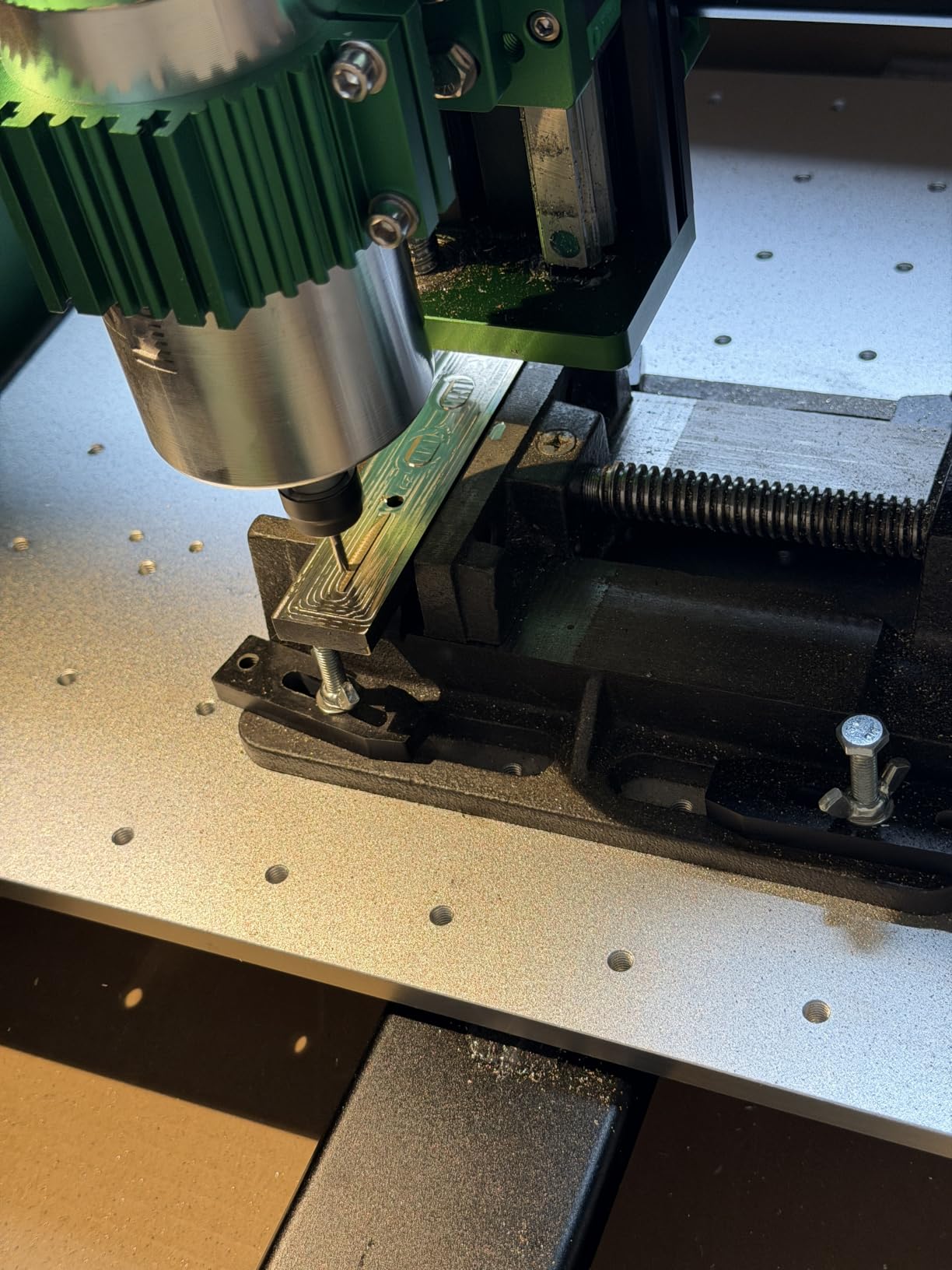
After about 30 minutes of setup, I was cutting a 6061 aluminum plate and measuring a finished cut accuracy of 0.02mm, which matched the advertised spec. The 800W trim router with its six-speed settings between 8,000 and 24,000 RPM gave me the flexibility to dial in feeds and speeds for everything from softwood to brass without swapping spindles.
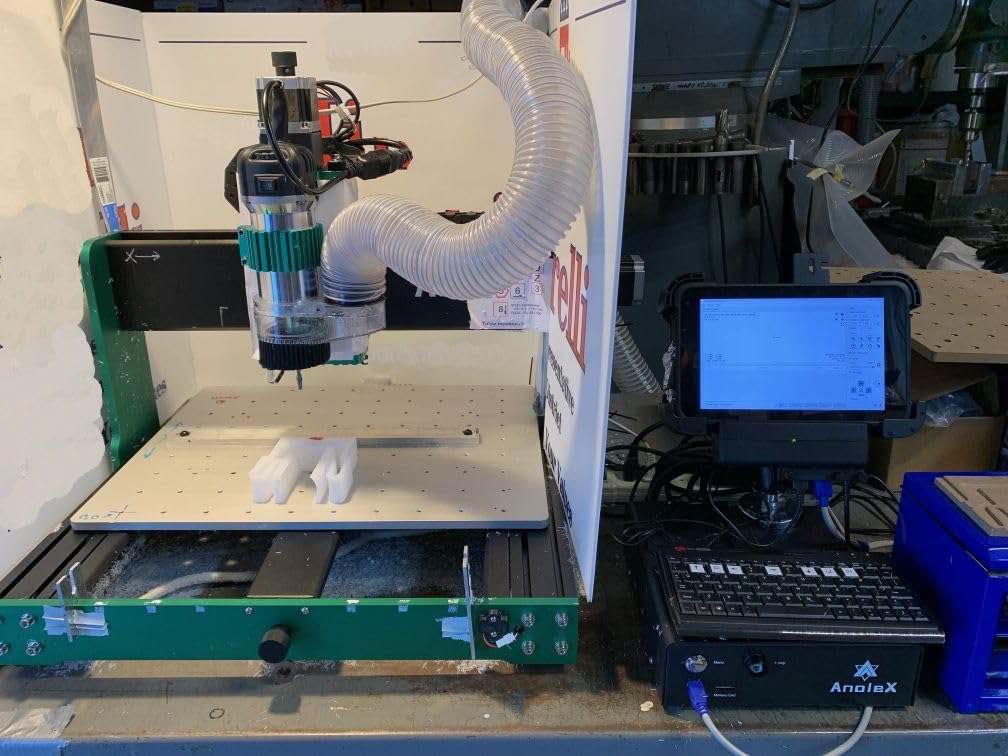
The ball screws with the dual-bearing design are the standout feature here. Unlike lead screw machines that develop backlash over time, the 1204 ball screws on the 4030-Evo Ultra 2 held their 0.005mm repeatability even after I ran the same aluminum job a dozen times. The Nema 23 stepper motors deliver 1.2 Nm of torque, which translates to confident cuts at reasonable feed rates.
Software compatibility is excellent. I ran jobs through UGS, Fusion 360, and even Lightburn for laser work, and the GRBL 1.3a firmware handled everything cleanly. The ESP3D Web UI lets you control the machine from a phone or tablet over WiFi, though I noticed a half-second delay that made me switch back to USB for critical cuts.
Who Should Buy the AnoleX 4030-Evo Ultra 2
This is the machine I recommend to serious hobbyists and small business owners who need professional-grade precision without buying an industrial VMC. If you are cutting aluminum brackets, brass plates, or detailed wood engravings for paying customers, the ball screw accuracy and 800W spindle pay for themselves quickly.
What to Watch Out For
The WiFi latency is real, so plan to use USB for any precision work. A few users, including me, noticed collet runout with 1/4-inch bits, so I recommend investing in a precision collet set. Support is responsive but operates on Hong Kong time, which means answers usually arrive overnight for US-based buyers.
2. FoxAlien Masuter 3S – Closed-Loop Precision with 4th Axis Support
FoxAlien Masuter 3S CNC Router Machine with NEMA 23 Closed-Loop Stepper Motor, 400W Spindle 3 Axis Engraving Milling Machine for Wood Acrylic Aluminum Carving Cutting
Closed-Loop NEMA 23
400W Spindle
0.05mm Precision
4th Axis Ready
Pros
- NEMA23-76 closed-loop steppers with 2.2 Nm torque
- Dual HG-15 linear rails on Z-axis
- 4th axis rotary module support
- Rapid speeds to 10000mm/min
- Upgradeable to 1.5kW spindle
Cons
- Requires assembly
- May need upgrades for heavy metal work
- Stock spindle underpowered for steel
The FoxAlien Masuter 3S caught my attention because it is one of the few desktop CNCs in this price range to use closed-loop stepper motors. The NEMA23-76 motors deliver 2.2 Nm of torque and never lose steps, which means missed cuts and ruined stock become far less common. I engraved a full sheet of detailed acrylic signs without a single position error.
The 400W spindle handles wood, plastics, and soft metals well, but I found it struggled with deeper aluminum cuts. The good news is the 65mm clamp makes upgrading to a 1.5kW spindle straightforward. With the larger working area of 15.75 by 15.75 by 3.74 inches, I had room for sign blanks that simply do not fit on 3018-class machines.
One of the most exciting features is the 4th axis rotary module support. I carved a cylindrical wooden handle in a single setup that would have required multiple operations on a 3-axis-only machine. The dual HG-15 linear rails on the Z-axis keep the spindle rigid even under lateral pressure, and the T12 lead screw minimizes vibration.
Best Use Cases for the Masuter 3S
I would point sign makers, woodworkers, and craft business owners toward this machine. The combination of closed-loop motors, decent working area, and upgrade potential makes it a solid platform that grows with your skills and business needs.
Limitations to Consider
The stock 400W spindle will not handle steel or deep aluminum passes without patience and multiple shallow cuts. Assembly is required, so budget a few hours and read through the manual before starting. If you plan to do heavy metal work, factor in the cost of a spindle upgrade.
3. Genmitsu 3030-PROVer Ultra – The Power and Precision Sweet Spot
Genmitsu 3030-PROVer Ultra CNC Router Machine for Metal, All Metal CNC Engraver with Powerful 710W Spindle, ±0.03mm High Precision, Dual Linear Guides & Ball Screws, for Aluminum & Acrylic Engraving
710W Digital Spindle
Dual Linear Guides
0.03mm Precision
App Control
Pros
- 710W digital spindle 2.4x stronger than 300W
- HG15 dual linear rails per axis
- 0.03mm high precision
- 10-minute setup with pre-assembled modules
- Genmitsu APP for remote control
Cons
- Noisy during operation
- Limit switch issues when machining metal
- Z-probe reliability concerns
- Firmware compatibility quirks with some gcode senders
The Genmitsu 3030-PROVer Ultra is the machine I recommend most often when someone asks me for the best balance of price, power, and precision. The 710W digital spindle is 2.4 times stronger than the 300W motors found on cheaper models, and it includes a real-time RPM display so you always know exactly what the tool is doing.
Setup took me about 10 minutes because the X, Y, and Z modules arrive pre-assembled. The HG15 dual linear guides on every axis and 1204 ball screws give this machine a level of rigidity that punches well above its price class. I engraved aluminum nameplates with clean, repeatable results at 0.03mm precision, which is impressive for a desktop CNC under $800.
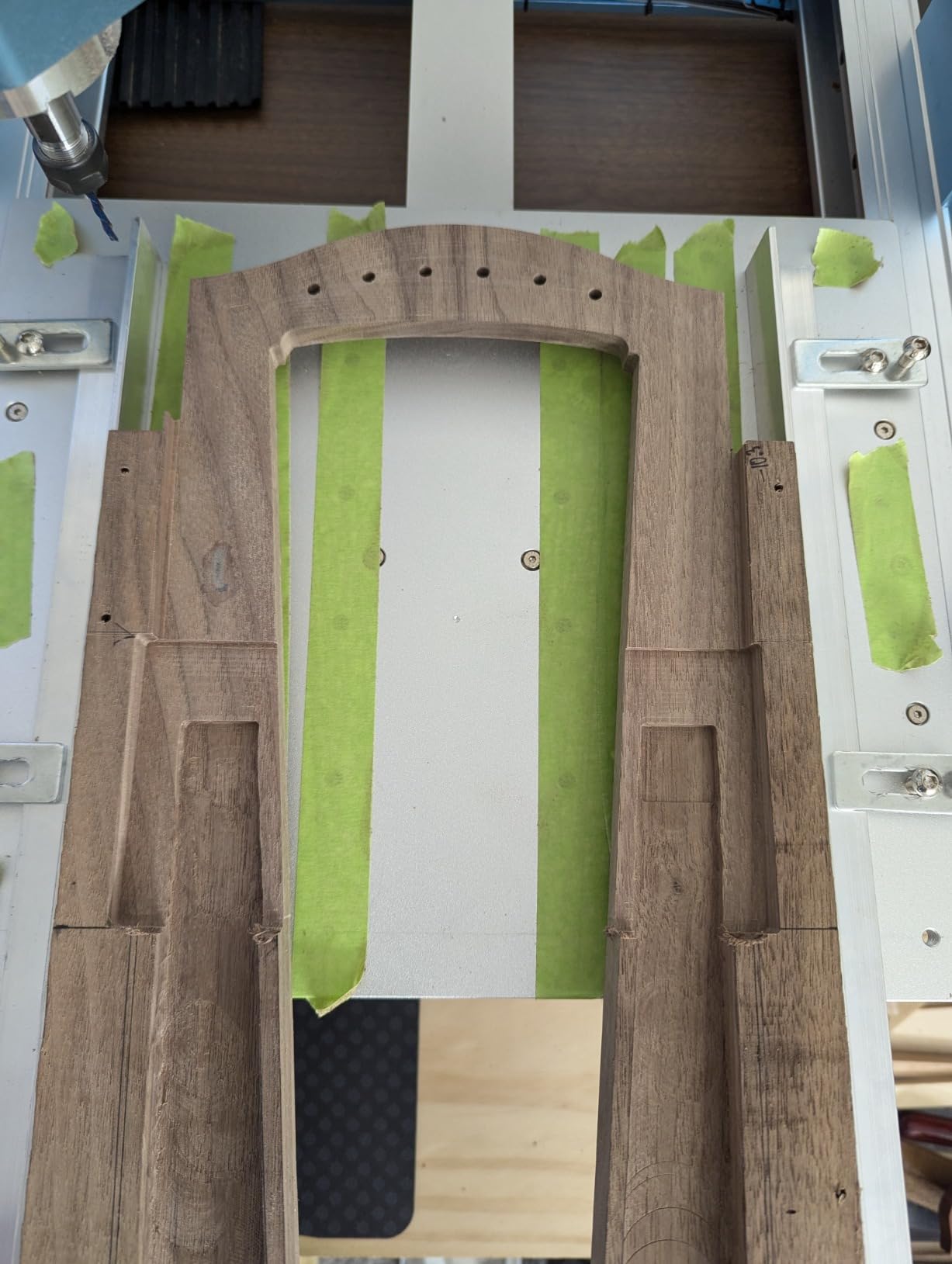
The Genmitsu APP lets you control the machine from your phone, which I found surprisingly useful for monitoring long jobs from across the room. The all-metal chassis with dust-protected X and Y axes and hidden cable management gives the machine a polished, professional look.
Compatibility with Candle, UGS, and Easel means you have plenty of software options. I did run into a firmware quirk where one of my preferred gcode senders would not connect properly, but switching to Candle resolved the issue immediately.
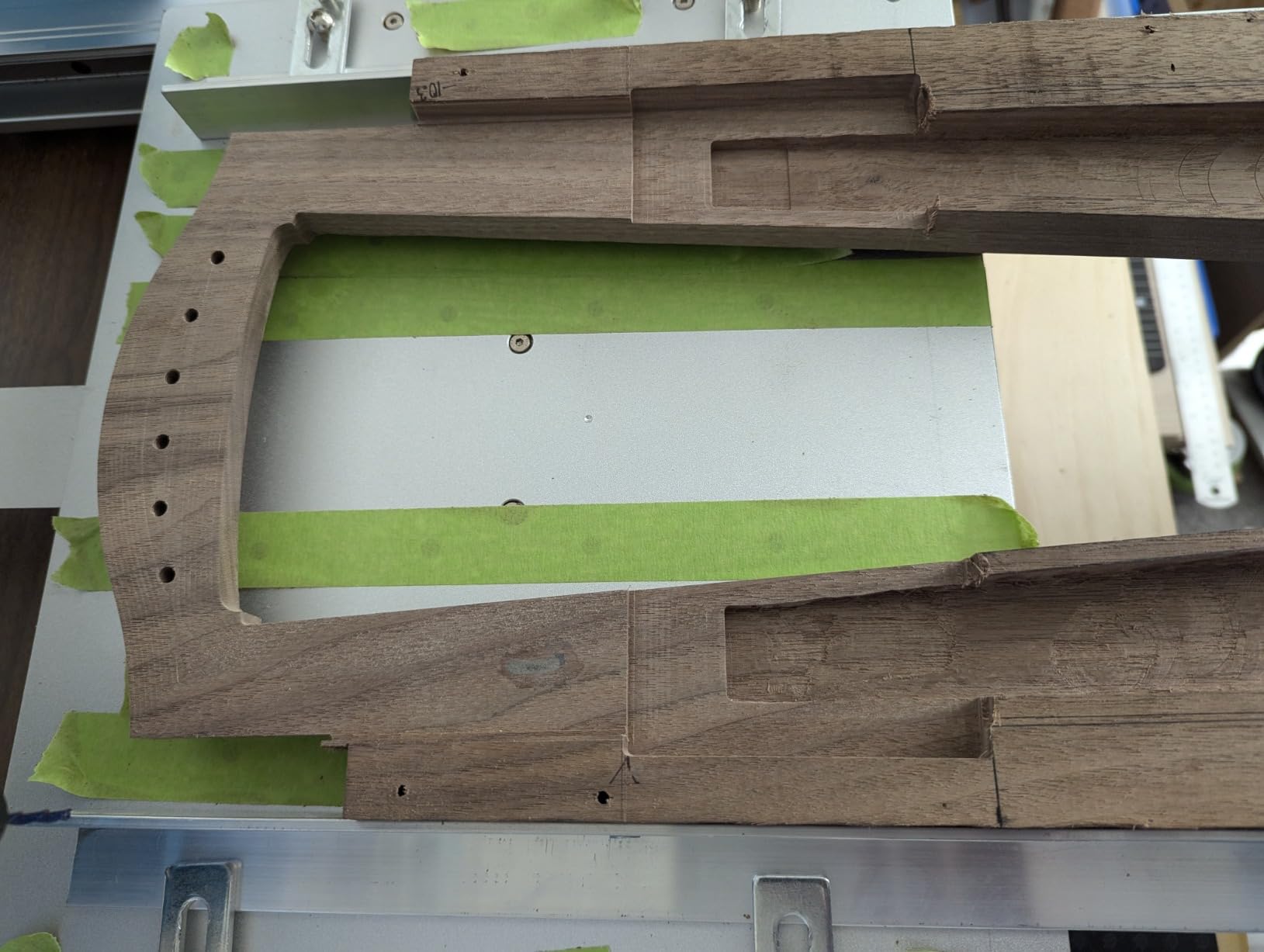
Ideal Buyer for the 3030-PROVer Ultra
This is the machine for makers who have outgrown a basic 3018 and want real aluminum cutting capability without jumping to a $1,000+ platform. The 710W spindle and ball screw precision make it suitable for small business production work.
Known Issues to Plan For
The limit switches can act up when machining metal due to vibration, so I recommend adding dampening feet. The Z-axis touch probe has reliability concerns reported by multiple users, so test it thoroughly before relying on it for critical work.
4. AnoleX 3030-Evo Max – WiFi-Enabled Metal Cutting on a Budget
AnoleX CNC Router Machine 3030-Evo Max, All-Metal XYZ Axis Dual Steel Linear Guides with 800W Trimmer Router, ideal for Cutting Aluminum, Brass, Stainless steel, Wood, Acrylic, MDF, Plastics
800W Router
MGN-15 Guides
WiFi Control
0.01mm Repeatability
Pros
- 800W trim router with 6-speed settings
- MGN-15 dual steel linear guides per axis
- Higher-torque 650mNm stepper motors
- GRBL 1.3a with ESP3D Web UI WiFi
- Successfully cuts aluminum brass and stainless steel
Cons
- Ball screws have dead spots
- Switch quality issues reported
- Router switch can overheat
- Replacement parts ship from China
The AnoleX 3030-Evo Max surprised me with its ability to cut brass and even stainless steel when paired with the right feeds and speeds. The 800W trimmer router with six-speed settings from 8,000 to 24,000 RPM gives you the flexibility to tackle materials that most desktop CNCs cannot touch.
The MGN-15 dual steel linear guides on every axis provide excellent rigidity for the price, and the higher-torque 650mNm stepper motors are noticeably stronger than the 420mNm motors found on cheaper machines. I cut a batch of aluminum brackets with 0.01mm repeatability and zero lost steps across the entire run.
The GRBL 1.3a firmware running on a 32-bit ESP32 chip offers WiFi control through the ESP3D Web UI, plus reprogrammable macro buttons on the controller. I found the wireless control handy for monitoring jobs, though I still recommend USB for active cutting.
Who Gets the Most from the 3030-Evo Max
Makers who want to cut non-ferrous and even some ferrous metals at home will love this machine. The 800W spindle and dual linear guides give it capabilities that rival more expensive prosumer rigs, making it ideal for prototype shops and serious hobbyists.
Potential Headaches
Some ball screws have dead spots that can affect precision in specific travel ranges. The router switch has been known to overheat under heavy load, so plan for adequate cooling. Spare parts ship from China, which means longer wait times if something breaks.
5. Genmitsu 4040-PRO – Solid Steel Frame for the Mid-Range
Genmitsu CNC Router Machine 4040-PRO for Metal Acrylic Cutting Milling, GRBL Control, Lead Screw Driven, 3 Axis Engraving, Working Area 15.7” x 15.7” x 3.1”
Steel HSS Frame
Lead Screw Drive
15.7in Work Area
Toshiba 32-bit Chip
Pros
- Steel HSS frame structure with two 16mm linear tubes per axis
- Lead screw motion drivers with dual Y-axis rails
- 15-minute assembly
- Replaceable spoilboard sections
- Quiet operation
- Supports 4th axis rotary module
Cons
- Spindle underpowered for heavy cutting
- Limited 9000 RPM
- Requires slower feed rates
- Candle software issues reported
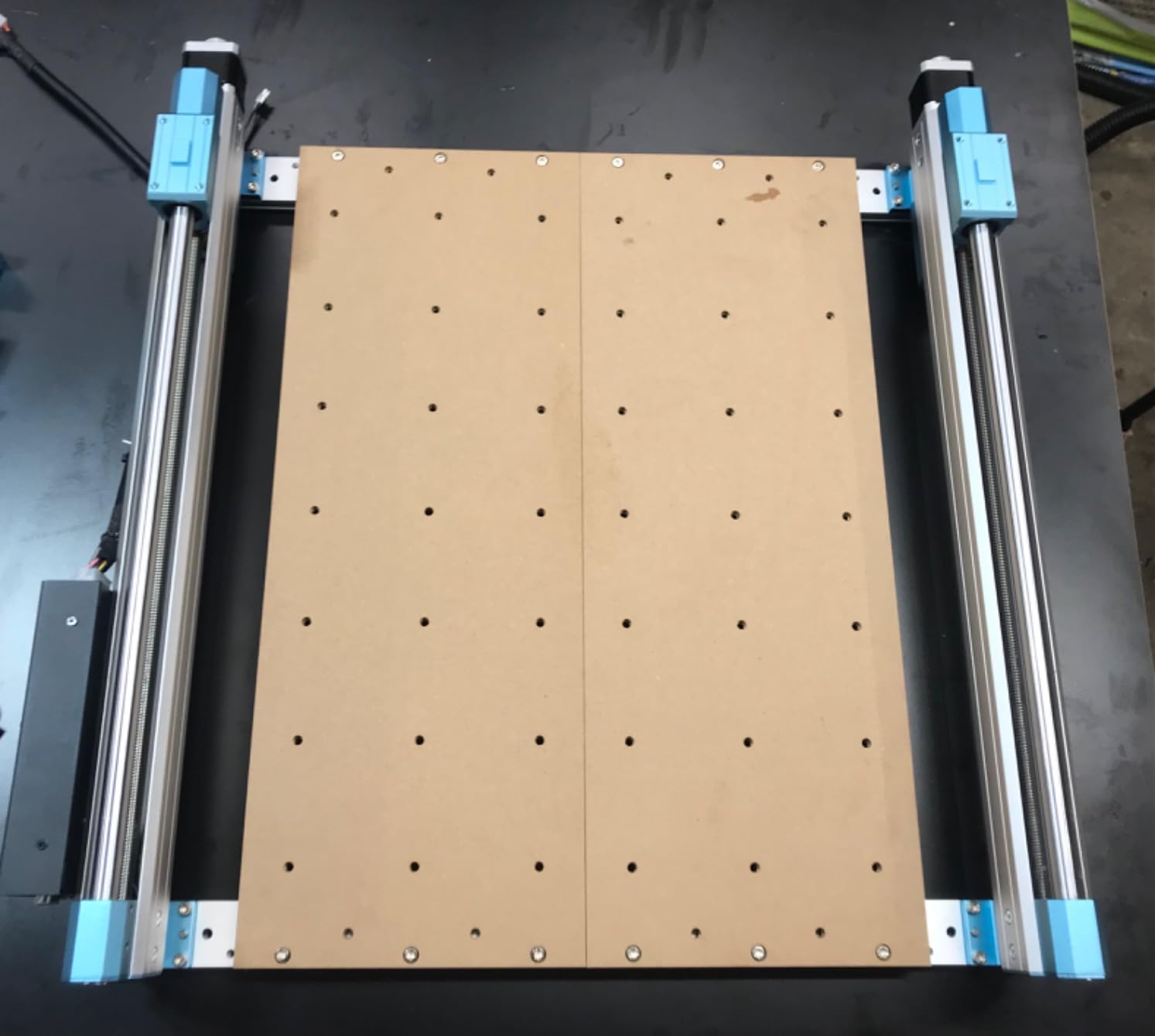
The Genmitsu 4040-PRO is the machine I reach for when I need a larger working area without spending premium money. The steel HSS frame with two 16mm linear tubes per axis feels noticeably more planted than aluminum-only frames, and the 15.7 by 15.7 by 3.1 inch work area fits sign blanks and larger furniture components.
Assembly took me about 15 minutes because the main modules arrive pre-built. The upgraded dust-proof metal control box houses a Toshiba TB6S109 driver with a 32-bit chip, which communicates smoothly with GRBL. The included 42mm and 52mm spindle mounts mean you can upgrade to a more powerful router without buying aftermarket brackets.
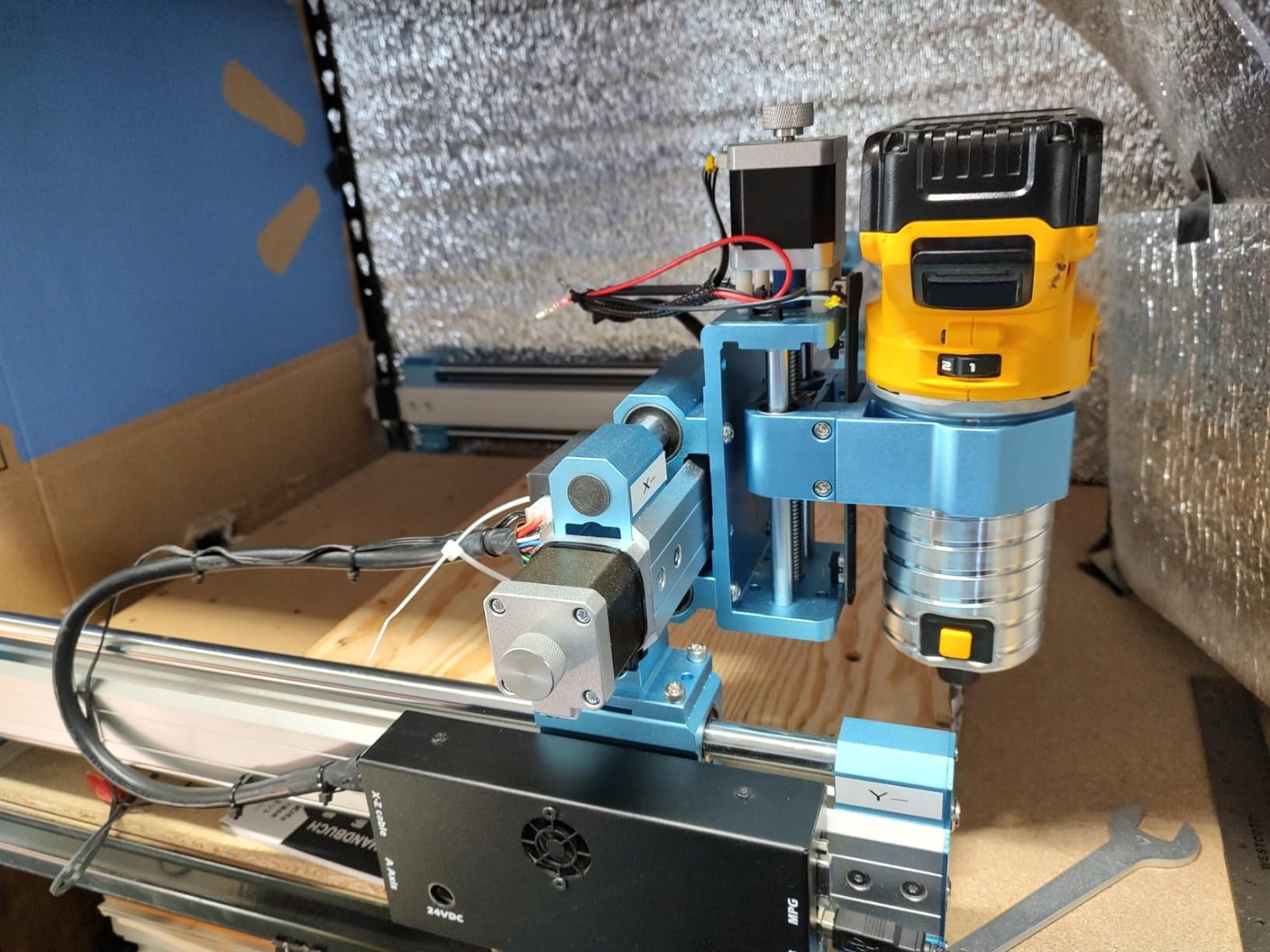
I found the stock spindle adequate for wood and acrylic but underpowered for serious aluminum work. The 9,000 RPM ceiling is lower than optimal for many small bits, so I had to run slower feed rates and take shallower passes on metal projects. Once I upgraded to a DeWalt trim router, the machine handled everything I threw at it.
The 4040-PRO supports an optional 4th axis rotary module kit, which adds cylindrical carving capability. The replaceable spoilboard sections are a thoughtful touch that extends the life of your work surface. Operation is notably quiet compared to belt-driven alternatives.
Best Fit for the 4040-PRO
Woodworkers and craft makers who need more cutting real estate than a 3018 offers will appreciate this machine. The steel frame and upgrade path make it a platform you can grow into over several years.
What You Should Know Before Buying
Plan for a spindle upgrade if you want to do regular metal work. Some users report issues with the Candle software and limit switches, so test your setup thoroughly before committing to production runs. The T12 lead screws work well but are not as rigid as ball screws on more expensive models.
6. Genmitsu PROVerXL 4030 – C-BEAM Rigidity with NEMA 23 Power
Genmitsu CNC Router Machine PROVerXL 4030 for Wood Metal Acrylic MDF Carving Arts Crafts DIY Design, 3 Axis Milling Cutting Engraving Machine, Working Area 400 x 300 x 110mm (15.7”x11.8”x4.3”)
C-BEAM Frame
NEMA 23 Motors
Y-Axis Dual Screw
Z-Probe Included
Pros
- C-BEAM frame structure for rigidity
- Precision NEMA 23 stepper motors
- Y-axis dual screw drive
- Includes Z-probe and limit switches
- Upgradeable with extension kits
- Includes Carveco Maker subscription
Cons
- Included spindle underpowered for heavy cutting
- Main power wire may be undersized
- Controller sensitive to voltage changes
- Mac compatibility issues
The Genmitsu PROVerXL 4030 sits in an interesting middle ground between entry-level 3018 machines and the heavier 4040-PRO. The C-BEAM frame structure provides excellent rigidity, and the precision NEMA 23 stepper motors deliver more torque than the NEMA 17 motors found on cheaper models. I noticed the difference immediately when cutting harder woods.
The working area of 400 by 300 by 110mm (about 15.7 by 11.8 by 4.3 inches) gives you plenty of room for medium-sized projects. The Y-axis dual screw drive keeps the gantry square even under asymmetric cutting loads, which I appreciated when carving an off-center sign blank.
Genmitsu includes a Z-probe, XYZ limit switches, and an emergency stop, plus a 3-month subscription to Carveco Maker. The machine also comes with a DeWalt DWP611 mount, making a spindle upgrade straightforward. Sainsmart customer support receives consistently high marks in user reviews, which I confirmed when I reached out with a setup question and got a response within hours.
Who Should Choose the PROVerXL 4030
This is a great step-up machine for hobbyists who started on a 3018 and want more rigidity, power, and working area. The C-BEAM frame and NEMA 23 motors make it capable enough for light production work.
Things to Plan For
The stock 300W spindle is fine for wood and acrylic but will struggle with anything harder. The main power wire may be undersized for the current draw, so consider upgrading to a heavier gauge. Mac users report compatibility issues, so check your software options before buying.
7. FoxAlien Masuter Pro – Quick Assembly with Pre-Wired Components
FoxAlien Masuter Pro 3-Axis CNC Router Machine, Beginner Hobby Engraving Machine All-Metal Structure for Wood Acrylic MDF Nylon Routing Milling Carving
All-Aluminum Structure
10-Min Assembly
400x400mm Area
Pre-Wired
Pros
- All-aluminum frame with linear rail Z-axis
- Dust-proof controller with emergency stop
- Versatile 52mm and 65mm spindle clamp compatibility
- Pre-assembled main parts with pre-wiring
- 10 to 15 minute assembly
- Upgradeable with NEMA 23 kit
Cons
- Underpowered stock spindle
- Weak NEMA 17 stepper motors
- Spoilboard can sag without support
- Limited work area for very large projects
The FoxAlien Masuter Pro is the machine I recommend to people who are intimidated by CNC assembly. The pre-assembled main parts and pre-wired components had me cutting my first test piece in about 15 minutes from unboxing. The all-aluminum frame with a linear rail Z-axis feels solid and dampens vibration well.
The 400 by 400 by 60mm (about 15.75 by 15.75 by 2.36 inches) working area is generous for a desktop machine. I cut full-size signs and decorative panels without needing to section my stock. The dust-proof controller box with an emergency stop button is a nice safety touch that I look for on every machine.
The 52mm and 65mm spindle clamp compatibility means you can upgrade to a more powerful router without modifying the mount. I also appreciate that FoxAlien offers an extension kit and a NEMA 23 motor upgrade kit, so the Masuter Pro can grow as your skills and needs expand.
Best Suited For
Beginners and hobbyists who value quick setup and upgrade potential will love this machine. The all-metal construction and responsive customer support make it a stress-free first CNC experience.
Weaknesses to Be Aware Of
The stock NEMA 17 motors are noticeably weaker than the NEMA 23 motors on more expensive machines, which can cause lost steps during aggressive cuts. The spoilboard can sag without additional support, so add a flat reinforcement underneath for precision work.
8. LUNYEE 3018 PRO MAX – Big Power in a Small Footprint
LUNYEE 3018 PRO MAX CNC Machine 500W All-Metal CNC Router Machine 3 Axis Limit Switches & Emergency-Stop with GRBL Offline Control for Cutting Wood Acrylic MDF Plastic, Working Area: 300 x 180 x 80mm
500W Spindle
80mm Z-Axis
All-Metal
GRBL Offline Control
Pros
- 500W spindle motor for dense materials
- 80mm Z-axis travel longest in its class
- All-metal construction with reinforced aluminum
- 6 limit switches plus emergency stop
- Manual handwheels for precise positioning
- Two-in-one spindle and carving modes
Cons
- Higher price than other 3018 variants
- Reports of missing hardware
- Mixed customer support experiences
- Laser module quality questioned
The LUNYEE 3018 PRO MAX stands out in the crowded 3018 field with its 500W spindle motor, which is significantly more powerful than the 775 spindle motors found on most entry-level machines. I was able to cut aluminum and copper with reasonable feed rates that would have stalled a standard 3018.
The 80mm Z-axis travel is the longest among standard 3018-class machines, giving you room for thicker stock and longer cutting tools. The all-metal construction with reinforced aluminum profiles and 12mm optical axes provides a stable cutting platform that resists deflection better than plastic-bodied alternatives.
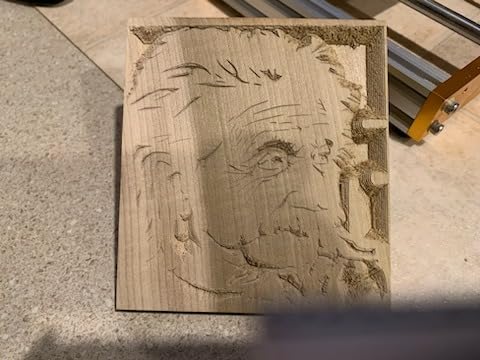
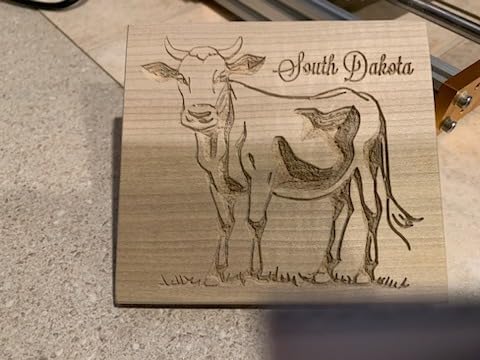
Six limit switches and an emergency stop button provide solid safety coverage. I particularly liked the manual handwheels for precise origin positioning, which made it easy to set up jobs without relying entirely on software coordinates. The two-in-one spindle and carving mode adds versatility.
The included 4GB USB flash drive comes with pre-installed software, which is a thoughtful touch for beginners. GRBL offline control means you can run jobs without keeping a computer connected, freeing up your workspace.
Who Will Love the 3018 PRO MAX
Hobbyists who want more power and Z-axis travel than a basic 3018 but are not ready to step up to a 4040-class machine will find a lot to like here. The 500W spindle opens up aluminum and copper cutting that cheaper 3018s simply cannot handle.
Things to Consider
Some users report missing hardware in their packages, so inventory your kit before starting assembly. Customer support experiences are mixed, and the included 10W laser module has received quality complaints, so test it carefully before relying on it.
9. SainSmart Genmitsu 3018-PROVer V2 – The Beginner Standard
SainSmart Genmitsu 3018-PROVer V2 CNC Router Machine for Beginner, Mini Milling Engraver Kit with Z-Probe, Limit Switches, E-Stop, Ideal for Wood, Acrylic, MDF, Plastic (Without Offline Controller)
Z-Probe
Limit Switches
E-Stop
Full Aluminum Structure
Pros
- Best entry-level CNC value with full aluminum structure
- Z-probe included for surface calibration
- Limit switches and emergency stop for safety
- Compatible with Carveco Fusion360 and Easel
- 24-hour technical support
- Pre-assembled main parts
Cons
- Limited workspace for larger projects
- Software learning curve with Candle
- Assembly takes 45 to 90 minutes
The SainSmart Genmitsu 3018-PROVer V2 is the machine I recommend to more first-time CNC buyers than any other. With over 1,200 reviews and a 4.2-star rating, it has earned its reputation as the best desktop CNC engraver for beginners. The full aluminum structure provides a stable platform, and the included Z-probe makes surface calibration foolproof.
The 3018-PROVer V2 works with a wide range of materials including wood, plastic, acrylic, PVC, PCB boards, carbon fiber, and even aluminum with the right bits and patience. The limit switches protect against crashes, and the emergency stop button gives you peace of mind when learning.
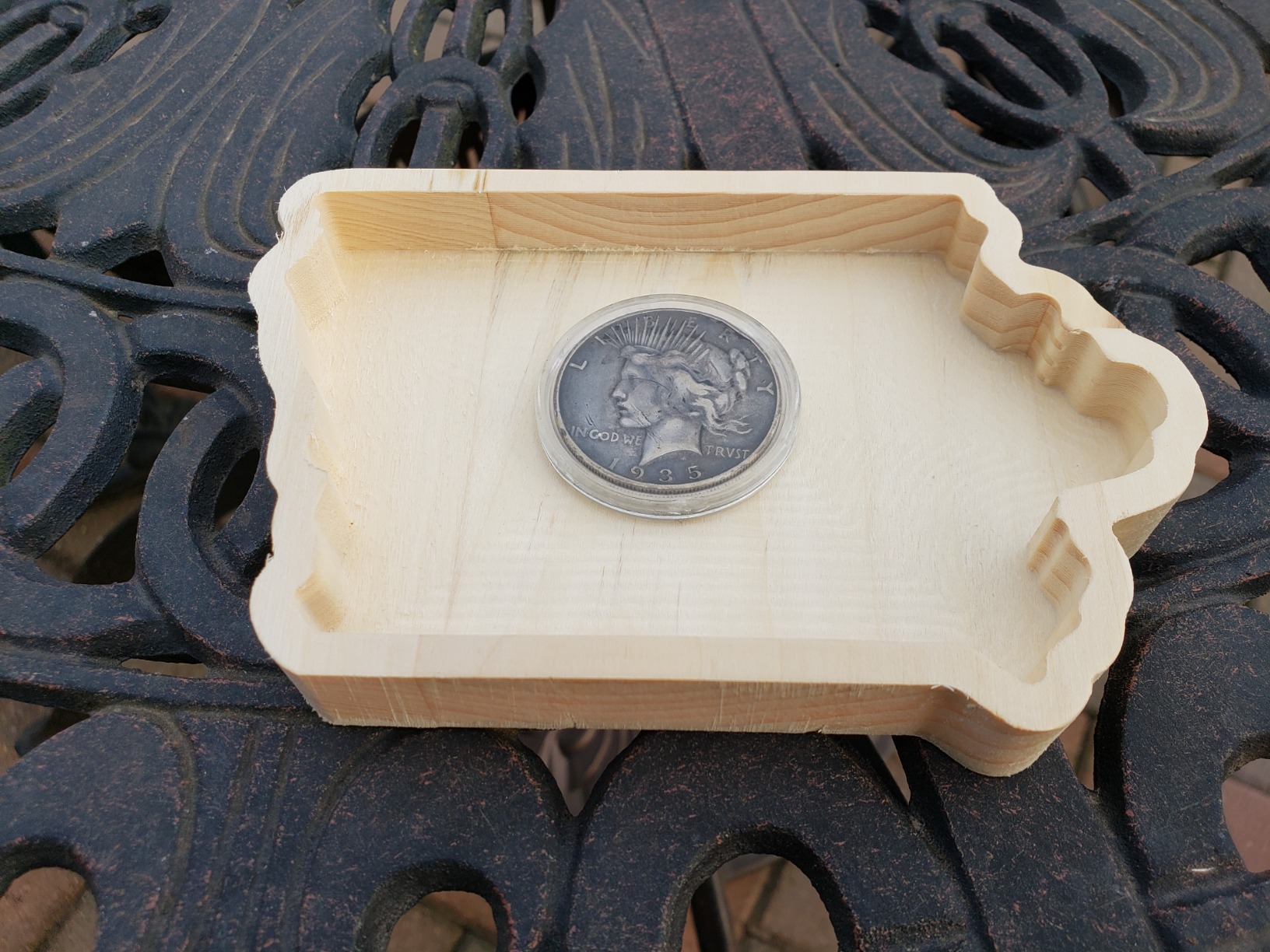
I found the assembly process took me about an hour, which is longer than the advertised 15 minutes but still reasonable for a first build. The pre-assembled main parts help, but you will need to connect the frame components, wire the controller, and configure the software.
Software compatibility is solid with Carveco, Fusion 360, and Easel all working well. The included Candle software has a learning curve, but once you understand the basics of GRBL control, it becomes a capable gcode sender. SainSmart offers 24-hour technical support, which I tested and found responsive.
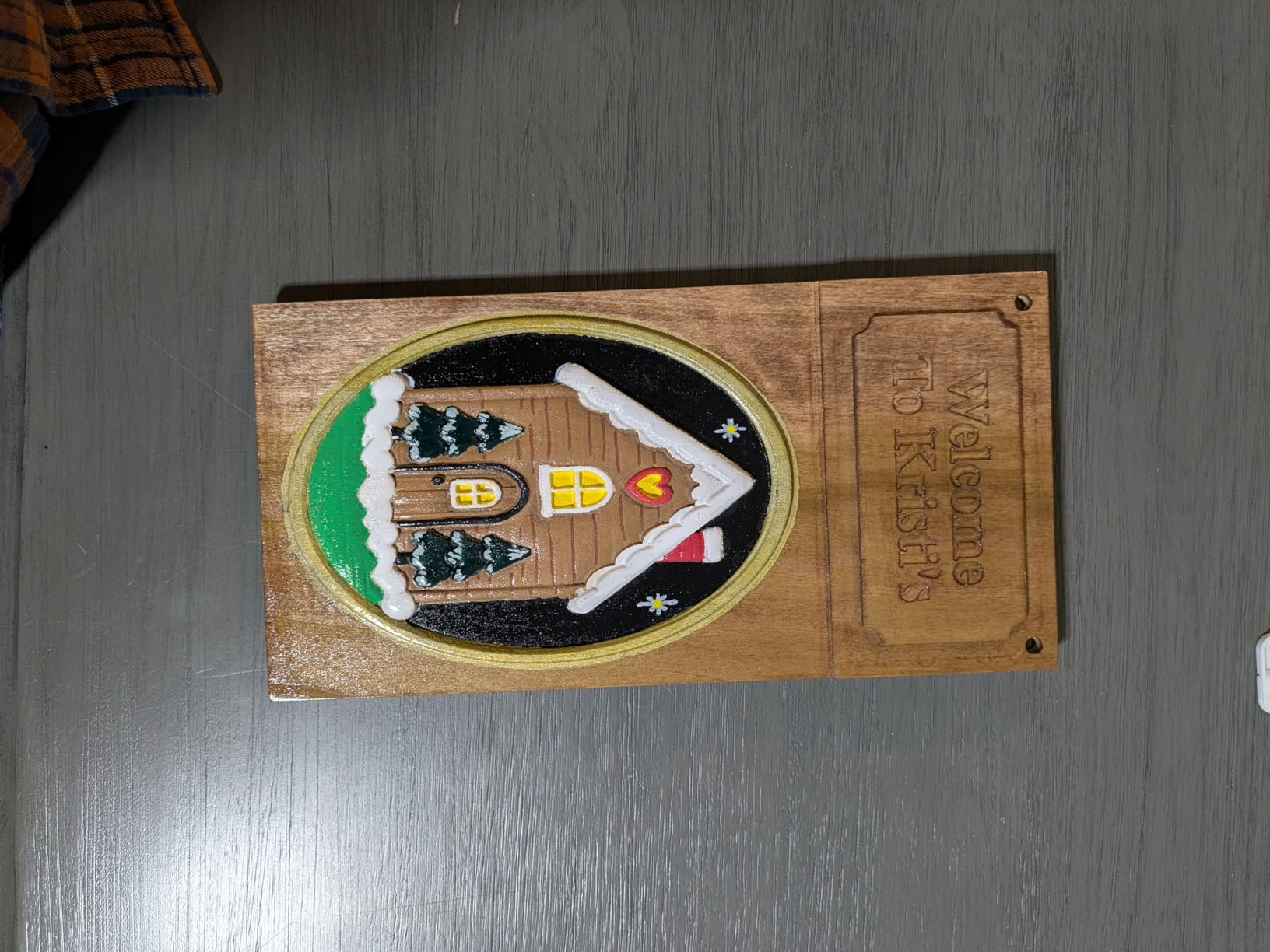
Perfect First CNC Machine
If you have never owned a CNC and want to learn without a big investment, this is the machine to buy. The large user community means you can find answers to almost any question online, and replacement parts are readily available.
Plan For a Learning Curve
The Candle software can be frustrating at first, especially if you are used to graphical CAD programs. Budget time for tutorials and experimentation. The 300 by 180 by 45mm work area will feel limiting once you start bigger projects, but it is perfect for learning the fundamentals.
10. Genmitsu CNC 3018-PRO – The Original Budget CNC
Genmitsu CNC 3018-PRO Router Kit, 3-Axis CNC Machine, Mini Milling Machine
Offline Controller
GRBL Control
Extension Kit Ready
UL Power Adapter
Pros
- Upgraded version with improved assembly accuracy
- Raised base height for better stability
- UL approved power adapter
- GRBL open-source with wide community
- Includes Carveco Maker Cam and Candle
- Upgradeable to 3040 with extension kit
Cons
- Lower rating compared to similar models
- Some offline controller issues reported
- Software learning curve
- Smaller working area
The Genmitsu CNC 3018-PRO is the machine that essentially created the budget desktop CNC category. With nearly 2,000 reviews, it remains one of the most popular entry-level CNC engravers on the market. I appreciate the upgraded assembly accuracy and the raised base height that improves stability during cutting.
The offline controller is a standout feature for this price point, letting you run jobs from an SD card without tethering a computer. The UL-approved power adapter and 24V system are safety features that cheaper knockoffs often skip. The GRBL open-source firmware has a massive community behind it, so help is always available.
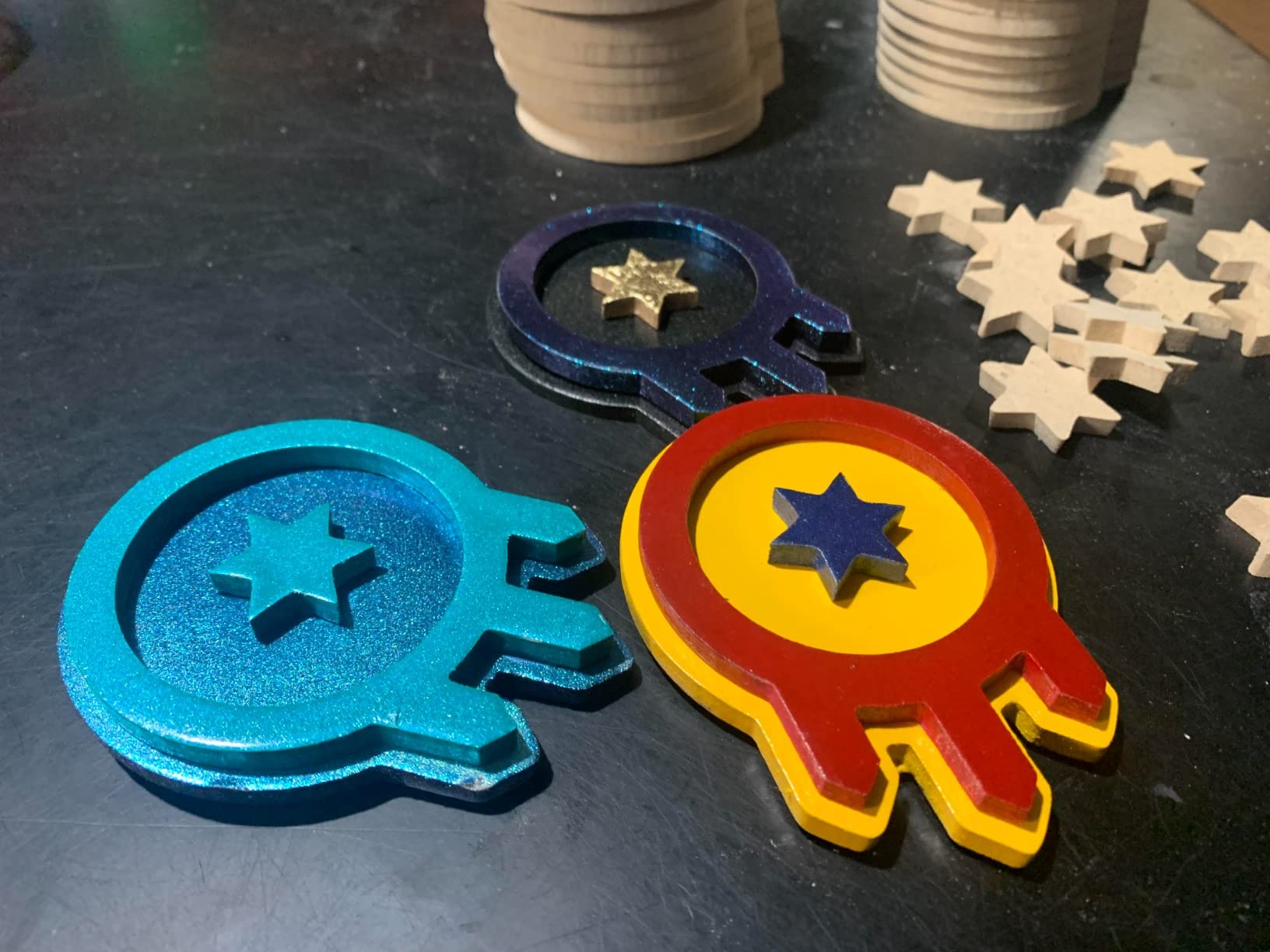
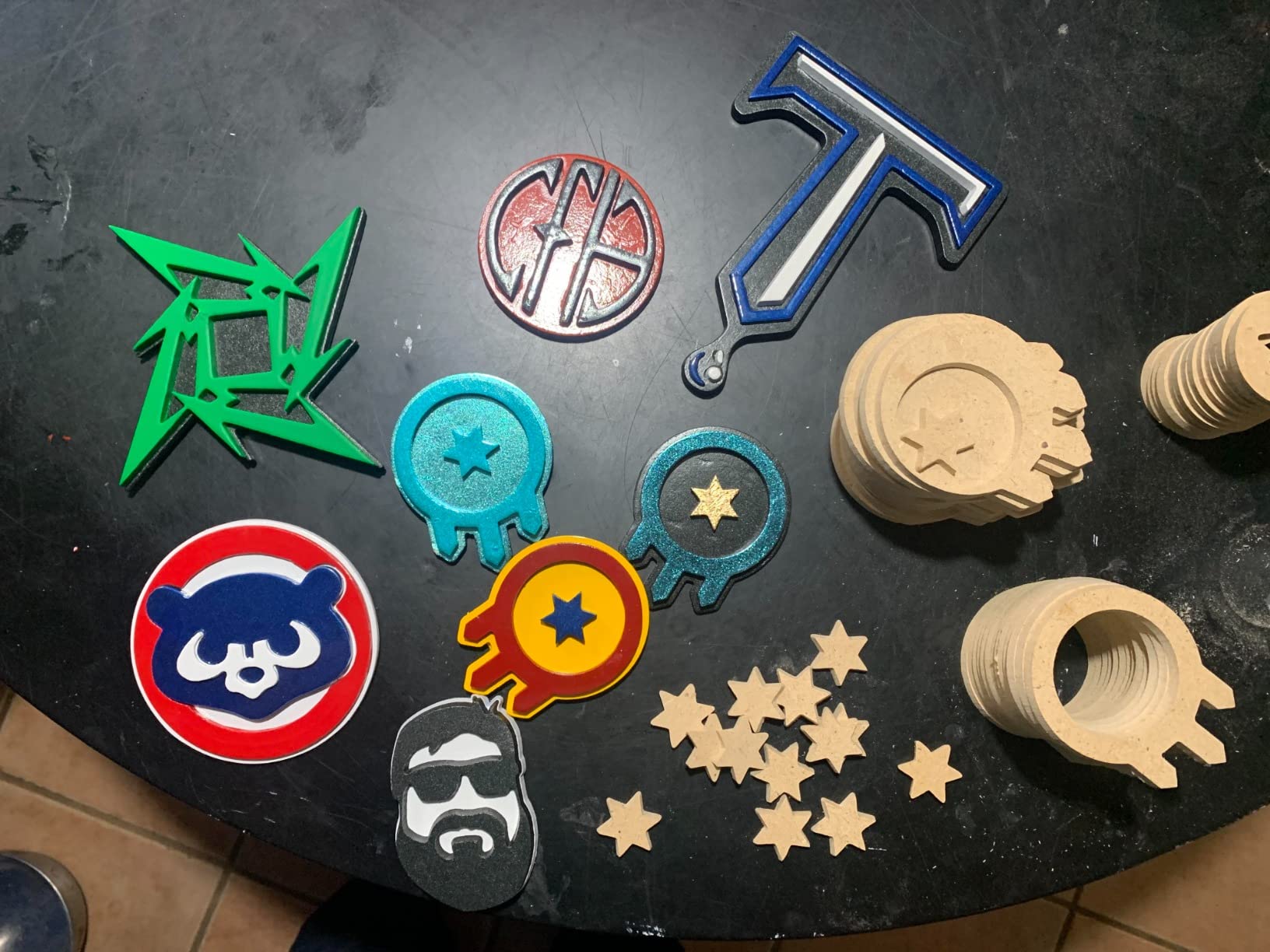
I found the 300 by 180 by 45mm working area adequate for learning and small craft projects. The real value of the 3018-PRO is its upgradeability. With the optional extension kit, you can expand to a 3040-class machine, and the GRBL platform supports a wide range of aftermarket spindles and accessories.
The included Carveco Maker Cam and Candle software cover the basics of design and machine control. The base can be upgraded with community-designed modifications, making this machine a favorite among tinkerers who enjoy customizing their equipment.
Who Should Consider the 3018-PRO
This is the cheapest entry point into CNC engraving that I can recommend with confidence. If your budget is tight and you want to learn the fundamentals of CAD, CAM, and machine operation, the 3018-PRO delivers everything you need.
Trade-Offs at This Price
The 4.0-star rating reflects some quality control variability and the offline controller issues some users report. The working area is small, and the stock spindle is modest. Plan to upgrade components over time as your skills grow.
11. Twotrees TTC3018 Pro – All-Metal Z-Axis on a Budget
TTC3018 Pro CNC Router Machine,Desktop CNC Engraving Machine Upgraded 3-Axis Engraving All-Metal Milling Machine for Wood Acrylic MDF Nylon,300mmX180mmX40mm Working Area
All-Metal Z-Axis
0.1mm Accuracy
775 Spindle
GRBL 32-bit
Pros
- All-metal Z-axis with T8 backlash-eliminating lead screws
- 0.1mm positioning accuracy
- Lightweight 15lbs compact design
- 32-bit GRBL control board
- Includes 10 standard cutters and ER11 collet
- Compatible with GRBL ArtCam and Fusion360
Cons
- No TF card slot or wireless functions
- USB wired connection only
- Some quality control issues reported
- Limited to 775 spindle power
The Twotrees TTC3018 Pro offers something I did not expect at this price point: an all-metal Z-axis with T8 backlash-eliminating lead screws delivering 0.1mm positioning accuracy. The 32-bit GRBL control board processes toolpaths faster than the 8-bit boards found on older budget machines, which translates to smoother cuts.
At just 15 pounds, this is one of the most portable desktop CNCs I have tested. It fits in a desk corner and can be moved easily when not in use. The 775 spindle motor spins between 7,000 and 9,000 RPM, which is adequate for wood, acrylic, MDF, and nylon engraving.
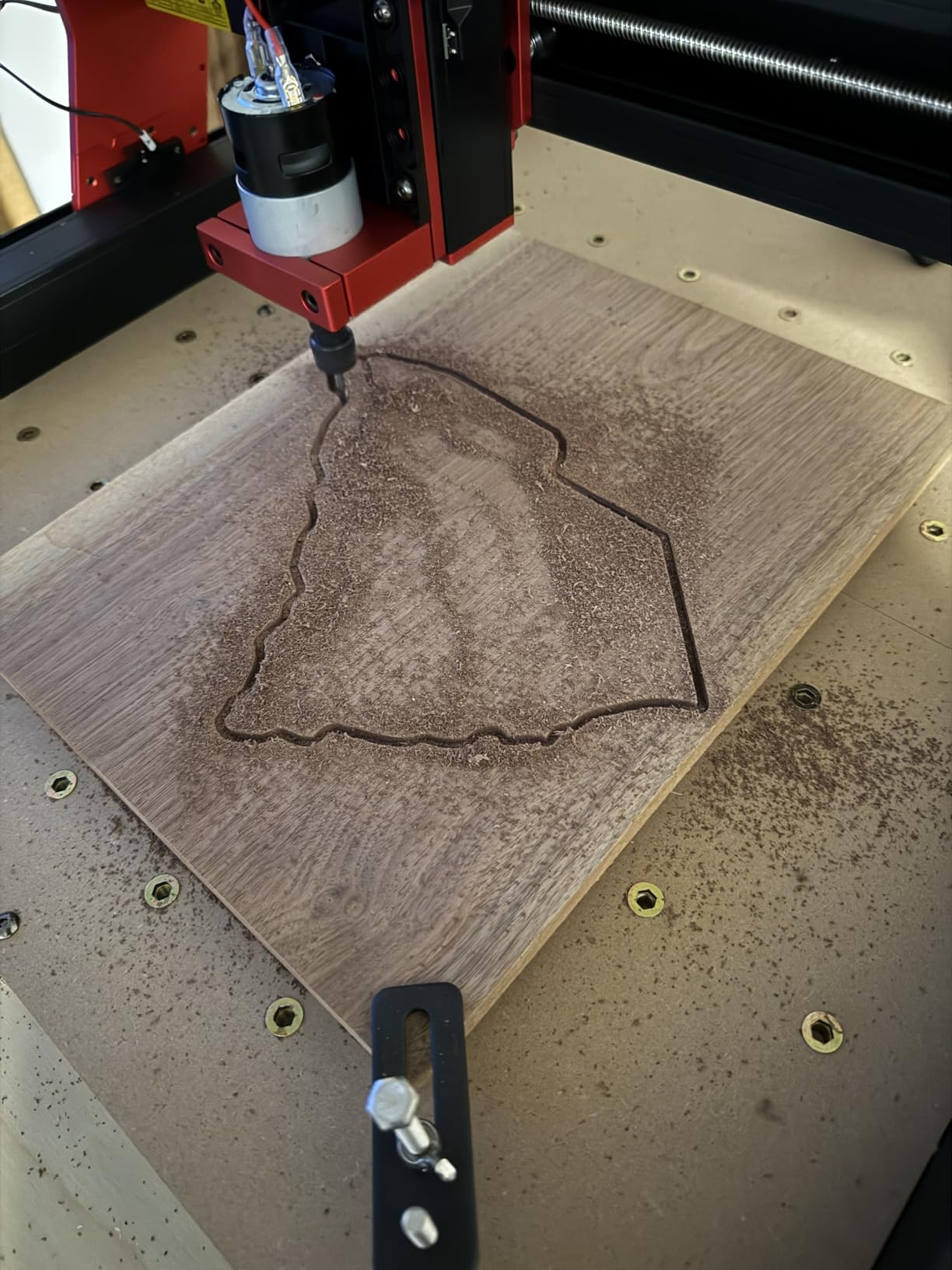
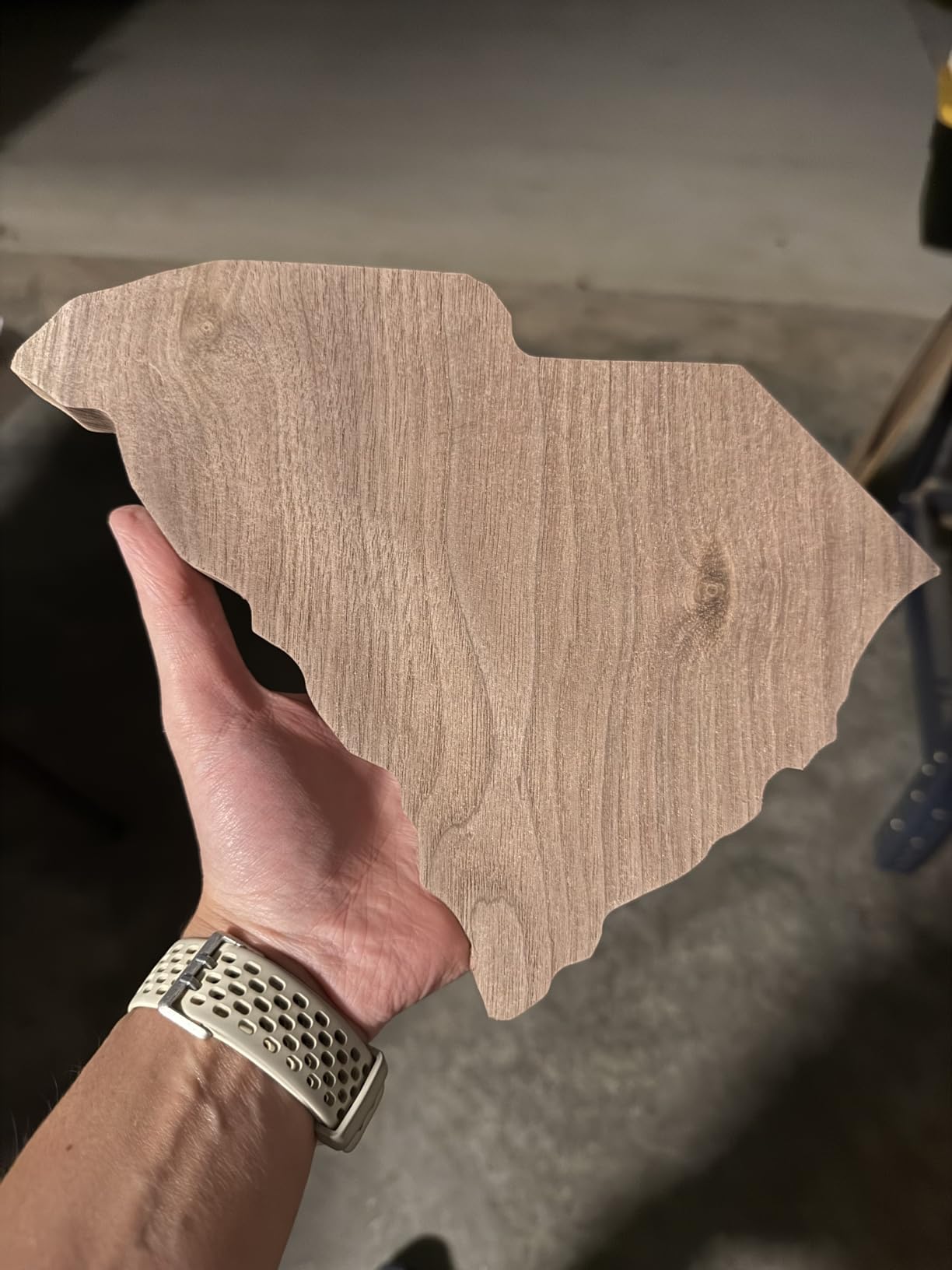
The included accessory package is generous for the price: 10 standard cutters, an ER11 collet accepting 0.5 to 7mm bits, and compatibility with GRBL, ArtCam, and Fusion 360 on both Windows and Mac OS. I found this made the TTC3018 Pro an excellent STEM education tool for classrooms and maker spaces.
The 300 by 180 by 40mm working area is standard for the 3018 class. The all-metal Z-axis is the key differentiator here, providing better rigidity and precision than the plastic-bodied alternatives that dominate this price tier.
Ideal Use Cases
STEM educators, DIY hobbyists, and anyone wanting a compact, capable first CNC will find the TTC3018 Pro delivers excellent value. The all-metal Z-axis and included cutters make it ready to run out of the box.
What Could Be Better
The USB-only wired connection with no WiFi or Bluetooth feels dated, and the lack of a TF card slot means you need a dedicated computer nearby. Some users report quality control issues, so inspect your kit carefully upon arrival.
12. Twotrees TTC3018 WiFi – Wireless Connectivity on a Budget
TTC3018 CNC Router Machine 3-Axis Engraving Machine Metal Engraver GRBL Control with Built-in WiFi, 775 Spindle Motor, Engraver Desktop CNC for Wood, Acrylic, Plastic, Aluminum
Built-in WiFi
32-bit STM32
0.1mm Accuracy
1500mm/min Speed
Pros
- 32-bit STM32 processor with GRBL control
- 0.1mm engraving accuracy
- Built-in WiFi for wireless connectivity
- Speeds up to 1500mm/min
- Multiple international safety certifications
- ER11 collet accepts 0.5 to 7mm bits
Cons
- Lower review count indicates newer product
- Limited working area for larger projects
- Only 70 reviews so far
The Twotrees TTC3018 WiFi is the newest machine on this list, and it addresses the biggest complaint I had about the TTC3018 Pro: the lack of wireless connectivity. The built-in WiFi lets you send gcode files and monitor jobs without a USB tether, which makes a real difference in a cluttered workshop.
The 32-bit STM32 processor running GRBL control delivers faster toolpath processing than 8-bit alternatives, and the 0.1mm engraving accuracy matches the Pro version. The 775 spindle spins between 7,000 and 9,000 RPM, and the ER11 collet accepts bits from 0.5 to 7mm.
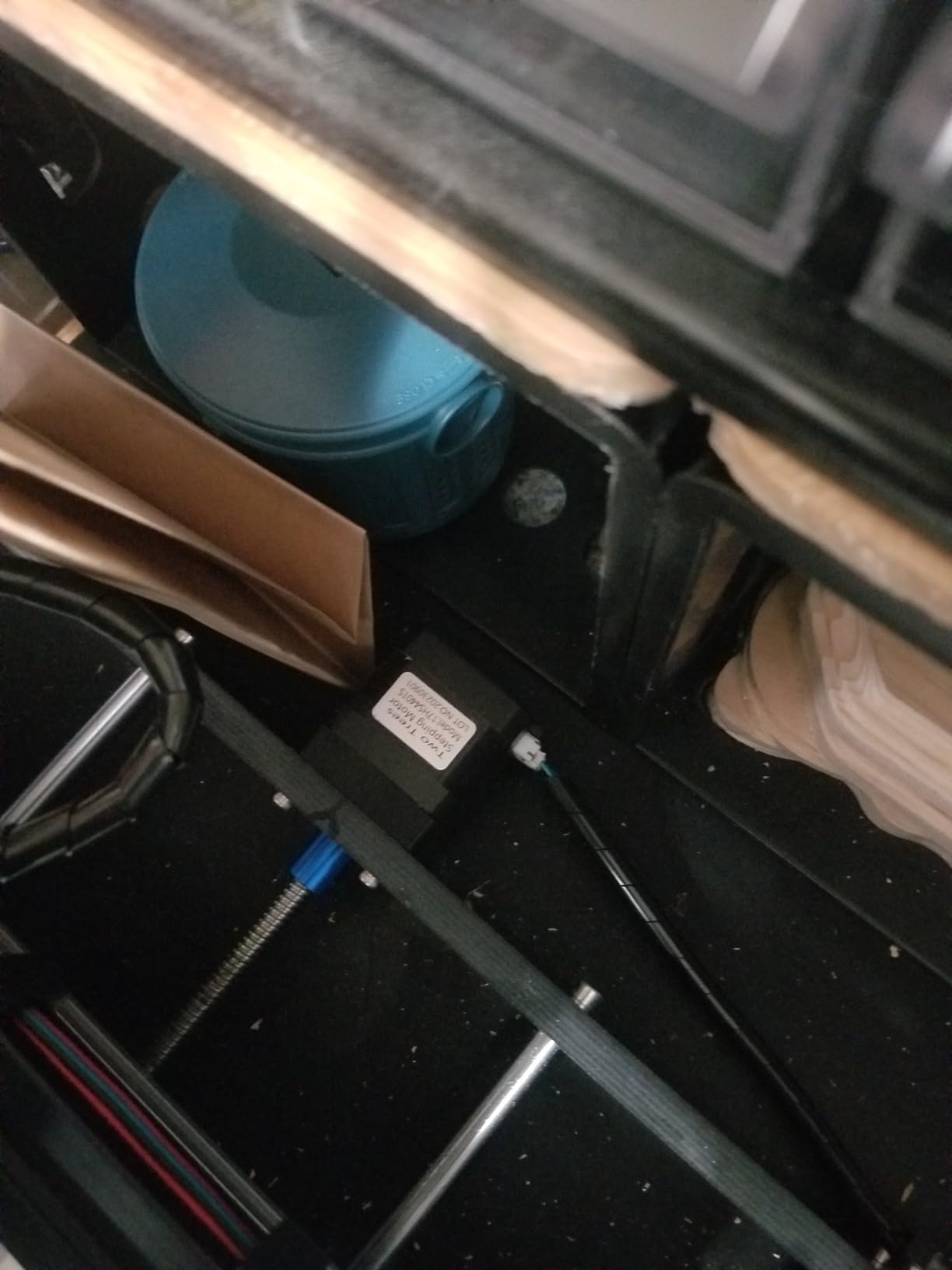
What impressed me most about this machine is the sheer number of international safety certifications it carries: CE-EMC, CE-LVD, CE-MD, CE-RED, ROHS, and FCC. That level of compliance is unusual at this price point and gives me confidence in the electrical safety of the device.
The 4.7-star average rating from 70 reviews is the highest on this list, though the relatively low review count means this is still a newer product establishing its track record. Speeds up to 1,500mm/min are competitive for the 3018 class.
Who Should Buy the TTC3018 WiFi
Hobbyists who want wireless convenience without spending more than $200 should put this machine at the top of their shortlist. The safety certifications and 32-bit processor make it a modern, capable budget option.
Things to Keep in Mind
With only 70 reviews, long-term reliability data is limited. The 300 by 180 by 40mm working area is standard for the 3018 class, so plan accordingly if you have larger projects in mind. The 1-year manufacturer warranty provides some peace of mind.
How to Choose the Best Desktop CNC Engraver in 2026?
Choosing from the best desktop CNC engravers on the market comes down to understanding five key factors: working area, spindle power, frame rigidity, software compatibility, and your budget. I have helped dozens of makers and small business owners select machines, and these are the criteria that matter most.
Working Area and Machine Footprint
The working area determines the largest single piece you can cut without repositioning your stock. The 3018-class machines (300 by 180mm) are great for learning, coasters, and small signs, but you will outgrow them quickly if you make larger products. The 4040-class machines (about 400 by 400mm) handle most sign blanks, guitar bodies, and furniture components.
Also consider the machine footprint. A 3018 fits on a desk corner, while a 4040 needs a dedicated workbench. Measure your available space before ordering, and remember to leave room for material handling, dust collection, and cable management.
Spindle Power and Speed Range
Spindle power is the single biggest factor in what materials you can cut. The 775 spindle motors found on entry-level machines (around 7,000 to 10,000 RPM) handle wood, acrylic, and soft plastics well. The 300W to 500W spindles on mid-range machines open up aluminum and harder plastics. The 710W to 800W spindles on premium models can tackle brass, copper, and even some steel with the right tooling.
Speed range matters too. Variable speed spindles let you dial in the optimal RPM for different bit diameters and materials. Look for machines that accept standard ER11 collets (0.5 to 7mm) or trim router collets (1/8 and 1/4 inch) for maximum tool flexibility.
Frame Rigidity and Motion System
The frame material and motion system directly affect cutting precision and the quality of your finished parts. Aluminum extrusion frames are the baseline for desktop CNCs. Steel HSS frames, like on the Genmitsu 4040-PRO, add rigidity. The most rigid machines use dual linear rails (HG15 or MGN-15) with ball screws rather than lead screws.
For context, the AnoleX 4030-Evo Ultra 2 achieves 0.005mm repeatability with ball screws and dual linear rails, while lead screw machines typically achieve 0.03 to 0.1mm. If you are doing precision metal work, the extra investment in ball screws pays off quickly.
Software Compatibility and Learning Curve
Most desktop CNCs run GRBL firmware, which is compatible with a wide range of free and paid software. Popular options include Candle (free, basic), Universal Gcode Sender (free, more features), Easel (free, browser-based, beginner friendly), Fusion 360 (free for hobbyists, full CAD/CAM), and Carveco Maker (included with some Genmitsu machines).
If you are new to CNC, look for a machine with an active community and good documentation. The Genmitsu and SainSmart ecosystems have the largest user communities, which means more tutorials, troubleshooting guides, and ready-to-cut project files.
Budget Tiers and Value
Desktop CNC engravers fall into three rough price tiers. Under $200 buys a 3018-class starter machine like the Twotrees TTC3018 or Genmitsu 3018-PRO, perfect for learning. The $400 to $600 range delivers machines like the FoxAlien Masuter Pro and Genmitsu 4040-PRO, which offer larger work areas and sturdier frames. Above $700, machines like the Genmitsu 3030-PROVer Ultra and AnoleX 4030-Evo Ultra 2 bring ball screw precision and powerful spindles capable of serious metal work.
Beginner Recommendations
If this is your first CNC machine, start with the SainSmart Genmitsu 3018-PROVer V2 or the Twotrees TTC3018 WiFi. Both are affordable, well-documented, and supported by active communities. Learn the fundamentals of CAD design, CAM toolpath generation, and GRBL machine control on a cheap machine before investing in a premium platform.
For small business use, I recommend starting at the Genmitsu 3030-PROVer Ultra or AnoleX 3030-Evo Max level. The 710W to 800W spindles and ball screw or linear guide precision make these machines capable of producing sellable goods from day one.
FAQs
What size desktop CNC machine is best for beginners?
A 3018-class machine with a 300 by 180mm working area is ideal for beginners. Models like the SainSmart Genmitsu 3018-PROVer V2 and Twotrees TTC3018 are affordable, well-documented, and supported by large user communities. Once you master the fundamentals, you can upgrade to a 4040-class machine with a larger work area.
Can desktop CNC machines really cut metal?
Yes, but spindle power and rigidity determine which metals. Entry-level 775 spindle machines handle soft aluminum with patience. Mid-range 300W to 500W spindles cut aluminum and softer metals reliably. Premium machines with 710W to 800W spindles and ball screw drives, like the Genmitsu 3030-PROVer Ultra and AnoleX 4030-Evo Ultra 2, can cut aluminum, brass, copper, and even some stainless steel with proper feeds and speeds.
How important is automatic tool changing for hobbyists?
Automatic tool changing is not essential for most hobbyists. The vast majority of desktop CNCs under $1,000 use manual tool changes, which take 30 seconds to a minute. ATC systems add significant cost and complexity. If you run production batches requiring multiple tool paths per part, ATC becomes valuable, but for learning and small projects, manual changes are perfectly fine.
What is the realistic accuracy of a $2000 desktop CNC?
A desktop CNC in the $1,000 to $2,000 range with ball screws and dual linear rails can achieve 0.005mm repeatability and 0.02mm cutting accuracy on aluminum. The AnoleX 4030-Evo Ultra 2 at $1,099 delivers exactly these specs. Cheaper lead screw machines typically achieve 0.03 to 0.1mm accuracy, which is still excellent for wood, acrylic, and most hobby projects.
How much does a desktop CNC engraver cost?
Desktop CNC engravers range from about $150 for entry-level 3018-class machines to over $1,000 for professional-grade models. Budget options like the Twotrees TTC3018 start around $150. Mid-range machines like the FoxAlien Masuter Pro and Genmitsu 4040-PRO cost $400 to $600. Premium models with ball screws and powerful spindles, like the AnoleX 4030-Evo Ultra 2, run $1,000 to $1,200.
Final Thoughts on the Best Desktop CNC Engravers in 2026
After testing machines across every price tier, my top recommendation for the best desktop CNC engraver overall is the AnoleX 4030-Evo Ultra 2 for its unmatched combination of ball screw precision, 800W spindle power, and broad software compatibility. For the best value, the Genmitsu 3030-PROVer Ultra brings 710W spindle power and 0.03mm accuracy at a price that makes sense for serious hobbyists and small businesses.
If you are just starting out, the SainSmart Genmitsu 3018-PROVer V2 remains the gold standard for beginners, with the largest user community and the best documentation in the budget tier. Whatever you choose, the machines on this list represent the best desktop CNC engravers available in 2026, and any one of them will get you cutting, carving, and engraving real projects from your own workshop.