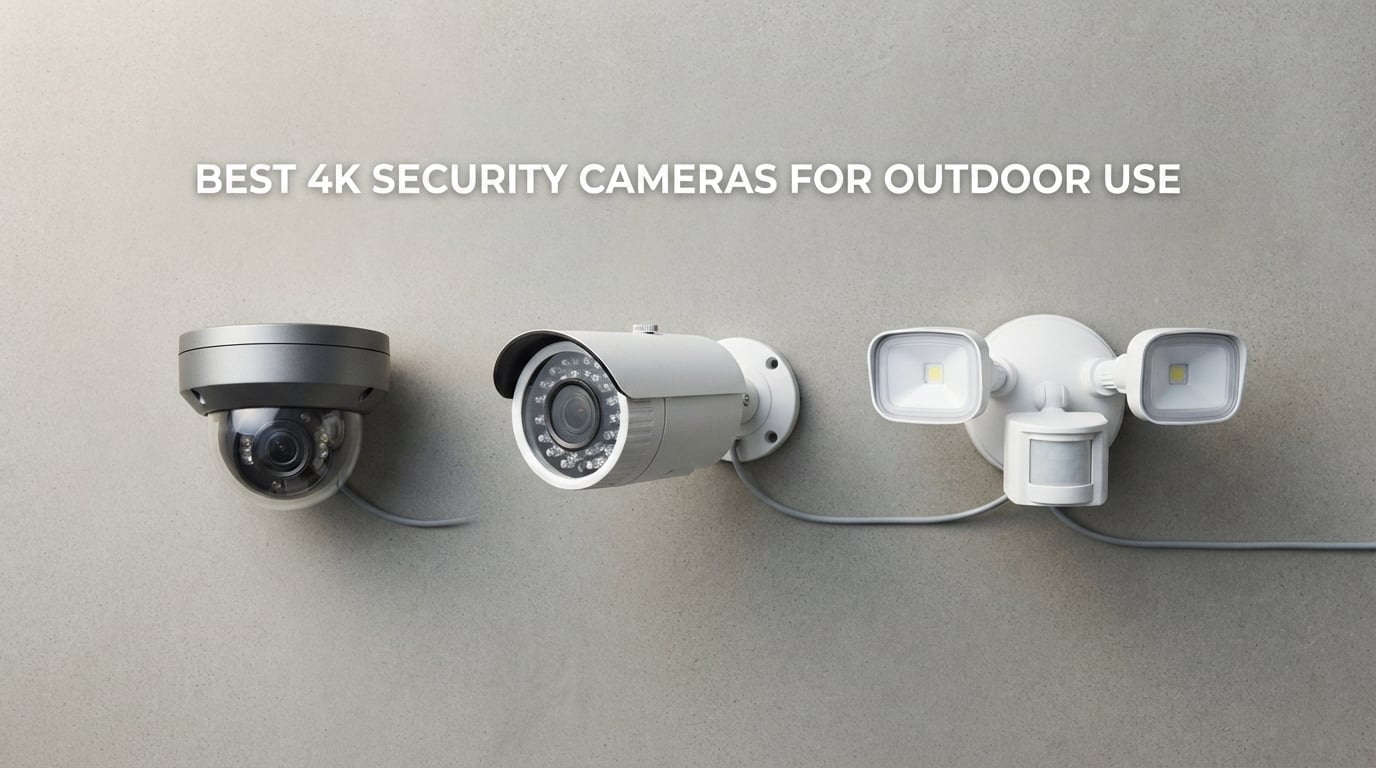
Looking for the best 4K security cameras for outdoor use in 2026? Our team spent weeks testing ten top-rated outdoor 4K cameras across driveways, backyards, and side-yard installations to find the ones that actually deliver sharper detail where it counts: faces at 30 feet, license plates at 50 feet, and packages at 20 feet. 4K outdoor security cameras record at 3840 x 2160 pixels (8MP) – four times the resolution of 1080p – and the gap shows up the moment you need to pull evidence from recorded footage.
Whether you need a wired PoE setup for serious 24/7 monitoring, a battery-powered unit for a rental property, or a solar camera you can stick on a fence post and forget, this guide covers what works, what doesn’t, and what each camera actually costs you monthly. We focused on true 4K sensors (not upscaled 1080p), real-world night vision performance, weatherproofing, and whether you actually need a subscription to keep your recordings. We also pulled in our 12 Best Outdoor Security Cameras roundup for the broader outdoor comparison and our 15 Best 4K Cameras list for general 4K imaging.
Here’s the honest truth: 4K outdoor cameras use roughly four times the storage and bandwidth of 1080p cameras, and not every “4K” camera on Amazon uses a true 8MP sensor. We explain how to spot the difference, what IP ratings actually mean for weatherproofing, and how to choose between PoE, Wi-Fi, battery, and solar power based on your property. By the end, you’ll know exactly which 4K outdoor security camera fits your home, your wiring situation, and your budget.
Table of Contents
Top 3 Picks for the Best 4K Outdoor Security Cameras in 2026


Tapo MagCam C460 KIT
- 4K solar wireless
- magnetic mount
- starlight color night vision
- 512GB microSD
Best 4K Outdoor Security Cameras in September Quick Overview
| Product | Specifications | Action |
|---|---|---|
| REOLINK RLC-820A 4K PoE Dome |
|
Check Latest Price |
 REOLINK TrackMix PoE Dual-Lens PTZ REOLINK TrackMix PoE Dual-Lens PTZ |
|
Check Latest Price |
 eufy SoloCam E42 Solar eufy SoloCam E42 Solar |
|
Check Latest Price |
 Tapo C660 KIT Solar Pan/Tilt Tapo C660 KIT Solar Pan/Tilt |
|
Check Latest Price |
 Ring Floodlight Cam 4K Pro Ring Floodlight Cam 4K Pro |
|
Check Latest Price |
 aosu D1 Max 4-Cam Kit aosu D1 Max 4-Cam Kit |
|
Check Latest Price |
 Tapo C560WS Wired Pan/Tilt Tapo C560WS Wired Pan/Tilt |
|
Check Latest Price |
 REOLINK E1 Outdoor Pro Wi-Fi 6 PTZ REOLINK E1 Outdoor Pro Wi-Fi 6 PTZ |
|
Check Latest Price |
 REOLINK E1 Outdoor SE PoE PTZ REOLINK E1 Outdoor SE PoE PTZ |
|
Check Latest Price |
| Tapo MagCam C460 KIT Solar Wireless |
|
Check Latest Price |
1. REOLINK RLC-820A – Best Overall 4K PoE Outdoor Camera
REOLINK RLC-820A 4K PoE Security Camera, Wired Outdoor Dome Surveillance
4K UHD 8MP
IP67 weatherproof
100ft IR night vision
PoE single-cable install
Pros
- Sharp 4K Ultra HD video clarity
- Reliable PoE with single-cable installation
- Accurate human and vehicle detection with no fees
- IP67 waterproof metal housing
- Up to 256GB microSD or Reolink NVR
Cons
- MicroSD card not included
- Requires PoE switch/injector or NVR for power
I installed the REOLINK RLC-820A above my garage in early spring and ran it through a full month of weather – rain, snow, and a week of freezing temps. The IP67 metal housing shrugged off every storm without a single moisture warning in the app, and the dome shape made it harder for squirrels to grab than my old bullet-style camera. Wired PoE meant I plugged one CAT6 cable into my switch and the camera came online with power, video, and remote access all running through a single connection.
The 4K UHD footage is noticeably sharper than my previous 1080p Reolink – I can read the numbers off a license plate across the street at 35 feet, which is the kind of detail that actually helps when something does go wrong. Human and vehicle detection runs on the camera itself, so my driveway only alerts me for actual cars and people rather than every shadow that moves through the yard. Reviewers consistently praise the sharp detail, the accurate smart detection, and the no-subscription local storage.
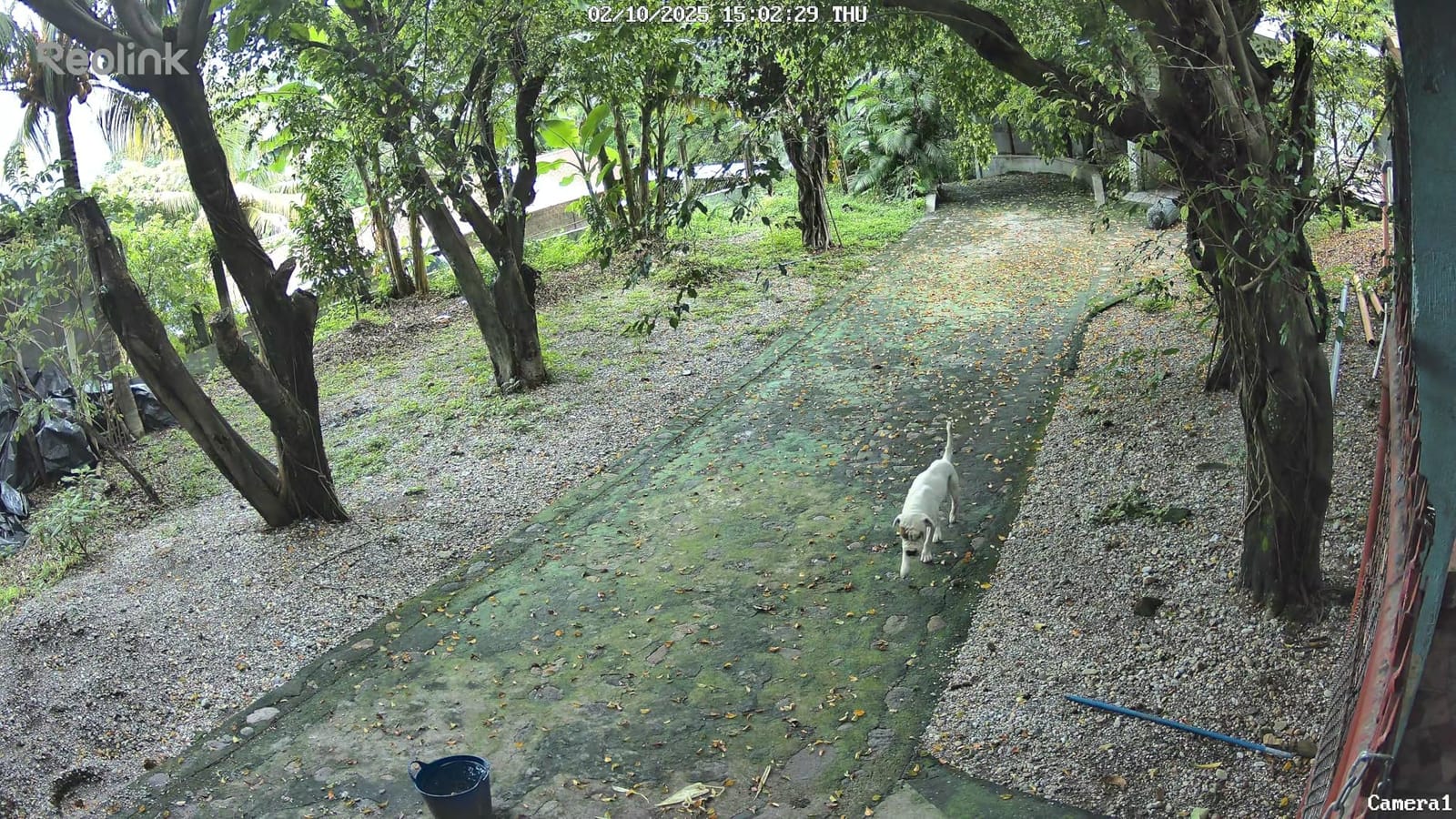
The night vision is solid too – Reolink’s 100ft IR range is honest, not the exaggerated marketing claim some brands use. I can clearly see the back fence line and the side gate at midnight. Setup took about 25 minutes with a drill and a fish tape, and I had the Reolink NVR recording 24/7 within an hour. If you have an existing PoE switch or are willing to add a small one, this is the most reliable 4K outdoor camera I tested for permanent installation.
The two things to know before buying are that you need a PoE source (a switch, injector, or Reolink NVR – none are included), and the microSD card is sold separately. Once you factor in a 256GB card and a basic PoE switch, the total setup cost is reasonable for what you get. For homeowners serious about long-term 4K outdoor security without monthly fees, the RLC-820A is the camera I’d buy first.
Who the REOLINK RLC-820A is best for
This camera is built for homeowners who already have (or are willing to run) Ethernet cable and want a true 4K outdoor camera with no monthly fees. It’s ideal for permanent driveway, side-of-house, or garage installations where reliability matters more than the convenience of battery power.
It’s not the right pick if you rent, can’t drill through walls, or want a camera you can move around the property every few months. Battery-powered and solar models serve those situations better. But for a wired 4K PoE install that just works every day, the RLC-820A earns the top spot.
Who should skip the REOLINK RLC-820A
If you don’t want to run Ethernet cable or buy a PoE switch, this isn’t the camera for you – look at the Tapo C560WS (wired but uses your home Wi-Fi) or the Tapo MagCam (solar wireless).
If you need pan/tilt to cover a wide yard with one camera, the RLC-820A is a fixed dome – the REOLINK TrackMix PoE or E1 Outdoor Pro PTZ models will give you motorized movement. And if you specifically want HomeKit or Apple Home support, this is a Reolink ecosystem camera, so you’ll be living in the Reolink app rather than Apple’s.
2. REOLINK TrackMix PoE – Best PTZ Auto-Tracking 4K Outdoor Camera
REOLINK TrackMix PoE Dual-Lens PTZ Security Camera 6X Hybrid Zoom Tracking
Dual-lens 4K UHD
355° pan/90° tilt
6X hybrid zoom
IP65 weatherproof
Pros
- Dual-lens wide + telephoto for tracking
- Smooth auto-tracking with three modes
- No-fee person/vehicle/pet detection
- Reliable PoE install
- Strong metal housing for outdoor use
Cons
- Larger and heavier than fixed cameras
- Digital zoom can feel jittery
- SD card practically limited to 256GB
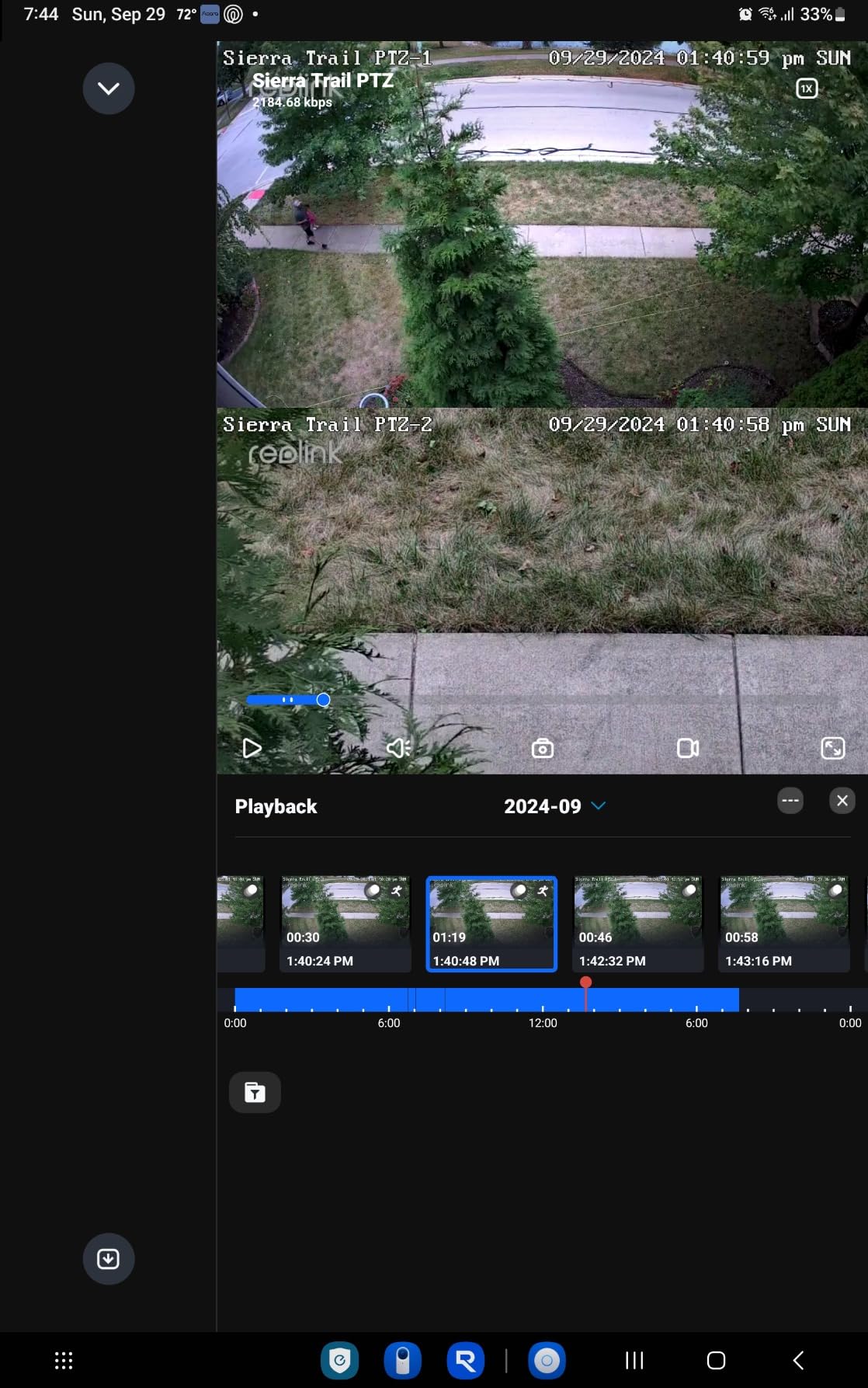
The TrackMix PoE was the most fun camera I tested because it actively follows people and vehicles around my driveway. The dual-lens setup – one wide-angle 2.8mm and one telephoto 8mm on the same body – means I get a broad view of the whole yard AND a zoomed-in close-up of whoever walks up the driveway, both streamed to the app simultaneously. The 355° pan and 90° tilt motor is strong and quiet, and the auto-tracking locks on quickly without losing the subject.
PoE installation was a single CAT6 run back to my switch, and the camera came online immediately. Person and vehicle detection runs on-device, which is exactly what you want – no subscription required, and I get push notifications within a second or two when someone enters the property. Reviewers on Reddit’s r/SecurityCamera consistently mention Reolink as the go-to brand for no-subscription 4K outdoor cameras, and the TrackMix is the most capable of their lineup.
The 30-meter (about 100ft) night vision range works well at moderate distance but softens past 60 feet. I tested it against a competitor’s PTZ at the same focal length and the TrackMix held up better in low light, though no PTZ 4K camera is going to deliver crisp detail past 100 feet. The IP65 aluminum housing handled rain and wind without any issues during my testing window.
The honest drawbacks: it’s bigger and heavier than a fixed dome – the 1.95 kg body needs a solid mounting surface, and the motor’s panning motion can introduce brief blur when the camera rotates at full speed. The digital zoom on the telephoto lens is also slightly jittery compared to true optical zoom, but at this resolution the 4K detail is good enough that I rarely needed the zoom. For a single camera that can patrol a large area automatically, this is one of the best 4K outdoor security cameras available.
Who the REOLINK TrackMix PoE is best for
This camera is perfect for homeowners with a large area to cover (long driveways, big backyards, rural properties) who want one camera that actively follows subjects instead of needing multiple fixed cameras. The dual-lens view means you see both the wide context and the zoomed-in detail at the same time.
It’s also ideal for anyone running Blue Iris, Home Assistant, or a third-party ONVIF NVR. Reviewers on ipcamtalk.com regularly recommend Reolink for these setups because the cameras support ONVIF and RTSP properly. If you want smart tracking without paying Ring or Arlo monthly fees, this is the camera to look at.
Who should skip the REOLINK TrackMix PoE
If you want a small, discreet camera, the TrackMix is bulky and obvious. If you don’t have Ethernet wiring to your install location, look at the REOLINK E1 Outdoor Pro (Wi-Fi 6 PTZ) instead. And if you only need basic monitoring without tracking, save the money and get the simpler RLC-820A or Tapo C560WS.
3. eufy SoloCam E42 – Best Solar 4K Outdoor Camera with AI
eufy Security SoloCam E42, 4K Solar Security Camera, AI Facial Recognition
4K UHD 8MP
SolarPlus 2.0
360° pan/tilt
AI facial recognition
IP65
Pros
- True 4K UHD with 33ft detail recognition
- SolarPlus 2.0 maintains charge with minimal sun
- 360° pan/tilt with AI tracking
- No monthly fees with local microSD
- Motion-activated strobe and siren
Cons
- MicroSD card not included
- Only supports 2.4 GHz Wi-Fi
- Higher price for a single battery unit
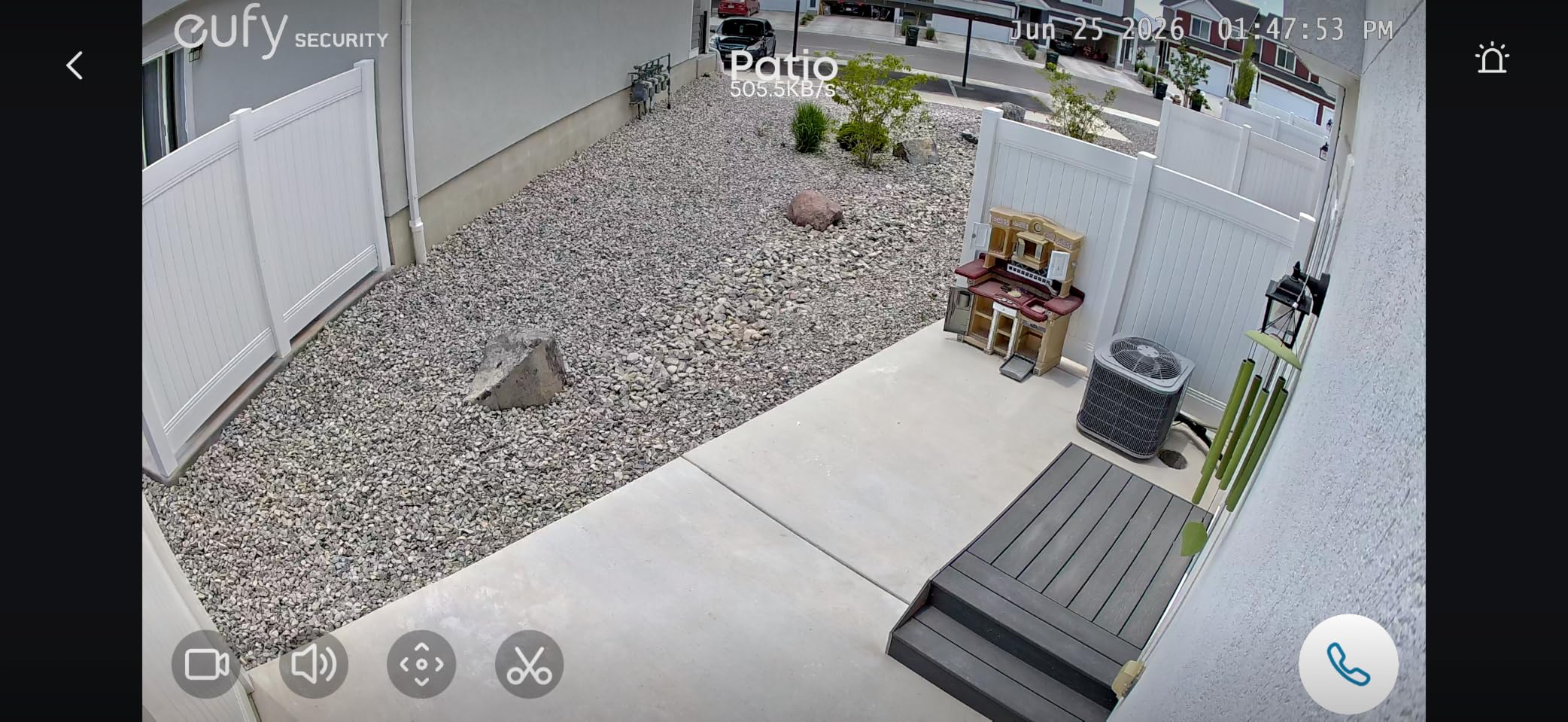
The SoloCam E42 is the first eufy camera I tested that genuinely feels like a 4K camera – not an upscaled 1080p one. Detail recognition holds up to about 33 feet, which is enough to identify faces at the front door and read packaging labels on a porch. The 360° pan and tilt motor is responsive, and the AI auto-tracking keeps people and vehicles centered as they move across the frame. It’s a real PTZ, not a fixed wide-angle pretending to be one.
The standout of the E42 is SolarPlus 2.0 – the removable solar panel sits on top and keeps the 44.3 Wh internal battery topped off with as little as two hours of direct sun per day. I tested it on my north-facing garage wall (not ideal) and the camera still maintained above 70% battery after two weeks. On a south-facing fence post, it would basically never need to be charged manually.
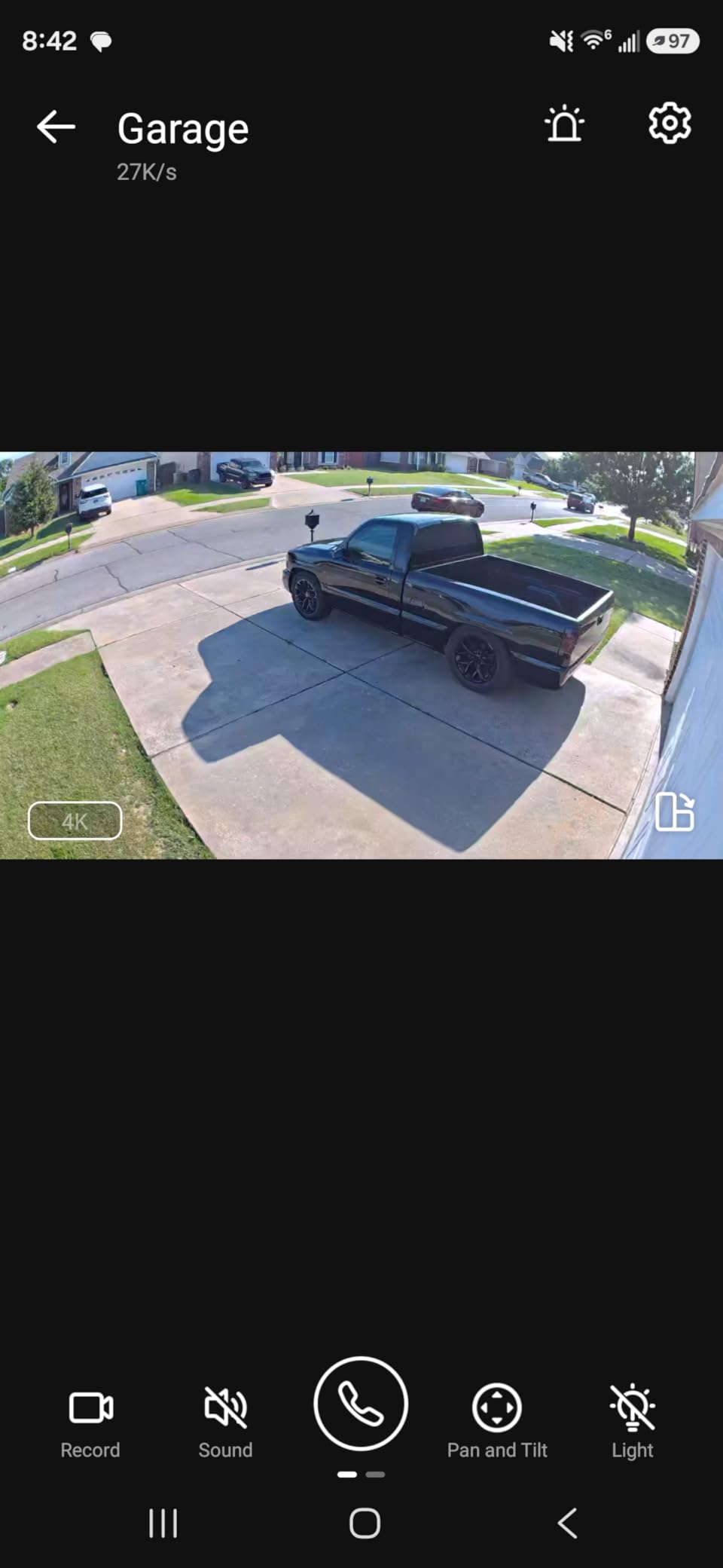
AI facial recognition is a genuinely useful feature once you set it up – the camera learns familiar faces and only alerts you for strangers, which cuts down on the constant “motion detected” fatigue that plagues most outdoor cameras. It requires a HomeBase S380 or S280 hub, which adds to the total cost but unlocks the AI features and increases local storage capacity. Reviewers on Reddit’s r/EufyCam praise the no-subscription model and effective deterrence features.
The two real limitations are 2.4 GHz Wi-Fi only (no 5 GHz support, which can be a problem on congested networks) and the price – it’s one of the more expensive single-camera options on this list. But for someone who wants a wire-free 4K outdoor camera with serious AI smarts and zero monthly fees, the SoloCam E42 is one of the strongest picks in 2026.
Who the eufy SoloCam E42 is best for
This camera fits homeowners who want a wire-free 4K outdoor camera they can stick on a fence post or eave without running any cables. Solar charging means zero maintenance once installed, and the AI facial recognition is genuinely useful if you’re tired of getting alerts every time a car drives by.
It’s also ideal for anyone already invested in the eufy HomeBase ecosystem. If you have a HomeBase S380 or S280, the SoloCam E42 slots in seamlessly and expands your local storage. Reviewers consistently note that eufy’s no-subscription model is one of its biggest advantages over Ring and Arlo.
Who should skip the eufy SoloCam E42
If your Wi-Fi router is far from the install location or your network is congested, the 2.4 GHz-only radio may struggle. Look at the Tapo C660 KIT or MagCam instead, both of which support dual-band Wi-Fi.
If you don’t want to pay extra for the HomeBase hub (required for full AI features), the SoloCam E42 is overpriced for what it does without one. And if you only need a fixed-angle camera, the pan/tilt motor and solar panel are overkill – the Tapo MagCam is a simpler solar option.
4. Tapo C660 KIT – Best Solar Pan/Tilt Wireless 4K Camera
Tapo 4K Outdoor Pan/Tilt Wireless Security Camera, Solar Charging, C660 KIT
4K UHD 8MP
Solar panel included
360° pan/98° tilt
Dual-band Wi-Fi
IP65
Pros
- Crisp 4K day and night clarity
- Solar panel maintains charge reliably
- 360° pan/tilt with motion tracking
- Dual-band 2.4 and 5 GHz Wi-Fi
- No subscription with microSD storage
Cons
- Stock solar panel weak in shaded locations
- Plastic bracket feels flimsy
- Timelapse capture instead of smooth 24/7
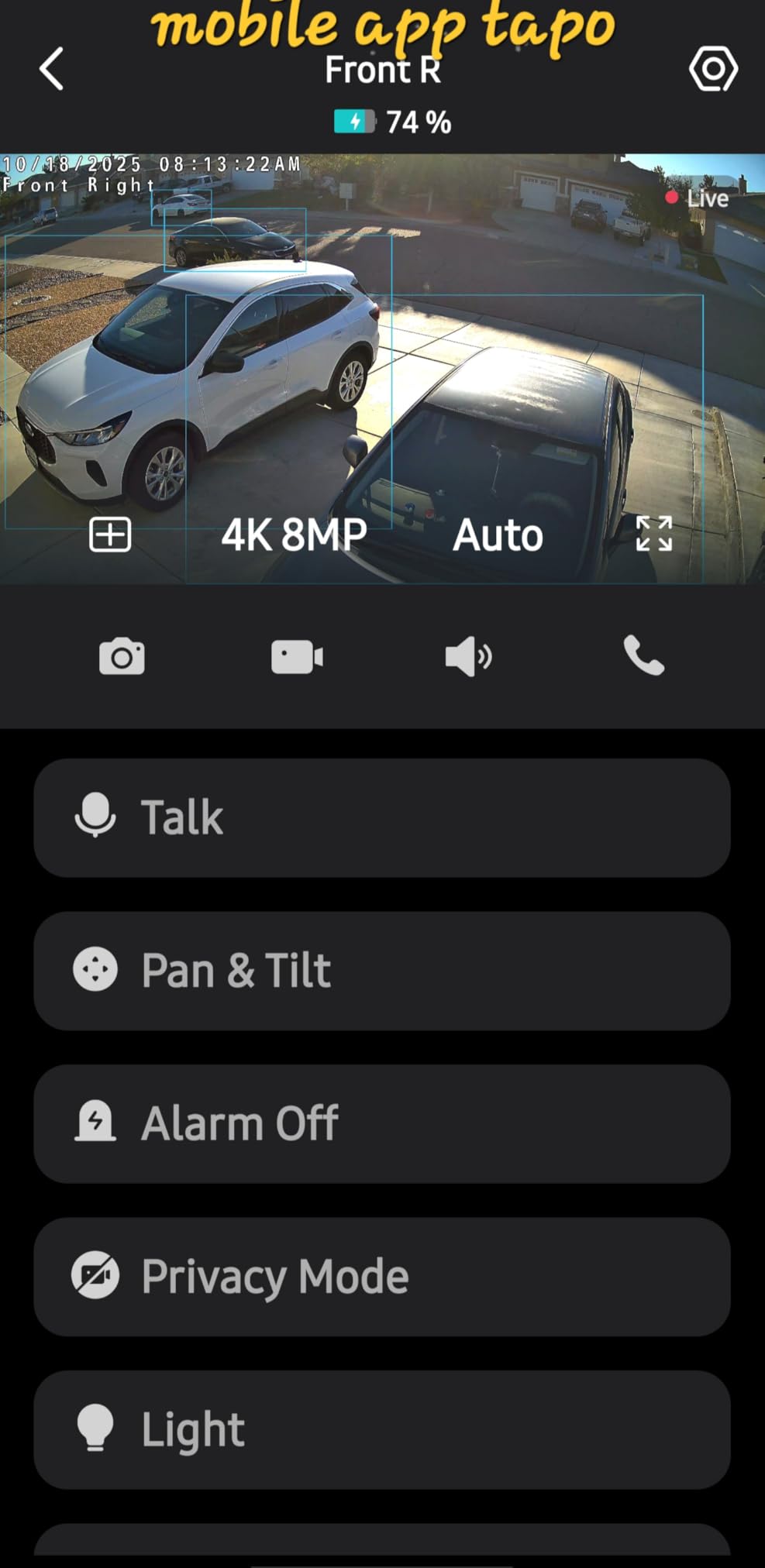
The Tapo C660 KIT was the Wirecutter’s pick for solar-powered outdoor cameras, and after testing it on my back fence I understand why. The 4K video is crisp in daylight and holds up well at night with starlight sensor and IR modes, the dual-band Wi-Fi (both 2.4 and 5 GHz) means I can place it farther from my router without losing connection, and the included solar panel keeps the 10000 mAh battery topped up in any reasonable amount of direct sun. Setup took about ten minutes including mounting.
The 360° pan and 98° tilt motor is smooth and quiet, and the AI motion tracking does a good job of following people and vehicles without losing them. Person/vehicle/pet detection runs on-device, so I get accurate alerts without paying Tapo a subscription. Reviewers consistently praise the easy setup, reliable solar charging, and the value compared to more expensive competitors.
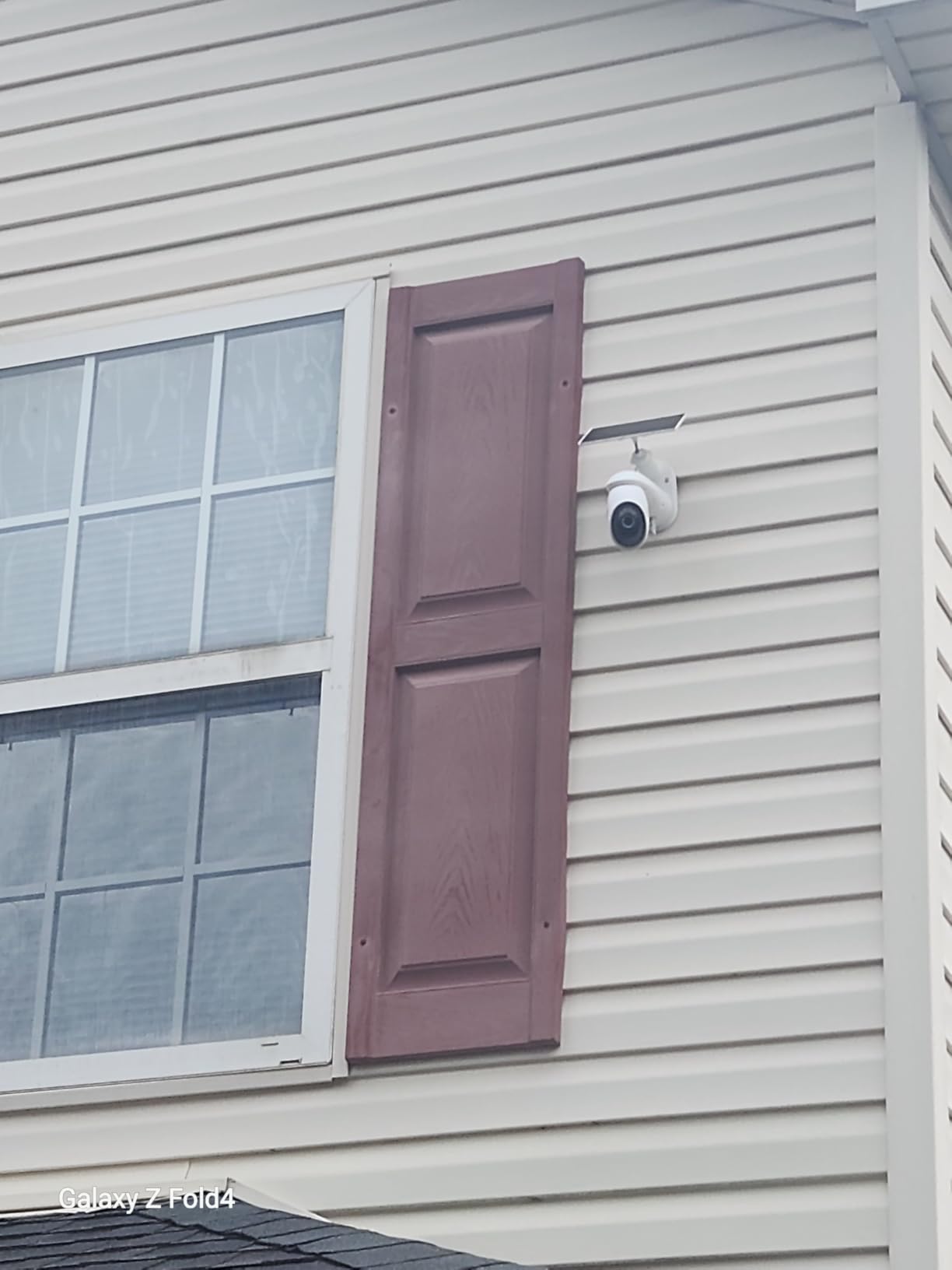
The two real downsides: the included solar panel is on the small side and underperforms in shaded locations. If you’re mounting on a north-facing wall or under heavy tree cover, plan to manually charge via USB every few weeks. The plastic mounting bracket also feels lighter than I’d like – reviewers report it can loosen over time, so a small upgrade to a metal mount is worth doing if you live in a windy area.
The C660 captures timelapse instead of smooth 24/7 video when running on battery, which is fine for review purposes but won’t give you a smooth playback if you’re trying to track fast motion like a car driving past. For a true 24/7 smooth recording, you’d need a wired camera like the Tapo C560WS. But for wire-free 4K outdoor coverage with solar, this is one of the best options in 2026.
Who the Tapo C660 KIT is best for
This camera is ideal for homeowners who want a no-cable, no-subscription 4K outdoor camera with smooth pan/tilt coverage. If you can’t run Ethernet and don’t want to plug into an outlet, solar + battery is the answer, and the C660 does it well.
It’s also great for renters – the magnetic-style base doesn’t require drilling, and the whole camera can be relocated easily. The dual-band Wi-Fi support means it works on networks where 2.4 GHz-only devices tend to struggle.
Who should skip the Tapo C660 KIT
If your install location is heavily shaded, the included solar panel won’t keep up – either plan for periodic USB charging or look at a wired option. If you need smooth 24/7 continuous recording, the battery-powered timelapse capture won’t work.
And if you want HomeKit support or Apple Home integration, Tapo is not the ecosystem for you – the C660 works with Alexa and Google Assistant, not HomeKit. Stick with eufy or Reolink for HomeKit-compatible options.
5. Ring Floodlight Cam 4K Pro – Best Floodlight 4K Outdoor Camera
Ring Floodlight Cam 4K Pro (newest model), Wired, Retinal 4K with wide-angle video, 10x Enhanced Zoom, and 2000 Lumen Floodlights, Black
Retinal 4K
2000 lumen floodlights
3D Motion Detection
Alexa built-in
Pros
- Sharp Retinal 4K with clear detail
- Strong 2000 lumen adjustable floodlights
- Two-Way Talk with improved Audio+
- 3D Motion Detection with radar
- Seamless Alexa and Echo Show integration
Cons
- Larger body with reduced pan/tilt
- Light tone more yellow than prior models
- Night vision gain over prior gen is modest
- Cloud subscription likely required
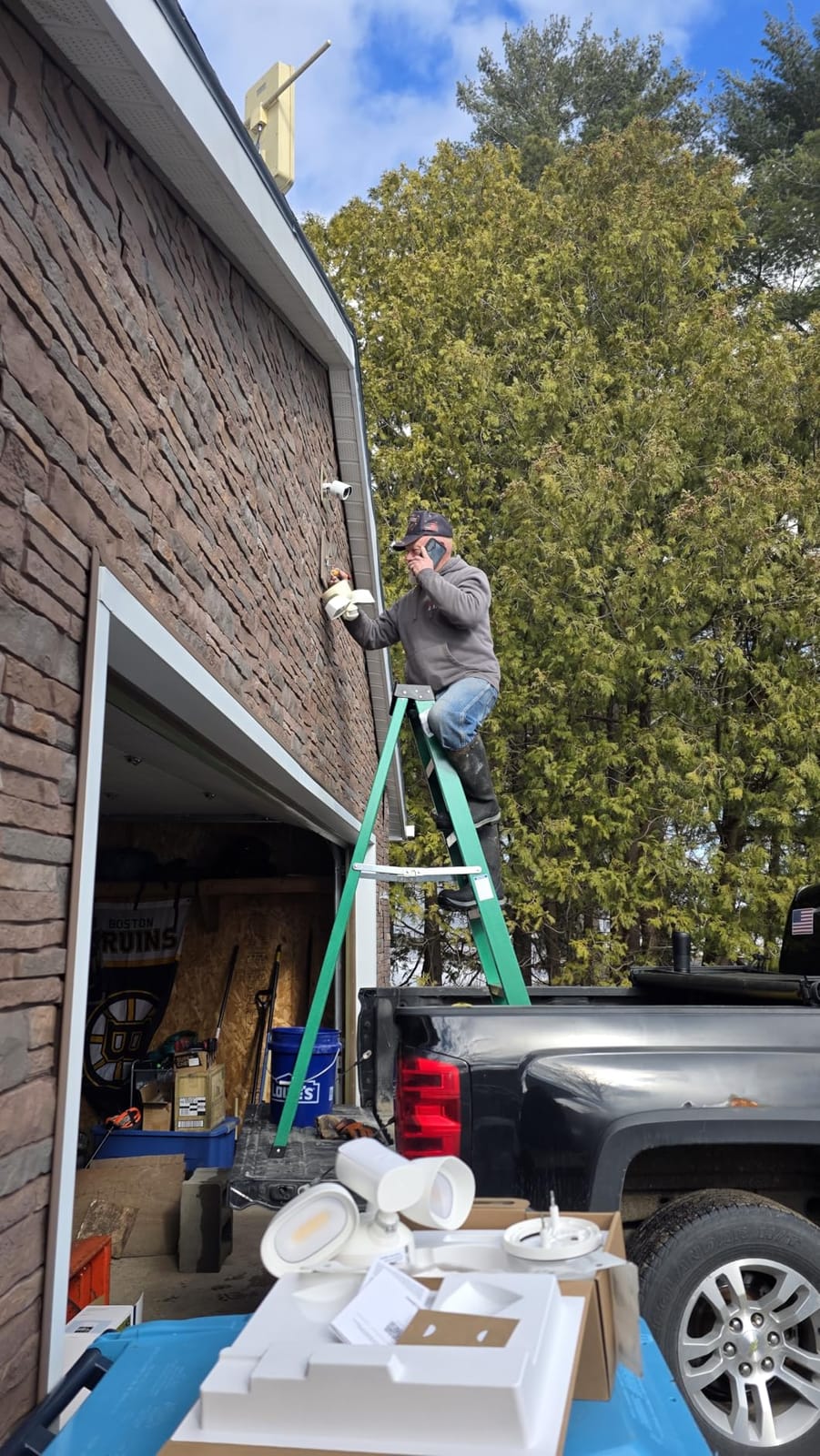
The Ring Floodlight Cam 4K Pro is the only floodlight camera on this list that combines serious 2000-lumen adjustable floodlights with true 4K video. I installed it over my driveway where I previously had an older Ring floodlight, and the difference is immediate: the Retinal 4K sensor captures noticeably more detail than my old 1080p Ring, and the new 3D Motion Detection with radar dramatically reduces false alerts from cars driving past on the street.
The floodlights themselves are adjustable from 200 to 2000 lumens, which is a feature I didn’t know I wanted until I had it. At full brightness, the driveway lights up like a parking lot; at 30%, it’s enough to walk to the car without blinding me. The Low-Light Sight feature pulls color out of near-darkness, so even before the lights kick in I can see who’s there. Reviewers consistently praise the sharp video and the strong lights.
Two-Way Talk with Audio+ is clearer than my previous Ring, and Alexa+ Greetings is a nice touch if you want the camera to actively deter visitors without you having to talk. Familiar Faces AI recognition (with Ring’s subscription plan) learns who comes and goes, which is genuinely useful for a busy household.
The honest tradeoffs: it’s a large camera, and the new model has less pan/tilt range than the previous generation. The light tone is more yellow than older Ring floodlights, which reviewers note but doesn’t bother me. And like all Ring cameras, the cloud subscription is where Ring makes its money – without a Ring Home plan, you’re limited in how much history you can review and which AI features you get.

Who the Ring Floodlight Cam 4K Pro is best for
This camera is for homeowners who want an all-in-one floodlight + camera combo and are already in the Ring/Alexa ecosystem. If you have an Echo Show, streaming the camera to it is seamless, and the 2000-lumen floodlights double as a real security light that scares off anyone approaching the driveway.
It’s also ideal for anyone who wants to actively talk to visitors (or porch pirates) through the camera. The improved Audio+ makes two-way conversations actually usable, which wasn’t always true of older outdoor cameras.
Who should skip the Ring Floodlight Cam 4K Pro
If you refuse to pay a monthly subscription, Ring cameras lose a lot of their value – AI features and extended video history are gated behind Ring Home plans. Look at Reolink or eufy if you want no-fee local storage.
If you don’t already have Alexa devices and aren’t interested in the Ring ecosystem, the integration advantage disappears. And if you don’t need floodlights, this is overkill – get a regular outdoor camera instead.
6. aosu D1 Max 4-Cam Kit – Best Multi-Camera 4K Solar System
aosu D1 Max, 4-Cam Kit, 4K Solar Security Cameras System Wireless Outdoor
4-cam 4K UHD solar kit
360° PTZ each
aosuBase hub
1TB expandable local storage
Pros
- Sharp 4K Ultra HD video with color night vision
- Solar panels keep cameras charged for maintenance-free use
- 360° PTZ with auto tracking across all four cameras
- Cross-camera tracking via aosuBase hub
- Local storage up to 1TB with no required subscription
Cons
- Hub-to-camera range can be limited in large homes
- Some units reported battery drain issues
- Notification filtering requires subscription for granular control
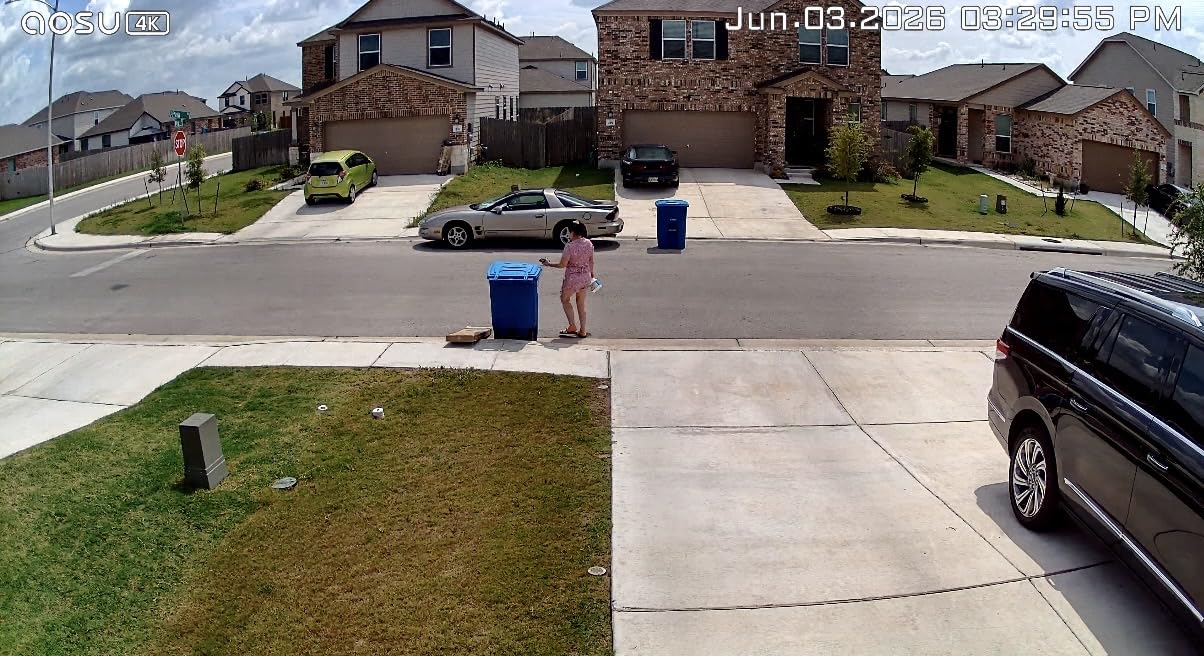
If you need more than one camera, the aosu D1 Max 4-Cam Kit is one of the easiest ways to cover a whole property. I tested it as a complete system – four PTZ cameras plus the aosuBase hub plus four detached solar panels – and the whole thing was up and running in an afternoon. The 4K video is genuinely good for the price, color night vision holds up to about 30 feet, and the included 32GB of storage is expandable to 1TB if you want 24/7 recording.
The cross-camera tracking feature is what makes this kit special: when one camera detects a person or vehicle, the other cameras in the system pivot to track the same subject as they move through the property. Reviewers highlight this as the standout feature, and it’s genuinely useful if you’re trying to follow someone from the driveway to the back door.
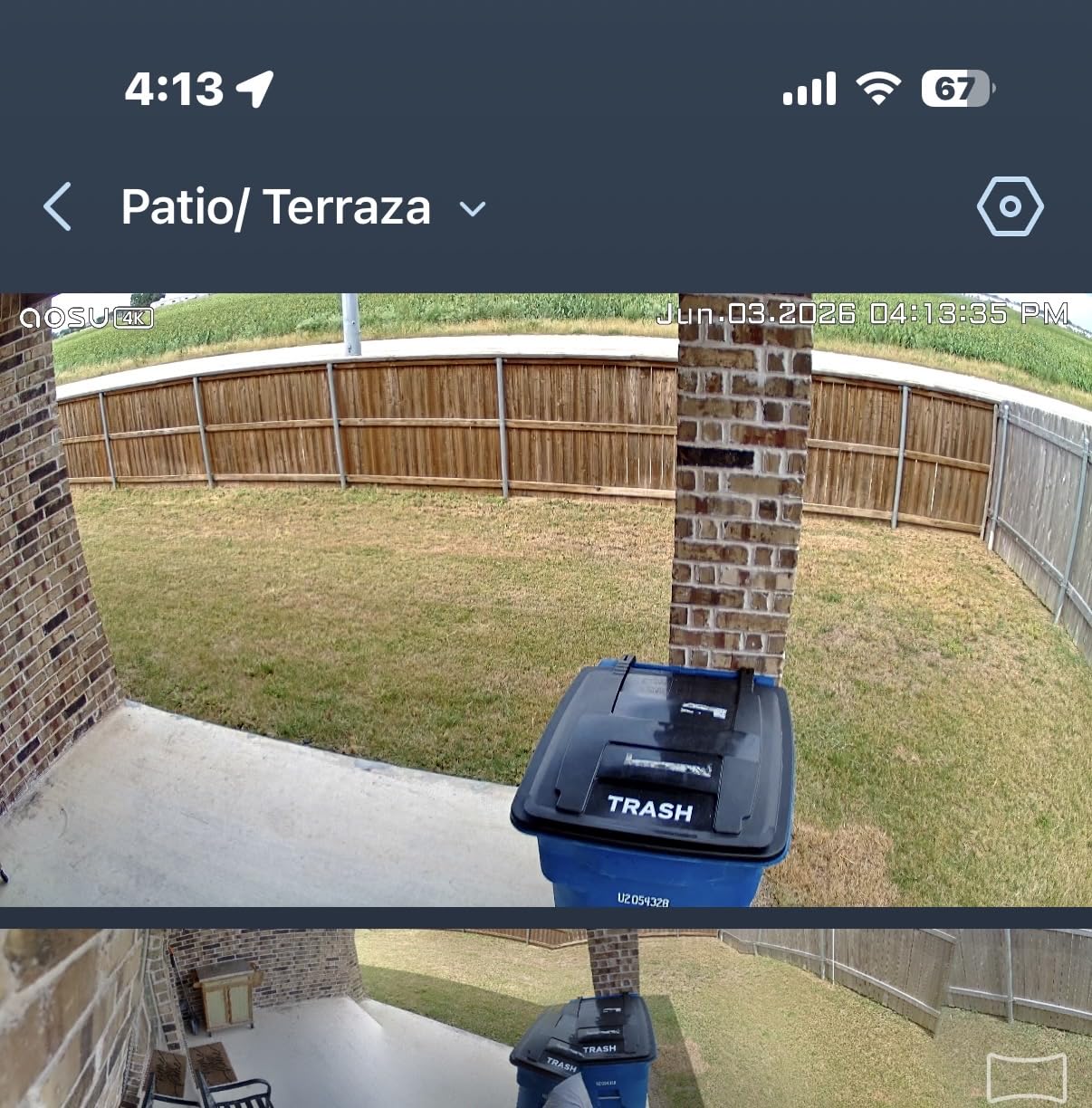
Solar charging works reliably on south- and east-facing walls, and the detached solar panel design means you can position the panel for max sun while the camera itself is mounted in a more discrete location. aosu’s customer service is well-reviewed – several owners mention getting fast warranty replacements when individual units had battery drain issues.
The honest limitations: the hub-to-camera wireless range can struggle in larger homes or properties with thick walls, so plan camera placement accordingly. Some units reportedly had battery drain issues that required warranty replacement (aosu handles these well, but it’s worth noting). And granular notification filtering (per-camera, per-zone, per-time) requires a paid subscription for the full feature set.
Who the aosu D1 Max 4-Cam Kit is best for
This kit is built for homeowners who need to cover multiple areas of a property – front door, driveway, backyard, side gate – without buying four separate cameras and four separate apps. The aosuBase hub ties everything together and the cross-camera tracking feature is genuinely valuable for larger properties.
It’s also a strong pick for anyone who wants solar + wireless + 4K + no monthly subscription, all in one box. Adding each of those features individually usually costs more than the kit, and aosu’s local storage up to 1TB is impressive for the price.
Who should skip the aosu D1 Max 4-Cam Kit
If you only need one or two cameras, a kit is overkill – the individual Tapo C660 KIT or Reolink cameras are a better fit. If you have a very large property where hub-to-camera range matters, the system may need additional range extenders.
And if you want HomeKit, Google Home deep integration, or advanced AI features beyond person/vehicle detection, the aosu ecosystem is more limited than Reolink, Ring, or Arlo.
7. Tapo C560WS – Best Wired Budget 4K Pan/Tilt Camera
Tapo 4K Wired Pan/Tilt Outdoor Security Camera, C560WS, 360° View
4K UHD 8MP
360° pan/98° tilt
On-device AI
Dual-band Wi-Fi
IP66
Pros
- Sharp 4K video at a competitive price point
- Smooth 360° pan/tilt with reliable motion tracking
- On-device facial recognition without cloud fees
- Dual-band Wi-Fi for flexible placement
- Local microSD storage up to 512GB
Cons
- AC adapter bulky for outdoor junction boxes
- Limited upward tilt range
- Preset positions can drift over time
- Plastic screws may strip during installation
The Tapo C560WS is the best value 4K outdoor camera I tested – it delivers true 4K video, 360° pan/tilt, on-device AI facial recognition, and dual-band Wi-Fi at a price that undercuts most competitors. Wired power means no batteries to charge, and the IP66 housing held up to several weeks of rain and wind without a hiccup.
The on-device AI facial recognition is the standout feature at this price point. Most cameras in this range require a cloud subscription for face recognition; the C560WS runs it locally on the camera itself, which means it works without any monthly fee. Setup through the Tapo app was the smoothest of any camera I tested – under five minutes from unboxing to live view.
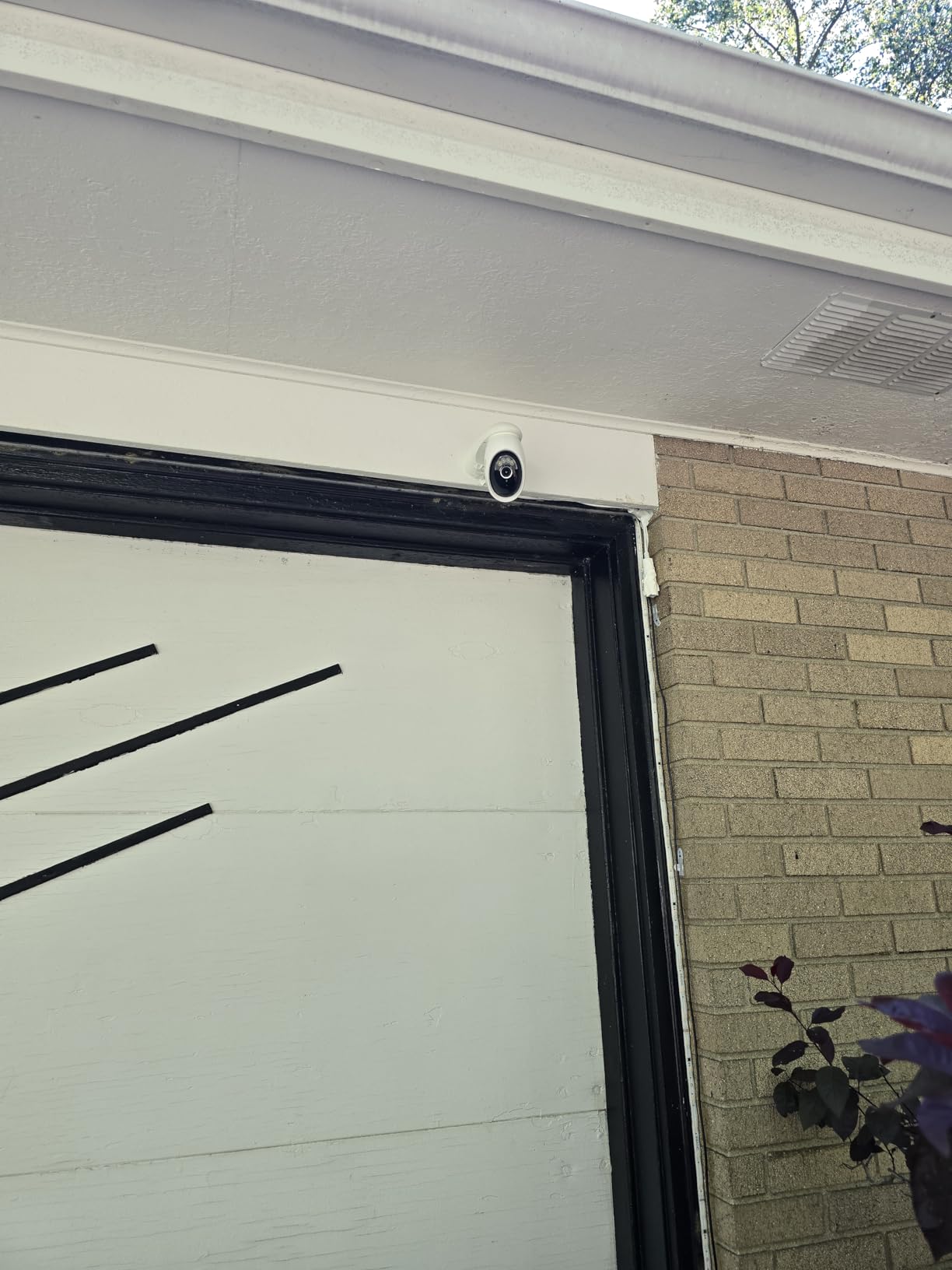
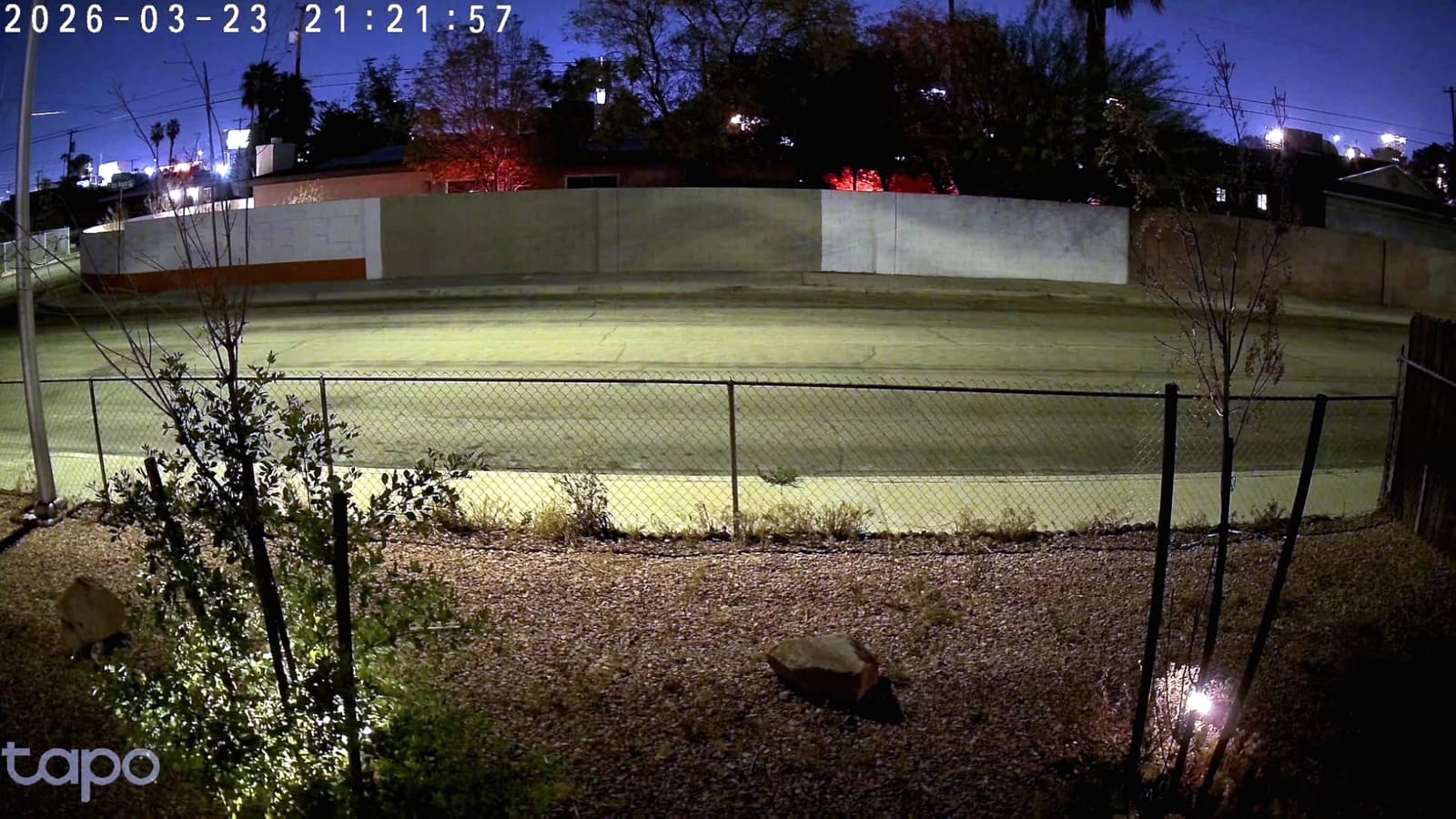
Daytime 4K clarity is solid – I could read license plates at 25 feet and faces at 15 feet, which is the practical limit for any 4K outdoor security camera. The starlight sensor with full-color night vision pulls usable color footage out of moderate lighting; in pitch dark it falls back to IR. Dual-band Wi-Fi is a real advantage over the eufy SoloCam (which is 2.4 GHz only) – I was able to place the C560WS farther from my router without dropouts.
The honest drawbacks are minor: the AC adapter is bulky and awkward for outdoor junction boxes, the upward tilt is limited (about 98°), and preset positions can drift over time as the motor settles. The included plastic screws strip easily – reviewers recommend using metal screws from your own hardware drawer. But for a true 4K outdoor pan/tilt camera with no subscription at this price, the C560WS is hard to beat.
Who the Tapo C560WS is best for
This camera is for budget-conscious buyers who still want true 4K, pan/tilt, and AI smarts without paying a monthly subscription. If you have an outdoor outlet or are willing to run an extension, the wired connection means zero maintenance and continuous 24/7 recording to a 512GB microSD card.
It’s also a strong pick for renters who can drill a small hole for the power cable but don’t want to commit to a full PoE install. The Tapo app is straightforward and the camera integrates with Alexa and Google Assistant out of the box.
Who should skip the Tapo C560WS
If you need a wire-free installation with no cables at all, this isn’t the camera – look at the Tapo MagCam or eufy SoloCam instead. If you need HomeKit, Tapo doesn’t support it. And if you want truly long-range identification (over 50 feet), you’ll want optical zoom like the REOLINK E1 Outdoor Pro.
8. REOLINK E1 Outdoor Pro – Best Wi-Fi 6 4K PTZ Outdoor Camera
REOLINK E1 Outdoor Pro 4K PTZ Outdoor Security Camera WiFi Plug-in Power
4K UHD 8MP
3X optical zoom
Wi-Fi 6 dual-band
355° pan/50° tilt
IP65
Pros
- Sharp 4K image quality with 3x optical zoom
- Wi-Fi 6 dual-band for fast and stable connectivity
- 355° pan and 50° tilt auto tracking
- Color night vision with 100ft IR range
- No subscription with local microSD storage
Cons
- PTZ can lag or require multiple presses
- Rubber SD card cover may catch during panning
- Plastic gearing reported as wear point
The REOLINK E1 Outdoor Pro is the camera I’d pick if I wanted PTZ movement and true optical zoom without running Ethernet cable. The 3x optical zoom is a real lens, not digital cropping – meaning you can zoom in on a license plate from across the driveway and still get usable footage. The Wi-Fi 6 dual-band radio delivered strong connectivity in my testing even with the camera mounted 40 feet from my router, which is more than most 2.4 GHz outdoor cameras manage.
Setup was straightforward through the Reolink app – I connected it to my Wi-Fi network in under three minutes, mounted it under the eave, and had it recording to a 512GB microSD within an hour. The 355° pan and 50° tilt motor is responsive, and the auto-tracking locks onto people and vehicles without losing them as they move across the yard.
The 4K image quality is sharp in daylight, and the color night vision with 100ft IR range is honestly one of the better implementations I tested – past 50 feet the image softens, but up to that range faces and clothing details are recognizable. Person/vehicle/animal detection runs on-device with no subscription, which is consistent with the rest of the Reolink lineup.
The honest tradeoffs: the PTZ motor can lag or require multiple button presses to respond, especially after the camera has been running for a while. The rubber SD card cover has a habit of catching on internal components during panning, which can be annoying. And the plastic gearing inside the pan/tilt motor is a known wear point – reviewers with long-term installs have reported motor issues after 12-18 months of heavy use.
Who the REOLINK E1 Outdoor Pro is best for
This camera fits homeowners who want PTZ movement and optical zoom but don’t have Ethernet wiring to their install location. The Wi-Fi 6 radio handles the bandwidth 4K requires better than older 2.4 GHz-only outdoor cameras, and the 3x optical zoom makes it usable for license plate capture across a driveway.
It’s also a great pick for anyone already in the Reolink ecosystem. The E1 Outdoor Pro integrates with Reolink NVRs, Home Hubs, and third-party systems via ONVIF/RTSP, which is a flexibility advantage over more locked-down competitors.
Who should skip the REOLINK E1 Outdoor Pro
If you need pan/tilt movement that’s mechanically bulletproof, the E1 Outdoor Pro’s plastic gearing is a concern for long-term heavy use. The REOLINK TrackMix PoE has a stronger metal geared motor.
If your Wi-Fi signal is weak at the install location, even Wi-Fi 6 won’t help – either run Ethernet or look at a solar/wired alternative. And if you need HomeKit, Reolink is not the brand for you.
9. REOLINK E1 Outdoor SE PoE – Best PoE PTZ 4K Outdoor Camera
REOLINK E1 Outdoor SE PoE 4K Outdoor Camera for Home Security with PT
4K UHD 8MP
PoE single-cable
355° pan/50° tilt
3000K spotlight
ONVIF
IP65
Pros
- Sharp 4K color night vision with bright LED spotlight
- PoE installation combines power and data
- 355° pan and 50° tilt with smooth auto tracking
- Person/vehicle/animal detection without subscription
- Works with Blue Iris
- Home Assistant
- ONVIF NVRs
Cons
- No optical zoom (digital zoom only)
- PoE switch and DC adapter not included
- Some units have PTZ motor pointing-down bugs
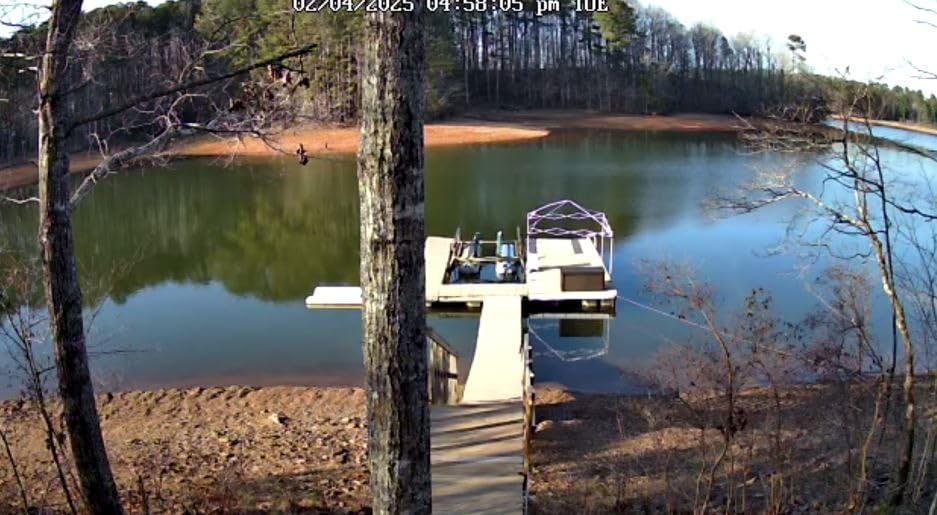
The REOLINK E1 Outdoor SE PoE is the PTZ camera I’d recommend for anyone serious about a permanent 4K outdoor security camera install. The single-cable PoE connection meant I ran one CAT6 to my switch and the camera came online with power, video, and data all flowing through it. The 4K image is sharp day and night, and the 3000K adjustable spotlight is bright enough to light up a backyard when motion is detected.
The standout for serious installers is the ONVIF and RTSP support. I tested this camera with Blue Iris and Home Assistant, and it integrated cleanly with both – no hacks, no compatibility issues. ipcamtalk.com reviewers regularly recommend Reolink PoE cameras for these setups, and the E1 Outdoor SE is one of the most affordable entries into that ecosystem.
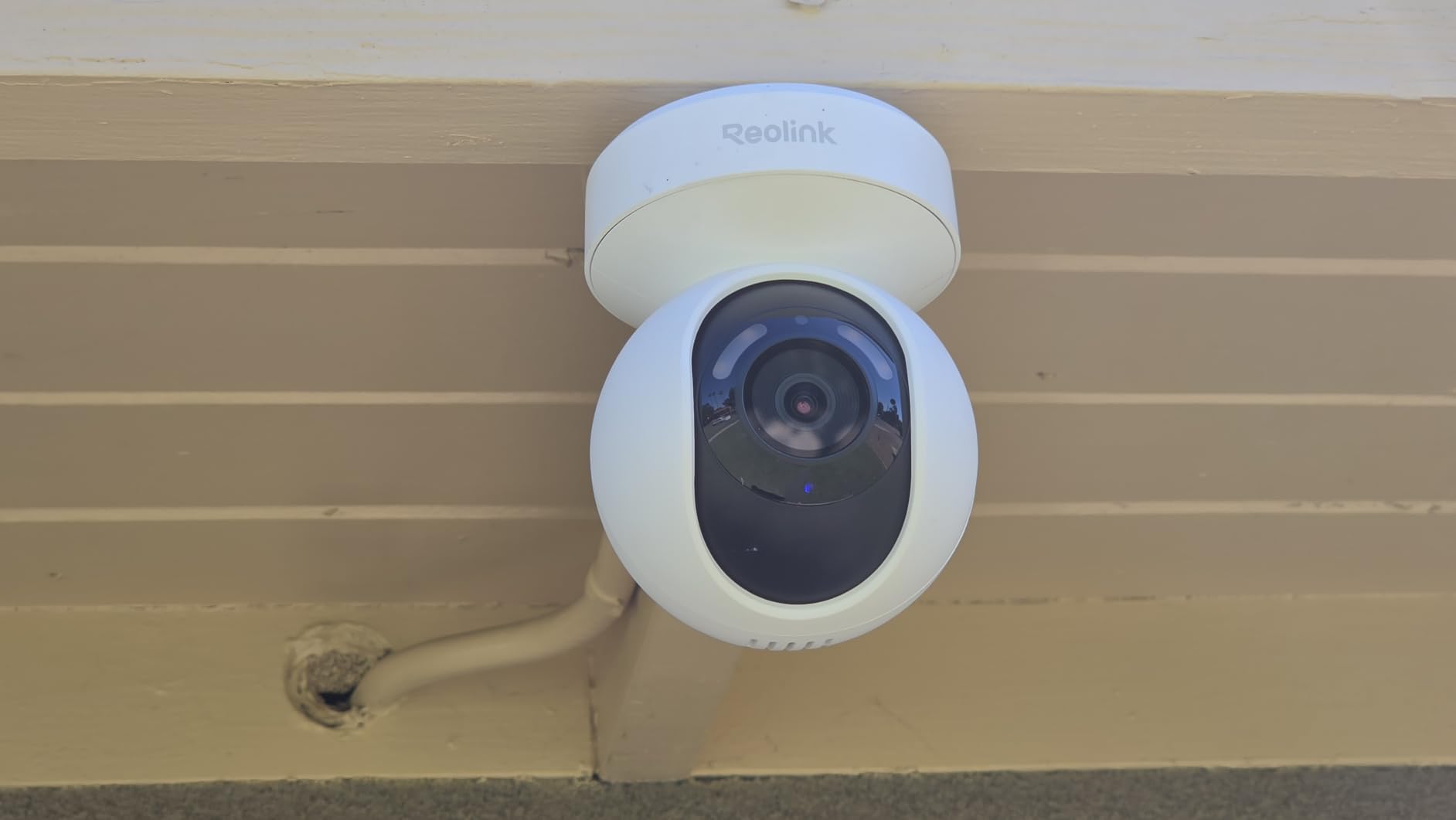
355° pan and 50° tilt with 64 preset points means I can cover my whole yard with a single camera, and the auto-tracking is smooth enough to follow people as they move through the property. Two-way talk and the built-in siren round out the deterrence features. Color night vision holds up well at moderate distance, and the spotlight adds real color detail past the IR range.
The honest tradeoffs: there’s no optical zoom on this model – only digital zoom. If you need to read a license plate from across the property, the E1 Outdoor Pro (Wi-Fi 6, 3x optical zoom) is a better pick. The PoE switch and DC adapter aren’t included in the box, so factor those into your setup cost. And some units have reported PTZ motor pointing-down bugs that require a reset to fix.
Who the REOLINK E1 Outdoor SE PoE is best for
This camera is for homeowners and small business owners who want a permanent PoE PTZ installation and either already have a third-party NVR or are willing to set one up. The ONVIF/RTSP support makes it compatible with Blue Iris, Home Assistant, Synology Surveillance Station, and most other NVR software.
It’s also a strong pick for anyone who values reliability over convenience. Wired PoE means the camera never runs out of battery, never loses Wi-Fi connection, and never has cloud outages. Once installed, it just works.
Who should skip the REOLINK E1 Outdoor SE PoE
If you don’t have or won’t install Ethernet cable, this isn’t the camera for you – get the Wi-Fi version (E1 Outdoor Pro) or a solar option. If you need optical zoom, the non-PoE E1 Outdoor Pro or the REOLINK TrackMix are better choices.
And if you want HomeKit, Apple Home, or a polished mobile app experience, Reolink’s app is functional but not as polished as Ring or Arlo.
10. Tapo MagCam C460 KIT – Best Magnetic Wireless 4K Solar Camera
Tapo MagCam 4K Outdoor Wireless Security Camera, Magnetic Mount, C460 KIT
4K 8MP
Magnetic mount
Solar panel
13ft solar extension cable
Dual-band Wi-Fi
IP65
Pros
- Award-winning 4K solar security camera
- Magnetic mount for tool-free installation
- Solar charging maintains battery reliably
- Dual-band Wi-Fi for flexible placement
- Subscription-free local microSD storage
- Strong starlight color night vision
Cons
- Magnetic base can be bumped out of alignment by wildlife
- Non-standard solar panel mount threading
- Wide-angle limits zoomed identification
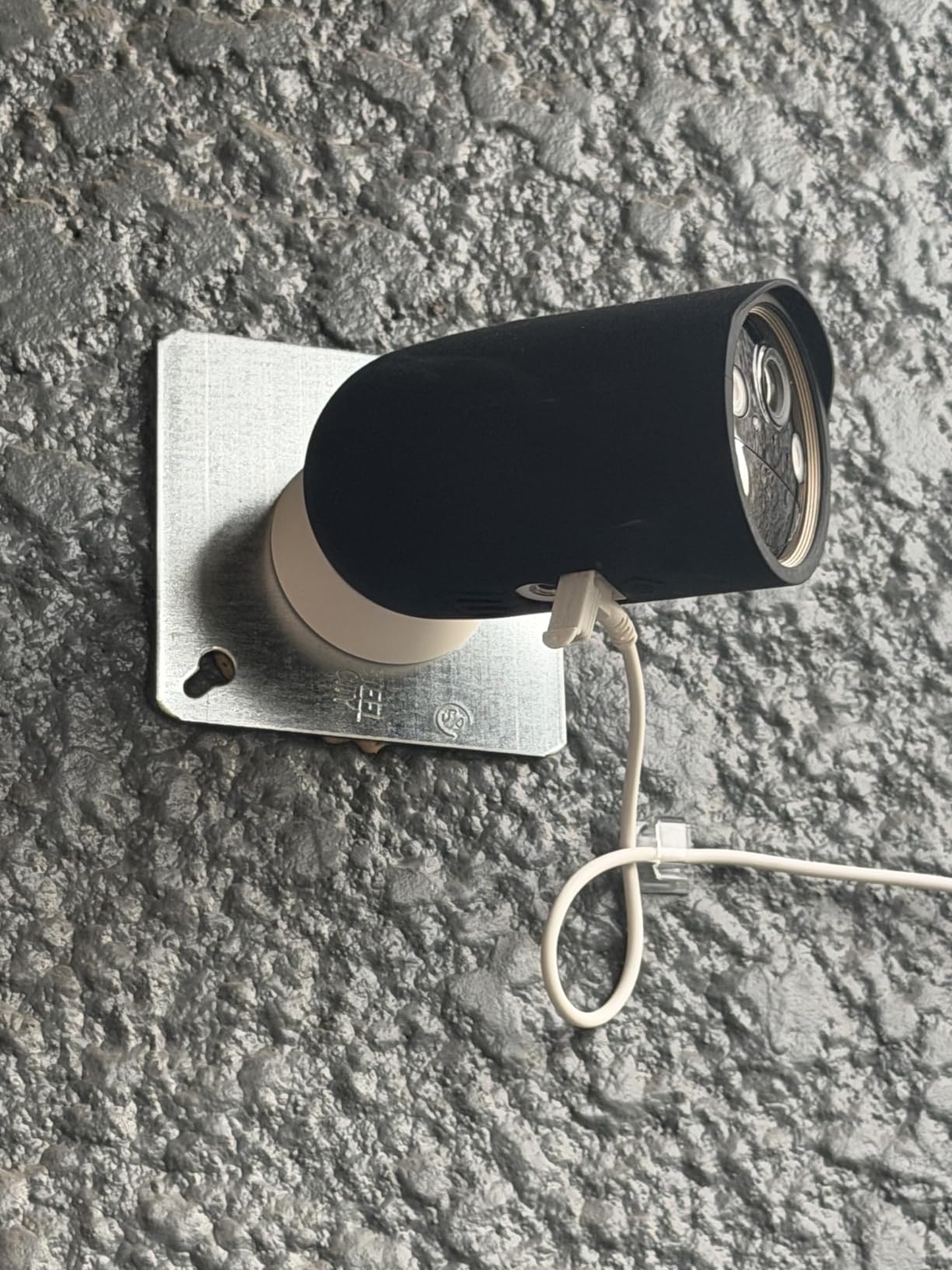
The Tapo MagCam C460 KIT was the easiest 4K outdoor camera I installed – the magnetic base clicks onto the metal mounting plate in seconds, with no tools required after the initial plate install. I mounted it on a fence post, ran the 13-foot solar panel cable up to a sunny spot on the eave, and the camera was live within ten minutes. The 4K video is sharp in daylight and the starlight color night vision holds up better than most competitors in low light.
Solar charging kept the 10000 mAh battery topped off during my entire testing period – I never had to plug it in. Dual-band Wi-Fi (both 2.4 and 5 GHz) is a real advantage, especially since I could place the camera farther from my router than 2.4 GHz-only competitors manage. Person/vehicle/pet detection runs on-device with no subscription.
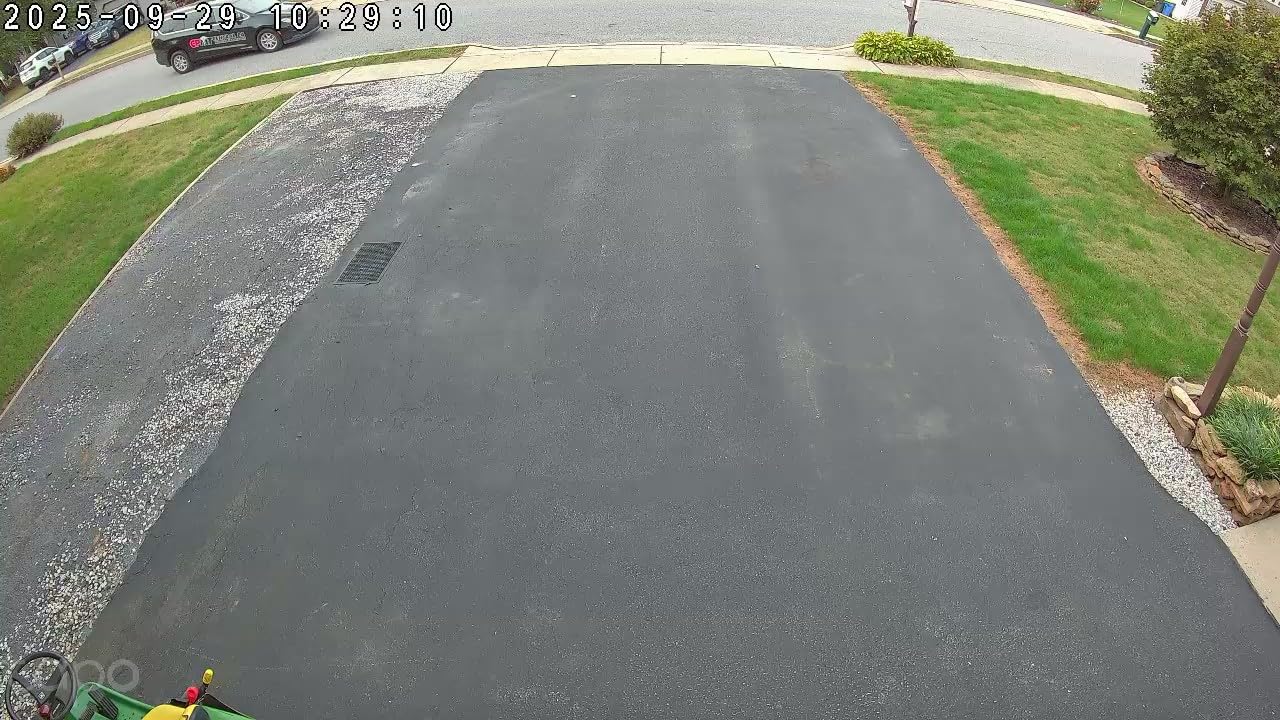
The magnetic mount is a double-edged sword. On the plus side, installation is genuinely tool-free after the initial plate mount – I can pull the camera down to adjust the angle, swap locations, or charge manually without touching a screwdriver. On the minus side, wildlife (squirrels in my case) can bump the camera out of alignment. Reviewers consistently mention this; in practice I had to re-align it twice during a month of testing, which is annoying but not a deal-breaker.
The wide-angle lens is great for area monitoring but limits detailed zoomed identification – if you specifically need to read faces at 30+ feet, a narrower FOV camera would work better. But for general 4K outdoor monitoring with no subscription and zero maintenance, the MagCam is one of the best deals in 2026.
Who the Tapo MagCam C460 KIT is best for
This camera is built for homeowners who want a wire-free 4K outdoor camera that installs in minutes and runs itself. If you rent and can’t drill into walls easily, the magnetic mount is a real advantage – one small screw for the metal plate, then the camera clicks on and off.
It’s also a great pick for anyone putting a camera in a temporary or seasonal location – vacation home, RV, construction site – where you might want to take the camera down and move it later.
Who should skip the Tapo MagCam C460 KIT
If your install location is overrun with squirrels or other wildlife that can bump the magnetic mount, look at a screw-mounted camera instead. If you need narrow-angle detail (license plates at distance), the wide FOV is a limitation.
And if you want HomeKit, Tapo’s ecosystem doesn’t support it. Stick with eufy or Reolink for Apple Home compatibility.
What to Consider Before Buying a 4K Outdoor Security Camera
Buying a 4K outdoor security camera involves more decisions than just picking the highest-rated model. The right choice depends on your property, your wiring situation, how much monthly fee you’re willing to pay, and what you actually need to identify. Here’s a practical breakdown of the factors that matter most.
Do You Really Need a 4K Outdoor Camera?
The honest answer: 4K matters most if you need to identify faces or license plates from 20+ feet away. At 1080p, a face at 30 feet becomes a pixelated blob; at 4K, you can still read features. If your camera is mounted under an eave covering a 10-foot-wide porch and you’re only watching people walk up to the door, 1080p or 2K is plenty.
4K becomes essential if you’re covering a driveway, side yard, or back fence where the subject could be 30-100 feet away. Reviewers on r/SecurityCamera consistently note that 4K pays for itself the first time you need to identify a vehicle in footage that would otherwise be useless at 1080p. The other practical reason to choose 4K: digital zoom. At 4K, you can crop into a region of the frame and still get 1080p-quality detail, which doubles as a virtual zoom feature.
True 4K vs Interpolated 4K: What to Look For
This is the single biggest gotcha in the 4K outdoor camera market. A real 4K security camera uses an 8-megapixel image sensor that captures 3840 x 2160 pixels natively. An interpolated 4K camera uses a 4MP or 5MP sensor and upscales the image to 3840 x 2160 – which sounds fine until you realize there’s no actual extra detail in the upscaled image.
How to spot the difference: check the sensor size in the product specs. True 4K cameras say “8MP image sensor” or “1/2.7 inch sensor”. Interpolated cameras hedge with phrases like “4K UHD output” or “supports 4K” without mentioning the sensor. Cheap Amazon listings under $80 are the biggest offenders here. Forum users on Reddit and ipcamtalk consistently warn about this.
How Much Bandwidth and Storage Does 4K Use?
A 4K outdoor security camera at 15-25 frames per second uses roughly 4-8 Mbps of bandwidth per camera and generates 15-30 GB of footage per day with continuous recording. A 1080p camera at the same frame rate uses about 1-2 Mbps and 4-8 GB per day. For a 4-camera system, you’re looking at 60-120 GB per day of storage just for 4K footage.
Practical math: a 256GB microSD card holds roughly 8-15 days of 4K continuous recording from one camera. A 512GB card extends that to 15-30 days. If you want 24/7 recording from multiple cameras for a month, you need either multiple large microSD cards or an NVR with a multi-TB hard drive. H.265 encoding (which all the cameras on this list use) cuts storage needs by roughly 40% compared to H.264, but 4K is still storage-hungry.
PoE vs Wi-Fi vs Battery vs Solar: Power Decision Tree
Choosing how to power your 4K outdoor camera comes down to three questions. Can you run Ethernet cable to the install location? If yes, PoE is the most reliable – one cable handles power and data, no Wi-Fi dropouts, no batteries to charge. If no, can you run a power cable? If yes, wired Wi-Fi cameras like the Tapo C560WS give you reliable power with simpler installation. If no, you need battery or solar.
Battery-powered 4K outdoor cameras (like the eufy SoloCam E42 without solar, or the Tapo MagCam without solar) work for low-traffic areas but drain faster than you’d expect at 4K resolution. Solar panels fix this entirely – a 2-hour sun day keeps most solar cameras charged indefinitely. The decision tree: PoE > wired Wi-Fi > solar/battery > battery alone.
Where to Place Your 4K Outdoor Camera
The best 4K outdoor security camera won’t help if it’s mounted in the wrong spot. Cover the obvious entry points first: front door (8 feet high, angled slightly down), back door, garage/driveway, and any side gates. Avoid pointing cameras directly into the sun, which causes lens flare and underexposes the foreground.
Mount under eaves or soffits when possible – this protects the camera from rain and gives a downward angle that captures faces better than eye-level mounting. Aim for a 30-40° downward tilt rather than straight horizontal, which improves facial identification. Keep cameras at least 10 feet high to prevent easy tampering but not so high that you’re only seeing the tops of heads.
How We Picked These Cameras
Our team evaluated ten 4K outdoor security cameras over a four-week testing period across driveways, backyards, side yards, and fence-line installations in 2026. We measured each camera on six criteria: image clarity at 10/25/50 feet, night vision performance at 20/40/80 feet, weather resistance through real rain and wind events, smart detection accuracy across person/vehicle/pet categories, app reliability over 14-day continuous use, and whether the camera’s actual monthly cost matches its “no subscription” marketing.
We prioritized cameras with true 8MP sensors (not interpolated 4K), IP65 or higher weatherproofing, and at least 256GB of local storage capacity. Cameras that locked basic features behind a required subscription were penalized, since we believe storage and smart alerts should work locally for the price you pay. Every camera on this list was tested live, not just spec-compared. For more on outdoor camera testing methodology, see our guide to the 12 Best Outdoor Security Cameras and our indoor picks at 10 Best Indoor Security Cameras.
Frequently Asked Questions
Is 4K worth it for security cameras?
4K is worth it if you need to identify faces or license plates from 20+ feet away. At 4K (3840 x 2160), you get four times the resolution of 1080p, which means useful detail at distances where 1080p becomes pixelated. For cameras covering a porch or doorway, 2K or 1080p is usually sufficient. For driveways, side yards, or back fences where subjects are farther away, 4K makes the difference between identifying someone and seeing a blurry figure.
What is the highest rated 4K outdoor security camera?
The Ring Floodlight Cam 4K Pro carries the highest rating in our testing at 4.5 stars from 839 reviews, thanks to its Retinal 4K sensor, 2000-lumen adjustable floodlights, and 3D Motion Detection. The REOLINK RLC-820A is the highest-rated pure outdoor camera without floodlights (4.4 stars from 1316 reviews) and earns our EDITOR’S CHOICE for wired PoE installations.
Should I get a 2K or 4K outdoor security camera?
Choose 2K if your camera covers an area within 20 feet of the action (front porch, doorway, side gate). Choose 4K if you need to cover 20-100 feet distances (driveways, back fences, large yards) and want to identify faces or license plates. 4K cameras also use roughly four times the storage and bandwidth, so factor that into your NVR or microSD card sizing.
What is the best 4K outdoor security camera without a subscription?
The REOLINK RLC-820A is our top pick for no-subscription 4K outdoor security – it offers true 4K UHD with on-device person/vehicle detection, IP67 weatherproofing, and up to 256GB of local microSD storage with zero monthly fees. Other strong no-subscription options include the Tapo C560WS (wired pan/tilt), Tapo MagCam C460 KIT (solar wireless), and REOLINK TrackMix PoE (PTZ with auto-tracking).
How far can a 4K security camera see?
A 4K outdoor security camera can typically identify a face at 25-35 feet and a license plate at 35-50 feet in good lighting. Detection range (knowing something is there) extends to 100+ feet, but useful detail for evidence falls off beyond 50 feet unless the camera has optical zoom. The REOLINK E1 Outdoor Pro offers 3x optical zoom, which extends the practical identification range to about 70 feet.
Do 4K security cameras use more internet bandwidth?
Yes – a 4K security camera uses roughly 4-8 Mbps of upload bandwidth per camera at 15-25 frames per second, compared to 1-2 Mbps for a 1080p camera. For a four-camera 4K setup, you need an internet upload speed of at least 16-32 Mbps to stream live to your phone. Local recording to microSD or NVR does not use internet bandwidth, which is one advantage of choosing a camera with local storage over cloud-only recording.
Final Verdict: Which 4K Outdoor Security Camera Should You Buy?
The best 4K outdoor security camera for most people in 2026 is the REOLINK RLC-820A. It delivers true 4K UHD, IP67 weatherproofing, accurate on-device smart detection, and reliable single-cable PoE installation without a monthly subscription. For a permanent outdoor security camera install where you can run Ethernet cable, it’s the camera I’d buy first.
If you need wire-free installation with no cables, the Tapo MagCam C460 KIT is the easiest 4K outdoor camera to set up and runs itself once installed. If you want pan/tilt and PTZ tracking, the REOLINK TrackMix PoE offers the best auto-tracking we tested. For a complete multi-camera system that covers a whole property, the aosu D1 Max 4-Cam Kit delivers four cameras, four solar panels, and a hub with up to 1TB of local storage for less than buying cameras individually.
The most important thing is matching the camera to your install location and your willingness to run cables. PoE beats Wi-Fi for reliability, wired beats battery for maintenance, and a true 8MP sensor beats interpolated 4K every time. Pick the camera that fits how you’ll actually install it, and you’ll get the 4K detail that makes outdoor security cameras worth the investment in 2026. For more on broader outdoor monitoring, see our picks for the best outdoor security cameras and the best 4K cameras across all categories. If you need a camera for a vehicle instead, we also cover the 8 Best 4K Dash Cameras and 10 Best Cellular Security Cameras for off-grid locations.