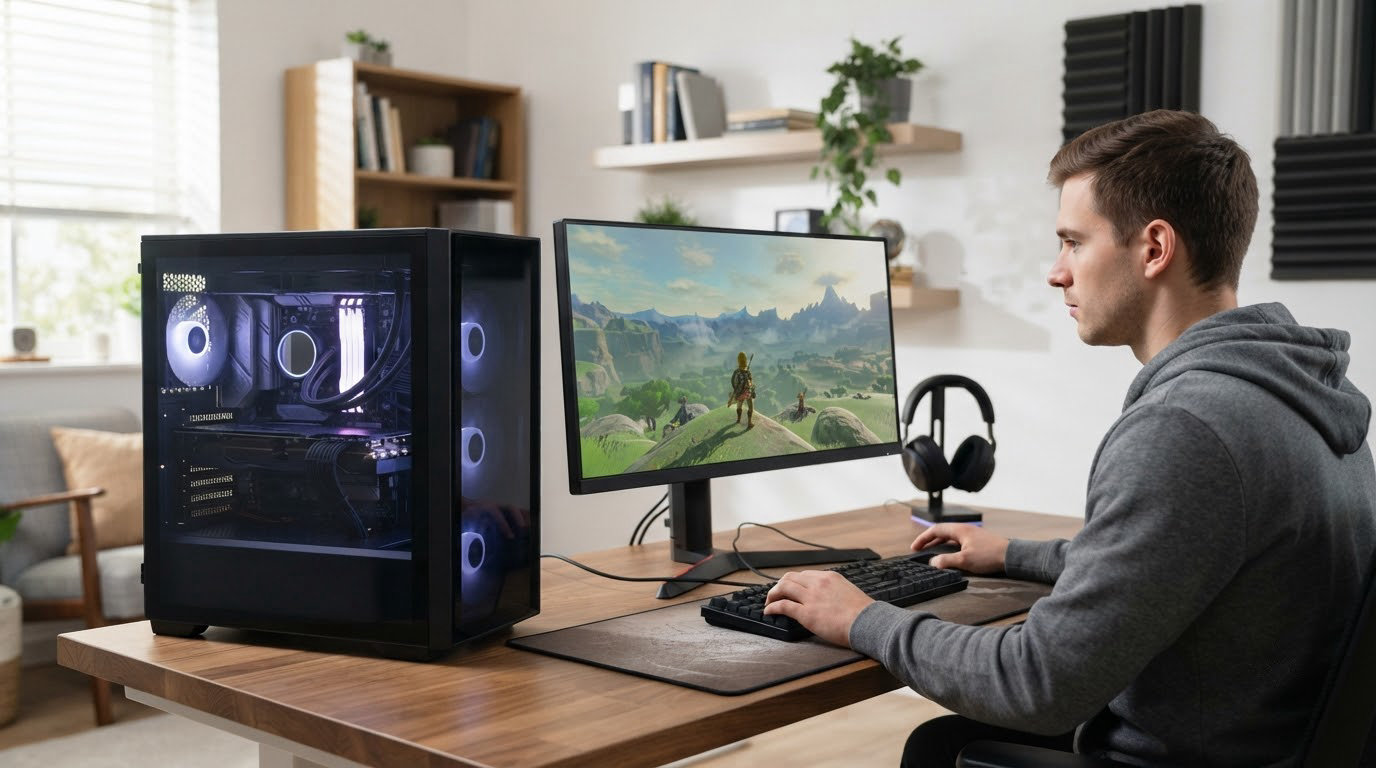
The Olialia RTX 3060 Ti is the machine to watch through Amazon’s October event, because it pairs a Ryzen 5 5500 with an RTX 3060 Ti 8GB and still carries the strongest owner rating of the ten picks. ZYNEEX S5 suits players who want more storage and less graphics muscle, and the VIPRTECH Ghost 3.0 is the pick for anyone who streams or edits on the same tower.
Prime Big Deal Days runs October 6-7, 2026, and prices on prebuilt desktops move hour by hour. Everything below is a shortlist worth keeping an eye on rather than a promise that a particular machine will be cheaper tomorrow.
Table of Contents
Our Top 3 Picks for Best Amazon Prime Big Deal Days Gaming PC Deals Under $1000 (October 2026)


Best Amazon Prime Big Deal Days Gaming PC Deals Under $1000 Compared
| Product | Specifications | Action |
|---|---|---|
| Olialia RTX 3060 Ti |
|
Check Deal Price |
 ZYNEEX S5 ZYNEEX S5 |
|
Check Deal Price |
| VIPRTECH Ghost 3.0 |
|
Check Deal Price |
 Skytech Shadow Skytech Shadow |
|
Check Deal Price |
 WIWB 3050 8GB WIWB 3050 8GB |
|
Check Deal Price |
 LXZ R5-4500 LXZ R5-4500 |
|
Check Deal Price |
 suevery SUV9W25 suevery SUV9W25 |
|
Check Deal Price |
 YAWYORE MX240 YAWYORE MX240 |
|
Check Deal Price |
 STGAubron ABR0922 STGAubron ABR0922 |
|
Check Deal Price |
 MXZ 3600 4060 MXZ 3600 4060 |
|
Check Deal Price |
How We Chose
We compared the specifications that decide whether a prebuilt holds up: processor, graphics card, memory, storage, power supply and included operating system. Ratings and owner review themes came from the Amazon listings themselves, and the specs were checked on October 2026.
1. Olialia RTX 3060 Ti: Editor’s Choice for 1440p Gaming
Olialia RTX 3060 Ti
CPU: Ryzen 5 5500 6C
GPU: RTX 3060 Ti 8GB
RAM: 16GB DDR4
Storage: 512GB
OS: Windows 11
Pros
- 4.6 stars across 194 ratings
- 8GB card aimed at high refresh 1440p
- Handles demanding titles with DLSS
- Quiet multi-fan cooling
- HDMI and DisplayPort for multi-monitor setups
Cons
- 512GB fills quickly with large games
- Ryzen 5 5500 is an older six-core part
- Display cable must go in the lower GPU ports
The RTX 3060 Ti is the reason this tower leads the list. Owners describe smooth 1440p play in demanding titles, and the listing is rated 4.6 stars across 194 ratings, the highest score with a deep review base in this group.

Most of the sentiment here is unusually clean. Roughly three quarters of ratings are five stars and very few are negative, with quiet thermals and a glass-sided dual-chamber case coming up again and again in owner comments.
- The only RTX 3060 Ti on this list, and the card to buy if 1440p is the target
- Ryzen 5 5500 six-core, twelve-thread, boosting to 4.2GHz
- Six adjustable RGB case fans plus an RGB CPU cooler, with dust filters
- HDMI and DisplayPort outputs for a two-monitor desk
Skip it if drive space is the priority. 512GB is the smallest storage capacity in this roundup, and a single modern install can eat a chunk of it. Adding a larger NVMe drive later is straightforward, but plan for it.
Compared with the ZYNEEX S5, which shares the same Ryzen 5 5500 chip, this machine trades a 1TB drive for a much faster GPU. Compared with the VIPRTECH Ghost 3.0, it is a 1440p card rather than a 4K-oriented one, which matters more for a 27-inch high-refresh panel than raw spec sheets suggest.
2. ZYNEEX S5: Best Value for 1080p Play With Room to Grow
ZYNEEX S5
CPU: Ryzen 5 5500 6C
GPU: RTX 3050 6GB
RAM: 16GB DDR4 3200
Storage: 1TB NVMe
OS: Windows 11
Pros
- 4.6 stars with a 72 percent five-star share
- 1TB NVMe plus 16GB DDR4 3200
- Ray tracing support at 1080p
- ARGB fans stay quiet in long sessions
- Wi-Fi and several display outputs ready to use
Cons
- Only 58 ratings so far
- 6GB of VRAM caps settings in newer titles
- Older Ryzen 5 5500 and RTX 3050 pairing
Storage and memory speed do most of the work here. A 1TB NVMe drive alongside 16GB of DDR4-3200 is a spec mix you rarely see on a prebuilt in this price band, and the RTX 3050 6GB still handles 1080p with ray tracing turned on.

The rating distribution is the quiet story. Owners put up a 4.6 average with a 72 percent five-star share and close to no negative ratings, which says more about consistency than a single glowing review would.
Good to know: the review base is only 58 ratings, thinner than most picks here. That is not a deal breaker, but it is thinner evidence than the Olialia RTX 3060 Ti offers.

Where it loses ground against the leader is VRAM. Six gigabytes is fine for competitive shooters and older AAA, but texture-heavy releases push you into lower settings. If your plan is a 1440p panel later, think about the card you will pair it with before settling on a 6GB option.
3. VIPRTECH Ghost 3.0: Premium Pick for Streaming and Editing
VIPRTECH Ghost 3.0
CPU: Ryzen 7 3700X 8C
GPU: RTX 4060 8GB
RAM: 16GB DDR4
Storage: 1TB SSD
OS: Win 11 Pro
Pros
- Eight-core CPU plus RTX 4060 handles streaming and editing
- Hand-built in the USA and stress tested
- Genuine Windows 11 Pro included
- White tempered glass case
- 600W gold power supply
Cons
- Zen 2 platform is two generations old
- Memory runs at 2400MHz rather than 3200
- RTX 4060 needs lower settings at 4K
Two thirds of ratings here sit at five stars, and what owners mention most is the combination of an eight-core Ryzen 7 3700X with an RTX 4060 8GB. That pairing is the one that makes sense when a capture card, an encoder and a browser are all running at once.
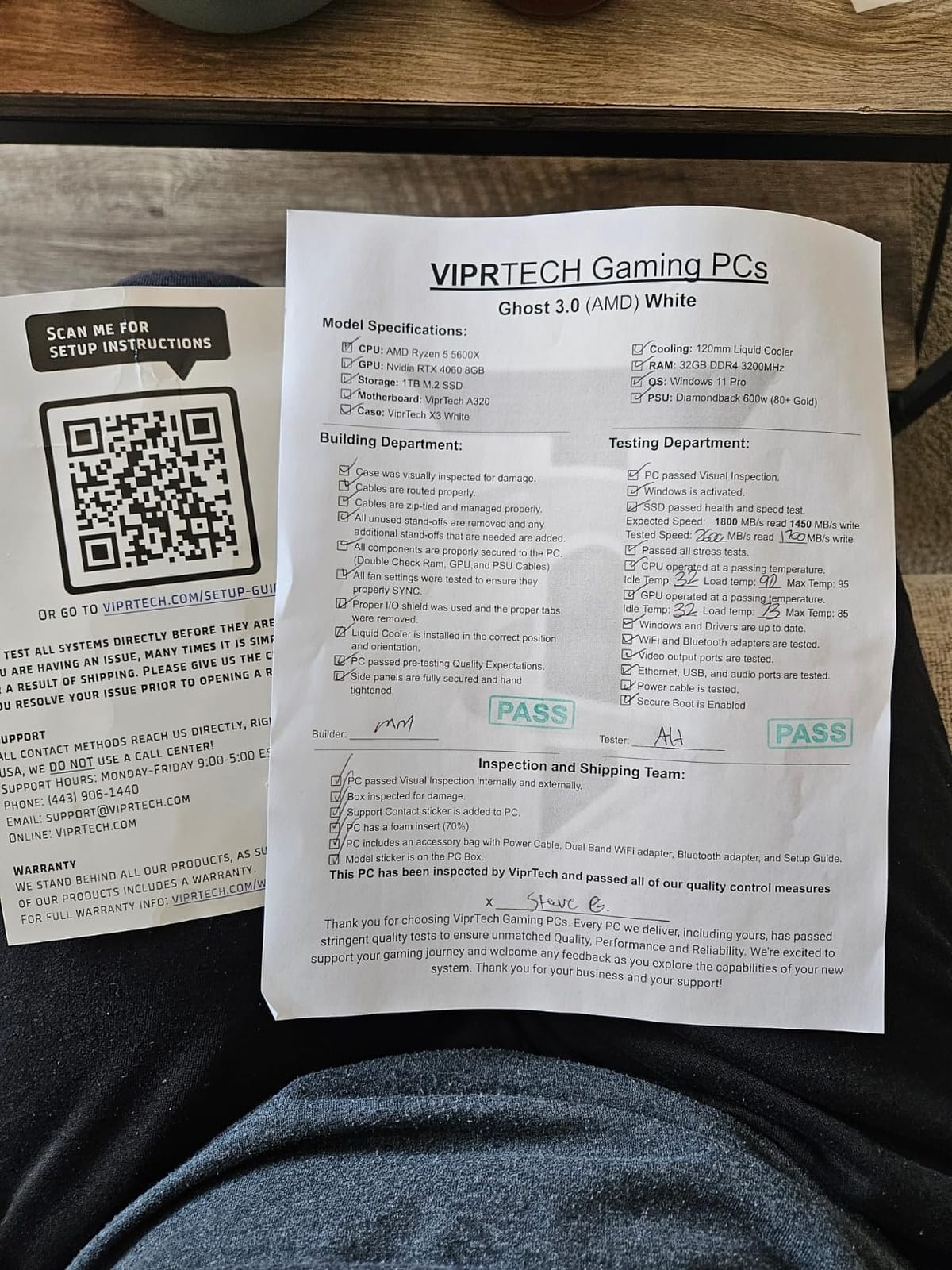
The build quality is a selling point in its own right. This tower is hand-assembled in the USA, stress tested before it goes out, and comes with a 600W gold-rated power supply plus a 120mm RGB liquid cooler, which is more than most rivals in this bracket offer.
- Expandable to 128GB of memory across two slots
- Maximum listed display resolution of 3840×2160, so a 4K panel is possible at lower settings
- Nine USB ports, HDMI and DisplayPort, Wi-Fi and Bluetooth
- One year of labor coverage, white RGB chassis
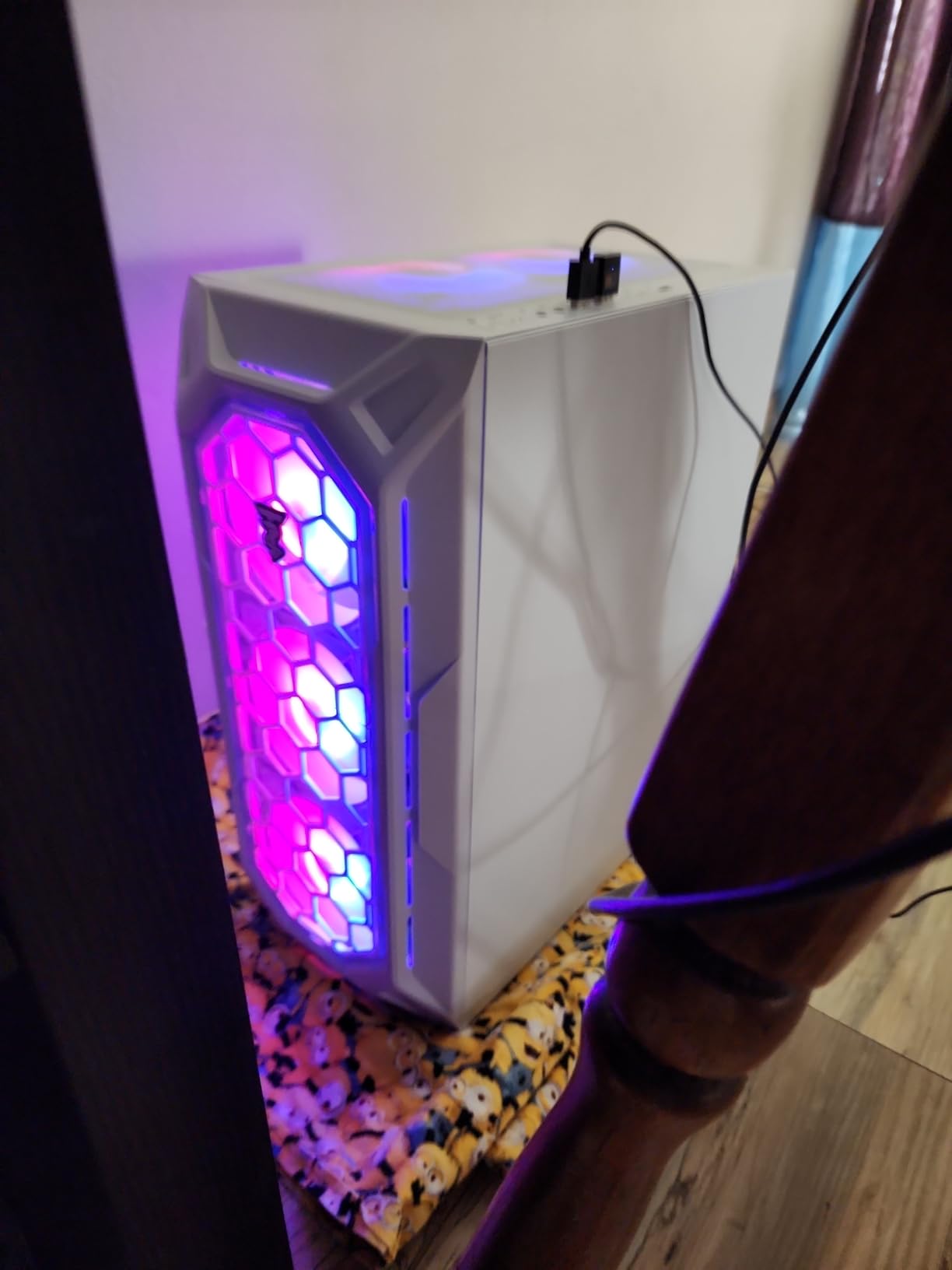
The honest drawback is platform age. Zen 2 will feel dated in a few years, and the memory speed of 2400MHz leaves a little on the table in CPU-limited games. Against the Olialia RTX 3060 Ti you trade a 4K-capable card for a much fresher-looking white build and Windows 11 Pro rather than Home.
4. Skytech Shadow: Best for Future GPU Upgrades
Skytech Shadow
CPU: Ryzen 5 5500 6C
GPU: RTX 3050 6GB
RAM: 16GB DDR4 3200
Storage: 1TB NVMe
PSU: 650W gold
Pros
- 650W gold supply gives the most GPU headroom here
- Assembled in the USA with parts and labor cover
- 1TB NVMe and 16GB DDR4 3200
- Free gaming keyboard and mouse
- Windows 11 Home with no bloatware
Cons
- Support response times criticized by some owners
- One buyer reported upgraded RAM was not detected
- RTX 3050 6GB needs lower settings on the newest titles
The power supply is the reason to look twice. A 650W gold-rated unit is the most headroom in this group, which means a stronger graphics card later is a realistic plan rather than a wish, and that is where 750W gaming PC power supplies come into the conversation if you plan a bigger swap.
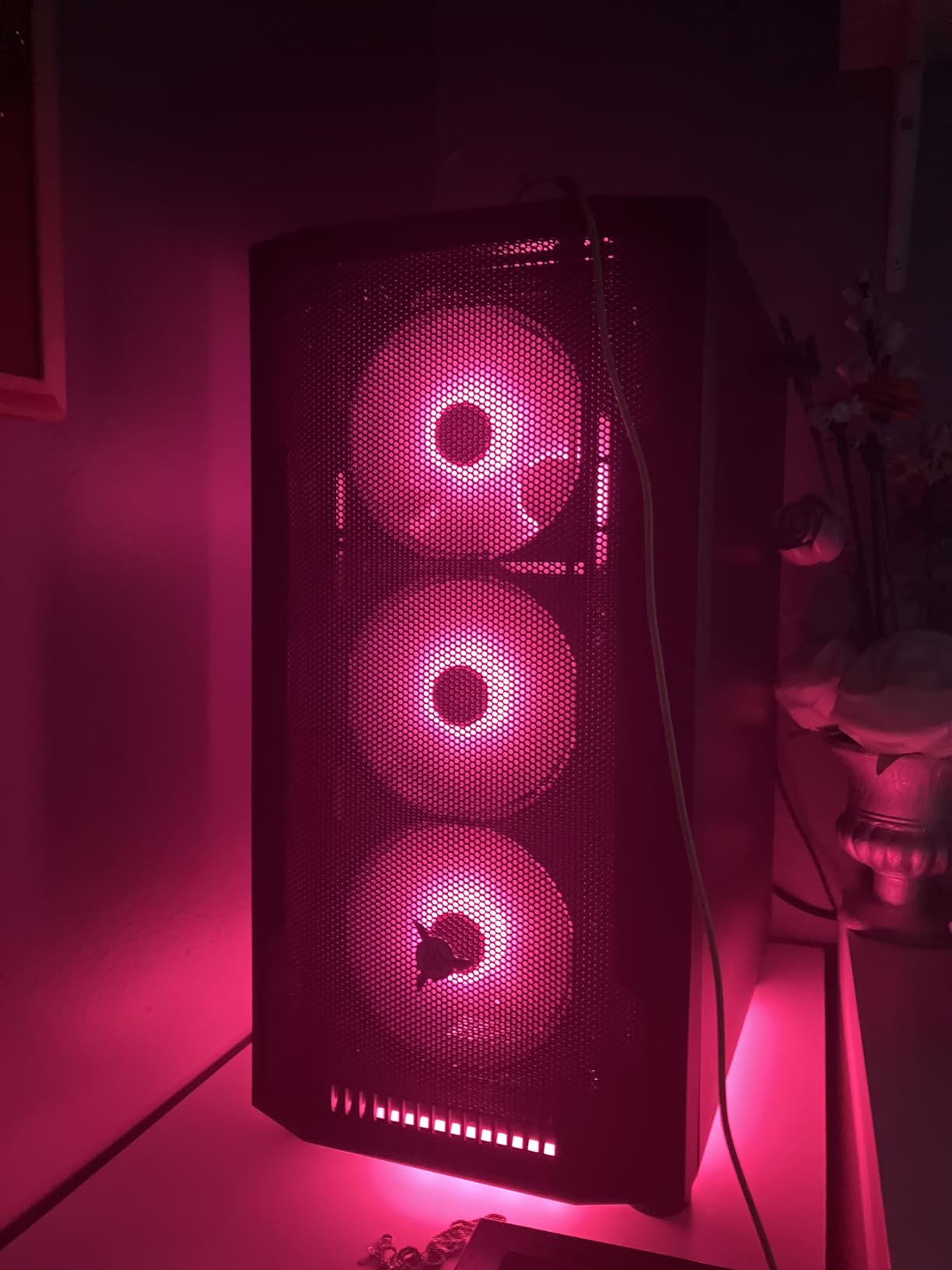
Owners upgrading from a low-end PC describe picture quality and load times as the biggest visible change, with several naming Resident Evil 4 and Borderlands 4 as titles they now run at ultra settings in 1080p. Packaging and setup come up as clean and near-instant.
Skip it if support matters more to you than the specification sheet. A few buyers report a defective key, RAM that was not recognised after an upgrade, and long waits to reach customer service. Those are fixable issues, but they cost time on a machine you cannot easily build yourself.
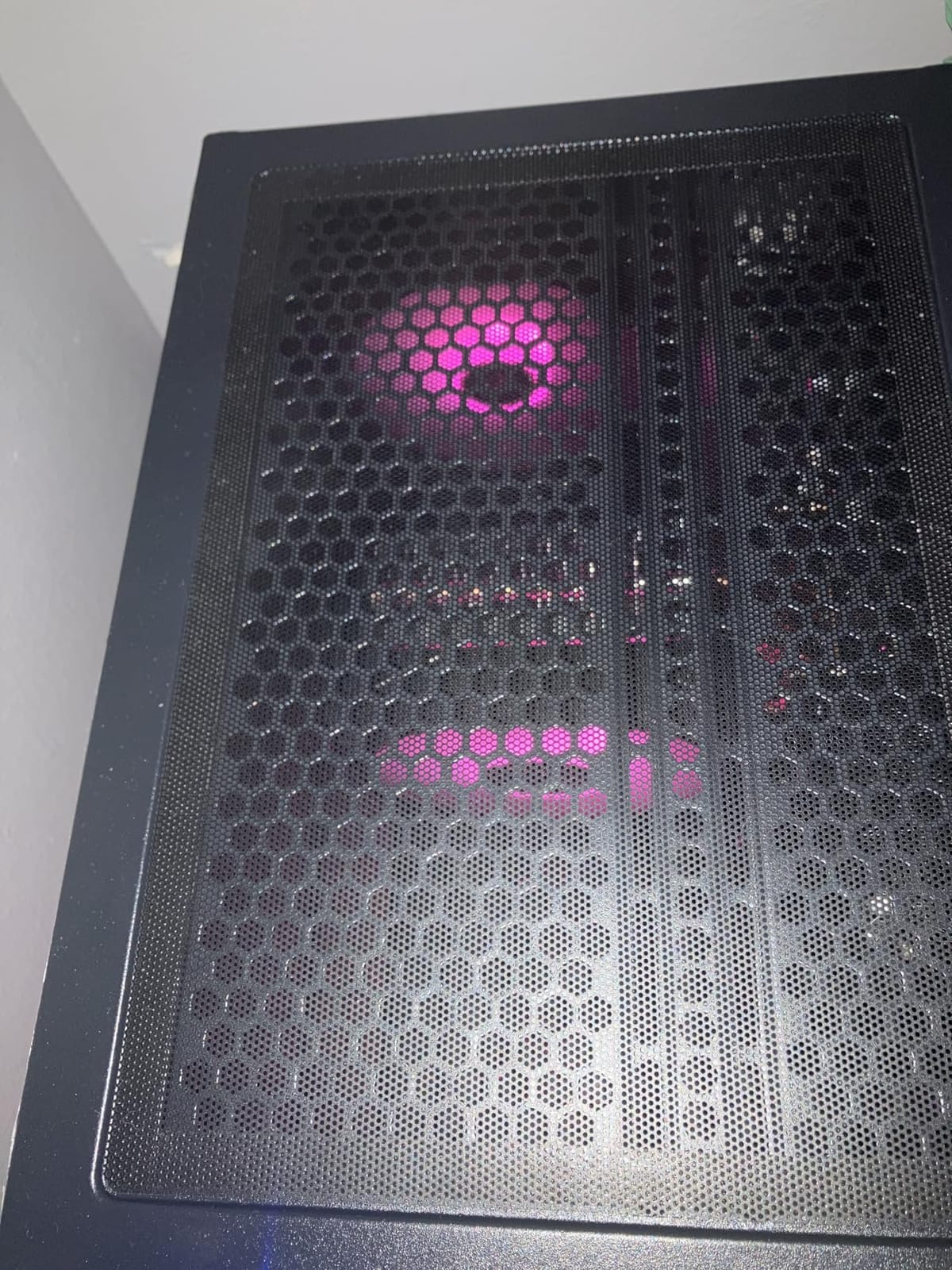
Against the MXZ 3600 4060, which also carries an RTX 4060, this tower is the safer long-term box: a 650W supply, a 1TB drive, and a keyboard and mouse in the box.
5. WIWB 3050 8GB: Best for 8GB VRAM on a Budget
WIWB 3050 8GB
CPU: Ryzen 7 4700LE 8C
GPU: RTX 3050 8GB
RAM: 16GB DDR4 dual
Storage: 512GB NVMe
OS: Windows
Pros
- Only 8GB RTX 3050 in this group
- Eight cores and 16 threads for streaming and editing
- DLSS headroom in competitive shooters
- Wi-Fi 6 plus dual HDMI and DisplayPort
- Mature AM4 platform
Cons
- Thinnest review base with 19 ratings
- Listing conflicts between 8GB and 16GB memory figures
- Low-power mobile-derived processor
Eight gigabytes of video memory is the headline. Every other RTX 3050 in this roundup carries 6GB, and the extra headroom is what lets newer textures load without dropping settings.
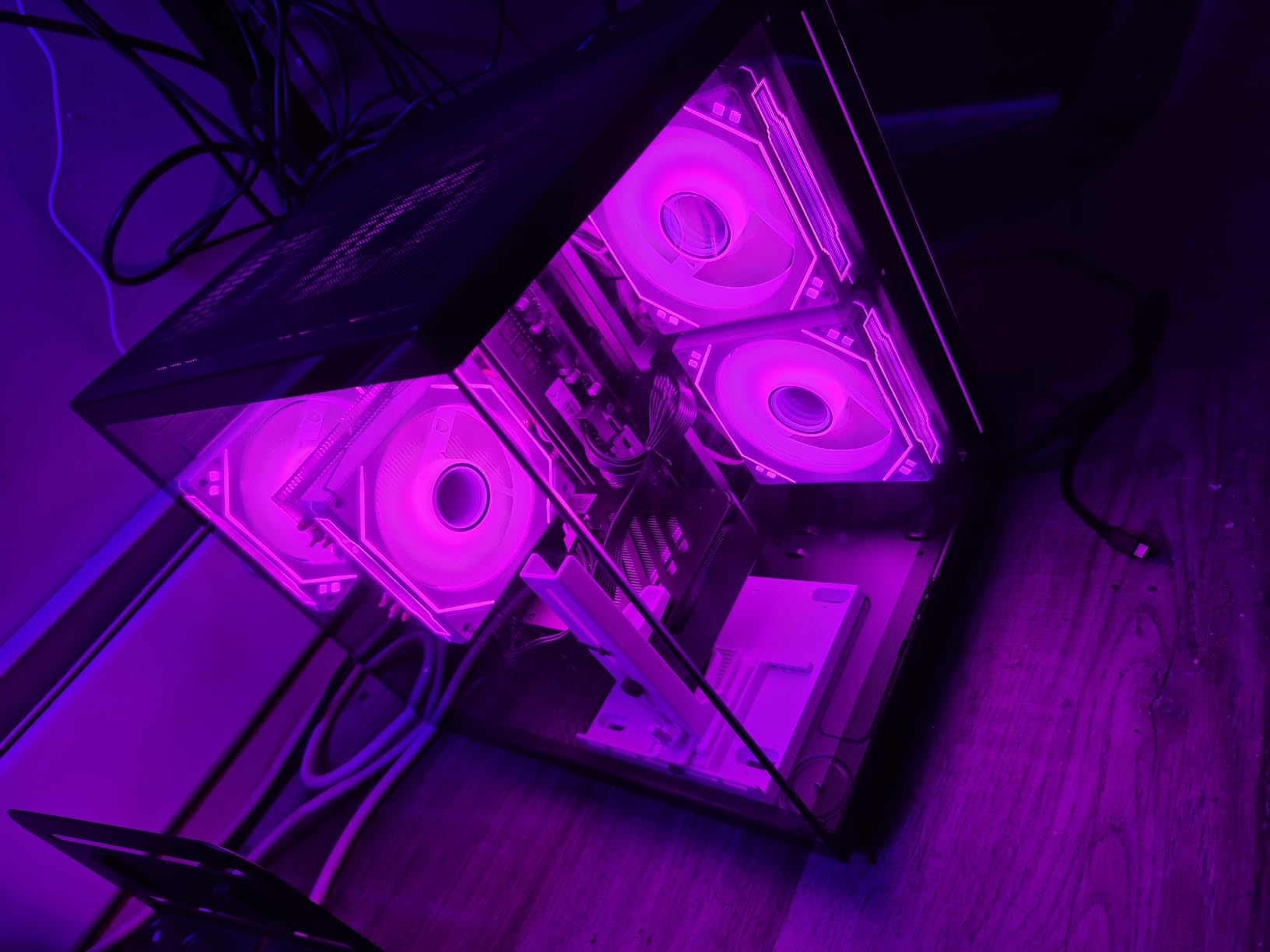
On the ratings it has, the numbers are good: 79 percent of reviews are five stars, and owners point to DLSS pushing Fortnite past 70 FPS and Apex Legends into the 90 to 100 range.
Best for a buyer who reads the fine print. The listing conflicts with itself on memory, showing 8GB installed in one place and 16GB in the key features, and the review base is only 19 ratings with a 13 percent one-star share, the highest negative share among these picks. Confirm the configuration in writing before you commit.
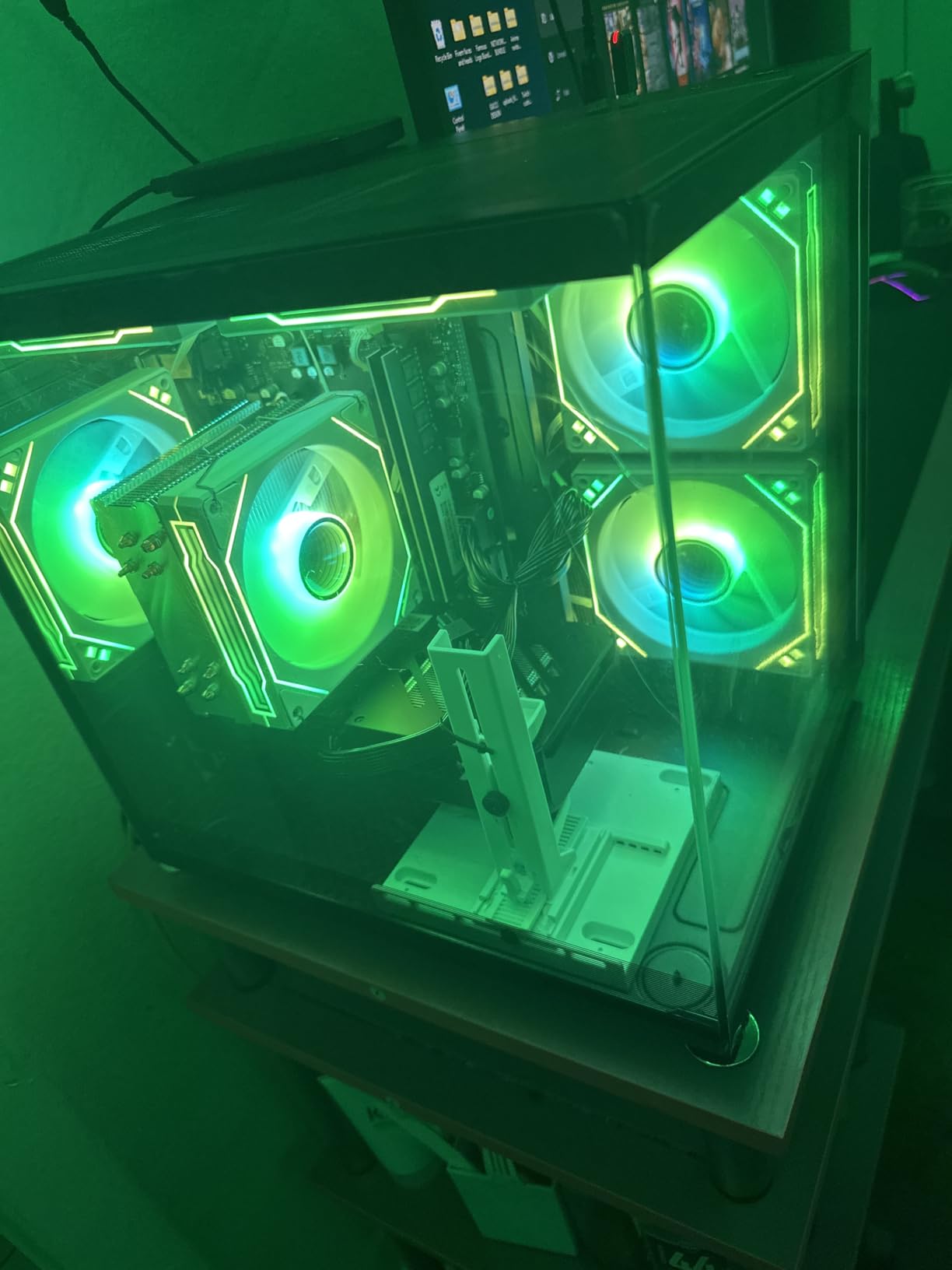
The eight-core Ryzen 7 4700LE makes this a better all-rounder than the LXZ R5-4500, which has six cores and six threads. If you want the cheapest tower and can add a card later, the YAWYORE MX240 is the other direction to consider.
6. LXZ R5-4500: Best for a Small Desk
LXZ R5-4500
CPU: Ryzen 5 4500 6C
GPU: RTX 3050 6GB
RAM: 16GB DDR4 3200
Storage: 512GB NVMe
Wi-Fi: 6
Pros
- Smaller tower than most rivals
- Wi-Fi 6 for lower-latency online play
- RTX 3050 6GB with DLSS runs mainline titles on high settings
- Smart fan control keeps it quiet
- HDMI and DisplayPort outputs
Cons
- Only 512GB of storage
- Six cores and six threads limits heavy multitasking
- Some memory configurations ship single channel
Size is the feature here. Owners repeatedly mention the case is smaller than they expected, which matters if the machine has to live under a desk rather than beside one. Our guide to compact gaming desktops for small spaces covers the other shapes worth considering.
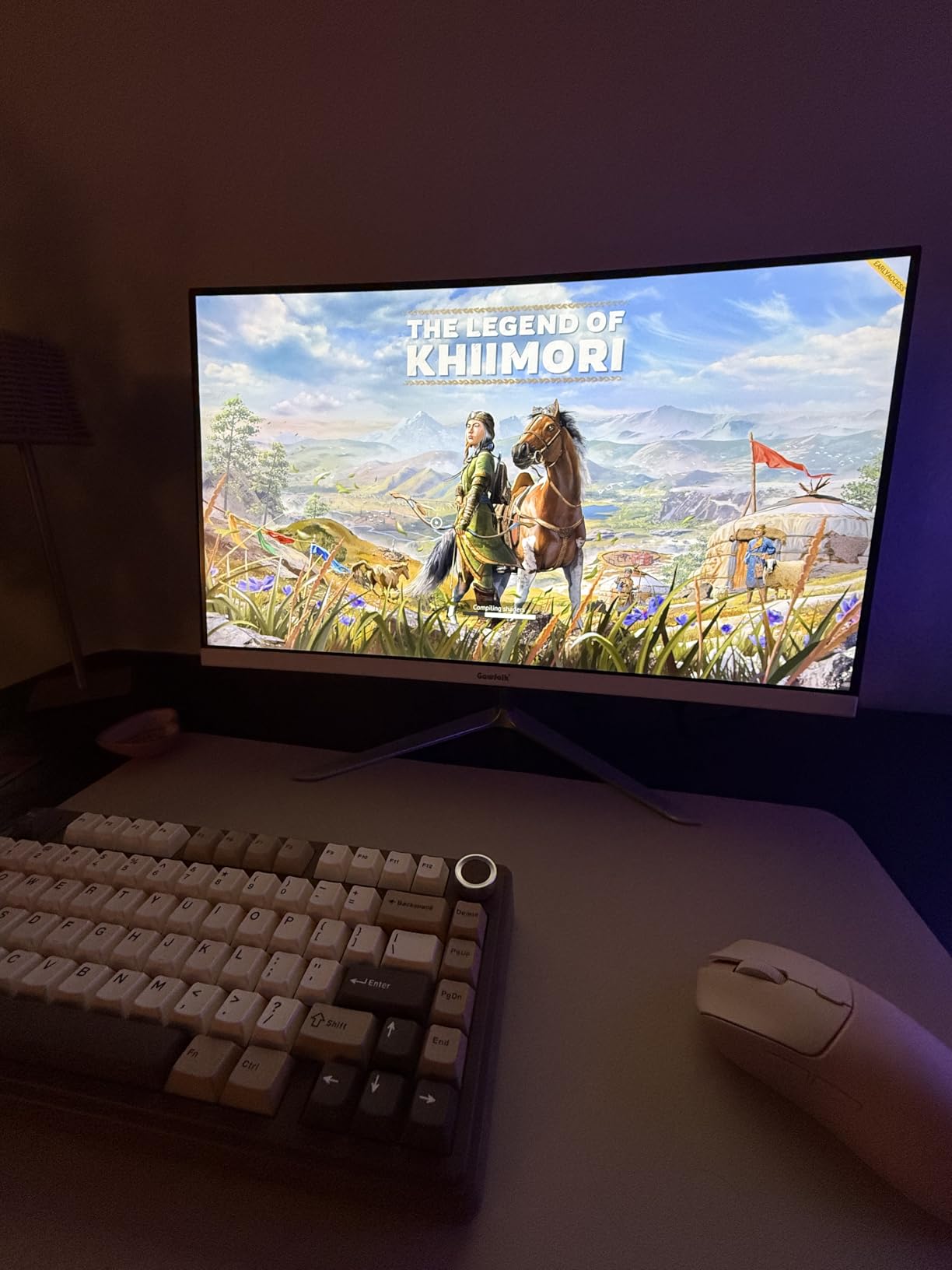
For what it does, the specification sheet is tidy: a Ryzen 5 4500, an RTX 3050 6GB with DLSS, 16GB of DDR4-3200 and Wi-Fi 6. Owners report Fortnite, Valorant and Call of Duty running on high settings at 1080p.
Two practical warnings from owner reviews. Memory may arrive in a single-channel configuration, which costs frame rates in modded titles, and a small number of buyers received a different graphics card than advertised or a tower with no working display output. Check the machine early and use the return window if something is wrong.
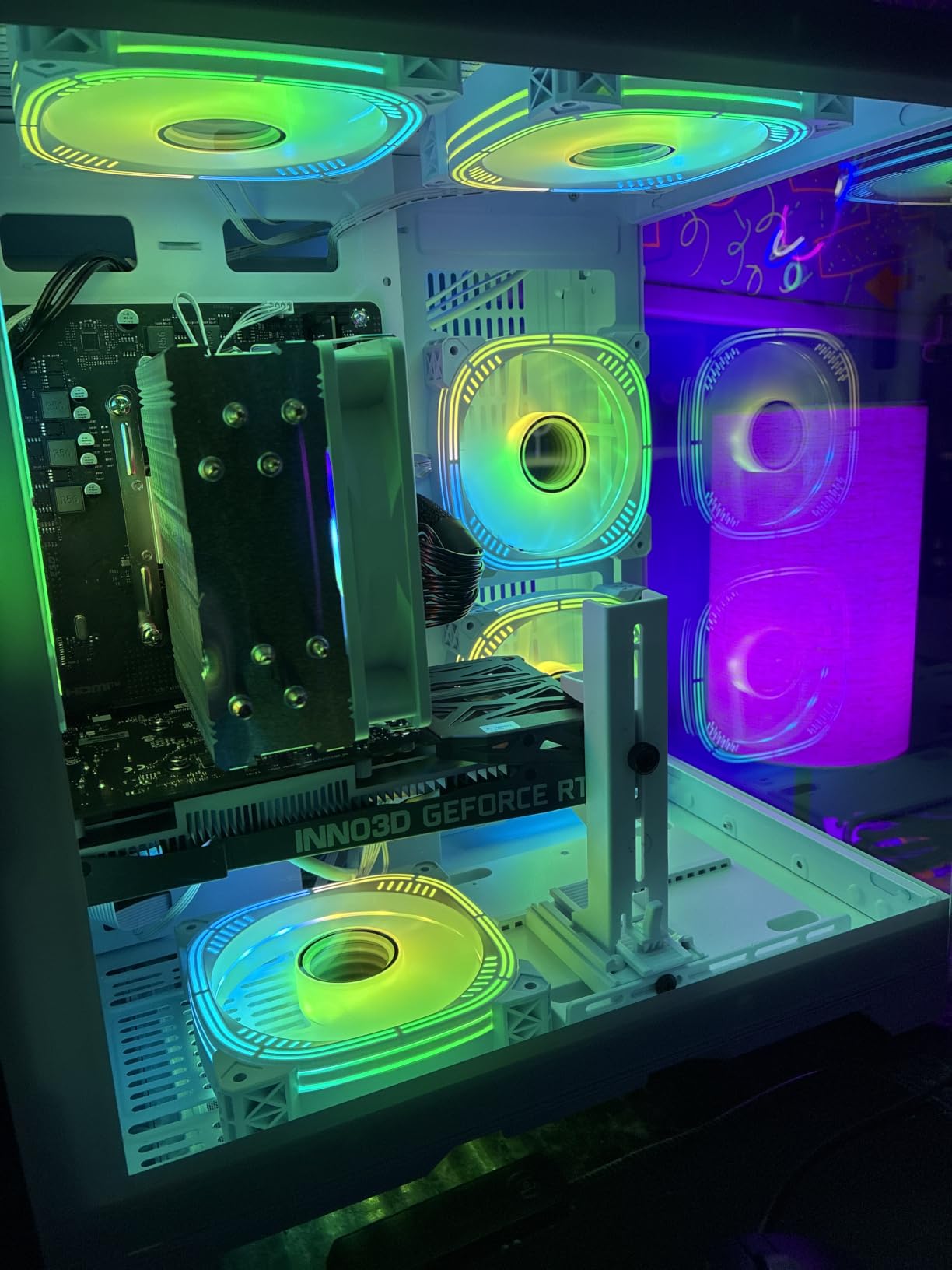
Against the Skytech Shadow, which also uses an RTX 3050 6GB, you give up a 1TB drive and a 650W supply but gain a footprint that fits a tight room. The Ryzen 5 4500’s six cores and six threads are the weakest CPU pairing here, so this is a gaming box rather than a work machine.
7. suevery SUV9W25: Best for Work and Study Alongside Gaming
suevery SUV9W25
CPU: Ryzen 7 4700LE 8C
GPU: RTX 3050 6GB
RAM: 16GB DDR4 dual
Storage: 512GB NVMe
OS: listed as DOS
Pros
- Eight cores and 16 threads for multitasking
- RTX 3050 6GB adds ray tracing and DLSS
- Dual-channel DDR4 3200
- White tower with multi-RGB fans
- Plenty of expansion room
Cons
- Operating system listed as DOS
- 512GB drive is small for a game library
- Entry-level card for AAA at high settings
This is the pick for a desk that does two jobs. The Ryzen 7 4700LE gives eight cores and 16 threads, which is where a video export, a spreadsheet and a game in the background stop competing for the same cores.
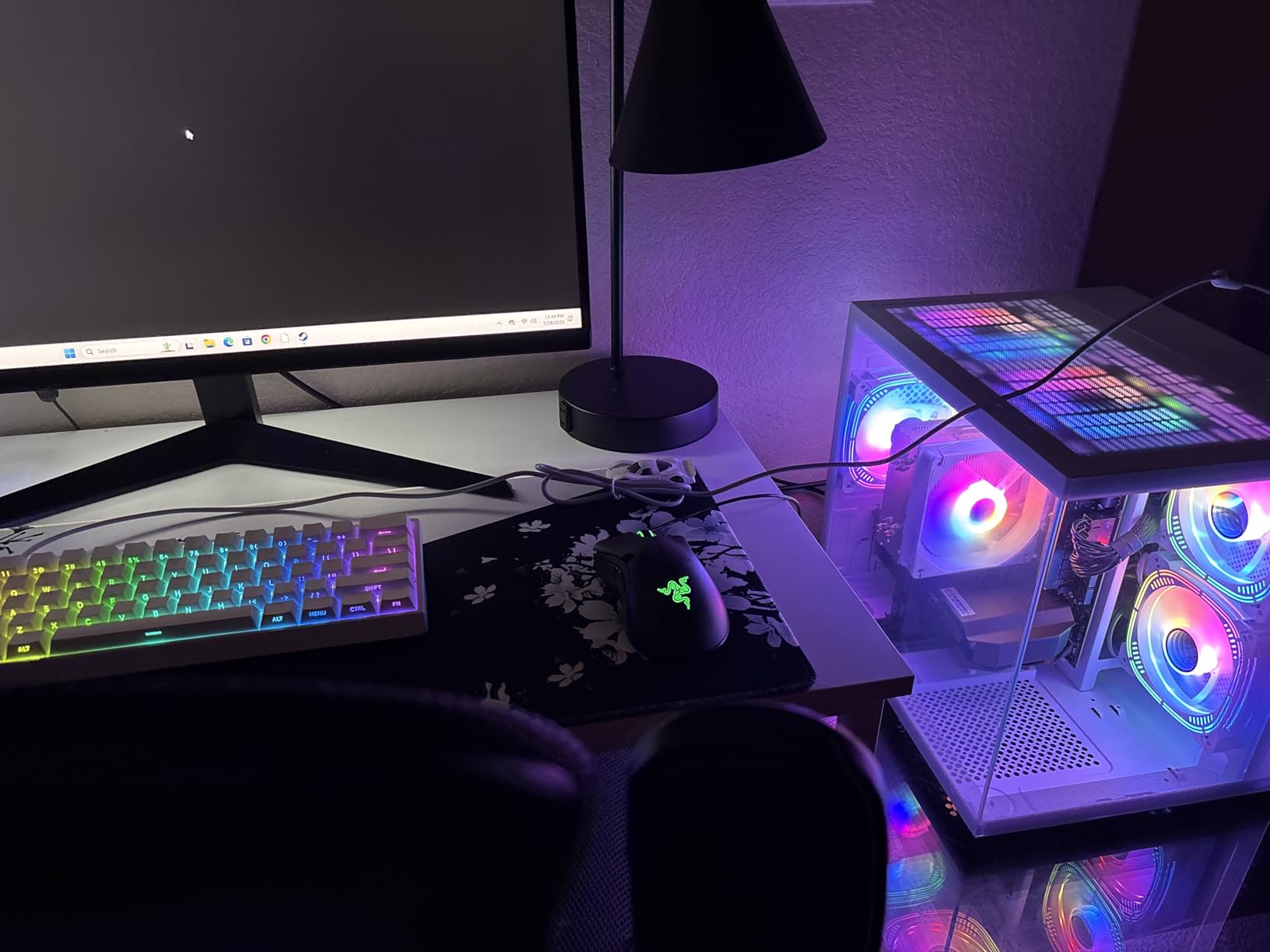
Owners treat it as a balanced 1080p all-rounder. The white tower, the multi-RGB fan configuration and general day-to-day responsiveness draw the positive mentions, while reservations sit on the entry-level 6GB card and the small drive rather than on reliability.
Good to know: the technical listing names DOS as the operating system, and it contradicts itself on memory type and GPU memory generation. Budget for a Windows licence if the machine arrives without one, and confirm the memory configuration in the listing before you buy.
Compared with the WIWB 3050 8GB, the CPU is the same and the graphics card is weaker by two gigabytes of VRAM, but the review base is far larger at 180 ratings. Compared with the YAWYORE MX240, you get a dedicated GPU today rather than integrated graphics and a card to install later.
8. YAWYORE MX240: Best for Everyday Work With a GPU Added Later
YAWYORE MX240
CPU: Ryzen 5 5600GT 6C
GPU: Radeon Vega iGPU
RAM: 16GB DDR4 3200
Storage: 1TB NVMe
PSU: 550W bronze
Pros
- Quiet and stable with no crashes reported
- 1TB NVMe with room to 32GB of RAM
- MSI A520M-A PRO board with expansion slots
- Remote-controlled ARGB fans
- Wi-Fi and Bluetooth built in
Cons
- Integrated Vega graphics cannot run modern AAA titles
- A discrete card is required for real gaming
- A minority report early power supply failures
Read this one as a work computer with a gaming upgrade waiting inside it. The Ryzen 5 5600GT, 16GB of DDR4-3200 and a 1TB NVMe drive make a tidy office or study machine, and the Radeon Vega graphics will drive displays and light 2D work without complaint.
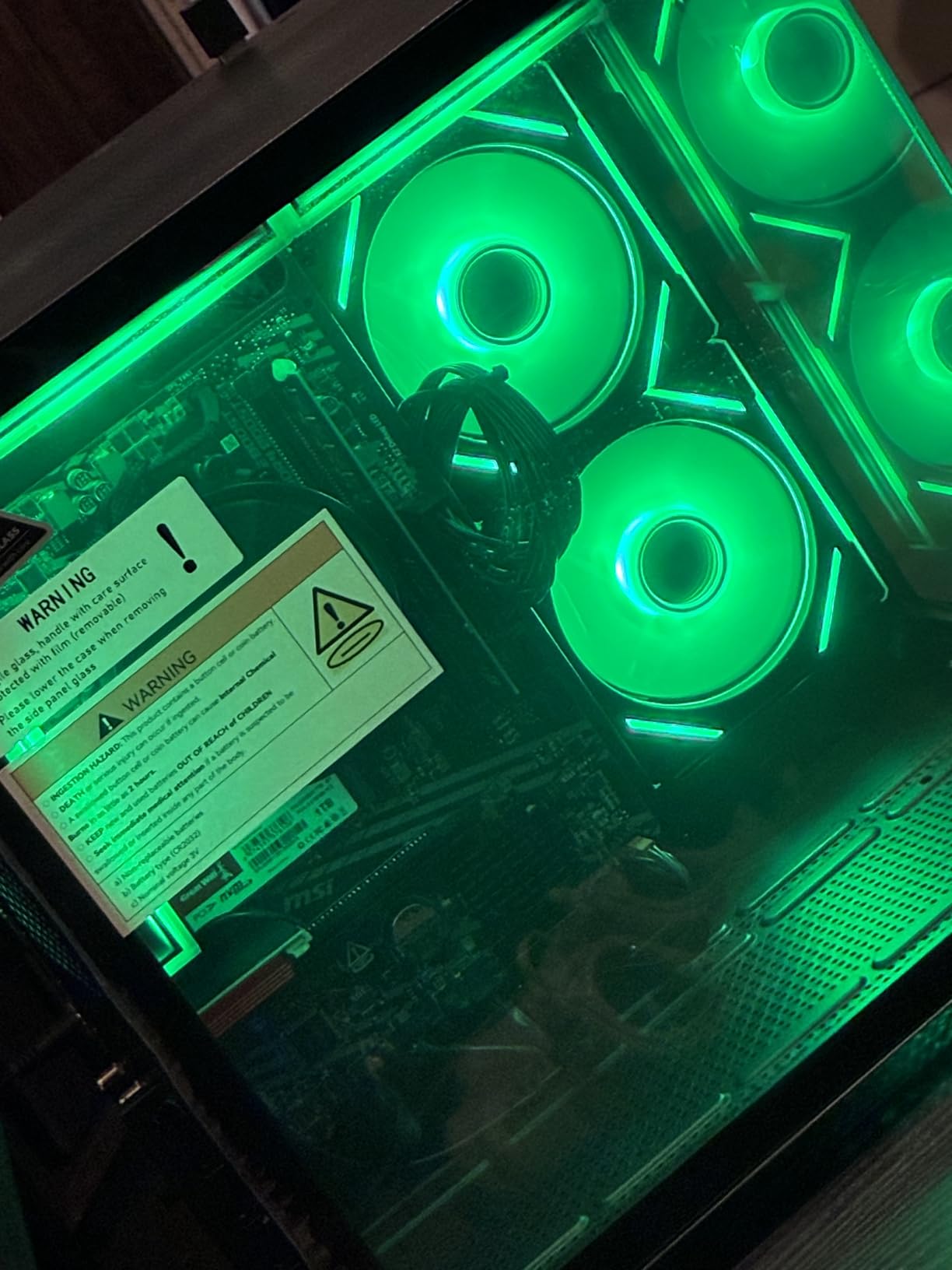
What stands out is the room inside. The MSI A520M-A PRO board has expansion slots, memory can go to 32GB, and one owner fitted a GeForce GTX 1070 Ti successfully, which tells you the case and the 550W bronze supply will take a mid-range card.
Skip it if you want to game on day one. A minority of owners report power supply failures within a few months, and the Wi-Fi card is widely described as below what the configuration suggests. As a quiet office tower with a possible card upgrade later, it holds up.
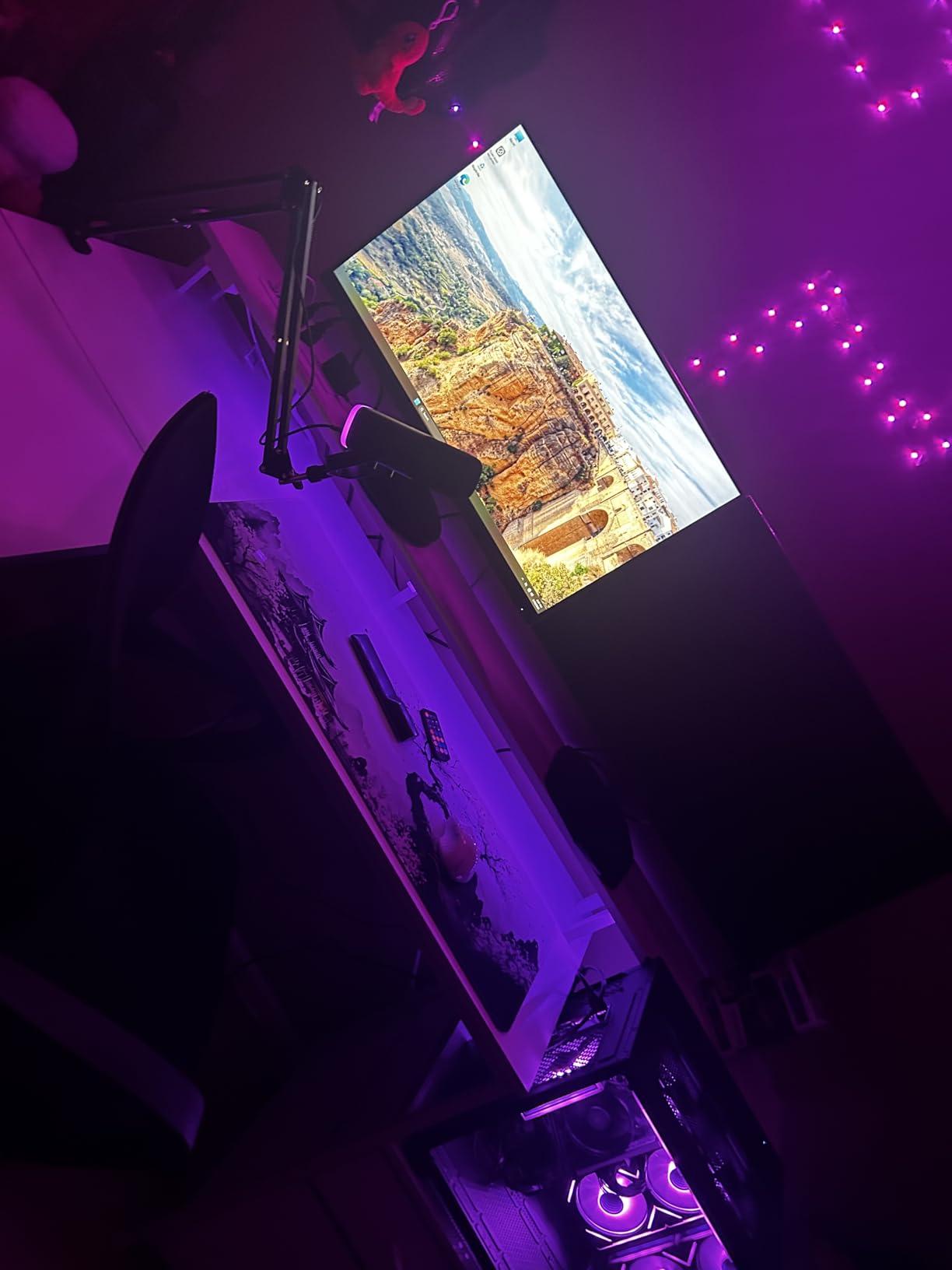
The STGAubron ABR0922 is the mirror image: it also ships with a 1TB drive, but it includes a discrete 8GB card from the box, so nothing needs installing. The MX240 is the choice when the graphics card is a later project rather than a today requirement.
9. STGAubron ABR0922: Budget Pick for a First Gaming PC
STGAubron ABR0922
CPU: Intel Core i7 4th gen
GPU: Radeon RX 580 8GB
RAM: 16GB expandable
Storage: 1TB SSD
OS: Win 11
Pros
- Lowest cost here with a discrete 8GB card included
- 1TB SSD and 16GB of memory
- Keyboard and mouse in the box
- Wi-Fi 6 plus Bluetooth 5.0 and Ethernet
- Open interior is easy to service
Cons
- RX 580 is an older Pascal card with no ray tracing
- Intel i7 4th generation on a dated platform
- RAM may be factory-glued
The cheapest tower on the list still arrives with a discrete Radeon RX 580 8GB, a 1TB SSD and genuine Windows 11. That combination is enough for Minecraft, Roblox, Valorant and Fortnite at 1080p, and owners say it replaced a console in more than one household.
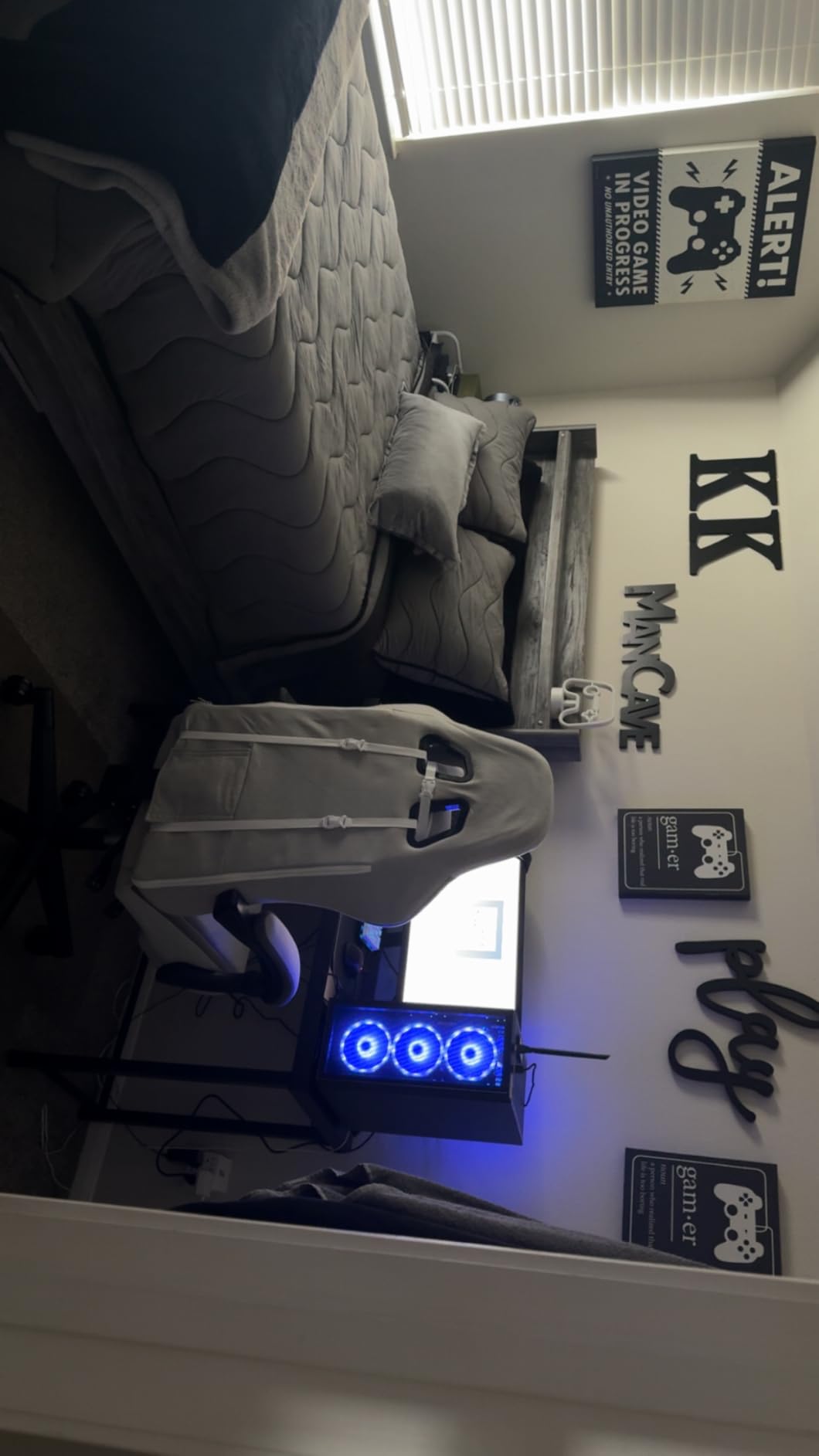
Owners also like the open interior. Cleaning dust and swapping a graphics card are straightforward compared with tightly packaged rivals, and the six RGB fans are controlled by a remote that comes in the box.
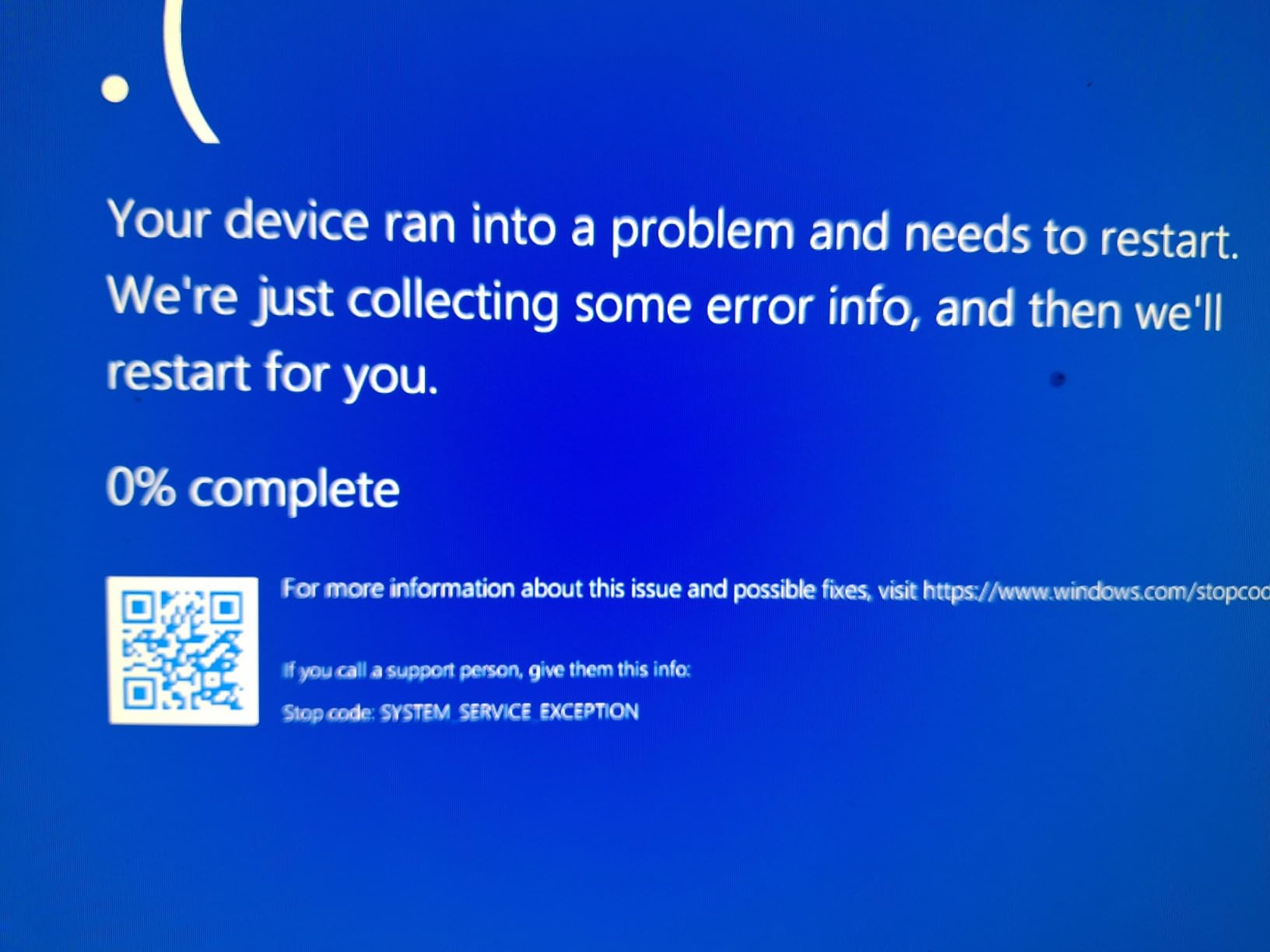
Be aware of what this machine is not. The RX 580 is a Pascal card with no ray tracing and no DLSS, and the fourth-generation Intel Core i7 on the LGA 1150 platform is the oldest CPU here. Memory may be glued to the board, and a minority of buyers report blue screens within months.
Compared with the LXZ R5-4500, you get a bigger 1TB drive and peripherals in the box, but you give up DLSS, ray tracing and a modern platform. If your budget is fixed and the machine has to work this month, this is the pick.
10. MXZ 3600 4060: Best for an RTX 4060 With Windows Pro
MXZ 3600 4060
CPU: Ryzen 5 3600 6C
GPU: RTX 4060
RAM: 16GB DDR4 3200
Storage: 500GB NVMe
PSU: 450W 80+
Pros
- RTX 4060 with DLSS at this budget is unusual value
- Windows 11 Pro already installed
- Ryzen 5 3600 six-core handles gaming and multitasking
- Windowed side panel with 6 RGB fans
- One year parts and labor plus lifetime support
Cons
- 500GB is the smallest drive here
- 16GB is the maximum memory listed
- 450W supply is modest for a GPU upgrade
An RTX 4060 in this price band is the draw, and this is one of the few listings here that pairs it with Windows 11 Pro already installed and ready to use. For a buyer who wants the Ada-generation card and does not want to buy an operating system, that is a real saving in time.
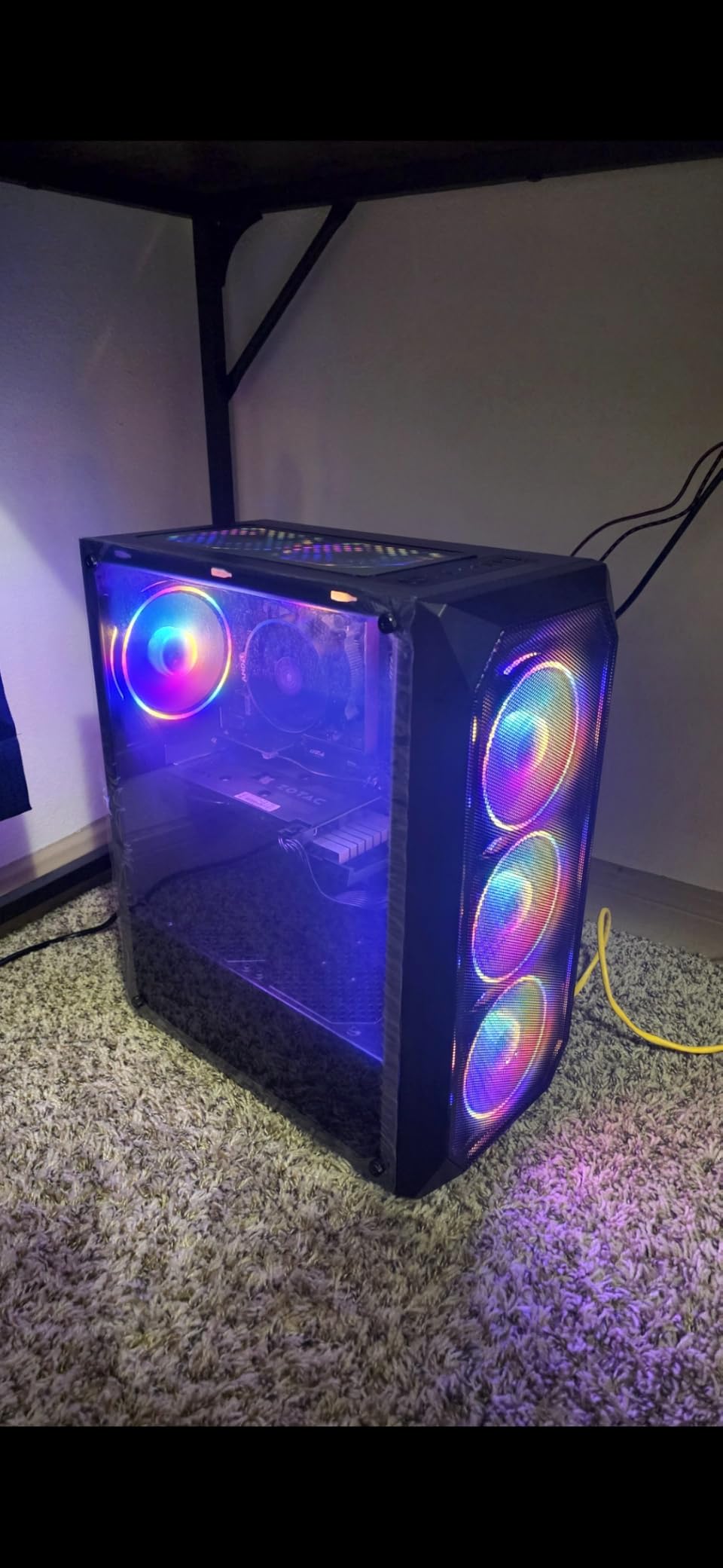
On the board, you get an A520 motherboard, 16GB of DDR4-3200 and a Ryzen 5 3600 boosting to 4.6GHz, with a windowed side panel and six RGB fans making the internals visible.
There are real compromises to weigh. The 500GB NVMe drive is the smallest in the roundup, 16GB is listed as the maximum memory, and a 450W supply leaves little room for a later GPU. Reviews also put 17 percent of ratings at one star, the highest negative share of the ten.
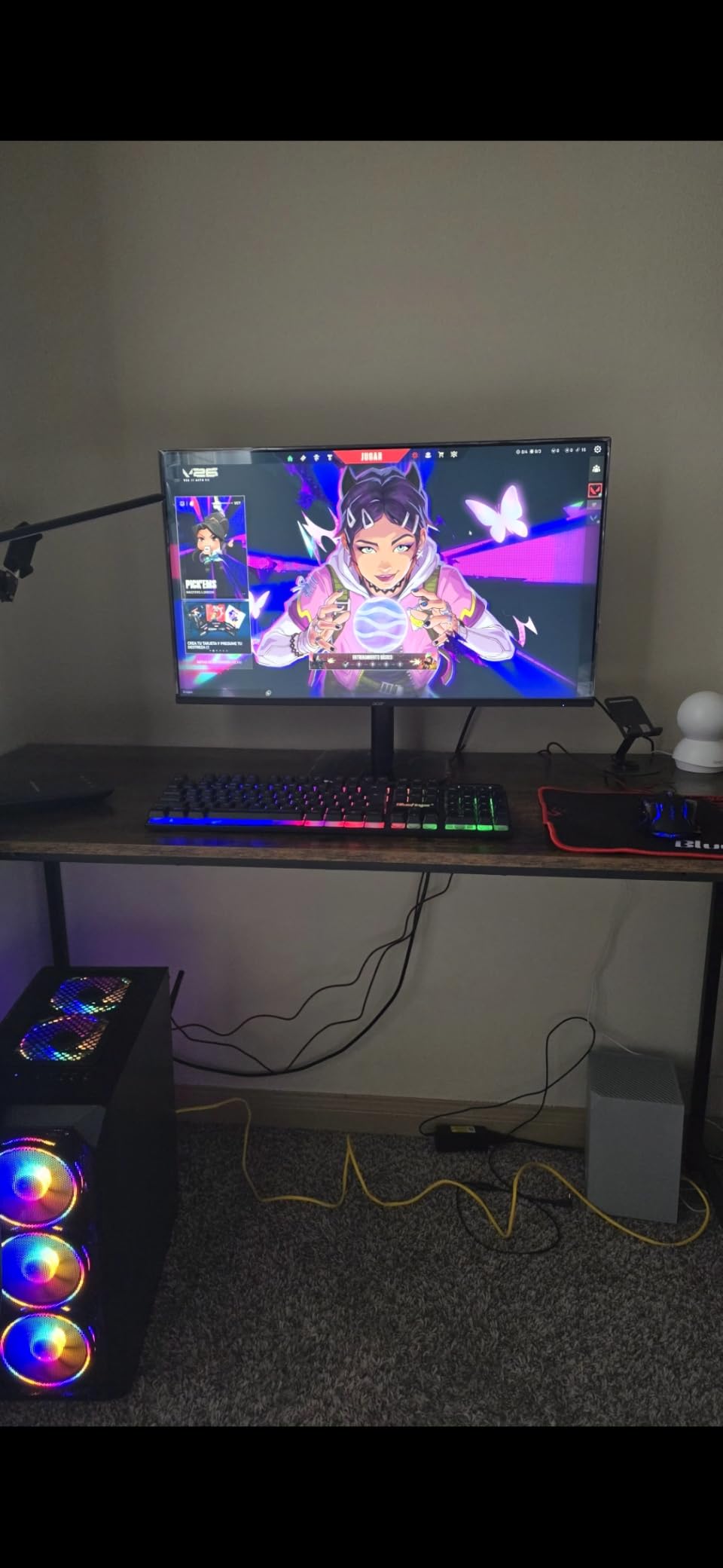
Against the Skytech Shadow, which also carries an RTX 4060 class expectation and much more upgrade room, you trade a 1TB drive, a 650W supply and free peripherals for a larger storage shortfall and less future headroom. Against the Olialia RTX 3060 Ti, the 3060 Ti is the faster card for 1440p work.
How to Choose Gaming PCs During Prime Big Deal Days
The picks above all sit under a thousand dollars, so every spec decision is a trade somewhere. A dedicated graphics card matters more than a faster processor at this budget, and the details below are where the money is won or lost.
What Resolution Can a Budget Gaming PC Handle?
Set your expectation by the card, not the brand. The RTX 3060 Ti in the Olialia is the one here built for 1440p, with DLSS available to lift frame rates in demanding titles, and the RTX 4060 machines are reasonable at 1440p but need lower settings at 4K.
The RTX 3050 6GB options, which is most of this list, are built for 1080p. They run esports titles and mainline AAA on high settings at 1080p comfortably, while 6GB of video memory becomes the limit in texture-heavy new releases. Matching the machine to a high-refresh 1080p panel is the realistic pairing. Our picks for 1440p gaming monitors are worth a look if you plan to move up.
How Much Memory and Storage Do You Need?
Sixteen gigabytes of RAM is the working minimum in 2026, and every pick here ships with it. Treat 16GB as the starting point rather than the finish, and check that the board has free slots before you plan an upgrade.
Storage is where these machines are stingy. Anything at 512GB fills quickly with modern installs, and adding a second NVMe drive is the cheapest fix available. A 1TB drive such as the ZYNEEX S5 or the Skytech Shadow gives you breathing room without paying to add one later.
Which CPU and GPU Balance Matters Most?
Watch for a strong card held back by a weak processor. In this group the sharpest pairing is the Ryzen 7 3700X with the RTX 4060 8GB in the VIPRTECH Ghost 3.0, where the eight-core chip can feed the card and absorb streaming and editing work at the same time.
At the other end, a six-core chip such as the Ryzen 5 4500 will throttle expectations in CPU-heavy games and multitasking. If you plan to add a stronger card later, budget for a processor upgrade too. Our guide to budget graphics cards for gaming breaks down what each tier is realistically good for.
What Upgrade and Peripheral Compatibility Should You Check?
Verify RAM type and slots, GPU length, power supply capacity and case clearance before you commit, because these prebuilts vary a lot. The MXZ 3600 4060 lists 16GB as a maximum and a 450W supply, while the Skytech Shadow carries a 650W gold unit, and that difference decides whether a bigger card is realistic.
Check that your monitor connects properly too. The Olialia requires the display cable in the lower GPU ports, and several picks offer HDMI and DisplayPort for a two-screen desk. A keyboard and mouse are included with the Skytech Shadow and the STGAubron ABR0922, which saves a first-week purchase if you are starting from nothing.
How to Shop Gaming PC Deals During the Sale
Check the exact model number rather than the headline. Listings like the Olialia 3060 Ti exist in several configurations, so confirm the processor, graphics card, memory and storage line that matches the model you read about. Look at whether the machine is new or renewed, and note who sells and who ships it.
Check the operating system too, because the suevery SUV9W25 lists DOS and the others vary between Windows 11 Home and Pro. Most offers during Prime Big Deal Days need a Prime membership, and a free trial counts, and prices and offers change through the event.
- Match the model number in the listing to the model in your notes
- Confirm memory type, memory slots and the maximum supported capacity
- Check the power supply wattage before planning a GPU upgrade
- Note whether the operating system is included or needs buying separately
- Read the warranty length and the return window before paying
- Check the same model on other retailers once the event ends
Frequently Asked Questions
When does Amazon Prime Big Deal Days run in 2026?
Amazon Prime Big Deal Days runs October 6-7, 2026. It is the October event rather than the summer Prime Day, and offers usually appear in the days before it as early-access deals. Most offers need a Prime membership, and a 30-day free trial counts for anyone who does not already have one.
Is Prime membership required to buy these gaming PC deals?
For most of them, yes. The largest offers during Prime Big Deal Days are limited to Prime members, and a 30-day free trial covers you if you join for the event and cancel in time. A small number of deals run for everyone, so check the Prime badge on the listing before you assume you need a membership.
Are budget prebuilt gaming PCs good enough for 1440p play?
Some are, and the graphics card decides. The RTX 3060 Ti and RTX 4060 picks in this list handle 1440p with DLSS, while the RTX 3050 6GB machines are built for 1080p and need lower settings or upscaling at higher resolutions. Resolution, settings and the monitor refresh rate all change what is achievable.
Should a prebuilt gaming PC come with Windows already installed?
It is easier if it does, since a licence costs money and setting one up takes time. Most picks here list Windows 11 Home or Pro preinstalled, but one lists DOS as its operating system, so read that field carefully. Genuine Windows and a recovery partition are worth paying a little more for on a first machine.
Can these prebuilts drive a high refresh rate monitor?
Yes, with one caveat. Every pick here has a DisplayPort output and most have HDMI, which is what a high refresh 1080p or 1440p panel needs. A weaker card will not feed a very high refresh rate at high resolutions, so pair the machine with a monitor whose refresh rate suits the graphics card rather than the other way around.
What should I verify before buying Best Amazon Prime Big Deal Days Gaming PC Deals Under $1000?
Check the exact model number, the memory type and slots, the storage capacity, the power supply wattage and whether Windows is included. Read the warranty and return window, and confirm the seller and shipper. Offers change through the event, so the listing you compare against is the one that matters on the day you buy.
Final Verdict: Best Amazon Prime Big Deal Days Gaming PC Deals Under $1000
Buy the Olialia RTX 3060 Ti if you want the most capable graphics in this group and the strongest rating behind it. The ZYNEEX S5 is the budget-friendly alternative, giving up the faster card for a 1TB drive and faster memory in a tidier spec mix.
The Skytech Shadow is the one to watch when upgrade headroom matters, thanks to its 650W gold supply. The WIWB 3050 8GB serves anyone who needs 8GB of video memory, the LXZ R5-4500 suits a small desk, the suevery SUV9W25 handles work and study alongside play, and the YAWYORE MX240 is a work-first tower that can grow into a gaming machine.
For a first gaming PC on a fixed budget, the STGAubron ABR0922 needs nothing added. The MXZ 3600 4060 is the choice when you specifically want an RTX 4060 with Windows 11 Pro already on it. Check the model details on the day you buy, and use the button below each section to see the current price.