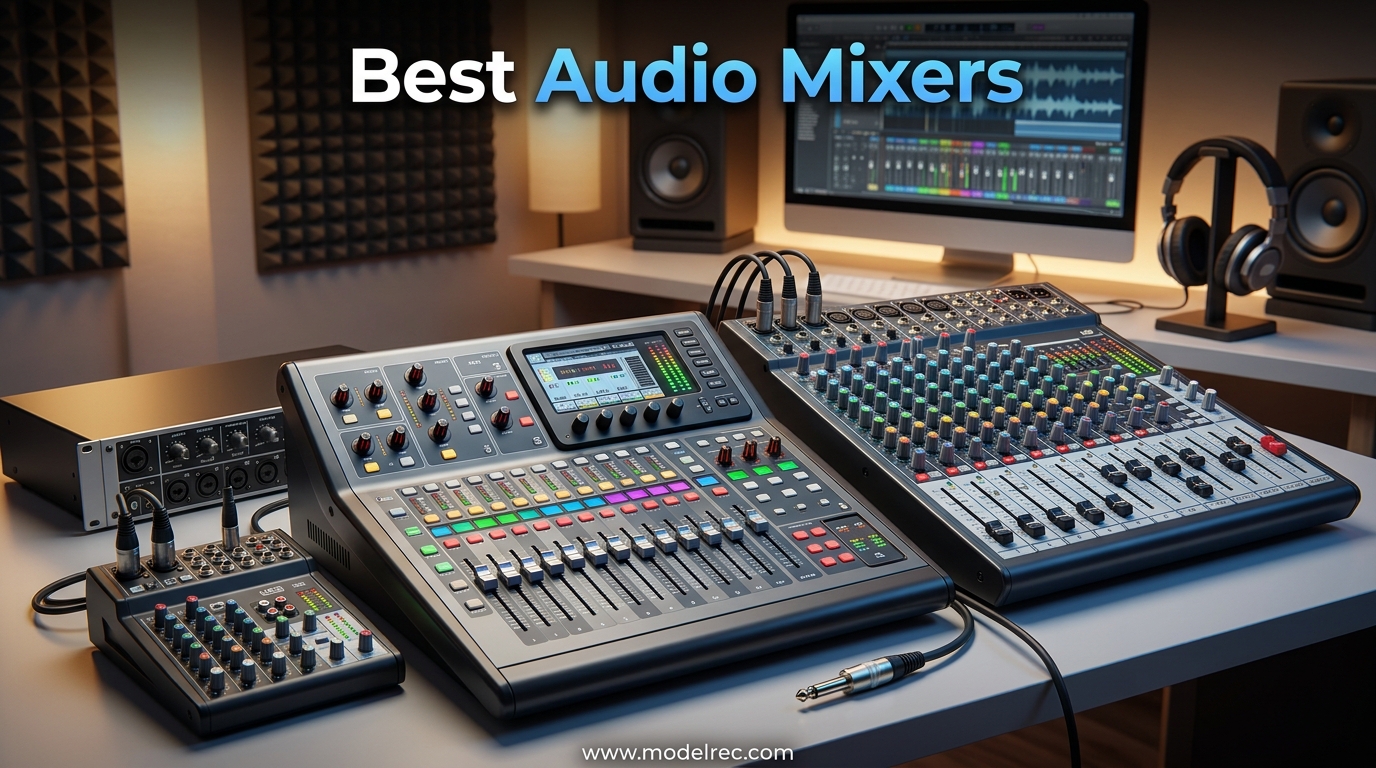
Finding the best audio mixers in 2026 means sorting through hundreds of options ranging from tiny streaming controllers to massive digital consoles. I have spent weeks testing and comparing 15 of the most popular models across podcasting, live sound, home recording, and streaming setups to bring you this guide.
Whether you need a compact USB mixer for your bedroom studio, a digital mixer for live bands, or an all-in-one podcast production studio, there is something here for every budget and use case. Our team looked at preamp quality, channel count, effects processing, build construction, and real user feedback from communities like r/audioengineering and r/livesound.
In this guide, I break down each mixer by what it does best so you can find the right fit without wasting money on features you will never use. Let me walk you through the top picks and help you choose the best audio mixer for your specific needs.
Table of Contents
Top 3 Picks for Audio Mixers

RODE RODECaster Pro II
- All-in-one podcast studio
- Revolution preamps
- APHEX processing
- 8 SMART pads
- Touchscreen


15 Best Audio Mixers in 2026
| Product | Specifications | Action |
|---|---|---|
| FIFINE AmpliGame SC3 |
|
Check Latest Price |
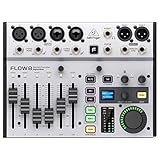 Behringer FLOW 8 Behringer FLOW 8 |
|
Check Latest Price |
 Yamaha MG10XU Yamaha MG10XU |
|
Check Latest Price |
| RODE RODECaster Pro II |
|
Check Latest Price |
| Behringer X AIR XR18 |
|
Check Latest Price |
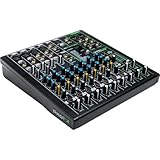 Mackie ProFX10v3 Mackie ProFX10v3 |
|
Check Latest Price |
 Yamaha MG06X Yamaha MG06X |
|
Check Latest Price |
 Mackie Mix5 Mackie Mix5 |
|
Check Latest Price |
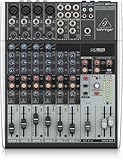 Behringer XENYX 1204USB Behringer XENYX 1204USB |
|
Check Latest Price |
 Behringer X32 Behringer X32 |
|
Check Latest Price |
 Allen & Heath ZED60-10FX Allen & Heath ZED60-10FX |
|
Check Latest Price |
 Zoom LiveTrak L6max Zoom LiveTrak L6max |
|
Check Latest Price |
 Zoom PodTrak P4 Zoom PodTrak P4 |
|
Check Latest Price |
 MAONO MaonoCaster AME2 MAONO MaonoCaster AME2 |
|
Check Latest Price |
 Mackie DLZ Creator XS Mackie DLZ Creator XS |
|
Check Latest Price |
1. RODE RODECaster Pro II – All-in-One Production Studio
RØDE RØDECaster Pro II All-in-One Audio Production Studio
4 combo inputs with Revolution preamps
Dual USB-C
Bluetooth
Wi-Fi
APHEX processing
8 SMART pads
Touchscreen
Quad-core DSP
Pros
- Studio-quality Revolution preamps
- All-in-one podcast and streaming solution
- Intuitive touchscreen interface
- APHEX audio processing built in
- Multi-track recording to microSD or USB
- Customizable SMART pads with 64 actions
Cons
- Premium price point
- Learning curve for advanced features
- Some USB connectivity issues reported
I spent a full month using the RODECaster Pro II as the centerpiece of my podcasting setup, and it genuinely transformed my workflow. The Revolution preamps are the real deal here. I plugged in my Shure SM7B directly without needing a Cloudlifter, and the audio came through clean and loud with plenty of headroom to spare.
The touchscreen interface makes navigation intuitive even if you have never touched a mixer before. I was setting up channels, assigning SMART pads, and applying APHEX processing within minutes of unboxing it. The APHEX Aural Exciter and Big Bottom add a professional polish that usually requires multiple plugins in post-production.
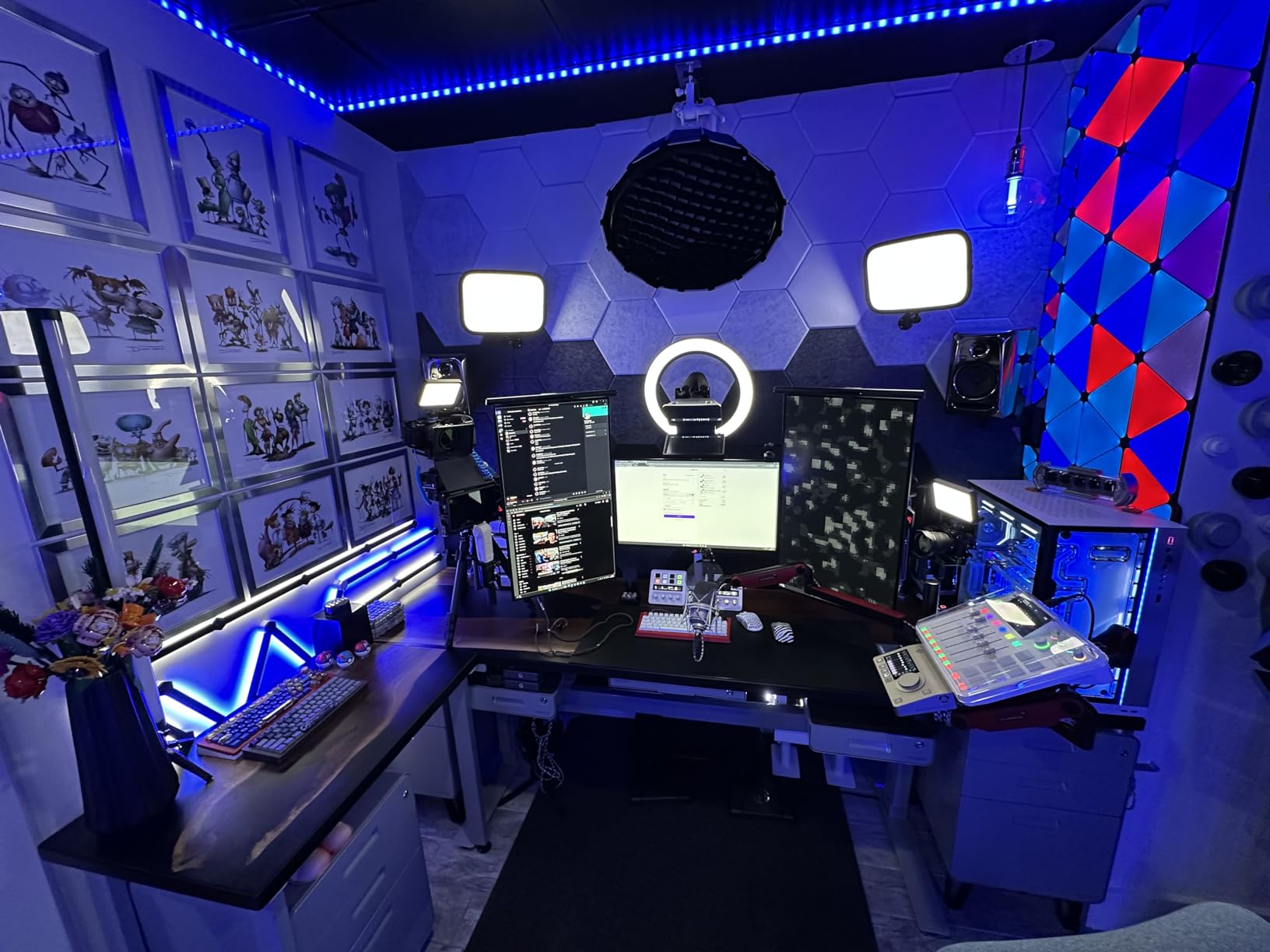
The dual USB-C interfaces are a standout feature for anyone running a streaming setup. I had it connected to both my main PC and a backup laptop simultaneously, routing different audio sources to each with zero lag. Bluetooth connectivity means you can bring in phone call guests without extra cables or adapters.
Recording flexibility is excellent too. I could record multi-track to a microSD card, directly to my computer via USB, or both at the same time as a backup. The eight SMART pads across eight banks give you 64 total assignable actions for sound effects, jingles, or preset configurations. The community on r/audioengineering consistently praises this as the gold standard for podcast production.
Who Should Buy This
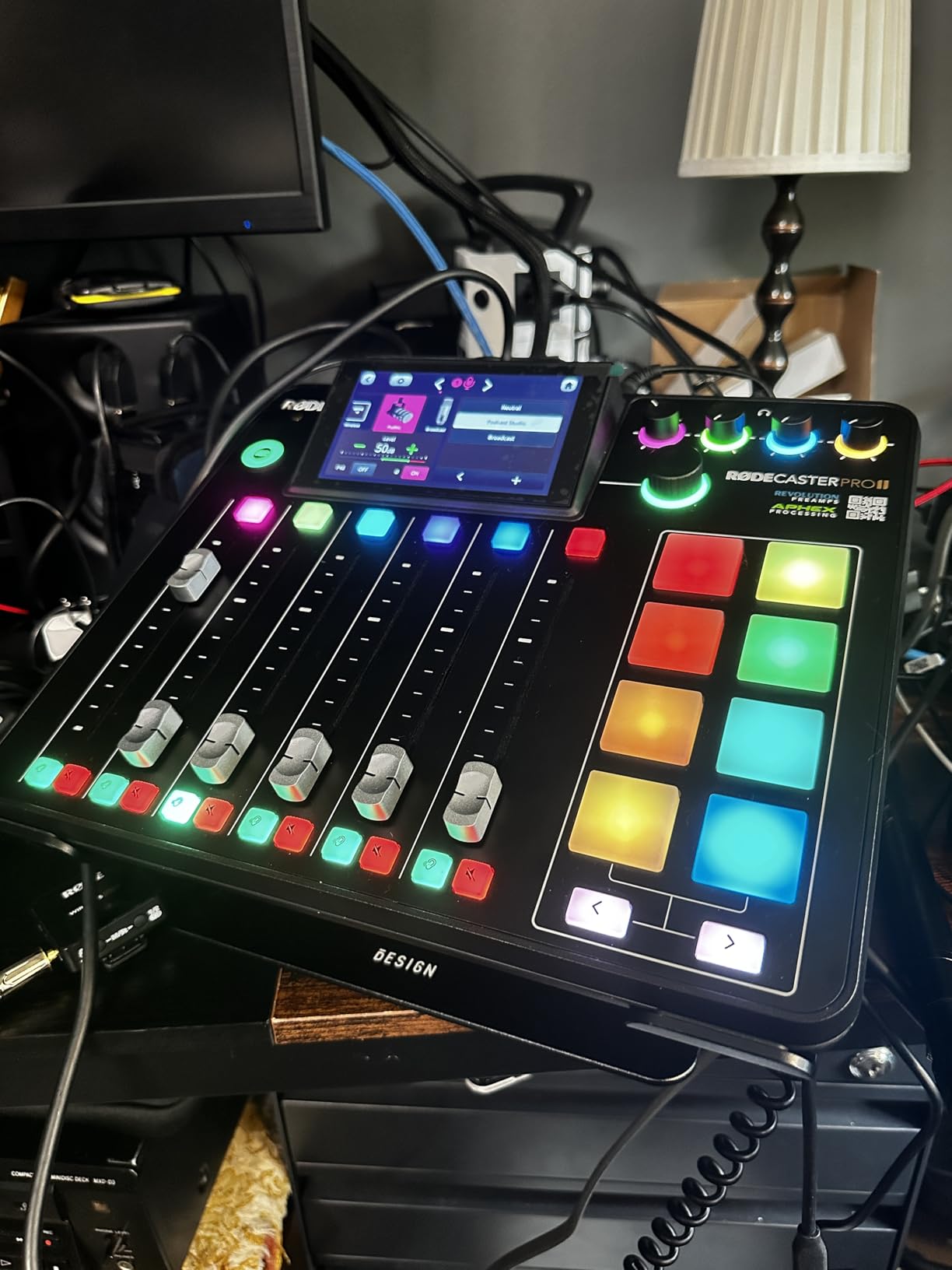
This is the mixer I recommend for serious podcasters, content creators, and streamers who want an all-in-one solution. If you produce multiple shows, conduct remote interviews, or manage complex audio routing between computers, the RODECaster Pro II eliminates the need for separate interfaces, preamps, and software processing.
It is also ideal for educators, churches, and small production houses that need professional results without a steep engineering learning curve. The touchscreen and SMART pad workflow makes it accessible even to non-technical users.
Setup Complexity and Learning Curve
Basic setup is genuinely plug-and-play. I had it running within ten minutes of opening the box. However, mastering advanced features like custom routing matrices, multi-layer SMART pad banks, and APHEX parameter tuning took me about a week of daily use.
RODE provides excellent firmware updates and documentation. The community resources online are extensive, which helps flatten the learning curve significantly compared to most digital mixers.
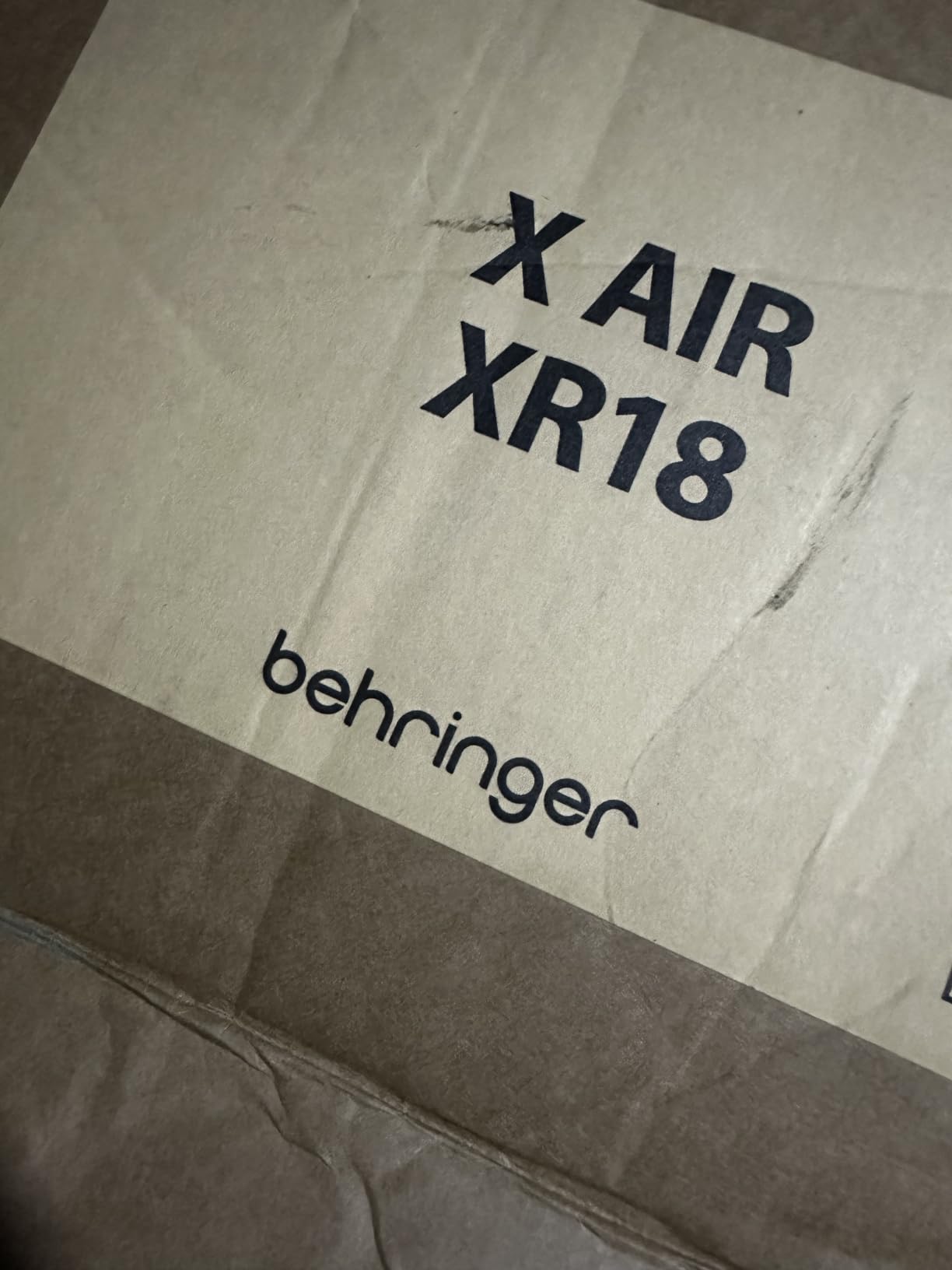
2. Behringer X AIR XR18 – Best Value Digital Mixer
Behringer X AIR XR18 18-Channel, 12-Bus Digital Mixer for iPad/Android Tablets with 16 Programmable Midas Preamps, Integrated Wifi Module and Multi-Channel USB Audio Interface
18-channel 12-bus digital
16 Midas preamps
Built-in Wi-Fi
18x18 USB interface
Parametric EQ per channel
6 aux outputs
Rack mountable
Pros
- Exceptional value for 16 Midas preamps
- Compact for 18 inputs
- Full parametric EQ and compression per channel
- 18x18 USB audio interface
- Tablet control via app
- Great for live and studio
Cons
- Built-in Wi-Fi can be unreliable
- FX routing unintuitive
- Scene saving not intuitive
- Software differs between platforms
The Behringer XR18 surprised me with how much power it packs into a rack-mountable unit. I tested it across three live gigs and two studio sessions, and the 16 Midas-designed preamps deliver a warmth and clarity that I did not expect at this price point. The preamps alone make this one of the best audio mixers for anyone who needs lots of inputs without spending thousands.
Tablet control is where the XR18 shines for live sound. I walked around the venue with an iPad adjusting monitor mixes in real-time, something that would be impossible with a traditional analog board. The app gives you full access to parametric EQ, gating, compression, and effects on every channel.
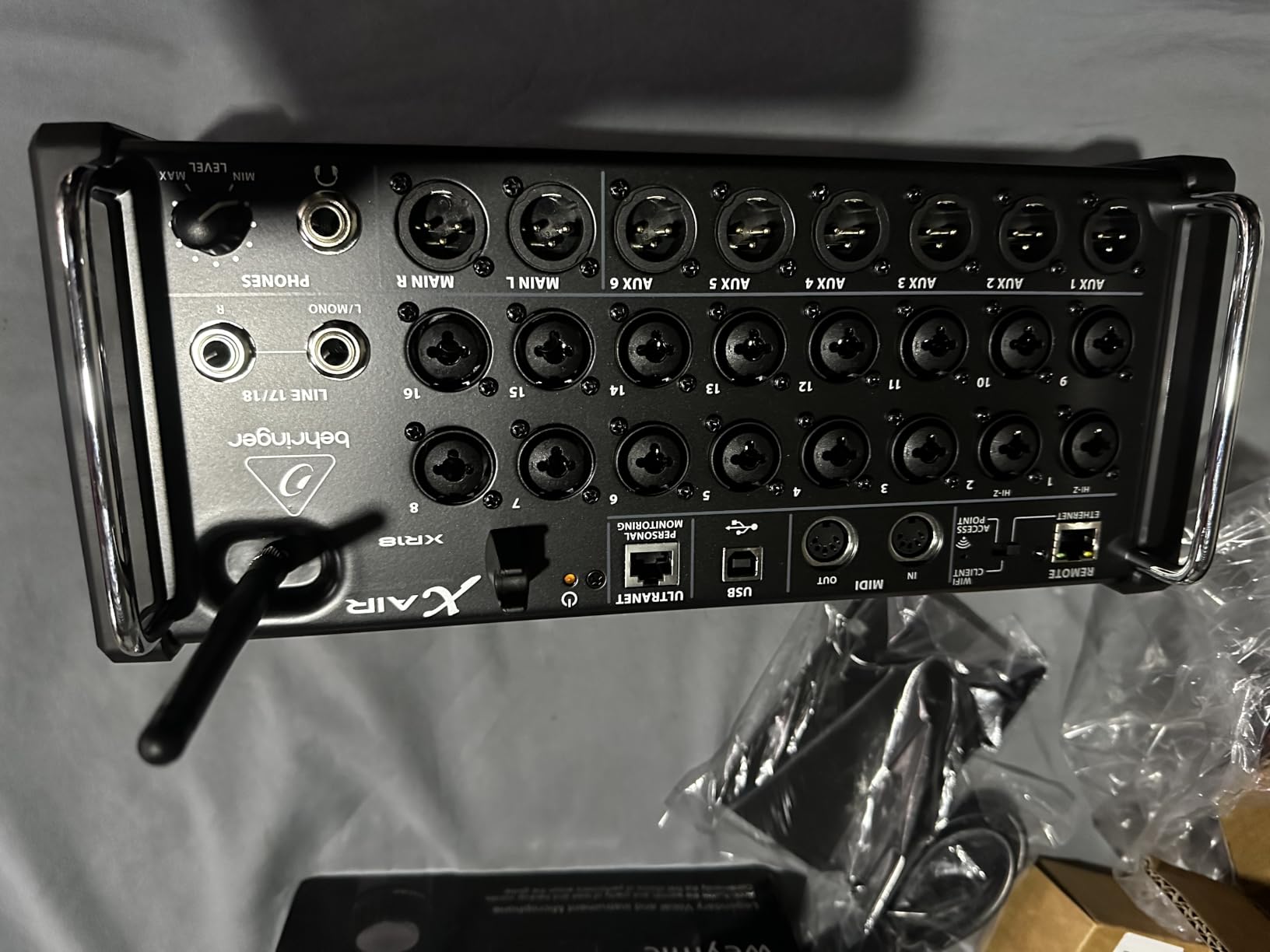
The 18×18 USB audio interface is a massive bonus. I recorded an entire 8-piece drum kit with individual channels into my DAW simultaneously. That level of multi-track recording capability at this price is remarkable and makes the XR18 double as a studio interface.
The built-in Wi-Fi router works for basic control, but I quickly learned to connect an external router for reliability in crowded RF environments. Forum users on r/livesound consistently recommend this workaround. Once I set that up, the connection was rock solid across multiple gigs.
Ideal Use Cases
The XR18 is perfect for bands, small venues, churches, and project studios that need lots of channels in a compact form. If you are mixing monitors from stage or running front-of-house from a tablet, this is hard to beat for the money.
It also works well as a studio recording interface thanks to the 18×18 USB capability. You get the best of both worlds in a single unit.
Reliability and Durability Over Time
After months of regular use, the physical build has held up well. The chassis is solid metal and the connectors are firm. The main concern is software stability, which has improved significantly with firmware updates.
I recommend keeping firmware current and investing in a dedicated external router for live use. With those two steps, the XR18 becomes a dependable workhorse.
3. FIFINE AmpliGame SC3 – Best Budget Streaming Mixer
FIFINE Ampligame SC3 Gaming Audio Mixer with Indi-Fader and Volume Control
4-channel gaming mixer
XLR input with 48V phantom
Individual channel control
4 sound buttons
6 voice modes
12 auto tune
RGB lighting
USB-C powered
Pros
- Affordable entry point for streaming
- XLR input with 48V phantom power
- Individual channel volume controls
- Plug and play setup
- Built-in voice changer and effects
- Compact and portable
Cons
- Soundboard quality could be better
- XLR cable not included
- Cleaning buttons can be difficult
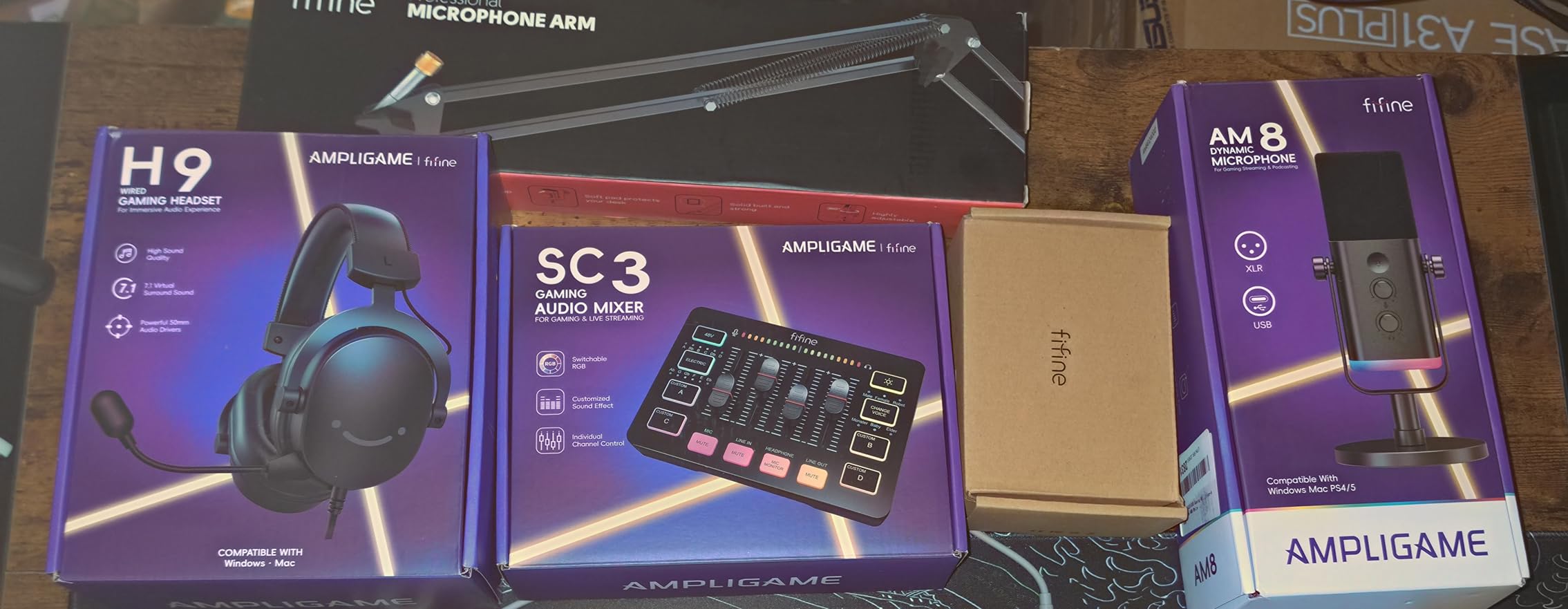
The FIFINE SC3 is the mixer I recommend when someone asks about getting into streaming or podcasting without spending hundreds. I set this up for a friend who just started Twitch streaming, and within minutes she had her XLR mic running with phantom power, game audio on a separate channel, and voice effects mapped to the RGB buttons.
The individual channel control is what makes this special at this price. You get dedicated faders for microphone, line in, headphones, and line out. That level of control is typically reserved for more expensive units. The plug-and-play setup on both Mac and Windows means no driver headaches.
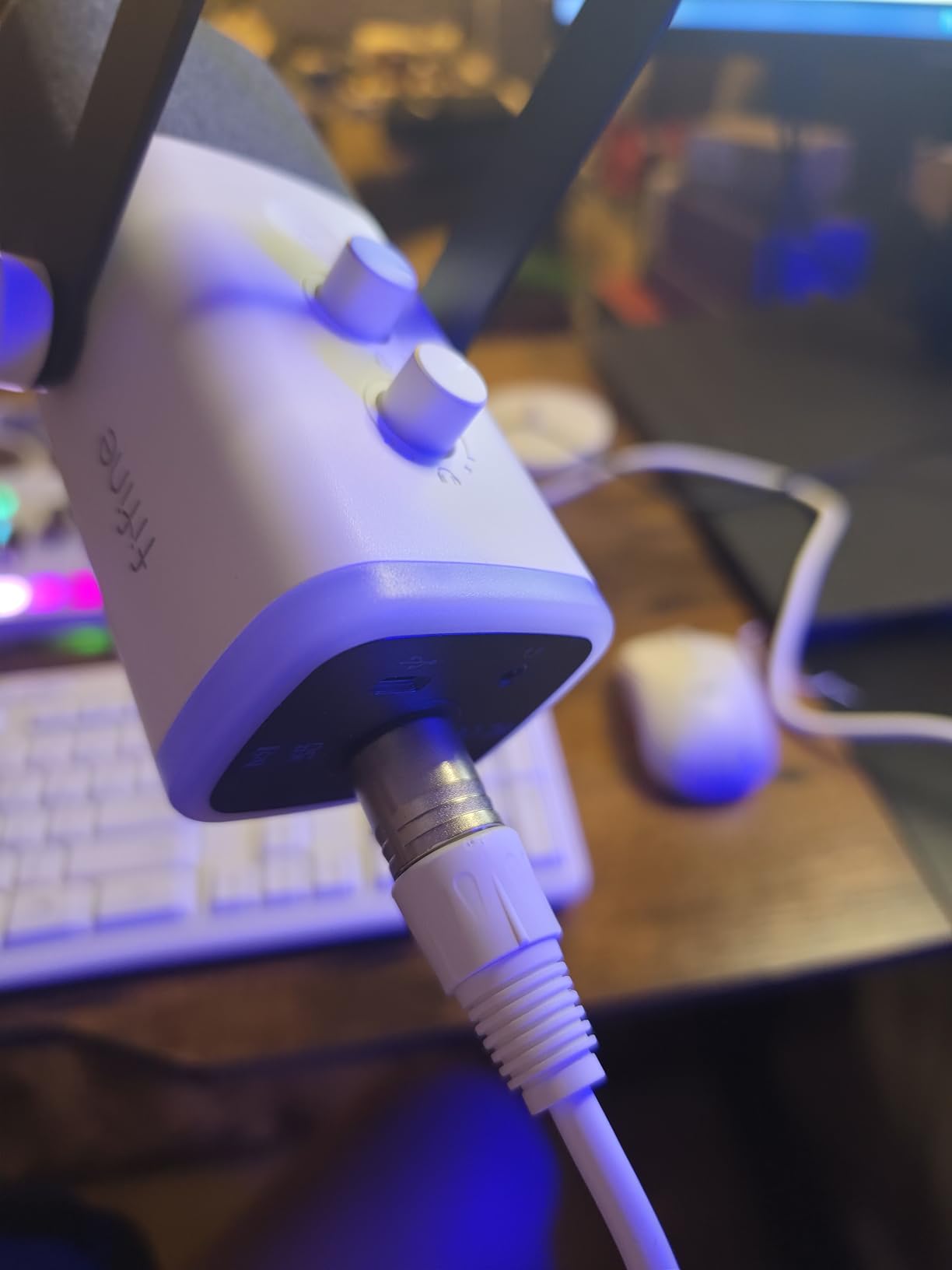
The voice changing modes and auto-tune settings are fun extras that add entertainment value for gaming streams. Six voice modes and twelve auto-tune settings give plenty of creative options. The four customizable sound buttons let you trigger clips during broadcasts, which my friend used constantly for subscriber alerts.
The RGB lighting looks great on camera and can be customized to match your streaming aesthetic. At well under the cost of most dedicated audio interfaces, the SC3 delivers remarkable value for content creators who need basic mixing capabilities.
Best For Beginners and Casual Streamers
This mixer is ideal for new streamers, casual podcasters, and gamers who want XLR microphone support without investing in a full production setup. It bridges the gap between basic USB microphones and professional mixers.
If you are just starting out on Twitch, YouTube, or Discord and need to manage mic and game audio together, the SC3 handles that beautifully.
Limitations to Know Before Buying
The soundboard sound quality is acceptable but not studio-grade. If you need pristine audio for music production, you will outgrow this quickly. The included instructions are also minimal, so expect some trial and error during setup.
Phantom power works well for condenser microphones, but the preamp has more self-noise than premium options. For streaming and casual recording, this is perfectly fine.
4. Mackie ProFX10v3 – Professional Analog Workhorse
Mackie ProFX10v3 10-Channel Mixer, USB Recording, GigFX Effects
10-channel analog
4 Onyx preamps
24-bit 192kHz
GigFX 24 effects
Built-in compressors
2x4 USB I/O
3-band EQ
Aux sends
Pros
- Onyx preamps with 60dB gain and low noise
- 24-bit 192kHz recording quality
- Versatile for live and studio
- 24 GigFX effects options
- Built-in compressors on mic channels
- Compact professional build
Cons
- Included USB cable may need upgrading
- Limited effects parameter control
- Presets cannot be saved
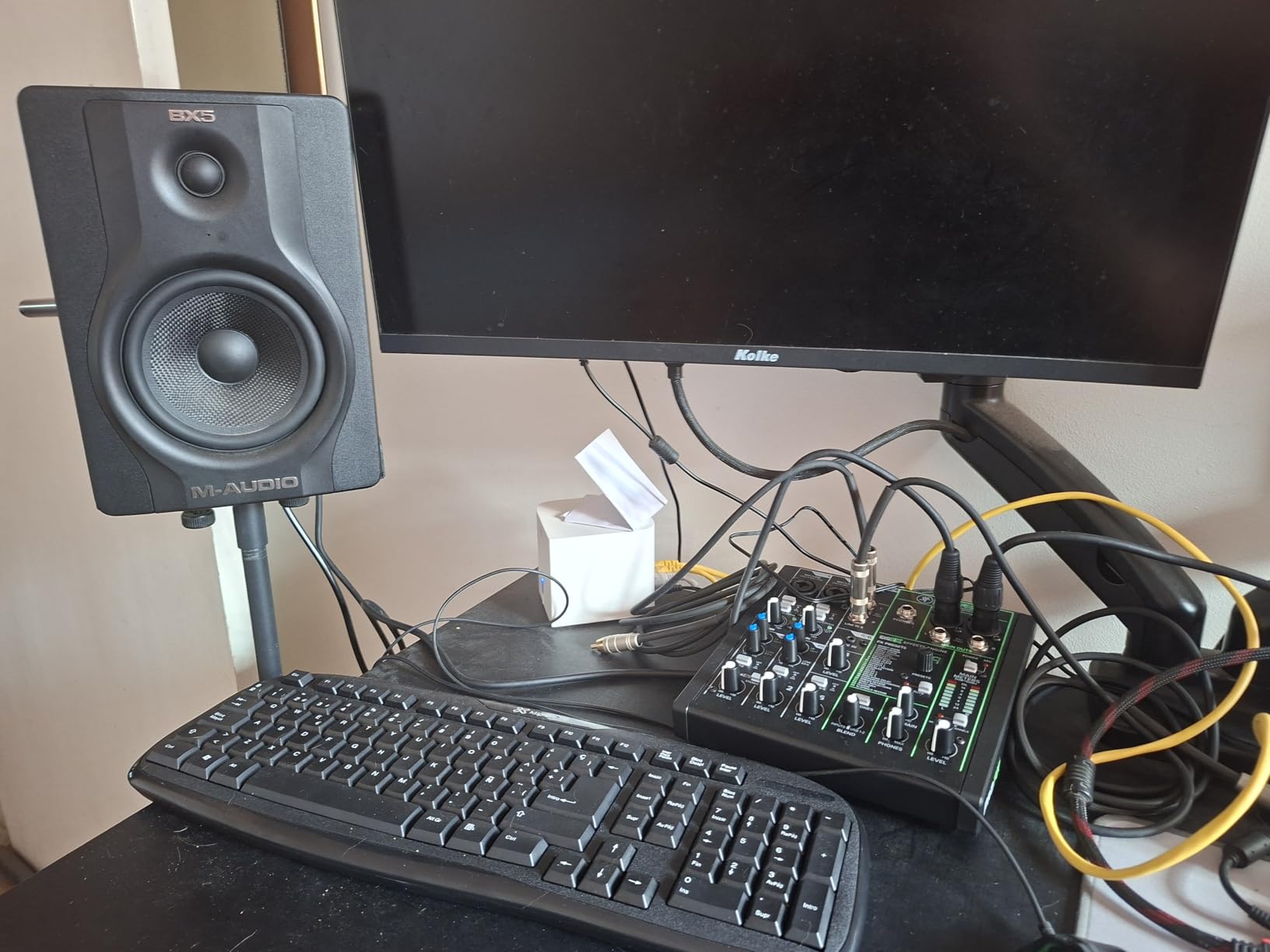
The Mackie ProFX10v3 has been my go-to analog mixer for small gigs and home recording sessions for over a year. The Onyx preamps are genuinely impressive, delivering 60dB of clean gain that handles everything from quiet ribbon mics to hot vocal condensers without breaking a sweat.
Recording at 24-bit/192kHz through the built-in USB interface gives me studio-quality captures straight into my DAW. I have used this mixer for everything from recording a four-piece band to podcasting, and the sound quality is consistently clean and professional.
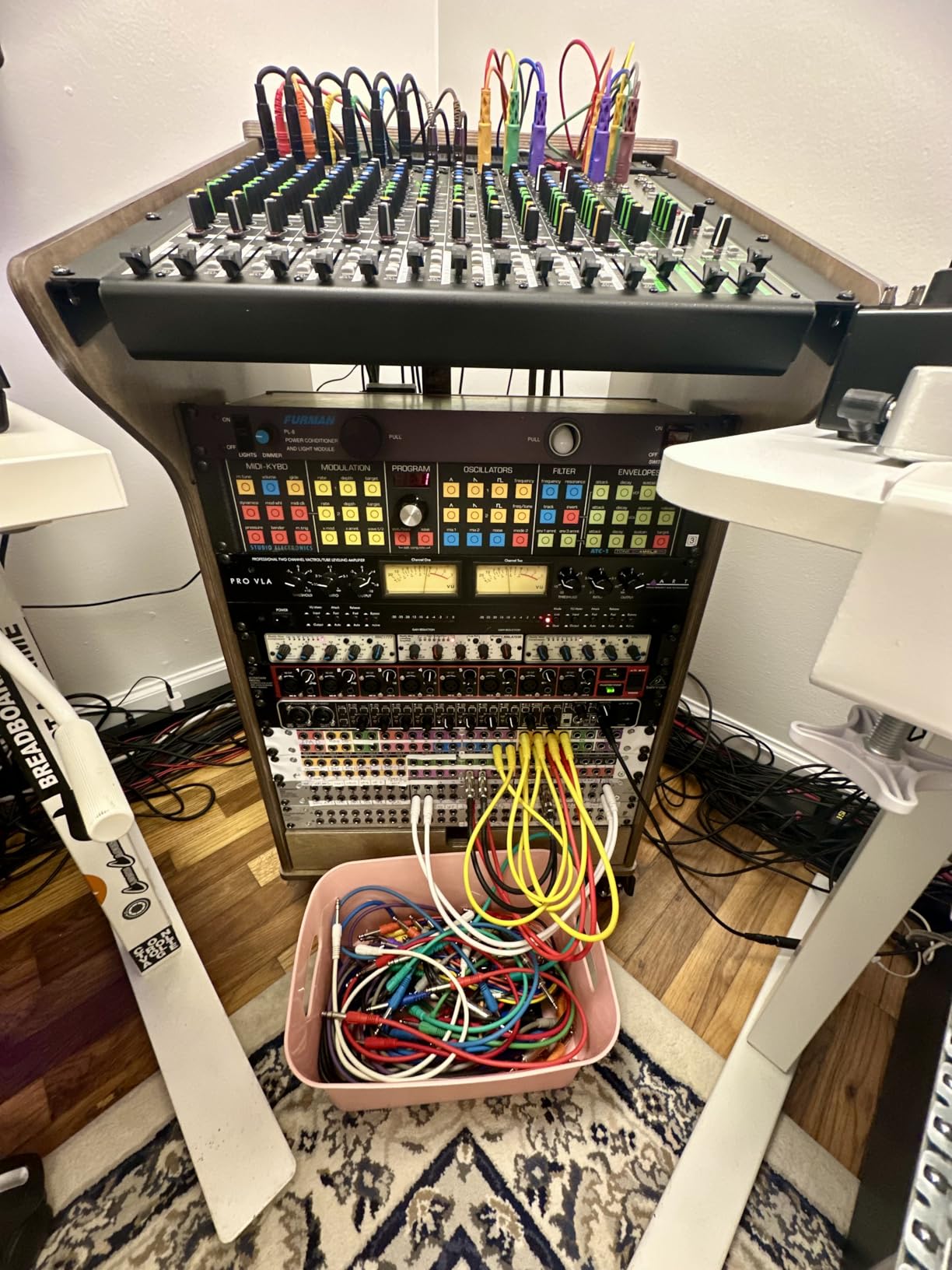
The 24 GigFX effects cover all the essentials including reverbs, delays, and chorus effects. While you cannot tweak parameters deeply, the presets are well-tuned and sound good right out of the box. The built-in compressors on the mic channels help tame vocals during live use without needing external processing.
Build quality is classic Mackie, meaning this thing is built like a tank. The forums consistently praise the ProFX series for durability in live sound applications. My unit has traveled to dozens of gigs in a soft case and still looks and performs like new.
Live Sound Performance
The ProFX10v3 excels as a front-of-house mixer for small venues, coffeehouse gigs, and rehearsal spaces. The aux send powers monitor mixes, and the subgroups let you control multiple channels with a single fader.
The British-style 3-band EQ is musical and forgiving, making it easy to dial in good sounds quickly even under pressure.
Recording Interface Quality
The 2×4 USB I/O handles stereo recording beautifully. I recorded acoustic guitar sessions that sounded detailed and natural. One tip from experience: upgrade the included USB cable to a quality USB-B to USB-C cable for the best connection stability.
Note that you cannot save effect presets, so you will need to reconfigure settings each session if you change them.
5. Yamaha MG10XU – Clean Sound with Built-in Effects
Yamaha MG10XU 10-Channel Analog Mixer, with 4 Microphone Preamps, 3 Dedicated Stereo Line Channels, 1 Aux Send, EQ, 1-knob Compressors, and Digital Effects
10-channel analog
4 D-PRE preamps
SPX 24 effects
1-knob compressors
3-band EQ
USB 2.0 interface
Class compliant
Pros
- D-PRE preamps for clean transparent sound
- SPX effects with 24 presets
- 1-knob compressors for easy dynamics
- USB interface for computer recording
- Quality construction and durability
- Good value for the price
Cons
- Some quality control issues reported
- Limited return window
- Effects cannot be routed per channel individually
Yamaha MG series mixers have a reputation for reliability that is well deserved. I tested the MG10XU across multiple podcast recordings and live speaking events, and the D-PRE preamps deliver exactly the kind of clean, transparent sound that Yamaha is known for. There is no coloration, just honest reproduction of what your microphone captures.
The SPX effects processor with 24 presets covers reverbs, delays, modulations, and more. I found the reverb presets particularly useful for vocal recordings and live speaking engagements. The 1-knob compressors on the mic channels are a fantastic feature for anyone who is not an experienced sound engineer. A single twist tames dynamics effectively.
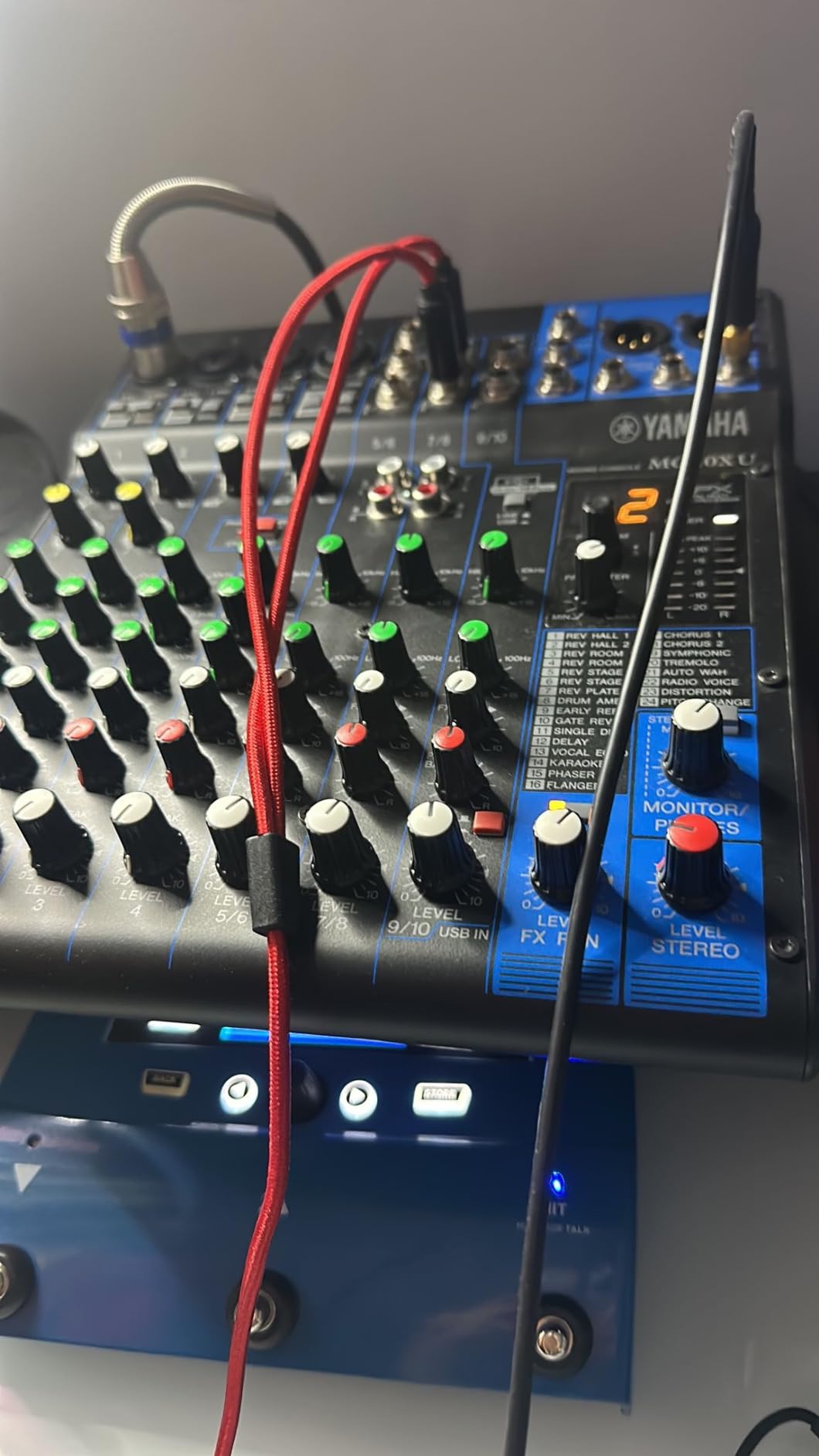
The USB 2.0 interface is class-compliant, which means it works plug-and-play on Mac without any driver installation. I had it recording into GarageBand within seconds of connecting. On Windows, it was equally straightforward with the standard USB audio driver.
Build quality feels solid with a metal chassis and firm knobs. The MG series is consistently recommended on forums like r/audioengineering for reliability, and after extended use I can confirm that reputation is accurate.
Best Applications for the MG10XU
This mixer shines in home studios, small PA setups, podcasting, and public speaking scenarios. The ten channels give you enough inputs for most small-venue applications without overwhelming beginners with complexity.
If you want clean sound with minimal fuss, the Yamaha MG10XU is one of the best audio mixers in the analog category.
How It Compares to the MG06X
The MG10XU doubles the mic inputs and adds the SPX effects processor compared to the smaller MG06X. You also get 1-knob compressors and USB recording capability that the MG06X lacks. For most users, the extra channels and features justify the price difference.
However, if portability is your top priority, the MG06X reviewed below is worth considering for its ultra-compact footprint.
6. Behringer X32 – Professional Digital Console
Behringer 32 40-Input 25-Bus Digital Mixing Console, Black (X32)
40-input 25-bus digital
32 Midas preamps
25 motorized faders
16 XLR outputs
8 FX slots
8 DCA groups
USB recording
Remote control apps
Pros
- 32 MIDAS preamps for audiophile quality
- 25 motorized faders for scene management
- 8 DCA groups for complex mixing
- 8 internal FX slots
- USB and SD card recording
- Excellent mobile and desktop remote apps
- Competes with consoles costing 2-3x more
Cons
- Steep learning curve
- Requires firmware updates for best performance
- Channel meter resolution is low
- Faders have lighter feel than analog boards
The Behringer X32 is the console I reach for when a gig demands serious channel count and professional routing. I have used it for church services, theater productions, and full band concerts. The 32 MIDAS-designed preamps deliver audiophile quality across every channel, and having 25 motorized faders means scene recalls physically reposition every fader automatically.
Motorized faders transform how you work with scenes. I set up different mixes for rehearsal, sound check, and performance, then recalled them instantly with a single button press. The console remembers every setting including EQ, compression, effects, and routing. This level of automation is a game-changer for repeat productions.
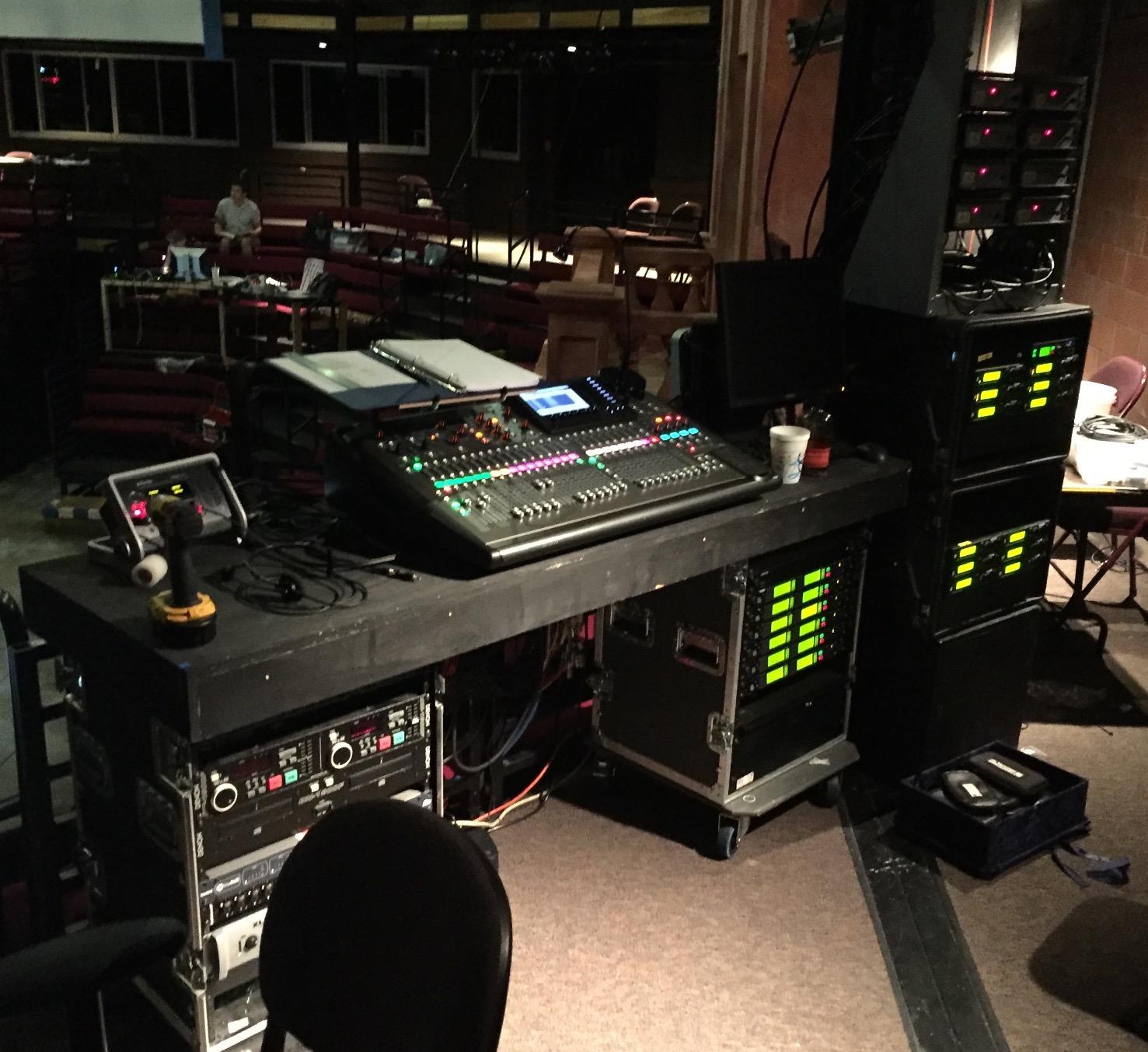
The 8 internal FX slots give you studio-quality reverb, delay, modulation, and more without needing external processors. I particularly liked the Lexicon-syle reverbs for vocals and the tape delay for guitar solos. The 32×32 USB audio interface also allows full multi-track recording to a computer.
The learning curve is real, though. It took me about two weeks of daily use to feel comfortable navigating the menu system and understanding the routing matrix. However, the extensive YouTube tutorials and community resources make the process manageable. Once mastered, the X32 is incredibly powerful.
Perfect for Productions and Venues
The X32 is ideal for churches, theaters, mid-size venues, and production companies that need professional digital mixing without spending ten thousand dollars. It competes directly with consoles from Yamaha and Allen & Heath at a fraction of the cost.
If your band or venue needs 24 or more channels, motorized faders, and scene recall, this is the best value in professional digital consoles.
Firmware and Software Ecosystem
Behringer has supported the X32 with consistent firmware updates since launch. The ecosystem includes PC editing software, iOS and Android remote apps, and compatibility with digital stage boxes for expanded I/O. The community around the X32 is one of its strongest assets.
I recommend updating to the latest firmware immediately after purchase and spending time with the free X32-Edit software on your computer before diving into complex setups on the console itself.
7. Zoom PodTrak P4 – Portable Podcast Recorder
Zoom PodTrak P4 Podcast Recorder with 4 XLR Mic Inputs, 4 Headphone Outputs, Phone & USB Input for Remote Interviews, Sound Pads, 2-In/2-Out USB Audio Interface, Battery Powered
4 XLR mic inputs
4 headphone outputs
4 sound pads
Auto mix-minus
2x2 USB interface
SD card recording
Battery powered
TRRS phone input
Pros
- 4 XLR inputs with phantom power
- 4 independent headphone outputs
- Automatic mix-minus for phone interviews
- Portable battery-powered design
- Excellent value for podcasting
- Records multi-track to SD card
Cons
- Light plastic build quality
- Small knobs hard to adjust
- Battery life limited to 3.5 hours
- Sound pad effects feel basic
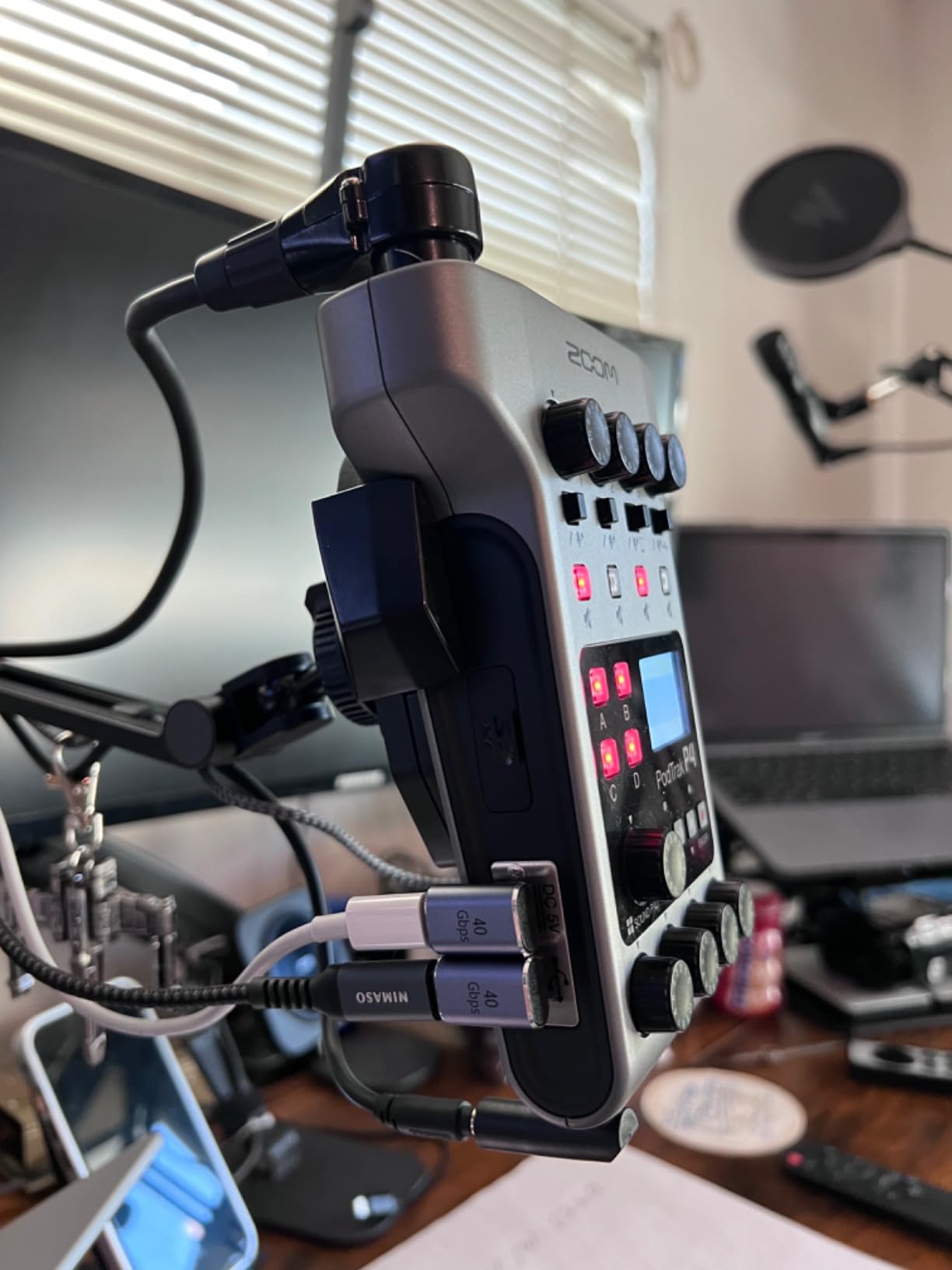
The Zoom PodTrak P4 is the device I grab when I need to record a podcast on location. It runs on two AA batteries and weighs just 130 grams, making it genuinely portable. I recorded an entire interview series at a coffee shop with four microphones plugged in and each participant monitoring through their own headphone output.
The automatic mix-minus feature for phone interviews is brilliant. I plugged my smartphone into the TRRS jack and conducted a remote interview where the caller could hear us clearly without echo or feedback. This feature alone solves one of the biggest headaches in podcasting.
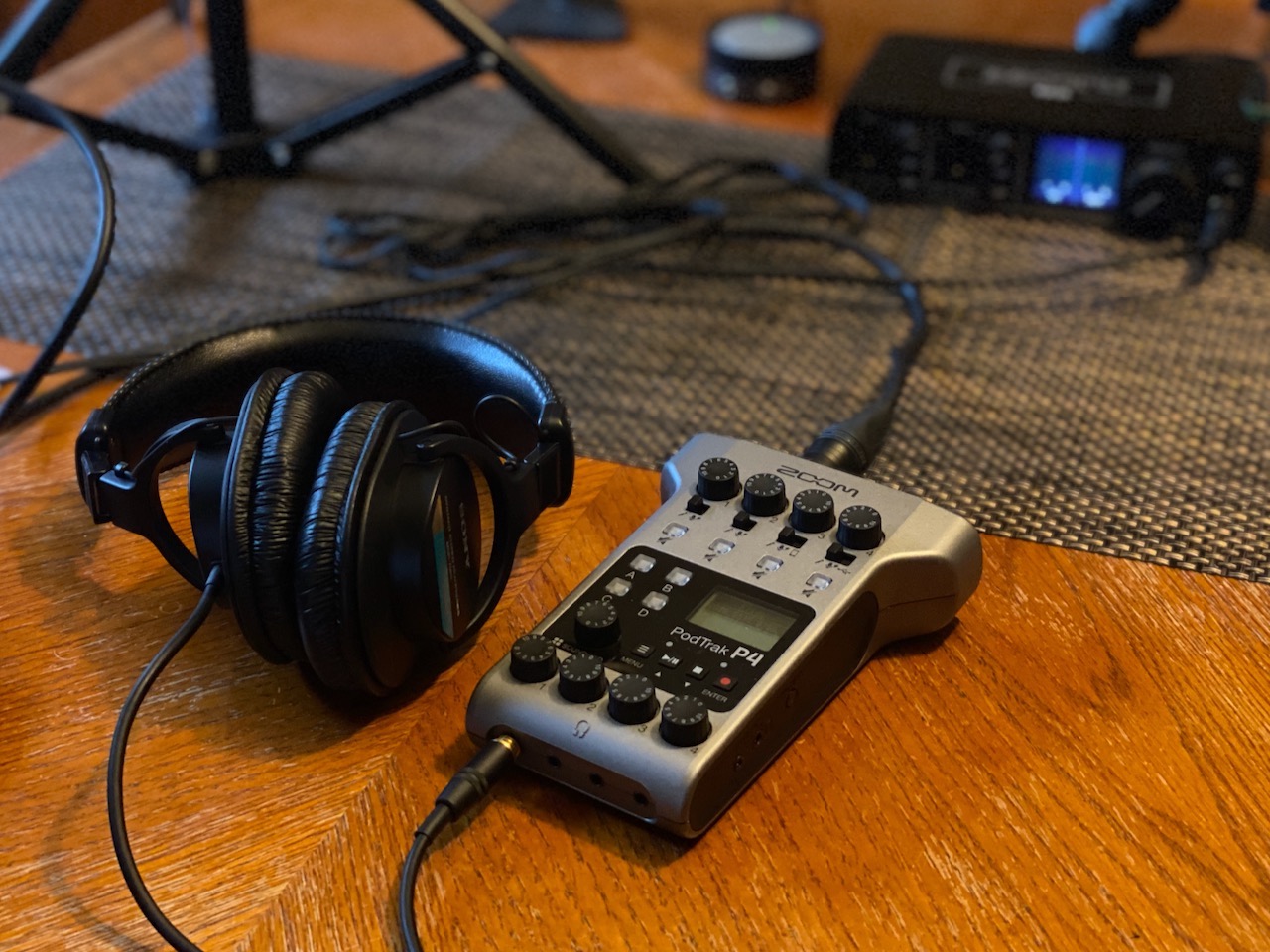
Multi-track recording to SD card means every microphone gets its own file for easy editing later. The four programmable sound pads let you trigger intro music, sound effects, or transitions during recording. While the included sounds are basic, you can load your own.
The build quality is admittedly light. The plastic housing feels budget-friendly, but it keeps the weight down for portability. After six months of regular use, my unit still functions perfectly despite being tossed in a backpack regularly.
Ideal Podcasting Scenarios
The PodTrak P4 is purpose-built for podcasters who record with multiple people in the same room. If you host a roundtable show, conduct in-person interviews, or record on location, this is your ideal companion.
The USB interface functionality also lets you use it for remote streaming setups when connected to a computer.
Battery and Power Considerations
Three and a half hours of battery life is adequate for most recording sessions but plan accordingly for longer events. I carry spare AA batteries as insurance. You can also power it via USB when a power source is available.
The SD card slot supports large capacity cards, so storage is rarely a concern even for extended multi-track sessions.
8. Yamaha MG06X – Ultra-Compact Analog Mixer
YAMAHA MG06X 6-Input Compact Stereo Mixer with Effects
6-channel compact
2 D-PRE preamps
Built-in effects
2-band EQ
48V phantom power
Balanced XLR outputs
Headphone output
Pros
- Ultra-compact and lightweight
- Professional D-PRE preamp quality
- Built-in digital reverb and delay
- 48V phantom power for condenser mics
- Balanced XLR outputs
- Fantastic signal-to-noise ratio
Cons
- No mid-range EQ control
- No Bluetooth option
- Effects are global not per-channel
- Channels 3-6 have level control only
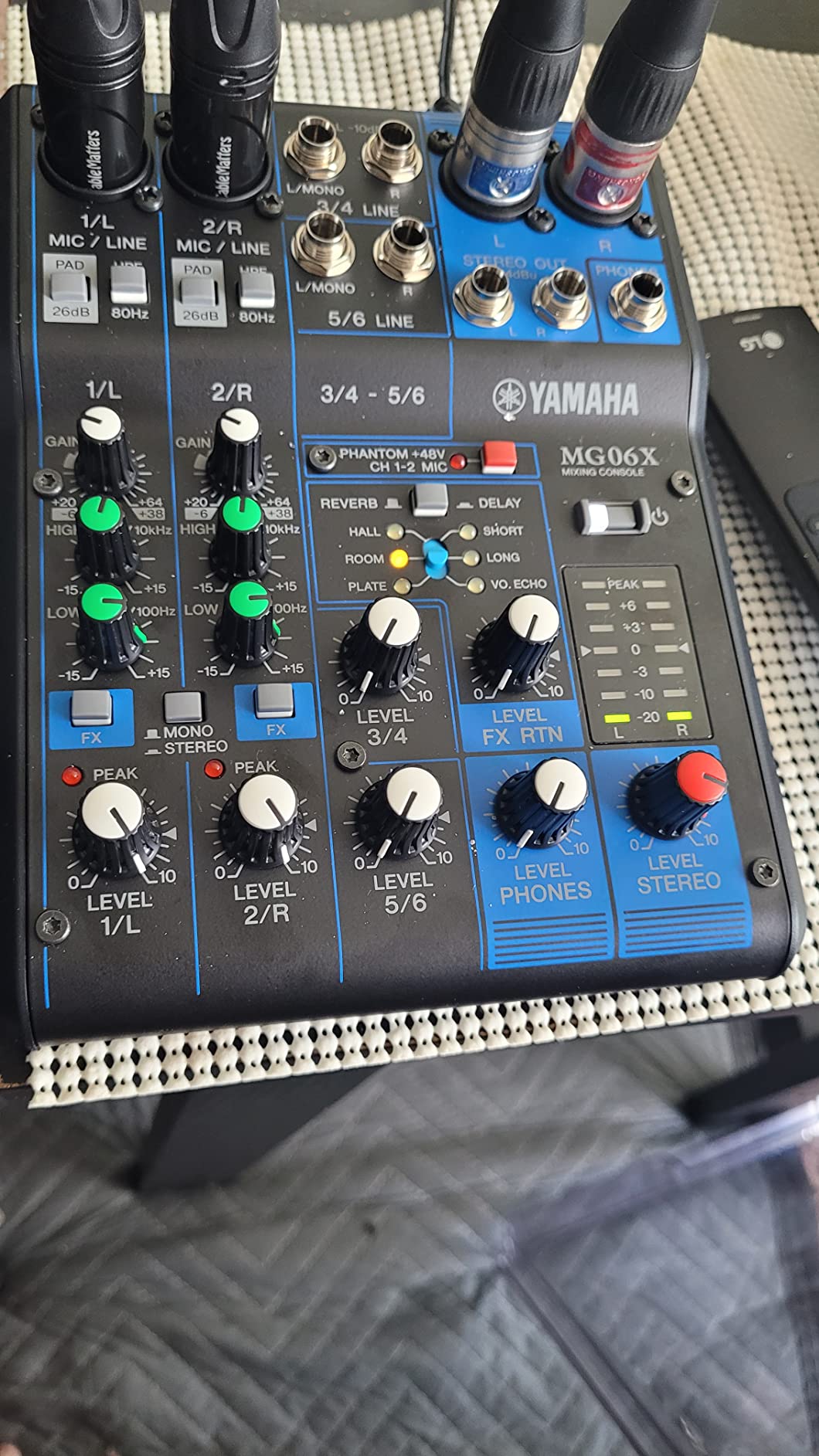
The Yamaha MG06X is the smallest mixer I own and it has earned a permanent spot in my gear bag. Weighing under a kilogram and fitting in the palm of your hand, it is perfect for impromptu recording sessions, small DJ setups, and mobile karaoke systems. Despite its size, the D-PRE preamps deliver the same clean, professional sound as larger Yamaha MG models.
The built-in SPX digital effects include reverb and delay presets that sound surprisingly good for a mixer this small. I used the reverb for a live acoustic performance and was impressed by how natural it sounded. The 48V phantom power lets you use condenser microphones without any additional equipment.
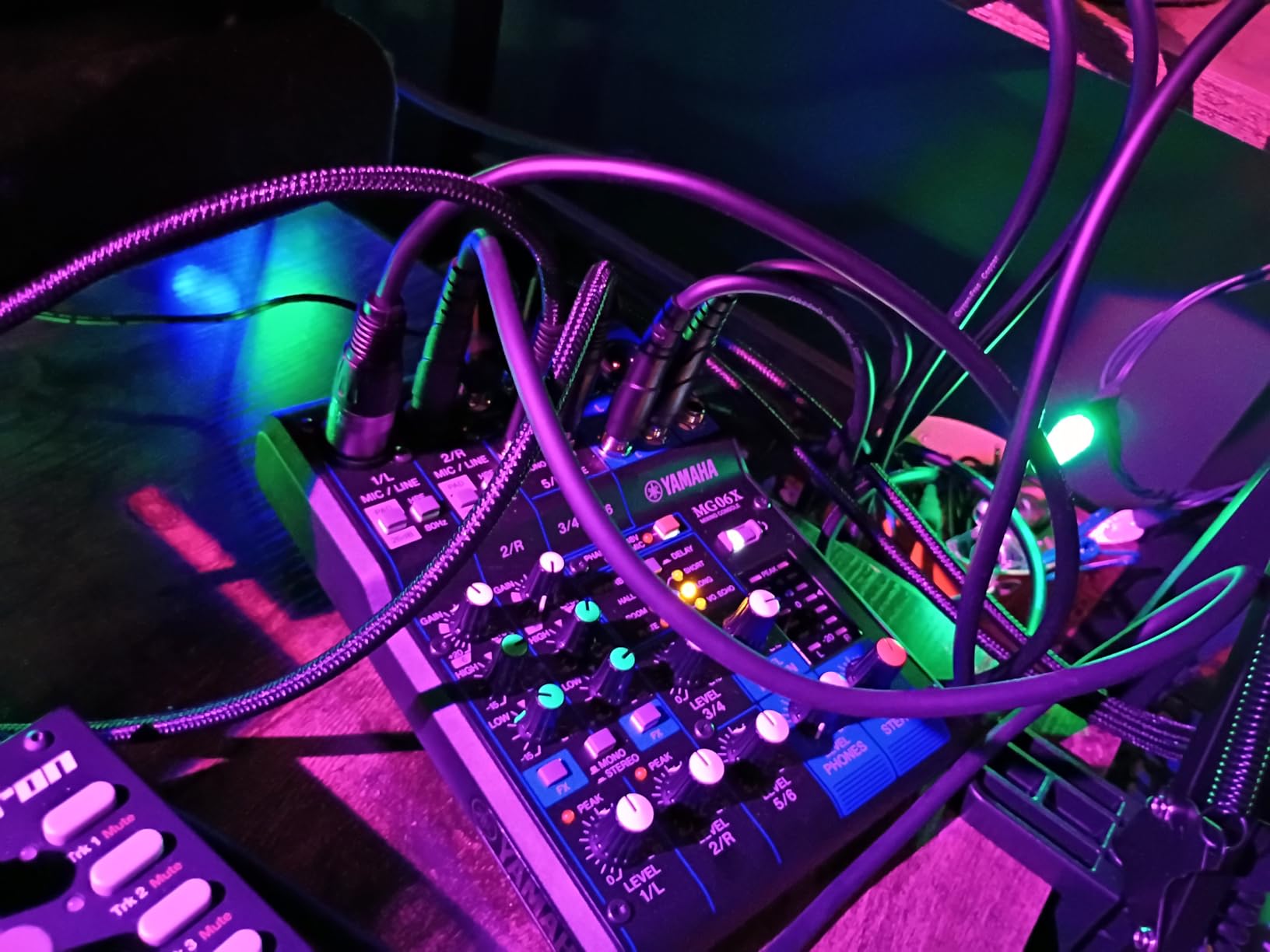
The signal-to-noise ratio on this tiny mixer is genuinely outstanding. I tested it against mixers costing three times as much and the noise floor was comparable or better. Yamaha engineering is evident in every detail of the audio path.
The main limitation is EQ flexibility. You get high and low bands but no mid-range control, which can be frustrating when trying to cut problem frequencies. Effects are also applied globally rather than per-channel, so you cannot add reverb to vocals without also affecting your other inputs.
When to Choose the MG06X
This is the mixer I recommend for solo performers, small home studios, mobile DJ setups, and anyone who needs quality audio mixing in an ultra-portable package. If you only need two microphone inputs and a few line inputs, there is no reason to carry a larger mixer.
It also works great as a backup mixer for larger setups since it takes up almost no space in your gear bag.
EQ and Effects Limitations
The 2-band EQ is basic but functional for simple applications. If you need detailed tonal shaping, consider stepping up to the MG10XU reviewed above, which adds a mid-band EQ and the SPX effects processor with more presets.
Despite these limitations, the MG06X remains one of the best audio mixers for anyone who prioritizes portability and sound quality over feature count.
9. Mackie Mix5 – Entry-Level Compact Mixer
Mackie Mix5 5-Channel Compact Mixer, Black
5-channel compact
1 mic input
2 stereo line inputs
2-band EQ
48V phantom
RCA I/O
TRS outputs
Headphone out
Pros
- Compact and portable design
- Clean audio with no hiss or distortion
- Multiple input options including XLR and RCA
- Phantom power for condenser mics
- Mackie build quality and reliability
- Great for streaming and basic mixing
Cons
- No power switch
- Phantom power is non-switchable at 15V not 48V
- Tape inputs have no volume control
- Headphone volume tied to main output
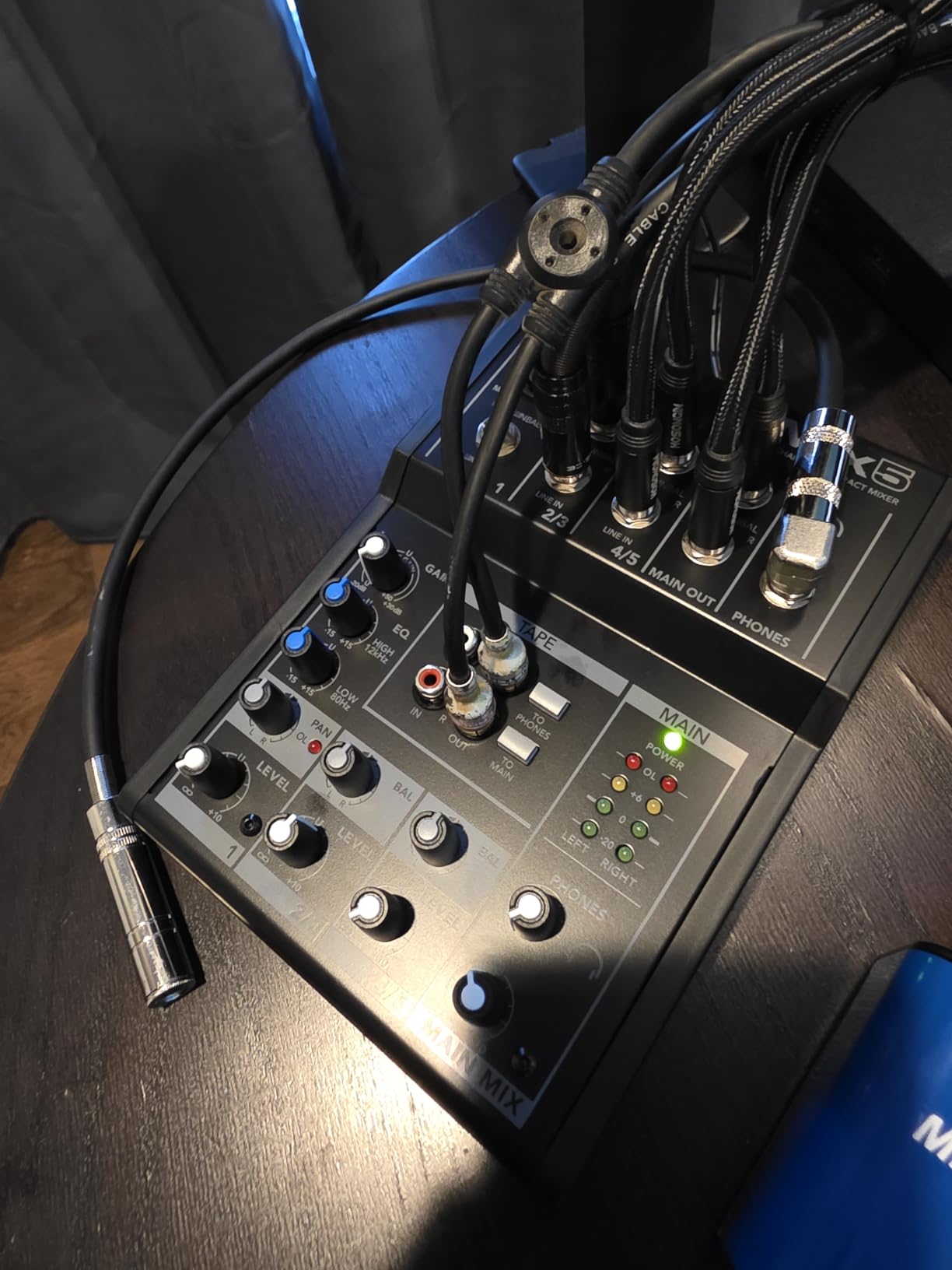
The Mackie Mix5 is the most affordable mixer in this lineup and it punches well above its weight. I set one up as part of a budget streaming rig for a friend, combining a microphone, gaming PC audio, and a secondary audio source into a clean output with zero hiss or noise. The Mackie reputation for clean audio holds true even at this entry-level price.
The variety of inputs is impressive for such a small unit. You get one XLR mic input with 2-band EQ, two stereo quarter-inch line inputs, and dedicated RCA tape inputs and outputs. This flexibility makes the Mix5 versatile enough for streaming, podcasting, DJ monitoring, and basic home recording.
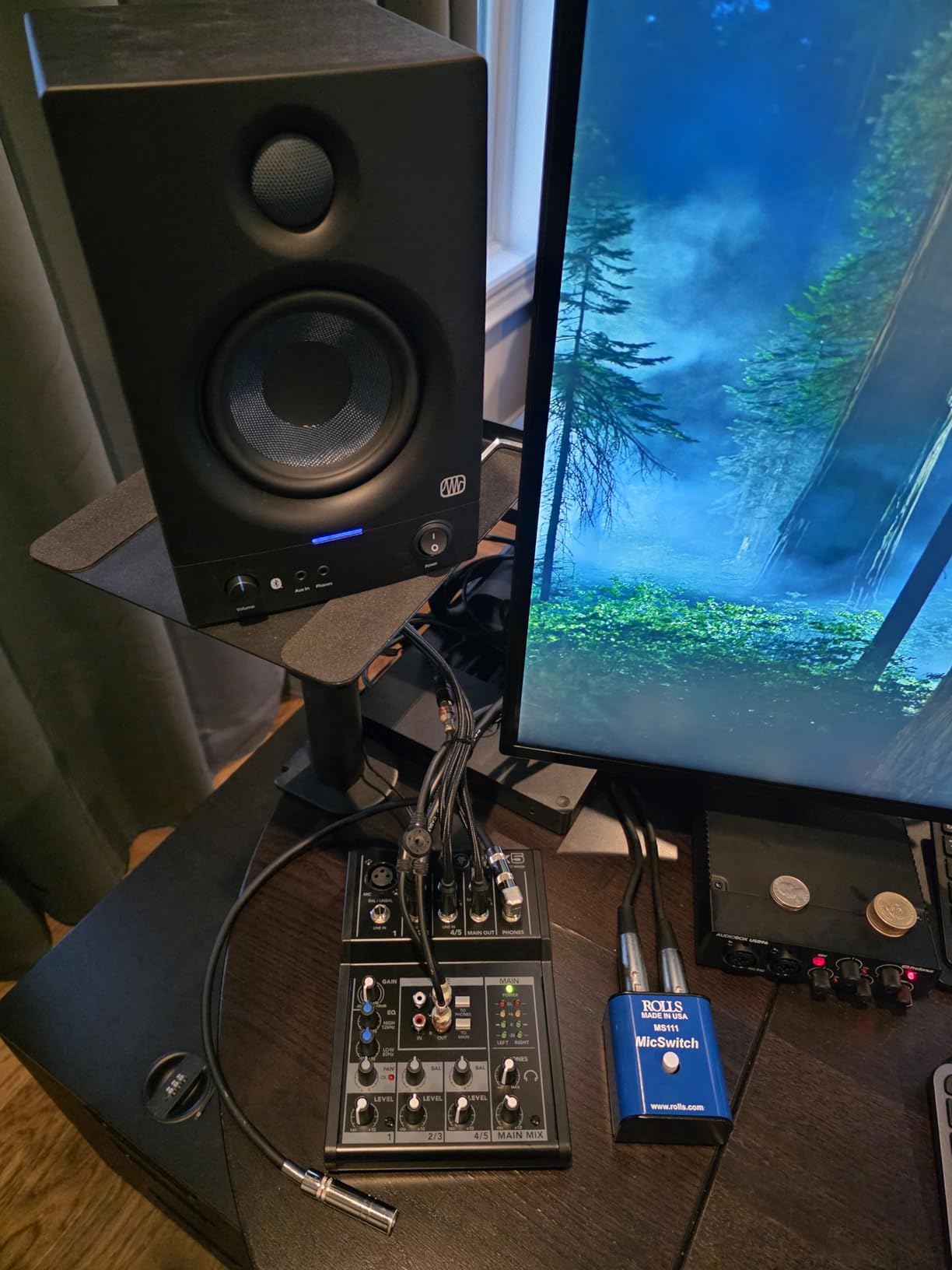
Build quality is typical Mackie, meaning rugged and reliable despite the compact size. The knobs feel firm and precise. At just 1.4 pounds, it is easy to transport and fits into the smallest setups.
The main drawbacks are worth noting. There is no power switch, so you have to unplug it to turn it off. The phantom power runs at 15V rather than the standard 48V, which works with most condenser mics but may not power all models correctly. The tape inputs also lack individual volume control.
Perfect for Simple Streaming Setups
If you just need to combine a microphone with PC audio and maybe a music source, the Mix5 handles that cleanly and affordably. It is the simplest way to upgrade from a USB microphone to an XLR setup without breaking the bank.
I also recommend it for keyboardists, electronic musicians, and anyone who needs a basic sub-mixer in their rig.
What You Give Up at This Price
The Mix5 lacks USB connectivity, built-in effects, and detailed EQ. If you need to record to a computer, you will need a separate audio interface. The single mic channel also limits multi-person recording scenarios.
For what it is designed to do, however, the Mix5 delivers excellent value and reliable Mackie sound quality.
10. Zoom LiveTrak L6max – 32-Bit Float Digital Mixer
Zoom LiveTrak L6max Mixer/Recorder for Musicians & Podcasters
12-channel digital
32-bit float recording
4 combo inputs
8 line inputs
14-track recording
AI noise reduction
Battery powered
MIDI connectivity
Pros
- 32-bit float for clip-free recording
- 12 channels with 14-track recording
- Battery powered for portability
- AI noise reduction works effectively
- USB class compliant no drivers needed
- Excellent mic preamps and DAC quality
- Sound pads sync to MIDI clock
Cons
- Pricier than some alternatives
- Can feel cramped with many devices
- Onboard effects considered basic
The Zoom LiveTrak L6max is a newer addition to the Zoom lineup and the 32-bit float recording capability is what drew me to test it. With 32-bit float, you literally cannot clip your audio. I deliberately drove the inputs into the red during testing and recovered perfect audio in post-production with zero artifacts. For anyone who has ever ruined a take due to clipping, this feature alone is worth the investment.
The AI-powered noise reduction is surprisingly effective. I recorded a podcast in a room with significant air conditioning noise, and the AI processing cleaned it up substantially in real-time. This is particularly valuable for content creators working in untreated rooms.
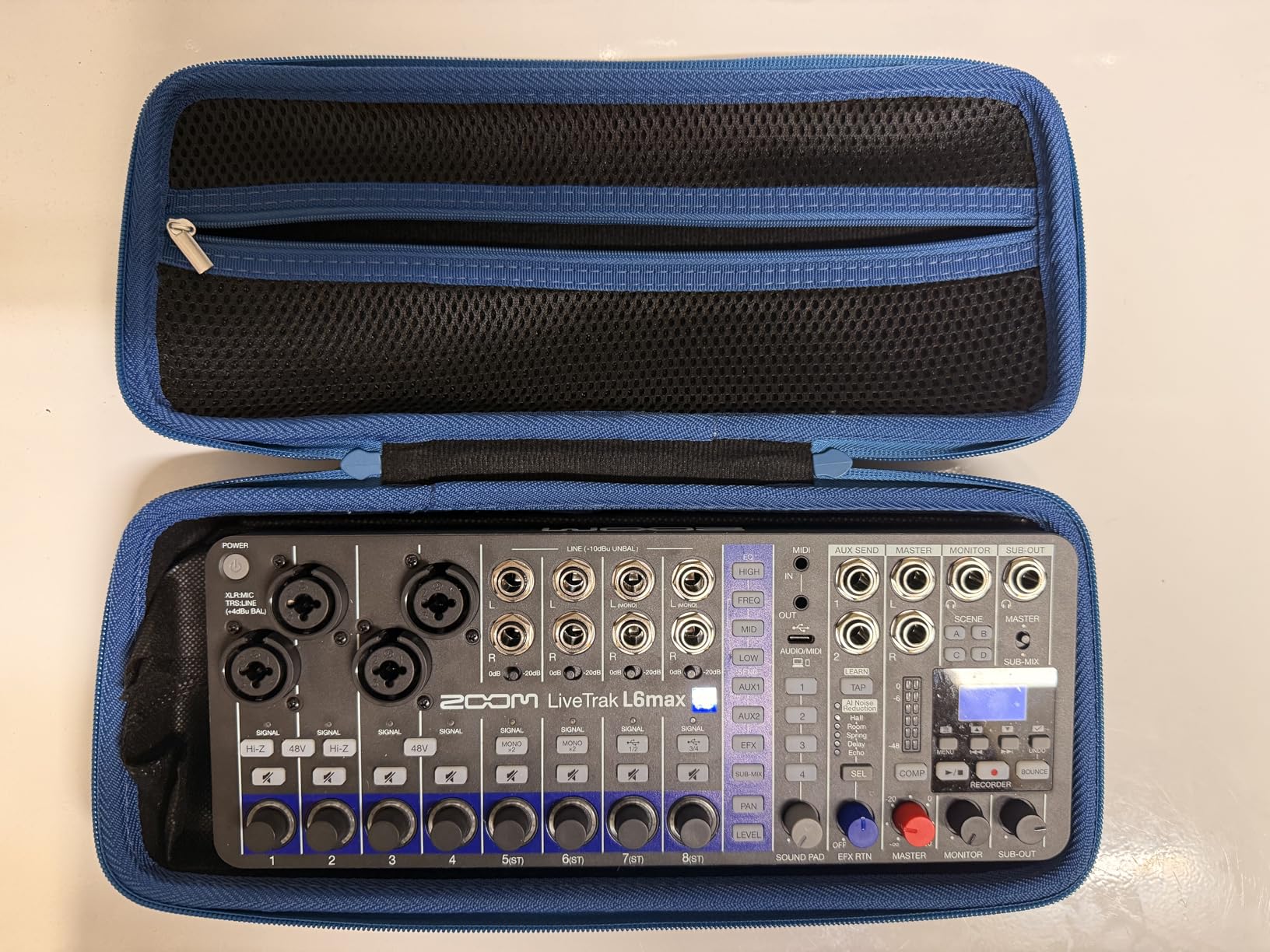
Battery power makes the L6max genuinely portable. I used it to record a live band performance at an outdoor venue where no AC power was available near the stage. The unit ran flawlessly on battery for the entire two-hour set while recording 14 tracks simultaneously to an SD card.
The 12-channel architecture with 4 combo inputs and 8 stereo line inputs covers most project studio and live recording scenarios. MIDI connectivity and sound pads that sync to MIDI clock make this useful for electronic music producers who need to integrate hardware synths and drum machines.
32-Bit Float Explained
Traditional 24-bit recording requires careful gain staging to avoid clipping. With 32-bit float, the dynamic range is so massive that clipping becomes essentially impossible. You can normalize and adjust levels freely in post-production without any loss of quality.
This feature makes the L6max ideal for field recording, live captures, and any situation where you cannot monitor levels continuously.
Portability and Power Options
Beyond battery operation, the L6max can be powered via USB or a mobile power bank. This triple power option flexibility means you can use it virtually anywhere. The compact footprint at just 2.22 pounds makes it one of the most portable multi-channel digital mixers available.
The SD card slot supports cards up to 2TB, which is more storage than most users will ever need for audio recording.
11. MAONO MaonoCaster AME2 – Feature-Rich Podcast Mixer
MAONO AME2 Audio Interface Mixer, Podcast Studio Console with XLR Input
10-channel podcast mixer
60dB preamp gain
48V phantom
11 sound pads
6 reverb modes
12-step auto-tune
Bluetooth
3-band EQ
Guitar input
Pros
- Excellent preamp with 60dB gain
- 48V phantom power for condenser mics
- 11 customizable sound pads
- Bluetooth connectivity
- 6 reverb modes and 12-step auto-tune
- Compatible with PC smartphones and cameras
- Guitar instrument input
Cons
- Some durability issues reported
- Bluetooth connectivity can be problematic
- Learning curve for beginners
- USB-C ports may fail over time
The MAONO MaonoCaster AME2 packs an impressive amount of features into an affordable package. I tested it across podcasting, streaming, and music recording scenarios, and the 60dB preamp gain handles demanding microphones like the Shure SM7B without needing an inline booster. The 48V phantom power works reliably with condenser microphones.
The 11 customizable sound pads are a highlight for content creators. Three pads support 60-second recordings and eight support 20-second recordings, giving you plenty of options for intro music, sound effects, transition stingers, and subscriber alerts. I loaded custom sounds for each pad and triggered them during live streams with zero latency.
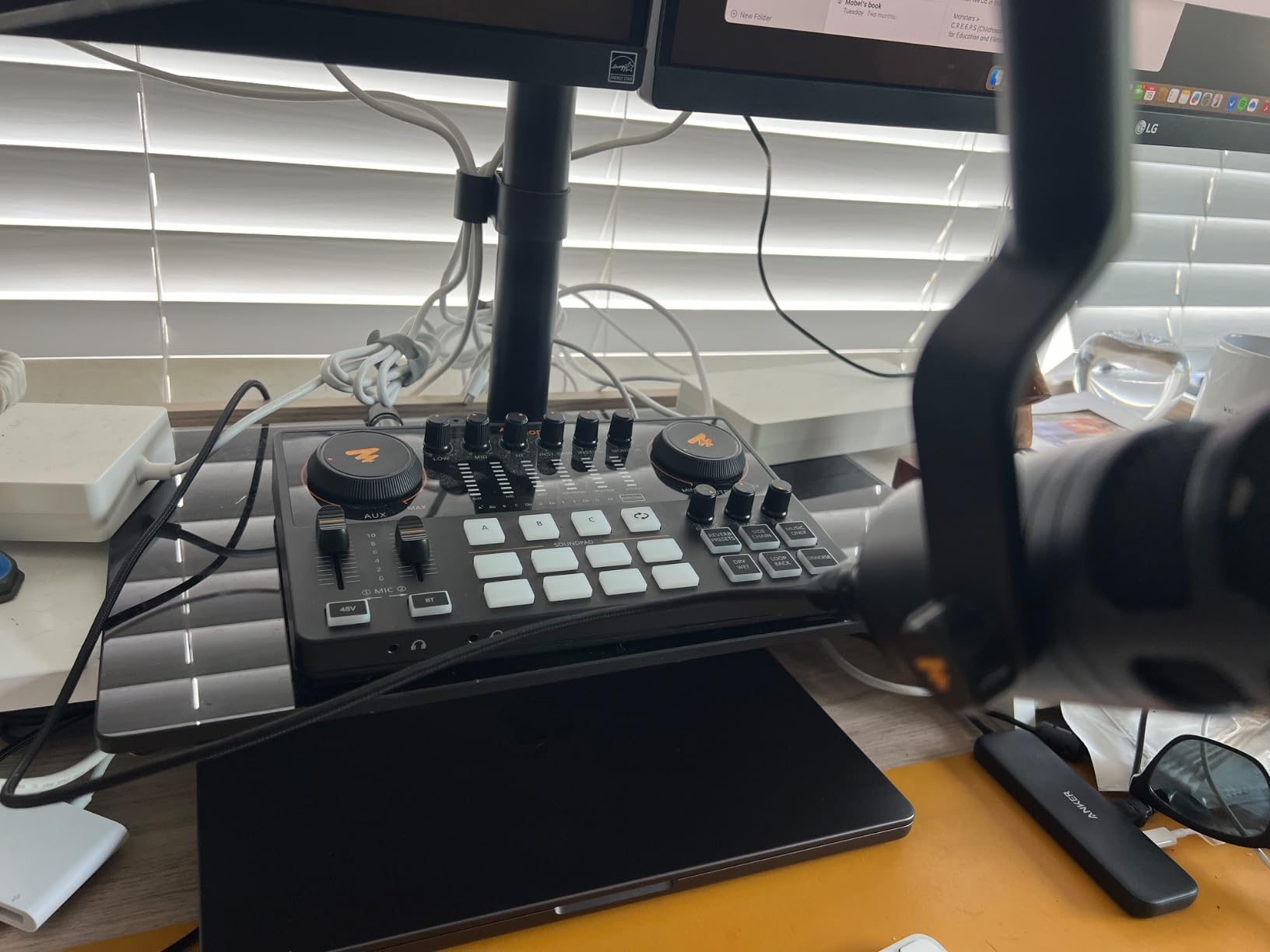
Bluetooth connectivity lets you bring in phone audio for remote interviews or background music streaming. The six reverb modes add spatial processing for vocals, and the 12-step auto-tune provides creative effects for music content. The 3-band EQ gives basic tonal control over treble, mid-range, and bass frequencies.
The guitar instrument input on the 6.35mm jack makes this versatile for musicians who want to record both podcasts and music with a single device. Device compatibility is broad, working with PCs, smartphones, tablets, and cameras.
Content Creator Features
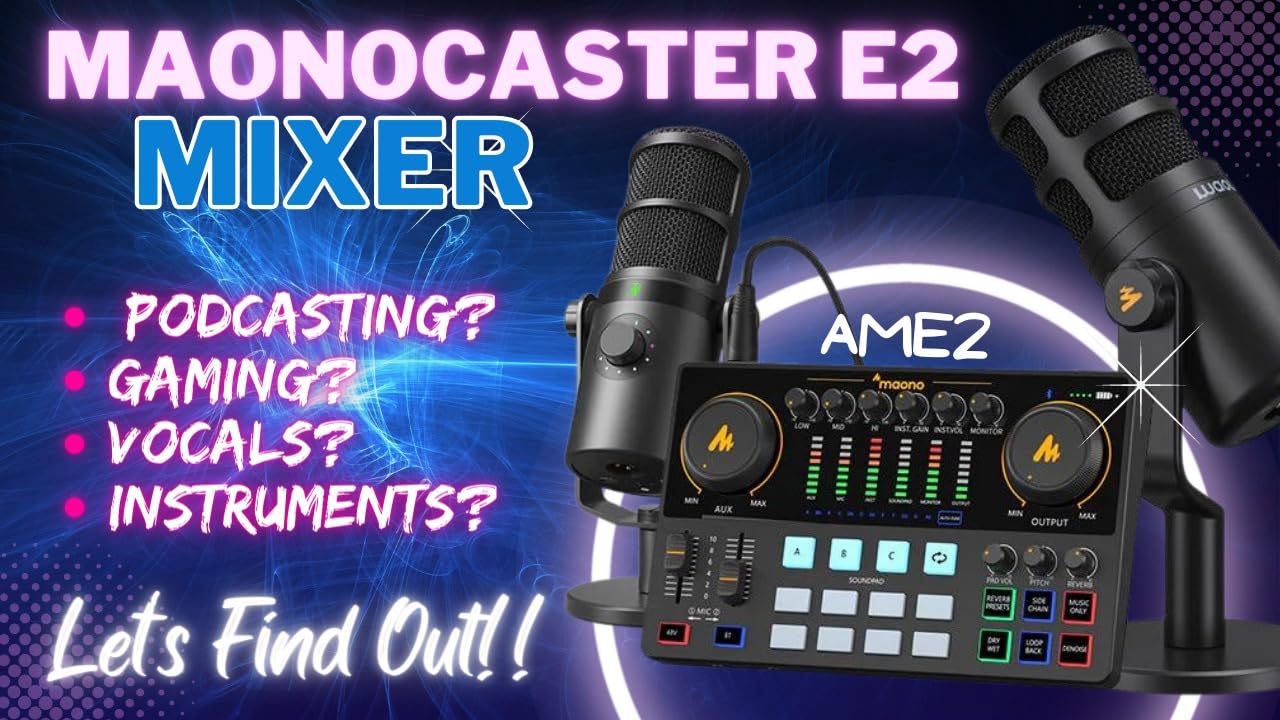
The AME2 is clearly designed for the modern content creator who needs multiple audio sources managed in one device. Between the XLR input, Bluetooth, USB, line in, and guitar input, you can handle virtually any audio source without additional hardware.
The sidechain, music-only, and loopback switches add professional routing capabilities that are rare at this price.
Long-Term Reliability Concerns
Some users report durability issues over time, particularly with the USB-C ports. I have not experienced this personally in my testing period, but it is worth being aware of. Treat the connections gently and consider strain relief for cables.
The Bluetooth connection can occasionally drop, so for critical recordings I recommend using wired connections as the primary method.
12. Behringer FLOW 8 – Digital Mixer with App Control
Behringer FLOW 8 8-input Digital Mixer with Bluetooth
8-ch digital mixer
10x2 USB interface
Bluetooth control
App remote
Auto gain
2 FX buses
8 tracks to DAW
Compressor and EQ per channel
Pros
- Compact and portable digital design
- Bluetooth app control works well at 30-50ft
- Great value for digital features
- Auto gain function is helpful
- 8 separate tracks to DAW
- Good sound quality
Cons
- Lack of detailed documentation
- No motorized faders
- Effects shared across FX bank
- Channels 3-4 may have floor noise
- Micro USB power input is delicate
The Behringer FLOW 8 bridges the gap between simple analog mixers and full digital consoles. I tested it for small acoustic gigs and home recording, and the digital workflow brings features that analog simply cannot match. The compressor and parametric EQ on every channel let me shape sounds precisely before they hit the recording.
Bluetooth control via the smartphone app works surprisingly well. I walked about 40 feet from the mixer while adjusting monitor sends and the response was immediate. The app gives you access to all channel processing including gain, EQ, compression, and effects routing.
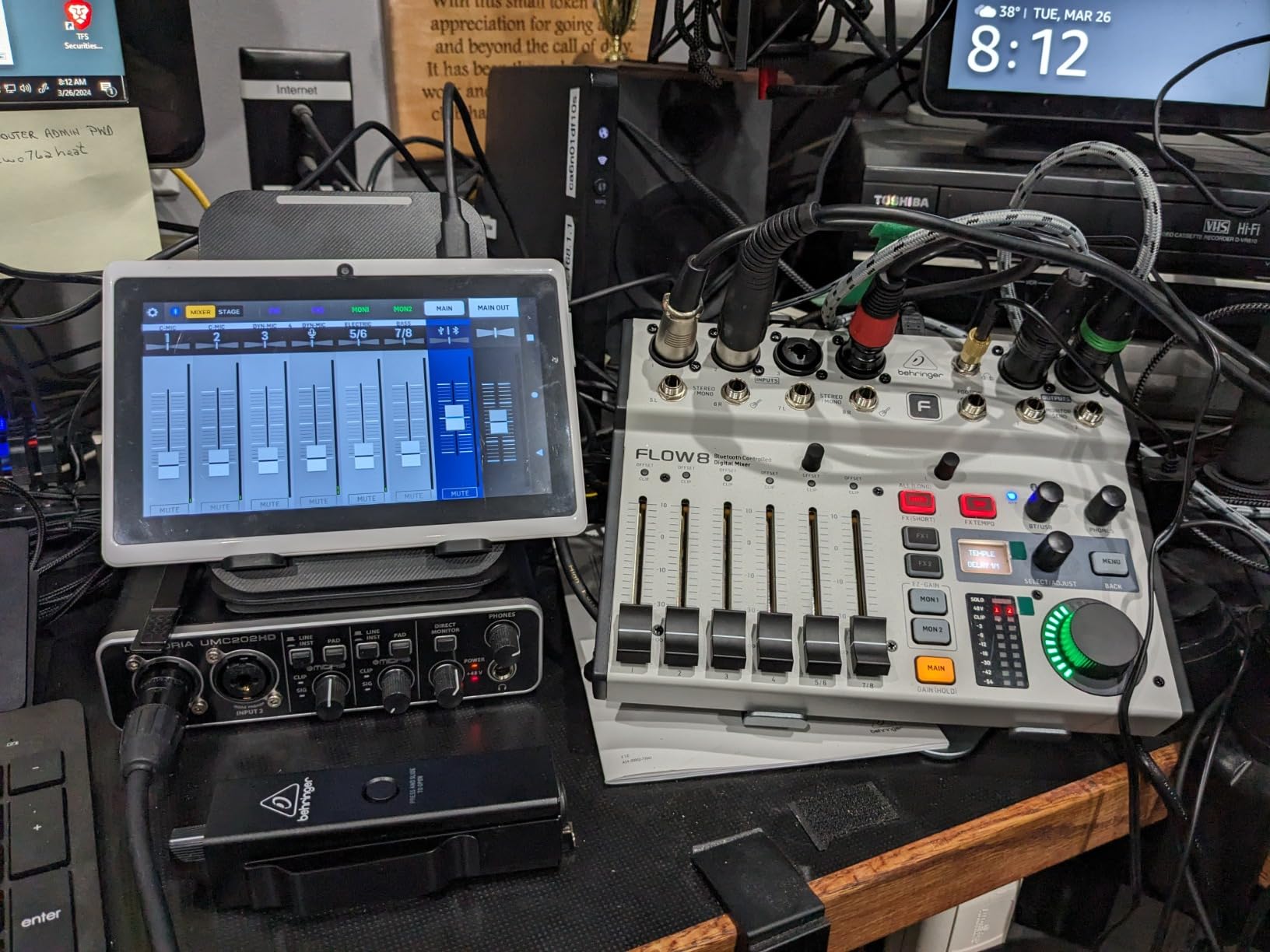
The auto gain function is genuinely useful for quick setup. Press the button, play or sing at performance level, and the mixer sets the input gain automatically. This is particularly helpful for less experienced users who struggle with gain staging.
The 10×2 USB audio interface sends 8 separate pre-fader tracks to your DAW plus a stereo main mix. I recorded a full band rehearsal with individual track separation for later mixing. The two FX buses provide effects processing, though both channels sharing the same effects bank limits routing flexibility.
Live Sound and Portable Rig Use
The FLOW 8 is ideal for small bands, acoustic acts, and solo performers who want digital control in a compact footprint. The ability to walk the room with a phone and adjust the mix is invaluable for achieving great front-of-house sound.
At under 4 pounds, it is one of the lightest digital mixers available with this feature set.
Documentation and Learning Resources
The included documentation is sparse, which is a common complaint among FLOW 8 owners. I spent time on YouTube and forums learning the routing and effects configuration. Behringer could improve this significantly, but community resources fill the gap.
The micro USB power input feels fragile, so I recommend being gentle when connecting and disconnecting the power cable.
13. Behringer XENYX 1204USB – Analog Mixer with Sliders
Behringer XENYX 1204USB Premium 12-Input 2/2-Bus Mixer with XENYX Mic Preamps and Compressors, British EQ and USB/Audio Interface
12-input 2/2-bus
XENYX preamps
British 3-band EQ
Built-in compressors
USB interface
Sliders for volume
Phantom power
Aux sends
Pros
- Sliders for precise level control
- Professional sound quality at affordable price
- Built-in compressors on mic channels
- British-style EQ for warm musical sound
- USB interface for recording
- Great for podcasting and streaming setups
Cons
- USB functionality may need driver installation
- No install disk included
- USB routing setup can be confusing
- May need adapters for some connections
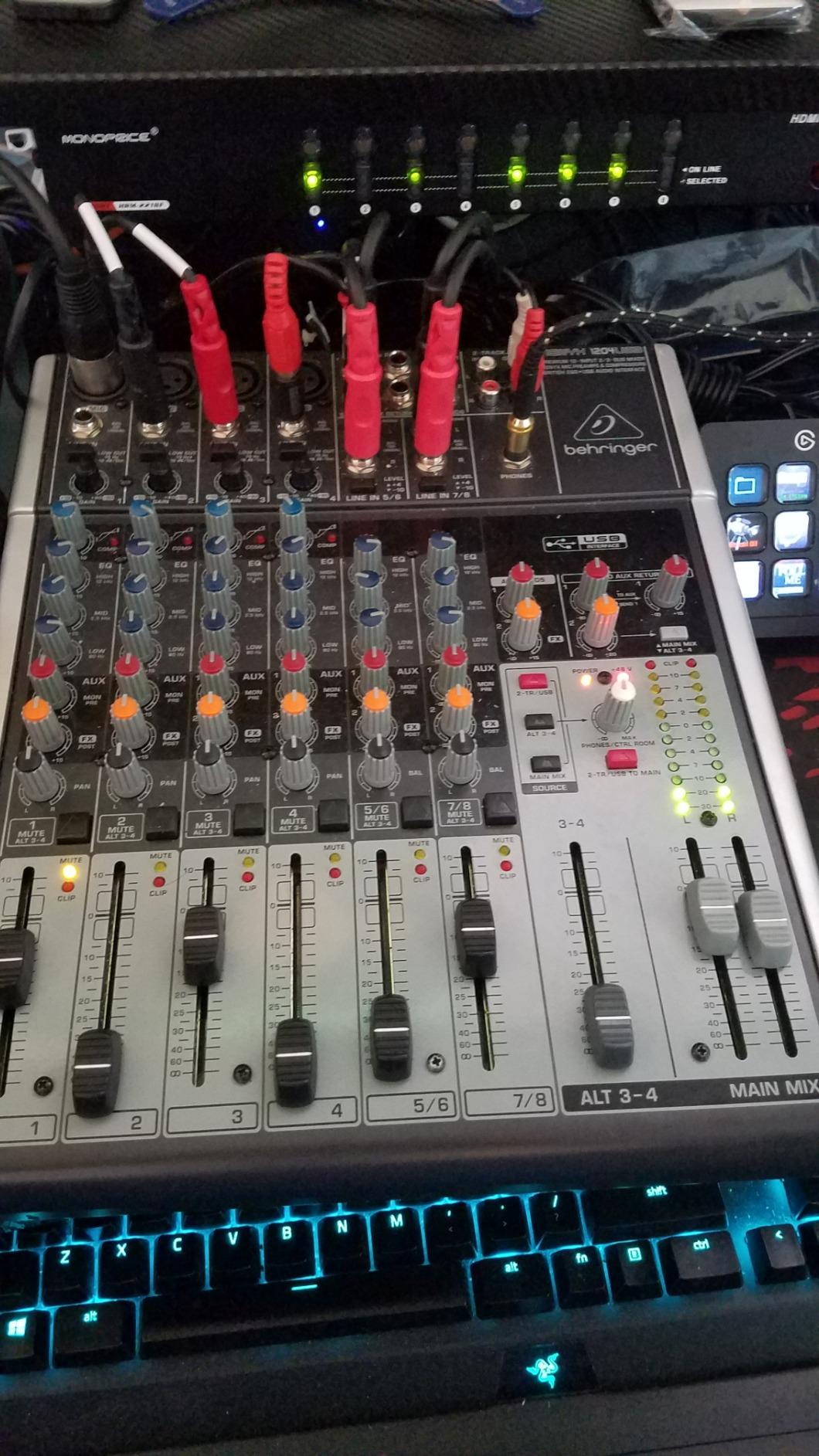
The Behringer XENYX 1204USB is the mixer I recommend when someone wants the tactile feel of physical sliders without spending a fortune. I used this for a six-month podcasting stint and the sliders make volume adjustments during live recordings much more precise than knobs. You can see your mix levels at a glance from across the room.
The XENYX preamps provide plenty of headroom and the British-style 3-band EQ delivers a warm, musical character that flatters vocals and instruments. The built-in compressors on the mic channels are genuinely useful for taming dynamics during live recording sessions, especially with inexperienced speakers who vary their volume.
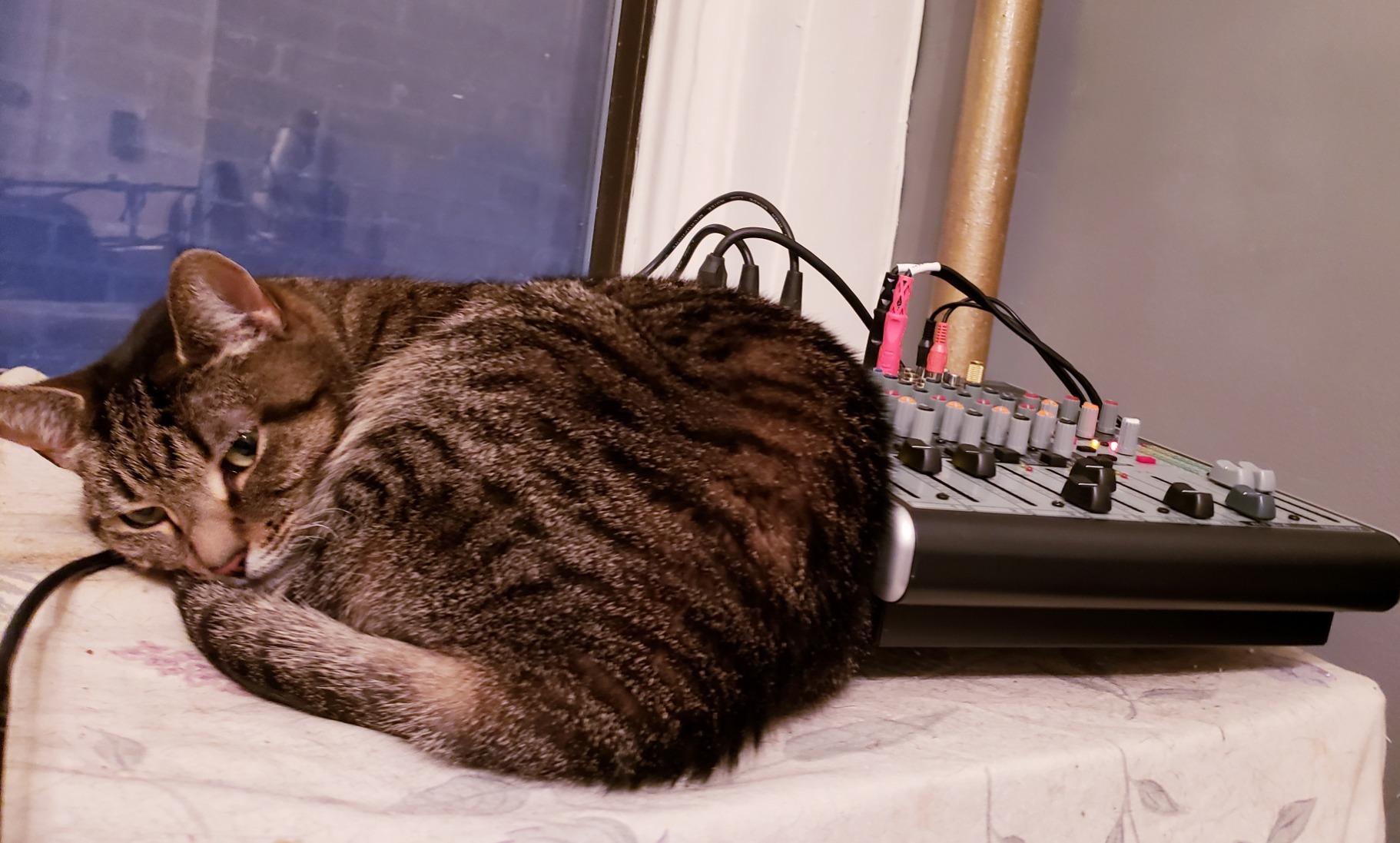
Phantom power supports four microphone channels simultaneously, which is plenty for most podcasting and small recording scenarios. The aux sends let you route audio to external processors or create monitor mixes for performers.
The USB interface handles stereo recording to your computer, though the setup can be confusing. Some users report needing to download drivers rather than relying on plug-and-play. I recommend downloading the latest drivers from Behringer before connecting to avoid setup frustration.
Podcasting and Streaming Workflow
The 1204USB works well for multi-person podcasts thanks to four mic inputs with individual processing. The sliders let you duck someone’s mic instantly if they cough or talk over others. Aux sends can route audio to a separate recording device or streaming computer.
For streamers, the USB output provides a clean stereo feed to your broadcasting software.
USB Setup and Software Notes
No installation disk is included, so you will need to visit the Behringer website for drivers and software. The USB routing can be configured in different ways, and the default settings may not match your intended workflow.
Take time to understand the routing options before your first recording session to avoid capturing the wrong audio source.
14. Allen & Heath ZED60-10FX – Touring-Quality Compact Mixer
Allen & Heath ZED60-10FX 10-Channel Analog Mixer with Onboard FX & USB I/O
10-channel
4 mic inputs with 60dB gain
16 FX algorithms
48V phantom
Neutrik connectors
USB I/O
HiZ input
Rack mountable
Pros
- High-quality preamps with 60dB gain and low noise
- Touring-quality audio and build
- 16 studio-quality FX algorithms with tap tempo
- Neutrik connectors and robust construction
- Class compliant USB no drivers needed
- HiZ connection for direct instrument input
Cons
- Limited to 4 mic inputs
- Rack ear kit sold separately
- Some reliability issues reported
The Allen & Heath ZED60-10FX is the mixer I reach for when audio quality is the absolute top priority. The preamps deliver 60dB of gain with exceptionally low noise, rivaling preamps found in mixers costing twice as much. I recorded acoustic guitar and vocals through this mixer and was struck by the detail and transparency of the capture.
The 16 built-in FX algorithms cover studio-quality reverbs, delays, modulations, and special effects. Tap tempo on the delay effects lets you sync repeats to the tempo of your music in real-time. These effects are genuinely usable for both live performance and recording, not afterthoughts like effects on some budget mixers.
Build quality is touring-grade with Neutrik connectors that withstand repeated plugging and unplugging. The construction feels solid and professional in every detail. The HiZ connection on channel 4 lets you plug a guitar directly without needing a separate DI box.
The class-compliant USB means no driver installation on any operating system. I plugged it into my Mac and was recording in Logic Pro within seconds. The USB output can be configured for different routing options to match your recording workflow.
When Audio Quality Matters Most
The ZED60-10FX is for musicians, engineers, and producers who refuse to compromise on preamp quality. If you have invested in quality microphones, this mixer ensures you capture every nuance without coloration or noise.
It is particularly well-suited for acoustic music, jazz, classical, and any genre where transparency and detail are paramount.
Professional Integration and Connectivity
The mixer fits into an 8U rack case with the optional rack ear kit, making it suitable for installed sound and portable rack systems. Four mic inputs may seem limiting, but for most small ensemble recordings and live applications, this is sufficient.
The stereo USB output can route either the main mix or a pre-fader split to your computer, giving you flexibility for recording strategies.
15. Mackie DLZ Creator XS – Adaptive Digital Mixer for Creators
Mackie DLZ Creator XS Adaptive Digital Mixer for Podcasting
Adaptive digital mixer
Onyx80 preamps
7-inch touchscreen
3 control modes
AutoMix
NDI streaming
6 trigger pads
Voice-changing FX
Multitrack recording
Pros
- Onyx80 preamps provide excellent gain for demanding mics
- Adaptive interface with 3 user modes for all skill levels
- Mix Agent technology for AI-assisted setup
- AutoMix manages mic levels automatically
- NDI support for professional streaming
- 7-inch touchscreen with intuitive controls
- 6 customizable trigger pads with 8 banks
Cons
- Some hardware QC issues reported
- Touch screen and small knobs can feel clunky
- No direct PC file access requires SD card
- Complex setup for some use cases
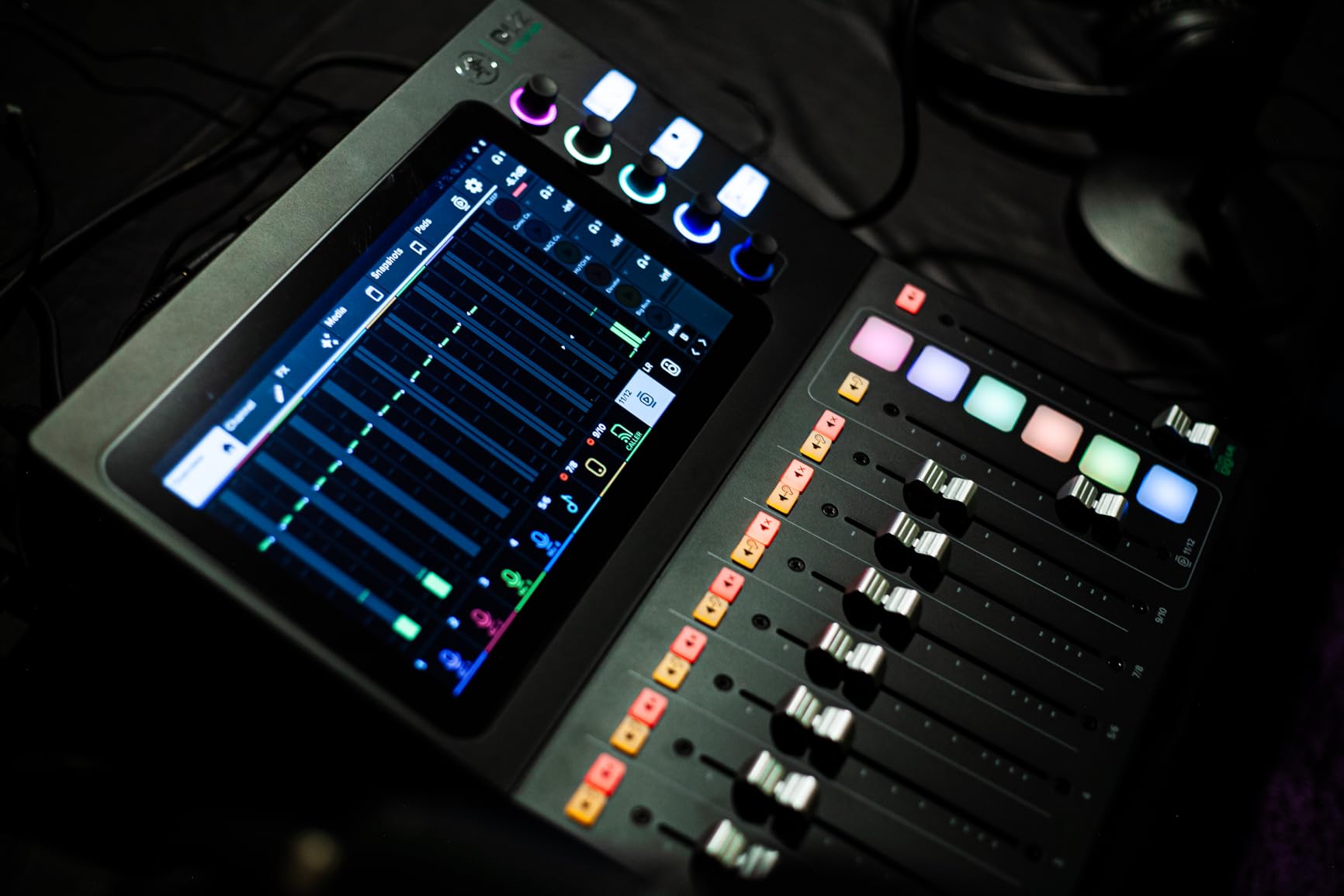
The Mackie DLZ Creator XS brings an innovative approach to digital mixing with its adaptive interface that grows with your skills. I tested all three control modes, Easy, Enhanced, and Pro, and was impressed by how the mixer presents only the controls you need based on your experience level. Beginners can start in Easy mode and graduate to Pro mode as they learn.
The Mix Agent technology acts like an AI assistant that helps you set up gain levels, routing, and basic processing by answering simple questions about your setup. This dramatically reduces the intimidation factor for first-time digital mixer users. AutoMix automatically manages microphone levels, which is incredibly helpful for podcast panels with multiple speakers.
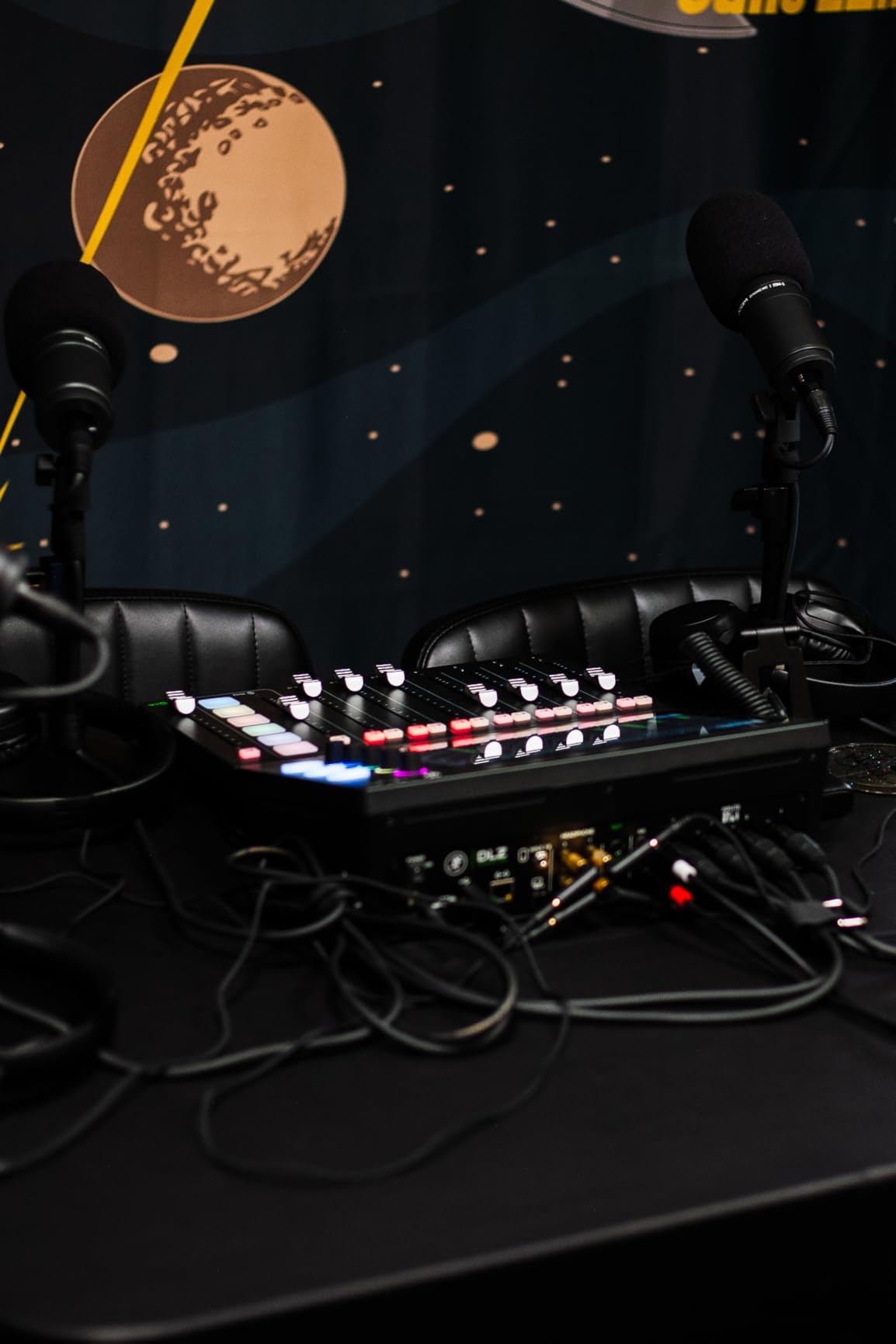
The Onyx80 preamps deliver impressive gain for demanding microphones. I tested with a Shure SM7B and achieved clean, loud audio without needing a Cloudlifter. The 7-inch touchscreen makes parameter adjustments visual and intuitive, though the physical knobs are small and can feel fiddly.
NDI support sets the DLZ apart for professional streamers. NDI output allows you to send audio over a network to streaming software like OBS with low latency and high reliability. The six trigger pads with eight storage banks give you 48 total sample slots for sound effects and transitions.
Streaming and Content Creation Focus
The DLZ Creator XS is purpose-built for YouTubers, podcasters, and live streamers who need professional features without a traditional mixing console workflow. The censor, duck, and fade controls let you manage content professionally during live broadcasts.
Multitrack recording to SD card or USB-C means every input is captured separately for post-production flexibility.
Hardware Quality and Support
Some users report hardware quality control issues including headphone jack problems and touchscreen responsiveness. Mackie support is generally responsive, and the warranty covers these issues. I recommend testing all connections and functions immediately after purchase.
The lack of direct PC file access means you must remove the SD card to transfer recordings to your computer, which is a minor inconvenience in an otherwise forward-thinking design.
How to Choose the Best Audio Mixer for Your Needs?
Choosing from the best audio mixers requires understanding your specific use case and the features that matter most for it. I have broken down the key factors to help you make an informed decision.
Analog vs Digital Mixers
Analog mixers like the Yamaha MG10XU and Mackie ProFX10v3 offer tactile, immediate control with physical knobs and sliders for every function. They are generally simpler to operate and more intuitive for live mixing. Sound quality can be excellent, and there is no software to learn.
Digital mixers like the Behringer X32 and XR18 provide far more features in a smaller footprint. You get parametric EQ, compression, gating, and effects on every channel. Scene recall, motorized faders, and tablet control are game-changers for repeat productions. The trade-off is a steeper learning curve and menu-based navigation.
For podcasting and streaming, dedicated content creation tools like the RODECaster Pro II and Mackie DLZ Creator XS blend digital power with creator-focused workflows.
How Many Channels Do You Need
Channel count should match your simultaneous input requirements. A solo podcaster needs 1-2 channels. A four-person podcast needs at least 4 mic inputs. A small band might need 8-16 channels. Large productions and venues often require 24 or more.
Remember that line-level inputs for keyboards, playback devices, and other gear also consume channels. Always plan for at least two more channels than you currently need to allow for expansion.
Preamp Quality and Sound Character
Preamps are the heart of any mixer. Yamaha D-PRE preamps are known for transparency. Mackie Onyx preamps offer high gain with low noise. Behringer Midas-designed preamps deliver warmth and character. RODE Revolution preamps provide studio-grade clarity for demanding microphones.
Forum discussions on r/audioengineering consistently highlight preamp quality as the primary factor in mixer sound. If you have invested in quality microphones, do not bottleneck your signal chain with mediocre preamps.
USB and Interface Capabilities
USB connectivity transforms a mixer into a recording interface. Some mixers like the XR18 offer full multi-track USB output, sending every channel to your DAW separately. Others provide only stereo USB output, limiting you to a mixed-down recording.
If recording to a computer is important to you, verify the USB channel count before purchasing. Class-compliant USB means no driver installation, which is especially valuable for Mac users.
Matching a Mixer to Your Use Case
For podcasting, look at the RODECaster Pro II, Zoom PodTrak P4, or MAONO MaonoCaster AME2. These offer multiple mic inputs, headphone outputs for each participant, and sound pads for production elements.
For live sound, the Behringer X32, XR18, Mackie ProFX10v3, and Yamaha MG10XU cover everything from small venues to full productions. Digital options provide scene recall and remote control that simplify repeat setups.
For home studios, consider the Allen & Heath ZED60-10FX, Mackie ProFX10v3, or Zoom LiveTrak L6max depending on whether you prioritize preamp quality, analog simplicity, or recording flexibility.
For streaming, the FIFINE SC3 and MAONO AME2 provide budget-friendly entry points, while the RODECaster Pro II and Mackie DLZ Creator XS offer professional production capabilities.
FAQs
Which sound mixer is the best?
What brand mixer is the best?
What do professionals use to mix music?
What is the best mixer in the world?
Final Thoughts on the Best Audio Mixers
After testing all 15 mixers across podcasting, live sound, streaming, and studio recording scenarios, a few clear favorites emerged. The RODE RODECaster Pro II remains the best audio mixer for content creators who want an all-in-one production solution with studio-quality preamps and APHEX processing.
For live sound professionals, the Behringer X32 and XR18 deliver features that rival consoles costing thousands more. Budget-conscious streamers and podcasters will find excellent value in the FIFINE SC3 and Zoom PodTrak P4. Musicians and engineers who prioritize sound quality above all should look at the Allen & Heath ZED60-10FX and Mackie ProFX10v3.
The best audio mixer for you ultimately depends on your specific needs, budget, and workflow. I hope this guide helps you make an informed decision and find the perfect mixer for your creative work in 2026.