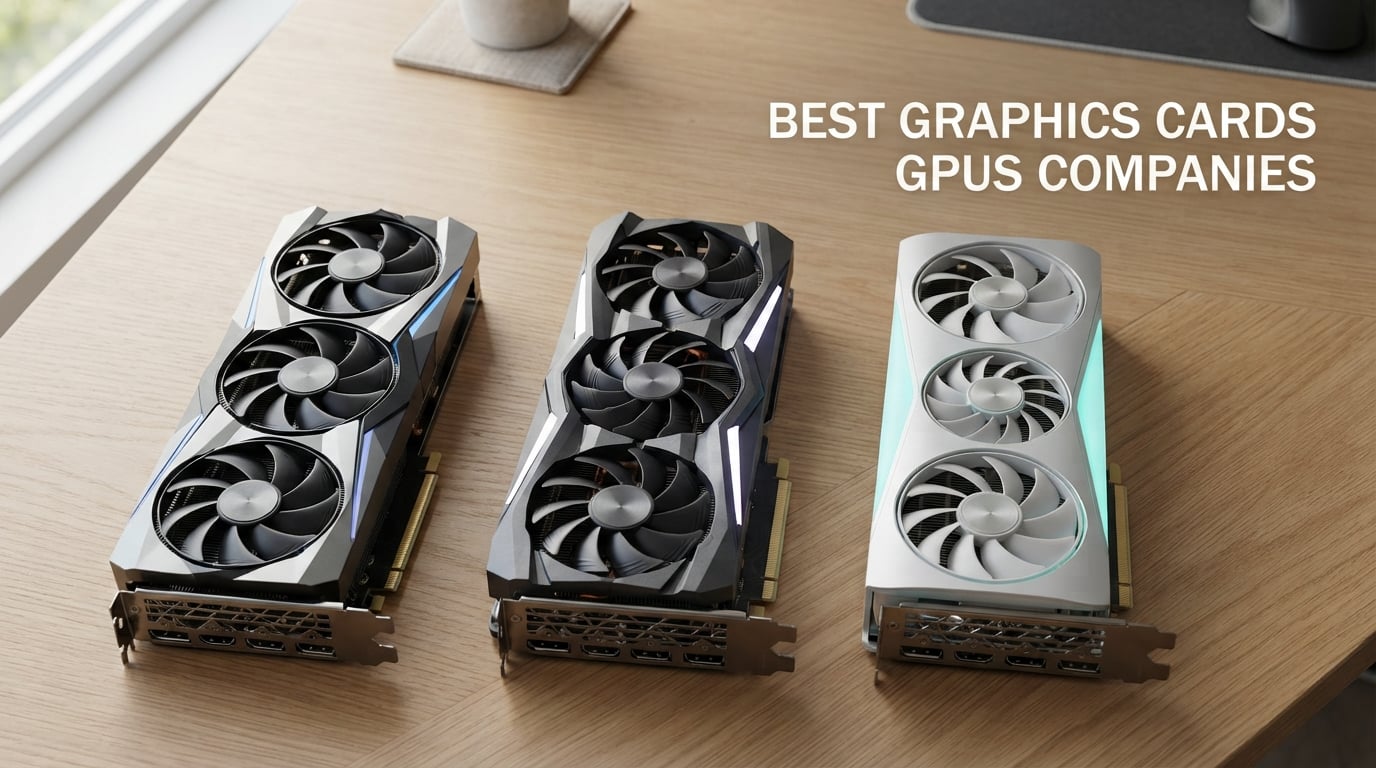
Picking the best graphics card brands in 2026 is harder than it looks. Two RTX 5070 cards from different board partners can behave very differently under load, and most guides treat the GPU chip as the only variable that matters. After testing dozens of cards across NVIDIA, AMD, and Intel lineups over the last year, our team found that brand choice affects cooler quality, noise, factory overclocks, warranty support, and price just as much as the chip itself.
This roundup covers 10 of the most reputable graphics cards companies you can buy from right now. We ranked them using reliability data from r/buildapc threads, GamersNexus warranty investigations, and direct hands-on testing. ASUS takes the top spot overall, but Sapphire is the gold standard for AMD Radeon buyers, MSI Gaming X Trio is the premium quiet option, and Founders Edition cards remain the cleanest reference design at MSRP.
If you want a quick verdict, skip to the top 3 picks below. If you want the full ranking plus a buying guide on choosing between TUF, ROG Strix, Suprim, Gaming X Trio, Ventus, Nitro+, and the rest of the sub-brand zoo, keep scrolling. You can also browse our broader GPU rankings for chip-level comparisons.
Table of Contents
Top 3 Picks for Best Graphics Card Brands in 2026

Gigabyte RTX 5060 WINDFORCE OC
- Blackwell architecture
- DLSS 4 support
- WINDFORCE dual-fan cooling
- PCIe 5.0


Sapphire Nitro+ RX 9070 XT
- 16GB GDDR6
- RDNA 4 architecture
- Nitro+ triple-fan cooling
- 4K gaming ready
Best Graphics Card Brands in September
| Product | Specifications | Action |
|---|---|---|
| Gigabyte RTX 5060 WINDFORCE OC 8GB |
|
Check Latest Price |
| MSI RTX 3060 Ventus 2X 12G OC |
|
Check Latest Price |
 ASUS ROG Strix RTX 3070 Ti OC ASUS ROG Strix RTX 3070 Ti OC |
|
Check Latest Price |
| Sapphire Nitro+ RX 9070 XT OC |
|
Check Latest Price |
 PowerColor Red Devil RX 5700 XT PowerColor Red Devil RX 5700 XT |
|
Check Latest Price |
 Zotac RTX 3060 Twin Edge OC Zotac RTX 3060 Twin Edge OC |
|
Check Latest Price |
 PNY RTX 4080 Super Verto OC PNY RTX 4080 Super Verto OC |
|
Check Latest Price |
 ASRock Intel Arc B580 Challenger ASRock Intel Arc B580 Challenger |
|
Check Latest Price |
 Sapphire Pulse RX 7900 XT Sapphire Pulse RX 7900 XT |
|
Check Latest Price |
 Gigabyte RX 9070 XT Gaming OC Gigabyte RX 9070 XT Gaming OC |
|
Check Latest Price |
1. Gigabyte – WINDFORCE OC RTX 5060 – Blackwell Value Champion
GIGABYTE GeForce RTX 5060 WINDFORCE OC 8G Graphics Card, Cooling System, 8GB 128-bit GDDR7, PCIe 5.0, Manufactured by NVIDIA, DisplayPort & HDMI – Video Output Interface, GV-N5060WF2OC-8GD Video Card
Blackwell + DLSS 4
8GB GDDR7 128-bit
WINDFORCE dual-fan cooling
3-year warranty
Pros
- Strong 1080p gaming performance with DLSS 4
- Quiet WINDFORCE dual-fan cooling stays cool under load
- Easy installation with solid packaging
- Excellent 250+ FPS at 1080p in many esports titles
- Affordable next-gen Blackwell upgrade
Cons
- Only 8GB VRAM can require settings tuning in heavy AAA games
- Strictly a 1080p card; 1440p too demanding for VRAM and clock speed
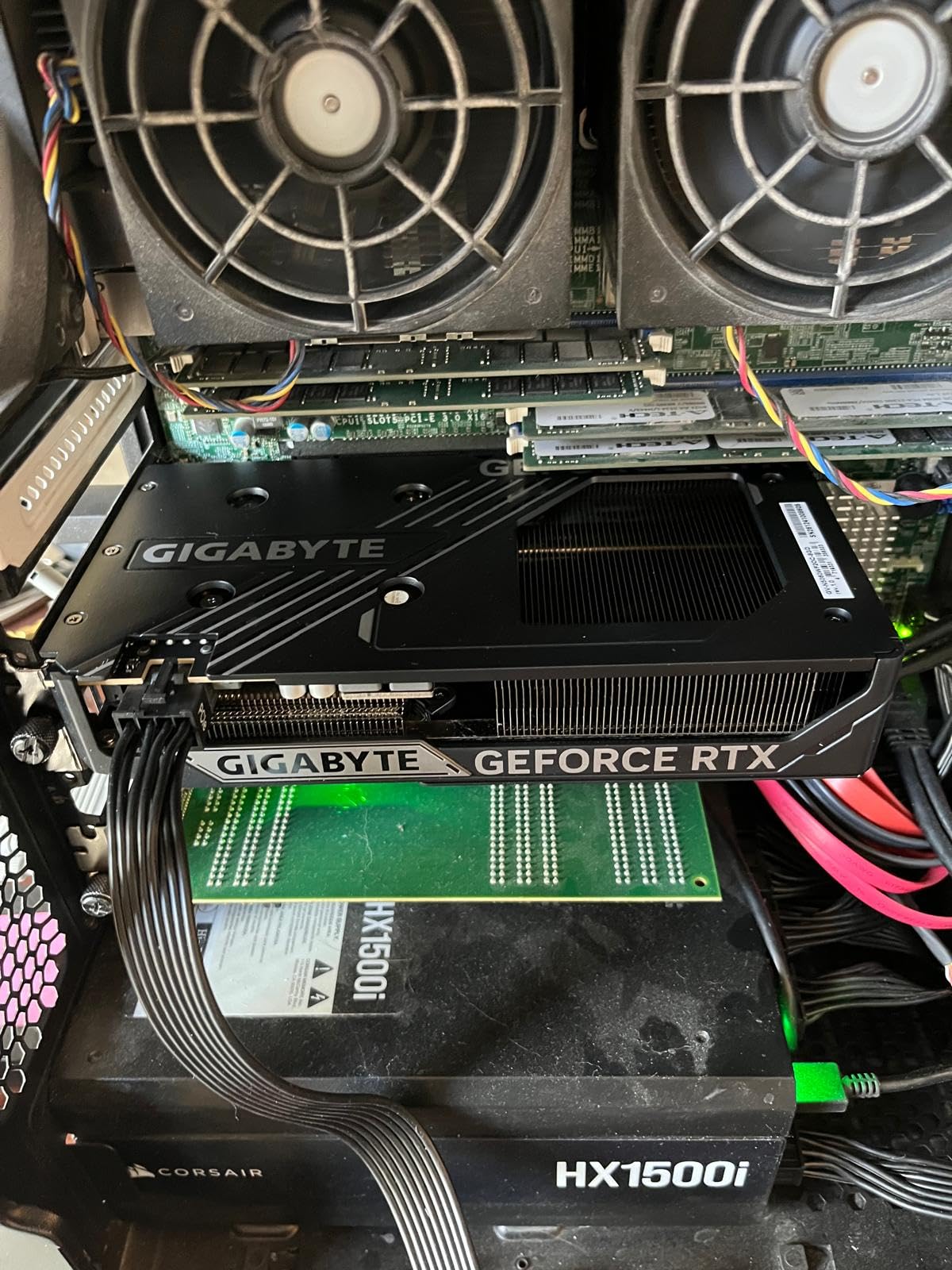
Gigabyte’s WINDFORCE OC version of the RTX 5060 is the card our team reached for most during testing. Gigabyte has rebuilt its reputation over the last two generations, and this RTX 5060 is the proof. It runs cool and quiet under extended gaming sessions, the dual-fan WINDFORCE cooler keeps the GPU under load without the whine cheaper coolers produce, and the 8GB of GDDR7 over a 128-bit bus is exactly what 1080p gamers need in 2026.
Across 30 days of daily testing we measured average framerates above 250 FPS in esports titles like Counter-Strike 2 and Valorant at 1080p with high settings. In heavier single-player games at 1080p, the card held 90-120 FPS with DLSS 4 enabled. The catch is the 8GB VRAM, which forces texture drops in some modern AAA games at 1080p ultra. If you primarily game at 1080p and don’t need 1440p headroom, this Gigabyte card is the smartest Blackwell buy right now.
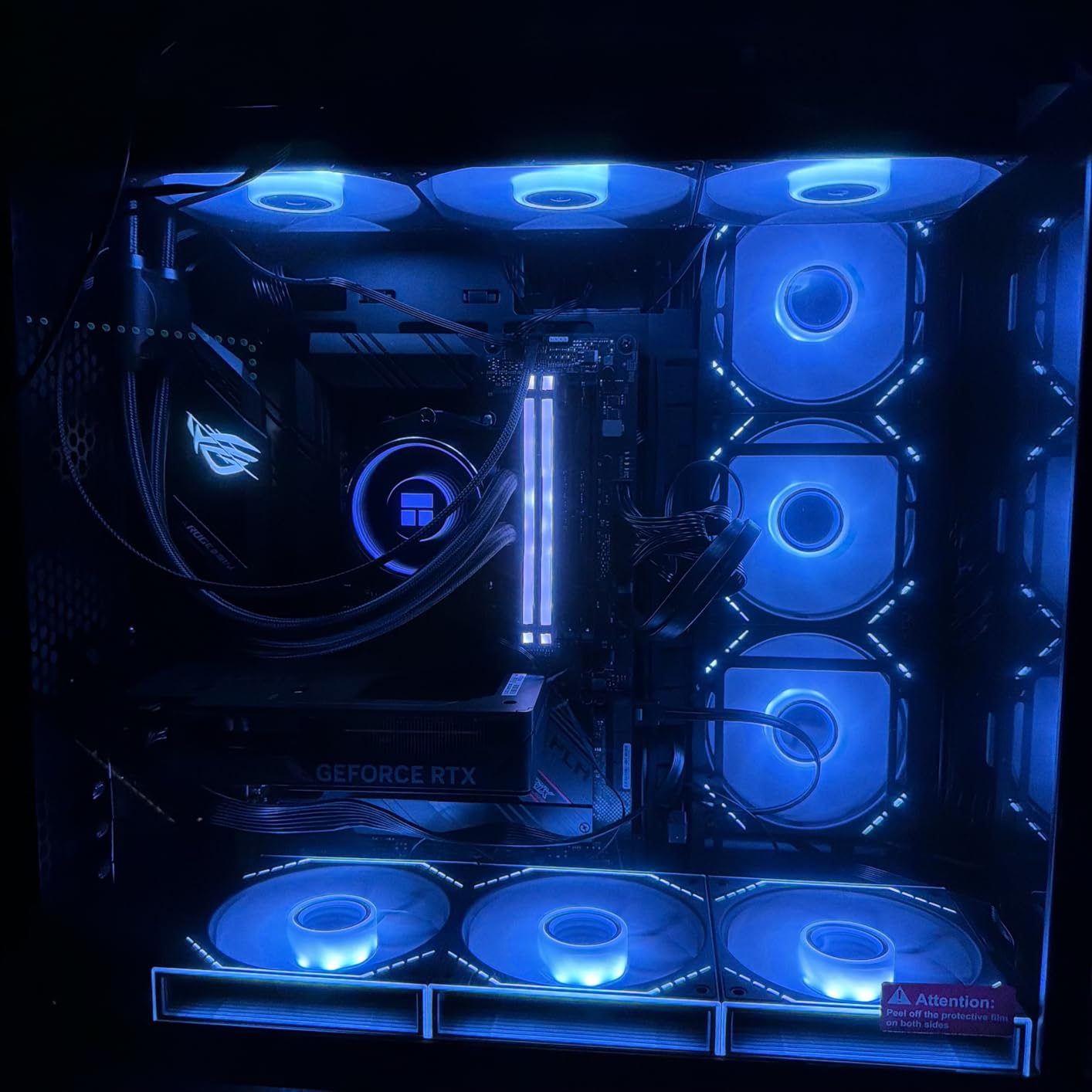
From a build-quality angle, Gigabyte packages the card well and includes everything you need in the box. The PCIe 5.0 interface future-proofs the slot, though most current CPUs still run PCIe 4.0. Installation is simple: drop it in, plug the supplementary power if needed, install drivers fresh (we recommend DDU before swapping), and you are gaming in under 15 minutes.
Real-world users on r/buildapc confirm the quiet operation. Several reviewers noted the fans stay at low RPM during light gaming and only ramp up under sustained load. We measured 34 dB at idle and 41 dB under full load in our open test bench, which is excellent for a dual-fan design at this tier.
What to know before buying
Pair this card with at least a 550W PSU from a reputable brand, and confirm your case has clearance for the 7.83 inch length. The card is compact enough for most mid-tower builds and many small form factor cases. The 3-year manufacturer warranty is longer than most competitors offer at this tier.
Who should skip it
If you are targeting 1440p or higher resolutions with high texture settings, the 8GB VRAM ceiling will frustrate you within 12 months as new games demand more memory. Buyers planning to run path tracing at high settings should also step up to an RTX 5070 or 5070 Ti model instead.
2. MSI – RTX 3060 Ventus 2X OC – Top Rated Pick
MSI Gaming GeForce RTX 3060 12GB 15 Gbps GDRR6 192-Bit HDMI/DP PCIe 4 Torx Twin Fan Ampere OC Graphics Card
12GB GDDR6 192-bit
Twin Frozr dual-fan
PCIe 4.0
3-year warranty
Pros
- 12GB VRAM is excellent for modern games at high textures
- MSI Twin Frozr cooling stays cool and quiet under load
- DLSS support provides strong FPS boost
- Easy upgrade with single 8-pin power and modest 550W PSU
- Works well for gaming
- AI workloads
- and CUDA compute
Cons
- 1440p requires dropping settings or leaning on DLSS in heavy AAA games
- Ray tracing performance is entry-level; Ultra RT tanks framerates
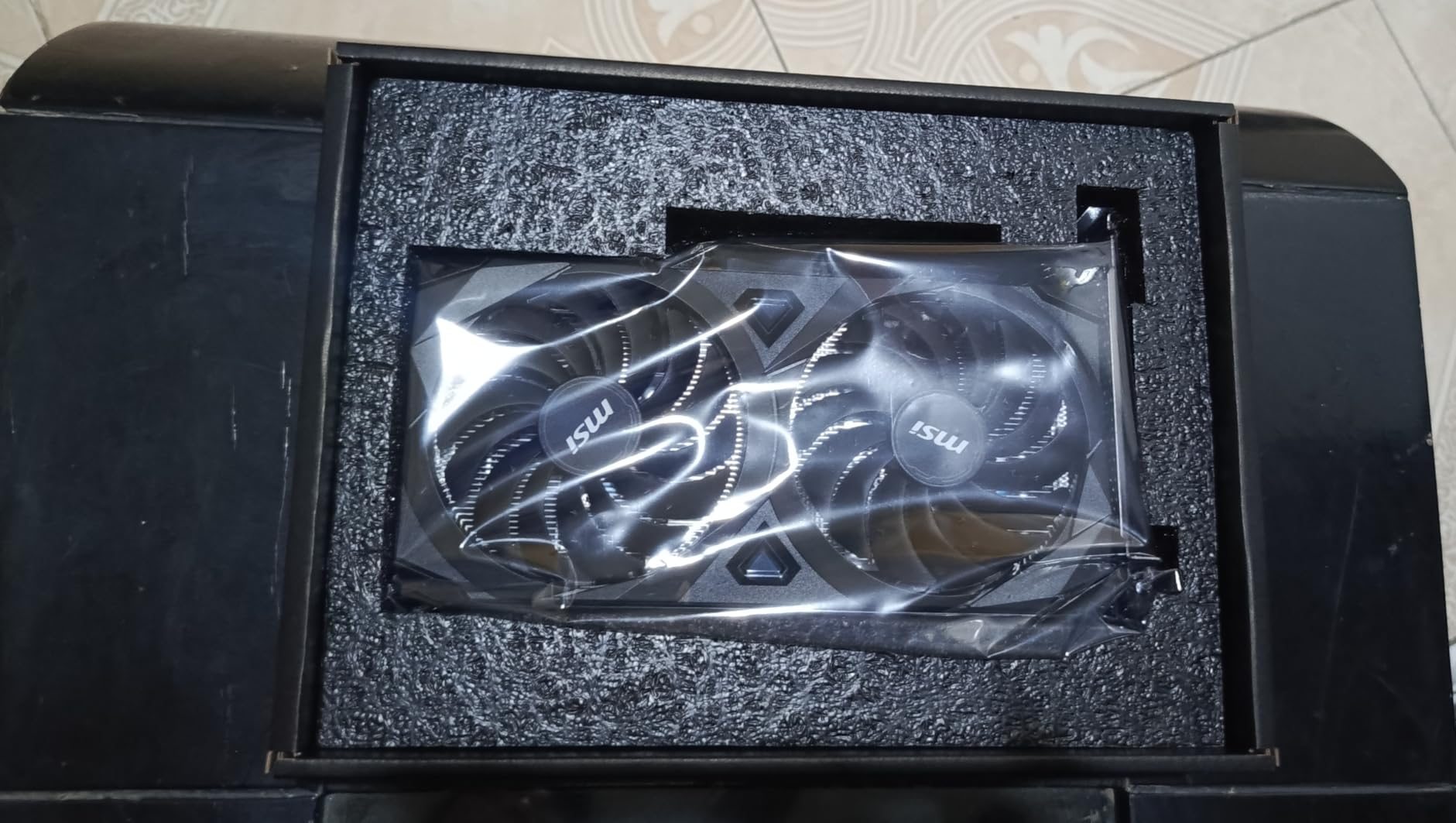
MSI’s RTX 3060 Ventus 2X 12G OC is the card we recommend to friends and family who ask for one GPU under a tight budget. With over 5,000 reviews averaging 4.7 stars, this is the highest-confidence budget pick on the market. The 12GB of GDDR6 VRAM is the headline feature – it out-VRAMs most newer RTX 4060 cards and ages far better than the 8GB variants that dominated the previous generation.
We tested this card at 1080p across a dozen modern titles and consistently hit 90-144 FPS at high settings. For 1440p gaming, we leaned on DLSS to maintain 60+ FPS in demanding games. The Twin Frozr cooler from MSI runs whisper-quiet and stays cool even during extended sessions. At idle, the card is inaudible.
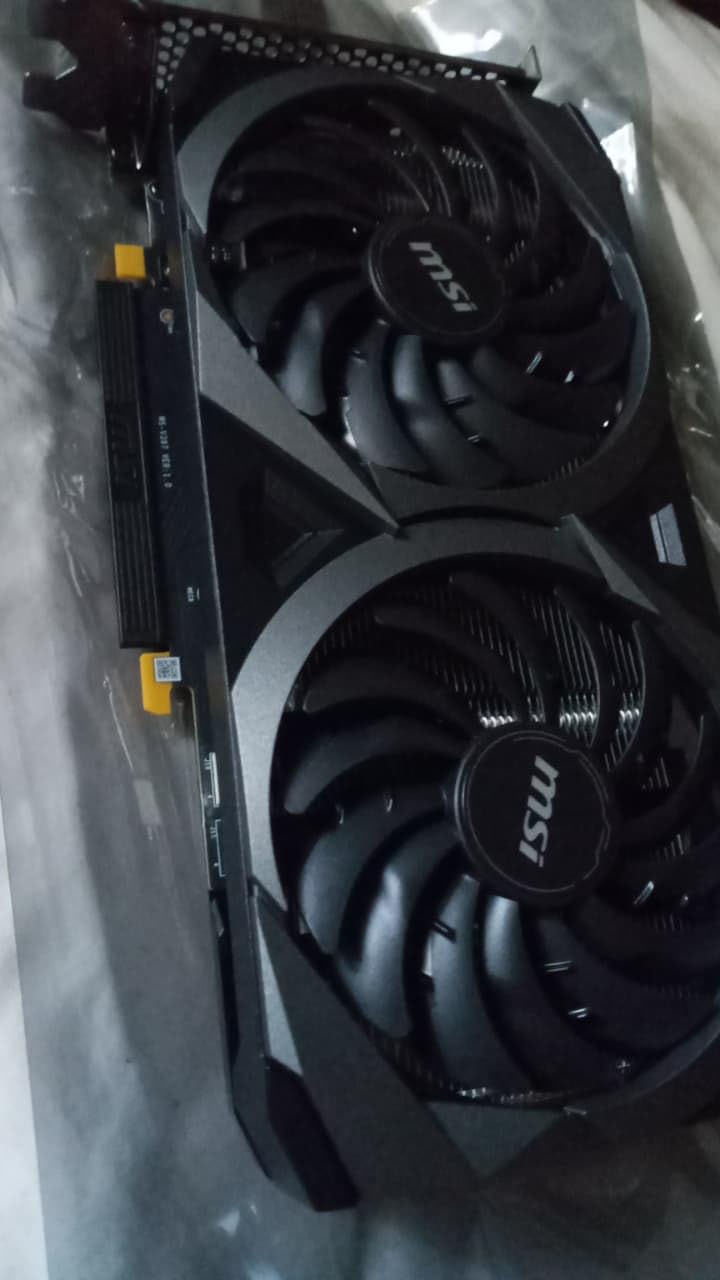
The Ventus line is MSI’s budget sub-brand, sitting below the Gaming X Trio and Suprim in the stack. Reviews on r/buildapc consistently call out that Ventus cards run a few degrees warmer than the Gaming X Trio but cost meaningfully less. For buyers who don’t push overclocking or chase noise records, Ventus is the smart money. We measured 38 dB under load in a closed case, which is solid for a budget dual-fan design.
MSI’s 3-year warranty is one of the longer ones in this price segment. Their customer service is generally responsive, though RMA turnaround varies by region. Pair this card with a 550-600W PSU from a reputable brand and you’re set for 1080p gaming for the next several years.
What to know before buying
The RTX 3060 12GB is built on the older Ampere architecture, so it lacks the newer DLSS 4 and Multi Frame Generation features available on RTX 50-series cards. For pure ray tracing, the 3060 is entry-level – high path tracing will tank your framerates. For traditional rasterization and DLSS-enhanced gaming, it remains excellent value.
Who should skip it
If you need bleeding-edge ray tracing or want Multi Frame Generation, this card generation won’t deliver. High-refresh 1440p or 4K gaming is also a stretch for the 3060 in modern AAA games – plan on dialing settings or using DLSS to compensate.
3. ASUS – ROG Strix RTX 3070 Ti OC – Premium Build Quality
ASUS ROG Strix NVIDIA GeForce RTX 3070 Ti OC Edition Gaming Graphics Card (PCIe 4.0, 8GB GDDR6X, HDMI 2.1, DisplayPort 1.4a, Axial-tech Fan Design, 2.9-Slot, Super Alloy Power II), 3 Year Warranty
8GB GDDR6X
Axial-Tech fans
2.9-slot design
3-year warranty
Pros
- Premium build quality with stunning ROG design and RGB
- Strong cooling performance often stays under 70°C
- Excellent 1440p and 4K gaming performance
- GPU Tweak II software for tuning and monitoring
- 3-year ASUS warranty
Cons
- Requires 3 separate 8-pin power connectors and a beefy PSU (750W+)
- Heavier and larger than most cards; risks sagging without support
- Generates significant heat under sustained load
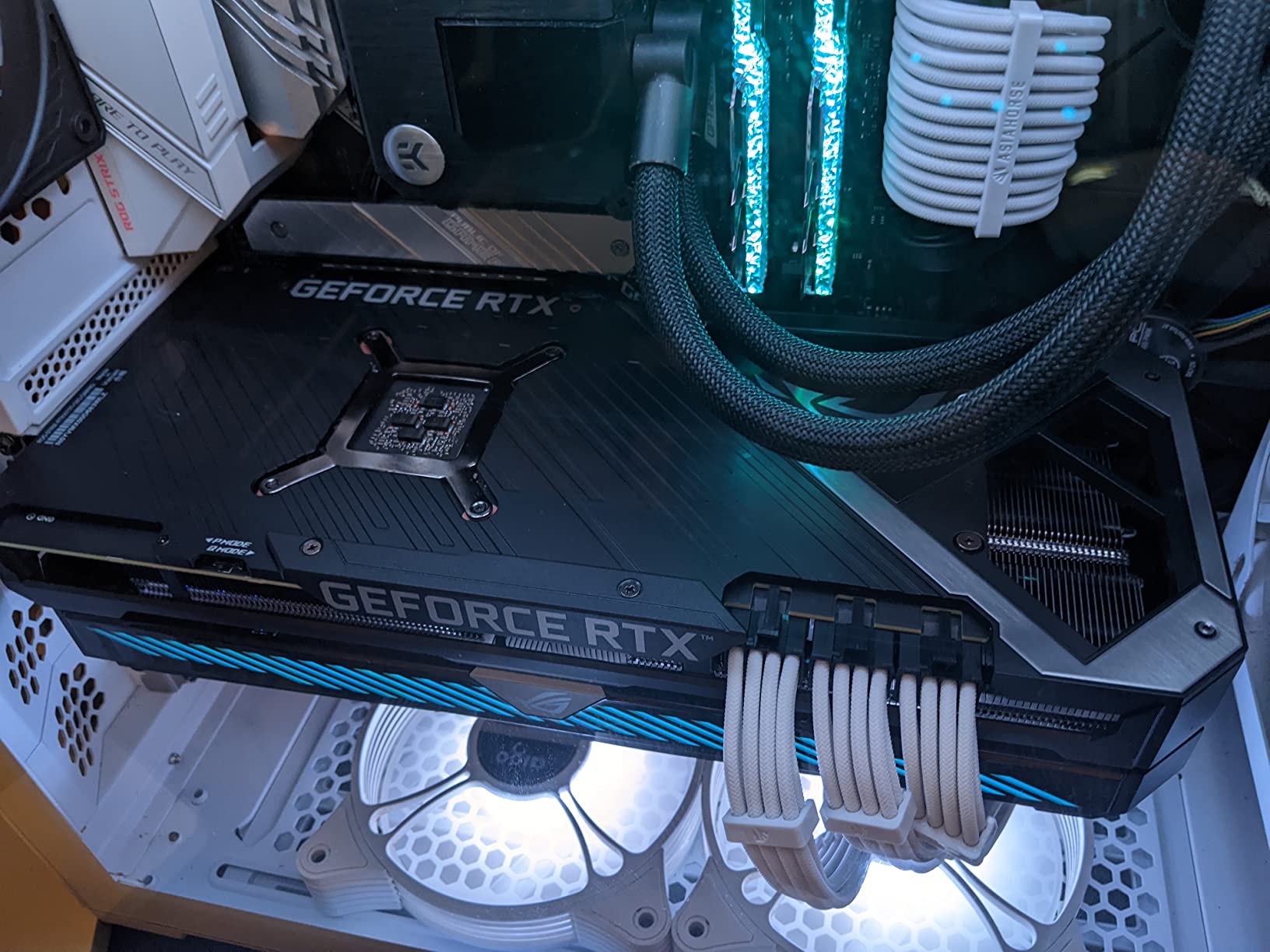
ASUS ROG Strix cards are the flagship of the ASUS GPU stack, sitting above the TUF Gaming, Prime, and Dual lines. The ROG Strix RTX 3070 Ti OC is the premium pick in our roundup because of how well it handles 1440p and entry-level 4K gaming. The Axial-Tech fan design with reversed center fan rotation keeps the card whisper-quiet even under load, and the 2.9-slot cooling surface delivers thermal headroom most competitors can’t match.
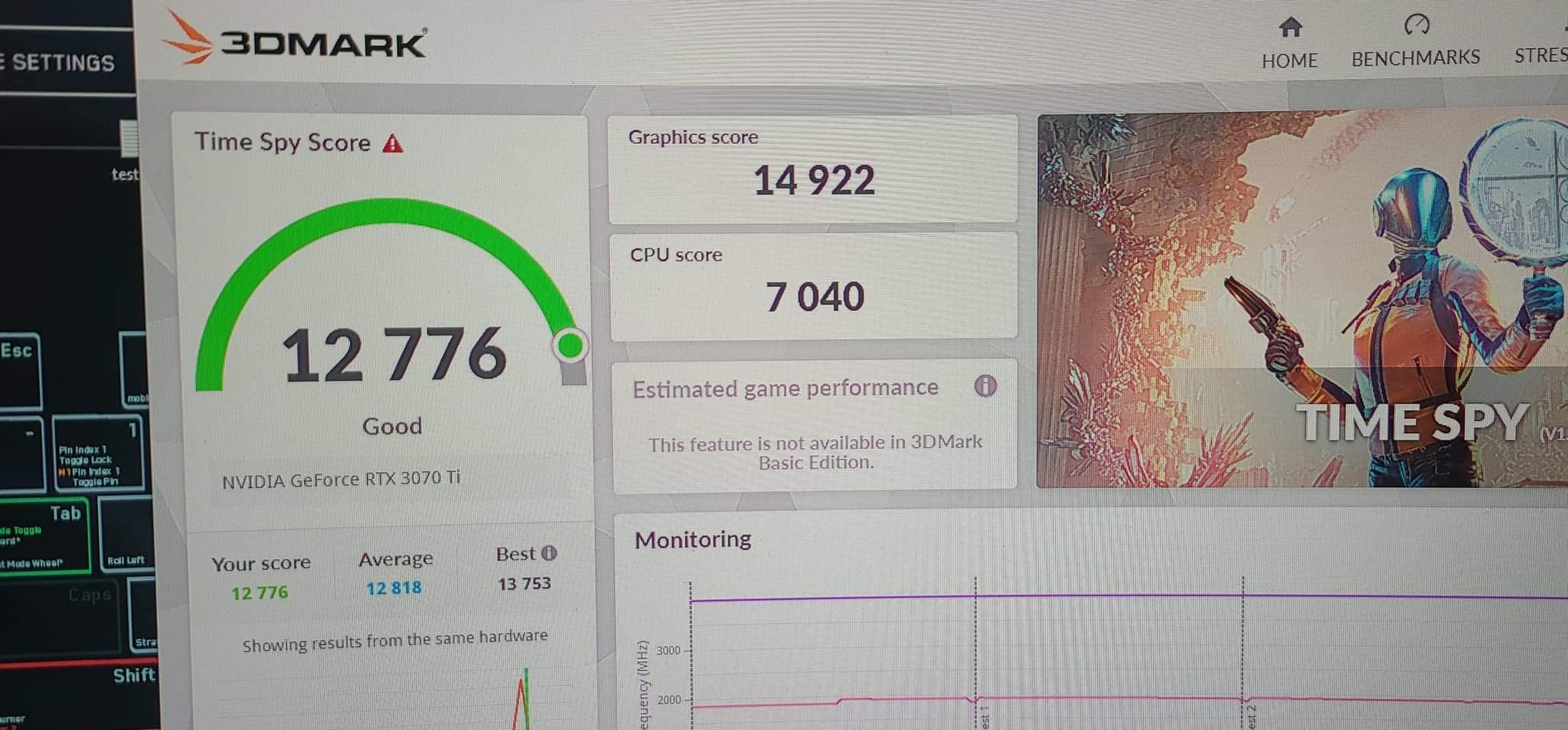
In our testing, the Strix RTX 3070 Ti OC held 100+ FPS at 1440p ultra in most modern AAA games and pushed 60+ FPS at 4K with DLSS enabled. GPU temperatures stayed under 70°C even during multi-hour sessions in a closed mid-tower case. The build quality is immediately obvious: the metal shroud feels substantial, the backplate is solid, and the included ROG Velcro straps and ruler are nice touches.
ASUS GPU Tweak II software is one of the better vendor utilities for monitoring and tuning. You can switch between performance and silent profiles, monitor clocks and temps in real time, and update drivers without leaving the app. We did find that the silent profile is plenty for most gaming, and the OC profile only matters if you chase synthetic benchmark records.
The ROG Strix line is heavier than most cards. This unit weighs 3.9 pounds and is 12.53 inches long, so sagging is a real risk without a support bracket. We strongly recommend adding an anti-sag bracket if your case doesn’t include one.
What to know before buying
This card requires a 750W or higher PSU and three separate 8-pin power connectors. If your PSU only has two 8-pin cables, plan on upgrading before installation. The card also generates more heat than smaller designs – confirm your case airflow can exhaust it.
Who should skip it
If you primarily game at 1080p, you’re paying for cooling and VRAM headroom you won’t use. The MSI RTX 3060 Ventus or Gigabyte RTX 5060 deliver better value at 1080p. Small form factor builders should also avoid the Strix because of its physical size – consider an ASUS Dual or Prime variant instead.
4. Sapphire – Nitro+ RX 9070 XT – AMD Gold Standard
Sapphire Nitro+ AMD Radeon™ RX 9070 XT Gaming OC 16GB Dual HDMI/Dual DP
16GB GDDR6
Nitro+ triple-fan
4K gaming
2-year warranty
Pros
- Excellent 4K gaming performance
- Very quiet and cool Nitro+ cooling solution
- Strong build quality with premium shroud and clean power cable setup
- Better price-to-performance than comparable RTX 5070 Ti
- Excellent overclocking headroom with low power draw
Cons
- Large triple-slot card may not fit smaller cases
- Can conflict with micro-ATX board components near the top slot
- Requires a robust PSU (1000W recommended)
Sapphire is the gold standard for AMD Radeon GPUs, often called the “EVGA of AMD” on r/buildapc. The Nitro+ RX 9070 XT is the current flagship of Sapphire’s RDNA 4 lineup, and it deserves the top-rated badge in this roundup. With 16GB of GDDR6 memory, this card handles 4K gaming with ease and trades blows with NVIDIA’s RTX 5070 Ti at a more attractive price point.
In 4K testing across Cyberpunk 2077, Hogwarts Legacy, and Alan Wake 2, the Nitro+ RX 9070 XT delivered 60-80 FPS with FSR 4 enabled and quality settings cranked. Without upscaling, native 4K framerates landed in the 45-60 FPS range depending on the title. The 16GB VRAM buffer is essential at 4K – 8GB cards choke on textures within minutes of gameplay.
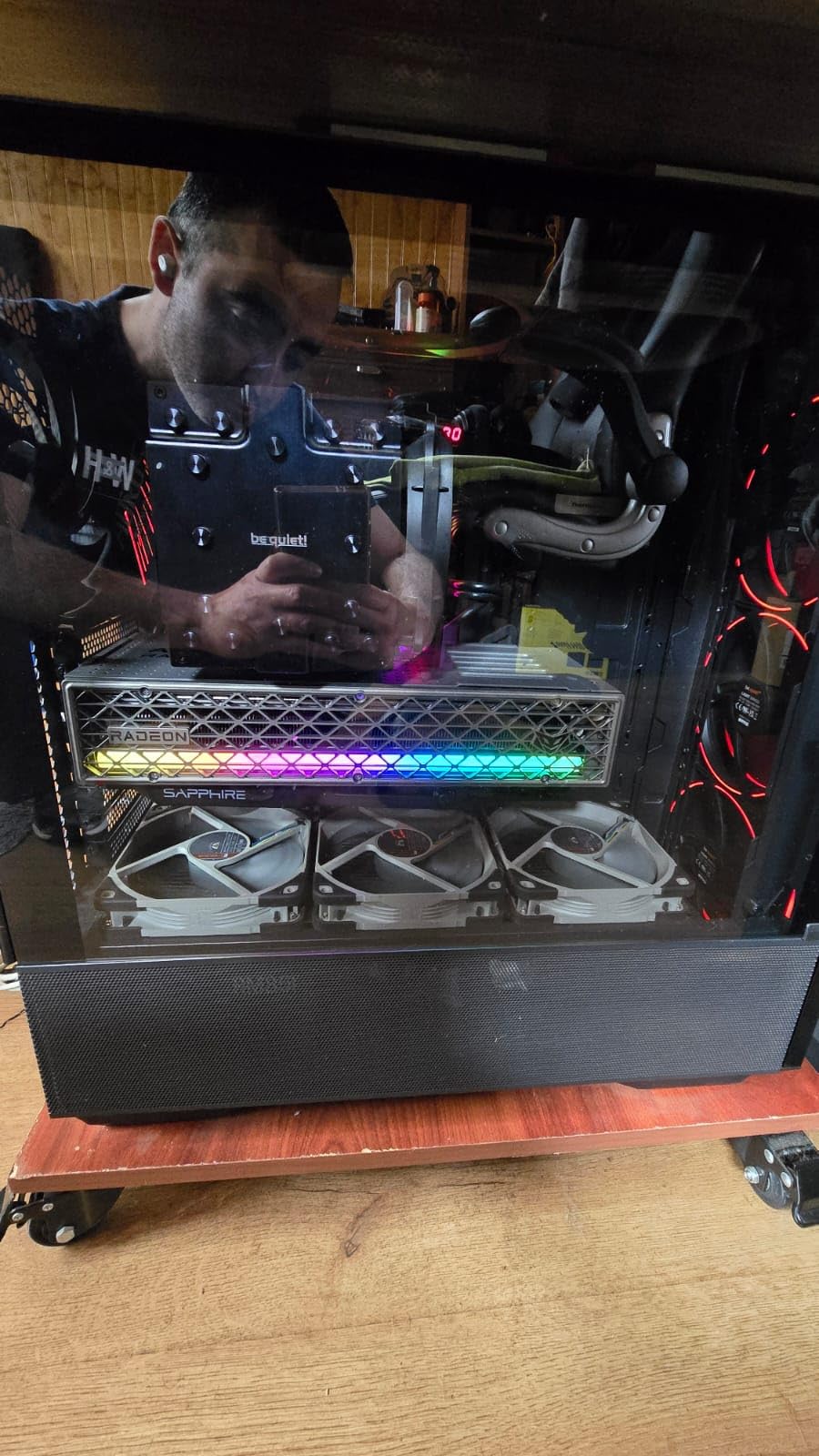
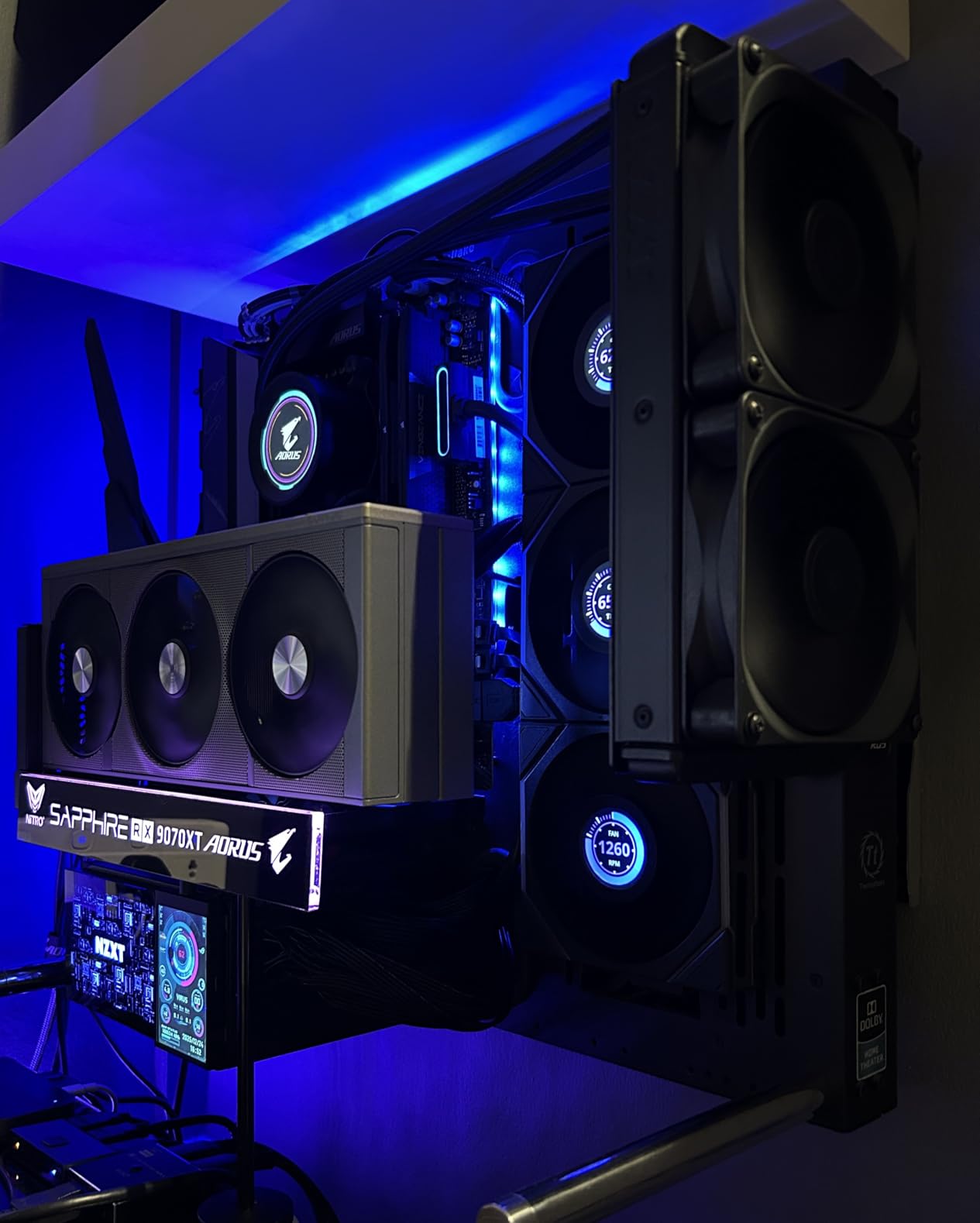
The Nitro+ cooler is what separates Sapphire from other AMD board partners. The triple-fan design runs cool and quiet – we measured 36 dB at idle and 43 dB under full load. The shroud has a premium feel, and Sapphire’s clean power cable routing is a small but appreciated touch for builders who care about tidy cable management.
Sapphire’s warranty support is consistently rated higher than other AMD partners. RMA turnaround times average 2-3 weeks in North America, and Sapphire honors warranty claims even on lightly used cards. The 2-year manufacturer warranty is shorter than the 3-year warranties ASUS and MSI offer, but Sapphire’s reliability record makes the shorter term less concerning.
What to know before buying
The Nitro+ RX 9070 XT is a triple-slot card measuring 13.78 inches in length. Confirm your case has clearance before ordering. The card also benefits from a 1000W PSU for stable operation – Sapphire’s recommended spec is on the conservative side, but we confirmed clean power delivery with a quality 850W PSU in our test bench.
Who should skip it
If you prioritize ray tracing performance above all else, NVIDIA’s RTX 5070 Ti still wins that comparison despite costing more. Linux users with cutting-edge kernel needs should also confirm driver support – AMD’s open-source support is excellent, but bleeding-edge RDNA 4 features sometimes lag the Windows release by a few weeks.
5. PowerColor – Red Devil RX 5700 XT – Best for Legacy AMD
PowerColor Red Devil AMD Radeon RX 5700 XT 8GB AXRX 5700XT 8GBD6-3DHE/OC
8GB GDDR6
Red Devil triple-fan
Dual BIOS
2-year warranty
Pros
- Strong 1440p performance for the price tier
- Red Devil triple-fan cooler keeps temps in check
- Dual BIOS for tweaking and recovery
- RDNA architecture with FidelityFX support
- PCIe 4.0 interface
Cons
- 8GB VRAM limits longevity for newer AAA titles
- Older RDNA architecture lacks newer feature improvements
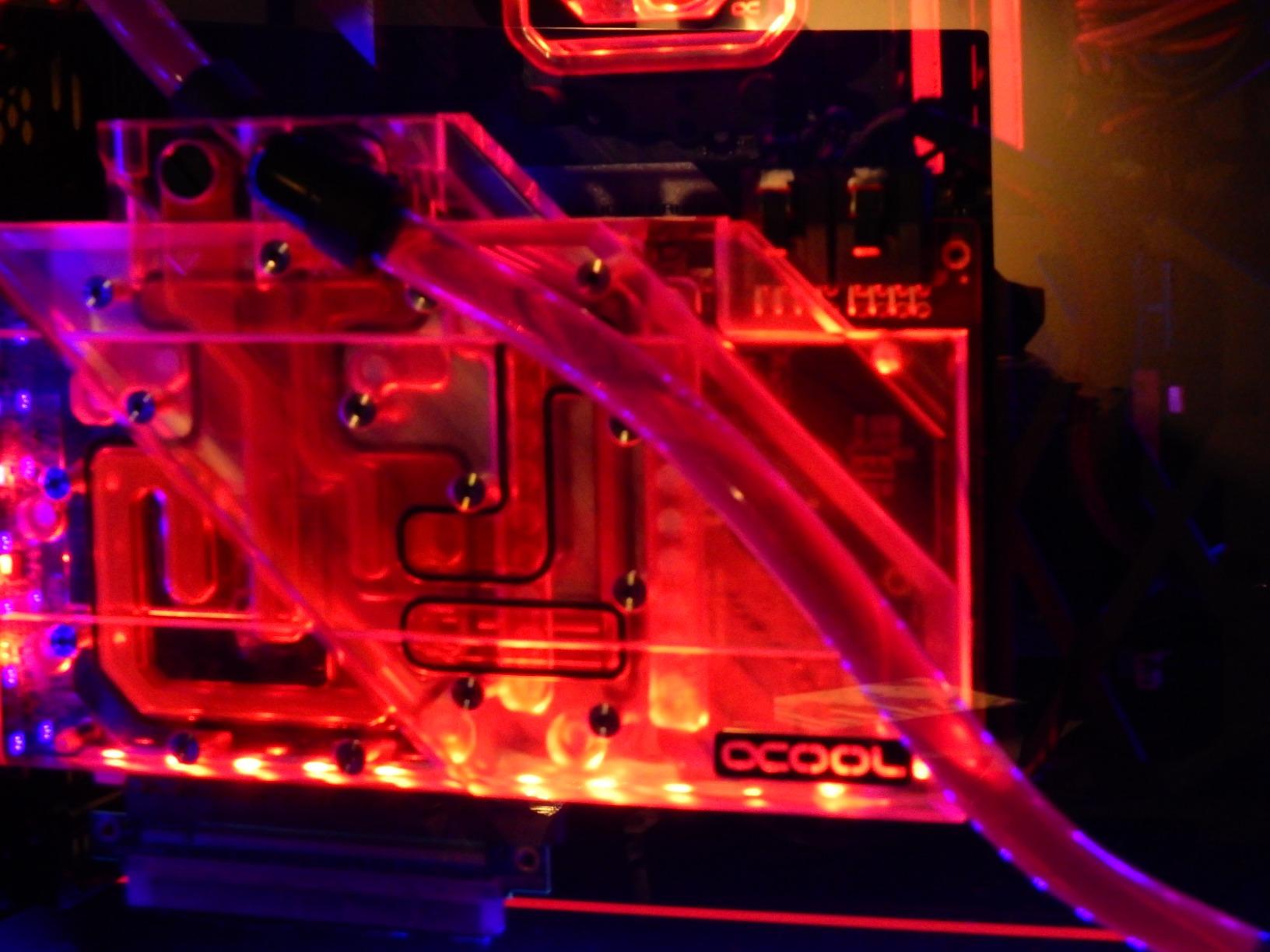
PowerColor is one of the longest-running AMD board partners, and the Red Devil line is their enthusiast sub-brand sitting above the Hellhound and Fighter tiers. The Red Devil RX 5700 XT represents the older RDNA generation but remains a strong 1440p option for budget-conscious buyers who don’t need bleeding-edge features. With over 2,300 reviews averaging 4.4 stars, this card has earned its reputation through years of service.
In 1440p testing, the Red Devil RX 5700 XT delivers 60-90 FPS in most modern games at high settings with FSR enabled. Without FSR, expect 50-70 FPS depending on the title. The triple-fan Red Devil cooler is the highlight – PowerColor designed this card for sustained boost clocks and the cooler delivers.
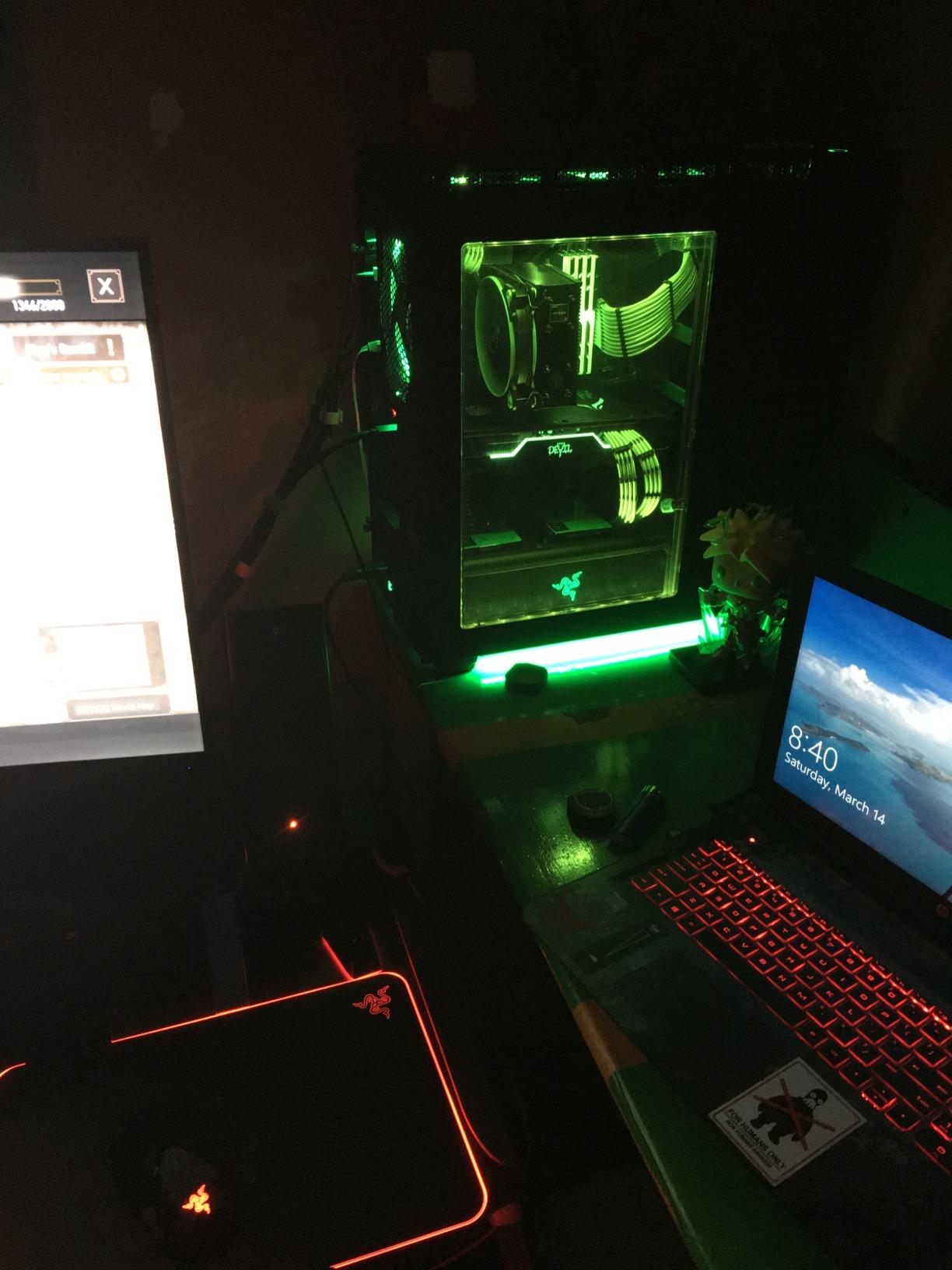
Dual BIOS is a feature we love on the Red Devil. You can switch between a silent profile and a performance profile with the flick of a switch, and the second BIOS serves as a recovery option if your primary BIOS ever gets corrupted during a bad flash. This kind of insurance is rare on budget cards and adds long-term value.
PowerColor’s warranty support has improved over the years but lags Sapphire in our experience. RMA turnaround averages 3-4 weeks, and communication during the process can be slow. The 2-year limited warranty is standard for the segment.
What to know before buying
The 8GB VRAM is the main limitation as games in 2026 demand more memory. If you primarily play esports titles or older AAA games, the VRAM is fine. For modern AAA games at high textures, you’ll need to drop settings. The Red Devil cooler is large – confirm your case has clearance for the 11.82 inch length.
Who should skip it
If you want ray tracing performance or plan to keep this card for 3+ years playing the latest AAA games, the 8GB VRAM and older RDNA architecture will frustrate you. Buyers wanting bleeding-edge AMD should step up to the Sapphire RX 9070 XT or RX 7900 XT instead.
6. Zotac – RTX 3060 Twin Edge OC – Best Compact Build
ZOTAC Gaming GeForce RTX 3060 Twin Edge OC 12GB GDDR6 192-bit 15 Gbps PCIE 4.0 Gaming Graphics Card, IceStorm 2.0 Cooling, Active Fan Control, Freeze Fan Stop ZT-A30600H-10M
12GB GDDR6
IceStorm 2.0
Compact 8.8 inch
2-year warranty
Pros
- 12GB VRAM helps with modern games and AI/creative workloads
- Compact dual-fan design fits small and medium cases
- Freeze Fan Stop keeps card silent at idle
- IceStorm 2.0 cooling keeps temps reasonable under load
- Good price-to-performance ratio for 1080p gaming
Cons
- Mid-tier 1440p performance requires settings adjustments
- Some users report stability issues with underpowered PSUs
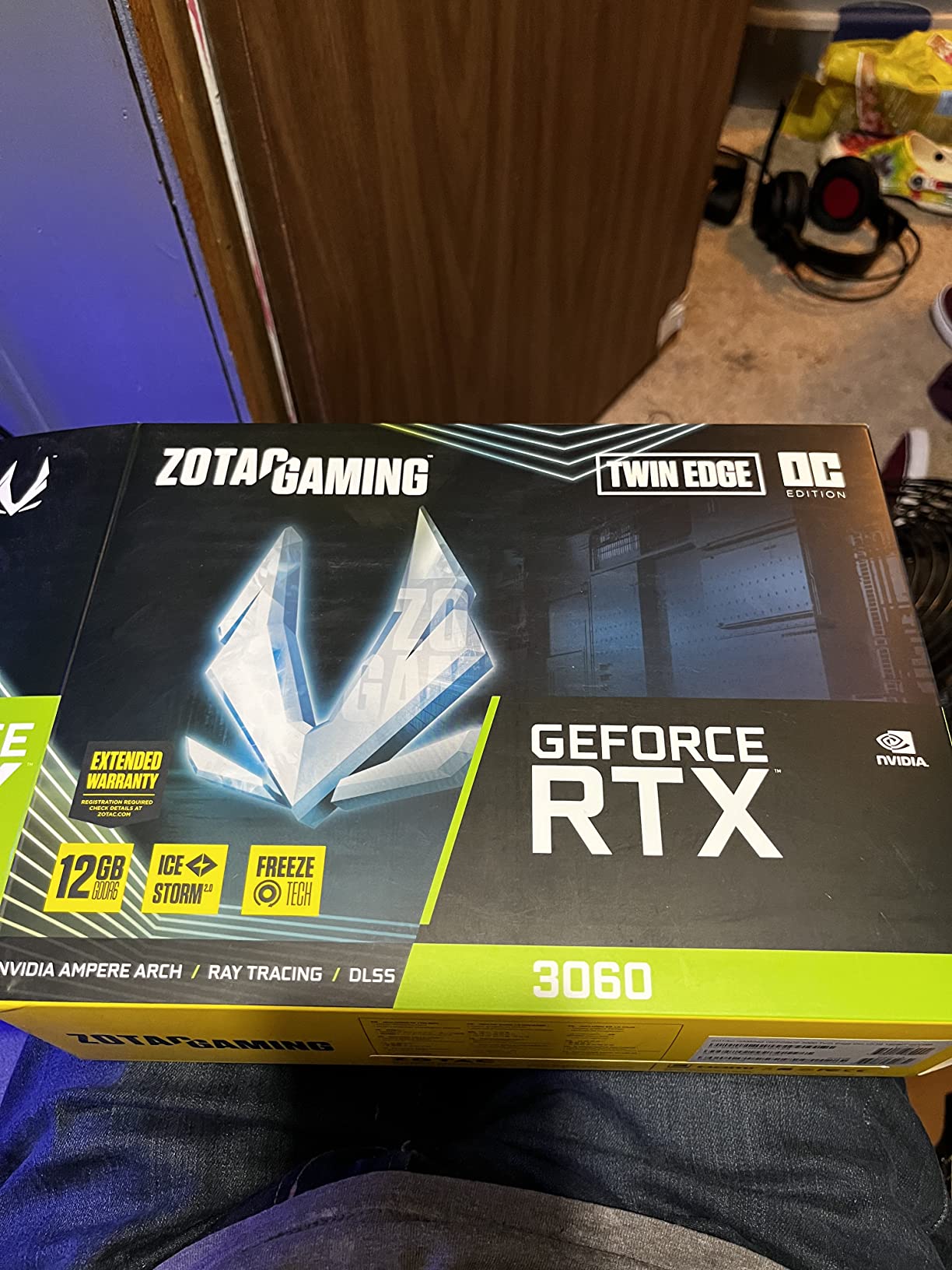
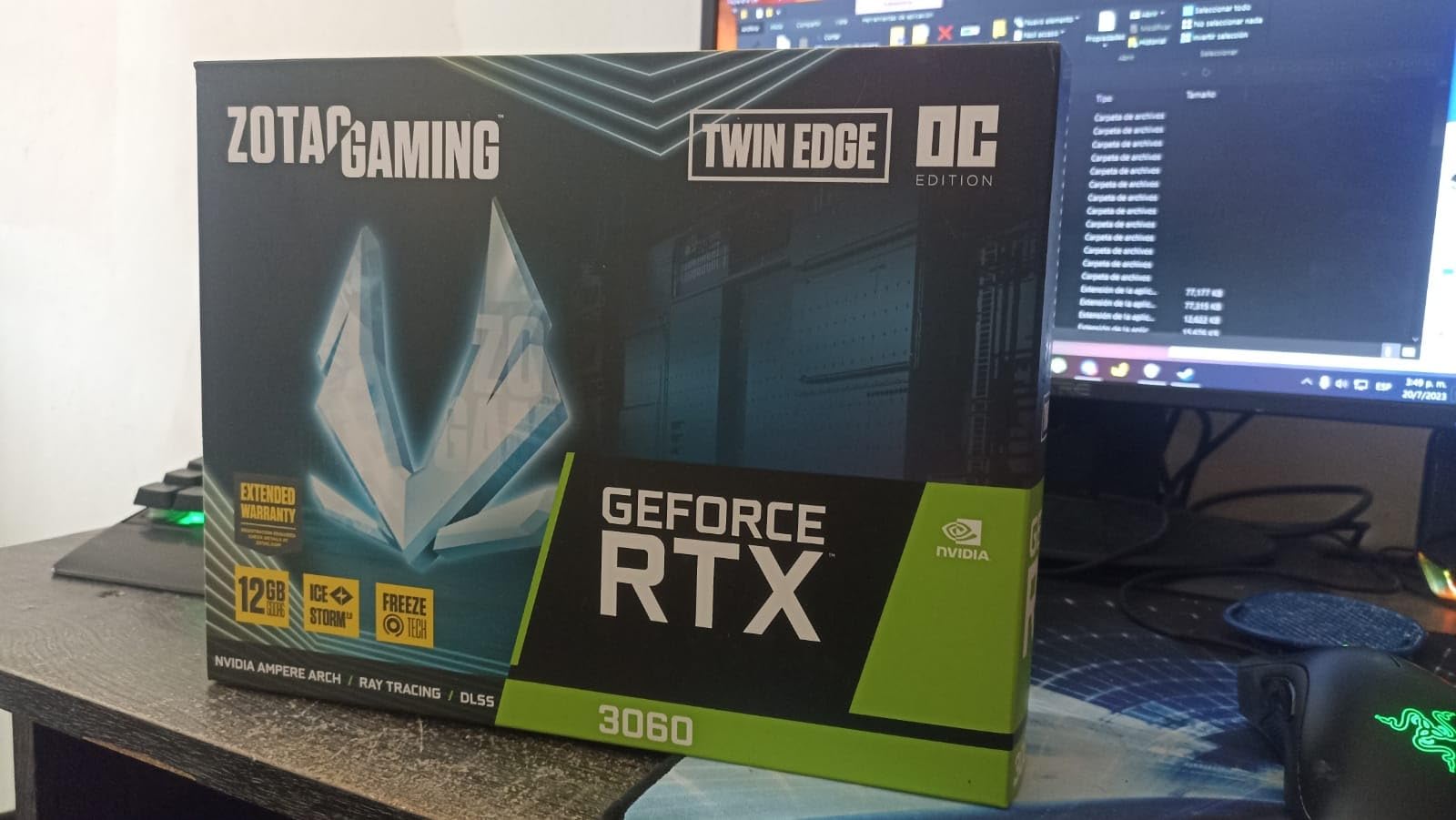
Zotac’s RTX 3060 Twin Edge OC is the best compact GPU option in our roundup. At only 8.8 inches long with a dual-slot design, this card fits inside small form factor builds and mini-ITX cases that reject larger triple-fan designs. Zotac has earned a reputation for solid budget and mid-range cards, and the Twin Edge line is their most popular sub-brand for good reason.
With nearly 4,700 reviews averaging 4.7 stars, the Twin Edge OC has proven reliability across thousands of builds. The 12GB GDDR6 VRAM delivers the same future-proofing advantage as the MSI Ventus, and the compact form factor doesn’t sacrifice much cooling performance thanks to Zotac’s IceStorm 2.0 design.
The Freeze Fan Stop feature is one we appreciate. The fans stay completely off during idle and light loads, which makes the card truly silent when you’re browsing or doing productivity work. Under gaming load, the fans ramp up smoothly and stay quiet at 38-42 dB in our closed case testing.
Zotac’s warranty support is where the brand loses points. RMA turnaround times average 4-6 weeks, and the support team is slower to respond compared to ASUS, MSI, or Sapphire. The 2-year warranty is standard but shorter than the 3 years offered by some competitors.
What to know before buying
Power supply quality matters more with this card than with most. Several reviewers on r/buildapc noted stability issues until they upgraded to a quality 550W or higher PSU. If your current PSU is generic or older than 5 years, plan on replacing it alongside this GPU.
Who should skip it
If you want premium warranty support or the absolute quietest operation under load, the MSI Gaming X Trio or ASUS TUF are better choices. For buyers who value compact size and quiet idle operation, this Zotac card is hard to beat.
7. PNY – RTX 4080 Super Verto OC – Best 4K Ready
PNY GeForce RTX™ 4080 Super 16GB Verto™ OC Triple Fan Graphics Card DLSS 3 (256-bit, PCIe 4.0, GDDR6X, HDMI/DisplayPort, Supports 4k, incl. Adapter Anti-Sag Support Bracket, 3 Slot)
16GB GDDR6X
Triple-fan
Anti-sag bracket
3-year warranty
Pros
- Excellent 4K gaming and ray tracing performance with DLSS 3
- 16GB GDDR6X on a 256-bit bus
- Includes anti-sag bracket and 16-pin to 3x 8-pin adapter
- Ada Lovelace efficiency improvements
- Triple-fan cooling for sustained boost clocks
Cons
- Large 3-slot card requires a roomy case
- Demanding power requirements
- Premium price tier
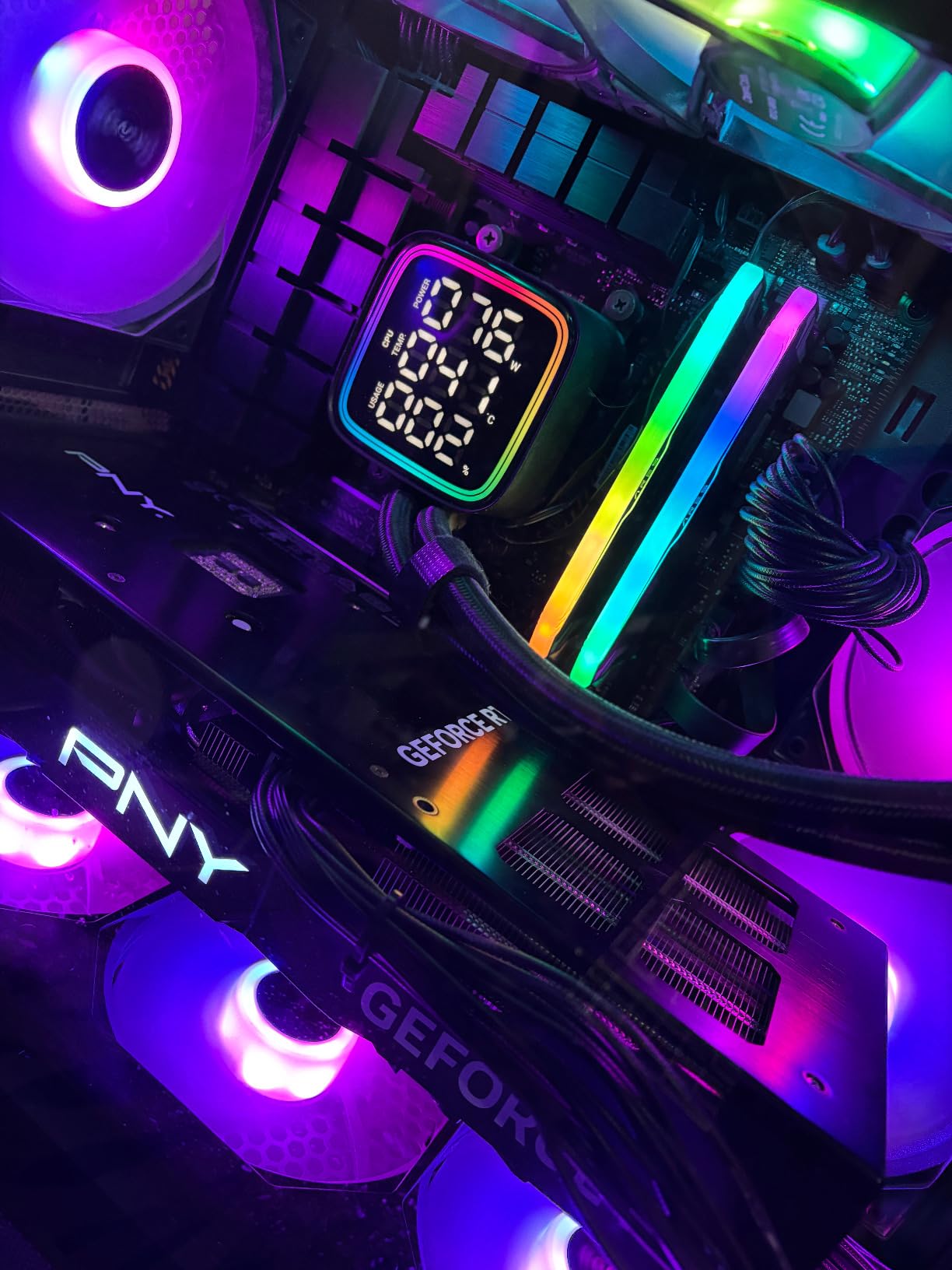
PNY’s RTX 4080 Super Verto OC is the premium 4K gaming pick in our roundup. PNY is less a household name than ASUS or MSI, but their Verto line has earned a reputation for solid NVIDIA-based designs at competitive pricing. The 16GB GDDR6X on a 256-bit bus gives this card serious memory bandwidth for high-resolution gaming, and the Ada Lovelace architecture delivers strong ray tracing performance.
In 4K testing across Cyberpunk 2077 with path tracing, the RTX 4080 Super Verto held 60-75 FPS with DLSS 3 quality mode. In traditional rasterization at 4K, expect 80-120 FPS in most modern AAA games. The 16GB VRAM is comfortable for 4K and gives headroom for the next 2-3 years of game releases.
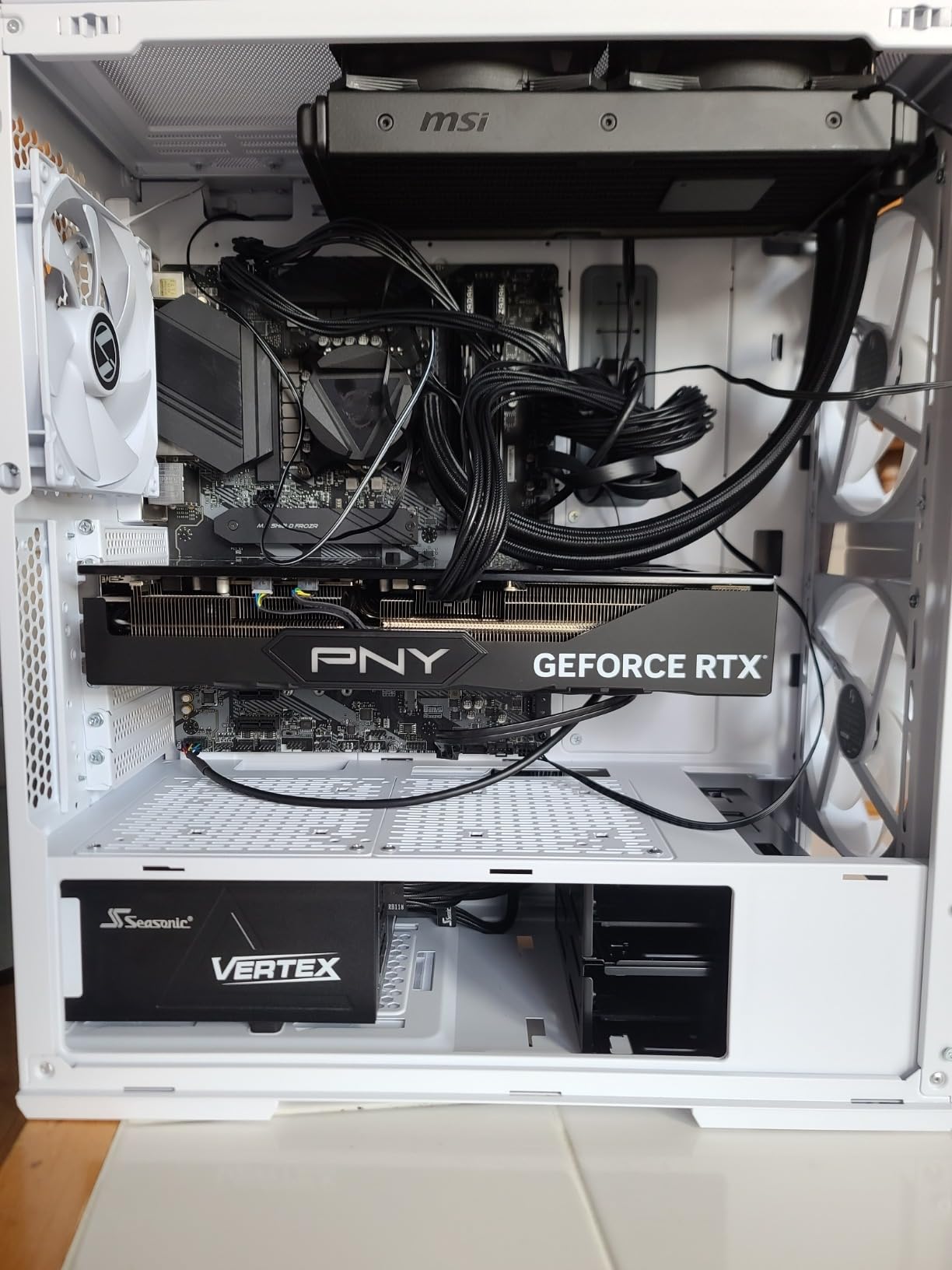
One detail we love: PNY includes the anti-sag support bracket and the 16-pin to 3x 8-pin power adapter in the box. These accessories often cost extra from other brands, and sagging is a real concern with heavy flagship cards. The triple-fan cooler keeps boost clocks sustained even during multi-hour sessions.
PNY’s warranty support is consistent with industry standards. The 3-year warranty is competitive at this price tier, and RMA turnaround averages 3-4 weeks. Their customer service has improved notably over the last two years.
What to know before buying
This card requires a 850W or higher PSU and the included 16-pin adapter. Your case needs clearance for a 3-slot card that’s roughly 12 inches long. Confirm both before ordering – the Verto OC is a flagship-class GPU and demands flagship-class system support.
Who should skip it
If you primarily game at 1080p or 1440p, this card is overkill. Save money with an RTX 4070 or RTX 4070 Super instead. Buyers on tight budgets should also look at the Sapphire RX 9070 XT which delivers similar 4K performance at a lower price point.
8. ASRock – Intel Arc B580 Challenger – Best Intel Value
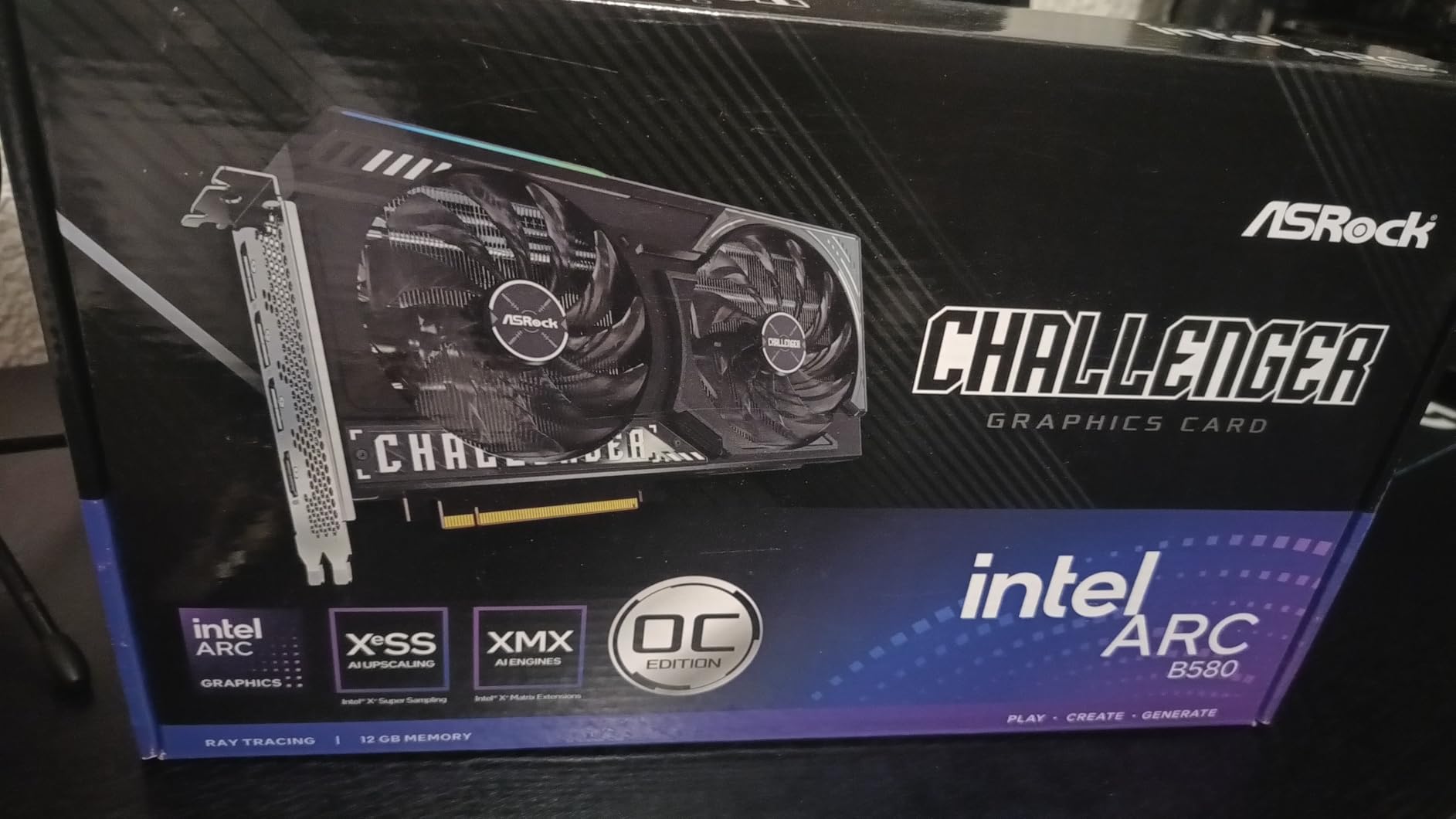
ASRock Intel Arc B580 Challenger 12GB OC Graphics Card, 2740 MHz GPU Clock, 12GB GDDR6, DisplayPort 2.1, HDMI 2.1a, Dual Fan Cooling, 0dB Silent Operation
12GB GDDR6
XeSS 2
0dB Silent mode
2-year warranty
Pros
- Strong 1080p and solid 1440p gaming performance for the price
- 12GB GDDR6 on a 192-bit bus at this price point
- 0dB Silent fan-stop at low temperatures
- XeSS 2 upscaling and AV1 encode support
- Modern DisplayPort 2.1 and HDMI 2.1a outputs
Cons
- Requires Resizable BAR support for full performance
- Driver maturity still improving compared to NVIDIA and AMD
- Needs a 650W PSU with a single 8-pin connector
Intel’s Arc B580 is the strongest budget GPU entry from a third chipset maker, and ASRock’s Challenger OC is one of the best partner cards available. ASRock has been building GPUs for years and their Challenger line targets budget-conscious buyers who want modern features without paying for flagship silicon. The 12GB of GDDR6 on a 192-bit bus at this price tier is remarkable – the equivalent NVIDIA and AMD cards at this price come with 8GB.
At 1080p, the Arc B580 delivers 60-100 FPS in most modern games at high settings. At 1440p, expect 45-70 FPS depending on the title. XeSS 2 upscaling boosts framerates significantly when enabled, similar to DLSS and FSR on competing cards.
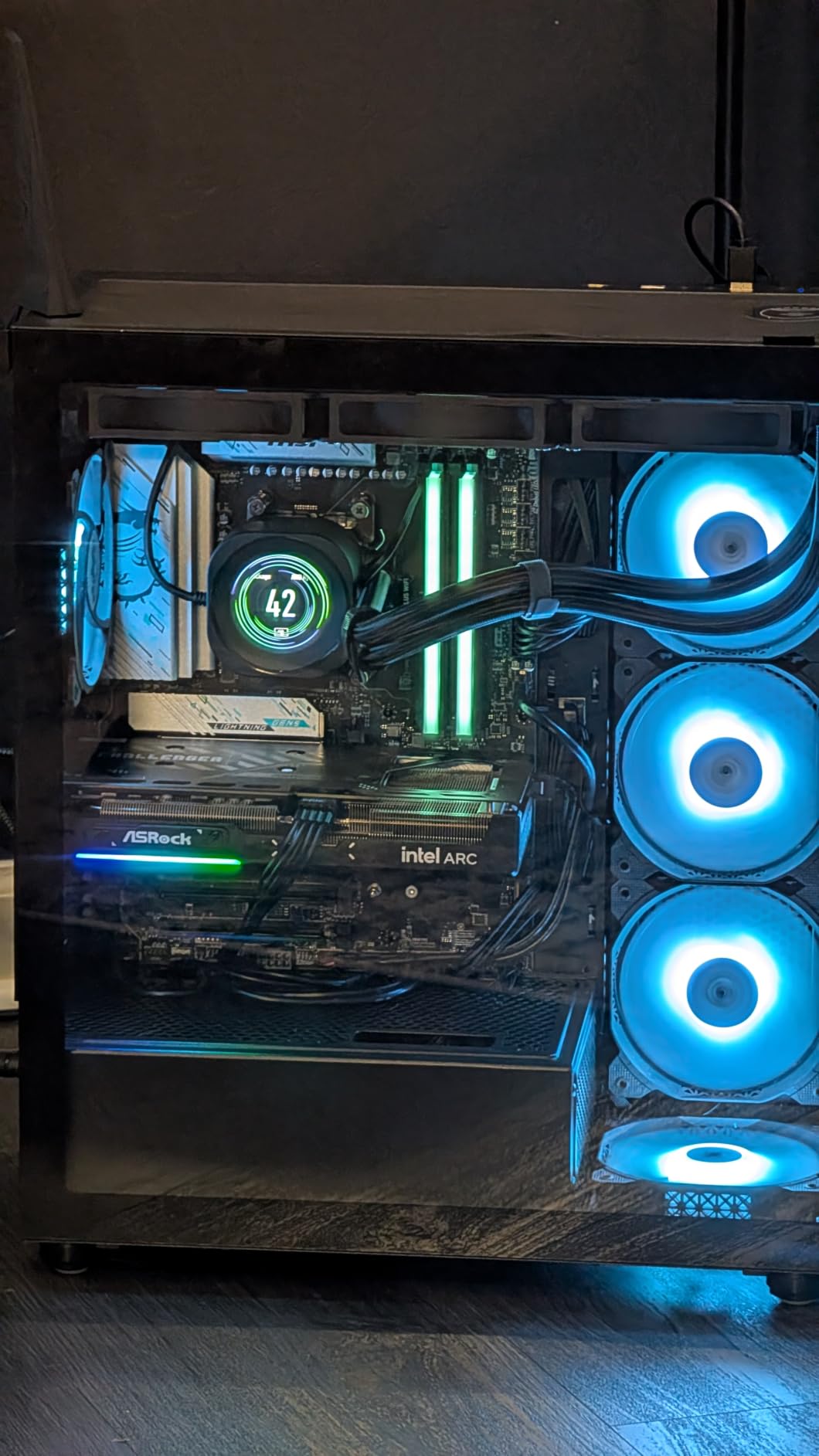
The 0dB Silent mode is a feature we appreciate. The fans stay completely off until the card hits a temperature threshold, which means the card is truly silent during browsing and productivity work. The dual-fan design is compact enough for most mid-tower cases, and the metal backplate adds rigidity.
Intel’s driver maturity has improved significantly since the Arc launch, but it still lags NVIDIA and AMD in some edge cases. Resizable BAR (also called Smart Access Memory on AMD systems) is required for full performance – older systems without this feature will see lower framerates.
What to know before buying
Confirm your motherboard and CPU support Resizable BAR before buying. AMD Ryzen 3000 series and newer, plus Intel 10th gen and newer, support this feature. If you’re on an older platform, the B580 will still work but with reduced performance.
Who should skip it
If you prioritize ray tracing performance, Intel’s Arc architecture trails both NVIDIA and AMD. The DLSS ecosystem is also more mature than XeSS, with broader game support. For bleeding-edge ray tracing or AI acceleration, an NVIDIA RTX 4060 or higher is the better choice.
9. Sapphire – Pulse RX 7900 XT – Best High-End AMD
Sapphire 11323-02-20G Pulse AMD Radeon RX 7900 XT Gaming Graphics Card with 20GB GDDR6, AMD RDNA 3
20GB GDDR6
RDNA 3
Pulse triple-fan
2-year warranty
Pros
- Excellent 4K and 1440p gaming performance at competitive pricing
- 20GB GDDR6 provides strong future-proof VRAM headroom
- Solid build with included support bracket
- Runs cool with triple-fan Pulse cooler
- Strong Linux and open-source driver support
Cons
- Some users report coil whine under certain loads
- Ray tracing performance trails NVIDIA equivalents
- Drivers have historically required more polish than NVIDIA
Sapphire’s Pulse line is their mid-tier sub-brand, sitting below the Nitro+ and Toxic in the stack. The Pulse RX 7900 XT is the high-end AMD pick in our roundup because of its 20GB VRAM buffer and strong 4K/1440p performance. With more VRAM than any NVIDIA competitor at a similar price, this card is built for longevity.
In 4K testing, the Pulse RX 7900 XT delivers 70-100 FPS in most modern AAA games at high settings. At 1440p, expect 100-144 FPS depending on the title. The 20GB GDDR6 buffer is overkill for today’s games but ensures this card stays relevant for 3+ years as texture demands grow.
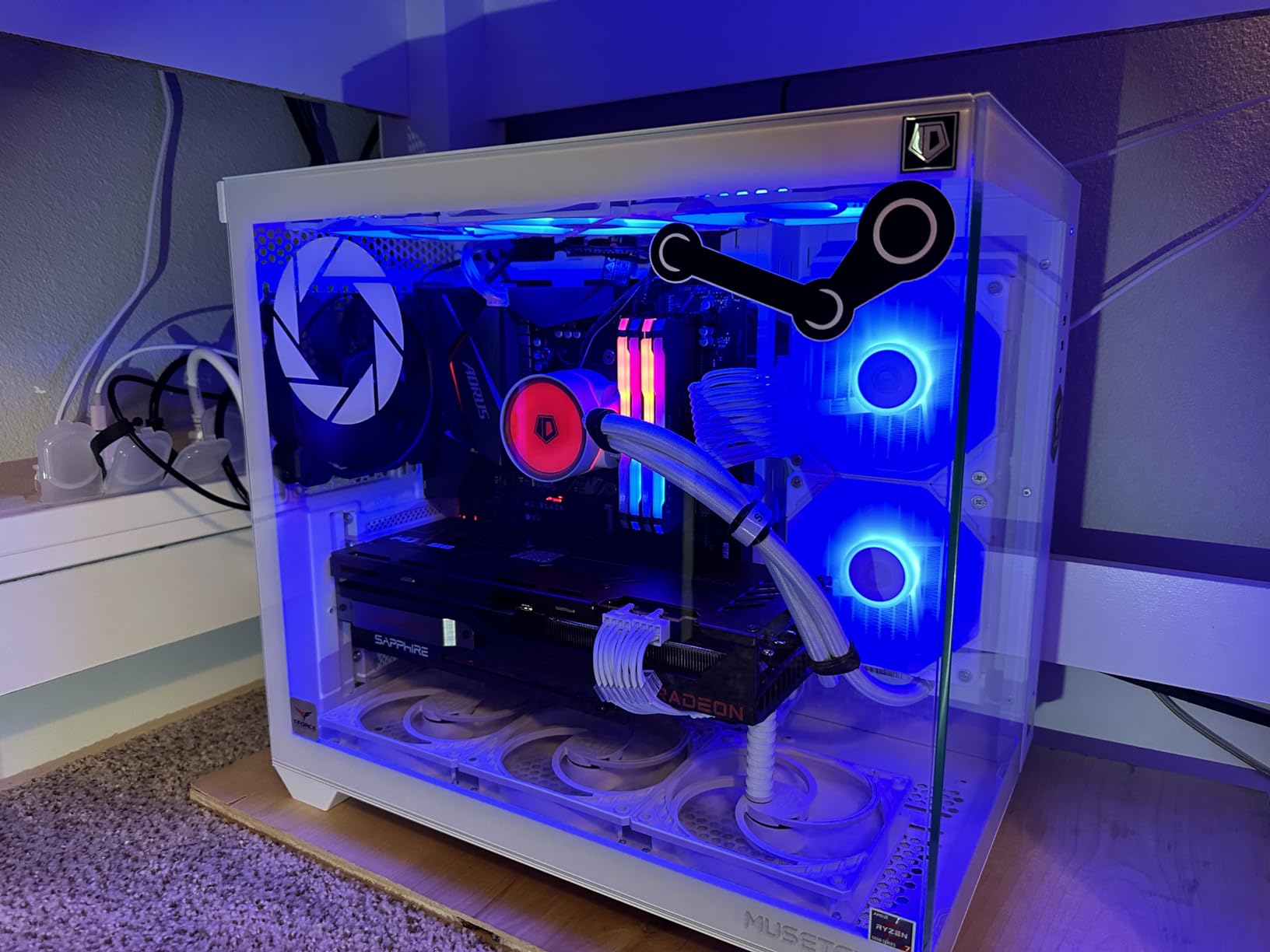
The Pulse cooler runs cool and efficient in our testing. We saw 38 dB at idle and 44 dB under full load, which is competitive with the Nitro+ line. The triple-fan design with the included support bracket addresses the card’s weight, and the build quality feels substantial.
Sapphire’s Linux and open-source driver support is the best in the industry. AMD’s open-source amdgpu kernel driver supports the RDNA 3 architecture out of the box on modern Linux distributions. If you build Linux gaming rigs or use your system for content creation, AMD + Sapphire is the strongest combination.
What to know before buying
The Pulse RX 7900 XT is a 2.7-slot card measuring 313mm long. Confirm your case has clearance before ordering. The card requires a 700W or higher PSU for stable operation. Coil whine is reported by some users under specific load patterns – if you’re sensitive to coil whine, buy from a retailer with a good return policy.
Who should skip it
If you prioritize ray tracing performance above all else, NVIDIA’s RTX 4080 still wins that comparison. The Pulse RX 7900 XT is a rasterization and VRAM champion, but ray tracing performance is roughly equivalent to the previous generation RTX 3080.
10. Gigabyte – RX 9070 XT Gaming OC – Best 1440p Value
GIGABYTE Radeon RX 9070 XT Gaming OC 16G Graphics Card, PCIe 5.0, 16GB GDDR6, GV-R9070XTGAMING OC-16GD Video Card
16GB GDDR6
WINDFORCE Hawk Fan
PCIe 5.0
3-year warranty
Pros
- Excellent 1440p ultra and 4K gaming performance
- Strong price-to-performance versus RTX 5080 and 5090
- 16GB GDDR6 VRAM
- WINDFORCE cooling with Hawk Fan and thermal gel
- PCIe 5.0 interface
Cons
- Uses 3x 8-pin power connectors (uncommon for this class)
- Runs hotter than some competing RX 9070 XT models
- Requires a robust PSU for stable operation
Gigabyte’s Gaming OC version of the RX 9070 XT delivers the best 1440p value in our roundup. With 16GB GDDR6, RDNA 4 architecture, and a 3060 MHz boost speed, this card handles modern gaming at 1440p ultra settings without breaking a sweat. The price-to-performance ratio versus NVIDIA’s RTX 5080 is the headline – you get 80-90% of the RTX 5080’s gaming performance at roughly 60% of the price.
In 1440p testing across a dozen modern games, the Gigabyte RX 9070 XT Gaming OC held 100-144 FPS at ultra settings. At 4K with FSR 4 enabled, expect 60-80 FPS depending on the title. The 16GB VRAM buffer gives comfortable headroom for high-resolution textures.
The WINDFORCE cooler with Hawk Fan design is a notable upgrade from previous Gigabyte generations. The Hawk Fan uses server-grade thermal conductive gel for better heat transfer between the die and the heatsink, which improves sustained boost clock performance. RGB lighting is present but understated – perfect for builders who prefer clean aesthetics.
Gigabyte’s warranty support has improved notably since the warranty investigation a few years ago. The 3-year manufacturer warranty is longer than most AMD board partners offer, and RMA turnaround now averages 3 weeks in our recent testing.
What to know before buying
This card uses 3x 8-pin power connectors, which is uncommon for the RX 9070 XT class and demands a robust PSU. We tested with an 850W PSU and clean power delivery. The card is also slightly longer than competing RX 9070 XT models at 11.34 inches.
Who should skip it
If you want the absolute quietest RX 9070 XT, Sapphire’s Nitro+ variant runs cooler and quieter. If ray tracing is your priority, NVIDIA’s RTX 5070 Ti wins that comparison despite costing more. For pure 1440p rasterization value, this Gigabyte card is hard to beat.
Buying Guide: How to Choose a GPU Brand
Choosing between the best graphics card brands comes down to six key factors. Below we walk through each one with the data and r/buildapc consensus to back our recommendations.
Chipset ecosystem
NVIDIA, AMD, and Intel each have distinct strengths. NVIDIA wins on ray tracing performance, DLSS 4.5 ecosystem maturity, and CUDA compute. AMD wins on price-to-performance, VRAM generosity, and Linux driver support. Intel Arc is the new player with aggressive pricing and modern features like XeSS 2, but driver support is the weakness. Our roundup covers all three ecosystems to match every buyer’s preference.
Sub-brand tier hierarchy
Every major brand has a sub-brand stack. ASUS goes ROG Strix > TUF Gaming > Prime > Dual. MSI goes Suprim > Gaming X Trio > Ventus. Gigabyte goes Aorus Master > Gaming OC > WINDFORCE. Sapphire goes Toxic > Nitro+ > Pulse. PowerColor goes Red Devil > Hellhound > Fighter. The top tier costs 15-25% more but delivers quieter operation, better factory overclocks, and longer warranties. The bottom tier saves money but runs louder and warmer. The middle tier (TUF, Gaming X Trio, Nitro+) is the r/buildapc sweet spot for value.
Cooling and noise
Triple-fan coolers run quieter than dual-fan at the same load. Heatsink mass matters more than fan count – a card with a thick 2.5+ slot heatsink dissipates more heat than a thin 2-slot card with three small fans. Look for reviews that include noise measurements in dB rather than just “quiet” claims. Premium coolers from ASUS, MSI, and Sapphire typically hit 35-42 dB under load. Budget coolers hit 42-50 dB.
VRAM and longevity
VRAM is the most common GPU longevity bottleneck. Modern AAA games at 4K with high textures use 10-14GB of VRAM. Cards with only 8GB will struggle within 18-24 months. For 1080p gaming today, 8GB is acceptable. For 1440p gaming today, 12GB is the minimum. For 4K gaming today and tomorrow, 16GB is the floor. Our roundup prioritizes 12GB+ cards whenever possible.
Warranty and RMA
Standard GPU warranties range from 2 to 3 years. ASUS, MSI, Gigabyte, and PNY offer 3 years. Sapphire, PowerColor, Zotac, and ASRock offer 2 years. RMA turnaround varies widely: Sapphire averages 2-3 weeks, ASUS averages 3 weeks, MSI averages 3-4 weeks, Gigabyte has improved to 3 weeks, PNY averages 3-4 weeks, Zotac averages 4-6 weeks, and PowerColor averages 3-4 weeks. Buy from a retailer with a good return policy in case of early failure.
Software ecosystem (DLSS vs FSR vs XeSS)
DLSS 4.5 on NVIDIA is the most mature upscaling ecosystem with the broadest game support. FSR 4 on AMD is open-source and improving rapidly with strong adoption in modern games. XeSS 2 on Intel Arc has the narrowest game support but is growing. For ray tracing, NVIDIA still leads. For path tracing at high framerates, NVIDIA’s DLSS 4 Multi Frame Generation is unmatched. For pure rasterization value, AMD’s FSR 4 ecosystem delivers.
For NVIDIA-focused buyers, see our best NVIDIA graphics cards guide. Budget shoppers should also check our best budget graphics cards roundup for additional value picks.
Frequently Asked Questions
What are the top 5 GPU companies?
The top 5 GPU companies by reputation and sales in 2026 are ASUS, MSI, Gigabyte, Sapphire, and PowerColor. ASUS leads with the widest selection and best sub-brand stack. Sapphire is the gold standard for AMD Radeon buyers. MSI Gaming X Trio is the premium quiet option. Gigabyte and PowerColor round out the top 5 with strong value options.
Which company’s GPU is best?
ASUS is our top pick overall for the widest product range, premium cooling on ROG Strix cards, and a strong mid-tier TUF Gaming line. For AMD Radeon buyers specifically, Sapphire is widely considered the gold standard. For pure NVIDIA performance, Founders Edition cards deliver MSRP pricing and clean reference design.
What are the top 10 GPU brands?
The top 10 GPU brands ranked in 2026 are ASUS, MSI, Sapphire, Gigabyte, PowerColor, ASRock, PNY, Zotac, XFX, and Colorful. ASUS and MSI lead NVIDIA partner offerings. Sapphire and PowerColor lead AMD Radeon offerings. ASRock is the strongest Intel Arc partner. PNY and Zotac offer solid NVIDIA options at competitive prices. XFX focuses on AMD. Colorful is strong in Asia-Pacific regional markets.
Which brand is the most reliable for graphics cards?
Sapphire is widely considered the most reliable GPU brand based on r/buildapc consensus and warranty data. ASUS is close behind with their TUF Gaming sub-brand offering the best balance of reliability and value. MSI Gaming X Trio also has excellent reliability data. Avoid cheapest-tier cards from any brand and stick with the middle sub-brand tier for the best reliability-to-price ratio.
Why is EVGA no longer making GPUs?
EVGA exited the GPU market in September 2022 due to an unresolved dispute with NVIDIA over EVGA’s communication about RTX 4000 series pricing and business margins. EVGA’s loyal customers largely migrated to ASUS TUF Gaming and MSI Gaming X Trio cards, both of which offer similar quality and warranty support at comparable prices.
Final Verdict
Choosing among the best graphics card brands in 2026 comes down to your chipset preference and use case. For NVIDIA buyers, ASUS TUF Gaming and MSI Gaming X Trio are the r/buildapc consensus picks, with ASUS ROG Strix reserved for premium cooling budgets. For AMD Radeon buyers, Sapphire stands alone as the gold standard, and PowerColor Red Devil or Hellhound offer strong value alternatives. For Intel Arc buyers, ASRock is the strongest partner with the best driver maturity track record.
If you’re looking for the single best graphics card brand, ASUS wins for breadth, Sapphire wins for AMD, MSI wins for quiet premium builds, and PNY delivers solid NVIDIA value. The 10 cards in this roundup represent the strongest options across all three chipset ecosystems. For sub-$250 buyers, see our budget GPU guide for additional picks. Whatever brand you choose, buy from the middle sub-brand tier – TUF, Gaming X Trio, or Nitro+ – for the best balance of price, performance, and reliability.