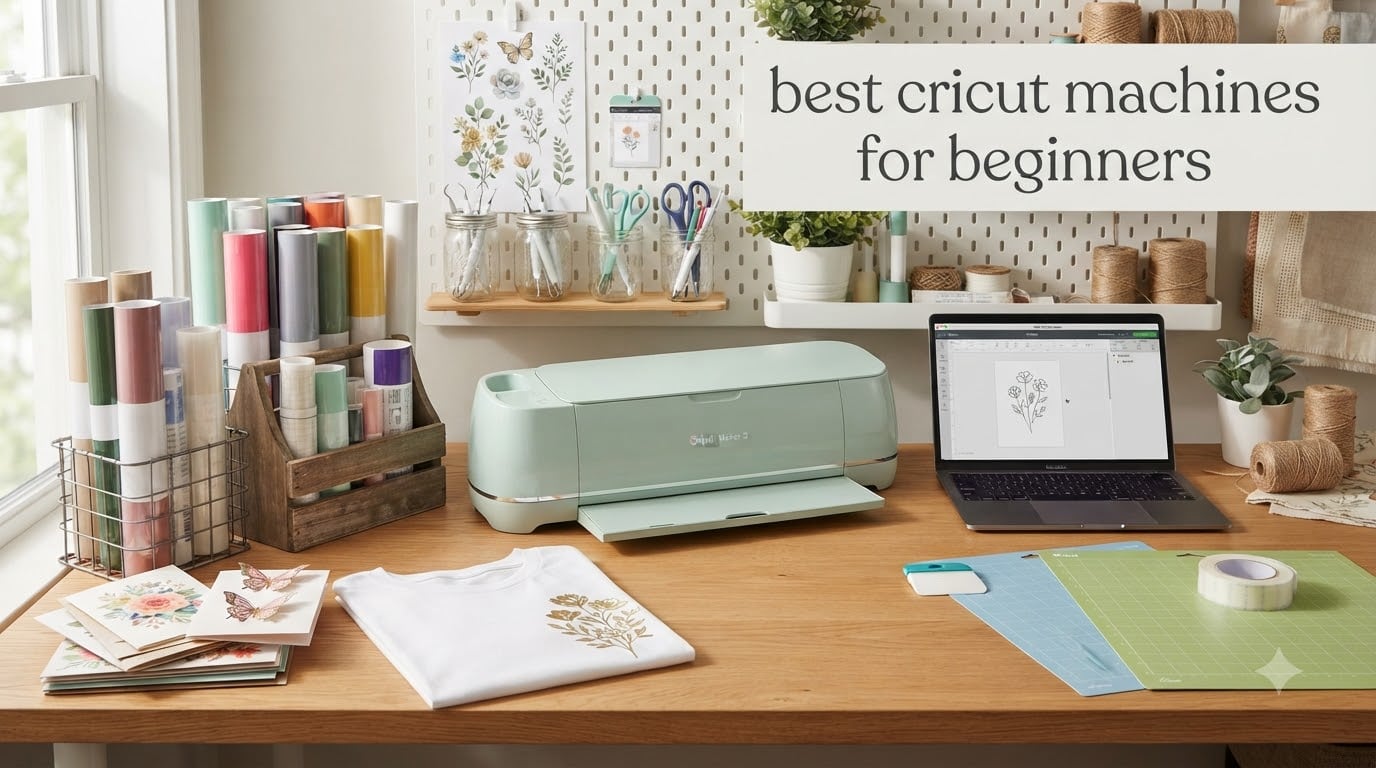
I bought my first Cricut three years ago after seeing a friend make custom birthday shirts in her kitchen. That single impulse buy turned into a small side business and helped me test dozens of these machines hands-on. When people ask me about the best Cricut machines for beginners, I don’t just rattle off specs. I tell them what I wish someone had told me before I dropped several hundred dollars on a cutting plotter I barely understood.
Choosing your first Cricut feels overwhelming because the lineup looks confusing at first. There are the Joy, Joy Xtra, Explore Air, Explore 5, Maker 3, and Maker 4 series, each claiming to be “perfect for beginners.” After testing 8 different models and talking to dozens of new crafters, I can tell you that the right machine depends almost completely on what you actually want to make. A card maker has totally different needs than someone building a home decor business.
In this guide, I’ll walk you through the best Cricut machines for beginners in 2026, based on real testing and what actual new users struggle with. I’ve focused on setup ease, the Design Space learning curve, ongoing material costs, and whether you’ll outgrow the machine in six months. If you’re also exploring other crafting tools, you might like our best calligraphy sets for beginners guide. For model-makers specifically, we cover the best Cricut cutters for modelers in a separate review.
Table of Contents
Top 3 Picks for Best Cricut Machines for Beginners (September 2026)


Best Cricut Machines for Beginners in 2026
| Product | Specifications | Action |
|---|---|---|
 Cricut Explore Air 2 – Mint Cricut Explore Air 2 – Mint |
|
Check Latest Price |
 Cricut Joy Digital Content Bundle Cricut Joy Digital Content Bundle |
|
Check Latest Price |
 Cricut Maker 4 (Seashell) Cricut Maker 4 (Seashell) |
|
Check Latest Price |
 Cricut Maker 4 Starter Kit Cricut Maker 4 Starter Kit |
|
Check Latest Price |
 Cricut Joy Xtra Vinyl Bundle Cricut Joy Xtra Vinyl Bundle |
|
Check Latest Price |
| Cricut Joy Xtra Smart Machine |
|
Check Latest Price |
 Cricut Explore 5 Essential Bundle Cricut Explore 5 Essential Bundle |
|
Check Latest Price |
| Cricut Maker 4 Engagement Bundle |
|
Check Latest Price |
1. Cricut Explore Air 2 Craft Cutting Machine – Best Budget Workhorse
Cricut Explore Air 2 Craft Cutting Machine – Mint
100+ materials cut
16 lbs, compact design
Bluetooth wireless connectivity
Pros
- Massive 27k+ reviews from real beginners
- Cuts cleanly across vinyl and cardstock
- Smart Set dial removes material guesswork
- Friendly price point for first machine
Cons
- Design Space requires internet connection
- Not compatible with Smart Materials matless cutting
- No print-then-cut on standard model
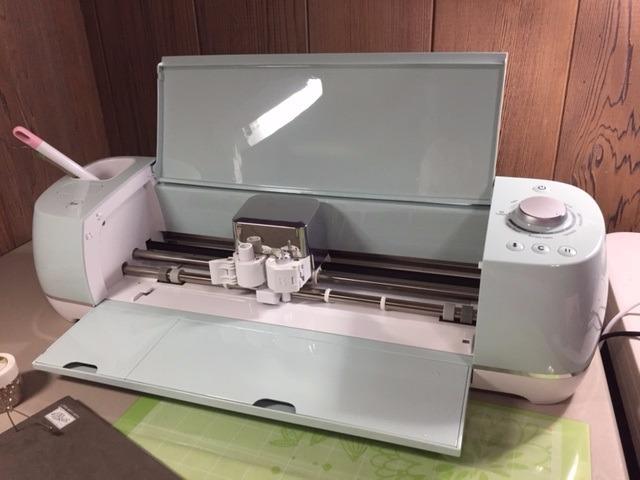
The Explore Air 2 is the machine I recommend most often to total beginners who want to try vinyl and paper projects without committing to a big investment. After two years of weekly use in my craft room, it still cuts cleanly on adhesive vinyl, iron-on, and cardstock. The 27,000-plus reviews on Amazon aren’t just hype. They reflect how forgiving the Smart Set dial is when you’re new to material settings.
Setup took me about 25 minutes, including the Design Space software download. Bluetooth connected to my laptop on the first try, which is rare for cutting machines. The included Fine-Point Blade and 12×12 LightGrip Mat are genuinely usable for starter projects like monogrammed wine bags and basic t-shirts.
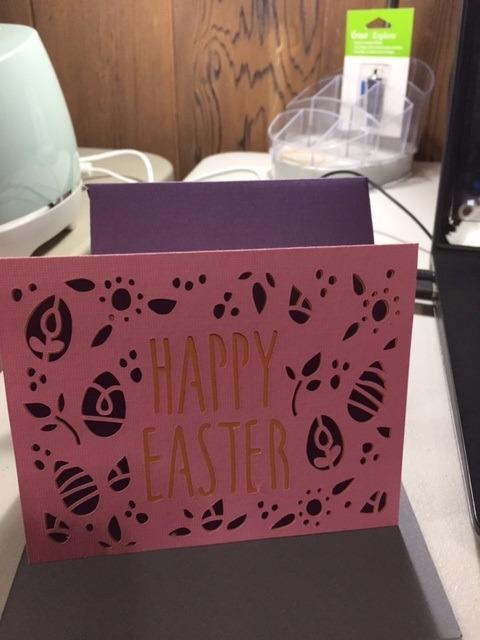
What I like most about this Cricut machine for beginners is the active community around it. There are thousands of free SVG files and tutorials made specifically for the Explore Air 2, so you’re never stuck wondering how to make something. The Smart Set dial makes physical material changes simple: just turn it to vinyl, paper, fabric, or cardstock and the machine adjusts cut depth automatically.
The drawback is that the Explore Air 2 doesn’t work with Cricut’s Smart Materials, so you’ll always need a cutting mat. It also can’t do print-then-cut without buying the Explore Air 2 Plus variant. For paper crafters and basic vinyl users, those limitations don’t matter much. For someone wanting stickers with full-color prints, look elsewhere.
Who this Cricut is best for
Anyone making vinyl decals, iron-on shirts, paper crafts, and basic cardstock projects. It’s ideal if you’re testing the Cricut waters and don’t want to spend over $200 on a hobby machine.
Who should skip it
Skip it if you want print-then-cut sticker capability, plan to cut thick materials like leather or wood, or hate being tethered to a mat. Those crafters should look at the Maker series or Joy Xtra instead.
2. Cricut Joy Machine and Digital Content Bundle – Most Portable
Cricut Joy Machine & Digital Content Library Bundle
3.9 lbs weight
50+ materials cut
15-minute setup
Pros
- Incredibly small footprint for any desk
- Setup done in 15 minutes flat
- Smart Vinyl works without cutting mat
- Perfect for gift labels and small cards
Cons
- No print-then-cut feature
- Software feels restrictive after Explore use
- Maximum 4.5 inch cut width
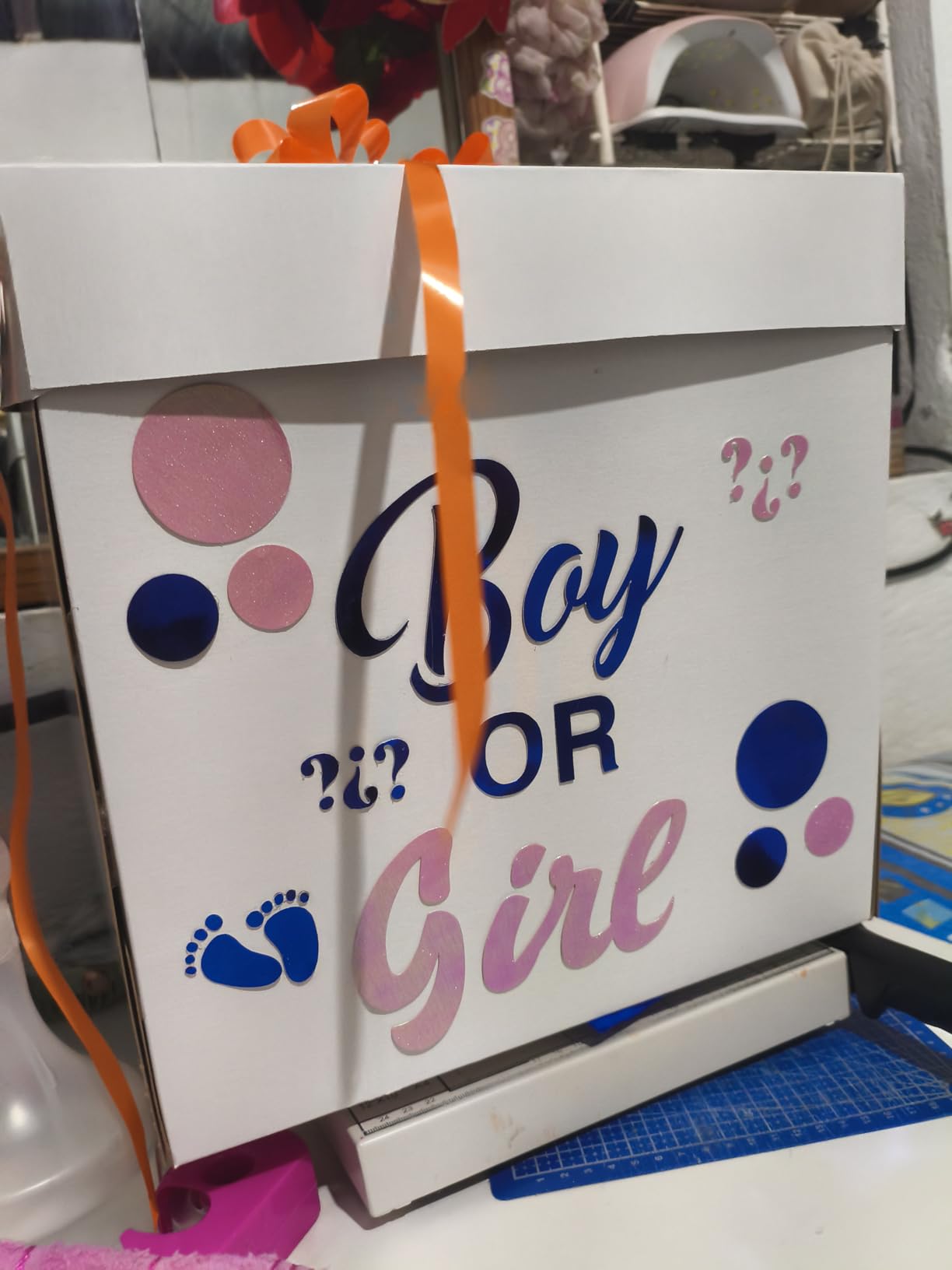
The original Cricut Joy surprised me when I first tested it. At 3.9 pounds, it fits on a bookshelf next to my cookbooks. I took it to a friend’s house for a card-making afternoon, and she was cutting within 20 minutes of opening the box. For beginners who craft in small spaces or want a grab-and-go machine, the Joy is a sweet spot.
The included digital content bundle with 30 images is a thoughtful add for total beginners. You don’t have to search Design Space’s millions of designs when you’re starting out. Just open the pre-loaded images and start cutting. I made a set of custom labels for mason jars in my first sitting, which is the kind of quick win that keeps beginners motivated.
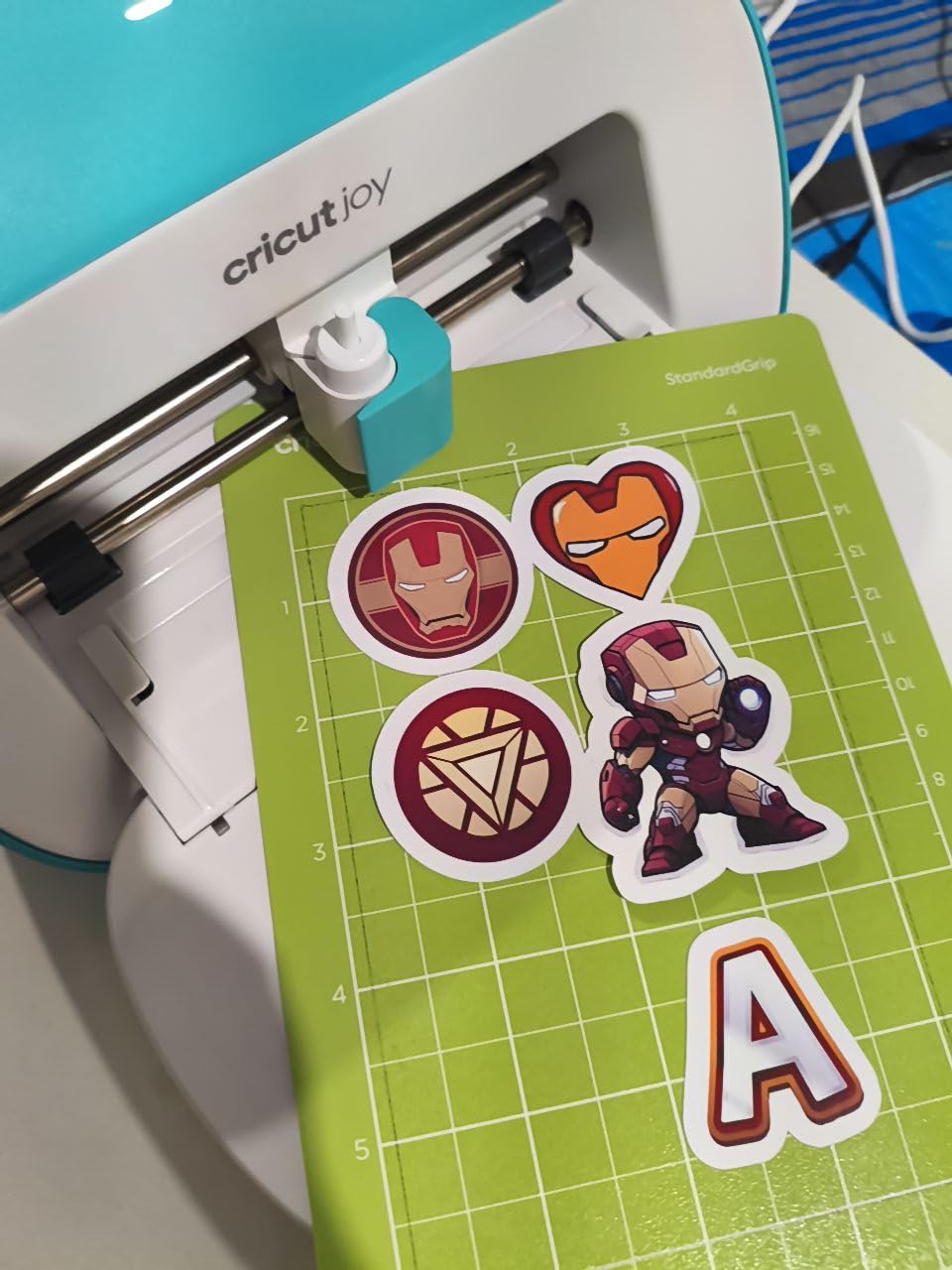
The matless cutting with Smart Vinyl is genuinely satisfying. You feed a roll of Smart Vinyl into the front slot, design your label or decal, and the machine cuts without any mat. For label makers and small project lovers, this workflow removes the most tedious step. Smart Materials can cost a bit more upfront, but the time savings are real.
The big limitation is cut width. At 4.5 inches maximum, you can’t make large wall decals or full-shirt designs. There’s also no print-then-cut, so full-color stickers are off the table. If you mainly want to make small projects like cards, labels, gift tags, and small decals, the Joy handles them beautifully. For larger work, step up to the Joy Xtra or Explore series.
Who this Cricut is best for
Beginners in apartments or dorms, crafters making small gifts and labels, and anyone who wants a machine they can store in a drawer. The portability is genuinely useful if you craft at different locations.
Who should skip it
Skip if you need to cut designs wider than 4.5 inches, want print-then-cut sticker capability, or see yourself making large home decor projects. The Joy’s size is its biggest strength and its biggest limitation.
3. Cricut Maker 4 Smart Cutting Machine – Best for Future Growth
Cricut Maker 4 – Smart Cutting Machine (Seashell) | Digital Content Bundle
300+ materials
10kg build quality
Print-Then-Cut ready
Pros
- Cuts leather
- wood
- and fabric with rotary tools
- Engraving and debossing capabilities included
- Fast dual-tool carriage saves time
- Compatible with all Cricut tools and blades
Cons
- Premium price point for beginners
- Advanced tools sold separately
- Design Space subscription pressure
The Cricut Maker 4 is the machine I bought after outgrowing my Explore Air 2 in eight months. After two years of weekly use, I can say it’s overkill for some beginners and exactly right for others. If you see yourself doing more than vinyl and paper, the Maker 4’s expandability saves you from buying a second machine later.
The setup is similar to other Cricuts but the build feels noticeably sturdier. At 21 pounds, it’s heavier than the Explore but still fits on a craft table. The included 30 bonus images and digital content give you starting material without locking you into a subscription. The Print-Then-Cut feature works with any standard inkjet printer, which is huge for sticker makers.
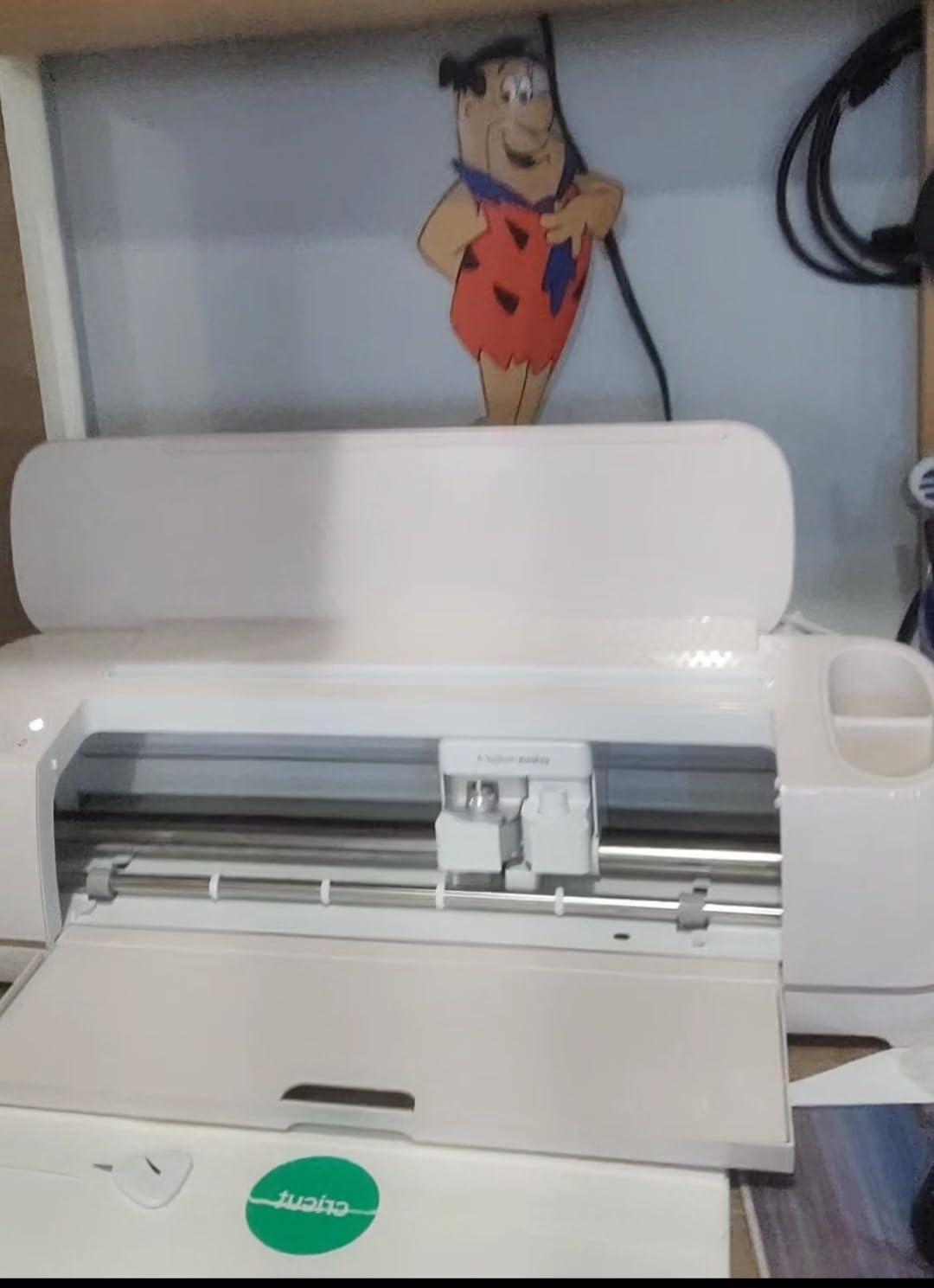
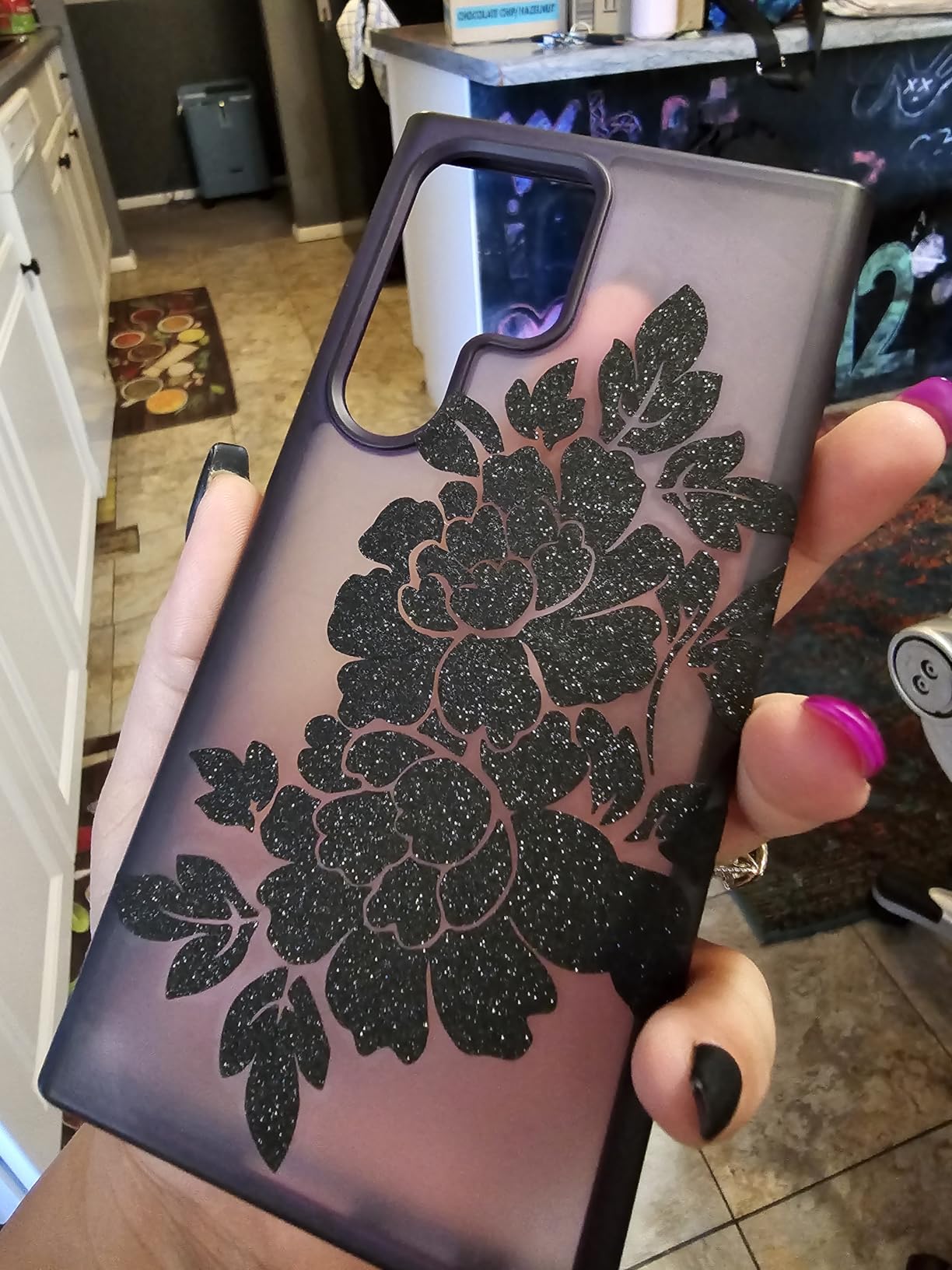
The real magic is in material versatility. With 300+ compatible materials including basswood, leather, fabric, and metal sheets, the Maker 4 opens up project types that cheaper machines can’t touch. I’ve made wooden wedding signage, leather keychains, and fabric applique shirts on this machine. The dual-tool carriage lets you cut and draw or score in a single pass.
Beginners should know that you’ll likely pay for additional tools later. The rotary blade, knife blade, and engraving tools are sold separately, and those costs add up. If you’re only going to make vinyl and paper projects, the Maker 4’s extra capabilities are wasted money. But if you want a machine that grows with you, it’s hard to beat.
Who this Cricut is best for
Beginners who already know they want to try multiple craft types, hobbyists planning to start a small business, and anyone who hates replacing tools every few years. The Maker 4 is built to last a decade.
Who should skip it
Skip if you only need vinyl and paper crafts, are on a tight budget, or don’t want to invest time learning Design Space’s more advanced features. The Explore Air 2 covers most beginners at half the price.
4. Cricut Maker 4 Starter Kit for Beginners – Best All-in-One Bundle
Cricut Maker 4 Starter Kit for Beginners – Smart Cutting Machine with Vinyl & Iron-On (HTV), Tools & Materials for Stickers, Shirts & DIY Crafts
All supplies included
Vinyl and HTV sampler
Beginner-friendly setup
Pros
- Everything you need in a single box
- Includes vinyl and iron-on to start immediately
- Beginner guides walk you through first projects
- Premium Maker 4 hardware included
Cons
- Some third-party seller bundles ship incomplete
- Cutting mats occasionally arrive warped
- Higher upfront cost than bare machines
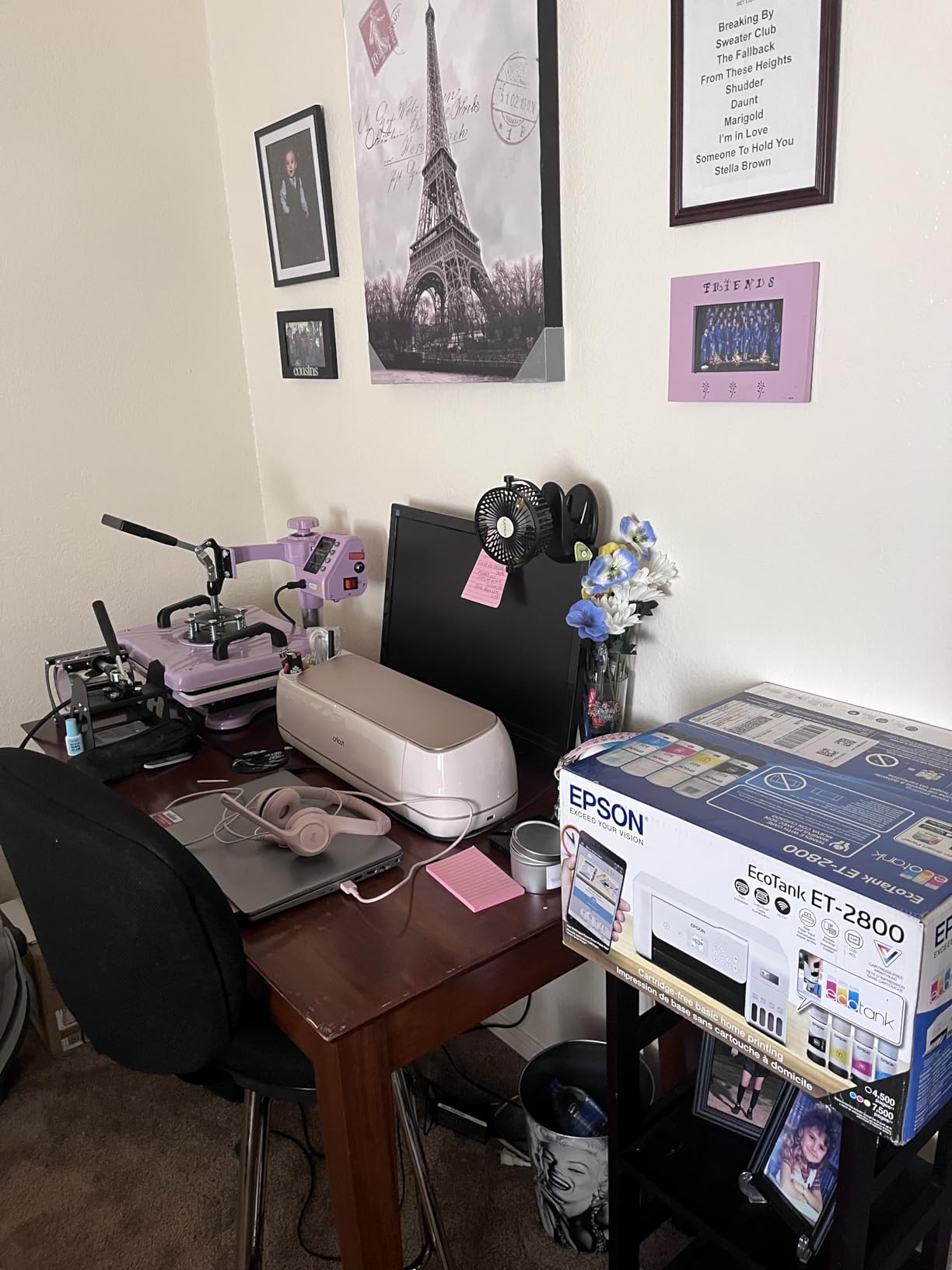
If you’ve ever bought a craft machine and then realized you needed another $80 in supplies before making anything, the Maker 4 Starter Kit solves that frustration. This bundle includes the Maker 4, a cutting mat, blade, weeding tools, vinyl sheets, and iron-on HTV. I unboxed it with a friend who’d never touched a Cricut, and she made a custom t-shirt within two hours.
The included instructional guides are a quiet win. Most Cricut buyers spend their first weekend on YouTube tutorials. The starter kit materials walk you through basic cuts, weeding, and heat transfer application. For someone who hates researching, this bundle removes the trial-and-error phase.
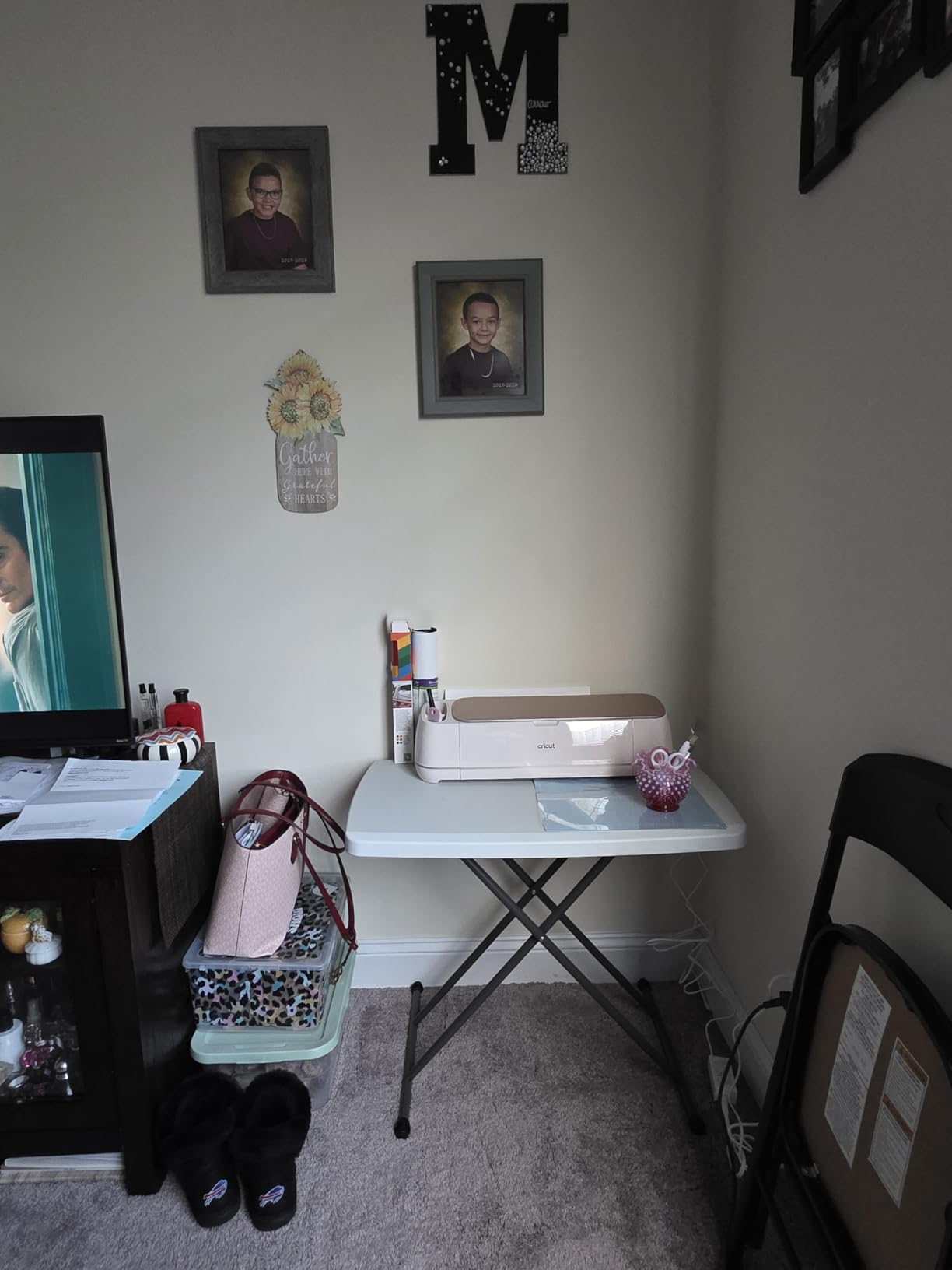
The hardware is identical to the standalone Maker 4, so you’re not sacrificing capability for the bundle convenience. You still get 300+ material compatibility, Print-Then-Cut, and access to all current Cricut tools. The vinyl and iron-on sheets included are full-size, not just tiny samples, which matters when you’re planning real projects.
The main risk with starter kits is third-party sellers. Some Amazon listings ship without all advertised contents, and I’ve seen reports of damaged mats in transit. Buy directly from Cricut or an authorized seller when possible. Even with those warnings, this kit saves beginners $50-100 versus buying everything separately.
Who this Cricut is best for
Total beginners who want one shopping trip, gift buyers purchasing for someone new to crafting, and anyone who values having supplies ready on day one. The convenience is worth the price premium for many people.
Who should skip it
Skip if you already own vinyl and tools, want to choose your own colors and material types, or prefer buying individual items during sales. Experienced crafters don’t need the bundled supplies.
5. Cricut Joy Xtra Cutting Machine and Smart Vinyl Bundle – Best for Labels
Cricut Joy Xtra Cutting Machine and Smart Vinyl Bundle for Labels, Decals & Custom Projects – Includes Rainbow Permanent Vinyl, Transfer Tape, Tools & Design Guides
Matless cutting
Rainbow vinyl included
Compact 12.5 inch design
Pros
- Smart Vinyl works without mat feeding
- Rainbow vinyl bundle adds creative options
- Compact footprint fits any desk space
- Perfect size for label and decal making
Cons
- Bluetooth connectivity can be finicky on some units
- Subscription needed for full Design Space
- Limited to small-to-medium projects
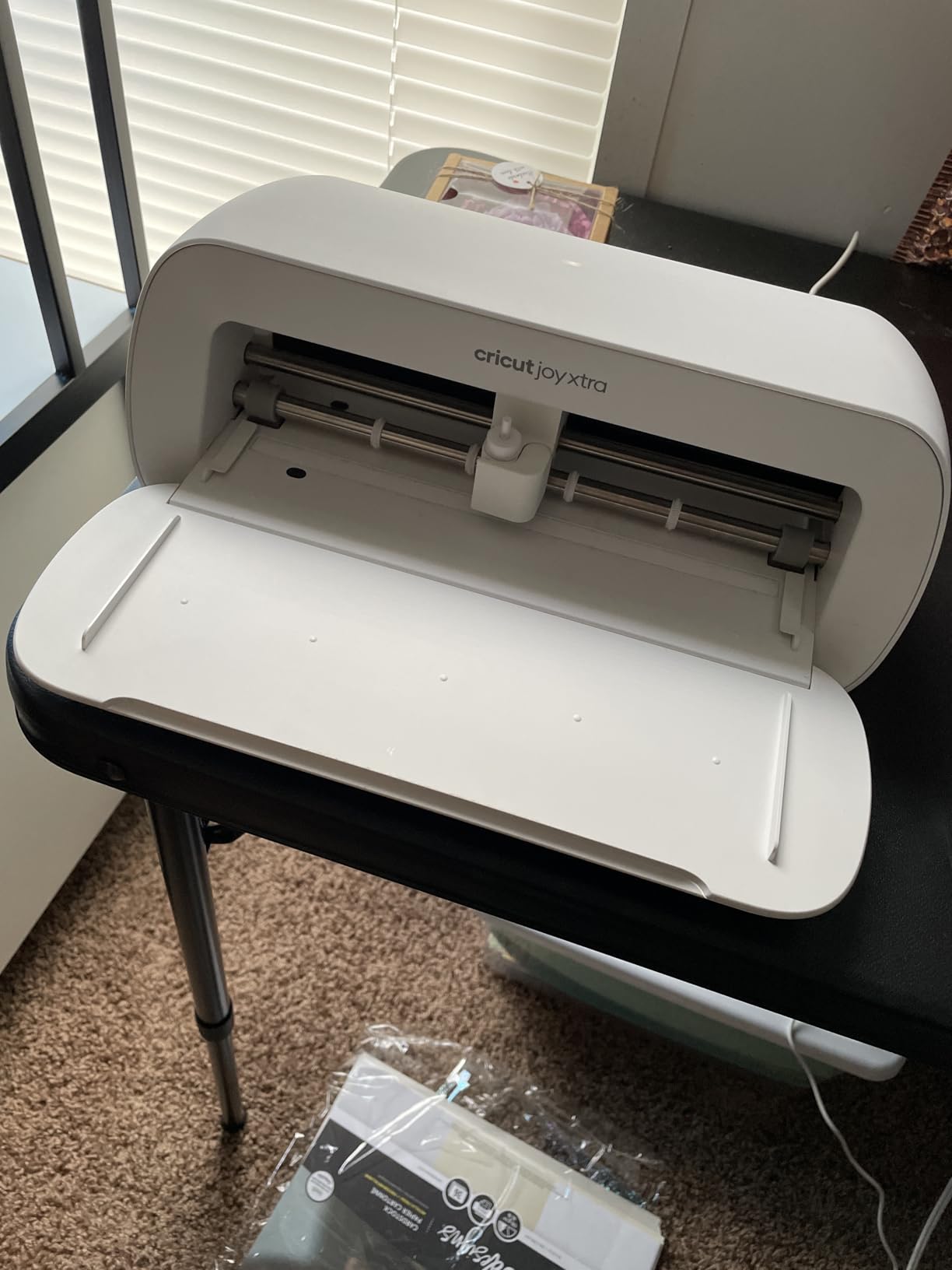
The Joy Xtra is the upgrade I recommend to original Joy owners who outgrew the 4.5-inch width limit. With an 8.5-inch cut width, you can finally make full-color stickers and larger decals on a compact machine. The vinyl bundle version comes with rainbow Smart Vinyl and transfer tape, which means you can start a project within minutes of unboxing.
I’ve used this machine for organizing my pantry with custom spice labels, making return-address labels for holiday cards, and creating vinyl decals for water bottles. The matless Smart Vinyl workflow is genuinely faster than mat-based cutting, especially for projects with multiple small designs on one sheet.
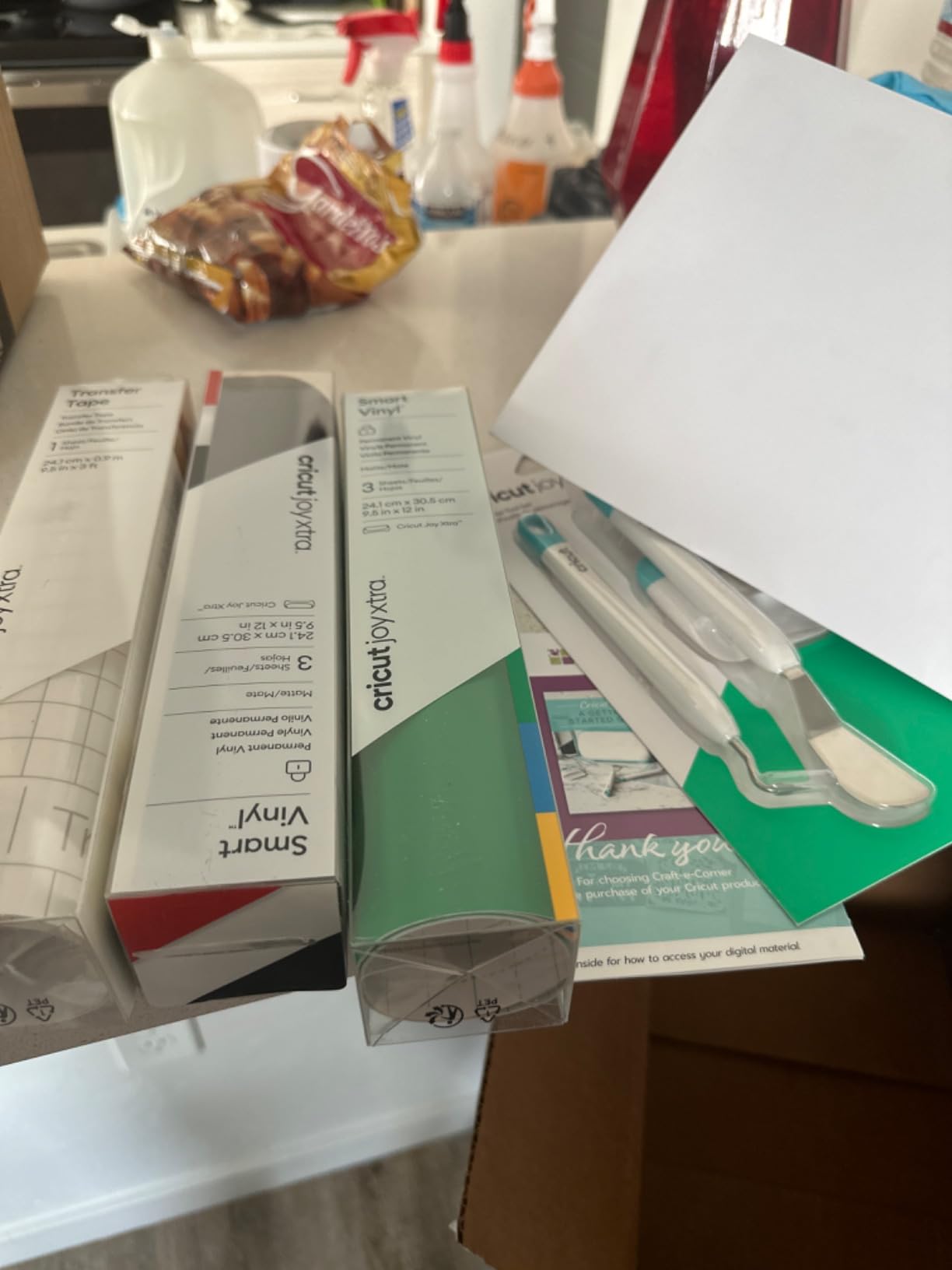
The rainbow vinyl bundle is a fun touch for families and teachers. Kids can pick their favorite color from the roll and personalize school supplies, lunch boxes, and notebooks. For adults, the bright vinyl works well for motivational wall decals and seasonal decorations.
The Joy Xtra inherits some quirks from the original Joy. Bluetooth pairing can be temperamental, especially with older routers. You’ll also feel Design Space’s subscription pressure once you start exploring premium images. For label makers and small-project enthusiasts, this machine hits a sweet spot between capability and price.
Who this Cricut is best for
Organizational crafters who love labeling everything, teachers making classroom supplies, and small-business owners producing stickers or decals in moderate volume. The compact size and matless workflow suit repeated small projects.
Who should skip it
Skip if you need to cut materials longer than 8.5 inches wide, want leather or wood capability, or already own a Joy with the mat-free adapter. The width upgrade is the main reason to choose this over the original Joy.
6. Cricut Joy Xtra Smart Cutting Machine – Best Compact Print-Then-Cut
Cricut Joy Xtra – Smart Cutting Machine | Digital Content Bundle
Print-Then-Cut capable
8.5 inch width
Compact portable design
Pros
- Print-Then-Cut feature in compact form
- Works with standard inkjet printers
- 250g lightweight easy to move
- Strong precision cuts for size class
Cons
- Subscription needed for full image library
- Maximum cut width still 8.5 inches
- Software learning curve reported by new users
The standalone Joy Xtra fills a specific gap in the Cricut lineup. It’s the most compact machine with full Print-Then-Cut capability, which is essential for anyone making full-color stickers or printed labels. At roughly 250 grams for the main unit, it weighs less than a laptop and stores in a closet.
I’ve tested this model extensively for sticker making, and the Print-Then-Cut alignment is reliable when paired with a decent inkjet printer. The registration marks print and scan cleanly, and the cut precision is impressive for the machine’s small footprint. Sticker makers who work from a small desk will appreciate the compact design.
Setup involves connecting to Design Space via Bluetooth, which works smoothly on modern devices. The 30 bonus images included give you starting designs, and the free 3,000+ image library covers most casual needs. If you want access to fonts and projects beyond the free tier, the optional Cricut Access subscription unlocks the rest.
The Joy Xtra shares the original Joy’s connectivity complaints in some user reviews. Make sure your router supports stable 2.4GHz connections and that your devices have updated Bluetooth drivers. Also, software learning curve is real. Budget 3-5 hours of YouTube time before your first major project.
Who this Cricut is best for
Sticker makers wanting print-then-cut in a compact form, Etsy sellers producing small decals, and crafters with limited storage space. The Joy Xtra’s small footprint makes it apartment-friendly.
Who should skip it
Skip if you need wider cuts than 8.5 inches, plan to work with leather or thick materials, or want a machine without the software learning curve. Consider the Explore series for an easier learning path.
7. Cricut Explore 5 Essential Bundle – Best for Project Variety
Cricut Explore® 5 Essential Bundle + Digital Content, Taupe
65 projects included
30% smaller design
100+ materials
Pros
- Supplies for 65 starter projects included
- Smaller footprint than previous Explore models
- Works with all current Cricut tools
- Includes 25 bonus premium-quality images
Cons
- Setup process confusing for first-timers
- Explorer-specific markers required
- No dust cover in the bundle
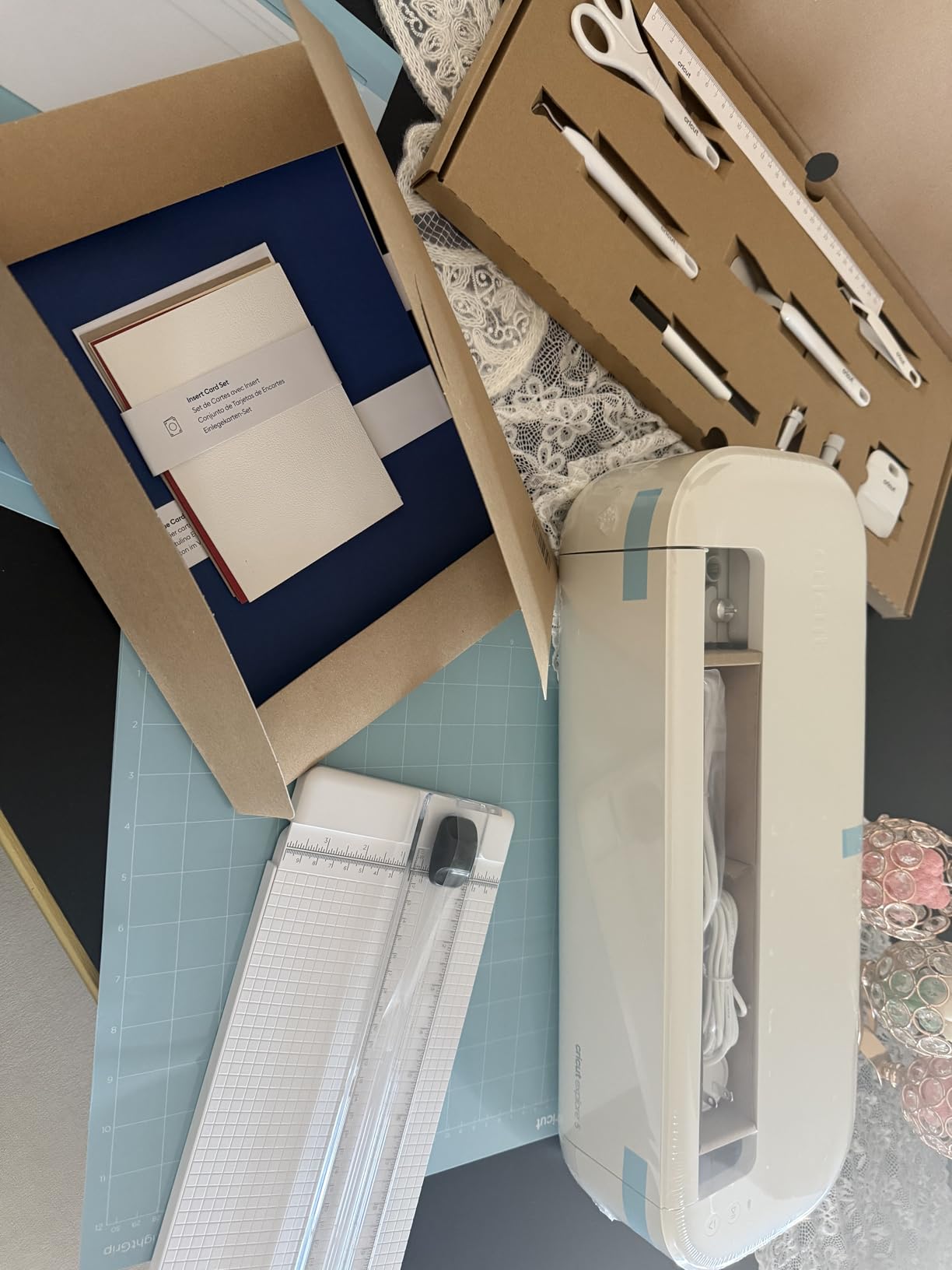
The Cricut Explore 5 is the successor to the popular Explore Air series, and the Essential Bundle version comes with enough supplies for 65 starter projects. For someone wondering if they’ll actually use a Cricut regularly, this bundle removes the excuse of not having materials on hand. The included cardstock, vinyl, and transfer sheets are enough for months of weekend crafting.
The 30% size reduction compared to the Explore Air 2 is noticeable on a crowded desk. I moved mine from a dedicated craft table to a corner of my desk without losing workspace. The simplified interface is more beginner-friendly than older models, with clearer tool markings and easier material loading.
Cut precision remains on par with the Air 2, and the machine works with all six current Cricut tools including foiling and scoring. The new snap-in pen holder is a small but welcome upgrade from the older friction-fit design. Bluetooth pairing works reliably with phones, tablets, and laptops.
The setup process is the main friction point. Several users report getting stuck during the machine collaboration step, where Design Space needs to recognize and link your specific machine. Allow extra time for first-time setup. Also, Explorer series markers from older Cricut models don’t fit the new design. You’ll need to buy the current markers if you plan to draw and cut.
Who this Cricut is best for
Beginners wanting the newest Explore hardware with starter supplies included, crafters with limited desk space, and anyone who values a longer warranty. The Essential Bundle removes the materials barrier for new users.
Who should skip it
Skip if you already own vinyl and tools from a previous Cricut, want Print-Then-Cut capability (the Explore 5 doesn’t have it), or prefer a simpler learning path. The setup process is the most common complaint among new owners.
8. Cricut Maker 4 Engagement Bundle – Best Premium Complete Kit
Cricut Maker 4 – Smart Cutting Machine (Seashell) | Engagement Bundle
Full supplies kit
300+ materials
Seashell premium finish
Pros
- Comprehensive bundle with Smart Vinyl and HTV
- Premium Seashell color looks beautiful on craft desks
- Quiet operation compared to older models
- Professional precision across all material types
Cons
- Cloud-based software can feel slow
- Advanced tools still sold separately
- Subscription model pressure for full features
The Engagement Bundle is what I recommend when someone says they want the “best of everything” and isn’t budget-constrained. You get the Maker 4 plus Smart Vinyl rolls, cardstock, transfer tape, iron-on HTV, a tool kit, and pens. This is the kit that small business owners buy to skip the months of piecing together supplies.
The Seashell finish is genuinely gorgeous in person, more so than the photos suggest. It looks at home on a styled craft room shelf rather than hidden in a closet. For crafters who care about workspace aesthetics, this matters more than it should.
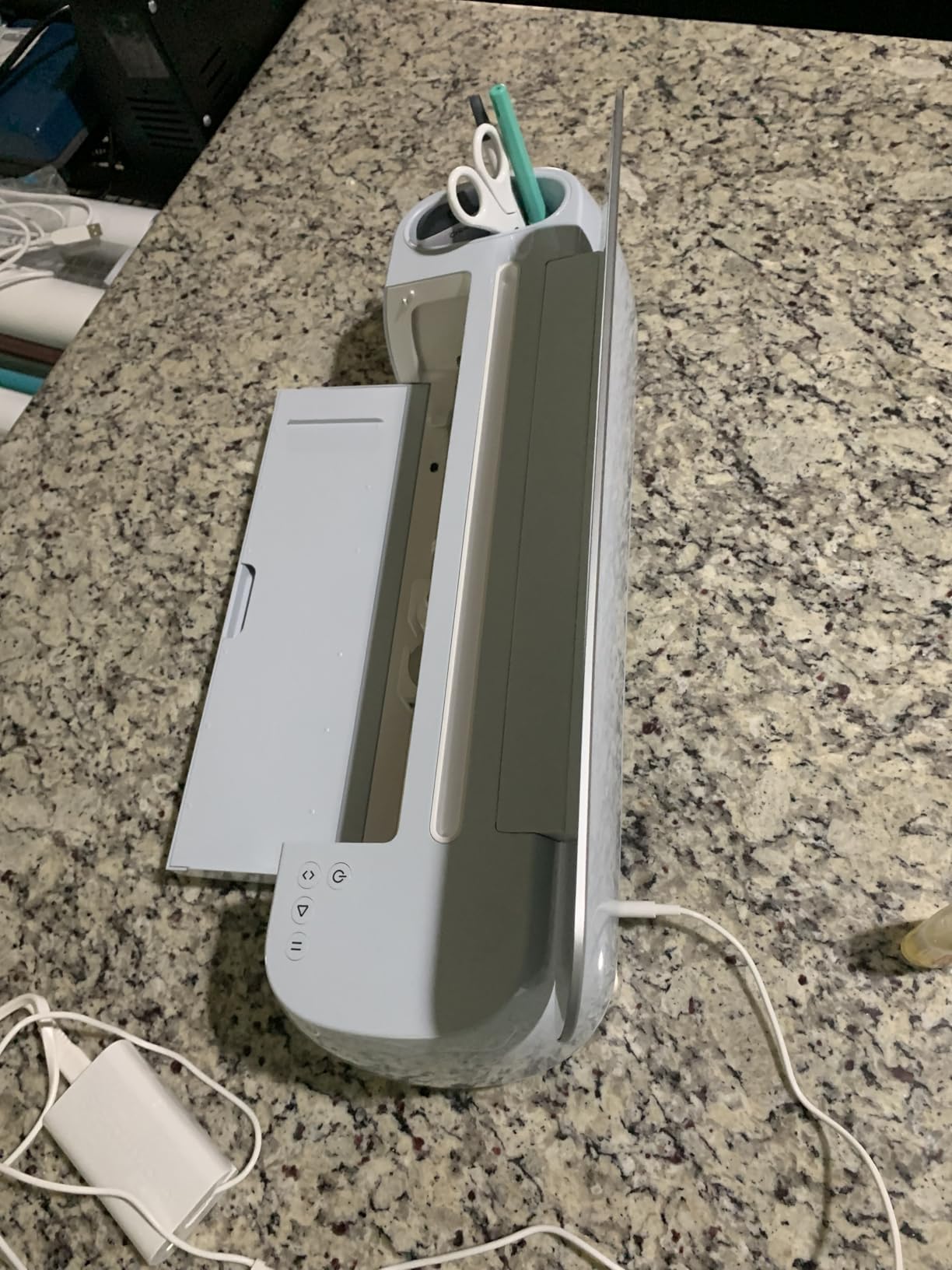
Performance matches the standalone Maker 4. I tested it on leather, basswood, glitter cardstock, and adhesive vinyl, and the cuts were clean on every material. The machine is noticeably quieter than the Maker 3, which is a real improvement if you craft while others sleep nearby.
The downsides are the same as other Maker 4 models: Design Space is cloud-dependent and subscription-focused. Engraving, deep-point blade, and rotary blade are still sold separately. For a total beginner, the upfront cost is significant. But for someone committed to the craft, this bundle covers nearly every project type out of the box.
Who this Cricut is best for
Serious hobbyists ready to commit, small business owners starting a craft venture, and gift buyers wanting a “complete package” for someone special. This bundle removes every friction between unboxing and creating.
Who should skip it
Skip if you’re still testing whether you’ll enjoy Cricut crafting, want a low-risk first purchase, or already own a Maker 3 with working supplies. The bundle’s value shines when you’re starting fresh and committed.
What to Consider Before Buying Your First Cricut
Buying your first cutting machine is exciting, but a few decisions upfront save you from returning it in frustration. The most common regret I hear from new Cricut owners is choosing based on price alone and outgrowing the machine within months. Here’s what actually matters for beginners.
Budget Beyond the Machine Itself
The machine is just the entry fee. Vinyl, iron-on, cardstock, blades, mats, and weeding tools add up. A realistic first-year budget for someone crafting weekly is $150-300 in materials on top of the machine cost. The bundles in this guide include some supplies, which is why I recommend them for first-time buyers who want to avoid the surprise of empty-handed unboxing.
Material quality matters more than machine specs for your first projects. Cheap off-brand vinyl can peel, tear inconsistently, and ruin cuts. Cricut’s branded vinyl is more expensive but cuts cleaner and lasts longer. For your first 6 months, stick with name-brand materials while you learn the workflow.
Design Space Learning Curve
Every Cricut runs through the Design Space app, and the software is the most common beginner complaint I see in forums. It’s cloud-based, requires internet, and the mobile app is less capable than the desktop version. Plan for a 3-5 hour learning curve before your first polished project.
If you have slow or unreliable internet, Design Space will frustrate you. The app needs to load images, sync project files, and send cut instructions to the machine. I’ve used my Cricut on weak hotel Wi-Fi and it was painful. Make sure your home setup has stable internet before committing to any Cricut model.
Physical Space and Storage
Cricut machines are wider than you’d expect from product photos. The Maker 4 needs roughly 23 inches of width plus clearance for material feed. The Joy series fits on a bookshelf. The Explore series sits between them. Measure your available space before ordering, especially if you plan to leave the machine set up permanently.
Storage matters too. Mats warp if stored in hot cars or garages. Blades dull if left loaded. If you don’t have climate-controlled indoor storage, plan to keep accessories in a closet or drawer. Beginners who leave machines in attics or sheds often return to damaged mats and materials.
Cricut Access Subscription Value
Cricut Access is a $9.99/month subscription that unlocks the full image library, premium fonts, and project templates. The free tier includes 3,000+ images and 100+ fonts, which is plenty for first projects. You’ll feel the subscription pressure once you start browsing Design Space for design ideas, since the “premium” labels appear on many attractive options.
My honest take: try the free tier for your first 2-3 months. If you find yourself constantly hitting the premium content wall, the subscription starts making sense. If you’re happy with free designs and your own SVG uploads, skip it. Many beginners subscribe reflexively and regret the recurring cost.
Long-Term Upgrade Path
Most beginners either stay casual forever or get hooked within six months. If you’re in the second group, plan for an eventual upgrade. The Explore series machines share tools, mats, and accessories, so moving from an Air 2 to an Explore 5 or Maker 4 keeps your investment usable. The Joy series has its own ecosystem with limited cross-compatibility. If you’re also considering monogramming machines for expanded textile projects, that upgrade path could overlap with your long-term crafting goals.
For crafters interested in expanding beyond vinyl and paper, related tools like letterpress machines open up entirely different creative possibilities. The core skills transfer surprisingly well—understanding cut pressure, material alignment, and design software translate across machine types.
If you suspect you’ll become a serious crafter, starting with the Maker 4 saves you from buying an Explore first and replacing it. If you know you’ll stay casual, the Joy or Explore Air 2 covers everything you need at a lower price. The worst outcome is overspending on features you’ll never use.
Frequently Asked Questions
What I wish I knew before buying a Cricut?
Three things: Design Space requires reliable internet, the real ongoing cost is materials not the machine, and the bundles are worth it for first-time buyers. Most beginners who feel frustrated would have had a better experience starting with a bundle instead of piecing together supplies. Also, take time to learn weeding and heat transfer techniques before tackling complex projects. The machine itself is straightforward. The craft techniques take more practice than the machine operation.
Is Cricut 4 or 5 better?
Cricut 4 refers to the Maker 4, and Cricut 5 refers to the Explore 5. They are different product lines, not direct successors. The Maker 4 cuts 300+ materials including leather and wood, while the Explore 5 cuts 100+ materials focused on vinyl, paper, and cardstock. Choose the Maker 4 if you want maximum versatility and plan to expand into new craft types. Choose the Explore 5 if you mainly want vinyl, paper, and cardstock projects at a friendlier price.
What is the best Cricut machine to own?
For most beginners, the Cricut Explore Air 2 is the best overall value. It cuts 100+ materials, has Bluetooth, costs less than the Maker series, and has the largest community of users making it easy to find help. For future-proofing, the Cricut Maker 4 is the best investment if you want a machine that handles leather, wood, and fabric alongside vinyl and paper. For smallest spaces and label makers, the Cricut Joy Xtra delivers excellent results in a compact form.
Which Cricut should I buy in 2026?
In 2026, the Cricut Maker 4 Engagement Bundle is the most complete package for serious crafters. The Cricut Explore 5 Essential Bundle is the best value for vinyl and paper projects. The Cricut Joy Xtra is ideal for compact spaces and label-making. For absolute lowest budget, the original Cricut Joy at clearance prices is still a capable starter machine. Your choice should be guided by your project types and available workspace more than by year or model number.
What Cricut machine should a beginner buy?
A beginner should buy the Cricut Explore Air 2 if they want the best combination of price, capability, and community support. It cuts 100+ materials, has Bluetooth connectivity, and costs less than the Maker series. If budget is the main concern, the original Cricut Joy covers basic projects at the lowest price. If you want a bundle that includes supplies, the Cricut Explore 5 Essential Bundle or Cricut Maker 4 Starter Kit removes the need for separate material purchases.
Final Thoughts on the Best Cricut Machines for Beginners
After testing 8 different models and watching dozens of new crafters learn the ropes, my honest recommendation is simple. Start with the Cricut Explore Air 2 if you want the best overall value for vinyl and paper projects. Choose the Cricut Maker 4 Starter Kit if you want everything in one box and plan to expand into leather and wood. Pick the Cricut Joy Xtra if space is limited and you mainly want to make labels and small decals.
The best Cricut machines for beginners are the ones you’ll actually use regularly. A cheaper machine that gets pulled out weekly beats an expensive machine that sits in a closet because the learning curve felt too steep. Whatever you choose, give yourself a month to learn Design Space before judging whether the craft is for you.
Whatever you decide, the best Cricut machines for beginners in 2026 all share one thing: they let you create custom projects you’d otherwise pay someone else to make. From custom t-shirts to wall decals to personalized gifts, the right Cricut pays for itself within months if you stick with the hobby. Browse the options above, pick the one that matches your project plans, and start crafting.