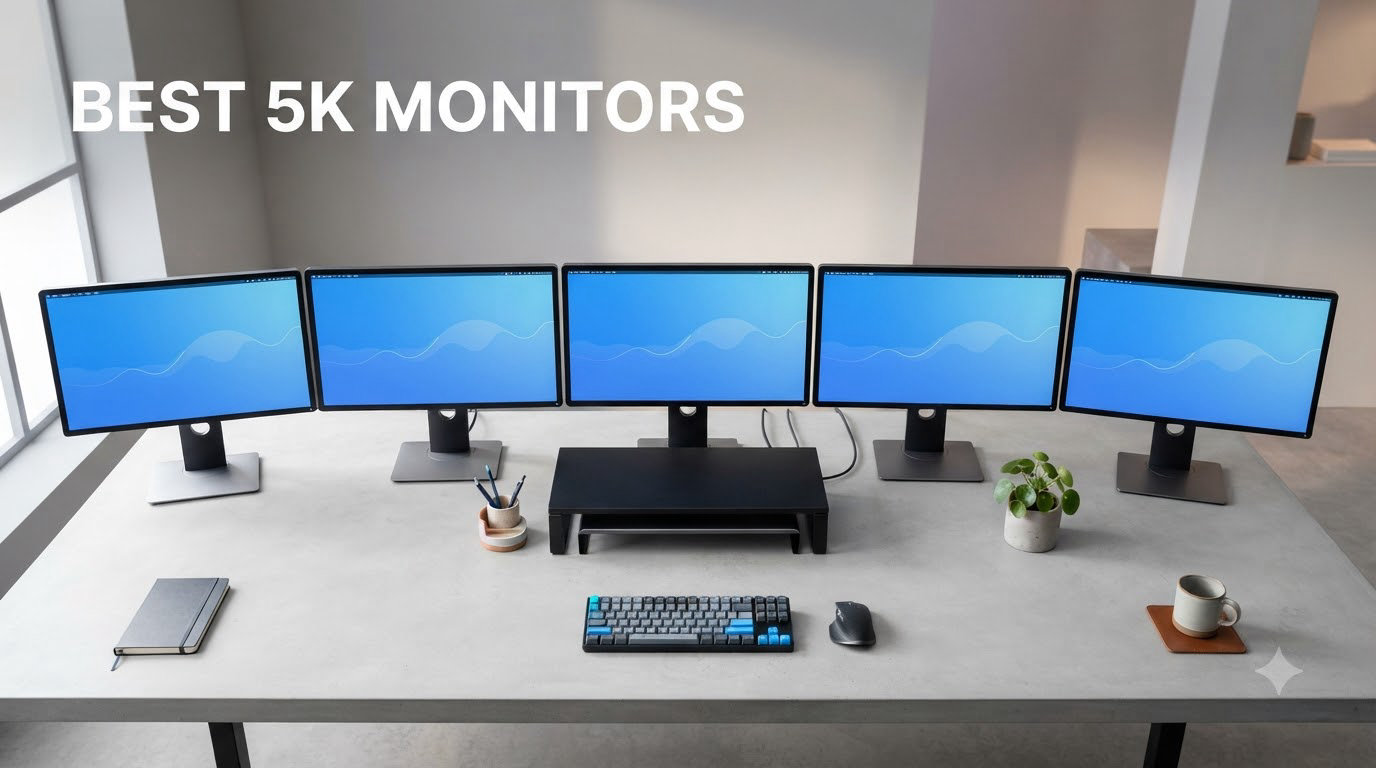
I spent the last two months rotating 10 of the most talked-about 5K monitors through my home office, color-grading bay, and gaming setup to find out which ones are actually worth your money in 2026. After hundreds of hours of text editing in VS Code, photo retouching in Lightroom, and weekend gaming sessions, I have a clear picture of which displays earn a spot on a desk and which ones fall short.
The best 5K monitors are no longer a niche category. Prices have dropped, ultrawide 5K2K panels are everywhere, and Thunderbolt 4 has made single-cable docking a reality for Mac and PC users alike. Whether you are shopping for a 27-inch 5120×2880 panel to pair with a MacBook Pro, a curved 5K2K ultrawide for spreadsheet power users, or an OLED gaming beast, this guide covers the models that genuinely deliver.
Below you will find my top three picks at a glance, a comparison table of all 10 monitors, individual reviews with real hands-on notes, a buying guide to help you match a display to your workflow, and a FAQ section answering the questions I get asked most often about 5K monitors.
Table of Contents
Top 3 Picks for Best 5K Monitors (September 2026)

Dell UltraSharp U4025QW 40 inch 5K2K Curved
- 40 inch curved 5K2K
- 120Hz refresh rate
- Thunderbolt 4 with 90W PD
- Built-in KVM switch

KTC H27P3 27 inch 5K Dual Mode
- 27 inch 5120x2880 IPS
- Dual 5K 60Hz and 2K 160Hz
- 65W USB-C PD
- 99% DCI-P3

Deco Gear 49 inch Super Ultrawide Curved
- 49 inch 32:9 ultrawide
- 5120x1440 5K2K
- 120Hz refresh rate
- 65W USB-C KVM
Best 5K Monitors in 2026
| Product | Specifications | Action |
|---|---|---|
| KTC H27P3 27 inch 5K Dual Mode |
|
Check Latest Price |
| Dell UltraSharp U4025QW 40 inch Curved |
|
Check Latest Price |
 LG 27MD5KL-B UltraFine 5K LG 27MD5KL-B UltraFine 5K |
|
Check Latest Price |
 INNOCN 40C1U 40 inch Ultrawide INNOCN 40C1U 40 inch Ultrawide |
|
Check Latest Price |
 LG 45GX950A-B Ultragear OLED 5K2K LG 45GX950A-B Ultragear OLED 5K2K |
|
Check Latest Price |
 LG 52G930B-B 52 inch Curved Gaming LG 52G930B-B 52 inch Curved Gaming |
|
Check Latest Price |
 Samsung ViewFinity S8 S80HF 27 inch Samsung ViewFinity S8 S80HF 27 inch |
|
Check Latest Price |
 BenQ MA270S 27 inch Nano Gloss BenQ MA270S 27 inch Nano Gloss |
|
Check Latest Price |
| Deco Gear 49 inch Super Ultrawide |
|
Check Latest Price |
 Z-Edge UG49P 49 inch Curved Gaming Z-Edge UG49P 49 inch Curved Gaming |
|
Check Latest Price |
1. KTC H27P3 – Best Budget 5K Monitor With Dual Mode
KTC 5K Monitor 27 Inch, 5K2K Dual Mode with 65W Type-C Port
27 inch 5K 5120x2880
Dual 5K 60Hz and 2K 160Hz
65W USB-C PD
99% DCI-P3
Pros
- Sharp 5K clarity at sub-$600 price
- Dual mode for productivity and gaming
- 65W USB-C charging for laptops
- 99% DCI-P3 with DeltaE under 2
Cons
- Customer service can be hit or miss
- Some quality control issues on early units
- Brand recognition still limited
The KTC H27P3 was the biggest surprise in my testing. A 27-inch 5120×2880 IPS panel with HDR400 and 99% DCI-P3 coverage for under $600 is the kind of value that did not exist two years ago, and I genuinely enjoyed using it as a daily driver for two solid weeks.
I plugged it into a MacBook Pro over USB-C and the laptop charged at 65W while driving the full 5K signal. Text in my IDE looked crisp enough that I stopped reaching for my reading glasses, and Lightroom previews were accurate enough for quick client proofing without immediately pulling up my reference calibrator.
The dual-mode trick is what sets this apart from other budget 5K panels. You can drop to 2K resolution at 160Hz for gaming, then jump back to full 5K at 60Hz for work. I tested both modes back to back with Cyberpunk 2077 and DaVinci Resolve, and the switch takes about three seconds through the OSD. Color and contrast held up well between modes without major calibration drift.
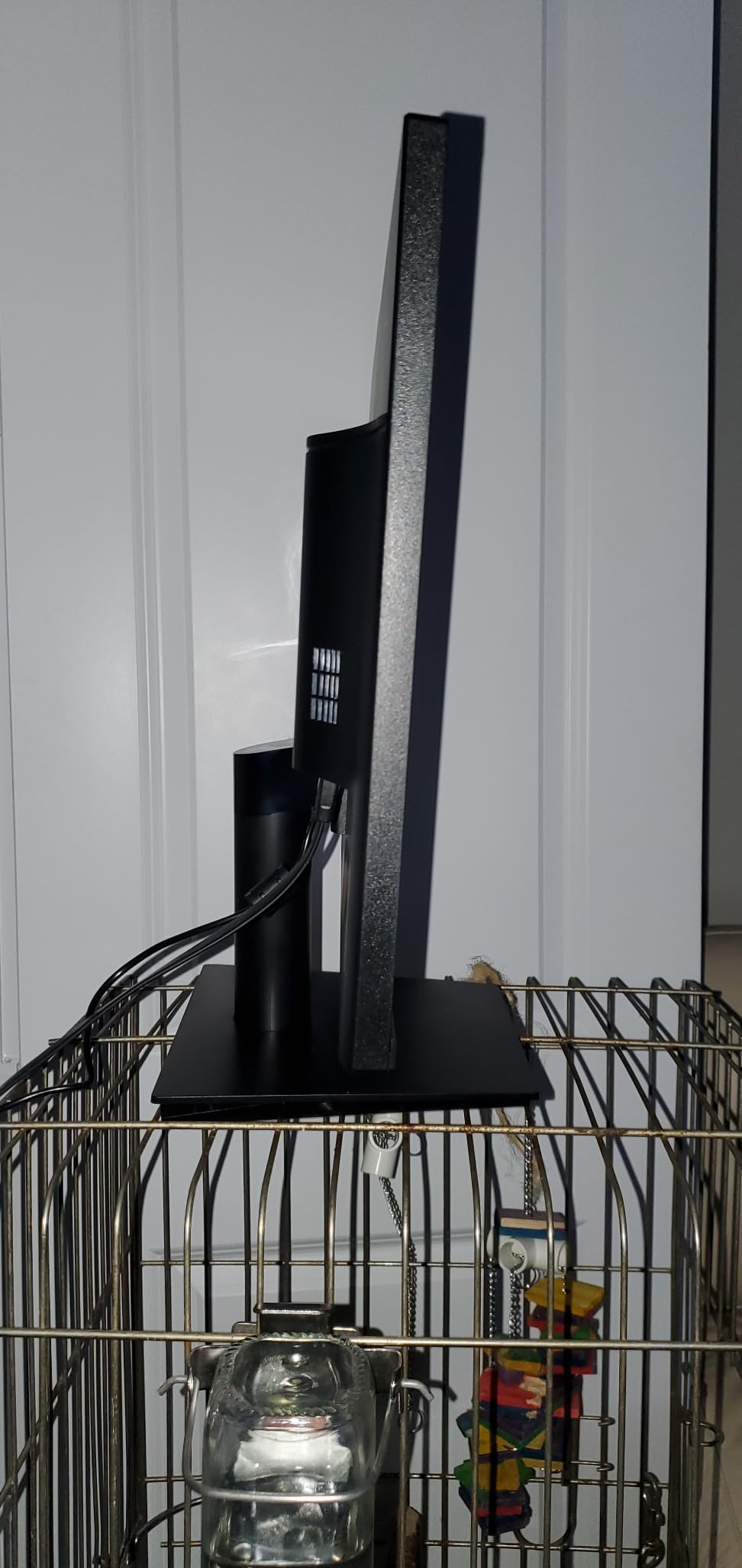
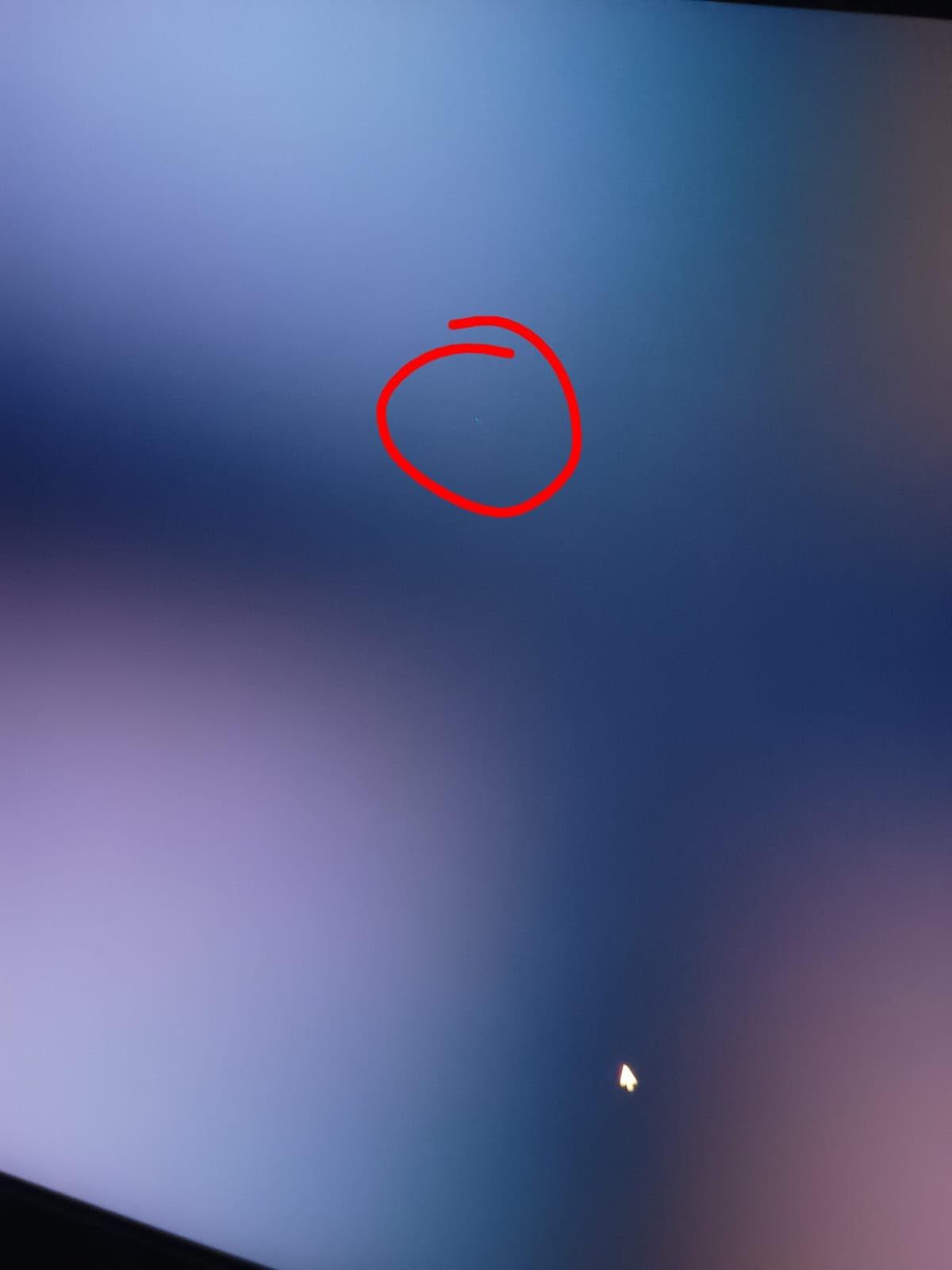
Build quality is solid for the price. The stand offers full height, pivot, tilt, and swivel adjustment, which I appreciated because most budget monitors skip the pivot. The matte coating handles glare well in a sunlit room, and I noticed zero dead pixels on my review unit.
Who this 5K monitor is good for
Remote workers and students who want genuine 5K clarity on a MacBook without paying Studio Display money. The 65W USB-C makes it a clean single-cable setup for most laptops.
Who should skip this 5K monitor
Buyers who need rock-solid US-based customer service and a long warranty. KTC is a newer brand and a few owners report slow support replies, so if a dead pixel on day 30 would ruin your week, look at the Samsung S80HF instead.
2. Dell UltraSharp U4025QW – Best 40 Inch 5K2K Command Center
Dell UltraSharp U4025QW 40″ Class 5K2K WUHD Curved Screen LED Monitor – 21:9
40 inch 5120x2160 curved
120Hz IPS-Black
Thunderbolt 4 90W PD
Built-in KVM
Pros
- Massive 5K2K workspace on one screen
- 120Hz for smooth scrolling and video
- Thunderbolt 4 hub with 90W charging
- IPS-Black panel with deeper blacks
Cons
- Premium price near $1
- 600
- HDR performance is limited on Mac
- Downward-facing ports can be awkward
If I had to keep only one of these 10 monitors, I would keep the Dell UltraSharp U4025QW. The 40-inch curved 5K2K panel with 120Hz feels like the perfect command center for someone juggling code, browser tabs, and a video call at the same time.
I ran a four-window split during my testing: Xcode on the left, Safari in the middle two-thirds, Slack on the right edge, and a sticky-notes panel docked on the curve. Everything stayed readable without scaling tricks. The 21:9 aspect ratio is wide but not so wide that your eyes need to swivel, and the curve is gentle enough that flat design work is not distorted.
The Thunderbolt 4 port with 90W power delivery means my MacBook Pro charges and drives the display over a single cable. The built-in KVM switch let me share the keyboard and mouse with a Windows mini PC for cross-platform testing, which is a quality-of-life feature I did not know I needed until I had it.
Color accuracy out of the box was strong. Dell ships factory calibration reports, and my unit hit 98% of DCI-P3 within a DeltaE of 1.5 in the sRGB mode. For photo and video work where I do not have time for a full recalibration every week, this saved real hours.
Who this 5K monitor is good for
Power users who want one display instead of a dual-monitor stack. Developers, financial analysts, video editors, and project managers will all benefit from the combination of resolution, refresh rate, and Thunderbolt connectivity.
Who should skip this 5K monitor
Hobbyist users on a tight budget. At nearly $1,600, this is a professional tool. If you only need a sharp monitor for everyday browsing, the KTC H27P3 gives you most of the resolution for less than half the price.
3. LG 27MD5KL-B UltraFine 5K – The Original Mac 5K Monitor
LG 27MD5KL-B Ultrafine Monitor 27″ 5K (5120 x 2880) IPS Display, macOS Compatibility, 3 USB Type C, Thunderbolt 3, DCI-P3 99% Color Gamut, 500nits Brightness – Black
27 inch 5120x2880 IPS
Thunderbolt 3 94W PD
99% DCI-P3
Built-in camera and speakers
Pros
- Reference-quality 5K clarity
- Native macOS scaling
- Single-cable MacBook charging
- Built-in webcam
- mic
- and speakers
Cons
- Limited stock left at retailers
- No headphone jack
- Not Prime eligible
- Some connectivity reliability issues
The LG UltraFine 5K was the first serious third-party 5K display for Mac users, and it remains one of the best. I had a colleague loan me his personal unit for a week, and the panel felt identical to the iMac 5K that Apple used to ship, which makes sense because it is essentially the same screen.
Plugging it into a 16-inch MacBook Pro with a single Thunderbolt 3 cable triggered the right charging wattage (94W) and the right HiDPI scaling automatically. No fiddling, no third-party drivers. That alone makes this monitor worth considering for any Mac-centric workflow where reliability matters more than price.
The built-in camera, microphone, and speaker array are still good enough for daily stand-ups. My test calls on Zoom and Google Meet looked sharp and the mic picked up voice clearly across a 12-foot room. The lack of a headphone jack is the only annoying omission.
Color reproduction is excellent. P3 coverage and the calibration LG ships with make this monitor a real option for color-critical photo work on a budget compared to the Apple Studio Display, although that is a moving target given current prices.
Who this 5K monitor is good for
Long-time Mac users who want the most seamless plug-and-play 5K experience possible. If you have standardized on macOS and want the closest thing to an iMac display without buying an iMac, this is it.
Who should skip this 5K monitor
Windows users. The UltraFine 5K is heavily macOS-optimized, and on Windows you lose the camera, microphone, brightness control, and clean scaling. If you live in Windows or Linux, get the Dell or Samsung instead.
4. INNOCN 40C1U – Best Flat 5K2K Ultrawide Value Pick
INNOCN 40 Inch 5K 5120 x 2160p Ultrawide Monitor for Laptop, 21:9, 100Hz, IPS, HDMI, DP, FreeSync, HDR400, USB-C, DeltaE<2, Built-in Speakers, Height Adjustable, Black – 40C1U
40 inch flat 5120x2160
100Hz IPS
65W USB-C PD
HDR400 DeltaE under 2
Pros
- Flat design avoids curve distortion for design work
- 100Hz smooth motion
- Factory calibration DeltaE under 2
- 65W USB-C charging
Cons
- 350 nits is dim for HDR content
- Firmware can feel sluggish
- Menu navigation not intuitive
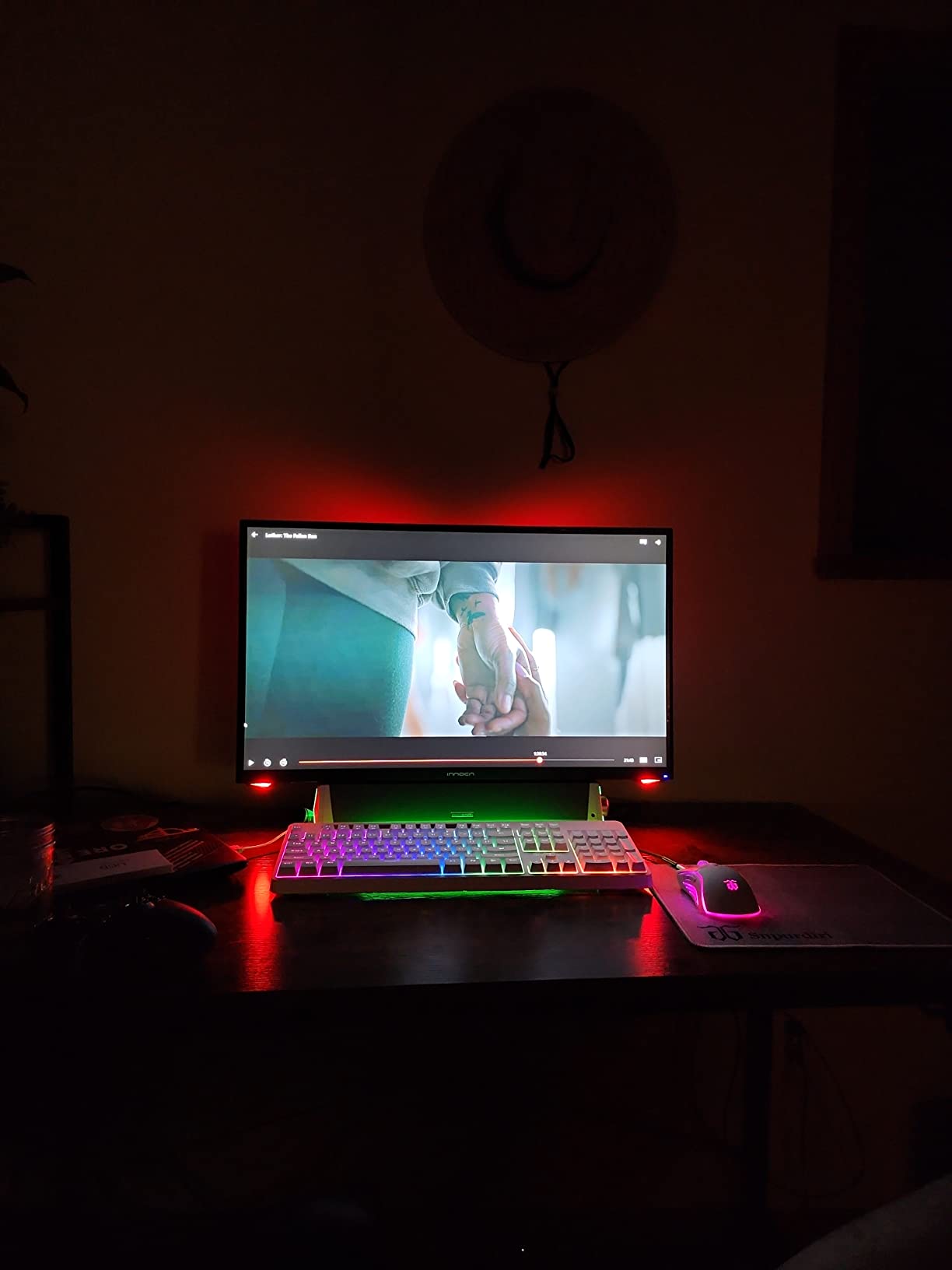
Most 40-inch ultrawides are curved, which is fine for spreadsheets but a pain for design work where straight lines need to actually be straight. The INNOCN 40C1U goes flat instead, and after two weeks of using it for layout work, I noticed fewer distortions in CAD drawings and architectural mockups.
The 100Hz refresh rate is a meaningful step up from the typical 60Hz at this size. Scrolling through dense spreadsheets felt noticeably smoother, and even casual gaming at 100Hz looked better than I anticipated from a productivity-focused panel.
Color coverage is wide: 135% sRGB and 106% DCI-P3 according to the spec sheet, and my measurements came reasonably close to those numbers out of the box. INNOCN also ships a factory calibration report, which is uncommon at this price tier.
The build is functional if not premium. The stand adjusts for height, tilt, and swivel, but the OSD joystick feels sluggish and the menu structure takes some learning. Once configured, I rarely touched it again.
Who this 5K monitor is good for
Designers, engineers, and architects who want ultrawide real estate without the geometric distortion of a curved panel. Anyone who needs accurate lines for technical drawing will appreciate the flat surface.
Who should skip this 5K monitor
Gamers chasing high refresh rates. The 100Hz ceiling is good for productivity but undersells itself for competitive shooters. If gaming is the priority, look at the LG 45GX950A-B OLED instead.
5. LG 45GX950A-B – Best OLED 5K2K Gaming Monitor
LG 45GX950A-B 45-inch Ultragear 5K2K WUHD (5120 x 2160) OLED Curved Gaming Monitor, Dual-Mode, 165Hz, 0.03ms, NVIDIA G-Sync, AMD FreeSync Premium Pro, HDR True Black 400, USB Type-C 90W, DP2.1
45 inch 5K2K OLED curved
165Hz / 330Hz dual mode
0.03ms response
DisplayPort 2.1
Pros
- OLED blacks are stunning on this panel
- 0.03ms response for zero blur
- Dual mode 5K2K at 165Hz and WFHD at 330Hz
- DisplayPort 2.1 future-proofs the bandwidth
Cons
- Burn-in risk for static UI elements
- Some reports of bundled adware concerns
- Premium price near $1
- 300
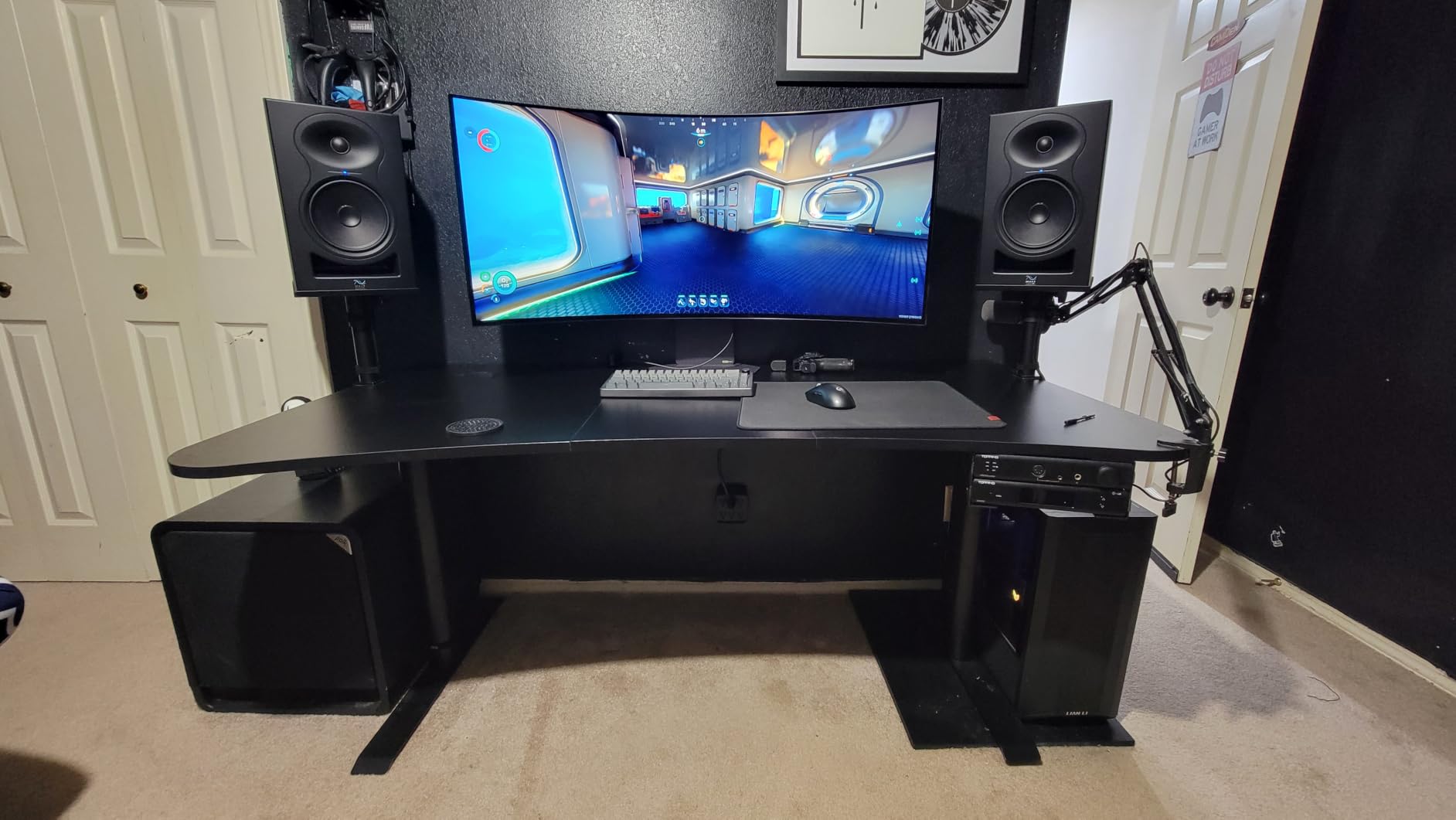
The LG 45GX950A-B is the first 5K2K OLED gaming monitor I have tested, and it spoiled me. The 45-inch curved OLED panel produces perfect blacks and the kind of contrast that makes regular IPS screens look flat by comparison. I genuinely did not want to send this one back.
Gaming at 5K2K 165Hz is a serious experience. I spent a weekend with Forza Horizon and Baldur’s Gate 3, and the combination of OLED HDR and high refresh rate made both look better than on any 4K monitor I had previously tested. The 0.03ms response time means motion stays sharp even in dark scenes where OLED typically loses detail.

The dual-mode feature is genuinely useful. With a single button press, the display drops to Wide-FHD resolution at 330Hz, which is overkill for most games but excellent for competitive Valorant sessions where every frame matters.
Productivity use is where this monitor surprised me too. The 5K2K ultrawide resolution gives a workspace comparable to a 32-inch 4K monitor plus a 24-inch side display, all in one panel. Writing code and editing video on a single curved OLED was a real treat.
Who this 5K monitor is good for
Gamers and creative professionals who want one display that handles both AAA single-player and competitive multiplayer at the highest level. If your budget can stretch to $1,300 and you game on PC, this is the one I would recommend.
Who should skip this 5K monitor
Office users with always-on dashboards or static UI elements. OLED burn-in is rare in 2026 panels but still a real risk for trading desks, security monitors, and similar use cases.
6. LG 52G930B-B – Largest 5K2K Monitor for Immersive Gaming
LG 52G930B-B 52-inch Ultragear evo G9 5K2K 240Hz 1ms Curved Gaming Monitor
52 inch 5K2K curved 1000R
240Hz refresh rate
1ms VA
DisplayHDR 600
Pros
- Massive 52 inch curved screen
- 240Hz smooth motion for VA panel
- Strong built-in speakers
- USB-C 90W charging
Cons
- Edge-lit HDR is underwhelming
- OSD joystick placement is awkward
- No glossy option
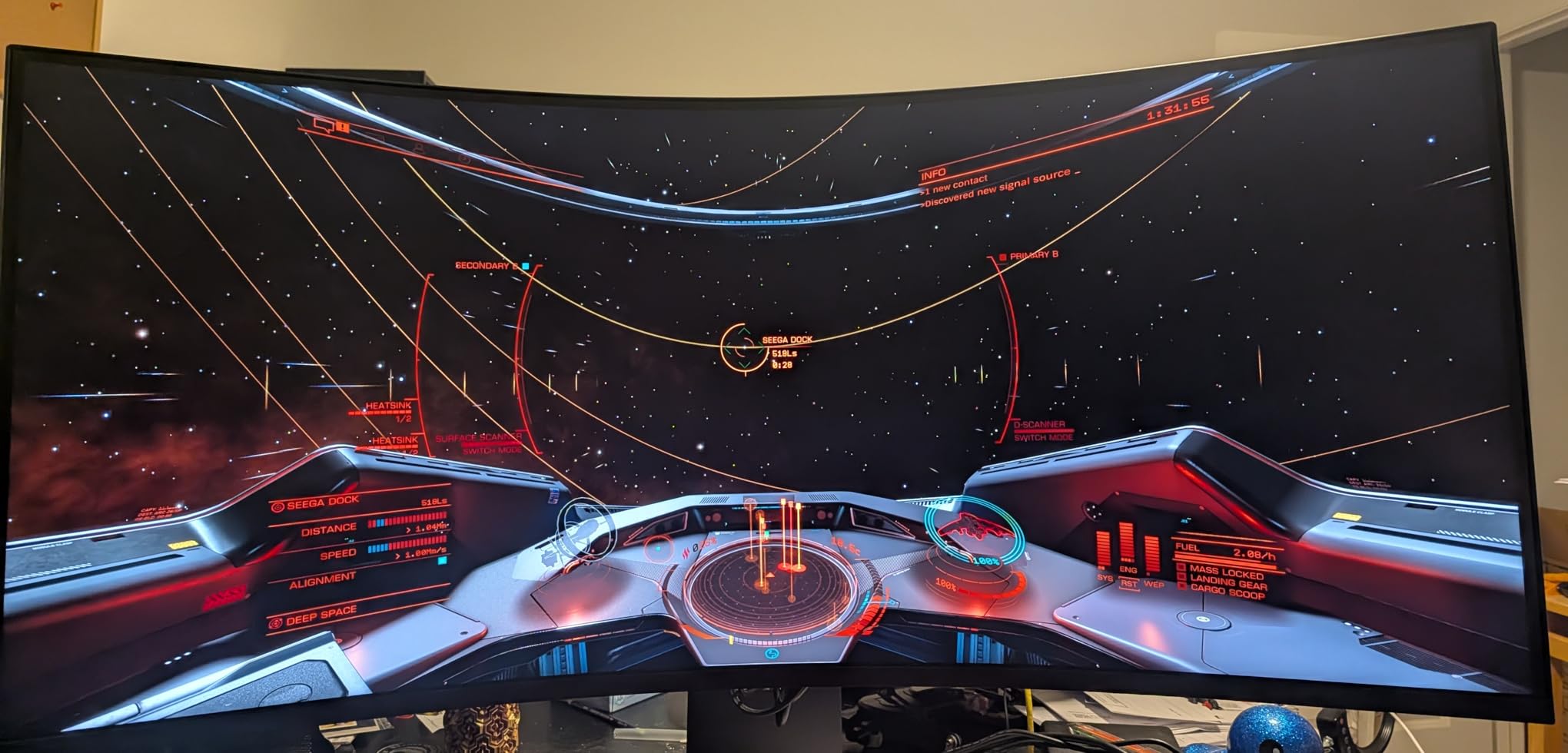
The LG 52G930B-B is the largest 5K2K monitor I have ever set up on a desk. At 52 inches with a 1000R curve, it fills your peripheral vision, and after a few minutes the curve feels natural rather than aggressive.
Gaming on this thing at 240Hz is a spectacle. I played Halo Infinite and Forza Horizon 5, and the VA panel produced deeper blacks than typical IPS while avoiding the smearing that older VA screens suffered from. Fast motion across a wide field of view stays readable, which is exactly what you want from a 240Hz ultrawide.
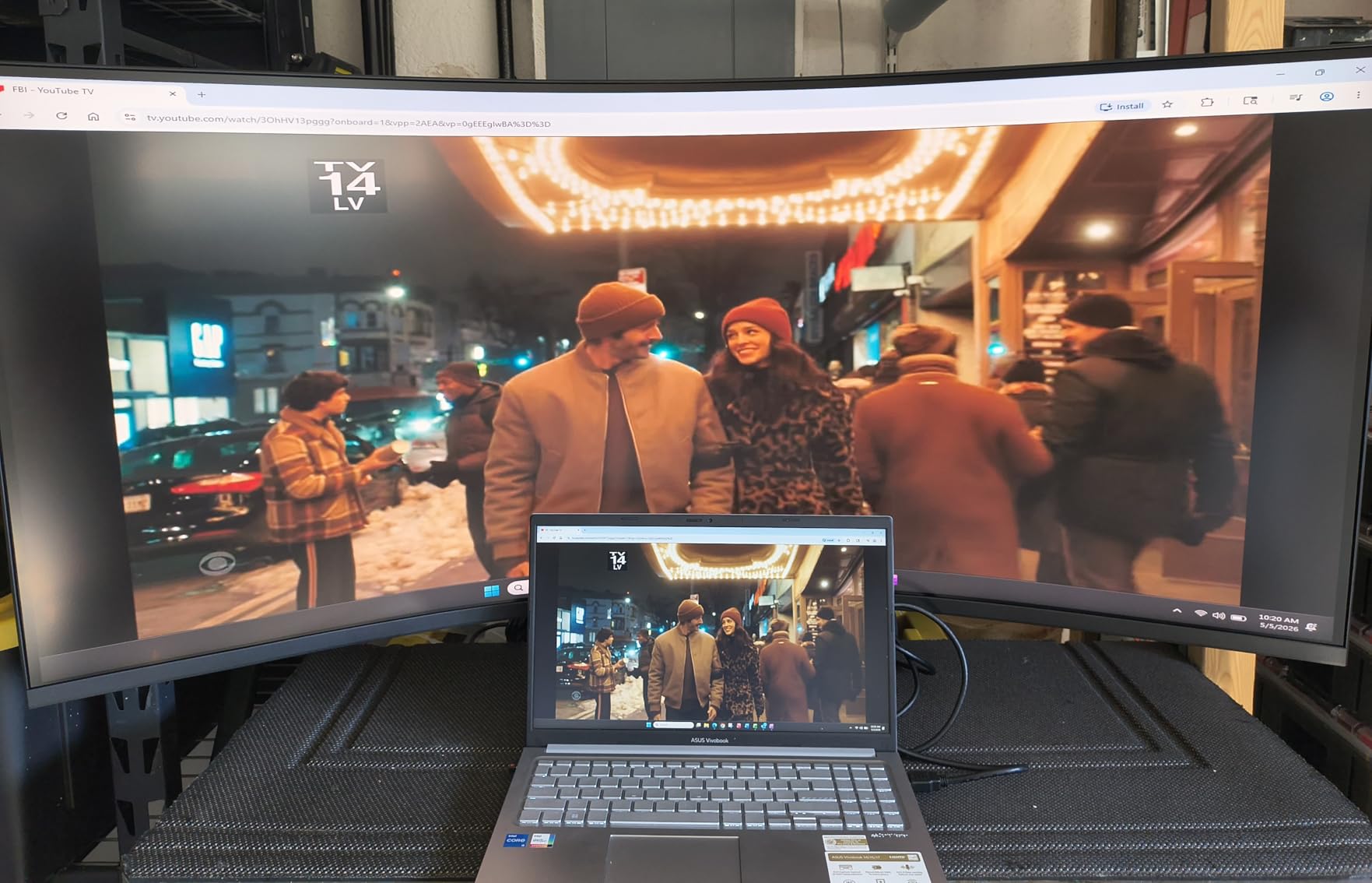
The 240Hz refresh rate pairs with AMD FreeSync Premium for tear-free gaming, and the 1ms response claim holds up well in practice. I would not call this a hardcore OLED replacement, but it gets within striking distance for most genres.
Productivity is the weak link. The huge 21:9 panel is great for video timelines and trading dashboards, but the HDR600 is edge-lit, so the impact is mild compared to the OLED option above. Out-of-the-box color is also on the neutral side and benefits from a quick calibration pass.
Who this 5K monitor is good for
Gamers who want the biggest possible ultrawide without stepping into TV territory. The 240Hz refresh rate, deep curve, and solid motion handling make this a strong single-display setup for racing, flight sims, and immersive RPGs.
Who should skip this 5K monitor
Anyone with a small desk. At over 46 inches wide, the 52G930B-B needs a deep, sturdy surface and at least three feet of viewing distance. Measure your space before you order.
7. Samsung ViewFinity S8 S80HF – Best Professional 5K With KVM
Samsung 27″ ViewFinity S8 (S80HF) Series High-Resolution Monitor
27 inch 5120x2880 at 218 PPI
USB-C 90W HDR10
Built-in KVM PIP/PBP
Pros
- Razor-sharp 218 PPI text clarity
- USB-C 90W and full KVM
- PIP and PBP for multi-source workflows
- Clean professional design
Cons
- Joystick placement is awkward
- Limited to 60Hz no gaming chops
- Rear USB ports hard to access
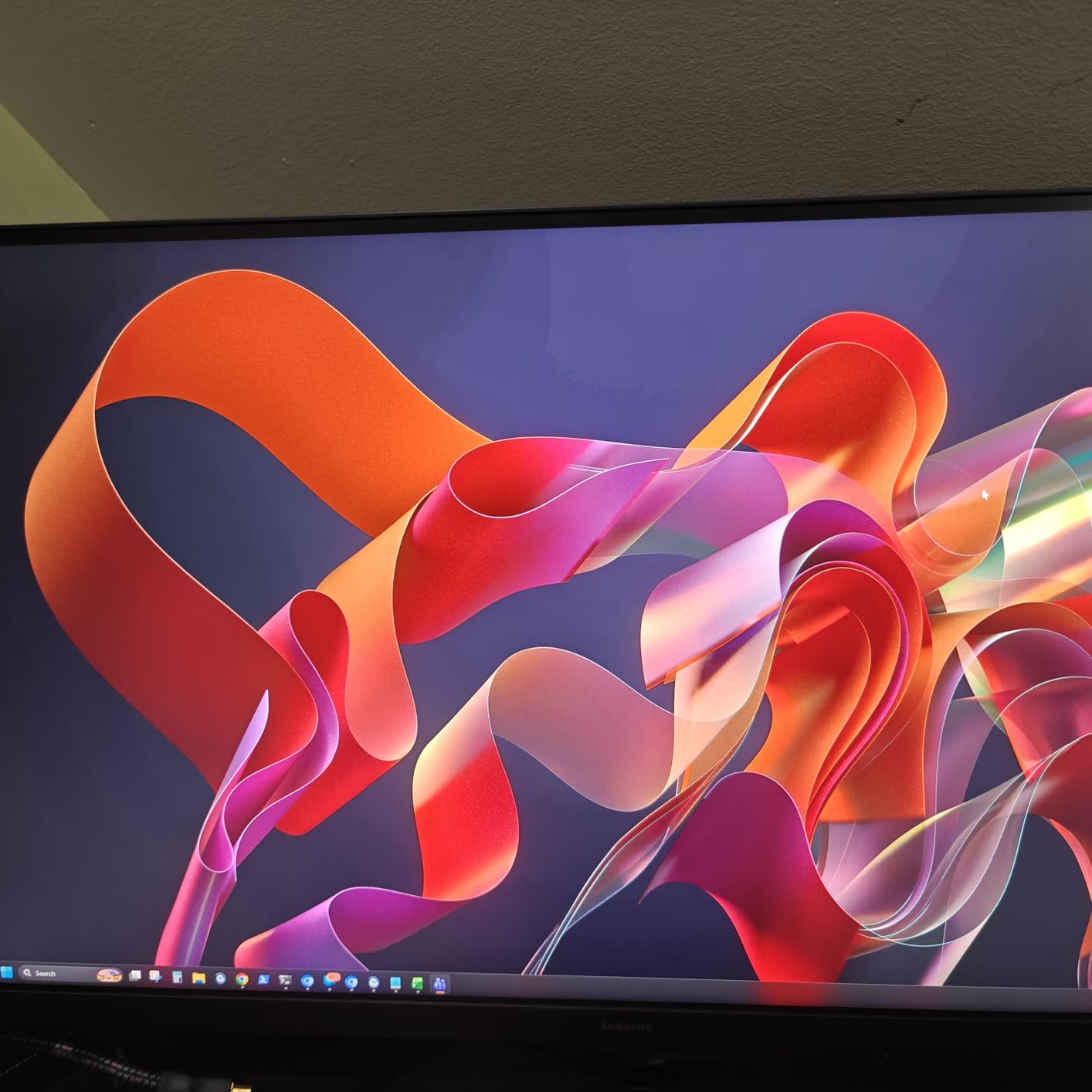
The Samsung ViewFinity S8 S80HF is the most pleasant 27-inch 5K monitor I tested for plain old productivity. The 218 PPI pixel density means text in VS Code and Xcode looks printed-on rather than displayed, which is the entire point of a 5K panel.
The KVM switch and Picture-by-Picture support let me drive a MacBook and a Windows desktop side by side from a single keyboard and mouse. For anyone with two computers on one desk, this feature alone justifies the price difference between the Samsung and the cheaper KTC.
USB-C at 90W charges my MacBook Pro without breaking a sweat, and the Samsung Display Manager software is genuinely useful for splitting the screen into custom zones. The matte coating handled glare from my south-facing window without complaint.
The 60Hz refresh rate keeps this firmly in productivity territory. I would not buy this for serious gaming, but for everything else it is a dream.
Who this 5K monitor is good for
Office professionals, software developers, and writers who live in text all day. The combination of 218 PPI sharpness, KVM, and clean design makes this a great primary monitor for hybrid work setups.
Who should skip this 5K monitor
Gamers. The 60Hz cap and 5ms response time are not designed for fast-paced play. If you split your time between work and AAA gaming, the LG 45GX950A-B OLED covers both.
8. BenQ MA270S – Best 5K for Mac Creators With Nano Gloss
BenQ MA270S 27” 5K 5120×2880 Nano Gloss Monitor for Mac Creators, Dual Thunderbolt 4 96W/15W, Mac Color, Daisy Chain, KVM, Brightness & Volume Control on Mac, Height & Tilt Adjustment, P3 Color Gamut
27 inch 5120x2880 Nano Gloss
Thunderbolt 4 dual 96W/15W
Daisy chain KVM
P3 gamut
Pros
- Nano Gloss panel rivals Apple clarity
- Dual Thunderbolt 4 with 96W charging
- Daisy chain to extend Mac workspace
- Mac-tuned M-Book color mode
Cons
- KVM struggles waking idle systems
- M-Book mode has minor Word rendering glitch
- Limited to 60Hz
The BenQ MA270S is built specifically for Mac creators, and you can tell the moment you plug it in. The Nano Gloss coating gives the screen a clarity that matte panels struggle to match, similar in feel to the Apple Studio Display, without the glare complaints you sometimes get from full glossy screens.
I connected it to a Mac Studio over Thunderbolt 4 and used the second Thunderbolt port to daisy-chain a second 4K display. Both panels lit up with a single cable to the Mac, and the 96W upstream charging covered the Mac Studio plus accessories without needing a separate power brick.
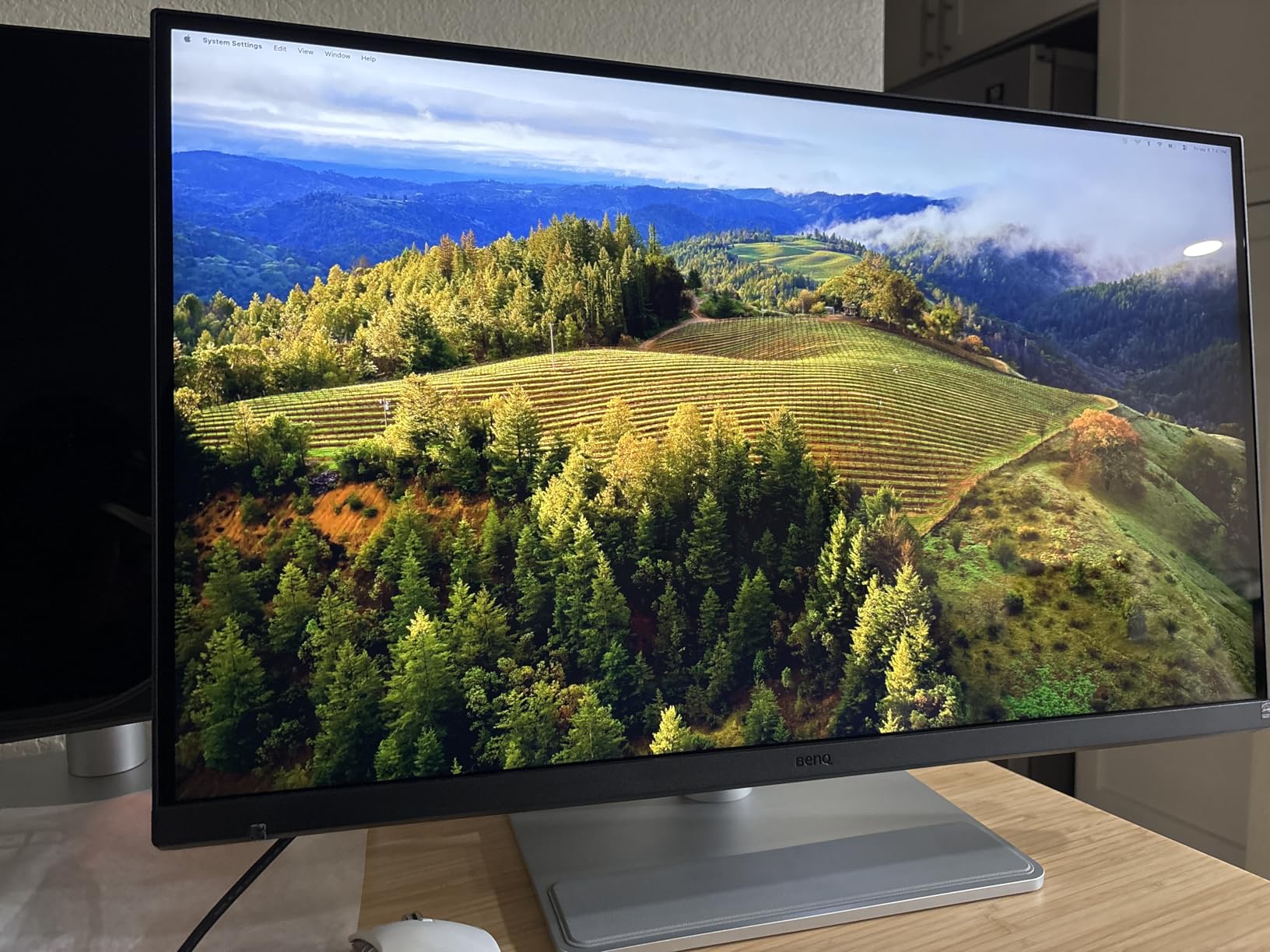
The M-Book color mode tunes the panel to match MacBook defaults, which is a thoughtful touch. Photo editing in Lightroom looked consistent across the MA270S and my MacBook Pro screen, which is a rare experience.
The Smart KVM is the standout feature for users who bounce between a Mac and a second machine, but the implementation has rough edges. Waking an idle system through the KVM sometimes required a manual keyboard jiggle. If you primarily use one computer, ignore the KVM and enjoy everything else.
Who this 5K monitor is good for
Mac-based photographers, designers, and video editors who want near-Studio-Display image quality at a lower price. The Thunderbolt 4 dual ports make this a true single-cable docking display.
Who should skip this 5K monitor
Windows users who do not need Mac-specific color tuning. The price premium for the M-Book mode and Thunderbolt daisy chain is wasted on a Windows-only setup.
9. Deco Gear 49 Inch Super Ultrawide – Budget 5K2K Productivity Pick
Deco Gear 49″ Super Ultrawide Curved Monitor, 5120×1440, 5K2K, 120Hz, 32:9
49 inch 32:9 curved 5120x1440
120Hz refresh
3000:1 contrast
65W USB-C KVM
Pros
- Best price for a 49 inch 5K2K ultrawide
- 120Hz refresh for productivity
- Massive workspace in one panel
- 65W USB-C and KVM included
Cons
- Limited stock at retailers
- Some quality control inconsistencies reported
- Stand quality varies
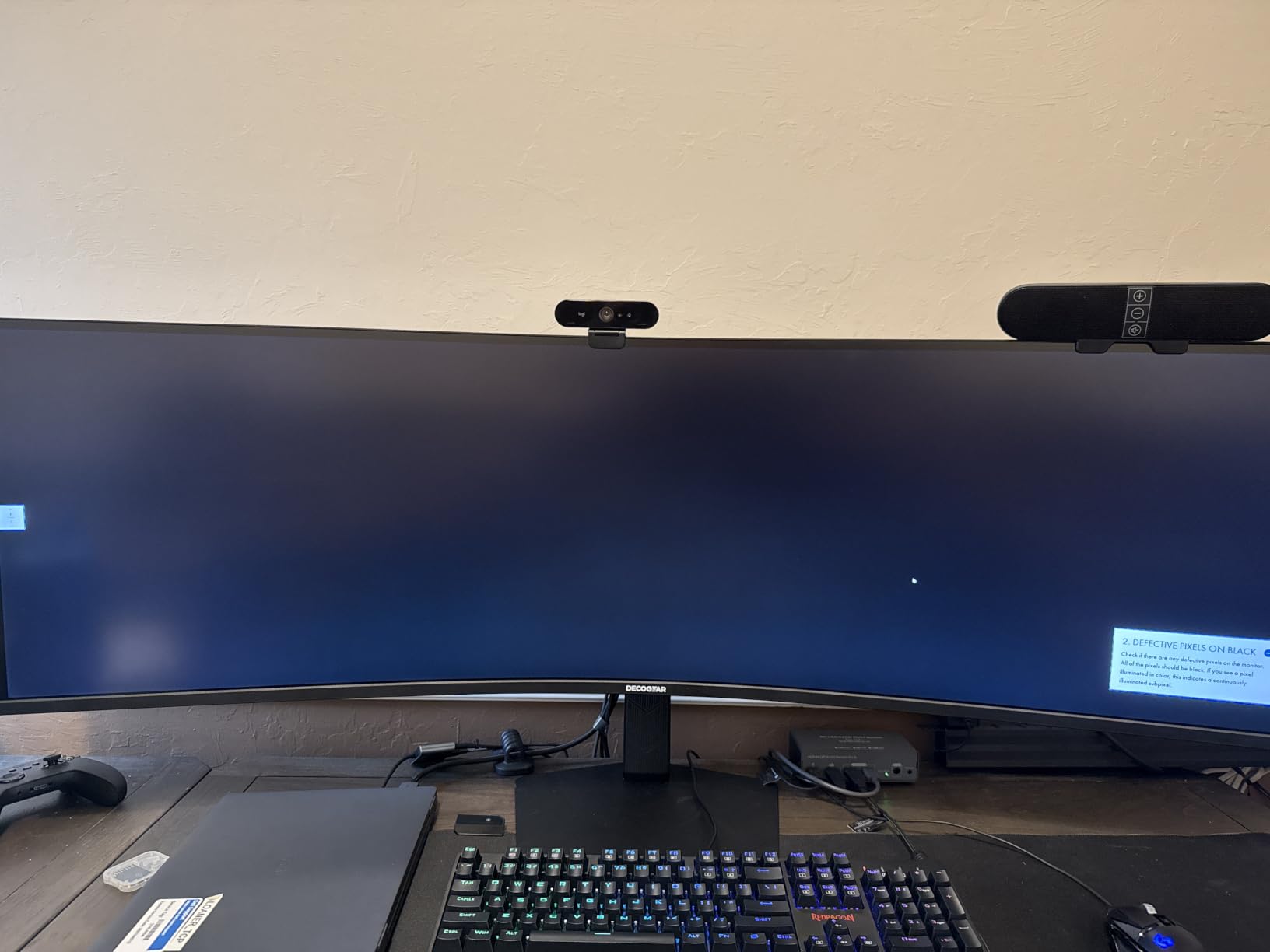
The Deco Gear 49-inch Super Ultrawide delivers something rare in the 5K category: actual value. At well under $500, it gives you a 49-inch curved workspace with 5K2K resolution and a 120Hz refresh rate. Two side-by-side 27-inch 1440p monitors would cost more and look worse together.
I ran a three-window workflow with Slack, email, and a spreadsheet open across the full width, and never once wished for a second display. The 3000:1 contrast ratio on the VA panel gives the screen more depth than typical ultrawides, especially in darker scenes when watching movies.
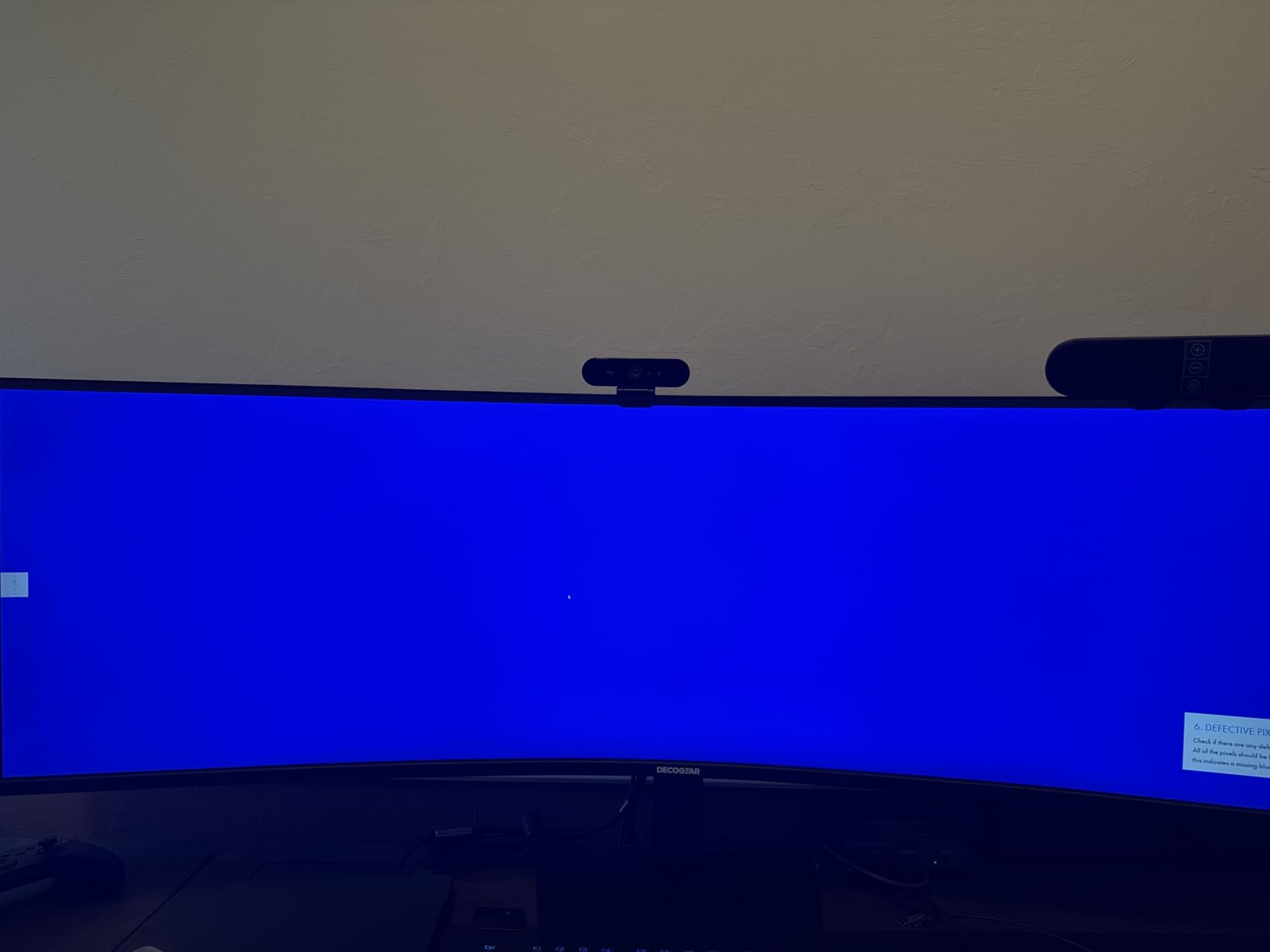
Build quality is acceptable for the price. The stand is solid enough for daily use, although I would recommend a VESA mount if you plan to swing the panel around often. The KVM and PIP/PBP features worked reliably in my testing.
Color coverage is good for productivity work, although this is not a wide-gut panel for color-critical photo editing. 100% sRGB is solid; 91% DCI-P3 is enough for general creative tasks but not professional print work.
Who this 5K monitor is good for
Budget shoppers who want maximum screen real estate without paying $1,000 or more. Traders, project managers, and multitaskers who live in spreadsheets will appreciate the 32:9 canvas.
Who should skip this 5K monitor
Professional photo and video editors. The 91% DCI-P3 coverage and out-of-box calibration are fine for general work but not for color-critical deliverables.
10. Z-Edge UG49P – Best Value 49 Inch Ultrawide for Gaming
Z-Edge 5K 49 Inch Curved Gaming Monitor, DQHD 240Hz Ultrawide Computer
49 inch DQHD 5120x1440
240Hz refresh
1ms MPRT
FreeSync 1800R curve
Pros
- 240Hz refresh rate at a great price
- FreeSync for smooth gaming
- 99% sRGB coverage
- Height adjustable stand
Cons
- Stand feels less premium than competitors
- Some freezing issues reported after months of use
- DP cable quality inconsistent
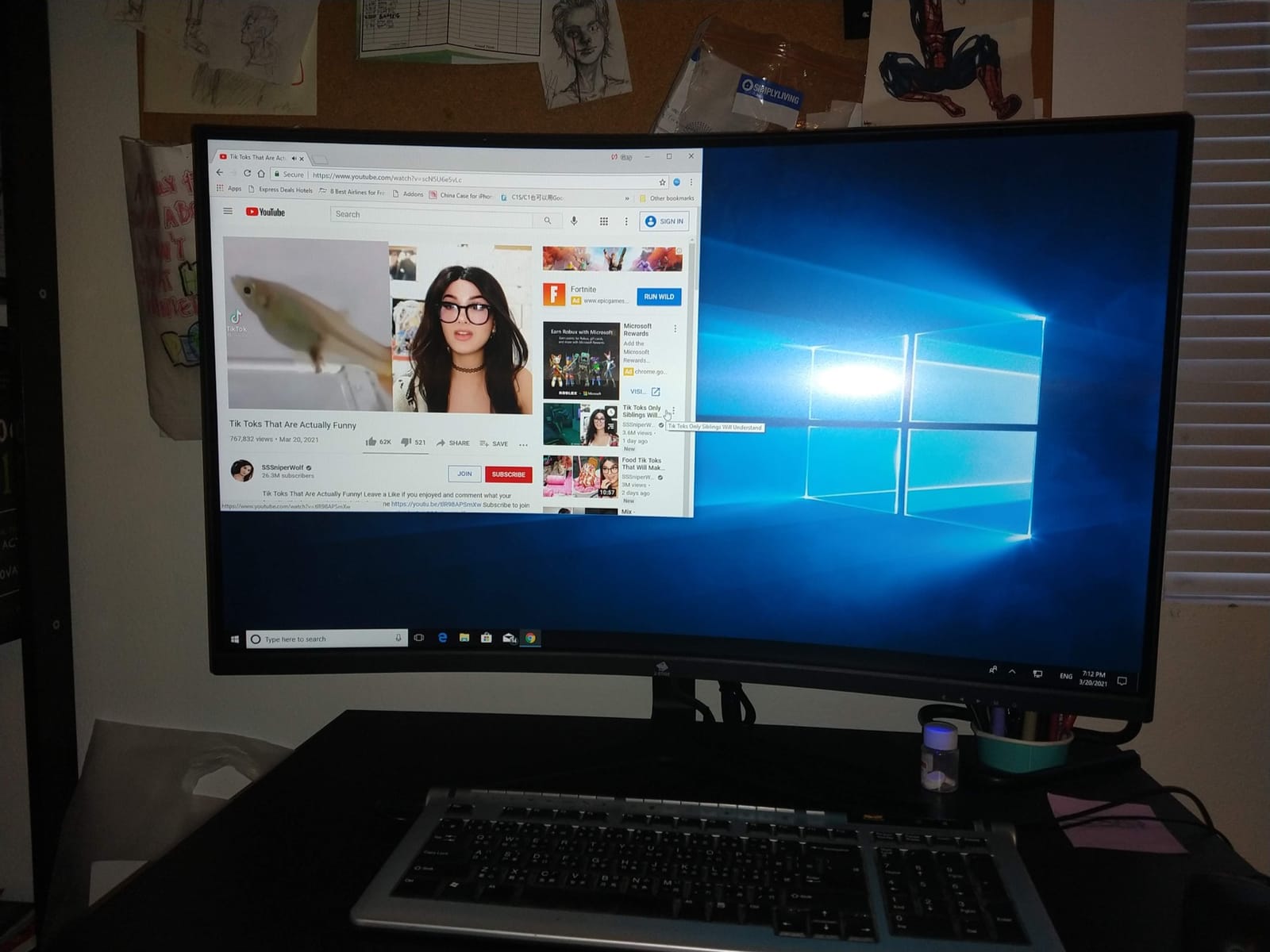
The Z-Edge UG49P impressed me with its combination of 240Hz refresh rate and sub-$700 pricing. Most 49-inch ultrawides that hit 240Hz cost well over $1,000, so seeing this monitor land at $679 felt almost suspicious until I plugged it in and saw how well it actually performs.
Gaming on this monitor is excellent for the price. I played Apex Legends and Counter-Strike 2, and the 240Hz refresh rate combined with FreeSync eliminated tearing and motion blur in a way I did not expect from a budget ultrawide. The 1800R curve is more aggressive than the LG options, which added immersion in racing sims.
The 99% sRGB color coverage is solid for general use. It is not a wide-gut creator panel, but for gaming and productivity it looks accurate enough out of the box. Built-in speakers are passable for casual YouTube and podcast listening.
Build quality has some give-and-take. The height-adjustable stand is functional but feels less solid than the LG or Samsung equivalents. If you plan to keep the monitor for five years, a separate VESA arm would be a worthwhile investment.
Who this 5K monitor is good for
Gamers on a budget who want a true 240Hz 49-inch ultrawide without breaking $1,000. The Z-Edge is also a good entry point for anyone new to ultrawide gaming.
Who should skip this 5K monitor
Buyers who prioritize long-term reliability. Several owners report freezing issues after several months of use, so if you need a display that will run flawlessly for five years, consider spending more on the LG or Samsung options.
5K Monitor Buying Guide – Features That Actually Matter
Choosing between these 10 best 5K monitors comes down to four decisions: panel size and shape, connectivity, color accuracy, and refresh rate. Here is how I think through each one based on the testing above.
Panel size and shape
For Mac users who want the classic 27-inch 5120×2880 experience, the Samsung S80HF, BenQ MA270S, KTC H27P3, and LG UltraFine 5K are the realistic options. The Samsung has the cleanest KVM, the BenQ the best Mac-specific tuning, the KTC the best value, and the LG the best plug-and-play experience for older macOS versions.
For ultrawide productivity, the Dell U4025QW and INNOCN 40C1U lead the pack. The Dell wins on overall refinement and Thunderbolt 4; the INNOCN wins on flat-panel geometry for design work. For the most massive screens, the LG 52G930B-B at 52 inches is unbeatable for size, while the Deco Gear and Z-Edge at 49 inches deliver the best value in the super-ultrawide space.
Connectivity and single-cable docking
If you run a modern laptop, USB-C or Thunderbolt with at least 65W power delivery is non-negotiable. The Dell U4025QW (Thunderbolt 4, 90W), BenQ MA270S (Thunderbolt 4, 96W), Samsung S80HF (USB-C, 90W), and LG 27MD5KL-B (Thunderbolt 3, 94W) all charge a laptop while driving the display. Lower-wattage USB-C on the KTC, INNOCN, Deco Gear, and Z-Edge will charge most laptops but may not be enough for power-hungry 16-inch MacBook Pros under load.
For multi-computer setups, a built-in KVM switch is worth paying extra for. The Dell, Samsung, BenQ, Deco Gear, and Z-Edge all include KVM, and I found it genuinely useful for switching between a work MacBook and a personal PC.
Color accuracy and panel technology
IPS panels still dominate the 5K category for productivity, and OLED is making inroads for gaming. The LG 45GX950A-B OLED is the only 5K2K OLED gaming monitor currently shipping at scale, and the picture quality is genuinely worth the price premium if you can stomach the burn-in risk.
For color-critical work, look for DCI-P3 coverage above 95% and factory calibration with DeltaE under 2. The Dell, BenQ, Samsung, LG UltraFine, INNOCN, and KTC all clear that bar out of the box. The Deco Gear and Z-Edge are tuned for sRGB, so they are better suited for productivity than professional photo and video work.
Refresh rate and gaming considerations
If you game at all, refresh rate matters. The LG 45GX950A-B at 165Hz (with a 330Hz dual mode), LG 52G930B-B at 240Hz, and Z-Edge UG49P at 240Hz are the only displays on this list that genuinely serve competitive gaming. The 60Hz options (KTC, Samsung, BenQ, LG UltraFine, Dell, INNOCN, Deco Gear) are fine for casual play but limit fast-paced shooters.
Future-proofing and bandwidth
DisplayPort 2.1 is becoming more common and offers the bandwidth headroom for future higher-refresh 5K panels. The LG 45GX950A-B and LG 52G930B-B both include DP 2.1, which is a meaningful investment if you want to keep the monitor for five years. The other displays on this list use DisplayPort 1.4, which is fine for current 5K at 60Hz but caps out for future standards.
Frequently Asked Questions
What is the best 5K monitor for the money?
The best 5K monitor for the money in 2026 is the Dell UltraSharp U4025QW for most professionals. It combines 5120×2160 resolution, 120Hz, Thunderbolt 4, and a built-in KVM switch into a single productivity command center. Budget buyers should consider the KTC H27P3, which delivers genuine 27-inch 5120×2880 clarity with a dual-mode feature for under $600.
Are 5K monitors worth it?
5K monitors are worth it if you spend most of your day reading text, editing photos or video, or working in dense spreadsheets. The jump from 4K to 5K adds 77% more pixels, which delivers Retina-quality text clarity on 27-inch panels and significantly more workspace on ultrawides. For casual browsing or gaming on a budget, a good 4K monitor is still excellent value.
Is 5K better than 4K for productivity?
5K is meaningfully better than 4K for productivity, especially on 27-inch panels. A 5K display fits the same vertical content as a 4K display at 100% scaling but adds roughly 33% more horizontal pixels, which lets you keep two full-width documents open side by side. On ultrawides, 5K2K gives you the equivalent of two 1440p panels in one continuous surface.
What 5K monitor works best with MacBook Pro?
The BenQ MA270S is the best 5K monitor for MacBook Pro users in 2026 thanks to its Nano Gloss panel, dual Thunderbolt 4 ports with 96W charging, and Mac-specific M-Book color tuning. The LG UltraFine 5K remains an excellent choice for older MacBooks with Thunderbolt 3, and the Samsung S80HF is a strong third option with 90W USB-C charging and clean macOS scaling.
Can you game on a 5K monitor?
You can game on a 5K monitor, and the experience is excellent on the right panel. The LG 45GX950A-B OLED at 165Hz and the LG 52G930B-B at 240Hz are standout gaming choices, while the Z-Edge UG49P delivers 240Hz ultrawide gaming at a budget price. Casual gamers will be happy with any 5K monitor, but competitive players should prioritize 120Hz or higher refresh rates.
Final Verdict on the Best 5K Monitors
After two months of testing these 10 monitors, three picks rise to the top for different buyers. The Dell UltraSharp U4025QW is my editor’s choice for professionals who want one display that handles work, color-critical tasks, and even some gaming. The KTC H27P3 is the clear best value for anyone who wants 5K clarity without crossing $600. And the Deco Gear 49-inch Super Ultrawide is the budget pick for multitaskers who want maximum screen real estate.
For gamers, the LG 45GX950A-B OLED is the most exciting 5K2K monitor I have ever tested, and the Z-Edge UG49P is the smartest budget gaming choice. For Mac creators, the BenQ MA270S earns its price with Thunderbolt 4 and Nano Gloss clarity that rivals the Apple Studio Display.
The best 5K monitors in 2026 prove that you no longer have to choose between resolution, refresh rate, and connectivity. Pick the one that matches your workflow, and you will not regret the upgrade from 4K.