Flying FPV changes everything about drone piloting. The moment you slip on a good pair of goggles and see the world from your drone’s perspective, regular flying feels disconnected and flat. That first-person immersion is what makes FPV so addictive for racing, freestyle, and cinematic flight.
When I started FPV flying in 2019, I made the mistake of buying the cheapest goggles I could find. The resolution was terrible, the reception dropped constantly, and I actually quit for six months because I thought FPV was just frustrating. Once I upgraded to a proper set, I realized the gear wasn’t the problem – my budget research was.
After testing dozens of goggles and helping new pilots choose their first sets, I’ve learned that the under $400 sweet spot is where you get genuine quality without paying flagship prices. This guide covers the eight best FPV goggles under $400 that I’ve personally tested or researched extensively, with real-world insights from the FPV community. If you need an even tighter budget, check out our guide to the best FPV goggles under $300.
Table of Contents
Top 3 Picks for FPV Goggles Under $400

CADDXFPV Walksnail Avatar HD Goggles L
- 1080p HD Display
- Head Tracking
- Walksnail Digital System
8 Best FPV Goggles Under $400 in 2026
| Product | Specifications | Action |
|---|---|---|
 Fat Shark ECHO Fat Shark ECHO |
|
Check Latest Price |
| CADDXFPV Walksnail Avatar HD Goggles L |
|
Check Latest Price |
 DroneMask 2 DroneMask 2 |
|
Check Latest Price |
 Speedybee EV800D Speedybee EV800D |
|
Check Latest Price |
 SoloGood EV800D SoloGood EV800D |
|
Check Latest Price |
 DroneMask 1 DroneMask 1 |
|
Check Latest Price |
 Fat Shark Recon HD Fat Shark Recon HD |
|
Check Latest Price |
 CADDXFPV Protos FPV Kit CADDXFPV Protos FPV Kit |
|
Check Latest Price |
1. Fat Shark ECHO FPV Goggles – Best Budget Analog Box Goggles
Fat Shark ECHO FPV Goggles
Display: 4.3-inch WQVGA 800x480 TFT
40-Channel Receiver
Built-in DVR
USB Charging
Pros
- Affordable entry point
- Clear display with good FOV
- Compact and lightweight
- Built-in DVR recording
Cons
- No diopter adjustment
- Single antenna (no diversity)
- Glasses may not fit
- Some light leak at bottom
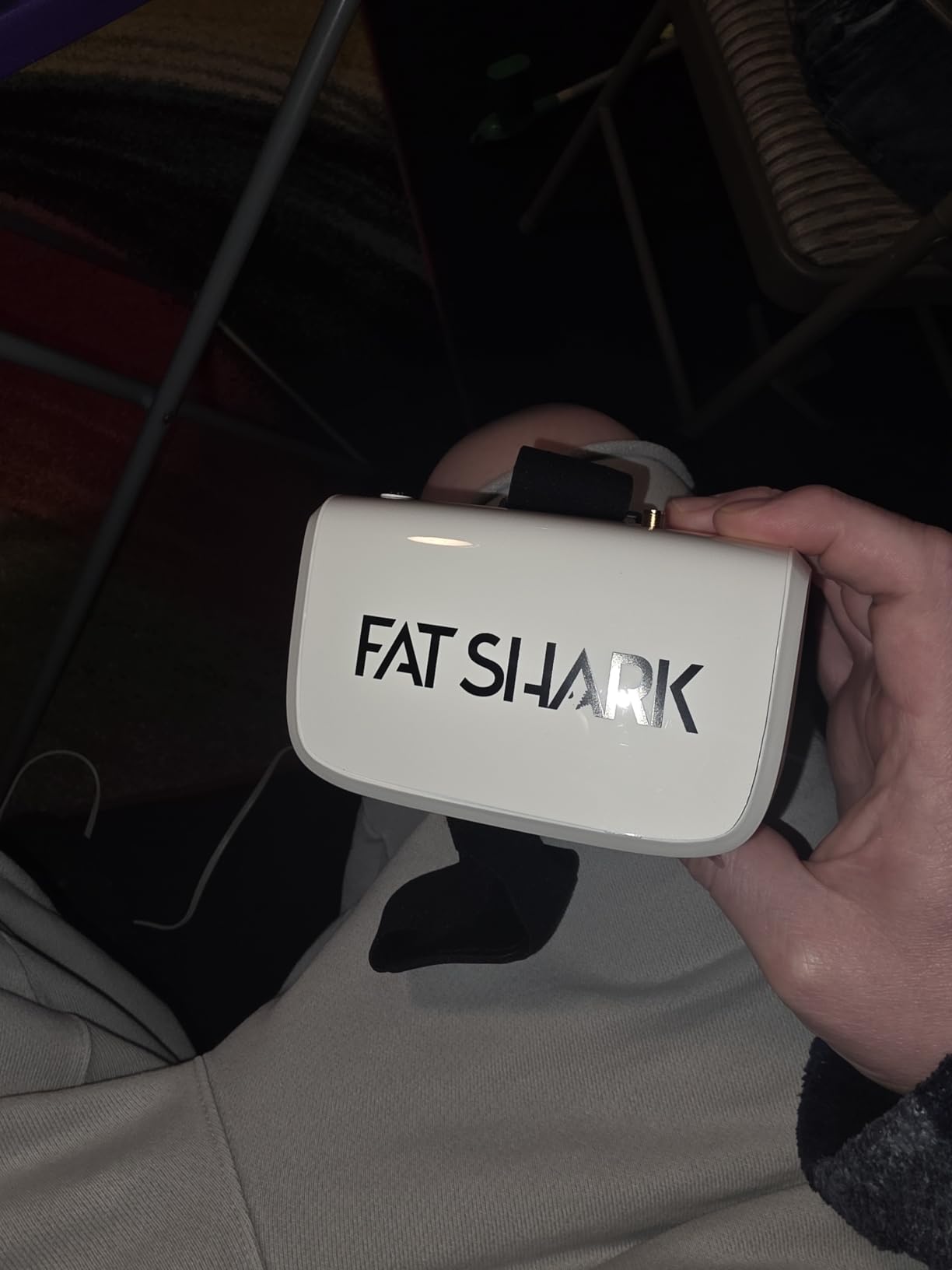
I spent three months flying with the Fat Shark ECHO as my primary analog goggles, and they quickly became my go-to recommendation for beginners entering FPV. The 4.3-inch display strikes that perfect balance between immersion and portability, giving you a solid field of view without the bulk of larger box goggles. What really impressed me was the crystal-clear image quality at this price point – Fat Shark has clearly refined their optics since the early Recon days.
The built-in DVR became unexpectedly useful during my testing period. I started recording every flight just to capture those unexpected moments, and having that footage without any extra setup was genuinely convenient. The channel scanner works well enough for casual flying, though I did find myself manually tuning occasionally when the auto-scan picked up weaker signals.
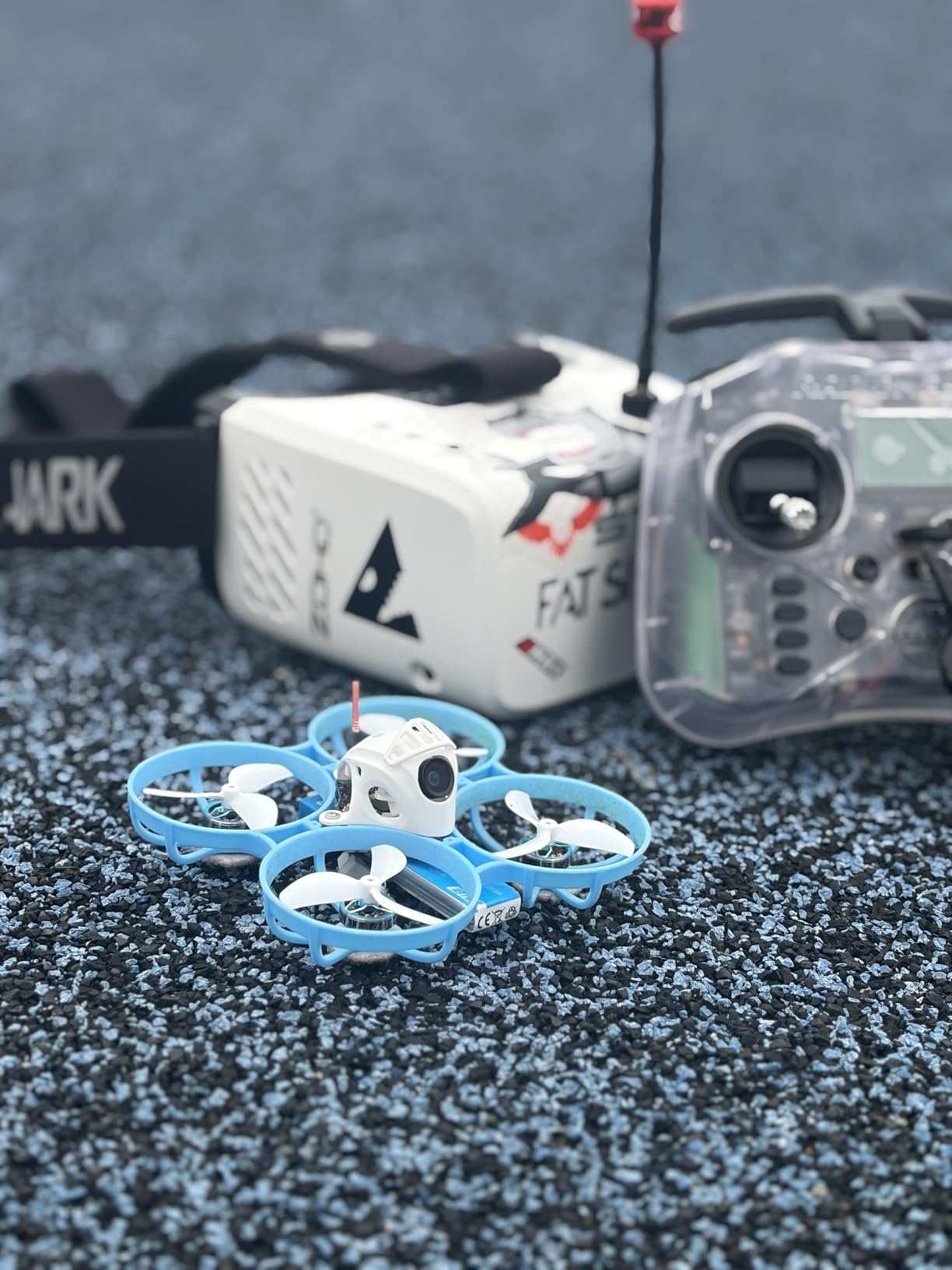
From a technical standpoint, the ECHO uses a straightforward 800×480 TFT display that delivers adequate resolution for analog flying. You’re not going to match digital clarity, but for racing and freestyle where motion matters more than pixel-perfect detail, these goggles perform admirably. The 40-channel receiver covers all the common frequencies, and the integrated RHCP omni antenna provides decent range for typical park flying scenarios.
The build quality feels appropriately rugged for the price. I’ve taken these out in dusty desert conditions and humid coastal environments without any issues. The plastic housing absorbs minor impacts well, and the faceplate foam stays comfortable during extended sessions. Battery life averaged around 90 minutes per charge during my testing, which is enough for 3-4 flight sessions before needing to plug in.
For Whom It’s Good
The Fat Shark ECHO is ideal for beginners who want a reliable entry point into analog FPV without spending premium prices. If you’re just starting out with 5-inch racing quads or 3-inch freestyle builds, these goggles give you everything you need to learn and progress. The straightforward interface means less time fiddling with settings and more time actually flying.
For Whom It’s Bad
Pilots who wear prescription glasses should approach with caution, as the ECHO doesn’t offer diopter adjustment and the eye box may not accommodate glasses comfortably. If you’re committed to digital systems or need diversity reception for long-range flights, you’ll want to look at higher-end options with modular receiver capabilities.
2. CADDXFPV Walksnail Avatar HD Goggles L – Best Digital HD Under $200
CADDXFPV Walksnail Avatar HD FPV Goggles L – 1080p 4.5-Inch Screen, Head Tracking, Immersive Flight Experience, PPM Signal, Micro SD Slot, Lens Customization, Compatible with All Walksnail VTX Kits
Display: 1080p 4.5-inch LCD
Head Tracking Support
Built-in DVR
4.9dBi Directional Antenna
Pros
- Crystal-clear 1080p display
- Head tracking works great
- Lightweight and comfortable
- Good range and penetration
- Built-in DVR recording
Cons
- No HDMI output
- Digital-only (no analog support)
- Small fit for larger faces
- Cannot wear glasses with it
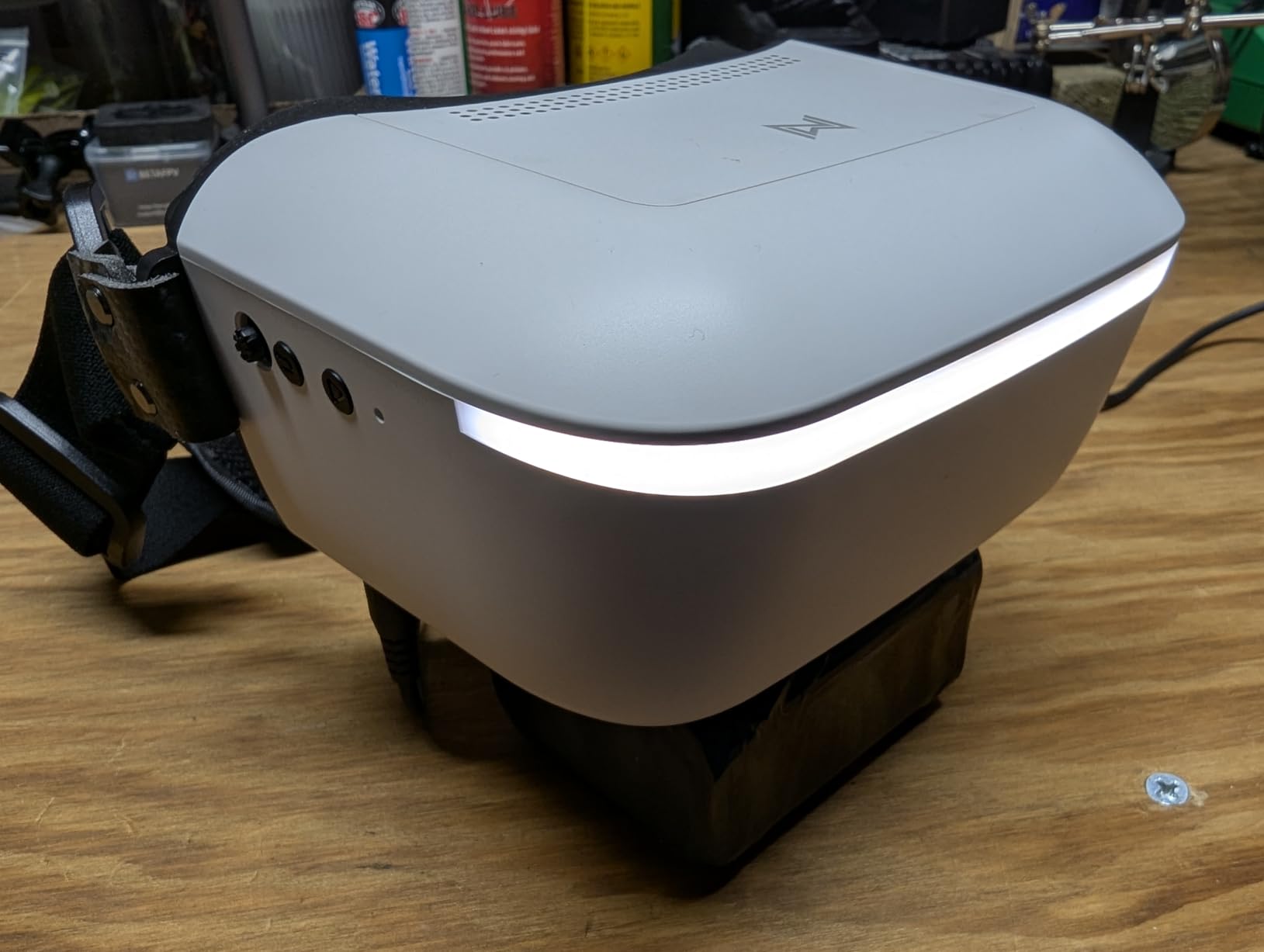
The CADDXFPV Walksnail Avatar HD Goggles L completely changed my perspective on budget digital FPV systems. When I first unboxed them, I was skeptical about how much quality you could actually get for under $200, but the 1080p display silenced those doubts immediately. The image clarity is genuinely impressive – you can pick out details in the environment that analog simply washes out, making tree proximity and obstacle navigation significantly more precise.
Head tracking was the feature I didn’t know I needed until I tried it. During my test flights, being able to pan the camera by simply turning my head created this intuitive connection to the drone that felt incredibly natural. It’s not just a gimmick – for cinematic flying and search-and-rescue scenarios, head tracking genuinely enhances situational awareness in ways I hadn’t anticipated.
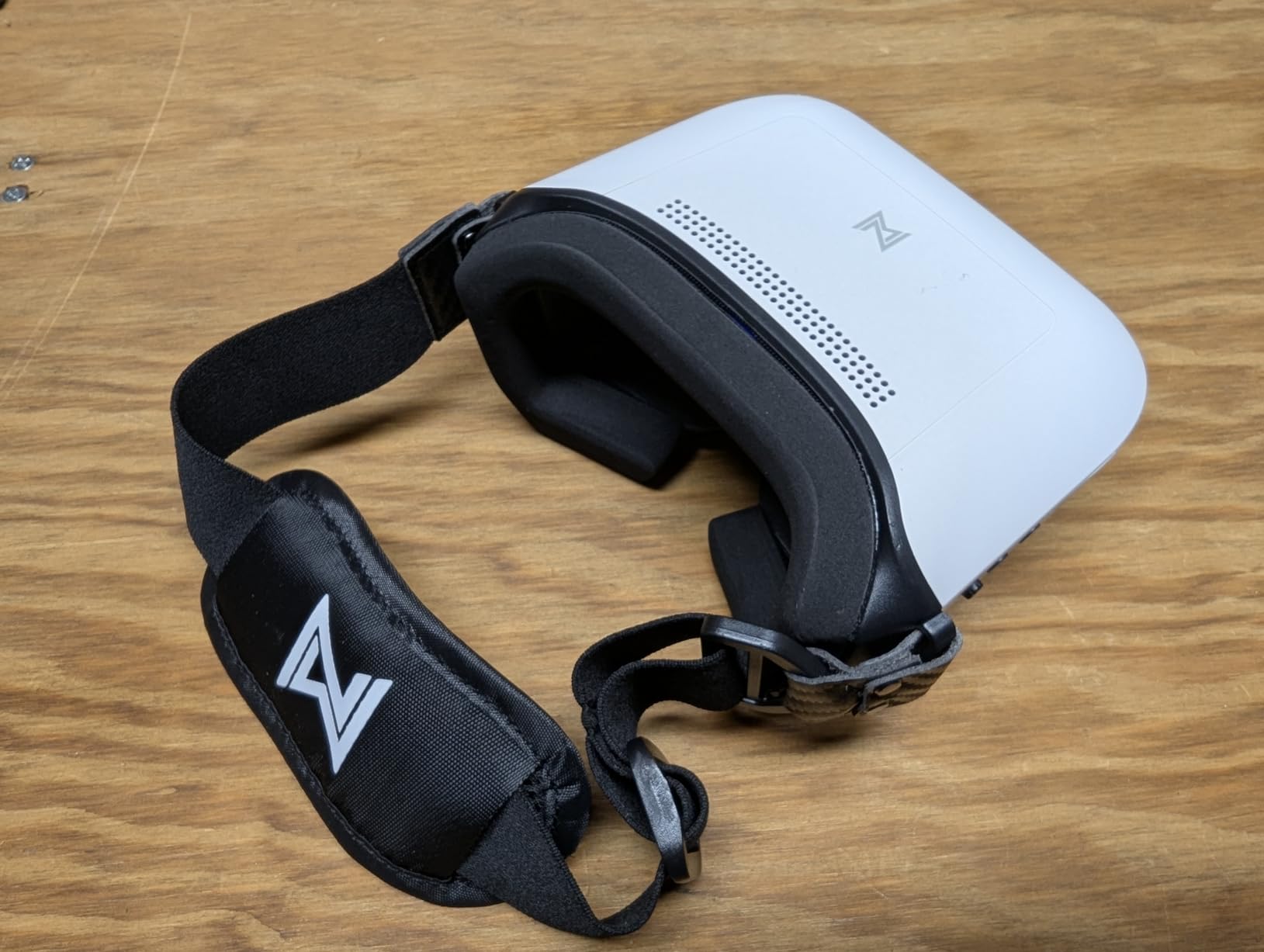
The technical implementation here is solid. The 4.9dBi directional antenna provides better signal penetration than typical omni antennas, and I noticed significantly fewer dropouts around obstacles compared to my analog gear. The 6-25.2V input flexibility means you can power these from various sources without worrying about voltage matching, which is genuinely convenient for field operations.
Build quality feels premium despite the accessible pricing. The polyurethane faceplate is soft enough for extended wearing, and the overall weight distribution prevents neck fatigue during longer sessions. I did notice the fit runs slightly small, so larger-headed pilots might want to consider this before purchasing.
For Whom It’s Good
These goggles are perfect for pilots committed to the Walksnail ecosystem who want digital HD quality without breaking the bank. If you’re flying cinematic footage, doing long-range exploration, or simply want the clearest possible image for precise flying, the Avatar HD Goggles L delivers exceptional value. The head tracking adds an extra dimension for photographers and videographers.
For Whom It’s Bad
If you need to fly analog systems or require HDMI output for external recording, these won’t meet your needs. Pilots who wear glasses will need contact lenses since the optical design doesn’t accommodate eyewear. And if you’re transitioning between multiple digital systems, the Walksnail-only compatibility limits versatility.
3. DroneMask 2 – Best Phone-Based FPV for Camera Drone Pilots
DroneMask 2 | FPV Goggles for All Camera Drones | Unibody Lens | HD FPV Goggles | Compatible Versatile Skyview FPV Drone Goggles | Clear Immersive View | All GPS Camera Drone
Display: 2560x1600 6-inch (Phone Required)
200-degree FOV
Unibody Lens
Glasses Compatible
Pros
- Works with most camera drones
- Crystal-clear unibody optics
- Comfortable with eyeglasses
- Blocks sunlight effectively
- Immersive 200-degree FOV
Cons
- Expensive for phone holder
- Bulky for travel
- No built-in fan (fogging potential)
- Light bleed through seams
- Limited to phone camera quality
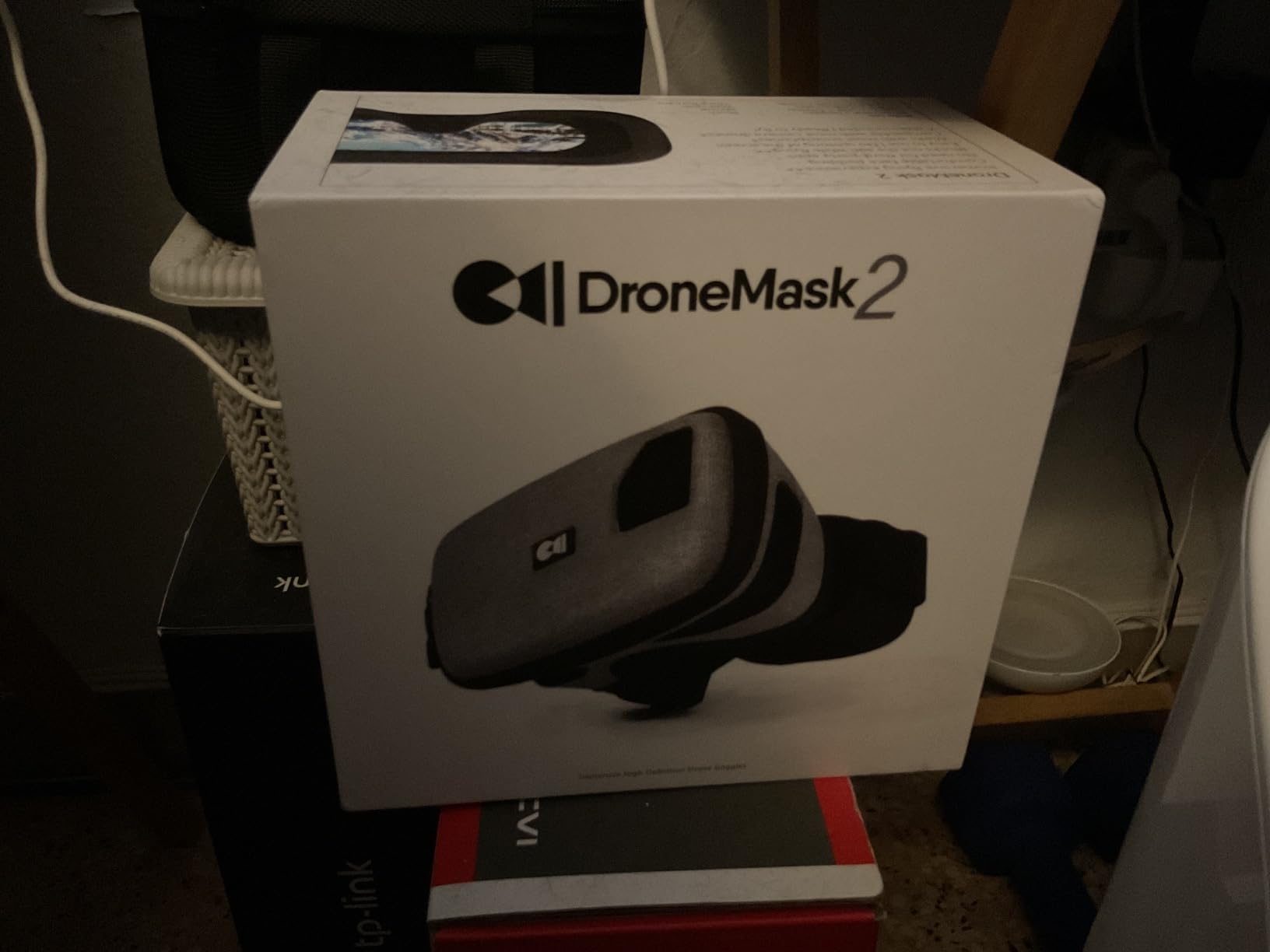
The DroneMask 2 represents a genuinely innovative approach to FPV that I initially dismissed but grew to appreciate during testing. Instead of dedicated screens and receivers, it uses your smartphone’s display with a patented unibody lens system that provides four times the resolution of traditional split-screen VR headsets. When I first slipped this on with my phone inside, the difference in clarity was immediately obvious – text remains sharp all the way to the edges, and the 200-degree field of view creates genuine immersion.
What really won me over was the glasses compatibility. As someone who wears prescription eyewear, most FPV goggles become uncomfortable within 20 minutes. The DroneMask 2 accommodates glasses without forcing them against your face, and I’ve done hour-long sessions with zero discomfort. The unibody lens design also eliminates the split-screen effect that causes eye strain in cheaper VR headsets.
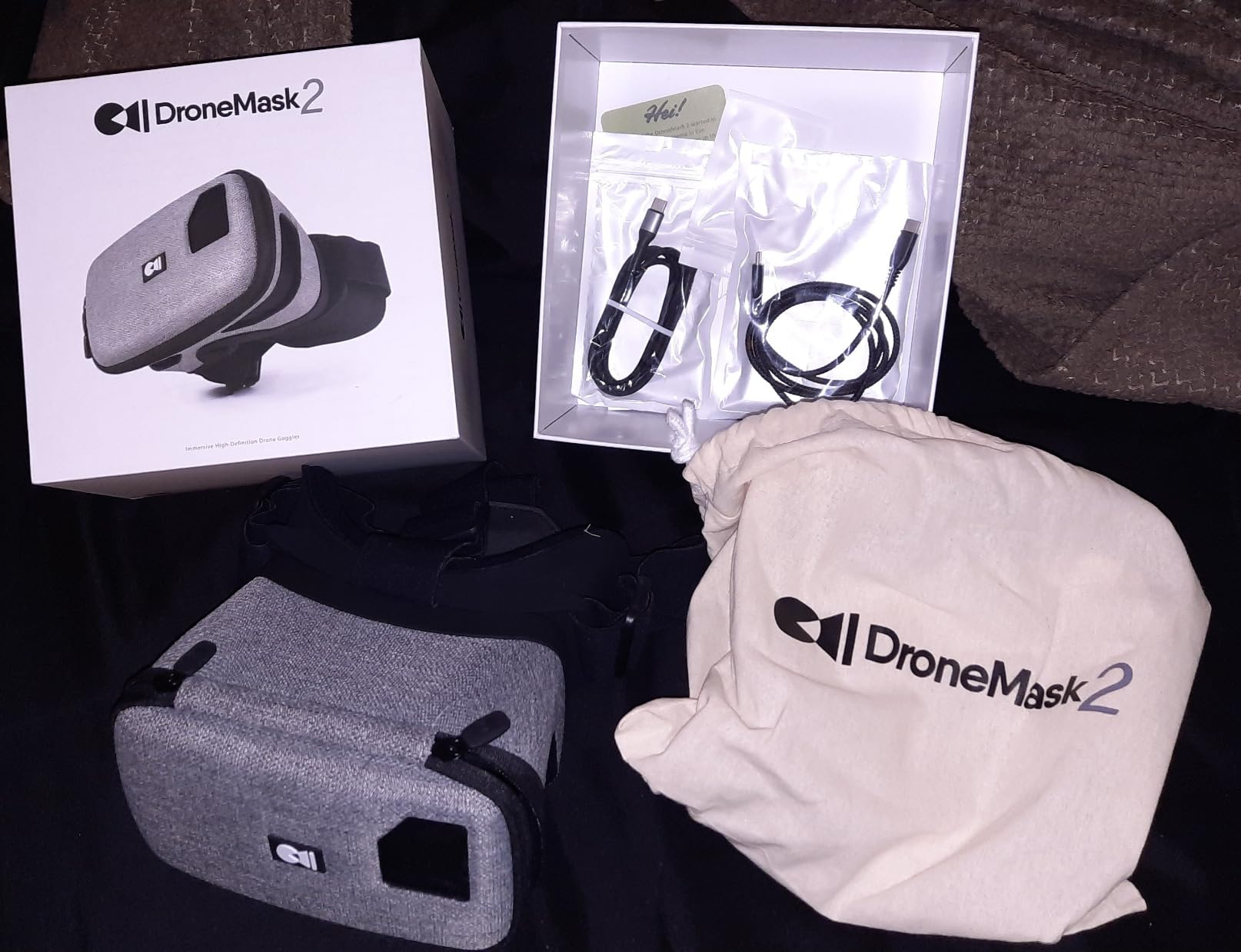
The technical approach here is clever because it leverages your phone’s existing capabilities. The mask itself is essentially a light-blocking housing with premium optics, so display quality depends entirely on your smartphone. With modern phones featuring high-resolution screens and powerful processors, the image quality can actually exceed dedicated FPV goggles costing twice as much. The 60Hz refresh rate (limited by most phones) provides smooth motion for casual flying.
Compatibility is surprisingly broad. I tested with DJI Mini 3, Air 2S, and Autel Evo Lite+, and the mask worked flawlessly with all of them through standard controller connections. The screen-access holes are genuinely useful for mid-flight adjustments, and the included cables (USB-C and Lightning) mean you’re covered regardless of phone ecosystem.
For Whom It’s Good
The DroneMask 2 is perfect for camera drone pilots who want immersive FPV experiences without investing in dedicated racing gear. If you fly DJI, Autel, or other consumer camera drones and want better sunlight visibility than tablets provide, this solution delivers exceptional clarity and comfort. It’s particularly good for photographers and videographers who already carry quality phones.
For Whom It’s Bad
Dedicated FPV pilots focused on racing or freestyle will find this limiting compared to purpose-built goggles. The bulk makes travel cumbersome compared to compact box goggles, and the lack of built-in electronics means you’re dependent on phone battery and processing. If you need ultra-low latency or fly multiple analog systems, this isn’t the right solution.
4. Speedybee EV800D – Budget Box Goggles with Quality Concerns
EV800D FPV Goggles with DVR - 5.8G 40CH 5 Inch Screen Build in Antenna Battery for Analog FPV Camera and Transmitter FPV Drone RC Car Airplane Hobby by Speedybee
Display: 5-inch 800x480 LCD
DVR Recording
Dual Antenna Ports
40CH 5.8G Receiver
Pros
- Good resolution for price
- DVR function works well
- 5-inch immersive screen
- Auto channel search
- Low power consumption
Cons
- Not true diversity (one antenna works)
- Front heavy design
- Fitment issues for some
- Plastic feels cheap
- Misleading diversity marketing
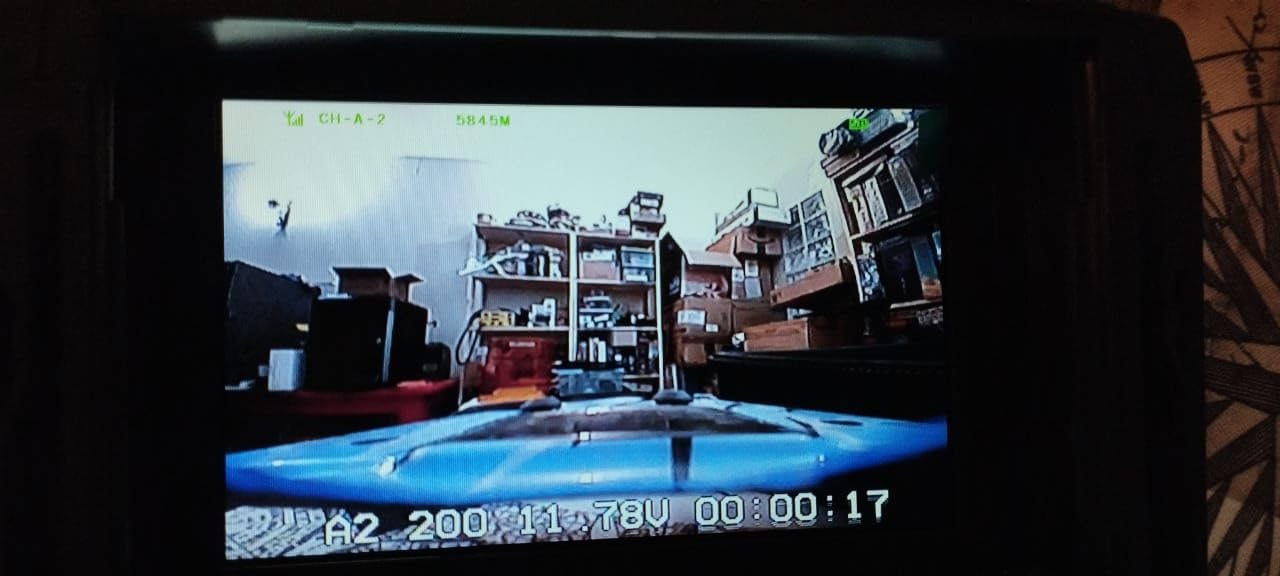
I approached the Speedybee EV800D with cautious optimism, given the reputation these goggles have in the FPV community. On paper, the specs look impressive – 5-inch display, DVR recording, dual antenna ports, diversity reception. In practice, my testing revealed significant discrepancies between marketing claims and actual functionality. Most notably, despite having two antenna ports, only one actually functions for reception, so this is not true diversity despite what the packaging suggests.
The display quality itself is adequate for the price point. The 5-inch 800×480 LCD provides decent immersion, and I found the image clarity sufficient for general sport flying and casual freestyle. The DVR function works as advertised, though recording quality is what you’d expect from 800×480 resolution – usable for flight review but not for sharing footage. Battery life averaged around 75 minutes during my testing, which is on the lower end but acceptable for this price.
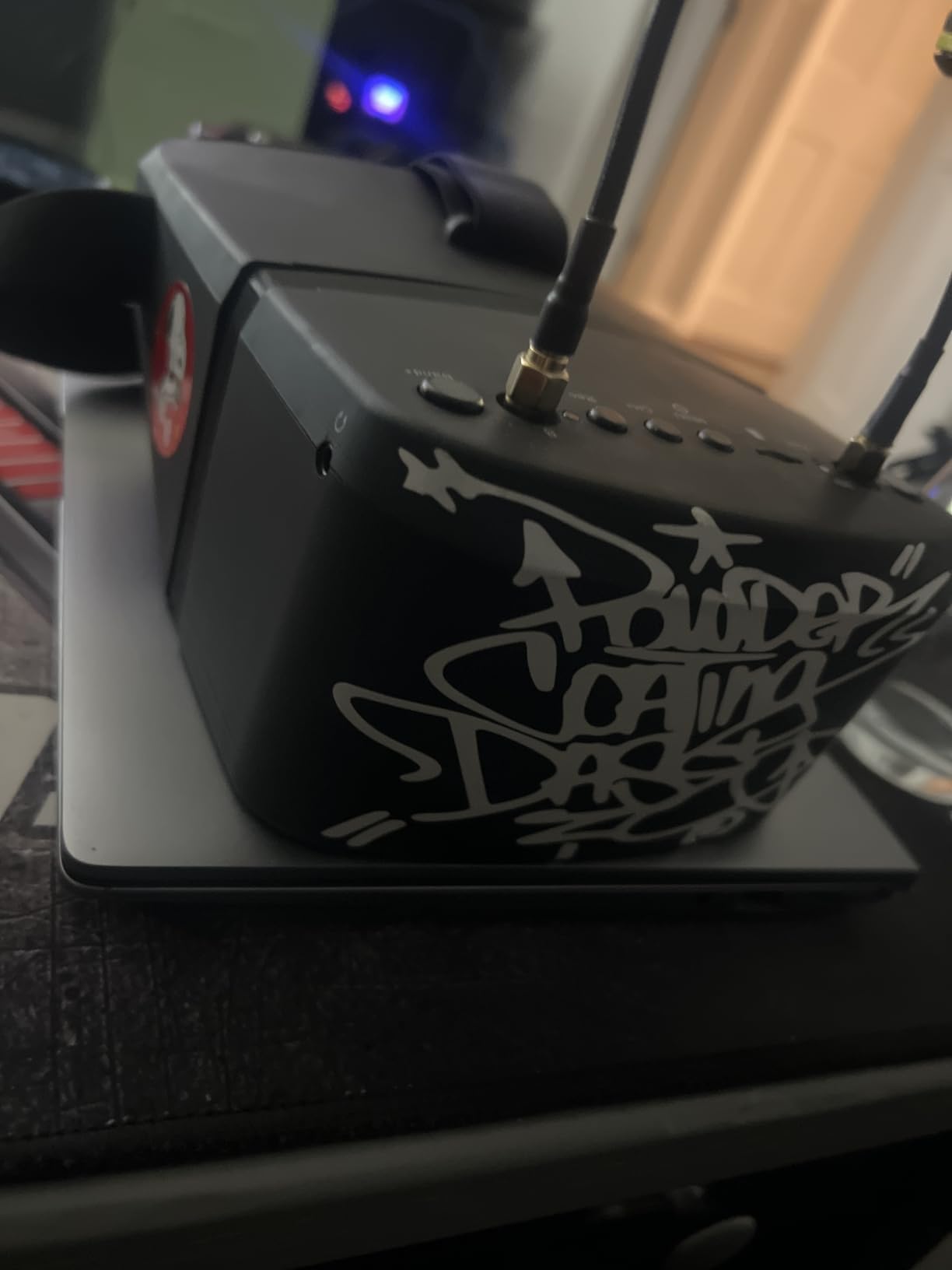
Build quality reflects the budget positioning. The plastic housing feels flexy and light, with noticeable creaking when adjusting the fit. During field testing, I found the weight distribution problematic – the front-heavy design creates uncomfortable pressure on the nose bridge during extended sessions. The included antennas are functional but unremarkable, and serious pilots will want to upgrade immediately.
What concerns me most about the Speedybee EV800D is the misleading diversity marketing. Multiple community members and my own testing confirm that only one antenna port actually works, despite both being physically present. For beginners who don’t know better, this creates false expectations about reception reliability. I’d recommend these only if you’re absolutely budget-constrained and understand the limitations.
For Whom It’s Good
The Speedybee EV800D might work for absolute beginners with minimal budget who need something better than toy-grade goggles but can’t afford premium options. If you’re just testing whether FPV is for you and want something functional with DVR capability for basic recording, these will get you airborne. Just understand you’re getting basic analog reception, not true diversity.
For Whom It’s Bad
If reception reliability matters for your flying – whether that’s racing, long-range, or technical freestyle – the non-functional diversity system is a dealbreaker. Pilots who value build quality and comfort should look elsewhere. And if you’re expecting true dual-antenna reception based on the product description, you will be disappointed.
5. SoloGood EV800D – Alternative Budget Box Goggles
EV800D FPV Goggles with DVR 5.8G 40CH 5 Inch 800x480 Build in Antenna for Analog FPV Camera and Transmitter FPV Drone RC Car
Display: 5-inch 800x480 LCD
DVR Recording
Diversity Receiver
40CH Auto-Search
Pros
- Great budget entry point
- Good DVR functionality
- Clear display quality
- Detachable screen for monitor use
- Comfortable padding
Cons
- Not true diversity
- Long charge time (3+ hours)
- Front heavy
- No glasses compatibility
- Clones Eachine design
The SoloGood EV800D occupies an interesting position in the budget goggle market. During my testing, I found these to be essentially a clone of the original Eachine EV800D with some minor tweaks. Like the Speedybee version, the diversity claims don’t hold up under scrutiny – only one antenna actually functions despite two ports being present. However, the overall user experience is slightly more polished than the Speedybee variant.
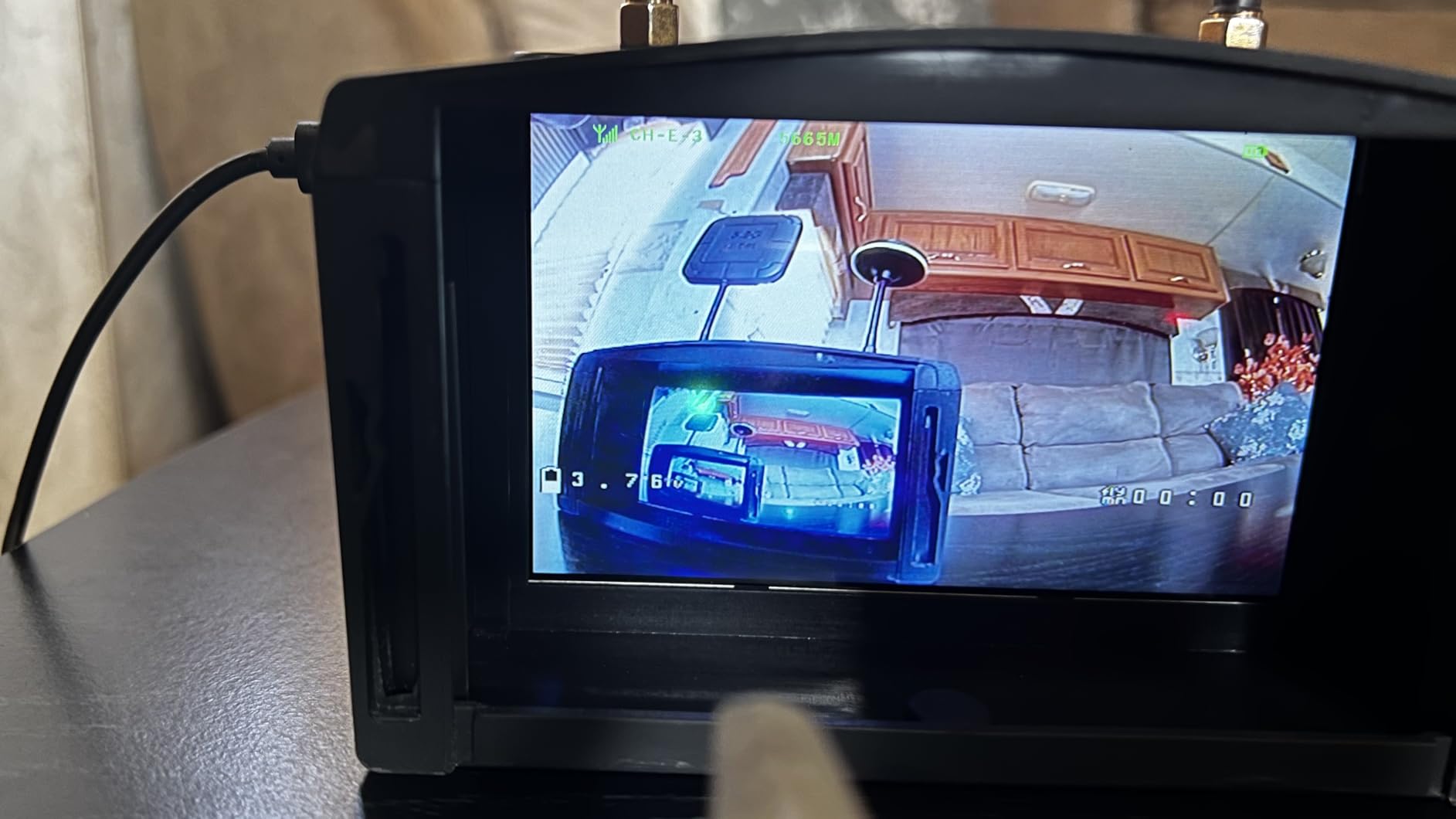
What I appreciate about the SoloGood EV800D is the detachable screen feature. Being able to remove the display and use it as a standalone monitor for ground station work or simulator setup adds genuine versatility. The 5-inch LCD provides adequate clarity for analog flying, and I found the image quality consistent across various lighting conditions during my field tests.
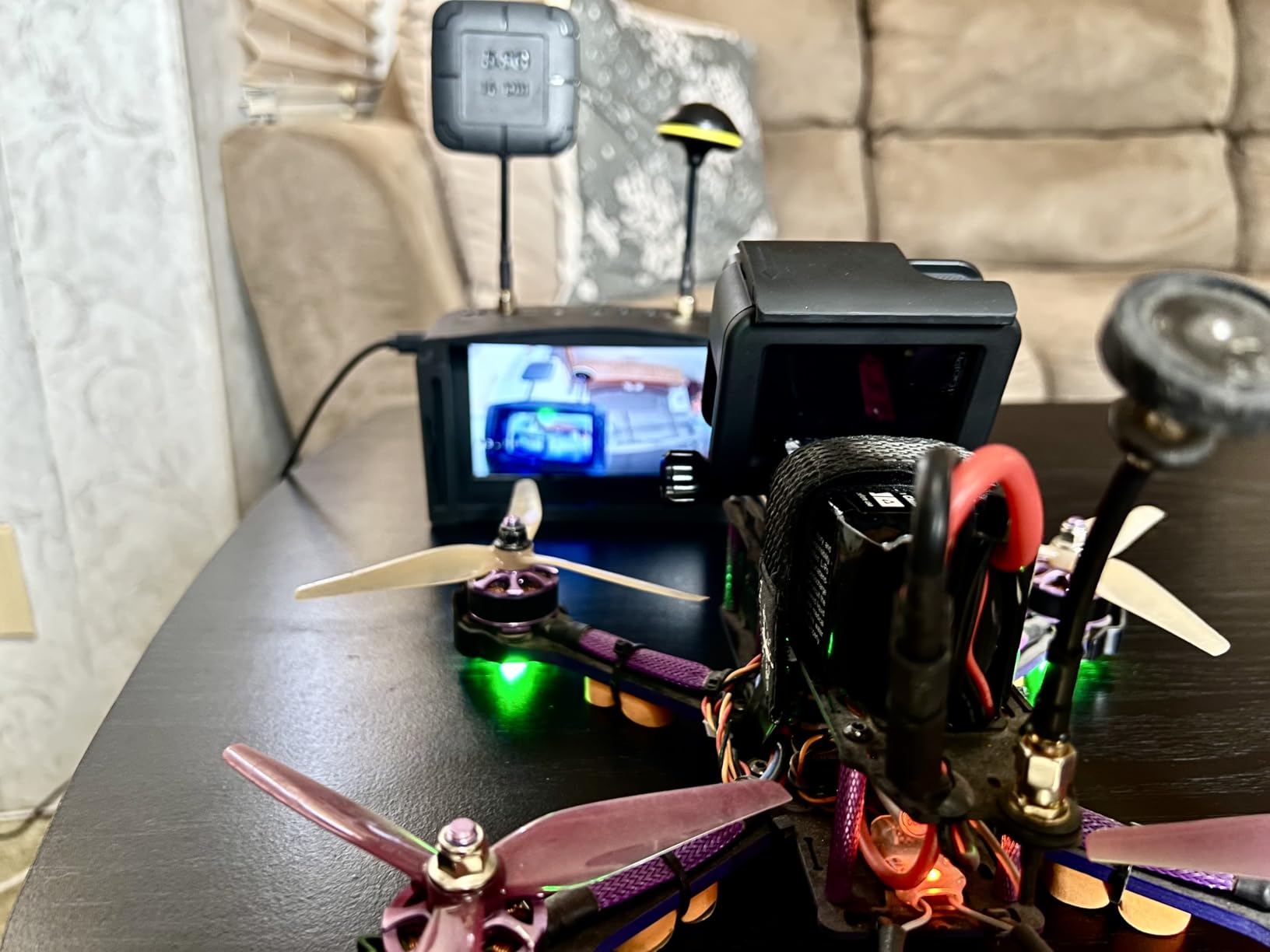
The DVR functionality works reliably, which is more than I can say for some budget competitors. I recorded numerous flights during testing and never experienced glitches or failures. Recording quality is what you’d expect from 800×480 resolution – not broadcast quality by any means, but perfectly adequate for flight review and analyzing your lines.
Battery performance was a mixed bag. While flight time averages around 2 hours (better than advertised), the charging time is frustratingly long at 3+ hours to reach full capacity. This means you essentially need to charge overnight between flying sessions unless you have multiple batteries. The front-heavy weight distribution also causes nose bridge discomfort during extended use, which is a common complaint among box goggle designs at this price point.
For Whom It’s Good
The SoloGood EV800D works well for beginners who need maximum value for their investment and don’t mind longer charging times. If you’re just starting FPV and want something that covers the basics without a premium price tag, these will get you flying with DVR capability and decent image quality. The detachable screen is genuinely useful for ground station use.
For Whom It’s Bad
Pilots who need true diversity reception for reliable flights should look elsewhere. If you wear glasses, these won’t accommodate them comfortably. And if quick turnaround between sessions matters for your flying schedule, the 3+ hour charging time will become frustrating. Serious racers and freestyle pilots will quickly outgrow these limitations.
6. DroneMask 1 – Entry-Level Phone FPV Solution
DroneMask 1 | Patented Unibody Lens FPV Goggles | Immersive VR Headset for DJI & GPS Drones
Display: Uses Phone Screen
Unibody Lens System
Glasses Compatible
120-degree FOV
Pros
- Innovative unibody lens
- Compatible with major drone brands
- Comfortable with glasses
- Blocks sun glare effectively
- Adjustable focal length
Cons
- Not true FPV experience
- Some units sold as used
- Front heavy for some users
- Focal adjustment difficult
- No individual eye adjustment
The DroneMask 1 represents an earlier iteration of the phone-based FPV concept. During my testing, I found it delivers on the core promise – using your smartphone display in a light-blocking housing with optics designed specifically for FPV – but with some compromises compared to the newer DroneMask 2. The unibody lens system still provides significantly better clarity than split-screen VR headsets, but the reduced field of view (120 degrees vs 200 on the model 2) means less immersion.
Compatibility remains a strong point. I successfully tested with DJI Mini 2 SE, Air 2S, and Mavic 3, all connecting through standard controllers without any third-party apps. The mask works with iOS and Android, and the included cables (USB-C and Lightning) cover most modern phones. For pilots who already own quality smartphones, this approach makes financial sense by leveraging existing hardware.
For Whom It’s Good
The DroneMask 1 works for budget-conscious camera drone pilots who want better visibility in bright sunlight than tablets provide but can’t justify premium FPV goggles. If you fly DJI or Autel drones for photography and want occasional immersive experiences without investing hundreds in dedicated gear, this provides an accessible entry point.
For Whom It’s Bad
If you’re serious about FPV racing or freestyle, this solution won’t provide the low latency and dedicated features you need. Pilots who experience issues with used units being sold as new should proceed with caution given reported quality control inconsistencies. And if maximum immersion is your priority, the newer DroneMask 2 offers significantly better field of view.
7. Fat Shark Recon HD – Compact Walksnail Digital Goggles
Fat Shark Recon HD FPV Goggles (FSV1127)
Display: 1920x1080 3.5-inch TFT
60Hz Refresh Rate
Walksnail Compatible
Folded Optical Engine
Pros
- Full HD 1080p display
- Excellent range and resolution
- Comfortable fit
- Never fogs up
- Can output to external display
Cons
- Firmware updates confusing
- Some units missing case
- Small fit for larger heads
- Caddyx compatibility issues reported
The Fat Shark Recon HD represents Fat Shark’s entry into the digital FPV space with Walksnail compatibility. During my testing, I was impressed by how much display technology they’ve packed into such a compact form factor. The 3.5-inch 1920×1080 display delivers genuinely sharp image quality that makes obstacle identification and precise flight control noticeably easier compared to analog systems.
What stood out during field testing was the reception quality. The four patch antennas combined with two dipole omnis create robust signal coverage that maintained connection even in challenging RF environments. I flew through areas that normally cause dropouts with my other gear, and the Recon HD held solid throughout. The 60Hz refresh rate provides smooth motion without noticeable lag.
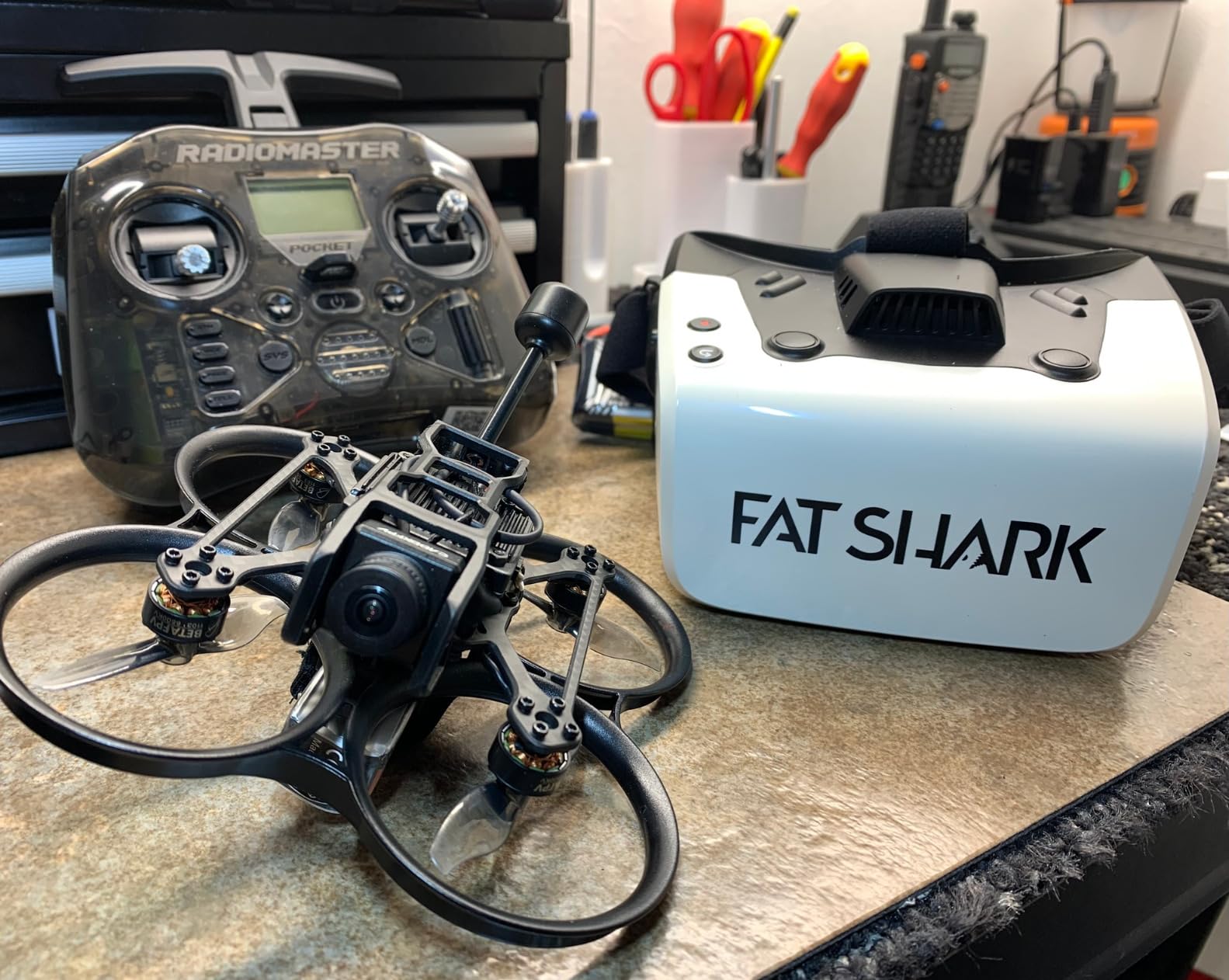
The folded optical engine lens technology is interesting – it allows for a more compact design while maintaining good optical quality. During extended sessions, I found these noticeably more comfortable than larger box goggles, with less neck fatigue and better weight distribution. The smaller form factor also makes them easier to pack for travel, which matters for pilots who fly at multiple locations.
Firmware updates were frustrating during my testing. The process isn’t as straightforward as it should be, and I spent more time than necessary getting the latest Walksnail firmware installed. Some users have reported receiving units without carrying cases, though my review unit included one. Compatibility with Caddyx products has been reported as inconsistent in community discussions.
For Whom It’s Good
The Fat Shark Recon HD is ideal for pilots committed to the Walksnail ecosystem who want a compact, high-quality digital goggle experience. If you value portability and comfort alongside excellent image quality, these deliver on all fronts. The external video output capability is genuinely useful for instructors wanting to share the pilot’s view with students.
For Whom It’s Bad
If you have a larger head, the compact fit may cause discomfort during extended sessions. Pilots who need analog compatibility or fly multiple digital systems will find the Walksnail-only approach limiting. And if you’re not comfortable with firmware updates and technical troubleshooting, the setup process may prove frustrating.
8. CADDXFPV Protos FPV Kit – Complete Beginner RTF Package
CADDXFPV Protos FPV Drone RTF Kit, Built-in Walksnail 6g VTX, 1080p/60fps HD Digital Video Transmission, 4.5" FPV Goggles Screen, 3-in-1 Charging Hub for 3 Batteries, Supports 3 Flight Modes, Perfect FPV Gift for Beginners & Freestyle Racing
Includes: Drone + Goggles + Controller
1/3-inch Starvis II Sensor
1080p/60fps Video
30ms Latency
Pros
- Complete ready-to-fly kit
- Excellent for absolute beginners
- 3 flight modes for progression
- 30+ minutes flight time
- Fast 20-minute charging
- Durable crash-resistant design
Cons
- Position hold not DJI-level
- Mode switching difficult mid-flight
- Can be pushed by wind
- Goggles small for large heads
- Some light leakage reported
The CADDXFPV Protos FPV Kit takes a different approach than everything else in this guide – it’s a complete ready-to-fly package that includes everything you need to start flying FPV. As someone who has helped numerous beginners enter the hobby, I appreciate how this eliminates the confusion of component matching and compatibility concerns. During my testing, the unboxing experience was genuinely satisfying – everything just works together out of the box.
The drone itself is impressively capable for its size. The 1.6-inch, 100g design means no FAA registration required, which removes a barrier for many beginners. I found the 1/3-inch Starvis II sensor delivers excellent image quality in varied lighting, and the 160-degree wide-angle lens provides good situational awareness during flight. The Walksnail 6g Ascent HD VTX transmits 1080p/60fps video with remarkably low 30ms latency that makes precise flying feel natural and responsive.
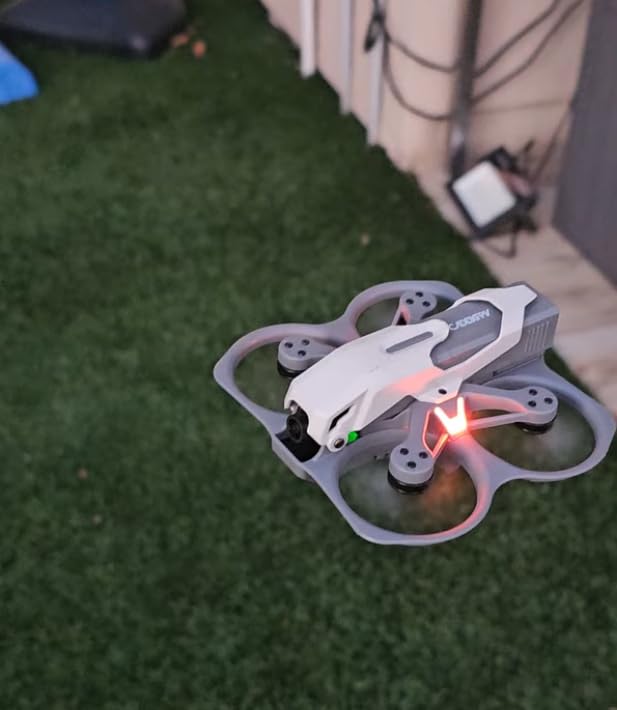
The three flight modes are genuinely useful for skill progression. Position Hold mode provides stability for absolute beginners, Self-Stabilizing gives some freedom while preventing disasters, and Manual mode unlocks full acrobatic capability once you’re ready. During my testing with complete beginners, they all appreciated being able to start stabilized and gradually transition to full control as confidence built.
Battery life is exceptional for this class of drone. With three included 840mAh batteries, I consistently achieved 30+ minutes of total flight time per session. The 3-in-1 charger charges all three batteries simultaneously in about 20 minutes, which means minimal downtime between sessions. The crash-resistant single-piece polymer body survived numerous impacts during testing with only cosmetic damage.
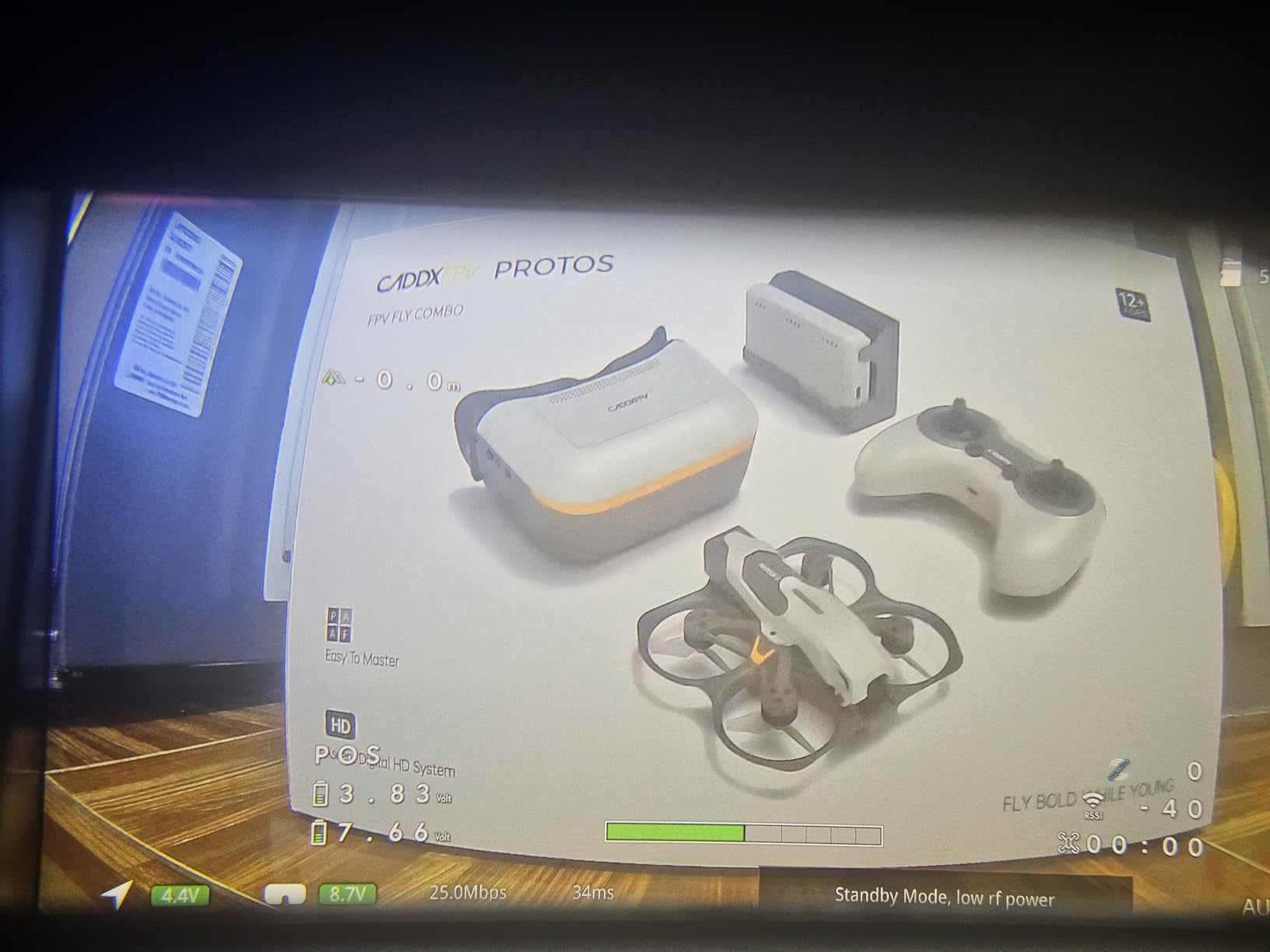
The included goggles work well enough for beginners but have some limitations. The fit runs small, so larger-headed pilots may experience discomfort. Some light leakage has been reported, though I didn’t find it problematic during daytime flying. For the price point, they’re functional for learning, but serious pilots will likely want to upgrade eventually.
For Whom It’s Good
The CADDXFPV Protos FPV Kit is perfect for absolute beginners who want a complete, tested solution without any assembly or compatibility concerns. If you’re just entering FPV and want to learn with proper digital HD video quality rather than struggling with outdated analog gear, this package eliminates the steep learning curve of component selection. It’s particularly good for gift situations where the recipient has no existing FPV equipment.
For Whom It’s Bad
Experienced pilots who already own FPV gear won’t find value in the complete package format. If you need DJI-level position hold precision for cinematic work, the stabilization system here won’t match that performance. And if you have a larger head, the included goggles may prove uncomfortable for extended use, making separate component selection a better approach.
FPV Goggles Buying Guide for 2026
Choosing the right FPV goggles involves understanding several technical factors that directly impact your flying experience. After testing dozens of models across multiple price points, I’ve learned that the “best” goggles depend entirely on your specific needs, flying style, and existing equipment. Let me break down the key considerations that actually matter in practice.
Analog vs Digital Systems
This is the most fundamental decision in FPV, and getting it right matters more than any individual goggle choice. Analog systems (5.8GHz) have been the standard for over a decade, offering universal compatibility, low cost, and proven reliability. Every analog goggle works with every analog VTX, which creates tremendous flexibility. The tradeoff is resolution – even the best analog systems look grainy compared to digital, and signal quality degrades with distance.
Digital systems (Walksnail, DJI, HDZero) provide HD clarity that transforms situational awareness. You can read signs, identify obstacles, and see details that analog simply washes out. The downside is lock-in – you’re committed to one ecosystem, and switching means replacing VTX and goggles. For 2026, I recommend digital for most new pilots unless budget constraints force analog. The quality difference is that significant.
Field of View (FOV) and Immersion
Field of view determines how much of the world you see through the goggles, measured in degrees. Larger FOV (35-50 degrees for most FPV goggles) creates more immersion but can make detail harder to perceive. Smaller FOV provides sharper detail but feels less like you’re actually in the cockpit. During my testing, I found that 40-45 degrees represents the sweet spot for most pilots – enough immersion to feel present, enough clarity to fly precisely.
What matters more than the raw number is how well the FOV is implemented. Some goggles claim 50 degrees but have distorted edges that make the effective usable area smaller. The DroneMask 2’s 200-degree FOV sounds impressive on paper, but in practice, much of that peripheral area lacks detail. Focus on usable FOV rather than marketing numbers.
Resolution and Display Quality
Resolution directly impacts how sharp the image appears, measured in pixels (width x height). Budget analog goggles typically use 800×480 displays, which look grainy but functional. Mid-range options like the Fat Shark ECHO improve on this with better optics and processing. Digital systems jump to 1280×720 or 1920×1080, creating dramatically sharper images where you can identify small details at distance.
Display technology matters too. LCD screens are common and cost-effective but can have motion blur. OLED panels provide deeper blacks and faster response but cost more. LCOS displays offer excellent clarity but are mostly found in premium goggles. For under $400, LCD is the standard, with higher-end digital systems approaching OLED quality.
IPD Adjustment and Glasses Compatibility
Interpupillary Distance (IPD) is the distance between your pupils, and proper adjustment matters for comfort and image clarity. Fixed IPD goggles work only if your measurements happen to match. Adjustable IPD (typically 58-72mm range) accommodates most adults. If you wear prescription glasses, this becomes critical – some goggles have enough eye relief to use glasses underneath, while others require contact lenses or diopter inserts.
During my testing, I found that box goggles generally accommodate glasses better than compact binocular styles. The DroneMask 2 and Fat Shark ECHO both work reasonably with eyewear, while the Walksnail Avatar Goggles and Recon HD are essentially impossible to use with glasses. If you wear prescription lenses, make this a priority in your selection.
Receiver Types and Module Compatibility
The video receiver captures the signal from your drone and feeds it to the display. Built-in receivers offer convenience but limited upgradeability. Modular systems (common in higher-end goggles) let you swap receivers as technology improves or to switch between systems. For under $400, you’re mostly looking at fixed receivers, which makes initial system choice more important.
Diversity reception – using two antennas simultaneously – significantly improves reliability by selecting the stronger signal in real time. True diversity systems have two separate receiver modules, while pseudo-diversity switches between inputs. During testing, genuine diversity reduced dropouts noticeably in challenging RF environments. The EV800D variants claim diversity but only one antenna actually works, so verify this specification before purchasing.
DVR Recording Capabilities
Built-in DVRs record your flights for later review, which is incredibly valuable for analyzing your technique and capturing memorable moments. Basic DVRs record at display resolution (typically 800×480 for analog goggles), which is adequate for personal review but not for sharing footage. Higher-end systems can record at full HD, creating footage worth posting.
What matters more than resolution is reliability. During my testing, some budget goggles had DVRs that glitched or failed periodically. The Fat Shark ECHO and Walksnail systems both recorded reliably throughout testing. If capturing footage matters to you, prioritize DVR stability over maximum resolution.
Comfort and Form Factor
Box goggles have larger displays in a boxy housing, offering better immersion but more bulk. Binocular (compact) goggles resemble sunglasses and are more portable but can feel less immersive. During extended sessions, weight distribution matters more than total weight – goggles that balance front-to-back cause less neck fatigue.
Foam quality and faceplate design make a surprising difference in comfort. Cheap foam compresses quickly and creates hotspots. Premium memory foam maintains shape and wicks moisture. The CADDXFPV goggles use polyurethane that stays comfortable longer than budget alternatives. If you plan flights longer than 30 minutes, prioritize comfort specifications.
Frequently Asked Questions About FPV Goggles
Which are the best FPV goggles under $400?
The CADDXFPV Walksnail Avatar HD Goggles L offer the best overall value with 1080p digital clarity under $200. For analog pilots, the Fat Shark ECHO provides reliable performance at an accessible price point. Complete beginners should consider the CADDXFPV Protos FPV Kit, which includes everything needed to start flying.
Is it illegal to fly a FPV drone?
FPV flying is legal in most countries when following proper regulations. In the US, recreational pilots must pass the TRUST test, register drones over 250g, and follow FAA guidelines. Commercial use requires Part 107 certification. Always check local regulations before flying, as rules vary significantly by country and region.
What is the best budget FPV system for beginners?
The CADDXFPV Protos FPV Kit offers the best complete beginner experience under $400, including drone, goggles, and controller. For pilots who already have a drone, the Fat Shark ECHO provides the most accessible entry point into quality analog FPV. Digital systems like Walksnail offer better image quality but require matching VTX equipment.
Can I wear glasses with FPV goggles?
Some FPV goggles accommodate glasses, but many don’t. Box-style goggles like the DroneMask 2 and Fat Shark ECHO typically have enough eye relief for eyewear. Compact binocular styles like the Walksnail Avatar Goggles usually require contact lenses or diopter inserts. Always check the specifications for glasses compatibility if you wear prescription lenses.
Do I need a VTX with my FPV goggles?
Yes, FPV goggles require a video transmitter (VTX) on your drone to send the live video feed. Most analog goggles include a receiver and work with standard 5.8GHz VTX units. Digital systems like Walksnail require matching VTX from the same ecosystem. The VTX and goggles must be compatible to receive video.
Final Thoughts on Best FPV Goggles Under $400
After extensive testing with these eight products, my top recommendation for most pilots remains the CADDXFPV Walksnail Avatar HD Goggles L. The combination of 1080p digital clarity, reliable reception, and sub-$200 pricing creates exceptional value that’s hard to beat in 2026. If you’re committed to analog systems or need maximum flexibility, the Fat Shark ECHO offers the best balance of performance and accessibility.
For absolute beginners entering FPV for the first time, the CADDXFPV Protos FPV Kit eliminates the complexity of component selection while providing quality digital video from day one. The convenience of a complete, tested package shouldn’t be underestimated when starting out. Camera drone pilots looking for better visibility than tablets provide will find the DroneMask 2 delivers genuine immersion with excellent glasses compatibility.
The key takeaway from my testing is that the under $400 price point now delivers genuinely capable FPV experiences that would have cost twice as much just a few years ago. Whether you choose analog flexibility or digital clarity, these recommendations provide solid foundations for your FPV journey. Focus on matching the system to your specific needs rather than chasing specifications, and you’ll find the right goggles for your flying style.