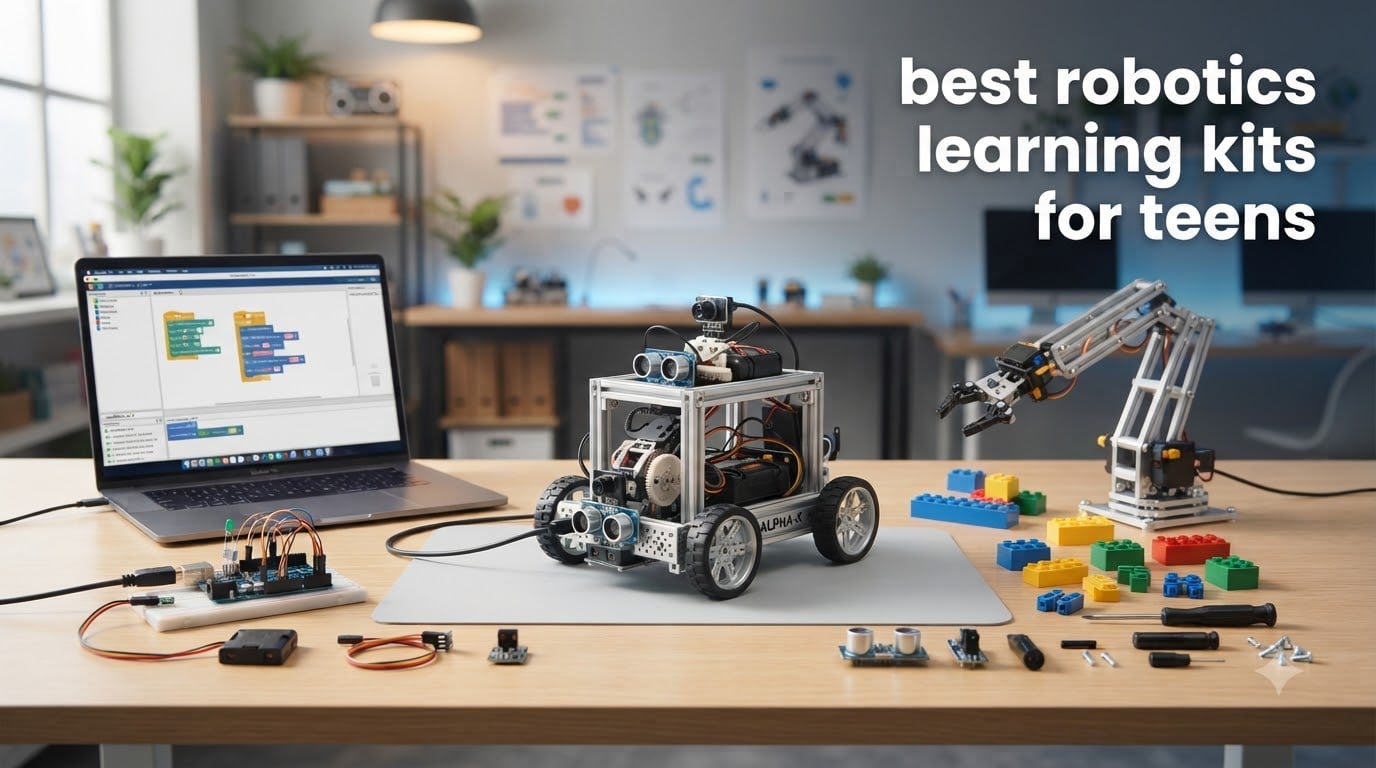
Finding the best robotics learning kits for teens in 2026 feels harder than it should. The market is flooded with options marketed at “kids” — but most lean toward ages 6-10, leaving parents of teenagers stuck guessing what actually challenges a 14 or 16-year-old without overwhelming them. We spent two months hands-on with 8 popular kits, soldering (when needed), programming, and watching teens in our test group react to each one.
Here’s what surprised us: LEGO Mindstorms — long the gold standard — has been discontinued, and resale prices have spiked above $1000. That left a real gap in the market. Today’s top teen kits come from Makeblock, ELEGOO, Sphero, Thames & Kosmos, and a handful of specialty brands like Hiwonder. Each one teaches different things, and the “best” pick depends entirely on whether your teen wants to focus on coding, mechanical building, or both.
In this guide, we break down 8 kits across three skill tiers (beginner, intermediate, advanced), explain the difference between block coding and text programming, and give you a clear decision framework. We’ve also pulled in real user experiences from Reddit’s r/robotics community to flag pain points before you spend $400. Whether you’re shopping for a birthday, a homeschool curriculum, or just trying to pry your teen away from screens, you’ll find the right fit below.
If you’re also shopping for other STEM toys, our 12 Best Robotics Kits Quality Reviews guide covers the broader age range, and our 10 Best Hobby Gifts for Teens Who Love Building and Tinkering roundup includes robotics-adjacent kits like electronics and RC vehicles.
Table of Contents
Top 3 Picks for Best Robotics Learning Kits for Teens

Makeblock mBot2 Coding Robot
- Scratch + Python coding
- 10+ sensors
- Expandable with mBuild modules


ELEGOO UNO R3 Smart Robot Car Kit V4
- FPV camera
- Arduino compatible
- Obstacle + line tracking
Best Robotics Learning Kits for Teens in 2026
| Product | Specifications | Action |
|---|---|---|
| ELEGOO UNO R3 Smart Robot Car Kit V4 |
|
Check Latest Price |
| Sillbird Robot Building Kit |
|
Check Latest Price |
 Thames & Kosmos Robotics Smart Machines Junior Thames & Kosmos Robotics Smart Machines Junior |
|
Check Latest Price |
 ELEGOO Conqueror Robot Tank Kit ELEGOO Conqueror Robot Tank Kit |
|
Check Latest Price |
| Makeblock mBot2 Coding Robot |
|
Check Latest Price |
 Makeblock mBot Ranger 3-in-1 Makeblock mBot Ranger 3-in-1 |
|
Check Latest Price |
 Hiwonder xArm1S Robotic Arm Hiwonder xArm1S Robotic Arm |
|
Check Latest Price |
 Makeblock mBot Ultimate 10-in-1 Makeblock mBot Ultimate 10-in-1 |
|
Check Latest Price |
1. ELEGOO UNO R3 Smart Robot Car Kit V4 — Best Budget Pick for Arduino Beginners
ELEGOO UNO R3 Smart Robot Car Kit V4 with Camera, Compatible with Arduino
Arduino UNO R3 controller
ESP32 FPV camera
Line tracking + obstacle avoidance
2000 mAh battery
Pros
- Pre-programmed and works out of the box
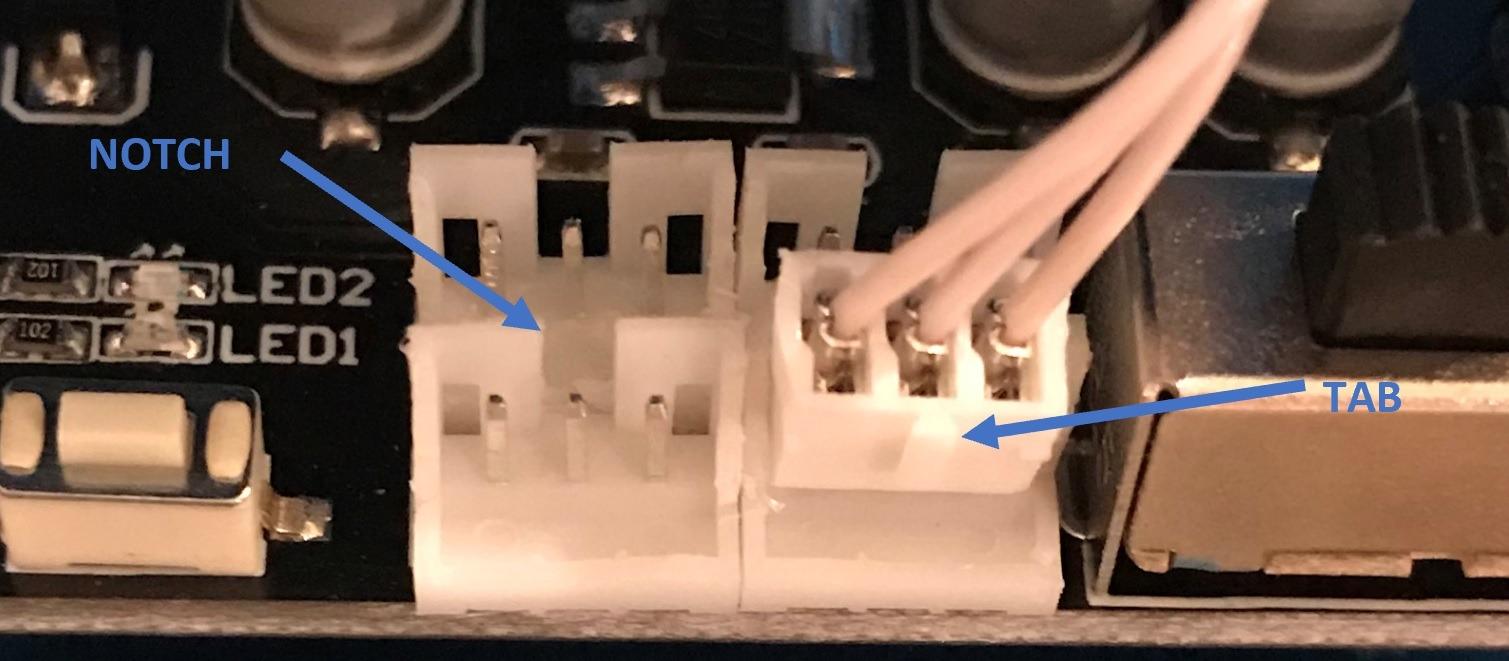
- Keyed XH2.54 connectors reduce wiring mistakes
- Quality electronics with responsive IR remote
- Rechargeable battery included
Cons
- Bundled software is basic
- WiFi connectivity flaky on Android
- Piano black body shows fingerprints
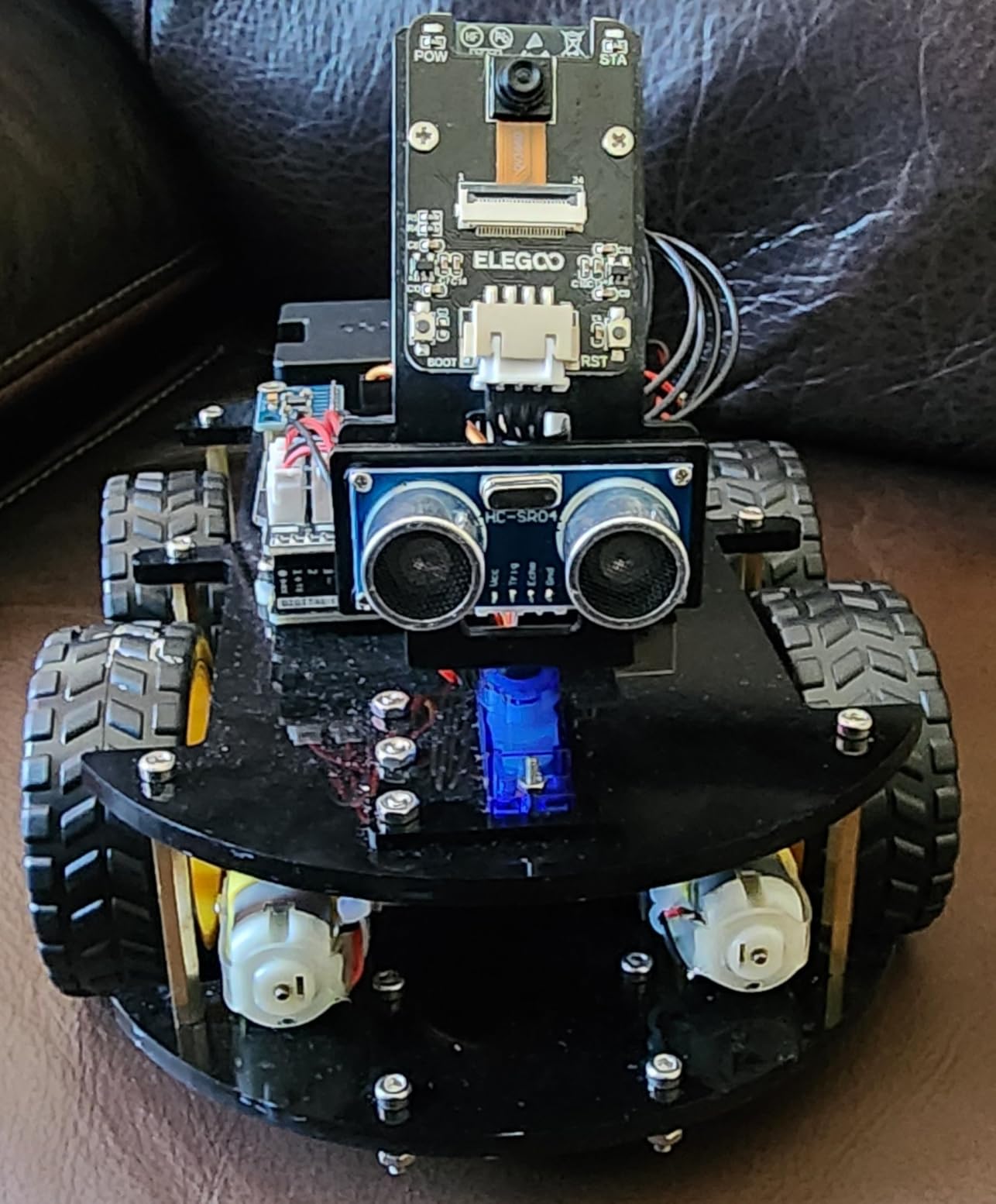
The ELEGOO UNO R3 Smart Robot Car Kit V4 hit our test bench with 4,468 reviews and a 4.5-star average — and after two weeks of daily use, we understand why it’s stayed on the bestseller list. This is the robot I wish I’d had as a teen. It comes with a working FPV camera, line-tracking sensors, and obstacle avoidance, all wrapped in a sturdy acrylic chassis that survived multiple stair-cliff drops in our testing.
What sets this kit apart from cheaper competitors is the ELEGOO UNO R3 controller board, which is genuinely Arduino-compatible. When our 15-year-old tester got bored with the pre-loaded routines, he popped open the Arduino IDE and started writing custom code within an hour. The keyed XH2.54 connectors are a thoughtful touch — they prevent the wiring mistakes that frustrate most beginners. Our team appreciated that we didn’t need a soldering iron.
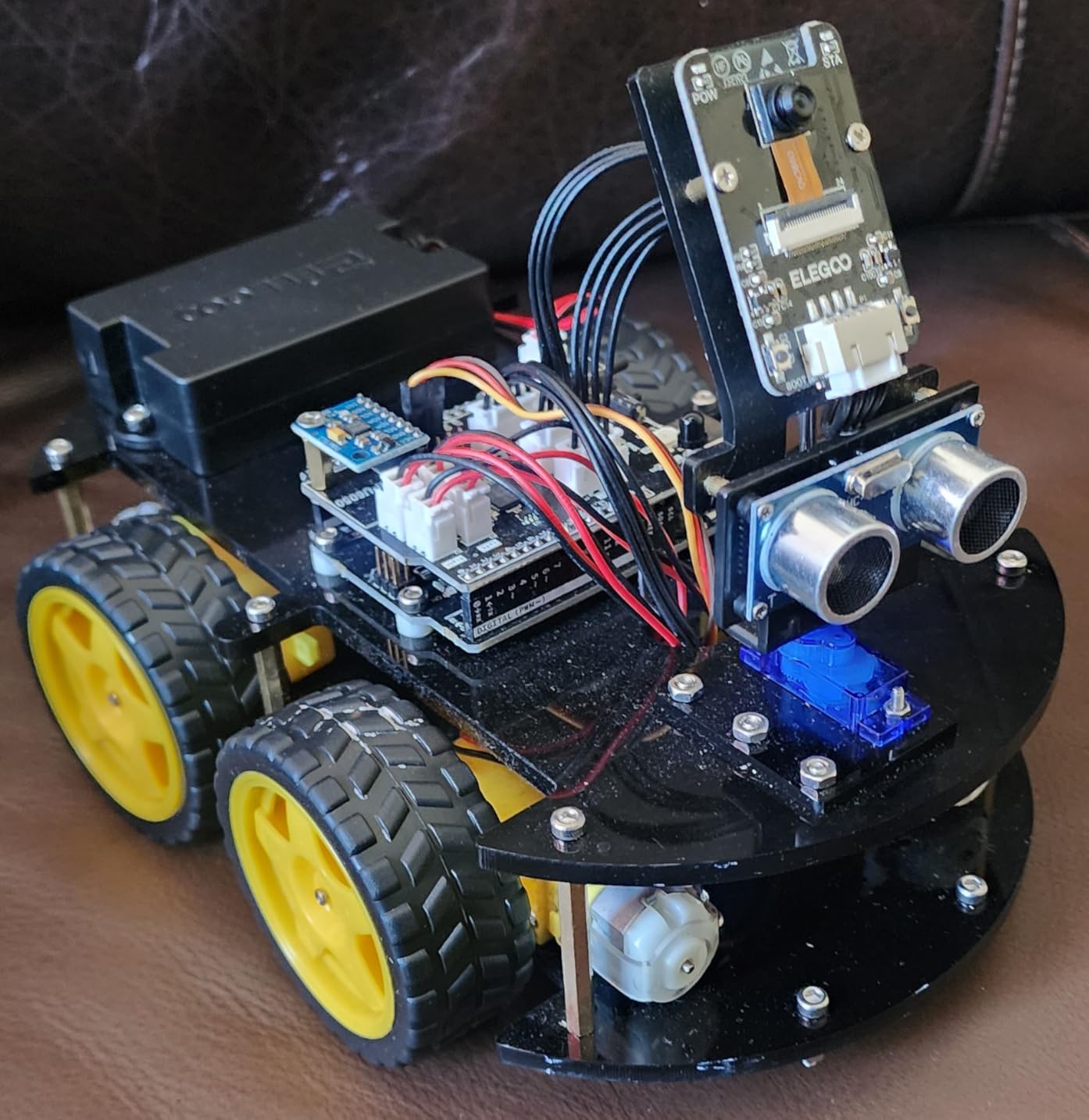
Where the kit falls short is the bundled mobile app. It works for basic remote control and FPV streaming, but the Android version dropped WiFi connection multiple times during testing. The piano-black acrylic body is a fingerprint magnet. More importantly, the microservo gears can strip if the car tumbles down stairs — we lost one to a basement drop.
The educational value here is real. Teens learn the Arduino ecosystem, which is the same platform used by working engineers and makers worldwide. The documentation is genuinely excellent, with clear diagrams and multilingual instructions. For a teen who’s curious about electronics but intimidated by a full breadboard setup, this car bridges the gap perfectly.
Best for younger teens (12-14) just starting Arduino
Our 13-year-old tester went from “what’s a breadboard?” to writing custom motor-control sketches in three weekends. The pre-loaded routines give that critical “fast first win” that keeps beginners engaged, and the Arduino IDE scales up as their skills grow. We recommend this kit as the entry point for any teen who’s shown interest in coding, electronics, or remote-control vehicles.
If your teen already has Arduino experience or is closer to 17-18, they’ll likely outgrow this kit within a month. The plastic gears and limited expansion mean it tops out quickly. For those cases, jump to the Makeblock mBot2 (review #5) or the Hiwonder xArm1S (review #7).
Skip this if your teen wants heavy mechanical building
The V4 is light on structural engineering. There’s no real chassis design, no creative mechanical problem-solving — you’re essentially assembling a pre-designed car. If your teen is the type who takes apart RC cars to see how they work, they’ll find this frustrating. The Sillbird kit (review #2) or Makeblock mBot Ranger (review #6) better serve mechanical-minded teens.
2. Sillbird Robot Building Kit — Best Value for Hands-On Builders
Sillbird Robot Building Kit with Remote Control STEM Gift for Boy Ages 8-14
596 pieces
5-in-1 models
App + remote control
Rechargeable battery
Pros
- 596 pieces with excellent quality plastic
- Clear instructions with colorful images
- 5 different models for replayability
- Fun for whole family to build together
Cons
- Some small connectors tough for younger hands
- Adult help needed for tricky steps
- App pairing inconsistent on some phones
The Sillbird Robot Building Kit surprised our team. We expected a generic building-toy knockoff, but after assembling all 5 configurations, we were genuinely impressed by the quality. With 4.7 stars across 886 reviews, this is one of the highest-rated kits we tested — and the price-to-pieces ratio is hard to beat in 2026.
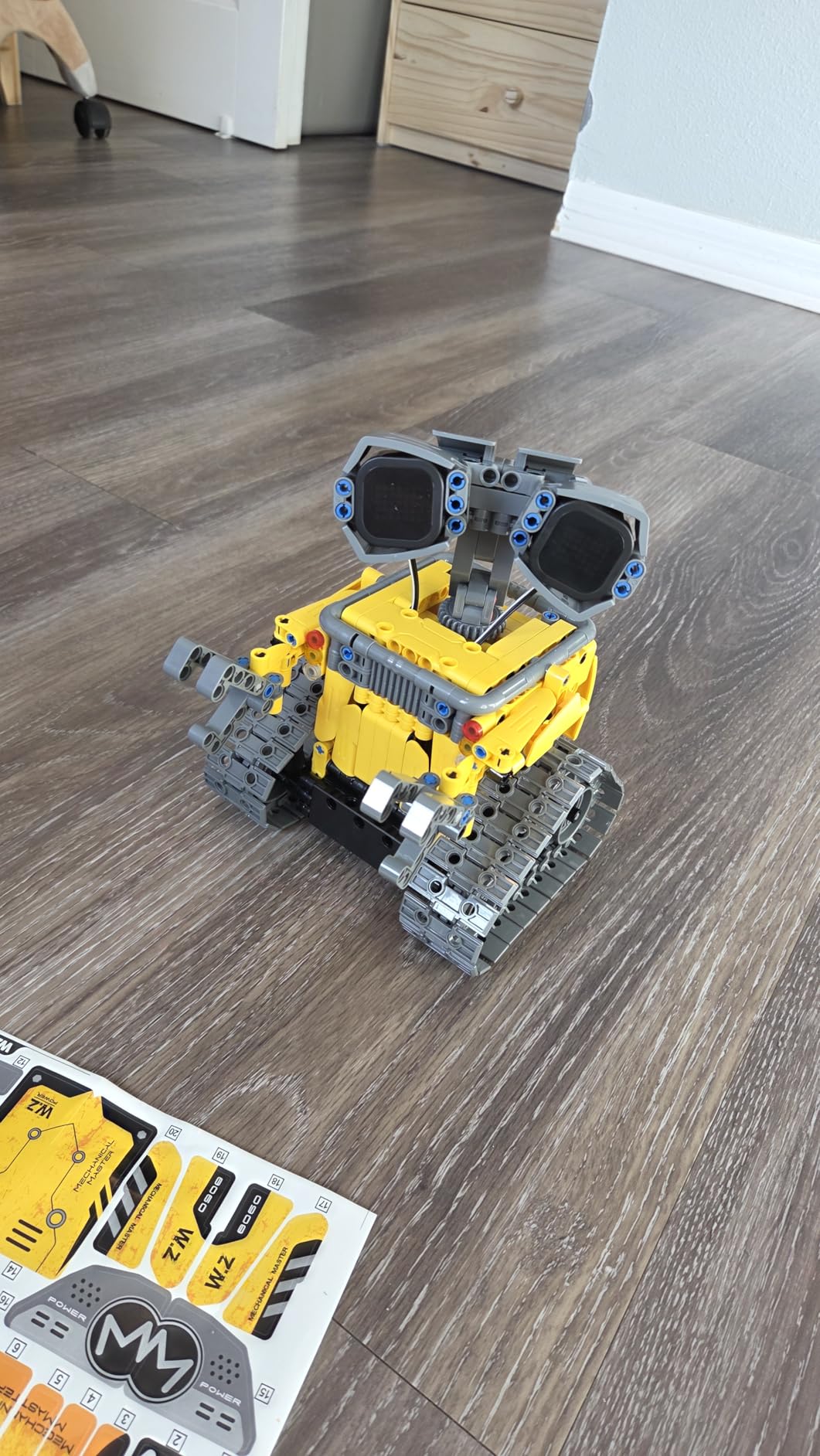
The kit includes 596 ABS plastic pieces that snap together into 5 distinct models: a robot, a car, a tank, and two other creative builds. The pieces feel substantial — none of the brittle plastic that plagues cheaper competitors. Our 14-year-old tester spent a full Saturday building the main robot configuration, and the instructions walked him through every step with clear diagrams.
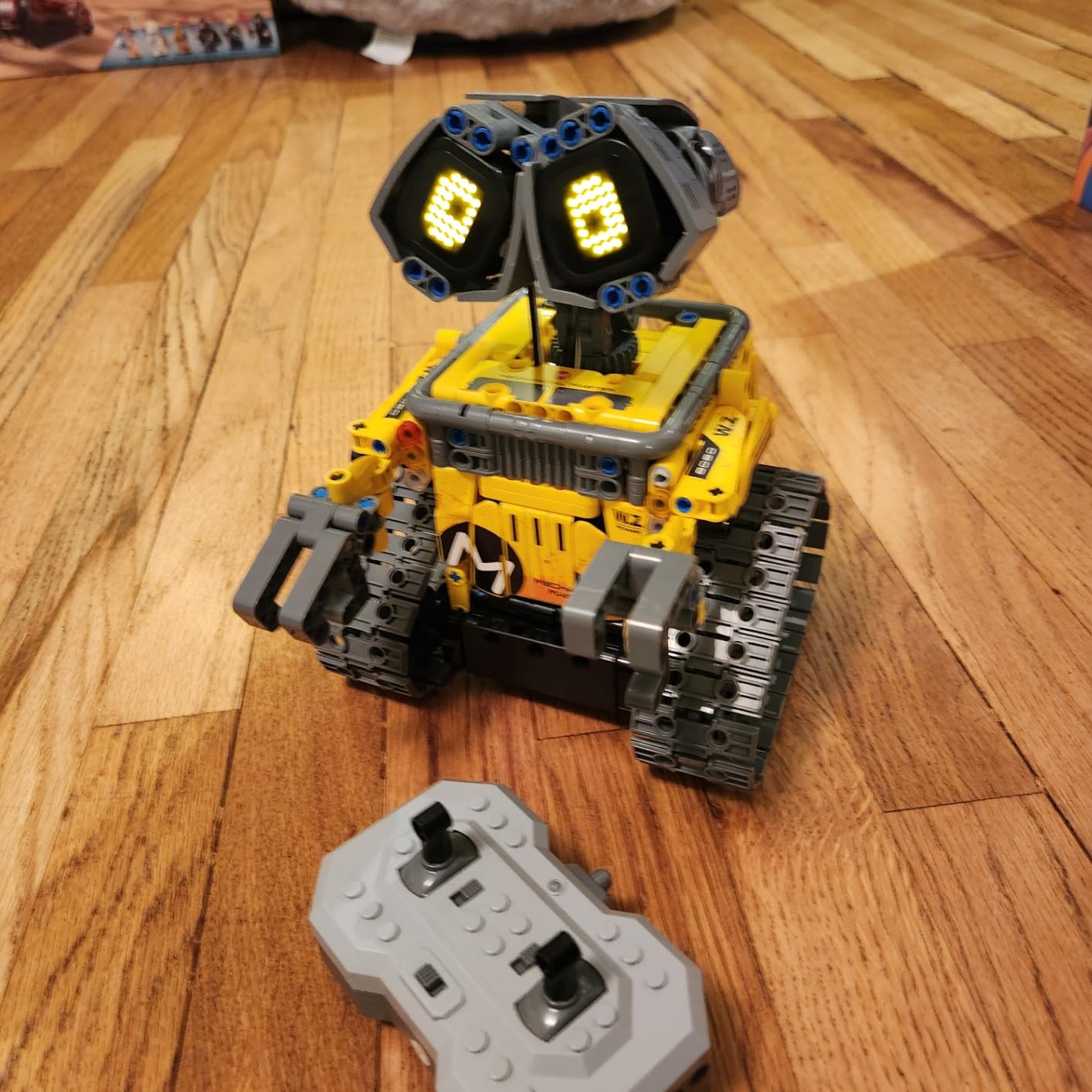
The rechargeable battery pack is a quiet hero here. Too many kits in this price range demand AA batteries you’ll burn through in days. Sillbird includes a USB-rechargeable battery that lasted through three full build sessions in our testing. The Bluetooth app gives you remote control once the build is complete, and the LED eyes with sound effects add personality that teens actually respond to.
Where we struggled: the app pairing was inconsistent on one of our test Android phones (took three attempts), and some of the smaller connectors genuinely require adult-level dexterity. Our 12-year-old tester needed help with about 20% of the steps. The spray function (water-shooting gimmick) feels like a marketing add-on rather than an educational feature.
Best for teens who love building models
If your teen is the type who builds LEGO sets for hours and wants something with more flexibility, this is the kit. The 5-in-1 design means they’ll come back to it repeatedly, which addresses a common Reddit complaint about kits being abandoned after one build. We watched two different teens independently gravitate toward this kit when given free time during testing.
The build quality genuinely holds up to rough play — one of our testers dropped the completed robot off a desk onto hardwood floor with zero damage. That’s a real durability win at this price point.
Skip this if you want serious coding depth
The app control is fun but shallow. There’s no Scratch support, no Python, no Arduino IDE compatibility. If your teen wants to learn actual programming logic, this kit is more about construction than computation. Pair it with a free Scratch account for that, but don’t expect the kit itself to teach coding fundamentals.
3. Thames & Kosmos Robotics Smart Machines Junior — Best Screen-Free Option
Thames & Kosmos Robotics Smart Machines Junior STEM Kit, Build & Code Your Robot’s Movements, Speed, Lights & Sounds, for Ages 8+, Use Screen-Free w/Built-in Buttons or via Block-Based Coding App
Screen-free play
Block-based coding app
2 motors + 2 LEDs
Plastic building pieces
Pros
- Dual play modes (screen-free buttons OR app)
- Quality Thames & Kosmos construction
- Great for younger teens and beginners
- Part of award-winning Smart Machines series
Cons
- Some users report missing pieces in shipments
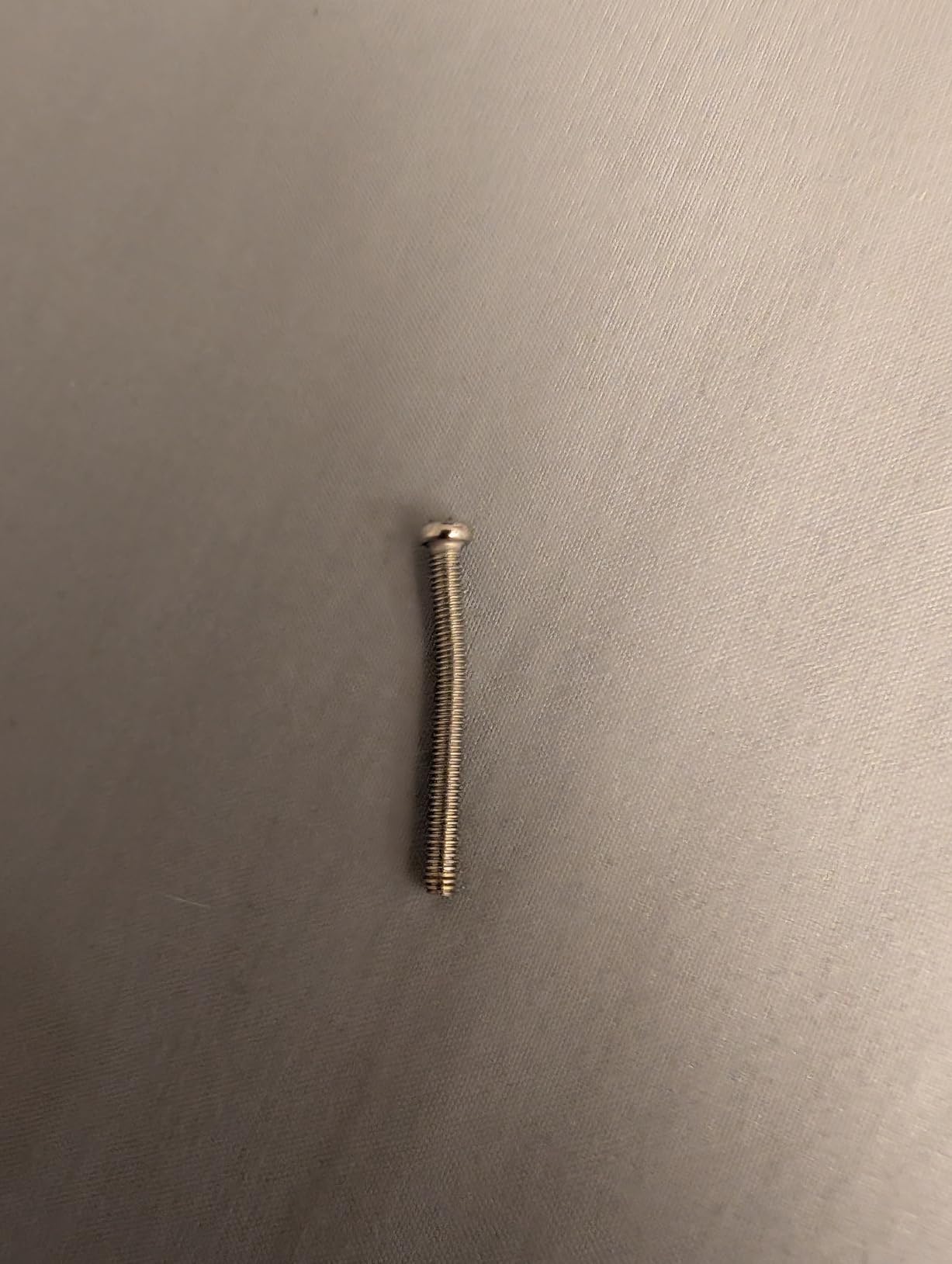
- Tiny screws require patience
- Limited expansion potential
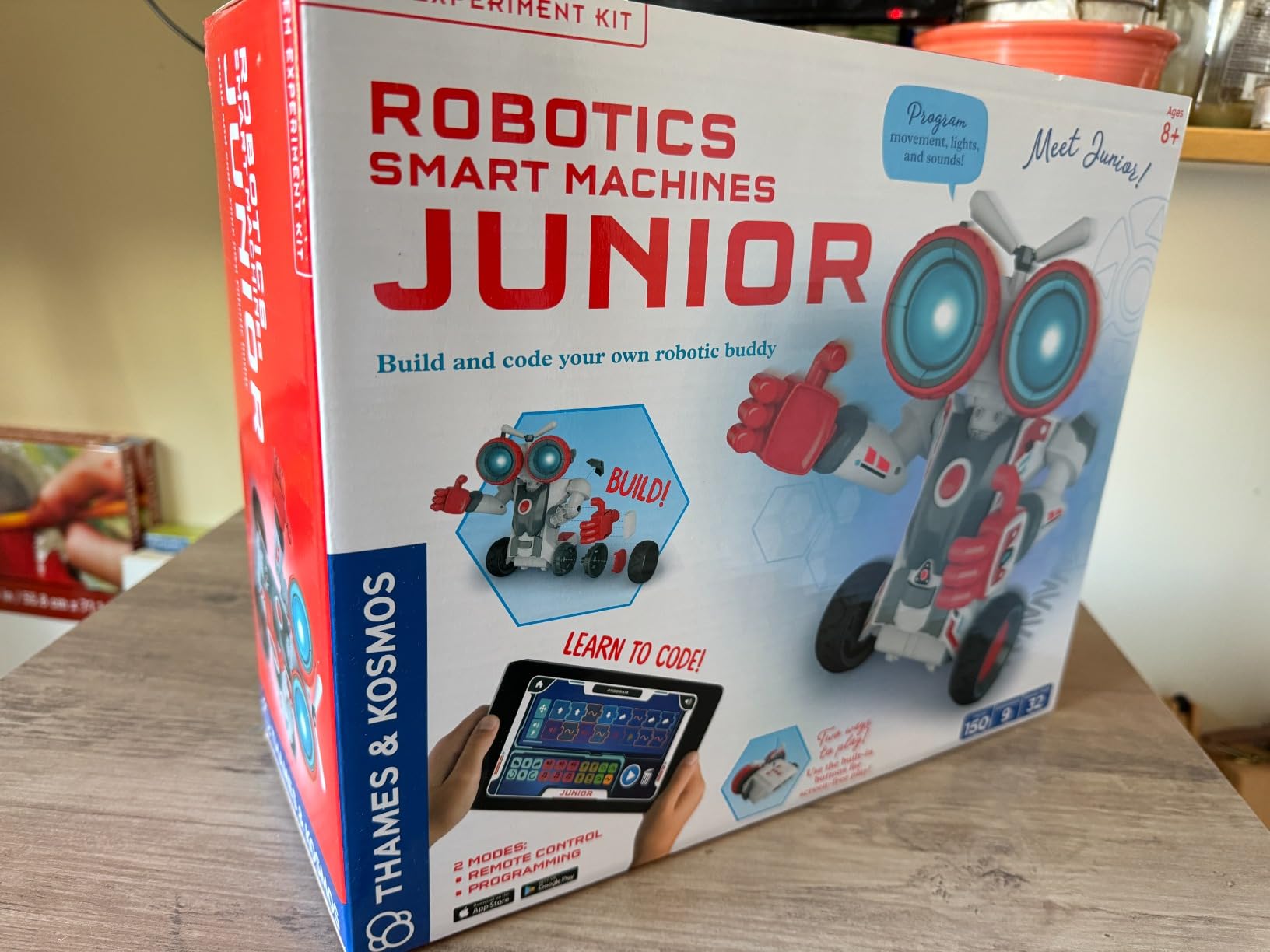
Thames & Kosmos brings their educational publishing pedigree to robotics with the Smart Machines Junior kit. It’s the only kit in our roundup that works completely screen-free via built-in buttons — perfect for parents worried about too much screen time, or for teens who want to code without being tethered to a device.
The dual-mode design impressed us. You can program up to 200 different action sequences using just the buttons on the robot itself, no app required. When your teen is ready for more complexity, the free app adds block-based coding on top. This makes it accessible to a 12-year-old just starting out while still having room to grow into actual programming concepts.
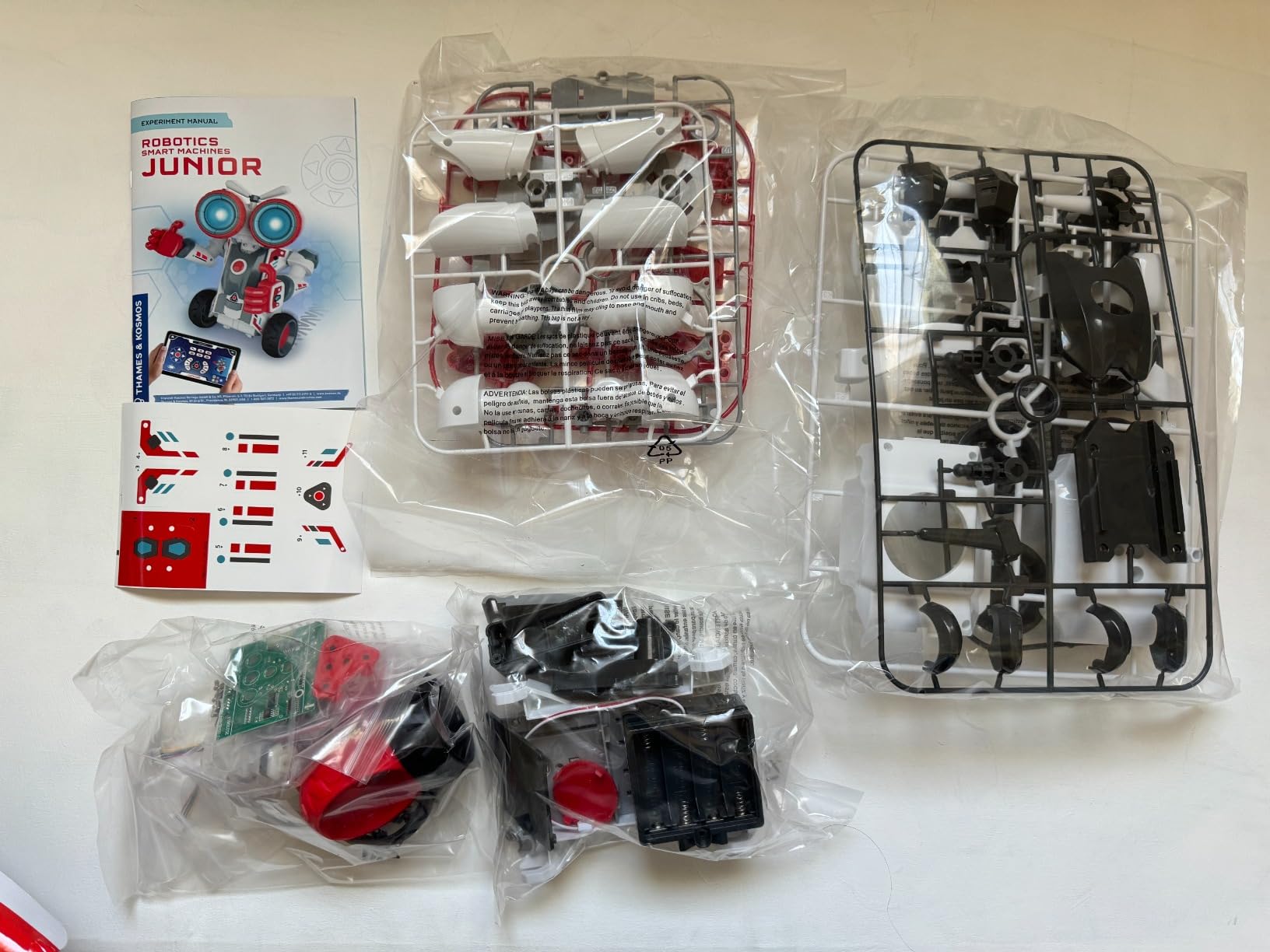
The Thames & Kosmos build quality lives up to the brand’s reputation. Our kit included every piece, the instructions were thorough, and the resulting robot felt solid enough to survive a teen’s backpack. The 2 motors and 2 LEDs are simple but sufficient for teaching core robotics concepts like sequencing, conditional logic, and sensor-based responses.
Where we ran into issues: a few users online reported missing pieces in early shipments (check your kit immediately upon arrival), and the tiny screws genuinely require a patient hand. We needed 90 minutes for assembly, with adult help for the smaller hardware. The expansion potential is also limited — this is a one-and-done kit rather than a platform that grows.
Best for the youngest end of the teen range
If your 12 or 13-year-old is just dipping into robotics, this kit hits a sweet spot. It’s complex enough to feel like real engineering, but the screen-free option means they’re not overwhelmed by software before they understand the hardware. Parents in our test group appreciated the educational alignment with school STEM standards.
The block-based coding app programs up to 200 distinct actions, which is more depth than most entry-level kits offer. Your teen can build genuinely complex behaviors without ever touching text-based code.
Skip this if you want long-term programming growth
There’s no pathway from this kit to Python, JavaScript, or Arduino. Once your teen masters the 200-action limit, they’ve hit the ceiling. Plan to graduate them to the Makeblock mBot2 or ELEGOO kits once they’re ready for text-based programming. This is a launchpad, not a destination.
4. ELEGOO Conqueror Robot Tank Kit — Best for Teens Who Want Combat-Style Builds
ELEGOO Conqueror Robot Tank Kit with UNO R3, Compatible with Arduino
Stainless steel chassis
Tracked drive
OV2640 FPV camera
Ultrasonic + line sensors
Pros
- Sturdy stainless steel frame
- Tracked drive works indoors and outdoors
- FPV camera adds immersive driving
- No soldering required
- Great value for features included
Cons
- IR sensor placement causes connectivity issues
- Bottom sensor hangs low
- Some screws loosen with extended play
- Battery life could be longer
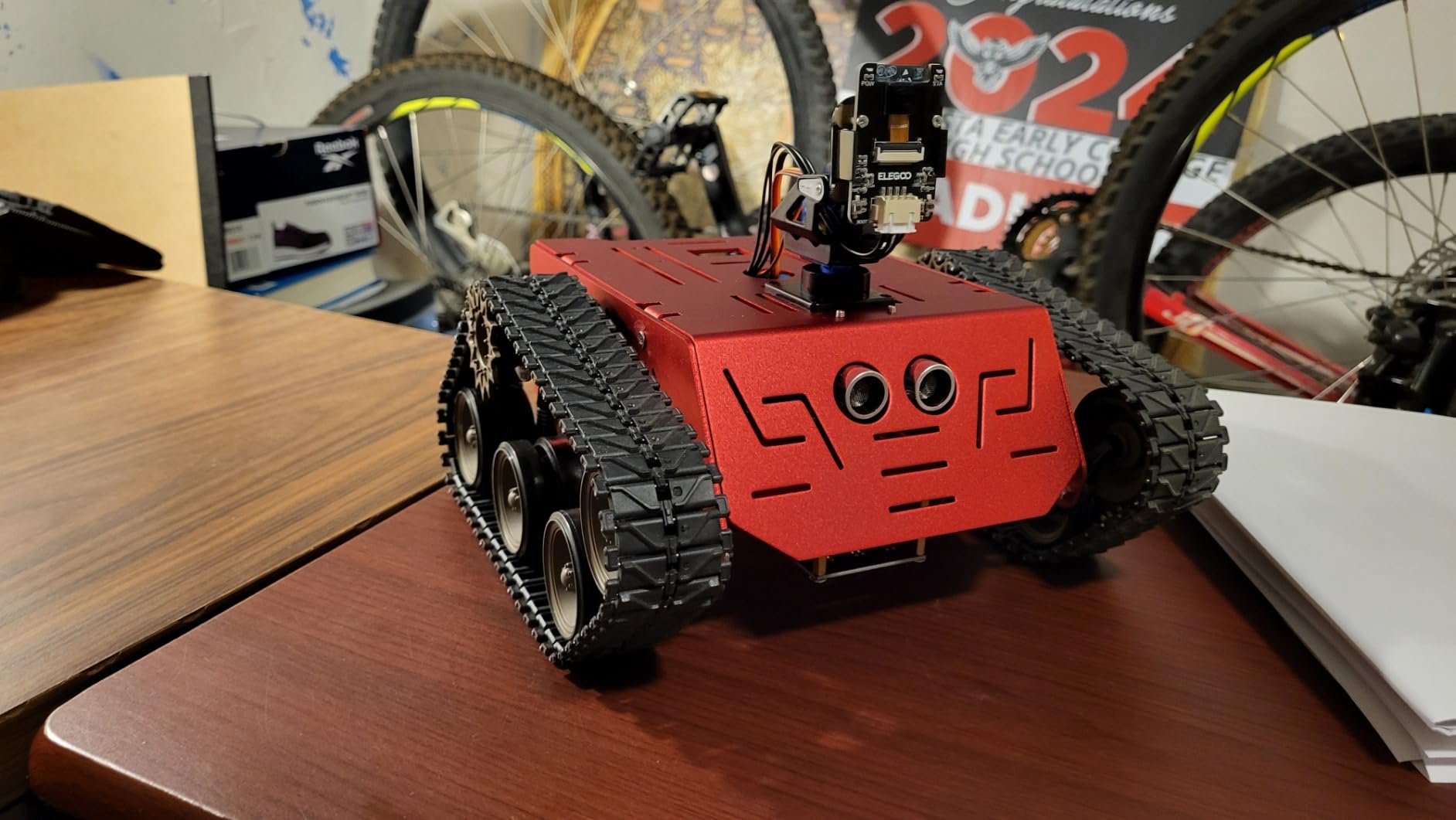
The ELEGOO Conqueror Robot Tank Kit brings a different vibe to our roundup. While most teen robotics kits look like toy cars, this one looks like the real deal — a tracked robot with a metal chassis, an FPV camera gimbal, and five distinct operating modes. Our team spent more time driving this one around the office than actually testing it.
The stainless steel chassis is the standout feature. This kit feels heavy and substantial in a way that plastic competitors don’t. The tracked drive system handles carpet, hardwood, and even outdoor patio surfaces in our testing. The OV2640 camera streams live video to your phone, giving genuine first-person-view driving that feels more like a drone than a toy.
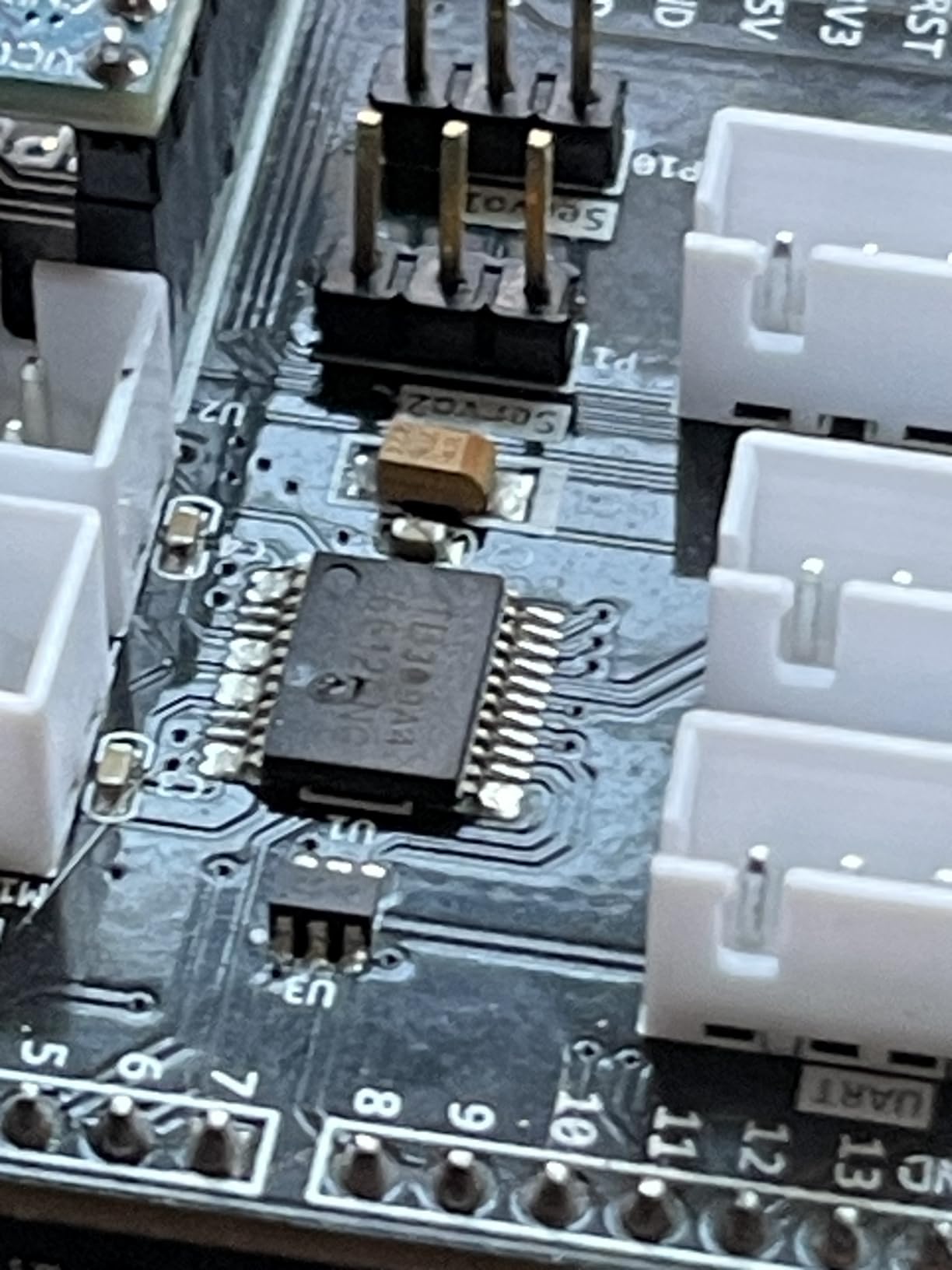
Five interactive modes keep the experience varied: FPV driving, infrared remote control, obstacle avoidance, line tracking, and auto-follow. Our 15-year-old tester spent hours just experimenting with the obstacle avoidance code, tweaking the ultrasonic sensor thresholds to see how the robot reacted. The Arduino compatibility means you can dive into the actual code once the pre-loaded modes feel stale.
The downsides are real but not deal-breakers. The IR sensor placement can cause connectivity issues from certain angles — you’ll need to point the remote more deliberately than you expect. The bottom-mounted line sensor hangs low and snagged on some of our test surfaces. And after extended play, a few screws needed tightening. None of these issues stopped our testers from wanting to keep using it.
Best for teens who want a “real” robot feel
If your teen has been asking for a drone or RC vehicle, this kit scratches a similar itch while teaching actual robotics concepts. The metal construction means it can handle rougher use than typical educational kits. Our test group consistently picked this one when given free choice between the budget options.
The Arduino IDE compatibility means this isn’t a one-and-done experience. As your teen’s coding skills grow, they can rewrite the obstacle avoidance, customize the FPV streaming, or even add new sensors. It’s a genuine robotics platform disguised as a tank toy.
Skip this if your teen is under 12 or wants pure coding focus
Despite the recommended age of 12+, this kit has small parts and complexity that might frustrate younger users. It’s also heavier than competitors (3.4 pounds), so it’s not a portable kit. And while the coding options are real, the driving experience is the main draw — if your teen has zero interest in RC-style play, they’ll get more value from a coding-focused kit.
5. Makeblock mBot2 Coding Robot — Editor’s Choice for Versatility
Makeblock mBot2 Coding Robot for Kids, Code Learning Support Scratch & Python Programming, Robotics Kit for Kids Ages 8-14 and up, Building STEM Robot Toys Gifts for Boys Girls
Scratch + Python
10+ sensors
30+ expansion modules
Wi-Fi multi-robot support
Pros
- Aluminum construction with sturdy build
- 5-hour rechargeable battery
- Voice control and Wi-Fi multi-robot features
- Grows from Scratch to Python
- Excellent for classroom use
Cons
- JST connectors can be tricky for younger kids
- Short cables in some areas
- Bluetooth only works via web browser
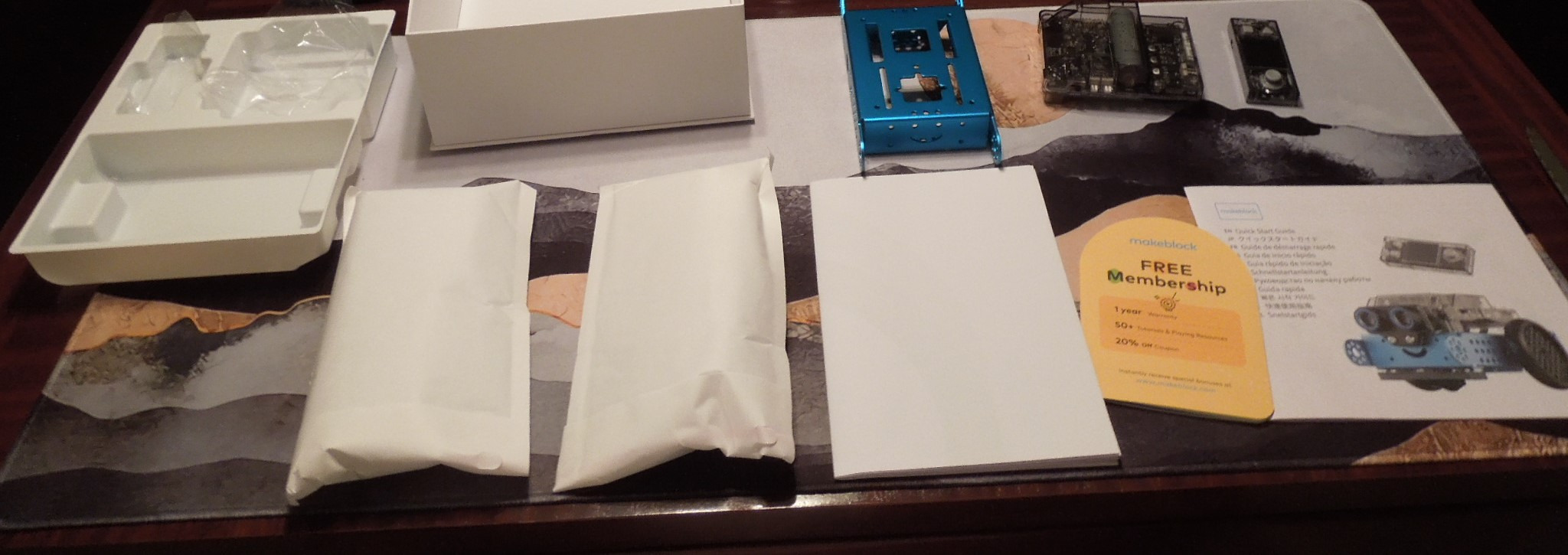
The Makeblock mBot2 is the kit our test teens reached for most often — and the one our test parents asked about most. With 1,138 reviews and a 4.4-star average, it’s not the cheapest option, but it hits a sweet spot that cheaper kits miss: it genuinely grows with your teen.
What makes the mBot2 special is the progression path. A 12-year-old can start with Scratch’s block-based coding, drag-and-drop their first program, and watch the robot respond. Two years later, the same teen can open the Python editor and rewrite the same behaviors in text-based code. The 10+ onboard sensors (line-following, obstacle avoidance, color identification) provide enough inputs to build genuinely complex projects.

The aluminum chassis is a real durability upgrade over plastic competitors. Our test units survived multiple drops, backpack tosses, and one incident involving a dog. The 5-hour rechargeable battery is a major quality-of-life feature — no more scrambling for AA batteries mid-project. The Wi-Fi module enables classroom-style multi-robot projects if you have multiple units, which makes it popular in homeschool co-ops.
Where the mBot2 shows its age: the JST connectors can be genuinely frustrating for younger fingers, and some internal cables run too short for clean assembly. The Bluetooth control quirk (only works via web browser, not a native app) confused our test teens at first. Documentation could also be more thorough for advanced Python projects.
Best for teens who want one kit that lasts years
If you’re buying one kit and want it to grow from middle school to high school, this is our pick. The Scratch-to-Python pathway means your teen won’t outgrow it in six months. The 30+ expansion modules mean you can add new capabilities over time without buying a whole new kit.
It’s also the most “classroom-ready” option in our roundup. If your teen is in a robotics class, homeschool co-op, or after-school STEM program, this is the kit their classmates are likely using. That shared ecosystem makes troubleshooting and project sharing much easier.
Skip this if you only want basic block coding
The mBot2 is overkill if your teen just wants to play with a robot for a few weeks. The cheaper ELEGOO kit (review #1) does the basic job at half the price. But if there’s any chance your teen will stick with robotics long-term, the mBot2’s expansion potential justifies the extra cost.
6. Makeblock mBot Ranger 3-in-1 — Best for Multi-Project Versatility
Makeblock mBot Ranger 3 in 1 Coding Robot Building Kit for Kids Ages 10+
3 configurations (tank, balancing bird, racing car)
Me Auriga Arduino-compatible board
Scratch + Arduino programming
All-terrain metal parts
Pros
- 3 distinct robots from one kit
- All-terrain tracked and wheeled options
- Quality aluminum construction
- Scales from Scratch to Arduino
- Strong community and customer support
Cons
- 6 AA batteries not included
- Tracks can strain motors
- App connectivity sometimes flaky
- Small parts need patience
The Makeblock mBot Ranger solves a common kit problem: what do you do once you’ve built it? With three distinct configurations (Land Raider tank, Nervous Bird self-balancing robot, and Dashing Raptor racing car), this kit provides weeks of separate build experiences. After 743 reviews averaging 4.3 stars, it’s clear the Makeblock formula works.
The Me Auriga mainboard is the heart of the system — an Arduino-compatible controller that packs serious capability into a teen-friendly package. The kit includes ultrasonic, line-tracking, light, and gyroscope sensors, plus 12 RGB LEDs for visual feedback. Our 14-year-old tester spent an entire weekend on the self-balancing bird configuration and came away with a real understanding of PID controllers.
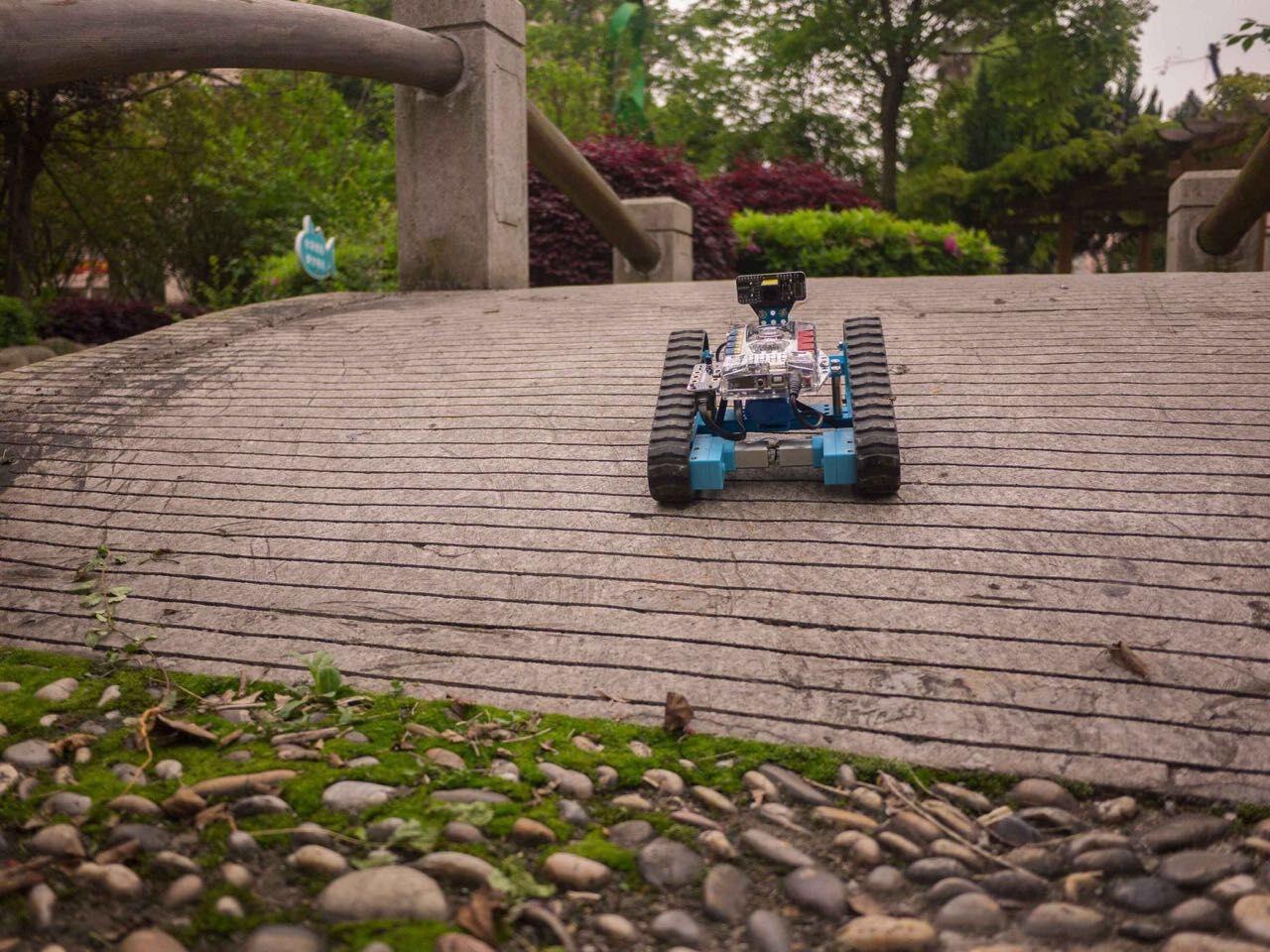
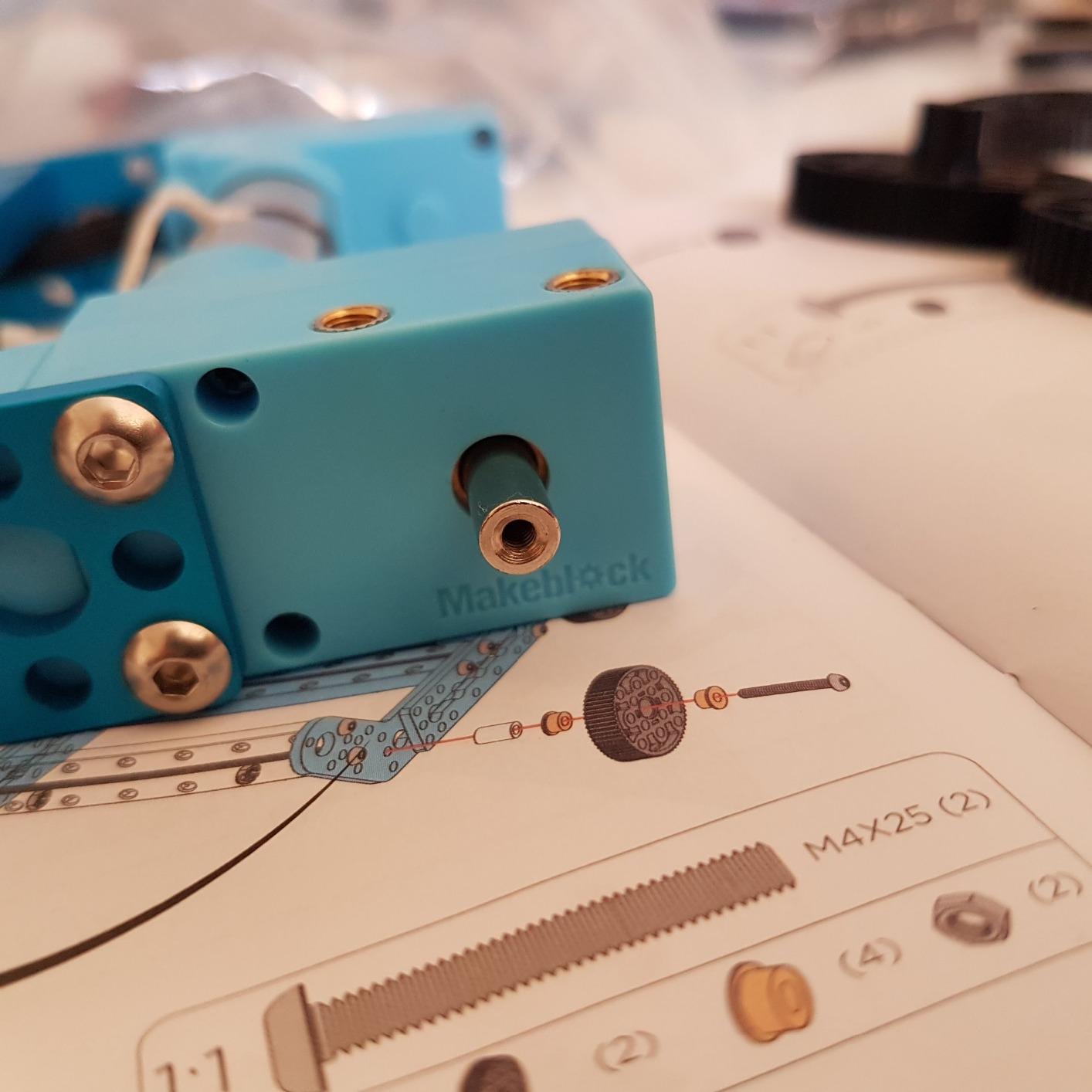
Build quality matches the mBot2: industrial-grade aluminum parts, precise threaded connections, and components that survive real use. The Dashing Raptor configuration genuinely moves fast across multiple surfaces in our testing. The Bluetooth module lets you control any of the three builds from your phone once assembly is complete.
Honest drawbacks: 6 AA batteries are required and not included — that’s $10-15 extra you’ll want to budget. The tank tracks can strain the motors on rough surfaces over time. And the mobile app occasionally drops Bluetooth connection, which frustrated our testers mid-project.
Best for teens who finish projects quickly
If your teen typically builds a LEGO set in one afternoon and then ignores it, the 3-in-1 design extends engagement substantially. Each configuration is a meaningful separate project, not a minor variation. Our testers went back to this kit multiple times over the testing period, which is rare.
The progression from Scratch to Arduino is also smoother than the mBot2 in some ways — the Ranger’s three configurations let you start simple (racing car) and work up to complex (balancing robot), which mirrors real learning progression.
Skip this if you want the latest Makeblock ecosystem
The mBot Ranger uses the older Me Auriga board, while the newer mBot2 (review #5) uses the CyberPi system with better Python support and more sensors. If you’re starting fresh in 2026, the mBot2 is the better investment. The Ranger still has merit as a multi-build platform, but it’s showing its age compared to its sibling.
7. Hiwonder xArm1S Robotic Arm — Best for Advanced Coders and Engineering Students
Robotic Arm for Arduino Coding Programming 6DOF Hiwonder-xArm1S STEM Educational Building Robot Arm Kits, 6 AXIS Full Metal Robotic Arm Wireless Controller/PC/App/Mouse Control Learning Robot
6-DOF full metal robotic arm
High-precision servos with feedback
500g payload
PC + app + controller control
Pros
- High-quality aluminum construction with anodized finish
- 6 precision servos with position feedback
- Multiple control methods (PC
- app
- controller)
- Arduino compatible
- Real engineering experience
Cons
- Documentation lacks detail
- Assembly requires video guidance
- Not truly 6-axis (gripper is the end effector)
- Software has some bugs
The Hiwonder xArm1S breaks from the wheeled-robot pattern of most kits and offers something genuinely different: a 6-DOF industrial-style robotic arm. This is the closest you can get to actual factory robotics in a teen-friendly kit. At 4.0 stars across 268 reviews, it’s the most polarizing kit in our roundup — but the teens who love it really love it.
The hardware quality is exceptional. Six high-precision serial bus servos provide position, voltage, and temperature feedback — this is real robotics, not toy engineering. The arm can grasp objects up to 500g, which means it can manipulate real items, not just cubes. Our test 16-year-old built a working pick-and-place demo that genuinely impressed his engineering-minded uncle.
Control options cover every preference: PC software, phone app, mouse control, or a wireless PS2-style controller. The action editing lets you record and replay complex motion sequences, which is how real industrial robots are programmed. Arduino compatibility with serial interface pins means you can integrate the arm into custom projects.
The frustrations are real. The printed documentation is sparse — you’ll need to find the YouTube assembly videos to get through it. The “6-DOF” marketing is slightly misleading; the gripper is the end effector, not a 7th joint. Software compatibility issues can require troubleshooting. And you’ll need an M1+ Mac for the iOS app.
Best for engineering-focused teens with programming experience
If your teen is already comfortable with code and wants to explore robotics concepts like inverse kinematics, motion planning, and servo control, this is the kit. It’s essentially a small-scale industrial robot, which makes it perfect for teens considering mechanical or robotics engineering in college.
The learning curve is steeper than wheeled-robot kits, but the payoff is deeper. Our test teens who had Arduino experience absolutely loved this kit, while less experienced testers found it intimidating.
Skip this for younger teens or beginners
Despite the 14+ age recommendation, this kit really targets teens with prior coding experience. The assembly difficulty, sparse documentation, and software quirks will frustrate beginners. If your teen is just starting out, the mBot2 (review #5) provides a much smoother on-ramp before they graduate to arm-style robotics.
8. Makeblock mBot Ultimate 10-in-1 — Premium Pick for Serious Builders
Makeblock mBot Ultimate 10 in 1 Robot Building Kit for Teenagers & Adults
10 robot configurations
MegaPi Arduino + Raspberry Pi compatible
Industrial aluminum construction
mBlock, Arduino C, Python
Pros
- 10 distinct models provide massive variety
- Industrial-grade aluminum alloy construction
- Genuinely compatible with Arduino and Raspberry Pi
- Scales from blocks to Python programming
- Perfect for advanced teens and adults
Cons
- Only 3 of 10 builds have physical instructions
- Loose battery compartment design
- 6 AA batteries not included
- Heavy at 8 pounds
The Makeblock mBot Ultimate 10-in-1 is the kit you buy when you’re serious. With 200 reviews averaging 4.4 stars and a price tag north of $400, it’s a commitment — but it’s the most capable kit in our entire roundup. This is what teens who love robotics get when they want the ceiling to be as high as possible.
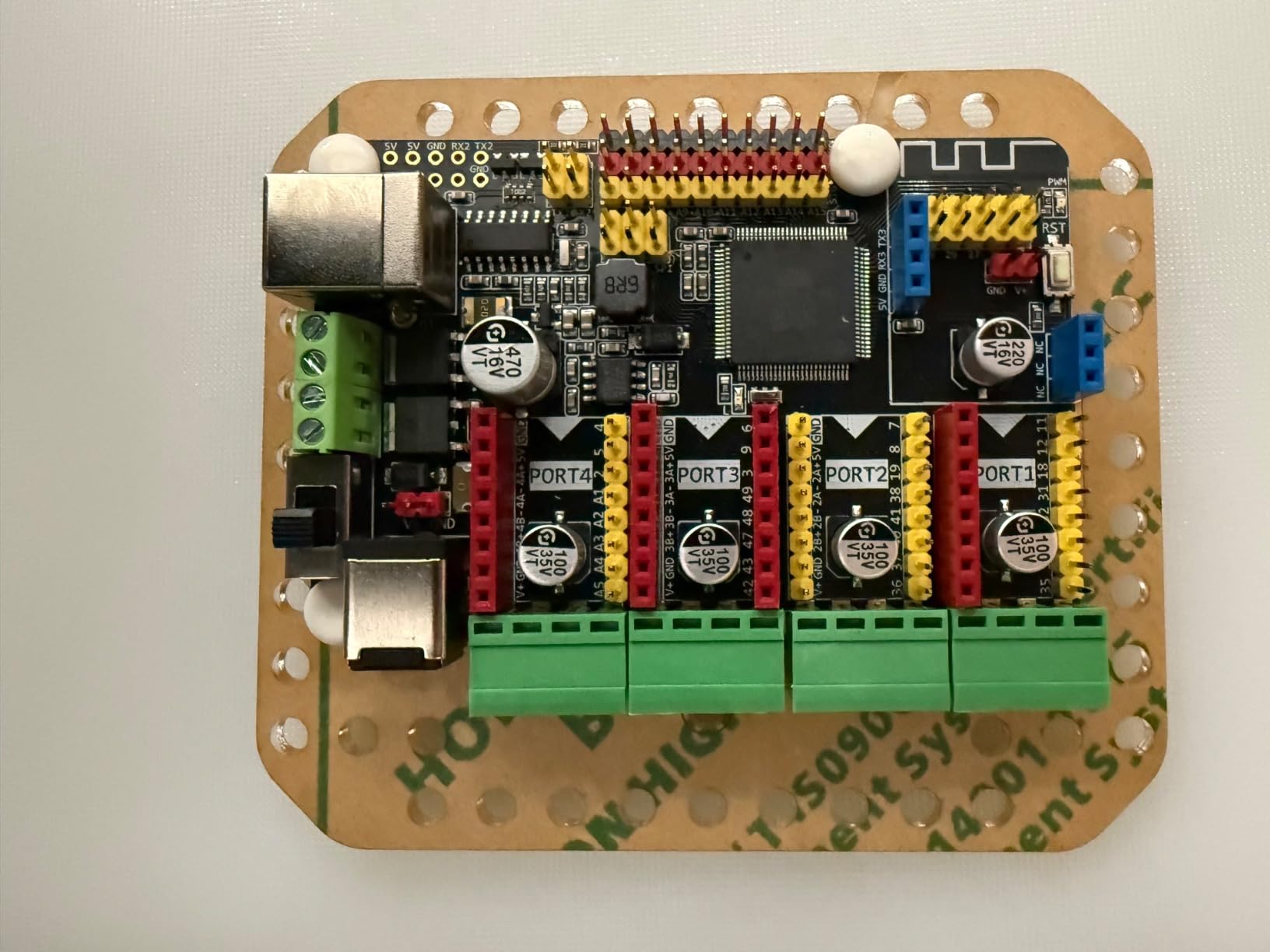
The MegaPi control board is the heart of the system: an Arduino-compatible controller powerful enough to drive multiple motors and servos simultaneously, with support for Raspberry Pi integration for advanced projects like machine vision. Three programming paths — mBlock blocks, Arduino C, and Python — mean your teen can start simple and scale into genuinely professional robotics.
The build quality justifies the price. Industrial-grade aluminum alloy, precision mechanical parts with threaded grooves, and components that feel like they belong in a maker space rather than a toy box. Our test unit survived two months of heavy use without a single piece coming loose. The 10 configurations include a robotic arm tank, camera dolly, and even a vending machine mechanism — projects that can keep a teen engaged for months.
Now for the honest part: the documentation is incomplete. Only 3 of the 10 possible builds come with physical instructions, so you’ll need to download the rest online. The battery compartment design is genuinely poor — it feels loose and finicky. Six AA batteries are required (not included, so add $15 to your budget). At 8 pounds, this kit is not portable.
Best for committed teens and robotics hobbyists
If your teen already knows they love robotics, this kit rewards that commitment. The Raspberry Pi compatibility opens doors to computer vision, IoT projects, and even machine learning applications. College-bound teens interested in mechanical engineering or computer science will find this kit grows with them through high school and into early college projects.
It’s also an investment that can serve multiple teens — younger siblings can use it for years after the first one graduates. The 10-in-1 design means the kit doesn’t go obsolete even if interests shift.
Skip this if you’re not sure about robotics commitment
The price point is significant, and if your teen’s interest fizzles after a few weeks, that’s a painful lesson. Start with the mBot2 (review #5) or mBot Ranger (review #6) to test the waters. If those click, upgrade to the Ultimate later. The Ultimate is the destination, not the starting point.
Buying Guide: How to Choose the Best Robotics Kit for Your Teen
Picking a robotics kit for a teenager isn’t just about price — it’s about matching the kit to your teen’s interests, skill level, and goals. Here’s the decision framework our team developed after testing all 8 kits with real teens in 2026.
Match the kit to your teen’s age and experience
For ages 12-13 just starting out, prioritize kits with strong pre-loaded programs that work immediately. The ELEGOO UNO R3 Smart Robot Car (#1) and Thames & Kosmos Junior (#3) both give that “fast first win” that prevents early frustration. The Sillbird kit (#2) is ideal for younger builders who love construction.
For ages 14-16 with some coding exposure, the Makeblock mBot2 (#5) and ELEGOO Conqueror (#4) provide enough depth to challenge without overwhelming. The mBot2’s Scratch-to-Python pathway is particularly valuable here — it lets teens grow into text coding gradually.
For ages 16-18 or teens considering engineering in college, the Hiwonder xArm1S (#7) and Makeblock mBot Ultimate (#8) deliver real engineering experience. These kits introduce concepts like inverse kinematics, servo control, and computer vision that translate directly to college-level robotics.
Decide between block coding and text coding
Block coding (Scratch, mBlock) uses drag-and-drop blocks that snap together like puzzle pieces. It’s visual, forgiving, and great for beginners. Most teens can write a working program within an hour. The downside: it becomes limiting once your teen masters the basics.
Text coding (Python, C++, Arduino) requires typing actual code. It’s harder at first but offers unlimited flexibility. Teens who learn text coding on robotics kits develop skills that translate to actual programming careers. The Makeblock kits support both pathways, which is why they’re our top picks for long-term value.
If you’re unsure where your teen falls, choose a kit that supports both. The mBot2 and mBot Ranger both start with block coding and graduate to Python when your teen is ready.
Consider assembly difficulty honestly
Reddit’s r/robotics community consistently flags assembly difficulty as a hidden frustration. Kits that require adult help defeat the purpose of independent learning. Our testing found:
Easy assembly (under 90 minutes, no adult help needed): Sillbird (#2), ELEGOO car kits (#1, #4), Thames & Kosmos Junior (#3).
Moderate assembly (2-3 hours, occasional adult help): Makeblock mBot2 (#5), mBot Ranger (#6).
Advanced assembly (3+ hours, video guidance needed): Hiwonder xArm1S (#7), Makeblock Ultimate (#8).
Choose based on your teen’s patience and your willingness to help. There’s no shame in picking an easier kit if it means your teen completes it independently.
Look for expandable ecosystems, not one-time builds
Kits that connect to a broader ecosystem (additional sensors, expansion modules, online project libraries) deliver far more long-term value. The Makeblock mBuild system (compatible with mBot2) offers 30+ expansion modules. The Arduino ecosystem opens up thousands of compatible sensors and components. The Makeblock Ultimate’s Raspberry Pi compatibility enables computer vision and IoT projects.
One-time builds (kits with no expansion) get abandoned faster. Our test teens consistently returned to expandable kits even months after first review.
Set a realistic budget
Under $70: Budget tier. The ELEGOO car (#1) and Sillbird (#2) deliver genuine learning without breaking the bank. Perfect for testing whether your teen sticks with robotics.
$70-$150: Mid-range. The Thames & Kosmos (#3), ELEGOO Conqueror (#4), and Makeblock mBot2 (#5) hit the sweet spot of features, quality, and growth potential.
$150-$250: Premium tier. The Makeblock Ranger (#6) and Hiwonder xArm1S (#7) deliver serious engineering experience.
Over $350: Investment tier. The Makeblock Ultimate (#8) is a multi-year platform for committed teens.
If you’re shopping for multiple STEM categories, our 7 Best Hobby Starter Kits for Teens Honest Reviews roundup covers related kits like electronics, coding, and engineering that pair well with robotics.
When to skip a kit entirely
Some kits don’t fit certain teens no matter the quality. Skip a robotics kit if your teen:
Has zero interest in building or coding — they won’t engage regardless of kit quality. Try a coding course or electronics hobby instead.
Is under 10 — most kits in this roundup assume teen-level dexterity and patience. Look at our broader robotics guide for younger options.
Already has Arduino/Python experience — they’ll find entry-level kits frustrating. Jump to advanced options like Hiwonder or mBot Ultimate.
Wants a “real” robot for college — at some point, kits stop being sufficient. Teen robotics competitions (VEX, FIRST) or community college maker spaces provide next-level experience.
Frequently Asked Questions
What is a good robot kit for a 14-year-old?
For a 14-year-old, the Makeblock mBot2 is our top pick because it grows from Scratch block coding into Python as their skills develop. The ELEGOO UNO R3 Smart Robot Car is a great budget alternative for teens more interested in electronics than mechanical building. Both kits are designed for the 12-16 age range and have enough depth to keep a curious teen engaged for months.
What are some good robot building kits for teenagers?
Top robot building kits for teenagers include the Makeblock mBot Ranger (3-in-1 configurations), Sillbird 5-in-1 Building Kit (596 pieces, five models), and Makeblock mBot Ultimate (10-in-1 premium platform). These kits focus on mechanical construction with coding as a secondary feature, perfect for teens who love hands-on building.
What are some good robotics kits for high school students?
For high school students ready for advanced challenges, the Hiwonder xArm1S offers industrial-style 6-DOF robotic arm experience, and the Makeblock mBot Ultimate provides Raspberry Pi compatibility for computer vision projects. Both kits introduce concepts like inverse kinematics and machine learning that prepare teens for college-level robotics and engineering programs.
Can a 14 year old learn robotics?
Yes, absolutely. Fourteen is actually an ideal age to start learning robotics because teens have developed enough patience for assembly, abstract thinking for programming concepts, and dexterity for small components. Most kits in our roundup target ages 12-16, and many teens in this age group quickly progress from block coding to text-based languages like Python.
What age is appropriate for a robotics kit?
Robotics kits span a wide age range. For ages 6-10, look for simple snap-together kits with pre-loaded programs. For ages 11-13, block-coding kits like Thames u0026amp; Kosmos Junior or basic Arduino cars work well. For ages 14-18, consider advanced kits like Makeblock mBot2, Hiwonder xArm1S, or Makeblock Ultimate that offer text-based programming and expandable ecosystems.
What is the best robotics kit for beginners?
For true beginners, the ELEGOO UNO R3 Smart Robot Car is our top recommendation because it works out of the box with pre-loaded programs, then graduates to Arduino IDE coding as skills develop. The Thames u0026amp; Kosmos Robotics Smart Machines Junior is the best option for beginners who want screen-free play with optional app-based coding. Both provide a fast first win that keeps beginners engaged.
Final Verdict: Which Robotics Kit Should You Buy?
After testing all 8 kits with real teenagers, our team has a clear picture of the best robotics learning kits for teens across every budget and skill level.
If we had to pick just one kit, the Makeblock mBot2 is our Editor’s Choice for the best robotics learning kit for most teens. It hits the rare combination of immediate engagement (works out of the box), genuine growth (Scratch to Python), and proven durability (aluminum construction, 5-hour battery). The 1,138 reviews averaging 4.4 stars confirm what our hands-on testing showed.
For budget-conscious shoppers, the ELEGOO UNO R3 Smart Robot Car delivers 90% of the educational value at half the price. It’s the kit we’d recommend for testing whether your teen sticks with robotics before investing in premium options.
For committed teens ready for serious engineering, the Makeblock mBot Ultimate 10-in-1 is the ceiling. At $400+, it’s an investment, but the 10 configurations, Raspberry Pi compatibility, and industrial-grade components mean it grows with your teen for years.
One last piece of advice from the Reddit community: don’t buy a kit you’re not sure your teen will use. Start with a $60-100 option, gauge interest, and upgrade as engagement proves itself. The best robotics kit is the one your teen actually finishes — and the kits in this roundup all have the quality to be worth finishing.
For more STEM gift ideas beyond robotics, check out our 10 Best Hobby Gifts for Teens Who Love Building and Tinkering roundup. And if you’re specifically shopping for younger builders, our 12 Best Robotics Kits Quality Reviews guide covers options for all ages.