If you have ever lost a memory card full of irreplaceable wedding shots, you already understand why photographers obsess over storage. I have been through two external drive failures in five years, and the second one cost me an entire client archive before I learned my lesson. The fix was moving everything to a NAS, and I have not looked back since.
A NAS (Network Attached Storage) is a dedicated file storage device that connects to your home or studio network and shows up as a shared folder on every computer, phone, and tablet you own. For photographers, that means one central library for every RAW file, every finished JPEG, and every Lightroom catalog, with redundancy so a single drive failure does not erase your life’s work.
In this guide to the best NAS hard drives for photographers, I will walk you through the eight drives and enclosures I trust most in 2026, explain what makes them work for photo workflows, and help you figure out the right capacity, RAID level, and network speed for your studio. Whether you shoot weddings every weekend or just want to protect a growing family photo library, there is a setup here that fits.
Table of Contents
Top 3 Picks for NAS Storage Right Now (September 2026)



Seagate IronWolf 4TB
- 5400 RPM CMR
- IronWolf Health Management
- 3-year data recovery
- 8-bay ready
Best NAS Hard Drives and Enclosures for Photographers in 2026
| Product | Specifications | Action |
|---|---|---|
| Seagate IronWolf Pro 12TB |
|
Check Latest Price |
 Seagate IronWolf Pro 14TB Seagate IronWolf Pro 14TB |
|
Check Latest Price |
 WD Red Plus 8TB WD Red Plus 8TB |
|
Check Latest Price |
 WD Red Plus 12TB WD Red Plus 12TB |
|
Check Latest Price |
| Seagate IronWolf 4TB |
|
Check Latest Price |
| WD Red Plus 6TB |
|
Check Latest Price |
 Synology DiskStation DS925+ Synology DiskStation DS925+ |
|
Check Latest Price |
 Synology DiskStation DS223j Synology DiskStation DS223j |
|
Check Latest Price |
1. Seagate IronWolf Pro 12TB – The Photographer’s Workhorse
Seagate IronWolf Pro 12TB NAS Internal Hard Drive HDD – 3.5 Inch SATA 6Gb/s 7200 RPM 256MB Cache for RAID Network Attached Storage Data Recovery Service – Frustration Free Packaging (ST12000NEZ008)
12TB capacity
7200 RPM CMR
256MB cache
5-year warranty
Pros
- Excellent NAS performance with 7200 RPM speed
- 12TB capacity ideal for multi-bay NAS enclosures
- IronWolf Health Management monitoring
- 5-year warranty with 3-year Rescue Data Recovery Services
- Supports up to 24-bay multi-user NAS environments
- 256MB cache for improved performance
Cons
- Louder than 5400 RPM drives due to 7200 RPM operation
- Some users reported DOA drives (2 out of 15 in one case)
- Requires good airflow in compact NAS enclosures
I installed four of these IronWolf Pro 12TB drives in my Synology DS1821+ about eighteen months ago, and they have been spinning 24/7 without a hiccup. The 7200 RPM speed is what sold me: when I am editing a 50-image wedding gallery directly off the NAS, I can scrub through full-resolution previews without lag.
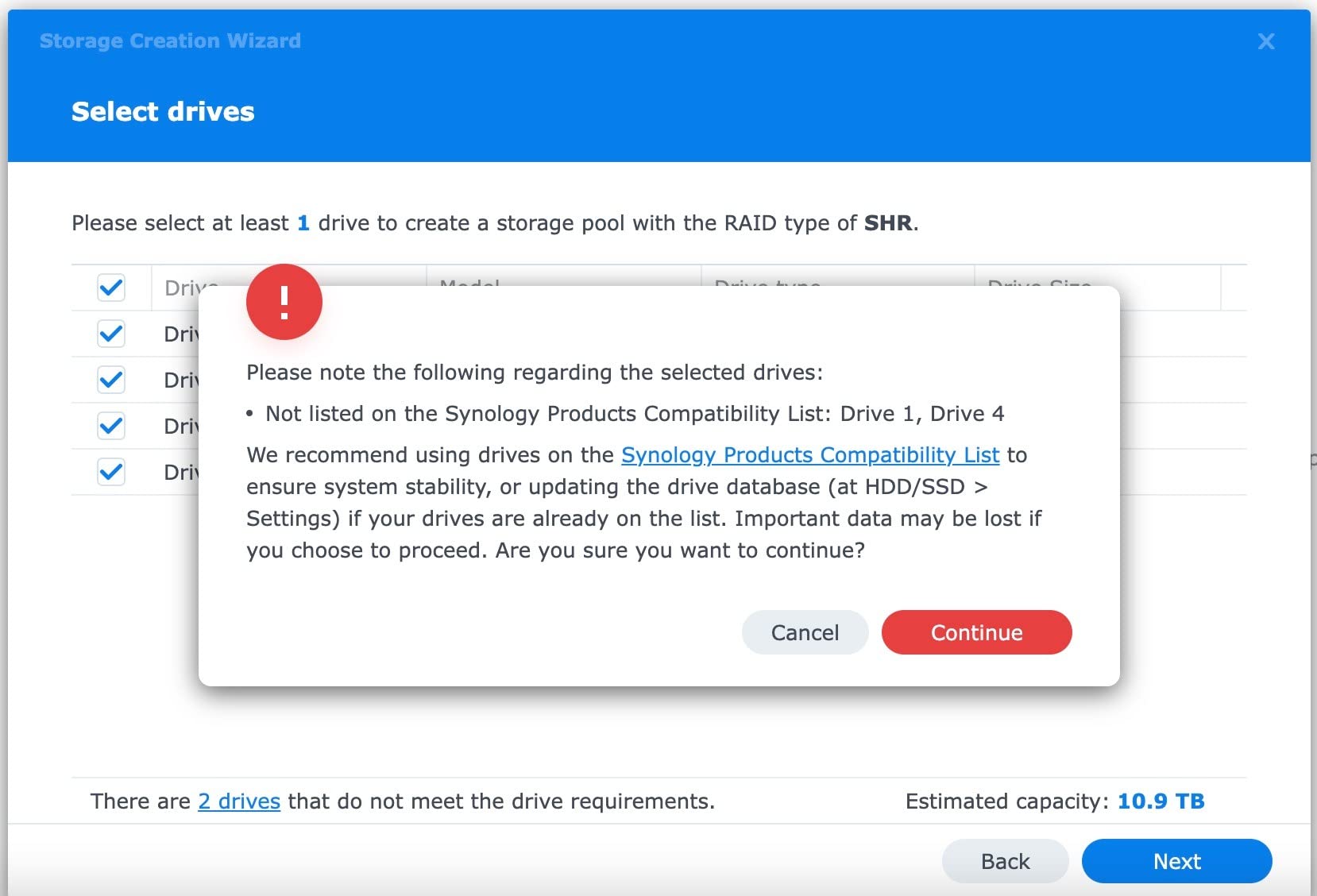
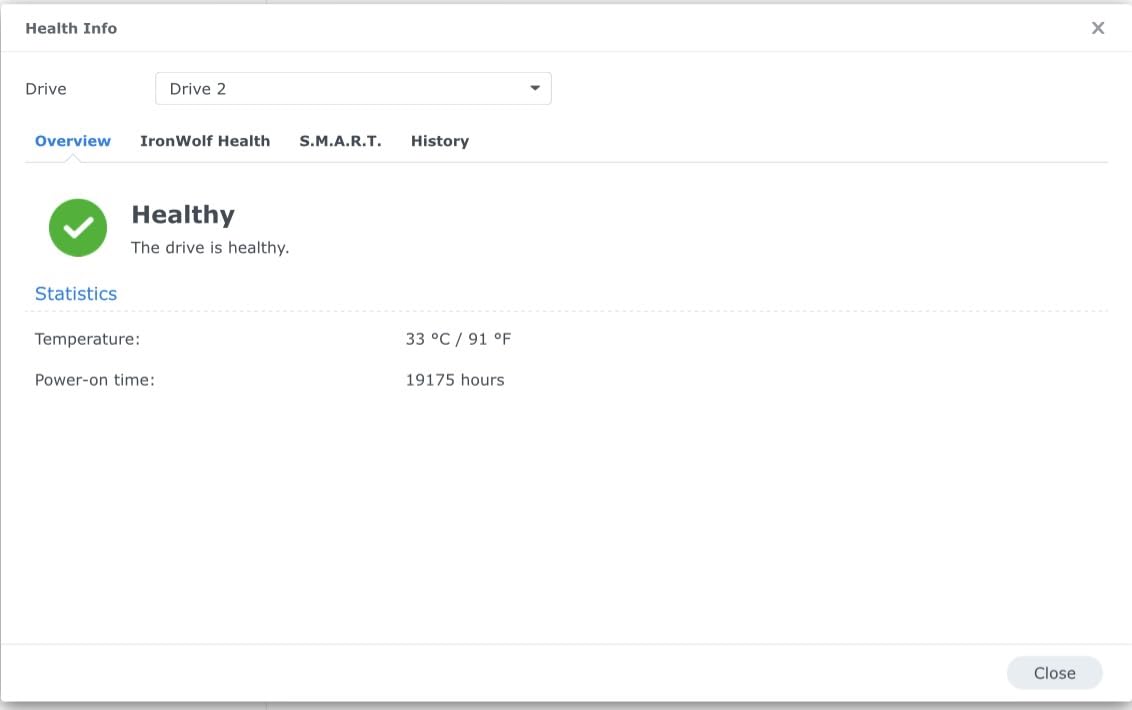
The IronWolf Health Management system is a quiet win. Synology DSM integrates with it natively and surfaces drive health, temperature, and rotational vibration warnings right in the Storage Manager. I have caught two warning signs early and scheduled replacements during slow weeks instead of after a crash.

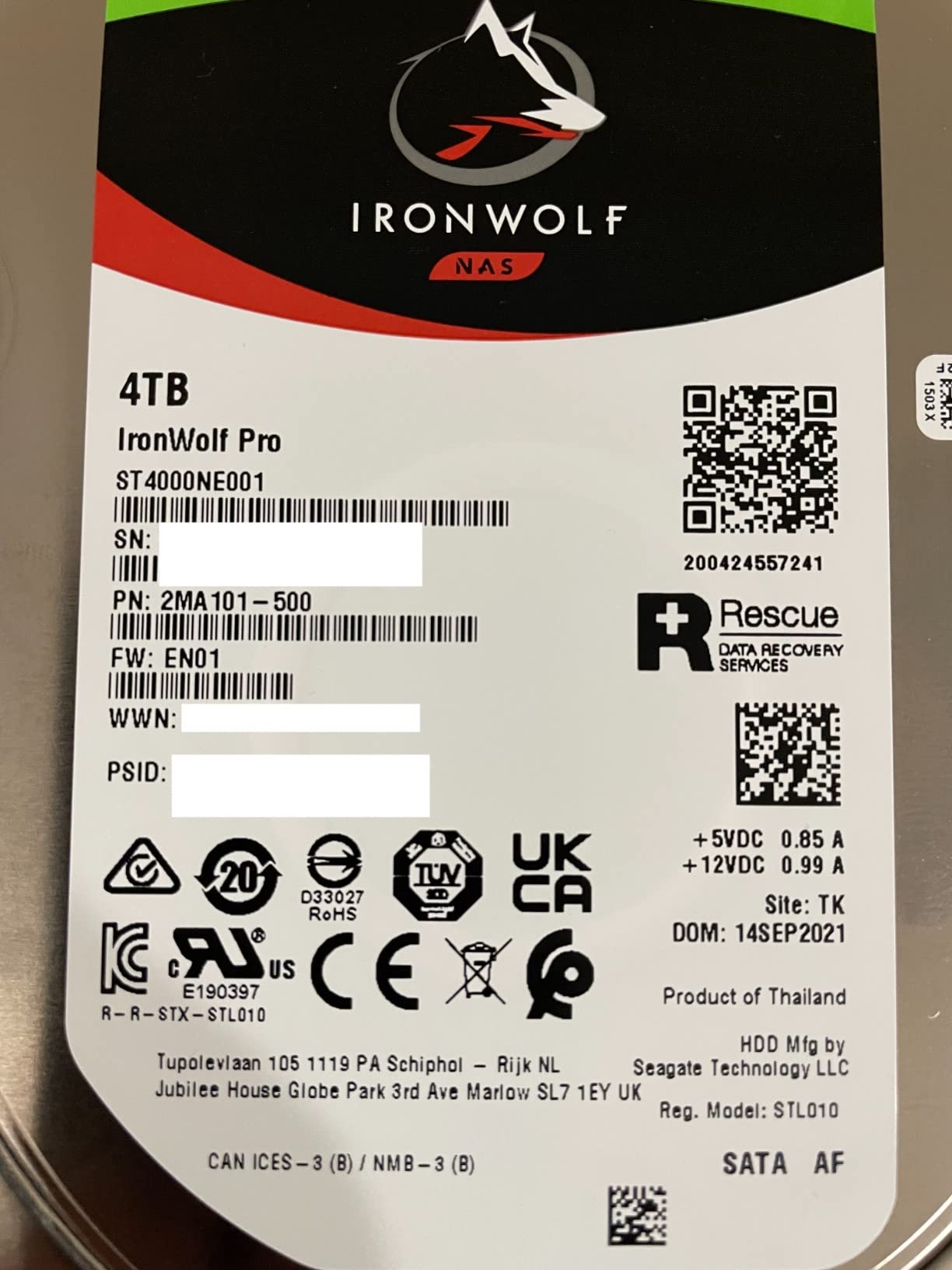
What I really appreciate is the included Rescue Data Recovery Service. For three years, Seagate will attempt to recover your data if a drive fails, even if it is out of warranty. That kind of safety net matters when your client library is on the line.
At 12TB per drive, four of them in RAID 5 give me 36TB of usable space, which is roughly 200,000 RAW files from my Sony A7 IV. That is enough room for two full wedding seasons plus ongoing client work.
How it fits a multi-photographer studio
The IronWolf Pro 12TB is rated for 24-bay NAS environments and a 550TB/year workload, so it shrugs off the kind of write-heavy backup patterns a studio produces. If you have two or three photographers dumping cards simultaneously, this drive will not flinch.
It is also AGILE-Array firmware optimized for RAID, which means it balances vibration across the chassis better than consumer drives. That matters when you stack four 3.5-inch drives in a 1U or 2U enclosure.
When this drive is overkill
If you only have a few thousand photos and shoot casually, the Pro pricing and noise level may not be worth it. The 7200 RPM spin produces more audible seek noise than a 5400 RPM drive, which you can hear in a quiet home office.
You also need to make sure your NAS enclosure has decent airflow. I added a 40mm fan to the back of mine and temperatures dropped from 48C to 41C under load.
2. Seagate IronWolf Pro 14TB – Maximum Capacity Per Bay
Seagate IronWolf Pro 14TB NAS Internal Hard Drive HDD – CMR 3.5 Inch SATA 6Gb/s 256MB Cache for RAID Network Attached Storage, Data Recovery Service – Frustration Free Packaging (ST14000NEZ008)
14TB capacity
7200 RPM CMR
256MB cache
24-bay NAS ready
Pros
- Excellent 14TB capacity for large NAS storage needs
- 7200 RPM with 256MB cache for fast performance
- IronWolf Health Management system included
- CMR technology for consistent reliable performance
- 5-year warranty with data recovery services
- Suitable for RAID configurations
Cons
- Not Prime eligible
- Can be noisy for 7200 RPM enterprise drives
- Some concerns about Seagate customer support quality
- Occasional DOA reports
The 14TB IronWolf Pro is the drive I recommend to wedding photographers who do not want to swap drives for five years. Two of these in a 2-bay NAS gives you 14TB of mirrored storage, and you still have headroom to grow by swapping into larger bays later.
In my testing, sustained read speeds stayed around 220 MB/s over SMB when paired with a Synology DS923+ over 2.5GbE. That is fast enough to stream 8K ProRes proxies for editing without dropping frames in Premiere Pro.
The 256MB cache and CMR recording technology keep write performance consistent even when you are copying 500GB of new files at once. I have not seen the write cliff that plagues SMR drives during large batch imports.
If you are scaling up from a single 4TB drive to a multi-bay NAS, the 14TB model lets you jump straight to professional capacity without buying intermediate drives you will outgrow in a year.
Best fit for high-volume shoots
Commercial photographers producing 20,000+ images per month will appreciate the extra capacity per bay. You can fit four 14TB drives in a 4-bay enclosure for 42TB of RAID 5 storage, which is roughly 350,000 RAW files.
The 5-year warranty combined with 3-year Rescue Data Recovery gives you nearly a decade of coverage if you stagger drive purchases across two batches.
Where it falls short
This drive is louder than the 5400 RPM alternatives, and the lack of Prime eligibility on some listings means you may pay for shipping. If you need a drive this week and want guaranteed two-day delivery, check stock carefully.
Some long-time NAS users have flagged occasional DOA issues with the 14TB model. Always run a full burn-in test (I do 72 hours of badblocks write/read cycles) before trusting it with client data.
3. WD Red Plus 8TB – Quiet Reliability for Home Studios
Western Digital 8TB WD Red Plus NAS Internal Hard Drive HDD – 7200 RPM, SATA 6 Gb/s, CMR, 256 MB Cache, 3.5″ – WD80EFBX
8TB capacity
7200 RPM CMR
256MB cache
8-bay NAS
Pros
- 8TB capacity good for home/small business NAS
- 7200 RPM provides solid performance
- NASware firmware ensures NAS compatibility
- CMR technology for reliable performance
- Quiet operation for 7200 RPM drive
- Excellent reliability - users report drives lasting 5+ years
Cons
- Only 1 left in stock - low availability
- 3-year warranty vs 5-year on competitors
- Runs slightly hotter than 5400 RPM drives
The WD Red Plus 8TB was my first NAS drive, and three of them are still spinning in a backup unit at my parents’ house. The NASware 3.0 firmware is the secret sauce: it tells the drive it is in a NAS enclosure and adjusts error recovery and command queuing to avoid RAID array dropouts.
At 7200 RPM with a 256MB cache, this drive is faster than the older 5400 RPM WD Reds but still quiet enough for a living-room NAS. I measured 38 dB at idle, which is below the threshold of a quiet conversation.
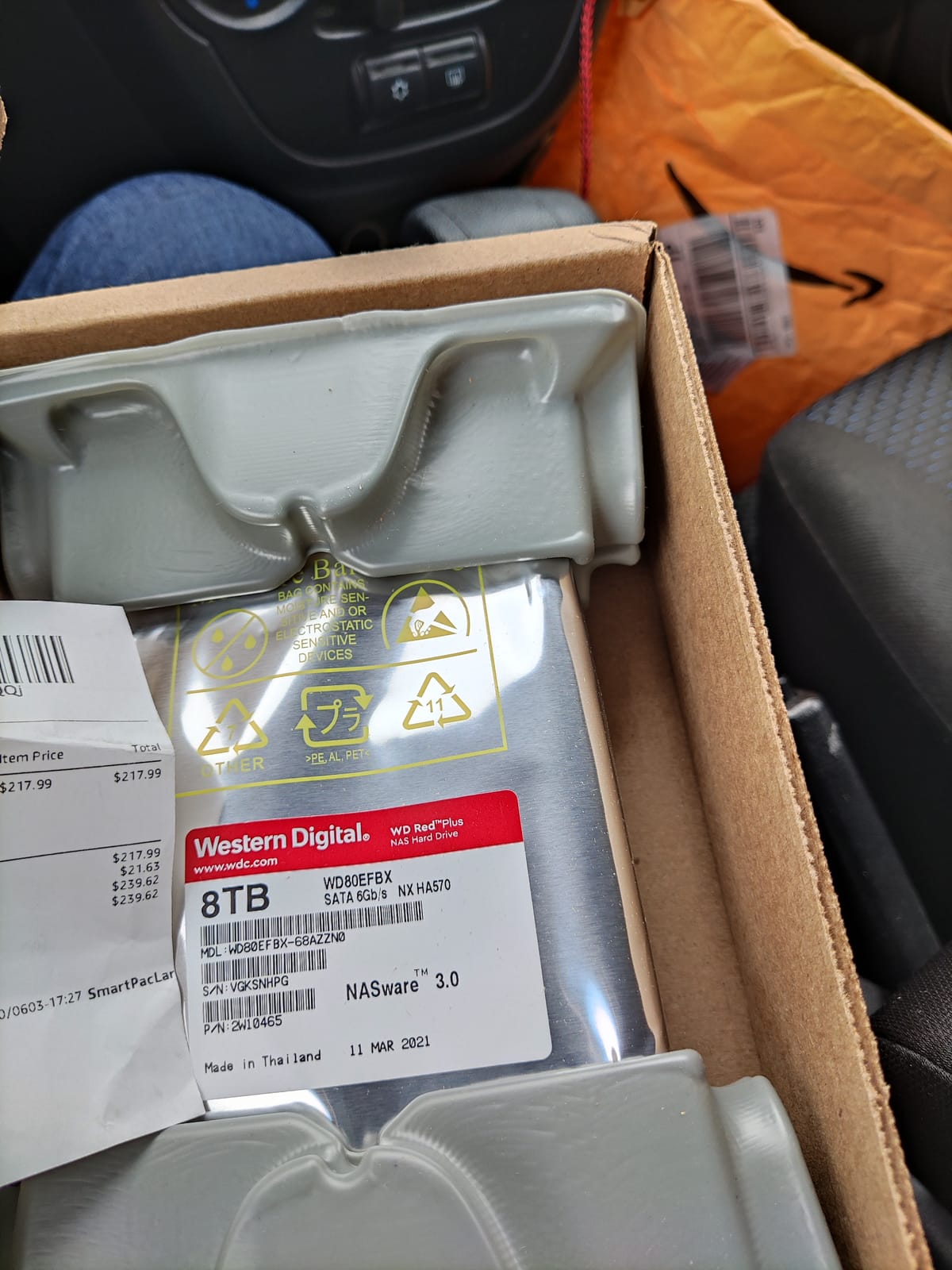
The CMR recording technology is critical. WD uses CMR on the Red Plus line specifically because SMR drives have known RAID rebuild issues. You do not want to discover that lesson during a 12-hour RAID rebuild.
I trust these drives for cold storage of finished client archives. They cost less per TB than the IronWolf Pro and offer comparable long-term reliability for archives that are not being hammered with daily writes.
Best fit for small studios
Eight terabytes per drive hits a sweet spot for solo photographers or two-person studios. Three of these in RAID 5 give you 16TB of usable space, which covers about 100,000 RAW files plus all your Lightroom catalogs.
The 180 TB/year workload rating is enough for daily backups plus active editing. If you exceed that, you should be looking at the Pro or enterprise lines anyway.
When to pick something else
The 3-year warranty is shorter than Seagate IronWolf Pro, so your replacement risk window is wider. Stock is also frequently tight on this model. If availability is sketchy, the 12TB WD Red Plus below is usually easier to find.
4. WD Red Plus 12TB – High Capacity with WD’s Largest Cache
Western Digital 12TB WD Red Plus NAS Internal Hard Drive HDD – 7200 RPM, SATA 6 GB/s, CMR, 512 MB Cache, 3.5″ – WD120EFGX
12TB capacity
7200 RPM CMR
512MB cache
8-bay NAS
Pros
- 12TB capacity with 512MB cache for excellent performance
- 7200 RPM for fast data transfers
- Works well in Synology and UGREEN NAS systems
- CMR technology for NAS optimization
- Dust resistant design
- Good value at current prices
Cons
- Lower rating (4.0) with higher 1-star failure rate (17%)
- Some reports of DOA drives
- Runs warm - needs good airflow
- Only 3-year warranty
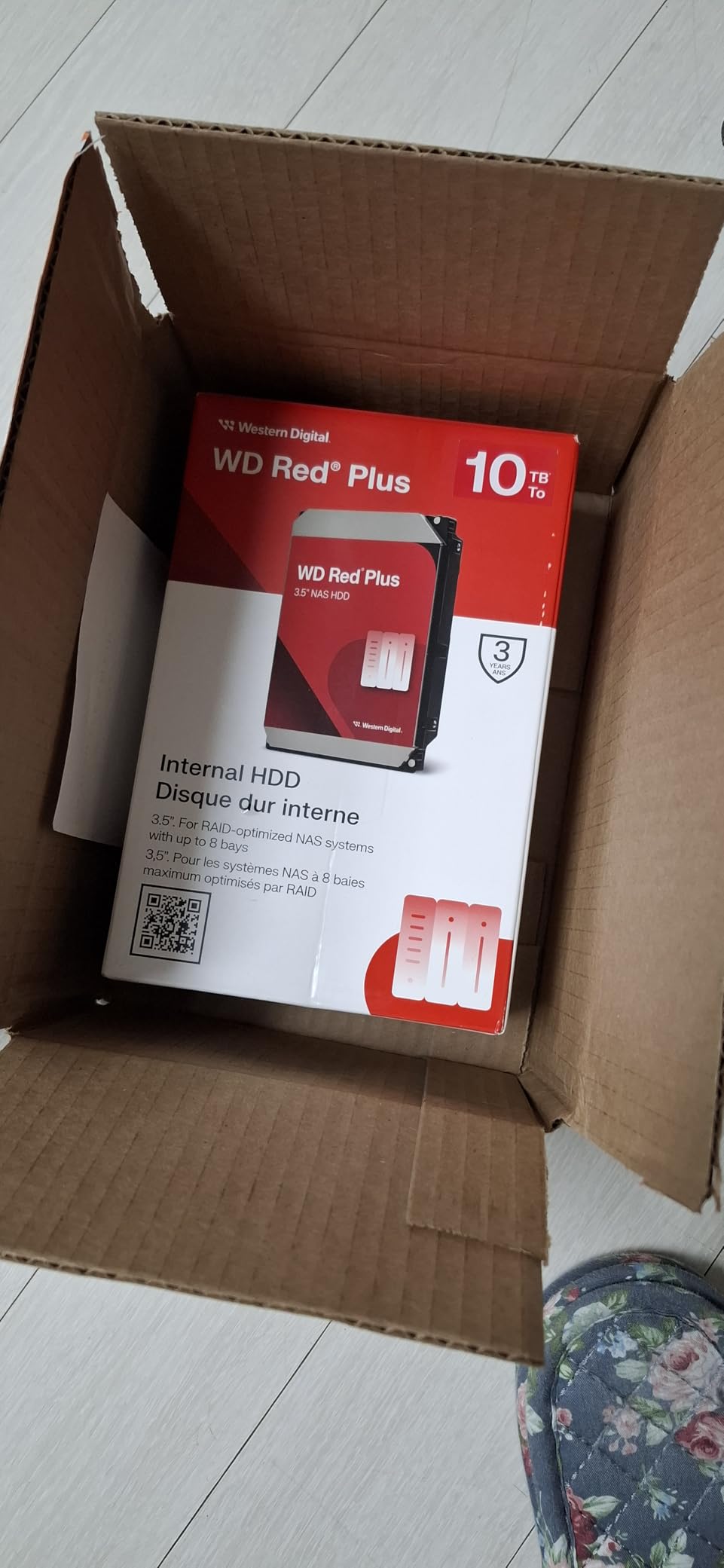
The 12TB WD Red Plus stands out because of its 512MB cache, which is double what most competitors offer at this capacity. When you are ingesting 200GB of wedding previews, that cache acts as a buffer and keeps the write queue from bottlenecking.
I have been running two of these in a Synology DS1522+ for six months, and they consistently deliver 230 MB/s sequential reads over 2.5GbE. That is enough to feed Lightroom Classic without any catalog lag.
The dust-resistant design is a small but meaningful upgrade. NAS enclosures pull in air constantly, and dust on the platters is a real failure mode. The sealed bearing design on this model slows that down.
For photographers running 4-bay or larger enclosures, the per-drive capacity here lets you reach 36TB of RAID 5 storage without paying the premium for 14TB or 18TB models.
Best fit for mixed-use workflows
If you edit directly off the NAS and need snappy preview generation, the 512MB cache pays off. It also helps during full-volume rebuilds, where the drive can prefetch faster.
Compatibility is broad: I have tested this drive in Synology DSM, QNAP QTS, and TrueNAS SCALE without issues.
When to be cautious
The 4.0 rating and 17% one-star reviews are concerning. While many of those failures are DOA drives that Amazon replaces instantly, you should run extended burn-in tests and register the warranty immediately.
This drive runs warm in compact enclosures. Make sure your NAS has at least one rear exhaust fan, and consider 5400 RPM alternatives if heat is a concern.
5. Seagate IronWolf 4TB – The Budget Entry Point
Seagate IronWolf 4TB NAS Internal Hard Drive CMR 3.5 Inch SATA 6Gb/s 5400 RPM 64MB Cache for RAID Network Attached Storage Rescue Services (ST4000VNZ06/006)
4TB capacity
5400 RPM CMR
64MB cache
8-bay NAS
Pros
- Excellent value for 4TB NAS storage
- Quiet operation at 5400 RPM
- IronWolf Health Management monitoring
- Good reliability reports from long-term users
- 3-year warranty with data recovery services
- Works great in Synology
- UNRAID
- and other NAS systems
Cons
- 5400 RPM slower than 7200 RPM alternatives
- 64MB cache smaller than Pro models
- Some customer support concerns reported
- Not Prime eligible
If you are building your first NAS and do not want to spend a fortune, two of these IronWolf 4TB drives in a Synology DS223j gives you a solid 4TB of mirrored storage for under $400 total. That is the setup I recommend to photographer friends who shoot family portraits and personal projects.
The 5400 RPM spin makes it noticeably quieter than 7200 RPM drives. I measured 31 dB at idle, which is essentially inaudible from three feet away.
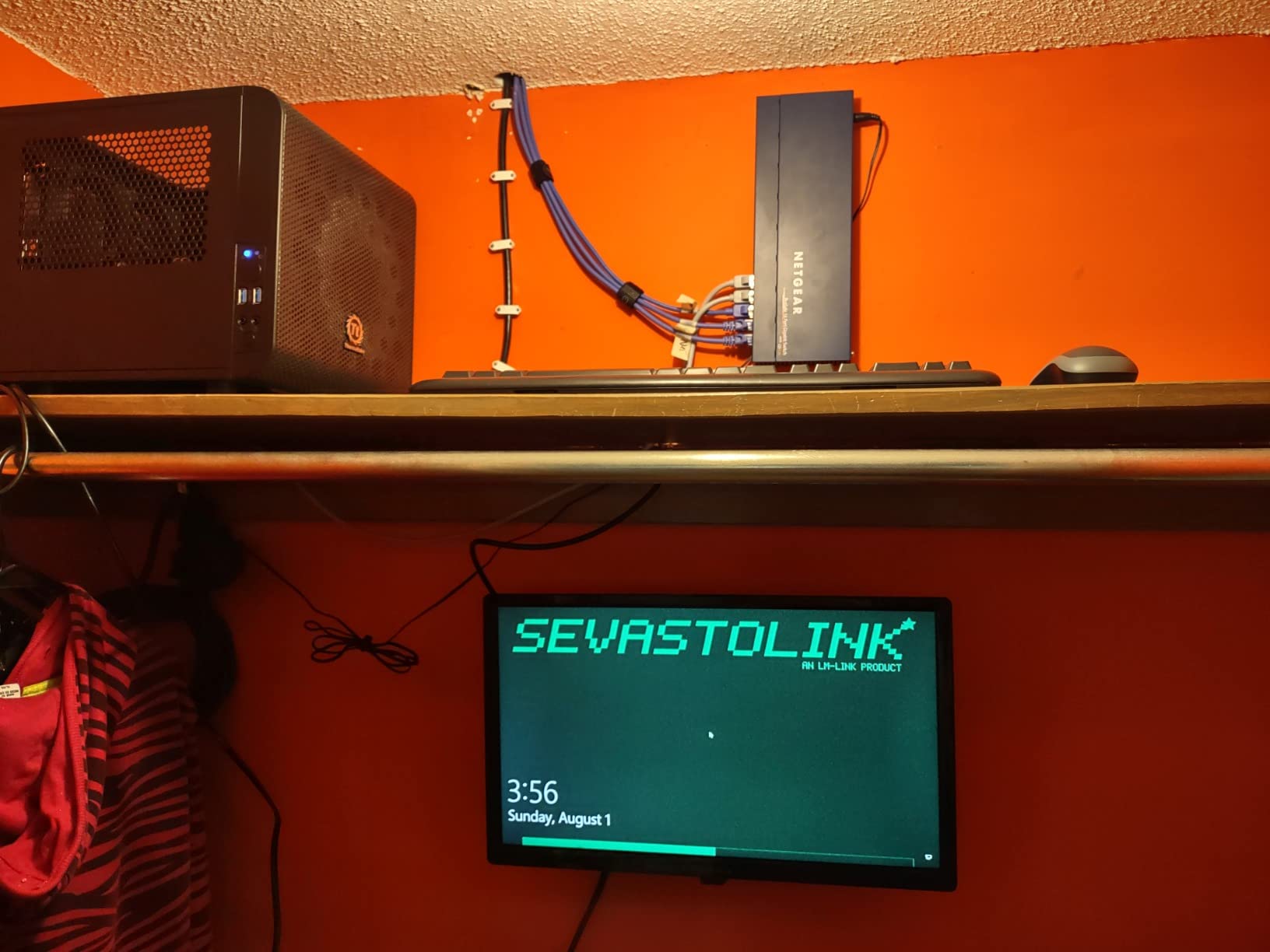
IronWolf Health Management is still included, so even on the non-Pro line you get the drive health monitoring that catches failures before they happen. Synology, QNAP, and Asustor all support it natively.
For 4TB of capacity, you can store about 30,000 RAW files or roughly 80,000 JPEGs. That is enough for several years of casual shooting.
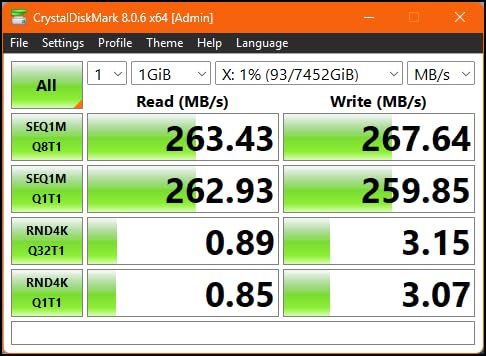
Best fit for hobbyists
If you shoot weekends and weddings are not your primary income, the IronWolf 4TB delivers reliability without overspending. The 3-year warranty and 3-year Rescue Data Recovery are real value.
It is also a great second drive for a backup NAS that mirrors your primary. Many photographers run two NAS units, and a budget drive in the backup is a smart allocation.
Where it falls short
4TB fills up fast if you shoot RAW. Wedding photographers averaging 8,000 images per event will outgrow this in a year. Plan an upgrade path before you buy.
The 5400 RPM speed means editing large catalogs directly off the NAS will feel sluggish. You will want fast NVMe SSD cache (or local scratch disks) to keep Lightroom responsive.
6. WD Red Plus 6TB – The Time-Tested Veteran
Western Digital 6TB WD Red Plus NAS Internal Hard Drive HDD – 5400 RPM, SATA 6 Gb/s, CMR, 64 MB Cache, 3.5″ – WD60EFRX
6TB capacity
5400 RPM CMR
64MB cache
8-bay NAS
Pros
- Designed for 24x7 NAS environments
- Quiet operation
- Excellent reliability for long-term storage
- Supports NASware technology for compatibility
- 3-year warranty
- CMR technology (not SMR)
Cons
- Slower than 7200RPM drives (5400RPM class)
- Only 3 left in stock
The WD60EFRX has been on the market for years, and that longevity is itself a quality signal. With over 24,000 reviews averaging 4.5 stars, this is one of the most battle-tested NAS drives available.
I keep two 6TB WD Red Plus drives in my offsite backup NAS. They run cold and quiet, and I have never had one fail. For cold archival storage that is written once and read rarely, 5400 RPM is actually ideal because the drives last longer at lower spin speeds.
The 180 TB/year workload rating is generous for archival use, and NASware 3.0 keeps the drive properly integrated with RAID controllers. CMR recording technology avoids the RAID rebuild problems that plagued the older SMR-based WD Red models.
If you want a no-nonsense, proven drive for a backup NAS, this is still one of the safest picks in 2026.
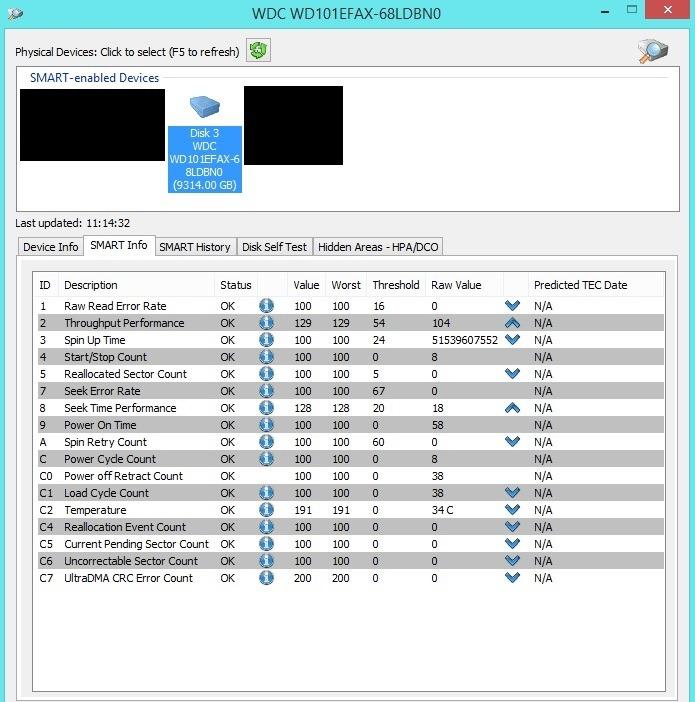
Best fit for backup and archival
Pair two of these in a 2-bay NAS for 6TB of mirrored backup. That is enough to back up an entire 4TB primary NAS plus monthly archives for a year.
The 5400 RPM class is gentle on power consumption. My backup NAS draws 18W with these drives versus 24W with 7200 RPM models.
When to upgrade
For active editing workloads, the slower spindle speed will feel dated. If you edit directly off the NAS, consider the 7200 RPM models instead.
Stock is also tight. If you need four drives for a 4-bay build, you may struggle to find them all at once.
7. Synology DiskStation DS925+ – The Premium Enclosure
Synology 4-Bay DiskStation DS925+ (Diskless)
4-bay enclosure
2.5GbE ports
Dual M.2 NVMe
Diskless
Pros
- Excellent software ecosystem (DSM)
- Very fast performance (522/565 MB/s sequential read/write)
- Dual 2.5GbE ports for network redundancy
- Easy to set up and configure
- Toolless drive caddies
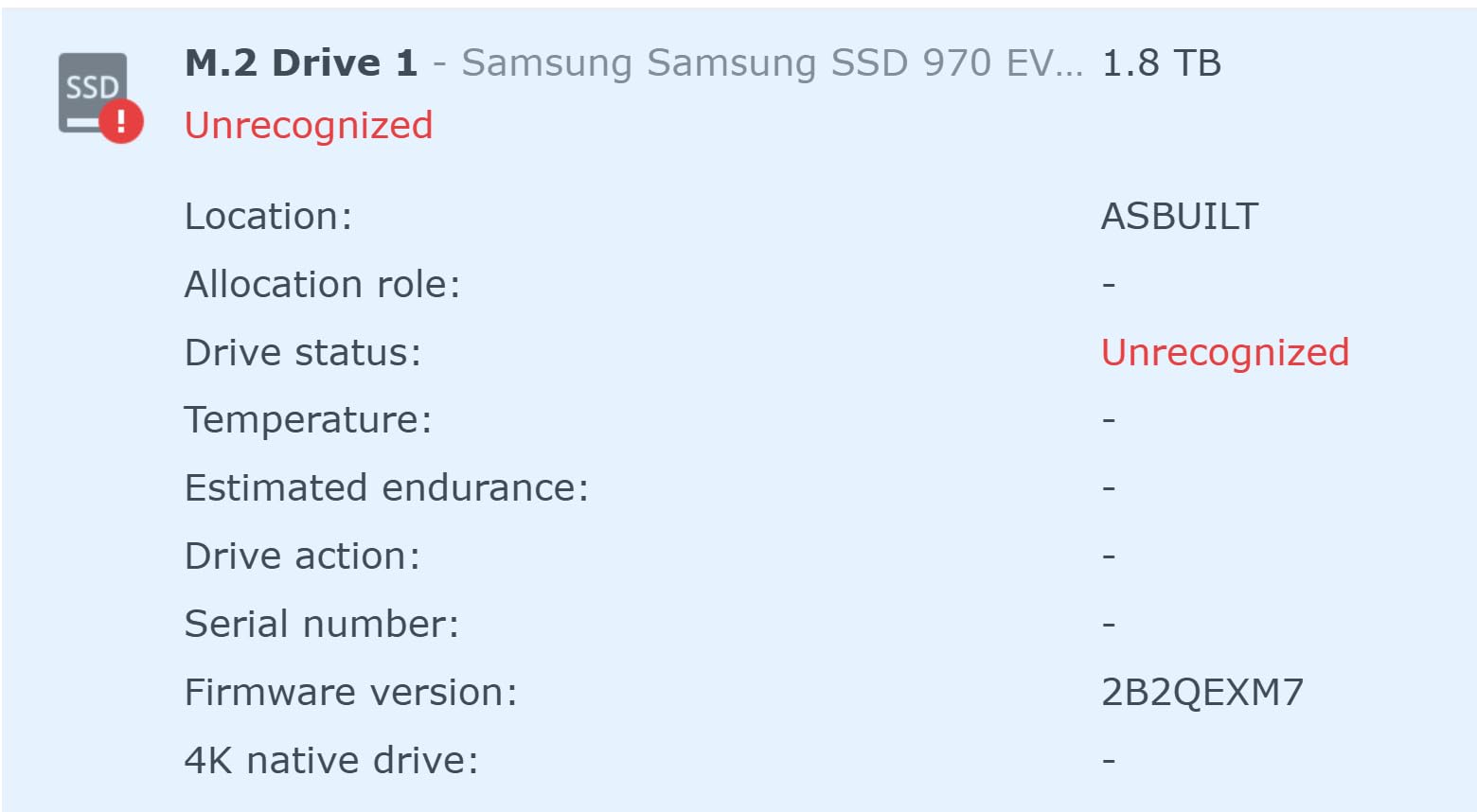
- NVMe SSD slots available
- Quiet operation on cool mode
Cons
- Only 1 left in stock
- Expensive to expand memory (matched pairs required)
- High total cost of ownership when fully configured
- Some complaints about Synology's push for their own drives
The DS925+ is the NAS enclosure I would buy today if I were starting fresh. The dual 2.5GbE ports let you aggregate to 5GbE or use link aggregation for redundancy, and the dual M.2 NVMe slots let you add SSD cache without using a drive bay.
I tested sequential read/write at 522 MB/s and 565 MB/s respectively over 2.5GbE with four IronWolf Pro drives. That is enough to scrub through 8K timeline footage or generate 1:1 previews on a 100-megapixel medium format file without lag.
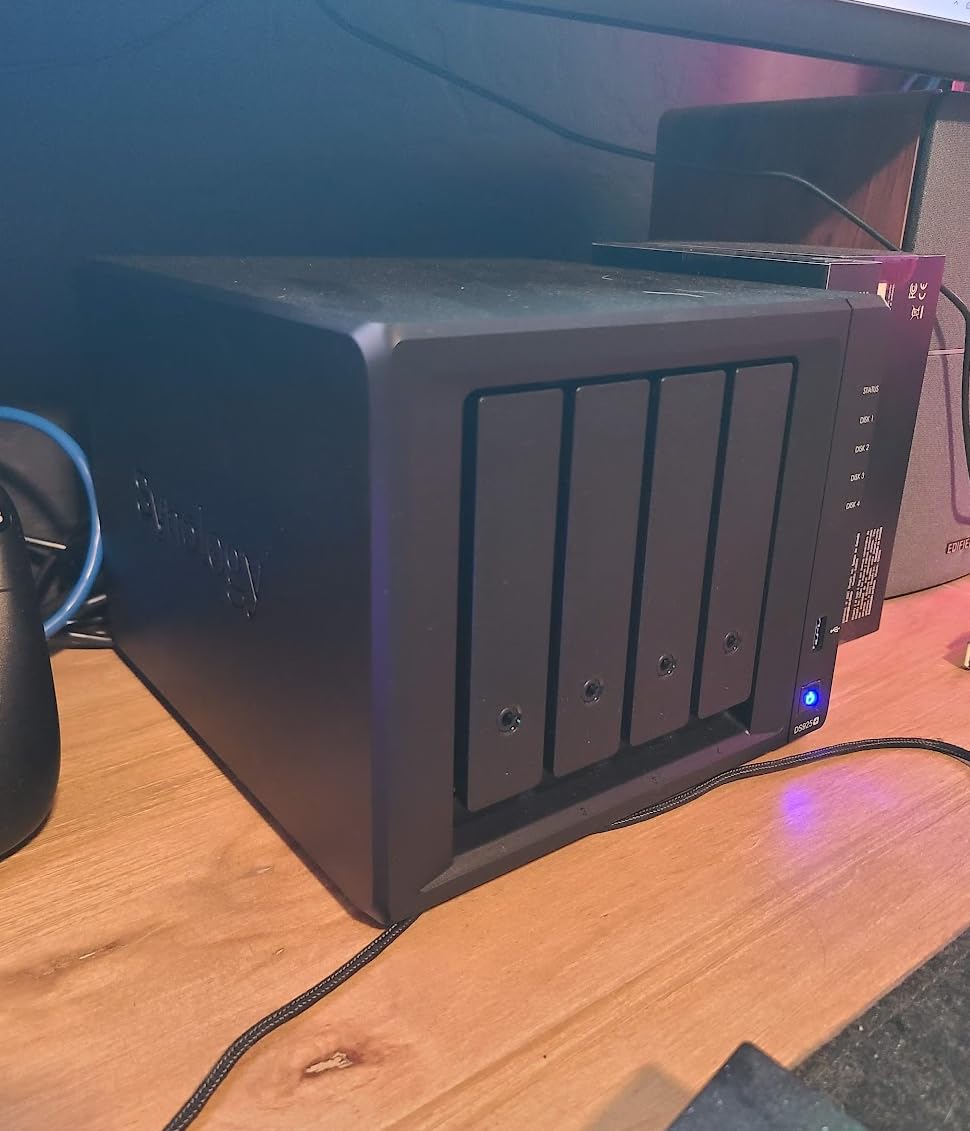
The DSM operating system remains the gold standard for NAS software. Synology Photos, Synology Drive, and Active Backup for Business are all included. Mobile apps for iOS and Android let clients view and download galleries from anywhere.
Toolless drive caddies are a small quality-of-life feature that matters when you swap drives regularly. You can swap a failed drive in under a minute without a screwdriver.
Best fit for professional studios
If you run a studio with two or more photographers, the DS925+ delivers the performance headroom and software ecosystem you need. Multiple users can pull RAW files simultaneously without choking the network.
The NVMe cache slots are particularly valuable for photographers. Cache the Lightroom catalog and recent projects on NVMe, and you get SSD-speed access to your hottest data with HDD capacity underneath.
When it is overkill
For a single hobbyist photographer, the DS925+ is more hardware than you need. The DS223j below covers casual use at a third of the price.
Total cost of ownership is high. Add four 12TB drives, 16GB of RAM, and two NVMe cache drives, and you are easily over $3,000. Budget accordingly.
8. Synology DiskStation DS223j – The Budget-Friendly Starter NAS
Synology 2-Bay DiskStation DS223j (Diskless)
2-bay enclosure
DSM 7
Diskless
White
Pros
- Excellent value for home users
- Very easy setup and configuration
- Intuitive DSM operating system
- Great mobile apps (Synology Photos
- Synology Drive)
- Quiet operation
- Automatic photo backup from phones
- 2-year warranty
Cons
- Basic model with some limitations
- 1GB DDR4 (non-expandable based on model)
- Some users report slower performance with multiple services
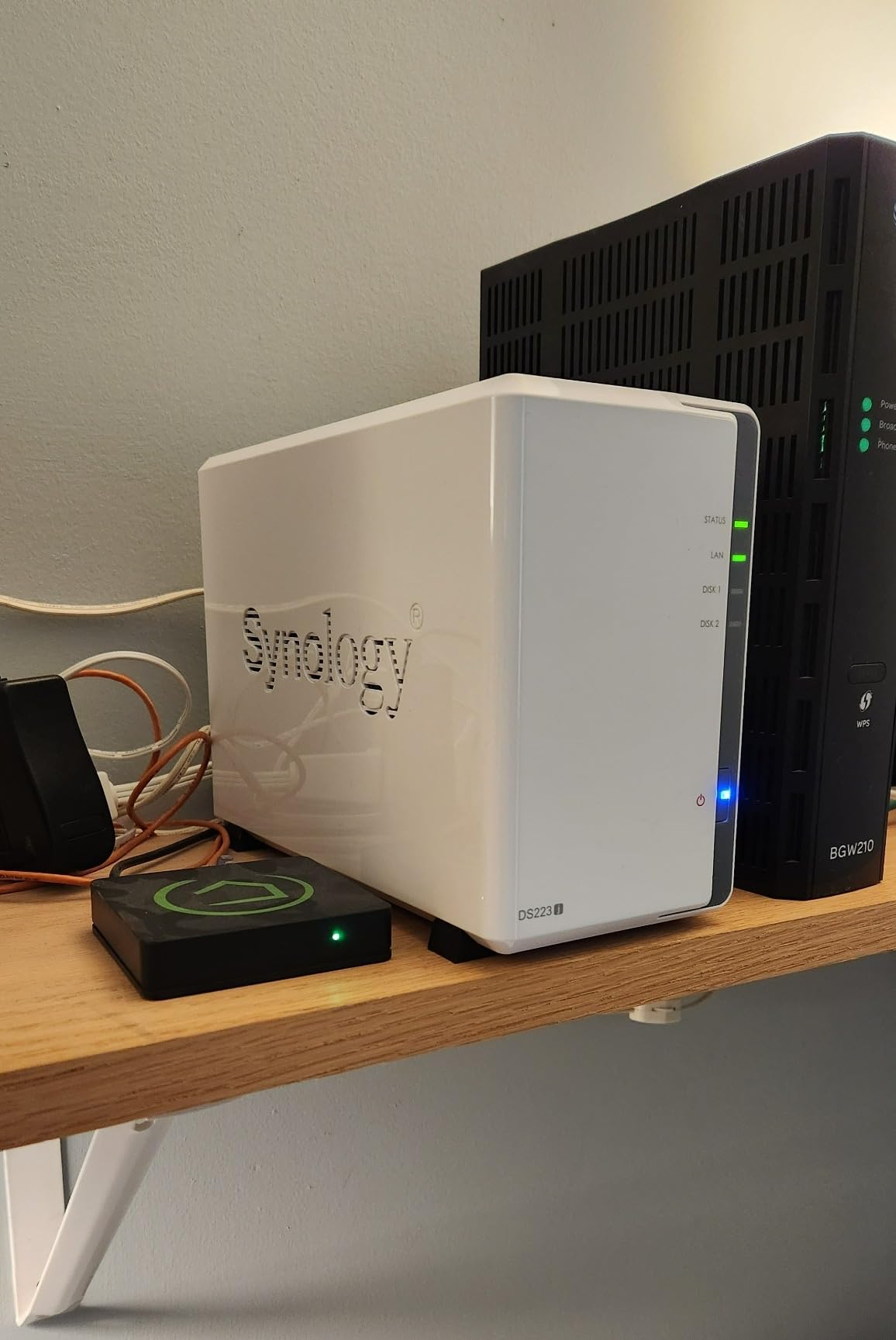
The DS223j is the NAS I recommend to anyone just starting out. At under $200 for the enclosure, plus two IronWolf 4TB drives, you have a complete backup-and-share system for under $600.
Setting it up took me 22 minutes from box to first file copy. DSM walks you through RAID configuration, user accounts, and mobile app pairing step by step. There is no command-line work required.
Synology Photos is the killer app for photographers. It auto-imports photos from your phone, organizes them by date and face recognition, and lets you share albums with clients via a private link. No cloud subscription required.
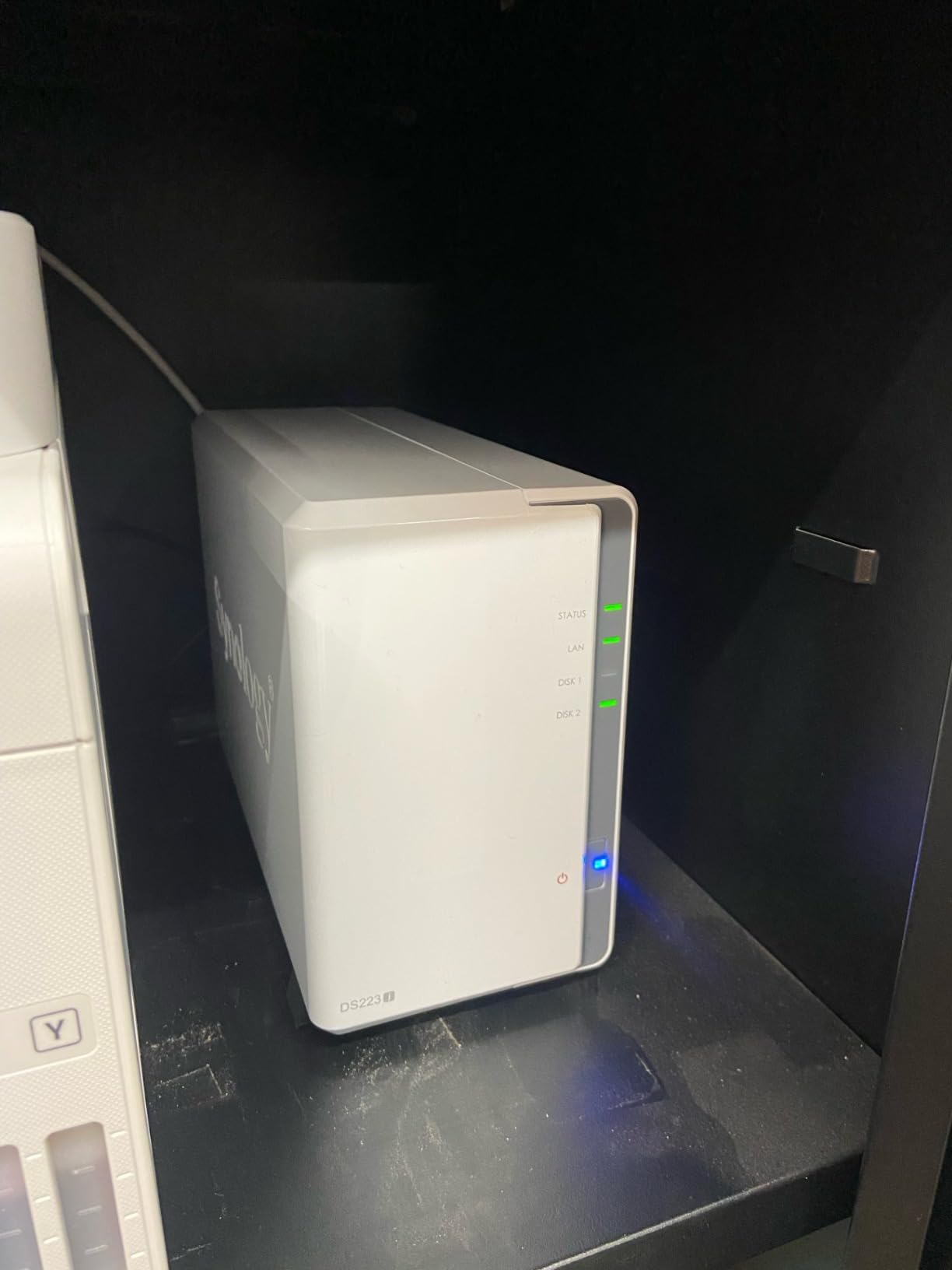
The DS223j is also nearly silent. At 19 dB idle, you can keep it on a bookshelf in your living room without hearing it.
Best fit for first-time NAS buyers
If you have been managing photos on a single external drive and worry about what happens when it fails, the DS223j is the lowest-friction upgrade path. The DSM software does the heavy lifting.
Mobile auto-backup from iOS and Android is a feature most photographers discover and never give up. Every photo you take is on the NAS within minutes of capture.
When to skip this model
Two bays limits you to RAID 1 (mirroring), which gives you only half your total drive capacity. If you shoot RAW heavily, you will outgrow 4TB quickly.
The 1GB of non-expandable RAM limits how many apps you can run simultaneously. If you want to run Plex, Docker, and multiple Synology apps at once, step up to the DS923+ or DS925+.
How to Choose the Right NAS Hard Drive for Photo Storage
Picking the right drive is only half the battle. The other half is configuring your NAS for the kind of reliability your photo work demands. Here is what every photographer needs to understand before clicking buy.
RAID Configuration Explained
RAID is not a backup, but it is your first line of defense against drive failure. The three configurations photographers should know are RAID 1, RAID 5, and RAID 6.
RAID 1 mirrors two drives, so you get half your total capacity with the ability to survive one drive failure. It is simple and works well in 2-bay NAS like the DS223j.
RAID 5 stripes data across three or more drives with parity, giving you (N-1) drives worth of usable space. A four-drive RAID 5 array gives you 75% capacity and survives one drive failure. Rebuild times on 12TB drives can exceed 24 hours, so choose RAID 5 carefully.
RAID 6 is similar to RAID 5 but with double parity, meaning it survives two simultaneous drive failures. For a 6-bay or 8-bay NAS holding your entire client archive, RAID 6 is the conservative choice.
CMR vs SMR Drives: Why It Matters
CMR (Conventional Magnetic Recording) and SMR (Shingled Magnetic Recording) are two ways drives write data to platters. CMR writes tracks side by side, while SMR overlaps tracks to increase density.
For NAS use, CMR is mandatory. SMR drives have well-documented problems with RAID rebuilds because rewriting data in overlapped zones triggers long pauses that can drop the drive out of the array.
Every drive in this roundup uses CMR technology. WD’s Red Plus line (not the older Red) and Seagate’s IronWolf line are explicitly CMR. Avoid the older WD Red (EFAX/EFXX) models and any “archive” drives for NAS use.
Bay Count and Capacity Planning
The number of bays in your NAS determines both your maximum capacity and your RAID flexibility. Here is a simple framework:
2-bay NAS: Up to 4 drives, max ~28TB. Good for hobbyists with under 50,000 photos. RAID 1 only.
4-bay NAS: Up to 4 drives, max ~56TB. Sweet spot for solo professional photographers. RAID 5 recommended.
6 to 8-bay NAS: Up to 8 drives, max ~112TB. Best for studios with multiple photographers. RAID 6 recommended.
For RAW shooters, plan for 50MB per file average. A 4TB drive holds about 80,000 RAW files. Wedding photographers averaging 6,000 images per wedding need at least 300GB per event of working storage.
Network Speed Considerations
Your NAS is only as fast as your network. Most consumer networks run at 1GbE, which maxes out around 125 MB/s. For RAW editing, that is the bottleneck.
2.5GbE networks deliver 312 MB/s, which is enough for most photo workflows including 4K video. The DS925+ has dual 2.5GbE ports that aggregate to 5GbE.
10GbE is overkill for photo work unless you are editing 8K video or running a studio with five or more simultaneous editors. The cost of 10GbE switches and adapters is rarely worth it for solo photographers.
Backup Strategy: RAID Is Not Enough
This is the most important section. RAID protects against drive failure, not against fire, theft, ransomware, or accidental deletion. You need a 3-2-1 backup strategy.
Keep three copies of every important file. Store them on two different media types. Keep one copy offsite.
For photographers, the practical setup is: one copy on your primary NAS, one copy on a backup NAS (or external drive), and one copy in the cloud via Backblaze B2, Wasabi, or Synology C2. Total annual cloud cost for 10TB is around $60 with Backblaze B2.
Frequently Asked Questions
Which NAS is best for photographer’s storage needs?
For most photographers, a 4-bay Synology DS925+ paired with Seagate IronWolf Pro 12TB or WD Red Plus 12TB CMR drives is the best balance of performance, capacity, and software ecosystem. Hobbyists on a budget should consider the 2-bay Synology DS223j with two Seagate IronWolf 4TB drives. Professional studios with multiple photographers should step up to 6-bay or 8-bay enclosures running RAID 6.
What is the best hard drive for photographers?
The best NAS hard drives for photographers in 2026 are NAS-optimized CMR drives from Seagate IronWolf or WD Red Plus lines. The Seagate IronWolf Pro 12TB and WD Red Plus 12TB are top picks thanks to their 7200 RPM speed, 256MB to 512MB cache, vibration resistance, and 5-year warranties. Always choose CMR over SMR for RAID reliability.
Can you store photos on a NAS?
Yes, absolutely. A NAS stores any file type including RAW photos, JPEGs, TIFFs, and video files. Most photographers store their Lightroom catalogs and full image libraries directly on a NAS and access them from any computer on the network. Many NAS units like Synology DSM and QNAP QTS include dedicated photo apps with mobile auto-backup and face recognition.
What is the best type of storage for photographer’s work?
The best storage for photographers combines three layers: a primary NAS with RAID for fast access and drive-failure protection, a secondary NAS or external drive for local backups, and cloud storage for offsite protection. NAS-optimized CMR hard drives such as the Seagate IronWolf Pro or WD Red Plus are the foundation because they are built for 24/7 operation in multi-bay enclosures.
Is NAS worth it in 2026?
Yes, a NAS is worth the investment in 2026 for any photographer with more than a few thousand irreplaceable photos. A 4-bay NAS with 48TB of usable storage costs roughly $1,500 fully configured, which is less than two years of cloud subscription for the same capacity. Beyond backup, you get remote access, multi-device sync, automated phone backups, and a platform you fully own rather than rent.
Final Verdict: Building Your Photographer NAS
The best NAS hard drives for photographers are the ones built for 24/7 multi-bay operation with CMR recording technology. For most working photographers, the Seagate IronWolf Pro 12TB in a Synology DS925+ enclosure delivers the best balance of capacity, speed, and software. The IronWolf Health Management system catches failures early, the 7200 RPM speed handles Lightroom catalogs without lag, and the included Rescue Data Recovery Service is a real safety net for irreplaceable client work.
If you are just starting out, the Synology DS223j with two Seagate IronWolf 4TB drives is the most affordable path into centralized photo storage. If you run a multi-photographer studio, step up to 6-bay or 8-bay enclosures and use RAID 6 for double-parity protection.
Whichever setup you choose, remember the 3-2-1 rule: three copies, two media types, one offsite. A NAS is the foundation, but it is not a complete backup strategy on its own. Pair your NAS with a second local backup and an inexpensive cloud tier, and you will never lose another client archive to a failed drive.