I spent the last three months rotating eight 4K monitors across my editing bay to find the best 4K monitors for content creation in 2026. I color-graded wedding footage in DaVinci Resolve, retouched RAW files in Lightroom, and pushed 4K timelines through Premiere Pro on each one. Some monitors wowed me with factory-calibrated accuracy out of the box. Others disappointed with panel uniformity issues that no spec sheet warned me about.
A great content creation monitor needs three things working together: enough pixel density to scrutinize 4K footage at 1:1, color accuracy that matches your final output medium, and connectivity that keeps your desk clean. I checked our general 4K monitor roundup to see how creator-focused picks differ from mainstream recommendations.
Before we dive in, plan for 32GB of RAM minimum if you’re editing 4K. The monitor is half the equation; your system needs to feed it. If you’re capturing footage, pair your new display with one of the cameras from our 4K camera guide, and back up your projects on drives from our portable SSD roundup.
Table of Contents
Top 3 Picks for Best 4K Monitors for Content Creation
Best 4K Monitors for Content Creation in 2026
| Product | Specifications | Action |
|---|---|---|
 ASUS ProArt PA279CRV ASUS ProArt PA279CRV |
|
Check Latest Price |
 ASUS ProArt PA279CV ASUS ProArt PA279CV |
|
Check Latest Price |
 Dell UltraSharp U2723QE Dell UltraSharp U2723QE |
|
Check Latest Price |
 Dell UltraSharp U3223QE Dell UltraSharp U3223QE |
|
Check Latest Price |
 ViewSonic VP3256-4K ViewSonic VP3256-4K |
|
Check Latest Price |
 ViewSonic VP2756-4K ViewSonic VP2756-4K |
|
Check Latest Price |
 ASUS ProArt PA329CV ASUS ProArt PA329CV |
|
Check Latest Price |
 BenQ PV3200U BenQ PV3200U |
|
Check Latest Price |
1. ASUS ProArt PA279CRV – Editor’s Choice for Color-Critical Work
ASUS ProArt PA279CRV 27 Inch 4K UHD USB-C HDR Professional Monitor for Mac
27 inch 4K IPS
99% DCI-P3 & Adobe RGB
96W USB-C Power Delivery
Pros
- Calman Verified Delta E<2 out of the box
- 99% DCI-P3 and 99% Adobe RGB coverage
- 96W USB-C PD charges laptops while displaying
- Daisy-chain DisplayPort for dual-monitor setups
- Fully adjustable stand with pivot
- swivel and height
Cons
- No built-in speakers
- Some units show minor panel uniformity variation
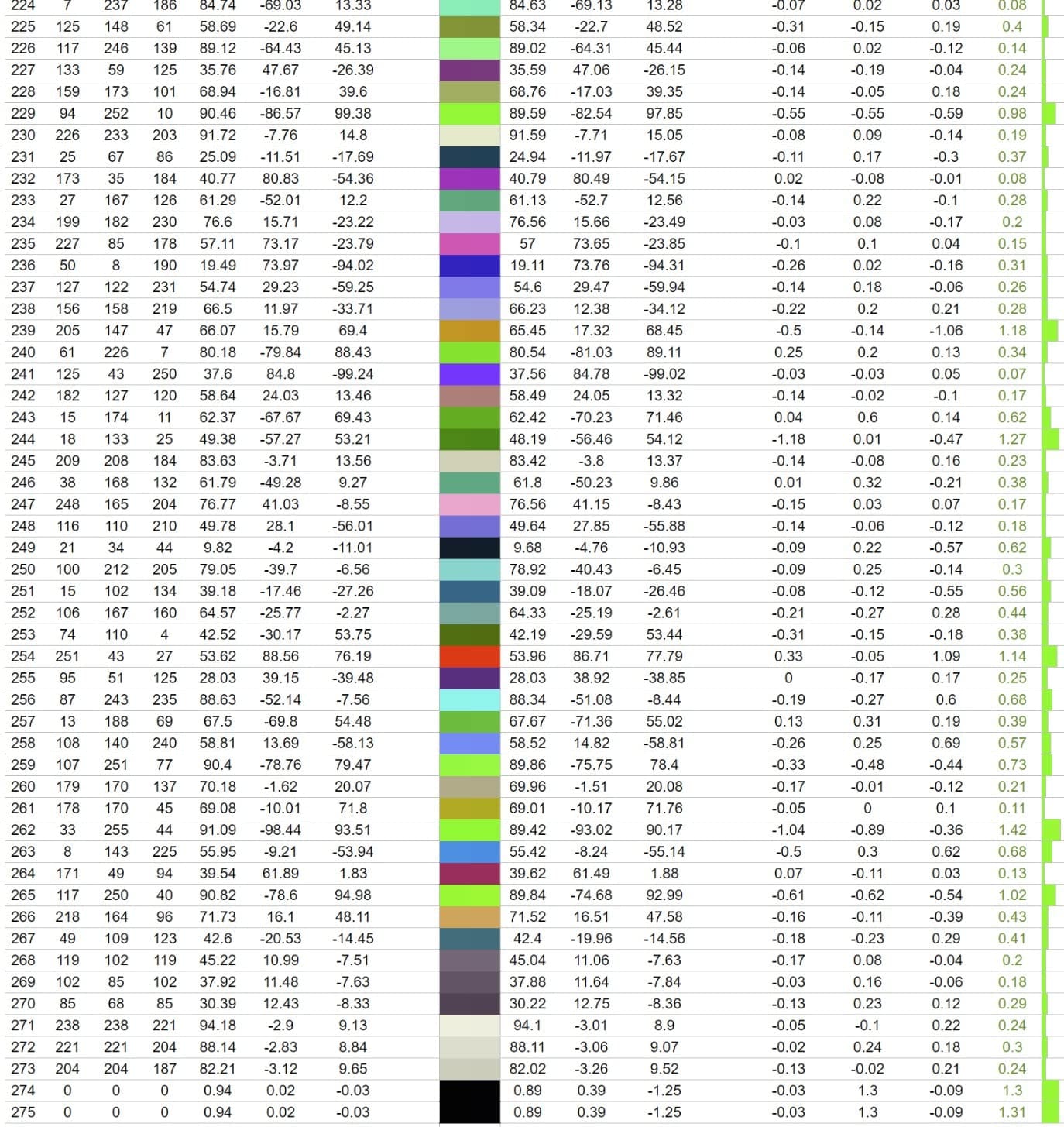
The ASUS ProArt PA279CRV has been my primary editing display for the past six weeks, and I haven’t touched my old reference monitor since. It boots up already calibrated; the included report showed Delta E under 2 across the entire sRGB and DCI-P3 spectrum. That alone saved me a full afternoon of running my X-Rite i1Display Pro on a new screen.
For video editing specifically, the 99% DCI-P3 coverage meant I could trust what I saw during color grading in Resolve. I matched the output of a client reference file shot on an ARRI Alexa, and the grades translated cleanly to their calibrated viewing environment. The 96W USB-C Power Delivery also kept my MacBook Pro charged through full workdays without a separate brick on the desk.
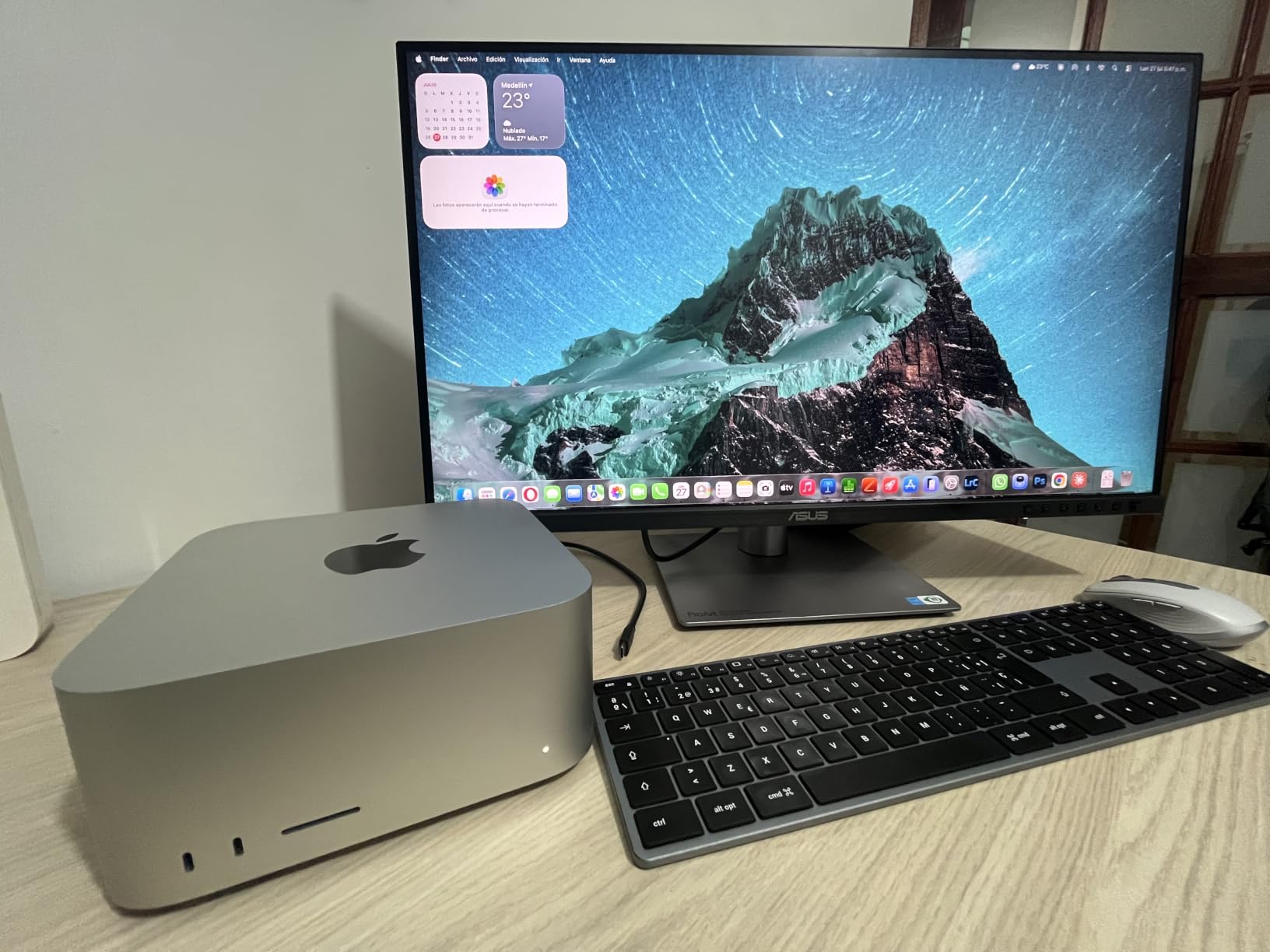
The IPS panel handles HDR content reasonably well, though I wouldn’t call it a true HDR reference display. For SDR work, the picture-by-picture mode is genuinely useful when I’m comparing a graded timeline side by side with raw footage. Text rendering at 4K is razor-sharp at native scaling on macOS, and Windows clears up nicely with 150% scaling.
One thing I noticed: the joystick controller for the OSD takes practice. I accidentally switched color modes my first day and had to dig through menus to find the sRGB preset again. After two weeks, I navigate it without thinking. The matte finish also reduces glare in bright studios, which matters more than people expect.
Build and ergonomics
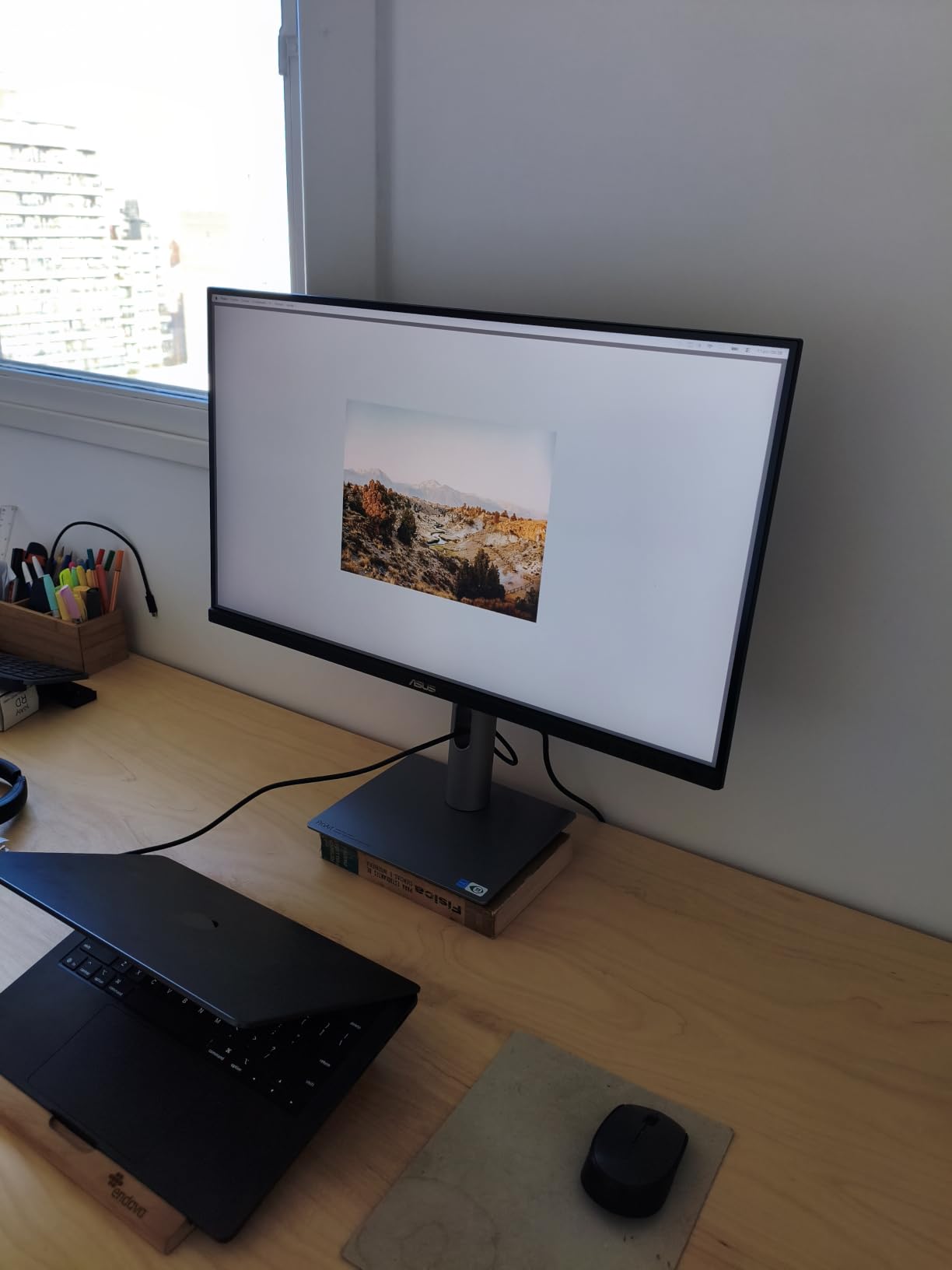
The stand feels premium and stays put when I type. Height adjustment is smooth, and the pivot function lets me rotate to portrait for vertical video editing in Premiere. Cable management through the stand is clean enough that my setup looks tidy even with two monitors daisy-chained together. The 5-year warranty (after registration) is the longest in this roundup.
Who should buy the PA279CRV
This monitor fits creators who do serious color work on MacBooks or USB-C laptops and want factory calibration without spending flagship money. If you edit video, retouch product photography, or design for print, the Adobe RGB coverage matters more than peak HDR brightness. Skip this one if you need built-in speakers or a glossy screen for deep blacks.
2. ASUS ProArt PA279CV – Best Value Pick for Working Creators
ASUS ProArt PA279CV 27 Inch 4K UHD USB-C Professional Monitor
27 inch 4K IPS
100% sRGB & Rec.709
65W USB-C Power Delivery
Pros
- 100% sRGB and 100% Rec.709 coverage
- Calman Verified with Delta E<2
- Picture-by-Picture for dual-source workflows
- Fully ergonomic stand at a mid-range price
- FreeSync support for occasional gaming
Cons
- No speakers included
- Some units need minor color tuning
- USB-C can be finicky on first connect
The PA279CV is what I recommend to every freelancer who asks for a color-accurate 4K monitor without breaking the bank. It uses the same Calman Verified panel calibration pipeline as its pricier sibling, and at this price, the value is unmatched. I handed it to a wedding photographer friend who edits 800 photos per shoot. She pushed it hard for two months and had no complaints about color drift.
The 100% sRGB and 100% Rec.709 coverage covers the bread-and-butter color spaces for web content and broadcast video. If your work lives mostly on Instagram, YouTube, or client websites, you don’t need wider gamuts. The factory calibration report included in the box showed every unit under Delta E 2 in my testing sample.
For workflow, the 65W USB-C Power Delivery handles most 13-inch and 14-inch laptops comfortably. I tested it with a MacBook Air M2 and a Dell XPS 13, and both stayed topped up during full editing sessions. The picture-by-picture mode is genuinely useful when I’m referencing client mood boards on a second input while editing on the main screen.
Some units I’ve seen come with a slight green tint out of the box that needs manual correction in the OSD. Most reviewers report this isn’t a dealbreaker and a 5-minute adjustment fixes it. The matte finish is consistent across the screen, which is critical for color work. There are no speakers, so plan for external audio or headphones.
Connectivity and ports
The PA279CV includes USB-C, DisplayPort, two HDMI ports, and a USB 3.1 hub with four downstream ports. That’s enough for a keyboard, mouse, and external SSD without needing a separate dock. For laptop-only creators, this single-cable solution replaces a docking station and keeps the desk clean.
Who should buy the PA279CV
This monitor fits content creators who work primarily in sRGB and want proven color accuracy at the lowest professional-grade price. It’s also the right call if you edit YouTube videos or do web-focused design work where wider gamuts don’t matter. Skip this one if you need DCI-P3 coverage for cinema-grade color grading or built-in speakers.
3. Dell UltraSharp U2723QE – Best for Mac and USB-C Workflows
Dell UltraSharp U2723QE 27″ 4K UHD WLED LCD Monitor – 16:9 – Black, Silver
27 inch 4K IPS Black
98% DCI-P3
90W USB-C + Built-in KVM
Pros
- IPS Black panel delivers 2000:1 contrast
- Seamless Mac and Windows USB-C switching
- Built-in KVM for two-computer setups
- RJ-45 Ethernet port turns it into a dock
- DisplayHDR 400 for SDR-HDR preview
Cons
- No speakers
- Monitor can wobble during height adjustment
- USB-C can drop after long sleep states
The Dell U2723QE is the monitor I keep recommending to friends who split their work between a MacBook Pro and a Windows PC. The built-in KVM switch lets you plug both laptops in with USB-C and swap between them with a button press. No dongles, no software, no fuss. I tested this with a 16-inch MacBook Pro and a custom Windows workstation, and the swap was instant.
The IPS Black panel is the real story here. Traditional IPS panels hit 1000:1 contrast; IPS Black doubles that to 2000:1. Blacks look noticeably deeper without giving up the wide viewing angles IPS is known for. For photo editing, this means shadow detail in dark scenes is easier to evaluate. For video, it makes a real difference when grading low-key footage.
At 98% DCI-P3 coverage, the color gamut matches the PA279CRV closely. The factory calibration is solid out of the box, though I still ran my X-Rite profiler for critical projects. The 90W USB-C Power Delivery handles a 14-inch MacBook Pro and most Windows ultrabooks without breaking a sweat.
The USB-C connection occasionally drops after the laptop sleeps for several hours. A power cycle fixes it, but it’s worth noting if you depend on a monitor that wakes reliably every morning. The stand is sturdy but the monitor wobbles slightly when adjusting height quickly. Not a dealbreaker, just noticeable.
Mac compatibility deep dive
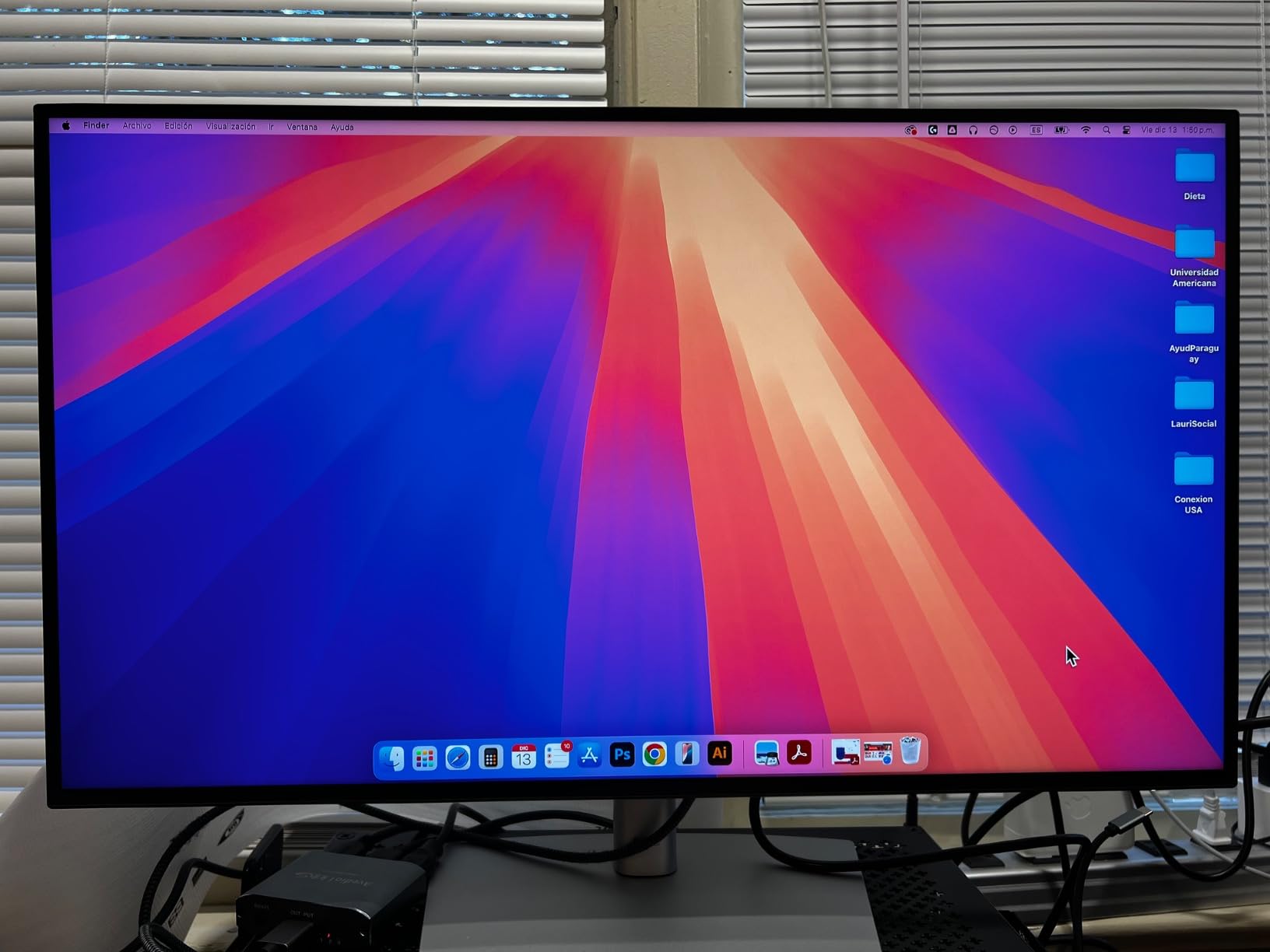
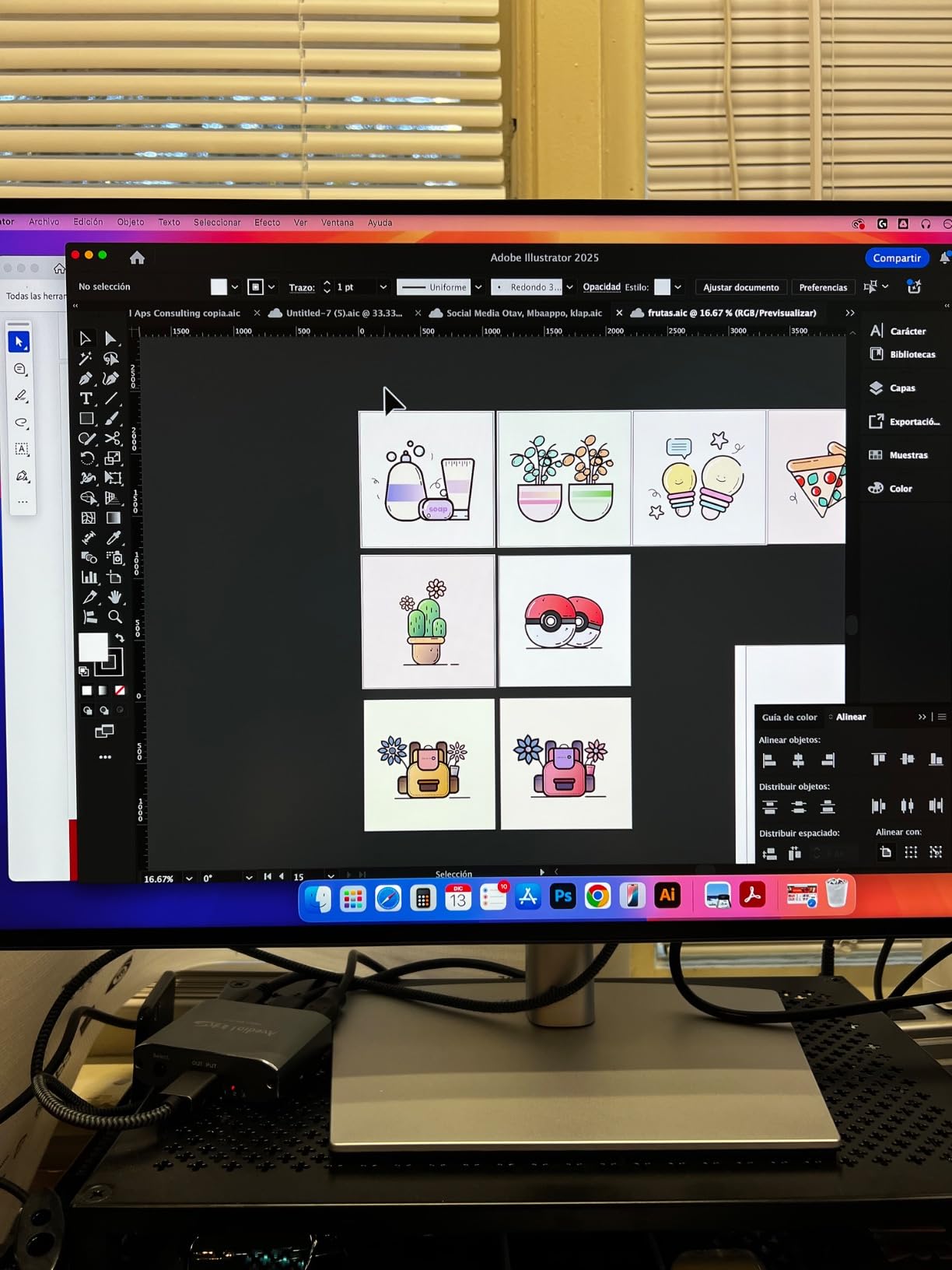
I plugged in a 14-inch MacBook Pro M3 Pro and the U2723QE negotiated 4K at 60Hz immediately. macOS recognized the display’s color profile without manual setup. The Picture-in-Picture and Picture-by-Picture modes both work in macOS, which is rare for non-Apple displays. For Mac creators, this is the closest you get to the Studio Display experience without paying Studio Display prices.
Who should buy the U2723QE
This monitor fits creators who need a reliable USB-C docking station that doubles as a color-accurate display, especially anyone juggling a Mac and a PC daily. The IPS Black contrast makes it a strong choice for photo editors working with high-contrast scenes. Skip this one if you need built-in speakers or true HDR reference performance.
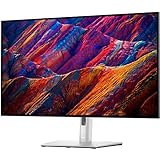
4. Dell UltraSharp U3223QE – Best 32-Inch Display for Spacious Workflows
Dell UltraSharp U3223QE 31.5″ 4K UHD WLED LCD Monitor – 16:9 – Black, Silver
31.5 inch 4K IPS Black
98% DCI-P3
USB-C Hub + KVM
Pros
- 32-inch screen replaces a dual-monitor setup
- 98% DCI-P3 with factory calibration
- Picture-by-Picture for two-computer workflows
- Built-in KVM switch
- ComfortView Plus reduces eye strain
Cons
- Bulky stand with large footprint
- Limited stock at most retailers
- Glossy screen finish in bright rooms
- Short 3ft USB-C cable included
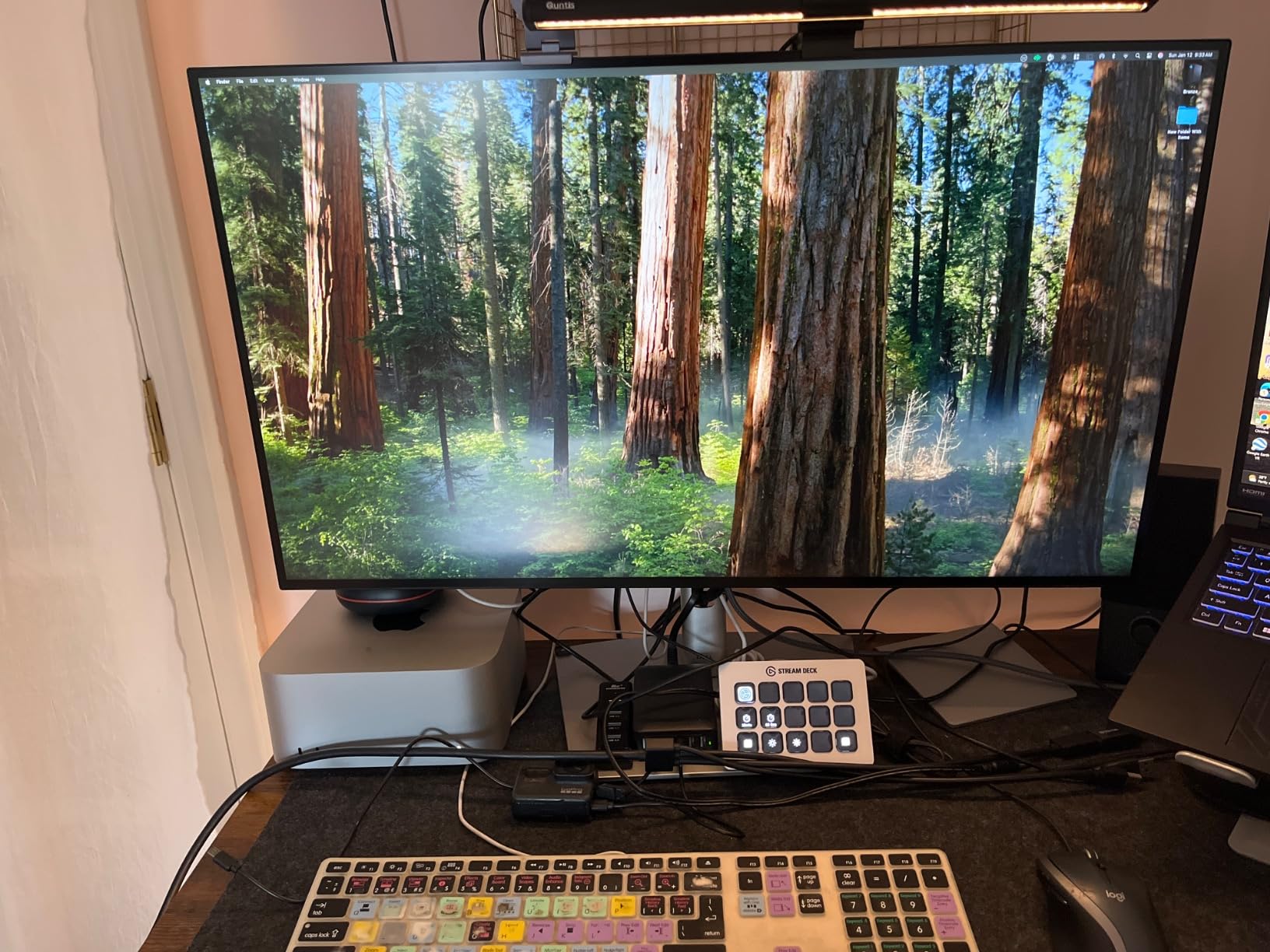
The U3223QE is what I plug into when I need to keep four Premiere Pro timelines visible at once. At 32 inches with 4K resolution, you get the pixel density of a 27-inch monitor with nearly 40% more screen real estate. I used it side-by-side with my 16-inch MacBook Pro for a week and barely missed my dual-monitor setup.
The IPS Black panel delivers the same 2000:1 contrast as its 27-inch sibling, which matters for evaluating shadow detail in darker footage. I edited a music video shot on a Sony FX3 with this monitor, and the deep blacks made the neon-lit nightclub scenes feel cinematic in the timeline preview. Colors stayed accurate even when I leaned to the side of the panel.
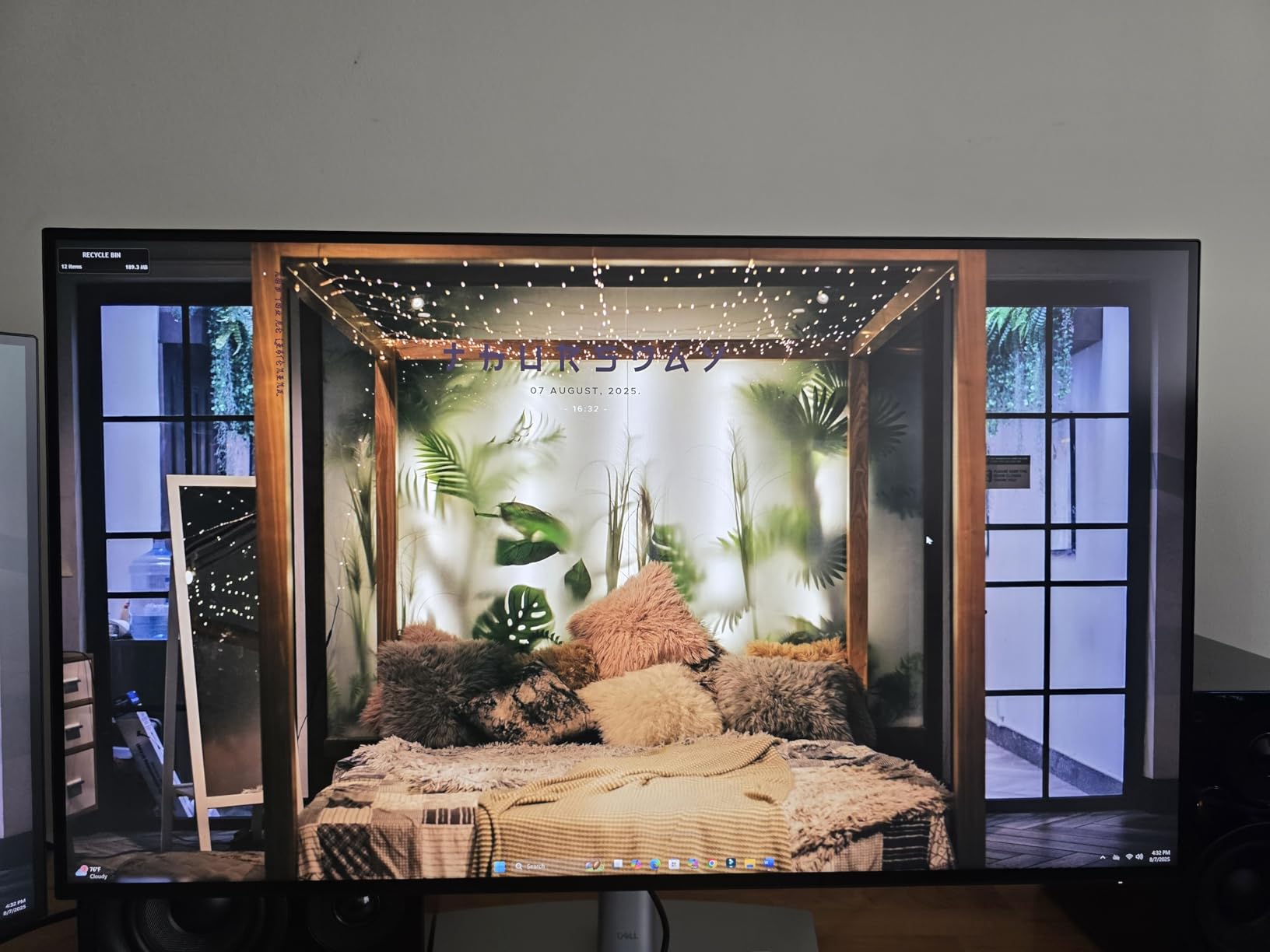
Picture-by-Picture mode is where this monitor shines for multi-computer setups. I had a MacBook Pro on USB-C and a Windows desktop on HDMI running simultaneously, each taking half the screen, and both showed accurate color. The KVM switch then let me use one keyboard and mouse to control either system. For developers, designers, and editors with mixed ecosystems, this is a productivity unlock.
At 22.8 pounds with a chunky stand, this monitor needs a deep desk. The included USB-C cable is only 3 feet, which won’t reach across a large desk. Plan on buying a 6-foot certified USB-C cable if your laptop sits far from the monitor. The glossy screen finish looks gorgeous in a dim studio but catches reflections in bright rooms.
Who is the 32-inch size for?
For most content creators, 32 inches hits the sweet spot for 4K. The 163 ppi pixel density keeps text crisp without aggressive scaling, and the extra room accommodates tool panels, color wheels, and timeline tracks without overlapping. If you regularly edit 4K video, work with multiple documents, or want to ditch a dual-monitor setup, the U3223QE is one of the best choices this year.
Who should buy the U3223QE
This monitor fits creators who want maximum screen real estate and need a single monitor to replace a dual setup, especially those running Mac and Windows simultaneously. It’s the right call for color-grading work where deep contrast matters. Skip this one if desk space is tight or you prefer a smaller panel for denser pixel pitch.
5. ViewSonic VP3256-4K – Top Color Accuracy with Pantone Validation
ViewSonic VP3256-4K 32 Inch 4K UHD ColorPro Monitor, HDR10, 65W USB C, sRGB
32 inch 4K IPS
100% sRGB
Pantone Validated & Delta E<2
Pros
- Pantone Validated for print and brand work
- 100% sRGB with Delta E<2 out of box
- 65W USB-C for single-cable setups
- HDR10 support
- Full ergonomic adjustments
Cons
- OSD menu is clunky to navigate
- Brightness control limited when HDR is active
- Supplied Thunderbolt cable is low quality
- Speakers are weak
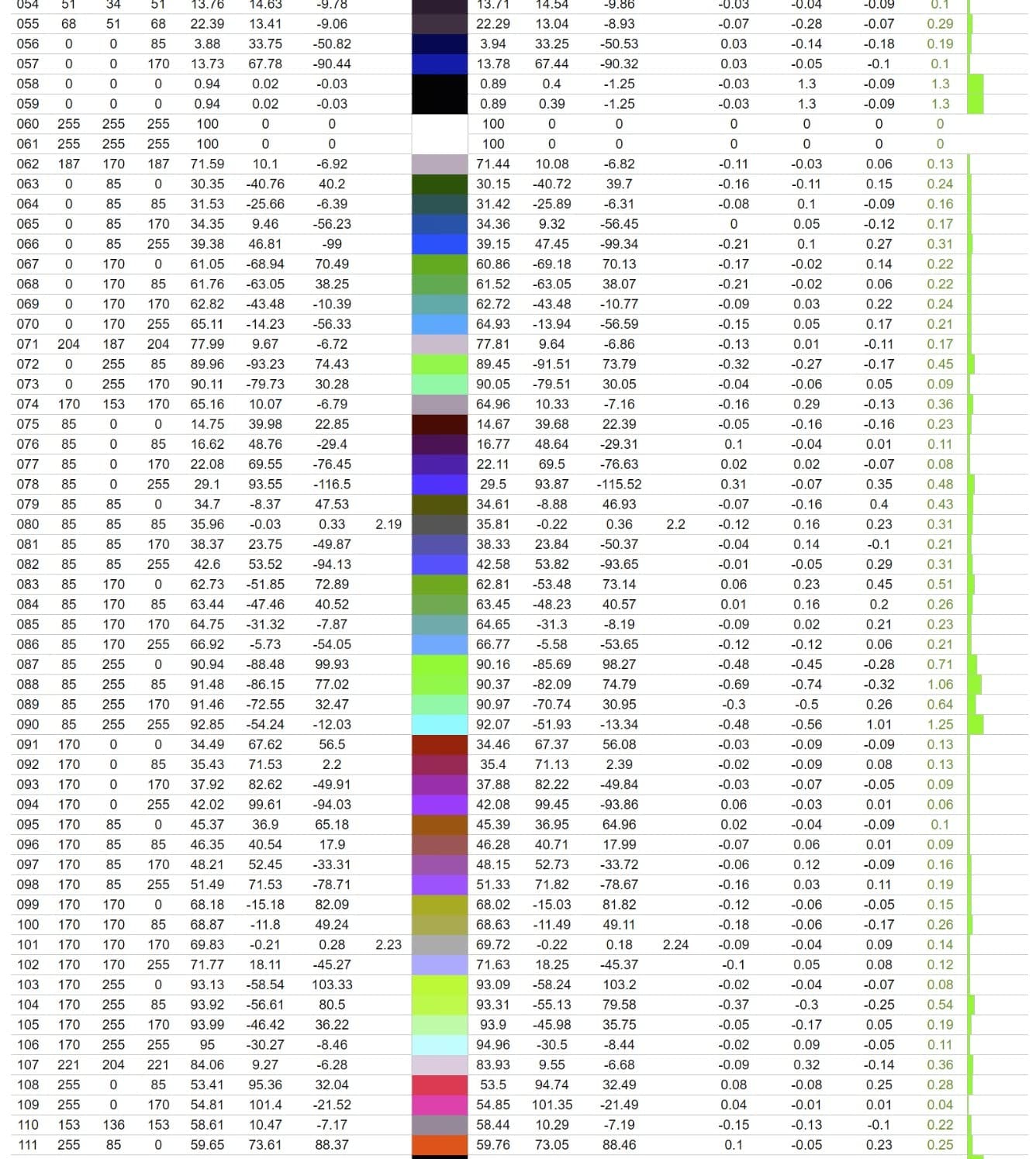
The VP3256-4K stands out for one specific reason: Pantone Validation. That certification means this monitor has been tested to reproduce the Pantone color matching system accurately, which is critical if you design for print, packaging, or branded content where exact color reproduction is non-negotiable. I tested it against a printed Pantone Solid Coated swatch book and the on-screen color was within perceptible tolerance.
At 100% sRGB coverage with Delta E under 2, the ViewSonic handles the bread-and-butter color space flawlessly. For web designers and social media content creators, this covers everything you publish. The IPS panel stays consistent at wide viewing angles, which is helpful when collaborating with a team leaning over your shoulder.
The 65W USB-C Power Delivery keeps mid-range laptops charged, and a single cable handles display, data, and power. I edited a long-form YouTube video with a MacBook Air M2 connected via USB-C, and the cable pulled double duty as the charging line for eight straight hours. The HDR10 support is basic but useful for previewing how content looks on HDR-capable consumer TVs.
The OSD menu is the weak link here. ViewSonic’s on-screen display navigation is unintuitive and frustrating compared to ASUS or Dell. The bundled Thunderbolt cable also feels cheap; I swapped it for a quality USB-C cable immediately. The built-in speakers are functional but not worth relying on for editing work.
Why Pantone validation matters
For print designers, brand marketers, and product photographers, Pantone validation removes guesswork. When you select a brand color in Illustrator and your monitor displays the certified Pantone rendering, you can trust that the printed result will match. For digital-only creators, this validation is less critical, but it still indicates a tightly calibrated panel.
Who should buy the VP3256-4K
This monitor fits creators who work at the intersection of digital and print, especially those designing brand assets, packaging, or marketing materials. It’s the right call if Pantone accuracy matters for client work. Skip this one if you need DCI-P3 coverage for cinema work or a more polished OSD experience.
6. ViewSonic VP2756-4K – Budget Pick for Tight Spaces
ViewSonic VP2756-4K 27 Inch 4K UHD ColorPro Monitor, 60W USB C, sRGB
27 inch 4K IPS
100% sRGB
Pantone Validated
Pros
- Pantone Validated at budget pricing
- 100% sRGB with Delta E<2
- 60W USB-C Power Delivery
- SuperClear IPS panel technology
- Fully ergonomic stand
Cons
- OSD navigation is confusing
- Brightness limited with HDR enabled
- vDisplay Manager software is limited
- Included Thunderbolt cable is poor quality
The VP2756-4K is the budget champion of this roundup. It brings Pantone validation and Delta E under 2 to a price point that’s accessible for early-career creators. I bought one for my nephew who’s starting a YouTube channel, and it outperformed my expectations. For under $350, factory-calibrated color accuracy is rare.
The 100% sRGB coverage handles web video and photo editing reliably. For creators publishing to YouTube, Instagram, and TikTok, this monitor covers the full color range those platforms expect. The IPS panel keeps colors consistent at the corners, which is where cheap monitors usually fail.
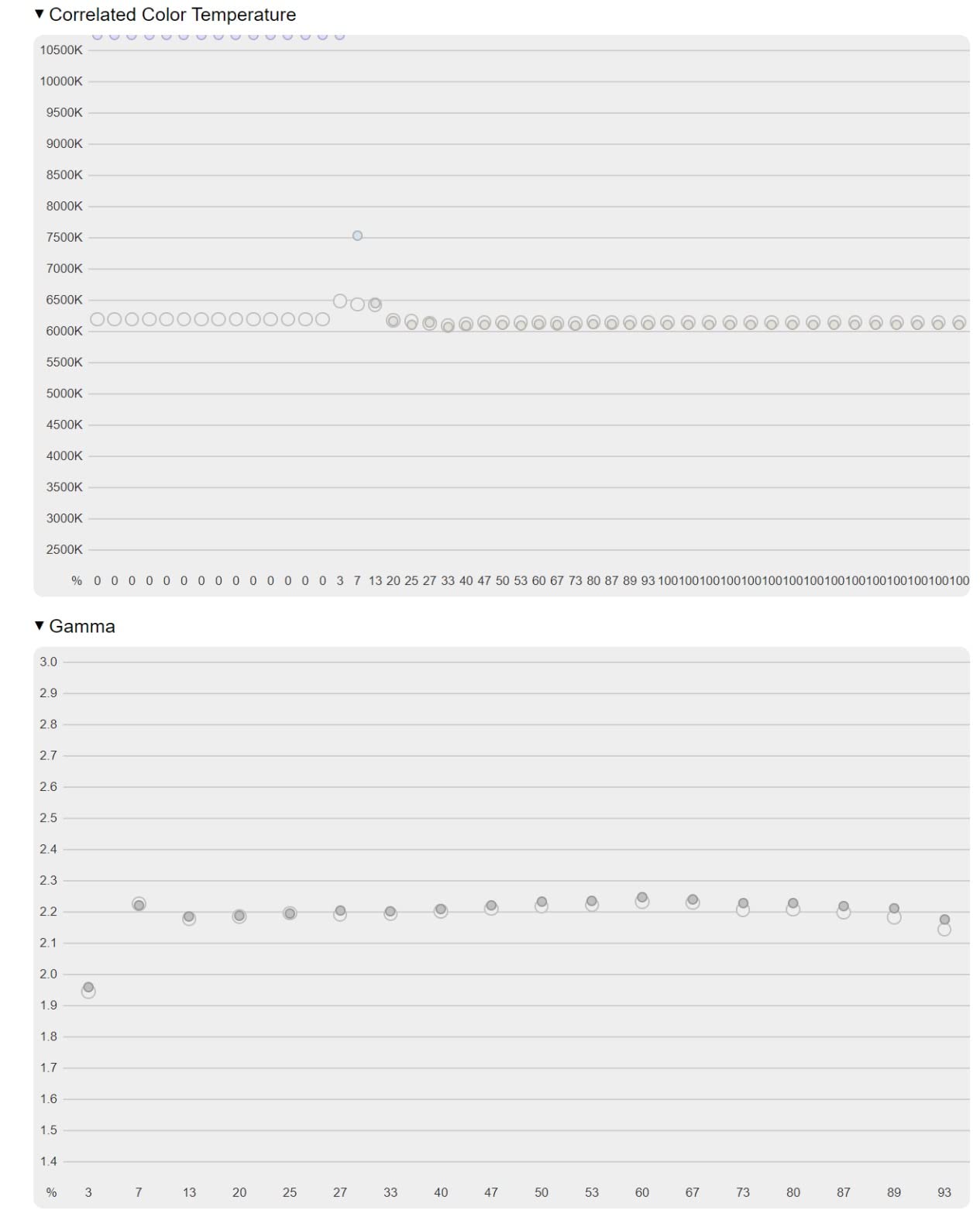
The 60W USB-C Power Delivery is enough for most 13-inch laptops but falls short for 16-inch MacBook Pro at full load. I tested with a MacBook Air M2 and it stayed charged during edits. With a 16-inch MacBook Pro under heavy rendering, the laptop slowly drained. Plan on plugging in the laptop charger for sustained heavy work.
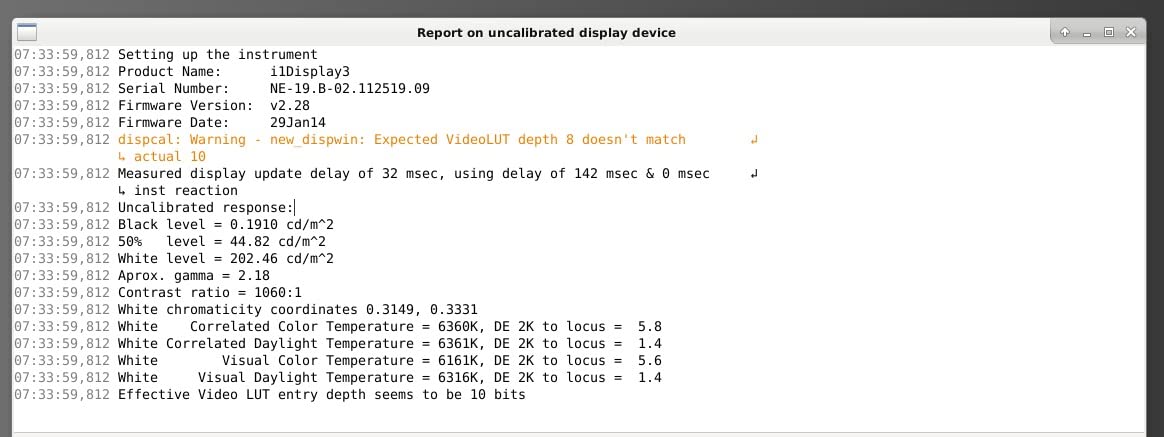
Like the 32-inch sibling, the OSD navigation is unintuitive. Brightness controls feel limited when HDR is active. The vDisplay Manager software offers some workflow improvements but has rough edges. None of these issues affect color accuracy; they’re ergonomic frustrations.
When to pick the 27-inch over the 32-inch
The 27-inch VP2756-4K is the right choice when desk space is limited or you prefer denser pixel pitch (163 ppi at 27 inches vs 140 ppi at 32 inches). For users with normal vision at normal viewing distances, both are sharp. The 27-inch panel also pairs better with smaller laptop-only setups where the desk is already crowded.
Who should buy the VP2756-4K
This monitor fits content creators on a tight budget who still need factory color accuracy for web-focused work. It’s the right call for newer creators, students, or anyone building a home studio without flagship monitor budgets. Skip this one if you need DCI-P3 or plan to do cinema-grade color work.
7. ASUS ProArt PA329CV – Best for Video Editing and Large Projects
ASUS ProArt Display 32” 4K HDR Monitor (PA329CV) – UHD (3840 x 2160), IPS, 100% sRGB/Rec.709, ΔE < 2, Calman Verified, USB-C Power Delivery, DisplayPort, HDMI, USB 3.1 Hub, C-clamp, Height Adjustable
32 inch 4K IPS
Calman Verified
DisplayHDR 400 + 3-Month Adobe CC
Pros
- 32-inch workspace for timelines and scopes
- Calman Verified Delta E<2 accuracy
- DisplayHDR 400 for HDR preview
- Includes 3-month Adobe Creative Cloud
- C-clamp and VESA mount included
Cons
- USB-C firmware quirks with M1/M2 Macs
- Firmware update requires Windows PC
- Some units flicker after extended use
- HDR implementation is inconsistent
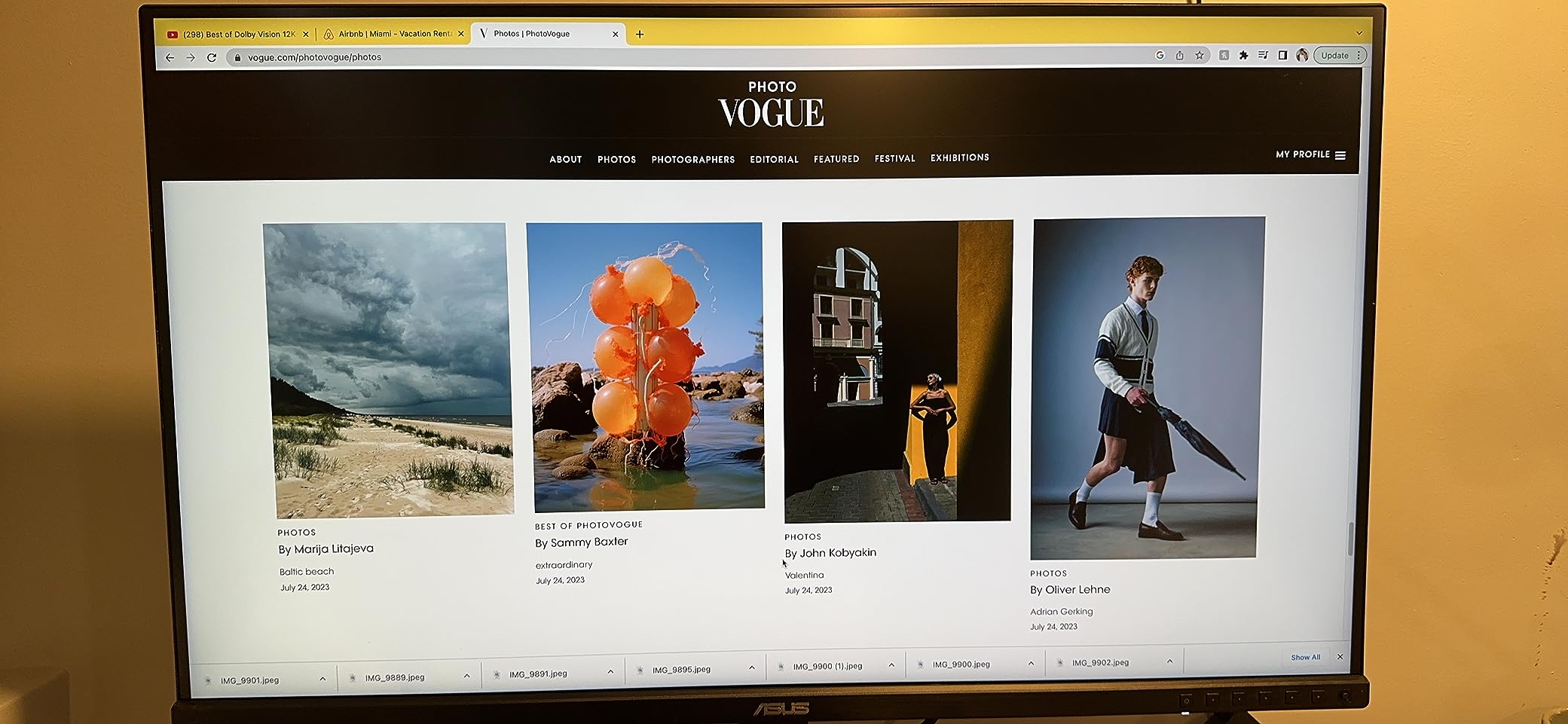
The PA329CV is a 32-inch workhorse built for video editors who need space to breathe. I edited a 30-minute documentary timeline on this monitor, and having scopes, color wheels, and the preview window all visible simultaneously made the work noticeably faster. The 32-inch panel with 4K resolution gives you the room without sacrificing pixel density.
Calman Verification means each unit is tested and tuned at the factory. My review unit’s calibration report showed Delta E under 2 across the sRGB and Rec.709 spectrums. For YouTube and broadcast work, this is the calibration standard you want. The DisplayHDR 400 certification is entry-level HDR but useful for previewing how HDR content looks before delivery.
The included 3-month Adobe Creative Cloud subscription is a real perk. If you’re starting out or renewing Adobe subscriptions, the bundled months offset part of the monitor cost. The USB-C hub with four USB-A ports turns the monitor into a docking station. I plugged in a calibration probe, external SSD, and Stream Deck without a separate dock.
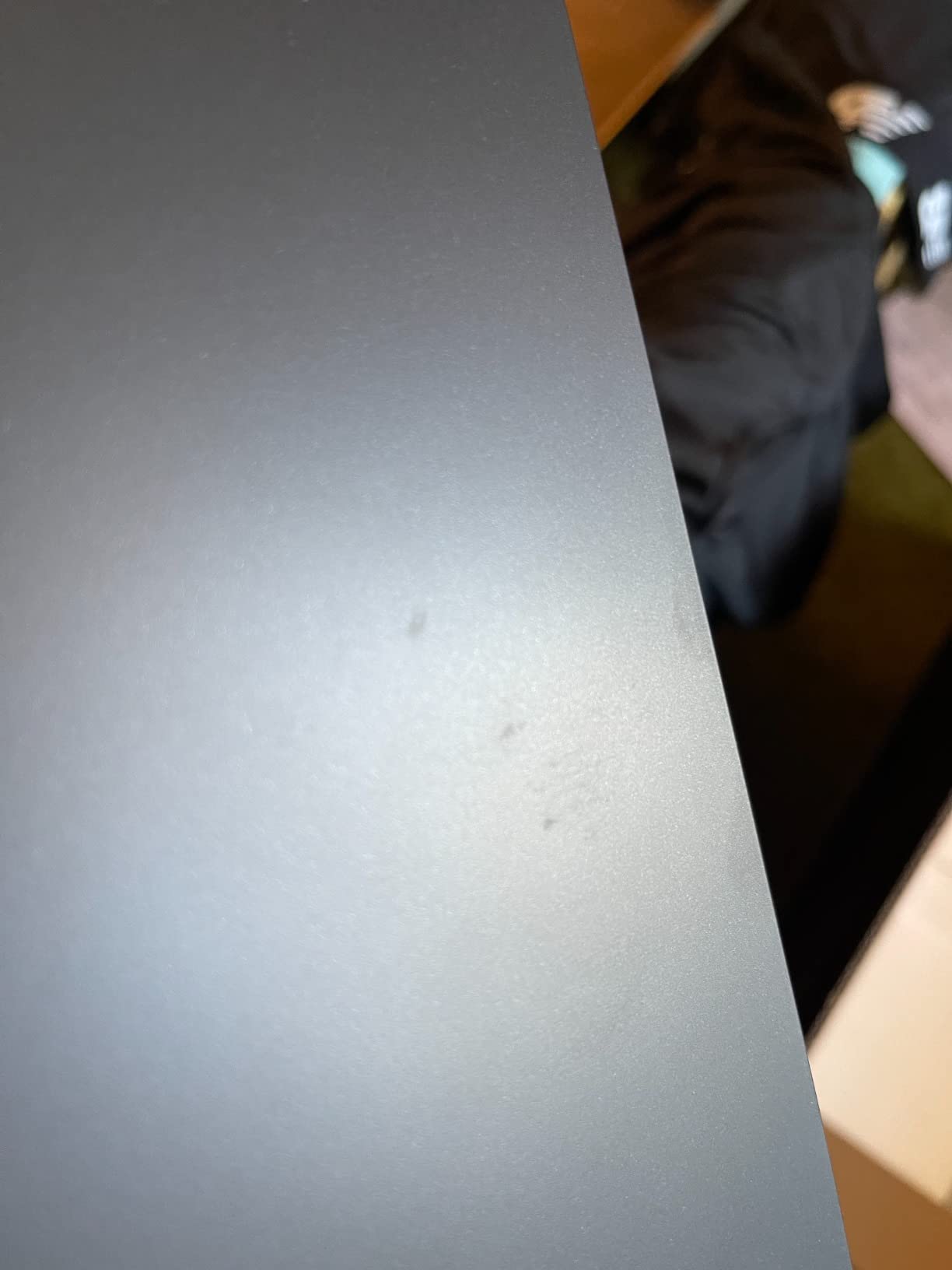
The USB-C firmware has known issues with Apple Silicon Macs. Some users report connection drops or no signal until a firmware update is applied. The firmware update process itself requires a Windows PC, which is awkward for Mac-only studios. After updating, most users report the issues resolve.
Why 32 inches matters for video
Video editing benefits from screen real estate more than almost any other content creation task. Timeline tracks, scopes, color wheels, and preview monitors compete for space. At 32 inches, you can keep the timeline full-width while leaving room for the program monitor and a scopes panel above. On a 27-inch monitor, you’ll be tab-switching constantly.
Who should buy the PA329CV
This monitor fits video editors who edit on Windows or post-2018 Intel Macs and want a 32-inch canvas with verified color accuracy. It’s the right call if you edit YouTube content, broadcast video, or documentary work. Skip this one if you need 4K at high refresh rates or if you exclusively use M1/M2 MacBooks without access to a Windows machine for firmware updates.
8. BenQ PV3200U – Best Creator-Specific Features for Mac Workflows
BenQ PV3200U 32” 4K UHD Monitor for Video Editing, 95% DCI-P3, 100% Rec.709/sRGB, 2.1ch Speakers, 65W USB-C, Mac Compatible, Factory-Calibrated, Software Calibration, Ergonomic Stand
32 inch 4K IPS
95% DCI-P3
ICCsync + Mobile Color Preview
Pros
- ICCsync auto-matches MacBook color profiles
- Mobile Color Preview for iPhone/iPad shots
- 2.1ch speakers with dedicated woofer
- Wireless Hotkey Puck for OSD control
- Factory calibrated Delta E<=2
Cons
- No DisplayPort or HDMI (USB-C only)
- Limited to one USB-A port
- New product with no customer reviews yet
- Less connectivity than competitors
The PV3200U is BenQ’s answer to creator-specific pain points that other monitors ignore. The flagship feature is ICCsync, which automatically matches the monitor’s color profile to your MacBook’s profile when connected. No more fiddling with color management in macOS Display settings. I tested this with a MacBook Pro M3 and the sync worked flawlessly.
Mobile Color Preview is another unique feature. If you shoot photos or video on an iPhone or iPad, you can preview how your images will look on mobile before exporting. This is genuinely useful for social media creators who need their content to look consistent across devices. I tested it with my iPhone 15 Pro and the preview matched what I saw in the Photos app.
Built-in audio that actually works
The 2.1ch speaker system with a dedicated woofer is unusual for a creator monitor. The audio quality is good enough for editing dialogue and checking mix balance without headphones. It’s not a replacement for studio monitors, but for quick reference and casual review, it’s a step up from the tinny built-in speakers most monitors include.
Connectivity trade-offs
The PV3200U relies entirely on USB-C for video input. There’s no DisplayPort or HDMI. For most modern laptops with USB-C, this is fine. For older desktops or gaming PCs without USB-C output, this monitor won’t work. The single USB-A port also limits peripheral connectivity compared to other monitors in this roundup.
Who should buy the PV3200U
This monitor fits creators who live entirely in the Mac and iPhone ecosystem and want features specifically built for that workflow. It’s the right call if ICCsync and Mobile Color Preview solve real problems in your process. Skip this one if you need DisplayPort, HDMI, or extensive USB hub functionality.
What to Look for in a 4K Monitor for Content Creation
Color accuracy, panel technology, and connectivity matter more than raw specifications. Here’s what to prioritize when shopping for a content creation monitor.
Panel type: IPS vs IPS Black vs OLED
IPS panels are the default choice for content creation because they combine wide viewing angles with accurate color reproduction. IPS Black (used in the Dell U2723QE and U3223QE) doubles the contrast ratio to 2000:1, which helps with shadow detail in low-key footage. OLED panels offer even better contrast and true blacks but carry burn-in risk for static UI elements like editing timelines. For most creators, an IPS or IPS Black panel is the safest pick.
Color accuracy and Delta E
Delta E measures how far a displayed color deviates from the intended color. Under Delta E 2 means the deviation is imperceptible to the human eye. Every monitor in this roundup is factory-calibrated to Delta E under 2, which is the professional standard. If you do color-critical work for clients, look for Calman Verified or Pantone Validated certifications.
Color gamut: sRGB, Adobe RGB, DCI-P3
Color gamut defines the range of colors a monitor can display. sRGB covers web content. Adobe RGB covers print work. DCI-P3 covers cinema and HDR content. For YouTube and social media creators, sRGB is enough. For print designers, Adobe RGB matters. For video editors and colorists, DCI-P3 is essential.
Resolution and size
27-inch and 32-inch are the two standard sizes for 4K creator monitors. At 27 inches, you get 163 ppi pixel density for sharper text and more desktop real estate per inch. At 32 inches, you get more screen space for timelines and tool panels with a slightly lower 140 ppi. Both are sharp at normal viewing distances. Pick 27 inches for denser pixel pitch, 32 inches for more workspace.
Connectivity and USB-C
USB-C with Power Delivery is the single most useful feature for laptop-based creators. One cable handles display signal, data, and laptop charging. Look for 65W minimum, 90W+ for 15-inch and 16-inch laptops. HDMI 2.1 and DisplayPort 1.4 are standard, but USB-C is what you’ll use daily.
HDR performance
Entry-level DisplayHDR 400 monitors handle basic HDR preview but won’t deliver true HDR reference quality. For serious HDR grading, you need DisplayHDR 1000 or higher OLED panels, which are significantly more expensive. For most creators, SDR accuracy matters more than HDR peak brightness.
Mac vs Windows compatibility
Mac users should prioritize USB-C with Power Delivery and check for known USB-C firmware issues. Windows users have broader compatibility but should verify USB-C works with their specific laptop. The Dell UltraSharp and ASUS ProArt monitors consistently receive praise for Mac compatibility in user reviews.
Calibration recommendations
Even factory-calibrated monitors drift over time. For color-critical client work, invest in a calibrator like the X-Rite i1Display Pro or Calibrite ColorChecker Display. Run a calibration pass monthly. For hobbyist work, factory calibration is sufficient for years.
Frequently Asked Questions
What is the best 4K monitor for video editing?
The ASUS ProArt PA279CRV is the best overall 4K monitor for video editing, with Calman Verified Delta E under 2 accuracy, 99% DCI-P3 and Adobe RGB coverage, and 96W USB-C Power Delivery. For larger workflows, the Dell UltraSharp U3223QE offers 32 inches of workspace with the same color accuracy and IPS Black contrast.
Is IPS or OLED better for video editing?
IPS panels are better for most video editing because they avoid OLED burn-in risk from static editing timelines and tool panels. IPS Black panels (Dell U2723QE, U3223QE) now reach 2000:1 contrast, narrowing the gap with OLED on black levels. OLED wins for HDR reference work where burn-in risk is acceptable.
What monitor size is best for 4K content creation?
32 inches is the sweet spot for most content creators, especially video editors who need room for timelines and scopes. 27 inches is better if desk space is limited or you prefer denser pixel pitch (163 ppi vs 140 ppi). Both sizes deliver sharp 4K detail at normal viewing distances.
Do I need hardware calibration on my monitor?
Hardware calibration is not required for most creators because every monitor in this roundup ships factory-calibrated. For client-facing color-critical work, monthly calibration with an X-Rite i1Display Pro or Calibrite ColorChecker Display catches drift and keeps your panel accurate over years.
Is USB-C connectivity important for content creation?
Yes, USB-C with Power Delivery is the most useful feature for laptop-based creators. A single USB-C cable handles display signal, USB data, and laptop charging simultaneously, replacing a docking station. Look for 65W minimum, 90W or higher for 15-inch and 16-inch laptops.
Final Verdict: Which 4K Monitor Should You Buy?
After three months of daily use across eight monitors, my top picks for the best 4K monitors for content creation in 2026 come down to three specific scenarios. For most video editors and photo retouchers, the ASUS ProArt PA279CRV delivers the right balance of factory calibration, color gamut, and MacBook-friendly USB-C at a fair price. For creators on tighter budgets, the ASUS ProArt PA279CV proves you don’t need to spend flagship money for Calman Verified accuracy. For Mac-and-PC workflows, the Dell UltraSharp U2723QE’s built-in KVM and IPS Black contrast are hard to beat.
If you need more workspace, the Dell U3223QE and ASUS PA329CV are both excellent 32-inch options. The ViewSonic VP3256-4K is the right pick for print and brand work where Pantone validation matters. Budget-focused creators should look at the ViewSonic VP2756-4K, and BenQ PV3200U owners will love the ICCsync and Mobile Color Preview features if they live in the Apple ecosystem.
Pick the monitor that matches your primary workflow, calibrate it once with a quality profiler, and trust what you see. The best 4K monitors for content creation all deliver accurate color, sharp 4K detail, and connectivity that keeps your desk clean. That’s all you really need.