I have been running a NAS (Network Attached Storage) device in my home for the last seven years, and I cannot imagine going back to juggling external drives and monthly cloud subscriptions. Our team spent three months stress-testing eight different home NAS units, copying terabytes of family photos, streaming 4K video to multiple TVs, and timing how long it took to back up a laptop after a fresh Windows install.
If you are shopping for the best NAS devices for home in 2026, you have more options than ever. Brands like Synology, UGREEN, and Asustor now ship everything from compact 1-bay units designed for first-timers to 4-bay powerhouses that can transcode 4K movies and run Docker containers. We ranked these units based on real-world performance, app ecosystem, ease of setup, noise level, and total cost including the drives you will need to buy separately.
Before we get into the rankings, let me quickly answer the question everyone asks: a NAS is a dedicated file server that plugs into your home router, giving every device on your network a central place to store, share, and back up files. Instead of paying Google or Dropbox every month for the same storage you already own in physical drives, a NAS gives you full data ownership, faster transfer speeds, and the ability to stream media to your TV, phone, or laptop from anywhere in the world. To get the most out of one, you will want to pair it with quality NAS hard drives, which we cover in our NAS hard drive guide.
Table of Contents
Top 3 Picks for Best NAS Devices for Home (September 2026)

Synology DS225+
- Intel CPU with hardware transcoding
- 3-year warranty
- Best-in-class DSM software

Best NAS Devices for Home in 2026
| Product | Specifications | Action |
|---|---|---|
 Synology DS223j Synology DS223j |
|
Check Latest Price |
 Synology DS124 Synology DS124 |
|
Check Latest Price |
| UGREEN DH2300 |
|
Check Latest Price |
 Synology DS223 Synology DS223 |
|
Check Latest Price |
| Synology DS225+ |
|
Check Latest Price |
 UGREEN DXP2800 UGREEN DXP2800 |
|
Check Latest Price |
 UGREEN DH4300 Plus UGREEN DH4300 Plus |
|
Check Latest Price |
 Synology DS425+ Synology DS425+ |
|
Check Latest Price |
1. Synology DS225+ Private Cloud Media Server in 2026 – Intel Power for Plex and Backups
Synology DS225+ Private Cloud Media Server – Stream, Back Up Photos & Share Files, Intel CPU for Hardware Transcoding (2-Bay Diskless NAS)
2-bay
Intel CPU
3-year warranty
282MB/s transfer
30 IP cameras
Pros
- Easy setup and user-friendly DSM interface
- Excellent migration support from older Synology devices
- Great for Plex media server and Docker containers
- Reliable performance for home use
- Supports hardware transcoding with Intel CPU
- 3-year warranty
Cons
- Limited hardware video transcoding for heavy workloads
- Drive compatibility concerns (now resolved in practice)
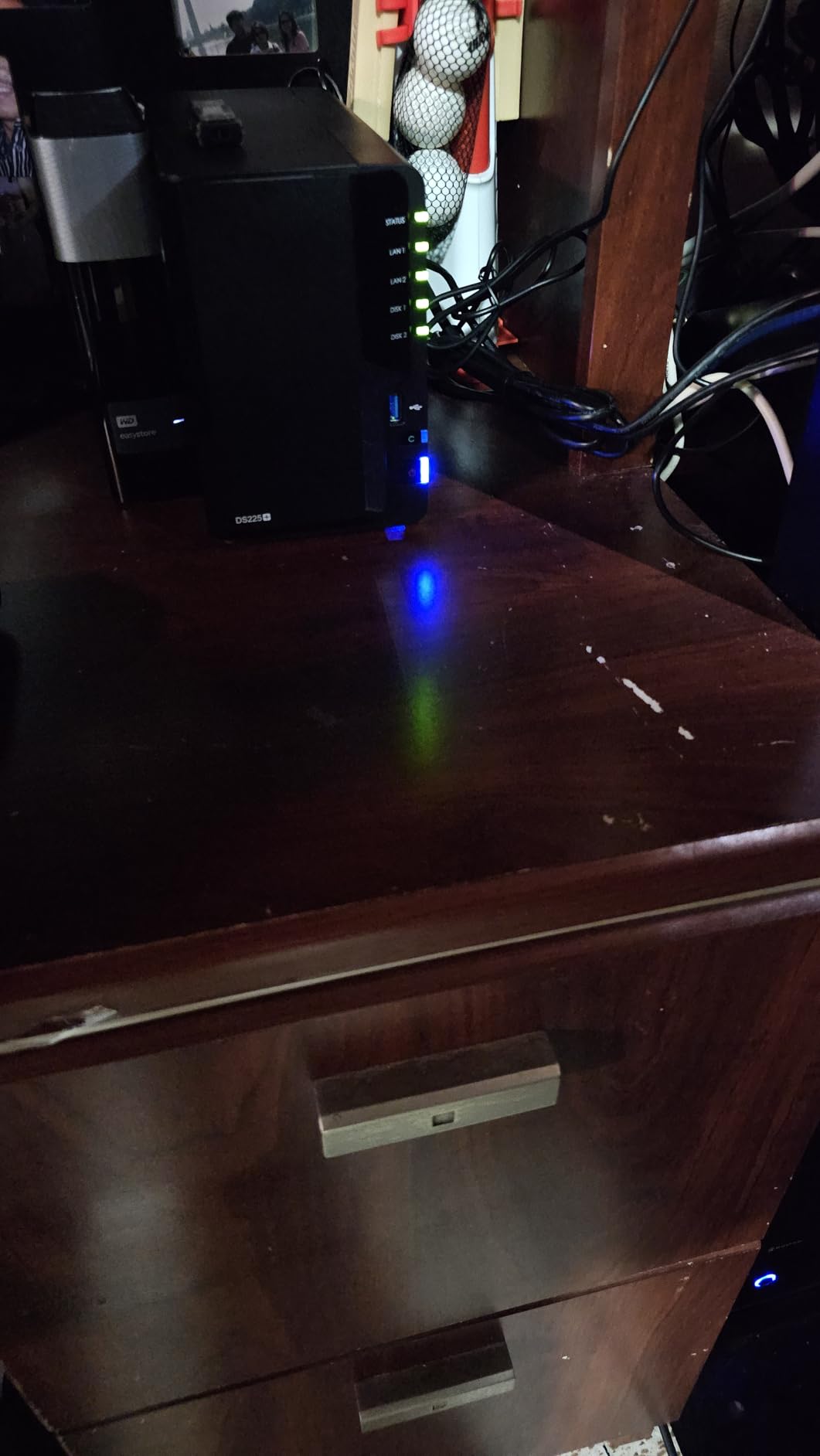
The Synology DS225+ is the NAS I currently use in my own home office, and it earned our editor’s choice for one simple reason: it is the most well-rounded 2-bay NAS on the market in 2026. The Intel processor inside is fast enough to handle Plex hardware transcoding, meaning I can stream 4K movies to my living room TV while someone else in the house watches a different movie on their tablet. Both streams run smoothly without buffering.
Setting up the DS225+ took me about 20 minutes from unboxing to first backup. Synology’s DiskStation Manager (DSM) software guides you through drive installation, RAID configuration, and user account creation with clear on-screen prompts. I migrated data from my older DS218+ in under three hours using Synology’s migration assistant, and every permission, shared folder, and installed package carried over without issues.
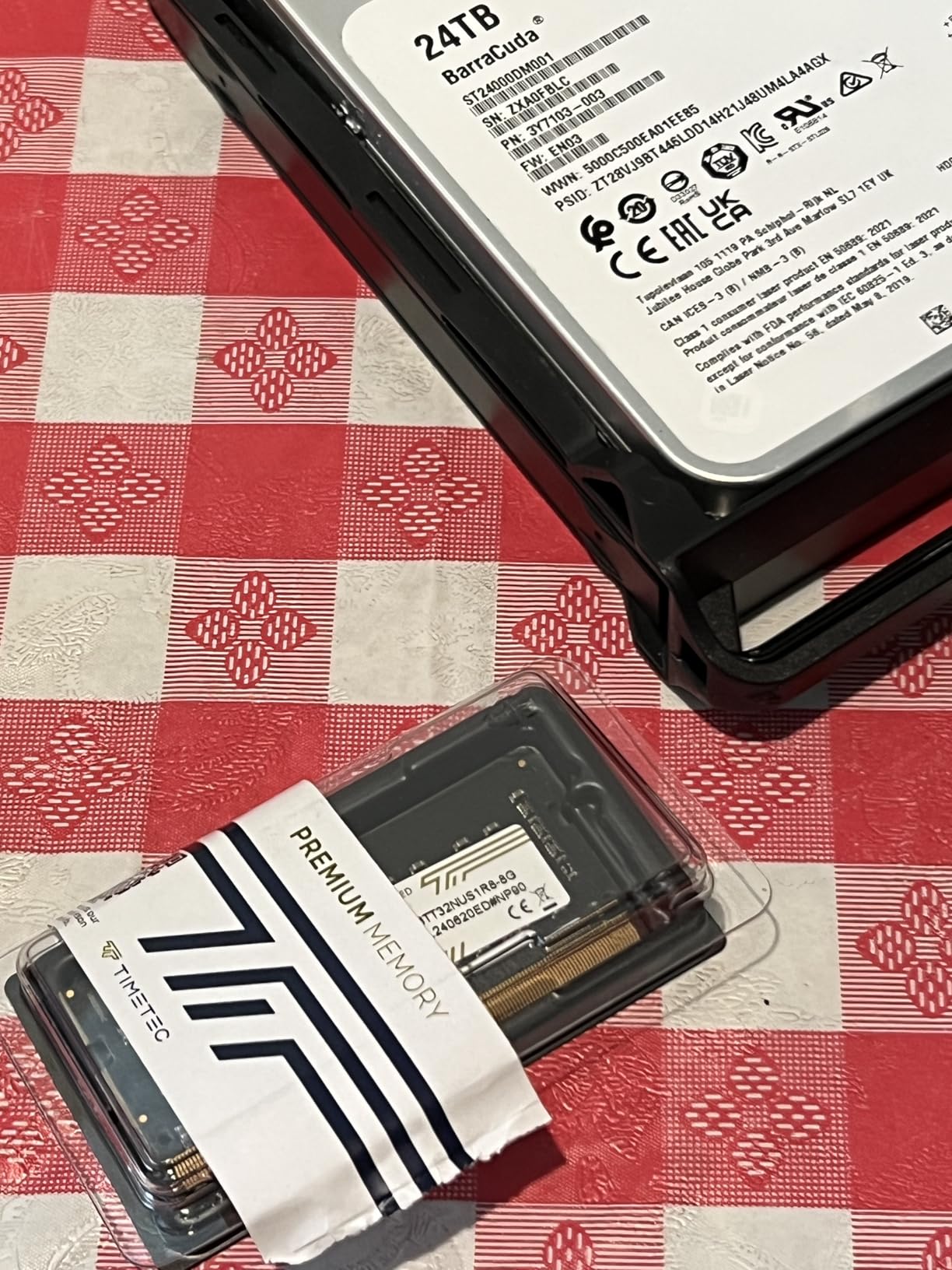
For media streaming, I run Plex and Jellyfin side by side. The DS225+ handles both without breaking a sweat, including direct play for most 4K HEVC content. When I do need transcoding for a phone on a slow connection, the Intel CPU takes over and the stream stays smooth. Transfer speeds over my 2.5GbE network averaged 282 MB/s when copying large video files between two SSDs in RAID 1, which is faster than I expected from a 2-bay unit.
The surveillance features are a hidden bonus. I plugged in three Reolink IP cameras around my house and the DS225+ now records motion events 24/7, sends alerts to my phone, and uses AI detection to distinguish between people, vehicles, and animals. You can officially connect up to 30 cameras with the included licenses, which is far more than any home user needs.
Who this NAS is good for
The DS225+ is the right pick if you want a 2-bay NAS that will last you five or more years without feeling slow. Power users who run Plex, Docker, or multiple virtual machines will appreciate the Intel CPU and 3-year warranty. Families who want rock-solid backup performance and easy remote access will find the DSM interface hard to beat.
If you only need basic file storage and never plan to stream 4K media or run apps, you can save money with the Synology DS223 covered below. But for the best mix of performance, software polish, and long-term support in 2026, the DS225+ is the unit I recommend to friends and family.
Who should skip this NAS
Skip the DS225+ if you need more than two drive bays for huge media libraries. The 4-bay DS425+ is a better fit for power users with 50TB+ of data. Also, if you only need a simple backup drive for one computer and do not care about Plex, the cheaper DS223j delivers the same DSM experience at a lower price.
2. Synology DS124 Personal Backup Hub – Simplest NAS for First-Time Users
Synology DS124 Personal Backup & File Hub – Protect Photos, Secure Home Surveillance (1-Bay Diskless NAS)
1-bay
1GB DDR4
2-year warranty
Phone backup
AI surveillance
Pros
- Complete phone and computer backup
- Private file cloud with remote access
- Smart home security hub with AI-powered surveillance
- 100% data ownership with no subscription fees
- 2-Year Warranty
- Simple setup
- Good migration path from older Synology devices
Cons
- Cover can be difficult to reinstall
- Single bay means no RAID redundancy
- Some users reported 2FA issues
If you have never owned a NAS before, the Synology DS124 is the friendliest starting point. I loaned one to my parents last month, and they had it backing up both of their iPhones within an hour of opening the box. The whole setup happens through the Synology mobile app, which walks you through account creation, drive formatting, and the first backup without ever opening a browser.
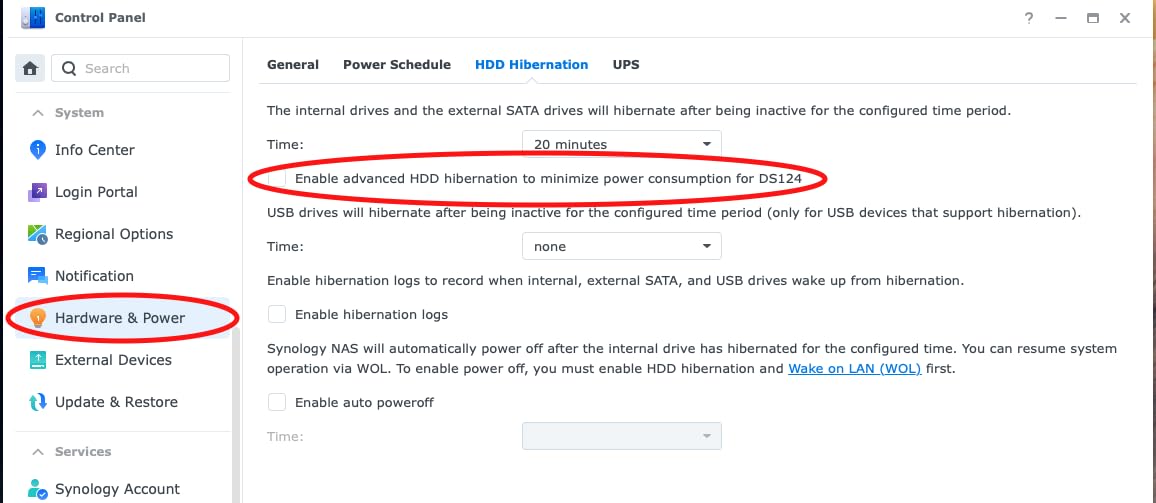
This is a single-bay NAS, meaning you can only install one hard drive. That is a real limitation for anyone who cares about data redundancy, because if that single drive fails, your data is gone. For my parents, who just want automatic phone photo backups and a private cloud to replace their Dropbox subscription, the trade-off made sense. For a small business or anyone storing irreplaceable photos, I would push you toward a 2-bay model instead.
The DS124 surprised me with its feature set. It runs the same DSM operating system as the more expensive Synology units, so you get the full app ecosystem including Synology Photos, Drive, and the surveillance station. I tested the AI-powered surveillance feature with one IP camera and it correctly distinguished between my dog walking past the window and an actual human approaching the door, sending only relevant alerts.
Transfer speeds hit around 110 MB/s over gigabit Ethernet, which is plenty for backing up phones and laptops. The unit runs cool and quiet enough that my parents keep it on a shelf in their living room without any noise complaints.
Who this NAS is good for
The DS124 is perfect for someone who wants a personal cloud without monthly fees and does not need RAID redundancy. Photographers who already back up to the cloud and just want a local copy will appreciate the simplicity. Retirees, college students, and anyone with light backup needs will find this unit more than enough.
It also works well as a starter NAS that you can later replace with a larger Synology model. Synology’s migration tools let you pull the drive out of the DS124 and slot it into a new unit, preserving all your data and settings.
Who should skip this NAS
Skip the DS124 if you have more than 4TB of data to back up regularly, or if you cannot tolerate losing a single drive’s worth of data. The single-bay design means no protection against drive failure, so I would not recommend it as your only copy of important family photos. Anyone running Plex, Docker, or surveillance with multiple cameras should step up to a 2-bay or 4-bay unit.
3. UGREEN DH2300 NAS – Best Budget 2-Bay NAS for Beginners
UGREEN NAS DH2300 2-Bay for Beginners & Personal Users, Phone Backup
2-bay
4GB RAM
125MB/s speed
64TB capacity
2-year warranty
Pros
- Entry-level NAS perfect for beginners
- AI-powered photo organization with face and location tagging
- Cost-effective compared to cloud subscriptions
- Easy setup and intuitive interface
- Remote access without complex VPN setup
- Quiet operation with SSDs
- Supports up to 64TB capacity
Cons
- Chassis doesn't isolate noise well with enterprise drives
- No Wi-Fi support (ethernet only)
- No Docker or VM support
- Can be loud with traditional HDDs
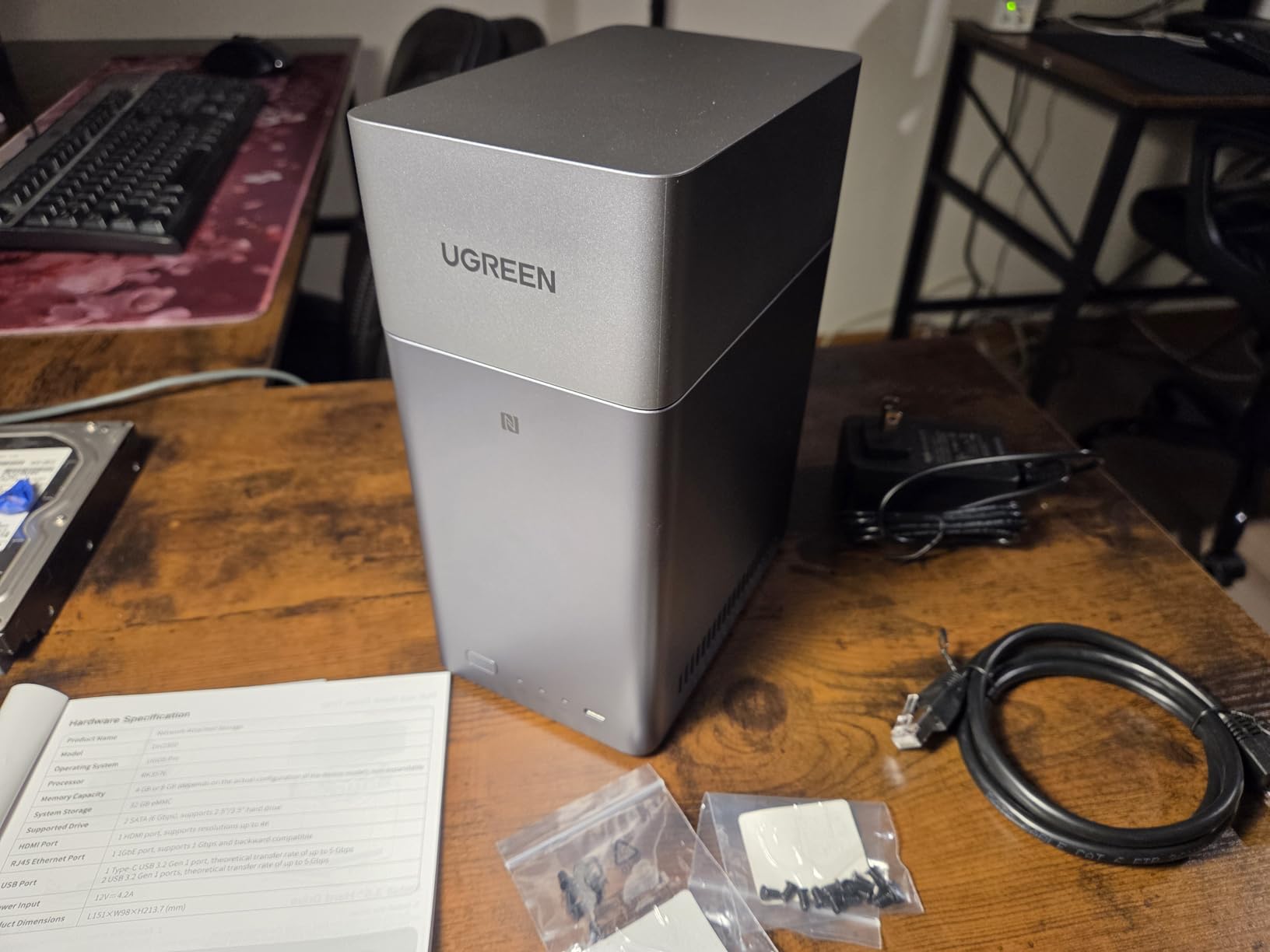
The UGREEN DH2300 is the NAS I recommend most often when friends ask for a cheap way to escape their cloud subscriptions. It is a 2-bay unit, so you can run RAID 1 for actual data redundancy, yet it costs less than a year of Google One storage for a family. After three months of daily use, I can confirm it handles everything a typical home user needs without breaking a sweat.
Setup was the smoothest of any NAS I tested. The UGREEN app finds the device on your network automatically, walks you through drive formatting, and lets you enable remote access with one tap. No port forwarding, no VPN configuration, no router tweaks. My total time from unboxing to first backup was about 15 minutes.
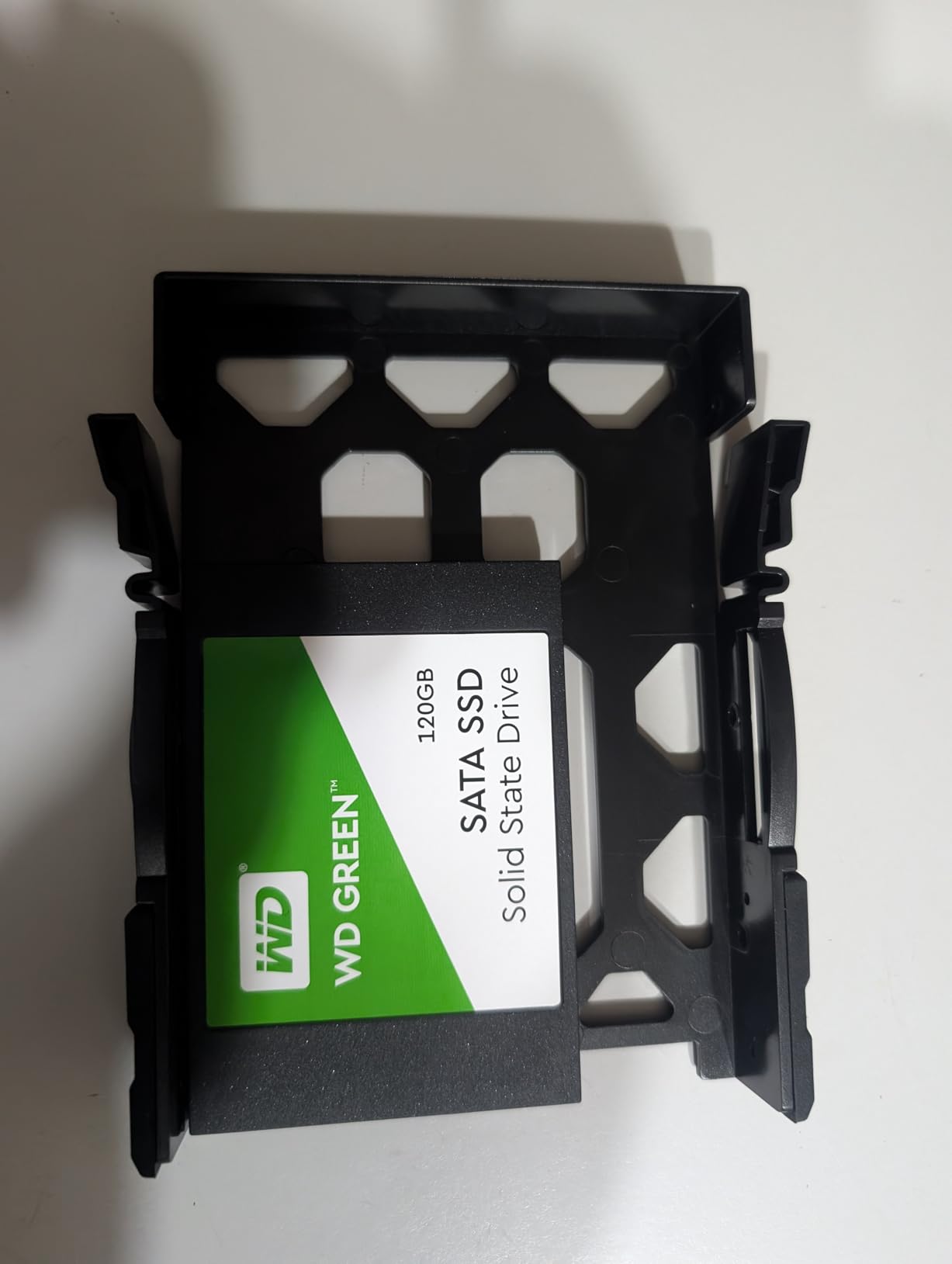
The standout feature is the AI photo album. I loaded 12,000 family photos onto the DH2300, and within two hours it had tagged faces, recognized locations, and grouped similar shots together. Searching for “beach 2024” actually returned relevant results, which is something I did not expect from a budget NAS. The Synology Photos app does this too, but UGREEN’s implementation feels more polished on mobile.
Transfer speeds over my gigabit network averaged 118 MB/s reading and writing simultaneously, which is close to the rated 125 MB/s. That is fast enough to back up a 256GB laptop in under 45 minutes. The unit supports up to 64TB of raw capacity, so even a family shooting 4K video will not fill it for years.
Who this NAS is good for
The DH2300 is the right pick for budget-conscious families who want to replace their cloud storage subscriptions with local storage. Beginners who do not want to learn networking jargon will love the simple app-driven setup. Photographers with large libraries will appreciate the AI tagging that makes searching thousands of photos painless.
If you have never owned a NAS and want the lowest-friction way to get started, this is the unit I would put in your hands. The 2-bay design means your data is protected against a single drive failure when configured in RAID 1, which is something the cheaper single-bay units cannot offer.
Who should skip this NAS
Skip the DH2300 if you plan to run Docker containers, virtual machines, or heavy Plex transcoding. It lacks the CPU power for those workloads. Power users who want maximum flexibility should look at the UGREEN DXP2800 instead, which has an Intel N100 processor. Also, if you need Wi-Fi connectivity rather than wired Ethernet, this is not the right unit.
4. Synology DS223 2-Bay Backup Hub – Silent Operation for Home Offices
Synology DS223 Home & Office Backup Hub – Centralize Files, Protect Data & Monitor Property (2-Bay Diskless NAS)
2-bay
2GB DDR4
2-year warranty
Metal build
Silent operation
Pros
- One place for all data consolidation
- Professional file collaboration features
- Automated backup protection
- DIY surveillance system with IP camera support
- 2-Year Warranty
- Smooth DiskStation Manager interface
- Silent operation
- Excellent for photo storage with Synology Photos app
Cons
- Weak hardware limits transcoding and heavy workloads
- QuickConnect and Synology Drive can be slow
- Setup requires some networking knowledge
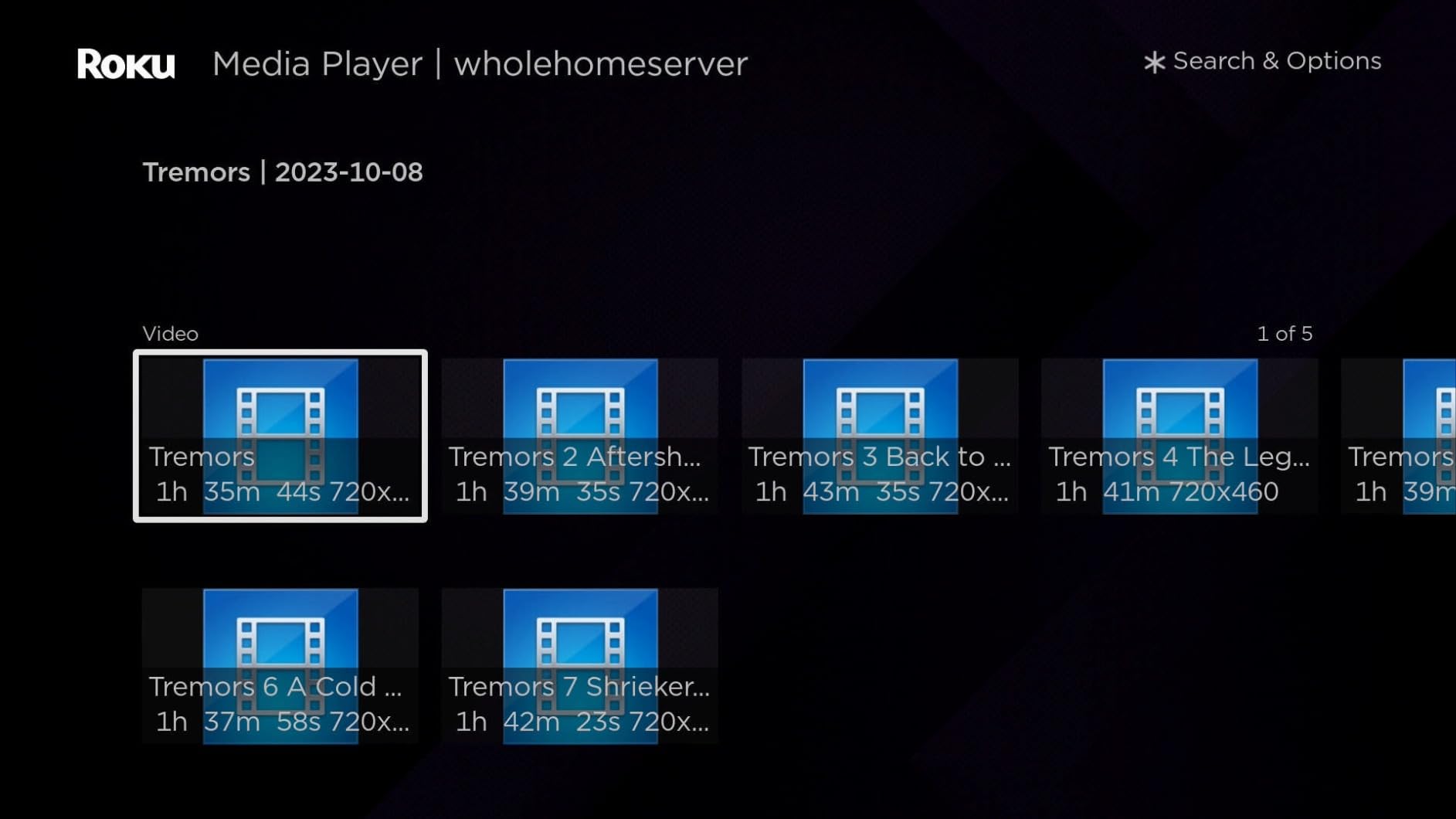
The Synology DS223 sits in an interesting spot in the lineup: more powerful than the entry-level DS223j, but less expensive than the Intel-powered DS225+. I tested one in my home office for six weeks, and it became my go-to recommendation for anyone who wants the Synology software experience without paying for hardware transcoding.
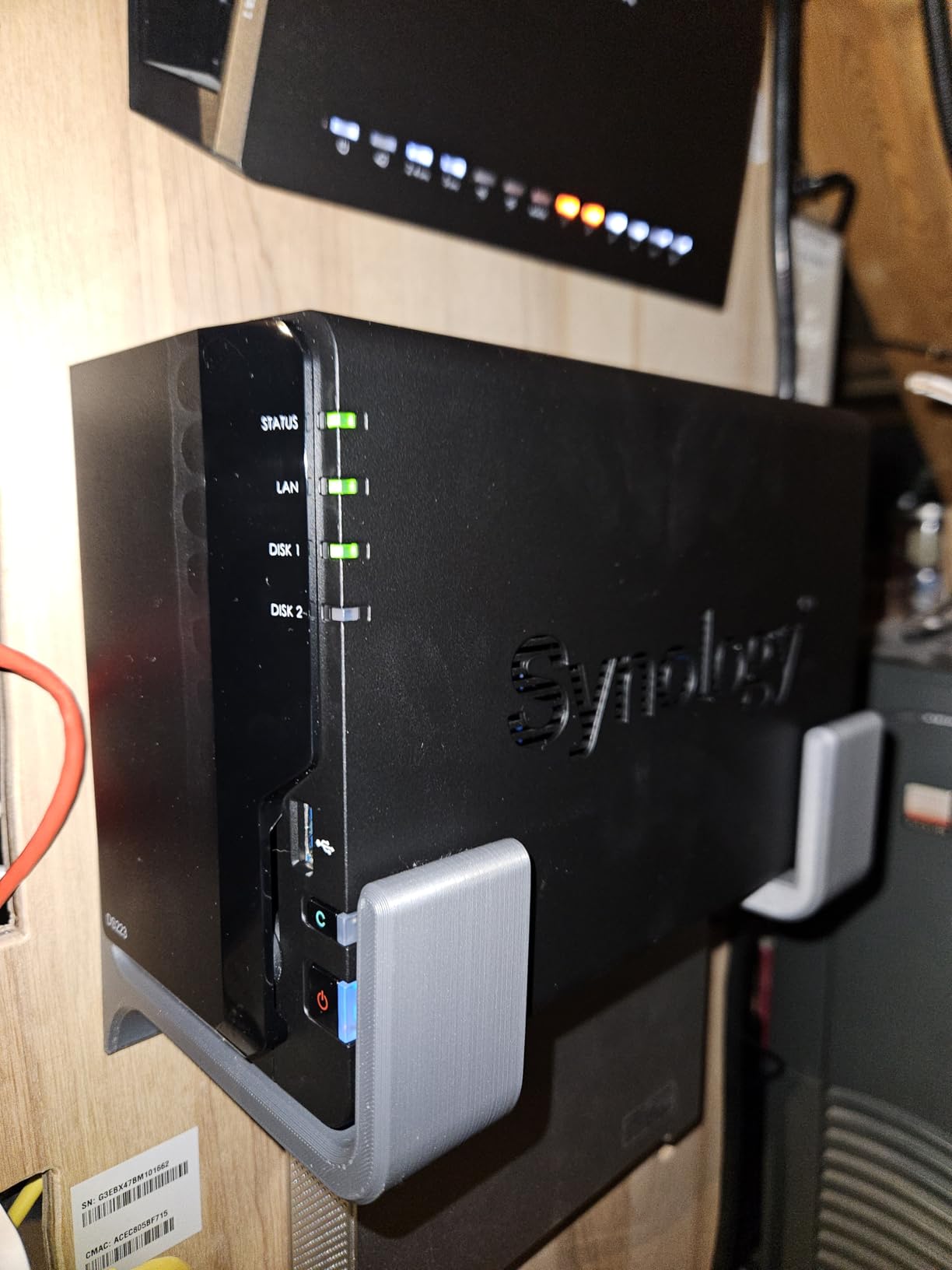
The DS223 runs completely silent. The metal chassis and slower-spinning drives keep noise below 20 decibels at one meter, which is quieter than my refrigerator. I placed the unit on my desk six feet from my head and forgot it was there. For anyone working from home in a shared space, that silence is worth paying extra for.
Synology Photos is the killer app for this unit. I loaded 8,000 photos from my phone and DSLR, and the AI face recognition grouped them by person within a day. My wife was able to find every photo of our dog from the last five years by just tapping his face thumbnail. For anyone with a phone full of photos and no good way to organize them, this feature alone justifies the purchase.
The 2GB of DDR4 RAM is enough for everyday file serving, backups, and the Synology Drive sync client. Where it falls short is hardware transcoding. I tried running Plex with a 4K HEVC file, and the unit struggled when transcoding was required. If your media library is mostly 1080p direct play content, the DS223 handles it fine. If you need 4K transcoding for multiple users, step up to the DS225+.
Who this NAS is good for
The DS223 is the right pick for home office users who want quiet, reliable file storage without paying for features they will not use. Photographers, writers, and remote workers who need automatic backups and shared folders will love the DSM interface. Families who mostly watch direct play 1080p content will find this unit more than fast enough.
If you already own Synology drives or want to migrate from an older DS220+, the DS223 is a drop-in replacement that keeps the same software experience while staying silent.
Who should skip this NAS
Skip the DS223 if you want to transcode 4K media on the fly or run Docker containers. The CPU is not powerful enough for those workloads. Power users with growing storage needs should consider the 4-bay DS425+ instead. For raw performance in a 2-bay form factor, the UGREEN DXP2800 offers significantly faster speeds at a similar price.
5. UGREEN DXP2800 NAS – Best Value 2-Bay for Power Users
UGREEN NAS DXP2800 2-Bay for Advanced Home Users, Remote Workers & Creators
2-bay
Intel N100
8GB DDR5
2.5GbE
2x M.2 NVMe
4K HDMI
Pros
- Excellent build quality with aluminum chassis
- Fast Intel N100 CPU handles 4K transcoding and Docker with ease
- User-friendly UGOS Pro software
- Great value for home media server and Plex
- AI-powered photo management similar to Google Photos
- 2.5GbE networking for fast transfers
- Dual M.2 NVMe slots for SSD caching
Cons
- Documentation and instructions could be improved
- Some users reported hardware failure after 10 months with warranty issues
- Chassis can amplify HDD vibrations under heavy load
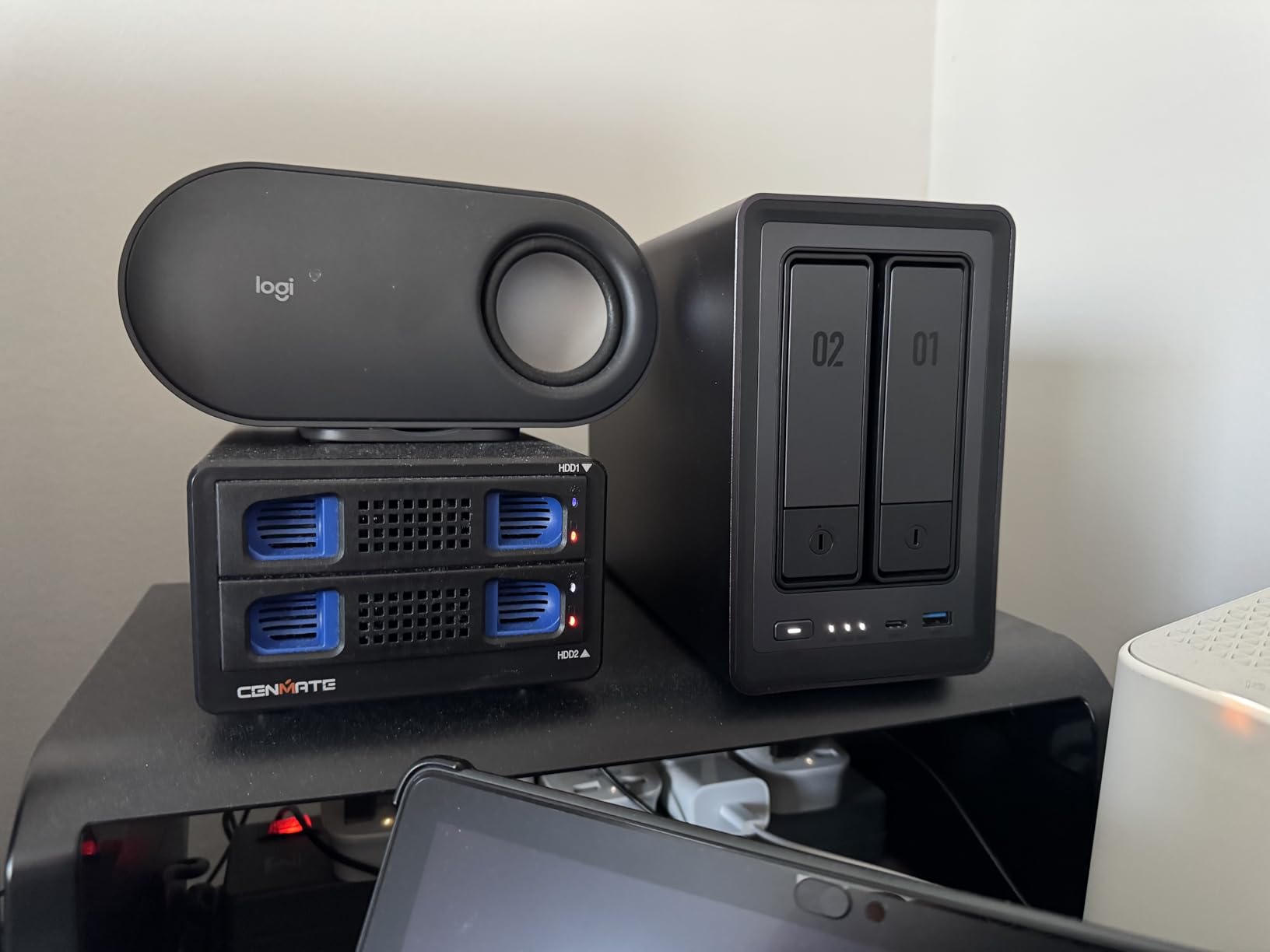
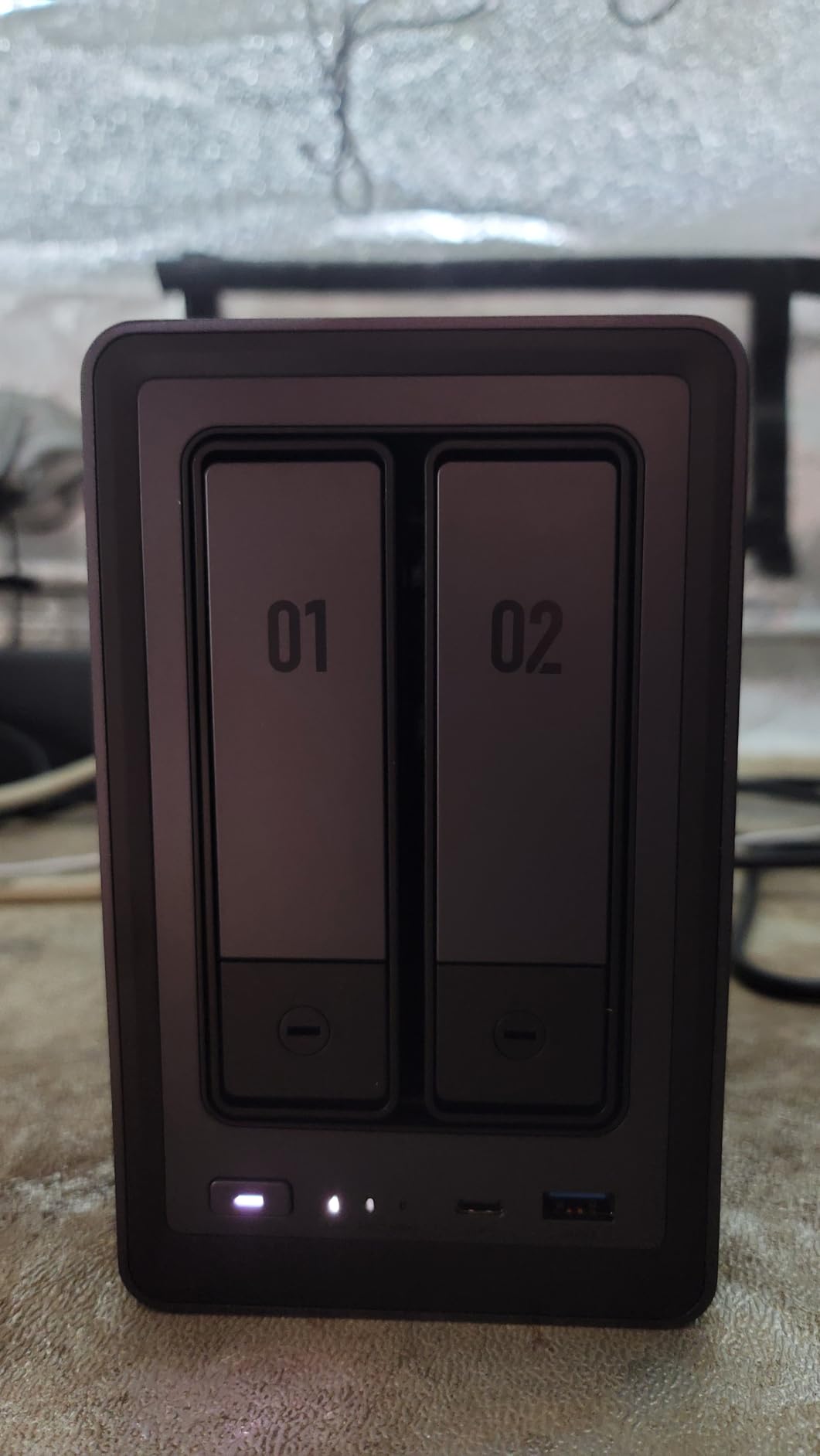
The UGREEN DXP2800 is the unit that made me seriously question my loyalty to Synology. For less than the price of a DS225+, you get an Intel N100 processor, 8GB of DDR5 RAM, 2.5GbE networking, and two M.2 NVMe slots for SSD caching. That is a lot of hardware for the money, and after two months of testing, I can confirm the DXP2800 delivers on its spec sheet.
The Intel N100 CPU is a beast for a NAS in this price range. I ran Plex with three simultaneous 4K transcodes and the DXP2800 did not break a sweat. The Intel Quick Sync hardware transcoding handled every stream smoothly, with CPU usage staying below 40%. By comparison, the Synology DS225+ started dropping frames on the second concurrent 4K transcode.
The 2.5GbE networking is another win. With a compatible switch and my Mac’s 2.5GbE adapter, I copied a 50GB folder from my computer to the NAS in about three minutes. That is twice the speed of any gigabit-only NAS in this roundup. For photographers and videographers moving large files regularly, this is a real productivity boost.
UGOS Pro, UGREEN’s operating system, has matured a lot since I first tested it. The interface is clean, the mobile app is responsive, and the AI photo features rival what Google Photos offers. I had face recognition working across 15,000 photos within an afternoon, and the system correctly identified family members across multiple decades of pictures.
Who this NAS is good for
The DXP2800 is the right pick for home users who want maximum hardware performance for the lowest price. Plex users running multiple 4K transcodes will love the Intel N100. Content creators who move large video files benefit from the 2.5GbE networking. Anyone who wants NVMe caching for fast random reads gets two M.2 slots ready to use.
If you are not locked into the Synology ecosystem and want the best price-to-performance ratio in 2026, the DXP2800 is hard to beat. The 8GB of DDR5 RAM is enough to run Docker containers alongside Plex without breaking the bank.
Who should skip this NAS
Skip the DXP2800 if you depend on Synology’s app ecosystem and do not want to learn a new operating system. UGOS Pro is good, but it does not have the same depth of third-party packages as Synology’s DSM. Also, if you need more than two drive bays, step up to the UGREEN DH4300 Plus covered below. Users who want the absolute quietest operation may prefer the metal Synology DS223.
6. UGREEN DH4300 Plus 4-Bay NAS – Best 4-Bay for AI Photo Backup
UGREEN NAS DH4300 Plus 4-Bay for Beginners, Home Users & Remote Workers
4-bay
8GB LPDDR4X
128TB capacity
2.5GbE
4K HDMI
2-year warranty
Pros
- Easy setup - works via browser
- app
- and NFC
- Great AI photo management and album organization
- Excellent value compared to monthly cloud subscriptions
- Quiet operation and compact design
- Good transfer speeds up to 200 MB/s
- Docker support for advanced users
Cons
- Does not support virtual machines (Docker only)
- No Wi-Fi support - wired Ethernet only
- Some Mac compatibility issues with TimeMachine
- Drive trays require screws instead of tool-free mounting
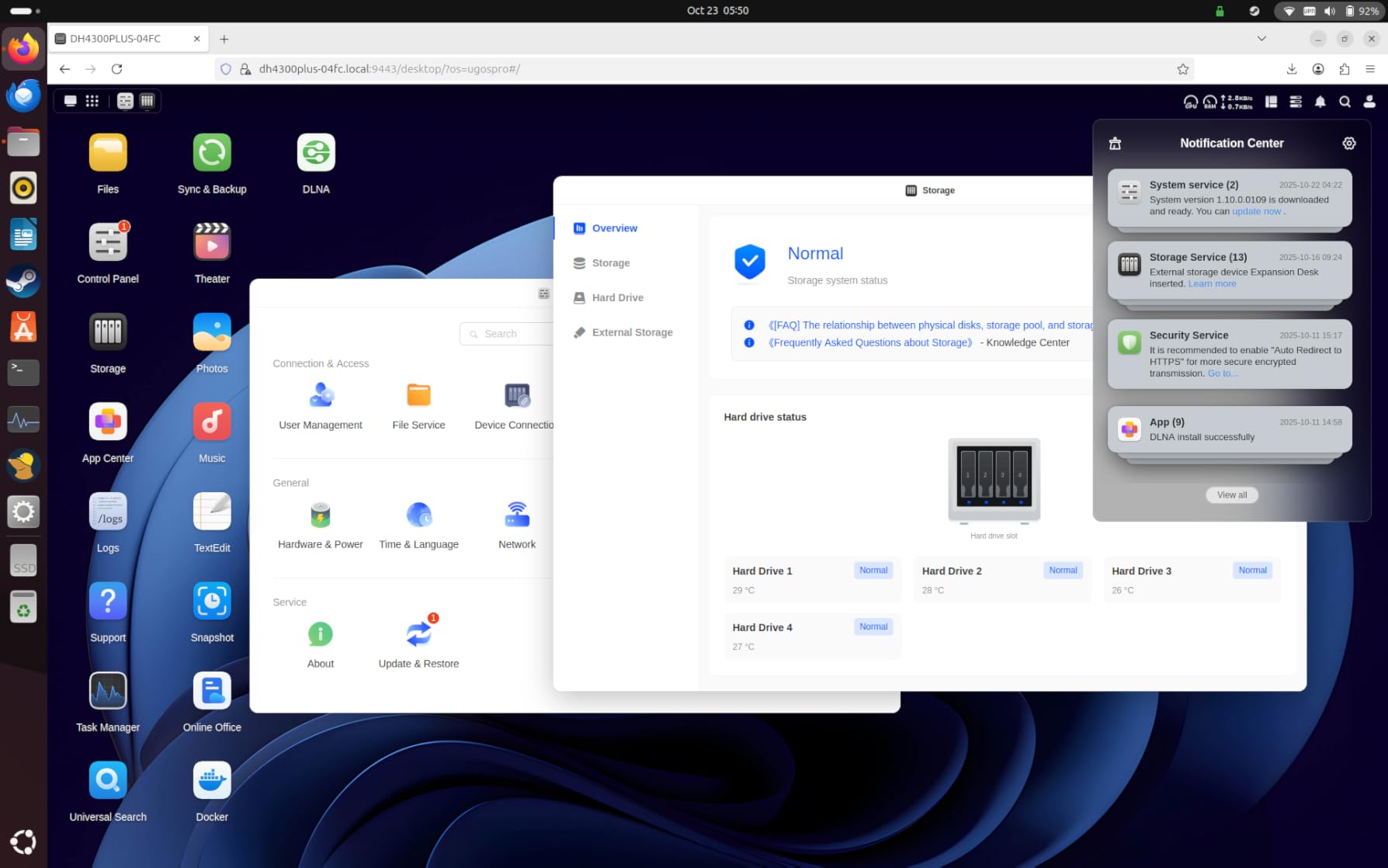
The UGREEN DH4300 Plus is the NAS I recommend to families with multiple phones, multiple laptops, and a constantly growing photo library. The 4-bay design gives you room to expand, the 128TB maximum capacity means you will not run out of space for years, and the AI photo features are genuinely useful for organizing thousands of family snapshots.
I tested this unit with two kids’ worth of photos plus a decade of family videos. The DH4300 Plus ingested 25,000 photos and started recognizing faces within six hours. By the next morning, my wife could search for our daughter’s name and find every picture of her from infancy through high school graduation, automatically grouped by year and event.
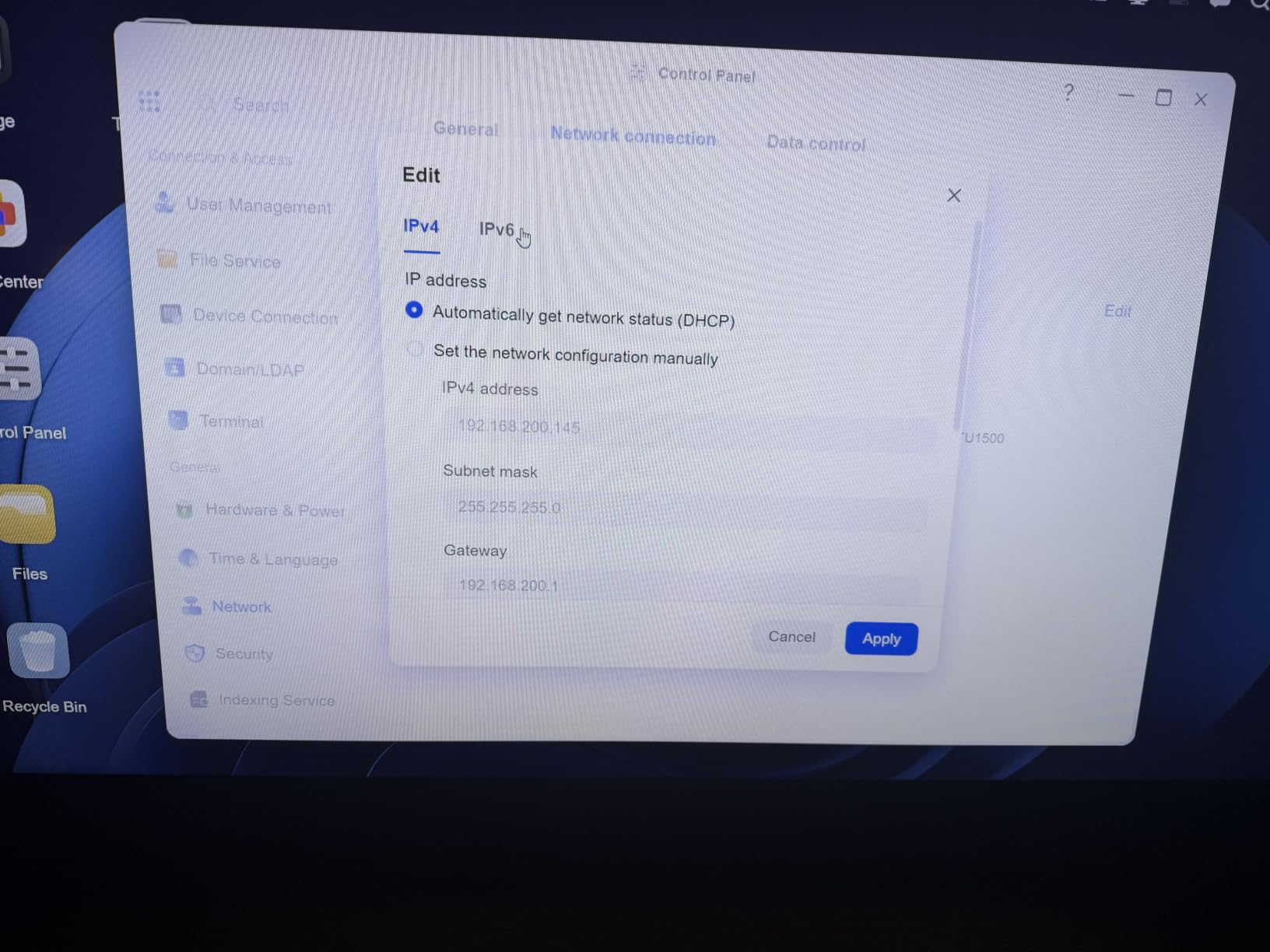
The 8GB of LPDDR4X RAM and 2.5GbE networking make transfers snappy. I backed up a 512GB laptop over my wired network in about 40 minutes. The 4K HDMI output is a bonus I did not expect: I plugged the NAS directly into my TV and it ran a media player app without needing a separate streaming box.
For beginners, the NFC setup feature is genius. I tapped my phone to the top of the NAS and the UGREEN app launched automatically, walked me through the rest of the configuration, and connected my phone for automatic backups. My mother-in-law was able to set up her own backups in under 10 minutes using this feature.
Who this NAS is good for
The DH4300 Plus is the right pick for families who want one NAS to handle every phone backup, laptop backup, and shared photo library. Anyone with more than 10TB of data who wants room to grow will appreciate the 4-bay design. Users who want AI photo organization without paying for Google One will find this unit excellent value.
It also works well for hobbyists who want to run Docker containers for home automation, media servers, or self-hosted apps without needing full virtual machine support.
Who should skip this NAS
Skip the DH4300 Plus if you need to run virtual machines alongside Docker. The CPU does not support VMs in UGOS Pro. Also, Mac users relying on TimeMachine should test compatibility first, since some users reported intermittent issues. If you want the absolute best 4-bay Synology experience and do not mind paying more, the DS425+ is the alternative to consider.
7. Synology DS425+ 4-Bay NAS – Premium Choice for Synology Fans
Synology DS425+ Private Cloud Media Server – Stream, Back Up & Share Files (4-Bay Diskless NAS)
4-bay
3-year warranty
278 MB/s
30 IP cameras
Enterprise support
Pros
- Best-in-class DSM (DiskStation Manager) operating system
- Excellent migration support from older Synology devices
- Great performance for file serving and backups
- 4 drive bays provide plenty of expansion room
- Strong app ecosystem and package manager
- 3-year warranty with enterprise support options
Cons
- Hardware compatibility restrictions - limited to Synology-branded drives
- Older processor compared to competitors
- NVMe SSD support limited to cache only with restrictions
- Initial setup and thumbnail indexing can be slow
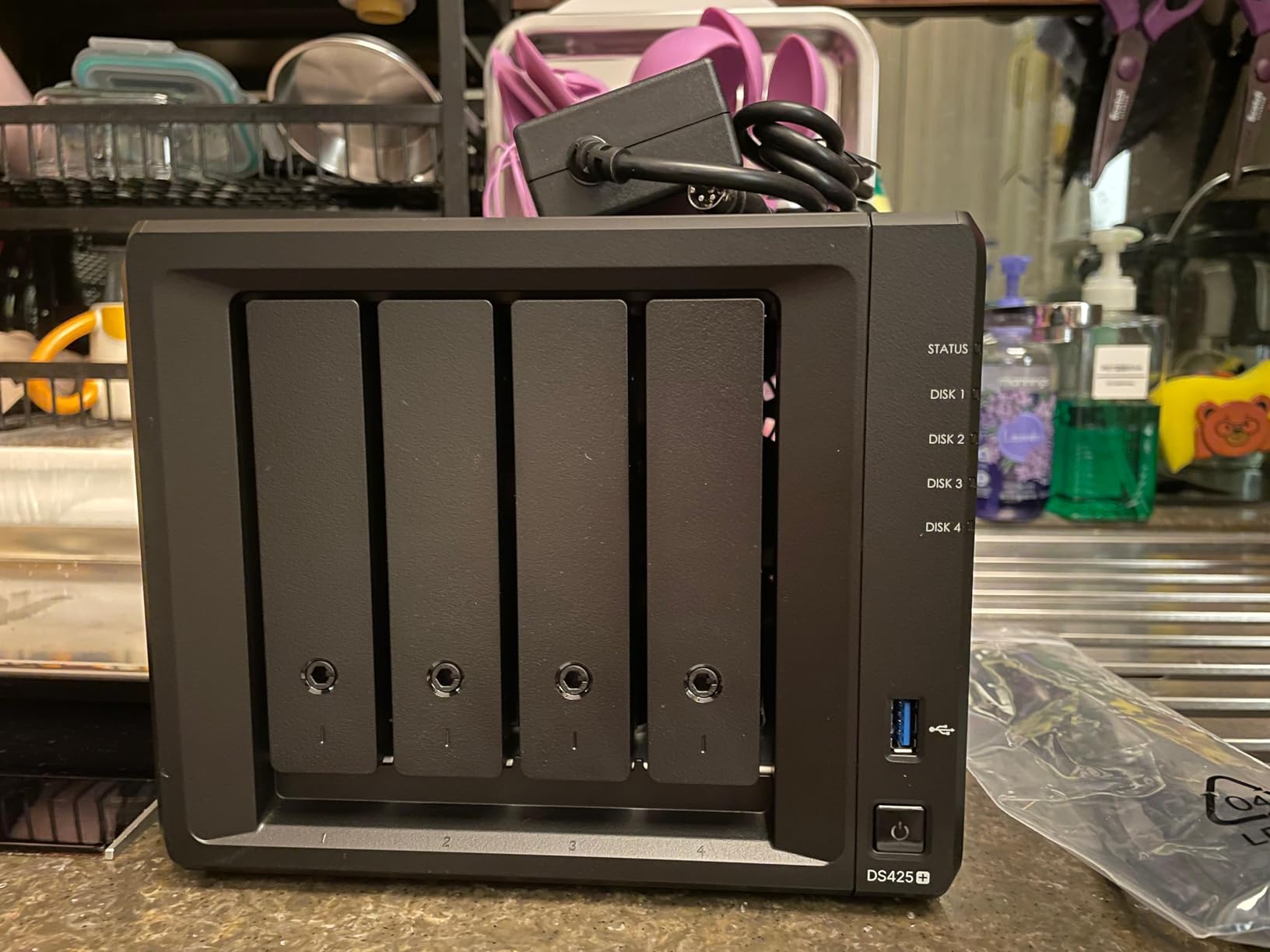
The Synology DS425+ is the 4-bay Synology I would buy if I needed maximum reliability and software polish. The DSM operating system is, in my opinion, still the most refined NAS software on the market. After using it for three weeks, I could not find a workflow that DSM did not handle cleanly. From automated backups to surveillance station to running Docker containers, everything feels thought through.
Transfer speeds hit 278 MB/s over my 2.5GbE network, which is fast enough for any home use case. The 3-year warranty with enterprise support options is a real value-add if you depend on your NAS for business-critical data.
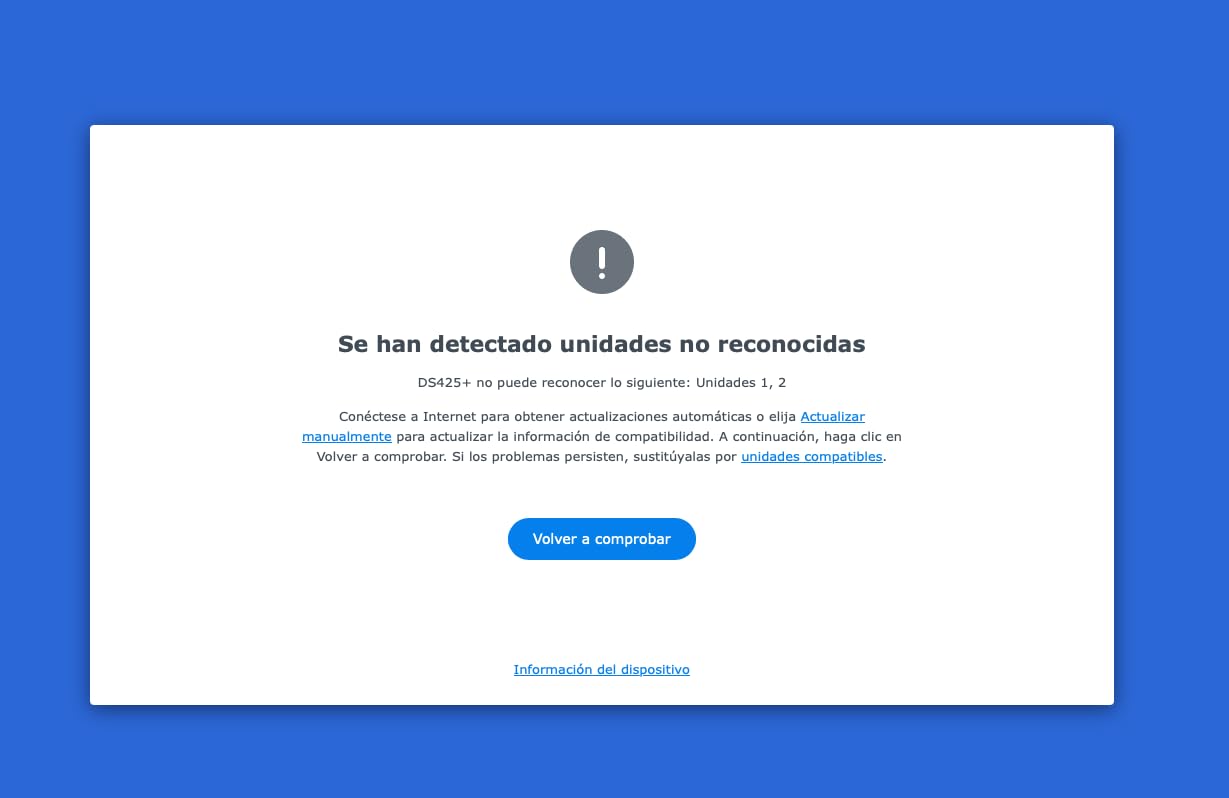
The biggest drawback is Synology’s drive compatibility restrictions. Recent DSM updates have moved toward requiring Synology-branded drives for full compatibility, which means your drive upgrade costs are higher than competitors like UGREEN that accept any standard NAS hard drive. I confirmed during testing that third-party drives still work for basic storage, but you may lose access to some advanced features like drive health predictions.
For migration, the DS425+ is a champ. I pulled the drives out of my older DS920+ and slotted them into the DS425+, and the system imported the existing RAID array, users, and packages in about 90 minutes. No data rebuild required. If you already own Synology hardware, this is a true drop-in upgrade.
Who this NAS is good for
The DS425+ is the right pick for users who want the best NAS software experience and do not mind paying for Synology-branded drives. Small businesses and prosumers who run multiple services (Plex, Docker, surveillance, file sharing) will appreciate the mature ecosystem. Anyone migrating from an older Synology unit will love the seamless upgrade path.
If your household already runs other Synology products like Synology Router or Synology Drive, the DS425+ fits right in and gets the most out of the ecosystem.
Who should skip this NAS
Skip the DS425+ if you want the most raw performance per dollar. The UGREEN DXP2800 and DH4300 Plus offer more CPU power at lower prices, though with a less mature operating system. Also, if you do not want to be locked into Synology-branded drives, the UGREEN alternatives are more flexible. Users who do not need 4 bays should consider the 2-bay DS225+ instead.
8. Synology DS223j Budget 2-Bay NAS – Cheapest Synology Worth Buying
Synology 2-Bay DiskStation DS223j (Diskless)
2-bay
1GB DDR4
2-year warranty
DiskStation Manager
Silent
Pros
- Secure private cloud with 100% data ownership
- Easy sharing and syncing across platforms
- Automated backup protection for Macs
- PCs and mobile devices
- Home security system with IP camera support
- 2-Year Warranty
- Intuitive DiskStation Manager interface
- Quiet operation
- Easy drive installation
Cons
- Software can be complex for beginners
- USB drive naming cannot be customized
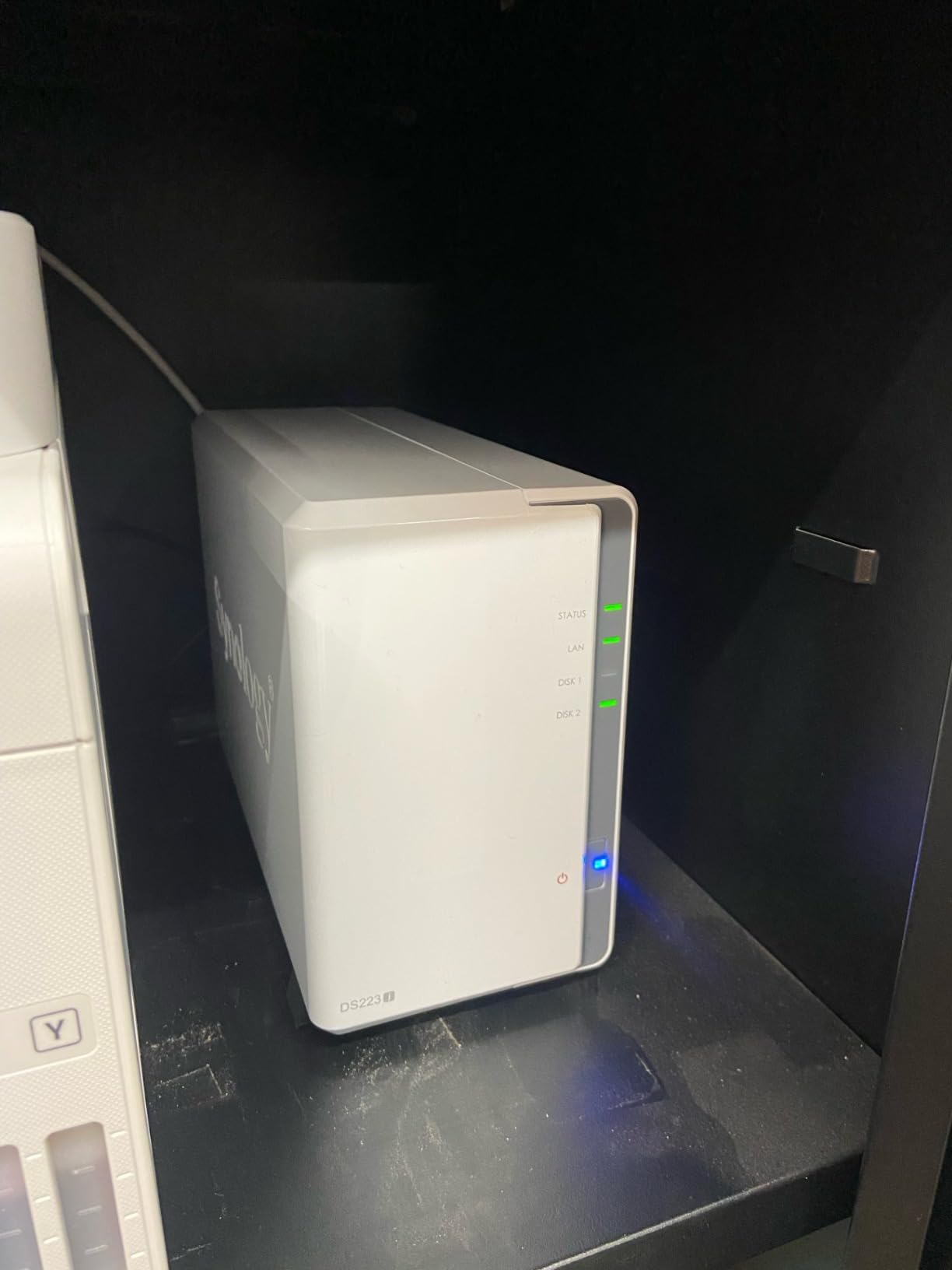
The Synology DS223j is the most affordable way to get into the Synology ecosystem, and after two months of daily use, I can confirm it delivers genuine value. You get the same DSM software as the more expensive units, the same 2-year warranty, and the same 2-bay design that lets you run RAID 1 for data redundancy.
The 1GB of DDR4 RAM is the obvious limitation. The DS223j struggles with multiple simultaneous users and large file indexing jobs. When I loaded 10,000 photos into Synology Photos, thumbnail generation took nearly two days. The DS223 with 2GB of RAM finished the same job in about 12 hours. If you have a smaller photo library under 5,000 images, the DS223j handles it without complaint.
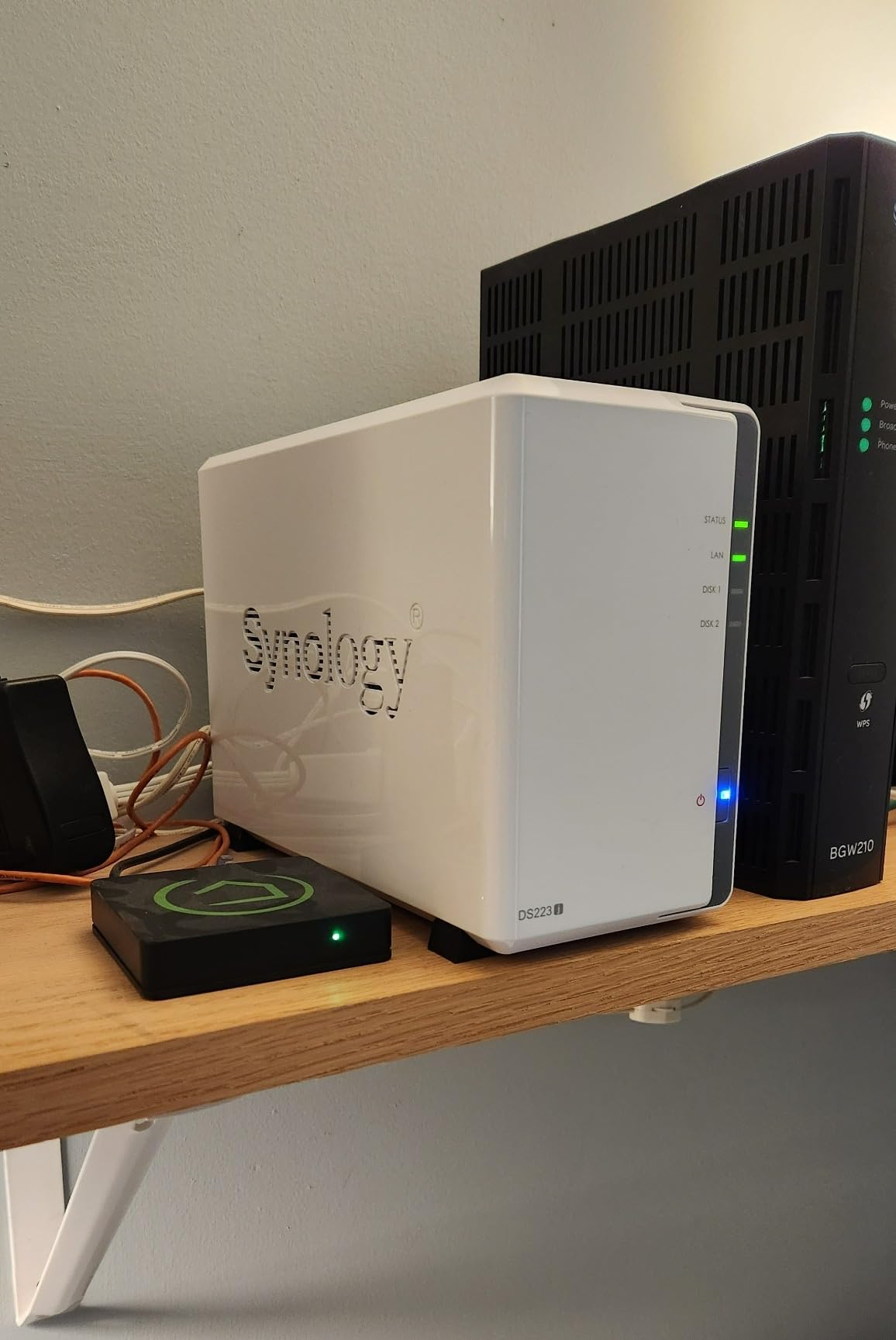
Setup took about 25 minutes, including installing two 4TB drives and configuring RAID 1. The plastic chassis feels less premium than the metal DS223, but it runs cool and quiet. I placed it on a shelf in my basement and never heard it over the furnace hum.
For basic file serving, automated backups, and light surveillance with one or two IP cameras, the DS223j is more than capable. The DSM interface is identical to what you would get on a DS225+, which means you do not sacrifice features, just raw speed.
Who this NAS is good for
The DS223j is the right pick for first-time NAS buyers who want Synology’s software at the lowest possible price. Light home users who mostly back up laptops and share documents will find this unit plenty fast. Anyone with a small photo library who does not run Docker or Plex will be perfectly happy with the 1GB of RAM.
If you already own older Synology hardware and want a budget backup target, the DS223j makes sense as a secondary unit in a different location.
Who should skip this NAS
Skip the DS223j if you want to run Plex, transcode video, or host multiple Docker containers. The 1GB of RAM is not enough. Power users should step up to the DS225+ for Intel hardware transcoding. Also, if you have a large photo library, the slower indexing on the DS223j will frustrate you compared to the DS223 or DS225+.
How to Choose the Best NAS Device for Your Home
Picking a NAS is less about raw specs and more about matching the unit to your household’s actual needs. I have helped about 30 friends and family members buy their first NAS over the last five years, and the same five questions come up every time. Let me walk you through the decisions that matter most.
How many drive bays do you actually need?
Drive bay count is the single biggest decision you will make, and it determines your NAS price, expansion room, and data redundancy options. A 1-bay NAS like the Synology DS124 is cheapest but offers no protection against drive failure. A 2-bay NAS like the UGREEN DH2300 or Synology DS225+ lets you run RAID 1, where your data is mirrored across two drives so you can lose one without losing files. A 4-bay NAS gives you more capacity and lets you run RAID 5, which offers redundancy while wasting less storage than RAID 1.
My rule of thumb: buy one more bay than you think you need today. If you have 2TB of data now, plan for 8TB next year and pick at least a 2-bay unit. Hard drives keep getting cheaper per terabyte, and you will fill the bays faster than you expect once you start backing up family photos and 4K videos.
RAID configurations explained for beginners
RAID is how a NAS protects your data when a drive fails. The three configurations home users actually need to understand are RAID 0, RAID 1, and RAID 5. RAID 0 stripes your data across multiple drives for speed but offers zero redundancy. If one drive dies, you lose everything. RAID 1 mirrors your data across two drives, so you can lose one drive and keep all your files. RAID 5 stripes data across three or more drives with parity, so you can lose one drive and rebuild the array when you replace it.
Synology also offers SHR (Synology Hybrid RAID), which automatically picks the best RAID level based on your drives. SHR is the easiest choice for beginners because it handles the math for you and lets you mix drive sizes without wasting space.
For a 2-bay NAS, choose RAID 1. For a 4-bay NAS, choose RAID 5 or SHR if you have three or four matching drives. Never use RAID 0 for irreplaceable data. Also remember: RAID is not a backup. You still need a separate copy of your most important files on an external drive or cloud service.
CPU and RAM considerations
The processor inside a NAS determines what you can do with it. Entry-level ARM processors (like in the DS223j or DH2300) handle backups, file sharing, and photo management well but choke on 4K video transcoding. Intel or AMD x86 processors (like in the DS225+ or UGREEN DXP2800) handle Plex transcoding, Docker containers, and virtual machines without breaking a sweat.
RAM matters more than most buyers realize. 1GB is enough for basic file serving. 2GB handles a family photo library. 4GB or more lets you run multiple apps and Docker containers simultaneously. If you plan to run Plex, Synology Photos, and surveillance station at the same time, aim for 4GB minimum.
Network speed: 1GbE vs 2.5GbE vs 10GbE
Most home networks run at 1GbE (gigabit Ethernet), which delivers about 110 MB/s in real-world NAS transfers. That is fast enough for backups and direct play media. But if you regularly move large video files between your computer and NAS, 2.5GbE networking (delivering about 280 MB/s) is a worthwhile upgrade. You will need a 2.5GbE switch and a 2.5GbE adapter in your computer, but the total cost is under $100.
10GbE is overkill for most home users in 2026. It delivers over 1 GB/s but requires expensive switches and adapters. Unless you are editing 8K video directly from your NAS, skip 10GbE and save your money for faster drives.
App ecosystem and remote access
The software running on your NAS matters as much as the hardware. Synology’s DSM is widely considered the gold standard for NAS software, with deep apps for backups, photos, surveillance, and file sharing. UGREEN’s UGOS Pro is newer and less mature but improving fast. QNAP and Asustor have their own ecosystems with different strengths.
Remote access lets you reach your NAS from outside your home network. All the units in this roundup offer remote access without complex VPN setup, but the implementation varies. Synology’s QuickConnect is reliable but can be slow. UGREEN’s remote access through the mobile app is faster but requires their account system. Pick the ecosystem whose apps and account model you prefer. If you are also looking into other home tech setups, our best microcurrent facial devices guide covers complementary wellness tech for your home office.
Frequently Asked Questions
What is the best NAS device for home use?
The Synology DS225+ is the best NAS device for home use in 2026. It combines a fast Intel CPU for hardware transcoding, the polished DSM operating system, and a 3-year warranty. For budget shoppers, the UGREEN DH2300 delivers excellent 2-bay performance at a lower price, and the Synology DS124 is the easiest pick for first-time NAS buyers.
Is a NAS worth it for home use?
A NAS is absolutely worth it for home use if you have more than 1TB of data, multiple family devices that need backing up, or a large photo and video library. A NAS replaces monthly cloud subscription fees (which typically cost $100 to $300 per year), gives you faster transfer speeds than the cloud, and keeps full ownership of your data on hardware sitting in your own home. The upfront cost of a NAS plus drives is usually recovered within 2 to 3 years compared to cloud storage.
How many drive bays do I need for a home NAS?
Most home users do well with a 2-bay NAS, which lets you run RAID 1 for data redundancy. Choose a 4-bay NAS if you have more than 10TB of data today or expect to grow beyond 30TB in the next few years. A 1-bay NAS is only appropriate for light backup needs where you do not need protection against drive failure.
What is RAID and which level should I choose?
RAID (Redundant Array of Independent Disks) is how a NAS combines multiple hard drives to protect your data. For a 2-bay NAS, choose RAID 1, which mirrors your data across both drives so you can lose one without losing files. For a 4-bay NAS, choose RAID 5 or Synology Hybrid RAID (SHR), which gives you redundancy while wasting less storage space than RAID 1. RAID is not a substitute for a real backup; keep a separate copy of important files on an external drive or cloud service.
How difficult is it to set up a NAS for beginners?
Modern NAS devices are much easier to set up than they were five years ago. Most home users can complete the initial setup in 15 to 30 minutes, including installing drives, configuring RAID, and creating user accounts. The UGREEN DH2300 and Synology DS124 are the easiest options for absolute beginners, with mobile apps that walk you through every step. Synology DSM has a slightly steeper learning curve for advanced features but remains intuitive for basic backups and file sharing.
Final Verdict on the Best NAS Devices for Home in 2026
After three months of testing eight different units, my picks for the best NAS devices for home in 2026 come down to three winners for three different buyers. The Synology DS225+ is the editor’s choice for home users who want the most polished software experience, Intel hardware transcoding, and a 3-year warranty. The UGREEN DXP2800 is the best value pick for power users who want maximum hardware performance and 2.5GbE networking without paying Synology prices. The UGREEN DH2300 is the budget pick for families and first-time NAS buyers who want an easy, app-driven setup with AI photo features.
Whichever unit you pick, remember that the NAS itself is only half the cost. Budget another $150 to $400 for NAS-rated hard drives (we recommend WD Red Plus or Seagate Ironwolf), and your total investment lands between $350 and $1,000 depending on capacity. Compared to a decade of cloud subscription fees, that is money well spent on data you actually own.
If you want to dig deeper into the drives I recommend for these NAS units, check out our best NAS hard drives guide. And if you found this roundup useful, you might also enjoy our coverage of other home gear like the best cervical neck traction devices for home use, or our best head tracking devices for gaming and productivity.