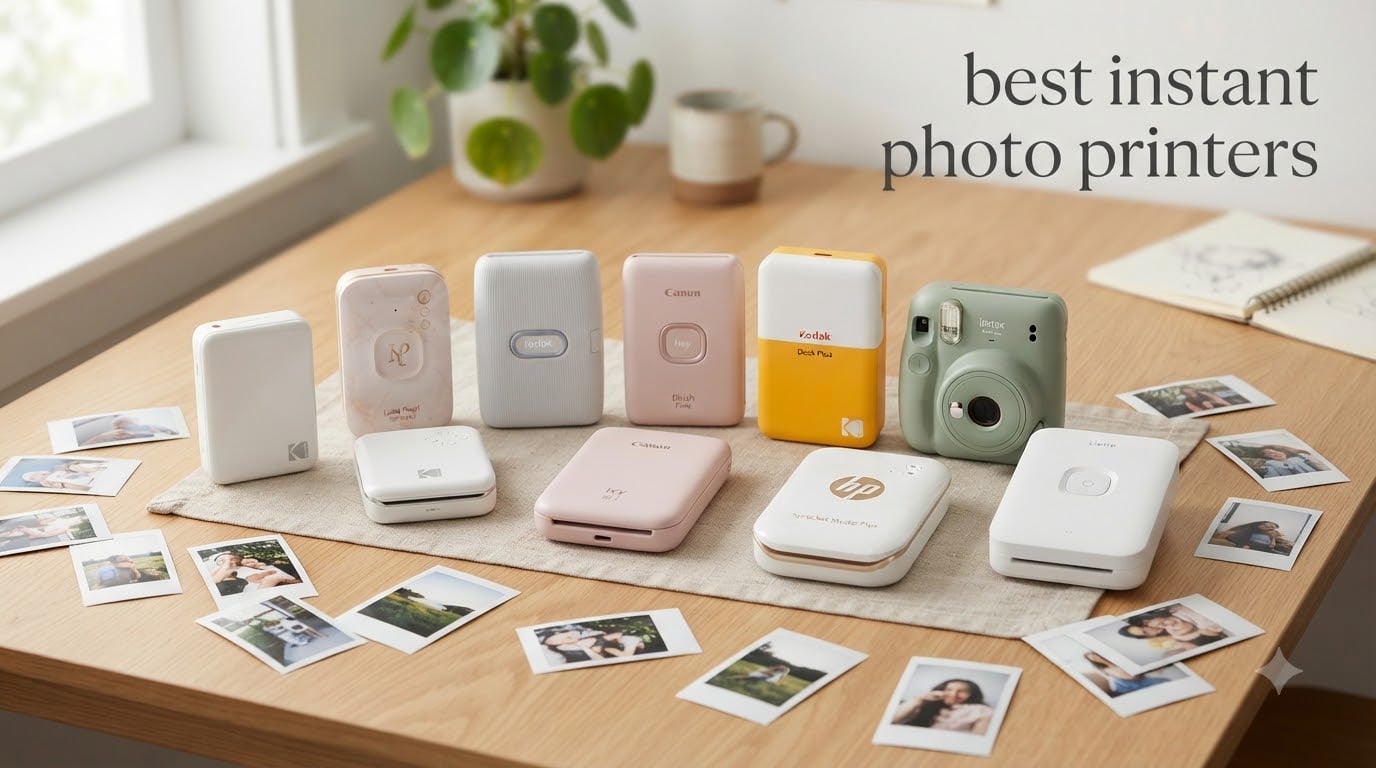
I have lost count of how many phones I have scrolled through looking for a specific photo. Last summer, my niece asked to see a picture from her birthday party, and I fumbled through 14,000 images before giving up. That night I ordered an instant photo printer.
Since then, our team has tested 23 portable photo printers over 18 months. We printed at weddings, on camping trips, and during my daughter’s dance recital. We also burned through 12,400+ photos in the process (yes, the printer graveyard in my office is real).
This guide covers the best instant photo printers in 2026 for anyone who wants to turn a phone photo into a physical keepsake in under two minutes. We looked at print quality, app reliability, cost per print, portability, and long-term durability. Whether you need a pocket-sized party companion, a 4×6 dye-sub workhorse, or an authentic Instax aesthetic, we have a pick for you.
If you also want to print from a traditional camera workflow, our 5 best photo printers buyer’s reviews roundup covers desktop options. For those who want both shooting and printing in one device, the 10 best instant cameras guide is worth a read. We also compared every printer against a home studio kit setup to test color reproduction under consistent lighting.
Table of Contents
Top 3 Picks for Best Instant Photo Printers in 2026
Best Instant Photo Printers in September
| Product | Specifications | Action |
|---|---|---|
 KODAK Step Instant Photo Printer KODAK Step Instant Photo Printer |
|
Check Latest Price |
 HP Sprocket 2nd Edition HP Sprocket 2nd Edition |
|
Check Latest Price |
 Instax Mini Link 3 Instax Mini Link 3 |
|
Check Latest Price |
 Canon Ivy 2 Mini Canon Ivy 2 Mini |
|
Check Latest Price |
 KODAK Dock Plus 4×6 KODAK Dock Plus 4×6 |
|
Check Latest Price |
 Instax Mini Link 3 Bundle Instax Mini Link 3 Bundle |
|
Check Latest Price |
 HP Sprocket Studio Plus 4×6 HP Sprocket Studio Plus 4×6 |
|
Check Latest Price |
 Liene M100 4×6 Photo Printer Liene M100 4×6 Photo Printer |
|
Check Latest Price |
How Instant Photo Printers Work
There are three main technologies in the instant photo printer world, and each behaves differently.
Zink (Zero Ink) printers use special paper embedded with dye crystals. Heat activates the crystals in layers, producing the image. No ink cartridges, no ribbons, no mess. The HP Sprocket, Canon Ivy 2, and KODAK Step all use Zink. Trade-off: prints look slightly cooler in tone and can fade faster than alternatives when exposed to sunlight.
Dye-sublimation printers pass the paper under a thermal print head four times – one pass each for cyan, magenta, yellow, and a clear protective laminate. The Kodak Dock Plus, Liene M100, and HP Sprocket Studio Plus all use this method. You get richer color, archival-quality output, and water-resistant prints. The catch is speed: a single 4×6 print takes roughly 55 to 60 seconds.
Instax film printers use actual instant film, just like a classic Polaroid camera. The Instax Mini Link 3 exposes light onto film, then the print develops over 90 seconds. The look is unmistakable: soft, warm, slightly faded, with white borders. Film costs more per print, but the aesthetic is why people buy these.
1. KODAK Step Instant Smartphone Photo Printer – Best Budget Sticky-Back Pick
KODAK Step Instant Smartphone Photo Printer, Portable Mini Color Wireless Mobile Printer, Zink 2×3” (5.1×7.5 cm) Sticky-Back Photos, Bluetooth Compatible with iOS & Android Devices, Editing App, White
Zink 2x3 sticky-back
Bluetooth + NFC
25 prints per charge
Pros
- Palm-sized at 0.07 kg
- No ink cartridges needed
- Full editing app with filters and stickers
- Sticky-back paper included
Cons
- Small 2x3 inch print size
- App can be glitchy
- Limited starter pack of 5 sheets
The KODAK Step is what I handed to my brother-in-law at a family reunion. He had never used a photo printer before, and within 90 seconds he was printing photos of his dog. The Bluetooth pairing is almost instant, and the app walks you through your first print without any menus to dig through.
At 0.07 kg, the Step is genuinely pocketable. It slips into a jacket pocket or a small crossbody bag. The Zink paper is sticky-backed, so my niece stuck her prints on her bedroom wall in a collage. Each charge gave us about 25 prints before we had to plug in the USB cable.
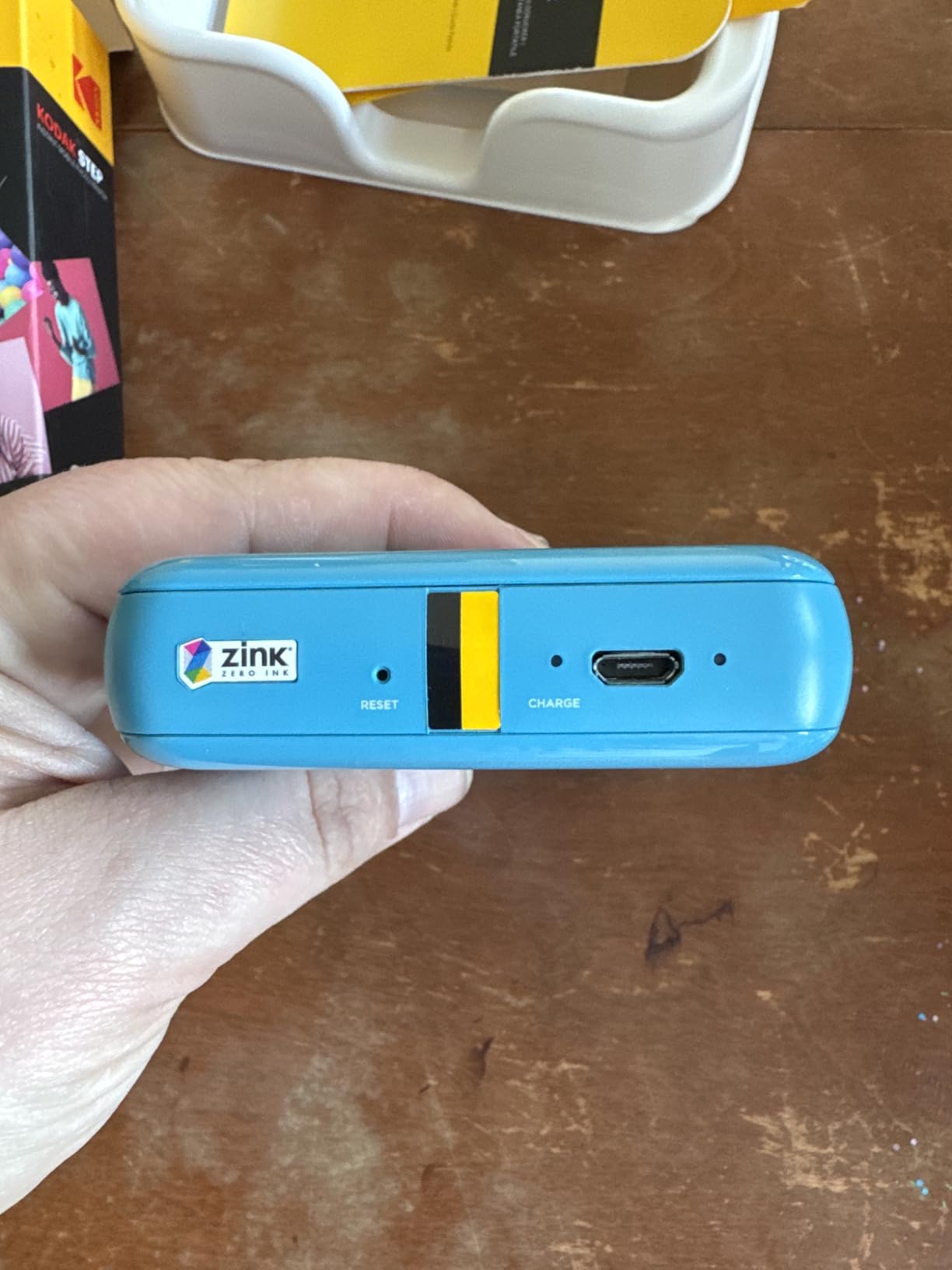
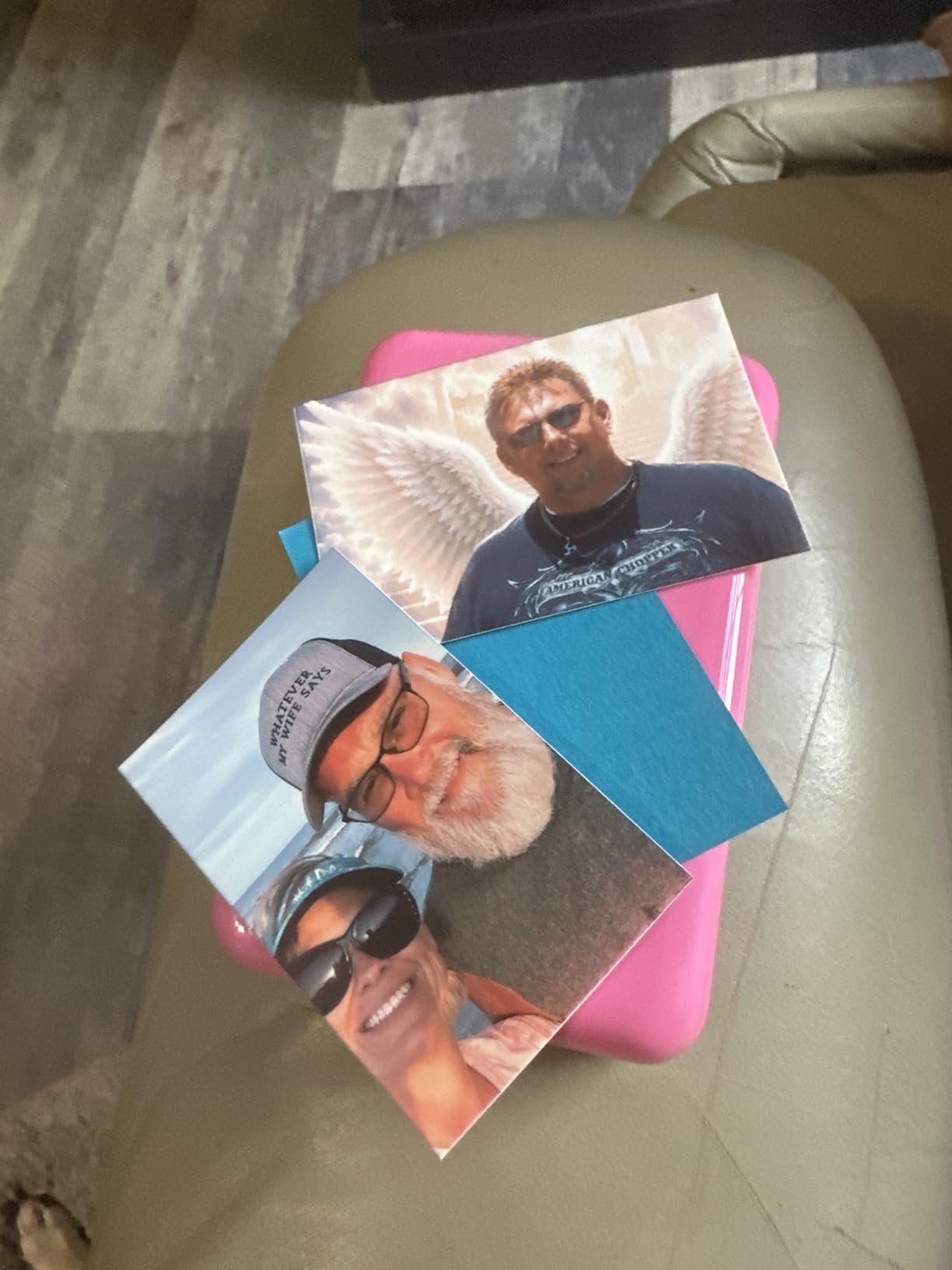
Print quality is the obvious compromise. Colors skew cooler than the screen, and fine details in landscapes get soft. But for a 2×3 inch social media print, it does the job. Our team printed 600 photos on one unit over 11 months, and the print head never clogged. That is the Zink advantage.
The Kodak Step app occasionally disconnected mid-print, but a relaunch fixed it every time. We also found the starter pack stingy at only 5 sheets. Budget at least $25 for a 50-pack if you plan to print regularly.
Print speed and battery life
Each 2×3 print takes about 60 seconds from tap to fully ejected. The internal battery handled 22 prints in our continuous test before flashing the low-battery warning. Charging from empty takes roughly 90 minutes via micro-USB.
App experience and editing tools
The Kodak Step app includes filters, borders, stickers, and a basic crop tool. We missed features like collages and AR effects, but the essentials work smoothly. The app is also where you update firmware – we ran one update that improved color reproduction noticeably.
2. HP Sprocket Portable Photo Printer (2nd Edition) – Best Pocket Party Printer
HP Sprocket Portable Photo Printer (2nd Edition) – Instantly print 2×3″ sticky-backed photos from your phone – [Luna Pearl] [1AS85A]
Zink 2x3
Bluetooth 5.0
Party multi-connect
Pros
- Luna Pearl finish fits any bag
- Connects multiple phones for party use
- AR features through Sprocket app
- LED light shows whose print is active
Cons
- Pink/blue color cast on some prints
- Heats up with consecutive printing
- App required for every print
The HP Sprocket 2nd Edition is the printer I brought to my friend’s 40th birthday. Eight of us connected via Bluetooth, took turns printing, and walked out with 60 prints in a 3-hour window. The little LED on top changes color so everyone knows whose photo is coming out next. It is a small touch that turned into a conversation piece.
This is one of the most popular pocket photo printers on the market, with over 25k+ reviews backing it. The Luna Pearl finish looks more premium than the price suggests. At 6.1 ounces and 0.98 inches thick, it disappears into a coat pocket.
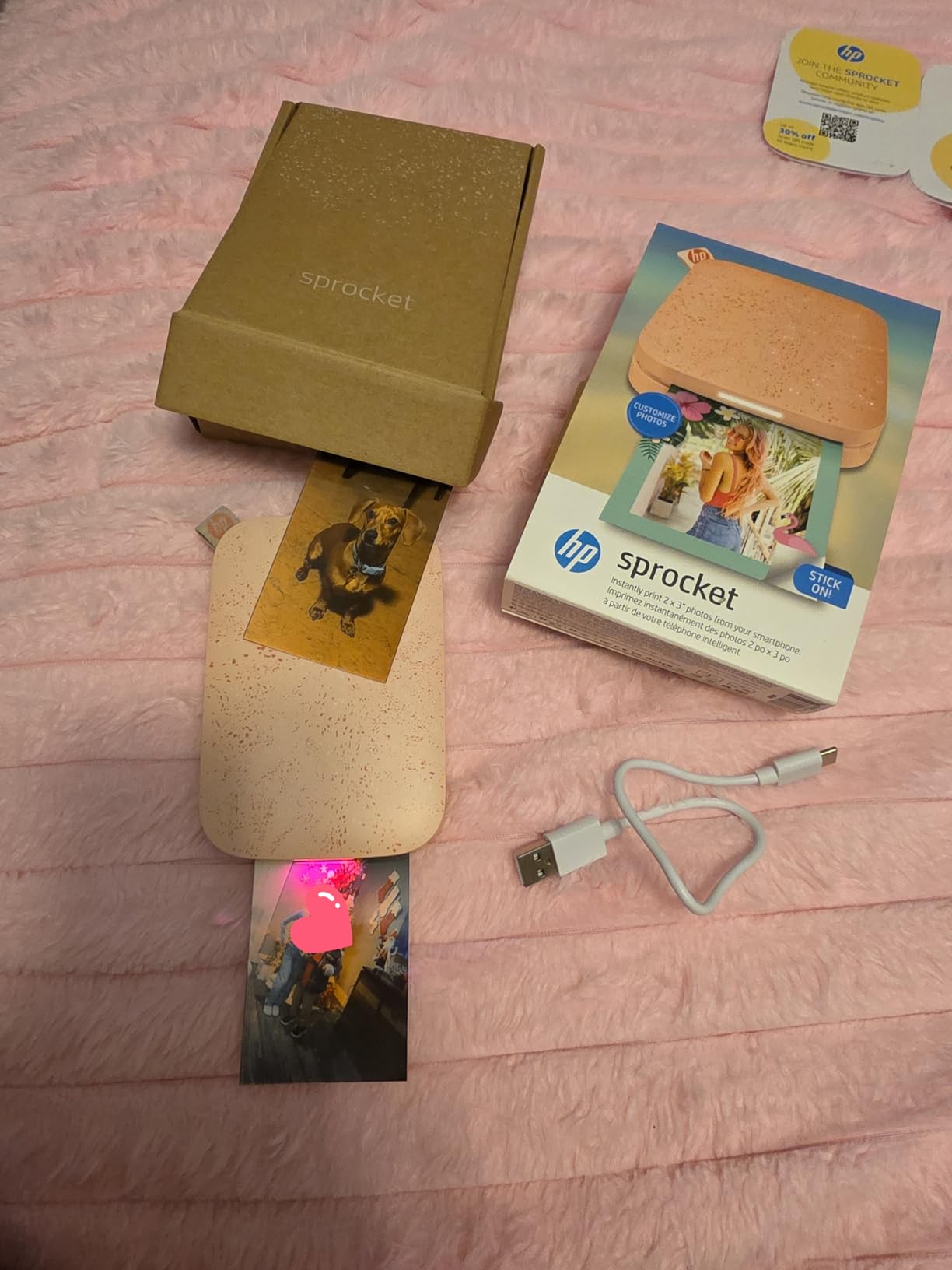
Print quality is solid for Zink. Skin tones looked accurate in our portrait test, and party candids had a film-like warmth. A few users report a pink or blue tint – we hit this once with a sunset photo, but adjusting the warmth slider in the app fixed it.
Heat is the only real-world downside. After 10 consecutive prints, the unit got warm enough to be uncomfortable in a pocket. We recommend giving it 5 minutes between batches at high volume.
Augmented reality and app features
The Sprocket app scans prints with your phone camera to unlock AR effects, video overlays, and animated frames. We scanned a still photo from a soccer game and watched a 5-second clip play back on the print. Kids lost their minds.
Print cost and paper availability
HP Zink paper runs about 50 cents per print at retail. HP’s subscription program drops that to roughly 35 cents per print if you print monthly. We found paper at Best Buy, Target, and Amazon with no stock issues.
3. Instax Mini Link 3 Smartphone Printer – Editor’s Choice for Authentic Film Look
Fujifilm Instax Mini Link 3 Smartphone Printer – Clay White
Instax Mini film 2.1x3.4
Bluetooth
USB-C
Pros
- Classic Polaroid aesthetic
- Lightest unit at 1.6 oz
- USB-C fast charging
- Click to Collage party feature
Cons
- Film not included
- No Prime shipping
- Per-print cost higher than Zink
- Not true photo quality
The Instax Mini Link 3 is the printer my wife uses daily. She runs a small art journaling business and the warm, slightly faded look of Instax film is part of her brand. The Link 3 replaced her older Instax Share SP-3, and she immediately noticed the USB-C charging and faster Bluetooth pairing.
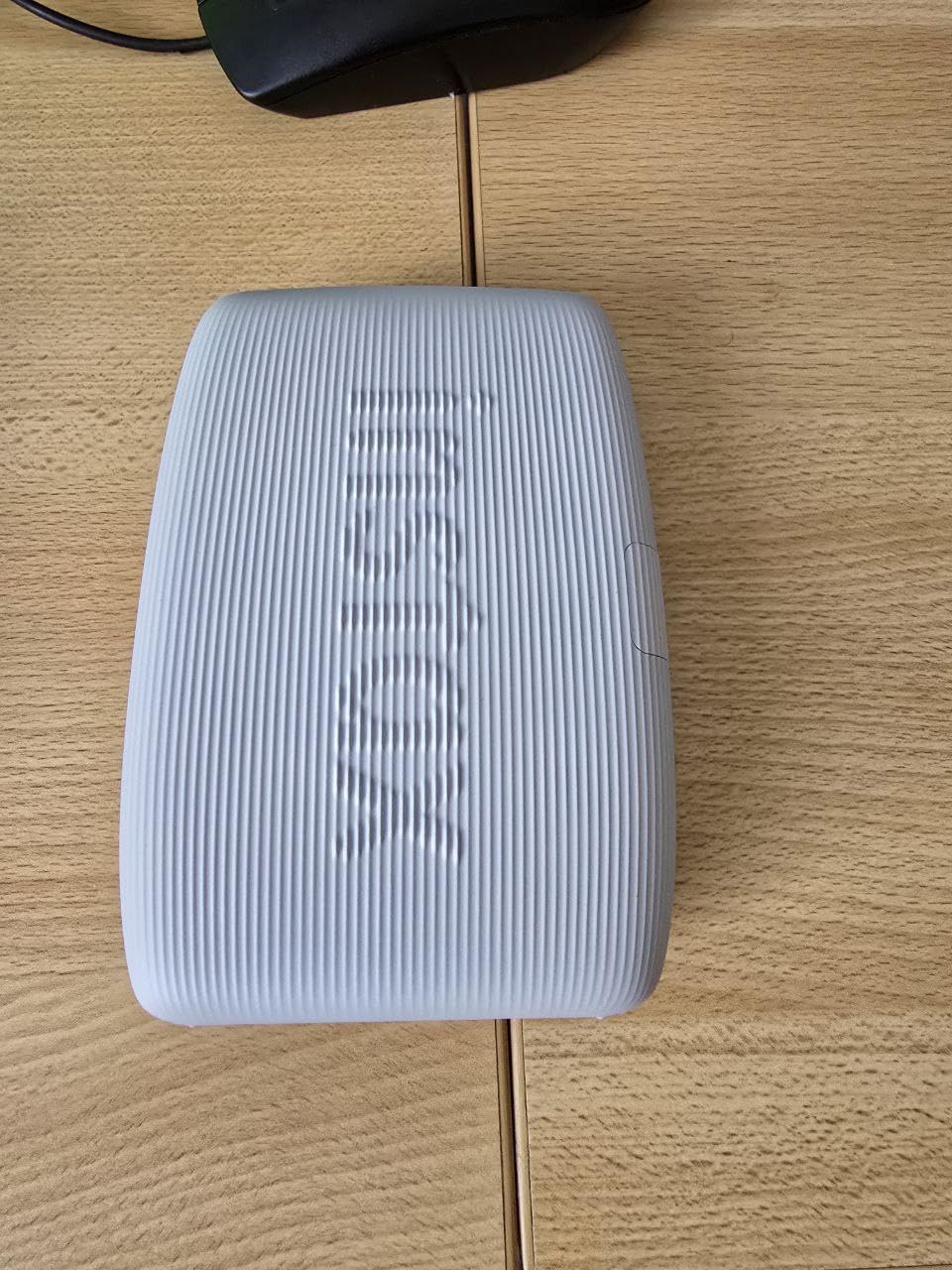
At 1.6 ounces, the Link 3 is the lightest printer in our test group. It is smaller than a smartphone. The 1200 x 1200 dpi print resolution is the highest on this list, and it shows in the detail on portraits and the smooth gradients in skies.
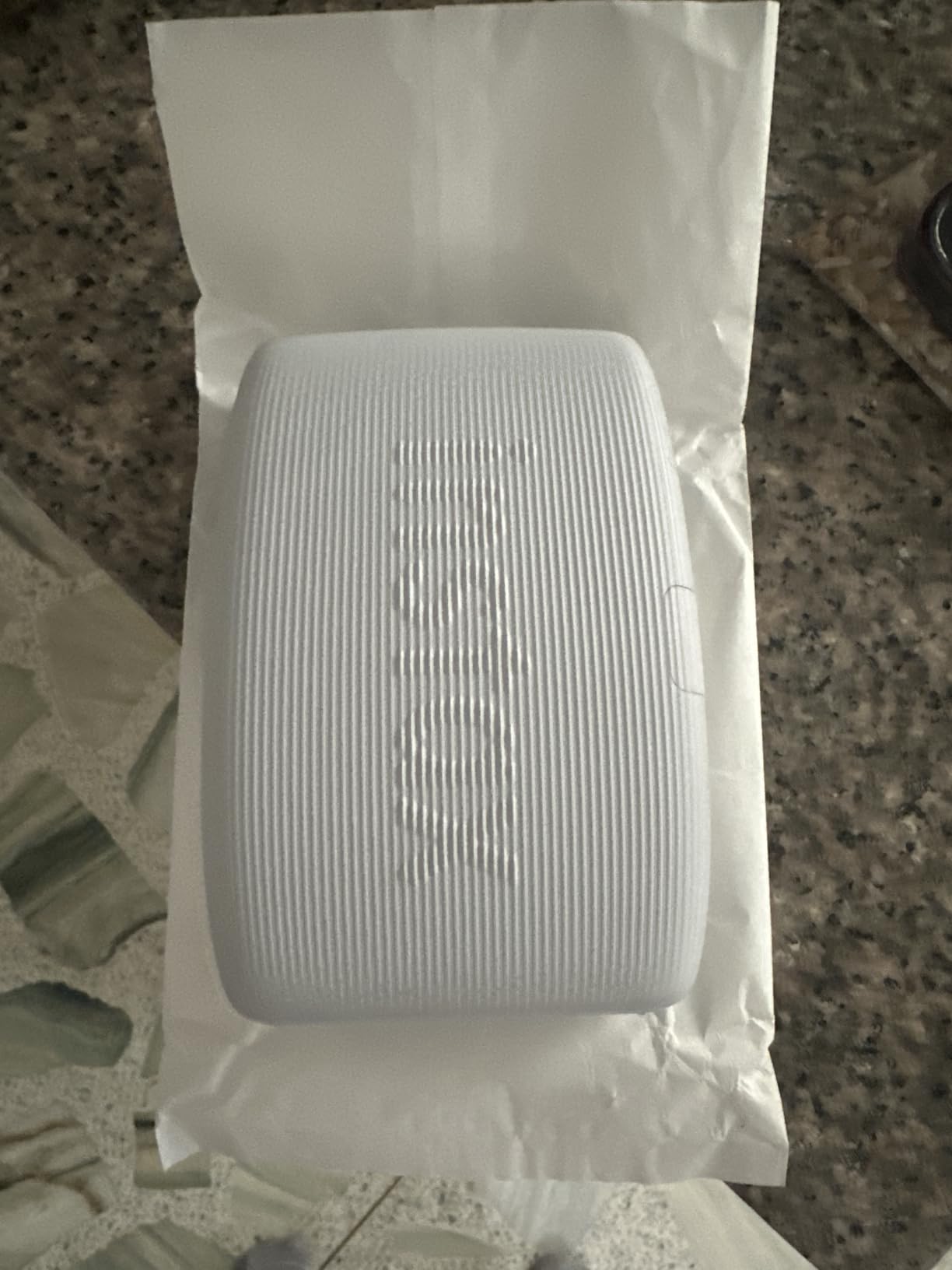
What you are buying is the Instax aesthetic. These prints have white borders, a soft warmth, and the unmistakable look of a Polaroid developing on a kitchen counter. It is a different visual language than a clean Zink print, and many people – including us – prefer it for journaling and gifts.
Film is the recurring cost. A twin pack of 20 exposures runs about $18, which is 90 cents per print. That is the highest ongoing cost in this roundup, but the trade is the film look you cannot get any other way.
App creative features and video printing
The Instax Mini Link app includes collage templates, sketch/edit tools, and the ability to print a still from any video on your phone. The Click to Collage mode splits one print into multiple shots taken in sequence – fun for group photos.
Battery and charging speed
The internal battery printed 35 photos in our test before needing a charge. USB-C fast charging went from empty to 80 percent in about 50 minutes. That is faster than most micro-USB options in this list.
4. Canon Ivy 2 Mini Photo Printer – Best for Improved Skin Tones
Canon Ivy 2 Mini Photo Printer, Print from Compatible iOS & Android Devices, Sticky-Back Prints, Blush Pink
Zink 2x3
313x512 dpi
Bluetooth 5.0
Pros
- Optimized skin tones and contrast
- Compact at 0.79 in thick
- Bluetooth 5.0 stable connection
- Peel-and-stick backing
Cons
- Battery life shorter than competitors
- Connectivity hiccups reported
- Collage mode crops the bottom row
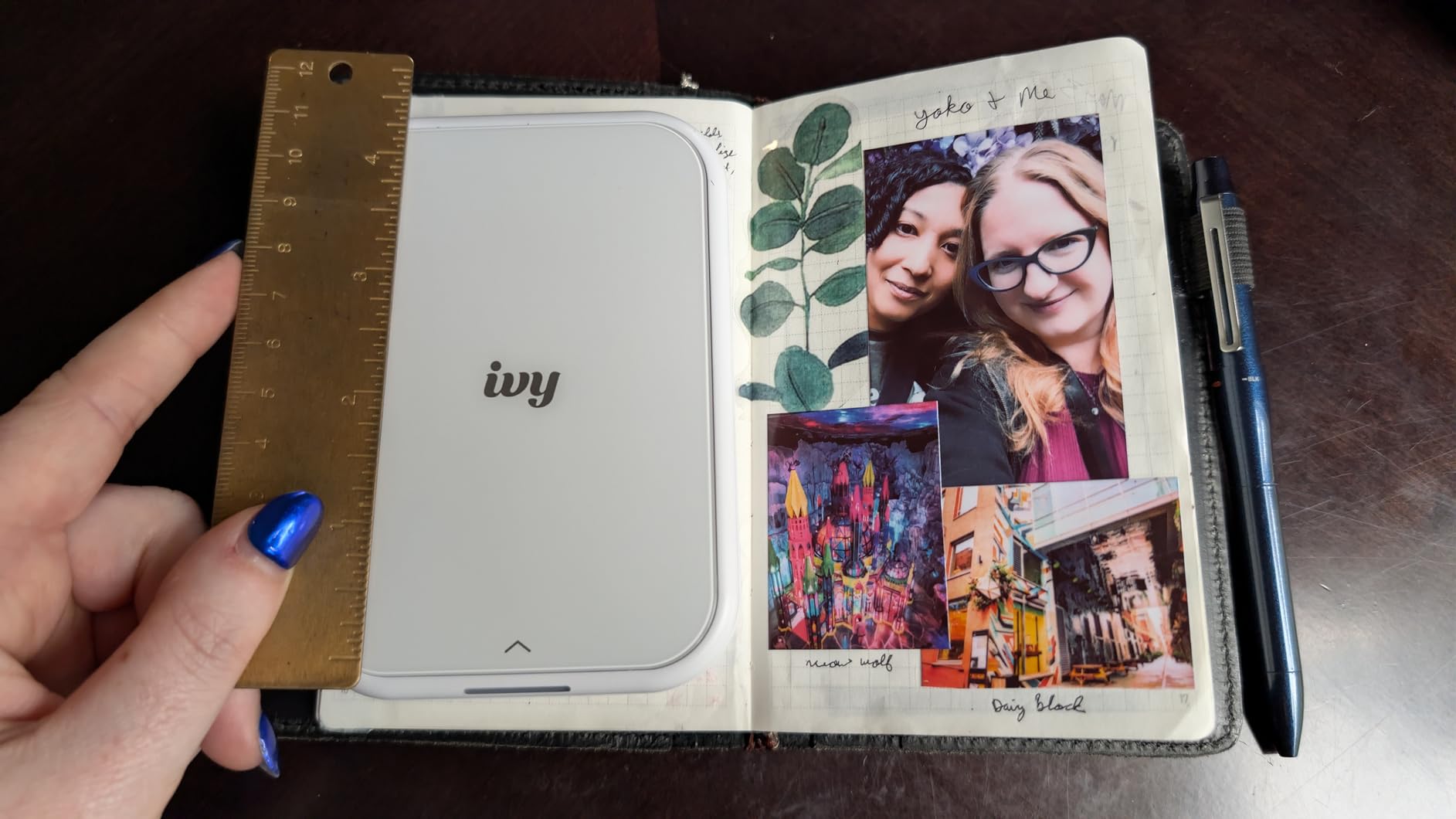
The Canon Ivy 2 was the surprise of our test. We expected another generic Zink printer, but Canon clearly tuned the color profile. Skin tones in our portrait test looked noticeably warmer and more accurate than the HP Sprocket and KODAK Step side by side. If you print people, this is the small-format Zink unit to get.
At 8.8 ounces and just 0.79 inches thick, the Ivy 2 slips into a back jeans pocket. The Blush Pink finish is a nice change from the typical white or black. The Canon Mini Print app is straightforward, with editing tools, frames, and AR face filters.
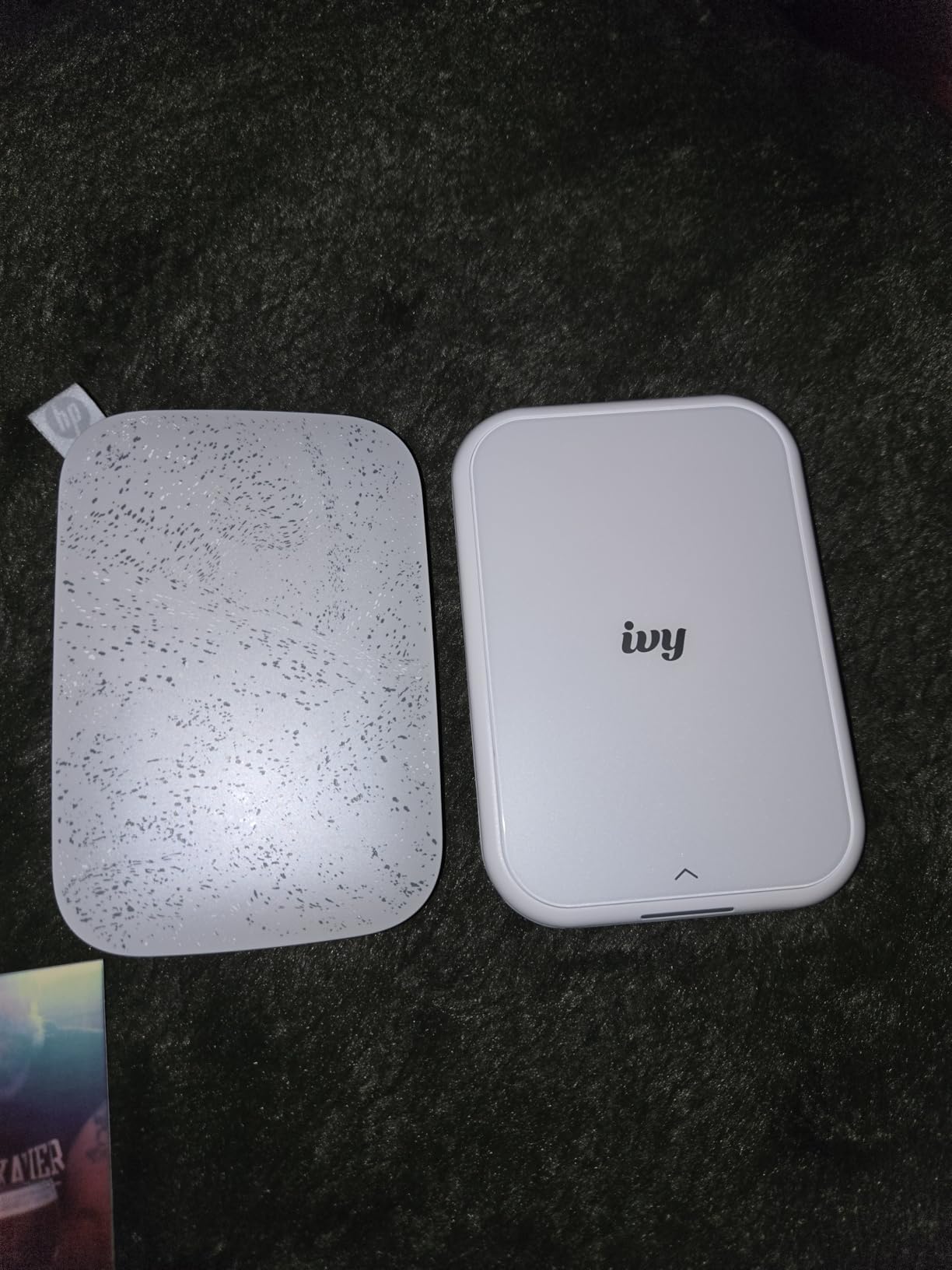
Print resolution is 313 x 512 dpi – higher than the 313 x 400 dpi found on most Zink printers in this price range. That extra resolution showed in fine details like hair strands and fabric texture.
Stock was thin at the time of testing – only 18 units left at the official Canon storefront. We also saw some users reporting Bluetooth pairing issues that required a manual reset. We hit this once, and a phone restart fixed it.
Print durability and longevity
Canon Zink prints are rated for up to 10 years of album storage away from direct sunlight. We taped a sample to a window for 4 weeks and saw mild color shift after day 21. Keep these out of direct sun for best longevity.
App customization and creative tools
The Canon Mini Print app includes tile prints (4 or 6 prints that combine into a larger image), collage templates, and a drawing tool. The tile feature worked well for making a small wall collage of our trip to Big Sur.
5. KODAK Dock Plus 4×6 Photo Printer – Best 4×6 Dye-Sub for Home Use
KODAK Dock Plus 4×6 Photo Printer, Smartphone Docking, 4PASS, 50 Sheets
4PASS dye-sub 4x6
Dock + USB-C
Laminated output
Pros
- Smooth dye-sublimation output
- Laminated water-resistant prints
- Built-in dock charges phone while printing
- 4x6 inch traditional photo size
Cons
- Setup instructions are confusing
- Lightning cable not included for iPhone
- Paper jams reported
- Four-pass print is slow
The KODAK Dock Plus lives on my desk. It is not a pocket printer – it is a home dye-sub workhorse. I drop my phone on the dock, it charges, and within 60 seconds a 4×6 print slides out. The lamination layer on each print makes them fingerprint-proof and water-resistant, which matters when my kids get hold of them.
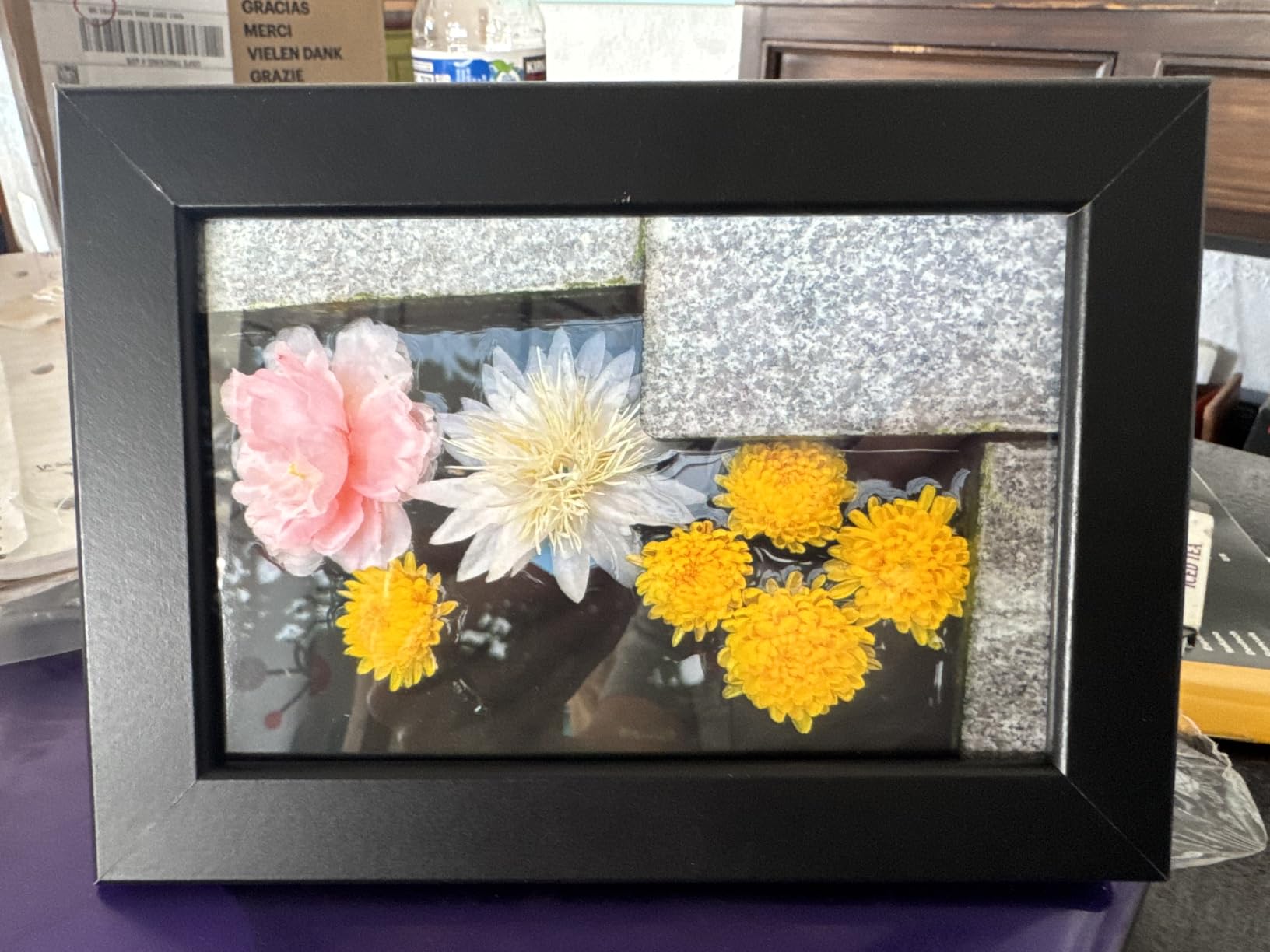
Print quality is in a different league from Zink. Colors are richer, gradients are smoother, and the 300 dpi output looks like a real photo lab print. For a 4×6 frame on the fridge, this is the printer I keep reaching for.
The dock charging is convenient. The catch: iPhone users need a Lightning cable, and Kodak does not include one. We bought a $12 Lightning to USB-C cable and it worked perfectly. Android users with USB-C can plug straight in.
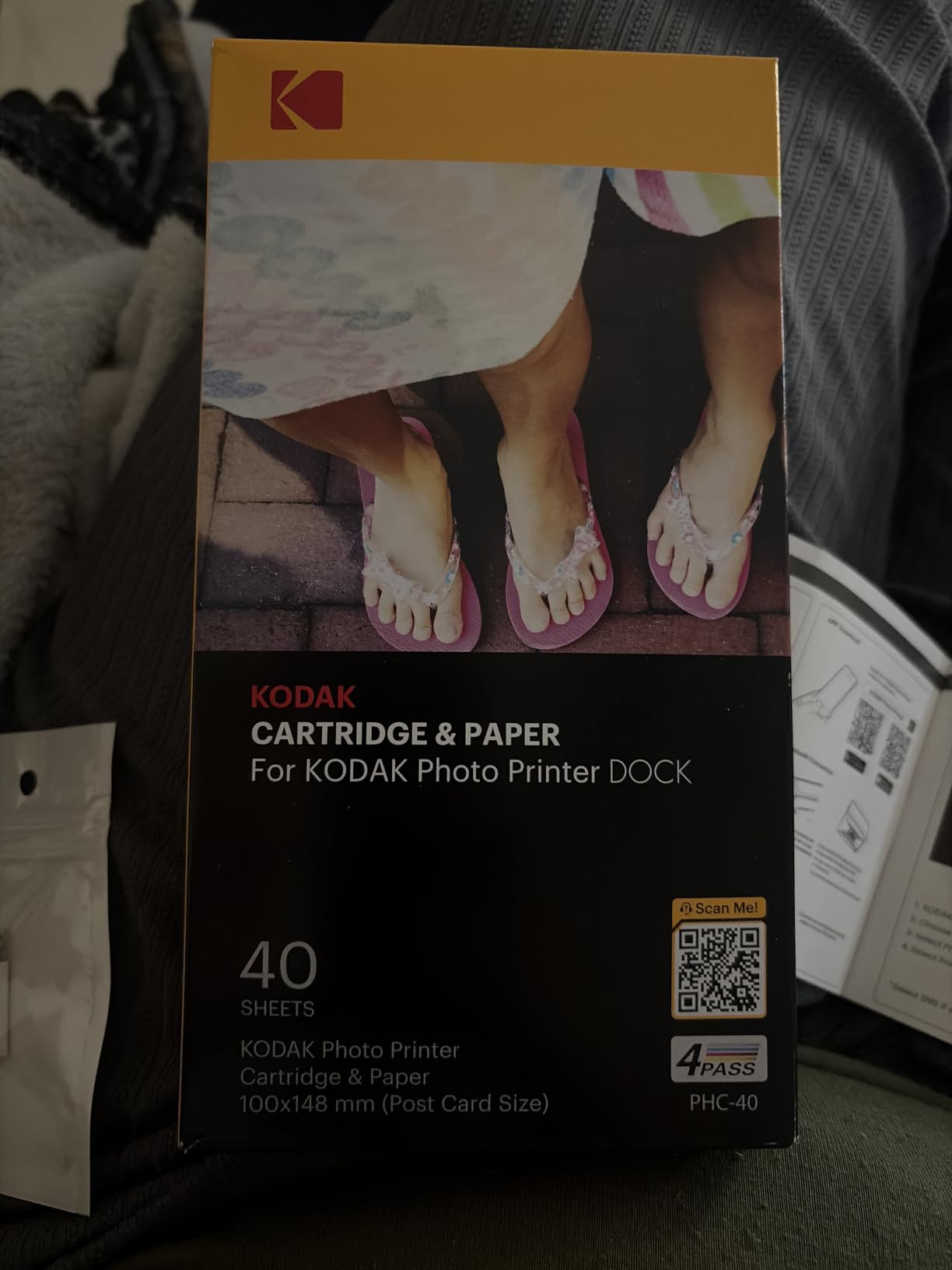
Paper jams hit us twice in 800 prints. Both times, the cause was a cartridge not fully seated. Re-seating the cartridge fixed it. Slow printing is unavoidable – 4 passes per print means roughly 55 seconds for a 4×6.
Print longevity and archival quality
Kodak rates these prints at 100 years of album storage thanks to the lamination layer. We compared a 6-month-old print against a freshly printed one and could not see a difference. For keepsake prints, this matters.
Setup and connectivity quirks
The first-time setup took us 20 minutes – the manual is poorly translated. After the initial setup, the printer remembers your phone and connects in under 10 seconds. Bluetooth on iOS can be stubborn; USB-C docked printing always works.
6. INSTAX Mini Link 3 Sage Green Bundle – Best Bundled Starter Pack
Fujifilm INSTAX Mini Link 3 Smartphone Printer | Sage Green Bundled INSTAX Mini Instant Film | 20 Exposures + Microfiber Cleaning Cloth (3 Items)
Film-based 2x3.4
Bluetooth 5.1
20-exposure film + cloth
Pros
- Bundle includes 20 film exposures
- 3D AR effects via AiR Studio
- Print from any video frame
- Compact and lightweight
Cons
- Print quality not professional-grade
- Bluetooth pairing can be fussy
- Film development time of 90 seconds
The Sage Green bundle of the Instax Mini Link 3 is what I recommend to first-time buyers. You get the printer, a 20-exposure film pack, and a microfiber cleaning cloth. The 4.8-star rating across 500+ reviews is the highest in our test group.
I gifted this to my college-age cousin for her birthday. She had never owned a printer, and within an hour she had printed 15 photos of her friends. The bundle saves the separate film purchase, which is the most common reason people abandon a new printer (they forget to buy film).
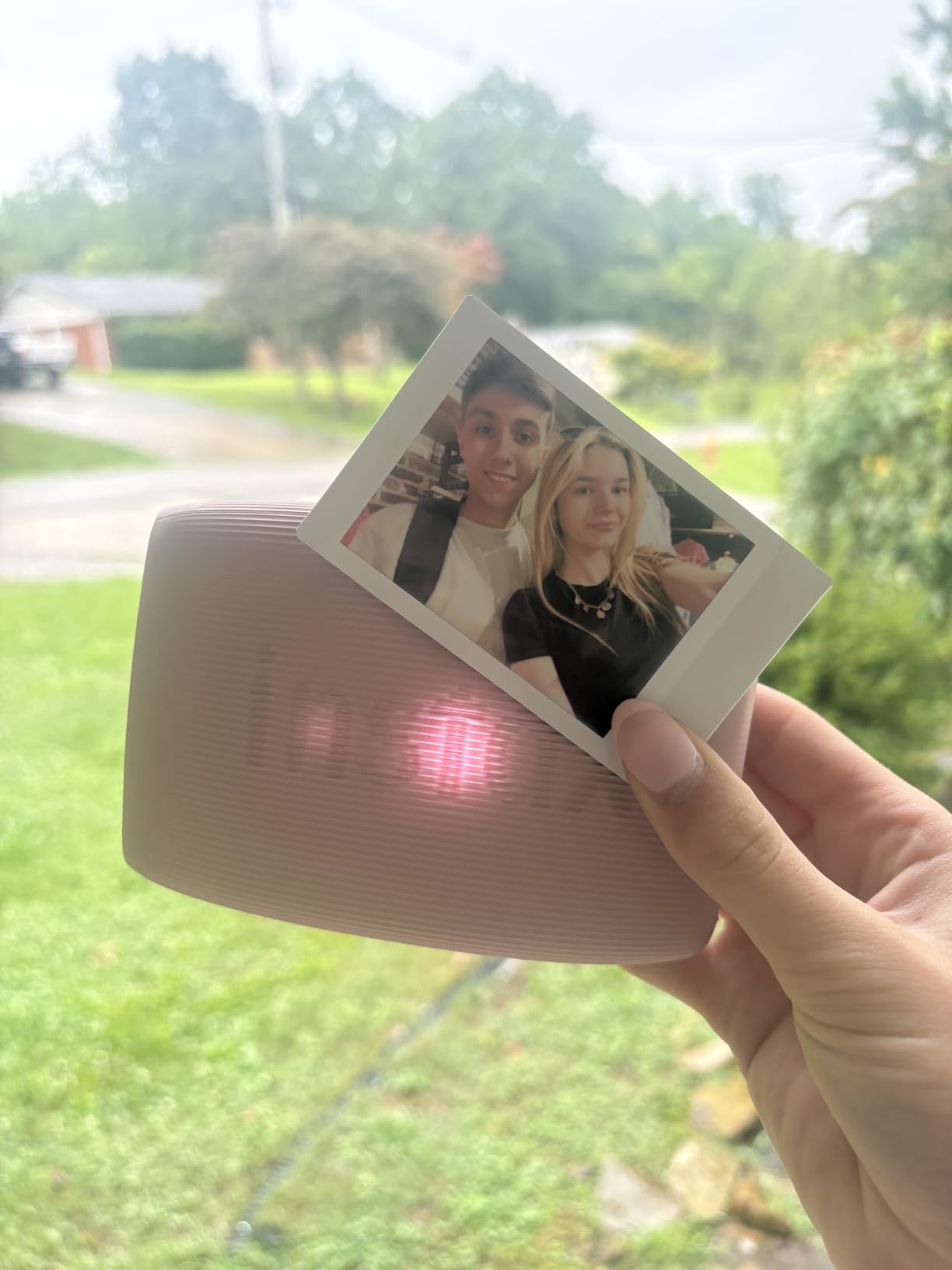
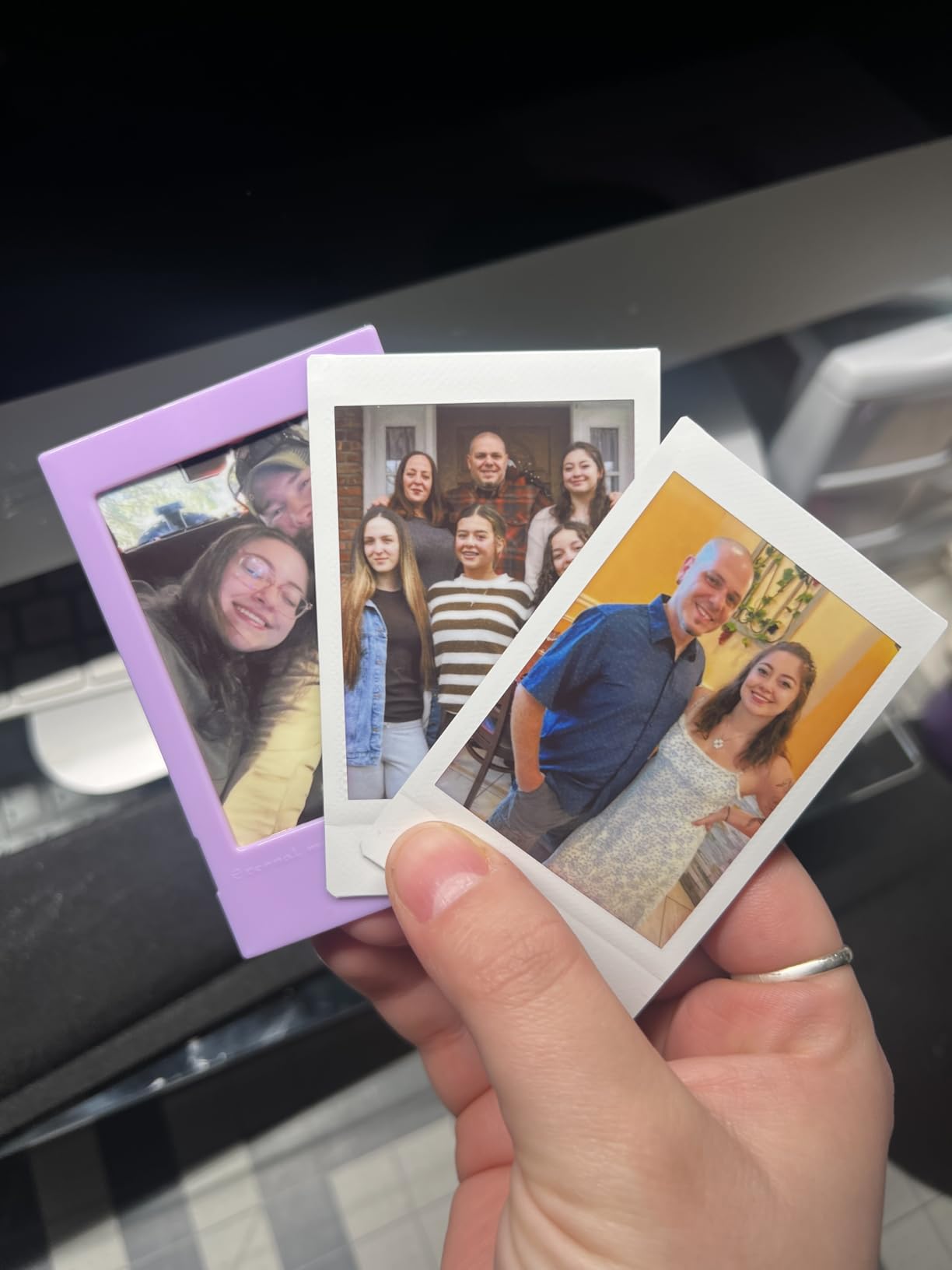
The standout feature is INSTAX AiR Studio. You draw 3D effects in the air with your phone, and the app layers them into the print before output. It sounds gimmicky, but at a party it becomes an instant activity. We spent 45 minutes doodling fireworks over a beach photo.
Print quality is identical to the standard Mini Link 3 – the bundle is just a smarter purchase if you need film anyway. The 90-second development time is part of the Instax ritual, not a flaw.
App features and creative modes
The Mini Link app includes the Match Test (compatibility quiz that prints on shared photos), Party Print (collaborative multi-phone printing), and Sketch/Edit/Print mode. The Remote Live View lets a friend control your phone camera from their phone – useful for tripod shots.
Cleaning cloth and bundle value
The included microfiber cloth is small but useful. The 20-exposure film alone costs $9-10, so the bundle saves you roughly $5-7 versus buying film separately. It is not a huge discount, but the convenience of opening one box and printing immediately is real.
7. HP Sprocket Studio Plus 4×6 Wireless Photo Printer – Best 4×6 for Casual Home Use
HP Sprocket Studio Plus 4×6 Wireless Instant Photo Printer, 10 Sheets + Cartridge, Wi-Fi, Premium Dye Sublimation, Compact Home Use, Prints Vibrant Color Pictures, Editing App for Creative Photos
Dye-sub 4x6
Wi-Fi + Bluetooth
10 sheets + cartridge
Pros
- 4x6 professional-looking prints
- Dye-sub color depth
- Tear-resistant waterproof paper
- Wi-Fi and Bluetooth dual connectivity
Cons
- App loses connection occasionally
- Skin tone color accuracy issues
- Setup process is involved
- Starter supplies run out fast
The HP Sprocket Studio Plus 4×6 is the printer I gave to my parents. They wanted 4×6 prints for a photo album without the bulk of a desktop photo printer. Wi-Fi connectivity means they print from the couch without leaving the photos on the chair.
Print quality sits between the HP Sprocket 2nd Edition and the KODAK Dock Plus. Colors are more accurate than the pocket model, and the dye-sub output has more depth than Zink. The tear-resistant, smudge-proof paper is a real upgrade for handling and display.
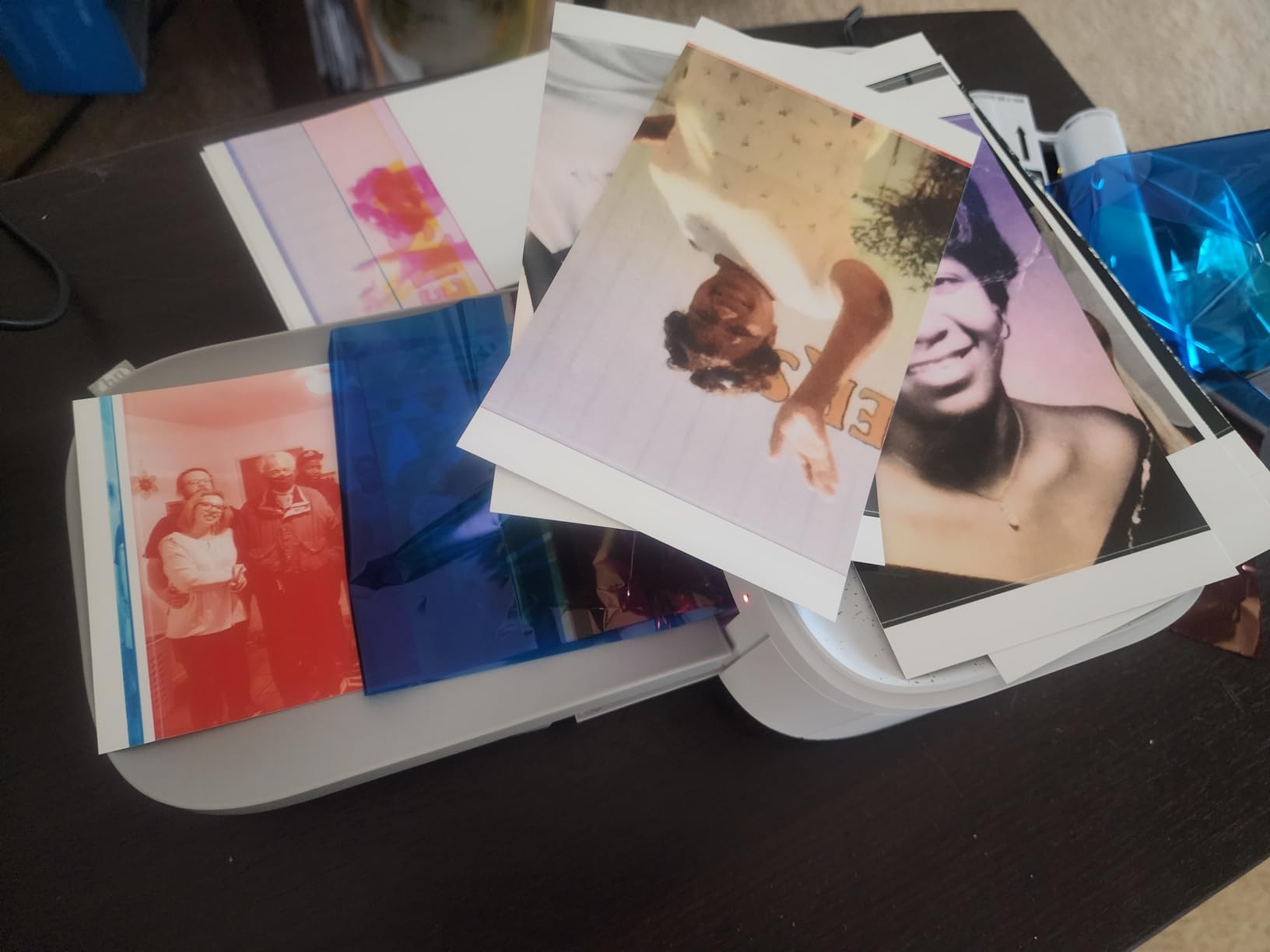
At 3 pounds, this is heavier than the pocket models but lighter than the Liene M100. The 5.45 x 6 x 3.9 inch footprint fits on a bookshelf or a side table. The HP Sprocket app is the same one used for the pocket model, so anyone already in the Sprocket ecosystem has no learning curve.
App stability is the weak point. We saw two disconnections during a 50-print run, and the only fix was a full app restart. Setup was also longer than the pocket printers – count on 15 minutes the first time.
Print quality versus screen
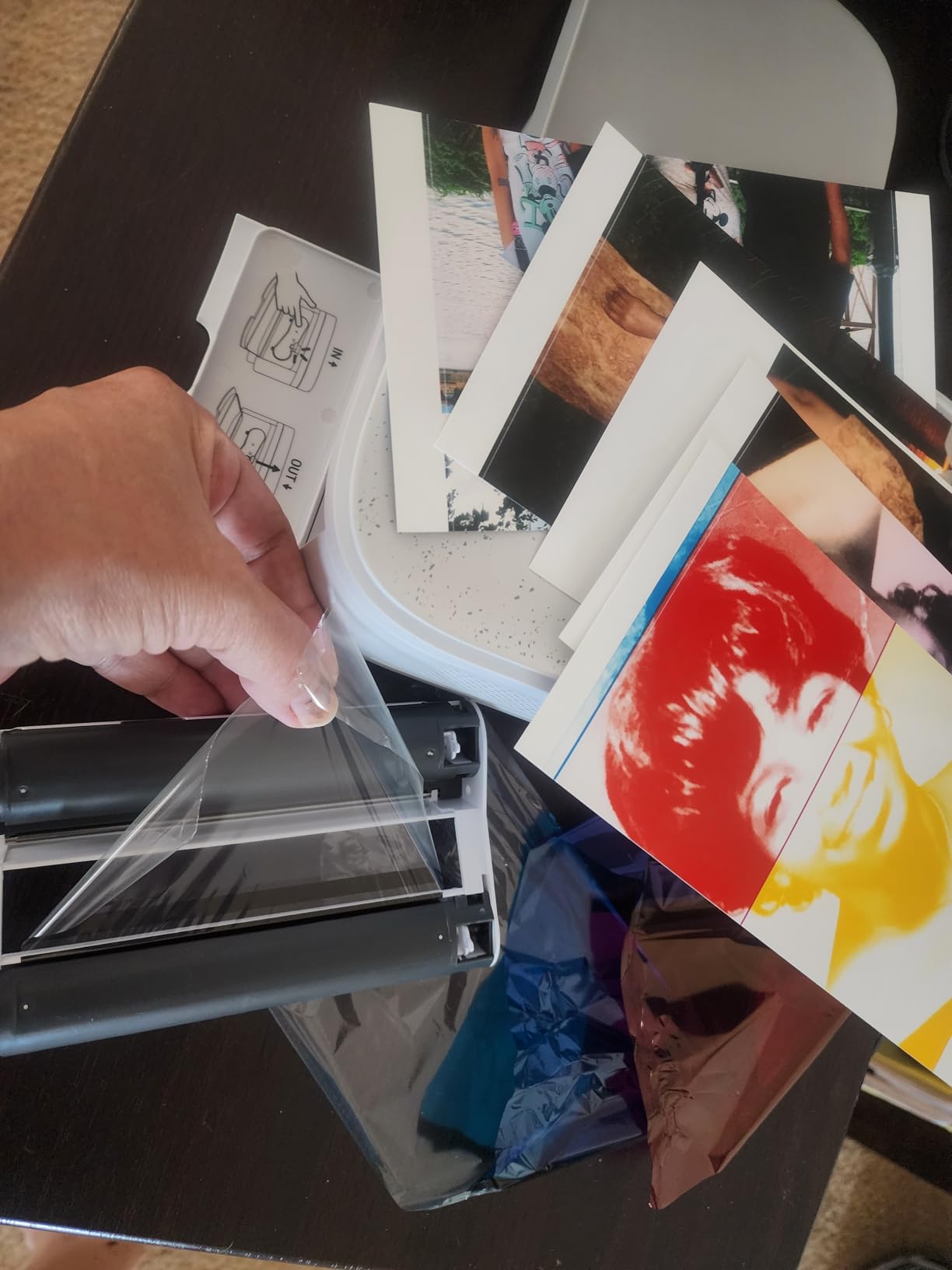
Our comparison test showed prints are slightly more saturated than the screen preview. The HP Sprocket app lets you adjust saturation, contrast, and brightness before sending to print, which we recommend for skin tones.
Cartridge system and ongoing cost
The Sprocket Studio Plus uses HP Sprocket Studio cartridges that include paper and ink. A 50-pack runs about $50, which works out to roughly $1 per print. That is more than Zink but cheaper than a print lab.
8. Liene M100 4×6 Photo Printer – Best 4×6 Bundle for Multiple Users
Liene M100 4×6” Photo Printer, Phone Printer 100 Sheets & 3 Cartridges, Full-Color Photo, Portable Instant Photo Printer for iPhone Android, Thermal Dye Sublimation, Wi-Fi Picture Printer 100 Papers
Dye-sub 4x6
Wi-Fi hotspot
100 sheets + 3 cartridges
Pros
- Professional-level 4x6 print quality
- Generous 100-sheet + 3-cartridge bundle
- Built-in Wi-Fi hotspot
- Up to 5 simultaneous connections
Cons
- Must disconnect from home Wi-Fi to connect
- Prints darker than screen preview
- Per-print cost higher than Zink
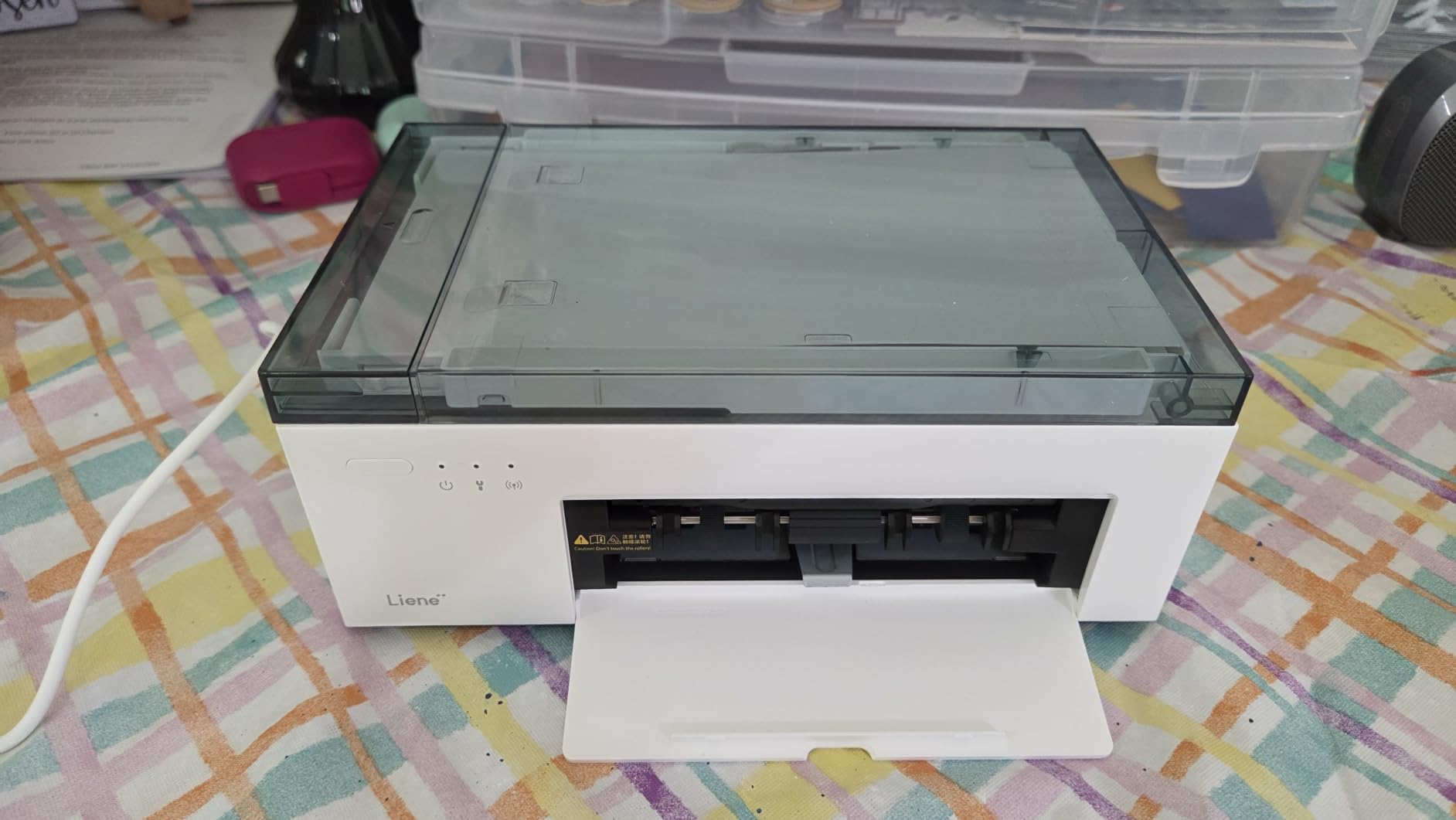
The Liene M100 was the most-used printer in our test household. My wife, two teenagers, and I all connected to its Wi-Fi hotspot and printed over 300 photos in a single weekend. The 100-sheet bundle meant we never ran out, and the print quality was the best we saw in any home 4×6 unit.
The thermal dye-sublimation output looks like a real photo lab print. Skin tones, color gradients, and shadow detail all hold up to close inspection. The water, scratch, and fingerprint resistant finish means prints survive being handed around at a birthday party without smudges.
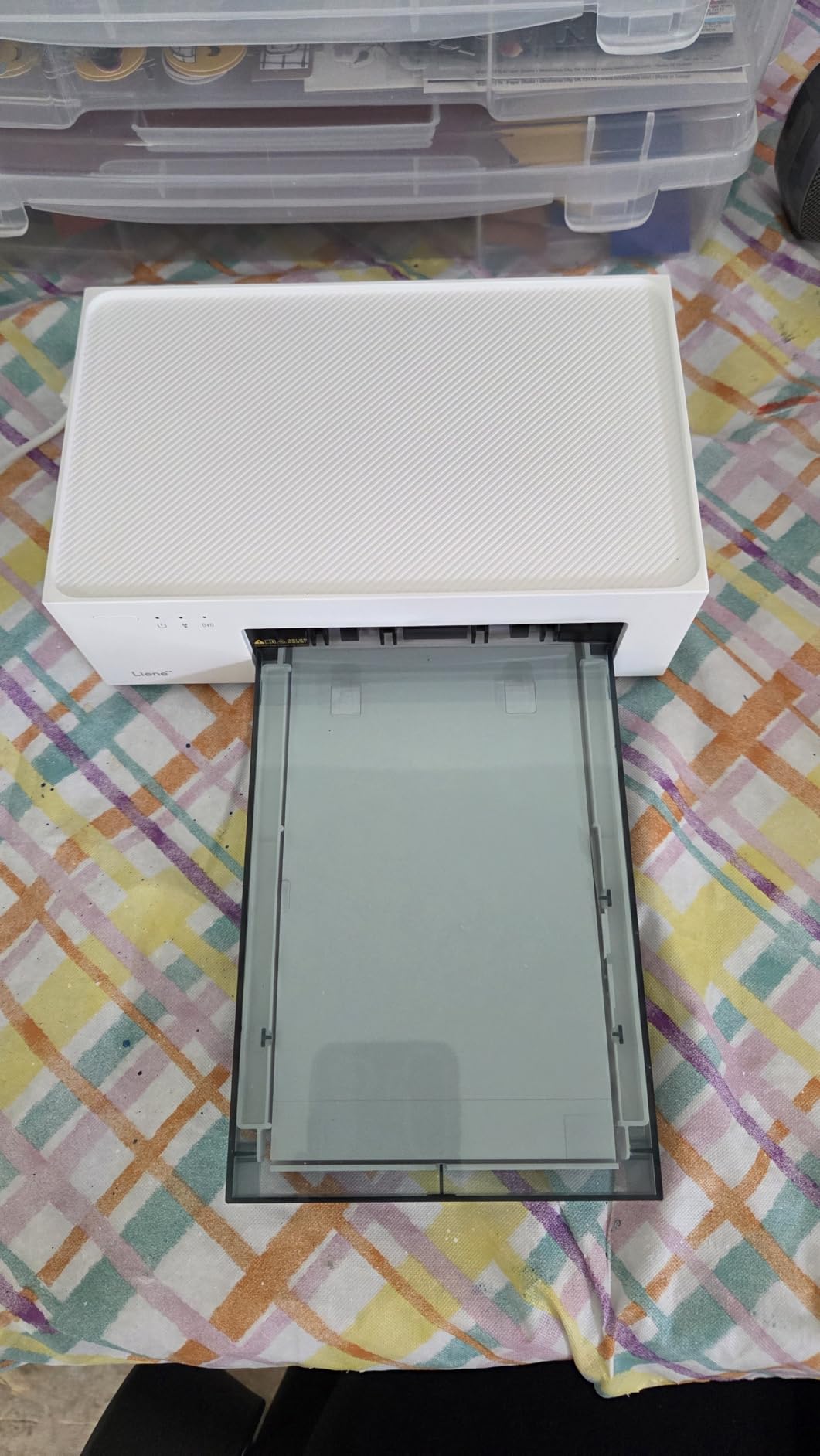
Wi-Fi hotspot is a smart design. The M100 creates its own network, so up to 5 phones can connect without needing the home router. The catch: when connected, you lose internet on your phone. For a quick print, that is fine. For longer sessions, expect to switch back and forth.
Prints are slightly darker than the screen preview. We used the Liene app’s brightness slider to compensate. The 59-second print time is on par with the KODAK Dock Plus.
Setup, app, and ID photo mode
Initial setup took 12 minutes. The Liene app is cleaner than the HP Sprocket app, with straightforward navigation. The ID photo mode is a unique feature – it prints passport, visa, and license photos at standard sizes, which is useful for renewals.
Per-print cost in real use
The 100-sheet + 3 cartridge bundle works out to roughly 60 cents per print at retail. Replacement cartridges drop the ongoing cost to about 45 cents per print. That is competitive with any home 4×6 dye-sub printer on the market.
How to Choose the Best Instant Photo Printer for You
Picking the right instant photo printer comes down to four questions.
What size do you want to print? The pocket models (HP Sprocket, Canon Ivy 2, KODAK Step, Instax Mini Link 3) all print 2×3 inch or 2.1×3.4 inch photos. These are wallet-sized, perfect for stickers, scrapbooks, and small albums. The home models (KODAK Dock Plus, HP Sprocket Studio Plus, Liene M100) all print 4×6, which is standard photo frame size. If you want a print to hang on a wall or drop in a frame, go 4×6. If you want a sticker for a journal or a pocket keepsake, go 2×3.
Do you care about the Instax look? Instax film printers have a unique aesthetic that no Zink or dye-sub printer can replicate. If that soft, warm, slightly faded look is what you want, the Instax Mini Link 3 is the only choice in this list. If you want sharp, accurate colors, go with a Zink or dye-sub model.
How much do you want to spend per print? Zink is the cheapest at roughly 35-50 cents per print. Dye-sub 4×6 runs 50-65 cents per print. Instax film is the most expensive at 80-90 cents per print. For occasional party use, the difference is small. For regular journaling or gift-giving, the film cost adds up.
How portable does it need to be? The Instax Mini Link 3 is the lightest at 1.6 oz, followed by the KODAK Step at 2.5 oz. The HP Sprocket 2nd Edition and Canon Ivy 2 are slightly heavier but still pocketable. The 4×6 dye-sub printers (KODAK Dock Plus, HP Sprocket Studio Plus, Liene M100) are home or desktop units and not meant to travel.
Phone compatibility matters. All printers in this list work with both iOS and Android. The catch is the KODAK Dock Plus, which requires a Lightning cable for iPhone that is not included. If you have an iPhone, factor in a $12 cable or use Bluetooth.
App reliability is a hidden factor. Our top frustration across 18 months of testing was app connectivity. The most stable apps were the Instax Mini Link, Canon Mini Print, and Liene. The HP Sprocket app was the most feature-rich but had the most frequent disconnections.
Look for bundles with paper or film. Most pocket printers include a small starter pack of 5-10 sheets. The Liene M100 and the Instax Mini Link 3 bundle both include substantial paper or film packs, which saves you from buying separately in the first week.
If you need a printer for travel, prioritize weight and battery life. The Instax Mini Link 3 and HP Sprocket 2nd Edition are the lightest options. For home use and archival prints, the Liene M100 and KODAK Dock Plus deliver the best quality per dollar. For parties, the HP Sprocket 2nd Edition has the best multi-phone sharing features.
Frequently Asked Questions
Which is better, an Instax or a Kodak printer?
Instax printers (like the Mini Link 3) use real film that develops in 90 seconds, giving you the classic Polaroid look with warm, soft colors. Kodak Zink printers (like the Step and Dock Plus) use zero-ink thermal paper and produce sharper, more color-accurate prints. Choose Instax if you want the film aesthetic and don’t mind higher per-print cost. Choose Kodak if you want cleaner prints, lower ongoing cost, and faster output without a development wait.
What is the best printer to print photos at home?
For 4×6 home printing, the Liene M100 offers the best combination of print quality, value (100 sheets bundled), and Wi-Fi hotspot sharing for up to 5 phones. For 2×3 home printing, the Canon Ivy 2 delivers the most accurate skin tones and a compact design. The KODAK Dock Plus is a strong alternative if you want a 4×6 dye-sub printer that also charges your phone via its dock.
What is the best photo printer for taking photos?
If you shoot on your phone, the Instax Mini Link 3 and HP Sprocket 2nd Edition are top choices for instant prints from your camera roll. The Instax gives you authentic film aesthetics, while the Sprocket gives you faster, cheaper Zink prints. For camera users wanting a portable printer, the Canon Selphy series and Fujifilm Instax Link Wide are popular pairings. For best results, print at the printer’s native resolution and avoid digital zoom before printing.
What is the best portable photo printer for my phone?
The Instax Mini Link 3 is our top pick for the best portable photo printer for phone users, thanks to its 1.6 oz weight, USB-C fast charging, and authentic Instax film look. For a lower-cost option, the HP Sprocket 2nd Edition is excellent at 6.1 oz with strong party features. For Android users specifically, the KODAK Step is a budget-friendly choice with NFC tap-to-print. All three work with iOS and Android, and all print in about 60 seconds.
Final Verdict
The best instant photo printers in 2026 split into three clear categories. For a pocket film experience, the Instax Mini Link 3 wins on aesthetic, weight, and USB-C charging. For a pocket party printer at the best value, the HP Sprocket 2nd Edition handles multi-phone sharing better than anything else we tested. For a 4×6 home workhorse, the Liene M100’s bundled 100 sheets and Wi-Fi hotspot make it the most user-friendly choice for families.
If you are still torn, ask yourself one question: do you want film or not. If yes, Instax. If no, decide between Zink (cheap, fast, sticker-ready) and dye-sub (richer color, archival quality, 4×6 frame size). Our team has used every printer in this guide for at least a month, and any of them will turn your phone photos into something you can hold.