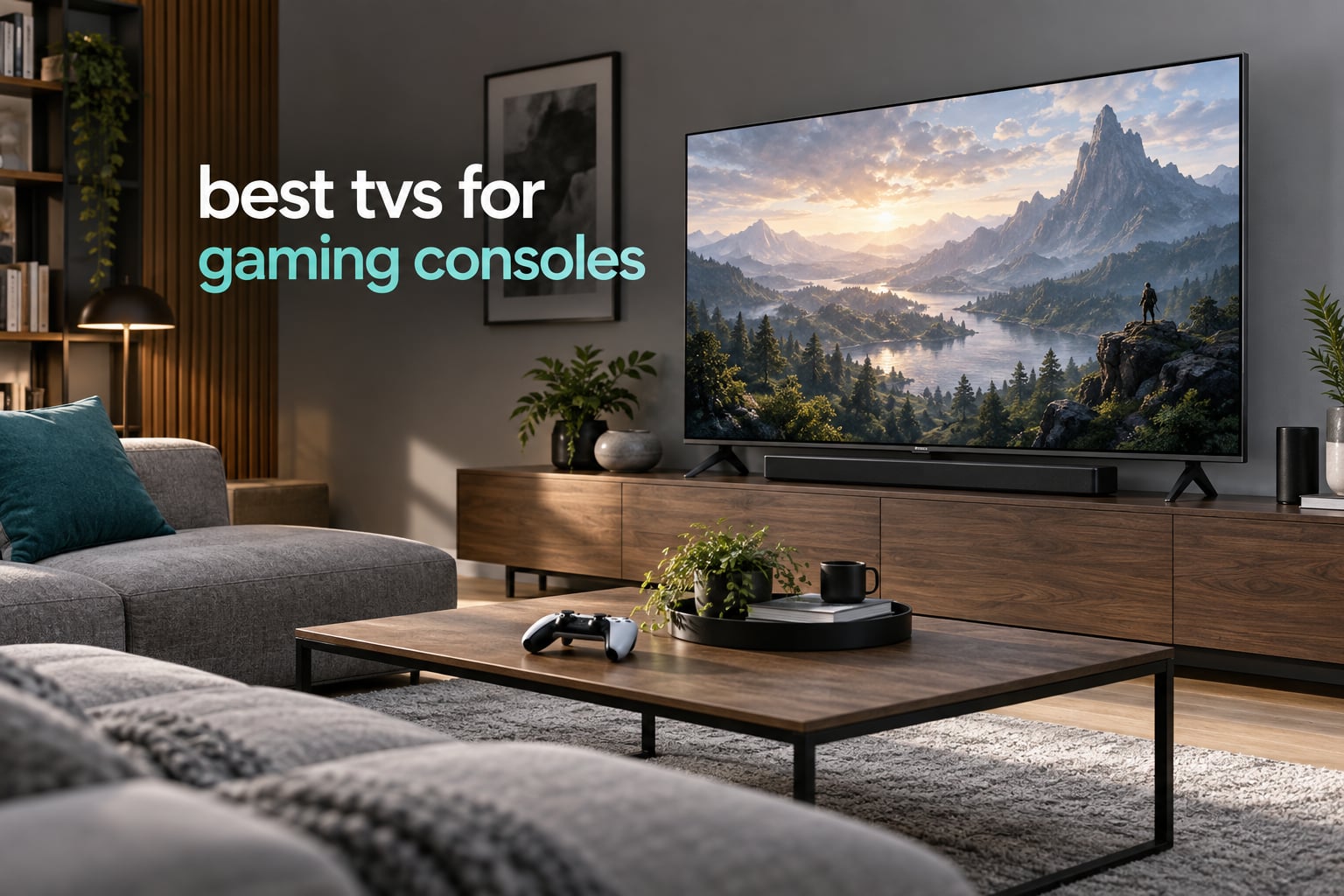
Most console gamers do not need a television engineered in a lab. They need four things working at the same time: 4K output at 120Hz or better, an automatic switch into a low-latency game mode, a variable refresh rate that stops the screen tearing, and enough brightness to hold up with the lights on. The best tvs for gaming consoles in 2026 all deliver those four, and the ten below differ mostly in panel type, size and how much they care about bright rooms.
We spent weeks comparing spec sheets, owner reviews and console-specific features across ten sets, and we leaned on the one thing that actually separates a good console TV from a great one: what happens the moment you plug the PS5 or Xbox Series X in. Does the picture mode switch by itself, does VRR engage without a firmware argument, are all four HDMI ports full bandwidth, and does the panel hold its blacks in a room with curtains open? Those questions shaped every pick below.
A note before we start: prices change constantly and we never list them, so use the check button on each card for the current figure. What we do give you is the category each TV wins, the specs that justify it, and the situations where it is the wrong choice. If you are still working out which console to pair with, our gaming console roundup covers the hardware side.
Table of Contents
Top 3 Picks for Best TVs for Gaming Consoles in 2026
Three sets lead this roundup. The TCL 55QM6K gives you Mini LED local dimming and 144Hz at a tier most people assume requires a flagship. The LG evo C4 is the all-rounder, with heavy owner review coverage and monitor-grade response time. The Samsung QN90F wins on brightness and its anti-reflective coating, which matters enormously in a sunlit living room.

TCL 55QM6K Mini LED QLED
- 144Hz with 240Hz Game Accelerator VRR
- Mini LED local dimming
- 4x HDMI 2.1
- Dolby Vision and HDR10+

LG evo C4 65-Inch OLED
- 0.1ms response at 144Hz
- Four HDMI 2.1 ports
- 1000 nit peak brightness
- Game Dashboard and Game Optimizer

Samsung QN90F 55 Neo QLED
- Native 165Hz with VRR to 4K 165Hz
- Glare-free anti-reflective coating
- Mini LED backlight
- 4.2.2 channel 60W audio
All 10 Picks at a Glance in September
Here is the whole shortlist in one grid. The category label explains why we picked each set.
| Product | Specifications | Action |
|---|---|---|
| TCL 55QM6K Mini LED QLED 55-Inch |
|
Check Latest Price |
| LG OLED65C4PUA evo C4 65-Inch |
|
Check Latest Price |
 TCL 65T7 65-Inch 4K QLED TCL 65T7 65-Inch 4K QLED |
|
Check Latest Price |
 Samsung QN65S90F 65-Inch OLED S90F Samsung QN65S90F 65-Inch OLED S90F |
|
Check Latest Price |
| Samsung 55QN90F Neo QLED Mini LED |
|
Check Latest Price |
 Hisense 65E7SF E7 Cinema Mini LED Hisense 65E7SF E7 Cinema Mini LED |
|
Check Latest Price |
 Sony XR-48A90K BRAVIA XR OLED Sony XR-48A90K BRAVIA XR OLED |
|
Check Latest Price |
 Sony K-55XR8B BRAVIA XR8B OLED Sony K-55XR8B BRAVIA XR8B OLED |
|
Check Latest Price |
 Hisense 65U7SG U7 Mini LED ULED Hisense 65U7SG U7 Mini LED ULED |
|
Check Latest Price |
 iFFALCON 55U85 55-Inch Mini LED iFFALCON 55U85 55-Inch Mini LED |
|
Check Latest Price |
1. TCL 55QM6K – Best Mini LED Value for Consoles
TCL 55 Inch Class QM6K Series | Mini LED QLED 4K HDR | 55QM6K, Latest Model | 120HZ-144HZ High Brightness Smart Google TV Dolby Atmos Onkyo Audio | Voice Remote Alexa Gaming Streaming Television
55-inch Mini LED QLED 4K
144Hz with 240Hz Game Accelerator VRR
4x HDMI 2.1
Dolby Vision and HDR10+
Pros
- 144Hz native refresh with Game Accelerator VRR
- Full array Mini LED local dimming via TCL Halo Control
- Four HDMI 2.1 ports for a full console setup
- Onkyo 2.1 speakers with a built-in subwoofer
- Dolby Vision and HDR10+ both supported
Cons
- Google TV home screen is heavy on promoted content
- Peak brightness falls behind in a very sunlit room
- Built-in audio suits games better than movies
This is the set we keep coming back to. Owners describe a genuinely capable budget Mini LED with deep blacks and strong contrast for the tier, and the 144Hz panel handles fast console action smoothly rather than merely claiming to. At 27.3 pounds it is also an easy set to move and mount on your own.
What surprised us was the audio. The Onkyo 2.1 system with a built-in subwoofer is described by owners as better than expected, and for console play with dialogue-heavy games that matters more than most spec sheets suggest. Owners also report that the Google TV interface feels snappy and pairs quickly, and that a firmware update cleared up early app lag for several of them.
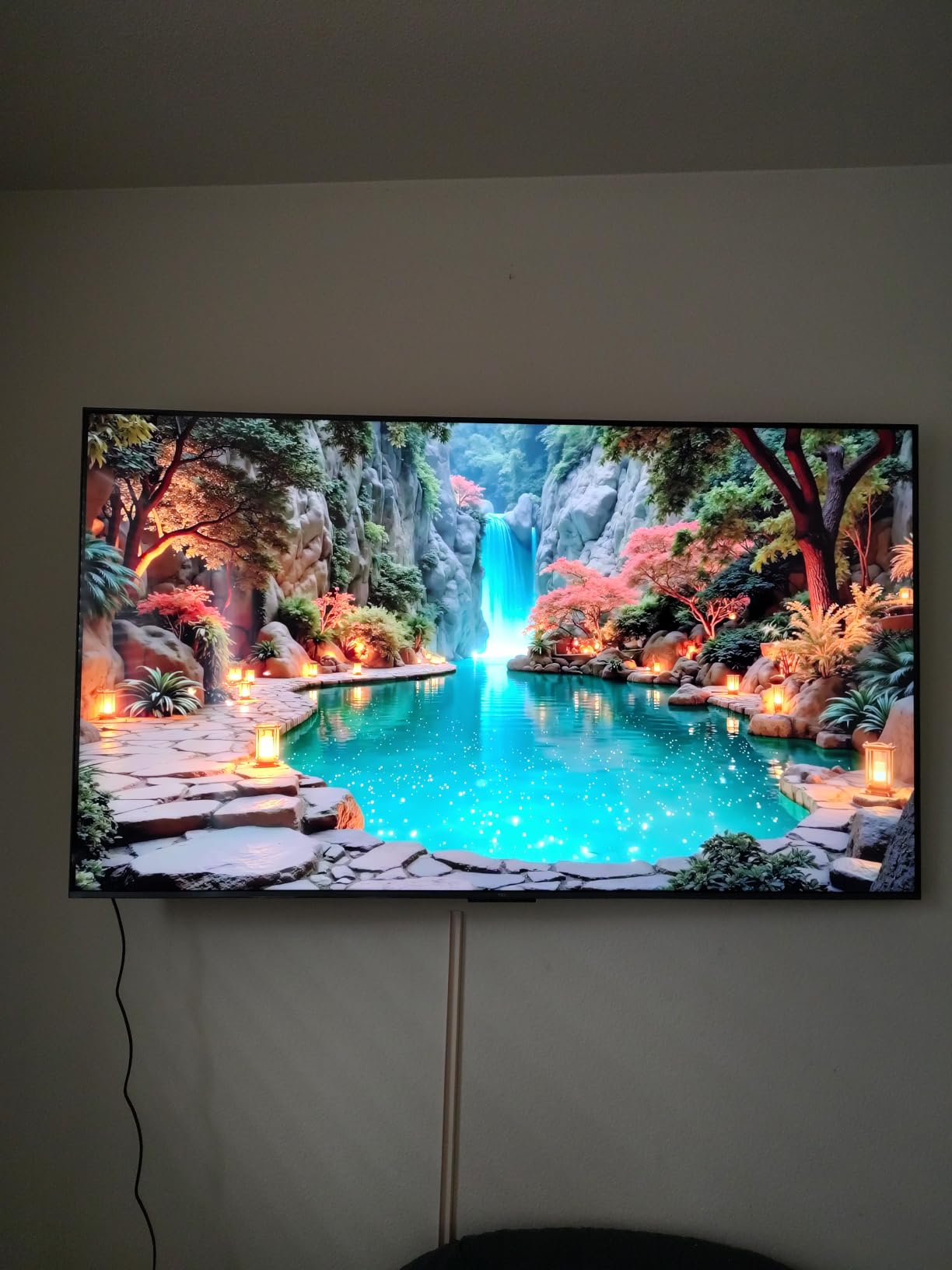
The TCL Halo Control local dimming system is the reason the picture holds up in a dim room at night. Instead of one backlight for the whole panel, zones switch independently, so dark scenes stay dark and subtitles read cleanly. It is not identical to a flagship OLED, and there is some blooming risk if you push brightness very high, but at normal picture settings the contrast is the part owners mention most often as a step above their old set.
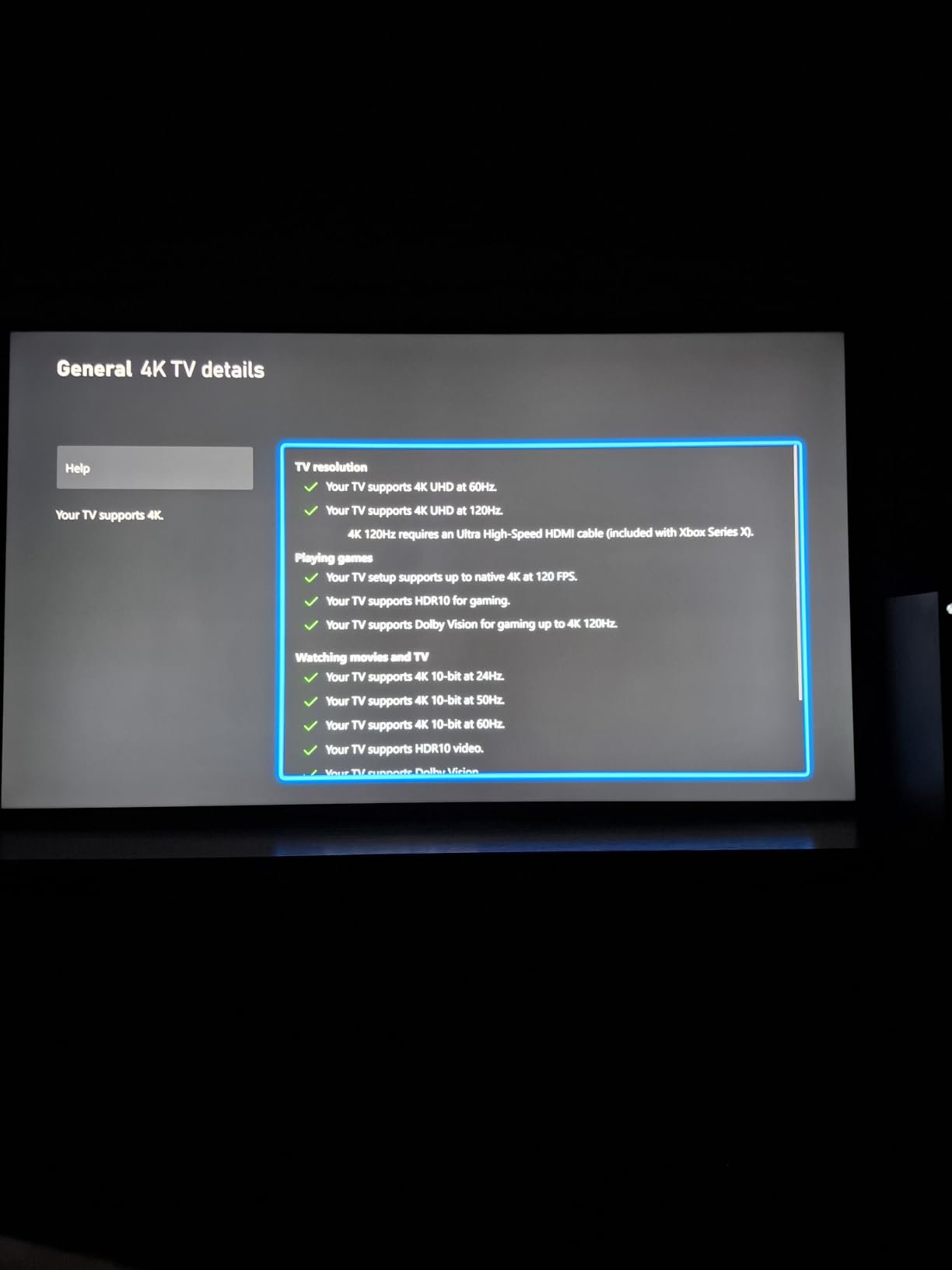
On the console side, the spec sheet lists four HDMI ports and a 144Hz native refresh with a Game Accelerator VRR mode that can push the effective rate to 240Hz. That headroom means a PS5 or an Xbox Series X running performance modes still has frames to display rather than dropping into a 60Hz ceiling. Dolby Vision, HDR10+, HDR10 and HLG are all supported, so you are not locked out of any console’s high dynamic range format.
Who should buy the TCL 55QM6K
Buy it if your PS5 or Xbox Series X lives in a normal living room and you want local dimming, 144Hz and four HDMI 2.1 ports without stepping up to a flagship. It is also the easy answer for a second room or a bedroom, where 27.3 pounds and a two-screw leg setup make installation painless.
It is a strong pairing if you game during the day but not in direct sun, since brightness is the one spec owners flag as a compromise in a very bright room.
Who should skip the TCL 55QM6K
Skip it if reflections from a window land on your screen all afternoon, because the peak brightness owners report falls behind the Mini LED flagships. Also skip it if you are a movie-first household, since most reviewers add a soundbar anyway and the Google TV home screen pushes promoted content harder than most competing platforms.
2. LG OLED65C4PUA evo C4 – Best All-Round OLED
LG 65-Inch Class OLED evo C4 Series Smart TV 4K Processor Flat Screen with Magic Remote AI-Powered with Alexa Built-in (OLED65C4PUA, 2024)
65-inch OLED evo 4K
144Hz with 0.1ms response
Four HDMI 2.1 ports
1000 nit peak brightness
Pros
- 0.1ms response time and 144Hz refresh
- Four full-bandwidth HDMI 2.1 inputs
- Superb picture with perfect blacks at wide viewing angles
- AI Super Upscaling handles lower-resolution sources
- Five years of webOS software updates
Cons
- webOS app hub feels clunky and some provider apps are missing
- Pixel cleaning cycle can trigger at power-on
- Built-in 2.2 channel audio is passable
- Brightness trails the best panels in bright rooms
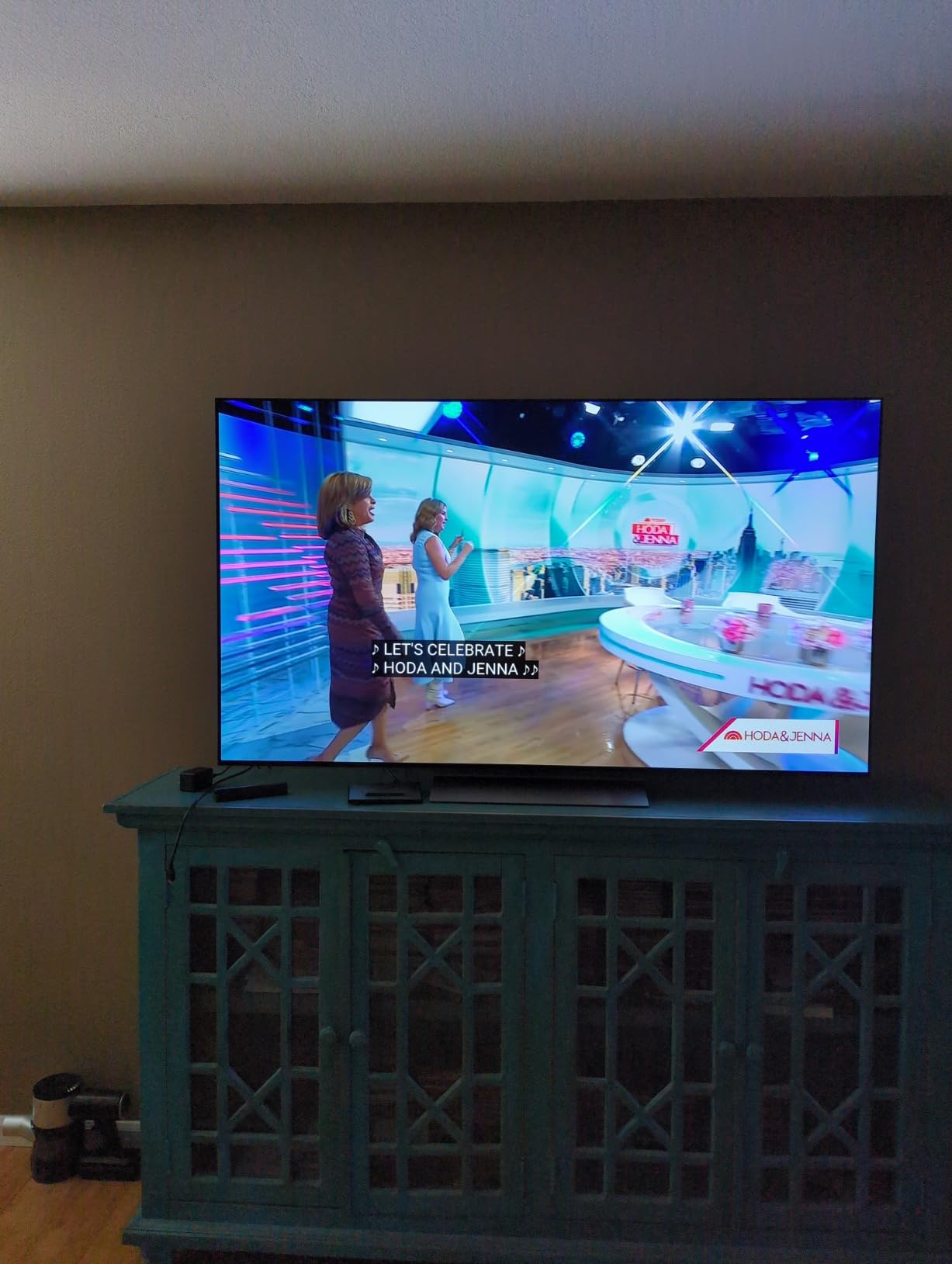
With more than 1k reviews averaging 4.4 stars, the evo C4 is one of the most thoroughly owner-tested sets on this list, and it is the one we recommend to people who just want a television that plays everything well. The 0.1ms response time and 144Hz refresh rate put console performance close to a dedicated gaming monitor, and owners regularly describe using it that way.
Picture quality is the headline. Superb contrast with perfect blacks holds up at almost any viewing angle, which matters in a wide living room where people sit off-centre. The a9 AI Processor 4K Gen7 with AI Super Upscaling also does a genuinely good job on lower-resolution sources, so upscaled games and compressed streaming do not look as soft as they might elsewhere.
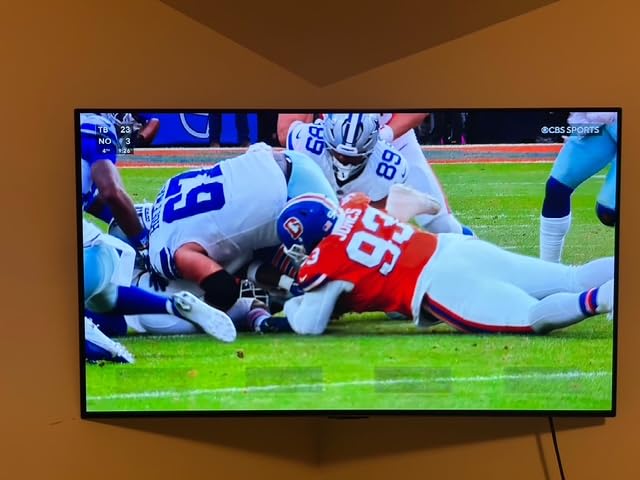
On the connectivity side there are four HDMI 2.1 inputs rather than two, and the spec sheet lists NVIDIA G-Sync, AMD FreeSync Premium and VRR support together. That combination means PC, PS5 and Xbox all get the variable refresh treatment without per-device configuration, which is rare at this screen size. The Gaming Hub side of the software also makes it easy to jump between inputs without digging through menus.
Two things temper the recommendation. The webOS TV hub is the most common complaint, with owners describing it as clunky and noting that some TV provider apps are unavailable on the set. The other is the automatic pixel cleaning cycle, which can run unprompted at power-on and interrupt a gaming session if you are unlucky with timing.
Who should buy the LG evo C4
Buy it if you want a clean, controlled-room console picture and you value four full-bandwidth HDMI ports. The 0.1ms response makes it a strong choice for competitive shooters and fighting games, not just cinematic single-player titles.
It also suits mixed households. Owners who compared it with a more expensive OLED generally concluded the step up was not worth the extra money, which tells you how close this picture quality sits to the ceiling.
Who should skip the LG evo C4
Skip it if your room is bright and the lights are up during the day, because brightness trails the best VA and IPS panels in that scenario. It is also a poor fit for anyone who wants a large screen on a small budget, and you will need a Google account to install apps.
3. TCL 65T7 – Best Big-Screen QLED
TCL 65″ T7 4K QLED Google TV with 144Hz Gaming (65T7)
65-inch 4K QLED
144Hz native with 288Hz VRR
Motion Rate 480 MEMC
Dolby Atmos 20W
Pros
- Large 65-inch panel at a mid-range price
- 144Hz native refresh with 288Hz VRR
- Sharp bright QLED color
- Width adjustable feet suit different furniture
Cons
- Motion Rate 480 does not smooth very fast sports action
- Glare is noticeable in brightly lit rooms
- Google TV pushes promoted content rows
- Remote backlight drains batteries quickly
The T7 line answers a question buyers ask constantly: how do I get a genuinely large console screen without a flagship bill? Owners consistently praise the 144Hz native refresh and the 288Hz VRR, and several specifically call out how smooth PS5 and PC games look compared with the 60Hz set they replaced.
Colour is the other strength. The QLED panel with near-full DCI-P3 coverage gives rich, saturated colour and the picture is described as crisp and cinematic with 4K discs, which matters if the same screen handles a lot of non-gaming hours. Built-in Dolby Atmos at 20W also punches above what most television speakers manage at this tier.
Two practical details stand out. The FullView 360 bezel-less design with width adjustable feet means the set can sit on a narrower media unit than a fixed-leg model, which solves a real problem in many living rooms. And the Google TV interface is repeatedly described as one of the more responsive television interfaces available, which removes one of the usual complaints about budget sets.
The list of four HDMI inputs includes one with eARC, so connecting a soundbar is straightforward without sacrificing a 4K input. Owners also report that TCL customer service resolved a defect with a fast replacement, which is worth knowing if you are nervous about warranty handling on a less established brand.
Who should buy the TCL 65T7
Buy it if couch distance demands a 65-inch screen and your budget stops well short of a flagship. At 36.6 pounds it is heavier than the 55-inch sets here, so plan the mount accordingly, but the picture and gaming performance punch above the tier.
It is also a good pick for families who split time between consoles and streaming, because the upscaling and colour hold up for film as well as games.
Who should skip the TCL 65T7
Skip it if you care most about deep blacks in a dark room, since it is a QLED rather than an OLED or Mini LED panel. Also skip it for a bright sunlit room, where glare is a repeated complaint, and for fast sports viewing, because the MEMC motion processing does not fully smooth very quick action.
4. Samsung S90F – Best Picture Quality for Consoles
Samsung 65-Inch Class OLED S90F 4K Smart TV (2025 Model) NQ4 AI Gen3 Processor Upscaling Pro HDR +, Motion Xcelerator 144Hz, Vision Alexa Built-in
65-inch QD-OLED 4K
144Hz VRR gaming to 4K 144Hz
NQ4 AI Gen3 processor
HDR10+ with AI HDR conversion
Pros
- QD-OLED panel with perfect blacks and excellent contrast
- 144Hz VRR gaming is effectively tear-free
- NQ4 AI Gen3 sharpens lower-resolution sources
- Thin rigid panel resists flexing when wall mounted
Cons
- Glossy panel shows obvious reflections in bright rooms
- Settings menus are deep and non-intuitive
- SmartThings app setup has been buggy on Android
- Solar remote cell never charges well
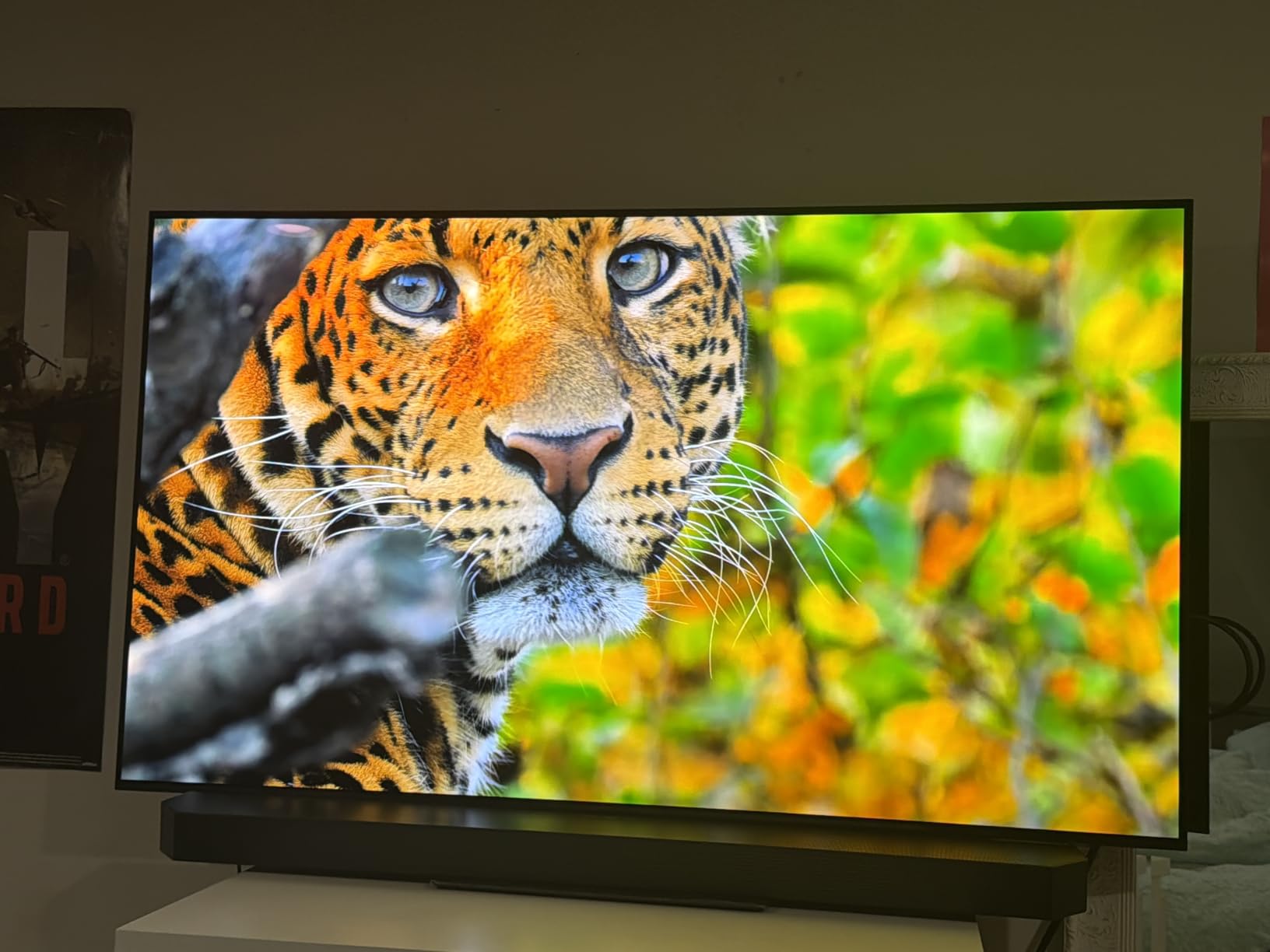
The S90F is the pick when picture quality is the deciding factor and you can control the room. Owners call it a television they rate very highly, and the QD-OLED panel’s perfect blacks and excellent contrast hold up in both bright and dark conditions, which is unusual for an OLED in a bright room.
Gaming performance sits near the top of this list. Motion Xcelerator 144Hz delivers tear-free VRR gaming up to 4K 144Hz, so a PS5 in performance mode and an Xbox Series X both have real headroom, and the NQ4 AI Gen3 processor with 128 neural networks sharpens streaming content that arrives below 4K.
One specification gap is worth knowing before you buy. The listed HDR format for this model is HDR10+ with AI conversion of SDR content, not Dolby Vision, so if Dolby Vision Gaming on Xbox is a priority for you, cross it off the list. The upside is that the AI HDR conversion does a credible job of giving SDR material an HDR-like presentation, which is a reasonable trade for many buyers.
There is also a feature the spec sheet does not mention: a picture-in-picture mode and Bluetooth multi-connect both work well, so you can keep a game running while checking something on the phone. The panel is thin and rigid at 49.6 pounds and resists flexing during wall mounting, which some larger OLEDs do not.

Who should buy the Samsung S90F
Buy it if you want a strong picture for console gaming and you can manage reflections, either with curtains or by orienting the screen away from windows. Tear-free VRR at 4K 144Hz makes it a great fit for a PS5 Pro or a high-end PC alongside the console.
It is a strong second television for a dark media room, and the built-in 2.1 channel 40W system is clear and full enough for everyday viewing without a soundbar.
Who should skip the Samsung S90F
Skip it if you need Dolby Vision Gaming, since the listed HDR support here is HDR10+ only. Owners also flag the glossy panel as obvious in bright rooms with dark content, deep and non-intuitive settings menus, and SmartThings app setup that has been buggy on Android and taken hours for some buyers.
5. Samsung QN90F – Best for Bright Rooms
Samsung 55-Inch Class Neo QLED 4K QN90F Series, Vision AI, Mini LED Smart TV (2025 Model, 55QN90F) Neo Quantum HDR+, Object Tracking Sound+ w/Dolby Atmos, Glare Free, Gaming Hub, Alexa Built-in
55-inch Neo QLED Mini LED 4K
Native 165Hz with VRR to 4K 165Hz
Glare-free coating
4.2.2 channel audio
Pros
- One of the highest average ratings in this roundup
- Anti-reflective coating tames window and lamp reflections
- Native 165Hz with VRR up to 4K 165Hz
- Object Tracking Sound+ 4.2.2 channel 60W system
- Gaming Hub centralises console and cloud gaming
Cons
- Local dimming can still bloom around very bright objects
- Command premium pricing narrows the value argument
- Settings and menu navigation less intuitive than rivals
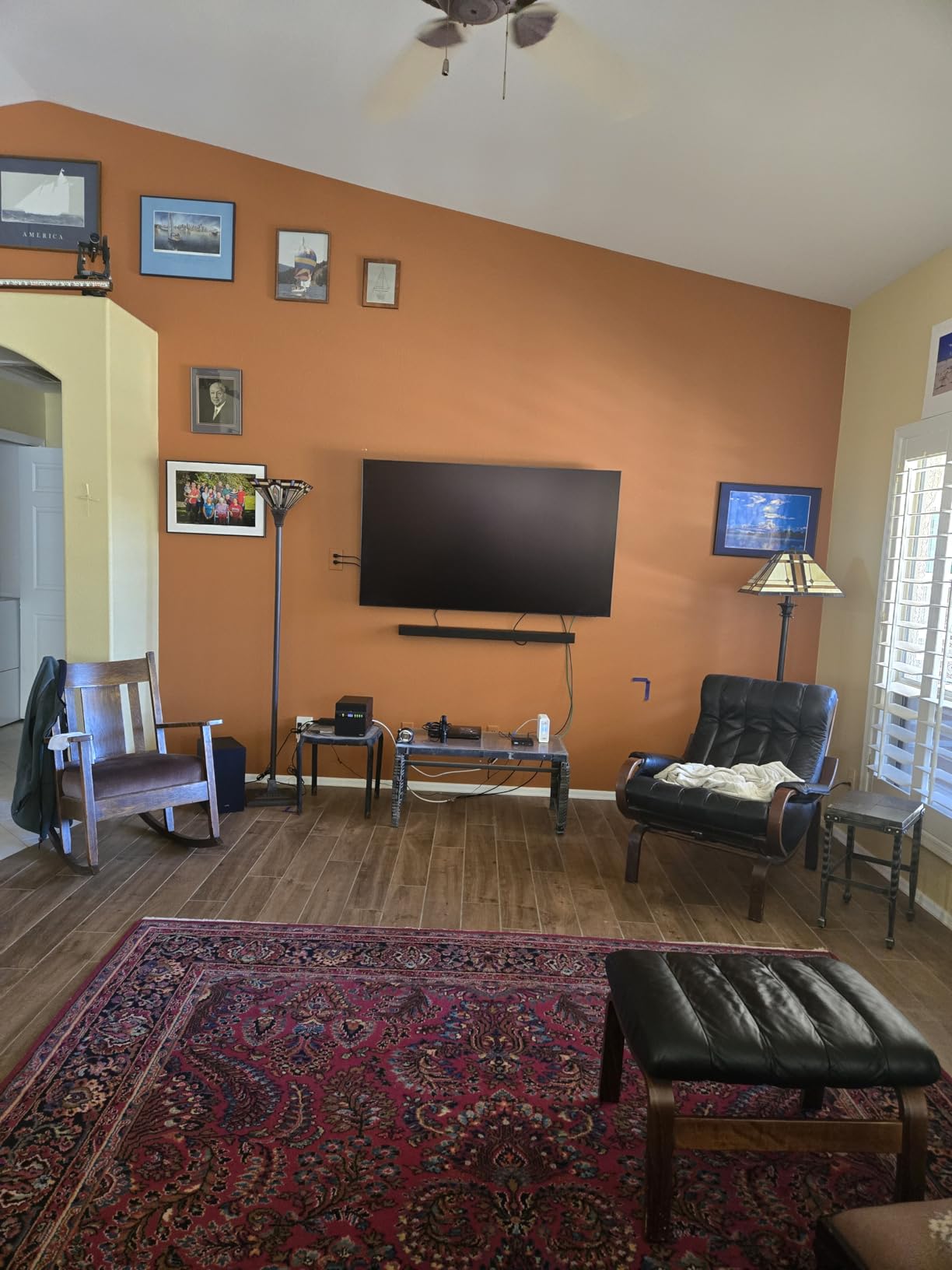
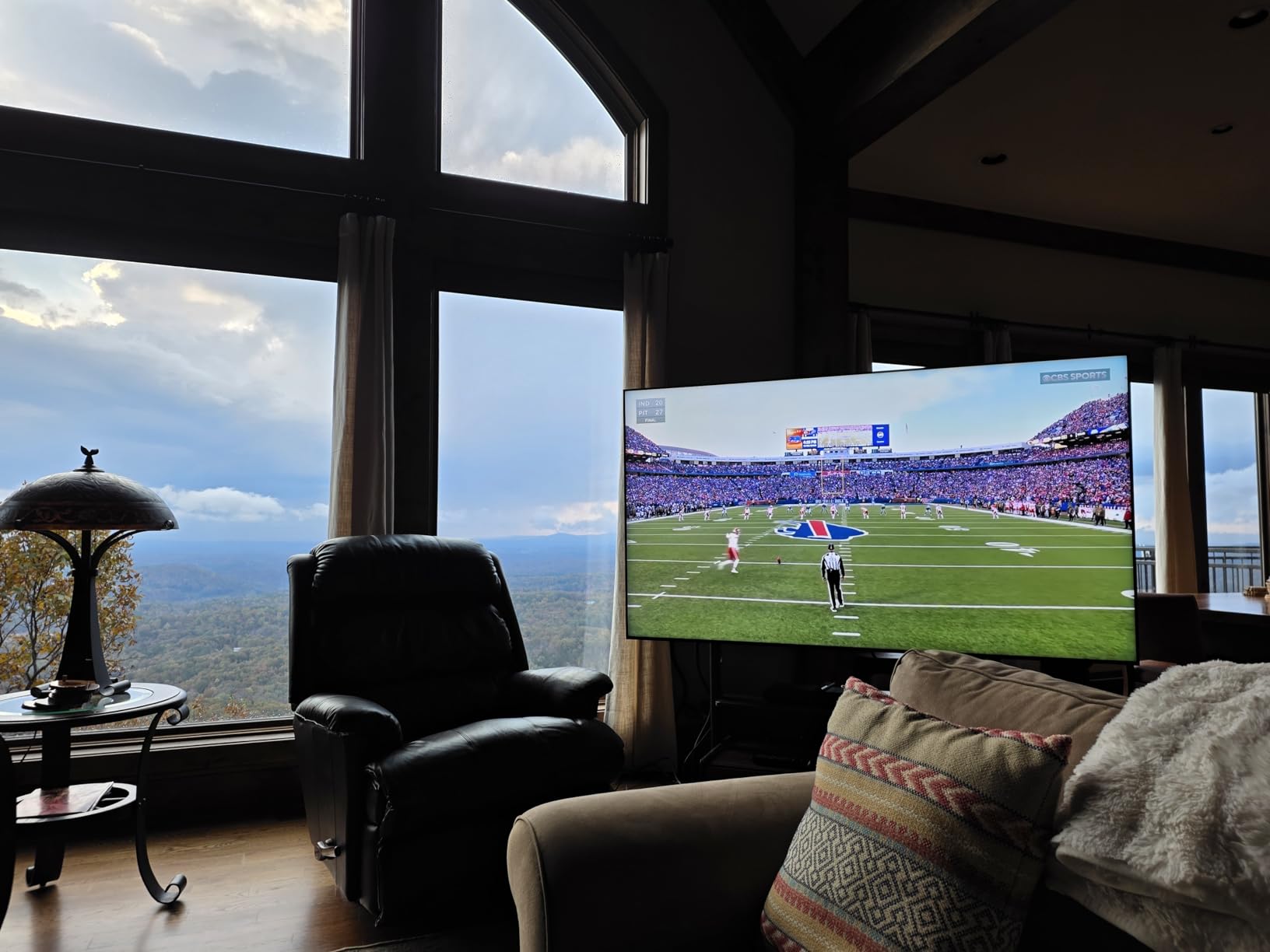
The QN90F posts one of the strongest average ratings of anything on this list, with 81 percent of reviews at five stars, and the reason is the coating. The anti-reflective, glare-free treatment is the feature that matters most if your console lives in a room with big windows, because it cuts distracting reflections rather than just adding brightness to fight them.
Gaming specifications are as strong as the reflection handling. Native 165Hz with Motion Xcelerator 165Hz and VRR up to 4K 165Hz leaves real headroom above what a PS5 outputs, and the Gaming Hub centralises console and cloud gaming so you are not bouncing through source menus every session.
Audio is worth calling out because it is unusual at this tier. The Object Tracking Sound+ 4.2.2 channel 60W system with Dolby Atmos is a real step up from flat television speakers, and on a set this size it can carry a console game without immediately reaching for a soundbar. The NQ4 AI Gen3 processor with 4K AI upscaling also improves detail on lower-resolution sources.
Mini LED brightness and contrast handle both bright rooms and dark viewing, which is the trade-off OLED buyers accept when they choose a Mini LED instead. At 45.4 pounds it is a manageable weight, and the Titan Black bezel keeps the frame visually tight against a wall.
Who should buy the Samsung QN90F
Buy it if your gaming happens in a bright, reflective room, because very few sets treat glare this directly. The 165Hz headroom also makes it a good fit for owners who will eventually add a PC to the same HDMI budget.
Choose it over an OLED if you are uneasy about long-term panel wear or plan to leave a game paused on screen for hours at a time.
Who should skip the Samsung QN90F
Skip it if value is the deciding factor, because the Mini LED local dimming can still show blooming around very bright objects and its premium pricing narrows the value argument against OLED. Menus are also described as less intuitive than competing sets, which annoys people who change picture settings often.
6. Hisense 65E7SF – Best Dolby Vision IQ Value
Hisense 65″ E7 Cinema Series Hi-QLED Mini-LED 4K UHD Smart Fire TV (65E7SF, 2026 NEW) – Native 144Hz, AI Picture, Dolby Vision IQ · Atmos, FALD, HDR10+ Adaptive, MEMC, Alexa+
65-inch Hi-QLED Mini LED 4K
Native 144Hz Game Mode with VRR
Dolby Vision IQ and HDR10+ Adaptive
FireOS
Pros
- Full array Mini LED local dimming in the value tier
- Dolby Vision IQ plus HDR10+ Adaptive support
- Fire TV interface is simple and loads quickly
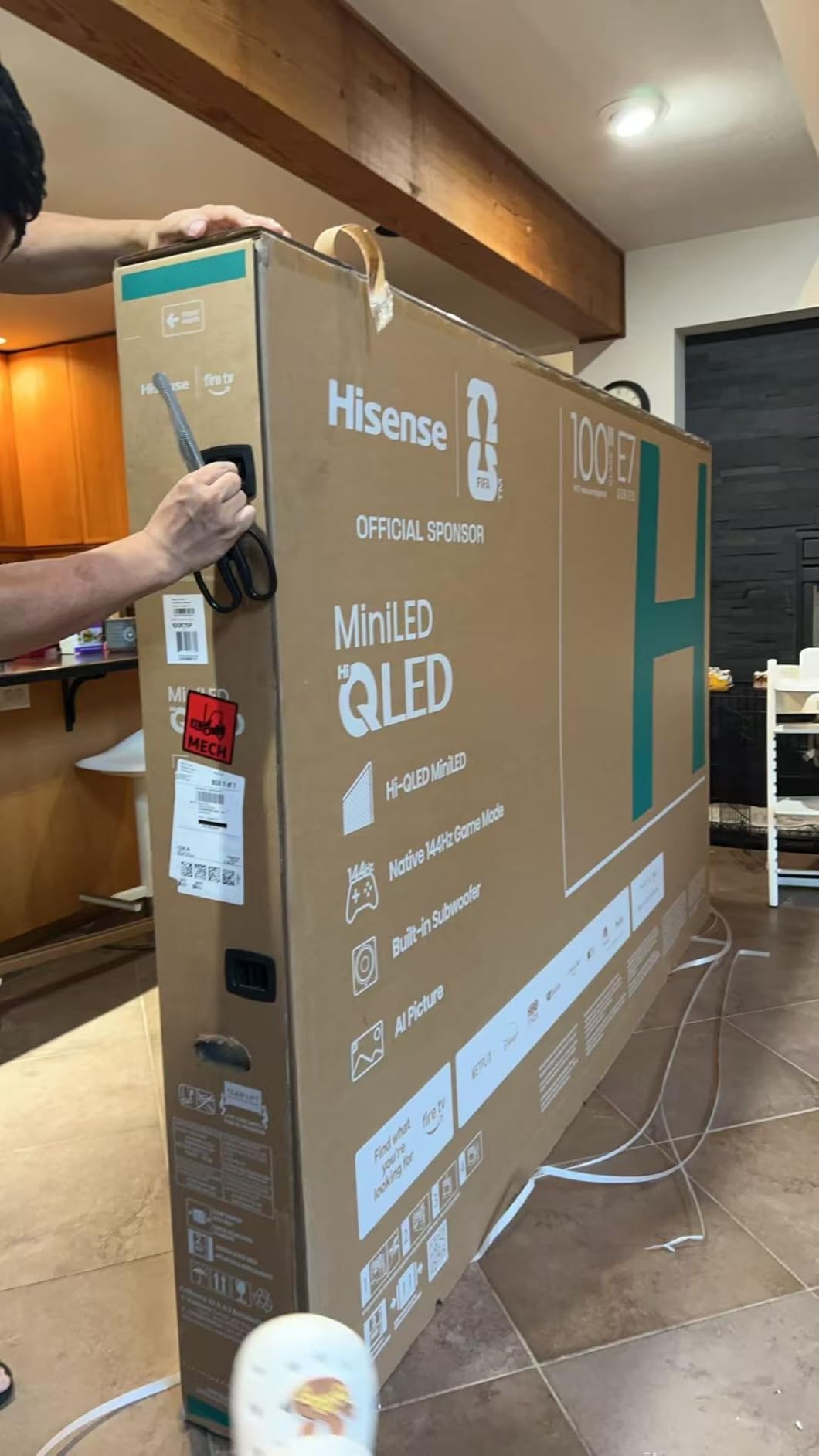
- Lightweight at 38.4 pounds and easy to move or mount
Cons
- Motion stays blurry even at high refresh rates
- Picture lacks the depth of premium Samsung and TCL sets
- Plastic stand legs and less secure packaging
- Early failures needing return and warranty service
This is the set owners most often describe as the best HDR and high-frame-rate option in the value tier. The full array local dimming gives genuinely deep blacks and strong contrast for the price, and several owners report measuring 4K 144Hz output and very low latency in practice.
The format support is the quiet headline. Dolby Vision IQ, Dolby Vision IQ with HDR10+ Adaptive, HDR10 and HLG are all listed, which makes it a well-equipped choice here for Xbox Series X owners who want Dolby Vision Gaming. Owners describe HDR brightness and colour holding up well once the picture is set correctly.
Smart features do a lot of the work. The AI Picture engine analyses scenes in real time, AI Sports Mode and FILMMAKER MODE cover the common cases, and the AI Light Sensor adjusts brightness to the room automatically. Owners who dislike manual calibration rate that highly, and the Fire TV interface is called simple and fast with easy Alexa pairing.
The AI Smooth Motion system with MEMC and black frame insertion is the feature most likely to divide opinion. One owner reported that enabling VRR and FreeSync produced worse results for them, and the most consistent criticism across reviews is that motion stays blurry at high refresh rates even though the panel is 144Hz native.
Who should buy the Hisense 65E7SF
Buy it if Dolby Vision IQ matters to you, the screen sits in a room where you would rather not fiddle with calibration, and you want a 65-inch for the money. Owners comparing it to premium sets repeatedly say the picture comes close to OLED quality at a fraction of the cost.
It is also friendly to renters and first-time buyers, since at 38.4 pounds it is among the lighter 65-inch panels here and the adjustable stand positions allow placement on narrower tables.
Who should skip the Hisense 65E7SF
Skip it if you play competitive shooters or sports and prioritise motion clarity, because owners consistently report blur that the refresh rate does not fix. Also consider the picture depth gap against premium Samsung and TCL sets, and note the plastic stand legs, less secure packaging and reports of early failures needing warranty service.
7. Sony A90K 48-Inch – Best for Small Rooms and Desks
Sony 48 Inch A90K BRAVIA XR 4K HDR TV OLED Smart Google TV (XR-48A90K)
48-inch BRAVIA XR OLED 4K
Input lag as low as 8.5ms
HDMI 2.1 with 4K 120Hz and VRR
Dolby Vision
Pros
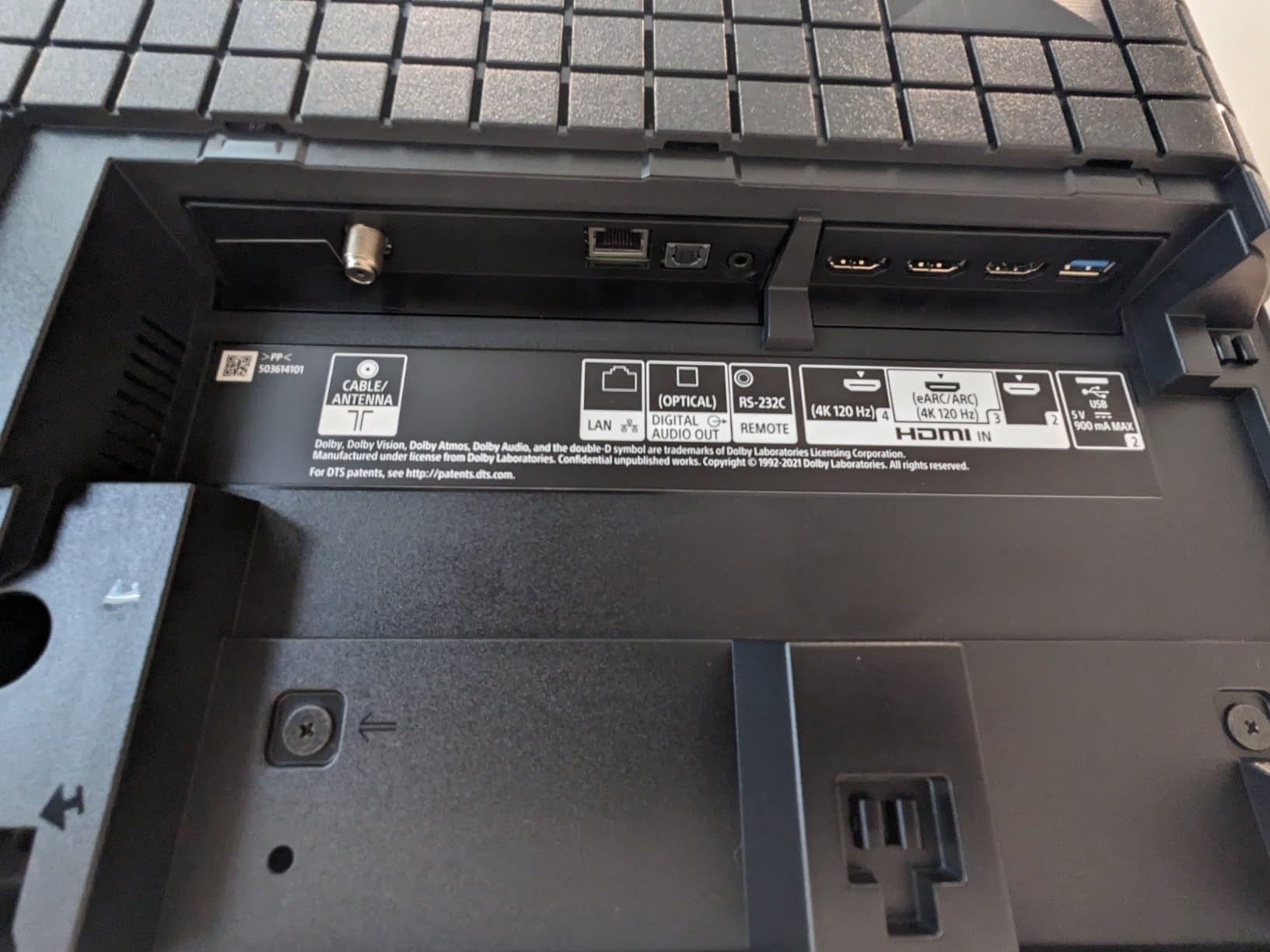
- Exceptionally low 8.5ms input lag with full HDMI 2.1
- PS5 Auto HDR Tone Mapping and Genre Picture Switch
- Compact 48-inch size suits desks and small rooms
- 178-degree viewing angle keeps image stable off-axis
- Acoustic Surface Audio+ with dual actuators
Cons
- 48 inches is small for a main living room screen
- Refresh rate tops out at 120Hz
- Glossy screen shows reflections when powered off
- App support and firmware updates are aging
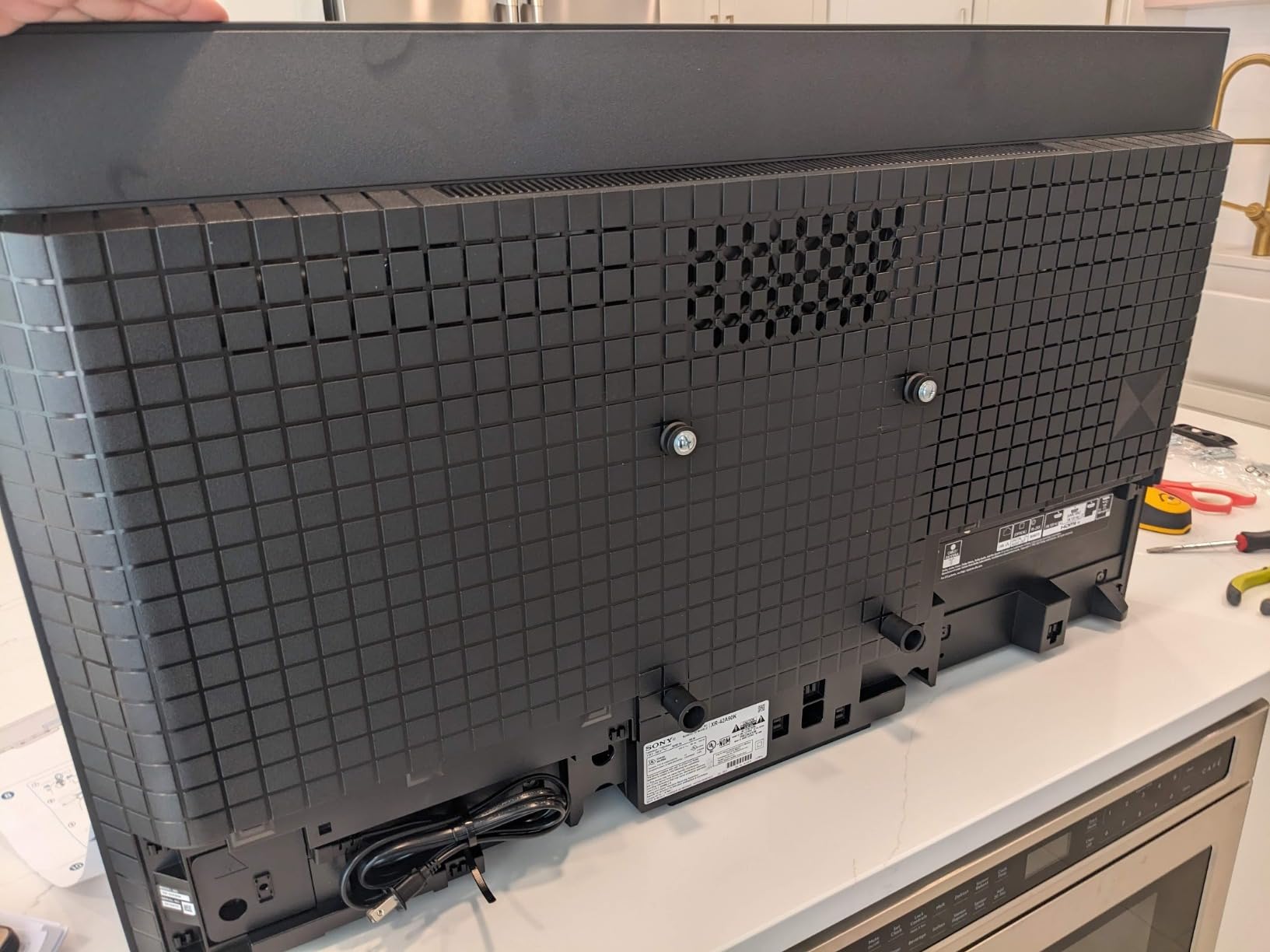
Console buyers overpay for size constantly, and the A90K is the set that proves a 48-inch can be the correct answer. Owners who sit close, work at a desk or game in a smaller room describe the compact footprint as a feature rather than a compromise, and the 8.5ms input lag is the lowest figure quoted by any product in this roundup.
It is also built around PS5 features. Auto HDR Tone Mapping and Auto Genre Picture Switch are Sony exclusives that make supported games look correct without manual work, the Game Menu pulls every gaming picture setting into one interface, and HDMI 2.1 covers 4K/120, VRR and ALLM together.
Picture processing is where the Cognitive Processor XR earns its name. XR OLED Contrast Pro and XR Triluminos Pro wide colour produce excellent contrast, deep blacks and natural colour, and the Acoustic Surface Audio+ with dual actuators and a built-in subwoofer produces sound that appears to come from the screen rather than from below it.
One community pattern worth repeating: owners on r/4kTV frequently recommend Sony models specifically because the slightly slower pixel transition visually masks the PS5’s own slow-frame output. That is a subjective reading, but it is a common one among people who own both the console and the set.
Who should buy the Sony A90K
Buy it if you sit close, game at a desk, or need a console television that fits a small room without dominating it. For a PS5 owner who wants features no other brand supports, it is a strong package, and the 8.5ms lag figure suits fast competitive play.
The 178-degree viewing angle also makes it practical for rooms where people sit well off-centre, which is common in a shared living space.
Who should skip the Sony A90K
Skip it if you need a large screen for couch multiplayer in a big room, because 48 inches will feel small from typical sofa distance. The 120Hz ceiling sits below the 144Hz and 165Hz rivals here, the glossy screen shows reflections of ambient light when powered off, and owners note that Google TV app support and firmware updates for this model are aging relative to newer releases.
8. Sony XR8B 55-Inch – Best for PS5
Sony 55 Inch BRAVIA XR8B OLED 4K HDR Smart Google TV (K-55XR8B)
55-inch BRAVIA XR OLED 4K
4K 120Hz and VRR on two HDMI 2.1 ports
Game Menu interface
Acoustic Surface Audio+ 50W
Pros
- Class-leading black level and contrast
- Game latency rivals dedicated gaming monitors
- Pushing the PS5 controller wakes the TV with no configuration
- Google TV software is the most responsive here
- Studio Calibrated modes for Netflix and Prime Video
Cons
- Only two HDMI 2.1 ports carry 4K 120Hz and VRR
- Glossy panel is hard to see in direct sunlight
- AI upscaling and motion smoothing can hurt the image when still enabled
- Small slippery remote feels less premium than the TV
The XR8B is the most complete PlayStation package on this list, and the reasons are software as much as panel. Pushing the PS5 controller turns the set on automatically with no configuration, and Auto HDR Tone Mapping plus Auto Genre Picture Mode handle per-game picture decisions for you.
Owners who compared it against a more expensive Sony OLED concluded the step up is not worth the extra money, which is a strong signal about how much headroom remains at this level. Picture quality is described as class-leading with a black level and contrast that Mini LED sets here do not fully match.
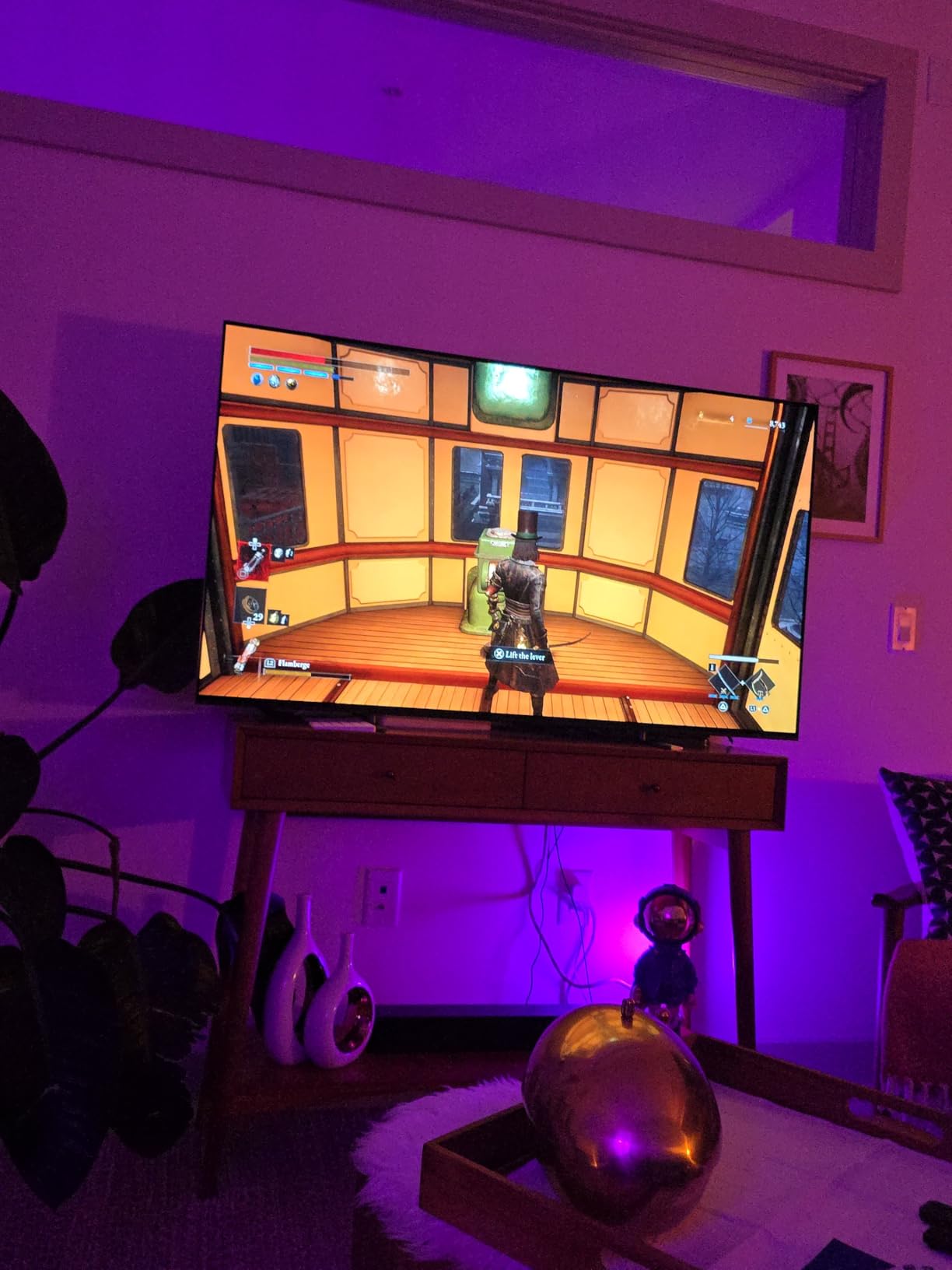
Gaming latency rivals dedicated gaming monitors in owner reports, and the two HDMI 2.1 ports deliver reliable 4K/120Hz plus VRR for PC and console play. The Game Menu consolidates all gaming picture settings in one interface, so the picture controls live in a single screen rather than across the main menus.
For everything else, Studio Calibrated Picture modes for Netflix and Prime Video and XR Clear Image upscaling of HD content handle the non-gaming hours, while Acoustic Surface Audio+ at 50W with Dolby Atmos and DTS:X keeps the built-in speakers respectable. IMAX Enhanced and Google TV with AirPlay 2 and Google Cast round out the platform features.
Who should buy the Sony XR8B
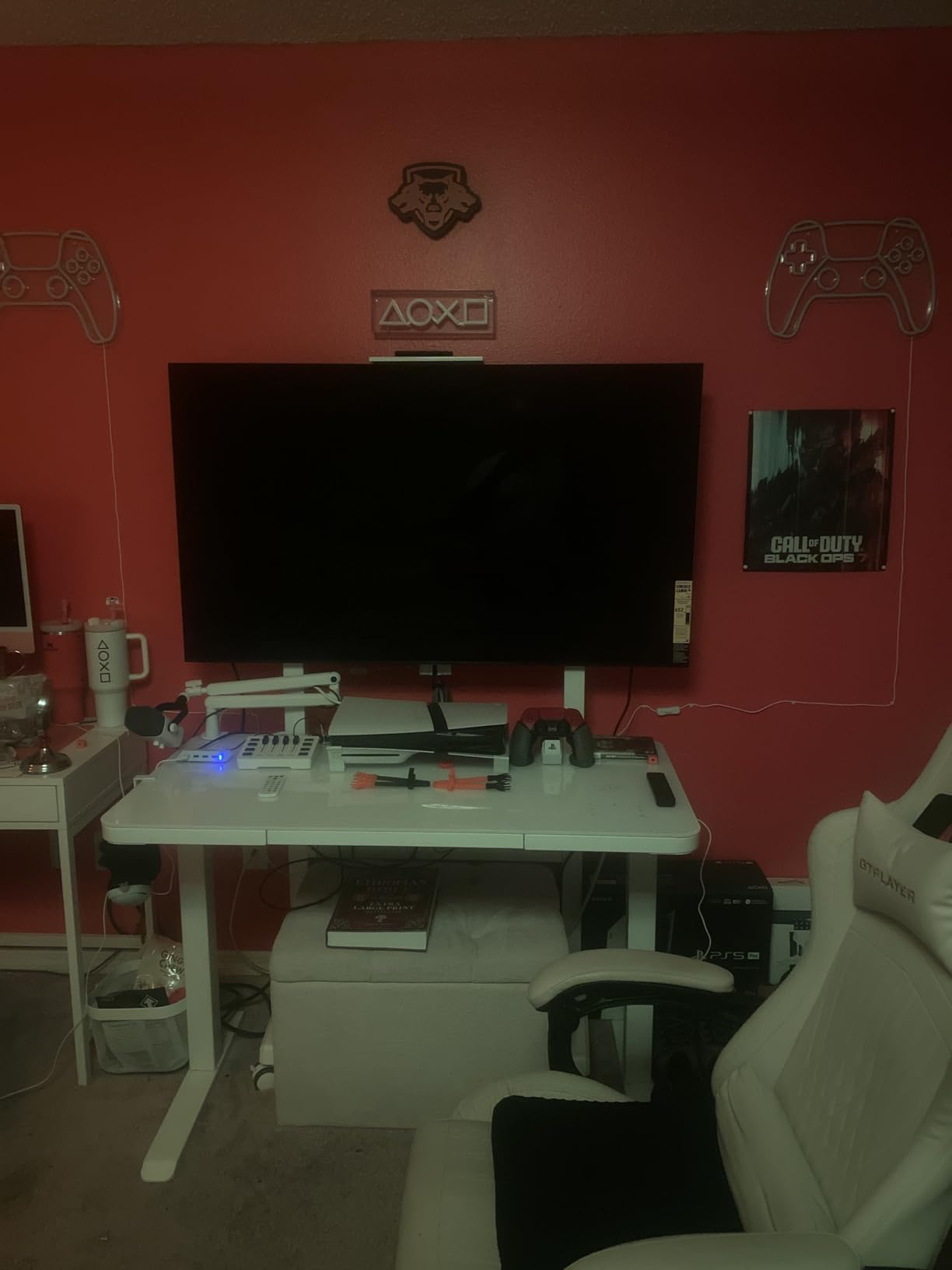
Buy it if the PS5 is your main console and you want every PlayStation-specific feature working automatically. It is also a strong choice for a mixed PC and console household, since the two full-bandwidth ports cover a 4K 120Hz PC signal with VRR alongside the console.
The Google TV software being described as the most responsive interface here matters more than it sounds if you plan to use the built-in tuner and apps rather than an external box.
Who should skip the Sony XR8B
Skip it if your room is bright, because the glossy panel is hard to see in direct sunlight. Two people are needed to mount it, the small remote feels less premium than the set, and Sony’s AI upscaling and motion smoothing options can make the image look worse when they stay enabled, so plan to adjust them during setup.
9. Hisense 65U7SG – Best High-Refresh Mini LED
Hisense 65″ U7 Mini-LED ULED 4K UHD Best Premium Gaming Smart Google TV (65U7SG, 2026 NEW) – Hi-QLED, Native 165Hz, VRR 330, HDR10+, Dolby Vision IQ · Atmos, IMAX Enhanced, Anti-Reflection, 2.1.2 Ch
65-inch Hi-QLED Mini LED Pro
Native 165Hz with VRR to 330Hz
Up to 3000 nits peak
2.1.2 Devialet audio
Pros
- Native 165Hz with VRR up to 330Hz
- Up to 3000 nits peak with 3000 local dimming zones
- Anti-reflection coating handles windows and overhead light
- No burn-in concern compared with OLED
- Devialet-tuned 2.1.2 channel audio
Cons
- Settings menu is clunky with options in the wrong categories
- At 51.6 pounds it needs two people to mount
- Dolby Vision content shows some blooming at maximum brightness
This is a high-refresh Mini LED and a convincing compromise between an OLED and a bright-room LCD. Native 165Hz with Game Booster 330 and VRR up to 330Hz is clearly visible in gaming, and owners report it drives real high-frame-rate performance on PC and console rather than being a paper specification.
Peak brightness of up to 3000 nits across as many as 3000 local dimming zones means HDR content has real headroom, and owners describe minimal blooming for a Mini LED. The anti-reflection and glare-free dual-layer treatment handles windows, overhead lights and afternoon sun, which is where it separates from cheaper Mini LED sets.
For always-on users the biggest draw may be the absence of burn-in risk, which owners explicitly cite as a reason to choose this over an OLED. Audio is another surprise: the 2.1.2 multi-channel surround tuned by Devialet with Dolby Atmos and DTS Virtual:X is described as genuinely good for built-in television speakers.
The Enhanced Game Bar monitors FPS, VRR and HDR status in real time, which is a small touch that matters when you are chasing frame-rate targets. Hi-QLED colour is Pantone validated, the Hi-View AI Engine Pro works scene by scene, and Google TV with Gemini, Wi-Fi 6E and Bluetooth 5.4 rounds out a two-year manufacturer warranty.
Who should buy the Hisense 65U7SG
Buy it if you want OLED-level speed with brightness an OLED cannot reach, and you would rather not think about burn-in. It suits a bright room with a large window, high-refresh PC play alongside a console, and a two-year warranty is longer than most rivals offer.
The centre-mounted stand makes repositioning and angling easier, which helps when a reflection lands somewhere you did not expect.
Who should skip the Hisense 65U7SG
Skip it if you want a polished interface, because the settings menu is described as clunky with some options filed in the wrong category. At 51.6 pounds it needs two people to mount, and Dolby Vision content shows some blooming at maximum brightness even with this many zones.
10. iFFALCON 55U85 – BUDGET PICK for Console Gamers
iFFALCON 55″ 4K MiniLED Smart TV | PS5 & Xbox Ready, 4X HDMI 2.1 | Hotel, Home & Office Use | 144Hz VRR 240Hz, Dolby Vision Gaming, Dolby Atmos, IMAX Enhanced, Google TV, Alexa | 55U85
55-inch Mini LED QLED 4K
Four HDMI 2.1 with two at 4K 144Hz
FreeSync Premium Pro VRR and ALLM
Dolby Vision Gaming
Pros
- Four HDMI 2.1 ports with two rated 4K 144Hz
- FreeSync Premium Pro reduces tearing and input lag
- ALLM switches to game mode without menu diving
- 50W 2.1 channel audio with Dolby Atmos
- Lightweight at 27.3 pounds and easy to move
Cons
- Local dimming is less refined than full array implementations
- Brand recognition and app support trail established makers
- 1000 nit peak brightness is modest against premium sets
The iFFALCON 55U85 has one of the most gaming-focused specification sheets at the budget end, and the port list is the reason. Four HDMI 2.1 ports, two of them rated for 4K 144Hz, is an unusual combination to find in this tier, and it is exactly the port budget that solves the multi-console problem most buyers hit.
VRR runs through FreeSync Premium Pro from 4K at 48Hz up to 144Hz and can accelerate to 240Hz, and ALLM switches the set into game mode automatically without any menu diving. Dolby Vision Gaming works with no console setup at all, which makes it a straightforward match for an Xbox Series X.
Picture performance comes from a Mini LED backlight with local dimming and a stated 6000:1 contrast ratio at up to 1000 nits peak, with QLED quantum dot colour and an Eye Comfort Mode. HDR support covers Dolby Vision IQ, Dolby Vision Gaming, HDR10+ and IMAX Enhanced, and eARC on HDMI 4 handles a soundbar without eating a video input.
There is one feature few buyers expect: Google TV hotel mode with an IR blaster and IP control for commercial installs. Owners also like the 50W 2.1 channel system with Dolby Atmos and DTS Virtual:X, and at 27.3 pounds the set is easy to move between rooms.
Who should buy the iFFALCON 55U85
Buy it if ports and features are your priority: two 4K 144Hz inputs, four HDMI 2.1, ALLM, Dolby Vision Gaming and eARC in one package is an unusual combination. It is a sensible pick for a bedroom, a rental or a first console television where spending more does not obviously buy more.
If you plan to run a soundbar and two consoles at once, this is the set whose port map you can stop worrying about.
Who should skip the iFFALCON 55U85
Skip it if brand confidence matters to you, since app support and brand recognition trail established television makers. The local dimming is less refined than full array implementations on higher-end sets, and 1000 nits peak brightness is modest in daylight next to the Mini LED flagships on this list.
How Each Console Changes the Choice
The console you own should narrow this list faster than any spec. A PS5 or PS5 Pro rewards the Sony sets because Auto HDR Tone Mapping and automatic power-on remove work from every session, and the A90K’s 8.5ms input lag is the lowest figure quoted by any product here. If you are still choosing hardware, our TV game console guide breaks down what each machine actually outputs.
An Xbox Series X changes the priority to ports and formats. It is the only current console with Dolby Vision Gaming support, which makes the Hisense 65E7SF, the Hisense 65U7SG and the iFFALCON 55U85 stand out, while the Samsung models here list HDR10+ rather than Dolby Vision. If you want both a console and a PC on the same set, count full-bandwidth ports before anything else.
The Nintendo Switch changes almost nothing, and that is the point. A docked Switch outputs 1080p at 60Hz, so a 60Hz television renders it perfectly, and the criteria that matter for Switch play are different: a low-overscan picture, no motion-smoothing override that adds lag, and a panel that renders 2D sprites cleanly. Several sets here add MEMC frame insertion, which can insert frames that feel wrong on a 2D game, so check for a way to disable motion processing.
Retro and older console gaming asks the least of a modern panel and rewards the most tolerant one. Our retro handheld roundup covers the portable side, but for a CRT-style aesthetic on a big screen the practical setup is a modern set with a low-latency game mode, scaling set to a 4:3 or 5:4 aspect ratio, and interpolation turned off. Pixel-art titles in particular look wrong on aggressive motion smoothing.
One community theme runs through all of this. Buyers on r/4kTV repeatedly say there is no single best television, and that the right answer depends on room brightness, console and screen size. That is why every pick here names a category and a situation instead of claiming universal victory.
How to Choose the Best TV for Console Gaming
Check for real 4K 120Hz, not just a 120Hz label
This is one of the most common traps in the category, and it has a name in community discussions: a set that advertises 120Hz but only reaches it at 1080p or 1440p. Always verify that 4K at 120Hz is delivered at full HDMI bandwidth on the specific port you plan to use, not just that the box says HDMI 2.1. The TCL 55QM6K lists four HDMI 2.1 ports, while the Sony XR8B lists 4K 120Hz and VRR on two of its four, and knowing which is which prevents a bad surprise on setup night.
Count HDMI 2.1 ports for the devices you actually own
Do the arithmetic before you shop. A PS5, an Xbox Series X, a soundbar and a PC is four devices, and only one of them can use the eARC or audio return path. Two full-bandwidth ports is workable for consoles alone; four is comfortable for everything. This is why the iFFALCON 55U85 and the LG evo C4, both with four HDMI 2.1 inputs, sit well for households that add hardware later.
Decide between OLED, Mini LED and QLED by room, not by spec
OLED gives you perfect blacks, near-instant response and the best motion clarity, but it is the weakest of the three in a sunlit room and it is the only one where burn-in is a real conversation. Mini LED with full array local dimming gives you far higher sustained brightness, a glare-resistant coating on the better sets, and no burn-in risk, at the cost of some blooming around very bright objects. QLED is the cheapest of the three and the compromise choice: no local dimming on most sets, less capable in a dark room, and the weakest of the group for competitive play.
What type of TV screen is best for gaming depends entirely on those three variables, and a large share of buyers end up choosing Mini LED in a bright living room over an OLED in a dark media room. r/4kTV owners split cleanly on exactly this question, and both camps are right for their own room.
Use VRR, and turn on ALLM and 4K 120Hz yourself
Here is the full walkthrough, since a console television is often never set up properly in the first place. On the PS5, go to Settings, then Screen and Video, then Video Output Information to confirm the current resolution and refresh rate. Set 4K 120Hz under Screen and Video, Video Output, then Resolution, and confirm HDMI 2.1 under Video Output, HDMI Signal Format. VRR lives under Screen and Video, Video Output, then Adaptive Variable Refresh Rate, and ALLM is under Screen and Video, Video Output, then Automatic Game Mode.
On Xbox Series X and S, the equivalent is Settings, General, TV and display options, then check that 4K is selected under Resolution, that the refresh rate is set to 120Hz, that AllM is enabled, and that Variable Refresh Rate is turned on under Game Mode. If your refresh rate list does not offer 120Hz, the console is negotiating on a port or cable that cannot carry it, which is the point at which you check the port rating and the cable.
Think about burn-in, reflections and size before you pay
Burn-in anxiety among owners who leave console dashboards and game hubs on screen is a recurring theme, and the mitigation is simple rather than technical: use the console’s screen-off or rest timers, avoid leaving a static pause menu up for hours, and prefer a Mini LED if you genuinely game that way. Reflections are the more common practical problem, solved by an anti-reflective coating or by positioning, which is the whole argument for the Samsung QN90F in a bright room.
On size, a common rule of thumb is roughly 1.5 to 1.8 times your viewing distance in inches for an immersive console experience, so a normal sofa at about 8 feet lands between 55 and 65 inches. Beyond 77 inches you should be sitting further back, and if you are not, a 55-inch set in a small room will feel more immersive than a 77-inch set you have to duck around. Still stuck on hardware rather than screens? Our retro handheld console picks cover the other end of the market.
Finally, ignore 8K for console gaming. No current console outputs 8K, so the extra resolution buys you nothing today, and a 4K 120Hz set is where the money is better spent on dimming quality, brightness and sound.
Frequently Asked Questions
Is an OLED or QLED TV better for gaming?
For motion clarity and response time, OLED wins: panels like the LG evo C4 switch in 0.1ms and have no backlight to dim, so fast console action stays clean. For brightness in a daylight-filling room, Mini LED or a good QLED wins because it reflects less and sustains more brightness. Most buyers in a bright living room end up with Mini LED; most buyers in a dark room end up with OLED.
Do I really need a 120Hz TV for PS5?
You need it to get the most from a PS5, but you are not locked out without it. At 60Hz the console drops to 60 frames per second in most modes and VRR is unavailable, so performance modes and high frame rate options do less for you. A 120Hz or 144Hz panel with HDMI 2.1 and VRR is the point where console gaming feels distinctly different from a budget set.
What is the best TV to play old console games on?
Any modern 4K set with a low-latency game mode works, and the criteria are different from modern console gaming. Look for low input lag, minimal overscan, and the ability to switch off motion smoothing and MEMC frame insertion, which makes 2D sprites look wrong. Set the aspect ratio to 4:3 or 5:4 for pixel art, and use the TV’s game mode rather than picture processing for older 2D titles.
What type of TV screen is best for gaming?
There is no single answer, and it depends on your room. OLED is best for black level, contrast and motion response. Mini LED with full array local dimming is best for brightness, reflections and zero burn-in risk. QLED is the budget compromise with the weakest local dimming. If your console lives in a bright living room, a Mini LED with an anti-reflective coating is usually the more practical pick.
How many HDMI 2.1 ports do I need for a console?
Two is enough for a PS5 or Xbox Series X alone, and one of those should carry eARC for a soundbar. Add a PC, a capture device or a second console and you want four. Check that the ports you plan to use deliver 4K 120Hz at full bandwidth, since some sets list four HDMI 2.1 inputs but rate only two of them for 4K 144Hz.
Is OLED burn-in a problem for console gaming?
It is manageable rather than a dealbreaker, and it is much less likely with modern panels. The habits that raise risk are leaving a console dashboard, a static pause menu or a game hub on screen for hours. Use the console’s rest timers, vary what you leave displayed, and pick a Mini LED such as the Hisense 65U7SG or Samsung QN90F if you genuinely game that way.
The Verdict for 2026
For most people searching for the best tvs for gaming consoles, the TCL 55QM6K is the answer: Mini LED local dimming, 144Hz with VRR, four HDMI 2.1 ports and a subwoofer in the speakers, all at a tier that used to buy you a 60Hz LED panel. If your budget stretches further and the room is dark, the LG evo C4 gives you 0.1ms response and a heavily reviewed OLED with four full-bandwidth HDMI ports, while the Hisense 65U7SG is the pick for anyone who wants high refresh, high brightness and no burn-in conversation at all.
Match the panel to the room before you match it to the console, and buy the ports you need rather than the badge you want. Whichever one you land on, turn on 4K 120Hz, VRR and ALLM before you judge it, because a console television still on default settings never performs like it should.