
If you only watch one tablet from this list, watch the Fire HD 10. Its 10.1-inch 1080p Full HD screen, octa-core chip and 4 GB of RAM make it the most capable Fire tablet here for evening streaming, Kindle reading and a family kitchen display. The Fire HD 8 is the smaller, lighter option for travel and one-hand reading, and the Fire 7 Kids is the sturdy first tablet for a child aged three to seven.
Prime Big Deal Days runs October 6-7, 2026, and offers on Fire tablets usually need an active Prime membership. A free trial counts, so you can still use the event if you have never paid for Prime. Use the buttons below to see today’s price for each model.
Table of Contents
Our Top 3 Picks for Best Amazon Prime Big Deal Days Fire Tablet Deals (October 2026)

Fire HD 10
- 10.1 inch 1080p Full HD screen
- Octa-core processor and 4 GB RAM
- 32 GB with up to 1 TB microSD
- 14-hour battery

Fire HD 8
- 8 inch HD display
- Hexa-core processor and 4 GB RAM
- 64 GB with up to 1 TB microSD
- Up to 13 hours of battery

Fire 7 Kids
- 7 inch touchscreen for ages 3-7
- 16 GB with microSD expansion
- Up to 10-hour battery
- Kid-proof case and one year of Amazon Kids+
Best Amazon Prime Big Deal Days Fire Tablet Deals Compared
| Product | Specifications | Action |
|---|---|---|
| Fire HD 10 |
|
Check Deal Price |
| Fire HD 8 |
|
Check Deal Price |
| Fire 7 Kids |
|
Check Deal Price |
 Fire HD 10 Kids Fire HD 10 Kids |
|
Check Deal Price |
 Fire HD 8 Kids Pro Fire HD 8 Kids Pro |
|
Check Deal Price |
 Fire HD 8 Kids Fire HD 8 Kids |
|
Check Deal Price |
 Fire 7 Like-New Fire 7 Like-New |
|
Check Deal Price |
 Fire HD 10 Renewed Fire HD 10 Renewed |
|
Check Deal Price |
 Fire 7 Fire 7 |
|
Check Deal Price |
 Fire HD 8 Like-New Fire HD 8 Like-New |
|
Check Deal Price |
Two things stand out in that grid. First, the newest models carry 4 GB of RAM where older Fire tablets shipped with 1 or 2 GB, and that gap is the difference between a tablet that feels current and one that stutters. Second, three of these picks are renewed units, which is the fastest way into the Fire ecosystem without paying new-device money.
How We Chose
Every Fire tablet here was compared on the same handful of specs that decide the purchase: screen size and resolution, memory, storage plus expansion, battery claim, and the parental controls that matter for a kids model. We also weighed owner ratings and the volume of reviews behind each one, since a large review pool makes the reported problems easier to trust. Specs and ratings were checked on October 2026.
1. Fire HD 10: Best Overall for Streaming and Reading
Amazon Fire HD 10 tablet, built for relaxation, 10.1″ vibrant Full HD screen, octa-core processor, 4 GB RAM, 32 GB, Black
Screen: 10.1 inch 1080p
Storage: 32 GB
Battery: up to 14 hours
Best for: streaming and reading
Pros
- Bright 1080p Full HD screen at 10.1 inches
- 4 GB RAM keeps apps and split screen responsive
- Setup usually finishes in under five minutes
- Works as a Kindle reader and a streaming screen
- 25 percent faster than the previous generation
Cons
- Apps outside the Amazon Appstore cannot be installed
- Bundled preinstalled software owners rarely want
- Battery often falls short of the stated claim
The Fire HD 10 is the one to buy if the tablet lives on a coffee table or a kitchen counter. A 10.1-inch 1080p Full HD panel is big enough for a bedside show or a recipe you can read across the room, and the octa-core processor runs 25 percent faster than the model it replaced, which shows up most in split-screen multitasking.
Owners rate the 4 GB of RAM as the quiet improvement. The previous generation had noticeably less memory, and this is where the day-to-day snappiness comes from once a handful of apps are running. Setup is a five-minute job according to owners, and the 5 MP front-facing camera is fine for video calls in a well-lit room.
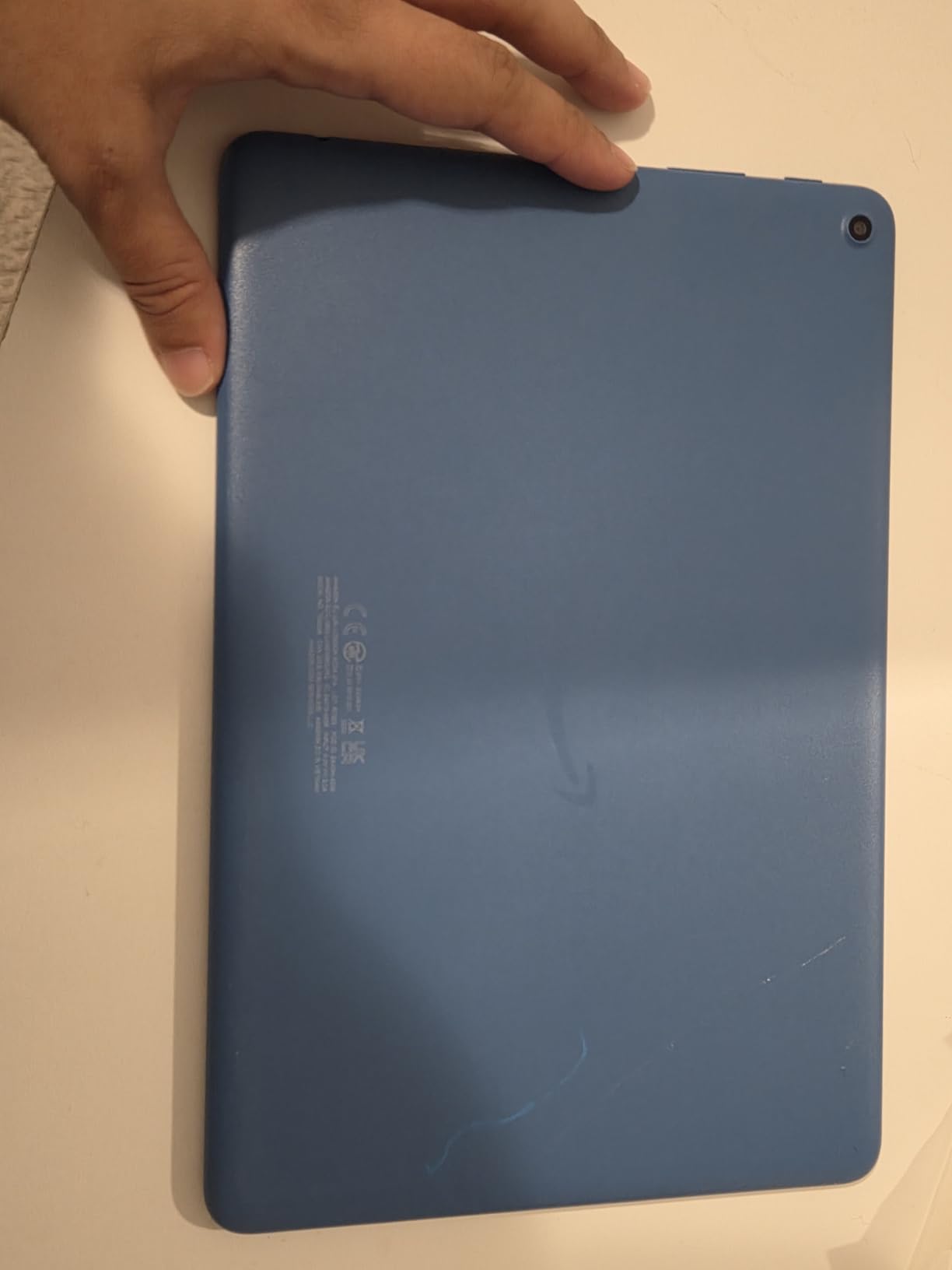
Several points worth knowing before you buy:
- Storage starts at 32 GB and microSD expansion goes up to 1 TB, so a card solves a tight storage budget on its own
- It supports the Made for Amazon Stylus Pen with 4,096 levels of pressure sensitivity, though the pen is extra
- The listing states durability of 2.7 times a Samsung Galaxy Tab A8 from 2022 in tumble testing
- Black and Lilac are the two colour options listed
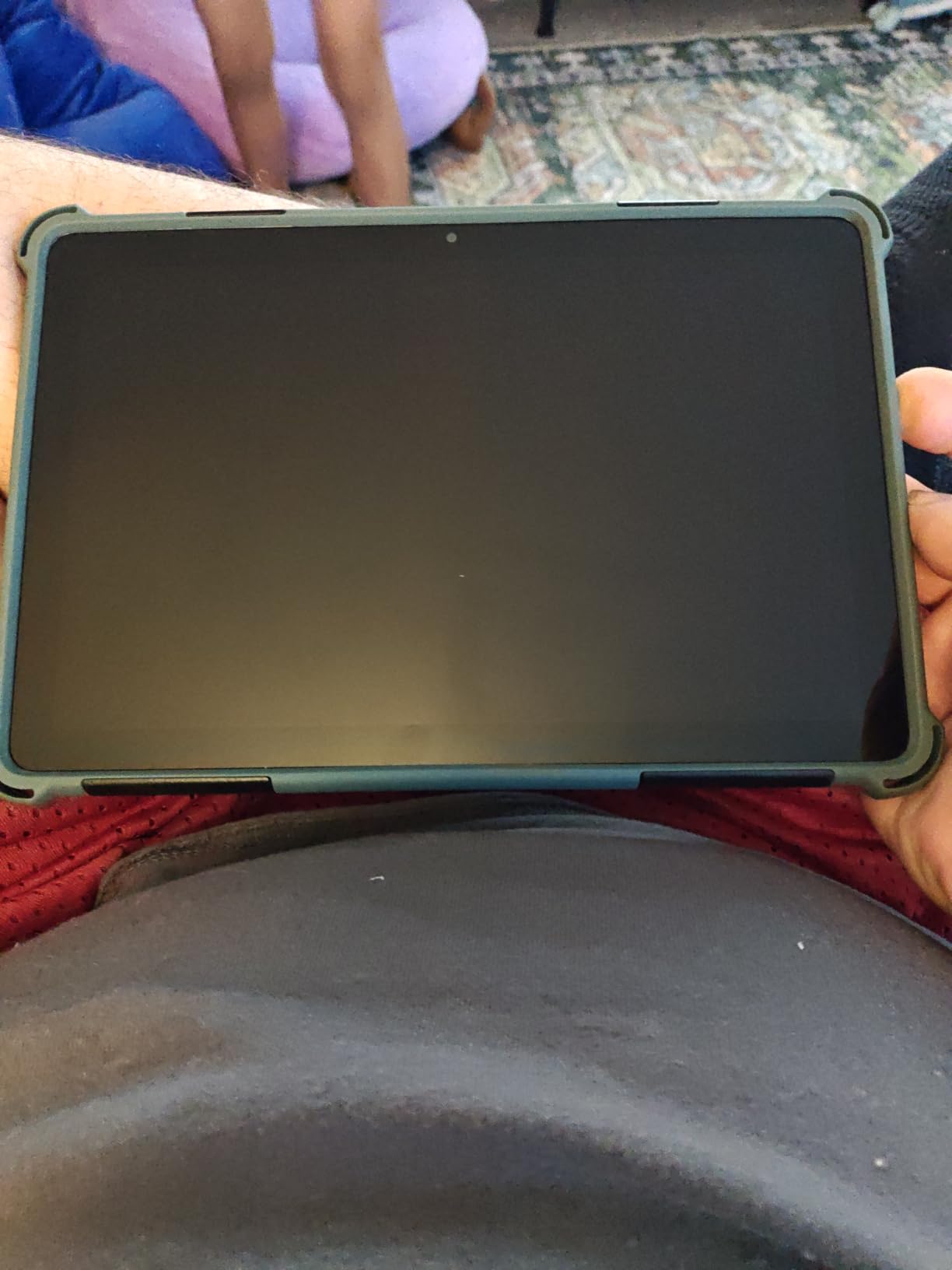
Compared with the Fire HD 8: the Fire HD 8 carries twice the base storage at 64 GB and a rear-facing camera, but its 8-inch HD screen is smaller and lower resolution. For reading on a commute the smaller screen wins; for watching in the evening the Fire HD 10 wins clearly.
Good to know: owners report the included charging cable is short enough that you may need your own. If you want the same ecosystem with parental controls built in, the Fire HD 10 Kids covers the same screen and battery claims.
2. Fire HD 8: Best Portable All-Rounder
Amazon Fire HD 8 tablet (newest model), 8” HD Display, 4GB memory, 64GB, responsive and vibrant, designed for portable entertainment, Black
Screen: 8 inch HD
Storage: 64 GB
Battery: up to 13 hours
Best for: portable entertainment
Pros
- 64 GB storage is generous at this tier
- 4 GB RAM doubles the 2022 release
- Light and thin for travel
- Up to 13-hour battery suits long journeys
Cons
- Google Play is unsupported so apps come from the Amazon Appstore
- Several streaming apps still need a subscription
- 8-inch screen is awkward for typing
The Fire HD 8 is the pick for anyone who wants one device that does reading, streaming and light browsing without asking for a large screen. The 64 GB base storage is the standout here, since it is double what the Fire HD 10 starts with, and the hexa-core processor with 4 GB of RAM keeps it responsive.
Owners describe it as a genuinely portable entertainment tablet rather than a productivity machine. The 8-inch display suits a Kindle library on a train or a short video at the end of the day, and the up-to-13-hour battery claim is what makes it usable away from a socket.
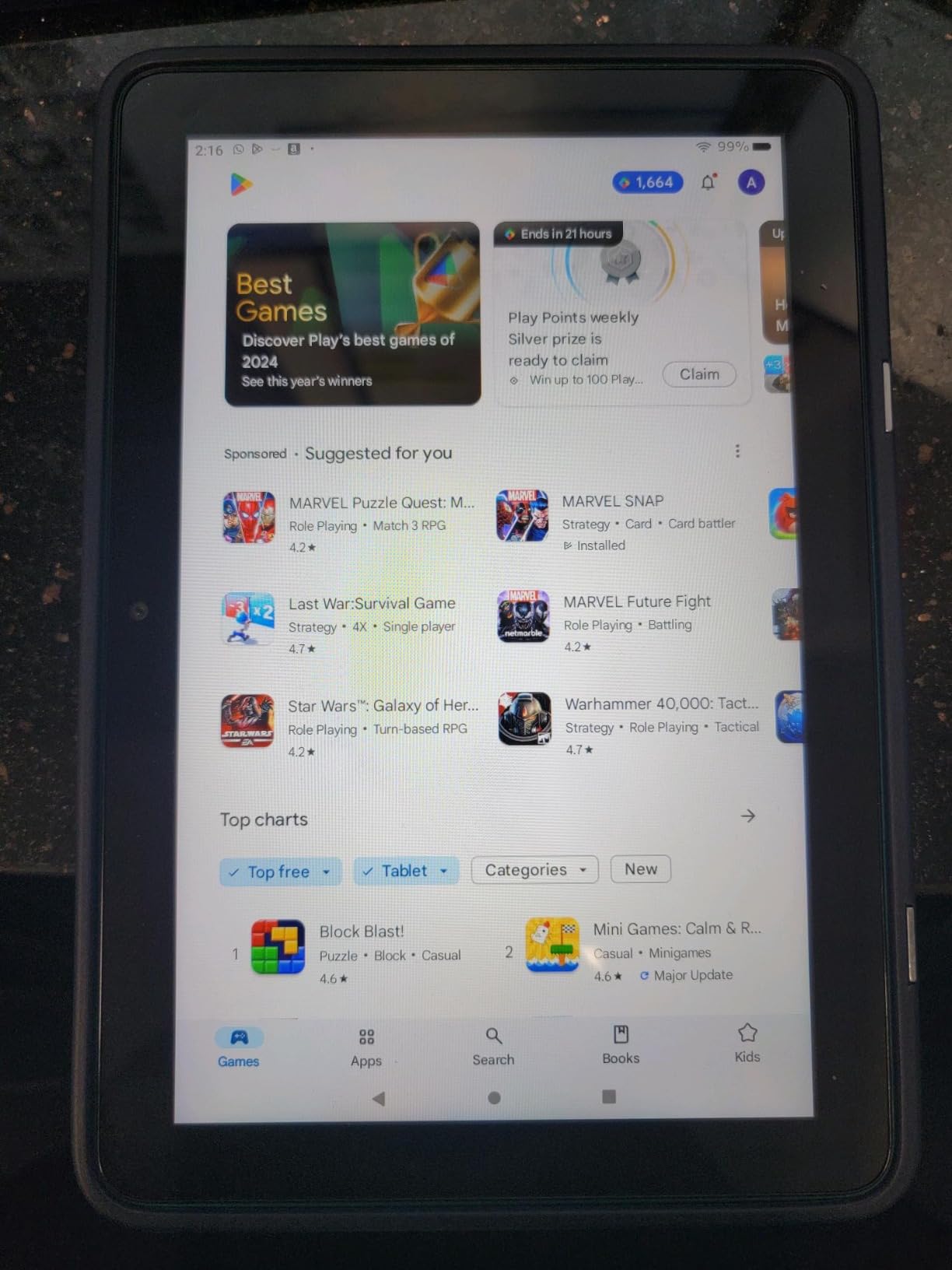
The trade-off every owner names is the same one: Google Play is not supported, so apps come from the Amazon Appstore alone. That is manageable for streaming, Kindle reading and games, and less manageable if you depend on a specific app that Amazon does not carry.
Skip it if you plan to type long documents on the tablet, because an 8-inch screen is tight for that. Look at the Fire HD 10 instead if screen size matters more than storage.
Good to know: three built-in tools handle email summaries, webpage summaries and wallpapers, and Alexa handles calls, music and smart-home control. Owners rate the Fire HD 8 Like-New further down as the renewed version of this same model if you want to check condition and warranty first.
3. Fire 7 Kids: Best for Ages 3-7
Amazon Fire 7 Kids tablet, ages 3-7. Top-selling 7″ kids tablet on Amazon. Includes ad-free and exclusive content, easy parental controls, 10-hr battery, 16 GB, Blue
Screen: 7 inch
Storage: 16 GB
Battery: up to 10 hours
Best for: ages 3-7
Pros
- Kid-proof case is built to survive drops and spills
- One year of ad-free Amazon Kids+ content included
- Ages 3-7 age targeting is handled by the Parent Dashboard
- Compact body suits small hands
- Battery holds up on long outings
Cons
- Only a fraction of the 16 GB is usable for apps
- Daily time limits and content filters are unreliable
- Performance feels slow in some apps
Buy this one when the child is between three and seven and the goal is a first device that survives being handed around. The included kid-proof case is the main reason, and owners consistently describe it as the reason their tablet is still working. A one-year Amazon Kids+ subscription with Disney, Nickelodeon and PBS Kids content comes in the box.
The Parent Dashboard handles content filters, educational goals and time limits from a phone, which is where parents say they spend the most time. The partnership with family trust experts and the age-targeting are the parts that set this apart from a plain Fire 7 in a case.
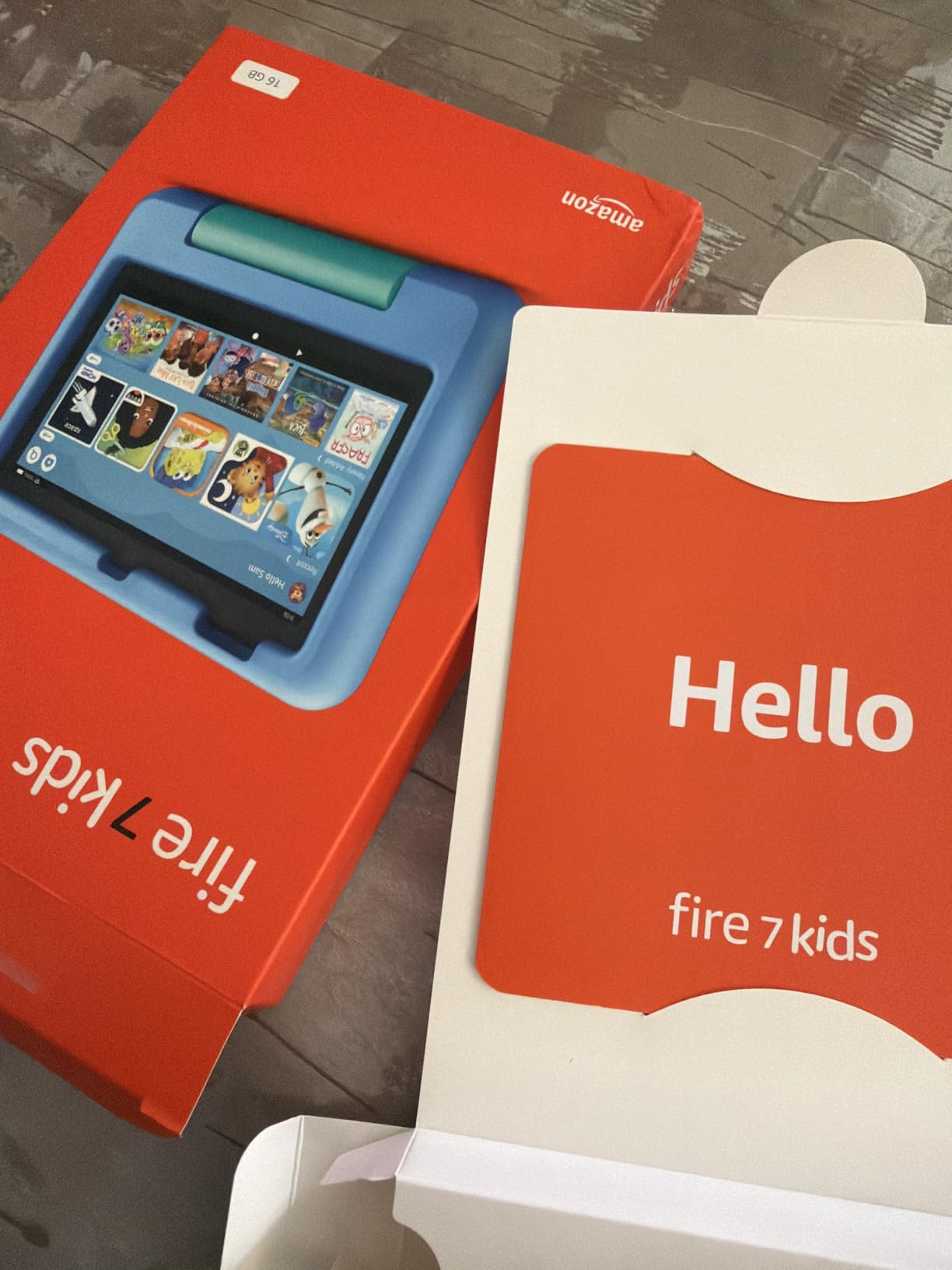
The honest catch is storage. Owners report that only about 3.5 GB of the advertised 16 GB is usable for apps once the operating system takes its share, so this is a streaming and games tablet rather than one for downloads. microSD expansion up to 1 TB is supported, though the setup is not intuitive and owners find the Amazon help pages unhelpful here.
Compared with the Fire HD 8 Kids Pro: that model is built for ages 6-12 with 64 GB of storage, filtered web browsing and a six-month Kids+ subscription, so it makes more sense once a child is past the toddler stage. This Fire 7 Kids is the better fit for younger hands.
Skip it if you are buying for a ten-year-old. Look at the Fire HD 10 Kids instead for a much larger screen at the same age bracket.
4. Fire HD 10 Kids: Best Big-Screen Tablet for Young Children
Amazon Fire HD 10 Kids tablet (newest model) ages 3-7 | Bright 10.1″ HD screen with included ad-free and exclusive content, robust parental controls, 13-hr battery, 32 GB, Disney Princess
Screen: 10.1 inch 1080p
Storage: 32 GB
Battery: 13 hours
Best for: ages 3-7 and videos
Pros
- Large bright 10.1-inch screen is a clear upgrade for young children
- Included case absorbs serious drops
- Parental controls work well from a phone
- 13-hour battery handles all-day use
- Disney Princess and Mickey Mouse designs
Cons
- Storage feels tight once apps are installed
- Kids interface is busy rather than simple
- Screen protector on the case bubbles easily
The difference between this and a small kids tablet is the screen, and parents notice it immediately. A 10.1-inch 1080p Full HD panel is closer to a small laptop display, which makes video, games and schoolwork easier for a child who is still developing hand-eye coordination.
The included kid-proof case has a built-in stand, so it works on a lap or a desk without a separate accessory. Parents also highlight remote pause and resume plus app approval from a phone, and age filters that adjust as the child grows.
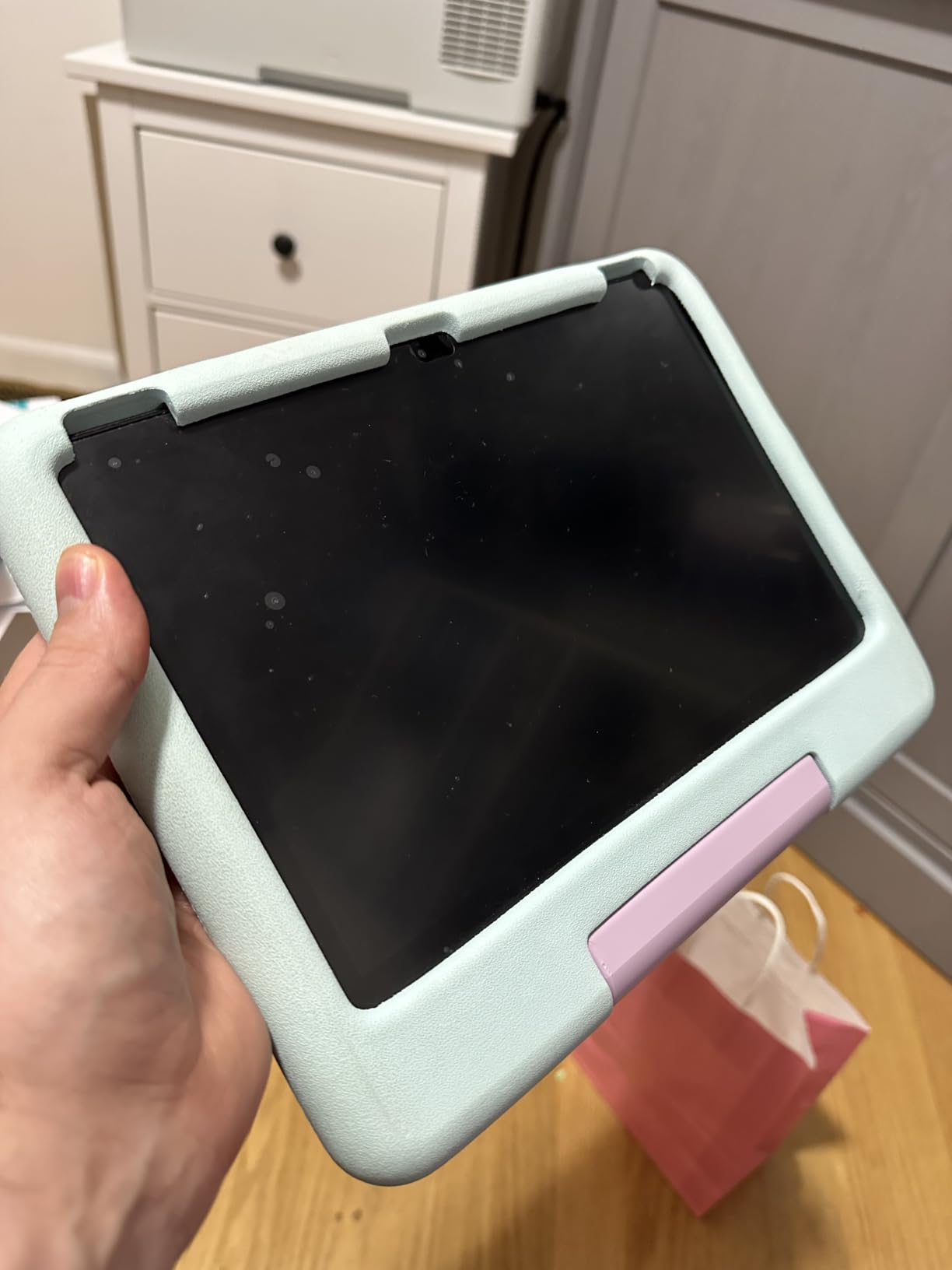
Owners report the same storage ceiling here as on the smaller kids tablets. At 32 GB with 3 GB of RAM, this is fine for streamed content and light apps but cramped for a growing library, and the kids interface itself is described as busy.
Performance is listed as 25 percent faster than the previous generation, and the battery claim is 13 hours, matching the adult Fire HD 10. Parents running two children of different ages can keep separate profiles rather than sharing one device.
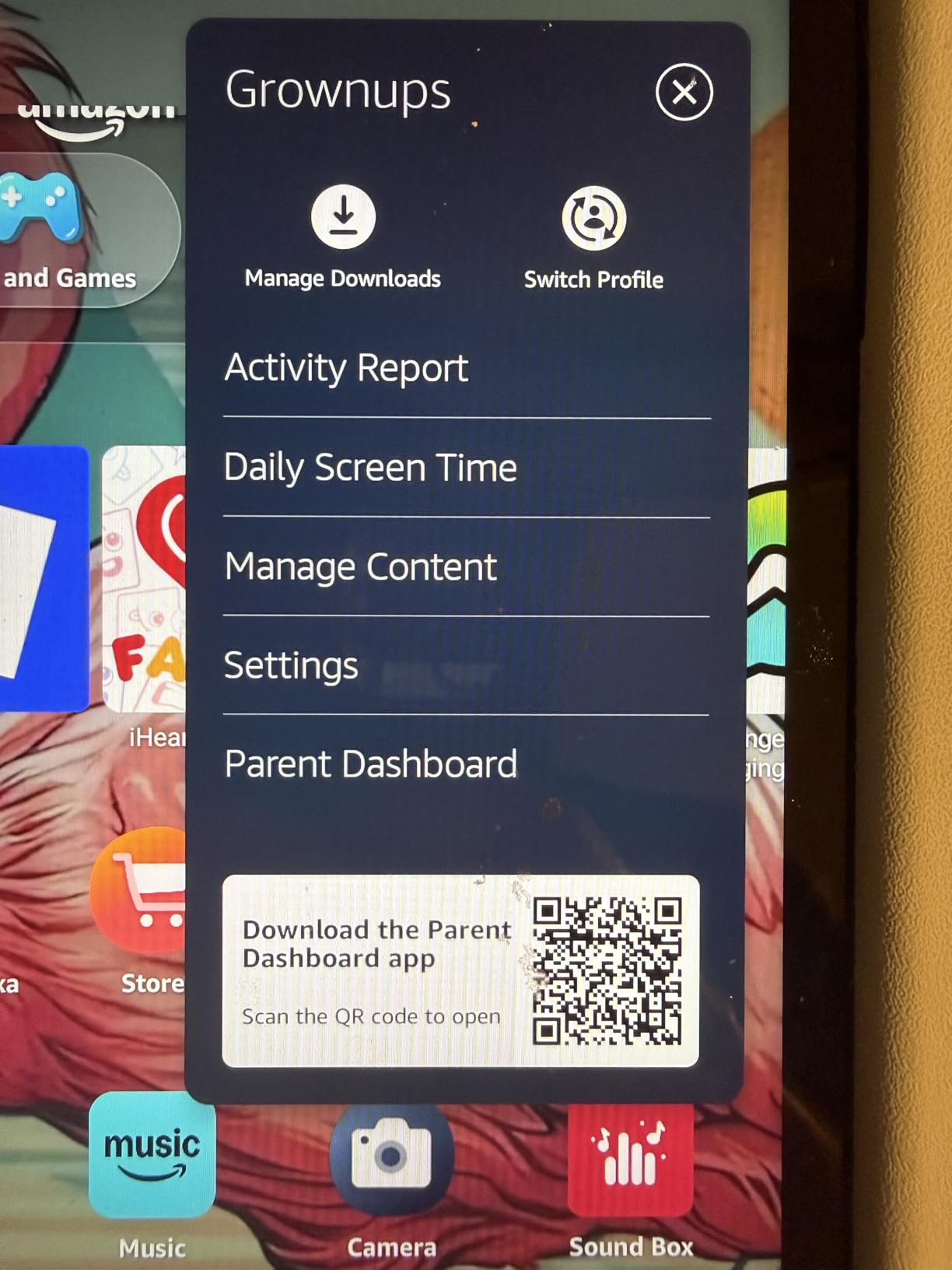
The adult Fire HD 10 in this list has more memory at 4 GB and stylus support, while this one trades that for the case, the subscription and the controls. Choose this one first for a child under seven, the other for a shared family tablet.
5. Fire HD 8 Kids Pro: Best for Ages 6-12
Amazon Fire HD 8 Kids Pro tablet, ages 6-12. Bright 8″ HD screen, includes ad-free content, parental controls, 13-hr battery, slim case for older kids, 64GB, Hello Teal, (2024 release)
Screen: 8 inch HD
Storage: 64 GB
Battery: up to 13 hours
Best for: ages 6-12 school use
Pros
- Highest-rated kids model in this list with a 4.6 owner rating
- 64 GB storage holds apps and media
- Filtered web browsing with site blocking
- Remote parental approval of downloads
- Battery holds up under heavy daily use
Cons
- YouTube Kids cannot be downloaded on it
- Parental controls take time to learn
- Only six months of Kids+ is included
This is the model for a child old enough to want the open web but not old enough to be trusted with it. It is a 2024 release aimed at ages 6-12, with filtered browsing, site blocking and voice or video calls limited to contacts a parent has approved over Wi-Fi.
The 4.6 owner rating is the highest in this roundup, and reviewers point to durability and battery as the reasons. The included case is slim rather than bulky, which suits an older child who would find a toddler case embarrassing, and 64 GB means downloaded games and books stop being a constant problem.
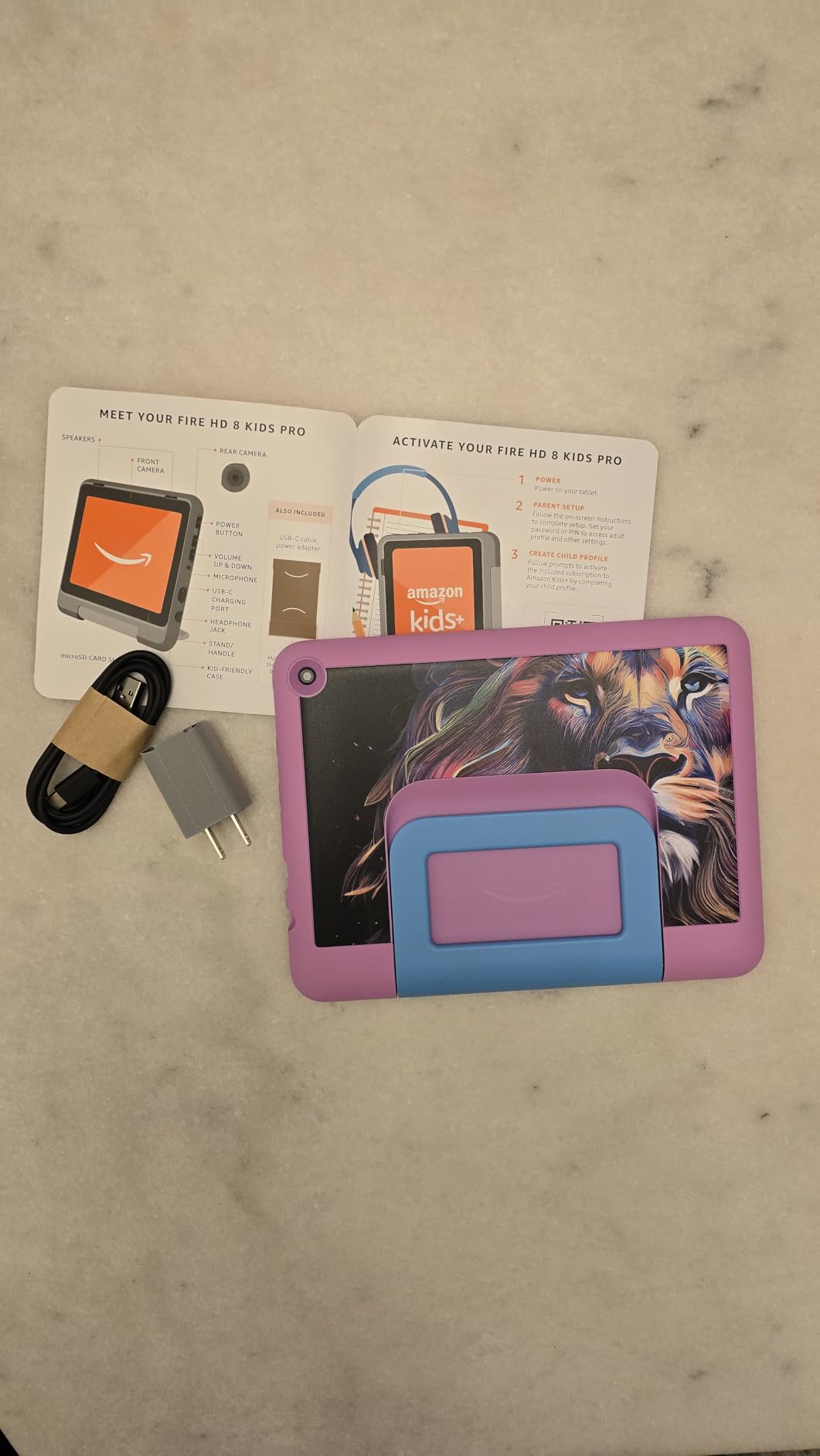
The limitation owners mention most is that YouTube Kids cannot be downloaded, which can be a dealbreaker for families who rely on it. Six months of Amazon Kids+ is included rather than a full year, and the parental controls need a learning period before they stop being frustrating.
Compared with the Fire HD 8 Kids: both have 8-inch screens and 64 GB, so the decision is age and safety tooling. Ages 6-12 plus web filtering belongs here; ages 3-7 belongs with the Fire 8 Kids, whose case has a handle.
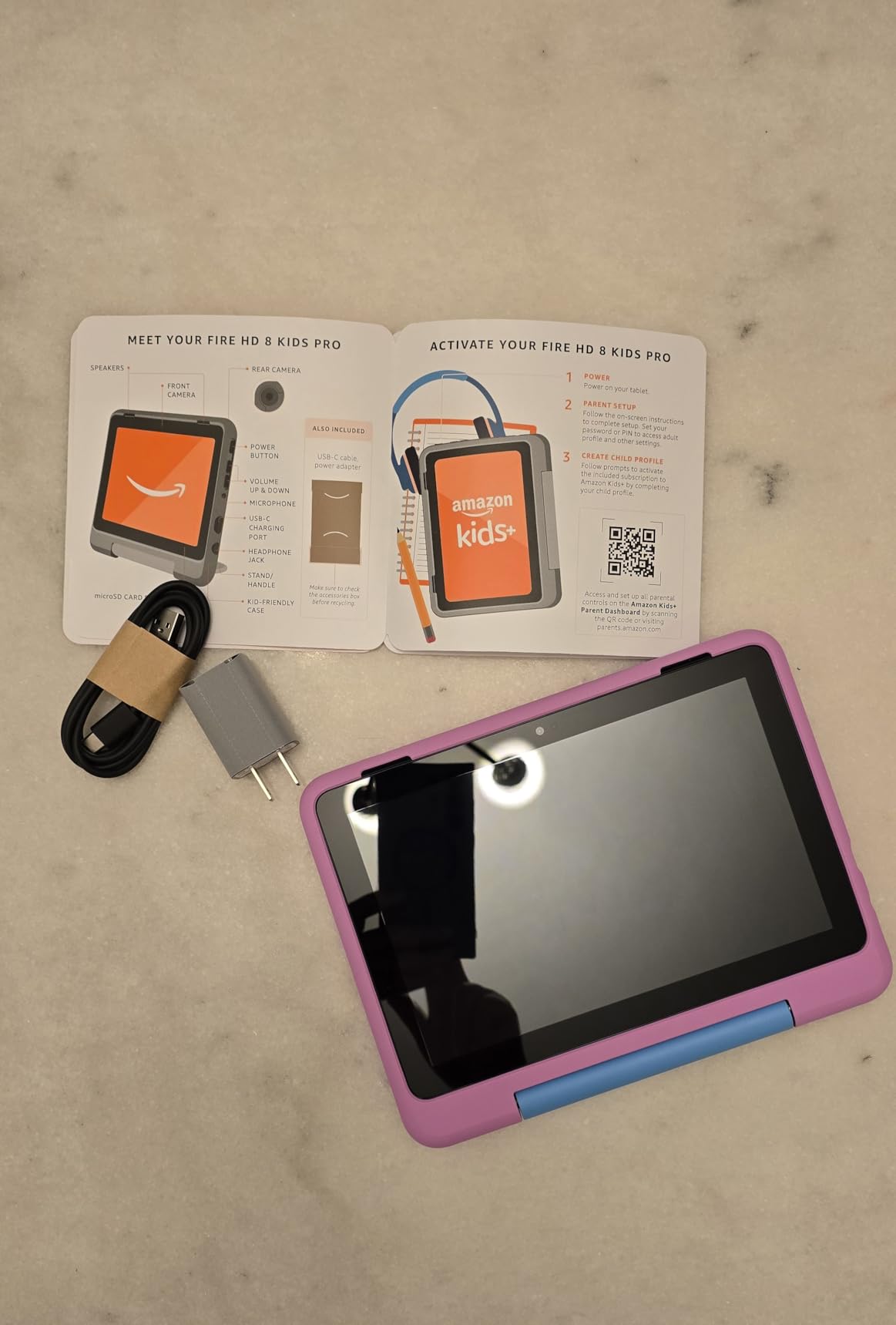
Skip it if you need stylus input for schoolwork. The Fire HD 10 supports the Made for Amazon Stylus Pen with 4,096 pressure levels, though this kids case is not built around a stylus.
6. Fire HD 8 Kids: Best for Small Hands
Amazon Fire HD 8 Kids tablet, ages 3-7 | 4GB memory, includes ad-free and exclusive content, parental controls and 13-hr battery, 64GB, Blue, (2024 release)
Screen: 8 inch HD
Storage: 64 GB
Battery: up to 13 hours
Best for: ages 3-7 and travel
Pros
- Case has a built-in stand and handle for tiny hands
- Lightweight body is easy for a toddler to carry
- Strengthened aluminosilicate glass
- Parental dashboard prioritises books over entertainment
- Good for long car journeys with fast charging
Cons
- Google Play is not supported
- Battery degrades noticeably after several months
- Subscription auto-renews after the included period
The handle is the detail that makes this the pick. The kid-proof case that comes in the box has a stand and a handle, so a three-year-old can carry the tablet around and prop it up for a cartoon without an adult holding it.
Underneath, this is a 2024-release Fire HD 8 with a hexa-core processor, 4 GB of RAM and 64 GB of storage, plus up to 13 hours of battery. Owners like that the parental dashboard can prioritise books and learning apps ahead of entertainment, which is the behaviour change most parents are chasing.
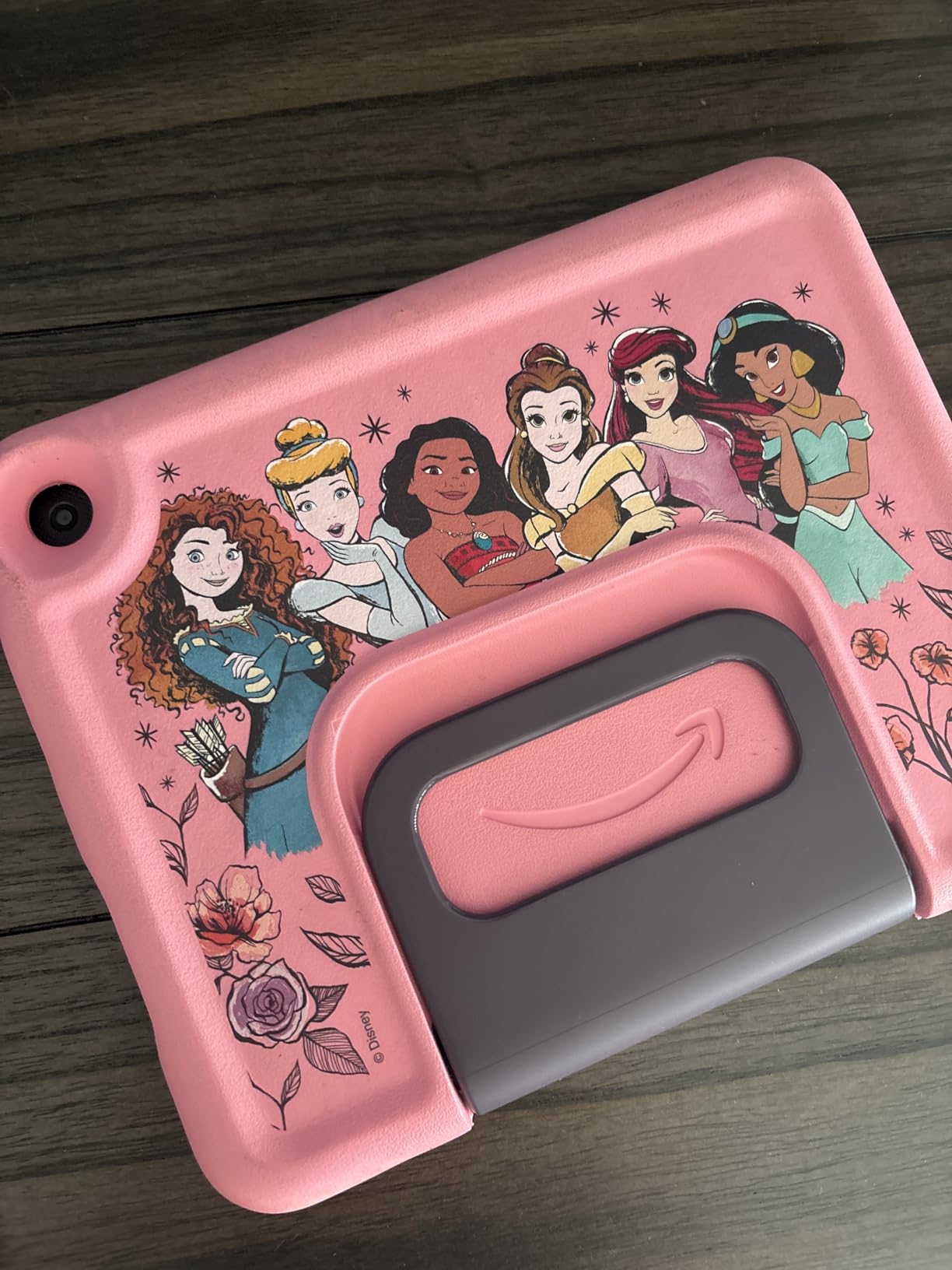
- The box includes the tablet, the case with stand and handle, a power adapter, a USB-C cable and the rechargeable battery
- Strengthened aluminosilicate glass protects the 8-inch display
- A 2-year worry-free guarantee covers the unit
- Only Blue is listed for this model
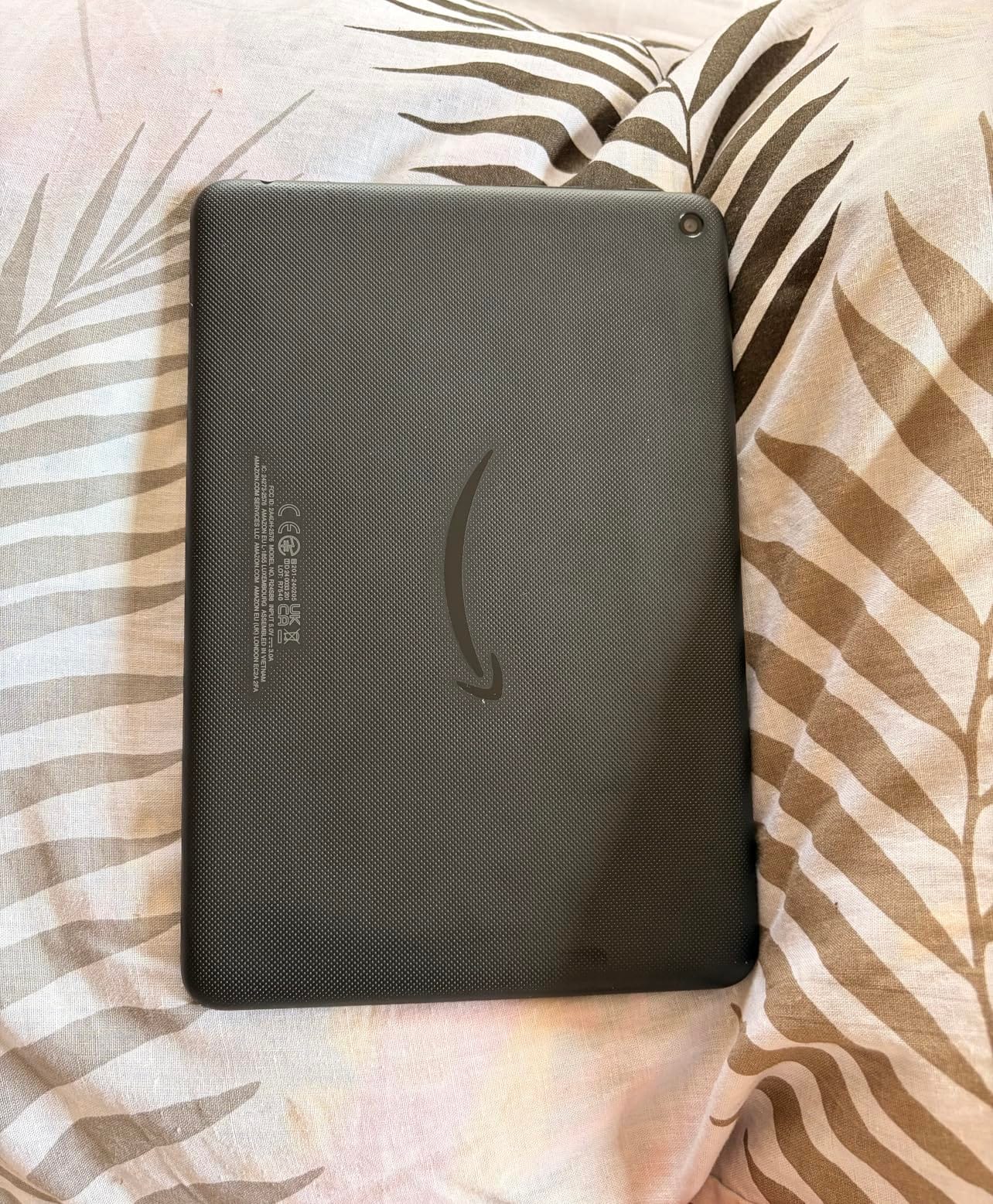
Owners do report battery degradation after several months of heavy use, and the subscription auto-renews once the included period ends, so set a reminder if you would rather cancel. Compared with the Fire 7 Kids, this one trades a 7-inch screen for 8 inches and four times the storage.
7. Fire 7 Like-New: Best Renewed Entry Tablet
Like-New Amazon Fire 7 tablet (newest model) 7” display, read and watch, under $60 with 10-hour battery life, 16 GB, Black
Screen: 7 inch
Storage: 16 GB
Battery: up to 10 hours
Best for: renewed reading and streaming
Pros
- Certified tested and arrives without scratches or dents
- Quad-core chip is up to 30 percent faster than the 9th generation Fire 7
- 2 GB RAM is double the older model
- Same limited warranty as a new device
- Lightweight and compact for travel
Cons
- Sluggish on weak Wi-Fi because of limited RAM
- Kindle app font size cannot be adjusted
- Only about 10.6 GB of the 16 GB is usable
This is the renewed route into the Fire line and the specs are better than the 2019 Fire 7 further down: a quad-core processor up to 30 percent faster than the 9th generation, 2 GB of RAM instead of 1 GB, and up to 10 hours of battery instead of 7.
Owners report units arriving in genuinely excellent cosmetic condition, and the same limited warranty applies as on a new device. Packaging may be generic Amazon-branded boxes, which matters less than the condition report if you are buying for a child.
The complaints are consistent across reviews. Performance is noticeably sluggish with only 2 GB of RAM, especially on weak Wi-Fi, and the Kindle app font size cannot be adjusted, which longtime Kindle owners mention as a genuine annoyance. Alexa also cannot be switched off on this model.
Storage is listed at 16 GB with a 32 GB option, and owners measure roughly 10.6 GB usable. microSD expansion up to 1 TB is supported, though some cards caused continuous rebooting until owners swapped to a Fire-specific card.
The Fire HD 8 Like-New further down the list gives you a newer 8-inch screen and 3 GB of RAM, at the cost of the 7-inch simplicity here. If reading is the plan, keep this one; if video is the plan, take the 8-inch.
8. Fire HD 10 Renewed: Best Big Screen for Less
Certified Refurbished Fire HD 10 Tablet with Alexa Hands-Free, 10.1″ 1080p Full HD Display, 32 GB, Marine Blue – with Special Offers (Previous Generation – 7th)
Screen: 10.1 inch 1080p
Storage: 32 GB
Battery: up to 10 hours
Best for: renewed big-screen reading
Pros
- 10.1-inch 1080p panel with over 2 million pixels
- Stereo speakers with Dolby Audio
- Refurbished units arrive in unscratched condition
- Battery frequently exceeds the stated 10 hours
- Up to 256 GB expansion via microSD
Cons
- Front and rear cameras are weak for video calls
- Speaker can mute itself and needs a reboot
- Wi-Fi or Bluetooth failures reported after the warranty period
Be clear about what this is: a previous-generation Fire HD 10, 7th generation, sold as Certified Refurbished in Marine Blue. What you get is the same 10.1-inch 1080p display with over two million pixels, which is the part that matters for reading and video, and it is still a large screen.
The stereo speakers with Dolby Audio are a genuine step up from earlier Fire tablets, and owners frequently report battery life beating the stated 10 hours. Dual-band 802.11ac Wi-Fi is also listed, which is older but still solid.
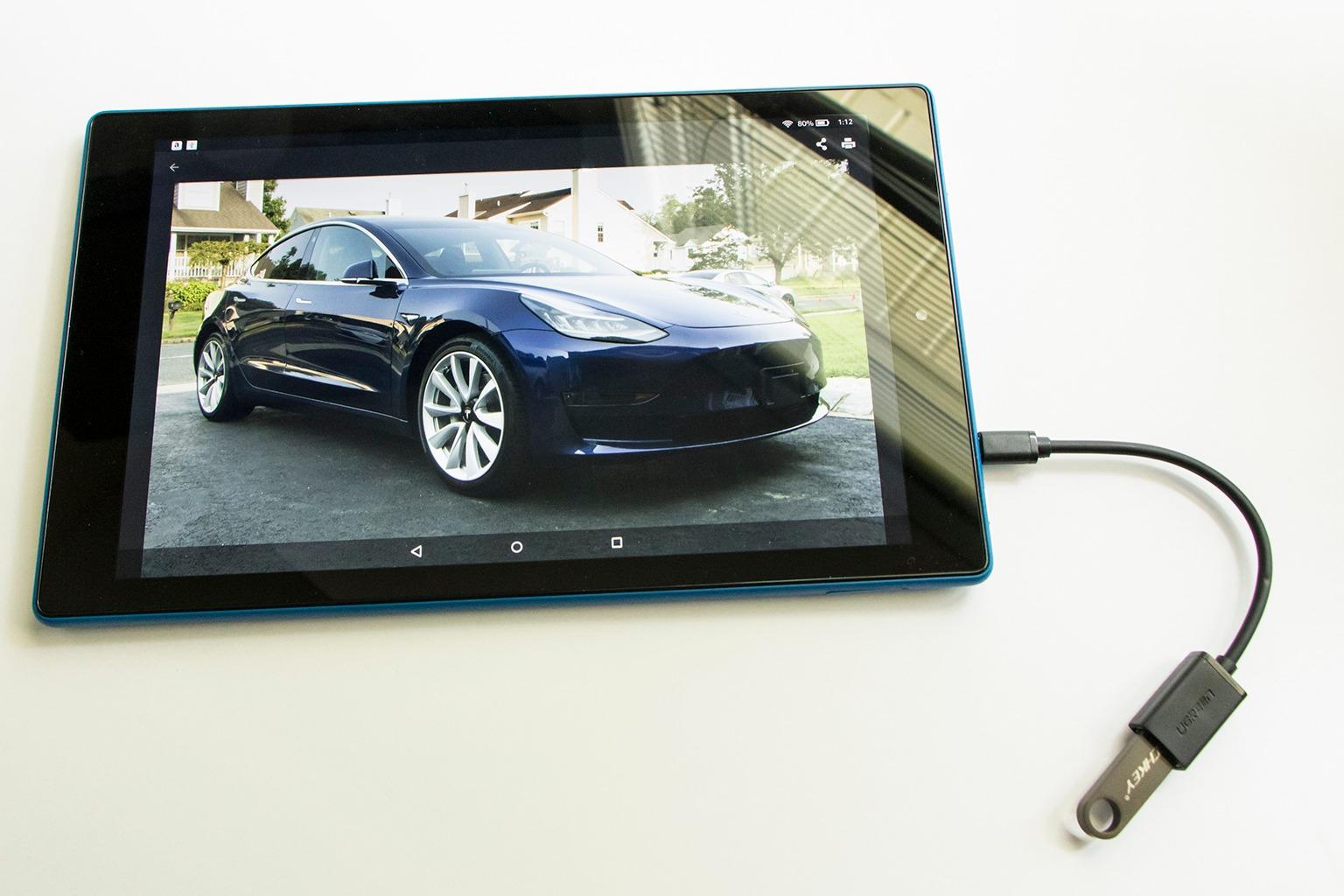
The compromises are the processor and the memory: a quad-core chip running up to 1.8 GHz with 2 GB of RAM against the octa-core and 4 GB in the current Fire HD 10. Owners report the speaker muting itself and needing a reboot, and some units losing Wi-Fi or Bluetooth after the warranty period ends.
Expansion tops out at 256 GB via microSD here rather than 1 TB, and the cameras are poor enough that video calling is not a selling point. Amazon Kids+ parental controls are available if you need them for a younger user.
Skip it if you want the newest processor, and buy the current Fire HD 10 instead. Choose this one when the large screen is the priority and the speed difference will not be felt.
9. Fire 7: Best Entry-Level Media Tablet
Fire 7 tablet, 7″ display, 16 GB, (2019 release), Plum
Screen: 7 inch IPS
Storage: 16 GB
Battery: up to 7 hours
Best for: entry-level media use
Pros
- Largest review base of any tablet in this list
- Only 10.1 oz so it travels easily
- microSD expansion to 512 GB makes 16 GB workable
- Hands-free Alexa with an on and off toggle
- FreeTime parental controls for up to four child profiles
Cons
- 1 GB RAM causes lag with heavier apps and games
- Only about 10 to 11 GB of the 16 GB is usable
- 2 MP cameras and a mono speaker are dated
The Fire 7 has been the cheapest way into Amazon’s tablet ecosystem for years, and the 2019 9th-generation release is still the model most people recognise. Owners frame the limitations as the accepted trade-off for the price rather than a flaw, and many report years of service from the same unit.
Physical specs are clear and dated at once: a 7-inch IPS panel at 1024 x 600 and 171 PPI, 10.1 oz in the hand, and dimensions of 7.6 by 4.5 by 0.4 inches. Storage is 16 GB with a 32 GB option and microSDXC expansion up to 512 GB, which is what makes the small internal storage workable.
Here is the honest list. The 1.3 GHz quad-core ARM Cortex-A53 with 1 GB of RAM causes lag with heavier apps, multitasking and games. About 10 to 11 GB of the 16 GB is usable after the operating system and preinstalled apps. The 2 MP cameras record 720p video and are effectively placeholders, and the mono speaker is average with a below-average maximum volume.
The micro-USB charging port takes about four hours with the included Amazon wall adapter and is well behind USB-C everywhere else in this roundup. Battery life is listed at up to 7 hours, and owners report roughly 6 to 8 hours in mixed use.
Compared with the Fire 7 Like-New: that renewed unit has a faster processor, twice the RAM and a longer battery claim, and matches this one on screen size. Pick whichever condition report you are happier with rather than assuming new is always better.
10. Fire HD 8 Like-New: Best Portable Renewed Pick
Like-New Amazon Fire HD 8 tablet (newest model), 8” HD Display, 3GB memory, 32GB, designed for portable entertainment, Black
Screen: 8 inch HD
Storage: 32 GB
Battery: up to 13 hours
Best for: renewed portable use
Pros
- Renewed unit performs as expected with no reported defects
- Light and portable for travel and commuting
- Works smoothly for streaming and everyday tasks
- Same limited warranty as a new device
- Alexa and smart-home integration behave normally
Cons
- Some users report intermittent touch lag
- Google Play is not supported
- Amazon Appstore selection remains limited
The renewed Fire HD 8 sits between the current model and the older hardware. It carries 3 GB of RAM, which is 50 percent more than the 2022 release, paired with 32 GB of storage and the same up-to-13-hour battery claim as the new Fire HD 8.
Owners report the unit performing as expected for media and light everyday use, and the same limited warranty applies as on a new device. Packaging may be generic Amazon-branded boxes.
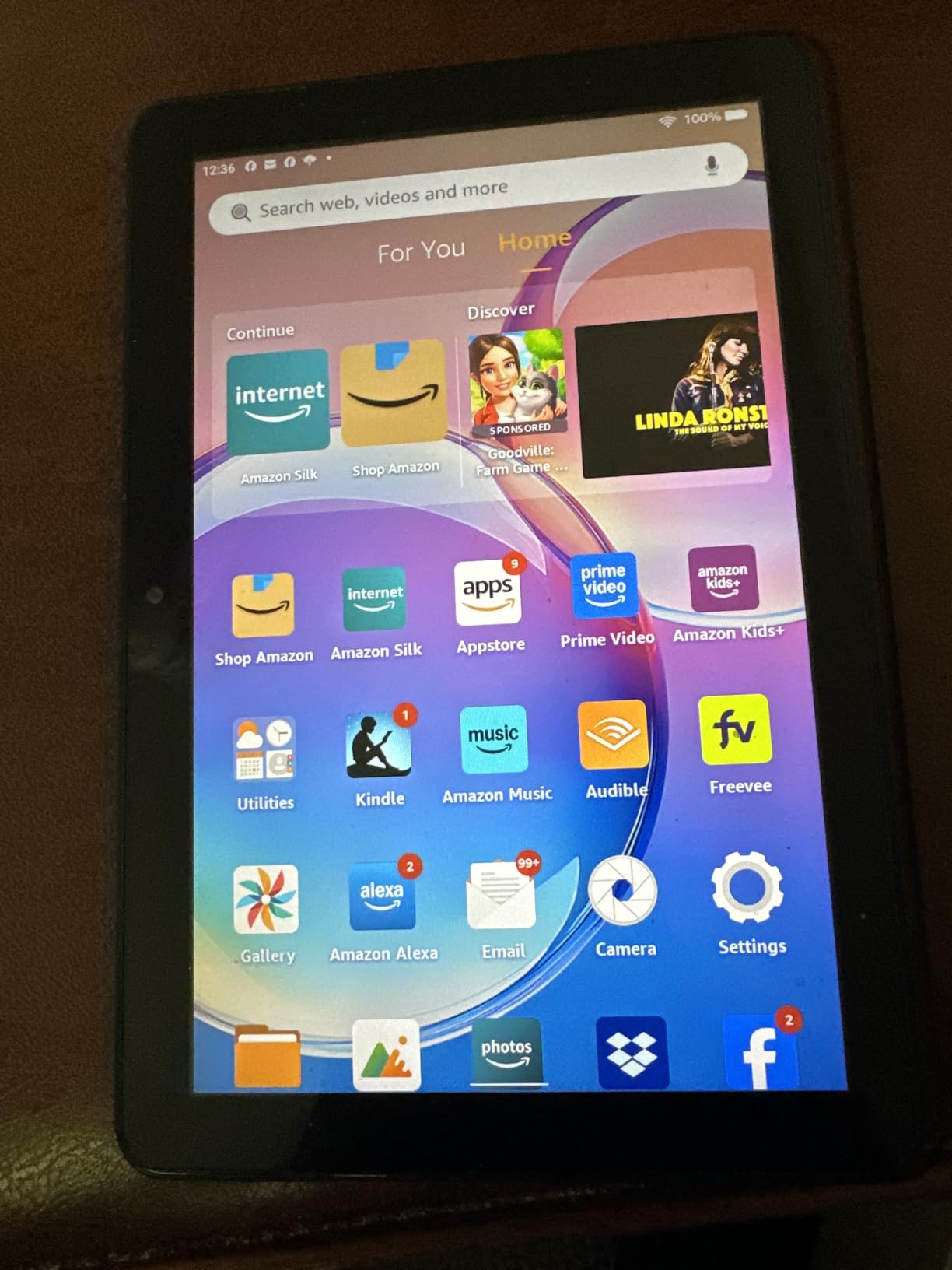
Two caveats keep this out of the top three. Some owners report intermittent touch lag, which is annoying on a screen you use constantly, and the Appstore remains the only source of apps because Google Play is not supported.
The upside is simple: you get the 8-inch form factor, the Alexa integration and three built-in tools for emails, webpage summaries and wallpapers without buying the sealed box. If touch lag bothers you more than a smaller RAM figure does, the current Fire HD 8 is the cleaner buy.
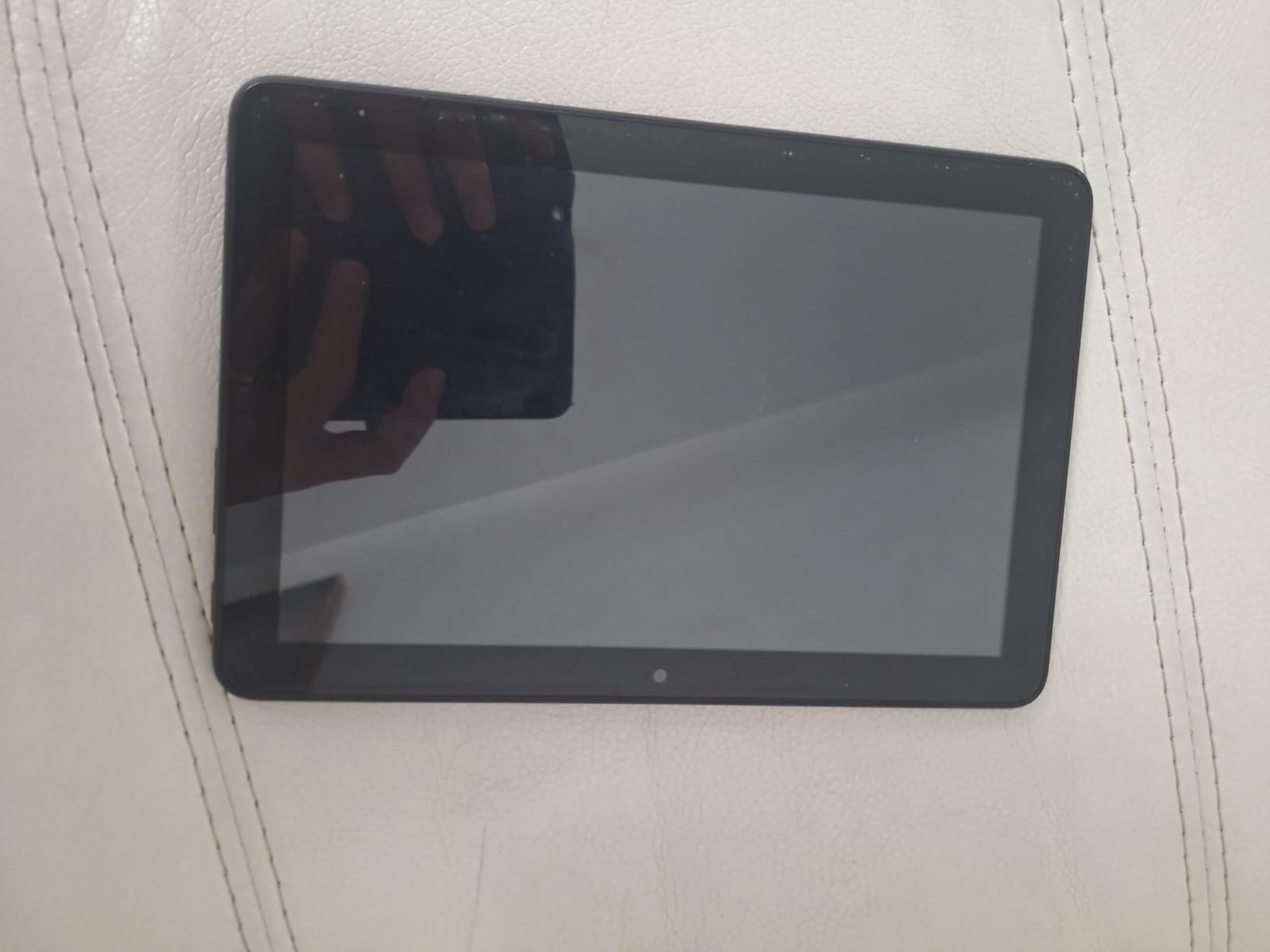
Good to know: the rear-facing camera is listed, and expansion still goes up to 1 TB via microSD, which the renewed Fire HD 10 does not match.
How to Choose Fire Tablets During Prime Big Deal Days
Pick the screen size that matches where the tablet lives
Screen size is the first real decision, because it decides what the tablet can do. A 7-inch panel fits a pocket or a small hand and works for reading on the move, an 8-inch panel is the sweet spot for streaming and reading in one device, and a 10.1-inch 1080p panel is for a shared family screen or a kitchen display. If video quality is the priority, our tablets for Netflix guide covers how resolution changes what you actually see.
Check memory before you check storage
Memory is what makes a tablet feel current two years from now. The newest Fire tablets ship with 4 GB of RAM, older and renewed models sit at 2 or 3 GB, and the 2019 Fire 7 has 1 GB. Below 2 GB, expect lag when switching between a streaming app and a browser, so a renewed unit with 3 GB is a better long-term bet than an older new-generation model with less.
Decide whether performance or battery matters more
Battery claims range from 7 hours on the 2019 Fire 7 up to 13 hours on the current Fire HD 8 and 14 hours on the Fire HD 10. Owners of the larger models frequently report real battery life below the stated figure. If you need a tablet for typing documents or taking notes, performance and keyboard support matter more; our tablets for teachers guide covers that use case in more depth.
Set the storage budget before the event
Storage varies more than the advertised number suggests. The 16 GB models leave roughly 9 to 11 GB usable once the operating system and preinstalled apps take their share, and the 7-inch kids tablet leaves about 3.5 GB for apps. Every model here supports microSD expansion, from 256 GB on the renewed Fire HD 10 up to 1 TB on the newest Fire tablets, so a card is a cheaper fix than a larger model.
Work out which model the child actually needs
Kids models are not just the adult tablet in a rubber case. The Fire 7 Kids and Fire HD 8 Kids target ages 3-7 with a kid-proof case, a year of Amazon Kids+ and age filters that adjust as the child grows. The Fire HD 8 Kids Pro targets ages 6-12 with filtered web browsing, approved contacts and a six-month subscription. Check the included subscription length, because it changes what you pay later.
How to Shop Fire Tablet Deals During the Sale
Read the generation line in the listing title before anything else, because Fire HD 8 and Fire HD 10 titles carry a generation suffix such as newest model or a year, and two devices with similar names can be years apart. Then confirm the storage figure and the colour, since both change the model you are actually buying. Look for the full box contents on kids models, because the case and the length of the included subscription are part of the value. Renewed and Like-New units carry the same limited warranty as new, so read the condition description and check who is selling the unit. Most offers during Prime Big Deal Days need a Prime membership, and prices move through the event, so use the buttons below rather than a screenshot.
- Check the generation suffix and release year in the listing title
- Confirm storage, colour and RAM before you compare two similar names
- On kids models, verify the case and the included subscription length
- On renewed units, read the condition report and check the warranty terms
- Confirm the seller is Amazon rather than a marketplace reseller
- Recheck the price on the day you buy, since offers change through the event
Frequently Asked Questions
When do Amazon Prime Big Deal Days Fire Tablet deals start, and is Prime membership required?
Amazon Prime Big Deal Days runs October 6-7, 2026. Most Fire tablet offers during the event need an active Prime membership, though a free trial counts and can be cancelled before it ends. Prices and offer details change through the event, so check the listing on the day rather than relying on an earlier figure.
Which Fire tablet is the best value for money?
The Fire HD 8 is the value pick, pairing a 4 GB hexa-core configuration with 64 GB of storage and an up-to-13-hour battery claim. The Fire HD 10 is the stronger all-rounder with a larger 1080p screen. If your budget is tightest, the renewed Fire 7 Like-New covers the basics with faster hardware than the 2019 model.
Should I get a Fire HD 8 or the Fire HD 10?
Take the Fire HD 8 for reading, travel and one-hand use, since its 64 GB base storage and light body suit those uses. Take the Fire HD 10 for a shared family screen, evening video or stylus input, because the 10.1-inch 1080p panel and 4 GB of RAM handle multitasking better. Kids buying for a child should look at the Kids Pro or Kids models instead.
Are Fire tablets still worth buying in 2026?
Yes, for reading, streaming, kids tablets and travel, where the Fire line remains inexpensive and the hardware is adequate. They are a poor fit if you need Google Play apps, serious multitasking or a stylus workflow, because apps come from the Amazon Appstore alone. Check that limitation before buying rather than after.
Can the whole family watch and read together on these Fire tablets during the sale?
Yes. Prime members get Prime content on any Fire tablet in this list, and the Fire HD 10 and Fire HD 10 Kids are the two sized for more than one person using them at once. For a bigger picture in the living room, our guide to Fire TV viewing options covers the television side of the same ecosystem.
Is a renewed Fire tablet worth buying during the event?
Renewed units are worth it when you want current hardware at a lower outlay. The Fire 7 Like-New has a quad-core chip up to 30 percent faster than the 9th generation and 2 GB of RAM, and it carries the same limited warranty as a new device. Owners of the renewed Fire HD 10 do report speaker muting and connectivity failures after the warranty ends, so factor that risk in.
Final Verdict: Amazon Prime Big Deal Days Fire Tablet Deals
Buy the Fire HD 10 if you want the most capable tablet in the Fire line and it is the one worth watching most during this sale. Its 10.1-inch 1080p screen, 4 GB of RAM and 14-hour battery cover reading, streaming and stylus input in a single device.
Take the Fire HD 8 as the budget-friendly alternative for travel and one-hand reading, where 64 GB of storage and the lighter body do more for you than screen size does. The Fire 7 is the entry option, and the Fire 7 Like-New matches that role with newer internals and a warranty that matches a new device.
For a child aged three to seven, choose the Fire 7 Kids or the Fire HD 8 Kids depending on how much screen they need, and the Fire HD 8 Kids Pro for a six-to-twelve-year-old who needs filtered browsing. The Fire HD 10 Kids covers the same age group with a much larger display. If the large screen matters more than the newest processor, the renewed Fire HD 10 is the one to look at. Next step: check the button below for today’s price, confirm the generation in the listing title, and buy during the event rather than after it closes.