
The HP Series 3 27 inch monitor leads this list because it does one job well, carries the highest owner rating of any pick here, and works with whatever machine you already own. For a machine rather than a screen, the LaserJet Pro 3101fdw suits a small office and the Pavilion 15.6 is the laptop most people should look at first. Prime Big Deal Days runs October 6-7, 2026, and most offers need a Prime membership.
Everything below is a pick worth watching during the sale, not a confirmed discount. Prices and offers move through the event, so check the live listing before you commit.
Table of Contents
Our Top 3 Picks for Best Amazon Prime Big Deal Days HP Deals

HP Series 3 27 Monitor
- 27 inch IPS panel
- 100Hz refresh
- 1300:1 contrast
- 178 degree viewing angles

HP LaserJet Pro 3101fdw
- 35 pages per minute
- Automatic duplex
- Print scan copy and fax
- 250 sheet tray
Best Amazon Prime Big Deal Days HP Deals Compared (October 2026)
| Product | Specifications | Action |
|---|---|---|
| HP Series 3 27 Monitor |
|
Check Deal Price |
| HP LaserJet Pro 3101fdw |
|
Check Deal Price |
 HP Pavilion 15.6 N100 HP Pavilion 15.6 N100 |
|
Check Deal Price |
 HP 14 Ultra-Light HP 14 Ultra-Light |
|
Check Deal Price |
 HP OmniBook 3 17.3 HP OmniBook 3 17.3 |
|
Check Deal Price |
 HP 27 All-in-One HP 27 All-in-One |
|
Check Deal Price |
 HP Smart Tank 5003 HP Smart Tank 5003 |
|
Check Deal Price |
 HP OMEN 27q HP OMEN 27q |
|
Check Deal Price |
 HP OmniBook 3 16 Touch HP OmniBook 3 16 Touch |
|
Check Deal Price |
 HP Envy Photo 7975 HP Envy Photo 7975 |
|
Check Deal Price |
How We Chose
We compared the specifications that decide each category, from processor and memory on the laptops to page speed and ink yield on the printers, and weighted them against owner ratings and review counts on Amazon. Specs and ratings were checked on October 2026.
1. HP Series 3 27 Monitor: Best for Office Work
HP Series 3 27 Monitor
Type: 27 inch IPS monitor
Standout: 100Hz and 1300:1
Weight: 12.9 lb
Pros
- Sharp FHD image with an anti-glare finish
- 178 degree IPS viewing angles for side-by-side screens
- Height and tilt adjustable stand
- Three-sided narrow bezel suits dual-monitor desks
Cons
- Speakers are faint until you raise the menu volume
- 250 nits brightness struggles in bright rooms
It holds a 4.7 owner rating across more than 25000 reviews, and the reasons owners give are consistent: clean colour, a matte panel that survives a bright office, and a stand that moves without tools. The 1300:1 contrast ratio is well above what a budget panel usually manages, and 100Hz makes scrolling feel smoother than a 60Hz screen.
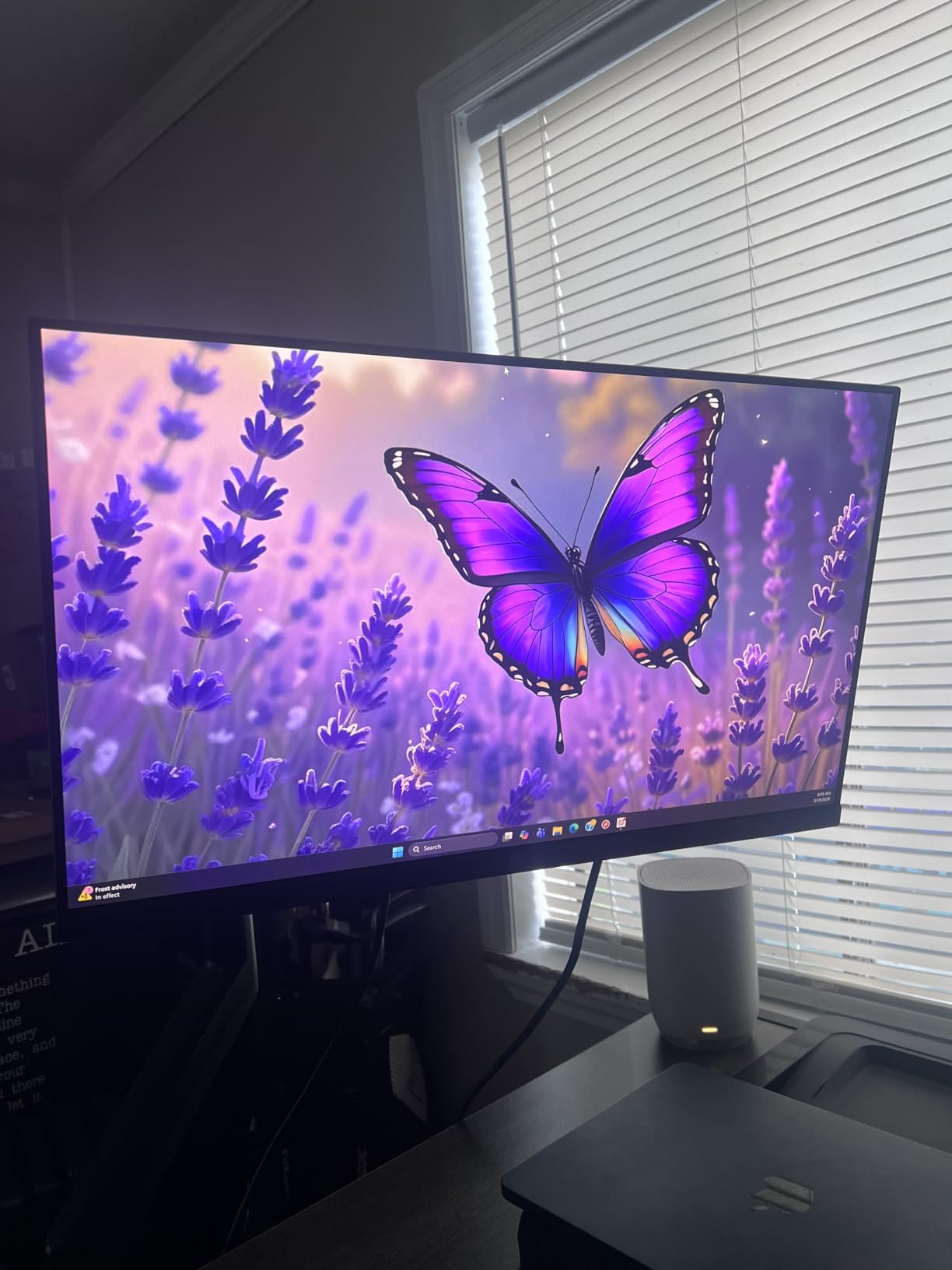
For a two-monitor desk, this is the pick. The three-sided micro-edge bezel means the two panels sit close together, and the 178-degree IPS angles keep the second screen readable from the side. Compare with the OMEN 27q, which adds QHD resolution and 165Hz but costs more and needs DisplayPort to reach full refresh.
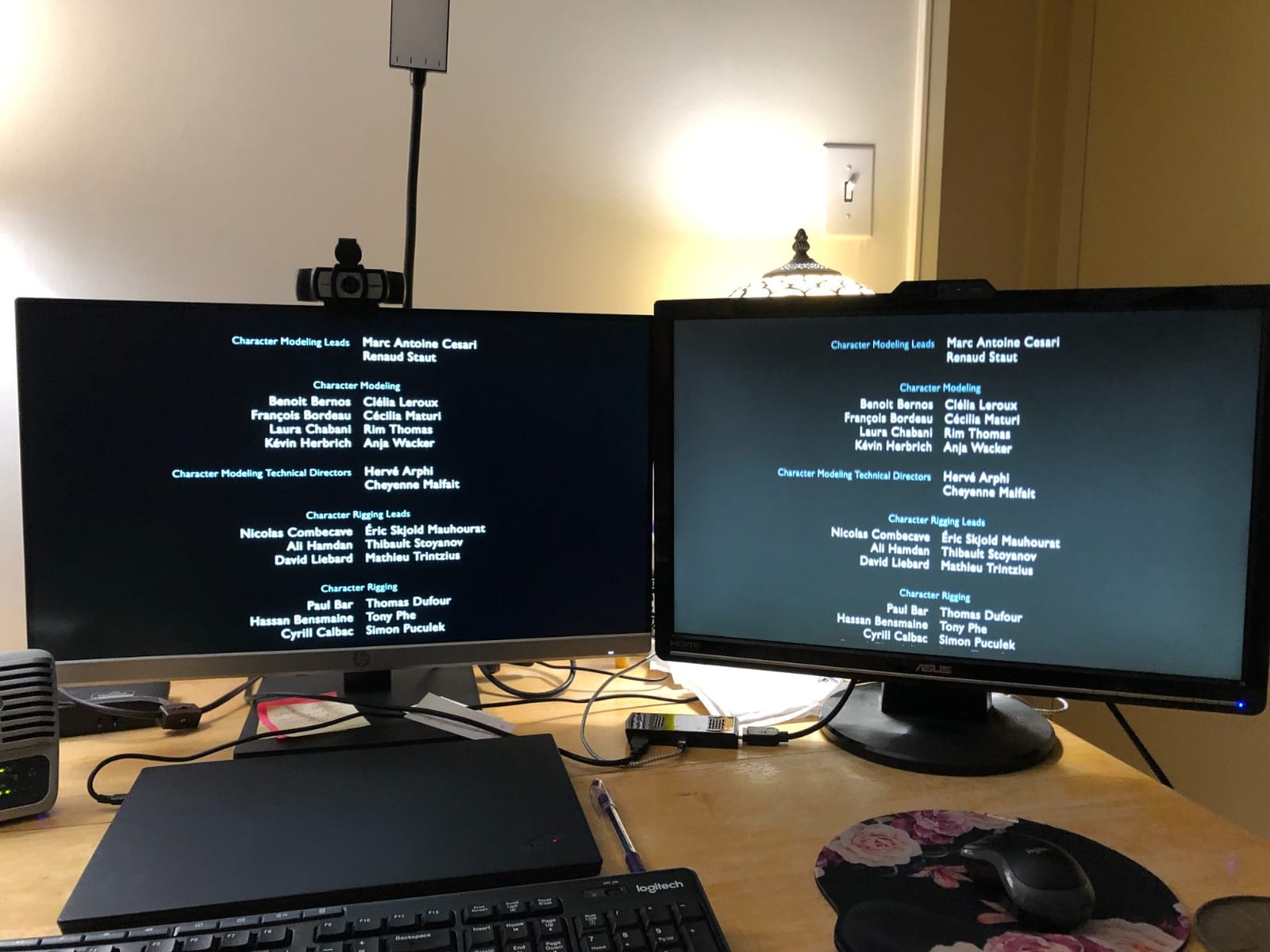
Good to know: the built-in dual 2W speakers default to half volume in the on-screen menu, which is the single most common complaint in reviews. Raise it once during setup and the difference is immediate.
2. HP LaserJet Pro 3101fdw: Best for Small Offices
HP LaserJet Pro 3101fdw
Type: monochrome laser all-in-one
Standout: 35 pages per minute
Weight: 10.5 kg
Pros
- Print scan copy and fax in one unit
- Automatic duplex and a document feeder
- Toner costs less per page than inkjet cartridges
- Ethernet and wireless both supported
Cons
- Monochrome only with no colour printing
- Some owners report unreliable wireless setup
- Fax and network scanning need practice
If a room prints in black and white every day, laser is the sensible answer. At 35 pages per minute with automatic two-sided printing and a 250-sheet tray, this handles a small team’s invoices and reports without refilling paper mid-run.
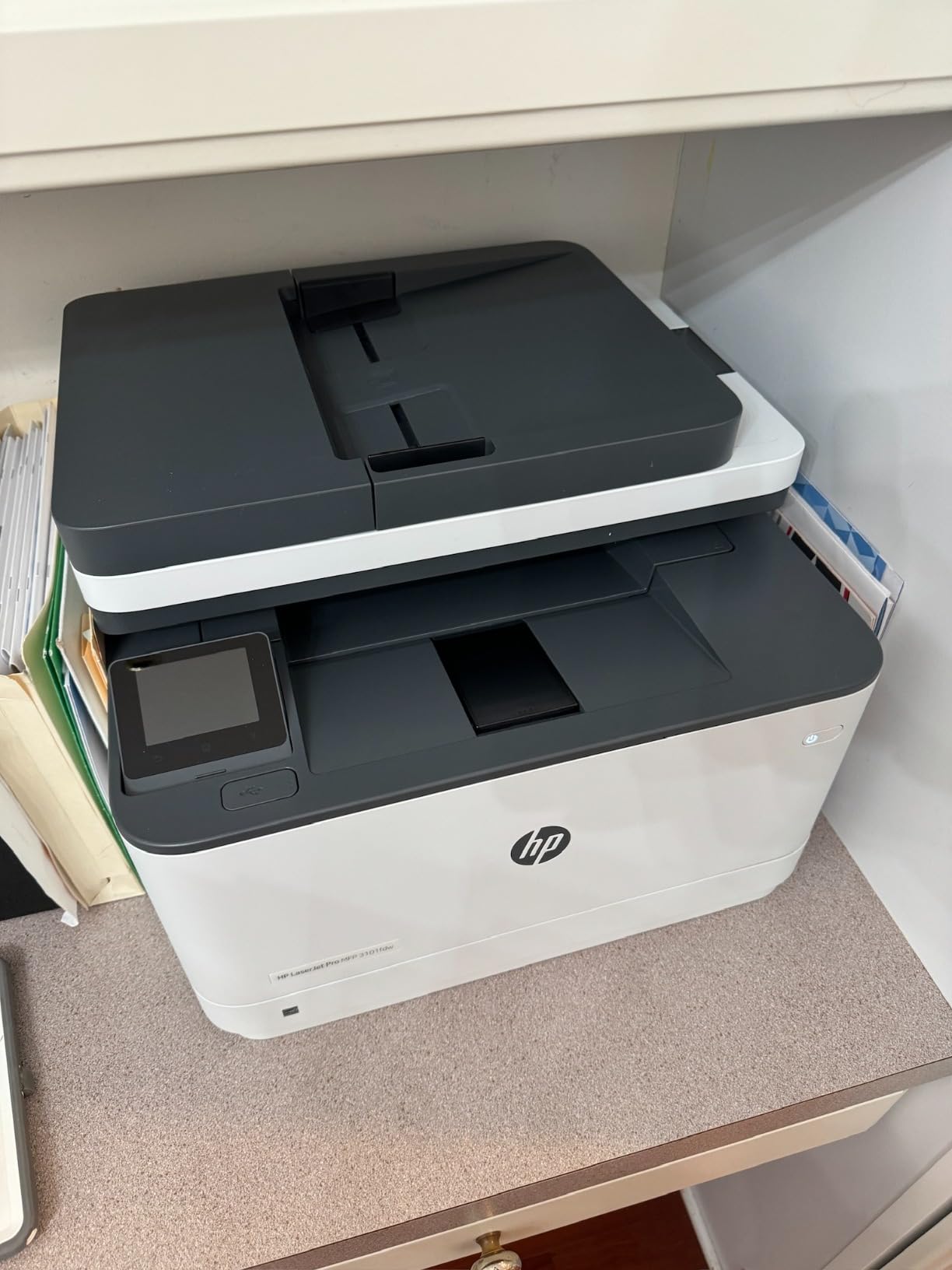
Owners report setup took only minutes, and toner cartridges run much further between changes than inkjet ones. If you need colour at home instead, the Smart Tank 5003 is the other direction to go.
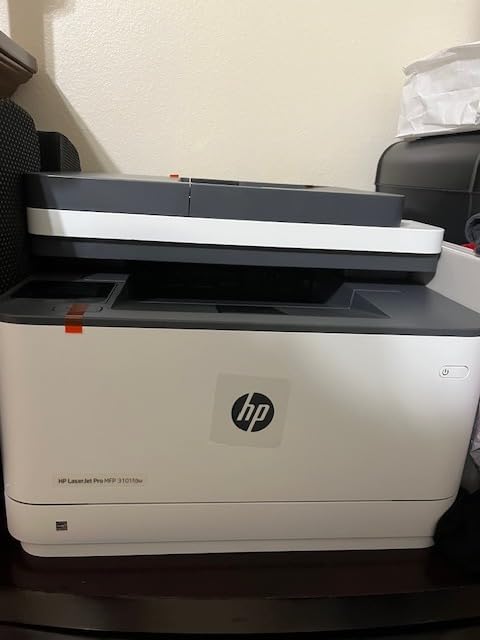
Skip it if your office runs on a shared wired network with a static address; several reviews describe the wireless setup wizard and network scanning being unreliable. The 4.2 rating also reflects a small number of hardware failures within weeks of purchase.
3. HP Pavilion 15.6 N100: Best Value Everyday Laptop
HP Pavilion 15.6 N100
Type: 15.6 inch laptop
Standout: 16GB RAM at 3.64 lb
Weight: 3.64 lb
Pros
- 16GB DDR4 handles many tabs and apps
- 3.64 lb chassis is easy to carry
- 256GB PCIe NVMe SSD boots in seconds
- Anti-glare 1920 x 1080 display
Cons
- Entry-level N100 chip is not for heavy work
- Only a few USB-A ports so a hub helps
- Windows setup pushes you to a Microsoft account
The memory is the story here. Sixteen gigabytes of DDR4 at this size is more than most machines in the category carry, and owners say it is what keeps many browser tabs open without stalling. The N100 chip is an entry-level part, so think documents, video calls and streaming rather than anything demanding.
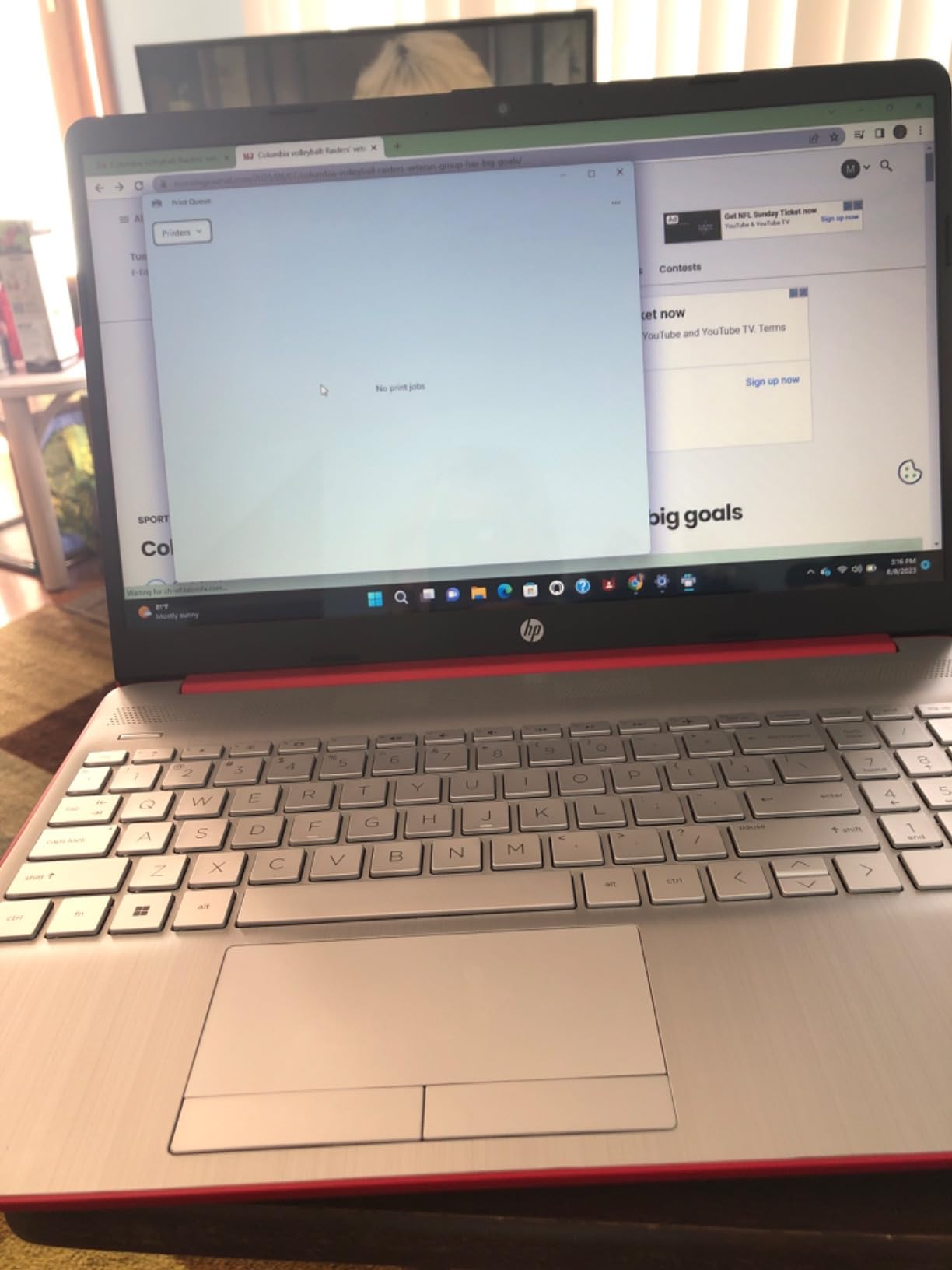
At 3.64 lb it suits a commute, and the anti-glare screen is comfortable for long sessions. Owners mention it working immediately with an external monitor and drive. Compared with the OmniBook 3 17.3, you give up screen size and gain about three-quarters of a pound.
Good to know: Windows setup pushes a Microsoft account and puts Documents in OneDrive by default. Owners who want local storage change that during the first login.
4. HP 14 Ultra-Light: Best for Schoolwork on a Budget
HP 14 Ultra-Light
Type: 14 inch budget laptop
Standout: 3.2 lb with SD slot
Weight: 3.2 lb
Pros
- Lightest chassis in this list at 3.2 lb
- One year of Microsoft 365 included
- SD card reader adds easy storage
- Anti-glare 14 inch panel
Cons
- Only 4GB of RAM which caps multitasking
- Storage is 64GB eMMC plus an SD card
- Windows 11 in S mode limits software
This is the machine to buy for a child doing homework, browsing and writing documents. Owners who bought it for that report it smooths out once the initial updates finish, and the 14-inch anti-glare screen is a comfortable size for school work.
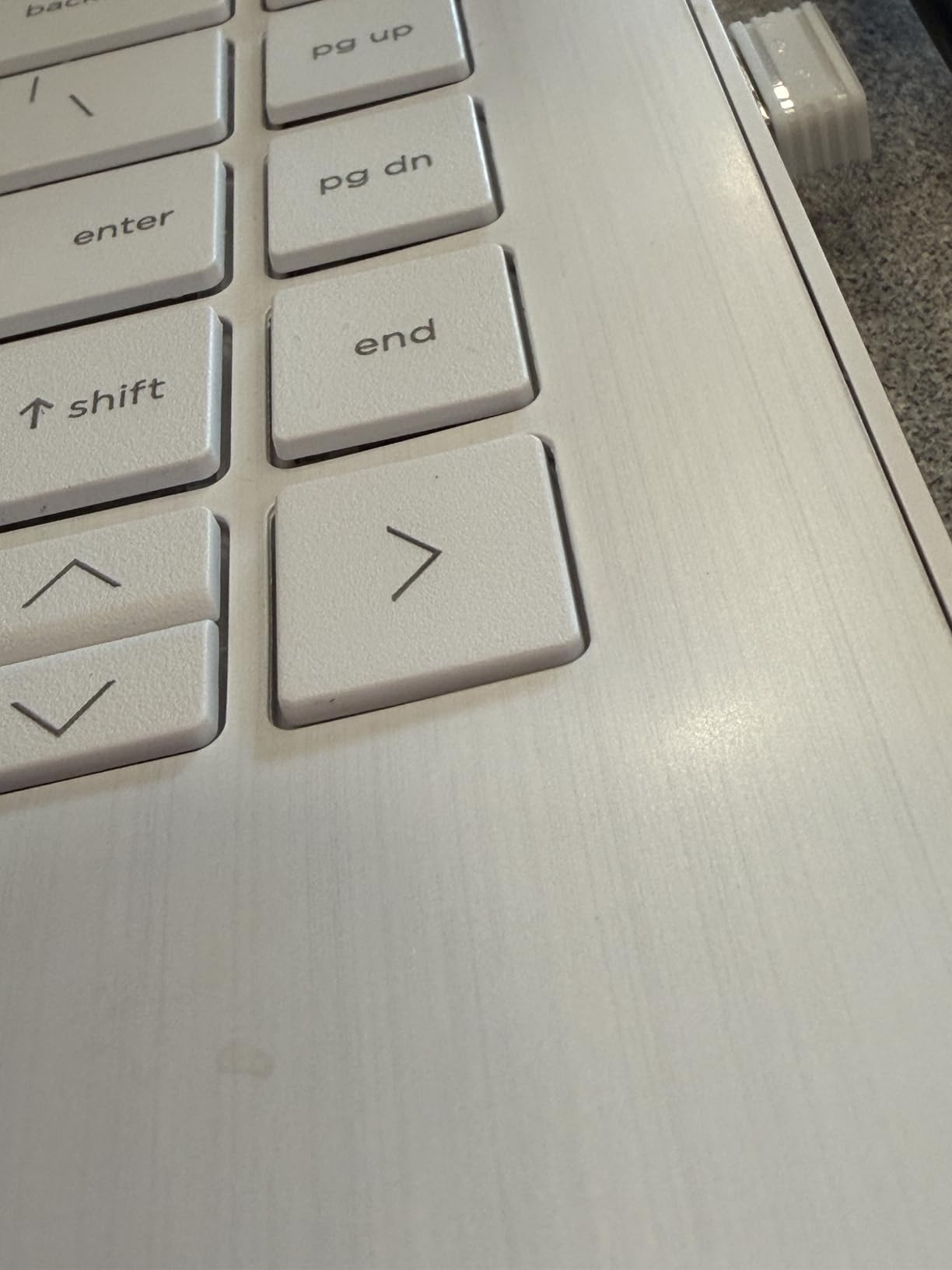
The trade-off is memory. Four gigabytes is the ceiling on this configuration, and reviews converge on that point: browser video stutters under load, and a single tab alongside a video call causes lag. S mode also blocks most desktop software installs.
Compared with the Pavilion 15.6 N100, you save weight and get a year of Microsoft 365, but you give up 12GB of RAM and a proper SSD. For anything beyond documents, spend on the Pavilion.
5. HP OmniBook 3 17.3: Best for Big Screens
HP OmniBook 3 17.3
Type: 17.3 inch laptop
Standout: 512GB SSD and backlit keys
Weight: 4.4 lb
Pros
- 17.3 inch IPS screen reads well for older eyes
- 512GB NVMe SSD with room to grow
- Backlit full-size keyboard with numeric keypad
- Fast charging reaches half charge in about 45 minutes
Cons
- 8GB of onboard memory cannot be upgraded
- 4.4 lb and 15.65 inches wide is a large carry
- Integrated Radeon 610M graphics only
Owners buy this as an everyday or second family machine and report smooth handling of email, browsing, photos and word processing. The 17.3-inch IPS panel comes up repeatedly as the standout, particularly for readers who strain on smaller screens.
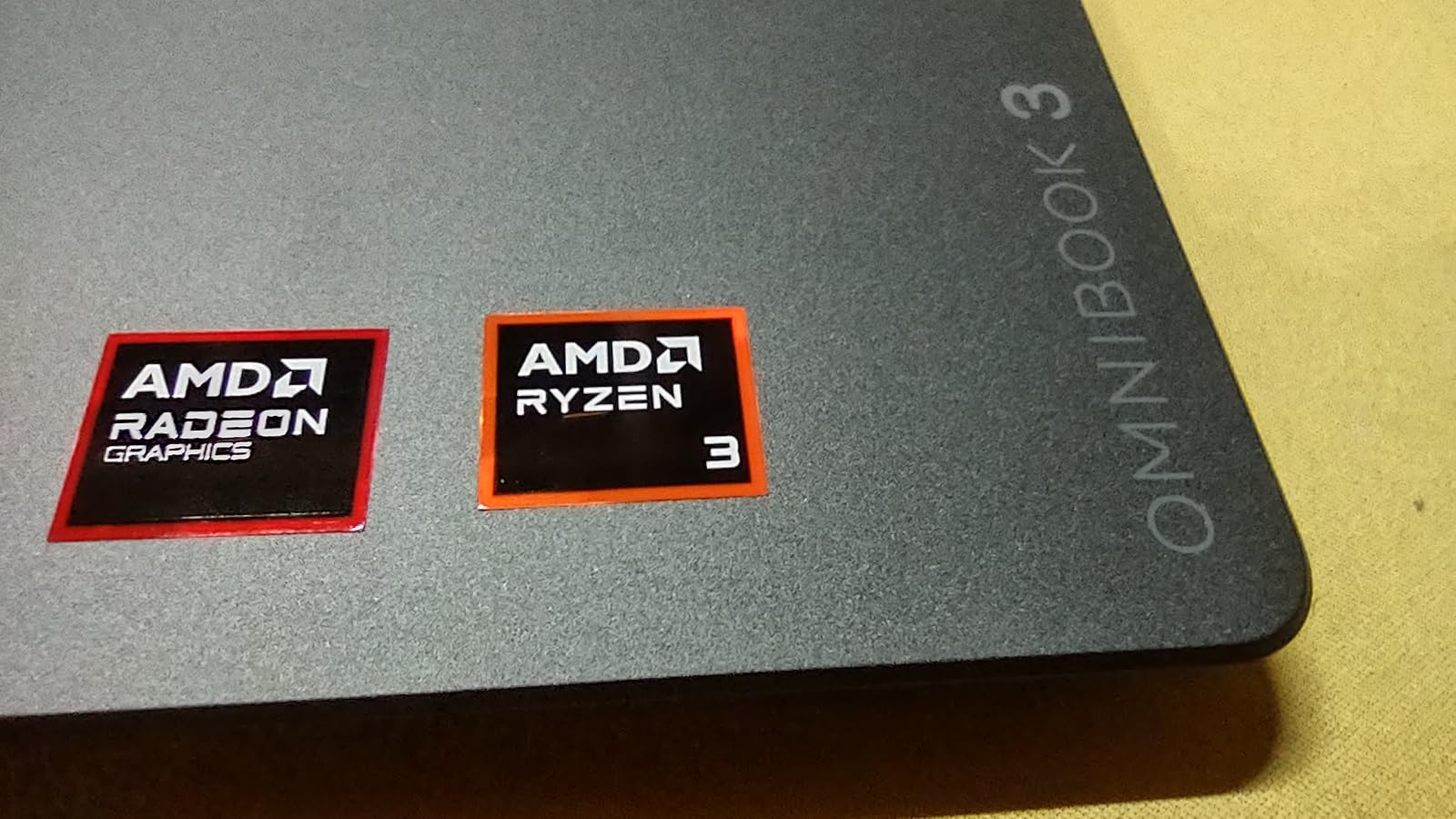
Storage is the better story than memory here: 512GB is generous, while the 8GB of onboard LPDDR5 is fixed and cannot be upgraded. At 15.65 inches wide and 4.4 lb, it replaces a heavier old machine rather than travelling in a small bag.
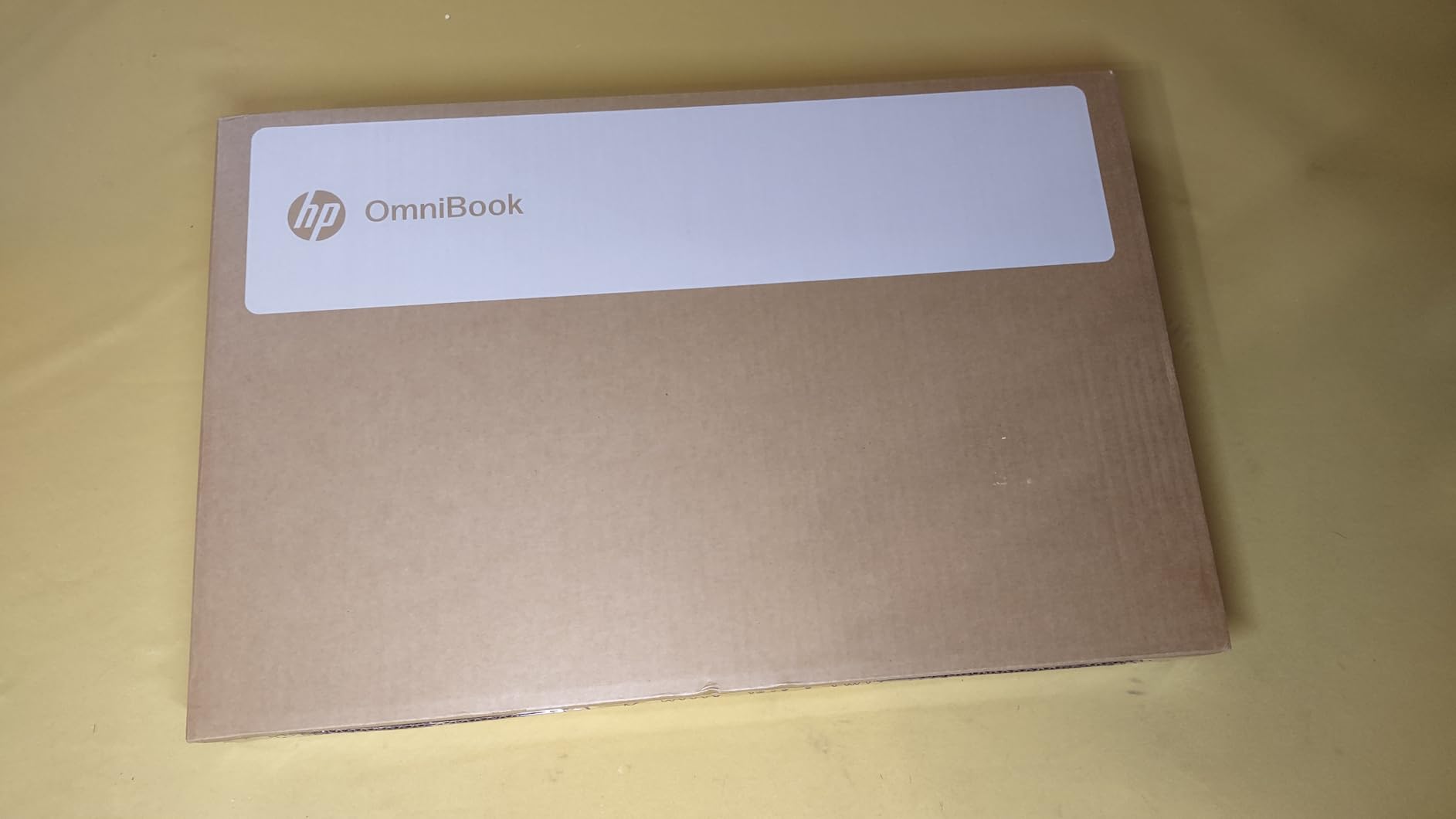
Good to know: the RTX-free Radeon 610M graphics handle everyday video and light photo work, but nothing with a real GPU. If you want smooth gaming, the OMEN 27q on the display side is the matching choice, and a machine with dedicated graphics is a separate buy.
6. HP 27 inch All-in-One: Best for Desk Space
HP 27 All-in-One
Type: 27 inch all-in-one
Standout: 32GB RAM and 1TB SSD
Weight: 14.2 lb
Pros
- 32GB RAM and an 8-core Ryzen 7 7730U
- 1TB SSD for fast boots and ample storage
- Pop-up privacy camera retracts out of sight
- Keyboard and mouse included in the box
Cons
- Integrated Radeon graphics with no dedicated GPU
- 14.2 lb is awkward to move between rooms
- Memory slots are few and 32GB is the practical ceiling
One cable to the wall and you are working, which is the whole point of an all-in-one on a small desk. Thirty-two gigabytes of RAM and a 1TB SSD mean a lot of open applications before anything slows, and buyers moving up from a lower-tier machine report the difference clearly.
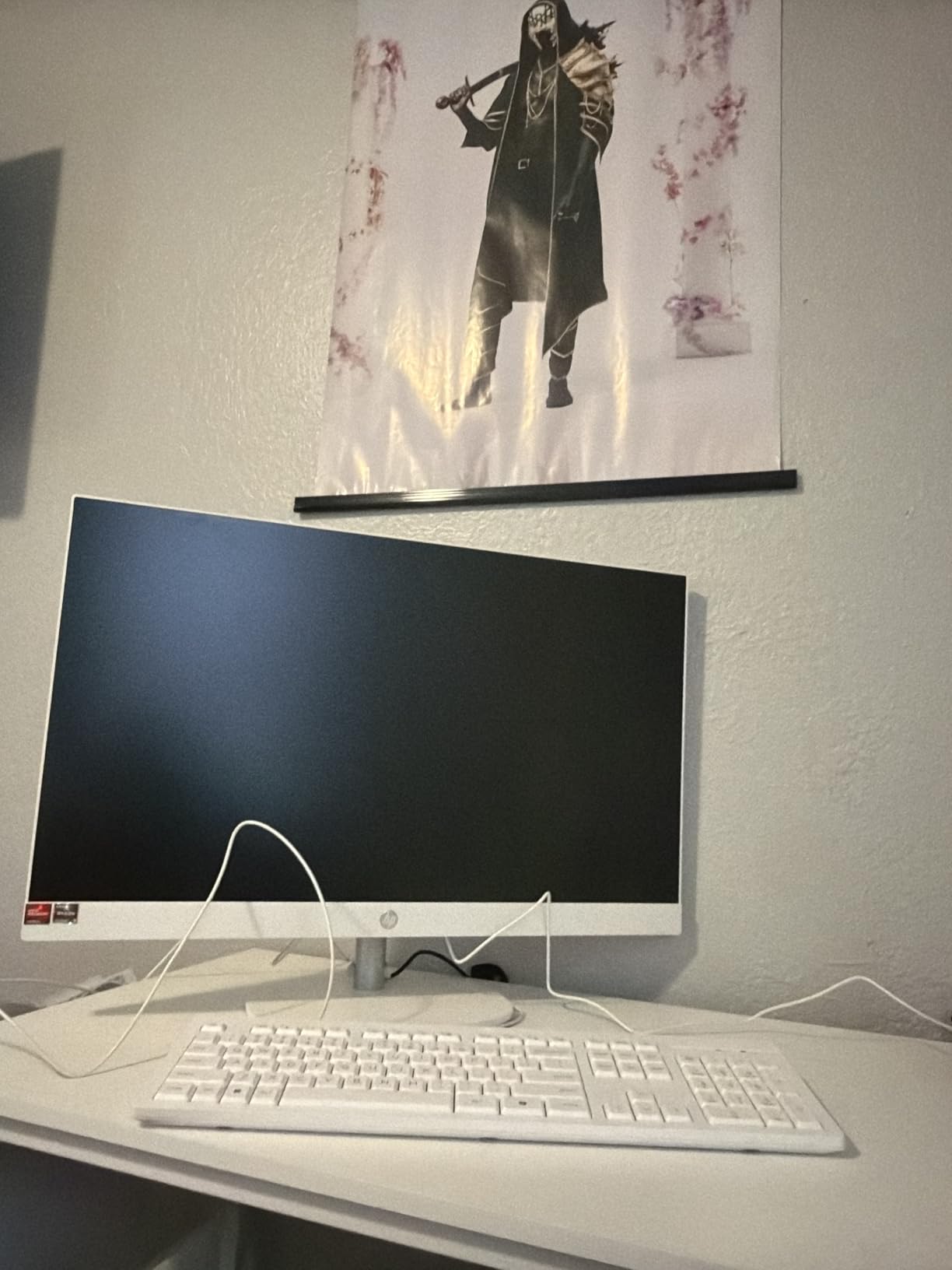
The pop-up privacy camera is a nice touch: it retracts fully when nobody is on a call, and the dual array microphones pick out your voice in a busy room. What you do not get is a discrete GPU, so this suits office, school and light creative work rather than games.
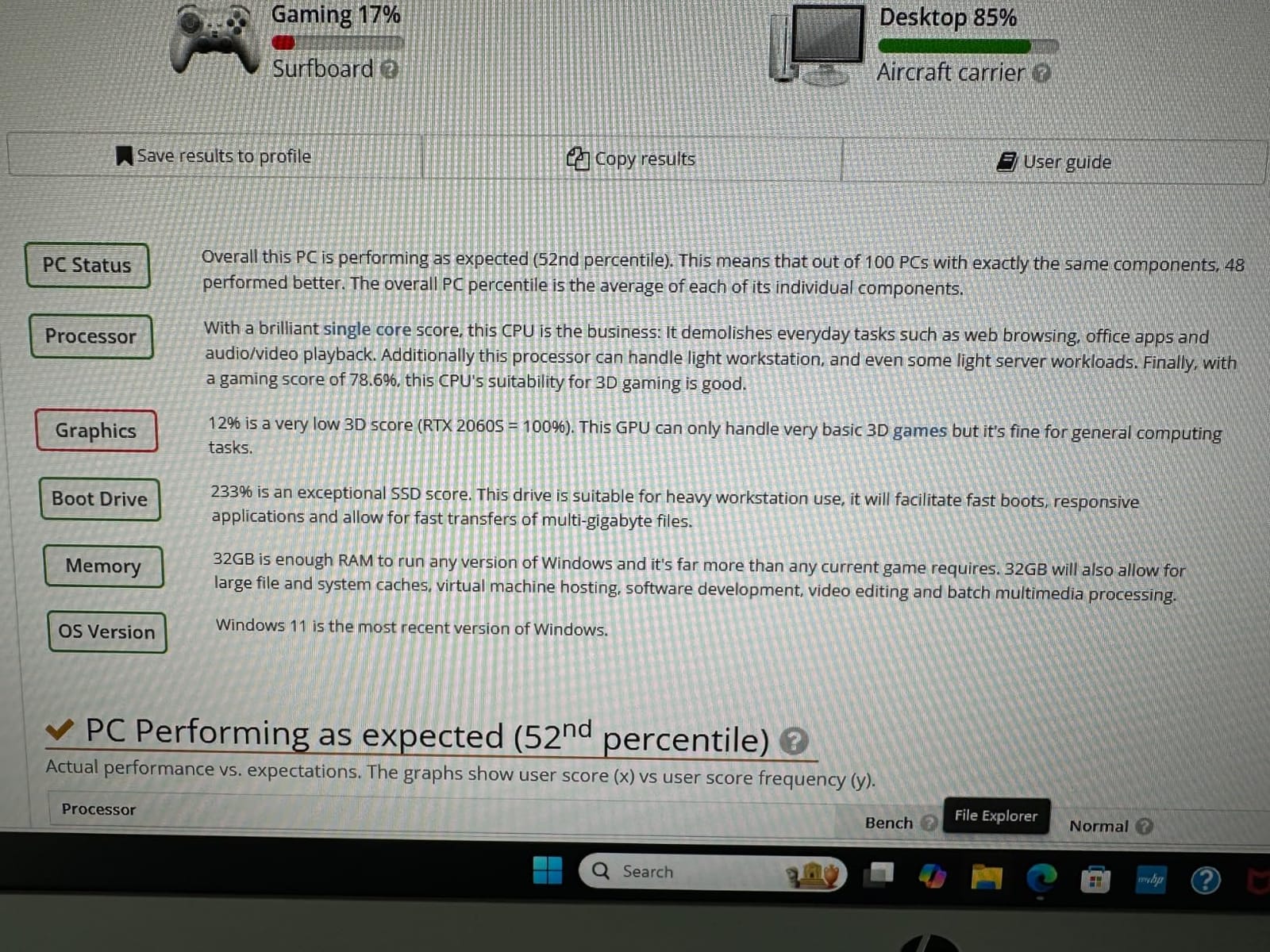
Measure the desk before ordering, because the 24.11 inch chassis has a large footprint and 14.2 lb of weight behind it. Memory also appears capped at 32GB with a limited number of slots.
7. HP Smart Tank 5003: Best for Low Print Costs
HP Smart Tank 5003
Type: color ink tank printer
Standout: up to three years of ink
Weight: 11.1 lb
Pros
- Cartridge-free bottles mean no squeezing or spilling
- Ink in the box covers up to 6000 pages
- Prints copies scans and prints borderless
- Wireless and mobile printing from a phone or laptop
Cons
- Duplex printing is manual only
- Flatbed scanner with no document feeder
- Single paper tray
Families that print a lot feel the running cost more than the purchase price, and this is the pick that changes it. Ink arrives in the box as bottles, worth up to three years or 6000 pages, and refills are a pour rather than a cartridge swap.
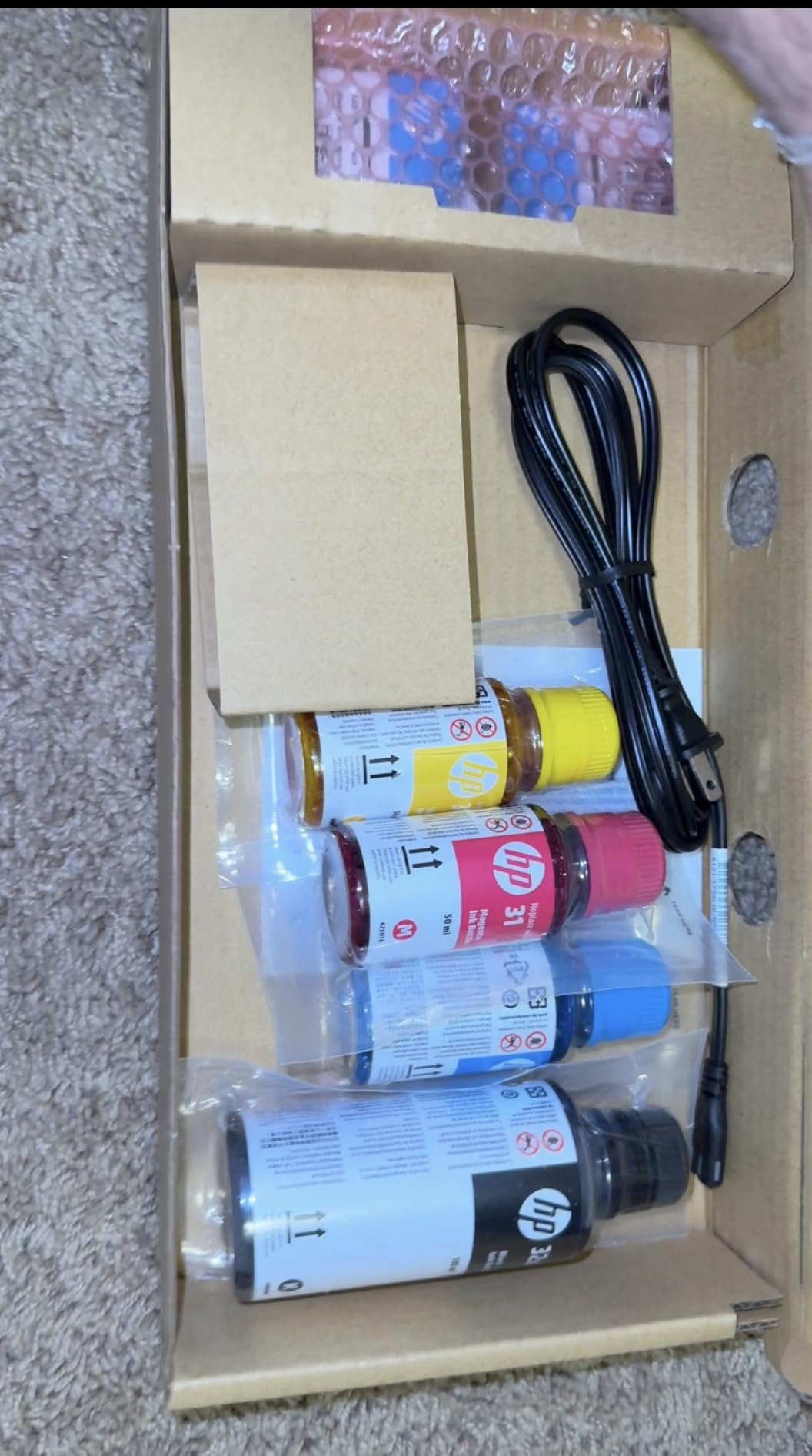
Owners describe the refill system as genuinely mess-free and the text quality as sharp for a home ink tank. Colour pages are quick enough for photos and slow for a big school project, and there is no automatic feeder to push a stack of homework through.
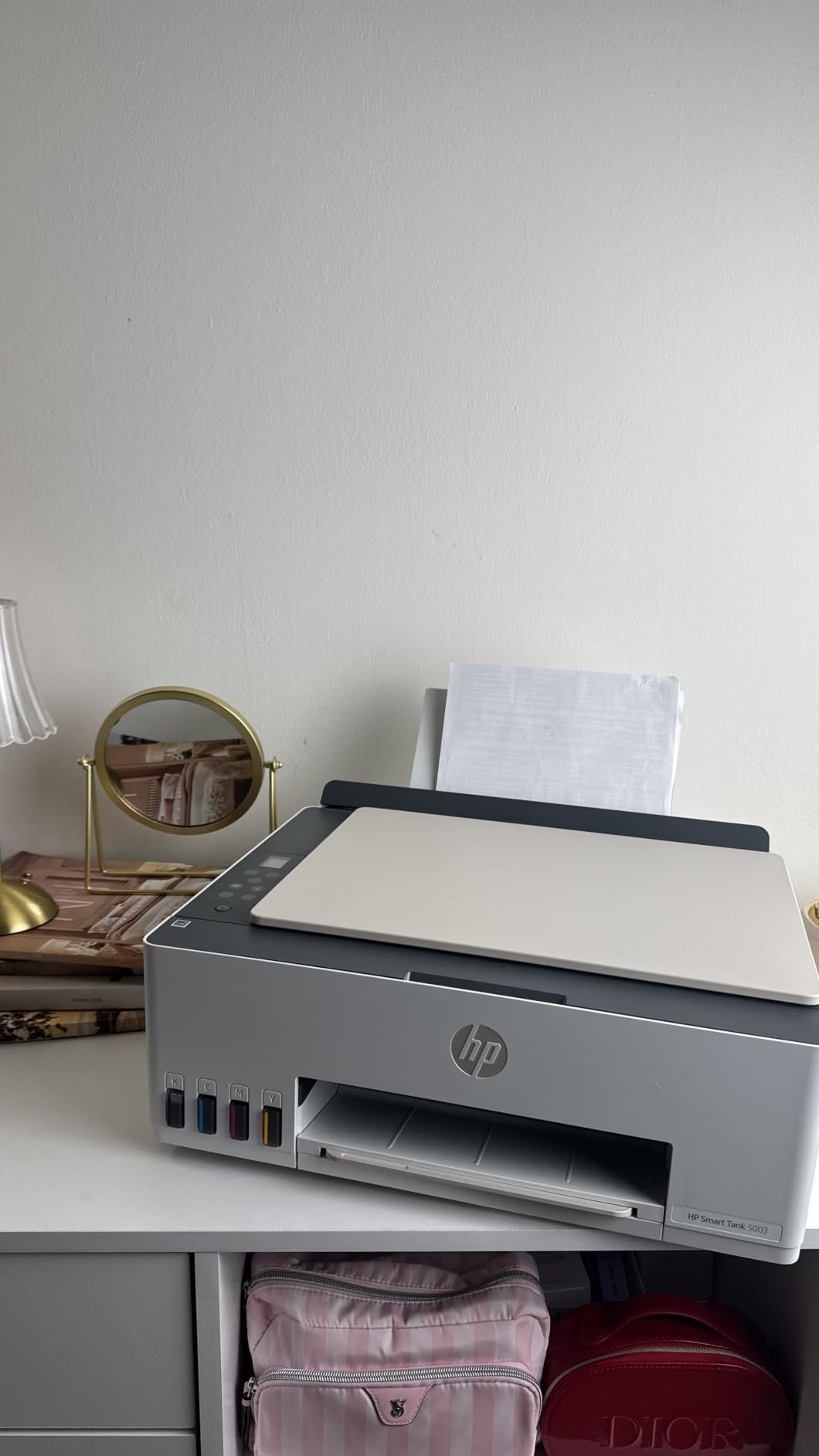
Compared with the Envy Photo 7975, you trade automatic duplex and a document feeder for cheaper ink. If you mostly print photos, go the other way.
8. HP OMEN 27q: Best for Gaming Displays
HP OMEN 27q
Type: 27 inch QHD gaming monitor
Standout: 165Hz and 1ms response
Weight: 16.3 lb
Pros
- 165Hz refresh with 1ms GtG response
- QHD 2560 x 1440 hits a practical sweet spot
- 400 nits brightness with wide colour coverage
- Colour gamut of 99% sRGB and 95% DCI-P3
Cons
- No built-in speakers
- DisplayPort needed for full 165Hz
- FreeSync works with the matching graphics card
QHD at 165Hz is the combination that makes this one worth a look. A 1ms GtG rating is what keeps motion clean, and reviewers repeatedly compare the picture favourably to panels costing far more.
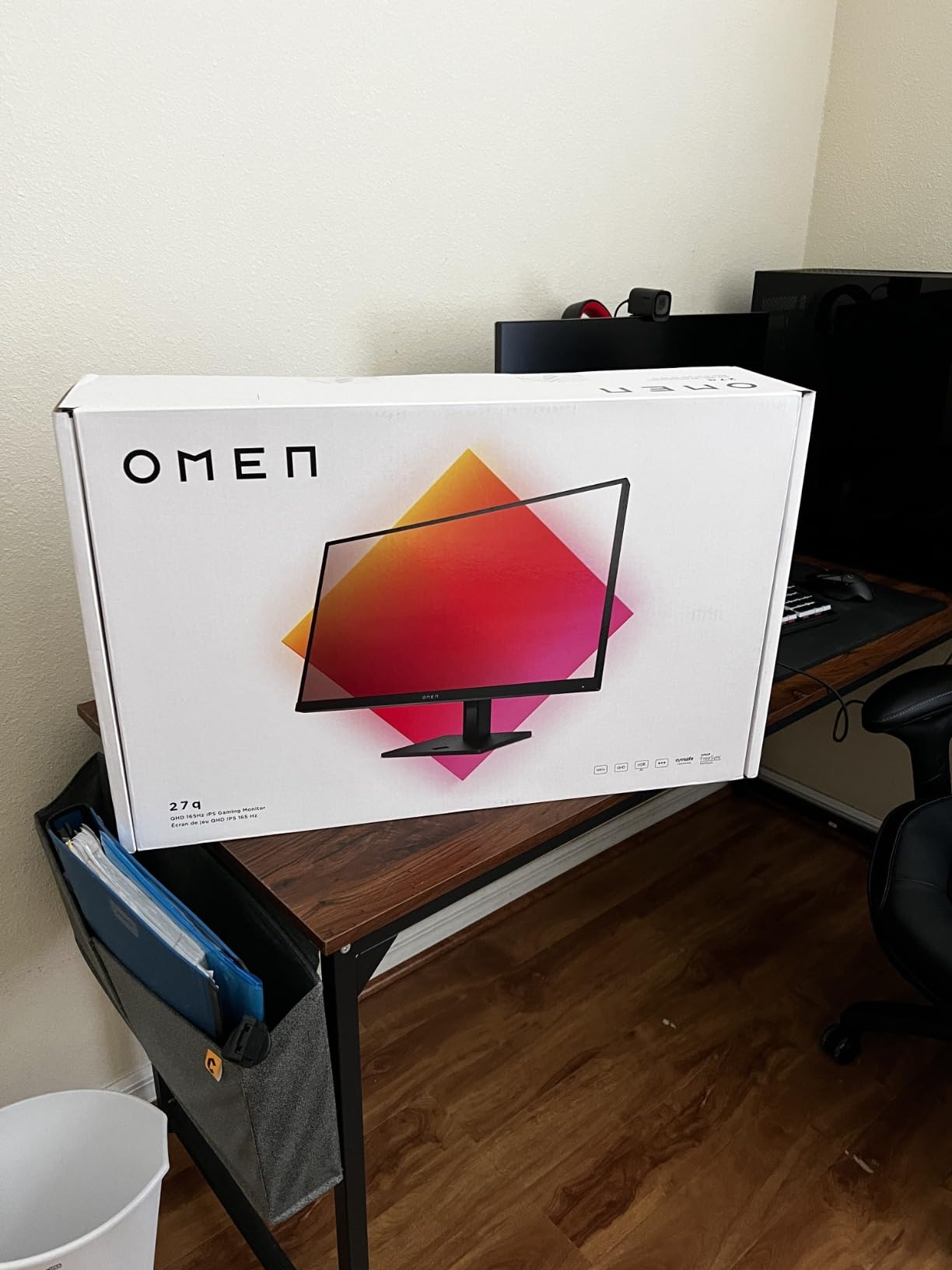
The stand is solid, with height adjustment plus tilt and pivot, and it takes a VESA arm through a wide mounting area. It also works as a second screen beside a laptop, which is where the QHD resolution earns its keep.
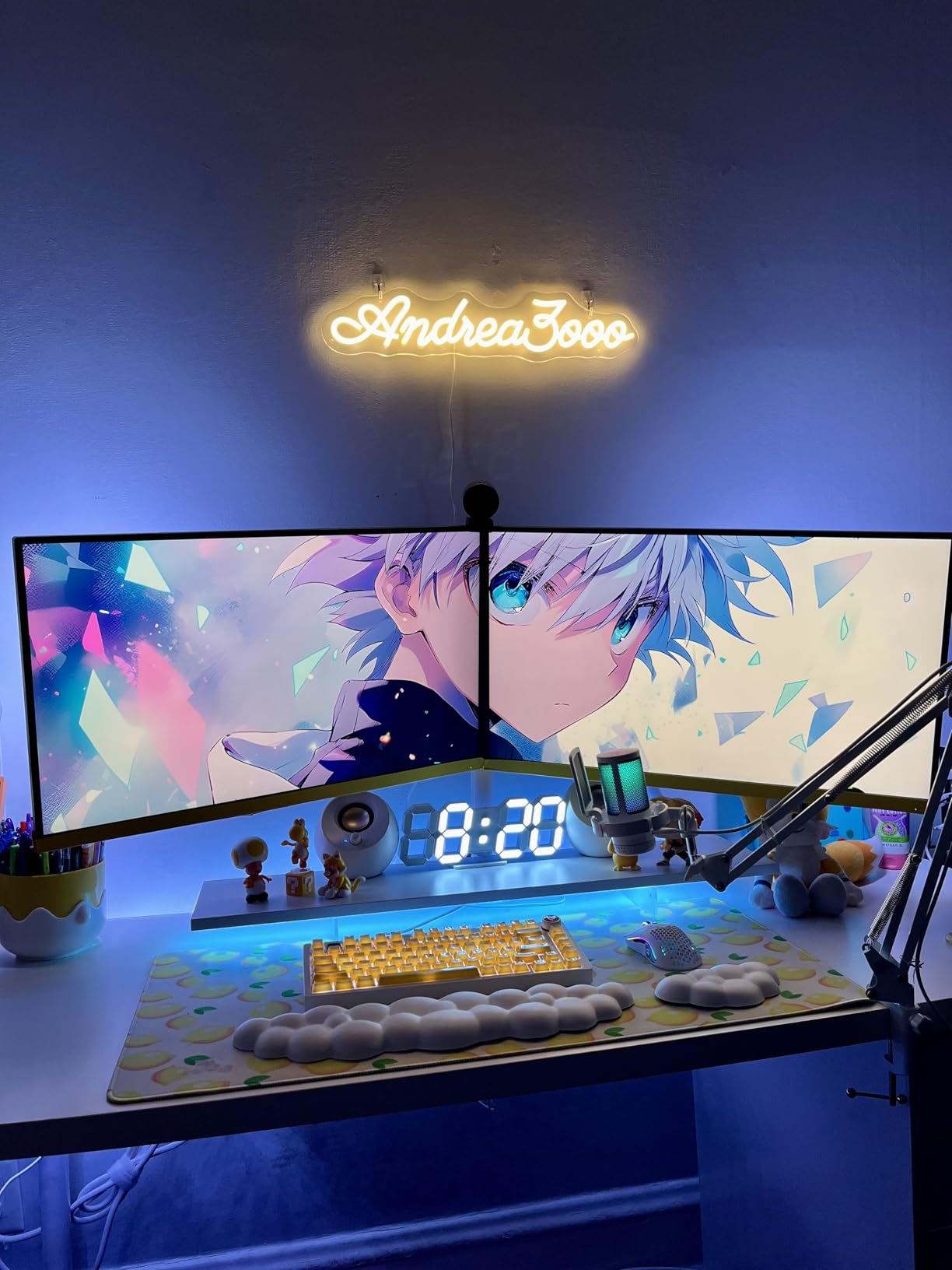
Good to know: HDMI 2.0 tops out at 144Hz, so use the DisplayPort cable to get the full rate. The headphone jack on the box is the only audio option, since there are no built-in speakers.
9. HP OmniBook 3 16 Touch: Best for Touchscreens
HP OmniBook 3 16 Touch
Type: 16 inch 2K laptop
Standout: 1920 x 1200 touch at 3.6 lb
Weight: 3.6 lb
Pros
- Sharp 2K IPS touchscreen with narrow bezels
- 3.6 lb in a slim 0.6 inch profile
- Full-size keyboard with numeric keypad
- Battery rated up to 14 hours 15 minutes
Cons
- 8GB of onboard memory is the maximum
- 256GB SSD is smaller than the 17.3 inch model
- Integrated Radeon 610M graphics
A 1920 x 1200 IPS touchscreen at this size is the reason to look twice. Owners like the sharp panel and the narrow micro-edge bezels, and at 3.6 lb in a 0.6 inch body it stays portable.
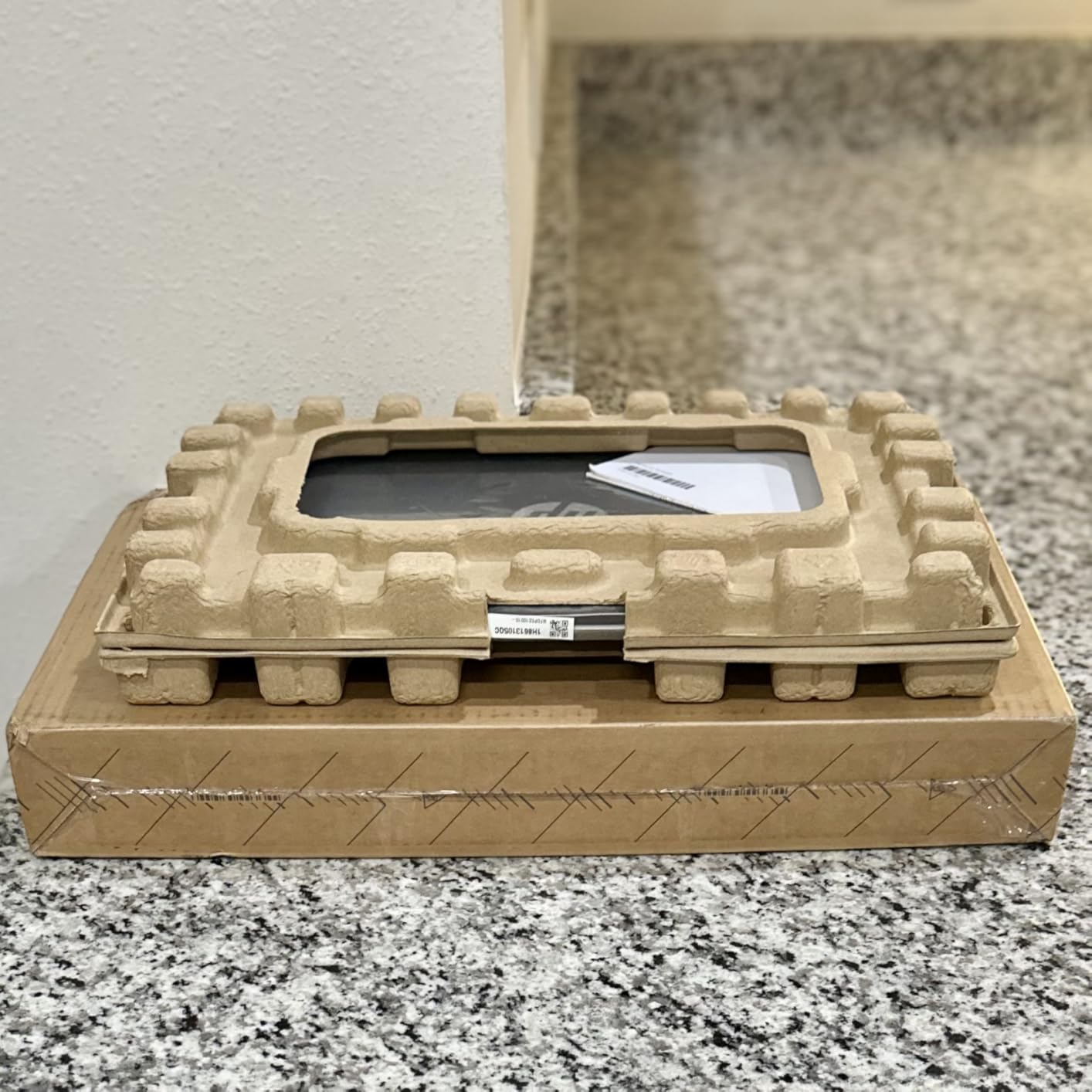
Day-to-day performance is adequate for streaming, calls and light photo editing on the Ryzen 3 7320U, and the panel suits a shared table or a class where a stylus matters more than weight. Storage is the weaker half: 256GB against 512GB in the 17.3-inch sibling.
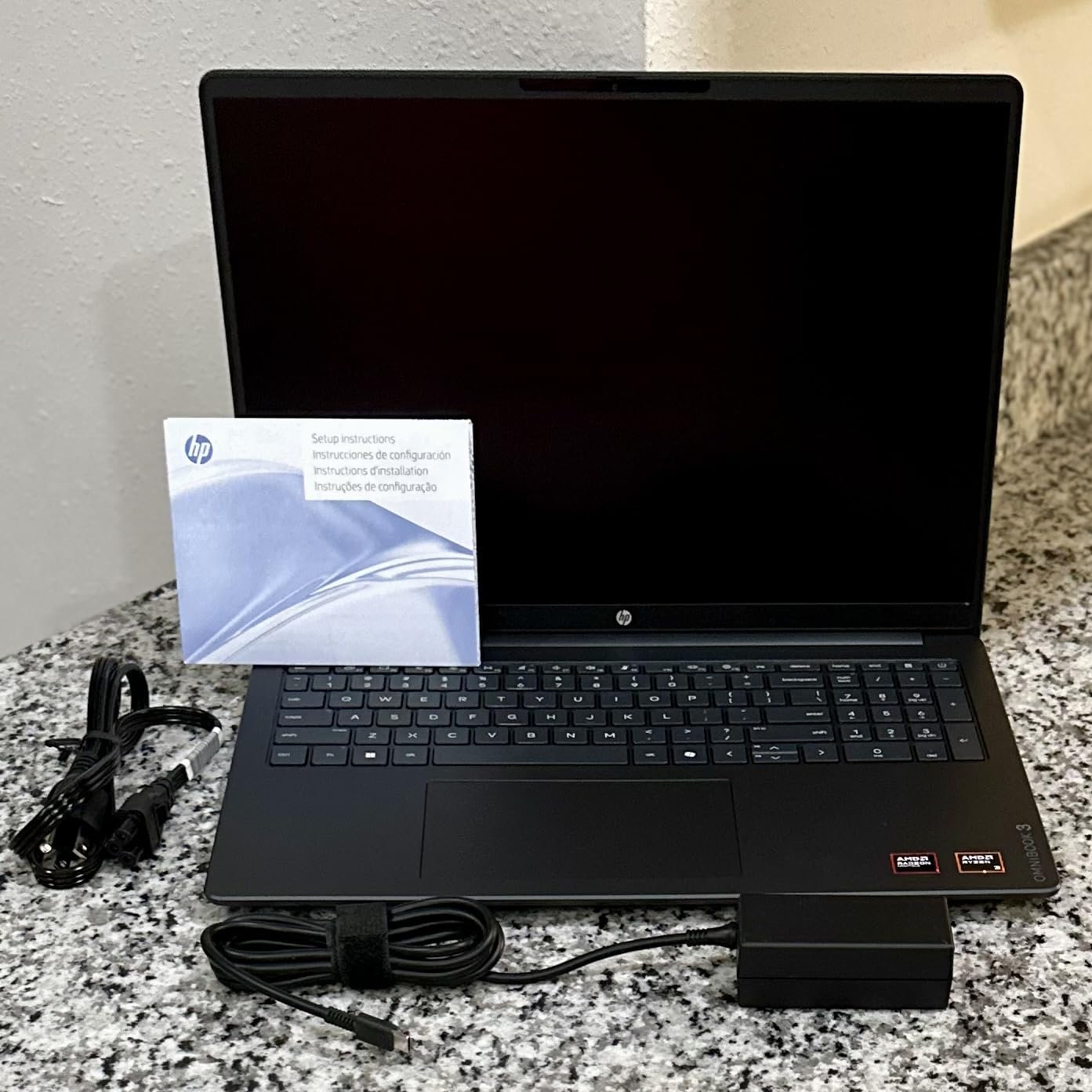
One thing to weigh before deciding: this listing carries a smaller owner review base than the others here. Reading a few recent reviews tells you more about a newer model than the spec sheet does.
10. HP Envy Photo 7975: Best for Photo Printing
HP Envy Photo 7975
Type: color inkjet photo printer
Standout: borderless photo printing
Weight: 17.9 lb
Pros
- True-to-screen borderless colour photos
- Automatic duplex and a 35 sheet document feeder
- Dedicated photo tray for proper paper
- Wireless and mobile printing from a phone
Cons
- HP 64 cartridges are among the costlier refills
- 17.9 lb with a wide 18.11 inch footprint
- Colour pages run around 10 per minute
It handles photographs and everyday documents in one machine, which is why it makes sense beside either of the other printers here. Owners point to the borderless colour output, the separate photo tray and the mobile printing app.
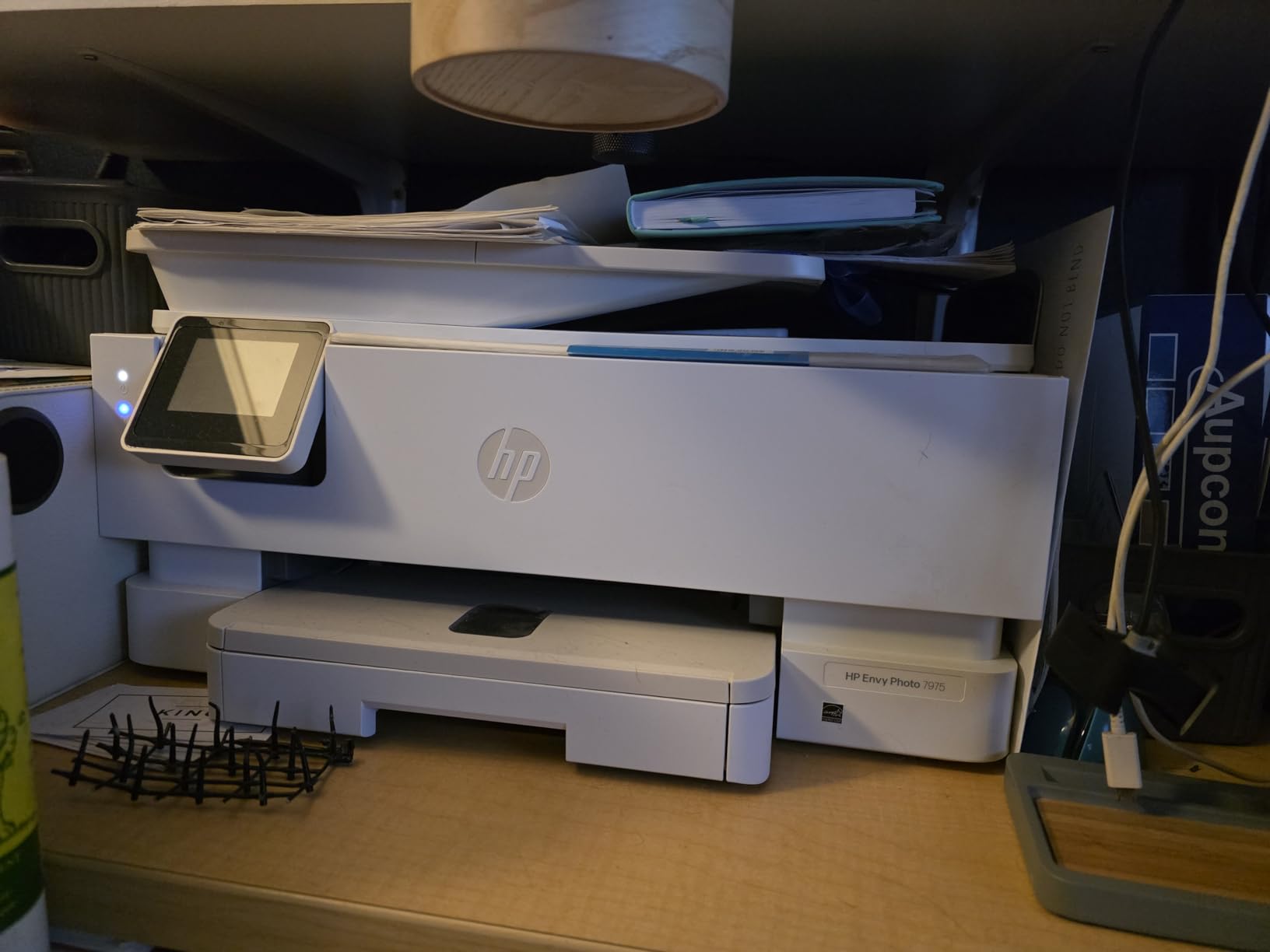
The running cost is the catch. HP 64 cartridges refill at a higher price than the ink in the Smart Tank 5003, and the included setup cartridges are starter units with limited yield. Print a lot of colour and that gap matters.
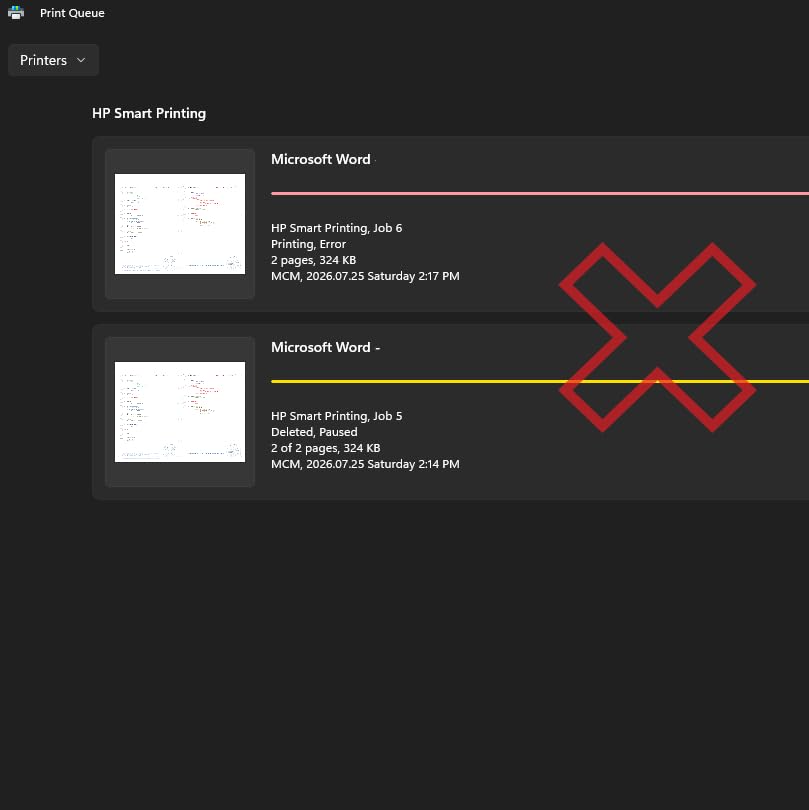
Set aside real shelf space, because at 17.9 lb and 18.11 inches wide this dwarfs a small desk. The 4.0 average also reflects a larger share of one-star reviews from reliability and wireless connection problems reported after months of use.
How to Choose HP Products During Prime Big Deal Days
Match Specs to the Job
Decide what the machine does before you look at anything else. Email, documents and video calls are handled comfortably by the N100 in the Pavilion or the Ryzen 3 7320U in the OmniBook 3 16, while heavier multitasking rewards the 32GB in the HP 27 All-in-One. For a laptop, treat 16GB of RAM and a 512GB SSD as the floor worth paying up for; the 8GB configurations here are not upgradeable.
Ports and Wireless Standards
Check what you will plug in. The Pavilion 15.6 and the OmniBook laptops run a mix of USB-A, USB-C and HDMI, so a hub is worth budgeting for if you use an external drive or a wired mouse. Read the wireless standard and Bluetooth version in the listing if you rely on older accessories, and confirm the port mix before you order rather than after.
Size, Weight and Desk Space
Screen size follows weight closely on these machines. The HP 14 Ultra-Light is 3.2 lb, the Pavilion 15.6 is 3.64 lb, and the OmniBook 3 17.3 runs to 4.4 lb across a 15.65 inch width that will not fit many backpacks. Printers are the opposite problem: the Envy Photo 7975 needs 18.11 inches of desk width, while the Smart Tank 5003 is narrower at 17.11 inches but still a full-size unit.
Read the Box Contents
Know what arrives with the device. The HP 27 All-in-One includes a keyboard and mouse, and the Smart Tank 5003 arrives with ink bottles already in the box, which is the single largest cost saving in that product. Monitors vary too, so check whether the cable you need comes in the carton or has to be bought separately.
Condition, Seller and Warranty
Look at the listing details before you commit. Check whether the unit is new or renewed, who sells it and who sends it, and whether the return window suits you. Owner reviews on the LaserJet Pro 3101fdw and the Envy Photo 7975 include early hardware failures, which makes the manufacturer’s one-year coverage worth confirming for your region before purchase.
How to Shop HP Product Deals During the Sale
Check the model number in the listing rather than the marketing name, because HP reuses names across years. Compare the memory and storage figures against the spec block here, since the same listing can appear with different configurations. Read what ships in the box, confirm the seller and shipper, and check whether the unit is renewed. Most offers during Prime Big Deal Days need a Prime membership, and offer terms can change through the event, so revisit the listing on the day you plan to order.
- Confirm the model number and configuration match the specs you need
- Check RAM and storage, since some models cannot be upgraded later
- Verify the seller and the shipper on the listing
- Read what is included in the box before adding accessories
- Compare the offer against HP.com or a big electronics retailer
- Recheck the listing on the day you order, since offers change
Frequently Asked Questions
What should I look for in Amazon Prime Big Deal Days HP deals?
Look at the specifications that match your use rather than the discount figure. For laptops, check the processor, memory and storage, and prefer 16GB of RAM and a 512GB SSD because many HP models cannot be upgraded later. For monitors, check the panel type, refresh rate and the ports included in the box. For printers, check the running cost per page and whether you need automatic duplex.
Is a Prime membership required to buy during Amazon Prime Big Deal Days?
Most offers during the event need an active Prime membership, and a free trial counts while it is active. A limited number of offers run for everyone, but those are not the ones worth planning a purchase around. If you already pay for Prime Video alone, that is a different membership and does not include the Prime benefits these offers require.
When does Amazon Prime Big Deal Days run in 2026?
Prime Big Deal Days runs October 6-7, 2026, and Amazon confirmed those dates. Most offers need an active Prime membership, and a free trial counts while it is running. Offers change through the two days, so check the listing on the day you plan to order rather than trusting a price you saw earlier in the week.
Are renewed HP products covered by warranty?
Renewed units usually carry a limited warranty through the retailer or the refurbisher rather than the full manufacturer coverage that comes with a new machine. The length of that window varies by programme, so read the condition and warranty wording on the listing before ordering. Buying new is the simpler route if hardware support matters to you.
How can I tell whether an HP deal is a different model or bundle?
Open the listing and read the model number in the specifications, then check the memory, storage and screen size against what the deal text implies. Bundles add items such as earbuds, a dock or an external drive, and those items may be listed in the box contents rather than in the title. If a bundle is included, the base configuration is often unchanged.
Do HP deals during the sale usually include accessories?
Accessories depend on the model. Some HP laptops during the event are offered with earbuds, a mouse or a USB-C dock added, while the HP 27 All-in-One includes a keyboard and mouse in the standard box. Monitors vary too, so check whether the cable you need is in the carton before planning an extra purchase.
Final Verdict: Best Amazon Prime Big Deal Days HP Deals
Watch the HP Series 3 27 Monitor if you are setting up any desk, since it pairs with whatever machine you already own and holds the strongest owner rating in this group. For a laptop, the Pavilion 15.6 N100 is the one to buy on a budget, and the HP 14 Ultra-Light is the cheaper fallback when the work is documents alone. Larger screens point to the OmniBook 3 17.3, a touchscreen points to the OmniBook 3 16 Touch, and a single-cable workstation points to the HP 27 All-in-One. For printing, the LaserJet Pro 3101fdw fits a small office, the Smart Tank 5003 fits a family that prints constantly, and the Envy Photo 7975 fits photo work. Check the live listing on the day, confirm the seller and shipper, and use the button to see the current offer.