The LG UltraGear 27GX704A-B is the one to watch during this sale. It pairs a 27-inch QHD OLED panel with a 240Hz refresh rate and a 0.03ms response time, and owner reviews describe it as the rare budget-tier OLED that needs no excuses in a fast shooter.
Two others round out the shortlist. The MSI MPG 321URX is the pick for anyone doing colour-accurate work, with a 32-inch 4K QD-OLED panel and a 90W USB-C dock built in. The Samsung Odyssey OLED G6 carries the highest average rating in this group and comes with a matte coating, which matters more than most buyers expect. Prime Big Deal Days runs October 6-7, 2026, and prices move through those 48 hours, so check the button before you check out.
Table of Contents
Our Top 3 Picks for Best Amazon Prime Big Deal Days OLED Monitor Deals

LG UltraGear 27GX704A-B
- 27 inch QHD OLED
- 240Hz with 0.03ms response
- Glossy coating
- USB hub and dual HDMI 2.1

MSI MPG 321URX
- 31.5 inch 4K QD-OLED
- 240Hz with 0.03ms response
- 10-bit colour with Delta E under 2
- 90W USB-C docking

Samsung Odyssey OLED G6
- 27 inch QHD QD-OLED
- 240Hz with 0.03ms response
- Matte coating
- 400 cd brightness
Best Amazon Prime Big Deal Days OLED Monitor Deals Compared (2026)
| Product | Specifications | Action |
|---|---|---|
| LG UltraGear 27GX704A-B |
|
Check Deal Price |
| MSI MPG 321URX |
|
Check Deal Price |
| Samsung Odyssey OLED G6 |
|
Check Deal Price |
 ASUS ROG PG27AQDP ASUS ROG PG27AQDP |
|
Check Deal Price |
 AOC Q27GAZD AOC Q27GAZD |
|
Check Deal Price |
 Samsung Odyssey OLED G9 Samsung Odyssey OLED G9 |
|
Check Deal Price |
 INNOCN 49Q1R INNOCN 49Q1R |
|
Check Deal Price |
 ASUS ROG PG27UCDM ASUS ROG PG27UCDM |
|
Check Deal Price |
 Samsung Odyssey G9 G91F Samsung Odyssey G9 G91F |
|
Check Deal Price |
 Alienware AW3425DW Alienware AW3425DW |
|
Check Deal Price |
How We Chose
We compared the specs that decide an OLED purchase: panel type, native resolution, refresh rate, brightness rating, coating and port layout, then cross-checked them against owner reviews and star ratings on Amazon. Data was checked in October 2026, with specs, ratings and the number of reviews copied straight from the product pages.
1. LG UltraGear 27GX704A-B: Best Overall
LG UltraGear 27GX704A-B
Panel: WOLED
Size: 27 inch
Res: 2560x1440
Refresh: 240Hz
Finish: Glossy
USB-C: No
Pros
- 240Hz with 0.03ms response and no visible ghosting
- Punchy colour at up to 98.5% DCI-P3
- Peak brightness of 1300 nits for small HDR highlights
- Fully adjustable stand with a weighted metal base
- Dual HDMI 2.1 plus a USB hub
Cons
- Glossy finish reflects a window or a bright lamp
- External power brick with a short cable
- Modest HDR headroom next to QD-OLED rivals
Buy this one if your main game is anything that moves fast and you would rather not think about scaling, HDR calibration or panel generation. It is the most-reviewed pick in this roundup, and the 484 owner reviews cluster around the same thing: motion handling that holds up in shooters, with 0.03ms response and a 240Hz ceiling.
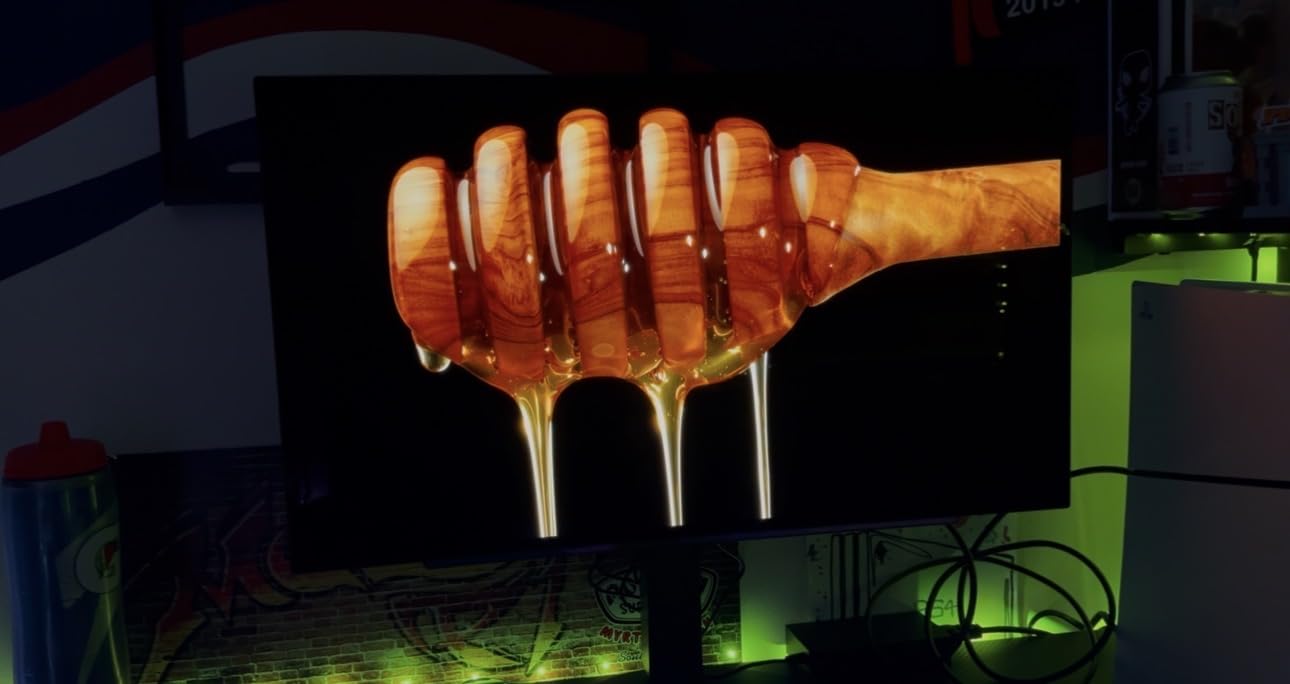
What stands out is brightness behaviour that the spec sheet only hints at. The panel is rated at 275 cd per square meter for everyday use, and the listing notes peak brightness of 1300 nits. Owners also mention that Black Level and Black Stabilizer need a few minutes of tuning before the picture settles.
- Contrast listed at 1500000:1 with true blacks in dark scenes
- G-Sync Compatible and FreeSync Premium Pro both supported
- Three UL certifications covering anti-glare, flicker-free and low blue light
- OLED Care runs pixel refresh cycles automatically in the background
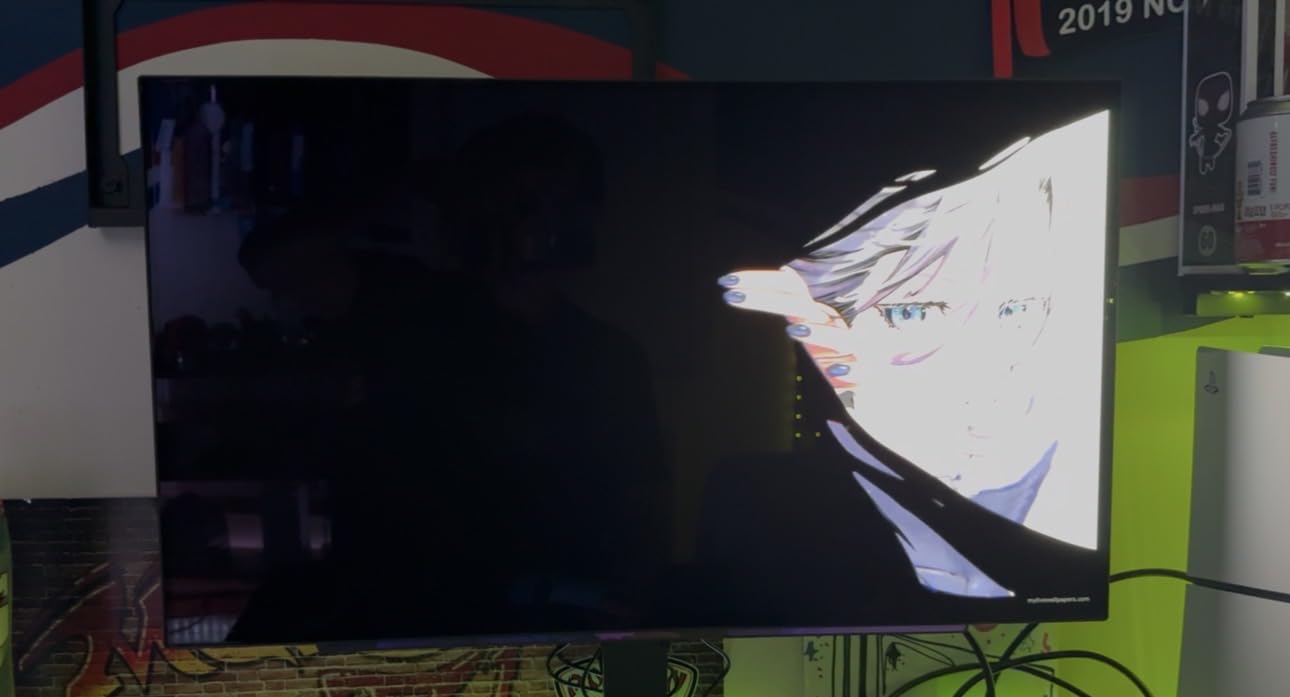
The trade-off owners report most is the glossy finish. In a room with a window opposite the desk, that panel mirrors the window, and several reviews mention sub-pixel text fringing that becomes visible on small type. The external power supply is another repeated small complaint, since the attached cable is short and wants under-desk routing.
Compared with the Samsung Odyssey OLED G6 later in this list, the LG gives you a USB hub and two HDMI ports where Samsung gives you one, while Samsung gives you a matte coating and a higher brightness figure. If your desk faces a window, read on. If your desk is in a dim room and you game at night, the LG is the stronger buy.
2. MSI MPG 321URX: Best for Creative Work
MSI MPG 321URX
Panel: QD-OLED
Size: 31.5 inch
Res: 3840x2160
Refresh: 240Hz
Finish: Glossy
USB-C: 90W
Pros
- Third-generation QD-OLED with 1.07 billion colours
- 10-bit colour with Delta E of 2 or better
- 90W USB-C charges a laptop on one cable
- Built-in KVM with PiP and console mode
- Three-year manufacturer warranty
Cons
- No built-in speakers
- Chunky base footprint on a small desk
- DSC quirks on Apple Silicon dual-monitor setups
Editors grading footage, doing layout work or running a laptop dock want this one. The panel delivers 1.07 billion colours at 10-bit with DCI-P3 coverage of 99% and a Delta E rating of 2 or better, and the third-generation QD-OLED underneath it is the generation that fixed most of the text-clarity complaints people had with earlier panels.
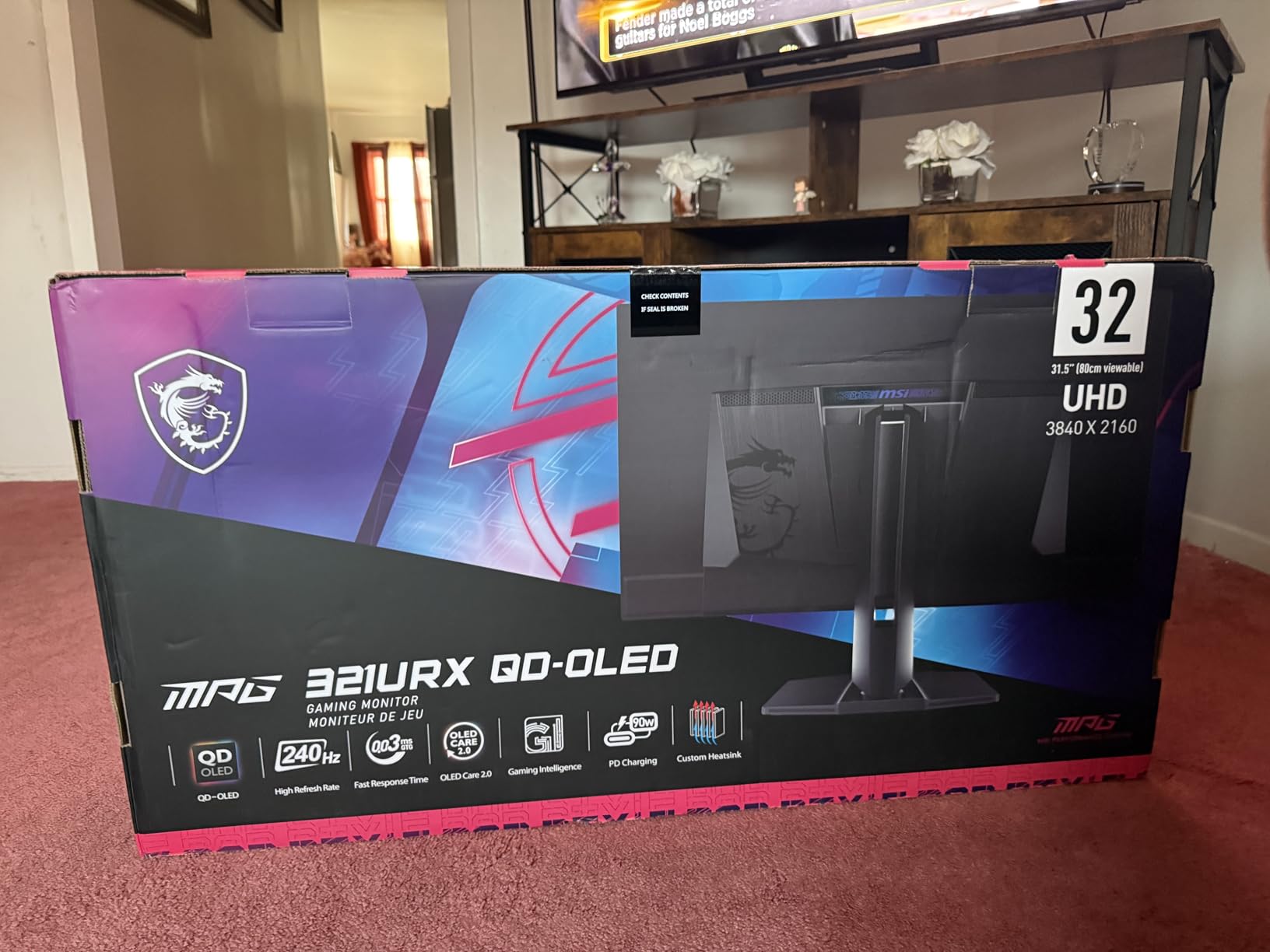
Owners single out the KVM switch more than anything else. With Picture-in-Picture, Picture-by-Picture and a console mode, one machine can push to two sources without a second display, and the 90W USB-C port means a laptop charges and drives the panel from a single cable.
- 3840×2160 at 240Hz with 0.03ms response
- VESA DisplayHDR True Black 400 certification
- OLED Care 2.0 and Gaming Intelligence run quietly in the background
- Four-way adjustable stand
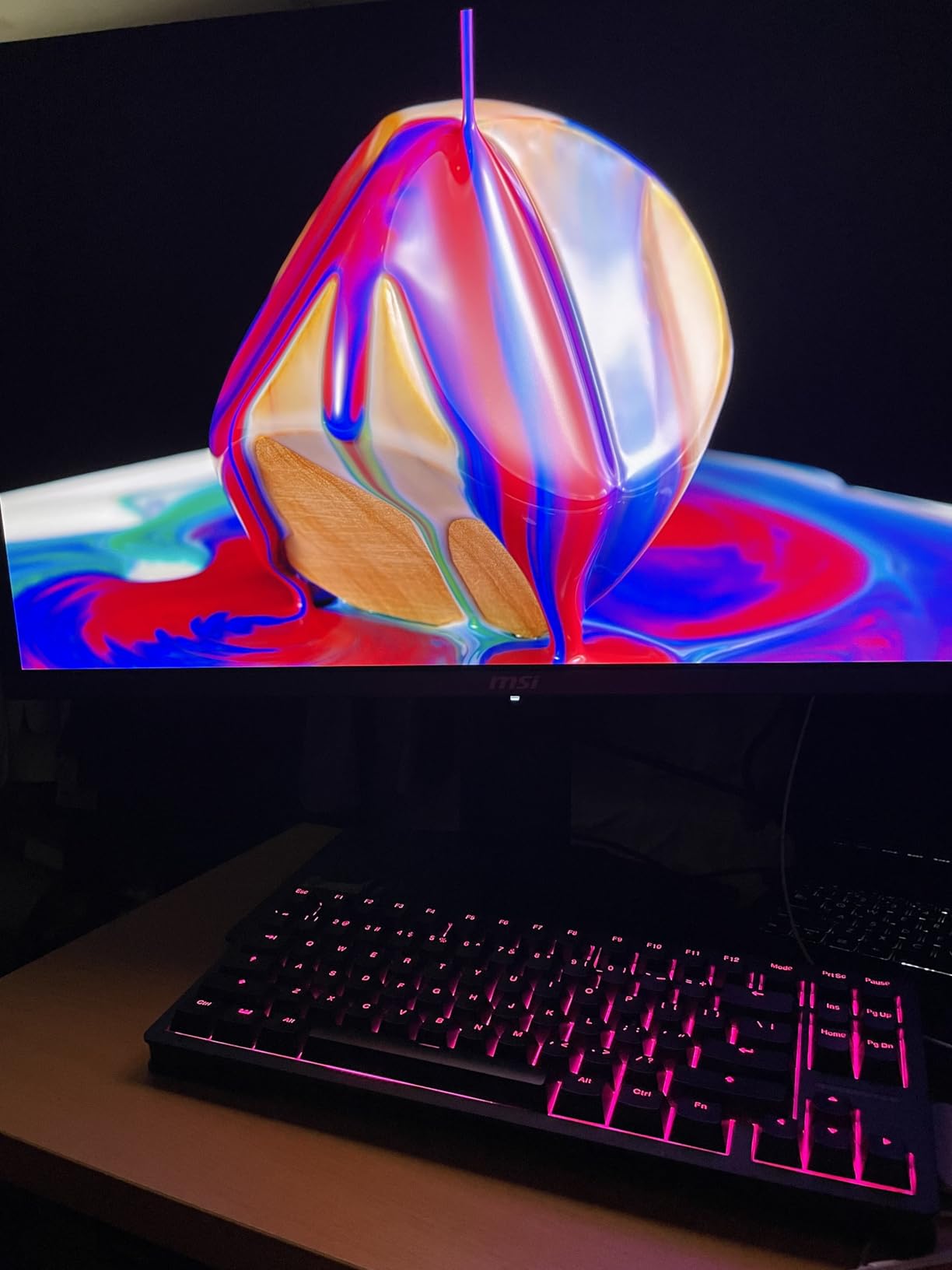
Owners report a large jump in colour, contrast and motion clarity when moving up from an IPS panel, which is the usual reaction here. The recurring caveats are practical ones: there are no speakers, the base takes real desk space unless you arm-mount or wall-mount, and Mac users running two displays sometimes need DSC switched off and the input locked to DisplayPort at 120Hz.
Where the LG UltraGear 27GX704A-B wins on value, this wins on sharpness. At 31.5 inches and 4K the pixel density is roughly 138 PPI, so text holds together in a way a 27-inch 1440p panel cannot match. If your work lives in colour-critical apps, that difference is worth the step up.
3. Samsung Odyssey OLED G6: Top Rated in a Bright Room
Samsung Odyssey OLED G6
Panel: QD-OLED
Size: 27 inch
Res: 2560x1440
Refresh: 240Hz
Finish: Matte
USB-C: No
Pros
- Highest average rating in this roundup at 4.6
- Matte Glare Free coating handles lit rooms
- 400 cd brightness with HDR10
- OLED Safeguard thermal modulation for burn-in
- Pantone Validated with 2100+ colours
Cons
- Only one HDMI port alongside DisplayPort
- One reported shipping complaint involving gray spots
Owners who placed this monitor in a bright room tend to describe the same outcome: no curtains, no lamp behind the screen, and no constant squinting at a reflection. The Glare Free matte coating is the reason, and it is the main thing separating this panel from the glossy competition in this price band.
The rating sits at 4.6 across 236 reviews, the highest average here, and the reasons behind it are consistent. Brightness is listed at 400 cd, higher than most OLEDs at this size, and the colour is Pantone Validated across more than 2100 colours and 110-plus skin tone shades, which shows up as believable skin tones in film and portraits.
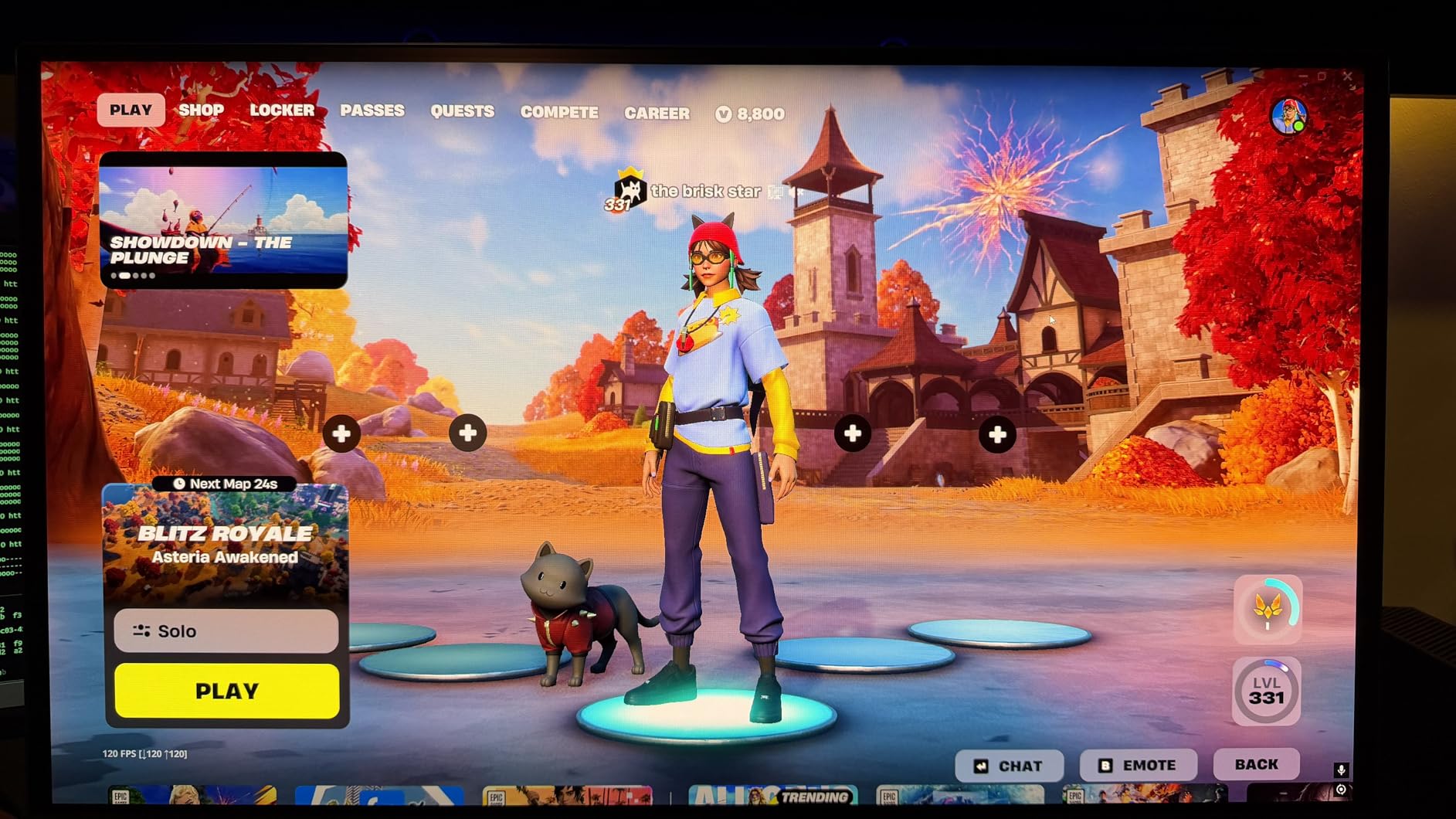
- 240Hz refresh with 0.03ms response and AMD FreeSync Premium
- OLED Safeguard modulates panel temperature to limit burn-in
- Height-adjustable stand with pivot, tilt and swivel
- Draws 78 watts in normal use
The main limitation is connectivity, and it is a real one. There is a single HDMI port next to DisplayPort, so a console and a PC need a switch or a hub. One review also reported a panel arriving with gray spots and lines, which is worth checking the screen for the moment you open the box.

Skip it if your desk is a dim, controlled room and you want maximum punch, because the matte coating costs you some perceived contrast and the glossy panels feel more vivid there. If your room is the other kind, this is the pick. Against the AOC Q27GAZD further down, you get a similar 240Hz QD-OLED panel with a brighter figure, a validated colour profile and burn-in modulation, at the cost of a single HDMI port.
4. ASUS ROG PG27AQDP: Best for Competitive Speed
ASUS ROG PG27AQDP
Panel: WOLED
Size: 26.5 inch
Res: 2560x1440
Refresh: 480Hz
Finish: Matte
USB-C: No
Pros
- First 1440p OLED panel to reach 480Hz
- Matte coating that works in brighter rooms
- 99% DCI-P3 with true 10-bit colour
- Three-year warranty with burn-in coverage
- Passive heatsink plus OLED Care+ protection
Cons
- Reports of early unit failures and unresponsive controls
- ASUS PC utility app reported as slow
- Firmware and anti-flicker bugs at some frame rates
Nothing else in this list goes faster. A 480Hz refresh rate on a 26.5-inch WOLED panel puts this monitor in a category of its own, and owners comparing it to fast TN panels describe motion that looks close to the same, with none of the smearing that used to make OLED a poor fit for shooters.
The picture data backs the smoothness: 0.03ms response, 99% DCI-P3 coverage, true 10-bit colour and a Delta E below 2. The matte coating here is another point in its favour, since fast monitors tend to live on desks facing windows.
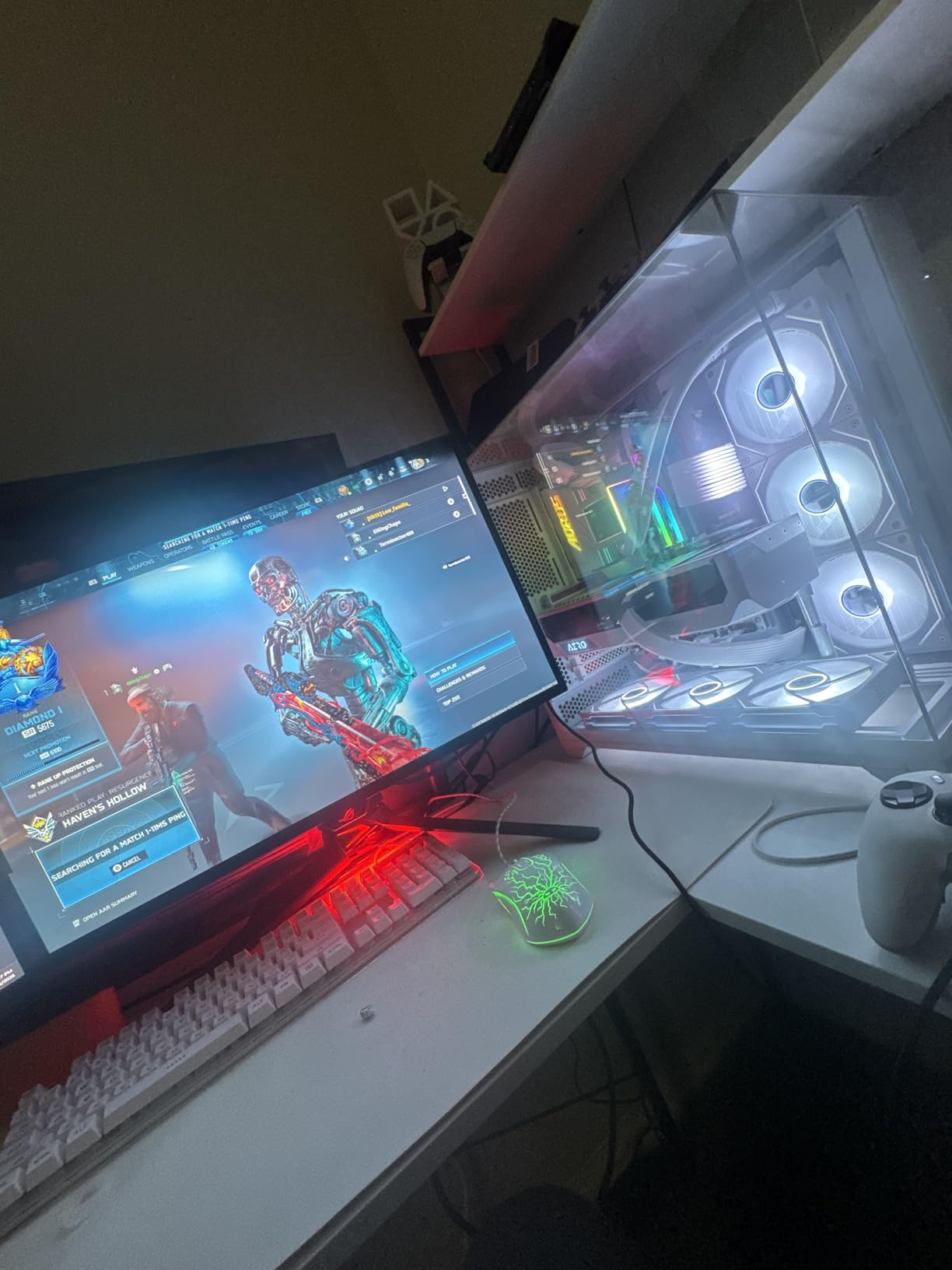
- Extreme Low Motion Blur for motion clarity between frames
- ROG OLED Anti-Flicker reduces flicker during refresh rate changes
- Three-year warranty with Advance Replacement and burn-in coverage
- Passive custom heatsink rather than a noisy fan
- Three months of Adobe Creative Cloud included in the box
The reason the rating is not higher sits in the reviews rather than the specs. Several owners report units failing or losing on-screen controls shortly after delivery, and firmware bugs in ASUS’s anti-flicker feature can cause visible flickering at certain frame rates. The bundled app is also described as slow. Check the dead-pixel and button response on arrival, and keep the packaging until you are sure.
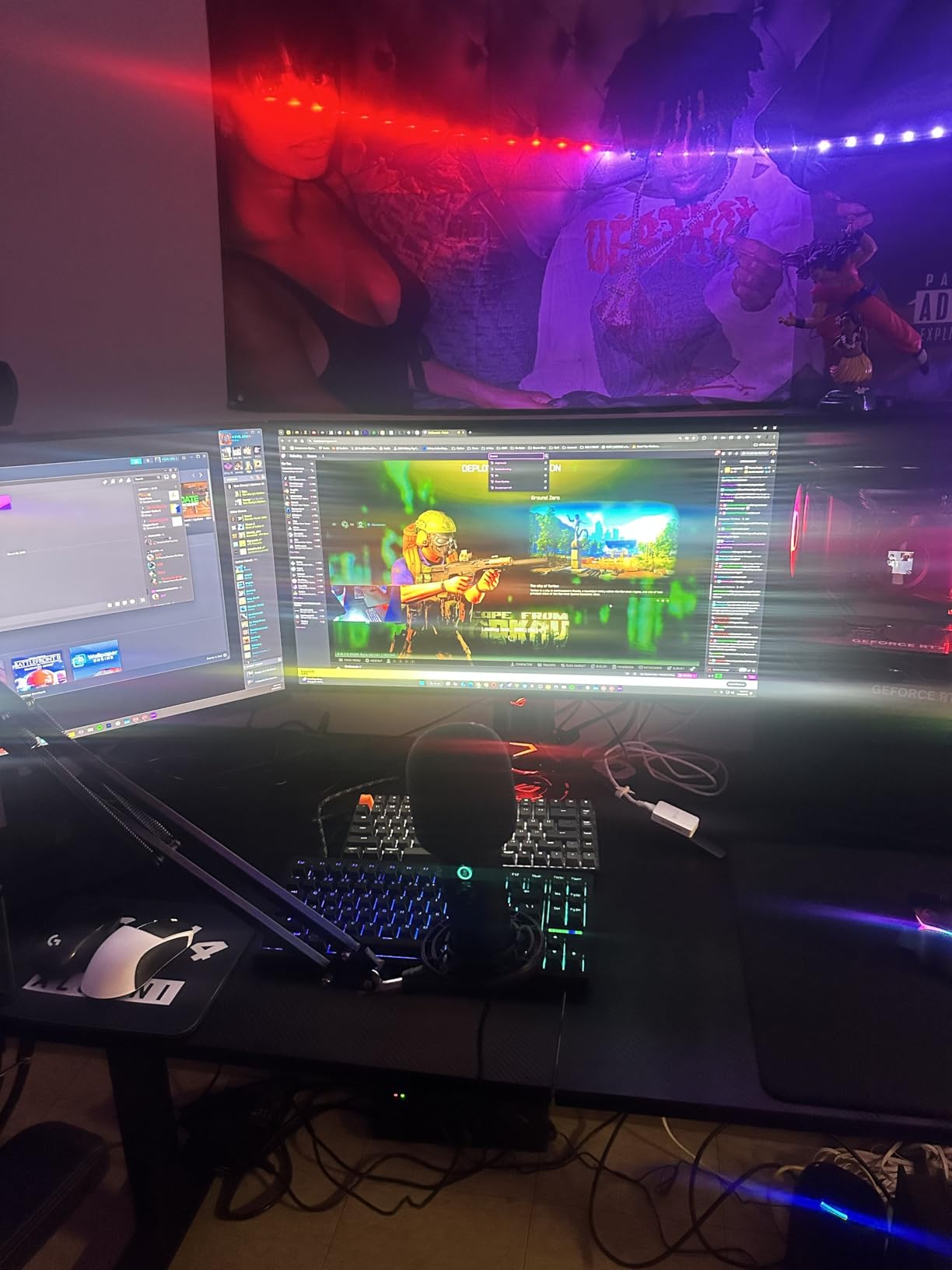
Compared with the ASUS ROG PG27UCDM later on, you give up 4K resolution and USB-C docking to get triple the refresh rate. If you play ranked shooters and nothing else, this is the right trade. If you also edit or want one screen to do everything, the PG27UCDM is the better all-round machine.
5. AOC Q27GAZD: Best on a Budget
AOC Q27GAZD
Panel: QD-OLED
Size: 27 inch
Res: 2560x1440
Refresh: 240Hz
Finish: Glossy
USB-C: No
Pros
- Genuine QD-OLED at the lowest tier in this list
- 240Hz with 0.03ms response
- 147.6% sRGB and 110.2% DCI-P3 coverage
- HDR400 True Black certification
- Three-year manufacturer warranty
Cons
- Only one HDMI port and no USB hub
- No built-in speakers
- Thinner OSD feature set than rival models
Start here if this is your first OLED and you are not sure you want to spend heavily on one. You get a real QD-OLED panel with 147.6% sRGB and 110.2% DCI-P3 coverage, HDR400 True Black certification and a 240Hz refresh rate, which is the specification set most buyers assume requires a step up in price.
The 4.5 rating across 226 reviews comes with unusually little negative feedback. Buyers treat it as a colour-and-contrast upgrade from an IPS screen and are satisfied with the result, and the monitor also ranks well inside the Computer Monitors category.
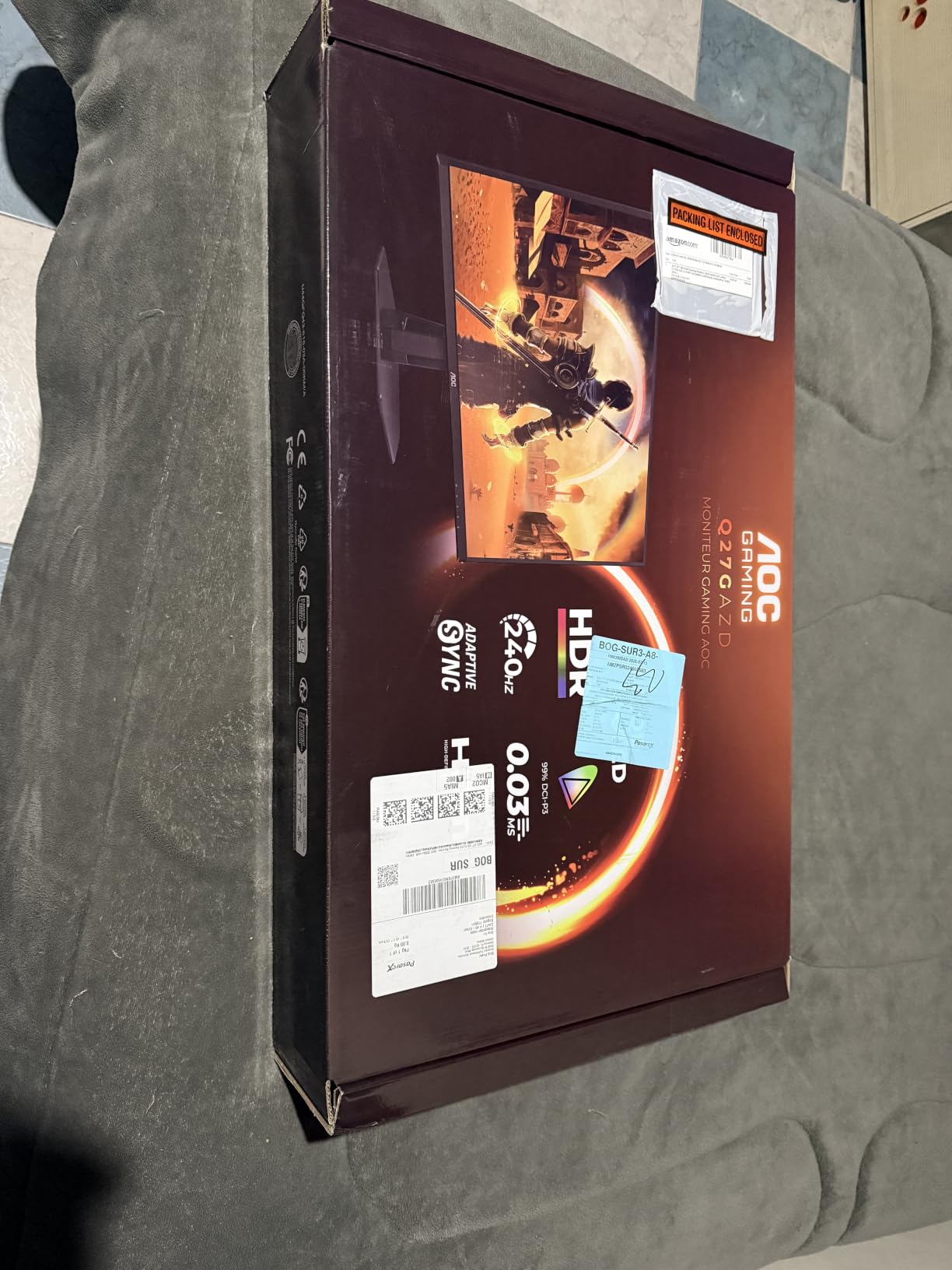
Good to know: the feature list is deliberately plain. There is one HDMI port alongside DisplayPort, no USB hub for peripherals, no speakers and an OSD with fewer options than models above it. If your desk needs a hub or you want speakers, this is not the one.
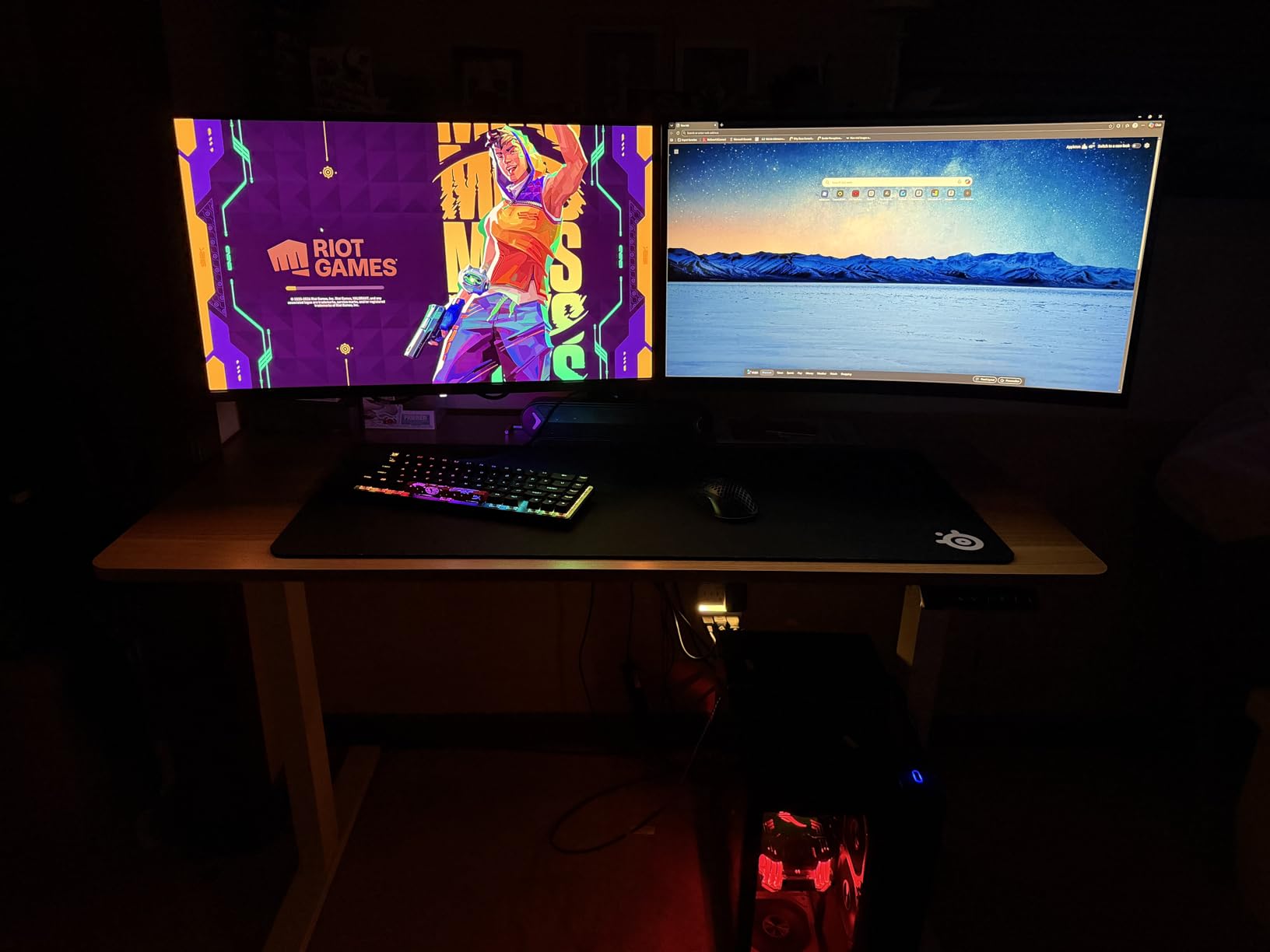
The comparison that matters here is with the Samsung Odyssey OLED G6. Both are 27-inch QD-OLEDs at 240Hz, but Samsung lists 400 cd brightness, adds a matte coating and carries OLED Safeguard burn-in modulation, while AOC stays simpler and cheaper. For a first OLED in a dim room, the AOC does the job well. For a desk near a window, spend up for the Samsung.
6. Samsung Odyssey OLED G9: Best for Immersion
Samsung Odyssey OLED G9
Panel: QD-OLED
Size: 49 inch
Res: 5120x1440
Refresh: 144Hz
Finish: Matte
USB-C: Yes
Pros
- 49-inch 32:9 panel at 110 PPI with real per-pixel detail
- Pure blacks with no pixel light bleed in dark scenes
- 0.03ms response with G-Sync and FreeSync Premium Pro
- Thermal modulation plus logo and taskbar detection
- Picture-in-Picture for a second source
Cons
- Highest power draw in the list at 220 watts
- Single HDMI port
- Needs substantial desk depth and a sturdy mount
Owners who bought this describe it as replacing a two-monitor or even three-monitor setup with one screen, and the 49-inch curve is what makes that work. At 5120×1440 across 49 inches you get roughly 110 PPI, which is fine for text, and the full-width field of view suits racing and flight games better than any 16:9 panel.
Colour and contrast are the QD-OLED strengths here: pure blacks with no light bleed in dark scenes, a 99% colour gamut and 0.03ms response at up to 144Hz with both G-Sync Compatible and FreeSync Premium Pro supported.
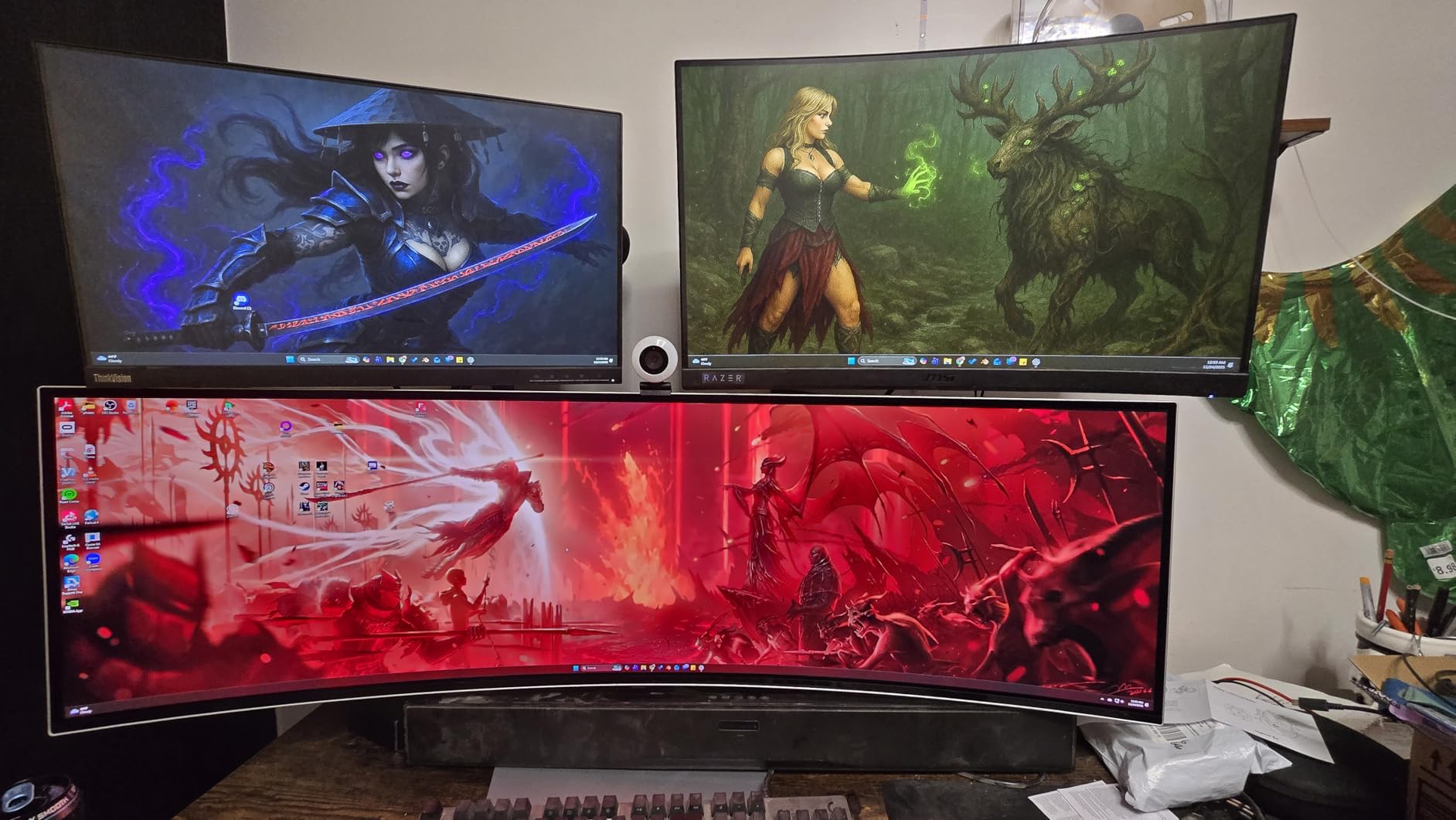
This is the lowest-rated item here at 4.2, and the reviews explain why. A meaningful share of one and two-star reports mention dead pixels, burn-in worries and colour or brightness that looked wrong out of the box. Samsung does put real burn-in defences on this panel, including thermal modulation, logo and taskbar brightness detection and an automatic screen saver after ten minutes of inactivity.
- Picture-in-Picture puts a second source in a corner of the screen
- Matte finish cuts reflections on a panel this large
- Adjustable stand with height, tilt and swivel
- Power draw is 220 watts, the highest figure in this roundup

Compared with the INNOCN 49Q1R below, the Samsung is the safer pick on warranty and burn-in tooling, while the INNOCN wins on ports and built-in speakers. Either way, measure your desk first. A 49-inch curved panel at 47 inches wide does not fit a standard 48-inch desk without overhanging, and most owners end up arm-mounting it.
7. INNOCN 49Q1R: Best for Single-Cable Docking
INNOCN 49Q1R
Panel: QD-OLED
Size: 49 inch
Res: 5120x1440
Refresh: 144Hz
Finish: Matte
USB-C: 90W
Pros
- 90W USB-C with a built-in RJ45 port acts as a full dock
- 49-inch 5K2K QD-OLED for 32:9 multitasking
- 1800R curvature aimed at long sessions
- PIP and PBP split-screen from two sources
- Three HDMI ports plus three USB ports
Cons
- Included stand pushes the panel awkwardly close
- A review reports the screen going blank after a month
- No manual trigger for the pixel refresh routines
Productivity buyers get the most out of this one. A 90W USB-C port with a built-in RJ45 Ethernet jack turns the monitor into a full docking station, so a single cable carries video, power, network and peripherals. Owners running spreadsheets, code and two full-screen apps at once call the 32:9 width the reason they stopped using a second monitor.
The panel itself is a 49-inch QD-OLED at 5120×1440 and up to 144Hz, with HDR 400, a 99% sRGB gamut and a 1500000:1 contrast ratio. The 1800R curve is gentler than most 49-inch panels, which owners say helps over a long workday.
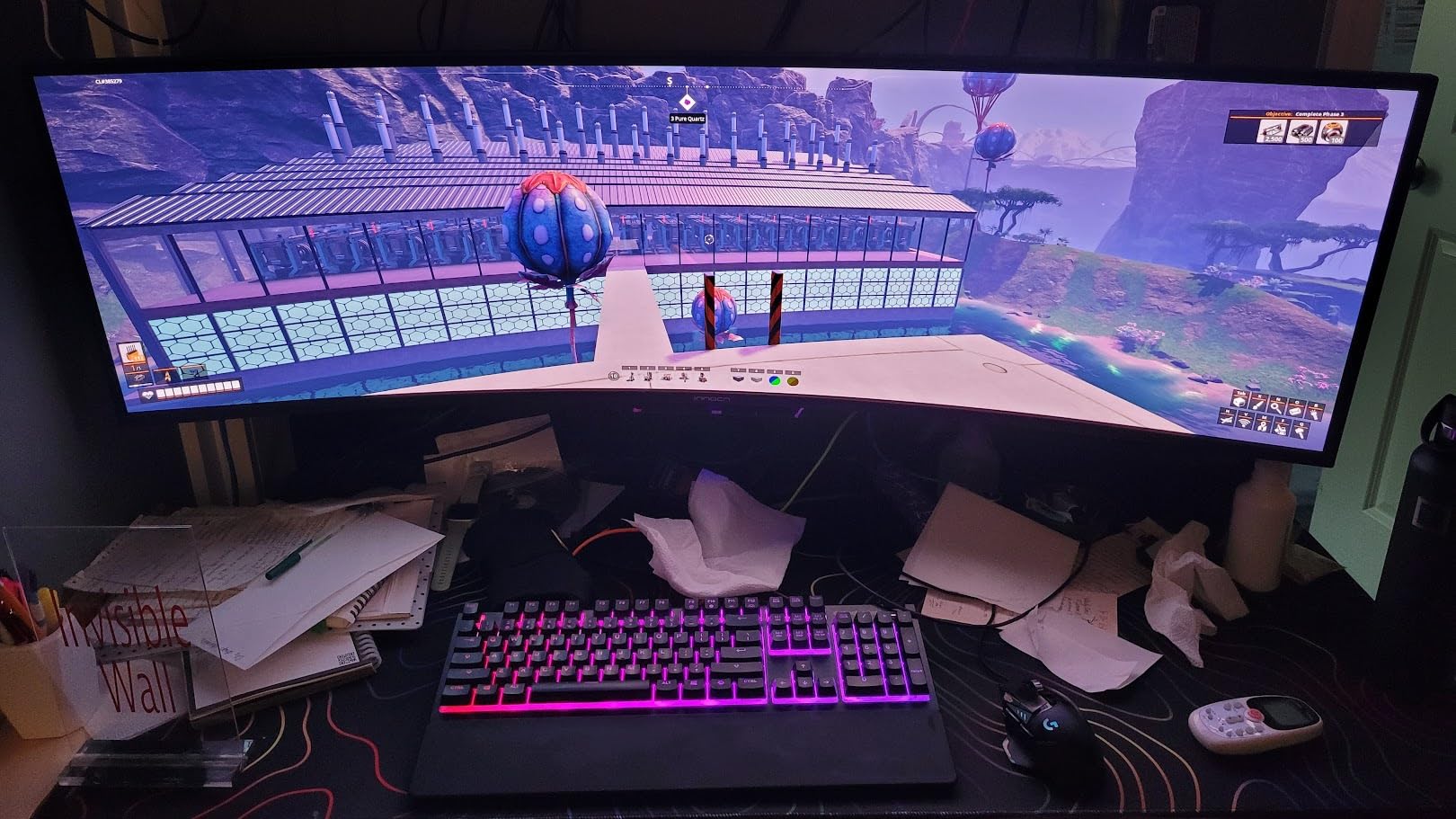
The included stand is the most repeated complaint. Its rear foot and long arm push the panel closer to the desk edge than most people want, and the centre base toggle is described as clunky. Several owners also note that brightness resets when inputs are swapped.
- Three HDMI 2.1 ports, DisplayPort 1.4, two USB-A, USB-B and RJ45
- PIP and PBP split-screen drive two inputs at once
- Tilt, swivel and height adjustment on the included stand
- Built-in speakers are present but the sound quality is poor
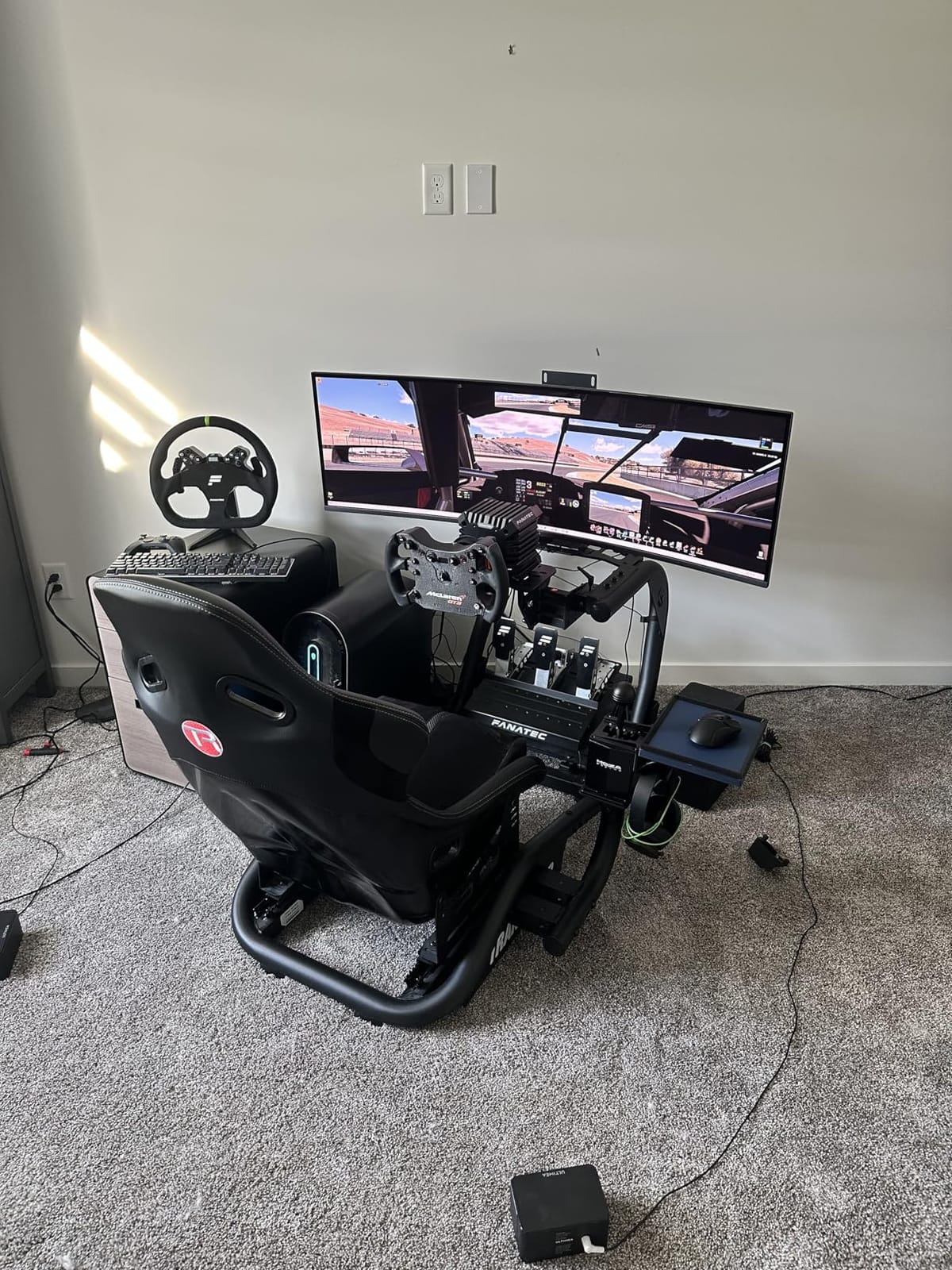
Against the Samsung Odyssey OLED G9, this is the better desk instrument and the worse cinema panel. Samsung has the stronger burn-in toolkit and a longer warranty record on this size; the INNOCN has the ports. One review also reports the screen going blank about a month after purchase, so inspect it early and keep the box.
8. ASUS ROG PG27UCDM: Best for 4K Gaming
ASUS ROG PG27UCDM
Panel: QD-OLED
Size: 26.5 inch
Res: 3840x2160
Refresh: 240Hz
Finish: Matte
USB-C: 90W
Pros
- Fourth-generation QD-OLED with factory Delta E around 0.24
- DisplayPort 2.1a UHBR20 at full bandwidth plus 90W USB-C
- Built-in KVM with automatic source detection
- OLED Care Pro with a proximity sensor that blanks the panel
- Three-year warranty with burn-in coverage
Cons
- No speakers and a decorative underside light
- Windows text fringing from the triangular subpixel layout
- Reports of black screens and DisplayPort detection faults
This is the one to buy if you want a single screen to handle gaming, a workstation and a docked laptop. It runs 3840×2160 at 240Hz on a fourth-generation QD-OLED, and the port layout is the most complete in this roundup: DisplayPort 2.1a UHBR20 at the full 80 Gbps, HDMI 2.1, USB-C with 90W power delivery and a USB hub.
Colour accuracy is the headline for creators. Owners report factory Delta E figures around 0.24 and 99% DCI-P3 coverage, which is the sort of out-of-box calibration that removes a calibration purchase from the budget.
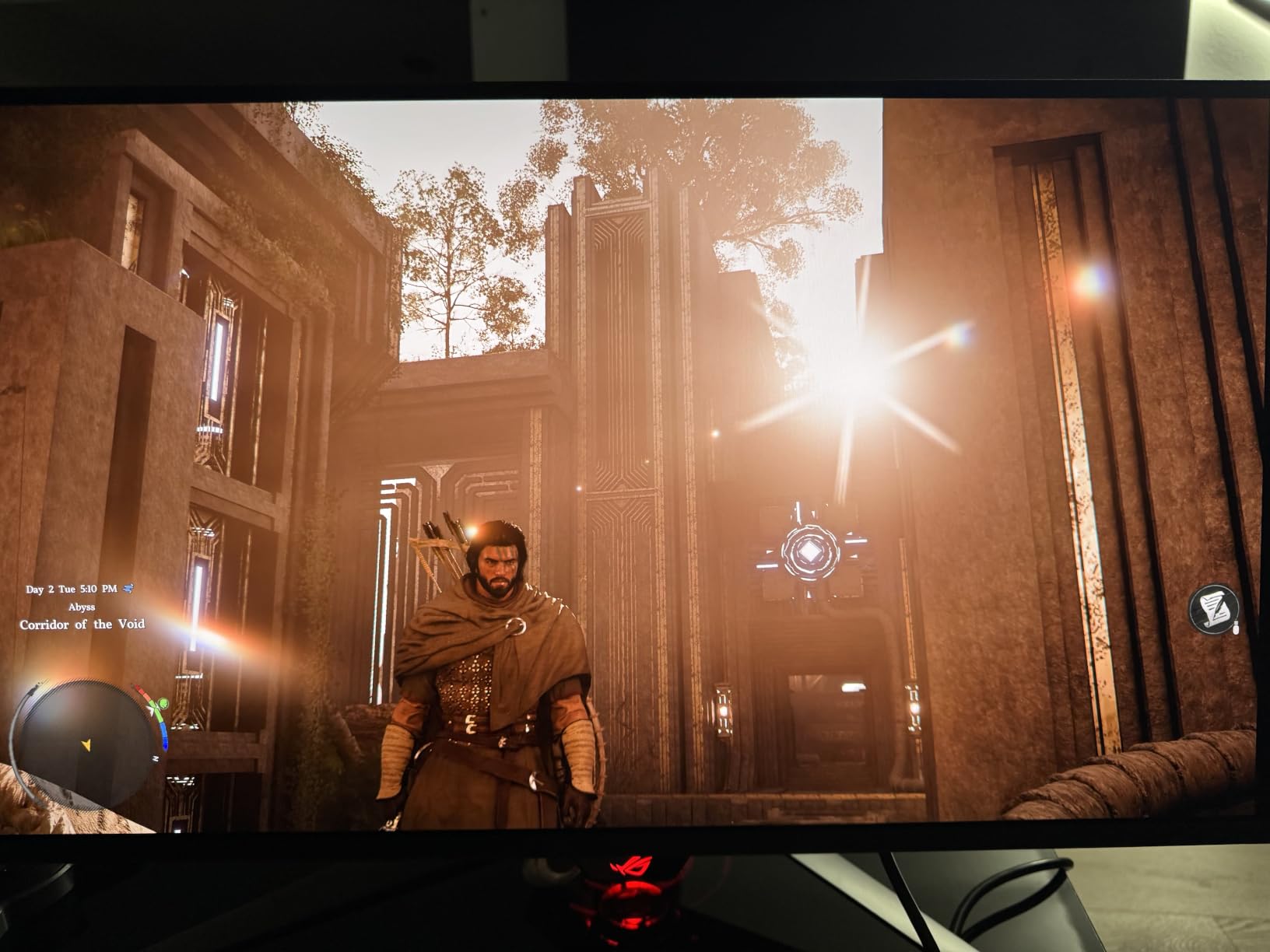
Two details set it apart from every other 27-inch here. The OLED Care Pro package includes a Neo Proximity Sensor that blanks the panel when you leave the desk, and OLED Anti-Flicker 2.0 uses a luminance compensation algorithm that cuts flicker by 20% over the previous generation.
- Built-in KVM with automatic source detection across console and PCs
- Warranty runs three years with Advance Replacement and burn-in coverage
- Three months of Adobe Creative Cloud included
- Draws 80 watts

Owners also report the drawbacks clearly. The triangular QD-OLED subpixel layout makes Windows font rendering less crisp than an RGB stripe 4K panel, firmware updates have broken KVM auto-switching and caused VRR-related fog shimmer in some titles, and a cluster of units showed black screens or failed to recognise DisplayPort inputs after a firmware flash.
Compared with the MSI MPG 321URX, the ASUS is smaller, has USB-C docking with automatic KVM switching and adds a proximity sensor. The MSI is larger and carries a three-year warranty. Either one answers the question; they differ on desk depth and port priorities.
9. Samsung Odyssey G9 G91F: Best for Very Large Desks
Samsung Odyssey G9 G91F
Panel: VA LCD
Size: 49 inch
Res: 5120x1440
Refresh: 144Hz
Finish: Matte
USB-C: Yes
Pros
- 1000R curve keeps viewing distance even across 49 inches
- DisplayHDR 600 with 1000000:1 contrast
- Replaces a three-monitor desk with one screen
- 144Hz with 1ms response and FreeSync Premium Pro
- Auto Source Switch+ detects powered-on devices
Cons
- This is a VA LCD rather than an OLED
- Short vertical height feels cramped for spreadsheets
- 34.4 lb weight and 45 inch width need a big sturdy desk
Start with the honest part: this is a VA LCD, not an OLED. It sits in this roundup because it answers the same question for a different buyer, and if you only need an enormous workspace rather than true blacks, it does that well without the burn-in conversation entirely.
The 1000R curve is the reason it does. That radius keeps the viewing distance even across the full 49-inch width, so the edges do not stretch the way a flatter panel would, and DisplayHDR 600 with a 1000000:1 contrast ratio gives it deeper blacks than a typical VA ultrawide. Owners running offices and trading desks point to replacing a three-monitor array as the main win.
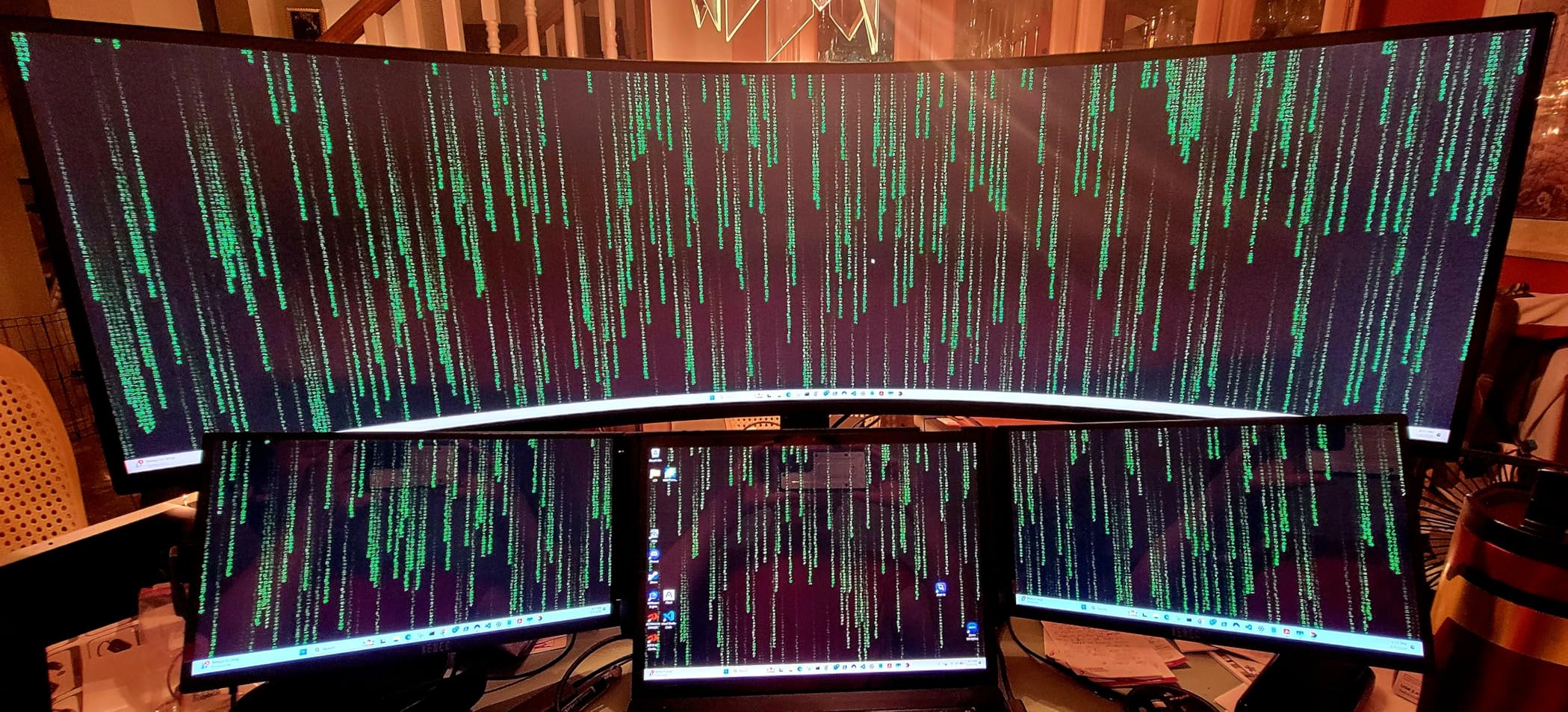
- Dual QHD 5120×1440 native resolution at 32:9
- Auto Source Switch+ changes inputs without touching the menu
- Picture-in-Picture and side-by-side split screen
- Height and tilt adjustment on the stand
The trade-offs follow from the panel type. Brightness is listed at 280 cd, response is 1ms rather than the 0.03ms on the OLEDs here, and some owners report washed-out colour or weak HDR for their taste. The short vertical height is the other recurring note, particularly for 3D work and spreadsheets, and the stand does not rotate, so vertical mounting needs a separate arm.
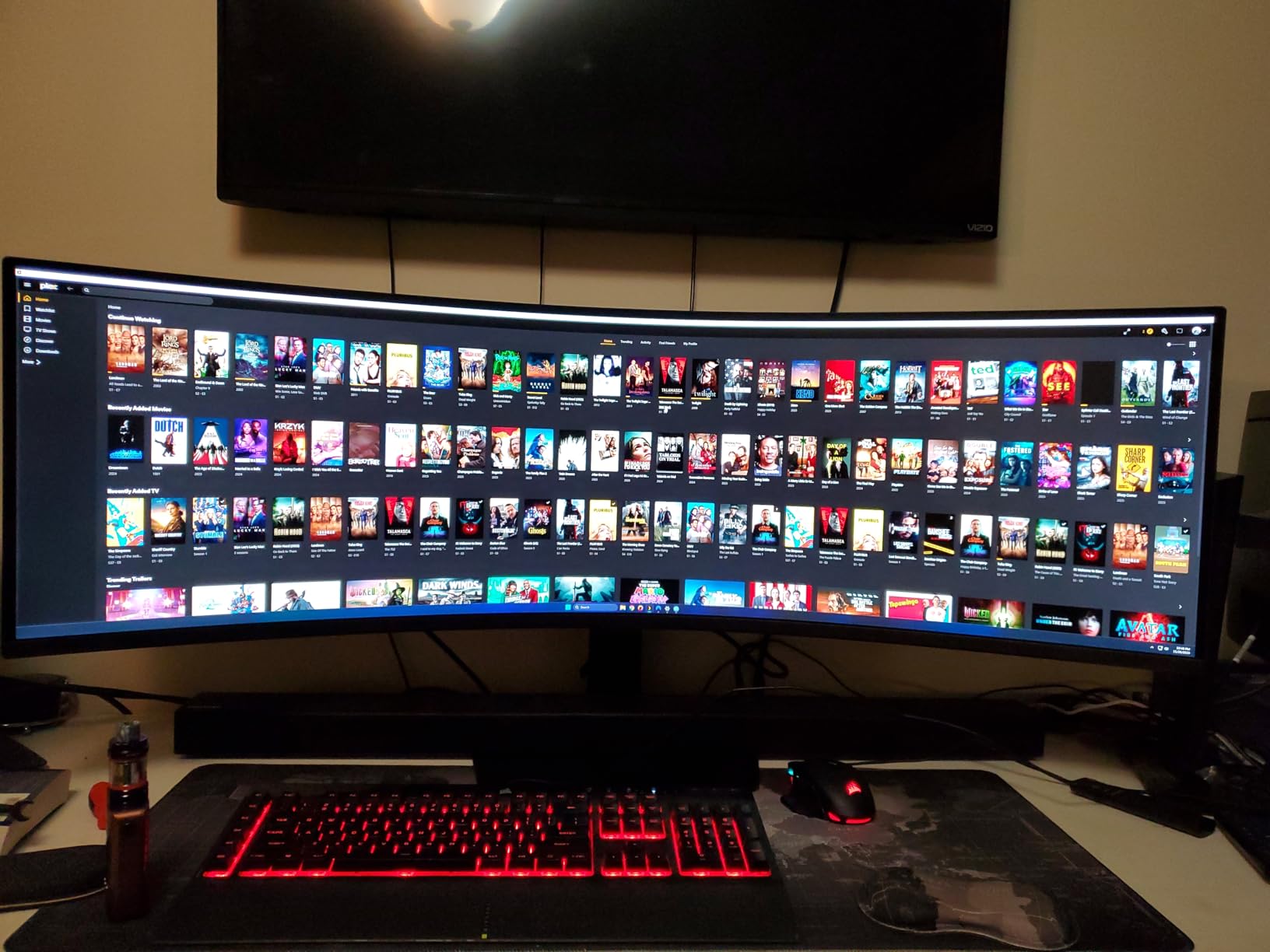
Compare it with the Samsung Odyssey OLED G9 above. That panel gives you true blacks, 0.03ms response and a much stronger burn-in defence, at a very similar size. If you want the OLED, take the OLED. Choose this one only when the desk depth and the workspace matter more than the picture. Either way, check that your desk is at least 49 inches wide and genuinely sturdy.
10. Alienware AW3425DW: Best for Ultrawide Gaming
Alienware AW3425DW
Panel: QD-OLED
Size: 34.2 inch
Res: 3440x1440
Refresh: 240Hz
Finish: Matte
USB-C: Yes
Pros
- 34.2-inch QD-OLED at 240Hz with 0.03ms response
- DCI-P3 99.3% coverage with Delta E under 2
- 1000-nit peak HDR brightness on True Black 400
- 1800R curve that immerses without a huge desk
- Matte finish suits everyday desks
Cons
- 250 nits brightness is modest for very bright rooms
- 21:9 still pillarboxes many current games
- Low-frame-rate VRR can flicker in shooters
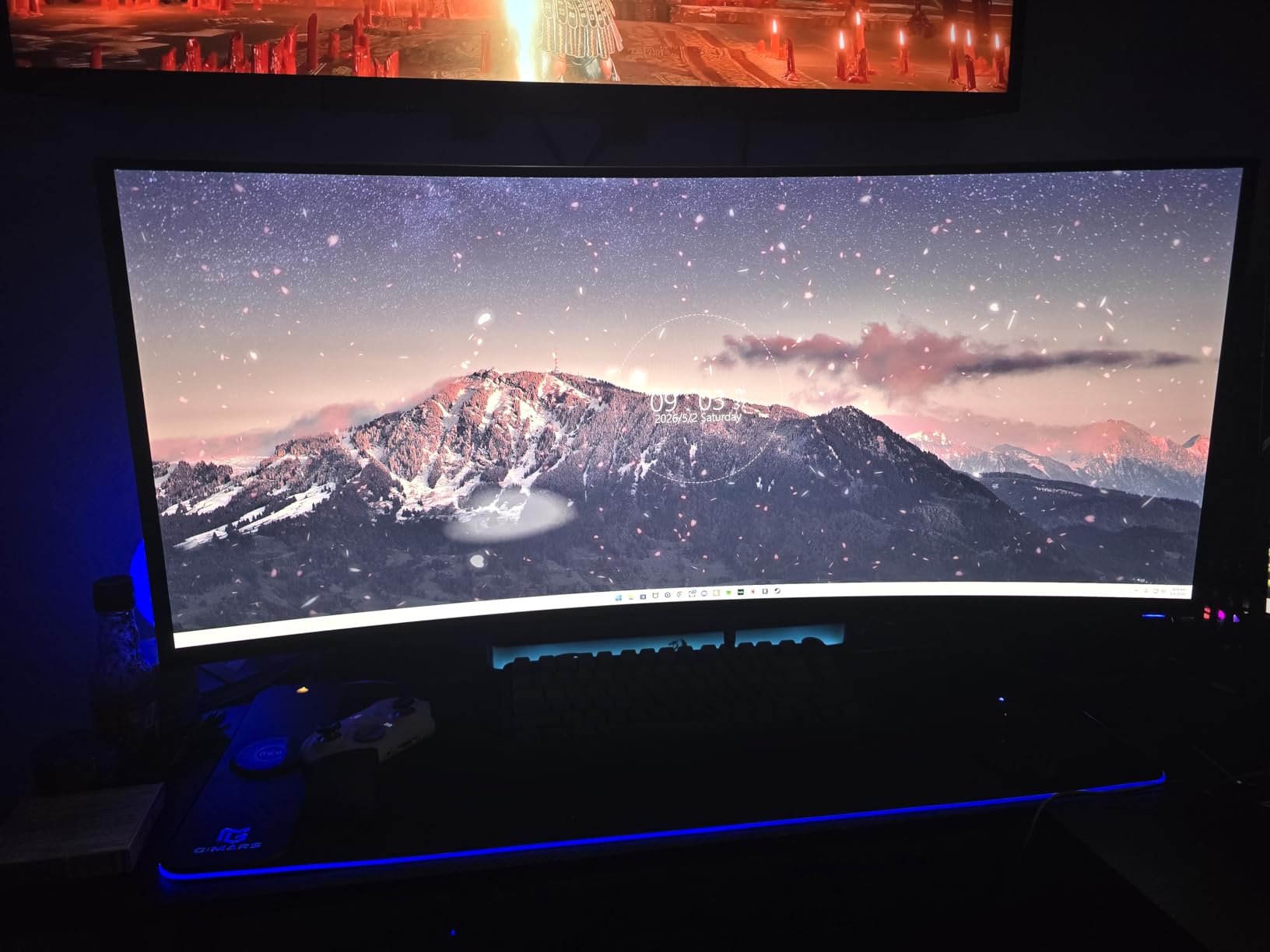
Thirty-four inches is the size most people actually want, and this is the panel most people actually want at that size. It carries 377 reviews and holds a 4.5 average, with owners citing the matte QD-OLED finish, accurate colour and a 240Hz ceiling that feels like a tier above 144Hz ultrawides.
The specs back that up: 3440×1440 at 240Hz, 0.03ms response, 99.3% DCI-P3 coverage with Delta E under 2 and VESA DisplayHDR True Black 400 with 1000-nit peak HDR brightness.
- 1800R curvature adds immersion while keeping desk depth reasonable
- Supports G-Sync Compatible, FreeSync Premium Pro and VESA AdaptiveSync
- Two HDMI ports, a USB hub and a bundled USB cable
- Three-year warranty
- Draws 36.7 watts, far below the 49-inch panels
Owners mention three consistent limits. Brightness is rated at 250 nits, which is modest for a very bright room even with 1000-nit peaks in small highlights. The 21:9 format still pillarboxes a good number of current titles. And VRR that can drop to 30 Hz causes visible flicker in some competitive shooters, which matters if that is your genre.
Against the Samsung Odyssey OLED G9, the Alienware gives you double the refresh rate, better HDR headroom and a far more manageable footprint. Against the 49-inch panels, you give up the second half of your desktop. For most gamers, that is the right side of the trade, and it is why this one closes the list rather than the top.
How to Choose OLED Monitors During Prime Big Deal Days
Pick the size and resolution first
Size decides resolution more often than people expect. At 27 inches, 1440p gives roughly 109 PPI, which is sharp enough for most desks and leaves more of your graphics budget on the frame rate. At 31.5 inches, 4K lands near 138 PPI and text holds together in a way 1440p cannot match, which is why the MSI MPG 321URX and the ASUS ROG PG27UCDM sit where they do.
Beyond 43 inches, 4K stops making sense and ultrawide takes over. Both 49-inch picks here run 5120×1440 at about 110 PPI, which is comfortable for text and gives you two 16:9 workspaces side by side.
Match the panel to your games
WOLED panels, like the LG UltraGear 27GX704A-B and the ASUS ROG PG27AQDP, hit the highest refresh rates and the fastest response, which suits competitive shooters. QD-OLED panels, used by the rest of the list, trade a little peak brightness for wider colour gamuts and very good SDR performance, which suits single-player and cinematic games.
If you are unsure how much refresh rate you actually use, our 1440p gaming monitors guide breaks down where the tiers really separate.
Check color accuracy and picture quality
Look for a Delta E figure, not just a gamut percentage. Delta E under 2 means the difference between the panel’s output and the intended colour is invisible to the eye; the MSI and ASUS 4K panels are the ones here that publish it. For HDR, the certification labels matter less than the real number: the LG is listed at 275 cd typical with 1300 nits peak, and the Alienware peaks at 1000 nits.
Colour-critical work changes the shortlist. Our 4K monitors for video editing picks cover the calibration side in more depth than this roundup does.
Decide how it fits your desk and your dock
Ports decide whether a monitor is pleasant or annoying after week one. Two HDMI ports and a USB hub cover a console plus a PC with room to spare, which is why the LG and the ASUS PG27UCDM suit dual setups. A single HDMI port, as on the AOC and the Samsung G6, means buying a switch. For laptops, 90W USB-C power delivery turns one cable into a full docking solution, and the INNOCN 49Q1R even adds RJ45 Ethernet.
Apple users should check DSC behaviour before committing; owners of the MSI report that Apple Silicon dual-monitor setups sometimes need DSC turned off and DisplayPort locked at 120Hz. Our guide to monitors for MacBook Pro users covers that in more detail.
Desk depth matters just as much. A 27-inch panel needs about 24 inches of width, a 34-inch needs around 32, and a 49-inch needs 47 plus a deep enough desk to hold the curve. The 49-inch stands also weigh 28 pounds or more, so plan the mount.
Matte coating, burn-in and text clarity
Glossy panels look fantastic in a dark room and act like a mirror in a bright one. The LG UltraGear, the MSI, the AOC and the ASUS PG27AQDP are glossy; the rest are matte. If your desk faces a window, treat that as a deciding factor rather than a detail.
Burn-in is manageable rather than solved. Every OLED here ships with some protection, from OLED Care and OLED Safeguard thermal modulation to logo and taskbar detection and an automatic screen saver. Text clarity has improved a lot on newer QD-OLED panels, but owners of the ASUS PG27UCDM still report Windows font fringing from its triangular subpixel layout, so run ClearType if you work in text all day.
How to Shop OLED Monitor Deals During the Sale
Check the model code on the listing before you click. The 27GX704A-B and 27GX700A-B are different panels, as are the G61SH and G91SD G9s, and prices move between them across the event. Confirm the screen size and resolution in the spec block, look at what is in the box for cables, and check whether the seller is Amazon or a marketplace partner. Most offers here need an active Prime membership, and most of them move during the 48 hours of the event, so check back more than once.
- Confirm the exact model code, not just the brand and screen size
- Verify native resolution and refresh rate in the spec block
- Check that the cable you need is in the box or budget for it
- Look at whether the seller is Amazon or a marketplace partner
- Decide on glossy or matte before you commit to a model
- Confirm Prime membership is active before the window opens
Frequently Asked Questions
When do Amazon Prime Big Deal Days OLED monitor deals run?
Amazon Prime Big Deal Days runs October 6-7, 2026, a 48-hour window that opens at 12:01 AM PT on October 6 and ends on October 7. Offers refresh during those two days and most of them need an active Prime membership, so a free trial started beforehand still counts.
Do I need Prime membership to get these OLED deals?
Most offers during Prime Big Deal Days need an active Prime membership, and a 30-day free trial counts as active. Sign up before the window opens rather than during it, because starting a trial on the first morning can leave you locked in for a full month even if you had planned to cancel.
Is it worth buying an OLED monitor during a 48-hour sale event?
Yes, for OLED panels specifically, because they have moved from premium novelty hardware into mainstream pricing, and a two-day event is when the deepest reductions usually appear. What you cannot do is assume the listed reduction is real, so check the panel model code and compare against the recent average price before you commit.
How long do OLED monitors last, and does burn-in happen?
OLED monitors are built for years of daily use, and burn-in is a gradual process rather than a sudden failure. Every panel in this roundup ships with burn-in tooling, from OLED Care and OLED Safeguard thermal modulation to logo and taskbar detection. Keeping a dark screensaver on and avoiding static menus for hours at a time makes the biggest difference.
Which OLED size and resolution should I pick for gaming?
For competitive shooters, 27 inches at 1440p and 240Hz or more is the standard, as the LG UltraGear 27GX704A-B and the ASUS ROG PG27AQDP show. For mixed gaming and desktop work, a 32-inch 4K panel gives you far sharper text at the cost of a heavier GPU load. For sim racing and multitasking, 34 or 49 inches is the answer.
Final Verdict: Best Amazon Prime Big Deal Days OLED Monitor Deals
The pick most worth watching during this sale is the LG UltraGear 27GX704A-B, our Editor’s Choice. It combines the highest review count in the roundup with a 240Hz 0.03ms response, a USB hub and dual HDMI 2.1 ports, and it does it on a 27-inch footprint that fits almost any desk. The budget-friendly alternative is the AOC Q27GAZD, which puts a genuine 240Hz QD-OLED panel in reach of a first OLED buyer.
For creative colour accuracy, the MSI MPG 321URX is the one, with 10-bit colour, Delta E of 2 or better and 90W USB-C docking in a 32-inch 4K panel. If your room is bright, take the Samsung Odyssey OLED G6, the Top Rated pick here, thanks to its matte coating and 400 cd figure. Competitive players should look at the ASUS ROG PG27AQDP for its 480Hz panel, and 4K gamers who want ports and a proximity sensor will be happier with the ASUS ROG PG27UCDM.
For immersion, the Samsung Odyssey OLED G9 gives you a 49-inch 32:9 QD-OLED, while the Alienware AW3425DW is the more manageable ultrawide with the highest review count of the 21:9 options. Laptop users who want one cable to do everything belong with the INNOCN 49Q1R, and anyone replacing three office screens with one panel should weigh the Samsung Odyssey G9 G91F, keeping in mind it is a VA LCD rather than an OLED.
Pick your model, confirm Prime membership is active, then check the current price on the button before the window closes.