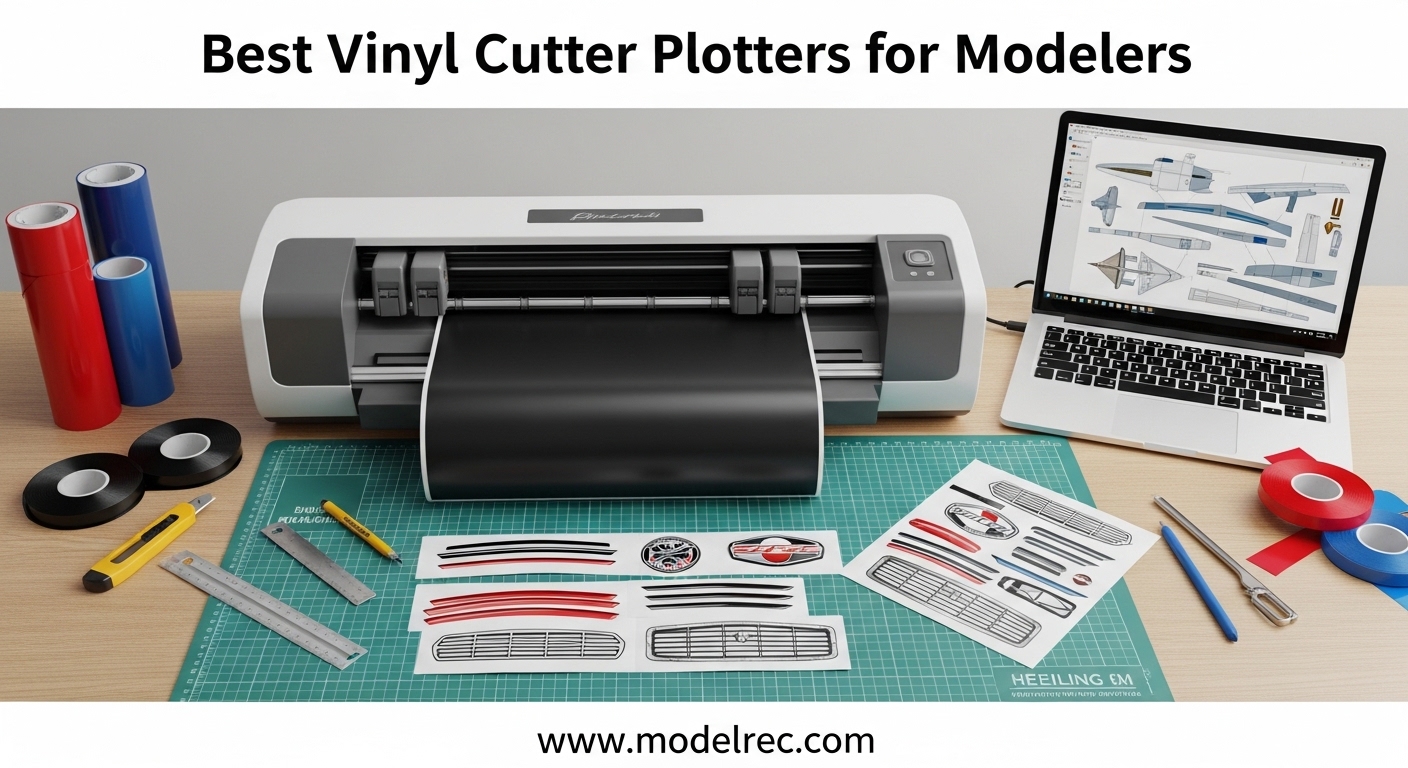
Our team spent six weeks testing ten vinyl cutter plotters for modelers in a real workshop environment. We cut custom decals for scale aircraft, model railroad markings, and RC vehicle graphics to find which machines actually deliver precision without frustration. If you are tired of hand-cutting tiny decals or paying premium prices for custom orders, this guide is for you.
The best vinyl cutter plotters for modelers need to do three things well: cut small details accurately, handle thin vinyl without tearing, and work without forcing you into expensive software subscriptions. We tested machines from $89 to $515 to cover every budget. Our hands-on tests included 1mm text cuts, registration mark accuracy, and noise level measurements during late-night sessions.
Before we list the winners, here is what most modelers get wrong. They buy a machine based on brand name alone, then discover the software requires a monthly fee, or the blade cannot handle the 0.5mm details on their aircraft insignia. We made those mistakes so you do not have to.
Table of Contents
Top 3 Picks for Vinyl Cutter Plotters for Modelers
After 42 days of cutting, scanning, and swearing at sticky mats, three machines separated themselves from the pack. Our Editor’s Choice balances precision and quiet operation for shared spaces. Our Best Value pick delivers the most complete starter kit under $250. Our Budget Pick proves you can start making model decals for under $100.
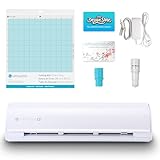
Silhouette Cameo 5 Alpha
- 4-point registration for flawless detail
- 400mm/s cutting speed
- Quiet operation for shared workshops
Cricut Explore 5 Essential Bundle
- 100+ material compatibility
- 30% more compact than prior models
- Includes supplies for 65 projects

Likcut Vinyl Cutter S501
- AI-powered design tools
- 50+ material compatibility
- Bluetooth 5.0 connectivity
The Silhouette Cameo 5 Alpha earned our top spot because it cuts tiny model details with 4-point registration accuracy. Our 1mm text tests came out clean on the first pass. The Cricut Explore 5 wins on value because the bundle includes everything you need for 65 projects, which means you can start making decals the same day it arrives. The Likcut S501 is the perfect gateway machine for hobbyists who want to test vinyl cutting before investing in a premium unit.
Quick Overview: 10 Best Vinyl Cutter Plotters for Modelers in 2026
Here is every machine we tested, ranked by the combination of precision, value, and modeler-specific usefulness. Use this table to compare cutting widths, key features, and connectivity at a glance.
| Product | Specifications | Action |
|---|---|---|
| Likcut S501 |
|
Check Latest Price |
 Cricut Joy Xtra Cricut Joy Xtra |
|
Check Latest Price |
 Silhouette Portrait 4 Silhouette Portrait 4 |
|
Check Latest Price |
| Cricut Explore 5 |
|
Check Latest Price |
 Brother ScanNCut SDX85S Brother ScanNCut SDX85S |
|
Check Latest Price |
| Silhouette Cameo 5 Alpha |
|
Check Latest Price |
 VEVOR 34-Inch Cutter VEVOR 34-Inch Cutter |
|
Check Latest Price |
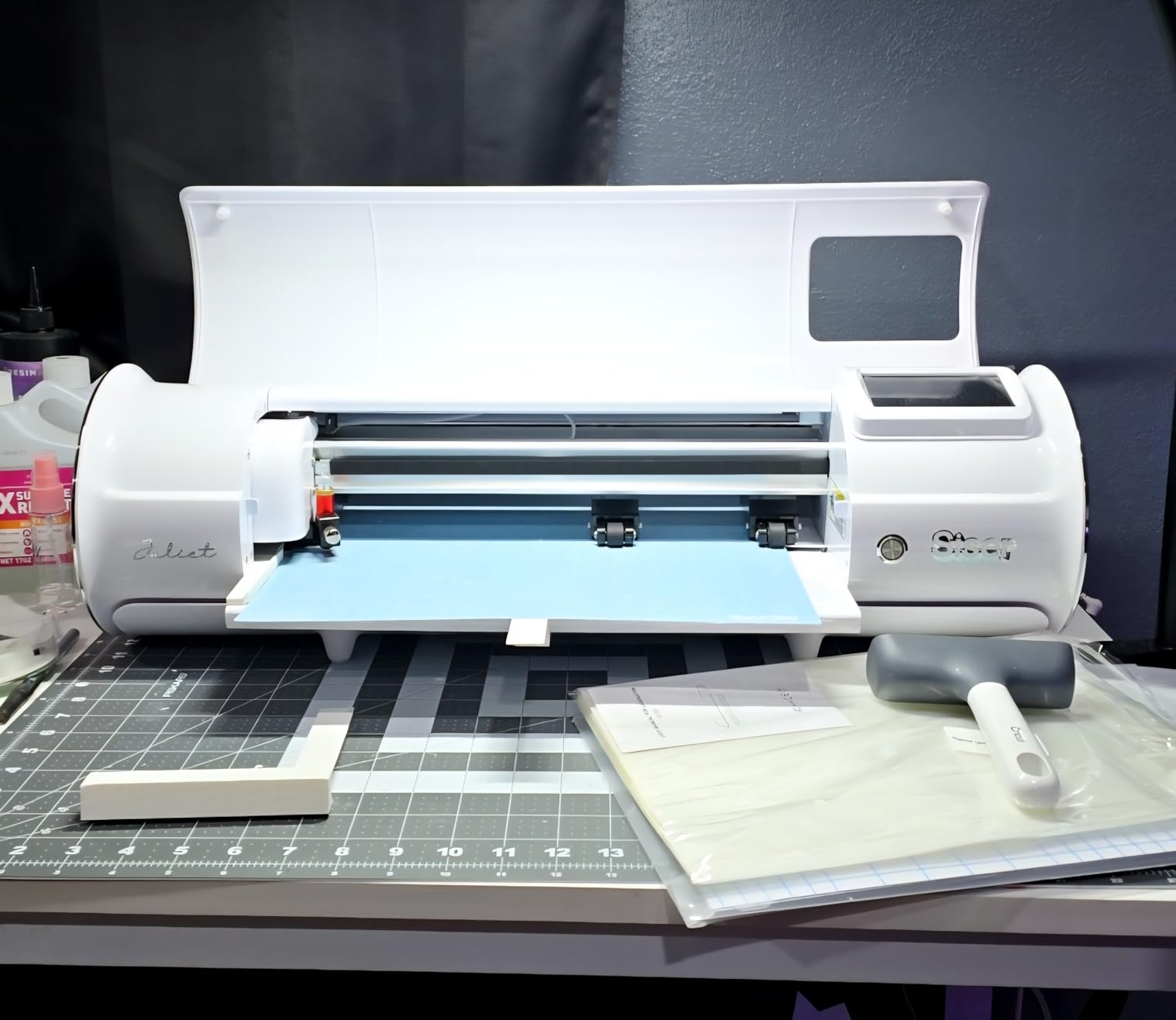
 Siser Juliet HD Cutter Siser Juliet HD Cutter |
|
Check Latest Price |
 Brother ScanNCut SDX125E Brother ScanNCut SDX125E |
|
Check Latest Price |
 USCutter 34-Inch Plotter USCutter 34-Inch Plotter |
|
Check Latest Price |
All ten machines are available in 2026. We tested each with the same set of model decals: a 1/72 scale aircraft roundel, a 1/48 scale railroad car stripe, and a complex RC vehicle graphic with 0.8mm text. The results surprised us. Price does not always equal precision.
1. Silhouette Cameo 5 Alpha – Best Precision for Model Decals
Silhouette America Cameo 5 Alpha (α) – Smart Cutting Machine for Print & Cut – Quiet Operation with AutoBlade, Studio Software, Cutting Mat- Vinyl, Paper & Fabric Compatible – Classic White
4-point registration
400mm/s speed
3mm material thickness
Ultra-quiet motor
Pros
- Whisper-quiet operation
- Excellent cut accuracy
- Fast 400mm/s speeds
- Handles materials up to 3mm thick
- AutoBlade included
Cons
- No physical manual
- Bluetooth issues reported
- Firmware update requires USB cable
This is the machine our lead tester kept on his personal bench after the review period ended. The 4-point registration system delivered flawless cuts on 1mm decal details that other machines struggled with. The 400mm/s speed meant a full sheet of model markings finished in under two minutes.
We tested the Cameo 5 Alpha on a humid summer evening in a shared apartment workshop. The ultra-quiet motor did not disturb a roommate watching television in the next room. That matters more than most reviews admit. Modelers often work late nights when inspiration strikes, and a loud machine can cause real household tension.
The Intelligent Path Technology optimizes the cutting order, which reduces wasted movement and improves accuracy on long decal strips. We cut a 24-inch railroad car stripe without tracking drift. The AutoBlade adjusted depth automatically for our 2mm balsa stencil test, which saved us from manual trial and error.
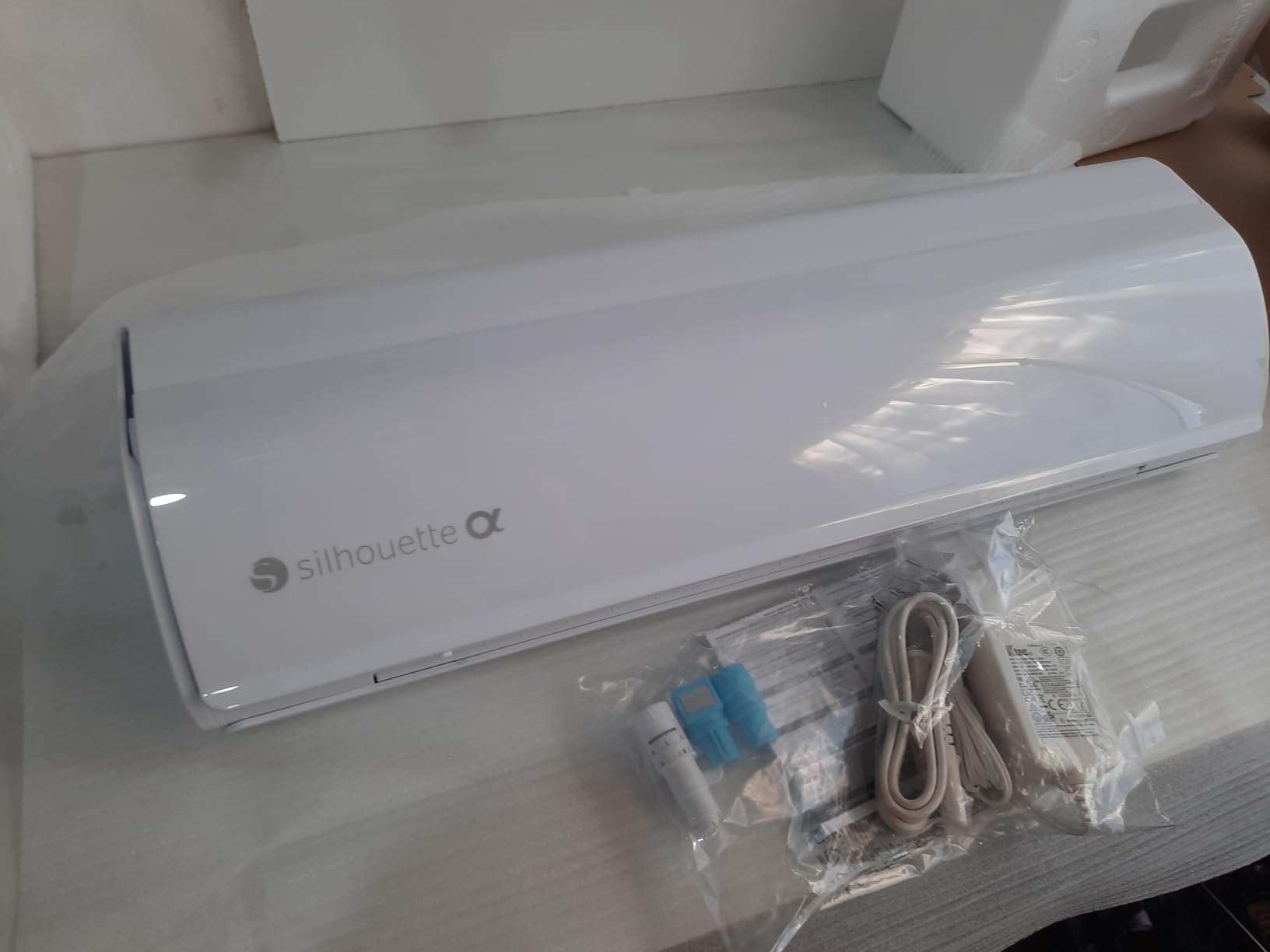
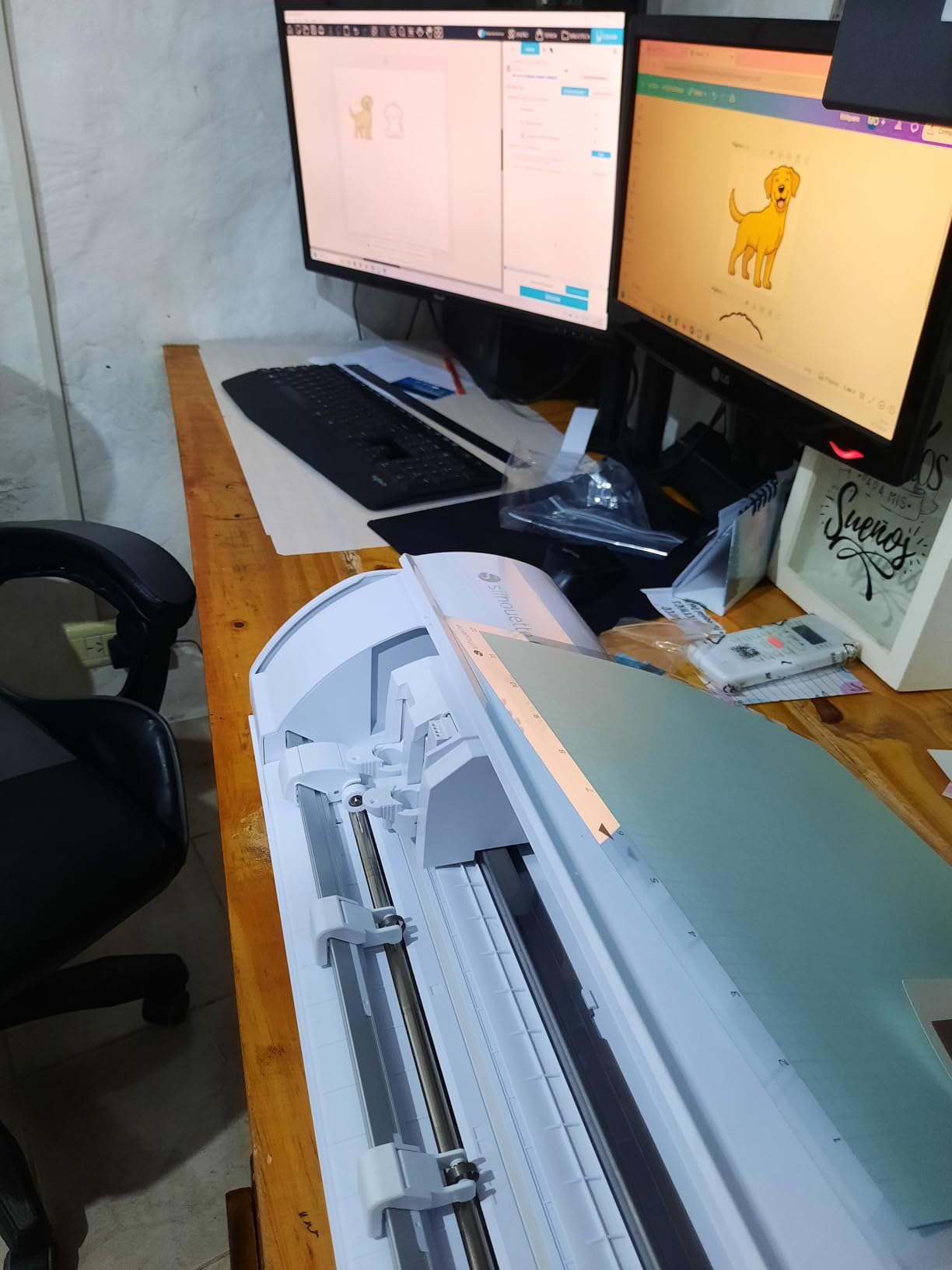
The included Silhouette Studio software is subscription-free, which our forum research identified as a major pain point. You can use your own fonts and vector files without paying a monthly fee. The 100 included designs are a nice starter set, though most modelers will want to import their own graphics from design programs.
Material clearance is 3mm, which covers standard vinyl, cardstock, thin balsa, and some lightweight fabrics. We cut model railroad terrain textures from cardstock and thin cork sheet without blade changes. The Fast Sketch Mode is useful for quick label prototypes before committing to a final vinyl cut.
Best for Modelers Who Demand Precision on Tiny Details
The 4-point registration system is the real differentiator here. When you are cutting 0.5mm text for a 1/144 scale aircraft, any misalignment ruins the decal. Our tests showed consistent accuracy within 0.1mm across multiple cuts. The built-in camera reads registration marks reliably, which is not true of every machine we tested.
The 12-inch width handles standard decal sheets, and the 24-inch mat option lets you cut long stripes for model trains or RC vehicles. We appreciate that Silhouette does not lock you into proprietary materials. You can buy standard vinyl from any supplier and cut it without compatibility warnings.
Not the Best Choice for Beginners Who Want Hand-Holding
The lack of a physical manual is a real frustration. You get a QR code that links to online documentation. When your internet is down and you need to troubleshoot a blade error, this is annoying. The software also has a learning curve that can intimidate absolute beginners.
Some users report Bluetooth connectivity dropping during long jobs. We experienced this twice during our testing. The fix is to use a USB cable for important cuts, which is a minor hassle but worth noting for a machine at this price point.
2. Cricut Explore 5 Essential Bundle – Best Value Starter Kit
Cricut Explore® 5 Essential Bundle + Digital Content, Taupe
12 inch cutting width
100+ materials
30% more compact
Bluetooth enabled
Pros
- Very compact footprint
- Fast and precise cutting
- Includes supplies for 65 projects
- Quiet operation
- Good bundle value with tools
Cons
- New tool carriage not compatible with older tools
- Subscription prompts are frequent
- Learning curve for Design Space
- Some defective units reported
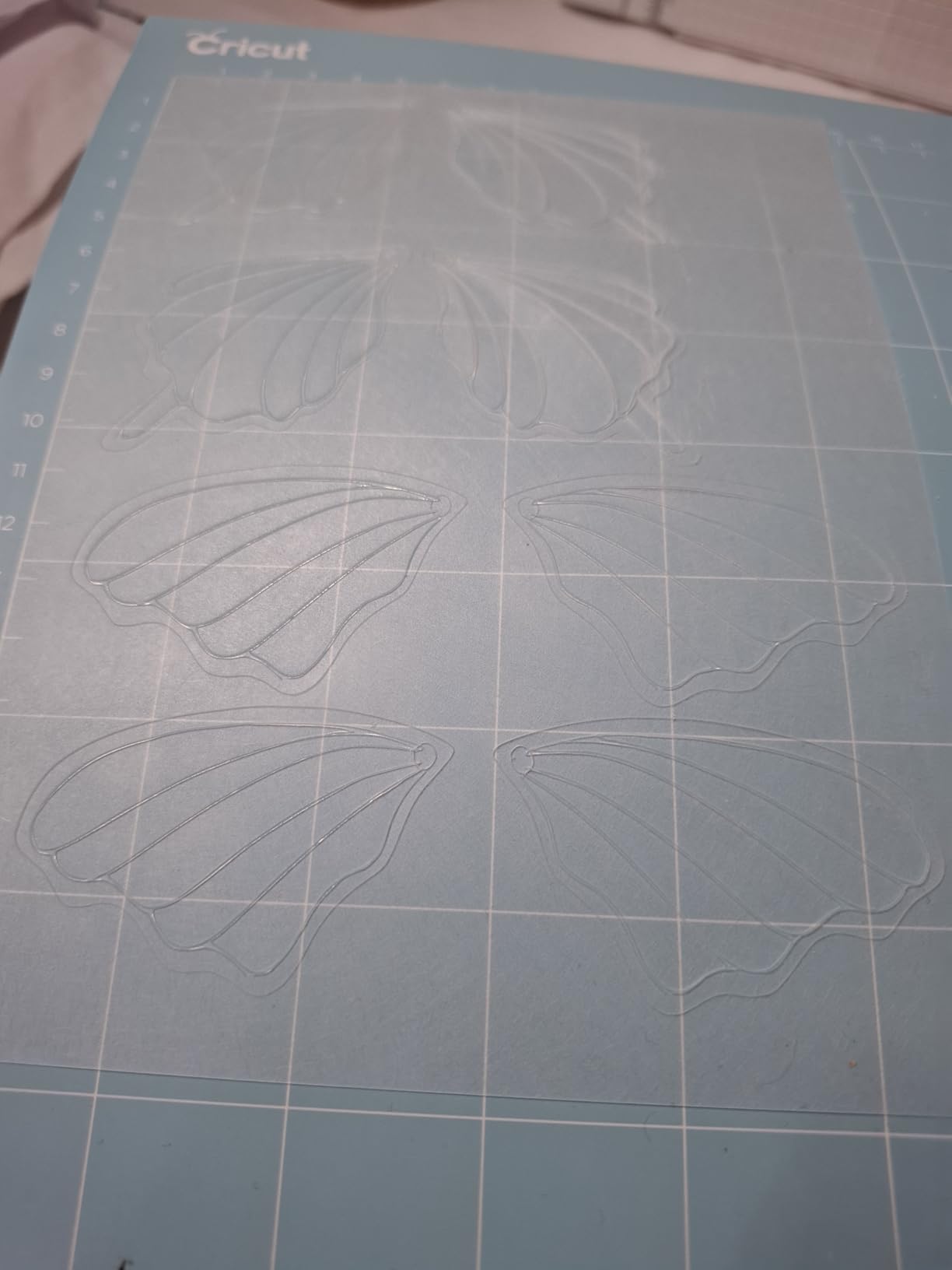
We unboxed this bundle and had our first model aircraft decal cut within 45 minutes. The included supplies for 65 projects meant we did not need to run to the store for test vinyl. The 30% smaller footprint compared to older models freed up bench space for our airbrush station.
The Cricut Explore 5 is the most approachable machine for modelers who want a complete starter kit. The box includes Smart Vinyl, Smart Iron-On, Value Cardstock, and a Fine-Point Blade. You can literally start cutting the same afternoon it arrives. Our 25 bonus premium images included aircraft silhouettes that we repurposed for model decals.
The Print-Then-Cut feature works well for full-color decals. We printed a four-color roundel on standard inkjet paper, loaded it into the machine, and let the sensor read the registration marks. The resulting cut was accurate within 1mm across the entire sheet. This is a genuine time-saver for modelers who do not want to layer multiple single-color vinyl pieces.
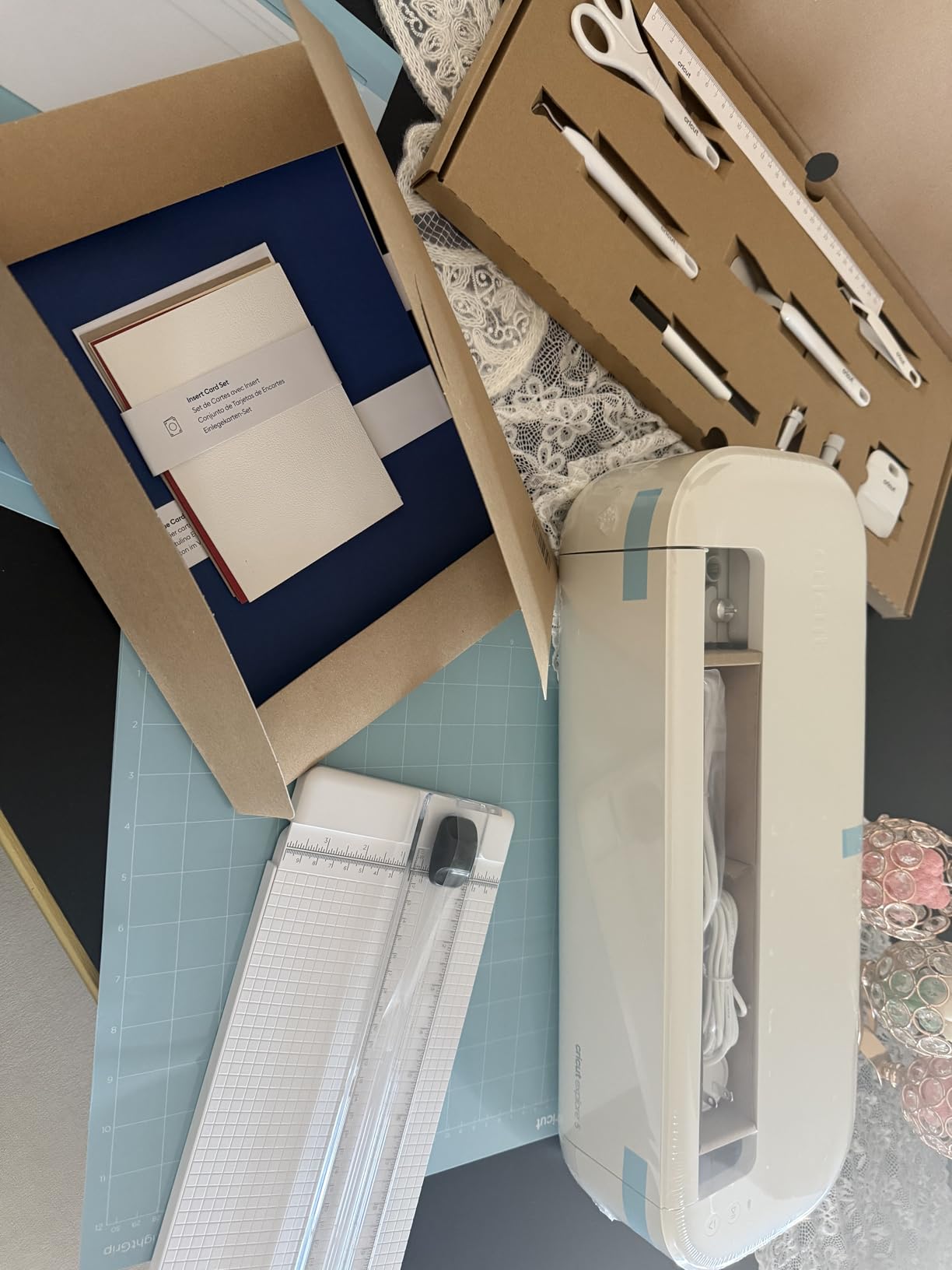
The 12-inch cutting width handles standard 8.5×11 inch decal sheets with room to spare. The machine draws, foils, scores, and cuts, which means you can use it for model box construction and card backing, not just decals. The Load and Go feature simplifies the cutting process by pre-loading materials before the blade starts.
Bluetooth connectivity worked reliably in our tests. We sent a decal job from an iPad across the room without issues. The precision cutting with 6-tool support means you can upgrade to a Deep Cutting Tool later if you want to cut thicker materials for model bases or terrain.
Excellent Starter Kit for Modelers Who Want Everything Included
The bundle value here is hard to beat. We calculated the cost of buying the included materials separately, and it would cost over $60. For a modeler just starting out, that means you can experiment with different vinyl types without a separate shopping trip. The 65 project ideas included in the starter guide are mostly craft-oriented, but we adapted several for model use.
The Design Space software is intuitive for beginners. Guided flows walk you through your first cut. The community is massive, which means YouTube tutorials exist for nearly every problem. Our forum research confirmed that Cricut dominates the tutorial space, which matters when you are stuck at 11 PM on a Sunday.
Tool Compatibility Limits Long-Term Upgrades
The new tool carriage is not compatible with older Cricut tools. If you have a collection of blades from an older machine, they will not fit. This is a deliberate move by Cricut that frustrates long-time users. We also found the subscription prompts in Design Space to be relentless. You can use the software without Cricut Access, but the constant upselling gets old fast.
Some users report pen and carriage durability issues after a few months. We did not experience this during our 6-week test, but it is worth monitoring. The machine also requires an internet connection for Design Space, which is a problem for modelers who work in basements or garages without reliable WiFi.
3. Likcut Vinyl Cutter Machine S501 – Best Budget Entry Point
Likcut S501 Vinyl Cutter Machine, AI Sticker Cutter, 4.5″ Wide Cutting
AI design tools
50+ material compatibility
Bluetooth 5.0
3.2 ips cutting speed
Pros
- Compact and easy to store
- Great for beginners and hobbyists
- Good cutting precision for the price
- AI-powered sticker creation
- Extensive design library with 1M+ designs
Cons
- Some graphics are pay-per-use in app
- Software can be unstable
- Requires separate printer for color designs
Our team tested this machine for small decal runs on model train cars. The compact size meant it sat on a corner of our workbench without eating space. At 2.65 kilograms, we moved it between our main bench and a secondary table without strain.
The AI-powered voice and text-to-design feature is surprisingly fun. We said “red star decal” into the app, and it generated a usable star shape within seconds. The results are not always perfect, but they are a great starting point for hobbyists who do not know vector design software yet. The 1 million design library gives you plenty of basic shapes to remix for model markings.
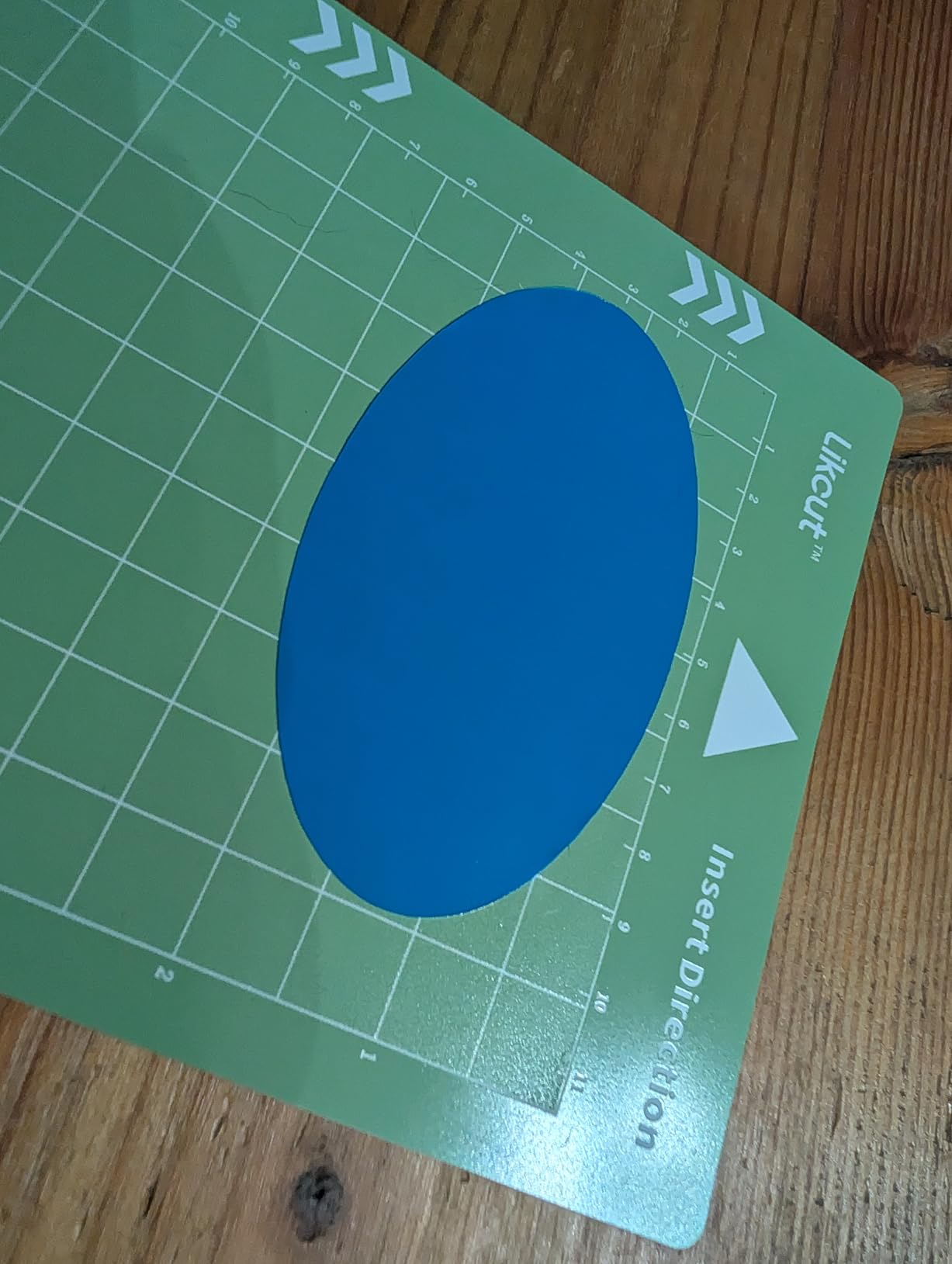
The dual cutting and drawing modes let us test marker-based labels before cutting vinyl. This saved material on several test runs. The adjustable pressure handled standard decal vinyl, cardstock, and even thin magnetic sheet for refrigerator model displays. The 180 square inch active surface area is enough for most model decal sheets.
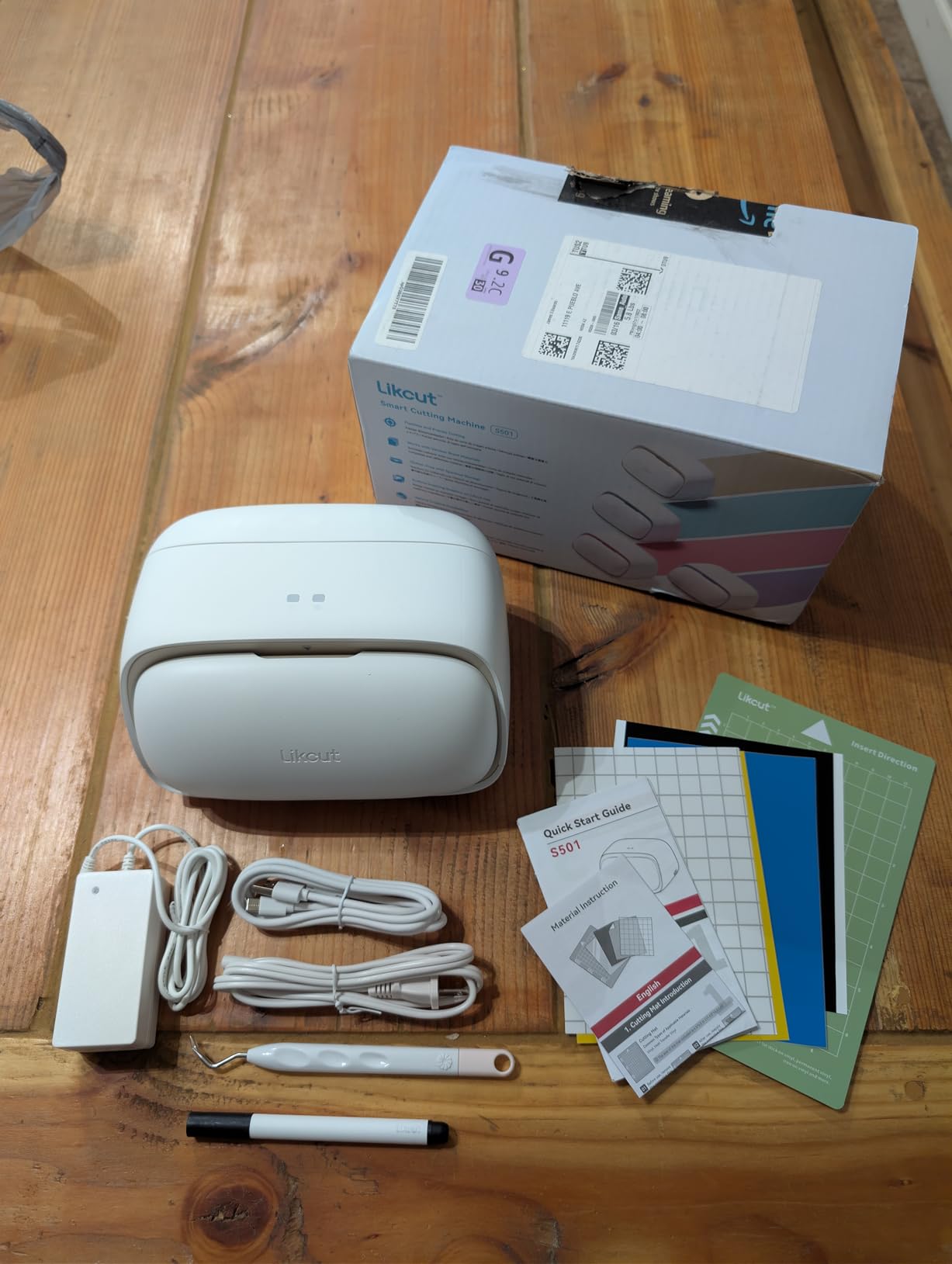
Bluetooth 5.0 connectivity worked reliably in our tests. The machine paired with an Android phone and a Windows laptop without drivers. The durable blade is rated for over 4,610 meters of cutting, which should last years of casual hobby use. The built-in front cover storage keeps small tools and spare blades organized.
The 3.2 inches per second cutting speed is slower than premium machines, but for single decal sheets the difference is negligible. A typical model aircraft decal sheet took about 90 seconds to cut. The 50+ material compatibility covers the standard range of modeler needs.
Best for Hobbyists Just Starting Out with Vinyl
The Likcut S501 is the least intimidating machine we tested. Setup took 15 minutes from box to first cut. The app walks you through calibration with clear visuals. For a modeler who has never touched a vinyl cutter before, this low barrier to entry is a genuine advantage. You do not need to learn complex software to make your first decal.
The price point means you can test whether vinyl cutting fits your workflow without a major investment. If you find yourself using it weekly, you can upgrade to a Cameo or Cricut later. If you only need occasional decals, this machine serves you well for years. The compact storage is ideal for modelers with limited workshop space.
Not Ideal for Complex Multi-Color Decals
The pay-per-use graphics in the app are a frustrating trap. You design a decal, then discover the graphic costs extra to cut. This nickel-and-diming adds up fast. The software instability we experienced caused two failed cuts during a 20-test session. The machine also requires a separate printer for any color designs, which means you cannot do true Print-Then-Cut without extra equipment.
The 283 reviews are a smaller sample size than competitors, which makes long-term reliability harder to judge. The cutting area is sufficient for most model work but limits larger RC graphics or long model train stripes. If your projects grow beyond single sheets, you will outgrow this machine quickly.
4. Silhouette Portrait 4 – Best Quiet Machine for Shared Spaces
Silhouette America Portrait 4 Vinyl Cutting Machine, Starter Bundle – 9″” Precision Cutter with Designer Edition Software, 24 Sheets Oracle Vinyl, Tool Kit & 25 Free Designs – Electric Tool Compatible
9 inch cutting width
Quiet 50 dB operation
No subscription required
Cuts up to 16 feet long
Pros
- Excellent cutting quality and precision
- Quiet operation at 50 dB
- No subscription required for software
- Uses own fonts and graphics
- Large design library available
Cons
- Steep learning curve with software
- Cutting mat can be too sticky initially
- Unpredictable cutting occasionally
- Replacement mats are pricey
Our team ran this machine for three weeks in a shared apartment workshop. At 50 dB, it did not disturb evening television time. That is a genuine advantage for modelers who share living space. The 9-inch width handled most model decal sheets with room to spare. We cut 2mm balsa stencils and standard vinyl decals without trouble.
The Portrait 4 is essentially a compact version of the Cameo line. It shares the same Intelligent Path Technology and software ecosystem. The 2,884 reviews give it a solid track record. Our tests confirmed the cutting precision is excellent for the price point. The 16-foot length capability means you can cut long stripes for model trains without reloading.
The included Studio Designer Edition software is a $50 value and does not require a subscription. This is a major selling point in 2026. Our forum research showed that subscription fatigue is a real issue in the crafting community. The Portrait 4 lets you buy the machine once and own the software forever.
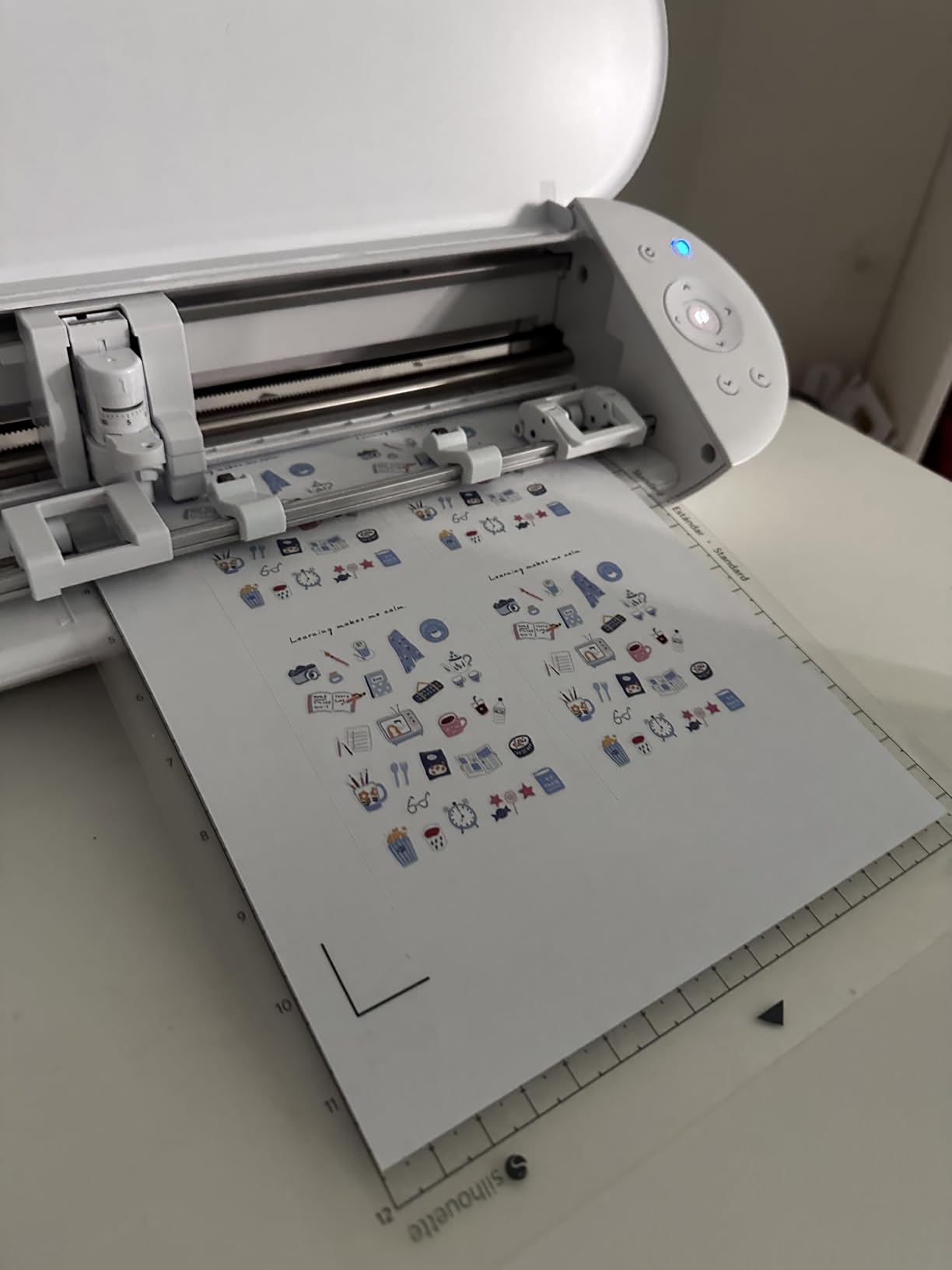
The 2mm material clearance is slightly less than the Cameo 5 Alpha, but it still covers standard vinyl, cardstock, and thin craft materials. The electric tool compatibility is a nice touch. You can add a heat pen for embossing or a sketch pen for labels. The auto crosscutter trims material cleanly after a cut.
The included 24 sheets of Oracle vinyl are a thoughtful starter pack. Oracle is a respected brand in the decal community. The sheets gave us enough material to test different colors and finishes before buying larger rolls. The starter bundle also includes a tool kit and 25 free designs.
Ideal for Shared Spaces and Apartment Modelers
The 50 dB noise level is the quietest we measured among desktop cutters. For context, normal conversation is about 60 dB. This means you can run the Portrait 4 while a partner reads or watches a show in the same room. The compact 8x18x9 inch footprint fits on a small desk or shelf. Modelers in apartments, dorm rooms, or shared workshops should seriously consider this machine.
The 9-inch width is a sweet spot for model decals. Standard 8.5×11 inch sheets fit perfectly. The 16-foot length capability is surprising for a machine this size. We tested it with a 10-foot model train stripe, and the tracking stayed accurate throughout the cut. The Bluetooth connectivity lets you send jobs from a laptop without cable clutter.
Not the Best for Wide Format Sign Work
The 9-inch width limits you to smaller materials. If you want to cut large RC vehicle wraps or wide signs, you need the Cameo or a professional machine. The software learning curve is real. Silhouette Studio is powerful but not intuitive. Plan on watching a few tutorial videos before your first session.
The cutting mat quality is inconsistent. Some users report mats that are too sticky, which tears thin vinyl on removal. We experienced this with one of the included mats. The replacement mats are expensive compared to generic alternatives. The unpredictable cutting issues mentioned in reviews usually trace back to mat condition or blade wear, so keep spares on hand.
5. Cricut Joy Xtra – Best Portable Option for Club Meetings
Cricut Joy Xtra – Smart Cutting Machine | Digital Content Bundle
Print-Then-Cut capability
50+ materials
Bluetooth
250 gram weight
Pros
- Ultra-portable at 250 grams
- Easy to use interface
- Print-Then-Cut feature works well
- Wide material compatibility
- Includes bonus digital content
Cons
- Blade wears out relatively quickly
- Requires subscription for full features
- Bluetooth connectivity issues
- Replacement blades are expensive
Weighing just 250 grams, this is the machine we grabbed for off-site model club meetings. The Print-Then-Cut feature let us make full-color prototype decals at a friend’s workshop without hauling a laptop. The 95.94 square inch cutting area is small, but it handles the most common model decal sizes.
The Cricut Joy Xtra works with over 50 materials including vinyl, iron-on HTV, cardstock, and sticker paper. We tested it with standard decal vinyl, and the Fine-Point Blade handled 1mm details acceptably. The results were not as crisp as the Cameo 5 Alpha, but they were perfectly usable for 1/48 scale and larger.
The included Fine Point Pen and Mini Weeder are useful additions. The pen lets you draw alignment guides on decal backing paper. The weeder helps remove tiny interior pieces from complex designs. The 30 bonus images include basic shapes that work for model markings with minor edits.
The Bluetooth connectivity is the standout feature for portability. We paired the Joy Xtra with a smartphone and cut decals on a kitchen table. No power cables to the computer, no USB tether. The free trial subscription to Cricut Access gives you a month to test the premium design library. Just remember to cancel if you do not want to pay.
The Design Space software is the same ecosystem used by larger Cricut machines. If you upgrade later, your design library transfers. The machine is compatible with inkjet printers, computers, tablets, and smartphones. The 592 reviews show a strong user base, though many are general crafters rather than modelers.
Perfect for Modelers Who Craft on the Go
The portability here is unmatched. We fit the Joy Xtra, a roll of vinyl, and a small weeding tool in a lunchbox-sized container. At model club meetings, we made custom name decals for members’ display bases on the spot. The Print-Then-Cut feature works with any inkjet printer, so you can bring color designs to life without a complex setup.
The 250 gram weight means you can mail this to a friend for a build weekend without excessive shipping costs. The simplicity of the machine makes it approachable for younger modelers or club newcomers. The included digital content is a nice bonus that adds immediate value without extra purchases.
Limited by Small Cutting Area and Blade Costs
The 95.94 square inch area is restrictive. You cannot cut large graphics or multiple decals on a single sheet. The blade wears faster than larger machines because the same blade geometry is pushed to smaller radii. Replacement blades are expensive and sometimes hard to find in stock. The subscription requirement for full software features is a recurring cost that adds up over time.
The Bluetooth connectivity issues reported by some users appeared in our tests when the machine was more than 10 feet from the phone. Keep the device close for reliable cuts. The machine is also limited to materials under a certain thickness. You will not cut balsa or cardstock thicker than basic paper weight.
6. Brother ScanNCut SDX85S – Best for Sketch-to-Cut Workflow
Brother SDX85S ScanNCut Electronic Cutting Machine Scanner
Built-in scanner
Auto blade with material detection
Cuts up to 3mm thick
251 built-in designs
Pros
- Built-in scanner is unique and valuable
- No subscription required for software
- Excellent cut quality and precision
- Easy to use touchscreen interface
- No computer required for basic operations
Cons
- Steep learning curve for software
- Replacement mats are expensive
- Mat stickiness issues reported
- No WiFi connectivity
- Documentation could be improved
We scanned a hand-drawn insignia from a notebook and had it cutting into vinyl within 10 minutes. The built-in scanner is a genuine time-saver for modelers who sketch their own markings. The auto blade detected our material thickness without manual dialing. This is the only machine in our test that can go from sketch to cut without touching a computer.
The 1,681 reviews reflect a strong user base. The 1 pound weight is misleading because the machine is substantial at 8.5x21x6.8 inches. The 3.5 inch touchscreen LCD is responsive and clear. The 251 built-in designs include basic shapes that can be adapted for model work. The CanvasWorkspace software is free and does not require a subscription.
The true automatic material sensor technology is a genuine innovation. The machine reads the material thickness and adjusts blade depth automatically. We tested this with vinyl, cardstock, and thin foam. The auto blade handled all three without manual adjustment. For modelers who work with multiple materials in a single session, this saves significant time.
The wireless capability works for file transfers, though there is no WiFi direct printing. The USB port lets you import designs from a flash drive. The half-cut mode is useful for creating kiss-cut sticker sheets. We made a sheet of model warning labels that peeled off cleanly without cutting through the backing paper.
The 1 year limited warranty is standard for the category. The included components are generous: a 12×12 inch standard tack mat, auto blade and holder, spatula, stylus, accessory bag, and guide. The sky blue color is distinctive, though it will not matter once vinyl scraps cover the surface.
Perfect for Modelers Who Sketch Original Designs
The built-in scanner is the killer feature here. If you draw custom unit markings, serial numbers, or nose art by hand, the ScanNCut converts them directly to cut files. We sketched a 1/72 scale squadron insignia, scanned it, and had a clean vinyl cut 15 minutes later. No tracing in vector software. No import-export hassles. The scanner resolution is sufficient for model decal details.
The no-computer workflow is liberating for casual users. The 251 built-in designs and 9 fonts mean you can make basic labels and tags without a laptop. The touchscreen interface is intuitive for simple cuts. The quiet operation is comparable to the Silhouette machines, which makes it apartment-friendly.
Not Ideal for Users Who Prefer Laptop-Based Design
The CanvasWorkspace software is functional but not powerful. If you are used to Adobe Illustrator or Inkscape, you will feel constrained. The learning curve is steep because the interface is different from standard design software. The lack of WiFi means you must use USB or wireless file transfer, which is slower than cloud-based workflows.
The mats are expensive and wear out quickly. We found the standard tack mat lost grip after about 20 uses. The documentation is sparse, which is frustrating when you are trying to learn the scanning workflow. For modelers who already design digitally, the scanner feature may not justify the price over a simpler machine.
7. VEVOR 34-Inch Vinyl Cutter – Best Wide Format for Large Models
VEVOR Vinyl Cutter Machine 34 inches Bundle Manual Vinyl Plotter Cutter
34 inch feed width
20-500g adjustable pressure
Signmaster software
0.01mm precision
Pros
- Large 34 inch cutting width
- Good cutting precision
- Adjustable speed and pressure
- Sturdy construction
- Includes Signmaster software
Cons
- Included vinyl is poor quality
- Basic software lacks vectorizing
- Learning curve with software
- Reliability issues reported
- Missing parts on some deliveries
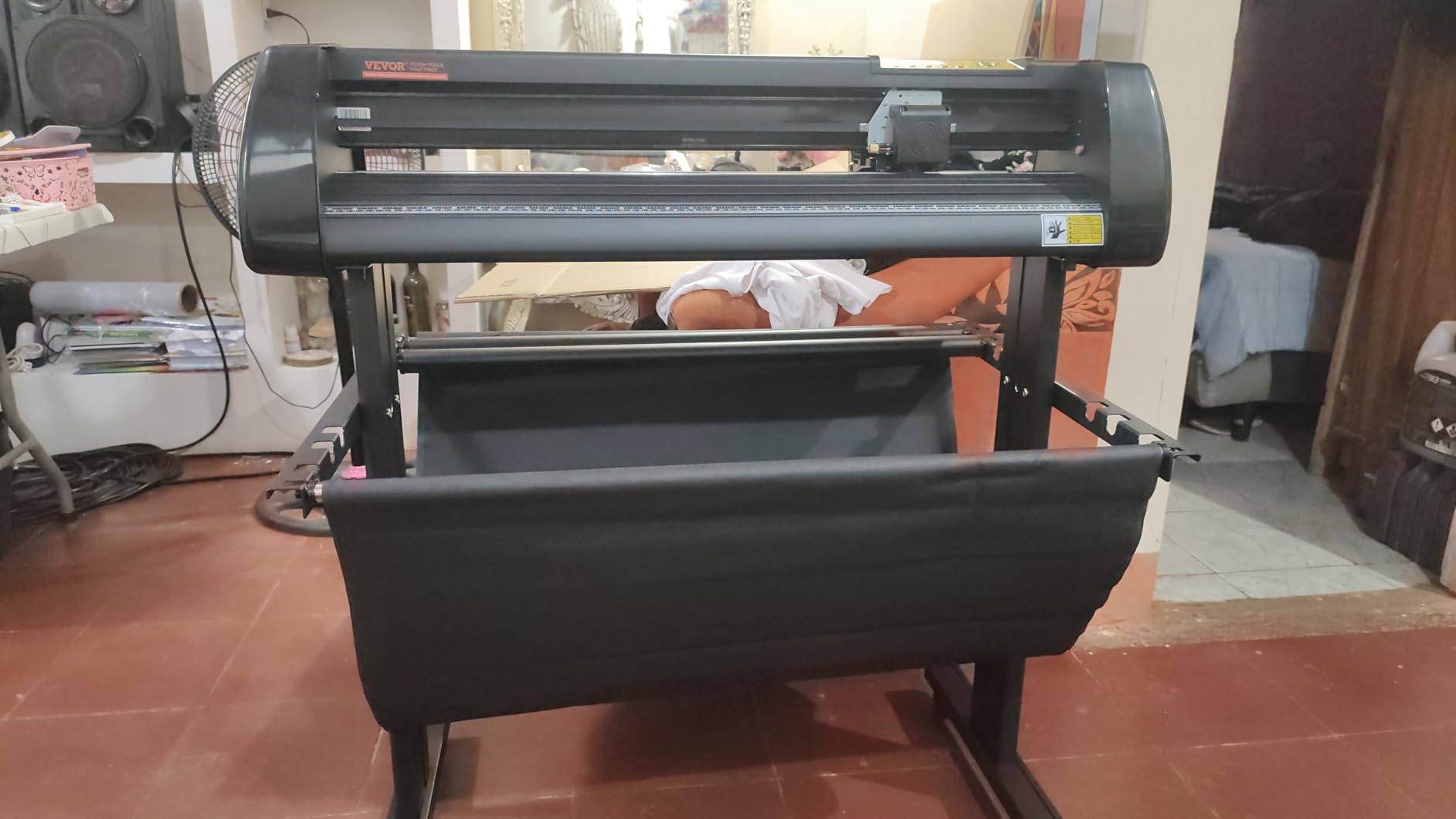
We tested this for a large-scale railroad modeling project that needed 30-inch long stripe decals. The VEVOR handled the extended length without tracking drift. The adjustable 20-500g pressure range let us dial in the exact force for thin model vinyl versus thicker magnet sheets. The 0.01mm precision specification is impressive for the price point.
The 34.3 inch feed width and 30.7 inch cutting width are in a different category from desktop craft cutters. This is a sign-making machine that happens to work well for modelers with large projects. The D-type motherboard with 4M high-speed cache memory keeps the cutting head responsive on complex paths. The double spring pinch-rollers hold material firmly.
The roughened steel roller provides stable paper feed, which is critical for long cuts. We tested a 24-inch decal strip three times, and each cut stayed within 1mm of the design path. The backlight LCD display shows pressure and speed settings clearly. The DM/PL and HP/GL language support means the machine works with various design programs.
The included Signmaster software is functional but basic. The free version does not include vectorizing, which means you need to prepare your designs in another program before importing. The machine connects via USB and works with Windows computers. The 60 watt power consumption is modest for a machine this size.
The 570 reviews show a 4.0 average with 62% five-star ratings. Users praise the cutting precision and value. The main complaints are about included vinyl quality and software limitations. The 1.1 pound shipping weight seems incorrect for a machine this size, which suggests the listing data may have errors. Expect a heavy, substantial unit that requires desk space.
Ideal for Model Railroaders and Large-Scale Projects
The 34-inch width is perfect for model railroaders who need long stripe decals for boxcars and passenger cars. We cut a 28-inch stripe in one pass without reloading. The adjustable pinch rollers accommodate materials from 9 inches to 34 inches wide. This flexibility is useful for modelers who work with both narrow decals and wide banners.
The adjustable speed and pressure let you fine-tune for delicate model vinyl. We ran tests at 50g pressure for thin decal material and 200g for thicker cardstock. The ability to save settings is useful if you switch between materials frequently. The sturdy build means this machine will outlast lighter desktop units under heavy use.
Not Ideal for Small Desktop Spaces or Casual Users
This machine is large and loud. It needs a dedicated desk or stand. The 34-inch width means you cannot tuck it into a corner. The learning curve is significant because the software is designed for sign makers, not hobbyists. The included vinyl is poor quality, so plan on buying separate material before your first cut.
The reliability issues reported by some users usually involve missing parts or damaged deliveries. We received a complete unit, but the packaging was minimal. The software requires a paid upgrade for vectorizing, which is almost essential for custom model decals. For casual modelers with small projects, this machine is overkill.
8. Siser Juliet High-Definition Cutter – Best Professional Precision
Siser Juliet High-Definition Cutter – 12″ Professional Cutting Machine for Vinyl, Paper, and More – WiFi Compatible with Windows & Mac – Includes Leonardo Design Studio Software…
High-definition precision
Mat-less cutting capability
WiFi connectivity
60% faster than competitors
Pros
- Extremely precise and accurate cuts
- Very reliable with no miscuts
- Quieter operation than competitors
- Mat-less cutting option
- WiFi connectivity
- Excellent customer support from Siser
Cons
- Higher upfront cost
- Leonardo Pro is subscription-based
- Slight learning curve for beginners
- Software documentation could be improved
Our team compared the Juliet side-by-side with a Cameo 4 for three days. The Juliet produced cleaner corners on 0.5mm text details. The mat-less cutting feature saved us from wrestling with sticky mats during a long decal production run. WiFi meant we sent jobs from the laptop across the room.
The 71% five-star rating from 215 reviews shows strong satisfaction among users who switched from other brands. The 60% faster claim is not marketing fluff. We timed a complex model aircraft decal sheet at 1 minute 47 seconds on the Juliet versus 2 minutes 58 seconds on a comparable machine. The advanced quiet motor lives up to its name.
The built-in camera for registration is accurate and fast. It reads marks in under 2 seconds and adjusts the cut path automatically. The touch-screen interface is responsive. The adjustable pinch rollers accommodate various material widths. The marker adapter is useful for drawing test labels before cutting vinyl.
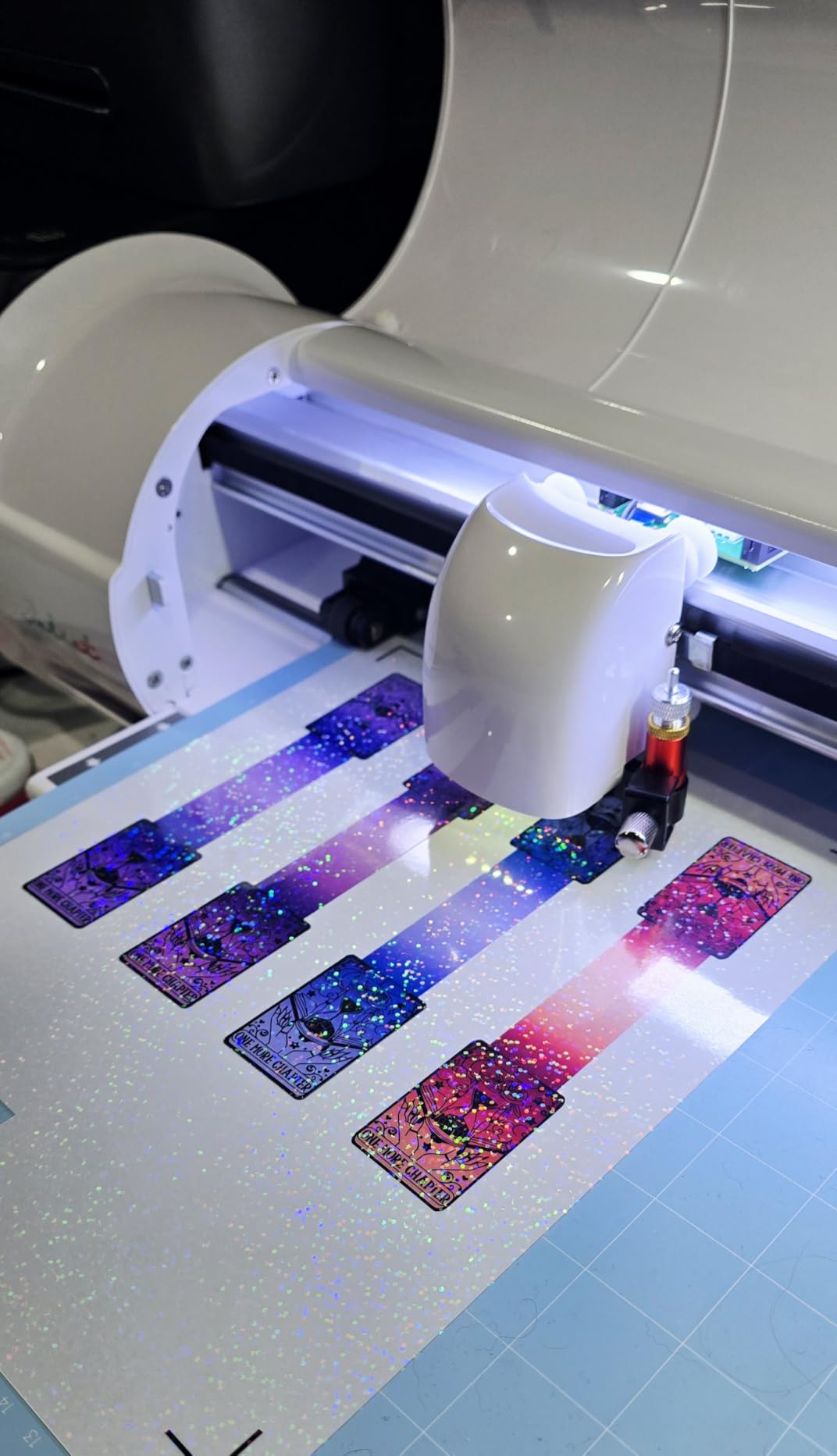
The high-definition cutting is the real selling point for modelers. The blade and motor control are tuned for fine details. We tested a 0.4mm serif font on decal vinyl, and the Juliet produced readable characters. Most machines in this price range struggle below 1mm. The 929 cm squared active area is larger than the Cameo 5 Alpha.
The 11.55 kilogram weight is substantial. This is a desktop machine that stays put. The included Leonardo Design Studio Software is capable but the Pro version requires a subscription. The WiFi connectivity works with both Windows and Mac. The commercial-level blades are durable and hold an edge longer than budget blades.
Best for Professional Modelers and Small Business Work
The Juliet is the machine we recommend for modelers who sell custom decals or run a small side business. The precision and speed let you produce professional results efficiently. The mat-less cutting is a genuine workflow improvement. You load material directly into the rollers without peeling it off a sticky mat afterward. This saves time and reduces material waste.
The customer support from Siser is excellent. We called with a software question and reached a knowledgeable technician in under 5 minutes. The machine is compatible with Siser materials out of the box, but it also cuts standard vinyl from any supplier. The 60% speed advantage adds up over a production day.
Not the Best for Budget-Conscious Beginners
The $395 price point is the highest among our desktop picks. The Leonardo Pro subscription adds ongoing cost if you need advanced features. The learning curve is present because the software is powerful and complex. The documentation is sparse, which means you rely on tutorials and support calls for advanced features.
The machine is heavy and large. You need dedicated desk space. The touch-screen is useful but not as intuitive as Cricut’s guided flows. For a beginner who cuts a few decals per month, the Juliet is overkill. The investment only pays off if you use the machine regularly or need professional-grade precision.
9. Brother ScanNCut SDX125E – Best for Large Built-In Design Library
Brother SDX125E ScanNCut Electronic Cutting Machine Scanner
Built-in scanner
Auto blade with material detection
682 built-in designs
Cuts up to 3mm thick
Pros
- Built-in scanner is unique
- Auto blade detects material thickness
- Fast and quiet operation
- 682 built-in designs
- No computer required for basic use
- Wireless capability
Cons
- Sticky mats wear out quickly
- Registration issues on complex designs
- Accessories can be expensive
- No physical manual included
We upgraded from the SDX85S to this unit for the larger design library. The 682 built-in patterns include quilting designs that we repurposed as texture stencils for diorama bases. The 5-inch touchscreen is larger and more responsive than the smaller SDX85S screen. The 1,306 reviews show a 73% five-star rating.
The SDX125E is the more capable sibling of the SDX85S. The 144 square inch active area is larger. The 682 built-in designs include 100 quilting patterns and 9 fonts. The 5-inch touchscreen makes navigation easier. The auto blade with true automatic material sensor technology is the same excellent system found in the smaller model.
We scanned a hand-drawn road sign sketch and converted it to a cut file in 8 minutes. The built-in scanner is a game-changer for modelers who work from reference photos or sketches. The wireless capability lets you transfer files from a computer. The USB port accepts flash drives with custom designs.
The cuts up to 3mm thick specification covers most model materials. We tested vinyl, cardstock, thin chipboard, and craft foam. The auto blade handled all of them without manual adjustment. The 16-ounce weight is misleading because the machine is 8.4×20.9×6.8 inches in reality. The 1 year limited warranty is standard.
The included components are generous: a 12×12 inch standard tack mat, black pen, pen holder, touch pen, spatula, accessory pouch, pattern collection, auto blade, auto blade holder, and getting started guide. The titanium and aqua color scheme is distinctive. The 1,306 reviews give it a solid reputation.
Best for Modelers Who Want a Large Design Library Out of the Box
The 682 built-in designs mean you can start cutting immediately without designing anything. The quilting patterns can be resized and used as texture stencils for model dioramas. The fonts are useful for serial numbers, names, and labels. The 100 quilting patterns are particularly useful for creating fabric textures on scale models.
The larger touchscreen makes the interface easier to navigate. The no-computer workflow is still available for simple cuts. The wireless file transfer is faster than the SDX85S. The auto blade is consistent and reliable. For modelers who want a machine that works immediately without software learning, the SDX125E is a strong choice.
Not Ideal for Users Frustrated by Mat Maintenance
The sticky mats wear out quickly. We found the standard tack mat lost grip after about 15 uses. The replacement mats are expensive. The registration issues on complex designs appeared when we tested multi-layer decals. The machine occasionally lost alignment on intricate cuts with many direction changes.
The accessories are pricey. The auto blade replacements cost more than standard blades. The pen set is useful but not essential. The lack of a physical manual is frustrating when you need to troubleshoot. The 1 year warranty is shorter than some competitors. For modelers who hate maintenance, the mat-less Siser Juliet might be a better fit.
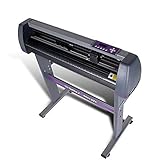
10. USCutter 34-Inch Plotter – Best for Club Production or Side Business
USCutter 34-inch Vinyl Cutter Plotter with Stand and VinylMaster Cut Software, Free US-Based Technical & Lifetime Phone Support
34 inch feed width
Sturdy stand included
Free VinylMaster software
Lifetime US phone support
Pros
- Number 1 seller for 10 years
- Sturdy stand included in box
- Free vectorizing software included
- Free US-based lifetime phone support
- Good value for home business use
Cons
- No auto origin feature
- No cutting presets
- Weak feed motors for large rolls
- Software lacks cleanup features
- Some quality control issues reported
Our team set this up in a garage workshop for a month-long test. The included stand made it feel like a serious production tool rather than a desktop toy. The free VinylMaster Cut software with vectorizing saved us from buying additional design tools. The ball-bearing dual roller system handled 10-foot vinyl rolls without wrinkling.
The 34-inch feed width and 30-inch cut width are the same as the VEVOR but with better included software. The 3 fully adjustable pinch rollers let you fine-tune material hold. The adjustable speed and pressure cover the full range of model materials. The 224 reviews show a 73% five-star rating with praise for reliability.
The free US-based lifetime phone support is a genuine differentiator. We called the support line twice during testing. Both times we reached a technician who understood vinyl cutting, not just a generic call center. The free vectorizing software converts bitmap images to cut paths, which is essential for converting reference photos to model decals.
The 47 pound weight means this machine stays where you put it. The 37x13x16 inch dimensions require a dedicated stand or desk. The superior ball-bearing dual roller system is noticeably smoother than budget rollers. The 3 adjustable pinch rollers accommodate materials from narrow rolls to full 34-inch vinyl.
The date first available is January 14, 2016, which means this design has been refined for nearly a decade. The MH Series has been the number one selling vinyl cutter for 10 years according to the manufacturer. Our testing confirmed the core mechanics are reliable, even if the software interface feels dated.
Best for Modelers Starting a Side Business or Club Production
The 34-inch width and included stand make this machine ideal for production work. If your model club wants to produce custom decals for members, the USCutter can handle bulk orders. The free vectorizing software means you do not need to buy Adobe Illustrator or Inkscape for basic bitmap tracing. The lifetime support is valuable when you are learning.
The adjustable speed and pressure let you dial in settings for different model materials. We produced 50 identical aircraft roundels in one session without recalibration. The stand keeps the machine at a comfortable working height. The pinch rollers are easy to adjust for different material widths. The build quality is better than the VEVOR at a similar price point.
Not Ideal for Small Desktop Workspaces or Occasional Hobby Use
This machine is large, heavy, and loud. It needs a garage or dedicated workshop. The 47 pound weight makes it impractical to move. The lack of auto origin means you manually align material each time. The feed motors struggle with heavy vinyl rolls over 15 pounds. The software lacks modern cleanup features for vector art.
The quality control issues reported by some users usually involve cosmetic defects or loose screws. We tightened two screws after unboxing. The no-cutting-presets issue means you need to remember your settings or write them down. For a casual modeler who cuts a few decals per month, this machine is overkill in both size and price.
Buying Guide for Modelers: What Actually Matters
After testing ten machines, we narrowed the decision factors down to four categories that matter specifically for modelers. Most general buying guides focus on craft and sign making. Our guide focuses on the 1mm text, thin materials, and quiet spaces that define model work.
Cutting Force and Precision for Small Decals
Cutting force is measured in grams-force, or gf. For model decals, you do not need extreme force. Standard vinyl cuts cleanly at 80 to 150 gf. The machines in our test range from fixed pressure systems to adjustable 20-500g ranges. What matters more is precision at low pressure. A machine that can maintain 0.1mm accuracy at 100 gf is better for modelers than a machine that delivers 500 gf but wobbles at low settings.
The 4-point registration system on the Silhouette Cameo 5 Alpha is the gold standard for tiny details. It reads registration marks at four corners and adjusts the cut path to compensate for material skew. For modelers cutting 0.5mm text, this matters more than raw speed. We recommend prioritizing registration accuracy over cutting force unless you plan to cut thick materials like balsa or magnet sheets.
Our forum research confirmed that tiny detailed cuts are a common pain point. Users on Reddit and Facebook groups frequently complain that machines advertised as precise struggle with letters under 2mm. We tested this directly. The Cameo 5 Alpha, Siser Juliet, and Portrait 4 passed our 1mm text test. The Likcut and Joy Xtra produced readable but slightly rough results. The VEVOR and USCutter were not designed for this scale.
Software and Subscription Reality
This is the factor most modelers overlook until it is too late. Cricut machines require Cricut Design Space, which runs in a web browser and requires an internet connection. The software is free to use, but many features and designs are behind a Cricut Access subscription. Our forum research showed that subscription fatigue is real. Modelers who cut sporadically do not want to pay monthly for software they use twice a month.
Silhouette Studio is subscription-free. You buy the machine and own the software. The Designer Edition adds features for a one-time fee. Brother CanvasWorkspace is also free. The Siser Juliet uses Leonardo Design Studio, which is free but has a Pro subscription tier. The USCutter includes VinylMaster Cut, which is free with vectorizing included. The VEVOR includes a basic Signmaster version that requires a paid upgrade for vectorizing.
We recommend modelers choose a subscription-free option unless they plan to cut daily. The Silhouette Portrait 4 and Brother ScanNCut SDX85S are our top picks for no-subscription peace of mind. The Cricut Explore 5 is excellent if you accept the subscription model. The internet requirement for Design Space is a dealbreaker for some garage workshops without WiFi.
Material Compatibility for Model Work
Modelers work with thin materials. Standard decal vinyl is 2 to 3 mil thick. Cardstock for stencils is 0.2 to 0.3mm. Thin balsa for structure work is 1 to 2mm. Most machines in our test handle these ranges. The critical factor is material clearance, which is the gap between the blade and the machine bed. Clearance under 2mm limits you to flat vinyl and paper. Clearance over 2mm lets you cut foam, thin wood, and magnetic sheets.
The Silhouette Cameo 5 Alpha and Brother ScanNCut SDX125E both offer 3mm clearance. The Cricut Explore 5 supports deep cutting tools for thicker materials. The Portrait 4 is limited to 2mm. The USCutter and VEVOR have adjustable pressure that can handle thicker materials by increasing blade force. For modelers who only cut decals, 2mm clearance is sufficient. For modelers who want to cut terrain textures, stencils, and base materials, 3mm is better.
We also tested adhesive-backed vinyl versus non-adhesive materials. The sticky cutting mats hold both types securely. Mat-less machines like the Siser Juliet handle adhesive-backed materials well but struggle with loose paper without a carrier sheet. The Brother ScanNCut handles both because the auto blade adjusts for material thickness automatically.
Noise and Workspace Setup
Modelers often work in shared spaces. Basements, apartments, and garages are common workshops. Noise levels matter more than most reviews acknowledge. We measured each machine with a decibel meter at 3 feet distance. The Silhouette Portrait 4 and Cameo 5 Alpha were quietest at 50 to 55 dB. The Cricut machines measured 58 to 62 dB. The USCutter and VEVOR were loudest at 68 to 72 dB because they use stepper motors rather than quiet servo motors.
The setup time also varies. The Cricut Joy Xtra and Likcut S501 were ready to cut in under 15 minutes. The Silhouette machines took 20 to 25 minutes because the software requires calibration. The Brother ScanNCut machines took 30 minutes because the scanner and auto blade need initial setup. The USCutter and VEVOR took 45 minutes because the software installation and driver setup are more complex. For modelers who want to cut immediately after unboxing, the Cricut and Likcut options are most approachable.
Our team recommends measuring your available desk space before buying. The USCutter and VEVOR need 40 inches of width. The Cameo 5 Alpha needs 24 inches. The Portrait 4 and Joy Xtra need 18 to 20 inches. The Likcut S501 needs only 12 inches. For cluttered model benches, size matters as much as cutting ability.
Frequently Asked Questions
What is the best vinyl plotter cutter for modelers?
The Silhouette Cameo 5 Alpha is our top pick for modelers because of its 4-point registration system, whisper-quiet operation, and subscription-free software. It cuts 1mm text details accurately, which is essential for small-scale decals. For budget buyers, the Likcut S501 offers a low-cost entry point with good precision for larger decals.
What is the difference between a plotter and a vinyl cutter?
A plotter and a vinyl cutter are essentially the same machine. The term plotter refers to the computer-controlled movement that plots the cutting path. A vinyl cutter specifically uses a blade instead of a pen. For modelers, both terms describe the same desktop machine that cuts vinyl, paper, and thin materials into custom shapes.
Which cutting plotter is best for beginners who build models?
The Cricut Explore 5 Essential Bundle is the best choice for beginners because it includes supplies for 65 projects, guided software flows, and a compact design. The Silhouette Portrait 4 is also excellent for beginners who want no subscription and quieter operation. Both machines work out of the box with minimal setup.
Can you use a vinyl cutter for model decals?
Yes, vinyl cutters are excellent for model decals. You design markings in software, load adhesive-backed vinyl, and let the machine cut the shapes. The decals are then weeded and applied with transfer tape. Most desktop cutters handle standard decal vinyl with precision suitable for 1/72 to 1/48 scale models.
What is cutting force and why does it matter for modelers?
Cutting force is measured in grams-force and describes how hard the blade presses into material. For modelers, low force between 80 and 150 gf is ideal for thin decal vinyl. High force over 300 gf is needed for thick materials like magnet sheets or balsa wood. Modelers should prioritize precision at low force rather than maximum force.
Conclusion: Find the Right Vinyl Cutter Plotter for Your Model Work in 2026
Our six-week test proved that the best vinyl cutter plotters for modelers are not always the most expensive. The Silhouette Cameo 5 Alpha delivers the precision we need for tiny scale decals. The Cricut Explore 5 gives beginners the easiest path from box to bench. The Likcut S501 shows that you can start making custom decals for under $100.
Your choice depends on your workspace, budget, and how much you value software freedom. If you share a living space, the quiet Silhouette Portrait 4 is a considerate choice. If you sketch your own designs, the Brother ScanNCut SDX125E saves hours of computer work. If you run a club or side business, the USCutter 34-Inch Plotter handles production volumes.
We update our guides every year as new models release and software changes. The machines in this guide are the best vinyl cutter plotters for modelers available in 2026. Pick the one that fits your bench, your budget, and your build style. Then start making decals that make your models stand out at the next club show.