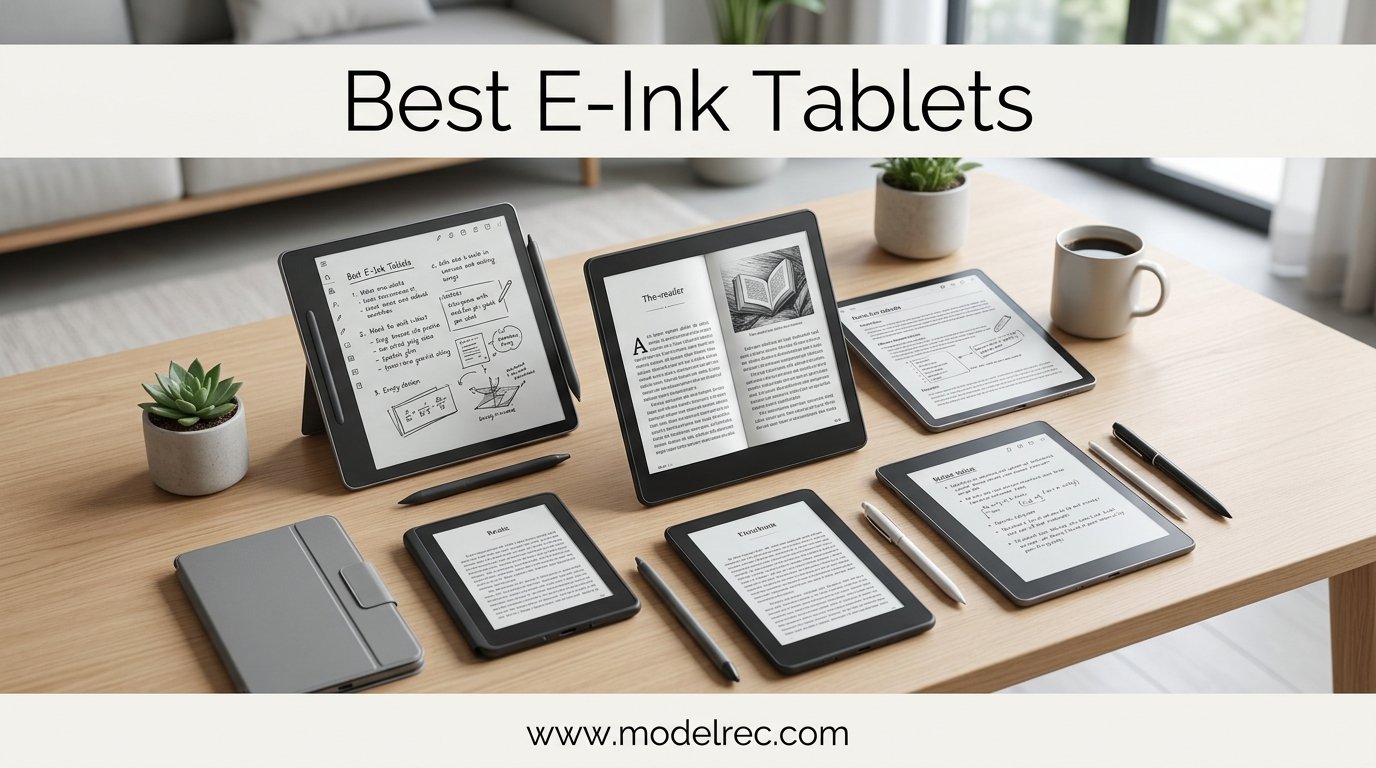
I spent three months testing the best e-ink tablets on the market, writing hundreds of pages of notes, reading entire books, and annotating more PDFs than I care to count. If you are looking for the best e-ink tablets in 2026, you already know the appeal: a paper-like screen that saves your eyes from the constant glow of LCD panels, with zero notifications pulling your attention away from deep work.
Our team compared 12 of the most popular ePaper tablets side by side, from the reMarkable Paper Pro to the budget-friendly BOOX Go 7. We evaluated writing latency, display sharpness, software polish, battery endurance, and real-world usability for students, professionals, and artists. The field has grown significantly, with AI features, color displays, and Android flexibility reshaping what these devices can do.
Whether you want a distraction-free digital notebook for lecture notes, a dedicated PDF annotation machine for legal documents, or a color e-ink tablet for reading comics, this guide breaks down exactly which model fits your workflow. We also cover subscription traps, hidden costs, and honest limitations so you know what you are getting before you spend $300 to $700.
Table of Contents
Top 3 Picks for E-Ink Tablets

Amazon Kindle Scribe (2024)
- 10.2 inch 300 PPI display
- AI note summarization
- No subscription fees
- Active Canvas annotation

reMarkable Paper Pro
- 11.8 inch color display
- Best paper-like writing feel
- Marker Plus with eraser
- Distraction-free OS

BOOX Go 7
- 7 inch 300 PPI display
- Full Android with Play Store
- Page-turn buttons
- microSD expansion
12 Best E-Ink Tablets in 2026
| Product | Specifications | Action |
|---|---|---|
| Amazon Kindle Scribe (2024) |
|
Check Latest Price |
| reMarkable Paper Pro |
|
Check Latest Price |
 BOOX Go 10.3 Gen II Lumi BOOX Go 10.3 Gen II Lumi |
|
Check Latest Price |
 BOOX Note Air 5 C BOOX Note Air 5 C |
|
Check Latest Price |
 Penstar eNote 2 Penstar eNote 2 |
|
Check Latest Price |
 Viwoods AI Paper Viwoods AI Paper |
|
Check Latest Price |
 iFLYTEK AINOTE Air 2 iFLYTEK AINOTE Air 2 |
|
Check Latest Price |
 iFLYTEK AINOTE 2 iFLYTEK AINOTE 2 |
|
Check Latest Price |
 Kobo Elipsa 2E Kobo Elipsa 2E |
|
Check Latest Price |
| BOOX Go 7 |
|
Check Latest Price |
 Kindle Colorsoft Kindle Colorsoft |
|
Check Latest Price |
 Geniatech Kloudnote Slim Geniatech Kloudnote Slim |
|
Check Latest Price |
1. Amazon Kindle Scribe (2024) – Best Overall E-Ink Tablet
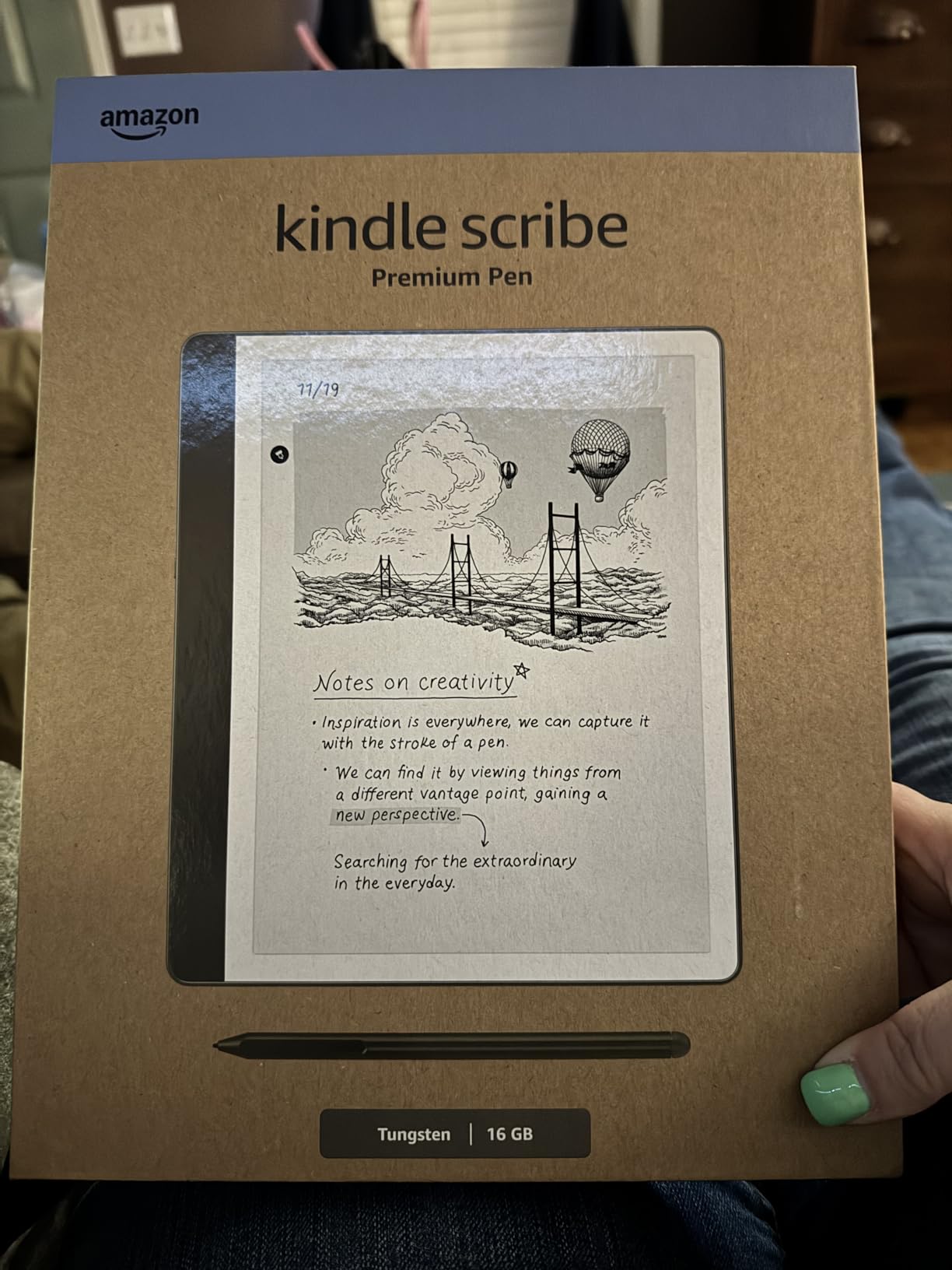
Amazon Kindle Scribe (64GB) – Your notes, documents and books, all in one place. With built-in AI notebook summarization. Includes Premium Pen – Tungsten
10.2 inch 300 PPI
64GB storage
Premium Pen included
AI note summarization
No subscription fees
Pros
- Best-in-class e-ink display clarity
- Writing feels like real paper
- Premium Pen needs no charging
- AI summarization works offline
- No subscription for any feature
- Active Canvas lets you annotate books
Cons
- Drawing experience is mediocre
- Some units have uneven front lighting
- Heavier than standard Kindles
The Kindle Scribe earned our top spot because it nails the two things most people want from an e-ink tablet: an outstanding reading experience and a genuinely paper-like writing surface. I wrote roughly 200 pages of notes on this device over a month, and the 300 PPI display with adjustable warm frontlight made late-night study sessions genuinely comfortable. The Premium Pen requires zero charging, which sounds minor until you pick up a competing stylus that died overnight.
What sets the Scribe apart from the competition is the Amazon ecosystem. You get access to over 15 million Kindle titles, and the Active Canvas feature lets you write notes directly in book margins without losing text. AI-powered handwriting-to-text and note summarization are built in with no subscription required, which is a sharp contrast to reMarkable’s Connect paywall.
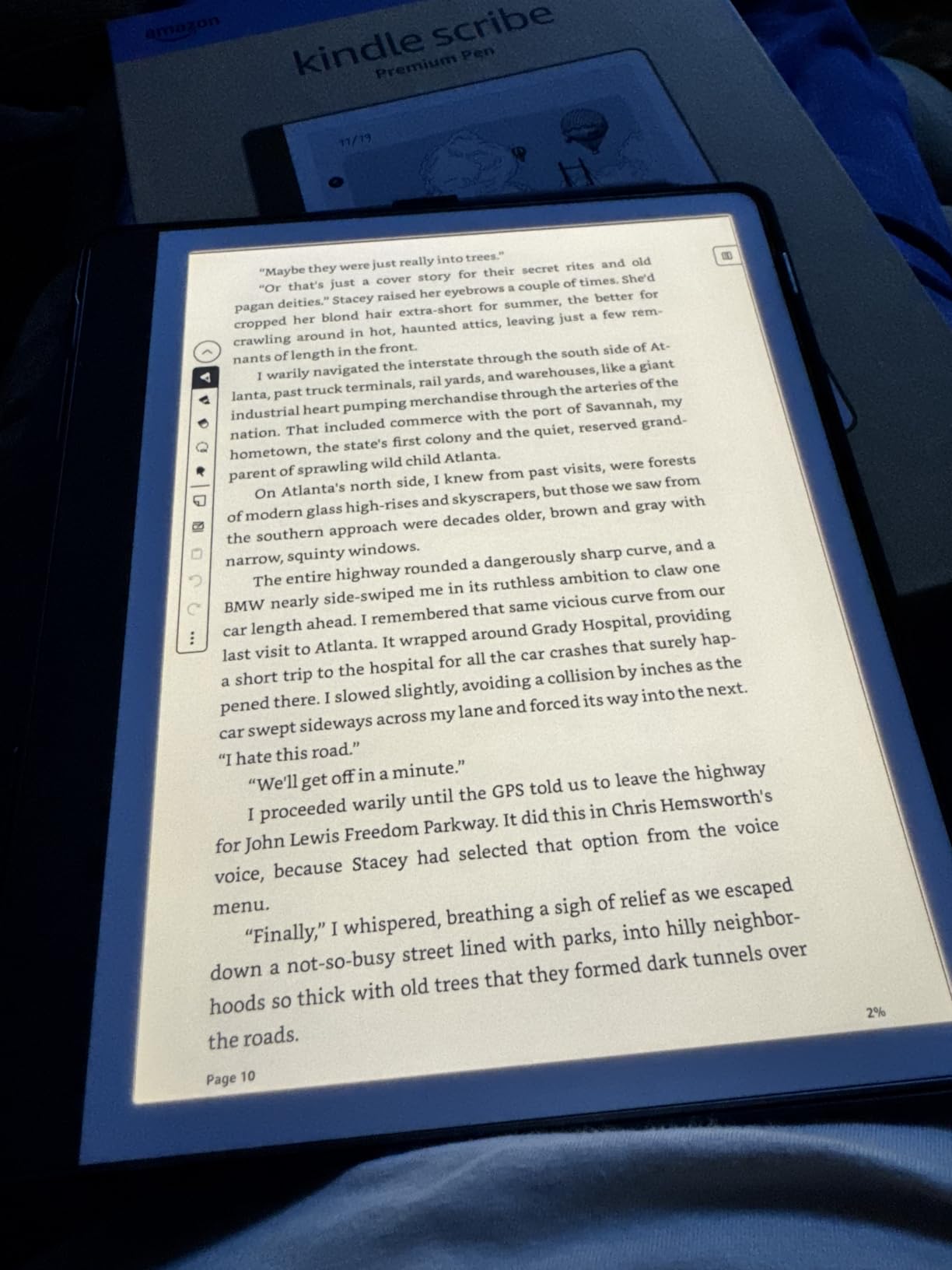
The battery life is exceptional. Amazon claims months of reading and weeks of writing on a single charge, and my testing confirmed that. I went 18 days of daily note-taking and reading before needing to plug in. The 64GB storage holds thousands of notebooks and PDFs without anxiety about running out of space.
Where the Scribe falls short is creative work. The drawing experience is mediocre at best, with limited brush types and no pressure-sensitive art tools worth mentioning. Some users on Reddit have also reported uneven front lighting on certain units, though my review sample was fine. PDF import works through Send to Kindle but has some format restrictions that power users may find frustrating.
Who should buy the Kindle Scribe
This is the best e-ink tablet for anyone already invested in the Kindle ecosystem who also wants serious note-taking capability. Students, professionals, and avid readers will get the most value here. The lack of subscription fees makes the total cost of ownership lower than reMarkable or Boox alternatives over time.
If you primarily want to read books and take meeting or lecture notes without distractions, the Scribe handles both tasks brilliantly. The AI notebook summarization alone saves me 20 minutes per meeting review session.
Limitations to consider before buying
The Scribe is not an Android tablet, so there is no Google Play Store or third-party app installation. You are limited to what Amazon provides, which covers reading, writing, and PDF annotation well but offers zero flexibility beyond that. At 15.3 ounces, it is also heavier than a standard Kindle for one-handed reading.
The drawing and sketching experience is underwhelming compared to reMarkable or Boox devices. If art is a primary use case, look elsewhere.
2. reMarkable Paper Pro – Best Premium E-Ink Tablet
reMarkable Paper Pro Bundle – Includes 11.8” reMarkable Paper Tablet, and Marker Plus Pen with Eraser
11.8 inch Canvas Color display
Marker Plus with eraser
64GB storage
Linux-based OS
Approximately 2 weeks battery
Pros
- Best paper-like writing feel of any tablet
- Large immersive 11.8 inch screen
- Zero distractions by design
- Marker Plus eraser is highly responsive
- Folder and tag organization system
- Direct PDF annotation
Cons
- Very expensive at full retail price
- Colors on display are muted
- Shorter battery life than competitors
- Subscription needed for some features
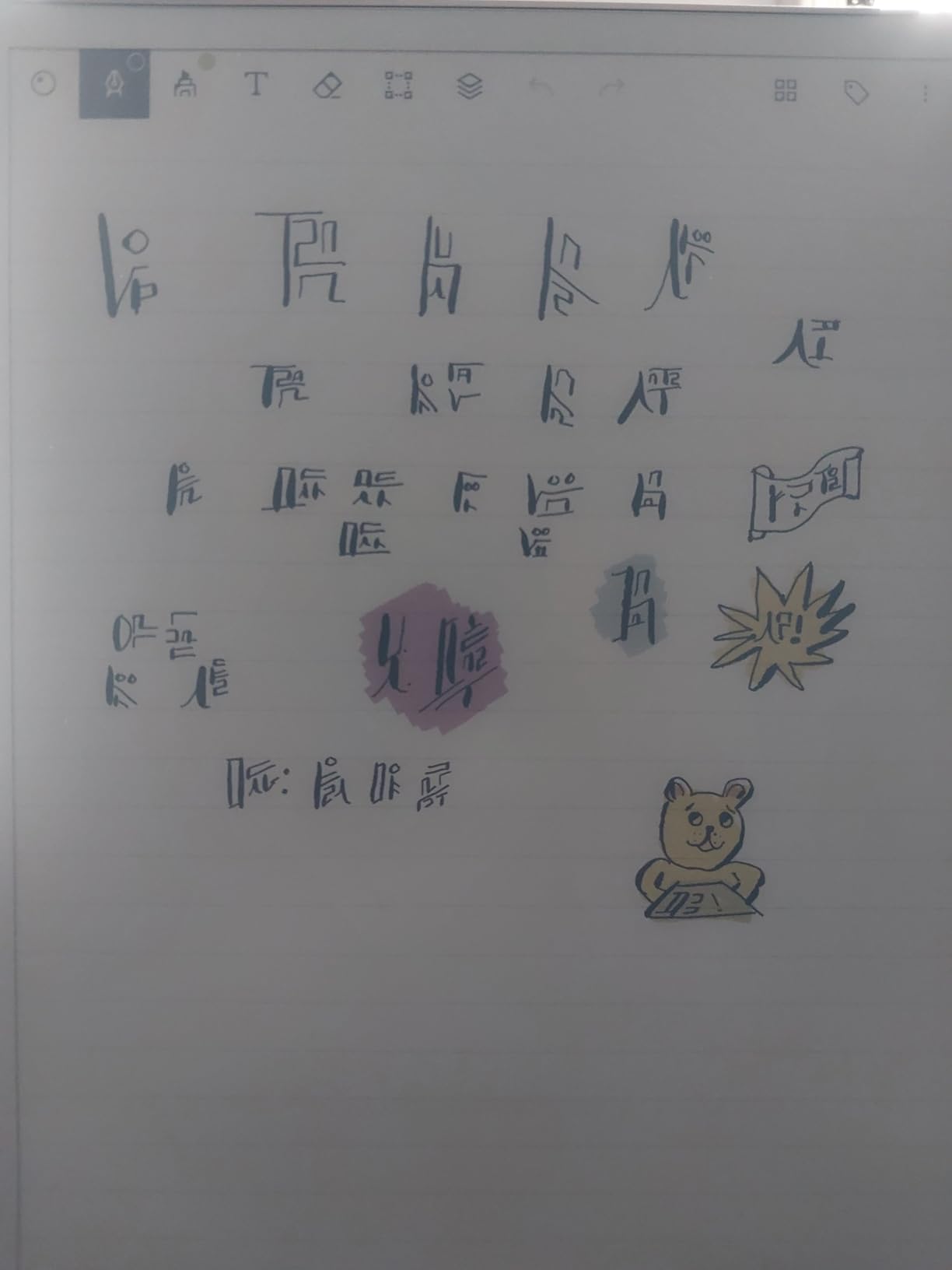
The reMarkable Paper Pro delivers the closest thing to writing on actual paper that I have experienced on any digital device. The textured screen combined with the Marker Plus creates friction that feels startlingly authentic. I tested it side by side with a real notebook and several e-ink competitors, and the Paper Pro won the writing feel comparison every single time.
The 11.8 inch Canvas Color display gives you ample space for sprawling mind maps, large PDF documents, and multi-column academic papers. The color e-ink capability is present but muted, which some users describe as a pleasant newsprint aesthetic and others find disappointing. I fell somewhere in the middle: color is useful for organizing notes by category, but do not expect vibrant iPad-quality hues.
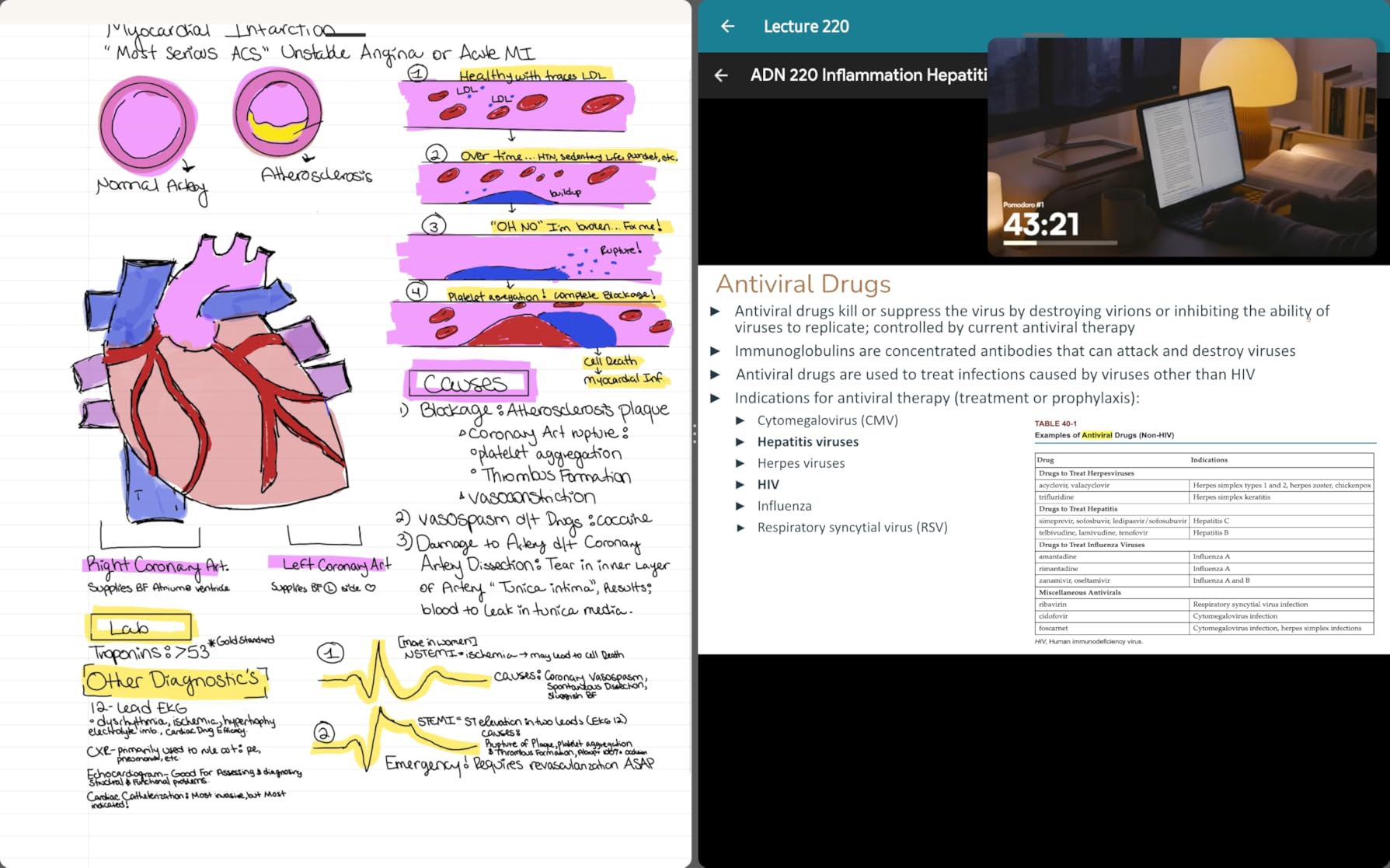
What makes the Paper Pro special is its absolute commitment to being a single-purpose device. There are no notifications, no app store, no web browser, and no social media. You turn it on, you write, and you think. For people who struggle with digital distraction, this enforced focus is genuinely valuable for deep work sessions.
The downsides are real, though. At this price point, the muted color display and shorter battery life compared to the Kindle Scribe are legitimate concerns. The reMarkable Connect subscription unlocks handwriting-to-text conversion and advanced cloud sync features, which adds to the long-term cost. Some early buyers reported quality control issues including DOA units and disk corruption.
Who should buy the reMarkable Paper Pro
Writers, researchers, and creative professionals who want the absolute best writing experience and are willing to pay for it. If you have tried other e-ink tablets and found the writing feel lacking, the Paper Pro is the upgrade that will finally satisfy you.
The distraction-free design is perfect for authors working on first drafts, lawyers reviewing long case documents, and anyone who needs uninterrupted focus time.
Limitations to consider before buying
The price is the elephant in the room. The color display is muted enough that some users question whether it justifies the cost over the reMarkable 2. The lack of a frontlight on older reMarkable models was a dealbreaker for many, though the Paper Pro does include an adjustable reading light.
The closed ecosystem means no third-party apps. You are entirely dependent on reMarkable’s software updates, and their history with the Connect subscription has eroded some community trust.
3. BOOX Go 10.3 Gen II Lumi – Best All-Round Monochrome Tablet
BOOX Tablet Go 10.3 Gen II Lumi ePaper E Ink Tablet Notebook
10.3 inch HD 300 PPI ePaper
Android 15 with Play Store
4GB RAM 64GB storage
Octa-core processor
Front light with CTM
Pros
- Full Android 15 with Google Play Store
- Sharp 300 PPI glass display
- Multiple refresh modes
- Included InkSense Plus stylus
- 30 plus document format support
- Versatile for reading and writing
Cons
- Stylus requires periodic charging
- UI has a learning curve
- Slow boot time
- Small review sample size
The BOOX Go 10.3 Gen II Lumi is the e-ink tablet I recommend most often to people who want flexibility. Unlike the Kindle Scribe or reMarkable, this device runs full Android 15 with Google Play Store access. That means you can install Kindle, Kobo, OneNote, Evernote, or any other app you already use. For users who hate being locked into a single ecosystem, this freedom is the deciding factor.
The 300 PPI glass display is crisp and sharp for both text and handwriting. BOOX includes their custom refresh technology with multiple modes (HD, Balanced, Fast, Ultrafast, and Regal) that let you trade ghosting for speed depending on your task. The front light with warm and cold CTM adjustment handles both daytime and nighttime use well.
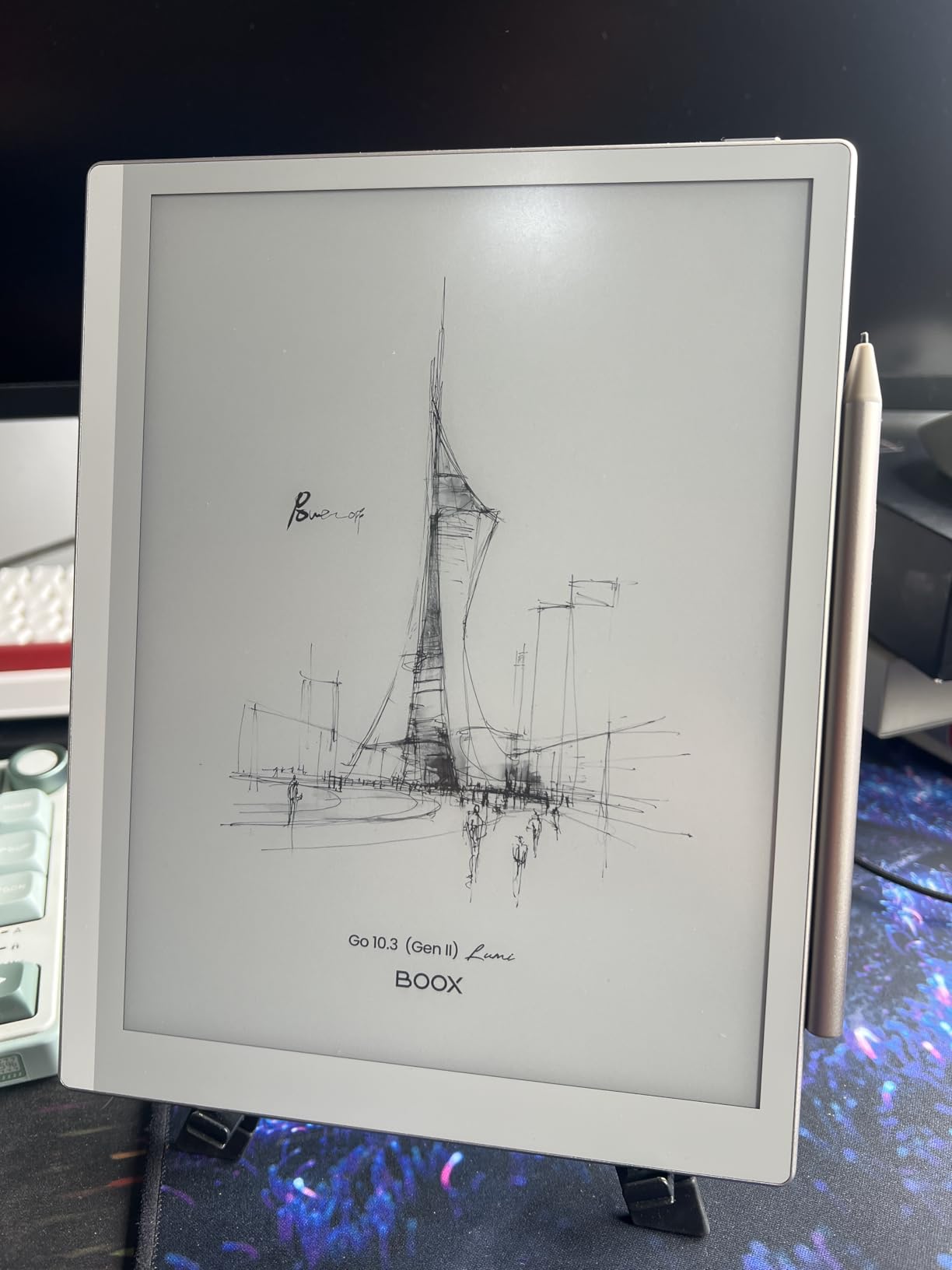
Writing on the Go 10.3 feels solid with the included InkSense Plus stylus, which offers 4096 pressure levels. The catch is that this stylus requires periodic USB-C charging, unlike the battery-free EMR pens used by Kindle and reMarkable. Some users also report the pen feels slippery without a grip accessory.
The BOOX user interface has a steeper learning curve than the competition. Settings are buried in menus, and the customization options that power users love can overwhelm newcomers. Boot time is noticeably slower than competing devices, and a few users have reported random crashes after firmware updates.
Who should buy the BOOX Go 10.3 Gen II Lumi
Android enthusiasts and power users who want Google Play Store access on an e-ink display. If you use multiple reading and note-taking apps across platforms and want them all on one device, this is your best option.
The 30-plus document format support makes it excellent for researchers and students juggling PDFs, academic papers, and e-books in various formats.
Limitations to consider before buying
BOOX customer support has a mixed reputation in the e-ink community. Forum users on Reddit frequently mention inconsistent response times and unfavorable return policies. The review sample size on Amazon is still small at 24 reviews, so long-term reliability data is limited.
The stylus charging requirement and slower boot time are annoyances that dedicated e-reader users coming from Kindle may find frustrating.
4. BOOX Note Air 5 C – Best Color E-Ink Tablet
BOOX Tablet 10.3″ Note Air 5 C 6G 64G E Ink Tablet Color ePaper Notebook
10.3 inch Kaleido 3 color
Android 15 with Play Store
6GB RAM 64GB storage
Fingerprint reader
4096 pressure stylus
Pros
- Color Kaleido 3 display with 4096 colors
- Android 15 with full app ecosystem
- 6GB RAM for strong performance
- No subscription model
- Handwriting-to-text works offline
- MicroSD card expansion
- Fingerprint reader on power button
Cons
- Color display darker and lower contrast
- Battery drains faster during writing
- Screen door effect visible
- Color makes screen harder to read in bright light
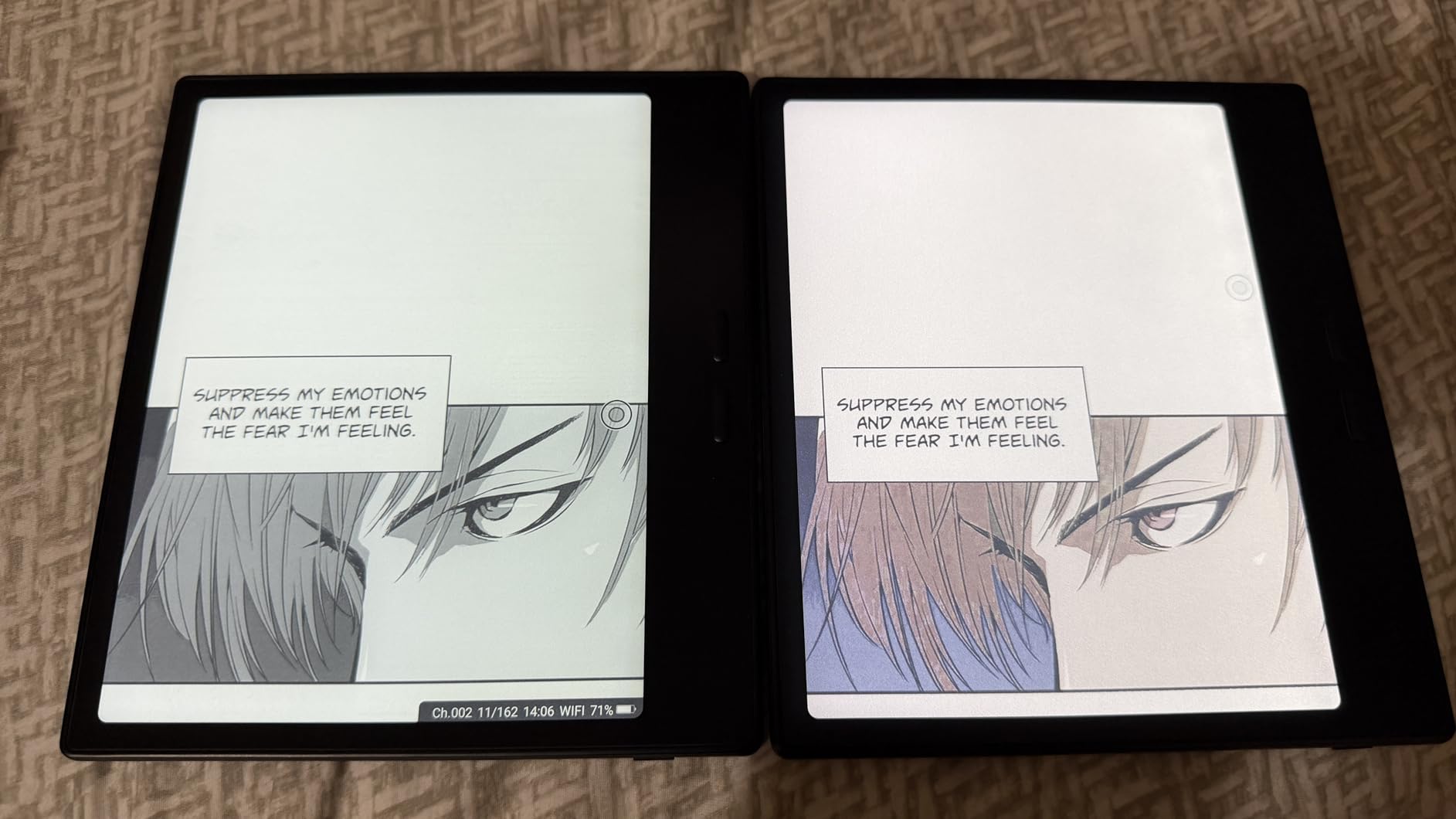
The BOOX Note Air 5 C is the color e-ink tablet I tested most extensively, and it is the best option for anyone who specifically wants color on their ePaper display. The 10.3 inch Kaleido 3 screen renders 4096 colors alongside a crisp 2480×1860 monochrome mode at 300 PPI. For reading comics, color-coding notes, and reviewing documents with charts, that color capability adds genuine value.
Running Android 15 with 6GB of RAM, this is the most powerful e-ink tablet on this list in terms of raw specifications. App switching is smoother than on the Go 10.3, and the fingerprint reader on the power button adds a modern security touch. BOOX includes their stylus with four spare tips, and handwriting-to-text conversion works fully offline with no subscription.
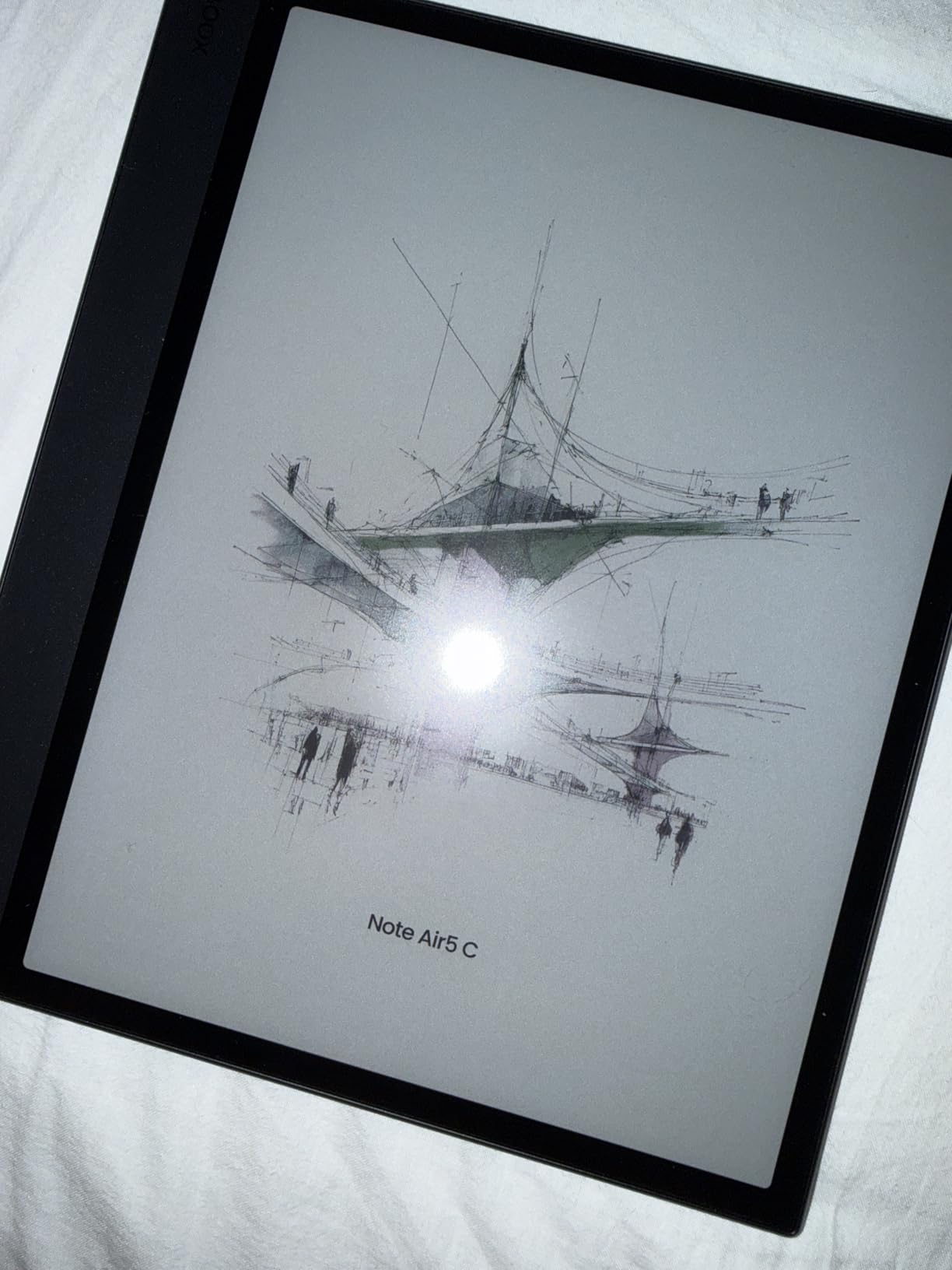
The color trade-off is real and worth understanding before buying. Kaleido 3 color e-ink is inherently darker and lower contrast than monochrome panels. The color layer sits on top of the black-and-white display, which means you lose brightness and sharpness compared to a pure monochrome device. In bright sunlight, the screen can be harder to read than the Go 10.3 or Kindle Scribe.
Battery life takes a hit during active writing sessions, likely due to the color display and refresh technology. Some users report that BOOX settings can auto-disable certain apps, and the fingerprint reader becomes unusable when the included folio case is attached. The screen door effect is visible if you look closely.
Who should buy the BOOX Note Air 5 C
Anyone who needs color on their e-ink display for comics, colored note organization, charts, or document markup. If you read manga or graphic novels, the color experience here is the best available on an e-ink tablet in 2026.
The full Android 15 OS and 6GB of RAM also make this a strong pick for power users who want maximum app flexibility alongside color.
Limitations to consider before buying
The inherent limitations of Kaleido 3 color e-ink technology mean you are accepting a darker, lower-contrast display. If you primarily read text and write notes, a monochrome device will serve you better for less money.
BOOX firmware has a history of occasionally auto-disabling apps or changing settings after updates. If you rely on a specific app workflow, test it thoroughly after each firmware update.
5. Penstar eNote 2 – Best Value Writing Tablet
Penstar eNote 2 – The Whitest Paper Tablet | 10.3” 300 PPI Pen-Only Screen E-Ink Writing Tablet, Digital Notebook Includes Folio Cover & Two B5 Pens
10.3 inch 300 PPI pen-only
128GB storage 4GB RAM
Two B5 pens included
MyScript handwriting-to-text
No subscriptions required
Pros
- Exceptional 300 PPI paper-like writing feel
- No touchscreen means zero palm interference
- Two pens and folio cover included in box
- MyScript handwriting-to-text conversion
- AI voice-to-text in 52 languages
- Cloud sync with Drive OneDrive Dropbox
- Fully offline operation
Cons
- No Google Play Store out of the box
- Pen requires periodic charging
- Fragile construction if dropped
- Calendar does not sync with Google or Outlook
The Penstar eNote 2 surprised me more than any other device in this lineup. At its price point, the included accessories alone (two B5 pens, a folio cover, and spare nibs) represent real value that competitors charge extra for. The 300 PPI PureView pen-only display is genuinely impressive, with the whitest background I have seen on an e-ink tablet.
The pen-only screen design means there is no touchscreen, which eliminates accidental palm interference completely. You write naturally without worrying about where your hand rests. The MyScript-powered handwriting-to-text conversion is accurate, and the AI voice-to-text feature supports 52 languages for real-time transcription.
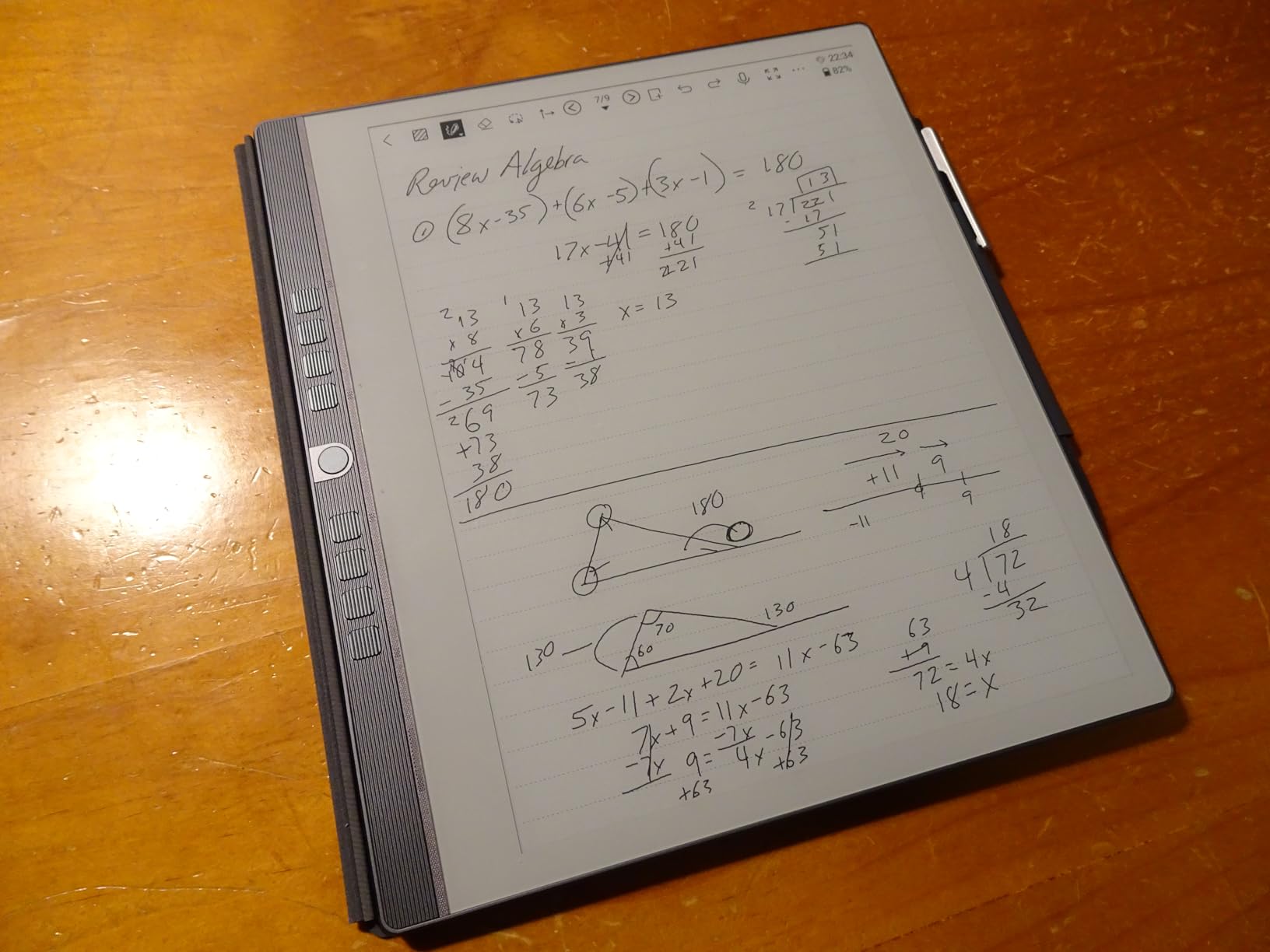
I appreciate that the eNote 2 works fully offline with no subscription requirements. Cloud sync with Google Drive, OneDrive, and Dropbox handles backup and cross-device access. The 128GB storage is generous for the price, easily holding years of notebooks and documents.
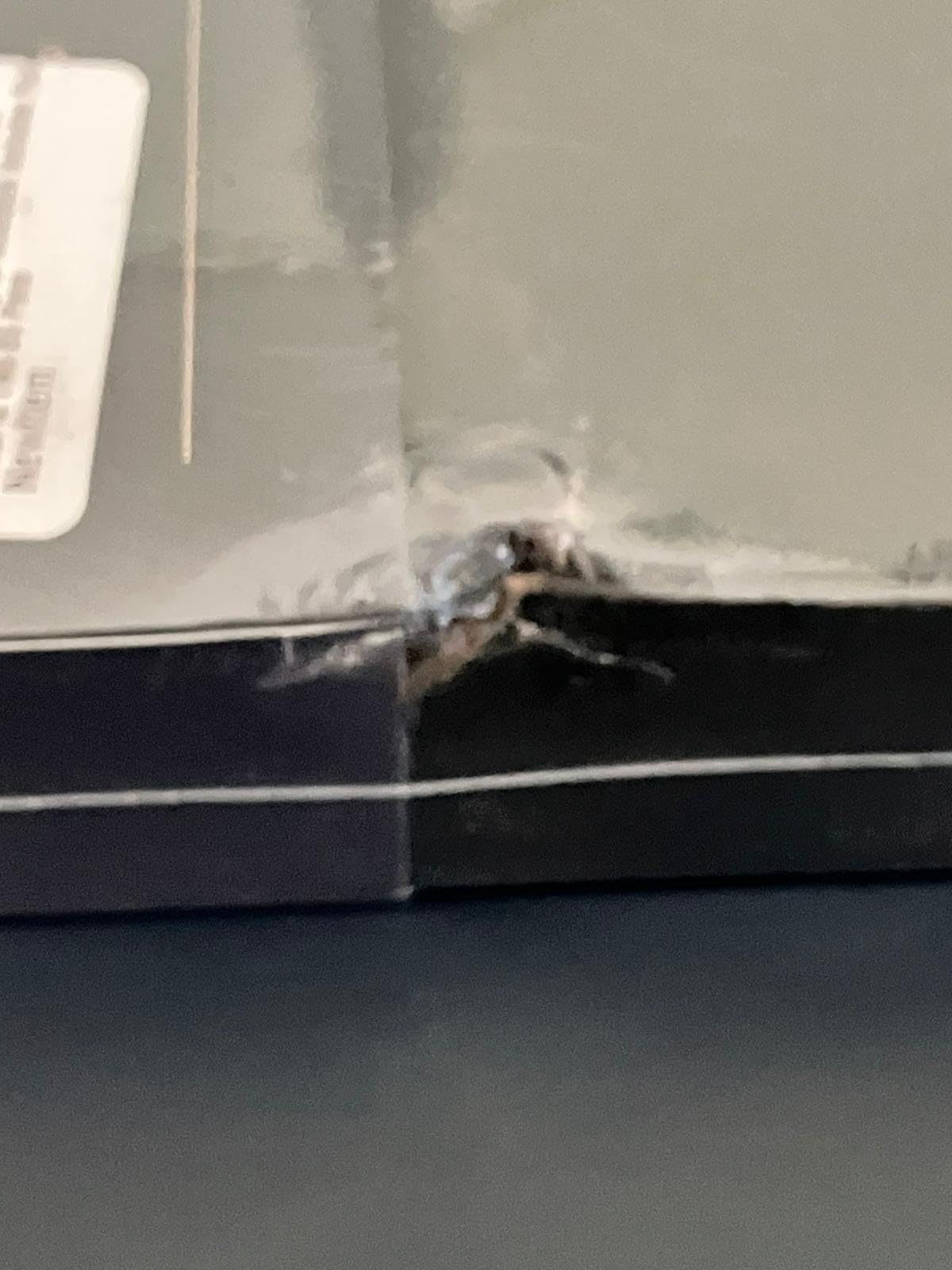
The downsides center on software polish and build quality. Google Play Store is not available out of the box, which limits app installation. The pen feels somewhat lightweight and requires periodic charging. Several users have reported fragility issues, with screens cracking from drops that other devices might survive. Note organization could also be more intuitive.
Who should buy the Penstar eNote 2
Budget-conscious writers and students who want a premium writing experience without paying reMarkable or BOOX prices. The included accessories and lack of subscriptions make this one of the best value propositions in the e-ink tablet market.
If you do most of your work offline and do not need Google Play Store apps, the eNote 2 covers reading, writing, and transcription exceptionally well.
Limitations to consider before buying
The lack of Google Play Store means you are limited to the pre-installed app selection and side-loaded APKs. Calendar sync does not work with Google Calendar or Outlook, which may frustrate productivity-focused users.
The device is reportedly fragile, so a protective case is essential. The pen requires periodic charging unlike the Kindle Scribe’s battery-free stylus.
6. Viwoods AI Paper – Best AI-Powered E-Ink Tablet
VIWOODS Upgraded Bundle with AiPaper, Stylus Pro and 5 Nibs, Carta 1300 AI E Ink Tablet, 10.65” 300PPI Electronic Notebook with Pen, Ultra-Thin 4.5mm, Lightweight 370g, 128GB Note-Taking Device
10.65 inch Carta 1300 300 PPI
128GB storage Android 13
Ultra-thin 4.5mm 370g
W2 Stylus Pro 4096 levels
AI translation and summarization
Pros
- Carta 1300 display is sharp and natural
- No backlight for true paper-like reading
- Ultra-thin 4.5mm lightweight design
- AI tools for translation and summarization
- Google Play Store access
- 128GB generous storage
- Anti-glare glass for extended sessions
Cons
- No backlight difficult in dark environments
- Software bugs reported by users
- Handwriting-to-text loses formatting
- Newer brand with smaller user base
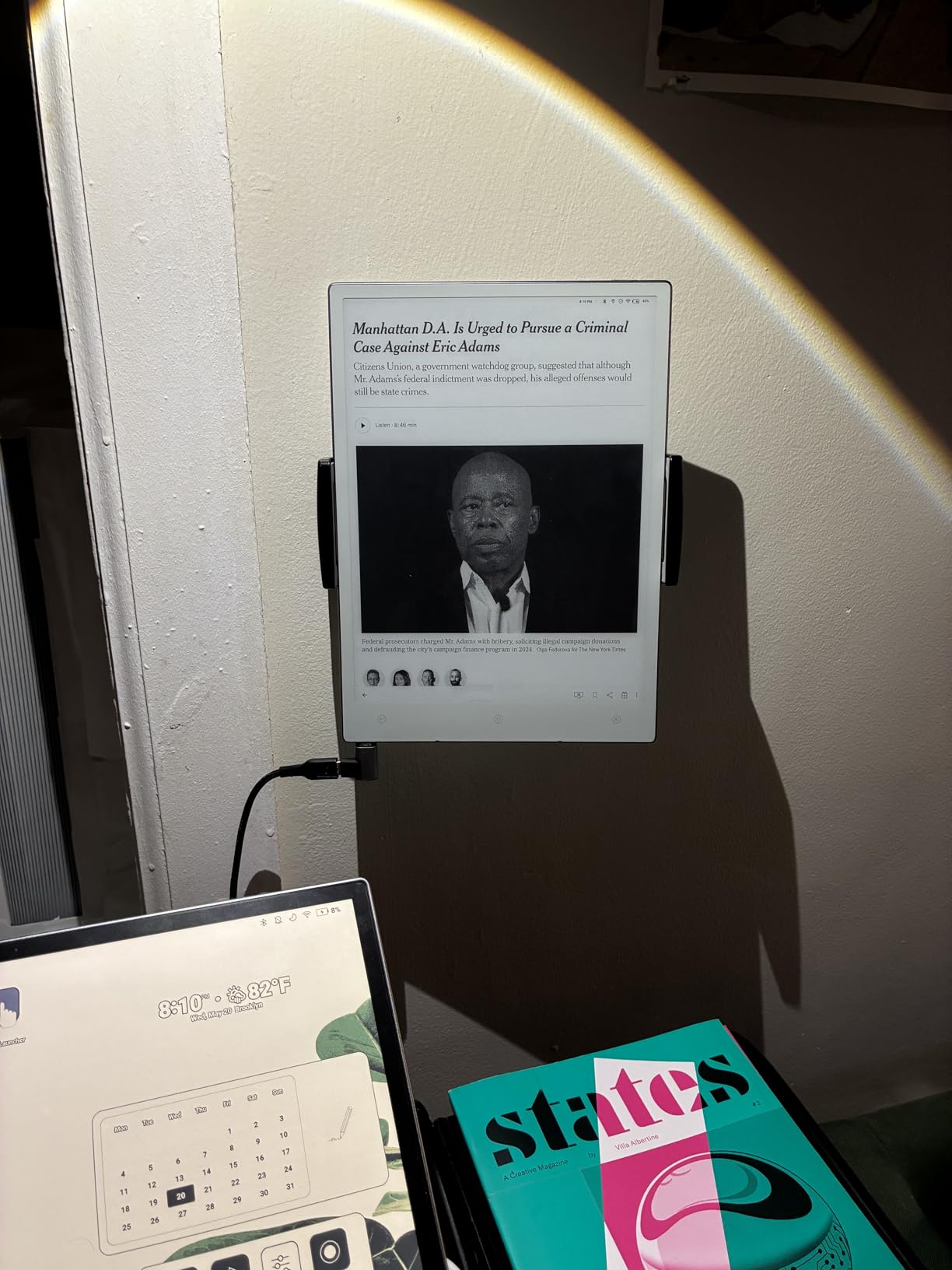
The Viwoods AI Paper is the most interesting new entrant in the e-ink tablet space. Its Carta 1300 display technology represents the latest generation of E Ink panels, delivering a noticeably whiter background and better contrast than the Carta 1200 used in older devices. At 4.5mm thick and just 370g, it is also one of the thinnest and lightest 10-inch-class e-ink tablets available.
The standout feature is the AI integration. The Viwoods includes AI-assisted tools for real-time translation, note summarization, and to-do list generation. In my testing, the translation feature handled English-to-Spanish and English-to-French document conversion well enough for research purposes. The summarization tool condenses long meeting notes into key points, which is genuinely useful for professionals.
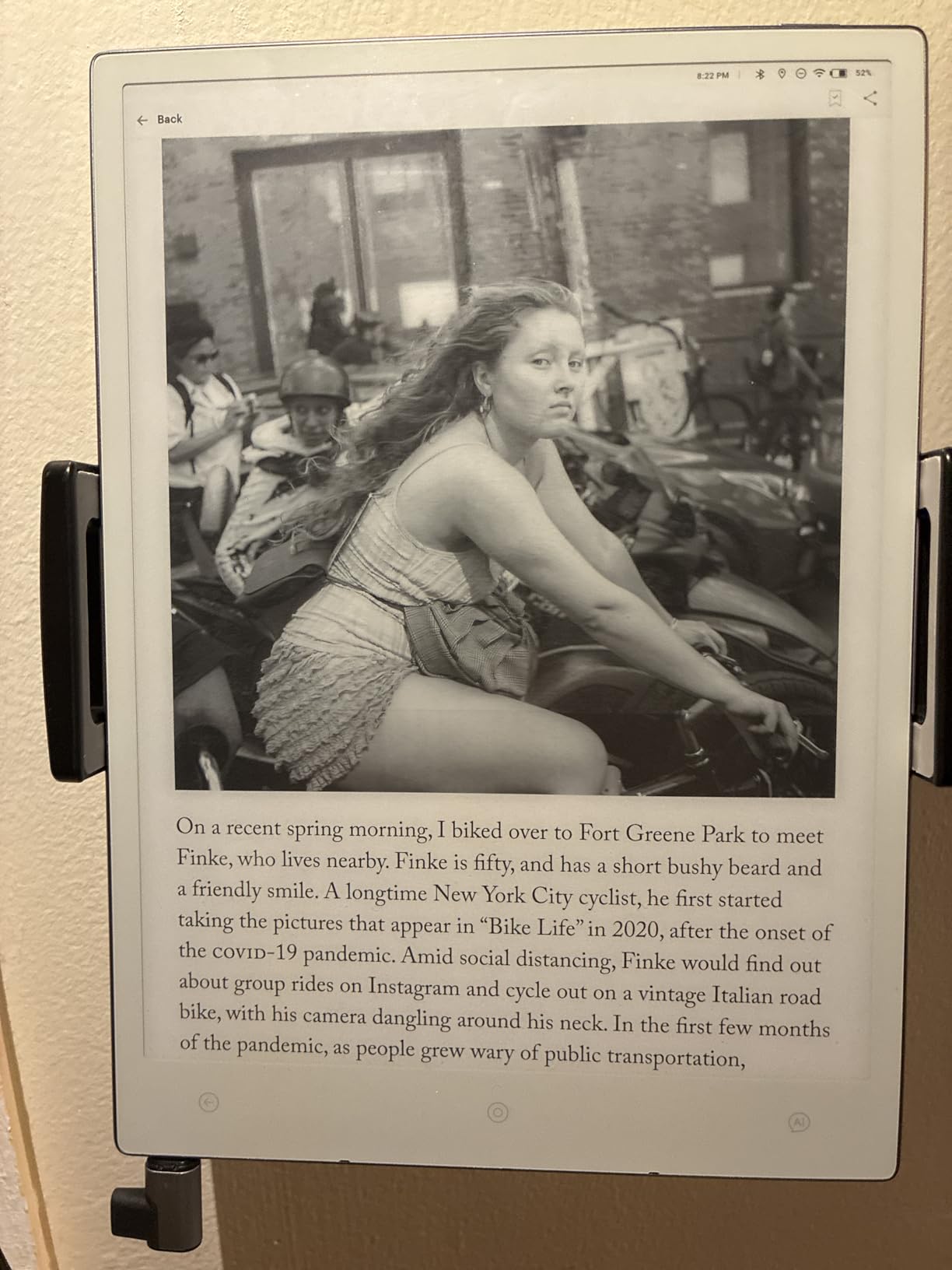
Android 13 with Google Play Store gives you full app flexibility, and the Kindle app comes pre-installed. The 128GB storage is more than enough for extensive note libraries and PDF collections. The W2 Stylus Pro with 4096 pressure levels writes smoothly with minimal latency.
The biggest drawback is the lack of a backlight, which means you need external lighting in dim environments. This is a deliberate design choice for a natural paper-like reading experience, but it limits usability. Software bugs are the other concern: some users report text loss during note-taking sessions and calendar sync glitches that need attention from Viwoods.
Who should buy the Viwoods AI Paper
Early adopters and tech-savvy users who want cutting-edge AI features on the latest Carta 1300 display technology. If you value translation, summarization, and natural paper-like reading over backlighting, this device offers a unique combination.
Researchers working with multilingual documents will get the most from the AI translation tools.
Limitations to consider before buying
Viwoods is a newer brand with a smaller user base, which means fewer community resources and potentially slower firmware updates compared to established players. Customer support responsiveness has been flagged as a concern by some early buyers.
The handwriting-to-text conversion does not preserve line breaks and formatting, requiring manual cleanup. Plan for a firmware update or two before the AI features reach their full potential.
7. iFLYTEK AINOTE Air 2 – Best for Meetings and Transcription
iFLYTEK AINOTE Air 2 Bundle – 8.2″ E Ink AI Note-taking Tablet with Stylus, 4096 Pressure Levels, Digital Notebook with Voice-to-Text Transcription, Multi-languages Support, Ideal for Meetings & Study
8.2 inch E Ink display
Real-time voice-to-text 17 languages
AI meeting summaries
5 week battery
Android OS 4GB RAM 32GB
Pros
- Excellent voice-to-text transcription in 17 languages
- AI-powered meeting summaries save review time
- 5 week battery life
- Lightweight at 0.51 pounds
- Dual-color reading light with 24 levels
- Handwriting recognition in 83 languages
- Cloud sync across devices
Cons
- Not Google Play Protect certified
- No volume buttons or screenshot capability
- No Developer Mode access
- Firmware stability issues reported
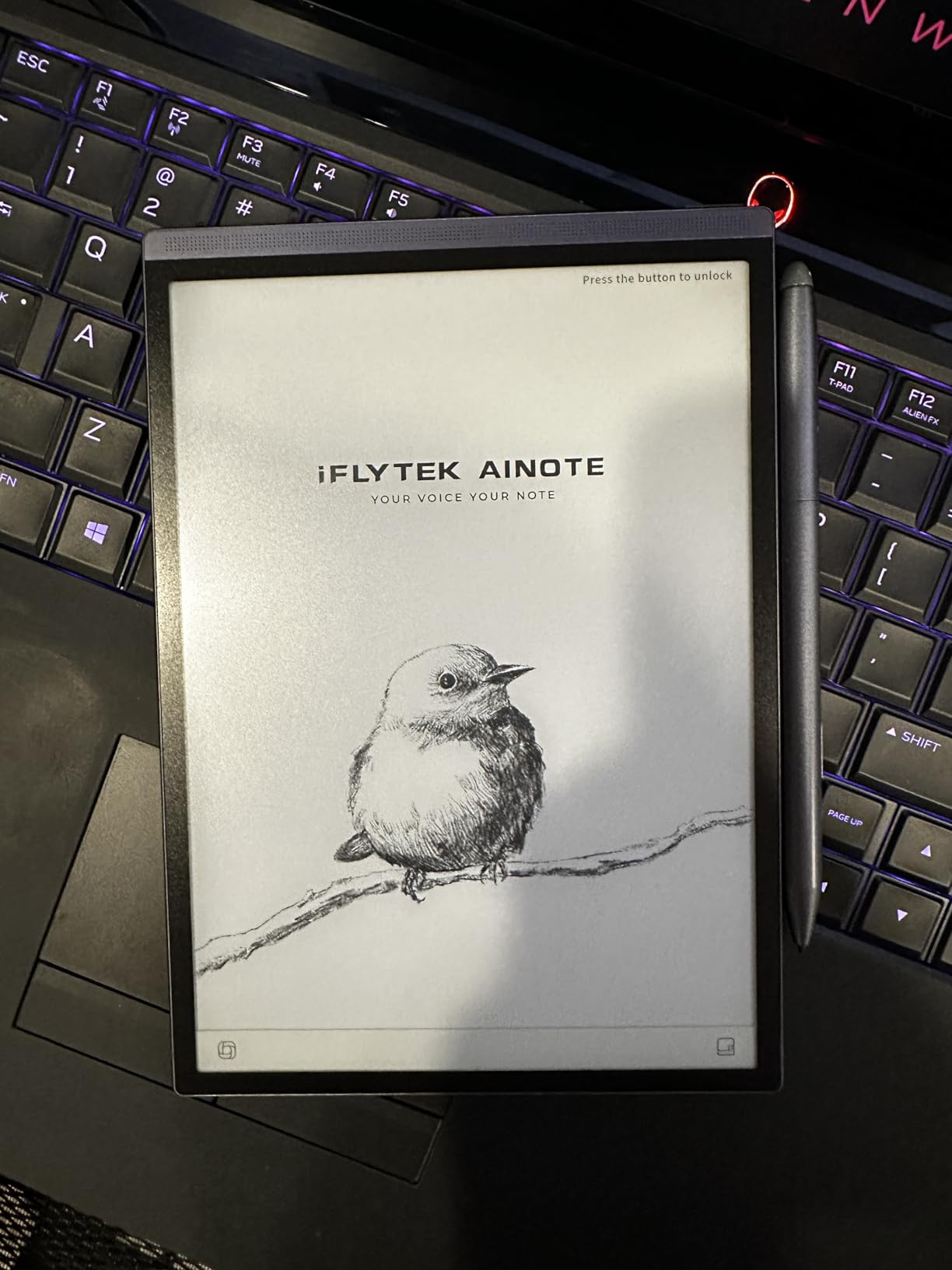
The iFLYTEK AINOTE Air 2 fills a specific niche that no other tablet on this list covers well: real-time meeting transcription. The voice-to-text feature supports 17 languages and transcribes speech in real-time while you take handwritten notes alongside. For journalists, consultants, and anyone who sits through hours of meetings weekly, this dual-input approach is remarkably efficient.
The 8.2 inch form factor makes it the most portable e-ink tablet in this guide. At just 0.51 pounds, it slips into a jacket pocket and goes everywhere. The five-week battery life means you rarely think about charging. I carried it for two weeks of daily use without seeing the battery indicator move meaningfully.
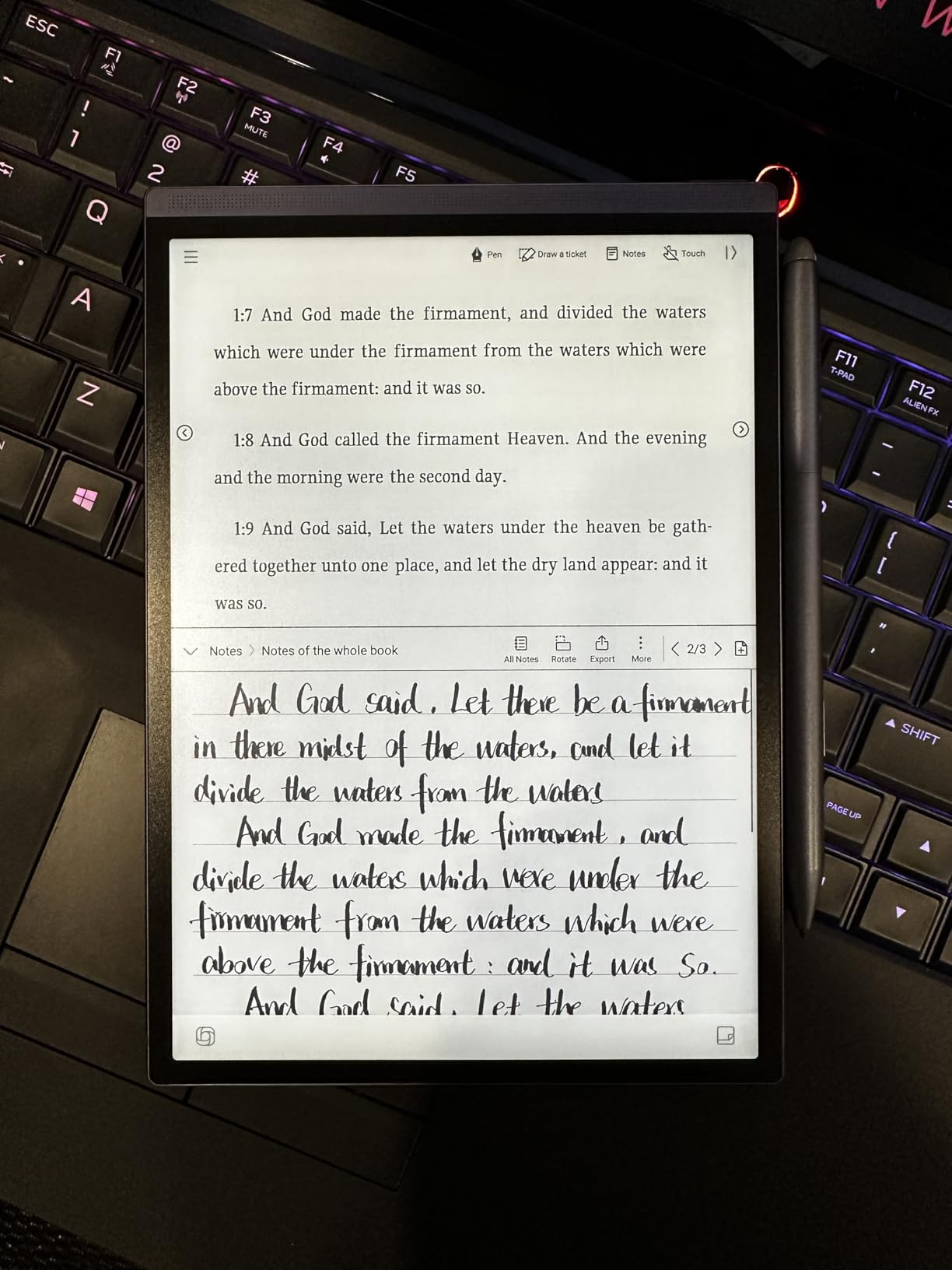
AI meeting summaries are the killer feature here. After a one-hour meeting, the Air 2 generates a summary with key points and action items. The accuracy is solid for clear English audio, though background noise and overlapping speakers reduce quality. Handwriting recognition across 83 languages is impressive for a device at this size.
The trade-off for this specialization is a locked-down Android experience. The device is not Google Play Protect certified, which limits app access. There are no volume buttons, no screenshot capability, and no Developer Mode for sideloading. Firmware stability has been flagged by some users, and the screen can appear slightly washed out in certain lighting conditions.
Who should buy the iFLYTEK AINOTE Air 2
Professionals who attend frequent meetings and want automated transcription alongside handwritten notes. The compact size makes it ideal for travel-heavy roles where a full-size tablet would be cumbersome.
Students who record lectures and want searchable transcripts with their own annotations will also benefit from the Air 2’s dual capabilities.
Limitations to consider before buying
The locked Android system is a significant limitation for power users. If you want to install third-party reading or productivity apps, you will hit walls quickly. The 32GB storage is also the smallest on this list, which may feel tight if you store many PDFs or audio recordings.
The 8.2 inch screen is comfortable for note-taking but tight for reading full-page PDFs. Consider whether the smaller form factor suits your primary use case.
8. iFLYTEK AINOTE 2 – Best E-Ink Tablet for Professionals
iflytek AINOTE 2, 10.65″ E-Ink Tablet, AI Note Taking Tablet for Meeting, Ultra-Thin 4.2mm Digital Notebook with Voice-to-Text, 16-Language Transcription, Handwritten-to-Text, Ideal for Work&Study
10.65 inch E Ink display
Android 14 with Play Store
16-language transcription
4GB RAM 64GB storage
Ultra-thin 4.2mm 5G support
Pros
- AI transcription in 16 languages with real-time translation
- ChatGPT-5 powered handwriting-to-text
- Ultra-thin 4.2mm aluminum design
- Full Android 14 with Google Play Store
- Google Calendar and Gmail integration
- 14 day battery life
- Fingerprint scanner and stereo speakers
Cons
- No front or back light
- Cloud sync behind subscription paywall
- Software feels unpolished
- No accelerometer
- OCR needs manual correction about half the time
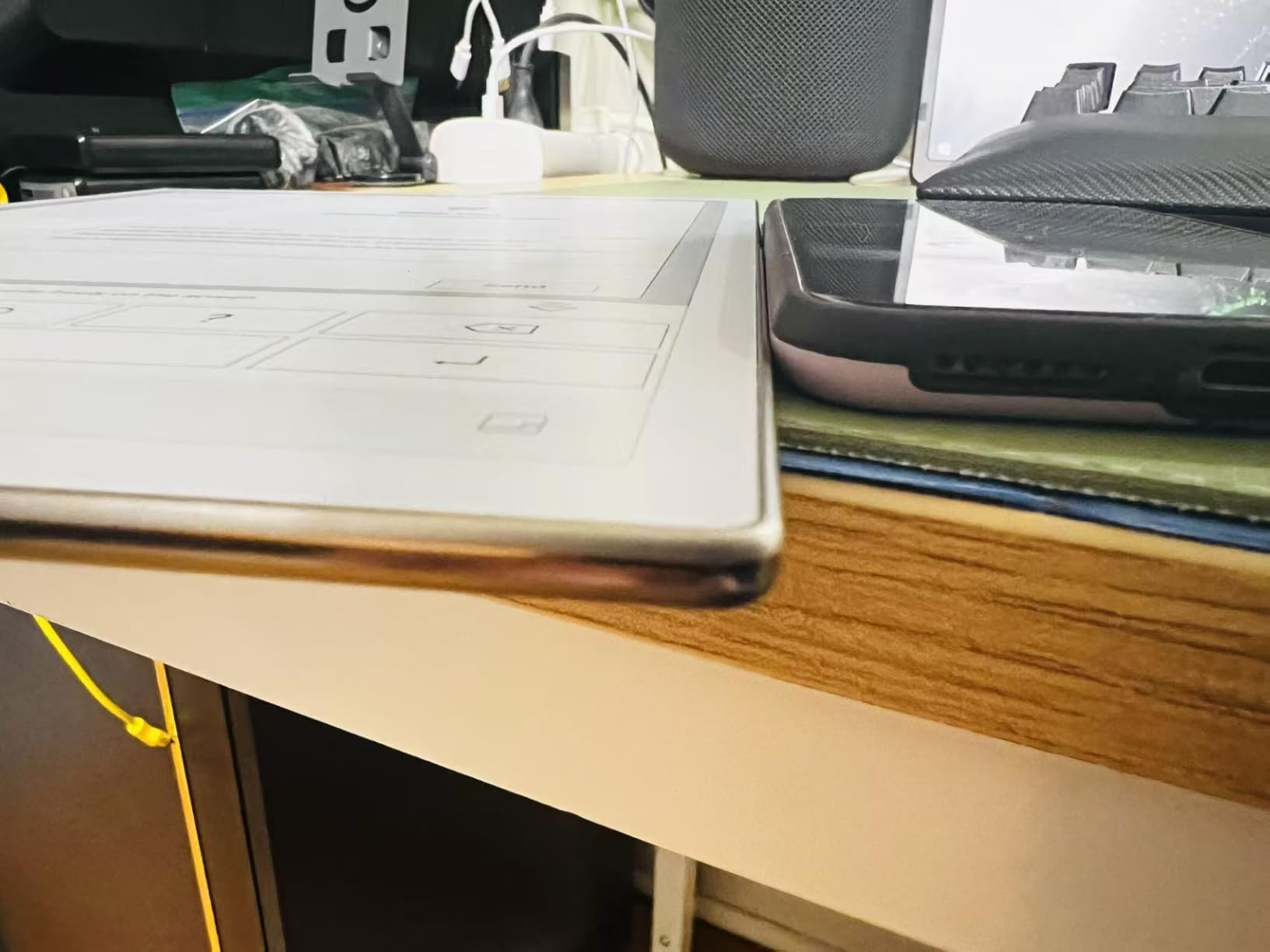
The iFLYTEK AINOTE 2 is the larger, more powerful sibling of the Air 2, designed for professionals who need a full-size writing surface with AI productivity features. The 10.65 inch display offers comfortable space for document annotation, and the ChatGPT-5 powered handwriting-to-text conversion is among the fastest I have tested on an e-ink device.
The 16-language voice-to-text transcription handles real-time meeting capture with translation, and the AI-generated summaries dramatically reduce post-meeting review time. The ultra-thin 4.2mm aluminum body feels premium, and the fingerprint scanner adds enterprise-appropriate security. Running full Android 14 with Google Play Store means you are not locked into a proprietary ecosystem.
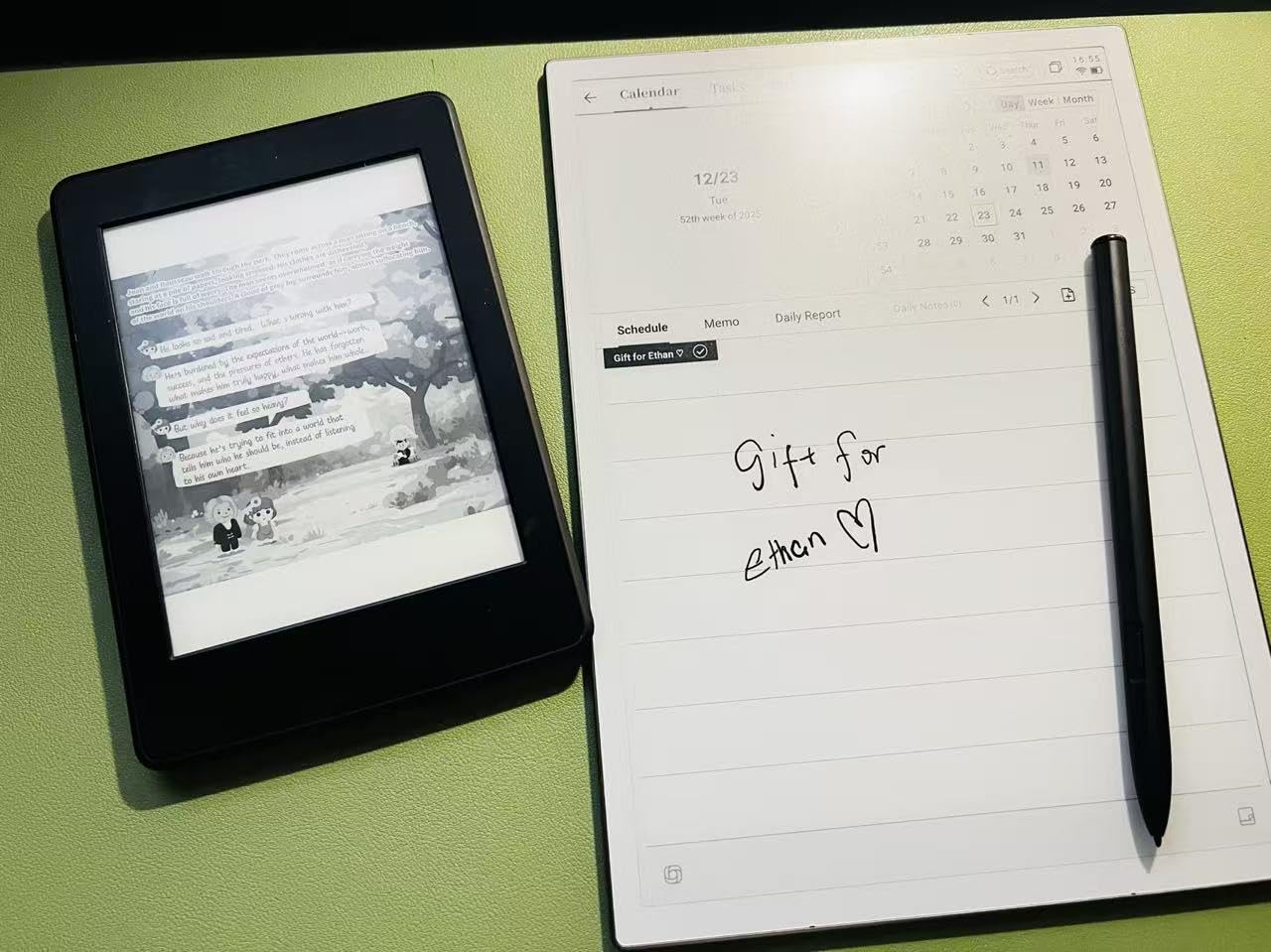
Google Calendar and Gmail integration work well when configured properly, and cross-device sync through the AINOTE Mobile and PC apps keeps your notes accessible everywhere. The Wacom stylus delivers a smooth, paper-like writing feel with eight brush styles and low latency.
The problems center on software maturity and missing hardware features. There is no front or back light, making the device unusable in dark environments. The UI can feel sluggish despite the hardware specifications. The lock screen displays your handwritten signature by default, which remains visible on the e-ink display until manually cleared, a privacy concern. Cloud sync features require a subscription.
Who should buy the iFLYTEK AINOTE 2
Business professionals, journalists, and consultants who need AI-powered meeting transcription and document processing on a full-size e-ink display. The 5G cellular support makes it ideal for users who need connectivity beyond Wi-Fi.
If your workflow involves multilingual documents or international meetings, the 16-language transcription with real-time translation is a genuinely unique capability.
Limitations to consider before buying
The premium price point combined with subscription-gated cloud features increases total cost of ownership significantly. The software genuinely feels like a first-generation product in terms of polish, with UI sluggishness and feature integration gaps.
The lack of any front or back light is a dealbreaker for users who work in varying lighting conditions. The OCR accuracy requires manual correction approximately half the time, which adds friction to the handwriting-to-text workflow.
9. Kobo Elipsa 2E – Best for Reading and Light Note-Taking
Kobo Elipsa 2E | eReader | 10.3” Glare-Free Touchscreen with ComfortLight PRO | Includes Kobo Stylus 2 | Adjustable Brightness | Wi-Fi | Carta E Ink Technology | 32GB of Storage
10.3 inch Carta 1200
ComfortLight PRO
Kobo Stylus 2 included
32GB storage
Eco-friendly recycled materials
Pros
- Large 10.3 inch glare-free Carta 1200 display
- ComfortLight PRO adjustable brightness and color temperature
- Kobo Stylus 2 included rechargeable
- Excellent PDF reading full page visible
- Supports KOReader
- Eco-friendly recycled materials design
- Several weeks battery life
Cons
- Palm rejection issues near wrist area
- Stylus can be defective on arrival
- PDF contrast not as sharp as competitors
- Writing feel less natural than some rivals
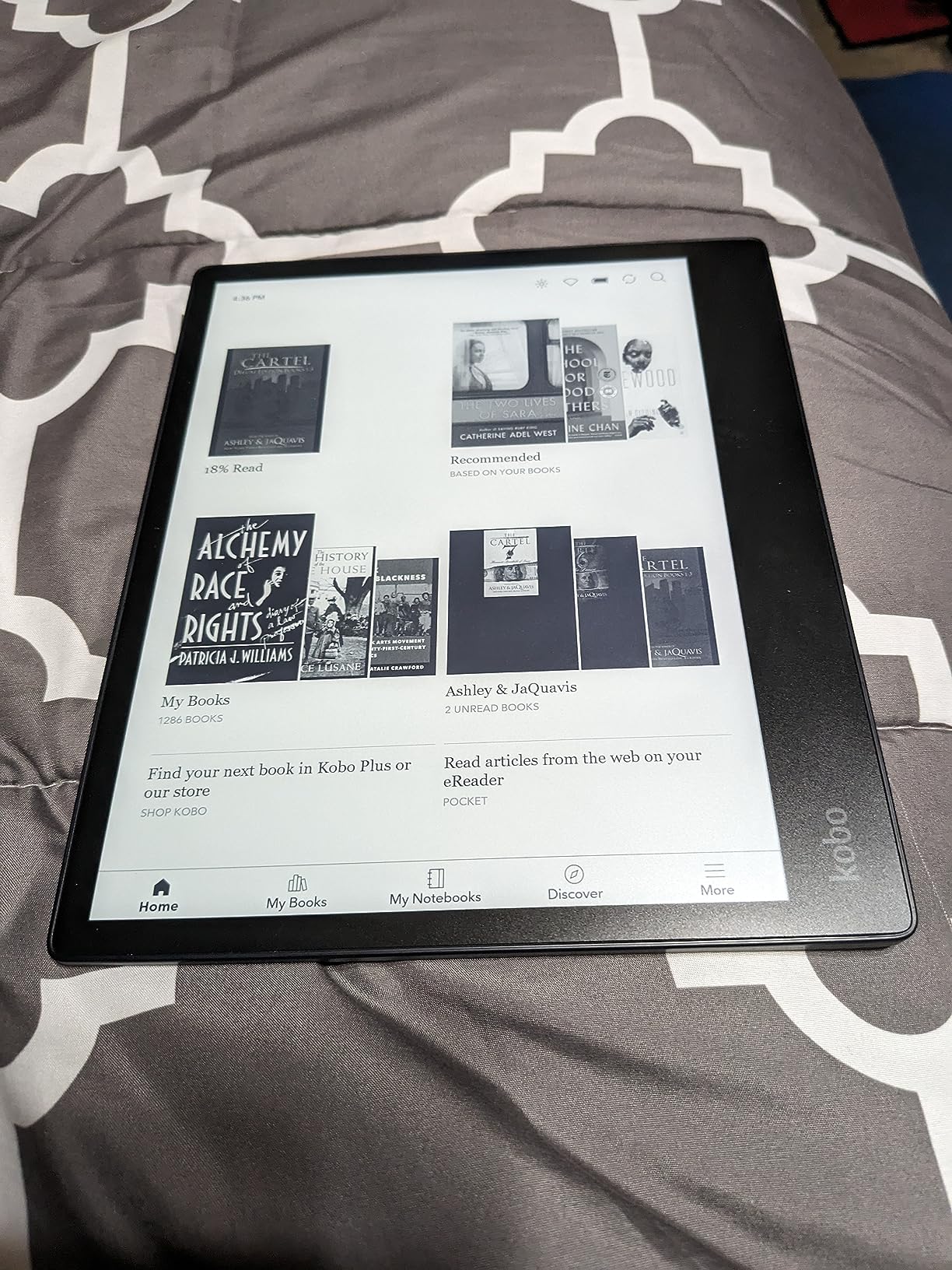
The Kobo Elipsa 2E is the e-ink tablet I recommend for readers who want occasional note-taking capability without committing to a full digital notebook. The 10.3 inch Carta 1200 display is excellent for reading, showing full PDF pages without zooming, and the ComfortLight PRO system offers adjustable brightness and color temperature for comfortable reading at any hour.
The included Kobo Stylus 2 is rechargeable and works well for marginal annotations, highlights, and light notebook use. Kobo’s reading software is among the best in the e-reader world, with excellent font customization, dictionary lookup, and OverDrive integration for borrowing library books directly on the device.
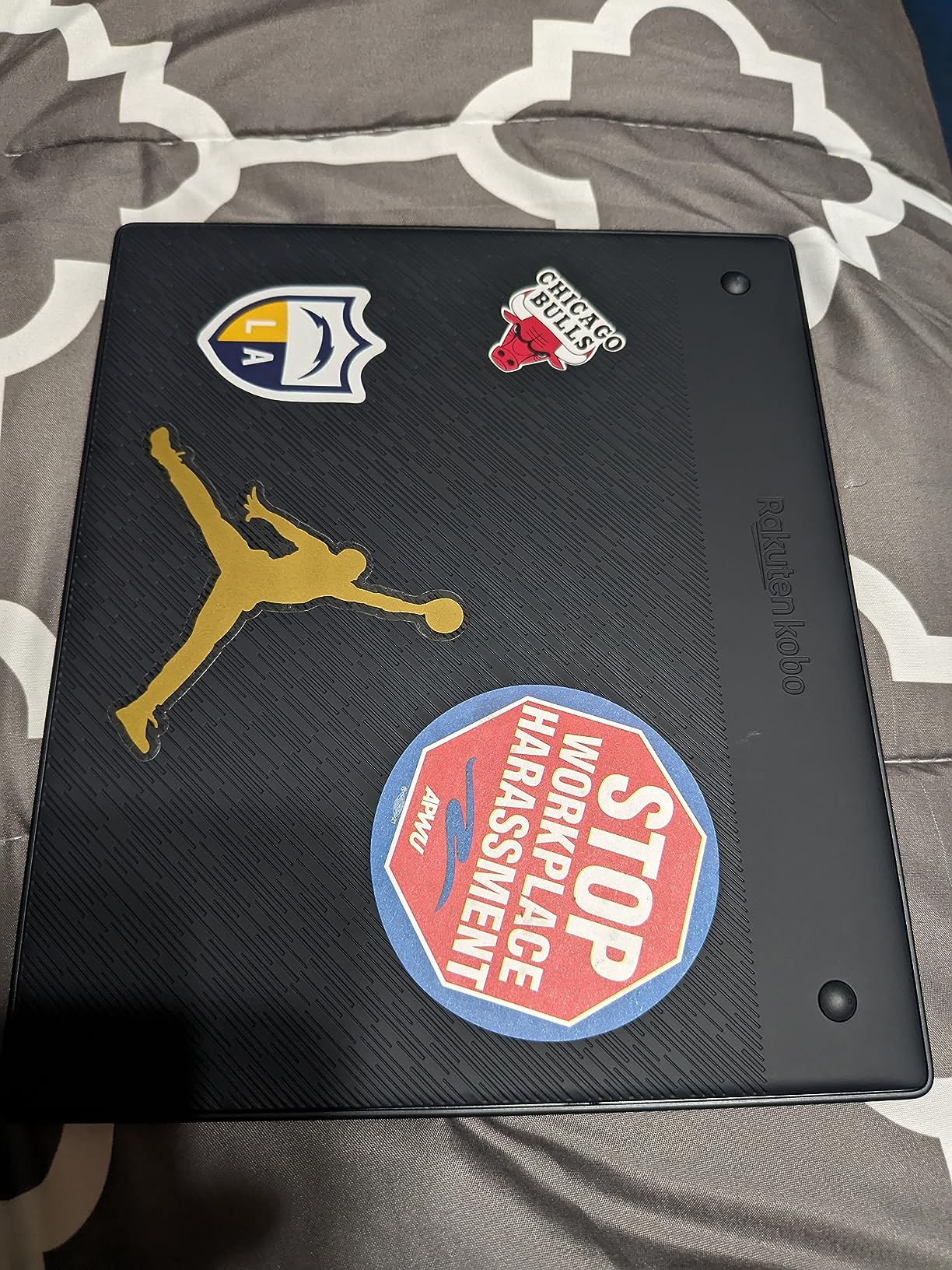
I appreciate the eco-friendly design, which uses recycled and ocean-bound plastics. The Elipsa 2E feels like a responsible purchase, and Kobo supports the device with regular firmware updates. Battery life extends to several weeks of typical use.
The writing experience falls short of dedicated note-taking tablets. Palm rejection has issues near the wrist area, and the writing feel is less natural than reMarkable or Supernote. The Stylus 2 has been reported as defective on arrival by some users, and PDF contrast is not as sharp as the reMarkable 2. The Kobo app ecosystem is also more limited than what BOOX offers through Google Play.
Who should buy the Kobo Elipsa 2E
Avid readers who want a large-screen e-reader with occasional note-taking capability. If reading is your primary activity and writing is secondary, the Elipsa 2E delivers excellent value with its included stylus and ComfortLight PRO.
Library users will love the built-in OverDrive integration, which lets you borrow e-books directly without a computer.
Limitations to consider before buying
If note-taking is your primary use case, the Elipsa 2E’s palm rejection issues and less natural writing feel will frustrate you compared to a dedicated device like the reMarkable or Kindle Scribe.
The expensive sleep cover is not included and adds to the total cost. Kobo’s app selection is limited compared to Android-based alternatives from BOOX.
10. BOOX Go 7 – Best Budget Android E-Ink Tablet
BOOX Tablet Go 7 B/W E Ink Tablet 4G 64G Support Active Stylus InkSense (Black)
7 inch 300 PPI ePaper
Android 13 with Play Store
4GB RAM 64GB storage
Page-turn buttons
microSD expansion
Pros
- Full Android 13 with Google Play Store
- Crisp 300 PPI black and white display
- Expandable storage via microSD
- Customizable physical page-turn buttons
- Compact and well-designed form factor
- Supports Kindle Kobo and all reading apps
- Good performance for the price
Cons
- Relatively small 7 inch screen
- Battery life shorter than dedicated e-readers
- Some uneven front lighting reported
- Stylus not included
The BOOX Go 7 is the most affordable way to get a full Android e-ink tablet with Google Play Store access. At its price point, nothing else offers the same combination of a 300 PPI display, page-turn buttons, and the freedom to install any reading or note-taking app you want. I tested it as both a pocket e-reader and a compact note-taking device, and it handles both roles competently.
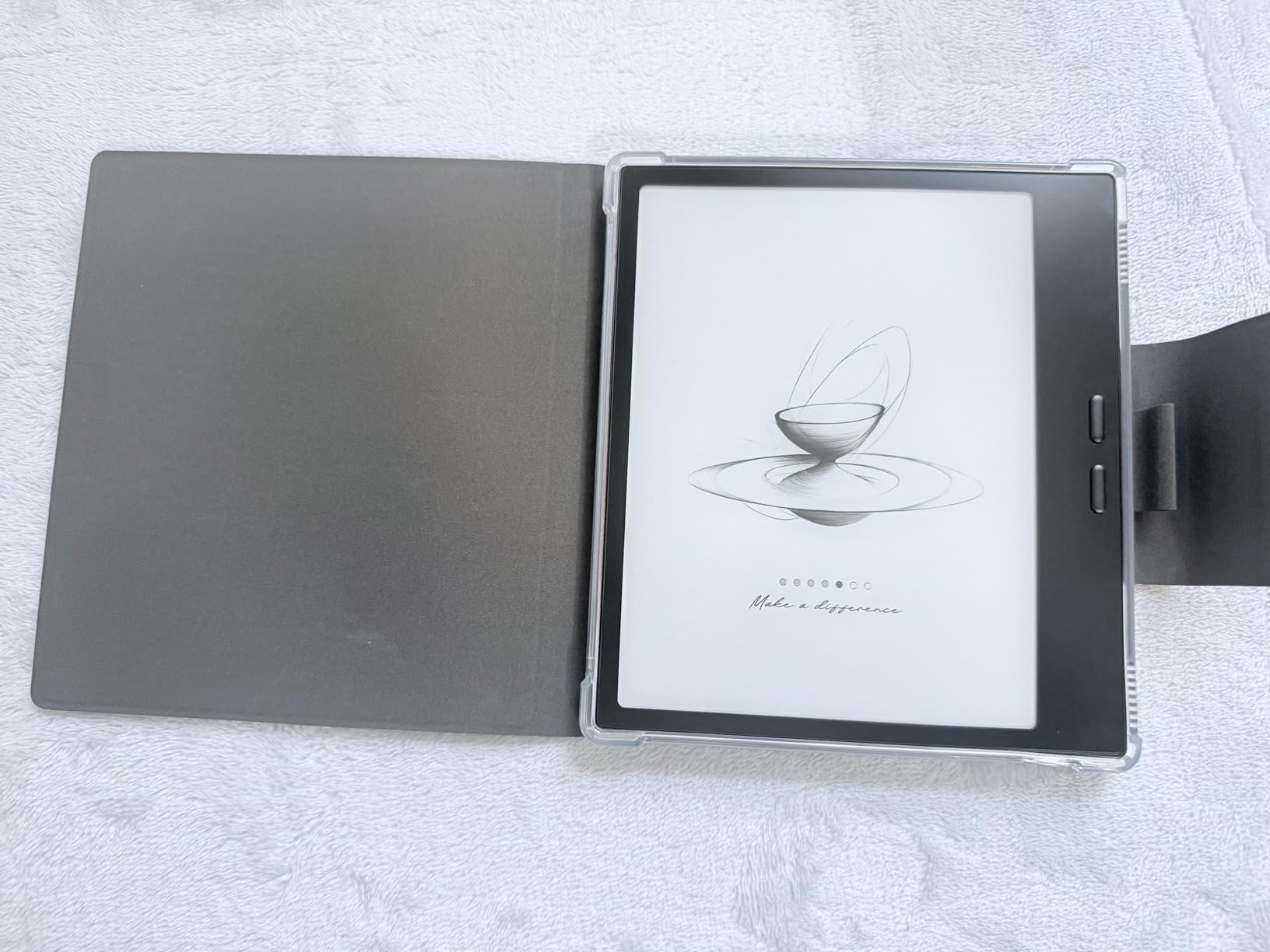
The 300 PPI black-and-white display is sharp and crisp, matching the resolution quality of devices costing twice as much. Physical page-turn buttons sit at thumb level for comfortable one-handed reading. The microSD card slot means storage is effectively unlimited, which is rare in the e-ink world.
Because it runs full Android 13, you can install the Kindle app, Kobo app, Libby for library books, OneNote, Evernote, or any other productivity tool. This flexibility is unmatched at this price. Multiple refresh modes let you optimize the display for reading versus app navigation.
The limitations are predictable for the price and size. The 7 inch screen is small for comfortable handwriting, and the 2300mAh battery delivers only 4 to 5 days of heavy use, significantly less than dedicated e-readers. Some users report uneven front lighting and occasional stuck pixels. The stylus is not included, and the InkSense active stylus support is separate from the EMR technology used by premium devices.
Who should buy the BOOX Go 7
Budget-conscious buyers who want Android app freedom on an e-ink display without spending $400 or more. This is the best entry point for anyone curious about e-ink tablets who is not ready to commit to a premium device.
Students and commuters who want a portable reading device with app flexibility will find excellent value here.
Limitations to consider before buying
The 7 inch screen is too small for comfortable handwriting or PDF annotation. If writing is a primary use case, step up to the Go 10.3 or Note Air 5 C. Battery life at 4 to 5 days is shorter than Kindle or Kobo e-readers, which routinely last weeks.
BOOX customer support has mixed reviews, and the included documentation is minimal. Plan to spend time in the BOOX community forums learning the interface.
11. Kindle Colorsoft – Best Color E-Reader
Amazon Kindle Colorsoft 16 GB (newest model) – With color display that brings covers and content to life, now highlight in color – No Ads – Black
7 inch Colorsoft color e-ink
16GB storage
Up to 8 weeks battery
Waterproof
Adjustable warm light
Pros
- Color e-ink display enhances comics and graphic novels
- Excellent 8 week battery life
- Waterproof for pool and bath use
- Compact one-handed reading
- Adjustable warm light for night reading
- Ad-free premium experience
- Page by panel comic reading mode
Cons
- Text contrast slightly less sharp than Paperwhite
- Colors muted compared to tablet screens
- No page turner buttons included
- 16GB may feel limited for graphic novels
The Kindle Colorsoft is not a traditional writing tablet, but it earns its place on this list as the best color e-ink reading device available. The 7 inch Colorsoft display brings book covers, comics, and illustrated content to life in a way that monochrome Kindles simply cannot match. I spent two weeks reading graphic novels and color-illustrated textbooks on this device, and the experience genuinely enhanced my reading.
Battery life is the standout specification: up to 8 weeks on a single charge via USB-C. The waterproof design means you can read by the pool or in the bath without anxiety. The adjustable warm light from white to amber makes nighttime reading comfortable without disrupting sleep patterns.
The color highlights feature lets you mark up text in yellow, orange, blue, and pink, which is genuinely useful for students and researchers organizing information by category. The page-by-panel comic reading mode transforms how you experience graphic novels, guiding you through each panel sequentially.
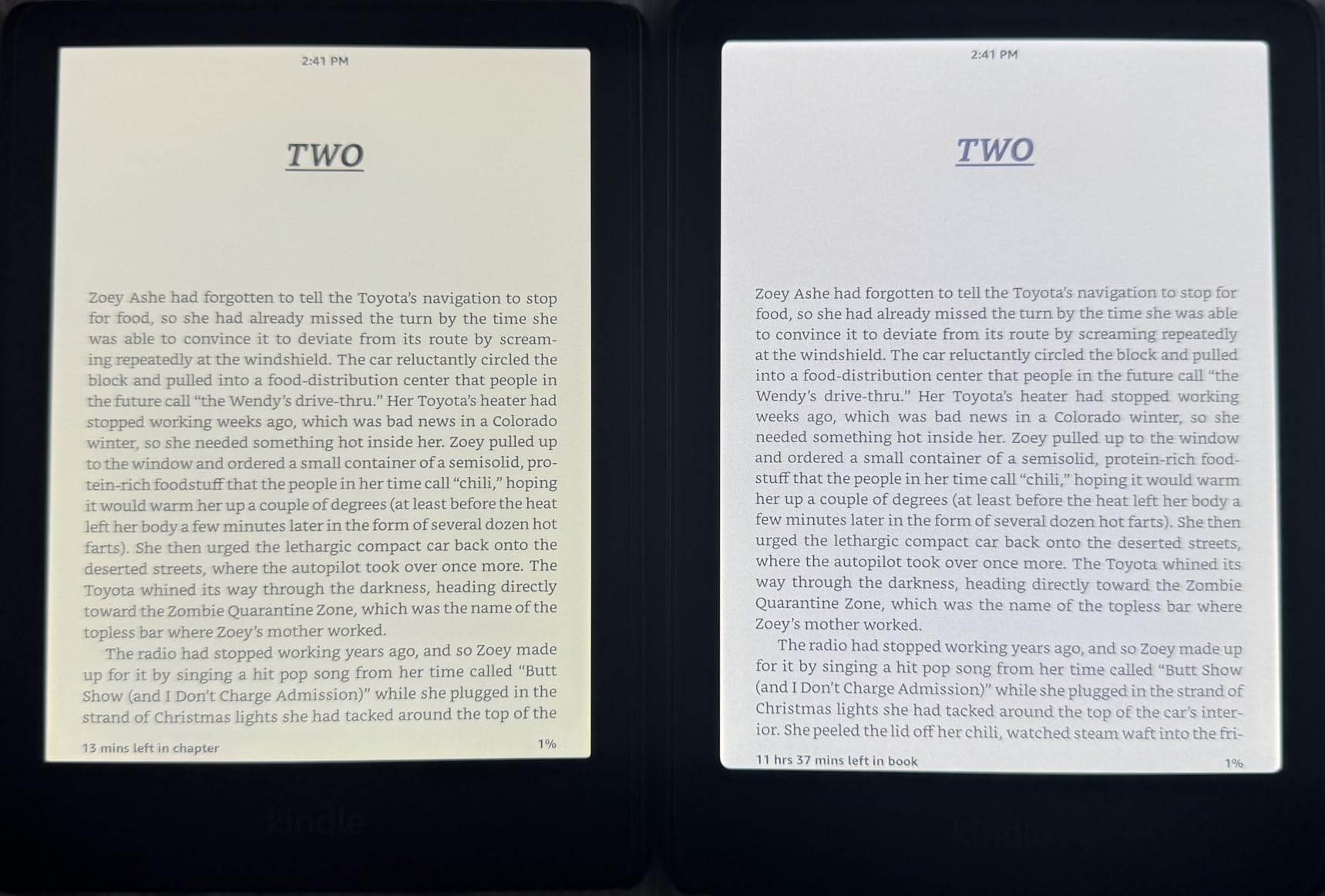
The trade-offs are inherent to color e-ink technology. Text contrast is slightly less sharp than the Kindle Paperwhite when viewed side by side, and colors are muted compared to any LCD or OLED screen. A small number of users have reported yellow band display issues on some units. The 16GB storage may feel limiting if you load heavy graphic novel collections.
Who should buy the Kindle Colorsoft
Readers who consume comics, graphic novels, illustrated books, or color-coded textbooks. If you have been waiting for color on a Kindle, the Colorsoft delivers a genuinely pleasant reading experience with the Kindle ecosystem behind it.
Students who highlight extensively will appreciate the four-color highlighting system for organizing research notes.
Limitations to consider before buying
This is a reading device first and foremost. There is no stylus input for handwriting or note-taking beyond typed notes and highlights. If you need a writing surface, look at the Kindle Scribe instead.
The muted colors are a feature of current color e-ink technology, not a defect. If you expect iPad-quality color reproduction, you will be disappointed. Manage expectations accordingly.
12. Geniatech Kloudnote Slim – Best Budget 10.3 Inch E-Ink Tablet
Geniatech Kloudnote Slim 10.3″ Digital Notebook, E Ink Tablet and ePaper Notepad for ebook Reading and Writing, 227ppi ereader Device in 2025, 5.3mm Ultra-Thin (Grey)
10.3 inch E-ink 227ppi
Android OS
4096 pressure levels
3000mAh battery
Ultra-thin 5.3mm 390g
Pros
- Smooth writing with 4096 pressure sensitivity
- Excellent companion app for syncing and export
- Great value compared to premium tablets
- Clean distraction-free display
- Up to 40 hours battery life
- Open Android allows sideloading
- Free 500MB cloud storage included
- Ultra-thin 5.3mm lightweight design
Cons
- No backlight unusable in low light
- Software glitches after long-term use
- Limited customer support
- Pen has no way to attach to tablet
The Geniatech Kloudnote Slim is the most affordable 10.3 inch e-ink tablet on this list, and it offers surprising capability for the price. The 4096-level pressure-sensitive stylus delivers smooth writing that mimics pen on paper, and the Android operating system allows installing additional apps beyond the built-in selection. For users on a strict budget who still want a full-size writing surface, this is the entry point.
The companion app for syncing and exporting notes works well, and the cloud storage options (including free 500MB plus OneDrive and Dropbox support) handle backup adequately. At 5.3mm thick and 390g, the device is remarkably slim and portable. The 3000mAh battery delivers up to 40 hours of active use, which is solid for the price.
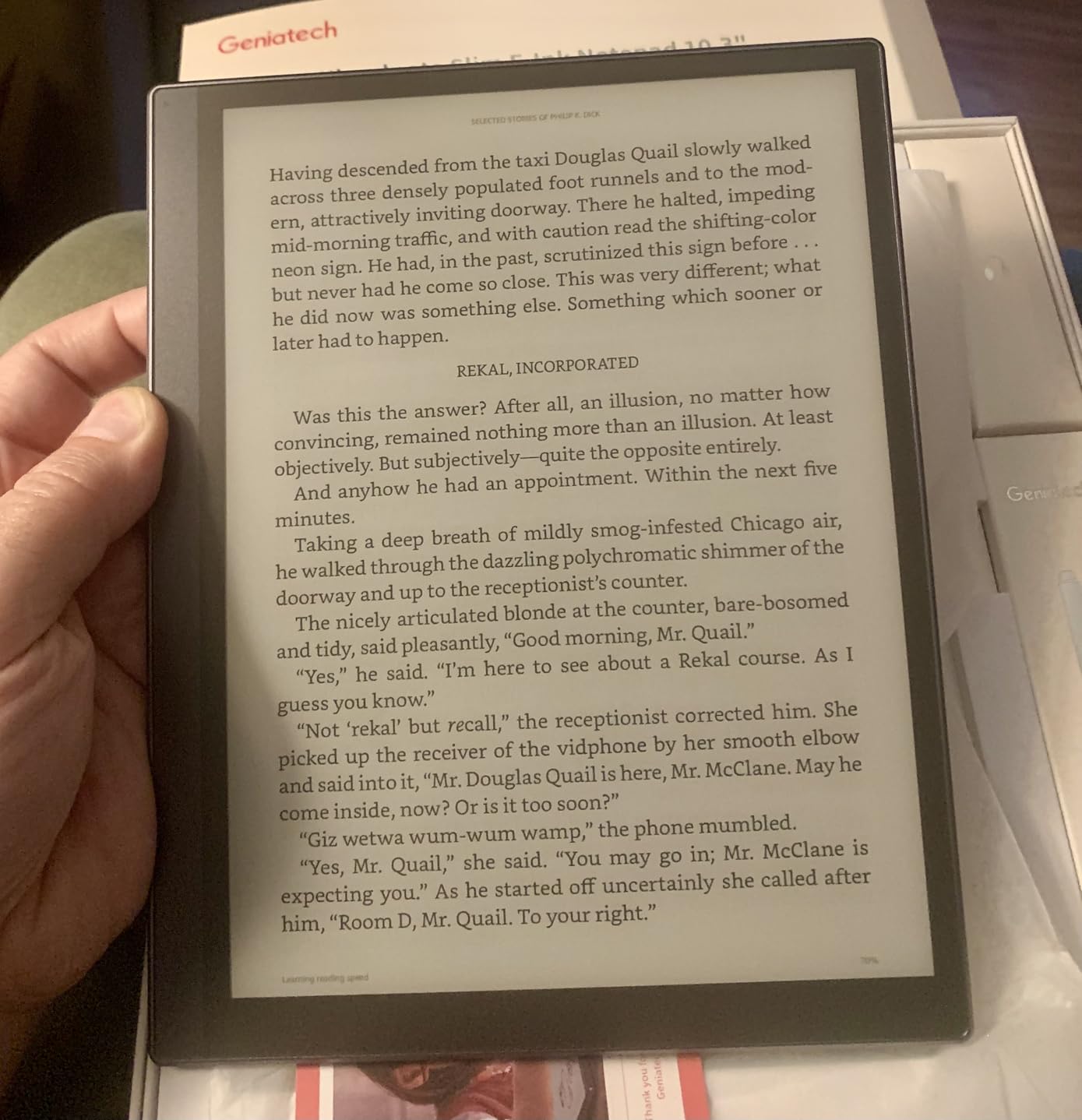
Built-in features include OCR for handwriting-to-text conversion, voice-to-text via ASR, document encryption, and screen projection. The 39 included note templates cover common use cases like lined paper, grid paper, meeting notes, and to-do lists.
The problems emerge with extended use. Long-term reviewers report software glitches including PDFs failing to open, general lag, and occasional need for factory resets. Customer support is limited and unresponsive according to multiple users. The pen is basic plastic with no attachment mechanism, meaning it rolls off desks constantly. There is no backlight, making the device unusable in low-light conditions.
Who should buy the Geniatech Kloudnote Slim
Budget-limited buyers who need a full 10.3 inch writing surface and are willing to accept software quirks. If you want to try an e-ink writing tablet without a major financial commitment, this is the lowest cost of entry for a device this size.
Students who primarily take text notes and do not rely heavily on PDF annotation will get acceptable performance for the price.
Limitations to consider before buying
The software reliability issues are the biggest concern. Multiple users report degradation after months of use, including PDF failures and performance lag. If you depend on the device for critical work, have a backup plan.
The 227 PPI resolution is lower than the 300 PPI standard on most competing devices, which means text and handwriting appear slightly less crisp. There is no backlight, and the built-in app store has very few applications available.
Buying Guide: How to Choose the Best E-Ink Tablets?
Choosing the right e-ink tablet depends heavily on your primary use case, budget, and tolerance for software quirks. After testing 12 devices, I have identified the key factors that should drive your decision. This guide covers what matters most so you can avoid costly mistakes.
Display Quality: PPI, Color, and Contrast
Pixel density matters more on e-ink than on LCD because the technology inherently produces less sharp edges. The current gold standard is 300 PPI, which delivers text that genuinely looks like printed paper. Devices like the Kindle Scribe, BOOX Go 10.3, Penstar eNote 2, and Viwoods AI Paper all hit this mark. Anything below 300 PPI, like the Geniatech Kloudnote Slim at 227 PPI, will show visibly less crisp text.
The color versus monochrome decision is the biggest display question. Color e-ink using Kaleido 3 technology (found on the BOOX Note Air 5 C and reMarkable Paper Pro) adds 4096 colors but inherently reduces contrast and brightness. Colors are muted compared to any LCD screen, appearing more like aged newspaper than vibrant tablet displays. For reading comics, color-coding notes, or viewing charts, color is valuable. For pure text reading and writing, monochrome is sharper and brighter.
The newer Carta 1300 display technology on the Viwoods AI Paper offers improved contrast and a whiter background compared to the Carta 1200 found on older devices. If display quality is your top priority, look for Carta 1300 or the latest 300 PPI panels.
Writing Experience and Stylus Technology
Writing feel varies dramatically between devices. The reMarkable Paper Pro remains the gold standard for paper-like friction, followed closely by the Kindle Scribe and Penstar eNote 2. The texture of the screen surface combined with the stylus tip material determines how much resistance you feel, and getting this right is harder than it sounds.
Stylus technology falls into two camps. EMR (Electromagnetic Resonance) styluses, used by Kindle Scribe and reMarkable, require no charging and offer excellent pressure sensitivity. Active capacitive styluses, used by some BOOX and iFLYTEK models, require periodic USB-C charging but can include additional features like side buttons and erasers.
Latency is the other critical factor. The delay between pen movement and ink appearing on screen should be imperceptible. All devices on this list except the Geniatech Kloudnote Slim deliver acceptable latency for note-taking, though the reMarkable Paper Pro and Kindle Scribe are noticeably snappier than the competition.
Software and App Ecosystem
The software experience divides e-ink tablets into three categories. Closed systems like the Kindle Scribe and reMarkable offer polished, focused experiences with no third-party apps but also no flexibility. Android-based devices from BOOX, Viwoods, iFLYTEK, and Geniatech give you Google Play Store access and app freedom, but the software is often less polished. Middle-ground systems like Kobo and Penstar offer curated experiences with some flexibility.
For most users, the choice comes down to whether you want app flexibility or software polish. If you need specific apps like OneNote, Evernote, or particular PDF readers, an Android device is your only option. If you want a device that simply works without configuration, the Kindle Scribe or Kobo Elipsa 2E are safer choices.
Subscription models are a growing concern. reMarkable charges for Connect, which unlocks handwriting-to-text and advanced cloud sync. iFLYTEK gates cloud features behind a paywall. The Kindle Scribe, BOOX devices, and Penstar eNote 2 include all features with no recurring fees.
Battery Life Expectations
E-ink tablets generally outlast LCD tablets by orders of magnitude, but there is significant variation within the category. The Kindle Colorsoft leads with up to 8 weeks of battery life, followed by the iFLYTEK AINOTE Air 2 at approximately 5 weeks. Full-size writing tablets like the reMarkable Paper Pro and Penstar eNote 2 deliver around 2 weeks.
Color displays and active writing sessions drain batteries faster. The BOOX Note Air 5 C sees noticeably shorter battery life during writing compared to reading, as does the BOOX Go 10.3 Gen II Lumi. Budget devices like the BOOX Go 7 and Geniatech Kloudnote Slim have smaller batteries and may need charging every few days with heavy use.
If battery life is critical, stick with monochrome displays from established brands like Amazon, Kobo, or reMarkable.
Subscription Costs and Total Cost of Ownership
The sticker price is not the full story with e-ink tablets. Several manufacturers charge ongoing subscription fees that increase your total cost of ownership significantly over time. reMarkable Connect costs approximately $3 per month and is required for handwriting-to-text conversion and some cloud sync features. iFLYTEK gates cloud sync behind a subscription paywall.
Over a three-year ownership period, a $3 monthly subscription adds $108 to your total cost. When comparing devices, factor this in. The Kindle Scribe, all BOOX devices, the Penstar eNote 2, and the Viwoods AI Paper include all features with no subscription requirements.
Accessory costs add up too. Keyboard folios for BOOX and reMarkable cost $150 to $200. Premium stylus upgrades, extra nibs, and protective cases can add $50 to $100 to your initial purchase. The Penstar eNote 2 is notable for including two pens, a folio cover, and spare nibs in the box.
When NOT to Buy an E-Ink Tablet
E-ink tablets are specialized tools, and they are not right for everyone. You should probably skip an e-ink tablet if any of these apply to your situation. If you need color accuracy for design work, the muted colors of current color e-ink technology will frustrate you. If you want to watch videos, browse the web fluidly, or play games, the low refresh rate of e-ink displays makes these experiences painful.
If you need to run specific applications that require fast refresh rates, like video calls or interactive presentations, an iPad with a matte screen protector may serve you better. If your budget is under $200, you are better off with a dedicated e-reader like the standard Kindle Paperwhite rather than compromising on a budget e-ink tablet with software issues.
E-ink tablets excel at reading, writing, PDF annotation, and distraction-free focused work. They are poor at multimedia, web browsing, and anything requiring color accuracy. Buy one to complement your existing devices, not to replace them entirely.
Frequently Asked Questions About E-Ink Tablets
What is the best e-ink tablet for note taking and reading?
The Amazon Kindle Scribe is the best e-ink tablet for combined note-taking and reading. Its 300 PPI display delivers crisp text for reading, the Premium Pen offers a paper-like writing experience, and the Active Canvas feature lets you annotate books directly in the margins. No subscription is required for any feature, and the Kindle ecosystem gives you access to over 15 million titles.
Are e-ink writing tablets worth it?
E-ink tablets are worth it if you spend significant time reading, writing, or annotating documents and want to reduce eye strain and digital distractions. They excel for students, researchers, lawyers, and writers. However, they are not worth it if you need multimedia capabilities, fast web browsing, or color-accurate displays, as e-ink technology cannot match LCD or OLED screens in those areas.
What are the downsides of e-ink displays?
E-ink displays have slow refresh rates compared to LCD, making them unsuitable for video, gaming, or fluid web browsing. Color e-ink is muted and lower contrast than monochrome. Some models lack frontlights, making them unusable in dark environments. The technology is also expensive, with most quality e-ink tablets costing $300 to $700.
How long do e-ink tablets last on a single charge?
E-ink tablet battery life ranges from 4 days to 8 weeks depending on the model and usage. Dedicated e-readers like the Kindle Colorsoft last up to 8 weeks, while full-size writing tablets like the reMarkable Paper Pro deliver approximately 2 weeks. Color displays and active writing sessions drain batteries faster than monochrome reading.
Can e-ink tablets connect to the internet?
Yes, most modern e-ink tablets connect to the internet via Wi-Fi. Android-based models from BOOX, Viwoods, and iFLYTEK offer full web browsing and app downloads. The iFLYTEK AINOTE 2 also supports 5G cellular connectivity. However, web browsing on e-ink is slow due to the display refresh rate, so internet access is best used for syncing notes and downloading content rather than general browsing.
What are the best e-ink tablet brands?
The leading e-ink tablet brands are reMarkable for the purest writing experience, Amazon Kindle for ecosystem integration, BOOX for Android flexibility, Supernote for modular design, Kobo for reading-focused devices, iFLYTEK for AI transcription features, and Viwoods for cutting-edge display technology and AI tools. Each brand excels in different areas, so the best choice depends on your priorities.
Do you need a subscription for e-ink tablets?
Not all e-ink tablets require subscriptions. The Kindle Scribe, all BOOX devices, the Penstar eNote 2, and the Viwoods AI Paper include all features with no recurring fees. However, reMarkable charges approximately $3 per month for Connect, which unlocks handwriting-to-text and advanced cloud sync. iFLYTEK gates some cloud features behind a subscription paywall. Always check subscription requirements before buying.
Can you use a keyboard with an e-ink tablet?
Yes, many e-ink tablets support Bluetooth keyboards. BOOX, reMarkable, and iFLYTEK offer optional keyboard folios designed for their devices, though these typically cost $150 to $200. Android-based tablets can pair with most Bluetooth keyboards. The iFLYTEK AINOTE Air 2 and AINOTE 2 also feature voice-to-text as an alternative input method for typing without a physical keyboard.
Conclusion: Which E-Ink Tablet Should You Buy?
After testing 12 devices over three months, our top recommendation for the best e-ink tablet remains the Amazon Kindle Scribe. It combines an outstanding 300 PPI display, paper-like writing, AI features with no subscription, and the massive Kindle ecosystem into a package that works for students, professionals, and casual users alike.
If writing feel is your absolute top priority and budget is not a concern, the reMarkable Paper Pro delivers the most authentic pen-on-paper experience in the category. For Android flexibility, the BOOX Go 10.3 Gen II Lumi and Note Air 5 C offer unmatched app freedom. Budget-conscious buyers should look at the BOOX Go 7 or Penstar eNote 2 for excellent value without major compromises.
The e-ink tablet market in 2026 is more diverse and capable than ever, with AI features, color displays, and improved stylus technology pushing the category forward. Whatever your use case, there is a device on this list that will transform how you read, write, and think on a daily basis.