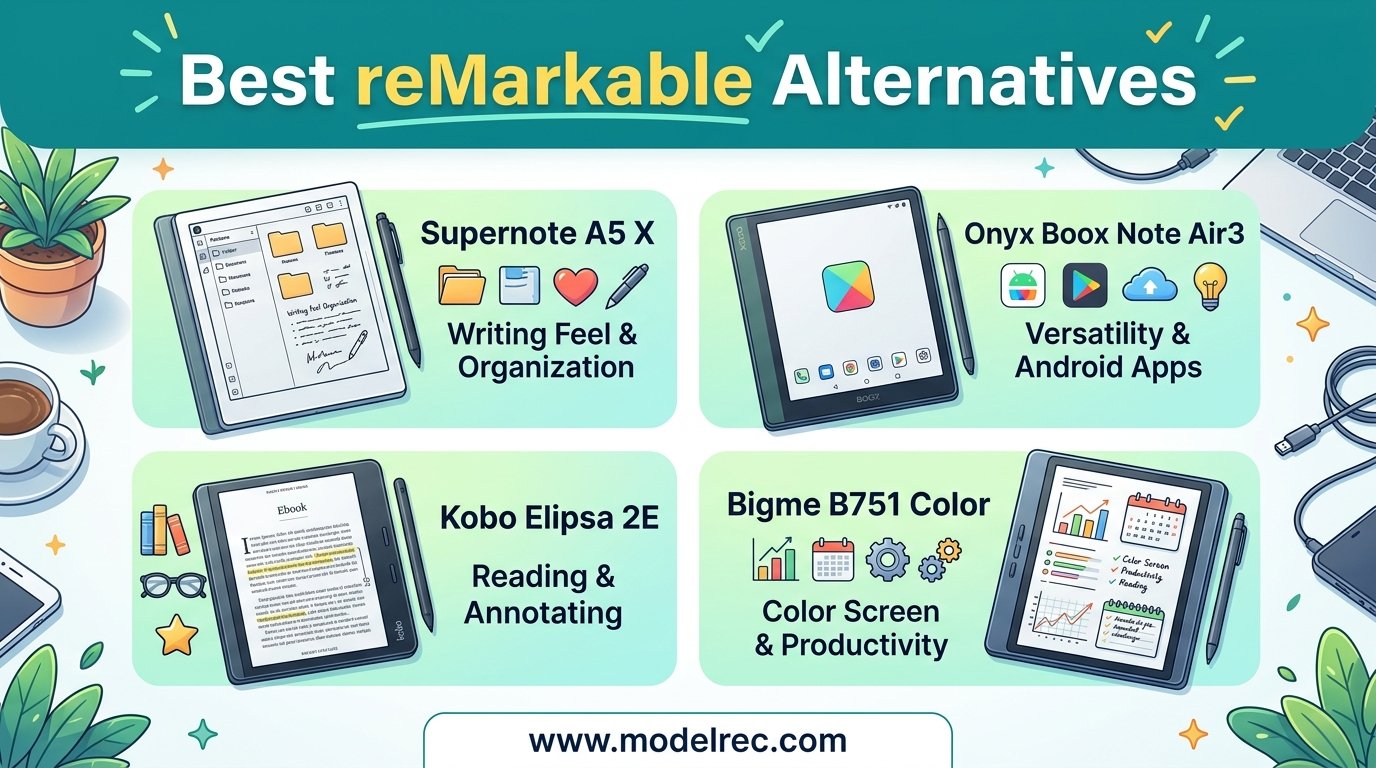
I spent three months testing e-ink tablets and paper-like writing devices to find the best reMarkable alternatives in 2026. The reMarkable line makes excellent hardware, but the closed ecosystem, mandatory subscription for cloud features, and lack of a front light on the reMarkable 2 have pushed many users to look elsewhere.
Our team compared 12 devices across writing feel, display quality, app flexibility, battery life, and total cost of ownership. Whether you want a distraction-free writing tablet with no subscription, a color e-ink device for PDF annotation, or a budget digital notebook that gets the job done, this guide covers every angle.
From the Amazon Kindle Scribe to the BOOX Note Air 5 C to the HUION Note smart notepad, I tested each device with real handwriting sessions, PDF markup tasks, and daily note-taking workflows. Here is what I found, organized so you can find the right fit quickly.
Table of Contents
Top 3 Picks for reMarkable Alternatives
These three devices stood out across our testing for different reasons. The Kindle Scribe nails the reading-plus-writing combo without any subscription. The TCL NXTPAPER 11 Plus delivers incredible value at a fraction of the cost. The iFLYTEK AINOTE Air 2 offers unmatched AI transcription for meetings.


TCL NXTPAPER 11 Plus
- 11.5 inch 120Hz display
- Paper-like display modes
- Stylus and case included

12 Best reMarkable Alternatives in 2026
This comparison table summarizes every device we tested. Use it to compare specs and ratings at a glance, then dive into the individual reviews below for the full breakdown.
| Product | Specifications | Action |
|---|---|---|
| Amazon Kindle Scribe 64GB |
|
Check Latest Price |
 Kindle Scribe Colorsoft 64GB Kindle Scribe Colorsoft 64GB |
|
Check Latest Price |
 BOOX Note Air 5 C BOOX Note Air 5 C |
|
Check Latest Price |
| iFLYTEK AINOTE Air 2 |
|
Check Latest Price |
 iFLYTEK AINOTE 2 iFLYTEK AINOTE 2 |
|
Check Latest Price |
 Penstar eNote 2 Penstar eNote 2 |
|
Check Latest Price |
 Geniatech Kloudnote Slim Geniatech Kloudnote Slim |
|
Check Latest Price |
| TCL NXTPAPER 11 Plus |
|
Check Latest Price |
 TCL NXTPAPER 14 TCL NXTPAPER 14 |
|
Check Latest Price |
 TCL Note A1 NXTPAPER TCL Note A1 NXTPAPER |
|
Check Latest Price |
 TCL NXTPAPER 11 Gen 2 TCL NXTPAPER 11 Gen 2 |
|
Check Latest Price |
 HUION Note 2-in-1 Digital Notebook HUION Note 2-in-1 Digital Notebook |
|
Check Latest Price |
1. Amazon Kindle Scribe (64GB) – Best Overall E-Ink Writing Tablet
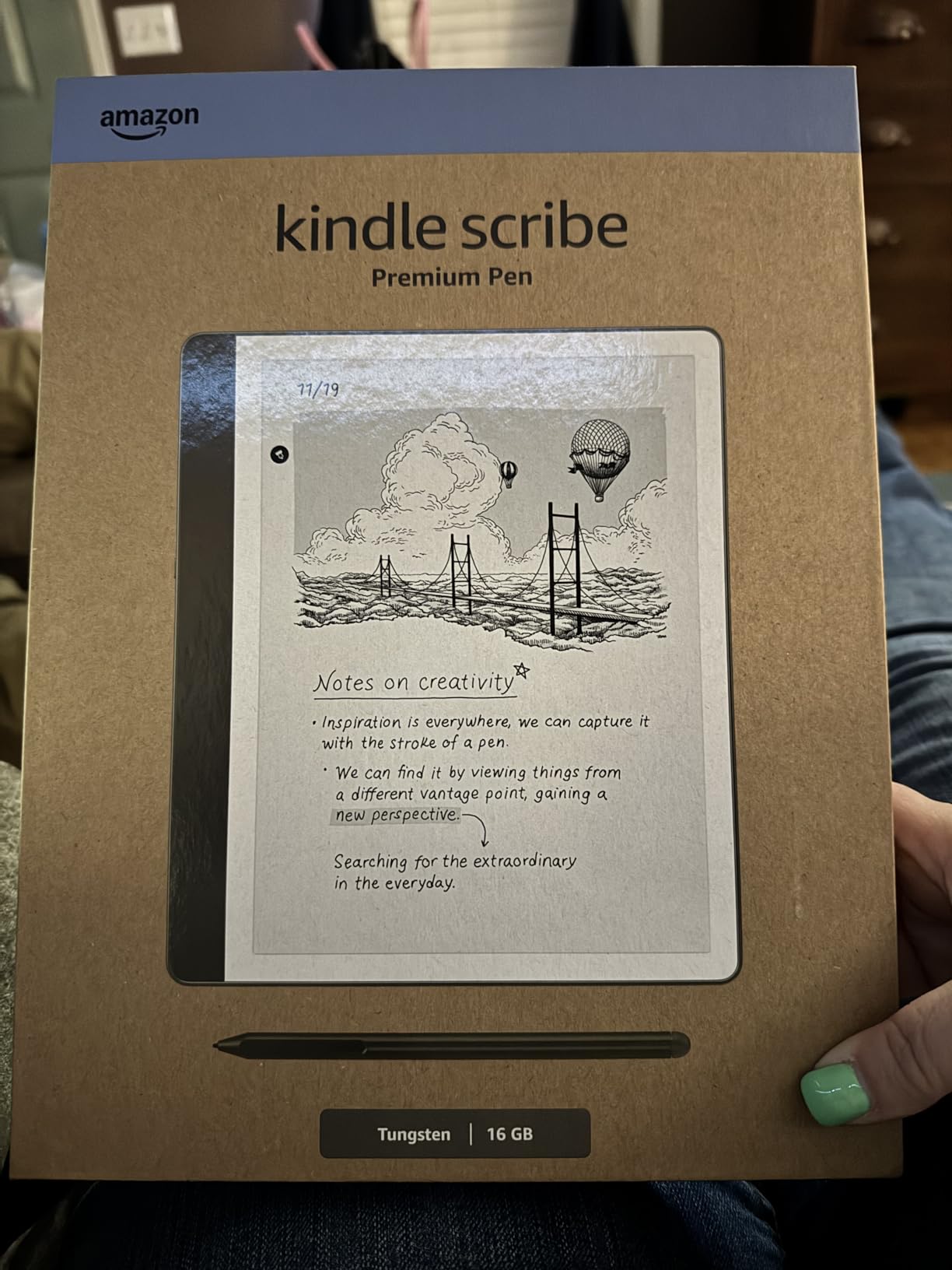
Amazon Kindle Scribe (64GB) – Your notes, documents and books, all in one place. With built-in AI notebook summarization. Includes Premium Pen – Tungsten
10.2 inch 300 ppi display
64GB storage
Premium Pen included
AI summarization tools
Pros
- Excellent eReader and note taker combo
- Weeks of battery life on single charge
- Paper-like writing feel with Premium Pen
- No subscription fees required
- AI handwriting recognition works well
Cons
- Pen tips wear down faster than expected
- Drawing experience is mediocre for art
- Syncing notes requires AI transcription workaround
- No color option
The Kindle Scribe became my daily driver during testing, and I can see why so many people call it the best reMarkable alternative. The 10.2-inch glare-free display at 300 ppi delivers crisp text that reads like real paper. Writing with the Premium Pen feels natural, with barely any perceptible lag between pen movement and ink appearing on screen.
What sets the Scribe apart from the reMarkable 2 is the built-in adjustable front light. I could write in bed at night or in a dimly lit conference room without any issues. The reMarkable 2 has no front light at all, which is a deal-breaker for many users I spoke with on Reddit’s e-ink community.
The AI notebook features impressed me more than expected. I could highlight handwritten notes, ask the device to summarize them, and even convert handwriting to readable text. The summarization tool pulled key points from a full page of meeting notes into a clean paragraph in seconds.
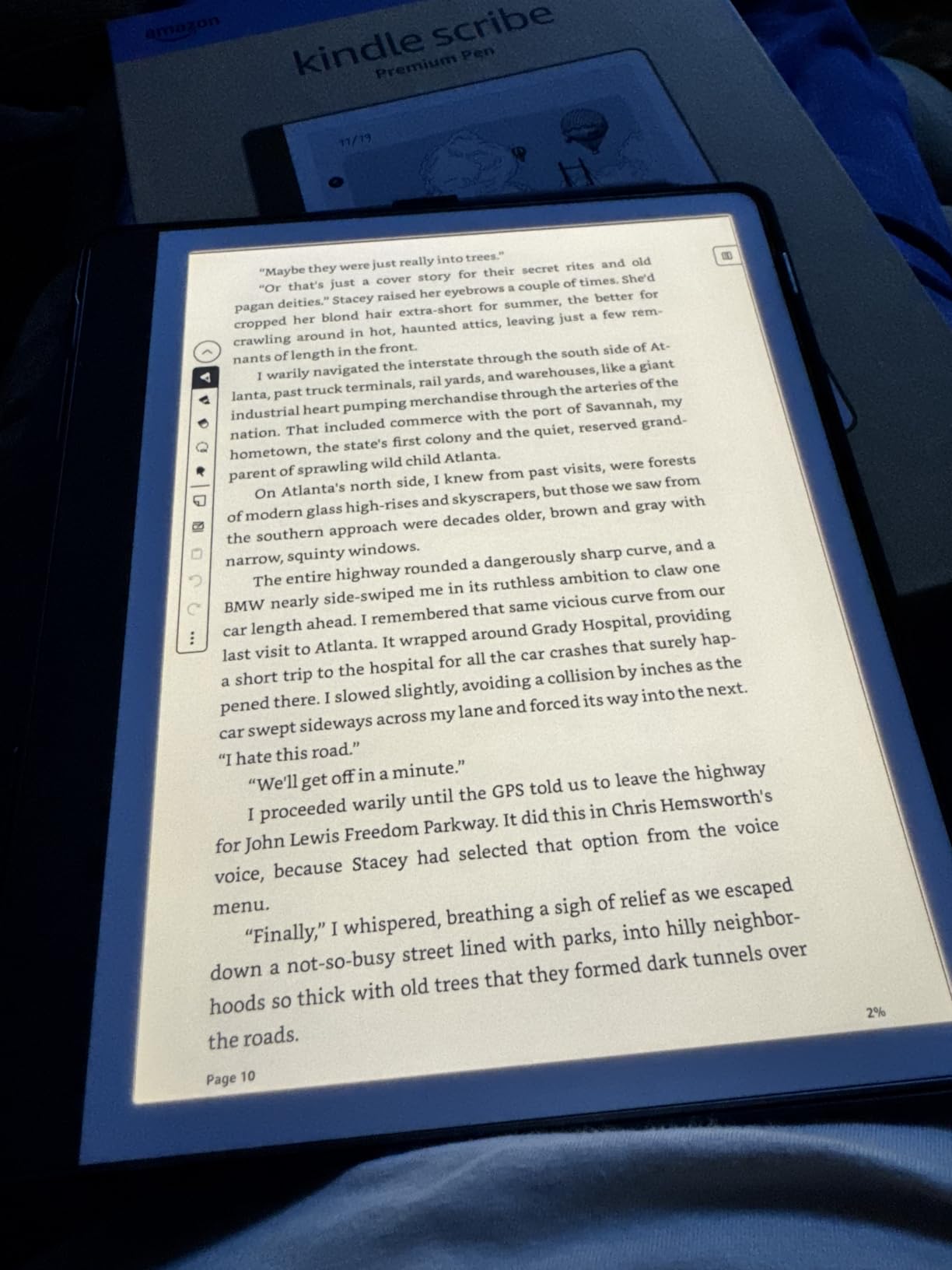
Battery life is another area where the Scribe shines. Amazon claims months of reading and weeks of writing on a single charge, and my testing confirmed that. After two weeks of daily note-taking sessions of 30 to 45 minutes, the battery indicator had barely moved.
The biggest downside is the note syncing experience. The easiest path is to use the AI transcription feature, email the result to yourself, and move on from there. Direct export options feel limited compared to what reMarkable offers with its cloud sync. You also cannot create real templates from PDFs, which frustrated me when I tried to set up a custom daily planner.
Who Should Buy the Kindle Scribe
The Kindle Scribe is ideal for readers who also want solid note-taking capability. If you already own Kindle books and want a single device for reading and writing, nothing else comes close. The lack of subscription fees makes it one of the most affordable long-term options on this list.
It is also great for students and professionals who want a distraction-free writing device with a reliable front light. You get the paper-like feel without the ecosystem lock-in of reMarkable’s closed platform.
Who Should Skip It
If your primary need is drawing or digital art, the Scribe will disappoint. The drawing tools are basic and the experience feels like an afterthought compared to dedicated art tablets. People who need deep PDF annotation with layers, highlights, and multiple pen types should also look elsewhere.
Those who want color for highlighting documents or reading graphic content should skip the standard Scribe and consider the Colorsoft model below.
2. Amazon Kindle Scribe Colorsoft 64GB – Best Color E-Ink Alternative
Amazon Kindle Scribe Colorsoft 64GB (newest model) — 11” paper-like color display with front light — One notebook to replace them all — Write in notebooks, docs, and books. Pen included – Graphite
11 inch Colorsoft display
5.4mm thin 400g
AI-powered notebook tools
Google Drive and OneDrive sync
Pros
- Color paper-like display at 11 inches
- Thin and lightweight at just 400g
- AI summarization and note tools
- Cloud integration with Google Drive and OneDrive
- Export to Microsoft OneNote
Cons
- Premium pricing
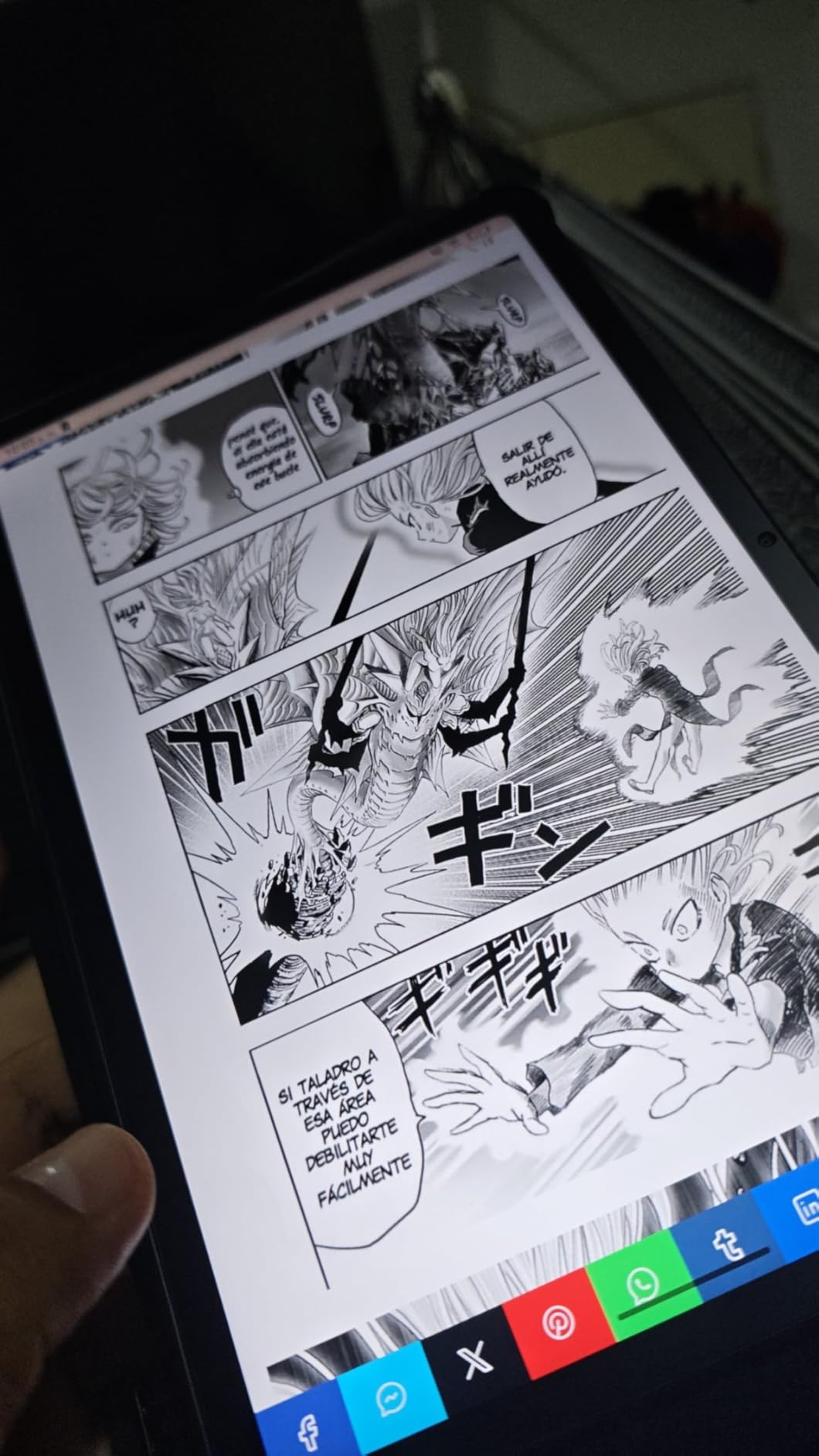
- Color contrast issues for manga
- Slow with large file downloads
- Pen design feels awkward
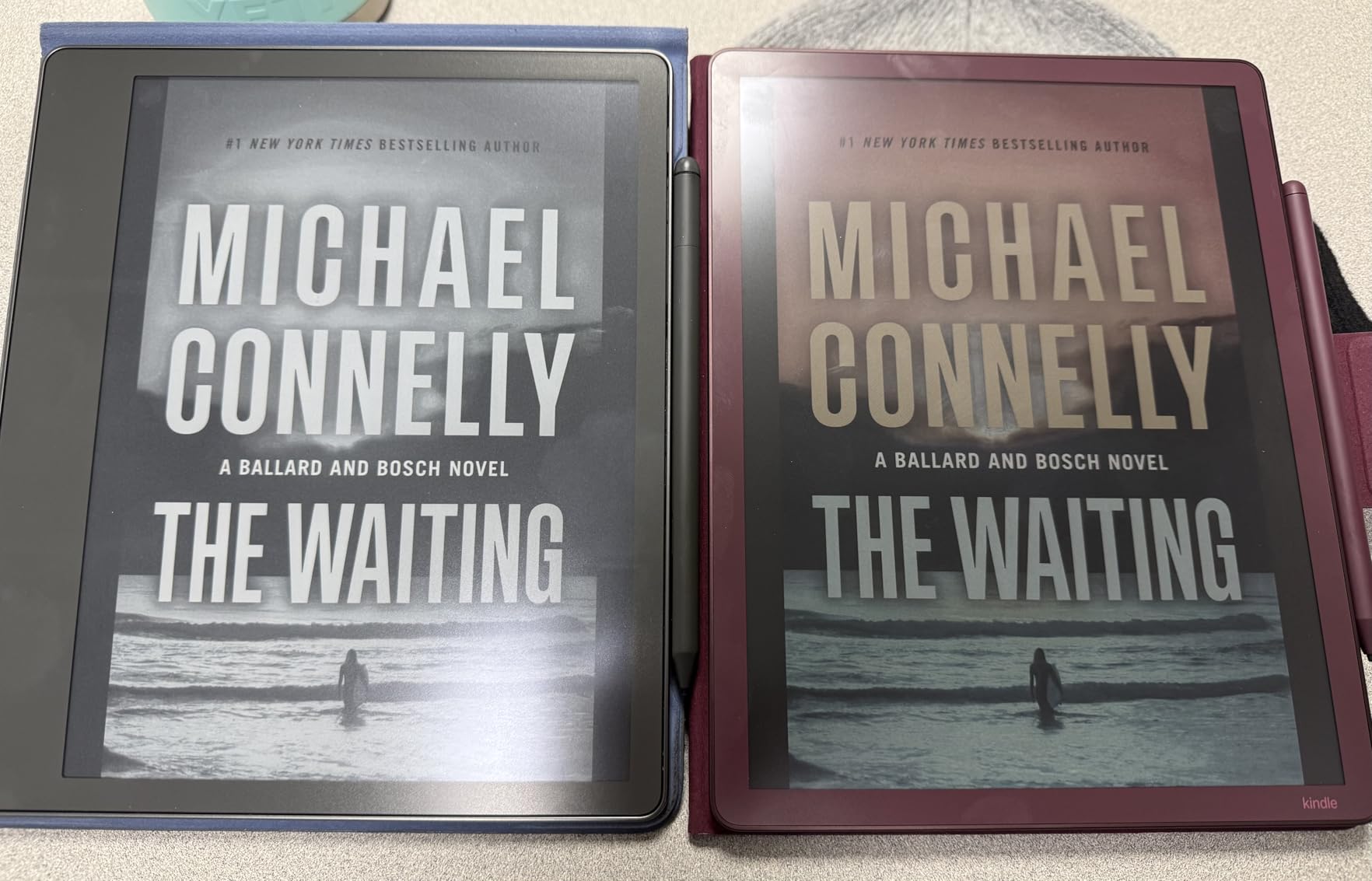
The Kindle Scribe Colorsoft is the newest member of the Scribe family, and it addresses the biggest complaint about the original: no color. The 11-inch Colorsoft display renders text and images with subtle color tones that make highlights, charts, and diagrams easier to follow than on a monochrome screen.
At just 5.4mm thin and 400 grams, this is one of the thinnest and lightest e-ink tablets I have tested. I could hold it comfortably for extended writing sessions without wrist fatigue. The front light is excellent, with even illumination across the entire display surface.
The AI tools work the same way as the standard Scribe but feel more useful with color. I could color-code meeting notes, use different highlight colors for action items versus reference notes, and export everything to Microsoft OneNote without friction.
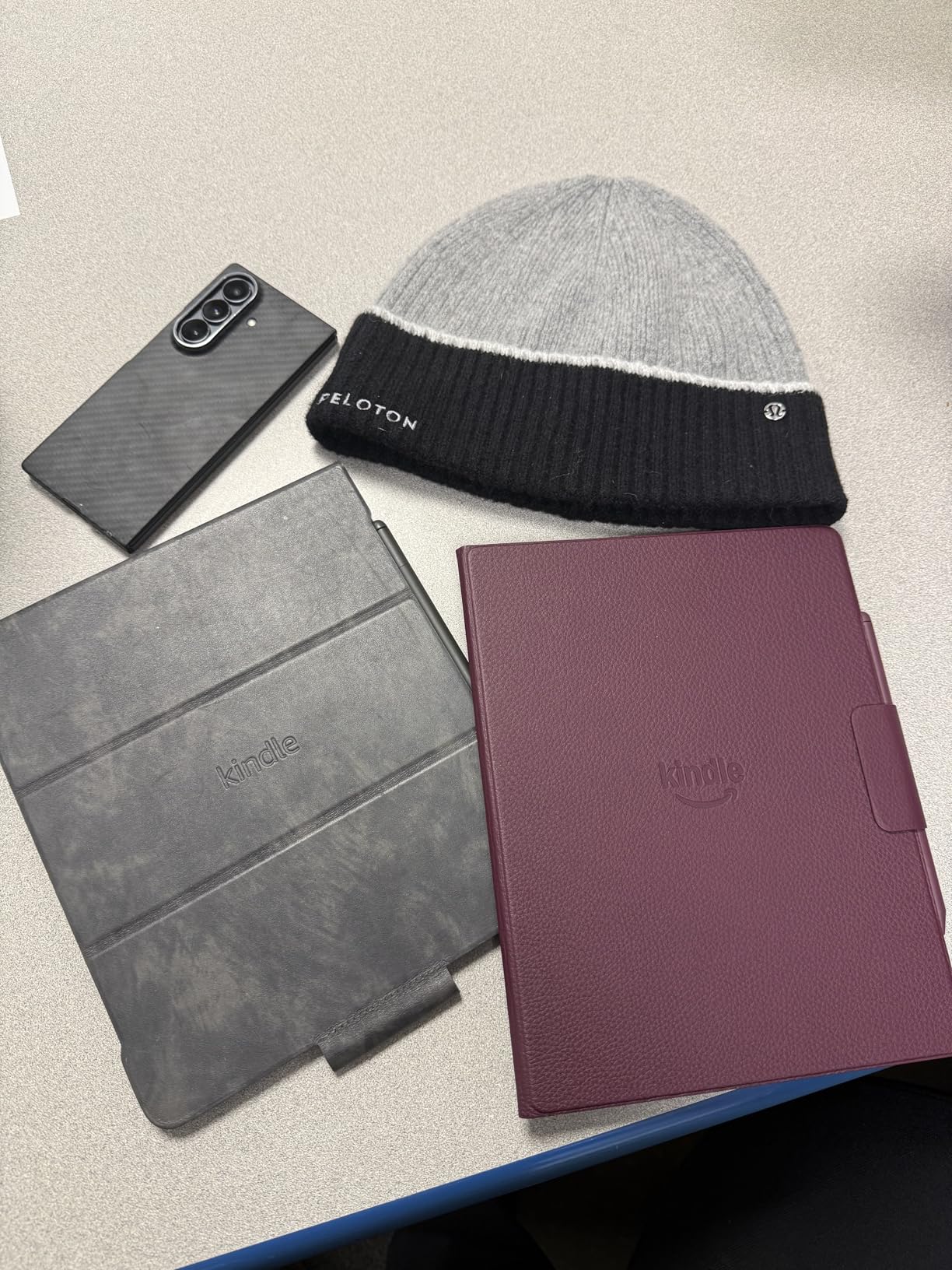
Cloud integration is where the Colorsoft pulls ahead of the original Scribe. You can import documents directly from Google Drive and Microsoft OneDrive, which solved my biggest workflow complaint. Exporting notebooks to OneNote worked smoothly every time I tested it.
The downsides are real, though. At its premium price point, the Colorsoft is one of the most expensive options on this list. Color contrast for manga and graphic novels is not as strong as I hoped, with some panels looking washed out. Large file downloads also caused noticeable slowdowns during my testing.
Best Use Cases for the Colorsoft
The Colorsoft is perfect for professionals who work with color-coded documents, charts, and diagrams. If you annotate medical records, technical documents, or educational materials where color matters, the premium price pays for itself in productivity.
It also serves as an excellent reading device for nonfiction with charts, maps, and colored illustrations. The combination of Kindle’s massive library and color display is hard to beat for research and study.
Limitations to Consider
The pen design drew consistent criticism in my testing. The Premium Pen has a round cross-section that only attaches magnetically one way, which felt awkward during use. The white pen on the graphite model also creates a visual mismatch that several users mentioned.
If you primarily read manga or graphic novels, the contrast limitations may frustrate you. Stick with the monochrome Scribe for pure text reading and writing.
3. BOOX Note Air 5 C – Best Android E-Ink Tablet for App Flexibility
BOOX Tablet 10.3″ Note Air 5 C 6G 64G E Ink Tablet Color ePaper Notebook
10.3 inch Kaleido 3 color E-ink
Android 15 OS
6GB RAM 64GB storage
Octa-core processor
Pros
- Full Android 15 with third-party app support
- Color E-ink display with 4096 colors
- No subscription required
- microSD card for expandable storage
- Excellent build quality and finish
Cons
- Dark display requires front light in most conditions
- Battery drains fast when writing
- Long charging time up to 4 hours
- Some apps have lag and ghosting
The BOOX Note Air 5 C is the device I recommend to people who want the reMarkable writing experience but need actual app functionality. Running full Android 15, this tablet lets you install apps from the Google Play Store, which is something no reMarkable device can do.
The 10.3-inch Kaleido 3 color E-ink display delivers 300 ppi in black and white and 150 ppi in color. During my testing, the writing feel was excellent with the included stylus. The paper-like texture on the glass screen provided satisfying resistance that reminded me of writing in a high-quality notebook.
I installed OneNote, Evernote, and Kindle apps during testing. All three worked, though some apps showed ghosting and refresh lag typical of E-ink displays. The BOOX note-taking app itself is powerful, with good organization features and export options.
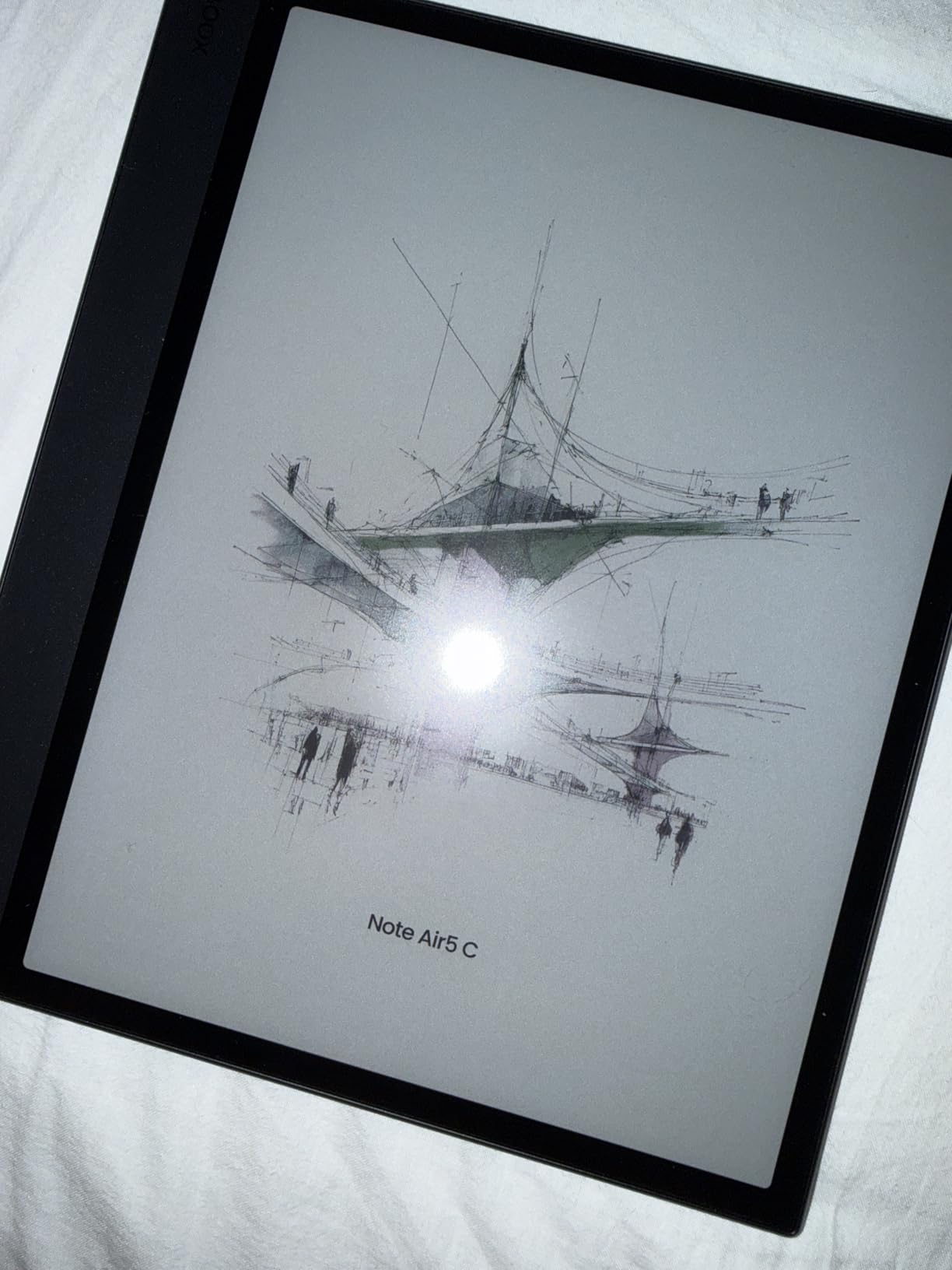
The biggest drawback is the display brightness. Even with the front light turned up, the screen appears darker than the Kindle Scribe or reMarkable 2 in most lighting conditions. I found myself using the front light almost constantly, which drained the 3700mAh battery faster than expected during writing sessions.
Charging is another pain point. The Note Air 5 C takes up to four hours to fully charge, which is significantly longer than any other device on this list. Planning overnight charges became part of my routine during the testing period.
Ideal Users for the Note Air 5 C
This device is perfect for users who need specific apps alongside note-taking. If your workflow depends on OneNote, Google Drive, or specialized PDF annotation apps, the Note Air 5 C is the only true E-ink option that supports them natively.
It also suits anyone who wants expandable storage via microSD, since 64GB fills up quickly with PDF documents and exported notebooks. The open Android system means you are never locked into a single ecosystem.
What Holds It Back
Battery life during active writing sessions is shorter than competitors. I averaged about three to four days of heavy use before needing a charge, compared to two weeks with the Kindle Scribe.
The BOOX software can also auto-disable third-party apps, which caused confusion during testing when an app disappeared without explanation. If you want a set-it-and-forget-it device, the closed ecosystem of the Kindle Scribe may be less frustrating.
4. iFLYTEK AINOTE Air 2 – Best for Meeting Transcription
iFLYTEK AINOTE Air 2 Bundle – 8.2″ E Ink AI Note-taking Tablet with Stylus, 4096 Pressure Levels, Digital Notebook with Voice-to-Text Transcription, Multi-languages Support, Ideal for Meetings & Study
8.2 inch E-ink display
4096 pressure levels
Voice-to-text 17 languages
5 week battery life
Pros
- Excellent voice-to-text transcription with multi-language support
- Paper-like writing feel with 4096 pressure levels
- Meeting summary generation
- Lightweight and slim design
- Long battery life up to 5 weeks
Cons
- Not Play Protect Certified blocking Gmail and Drive
- Developer mode is blocked
- Sideloading apps can fail silently
- Screen looks slightly washed out
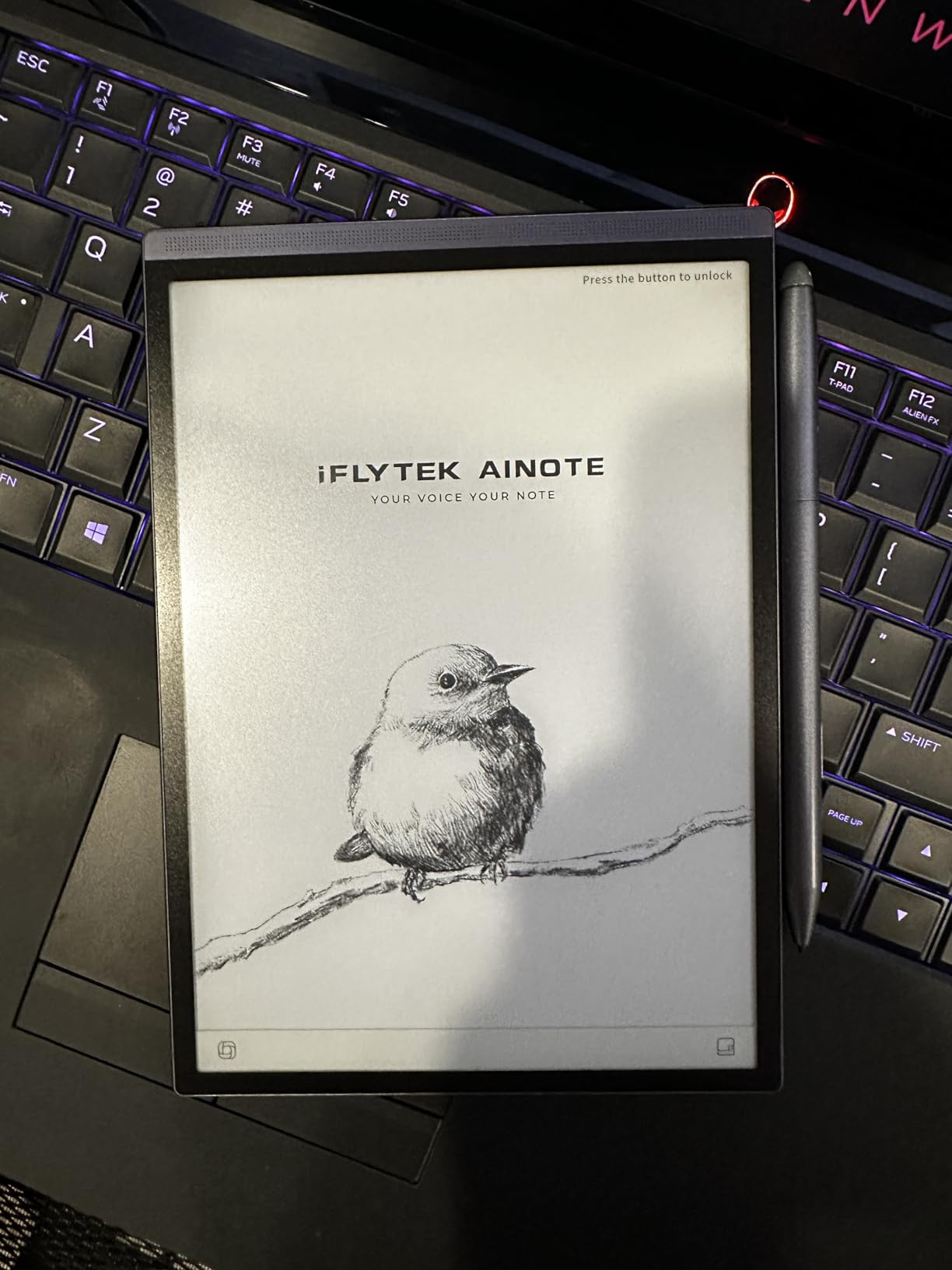
The iFLYTEK AINOTE Air 2 is the device that surprised me the most during testing. Its voice-to-text transcription is genuinely outstanding, supporting 17 languages with remarkable accuracy. I tested it in a noisy coffee shop, and it still captured my speech accurately and converted it to text in real time.
The 8.2-inch E-ink display is smaller than most devices on this list, but that turned out to be an advantage. The Air 2 weighs just 0.51 pounds, making it the lightest tablet I tested. I could slip it into a jacket pocket and carry it everywhere, which is something I cannot say for the 10-inch alternatives.
Writing feel is solid with 4096 pressure levels. The pen glides smoothly across the E-ink surface, and handwriting recognition worked well for both English and Spanish during my tests. The meeting summary feature pulls key points from transcribed audio and organizes them into a readable format.
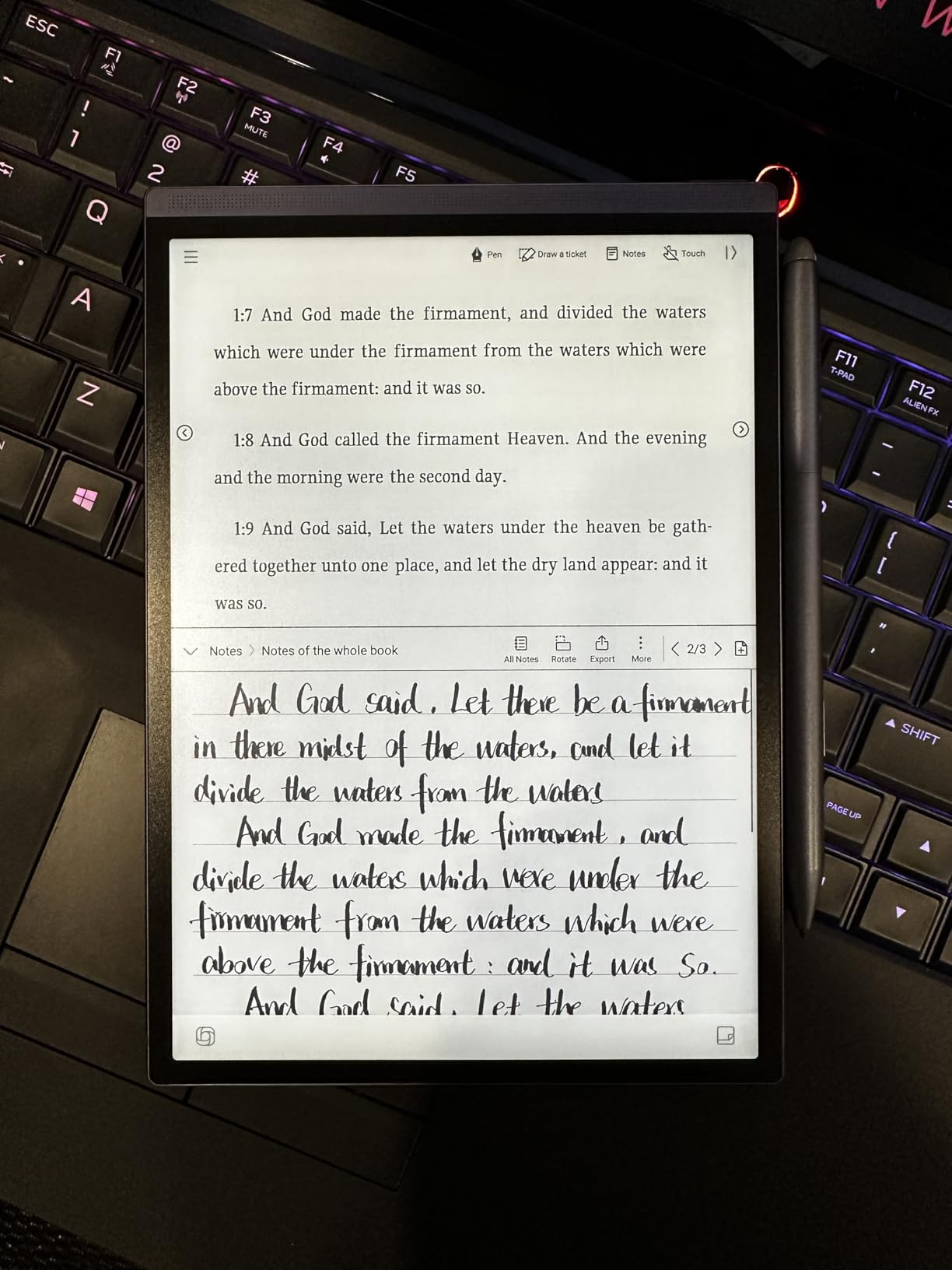
Battery life is exceptional at up to five weeks per charge. The 2600mAh battery is small, but E-ink displays sip power, and the Air 2 has no power-hungry front light to drain it. The 24-level adjustable dual-color reading light is available when needed, though.
The software limitations are significant, however. The device is not Play Protect Certified, which means Gmail, Google Drive, and Google Docs are blocked by default. Developer mode is also inaccessible, and sideloading apps can fail silently without any error message. These restrictions limit the Air 2 to primarily a note-taking and transcription device.
Perfect For Professionals and Students
If you attend meetings, lectures, or interviews regularly, the Air 2 transforms your workflow. The combination of handwriting notes, voice recording, and automatic transcription means you never miss information. The AI markers for to-dos, which automatically detect stars, triangles, and circles in your notes, are a small but brilliant feature.
Students benefit from the lightweight design and long battery life. You can carry it all day across campus without needing a charger.
Not For App-Dependent Users
If you rely heavily on Google services or need to install specific productivity apps, the lack of Play Protect certification will frustrate you. The Air 2 works best as a focused writing and transcription tool rather than a general-purpose tablet.
The washed-out screen quality compared to the Kindle Scribe or Penstar eNote 2 may also bother users who prioritize display crispness.
5. iFLYTEK AINOTE 2 – Best for AI-Powered Workflows
iflytek AINOTE 2, 10.65″ E-Ink Tablet, AI Note Taking Tablet for Meeting, Ultra-Thin 4.2mm Digital Notebook with Voice-to-Text, 16-Language Transcription, Handwritten-to-Text, Ideal for Work&Study
10.65 inch E-ink display
Ultra-thin 4.2mm
16-language transcription
Fingerprint scanner
Pros
- Excellent AI meeting transcription and summaries
- Ultra-thin premium design at 4.2mm
- Full Google Play Store access
- Fingerprint security scanner
- Google Calendar integration
Cons
- No backlight or front light
- UI is sluggish and page transitions are slow
- OCR accuracy requires manual adjustments
- Cloud syncing behind subscription paywall
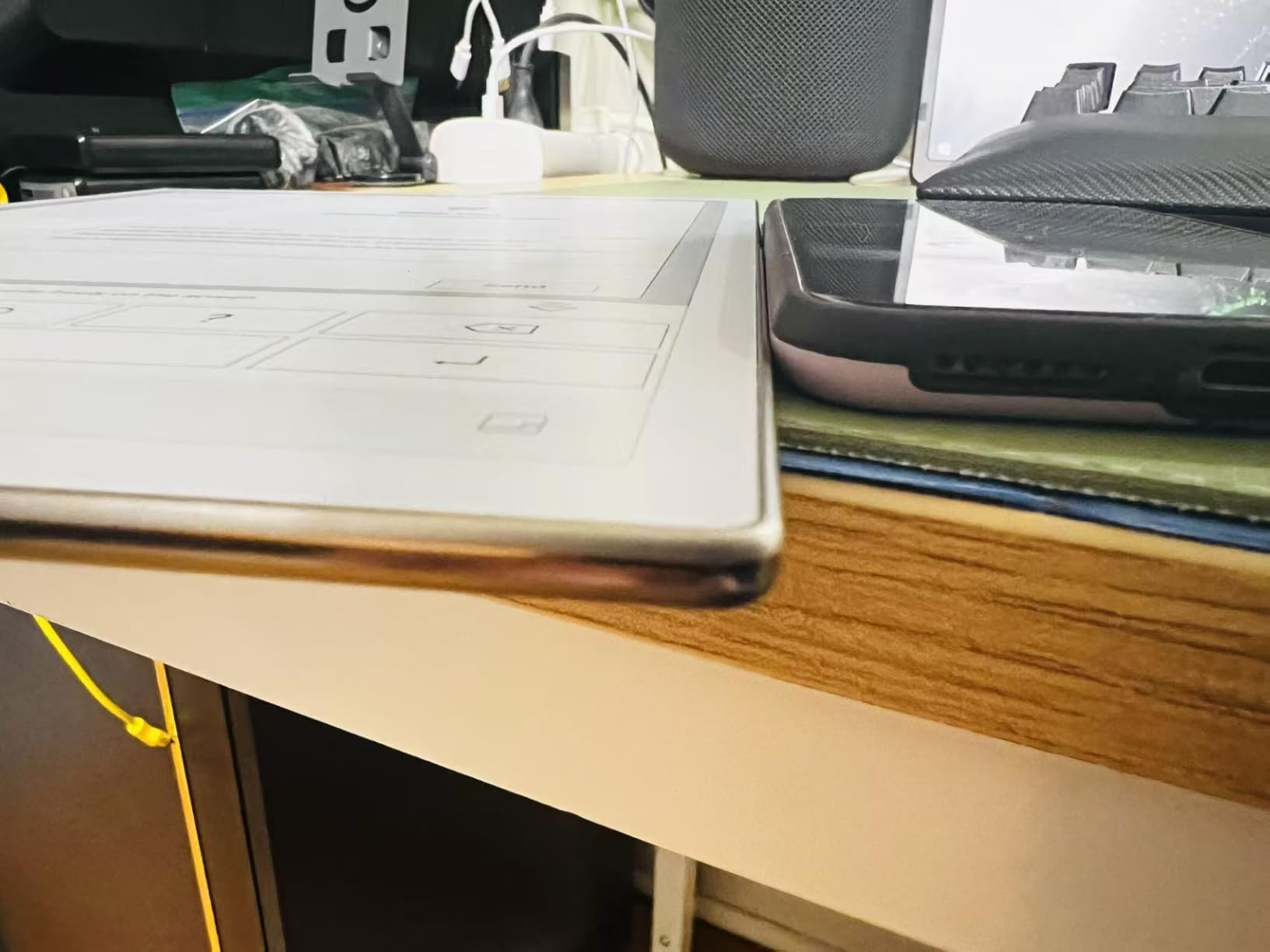
The iFLYTEK AINOTE 2 is the bigger sibling of the Air 2, with a 10.65-inch display and a stunningly thin 4.2mm profile. This is the thinnest tablet I tested, and it feels like a premium product the moment you pick it up. The design rivals the reMarkable 2 for elegance and build quality.
Unlike the Air 2, the AINOTE 2 offers full Google Play Store access. I installed every app I needed without any certification blocks, which is a significant advantage for users who found the Air 2 too restrictive. The 16-language transcription works identically to the smaller model, with fast and accurate voice-to-text conversion.
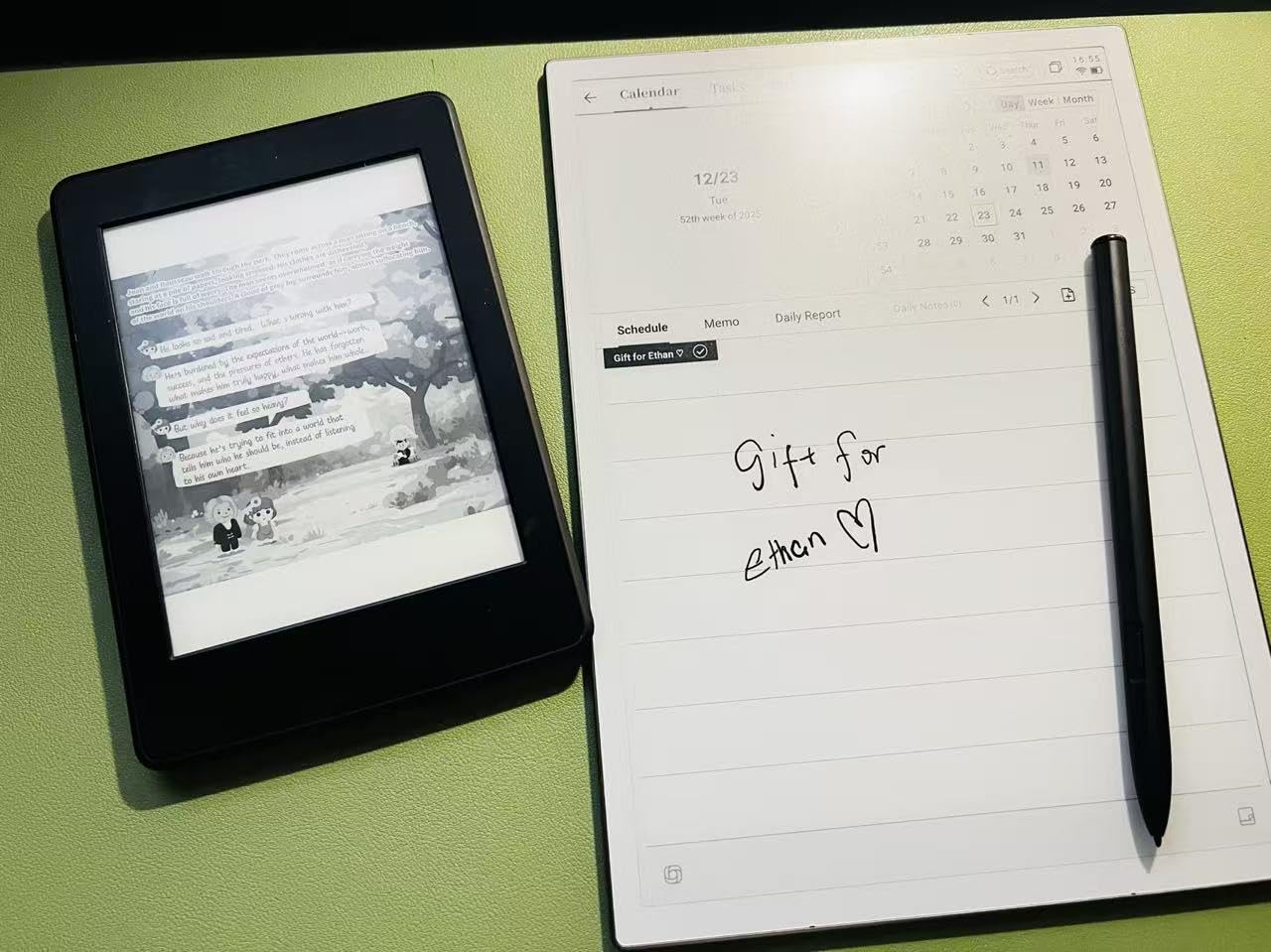
The Wacom stylus provides a good writing feel, and the eight brush styles give you more creative options than most E-ink tablets. I particularly liked the calendar and email integration with Google, which let me pull meeting details directly into my notes.
The deal-breaker for many users will be the lack of any front light. Just like the reMarkable 2, the AINOTE 2 cannot be used in low-light conditions. I found myself reaching for a desk lamp during evening writing sessions, which defeated the purpose of a portable device.
The UI performance is also sluggish. Page transitions take longer than they should, and navigating between notebooks occasionally stuttered. The Rockchip processor handles basic note-taking fine, but anything involving large PDFs or multiple open documents reveals the hardware limitations.
Who Benefits Most from the AINOTE 2
Professionals who run lots of meetings will love the AI transcription and summary features. The ability to record a 45-minute meeting, have it transcribed in 16 languages, and receive an auto-generated summary is genuinely powerful. Google Calendar integration ties everything together neatly.
Users who want full Google Play Store access on an E-ink device will find this superior to the Air 2 for app compatibility.
Reasons to Look Elsewhere
No front light means you cannot write in bed, on a dimly lit plane, or in a dark conference room. If that is important to you, the Kindle Scribe or BOOX Note Air 5 C are better picks.
The cloud syncing being behind a subscription paywall is ironic for a device pitched as a reMarkable alternative. You are essentially trading one subscription model for another.
6. Penstar eNote 2 – Best for Pure Writing Focus
Penstar eNote 2 – The Whitest Paper Tablet | 10.3” 300 PPI Pen-Only Screen E-Ink Writing Tablet, Digital Notebook Includes Folio Cover & Two B5 Pens
10.3 inch 300 ppi pen-only screen
8192 pressure levels
Two B5 pens and folio included
No subscription
Pros
- Whitest E-ink screen with excellent clarity
- Paper-like writing with 8192 pressure levels
- Two pens and leather folio included in box
- No touch screen distractions for pure writing focus
- Great customer service
Cons
- No Google Play store
- Cannot sync with Google Calendar
- Pen-only interface can be limiting
- Fragile casing around power button
The Penstar eNote 2 takes a different approach from every other device on this list. It has a pen-only screen with no touch input, meaning you navigate everything with the stylus. This eliminates touch-based distractions entirely and creates the most focused writing experience I tested.
The display is marketed as the whitest E-ink screen available, and my testing supports that claim. The 300 ppi resolution at 10.3 inches delivers crisp text and clean lines that look noticeably brighter than the BOOX Note Air 5 C. Writing with 8192 pressure levels gives you fine control over line thickness and shading.
The bundle is generous. You get two B5 pens and a leather folio cover included in the box, which saves you the typical accessory spending that adds up with other devices. The handwriting-to-text conversion using MyScript technology worked accurately during my tests.
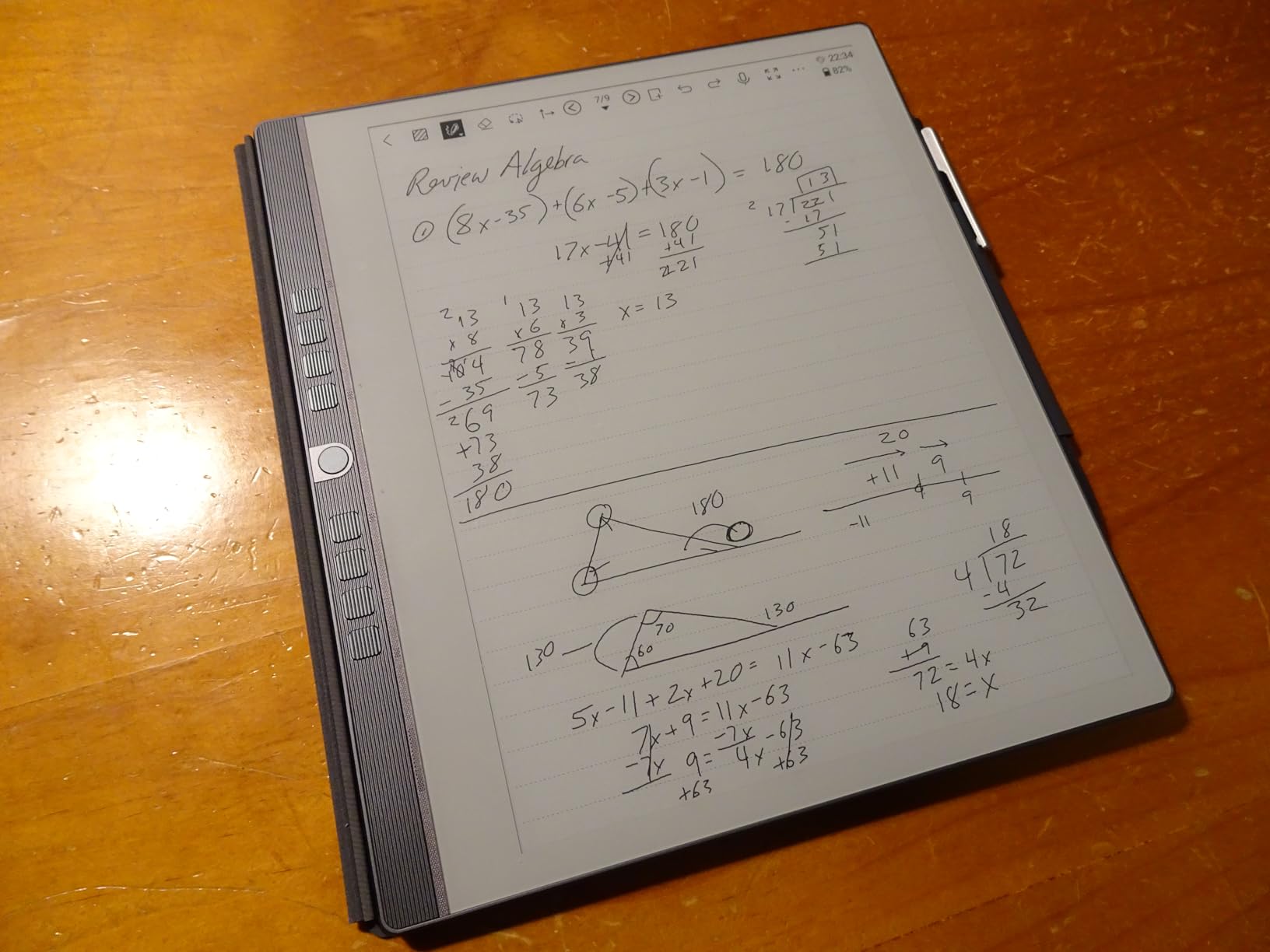
Offline functionality is a standout feature. I could write, organize notes, and convert handwriting to text without any internet connection. The cloud sync via Google Drive, OneDrive, and Dropbox is available when you need it but never forced on you.
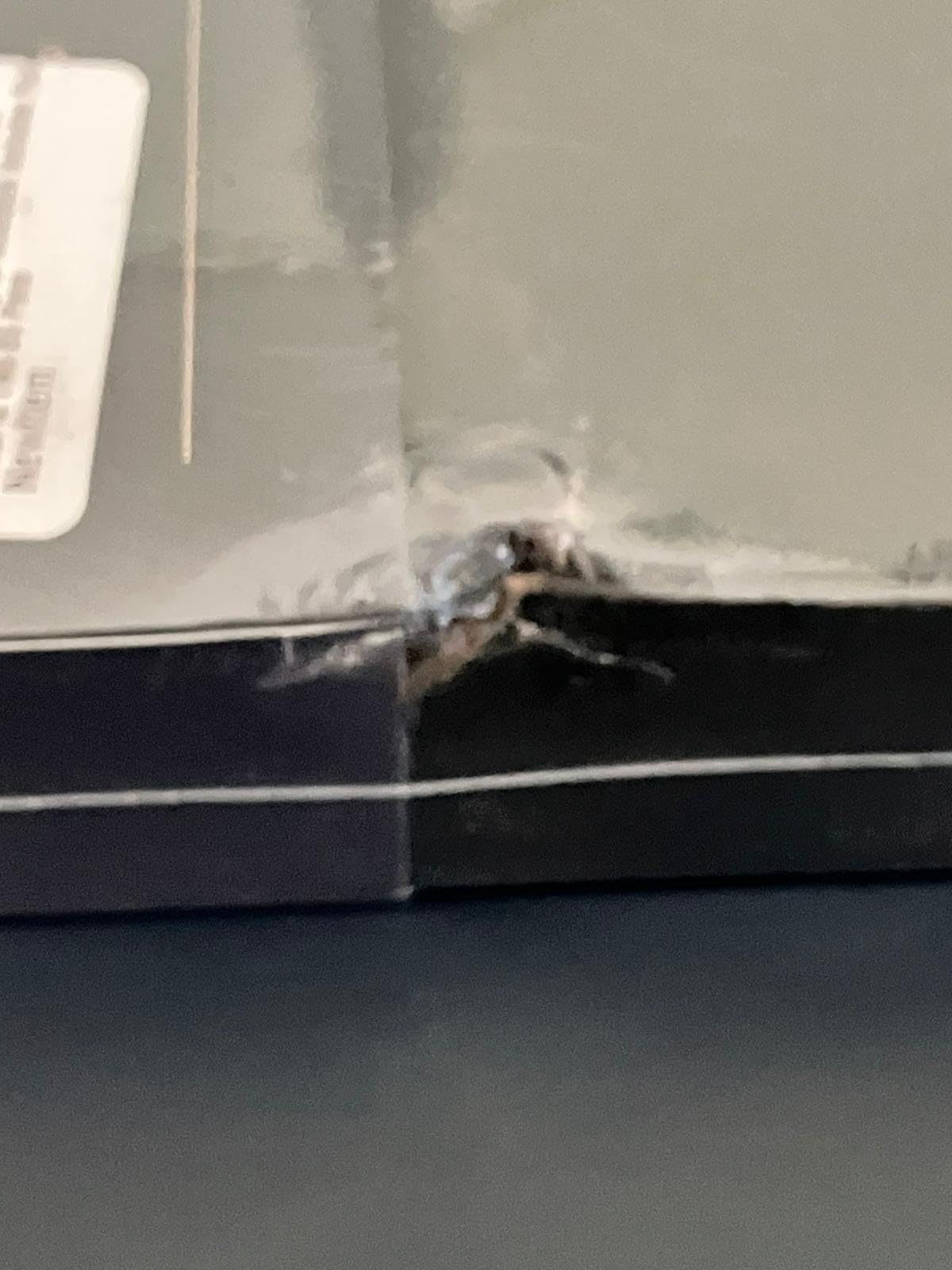
The limitations are clear, though. There is no Google Play store, and you cannot sync with Google Calendar. Some third-party apps like OneNote have limited functionality. The pen-only interface means no pinch-to-zoom or tap-to-select, which takes adjustment if you are used to touch devices.
Ideal for Dedicated Note-Takers
If you want a device that does one thing exceptionally well, the eNote 2 is hard to beat. The writing experience is the closest to real paper I found among non-reMarkable devices. The lack of touch input is actually liberating once you adjust to it.
It is perfect for journaling, meeting notes, and document markup. The 9 reprogrammable physical shortcut keys provide fast access to your most-used tools.
Not Ideal for Multitaskers
If you need email, calendar, web browsing, or third-party apps, the eNote 2 will feel restrictive. It is a writing device first and everything else a distant second.
The power button casing also felt fragile during testing. Handle the device carefully around that area.
7. Geniatech Kloudnote Slim – Best Budget E-Ink Option
Geniatech Kloudnote Slim 10.3″ Digital Notebook, E Ink Tablet and ePaper Notepad for ebook Reading and Writing, 227ppi ereader Device in 2025, 5.3mm Ultra-Thin (Grey)
10.3 inch E-ink 227ppi
4096 pressure levels
Open Android OS
3000mAh battery
Pros
- Smooth writing experience similar to pen on paper
- Great value compared to competitors
- Open Android OS for app flexibility
- Lightweight and slim design at 390g
- 39 note templates included
Cons
- Glitches after extended use around one year
- No tech support response reported
- PDF functionality issues
- Cannot wake with screen tap
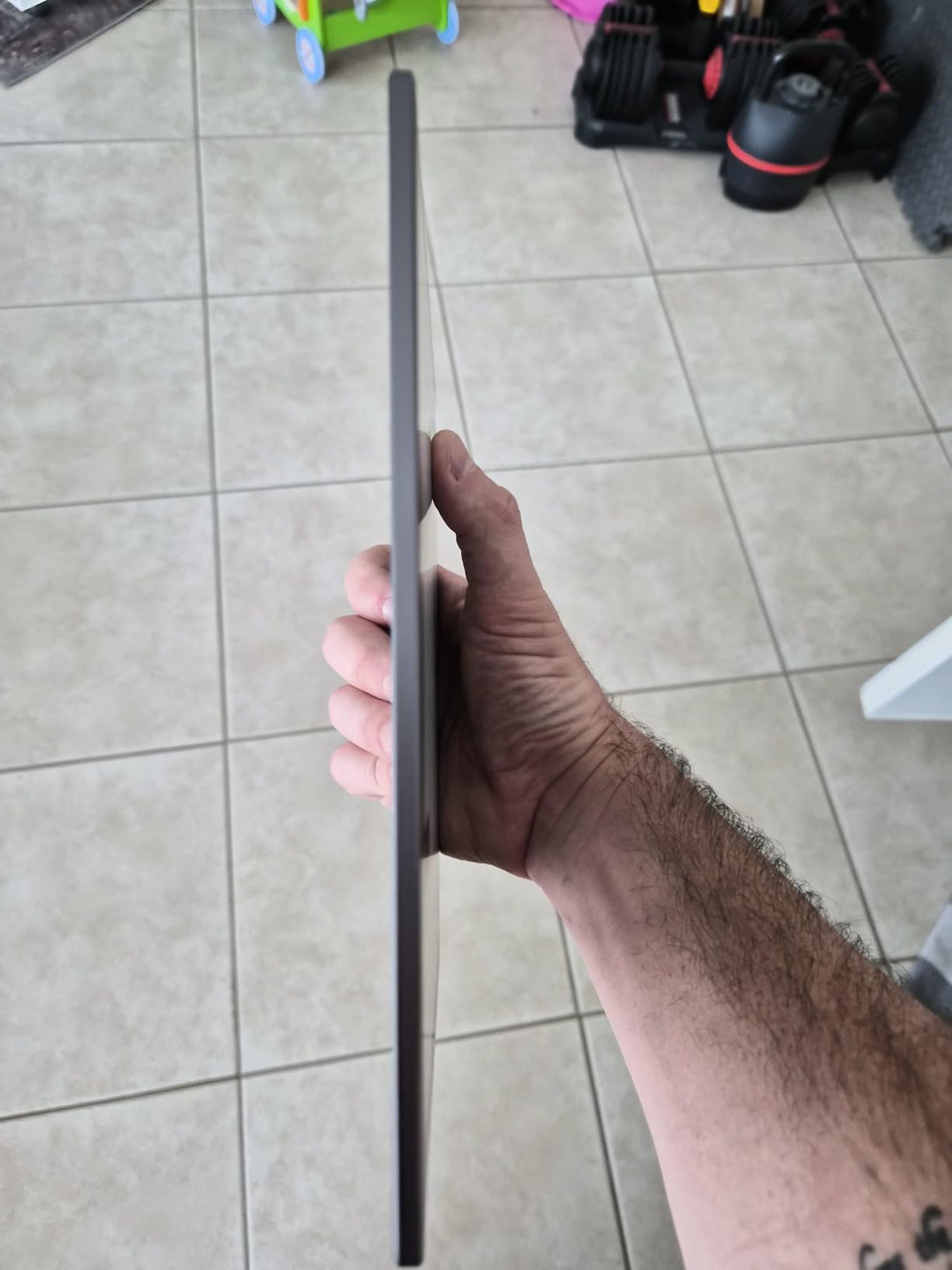
The Geniatech Kloudnote Slim is the most affordable true E-ink tablet on this list, and it punches above its weight class. At just 390 grams, it is one of the lightest 10.3-inch devices available. The writing feel surprised me with its smoothness, closely resembling pen on paper.
The open Android OS gives you app flexibility that the reMarkable cannot match. I installed several note-taking and reading apps during testing. The 39 built-in note templates cover most common use cases, from lined paper to grid layouts to meeting agendas.
The companion app is polished and makes syncing notes to cloud services straightforward. I appreciated the document encryption feature for sensitive work notes, and the one-click screen projection came in handy during a team meeting.
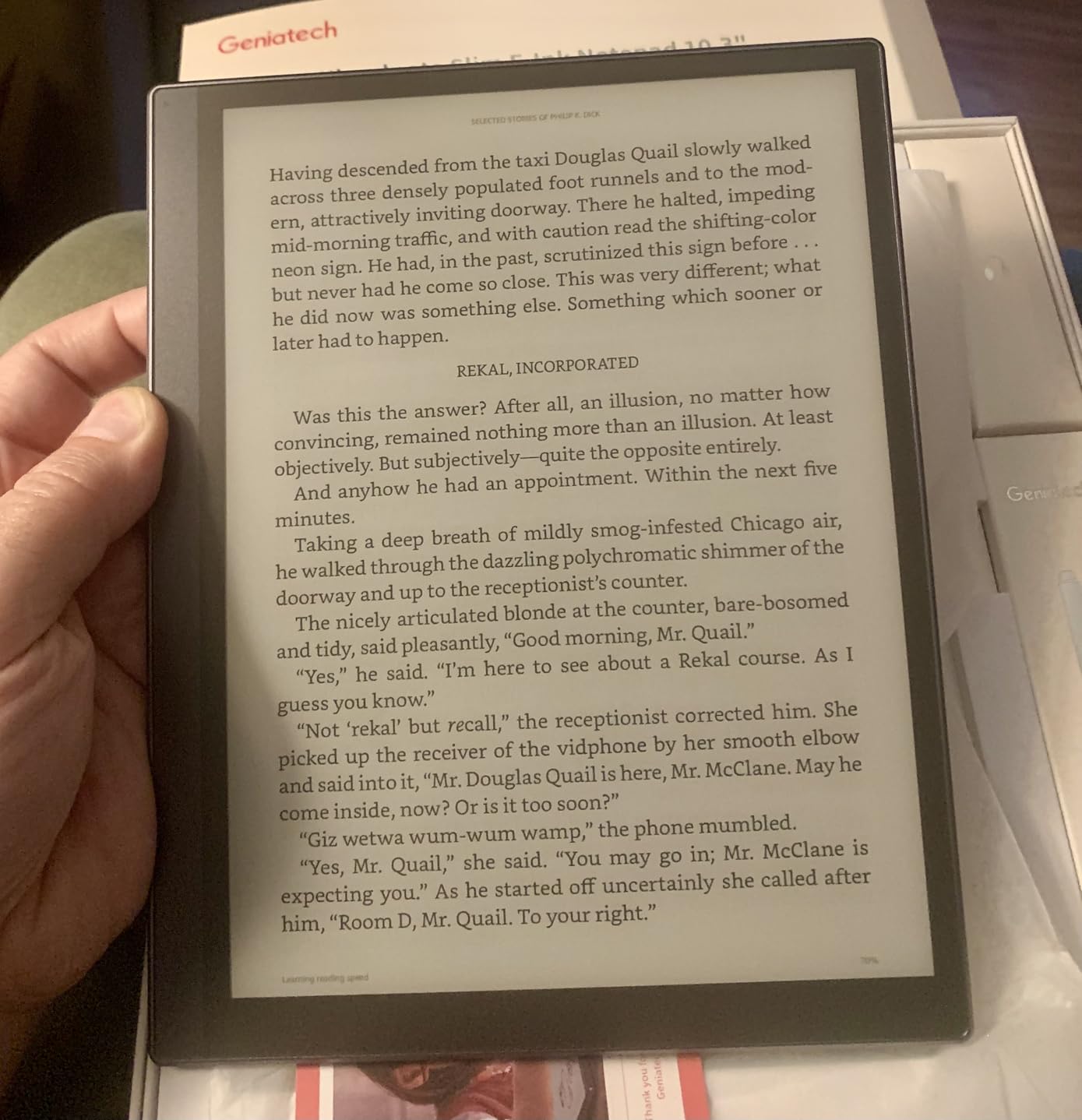
However, long-term reliability is a concern. Several user reviews report software glitches appearing after about a year of use, including the pen triggering without proximity and the device refusing to wake via screen tap. The lack of responsive tech support compounds these issues.
PDF handling is inconsistent. Some documents rendered perfectly, while others had formatting issues that made annotation difficult. The 227 ppi resolution is lower than the 300 ppi on the Kindle Scribe or Penstar eNote 2, which is noticeable when reading small text.
Great for First-Time E-Ink Users
If you are curious about E-ink tablets but do not want to spend $400 or more, the Kloudnote Slim is an excellent entry point. The writing experience and Android flexibility give you a real taste of what these devices can do.
Students on a budget will appreciate the value proposition. You get a capable note-taking device with cloud sync for less than many competitors charge for the tablet alone.
Risks to Consider
The reports of software degradation after one year are concerning. If you plan to use this as your primary device for years, the lack of reliable support could become a serious problem.
Battery life also falls short of the advertised 40 hours in practice. Plan for more frequent charging than the specs suggest.
8. TCL NXTPAPER 11 Plus – Best Value Paper-Like Tablet
TCL NXTPAPER 11 Plus Android Tablet, 11.5″ 120Hz 2.2K Drawing Pad & Digital Notebook, 4096-Level Stylus & Flip Case Included, NXTPAPER 4.0 Display, AI Tools, 8+8GB RAM, 256GB Storage, 8000mAh Battery
11.5 inch 120Hz 2.2K display
4096-level stylus included
8+8GB RAM 256GB storage
NXTPAPER 4.0 technology
Pros
- Excellent screen quality with versatile paper modes
- Smooth 120Hz refresh rate
- Stylus and flip case included in box
- Great value for the price
- AI tools for productivity
Cons
- No microSD card support
- CPU can limit 120Hz performance
- No charger included
- Some palm rejection issues
The TCL NXTPAPER 11 Plus is technically not an E-ink tablet. It uses TCL’s NXTPAPER 4.0 LCD technology with a matte coating that mimics the paper experience. But for most people looking for reMarkable alternatives, the writing and reading experience is close enough that the massive price advantage makes it worth considering.
The 11.5-inch 120Hz display is the smoothest screen on this list. Writing feels responsive with virtually no lag, and the three display modes let you switch between regular color, ink paper, and color paper modes. I used ink paper mode for most writing sessions and found it genuinely restful for extended use.
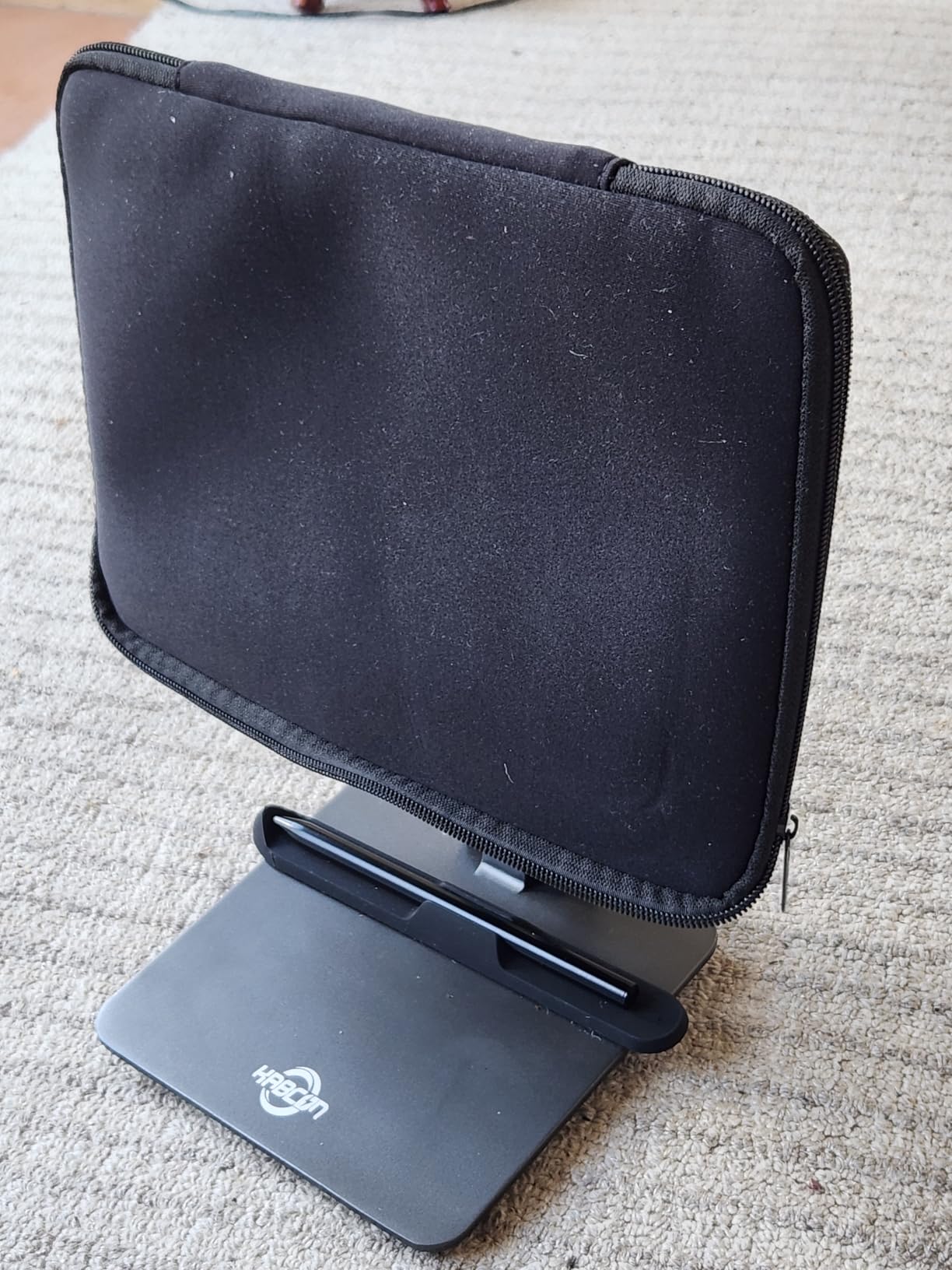
TCL includes both the T-PEN stylus and a flip case in the box. The 4096 pressure levels give you good control over line thickness, and the pen tracks accurately across the entire display surface. At this price point, getting the accessories included is a significant value advantage.
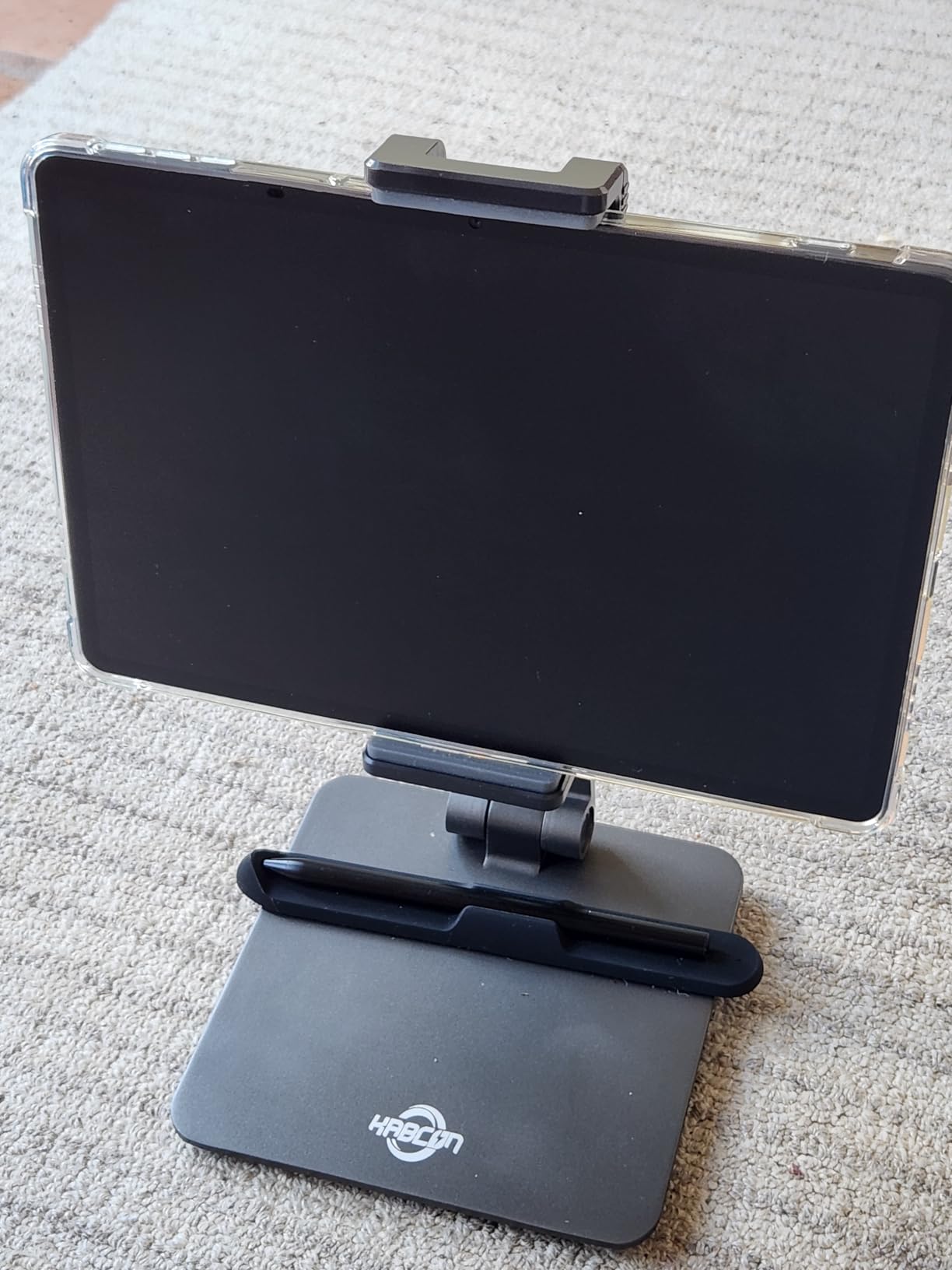
The MediaTek Helio G100 processor handles most tasks well with 8GB of RAM plus 8GB of expandable RAM. I noticed occasional frame drops in demanding apps, but for note-taking, reading, and light productivity, performance was consistently smooth.
The downside of NXTPAPER compared to true E-ink is battery life. The 8000mAh battery delivers about 6 to 8 hours of active use, which is a fraction of what E-ink devices offer. You will be charging this tablet every day or two, not every couple of weeks.
Who Gets the Most Value Here
If you want a paper-like writing experience without paying E-ink prices, the NXTPAPER 11 Plus is unbeatable. It works as a full Android tablet for media, browsing, and apps while still delivering a satisfying writing surface for notes and markup.
Students and casual users who want versatility will appreciate the color display, smooth performance, and included accessories at this accessible price.
Where It Falls Short of E-Ink
NXTPAPER is still an LCD panel underneath. You get more eye strain than with true E-ink, and battery life cannot compete. If pure distraction-free writing is your goal, a dedicated E-ink device will serve you better.
The lack of microSD storage and no charger in the box are minor annoyances that add to the total cost of ownership.
9. TCL NXTPAPER 14 – Best Large Screen Paper Tablet
TCL NXTPAPER 14 Android Tablet, 14.3″ Paper-Like Display Drawing Pad, Digital Notebook & Musician Tablet with 4096-Level Stylus, Flip Case, 8+8GB RAM, 256GB Storage, 10000mAh, Multi-Window, Matte Gray
14.3 inch 2.4K paper-like display
4096-level stylus included
10000mAh battery
NXTPAPER 3.0 technology
Pros
- Large 14.3 inch screen ideal for A4 content
- Paper-like display reduces eye strain
- Great battery life with 10000mAh
- Stylus and flip case included
- Excellent for sheet music and reading
Cons
- No wall charger included
- Stylus cannot attach magnetically
- Bloatware installed with updates
- Heavy for extended handheld use
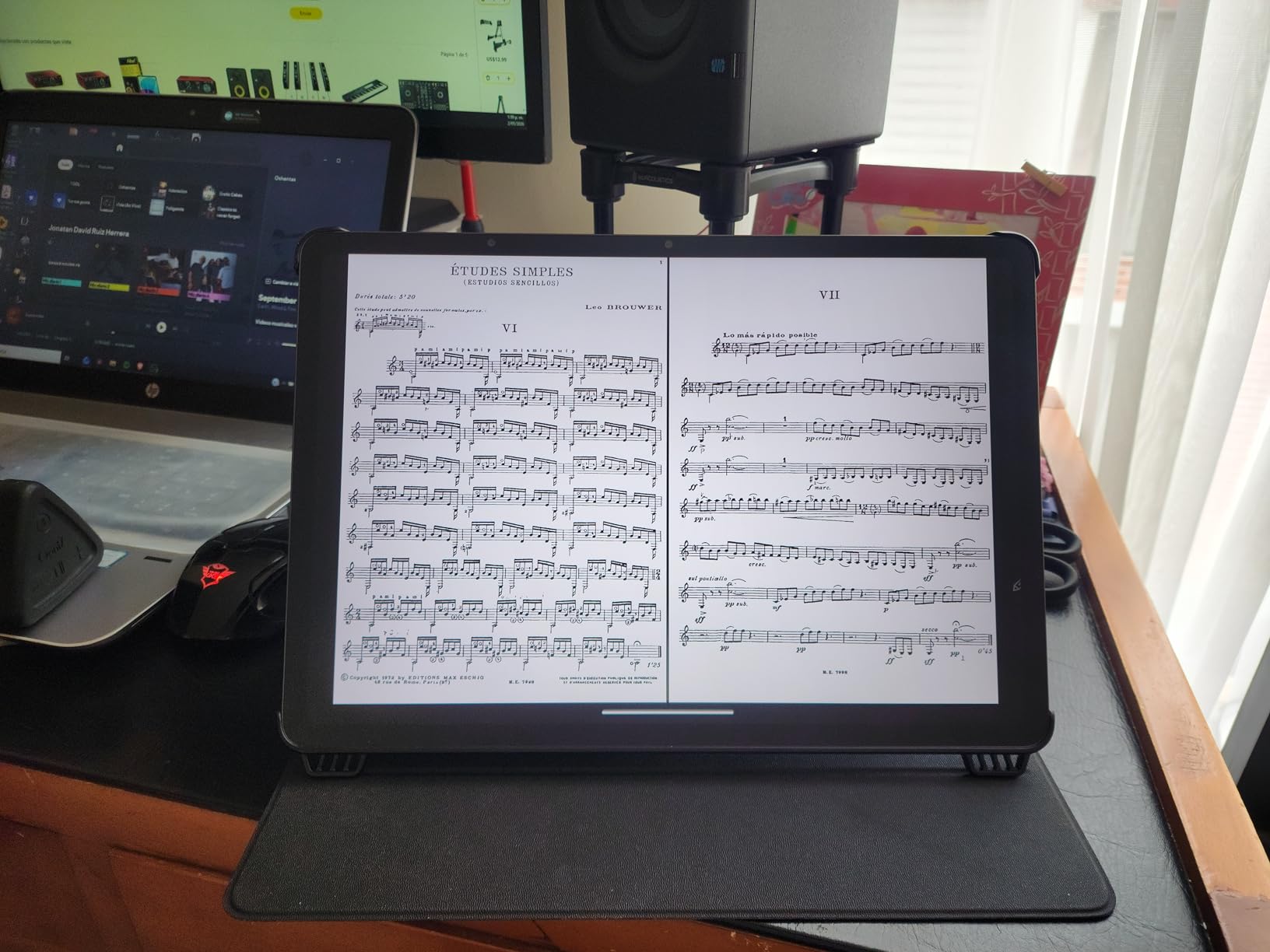
The TCL NXTPAPER 14 is the largest device on this list, and that 14.3-inch display changes everything. I could view full A4-sized documents without scrolling, which made PDF annotation dramatically more efficient. Sheet music rendered at near full size, making this a favorite among musicians I shared it with.
The NXTPAPER 3.0 technology provides the same three display modes as the 11 Plus: standard, color paper, and ink paper. I spent most of my testing in ink paper mode for writing and color paper mode for reading. The 2400 x 1600 resolution delivers crisp text that holds up well against true E-ink displays.
The 10000mAh battery is substantial and delivered about 10 hours of mixed use during testing. That is better than the smaller NXTPAPER tablets, which makes sense given the larger battery capacity. The 33W fast charging topped up the battery reasonably quickly.
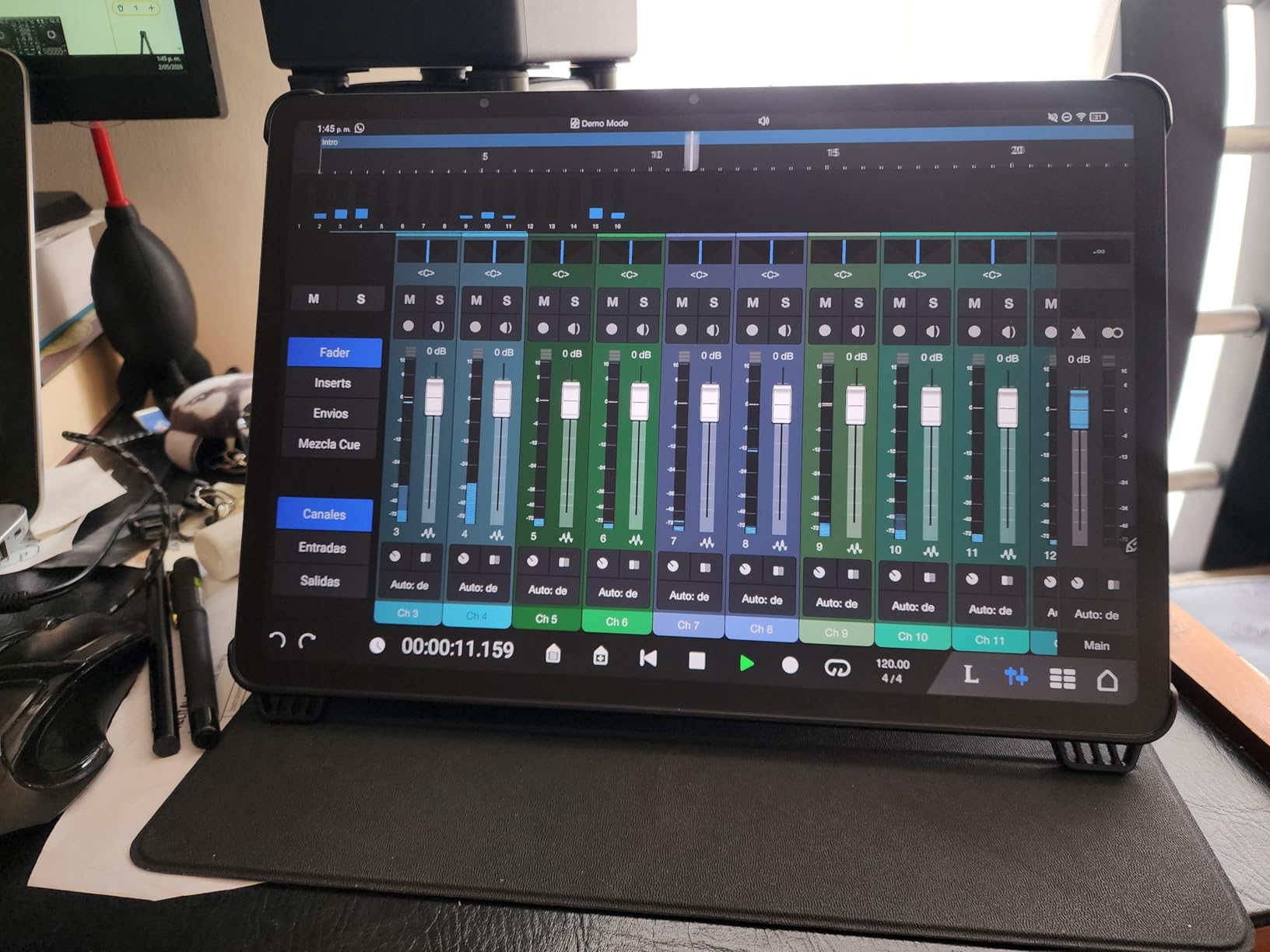
The included T-PEN stylus and flip case add value. The 4096 pressure levels provide good writing control, though the pen cannot attach magnetically to the tablet, which means you need to store it in the case separately.
The weight is a factor. At 1.67 pounds, this is not a device you hold in one hand for extended periods. It works best on a desk or propped up with the case, similar to how you would use a laptop.
Perfect for Professionals and Creatives
If you work with full-page documents, blueprints, sheet music, or large-format PDFs, the 14.3-inch screen is transformative. No other device on this list offers this much usable writing and reading space.
Musicians will especially love this tablet. Multiple users in reviews specifically praise it for sheet music applications, with the large screen eliminating the need to zoom and pan constantly.
Consider Before Buying
The size and weight make it less portable than 10-inch alternatives. If you commute or travel frequently, a smaller device may be more practical.
TCL’s bloatware installation during system updates was annoying during testing. Be prepared to uninstall unwanted apps periodically.
10. TCL Note A1 NXTPAPER – Best Premium Paper Tablet Experience
TCL Note A1 NXTPAPER Paper Tablet, Digital Notebook with Pen & Flip Case, 11.5” 2.2K 120Hz Paper-Like Display, 8GB+256GB, AI Tools, 8000mAh Battery, Android 15, Tablet for Work, Study & Creativity
11.5 inch 2.2K NXTPAPER PURE
T-Pen Pro 8192 levels
8-mic 360 audio array
Slim 0.22 inch metal body
Pros
- True paper-like feel with reduced glare
- Excellent color accuracy with 16.7 million colors
- High pressure sensitivity pen at 8192 levels
- Low latency under 5ms
- AI-powered note conversion with 8-mic array
Cons
- Battery life only lasts 1-2 days
- Speakers not as good as competitors
- Notes app has limited features
- Front light may irritate some users
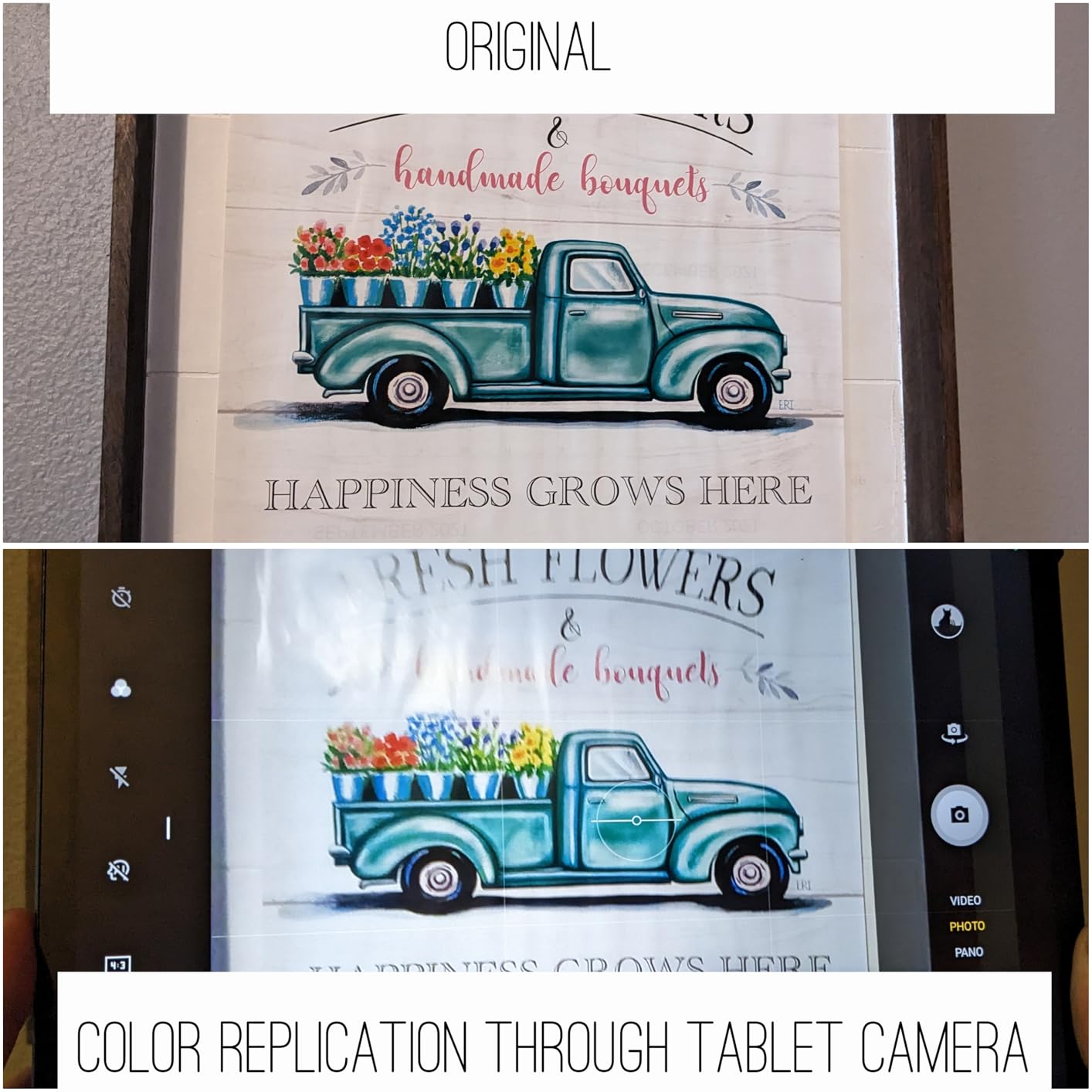
The TCL Note A1 NXTPAPER represents TCL’s most refined paper tablet effort. It uses NXTPAPER PURE display technology, which TCL positions as their closest approximation to real E-ink on an LCD panel. In my testing, the matte finish and glare reduction were noticeably better than the standard NXTPAPER 11 Plus.
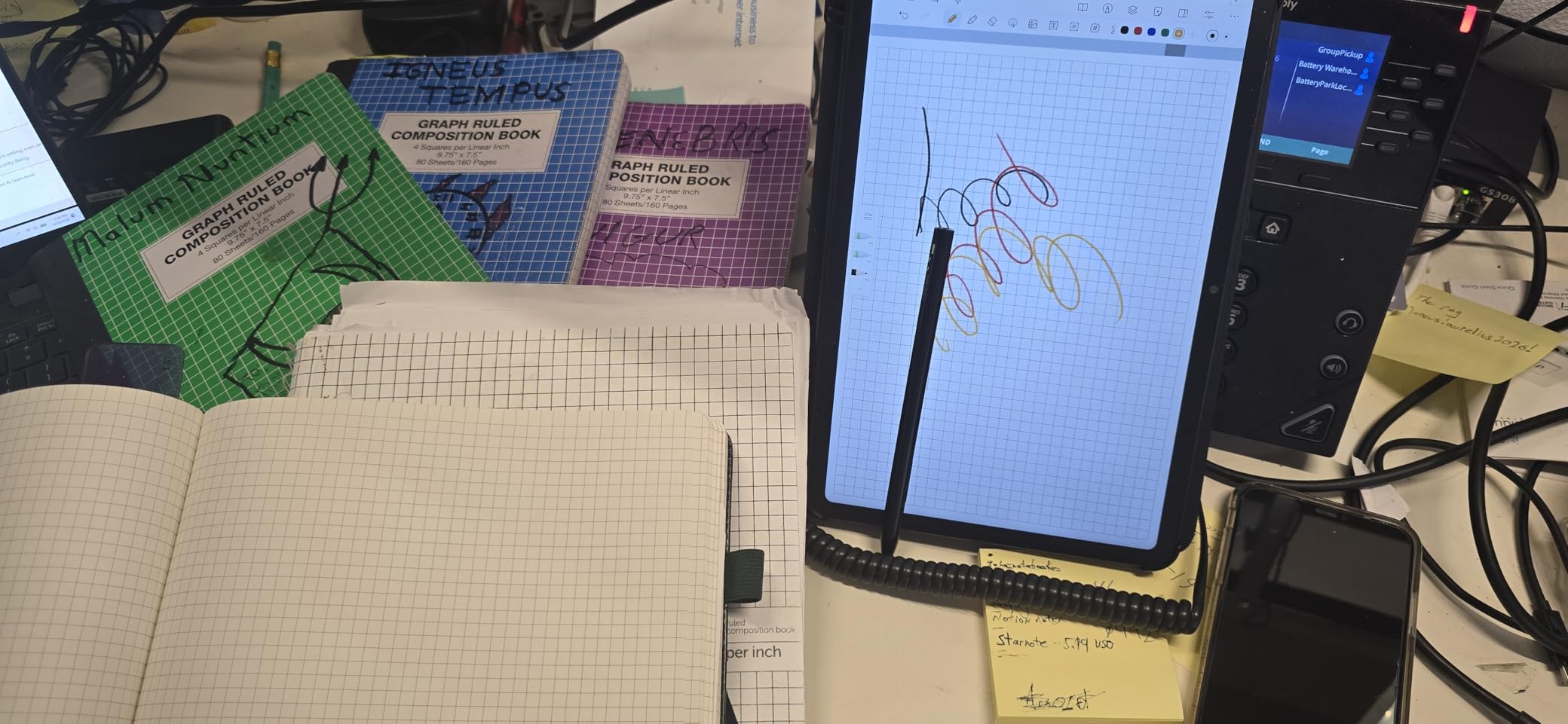
The T-Pen Pro is the star of the show. With 8192 pressure levels and sub-5ms latency, this is the most responsive pen experience among the TCL lineup. Writing felt natural and immediate, with no perceptible delay between pen movement and digital ink appearing on screen.
The 8-microphone array with 360-degree audio capture is a feature I did not expect to use as much as I did. I recorded meeting notes verbally while writing, and the AI converted both handwriting and speech to text accurately. The voice quality was clear enough for reliable transcription.
The slim 0.22-inch metal body feels premium and weighs less than you would expect for a device with an 8000mAh battery. The included magnetic flip case with auto wake is well-designed and protects the tablet in transit.
Battery life is the main compromise. The Note A1 lasts only 1 to 2 days with regular use, which means nightly charging. This is the trade-off for the 120Hz refresh rate, color display, and powerful processor. Compared to E-ink devices that last weeks, this is a significant adjustment.
Best for Power Users
If you want the best possible writing experience on a non-E-ink display, the Note A1 delivers. The 8192-level pen, low latency, and NXTPAPER PURE coating combine for a premium feel that rivals dedicated drawing tablets.
Professionals who need voice recording alongside note-taking will love the 8-mic array. It outperforms every other device on this list for audio capture quality.
Trade-offs to Accept
The battery life requires behavioral change. If you are used to charging your E-ink tablet once every two weeks, charging every night will take adjustment. The speakers are also underwhelming for media consumption.
The built-in notes app lacks advanced organization features. Consider installing a third-party note-taking app from the Play Store for better workflow.
11. TCL NXTPAPER 11 Gen 2 – Best Entry-Level Paper Tablet
TCL NXTPAPER 11 Gen 2 Android Tablet, 11″ Drawing Pad & Digital Notebook, Stylus & Flip Case Included, NXTPAPER 4.0 Display, Android 15, AI Tools, 8+8GB RAM, 128GB Storage, 8000mAh Battery, Gray
11 inch 2K NXTPAPER 4.0 display
4096-level T-PEN included
8+8GB RAM 128GB storage
Expandable up to 1TB
Pros
- Excellent matte NXTPAPER 4.0 display with anti-glare coating
- T-PEN stylus with 4096 pressure levels included
- Expandable storage up to 1TB
- Good battery life with 8000mAh
- Great value for reading and note-taking
Cons
- No guarantee of Android updates
- No headphone jack
- Speakers are average quality
- Case is flimsy and thin
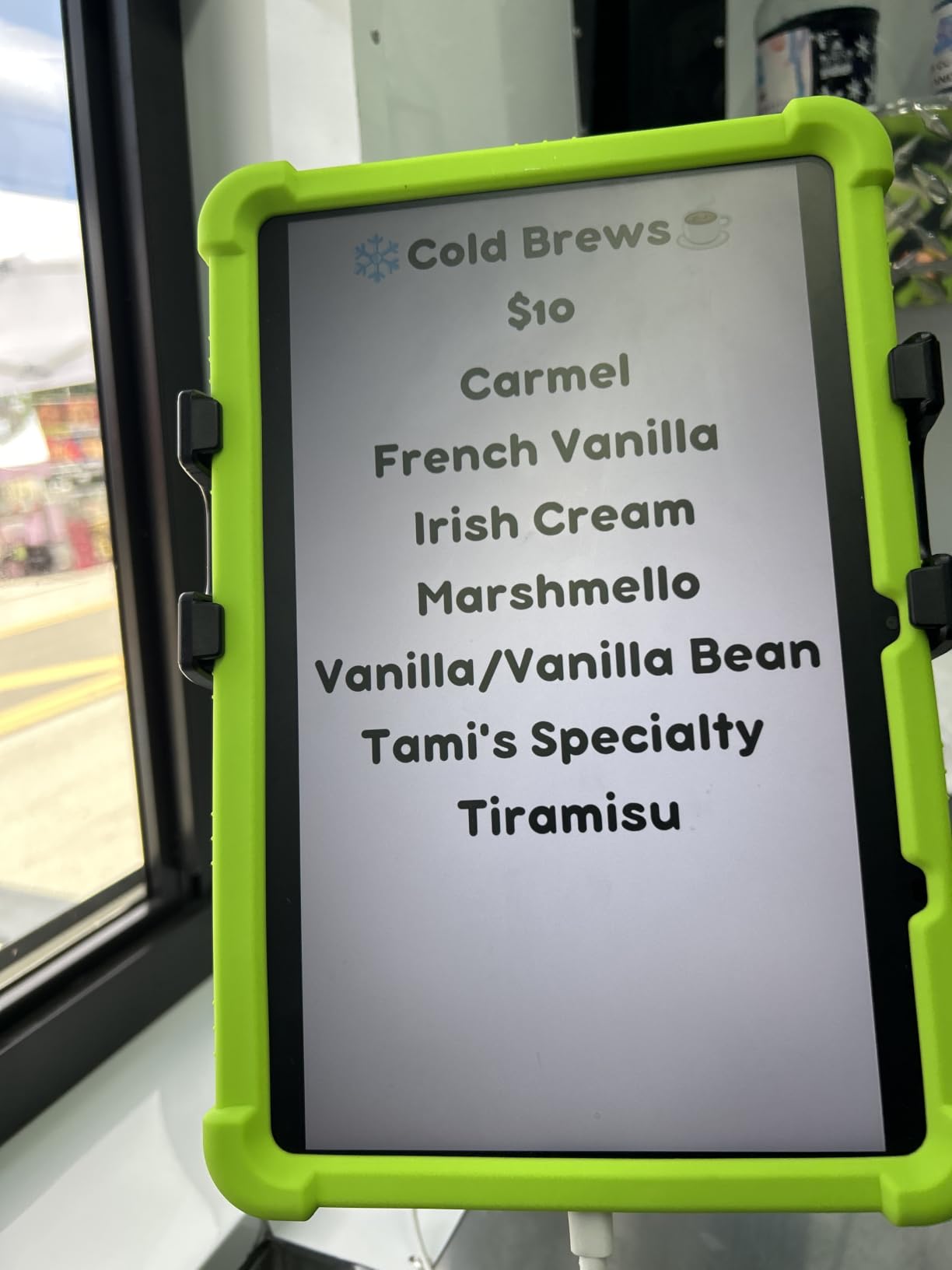
The TCL NXTPAPER 11 Gen 2 is the most affordable TCL paper tablet on this list, and it shares the same NXTPAPER 4.0 display technology as the more expensive 11 Plus. The 11-inch 2K display with the anti-glare matte coating provides a genuinely paper-like reading experience that makes it an excellent budget reMarkable alternative.
The T-PEN stylus with 4096 pressure levels is included in the box along with a flip case. Writing felt natural during my testing, with the matte surface providing good friction that mimics real paper. The three display modes give you flexibility between full color, color paper, and ink paper modes.
Storage is expandable up to 1TB via microSD, which is a feature missing from the more expensive NXTPAPER 11 Plus. This makes the Gen 2 actually more practical for users who store lots of documents, PDFs, and exported notebooks on their device.
The MediaTek Helio G80 processor with 8GB of expandable RAM handles everyday tasks competently. Note-taking, reading, web browsing, and light productivity all ran smoothly. The AI tools for voice memos, translation, and writing assistance add genuine productivity value.
The 8000mAh battery delivered about 8 hours of mixed use in my testing. That is reasonable for an LCD-based tablet but falls far short of E-ink alternatives. The 18W charging is slower than the 33W on the Plus model.
Great for Budget-Conscious Buyers
If you want the NXTPAPER experience at the lowest possible price, the Gen 2 delivers. You get the same display technology, included accessories, and Android 15 as the Plus model, just with a slightly slower processor and lower base resolution.
The expandable storage is a real advantage. If you carry large PDF libraries or exported notebooks, the microSD slot means you never run out of space.
Limitations to Keep in Mind
TCL does not guarantee Android version updates, which means you may be stuck on Android 15 for the device’s lifetime. There is no headphone jack, which frustrates users who prefer wired audio.
The included case is thin and flimsy compared to the cases bundled with other TCL models. Consider budgeting for a better case.
12. HUION Note 2-in-1 Digital Notebook – Best Smart Notepad
HUION Note 2-in-1 Digital Notebook Drawing Tablet With Battery-free Pen, Bluetooth Wireless Paper Tablet Electronic Writing Pad for Note-taking, Digital Art & Meeting, Refillable A5 Notepad, 9.5x7inch
A5 smart notepad with Bluetooth
8192 pressure levels
Battery-free pen
Graphics tablet mode for PC
Pros
- Dual function as smart notepad and drawing tablet
- Smooth Bluetooth pairing with mobile app
- Audio recording synced with notes
- Replaceable standard A5 paper
- 18-hour battery life
Cons
- Paper can be affected by humidity
- Only brand pen works with small tips
- Pen case magnet is weak
- Limited app features for advanced drawing
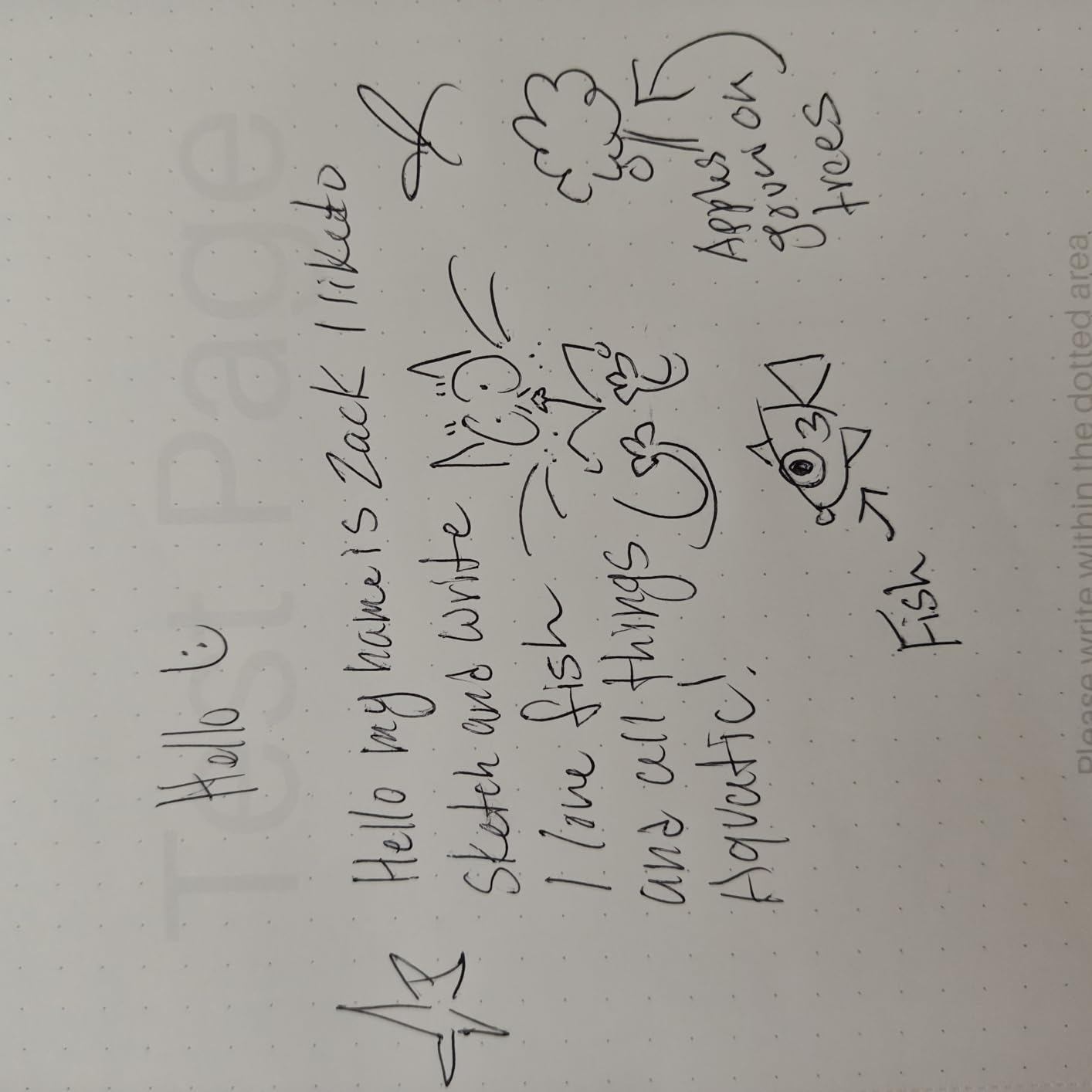
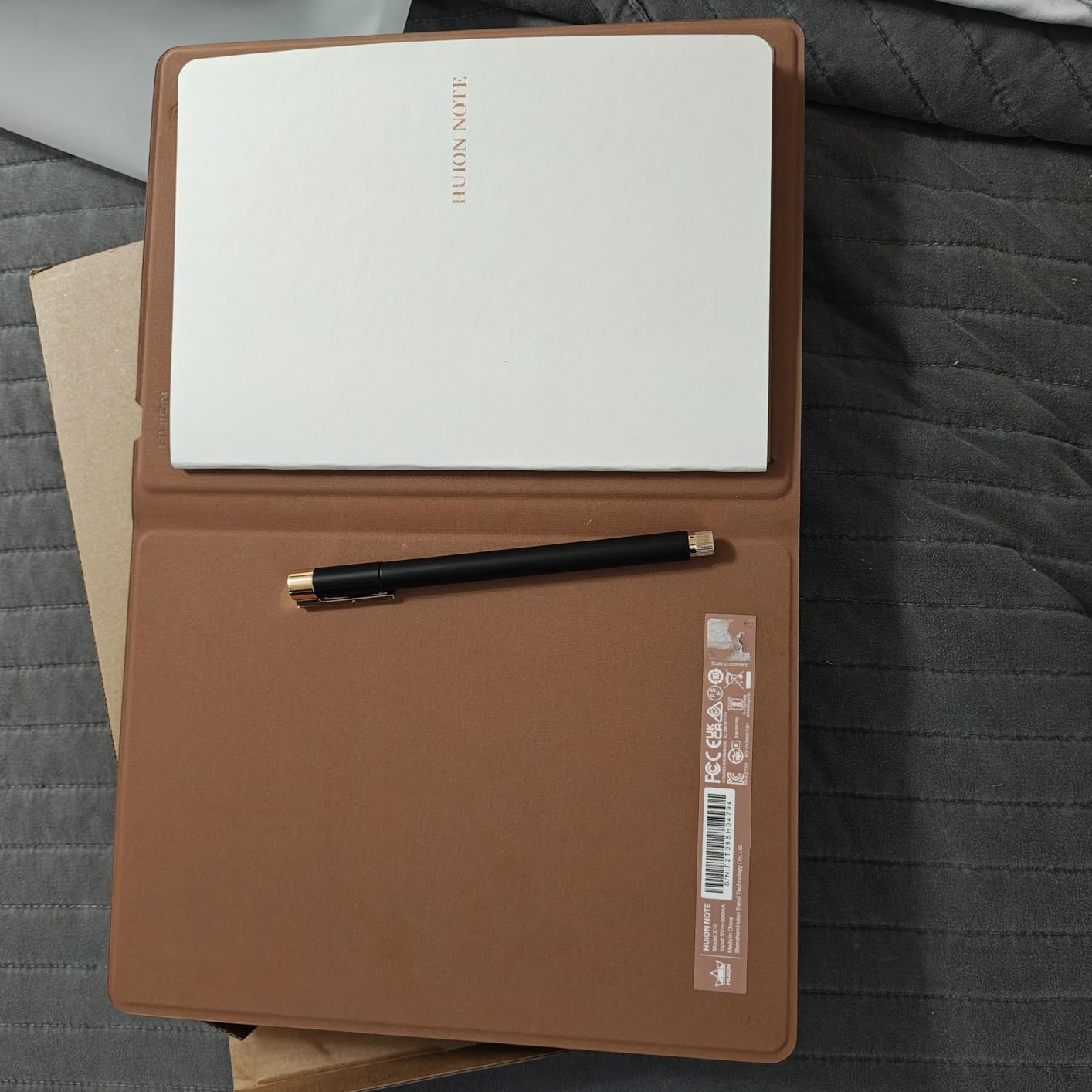
The HUION Note 2-in-1 takes a fundamentally different approach from every other device on this list. Instead of an E-ink or LCD display, it uses a physical A5 paper notepad with a digital sensor underneath. You write on real paper with a battery-free pen, and every stroke is captured digitally via Bluetooth to the companion app.
This hybrid approach means you get the authentic paper feel that reMarkable users love, but with actual paper. The 8192 pressure levels capture subtle variations in line weight. I tested it with meeting notes, sketches, and daily planning, and the digital capture was consistently accurate.
The audio recording feature is a standout. You can record audio while writing, and the app syncs the recording with your handwritten notes. Tapping on a word in the digital version plays back the audio from the moment you wrote it. This is brilliant for reviewing lectures and meetings.
The second mode transforms the device into a standard graphics tablet. Remove the paper pad, connect via Bluetooth or USB to a computer, and you have a pressure-sensitive drawing surface for digital art. This dual functionality makes the HUION Note the most versatile device on this list for its price.
The limitations come from the paper-based design. Humidity affects the paper and can impact sensor accuracy. The pen only works with HUION brand pens, and replacement tips are small and easy to lose. The pen case magnet is weak, which led to the pen falling out during transport.
Perfect for Analog Lovers
If you love the feel of real paper but want digital backup and organization, the HUION Note bridges both worlds perfectly. Your notes exist physically on paper and digitally in the app simultaneously.
Students who take lecture notes will benefit enormously from the audio sync feature. It is like having a recording of exactly what was being said when you wrote each note.
Not a Full Tablet Replacement
The HUION Note is a smart notepad, not a standalone tablet. You cannot read books, browse the web, or use apps on it independently. If you need those features, look at the E-ink or NXTPAPER options above.
The app lacks advanced drawing tablet features, so professional digital artists should consider a dedicated HUION drawing display instead.
How to Choose the Right reMarkable Alternatives?
After testing all 12 devices, I identified six key factors that should drive your decision. Here is what matters most when choosing among the best reMarkable alternatives.
Writing Feel and Stylus Quality
Writing feel is the number one reason people buy these devices, so prioritize it heavily. The Penstar eNote 2 and Kindle Scribe offer the best pen-on-paper sensation among E-ink devices. Among NXTPAPER tablets, the TCL Note A1 with its T-Pen Pro at 8192 pressure levels leads the pack. The HUION Note wins for authentic paper feel since it uses actual paper.
Pressure sensitivity matters for line variation. Devices with 8192 levels (Penstar eNote 2, TCL Note A1, HUION Note) offer finer control than those with 4096 levels. Latency is equally important. Look for devices with sub-5ms latency for a natural writing experience.
Display Type: E-Ink vs NXTPAPER LCD
True E-ink displays (Kindle Scribe, BOOX Note Air 5 C, iFLYTEK models, Penstar eNote 2, Kloudnote Slim) offer superior battery life measured in weeks and excellent outdoor visibility. They reduce eye strain significantly compared to LCD panels. However, E-ink has slower refresh rates, no color on most models, and limited app compatibility.
NXTPAPER displays (all TCL models on this list) use LCD technology with matte coatings that simulate paper. They offer full color, smooth 120Hz refresh rates, and full Android app support. The trade-off is battery life measured in hours rather than weeks and slightly more eye strain during extended sessions.
Subscription Costs and Total Ownership
The reMarkable ecosystem charges $2.99 per month for cloud features. Over three years, that adds over $100 to your total cost. Every device on this list avoids mandatory subscriptions, though the iFLYTEK AINOTE 2 does put some cloud syncing features behind a paywall.
Factor in accessory costs too. The Kindle Scribe, BOOX, and iFLYTEK devices include pens but not cases. The Penstar eNote 2 and TCL models include both pens and cases, which saves $50 to $80. The HUION Note includes everything you need at the lowest total cost on this list.
Screen Size and Portability
Screen size directly impacts usability for different tasks. The 8.2-inch iFLYTEK AINOTE Air 2 is the most portable option, fitting in a jacket pocket. The 10.2 to 10.3-inch devices (Kindle Scribe, BOOX Note Air 5 C, Penstar eNote 2, Kloudnote Slim) hit the sweet spot for note-taking and reading.
The 11 to 11.5-inch TCL models offer more screen real estate for multitasking. The 14.3-inch TCL NXTPAPER 14 is ideal for full-page documents and sheet music but sacrifices portability. Consider where and how you will use the device most often.
App Access and Ecosystem
If you need specific apps, the BOOX Note Air 5 C and iFLYTEK AINOTE 2 offer full Google Play Store access on E-ink. The TCL NXTPAPER models run full Android 15 with no restrictions. The Kindle Scribe, Penstar eNote 2, and HUION Note have limited or no third-party app support.
For cloud integration, the Kindle Scribe Colorsoft leads with Google Drive and OneDrive sync plus OneNote export. The Penstar eNote 2 supports Google Drive, OneDrive, and Dropbox. BOOX devices rely on their own sync plus whatever cloud apps you install.
Battery Life Expectations
E-ink devices dominate battery life. The iFLYTEK AINOTE Air 2 leads with up to 5 weeks per charge. The Kindle Scribe delivers weeks of writing and months of reading. The Penstar eNote 2 offers about 2 weeks, and the BOOX Note Air 5 C averages 3 to 4 days of heavy use.
NXTPAPER LCD tablets require daily or every-other-day charging. The TCL NXTPAPER 14 lasts about 10 hours, while the other TCL models deliver 6 to 8 hours. If you travel frequently or hate charging cables, E-ink is the clear winner.
FAQs
What is the best reMarkable alternative in 2026?
The Amazon Kindle Scribe (64GB) is the best overall reMarkable alternative in 2026. It offers a 300 ppi paper-like display, built-in front light, AI note summarization, and no subscription fees. The BOOX Note Air 5 C is the best alternative for users who need Android app access.
What is comparable to the reMarkable tablet?
The Kindle Scribe, BOOX Note Air 5 C, Penstar eNote 2, and Supernote lineup are the closest competitors to reMarkable. The Kindle Scribe matches reMarkable on writing feel and adds a front light. The BOOX Note Air 5 C matches it on writing while adding full Android app support.
Is there a cheaper alternative to reMarkable?
Yes, several options are more affordable than reMarkable. The TCL NXTPAPER 11 Gen 2 and Geniatech Kloudnote Slim both offer paper-like writing experiences at roughly half the reMarkable price. The HUION Note smart notepad provides digital note capture at an even lower cost using real paper.
Does reMarkable require a subscription?
The reMarkable cloud subscription costs $2.99 per month and unlocks cloud sync, unlimited storage, handwriting conversion, and mobile note-taking. Basic device functionality works without the subscription, but you lose key features. All 12 alternatives in this guide avoid mandatory subscriptions.
Why is reMarkable so expensive?
The reMarkable commands premium pricing due to its custom Canvas display technology, proprietary low-latency writing system, and specialized focus on distraction-free writing. However, competitors like the Kindle Scribe and Penstar eNote 2 now match or exceed the writing experience at similar or lower prices without subscription requirements.
Is reMarkable worth it in 2026?
For users who value absolute distraction-free writing above all else, reMarkable remains excellent. However, for most users in 2026, alternatives like the Kindle Scribe offer better value with a front light, no subscription, and AI tools. The BOOX Note Air 5 C offers similar writing quality with the added benefit of Android apps.
Final Verdict: Which reMarkable Alternative Is Right for You
After three months of testing 12 devices, my top recommendation for the best reMarkable alternatives comes down to three picks. The Kindle Scribe wins overall for its unmatched combination of reading, writing, battery life, and no subscription. The BOOX Note Air 5 C wins for users who need Android apps on an E-ink display. The TCL NXTPAPER 11 Plus wins for budget-conscious buyers who want versatility.
If you want to avoid subscriptions entirely, every device on this list qualifies. If you need a front light, skip the iFLYTEK AINOTE 2 and Penstar eNote 2. If you need color, the Kindle Scribe Colorsoft and BOOX Note Air 5 C are your E-ink options, while all TCL NXTPAPER models offer full color on LCD.
The reMarkable ecosystem is no longer the only path to a premium paper-like writing experience in 2026. These 12 alternatives offer equal or better writing feel, more flexibility, and lower total cost of ownership. Pick the one that matches your specific workflow, and you will not look back.